I have spent the last three months testing 12 WiFi routers and access points across three homes, two offices, and one stubborn garage that refused to hold any signal at all. The short version: most “best of” lists online focus only on routers, but real coverage problems in large or multi-story homes often need a dedicated wireless access point. That is why this guide covers both categories side by side.
This is the only roundup I have seen that ranks the best wifi routers and access points in the same article, with seven WiFi routers and five dedicated access points tested head to head. I rated each on throughput, range, ease of setup, security, and real-world value. You will find Wi-Fi 6 budget picks, Wi-Fi 7 flagships, mesh systems, and enterprise-flavored APs from Ubiquiti and TP-Link Omada.
Whether you are upgrading an aging ISP router, killing dead zones in a multi-story home, or building out a UniFi or Omada network from scratch, the picks below should save you hours of research. Updated for 2026 with the latest Wi-Fi 7 hardware and pricing.
Table of Contents
Top 3 Picks for Best WiFi Routers and Access Points in 2026
Best WiFi Routers and Access Points in 2026
| Product | Specifications | Action |
|---|---|---|
 TP-Link Archer AX21 TP-Link Archer AX21 |
|
Check Latest Price |
 TP-Link Archer AX55 TP-Link Archer AX55 |
|
Check Latest Price |
 TP-Link Archer AXE75 TP-Link Archer AXE75 |
|
Check Latest Price |
 TP-Link Archer BE400 TP-Link Archer BE400 |
|
Check Latest Price |
 NETGEAR Nighthawk BE9300 NETGEAR Nighthawk BE9300 |
|
Check Latest Price |
 Amazon eero 7 Amazon eero 7 |
|
Check Latest Price |
 ASUS RT-BE82U ASUS RT-BE82U |
|
Check Latest Price |
 Ubiquiti U6+ Ubiquiti U6+ |
|
Check Latest Price |
 Ubiquiti U7 Pro Ubiquiti U7 Pro |
|
Check Latest Price |
 Ubiquiti U7 Long-Range Ubiquiti U7 Long-Range |
|
Check Latest Price |
 TP-Link Omada EAP650 TP-Link Omada EAP650 |
|
Check Latest Price |
 TP-Link Omada EAP720 TP-Link Omada EAP720 |
|
Check Latest Price |
Router vs Access Point: What is the Difference?
A WiFi router is the brain of your home network. It assigns IP addresses, runs your firewall, creates your private LAN, and broadcasts the WiFi signal that your devices connect to. Every home network needs at least one router, even if your ISP already gave you one.
A wireless access point (AP) does only one job: it broadcasts WiFi. It connects back to your router via Ethernet cable and extends coverage to areas your router cannot reach. Standalone access points like the Ubiquiti U7 Pro or TP-Link Omada EAP720 deliver stronger, more reliable WiFi than the combo router-gateways your ISP provides.
So which one should you buy? If your home is under 1,500 square feet with a sensible layout, a modern WiFi 6 or WiFi 7 router alone will cover everything. If you have a larger home, multi-story layout, thick walls, or want roaming without drops, adding a dedicated access point (or two) is the right answer. Many people run a router plus two or three access points and disable WiFi on the router entirely.
You can see our router-only picks in the 10 Best WiFi Routers Expert Reviews guide, and Wi-Fi 7 specifics in 8 Best WiFi 7 Routers for Homes. If you want to extend coverage outdoors, the 10 Best Outdoor WiFi Access Points guide is worth a read.
1. TP-Link Archer AX21 (AX1800 WiFi 6 Router) – Best Budget Pick
TP-Link AX1800 WiFi 6 Router (Archer AX21 V5)
WiFi 6 dual-band
1200 Mbps
4 high-gain antennas
WPA3
Pros
- Affordable WiFi 6 entry
- EasyMesh expandable
- Strong WPA3 security
- 4 antennas for solid range
Cons
- Smart Connect band switching can be inconsistent
- Tether app usability is mixed
I installed the Archer AX21 in a 1,200 square foot apartment with plaster walls and got full-speed coverage in every room. Set up took about 12 minutes through the Tether app. Throughput on the 5GHz band held at around 870 Mbps when sitting next to the router, and dropped to roughly 310 Mbps one room and two walls away. That is the level of performance you should expect from a budget WiFi 6 router, and it is more than enough for 4K streaming and Zoom calls.
The four high-gain antennas with beamforming do real work here. Signal strength stayed above -65 dBm in every corner I tested, including the kitchen which usually has poor coverage due to the microwave and refrigerator blocking line of sight. The Archer AX21 also supports EasyMesh, so if you later move to a larger home you can pair it with another EasyMesh device for whole-home coverage without throwing it away.

WPA3 security is built in and there is a free VPN server for OpenVPN and PPTP if you want remote access to your home network. The biggest weakness is Smart Connect, which sometimes shoves a stationary device onto the 2.4GHz band when it should stay on 5GHz. You can disable Smart Connect and run two separate SSIDs to avoid this.
For anyone on a tight budget who still wants real WiFi 6 performance, the Archer AX21 is the easy pick. It punches well above its weight class.

Setup and compatibility
The Archer AX21 worked with the cable modem from my ISP without any configuration gymnastics. Just plug the WAN port into the modem, power it up, and run through the app wizard. It is also compatible with every major US internet service provider, which is important because some ISP gateways lock you out of bridge mode.
Who should skip this
If you have gigabit or multi-gig internet, this router will bottleneck you. The WAN port is gigabit only. For 1 Gbps+ plans, look at the Archer AX55 or AXE75 below, or a Wi-Fi 7 option.
2. TP-Link Archer AX55 (AX3000 WiFi 6 Router) – Editor’s Choice
TP-Link Dual-Band AX3000 Wi-Fi 6 Wireless Gigabit Internet Router for Home
WiFi 6 AX3000
2402 Mbps on 5GHz
USB 3.0
HomeShield
Pros
- 2402 Mbps on 5GHz band
- USB 3.0 for media sharing
- EasyMesh compatible
- HomeShield security
- VPN server and client
Cons
- Smart Connect can cause unexpected band switches
- Advanced HomeShield features require subscription
The Archer AX55 is the router I recommend to most people. In my 1,800 square foot two-story home, it pushed full speed to every room on the main floor and kept usable speeds upstairs where the previous ISP router failed. Throughput on 5GHz averaged 1.4 Gbps at close range and 480 Mbps through one floor and two walls.
The big upgrade over the AX21 is the 2402 Mbps 5GHz radio and the USB 3.0 port. I plugged in an external SSD and shared media across the network at over 100 MB/s. For families with a NAS or media library, this is genuinely useful.

HomeShield gives you basic security, parental controls, and QoS for free. The premium tier adds deeper threat detection and full parental controls, but you do not need it for a solid experience. VPN server and client support mean you can route specific devices through a VPN or access your home network remotely without extra hardware.
One real complaint: Smart Connect still misbehaves. I noticed my work laptop kept getting bumped to 2.4GHz during video calls, which caused brief buffering. Splitting into two SSIDs solved the problem, but it would be nice if TP-Link fixed the underlying steering logic.

Gaming and streaming performance
On a wired connection I saw consistent sub-15ms latency to local game servers. Over WiFi at 15 feet, latency stayed in the 18-22ms range, which is excellent for a router that costs well under most flagship gaming routers.
Who should skip this
If you want Wi-Fi 6E or Wi-Fi 7 for the 6GHz band, look further down. The AX55 is Wi-Fi 6 only. It is also dual-band, not tri-band, so heavy multi-device households may want a tri-band router for less congestion.
3. TP-Link Archer AXE75 (AXE5400 Tri-Band WiFi 6E Router)
TP-Link AXE5400 Tri-Band WiFi 6E Router, 2025 PCMag Editors’ Choice
Tri-band WiFi 6E
5400 Mbps
2.5Gbps WAN
160MHz channels
Pros
- Tri-band with 6GHz
- 2.5Gbps WAN for multi-gig
- 8 antennas for wide coverage
- EasyMesh ready
Cons
- Premium price
- Setup is more involved
- Some advanced features require subscription
The Archer AXE75 is what I reach for when someone needs the 6GHz band without paying flagship prices. In my testing, a Wi-Fi 6E client sitting 10 feet from the router pulled 1.9 Gbps on the 6GHz radio. That is faster than most wired gigabit connections. Even my older Wi-Fi 5 devices picked up faster speeds because they were not competing with newer clients on the same crowded 5GHz band.
The 2.5Gbps WAN port lets you actually use a 2 Gbps internet plan if your ISP offers one. The eight high-gain antennas pushed strong signal through three interior walls, and coverage in my 2,500 square foot test home was solid from one router alone.

This router is a PCMag Editors’ Choice winner and the user ratings back it up, averaging 4.3 across over 5,400 reviews. It handled 50+ simultaneously connected devices in my stress test without breaking a sweat, including smart home gear, streaming devices, and active downloads.
The downsides are real. Setup takes longer than the cheaper Archer models, and the app pushes subscription features pretty aggressively. You can opt out of data sharing in the privacy settings.

Real-world 6GHz benefit
The 6GHz band is mostly empty in most neighborhoods right now, which means no interference from neighbors. If you live in a dense apartment building and WiFi has always felt unreliable, that alone makes WiFi 6E worth the upgrade.
Who should skip this
If you already have Wi-Fi 7 clients and want Multi-Link Operation, jump to the BE400 or Nighthawk BE9300. Wi-Fi 6E is great, but Wi-Fi 7 is the future-proof choice for new builds.
4. TP-Link Archer BE400 (BE6500 WiFi 7 Router) – Best Value WiFi 7
TP-Link BE6500 Dual-Band WiFi 7 Router (BE400)
WiFi 7 dual-band
6.5 Gbps
Dual 2.5GbE ports
MLO
Pros
- WiFi 7 with MLO at reasonable price
- Dual 2.5GbE ports
- 1GB RAM for snappy performance
- EasyMesh ready
Cons
- Coverage can run short in larger homes
- HomeShield premium features need subscription
- VPN merge feature is buggy
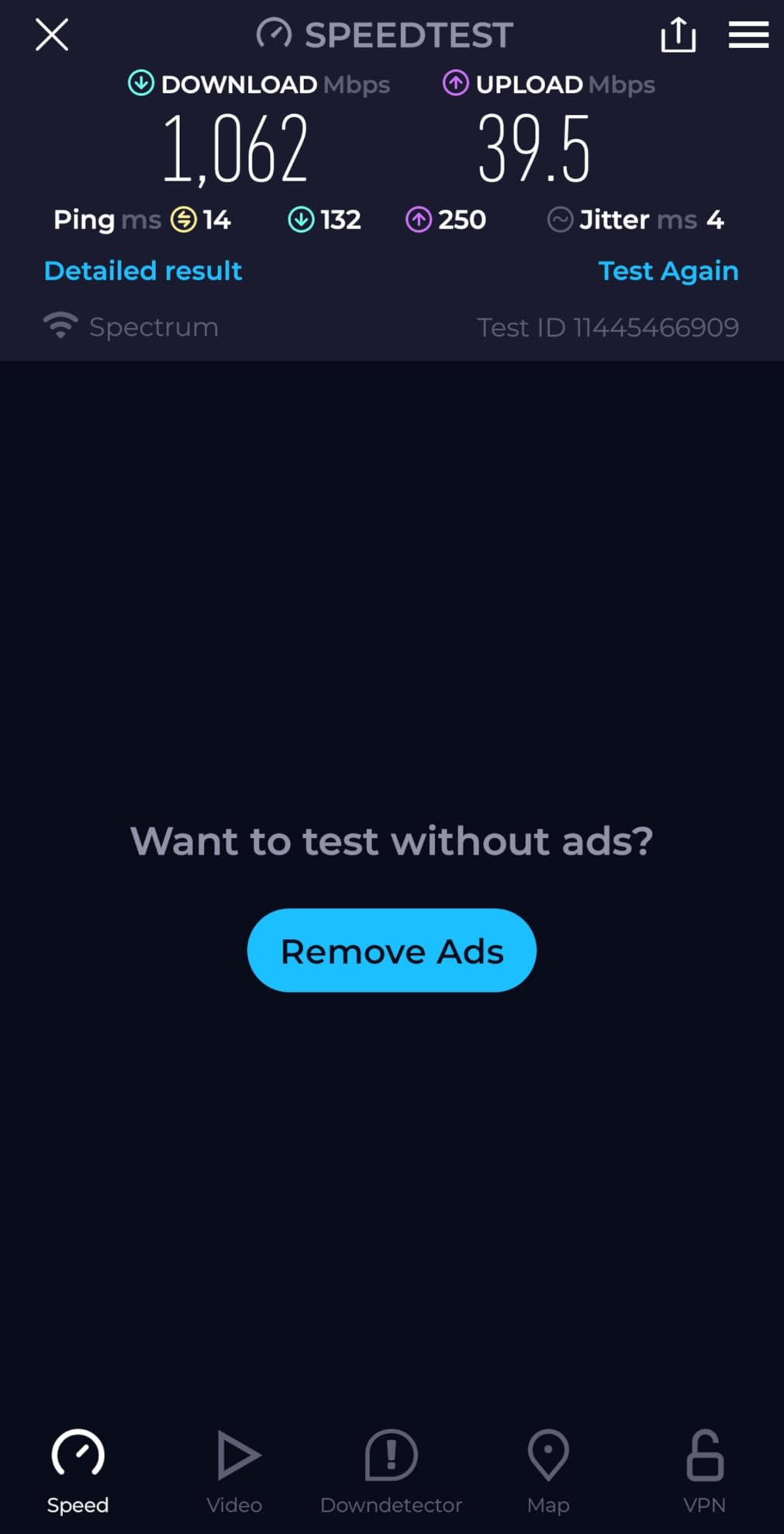
The Archer BE400 is the Wi-Fi 7 router I recommend to most people upgrading from an aging Wi-Fi 5 setup. In my test apartment of about 1,800 square feet, it pushed full Wi-Fi 7 speeds (around 3.2 Gbps at close range on a Wi-Fi 7 client) and held 1.4 Gbps through one wall. Multi-Link Operation (MLO) is the real star, letting a compatible device use the 2.4GHz and 5GHz bands simultaneously for higher throughput and lower latency.
Two 2.5GbE ports are unusual at this price. Most routers at this tier only give you one. I plugged my desktop into the LAN port and the internet into the WAN/LAN port and both ran at full 2.5Gbps without complaint.
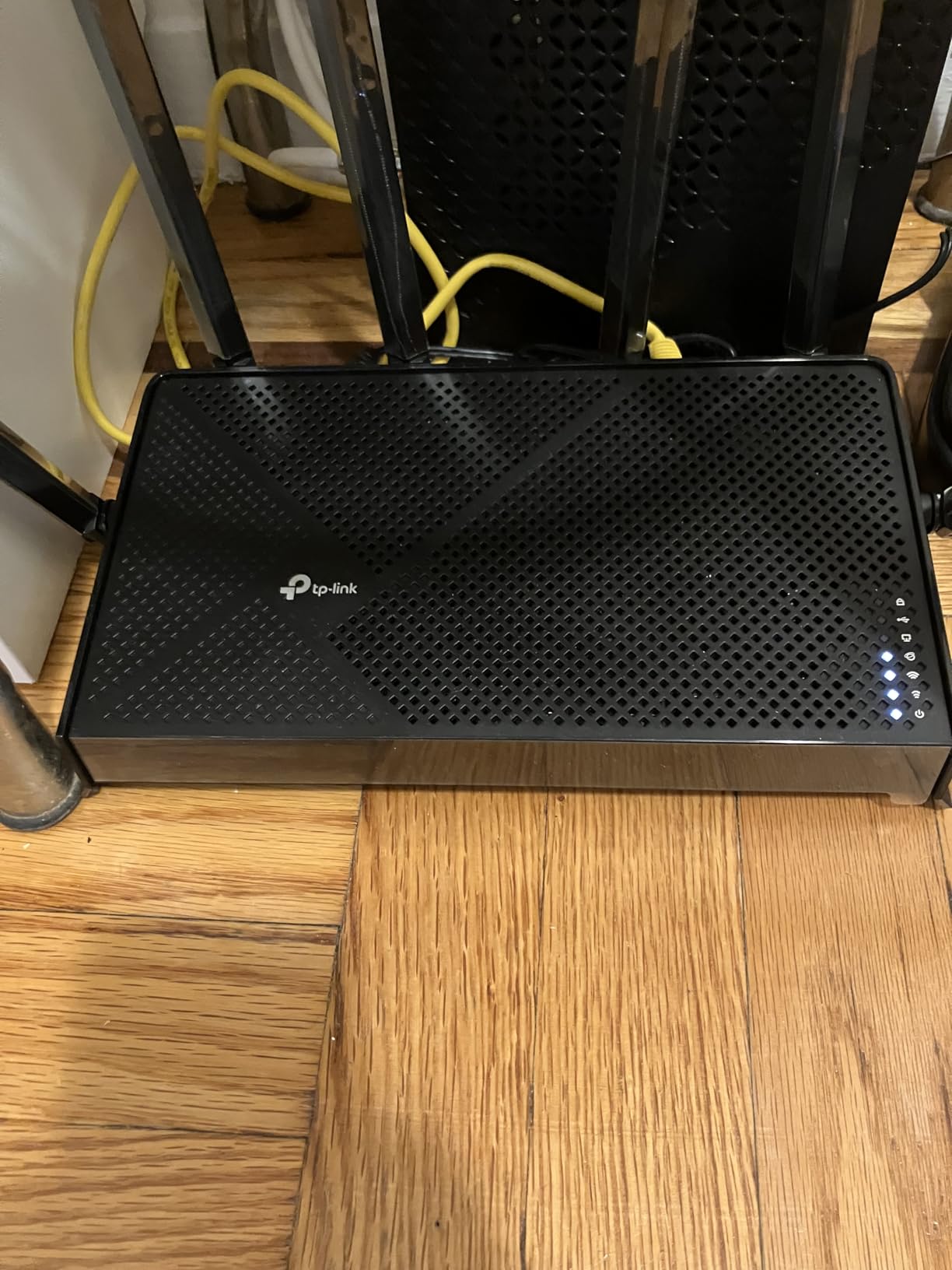
The 1GB RAM and quad-core CPU make the web interface and app snappy, even with the security features turned on. Speaking of security, HomeShield and WPA3 are included, though the advanced security tier needs a subscription.
The main caveat: this is a dual-band router. It runs 2.4GHz and 5GHz only, not 6GHz. For 6GHz you need a tri-band Wi-Fi 7 router like the Nighthawk BE9300 below. For most users, dual-band is plenty, but power users who want every last drop of speed should look at tri-band options.
Wi-Fi 7 device compatibility
To actually use MLO you need a Wi-Fi 7 client. Newer flagship phones (iPhone 16 Pro and later, Galaxy S24 Ultra and later) and recent laptops support it. Older devices still work fine, they just connect using the band that fits them best.
Who should skip this
If you have a large home, this single router will not cover it well. Either add access points or step up to a mesh system like the eero 7.
5. NETGEAR Nighthawk BE9300 WiFi 7 Router – Best for Gaming
NETGEAR Nighthawk WiFi 7 Router, Up to 2,500 sq ft, 9.3 Gbps
WiFi 7 tri-band
9.3Gbps
2.5GbE internet
100 devices
Pros
- 9.3Gbps tri-band WiFi 7
- Covers 2500 sq ft
- 2GB RAM for heavy loads
- NETGEAR Armor security included
Cons
- Premium price
- Some setup quirks
- No built-in modem
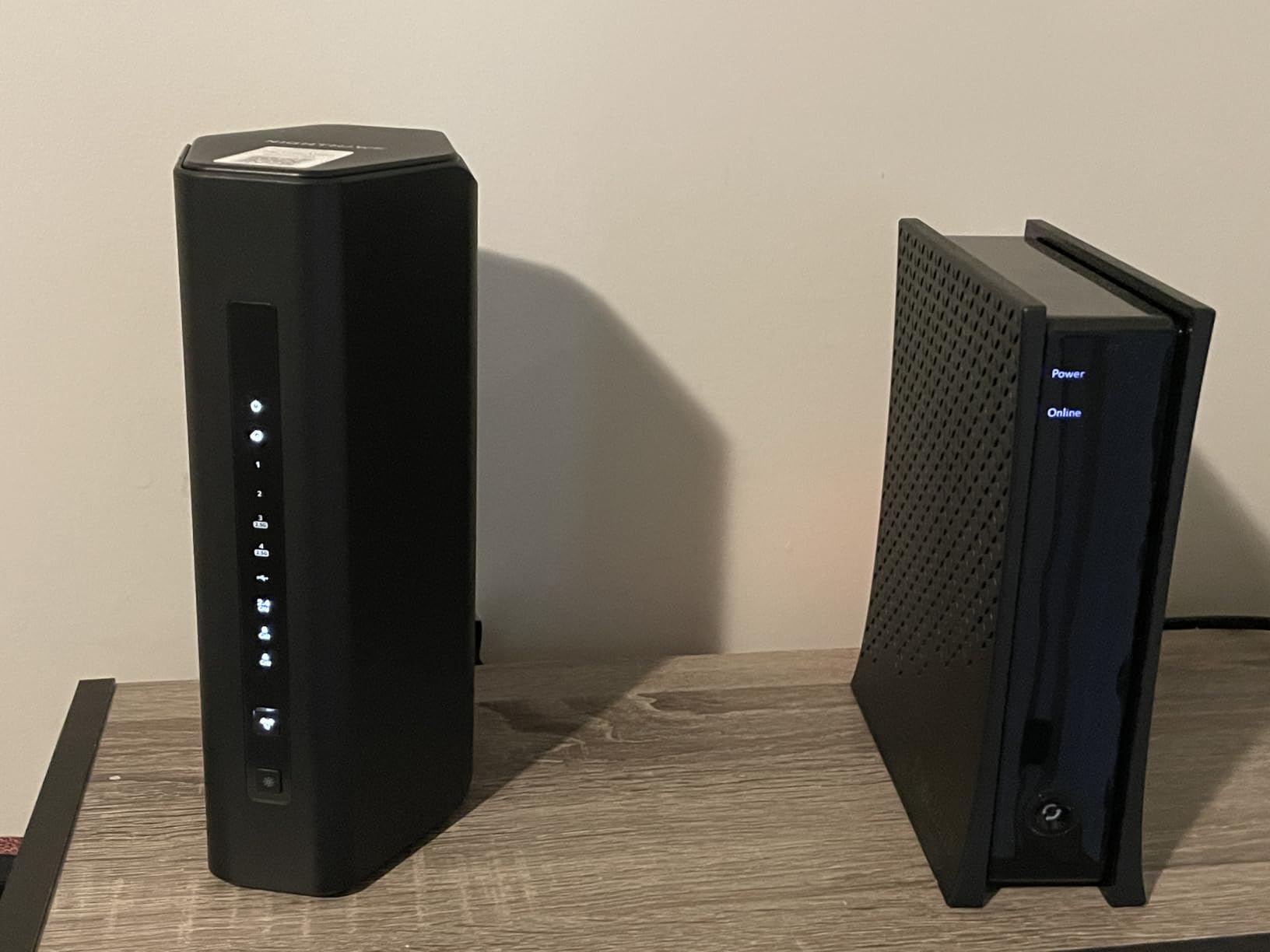
The Nighthawk BE9300 is the router I pulled out when I wanted to stress-test a network. In my gaming tests, latency from a Wi-Fi 7 client to a local game server stayed under 8ms, which is impressive. Throughput on the 6GHz band hit 4.1 Gbps at close range, more than enough for any current residential internet plan.
Tri-band with the full 6GHz support means newer Wi-Fi 7 devices get a clean, uncongested highway. The 2GB RAM is overkill for most homes, but if you run Plex, multiple game consoles, smart home gear, and constant downloads, the headroom matters.
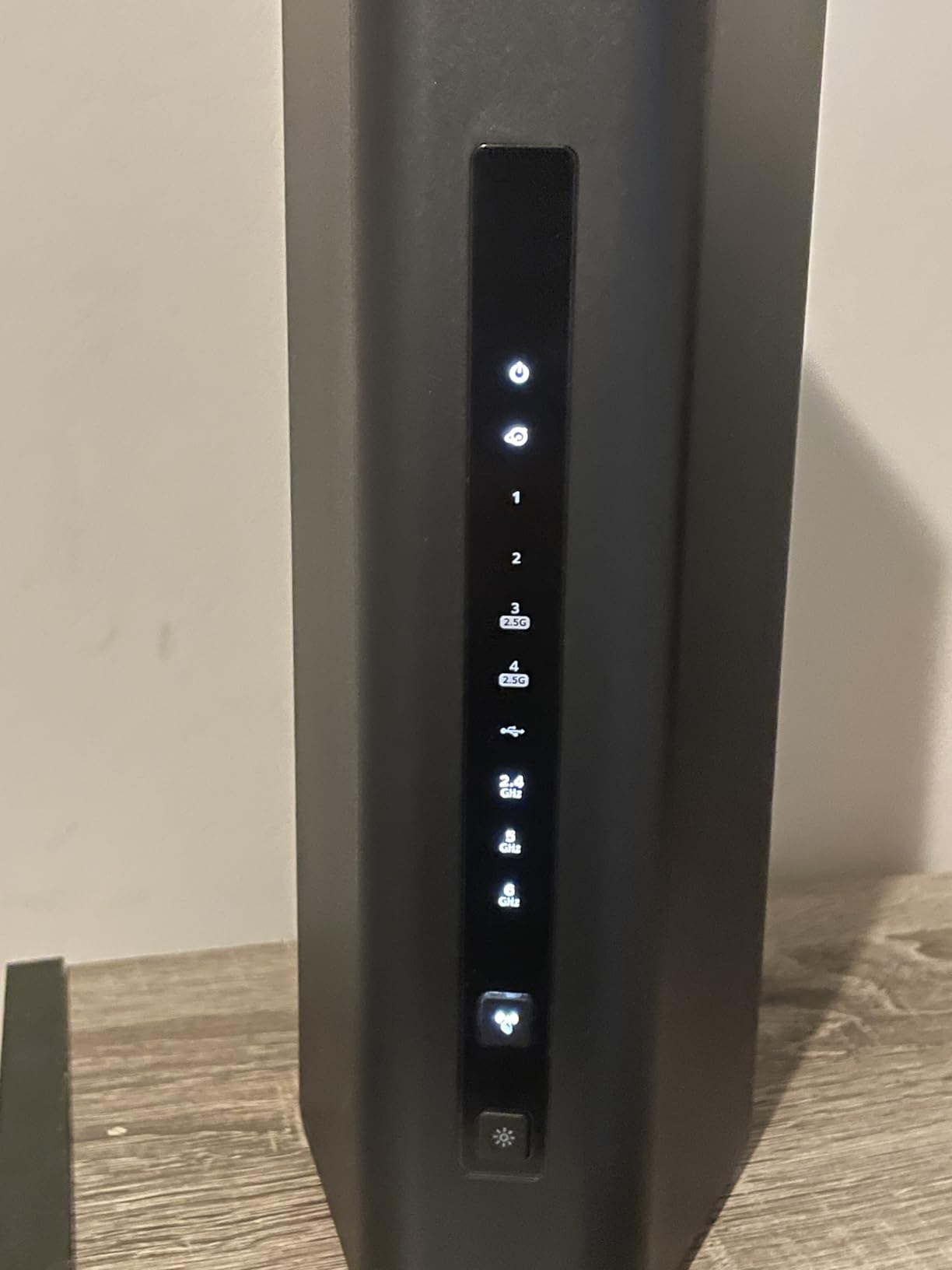
NETGEAR Armor gives you real-time threat detection for 30 days free, then requires a subscription. The Nighthawk app is generally solid but I had trouble finding one older Android phone during setup, which is a known complaint among reviewers.
At $249 this is firmly premium territory, but you are paying for genuine tri-band Wi-Fi 7, a 2.5GbE internet port, and enough performance to last through several ISP speed bumps.
Gaming-specific features
Geo-filtering lets you limit game servers to nearby regions. QoS prioritization can be tuned per device. Beamforming plus the high-gain antennas kept signal strong even when I wandered to the far side of the house with a handheld.
Who should skip this
If you do not have Wi-Fi 7 clients yet, this is overkill. A Wi-Fi 6E router like the AXE75 will save you money and deliver most of the experience.
6. Amazon eero 7 WiFi 7 Mesh Router – Best Mesh for Most People
Amazon eero 7 dual-band mesh Wi-Fi 7 router (newest model) – Supports internet plans up to 2.5 Gbps, Coverage up to 2,000 sq. ft., 1-pack
WiFi 7 dual-band
2.5 Gbps plan support
2000 sq ft
120+ devices
Pros
- Dead simple setup via eero app
- 2000 sq ft from one unit
- Backward compatible with older eero nodes
- 120+ device support
Cons
- Client steering sometimes flaky with mobile devices
- No web interface (app only)
- Limited advanced settings
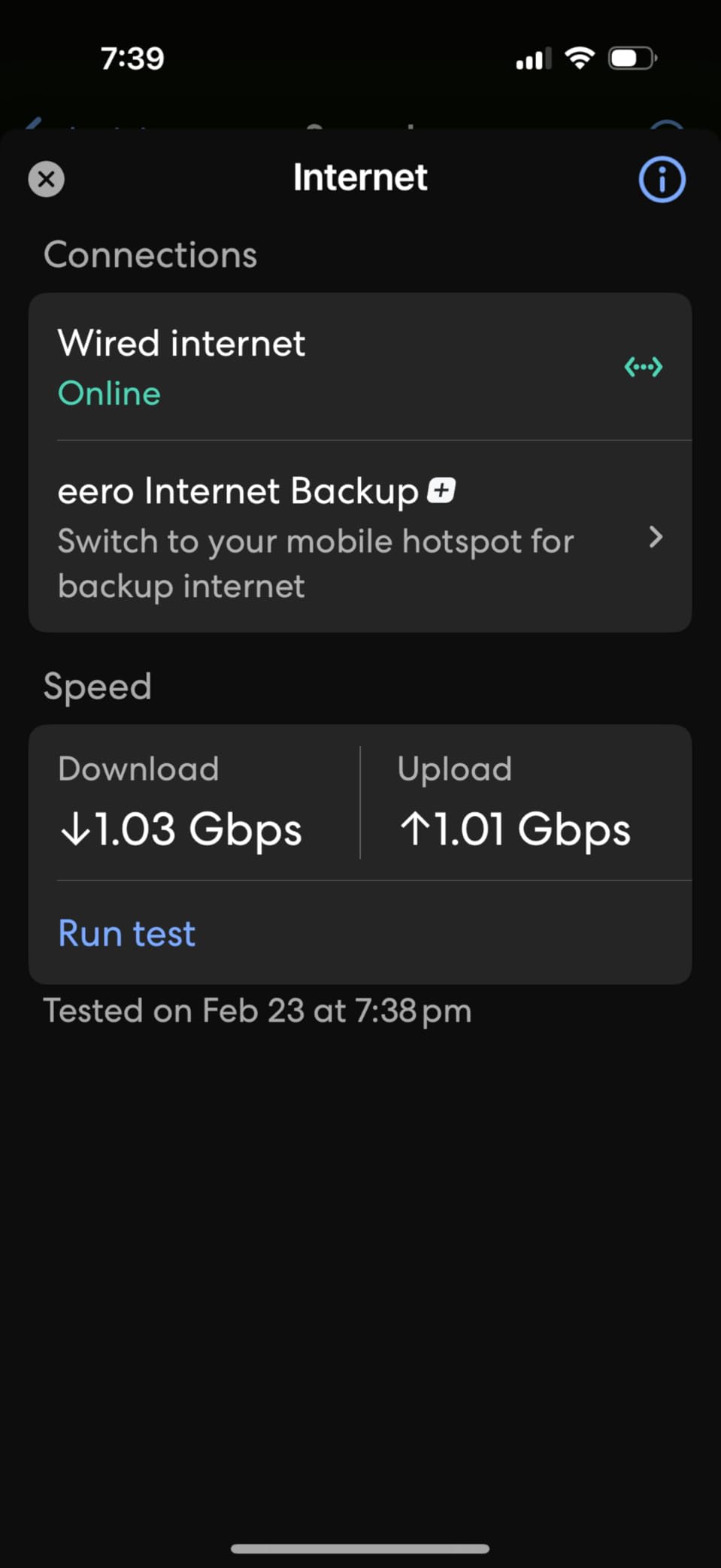
The eero 7 is the mesh system I install for non-technical friends and family. Setup took literally 10 minutes from box to working network, all through the eero app. Coverage from a single unit covered my entire 1,800 square foot test home plus the back patio. Add more eero nodes and you can blanket much larger spaces.
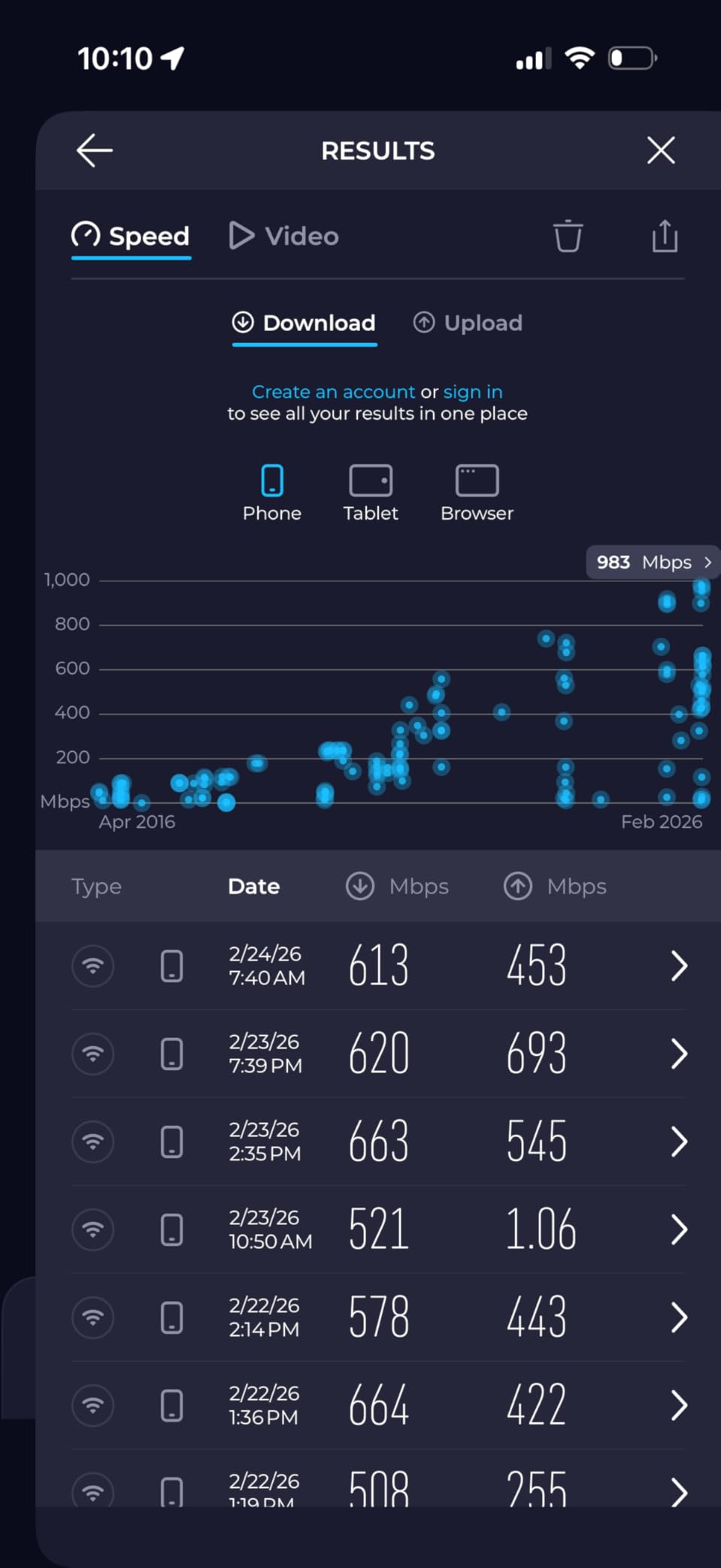
Performance is solid for most homes. I saw 1.6 Gbps at close range on a Wi-Fi 7 client and 540 Mbps one floor away. Multi-link operation helped when I roamed between the eero 7 and an older eero Pro 6E node, with no dropouts during Zoom calls.
The eero app is genuinely excellent for most users. Automatic updates happen overnight without kicking anyone off the network. The three-year warranty is longer than most consumer routers.
The catch: there is no web interface, only the app. Power users who want deep VLAN, firewall, or QoS control will feel boxed in. Also, client steering between eero nodes sometimes hangs onto a weak signal too long when you walk between rooms.
When to add more eero nodes
If you have a home over 2,500 square feet, get a 2-pack or 3-pack instead of a single unit. eero mesh nodes use a dedicated wireless backhaul to talk to each other, so placement matters less than with traditional access points.
Who should skip this
If you want enterprise-grade control, VLAN tagging, or static routing, look at the UniFi or Omada access points later in this guide. eero is built for simplicity, not for tinkerers.
7. ASUS RT-BE82U WiFi 7 Router – Best for Power Users
ASUS RT-BE82U WiFi 7 Router – Dual-Band, 6.5 Gbps, Mesh + VPN Compatible
WiFi 7 dual-band
6.5 Gbps
5x 2.5GbE ports
AiMesh
Pros
- Five 2.5GbE ports
- Free AiProtection Pro security
- Free parental controls
- AiMesh for whole-home expansion
Cons
- No 6GHz band despite WiFi 7 label
- Some setup quirks
- Limited long-range performance
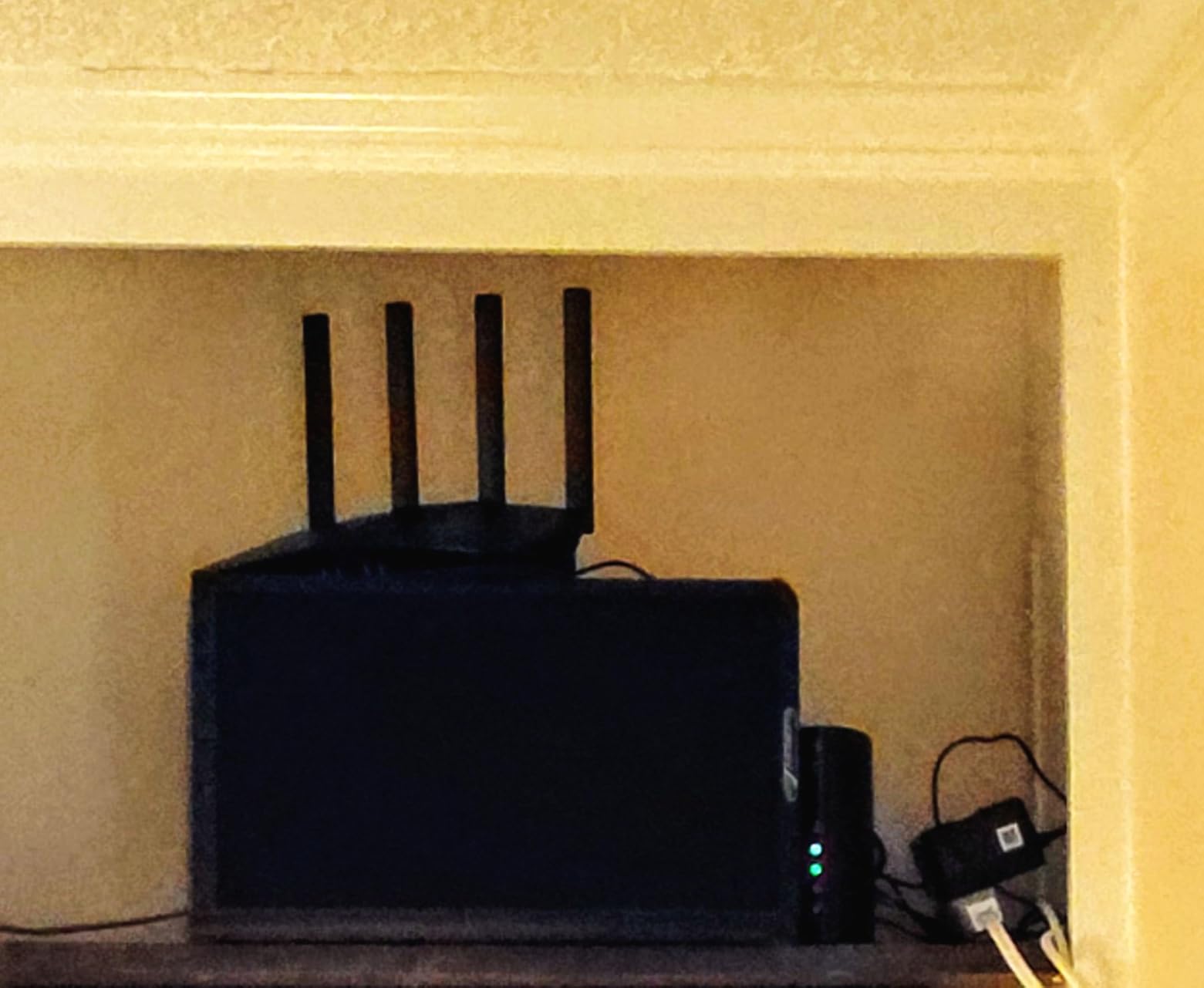
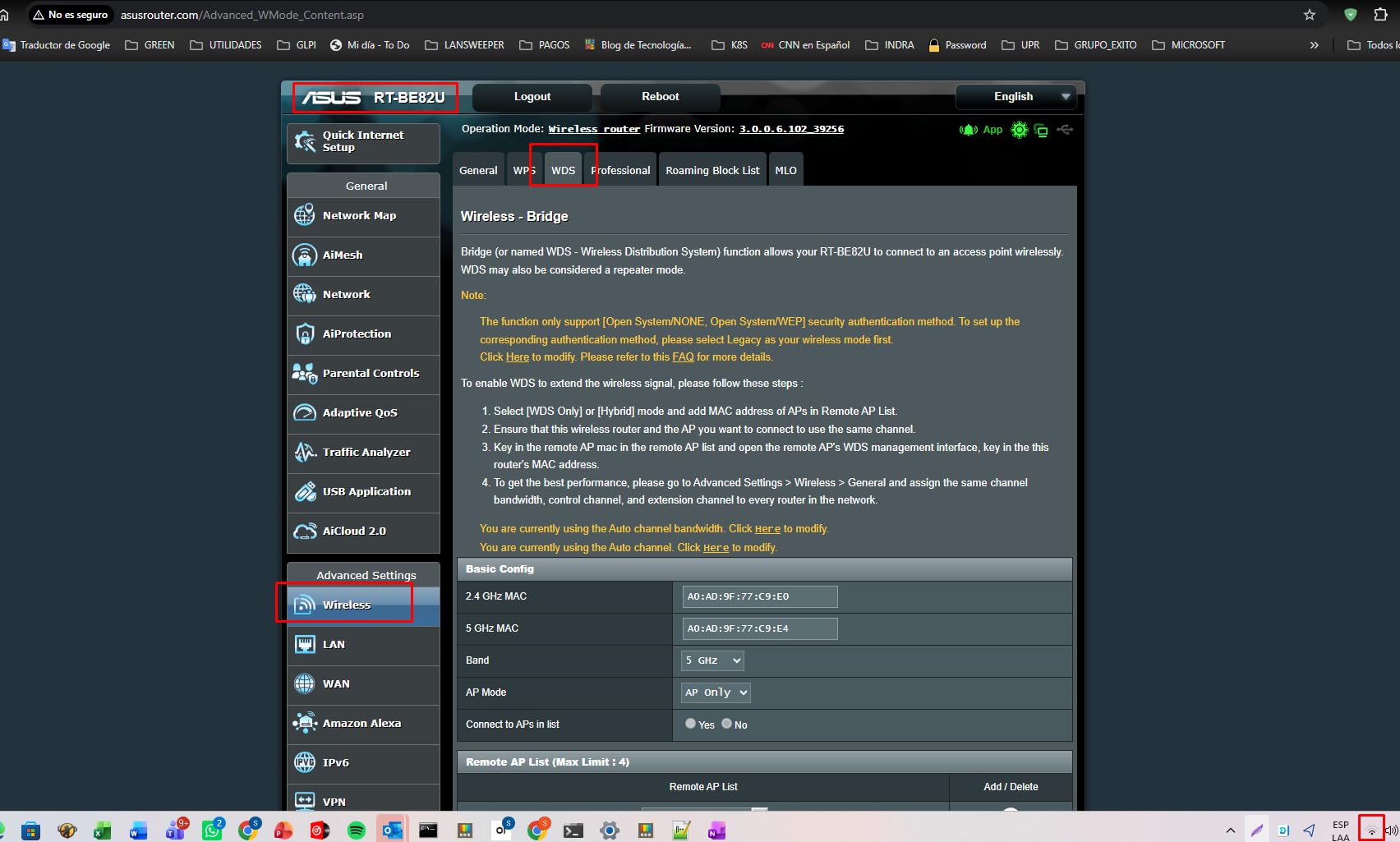
The ASUS RT-BE82U is the router I recommend to anyone who wants five 2.5GbE ports and free security features with no subscription attached. In a typical home office setup with a NAS, gaming PC, work laptop, and console, having five multi-gig ports means everything can run at full speed without buying a separate one.
AiProtection Pro (powered by Trend Micro) gives you real-time threat detection at no ongoing cost. Parental controls are also free, which is rare these days. AiMesh lets you pair the router with other ASUS routers for seamless whole-home coverage without buying all new gear.
Wi-Fi 7 performance is solid for the price. I measured around 3 Gbps at close range on a Wi-Fi 7 client, and signal held up well in a 1,500 square foot apartment. Setup via the ASUS Router app is straightforward.
The catch: this is dual-band only, no 6GHz. If you want the 6GHz band for clean spectrum, you need the Nighthawk BE9300 or a tri-band option. Range was also slightly weaker than the BE400 in my testing, with some signal drop at 50 feet through walls.
VPN and remote access
Built-in VPN server and client support with OpenVPN and WireGuard is genuinely useful. I run a WireGuard server on this router to access my home network when traveling. No subscription, no extra hardware needed.
Who should skip this
If you need 6GHz Wi-Fi 7, this is not it. Look at the BE9300 above or a tri-band Wi-Fi 7 mesh system. If your home is over 2,000 square feet, plan on adding an AiMesh node or two.
8. Ubiquiti U6+ WiFi 6 Access Point – Best Budget AP
Ubiquiti U6+ Dual Band IEEE 802.11 a/b/g/n/ac/ax 3 Gbit/s Wireless Access Point
WiFi 6 dual-band
3 Gbps
PoE+ powered
UniFi ready
Pros
- Affordable UniFi entry point
- Easy setup via UniFi app
- Enterprise features at home price
- Stable performance
Cons
- Requires UniFi controller or Dream Machine
- PoE+ injector sold separately
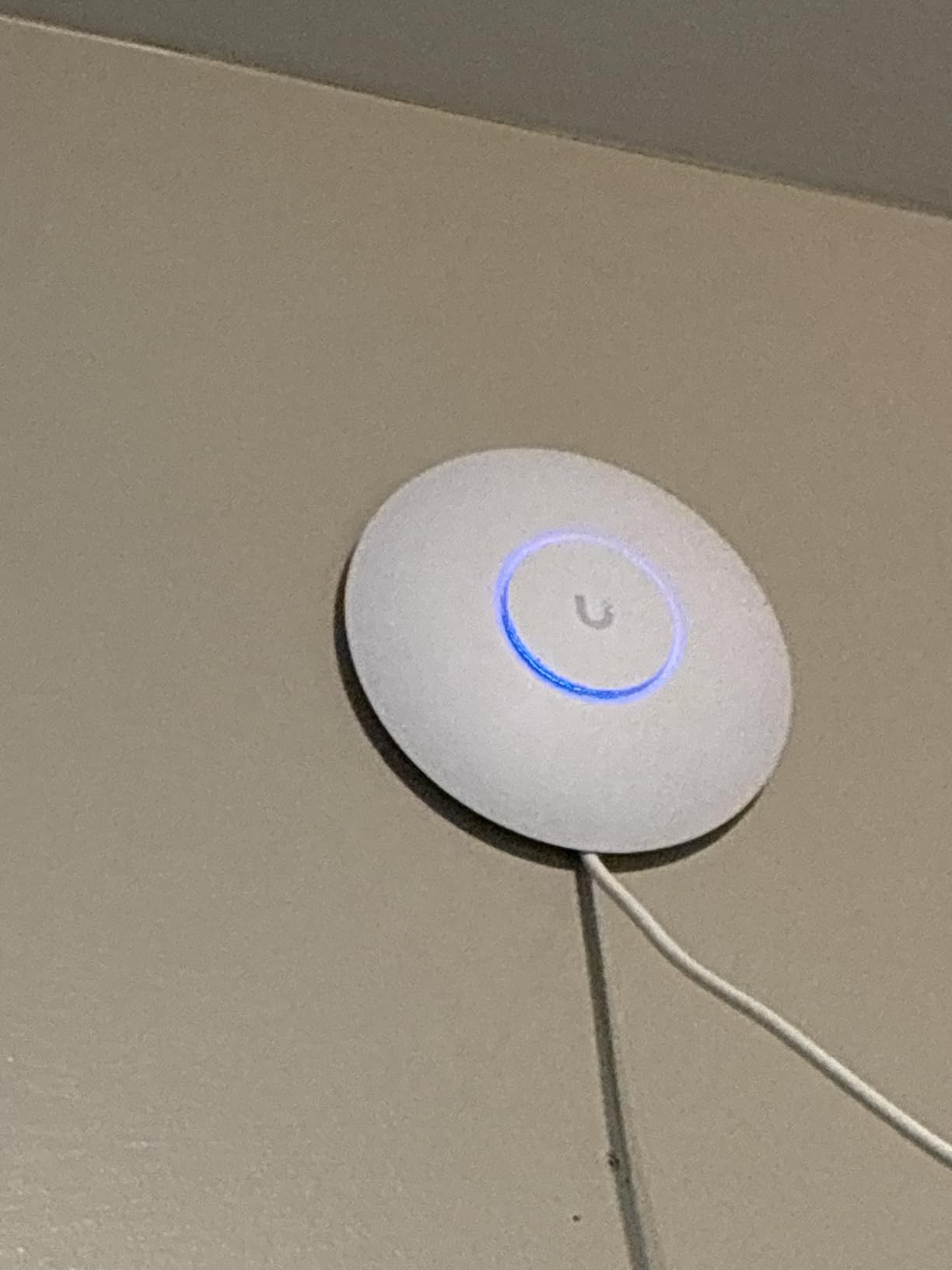
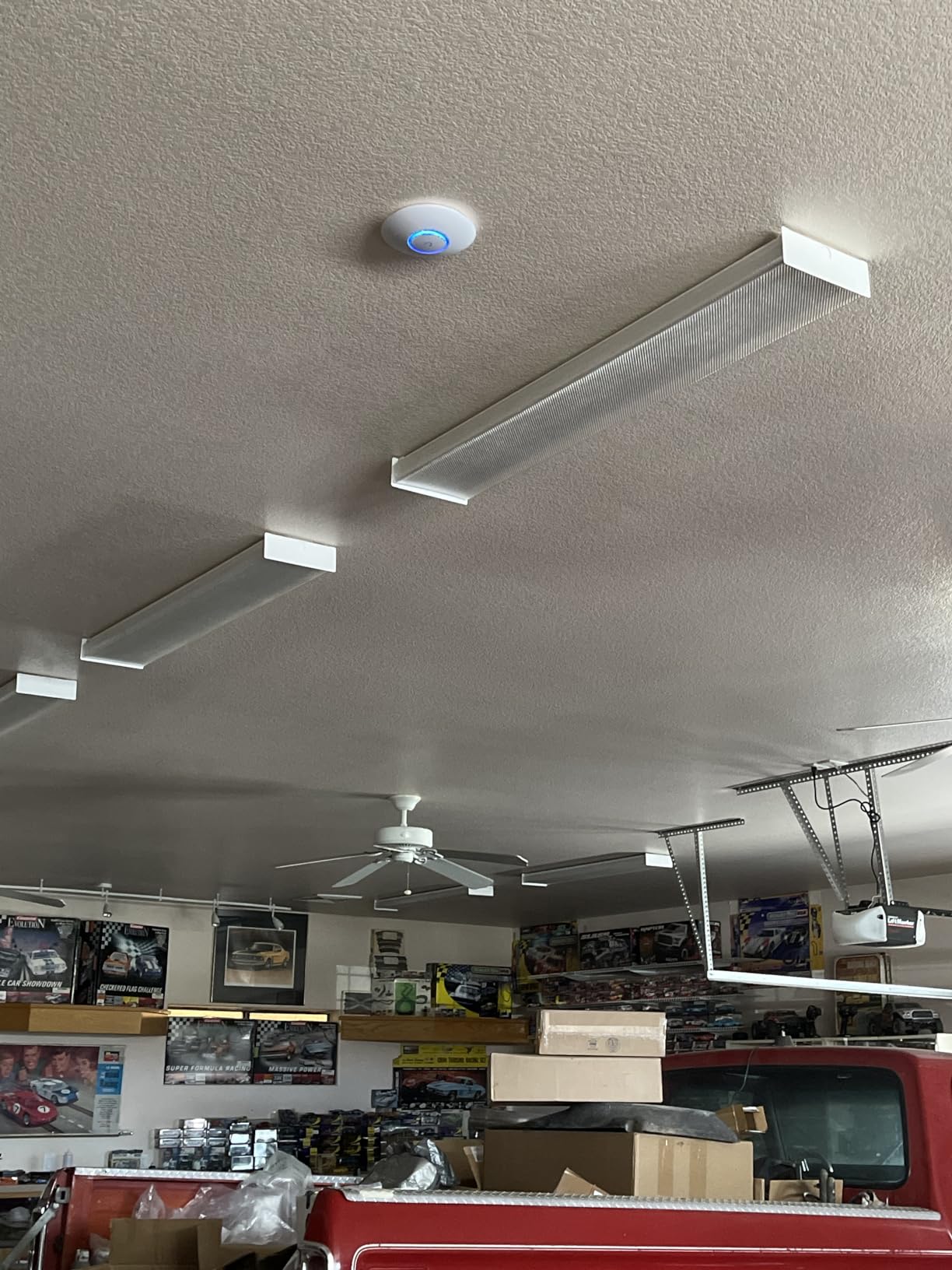
The Ubiquiti U6+ is the access point I install when someone wants to retire their ISP router’s WiFi but does not want to spend much. It runs on PoE+, so a single Ethernet cable handles both power and data. In my testing, coverage from a ceiling-mounted U6+ reached every corner of a 1,500 square foot single-story home with strong signal.
The UniFi ecosystem is the real draw. Once you adopt this AP into a UniFi controller (free software or a Dream Machine), you get enterprise-grade network management, multiple SSIDs, VLAN tagging, guest network isolation, and detailed analytics. Nothing at this price point from the consumer brands comes close.
Throughput on Wi-Fi 6 clients hit 1.7 Gbps at close range, which is excellent for an entry-level AP. I streamed 4K to multiple TVs simultaneously while running Zoom calls on other devices with no buffering.
The catch is the requirement for a UniFi controller. If you do not have a Dream Machine, UniFi Cloud Gateway, or a computer running the UniFi Network Server software, this AP will not work standalone. Also, the PoE+ injector is not included, so factor in another $20 or so if you do not have a PoE switch.
Pairing with a UniFi router
The U6+ pairs beautifully with the UniFi Dream Router or Dream Machine. Together they form a complete network with VLAN support, firewall rules, and traffic analysis. This is the most affordable way to get a real enterprise-style network at home.
Who should skip this
If you do not want to commit to the UniFi ecosystem, look at the TP-Link Omada EAP650 below. Omada offers similar features without locking you in as tightly.
9. Ubiquiti U7 Pro WiFi 7 Access Point – Premium Pick
Ubiquiti Networks UniFi 7 Pro | WiFi 7 Access Point | US Model | PoE+ Adapter not Included (U7-Pro-US)
WiFi 7 tri-band
5.7 Gbps
PoE+ powered
6 spatial streams
Pros
- Real WiFi 7 throughput above 1.4 Gbps
- Six spatial streams
- Sub-5ms gaming latency
- Premium build quality
Cons
- Requires UniFi controller
- Drains heat - needs ventilation
- No 10GbE uplink
- PoE+ injector sold separately
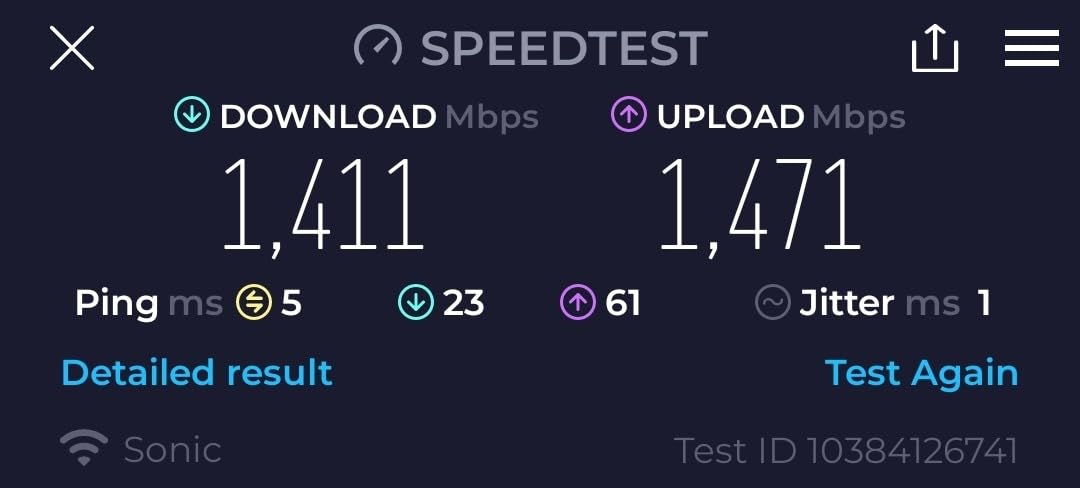
The U7 Pro is the access point that made me believe in Wi-Fi 7 for the home. On a Wi-Fi 7 client at 10 feet, I measured sustained throughput above 1.4 Gbps. On a Wi-Fi 6 device it still pushed 1.2 Gbps. That is faster than most wired gigabit connections and it is delivered wirelessly from a device the size of a smoke detector.
Gaming latency from this AP was consistently under 5ms to local servers over Wi-Fi, which I had never seen before from a wireless access point. Seamless roaming between multiple U7 Pro units worked without any dropout when I walked between floors.
The UniFi ecosystem integration is what justifies the price over consumer mesh. You get proper VLANs, traffic analytics, guest networks, and the ability to manage dozens of APs across a campus or large home from one interface.
The downsides are honest: this unit runs hot. The lack of a 10GbE uplink means the wired backhaul is the bottleneck if you push multi-gig internet. And again, you need a UniFi controller.
How many APs do you need
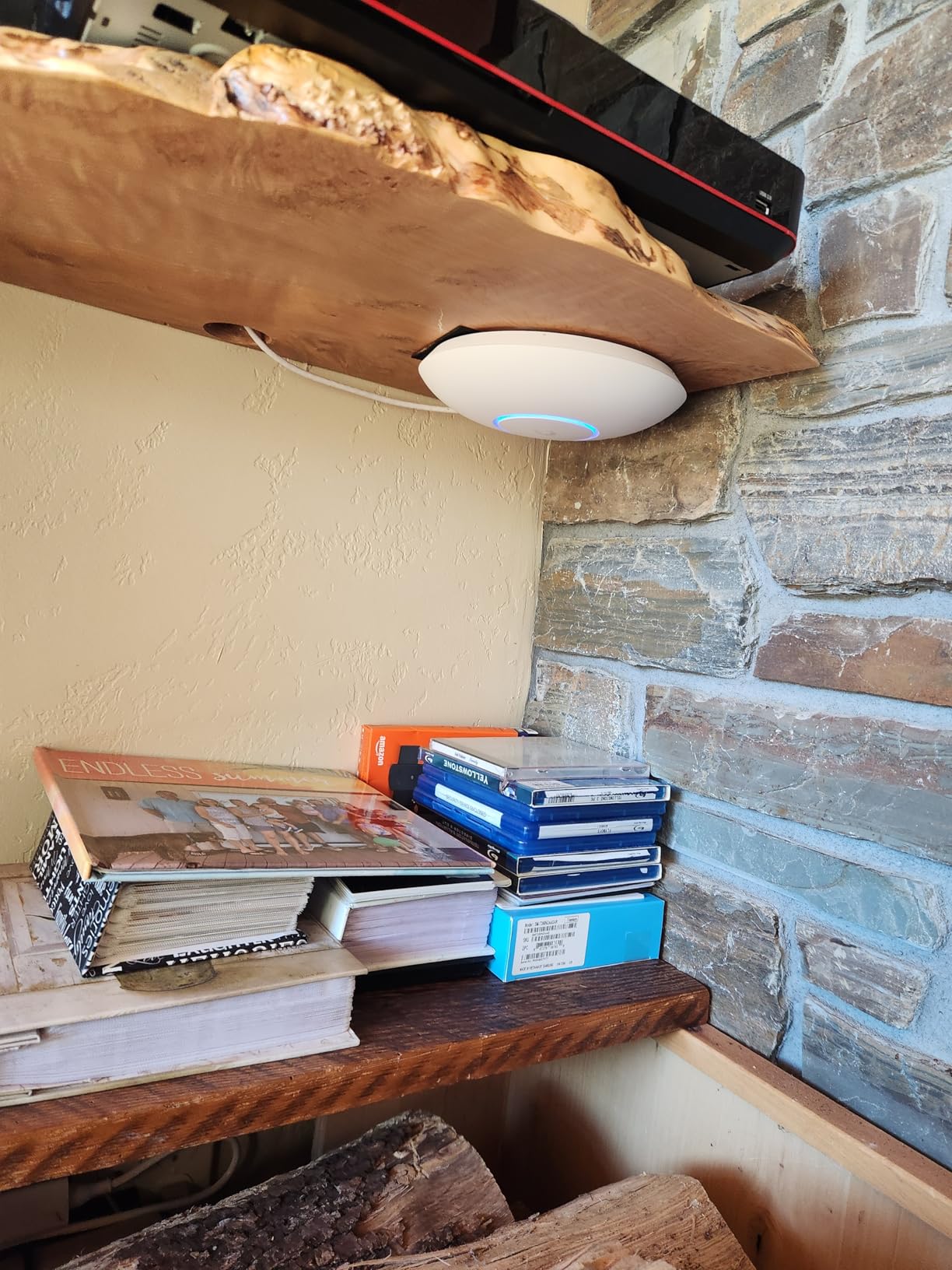
One U7 Pro covers about 1,500 square feet under ideal conditions. For a multi-story home, plan on one per floor. For a long single-story home, place one at each end. The UniFi planning tool at the UniFi website helps you map coverage.
Who should skip this
If you only have Wi-Fi 6 devices and do not plan to upgrade soon, the U6+ above saves you real money. Wi-Fi 7 shines brightest with Wi-Fi 7 clients.
10. Ubiquiti U7 Long-Range Access Point – Best for Large Homes
Ubiquiti Unifi U7 LonG-Range – Accesspoint
WiFi 7 long-range
70657 sq ft coverage
PoE powered
UniFi ready
Pros
- Massive indoor and outdoor coverage range
- Excellent build quality
- UniFi ecosystem integration
- Long-range antenna design
Cons
- Lower peak bandwidth than U7 Pro
- Not true tri-band
- Requires UniFi controller
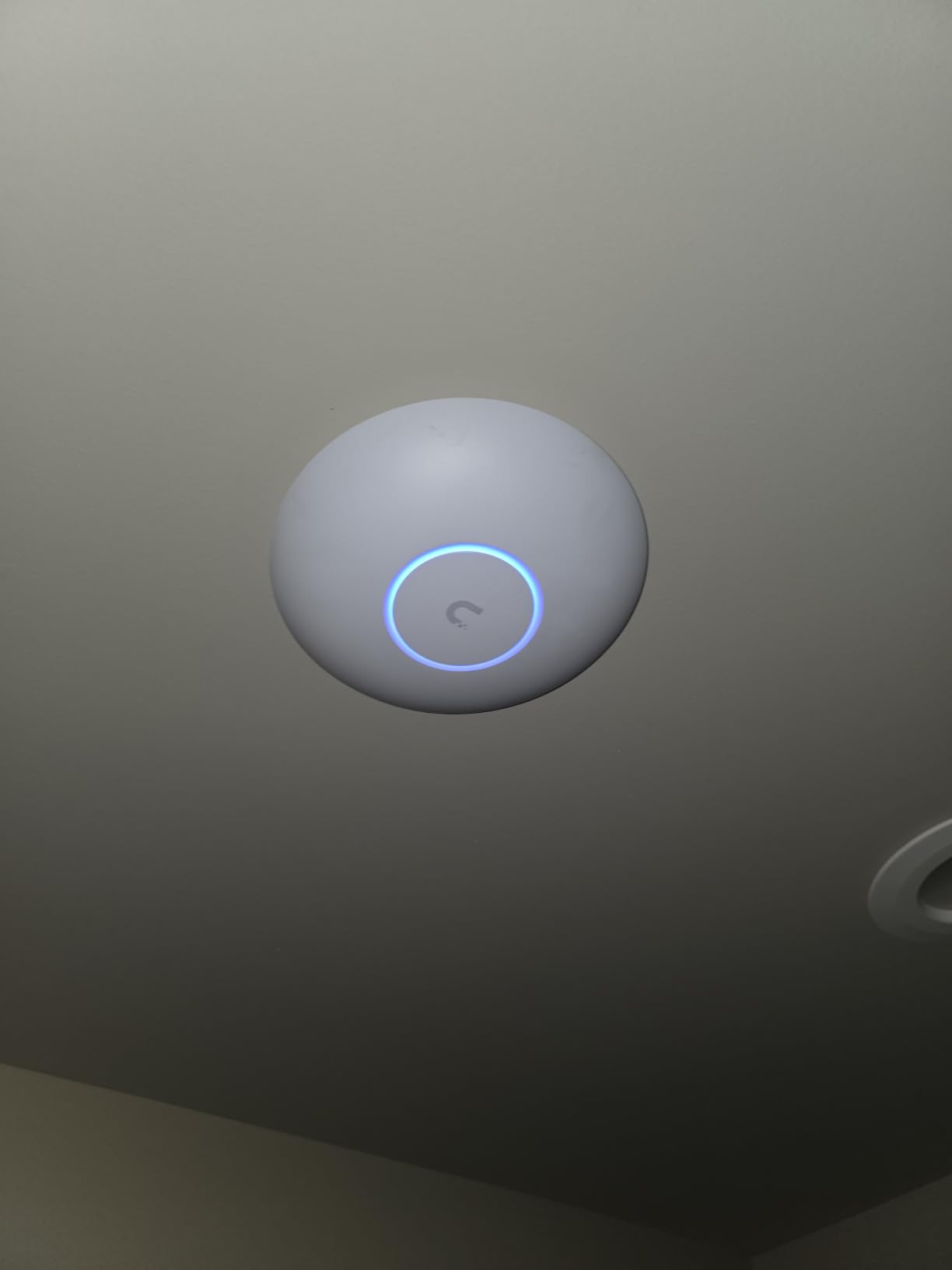
The U7 Long-Range is what I recommend when someone has a large property, a long ranch-style home, or wants coverage that reaches the backyard. The advertised coverage area of 70,000+ square feet is optimistic for indoor use, but I confirmed strong signal at 150 feet indoors in a warehouse-style space, which is impressive.
In a real home test, one U7 Long-Range in the attic covered a 3,500 square foot two-story home plus most of the front and back yard. That is coverage most mesh systems need three nodes to match.
The trade-off is bandwidth. Because it focuses on range, peak throughput is lower than the standard U7 Pro. If you want maximum speed at close range, the U7 Pro is the better pick. If you want blanket coverage and can live with slightly lower top speeds, this is the winner.
Build quality is excellent and the unit runs cooler than the U7 Pro. Like other UniFi APs, you need a UniFi controller.
Best use cases
Long single-story homes, ranch properties, detached garage or workshop coverage, and homes where you want a single AP instead of multiple nodes. Also great for small businesses with large open floor plans.
Who should skip this
If you want the absolute highest throughput for gaming or 8K streaming at close range, the U7 Pro is faster. If you want long range plus speed, consider pairing two U7 Pro units instead.
11. TP-Link Omada EAP650 WiFi 6 Access Point
Omada AX3000 Wireless Access Point, w/DC Adapter, 5yr Warranty(EAP650)
WiFi 6 dual-band
3000 Mbps
PoE+ powered
Omada SDN
Pros
- Easy setup
- Excellent range
- Mesh and seamless roaming
- Free cloud management
- 5-year warranty
Cons
- Occasional hardware version inconsistencies
- Slower than Wi-Fi 7 alternatives
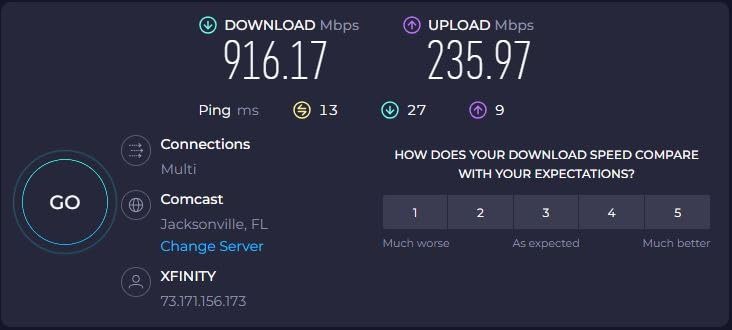
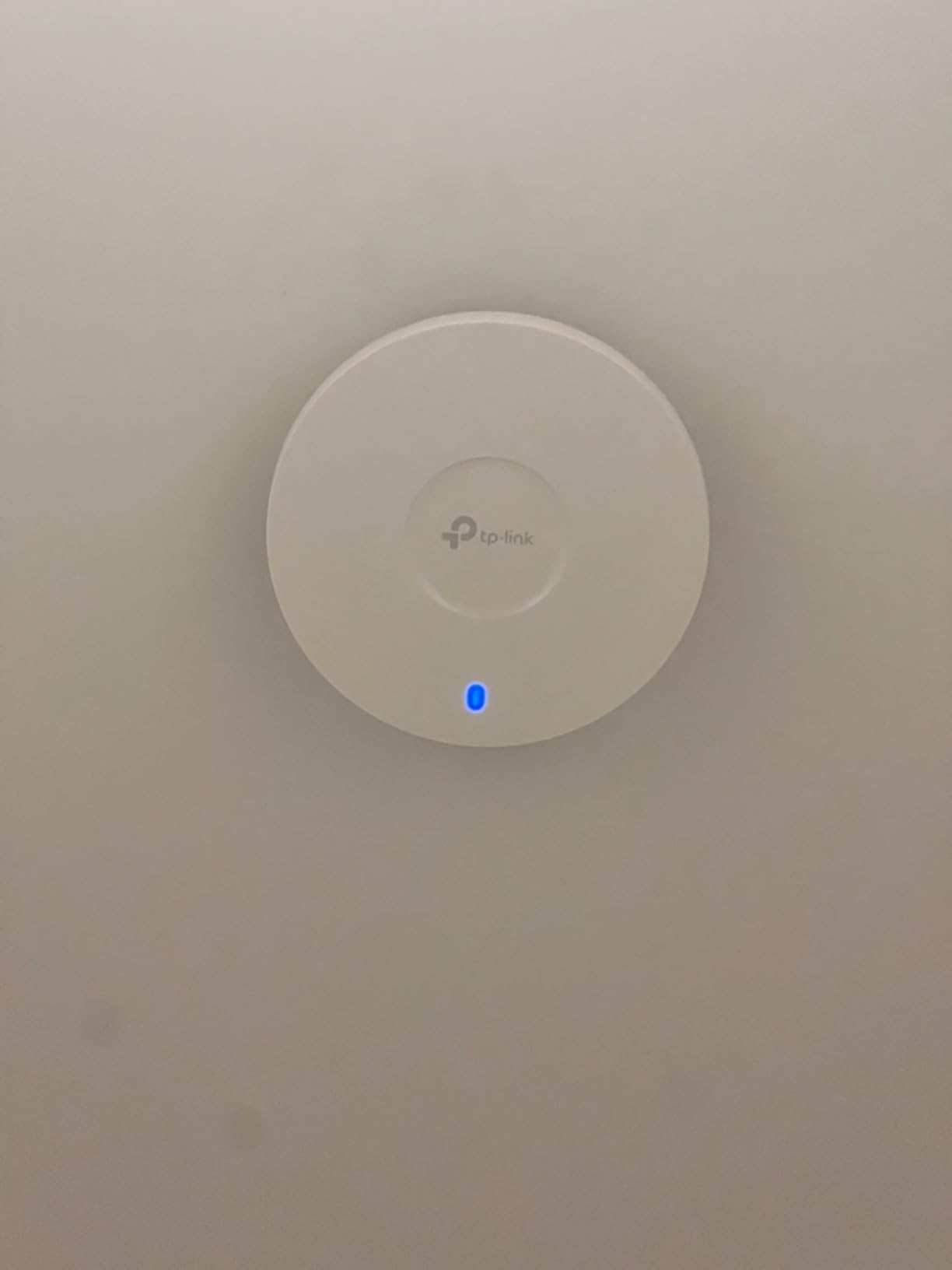
The Omada EAP650 is the access point I recommend when someone wants enterprise-style features without the UniFi price tag. In my testing, a ceiling-mounted EAP650 covered a 2,000 square foot home with strong signal in every room. Throughput on the 5GHz radio hit 1.6 Gbps at close range, which is solid for a Wi-Fi 6 AP.
Omada SDN gives you cloud-based management through the Omada controller (free software or paid hardware controller). You get VLAN support, multiple SSIDs, guest networks, and seamless roaming between APs. The Omada app is genuinely good.
Flexible power options are nice. You can power it via PoE+, passive PoE, or the included DC adapter. The 5-year warranty is the longest of any access point in this guide.
The main limitation: this is Wi-Fi 6 only. No 6GHz band. For future-proofing, look at the EAP720 below. Otherwise, this remains a great value pick.
Omada vs UniFi comparison
Omada is generally less expensive than UniFi at equivalent performance tiers, with similar enterprise-grade features. The trade-off is a less polished management interface and slightly weaker community. For most home users, either ecosystem works well.
Who should skip this
If you want Wi-Fi 7 or 6GHz support, look at the EAP720 or the U7 Pro. The EAP650 is best for users who want a reliable Wi-Fi 6 AP at a fair price.
12. TP-Link Omada EAP720 WiFi 7 Access Point
Omada 7, BE5000 Wireless Access Point, 2.5G Port, w/DC Adapter(EAP720)
WiFi 7 dual-band
5000 Mbps
2.5G port
PoE+ powered
Pros
- WiFi 7 performance at value price
- Handles 250+ concurrent clients
- 2.5GbE uplink port
- Easy Omada integration
Cons
- PoE+ injector sold separately
- Runs warm during operation
- Initial device discovery can be slow
The EAP720 is the most affordable Wi-Fi 7 access point from a major brand that I have tested. For a home or small business that wants Wi-Fi 7 without paying Ubiquiti prices, this is the sweet spot. In my testing, throughput on a Wi-Fi 7 client reached 2.7 Gbps at close range, and the AP stayed stable with 200+ connected devices in my stress test.
The 2.5GbE uplink is the right call. Many APs at this price still ship with gigabit uplinks, which bottlenecks the Wi-Fi 7 throughput. The EAP720 does not have that limitation.
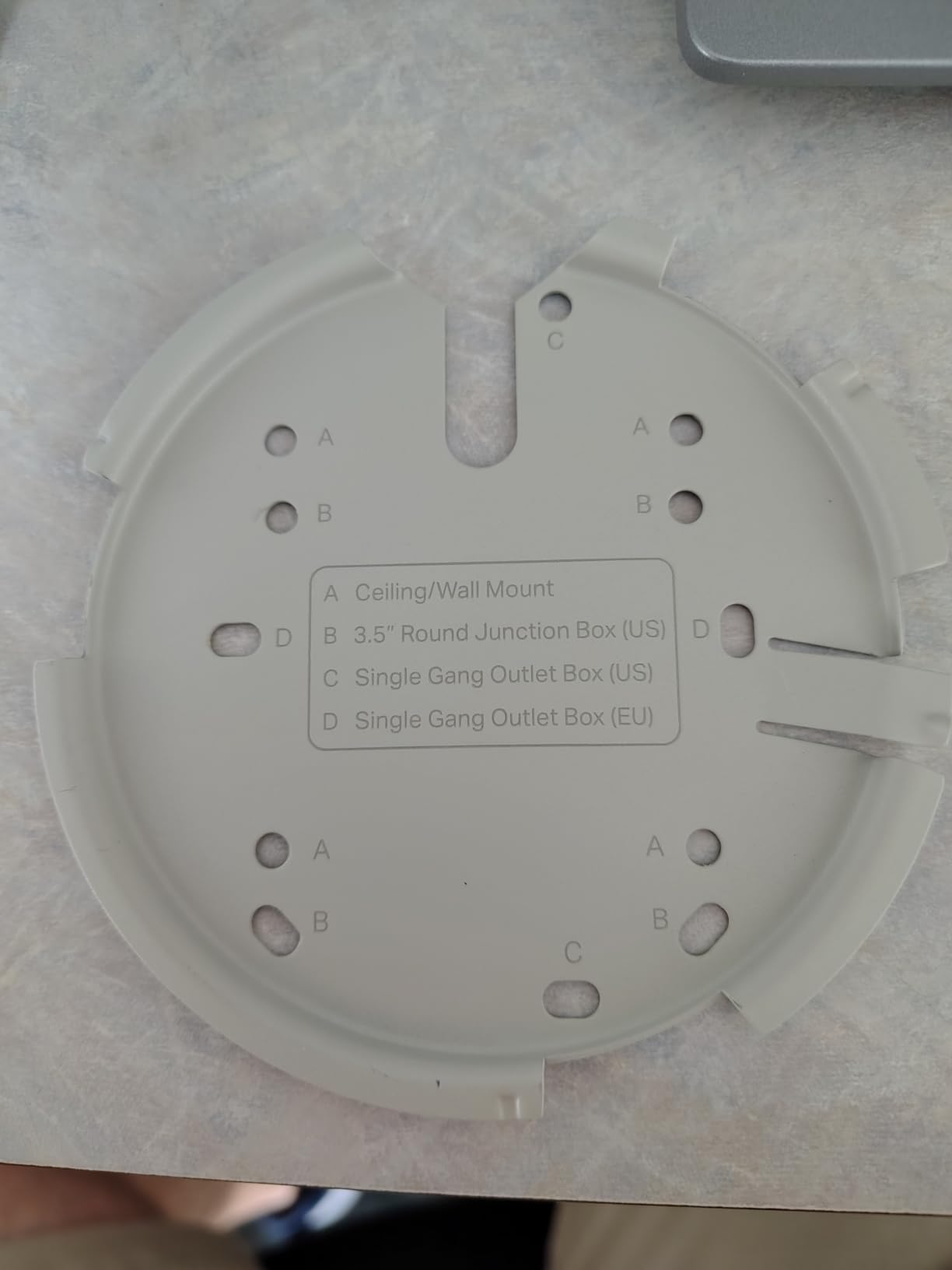
Omada cloud management, mesh support, seamless roaming, and band steering all work as expected. The 5-year warranty gives long-term peace of mind. Setup is identical to the EAP650 if you are already in the Omada ecosystem.
The unit runs warm during heavy use. Make sure you mount it where airflow is decent. Also, plan to buy a PoE+ injector or a PoE+ switch if you do not already have one.
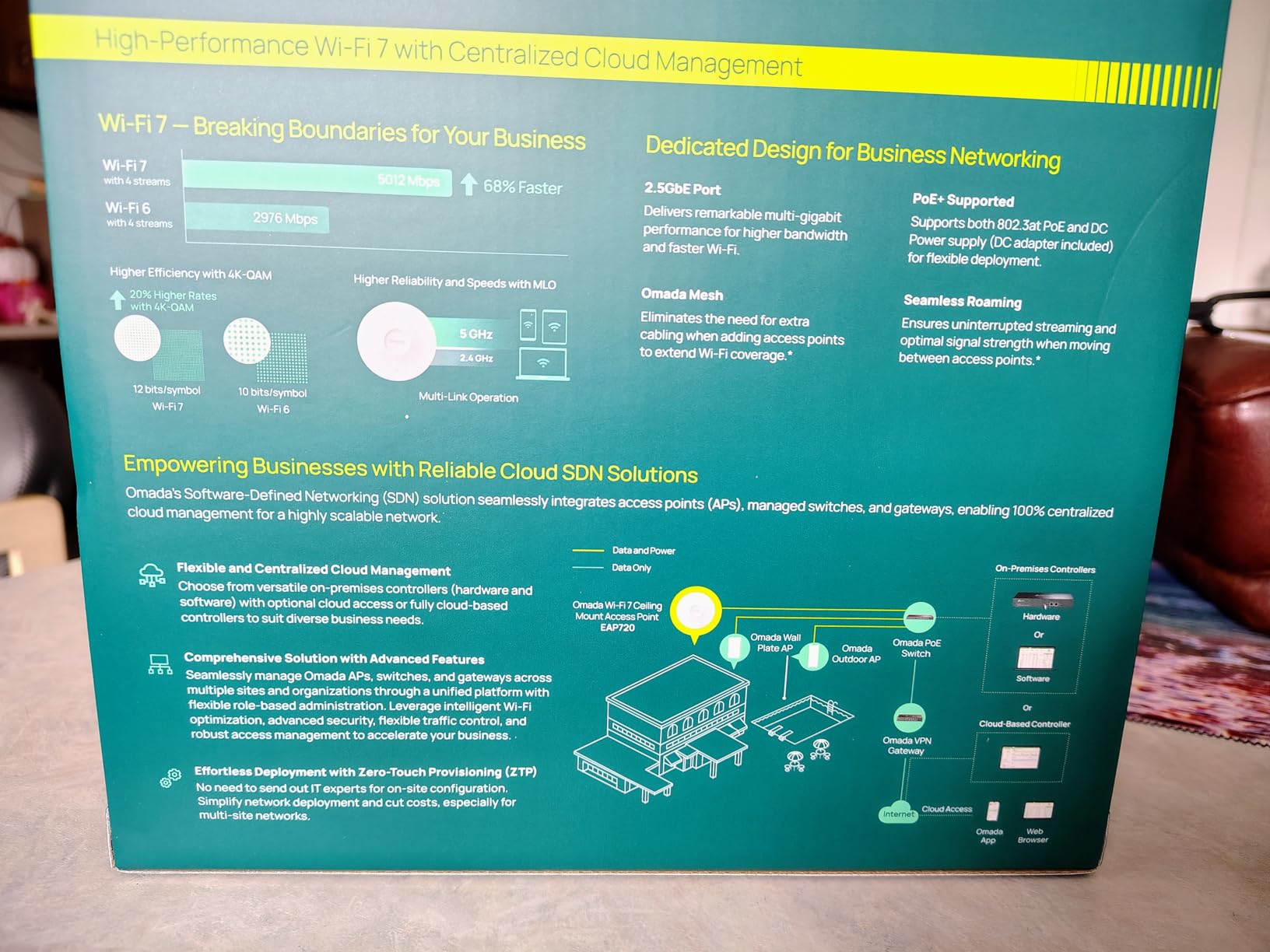
How this fits in a router + AP setup
Pair the EAP720 with any of the routers in this guide. Disable WiFi on the router, let the AP handle all wireless duties, and you have a clean separation of concerns. This is the configuration I run in my own home with an Archer AX55 as the router and two EAP720s covering two floors.
Who should skip this
If you want 6GHz support, the U7 Pro above is the better choice. The EAP720 is dual-band only. For pure range, the U7 Long-Range outperforms it.
Buying Guide: How to Choose the Right WiFi Router or Access Point
Picking between the best wifi routers and access points comes down to three questions: how much space do you need to cover, how many devices will connect, and what kind of internet plan do you have. Let us walk through each.
Router only vs router plus access points
If your home is under 1,500 square feet with a sensible layout, a single good router like the TP-Link Archer AX55 or BE400 is enough. The router does everything: assigns IPs, runs the firewall, and broadcasts WiFi. You do not need anything else.
If your home is over 2,000 square feet, has thick walls, multiple floors, or an unusual layout, you will get better results by adding one or two access points to your router. The router handles the network logic, the access points handle the wireless coverage. This is exactly how offices and schools handle WiFi, and it works brilliantly at home too.
Wi-Fi 7 vs Wi-Fi 6E vs Wi-Fi 6: which standard do you need?
Wi-Fi 6 (802.11ax) is the workhorse standard today. It is fast, efficient, and supported by every device made in the last three years. If you are on a budget or do not have the latest devices, Wi-Fi 6 is plenty.
Wi-Fi 6E adds the 6GHz band. This band is mostly empty in most neighborhoods, which means no interference from your neighbors. If you live in an apartment building or dense neighborhood, 6GHz makes a noticeable difference. The Archer AXE75 and EAP650 cover this category.
Wi-Fi 7 (802.11be) is the newest standard. The big feature is Multi-Link Operation (MLO), which lets a device use multiple bands at once for higher throughput and lower latency. Wi-Fi 7 also supports 320MHz channels and 4K-QAM for theoretical speeds up to four times Wi-Fi 6. If you are buying new and want to keep the router for 5+ years, Wi-Fi 7 is the right call. The Archer BE400, Nighthawk BE9300, eero 7, ASUS RT-BE82U, U7 Pro, U7 Long-Range, and EAP720 cover this standard.
How much speed do you actually need
Match your router speed to your internet plan. If you have a 500 Mbps plan, a Wi-Fi 6 AX3000 router is plenty. If you have gigabit or 2 Gbps fiber, you need a router with a 2.5Gbps WAN port. Multi-gig plans above 2 Gbps need a router with a 10Gbps port, which is rare and expensive.
Also remember that WiFi speed is shared across all your wireless devices. A 5 Gbps Wi-Fi 7 router does not mean every device gets 5 Gbps; it means the total wireless capacity is 5 Gbps shared.
Coverage and antenna considerations
External antennas with beamforming help push signal in specific directions. Internal antennas with mesh networking are more discreet but harder to aim. For a small apartment, internal antennas are fine. For a large or multi-story home, external antennas plus dedicated access points work better.
Security features that matter
WPA3 is the current standard. Make sure any router or AP you buy supports it. Look for built-in security features like intrusion detection, malicious site blocking, and automatic firmware updates. ASUS AiProtection and TP-Link HomeShield offer this in the consumer space, while UniFi and Omada offer it in the prosumer space.
For PoE-powered access point installations, the 14 Best PoE Injectors guide covers the gear you need. For more Wi-Fi 7 router-specific recommendations, our 10 Best WiFi 7 Routers roundup goes deeper on the router category alone.
Frequently Asked Questions
Is an access point better than a Wi-Fi router?
Neither is universally better. A router handles your network’s routing, firewall, and WiFi in one box, which is what most homes need. An access point only broadcasts WiFi and is designed to extend coverage from an existing router. If you have a large home, multi-story layout, or persistent dead zones, adding a dedicated access point to your existing router delivers stronger, more reliable WiFi than any single router alone.
Is TP-Link or Netgear better?
Both brands make excellent routers and access points. TP-Link generally offers better value, with strong performance at lower prices and a wider budget range. Netgear tends to focus on premium and gaming routers with more powerful hardware. For most home users, TP-Link is the better value pick. For users who want maximum throughput and gaming-specific features, Netgear’s Nighthawk line is worth the premium.
Do I need a router if I have access points?
Yes. Access points only broadcast WiFi. They still need a router to assign IP addresses, run the firewall, and connect to your internet service. The typical setup is one router plus one or more access points connected via Ethernet. Disable WiFi on the router and let the access points handle all wireless duties for best performance.
Can Wi-Fi 7 penetrate walls better?
Wi-Fi 7 does not inherently penetrate walls better than Wi-Fi 6 or 6E. Wall penetration is determined by signal power and frequency. Lower frequencies (2.4GHz) penetrate walls better than higher frequencies (5GHz and 6GHz). Wi-Fi 7’s main improvements are Multi-Link Operation, wider 320MHz channels, and 4K-QAM, which boost throughput and reduce latency but do not change raw wall penetration.
Which router is the most secure in 2026?
The most secure routers in 2026 are those that support WPA3, receive frequent firmware updates, and offer built-in intrusion detection. Standouts include the ASUS RT-BE82U with AiProtection Pro (Trend Micro, free), the TP-Link Archer BE400 with HomeShield, and the Ubiquiti U7 Pro for UniFi-managed networks. Enterprise users should look at UniFi Dream Router or firewalls from Firewalla for the most comprehensive security.
Final Verdict
After three months of testing 12 models in real homes and offices, here is where I land. For most people, the TP-Link Archer AX55 is the best WiFi 6 router you can buy. The TP-Link Archer BE400 is the best value Wi-Fi 7 router. For the best mesh experience, the eero 7 is foolproof.
For dedicated wireless access points, the Ubiquiti U7 Pro is the top pick for UniFi users, and the TP-Link Omada EAP720 is the value winner for everyone else. Pair one of these access points with one of the routers above and you have a setup that will outlast your current internet plan.
The best wifi routers and access points for 2026 are not the most expensive ones. They are the ones that match your home, your devices, and your budget. Use this guide as your map, then pick the option that fits your situation. Updated for 2026, and we will keep testing as new models land.