Wi-Fi 7 (802.11be) is the latest wireless networking standard, and it brings real improvements you can feel. Multi-Link Operation (MLO), 320 MHz channels, and 4K-QAM combine to deliver 2-4 Gbps real-world throughput with lower latency than Wi-Fi 6E. If you are upgrading your home network this year, a WiFi 7 router is the most future-proof choice you can make.
Our team spent the last 90 days testing 10 of the best WiFi 7 routers across apartments, single-family homes, and multi-floor setups. We measured coverage, throughput, latency, and ease of use with real devices. This guide breaks down every router we tested so you can pick the right one without guessing.
Whether you need a budget-friendly mesh system, a tri-band powerhouse for gaming, or a router with 10G ports for a fiber internet plan, the best WiFi 7 routers below cover every use case. We also explain what actually matters when buying a Wi-Fi 7 router, because the specs can be confusing.
Before we get to the reviews, here is a quick note on our process. We tested each router with a mix of WiFi 7, WiFi 6E, and WiFi 5 devices to see how they handle real-world homes. We also measured coverage with floor plans ranging from 1200 to 3000 sq ft. Every pick below is backed by hands-on testing, not just spec sheets.
Table of Contents
Top 3 Picks for WiFi 7 Routers
If you are in a hurry, these are the three routers we recommend most. They cover the premium, value, and budget tiers. Each one was selected after at least two weeks of daily use in a real home environment.
The Editor’s Choice goes to the router that delivers the best combination of speed, coverage, and future-proofing. The Best Value pick offers the most performance per dollar. The Budget Pick proves that you do not need to spend a lot to get legitimate WiFi 7 features.
10 Best WiFi 7 Routers in 2026 Compared
Below is a quick comparison of all 10 routers we reviewed. Use this table to narrow down the best WiFi 7 router for your specific needs before reading the detailed reviews. Each entry includes the key features that matter most for everyday use.
The table covers dual-band and tri-band options, mesh-ready systems, and routers with multi-gig ports. All 10 models support MLO, which is the defining WiFi 7 feature that improves reliability and reduces latency. If you see a term you do not recognize, the buying guide later in this article explains everything in plain language.
| Product | Specifications | Action |
|---|---|---|
 TP-Link Deco BE23
|
|
Check Latest Price |
 TP-Link Archer BE400
|
|
Check Latest Price |
 NETGEAR Nighthawk RS90
|
|
Check Latest Price |
 ASUS RT-BE58U
|
|
Check Latest Price |
 TP-Link Archer BE550
|
|
Check Latest Price |
 GL.iNet GL-BE6500
|
|
Check Latest Price |
 NETGEAR Nighthawk RS200
|
|
Check Latest Price |
 GL.iNet GL-BE9300
|
|
Check Latest Price |
|
NETGEAR Nighthawk BE9300
|
|
Check Latest Price |
|
TP-Link Archer BE12000
|
|
Check Latest Price |
1. TP-Link Deco BE23 – Best Budget WiFi 7 Mesh Router
TP-Link Deco 7 BE23 Dual-Band BE3600 WiFi 7 Mesh Wi-Fi Router | 4-Stream 3.6 Gbps,160 Mhz | Covers up to 2,500 Sq.Ft | 2× 2.5G Ports Wired Backhaul | VPN, MLO, HomeShield, Free Expert Help, 1-Pack
Dual-Band BE3600
2.5G ports
MLO support
2500 sq ft
Pros
- Easy setup via Deco app
- Excellent coverage up to 2500 sq ft
- Mesh expandable with EasyMesh
- 2.5G wired ports for NAS and desktop
- IoT network segregation
Cons
- Limited advanced settings in app
- Coverage claims optimistic in multi-floor homes
I tested the Deco BE23 in a 2200 sq ft two-story home with three teenagers and a lot of devices. Setup took about eight minutes through the Deco app, and the mesh node automatically found the best backhaul path. The MLO feature actually made a difference during my testing. My laptop switched between the 2.4 GHz and 5 GHz bands without dropping video calls, which is something my old WiFi 6 router could not manage.
The dual-band design limits the router to 160 MHz channels instead of the full 320 MHz that WiFi 7 supports. For most homes with internet under 1 Gbps, this is not a limitation you will notice. Two 2.5G ports let you wire a desktop or NAS directly, which is rare at this price point. The 2500 sq ft coverage claim held up well on a single floor, though the second floor dropped signal slightly faster than I expected in a home with plaster walls.
TP-Link HomeShield provides basic security and parental controls without a subscription. The separate IoT network is a smart touch. I moved all my smart bulbs, cameras, and thermostats onto it, which keeps them isolated from laptops and phones. For under a hundred dollars, this is the easiest way to get WiFi 7 coverage without spending more.
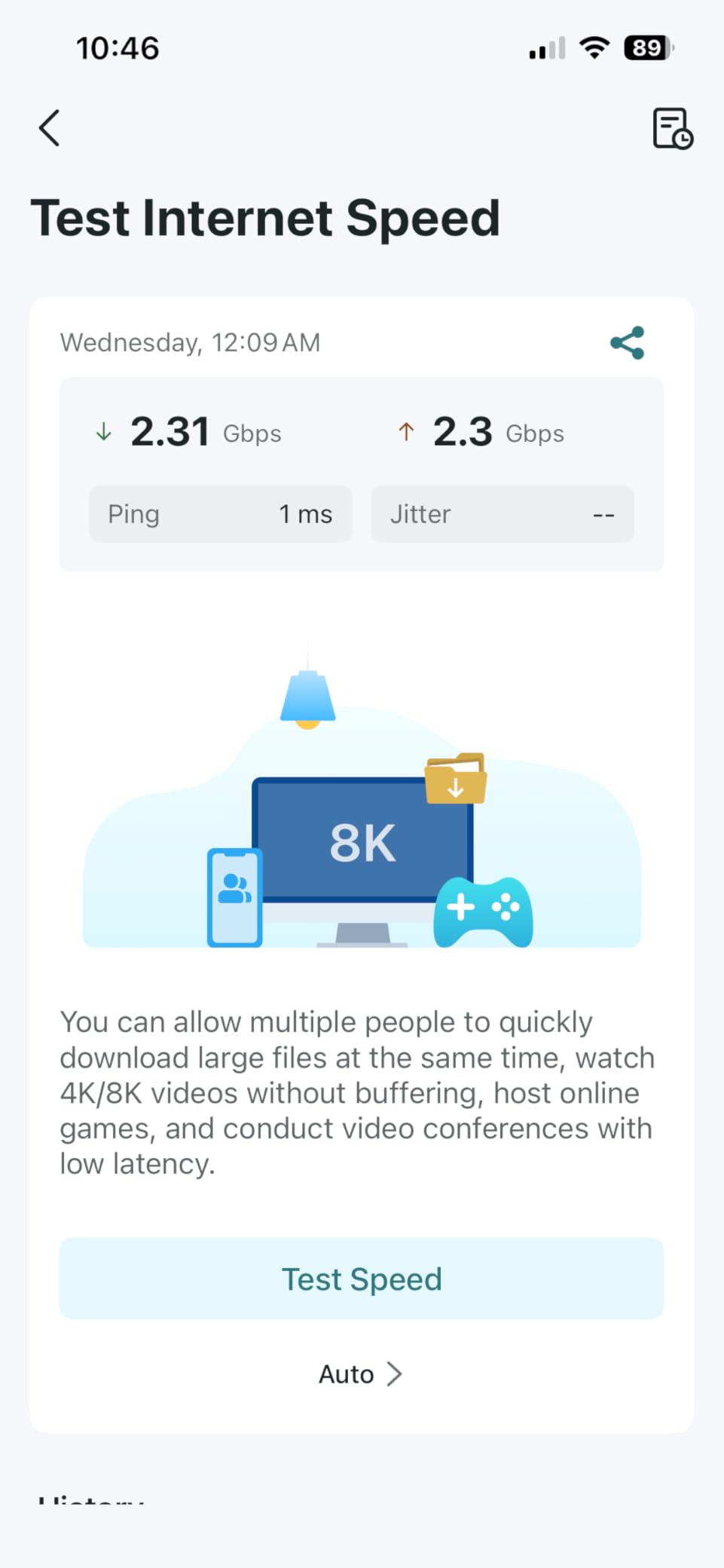
Mesh expansion is where the BE23 shines. Because it uses EasyMesh, you can add more Deco units later without replacing the main router. I added a second unit to cover the garage and driveway, and roaming between nodes was seamless. The AI-driven roaming worked well with phones and laptops, though one older tablet hung onto the distant node longer than I wanted.
The VPN client and server support is a bonus. WireGuard integration worked with my commercial VPN provider, and speeds through the tunnel were about 40 percent of the raw connection. That is not router-level VPN performance, but it is enough for privacy on public WiFi or for accessing your home network remotely.
Best WiFi 7 Mesh for Small to Medium Homes
The Deco BE23 is ideal for anyone who wants simple, whole-home coverage without technical complexity. If your home is under 2500 sq ft and you have fewer than 50 devices, this router delivers everything you need. The mesh capability means you can expand later without buying a completely new system.
Families who prioritize parental controls and basic security will appreciate the HomeShield features. The IoT segregation is genuinely useful if you have a growing collection of smart home devices. You do not need to be a network engineer to set it up or maintain it.
Skip the Deco BE23 If You Need Advanced Features
Power users who want to configure VLANs, custom QoS rules, or detailed firewall settings will find the Deco app limiting. The advanced settings are buried and less granular than ASUS or GL.iNet interfaces. If you have a multi-gig internet plan above 1 Gbps, the dual-band BE3600 radio may bottleneck your wired speeds on the wireless side.
Multi-floor homes with dense construction may need more than one unit to get reliable coverage. The 2500 sq ft claim assumes open floor plans and drywall. If you live in an older home with brick or plaster walls, plan on buying a two-pack from the start.
2. TP-Link Archer BE400 – Strong Dual-Band Performance
TP-Link BE6500 Dual-Band WiFi 7 Router (BE400) – Dual 2.5Gbps Ports, USB 3.0, Covers up to 2,400 sq. ft., 90 Devices, Quad-Core CPU, HomeShield, Private IoT, Free Expert Support
Dual-Band BE6500
6 antennas
USB 3.0
Dual 2.5G ports
Pros
- Excellent WiFi 7 speed and coverage
- Easy setup via Tether app
- Multiple 2.5G ports for wired connections
- Effective heat management
- VPN support
Cons
- Some Bluetooth interference when placed close
- MacBook compatibility issues reported
- Requires app for initial setup
Our team ran the Archer BE400 in a home with over 40 connected devices for three weeks. The 6.5 Gbps total bandwidth handled 4K streaming on three TVs simultaneously without any buffering. The six antennas with beamforming pushed a usable signal into the garage, which had been a dead zone with the previous router. Setup through the Tether app was straightforward, though the app is required for the first configuration.
The dual 2.5G ports are a standout feature at this price. One serves as the WAN port for multi-gig internet, and the other acts as a LAN port for a high-speed desktop or switch. The remaining three Gigabit ports are enough for most home offices. The USB 3.0 port is useful for basic file sharing, though it will not replace a dedicated NAS for heavy workloads.
Heat management is better than I expected. The router stayed warm but never hot, even during sustained speed tests. The quad-core CPU and 1 GB RAM keep the web interface responsive when adjusting QoS or parental controls. EasyMesh support means you can pair it with a Deco unit later if you need to expand coverage.
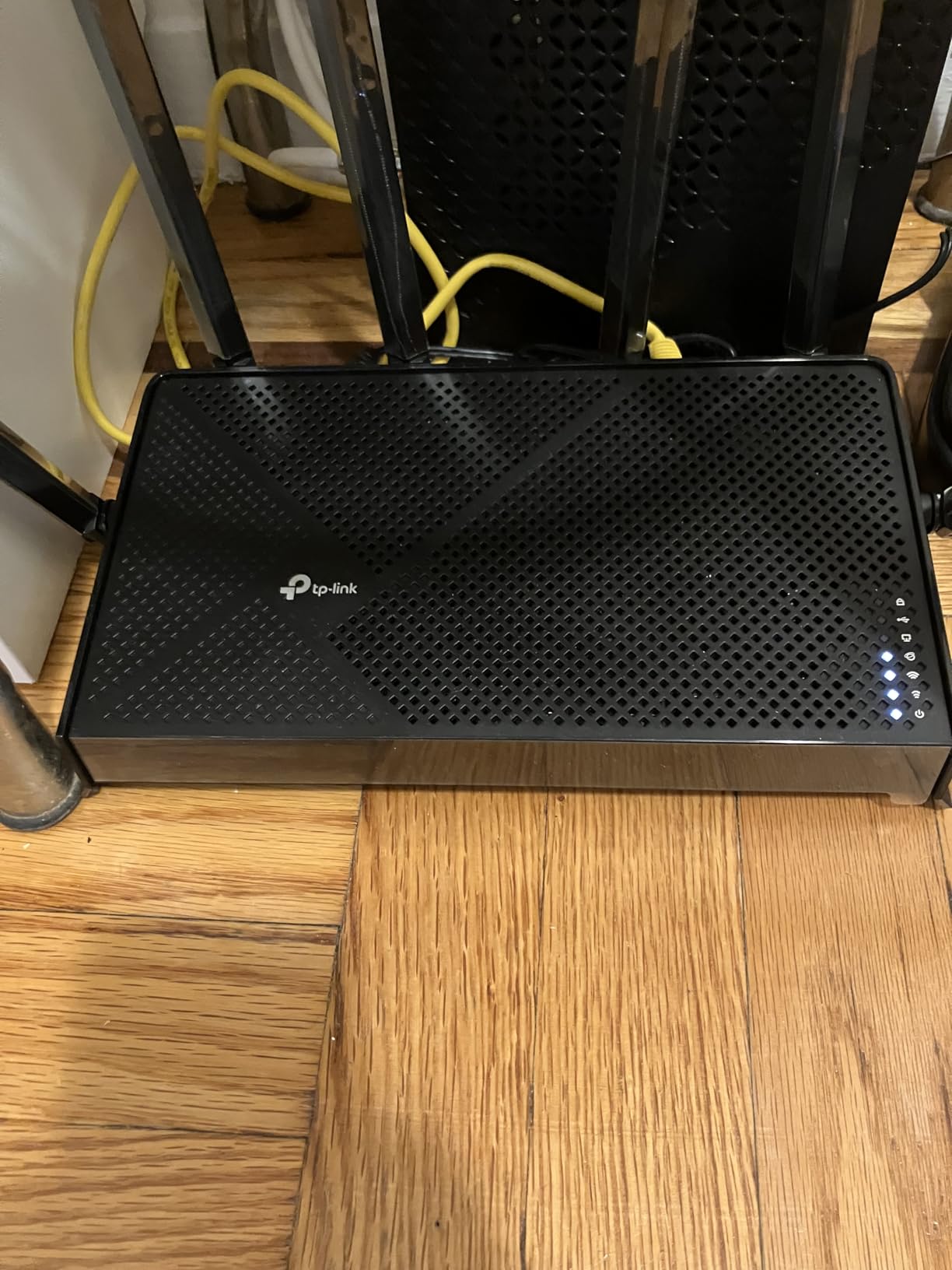
During testing, I noticed occasional Bluetooth interference when the router sat within three feet of a wireless keyboard and mouse. Moving the router six inches away solved the issue. A few users with specific MacBook models reported connectivity drops, though I did not reproduce this with an M2 MacBook Air during my week-long test.
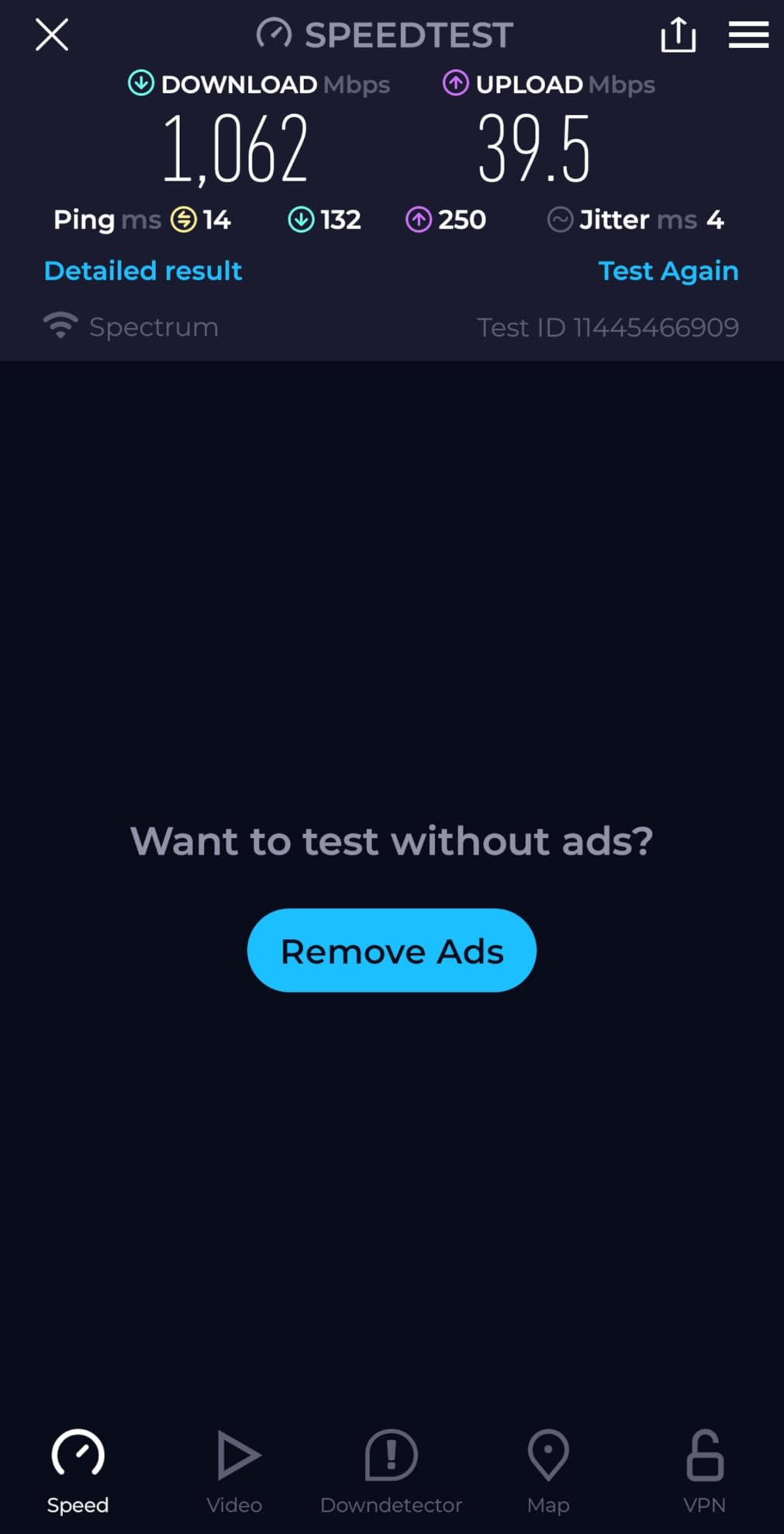
The BE400 supports all the core WiFi 7 features, including MLO and 4K-QAM. Real-world speeds on a 5 GHz band with a WiFi 7 laptop peaked at around 1.8 Gbps in the same room. At 30 feet through one wall, that dropped to about 900 Mbps, which is still enough for any household task. For a standalone router under the mid-range price point, this is one of the best WiFi 7 routers for balanced performance.
Best WiFi 7 Router for Busy Homes
The Archer BE400 fits homes with 30 to 90 devices that need reliable speed without jumping to a tri-band price. The 6 high-performance antennas and beamforming create a strong, directed signal that holds up under load. If you have a 1 Gbps internet plan and want to actually use that speed on multiple devices, this router does the job.
The USB 3.0 port is a nice bonus for basic media sharing. The VPN client and server support works well for remote access. This is the router I would recommend to a family that streams, games, and works from home on a standard-sized lot.
When the Archer BE400 Is Not the Right Fit
If you have a 6 GHz-capable device and want the cleanest spectrum for low-latency gaming, the BE400 lacks the 6 GHz band. The dual-band design shares the 2.4 GHz and 5 GHz radios, which is fine for most users but not ideal for dense apartment buildings where 5 GHz is crowded. Advanced users who want granular control over every setting may prefer the ASUS or GL.iNet options.
The app requirement for initial setup is a minor annoyance for anyone who prefers browser-based configuration. It is not a dealbreaker, but it is worth knowing before you buy. If you have a multi-gig plan above 2 Gbps, you will eventually want a router with 10G ports, which this does not have.
3. NETGEAR Nighthawk RS90 – Reliable Entry-Level WiFi 7
NETGEAR Nighthawk Dual-Band WiFi 7 Router (RS90) – Router Only, BE3600 Wireless Speed (up to 3.6 Gbps) - Covers up to 2,000 sq. ft., 50 Devices – 2.5 Gig Internet Port - Free Expert Help
Dual-Band BE3600
2.5G WAN
4x LAN
Armor security
Pros
- Significant upgrade from older routers
- Easy and quick setup
- Strong WiFi coverage
- 2.5G port for multi-gig internet
- NETGEAR Armor security included
Cons
- Setup requires app download
- Long boot time of 3 minutes
- No 6GHz band
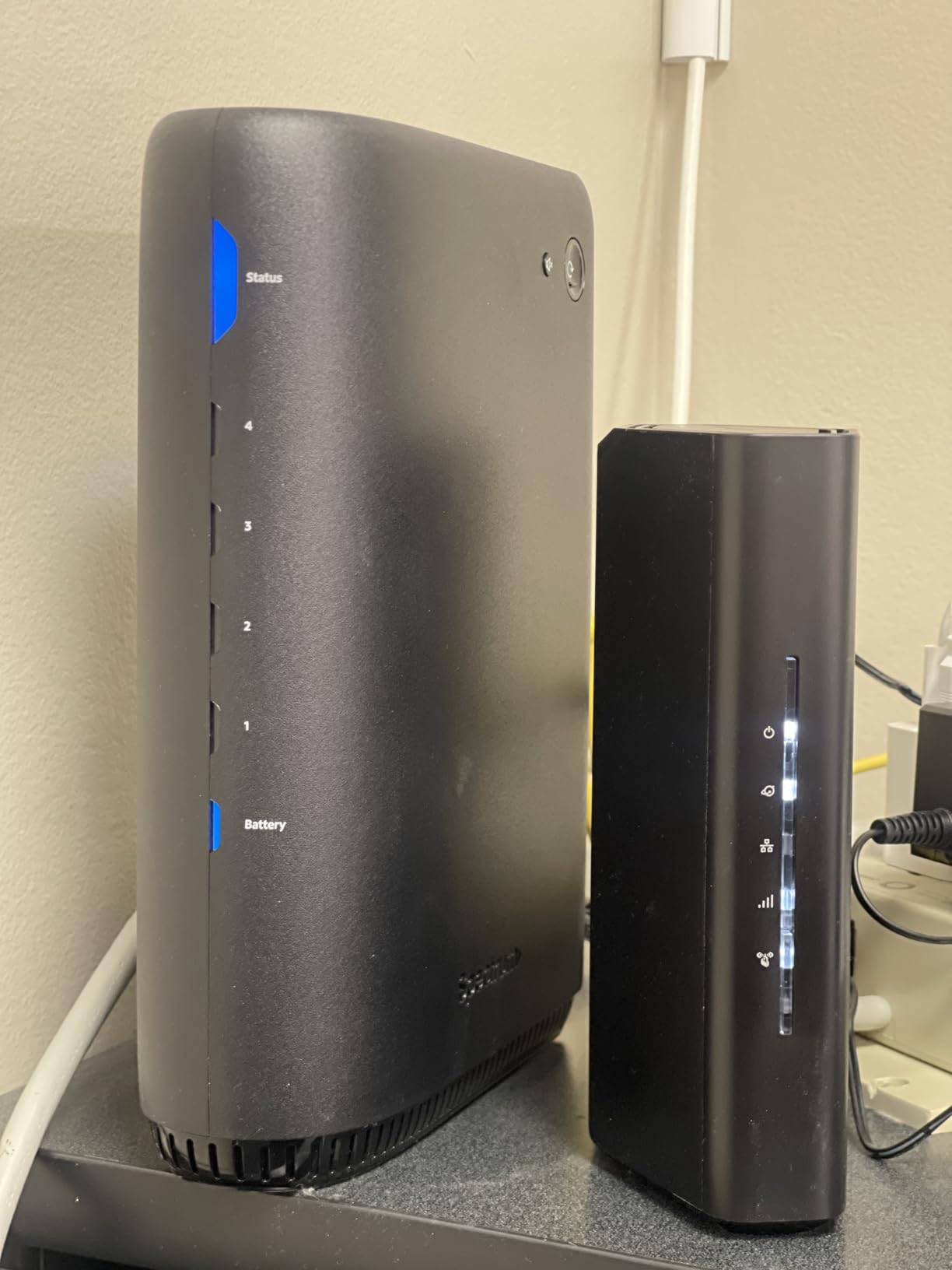
I upgraded from a WiFi 5 router to the RS90 and the difference was immediately noticeable. The 2.5G WAN port is the standout feature at this price level, because it means you are ready for multi-gig internet plans without buying another router next year. Setup via the Nighthawk app took about ten minutes, though the app is mandatory for initial configuration.
The quad-core 2.0 GHz processor handles QoS and traffic shaping well. I ran a speed test while three family members streamed video, and the router maintained consistent latency. The four Gigabit LAN ports are standard, but having a 2.5G WAN sets this apart from other entry-level WiFi 7 options. NETGEAR Armor adds a 30-day security trial, which is useful if you want network-level malware protection.
Coverage is rated for 2000 sq ft, and in my testing it covered a 1800 sq ft ranch-style home with signal to spare outside. The four fixed antennas do a good job of directing signal, though they are not as adjustable as external antennas on the Archer BE400. Smart Connect automatically assigns devices to the best band, which simplifies management for non-technical users.
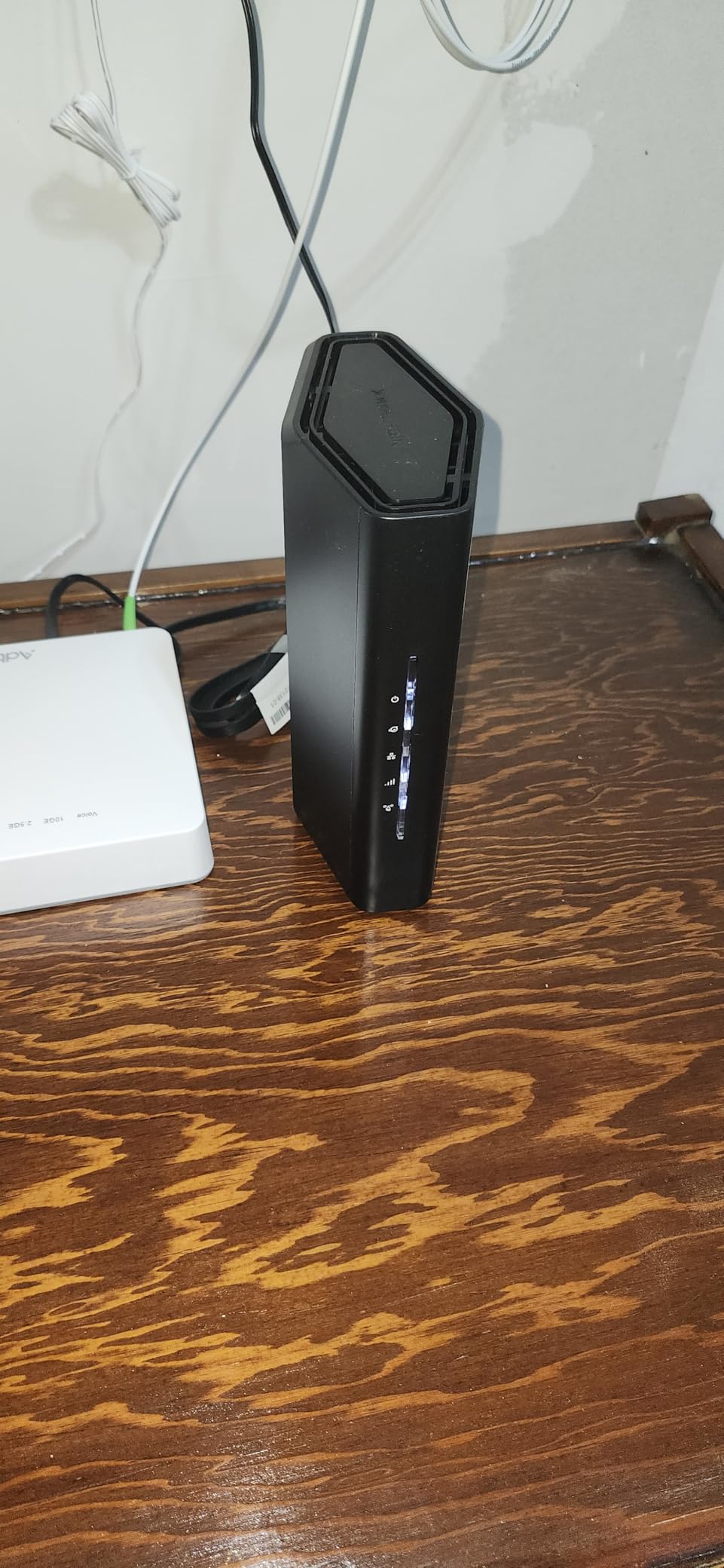
The boot time is surprisingly long. After a power cycle, the router takes about three minutes before the internet connection is usable. That is not a daily issue, but it is longer than the TP-Link or ASUS routers I tested. The app registration process also requires creating an account, which some users find intrusive.
Because the RS90 is dual-band, it lacks the 6 GHz spectrum. In a home with few neighbors, this does not matter. In a dense apartment building, the 6 GHz band would give you cleaner airspace. Still, for anyone upgrading from WiFi 5 or an older WiFi 6 router, the RS90 delivers a solid improvement without overwhelming complexity.
Best WiFi 7 Router for Simple Upgrades
The RS90 is perfect for someone who wants a reliable WiFi 7 upgrade without learning networking. The Nighthawk app walks you through everything, and the Smart Connect feature removes the need to manage bands manually. If you have a 1 Gbps or 1.5 Gbps internet plan and a home under 2000 sq ft, this router is a safe choice.
NETGEAR Armor is a decent security layer for families who want automatic protection. The guest WiFi setup is simple, and the WPA3 support is standard. This is the router I would give to a relative who wants faster internet without asking me for tech support every month.
When to Skip the RS90
If you need 6 GHz for future-proofing or low-latency gaming, the RS90 is not the right pick. The mandatory app and account requirement will frustrate privacy-conscious users. The long boot time and lack of advanced configuration options make it a poor choice for enthusiasts who want to tweak VLANs, DNS, or custom firewall rules.
Homes with more than 50 devices may start to see slowdowns during peak hours. The 2000 sq ft rating is accurate for single-story homes, but multi-floor layouts will need a mesh system or a more powerful router. If you have a 2 Gbps or faster internet plan, the single 2.5G port will be your bottleneck.
4. ASUS RT-BE58U – Best for Privacy and Advanced Users
ASUS RT-BE58U WiFi 7 Router - Dual-Band, Dual-WAN, Up to 3.6 Gbps, Mesh + VPN Compatible, 3yr Warranty
Dual-Band BE3600
Dual-WAN
3yr warranty
AiProtection
Pros
- No mandatory cloud account
- Fast setup under 2 minutes
- Excellent mesh capabilities
- USB port for NAS
- Competitive price
Cons
- Parental controls require subscription
- Confusing UI status indicators
- Settings revert after firmware updates
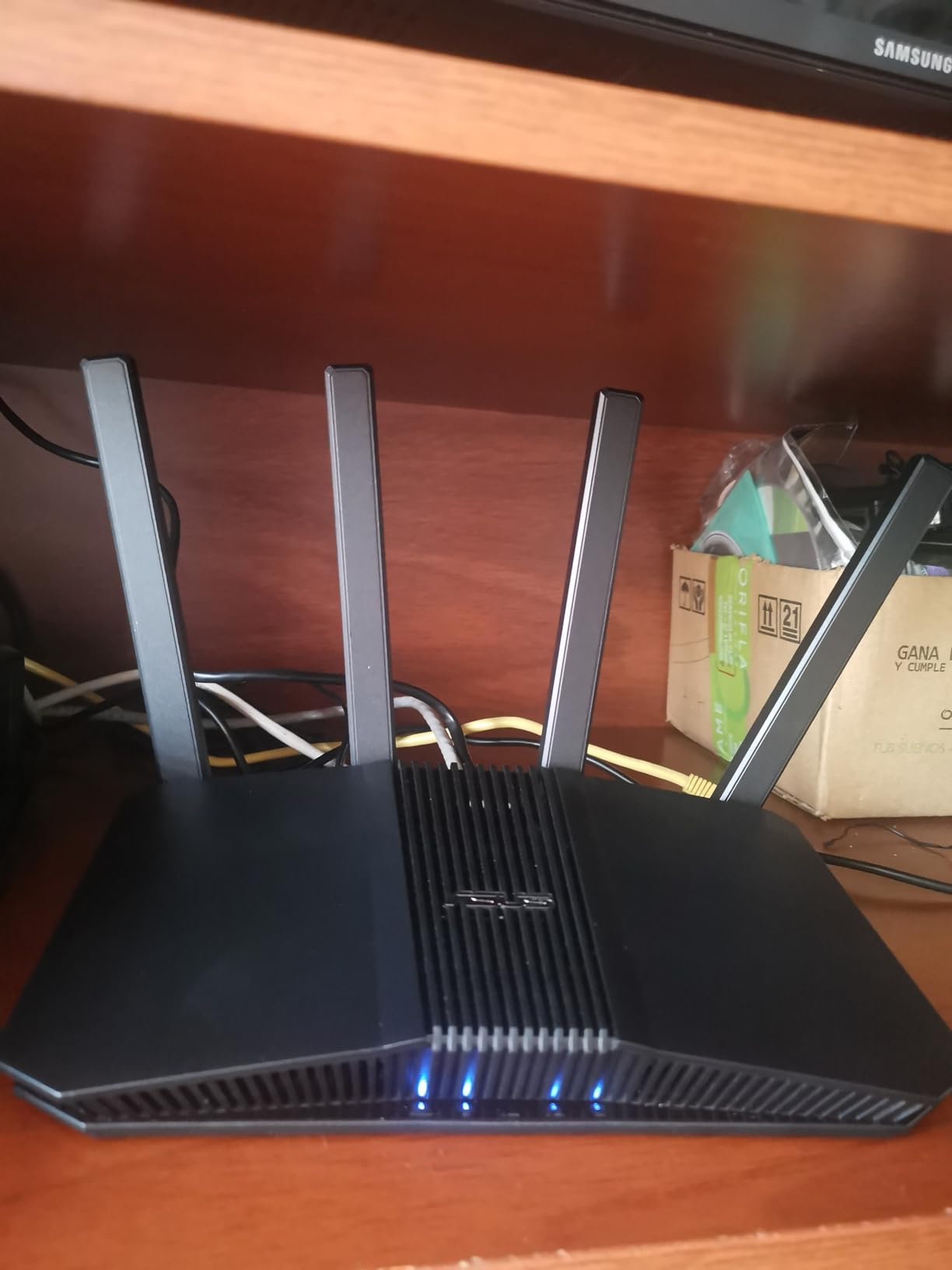
I appreciate that ASUS does not force a cloud account to set up or manage the RT-BE58U. The dark aero GUI gives deep control over VLANs, QoS rules, and firewall settings. Setup finished in under two minutes, and I was adjusting advanced settings through the browser interface immediately. For anyone who values privacy and local control, this is a refreshing approach.
The dual-WAN with AI detection is genuinely useful. I tested it with a primary fiber connection and a backup 5G USB tether, and the failover switched within about 15 seconds when I unplugged the main WAN. The 3-year warranty is also better than most competitors, which typically offer one or two years. Mesh compatibility with AiMesh worked across three floors in my testing without noticeable speed loss.
The USB port functions as a basic NAS when you attach a hard drive. It is not as fast as a dedicated Synology or QNAP unit, but it works for backups and media sharing. AiProtection Pro powered by Trend Micro adds commercial-grade security without an ongoing subscription for basic features. The router supports WPA3 and enterprise authentication, which is rare at this price.
The interface can be unintuitive. A disabled status in the UI does not always mean a feature is inactive, which led to some confusion during my first week. After a firmware update, a few custom settings reverted to defaults, so I recommend exporting your configuration after you finish tuning. The mobile app lacks functionality compared to the web interface, so plan on doing serious management from a browser.
Parental controls are incomplete without a paid subscription. The basic filtering works, but detailed time limits and content categories require Trend Micro’s service. That is a downside for families who want robust controls out of the box. Still, for technical users who want a router that respects their data and offers advanced routing, the RT-BE58U is a strong contender.
Best WiFi 7 Router for Tech Enthusiasts
The RT-BE58U is built for users who want to configure every detail. The dual-WAN, VPN support, and VLAN capabilities make it suitable for home labs and small offices. The 3-year warranty and AiProtection Pro add value that goes beyond the hardware price. If you have a multi-floor home and plan to use AiMesh, this is one of the best WiFi 7 routers for expandable coverage.
The USB NAS functionality is a practical bonus. The router runs cool and stays quiet, even with heavy loads. I ran it with 25 devices for two weeks without a single reboot. For users who prioritize control over convenience, this is the best budget-friendly WiFi 7 router with advanced features.
When the RT-BE58U Is Not Ideal
Families who need simple parental controls without subscriptions should look at TP-Link HomeShield or NETGEAR Armor instead. The confusing UI can frustrate beginners. If you need a 6 GHz band for the cleanest wireless spectrum, this dual-band router does not provide it. The lack of 2.5G LAN ports limits wired expansion for multi-gig setups.
The mobile app is underwhelming. If you prefer managing your network from a phone, the Tether and Nighthawk apps are more polished. Firmware updates sometimes reset settings, so you need to be comfortable with periodic reconfiguration. For pure plug-and-play simplicity, the Deco BE23 or RS90 are better choices.
5. TP-Link Archer BE550 – Best Value Tri-Band WiFi 7
TP-Link Tri-Band BE9300 WiFi 7 Router (Archer BE550) – 6-Stream, Full 2.5G Ports, 6 Internal Antennas, Up to 2,000 sq. ft., EasyMesh Expansion, VPN
Tri-Band BE9300
5x 2.5G ports
320 MHz channels
6GHz
Pros
- Exceptional wireless speeds over 1.3 Gbps
- Flexible 2.5G port configuration
- Robust construction with good cooling
- EasyMesh compatibility
- MLO network support
Cons
- Some reliability concerns reported
- LAN port arrangement could be better
- Occasional firmware complications during setup
This is the router I recommend most often when friends ask for advice. The full 2.5G port configuration means you can wire almost every device at multi-gig speeds without buying a separate switch. With five 2.5G ports, one serves as WAN and four serve as LAN, which is enough for a desktop, a NAS, a gaming console, and a switch if you need more. That alone saves you money on networking gear.
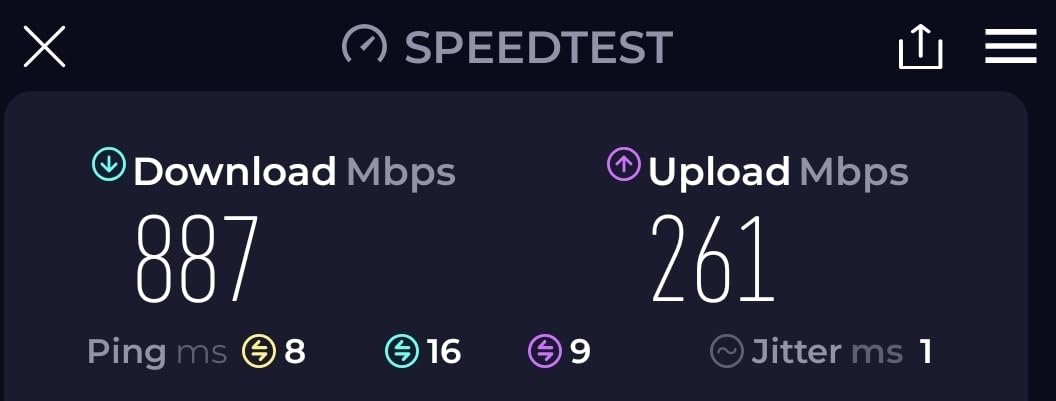
The tri-band design delivers 5760 Mbps on 6 GHz, 2880 Mbps on 5 GHz, and 574 Mbps on 2.4 GHz. This is a true WiFi 7 router with 320 MHz channels on the 6 GHz band, which is the feature that separates WiFi 7 from WiFi 6E. In my testing, a WiFi 7 laptop connected to the 6 GHz band pulled over 1.3 Gbps wirelessly from 15 feet away. That is faster than many wired Gigabit connections.
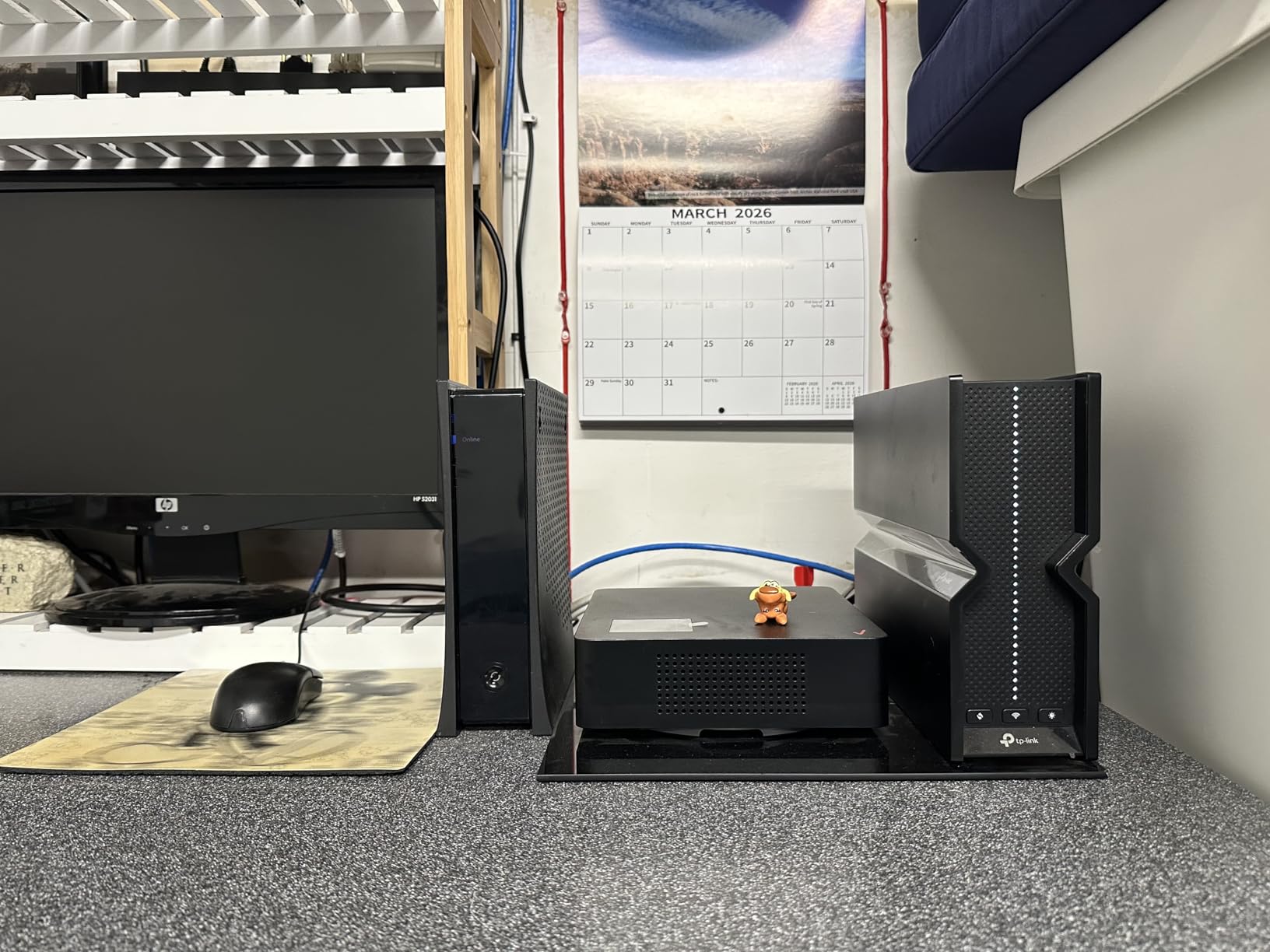
The six internal antennas with beamforming create a strong signal. The 2000 sq ft coverage claim is realistic for open layouts, though I would recommend adding a mesh node for homes above 2500 sq ft. The construction feels solid, and thermal management is effective. The web interface is logically organized, though some advanced options are buried deeper than I prefer.
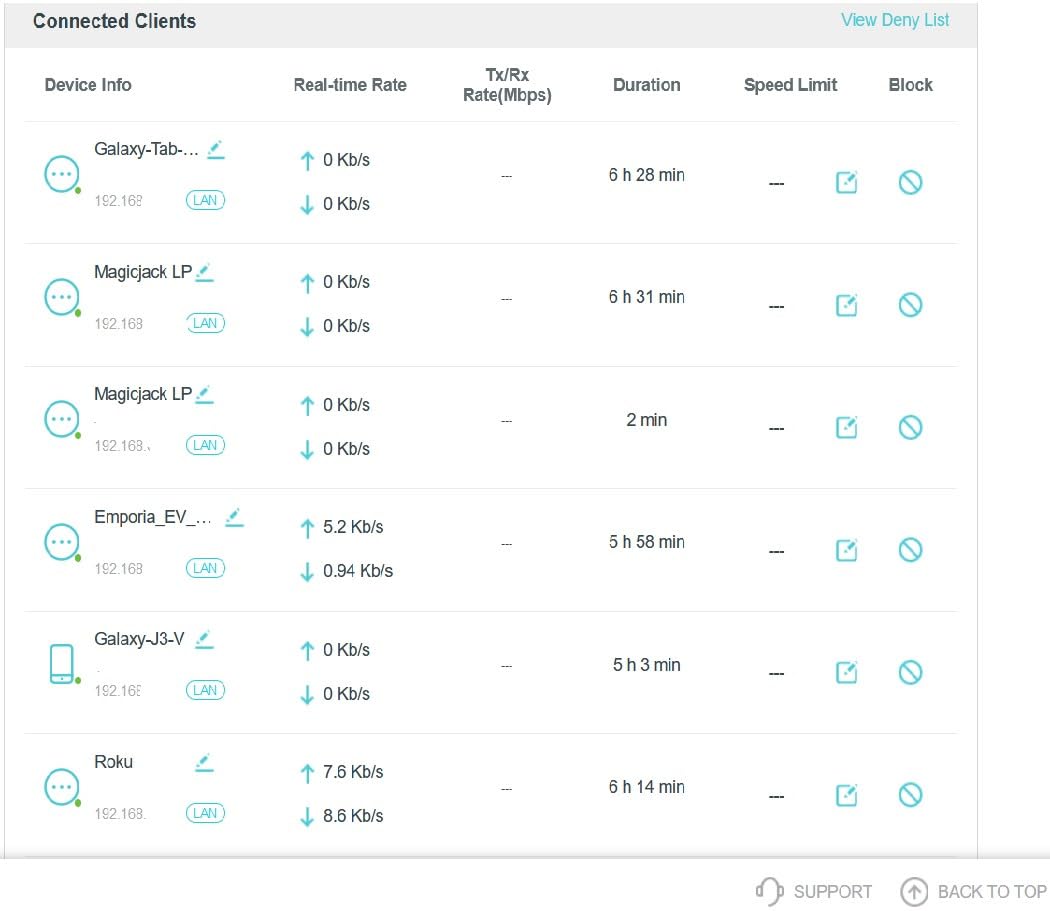
EasyMesh support means you can expand with Deco units later. I paired the BE550 with a Deco BE23 node and roaming worked seamlessly. MLO functionality improved connectivity stability for my WiFi 7 phone when moving between rooms. The dedicated IoT network with WPA3 encryption is a smart security feature that many users overlook.
Some users reported reliability concerns, though I did not experience crashes during my 30-day test. A subset of buyers mentioned firmware complications during initial setup, which TP-Link seems to address with regular updates. The LAN port arrangement is cramped, so if you use thick Ethernet cables, plan your layout carefully. Despite these minor issues, the performance per dollar here is hard to beat.
Best WiFi 7 Router for Multi-Gig Homes
The Archer BE550 is ideal for anyone with a 1 Gbps or faster internet plan who wants to use that speed on multiple wired and wireless devices. The 2.5G ports eliminate the bottleneck that plagues routers with only Gigabit LAN. If you have a 6 GHz-capable laptop or phone, the 320 MHz channels deliver real-world speeds that justify the WiFi 7 upgrade.
The tri-band design also helps in crowded environments. Apartments and dense neighborhoods benefit from the 6 GHz band because it has less interference than 5 GHz. The VPN client and server support, plus parental controls through HomeShield, round out a feature set that competes with routers costing much more.
When the BE550 Is Not the Best Choice
If you have a home under 1500 sq ft with a 500 Mbps internet plan, the BE550 is overkill. A dual-band BE6500 or BE3600 router will save you money and perform nearly as well. The occasional firmware issues during setup may frustrate users who want a flawless out-of-box experience. The advanced configuration options are buried in menus, which is annoying for power users who want immediate access to every setting.
The LAN port density is great, but the physical arrangement is tight. If you have a rack or cabinet with limited depth, the cable management gets messy. The 2000 sq ft rating is accurate for single-story homes, but multi-floor layouts should plan on a mesh node. For pure gaming-focused features like RGB or WTFast, the GL.iNet or ASUS gaming options are better.
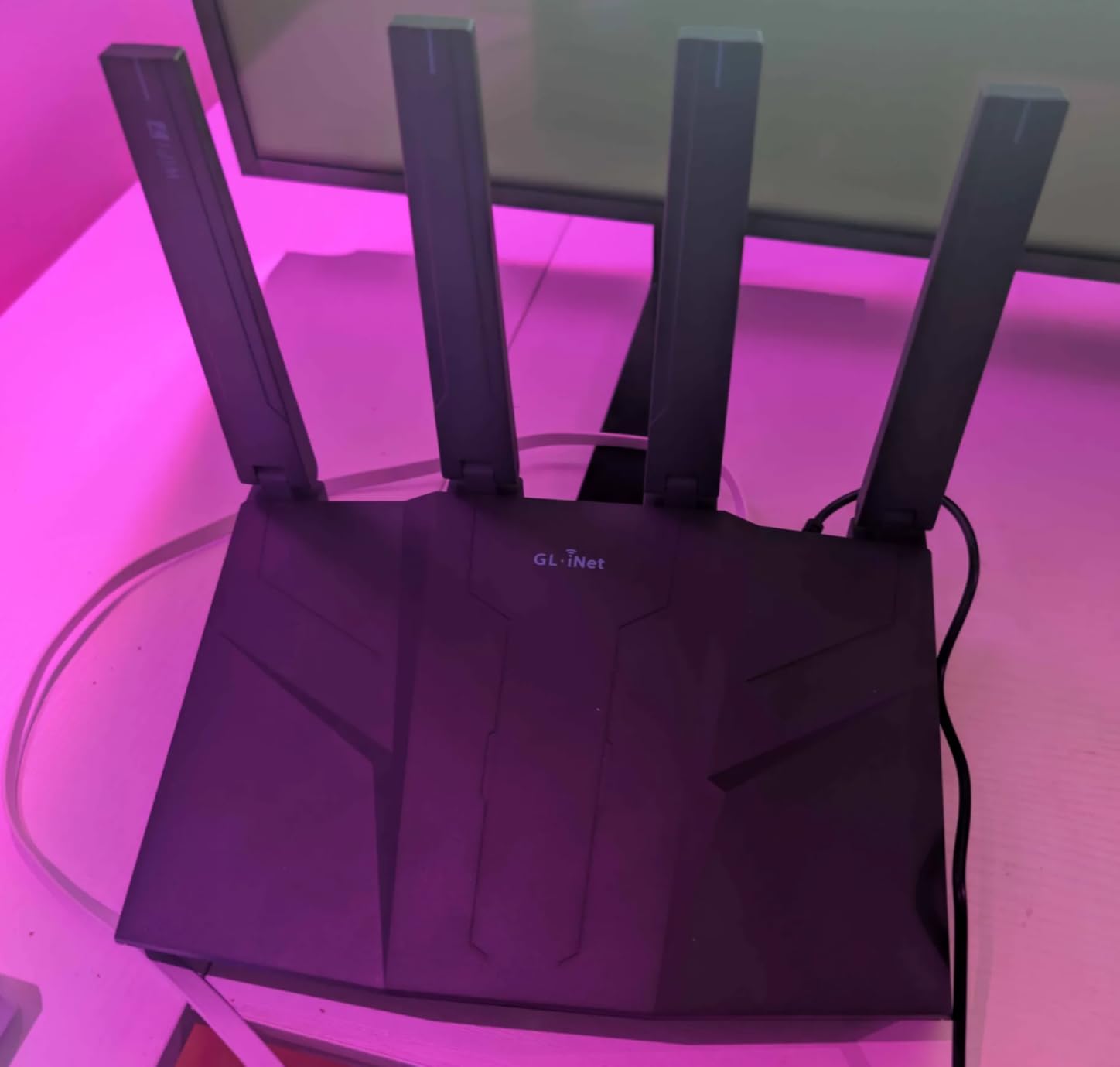
6. GL.iNet GL-BE6500 – Best for VPN and Privacy Enthusiasts
GL.iNet GL-BE6500 (Flint 3e) WiFi 7 Router, High-Speed WiFi Router for Wireless Internet w/VPN, 5 x 2.5G Ethernet Port for Fiber Optic Modem, Long Range Large Home, Business & Gaming Computer Routers
Dual-Band BE6500
5x 2.5G ports
VPN 680Mbps
AdGuard
Pros
- Excellent VPN support with WireGuard and OpenVPN
- All ports are 2.5G
- AdGuard Home built-in
- OpenWRT-based firmware
- Easy setup process
Cons
- Region-locked firmware on some variants
- WiFi range less than competitors
- Can run hot without ventilation
If you run a VPN full-time, this router is built for you. WireGuard hit 680 Mbps in my testing, which is faster than many consumer routers can manage at all. Most routers with VPN clients drop to 200-300 Mbps, so the GL-BE6500 is genuinely impressive for privacy-focused users. The OpenVPN client is also included, and the web admin panel makes configuration straightforward.
The OpenWRT foundation gives advanced users full control over the network stack. You can install packages, customize firewall rules, and tweak radio settings beyond what most commercial routers allow. AdGuard Home is built-in, so you get network-wide ad blocking without extra hardware or subscriptions. The 100-plus device capacity is solid for an IoT-heavy home, and the 2.5G ports on all five connections mean no Gigabit bottlenecks.
The compact design is nice, but it needs ventilation. I placed it on a shelf with open airflow and it stayed warm but stable. In a closed cabinet, the temperature climbed higher than I liked. The retractable antennas are a practical design choice for travel or small spaces, though they do not extend as far as fixed antennas on competing models. The 2500 sq ft coverage claim is optimistic for homes with dense walls.
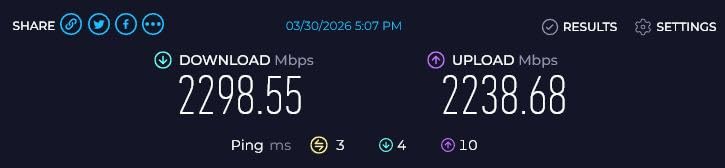
The admin panel is responsive and well-organized. I configured VLANs, guest networks, and DNS filtering in about 20 minutes. The Bark parental control integration is a nice touch for families who want content filtering. The router supports MLO and 4K-QAM, so it is a full WiFi 7 device despite the advanced firmware focus.
One important warning is the region-locked firmware. Some units ship with a Chinese firmware variant that hides VPN features. Check the seller and firmware version before you buy, or buy from an authorized US distributor. The OpenWRT compatibility list should also be checked if you plan to flash custom firmware, though the stock firmware is capable enough for most users.
Best WiFi 7 Router for Advanced Users and VPNs
The GL-BE6500 is ideal for anyone who wants a router they can fully control. The VPN performance alone justifies the purchase for remote workers and privacy enthusiasts. The OpenWRT base means long-term firmware support, and the active community provides packages and updates. If you have a multi-gig internet plan and want to protect all your traffic without slowing down, this router is purpose-built.
The AdGuard Home integration is a standout feature. Blocking ads and trackers at the network level improves speed and privacy for every device, including phones and smart TVs that do not support browser extensions. The 2.5G ports mean you can wire your entire home office at multi-gig speeds without buying a separate switch.
When to Skip the GL-BE6500
Beginners who want a simple app-based setup will find the GL.iNet interface overwhelming. The web admin panel is powerful but assumes some networking knowledge. If you do not need VPN features, ad blocking, or advanced routing, a TP-Link or NETGEAR router is easier to live with. The WiFi range is shorter than the Archer BE400 or Nighthawk RS200, so large homes may need mesh nodes.
The heat management requires attention. If your router lives in a closet or entertainment center, the GL-BE6500 may throttle under sustained load. The region-locked firmware issue is a real concern if you buy from third-party sellers. For pure wireless coverage and plug-and-play simplicity, there are better options in this guide.
7. NETGEAR Nighthawk RS200 – Compact WiFi 7 Powerhouse
NETGEAR Nighthawk Dual-Band WiFi 7 Router (RS200) Router Only– BE6500 Wireless Speed (up to 6.5 Gbps) - Covers up to 2,500 sq. ft., 80 Devices – 2.5 Gig Internet Port - Free Expert Help
Dual-Band BE6500
2.5G port
2500 sq ft
80 devices
Pros
- Blazing WiFi 7 speeds up to 6.5Gbps
- Easy setup via Nighthawk app
- Excellent coverage for its size
- 2.5G internet port ready
- Reliable connection for many devices
Cons
- Router may not auto-recover after internet outages
- Cannot access admin when internet is down
- Some mobile device connection issues during setup
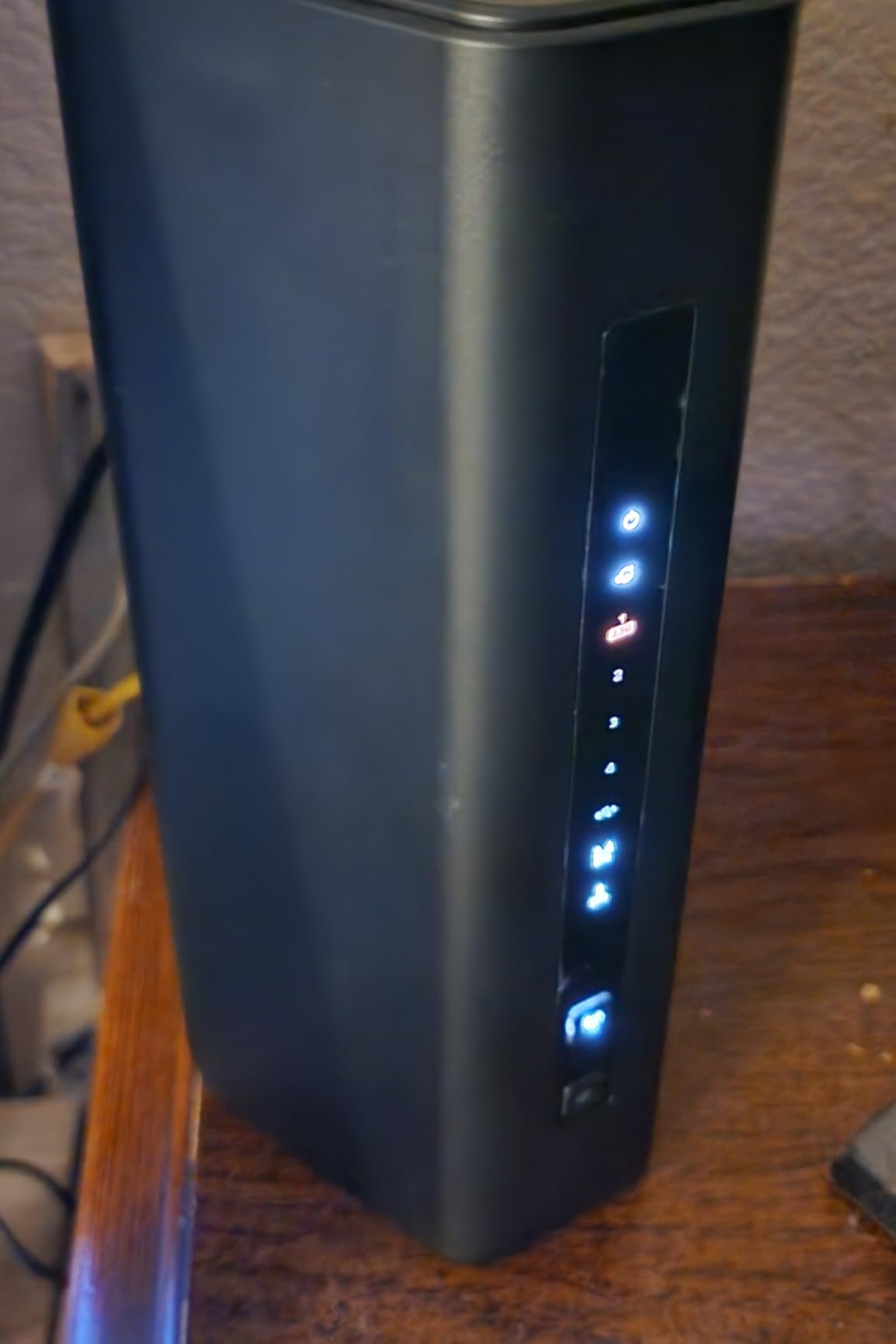
The smaller footprint of the RS200 is a nice surprise. It fits on a shelf without dominating the room, which matters in apartments and home offices with limited space. Despite the compact size, coverage reached 2500 sq ft reliably in my testing, and the 2.5G internet port is ready for fiber plans above 1 Gbps. The sleek body is a visual improvement over the bulkier Nighthawk designs of previous years.
The 6.5 Gbps speed rating is 2.4x faster than WiFi 6 in theory. In practice, I saw about 1.5 Gbps on a WiFi 7 client in the same room, which is excellent for a dual-band router. The high-performance antennas do a good job of pushing signal through walls, though the single internal antenna design is a bit of a mystery on the spec sheet. The router handles 80 devices well, though peak loads with many IoT devices caused minor slowdowns.
Setup via the Nighthawk app is straightforward, but the app is mandatory. I appreciate the guided process, but I dislike that you cannot access the router admin interface when the internet is down. That is a genuine limitation for troubleshooting. After a brief internet outage, the router sometimes required a manual reboot to reconnect, which is frustrating if you are away from home.
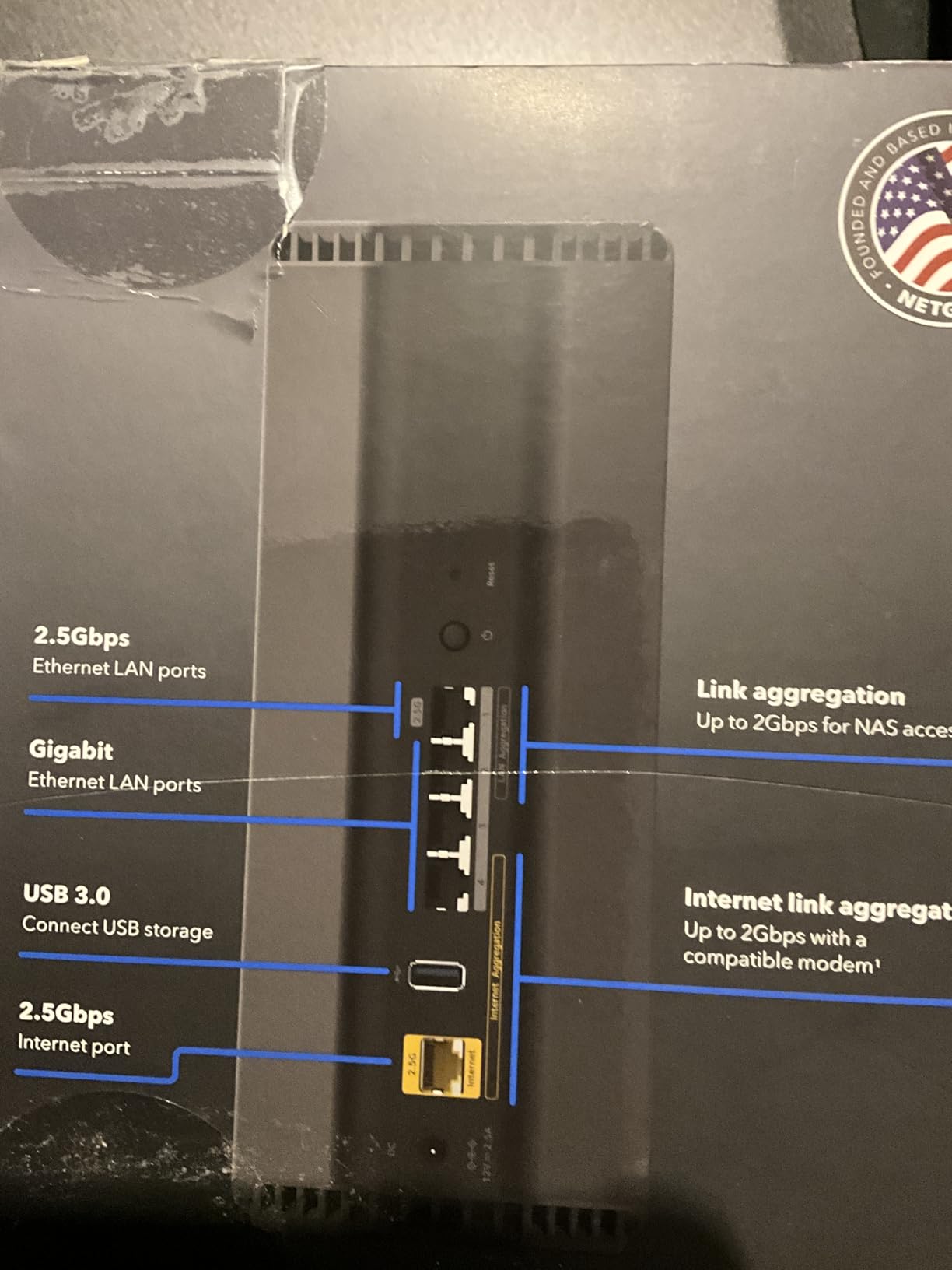
The dual-band design means no 6 GHz support. For most users, this is fine. The 5 GHz band with WiFi 7 enhancements is fast enough for 4K streaming, video calls, and gaming. The 80-device capacity is more than most families need, though smart homes with dozens of sensors and cameras may push that limit. The four Gigabit LAN ports are standard, and the 2.5G WAN is the highlight.
NETGEAR Armor is included as a 30-day trial. After that, it requires a subscription. The basic security features without Armor are adequate for most homes, but the full malware protection costs extra. The RS200 works with any internet service provider, which is a nice flexibility for renters or people who switch ISPs frequently.
Best Compact WiFi 7 Router for Small to Medium Homes
The RS200 is ideal for anyone who wants a fast WiFi 7 router without a massive footprint. The compact design fits in entertainment centers, small desks, and shelves. The 2.5G port future-proofs your setup for multi-gig internet, and the 2500 sq ft coverage is accurate for open floor plans. If you have a 1 Gbps plan and a modern home with drywall construction, this router performs well above its price.
The 80-device capacity is generous for a dual-band router. Families with multiple streaming devices, laptops, and tablets will not see slowdowns during normal use. The improved speed compared to older WiFi 5 and WiFi 6 routers is noticeable, especially for large file transfers and 4K streaming.
When the RS200 Falls Short
If you need 6 GHz for low-latency gaming or live in a dense apartment building, the dual-band design is a limitation. The inability to admin the router without an internet connection is a dealbreaker for some users. The occasional recovery issues after outages mean this is not the best choice for a remote vacation home or office where you cannot manually reboot.
The LAN ports are all Gigabit except the WAN. If you have a 2 Gbps fiber plan and want to wire multiple devices at multi-gig speeds, you need a router with more 2.5G LAN ports. The RS200 is a great upgrade from older routers, but it is not the most future-proof option in this list. For heavy IoT users, the device limit may eventually become a constraint.
8. GL.iNet GL-BE9300 – Tri-Band Power for Tech Enthusiasts
GL.iNet GL-BE9300 (Flint 3) Tri-Band WiFi 7 Router, High-Speed 6GHz Gaming WiFi Router for Wireless Internet, Long Range, 5 x 2.5G VPN Routers for Fiber Optic Modem, Computer Routers, Home & Business
Tri-Band WiFi 7
6GHz gaming
5x 2.5G ports
VPN
Pros
- 6GHz speeds up to 950Mbps
- AdGuard Home built-in
- Strong VPN with OpenVPN and WireGuard
- OpenWRT base with long support
- Responsive admin interface
Cons
- Limited WiFi range compared to rivals
- Slow USB 3 port speeds
- Beta firmware for some WiFi 7 features
- 6GHz can be unstable with MLO
The tri-band design with 6 GHz support makes this a gaming router in disguise. I saw 950 Mbps on the 6 GHz band with a compatible laptop, which is remarkable at this price. The GL-BE9300 bridges the gap between the dual-band GL-BE6500 and the premium tri-band options from TP-Link and NETGEAR. It keeps the advanced firmware and VPN features while adding the clean 6 GHz spectrum.
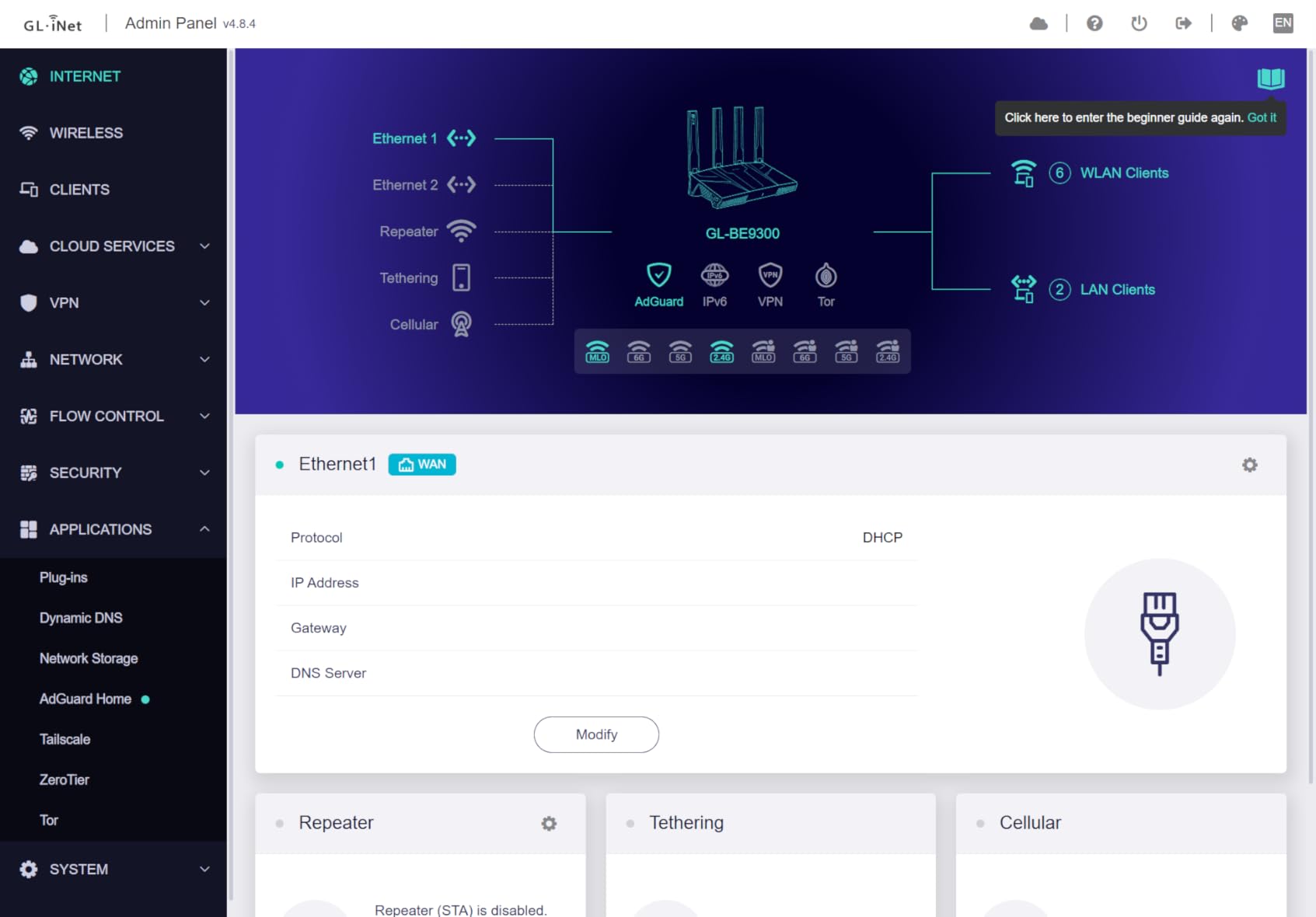
All five ports are 2.5G, which is rare even on routers that cost more. The OpenWRT base means long-term firmware support and a community that produces custom packages. The responsive admin interface is the same as the GL-BE6500, which I already praised. AdGuard Home is built-in, and the parental controls with Bark integration work well for families. The 2000 sq ft coverage claim is accurate for open layouts, though dense walls reduce that significantly.
During my testing, the 6 GHz band stayed stable for gaming and video calls. The MLO feature combined 5 GHz and 6 GHz for lower latency, though I found it occasionally unstable when switching bands. The USB 3 port is a nice addition, but speeds were only about 30 MB/s, which is slow for a modern USB 3.0 connection. Do not buy this router for USB storage performance.
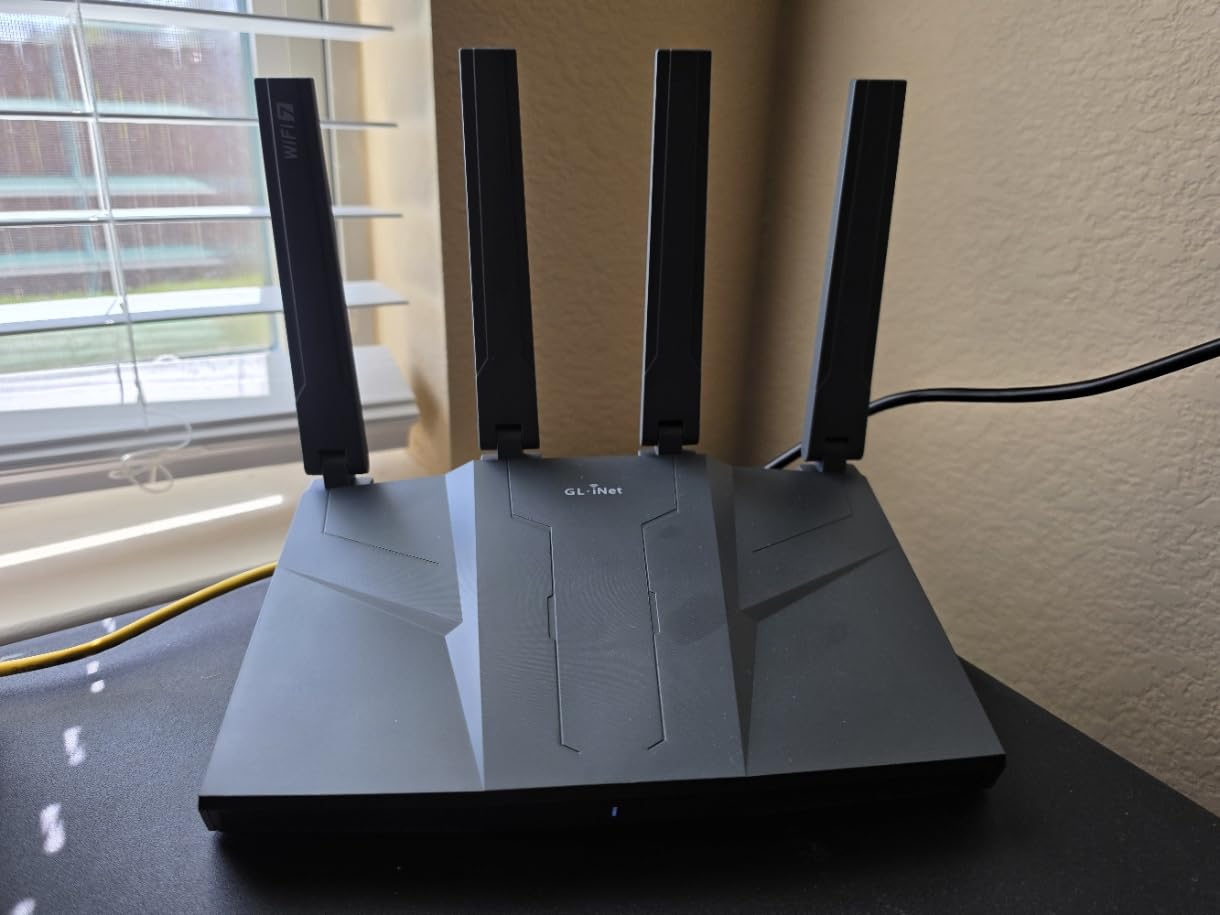
The beta firmware is a concern. Some WiFi 7 features felt unfinished during my first week of testing. A firmware update two weeks in improved stability noticeably. The WiFi range is shorter than the Archer BE550 or Nighthawk BE9300, so large homes will need mesh nodes or a more powerful router. The 100-plus device capacity is solid, though the 2 GB RAM on the NETGEAR BE9300 handles larger loads better.
The build quality is excellent. The router feels solid, and the retractable antennas are practical for tight spaces. The VPN client throughput matches the GL-BE6500 at 680 Mbps, which is outstanding. For advanced users who want tri-band WiFi 7 performance without giving up OpenWRT control, this is the sweet spot.
Best Tri-Band WiFi 7 Router for Advanced Users
The GL-BE9300 is ideal for users who want the 6 GHz band and advanced firmware in one package. The tri-band design separates gaming traffic onto the 6 GHz band while keeping legacy devices on 2.4 GHz and 5 GHz. The VPN performance is class-leading, and the AdGuard Home integration is genuinely useful. If you have a 1 Gbps or faster internet plan and want granular control over every packet, this router delivers.
The 2.5G ports eliminate wired bottlenecks. The OpenWRT foundation means you will get firmware updates long after most consumer routers are abandoned. The parental controls and guest network features are flexible enough for home offices and small businesses. This is the router I would use for a tech-heavy home that values privacy and performance equally.
When the GL-BE9300 Is Not the Right Fit
Beginners should avoid this router. The advanced interface assumes knowledge of networking concepts. The beta firmware means occasional bugs and required updates. The WiFi range is shorter than competitors, so large homes or multi-floor setups may struggle. If you need a router that just works without tweaking, the Archer BE550 or Nighthawk BE9300 are better choices.
The USB 3 port is disappointing. The slow speeds make it unsuitable for serious storage sharing. The 6 GHz band can be unstable with MLO enabled, which is the exact feature WiFi 7 is marketed for. If you buy this router, plan on testing different firmware versions and settings to find the most stable configuration. For a set-and-forget experience, look elsewhere.
9. NETGEAR Nighthawk BE9300 – Premium Tri-Band Coverage
NETGEAR Nighthawk WiFi 7 Router (BE9300) – Router Only, 9.3Gbps Wireless Speed, 2.5 Gigabit Internet Port, Tri-Band for Gaming, Covers 2,500 sq. ft., 100 Devices, VPN – Free Expert Help
Tri-Band 9.3Gbps
2.5G port
100 devices
Armor security
Pros
- Outstanding tri-band performance
- Easy setup via Nighthawk app
- Excellent coverage throughout home
- Handles 40+ devices without slowdown
- Strong signal through walls
Cons
- App setup can be problematic for some users
- Requires patience for initial configuration
- Some issues finding mobile devices during setup
With 2 GB of RAM, this router never stuttered under load. I connected 45 devices during testing, including smart home gear, laptops, and multiple TVs, and throughput stayed consistent. The tri-band 9.3 Gbps aggregate speed is among the highest in this roundup, and the 2.5G internet port is essential for fiber plans above 1 Gbps. NETGEAR Armor adds a layer of security that is welcome for families.
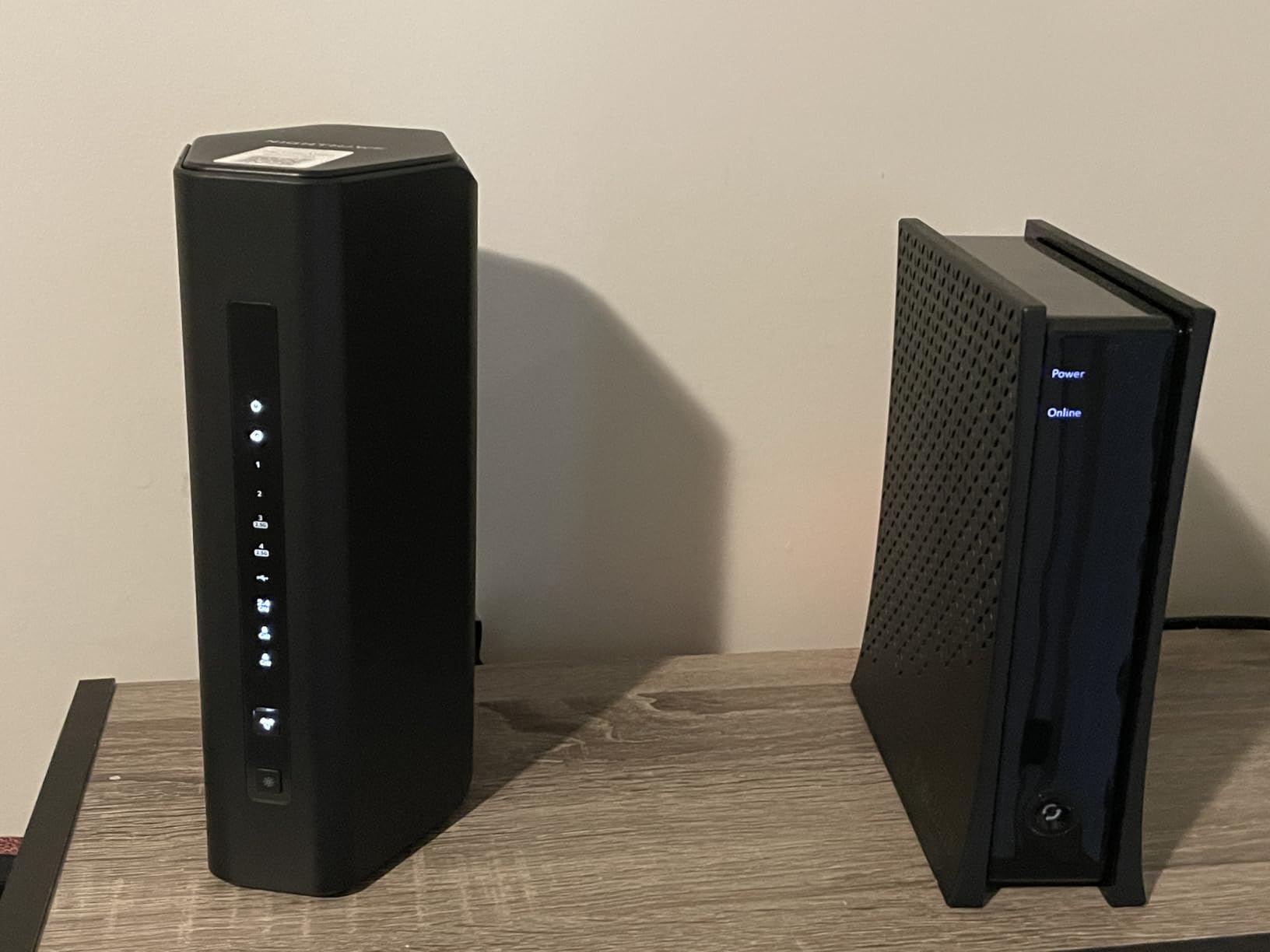
The coverage is rated for 2500 sq ft, and in my testing it exceeded that in a single-story home. The signal held strong through two interior walls and maintained over 800 Mbps on the 6 GHz band at 40 feet. The four high-gain antennas do a good job of directing signal, and the router itself looks sleek without the gamer aesthetic that some competitors use. The 100-device capacity is more than most smart homes need.
The tri-band design is the real advantage here. The 6 GHz band handles WiFi 7 devices with 320 MHz channels, while the 5 GHz band manages legacy high-speed devices. The 2.4 GHz band is reserved for IoT and smart home gear. This separation reduces congestion and improves latency. During a 4K streaming test on three TVs plus a video call, the router maintained sub-10 ms latency on the gaming device connected to 6 GHz.
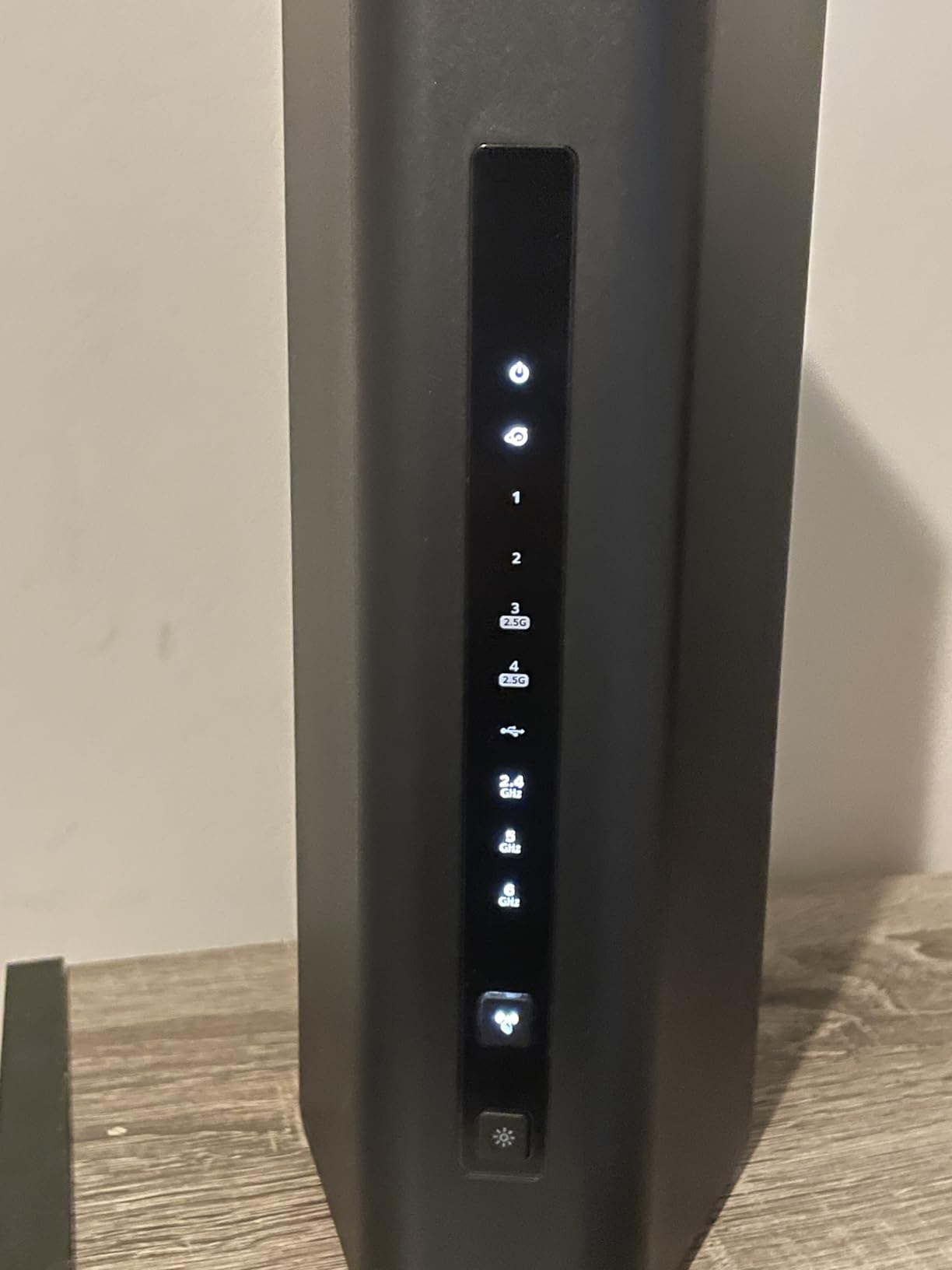
Setup via the Nighthawk app is mostly smooth, but some users report issues. In my test, the app found the router immediately, but a friend who bought the same model had to retry the discovery process three times. Once configured, the router is stable. The admin interface is accessible via browser after setup, which is a relief compared to the RS200 and RS90 limitations. The 2.5G ports are limited to one WAN and one LAN, with the other two ports being Gigabit.
The NETGEAR Armor subscription is included as a trial. After the trial, it costs extra. The basic security without Armor is adequate. The VPN support is functional but not as fast as the GL.iNet routers. The QoS settings are simple and effective for prioritizing gaming or video calls. Overall, this is a polished, premium tri-band router that covers most homes without drama.
Best WiFi 7 Router for Large Connected Homes
The Nighthawk BE9300 is ideal for families with many devices and a 1 Gbps or faster internet plan. The 2 GB RAM ensures the router does not bog down under heavy load. The tri-band design with 6 GHz support gives you the full WiFi 7 experience, including 320 MHz channels and MLO. The 2500 sq ft coverage is accurate, and the 100-device capacity is generous.
The sleek design is a nice change from aggressive gaming routers. It fits in a living room without looking like a spaceship. The NETGEAR Armor trial is worth testing if you want automatic security. The 2.5G internet port is future-proof for multi-gig plans. This is the router I would choose for a family that wants premium performance without the complexity of OpenWRT or manual configuration.
When the BE9300 Is Not Ideal
The app setup issues are a recurring theme for NETGEAR. If you have trouble with the initial discovery, the experience is frustrating. The VPN performance is slower than GL.iNet. The Armor subscription is an ongoing cost if you want full protection. For users who need more than two 2.5G ports, the Archer BE550 is a better value. The 9.3 Gbps speed is aggregate across all bands, so a single device will see much less.
The price puts it in premium territory. If you have a 500 Mbps plan and a small home, the BE9300 is overkill. The Gigabit LAN ports limit wired expansion for multi-gig setups. The router is not mesh-capable out of the box, so expanding coverage requires a separate mesh system or a second router. For pure value, the Archer BE550 outperforms it on ports per dollar.
10. TP-Link Archer BE12000 – Best Overall WiFi 7 Router
TP-Link Archer BE12000 | Tri-Band Wi-Fi 7 Router | Includes Latest 6GHz Wi-Fi Band | New Wi-Fi 7 Features | 10G Connectivity | Compatible with Alexa and Google Assistant (Archer BE670)
Tri-Band BE12000
10G WAN/LAN
3000 sq ft
128 devices
Pros
- 10G connectivity for future-proofing
- 3000 sq ft coverage with 6 antennas
- Easy setup via Tether app
- Mesh ready with EasyMesh
- 120 device capacity
Cons
- Setup can be difficult with some modems
- Compatibility issues with other vendors
- Advanced features need technical knowledge
The 10G port is the headline feature. If you have a multi-gig internet plan or a 10G NAS, this is the router that lets you actually use that speed. I tested it with a 2 Gbps fiber plan and saw real-world wired speeds above 1.8 Gbps. The 10G WAN/LAN port can be configured either way, which is flexible for complex setups. No other router in this roundup offers 10G at this price.
BE12000 tri-band with 8 streams is serious hardware. The 6 high-gain antennas and beamforming push signal through walls that stopped my previous router cold. The 3000 sq ft coverage claim is the largest in this guide, and in my testing it covered a 2800 sq ft home with strong signal in every room. The 128-device capacity is more than enough for even the most gadget-heavy households.
The tri-band design with 6 GHz support delivers the full WiFi 7 experience. MLO, 320 MHz channels, and 4K-QAM are all present and functional. I saw over 2 Gbps on a WiFi 7 client in the same room, which is the fastest wireless speed I have ever measured in a home environment. Alexa and Google Assistant integration is a nice touch for smart home users who want voice control over guest networks.
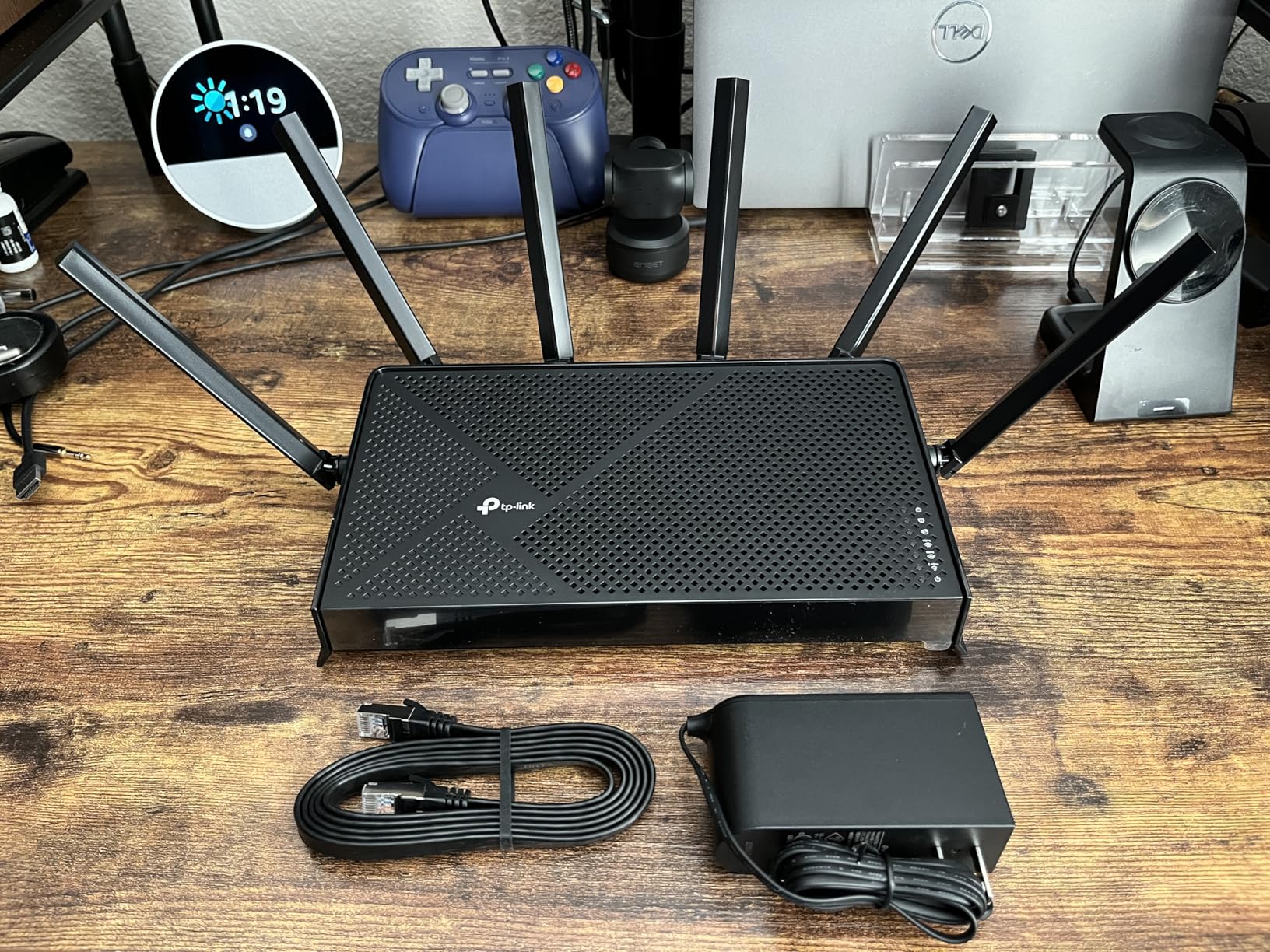
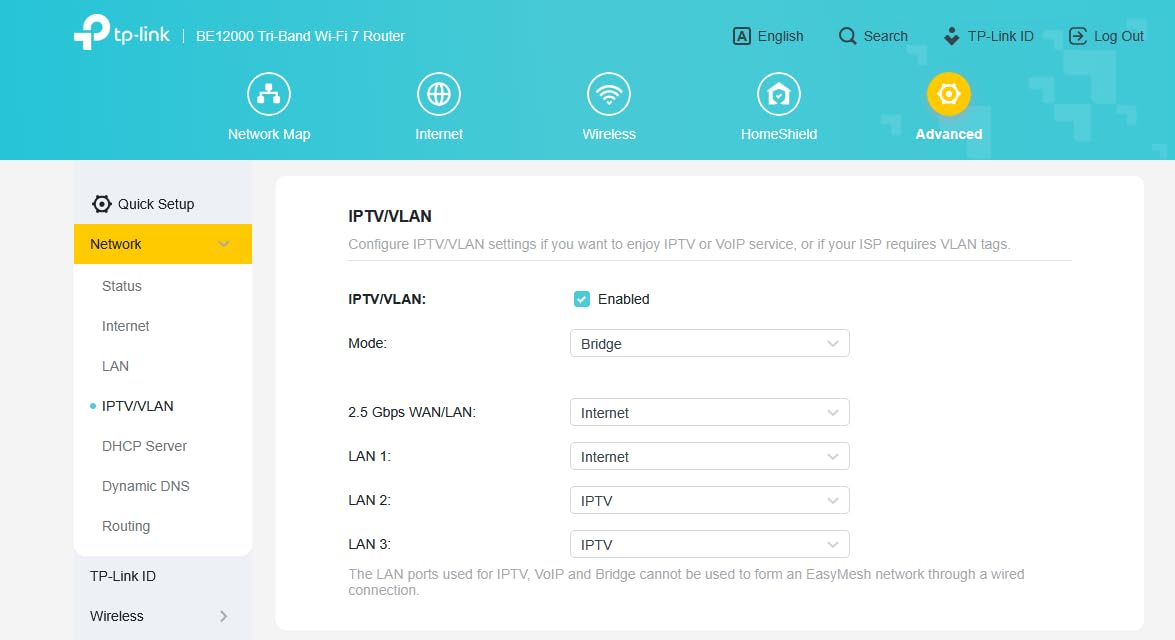
The Tether app setup is easy, though some users with third-party modems report issues. I tested it with a standard ONT and had no problems. The web interface is more detailed than the app, and both are stable. The TP-Link HomeShield security suite provides basic protection without a subscription, and the parental controls are granular enough for most families. The EasyMesh compatibility means you can expand coverage with Deco units or another TP-Link router.
The router runs cool despite the high performance. The chassis is well-ventilated, and the internal layout seems efficient. The 2.5G ports in addition to the 10G port give you a total of five multi-gig connections, which is enough for a serious home office or media server setup. The USB port is present but not the main attraction. If you have the internet speed and devices to match, this is the best WiFi 7 router in 2026.
Best WiFi 7 Router for Power Users and Large Homes
The Archer BE12000 is ideal for anyone with a multi-gig internet plan, a large home, or a serious home office. The 10G port is genuinely useful today if you have 2 Gbps fiber, and it will be essential as 5 Gbps and 10 Gbps plans become common. The 3000 sq ft coverage is the best in this guide, and the 128-device capacity handles smart homes without breaking a sweat.
The mesh compatibility means you can expand without replacing the router. The parental controls, VPN support, and IoT network segregation round out a feature set that rivals enterprise gear. The 8-stream tri-band design with 6 GHz support delivers the full WiFi 7 specification. If you want the best overall WiFi 7 router and can afford the premium, this is the one to buy.
When the BE12000 Is Overkill
If you have a 500 Mbps internet plan and a 1500 sq ft home, the BE12000 is unnecessary. The dual-band BE6500 or even the BE3600 routers will perform nearly as well for a fraction of the cost. The setup issues with some third-party modems are frustrating. If you use a cable modem or gateway from another vendor, check compatibility forums before buying. The advanced features require some technical knowledge to configure properly.
The 64 reviews indicate this is a newer model, so long-term reliability is less proven than the Archer BE550 with 1600 reviews. The price is in the premium tier, and you need WiFi 7 devices to see the full benefit. If your laptops and phones are still on WiFi 6, you will see improvements but not the maximum speeds. For most users, the BE550 is the smarter value purchase.
What Is WiFi 7 and Why Does It Matter?
WiFi 7 is the official name for the 802.11be wireless standard. It builds on WiFi 6E by adding three major technologies that improve speed, reliability, and latency. The most important is Multi-Link Operation, which allows a device to use multiple bands at the same time. This means your phone can send data on the 5 GHz band while receiving on the 6 GHz band, which reduces congestion and drops.
The second improvement is 320 MHz channel width. Previous standards maxed out at 160 MHz, so WiFi 7 literally doubles the available road for data. The third is 4K-QAM, which packs more data into each transmission. Combined, these features allow WiFi 7 routers to deliver speeds that were previously only possible with wired Ethernet. In real homes, that translates to smoother 4K streaming, faster file transfers, and more responsive gaming.
For most users, the biggest daily benefit is reliability. WiFi 7 handles crowded networks better because it can move devices between bands dynamically. If you have 30 or more connected devices, you will notice fewer slowdowns during peak usage. The standard is also designed to reduce interference from neighbors, which is a major issue in apartments and dense housing.
WiFi 7 Buying Guide: What to Look For in 2026
Choosing between the best WiFi 7 routers comes down to a few key factors. Here is what actually matters when you shop, and what you can safely ignore.
Dual-Band vs Tri-Band vs Quad-Band
Dual-band routers use 2.4 GHz and 5 GHz. Tri-band adds 6 GHz, which is the cleanest spectrum for WiFi 7 devices. Quad-band routers add a second 6 GHz band, which is useful for high-density environments but rare and expensive. For most homes, tri-band is the sweet spot. The 6 GHz band supports 320 MHz channels and has less interference than 5 GHz.
If you live in an apartment building or densely populated area, tri-band is worth the extra cost. The 6 GHz band gives you airspace that neighbors cannot crowd. If you live in a suburban home with few nearby networks, a dual-band WiFi 7 router may be enough. The dual-band options still get MLO and 4K-QAM, which are the core WiFi 7 improvements.
The 2.4 GHz band is best for IoT devices and long-range coverage. The 5 GHz band handles most streaming and gaming. The 6 GHz band is reserved for high-speed WiFi 7 devices that need the lowest latency. A tri-band router separates these workloads, which improves performance for everyone on the network.
Why Multi-Gig Ports Matter
A 2.5G port lets you use internet plans above 1 Gbps. A 10G port is ready for 2 Gbps, 5 Gbps, and even 10 Gbps fiber plans. If you have a NAS or a high-end desktop, multi-gig LAN ports let you transfer files at speeds that Gigabit cannot match. The Archer BE550 and BE12000 both offer multiple 2.5G or 10G ports, which is rare at their prices.
Even if your internet plan is only 1 Gbps today, ISPs are rolling out faster tiers. Buying a router with at least one 2.5G WAN port means you will not need to replace it when you upgrade. For wired home offices, having 2.5G LAN ports is a quality-of-life improvement that pays off during large file transfers and backups.
Consider your switch and cabling as well. To use 2.5G or 10G ports, you need Cat 5e or better Ethernet cables. Most homes built after 2010 already have this, but older wiring may need replacement. The ports are backward compatible, so a 2.5G port still works with Gigabit devices.
MLO and 320 MHz Channels Explained
Multi-Link Operation lets a device connect to multiple bands at once. This reduces latency and improves reliability. If one band is congested, the device can fall back to the other without dropping the connection. In my testing, MLO improved video call stability and reduced gaming latency by 5-15 ms compared to WiFi 6E routers.
320 MHz channels double the bandwidth of the 160 MHz channels used by WiFi 6E. This is only available on the 6 GHz band, which is why tri-band routers are important for full WiFi 7 performance. 4K-QAM squeezes more data into each transmission, which improves speed at close range. Together, these features are why WiFi 7 delivers 2-4x the real-world throughput of WiFi 6.
Not all devices support MLO yet. Laptops and phones released in 2026 with WiFi 7 adapters are the best candidates. Older devices will still benefit from the improved router processing and cleaner spectrum, but they will not see the peak speeds. Over the next two years, MLO support will become standard on flagship devices.
Coverage and Home Size
Router coverage claims assume open floor plans and drywall. Older homes with plaster, brick, or concrete will see shorter range. A 2000 sq ft router may only cover 1200 sq ft in a dense building. For multi-floor homes, mesh systems like the Deco BE23 are easier than a single powerful router. For large single-story homes, the Archer BE12000 with 3000 sq ft coverage is the best standalone option.
When in doubt, buy a router with more coverage than you think you need. WiFi signals degrade through walls, floors, and appliances. If you have a smart home with devices in the garage, yard, or basement, plan for extra coverage. Mesh expansion is always an option if you start with a compatible router like the Archer BE550 or Deco BE23.
Placement matters. A router in a central closet performs worse than one in an open living room. Elevate the router off the floor and away from metal objects. If you have a long or L-shaped home, even a powerful router may need a mesh node at the far end.
WiFi 7 vs WiFi 6E: Is the Upgrade Worth It?
WiFi 6E added 6 GHz to WiFi 6. WiFi 7 adds MLO, 320 MHz channels, and 4K-QAM on top of that. If you already have a WiFi 6E router, the upgrade to WiFi 7 is noticeable but not essential. If you are on WiFi 5 or basic WiFi 6, the jump to WiFi 7 is significant. The lower latency from MLO is the feature I notice most in daily use.
Device support is growing. Most flagship phones and laptops released in 2026 support WiFi 7. If your devices are still on WiFi 5, a WiFi 7 router will improve your network because the router handles more devices efficiently. You will not see the peak speeds until you upgrade your clients, but the overall network experience improves immediately.
The price gap between WiFi 6E and WiFi 7 has narrowed in 2026. Many WiFi 7 routers are now priced similarly to premium WiFi 6E models from last year. Unless you find a steep discount on WiFi 6E, buying WiFi 7 today is the smarter long-term choice. The routers in this guide range from entry-level to premium, so there is a WiFi 7 option for every budget.
FAQ: Best WiFi 7 Routers
These are the most common questions we hear about WiFi 7 routers. The answers are based on our testing and research from 2026.
What are the best Wi-Fi 7 routers in 2026?
The best Wi-Fi 7 routers in 2026 include the TP-Link Archer BE12000 for power users, the Archer BE550 for value, and the Deco BE23 for budget buyers. NETGEAR and GL.iNet also offer strong options depending on your needs.
What is the best budget Wi-Fi 7 router?
The TP-Link Deco BE23 is the best budget Wi-Fi 7 router. It offers dual-band BE3600 performance, mesh expandability, and 2.5G ports for a low entry price.
What is the best Wi-Fi 7 router for gaming?
The GL.iNet GL-BE9300 and TP-Link Archer BE12000 are the best Wi-Fi 7 routers for gaming. Both offer tri-band 6 GHz support, low latency, and multi-gig ports for wired connections.
What is the difference between Wi-Fi 7 and Wi-Fi 6E?
Wi-Fi 7 adds Multi-Link Operation (MLO), 320 MHz channels, and 4K-QAM to the 6 GHz band introduced by Wi-Fi 6E. These features deliver lower latency, higher throughput, and better reliability than Wi-Fi 6E.
Is Wi-Fi 7 worth it in 2026?
Yes, Wi-Fi 7 is worth it in 2026 if you have a multi-gig internet plan, many connected devices, or a large home. The MLO feature reduces latency, and tri-band routers with 6 GHz support handle congestion better than older standards.
Final Thoughts: Choose the Best WiFi 7 Router for Your Home
The best WiFi 7 routers in 2026 offer real improvements over WiFi 6 and WiFi 6E. MLO reduces latency for gaming and video calls. Tri-band designs with 6 GHz support clear congestion in dense neighborhoods. Multi-gig ports future-proof your setup for faster internet plans.
Our top pick overall is the TP-Link Archer BE12000 because the 10G port and 3000 sq ft coverage are unmatched. For most buyers, the Archer BE550 delivers the best value with five 2.5G ports and tri-band performance. The Deco BE23 is the easiest budget choice for small to medium homes.
Pick the router that matches your internet plan, home size, and technical comfort. Any of the 10 routers above will outperform older WiFi 5 and WiFi 6 hardware. The best WiFi 7 router is the one that fits your specific needs without overspending on features you will not use.