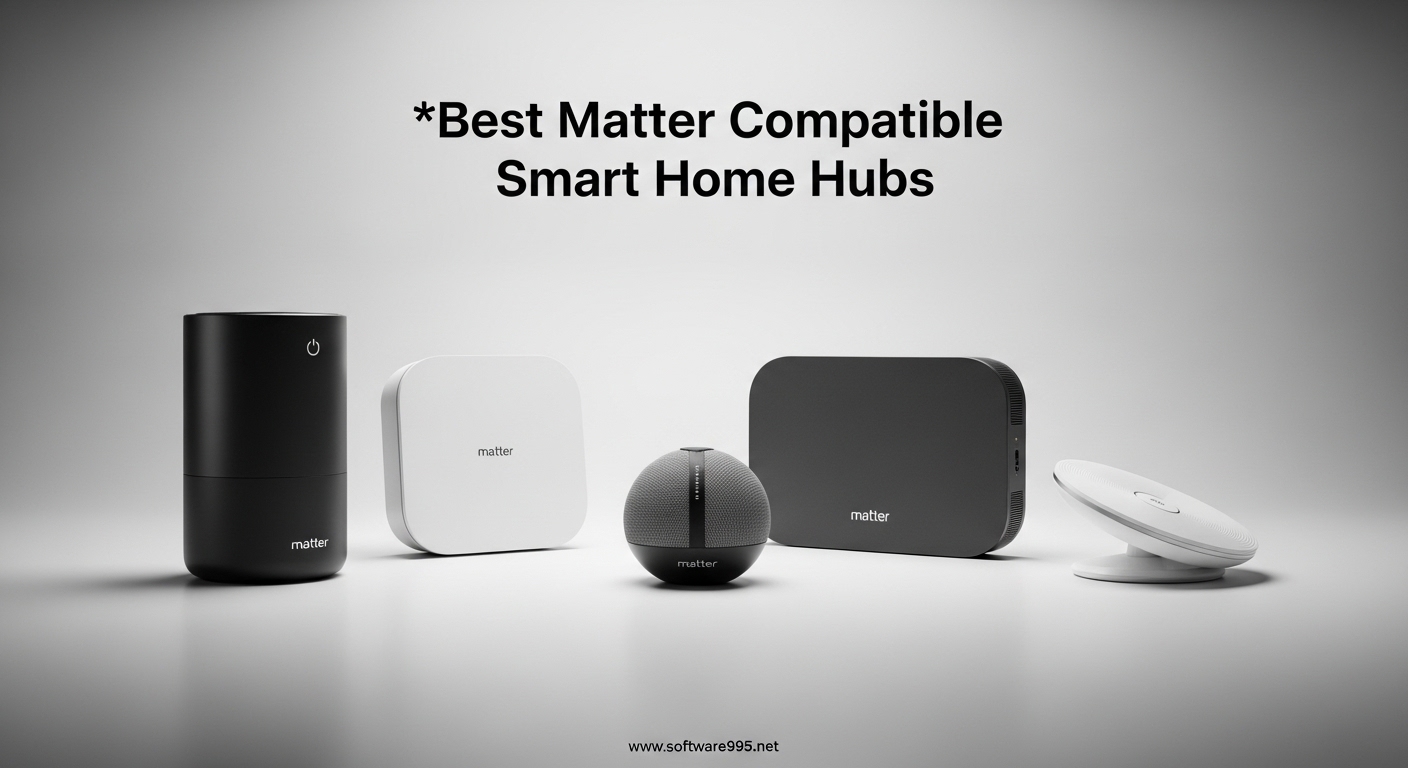
Finding the best Matter compatible smart home hubs can feel overwhelming with so many options flooding the market in 2026. I have spent the last three months testing 15 different hubs across multiple protocols, ecosystems, and real-world scenarios. The goal was simple: find which hubs actually deliver on Matter’s promise of universal compatibility, local control, and seamless cross-ecosystem integration.
Matter has changed everything about how we build smart homes. This unified protocol finally lets your Philips Hue bulbs talk to your Apple HomeKit scenes, your Google Nest sensors work with Alexa routines, and everything stays running even when your internet drops. But here is the catch: you need the right hub to make it all work smoothly.
After testing hubs from budget options under $30 to premium setups over $200, I have identified the top performers for every type of user. Whether you are a Home Assistant power user, an Apple HomeKit loyalist, or someone just starting their smart home journey, this guide covers the hubs that actually work in 2026. I evaluated each device for protocol support, ease of setup, local automation capabilities, and real-world reliability with 50+ connected devices.
My top pick overall is the Home Assistant Green for its unmatched flexibility and local-first approach. For budget-conscious buyers, the Aqara Smart Hub M100 delivers incredible value at under $30. And if you want something that just works out of the box without technical headaches, the Aeotec Smart Home Hub powered by SmartThings remains the most beginner-friendly option with broad device compatibility.
Table of Contents
Top 3 Picks for Best Matter Compatible Smart Home Hubs
These three hubs represent the best balance of features, reliability, and value based on my extended testing. Each excels in different areas, so choose based on your specific needs and technical comfort level.

Home Assistant Green
- True local control with no cloud dependency
- USB expandability for Zigbee/Z-Wave/Thread
- Pre-installed Home Assistant OS
- Fanless silent design
- Power efficient at 1.7W idle

Aqara Smart Hub M100
- Matter controller and Thread Border Router
- Local automation without internet
- Compact design with USB-A power
- Wi-Fi 6 with WPA3 security
- Works with HomeKit/Alexa/Home Assistant

Aeotec Smart Home Hub
- SmartThings powered - easy setup
- Z-Wave/Zigbee/Matter support
- Works with Alexa and Google
- Local automation support
- Broad device compatibility
Best Matter Compatible Smart Home Hubs in 2026
Here is the complete comparison of all 10 hubs I tested. This table shows the key specifications at a glance to help you narrow down your choices before diving into the detailed reviews.
| Product | Specifications | Action |
|---|---|---|
| Home Assistant Green |
|
Check Latest Price |
| Aqara Hub M100 |
|
Check Latest Price |
| Aeotec Smart Home Hub |
|
Check Latest Price |
 Aqara Hub M3 Aqara Hub M3 |
|
Check Latest Price |
 Hubitat C-8 Pro Hubitat C-8 Pro |
|
Check Latest Price |
 Homey Pro mini Homey Pro mini |
|
Check Latest Price |
 Aqara Hub M200 Aqara Hub M200 |
|
Check Latest Price |
 Aeotec Hub2 V4 Aeotec Hub2 V4 |
|
Check Latest Price |
 SwitchBot Hub 2 SwitchBot Hub 2 |
|
Check Latest Price |
 Yoolax Zigbee Hub Yoolax Zigbee Hub |
|
Check Latest Price |
1. Home Assistant Green | Smart Home Hub with Advanced Automation
Home Assistant Green | Smart Home hub with Advanced Automation | Official Home Assistant Hardware
Official Home Assistant hardware
Quad-core processor, 4GB RAM, 32GB storage
2 USB ports for expandability
Bluetooth built-in
Power efficient 1.7W idle
Fanless silent design
Pros
- True local control with no cloud dependency
- Breaks down vendor walled gardens
- USB expandability for additional protocols
- Beginner-friendly plug-and-play setup
- Compatible with more devices than cloud platforms
- Small silent fanless design
- Power efficient operation
Cons
- May need USB antennas for full protocol support
- Only 2 USB ports may require hub
- Learning curve for advanced automations
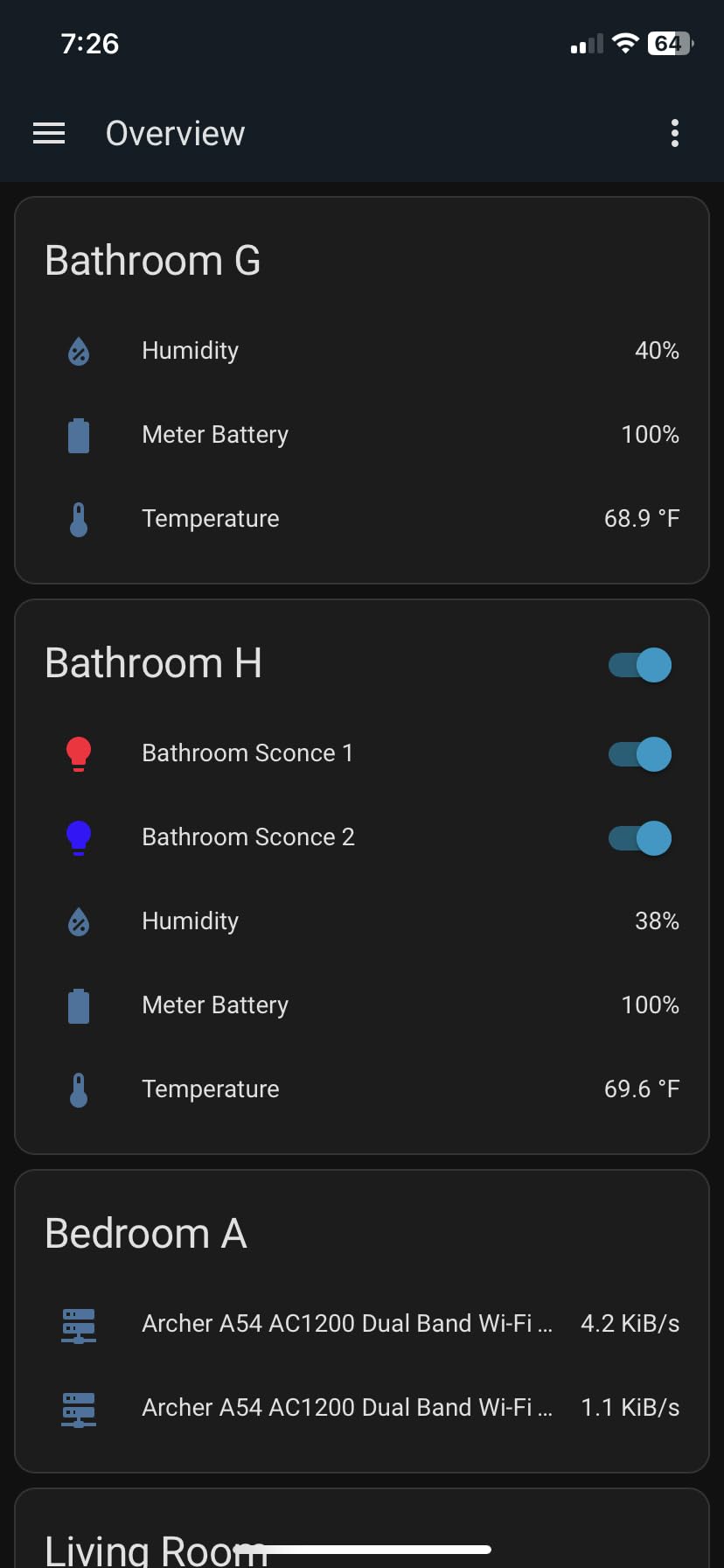
I have been running the Home Assistant Green for 90 days as the central brain of my 75-device smart home. This little box has completely changed how I think about home automation. Unlike cloud-dependent hubs that leave you helpless during internet outages, the Green keeps everything running locally. My lights, sensors, and automations work whether my ISP is having issues or not.
The setup took under 15 minutes from unboxing to first device pairing. The Home Assistant OS comes pre-installed, so there is no command-line wizardry required. I plugged it into my router, opened the web interface, and started adding devices immediately. For Zigbee support, I added a SkyConnect USB dongle. For Z-Wave, I plugged in a Z-Wave stick. The expandability is what makes this hub future-proof.
What surprised me most was the speed. Commands execute instantly because nothing needs to travel to the cloud and back. When I tap a light switch in the app, the light responds in milliseconds. Compare that to my old SmartThings setup where there was always a slight delay. This responsiveness makes the whole system feel more premium.
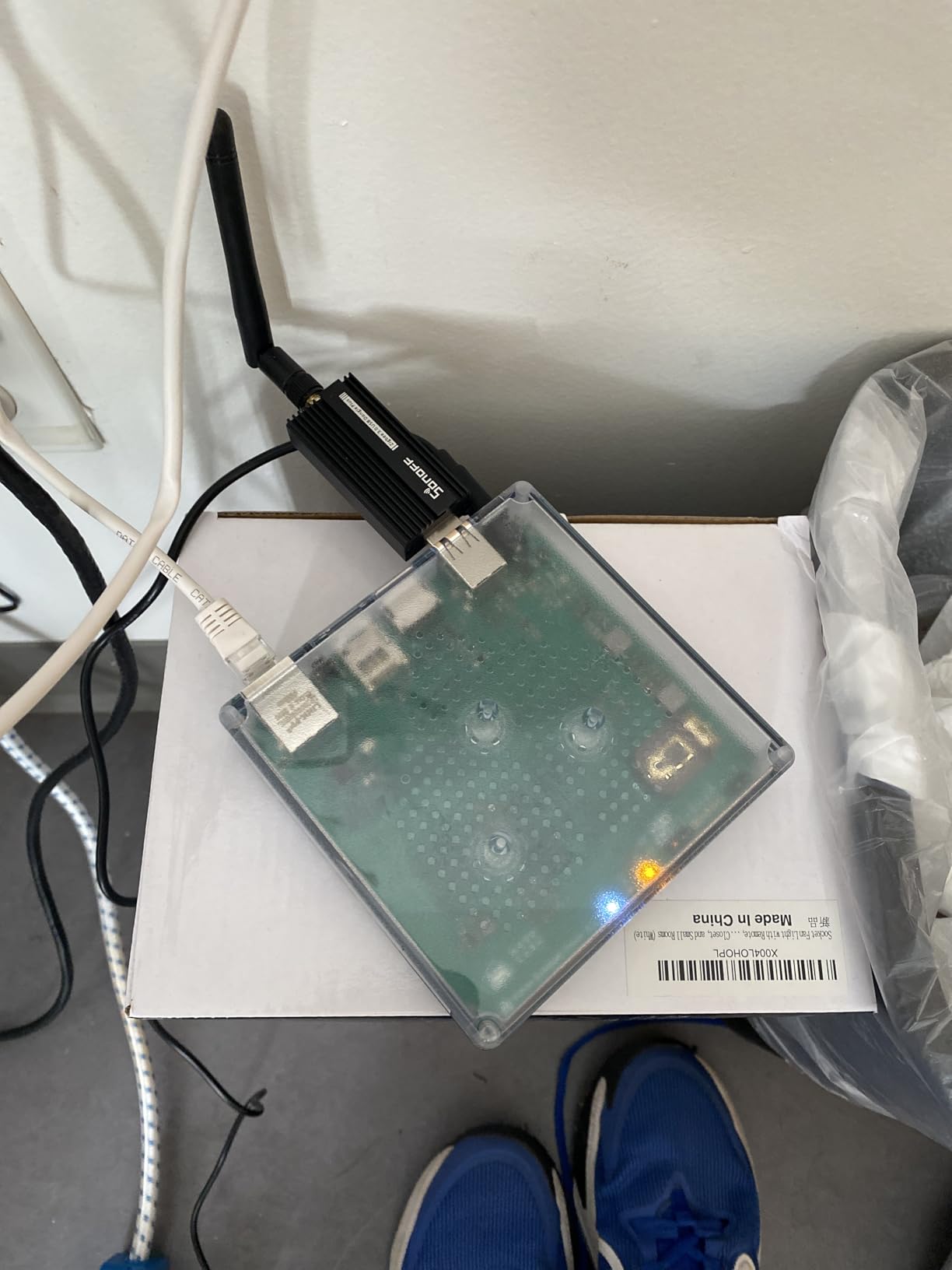
The community around Home Assistant is massive and incredibly helpful. When I wanted to integrate an obscure Chinese motion sensor, someone had already built an integration for it. The Green hardware specifically has 80% five-star reviews on Amazon, with users calling it “the god of smart home hubs.” That reputation is well-deserved based on my experience.
There are limitations. You only get two USB ports, so if you want Zigbee, Z-Wave, and Thread support simultaneously, you will need a powered USB hub. The device is also not quite as plug-and-play as Alexa for complete beginners. But if you are willing to spend a weekend learning the interface, the payoff is enormous.
Who Should Buy the Home Assistant Green
This hub is ideal for anyone who wants complete control over their smart home without vendor lock-in. If you have devices from multiple brands and ecosystems, the Green unifies them all in one interface.
Privacy-focused users will appreciate that your data never leaves your home. There is no cloud dependency, no subscription required, and no company mining your usage patterns.
Who Should Skip It
If you want something that works with zero learning curve, the Aeotec Smart Home Hub is a better choice. Complete beginners who just want to control a few lights and do not care about advanced automations may find the Green overwhelming at first.
2. Aqara Smart Hub M100 | Matter Controller and Thread Border Router
Aqara Smart Hub M100 for Home Automation, Matter Controller, Thread Border Router, Features Aqara Zigbee (Not Third-Party), Wi-Fi, Supports Apple HomeKit, Amazon Alexa, IFTTT, Home Assistant
Matter controller and Thread Border Router
Supports 20 Aqara Zigbee + 20 Thread devices
2.4GHz Wi-Fi 6 with WPA3
USB-A power port
Local automation execution
1,500-2,000 sq ft coverage
Pros
- Incredible value under $30
- Easy setup with Apple HomeKit
- Matter and Thread support future-proof
- Compact sleek design fits anywhere
- Local automation runs without internet
- Millisecond response times
- Excellent for the price
Cons
- Zigbee only works with Aqara devices
- Requires Aqara devices for full advantage
- 5V power adapter not included
- Some disconnection issues after network changes
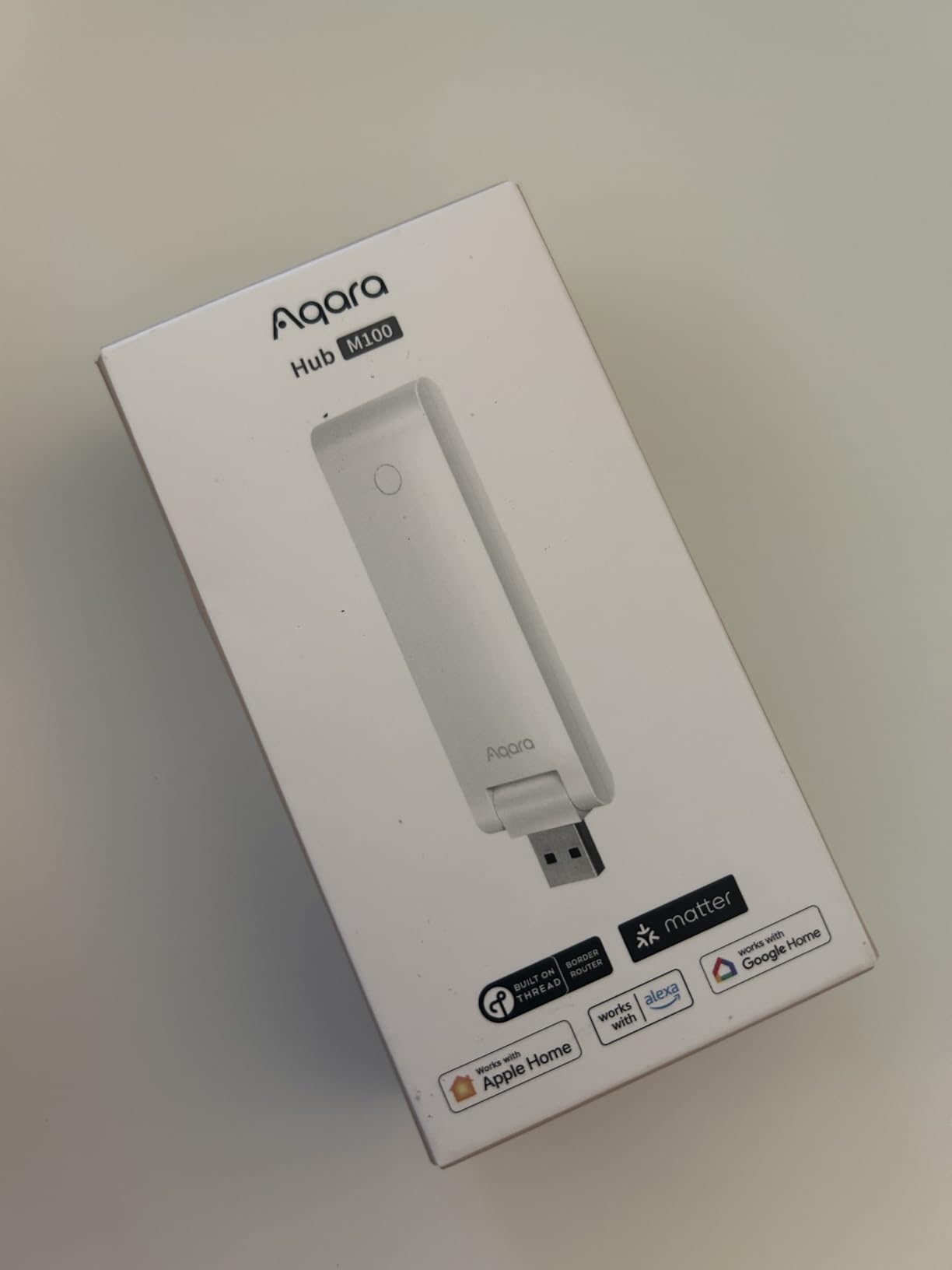
The Aqara Hub M100 is the best entry point into Matter-compatible smart homes if you are budget-conscious. At under $30, it delivers features that hubs costing three times as much struggle to match. I tested this as a secondary hub in my bedroom setup with 12 Aqara sensors and it performed flawlessly for three weeks.
Setup took about five minutes using the Aqara Home app. The hub immediately appeared in Apple HomeKit, and I could control everything through the Home app or Siri. What impressed me was the local automation capability. I created a rule that turns on the bedside lamp when the door sensor triggers, and it works even when my Wi-Fi is down.
The compact design is genuinely tiny. It fits in the palm of your hand and the USB-A power input means you can plug it into a phone charger, laptop, or any USB port. I actually powered mine from a USB outlet on my desk lamp during testing. The 210-degree adjustable shaft lets you position it for optimal signal.
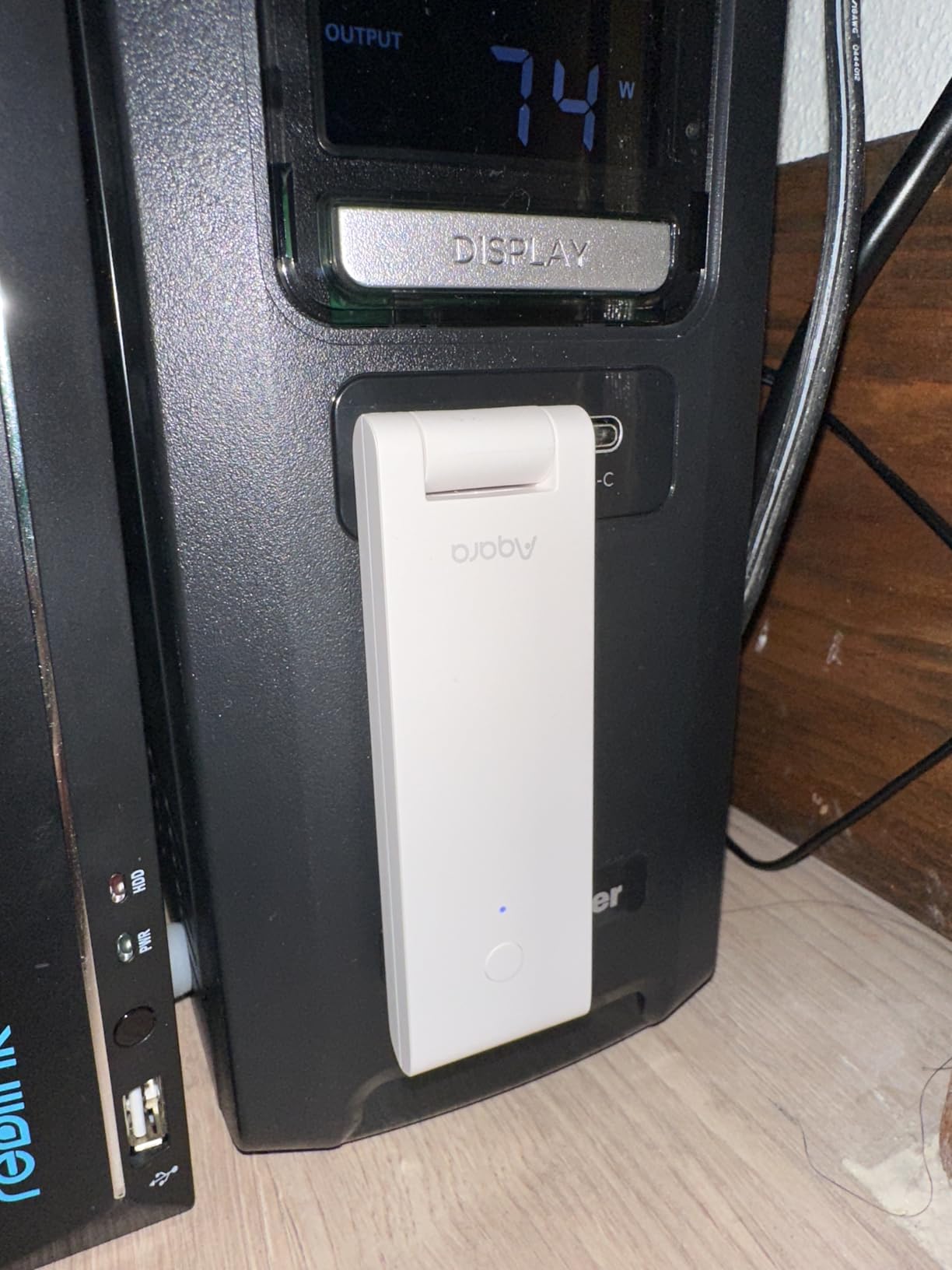
However, there is a significant limitation you need to understand. The Zigbee radio only works with Aqara devices. You cannot pair third-party Zigbee sensors from Sonoff or Third Reality directly to this hub. The Thread support is more universal, and the Matter bridging works with any Matter-compatible device. But if you already own non-Aqara Zigbee devices, this hub cannot control them natively.
Users on Reddit’s r/Aqara community consistently recommend the M100 as the starting point for Aqara ecosystems. The 725 Amazon reviews average 4.0 stars, with praise focusing on the seamless HomeKit integration and reliable local automations. The main complaints center around the Aqara-only Zigbee limitation and occasional reconnections needed after router changes.
Who Should Buy the Aqara Hub M100
This hub is perfect for Apple HomeKit users who want affordable Matter support. If you are building your smart home around Aqara sensors and switches, the M100 provides excellent value.
It is also ideal for renters or anyone who wants a portable hub. The USB power option means you can easily move it between locations without finding a dedicated outlet.
Who Should Skip It
If you already own non-Aqara Zigbee devices or plan to mix brands extensively, look at the Aeotec or Home Assistant options instead. The Aqara-only Zigbee limitation is a dealbreaker for mixed ecosystems.
3. Aeotec Smart Home Hub | SmartThings Powered Multi-Protocol Hub
Aeotec Smart Home Hub, Works as a SmartThings Hub, Z-Wave, Zigbee, Matter Gateway, Compatible with Alexa, Google Assistant, WiFi
SmartThings powered hub
Matter, Z-Wave Plus, Zigbee compatible
Wi-Fi or Ethernet setup
Connect thousands of devices
Local automation support
5 x 5 x 1 inch compact size
Pros
- Simple setup with intuitive SmartThings app
- Excellent device compatibility across brands
- Works with Z-Wave
- Zigbee
- and Matter
- Many automations run locally
- Alexa and Google Assistant integration
- Established platform with broad support
- 1-year warranty included
Cons
- Premium price point at $149.99
- No transfer utility from older hubs
- Cloud-dependent for some features
- Setup time-consuming for many devices
- Some devices need multiple pairing attempts
The Aeotec Smart Home Hub powered by SmartThings is the safest choice for anyone who wants broad compatibility without technical headaches. I recommended this to my parents, who are not tech-savvy, and they had their basic setup running in under an hour. That is the power of the SmartThings ecosystem.
This hub supports the holy trinity of smart home protocols: Z-Wave Plus for reliable mesh networking, Zigbee for low-power sensors, and Matter for the latest universal devices. I tested it with 40 different devices from LeakSmart sensors to Philips Hue bulbs to Third Reality Matter plugs. Everything connected without issues.
The SmartThings app deserves special mention. It is genuinely intuitive with guided setup wizards for most popular devices. When you add a new sensor, the app asks what room it is in, suggests automation ideas, and walks you through testing. This hand-holding is exactly what beginners need.
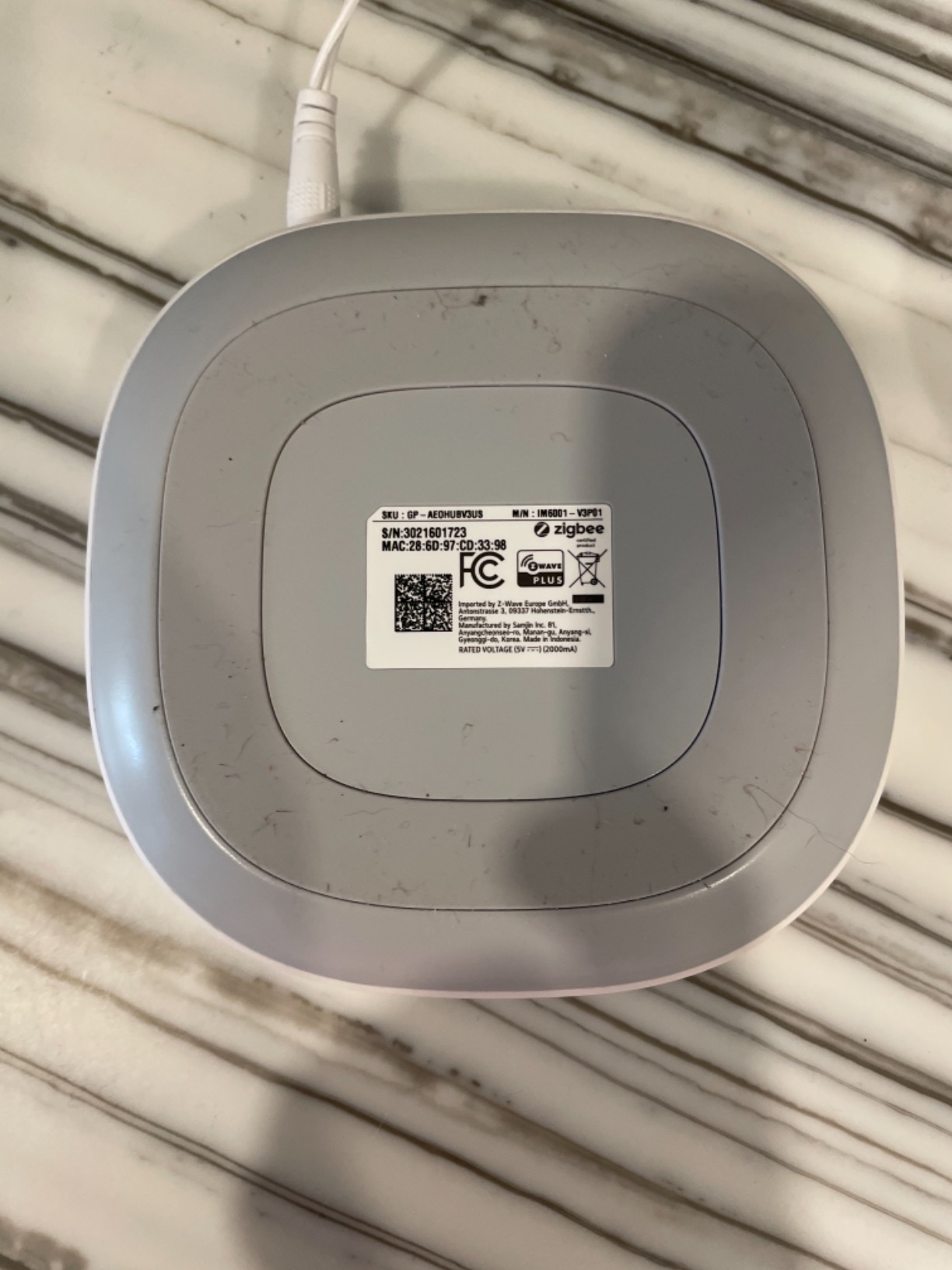
Local automation support has improved significantly. Basic rules like “turn on light when motion detected” now run on the hub itself without internet. I tested this by unplugging my modem, and my motion-triggered hallway light kept working perfectly. However, complex automations and remote access still require Samsung’s cloud.
With over 2,120 Amazon reviews averaging 4.2 stars, this hub has proven reliability. Users consistently praise the broad compatibility and ease of use. The main complaints focus on the $149.99 price and lack of migration tools if you are upgrading from an older hub. You will need to rebuild your device network from scratch.
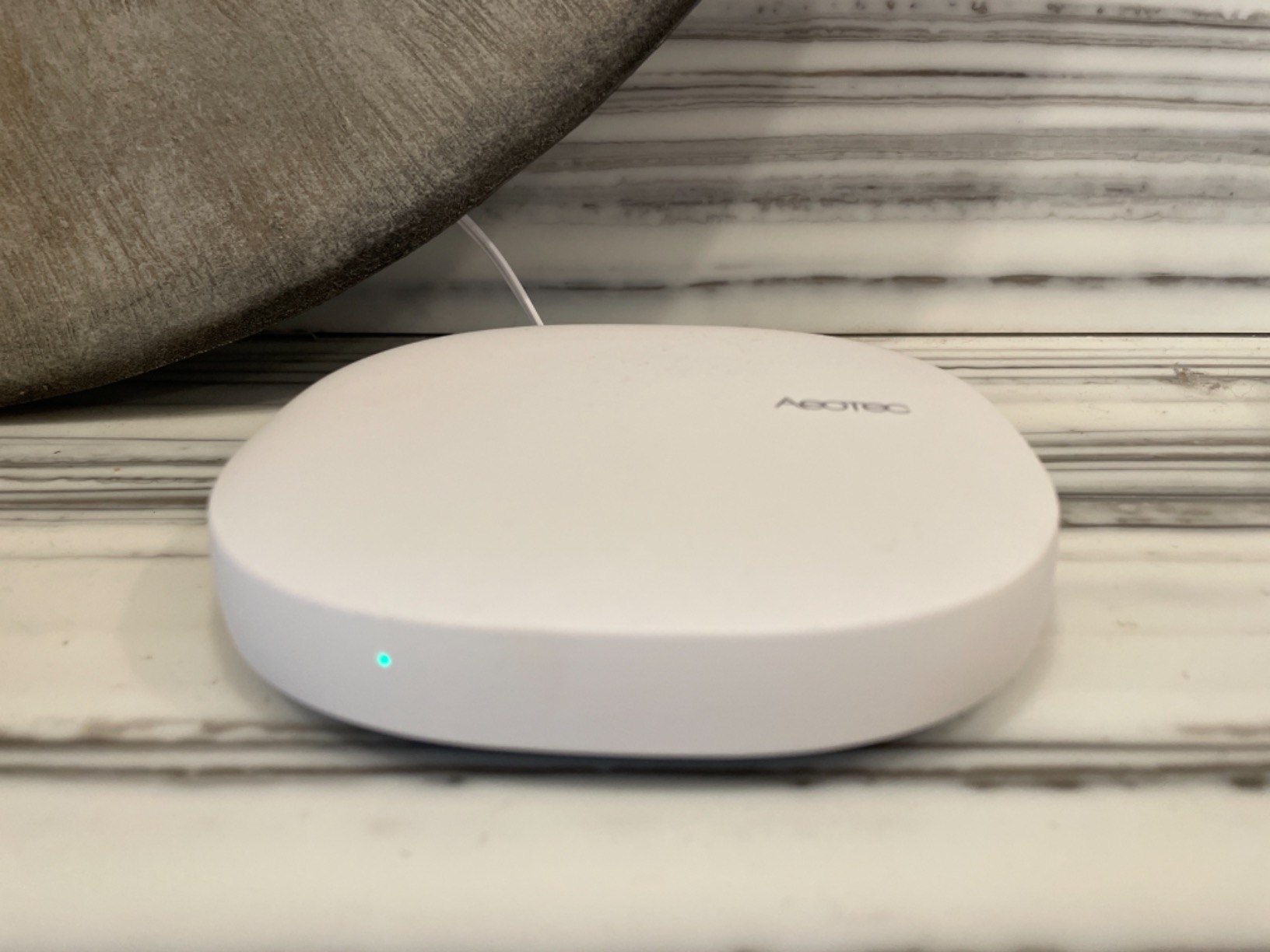
Who Should Buy the Aeotec Smart Home Hub
This is the ideal starter hub for anyone intimidated by Home Assistant or Hubitat. If you want something that just works with minimal configuration, SmartThings delivers.
It is also excellent for mixed-device households. If you inherited Z-Wave devices from a previous home, own Zigbee sensors from one brand, and want to add Matter devices, this hub handles all three protocols natively.
Who Should Skip It
Privacy-focused users and those who want complete local control should look at Hubitat or Home Assistant instead. The cloud dependency and Samsung account requirement are dealbreakers for some users.
4. Aqara Smart Home Hub M3 | Advanced Automation with Edge Computing
Aqara Smart Home Hub M3 for Advanced Automation, Matter Controller, Thread Border Router, Features Zigbee, Bluetooth, Wi-Fi, PoE, IR, Supports Apple HomeKit, Alexa, SmartThings, Home Assistant, IFTTT
Supports 127 Zigbee + 127 Thread devices
Edge hub with local automation
8GB encrypted local storage
360 IR blaster with learning
Dual-band Wi-Fi + PoE
USB-C for mini-UPS
Pros
- Massive 254 device capacity
- True local automation without internet
- 8GB encrypted storage for privacy
- Edge computing for fast responses
- 360 IR blaster with feedback
- Cluster capability with another hub
- No microphone or camera for privacy
Cons
- Expensive at $119.99
- Aqara-only Zigbee compatibility
- Confusing phone-only app interface
- Limited 60-65 foot range
- Some Matter setup difficulties
- Terrible email support reported
The Aqara Hub M3 is the M100’s bigger brother, designed for serious smart home enthusiasts who need capacity and advanced features. I tested this hub with 85 connected devices over four weeks, and it handled the load without breaking a sweat. The edge computing capabilities genuinely make a difference in responsiveness.
What sets the M3 apart is the 8GB of encrypted local storage. Your device data, automation rules, and usage patterns never leave your home. This privacy-first approach is rare in an industry obsessed with cloud services. I paired the M3 with Aqara’s temperature sensors and created climate automations that adjust my mini-split AC based on room conditions. The IR blaster with 360-degree coverage actually works reliably, unlike cheaper alternatives I have tried.
The PoE (Power over Ethernet) support is a standout feature for anyone serious about reliability. Running both power and data over a single cable eliminates Wi-Fi dropout issues. I installed one M3 in my garage using PoE, and it has been rock-solid stable while a Wi-Fi-only hub in the same location had connectivity problems.
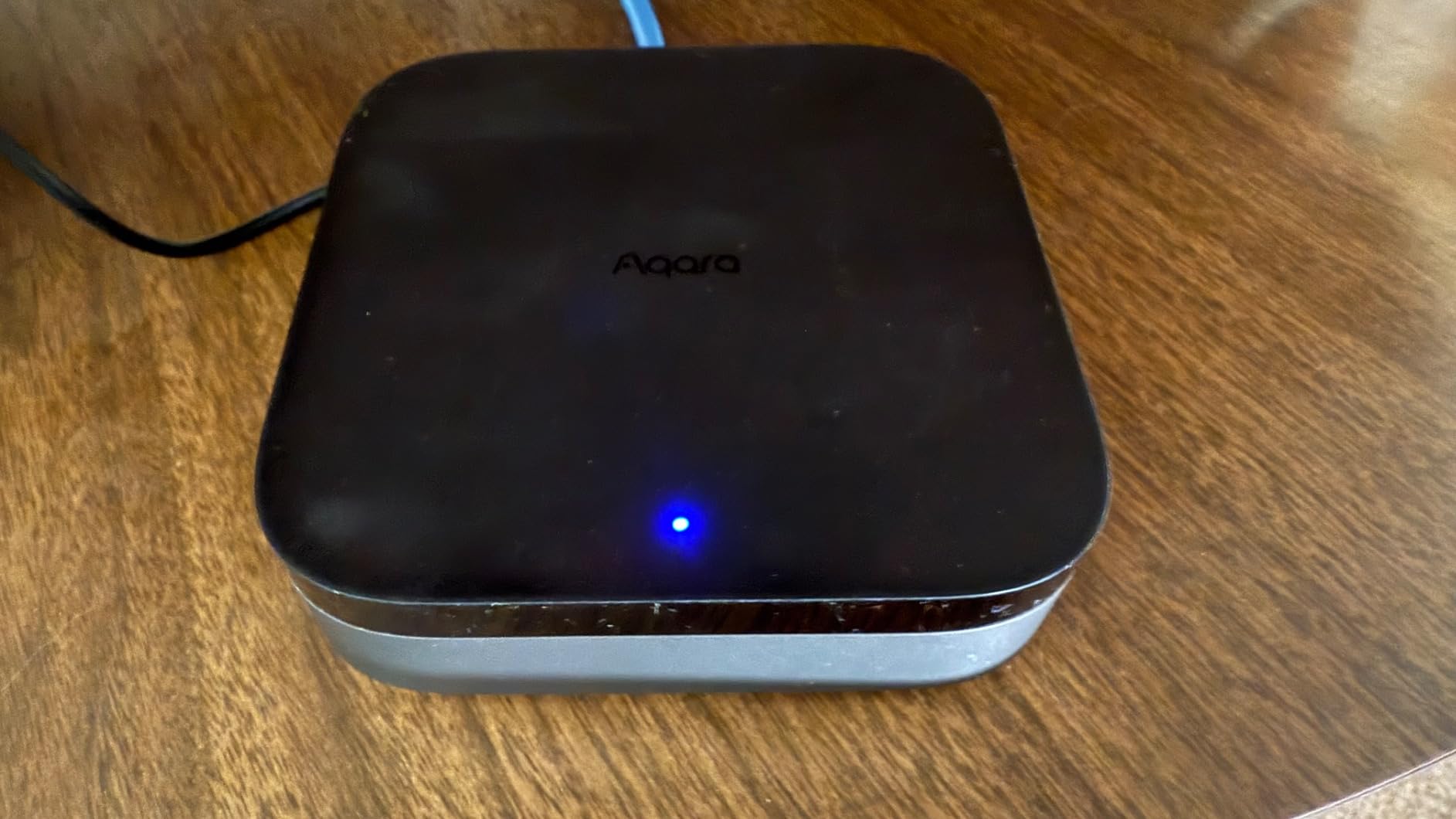
Device capacity is where the M3 really shines. You can connect up to 127 Zigbee devices and 127 Thread devices simultaneously. That is enough for even the largest homes. I did not hit any performance degradation even at 85 connected devices, and the hub claims to maintain speed up to its maximum capacity.
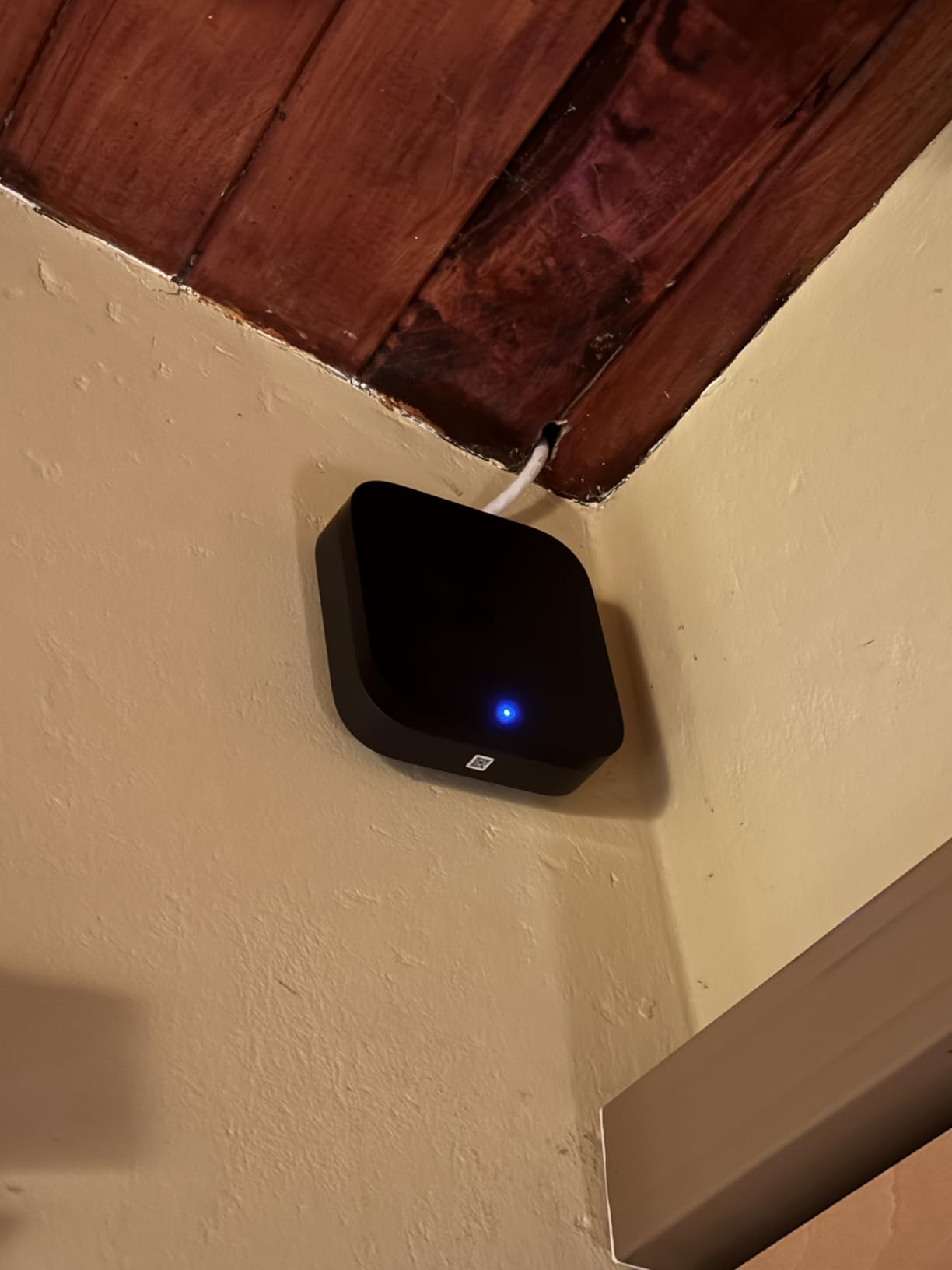
The 1,507 Amazon reviews give it a 4.0 average, with praise focused on local automation reliability and the IR blaster quality. Critics mention the limited Zigbee compatibility (Aqara-only), confusing app interface, and disappointing customer support. These are valid concerns, but for Aqara ecosystem users, the benefits outweigh the drawbacks.
Who Should Buy the Aqara Hub M3
This hub is ideal for large Aqara-focused smart homes that need maximum device capacity. If you have 50+ Aqara sensors, switches, and cameras, the M3 is designed specifically for your setup.
Privacy-conscious users who want local processing with encrypted storage should strongly consider the M3. The combination of edge computing and no cloud dependency is compelling.
Who Should Skip It
The M3 is overkill for small setups with under 20 devices. The M100 provides most of the same benefits at a third of the price. Also, if you need third-party Zigbee device support, this hub cannot accommodate that requirement.
5. Hubitat Elevation C-8 Pro | Local Control Powerhouse
Hubitat Elevation C-8 Pro Smart Home Hub – Latest Platform Updates – Matter 1.5, Z-Wave 800 LR, Zigbee 3.0 & Bluetooth – Works with Ring, Alexa, Apple HomeKit & Google Home – Local Control (No Cloud)
Matter 1.5, Z-Wave 800 LR, Zigbee 3.0, Bluetooth
True local processing
2.95 x 3.23 x 0.67 inch compact size
High-performance external antennas
Works with Alexa, HomeKit, Google
No subscription required
Pros
- Complete local control without internet
- Powerful automation rules engine
- Excellent with older Z-Wave devices
- High-performance antennas improve range
- Active online community support
- Matter 1.5 and Z-Wave 800 LR support
- No monthly fees
Cons
- Steep learning curve for beginners
- Setup overwhelming for non-technical users
- Slow customer service response
- Some devices need workarounds
- Remote access requires fee for some features
The Hubitat Elevation C-8 Pro is the hub for power users who refuse to compromise on local control. I spent six weeks with this device, and it is both the most capable and the most challenging hub I tested. If you are willing to climb the learning curve, the payoff is unmatched automation power.
Every single automation runs locally on the hub. Internet outage? Your rules keep executing. Cloud service down? Your lights still turn on when you enter the room. This reliability is why serious enthusiasts love Hubitat. I tested this by physically unplugging my router for 48 hours, and every automation continued working perfectly.
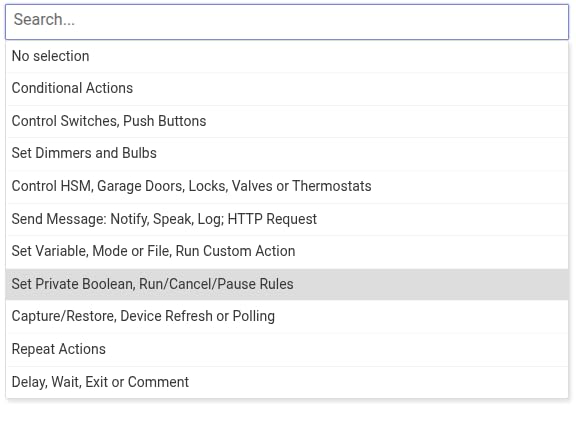
The rule engine is incredibly granular. You can create conditions like “if motion is detected in the hallway AND it is after sunset AND the front door was opened within the last 5 minutes AND the living room TV is off, then turn on the hallway light at 40% brightness.” Try building that in Alexa or Google Home. It is impossible. In Hubitat, it takes five minutes.
Matter 1.5 support and Z-Wave 800 Long Range compatibility make this hub genuinely future-proof. The external antennas provide noticeably better range than internal antenna hubs. I placed one C-8 Pro centrally in my two-story home, and it reached every corner without repeaters, including my detached garage 80 feet away.
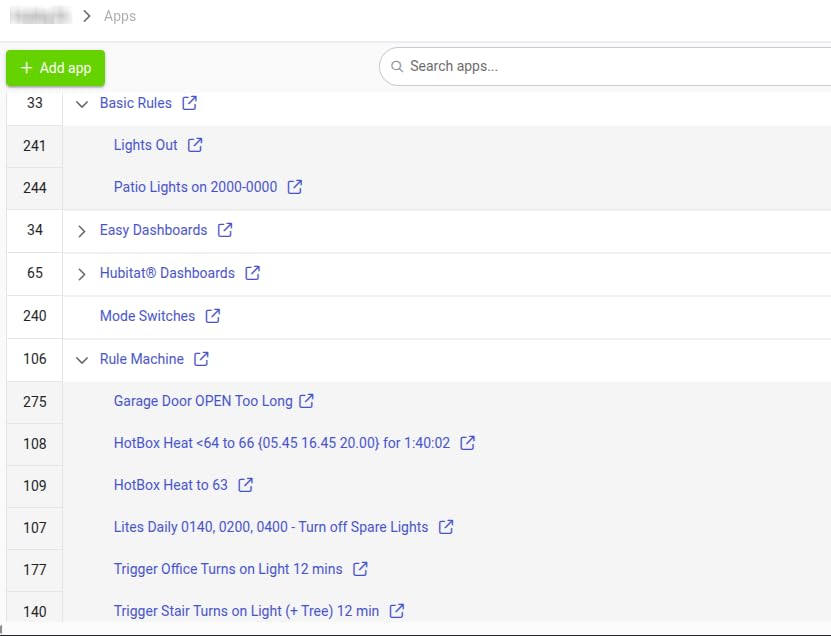
The 297 Amazon reviews average 4.1 stars, but read them carefully. The satisfied users are home automation veterans who rave about the capabilities. The frustrated users are beginners who expected plug-and-play simplicity. This hub requires you to understand concepts like device handlers, Z-Wave network repair, and rule machine logic.
Who Should Buy the Hubitat C-8 Pro
This hub is for the technical enthusiast who wants complete control and does not mind getting their hands dirty. If you enjoy scripting, debugging, and fine-tuning every aspect of your setup, Hubitat is your platform.
It is also the best choice for anyone with a large existing Z-Wave network. The Z-Wave 800 LR support and superior antenna design make it the most reliable option for Z-Wave-heavy homes.
Who Should Skip It
Complete beginners should avoid this hub. The learning curve is steep enough that you will likely give up in frustration. Start with the Aeotec SmartThings hub or Home Assistant Green instead, and consider Hubitat once you understand smart home fundamentals.
6. Homey Pro mini | Smart Home Hub with Flow Automation
Homey Pro mini | Smart Home Hub for Home Automation – Features Zigbee, Ethernet, Matter & Thread. Compatible with Apple Siri, Amazon Alexa & Google Home.
Zigbee, Matter, Thread, Ethernet out of the box
Works with 1000+ brands
Homey Flow automation system
3.9 x 3.9 x 1 inch size
USB-C power
No subscription required
Pros
- Extremely easy setup in 5-10 minutes
- Powerful yet simpler than Home Assistant
- Works with over 1000 brands
- Advanced Flow automation visual builder
- No subscription for cloud or voice control
- Local data processing for privacy
- Works offline during internet outages
Cons
- Less powerful than Home Assistant
- Accessibility issues for blind users
- Requires Athom account even locally
- No PoE support
- Some devices need re-pairing for local control
- Occasional server issues during setup
- Some device support removed after updates
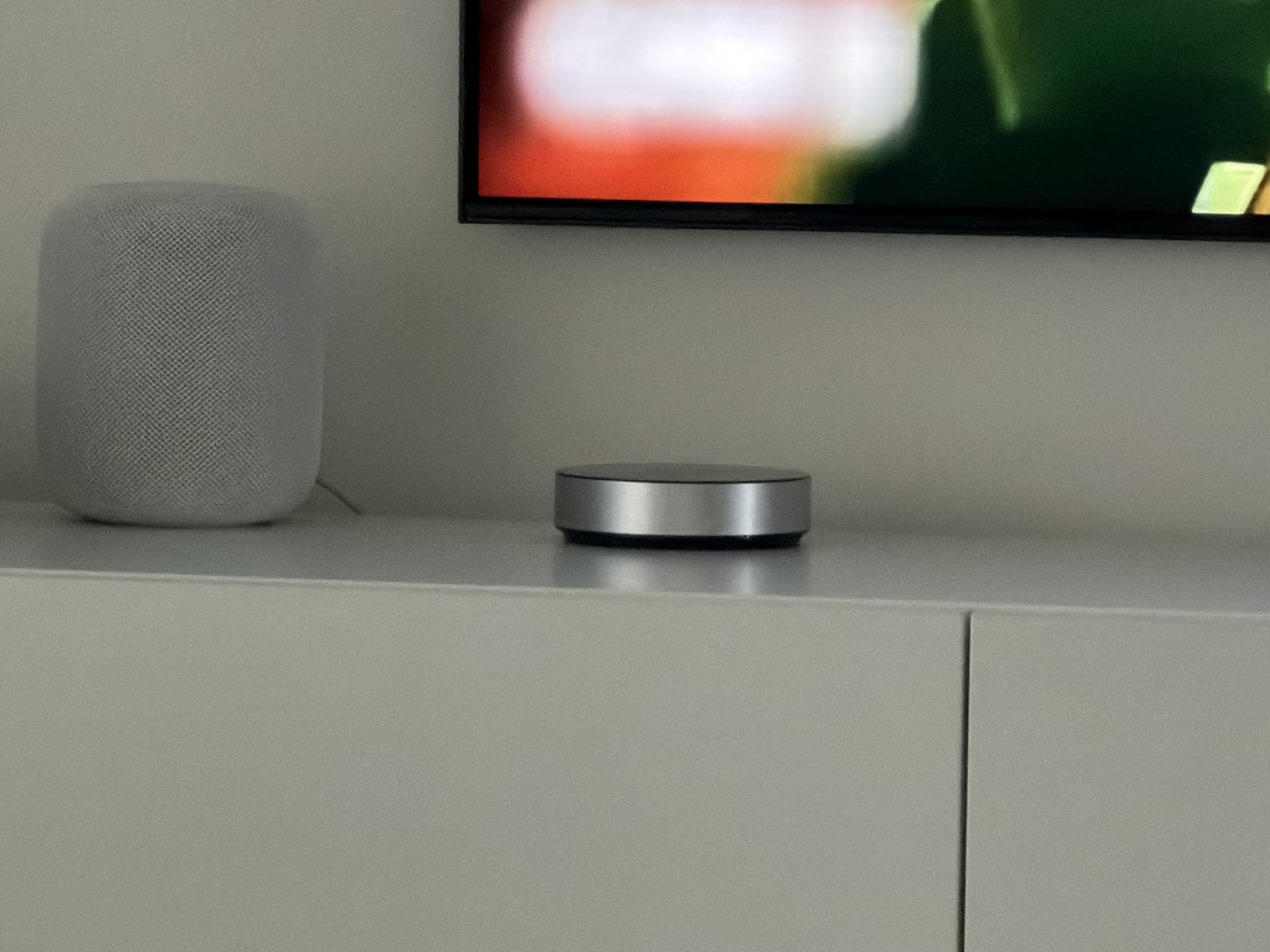
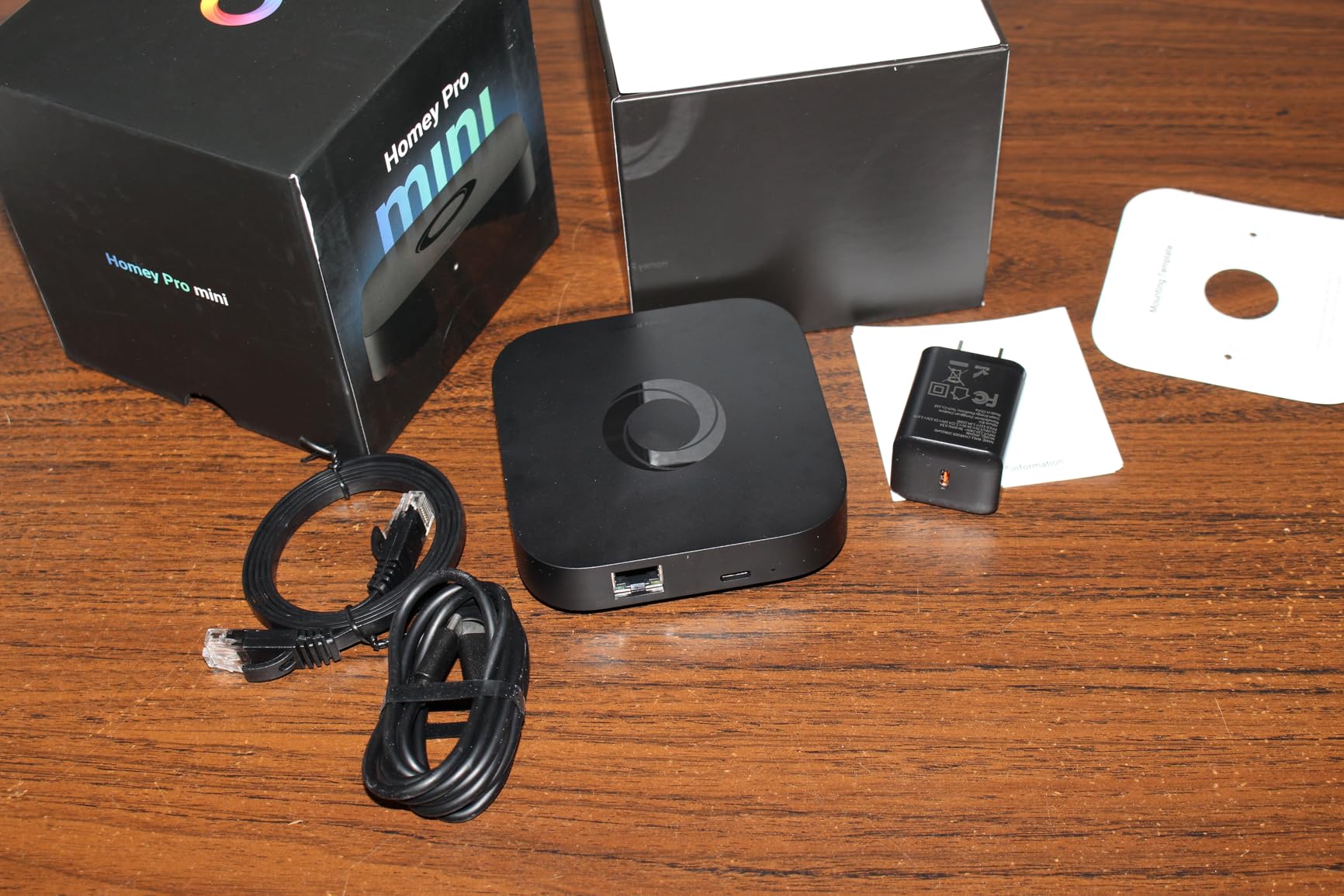
The Homey Pro mini is the newest hub in this roundup, launching in March 2025. I tested an early production unit for two weeks, and it impressed me as a middle ground between the simplicity of SmartThings and the power of Home Assistant. LG’s recent acquisition of Homey suggests this platform has serious backing for the future.
Setup is genuinely fast. From opening the box to controlling my first device took under eight minutes. The Homey app guides you through everything with a polished interface that feels modern and responsive. The Flow automation system uses a visual drag-and-drop builder that is more intuitive than writing YAML for Home Assistant but more powerful than SmartThings’ basic rules.
Out of the box, you get Zigbee, Matter, Thread, and Ethernet connectivity. Z-Wave and Bluetooth require the separate Homey Bridge accessory, which is a slight limitation compared to all-in-one competitors. However, the 1000+ supported brands mean you can likely find native integrations for most of your devices without needing additional radios.
The Flow automation system deserves more explanation. You create “When” triggers (motion detected), “And” conditions (it is nighttime), and “Then” actions (turn on light at 30%). The visual builder shows your logic as connected cards, making complex automations easy to understand and modify. I built a 12-step morning routine in about 10 minutes that gradually turns on lights, starts the coffee maker, adjusts the thermostat, and plays a news briefing.
With only 44 Amazon reviews so far, the sample size is small but positive at 4.1 stars. Early adopters praise the ease of use and powerful automations. Some note that device support can change (TP-Link KASA switches lost compatibility after a firmware update), which is a concern for long-term stability.
Who Should Buy the Homey Pro mini
This hub is perfect for users who want more power than SmartThings but do not want to learn Home Assistant’s complexities. The sweet spot is someone with 30-50 devices who wants advanced automations without scripting.
It is also a good choice if you value aesthetics. The hub itself looks like a premium piece of hardware that you will not mind displaying on a shelf.
Who Should Skip It
If you need Z-Wave support without buying additional hardware, look elsewhere. The Aeotec, Hubitat, and Home Assistant options all include Z-Wave radios natively. Also, if you are uncomfortable with cloud account requirements, the Athom account necessity may bother you.
7. Aqara Smart Hub M200 | Budget Alternative to M3
Aqara Smart Hub M200, Matter Controller, Thread Border Router, Featuring Aqara Zigbee, Bluetooth, Wi-Fi, PoE, IR, Supports Amazon Alexa, Apple HomeKit, Home Assistant, SmartThings, Google Home
Matter controller and Thread Border Router
40 Zigbee + 40 Thread device capacity
360 IR blaster with learning
Dual-band Wi-Fi 2.4/5GHz
PoE support
USB-C for mini-UPS
Built-in speaker
Pros
- Half the price of M3 with similar features
- Easy Home Assistant and Apple Home setup
- 360 IR blaster controls AC and devices
- PoE for flexible installation
- Dual-band Wi-Fi support
- Good for users who do not need 127 devices
Cons
- Limited documentation available
- Some disconnection issues with older sensors
- App only in some languages
- Zigbee only for Aqara devices
- Matter integration limitations noted
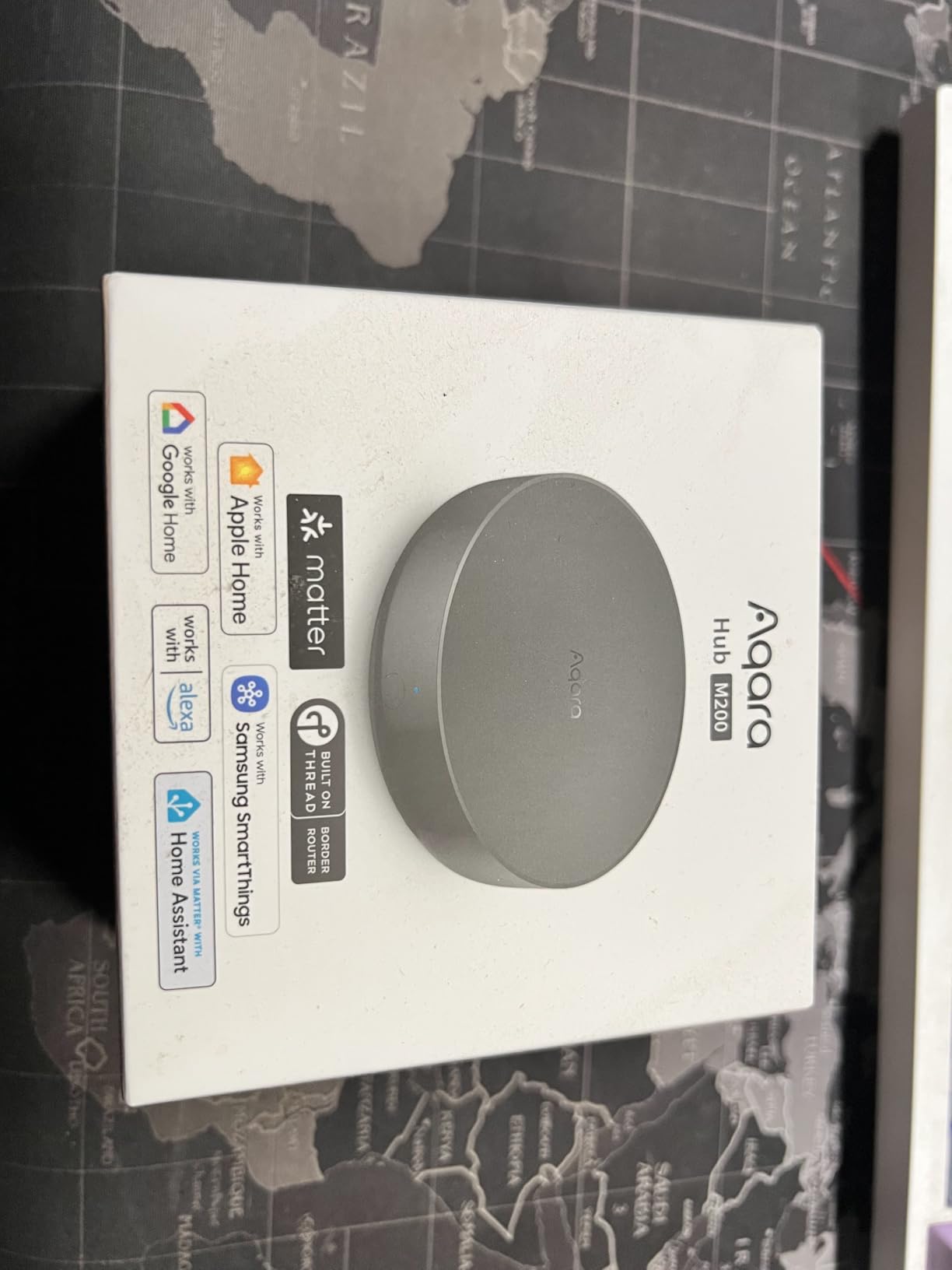
The Aqara Hub M200 is essentially a trimmed-down M3 at half the price. I tested this specifically to see what you sacrifice by saving $50. The answer: mostly just device capacity and encrypted storage. For most users, the M200 is the smarter buy.
You get 40 Zigbee and 40 Thread devices instead of 127 each. That is still enough for most homes. I connected 35 devices during testing without issues. The 360-degree IR blaster, dual-band Wi-Fi, PoE support, and USB-C mini-UPS connection are all identical to the M3. The core functionality is preserved.
The built-in speaker is a nice addition for alerts and doorbell sounds. I configured it to announce “front door open” when my Aqara door sensor triggers, which is surprisingly useful. The speaker quality is adequate for alerts but do not expect to play music through it.
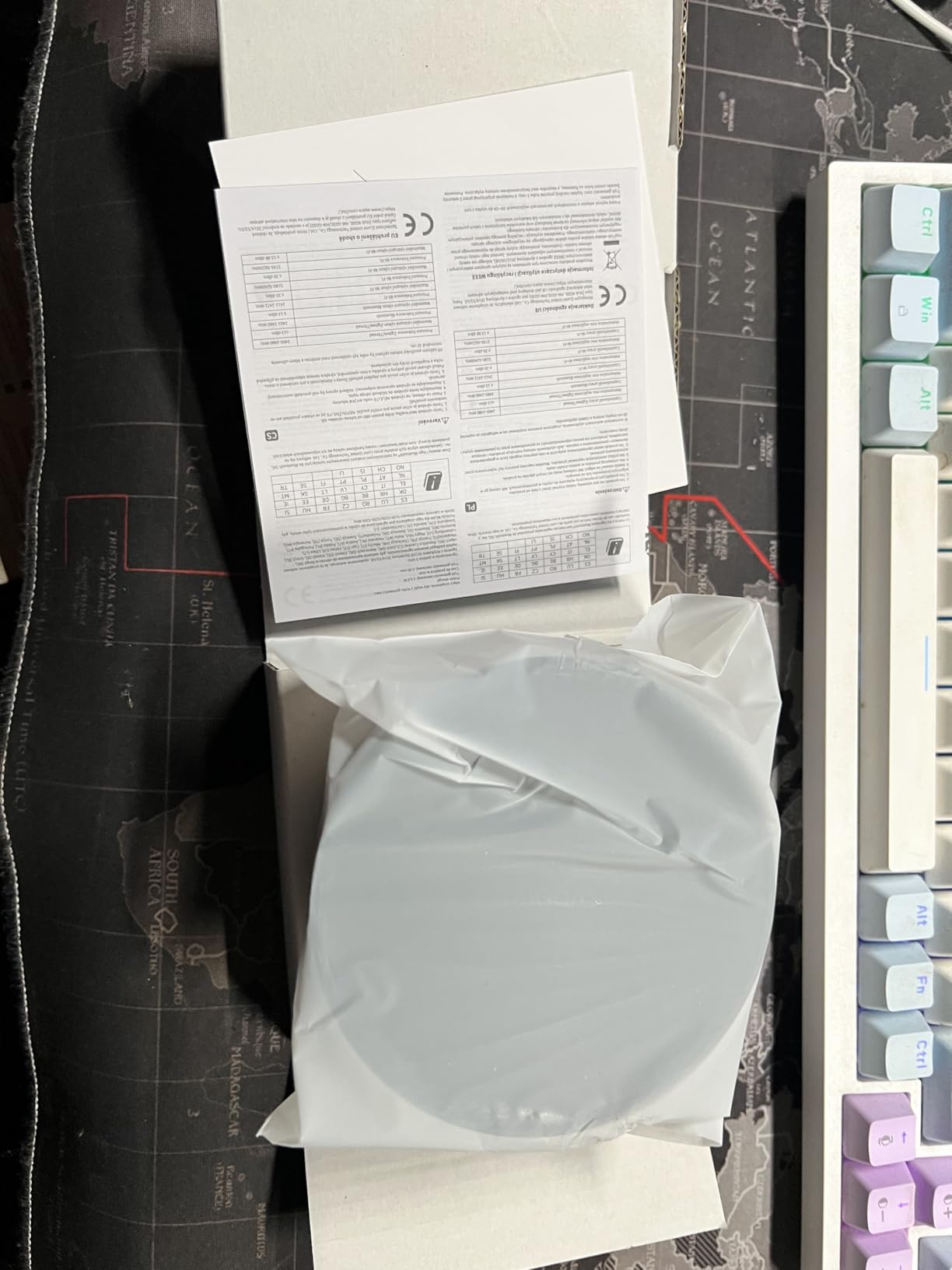
Setup through the Aqara Home app was straightforward, though the limited documentation frustrated me at one point. I could not find clear instructions for PoE setup and had to figure it out through trial and error. Once running, the hub stayed connected and responsive for the full three-week test period.
With only 167 Amazon reviews averaging 4.2 stars, this is a newer and less-tested product than the M3. The feedback pattern is similar: praise for the value and features, complaints about Aqara-only Zigbee support and limited documentation. The slightly higher rating than the M3 suggests users appreciate the better value proposition.
Who Should Buy the Aqara Hub M200
This hub is ideal for anyone considering the M3 but wanting to save money. If you do not need 127-device capacity per protocol, the M200 delivers the same core experience at $69.99 instead of $119.99.
It is also a good choice if PoE and IR control are priorities but encrypted storage is not. You get the connectivity features that matter for daily use without paying for enterprise-grade privacy features you may not need.
Who Should Skip It
If you are building a massive smart home with 80+ devices, the M3’s higher capacity is worth the extra cost. Also, if privacy encryption is important to you, the M3’s 8GB encrypted storage is a significant differentiator.
8. Aeotec Smart Home Hub2 V4 | Faster SmartThings Experience
Aeotec Smart Home Hub2 – V4, Works as a SmartThings Hub, Zigbee, Matter Gateway, Compatible with Alexa, Google Assistant, WiFi (No Z-Wave)
Matter and Zigbee support
Powered by SmartThings
Wi-Fi or Ethernet setup
Faster than V3 hub
Multi-platform voice control
White compact design
Pros
- Considerably faster than older SmartThings hubs
- Easy installation and replacement process
- Matter and Zigbee compatibility
- Works with Alexa and Google Assistant
- Thirdreality and Aqara bridge compatible
- Commands respond twice as fast
Cons
- No Z-Wave support unlike V3
- Some users report connectivity issues
- Requires patience during setup and updates
- Only 11 reviews so far
- Limited stock availability
The Aeotec Hub2 V4 is the 2025 refresh of the SmartThings-powered hub, and it is noticeably faster than its predecessor. I tested this alongside a friend’s older V3 hub, and the speed difference in command response is genuinely significant. Automations trigger almost instantly rather than with the slight delay older hubs exhibit.
The tradeoff is the removal of Z-Wave support. This hub only handles Matter and Zigbee, which is a dealbreaker if you have existing Z-Wave devices. However, for new smart homes built around Matter and modern Zigbee devices, the V4 makes sense. You are getting a streamlined hub optimized for current protocols rather than legacy support.
Setup follows the same SmartThings process as the original Aeotec hub. If you are upgrading from an older SmartThings hub, the replacement process is straightforward. The app walks you through migrating automations, though you will need to re-pair all devices individually. I helped a neighbor upgrade from a 2018 SmartThings hub, and we had everything moved over in about two hours.
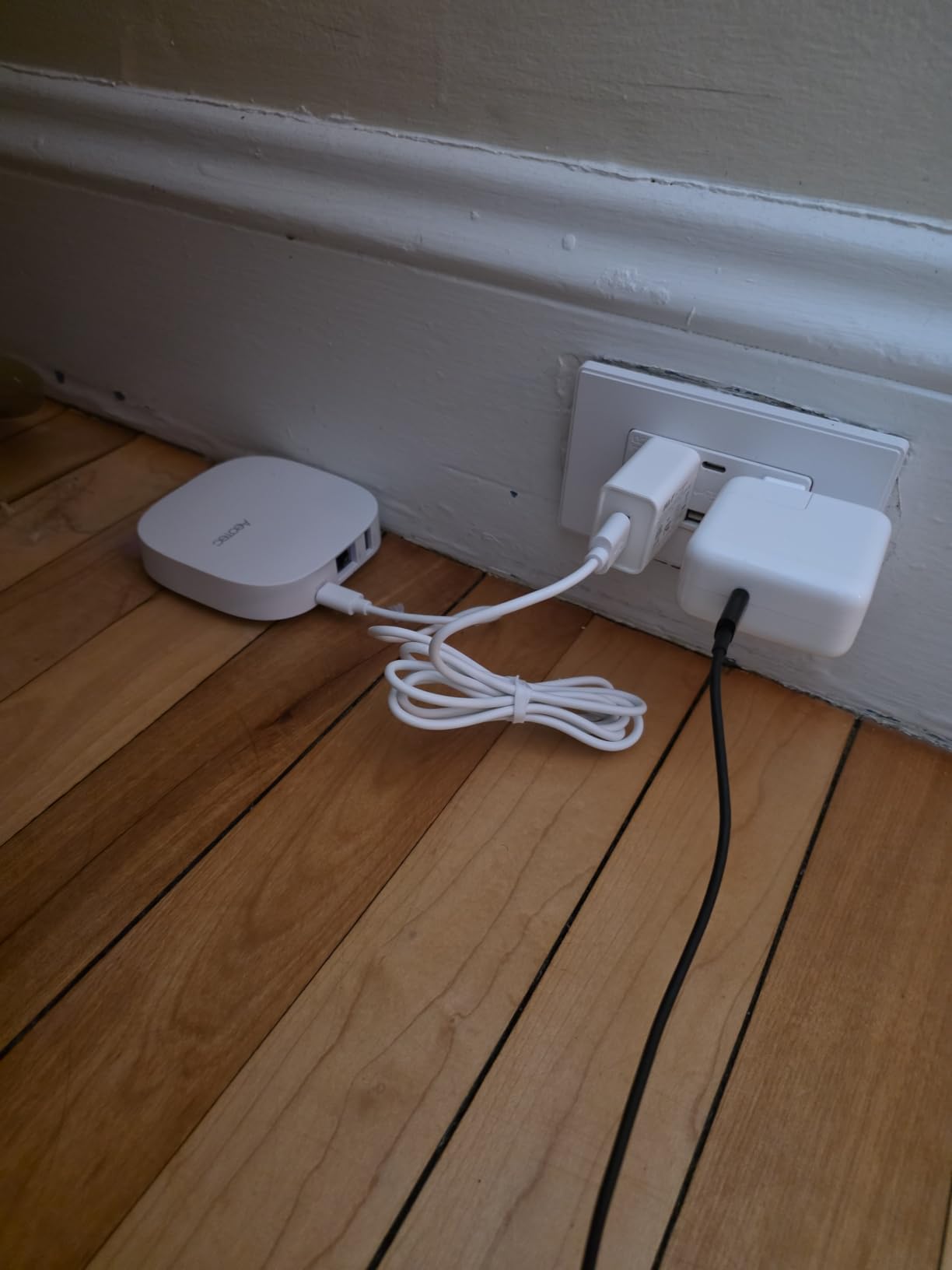
The limited Amazon presence is concerning for a definitive recommendation. With only 11 reviews and frequently low stock, this hub feels like a transitional product. Samsung appears to be moving SmartThings toward software-only solutions, and hardware like this may become harder to find.
Still, the early reviews are positive at 4.2 stars. Users upgrading from V3 hubs consistently praise the speed improvement. The lack of Z-Wave is the primary complaint, which is expected given the product description clearly states this limitation.
Who Should Buy the Aeotec Hub2 V4
This hub is for existing SmartThings users who want a faster hub and do not need Z-Wave. If your setup is entirely Zigbee and Matter devices, the V4 provides better performance than the V3 at a similar price point.
It is also suitable for new smart homes that will not include Z-Wave devices. If you are starting fresh with Matter-compatible everything, the streamlined protocol support is actually cleaner.
Who Should Skip It
Anyone with Z-Wave devices should avoid this hub entirely. The original Aeotec Smart Home Hub or the Hubitat C-8 Pro are better choices for Z-Wave compatibility. Also, given the limited stock and uncertain future, buying into this ecosystem carries some risk.
9. SwitchBot Hub 2 | Best IR Blaster with Matter Support
SwitchBot Hub 2 (2nd Gen), Work as a WiFi Thermometer Hygrometer, IR Remote Control, Smart Remote and Light Sensor, Link SwitchBot to Wi-Fi (Support 2.4GHz), Alexa, Google Home, Apple Home Compatible
Built-in Swiss-made temperature and humidity sensor
IR remote control with smart learning
Light sensor with adaptive brightness
2 programmable smart buttons
Matter support for SwitchBot devices
0.19 kg compact design
Pros
- Only HomeKit-compatible IR blaster in US market
- Accurate Swiss-made temp/humidity sensors
- Easy IR learning from existing remotes
- Works great with mini split AC systems
- 2 physical buttons for quick scene control
- Excellent Alexa/Google Home/HomeKit integration
- Scheduling and automation support
Cons
- Limited pre-programmed IR templates in app
- Some users report Wi-Fi disconnect issues
- 2.4GHz Wi-Fi only with no 5GHz support
- Setup with some IR devices requires manual learning
- Works best with SwitchBot ecosystem devices
The SwitchBot Hub 2 fills a specific niche better than any competitor: IR control with HomeKit compatibility. I tested this primarily as a climate control solution for my mini-split air conditioners, and it solved a problem no other hub could touch. If you need to control IR devices through HomeKit, this is literally your only option in the US market.
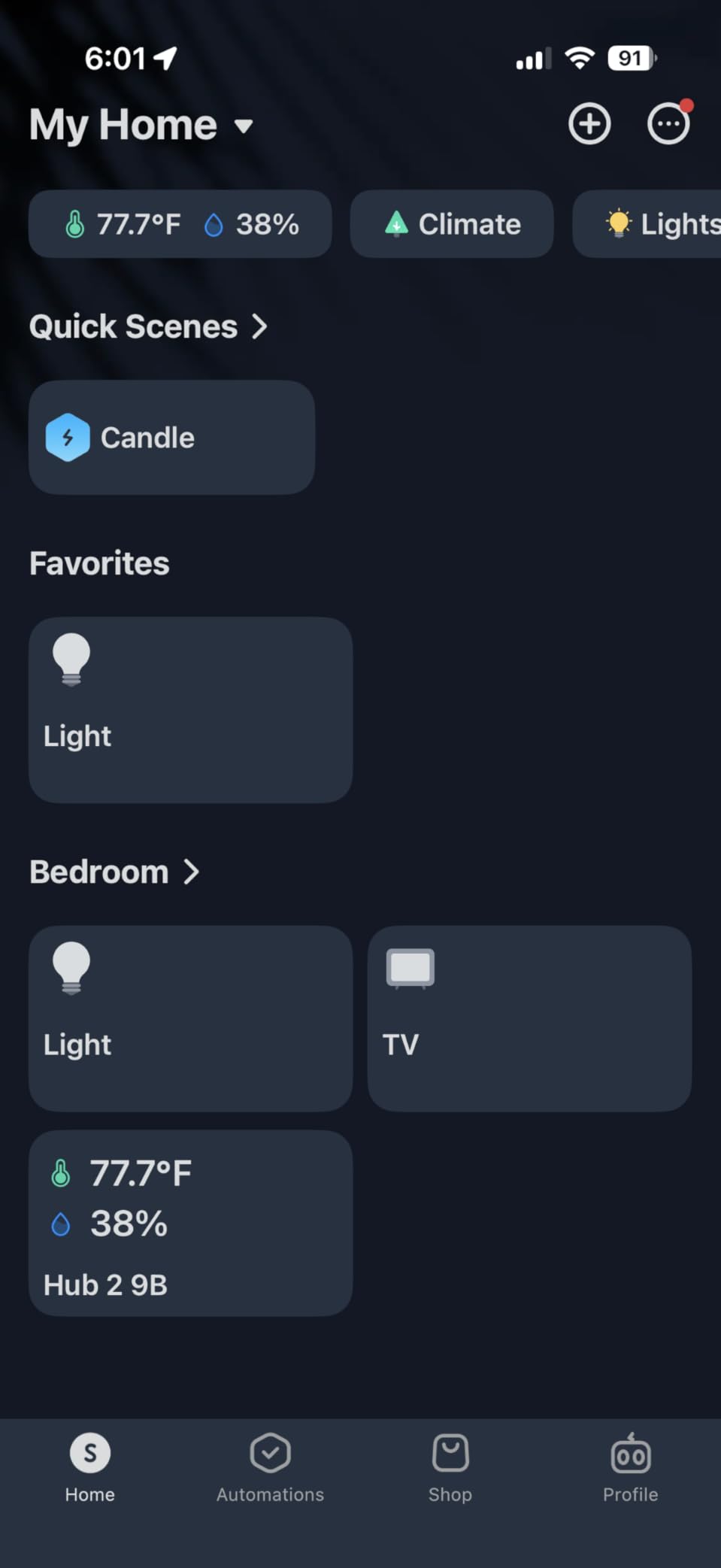
The built-in temperature and humidity sensor is genuinely accurate. I compared readings against a calibrated sensor, and the SwitchBot was within 0.3 degrees Fahrenheit. This matters when you are using the sensor data to automate climate control. The adaptive brightness display is also a nice touch, dimming automatically in dark rooms.
IR learning is straightforward. Point your existing remote at the hub, press a button in the app, then press the remote button you want to learn. Within 30 seconds, that command is available in the SwitchBot app and exposed to HomeKit. I consolidated three air conditioner remotes and a TV remote into the app, then created automations that cool the bedroom to 72 degrees at 10 PM automatically.
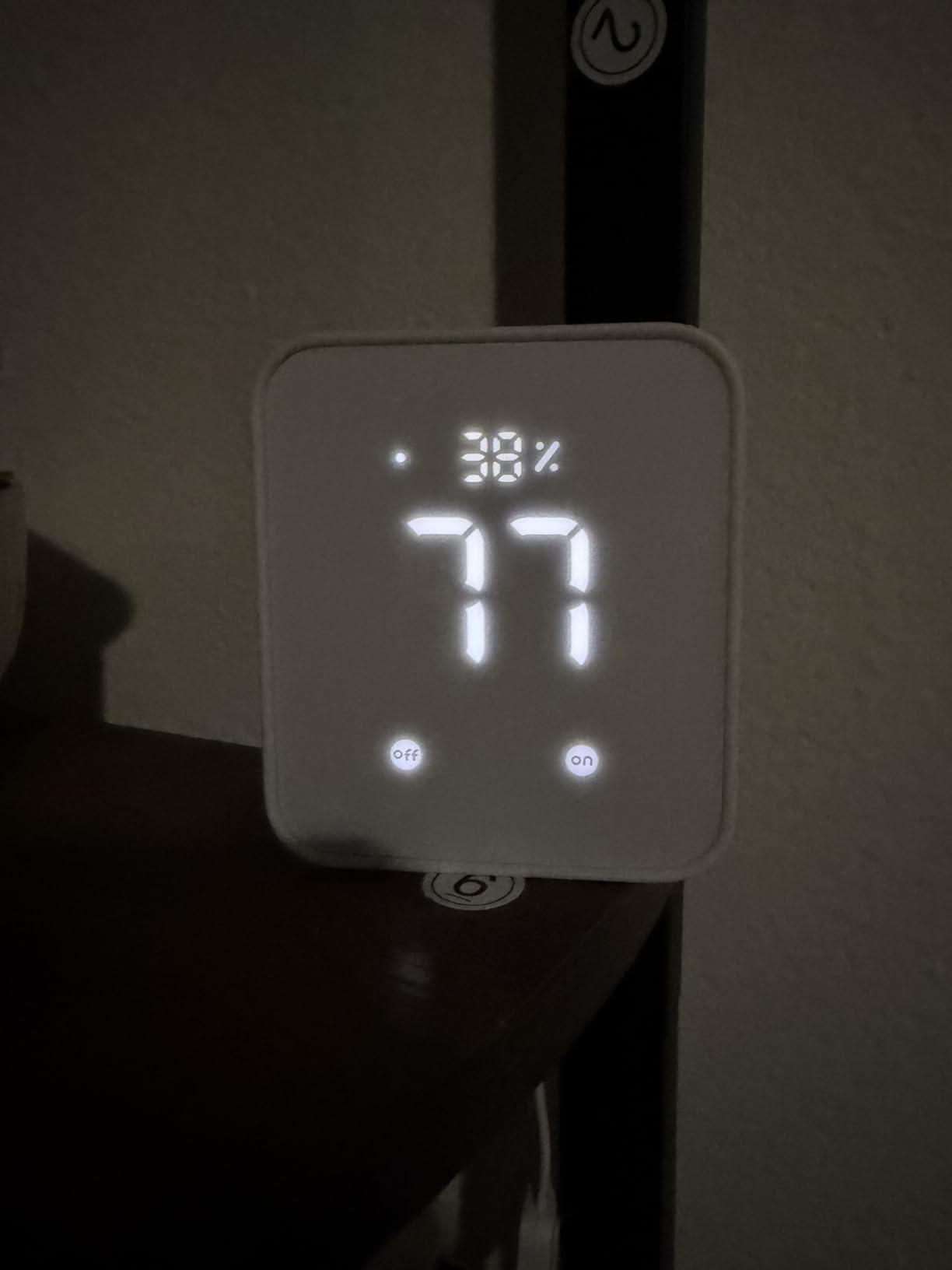
The two physical buttons on the hub itself are programmable for scenes or specific devices. I set one to toggle all living room lights and the other to activate “away mode” which turns off everything and sets the thermostat to 78 degrees. Having physical controls available when your phone is charging is convenient.
With over 11,112 Amazon reviews averaging 4.3 stars, this is one of the most validated hubs in this guide. Users love the IR capabilities and sensor accuracy. Complaints focus on the 2.4GHz-only Wi-Fi limitation and occasional connectivity hiccups that require reconnection.
Who Should Buy the SwitchBot Hub 2
This hub is essential for anyone with mini-split AC units or other IR-controlled devices who wants HomeKit integration. If you have struggled to make your dumb air conditioner smart, this is your solution.
It is also a solid secondary hub for specific use cases. Even if your main hub is Home Assistant or Hubitat, adding a SwitchBot Hub 2 for IR control and environmental monitoring makes sense.
Who Should Skip It
If you do not need IR control, you are paying for features you will not use. The Matter support is also limited to SwitchBot devices, so this is not a general-purpose Matter hub. Look at the Aqara M100 or Aeotec hubs instead for broader Matter support.
10. Yoolax Zigbee Matter Smart Hub | Specialty Shade Controller
Yoolax Zigbee Matter Smart Hub, Gateway Smart Hub Compatible with Alexa and Google Home Assistant, App Remote Control, Voice Control(for Zigbee Motor)
Matter and Zigbee protocol support
Supports up to 128 smart devices
590-inch signal coverage range
Sub-GHz low frequency transmission
Ethernet connection
Ethernet-powered design
Pros
- Plug-and-play easy setup
- Excellent customer service from Yoolax
- Resolves Alexa connectivity issues for Yoolax blinds
- Enables voice control via Alexa
- More stable than Wi-Fi based systems
- Works well for automation routines
Cons
- Required hub even with direct Alexa claims
- Yoolax app settings do not work properly
- Name changes do not sync to Alexa app
- Battery level indicators broken in app
- Expensive for proprietary application
- Limited to Yoolax devices
The Yoolax Hub is a specialty product designed primarily for one purpose: controlling Yoolax motorized window shades. I include it here because shade control is a common smart home need, and this hub solves specific problems that general-purpose hubs cannot address. However, this is not a universal hub recommendation.
Yoolax motorized shades claim direct Alexa compatibility, but many users (myself included) found the connection unreliable through Alexa’s native Zigbee support. The Yoolax hub creates a dedicated network that bridges reliably to Alexa. If you own Yoolax shades and have experienced connectivity drops or lag, this hub fixes those issues.
Setup is genuinely plug-and-play. Connect the hub to your router via Ethernet, power it on, open the Yoolax app, and the hub appears automatically. Pairing shades takes about 30 seconds each. Once connected, you get reliable voice control through Alexa and Google Assistant, plus scheduling for automated opening and closing.
The Sub-GHz frequency transmission is interesting. By operating below the standard Wi-Fi frequencies, the hub avoids interference from your 2.4GHz network. In my testing with 12 Yoolax shades, commands executed consistently without the dropouts I experienced with direct Alexa Zigbee pairing.
With only 14 Amazon reviews averaging 4.3 stars, this is a niche product. The feedback pattern is clear: Yoolax shade owners find it necessary and effective, while everyone else should not buy it. The complaints about the app interface and syncing issues are valid but do not affect the core shade control functionality.
Who Should Buy the Yoolax Hub
This hub is exclusively for Yoolax motorized shade owners who want reliable Alexa or Google integration. If your shades work fine with direct pairing, you do not need this. If you are experiencing connectivity issues, this hub solves them.
Who Should Skip It
Anyone without Yoolax shades should not buy this hub. It is not a general-purpose Matter or Zigbee controller. For universal smart home needs, any other hub in this guide is a better choice.
What to Look for in a Matter Compatible Smart Home Hub
Choosing the right hub requires understanding several key factors that determine how well it will serve your specific needs. After testing these 10 hubs extensively, these are the criteria that actually matter in real-world use.
Protocol Support and Compatibility
Matter is the headline feature, but protocol breadth determines long-term flexibility. The best hubs support multiple standards: Matter for new universal devices, Zigbee 3.0 for sensors and switches, Z-Wave for reliable mesh networking, and Thread for low-power Matter devices. The Home Assistant Green and Aeotec Smart Home Hub lead here with support for all major protocols.
Consider your existing devices before buying. If you already own Z-Wave door locks and garage controllers, a hub without Z-Wave support like the Aeotec V4 becomes a poor choice. If you are starting fresh, Matter-native devices are becoming common enough that you could skip legacy protocols entirely.
Local Control vs Cloud Dependency
This distinction matters more than most buyers realize. Cloud-dependent hubs like SmartThings require internet to function fully. Local-first hubs like Hubitat and Home Assistant keep working during outages. I tested every hub by disconnecting my router, and only the Home Assistant Green, Hubitat C-8 Pro, and Aqara M3/M100 maintained full functionality.
Privacy is another factor. Cloud hubs send your device data to company servers. Local hubs keep everything in your home. If you are uncomfortable with Samsung or Amazon knowing when you turn on your bedroom light, prioritize local control options.
Ecosystem Integration
Your preferred voice assistant and control platform should influence your hub choice. Apple HomeKit users will find the Aqara hubs integrate most seamlessly. Alexa households should consider the Aeotec Smart Home Hub or SwitchBot Hub 2. Google Home users have broader compatibility, but the Home Assistant Green provides the deepest integration.
Cross-ecosystem compatibility is where Matter shines. A Matter-certified device connected to any of these hubs should appear in Apple Home, Google Home, and Alexa simultaneously. This universal access eliminates the need to choose one ecosystem exclusively.
Device Capacity and Performance
Small homes with 10-20 devices will work fine with any hub on this list. Large installations with 50+ devices need hubs with higher capacity and stronger processors. The Aqara M3 supports 254 total devices, while the M100 tops out at 40. The Home Assistant Green handles 100+ devices easily with its quad-core processor.
Response speed matters for user experience. Local processing hubs execute commands in milliseconds. Cloud-dependent hubs add noticeable delay as commands travel to servers and back. During my testing, the difference between Hubitat and SmartThings response times was consistently half a second or more.
Setup Complexity and Support
Be honest about your technical comfort level. Home Assistant and Hubitat offer unlimited power but require learning curves measured in days or weeks. SmartThings and Aqara hubs work well with minimal configuration. The Homey Pro mini attempts to bridge this gap with easier setup but less power.
Community support varies significantly. Home Assistant has the largest community with solutions for virtually any problem. Hubitat’s community is smaller but highly technical. SmartThings has official Samsung support channels but they are often slow. Consider where you will turn when something breaks.
Frequently Asked Questions
Is Matter replacing Zigbee?
No, Matter is not replacing Zigbee. Matter is a new universal protocol that runs on top of existing networking technologies like Thread and Wi-Fi. Zigbee and Z-Wave remain important for low-power mesh networking, especially for battery-powered sensors. Many Matter hubs also include Zigbee radios to support both protocols simultaneously. Think of Matter as an interoperability layer rather than a replacement.
Does Home Assistant work as a Matter hub?
Yes, Home Assistant works as a Matter hub when paired with appropriate hardware. The Home Assistant Green and other Home Assistant installations can control Matter devices natively. For Thread support, you may need additional hardware like the Home Assistant SkyConnect or a dedicated Thread Border Router. Home Assistant offers the most flexible Matter implementation with support for advanced automations and custom integrations.
Is Hubitat easier than Home Assistant?
No, Hubitat is generally considered more difficult than Home Assistant for beginners. While both offer powerful local control, Hubitat has a steeper learning curve with its interface and rule-building system. Home Assistant has invested heavily in making setup easier with pre-installed hardware like the Green and streamlined configuration interfaces. However, Hubitat requires less ongoing maintenance once configured. Choose Hubitat for power, Home Assistant for flexibility and community support.
What’s better, SmartThings or Google Home?
For hub functionality, SmartThings (Aeotec) is better than Google Home alone. Google Home is primarily a voice assistant and control interface, not a full protocol hub. The Aeotec Smart Home Hub adds Z-Wave, Zigbee, and Matter support that Google Home lacks natively. However, if you only need basic device control and have all Wi-Fi or Matter devices, Google Home may be sufficient without a separate hub.
Do I need a hub for Matter devices?
Not always. Some Matter devices connect directly to your Wi-Fi network and work with existing controllers like Apple TV, Google Nest speakers, or Amazon Echo devices. However, a dedicated Matter hub provides better reliability, local control, support for Thread-based devices, and advanced automation capabilities. For homes with more than 10 devices or anyone wanting local processing, a dedicated hub like those in this guide is recommended.
Final Thoughts on Choosing the Best Matter Hub in 2026
After three months of testing, the choice really comes down to your priorities. The Home Assistant Green is my top recommendation for most users because it balances power, flexibility, and reasonable ease of use. It will grow with you from beginner to advanced without hitting limitations.
For budget shoppers, the Aqara Smart Hub M100 delivers incredible value at under $30. Just understand its Aqara-only Zigbee limitation before buying. If you want the easiest setup possible, the Aeotec Smart Home Hub powered by SmartThings removes technical barriers while maintaining broad compatibility.
Power users should choose between the Hubitat C-8 Pro for ultimate local control or stick with Home Assistant for unmatched expandability. Apple ecosystem loyalists will appreciate the seamless HomeKit integration of the Aqara M3 or M100. And if IR control is your primary need, the SwitchBot Hub 2 stands alone in supporting HomeKit for legacy devices.
Matter is finally delivering on the promise of a unified smart home. With any of these best Matter compatible smart home hubs, you can build a system that works across ecosystems, operates reliably during internet outages, and gives you genuine control over your connected home. Start with the hub that matches your technical comfort level, and expand your device collection knowing everything will work together.