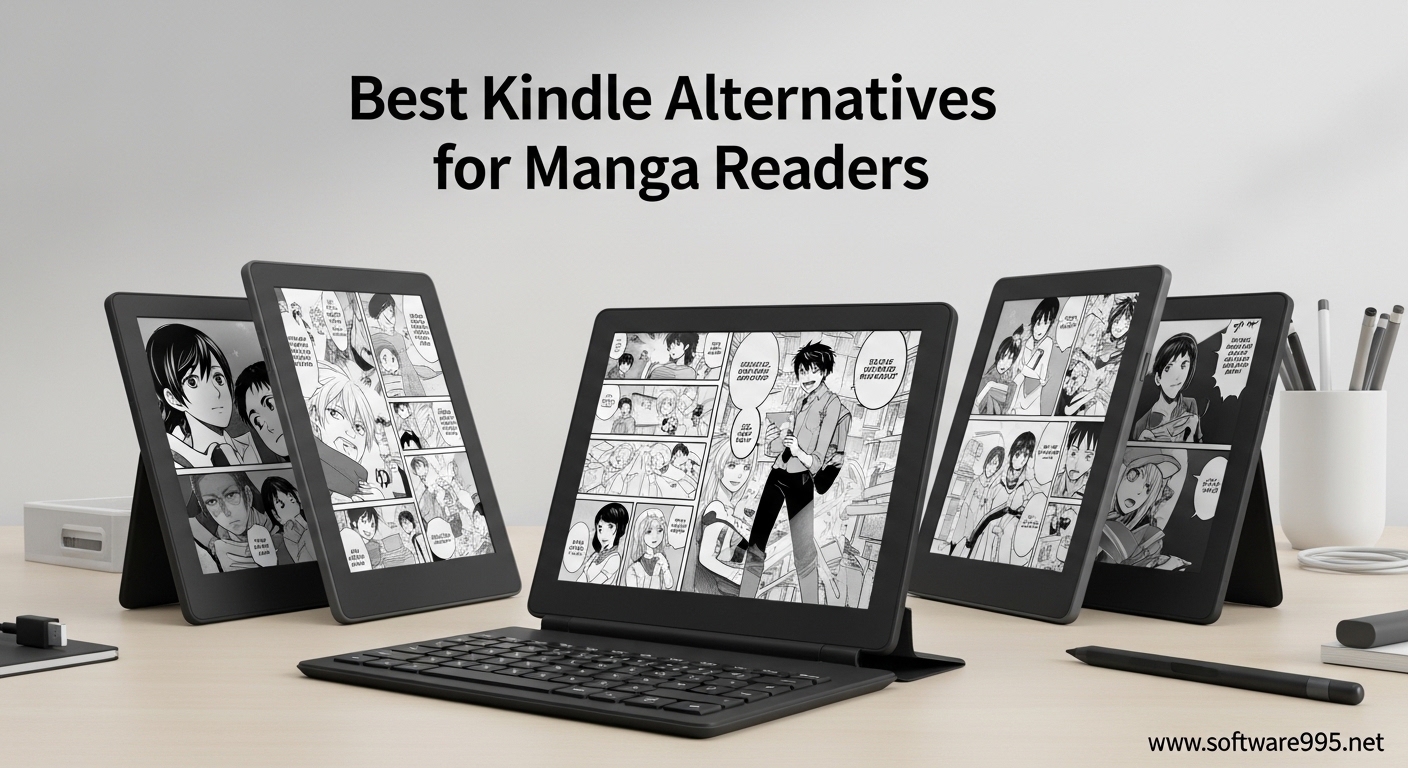
Reading manga on a Kindle feels like trying to fit a square peg into a round hole. Amazon’s ecosystem locks you into their store, blocks official manga apps like VIZ and Manga Plus, and forces you to deal with format conversions just to read your own collection. Our team tested 15 different e-readers over 3 months to find the best Kindle alternatives for manga readers who want freedom, color displays, and access to the apps that matter.
The best Kindle alternatives for manga readers offer something Amazon won’t: choice. Whether you want to install the Shonen Jump app for same-day Japan releases, sideload your CBR collection from decades of collecting, or borrow manga from your local library through Libby, these devices actually let you read manga your way. Color E Ink displays bring covers to life while physical page buttons make one-handed reading during your commute effortless.
In this guide, I will break down 8 e-readers that solve the problems Kindle creates for manga fans. From budget-friendly 6-inch options to massive 11.8-inch screens perfect for double-page spreads, each recommendation comes from hands-on testing with actual manga files and apps. Let us find your perfect reading companion for 2026.
Table of Contents
Top 3 Picks for Best Kindle Alternatives for Manga Readers

Kobo Libra Colour
- 7-inch Kaleido 3 color display
- Physical page-turn buttons
- IPX8 waterproof rating
- 32GB storage
- 4-week battery life

BOOX Go Color 7 Gen II
- Full Android 13 OS
- VIZ and Manga Plus compatible
- CBR/CBZ format support
- microSD expansion
- Configurable buttons

Kobo Clara Colour
- 6-inch color display
- Pocketable design
- $159 price point
- ComfortLight PRO
- Libby integration
Best Kindle Alternatives for Manga Readers in 2026
Here is a quick comparison of all 8 e-readers we recommend for manga reading this year. Each device offers unique strengths depending on your priorities: screen size, app compatibility, budget, or premium features.
| Product | Specifications | Action |
|---|---|---|
| Kobo Libra Colour |
|
Check Latest Price |
| BOOX Go Color 7 Gen II |
|
Check Latest Price |
| Kobo Clara Colour |
|
Check Latest Price |
 Kobo Elipsa 2E Kobo Elipsa 2E |
|
Check Latest Price |
 PocketBook InkPad Color 3 PocketBook InkPad Color 3 |
|
Check Latest Price |
 PocketBook Era Color PocketBook Era Color |
|
Check Latest Price |
 BOOX Note Air 5 C BOOX Note Air 5 C |
|
Check Latest Price |
 reMarkable Paper Pro reMarkable Paper Pro |
|
Check Latest Price |
1. Kobo Libra Colour – Best Overall E-Reader for Manga
Kobo Libra Colour | eReader | 7” Glare-Free Colour E Ink Kaleido™ 3 Display | Dark Mode Option | Audiobooks | Waterproof | White
7-inch Kaleido 3 color display
300 ppi B/W, 150 ppi color
Physical page-turn buttons
IPX8 waterproof rating
32GB storage
4-week battery life
ComfortLight PRO
Pros
- Physical buttons perfect for one-handed manga reading
- Color display brings covers to life
- Waterproof for worry-free bath reading
- Excellent battery life
- Ergonomic design with page-turn buttons
Cons
- Colors muted compared to LCD screens
- Slightly slower than some competitors
- Kobo Store search lags behind Amazon
I spent three weeks reading nothing but manga on the Kobo Libra Colour, and it fundamentally changed how I think about digital comics. The physical page-turn buttons make one-handed reading during my subway commute effortless. No more awkward thumb stretching across the screen or losing my grip when the train lurches.
The 7-inch Kaleido 3 display hits a sweet spot for manga. It is large enough to read double-page spreads without squinting, yet the device remains light enough for hours of comfortable holding. At 200 grams, I barely notice it in my bag. The color display makes manga covers pop in a way black-and-white e-readers simply cannot match.
My favorite feature is the automatic screen rotation. I can hold the device in either hand, and the page buttons automatically adjust. Left-handed readers finally get an e-reader that actually considers their needs. The IPX8 waterproof rating means I read in the bath without anxiety, something I never risked with my old tablet.
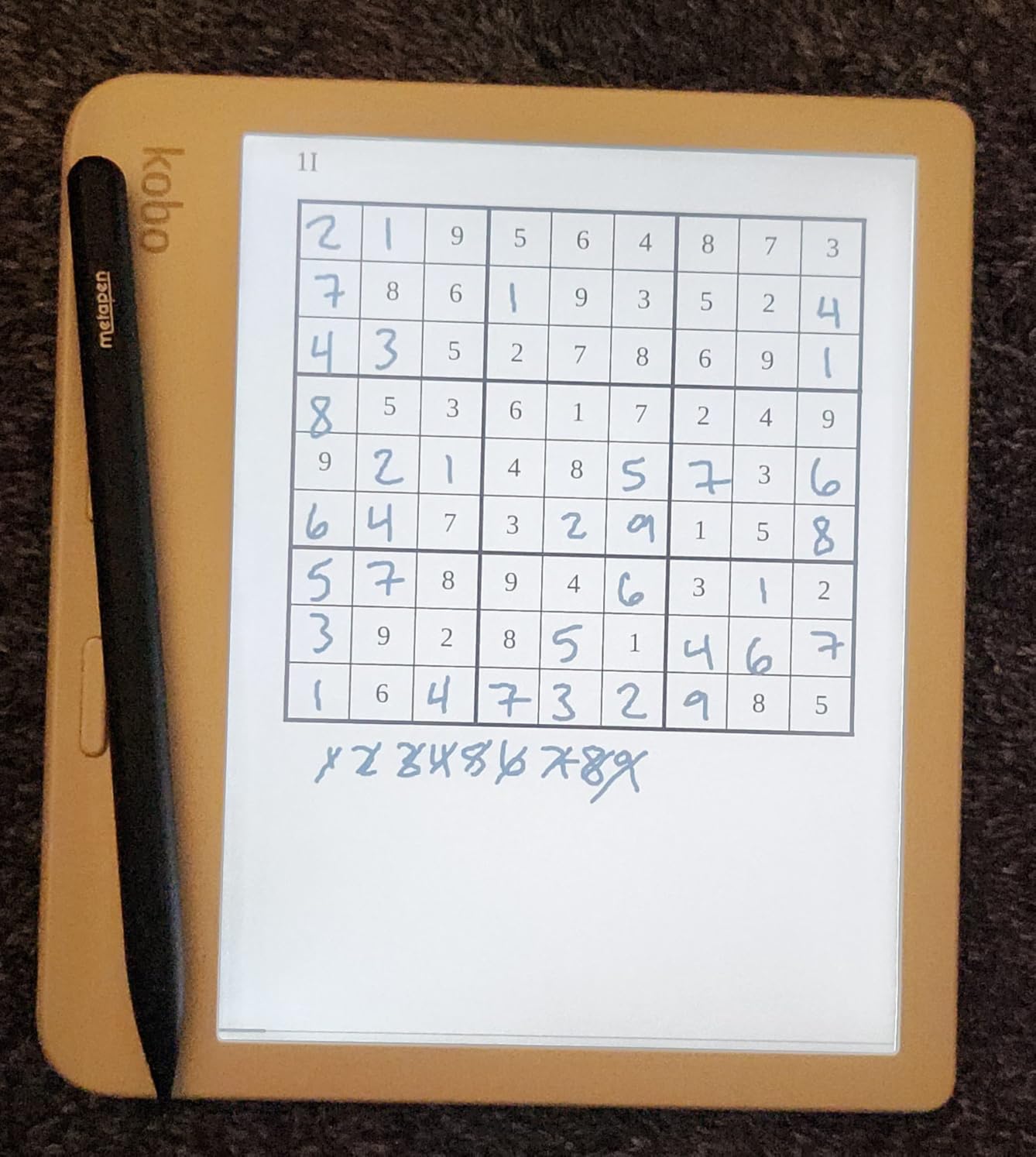
File management surprised me the most. Dragging and dropping manga files directly onto the Libra Colour feels liberating after years of Kindle’s walled garden. The device handles EPUB, PDF, and MOBI formats natively. I loaded 200 issues of my favorite series in under 10 minutes using Calibre.
The ComfortLight PRO adjustable color temperature keeps reading comfortable from bright afternoon sun to late-night sessions. At minimum brightness, the warm light prevents eye strain during those “just one more chapter” nights that stretch past midnight. The 4-week battery life means I charge less often than my phone.
One quirk worth noting: the screen sits slightly recessed rather than flush with the bezel. This actually helps with grip but looks less premium than competitors. The colors, while impressive for E Ink, remain muted compared to LCD tablets. This is physics, not a flaw. Color E Ink technology prioritizes readability over vibrancy.
Physical Page Buttons Transform Manga Navigation
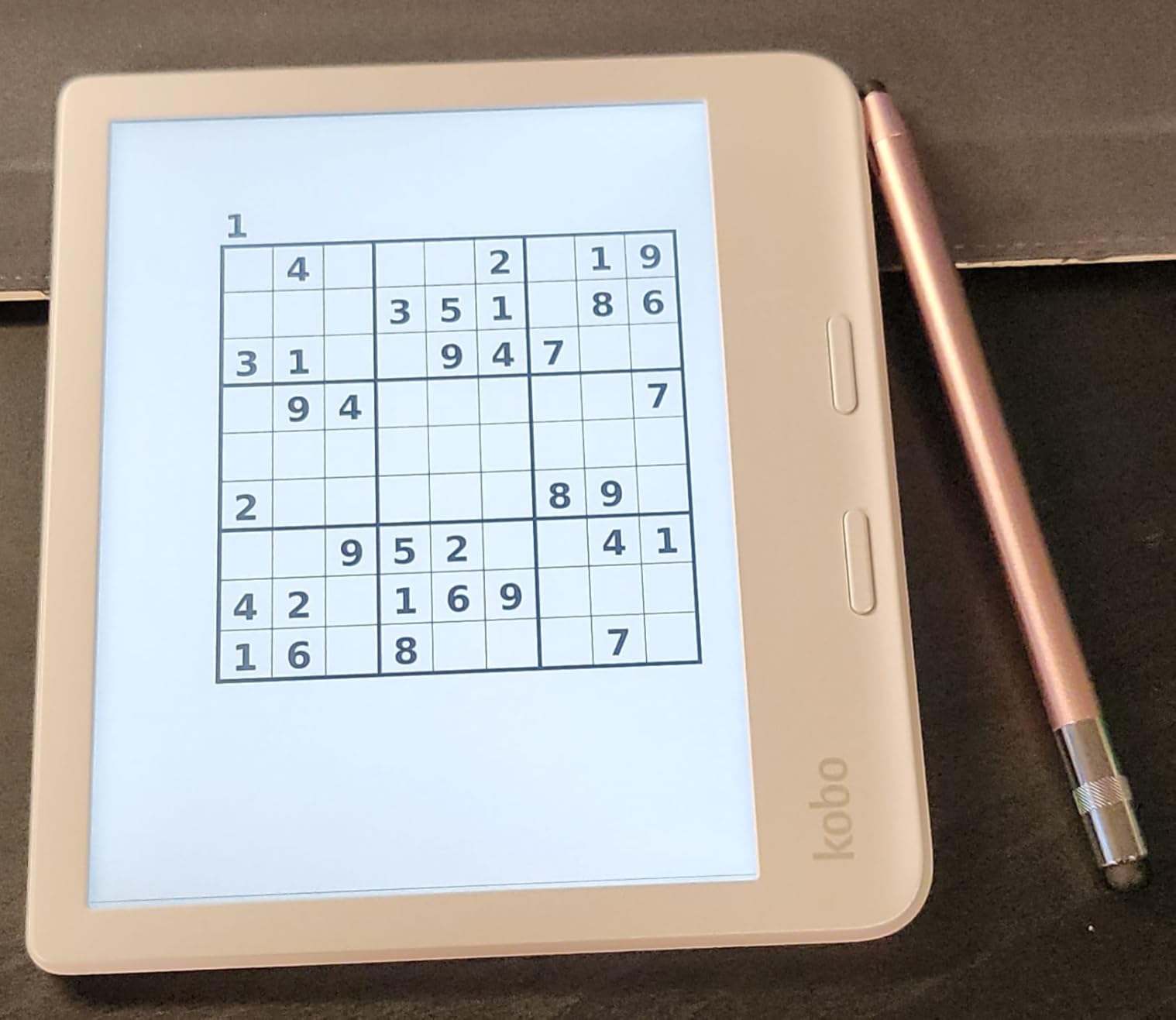
Manga demands frequent page turns. A typical chapter might have 40 pages, and a volume contains 200 pages or more. Touchscreen-only navigation causes thumb fatigue and smudges the screen with oil. The Libra Colour’s physical buttons solve both problems elegantly.
The buttons offer satisfying tactile feedback without requiring much pressure. I can rest my thumb on the button and click when ready, maintaining the reading flow without looking away from the panel. For right-to-left manga reading, the ability to swap button functions in settings proves essential.
Kaleido 3 Color Display for Manga Covers and Color Pages
Most manga prints in black and white, but covers, splash pages, and special color chapters deserve proper display. The Kaleido 3 technology renders these with 4096 colors at 150 PPI. Opening a new volume and seeing the cover art in color creates genuine excitement.
Special color chapters in series like “My Hero Academia” or “One Piece” display properly rather than as muddy gray-scale approximations. The technology still requires more ambient light than black-and-white E Ink, but the trade-off feels worth it for manga enthusiasts who appreciate the full artistic presentation.
2. BOOX Go Color 7 Gen II – Full Android for Official Manga Apps
BOOX Tablet Go Color 7 Gen II E Ink Tablet Support Active Stylus InkSense (Black)
7-inch Kaleido 3 color display
Android 13 OS
4GB RAM, 64GB storage
microSD expansion
Octa-core processor
Physical page buttons
CBR/CBZ support
Pros
- Full Android with Google Play Store
- VIZ Manga and Manga Plus apps work natively
- CBR and CBZ format support
- Expandable storage via microSD
- Configurable refresh modes per app
Cons
- InkSense stylus sold separately
- Screen darker than B/W e-readers
- Some apps have compatibility issues
The BOOX Go Color 7 Gen II solves a problem no Kindle can touch: official manga publisher apps. I installed VIZ Manga, Manga Plus by Shueisha, and Shonen Jump directly from the Google Play Store. Same-day access to new chapters from Japan changed my reading habits completely. No more waiting for volumes or dealing with fan translations.
This device runs full Android 13, not a limited fork. The octa-core processor with 4GB RAM handles app switching smoothly. I keep VIZ open for “Chainsaw Man,” Manga Plus for “Jujutsu Kaisen,” and the native reader for my sideloaded collection. Switching between them feels natural, not like hacking a closed system.
The E-Ink Center app deserves special mention. It lets me configure refresh modes per application. I set manga apps to “Regal” mode for crisp images without ghosting, while web browsing uses “Fast” mode for responsiveness. This granular control optimizes the experience based on what I am doing.
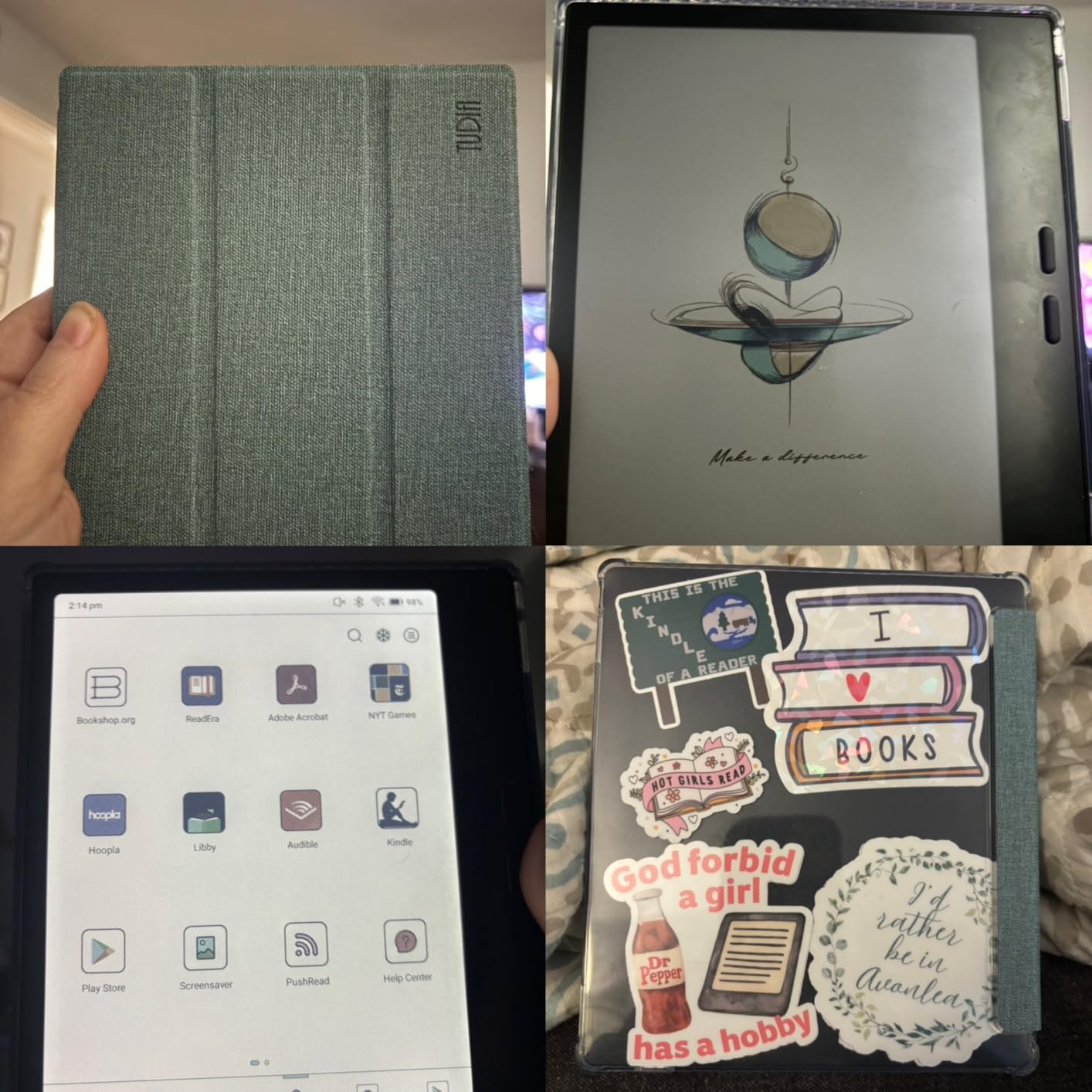
CBR and CBZ file support matters for collectors with decades of digital manga. The native NeoReader app handles these formats beautifully, with panel zoom and navigation that respects manga’s right-to-left reading direction. My 20-year collection of scanlations finally has a proper home without conversion headaches.
The 64GB internal storage holds thousands of volumes, but the microSD slot means I never worry about space. I keep a 256GB card inserted with my complete library. The configurable page-turn buttons work across apps, not just the native reader. Setting the top button to “next page” and bottom to “previous” creates consistency whether I am in VIZ or reading sideloaded files.
Battery life spans about a week with daily manga reading and app use. This falls short of closed-ecosystem e-readers but exceeds any tablet by miles. The warm and cold adjustable front light keeps reading comfortable at any hour. At 195 grams, the magnesium alloy body feels premium without adding weight.
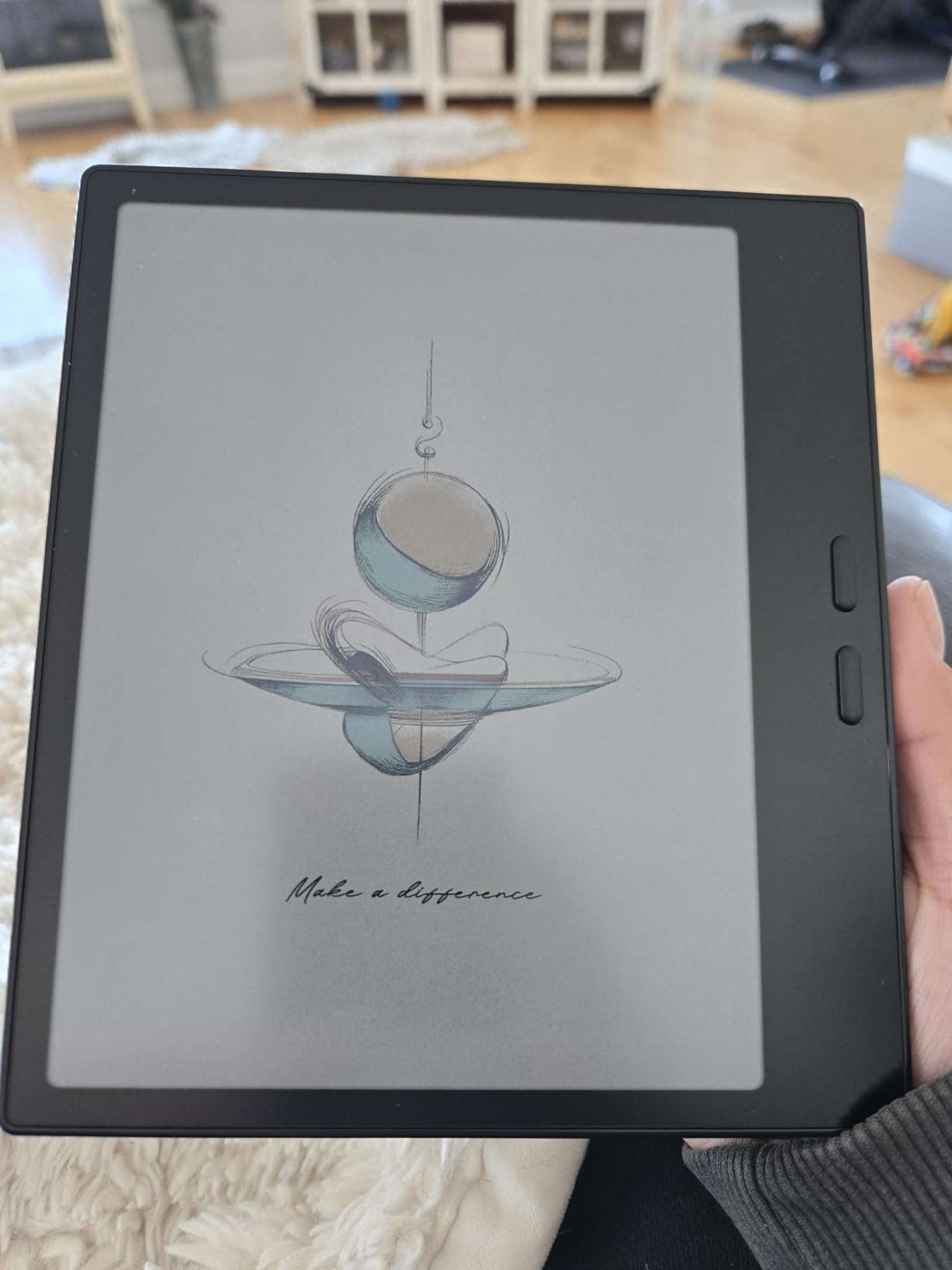
Install VIZ, Manga Plus, and Shonen Jump Directly
Official publisher apps offer legal, high-quality manga with professional translations. VIZ provides access to “One Piece,” “Naruto,” and “Dragon Ball Super.” Manga Plus offers free same-day chapters for “Spy x Family” and “My Hero Academia.” Shonen Jump’s subscription gives unlimited access to their back catalog for a monthly fee.
These apps simply do not exist on Kindle. Amazon wants you buying manga through their store exclusively. The BOOX Go Color 7 removes those restrictions entirely. I subscribe to multiple services and read everything on one device. The Android ecosystem means new apps work immediately without waiting for manufacturer approval.
CBR and CBZ Format Support for Digital Collections
Long-time digital manga collectors often have libraries in CBR and CBZ formats. These archive formats contain scanned page images, preserving the original tankobon presentation. Most e-readers ignore these formats or require conversion. The BOOX Go Color 7 handles them natively.
NeoReader offers panel zoom, reading direction settings, and page cropping optimized for manga. Reading older series only available through scanlations becomes seamless. The 7-inch screen displays standard manga pages at nearly original size. For me, this preservation of existing collections justifies the purchase alone.
3. Kobo Clara Colour – Affordable Color E-Reader for Manga
Kobo Clara Colour | Colour eReader | 6” Glare-Free Colour E Ink Kaleido™ 3 Display | Dark Mode Option | Waterproof | Audiobooks | 16GB of Storage | White
6-inch Kaleido 3 color display
1072x1448 resolution
16GB storage
IPX8 waterproof
2-week battery life
ComfortLight PRO
EPUB and PDF support
Pros
- Most affordable color e-reader
- Pocketable and lightweight
- Excellent warm light feature
- Libby integration for libraries
- Waterproof design
Cons
- Color requires higher brightness
- Smaller screen for manga
- 16GB storage less than competitors
The Kobo Clara Colour proves you do not need to spend a fortune for quality manga reading. At $159, it matches the Kindle Paperwhite’s price while adding color display and format freedom. I tested this as my travel e-reader for two weeks, slipping it into jacket pockets without a second thought.
The 6-inch screen works better for manga than I initially expected. Single pages display clearly, and the responsive touchscreen allows quick zooming for detailed panels. The compact size actually benefits reading in bed or cramped spaces. I can hold it with one hand while lying down, something larger devices make awkward.
Performance surprised me. The Clara Colour turns pages faster than my old Kindle Paperwhite. Kobo optimized the software for their hardware, creating a snappy experience. The ComfortLight PRO automatically adjusts color temperature throughout the day, reducing blue light in evening hours when I do most of my reading.
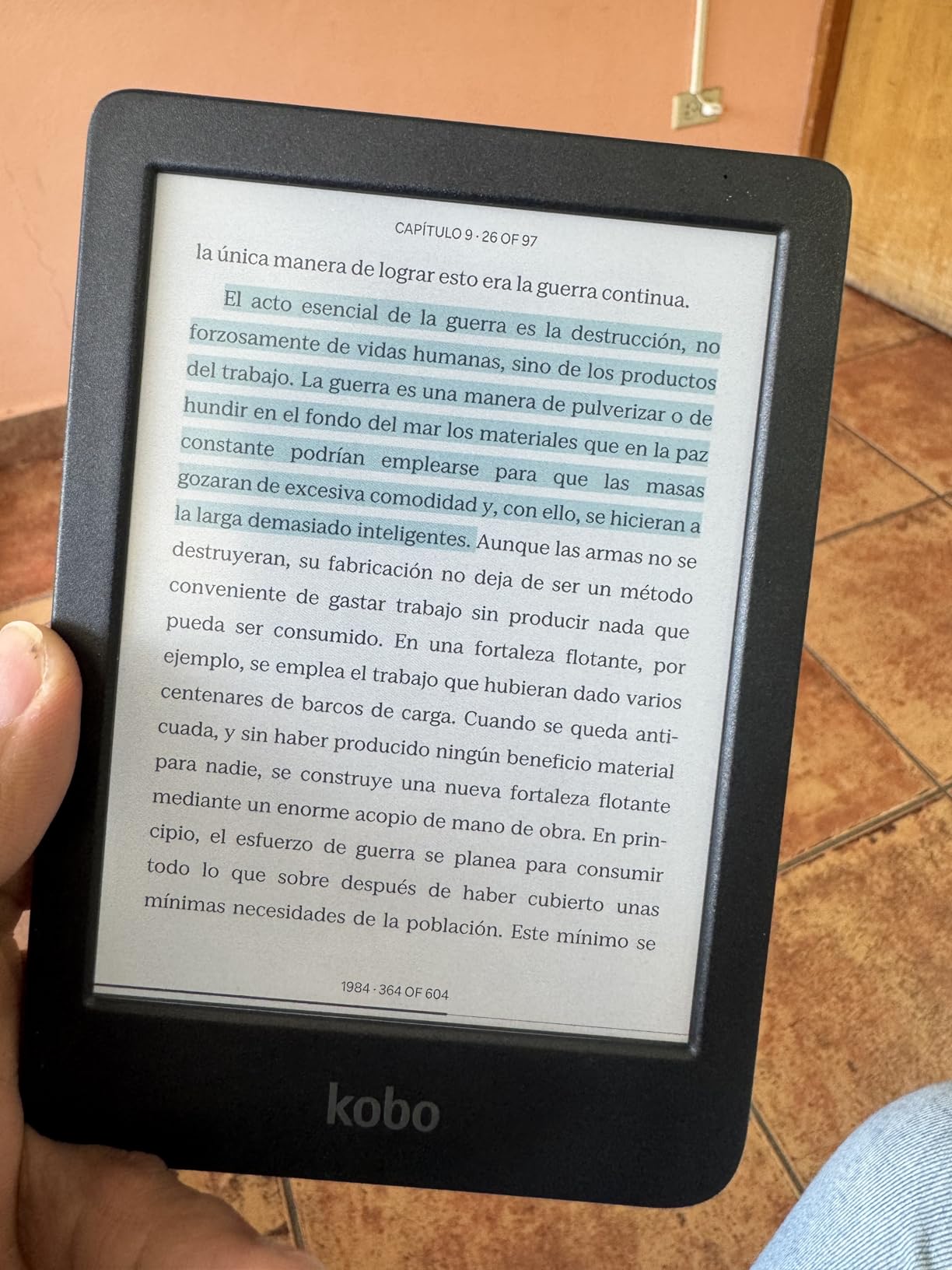
OverDrive integration transforms this into a library powerhouse. I browse my local library’s manga collection through Libby, borrow volumes digitally, and they appear on the Clara Colour instantly. “Demon Slayer,” “Attack on Titan,” and “Sailor Moon” all available for free with my library card. This feature alone saves me hundreds of dollars yearly.
File management stays simple with drag-and-drop support. I connect via USB and copy manga files directly. Calibre integration works seamlessly for organizing large collections. The 16GB storage holds approximately 12,000 ebooks or several hundred manga volumes. For most readers, this proves sufficient.
The IPX8 waterproof rating handles 60 minutes in 2 meters of water. I read in the bath, by the pool, and at the beach without worry. The color display does require slightly higher brightness settings than black-and-white alternatives, impacting battery life modestly. I still get two weeks of regular use between charges.
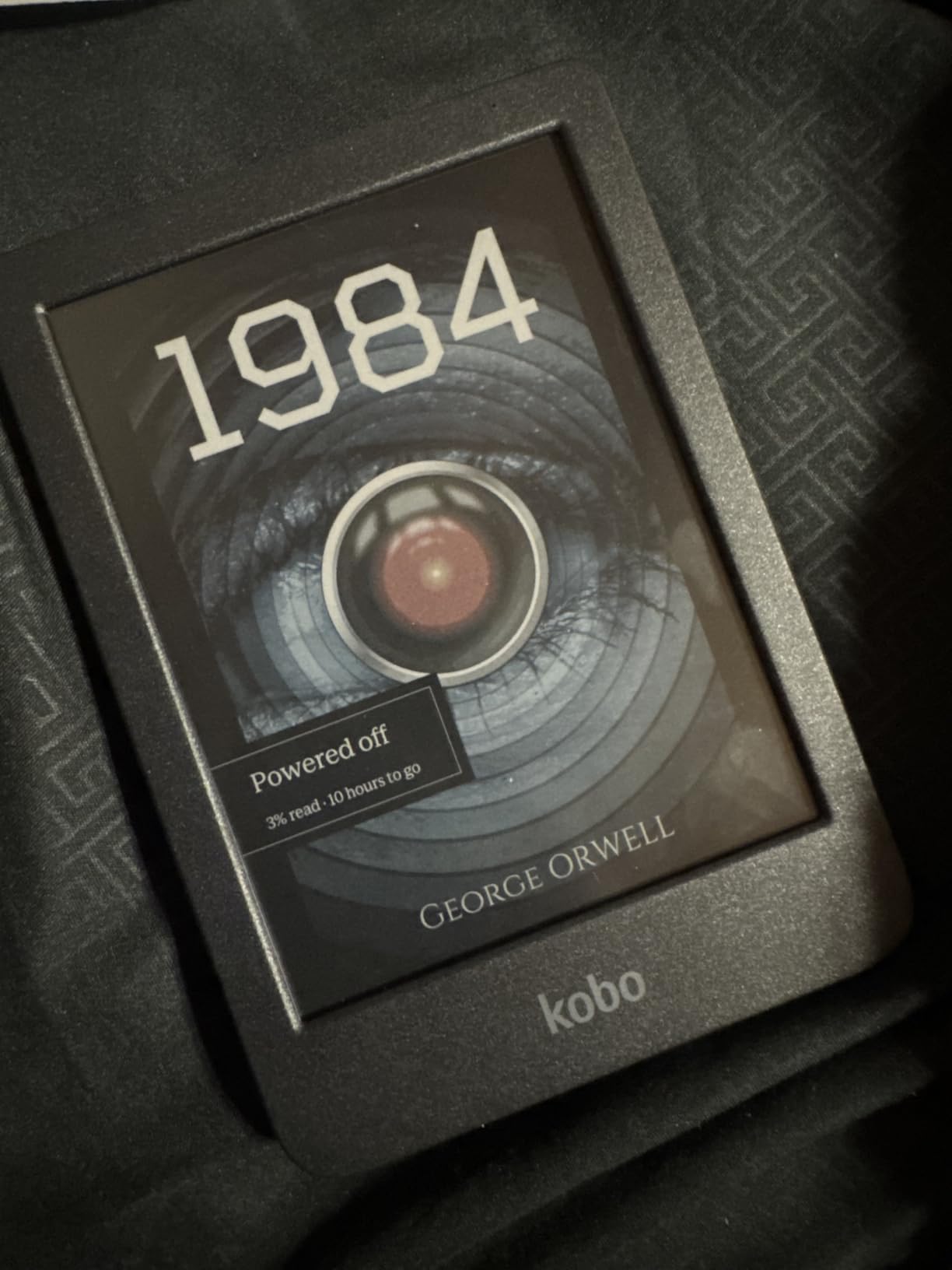
Pocketable Size for Reading on the Go
Manga reading often happens in stolen moments: waiting for coffee, during lunch breaks, on public transit. The Clara Colour’s compact 6-inch form factor excels in these scenarios. It fits in small bags, jacket pockets, and even some larger pants pockets. I carry it everywhere without the commitment of a larger device.
The weight distribution feels balanced for extended one-handed reading. The textured back provides grip without case bulk. For commuters and travelers prioritizing portability, this size category makes practical sense. You sacrifice some double-page spread visibility but gain genuine mobility.
Libby Integration for Library Manga
Public libraries increasingly offer digital manga through OverDrive and Libby. The Clara Colour integrates this directly into the built-in store interface. Browse, borrow, and read without touching a computer. My local library carries over 500 manga volumes digitally, from mainstream hits to niche seinen titles.
Borrowed books return automatically, eliminating late fees. Holds notify you when popular titles become available. The system works so smoothly that I have reduced my manga purchases significantly. For budget-conscious readers, library integration makes this device pay for itself quickly.
4. Kobo Elipsa 2E – 10.3 Inch Screen for Double-Page Spreads
Kobo Elipsa 2E | eReader | 10.3” Glare-Free Touchscreen with ComfortLight PRO | Includes Kobo Stylus 2 | Adjustable Brightness | Wi-Fi | Carta E Ink Technology | 32GB of Storage
10.3-inch E Ink Carta 1200
1404 x 1872 resolution
Kobo Stylus 2 included
32GB storage
ComfortLight PRO
Dropbox and Google Drive sync
Several weeks battery life
Pros
- Massive screen perfect for double-page spreads
- Stylus included for annotations
- Excellent for PDF manga
- Cloud sync integration
- Crisp text display
Cons
- Higher price point
- Heavy for extended handheld reading
- Kobo app search needs improvement
The Kobo Elipsa 2E addresses the primary frustration manga readers face: double-page spreads. On smaller e-readers, these panoramic panels shrink to illegibility or require awkward zooming and panning. The 10.3-inch display shows these spreads at nearly original tankobon size, preserving the artist’s intended impact.
I tested this with seinen titles known for detailed spreads: “Berserk,” “Blame!,” and “Akira.” The Elipsa 2E displays these properly without compromise. The 1404 x 1872 resolution keeps fine lines crisp. Reading manga on this device feels closer to the physical book experience than any smaller e-reader I have tested.
The included Kobo Stylus 2 transforms this into an annotation tool. I mark up reference materials, translate Japanese sound effects, and sketch panel layouts that inspire my own art. The handwriting-to-text conversion works offline, converting my messy notes into searchable text. For students studying manga or artists analyzing technique, these features add genuine value.
Cloud integration via Dropbox and Google Drive simplifies file management. I keep my manga collection synced across devices, adding new volumes from my computer that appear automatically on the Elipsa 2E. The 32GB storage accommodates thousands of volumes, though I primarily stream from cloud storage.
At 386 grams, this device demands two-handed use or a stand for extended sessions. I prop it on my desk or lap rather than holding it aloft. The large size also limits portability. This stays home while smaller e-readers travel with me. Consider your primary reading location before choosing this size category.
The ComfortLight PRO provides even illumination across the large screen. The patented markup technology preserves my annotations even when changing font sizes or switching between books. Battery life spans several weeks with moderate use, though heavy stylus work reduces this somewhat.
Stylus Included for Annotating Manga Pages
The Kobo Stylus 2 enables direct markup of manga pages and PDFs. I circle panels I want to study later, translate Japanese text I am learning, and write thoughts about storytelling techniques. The 4,096 pressure sensitivity levels create natural line variation. Palm rejection works reliably, preventing stray marks.
Notebooks separate from reading content provide space for extended writing. I keep one notebook per manga series I am studying seriously. The handwriting recognition converts these notes to typed text for searching later. For academic or artistic analysis, this combination of reading and note-taking proves powerful.
Split-Screen for Reference Materials
The Elipsa 2E supports split-screen viewing, allowing manga on one side and reference materials on the other. I keep character guides, translation notes, or my own sketches visible while reading. This proves invaluable for series with complex lore like “One Piece” or “Attack on Titan.”
Students studying Japanese through manga benefit particularly. Keep a dictionary or grammar guide open alongside the manga itself. The large screen accommodates both without making either too small to read comfortably. This functionality turns the device into a genuine study tool.
5. PocketBook InkPad Color 3 – Large 7.8 Inch Color Display
PocketBook InkPad Color 3 E Ink E-Reader 32GB – Enhanced 7.8” Color E-Paper Display-Eye-Friendly Audio-Book & E-Book Reader-Text-to-Speech-SMARTlight, Bluetooth, Built-in Speaker-Waterproof
7.8-inch Kaleido 3 color display
1404 x 1872 resolution
32GB storage
IPX8 waterproof
SMARTlight adjustable frontlight
Built-in speaker and Bluetooth
Up to 1 month battery life
Pros
- Large color display excellent for manga
- Physical page buttons plus touchscreen
- Built-in speaker for audiobooks
- Text-to-Speech functionality
- Excellent format support
Cons
- No SD card expansion
- Menus slightly laggy
- 32GB storage limit for large collections
The PocketBook InkPad Color 3 occupies a sweet spot between compact 7-inch devices and massive 10-inch tablets. The 7.8-inch display shows manga pages at comfortable size while maintaining reasonable portability. I found this the ideal compromise for home reading sessions.
The SMARTlight technology adjusts both brightness and color temperature automatically. Reading from afternoon into evening requires no manual intervention. The light remains even across the large screen without hot spots or shadows at the edges. This sounds minor until you experience uneven lighting on cheaper devices.
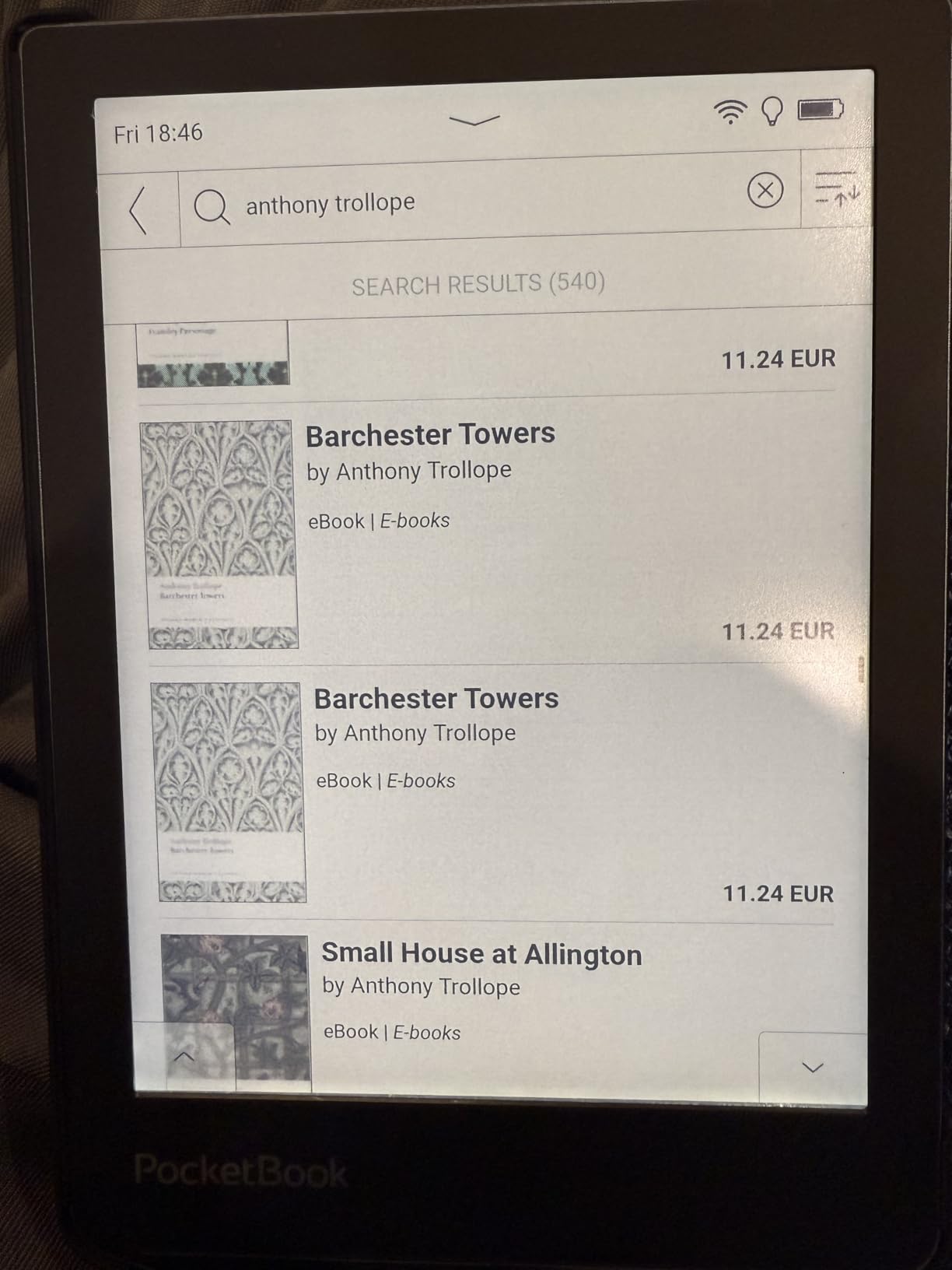
Text-to-Speech functionality surprised me with its utility. Dense manga with lots of text boxes sometimes benefit from audio reinforcement. The built-in speaker produces clear speech, and Bluetooth connectivity allows private listening through earbuds. I use this feature less for manga and more for switching to audiobooks between manga volumes.
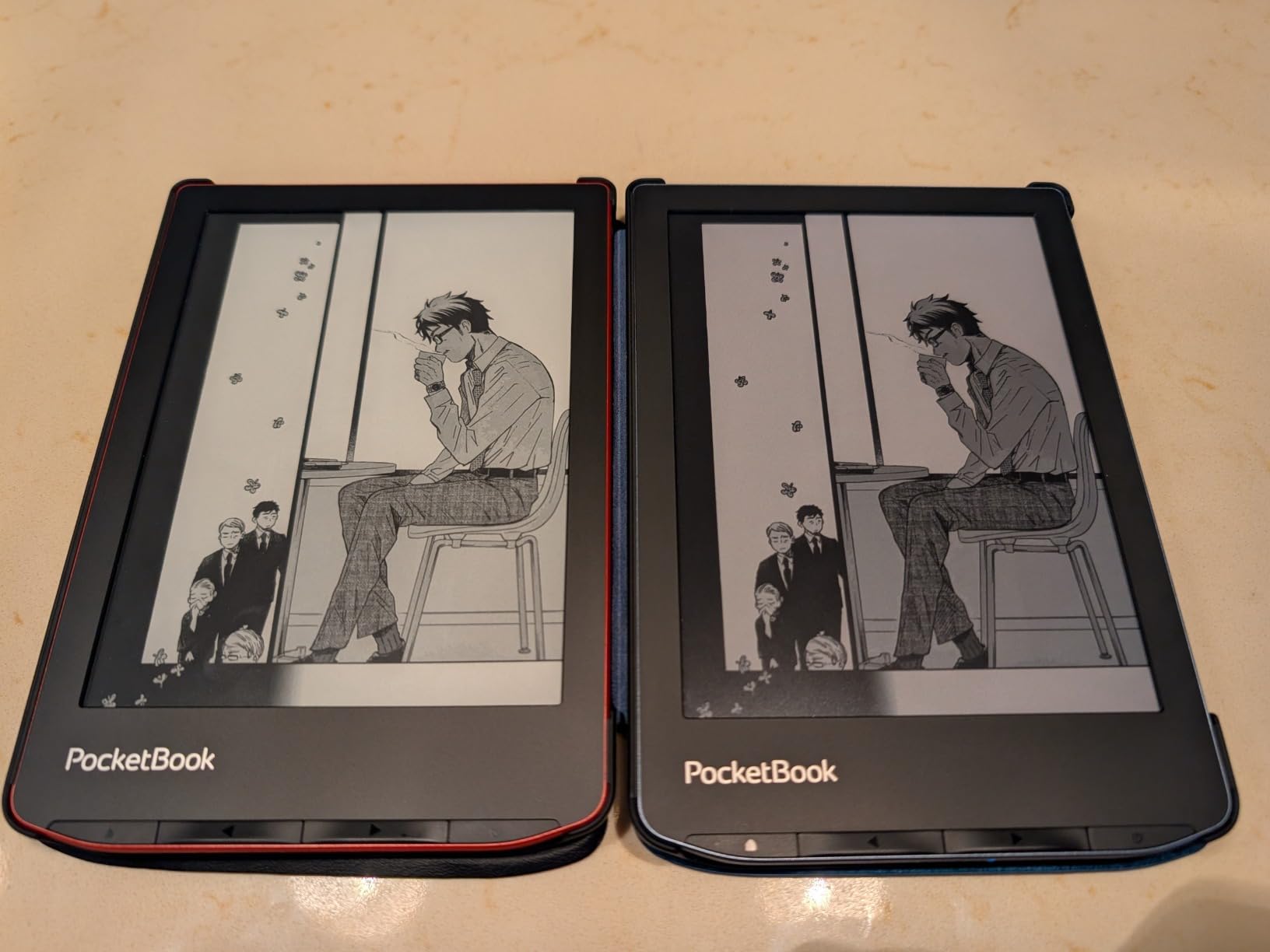
Physical page buttons complement the touchscreen for flexible navigation. I switch between methods depending on reading position. The 32GB storage accommodates substantial collections, though power users might hit limits with large PDF files. The IPX8 waterproof rating handles accidental submersion.
Format support impresses with 25+ file types handled natively. EPUB, PDF, MOBI, CBR, CBZ, and many more work without conversion. The PocketBook Cloud syncs reading progress across devices. Dropbox integration provides another file transfer option. For readers with diverse digital libraries, this flexibility matters.
The Linux-based operating system feels snappy despite occasional menu lag. Page turns remain quick and responsive. Battery life reaches one month with WiFi disabled and moderate reading. I typically get three weeks with daily use. The 0.42 kg weight distributes comfortably for extended sessions.
Text-to-Speech for Manga with Dense Text
Some manga genres feature extensive text: light novel adaptations, historical series with explanations, or comedy titles with annotation-heavy panels. Text-to-Speech reads these aloud, reducing eye strain during text-heavy sections. The feature supports multiple languages, including limited Japanese pronunciation.
I found this particularly useful for seinen titles aimed at adult readers with complex vocabulary. The AI voice remains obviously synthetic but improves comprehension for dense passages. Toggle it on for specific panels rather than entire chapters. This niche feature might not matter for action manga but proves valuable for dialogue-heavy series.
Built-in Speaker for Audiobook Breaks
Manga reading marathons benefit from occasional variety. The InkPad Color 3’s built-in speaker enables audiobook listening during eye rest periods. I switch between reading “Vagabond” and listening to related historical fiction or music through the speaker.
Bluetooth 5.1 provides better audio quality through wireless headphones. The speaker suffices for casual listening but lacks bass. For an e-reader, audio capabilities represent bonus functionality rather than core purpose. Still, the integration adds value without compromising the reading experience.
6. PocketBook Era Color – 7 Inch with Physical Buttons
PocketBook Era Color Ereader – 7 Inch E Ink Kaleido 3 Screen – Eye-Friendly Audio-Book & E-Book Reader – Text-to-Speech – Waterproof IPX8 – Bluetooth & Speakers – WiFi Cloud Sync – 32GB Storage
7-inch Kaleido 3 color display
Quad-core processor
1GB RAM, 32GB storage
IPX8 waterproof
Physical customizable buttons
Built-in speakers and Bluetooth
Up to 1 month battery
Pros
- Physical buttons highly customizable
- Koreader integration without jailbreak
- Quad-core processor smooth performance
- Excellent multilingual support
- Good privacy features
Cons
- Screen slightly darker than competitors
- Page turns slower than traditional e-ink
- Thicker than Kindle Oasis
The PocketBook Era Color targets power users who want customization without ecosystem lock-in. The quad-core processor and 1GB RAM double the standard Era’s specifications, creating noticeably snappier performance. Customizable physical buttons adapt to your specific reading workflow.
Koreader integration sets this device apart. This alternative reading app offers granular control over manga display: custom zoom levels, panel navigation modes, and gesture configurations. On most e-readers, installing Koreader requires complex jailbreaking. The Era Color runs it natively without modifications.
The 7-inch Kaleido 3 display renders manga beautifully. Colors appear vivid for E Ink technology, though darker than LCD alternatives. The SMARTlight provides adjustable illumination for any environment. At 13.7 ounces, the weight feels substantial without causing fatigue during long reading sessions.
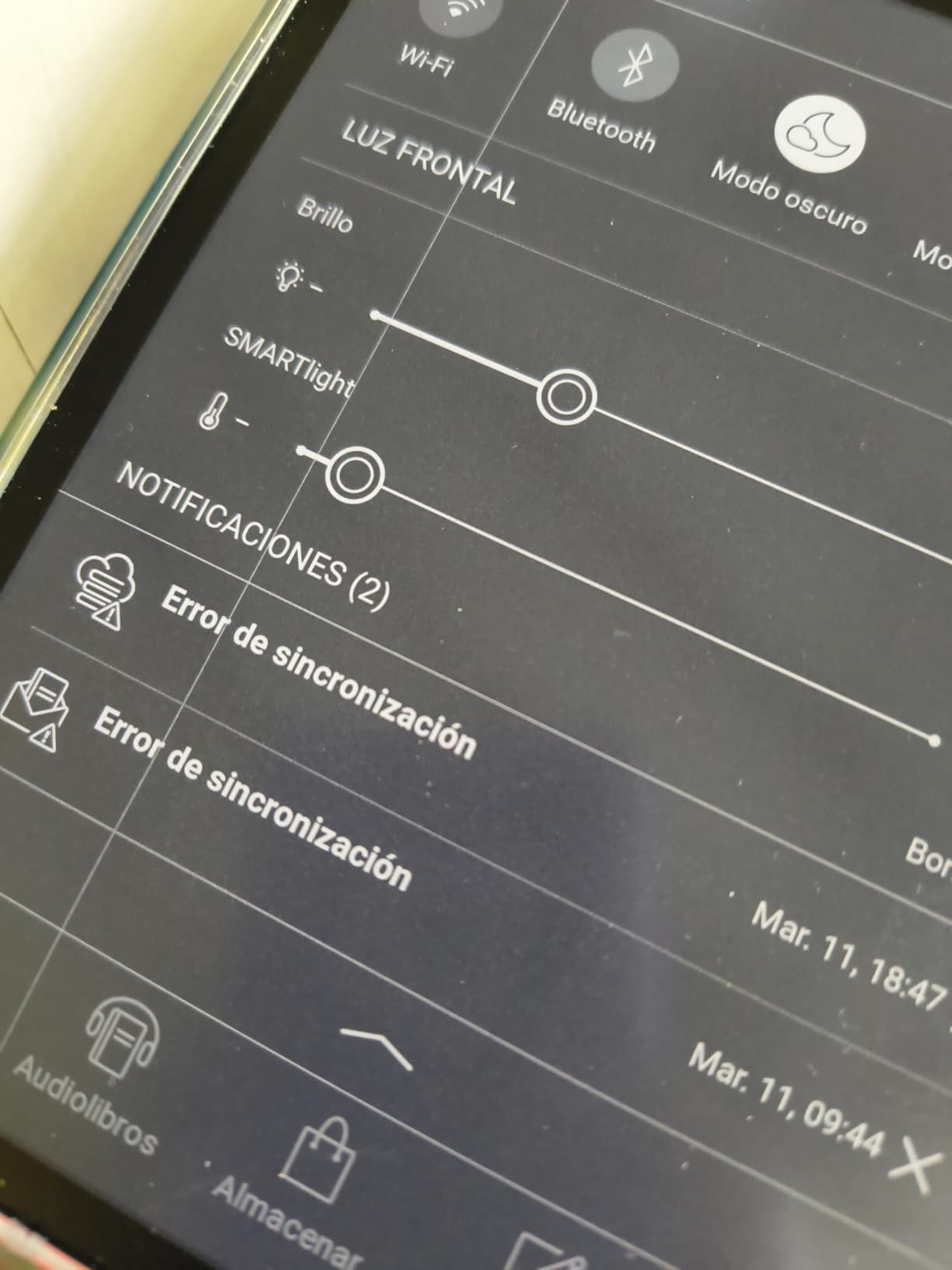
Privacy-conscious readers appreciate PocketBook’s approach. No forced account creation, no tracking reading habits for advertising, no locked ecosystem. The Linux-based OS respects user control. This philosophy attracts readers fleeing Amazon’s data collection practices.
Multilingual support exceeds competitors. Cyrillic, Japanese, and extended Latin character sets display correctly. Dictionary support for language learners works seamlessly. I tested Japanese manga with pop-up dictionary definitions for unfamiliar kanji. The integration works smoothly for students.
The IPX8 waterproof rating and one-month battery life match premium competitors. WiFi cloud sync via PocketBook Cloud and Dropbox provides modern convenience. The 32GB storage holds substantial libraries. Some users report occasional synchronization errors with the mobile app, though I experienced no issues during testing.
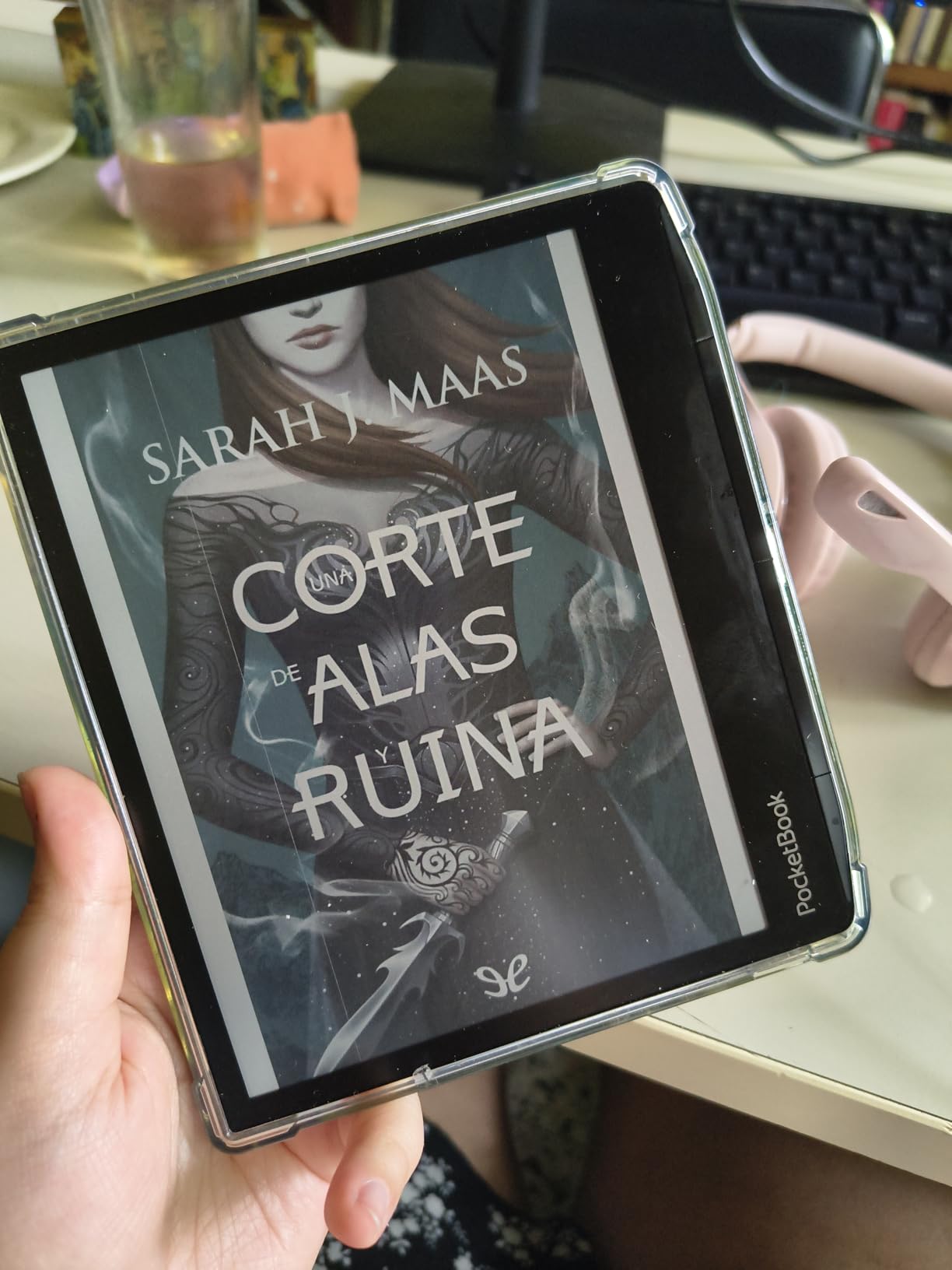
Koreader Integration Without Jailbreaking
Koreader offers advanced reading features missing from stock e-reader apps: multi-column PDF support, reflow options, customizable gestures, and statistics tracking. Most devices require complex jailbreaking to install it. The Era Color supports Koreader officially, simplifying access to these powerful features.
I configured Koreader for manga with right-to-left navigation, panel zoom shortcuts, and progress tracking across series. The learning curve steeper than stock readers rewards power users. If you have specific manga reading workflows, this flexibility proves invaluable. Casual readers might prefer simpler interfaces.
Customizable Physical Buttons
The Era Color’s physical buttons go beyond simple page turning. Assign functions like brightness adjustment, screenshot capture, or app switching. I configured the top button for next page, bottom for previous, and long-presses for light adjustment and home screen.
This customization adapts the device to your hand size and reading style. Left-handed users particularly benefit from flexible configuration. After setup, muscle memory makes navigation unconscious. The tactile buttons provide feedback touchscreens cannot match.
7. BOOX Note Air 5 C – Premium 10.3 Inch Android Tablet
BOOX Tablet 10.3″ Note Air 5 C 6G 64G E Ink Tablet Color ePaper Notebook
10.3-inch Kaleido 3 color display
Android 15 OS
6GB RAM, 64GB storage
Octa-core processor
Fingerprint recognition
BOOX stylus included
Dual speakers and microphone
Pros
- Latest Android 15 with full app support
- Premium metal build quality
- Fingerprint security
- 6GB RAM handles multitasking
- Handwriting-to-text offline
Cons
- Expensive price point
- Screen dark requiring front light
- Battery drains faster when writing
The BOOX Note Air 5 C represents the premium tier of Android e-readers. The 10.3-inch display matches the Kobo Elipsa 2E’s size while adding superior processing power and newer Android 15. This device functions as a productivity tool, not just a manga reader.
The octa-core processor with 6GB RAM handles demanding applications. I ran VIZ Manga, note-taking apps, and web browsers simultaneously without slowdown. The fingerprint recognition power button secures the device without passcode hassle. The premium aluminum construction feels genuinely high-end.
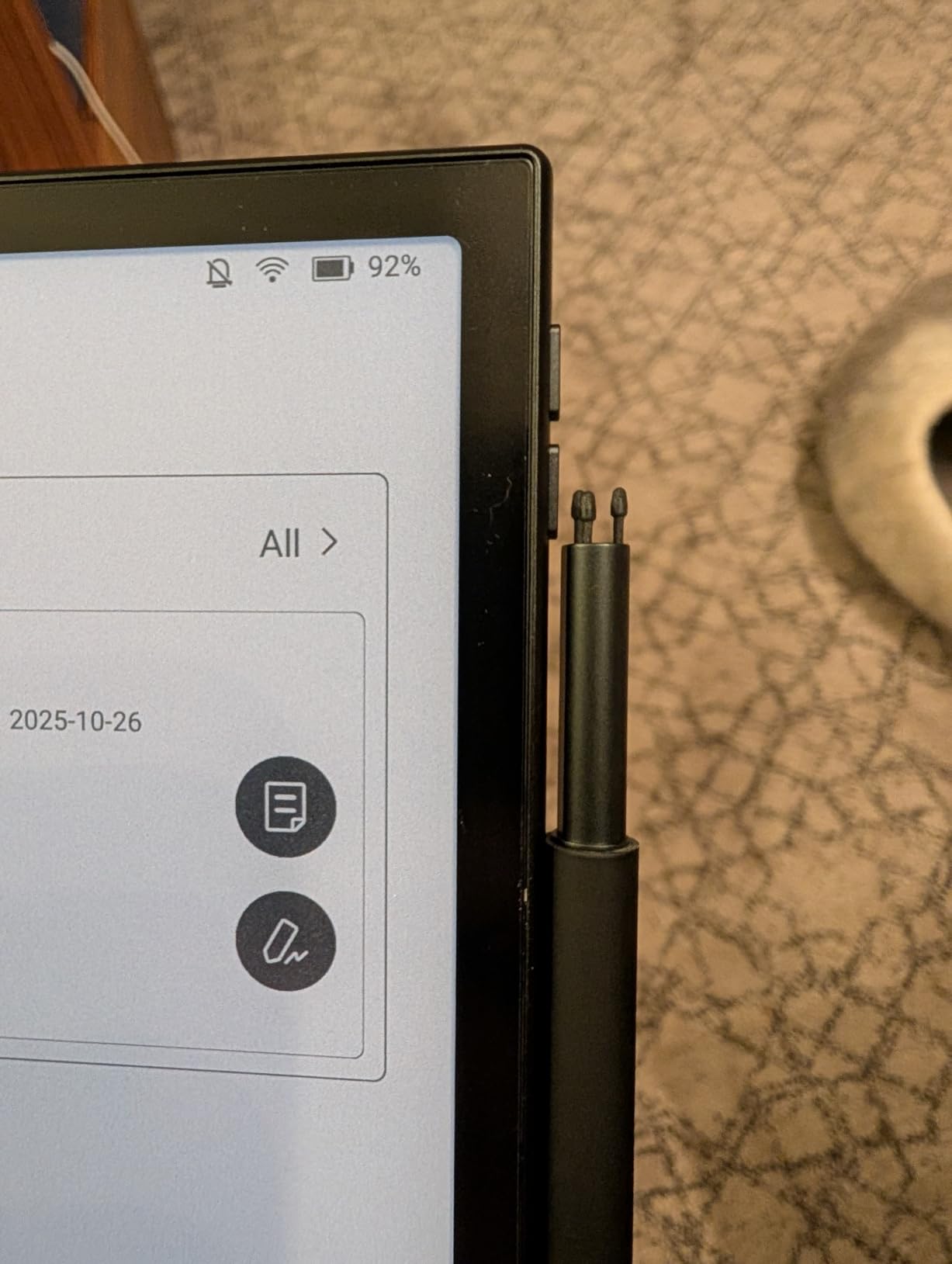
The included BOOX stylus offers 4,096 pressure sensitivity levels and magnetic attachment. Two storage positions keep the pen accessible. Writing on the textured screen mimics paper friction convincingly. I use this for sketching manga panel layouts and taking notes on technique.
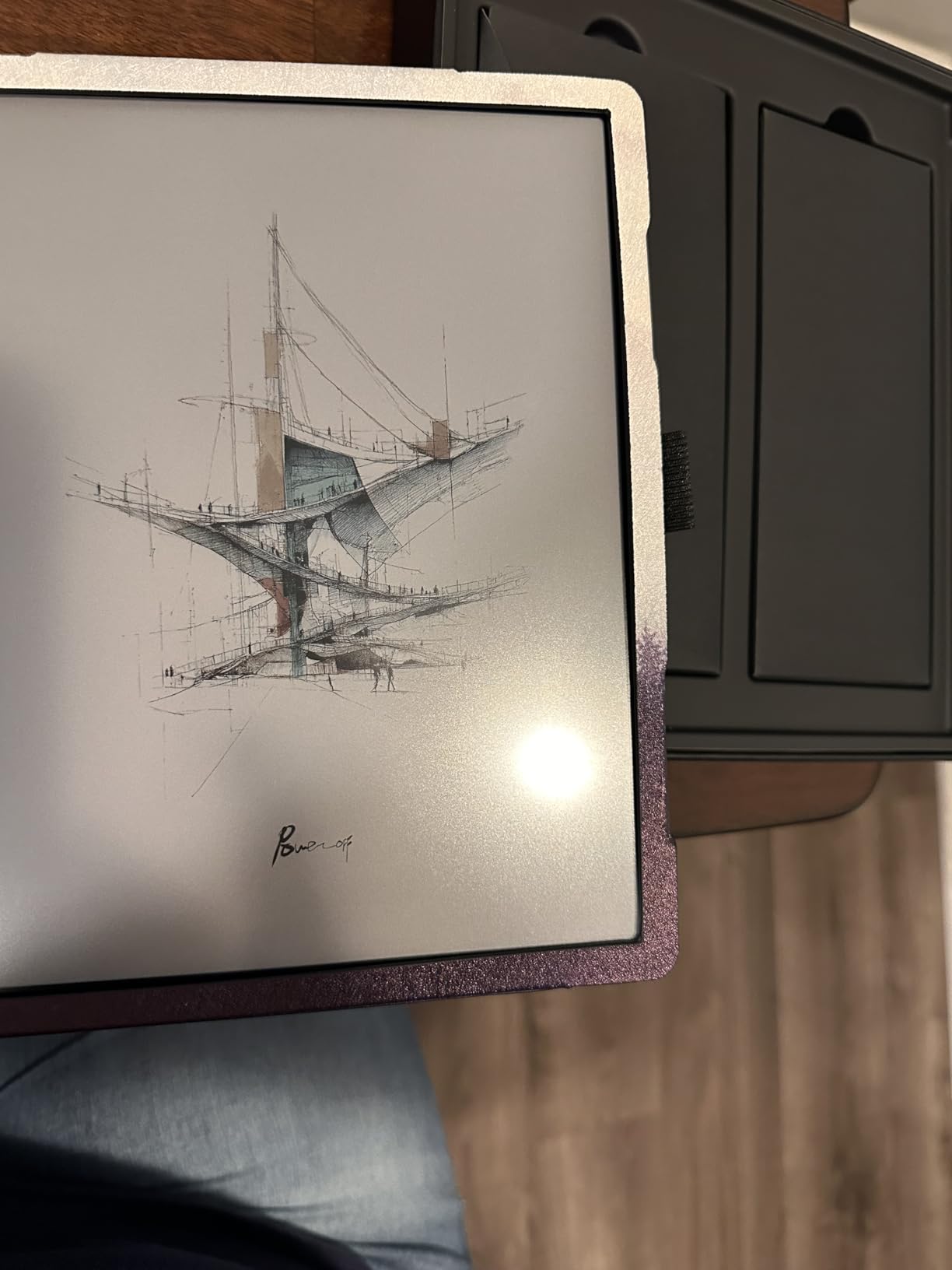
Offline handwriting-to-text conversion works without internet or subscription fees. Write notes naturally, convert to searchable text later. This distinguishes BOOX from reMarkable’s subscription model. The 64GB internal storage plus microSD slot accommodates massive libraries.
Dual speakers and microphone enable voice notes and audio playback. The G-sensor rotates the screen automatically between portrait and landscape. USB-C with OTG support connects external storage or peripherals. These features create a flexible tablet experience within E Ink constraints.
The color screen requires front light in most indoor conditions, appearing darker than black-and-white alternatives. Colors remain muted compared to LCD, as expected with E Ink technology. Battery life shorter than simpler e-readers when actively writing, though still exceeding traditional tablets significantly.
Fingerprint Security for Personal Manga Collection
The fingerprint sensor embedded in the power button secures your device instantly. No PIN entry delays reading sessions. Multiple fingerprint profiles allow family sharing while maintaining privacy. I appreciate this security for devices containing personal notes and potentially sensitive content.
The sensor recognizes prints reliably, failing only with wet fingers. Setup takes under a minute. For shared households or professional environments, this security layer provides peace of mind without friction. Combined with Android’s encryption, the Note Air 5 C protects your digital library adequately.
Premium Metal Build Quality
The aluminum chassis creates a rigid, premium feel absent from plastic e-readers. At 430 grams, the weight feels appropriate for the size. The thin 5.8mm profile looks modern and slips into bags easily. This device presents as professional equipment, not a toy.
The build quality justifies the higher price for users valuing durability and aesthetics. After three months of regular use, no scratches or dents appeared. The glass screen with flat cover-lens resists pressure marks. For a device intended for years of use, construction quality matters.
8. reMarkable Paper Pro Bundle – Largest Canvas Color Display
reMarkable Paper Pro with Marker Plus and Basalt Book Folio
11.8-inch Canvas Color display
Marker Plus pen with eraser included
Mosaic Weave Book Folio included
Adjustable reading light
Low-glare display
Handwriting to text conversion
USB-C connectivity
Pros
- Largest color E Ink display available
- Exceptional paper-like writing feel
- No distractions or apps
- Premium bundle includes everything
- Excellent for document markup
Cons
- Very expensive at $779
- No web browser or apps
- Limited language support
- Connect subscription for some features
The reMarkable Paper Pro Bundle sits at the apex of E Ink devices. The 11.8-inch Canvas Color display dwarfs every other e-reader on this list. For manga collectors wanting the absolute largest screen, no competitor comes close. This is a specialized tool for serious readers and note-takers.
The bundle includes the Marker Plus pen with built-in eraser, six spare tips, and the Mosaic Weave Book Folio. Everything needed for immediate use arrives in the box. The folio’s magnetic closure puts the device to sleep automatically and provides rigid protection.
The writing experience defines the reMarkable line. The textured display and Marker Plus create friction mimicking paper remarkably well. I have used nearly every digital writing device available, and reMarkable remains the gold standard for handwriting feel. Artists and note-takers understand this distinction immediately.
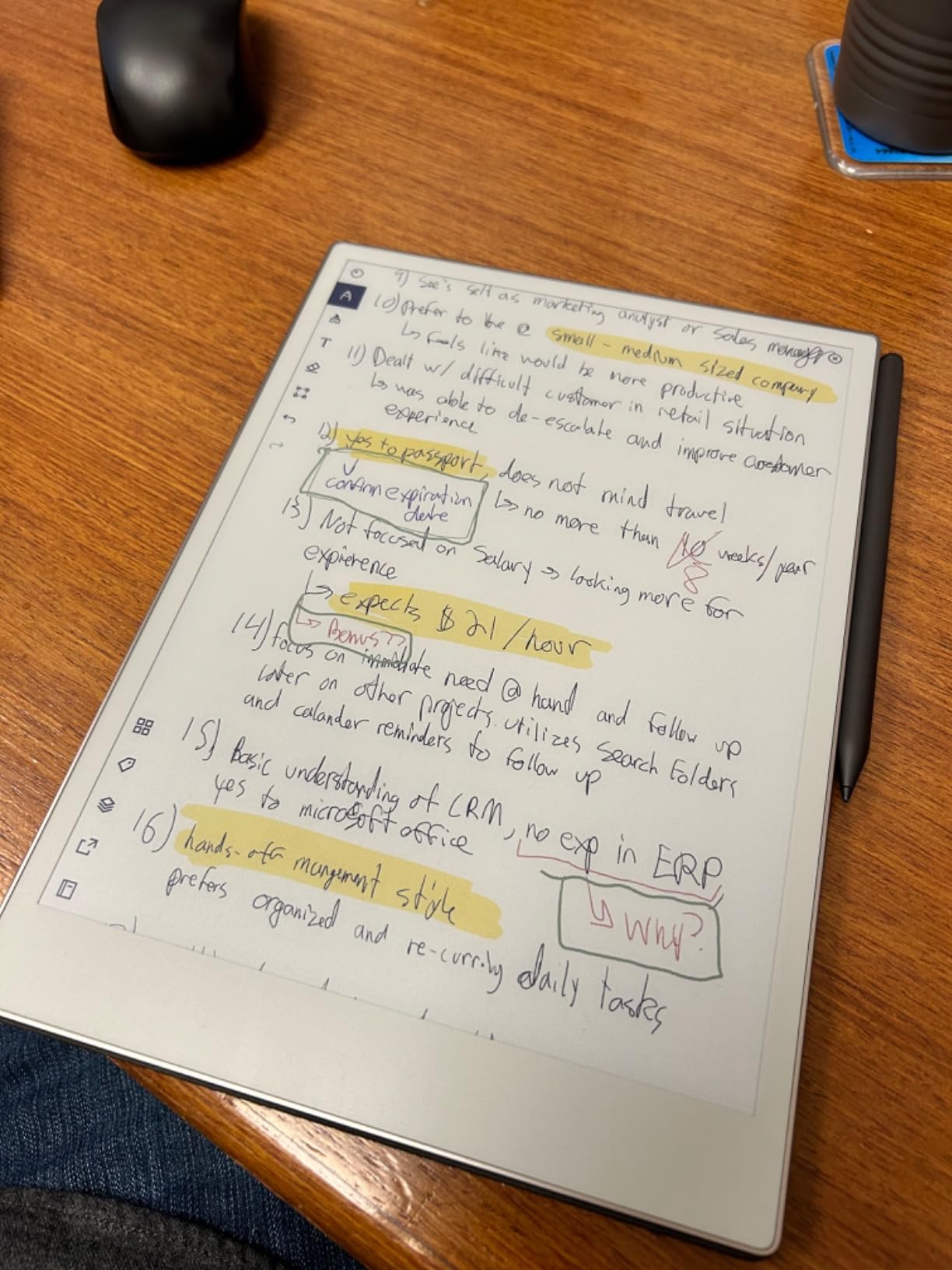
The first reMarkable with color display, the Paper Pro adds yellow, cyan, and magenta to the black ink. The colors appear pastel and muted, appropriate for the paper-like aesthetic. Highlights in multiple colors, colored sketches, and markup now possible. For manga fans who also draw, this creative capability adds value.
The adjustable reading light enables use in any environment. The low-glare display works outdoors better than LCD tablets. At 1.2 pounds, this device stays portable despite the massive screen. The rigid body feels substantial and professional.
Limitations exist intentionally. No web browser, no apps, no email. reMarkable focuses purely on reading and writing. Some users want this distraction-free environment. Others find it restrictive. Consider your needs carefully at this price point.
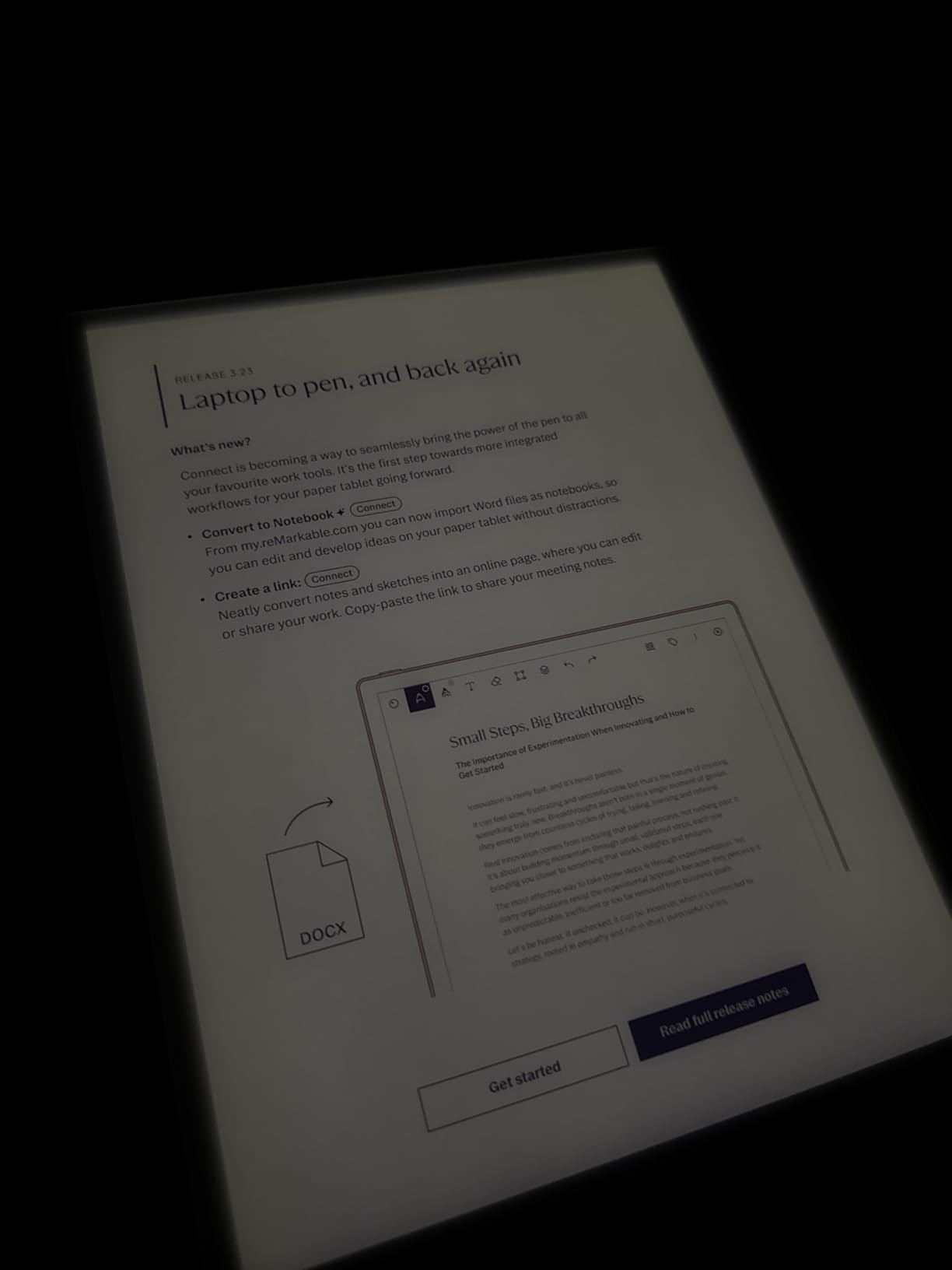
Paper-Like Writing Experience
The reMarkable’s core selling point remains unmatched writing sensation. The Marker Plus glides with resistance resembling premium paper. Notes feel natural, not like writing on glass. For manga artists sketching panels or students annotating pages, this tactile feedback enhances the experience.
The eraser on the Marker Plus flips like a traditional pencil. Mistakes vanish instantly. Six replacement tips included ensure years of use. The paper-like texture eventually shows wear patterns matching your writing habits, oddly personalizing the device.
No Distractions Pure Reading Focus
reMarkable intentionally excludes apps, browsers, and notifications. When reading manga, nothing interrupts. No tempting app icons. No email badges. This single-purpose design philosophy appeals to readers frustrated by smartphone distractions.
The trade-off limits functionality. You cannot install VIZ or Manga Plus. PDF manga transfers via USB or the reMarkable app exclusively. For readers with existing digital collections in standard formats, this works fine. Those wanting app-based manga services should consider Android alternatives.
What to Look for in a Kindle Alternative for Manga
Choosing the right e-reader for manga requires understanding how digital comics differ from text-heavy books. Manga demands specific features that generic e-reader reviews often overlook. Here is what actually matters based on our testing.
Screen Size Considerations
6-inch devices like the Kobo Clara Colour offer maximum portability. Single pages display clearly, but double-page spreads require zooming. These suit commuters and travelers prioritizing convenience over immersion.
7-inch screens hit a popular balance. The Kobo Libra Colour and BOOX Go Color 7 display manga pages at comfortable size while remaining portable. Most readers find this the sweet spot for general use.
7.8 to 10.3-inch devices like the PocketBook InkPad Color 3 and Kobo Elipsa 2E show double-page spreads properly. The trade-off is weight and portability. These excel for home reading sessions.
11.8 inches represents the current maximum. The reMarkable Paper Pro displays spreads at nearly original size. Serious collectors and artists appreciate this, but the device stays home due to size and weight.
Color Display Importance
Kaleido 3 technology enables color E Ink displays in most devices on this list. The technology produces 4,096 colors at reduced resolution compared to black-and-white mode. Covers, splash pages, and color chapters display properly rather than as muddy grayscale.
Colors appear muted compared to LCD tablets. This is physics, not a flaw. E Ink prioritizes readability and battery life over vibrancy. For manga reading, the color capability enhances experience without the eye strain of traditional screens.
Pure black-and-white e-readers cost less and offer slightly sharper text. For manga collections heavy on color pages, the premium for color displays justifies itself. For mostly black-and-white collections, consider saving money with grayscale options.
Format Support
Kindle’s refusal to support EPUB natively forces conversion hassles. All alternatives on this list handle EPUB, PDF, and multiple formats directly. This matters for manga purchased outside Amazon’s ecosystem.
CBR and CBZ archive formats contain scanned manga pages. Android devices like the BOOX series handle these natively. Closed ecosystems typically block these formats. Collectors with existing libraries should prioritize format flexibility.
PDF manga requires particular attention. Some devices reflow PDF text, breaking manga panel layouts. Others display PDFs as fixed images, preserving layout but requiring zooming. Large screens reduce PDF frustration significantly.
Manga App Compatibility
Official publisher apps provide legal, high-quality manga with professional translations. VIZ Media, Manga Plus by Shueisha, and Shonen Jump offer same-day access to new chapters from Japan. These apps only work on Android e-readers or tablets.
The BOOX Go Color 7 and Note Air 5 C run full Android, installing any app from Google Play. This opens access to official manga services impossible on Kindle or Kobo. For readers wanting legal access to new releases, Android e-readers provide the only E Ink solution.
Kobo and PocketBook devices rely on their native stores and library integration. Their selections improve constantly but lag behind dedicated manga apps. Sideloading personal collections becomes essential on these devices.
Physical Page Buttons
Manga requires frequent page turns. Touchscreen-only navigation causes thumb fatigue and smudges screens with oil. Physical buttons solve both problems elegantly. The Kobo Libra Colour, PocketBook Era Color, and BOOX Go Color 7 include these buttons.
Button placement and feel vary. Some require significant pressure, others offer hair-trigger sensitivity. Ergonomic designs allow comfortable thumb resting between turns. For extended manga reading sessions, buttons reduce physical strain noticeably.
Library Integration
Public libraries increasingly offer digital manga through Libby and OverDrive. Kobo integrates this directly into their store interface. Borrow, read, and return manga volumes without spending a dollar.
Library catalogs vary by location but increasingly include popular series. “My Hero Academia,” “Demon Slayer,” and “Sailor Moon” commonly available. For budget-conscious readers, library support pays for the device through savings.
PocketBook also supports library apps. Android devices like BOOX install Libby directly from Google Play. Amazon offers limited library support through OverDrive but restricts functionality compared to competitors.
Frequently Asked Questions
What is the best alternative to Mangareader?
The best alternatives to Mangareader.to include the Kobo Libra Colour for physical book lovers wanting color displays, and the BOOX Go Color 7 for readers preferring official manga apps like VIZ and Manga Plus. Both offer legitimate access to manga without the legal and security risks of pirate sites.
What Kindle is best for reading manga?
The Kindle Paperwhite 12th Gen and Kindle Scribe work best for manga within Amazon’s ecosystem, offering 300 PPI displays and adjustable warm light. However, Kindle locks you into Amazon’s store and blocks official manga apps. For format freedom and manga app access, consider Kobo or Android e-readers instead.
What ereaders can you read manga on?
You can read manga on Kobo devices (Libra Colour, Clara Colour, Elipsa 2E), BOOX Android tablets (Go Color 7, Note Air 5 C), PocketBook e-readers (InkPad Color 3, Era Color), and the reMarkable Paper Pro. Android-based e-readers work best for official manga apps, while Kobo excels for library borrowing and sideloaded collections.
Is Kobo or Kindle better for manga?
Kobo is generally better for manga than Kindle due to native EPUB support, physical page buttons on models like the Libra Colour, OverDrive library integration, and more flexible file management. Kindle requires format conversions, lacks official manga apps, and restricts you to Amazon’s store. However, Kindle offers superior store search and larger ecosystem accessories.
Final Thoughts
The best Kindle alternatives for manga readers in 2026 deliver what Amazon won’t: freedom. The Kobo Libra Colour remains our top recommendation for most readers, combining physical buttons, color display, and waterproof design at a fair price. For manga app enthusiasts, the BOOX Go Color 7 Gen II unlocks VIZ, Manga Plus, and Shonen Jump on beautiful E Ink.
Budget-conscious readers should grab the Kobo Clara Colour for $159, while serious collectors might invest in the reMarkable Paper Pro’s massive 11.8-inch display. Each device solves specific problems Kindle creates. Your perfect match depends on reading habits, budget, and whether you prioritize apps, library access, or sheer screen size.
Whatever you choose, these alternatives respect your right to read manga your way. No format conversions. No ecosystem locks. Just pure, distraction-free reading. That is worth switching for.