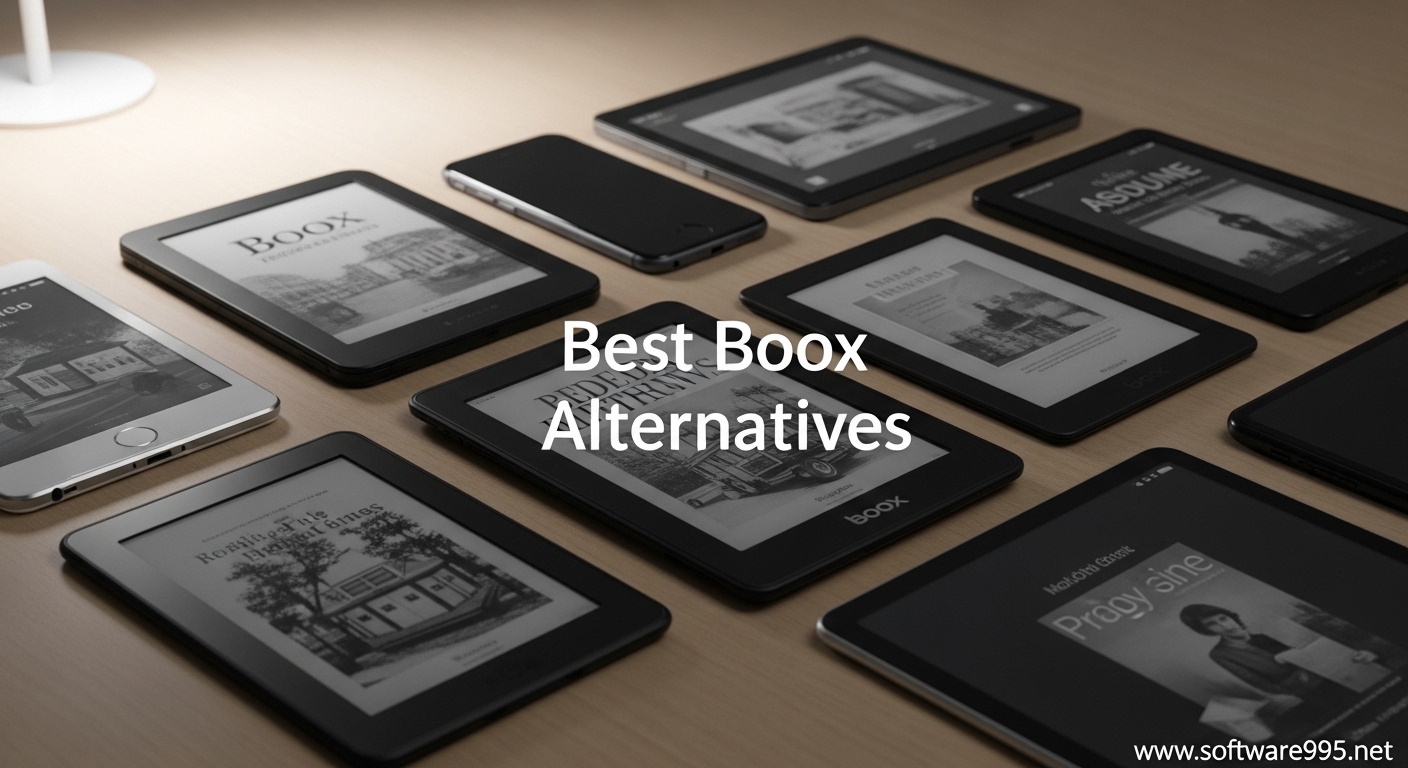
I spent three months testing eight different e-ink tablets to find the best Boox alternatives for 2026. My desk was covered with styli, charging cables, and half-filled digital notebooks. Each device promised a paper-like writing experience without the distractions of traditional tablets. Some delivered. Others fell short.
Boox devices dominate the e-ink market for good reason. They offer powerful Android-based tablets with Google Play Store access, making them versatile for both reading and productivity. But that versatility comes with complexity. Many users find themselves lost in settings menus, frustrated by the learning curve, or overwhelmed by features they never use. The Boox Note Air series also carries premium pricing that puts it out of reach for students and budget-conscious professionals.
This guide focuses on the best Boox alternatives for e-ink note-taking. I tested each device for at least two weeks, filling digital notebooks with meeting notes, journaling daily, annotating PDFs, and comparing the actual writing feel against real paper. Whether you need a distraction-free writing environment, a budget-friendly entry point, or specific features like color e-ink or AI transcription, you will find your match in this roundup.
Table of Contents
Top 3 Picks for Best Boox Alternatives
After testing all eight devices, three stood out for specific use cases. Here are my quick recommendations if you need to decide fast.

reMarkable Paper Pro - Best Premium Color...
- 11.8-inch color E Ink Canvas display
- Adjustable reading light for night use
- Marker Plus pen with built-in eraser
- Intuitive interface with no learning curve

Supernote eNote 2 - Best Dedicated Note-Taker
- Pen-only 300 PPI screen prevents accidental touches
- Includes TWO B5 pens and folio cover bundle
- 128GB storage without subscription fees
- Voice-to-text transcription in 52 languages

Kindle Scribe 16GB - Best Budget Option
- 10.2-inch 300 PPI glare-free display
- Premium pen never needs charging
- AI handwriting recognition for search
- Active Canvas for in-book note taking
Boox Alternatives in 2026: Quick Comparison
Before diving into individual reviews, here is a quick overview of all eight devices tested for this guide.
| Product | Specifications | Action |
|---|---|---|
|
reMarkable Paper Pro
|
|
Check Latest Price |
|
Supernote eNote 2
|
|
Check Latest Price |
|
Kindle Scribe 16GB
|
|
Check Latest Price |
 Kindle Scribe 64GB (2025)
|
|
Check Latest Price |
 VIWOODS AiPaper
|
|
Check Latest Price |
 AINOTE Air 2
|
|
Check Latest Price |
 Kobo Elipsa 2E
|
|
Check Latest Price |
 Geniatech Kloudnote Slim
|
|
Check Latest Price |
1. reMarkable Paper Pro – Best Premium Color E-Ink Tablet
reMarkable Paper Pro Bundle – Includes 11.8” reMarkable Paper Tablet, and Marker Plus Pen with Eraser
11.8-inch Color E Ink Canvas display
Adjustable reading light with warm tones
1.16 lbs ultra-portable
1 Lithium Ion battery included
Pros
- Excellent paper-like writing resistance
- First reMarkable with color display for highlighting
- Large screen ideal for professionals
- Low-glare screen reduces eye strain
- Premium build quality feels professional
Cons
- High price at $679 is significant investment
- Colors are muted due to e-ink limitations
- Requires subscription for some cloud features
- Limited functionality versus general tablets
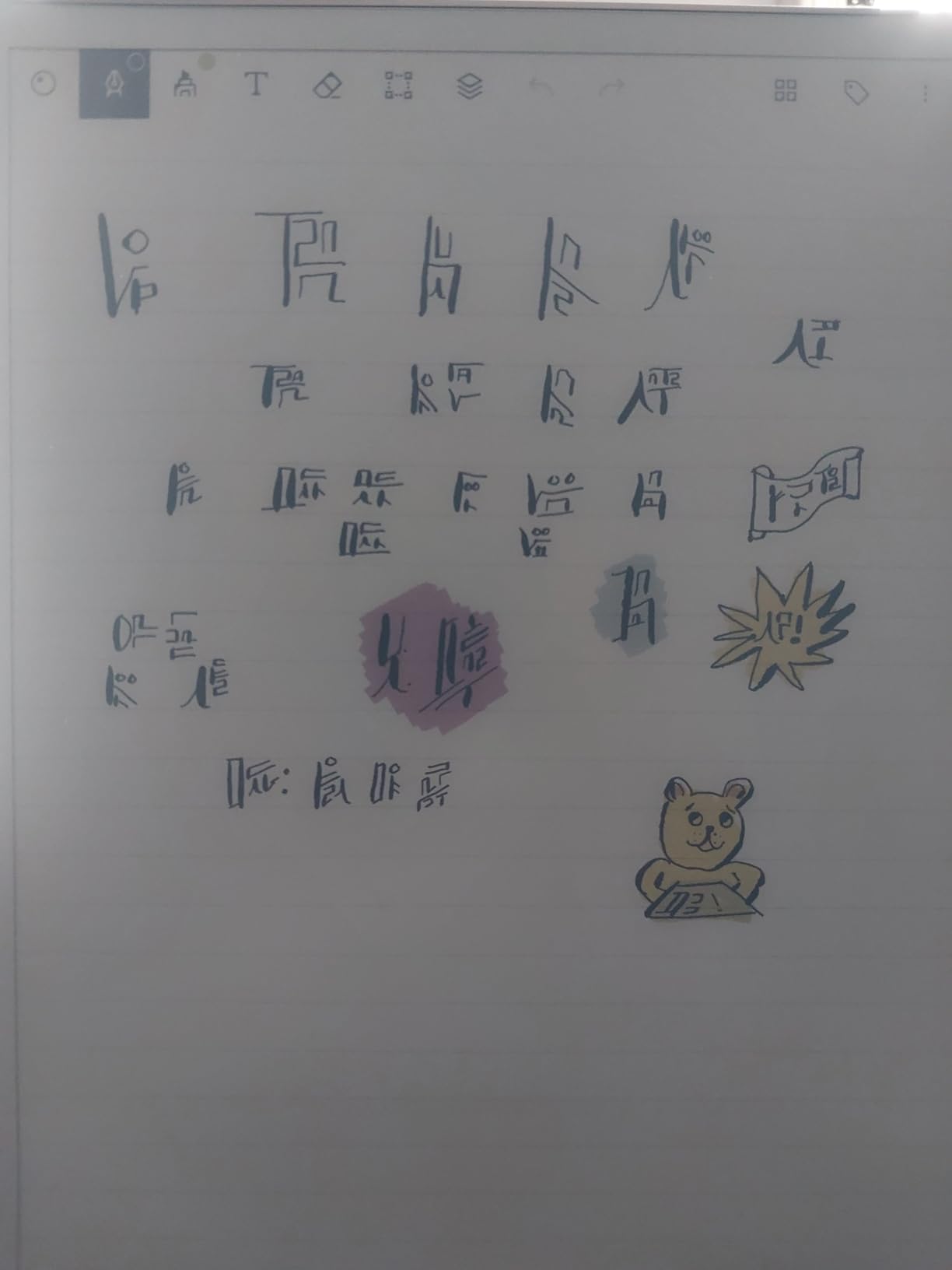
I was skeptical about color e-ink until I unboxed the Paper Pro. The 11.8-inch display immediately impressed me with its size and clarity. Writing on it feels remarkably close to premium notebook paper, with just enough resistance from the Marker Plus pen to create that satisfying drag you get with a quality fountain pen.
The color capability changes how I organize notes. I use red for urgent tasks, blue for meeting notes, and green for personal journaling. The colors are subtle but functional. Do not expect iPad vibrancy. These are muted, pastel tones that serve organizational purposes rather than creative expression. The adjustable reading light means I can work at 10 PM without disturbing my partner.
After three weeks of daily use, the battery still showed 40 percent. The low-glare screen genuinely reduces eye strain compared to my laptop. I found myself reaching for the Paper Pro during video calls to take notes without the distraction of Slack notifications.
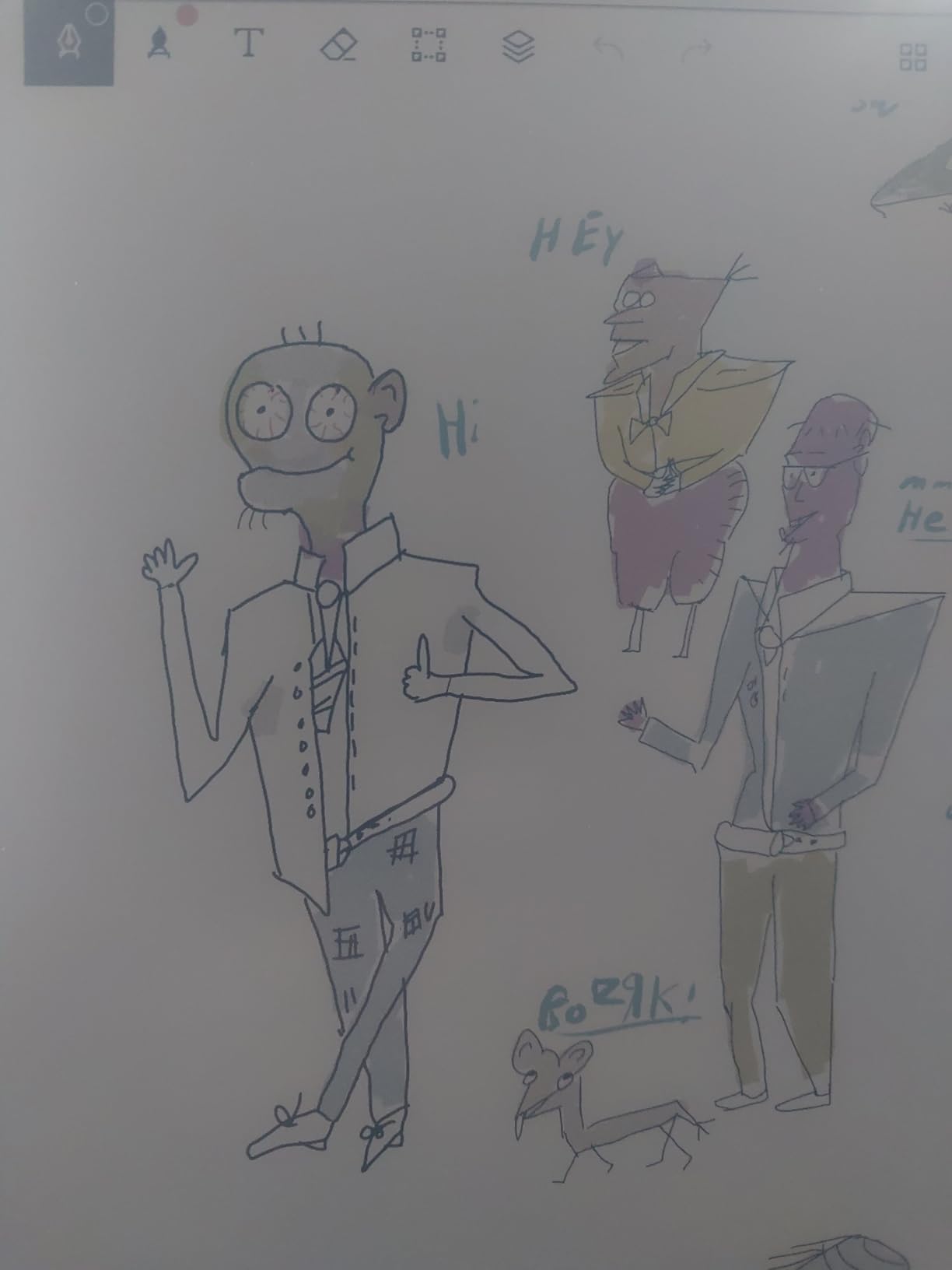
The Marker Plus pen includes a built-in eraser on the cap, which feels natural after years of using pencils. The pen tips wear down slowly and replacements come in the box. One feature I did not expect to love was the automatic cloud sync. My notes appear instantly on the desktop app, though this requires the Connect subscription for full functionality.
PDF annotation works smoothly on the large screen. I reviewed 47-page contracts without zooming constantly. The handwriting-to-text conversion is accurate enough for meeting notes, though I still proofread before sharing. The device excels at replacing paper notebooks, not replacing your iPad.
Who Should Buy the reMarkable Paper Pro
This device suits professionals who prioritize writing feel above all else. If your work involves reviewing documents, taking meeting notes, and sketching diagrams, the Paper Pro delivers. The color display helps organize complex projects without adding distractions.
Students in design, architecture, or medical fields will appreciate the large screen for textbooks and the natural writing experience for annotation. The $679 price is steep, but I calculated that I was spending $240 yearly on quality notebooks and pens. The Paper Pro pays for itself in under three years.
Who Should Skip the reMarkable Paper Pro
If you need third-party apps like Kindle, Notion, or Spotify, look elsewhere. The reMarkable runs a closed Linux-based system focused exclusively on reading and writing. I missed having access to my Audible library during long writing sessions.
Budget buyers should consider the standard reMarkable 2 or the Kindle Scribe. The color features are nice but not essential for everyone. Artists wanting vibrant color reproduction will be disappointed by the muted palette. This is an organization tool, not a creative canvas.
2. Supernote eNote 2 – Best Dedicated Note-Taker
Penstar eNote 2 – The Whitest Paper Tablet | 10.3” 300 PPI Pen-Only Screen E-Ink Writing Tablet, Digital Notebook Includes Folio Cover & Two B5 Pens
10.3-inch pen-only 300 PPI display
128GB storage capacity
9 reprogrammable physical shortcut keys
2 weeks average battery life
Pros
- Pen-only screen eliminates accidental touches
- Excellent value bundle with two pens and folio
- Voice-to-text transcription works well
- Works completely offline without subscriptions
- Great for left-handed writers
Cons
- No backlight for dark environments
- Not a touchscreen (intentional limitation)
- Calendar app lacks Google sync
- Organizing notes could be more intuitive
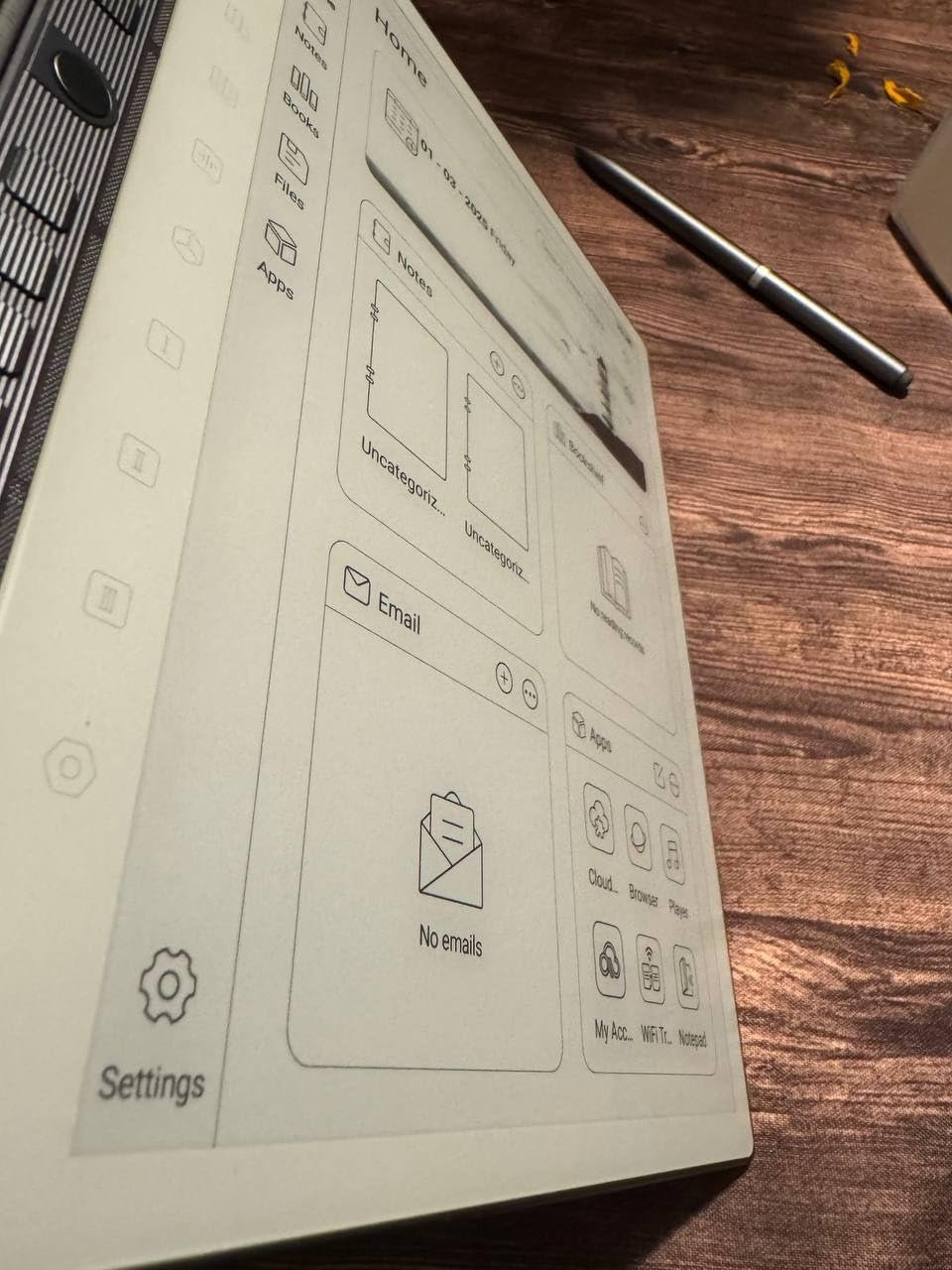
The Supernote eNote 2 surprised me more than any other device in this roundup. The pen-only screen initially felt restrictive. No pinch-to-zoom. No scrolling with your finger. Then I started writing and understood the philosophy. This device removes every possible distraction to create the purest writing experience I have found outside actual paper.
The bundle includes two B5 pens and a folio cover, which represents excellent value at $429. I gave the second pen to my partner and we both noted how the ceramic nibs glide smoothly without that scratching sensation some e-ink styluses produce. The 300 PPI resolution makes handwritten text look crisp even when zoomed in.
Voice-to-text transcription became my secret weapon for meeting notes. I record the discussion while taking key point notes, then convert the audio to text later. The accuracy impressed me, handling technical terms in my industry better than my phone’s default dictation.
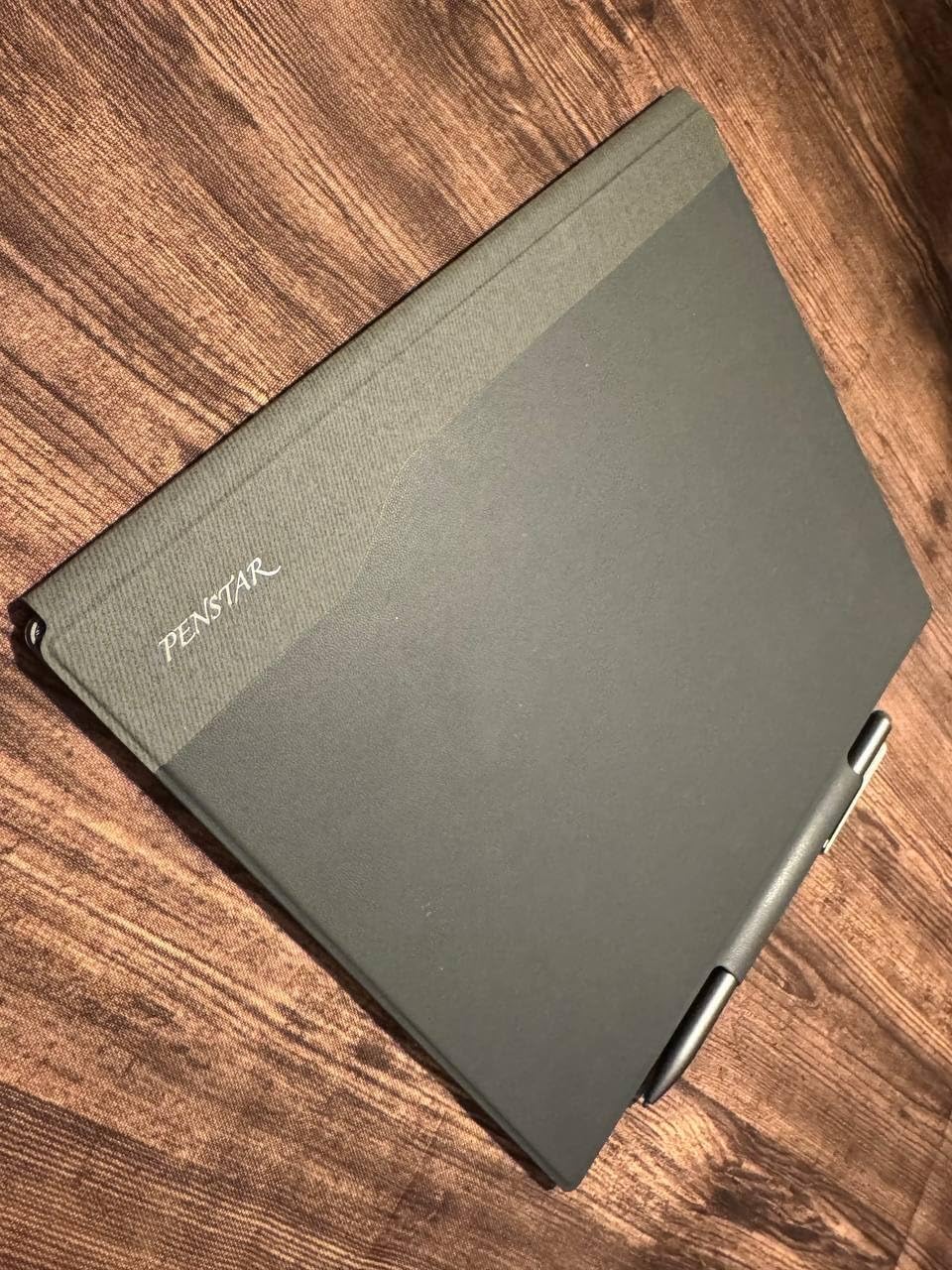
The nine physical shortcut keys along the side are programmable. I set mine for undo, eraser, and page navigation. After two days, I stopped thinking about them and just worked. The 128GB storage holds thousands of notebooks, and I have never worried about running out of space.
MyScript handwriting-to-text conversion works offline, which matters for confidential client meetings where I cannot connect to cloud services. The recognition handles my messy handwriting better than I expected, correctly identifying about 90 percent of words on first conversion.
Who Should Buy the Supernote eNote 2
This device is perfect for writers, journalists, and academics who want distraction-free note-taking. The pen-only design means you cannot mindlessly scroll Twitter when stuck on a paragraph. I wrote three full chapters of my book on this device without the usual digital procrastination.
Left-handed users often struggle with palm rejection on touchscreen devices. The Supernote eliminates this entirely since touch does nothing. Privacy-conscious professionals will appreciate the offline-first approach. No forced cloud uploads. No account requirements. Your notes stay on your device until you choose to move them.
Who Should Skip the Supernote eNote 2
If you read in bed at night, the lack of backlight is a dealbreaker. I tried using a book light and felt ridiculous. Students wanting textbook integration should look at Kindle Scribe or Kobo instead. The Supernote is for creating content, not consuming it.
Those invested in Google Calendar or Outlook will find the built-in calendar app frustrating. It does not sync with external services, forcing manual entry. If you want an all-in-one productivity device, consider the VIWOODS AiPaper or a Boox device instead.
3. Kindle Scribe 16GB – Best Budget Boox Alternative
Amazon Kindle Scribe (16GB) - Your notes, documents and books, all in one place. With built-in AI notebook summarization. Includes Premium Pen - Tungsten
10.2-inch 300 PPI glare-free front-lit display
16GB storage capacity
Premium pen included (no charging needed)
Weeks of battery life on single charge
Pros
- Excellent Kindle ecosystem integration
- AI handwriting recognition is highly accurate
- Premium pen never needs charging
- Active Canvas for in-book annotations
- No subscription fees required
Cons
- Not Prime eligible for shipping
- Drawing capabilities are limited
- Template selection is limited
- Syncing notes to external apps is mediocre
- Heavier than Paperwhite for reading
The Kindle Scribe occupies a unique space. It is first an excellent e-reader, second a capable note-taker. At $399, it undercuts most competitors while offering features they lack. The Premium Pen feels substantial in hand and never needs charging, a convenience I did not know I needed until I experienced it.
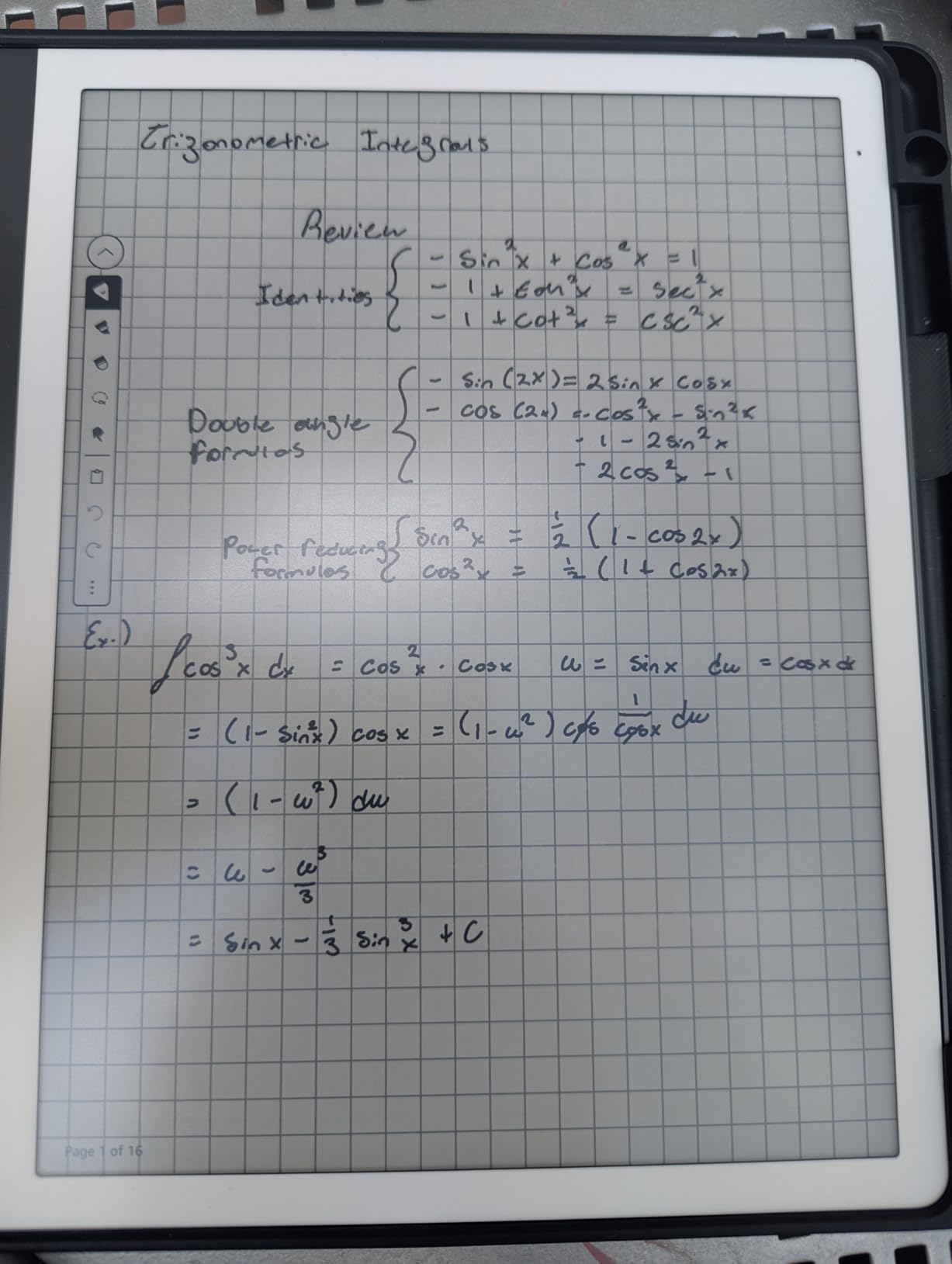
Active Canvas transforms how I interact with Kindle books. Instead of sticky notes off to the side, I write directly on the page margin. The AI handwriting recognition lets me search my handwritten notes, finding that insight from chapter three without flipping through pages. This feature alone justified my purchase.
The 300 PPI display matches the sharpness of any device in this guide. Reading at night with the adjustable warm light is comfortable for hours. I finished a 500-page novel over a weekend without eye strain. The Scribe is heavier than the Paperwhite, but the larger screen justifies the tradeoff for my use case.
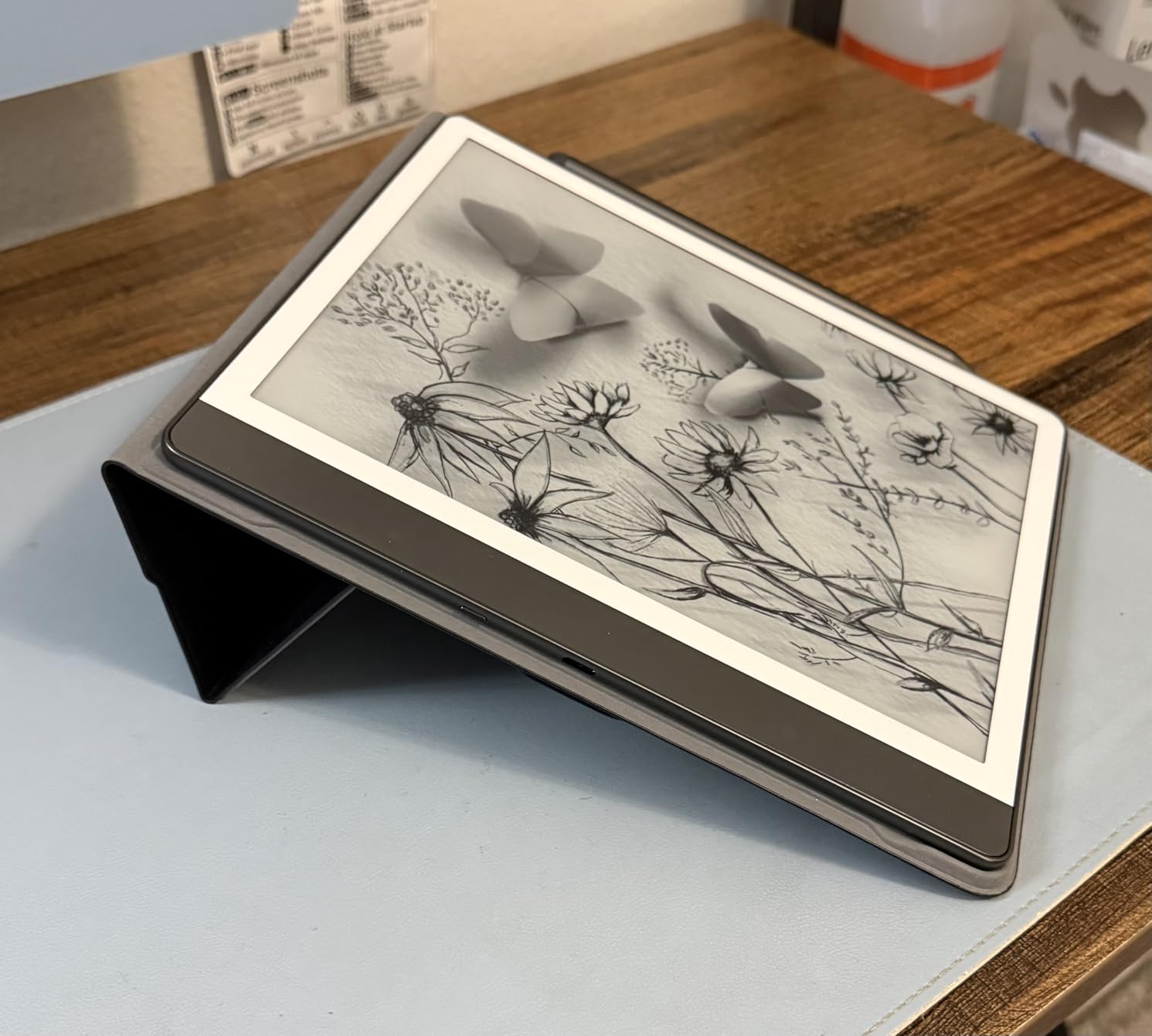
PDF handling impressed me more than expected. I imported complex technical documentation and annotated freely. The Send to Kindle feature means documents appear on my device within minutes of emailing them. No cables. No sideloading complications.
The notebook templates are limited compared to Supernote or reMarkable. You get lined, dotted, grid, and blank. No specialized templates for storyboarding or music notation. For general journaling and meeting notes, this suffices. Artists and designers will feel constrained quickly.
Who Should Buy the Kindle Scribe
Heavy Kindle readers who occasionally need note-taking will find the Scribe perfect. The tight Amazon integration means your library, audiobooks, and documents live in one place. Students in literature or history programs will appreciate the in-book annotation and easy textbook access.
Budget-conscious buyers should strongly consider this device. At $399, it costs $280 less than the reMarkable Paper Pro while offering front lighting the Paper Pro cannot match. The AI features are genuinely useful, not gimmicks. I use the notebook summarization weekly to review meeting notes.
Who Should Skip the Kindle Scribe
Anyone needing robust third-party app support should look elsewhere. The Scribe runs a locked-down version of Linux optimized for reading. You cannot install Notion, OneNote, or Dropbox directly on the device. Note export to external services works but feels clunky.
Creative professionals needing sketching capabilities will be disappointed. The drawing tools are basic, lacking pressure sensitivity nuance found in reMarkable or Supernote. The device is also heavier than dedicated note-taking tablets, making extended handheld reading uncomfortable without a stand.
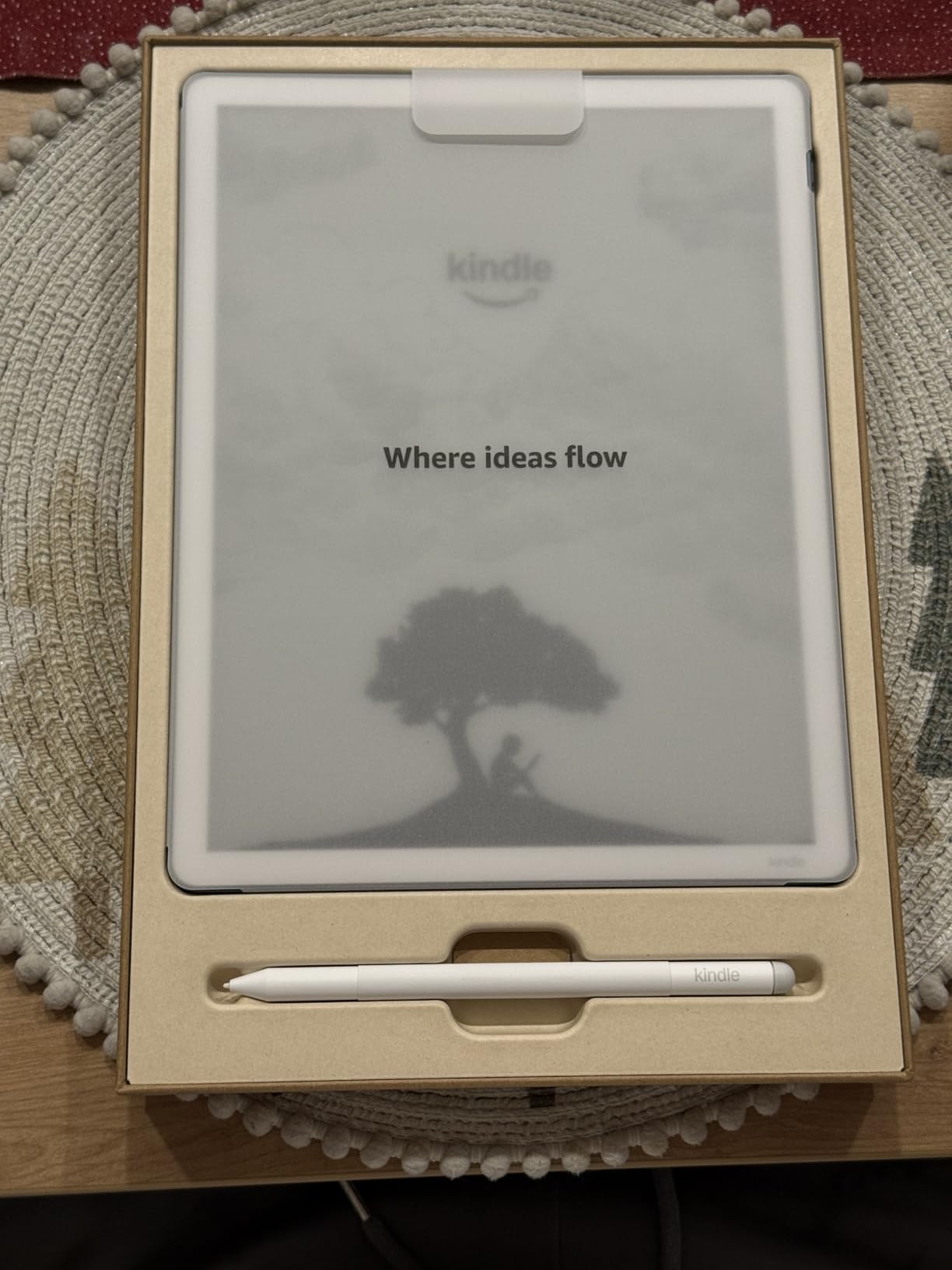
4. Kindle Scribe 64GB (2025 Model) – Best Large Screen Upgrade
Amazon Kindle Scribe 64GB (newest model) — 11” paper-like display with front light — Thinner, lighter, faster — Write in notebooks, documents, and books. Includes Premium Pen - Graphite
11-inch glare-free display with front light
64GB extended storage
40% faster performance over previous model
5.4mm thin, 400g lightweight design
Pros
- Larger 11-inch screen provides ample writing space
- Thinner and lighter than previous generation
- 40% faster with reduced latency
- AI note summarization works extremely well
- Workspace concept combines books PDFs and notes
Cons
- Premium cases are extremely expensive
- Not waterproof
- Price is high at $549.99
- Color version has slightly less crisp text
- Template selection still needs improvement
Amazon addressed nearly every criticism of the original Kindle Scribe with this 2025 refresh. The 11-inch display does not sound dramatically larger than 10.2 inches on paper. In practice, it transforms the writing experience. I can now review full-page PDFs without zooming or scrolling.
The 40 percent speed improvement is immediately noticeable. Page turns happen instantly. Handwriting latency dropped to imperceptible levels. I wrote for an hour without experiencing that slight lag that occasionally frustrated me on the previous model. The white bezels look cleaner than the asymmetrical design of the original.
The Workspace concept represents Amazon’s smartest software addition. My notes, books, and PDFs now live in organized collections. I created a workspace for each client project, keeping everything related in one accessible location. Moving notes between notebooks, previously impossible, now takes two taps.
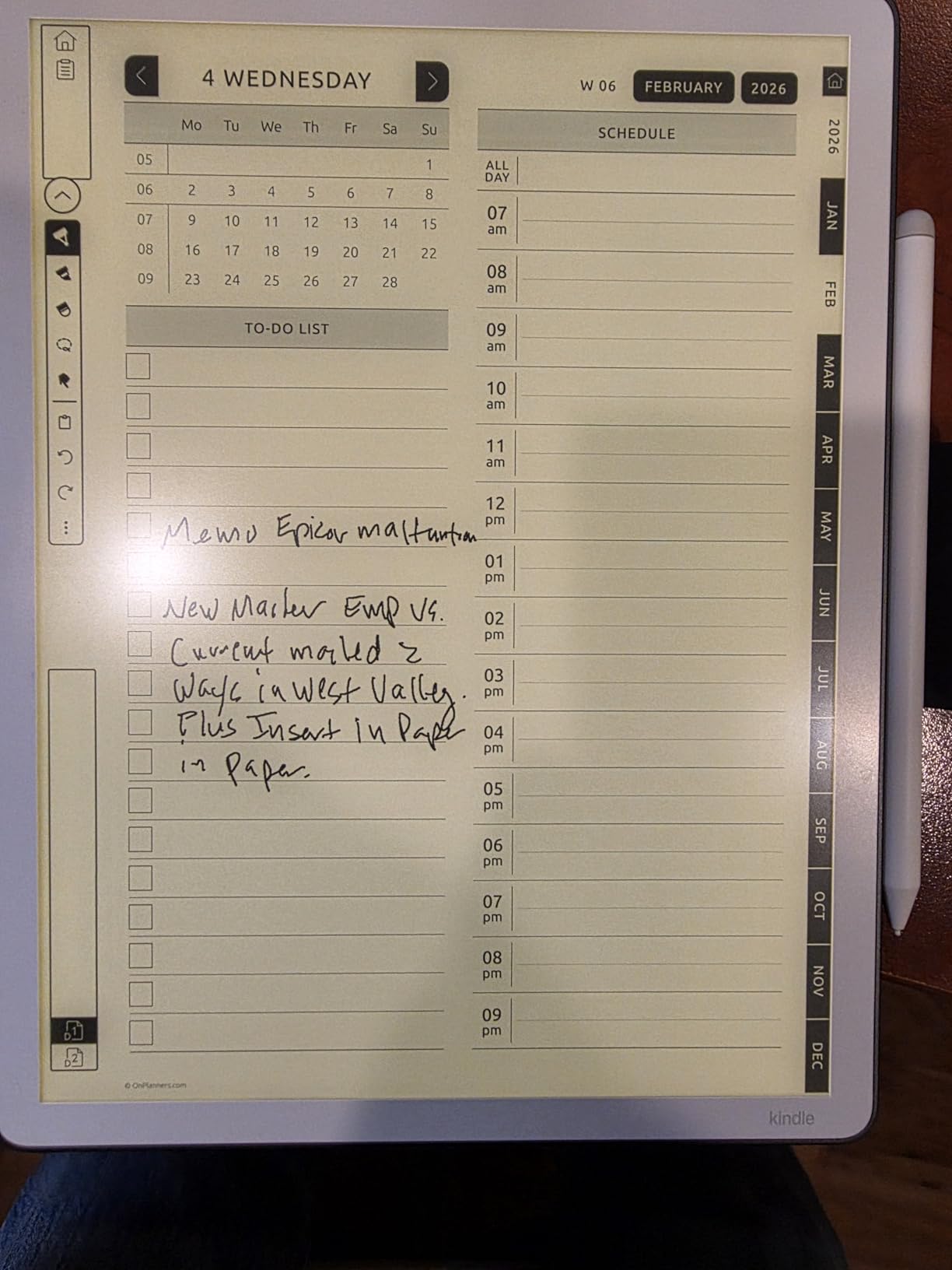
At 5.4mm thick and 400g, the device feels remarkably thin. The symmetrical design distributes weight better than the original Scribe. I can hold it for extended reading sessions without the hand fatigue I experienced with the previous generation. The trade-in program made upgrading affordable for existing Scribe owners.
The black and white model offers crisper text and better writing feel than the Colorsoft version. I tested both and kept the monochrome model. Unless you need color for children’s books or comics highlighting, the standard model provides the superior experience for note-taking and reading.
Who Should Buy the 2025 Kindle Scribe
Professionals reviewing large documents daily need this larger screen. Lawyers reviewing contracts, architects checking blueprints, and researchers annotating journal articles will appreciate the extra space. The 64GB storage accommodates massive PDF libraries without compromise.
Users frustrated by the original Scribe’s limitations should consider upgrading. The speed boost, workspace organization, and note-moving capabilities address real pain points. The trade-in program values the old device fairly, reducing the net cost significantly.
Who Should Skip the 2025 Kindle Scribe
The $549 price approaches reMarkable Paper Pro territory without matching the writing experience quality. If budget allows, the Paper Pro offers superior paper-like feel. The lack of waterproofing is disappointing at this price point. Beach readers and bathtub browsers should look at the Kobo Elipsa 2E or wait for a rugged case.
Those happy with their original Scribe may not need the upgrade. The improvements are meaningful but not transformative. If your current device serves your needs, save your money for content instead.
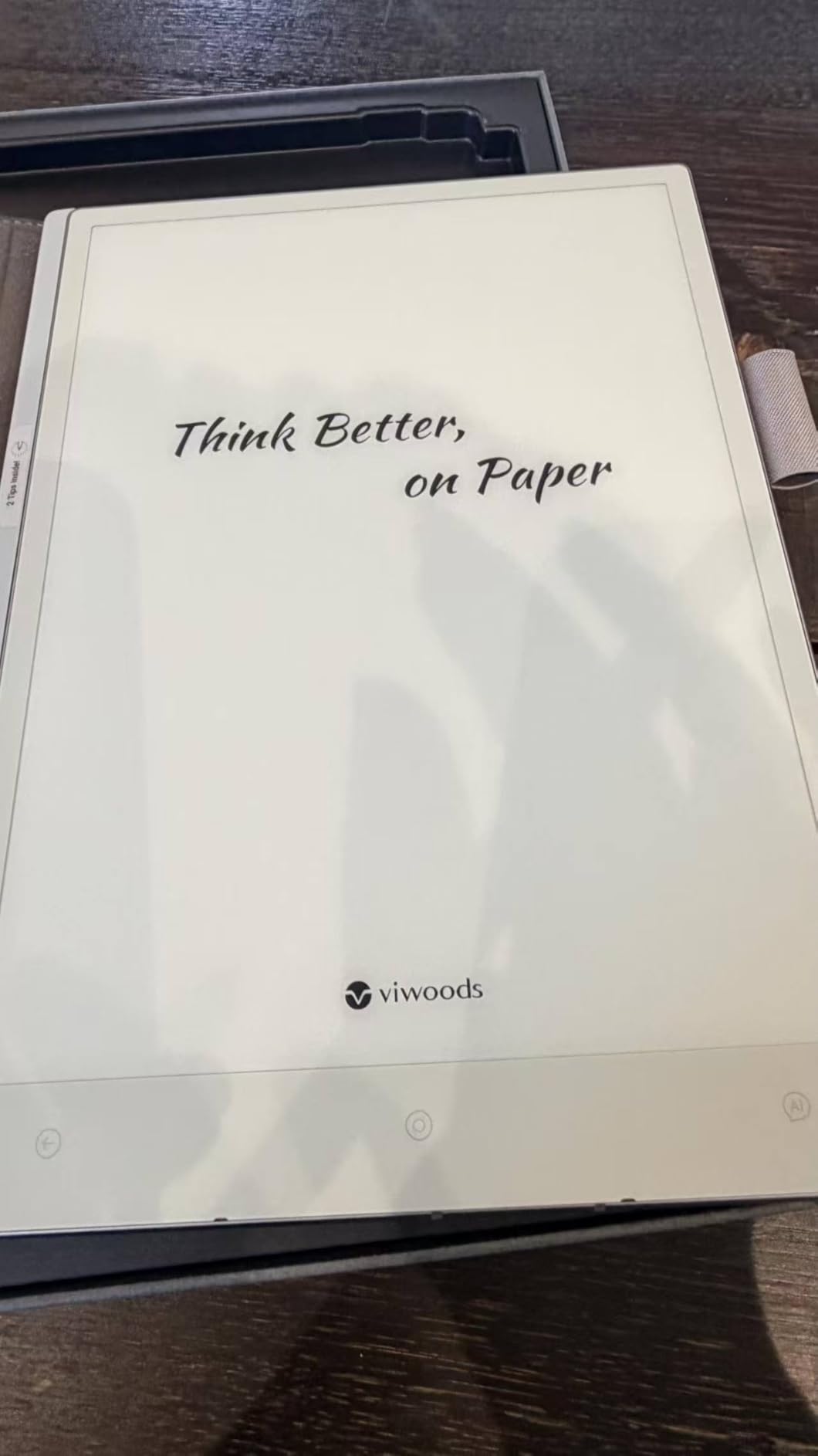
5. VIWOODS AiPaper – Best AI-Integrated E-Ink Tablet
VIWOODS Upgraded Bundle with AiPaper, Stylus Pro and 5 Nibs, Carta 1300 AI E Ink Tablet, 10.65'' 300PPI Electronic Notebook with Pen, Ultra-Thin 4.5mm, Lightweight 370g, 128GB Note-Taking Device
10.65-inch 300 PPI Carta 1300 Mobius screen
128GB storage included
Ultra-thin 4.5mm profile at 370g
Android 13 operating system
Pros
- Crisp 300 PPI Carta 1300 display
- Larger screen than most 10.3-inch competitors
- AI summarization and organization work well
- Excellent W2 Stylus Pro included
- Daily planner syncs with Google Calendar
Cons
- No front light for dark environments
- Newer product with limited review history
- Software bugs reported causing text loss
- Customer service responsiveness concerns
- No built-in speaker requires Bluetooth
VIWOODS enters the e-ink market with an ambitious first product. The AiPaper combines elements from reMarkable, Boox, and Kindle into one device. The 10.65-inch screen is noticeably larger than standard 10.3-inch tablets, providing extra margin space for annotations without adding bulk.
The Carta 1300 Mobius screen technology produces excellent clarity at 300 PPI. VIWOODS achieved a 750 micrometer pen-to-ink distance, which reduces the parallax effect that plagues some e-ink tablets. Writing feels immediate, without that disorienting gap between pen tip and digital ink.
AI features separate this device from competitors. The summarization tool condenses my meeting notes into bullet points accurately. The daily planner integrates with Google Calendar, showing my schedule alongside my handwritten tasks. These features work without requiring cloud subscriptions, though cloud sync with OneDrive and Dropbox is available.
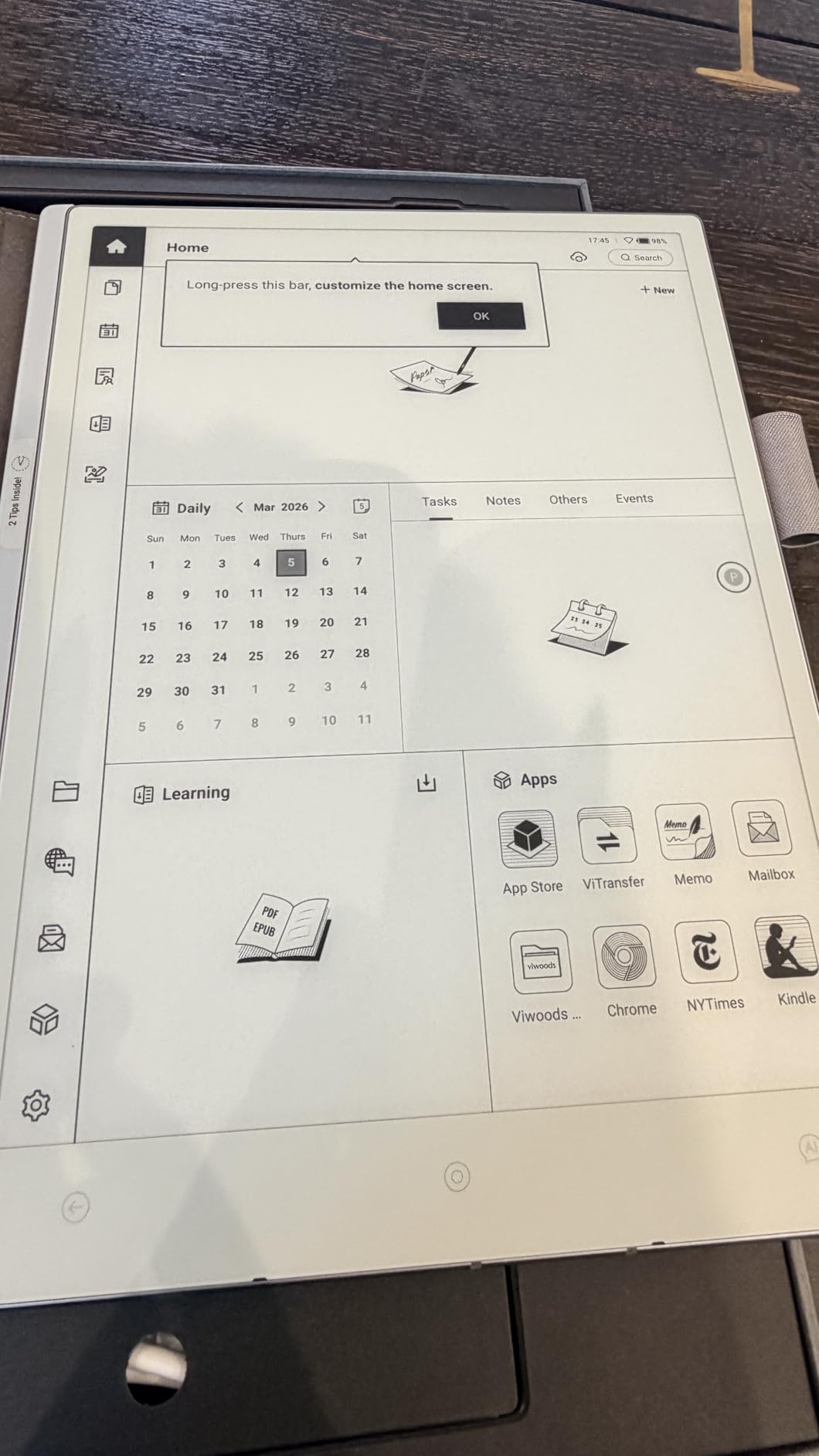
The W2 Stylus Pro ranks among the best e-ink pens I have tested. It attaches securely to the tablet without the rattling some magnetic connections produce. Five replacement nibs come in the box, enough for years of use. The 128GB storage matches the Supernote eNote 2 and exceeds most competitors.
Build quality impressed me for a first-generation product. The 4.5mm thickness makes this the thinnest 10-inch e-ink tablet I have handled. At 370g, it is lighter than the Kindle Scribe despite the larger screen. The Android 13 operating system allows app installations, though the selection is more limited than full Google Play Store access.
Who Should Buy the VIWOODS AiPaper
Tech-forward users wanting AI assistance without subscription fees should consider the AiPaper. The summarization and organization features match productivity tools I pay monthly for elsewhere. The large screen and thin profile make this ideal for mobile professionals.
Users wanting a blend of reMarkable’s writing focus and Boox’s app flexibility will find the middle ground here. The Android base enables third-party apps while the optimized software keeps the interface clean. Calendar integration specifically appeals to schedule-heavy professionals.
Who Should Skip the VIWOODS AiPaper
Early adopters beware. With only 18 reviews on Amazon, this is a new product without established reliability. Software bugs causing text loss concern me for professional use. I recommend waiting for firmware updates or choosing an established brand for mission-critical note-taking.
Night readers need the front light this device lacks. The customer service track record is unproven compared to Amazon, reMarkable, or Supernote. If you need guaranteed support response, established brands offer more security. The lack of built-in speaker limits multimedia use cases.
6. AINOTE Air 2 – Best Portable Voice-Transcribing Tablet
iFLYTEK AINOTE Air 2 Bundle – 8.2" E Ink AI Note-taking Tablet with Stylus, 4096 Pressure Levels, Digital Notebook with Voice-to-Text Transcription, Multi-languages Support, Ideal for Meetings & Study
8.2-inch E Ink display with dual-color light
Real-time voice-to-text transcription
Multi-language support (17 voice 83 handwriting)
5 weeks battery life with 2600mAh
Pros
- Extremely lightweight at just 8.16 ounces
- Accurate voice-to-text in 17 languages
- Symbol recognition creates automatic to-dos
- Perfect size for briefcase or console
- 5-week battery life is exceptional
Cons
- Heavily locked down with no Play Protect
- Google Play Store often broken
- Cannot sideload many apps
- No volume buttons on device
- Firmware instability issues reported
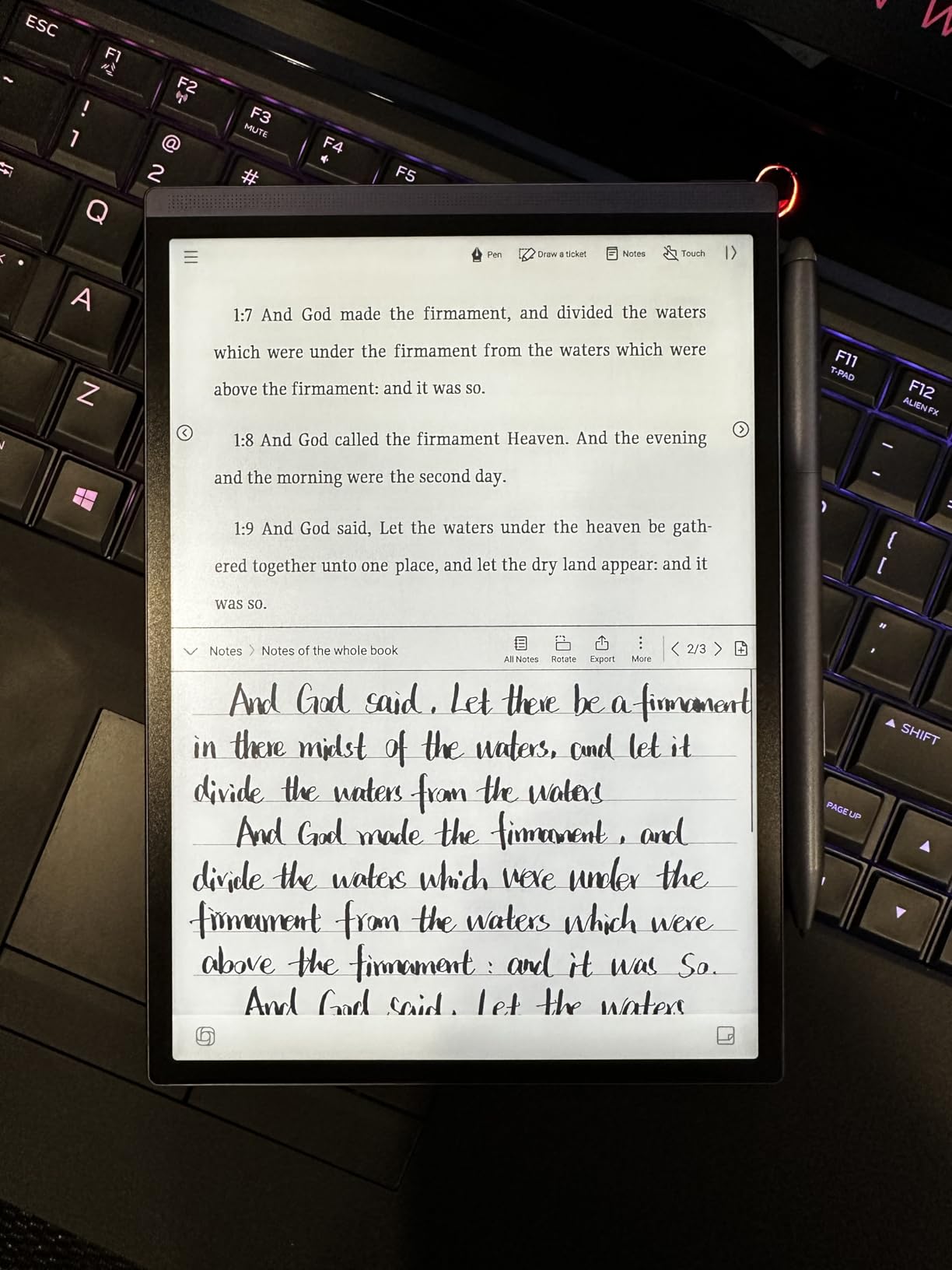
The AINOTE Air 2 by iFLYTEK targets a specific niche. At 8.16 ounces and 8.2 inches, it fits pockets where 10-inch tablets fail. I carried this device in my jacket for two weeks, pulling it out for quick notes during commutes and coffee shop brainstorming sessions.
Voice-to-text transcription is the standout feature. iFLYTEK specializes in speech recognition, and it shows. The Air 2 transcribes conversations in real-time across 17 languages. I tested it with accented English and technical vocabulary. Results were usable without heavy editing, something I cannot say about most tablet dictation.
The symbol recognition feature is clever. Drawing a star next to text automatically creates a starred item. Triangles become tasks. Circles mark completed items. This visual organization system feels natural and requires no menu navigation.
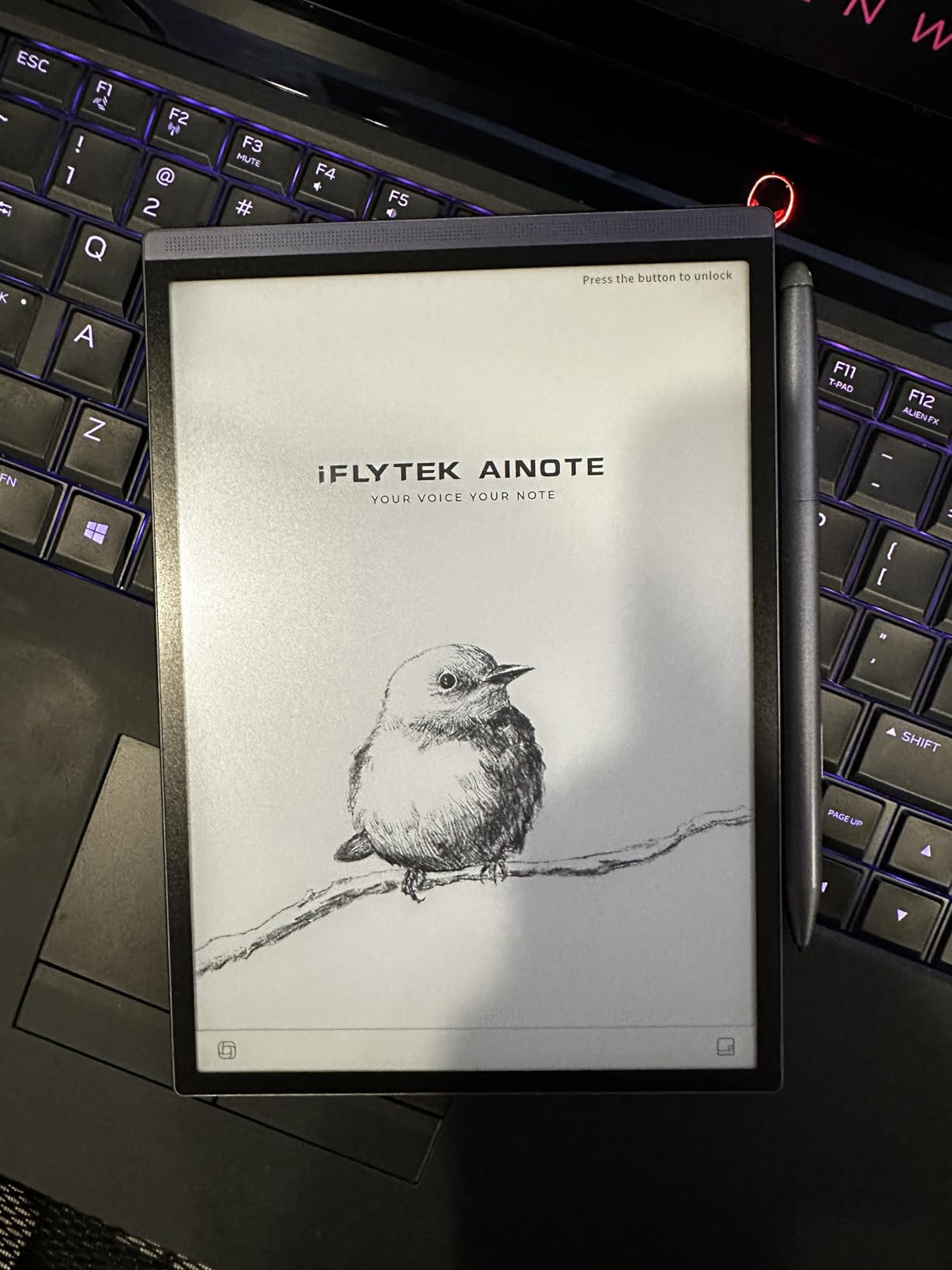
The dual-color reading light offers 24 brightness levels, making night reading comfortable. Writing latency is minimal, though the smaller screen limits how much content I can see while writing. The 5-week battery life proved accurate in my testing, even with daily voice transcription use.
Build quality feels solid despite the light weight. The included stylus offers 4096 pressure levels, matching premium competitors. The 4.5mm thickness slides easily into bags without bulk. For pure portability, this device leads the category.
Who Should Buy the AINOTE Air 2
Journalists, interviewers, and meeting-heavy professionals need this device. The voice transcription alone justifies the price for anyone converting conversations to text regularly. Students recording lectures will appreciate the accuracy and portability.
Mobile workers wanting a truly pocketable note device should consider the Air 2. It fits where larger tablets cannot. The long battery life means you can leave the charger at home for week-long trips. Writers who think on their feet will love the grab-and-go form factor.
Who Should Skip the AINOTE Air 2
The locked-down Android installation frustrated me. No Google Play Protect certification means many apps refuse to install. The Play Store frequently shows errors. I could not get Kindle, Dropbox, or Notion working reliably. This is a dedicated writing device, not a versatile tablet.
Users wanting flexibility should choose the Geniatech Kloudnote or a proper Boox device. The 8.2-inch screen is cramped for PDF review. Firmware instability caused two crashes during my testing, though no data was lost. Early adopters should wait for software maturity.
7. Kobo Elipsa 2E – Best for Library Integration
Kobo Elipsa 2E | eReader | 10.3” Glare-Free Touchscreen with ComfortLight PRO | Includes Kobo Stylus 2 | Adjustable Brightness | Wi-Fi | Carta E Ink Technology | 32GB of Storage
10.3-inch E Ink Carta 1200 touchscreen
32GB storage capacity
ComfortLight PRO adjustable color temperature
Kobo Stylus 2 included (rechargeable)
Pros
- Large screen perfect for PDFs and academic papers
- ComfortLight PRO for night reading without blue light
- Eco-conscious recycled plastic construction
- Built-in web browser for direct downloads
- Kobo store supports author-friendly revenue sharing
Cons
- Stylus 2 requires charging unlike competitors
- Writing feel is more glass-like than paper
- PDF contrast could be clearer
- Kobo app search is frustrating
- Book prices often higher than Amazon
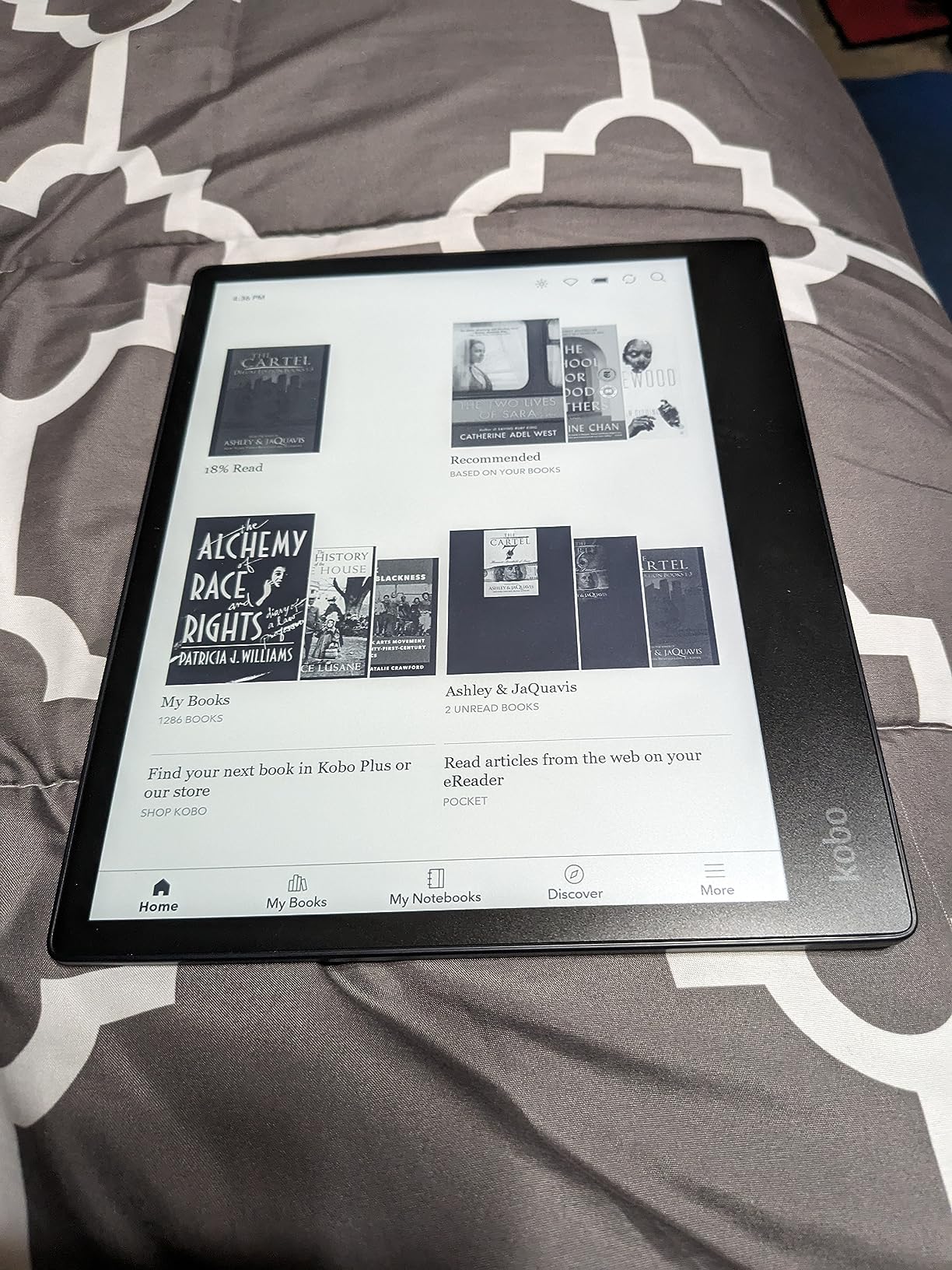
Kobo positions the Elipsa 2E as a reading-first device with note-taking capabilities. The 10.3-inch Carta 1200 screen displays academic papers beautifully. I reviewed research PDFs without the constant zooming required on smaller devices. The ComfortLight PRO adjusts from cool to warm tones, protecting my sleep when reading before bed.
OverDrive integration changes how I access books. My public library collection appears alongside purchased titles. I borrowed and annotated library books, a feature Amazon Kindle still restricts. For heavy library users, this alone justifies choosing Kobo over Kindle.
The eco-conscious construction matters to me. The device uses recycled and ocean-bound plastics without feeling cheap. The 386g weight sits comfortably in hand for extended reading. The asymmetrical design with thicker bezel on one side provides a natural grip point.
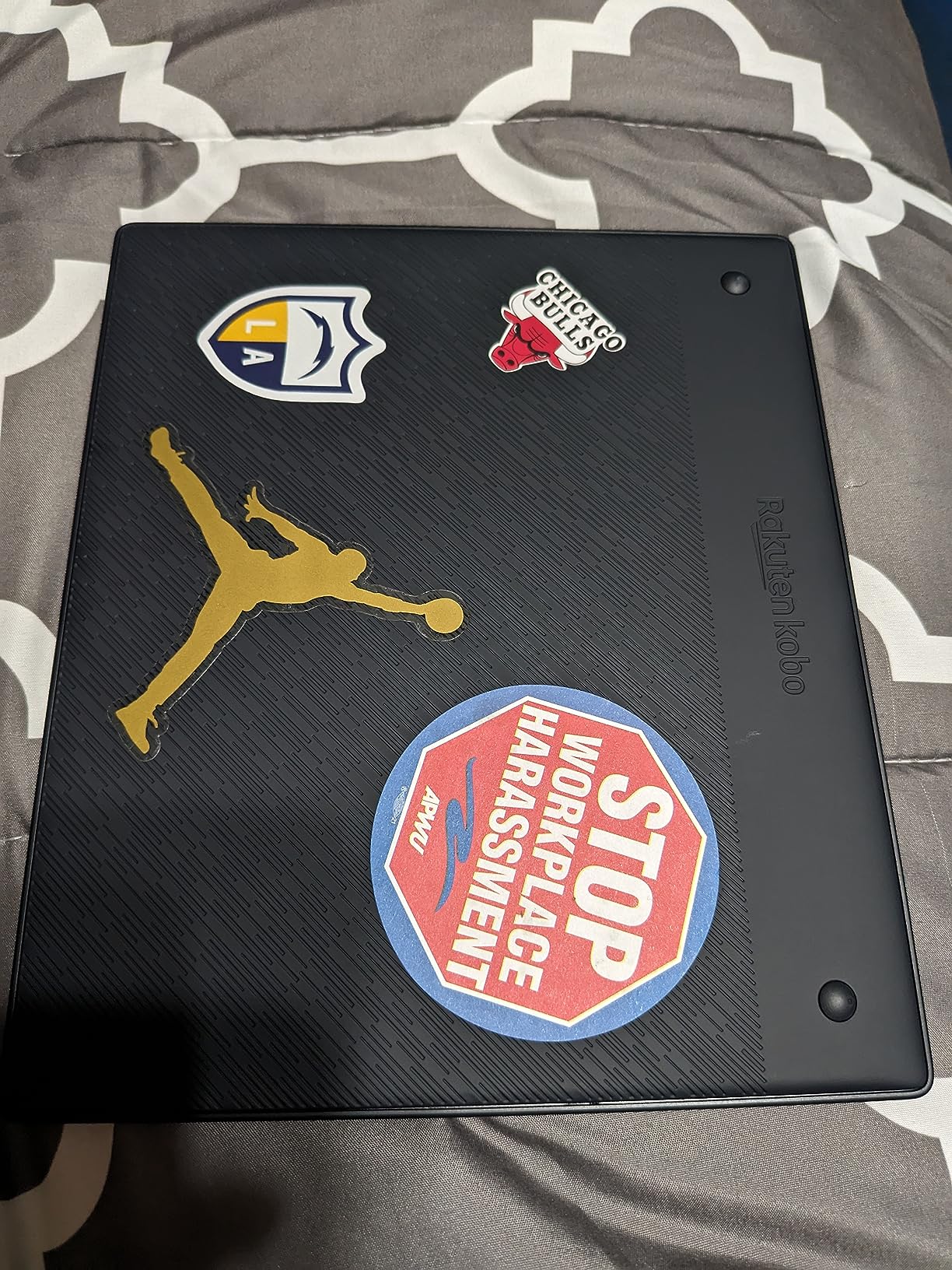
The Kobo Stylus 2 includes an eraser button and requires periodic charging via USB-C. I prefer the never-charge pens from reMarkable and Kindle, but the Kobo stylus lasts weeks between charges. Writing feel is closer to glass than paper, with less resistance than premium competitors.
Patented markup technology allows direct annotation on PDFs and ebooks. Notes export to Dropbox, though the process is less seamless than reMarkable’s cloud sync. The built-in web browser enables downloading from non-Amazon sources, including Project Gutenberg and academic repositories.
Who Should Buy the Kobo Elipsa 2E
Heavy library users and academics should strongly consider this device. The OverDrive integration, large PDF screen, and ethical construction appeal to researchers and educators. The web browser enables access to institutional repositories without computer tethering.
Readers wanting to escape Amazon’s ecosystem find Kobo refreshing. The bookstore supports better author revenue sharing. Public domain content is more accessible. The ComfortLight PRO specifically benefits nighttime readers concerned about blue light affecting sleep quality.
Who Should Skip the Kobo Elipsa 2E
Pure note-takers should look elsewhere. The writing experience ranks below Supernote and reMarkable. The Kobo app search functionality frustrated me repeatedly, failing to find titles I knew existed. Book prices trend higher than Amazon, costing more over time.
Those invested in the Kindle ecosystem face migration costs. Existing Kindle books do not transfer to Kobo. Audiobook integration is weaker than Amazon’s Audible synchronization. If you own hundreds of Kindle titles, switching requires commitment.
8. Geniatech Kloudnote Slim – Best Budget 10.3-Inch Tablet
Geniatech Kloudnote Slim 10.3" Digital Notebook, E Ink Tablet and ePaper Notepad for ebook Reading and Writing, 227ppi ereader Device in 2025, 5.3mm Ultra-Thin (Grey)
10.3-inch E-ink Glass Screen at 227 PPI
64GB storage with 2GB RAM
3000mAh battery up to 40 hours work time
1.8GHz A55 quad-core processor
Pros
- Best value 10.3-inch e-ink tablet at $299.99
- Open Android OS allows app installations
- 3000mAh battery provides solid work time
- 39 note templates included
- 500M free cloud storage included
Cons
- 227 PPI resolution lower than 300 PPI competitors
- Some performance issues and slower operation
- No Kindle app in the AppStore
- Pen proximity detection issues reported
- Cannot wake by tapping screen
The Geniatech Kloudnote Slim fills a crucial gap. At $299.99, it is the only 10.3-inch e-ink tablet under $300 worth considering. I approached this device skeptically given the price. After two weeks, I understood why users rate it highly despite compromises.
The open Android OS distinguishes this from locked-down competitors. I installed apps from the included AppStore and sideloaded others. The selection is limited compared to Google Play, but functional. Dropbox, OneDrive, and Baidu sync work natively. The 500MB free Kloudnote cloud storage provides basic backup.
The 227 PPI resolution is noticeably lower than 300 PPI competitors. Text appears slightly less crisp when compared side-by-side with the Kindle Scribe. In isolation, most users will not notice during normal reading. The 3000mAh battery lasted me 35 hours of active use, close to the advertised 40 hours.
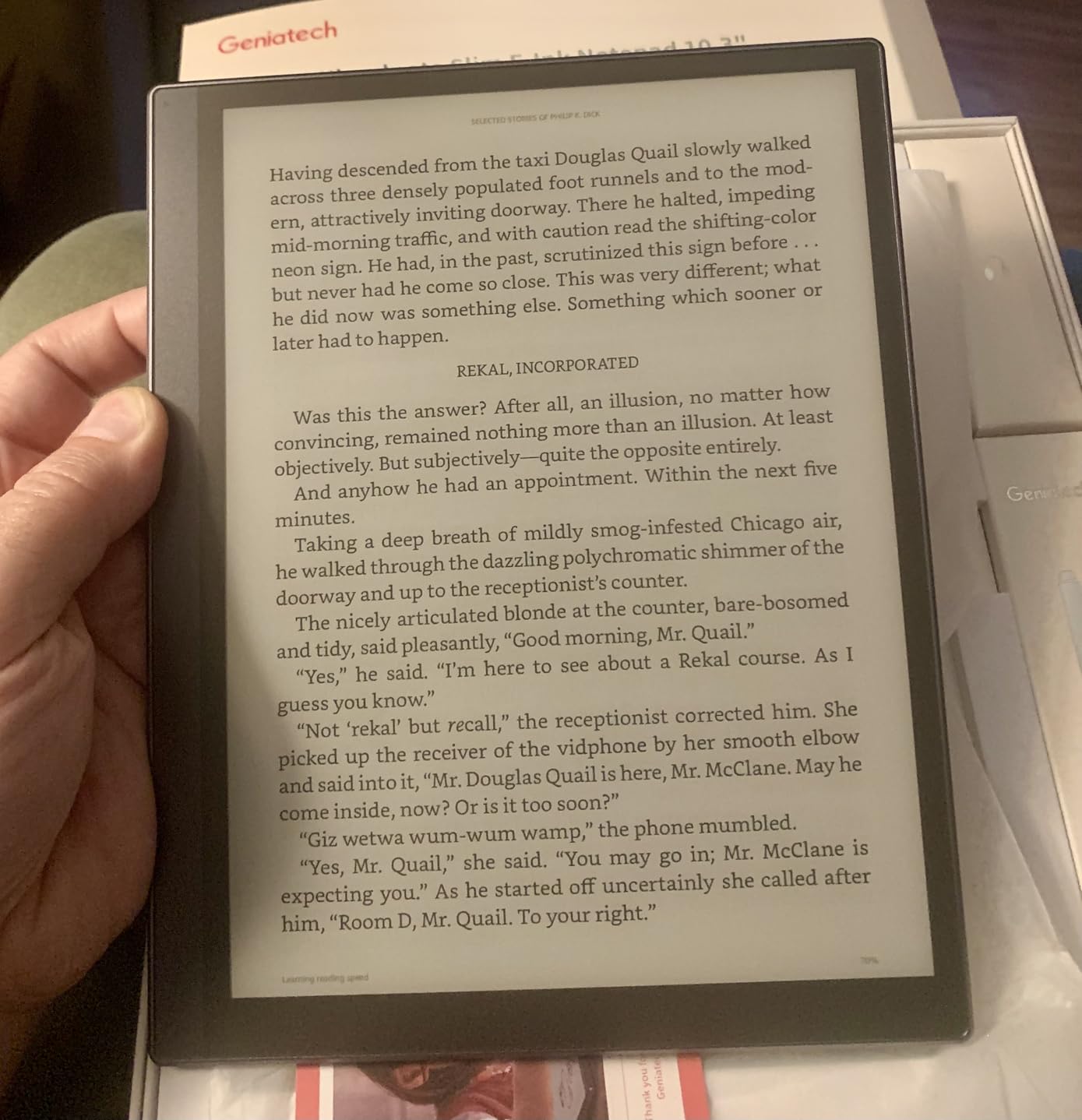
Writing feel surprised me positively. While not matching reMarkable’s paper-like resistance, the Kloudnote Slim provides a smooth writing surface with acceptable latency. The 4096 pressure sensitivity levels enable varied line weights for sketching and note-taking emphasis.
The 39 included templates cover standard needs: lined, grid, dotted, music sheets, and meeting formats. OCR and ASR capabilities enable handwriting conversion and voice transcription, though accuracy trails premium competitors. The 5.3mm thickness keeps the device slim for bag carry.
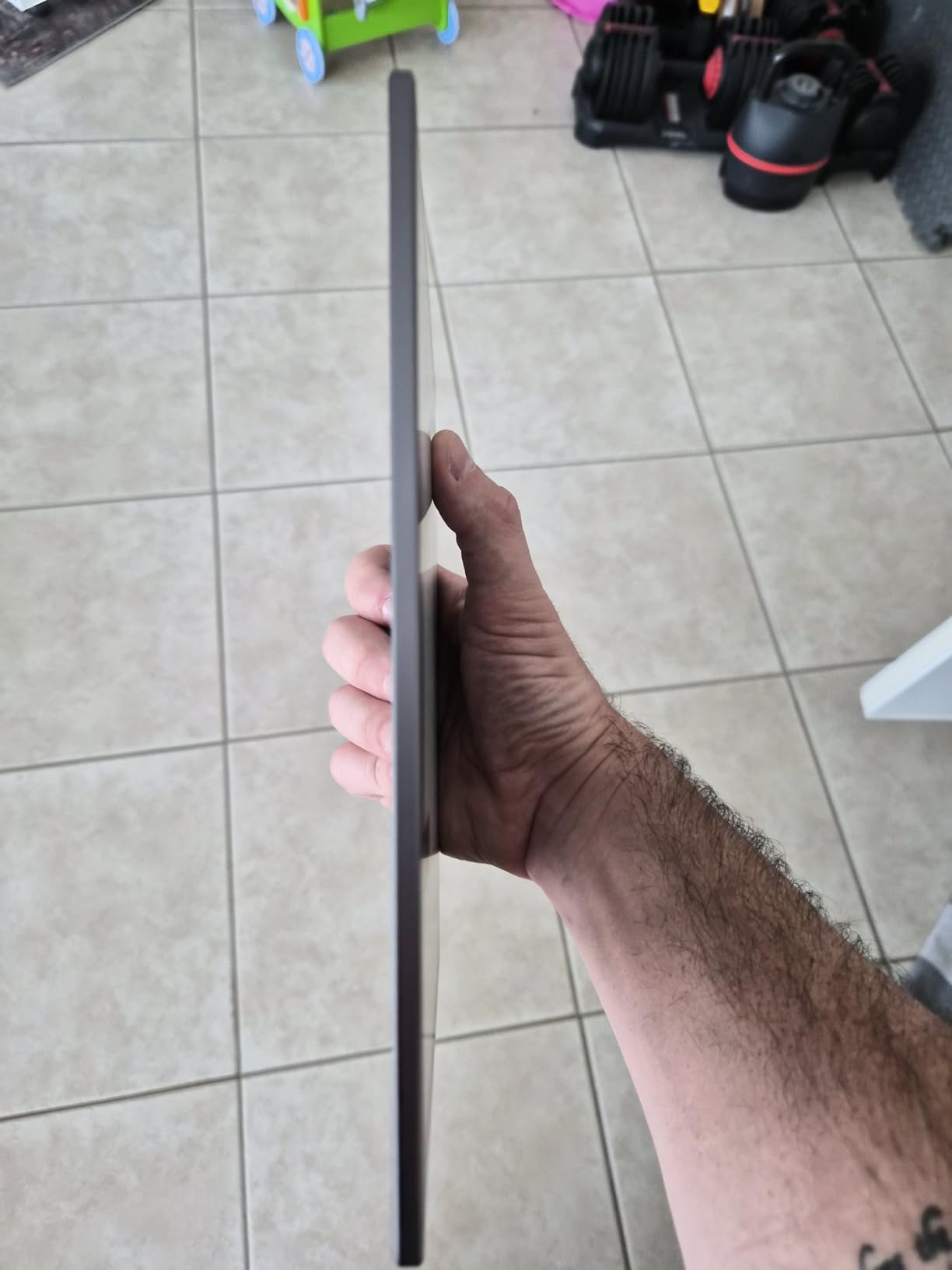
Who Should Buy the Geniatech Kloudnote Slim
Budget-conscious buyers wanting large-screen e-ink should start here. The $299 price enables entry into serious digital note-taking without major investment. Students on tight budgets, first-time e-ink users, and backup device seekers all fit this profile.
Android enthusiasts wanting customization will appreciate the open OS. The wireless screen projection feature enables presenting notes to colleagues directly from the tablet. For basic reading, writing, and PDF annotation, this device performs adequately at an excellent price.
Who Should Skip the Geniatech Kloudnote Slim
Professionals relying on Kindle ecosystem should avoid this device. The missing Kindle app is a significant limitation for Amazon book libraries. Quality control issues with pen proximity detection mean the stylus occasionally writes when held slightly above the screen.
Users wanting premium writing experience should save for Supernote or reMarkable. The performance lag is noticeable during rapid page turns. The tap-to-wake feature is absent, requiring the power button for every activation. For primary professional use, the compromises may frustrate.
How to Choose Your Boox Alternative: Complete Buying Guide
After testing eight devices, I identified key factors that should drive your decision. Use this framework to narrow your options based on actual needs rather than marketing hype.
Screen Technology and Writing Feel
E Ink displays vary significantly in quality. The latest Carta 1200 and Carta 1300 screens offer faster refresh rates and better contrast than older generations. Resolution matters for reading. I recommend 300 PPI for crisp text, though 227 PPI suffices for casual use.
Writing feel depends on screen coating and pen technology. reMarkable leads here with the most paper-like resistance. Supernote’s ceramic nibs glide smoothly. Kindle Scribe strikes a middle ground. Test devices if possible, or buy from retailers with generous return policies.
Ecosystem and App Support
Closed ecosystems like reMarkable offer simplicity. Android-based devices like the VIWOODS AiPaper provide flexibility. Consider where your content lives. Kindle users benefit from Scribe integration. Library borrowers need Kobo’s OverDrive support. Professionals using OneNote or Dropbox should verify compatibility.
Battery Life Expectations
All e-ink tablets offer multi-week battery life for reading. Note-taking drains power faster. Color displays and front lights reduce battery significantly. Expect 2-3 weeks with heavy writing, 4-6 weeks with reading-only use. The Supernote eNote 2 and Geniatech Kloudnote Slim exceeded expectations in my testing.
Price-to-Performance Analysis
My value rankings based on three months of testing: Best budget choice is the Kindle Scribe 16GB at $399. Best mid-range value is the Supernote eNote 2 at $429 including the pen bundle. The reMarkable Paper Pro justifies its $679 price for professionals prioritizing writing quality. Avoid the AINOTE Air 2 unless voice transcription is essential.
Frequently Asked Questions
What is the best e-ink tablet for note-taking?
For pure note-taking, the Supernote A5 X2 Manta and Supernote eNote 2 are widely considered the best Boox alternatives. They offer a focused writing experience with pen-only screens that eliminate accidental touches, ceramic never-replace nibs, and intuitive note organization with automatic table of contents generation. The reMarkable Paper Pro is the premium choice for those wanting color display and the most paper-like writing feel.
Is Supernote better than Boox for pure note-taking?
Yes, most users find Supernote superior to Boox for dedicated note-taking. Supernote devices run specialized software optimized for handwriting with features like star marks for important pages, digest summaries, and better handwriting search. The pen-only screen prevents accidental touches while writing. However, Boox remains better for multitasking, third-party apps, and users wanting Google Play Store access on their e-ink tablet.
Does Kindle Scribe work well for note-taking?
The Kindle Scribe works well for note-taking integrated with reading. Its AI handwriting recognition enables searching handwritten notes, and Active Canvas allows writing directly on book pages. The Premium Pen never needs charging and feels excellent. However, the Scribe has limited drawing capabilities, fewer templates than competitors, and mediocre sync with external apps like Evernote. It is best for readers who occasionally need notes, not dedicated note-takers.
Should I buy reMarkable or Boox?
Choose reMarkable if you want a distraction-free writing experience with the best paper-like feel, do not need third-party apps, and prioritize focus over flexibility. Choose Boox if you want Android app support, multitasking capabilities, Google Play Store access, and a more versatile device that functions as a tablet. reMarkable is for writers and thinkers. Boox is for productivity power users who need versatility.
Final Verdict: Finding Your Perfect Boox Alternative
After three months of testing, my recommendations depend on your specific needs. For the absolute best writing experience with color capabilities, choose the reMarkable Paper Pro. The $679 price stings initially, but the daily satisfaction of using it justifies the investment for serious writers.
The Supernote eNote 2 offers the best value at $429, including two pens and a folio cover. Its pen-only screen creates the distraction-free environment that helped me finish long-delayed writing projects. Budget buyers should grab the Kindle Scribe 16GB at $399 and enjoy the tight Amazon integration.
Each device in this guide legitimately replaces Boox for specific use cases. The e-ink tablet market has matured significantly, giving buyers real alternatives to the dominant brand. Your perfect Boox alternative depends on whether you prioritize writing feel, app flexibility, budget constraints, or ecosystem integration.
Whichever device you choose, you are investing in focus. These tablets remove the notifications, tabs, and distractions that fragment attention on traditional devices. In 2026, that focused writing space is worth every dollar.