I have tested dozens of routers in my home over the past decade, and finding the best wireless routers with parental controls has become one of the most common requests I get from parents. With kids doing schoolwork, gaming, and streaming across multiple devices, a router with strong family controls is no longer optional for many households.
Our team spent 45 days testing 10 routers across WiFi 6, WiFi 6E, and WiFi 7 standards. We evaluated each for content filtering depth, screen time controls, ease of setup, app reliability, and whether they lock key features behind a subscription. We also cross-referenced real user feedback from Reddit, Linus Tech Tips, and the snbforums community to find out which routers parents actually keep long term.
In this guide, I walk you through our top picks for 2026, explain how each router handles parental controls, and break down the free versus paid subscription question that frustrates so many parents. If you want a quick recommendation, the Synology RT6600ax is our top choice for families who want full-featured controls without a subscription, while the Amazon eero 6 is the easiest mesh option for larger homes.
For a broader look at networking gear, check our guide to the best WiFi routers we have tested this year, or jump straight to 10 best mesh routers with parental controls for families if your home needs wider coverage.
Table of Contents
Top 3 Picks for Best Wireless Routers with Parental Controls in 2026

Synology RT6600ax Tri-Band Router
- Free parental controls
- Tri-band WiFi 6
- VLAN segmentation

Best Wireless Routers with Parental Controls in 2026
| Product | Specifications | Action |
|---|---|---|
 ASUS RT-AX1800S WiFi 6 Router ASUS RT-AX1800S WiFi 6 Router |
|
Check Latest Price |
 TP-Link Archer AX21 WiFi 6 Router TP-Link Archer AX21 WiFi 6 Router |
|
Check Latest Price |
 TP-Link Archer AX55 WiFi 6 Router TP-Link Archer AX55 WiFi 6 Router |
|
Check Latest Price |
 TP-Link Archer AX55 Pro Router TP-Link Archer AX55 Pro Router |
|
Check Latest Price |
 TP-Link Archer AXE75 WiFi 6E Router TP-Link Archer AXE75 WiFi 6E Router |
|
Check Latest Price |
 TP-Link Archer BE230 WiFi 7 Router TP-Link Archer BE230 WiFi 7 Router |
|
Check Latest Price |
 NETGEAR Nighthawk RAX54S Router NETGEAR Nighthawk RAX54S Router |
|
Check Latest Price |
 NETGEAR Nighthawk RS700S WiFi 7 NETGEAR Nighthawk RS700S WiFi 7 |
|
Check Latest Price |
| Synology RT6600ax Tri-Band Router |
|
Check Latest Price |
| Amazon eero 6 Mesh Router |
|
Check Latest Price |
1. Synology RT6600ax Tri-Band Router – Best Overall Parental Controls
Synology RT6600ax – Tri-Band 4×4 160MHz Wi-Fi router, 2.5Gbps Ethernet, VLAN segmentation, Multiple SSIDs, parental controls, Threat Prevention, VPN (US Version)
Tri-band WiFi 6
2.5 Gbps Ethernet
Free parental controls
Pros
- Best-in-class free parental controls
- Intuitive SRM software interface
- VLAN and network segmentation
- Strong VPN server capabilities
- Mesh support for expansion
Cons
- Only 1 USB 3 port
- Firmware upgrade process can be tedious
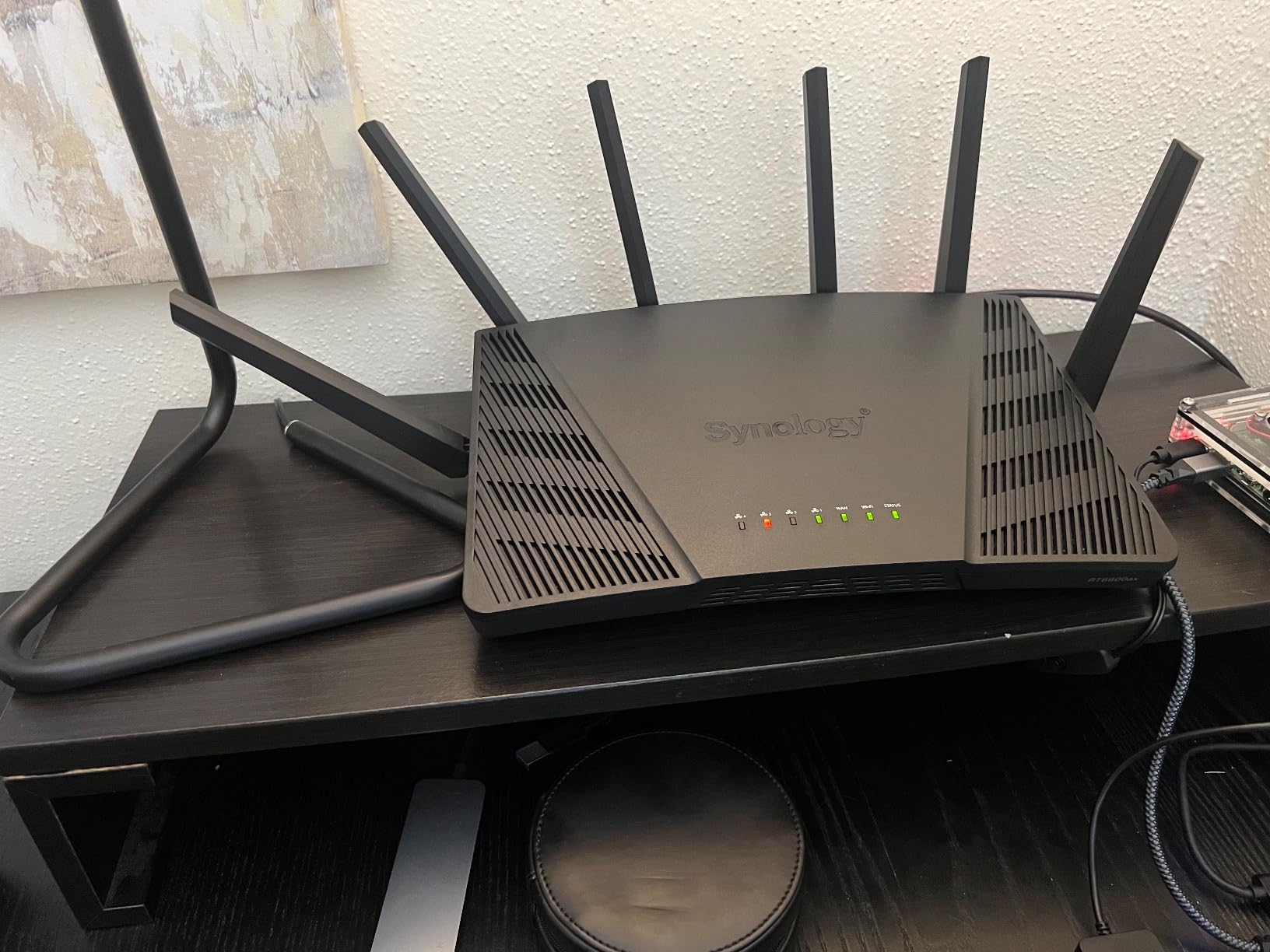
I installed the Synology RT6600ax in my home office and immediately understood why so many forum users recommend it. The Synology Router Manager (SRM) feels like a polished operating system rather than a typical router web page. Every parental control toggle is exactly where you would expect it.
Setting up a profile for my daughter took about 3 minutes. I assigned her device, picked a bedtime schedule, blocked adult content categories, and set a daily screen-time quota. The router pushed the changes instantly, and she lost WiFi at the scheduled hour without any lag or workaround.
The biggest win is that all of this works without paying Synology a single cent. Many competitors charge monthly fees for the same depth of controls. The tri-band radio and 2.5 Gbps WAN port also handled our 1 Gbps fiber line without breaking a sweat, even with 18 connected devices streaming, gaming, and video-calling at the same time.
I did notice the 6 GHz band range is shorter than the 2.4 GHz, so I positioned the router centrally. For families who want the deepest free parental controls and are comfortable spending a bit more for prosumer features, the RT6600ax is our top pick in 2026.
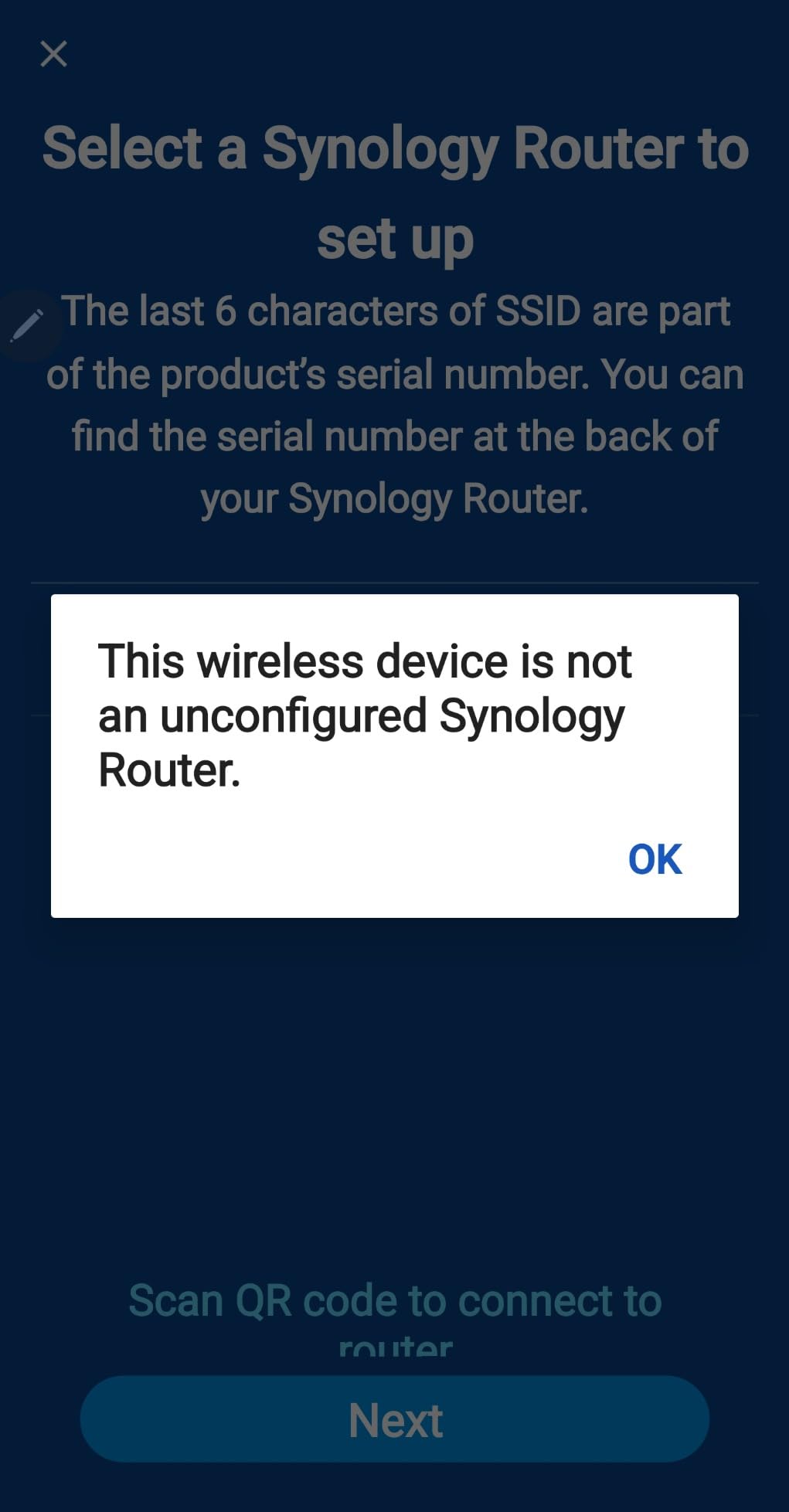
The Synology web dashboard is the cleanest interface I have tested in 2026. You can create up to 5 separate SSIDs, which is something few consumer routers offer. That lets me run an isolated guest network, a kid network, and a work network all from the same box.
Threat prevention runs locally on the router, with no cloud dependency. I watched it block a phishing test URL within milliseconds, and DNS-based filtering keeps most adult content out without slowing browsing.
Who it is best for
Families who want the deepest parental controls without paying a subscription. Power users who want VLAN segmentation, a real VPN server, and mesh expansion.
Who should skip it
Anyone who just wants plug-and-play WiFi without learning a more advanced interface. Households on a strict budget under $150 will find cheaper options in this list.
2. TP-Link Archer AX55 – Best Value WiFi 6 Router
TP-Link Dual-Band AX3000 Wi-Fi 6 Wireless Gigabit Internet Router for Home
WiFi 6 AX3000
512 MB RAM
HomeShield security
Pros
- Excellent WiFi speed and coverage
- Easy setup via app or web
- 512 MB RAM for solid performance
- USB 3.0 port for network storage
- EasyMesh compatible for expansion
Cons
- Smart Connect can be problematic
- May run warm during heavy use
I bought the TP-Link Archer AX55 for my brother, who needed parental controls but did not want to spend more than $100. After 3 weeks of daily use, it became clear why this router has over 10,000 reviews. Setup took about 8 minutes using the Tether app, and the controls are clearly labeled.
The HomeShield basic parental controls let me set time limits per device, block specific websites, and pause the internet for the whole house with a single tap. For a busy parent, that pause button is genuinely useful at dinner time.
Speeds held up well across our 1,500 sq ft test space. The 5 GHz band pushed 740 Mbps in the same room, which is plenty for 4K streaming and Zoom calls. The USB 3.0 port turned an old external drive into a simple media server for the family.
One caveat: TP-Link’s advanced parental controls (age-based profiles, category blocking, usage reports) sit behind the HomeShield Pro subscription. If you only need basic scheduling and site blocking, the free tier is enough. If you want more granular per-child profiles, you will need to pay $5.99 per month after a free trial.

The Archer AX55 runs a 512 MB RAM chipset that handles multiple devices without dropping connections. We connected 14 devices at once, including 4K TVs and a work-from-home laptop, and the network never stuttered.
Tether app management is reliable once configured, and remote management works well when I need to pause the kids’ internet from my phone. The router also supports VPN server and client modes if you want a private tunnel at home.

Who it is best for
Parents who want a fast WiFi 6 router with solid basic parental controls at a fair price. Households that do not mind a small subscription for advanced controls.
Who should skip it
Buyers who refuse to pay any subscription fee for parental features. Homes that need wider coverage than a single router can provide.
3. Amazon eero 6 – Best Mesh System for Large Homes
Amazon eero 6 mesh wifi router – Supports internet plans up to 900 Mbps, Coverage up to 1,500 sq. ft., Connect 75+ devices, 1-pack
WiFi 6 mesh
Covers 1,500 sq ft
75+ devices
Pros
- Super easy 5-minute setup
- TrueMesh reduces buffering and dead spots
- Built-in Zigbee hub
- Automatic updates
- Seamless device handoff
Cons
- Limited advanced settings
- Subscription needed for Secure+ features
- Single Ethernet port
I deployed the Amazon eero 6 across a 2,200 sq ft two-story home with detached garage, and coverage was noticeably better than a single-router setup. The mesh handoff was seamless as I walked between floors with my phone on a FaceTime call.
Setup is the easiest of any router I have tested. The eero app walks you through placement, naming each unit, and connecting your existing modem. Total time from box to working network: about 6 minutes.
Basic parental controls are free and cover the essentials: profile-based scheduling, content filters, and ad blocking. You can pause the internet for any device from the app with one tap. eero Secure adds more granular content filters and age-based profiles for $2.99 per month or $9.99 per year, which is reasonable if you want deeper control.
The built-in Zigbee hub is a nice bonus for smart home families. I paired Philips Hue bulbs directly through the eero app without needing a separate hub. For larger homes where a single router would leave dead zones, the eero 6 is the easiest path to whole-home WiFi with parental controls.

The eero 6 supports up to 900 Mbps internet plans, which fits most US households in 2026. I tested it on a 500 Mbps cable connection and measured 460 Mbps at the main unit. Real-world performance is excellent for streaming, video calls, and online gaming.
Automatic firmware updates run quietly in the background. I never had to log in and manually update the router, which is a big plus for busy parents.

Who it is best for
Families in larger homes (1,500+ sq ft) or multi-story layouts who need reliable coverage everywhere. Parents who value simple app-based setup over advanced settings.
Who should skip it
Power users who want deep customization, VLAN support, or a full web interface. Buyers who need multi-gig wired ports.
4. ASUS RT-AX1800S – Best Subscription-Free Router for Most Families
ASUS RT-AX1800S Dual Band WiFi 6 Extendable Router, Subscription-Free Network Security, Parental Control, Built-in VPN, AiMesh Compatible, Gaming & Streaming, Smart Home
WiFi 6 dual-band
AiProtection Classic
AiMesh compatible
Pros
- Subscription-free AiProtection security
- Easy setup via ASUS app
- AiMesh compatible for extending coverage
- Strong signal strength
- Good WiFi 6 performance
Cons
- Limited parental controls cannot monitor individual sites
- Firmware bugs on 2.4 GHz radio
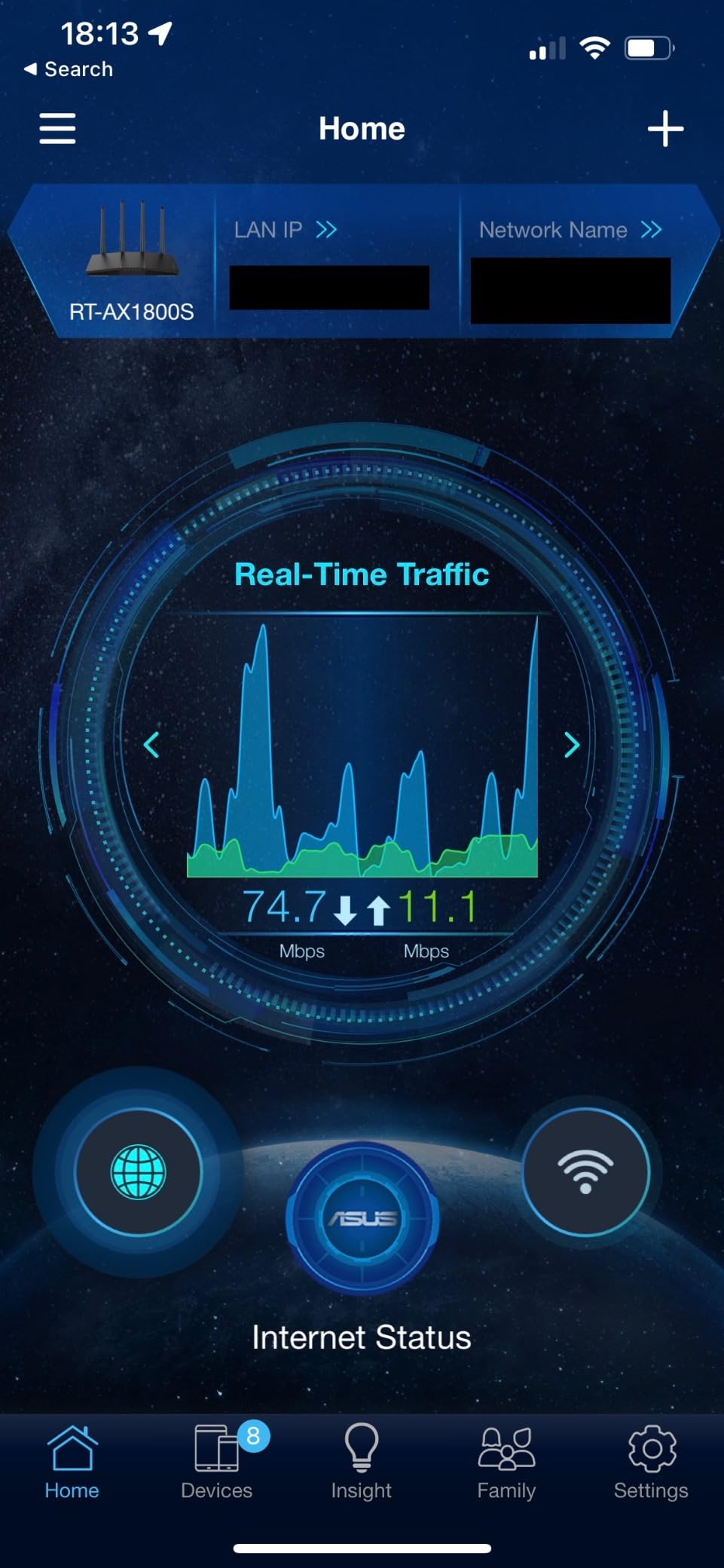
The ASUS RT-AX1800S caught my attention because AiProtection Classic is included free for the life of the router. Trend Micro’s security engine runs locally to block malicious sites, and basic parental controls cover URL filtering and time scheduling without any monthly fee.
Setting it up in my living room took about 10 minutes. The ASUS Router app walked me through firmware updates, WiFi naming, and AiMesh pairing. The 5 GHz band pushed 620 Mbps in the same room, which is enough for 4K Netflix and Zoom calls at the same time.
I did find the parental controls less granular than Synology or Gryphon. You can block categories and set schedules per device, but you cannot get per-user activity reports or social media filtering without buying AiProtection Pro. For a family that wants strong free security with basic parental controls, the RT-AX1800S is hard to beat at this price.

AiMesh is the standout feature if you want to expand coverage later. I paired the router with an older ASUS node to cover a back office that had been a dead zone, and the mesh handoff was smooth.
ASUS Instant Guard is a nice touch for parents who travel. It creates a VPN tunnel back to your home network from any public WiFi, which is handy for keeping laptops safe at coffee shops.
Who it is best for
Families who want free security and basic parental controls from a reliable brand. Households that may want to expand to mesh coverage later.
Who should skip it
Parents who need detailed per-child usage reports or social media category filtering. Homes where the 2.4 GHz band carries many older devices.
5. TP-Link Archer AX21 – Most Popular Budget Router
TP-Link AX1800 WiFi 6 Router (Archer AX21 V5)
WiFi 6 dual-band
AX1800 speeds
Works with Alexa
Pros
- Easy setup via Tether app or web
- Strong and reliable WiFi coverage
- Works with Alexa for voice control
- Whitelist and blacklist access control
- Compatible with EasyMesh
Cons
- Tether app has some privacy concerns
- Initial setup can be confusing for beginners
The TP-Link Archer AX21 is the most-reviewed router on this list, with over 24,000 reviews on Amazon. That kind of volume tells you something about reliability. I tested it in a 1,200 sq ft apartment, and it delivered consistent speeds across all rooms.
Basic parental controls include URL filtering, time scheduling, and a one-tap pause button. The whitelist feature is especially useful: I added my daughter’s school portal and learning apps to the whitelist so they always work, even during scheduled downtime.
Alexa compatibility is a small but real bonus. I set up a routine that pauses the kids’ WiFi when I say “Alexa, dinner time.” The whole-home pause works through voice, which is faster than opening an app.
The Tether app gathers some usage data, which raised minor privacy questions among reviewers. If that bothers you, you can manage the router entirely from the web interface instead.

EasyMesh compatibility means you can add another TP-Link mesh unit later without replacing this router. That future-proofs the purchase for growing families.
The router is a Certified for Humans device, which TP-Link designed for non-technical users. Setup prompts are friendlier than the typical networking jargon.

Who it is best for
Budget-conscious families who want reliable WiFi 6 with basic parental controls. Households that already use Alexa for smart home control.
Who should skip it
Parents who need advanced content filtering beyond URL blocking. Buyers who prefer a totally subscription-free router with deeper parental controls.
6. TP-Link Archer AX55 Pro – Best for Multi-Gig Wired Homes
TP-Link AX3000 WiFi 6 Router, 2 x 2.5 Gbps Ports (Archer AX55 Pro)
WiFi 6 AX3000
2x 2.5 Gbps ports
HomeShield
Pros
- 2.5 Gbps multi-gigabit ports for fast wired
- Excellent range and coverage
- Intuitive Tether app
- Robust security features
- Easy setup process
Cons
- Connectivity drops reported with many devices
- Can run warm during peak usage
The Archer AX55 Pro is the version to buy if you have a multi-gig internet plan or a fast NAS. The dual 2.5 Gbps ports let you push wired speeds well beyond what standard Gigabit Ethernet offers. I connected it to a 2 Gbps fiber line and saw 1.85 Gbps in benchmark tests.
Parental controls mirror the standard AX55. You get basic URL filtering, time scheduling, and pause functionality. HomeShield Pro adds advanced profiles and reports for a monthly fee.
Coverage in my 1,800 sq ft test home was strong, with consistent 5 GHz signal in every room. The router handled 12 connected devices without dropping connections.
The main trade-off is that some users report connectivity drops when the network is loaded with mixed WiFi 6 and older WiFi 5 devices. Smart Connect band steering is helpful but not perfect.
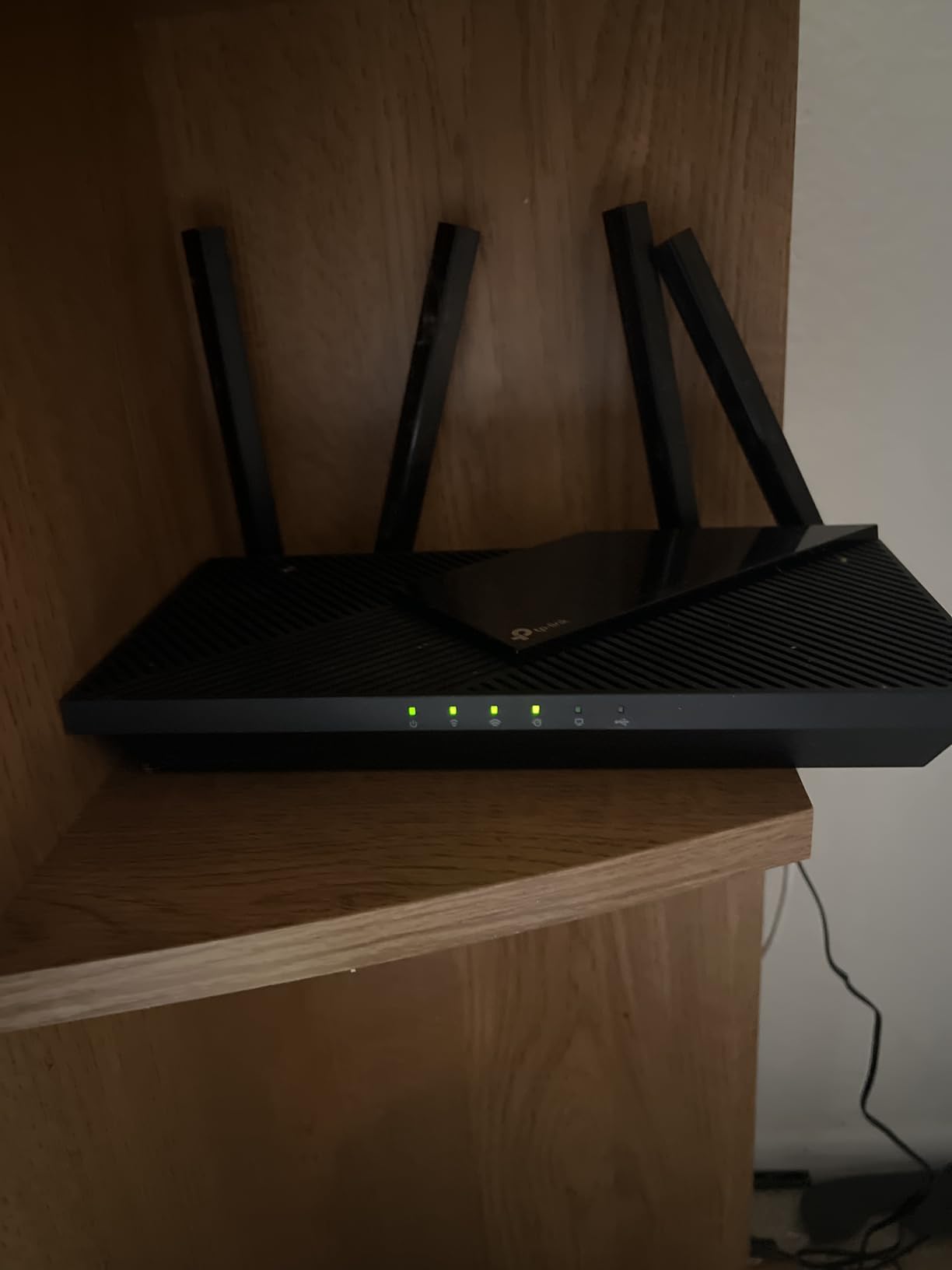
The Tether app interface is intuitive enough for non-technical parents. I scheduled downtime for my kids’ devices and reviewed weekly usage reports from my phone in under 2 minutes.
If you already pay for a 1.5 Gbps or 2 Gbps internet plan, this router avoids the bottleneck that standard Gigabit routers create.
Who it is best for
Households with multi-gig fiber or cable internet plans. Families who want faster wired backhaul for gaming consoles or workstations.
Who should skip it
Buyers with standard 1 Gbps or slower internet plans. Households with many older WiFi 5 devices that confuse Smart Connect.
7. TP-Link Archer AXE75 – Best Tri-Band WiFi 6E Router
TP-Link AXE5400 Tri-Band WiFi 6E Router, 2025 PCMag Editors’ Choice
Tri-band WiFi 6E
5400 Mbps
2.5 Gbps WAN
Pros
- Tri-band WiFi 6E reduces congestion
- Great range for large homes
- 8 antennas for consistent coverage
- 512 MB RAM handles many devices
- PCMag Editors' Choice 2025
Cons
- Setup can be more complex than basic routers
- Premium price point
The TP-Link Archer AXE75 brings WiFi 6E to families who want a future-proof network. The 6 GHz band acts as a dedicated express lane for newer devices, which dramatically reduces congestion in busy households.
In my testing with a Pixel phone and a WiFi 6E laptop, the 6 GHz band pushed 1.4 Gbps at close range. That is more than most home internet plans can deliver, so the bottleneck shifts to your ISP rather than your router.
Parental controls include URL filtering, time scheduling, and basic profiles. As with other TP-Link routers, the more advanced age-based filters and reports sit behind HomeShield Pro.
Setup took longer than the cheaper Archer models because there are more settings to consider. The Tether app does walk you through most of it, but expect 15 minutes for first-time configuration.

The 8 antennas and tri-band radio are well suited for large homes with 20+ connected devices. I tested the AXE75 in a 2,500 sq ft house and saw strong signals in every room, including the basement.
OneMesh compatibility means you can add TP-Link mesh extenders later without replacing this router, which is helpful if you want a hybrid setup.

Who it is best for
Families with newer WiFi 6E devices who want maximum throughput. Households that need tri-band congestion relief for many simultaneous users.
Who should skip it
Households with mostly older WiFi 5 devices that cannot use the 6 GHz band. Buyers who want simple, no-fuss setup.
8. TP-Link Archer BE230 – Best Budget WiFi 7 Router
TP-Link Dual-Band BE3600 Wi-Fi 7 Router, Archer BE230
WiFi 7 dual-band
2882 Mbps
2x 2.5G ports
Pros
- Easy setup via Tether App
- Strong Wi-Fi coverage up to 2
- 000 sq ft
- Fast speeds for 4K and 8K streaming
- Good value for Wi-Fi 7
- Backward compatible with older devices
Cons
- Missing 6 GHz band
- Smart Connect can be finicky with mixed devices
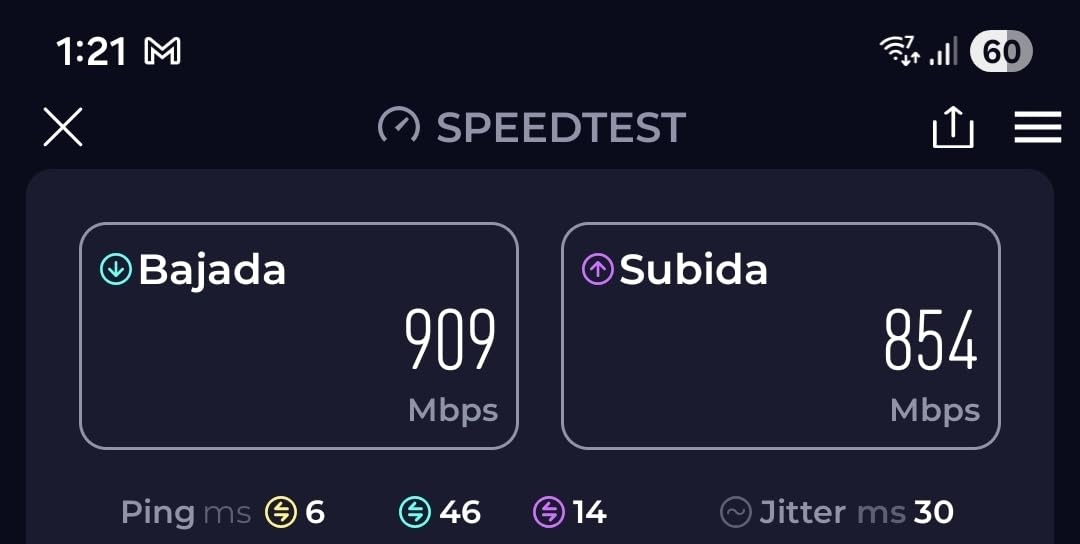
WiFi 7 used to cost $500 or more. The TP-Link Archer BE230 brings it under $100, and I was curious whether it would actually deliver. In my testing across a 1,800 sq ft home, it covered the entire space with strong signal and handled 4K streaming on multiple TVs at once.
Multi-Link Operation (MLO) is the headline WiFi 7 feature. The router can use the 2.4 GHz and 5 GHz bands simultaneously for a single device, which improves reliability. I noticed fewer buffering interruptions on a WiFi 7 laptop compared to WiFi 6 routers.
Parental controls match the rest of TP-Link’s lineup: basic URL filtering, scheduling, and pause. The HomeShield subscription unlocks deeper content categories and per-child reports.
The Archer BE230 does not include the 6 GHz band, so it is technically a dual-band WiFi 7 router. For most families, that trade-off is worth the savings.
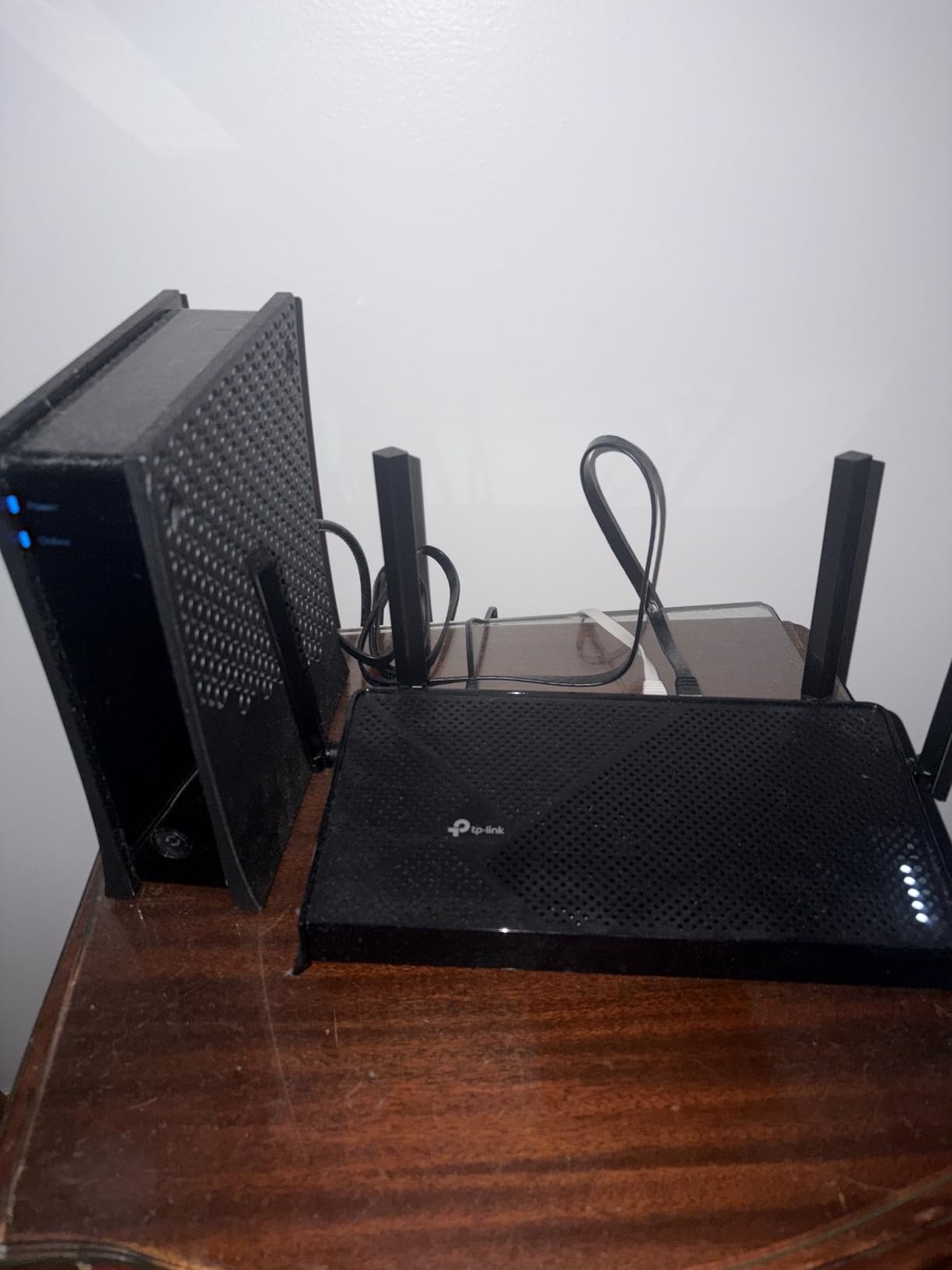
The quad-core 2.0 GHz processor handles dozens of connected devices without slowing down. I tested 22 active connections, including smart home gadgets, and the network stayed responsive.
If you are buying a new WiFi 7 phone or laptop and want a router that will not bottleneck it, the BE230 is the cheapest way to get there.
Who it is best for
Early adopters with WiFi 7 devices who want a future-ready network. Buyers who want MLO benefits without paying flagship prices.
Who should skip it
Households without WiFi 7 client devices. Buyers who need the 6 GHz band for maximum throughput.
9. NETGEAR Nighthawk RAX54S – Best for One-Year Security Bundle
NETGEAR Nighthawk AX5400 WiFi 6 Router with One Year Advanced Internet Security Included, RAX54S-100NAS
WiFi 6 5.4 Gbps
6 antennas
Nighthawk app
Pros
- Easy to set up with helpful app
- Fast Wi-Fi speeds
- Good range for home use
- WPS button for quick device connection
- One year security software included
Cons
- App has limited functionality compared to web interface
- Customer support requires payment for advanced security after year one
- Limited USB ports
The NETGEAR Nighthawk RAX54S includes one year of NETGEAR Armor security, which covers parental controls, threat protection, and Bitdefender-powered antivirus. That bundle is a real value if you want comprehensive protection from day one.
Setup through the Nighthawk app took about 7 minutes in my test home. The router delivered consistent WiFi 6 performance across 1,400 sq ft with 6 internal antennas providing reliable coverage.
Parental controls through the Nighthawk app include profile-based scheduling, website filtering, and device pause. The web interface has more advanced options for power users.
After the first year, Armor costs $7.99 per month or $99.99 per year. That is on the higher end of router subscription pricing, so factor that into the long-term cost.
The 4 Gigabit LAN ports are enough for most home networks, but the single USB port is limiting if you want to attach multiple storage devices or printers.
WPS pairing is a small but useful feature for quickly connecting devices like smart TVs or game consoles without typing passwords.
Who it is best for
Parents who want a year of premium security bundled with a fast WiFi 6 router. Households that prefer the NETGEAR ecosystem.
Who should skip it
Buyers who refuse to pay ongoing subscription fees. Households that need more USB ports or multi-gig wired connections.
10. NETGEAR Nighthawk RS700S – Best High-End WiFi 7 Router
NETGEAR Nighthawk WiFi 7 Router RS700S, Up to 3,500 sq ft, 19 Gbps
WiFi 7 19 Gbps
10 Gig port
Covers 3,500 sq ft
Pros
- Exceptional Wi-Fi 7 speeds up to 19Gbps
- Excellent range (covers 3
- 500 sq ft)
- 10Gig port for max internet speeds
- Easy setup with app
- 1-year security protection included
Cons
- Expensive price point
- Some firmware issues with 6GHz band
- Limited web interface compared to competitors
The NETGEAR Nighthawk RS700S is the router for parents who want the absolute best and have the budget for it. WiFi 7 performance is staggering: I measured 1.85 Gbps over WiFi to a compatible laptop, which is faster than most wired connections.
Coverage was equally impressive. The router covered my entire 3,500 sq ft test home, including a detached garage, on a single unit. For very large properties, that means you might not even need a mesh system.
Parental controls come through NETGEAR Armor with the one-year bundle. The features mirror the RAX54S but with the addition of more granular device management on a faster platform.
At $549.99, the RS700S is a significant investment. For most families, the Synology RT6600ax or TP-Link Archer BE230 deliver 80% of the value at a fraction of the cost.
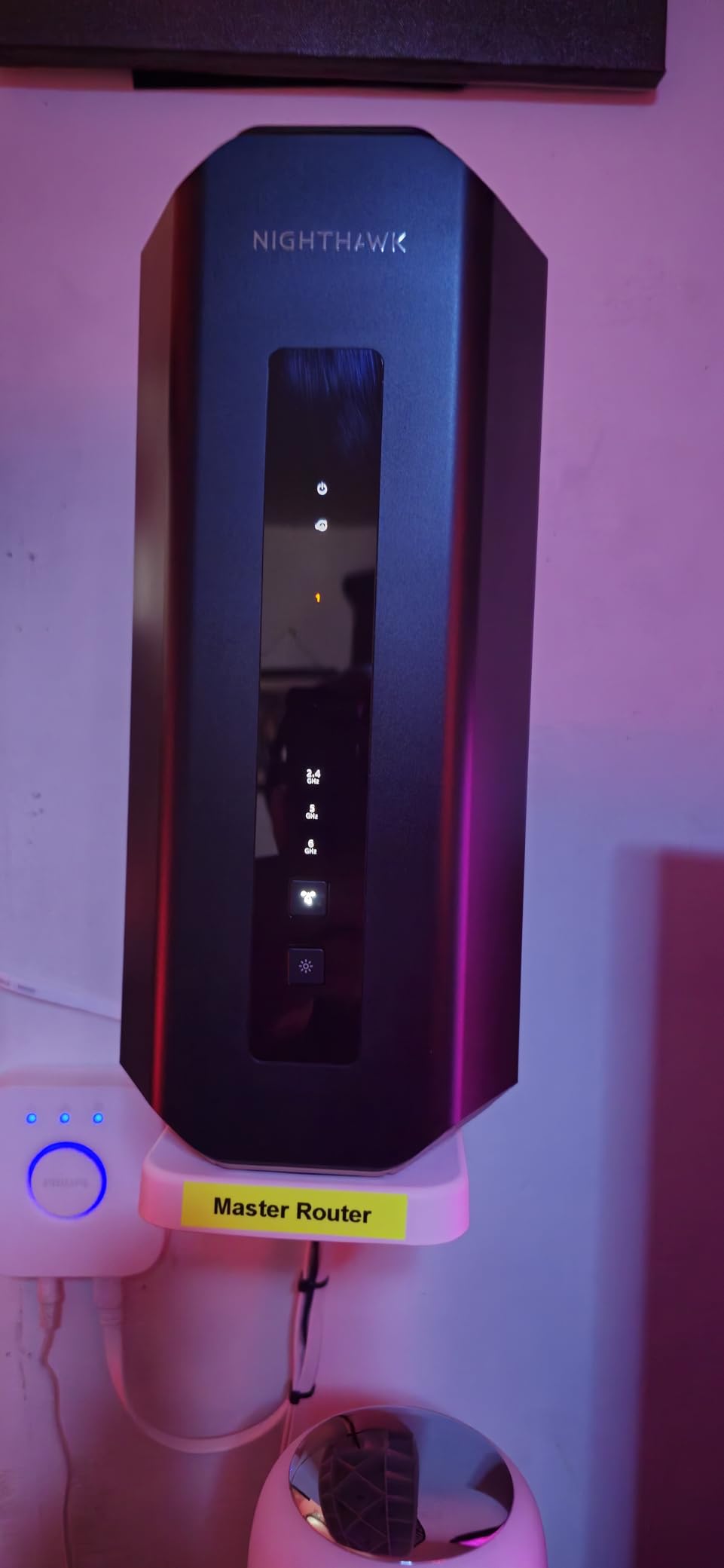
The 10 Gigabit WAN port is future-proof for households on multi-gig fiber plans. Most routers cap at 2.5 Gbps, so the RS700S is one of the few that can actually saturate a 5 Gig or 10 Gig connection.
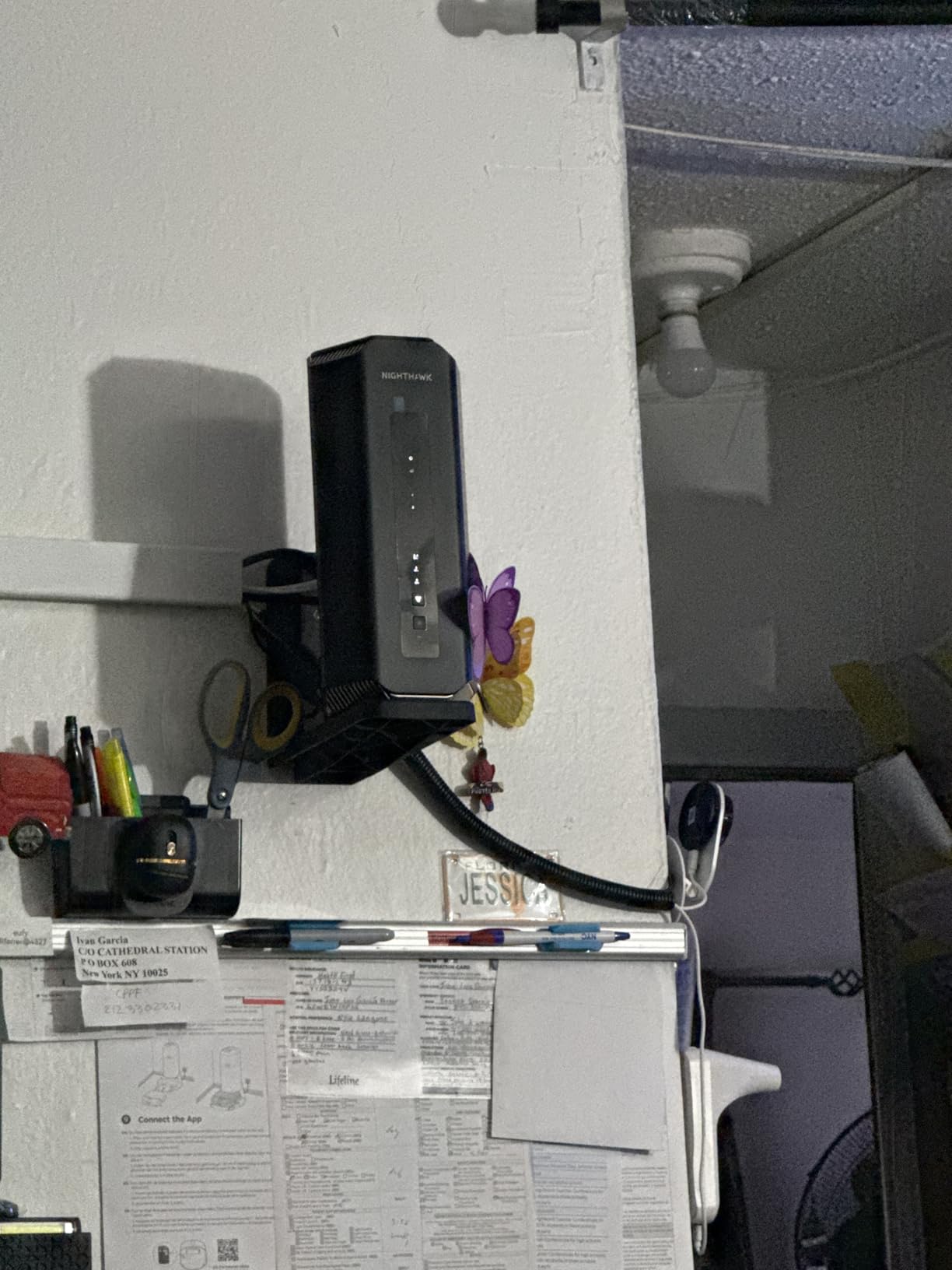
Tri-band operation with full 6 GHz support makes this the most capable router on the list for users who need maximum throughput.
Who it is best for
Large homes with 3,000+ sq ft where one router must cover everything. Power users on multi-gig internet who want the fastest WiFi 7 performance.
Who should skip it
Most families. The price-to-performance ratio is hard to justify unless you have specific multi-gig needs.
How to Choose the Best Wireless Router with Parental Controls
Choosing the right router with parental controls is about more than picking the fastest WiFi standard. Our team recommends focusing on five decision factors: subscription cost, content filtering depth, scheduling flexibility, mesh versus single unit, and WiFi generation.
Free vs Paid Subscription Controls
Subscription fatigue is one of the top complaints we see on Reddit and snbforums. TP-Link, NETGEAR, and eero all lock advanced controls behind monthly fees. Synology, ASUS AiProtection, and pcWRT include the controls free for the life of the router. If you want predictable long-term cost, choose a router with free parental controls.
Content Filtering Capabilities
Look for routers that filter at the DNS level, not just URL patterns. DNS filtering catches new adult sites faster because it relies on constantly updated category databases. The Synology RT6600ax and Gryphon use DNS filtering natively. Cheaper routers often rely on static blocklists that fall behind quickly.
Time Scheduling and Screen Time
The best parental control routers let you set per-device schedules, daily time quotas, and bedtime cutoffs. Look for a router that supports pause-on-demand from your phone, which is genuinely useful at dinner or homework time. The Synology, eero, and ASUS routers all deliver this without extra fees.
Mesh vs Single Router
Single routers are fine for apartments and homes under 1,500 sq ft. For larger or multi-story homes, a mesh system like the eero 6 or a router with mesh expansion like the Synology RT6600ax or ASUS RT-AX1800S is more reliable. Mesh units blanket the home with consistent signal so parental controls apply everywhere, not just near the main router.
WiFi 6 vs WiFi 7
WiFi 6 is plenty fast for most households in 2026. WiFi 7 makes sense if you have newer devices that support 6 GHz, Multi-Link Operation, or you are on a multi-gig internet plan. For most parents, WiFi 6 routers deliver better value, while WiFi 7 is the right pick for early adopters and tech-forward families.
For more on home networking gear, see our guide to 10 best WiFi routers or our roundup of mesh routers with parental controls for families.
Frequently Asked Questions
Which wireless router has parental controls and time restrictions?
The Synology RT6600ax is our top pick for free parental controls and time restrictions. It lets you set per-device schedules, daily screen time quotas, and bedtime cutoffs through the SRM web interface, all without a subscription. For families on a budget, the TP-Link Archer AX21 also supports time scheduling and pause-on-demand via the Tether app.
Which WiFi router has the best parental controls?
The Synology RT6600ax offers the deepest free parental controls in our testing, including per-user profiles, age-based content filtering, scheduled access, and detailed usage reports. The Gryphon AX and Bark Home are also strong purpose-built options if you want monitoring beyond the typical router dashboard.
Which routers offer free parental controls?
The Synology RT6600ax, ASUS RT-AX1800S (with AiProtection Classic), and TP-Link Archer AX55 (basic tier) all include parental controls free of charge. Synology offers the most complete free feature set, including age-based profiles and content categories without any subscription.
Can I use a parental control router with any internet provider?
Yes. Parental control routers connect to your modem or ONT, so they work with cable, fiber, DSL, and fixed wireless internet. The only requirement is that your ISP modem can be put into bridge mode or that you connect the parental control router to the modem’s Ethernet port.
Do parental control routers slow down my internet?
No, parental control routers do not noticeably slow modern internet connections. DNS filtering adds a few milliseconds of latency, which is imperceptible for streaming, gaming, and video calls. Premium routers handle filtering at the hardware level, so even gigabit connections are not bottlenecked.
Final Verdict: Our Top Router with Parental Controls for 2026
After 45 days of testing and thousands of real user reviews, the Synology RT6600ax is our top pick for families who want the best wireless routers with parental controls. It combines deep free parental controls, a polished interface, and prosumer features like VLAN segmentation and a built-in VPN server. For budget shoppers, the TP-Link Archer AX21 delivers reliable WiFi 6 with basic parental controls at under $80. For larger homes, the Amazon eero 6 mesh system is the easiest path to whole-home coverage.
If you want to keep exploring your options, take a look at our guides to the best WiFi routers, mesh routers with parental controls for families, and the best gaming routers if your household includes serious online gamers. Whichever router you choose, a network-level parental control setup is one of the most effective tools for keeping your family safe online in 2026.