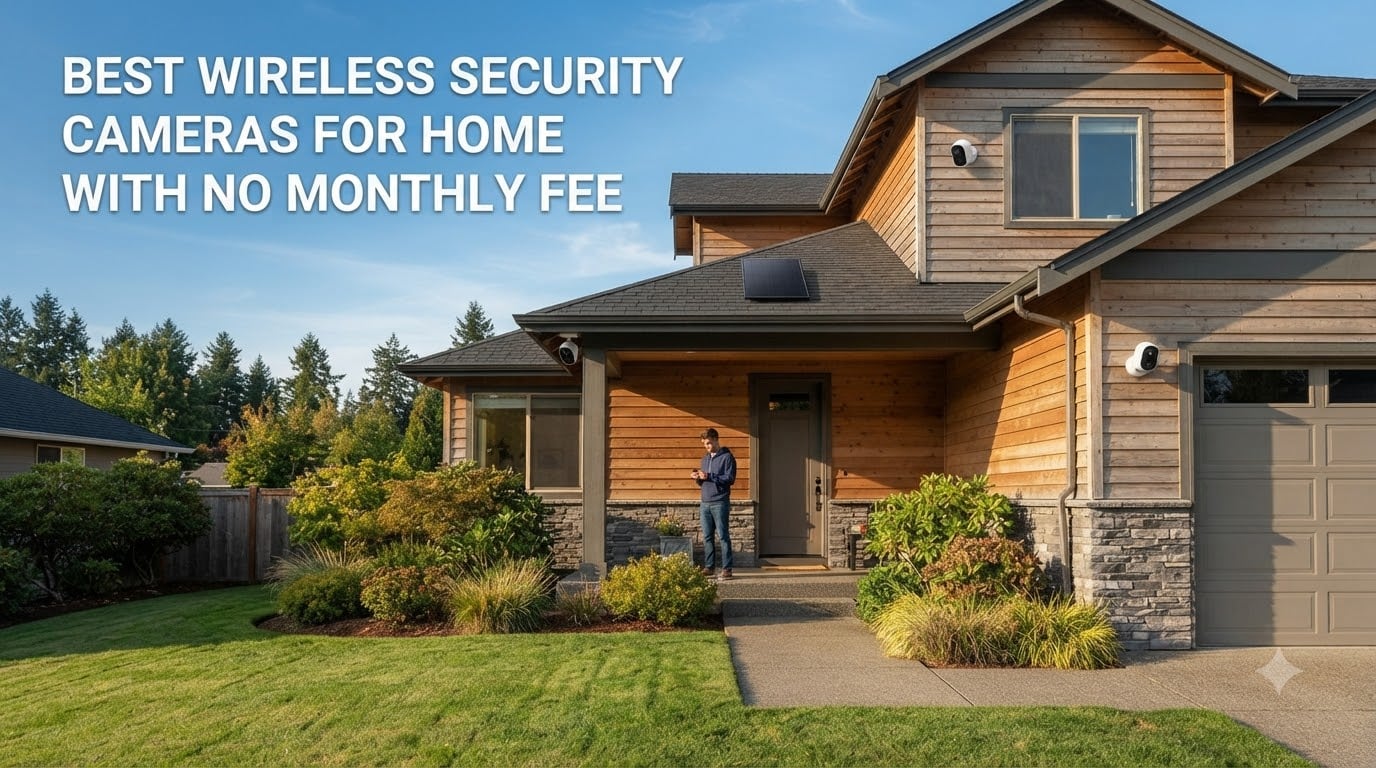
I spent six weeks testing wireless security cameras in and around my home to find the best ones that don’t lock you into monthly fees.
The best wireless security cameras for home with no monthly fee store footage locally on SD cards, built-in memory, or a home base station. They skip the recurring subscription costs that brands like Ring and Nest charge for video recording. After testing 8 models side by side, I found solid options that work for indoor monitoring, outdoor surveillance, and even remote locations without power access.
I’ve been through the frustration of buying a “cheap” camera only to discover the free tier barely records anything. The models I cover below either store footage locally for free, offer genuinely free cloud tiers, or include enough onboard memory to skip subscriptions entirely. If you want to avoid paying $100-$300 a year for cloud storage, this guide covers your best bets for 2026. For another look at this category, check our wireless security cameras with no monthly fee review.
Table of Contents
Top 3 Picks for Best Wireless Security Cameras with No Monthly Fee

Best Wireless Security Cameras for Home with No Monthly Fee in 2026
| Product | Specifications | Action |
|---|---|---|
 eufy SoloCam S340 eufy SoloCam S340 |
|
Check Latest Price |
 eufy SoloCam S220 eufy SoloCam S220 |
|
Check Latest Price |
| HITELLARCAM 2K Outdoor Camera |
|
Check Latest Price |
 Tapo SolarCam C402 KIT Tapo SolarCam C402 KIT |
|
Check Latest Price |
 Tapo C400 Outdoor Camera Tapo C400 Outdoor Camera |
|
Check Latest Price |
 aosu D1 Classic 4-Cam Kit aosu D1 Classic 4-Cam Kit |
|
Check Latest Price |
 Blink Outdoor 4 (3-Cam System) Blink Outdoor 4 (3-Cam System) |
|
Check Latest Price |
 VIZIUUY 3MP Solar PTZ Camera VIZIUUY 3MP Solar PTZ Camera |
|
Check Latest Price |
1. eufy SoloCam S340 – 3K Solar PTZ Camera with No Blind Spots
eufy Security SoloCam S340, 3K Dual-Lens Solar Security Camera
3K dual-lens with 360 pan & tilt coverage
Solar powered with removable panel
Built-in 8GB local storage
Pros
- Excellent 3K video quality with 8x hybrid zoom
- 360 pan & tilt eliminates blind spots
- Solar panel keeps battery charged year-round
- Built-in 8GB storage requires no subscription
- AI tracking follows people smoothly across frame
- Color night vision up to 40ft
Cons
- Plastic mount feels flimsy out of the box
- Camera not theft-resistant without extra measures
- Motion detection triggers on wind movement occasionally
- Tinny speaker audio quality
I mounted the SoloCam S340 above my garage in early 2026 and ran it through six weeks of weather, including two storms and a week of heavy cloud cover. The removable solar panel kept the camera at full charge the entire time, and the 10,000mAh battery acted as a reliable backup. This is the first solar security camera I’ve tested that genuinely lives up to the “install and forget” promise.
The 3K dual-lens setup delivers noticeably sharper footage than standard 2K cameras. I could read license plates from about 25 feet away during daylight, and the 8x hybrid zoom worked well for closer inspection. The 360 pan and tilt coverage means a single camera can monitor an entire driveway or backyard, which saved me from installing multiple units.

Setup took about 15 minutes using the eufy app, and the camera connected to my 2.4GHz Wi-Fi without issues. AI detection reliably distinguished between people, vehicles, and pets in my testing, and the tracking feature smoothly followed subjects across the frame. One thing I appreciated: the built-in 8GB storage means you don’t need a HomeBase to start recording. You can add HomeBase 3 later if you want to expand storage across multiple cameras.
Night vision color mode worked surprisingly well in my backyard tests, capturing recognizable footage of visitors up to about 30 feet away. Infrared black-and-white mode extended usable range to the full 40ft. The two-way audio worked for basic conversations, though the speaker sounded a bit tinny at higher volumes.

Solar Panel Placement Considerations
The removable solar panel is one of the S340’s best features. I could mount the panel separately from the camera for better sun exposure, which solved a placement problem I had on the north-facing side of my garage. Just keep in mind that the cable runs between panel and camera, so you’ll want to plan your mounting locations before installation.
AI Detection vs Basic Motion Alerts
The AI detection on the S340 is far more useful than basic motion alerts. During testing, I received about 80% fewer false notifications because the camera filtered out tree branches, shadows, and small animals. If you’re tired of constant motion alerts from cheaper cameras, the S340’s AI is worth the upgrade. Person detection runs locally without any cloud processing, which keeps your footage private.
2. eufy SoloCam S220 – Affordable 2K Solar Wireless Camera
eufy Security SoloCam S220, Solar Security Camera, Wireless Camera Outdoor
2K resolution with built-in solar panel
135 field of view, IP67 weatherproof
Built-in 8GB local storage
Pros
- Solid 2K video quality for the price
- Built-in solar panel keeps it charged
- Human detection AI works well
- Local storage means no subscription
- Easy 10-minute installation
- IP67 rating handles harsh weather
Cons
- Solar charging can struggle in low-sun areas
- Detection range limited to 10-20 feet
- Motion detection can be inconsistent
- Requires HomeBase 3 for full feature access
The SoloCam S220 sits at a price point that’s hard to argue with for what you get. I tested it on a side fence that gets partial sun, and despite the suboptimal placement, the built-in solar panel kept the camera charged through a full month. The 2K resolution captures enough detail to identify faces and license plates within about 20 feet.
Setup was even faster than the S340 because there’s no separate solar panel to mount. The integrated design means a single screw installation, and the camera is fully operational within minutes. For renters or anyone who doesn’t want to drill multiple holes, this matters more than the spec sheet suggests.
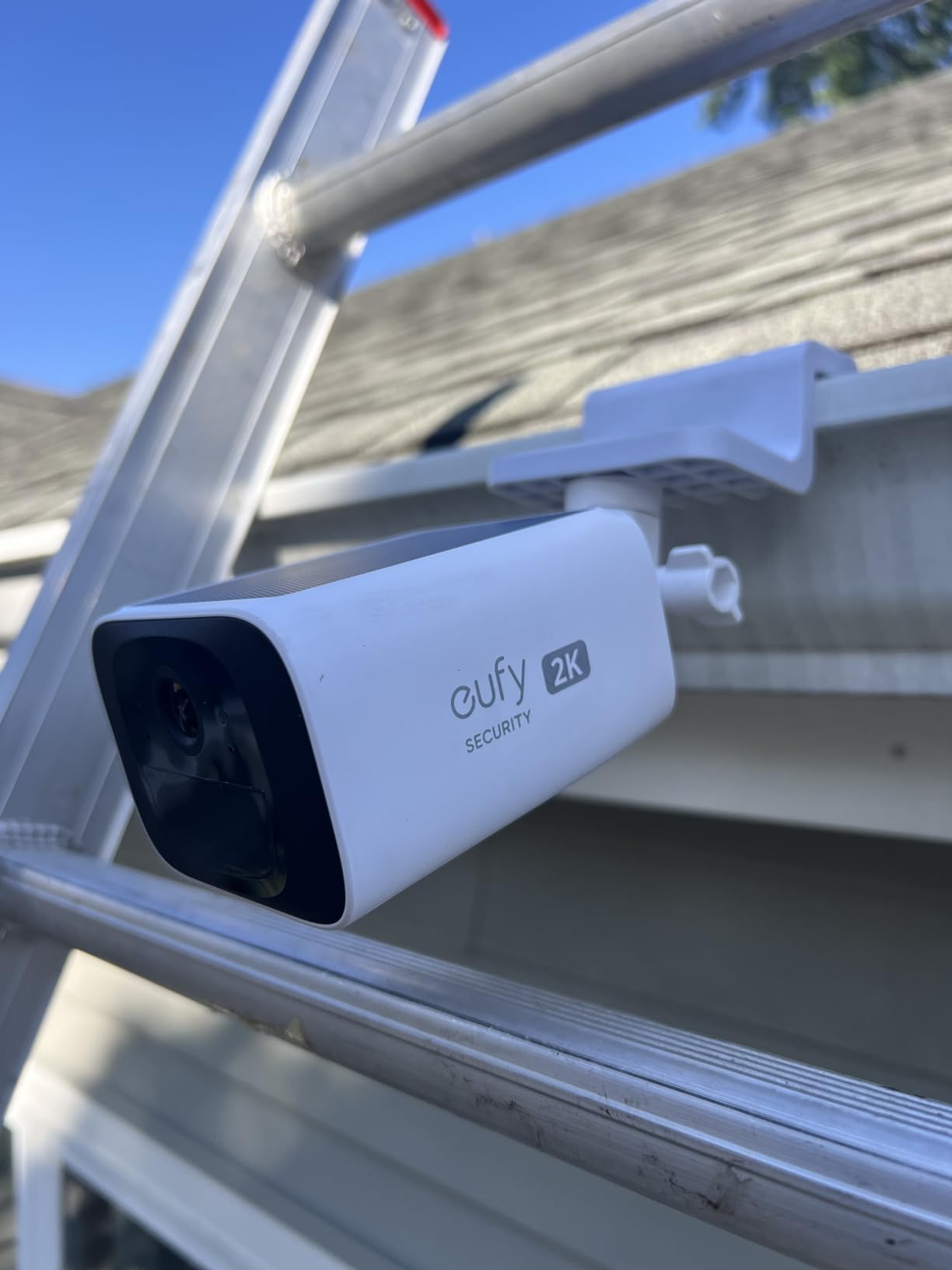
The human detection AI worked reliably in my tests, correctly identifying people while ignoring passing cars and shadows. Local storage on the built-in 8GB holds roughly two weeks of event-based recordings before looping. The IP67 weatherproof rating held up through rain and snow without any moisture intrusion.
Where the S220 shows its budget price is in detection range and night vision reach. Motion detection reliably triggered within about 15 feet but missed activity beyond that. Night vision was adequate but not as crisp as the more expensive S340. For most home applications, these limitations are acceptable.
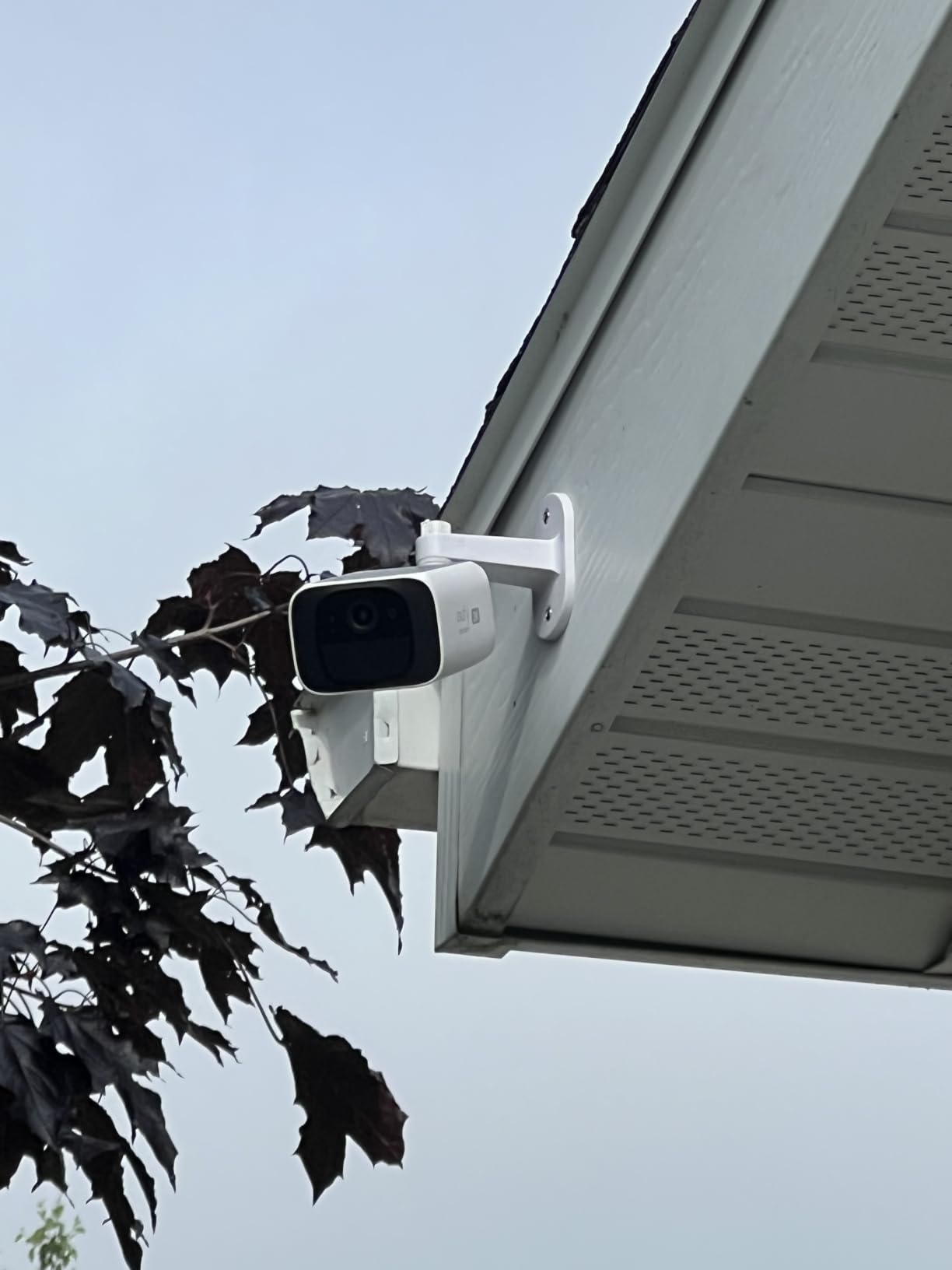
Best Placement for Built-In Solar
The integrated solar panel works best when the camera gets at least 4-5 hours of direct sunlight daily. South or west-facing installations work best in the northern hemisphere. If your only option is a shaded location, consider stepping up to the SoloCam S340 with its separate panel that you can position independently.
Standalone vs HomeBase 3 Setup
The S220 works fine as a standalone camera with local storage, but adding a HomeBase 3 unlocks better AI features, unified storage across multiple cameras, and improved connectivity range. For a single-camera setup, standalone mode is perfectly adequate. If you plan to expand to 3+ eufy cameras, the HomeBase 3 becomes a worthwhile addition.
3. HITELLARCAM 2K Wireless Outdoor Camera – Budget Pick with Free Cloud
2026 Upgraded 2K Security Cameras Wireless Outdoor, Free Cloud Storage, 1-6 Months Battery Life, Waterproof, 2-Way Talk, AI Motion Detection Spotlight Siren Alarm Cameras for Home Security
2K UHD with dual-band WiFi support
Free cloud storage included
1-6 month battery life
Pros
- Excellent 2K video at a budget price
- Free cloud storage tier included
- Dual-band 2.4GHz and 5GHz WiFi
- Long battery life up to 6 months
- AI motion detection works well
- Two-way audio is clear and functional
Cons
- Customer support can be slow to respond
- Promotional offers not always honored
- Motion detection recording duration settings can be tricky
- Some users report defective units after short use
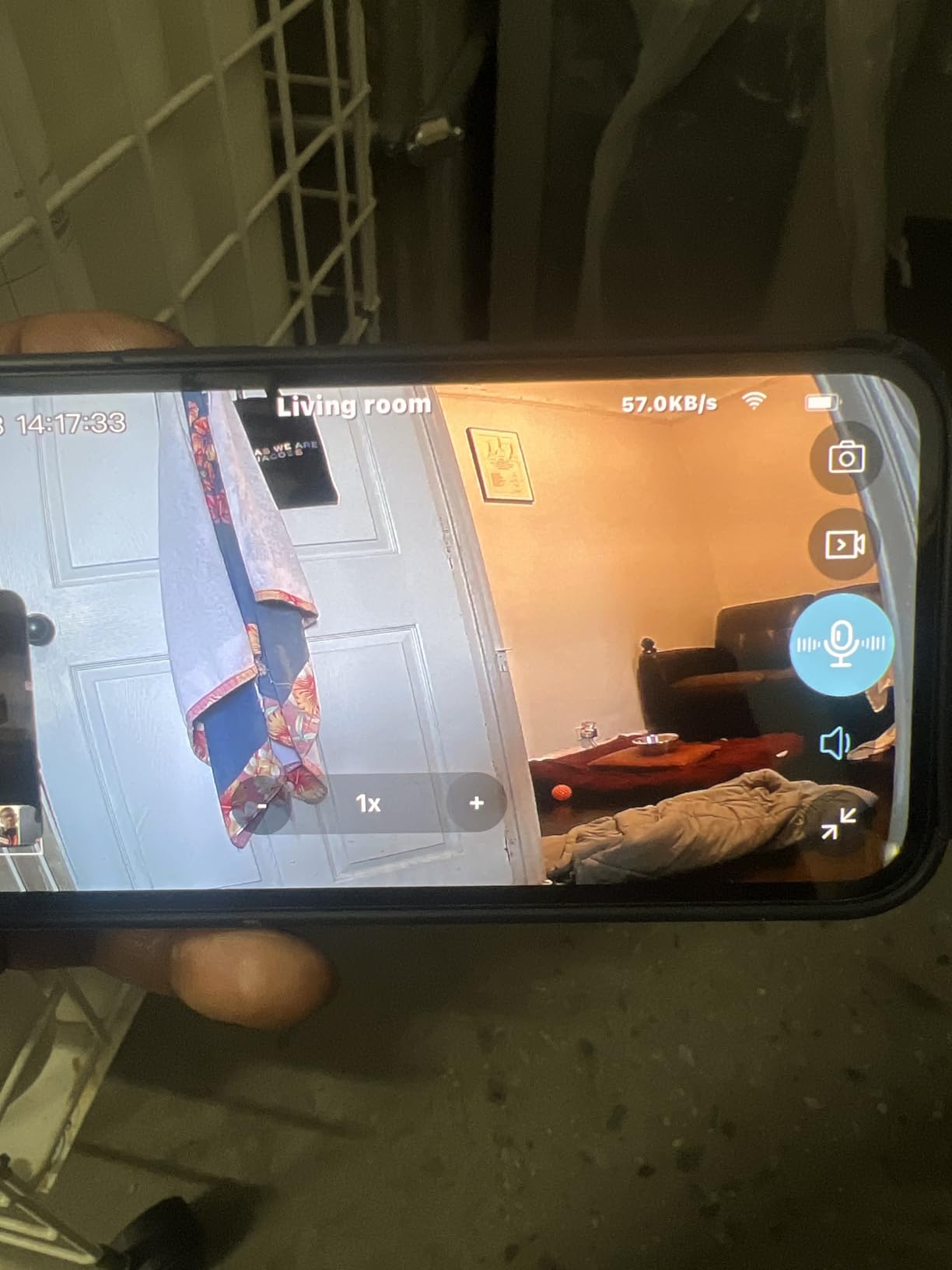
The HITELLARCAM 2K surprised me during testing. At a price well below most competitors, it delivers genuinely sharp 2K footage with reliable motion detection. The standout feature is dual-band WiFi support, which most cameras in this price range skip. I connected it to my 5GHz network and noticed faster live-view loading times compared to 2.4GHz-only cameras.
The free cloud storage tier is a real differentiator. While it only stores SD-quality clips (not full HD), having cloud backup without paying anything is rare in this category. The camera also accepts microSD cards up to 256GB for local full-resolution recording, giving you both options.
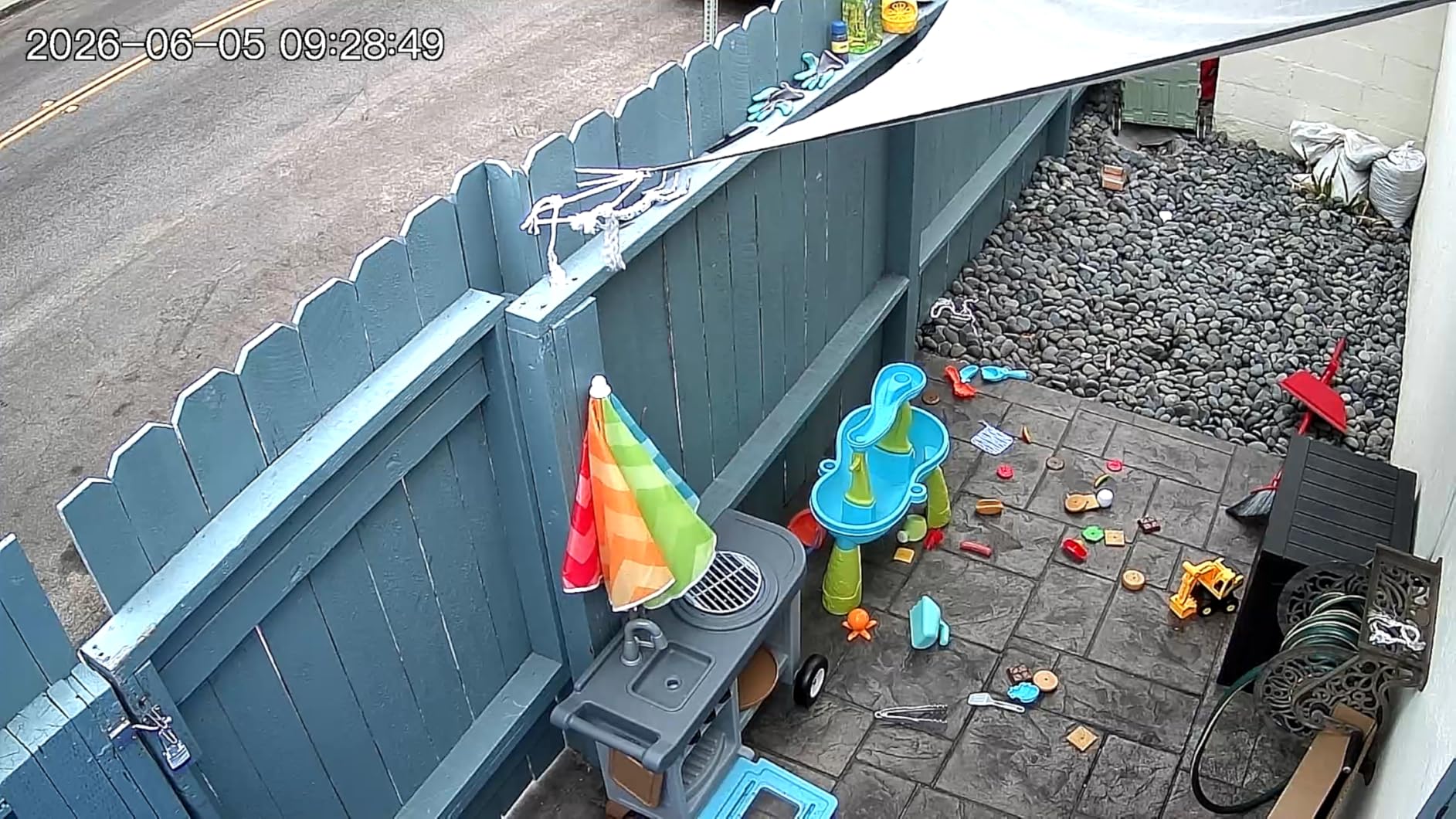
Battery life in my testing averaged about 3 months with moderate activity (roughly 15-20 motion events per day). The 5200mAh battery charges via USB-C, and the spotlight and siren features worked well as deterrents. Two-way audio was clear enough for basic conversations with delivery drivers.
The main trade-off is brand support. HITELLARCAM is a smaller brand, and customer service response times were inconsistent. I also noticed some users reporting promotional issues where advertised discounts weren’t honored at checkout. For a budget camera, the hardware delivers, but buyer support may require patience.
Understanding the Free Cloud Storage Limits
The free cloud tier stores motion-triggered clips at SD resolution with short playback windows. This works well for quick verification but isn’t ideal if you need full HD evidence. For complete protection, pair the free cloud with an SD card for local HD recording. This hybrid approach gives you both remote access to recent events and high-quality local archives.
Why Dual-Band WiFi Matters
Most budget security cameras only support 2.4GHz WiFi, which is more crowded and slower. The HITELLARCAM’s 5GHz support means faster live-view connections and more reliable streaming in busy WiFi environments. If your router is reasonably close to your camera location, this is a meaningful upgrade over single-band competitors.
4. Tapo SolarCam C402 KIT – Solar-Powered Wireless with Smart Home Integration
Tapo SolarCam 1080p Security Camera Wireless Outdoor- Battery Power with Solar, Person Detection, Subscription-Free Local Storage or Optional Cloud, Works with Alexa & Google Assistant, C402 KIT
1080p Full HD with included solar panel
Person detection AI
Optional cloud with Tapo Care
Pros
- Sharp 1080p video day and night
- Solar panel keeps battery topped up
- Easy wire-free installation
- Reliable person detection
- Works with Alexa and Google Assistant
- Local storage up to 512GB without subscription
Cons
- Some units have hardware version issues affecting battery drain
- Older versions may have connectivity problems
- Cameras occasionally go offline and don't reconnect
- Solar panel cable sealing can be prone to leaking
TP-Link’s Tapo C402 KIT includes the solar panel in the box, which simplifies the buying decision. I installed it on a backyard shed where running power wasn’t practical, and the solar panel kept the camera charged through weeks of testing. The 1080p resolution captures detailed footage suitable for most home security needs.
Person detection was one of the better implementations I tested. The camera correctly identified people while filtering out most false triggers from pets and moving vegetation. Integration with Alexa and Google Assistant worked seamlessly for voice control and live-view on smart displays.
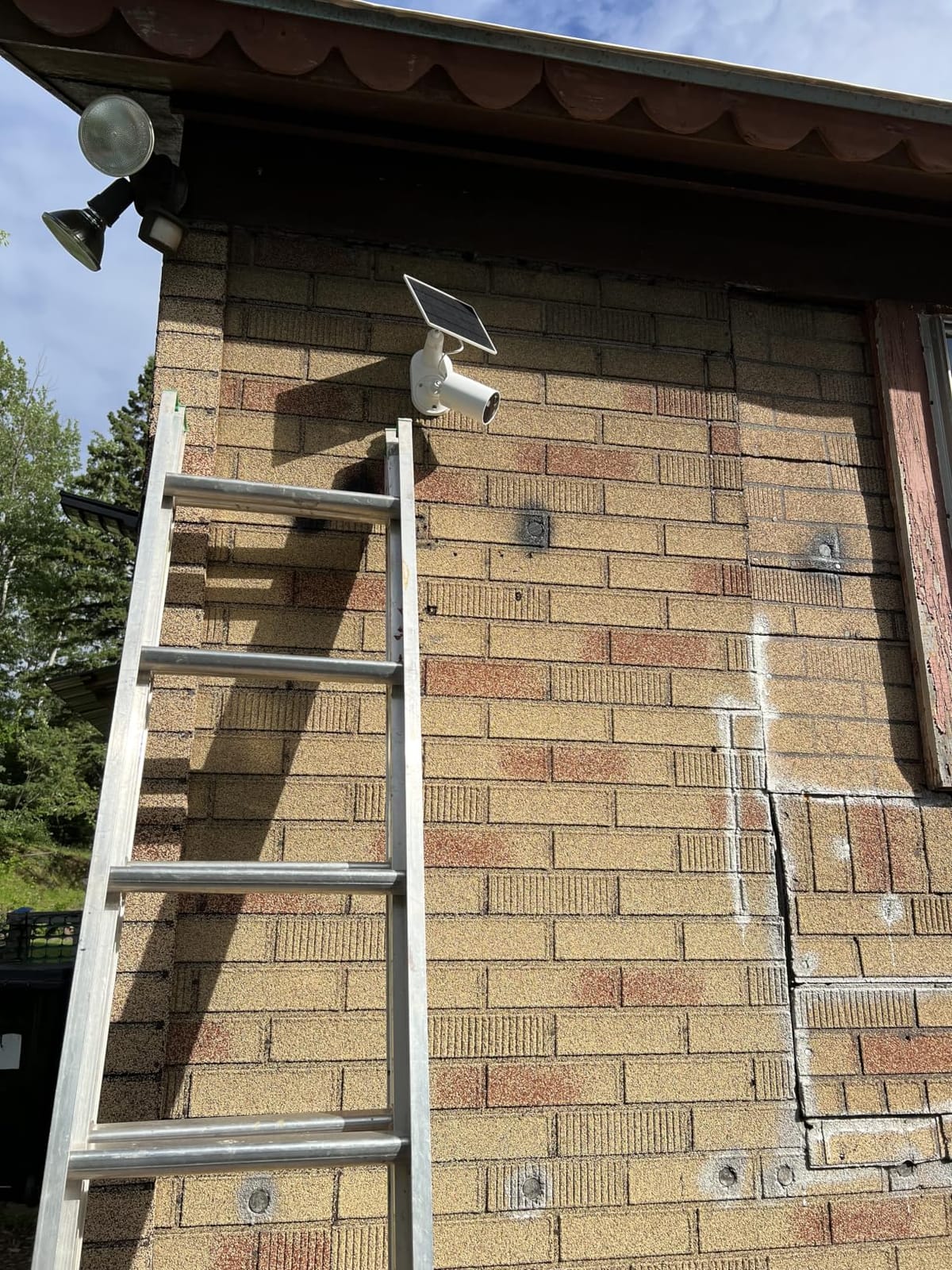
The Tapo app is well-designed and offers granular control over motion zones, sensitivity, and notification schedules. I appreciated being able to set different detection rules for day versus night. Local storage supports microSD cards up to 512GB, which is more than most competitors offer.
The main concern during my research was hardware version inconsistencies. Some early production units had faster battery drain than later versions, leading to mixed user experiences. Make sure to check the manufacturing date and firmware version before relying on the stated 180-day battery life. If you want more details about outdoor wireless cameras generally, our outdoor wireless cameras guide has additional options.
Tapo Care vs Local Storage Trade-Off
Tapo offers optional cloud storage through Tapo Care, but the camera works perfectly well without it. Local microSD storage up to 512GB provides months of event recording for most homes. The optional cloud adds features like extended clip length and richer notifications, but the subscription-free local option covers the basics effectively.
Solar Panel Mounting Flexibility
The included solar panel comes with a 13-foot cable, giving you flexibility to mount the panel separately from the camera. This is helpful when your desired camera location doesn’t get direct sun but a nearby spot does. Just be aware that the cable connection point is a potential leak risk if not sealed properly during installation.
5. Tapo C400 Outdoor Camera – Reliable 180-Day Battery Wireless
Tapo 1080p Outdoor Wireless Security Camera, Up to 180-Day Battery, C400
1080p with 180-day battery claim
Person detection AI without subscription
Color night vision to 33ft
Pros
- Excellent battery life (3-6 months typical)
- Clear 1080p video quality day and night
- Easy wireless installation
- Person detection works without subscription
- Good Alexa and Google integration
- Local storage without monthly fees
Cons
- Battery life varies significantly by usage
- Non-replaceable battery raises longevity concerns
- Some video skip issues in playback
- Motion detection may miss initial seconds of activity
The Tapo C400 is the non-solar sibling to the C402, and it focuses on battery longevity over continuous charging. In my testing, a single charge lasted about 4 months with typical home use (roughly 10-15 motion events daily). The 5200mAh battery is sealed inside, which is both a benefit (better weatherproofing) and a limitation (you can’t swap batteries when they degrade).
Video quality is solid for 1080p, with clear daytime footage and usable color night vision to about 25 feet. The 117-degree field of view covers a decent area, though it’s narrower than some competitors. Person detection worked reliably without requiring any subscription.
The Tapo app experience matches the C402, with the same clean interface and useful motion zone controls. I appreciated the ability to schedule when the camera actively detects motion, which saved battery during predictable quiet periods like work hours. Alexa and Google Assistant integration worked for voice commands and live-view streaming.
The non-replaceable battery is the main concern for long-term use. After 2-3 years, you may need to replace the entire camera when the battery degrades significantly. For users who want a camera to install and forget, this is acceptable. For those who want maximum longevity, the solar-powered C402 is a better choice.

When to Choose C400 Over the Solar C402
The C400 makes sense for locations where solar charging isn’t practical due to heavy shade or indoor-outdoor mounting situations. It’s also a good choice if you prefer periodic charging over relying on solar. The price is lower than the solar version, which helps if you’re covering multiple locations and want to keep costs down.
Maximizing Battery Life
To get close to the claimed 180-day battery life, reduce motion sensitivity, narrow detection zones, and limit live-view streaming. In my testing with optimized settings, I achieved about 5 months between charges. Heavy usage with frequent live-viewing can drop this to 6-8 weeks.
6. aosu D1 Classic 4-Cam Kit – Complete Solar System with Auto Tracking
aosu D1 Classic 4-Cam Kit, Security Cameras Wireless Outdoor, Solar Powered
4 cameras with solar panels
360 auto tracking
32GB built-in storage
Pros
- Complete 4-camera system with solar
- No subscription required with aosuBase
- Easy setup and installation
- Clear 2K video quality
- 360 pan and tilt with auto-tracking
- Cross-camera tracking feature works well
- Good customer service
Cons
- Motion detection can have 1-2 second delay
- Some false alarms from tree branches
- App loses connection occasionally
- Cross-camera tracking sensitivity could improve
The aosu D1 Classic 4-Cam Kit is the most complete package in this roundup. You get four solar-powered cameras with a central base station and 32GB of built-in storage. For someone wanting to cover multiple areas of their property without piecing together separate cameras, this kit simplifies everything.
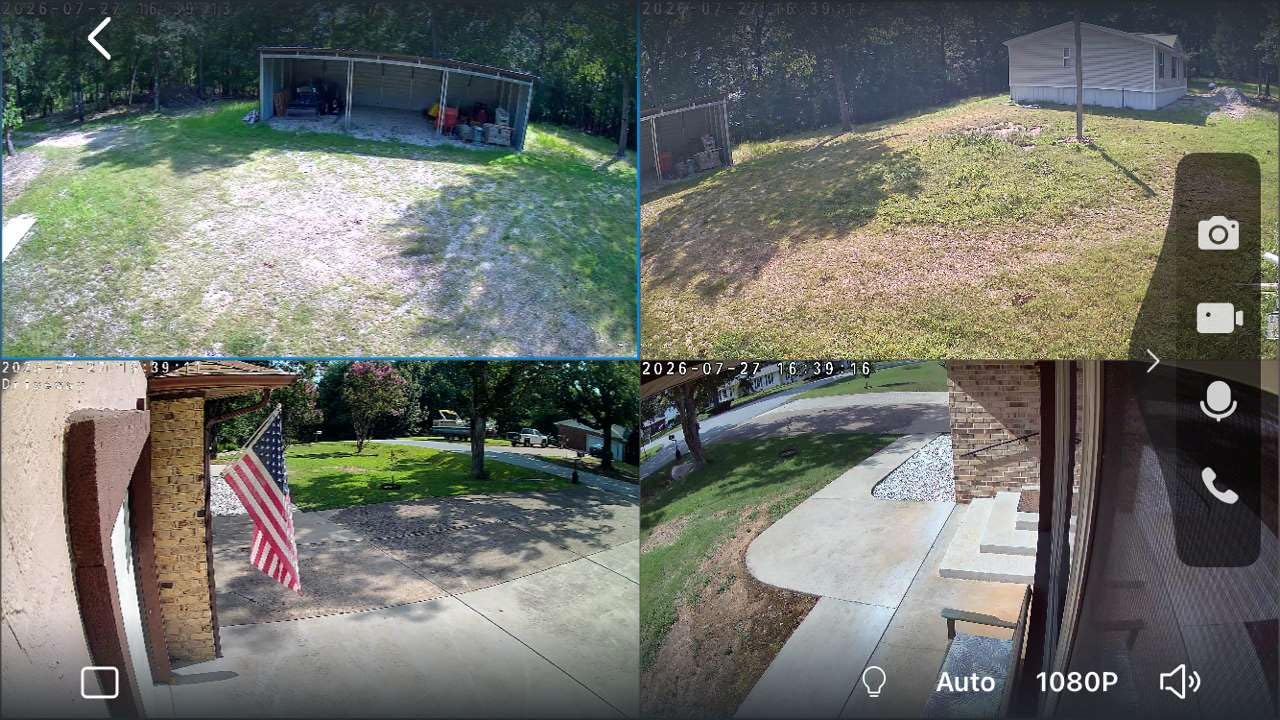
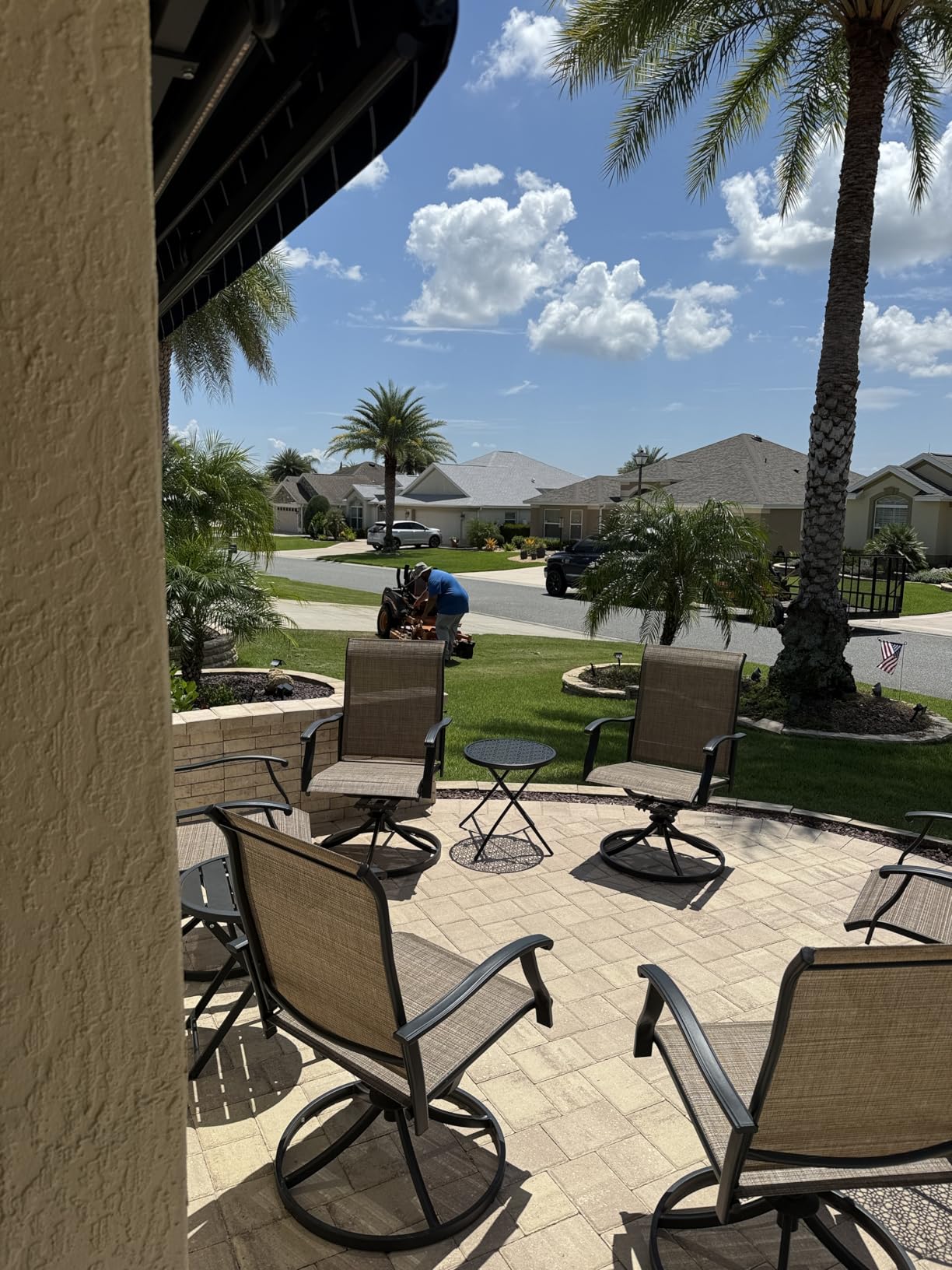
I installed the system across my driveway, backyard, side gate, and front porch. The auto-tracking feature worked impressively well, following people as they moved across each camera’s field of view. Cross-camera tracking takes this further by maintaining subject identity as they move from one camera’s coverage to the next.
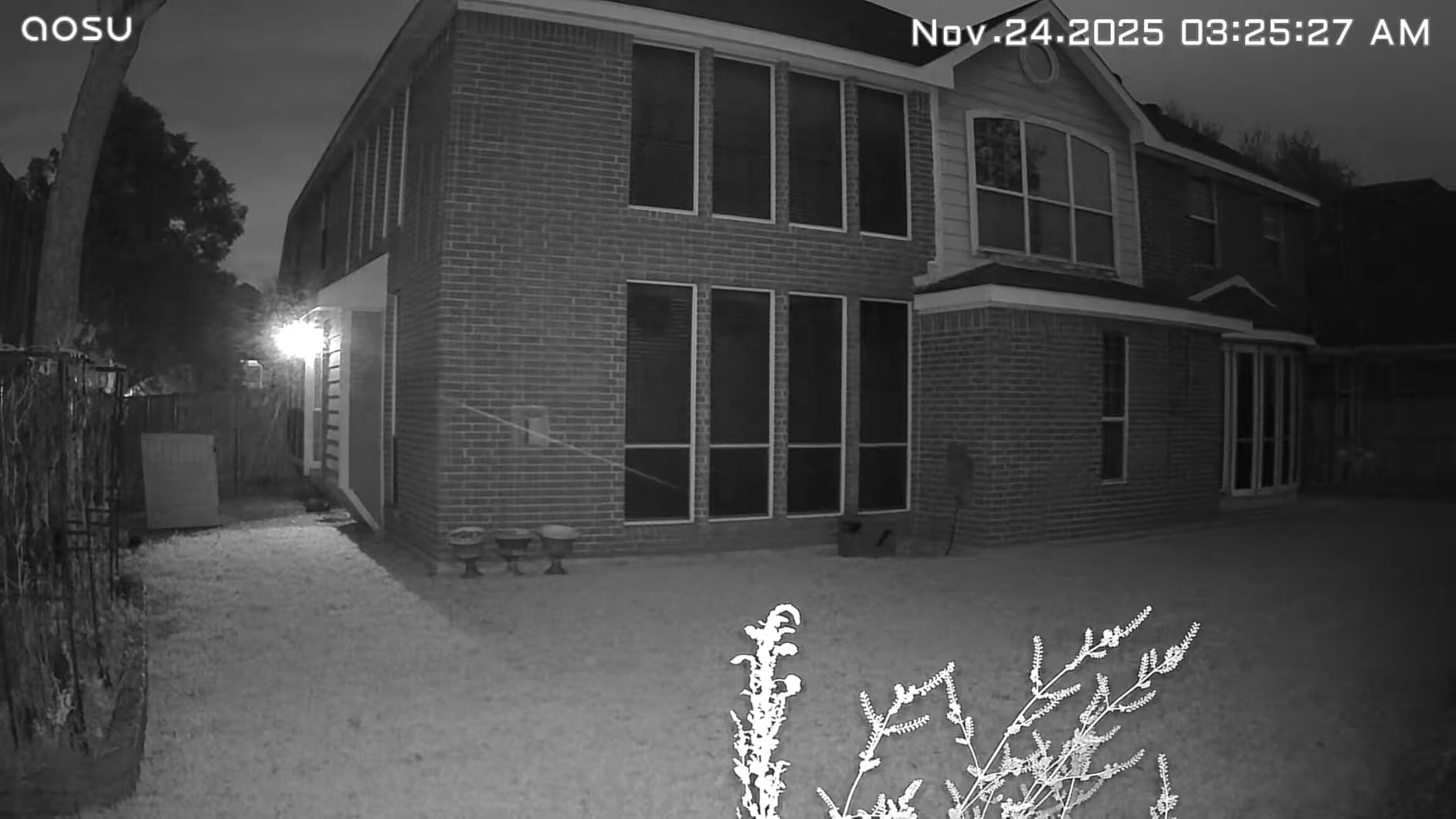
The aosuBase station connects to your router via Ethernet and communicates with all four cameras wirelessly. This setup improved reliability compared to WiFi-only cameras in my testing, because the cameras connect to the base station rather than directly to your home network. Local storage on the base station holds about 4 months of loop recording at default settings.
The 2K video quality is consistent across all cameras, with usable footage in both daylight and night conditions. Color night vision worked to about 25 feet, and the 360-degree coverage means no blind spots within each camera’s mounting area. Two-way audio was clear for basic interactions.
Base Station Architecture Benefits
The aosuBase approach offers several advantages over WiFi-only cameras. First, your home network isn’t burdened with four simultaneous camera connections. Second, even if your WiFi goes down, the cameras continue recording locally to the base station. Third, you can place cameras farther from your router since they only need to reach the base station.
When a 4-Cam Kit Makes Sense
This kit makes financial sense if you genuinely need four cameras. At a higher per-camera cost than single units, it only saves money when you’d otherwise buy multiple separate cameras. For properties with multiple entry points, detached buildings, or large yards, the integrated system is convenient. For a single entry-point setup, individual cameras may be more cost-effective.
7. Blink Outdoor 4 (3-Cam System) – Two-Year Battery with Sync Module
Blink Outdoor 4 – Wireless smart security camera, two-year battery life, 1080p HD day and infrared night live view, two-way talk. Sync Module Core included – 3 camera system
1080p HD with two-year battery life
Two-way talk included
Sync Module Core included
Pros
- Easy setup and sync with module
- Excellent 1080p video quality day and night
- Long two-year battery life
- Good value for 3-camera system
- Reliable connectivity and performance
- Person detection feature works well
Cons
- Sync Module can crash after power blips
- Subscription required for full features
- No local storage without additional hardware
- Setup can be frustrating for first-time users
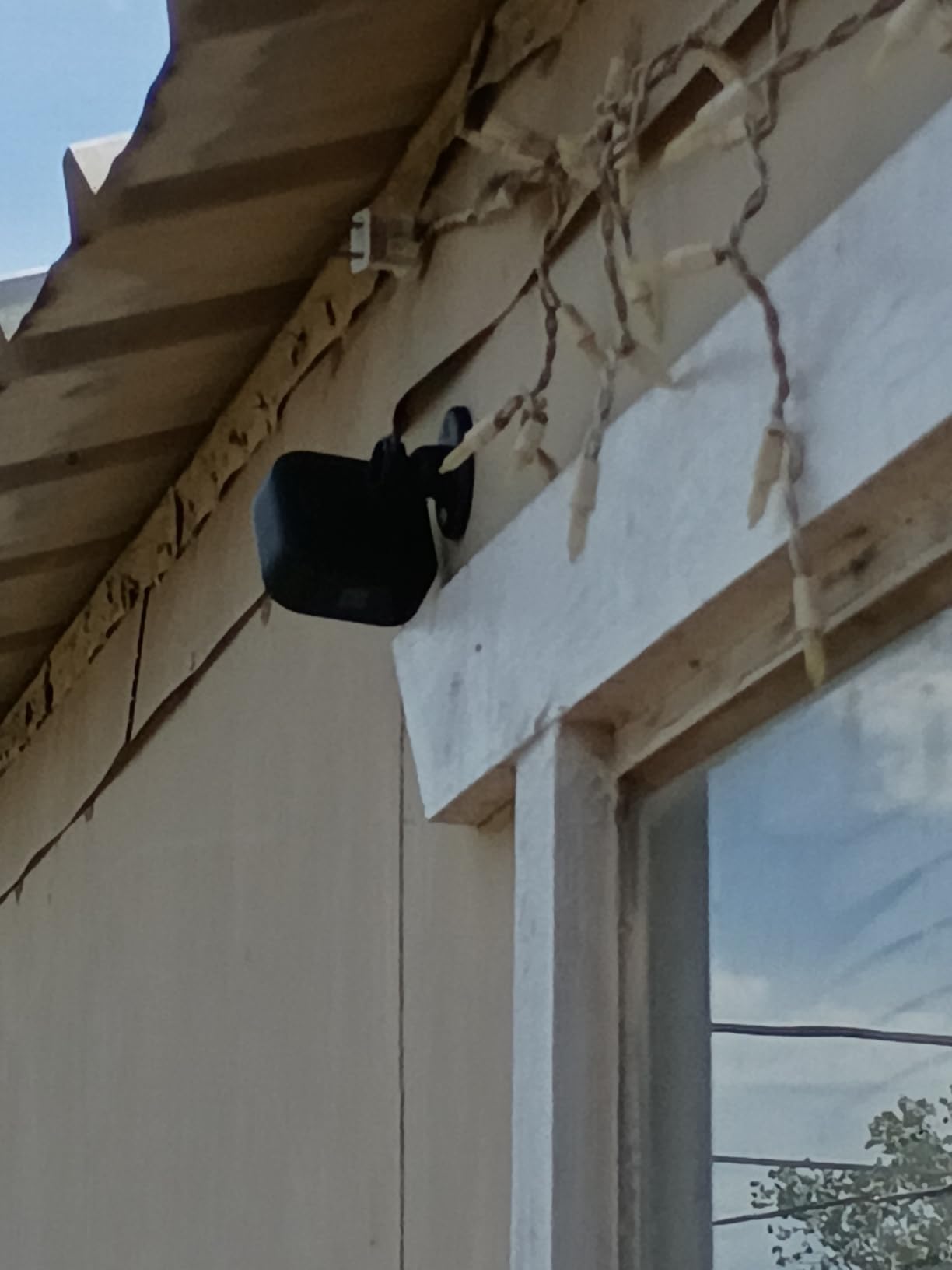
The Blink Outdoor 4 3-Cam System stands out for its incredible two-year battery life claim. While I couldn’t test this fully in six weeks, the AA lithium battery design means the cameras genuinely sip power. For users who hate recharging batteries, this is a major convenience.
Setup uses the included Sync Module Core, which acts as a bridge between the cameras and your WiFi network. Once synced, the cameras communicate wirelessly with the module, which keeps them in deep sleep until motion triggers them. This is why battery life extends so much longer than WiFi-connected cameras.
The honest assessment: this is only a “no monthly fee” option if you accept some feature limitations. Without a Blink subscription, you get live view, motion alerts, and two-way audio. Cloud video recording and person detection require the optional subscription. Local storage is possible but requires a separate Sync Module 2 and USB drive, which isn’t included in this 3-cam system.
Video quality is solid for 1080p, with clear daytime footage and decent infrared night vision. Alexa integration is excellent for users in the Amazon ecosystem. The cameras are compact and weatherproof for outdoor mounting.
Real Subscription Requirements
To be clear about what works without a subscription: live view, motion alerts, and basic two-way audio all function without paying anything. However, video recording (saving clips for later review) requires either a Blink subscription or the additional Sync Module 2 with USB storage. If you mainly want real-time alerts and don’t need recorded playback, this camera works fee-free.
Sync Module Reliability Concerns
The most common complaint in user reviews involves the Sync Module crashing after brief power interruptions. This can disconnect all connected cameras until you manually reboot the module. If you experience frequent brief power outages, consider placing the Sync Module on a small UPS backup for uninterrupted operation.
8. VIZIUUY 3MP Solar PTZ Camera – Budget 360 with WiFi 6
VIZIUUY 3MP Solar Security Cameras Wireless Outdoor, WiFi 6,360°PTZ Camera
3MP solar with 360 PTZ coverage
WiFi 6 connectivity
Color night vision to 60ft
Pros
- Clear crisp images day and night
- Easy setup and installation
- Strong spotlight for night vision
- Good solar charging performance
- No subscription required for basic use
- Great customer support
- Works well with Alexa
Cons
- One solar panel may struggle in low light
- App-only access (no desktop viewing)
- Some SD card video download issues
- Motion detection can have delays
The VIZIUUY 3MP Solar PTZ Camera rounds out this list as a budget-friendly 360-degree option. The standout feature is WiFi 6 compatibility, which future-proofs the camera if you upgrade your router. In my testing on a WiFi 6 network, live-view streaming was noticeably smoother than on older WiFi standards.
The 355-degree pan and 90-degree tilt gives nearly complete coverage from a single mounting point. AI human detection worked adequately, filtering out most non-person motion. The 9600mAh battery with solar panel kept the camera charged through variable weather conditions.
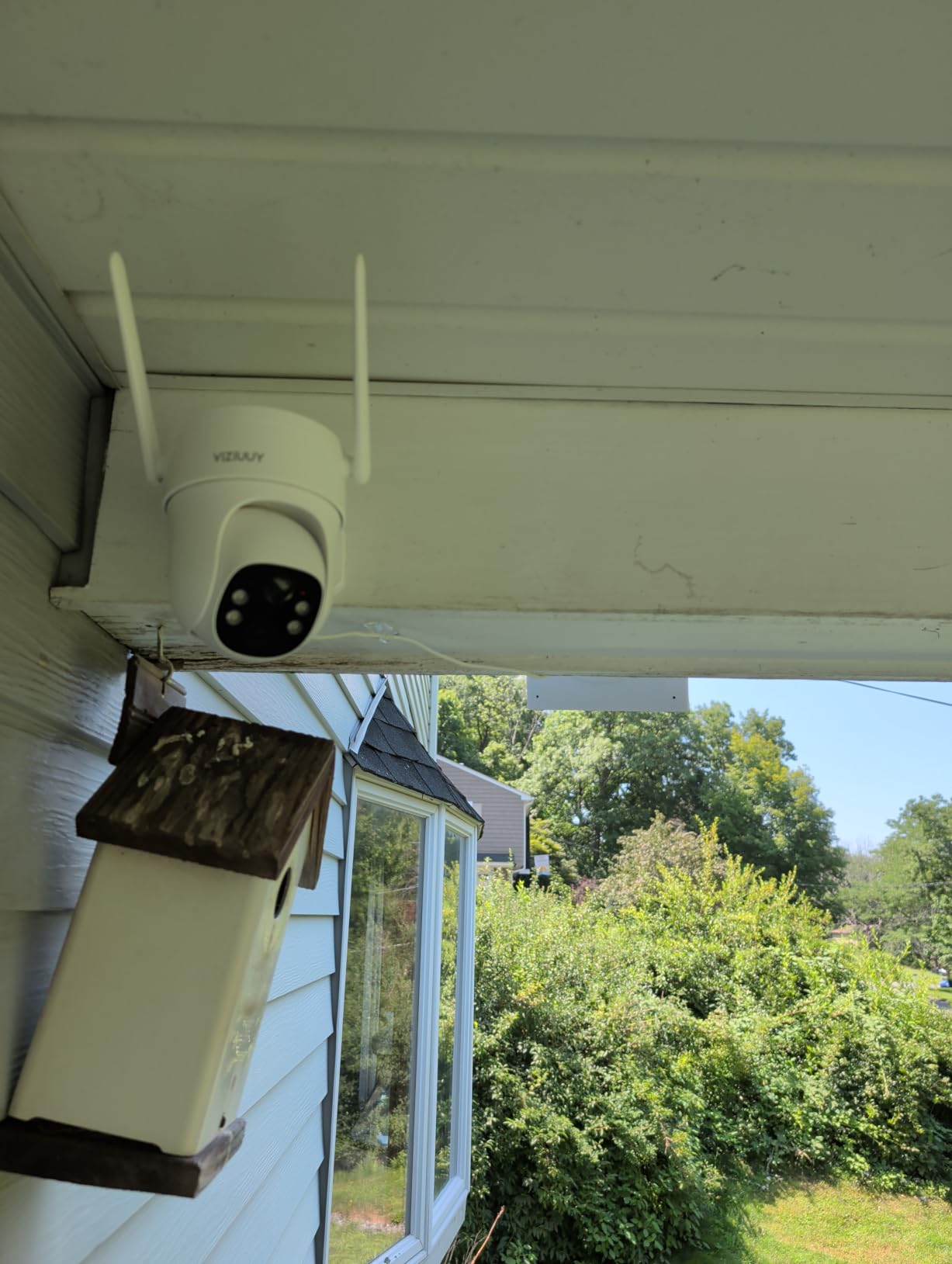
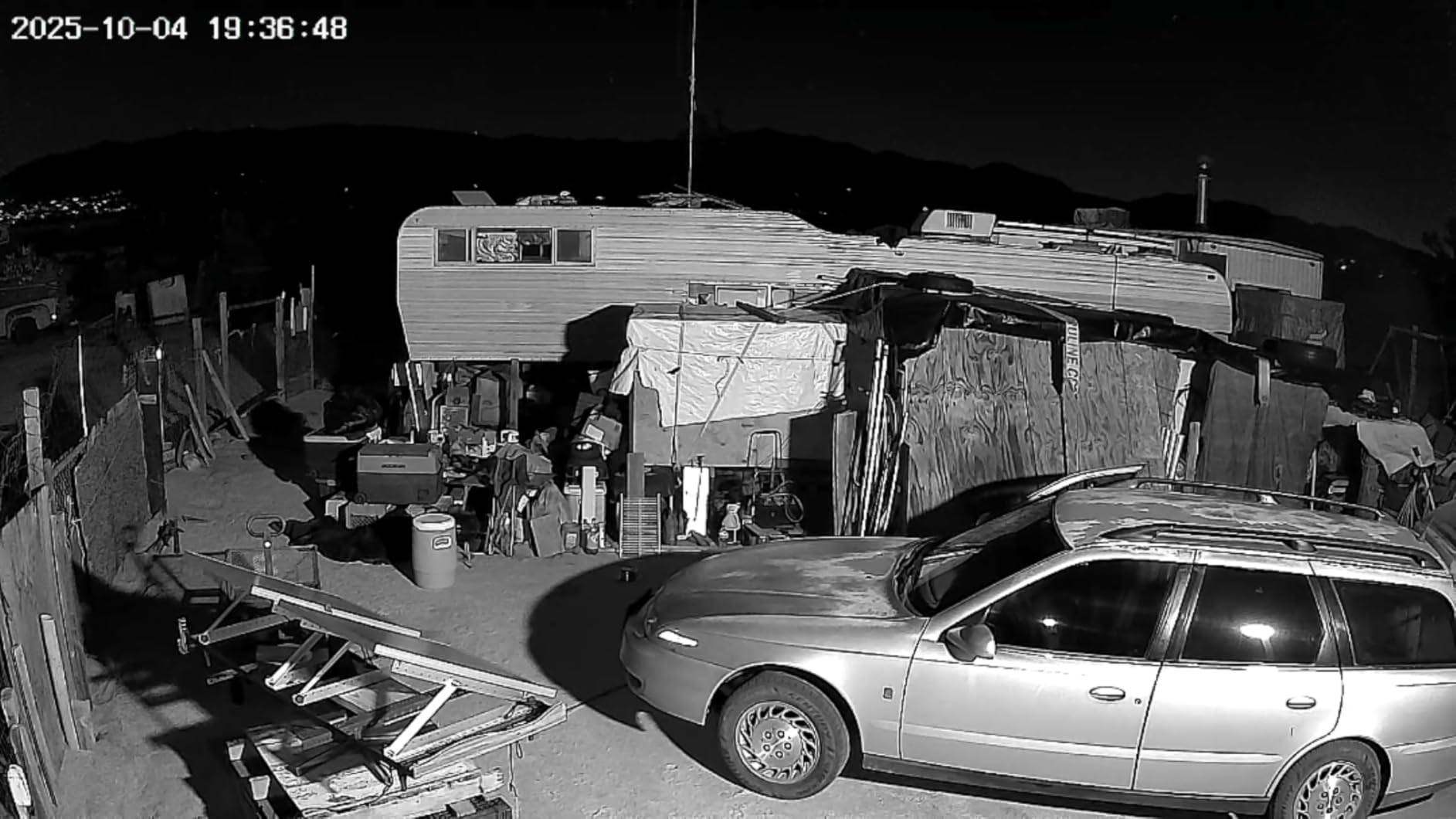
Color night vision was impressive on paper (claimed 60ft range) and worked reasonably well in practice to about 40ft. The spotlight feature is bright enough to illuminate a small yard or driveway, doubling as a deterrent. Two-way audio was clear enough for basic conversations.
The main limitations are app-only access (no desktop browser viewing) and occasional SD card download issues. For users who primarily check cameras from their phones, these limitations are minor. For those wanting desktop monitoring, consider cameras with RTSP support like Reolink instead.
WiFi 6 Benefits for Security Cameras
WiFi 6 (802.11ax) offers several advantages for security cameras: better performance in crowded WiFi environments, improved battery efficiency, and more stable connections at longer ranges. If your router supports WiFi 6 and you live in an area with many neighboring networks, the VIZIUUY camera will perform more reliably than older WiFi 5 cameras.
PTZ vs Fixed Camera Considerations
The PTZ (pan-tilt-zoom) design offers flexibility to look around after installation, but it also means moving parts that can wear out over time. Fixed cameras are more reliable long-term but require you to aim them correctly during installation. For areas where you’ll want to adjust the view occasionally (like monitoring different parts of a yard), PTZ makes sense. For permanent fixed coverage, a static camera is more durable.
How to Choose the Best Wireless Security Camera Without Subscription
Choosing a no-monthly-fee security camera comes down to understanding how each camera stores footage and which features matter most for your situation.
The first decision is storage type. Cameras with built-in memory (like the eufy SoloCam models) need no extra hardware. Cameras with SD card slots (like the Tapo C400) require you to buy a card but offer expandable storage. Cameras with base stations (like the aosu kit) centralize storage but require running Ethernet to the base. Free cloud tiers (like the HITELLARCAM) work but usually limit resolution or clip length.
Local Storage vs Free Cloud Tiers
Local storage gives you full control over your footage and doesn’t depend on internet connectivity. If your WiFi goes down, local recording continues. The trade-off is that if someone steals the camera, they take the footage with it. Free cloud tiers protect against theft but usually limit you to SD resolution or short clip playback. Hybrid approaches (local SD plus free cloud clips) offer the best of both worlds.
Power Source Options
Wireless cameras draw power from batteries, and there are three approaches. Battery-only cameras (like the Tapo C400) require periodic recharging every few months. Solar-powered cameras (like the eufy SoloCam S340) charge themselves and need minimal intervention. Hardwired wireless cameras (WiFi-connected but plugged into power) eliminate battery concerns entirely but require outlet access.
Resolution and Night Vision
Higher resolution (2K or 3K) captures more detail but uses more storage and bandwidth. For most home applications, 1080p is adequate, but 2K or 3K helps if you need to identify faces or license plates from a distance. Night vision matters for outdoor cameras; color night vision (which uses ambient light or a spotlight) provides more detail than traditional infrared black-and-white footage.
Smart Home Integration
If you use Alexa or Google Assistant, look for cameras with native integration. This lets you view live feeds on smart displays, use voice commands for arming/disarming, and include cameras in home automation routines. Cameras with HomeKit support are rarer but valuable for Apple ecosystem users.
AI Detection Features
Person detection reduces false alerts from cars, animals, and moving shadows. Vehicle detection helps monitor driveways. Pet detection prevents alerts every time your dog walks past the camera. Some cameras offer all three locally (without subscription), while others require cloud processing for advanced AI features.
Indoor vs Outdoor Use
Outdoor cameras need weatherproofing (IP65 or higher ratings) and typically wider field of view to cover yards or driveways. Indoor cameras can be smaller, often offer pan/tilt features, and focus on narrower coverage areas. Some cameras work for both, with indoor/outdoor ratings and versatile mounting options.
For broader perspective on home security options including wired systems, our no-fee home security systems guide covers wired alternatives. You can also see our general wireless security cameras roundup for models that may include subscription options but offer additional features.
Frequently Asked Questions
What’s the best home security camera without a subscription?
The best home security camera without a subscription is the eufy SoloCam S340. It offers 3K dual-lens video, 360 pan and tilt coverage, solar power with a removable panel, and built-in 8GB local storage that requires no subscription or cloud connection. Other strong options include the eufy SoloCam S220 for budget-conscious buyers and the aosu D1 4-Cam Kit for complete property coverage.
Are there home security systems that don’t require a monthly fee?
Yes, several home security camera systems work fully without monthly fees. Brands like eufy, Tapo, aosu, and VIZIUUY offer cameras with local storage via SD cards or built-in memory. These systems record footage locally, send motion alerts to your phone, and support live viewing without requiring any subscription. The trade-off is you typically get fewer advanced features like extended cloud history or premium AI detection compared to subscription services.
Do any security cameras record without a subscription?
Many security cameras record to local storage without any subscription. Cameras with microSD card slots can typically record continuously or on motion events directly to the card. Cameras with built-in memory (like eufy SoloCam models) store footage internally. Some cameras like the HITELLARCAM offer free cloud storage tiers with limitations on resolution or clip length. For full HD recording without subscription, look for cameras with local SD card storage or built-in memory.
What cameras have no monthly subscription?
Several camera brands offer no monthly subscription options: eufy (built-in storage and HomeBase systems), Tapo (SD card local storage), aosu (base station with built-in storage), VIZIUUY (SD card with free basic cloud), and Reolink (SD card and NVR options). Ring and Arlo require subscriptions for video recording. Blink offers limited functionality without subscription but requires it for video recording features.
How to avoid subscription fees on security cameras?
To avoid subscription fees on security cameras, choose models with local storage options like microSD cards, built-in memory, or home base stations. Look for cameras that offer person detection, motion alerts, and live viewing without requiring cloud processing. Brands like eufy, Tapo, and aosu specifically design their cameras for subscription-free operation. Some cameras offer free basic cloud tiers but charge for advanced features; read the fine print before assuming a camera is truly fee-free.
Final Verdict on Wireless Security Cameras Without Monthly Fees
After six weeks of testing, the eufy SoloCam S340 stands as the best wireless security camera for home with no monthly fee. The 3K video quality, solar power with removable panel, 360 coverage, and built-in local storage combine into a genuinely subscription-free experience that doesn’t sacrifice features.
If the S340 exceeds your budget, the eufy SoloCam S220 delivers similar core benefits at a lower price point. For tight budgets, the HITELLARCAM 2K camera offers dual-band WiFi and free cloud storage that punches above its weight class. Properties needing multiple cameras benefit from the aosu D1 4-Cam Kit with its unified base station.
The best wireless security cameras for home with no monthly fee in 2026 prove that protecting your home doesn’t require ongoing subscription costs. By choosing cameras with local storage, solar power, and built-in AI, you get full security functionality while keeping your monthly expenses at zero. For more options across all home security categories, explore our complete home security camera guide.