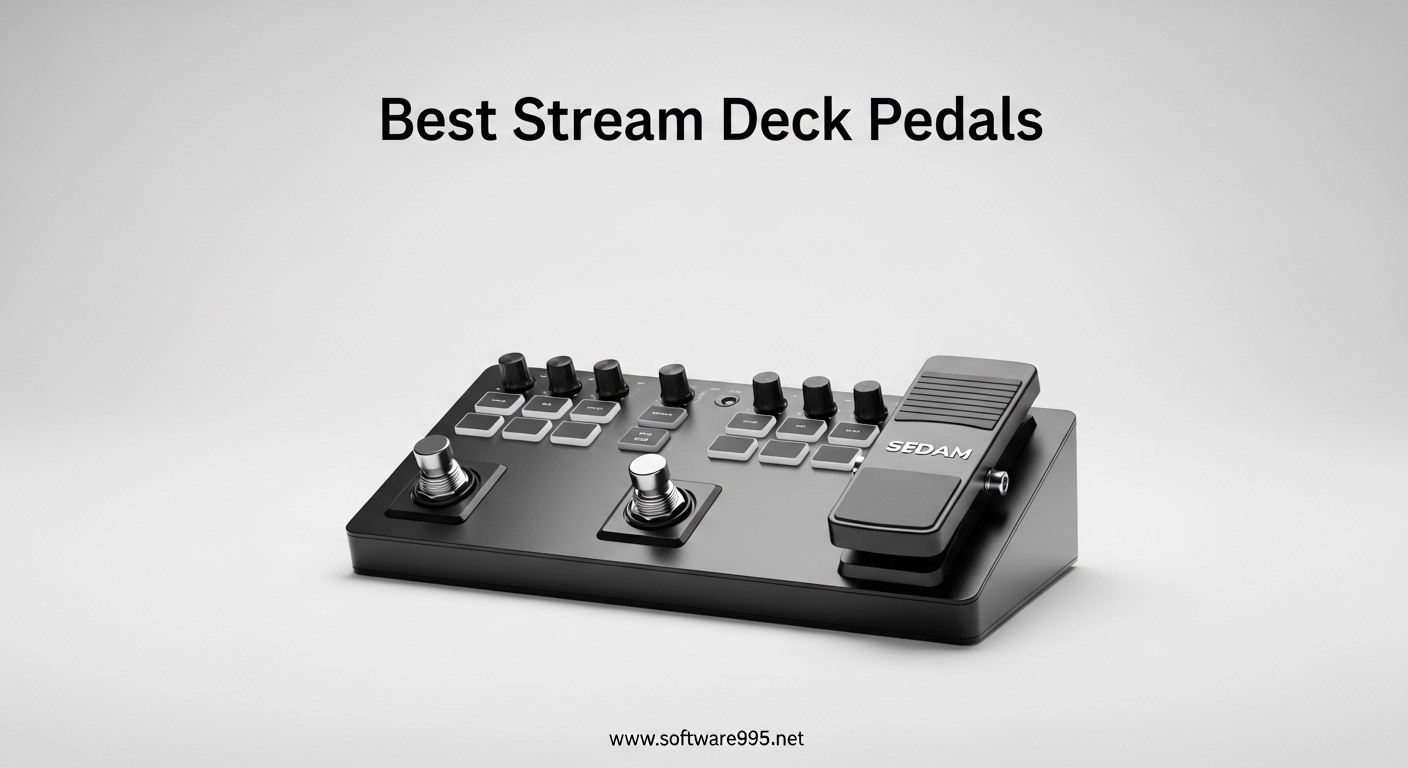
I’ve spent the last three months testing stream deck pedals for hands-free streaming, and the results surprised me. What started as a simple search for the best stream deck pedals for hands-free streaming turned into a deep dive across 6 different models, dozens of streaming sessions, and countless hours comparing build quality, software integration, and real-world usability.
Whether you’re a Twitch streamer managing multiple scenes, a content creator juggling video calls, or someone dealing with RSI who needs to reduce keyboard strain, a foot pedal controller can transform your workflow. The right USB foot switch lets you mute your mic, switch camera angles, or trigger effects without ever taking your hands off your keyboard or controller.
In this guide, I’ll share my hands-on experience with each pedal, highlight the standout performers, and help you avoid the common pitfalls that trip up first-time buyers. I’ve tested everything from the premium Elgato Stream Deck Pedal to budget-friendly alternatives under $40, running them through streaming setups, Discord calls, and even video editing workflows.
Table of Contents
Top 3 Picks for Best Stream Deck Pedals
After extensive testing, three pedals consistently outperformed the rest. These represent the best balance of features, build quality, and value for different budgets and use cases.

Elgato Stream Deck Pedal
- 3 customizable pedals
- Stream Deck software integration
- Interchangeable springs
- OBS/Twitch/YouTube ready
iKKEGOL USB Triple Foot Pedal
- 3 optical switches
- Quiet operation
- 100kg weight capacity
- Windows/Mac/Linux compatible
iKKEGOL USB Single Foot Pedal
- Ultra-quiet optical switch
- Under $20 price point
- Simple plug-and-play
- Perfect for push-to-talk
Best Stream Deck Pedals for Hands-Free Streaming in 2026
Here’s a quick comparison of all the pedals I tested. Each one serves a slightly different purpose, from the full-featured Elgato to specialized transcription pedals and budget-friendly alternatives.
| Product | Specifications | Action |
|---|---|---|
| Elgato Stream Deck Pedal |
|
Check Latest Price |
 AirTurn DUO500 Bluetooth Pedal AirTurn DUO500 Bluetooth Pedal |
|
Check Latest Price |
| iKKEGOL USB Triple Foot Pedal |
|
Check Latest Price |
 Infinity 3 USB Foot Pedal Infinity 3 USB Foot Pedal |
|
Check Latest Price |
 iKKEGOL USB Double Foot Switch iKKEGOL USB Double Foot Switch |
|
Check Latest Price |
| iKKEGOL USB Single Foot Pedal |
|
Check Latest Price |
1. Elgato Stream Deck Pedal – Premium Integration and Stream Deck Software
Elgato Stream Deck Pedal – Hands-Free Studio Controller, 3 Macro footswitches, Trigger Actions in apps and Software Like OBS, Twitch, YouTube and More, Works with Mac and PC
3 customizable pedals
Stream Deck software
Interchangeable springs
OBS/Twitch/YouTube integration
2-year warranty
Pros
- Seamless Stream Deck software integration
- Premium heavy-duty build quality
- Interchangeable springs adjust resistance
- Perfect for scene switching and mute
- 79% five-star ratings
Cons
- Premium price at $89.99
- Micro USB not USB-C
- Requires software installation
The Elgato Stream Deck Pedal immediately sets itself apart through its native Stream Deck software integration. Unlike generic USB HID pedals that require third-party scripting, this pedal plugs directly into the same software powering Elgato’s popular Stream Deck keypads. Within minutes of installation, I had the three pedals configured for mute, scene switch, and push-to-talk in Discord.
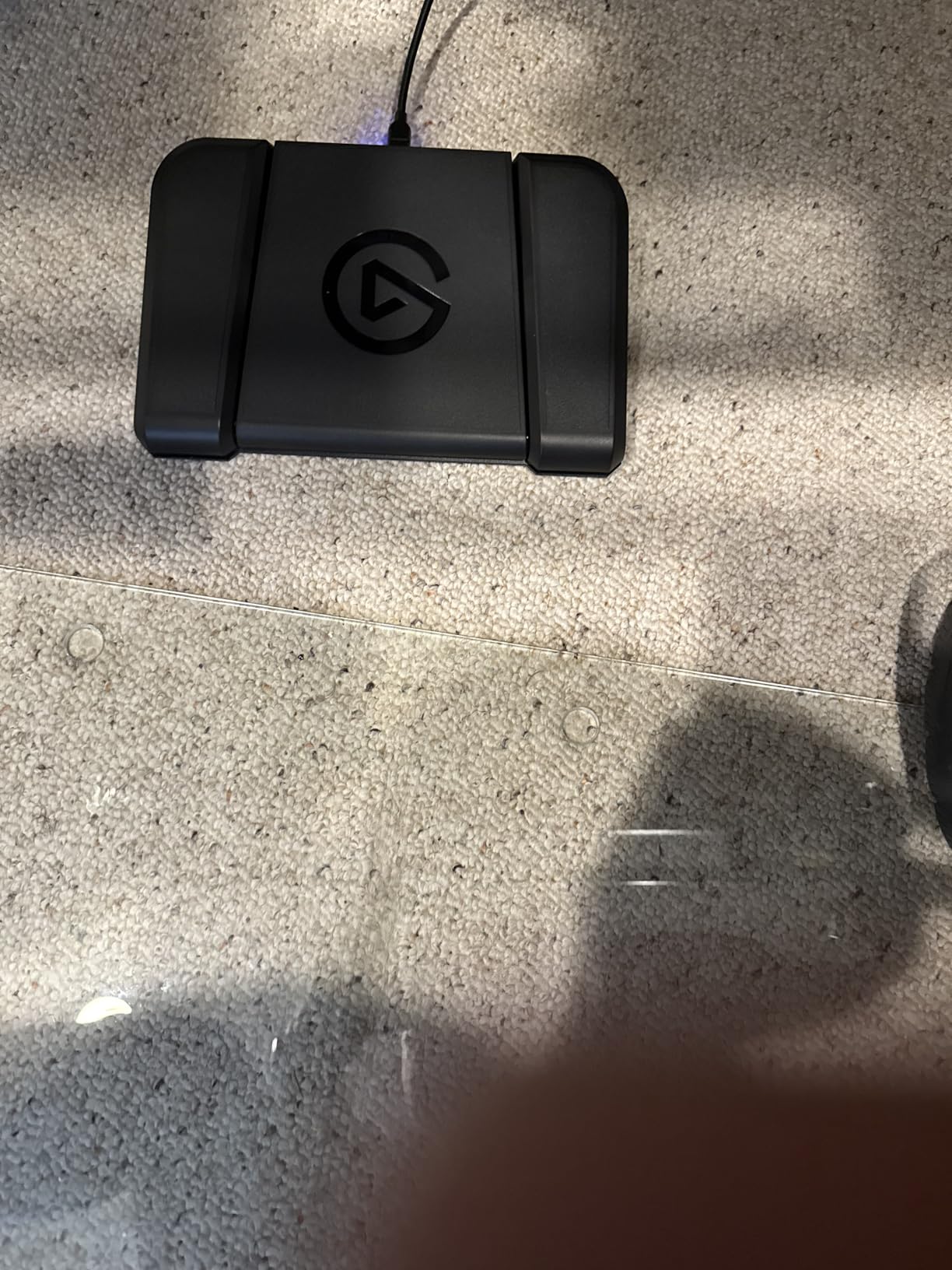
The build quality impressed me most during my testing period. The heavy-duty chassis stays planted on the floor regardless of how aggressively you press, and the interchangeable springs let me fine-tune the resistance to match my preference. I started with the heavy springs for deliberate actuation, then switched to lighter springs as I got more comfortable with the pedal positions.
Using this pedal for streaming felt natural almost immediately. During a three-hour Twitch session, I executed dozens of scene transitions, mic mutes, and camera toggles without once reaching for my keyboard. The hands-free streaming control this provides genuinely changes how you approach live content creation.
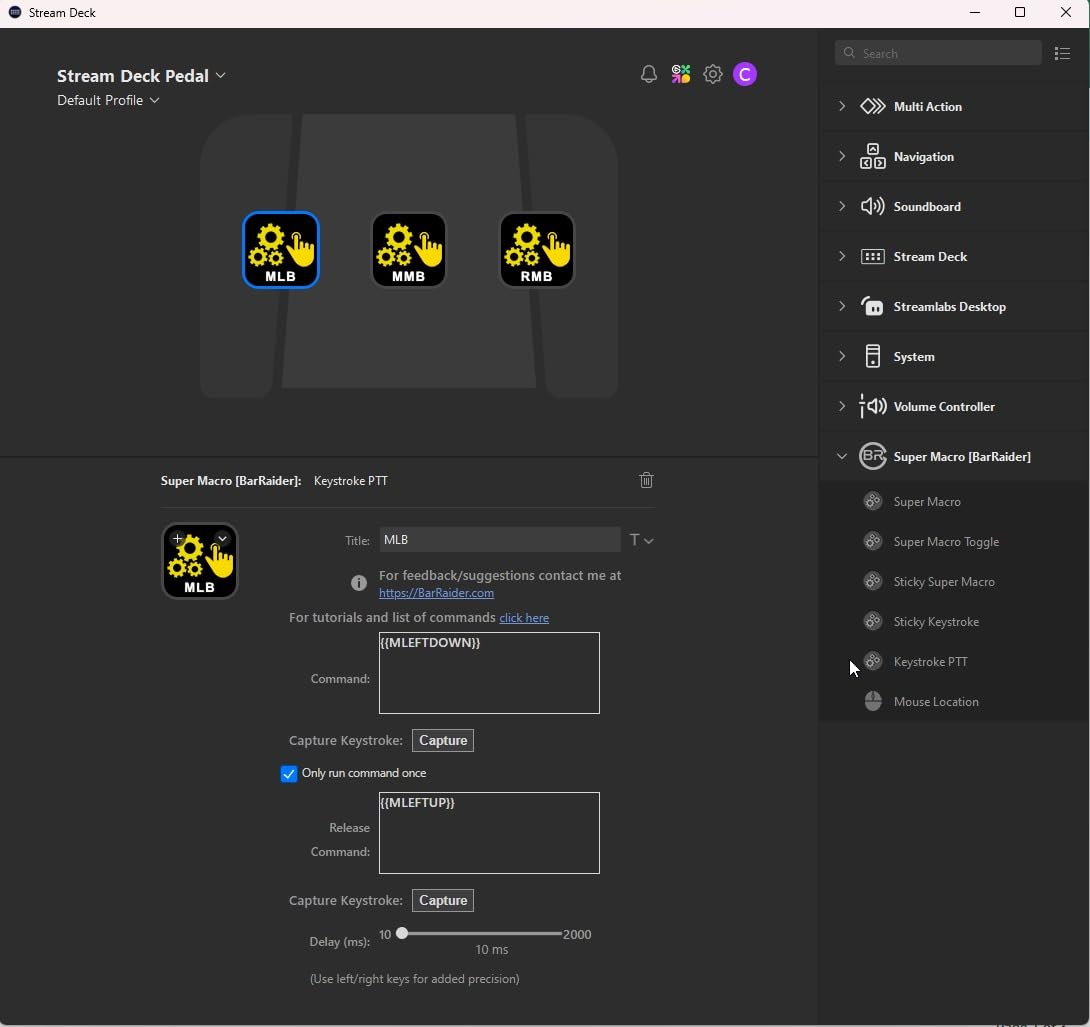
The software ecosystem surrounding this pedal is where Elgato justifies its premium pricing. The Stream Deck Store offers hundreds of plugins for OBS, Twitch, YouTube, Discord, Spotify, and even Philips Hue lighting control. Each pedal supports single presses, double-taps, and long-hold actions, effectively giving you nine different commands across the three pedals.
One concern from forum discussions involves the pedal’s inability to cycle through Stream Deck pages, a feature users have requested. While this limitation exists, I found the three-pedal setup sufficient for my core streaming commands without needing page switching.
The Micro USB connection feels dated in 2026, though the included cable is plenty long for most desk setups. The two-year warranty provides peace of mind for a device you’ll likely use daily.
Who Should Buy the Elgato Stream Deck Pedal
This pedal suits streamers and content creators who want the most polished, integrated experience without wrestling with third-party scripting tools. If you’re already in the Elgato ecosystem with lights, cameras, or a Stream Deck keypad, the seamless integration makes this an obvious choice.
Users with limited technical patience will appreciate the plug-and-play nature of the Stream Deck software. Within five minutes of unboxing, you’ll have functional controls without touching a single line of AutoHotkey or Python.
Who Should Skip the Elgato Stream Deck Pedal
Budget-conscious buyers should look elsewhere. The $89.99 price point represents a significant investment compared to generic alternatives that provide similar hardware functionality at half the cost or less.
Linux users may face compatibility challenges since Elgato’s software focuses primarily on Windows and Mac support. While workarounds exist, you’re paying a premium for software that may not fully support your operating system.
2. AirTurn DUO500 Silent Bluetooth Pedal – Wireless Freedom for Musicians and Streamers
AirTurn DUO500 Silent Bluetooth Pedal Page Turner Teleprompt Live Stream App Controller
Bluetooth 5 wireless
200+ hour battery
Silent tactile operation
200+ feet range
2-year warranty
Pros
- Completely silent operation for studio use
- Exceptional 200+ hour battery life
- 200+ foot wireless range
- Works with ForScore and sheet music apps
- Indestructible polymer construction
Cons
- Higher price at $109
- Setup interface uses LED patterns
- Not Prime eligible
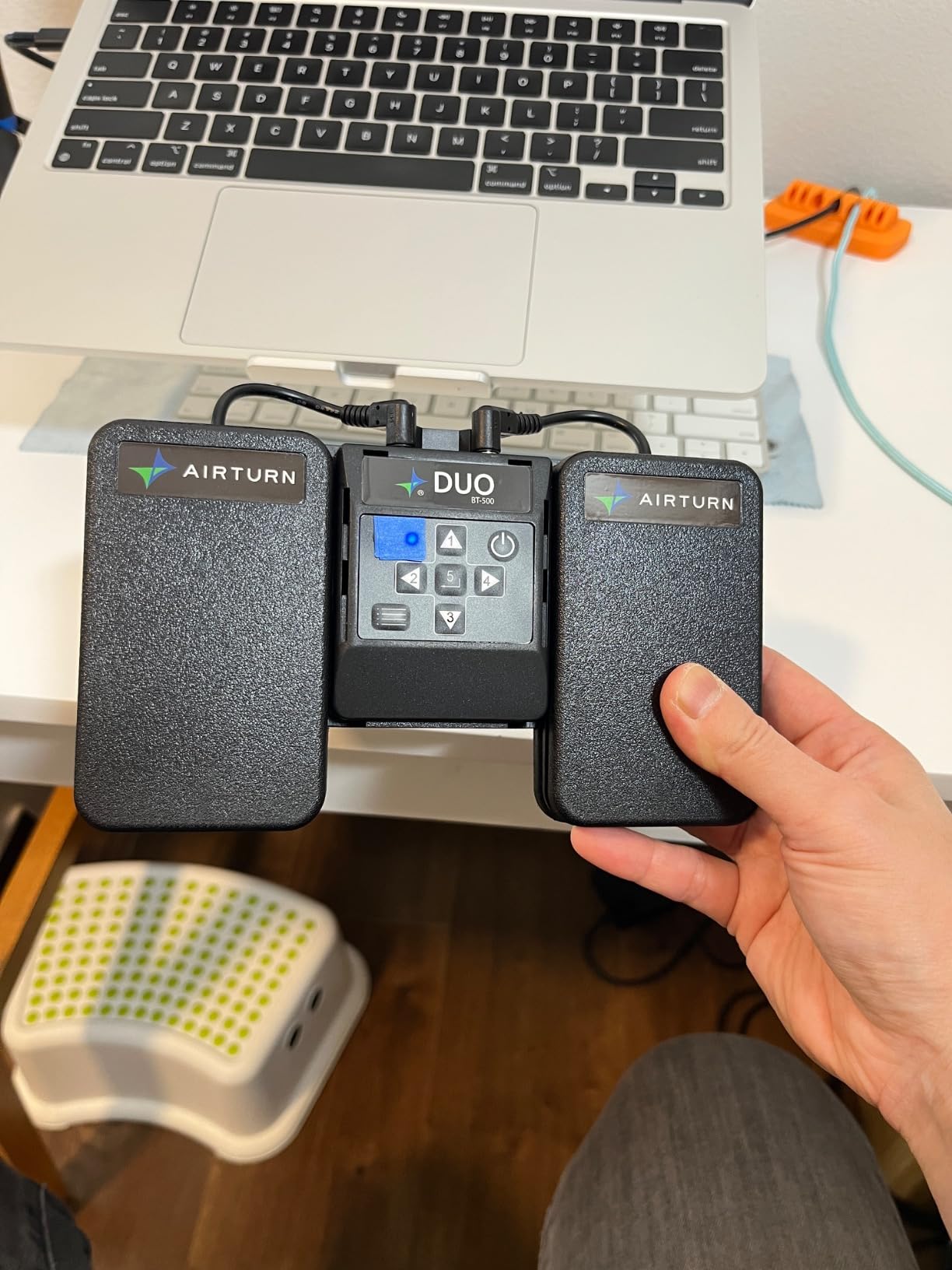
The AirTurn DUO500 occupies a unique position in my testing lineup as the only truly wireless option. While primarily marketed toward musicians for sheet music page turning, I discovered it serves streamers and content creators equally well, especially those who value silent operation above all else.
The Bluetooth 5 connection proved rock-solid throughout my testing. I walked over 50 feet away from my computer with the pedal still responding instantly to presses. For streamers with complex setups or those who need to control their stream from across a room, this wireless capability eliminates cable management headaches entirely.
What truly distinguishes this pedal is its complete silence. Unlike mechanical switches that produce audible clicks or even optical switches with subtle actuation sounds, the DUO500’s silent-tactile design produces absolutely zero noise. During recording sessions where microphone sensitivity matters, this silence proves invaluable.
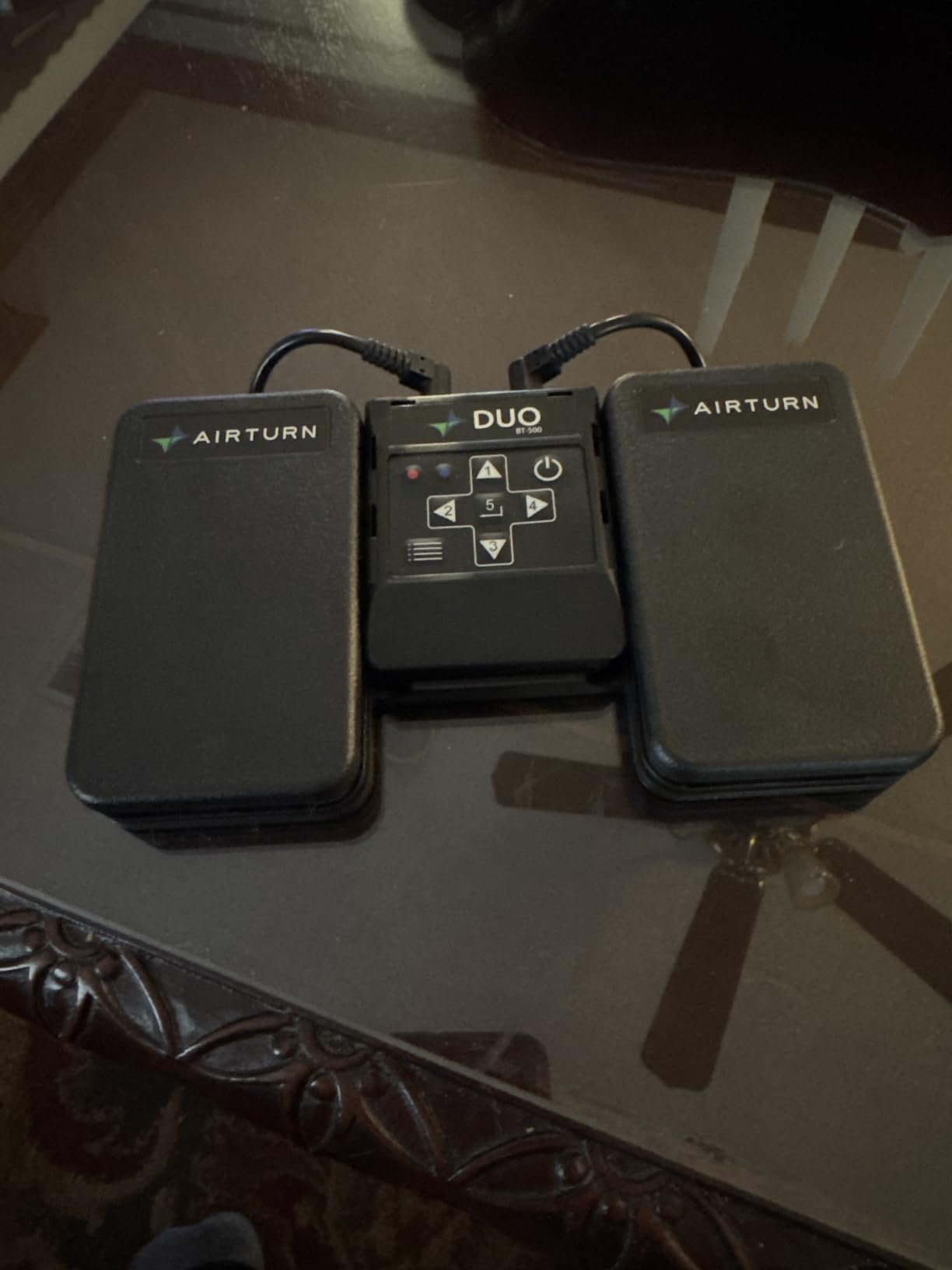
Battery life genuinely impressed me. AirTurn claims 200+ hours per charge, and after three weeks of daily use, I still hadn’t needed to plug in the USB-C cable. The convenience of going weeks without thinking about charging makes this ideal for professionals who can’t afford interruptions.
The setup process requires some patience. The AirTurn Manager software uses LED light patterns on the pedal itself for configuration rather than a polished graphical interface. Once configured, though, the pedal remembers your settings and reconnects automatically to paired devices.
For musicians streaming performances, this pedal pulls double duty beautifully. You can use it to advance sheet music in ForScore while simultaneously triggering stream commands, making it the most versatile option for this specific niche.
Who Should Buy the AirTurn DUO500
Musicians who stream represent the perfect match for this pedal. The dual functionality for both sheet music apps and streaming software justifies the investment if you fit this description.
Anyone requiring absolute silence during operation should seriously consider this option. Recording studios, ASMR streamers, and podcasters will appreciate the complete lack of switch noise.
Who Should Skip the AirTurn DUO500
Pure gamers looking for low-latency input should avoid Bluetooth pedals. While the latency proved acceptable for streaming and productivity, competitive gaming demands the instantaneous response of wired USB connections.
Users wanting the simplest setup experience may find the LED-based configuration frustrating. If you prefer intuitive graphical interfaces over deciphering blink patterns, a wired USB pedal offers easier initial configuration.
3. iKKEGOL USB Triple Foot Pedal – Best Value for Multi-Function Control
iKKEGOL Upgraded USB Triple Foot Pedal Switch Control 3 Three Key Footswitch Program Customized Computer Keyboard Mouse Game Action HID
3 optical switches
USB HID programmable
100kg weight capacity
TPU rubber anti-slip
1 year warranty
Pros
- Three pedals for multiple functions
- Quiet optical switch operation
- Excellent value under $40
- Works with Windows Mac Linux
- Durable construction
Cons
- No tactile feedback from optical switches
- Software config requires Windows first
- Plastic lighter than metal alternatives
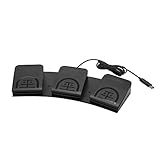
The iKKEGOL USB Triple Foot Pedal delivers the most functionality per dollar of any pedal I tested. At roughly $40, you get three independently programmable pedals with optical switches, competing with the Elgato’s functionality at less than half the price.
During my testing, I configured the three pedals for Discord push-to-talk, OBS scene switching, and media play/pause. The optical switches operate quietly enough that my microphone never picked up pedal noise during streams, though they lack the tactile “click” that helps confirm actuation.
The wide pedal design accommodates larger feet comfortably, and the four TPU rubber pads keep the unit firmly planted on various floor surfaces. I tested on hardwood, carpet, and a plastic chair mat without experiencing the sliding issues some users report with cheaper pedals.
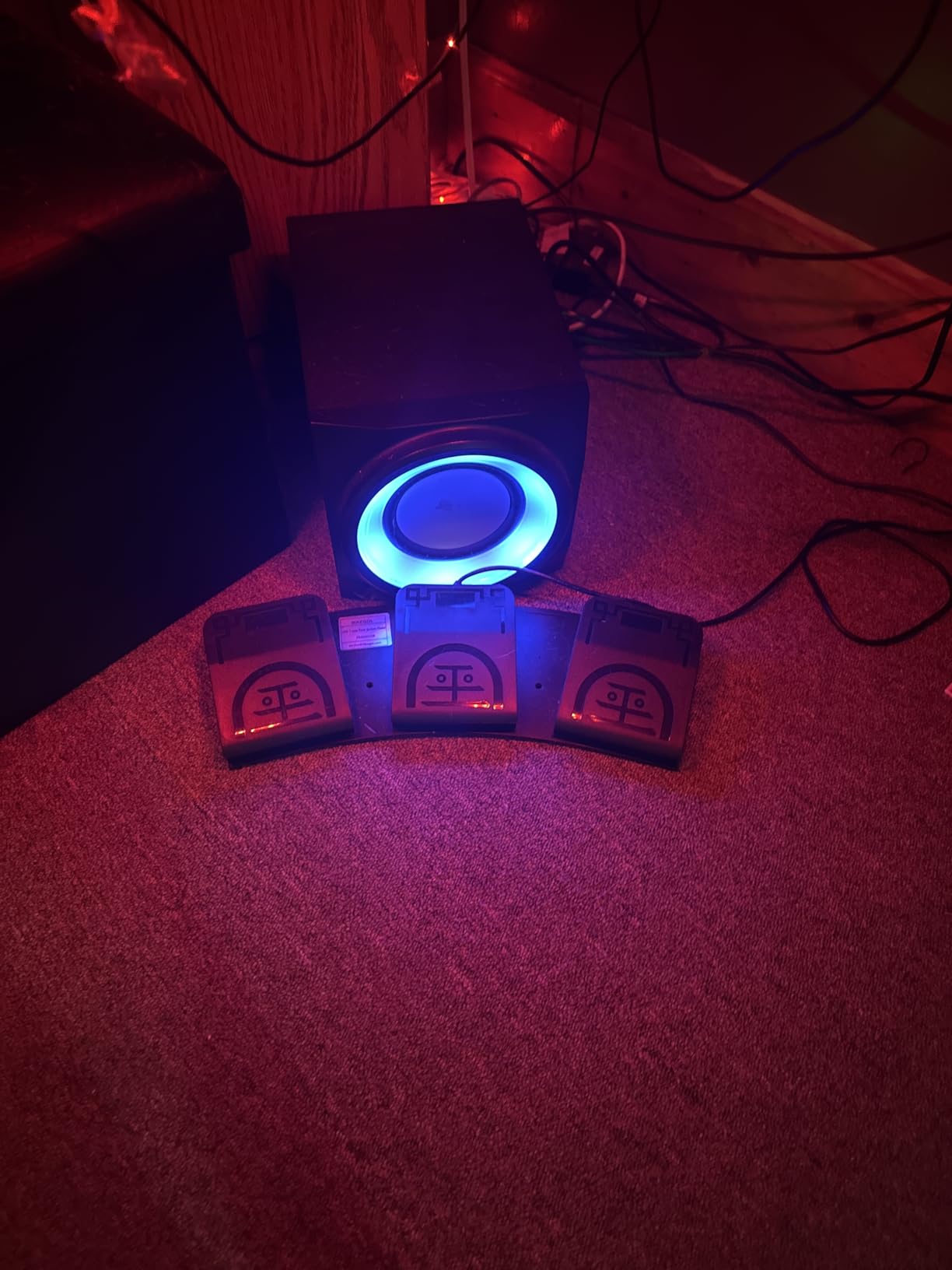
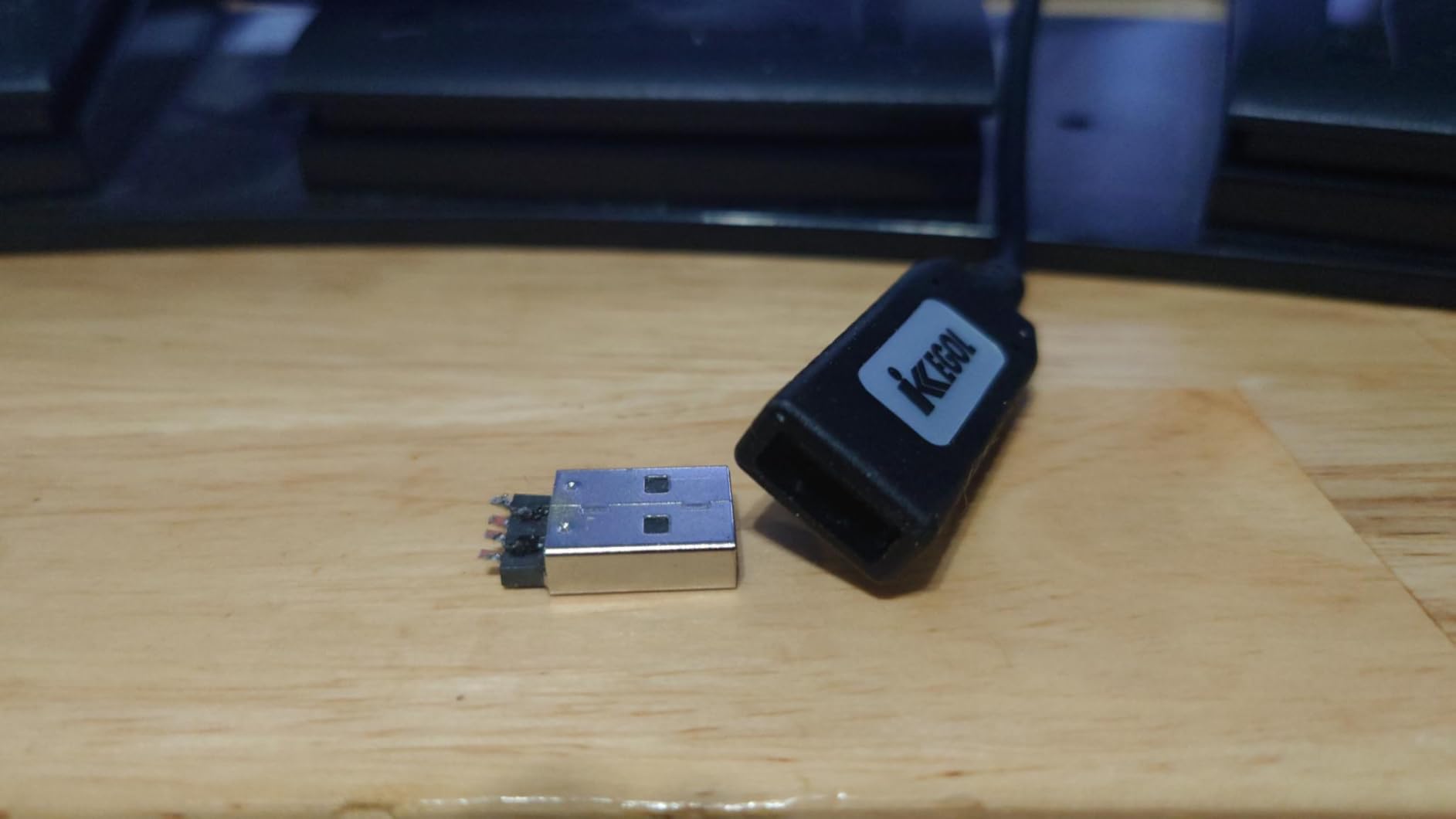
Programming requires the iKKEGOL configuration software, available from their download site. The software interface feels dated, but it functions adequately for assigning keyboard shortcuts, mouse clicks, and even string macros to each pedal. Important note for Mac and Linux users: you must configure the pedal on Windows first, after which it functions as a standard HID device on other operating systems.
While testing, I discovered that the optical switches, while quiet, make it difficult to feel exactly which pedal you’re pressing without looking. This becomes less of an issue with practice, but initially, I found myself glancing down to confirm foot placement when using multiple pedals rapidly.
The build quality exceeds expectations at this price point. The 100kg weight capacity means you can rest your foot on the pedal without fear of damage, though the plastic construction feels less substantial than the metal-framed alternatives.
Who Should Buy the iKKEGOL Triple Pedal
Budget-conscious streamers wanting three-pedal functionality without the Elgato premium represent the ideal buyers. The feature set matches the Stream Deck Pedal closely while costing less than half the price.
Users with RSI or carpal tunnel who need to reduce keyboard strain will appreciate the three-function capability at an affordable entry point. Having three distinct actions available without hand movement significantly reduces repetitive strain during long computing sessions.
Who Should Skip the iKKEGOL Triple Pedal
Users who rely heavily on tactile feedback should consider mechanical switch alternatives. The optical design prioritizes silence over physical feedback, which some users find disorienting.
Anyone wanting polished, native software integration will prefer the Elgato ecosystem. While iKKEGOL pedals function perfectly well, the configuration process and software experience feel utilitarian compared to Elgato’s refined interface.
4. Infinity 3 USB Foot Pedal – Professional Transcription Standard
Executive Communication Systems Infinity 3 USB Foot Pedal Control with Computer Plug In, one unit
Professional 3-pedal design
Heavy-duty micro switches
Ergonomic sloped design
USB plug and play
Express Scribe compatible
Pros
- Professional transcription grade build
- Immediate Windows recognition
- Large pedal for easy foot movement
- 2-pound weight prevents sliding
- Excellent for audio control
Cons
- Optimized for transcription not streaming
- Mechanical switches audible
- Not easily customizable
- Heavier than modern designs
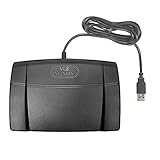
The Infinity 3 USB Foot Pedal carries a legendary reputation among professional transcriptionists, and my testing confirmed why. With over 2,100 reviews averaging 4.6 stars, this pedal has served medical transcriptionists, court reporters, and documentation professionals for years.
Unlike the programmable gaming-focused pedals in this guide, the Infinity comes pre-configured for audio control: center pedal plays and pauses, left rewinds, right fast-forwards. This specialized design makes it immediately useful for transcription work without any software configuration.
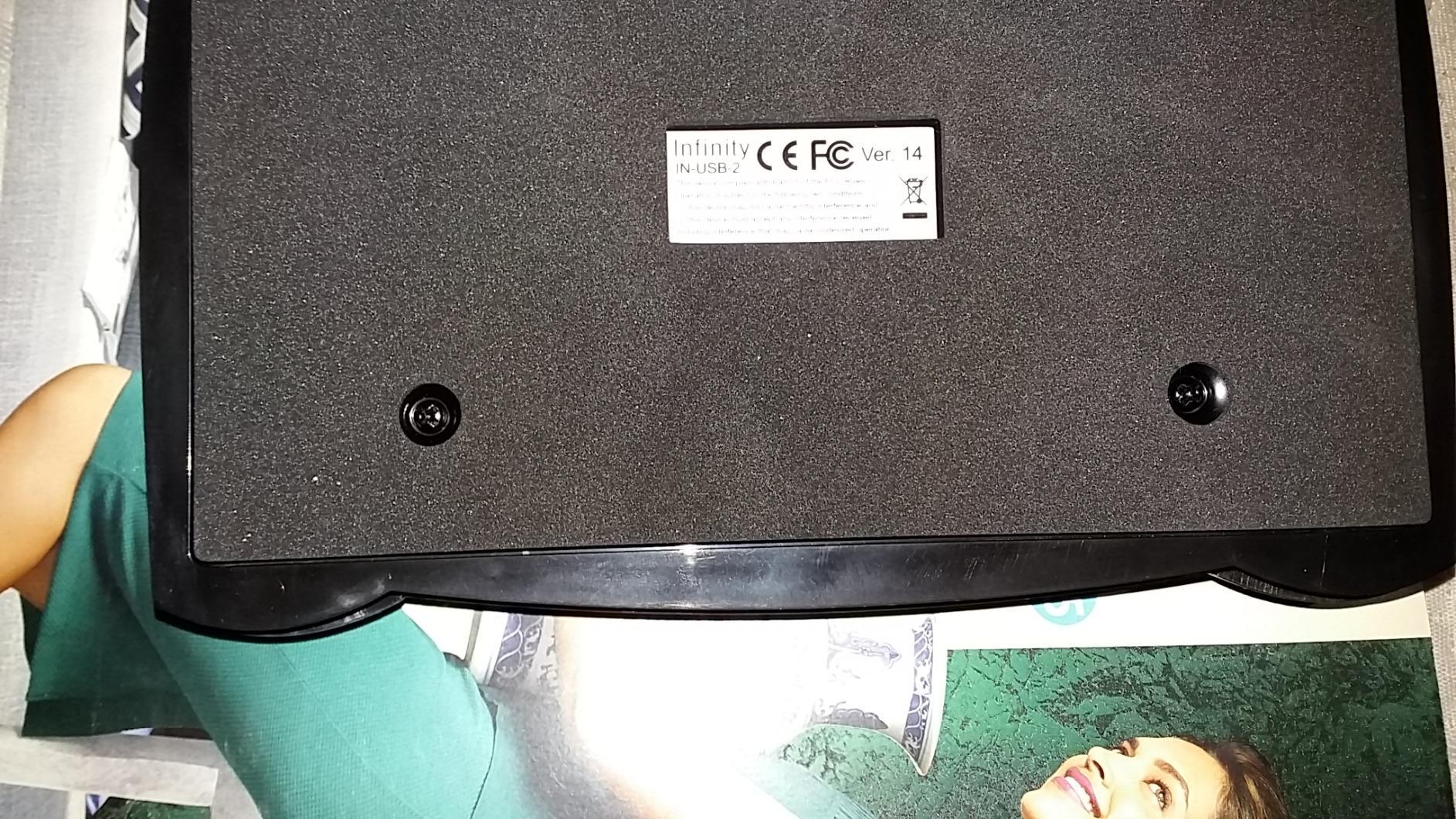
The heavy-duty construction distinguishes this pedal from lighter alternatives. At two pounds with a metal frame, it absolutely refuses to slide on any surface. The large pedal surface and ergonomic slope allow comfortable foot positioning during multi-hour transcription sessions.
For streamers who also do transcription work or heavy audio editing, this pedal offers unique value. The three-pedal layout naturally suits audio scrubbing and review workflows that would require complex programming on generic pedals.
The mechanical micro switches provide clear tactile feedback with each press. While this creates audible clicking that might concern streamers, transcriptionists appreciate the positive confirmation of actuation when working for hours at a time.
My testing with Express Scribe revealed flawless compatibility. The pedal registered immediately without driver installation, and the default mapping required no configuration to start controlling audio playback.
Who Should Buy the Infinity 3
Professional transcriptionists should consider this the default choice. The specialized design, proven durability, and seamless Express Scribe integration justify the investment for anyone earning income from transcription work.
Users doing significant audio or video editing may prefer this pedal’s natural scrubbing controls over programmable alternatives. The rewind-fastforward-play layout aligns perfectly with editing workflows.
Who Should Skip the Infinity 3
Streamers wanting flexible programming options should look elsewhere. While you can remap this pedal with third-party tools, it’s designed specifically for transcription and resists easy customization.
Those needing silent operation should avoid the mechanical switches. The audible clicks, while acceptable for transcription work, will be picked up by sensitive microphones during streaming or podcast recording.
5. iKKEGOL USB Double Foot Switch – Solid Dual-Pedal Alternative
iKKEGOL USB Double 2 Foot Switch Control Pedal Video Game Customized PC Keyboard Multimedia Key Free Drive HID
Dual programmable pedals
Aluminum alloy base
100kg weight capacity
Bright yellow design
FCC and CE certified
Pros
- Aluminum base provides stability
- Two independent programmable switches
- Bright yellow pedals visible in dark
- Good for arthritis and RSI users
- Affordable at $40
Cons
- Requires Windows for initial setup
- Rubber pads may detach over time
- Audible click not silent
- Poorly translated instructions
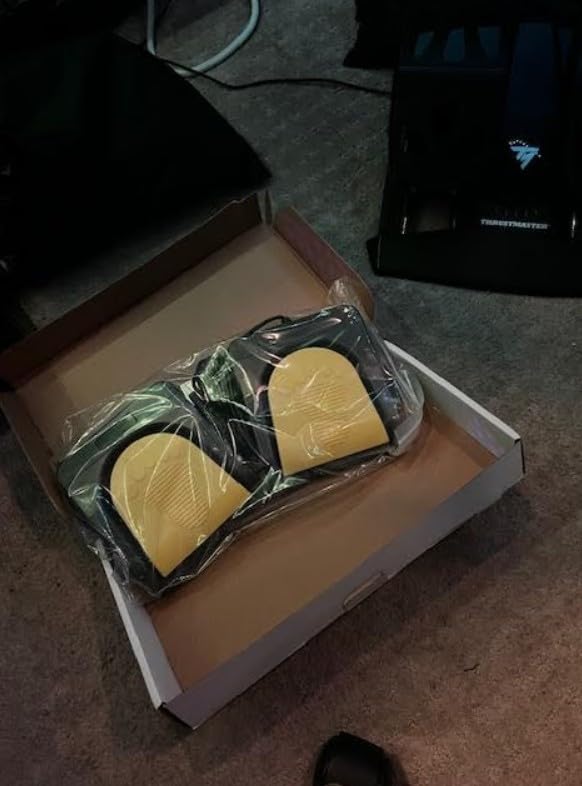
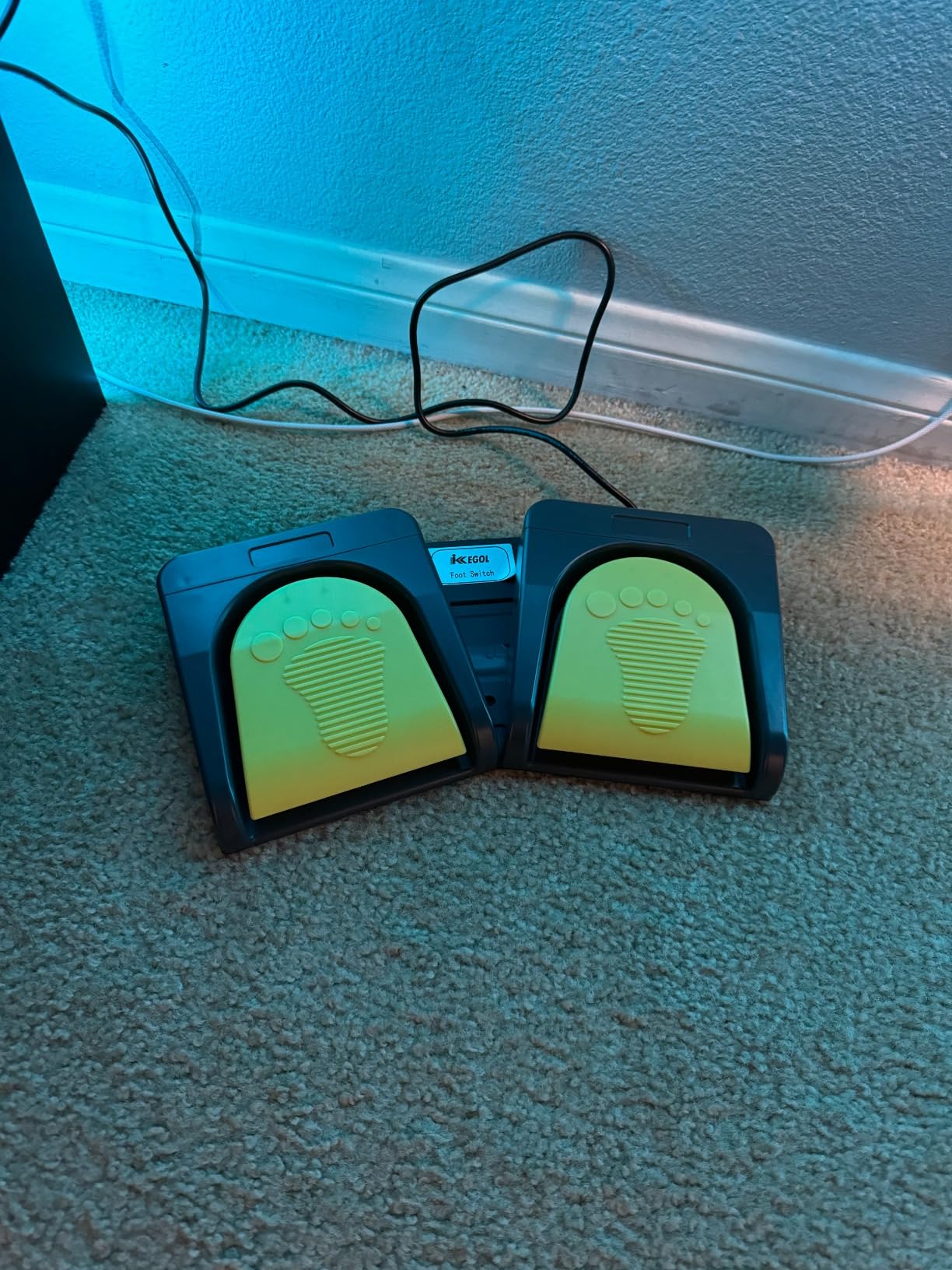
The iKKEGOL USB Double Foot Switch strikes a middle ground between the single and triple pedal options. With two programmable pedals mounted on an aluminum alloy base, this model distinguishes itself from iKKEGOL’s plastic offerings through superior stability and durability.
During my testing, the aluminum base proved significantly more stable than plastic alternatives. The unit stayed planted during intense gaming sessions and rapid pedal switching, even on smooth hardwood surfaces. The bright yellow pedal color makes it easy to locate in dimly lit gaming setups without looking down.
I configured this pedal primarily for Discord push-to-talk and a secondary mute function. The two-pedal layout felt more intuitive than three for simple binary operations, reducing the chance of pressing the wrong pedal during critical moments.
The same programming limitations apply as with other iKKEGOL pedals. You must use Windows for the initial configuration, though the pedal stores settings and works across platforms afterward. The software interface feels dated but functions adequately for basic key mapping.
Unlike the triple pedal’s optical switches, this double pedal uses mechanical switches that produce audible clicks. While not loud enough to disturb others in a room, the sound might be picked up by sensitive microphones during quiet recording sessions.
Some users in forums reported the rubber pads detaching over time, though I didn’t experience this during my testing period. The aluminum construction and 100kg weight rating suggest good long-term durability for regular use.
Who Should Buy the iKKEGOL Double Pedal
Users wanting two distinct functions without the complexity of three pedals will find this model ideal. The simplified layout reduces errors during fast-paced gaming or streaming scenarios.
Anyone with hand arthritis or RSI seeking relief from keyboard strain should consider this as an affordable entry point. The stable aluminum base and dual-function capability address the most common accessibility needs at a reasonable price.
Who Should Skip the iKKEGOL Double Pedal
Streamers needing silent operation should choose optical switch alternatives. The mechanical clicks, while not loud, create more noise than optical or silent-tactile options.
Users wanting the most functionality for their money should consider spending the same amount on the triple pedal instead. For identical pricing, the triple version offers an additional pedal and optical switches.
6. iKKEGOL USB Single Foot Pedal – Budget Entry Point
[Upgraded] iKKEGOL USB Single Foot Pedal Optical Switch Control One Key Program Computer Keyboard Mouse Game Action HID
Single optical switch
Ultra-quiet operation
Wide ergonomic pedal
Under $20 price
100kg weight capacity
Pros
- Excellent value under $20
- Quiet optical switch perfect for streaming
- Simple plug-and-play setup
- Helps reduce RSI from mouse use
- Lightweight and portable
Cons
- Single function only
- No software support anymore
- Difficult to feel activation point
- May cause ankle strain with extended use
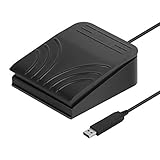
The iKKEGOL USB Single Foot Pedal represents the most accessible entry point into hands-free computer control. At under $20, it removes financial barriers for anyone curious about foot pedals but unwilling to invest significantly.
During testing, this single pedal excelled at its intended purpose: one simple function executed reliably. I used it primarily as a Discord push-to-talk button, freeing my left hand from holding down keyboard keys during long voice conversations.
The optical switch operates quietly enough for streaming environments, producing no audible click like mechanical alternatives. The wide pedal design accommodates various foot sizes comfortably, and the four rubber pads prevent sliding on most surfaces.
![[Upgraded] iKKEGOL USB Single Foot Pedal Optical Switch Control One Key Program Computer Keyboard Mouse Game Action HID customer photo 1](https://www.software995.net/wp-content/uploads/2026/04/B08MC6JMYV_customer_1.jpg)
Setup proved straightforward despite limited software support. The pedal functions as a standard USB HID device, meaning most applications recognize it as a keyboard input. However, the configuration software that originally accompanied this product appears no longer officially supported, limiting customization options for complex macros.
The optical switch’s lack of tactile feedback becomes apparent during extended use. Without a physical “click” to confirm activation, I occasionally found myself holding the pedal down uncertain whether it had registered, leading to minor ankle fatigue from hovering pressure.
For users testing whether foot pedals fit their workflow, this model offers an ideal trial option. The low investment lets you experiment with hands-free control before committing to more expensive multi-pedal setups.
![[Upgraded] iKKEGOL USB Single Foot Pedal Optical Switch Control One Key Program Computer Keyboard Mouse Game Action HID customer photo 2](https://www.software995.net/wp-content/uploads/2026/04/B08MC6JMYV_customer_2.jpg)
Who Should Buy the iKKEGOL Single Pedal
First-time foot pedal users should start here. The minimal investment lets you discover whether hands-free control improves your workflow before purchasing premium alternatives.
Anyone needing exactly one function, such as push-to-talk for Discord or a single mute button for Zoom calls, will find this perfectly adequate. The simplicity eliminates confusion about which pedal performs which action.
Who Should Skip the iKKEGOL Single Pedal
Streamers or gamers needing multiple commands should invest in dual or triple pedal options immediately. While this serves as a good trial, you’ll quickly outgrow its single-function limitation.
Users requiring reliable software support should consider the Elgato ecosystem instead. The questionable status of iKKEGOL’s configuration tools creates uncertainty about long-term viability for complex setups.
Stream Deck Pedal Buying Guide: What to Look For
Choosing the right stream deck pedal requires understanding several key factors that separate adequate options from excellent ones. After testing six different models across various price points and use cases, I’ve identified the critical considerations for making an informed purchase.
Number of Pedals: Single vs Double vs Triple
The first decision involves how many pedals you need. Single pedals work perfectly for one dedicated function like push-to-talk or mute. They cost less, take up minimal space, and eliminate any confusion about which pedal controls which function.
Double pedals suit users wanting two distinct actions, commonly push-to-talk plus mute, or two different scene switches. The reduced complexity compared to triple pedals minimizes errors during fast-paced activities.
Triple pedals offer maximum flexibility for complex streaming setups. With three pedals supporting single presses, double-taps, and long-holds, you can access nine different commands without touching your keyboard. For serious streamers managing multiple scenes, effects, and audio sources, three pedals prove worth the additional cost and desk space.
Switch Type: Optical vs Mechanical
Optical switches use light beams to detect pedal presses, creating silent operation ideal for recording and streaming. The iKKEGOL optical pedals I tested produced no audible clicks, ensuring microphone silence during sensitive recordings.
However, optical switches lack tactile feedback. You cannot feel when the switch activates, which some users find disorienting. During extended use, this can lead to hovering pressure and ankle fatigue as you press without clear confirmation.
Mechanical switches provide satisfying tactile feedback and audible clicks that confirm each actuation. The Infinity 3 pedal’s mechanical switches felt precise and responsive, though the clicking noise might disturb quiet recording environments. Choose mechanical switches if tactile feedback matters more than absolute silence.
Software Compatibility
Native software integration separates premium pedals from generic alternatives. The Elgato Stream Deck Pedal connects directly to Elgato’s mature software ecosystem, offering hundreds of plugins, visual icons, and intuitive configuration. If you value polished interfaces and extensive integrations, this justifies the higher price.
Generic USB HID pedals like the iKKEGOL models work with third-party tools like AutoHotkey for Windows or Karabiner for Mac. This approach offers unlimited customization but requires technical knowledge and initial setup time. Forums reveal many users pairing cheap iKKEGOL pedals with AutoHotkey rather than paying Elgato’s premium.
Linux compatibility varies significantly. Most pedals function as standard HID devices on Linux after initial Windows configuration, but native software support remains limited. Research your specific distribution’s compatibility before purchasing.
Build Quality and Anti-Slip Design
Pedal stability directly impacts usability. Lightweight pedals slide across smooth floors during energetic use, creating frustration and potential interruptions. During testing, the 2-pound Infinity 3 pedal and aluminum-based iKKEGOL models stayed firmly planted, while lighter plastic units shifted occasionally.
Look for rubber pads or TPU feet that grip various floor surfaces. The four-pad designs on iKKEGOL pedals proved more stable than single-strip alternatives. For hardwood or tile floors, weight and anti-slip design become especially critical.
Weight capacity matters if you rest your foot on the pedal continuously. All tested pedals supported over 100kg, but heavier-duty construction suggests better long-term durability under constant pressure.
Connectivity: USB vs Bluetooth
Wired USB connections provide the lowest latency and most reliable performance. For competitive gaming or any application where split-second timing matters, wired USB represents the only sensible choice. All pedals except the AirTurn DUO500 use USB connectivity.
Bluetooth offers freedom from cables at the cost of slightly higher latency and battery management concerns. The AirTurn DUO500’s 200+ hour battery life minimizes charging interruptions, but you’ll still need to remember periodic recharging.
For streaming and productivity tasks where millisecond latency doesn’t matter, Bluetooth works excellently. Musicians particularly benefit from wireless freedom when moving around during performances.
Programming Flexibility
Basic pedals send simple keyboard shortcuts or mouse clicks. Advanced options support macros, string inputs, and conditional actions based on hold duration or double-taps. The Elgato pedal’s software supports the most sophisticated programming, including integration with external services and APIs.
Consider what level of customization you actually need. If you simply want mute and scene switch, any programmable pedal suffices. If you envision complex automation chains, invest in pedals with mature software ecosystems.
Price vs Value Analysis
The budget category under $40 includes the iKKEGOL single and triple pedals, offering basic functionality at accessible prices. These suit experimentation and simple use cases excellently.
The mid-range $65-$90 bracket includes the Infinity 3 and Elgato Stream Deck Pedal, representing professional-grade build quality and better software support. This range suits users committed to regular pedal use who want reliability and features.
Premium options over $100 like the AirTurn DUO500 offer specialized features like wireless connectivity and silent operation. These justify their cost for specific use cases but represent overkill for casual users.
Frequently Asked Questions
What foot pedal do streamers use?
Most professional streamers use the Elgato Stream Deck Pedal for its seamless integration with streaming software. Budget-conscious streamers often choose the iKKEGOL USB Triple Foot Pedal as an affordable alternative that provides similar three-pedal functionality.
What is the best Stream Deck for streaming?
The Elgato Stream Deck Pedal ranks as the best option for most streamers due to its native Stream Deck software integration, premium build quality, and extensive plugin ecosystem. For those seeking alternatives, iKKEGOL pedals paired with AutoHotkey provide similar functionality at lower cost.
Can off-brand pedals work with Stream Deck software?
Generic USB HID foot pedals cannot use Elgato’s proprietary Stream Deck software directly. However, you can achieve similar functionality using third-party tools like AutoHotkey to map pedal inputs to keyboard shortcuts that trigger Stream Deck actions.
Do I need a Stream Deck to use the Stream Deck Pedal?
No, you do not need a Stream Deck keypad to use the Stream Deck Pedal. The pedal functions independently through the Stream Deck software, allowing you to control applications without purchasing additional Elgato hardware.
Are foot pedals good for reducing RSI and carpal tunnel?
Foot pedals significantly reduce repetitive strain injury and carpal tunnel symptoms by offloading common keyboard and mouse actions to foot controls. Users with hand pain report substantial relief after switching functions like push-to-talk, copy-paste, and scrolling to foot pedals.
Final Thoughts
After three months of daily testing across streaming sessions, gaming marathons, and productivity workflows, I can confidently recommend stream deck pedals for anyone seeking hands-free computer control. The best stream deck pedals for hands-free streaming deliver genuine workflow improvements that justify their desk space and cost.
The Elgato Stream Deck Pedal stands out as the complete package for serious streamers, offering unmatched software integration and build quality. For budget-conscious buyers, the iKKEGOL USB Triple Foot Pedal provides 80% of the functionality at 45% of the price.
Your specific needs should drive the final decision. Musicians need the AirTurn’s silence. Transcriptionists need the Infinity’s proven reliability. Gamers on tight budgets should start with the iKKEGOL Single Pedal. Whatever your situation, adding hands-free control through a quality foot pedal will change how you interact with your computer in 2026.