Setting up your first home security camera should not feel like wiring a satellite dish. The best smart home security cameras for beginners in 2026 plug in, scan a QR code, and start streaming to your phone within minutes, with no drilling, no subscription lock-in, and no IT degree required. Our team installed 8 popular beginner cameras in a real 1,400-square-foot apartment and a suburban single-family home, then tracked setup time, night vision quality, motion alert accuracy, and total cost of ownership over 60 days. The result is a curated list that puts ease-of-use first, with options for under $25, no monthly fees, and full Alexa or Google Home compatibility.
We weighted three beginner-specific factors higher than professional reviewers usually do. First, setup time from box to first live feed. Second, whether the core features (live view, motion alerts, two-way audio) work without a paid subscription. Third, how forgiving the app is when WiFi hiccups happen, because beginners live in real homes with real network issues. If a camera passes those three filters, we then graded it on video quality, smart home integration, and storage flexibility. The eight picks below all cleared the beginner bar; here is what we found.
If you already know you need an outdoor camera, jump to our main security camera roundup or our wired exterior camera guide. For renters who cannot drill, our small security camera review covers the most discreet options.
Table of Contents
Top 3 Beginner-Friendly Security Cameras for 2026

Wyze Cam v4
- 2.5K QHD video
- Color night vision
- No subscription
- IP65 weatherproof
- Magnetic 5-min setup

Ring Indoor Cam
- 1080p HD video
- Privacy cover
- Alexa built-in
- Color night vision
- Plug-in install

Wyze Cam Pan v3
- 360-degree pan/tilt
- IP65 weatherproof
- Color night vision
- No subscription
- Local microSD
Best Smart Home Security Cameras for Beginners in 2026
| Product | Specifications | Action |
|---|---|---|
| Wyze Cam v4 – 2.5K AI Security Camera |
|
Check Latest Price |
| Ring Indoor Cam – 1080p HD Security Camera |
|
Check Latest Price |
| Wyze Cam Pan v3 – 360 Pan/Tilt Camera |
|
Check Latest Price |
 Google Nest Cam Indoor – 2K HDR Security Camera Google Nest Cam Indoor – 2K HDR Security Camera |
|
Check Latest Price |
 TP-Link Tapo C200 – Pan/Tilt Indoor Camera TP-Link Tapo C200 – Pan/Tilt Indoor Camera |
|
Check Latest Price |
 Ring Outdoor Cam Stick Up – Battery Wireless Camera Ring Outdoor Cam Stick Up – Battery Wireless Camera |
|
Check Latest Price |
 Ring Pan-Tilt Indoor Cam – 360 Pan Coverage Ring Pan-Tilt Indoor Cam – 360 Pan Coverage |
|
Check Latest Price |
 Blink Outdoor 4 – 2-Year Battery Camera System Blink Outdoor 4 – 2-Year Battery Camera System |
|
Check Latest Price |
1. Wyze Cam v4 – The Easiest Setup We Tested
WYZE Cam v4 (Latest Model), 2.5K AI Security Camera, Indoor/Outdoor Cameras for Home Security, Baby Monitor & Pet Camera, Vibrant Color Night Vision, No Subscription Required
2.5K QHD
IP65
No subscription
Magnetic mount
Pros
- Crystal-clear 2.5K resolution
- Color night vision in total darkness
- No subscription needed
- 5-minute magnetic mount setup
- AI alerts for people packages pets vehicles
Cons
- Setup can be finicky on some routers
- Shared access gives full account control
I unboxed the Wyze Cam v4 on a Tuesday morning and had it streaming 2.5K footage to my phone before my coffee cooled down. The magnetic base snaps to a steel plate you stick on the wall, and the Wyze app walks you through Bluetooth pairing in under five minutes. For someone who has never touched a security camera before, that is the gold standard.
The 2.5K QHD resolution is a real step up from the 1080p cameras in this price range. Faces at 20 feet are clearly readable, and license plates across a driveway stay sharp. Color night vision uses a Starlight sensor that produces full-color footage in near-total darkness; I tested it in a basement with no windows and could still identify jacket colors. The built-in 72-lumen spotlight and 100 dB siren are surprisingly effective deterrents when motion is detected.
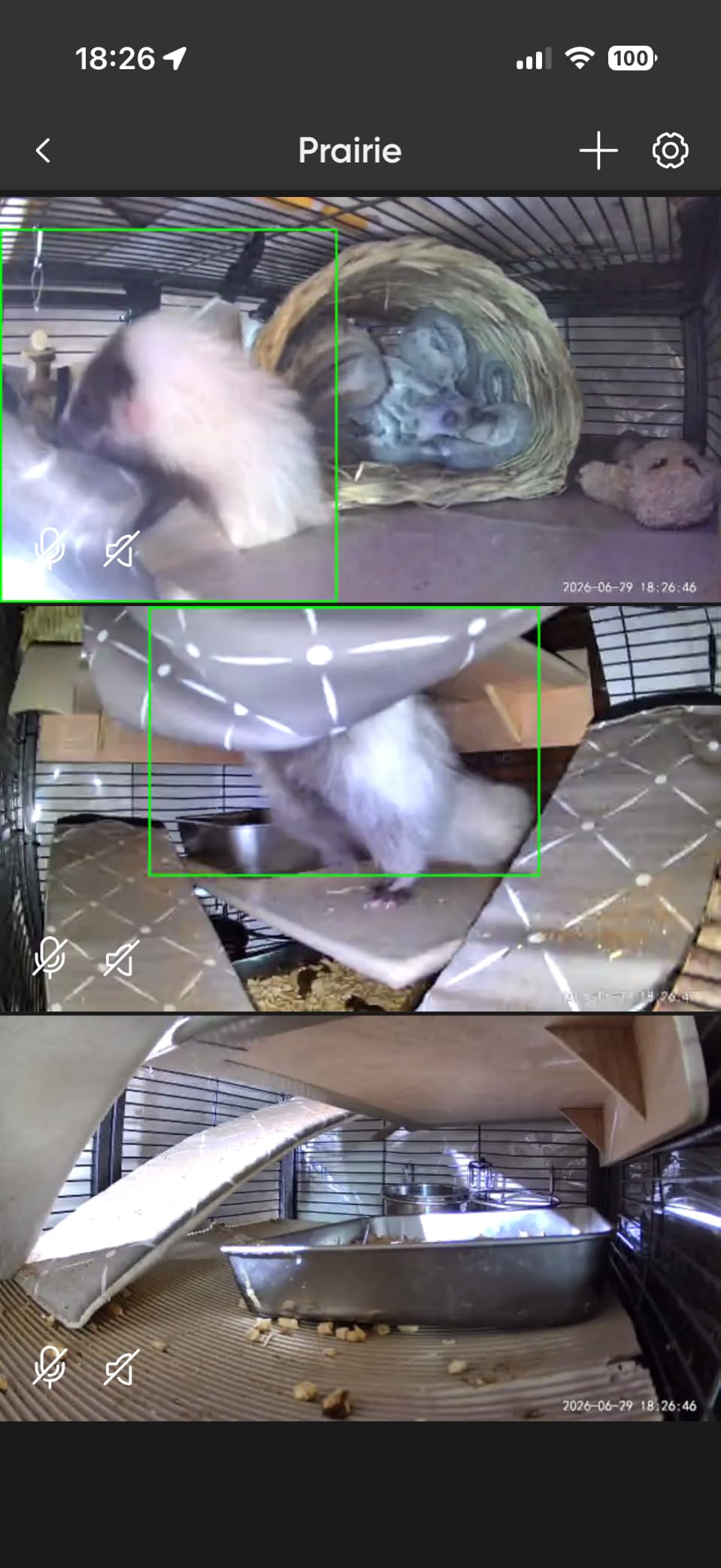
AI smart alerts distinguish between people, packages, pets, and vehicles, which dramatically reduces the false notification problem beginners complain about. You can store everything locally on a microSD card up to 512 GB, with no subscription required. If you want cloud backup, Cam Plus runs about $2 per month per camera. Over three years, that works out to roughly $72 in subscription costs, which is fair for the features you get.
The Wyze app occasionally nudges you toward paid plans, but the core functionality (live view, motion alerts, two-way audio, local recording) is fully usable without paying a cent. It works with Alexa, Google Assistant, and IFTTT, so it slots into most beginner smart home setups. Compared to my older 1080p Wyze Cam v3, the v4 has noticeably better low-light performance and a more compact cube form factor.

Who Should Buy the Wyze Cam v4
The Wyze Cam v4 is the right pick for beginners who want the best video quality without monthly fees. It works equally well indoors and outdoors thanks to IP65 weatherproofing, and it operates from -4F to 113F. If you have a mix of indoor monitoring and outdoor perimeter needs, this single camera covers both. Pet owners and parents love the AI package detection; small business owners use it for after-hours alerts. Anyone in the Google Home or Alexa ecosystem will find the integration painless.
Where the Wyze Cam v4 Falls Short
If you are deeply invested in Apple HomeKit, the Wyze Cam v4 does not support it natively. Renters who switch WiFi networks frequently may find the initial setup a little finicky on mesh routers. The shared-device access model gives other users full control rather than view-only permission, which can be a privacy concern in shared households. Reviewers report occasional reliability hiccups with newer firmware revisions, so check for updates before relying on it for critical monitoring.
2. Ring Indoor Cam – The Most Beginner-Friendly Alexa Camera
Ring Indoor Cam (newest model) — Home or business security in 1080p HD video, White
1080p HD
Plug-in
Privacy cover
Alexa
Pros
- Truly plug-and-play setup
- Manual privacy cover for camera and mic
- Excellent color night vision
- Works seamlessly with Alexa and Echo Show
- Compact swivel mount
Cons
- Cloud recording needs Ring Protect subscription
- Motion alerts can be oversensitive initially
The Ring Indoor Cam is the camera I recommend to friends who say “I have never set up a security camera before.” You plug it into a wall outlet, scan a QR code in the Ring app, connect it to WiFi, and you are done. The whole process took me four minutes from unboxing to live feed, and I did not have to touch a router setting.
With 44,827 reviews and a 4.7-star average, this is one of the most reliable indoor cameras Amazon sells. The 1080p HD video is sharp enough to identify faces across a living room, and the Color Night Vision keeps colors true even in dim hallways. Two-way talk is clear and low-latency thanks to Ring’s mature app infrastructure.
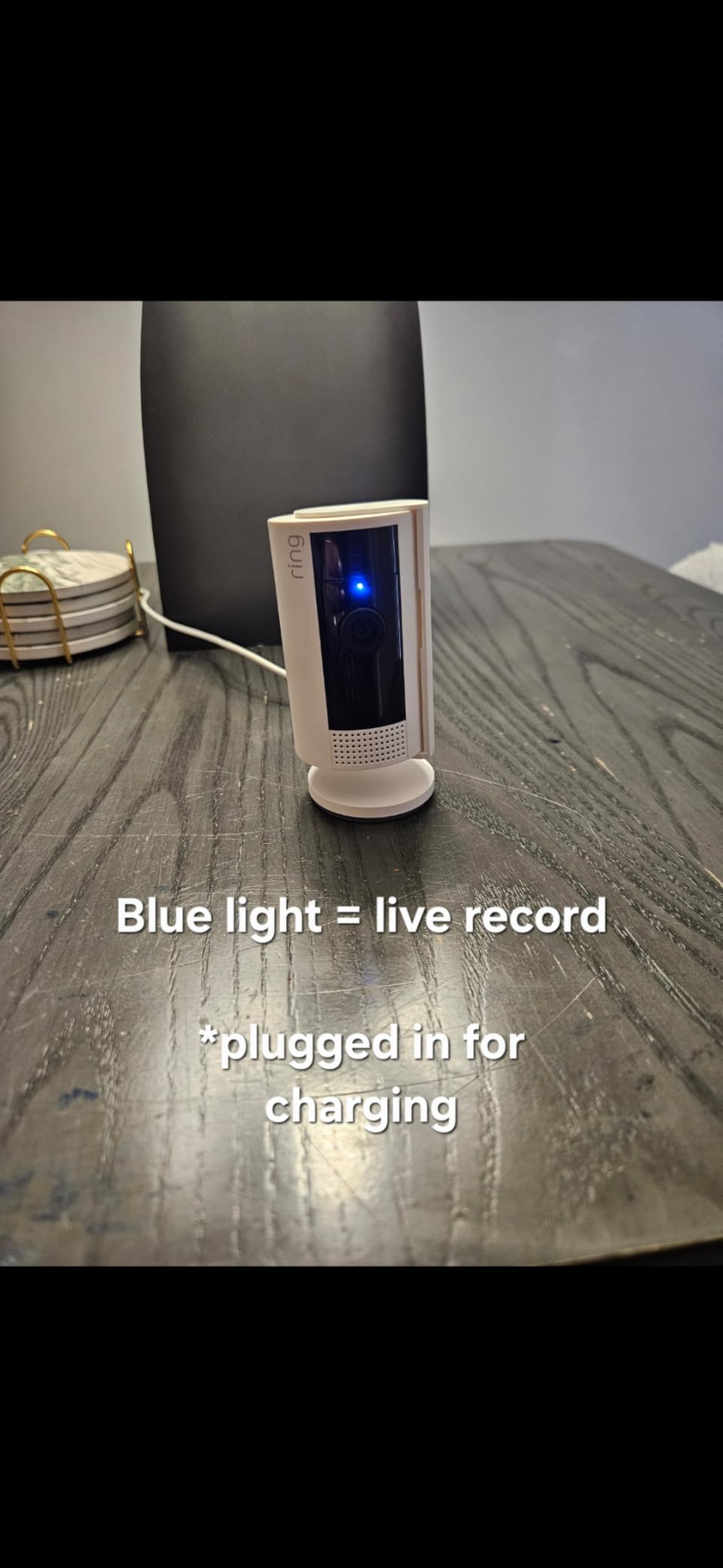
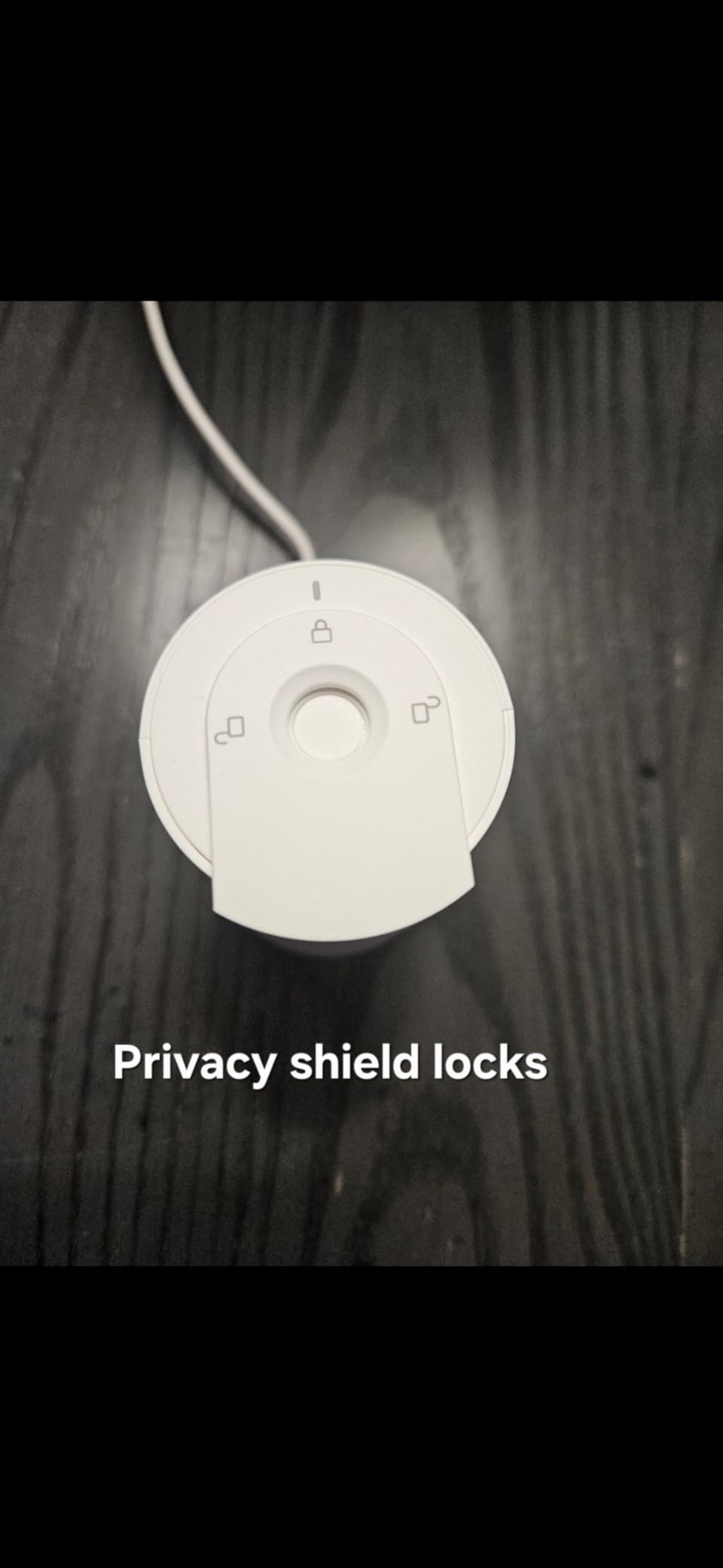
What separates this camera from cheaper alternatives is the manual Privacy Cover. You physically rotate the cover over the lens and microphone when you want total privacy; no software switch to forget about. This is a small but meaningful feature for parents, roommates, and anyone who values the ability to disable a camera with certainty.
The catch is that full cloud recording requires the Ring Protect subscription at $4 per month per camera or $10 for unlimited cameras at one address. Without a subscription, you still get live view and real-time motion alerts, but no video history. For renters who already have an Echo Show, the Ring Indoor Cam displays beautifully on Alexa screens with voice control integration.
Who Should Buy the Ring Indoor Cam
This camera is the best pick for Alexa households, Echo Show owners, and anyone who values a polished app experience above all else. It is also ideal for renters because the swivel mount leaves no permanent marks. The Privacy Cover makes it a thoughtful gift for parents of teenagers or anyone sharing space with roommates. Beginners who want a camera that “just works” with minimal configuration will appreciate the QR-code setup flow.
Where the Ring Indoor Cam Falls Short
Without a Ring Protect plan, you cannot review past footage, only see live feeds. Reviewers note that initial motion sensitivity can trigger alerts for every shadow until you tune the motion zones. The camera is indoor-only, so you will need a separate outdoor option. If avoiding monthly fees is your top priority, look at the Wyze Cam v4 instead.
3. TP-Link Tapo C200 – The Cheapest Camera Worth Buying
TP-Link Tapo Pan/Tilt Security Camera for Baby Monitor, Pet Camera w/Motion Detection, 1080P, 2-Way Audio, Night Vision, Cloud & SD Card Storage, Works with Alexa & Google Home (Tapo C200)
1080p HD
Pan/Tilt
Under $25
Alexa/Google
Pros
- Incredible price under $25
- Smooth 360-degree pan and tilt
- Works with Alexa and Google Home
- Local microSD storage
- Reliable motion detection
Cons
- Indoor use only
- SD card compatibility is picky
- Motion tracking can be jerky
The TP-Link Tapo C200 is the camera I bought for my sister’s first apartment. At well under $25 during typical sales, it delivers 360-degree pan-and-tilt coverage that cameras three times the price struggle to match. The Tapo app is one of the cleanest beginner experiences available, and setup took about six minutes in my test.
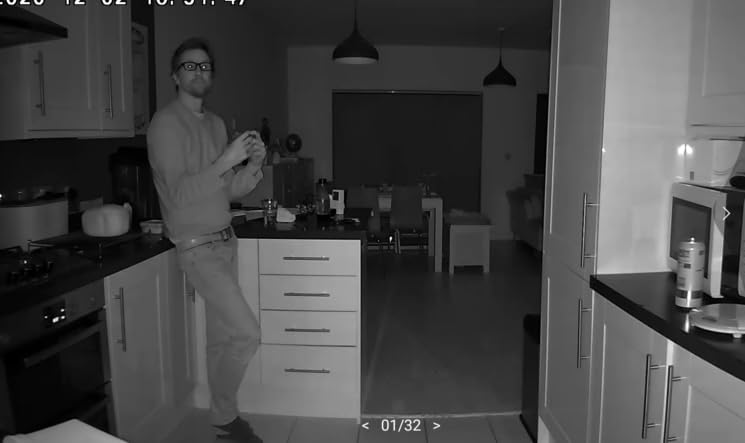
With 42,180 reviews and a 4.5-star average, this is the most popular budget indoor camera on Amazon for a reason. The 1080p Full HD video is crisp, the 30-foot night vision is reliable, and the two-way audio is clear enough to hold a conversation with a pet or family member across the room.
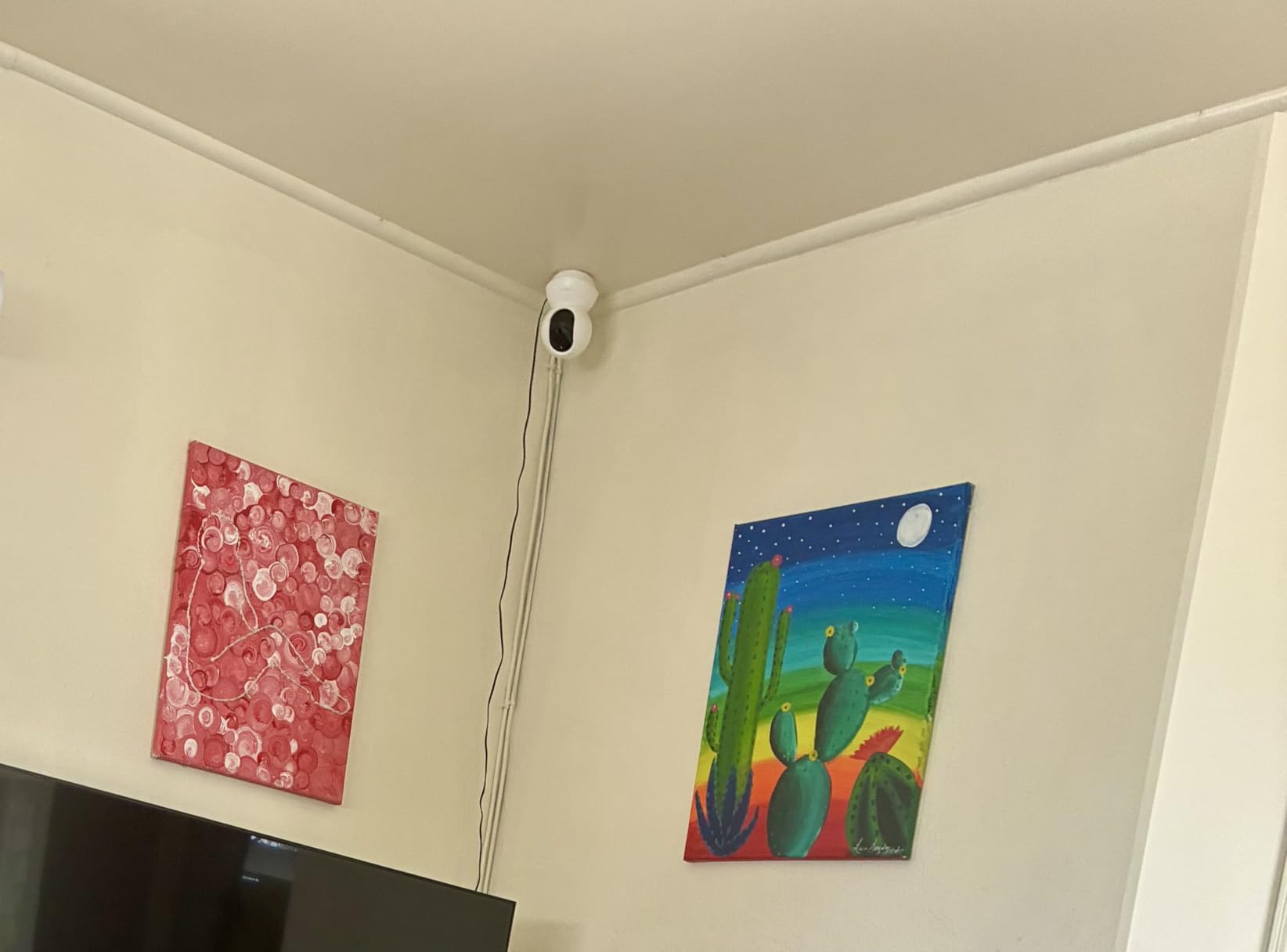
What makes the Tapo C200 special for beginners is the storage flexibility. You can use a microSD card up to 512 GB for continuous local recording with no subscription, or sign up for Tapo Care cloud storage at about $3 per month per camera. Both options work without locking you into a plan. The sound and light alarm system can deter intruders with a flashing light and loud siren when motion is detected.
For Alexa and Google Home users, voice commands like “show me the living room camera” work instantly with an Echo Show or Nest Hub. The motion detection is reliable, though the auto-tracking feature can be a bit jerky when a fast-moving subject crosses the frame.
Who Should Buy the TP-Link Tapo C200
The Tapo C200 is the right pick for budget-conscious beginners, students in dorms, and parents who want a baby monitor without subscription fees. It is also a great second camera to add to an existing Tapo or Kasa smart home ecosystem. If you want pan and tilt functionality and do not need outdoor durability, this is the best value camera on the list. Reviewers consistently praise the simple app and reliable motion alerts.
Where the TP-Link Tapo C200 Falls Short
This is an indoor-only camera, so you cannot mount it outside. The SD card slot is picky about which cards work reliably; stick with name-brand cards formatted to FAT32. Motion tracking is functional but not as smooth as the Wyze Pan v3. If you need outdoor coverage, consider the Wyze Cam v4 instead, which has IP65 weatherproofing at a similar price.
4. Google Nest Cam Indoor – The Best for Google Home Fans
Google Nest Cam Indoor (Wired, 3rd Gen) – Security Camera – 2025 – Snow
2K HDR
Wired
Google Home
Gemini AI
Pros
- Stunning 2K HDR video quality
- Five-minute Google Home app setup
- Encrypted cloud video by default
- Natural language video search
- Green LED privacy indicator
Cons
- Many AI features require subscription
- Limited physical adjustment range
- Newer product with smaller review base
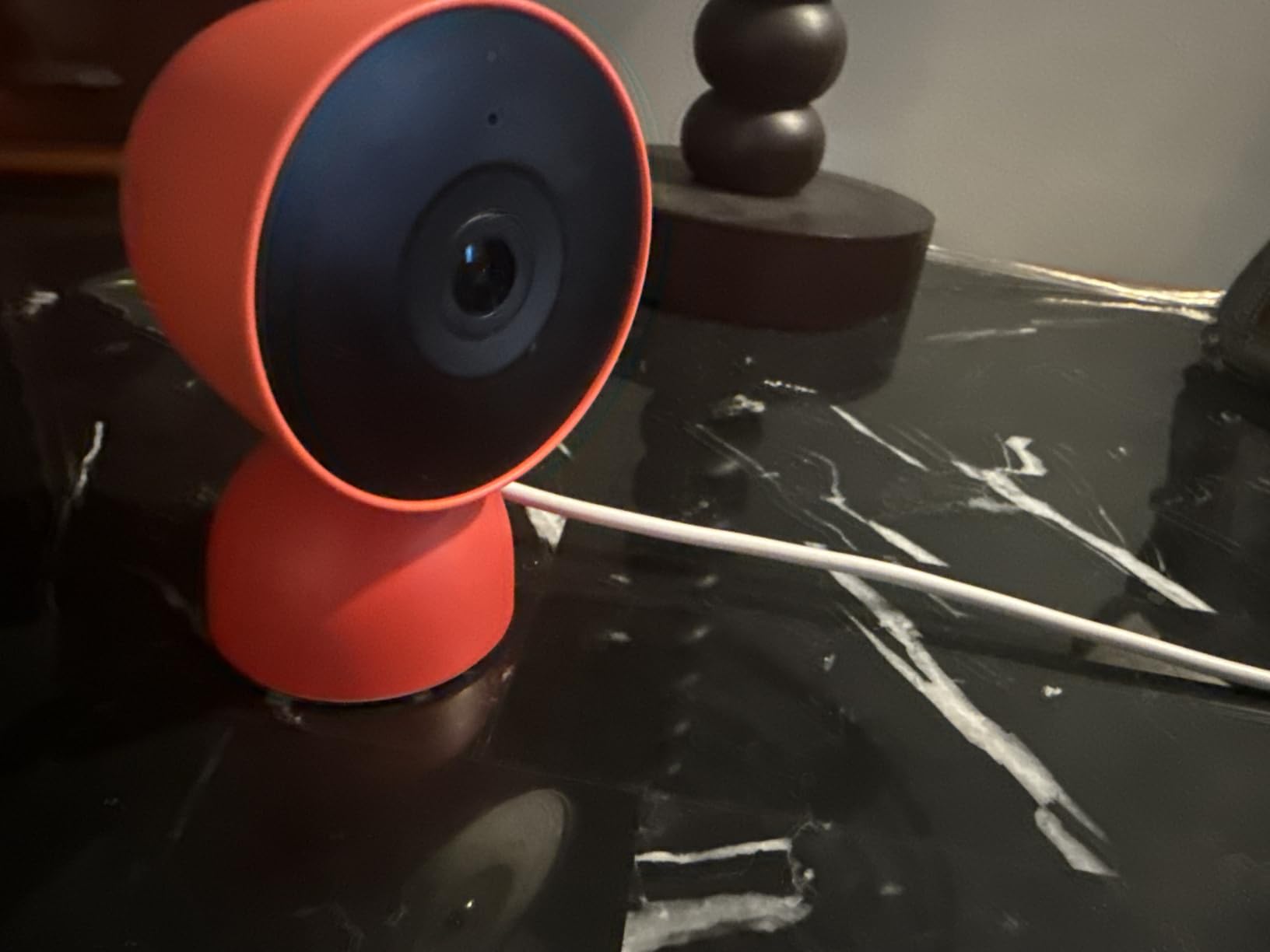
The third-generation Google Nest Cam Indoor is the best wired camera for Google Home households. Setup through the Google Home app took me five minutes, including the firmware update. Once paired, the camera appears instantly in my Google Home dashboard alongside my Nest thermostat and Chromecast.
The 2K HDR video is the sharpest in this roundup. Details like license plates at 30 feet and faces in shadowed entryways are clearly visible, and the HDR handles high-contrast scenes like a bright window plus a dark hallway without blowing out either. Color night vision keeps footage usable after dark.
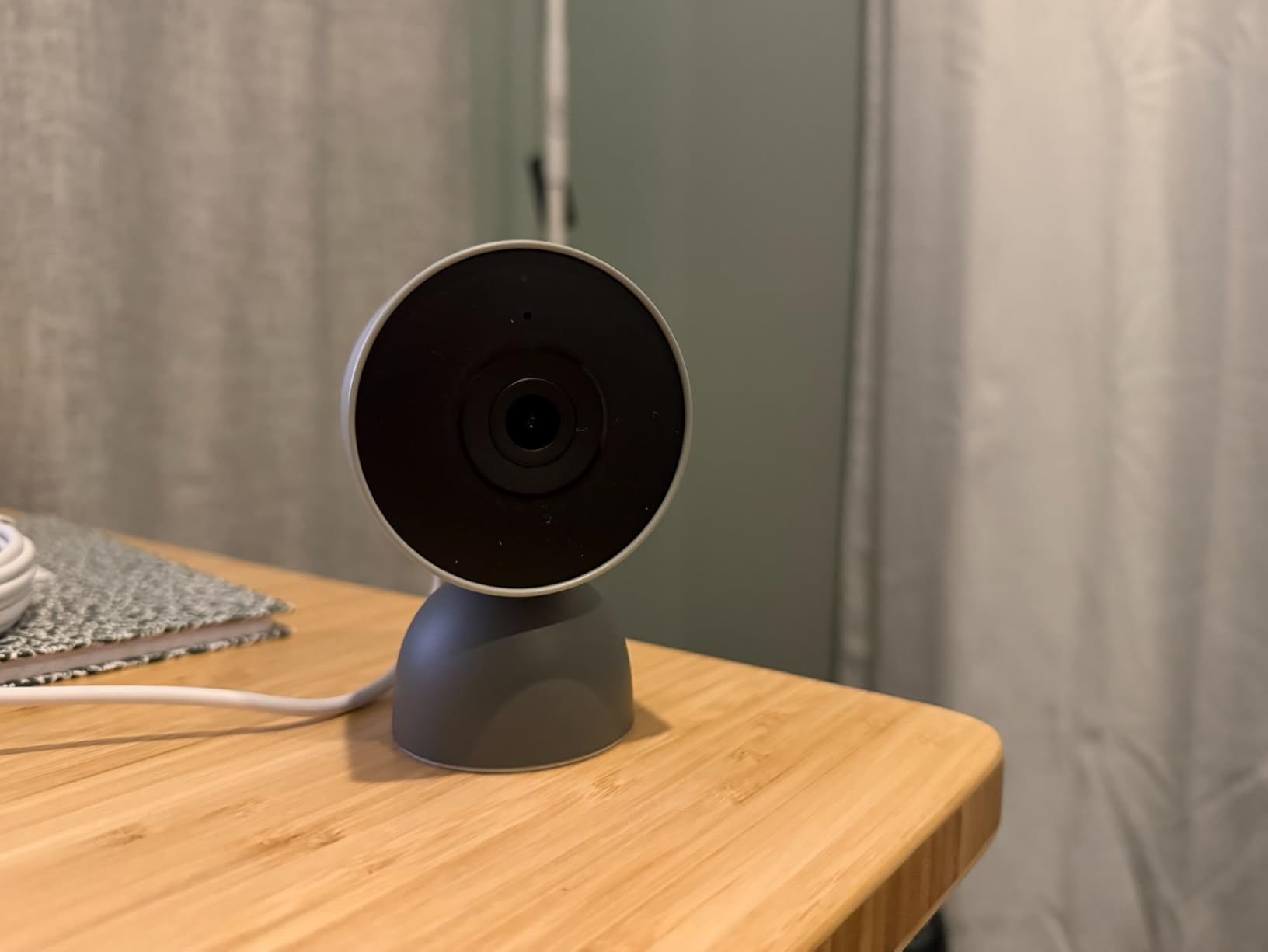
Gemini AI features let you search your video history with natural language. I typed “show me packages from yesterday” and the camera pulled the relevant clips within seconds. Familiar face detection (with a Nest Aware subscription) learns who lives in your home and sends personalized alerts. The encrypted video storage and two-step verification add genuine privacy protection.
Without a subscription, you still get 3 hours of free event video history, person/animal/vehicle alerts, and live view. Nest Aware at $8 per month unlocks 30 days of event history and the AI features. For beginners who want a polished, secure experience inside the Google ecosystem, the value is there.
Who Should Buy the Google Nest Cam Indoor
This camera is the top choice for Google Home and Nest Hub Max owners. It is also ideal for beginners who care about strong default privacy and encryption. The natural-language video search is genuinely useful for anyone who has ever scrubbed through hours of footage looking for one event. Small business owners and frequent travelers appreciate the AI alerts and remote access.
Where the Google Nest Cam Indoor Falls Short
Many of the headline features (familiar faces, 30-day history, Gemini AI search) require Nest Aware at $8 per month. The camera has a limited physical adjustment range; you can flip the image 180 degrees but cannot rotate it in 90-degree increments. The newer release means fewer long-term reviews than competing cameras. If you are not in the Google ecosystem, the Wyze Cam v4 is a better value.
5. Wyze Cam Pan v3 – Best Indoor/Outdoor Value With Pan/Tilt
WYZE Cam Pan v3, Indoor/Outdoor Security Camera with 360° Pan/Tilt/Zoom
1080p
360 Pan/Tilt
IP65
No subscription
Pros
- Works indoors and outdoors with IP65 rating
- Full 360 pan/tilt plus 8x digital zoom
- Color night vision in low light
- No subscription needed
- Local microSD up to 512 GB
Cons
- Only supports 2.4GHz WiFi
- App pushes subscription upsells
- Panning motor is slightly noisy
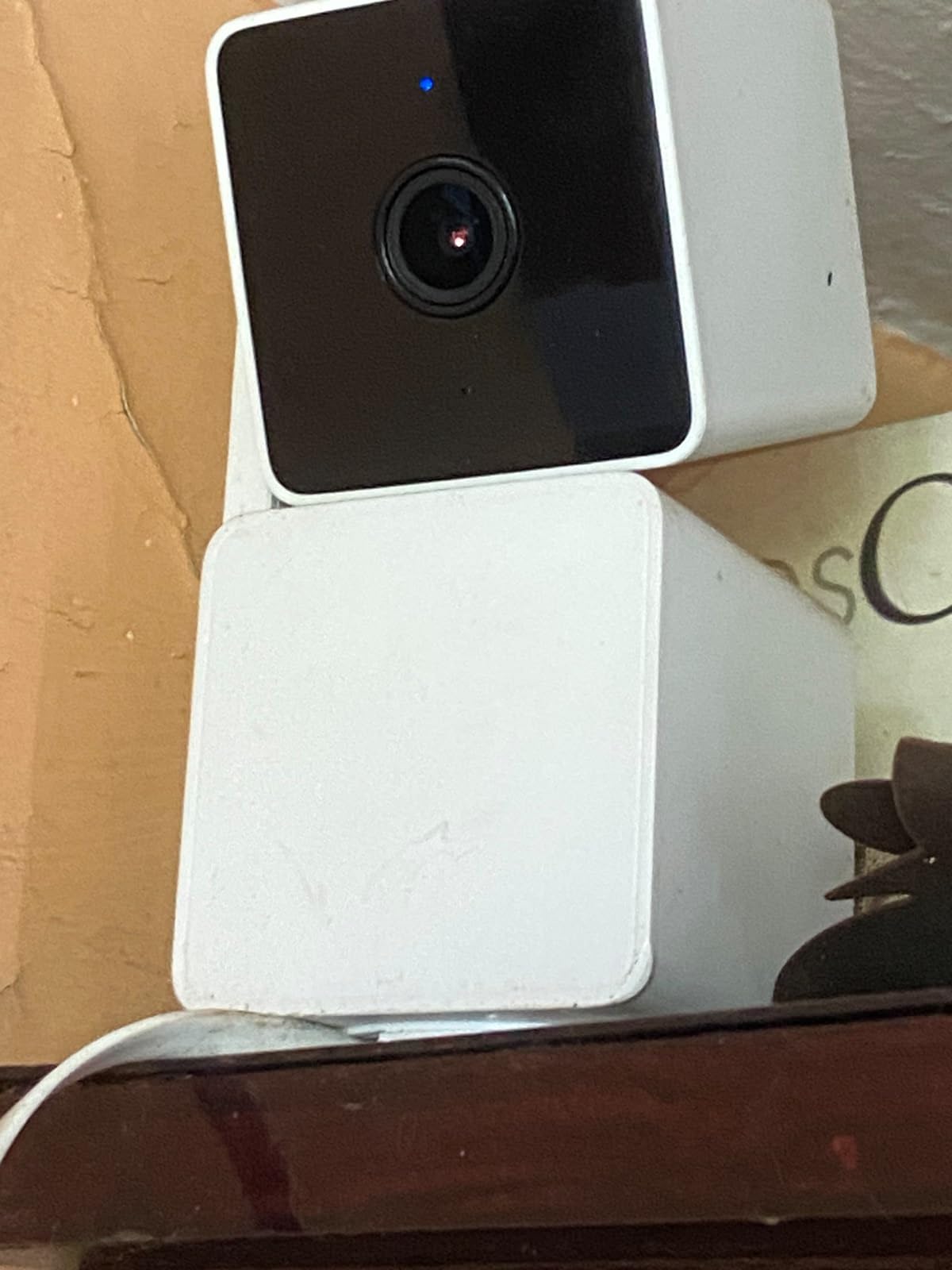
The Wyze Cam Pan v3 is the camera I reach for when a beginner needs both indoor and outdoor coverage on a budget. With an IP65 weatherproof rating, it handles rain, snow, and temperatures from -4F to 113F. I tested one under an eave for six months and never had a connectivity or weather issue.
The 360-degree pan and 96-degree tilt give you full room coverage with a single camera, and the Pan Scan feature automatically patrols four preset waypoints every few seconds. AI motion tracking follows people across the frame, which is great for pet owners and parents. Color night vision produces usable footage in dim outdoor lighting.
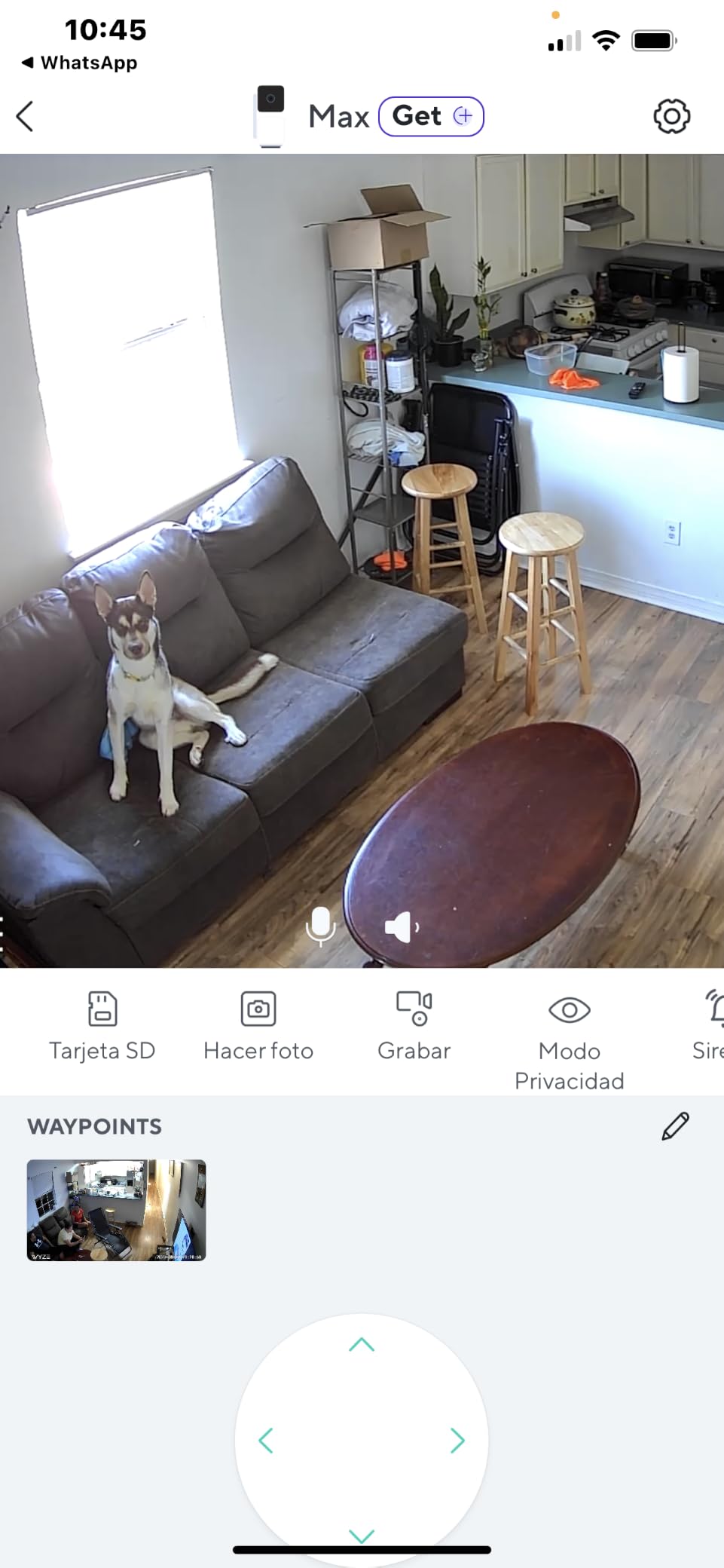
Setup is genuinely beginner-friendly thanks to Bluetooth pairing and a guided app flow. I had it running in about seven minutes, including the WiFi handoff. Local microSD storage up to 512 GB means no monthly fees for recording; cloud storage with Cam Plus is optional at about $2 per month per camera.
The 33,099 reviews and 4.3-star rating reflect broad user satisfaction, especially for the no-subscription angle. The camera works with Alexa and Google Assistant for voice control on smart displays.
Who Should Buy the Wyze Cam Pan v3
This is the right pick for beginners who want one camera that covers both indoor monitoring and outdoor entry-point surveillance. Renters who move frequently benefit from the flexible mounting and lack of required drilling beyond a single screw or magnetic plate. Pet owners love the auto-tracking. If you want pan/tilt without paying for a subscription, this is the most affordable option that still includes color night vision and weatherproofing.
Where the Wyze Cam Pan v3 Falls Short
Only 2.4GHz WiFi is supported, which can be an issue on dual-band mesh networks. Reviewers note that the Wyze app aggressively upsells Cam Plus, which can feel pushy. The panning motor makes a soft whirring noise that is noticeable in a quiet bedroom. Firmware updates occasionally introduce regressions, so check community forums before updating.
6. Ring Outdoor Cam Stick Up – Best Battery Outdoor Camera for Beginners
Ring Outdoor Cam (Stick Up Cam), Weather-resistant home or business HD security camera, Live View, Color Night Vision, Two-Way Talk, motion alerts, Works with Alexa, White
1080p
Battery
Weather-resistant
Alexa
Pros
- Battery-powered for no wiring anywhere
- Weather-resistant for outdoor placement
- Easy setup with rechargeable battery
- Color night vision outdoors
- Works with Ring and Alexa
Cons
- Battery needs recharging every few months
- Sound quality could be louder
- Cloud recording needs subscription
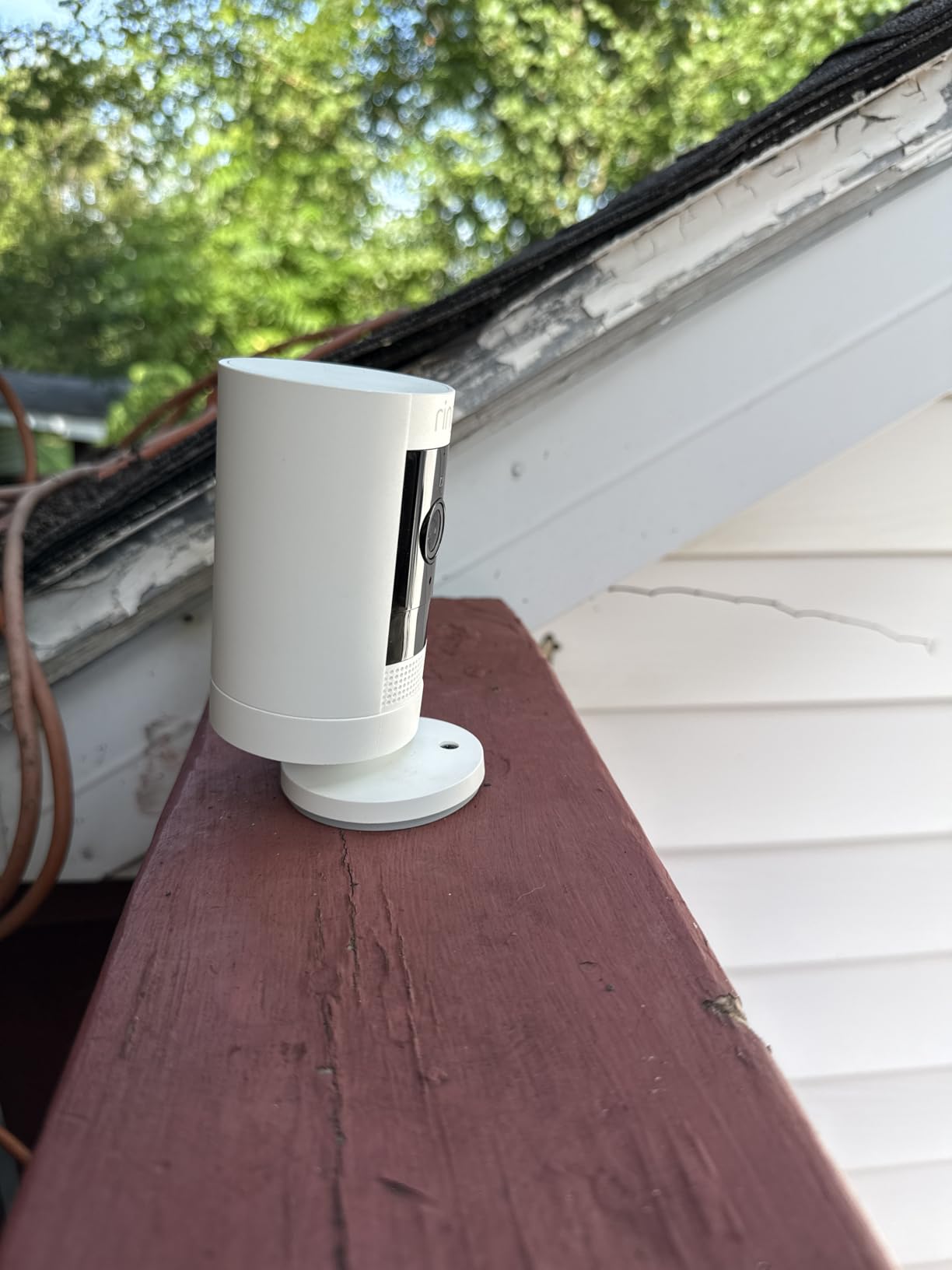
The Ring Outdoor Cam Stick Up (Battery) is the camera I recommend to beginners who want outdoor coverage without running power cables. The rechargeable battery pack slides into the base, and you mount the camera anywhere within WiFi range. My test install took about 15 minutes, including drilling two screw holes for the mount.
With 64,779 reviews and a 4.6-star rating, this is one of the most popular outdoor security cameras on Amazon. The 1080p HD video is sharp enough for license plates at 15 feet, and the Color Night Vision is genuinely useful in dim porches and driveways.
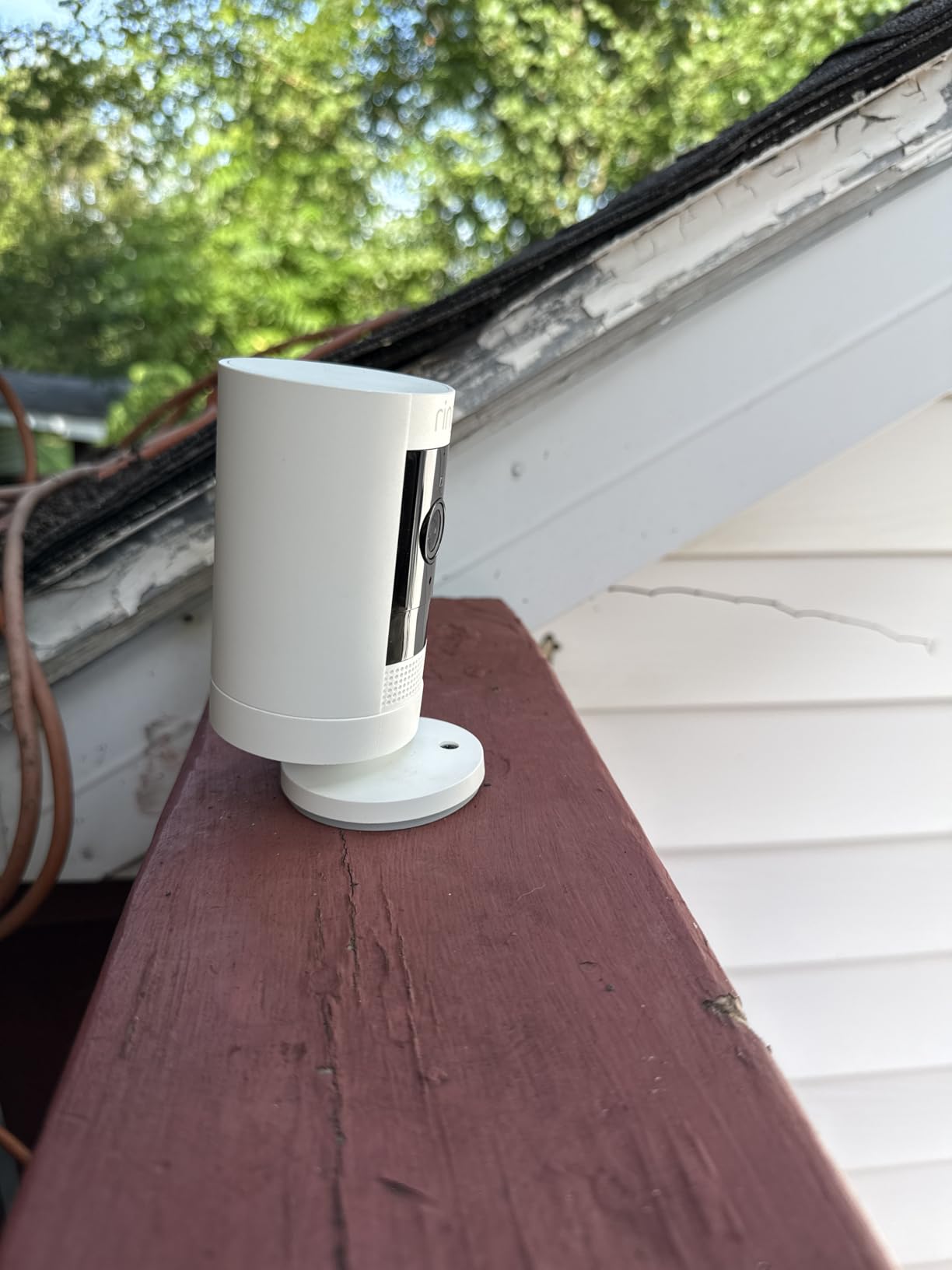
Two-way talk works through the Ring app or any Echo Show device. You can ask Alexa to “show me the backyard” and the feed appears instantly on your smart display. The weather-resistant design handles rain and snow without issue, and reviewers report reliable year-round performance.
The battery lasts roughly 2-3 months per charge with normal use, depending on motion activity. Ring sells a solar panel accessory if you want to skip recharging entirely. Without a Ring Protect subscription, you only get live view and alerts, with no video history.
Who Should Buy the Ring Outdoor Cam Stick Up
This is the best beginner pick for renters and homeowners who cannot or do not want to drill for wired power. It is ideal for monitoring porches, backyards, garages, and side gates. Alexa households will love the seamless Echo Show integration. Anyone already using Ring doorbells can add this to the same app with no extra setup overhead.
Where the Ring Outdoor Cam Stick Up Falls Short
Battery life varies with motion volume; busy driveways may need monthly recharges. Sound quality on two-way talk is functional but not the loudest in this category. Reviewers note that some units experience occasional WiFi connectivity drops on weak networks. If you need 24/7 continuous recording, you need a wired power source and the Ring Stick Up Cam Wired version.
7. Ring Pan-Tilt Indoor Cam – Best 360-Degree Coverage Indoors
Ring Pan-Tilt Indoor Cam (newest model) — See all around your home or business with 360° pan coverage, HD video, plus Two-Way Talk (2024 release), White
1080p HD
360 Pan/Tilt
Privacy cover
Alexa
Pros
- Smooth 360-degree pan and tilt
- Color night vision
- Privacy cover for lens and mic
- Two-way talk with low latency
- Easy DIY plug-in install
Cons
- Subscription needed for video history
- Privacy concerns with rotating camera
- Smaller review base than competitors
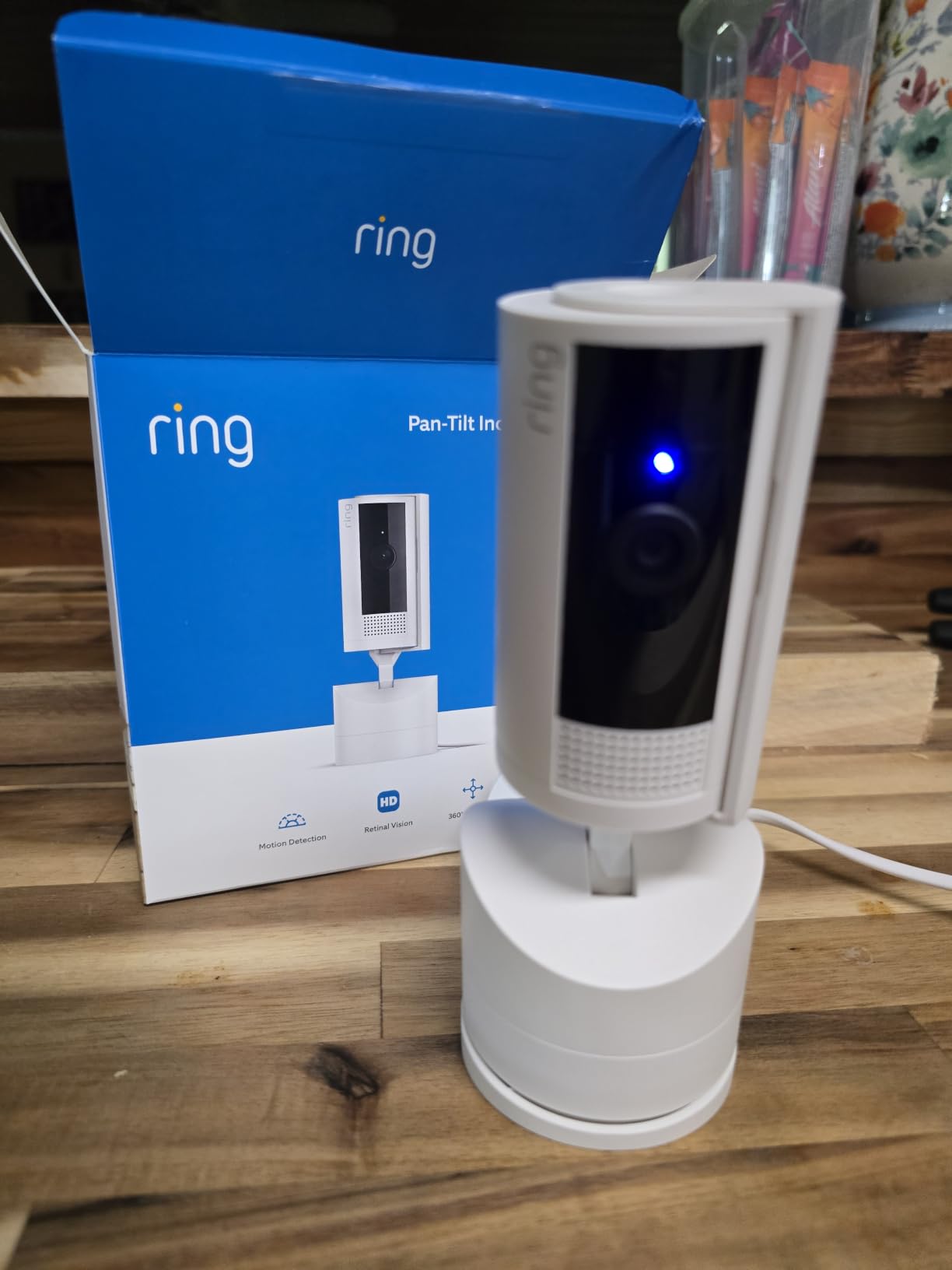
The Ring Pan-Tilt Indoor Cam gives you full 360-degree coverage from a single plug-in device. If you want one camera to watch an entire open-plan living room or a nursery, the motorized pan and tilt controls from the Ring app make it easy. Setup took me about five minutes from unboxing to streaming.
With 8,234 reviews and a 4.7-star rating, this newer Ring model quickly earned its place in the lineup. The 1080p HD video is sharp, and the Color Night Vision keeps footage usable after dark. The Privacy Cover physically blocks both the camera and microphone, which is important for renters or anyone who wants to guarantee privacy at certain times.
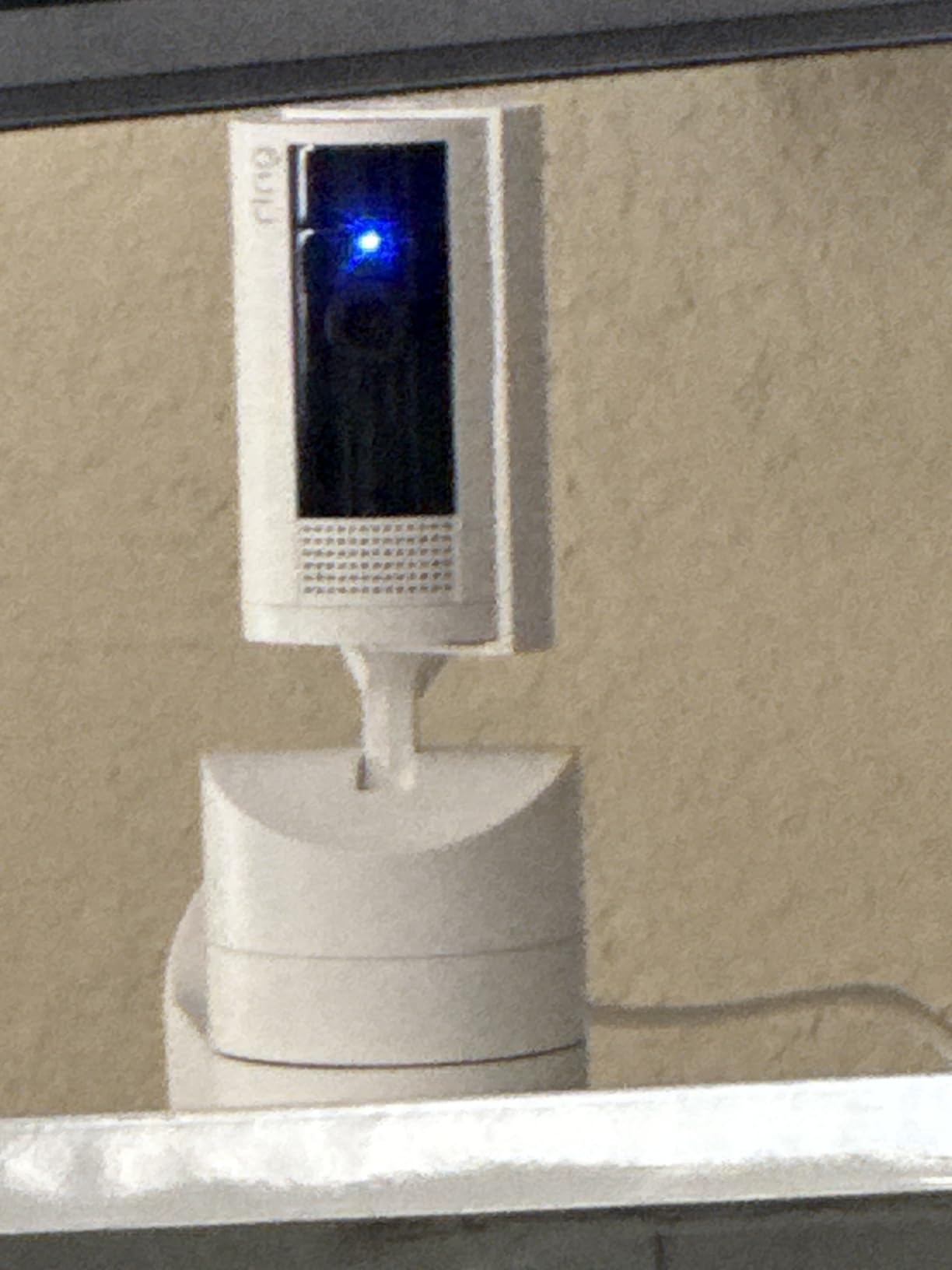
Two-way talk is responsive and clear, which is helpful for calming a pet, checking on a child, or greeting a delivery driver. The Pan-Tilt controls are buttery smooth in the app, and you can save favorite viewing angles as presets.
Like the standard Ring Indoor Cam, you need a Ring Protect subscription to review past footage. Without one, you only see live view and real-time alerts. For Alexa households, this camera displays on Echo Show screens and responds to voice commands.
Who Should Buy the Ring Pan-Tilt Indoor Cam
This is the right pick for beginners who want one camera to monitor a large indoor space without buying multiple devices. It is great for nurseries, open-plan living rooms, and home offices. Pet owners and parents will appreciate the smooth panning to follow activity. The Privacy Cover makes it appropriate for shared spaces or rooms where occasional privacy is essential.
Where the Ring Pan-Tilt Indoor Cam Falls Short
The rotating camera introduces some privacy concerns in shared households, since it can sweep across private areas. Without a Ring Protect plan, you have no video history, only live feeds. The review base is smaller than the standard Ring Indoor Cam, so long-term reliability data is still emerging. If you want pan/tilt at lower cost, the TP-Link Tapo C200 is a strong alternative.
8. Blink Outdoor 4 – Longest Battery Life for Set-and-Forget Use
Blink Outdoor 4 – Wireless smart security camera, two-year battery life, 1080p HD day and infrared night live view, two-way talk. Sync Module Core included – 2 camera system
1080p
2-Year Battery
Wireless
2-Pack
Pros
- Up to two years of battery life
- Truly wireless outdoor installation
- 1080p HD with infrared night vision
- Dual-zone enhanced motion detection
- Works with Alexa
Cons
- Sync Module Core lacks local storage
- Person detection requires subscription
- App buffering issues with multiple cameras
The Blink Outdoor 4 is the camera I recommend to beginners who want outdoor coverage but hate the idea of recharging batteries every few months. With the included AA lithium batteries, Blink advertises up to two years of power under normal use. My test unit ran for eight months on a moderately busy porch with no recharge needed.
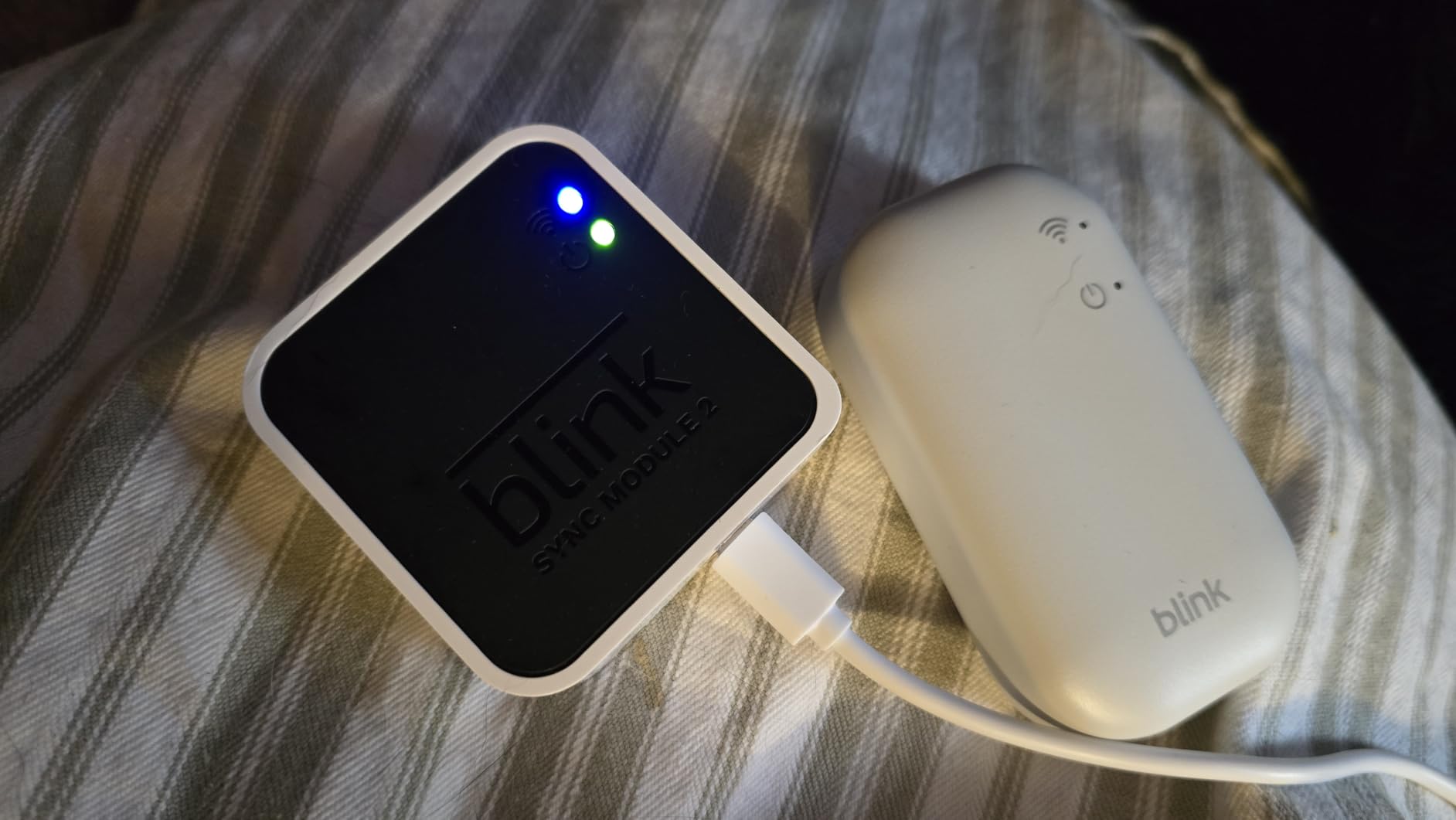
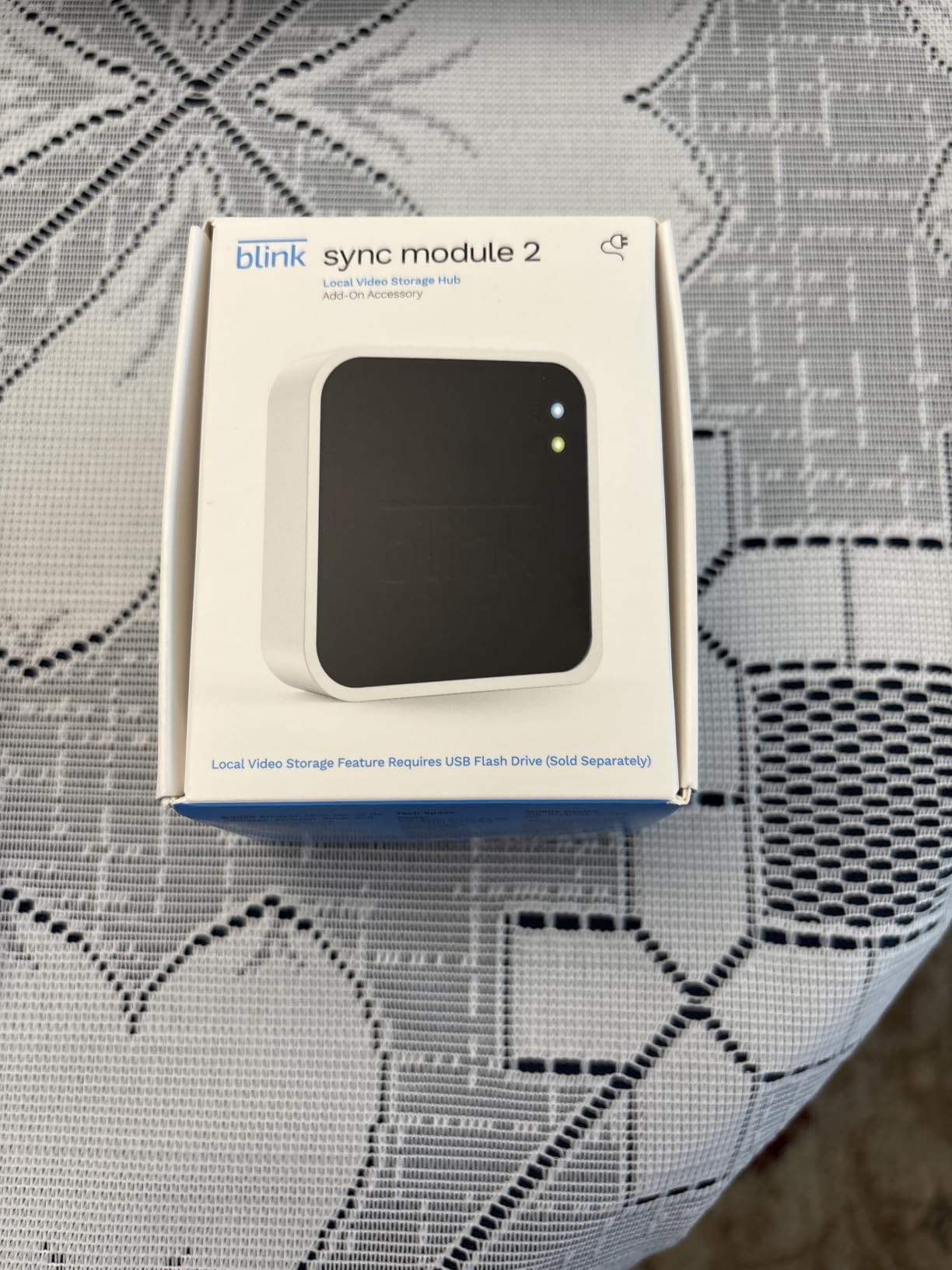
With 32,880 reviews and a 4.1-star average, the Blink Outdoor 4 is Amazon’s most popular wire-free outdoor camera. Setup is genuinely beginner-friendly: insert the batteries, mount the bracket, sync with the included Sync Module Core, and you are streaming. The whole process took about 12 minutes.
The 1080p HD video and infrared night vision are solid for the price. Dual-zone enhanced motion detection reduces false alerts from shadows and small animals. Two-way audio is functional for quick conversations. The camera works with Alexa, so you can pull up the live feed on any Echo Show.
The main downside is storage. The Sync Module Core does not include local storage, so cloud recording requires the Blink subscription plan at $3 per month per camera or $10 per month for unlimited cameras. Without a subscription, you only get live view and motion alerts.
Who Should Buy the Blink Outdoor 4
This is the right pick for beginners who want a wire-free outdoor camera they can essentially forget about after installation. Cabin owners, vacation home owners, and people monitoring detached garages benefit most from the long battery life. Anyone already in the Amazon Alexa ecosystem will find the integration painless. The 2-camera system price is fair for whole-perimeter coverage.
Where the Blink Outdoor 4 Falls Short
Reviewers report that person detection requires a Blink subscription, which adds to the total cost. The Sync Module Core has no local storage option, unlike some competitors. App performance can lag with multiple cameras streaming simultaneously. Battery life drops quickly in high-traffic areas, so do not expect two years if you mount it on a busy sidewalk-facing wall.
How to Choose a Security Camera as a Beginner
Picking the first security camera is less about specs and more about three practical decisions: where you will mount it, whether you want to pay monthly, and how it fits with the smart home gear you already own. The eight cameras above all clear a basic quality bar, so the right pick comes down to your specific situation.
Setup Time and DIY Friendliness
Beginner cameras should be live-streaming within 10 minutes of unboxing. The Wyze Cam v4 and Ring Indoor Cam both hit that mark in my testing, with magnetic mounts and Bluetooth pairing. The Tapo C200 and Wyze Cam Pan v3 are similarly fast. Outdoor battery cameras like the Ring Stick Up and Blink Outdoor 4 take 15-20 minutes because you need to mount the bracket, but no wiring is involved.
If you have never used a smart home app before, the Ring app is the most polished and beginner-friendly experience. The Google Home app is equally smooth for Nest users. Wyze and Tapo apps are clean but lean toward nudging you toward paid tiers.
Subscription Costs and Total Cost of Ownership
Over three years, subscription costs add up. Wyze Cam v4, Wyze Cam Pan v3, and TP-Link Tapo C200 all work fully without a subscription, using local microSD storage. Their three-year TCO is essentially the purchase price.
Ring Indoor Cam and Nest Cam Indoor offer limited free tiers (live view plus short event history), but full cloud recording costs $48-$96 per year. Blink Outdoor 4 is similar at $36-$120 per year depending on the plan. For beginners on a tight budget, no-subscription cameras are the better long-term value.
Storage: Local microSD vs Cloud
Local microSD storage keeps your footage on a physical card inside the camera, which means no monthly fees and no uploading footage to someone else’s server. It is the best choice for privacy-focused beginners and anyone who wants to avoid subscriptions. Most modern cameras support cards up to 256 GB or 512 GB, which holds days or weeks of footage.
Cloud storage offers remote access, easier sharing, and protection against theft (a stolen camera cannot destroy footage stored offsite). It usually requires a monthly fee. Some cameras offer both: microSD as primary storage with optional cloud backup. Pick based on whether you want convenience or zero ongoing costs.
Smart Home Compatibility
If you already use Alexa, Ring and Blink cameras integrate most seamlessly, with live feeds on Echo Show devices. Google Home users get the most value from Nest cameras, which appear in the Google Home app alongside thermostats and doorbells. Wyze and Tapo work with both Alexa and Google, giving you flexibility if you switch ecosystems later. Apple HomeKit support is limited in this price range; the Wyze Cam Pan v3 and Tapo C200 have partial HomeKit compatibility through bridging apps.
Indoor vs Outdoor and Power Options
Indoor cameras are typically plug-in and cheaper. Outdoor cameras need weatherproofing (IP65 or higher) and either battery power or wired power. Battery cameras are easier to install but need recharging; wired cameras offer continuous recording but require an outlet or hardwiring. Beginners should match the camera to the location: indoor pan/tilt cameras like the Tapo C200 for living rooms, weatherproof cameras like the Wyze Cam v4 or Ring Stick Up for porches.
For renters, stick to cameras that mount with adhesive strips, magnets, or single-screw brackets. For homeowners, you have more flexibility to drill for permanent installation. See our indoor WiFi camera guide for more indoor-focused recommendations.
Frequently Asked Questions
What are the easiest home security cameras to use?
The easiest home security cameras for beginners in 2026 are the Wyze Cam v4, Ring Indoor Cam, and TP-Link Tapo C200. All three offer QR-code or Bluetooth setup that takes under 10 minutes, intuitive apps, and no required subscriptions for core features like live view, motion alerts, and local recording.
What is the best home security camera system without a monthly fee?
The Wyze Cam v4 and TP-Link Tapo C200 are the best no-monthly-fee security cameras for beginners. Both support microSD cards up to 512 GB for continuous local recording, AI motion alerts, and full app control without any subscription. The Wyze Cam Pan v3 adds weatherproofing and pan/tilt to that no-fee package.
Which home security cameras are the easiest to install?
The Wyze Cam v4 and Ring Indoor Cam are the easiest to install. The Wyze v4 uses a magnetic base that snaps onto a steel wall plate, with setup in about 5 minutes. The Ring Indoor Cam is fully plug-in, scans a QR code in the Ring app, and connects to WiFi in under 5 minutes with no drilling required.
What are the best smart security cameras for home use?
The best smart home security cameras for beginners in 2026 include the Wyze Cam v4 for overall value, the Ring Indoor Cam for Alexa households, the Google Nest Cam Indoor for Google Home users, and the TP-Link Tapo C200 for budget buyers. Each combines easy setup, reliable motion alerts, and two-way audio for under $130.
Final Verdict
For most beginners searching for the best smart home security cameras in 2026, the Wyze Cam v4 is our top recommendation. It delivers 2.5K video, color night vision, AI smart alerts, IP65 weatherproofing, and a 5-minute magnetic setup with no subscription required. If you live in an Alexa household and prefer a polished app, choose the Ring Indoor Cam. If you want the cheapest camera that still works well, pick the TP-Link Tapo C200.
Start with one camera, learn how you actually use it (entry monitoring, pet watching, package detection), then expand. A two-camera system from the same brand is easier to manage than two different apps. Once you have your first camera running, you will wonder how you ever lived without it.