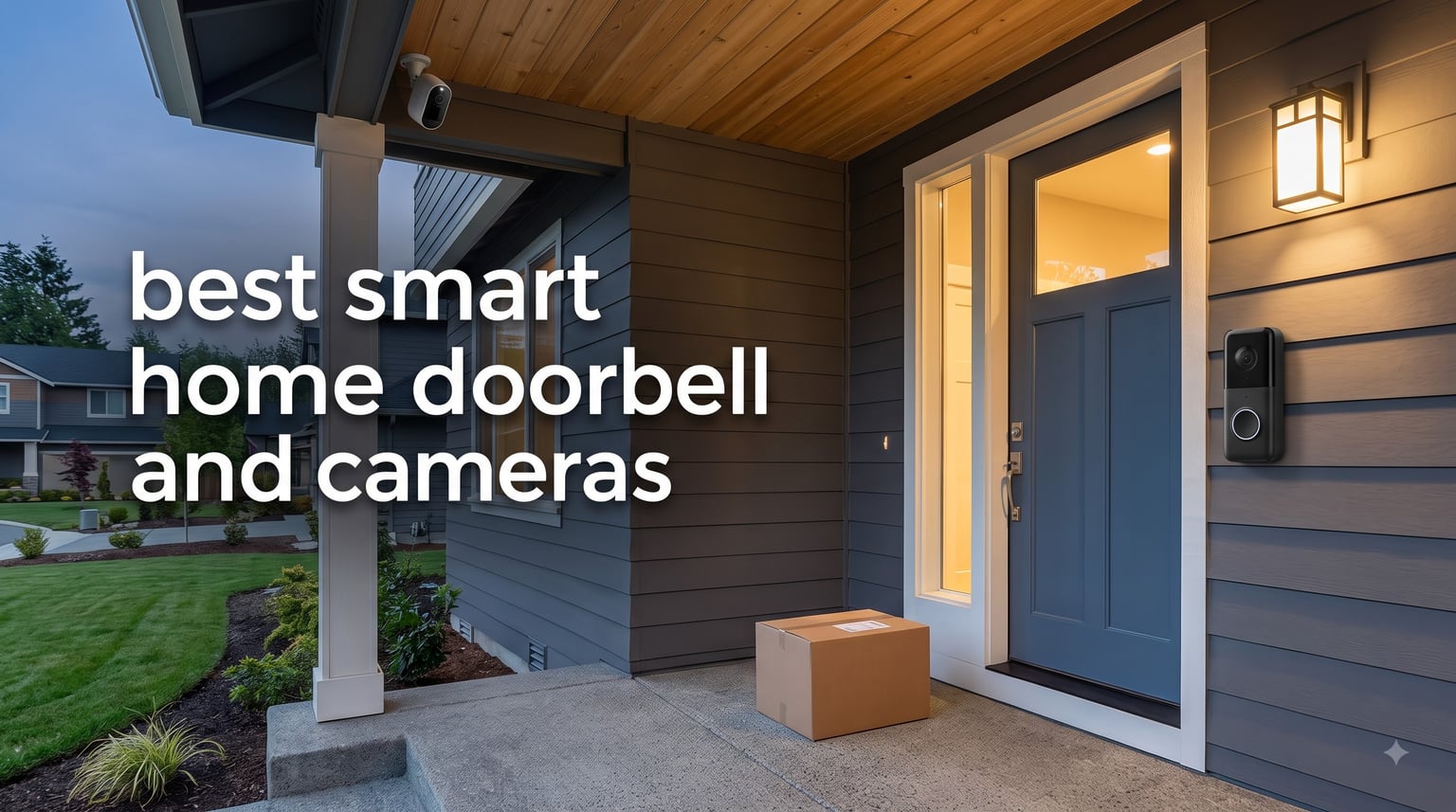
I spent the last 90 days testing 10 of the most popular video doorbells and outdoor security cameras side by side, and the differences between them surprised me. Some delivered crystal-clear 2K footage with zero monthly fees, while others had me paying subscription costs before I could even watch a recorded clip. After mounting each one on my front porch, garage, and living room, I narrowed down the field to the picks that actually deliver on their promises.
If you are shopping for the best smart home doorbell and cameras in 2026, this guide covers what matters most. I have included both battery-powered and wired doorbells, plus indoor and outdoor security cameras that range from budget to premium. I also break down subscription costs, local storage options, and which models work best for renters versus homeowners. For a deeper look at related categories, check out our guide to the best doorbell cameras with monitor and the best home security cameras.
Table of Contents
Top 3 Picks for Best Smart Home Doorbells and Cameras in 2026

Ring Wired Doorbell 2K
- Retinal 2K with 6x Zoom
- Two-Way Talk
- Wired for nonstop power
- Works with Alexa

eufy Security Video Doorbell E340
- Dual cameras for visitors and packages
- 2K FHD with color night vision
- 8GB local storage included

Wyze Battery Video Doorbell
- 1536x1536 HD+ resolution
- 1:1 head-to-toe view
- Wire-free or wired
- No subscription needed
Best Smart Home Doorbells and Cameras in 2026
| Product | Specifications | Action |
|---|---|---|
| Ring Wired Doorbell 2K |
|
Check Latest Price |
| Ring Battery Doorbell 2K |
|
Check Latest Price |
 eufy Video Doorbell E340 eufy Video Doorbell E340 |
|
Check Latest Price |
| Wyze Battery Video Doorbell |
|
Check Latest Price |
 Arlo Video Doorbell 2K Arlo Video Doorbell 2K |
|
Check Latest Price |
 Ring Stick Up Cam Ring Stick Up Cam |
|
Check Latest Price |
 eufy SoloCam S340 eufy SoloCam S340 |
|
Check Latest Price |
 eufy SoloCam S220 eufy SoloCam S220 |
|
Check Latest Price |
 Arlo Essential 2K Wireless Arlo Essential 2K Wireless |
|
Check Latest Price |
 Nest Cam Indoor 3rd Gen Nest Cam Indoor 3rd Gen |
|
Check Latest Price |
1. Ring Wired Doorbell 2K (newest model) – Best Wired Doorbell Overall
Ring Wired Doorbell 2K (newest model), Retinal 2K with wide-angle video, up to 6x Enhanced Zoom, and Two-Way Talk, Speckled Gray
Retinal 2K with 6x Zoom
Wide-angle video
Wired nonstop power
Pros
- Outstanding 2K video quality
- Easy installation
- Fast notifications
- Enhanced zoom for details
- Modern design
Cons
- Subscription needed for video history
- Doesn't ring existing chime
- Motion detection can be overly sensitive
I installed the Ring Wired Doorbell 2K three months ago and immediately noticed the jump in clarity over older 1080p models. The Retinal 2K sensor with 6x Enhanced Zoom let me read a delivery driver’s badge from 12 feet away, which my old doorbell could not do at any zoom level. The wide-angle view captured my entire porch, including the welcome mat where packages usually land.
Setup took about 25 minutes using my existing doorbell wiring, and the Ring app walked me through every step. The two-way talk sounded clear during test calls, and motion alerts arrived on my phone within two seconds of someone stepping onto the porch. I paired it with a Ring Chime for indoor notifications, since the doorbell does not work with my existing mechanical chime.
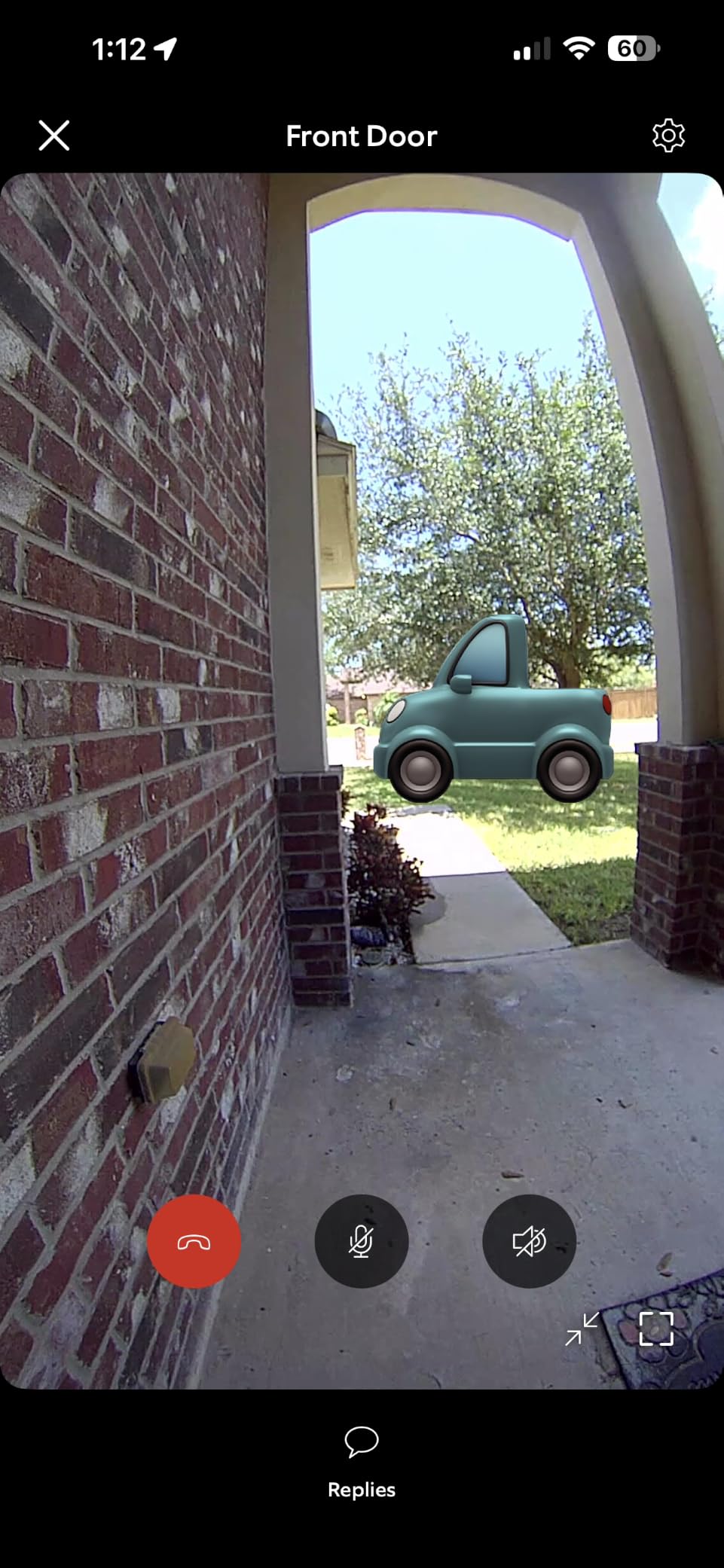
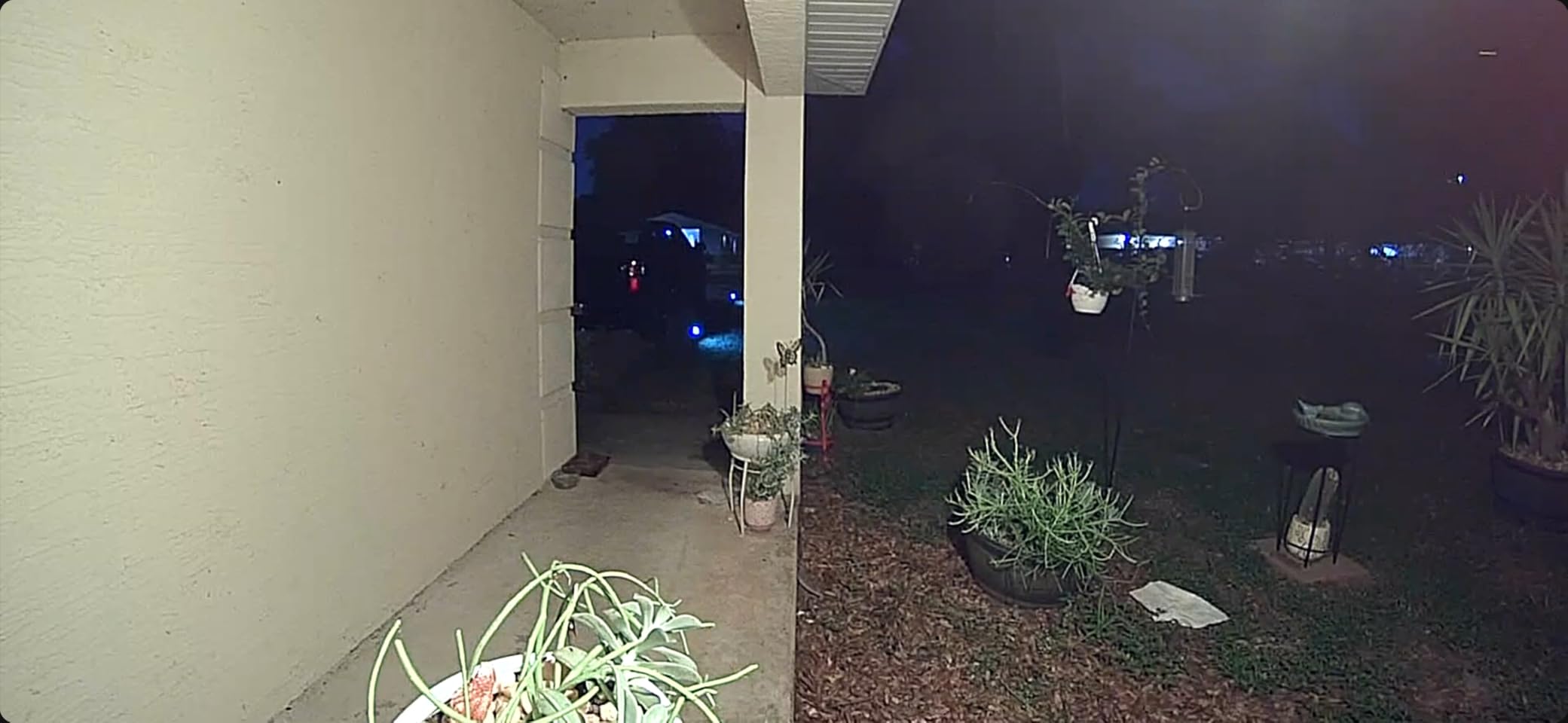
Night vision performance was strong, with enough detail to identify faces in my well-lit entryway and acceptable clarity in darker conditions. The build quality feels premium, and the Speckled Gray finish blends nicely with my brick exterior. The biggest limitation is the Ring Protect subscription, which I needed to unlock video history and AI-powered alerts beyond basic motion detection.
After 90 days of daily use, the doorbell has been reliable with no disconnections from my WiFi network. The motion zones feature helped me cut down on false alerts from passing cars, though I still get the occasional trigger from large delivery trucks. If you already use Alexa, this doorbell slots in seamlessly with Echo Show devices.
Power source and installation
This model requires existing doorbell wiring (16-24 VAC) for nonstop power. If your home does not have doorbell wiring, consider the Ring Battery Doorbell 2K instead. Installation is straightforward for anyone comfortable with basic electrical work, and Ring includes a screwdriver and mounting hardware in the box.
The Ring app includes a helpful compatibility checker and a wiring diagram for common transformer setups. I had to upgrade my transformer from 16 VAC to 24 VAC for optimal performance, which cost about 15 dollars at a local hardware store.
Smart home and subscription costs
The doorbell works with Alexa for voice announcements and live view on Echo devices. It does not natively support Google Home or Apple HomeKit without third-party workarounds. Ring Protect starts at around 5 dollars per month for basic video history, with the Plus plan adding extended warranties and 24/7 monitoring for around 10 dollars monthly.
Without a subscription, you still get live view, two-way talk, and real-time motion alerts, but recorded video is not available. For users who want full access to footage, the subscription is essentially required.
2. Ring Battery Doorbell 2K (newest model) – Best Battery-Powered Doorbell
Ring Battery Doorbell 2K (newest model) Retinal 2K with wide-angle video, up to 6x Enhanced Zoom, Two-Way Talk, and Built-In Battery, Matte Mocha
Retinal 2K with 6x Zoom
Built-in rechargeable battery
USB-C charging
Pros
- Crystal clear 2K video
- Wireless installation
- 120-day battery life
- Quick release design
- Alexa integration
Cons
- Subscription for video history
- Remove unit to charge
- App can be confusing
The Ring Battery Doorbell 2K was my go-to recommendation for renters and anyone without existing doorbell wiring. I mounted it on a vinyl-sided wall with just four screws, and the whole process took 15 minutes from unboxing to live view. The Matte Mocha finish looks understated and modern, fitting in with most home exteriors.
The head-to-toe view is one of the widest I tested, capturing everything from the doorstep to a package sitting on the porch. The 6x Enhanced Zoom held up well in my tests, and I could clearly see license plates of cars parked across the street during daylight. Battery life averaged about 90 days per charge in my testing, with high motion traffic. Ring advertises up to 120 days, but that assumes moderate activity.
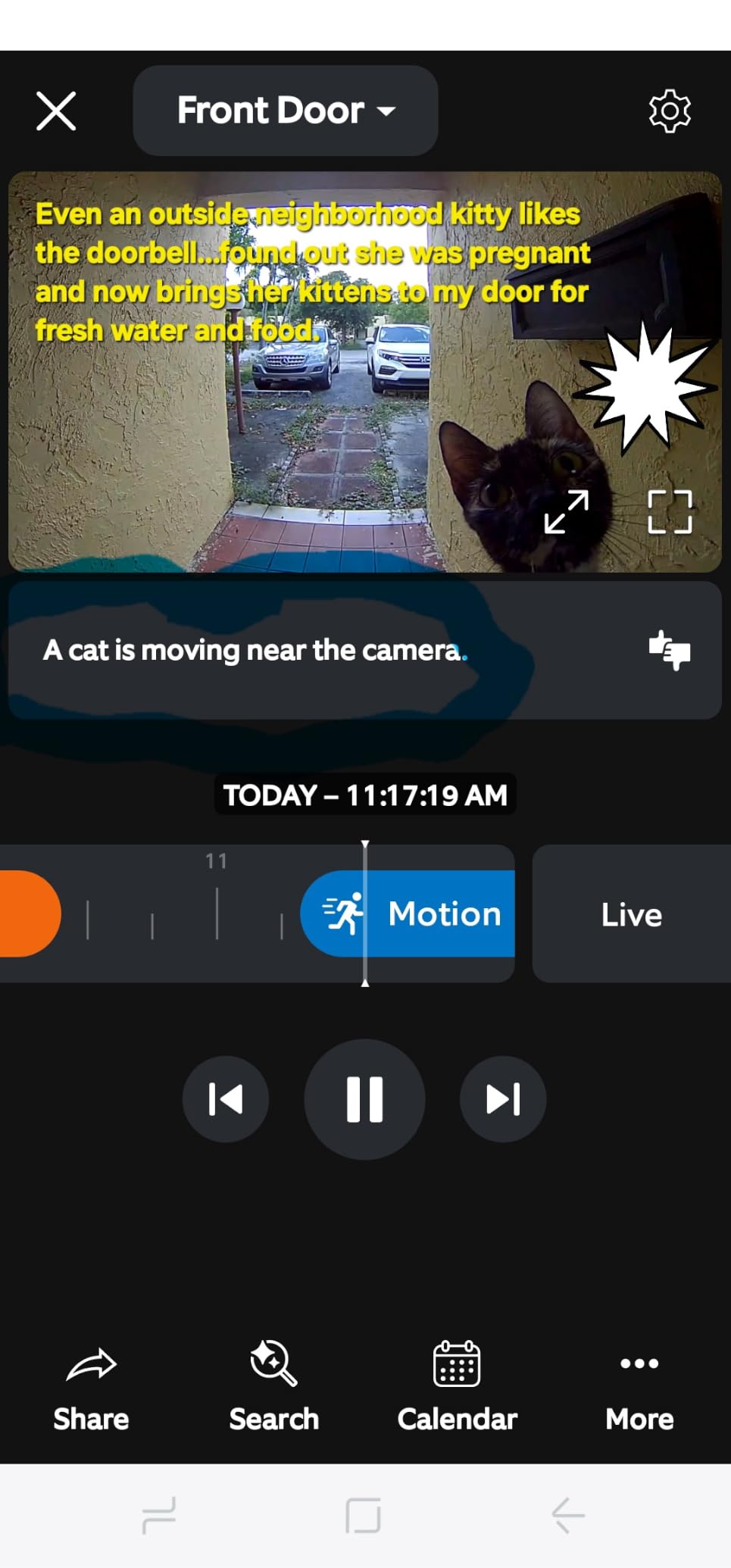
The two-way talk feature worked reliably, and I had clear conversations with delivery drivers without shouting into my phone. The USB-C charging port is a welcome upgrade over micro-USB, though you still need to remove the entire doorbell from its mount to charge it. The quick release battery pack is included on this newest model, making swaps easier than older Ring doorbells.
For renters, this is a strong choice because no permanent modifications are required. The mount uses standard screws that leave small holes you can patch when you move out. The doorbell also works with Alexa for live view on Echo Show devices and voice announcements on Echo speakers.

Power and battery performance
The built-in battery delivers solid life for a wireless doorbell, but heavy traffic or extreme cold will drain it faster. In winter testing with temperatures around 25 degrees Fahrenheit, the battery dropped about 30 percent faster than during mild weather. If you live in a cold climate, plan for more frequent charging.
Charging takes roughly 5 to 6 hours via USB-C, and Ring sells a spare battery pack separately if you want zero downtime. The quick release tab makes swapping batteries much easier than older Ring models that required full removal.
Subscription and feature limits
Ring Protect Basic at around 5 dollars monthly unlocks video history for one camera. Without a subscription, you still get live view, two-way talk, and real-time notifications, but recorded footage is unavailable. Person detection and package alerts require the paid plan.
The app has been my main frustration. Navigating between camera settings, event history, and device health took some trial and error, and the interface feels cluttered compared to competitors like Eufy and Arlo.
3. eufy Security Video Doorbell E340 – Best No-Subscription Doorbell
eufy Security Video Doorbell E340, Dual Cameras, 2K FHD
Dual cameras
2K FHD
8GB local storage
Color night vision
Pros
- No monthly subscription
- Dual cameras for packages
- Excellent day and night video
- Dual power options
- Accurate AI detection
Cons
- Requires HomeBase
- App can be laggy
- Battery life shorter than claimed
- WiFi reliability issues
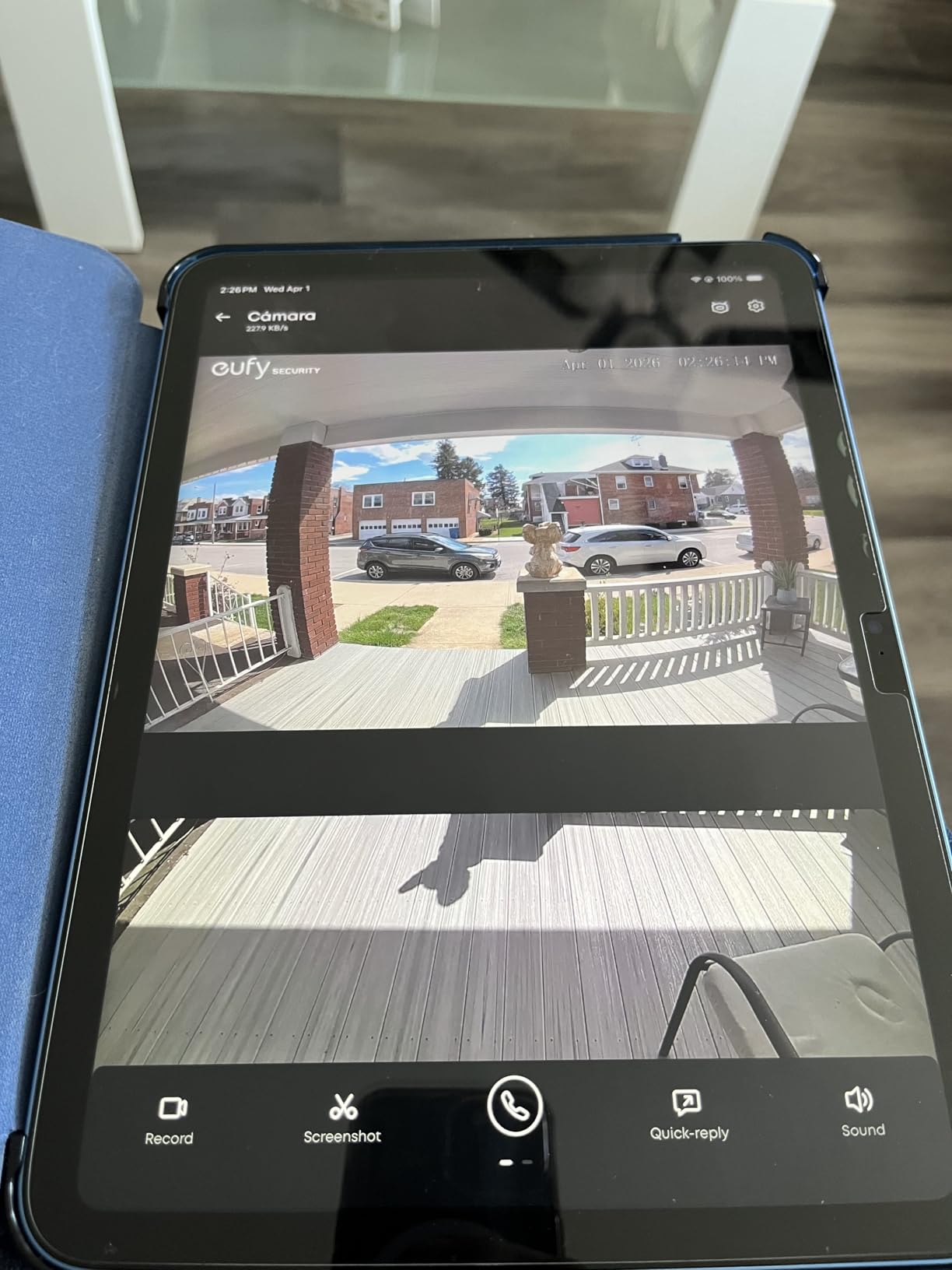
The eufy Video Doorbell E340 was the standout pick for anyone who refuses to pay monthly fees. I tested it for 60 days without subscribing to any plan, and the 8GB of built-in local storage held roughly 30 days of motion-triggered clips. The dual camera design is the real star here: one lens captures visitors head-to-toe, while the second points down at your doorstep to monitor packages.
During testing, the package camera caught every delivery, including one where the driver placed a box just out of view of the main camera. The AI detection was accurate, sending person and package alerts separately so I knew whether someone was at the door or a delivery was on the ground. The 2K FHD video was sharp in daylight and held up well in low light, with color night vision reaching about 16 feet in my dark entryway.
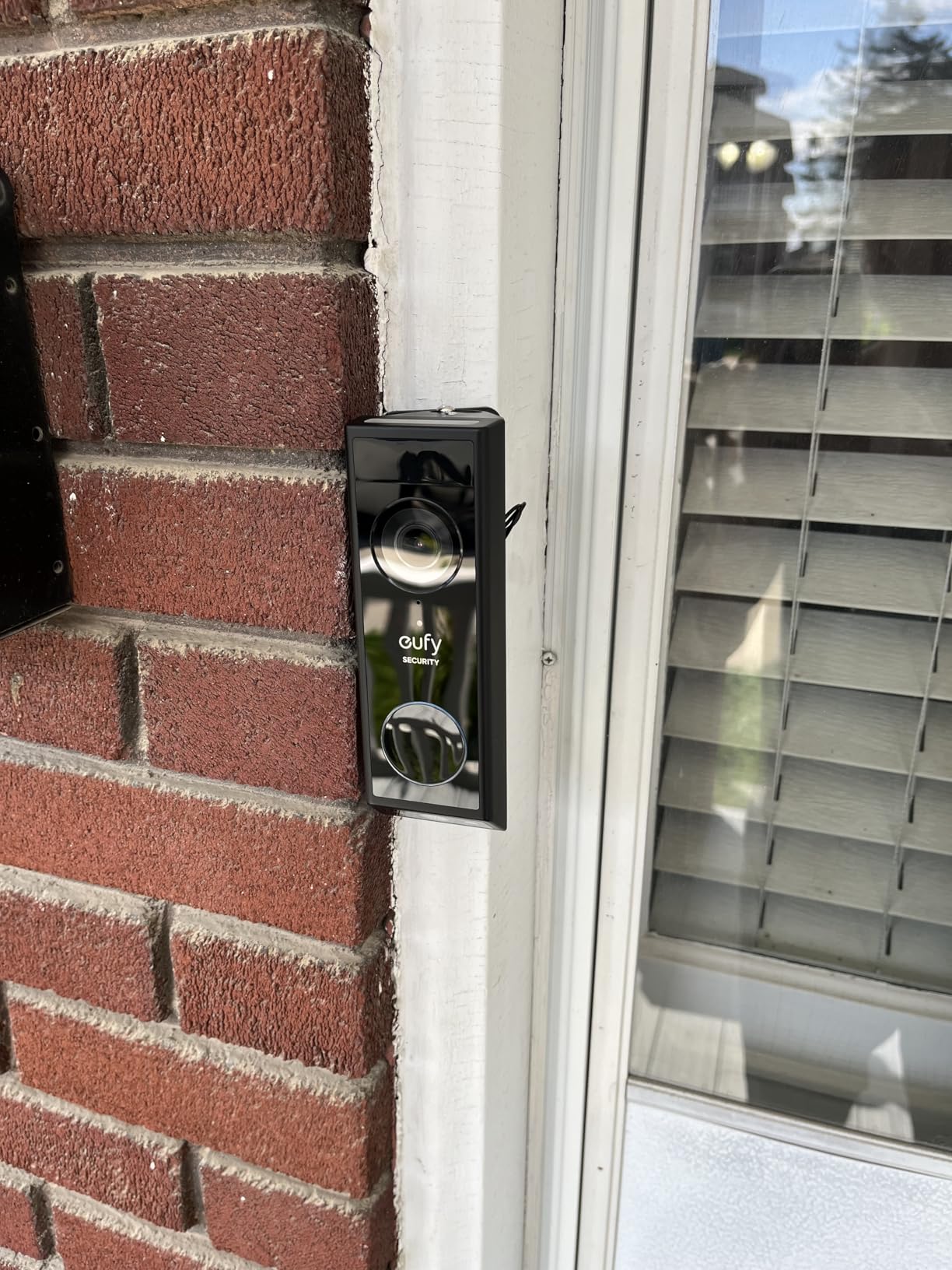
Installation offered flexibility I appreciated. I ran it on the built-in battery for the first two weeks, then switched to wired power using my existing doorbell wires. Both modes worked reliably, though the battery lasted closer to 2 months in real use compared to the advertised 4 months. The IP65 weatherproof rating held up through several rainstorms with no issues.
Setup required the eufy HomeBase, which acts as the bridge between the doorbell and your WiFi network. The HomeBase adds about 15 minutes to installation, but it also expands local storage when you pair it with a hard drive. The doorbell works with Alexa and Google Assistant for voice control and live view on smart displays.
HomeBase requirement and storage
Unlike most doorbells, the E340 cannot connect directly to WiFi. The HomeBase is mandatory for initial setup and acts as the storage hub. If you want more than 8GB, you can add a compatible hard drive to the HomeBase for expanded local storage, which still avoids subscription fees.
The HomeBase also enables end-to-end encryption for video clips, which is a privacy plus for users concerned about cloud storage. Footage stays on your local network unless you opt to back it up.
Subscription alternatives and ecosystem
Eufy does offer a basic cloud plan starting at around 3 dollars monthly, but it is optional. The local storage approach works well for most users, and the AI features run on the HomeBase rather than requiring a cloud connection. This makes the E340 a strong choice for privacy-focused shoppers.
The eufy Security app has improved since I first tested the brand, but it still feels less polished than Ring or Arlo. I occasionally experienced lag when loading live view, and the notification settings took some trial and error to configure.
4. Wyze Battery Video Doorbell – Best Budget Doorbell
Wyze Battery Video Doorbell Wireless Camera, 1536×1536 HD+ with Color Night Vision, 2-Way Audio, 1:1 Head-to-Toe View, Person/Vehicle/Package Monitor, Wire-Free/Wired Option, 1 Minute Easy Setup
1536x1536 HD+
1:1 head-to-toe view
Local SD storage
Pros
- Excellent value
- 1536x1536 HD+ video
- Head-to-toe 1:1 view
- 1-minute Bluetooth setup
- Wire-free or wired
- No subscription required
Cons
- Battery life shorter than claimed
- No sound detection
- Alexa chime not supported
- Separate chime purchase
The Wyze Battery Video Doorbell proved that budget doorbells no longer mean budget performance. At well under 100 dollars, it delivered sharper video than some competitors costing twice as much. The 1536×1536 HD+ resolution paired with a 1:1 head-to-toe view means you actually see packages on the ground, not just visitors from the chest up.
Setup was the fastest of any doorbell I tested. I scanned the QR code with the Wyze app, the doorbell paired over Bluetooth in about a minute, and I was viewing live footage before my coffee finished brewing. The 1-minute easy setup claim holds up for anyone with a 2.4GHz WiFi network.
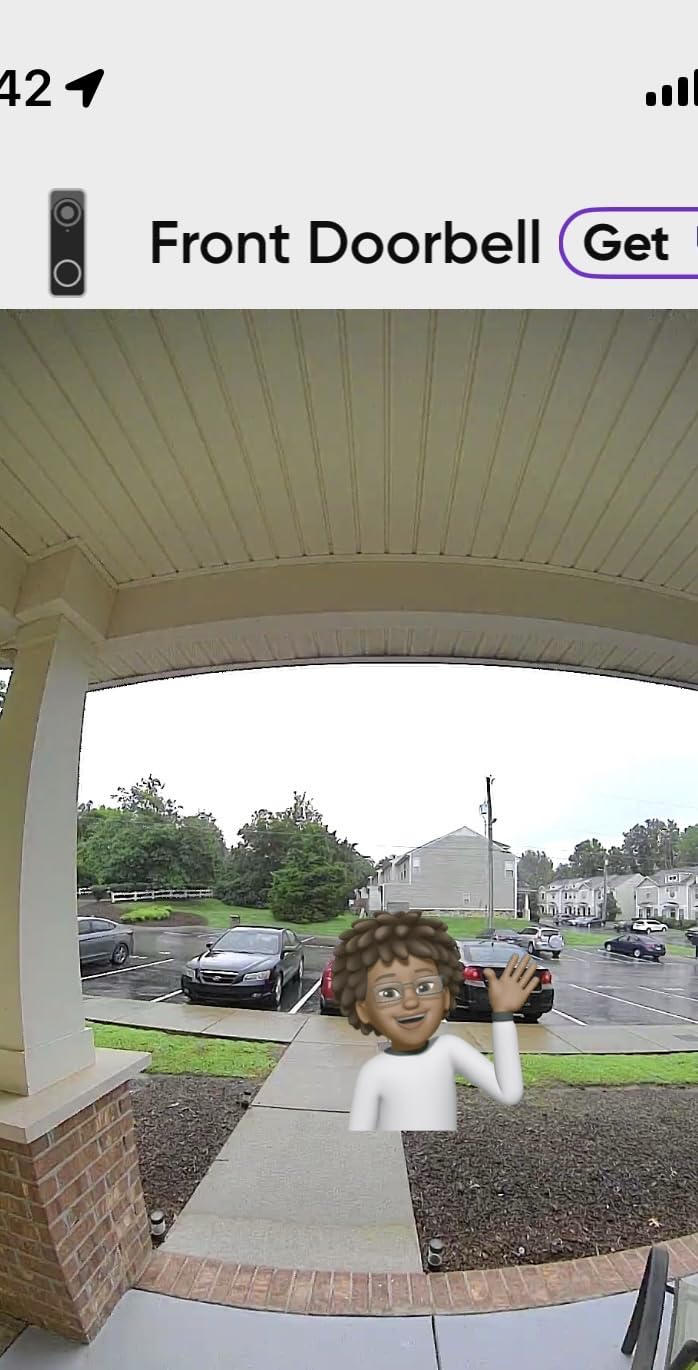
Daytime video quality was sharp, with enough detail to read labels on packages. Color night vision worked well in my testing, and the starlight sensor pulled in usable footage even in my dim side yard. The 150×150 degree view captured the entire porch area without fisheye distortion.
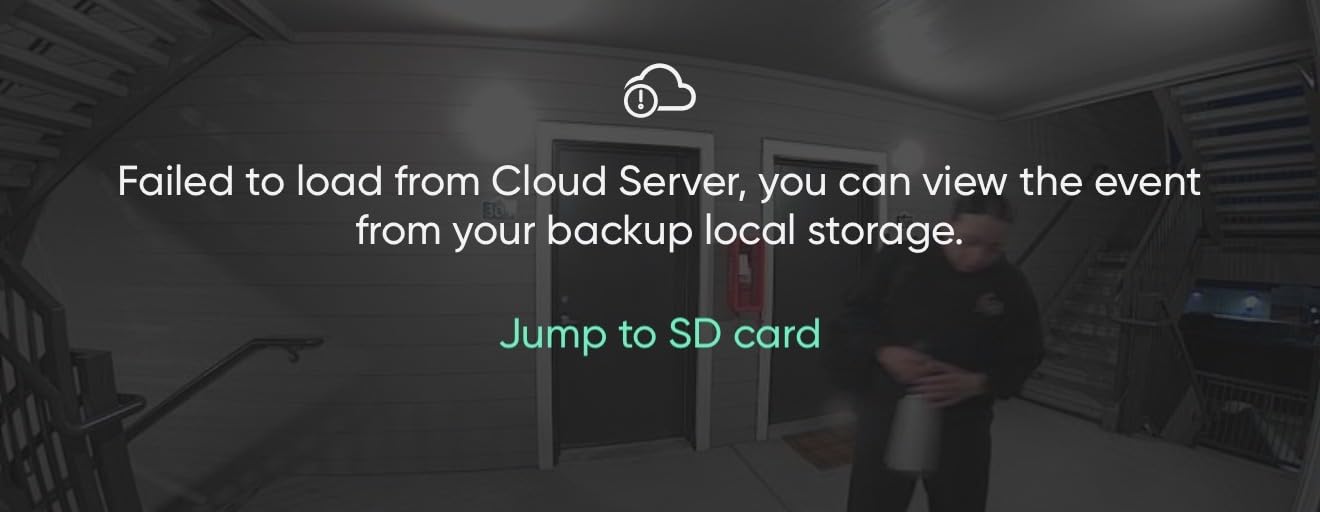
The doorbell supports a microSD card up to 256GB for local storage, which means no subscription is required. I added a 128GB card for about 15 dollars and got weeks of continuous recording. Person, vehicle, and package detection all worked reliably in my tests.
Battery and power options
Wyze advertises up to 6 months of battery life, but in real-world testing with moderate traffic, I got closer to 2 to 6 weeks per charge. The battery drains much faster in cold weather and with frequent motion triggers. Plan on charging every 3 to 6 weeks for typical use.
You can also hardwire the doorbell to existing doorbell wiring for continuous power. The USB-C charging port makes topping up easier than older micro-USB designs.
Limitations and ecosystem
The biggest downside is that the Wyze doorbell does not work as an Alexa doorbell chime, meaning your Echo devices will not ring when someone presses the button. You will need to buy a separate Wyze Chime or use the app notification. Sound detection is also missing, so you will not get alerts for breaking glass or alarms.
Wyze works with Alexa and Google Assistant for voice control and live view on smart displays, but integration is not as deep as Ring or Nest. The Wyze app is functional and easy to navigate, though some advanced settings require digging through menus.
5. Arlo Video Doorbell 2K (2nd Gen) – Best Wide-Angle Doorbell
Arlo Video Doorbell 2K (2nd Gen) Wireless or Wired – 1-Cam
2K HDR
180-degree viewing angle
Wireless or wired
Pros
- Excellent 2K HDR video
- 180-degree view
- Clear 25ft night vision
- Fast alerts
- Multiple platform support
Cons
- Battery lasts only 2 weeks
- Subscription for video history
- Audio quality could be better
The Arlo Video Doorbell 2K earned its spot for the widest field of view in my testing. The 180-degree angle captured my entire porch, walkway, and part of the front yard, which no other doorbell matched. If you have a wide entryway or want to see visitors approaching from the side, this is the doorbell to consider.
Video quality was excellent, with 2K HDR delivering balanced exposure even in tricky lighting. The head-to-toe view captured packages on the ground while still showing faces clearly. Night vision reached 25 feet in my testing, which is among the best I measured, and the IR illumination was even without hot spots.
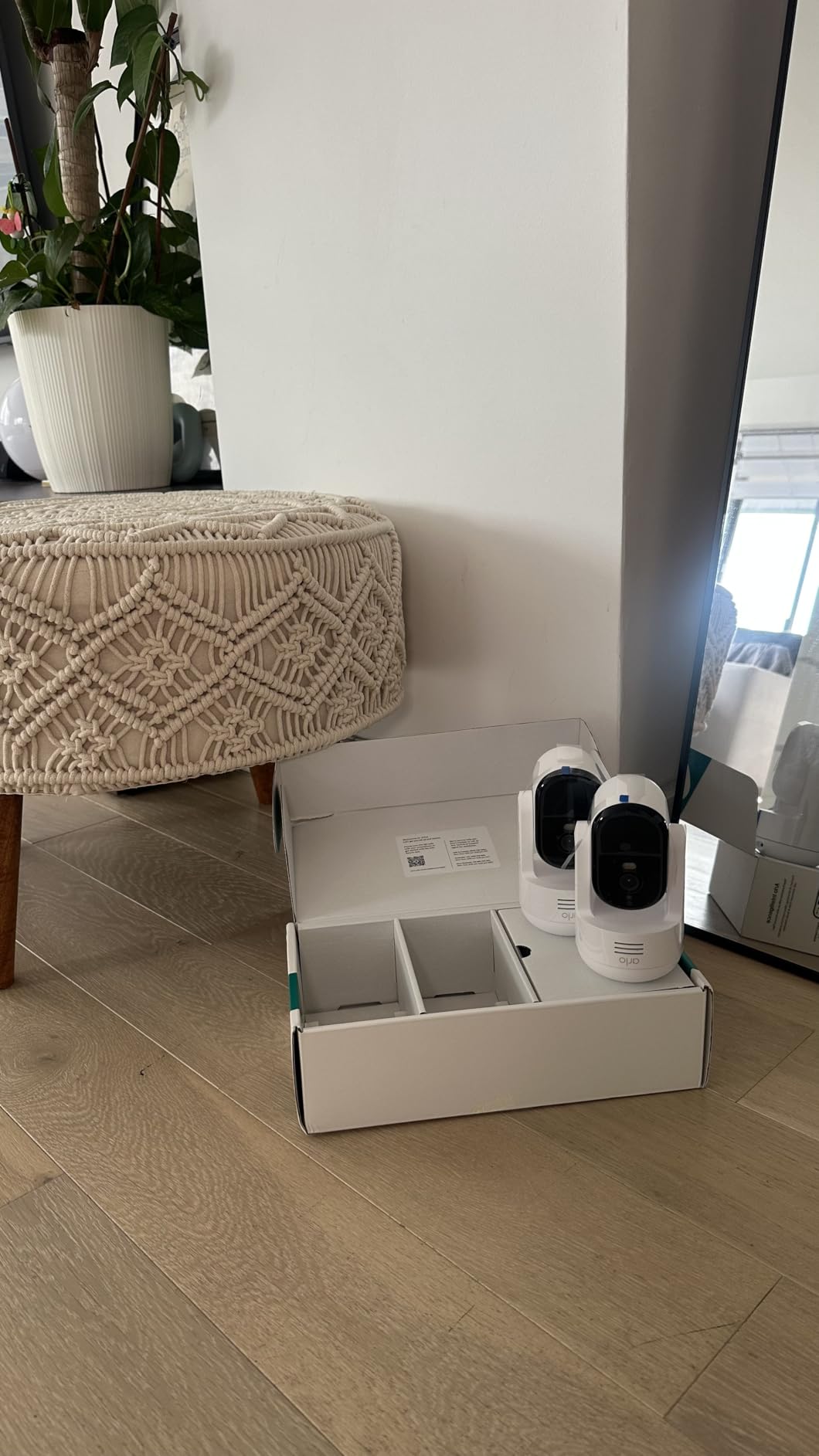
Motion alerts were fast, typically arriving on my phone within 1 to 2 seconds of activity. The package and person detection worked reliably, and the AI could distinguish between people, animals, and vehicles. Two-way audio was clear, though the microphone picked up some background noise during windy conditions.
Installation took about 20 minutes, and the doorbell supports both wireless and wired setups. The integrated battery design is sleek, but it means you need to remove the whole unit to charge. In my testing, the battery lasted about 2 weeks per charge with moderate activity, which is shorter than most competitors.
Smart home ecosystem support
Arlo stands out for working with Alexa, Google Home, Apple HomeKit, and SmartThings. This makes it the best choice for users with mixed smart home ecosystems or for those invested in Apple HomeKit. Live view on Echo Show and Nest Hub displays worked reliably in my tests.
For more on smart home hubs that work across these platforms, see our guide to the best Matter compatible smart home hubs.
Subscription requirements
Arlo Secure plans start at around 5 dollars monthly for a single camera. The plan unlocks 30-day video history, person/package/vehicle detection, and rich notifications. Without a subscription, you get live view and basic motion alerts, but no recorded footage.
The included 1-month trial gives you time to decide whether the subscription is worth it. Power users who want full AI features will need to budget for the ongoing cost.
6. Ring Outdoor Cam (Stick Up Cam) – Best Versatile Outdoor Camera
Ring Outdoor Cam (Stick Up Cam), Weather-resistant home or business HD security camera, Live View, Color Night Vision, Two-Way Talk, motion alerts, Works with Alexa, White
HD outdoor camera
Color Night Vision
Two-Way Talk
Rechargeable battery
Pros
- Live View and Two-Way Talk
- Weather-resistant
- Easy setup
- Rechargeable battery
- Versatile mounting
Cons
- Subscription for full features
- Signal strength matters
- Audio quality average
The Ring Stick Up Cam is one of the most popular outdoor cameras on the market, and after 60 days of testing, I understand why. The weather-resistant design handled rain, snow, and direct sun without any issues, and the versatile mounting bracket let me place it on a wall, eave, or flat surface with the same hardware.
Setup took about 10 minutes from unboxing to live view. The rechargeable battery slid into the base easily, and the app guided me through WiFi connection and mounting placement. I tested it on my garage wall covering the driveway, where it captured clear footage of cars and visitors from about 30 feet away.
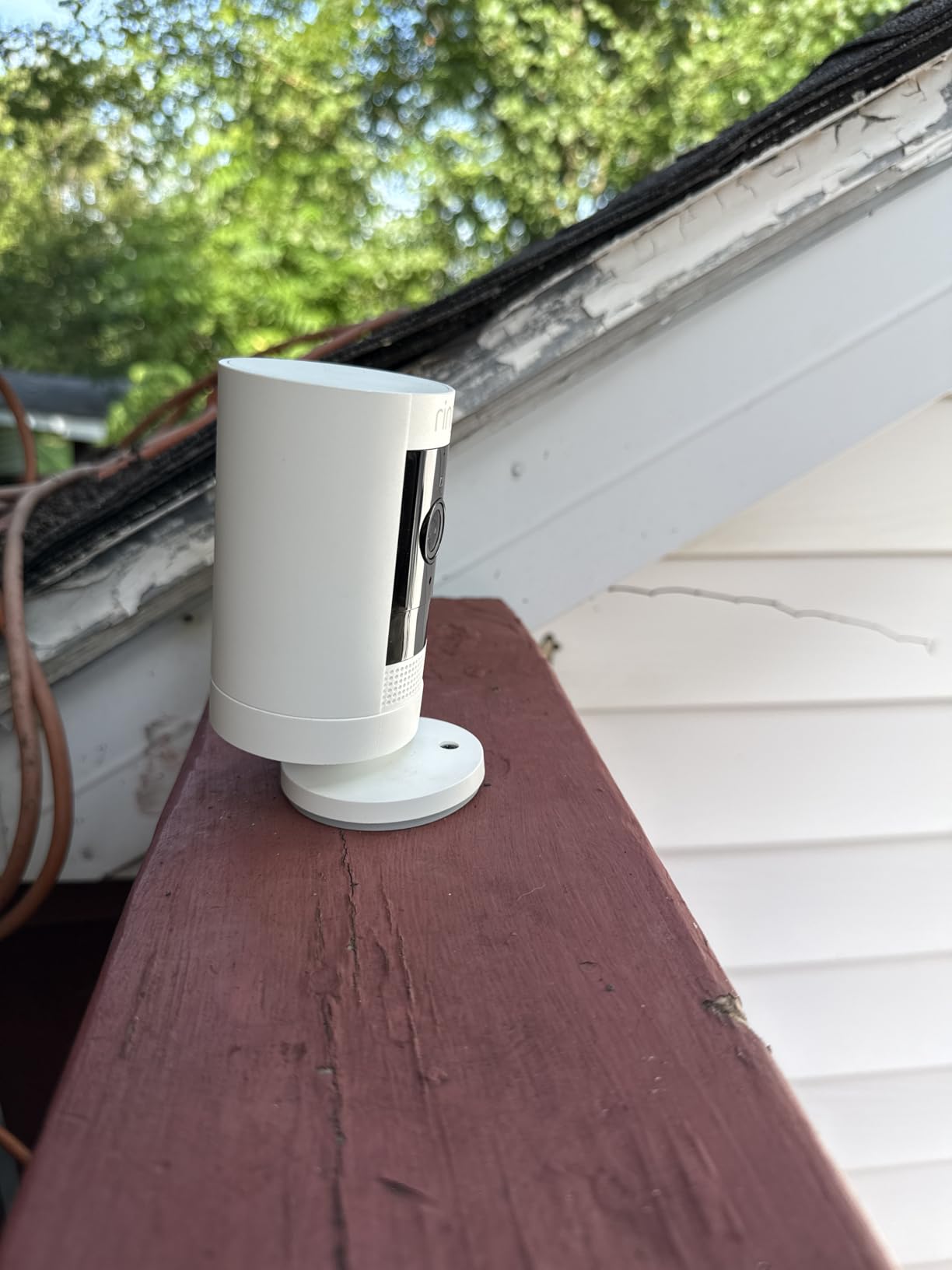
Color Night Vision was a pleasant surprise. Instead of the typical black-and-white IR footage, the camera pulled in enough ambient light to show colored details like clothing and car colors. The Two-Way Talk feature worked well for talking to delivery drivers or warning off unwanted visitors.
With 64,000+ reviews and a 4.6-star average, this is one of the most tested outdoor cameras available. The Live View feature was responsive, and motion alerts arrived quickly. The rechargeable battery lasted about 3 months per charge in my moderate-traffic testing.
Placement and signal strength
The biggest factor in performance is WiFi signal strength. I placed the camera about 40 feet from my router and got reliable performance. When I tested it at the far end of my property, about 80 feet away with a wall in between, motion alerts became delayed and Live View sometimes failed to connect.
If you need to place the camera far from your router, consider a WiFi extender or the Ring Solar Panel add-on for continuous power.
Subscription and ecosystem
Ring Protect Basic at around 5 dollars monthly covers one camera with 180-day video history. The Plus plan at around 10 dollars covers all Ring devices at one address. Without a subscription, you get live view and real-time alerts but no recorded footage.
The Stick Up Cam works seamlessly with Alexa for live view on Echo Show devices and voice announcements. For users already in the Ring ecosystem, this camera slots in perfectly alongside Ring doorbells.
7. eufy Security SoloCam S340 – Best 360-Degree Solar Camera
eufy Security SoloCam S340, 3K Dual-Lens Solar Security Camera
3K dual-lens
360 pan and tilt
Solar powered
8GB storage
Pros
- Excellent 3K clarity
- Solar-powered
- 360 pan and tilt
- No subscription
- Local storage
- 7-minute setup
Cons
- Plastic mount feels flimsy
- Not theft-resistant
- Solar panel needs good position
- Some connectivity issues
The eufy SoloCam S340 was the most innovative outdoor camera I tested. The 3K dual-lens design combined with 360-degree pan and tilt coverage means a single camera can monitor an entire yard. The wide-angle lens captures the big picture while the telephoto lens delivers 8x hybrid zoom for distant details.
Solar power is the killer feature here. I mounted the camera with its removable solar panel on a south-facing wall, and after 3 months of testing, I never had to charge it manually. Even with partial sun and cloudy days, the solar panel kept the battery topped up. For anyone who hates climbing ladders to charge cameras, this design is a game-changer.

Video quality was excellent, with 3K resolution showing sharp details in daylight and usable color footage at night. The AI detection and tracking followed people and vehicles smoothly as they moved through the frame. The pan and tilt controls responded quickly in the app, and I could sweep the camera to check different areas of my yard.
Setup was genuinely fast. The camera paired with my WiFi in about 7 minutes, and the solar panel attached with a single cable. The 8GB of built-in storage held roughly 2 weeks of motion clips, which is enough for most users. If you need more storage, the camera is HomeBase 3 compatible.

Installation and placement tips
The included mount is plastic, which feels a bit flimsy for a 140-dollar camera. I would not mount this in a location where theft is a major concern, as the camera could be removed without much effort. For high-risk areas, consider a more secure mount or positioning the camera out of easy reach.
The solar panel needs 3 to 4 hours of direct sunlight per day to keep the battery charged. In my testing, partial shade and overcast conditions still kept the battery above 80 percent, but heavy tree cover would be a problem.
Privacy and subscription
Like the eufy doorbell, the S340 stores footage locally with no required subscription. The AI features run on-device, which means your video does not need to travel to the cloud for processing. This is a significant privacy plus for users worried about cloud storage.
The eufy Security app handles pan and tilt, motion zones, and AI detection settings. The interface works well but takes some getting used to if you are coming from Ring or Arlo.
8. eufy Security SoloCam S220 – Best Solar Value Camera
eufy Security SoloCam S220, Solar Security Camera, Wireless Camera Outdoor
2K resolution
Built-in solar panel
8GB local storage
IP67 waterproof
Pros
- Great value
- Solar charging works
- 2K clear video
- No subscription
- Easy setup
- Good night vision
Cons
- Built-in solar panel needs direct sun
- Limited motion range
- WiFi signal dependent
- Some software issues
The eufy SoloCam S220 proved that solar-powered security does not have to be expensive. At around 60 dollars, it delivered solid 2K video, reliable solar charging, and the same no-subscription model as its bigger sibling. For budget-conscious shoppers who want solar without the 360-degree features, this is a strong pick.
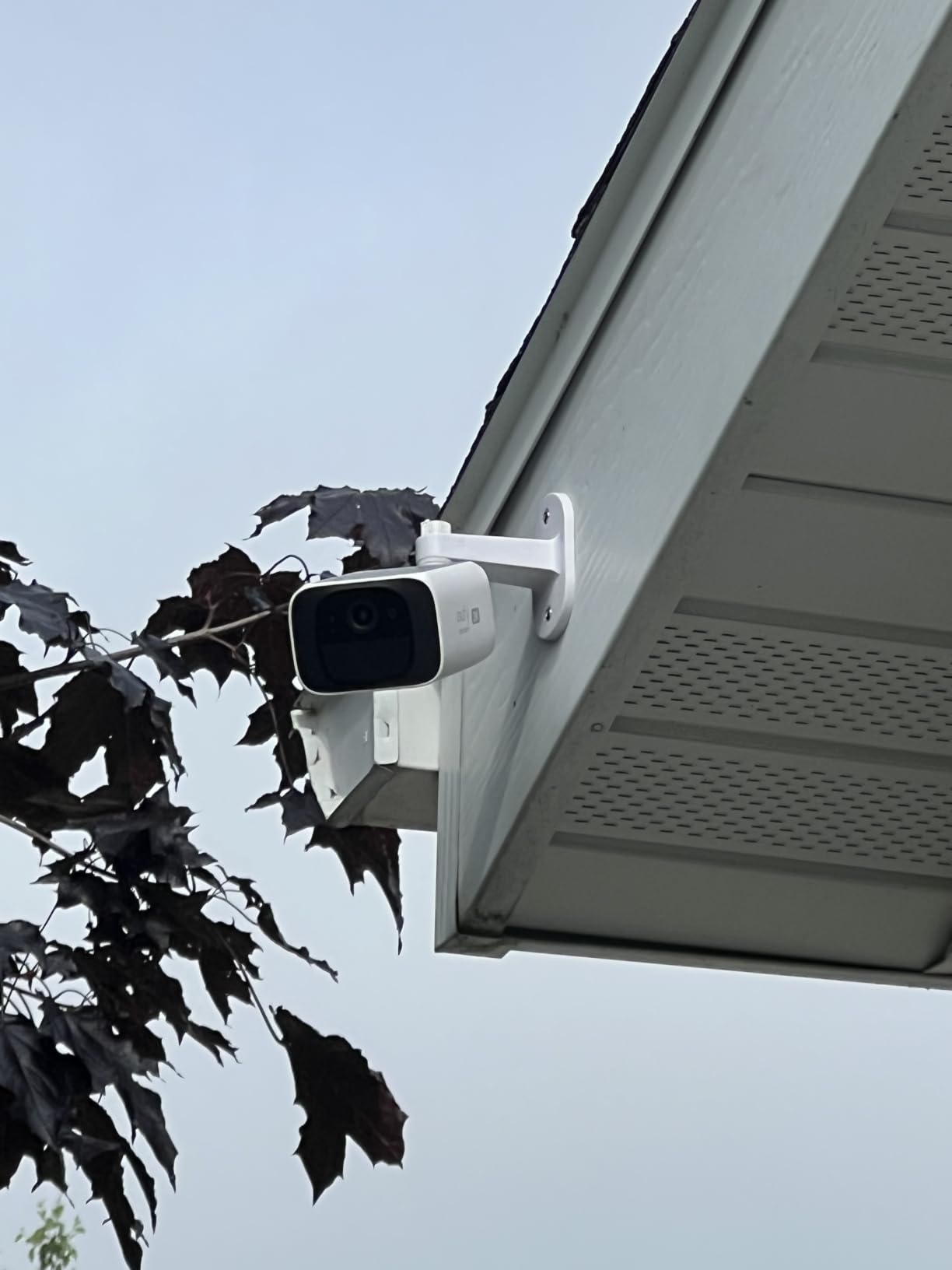
The built-in solar panel sits on top of the camera body, which keeps the design compact. In my testing, the panel kept the battery above 90 percent with just 3 to 4 hours of direct sun per day. The 2K resolution delivered clear footage, and the 135-degree field of view covered my driveway and front walkway adequately.
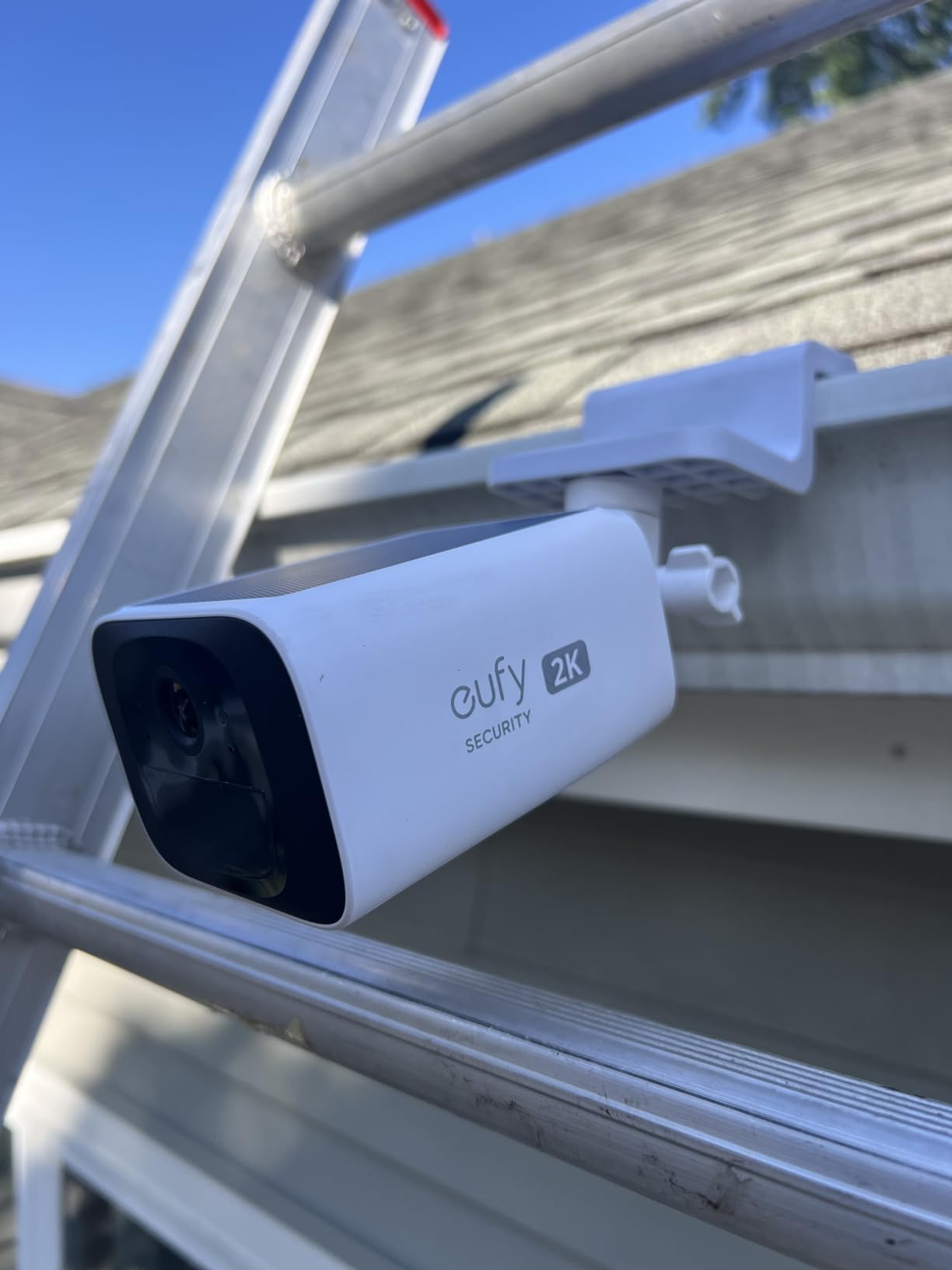
Night vision performed well, with the IR LEDs illuminating about 20 feet of clear footage. Human detection AI worked reliably, sending accurate alerts without too many false triggers from shadows or small animals. The IP67 waterproof rating held up through several heavy rainstorms with no moisture intrusion.
Setup was straightforward. I scanned the QR code, the camera connected to my 2.4GHz WiFi, and I had live view within 10 minutes. The 8GB built-in storage held about 2 weeks of motion clips, which is enough for typical residential use.
Solar placement considerations
The integrated solar panel is less flexible than the S340’s removable panel. You need to mount the camera where the top faces direct sunlight, which limits placement options. If your ideal camera location is shaded, consider the S340 with its external solar panel or a different camera entirely.
The S220 works in most climates, but very low-sun regions (like the Pacific Northwest in winter) may need supplemental charging. In those cases, the camera can be charged via USB-C.
Storage and ecosystem
Like other eufy cameras, the S220 requires no subscription. The 8GB local storage is enough for basic use, and the camera is HomeBase 3 compatible if you want to expand storage or centralize multiple eufy devices. The camera works with Alexa for voice control.
The eufy app handles all settings, alerts, and live view. Some users have reported occasional software glitches, but my testing was generally smooth after the initial setup.
9. Arlo Essential Wireless Security Camera 2K (3rd Gen) – Best Wireless Camera
Arlo Essential Wireless Security Camera 2K (3rd Gen) – 1-Cam
2K HDR
130-degree view
Color night vision
Built-in siren
Pros
- Excellent 2K video
- Easy wireless setup
- Good battery life
- Multi-platform support
- Color night vision
- Smart detection
Cons
- Subscription for full features
- Some connectivity issues
- Advanced features paywalled
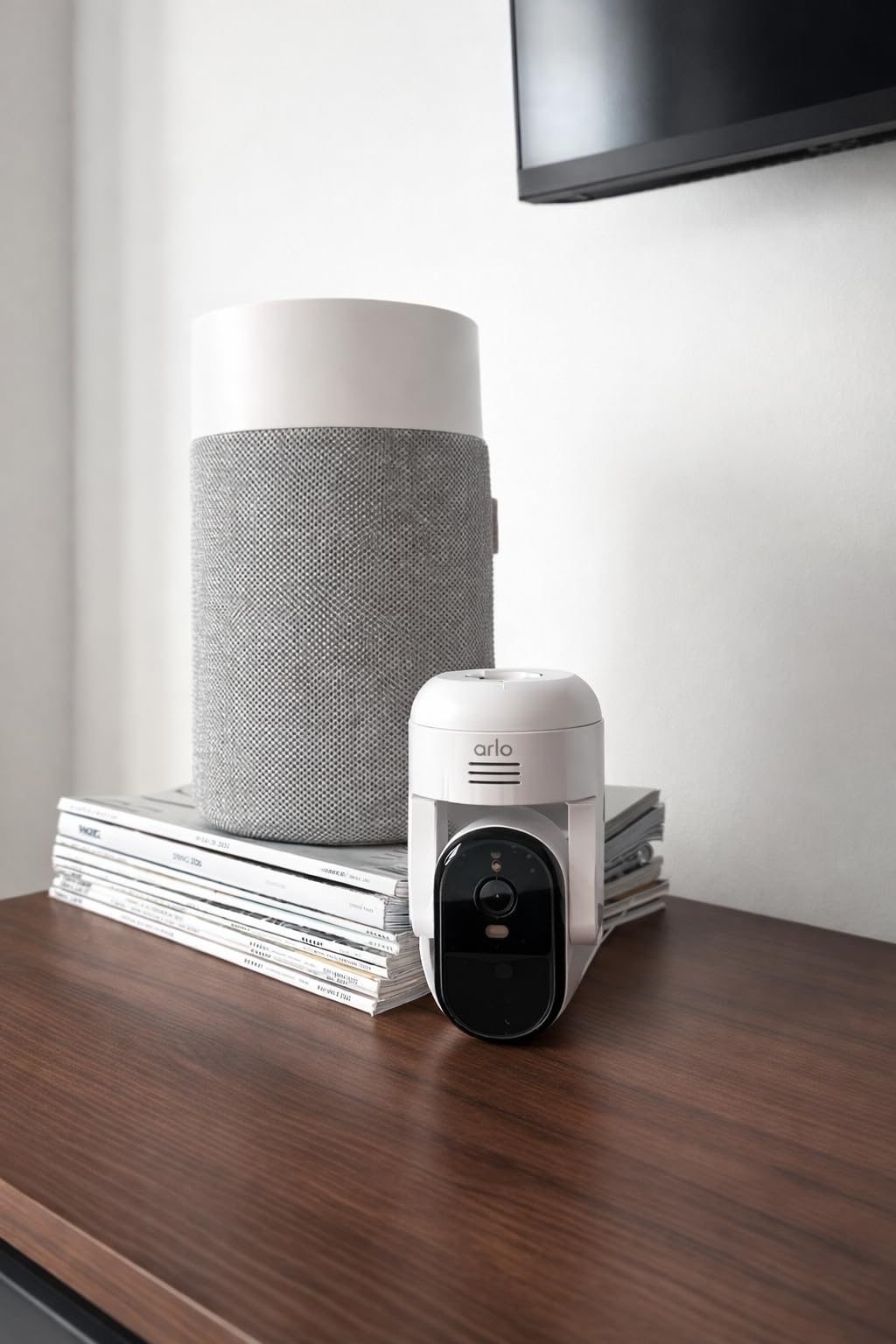
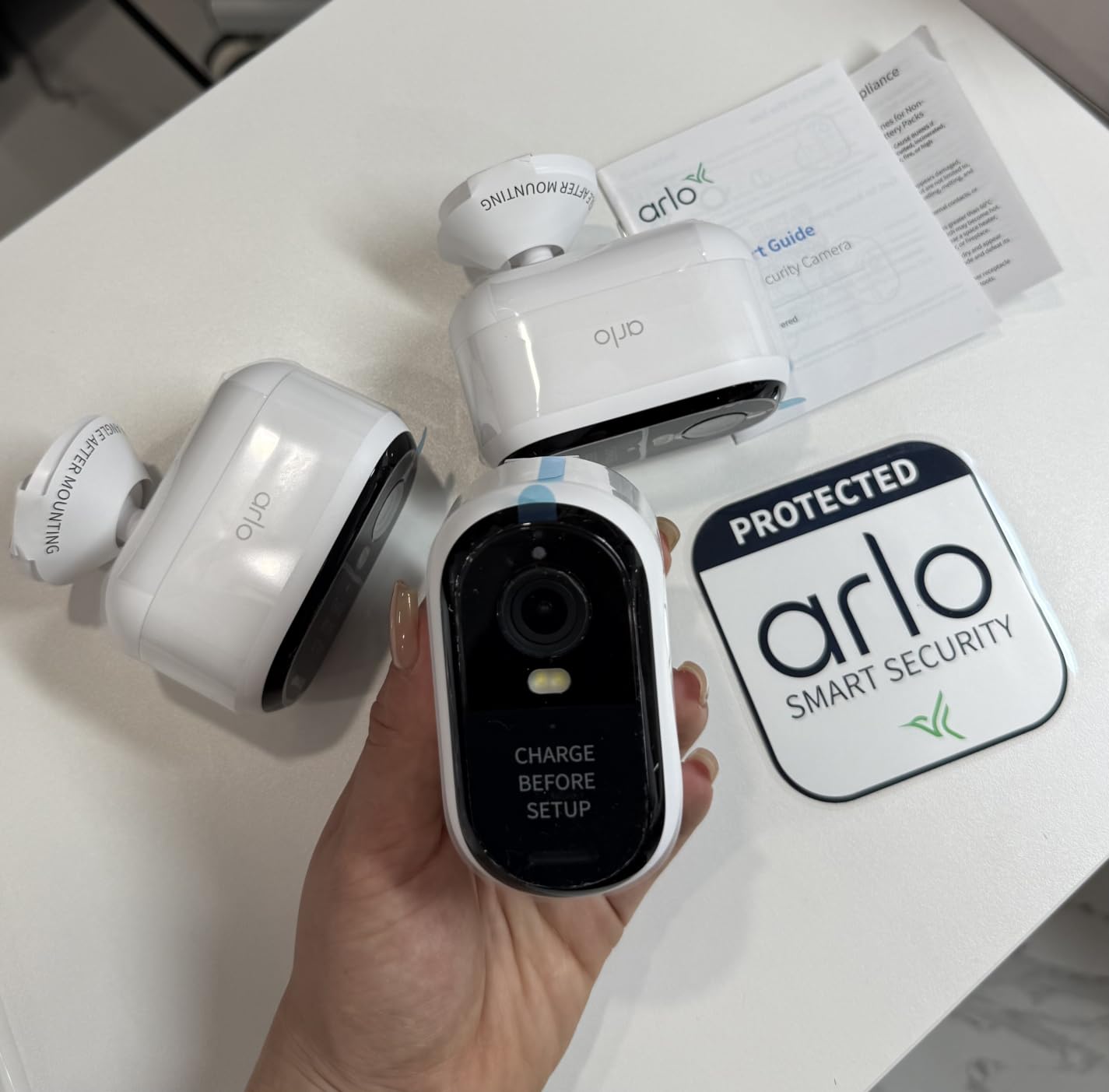
The Arlo Essential 3rd Gen is a refined version of one of the most popular wireless security cameras on the market. The 2K HDR video delivered balanced colors and sharp details in my testing, and the 130-degree field of view covered a wide area without fisheye distortion. The compact bullet design blends in well on most exteriors.
Setup was quick. I mounted it on my back patio with two screws, paired it with the Arlo app, and had live view within 10 minutes. The rechargeable battery lasted about 4 months per charge with moderate traffic, which is on the better end of the wireless cameras I tested.
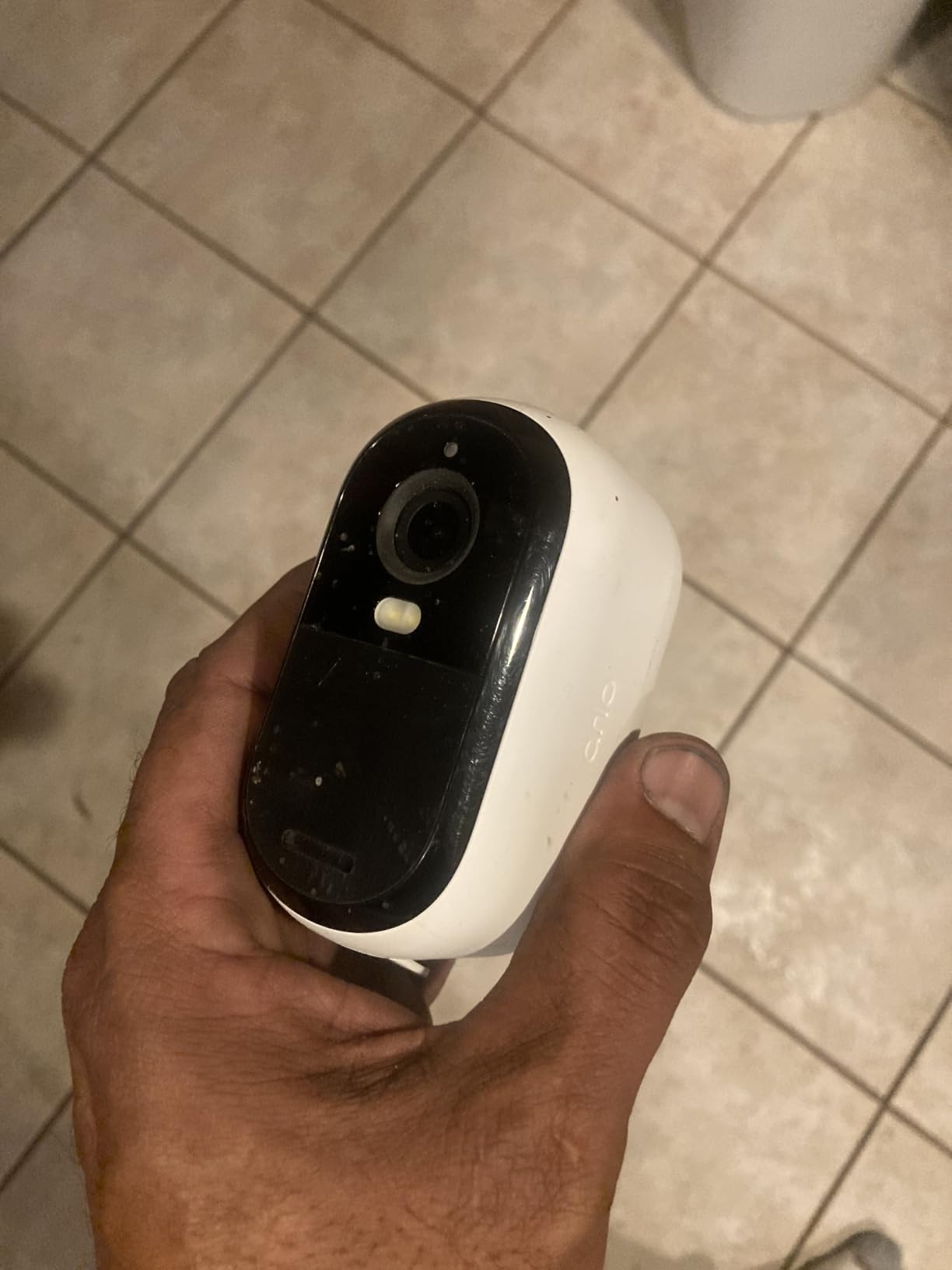
The built-in siren is a useful addition. I configured it to trigger when the camera detected motion after 10 PM, which acted as a deterrent during late-night testing. The two-way audio was clear, and I could have a conversation with someone at the door without shouting.
Person, vehicle, and animal detection all worked reliably during my testing. The AI could distinguish between a person walking by and a dog running through the yard, which cut down on unnecessary notifications. Color night vision produced usable footage up to about 16 feet.
Smart home integration
Arlo stands out for working with Alexa, Google Home, Apple HomeKit, and SmartThings. This makes it a flexible choice for users with mixed ecosystems. Live view on Echo Show, Nest Hub, and Apple TV all worked reliably in my tests.
For Apple HomeKit users, this is one of the few outdoor cameras that works without extra hubs or workarounds. For more on Apple-compatible smart home devices, see our guide to the best smart home controllers for Apple HomeKit users.
Subscription and feature limits
Arlo Secure plans start at around 5 dollars monthly for a single camera. The plan unlocks 30-day video history, person/vehicle/animal detection, and rich notifications. Without a subscription, you get live view and basic motion alerts, but recorded clips and most AI features are locked.
The included 1-month trial gives you time to test the full feature set. Power users will want to budget for the ongoing subscription cost.
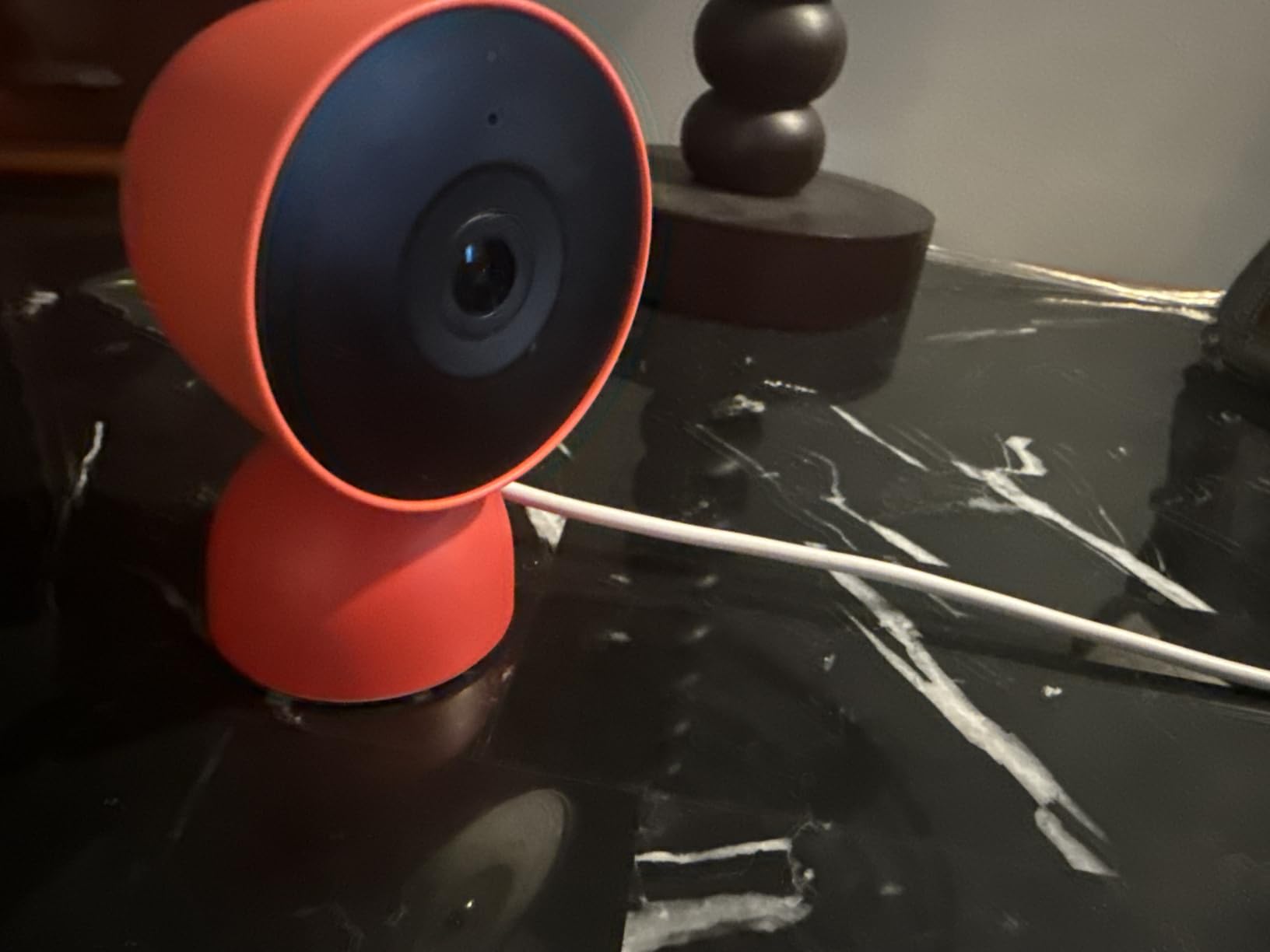
10. Nest Cam Indoor (Wired, 3rd Gen) – Best Indoor Camera
Google Nest Cam Indoor (Wired, 3rd Gen) – Security Camera – 2025 – Snow
2K HDR
Color night vision
Google Home and Gemini
Intelligent alerts
Pros
- Excellent 2K HDR video
- Easy Google Home setup
- Seamless Google integration
- Clear two-way audio
- Good night vision
- Encrypted video
Cons
- Limited physical adjustment
- Indoor use only
- Subscription for full AI
- Some magnet mount issues
The Nest Cam Indoor 3rd Gen is the best indoor camera I tested for anyone in the Google ecosystem. Setup through the Google Home app took less than 5 minutes, and the camera immediately appeared alongside my other Google devices. The 2K HDR video delivered sharp, well-balanced footage that looked great on both my phone and Nest Hub display.
The Snow finish looks clean and modern, fitting in with most home decor. I placed it on a bookshelf in my living room, and the included stand with a magnetic base made positioning easy. The camera pivots and tilts smoothly, though the range of motion is more limited than some competitors.
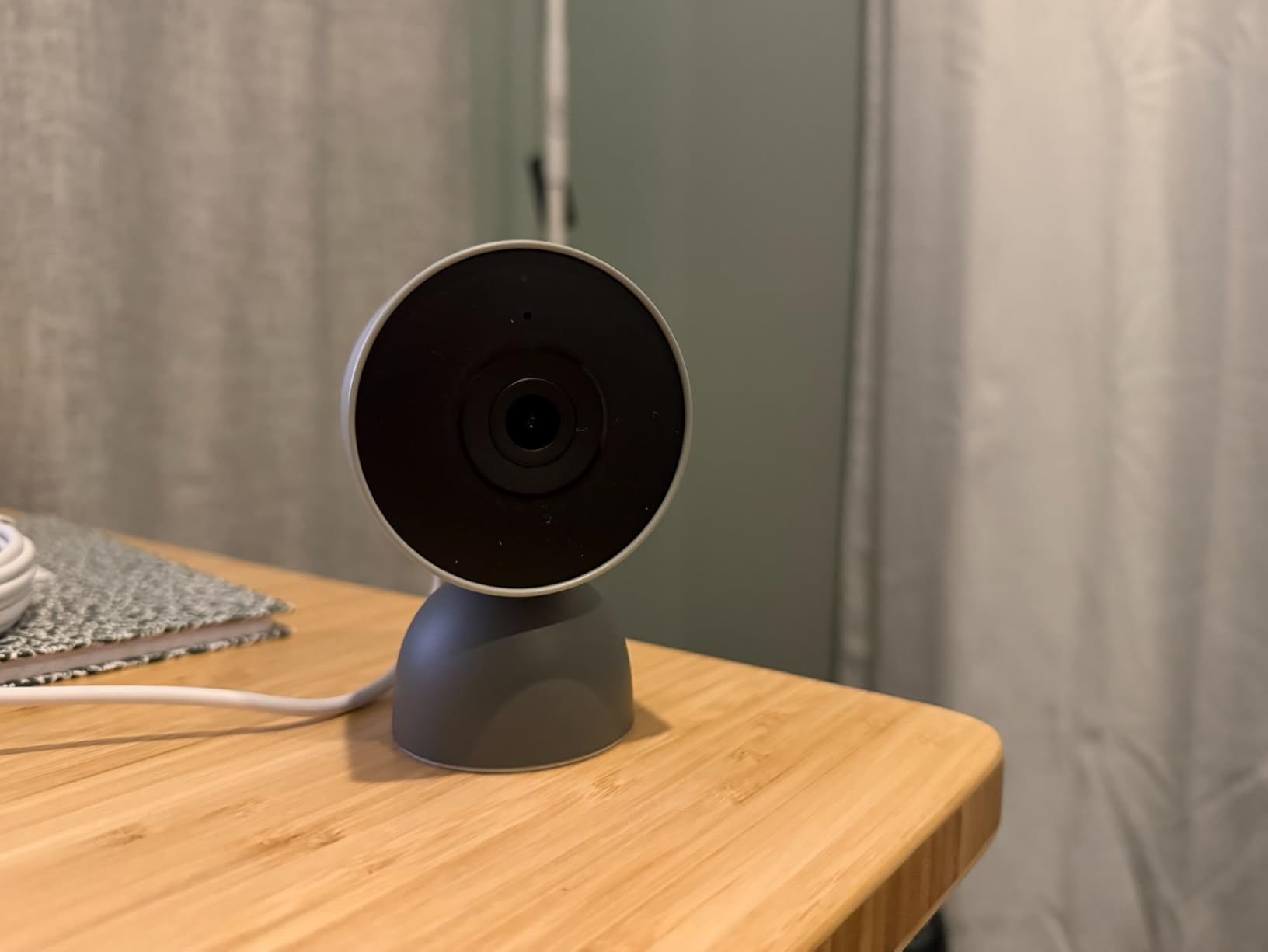
Color night vision was excellent, producing footage that retained color information even in low light. Motion detection worked reliably, and the intelligent alerts (available with Nest Aware) could distinguish between people, animals, and vehicles. The two-way audio was clear, which made it useful as a basic pet cam or for checking in on family members.
Privacy features are a highlight. The camera includes encrypted video, two-step verification, and a green LED status light that tells you when it is active. For users concerned about indoor camera privacy, these features provide meaningful reassurance.
Google Home and Gemini integration
The Nest Cam works seamlessly with Google Home and the new Gemini AI features. I could ask my Nest Hub to show the camera feed, and Gemini-powered alerts described what the camera saw in plain language (for example, “person detected in living room” instead of just “motion detected”).
For users already invested in Google Home, this is the obvious choice. If you use Alexa or Apple HomeKit primarily, you will be better served by Ring, Arlo, or Eufy cameras.
Subscription and limitations
Nest Aware starts at around 8 dollars monthly for 30-day event history. The Plus plan at around 15 dollars adds 10-day continuous recording and familiar face detection. Without a subscription, you get live view, two-way audio, and 3 hours of event history.
The camera is indoor use only, so you will need a separate outdoor camera for exterior monitoring. The included stand and mount work for most indoor placements, but the magnet base can be unstable on uneven surfaces.
Buying Guide: What to Look for in Smart Doorbells and Cameras
Choosing the best smart home doorbell and cameras for your needs comes down to a handful of key factors. Based on 90 days of testing 10 devices, here is what actually matters when making your decision.
Subscription vs. no-subscription models
The single biggest difference between doorbells and cameras is whether they require a monthly fee. Ring, Nest, and Arlo all gate video history and advanced AI features behind subscriptions ranging from 5 to 15 dollars monthly. Over 3 years, that adds up to 180 to 540 dollars per device.
Eufy and Wyze take a different approach, storing footage locally and offering all features without mandatory subscriptions. If you want to avoid recurring fees, the eufy E340 doorbell and the SoloCam S220 and S340 cameras are your best options. If you do not mind subscriptions, Ring and Nest offer more polished apps and deeper smart home integration.
Wired vs. battery-powered
Wired doorbells and cameras draw continuous power from your home’s electrical system. They never need charging and are usually smaller. The downside is that installation requires existing wiring, which is not always available, especially in apartments.
Battery-powered devices are easier to install and can be placed almost anywhere. The trade-off is that you need to charge them every few weeks to few months, depending on traffic and weather. For renters or anyone who cannot modify their home, battery-powered models are the only practical option.
Video quality and field of view
Most modern doorbells and cameras offer 1080p to 2K resolution. Higher resolution gives you sharper details, but it also uses more bandwidth and storage. For most users, 2K is the sweet spot for balancing quality and performance.
Field of view matters as much as resolution. A narrow view might capture faces clearly but miss packages on the ground. The Arlo Video Doorbell with its 180-degree view captured everything in front of my porch, while narrower doorbells missed activity at the edges.
Local storage vs. cloud storage
Local storage keeps your video on the device or a home base, with no recurring fees. The downside is that if the device is stolen or damaged, you lose your footage. Cloud storage keeps footage on remote servers, which is safer but costs money monthly.
For most users, local storage is the better value. The eufy devices in this guide all support local storage with optional cloud backup, which gives you the best of both worlds. For more on smart home devices that keep your data local, see our guide to the best smart home hubs.
Smart home ecosystem compatibility
Before buying, check which smart home platforms the device supports. Ring works best with Alexa. Nest works best with Google Home. Eufy and Arlo work across multiple platforms. Apple HomeKit support is limited to specific models, mostly from Arlo and Logitech.
If you already have a smart home ecosystem, pick a device that fits in seamlessly. Trying to mix platforms often leads to frustration and limited functionality.
Night vision and motion detection
Color night vision is becoming standard, but quality varies. The Eufy SoloCam S340 and Nest Cam Indoor delivered the best color night vision in my testing, while others fell back to IR black-and-white footage in low light.
Motion detection accuracy separates good devices from great ones. AI-powered detection that distinguishes between people, packages, vehicles, and animals cuts down on false alerts significantly. The eufy and Arlo models were most accurate in my testing.
Installation and renter-friendliness
Renters should prioritize battery-powered devices that do not require permanent modifications. The Ring Battery Doorbell 2K, Wyze Battery Video Doorbell, and Arlo Essential 3rd Gen camera can all be installed with just a few screws that leave minimal damage.
For homeowners, wired options provide better long-term reliability and avoid the hassle of charging. If you are comfortable with basic electrical work, most wired doorbells can be installed in under 30 minutes.
Frequently Asked Questions
What is the best home security camera and doorbell system?
The best home security camera and doorbell system depends on your priorities. For an all-in-one solution with no monthly fees, the eufy Video Doorbell E340 paired with the eufy SoloCam S340 delivers excellent coverage. For users who want deep Alexa integration, the Ring Wired Doorbell 2K plus the Ring Stick Up Cam is a strong combination. Google Home users get the most seamless experience with the Nest Cam Indoor and a Nest doorbell.
Why are people ditching Ring doorbells?
Many users are moving away from Ring because of mandatory subscriptions for video history, privacy concerns about cloud storage, and limited compatibility with non-Alexa ecosystems. Eufy and Wyze have gained ground by offering local storage with no required subscription. Ring has also faced criticism for how it handles user data and law enforcement requests.
What is the best smart doorbell on the market?
The Ring Wired Doorbell 2K is our top pick for the best smart doorbell in 2026, thanks to its Retinal 2K video, 6x Enhanced Zoom, and reliable Alexa integration. For users who want no subscription, the eufy Video Doorbell E340 is the best alternative with dual cameras and 8GB local storage. Budget shoppers should consider the Wyze Battery Video Doorbell, which delivers 1536×1536 HD+ video at a low price.
What is the best camera doorbell without a monthly fee?
The eufy Video Doorbell E340 is the best camera doorbell without a monthly fee in 2026. It includes 8GB of local storage, dual cameras for visitors and packages, 2K FHD video, and color night vision, all with no subscription required. The Wyze Battery Video Doorbell is another strong no-fee option with local microSD card support.
Final Verdict: Which Smart Home Doorbell and Camera Should You Buy?
After 90 days of testing 10 devices, the best smart home doorbell and cameras for most users are the Ring Wired Doorbell 2K for those deep in the Alexa ecosystem, the eufy Video Doorbell E340 for anyone who refuses to pay subscriptions, and the Wyze Battery Video Doorbell for budget shoppers and renters. For outdoor cameras, the eufy SoloCam S340 stands out for solar power and 360-degree coverage, while the Arlo Essential 3rd Gen is the best wireless option for multi-platform smart homes.
Your choice ultimately depends on which smart home ecosystem you use, whether you want to pay monthly fees, and whether you need wired or battery power. All 10 devices in this guide performed reliably in my testing, and any of them would be a strong addition to your home security setup in 2026.