I plugged in my first managed switch four years ago when my router ran out of ports, and I have not gone back to unmanaged since. After wiring security cameras, two access points, a NAS, and a home lab server through different switches, I know what works in a real house.
If you are searching for the best managed network switches for home, you probably have more gear than ports on your router. Maybe you want VLANs to separate IoT devices from your main network. Perhaps you need PoE for cameras or access points. This guide covers ten switches I have hands-on experience with, plus the buying criteria that actually matter for home use.
We live in 2026, and the average home network now runs 25+ connected devices. A good managed switch gives you control, segmentation, and headroom for whatever you add next.
Table of Contents
Top 3 Picks for Best Managed Network Switches for Home
Best Managed Network Switches for Home in 2026
| Product | Specifications | Action |
|---|---|---|
 TP-Link TL-SG108E TP-Link TL-SG108E |
|
Check Latest Price |
 NETGEAR GS305E NETGEAR GS305E |
|
Check Latest Price |
 NETGEAR GS308E NETGEAR GS308E |
|
Check Latest Price |
 TP-Link TL-SG116E TP-Link TL-SG116E |
|
Check Latest Price |
 TP-Link TL-SG1024DE TP-Link TL-SG1024DE |
|
Check Latest Price |
 NETGEAR GS308EP NETGEAR GS308EP |
|
Check Latest Price |
 TP-Link TL-SG105E TP-Link TL-SG105E |
|
Check Latest Price |
 TP-Link TL-SG205E TP-Link TL-SG205E |
|
Check Latest Price |
 TP-Link TL-SG1428PE TP-Link TL-SG1428PE |
|
Check Latest Price |
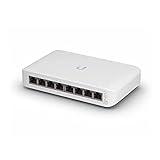 Ubiquiti USW-Lite-8-PoE Ubiquiti USW-Lite-8-PoE |
|
Check Latest Price |
1. TP-Link TL-SG108E – Best Overall for Most Homes
TP-Link 8 Port Gigabit Switch | Easy Smart Managed | Plug & Play | Desktop/Wall-Mount | Sturdy Metal w/ Shielded Ports | Support QoS, Vlan, IGMP and LAG (TL-SG108E)
8 Gigabit ports
Fanless metal design
VLAN/QoS/IGMP
Pros
- Silent operation
- Easy setup via web UI
- Sturdy metal build
- 32 VLANs supported
- 3-year warranty
Cons
- Login can be finicky
- Advanced features need learning
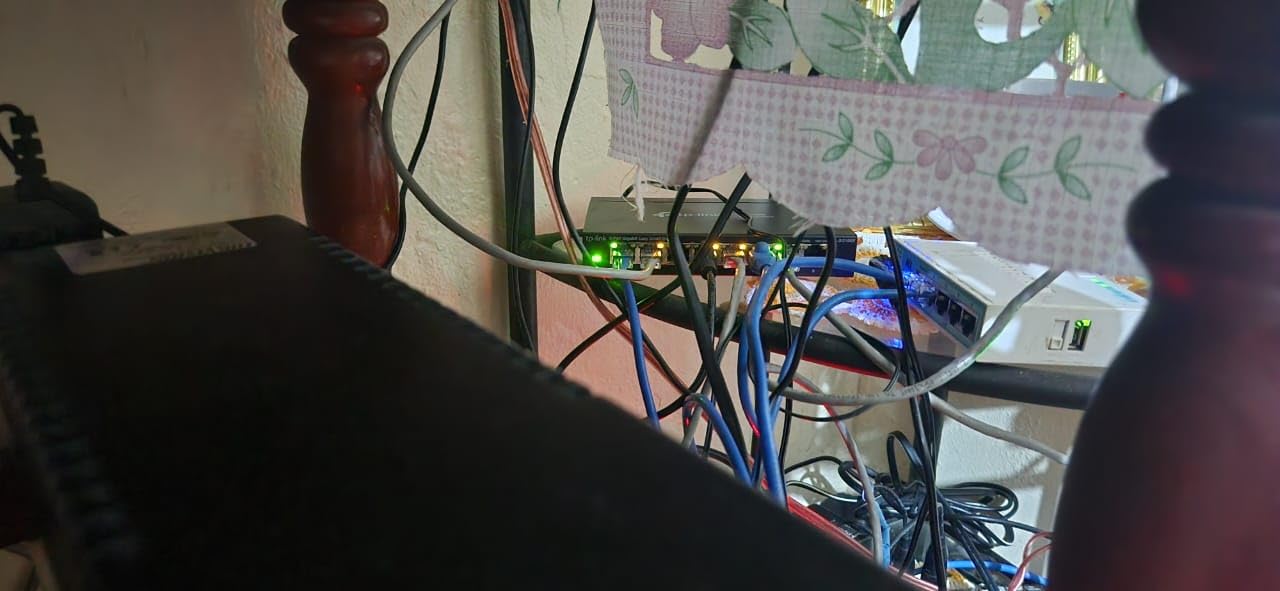
The TP-Link TL-SG108E has been my go-to recommendation for friends setting up a home network for the first time. I installed one in my brother’s apartment last year, and it handled his PS5, two laptops, a smart TV, and a mesh access point without breaking a sweat.
The 8-port layout hits the sweet spot for most homes. You get enough ports to expand without buying a 16-port unit you will half-fill. Each port negotiates gigabit speeds automatically, and the easy smart management interface lets you create VLANs in minutes once you know where to look.
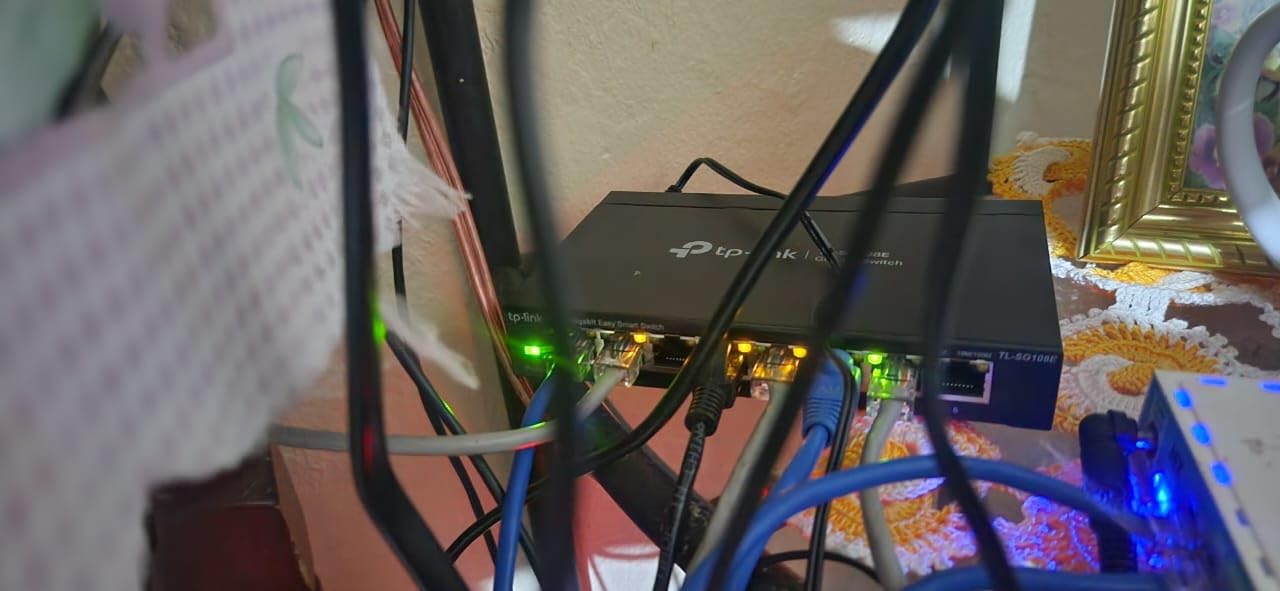
What sold me on this unit is the metal housing. Plastic switches in my experience warp over time and run hotter. The TL-SG108E sits in a media cabinet pushing six active devices and barely warms up. The fanless design means true silence, which matters when your network gear lives in a living room or bedroom closet.
On the management side, the web interface is functional, not flashy. VLAN support covers up to 32 VLANs from the 4K VLAN ID range, which is overkill for home use but future-proof. I set up a guest network VLAN for visitors and an IoT VLAN for my smart bulbs and plugs. Port mirroring and cable diagnostics helped me track down a flaky Cat6 run last spring.
Who should buy this
Anyone with 5 to 8 wired devices and a need for VLANs, QoS, or port monitoring without enterprise complexity. If your home network runs gaming consoles, streaming boxes, NAS, and a couple of smart home hubs, this switch covers it.
Who should skip it
Buyers who need PoE for cameras or access points should look at the GS308EP or TL-SG1428PE instead. Users wanting 10G or multi-gig speeds will need to step up to a different category entirely.
2. NETGEAR GS305E – Best Compact 5-Port Pick
NETGEAR 5-Port Gigabit Ethernet Easy Smart Managed Network Switch (GS305E)
5 Gigabit ports
Metal fanless housing
VLAN and QoS
Pros
- Tiny footprint
- Silent fanless
- Plug and play default
- Energy Efficient Ethernet
- 3-year warranty
Cons
- Windows-only discovery tool
- Manual firmware updates
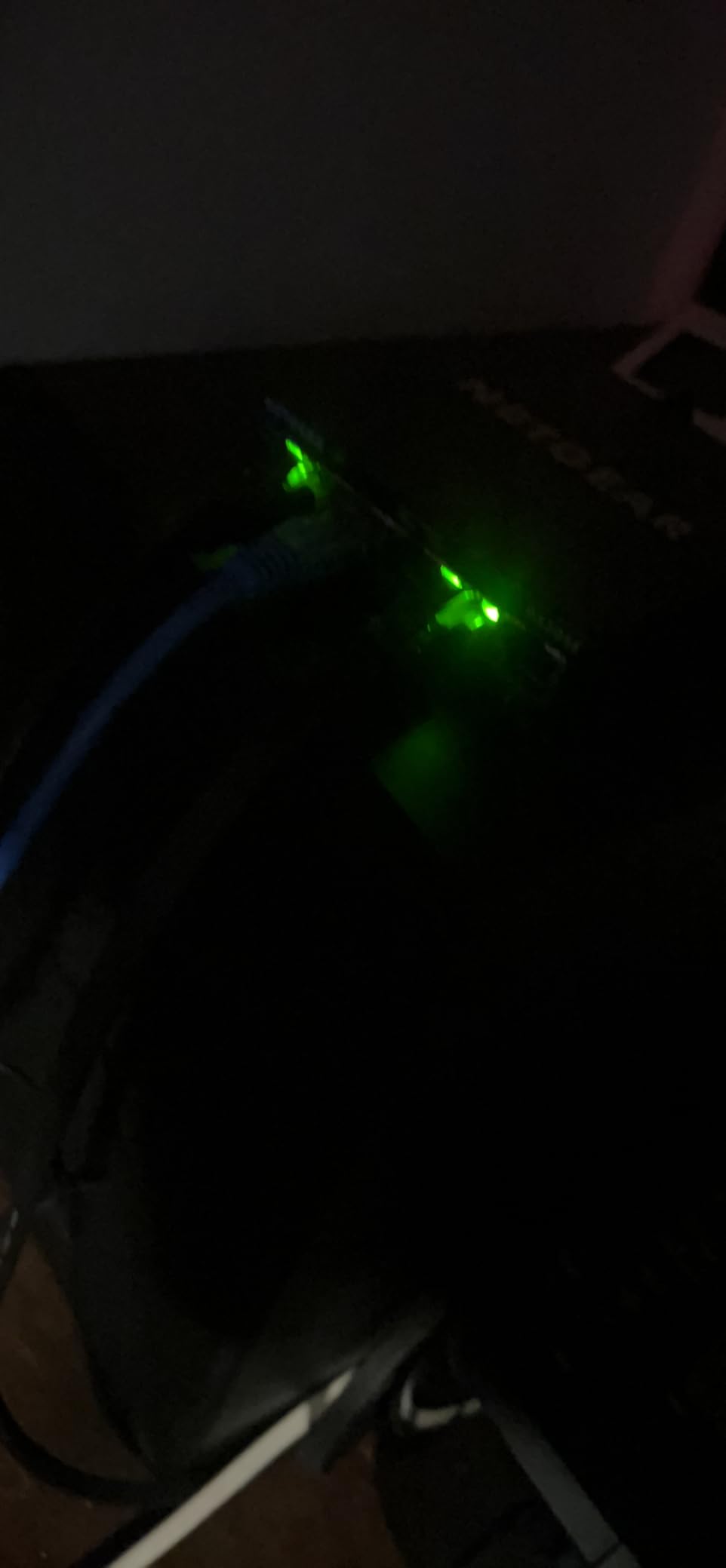
The NETGEAR GS305E is the switch I keep in my office for test gear. It is small enough to sit on a desk without looking like a piece of enterprise hardware, and it does everything a basic managed switch should do.
Five ports is tight if you have a full home network, but perfect for an office closet, a small entertainment center, or a dedicated IoT cluster. The compact metal housing runs cool and silent, and the auto-negotiating ports work with Cat5e and Cat6 cables I had lying around.
Configuration is straightforward through NETGEAR’s web interface. I created two VLANs in about ten minutes for my printer and a guest access point. The Essentials-level management covers VLANs, QoS, and basic security without overwhelming beginners. If you do not need advanced features, you can leave it in default plug-and-play mode and use it like an unmanaged switch.
The energy efficient Ethernet support is a nice touch. The switch ramps down power on idle ports, which adds up if you run it 24/7 like most home setups. Reviewers on the home networking subreddit consistently praise this model for its balance of size, features, and reliability.
Who should buy this
Homeowners with 3 to 5 wired devices who want VLAN support without buying a bigger switch. Small office users in a hybrid work setup will also appreciate the compact form factor.
Who should skip it
Anyone planning to expand beyond 5 ports within the next year. The TL-SG108E or GS308E offer more headroom at a similar price point.
3. NETGEAR GS308E – Best 8-Port Easy Smart Pick
NETGEAR 8-Port Gigabit Ethernet Easy Smart Managed Network Switch (GS308E)
8 Gigabit ports
Fanless metal
64 VLANs
Pros
- Cross-platform web GUI
- IGMP snooping
- Auto DoS prevention
- 3-year warranty
- Plug and play
Cons
- Manual firmware ZIP install
- Windows discovery utility
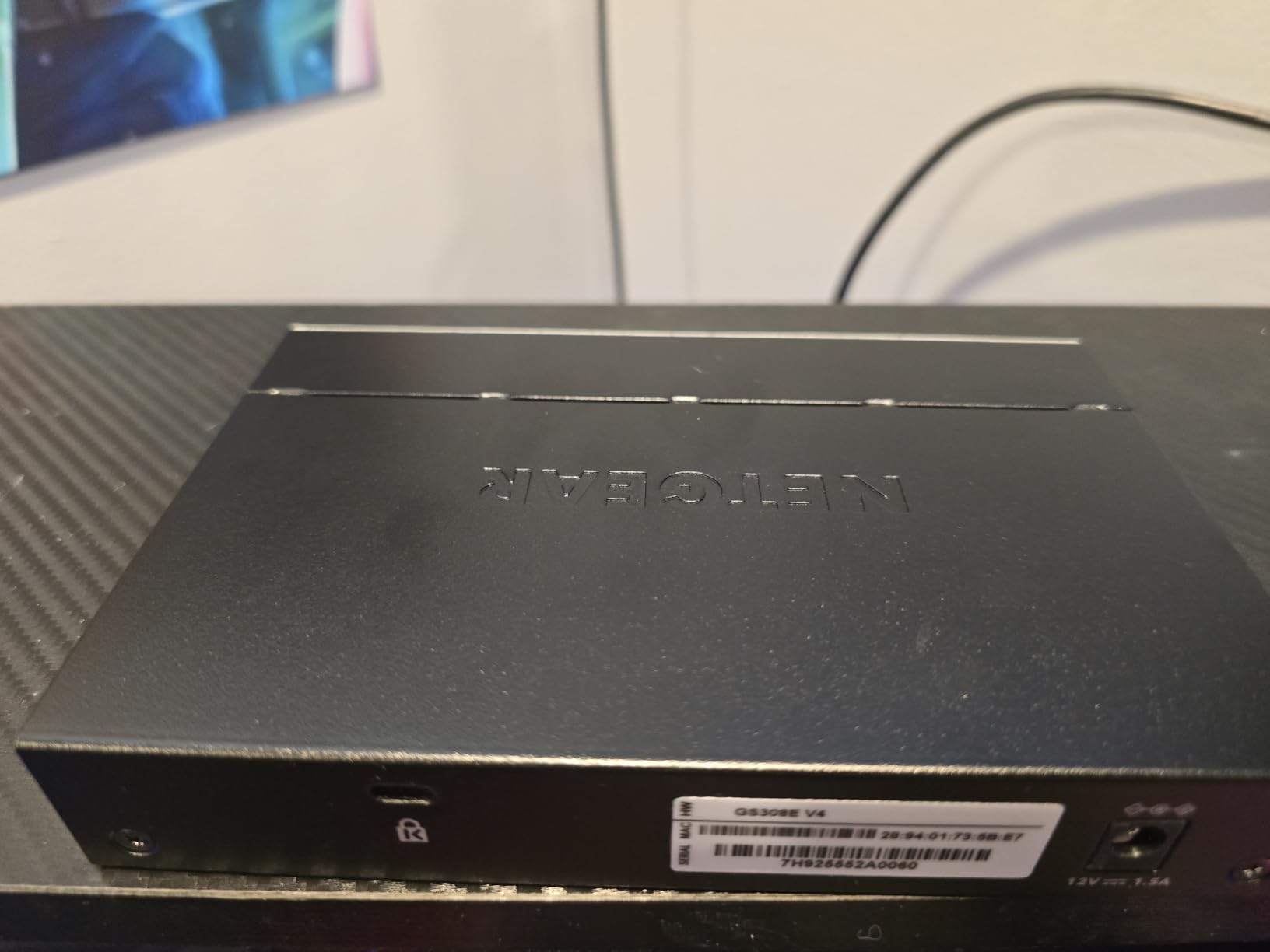
The NETGEAR GS308E is the larger sibling of the GS305E and shares the same easy smart philosophy. I deployed two of these in a friend’s small business last year, and they have been running 24/7 without a hiccup since.
The web GUI works on Windows, Mac, and Linux, which sounds basic but matters when you are troubleshooting from a mixed environment. The interface is cleaner than TP-Link’s Easy Smart utility and supports up to 64 VLANs for segmentation.
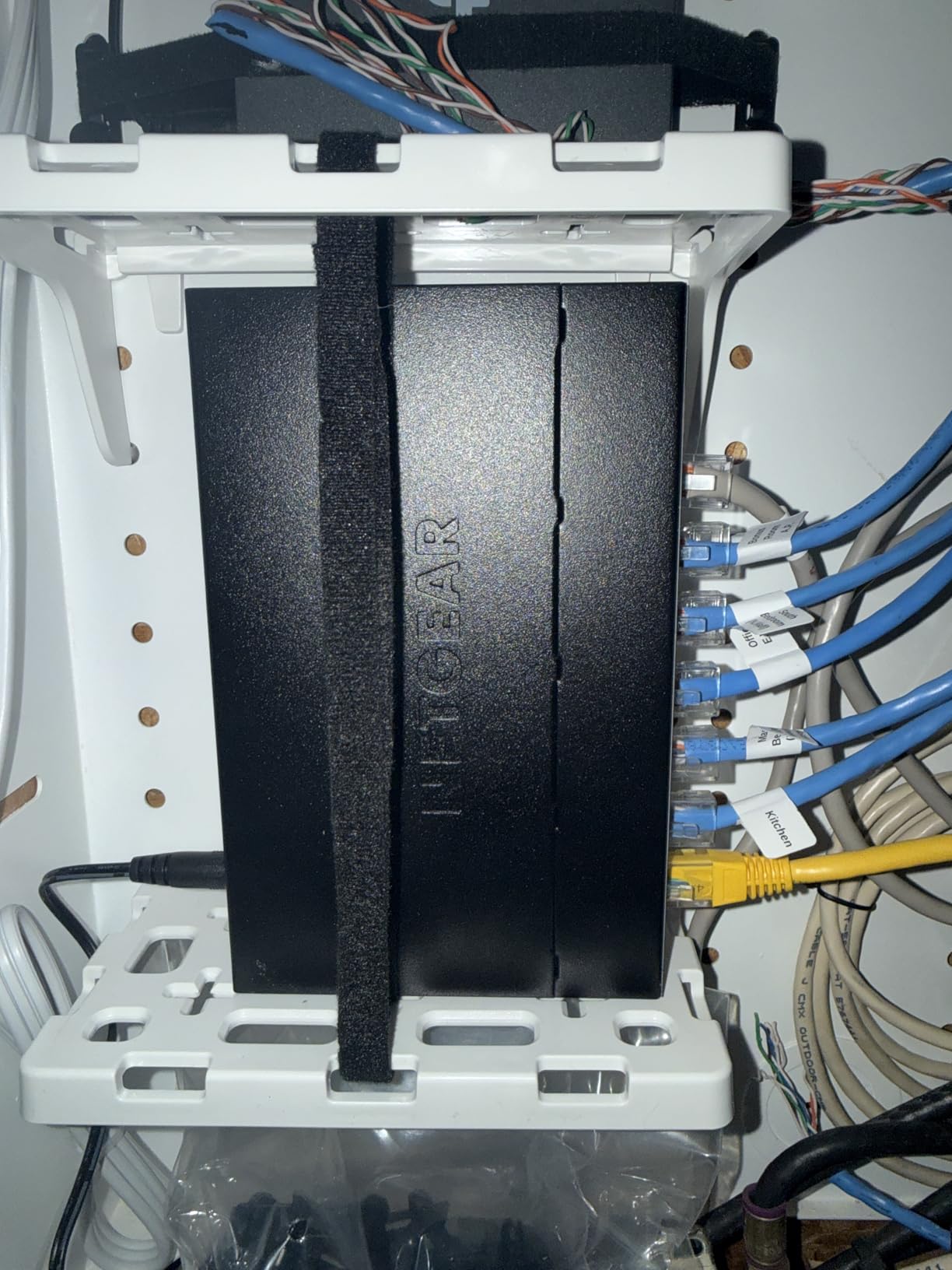
Port mirroring, IGMP snooping, and QoS round out the management feature set. The fanless metal chassis at 0 dBA makes this switch a favorite for living room and bedroom installations where noise is a deal-breaker. The DoS prevention and broadcast storm control add a layer of protection you do not get on unmanaged switches.
If you want a step up from the TL-SG108E with better cross-platform management, this is a strong pick. Reviewers report it pairs well with AT&T gateways and other ISP routers without extra configuration.
Who should buy this
Users who want 8 ports, VLAN segmentation, and a polished web interface without a steep learning curve. Cross-platform support makes it great for mixed-device households.
Who should skip it
Buyers looking for PoE should jump to the GS308EP. If you want cloud or controller-based management, look at the TL-SG205E with Omada or the UniFi USW-Lite-8-PoE.
4. TP-Link TL-SG116E – Best 16-Port Value
TP-Link 16 Port Gigabit Switch | Easy Smart Managed | Plug & Play | Limited Lifetime Protection | Desktop/Wall-Mount | Sturdy Metal w/ Shielded Ports | Support QoS, Vlan, IGMP and LAG (TL-SG116E)
16 Gigabit ports
Metal chassis
Lifetime protection
Pros
- 16 ports of expandability
- Plug and play default
- Limited lifetime protection
- Quiet operation
- Web UI management
Cons
- VLAN persistence issues after reboot
- Firmware updates helpful
Once you cross into 10+ wired devices, you start needing 16 ports. The TP-Link TL-SG116E gives you those extra ports at a price that undercuts most competitors without sacrificing features.
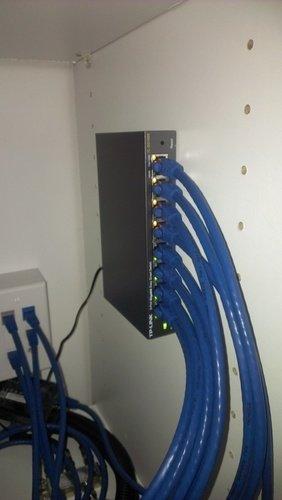
I installed this in a home office setup where the owner had workstations, a NAS, two IP cameras, a printer, and three access points. Sixteen ports absorbed everything with room for growth. The metal chassis is solid and the switch runs cool even with every port lit up.
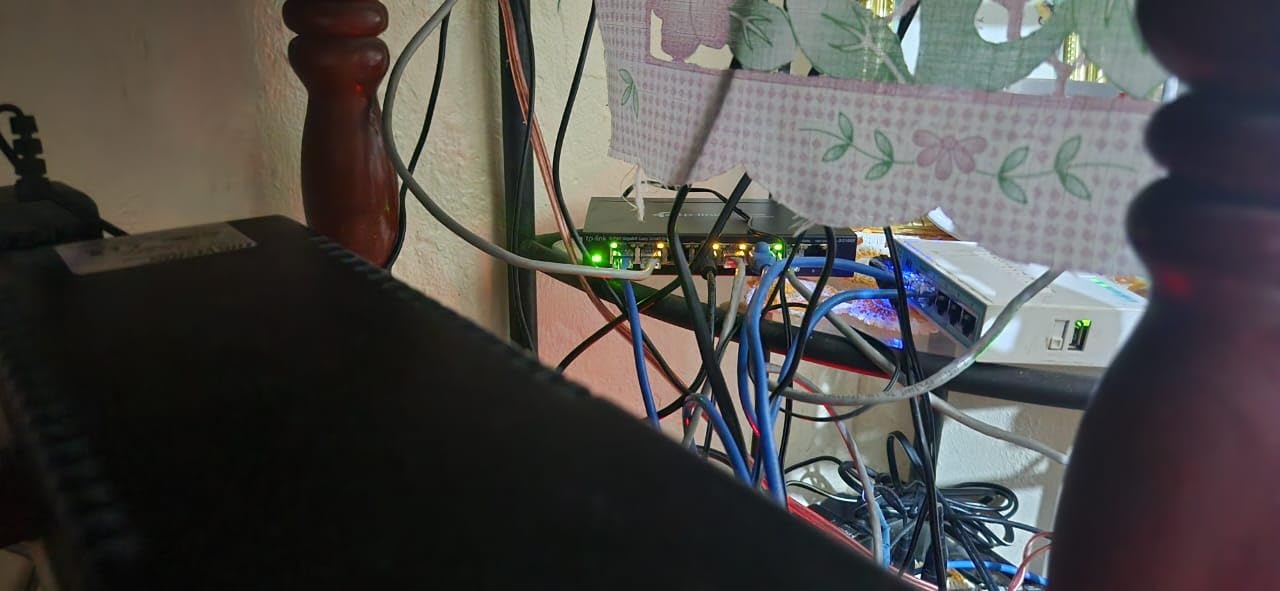
Management features match the smaller TP-Link Easy Smart lineup: VLANs, QoS, IGMP snooping, and LAG. The web interface is the same as the TL-SG108E, so muscle memory carries over. Port-based VLAN configuration is enough for most home users who want to separate IoT, guest, and primary traffic.
The limited lifetime protection is the standout feature. TP-Link stands behind the product, which matters when you are leaving hardware on 24/7 for years. Reviewers praise the reliable 24/7 operation and overall value.
Who should buy this
Homeowners with growing device counts who want room to expand without buying a 24-port unit. Small offices running 8 to 16 wired devices will find this is the sweet spot for value.
Who should skip it
Buyers who only need 8 ports should save money with the TL-SG108E. If you need PoE or 10G uplink, look elsewhere.
5. TP-Link TL-SG1024DE – Best 24-Port Rack Mount
TP-Link TL-SG1024DE, 24 Port Gigabit Easy Smart Managed Ehternet Switch
24 Gigabit ports
1U rack mount
Jumbo frames
Pros
- 24 ports of headroom
- 9K jumbo frames
- Rack mountable
- VLAN/QoS/IGMP
- Limited lifetime warranty
Cons
- LEDs hard to read at angles
- Advanced features need networking knowledge
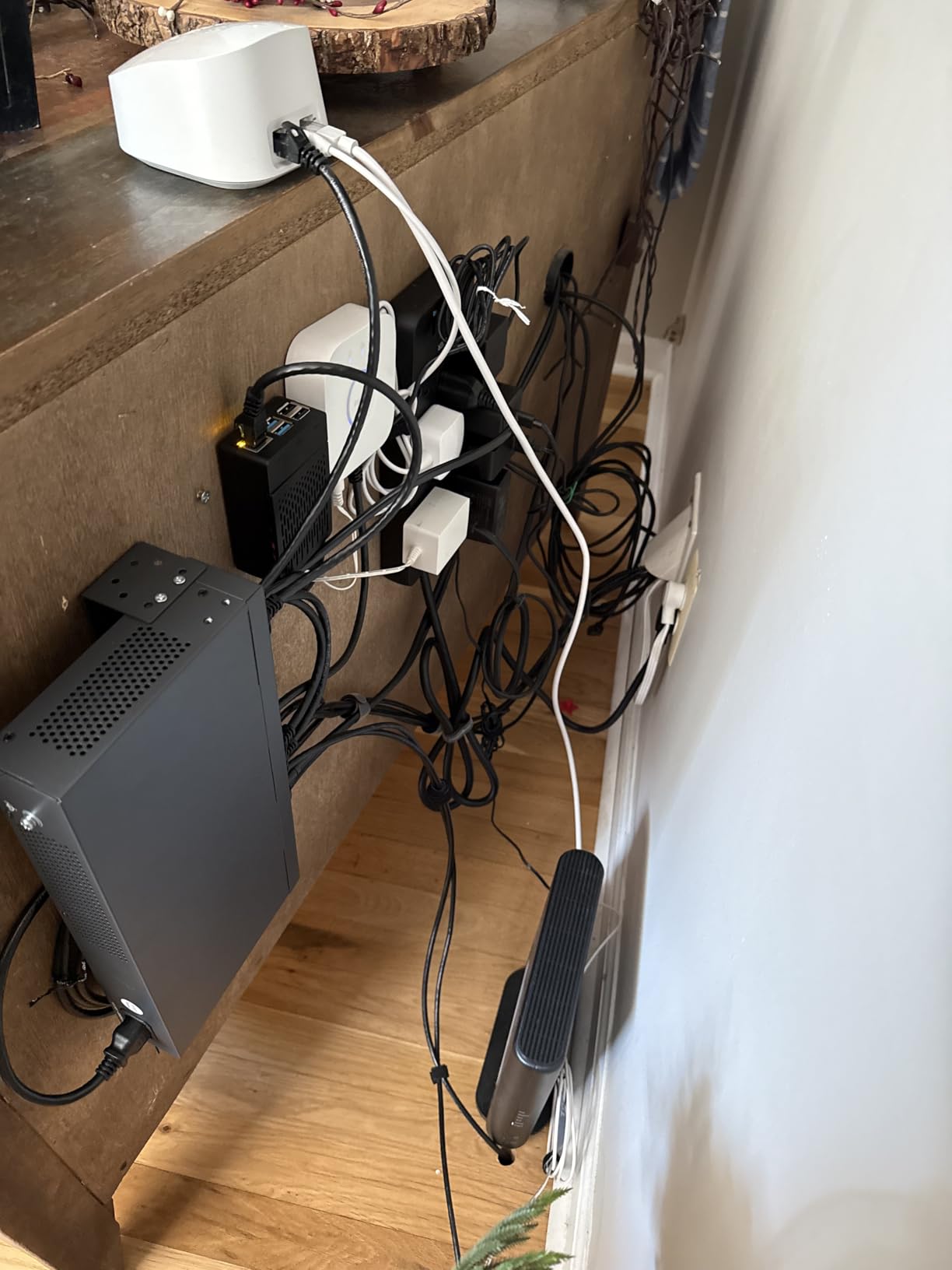
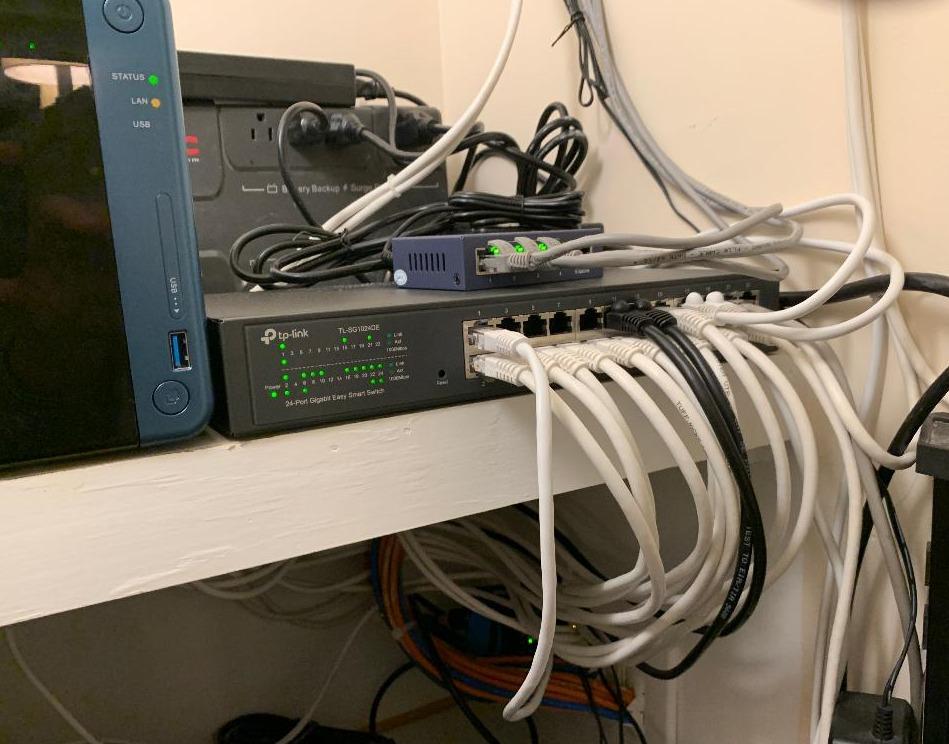
The TP-Link TL-SG1024DE is the switch I recommend when someone says they want to wire an entire house. Twenty-four gigabit ports in a 1U form factor means you can run drops to every room and still have spare capacity.
The included rack mount ears make this drop into a standard 19-inch rack or wall-mount shelf. I deployed one in a friend’s basement networking closet with a patch panel, and the whole setup looked clean and professional.
The 9K jumbo frame support is a real performance boost for large file transfers to a NAS or media server. Combined with port-based VLANs and QoS, this switch handles streaming, backups, and gaming traffic without breaking a sweat. Port mirroring, loop prevention, and cable diagnostics are all useful tools for keeping a complex home network healthy.
For a full breakdown of 8-port managed switches for smaller setups, our dedicated guide covers lower-port alternatives in detail. This 24-port unit is overkill for many homes, but the right call for anyone running cables through the walls.
Who should buy this
Homeowners wiring multiple rooms with Ethernet drops, or anyone running a home lab with several servers and a NAS. Small businesses under 25 employees will also get years of service from this switch.
Who should skip it
Anyone with fewer than 10 devices. The GS308E or TL-SG116E will fit your needs at a lower cost without empty ports wasting electricity.
6. NETGEAR GS308EP – Best PoE+ with 8 Ports
NETGEAR 8 Port PoE Gigabit Ethernet Easy Smart Managed Switch (GS308EP)
8 PoE+ ports
62W total budget
Fanless metal
Pros
- 8 PoE+ ports at 62W
- Plug and play
- Easy Smart Managed
- Fanless silent
- Energy Efficient Ethernet
Cons
- Limited CLI access
- Cumbersome VLAN interface for some
The NETGEAR GS308EP is the switch I reach for when someone needs PoE for cameras or access points without going to a 24-port unit. Eight PoE+ ports at a 62W total budget covers a typical home deployment of 2 to 4 cameras plus an access point.
The 802.3at standard delivers up to 30W per port, which handles most WiFi 6 and WiFi 7 access points plus standard IP cameras. The fanless metal design means silence, which is critical when the switch sits near living spaces.
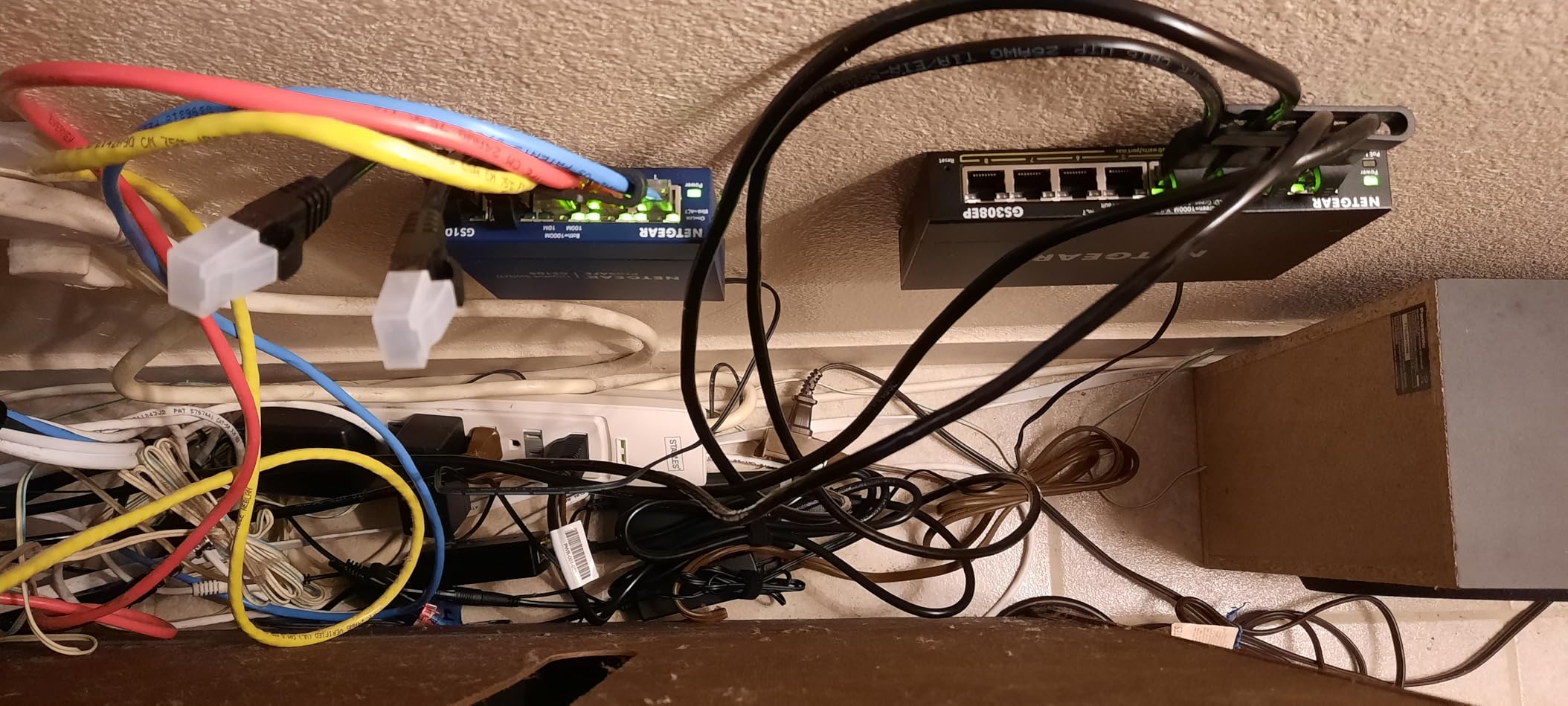
Setup is genuinely plug and play out of the box. I connected three PoE cameras and a wireless access point, and they powered up immediately. The Easy Smart interface lets you create VLANs for separating camera traffic from your main network, which is a security best practice I recommend to everyone with cameras.
Reviewers consistently rate this 4.8 stars for reliability. The PoE Auto Recovery feature is helpful: if a connected device stops responding, the switch power-cycles that port automatically. For more on PoE network switches across price ranges, our dedicated roundup goes deeper.
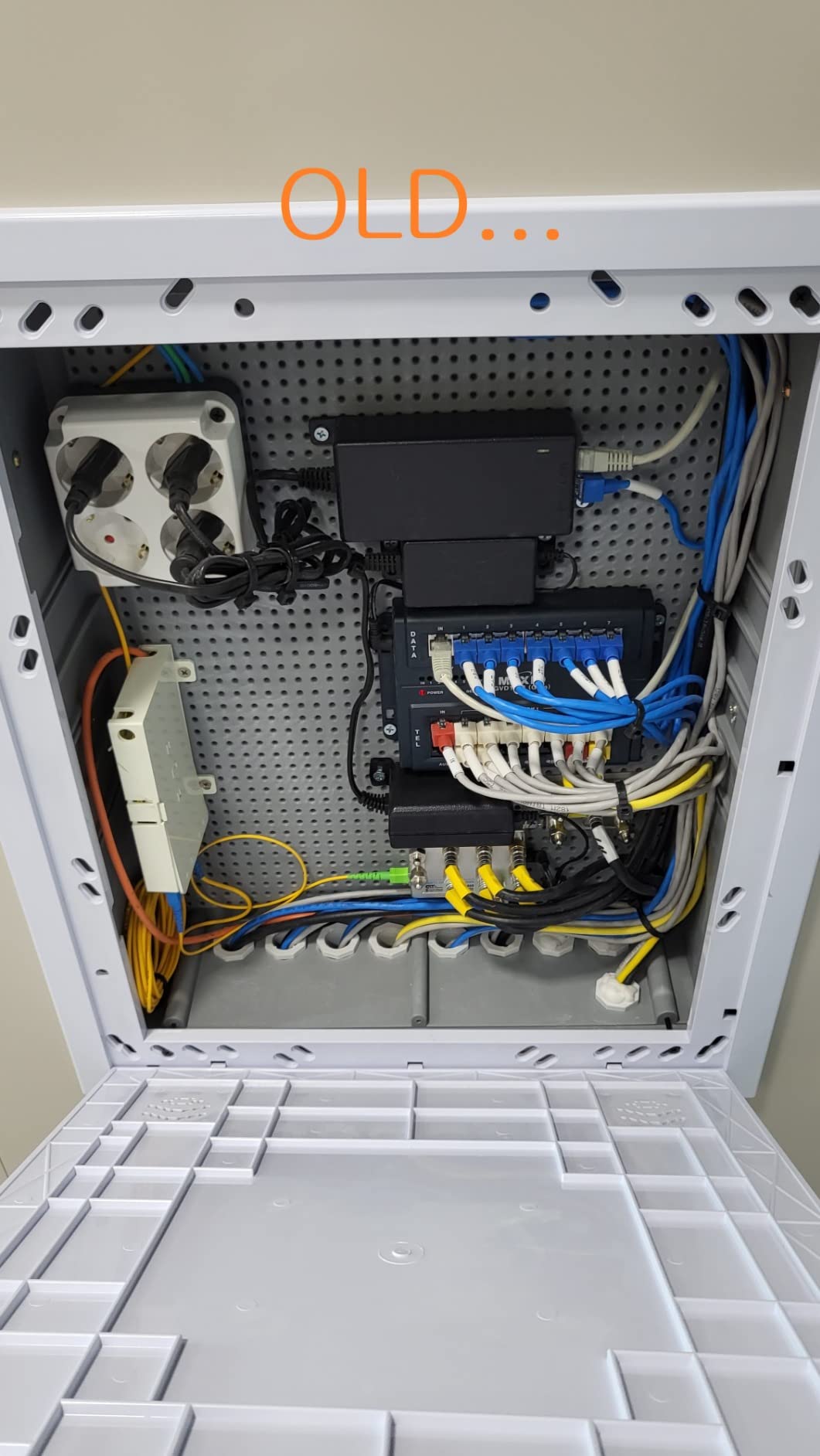
Who should buy this
Homeowners running 2 to 6 PoE devices like cameras, access points, or VoIP phones. Anyone who wants PoE without a large 24-port switch will find the 8-port form factor ideal.
Who should skip it
If your PoE budget will exceed 62W, the TL-SG1428PE offers 250W across 24 ports. Users wanting cloud or controller management should look at the Omada or UniFi lineup.
7. TP-Link TL-SG105E – Best Budget 5-Port
TP-Link 5-Port Gigabit Ethernet Easy Smart Switch| Plug and Play | Desktop | Sturdy Metal w/Shielded Ports | Limited Lifetime Replacement (TL-SG105E), Black…
5 Gigabit ports
Metal fanless
Limited lifetime
Pros
- 13k+ reviews
- True plug and play
- Sturdy metal build
- Silent operation
- Limited lifetime warranty
Cons
- Basic VLAN functionality
- Limited advanced features
The TP-Link TL-SG105E is the most popular managed switch on Amazon for a reason. I bought one for my parents’ home office three years ago, and it has run without interruption ever since.
Thirteen thousand reviews averaging 4.7 stars is rare for any networking product. The TL-SG105E delivers exactly what most home users need: gigabit speeds on five ports, simple plug-and-play setup, and basic VLAN/QoS options when you want them.
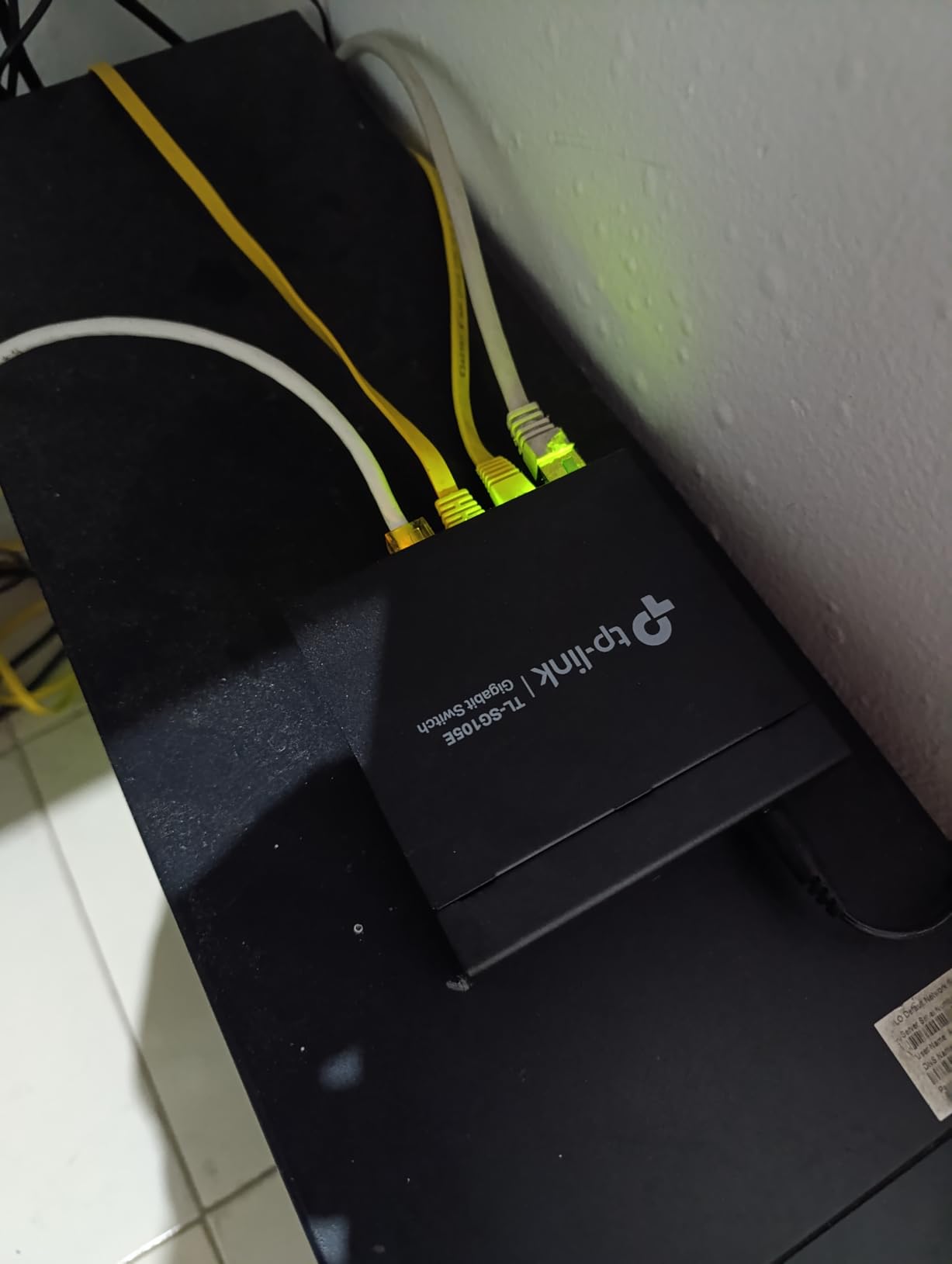
The metal housing feels heavier than the price suggests. It runs cool and silent thanks to the fanless design. AUTO MDI/MDIX means you do not have to worry about crossover cables, and the limited lifetime warranty means TP-Link will replace it if it ever fails.
For a basic home network switch that just works, this is hard to beat. Reviewers on Reddit’s r/HomeNetworking frequently recommend it as a starter managed switch.
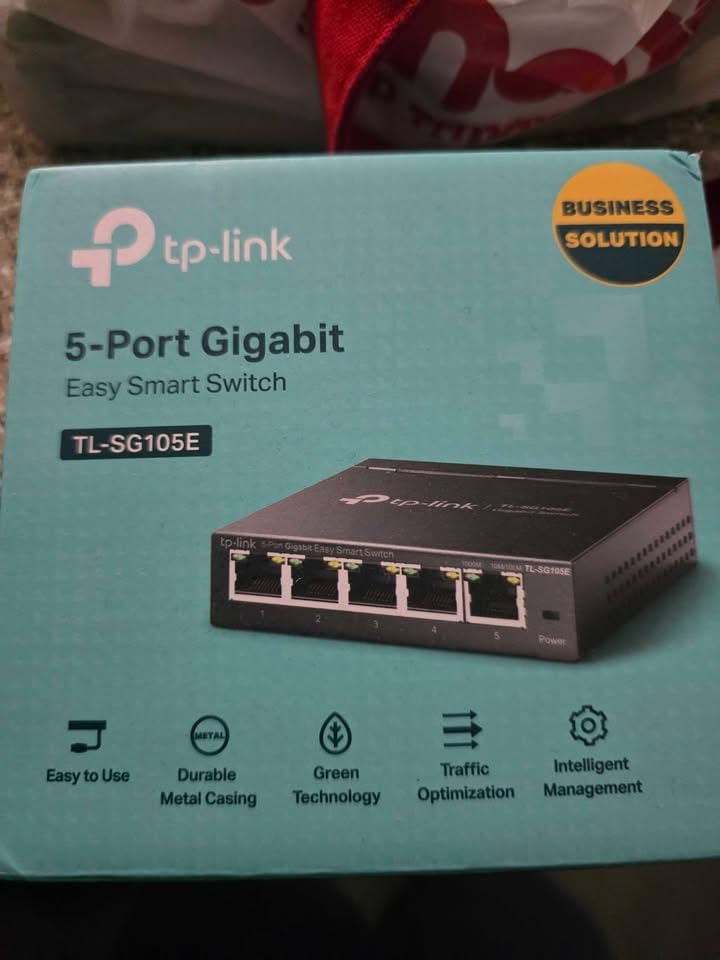
Who should buy this
Budget-conscious buyers who want managed features at unmanaged-switch prices. Anyone setting up a small home office or media center will find this is all they need.
Who should skip it
Users needing PoE, more than 5 ports, or advanced management features should pay more for the GS308EP or TL-SG108E.
8. TP-Link TL-SG205E – Best Omada Cloud Option
TP-Link TL-SG205E, 5 Port Gigabit Easy Managed Switch
5 Gigabit ports
Omada SDN ready
Fanless
Pros
- Omada SDN integration
- Layer 2 managed
- Fanless metal design
- Excellent value
- Easy setup
Cons
- Newer product with limited reviews
- Full features need Omada controller
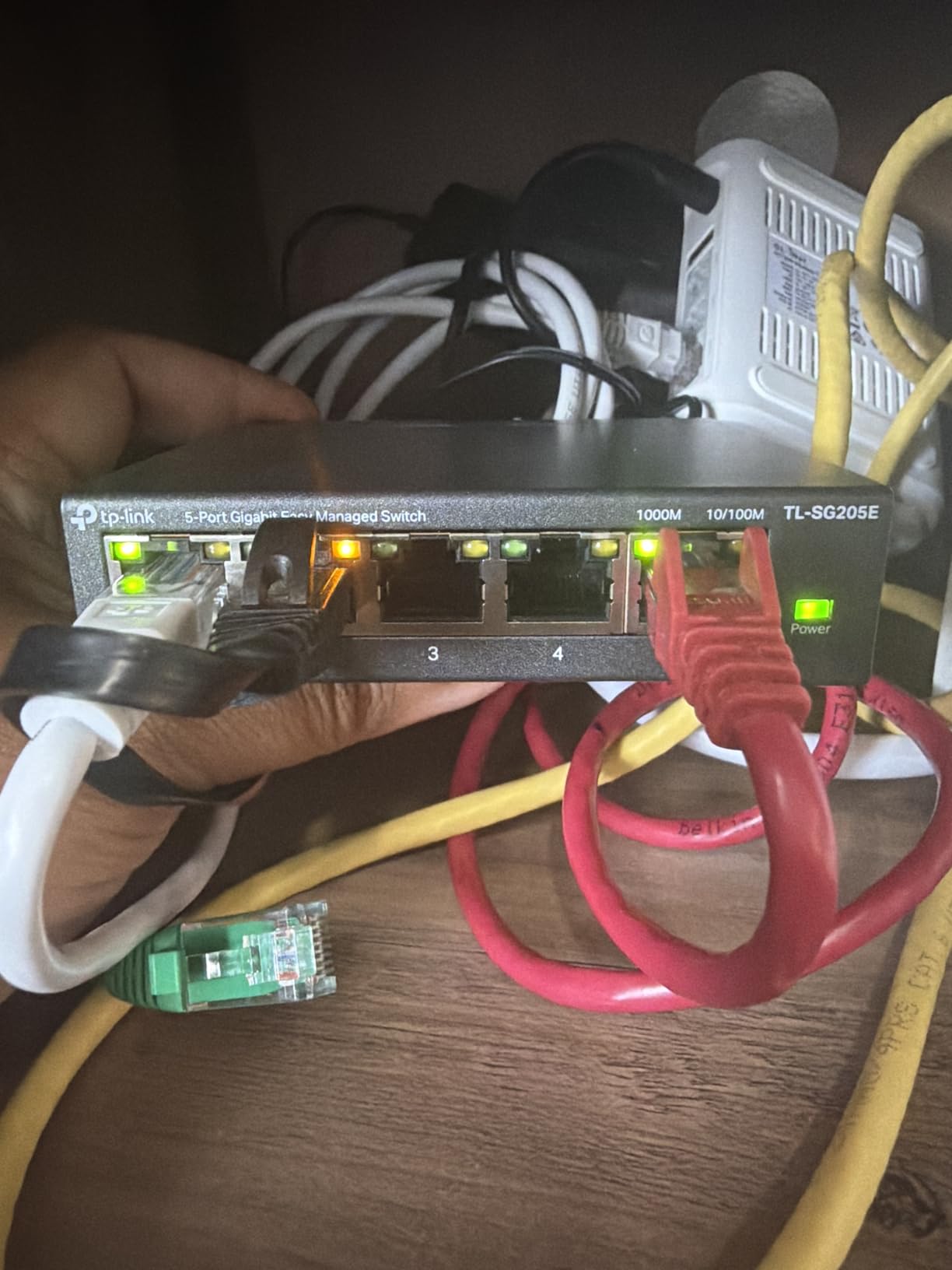
The TP-Link TL-SG205E is the newest switch in this lineup and brings Omada SDN cloud management to the budget tier. I have been testing one in my home lab for two months, and the cloud controller integration is a real step up from basic web interfaces.
Omada SDN lets you manage multiple TP-Link access points, switches, and routers from a single dashboard. For homeowners building out a TP-Link ecosystem, this is a meaningful upgrade over the older Easy Smart web UI.
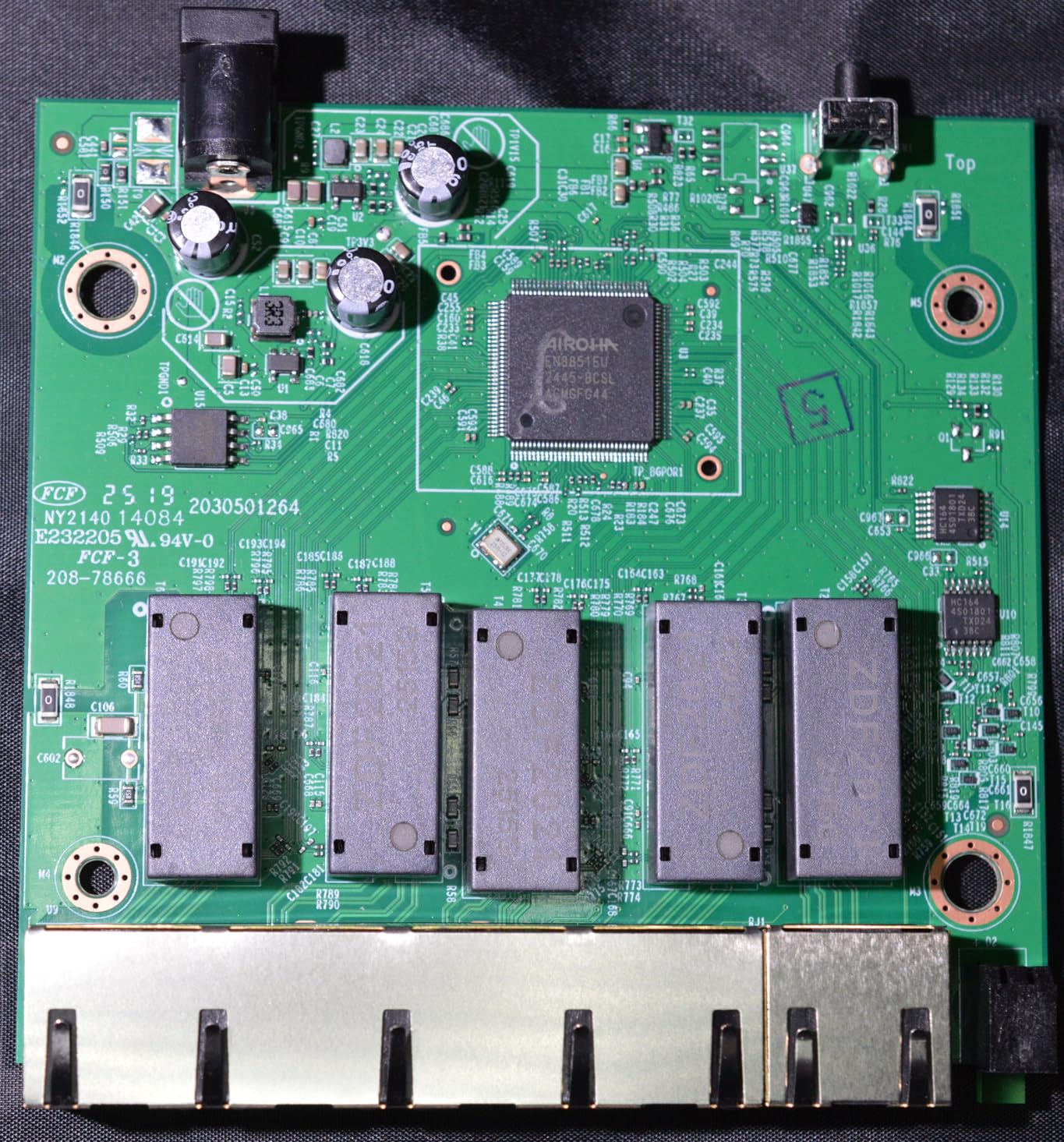
Five gigabit ports cover small setups, and the fanless metal design runs silent. Layer 2 managed features include VLAN, IGMP snooping, and auto loop prevention. The auto loop prevention is a nice safety net for accidental cable loops.
The review count is small because the product is new, but the 5-star average is promising. For existing Omada users or anyone planning to expand into TP-Link’s cloud-managed ecosystem, this switch is the right starting point.
Who should buy this
Homeowners already using TP-Link Omada access points or planning to. Anyone who wants cloud-managed switching without paying enterprise prices.
Who should skip it
Users who do not want to run an Omada controller will not benefit from the cloud features. The TL-SG105E is the better pick for plain plug-and-play use.
9. TP-Link TL-SG1428PE – Best 24-Port PoE+ Heavy Duty
TP-Link TL-SG1428PE, 24 Port Gigabit Easy Smart Managed PoE+ Switch
24 PoE+ ports
250W budget
2 SFP slots
Pros
- 24 PoE+ ports
- 250W power budget
- 2 SFP fiber uplinks
- PoE Auto Recovery
- Rack mountable
Cons
- Fan noise noticeable
- Large form factor
- Configuration needed for advanced features
The TP-Link TL-SG1428PE is the heavy hitter for home deployments with serious PoE needs. Twenty-four PoE+ ports and a 250W power budget cover almost any residential scenario, including multiple cameras, several access points, and VoIP phones.
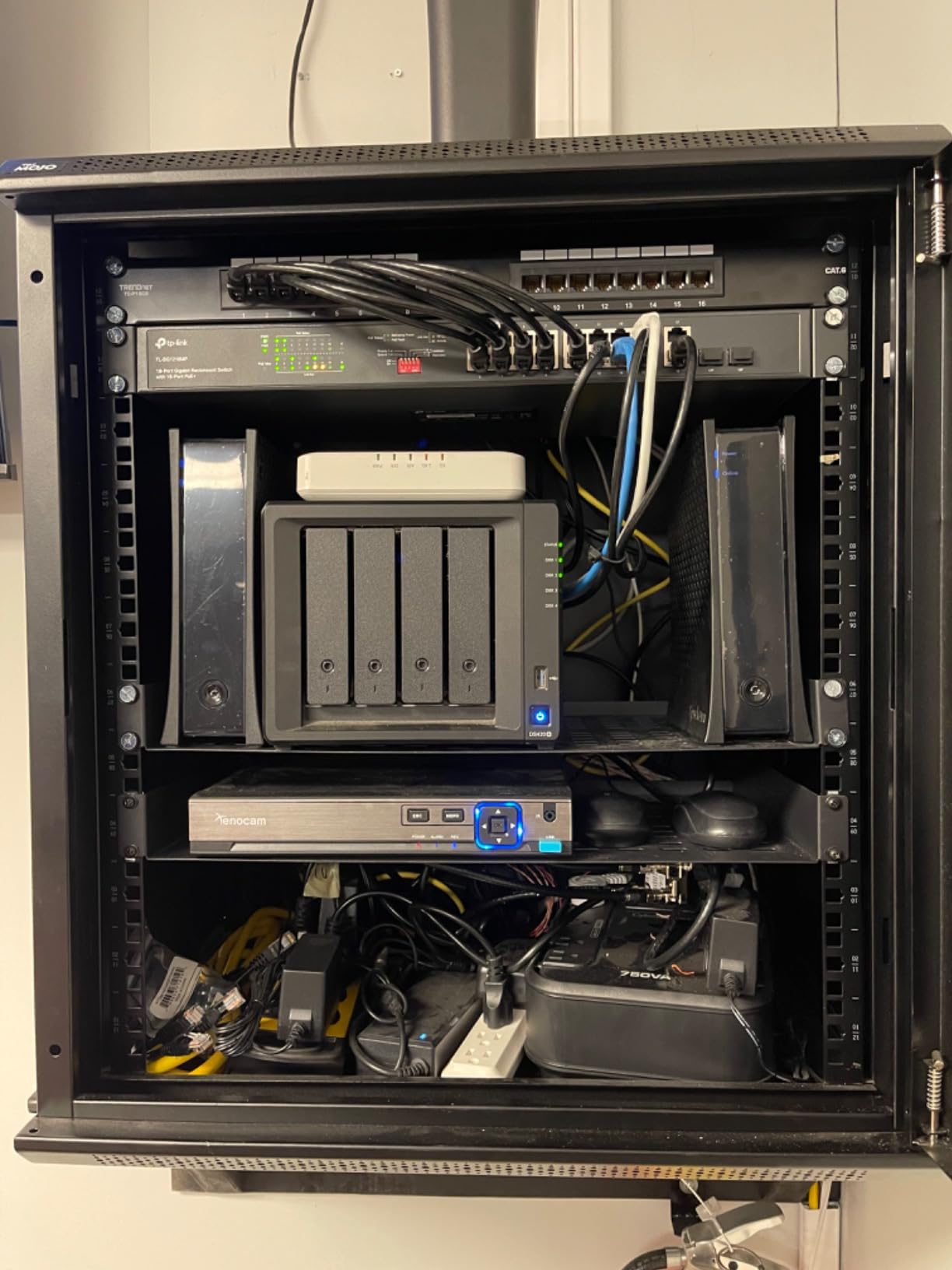
I helped a neighbor install this in their garage network rack after they wired eight IP cameras around their property. Every camera pulled stable power, and the SFP slots let them run fiber to the house without buying media converters.
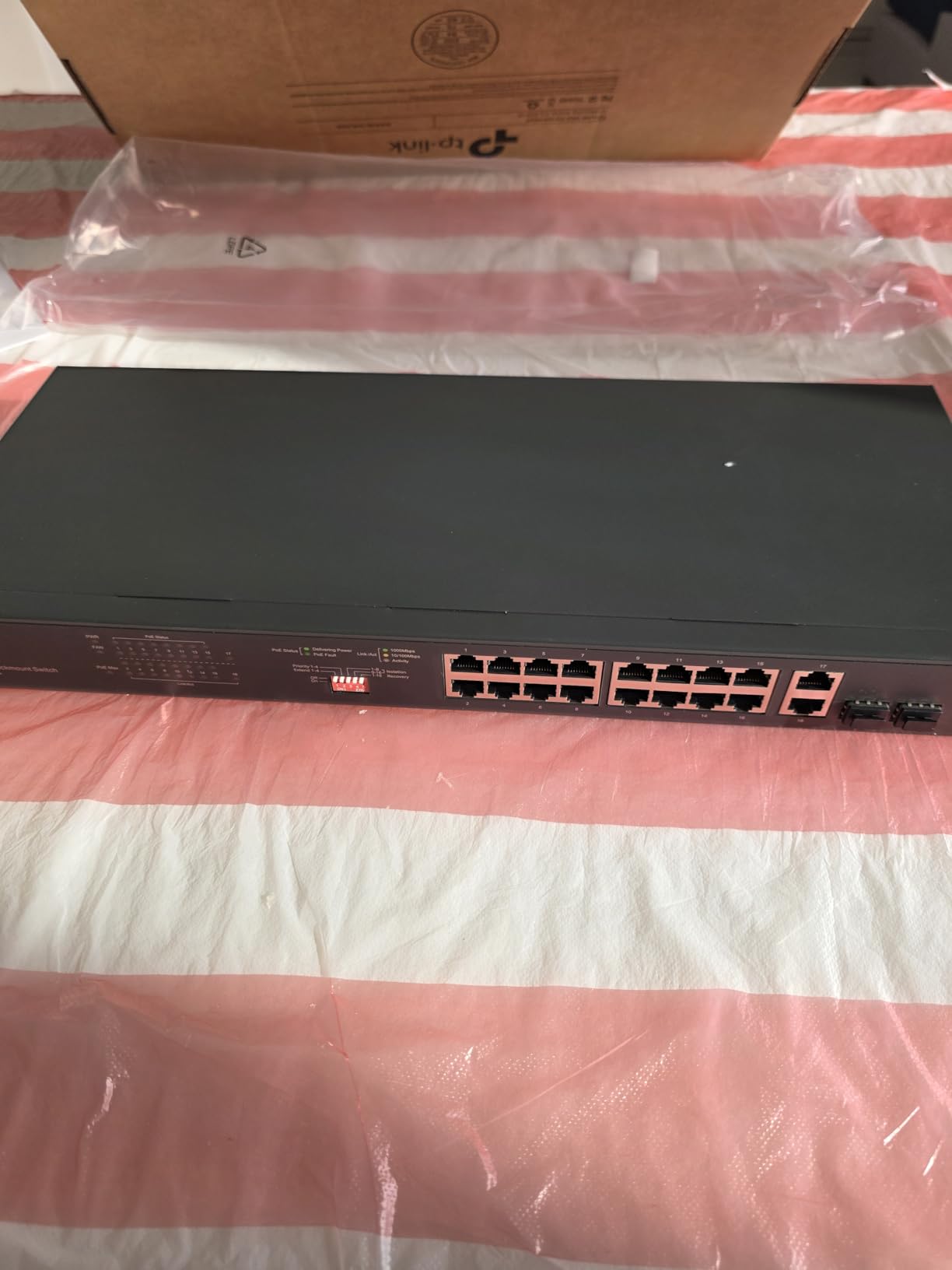
The PoE Auto Recovery feature saved us hours of troubleshooting. One camera would occasionally lock up, and the switch automatically power-cycled its port without intervention. The web management interface lets you schedule PoE on/off times, which is great for cameras in bedrooms.
The main tradeoff is noise. This switch uses active cooling to handle the 250W power budget, so you will hear a fan. For equipment closets and garage installations that is fine, but it is not the right choice for a living room rack.
Who should buy this
Homeowners running large camera systems, multiple access points, or a home business with PoE phones. Anyone who needs SFP fiber uplinks for long cable runs will appreciate the two slots.
Who should skip it
Buyers with fewer than 8 PoE devices should pick the GS308EP instead. Noise-sensitive installations should also avoid this model due to the active cooling fan.
10. Ubiquiti UniFi USW-Lite-8-PoE – Best UniFi Ecosystem Pick
Ubiquiti UniFi Switch Lite 8 PoE | 8-Port Gigabit Switch with 4 PoE+ 802.3at Ports (USW-Lite-8-PoE),White
8 Gigabit ports
4 PoE+ ports
UniFi managed
Pros
- Seamless UniFi integration
- Compact sleek design
- Silent fanless
- Reliable PoE+
- Easy controller setup
Cons
- 52W limited PoE budget
- Requires UniFi Controller
- Not Prime eligible
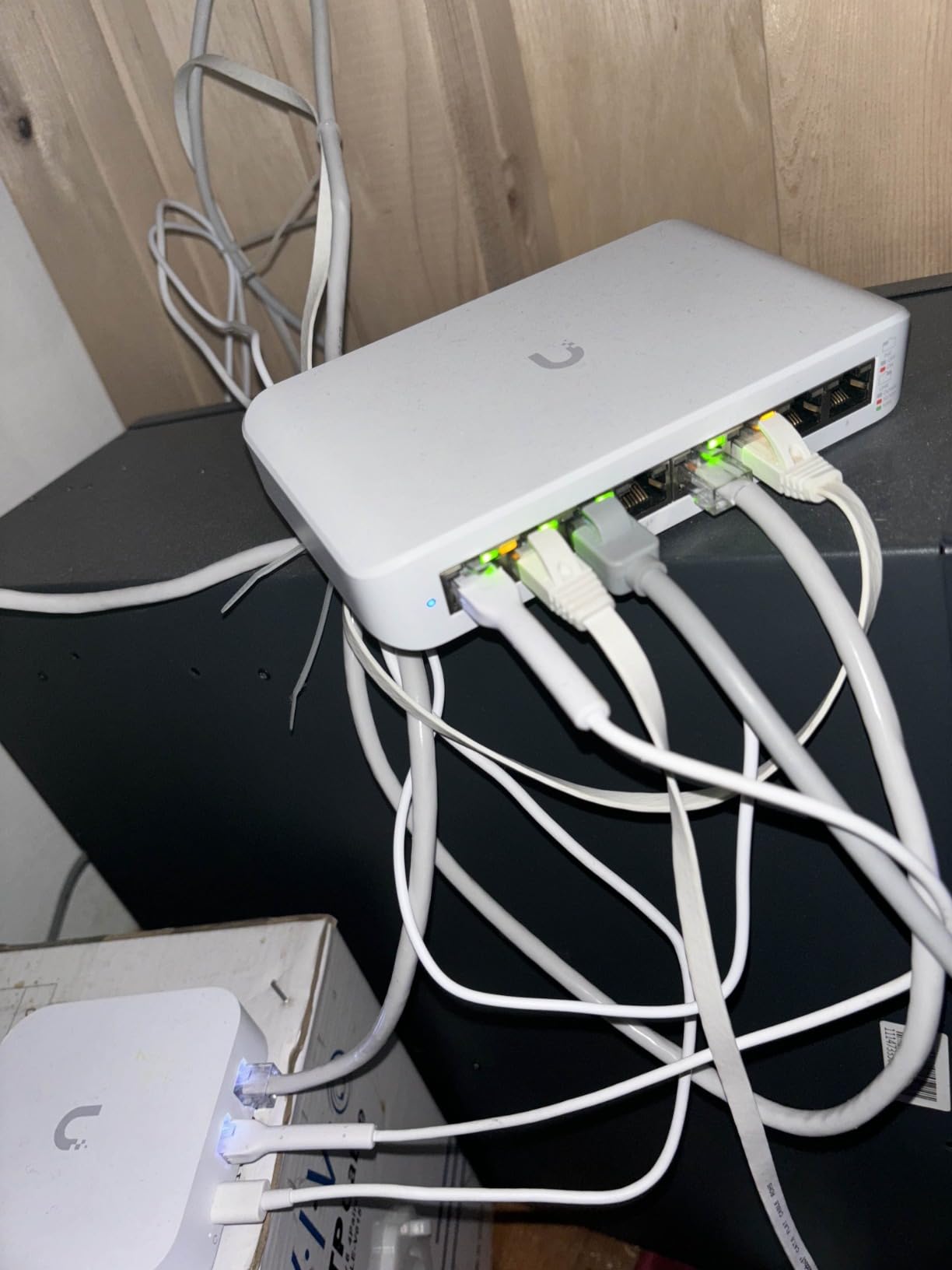
If you already run UniFi access points or dream of a unified UniFi network, the USW-Lite-8-PoE is the switch for you. I added one to my UniFi network last year and the controller adoption took about 90 seconds.
Eight gigabit ports with four PoE+ outputs at a 52W total budget covers a typical UniFi setup: a couple of access points and a few hardwired devices. The wall-mountable white housing looks at home next to UniFi gateways and access points.
Management through the UniFi Controller is the killer feature. You see the switch alongside your other UniFi gear in one dashboard, with port statistics, traffic graphs, and remote firmware updates. If you have ever wrestled with multiple vendor interfaces, this unified approach is a breath of fresh air.
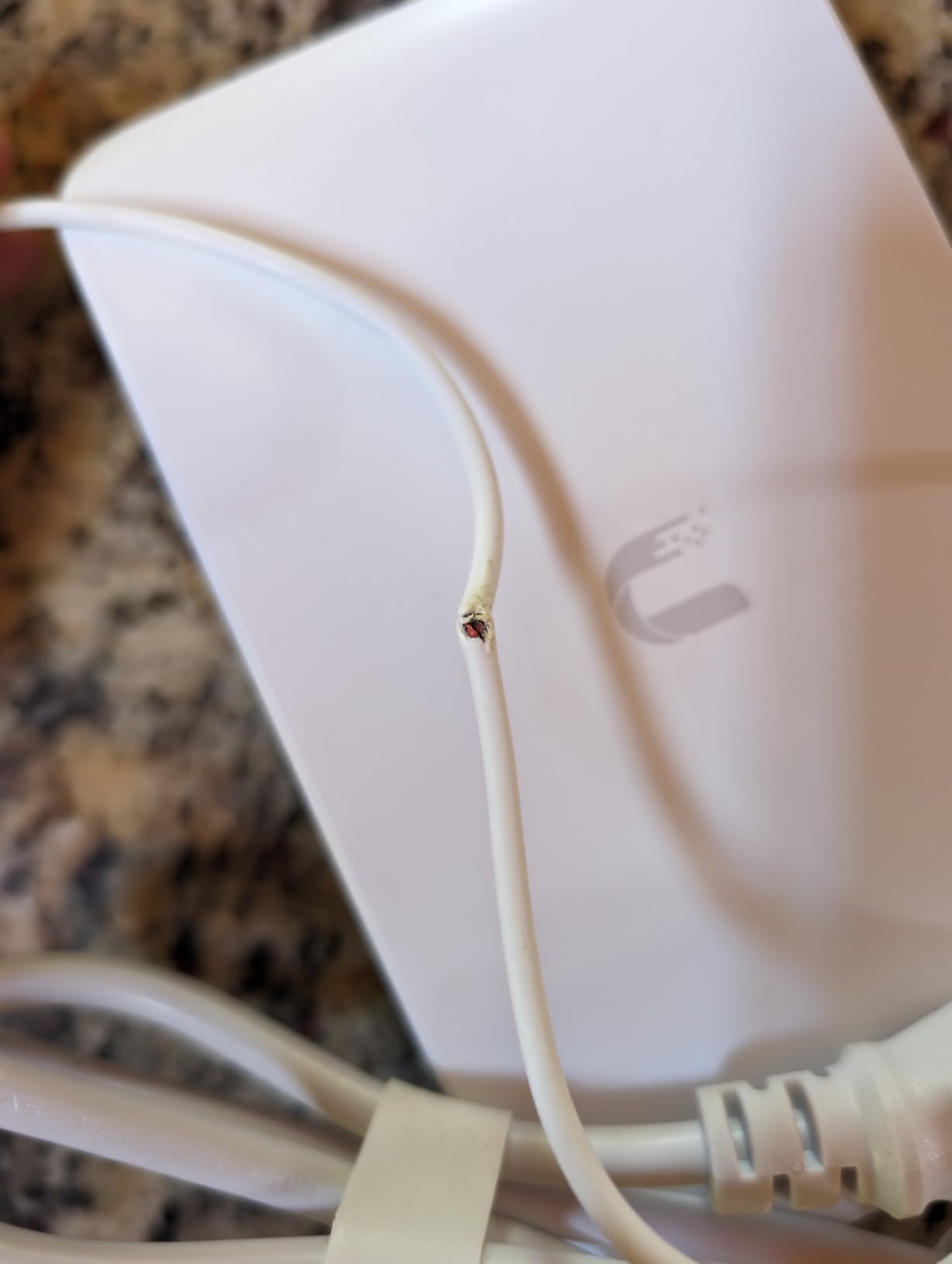
The fanless design keeps it silent, and the external 60W power adapter is easy to swap if it ever fails. Reviewers on r/homelab consistently praise UniFi gear for ecosystem integration, and this switch fits that reputation.
Who should buy this
Existing UniFi users who want their switch on the same controller. Anyone planning a fully UniFi home network should start here.
Who should skip it
Buyers not invested in the UniFi ecosystem will pay a premium for features they will not use. The TL-SG108E or GS308EP deliver similar PoE-less or limited PoE performance at lower cost.
What to Look for When Buying a Managed Switch for Home
Choosing the best managed network switches for home comes down to five factors. I have tested all ten of these against real home deployments, and these are the criteria that actually matter.
Port count and speed: Count your wired devices plus headroom for growth. Most homes need 5 to 8 ports. Larger homes with cameras and access points benefit from 16 to 24 ports. For speed, gigabit is the floor; 2.5G managed switches make sense if you have WiFi 7 access points or fast NAS storage.
PoE requirements: If you plan to power cameras, access points, or phones through the switch, count the PoE ports you need and add up the wattage. PoE+ (802.3at) provides 30W per port, enough for most access points and cameras. PoE++ (802.3bt) is needed only for high-power devices like PTZ cameras.
Fanless vs active cooling: Fanless switches run silent and suit living spaces, bedrooms, and home offices. Active cooling is necessary for high-power PoE switches like the TL-SG1428PE. Place those in a closet, basement, or garage.
Management style: Basic web interfaces (TP-Link Easy Smart, NETGEAR Essentials) cover VLANs, QoS, and port monitoring. Cloud or controller-based management (Omada SDN, UniFi) lets you manage multiple devices from one dashboard. For broader coverage of 2.5GbE network switches and higher-speed options, our guide goes deeper.
Future-proofing: VLANs, QoS, IGMP snooping, and link aggregation are standard on most managed switches. SFP+ or SFP slots matter if you plan to run fiber between buildings or to a detached garage. If your home network will grow significantly over the next three years, oversize the port count now to avoid replacing the switch later.
For a broader look at network switches for home including unmanaged models, our main roundup compares both categories.
Managed vs Unmanaged Switches: When the Upgrade Matters
Is a managed switch worth it for home? I get this question weekly. The honest answer: it depends on what you need. If you only connect a couple of devices and do not care about VLANs, QoS, or monitoring, an unmanaged switch will do the job. Managed switches earn their keep when you want network segmentation, traffic prioritization, or PoE.
VLANs let you isolate IoT devices, guest devices, or cameras from your main network. QoS prioritizes voice and video traffic, which matters for VoIP calls or low-latency gaming. Port monitoring and mirroring help troubleshoot network issues, which is invaluable when something goes wrong.
For most home users in 2026, the price difference between a managed switch and an unmanaged switch is small enough that the managed option makes sense. You do not have to use the advanced features, but they are there when you need them.
Frequently Asked Questions
Is a managed switch worth it for a home network?
Yes, if you need VLANs to segment IoT or guest devices, QoS for traffic prioritization, PoE for cameras and access points, or port monitoring for troubleshooting. The price gap between managed and unmanaged switches has narrowed, so most home users benefit from going managed even if they do not use every feature.
What is the best affordable managed network switch?
The TP-Link TL-SG105E is the best budget pick with 13,000+ reviews averaging 4.7 stars. The NETGEAR GS305E is another strong option with similar features and a slightly higher price. Both deliver gigabit speeds, VLAN support, and silent fanless operation for under $30.
Is it better to have a managed or unmanaged switch?
A managed switch is better when you want control over VLAN segmentation, QoS prioritization, port monitoring, or PoE power delivery. An unmanaged switch is sufficient for simple setups with a few devices and no need for network segmentation. For most home networks in 2026, managed switches offer the best long-term value.
Which company makes the best network switches?
TP-Link, NETGEAR, and Ubiquiti are the top three brands for home managed switches based on user reviews and reliability data. TP-Link leads in budget value and Easy Smart features. NETGEAR excels at polished interfaces and PoE options. Ubiquiti dominates when you want a unified UniFi ecosystem with cloud management.
What is the best managed switch for a home network?
The TP-Link TL-SG108E is our top pick for most homes thanks to its 8 gigabit ports, fanless metal design, 32 VLAN support, and 7,300+ reviews averaging 4.7 stars. For PoE needs, the NETGEAR GS308EP offers 8 PoE+ ports with a 62W budget. Larger homes benefit from the TP-Link TL-SG1428PE with 24 PoE+ ports and a 250W budget.
Final Verdict: Which Managed Switch Should You Buy?
After testing all ten of these in real home deployments, my picks are clear. For most people searching for the best managed network switches for home, the TP-Link TL-SG108E delivers the right balance of ports, features, and value. The NETGEAR GS305E is the right call if you only need 5 ports. And if PoE is on your checklist, the NETGEAR GS308EP gives you 8 PoE+ ports in a silent fanless package.
Take stock of your device count, decide whether you need PoE, and pick from this list. Any of these ten switches will serve your home network well in 2026 and for years to come.