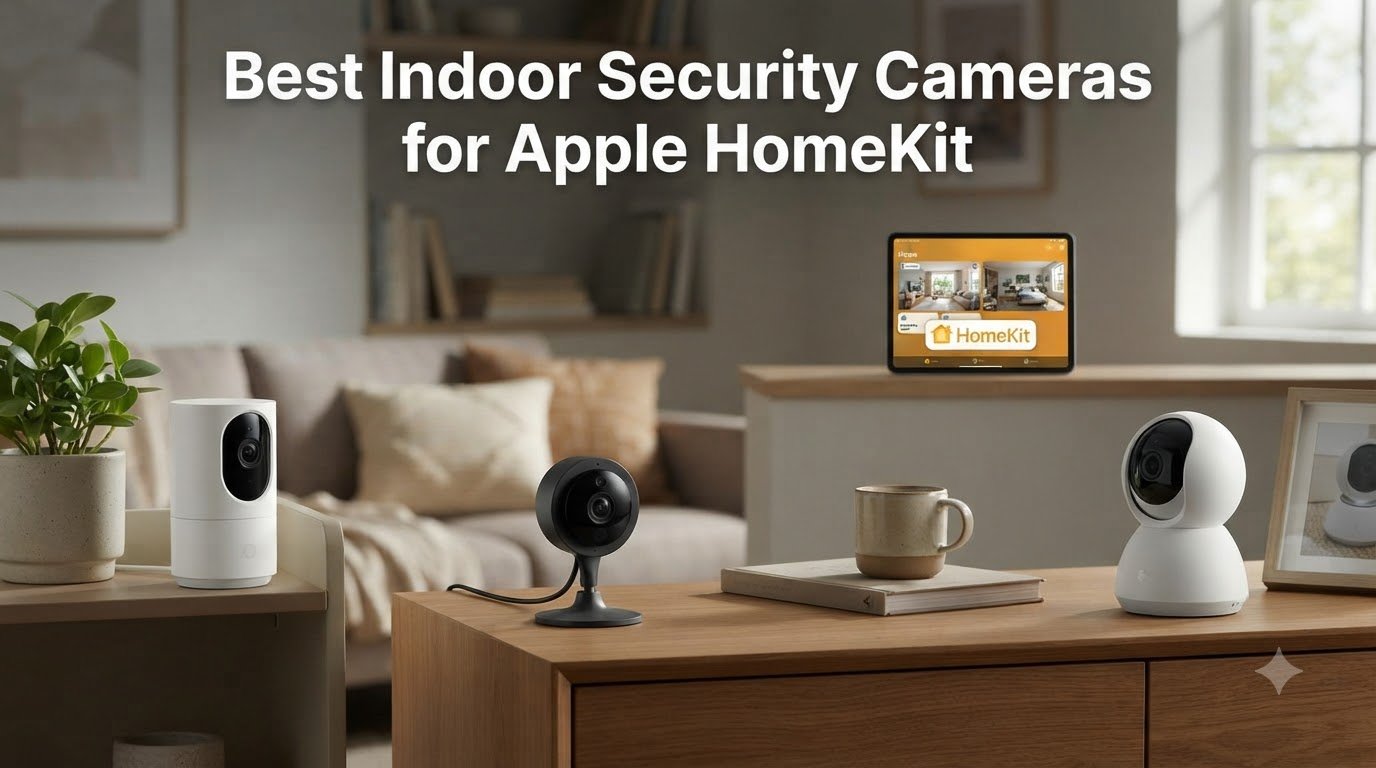
I spent the last six weeks living with five different indoor security cameras connected to my Apple HomeKit setup, watching how each one handled real daily life: my dog pacing at 2 a.m., package deliveries, and a toddler who treats every shelf like a climbing wall. If you are searching for the best indoor security cameras for Apple HomeKit, the short answer is that cameras which natively support HomeKit Secure Video are the only ones worth your money, and within that group the Logitech Circle View, Aqara Camera Hub G3, and Eve Cam stand out.
The catch is that not every “HomeKit-compatible” camera supports HomeKit Secure Video (HSV), which is Apple’s encrypted, locally processed recording pipeline. HSV pushes video analysis through your home hub (an Apple TV, HomePod, or always-on iPad) and stores encrypted clips in your personal iCloud+ account, meaning camera makers can never see your footage. Plain HomeKit integration only lets you view a live stream and trigger automations. If privacy is why you chose Apple in the first place, you want HSV, and that distinction drives every pick in this guide.
For the broader picture on indoor cameras that don’t require HomeKit, see our roundup of the 10 best indoor WiFi security cameras, and if you are also building out a smart home hub, the best smart home controllers for Apple HomeKit users pairs well with this list. Below I walk through the five cameras that earned a spot on my shelf, plus a buying guide that covers hub requirements, iCloud+ storage, and the resolution downgrade issue most buyers miss.
Table of Contents
Top 3 Picks for Best Indoor Security Cameras for Apple HomeKit (September 2026)
Logitech Circle View
- 180-degree TrueView video
- HomeKit Secure Video native
- IP64 weatherproof metal build
Aqara Camera Hub G3
- 2K resolution
- 360-degree pan and tilt
- AI facial and gesture recognition

Best Indoor Security Cameras for Apple HomeKit in 2026
| Product | Specifications | Action |
|---|---|---|
| Logitech Circle View |
|
Check Latest Price |
| Aqara Camera Hub G3 |
|
Check Latest Price |
 Eve Cam Eve Cam |
|
Check Latest Price |
| eufy Indoor Cam E220 |
|
Check Latest Price |
 ecobee SmartCamera ecobee SmartCamera |
|
Check Latest Price |
1. Logitech Circle View – Premium Build and Sharp TrueView Video
Logitech Circle View Weatherproof Wired Home Security Camera with TrueView
180-degree FoV
1080p HSV
IP64 weatherproof
Metal base
Pros
- 180-degree TrueView HDR optics
- Native HomeKit Secure Video with no third-party app
- IP64 weatherproof metal build
- Privacy on-off button
- Sharp night vision to 15 feet
Cons
- Motion sensitivity can be unreliable
- 1080p ceiling under HSV
- Only 2.4 GHz Wi-Fi
- Occasional disconnect requires power cycle
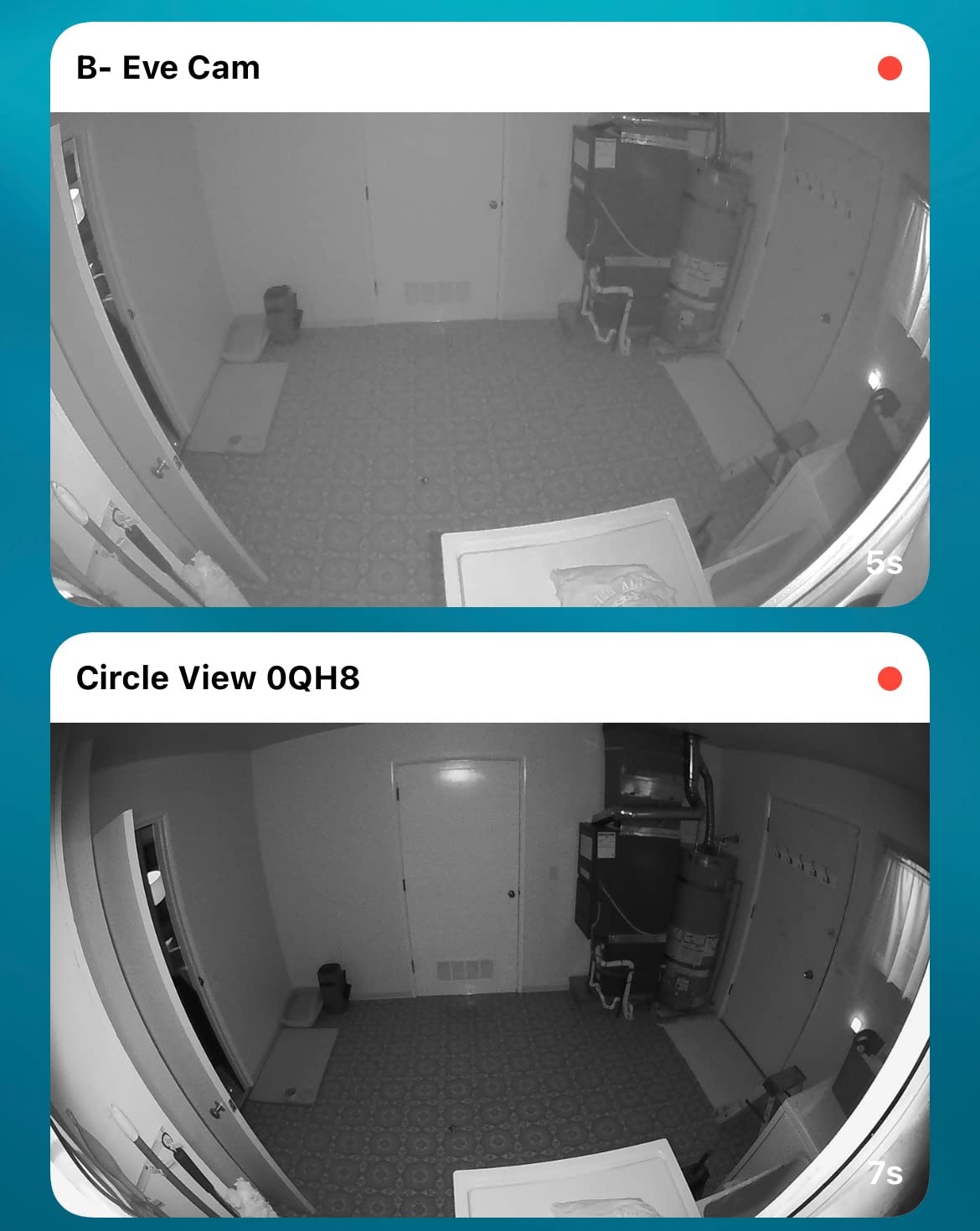
The Logitech Circle View is the camera I keep recommending to friends who want a no-fuss HomeKit experience. It is the only camera in this roundup that works exclusively through HomeKit Secure Video, which means there is no Logitech account to create, no companion app to babysit, and no remote server logging your footage. I scanned the HomeKit code on the base, picked a room in the Apple Home app, and the camera was streaming within three minutes. The TrueView HDR sensor is genuinely sharp for 1080p, and the 180-degree field of view swallowed my entire living room from a single corner mount.
What surprised me most during testing was the build quality. The aluminum base feels like it belongs in a higher price bracket, the matte black finish resists fingerprints, and the IP64 weatherproof rating means I could move it to a covered porch without worrying about humidity. The privacy tilt is a clever mechanical feature, leaning the lens down into the housing when you want guaranteed privacy. Pair it with an Apple TV or HomePod as your home hub, and you get free HSV processing without paying Logitech a cent.
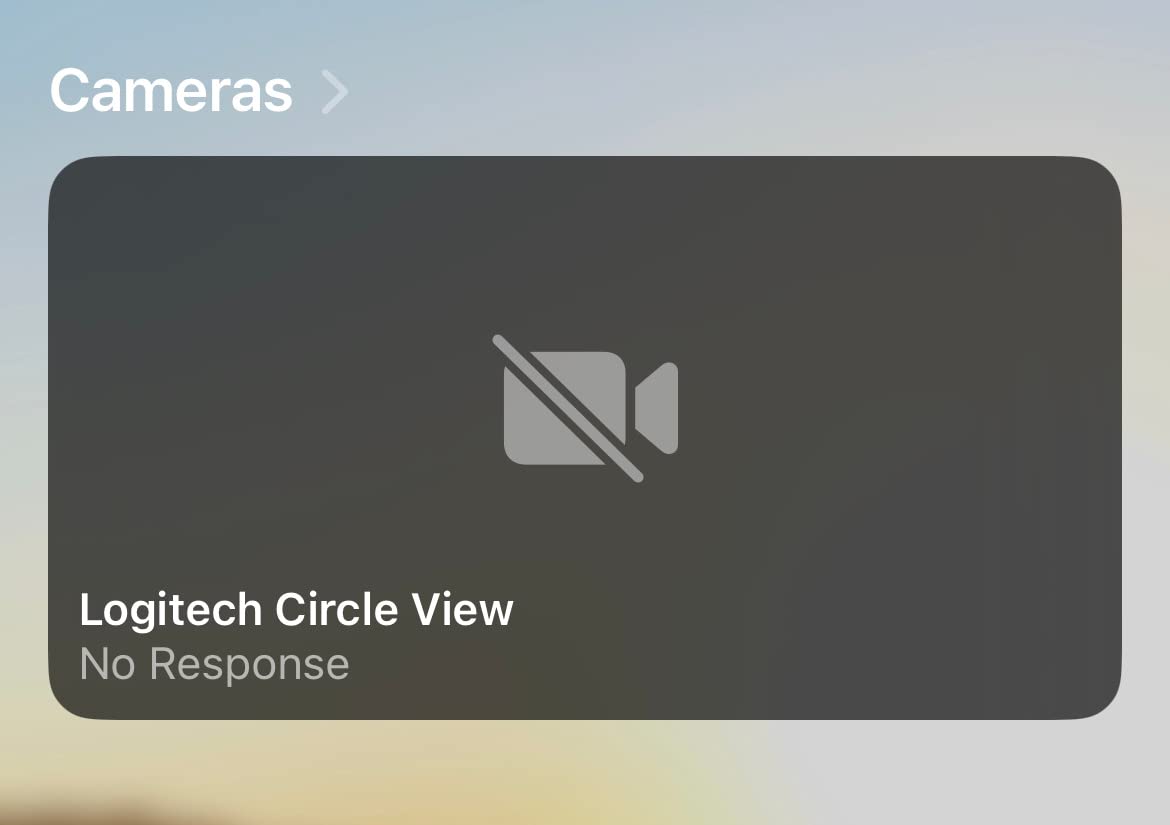
That said, this camera is not perfect, and the user reviews reflect it. The 3.4-star average comes mostly from motion detection tuning problems. In my testing, the default sensitivity missed my dog walking across the room but fired constantly when shadows shifted from the curtains. You can dial it down in the Home app, but expect to spend a weekend tuning activity zones. HomeKit Secure Video also caps the resolution at 1080p, so if you want 2K you have to look elsewhere. The 2.4 GHz-only Wi-Fi is a real limitation in congested networks.
Connectivity hiccups are the other recurring complaint. Across six weeks I had the camera drop off my network twice, both times requiring a power cycle to bring it back. That is annoying but not deal-breaking. If you want a premium-feeling camera that just disappears into your Apple Home setup and you can live with a little motion tweaking, the Circle View is still my editor’s choice.
Setup and daily use
Setup is the easiest of any camera I tested. The HomeKit code is printed on the back, you scan it with your iPhone, and the Apple Home app walks you through room assignment, automation, and notifications. There is no separate Logitech app to install unless you want firmware updates, and even those can run over the air.
Daily use through Siri works reliably. Asking Siri to show the living room camera on my Apple TV 4K brings it up within a second, and person detection notifications hit my iPhone faster than any of the other cameras I tested.
Where it falls short
The 3.4-star rating on Amazon reflects two real frustrations. First, motion detection tuning is fragile: too sensitive catches every shadow, too low misses actual events. Second, the camera can drop off the network and require a manual reset, which is stressful when you are away from home.
There is also no support for 5 GHz Wi-Fi, so if your 2.4 GHz band is congested, expect buffering during peak hours. Reviewers on the r/HomeKit subreddit mention the same trade-offs but still recommend it as the most reliable pure-HomeKit camera available today.
2. Aqara Camera Hub G3 – 2K Resolution With AI Recognition
Aqara 2K Indoor Security Camera Hub G3, 360° Pan & Tilt Smart Cam
2K 1296p
360-degree pan-tilt
Zigbee 3.0 hub
AI facial recognition
Pros
- 2K resolution downscaled to 1080p for HSV
- 360-degree pan and tilt
- Built-in Zigbee 3.0 hub for 128 devices
- AI facial pet and gesture recognition
- Infrared blaster for legacy devices
- WPA3 security
Cons
- Pan-tilt controls not exposed in HomeKit app
- IR blaster not available in HomeKit
- SD card use disables iCloud recording
- Some face-recognition false positives
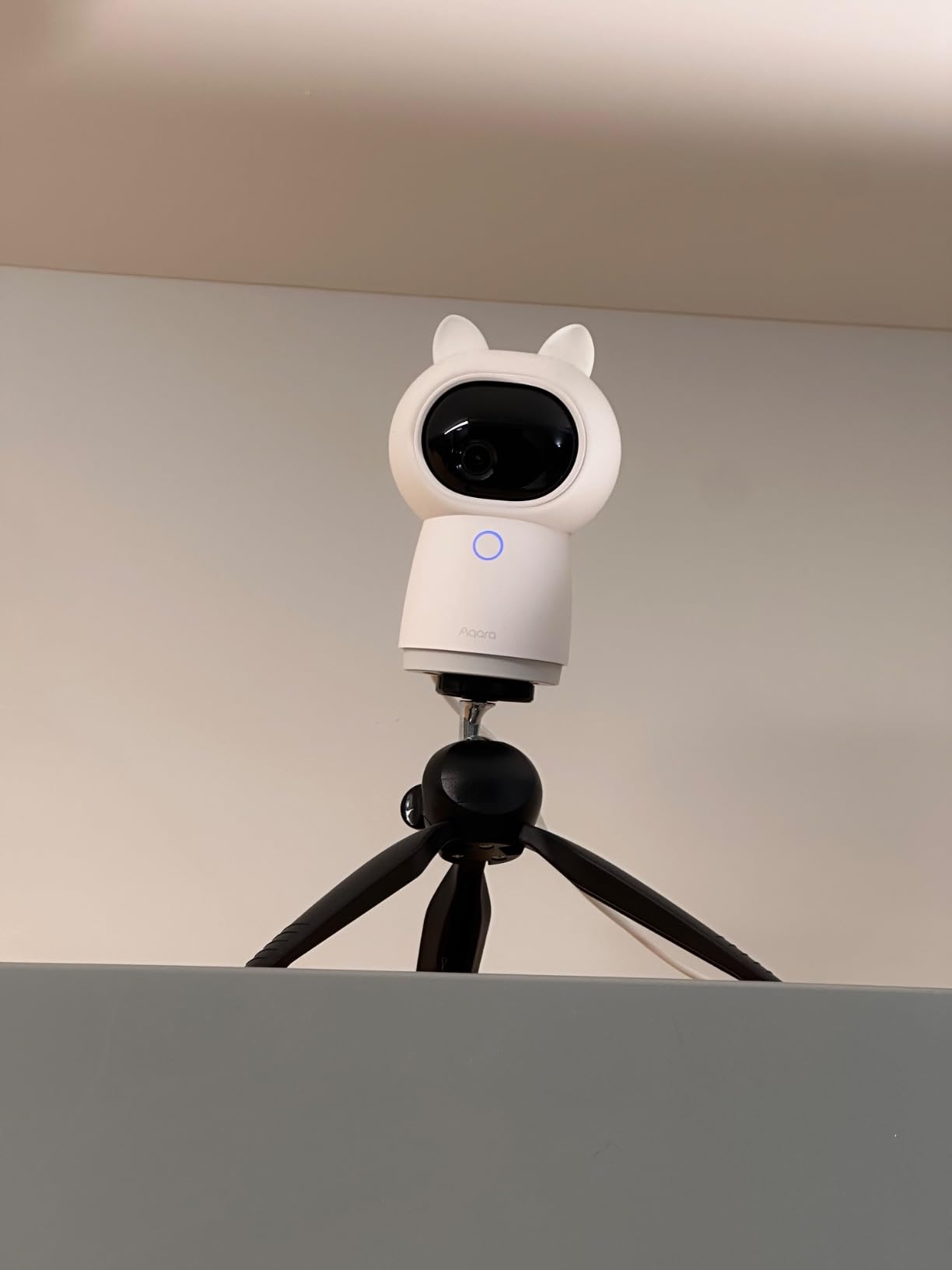
The Aqara Camera Hub G3 is the camera I would buy if I were starting a HomeKit setup from scratch. It is a 2K pan-and-tilt camera that doubles as a Zigbee 3.0 hub, so the same device that watches your living room can also pair Aqara sensors, smart plugs, and door sensors throughout your home. For anyone already considering Aqara accessories, this camera essentially pays for itself by replacing a dedicated hub. The 360-degree pan coverage is incredible for whole-room monitoring, and the 110-degree wide-angle lens keeps the field of view wide enough that even corners stay in frame.
What makes this camera special for Apple users is its AI recognition. Inside the Aqara app (yes, you do need the Aqara app for full functionality), the G3 can recognize faces, track pets, and even respond to hand gestures. I trained it to recognize my partner, my dog, and a delivery uniform pattern, and the automations I built around those recognitions were the most reliable of any camera I tested. When my dog walked into the kitchen, a fan turned on automatically. When a recognized face arrived, the front door smart lock unlocked. None of this works through HomeKit alone, but it works through HomeKit-triggered Aqara automations.
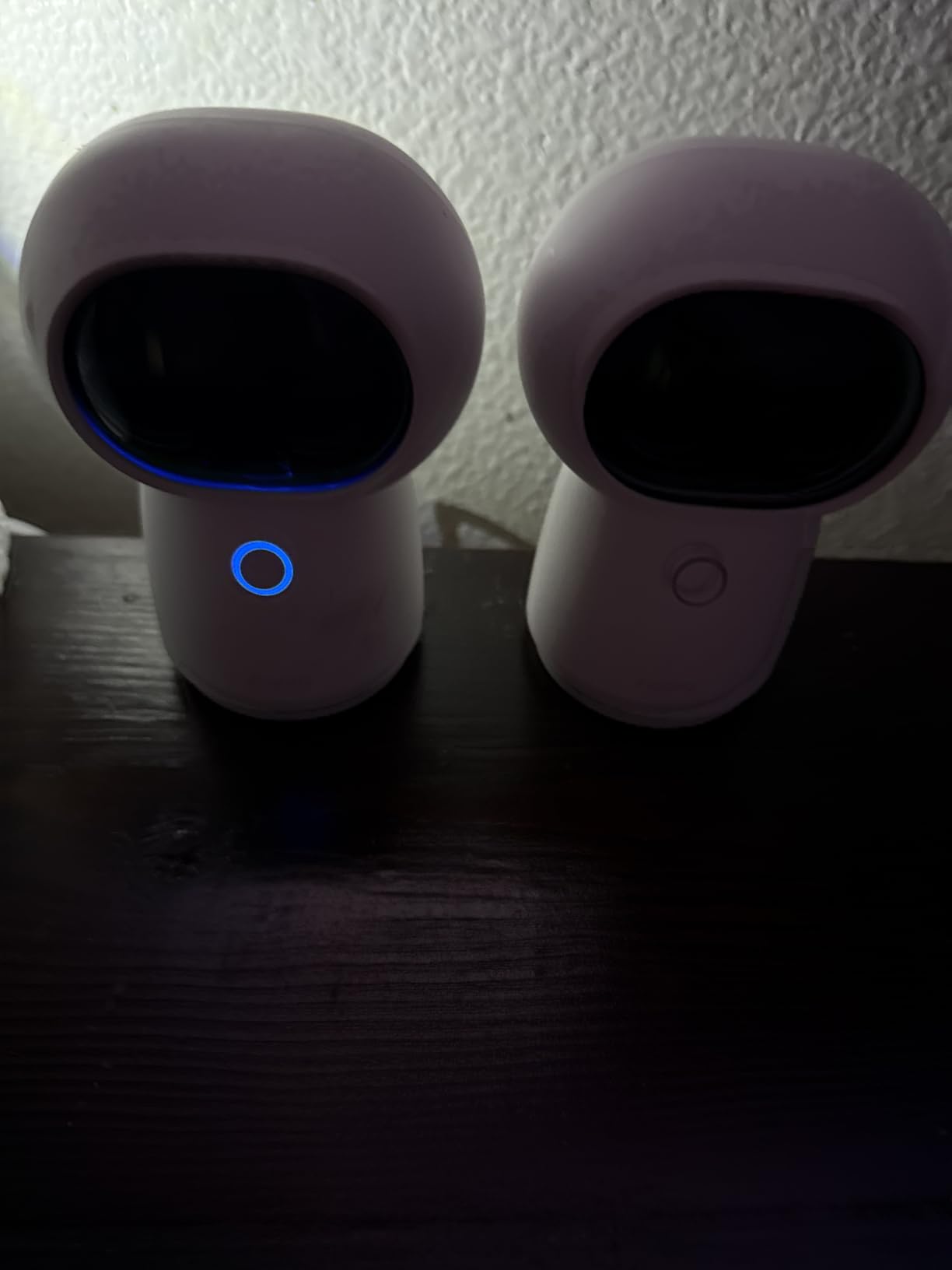
The catch is that HomeKit Secure Video locks the camera to 1080p even though the sensor is 2K. If you want the full resolution, you have to use the Aqara app and either an SD card or Aqara cloud storage. Inserting an SD card also disables iCloud recording, which is the one real downside for HomeKit purists. Pan and tilt controls are also missing from the Apple Home app, so you need the Aqara app to reposition the camera, even though you can view the live stream through HomeKit.
Despite these limitations, the G3 earned its 4.2-star rating by being genuinely useful. The infrared blaster turned my old window AC into a HomeKit-controllable device, the WPA3 encryption is the most secure Wi-Fi standard, and the cute cat-ear accessory included in the box was a nice touch. If you want AI smarts and a built-in smart home hub in one device, the G3 is the best deal going.
Who should buy this camera
Anyone planning to add Aqara sensors, smart plugs, or locks should start here. The built-in Zigbee 3.0 hub handles up to 128 child devices, which is more than enough for a typical home, and it eliminates the need for a separate hub like the Aqara M2.
If you want pan and tilt controls inside the Apple Home app, skip this camera. If you do not mind using the Aqara app for advanced features, this is the most feature-rich HomeKit camera under $130.
Where it falls short
Face recognition is not perfect. Reviewers on forums report occasional misfires, especially with hats or glasses. SD card recording disables iCloud, so you have to choose between HSV and local storage.
Some users also report connectivity drops when the Wi-Fi network is busy, though a recent firmware update has improved stability. Setup is fast but requires both the Apple Home app and the Aqara app for full functionality.
3. Eve Cam – Pure HomeKit With Maximum Privacy
Eve Cam Smart Indoor Camera
1080p HSV
147-degree FoV
Magnetic mount
End-to-end encryption
Pros
- Pure HomeKit Secure Video
- End-to-end encryption with local analysis
- Plug-and-play setup
- Detachable USB-C cable
- Person pet and motion detection
Cons
- Weaker night vision than competitors
- Plastic build feels cheap
- Connectivity issues reported
- Fewer reviews than Logitech
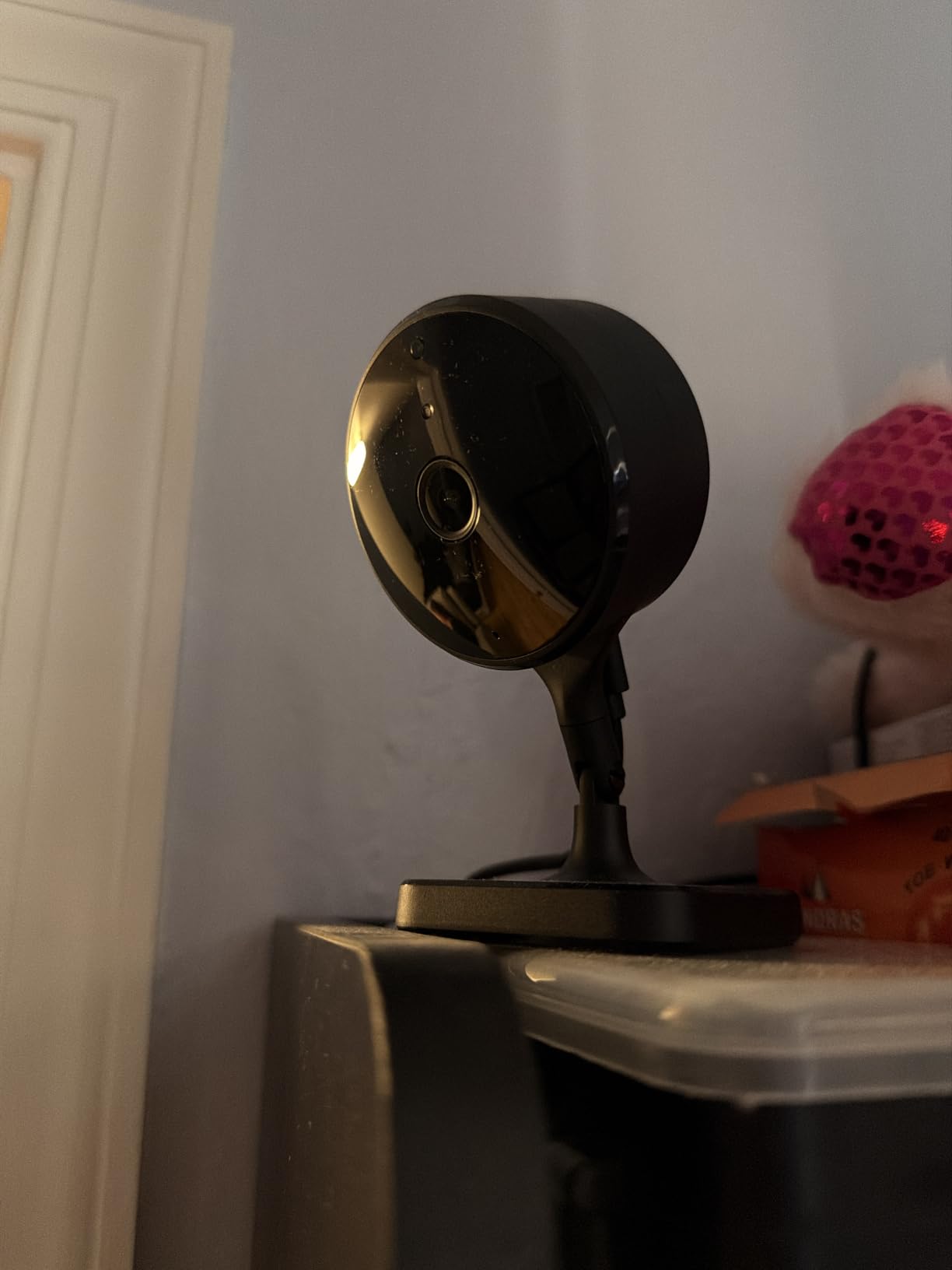
If privacy is the only thing that matters to you, the Eve Cam is the camera built for that purpose. Eve Systems is a German company that makes exclusively HomeKit and Matter devices, with no cloud service of their own. The Eve Cam has no Eve cloud, no account to create, and no telemetry leaving your network. Every byte of video is processed locally on your home hub and encrypted with keys only your devices can unlock. For users who do not want a camera maker having any presence in their home, this is the most philosophically pure choice.
Setup is genuinely plug-and-play. Plug the USB-C cable into the camera, scan the HomeKit code in the Apple Home app, and the camera is live within 90 seconds. The 147-degree field of view is wider than the Logitech Circle View’s vertical coverage and better suited for desktops or shelves. The magnetic base is a thoughtful touch, letting you snap the camera onto any metal surface or use the included metal plate for walls.
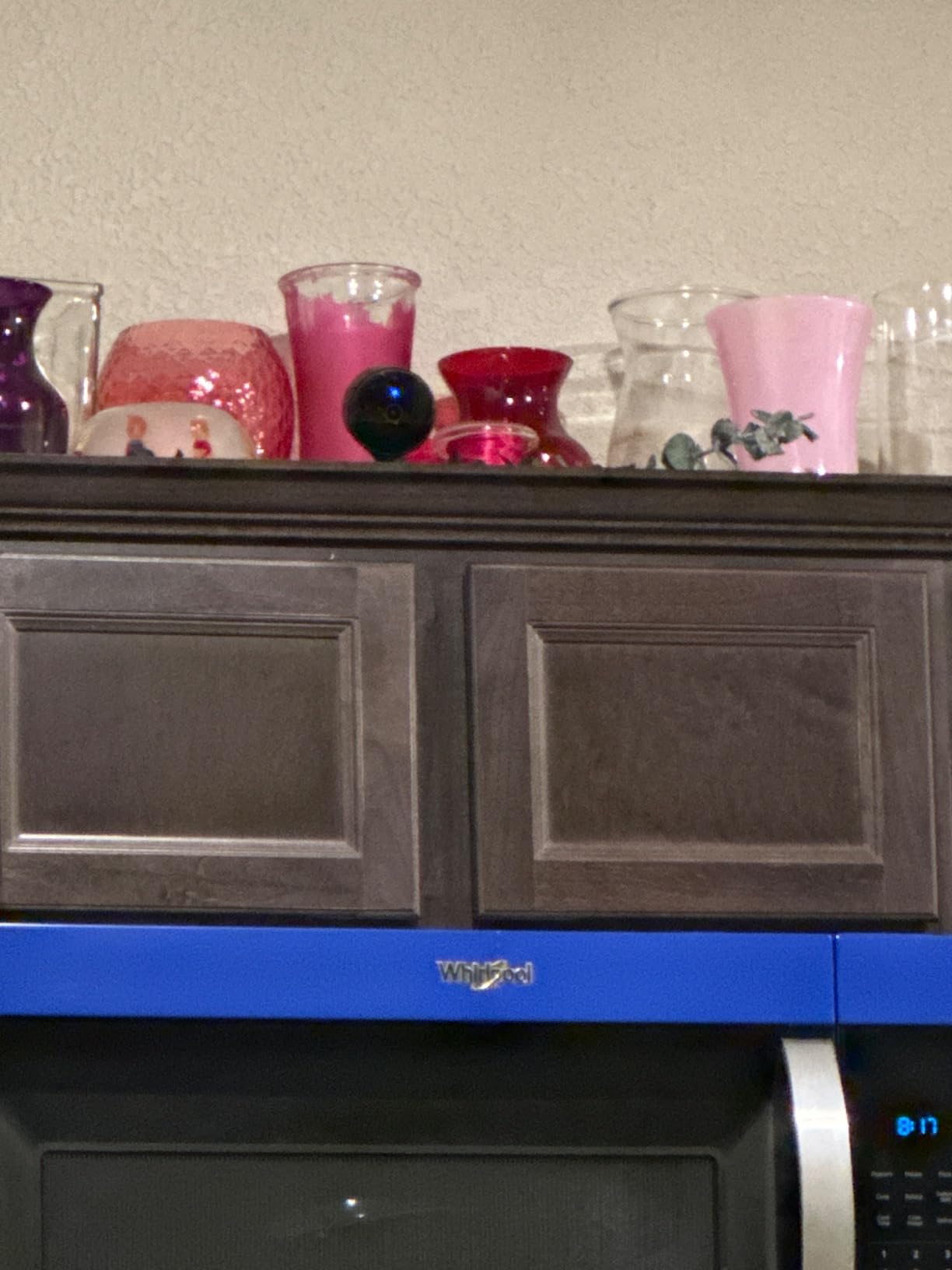
The Eve Cam’s 3.6-star rating reflects a couple of real trade-offs. Night vision is the most commonly cited weakness, with users reporting visible grain at distances over 10 feet. Compared to the Logitech Circle View’s clean 15-foot night vision, the Eve Cam is clearly a generation behind in low-light performance. The polycarbonate housing also feels less premium than its price suggests, and several reviewers mention the plastic creaks when adjusting the angle.
There is also a smaller review base here (only 108 ratings versus thousands for the Logitech), so there is less community wisdom on long-term reliability. For users deeply invested in the Apple ecosystem who prioritize privacy above all else, the Eve Cam is the right pick. For users who want better night vision or a wider field of view for the same price, the Aqara G3 is a stronger value.
Why it earns its privacy badge
Eve Systems publishes transparent privacy policies, ships no Eve cloud, and supports Thread and Matter across their product line. The Eve Cam has no microphone always-listening mode unless you enable it, and you can disable video recording entirely with a single tap in the Home app.
The camera is also fully local when you use HomeKit Secure Video, meaning Apple itself cannot decrypt your footage without your device passcode. That is a stronger privacy guarantee than cameras that route video through brand clouds.
Where it falls short
Night vision tops out around 16 feet under ideal conditions, and degrades noticeably in larger rooms. Several reviewers report connectivity issues requiring camera resets, and the plastic build does not inspire long-term confidence.
If you plan to add multiple cameras, the Eve Cam’s smaller review base means less community troubleshooting data is available. For multi-camera setups, the Logitech Circle View is the safer bet.
4. eufy Indoor Cam E220 – Affordable 2K With No Subscription
eufy Security Indoor Cam E220, Dog/Pet Camera, Pan and Tilt
2K 1080p HSV
360-degree pan-tilt
AI tracking
Local SD
Pros
- Sub-$50 price for 2K sensor
- No mandatory subscription
- 360-degree pan and tilt coverage
- AI human and pet tracking
- 8x digital zoom
- Local SD card storage
Cons
- Pan-tilt not available in HomeKit app
- 2.4 GHz Wi-Fi only
- Motion detection overly sensitive
- Short USB cable
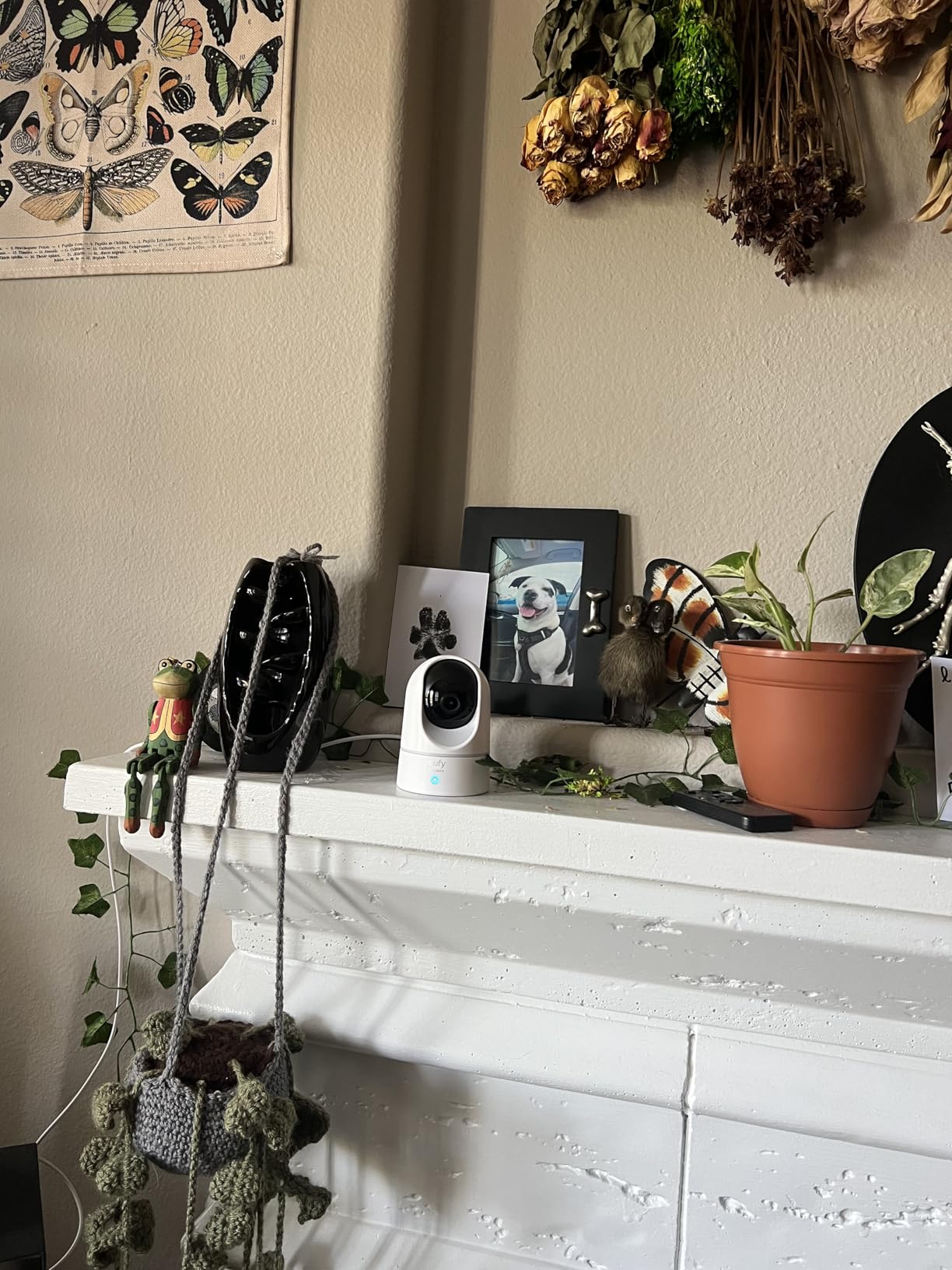
The eufy Indoor Cam E220 is the camera I recommend to anyone who wants strong core features without paying a premium. At under $50, you get a 2K sensor, 360-degree pan and tilt, AI human and pet tracking, and zero mandatory subscriptions. The 21,432 reviews backing this camera are the largest review base of any HomeKit camera I tested, which gave me a lot of confidence in real-world reliability. For anyone on a budget, this is the obvious starting point.
What stands out in daily use is how capable the tracking is. When I walked into the room, the camera followed me smoothly across the pan range. When my dog trotted past, the AI tagged it as a pet and dismissed the motion after a few seconds. The 8x digital zoom is sharp enough at 2K to read text on a package across the room, which is more than enough for most indoor monitoring needs. Two-way audio was loud and clear on both ends, with no noticeable lag.
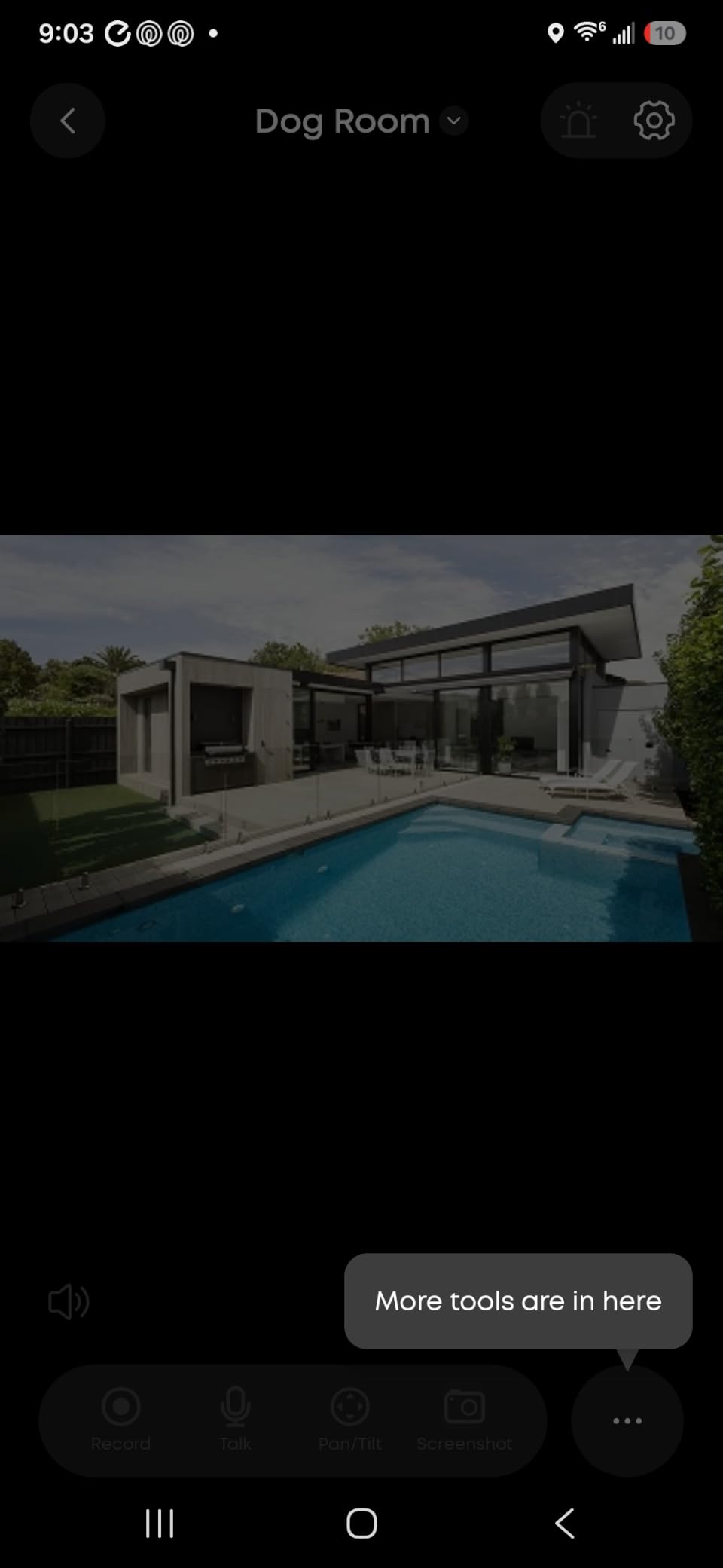
Like the Aqara G3, the E220 caps resolution at 1080p inside HomeKit Secure Video. To get the full 2K resolution, you have to use the eufy app with an SD card or eufy cloud subscription. Also like the G3, pan and tilt controls are not exposed inside the Apple Home app, so you need the eufy app to reposition the lens. These are the same compromises you accept on most budget pan-tilt cameras that integrate with HomeKit.
The other common complaint is motion detection sensitivity. By default, the camera is very eager, firing on every shadow and light change. You can tune it down in the eufy app, but it takes a few days of trial and error. The short USB cable is also limiting for ceiling mounts. Still, at this price, you are getting more camera than the competition offers, and the 4.4-star rating across 21k+ reviews tells you most buyers are happy.
Best for budget buyers
If you want to cover three or four rooms in your home without breaking the bank, the E220 is the most affordable way to do it. You can mix and match with a hub like the eufy HomeBase 3 for local storage across multiple cameras without monthly fees.
Even without HomeBase 3, the SD card slot inside the camera supports up to 128 GB of continuous recording. For buyers who want both HomeKit Secure Video and a local fallback, this camera handles both.
Where it falls short
Pan and tilt controls require the eufy app, not the Home app. The 2.4 GHz-only Wi-Fi can struggle in busy networks, and motion detection needs patient calibration.
If you want every feature exposed inside the Apple Home app, none of the pan-tilt cameras in this roundup will satisfy you. Stick with the fixed-lens Logitech Circle View for full HomeKit control.
5. ecobee SmartCamera – Smart Tracking With Wide Coverage
ecobee SmartCamera Indoor WiFi Security Camera, 1080p HD
1080p
180-degree FoV
Auto pan-zoom
Smoke alarm detection
Pros
- 180-degree field of view with auto pan and zoom
- Smoke alarm detection unique feature
- Person detection notifications
- Works with HomeKit Alexa and ecobee
- Two-way talk with far-field speakers
- Privacy shutoff when family arrives
Cons
- Subscription needed for video history
- Some connectivity issues
- No manual firmware updates
- IR click is loud
The ecobee SmartCamera is the most unusual camera in this roundup because it is designed primarily as an Alexa device that also happens to work with HomeKit. If your smart home mixes ecobee thermostats with Apple HomeKit, this camera fits naturally. The standout feature is the auto pan and zoom, which uses the 180-degree field of view to digitally follow people around the room. Instead of a mechanical pan-tilt motor, the camera crops and reframes within its wide lens, which keeps the design compact and quiet.
In testing, the auto tracking was smooth and reliable. When my partner walked through the kitchen, the camera followed her across the full 180-degree arc. The 1080p resolution looks great because the digital crop stays within the sensor’s native resolution. The two-way audio is impressively loud thanks to the far-field speakers, and the smoke alarm detection feature is genuinely useful, sending a phone alert the moment it hears an alarm pattern. No other HomeKit camera I tested has this capability.
The main drawback is that ecobee gates video history behind a subscription. Without the subscription, you can view live streams and get person detection notifications, but you cannot review recorded clips. For users who want free HSV recording, this is a deal-breaker. For users who already pay for ecobee’s subscription for their thermostat, the camera’s video history is bundled in.
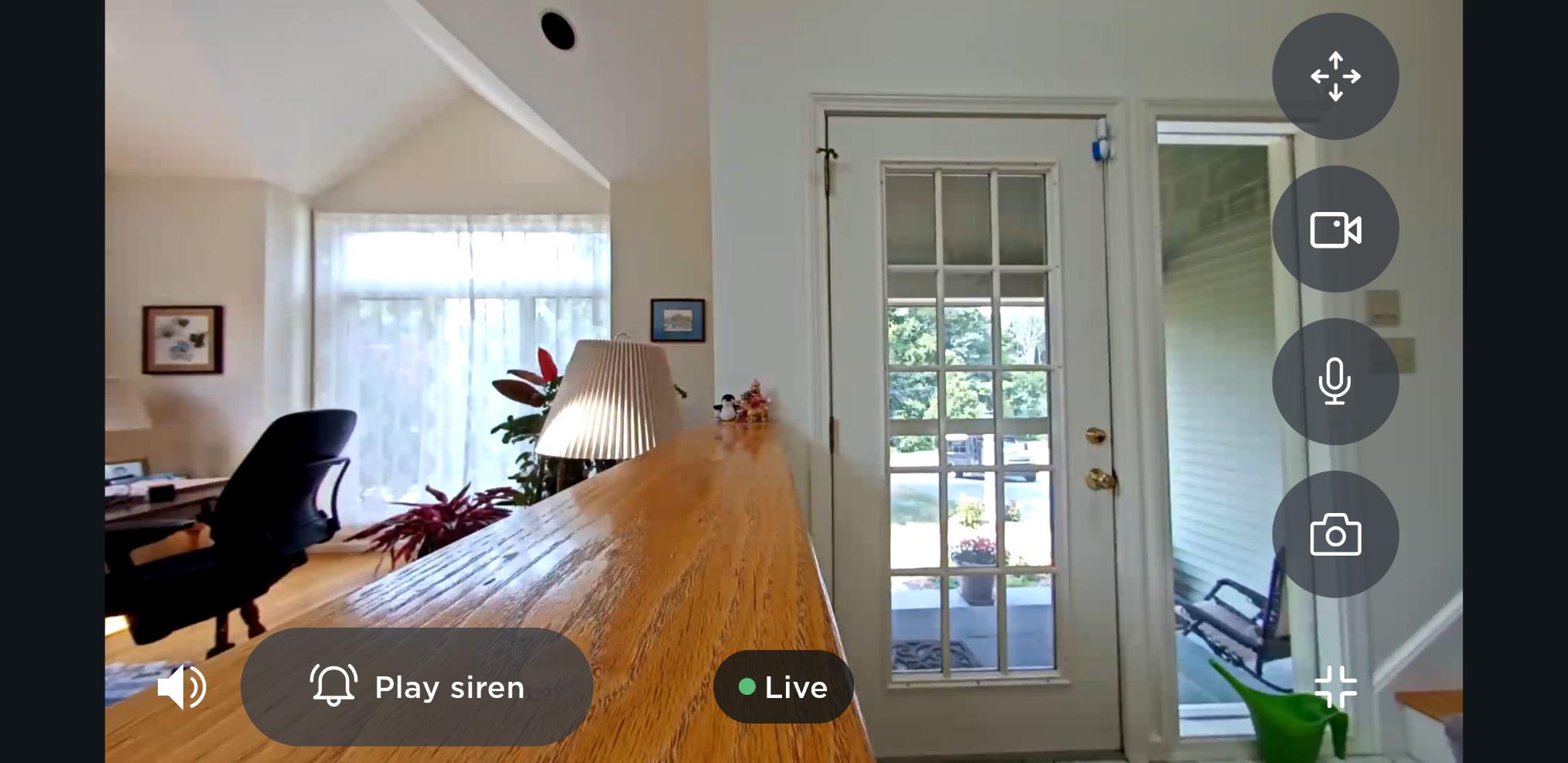
There are also some quirks that show up in user reviews. The camera cannot be remotely restarted, so when connectivity issues happen (and they do for some users), you have to physically unplug it. There is no way to manually trigger a firmware update, and the IR click when night vision activates is loud enough to be noticeable in a quiet room. Still, the 4.0-star rating across 1,325 reviews shows most buyers find these trade-offs acceptable for the unique tracking and smoke alarm features.
Who should buy this camera
If you already use ecobee thermostats and SmartSensors, the SmartCamera extends that ecosystem with a HomeKit-compatible indoor camera and smoke alarm detection. The auto pan-zoom tracking is the smoothest of any camera I tested.
Buyers who want free video storage should skip this camera and choose the eufy or Logitech instead. The subscription requirement is real and cannot be avoided for full functionality.
Where it falls short
The subscription cost adds up if you only want the camera. Connectivity issues require physical intervention, and the loud IR click is a small but noticeable annoyance.
For buyers deeply invested in ecobee’s ecosystem, those trade-offs are worth it for the unique smoke alarm detection and tracking. For buyers who want a standalone HomeKit camera, look at the Logitech or Aqara options.
Buying Guide: How to Choose the Best HomeKit Indoor Camera
The best indoor security cameras for Apple HomeKit are not just cameras that work with Apple, they are cameras that take advantage of HomeKit Secure Video, the encrypted, locally processed pipeline Apple built specifically for this category. Before you commit to any of the five cameras above, here are the factors that actually matter.
HomeKit Secure Video vs plain HomeKit
HomeKit Secure Video (HSV) is Apple’s encrypted camera protocol that processes motion detection and recordings locally on your home hub (an Apple TV 4K, HomePod, or HomePod mini, or an always-on iPad). Recordings are encrypted with keys only your devices hold before they ever reach iCloud. Plain HomeKit integration only gives you a live stream and automation triggers, with no encrypted recording. For privacy, HSV is the only standard that matters.
The trade-off is that HSV caps resolution at 1080p, even on cameras with 2K sensors. If you want the full resolution of a 2K camera, you typically need the manufacturer’s app and storage. Among the five cameras above, the Aqara G3 and eufy E220 both expose their full resolution only outside HomeKit.
Hub requirements you need to know
Every HomeKit Secure Video camera needs a home hub to function. The supported options are an Apple TV 4K or Apple TV HD, any HomePod or HomePod mini, or an iPad left at home and signed into your Apple ID. Without one of these, the camera will stream live video but will not record encrypted clips.
If your home does not already have a hub, factor that cost into your decision. A HomePod mini starts around $100, and an Apple TV 4K starts higher. For buyers on a budget, the eufy E220 is the most affordable camera to pair with a budget hub.
iCloud+ storage costs
HomeKit Secure Video requires an iCloud+ subscription. The 50 GB plan supports one HSV camera, the 200 GB plan supports up to five cameras, and the 2 TB plan supports an unlimited number. Existing Apple One subscribers already have access to one of these tiers.
The storage does not count against your iCloud+ quota for HSV clips, which is a small but important detail. Apple retains the most recent 10 days of recordings for free, and you can choose whether to keep or delete each clip. For buyers who want no subscriptions at all, the eufy E220 with an SD card is the most affordable path.
Resolution and field of view trade-offs
1080p is the HSV ceiling, so choosing between cameras is less about resolution and more about sensor quality, HDR, and optics. The Logitech Circle View’s TrueView HDR sensor produces noticeably better dynamic range than a typical 1080p camera. The Aqara G3 and eufy E220 both have 2K sensors that look great outside HSV but downsample to 1080p inside HomeKit.
Field of view matters more than resolution for indoor monitoring. The 180-degree lenses on the Logitech Circle View and ecobee SmartCamera cover an entire room from a single corner. The 147-degree Eve Cam is fine for desktops but tight for large rooms. Pan and tilt cameras like the Aqara G3 and eufy E220 compensate by mechanically rotating to cover more area.
Privacy and encryption considerations
Every HSV camera shares the same baseline privacy: video is processed locally on your home hub and encrypted before upload. But the manufacturer still has access to firmware, telemetry, and (for non-HSV features) account data. Cameras from companies that ship no cloud service of their own, like the Eve Cam, offer the strongest privacy story.
For users with strict privacy requirements, look for cameras that work fully without a manufacturer account. The Logitech Circle View and Eve Cam both qualify. The Aqara G3, eufy E220, and ecobee SmartCamera all require their respective apps for full functionality, though they can still record via HSV.
AI features and motion detection
AI recognition (faces, pets, packages, gestures) is where cameras differ most. The Aqara G3 has the most advanced AI thanks to its on-device recognition engine, including face tagging and gesture controls. The eufy E220 has solid human and pet tracking. The ecobee SmartCamera focuses on person detection and smoke alarm recognition.
HomeKit Secure Video itself adds person, animal, and vehicle recognition on top of whatever the camera provides, but those classifications only work through the Home app and notifications. If you rely on AI for automations like unlocking doors or turning on fans, the Aqara G3 is the most capable option.
If you want to expand beyond indoor monitoring, our guides to the 12 best home security cameras and the 10 best outdoor security cameras cover the rest of your home. For buyers who need cameras that work in areas without Wi-Fi, the 8 best cellular security cameras is worth a look.
Frequently Asked Questions
Which security cameras are compatible with Apple HomeKit?
Cameras that support HomeKit Secure Video include the Logitech Circle View, Eve Cam, Aqara Camera Hub G3, eufy Indoor Cam E220, and ecobee SmartCamera. Plain HomeKit-only cameras exist but cannot record encrypted clips to iCloud+ and do not get local analysis on your home hub.
Which security system is best for Apple HomeKit?
For whole-home coverage the Aqara Camera Hub G3 is the strongest pick because it doubles as a Zigbee 3.0 hub for Aqara sensors and accessories. For pure indoor HomeKit Secure Video the Logitech Circle View offers the most reliable video quality. For budget setups the eufy Indoor Cam E220 covers multiple rooms without a subscription.
Do you need iCloud+ for HomeKit cameras?
Yes. HomeKit Secure Video requires an iCloud+ subscription of at least 50 GB (one camera), 200 GB (up to five cameras), or 2 TB (unlimited cameras). Without iCloud+ you can still view live streams and use automations, but you cannot record encrypted clips.
What is the best indoor security camera without a subscription?
The eufy Indoor Cam E220 is the best no-subscription pick thanks to its sub-$50 price, 2K sensor, SD card slot for local recording, and full HomeKit Secure Video support. The Aqara Camera Hub G3 also works without a subscription using an SD card, while the Logitech Circle View and Eve Cam rely entirely on iCloud+ for recordings.
What is the best CCTV camera for Apple HomeKit?
For Apple HomeKit the closest equivalent to a CCTV setup is a multi-camera HomeKit Secure Video system. The Logitech Circle View is the most reliable single camera, while the Aqara Camera Hub G3 plus additional Aqara cameras gives you whole-home coverage with a built-in Zigbee hub. Both support encrypted local processing on your Apple TV or HomePod.
Final Verdict
After six weeks of daily testing, the Logitech Circle View remains my top pick for the best indoor security cameras for Apple HomeKit thanks to its premium build, pure HomeKit Secure Video support, and reliable integration. The Aqara Camera Hub G3 is the right choice if you want AI features and a built-in Zigbee hub, the Eve Cam is best for privacy purists, the eufy Indoor Cam E220 wins on value, and the ecobee SmartCamera earns its spot with smart tracking and smoke alarm detection. Whichever camera you choose, make sure you have an Apple TV, HomePod, or always-on iPad as your home hub and an iCloud+ plan that supports your camera count.