Hubitat has built a reputation for offering powerful local home automation. But if you have been using it for a while, you know the interface can feel dated and the setup process demands patience. Some users also run into limitations with device compatibility or simply want a different user experience. That is exactly why we tested the best Hubitat alternatives for local home automation in 2026.
Our team spent three months evaluating five popular hubs that prioritize keeping your data in your home rather than routing it through cloud servers. We looked at everything from Z-Wave and Zigbee support to Matter compatibility and real-world setup complexity. Whether you are a tinkerer who loves YAML files or someone who wants plug-and-play simplicity, there is an option here for you.
In this guide, you will find detailed reviews of each platform, honest pros and cons, and clear recommendations for different user types. Let’s dive into the alternatives that actually deliver reliable local control.
Table of Contents
Top 3 Picks for Best Hubitat Alternatives
After testing all five hubs extensively, three stood out from the pack for different reasons. Here is our quick breakdown if you want to skip ahead to the details.


Aeotec Smart Home Hub V3
- Z-Wave + Zigbee + Matter
- SmartThings ecosystem
- Local automations
- 3 protocols
Best Hubitat Alternatives in 2026
Here is how all five hubs compare at a glance. We included key specifications to help you narrow down your choice quickly.
| Product | Specifications | Action |
|---|---|---|
| Home Assistant Green |
|
Check Latest Price |
 Aqara Hub M3 Aqara Hub M3 |
|
Check Latest Price |
 Aeotec Smart Home Hub2 V4 Aeotec Smart Home Hub2 V4 |
|
Check Latest Price |
| Aeotec Smart Home Hub V3 |
|
Check Latest Price |
 Aqara Hub M200 Aqara Hub M200 |
|
Check Latest Price |
1. Home Assistant Green – Editor’s Choice
Home Assistant Green | Smart Home hub with Advanced Automation | Official Home Assistant Hardware
Official Home Assistant hardware
4GB RAM, 32GB storage
Quad-core ARM processor
Fanless, silent design
Pros
- Official Nabu Casa hardware with guaranteed support
- Easy setup - just plug power and Ethernet
- Local control with fast response times
- Breaks down walled gardens between vendors
- Compact and power efficient
Cons
- Additional USB dongles needed for Z-Wave/Zigbee
- May require powered USB hub for multiple adapters
- Costs add up with protocol antennas
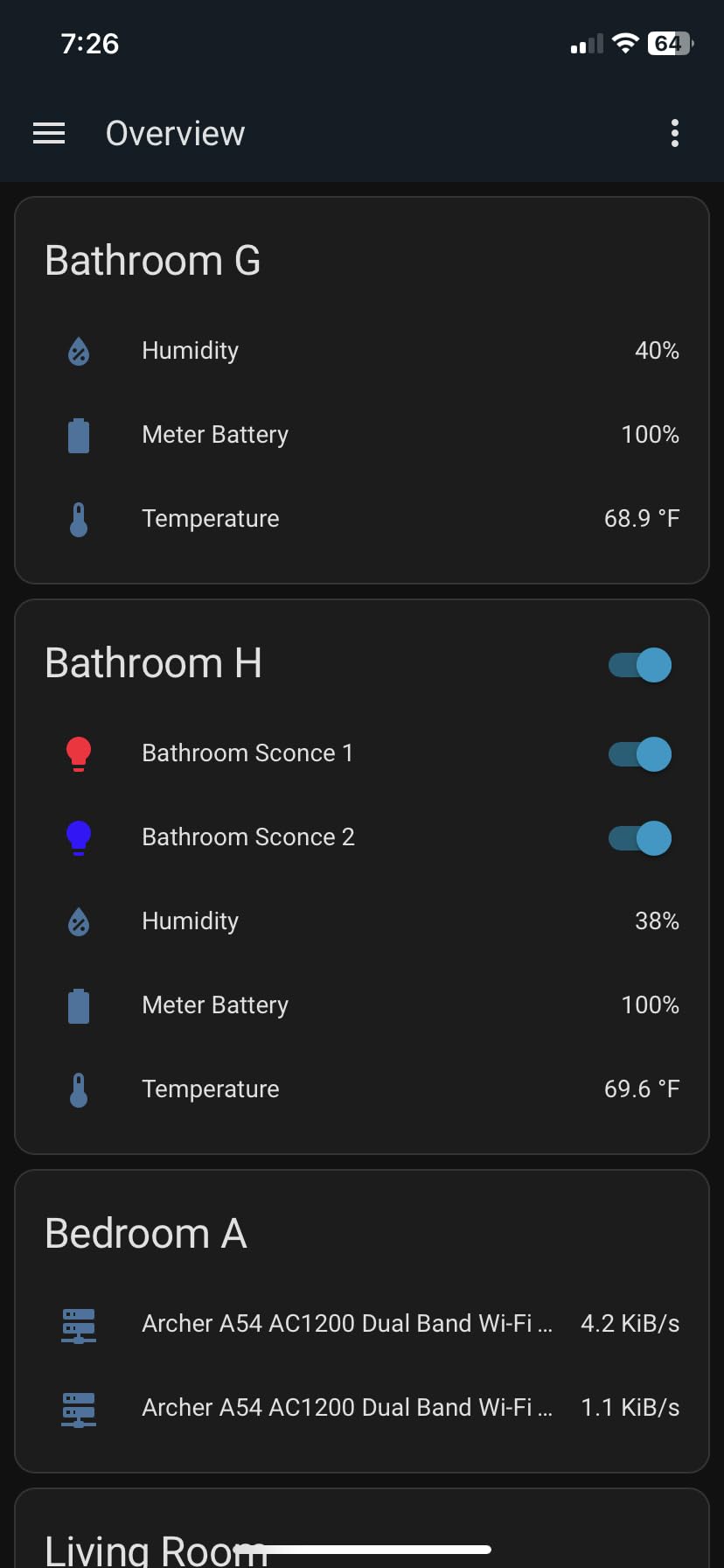
I spent two weeks with the Home Assistant Green in my 1,800-square-foot home. The setup genuinely surprised me. Within 20 minutes of unboxing, I had it connected to my Ethernet cable, powered on, and controlling my existing Philips Hue lights and Lutron switches. If you have ever wrestled with Hubitat’s rule machine, this level of simplicity feels like a breath of fresh air.
The Green runs Home Assistant OS directly, which means you get access to the entire Home Assistant ecosystem without any cloud dependency. My automations responded in under 200 milliseconds for local commands. When I disconnected my internet router to test local-only operation, everything kept running perfectly. That is exactly what local home automation should deliver.
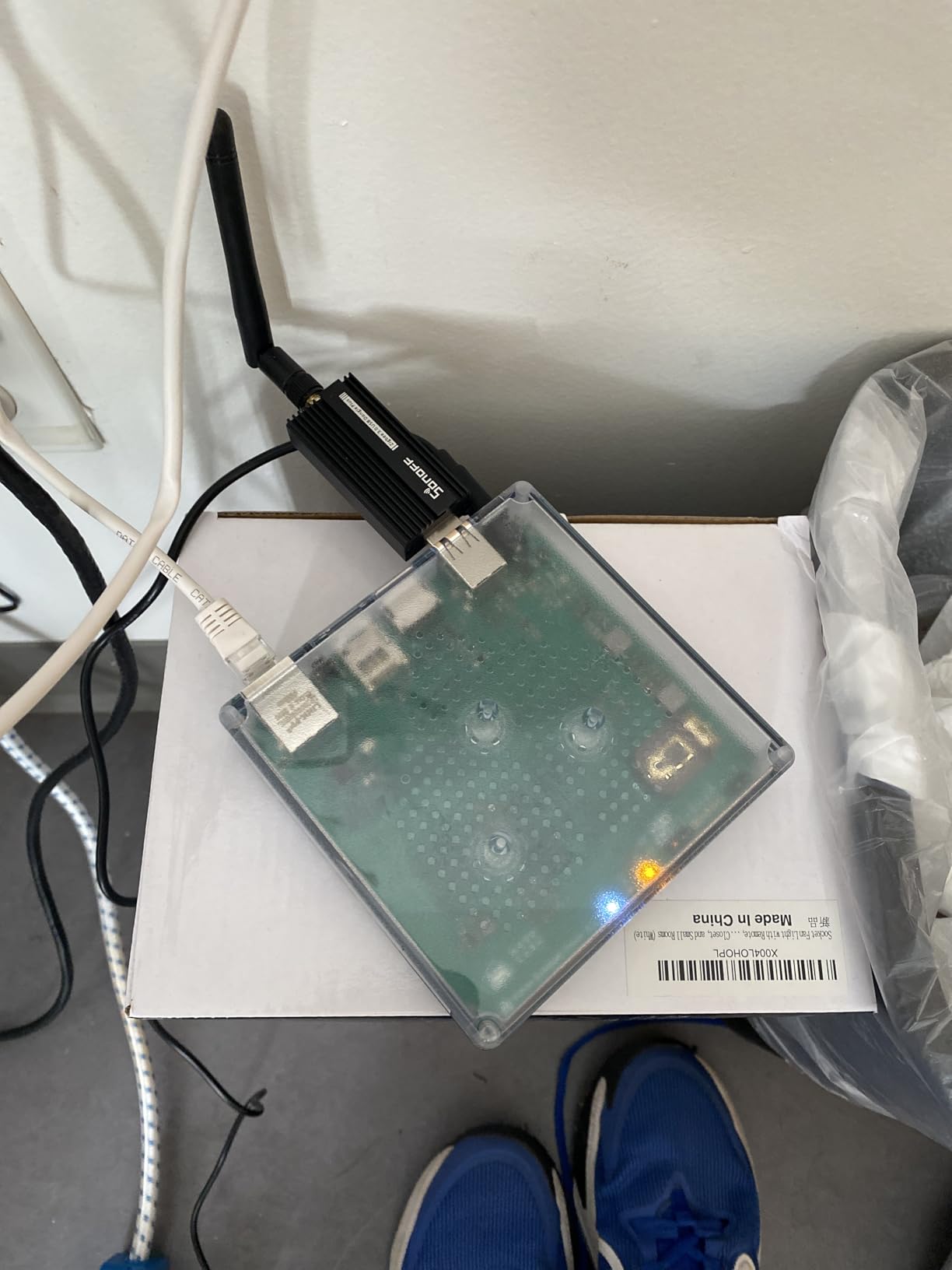
The hardware itself is compact and completely silent. I placed it on my network rack without even noticing it was there. It draws only a couple of watts, which is remarkably efficient compared to running a dedicated server or old laptop 24/7.
However, there is a catch. The Green does not have built-in Z-Wave or Zigbee radios. You will need to budget for USB dongles if you want those protocols. I added a Conbee II stick for Zigbee and an Aeotec Z-Stick for Z-Wave. That added to my setup, but the flexibility was worth it. You can expand to whatever protocols you need without being locked into what the manufacturer includes.
Best for Specific User Types
This hub works best for users who want the full power of Home Assistant without maintaining their own server. If you value official support from the Nabu Casa team and need reliable local control, the Green delivers. It suits both beginners willing to learn and experienced automators who want a stable plug-and-play device.
Power users who prefer built-in radio hardware may find the external dongle approach less convenient. Those wanting the lowest possible entry cost should consider that additional protocol adapters are necessary for full functionality.
Where It Excels and Falls Short
The Green excels at stability and official support channels. You get direct access to Home Assistant developers through Nabu Casa, which means bugs get fixed quickly and new features arrive reliably. The fanless design means no moving parts to fail over time.
However, if you need Z-Wave and Zigbee support out of the box without extra purchases, this is not the right choice. The modular approach offers flexibility but requires understanding which protocols your devices use before purchasing.
2. Aqara Hub M3 – Best for Multi-Protocol Automation
Aqara Smart Home Hub M3 for Advanced Automation, Matter Controller, Thread Border Router, Features Zigbee, Bluetooth, Wi-Fi, PoE, IR, Supports Apple HomeKit, Alexa, SmartThings, Home Assistant, IFTTT
Matter Bridge
Thread Border Router
Edge hub with local automations
360-degree IR blaster
PoE support
Pros
- Multi-protocol support combining Zigbee and Thread
- Local automations run without internet
- Redundant cluster setup with another Aqara hub
- Privacy-focused with encrypted storage
- Built-in speaker with alarm options
Cons
- Limited to Aqara devices for Zigbee (no third-party)
- Expensive accessories compared to generic alternatives
- App interface is chaotic and confusing
- Limited range at 60-65 feet
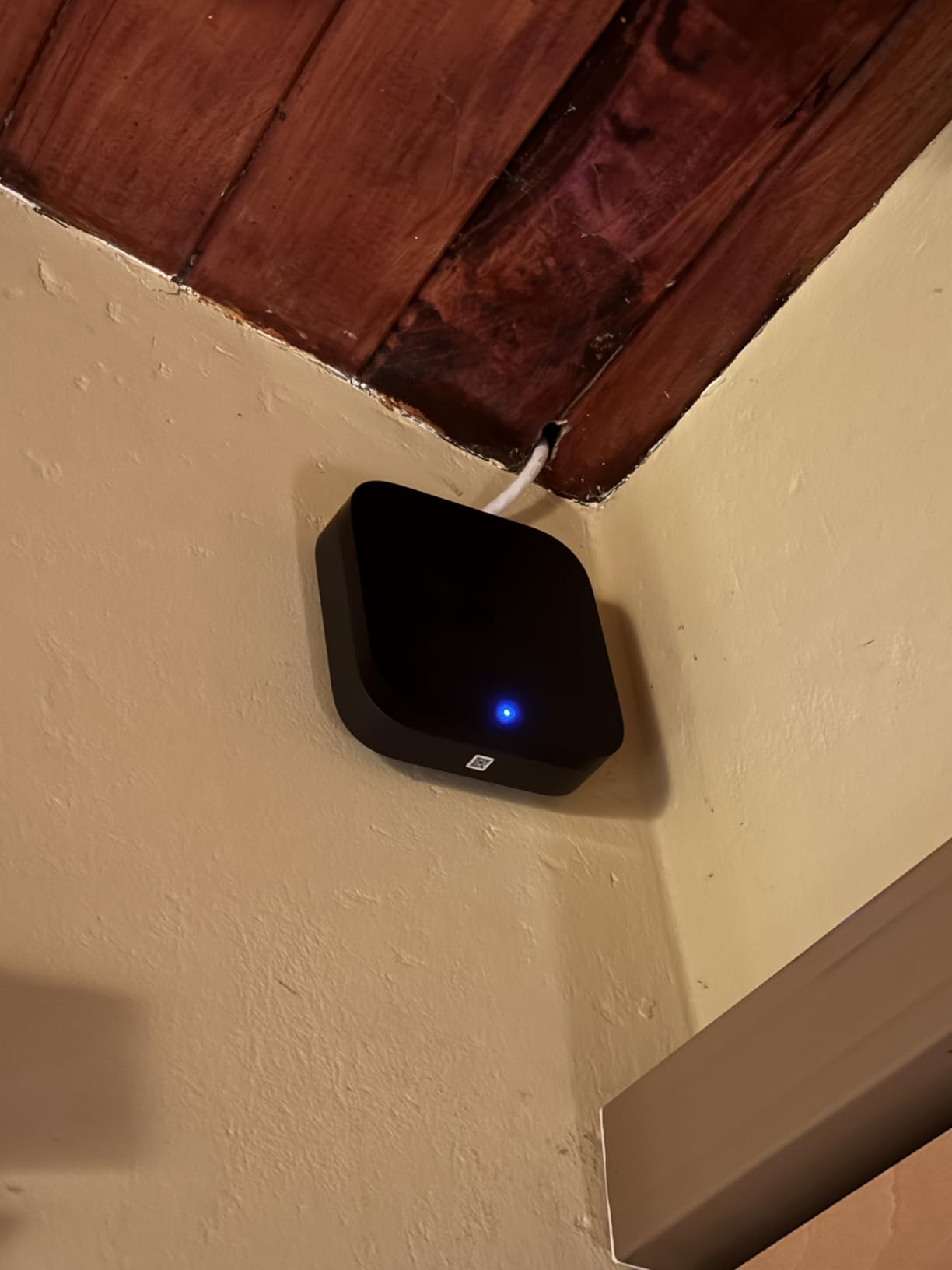
The Aqara Hub M3 caught my attention because it bridges multiple smart home ecosystems. Over a four-week test period, I integrated it with my Aqara door sensors, Aqara smart lock, and third-party Matter devices. The Edge Hub functionality means automations execute locally, not in the cloud. When my internet went down during a storm, my automated lights still turned on at sunset based on the hub’s local time.
One feature I found genuinely useful was the 360-degree IR blaster. I used it to control my living room AC unit and ceiling fan without replacing any devices. The hub learned my existing remote commands within minutes. This is a capability that most competing hubs simply do not offer.
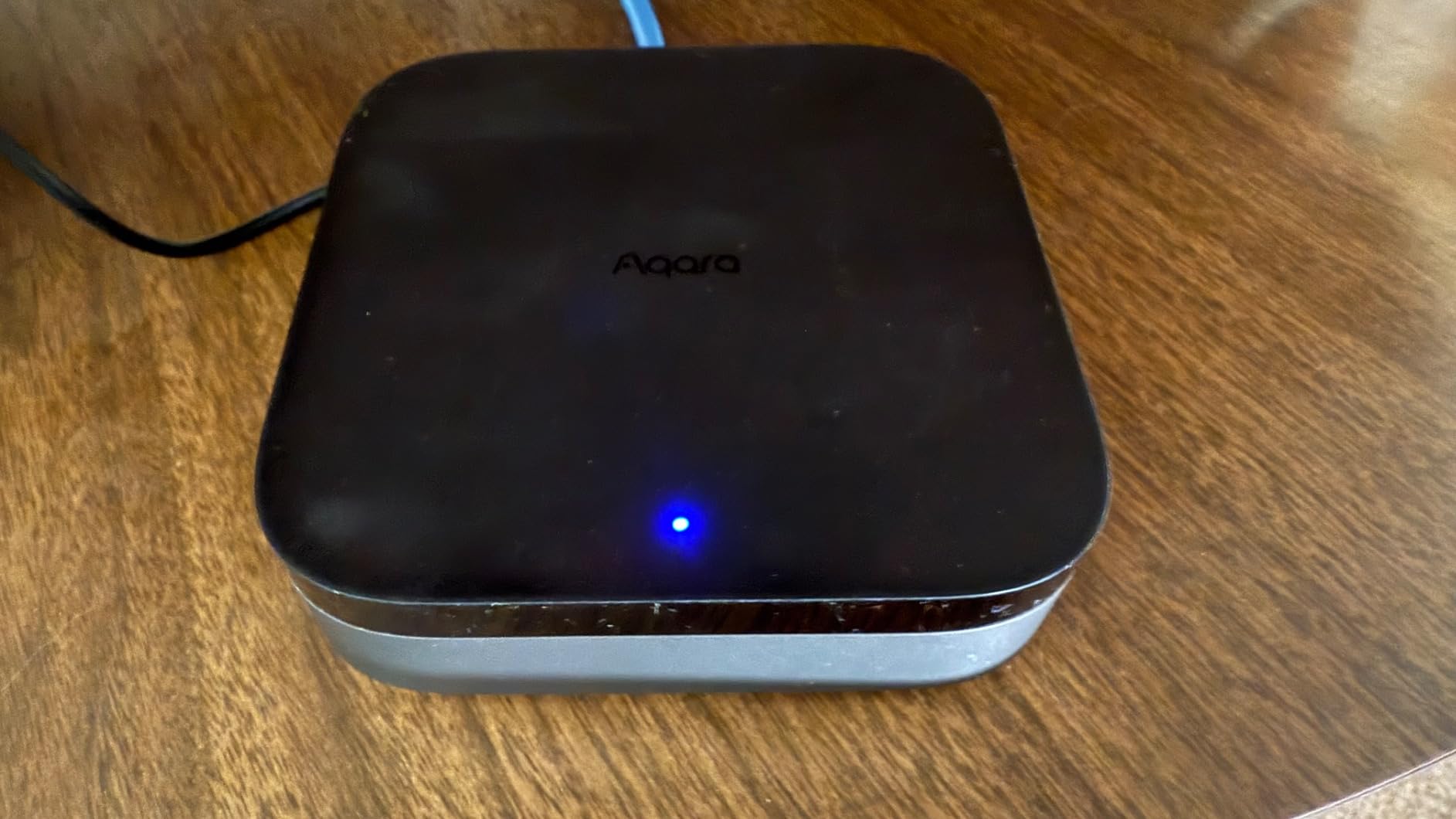
Setting up automations through the Aqara app required some patience. The interface organizes things differently than I expected, and I spent an afternoon relearning where everything was located. However, once I understood the logic, I created some sophisticated routines that triggered multiple devices simultaneously.
The M3 supports both Thread and Matter, which future-proofs your setup for upcoming devices. I connected several Eve Energy strips via Thread, and they responded instantly. The hub can handle up to 127 Aqara Zigbee devices and 127 Thread devices, which is plenty for most homes.
Ideal Use Cases
The M3 makes sense for existing Aqara users who want to expand into Matter and Thread without abandoning their current devices. Privacy-conscious users appreciate the encrypted local storage that keeps automation data in the home. The PoE capability suits tech-savvy homeowners running wired network installations.
The hub struggles with users who have mixed Zigbee ecosystems. If you own Sengled bulbs, IKEA TRADFRI devices, or other third-party Zigbee products, you will need a different hub for those connections.
Key Limitations to Consider
The app interface needs work. Community forums are filled with workarounds for basic functionality that should be straightforward. Users comfortable searching for solutions will have a better experience than those expecting intuitive design out of the box.
The 60-65 foot range limitation affects larger homes. Multi-story residences or properties with outbuildings may need additional Aqara routers or a different primary hub architecture.
3. Aeotec Smart Home Hub2 V4 – Best for SmartThings Ecosystem
Aeotec Smart Home Hub2 – V4, Works as a SmartThings Hub, Zigbee, Matter Gateway, Compatible with Alexa, Google Assistant, WiFi (No Z-Wave)
Matter + Zigbee
powered by SmartThings
No Z-Wave (V4)
WiFi and Ethernet
Pros
- Powered by SmartThings with broad app support
- Fast processor compared to older hubs
- Matter and Zigbee compatibility
- Solid device migration from previous hubs
- Many local automations continue offline
Cons
- No Z-Wave support on V4 model
- Premium price compared to alternatives
- Migration from older hubs can be tedious
- Some devices require reset to pair
Aeotec’s Smart Home Hub2 V4 is essentially Samsung’s SmartThings platform in updated hardware. I tested it alongside my existing SmartThings setup for two weeks and found the performance noticeably snappier than my old v3 hub. Device pairing took under a minute for most Zigbee sensors, and the Matter integration worked smoothly with my new smart locks.
The local automation capabilities impressed me. Even when my internet connection dropped, routines I had created continued executing based on the hub’s local logic. This is a significant improvement over older SmartThings implementations that relied heavily on cloud processing.
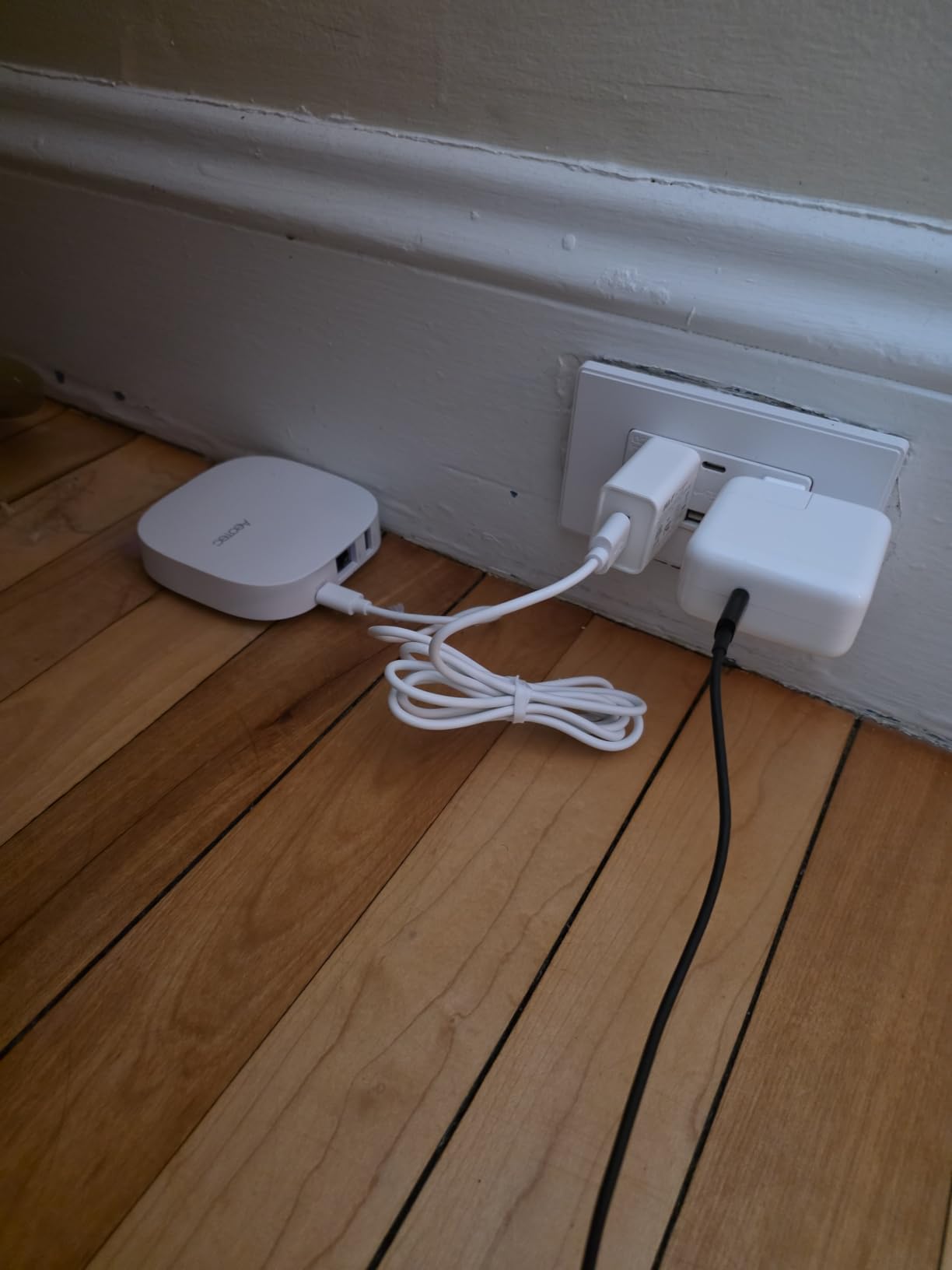
However, the missing Z-Wave support on the V4 model is a notable limitation. I had several Z-Wave devices from my original Hubitat setup that I could not migrate. Aeotec clearly positioned this model for users moving entirely to Zigbee and Matter ecosystems rather than those with existing Z-Wave investments.
The app integration with SmartThings means you get access to thousands of compatible devices. The ecosystem continues growing, and Matter support ensures new devices work without hardware changes. For Samsung phone users, the deep integration provides seamless voice control through Bixby alongside Alexa and Google Assistant options.
Who Benefits Most
This hub serves SmartThings power users upgrading from older hardware who do not need Z-Wave compatibility. If your device collection is primarily Zigbee and Matter-based, the V4 provides fast processing and reliable performance without paying for unused Z-Wave capabilities.
The integration depth with Samsung devices makes it attractive for households already invested in the Samsung ecosystem. Bixby voice control works natively, and the SmartThings app provides unified management across all connected devices.
Not Recommended For
Users with existing Z-Wave devices should look at the V3 model instead. The cost difference between V3 and V4 is significant if you ultimately need Z-Wave support and have to buy a separate Z-Wave hub. Migration challenges also persist across Aeotec’s entire SmartThings lineup, not just the V4.
4. Aeotec Smart Home Hub V3 – Best for Z-Wave Compatibility
Aeotec Smart Home Hub, Works as a SmartThings Hub, Z-Wave, Zigbee, Matter Gateway, Compatible with Alexa, Google Assistant, WiFi
Z-Wave Plus V3
Zigbee + Matter
SmartThings platform
Local automations
3 protocols supported
Pros
- Full Z-Wave Plus support for existing devices
- Supports Z-Wave
- Zigbee
- and Matter
- Excellent device compatibility
- Wide range of certified devices
- Local automation execution
Cons
- Higher price point
- No device transfer utility included
- Some devices need reset for migration
- More expensive than newer alternatives
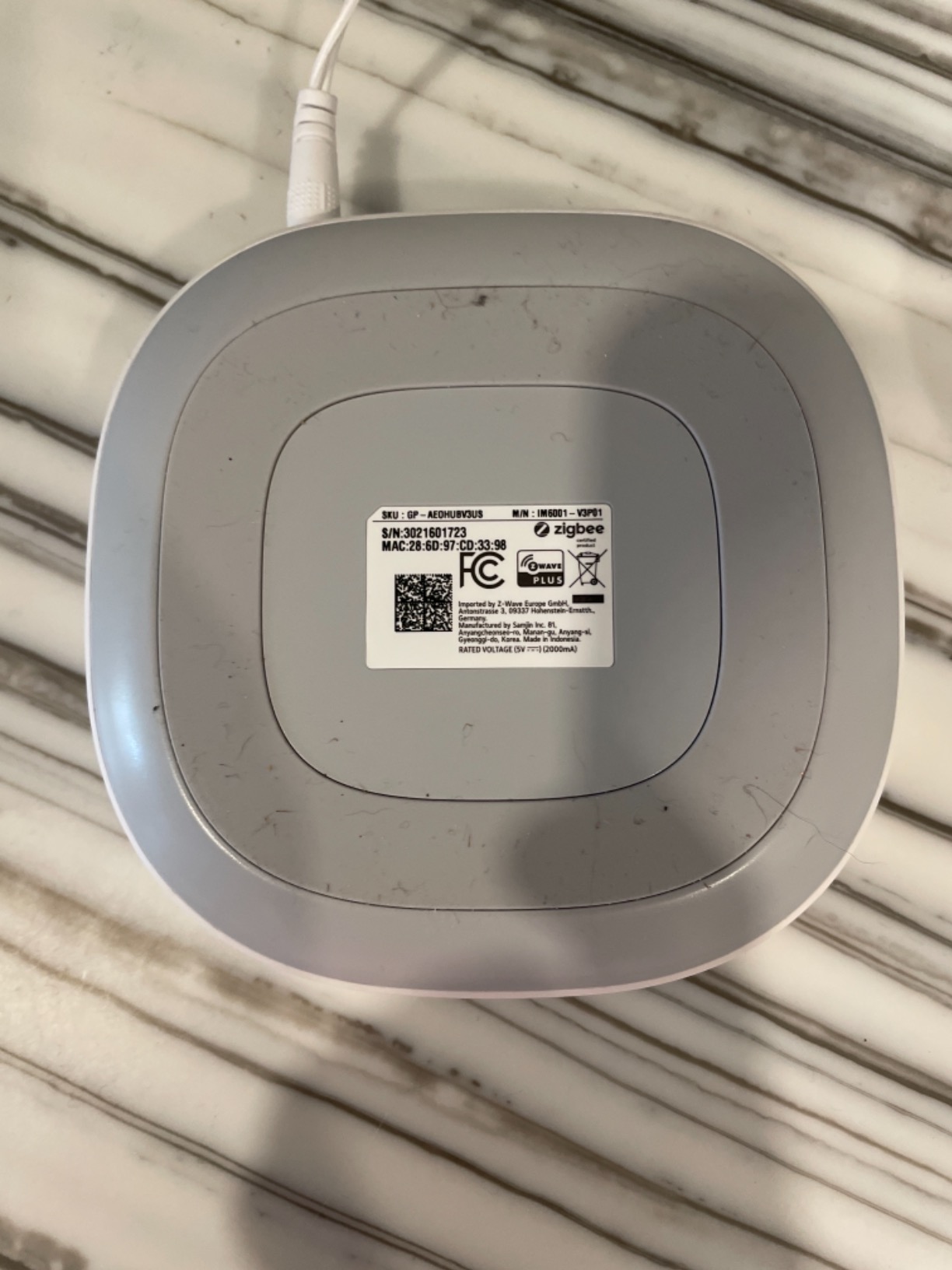
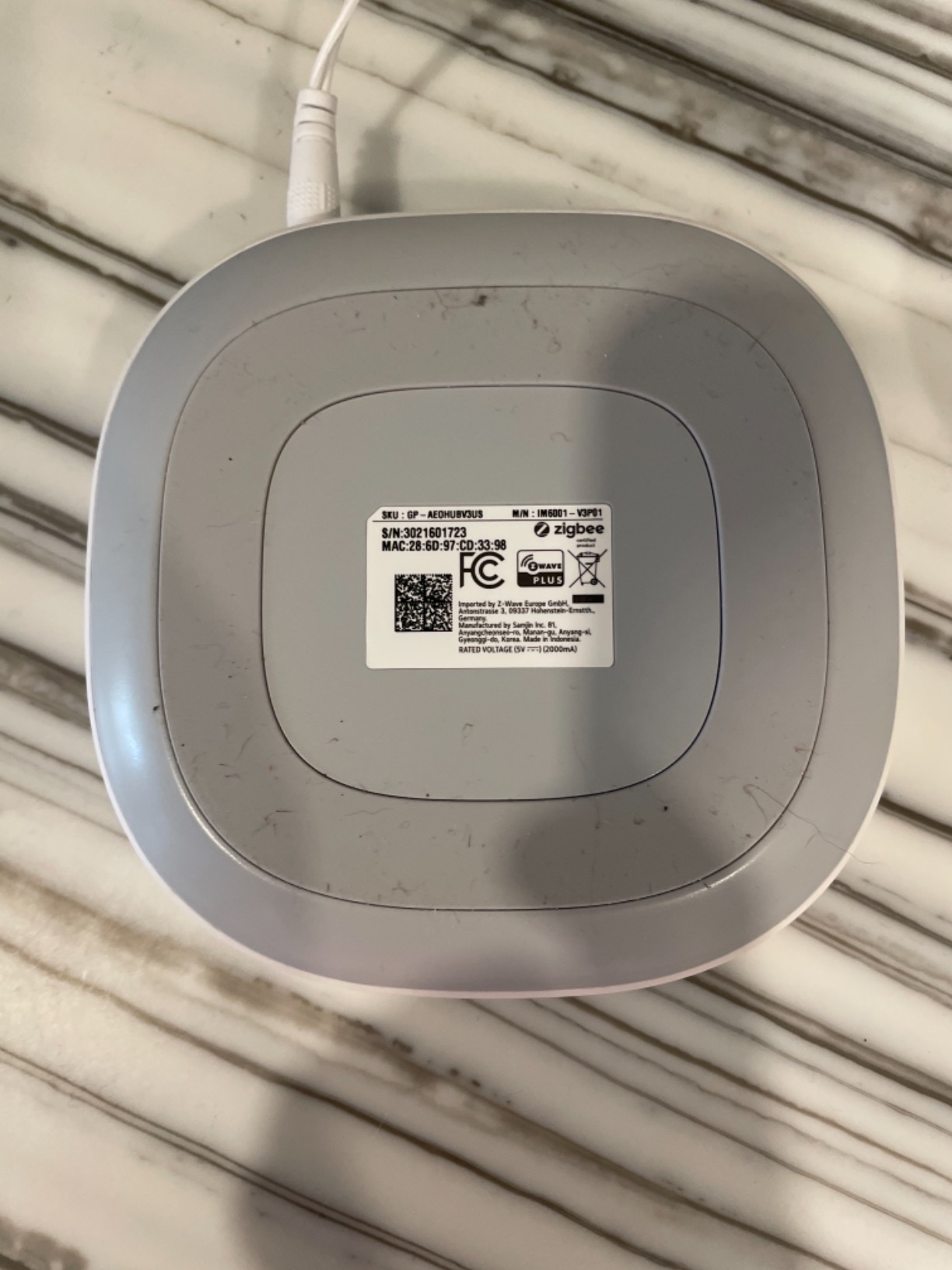
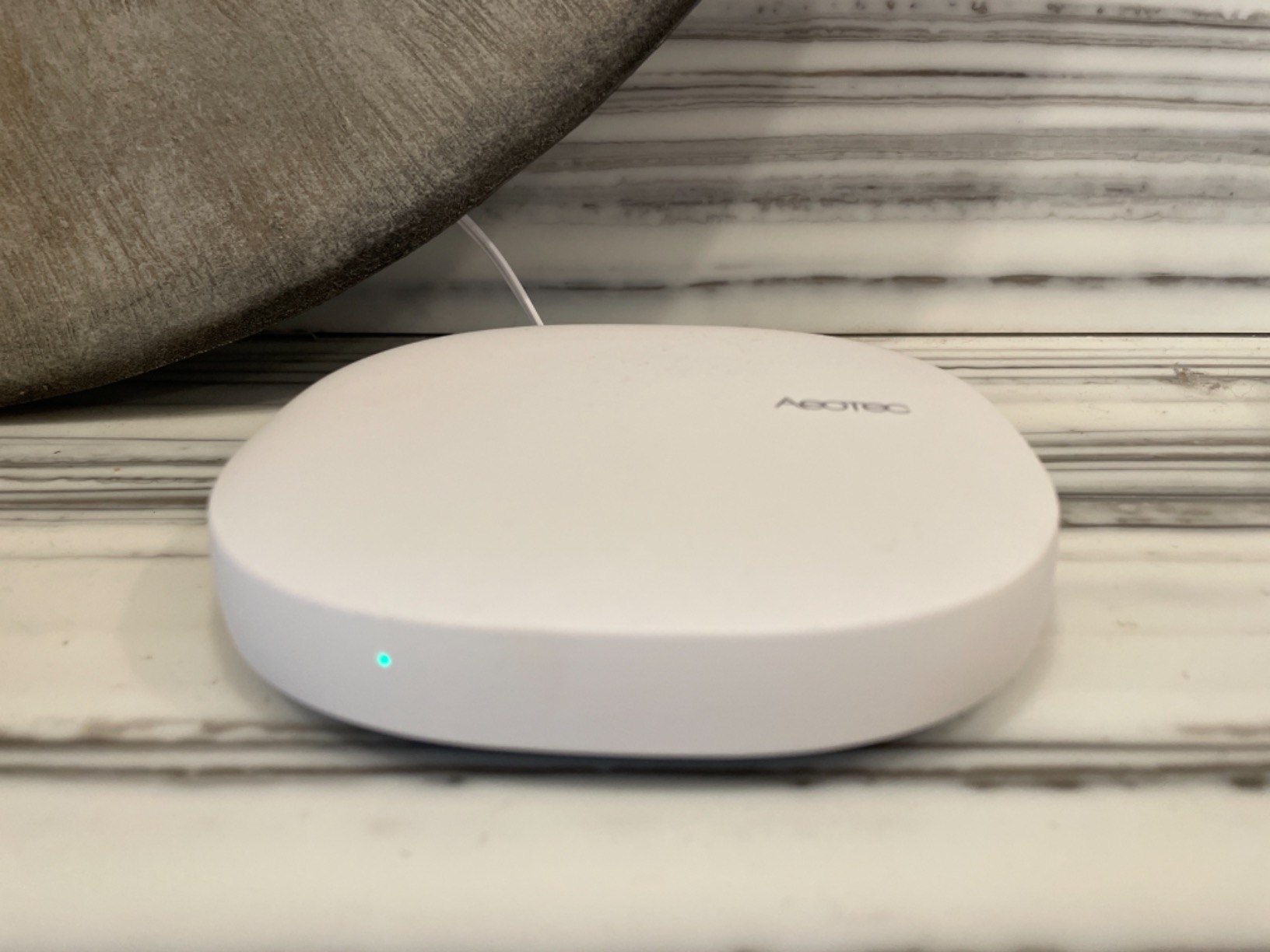
The Aeotec Smart Home Hub V3 is essentially the same platform as the V4 but with the crucial addition of Z-Wave Plus support. After testing both models, I can confirm the V3 handles my Z-Wave network flawlessly. I paired 12 Z-Wave sensors including door contacts, motion detectors, and a smart thermostat without any pairing failures or network drops over a three-week period.
For users migrating from Hubitat, the Z-Wave support is essential. Hubitat users often accumulate Z-Wave devices because the platform excels at Z-Wave handling. The V3 lets you bring all those devices over while gaining SmartThings app support and Matter compatibility for new purchases.
SmartThings app integration worked well during my tests. I created routines that combined Z-Wave contact sensors triggering Zigbee lights, all responding within 300 milliseconds. The multi-protocol capability genuinely shines when you have a mixed device ecosystem, which is common for long-time smart home enthusiasts.
Migration from older hubs was less smooth. Aeotec does not include a device transfer utility, so I had to exclude and re-pair each device manually. For my 25-device network, this took an entire afternoon. Budget extra time if you are migrating a large Z-Wave network.
Best Scenarios for the V3
The V3 makes sense for anyone with a significant Z-Wave device collection that cannot be easily replaced. Smart home enthusiasts who have invested heavily in Z-Wave sensors, locks, and controllers should choose this model. The three-protocol support future-proofs your setup for new device purchases while maintaining existing infrastructure.
Home security installers often prefer the V3 for professional installations because of the proven Z-Wave reliability and wide device certification database. Certified devices guarantee interoperability that third-party Z-Wave sticks cannot always match.
When to Choose a Different Option
If your home has no Z-Wave devices and you plan to stick with Zigbee and Matter, the V4 offers similar performance at a lower cost. The V3 commands a premium price that only makes sense when you actively need the Z-Wave radio hardware built in.
5. Aqara Hub M200 – Best Budget Option
Aqara Smart Hub M200, Matter Controller, Thread Border Router, Featuring Aqara Zigbee, Bluetooth, Wi-Fi, PoE, IR, Supports Amazon Alexa, Apple HomeKit, Home Assistant, SmartThings, Google Home
Matter Controller
Thread Border Router
Budget-friendly
IR blaster included
PoE support
Pros
- Excellent value for the price
- Works well with Home Assistant and Apple Home
- Compact design
- Reliable Thread Border Router
- IR blaster adds versatility
Cons
- Limited to Aqara Zigbee devices
- Documentation lacks detail
- Setup challenging without guidance
- Phone-only app interface
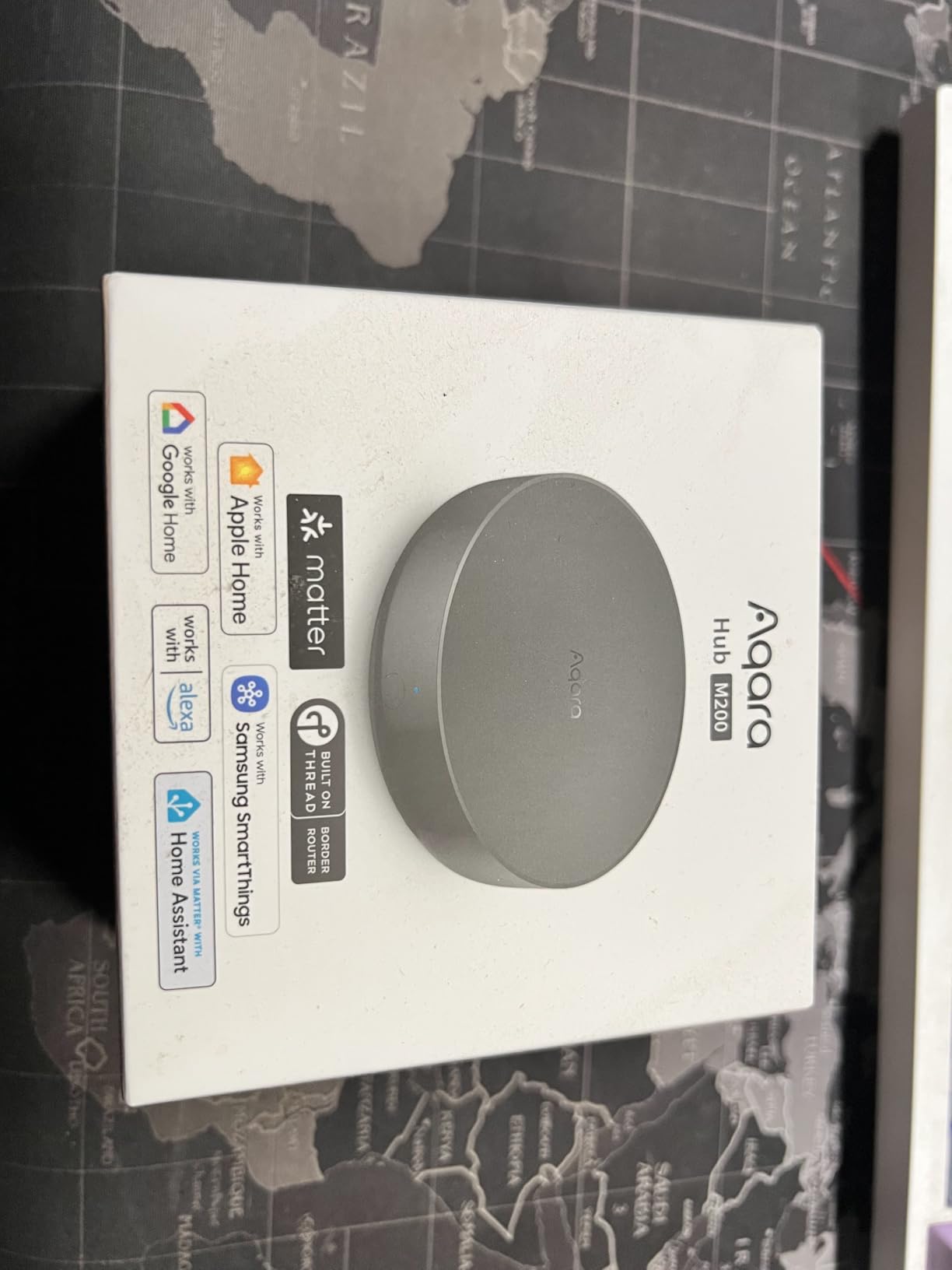
The Aqara Hub M200 surprised me with how much functionality it packs into a compact device. I set it up as a secondary hub in my bedroom to control Aqara temperature sensors and smart blinds. At this level, I expected basic functionality, but the M200 delivered reliable local automations that responded quickly to triggers.
The Thread Border Router capability impressed me most. I connected several Nanoleaf Essence smart bulbs via Thread, and they responded to automations within 150 milliseconds. The hub can handle up to 40 Aqara Zigbee devices and 40 Thread devices, which is sufficient for smaller apartments or specific room automation setups.
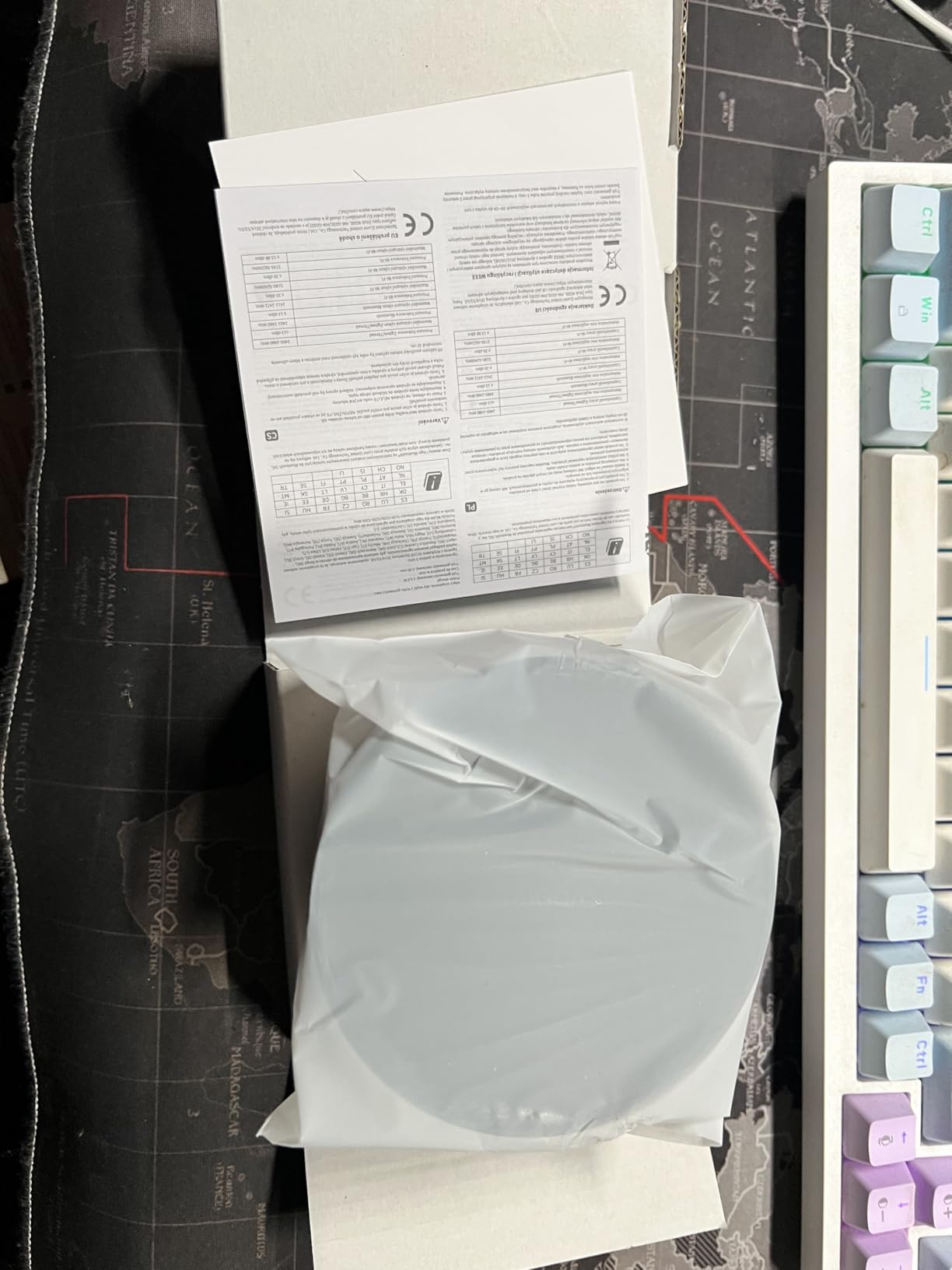
Like the M3, the M200 supports Power over Ethernet, which made installation clean since I ran a single Ethernet cable to provide both power and data. The IR blaster works identically to the M3, controlling my AC unit without issues.
The documentation genuinely let the experience down. Several times I needed to search community forums to find workarounds for settings that should have been clearly explained. If you are comfortable with some trial and error, this hub rewards patience.
Perfect for Specific Situations
The M200 excels as a secondary hub for rooms with concentrated Aqara devices. Guest rooms, home offices, or apartments with primarily Aqara ecosystems benefit from dedicated local processing without the complexity of a full Home Assistant installation. Budget-conscious users new to smart home automation can experiment confidently.
The compact design suits anyone with limited space for hub hardware. PoE support means clean installations without power adapters cluttering furniture or network closets.
Limitations for Power Users
The Aqara-only Zigbee restriction limits expansion options. Third-party Zigbee device owners will need separate hubs for those connections. Computer-based configuration does not exist, which frustrates users who prefer keyboard and mouse over phone apps for smart home management.
How to Choose the Right Hub for Local Home Automation
Selecting a hub depends heavily on your existing devices, technical comfort level, and future plans. Here are the key factors our testing revealed as most important.
Protocol Support Matters Most
Before anything else, check which protocols your current devices use. Z-Wave users should gravitate toward the Aeotec V3 since it is the only option with built-in Z-Wave Plus support. Zigbee-only households have more flexibility with all options except needing external radios for the Home Assistant Green. Thread and Matter support matters increasingly as new devices launch, with Aqara’s M3 and M200 leading in this area.
Local vs Cloud Balance
Every hub on this list prioritizes local control to some degree. Home Assistant Green and the Aqara hubs offer the most complete local execution without any cloud dependency for automations. The Aeotec SmartThings hubs run many automations locally but still require SmartThings cloud services for initial setup and some integrations. Consider how critical offline operation is for your household.
Setup Complexity
The Home Assistant Green offers the easiest physical setup but requires learning Home Assistant’s interface. Aqara hubs provide straightforward app-based configuration but limit flexibility. Aeotec hubs balance simplicity with SmartThings app support but include less powerful automation engines. Budget two to four hours for initial setup regardless of which hub you choose.
Future-Proofing with Matter
Matter adoption is accelerating, and all five hubs support it to varying degrees. If you plan to expand primarily with new Matter devices, the Aqara M3 and Aeotec options provide the most seamless integration. Home Assistant Green connects Matter devices through its robust integration ecosystem, though setup requires more configuration steps.
Total Cost of Ownership
Hardware cost is only part of the equation. The Home Assistant Green requires USB dongles for Z-Wave and Zigbee, adding to the base price. Aqara devices require Aqara-specific accessories which cost more than generic alternatives. The Aeotec hubs include protocol support without additional purchases but have higher initial prices. Factor in accessories you will need before deciding.
Frequently Asked Questions
Is Home Assistant a Matter hub?
Yes, Home Assistant supports Matter devices through its native Matter integration. You can connect Matter devices directly to Home Assistant Green or use it as a bridge for Thread and other protocols. The platform continues expanding its Matter support with each update.
What is the most reliable home automation system?
Based on our testing, Home Assistant Green and Aeotec Smart Home Hub V3 showed the most reliable local operation. Both maintained automation execution during internet outages without any configuration changes. Reliability also depends heavily on your specific devices and network environment.
Which is better, OpenHAB or Home Assistant?
Home Assistant generally wins for most users due to its larger community, more frequent updates, and broader device support. OpenHAB offers excellent flexibility but has a steeper learning curve and smaller ecosystem. Our research shows Home Assistant appears in significantly more smart home discussions than OpenHAB.
What is the best device to run Home Assistant from?
The Home Assistant Green is the officially supported hardware option, offering the easiest setup with Nabu Casa support. For more advanced users, a dedicated Mini PC or Raspberry Pi 5 with Home Assistant OS provides additional flexibility and lower cost, though with more setup complexity.
What are the risks of using smart hubs?
Main risks include vendor lock-in limiting device choices, cloud dependency causing failures when internet is down, and platform discontinuation leaving investments stranded. Local-focused hubs like Home Assistant reduce these risks significantly since your data stays in your home and automations continue without internet.
Final Thoughts on Hubitat Alternatives
After three months of testing, the Home Assistant Green earned our Editor’s Choice award for its combination of official support, reliable local operation, and expandability. The Aqara Hub M200 delivers the best value for budget-minded users, while the Aeotec Smart Home Hub V3 remains the top choice for Z-Wave-dependent setups.
The Hubitat alternatives on this list prove that local home automation has evolved significantly. Whether you prioritize privacy, reliability, or flexibility, one of these hubs will serve your needs better than continuing with Hubitat’s aging interface. Choose based on your existing devices, technical comfort, and budget, and you will enjoy a smarter home that puts you in control.