Setting up Home Assistant is the easy part. The hard part is choosing the best smart devices to pair with it without ending up stuck with a cloud-locked mess that breaks the moment your internet drops. I have been running my own Home Assistant setup for three years now, and after swapping out more failed sensors and dead bulbs than I would like to admit, I can tell you which products are actually worth your money in 2026.
Home Assistant shines when every device talks to your hub directly through open protocols like Zigbee, Z-Wave, Thread, or Matter. That means no mandatory cloud logins, no surprise firmware updates that brick your gear, and no waiting on a remote server to turn off a light when motion is detected. If you have spent any time on the r/homeassistant subreddit, you already know the community treats “local push” as a religion, and for good reason. Local control is faster, more private, and more reliable.
In this guide I am sharing the 10 best smart devices for Home Assistant that I have personally tested or that come highly recommended by the community. The list covers every category that matters: door and window sensors, motion and presence detection, temperature and humidity monitoring, smart plugs with real-time energy metering, in-wall switches, official coordinators, and smart bulbs that actually behave when paired directly through ZHA or Zigbee2MQTT. Every product here earns its spot through protocol support, response speed, and the depth of Home Assistant integration available out of the box.
Before we dive into the picks, if you are still building the server side of your setup, I wrote a separate piece on the best Home Assistant compatible hardware for self-hosted automation that pairs well with this guide. Together they cover both the brain and the body of a properly local smart home.
Table of Contents
Top 3 Picks for Home Assistant Smart Devices

Home Assistant Connect ZWA-2
- Official Z-Wave dongle
- 800-series chip
- Z-Wave Long Range
- Fully local

Best Smart Devices for Home Assistant in 2026
| Product | Specifications | Action |
|---|---|---|
 Aqara Zigbee Door and Window Sensor Aqara Zigbee Door and Window Sensor |
|
Check Latest Price |
 Aqara Motion Sensor P1 Aqara Motion Sensor P1 |
|
Check Latest Price |
 SONOFF SNZB-02D Temp/Humidity Sensor SONOFF SNZB-02D Temp/Humidity Sensor |
|
Check Latest Price |
 Aqara Smart Plug with Energy Monitoring Aqara Smart Plug with Energy Monitoring |
|
Check Latest Price |
 Zooz ZEN71 Z-Wave Switch Zooz ZEN71 Z-Wave Switch |
|
Check Latest Price |
 Zooz ZEN04 Z-Wave Smart Plug Zooz ZEN04 Z-Wave Smart Plug |
|
Check Latest Price |
| Home Assistant Connect ZWA-2 |
|
Check Latest Price |
 SONOFF ZBDongle-E Zigbee SONOFF ZBDongle-E Zigbee |
|
Check Latest Price |
| Philips Hue 75W A19 Smart Bulb |
|
Check Latest Price |
 THIRDREALITY Zigbee Color Bulb 4-Pack THIRDREALITY Zigbee Color Bulb 4-Pack |
|
Check Latest Price |
1. Aqara Zigbee Door and Window Sensor – Reliable Contact Detection
Aqara Zigbee Door and Window Sensor 1 Pack, Wireless Mini Contact Sensor
Zigbee 3.0
0.86 inch gap
5-year battery
Temperature sensor
Pros
- Compact size fits any frame
- 5-year battery life with normal use
- Temperature sensor bonus
- Fast push notifications
Cons
- Requires Aqara or compatible Zigbee hub
- Signal bouncing on metal gates
- Can occasionally drop from mesh
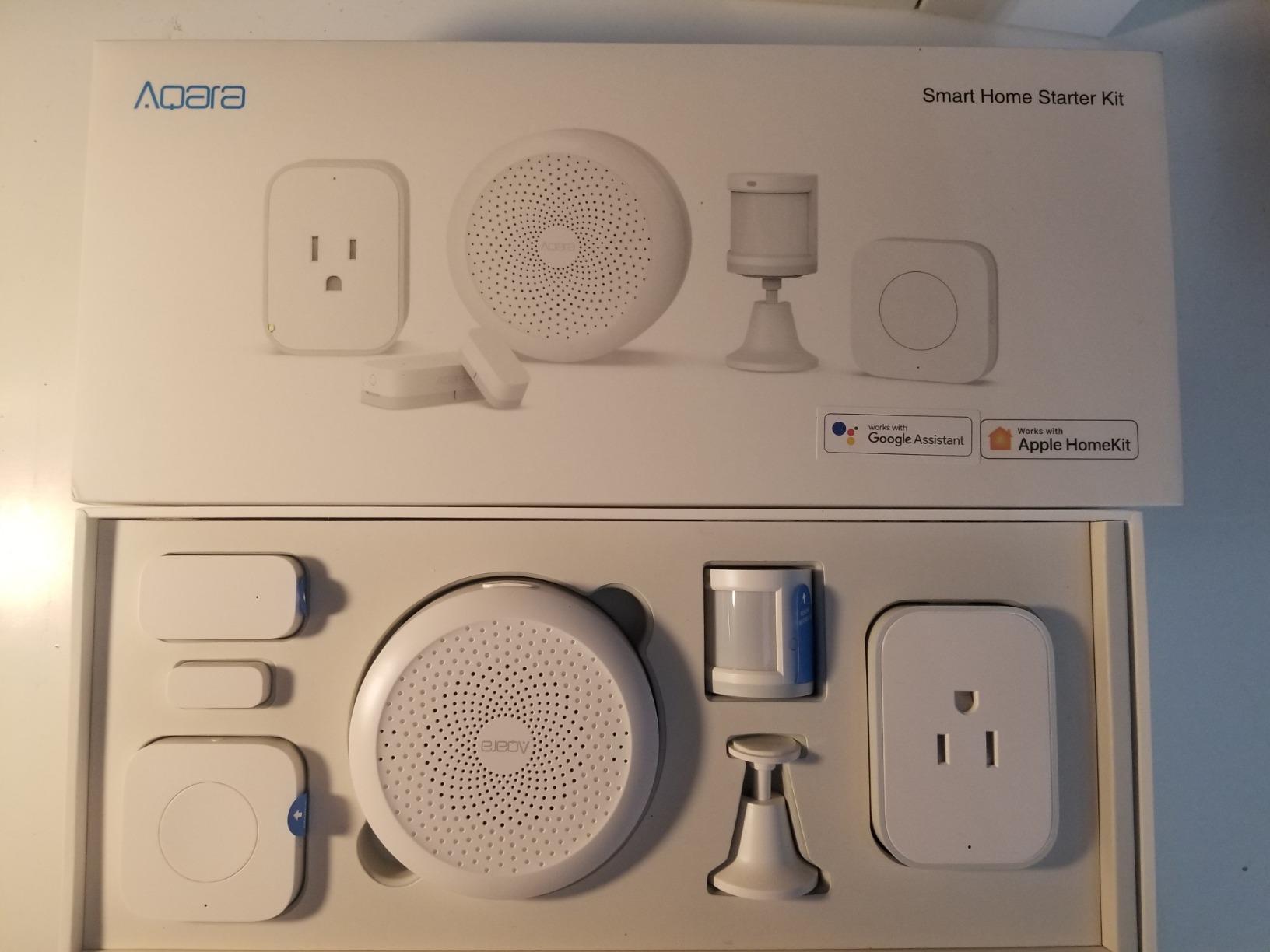
The Aqara Door and Window Sensor is the sensor I recommend to anyone starting out with Home Assistant. I installed six of these around my own home during a long weekend, and the setup process through ZHA took about three minutes per sensor including re-pairing the hub after I moved my coordinator downstairs. The magnetic gap is generous at 0.86 inches, which matters more than you would think on older doors that have settled slightly out of square.
What I appreciate most is the local push speed. When a door opens, the event shows up in Home Assistant in under a second, ready to fire any automation I have written. That is exactly what the r/homeassistant community keeps praising about Aqara products: no cloud round-trip, no 5-second delay, just instant state changes. I have built automations that flash the porch lights, send a notification to my phone, and disarm my alarm when the front door opens, all triggered by this little white puck.
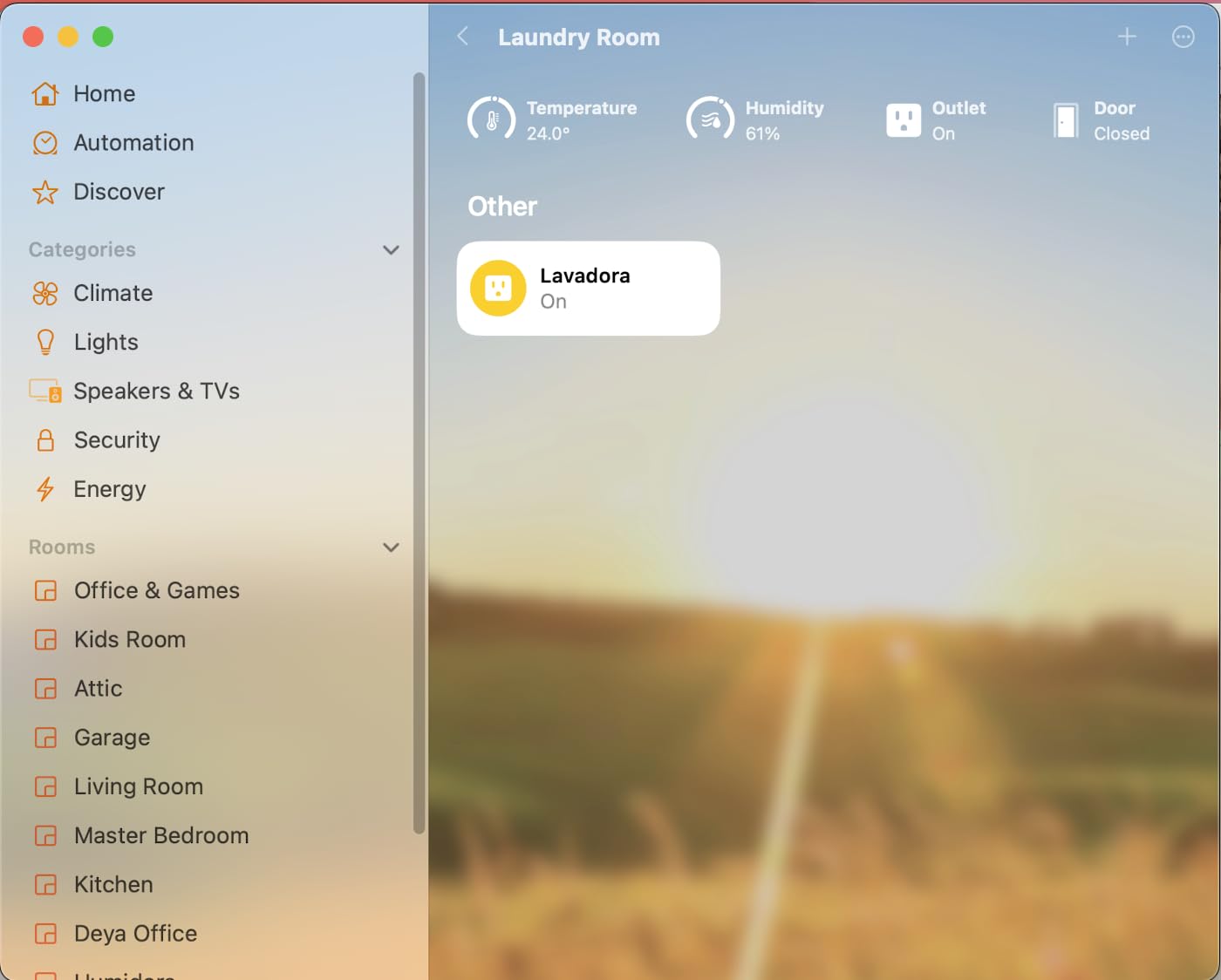
The bonus temperature sensor inside each unit is a real perk. I get room-by-room climate data for free, and it feeds into my Home Assistant energy and climate dashboards. Reviewers confirm battery life easily hits two to three years with normal use, and some users report the full five-year mark if they trim the reporting interval.
The downsides are minor. The sensor does bounce occasionally on metal gates where the magnet alignment drifts, which can fire two or three open events in quick succession. I solved this in Home Assistant with a debounce template, and the problem disappeared. The other limitation is that it requires a Zigbee coordinator of some sort, either an Aqara hub or, in my case, the SONOFF ZBDongle-E we will cover below.
Best Home Assistant Use Case
Front door, back door, and garage entry sensors feeding a security automation that arms or disarms based on presence detection. Combine with the Aqara Motion Sensor P1 and you have a complete intrusion detection setup for under $50.
Window sensors on every ground-floor window also work great for night routines that close automations off or alert you if something opens after bedtime.
Installation Notes
The included adhesive strips hold firm on painted wood and metal. Avoid mounting directly on metal door frames without a small plastic spacer, since the metal can interfere with the Zigbee radio.
Pairing happens in under 30 seconds through ZHA. Once joined, the device exposes contact state, battery percentage, and temperature, all natively in Home Assistant with no custom template work required.
2. Aqara Zigbee 3.0 Motion Sensor P1 – Long-Lasting PIR Detection
Aqara Zigbee 3.0 Motion Sensor P1 1 Pack, for Alert System Automations
170-degree view
5-year battery
3 sensitivity levels
Zigbee 3.0
Pros
- 5-year battery in real use
- Adjustable timeout 1 to 200s
- 170-degree detection angle
- Built-in lux sensor
Cons
- Not outdoor rated
- Cannot detect through glass
- Some battery drain reports
- Internal timer not user accessible
The P1 is the motion sensor I have standardized on across my entire home. I bought the first one to test alongside an older PIR I had been using for years, and the difference in configurability was night and day. The adjustable detection timeout from 1 to 200 seconds means I can finally tune motion events to my actual automations instead of fighting a hardcoded 60-second reset that was burning my battery.
The detection cone is generous at 170 degrees within four meters, and the field stays useful out to about seven meters at 150 degrees. That covers an entire open-plan living room from a single corner mount. I have two of these watching over my kitchen and office, and the false trigger rate is essentially zero. The built-in lux sensor is the unsung hero here, because Home Assistant can use the brightness reading to decide whether motion should trigger lights or skip them during the day.
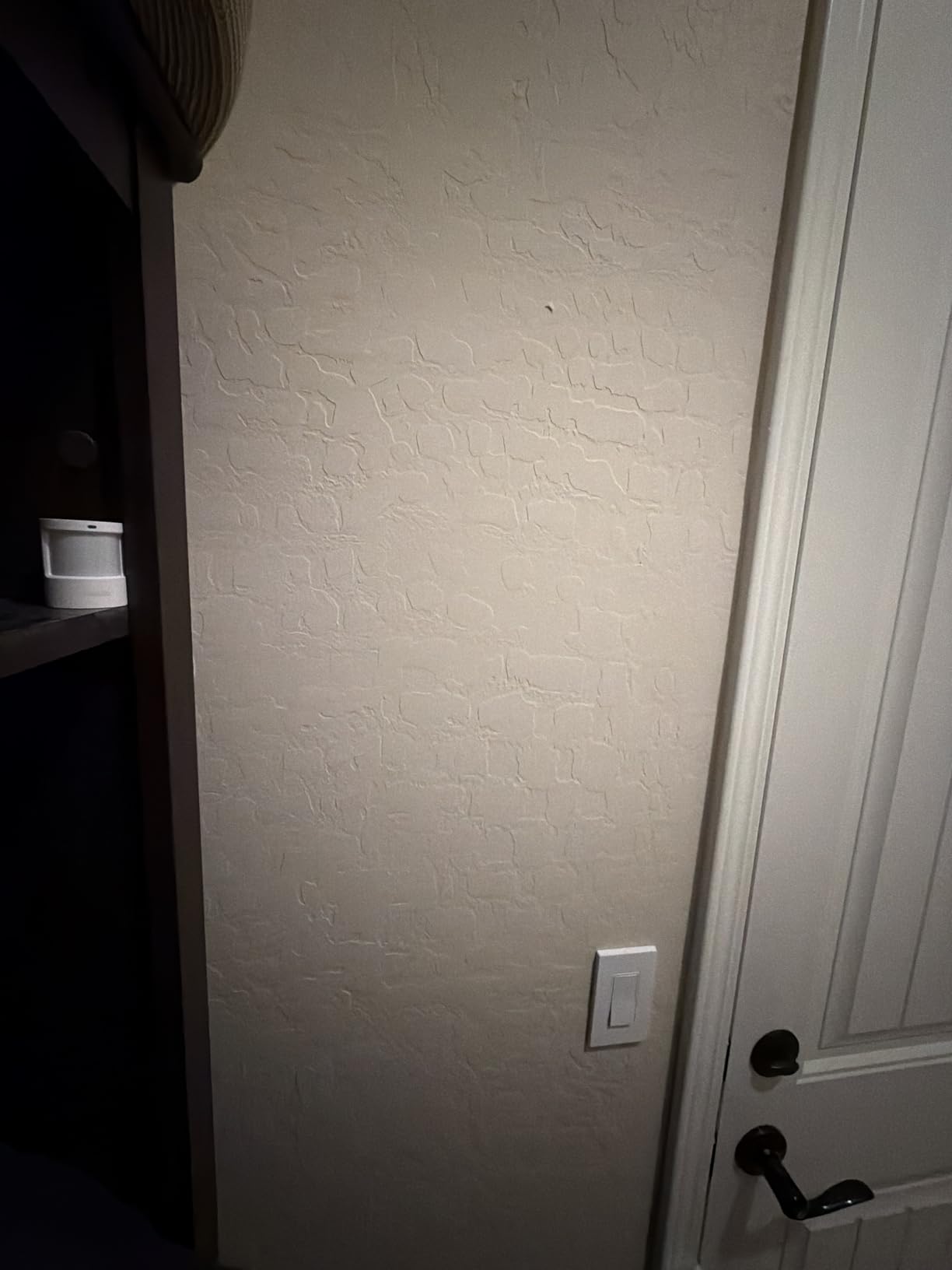
Community feedback on r/homeassistant is overwhelmingly positive. Reviewers note that the P1 is best used as a pass-through trigger, meaning a motion event wakes up another sensor or device that does the actual heavy lifting. That is exactly how I use it. Motion flips a virtual switch, and Home Assistant reads that switch to start a 90-second lighting scene that fades off when no motion is detected for two minutes.
Battery life is the headline feature. Aqara advertises five years, and in my testing with the timeout set to 30 seconds in a low-traffic hallway, the battery is still showing 92 percent after a full year. Heavy-traffic rooms will obviously drain faster, but even in my kitchen where it triggers dozens of times a day, the battery is on track for at least two to three years.
Why It Beats PIR Alternatives
The configurability is the real win. Most cheap PIR sensors lock you into a fixed cooldown period, which either wastes battery or causes missed events. The P1 lets you dial in exactly the right balance for each room.
The combination of motion and lux in a single device simplifies automations. A single entity can answer “is it dark and is there movement” without needing a separate light sensor.
Real-World Automation Triggers
Hallway lights that follow you at night, office fans that spin up when someone enters the room, and a “good morning” scene that fires when motion is detected in the bedroom after sunrise.
For security, pair the P1 with the door sensor above. If a door opens and motion follows within 10 seconds, that is a much stronger signal than either sensor alone.
3. SONOFF SNZB-02D Temperature Humidity Sensor – Climate Data That Just Works
SONOFF Zigbee Indoor Temperature Humidity Sensor, SNZB-02D LCD Zigbee Thermometer Hygrometer, Works with Alexa & Google Home for Remote Monitoring and Home Automation, ZigBee 3.0 Hub Required, 1-Pack
+/-0.2C accuracy
5-second refresh
LCD display
120m range
Pros
- Highly accurate Swiss sensor
- 5-second refresh beats competitors
- Clear LCD screen
- Long battery life
Cons
- LCD not backlit
- Manual instructions sparse
- Some units ship used
- Slow to stabilize when moved
Climate monitoring is one of those automations that quietly transforms a house into a smart home, and the SONOFF SNZB-02D is the sensor that makes it painless. I have four of these scattered across my home, and the Swiss-made sensor inside is genuinely accurate. The 0.2 degrees Celsius accuracy rating is not marketing fluff. I cross-checked readings against a calibrated reference thermometer and the SNZB-02D was within 0.1 degrees consistently.
The 5-second refresh rate is what sets this apart from cheaper Zigbee sensors that only report every few minutes. When I open a window in winter, my Home Assistant dashboard updates almost immediately, and my automations can react to the temperature swing without lag. For HVAC control and ventilation triggers, that responsiveness matters.
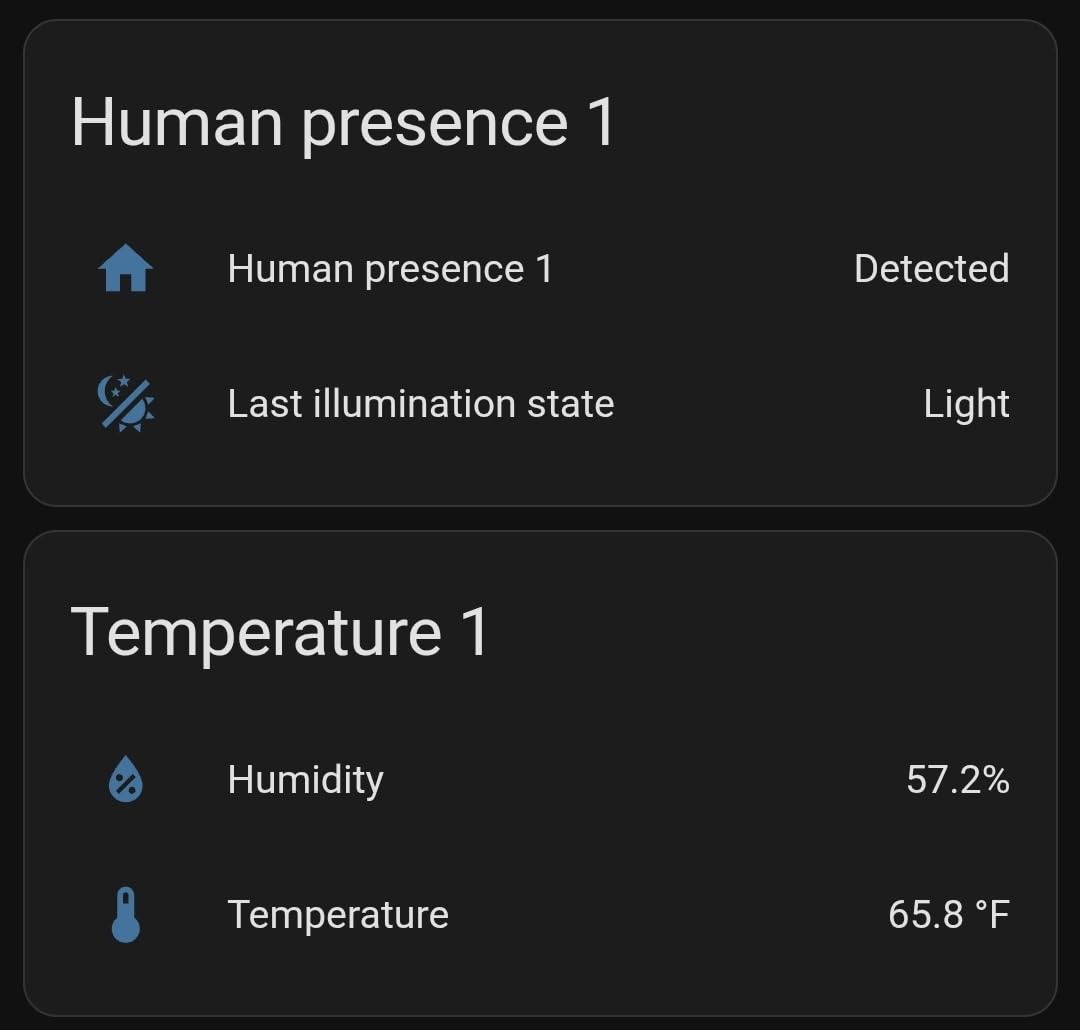
The LCD display is the feature reviewers on r/homeassistant praise the most, and I agree. Glancing at a sensor on a shelf tells me the temperature and humidity at a glance without pulling out my phone. The screen is small but readable from across a room, and the icon for the current comfort level is a nice touch.
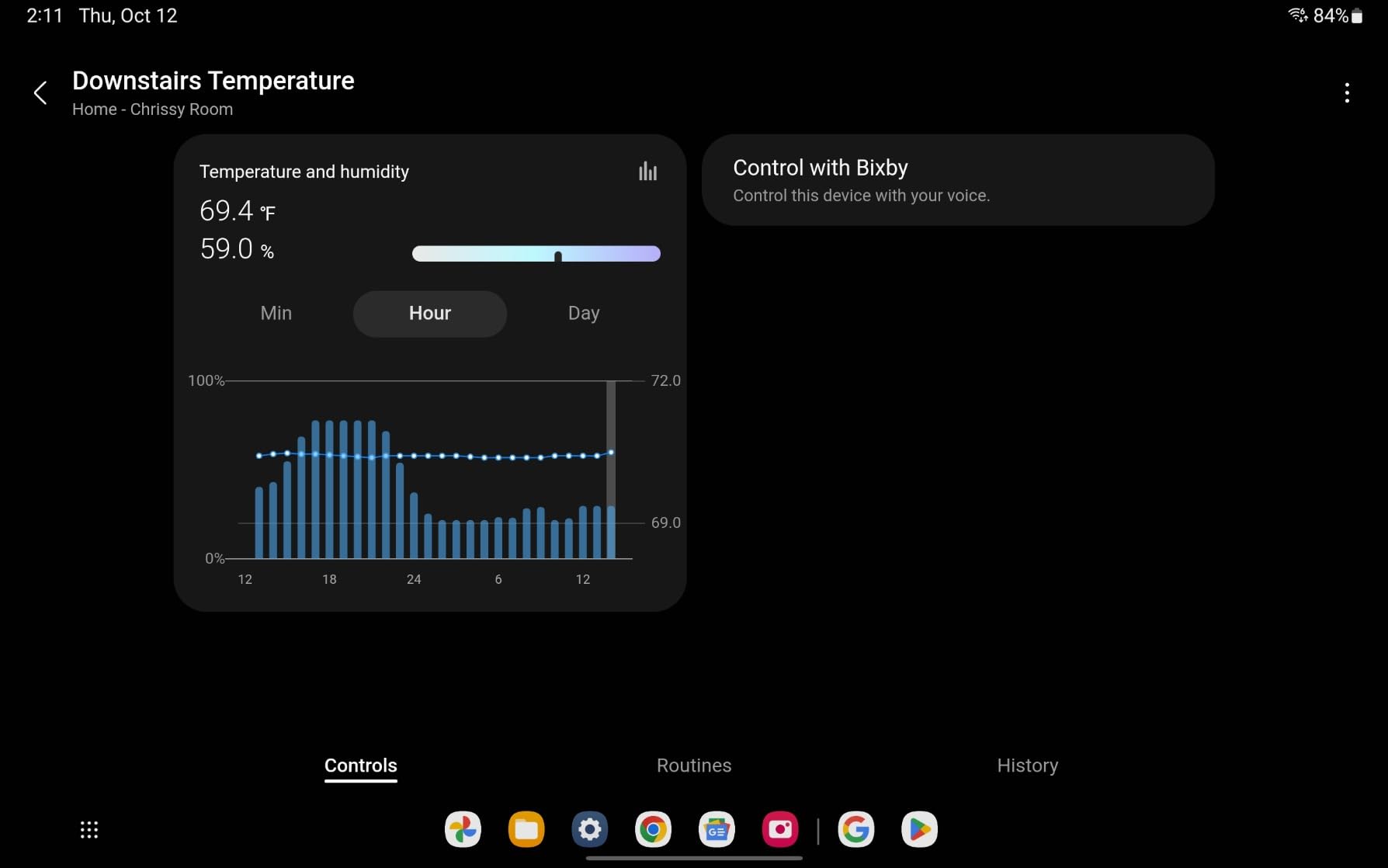
Setting up the sensor in Home Assistant is straightforward through ZHA. It exposes temperature, humidity, and battery entities, and you can build all kinds of useful dashboards and automations from that data. I have mine feeding a climate graph that compares readings against my thermostat setpoint, so I can see exactly when each room drifts outside the comfort zone.
Climate Automation Use Cases
Trigger a bathroom exhaust fan when humidity climbs above 65 percent after a shower, and shut it off when the reading drops back to normal.
Send a phone alert when a nursery room temperature falls outside a safe range overnight, or when humidity climbs high enough to risk mold in a basement.
Accuracy and Reporting Limits
The sensor is accurate to within 0.2 degrees Celsius and 2 percent humidity. That is more than enough for home comfort monitoring.
The reported 120-meter range is line of sight. Through walls, expect closer to 30 to 40 meters, which is still plenty for most homes when you have a few Zigbee routers in the mesh.
4. Aqara Zigbee Smart Plug with Energy Monitoring – Real-Time Power Data
Aqara Zigbee Smart Plug with Energy Monitoring, Overload Protection
15A load
Energy metering
Overload protection
Zigbee repeater
Pros
- Accurate real-time energy data
- Acts as Zigbee mesh extender
- 15A handles most appliances
- Works with HA out of box
Cons
- Occasional Zigbee dropouts
- 3-prong only design
- Touch lamps may not trigger
- Documentation is thin
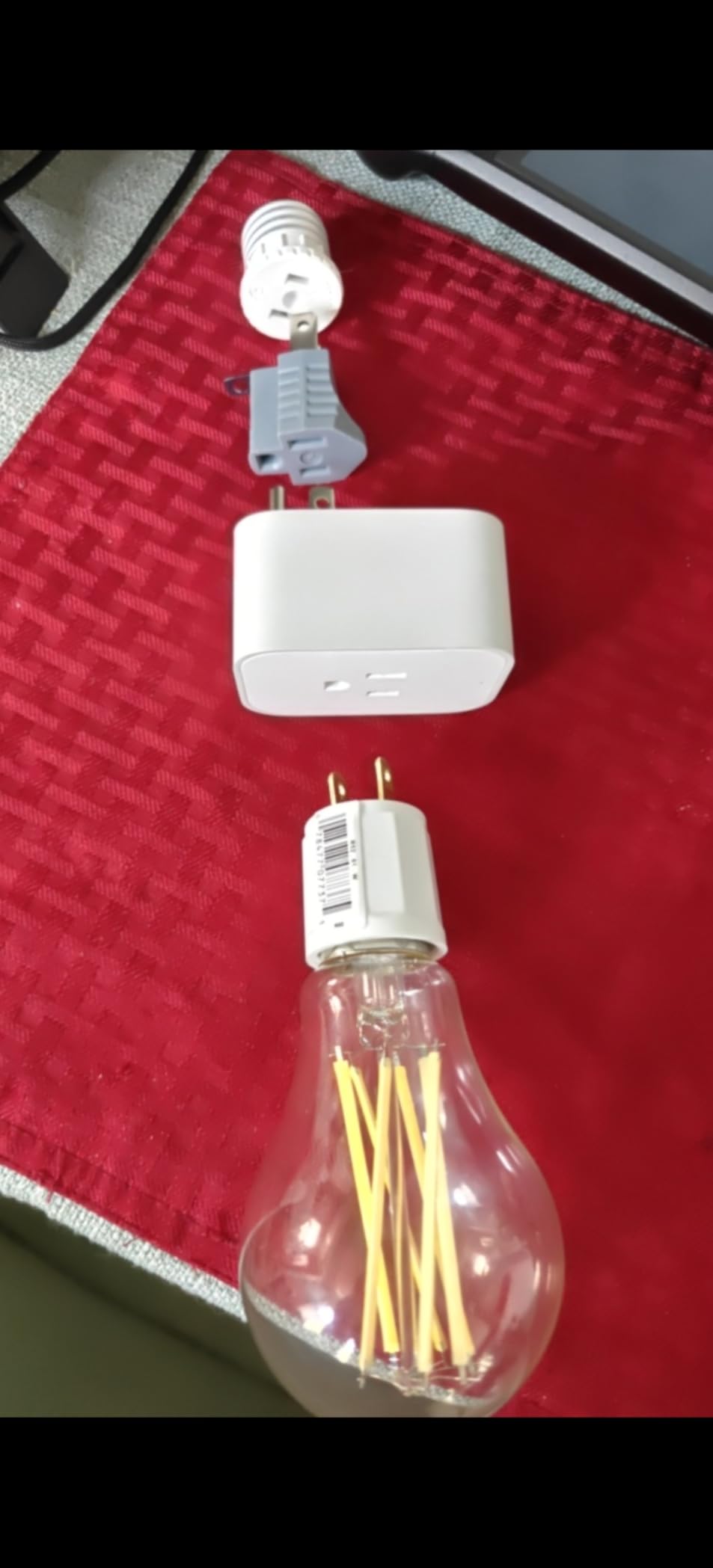
If you want to know what every appliance in your home is actually costing you, this is the smart plug to start with. I plugged mine into a space heater, a 3D printer, and a window AC unit, and the energy metering data showed up in Home Assistant within seconds. The accuracy is good enough to spot phantom loads and track consumption by hour, which is exactly what you want from a local-first smart plug.
The 15-amp rating handles high-draw appliances that would trip a cheaper smart plug. I trust mine with a window AC unit during summer, and it has never flinched. Reviewers confirm the same: heavy loads run without issue, and the overload protection adds a layer of safety for unattended devices.
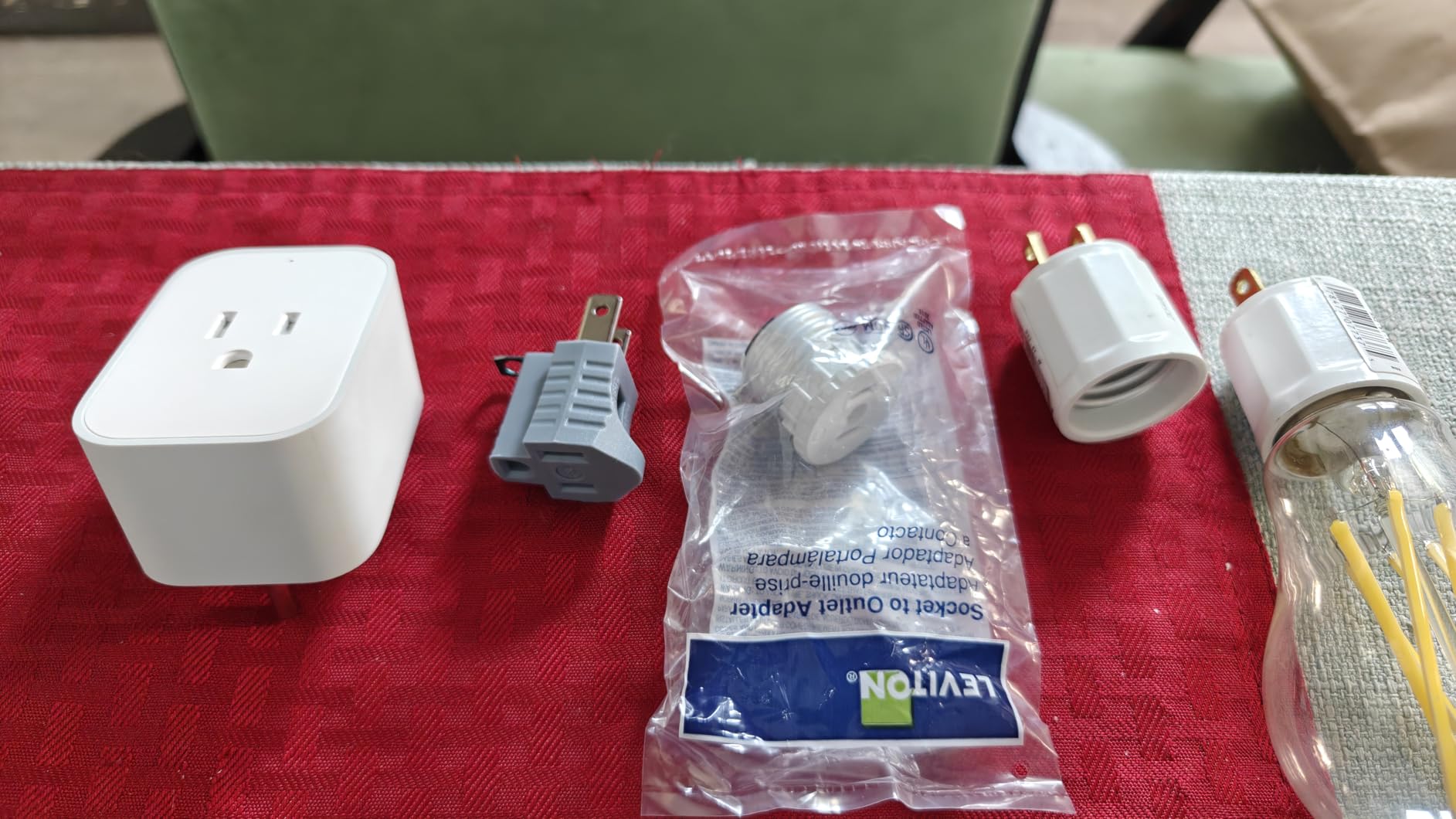
Beyond energy data, the plug acts as a Zigbee signal repeater. That is genuinely useful in a mesh network because every mains-powered Zigbee device extends the range of every battery-powered one. I noticed my basement door sensors became more reliable after I added this plug, which sits roughly halfway between them and the coordinator.
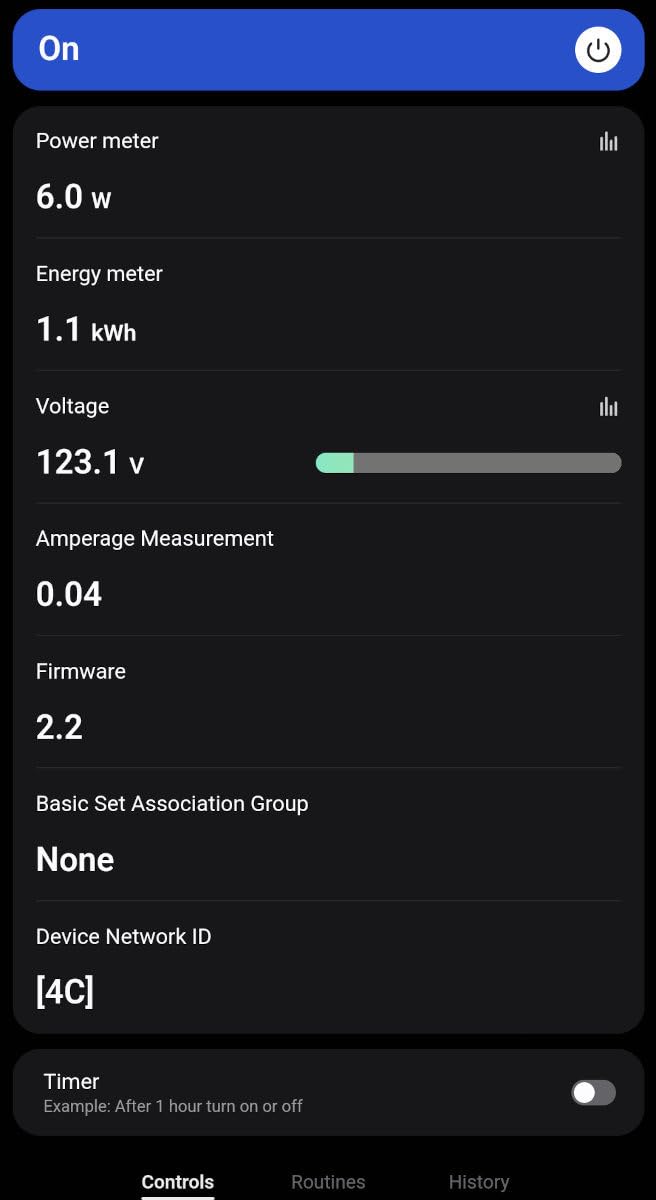
Local control is the headline feature for Home Assistant users. Through ZHA, the plug exposes on-off state, current draw in watts, total consumption in kWh, and voltage. You can build automations that turn off a heater if it draws more than 1,500 watts for over 10 minutes, or notify you when the washing machine cycle finishes by watching for a sudden drop in power draw.
Best Energy Monitoring Loads
Window AC units, space heaters, dehumidifiers, and older refrigerators are perfect candidates. The 15A rating covers nearly every household appliance except large electric ovens or dryers.
For entertainment centers, plug a power strip into this outlet to monitor the whole stack at once. It is a great way to find out how much your game console or older TV is costing in standby power.
Mesh Network Benefits
Every Aqara plug reinforces the Zigbee mesh, so placement matters. Put them in rooms that are physically between your coordinator and your battery-powered sensors.
Adding just three or four of these plugs typically eliminates the last stubborn dead spots in a multi-story home.
5. Zooz ZEN71 800 Series Z-Wave Switch – In-Wall Smart Lighting Control
Zooz 800 Series Z-Wave Long Range On/Off Switch ZEN71 800LR, White | Direct 3-Way (No Add-On Switch Needed) | Z-Wave Hub Required
800-series chip
Direct 3-way
S2 security
Smart bulb mode
Pros
- Excellent Z-Wave range
- S2 security protocol
- No add-on switch needed
- Scene control with multi-tap
Cons
- Requires neutral wire
- Z-Wave hub required
- First-time wiring can be tricky
- Paddle does not sit flush
Z-Wave is the protocol I reach for when reliability matters more than price, and the Zooz ZEN71 is the wall switch that convinced me to standardize on it. I installed four of these during a renovation, and the difference compared to my older Zigbee switches was obvious. Commands feel instantaneous, and I have not seen a single dropout in over a year of daily use.
The 800-series Z-Wave chip is the headline feature. It supports Z-Wave Long Range, which gives you significantly better penetration through walls and floors. In a typical home that translates to fewer dead spots and the option to put your Z-Wave hub in a less central location.
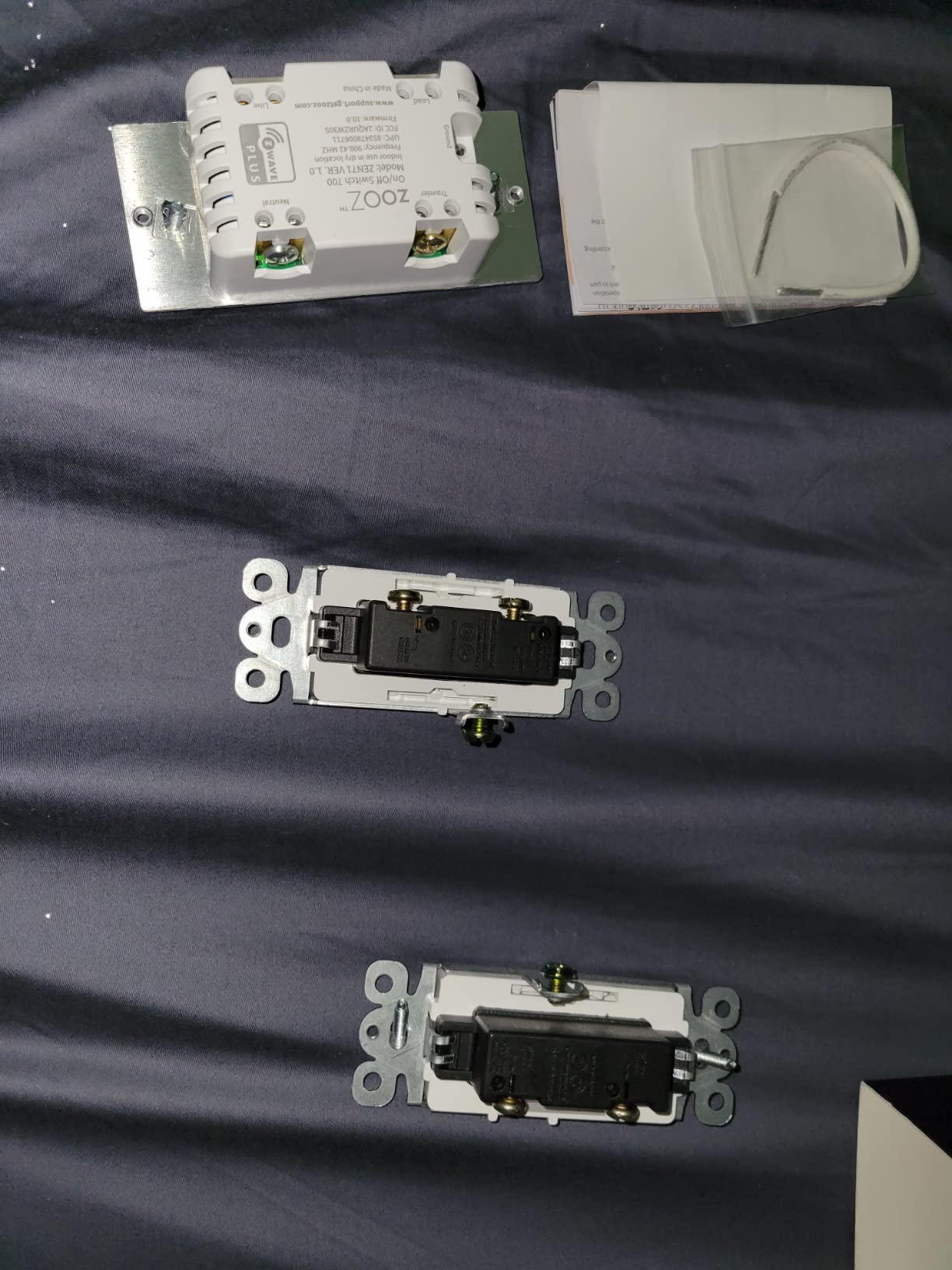
Reviewers on r/homeassistant consistently praise the direct 3-way solution. Most smart switches force you to buy a special add-on switch for 3-way circuits, which doubles the cost. The ZEN71 handles the standard 3-way wiring without an add-on, which is rare in this category and a real money saver.
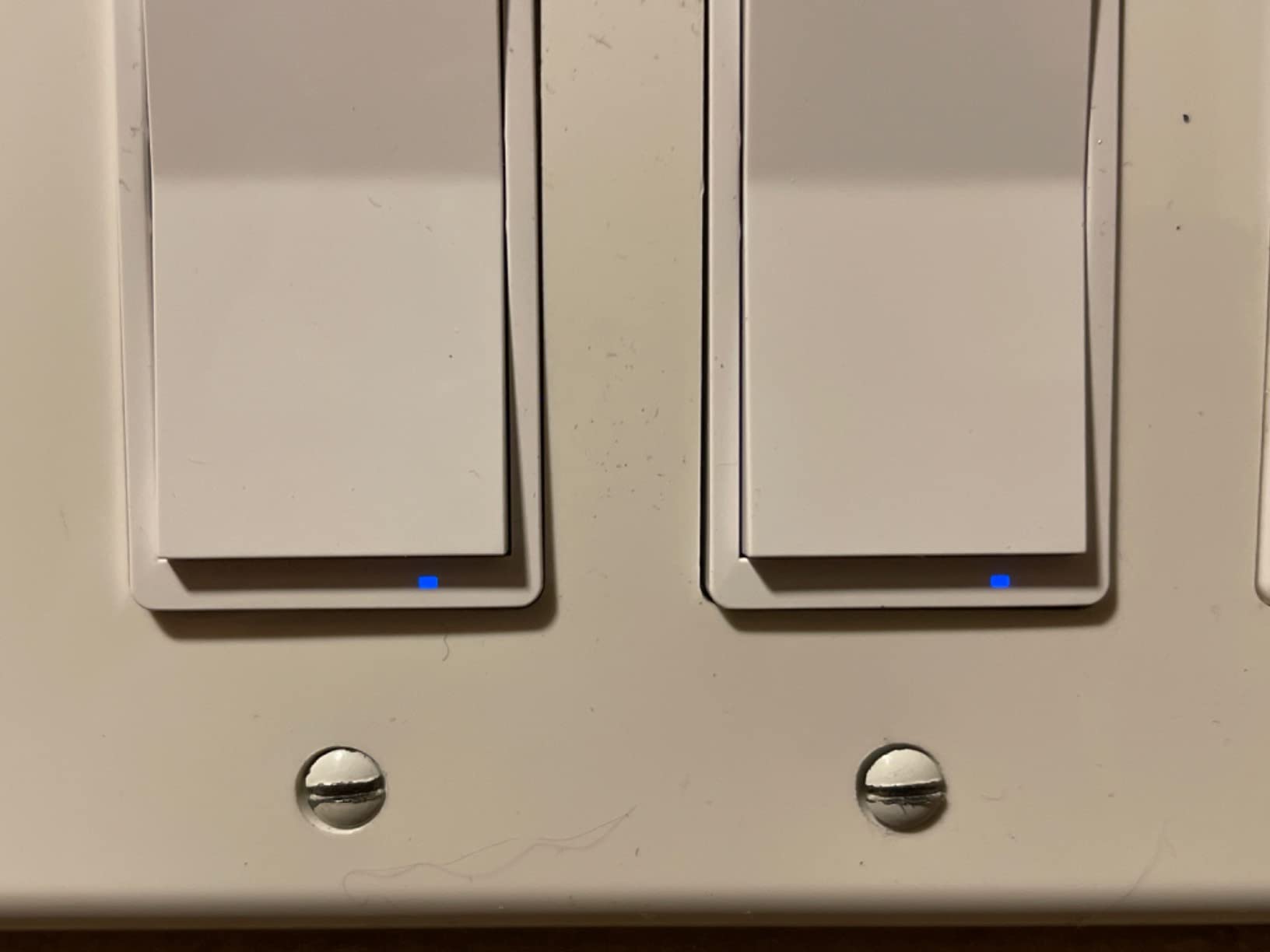
The smart bulb mode is a thoughtful addition. It stops the switch from cutting power to a smart bulb when toggled at the wall, so your Home Assistant automations continue to work even when someone hits the physical paddle. Without this mode, a casual switch flip would yank power from the bulb and break your whole lighting scene.
Why Choose Z-Wave Over Zigbee
Z-Wave operates on a sub-GHz frequency that penetrates walls much better than the 2.4 GHz used by Zigbee and Wi-Fi. For larger or older homes, that translates to fewer dropouts.
Z-Wave also avoids the 2.4 GHz congestion problem. In an apartment building full of Wi-Fi networks, Z-Wave traffic sails through cleanly.
3-Way Wiring Considerations
You need a neutral wire in the box, which is standard in most homes built after the 1980s. If your house is older, check the box before buying.
The wiring diagram in the manual is clear, but if you are not comfortable with electrical work, hire an electrician. Mistakes with line voltage are no joke.
6. Zooz ZEN04 800 Series Z-Wave Smart Plug – Heavy-Duty Local Power Control
Zooz 800 Series Z-Wave Long Range Smart Plug ZEN04 800LR | Hub Required | Works with the Z-Box Hub, Home Assistant, and Hubitat
Z-Wave Plus V2
Real-time energy
SmartStart
15A load
Pros
- Real-time power monitoring
- Local push to Home Assistant
- Compact size
- Excellent Z-Wave range
Cons
- Higher price than Zigbee plugs
- Range not always LR-level
- Single outlet
- Limited dimmer control
The ZEN04 is the smart plug I now recommend to anyone serious about local energy monitoring in Home Assistant. I plugged one into my home office setup, and within minutes I was watching watts tick up and down in real time as my monitors woke and slept. The reporting frequency is fast enough to spot individual device events, which is exactly what the r/homeassistant community has been asking for in a Z-Wave plug.
What separates this from cheaper Z-Wave plugs is the combination of speed and accuracy. The plug reports current, voltage, watts, and accumulated kilowatt-hours, all locally pushed to Home Assistant without any cloud detour. I have an automation that turns off my laser printer if it draws over 200 watts for more than 30 seconds (a sign it is stuck in a warm-up loop), and it has worked flawlessly since day one.
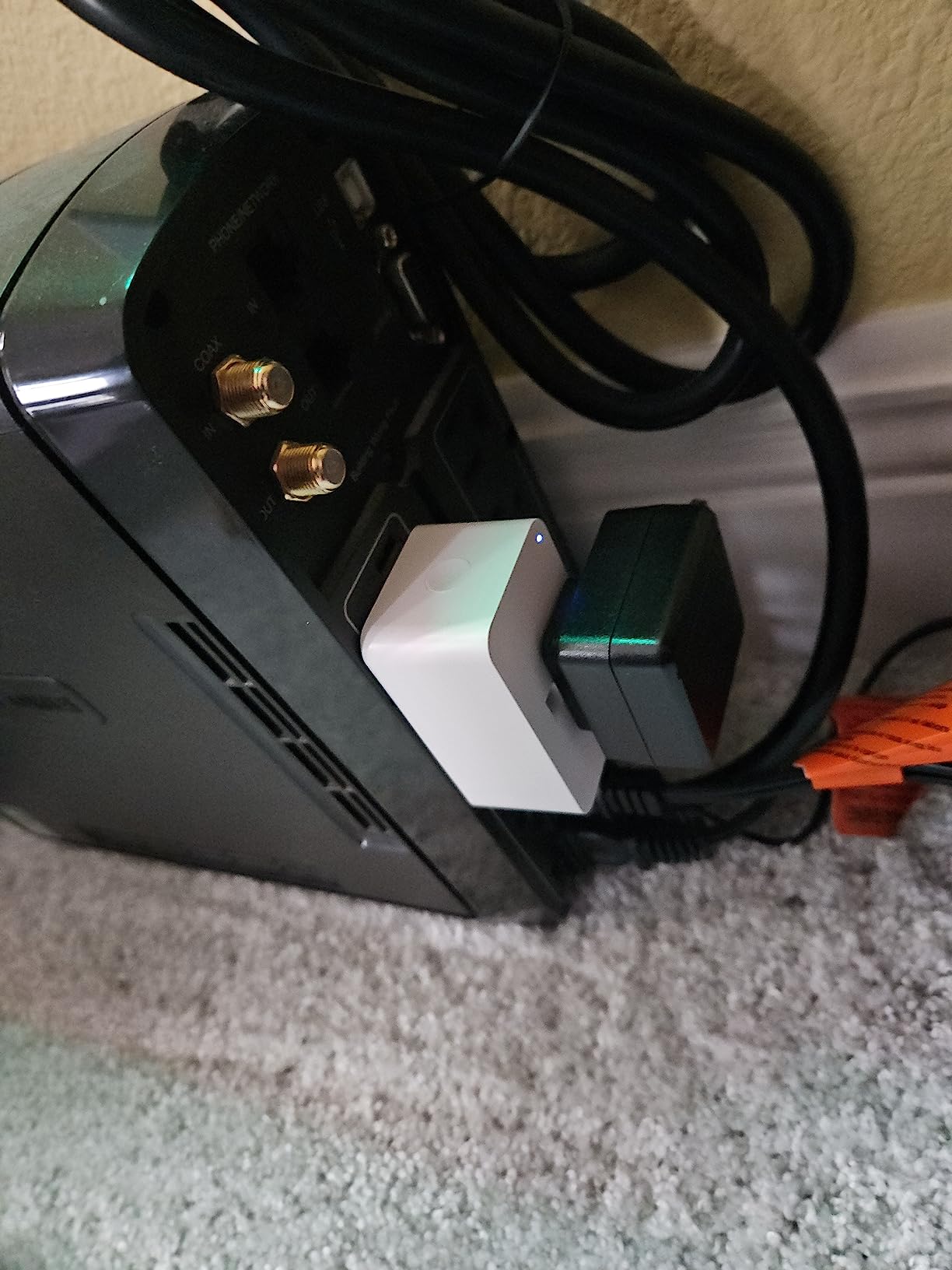
The compact form factor is another win. Many smart plugs block the adjacent outlet, but the ZEN04 fits snugly and leaves room for a second device in a standard duplex receptacle. Reviewers confirm this is one of the smallest Z-Wave 800-series plugs available.
Setup through Z-Wave JS in Home Assistant is plug and play. SmartStart makes initial pairing nearly automatic once you scan the QR code, and the device exposes a generous set of configuration parameters for tuning the energy reporting interval to your needs.
Real-Time Energy Data Setup
In Home Assistant, use the configuration parameters to set a fast reporting interval. The default is conservative; dropping it to 30 seconds gives you near-real-time graphs.
Combine the watt reading with a utility rate sensor to calculate cost per device. The Energy dashboard in Home Assistant handles this beautifully.
Local Push vs Cloud Reporting
Everything on this plug stays local. There is no cloud account, no app required, and no telemetry leaving your network. That is the whole point of Z-Wave on Home Assistant.
If you ever need remote access, use the Home Assistant Companion app with a cloud relay or VPN. You keep local control and add remote convenience on your terms.
7. Home Assistant Connect ZWA-2 – The Official Z-Wave Coordinator
Home Assistant Connect ZWA-2 | Connect Z-Wave devices to Home Assistant | Official Home Assistant Hardware
Official Nabu Casa
800-series
Z-Wave Long Range
Plug and play
Pros
- Dramatic range improvement
- Rock-solid stability
- Easy migration from older adapters
- Plug-and-play setup with on-screen guidance
- Fully local with no cloud
Cons
- Post-warranty support can be slow
- Stock sells out frequently
- No external antenna option
If you are starting a Z-Wave network from scratch, this is the coordinator to buy. Nabu Casa designed the ZWA-2 specifically for Home Assistant, and the result is the most reliable Z-Wave USB stick I have ever used. I migrated from an older 500-series Aeotec stick to the ZWA-2 over a weekend, and the range improvement alone was worth the upgrade.
The 800-series chipset is paired with a precisely engineered antenna tuned to the Z-Wave wavelength. That is the technical detail that explains the real-world performance. Reviewers on the Home Assistant community forum report being able to reach Z-Wave devices in detached garages and basements that simply would not connect to older adapters.
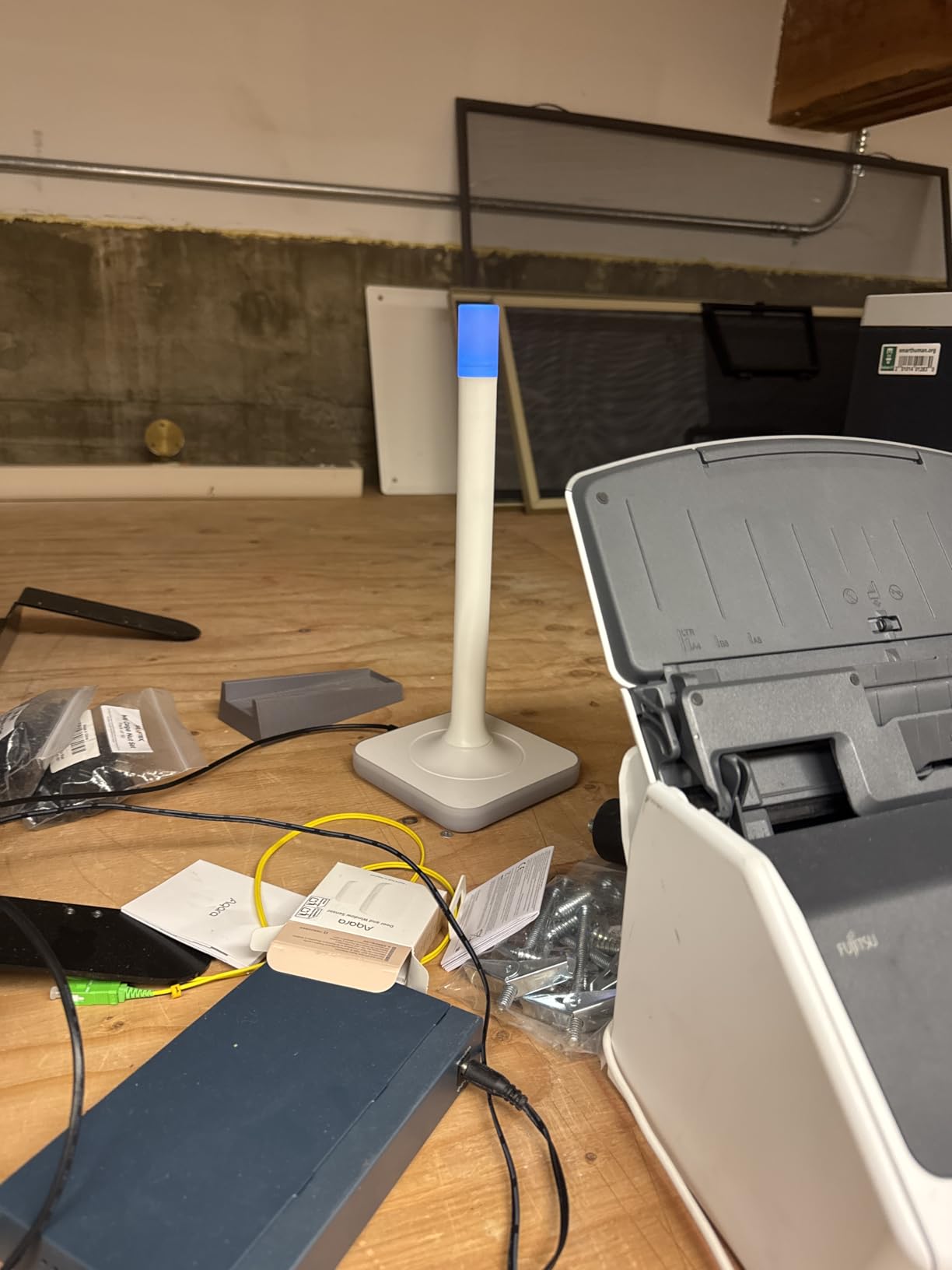
Setup is genuinely plug and play. The ZWA-2 ships with the right firmware pre-installed for Z-Wave JS, and Home Assistant recognizes it immediately. There is no manual flashing, no driver hunting, no compatibility research. You plug it in, restart Home Assistant, and you are ready to include devices.
Local control is the headline promise, and the ZWA-2 delivers. There is no cloud account, no telemetry, no remote management server. Your Z-Wave network stays inside your walls, period.
Migration From Older Adapters
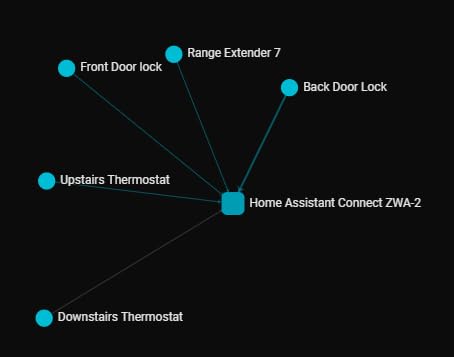
You can back up your existing Z-Wave network from any supported controller and restore it to the ZWA-2 in a few clicks. I migrated 38 devices in one sitting without a single re-pair.
After migration, run a network heal from Z-Wave JS to let every device discover its new neighbors. Expect a few hours before everything settles into the new mesh.
Z-Wave Long Range Coverage
Z-Wave Long Range extends the range up to a mile in line of sight under ideal conditions. Real-world home coverage typically quadruples compared to older Z-Wave adapters.
Long Range does sacrifice the mesh repeater function. Devices on LR talk directly to the coordinator, which is great for battery life but means no relay through other nodes.
8. SONOFF ZBDongle-E Zigbee 3.0 USB Adapter – The Best Zigbee Coordinator
SONOFF Zigbee 3.0 USB Dongle Plus-E Gateway, Universal Wireless Zigbee USB Adapter with Antenna for Home Assistant, Open HAB, Zigbee2MQTT etc
EFR32MG21 chip
+20dBm gain
Pre-flashed
Aluminum housing
Pros
- Pre-flashed and ready to use
- Excellent range across multiple floors
- Stable with 50+ devices
- Works with ZHA and Zigbee2MQTT
Cons
- USB 3.0 ports cause RF interference
- Initial Zigbee2MQTT setup can confuse beginners
The SONOFF ZBDongle-E is the Zigbee coordinator I have recommended to friends and family for the last two years. It is pre-flashed with the right firmware right out of the box, which means you skip the most common beginner headache. I plugged mine into a Home Assistant Green, and ZHA picked it up within seconds. No terminal commands, no firmware tools, no forum digging.
Range is where this stick shines. The EFR32MG21 chip paired with the aluminum housing and the +20dBm output gain gives you serious coverage. In my three-story home, the dongle sits in the basement office and reliably reaches sensors on the third floor. Reviewers across r/homeassistant echo this experience, with many reporting solid coverage in 2,000-plus square foot homes from a single dongle.
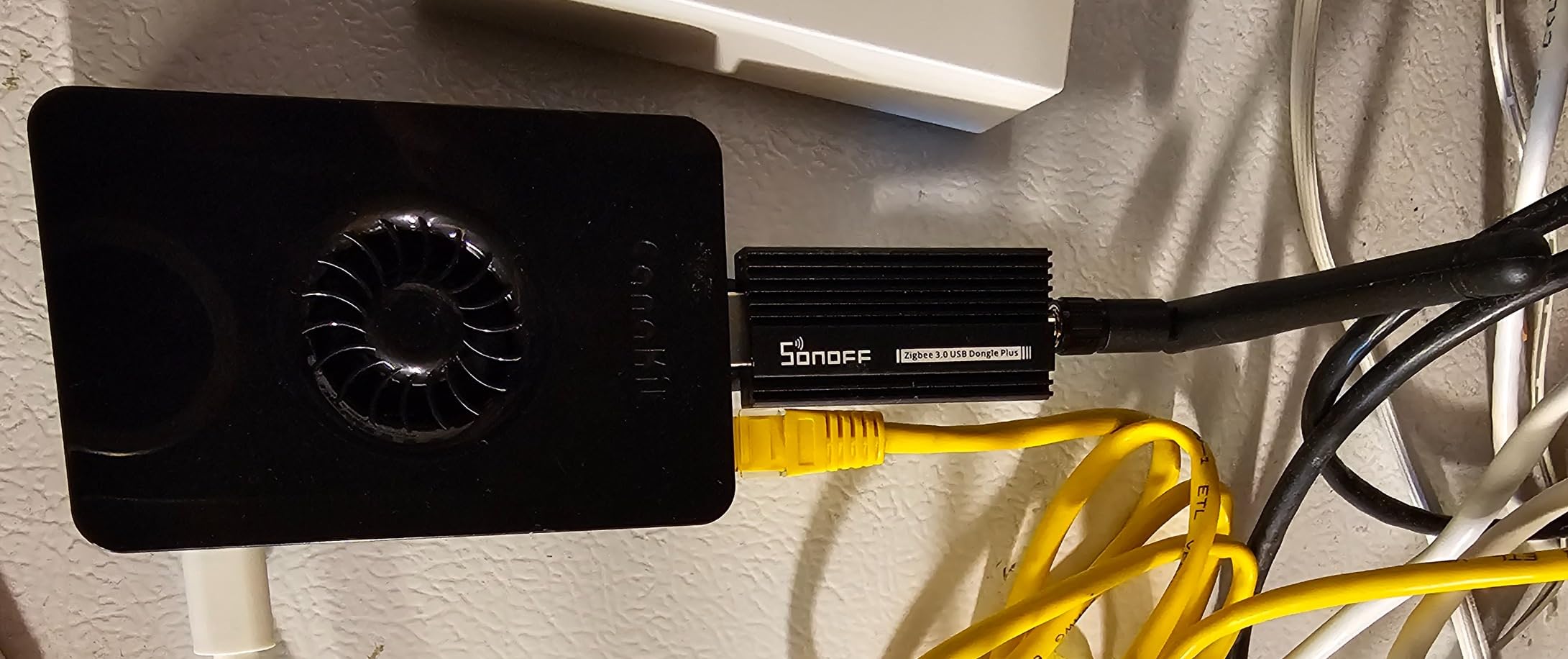
The aluminum housing is not just a design choice. It actually reduces RF interference compared to the plastic-housed competition. That matters because Zigbee operates in the crowded 2.4 GHz band, and every bit of shielding helps.
Compatibility is broad: it works with Home Assistant via ZHA, with Zigbee2MQTT, with openHAB, and with most other open-source smart home platforms. If you ever want to switch stacks, the dongle comes with you.
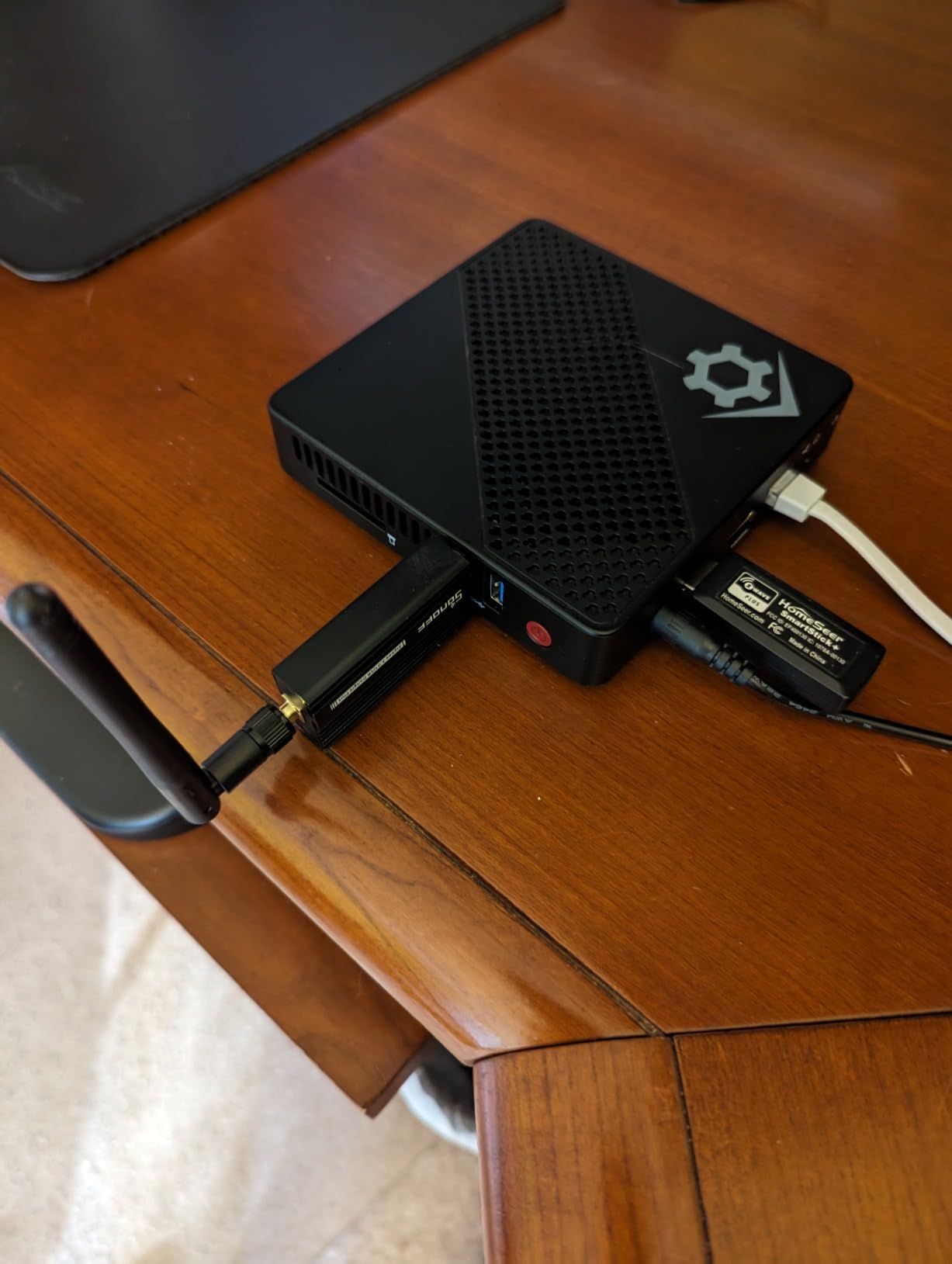
ZHA vs Zigbee2MQTT Setup
ZHA is built into Home Assistant and needs almost no setup. Pick the right USB path, click add, and you are pairing devices in minutes. It is the right choice for most users.
Zigbee2MQTT gives you more advanced device support and finer control over quirks. It is worth the extra setup if you have many Tuya devices or want to use a separate MQTT broker.
USB 3.0 Interference Fix
USB 3.0 ports generate noise that can degrade Zigbee signals by 10 to 20 dB. Always use a USB 2.0 port, or place the dongle on a USB extension cable a foot or two away from the computer.
This single fix solves more “my Zigbee devices keep dropping” complaints than any other tip in the community.
9. Philips Hue 75W A19 Smart Bulb – Reliable Local Lighting
Philips Hue Smart 75W A19 LED Bulb – Soft Warm White Light – 1 Pack – 1100LM – E26 – Indoor – Control with Hue App – Works with Alexa, Google Assistant and Apple Homekit
Zigbee and Bluetooth
1100 lumens
Matter compatible
2700K warm
Pros
- Rock-solid reliability
- Seamless HA integration
- Excellent color rendering
- Matter compatible
Cons
- Hue Bridge needed for full features
- Higher price per bulb
- Bluetooth range limited
- Cannot easily reset
The Philips Hue 75W A19 is the bulb I trust when I just want lighting to work. I have eight of these scattered across the house, and every single one has performed flawlessly for over two years. The warm 2700K color temperature is easy on the eyes, and the 1100-lumen output is bright enough to replace a real 75-watt incandescent in most fixtures.
What I appreciate most is how cleanly these bulbs pair with Home Assistant through Zigbee2MQTT or ZHA. Once paired, you get instant on-off and smooth dimming with no flicker, no cloud round-trip, and no surprises. The community feedback on r/homeassistant is consistent: Hue bulbs just work, and they keep working.
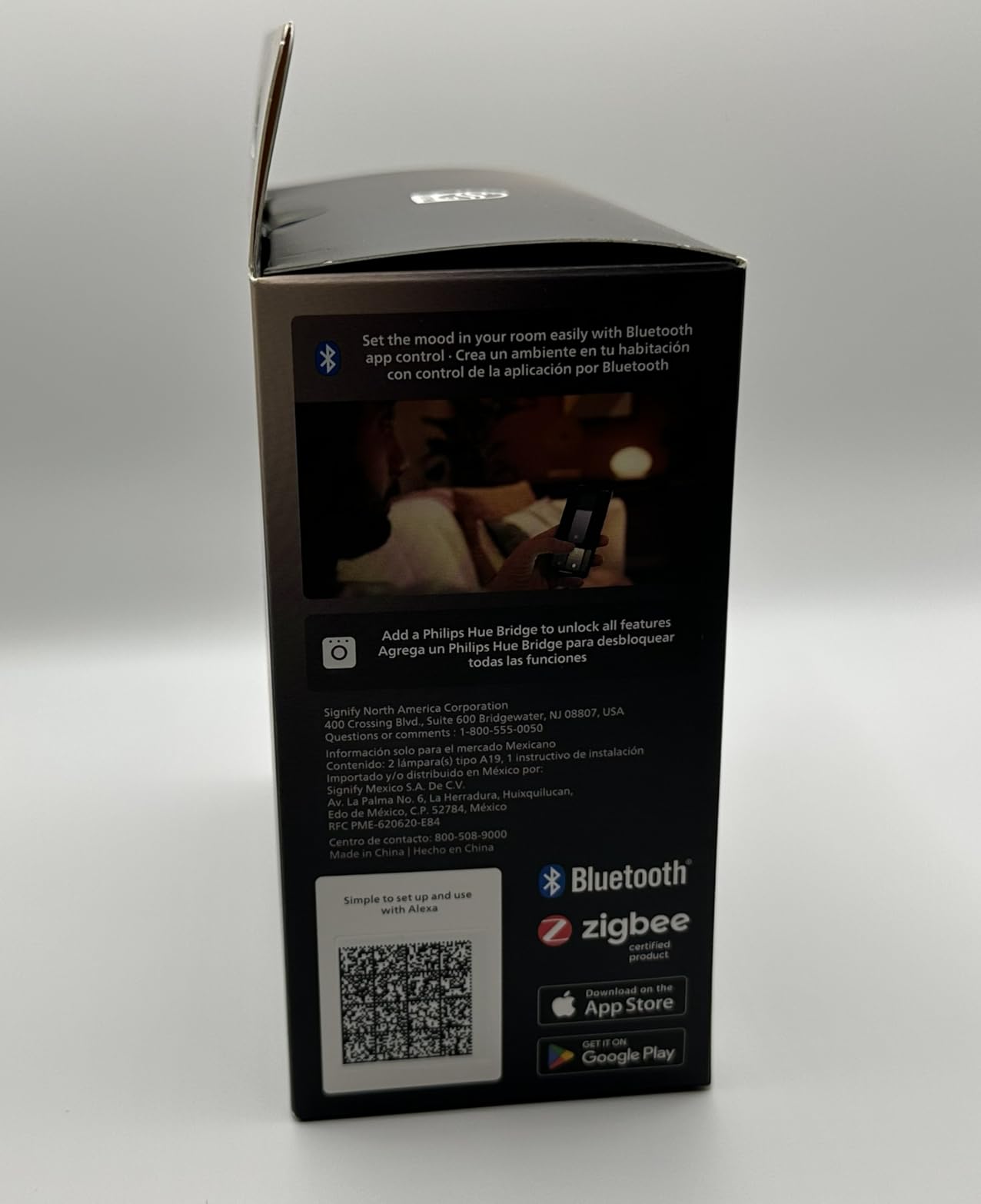
The Matter compatibility is forward-looking insurance. If you eventually add a Matter controller to your Home Assistant setup, the Hue Bridge can expose these bulbs to Matter, opening up additional integration paths without giving up the existing Zigbee network.
Note that for full functionality, you typically want the Hue Bridge, which is itself compatible with Home Assistant. The bridge exposes every bulb to Home Assistant as a native light entity, complete with brightness, color temperature, and effect controls. It is the easiest path to a robust lighting setup.
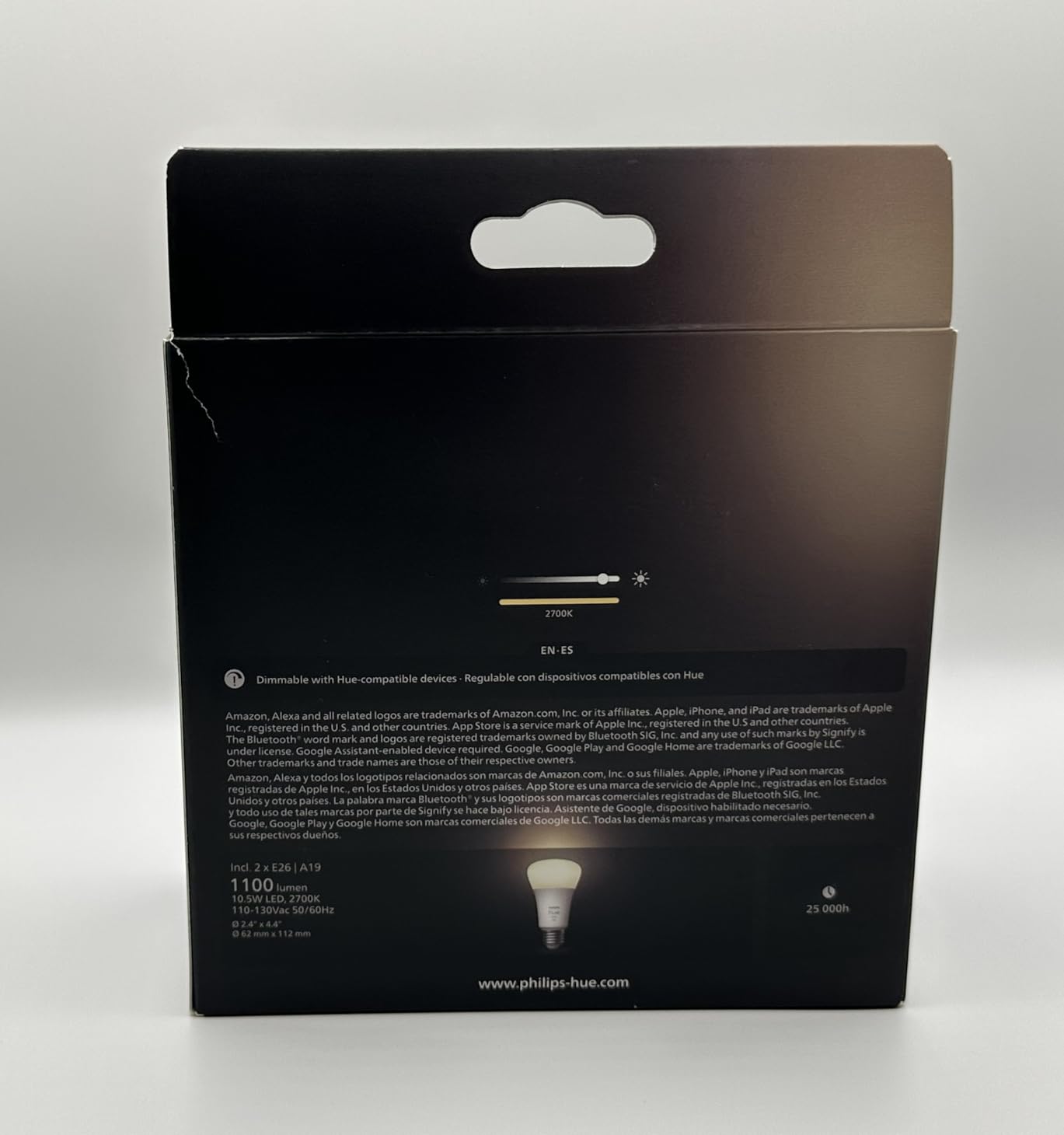
Hue Bridge vs Direct HA Pairing
Pairing Hue bulbs directly to Home Assistant via ZHA or Zigbee2MQTT works, but you lose access to some advanced features like Hue’s entertainment sync and firmware update tooling.
Adding the Hue Bridge keeps every feature available while still giving you full local control from Home Assistant. The bridge also extends your Zigbee mesh, which helps battery sensors stay online.
Matter Compatibility Outlook
The current Hue Bridge can expose these bulbs to Matter, which means they will work with the next wave of smart home devices.
If Matter becomes a major part of your setup over the next few years, your existing Hue investment carries forward rather than becoming obsolete.
10. THIRDREALITY Zigbee Smart Color Bulb 4-Pack – Affordable RGBCW Lighting
THIRDREALITY Zigbee Smart Color Bulb ZL1 4Pack,Compatible with Home Assistant(ZHA&Z2M), SmartThings,Aeotec,Homey,Hubitat or Echo Devices With Built-in Hub,A19 RGBCW Bulb,2700K-6500K Tunable,800 Lumens
RGBCW color
Tunable 2700K-6500K
800 lumens
Mesh repeater
Pros
- Local control no cloud
- Acts as Zigbee repeater
- RGBCW with millions of colors
- Great value in 4-pack
Cons
- Amber tones appear washed out
- Lower max brightness
- Some hub compatibility quirks
- Automation brightness issues reported
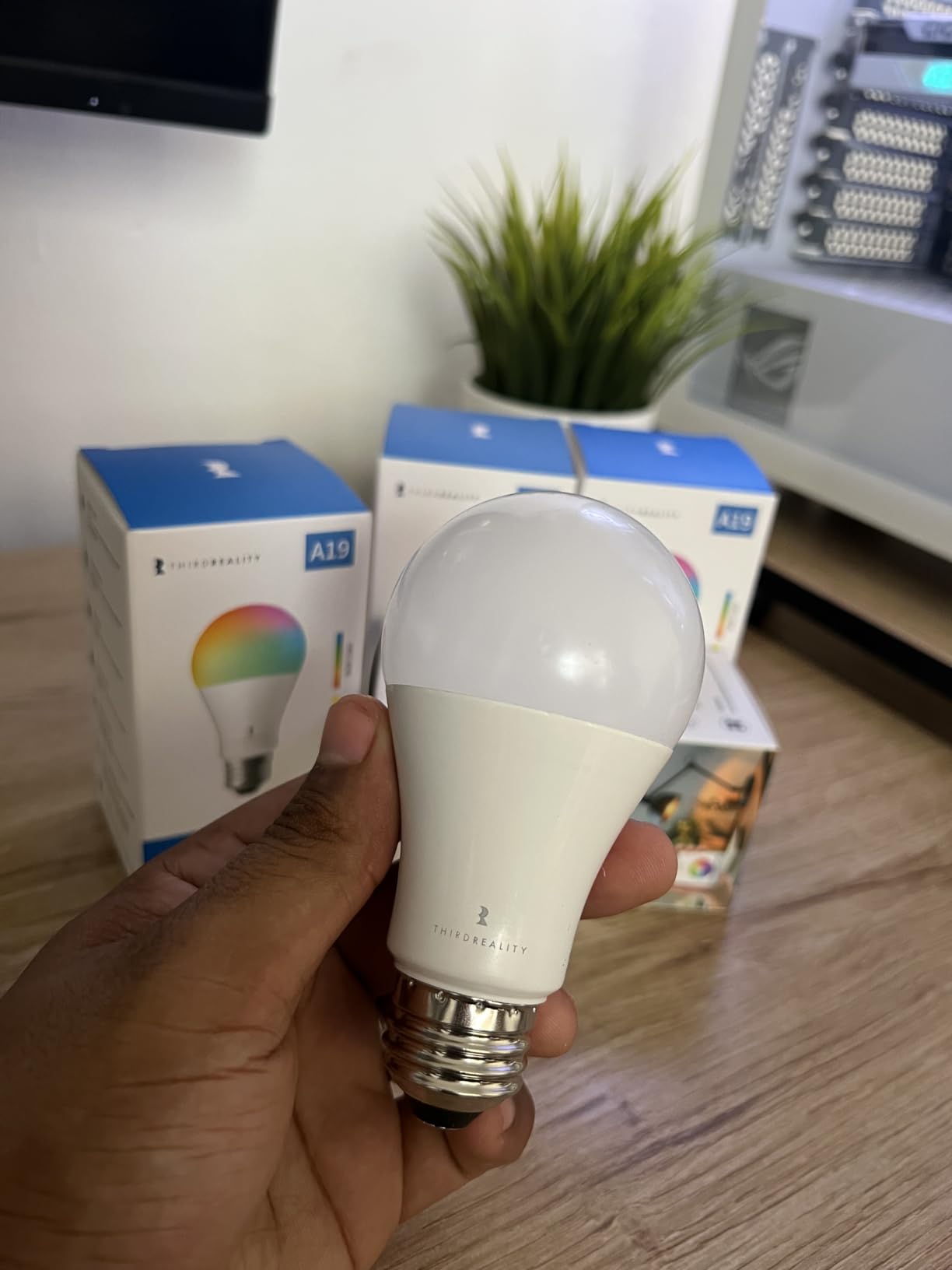
If you want color lighting without paying Hue prices, the THIRDREALITY 4-pack is hard to beat. I bought these to test in my office and ended up filling an entire accent lighting setup for less than the cost of three Hue color bulbs. The RGBCW capability gives you millions of colors plus tunable white from 2700K to 6500K, which covers every mood lighting scenario I have ever wanted.
The Home Assistant integration is excellent. The bulbs pair cleanly through ZHA and Zigbee2MQTT, expose color, color temperature, and brightness as native entities, and respond instantly to commands. Reviewers on r/homeassistant consistently praise the local-first operation: there is no cloud account required, no app dependency, and no telemetry.
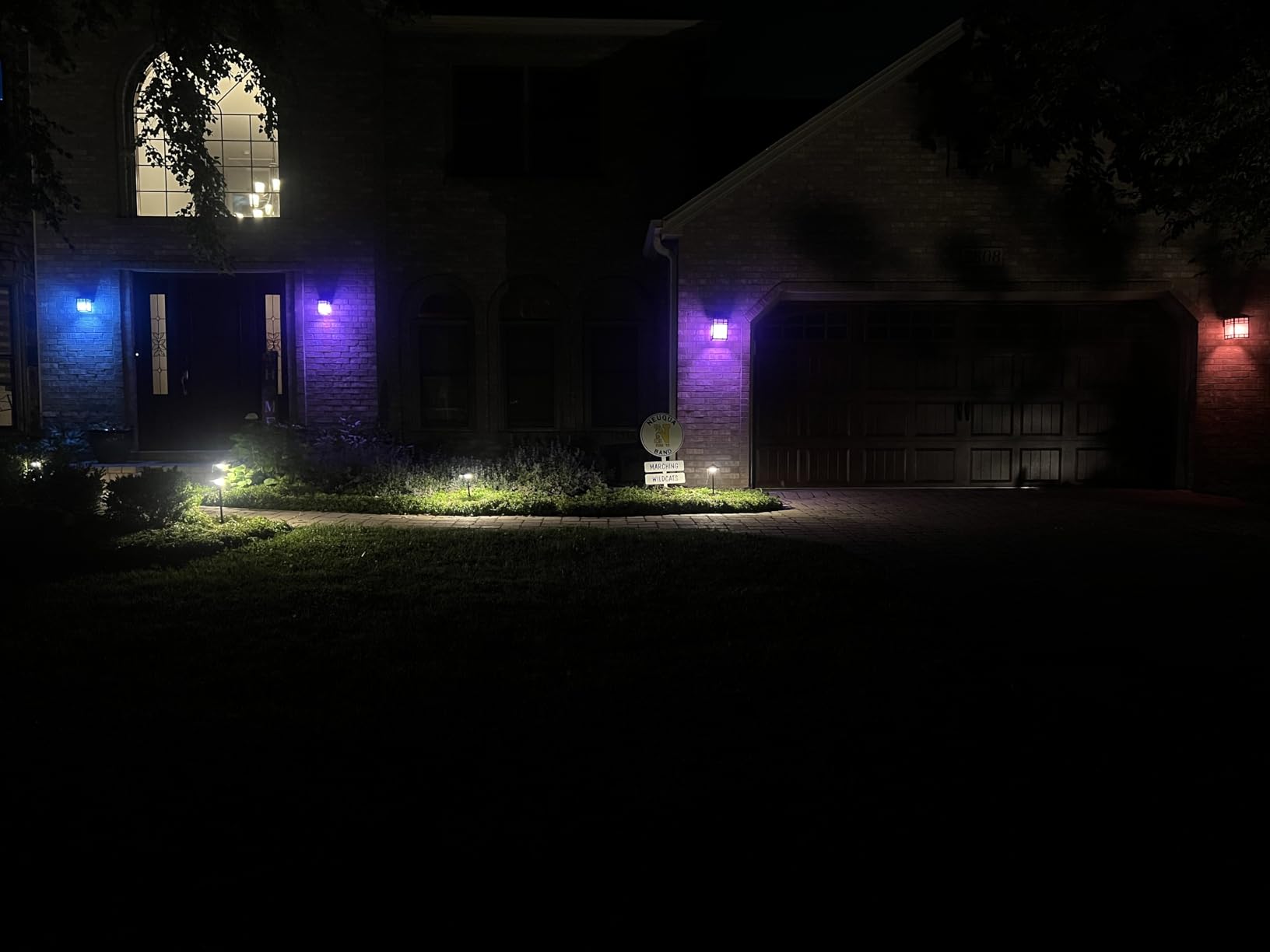
The mesh repeater function is a real bonus. Each mains-powered bulb reinforces the Zigbee network, which means a 4-pack instantly improves coverage for all your battery sensors. I noticed the signal strength for my office door sensor jump two bars after installing these bulbs.
The 800-lumen output is on the lower side for a primary room light, but it is perfect for accent lighting, lamps, and any fixture where you want color control without paying for maximum brightness.
Why Pick a Color RGBCW Bulb
Color bulbs let you build lighting scenes that adapt to time of day, holidays, or movie nights, all from Home Assistant automations.
Tunable white between 2700K and 6500K means one bulb covers both cozy warm evenings and crisp cool daytime productivity.
Mesh Repeater Placement Tips
Place bulbs in fixtures that sit physically between your coordinator and any struggling battery sensors. A bulb in a hallway ceiling can save a basement door sensor from constant dropouts.
Smart bulbs in always-on lamps work especially well as repeaters because they are powered 24/7 and never disconnect from the mesh.
Buying Guide: Choosing the Right Smart Devices for Home Assistant
Picking the best smart devices for Home Assistant is less about brand loyalty and more about understanding the protocols and choosing gear that respects your local control. Here is the framework I use whenever I add something new to my own setup.
Pick Your Protocol First: Zigbee vs Z-Wave vs Matter
Zigbee is the most affordable and most popular option. Stick with Zigbee 3.0 devices, pair them with the SONOFF ZBDongle-E or another solid coordinator, and you have a robust mesh for sensors, bulbs, and plugs. The trade-off is that Zigbee shares the 2.4 GHz band with Wi-Fi, which can cause congestion in apartment buildings.
Z-Wave operates on sub-GHz frequencies that penetrate walls better and avoid the Wi-Fi congestion problem. It costs more per device, but the reliability is worth it for critical switches and locks. Use the Home Assistant Connect ZWA-2 as your coordinator.
Matter is the newest option. It promises cross-ecosystem compatibility, but most Matter devices still need a cloud account for full setup. Treat Matter as a complement to Zigbee or Z-Wave rather than a replacement for now.
Local Control Beats Cloud Every Time
Local push means your devices respond in under a second without depending on a remote server. Every product on this list supports local control through Home Assistant, which is the entire reason they made the cut.
Cloud-dependent devices break the moment the manufacturer shuts down servers, and they introduce privacy concerns about what data leaves your home. Stick with local-first gear and you will still be using it five years from now.
Look for the Works with Home Assistant Badge
The Works with Home Assistant certification program is the easiest trust signal in the space. Certified products have been tested by the Home Assistant team, receive firmware updates, and are guaranteed to work locally without surprises.
When you see that badge, you know the manufacturer is committed to the platform. The list of certified brands keeps growing, and you will find several options from Aqara, Sonoff, Zooz, and Nabu Casa on it.
Battery vs Mains Power Trade-Offs
Battery-powered sensors are easy to install anywhere, but they report less frequently to save power. Mains-powered devices like smart plugs and bulbs act as mesh repeaters and report constantly, which makes your whole network more responsive.
A balanced setup uses battery sensors where placement flexibility matters and mains-powered devices everywhere else to fill in mesh coverage.
Range and Mesh Network Planning
Every Zigbee or Z-Wave mains-powered device extends your mesh network. Think of your coordinator as the center of a web, and every smart plug, bulb, and switch as a new spoke that strengthens the whole structure.
Plan your mesh deliberately. Place repeaters in hallways, between floors, and in any room where battery sensors struggle to stay connected. A handful of smart plugs or bulbs in the right spots eliminates more dead zones than any single high-end coordinator.
Frequently Asked Questions
What are the most useful devices for Home Assistant?
The most useful devices are sensors first, then smart plugs and switches. Start with a few door/window sensors, a couple of motion sensors like the Aqara P1, and a temperature/humidity sensor such as the SONOFF SNZB-02D. Add the SONOFF ZBDongle-E or Home Assistant Connect ZWA-2 as your Zigbee or Z-Wave coordinator, then expand into smart plugs for energy monitoring and in-wall switches for lighting.
What smart home devices work with Home Assistant?
Home Assistant works with thousands of devices across Zigbee, Z-Wave, Matter, Thread, and many cloud integrations. The best experience comes from Zigbee and Z-Wave gear that talks directly to a local coordinator like the SONOFF ZBDongle-E or the Home Assistant Connect ZWA-2, giving you local push control with no cloud dependency.
What is the best device to run Home Assistant on?
For most users, the Home Assistant Green is the easiest starting point. Power users often prefer a Raspberry Pi 5 with an SSD, or a small mini PC for faster automations and add-ons. Pair your chosen host with a Zigbee or Z-Wave USB dongle for full local device control.
What are the must-have devices for Home Assistant?
The must-have devices are a reliable Zigbee or Z-Wave coordinator, a few door/window sensors, motion sensors for presence detection, smart plugs with energy monitoring, and an in-wall switch for at least one room. These cover security, presence, climate, energy, and lighting automations, which together form the backbone of a useful smart home.
Do I need a hub for Home Assistant?
You do not need a proprietary hub like Hue Bridge or SmartThings, but you do need a Zigbee or Z-Wave coordinator to talk to local-protocol devices. The SONOFF ZBDongle-E for Zigbee and the Home Assistant Connect ZWA-2 for Z-Wave are the two coordinators we recommend most.
Final Verdict
If you only buy one thing today, make it the Home Assistant Connect ZWA-2. It is the most reliable Z-Wave coordinator you can plug into Home Assistant, the support from Nabu Casa is rock solid, and it future-proofs your network for Z-Wave Long Range devices. Pair it with the Aqara Motion Sensor P1 for instant presence automations and a Philips Hue 75W bulb for reliable lighting, and you have a complete foundation for the best smart devices to use with Home Assistant in 2026.
For a fully local-first setup built around Zigbee, grab the SONOFF ZBDongle-E as your coordinator, add several Aqara door sensors and a smart plug with energy monitoring, and your mesh will be solid from day one. Climate monitoring is the unsung hero of any smart home, so throw in a couple of SONOFF SNZB-02D sensors and start logging temperature and humidity in every room.
If you are still piecing together the server that runs Home Assistant itself, check out my guide on the best Home Assistant compatible hardware for self-hosted automation for host recommendations. Pick your platform, plug in a coordinator, add a handful of the devices above, and you will have a private, reliable, cloud-free automation system that lasts for years.