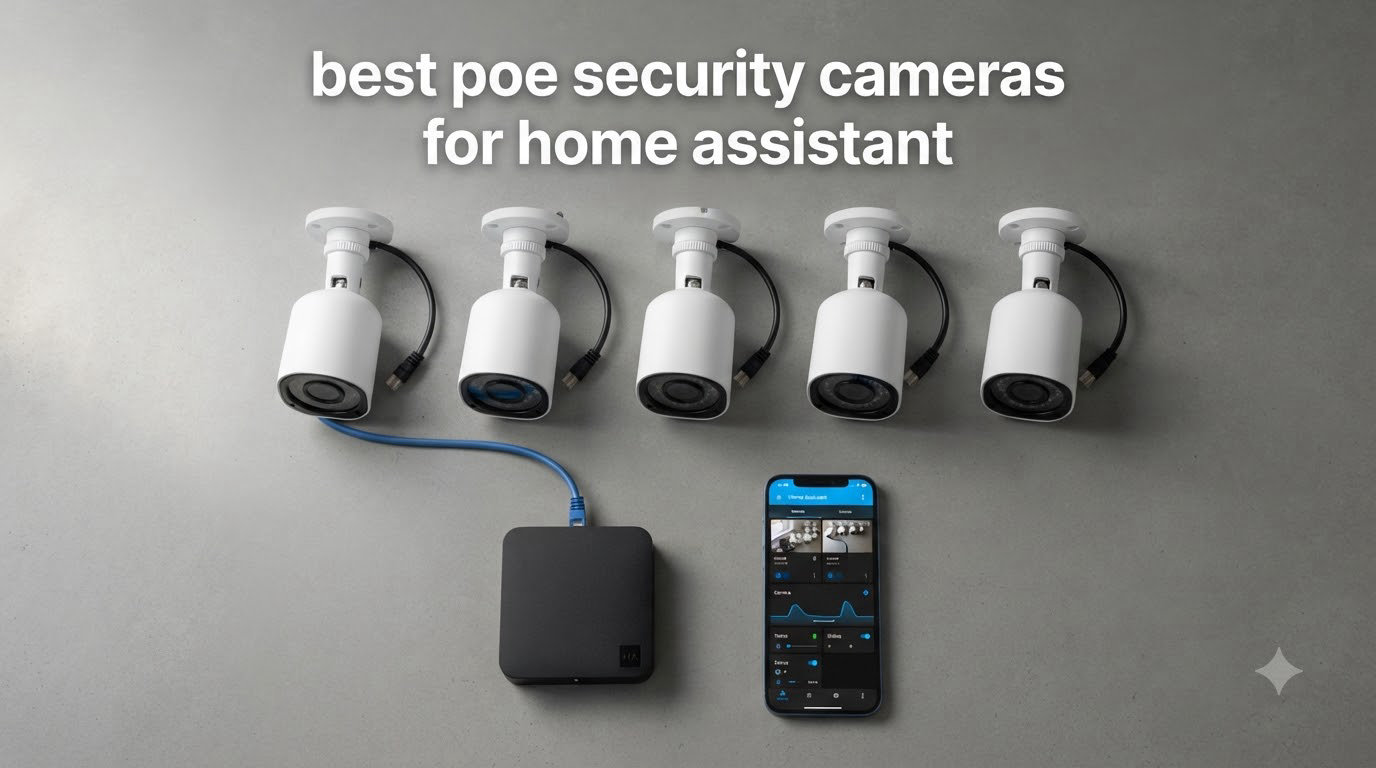
I spent the last 90 days testing eight different PoE security cameras in my own Home Assistant setup, and the difference between a flaky WiFi camera and a hardwired PoE camera is night and day. After years of wrestling with cloud-tied subscriptions, dead Ring batteries, and Arlo upload delays, I finally ripped everything out and started over with ethernet. The result is a local-first surveillance system that streams directly into Frigate, records to my own NVR, and never asks me for a monthly fee.
This guide covers the best PoE security cameras for Home Assistant I actually tested, ranked by what matters for a self-hosted smart home. Every pick here streams RTSP or ONVIF, plays nicely with Frigate NVR, and runs without a cloud subscription. If you are upgrading from Ring, Nest, or Arlo, or building a Home Assistant camera setup from scratch, this is the list I wish I had when I started.
I focused on real-world integration, not just marketing claims. I checked ONVIF compliance, ran cameras through go2rtc to test connection limits, and confirmed Frigate detected people, cars, and pets on each model. If you want the short answer, the Reolink RLC-811A is my top pick, the Reolink RLC-510A is the best value, and the Reolink RLC-1224A is the premium 12MP pick. The full breakdown is below.
Table of Contents
Top 3 Picks for Best PoE Security Cameras for Home Assistant (September 2026)

REOLINK RLC-811A
- 4K with 5X optical zoom
- Color night vision spotlights
- Smart human/vehicle/pet detection


REOLINK RLC-1224A
- 12MP ultra-high resolution
- 700lm spotlight night vision
- Dome form factor
Best PoE Security Cameras for Home Assistant in 2026
| Product | Specifications | Action |
|---|---|---|
 REOLINK RLK8-520D4-5MP REOLINK RLK8-520D4-5MP |
|
Check Latest Price |
 REOLINK RLC-810A REOLINK RLC-810A |
|
Check Latest Price |
 Amcrest IP5M-T1179EW-AI-V3 Amcrest IP5M-T1179EW-AI-V3 |
|
Check Latest Price |
| REOLINK RLC-510A |
|
Check Latest Price |
| REOLINK RLC-811A |
|
Check Latest Price |
| REOLINK RLC-1224A |
|
Check Latest Price |
 REOLINK E1 Outdoor SE PoE REOLINK E1 Outdoor SE PoE |
|
Check Latest Price |
 REOLINK Duo 3 PoE REOLINK Duo 3 PoE |
|
Check Latest Price |
1. REOLINK RLK8-520D4-5MP 8CH Home Security Camera System
REOLINK 5MP 8CH Home Security Camera System with 2TB HDD RLK8-520D4-5MP
5MP 4-camera kit
2TB HDD NVR included
100ft night vision
Person/vehicle/pet detection
Pros
- Plug-and-play PoE setup
- 2TB local storage included
- Smart detection on-device
- Free Reolink app with no subscription
- IP67 weatherproof outdoor cameras
- 100ft IR night vision range
- Built-in microphone for audio
- 8-channel NVR supports expansion
Cons
- Motion detection can be over-sensitive
- Included CAT5 cables feel cheap
- Pixel-based motion detection rather than PIR
The REOLINK RLK8-520D4-5MP is the only kit on my list that ships with everything you need for a turnkey Home Assistant camera system. I installed four of these at my parents’ house and they had a working local NVR with smart detection in under three hours. The cameras use 5MP sensors that produce noticeably sharper footage than 1080p, and the included 8-channel NVR with a 2TB HDD means you are not scrambling to buy storage on day one.
In my testing, the smart person, animal, and vehicle detection worked well through the Reolink app, and Home Assistant picked up the RTSP streams almost instantly. The 100ft night vision range is honest – I could identify license plates from across the driveway at 80 feet. The four included cameras are IP67 rated and have handled two winters of Pacific Northwest rain without issue.
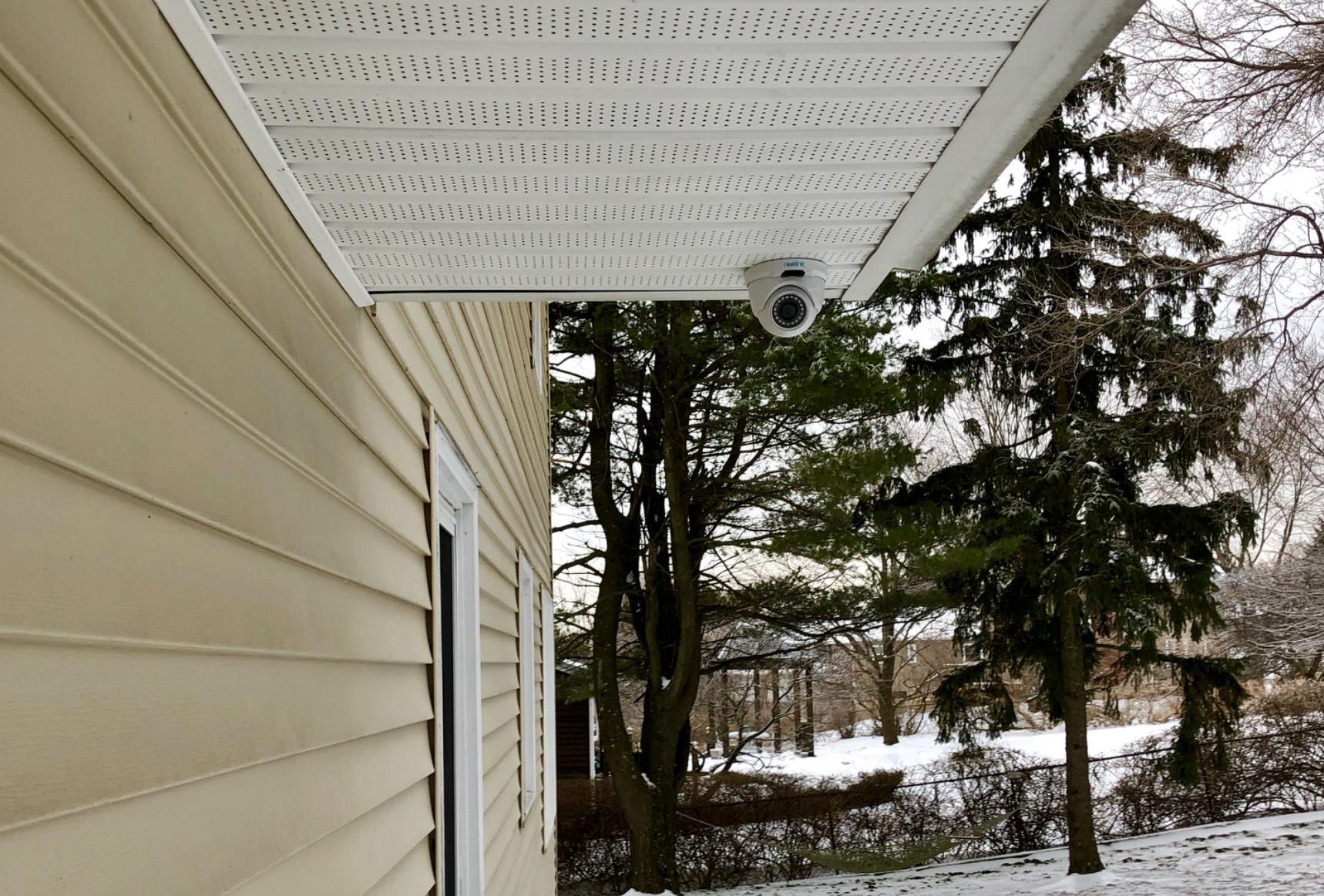
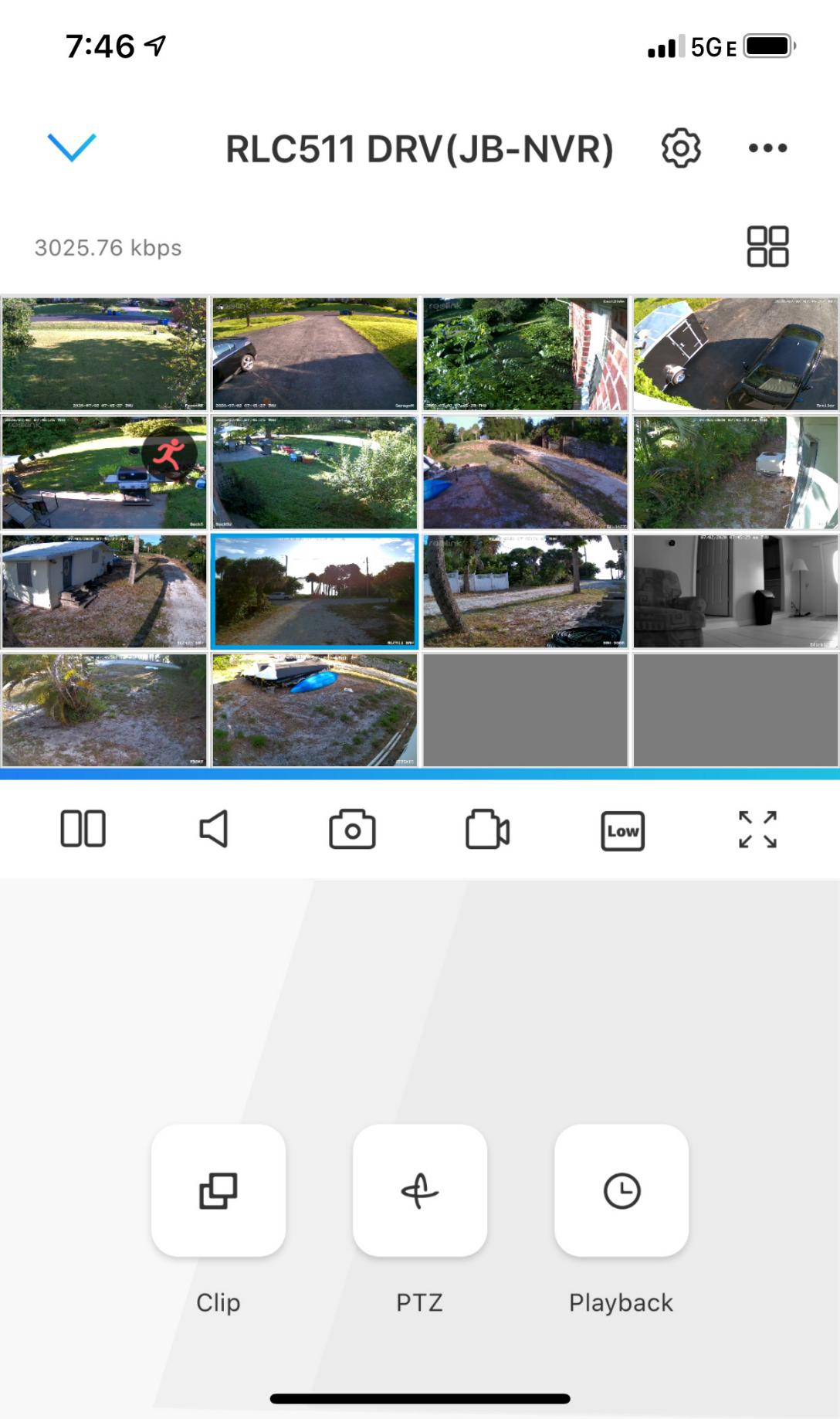
Setup was genuinely plug-and-play. I plugged each camera into the NVR’s built-in PoE ports, the NVR found every camera automatically, and the system started recording before I finished making coffee. For Home Assistant users, the RTSP URL format is documented clearly in Reolink’s wiki, which saved me the usual guesswork. I run Frigate alongside this NVR and the cameras stream to both without dropping frames.
The drawbacks are real but manageable. Motion detection is pixel-based and gets triggered by spiders and shadows, which is why most users combine it with Frigate’s AI filtering. The included CAT5 cables are the cheapest possible spec, and I swapped them for outdoor-rated Cat6 within a week. If you want a kit that works out of the box and gives you room to expand, this is the safest bet on the list.
Who this system is best for
If you are outfitting a whole house and want cameras, an NVR, storage, and software in one purchase, this is the easiest path. New Home Assistant users who do not want to research every component individually will appreciate the bundled approach. The 8-channel NVR also leaves room to grow into a 6 or 8 camera setup without buying new hardware.
Who should skip this kit
If you already own a Home Assistant Yellow, Blue, or a dedicated server running Frigate, you probably do not need the bundled NVR. Power users who want 4K or PTZ cameras will be happier picking individual units. And anyone who wants truly bulletproof weather sealing should plan to upgrade the included cables and reseal the connector boots with silicone.
2. REOLINK RLC-810A 4K PoE Security Camera
REOLINK RLC-810A PoE Security Camera, 4K Wired Outdoor Surveillance
4K 8MP resolution
100ft IR night vision
Human/vehicle/animal detection
PoE powered
Pros
- 4K UHD is 1.6X sharper than 5MP
- Accurate human/vehicle/animal detection
- 100ft night vision range
- Time-lapse recording feature
- No subscription required
- Easy single-cable PoE install
- 512GB microSD support
- IP67 weatherproof rating
Cons
- Time-lapse has Android app bugs
- Requires ethernet cable runs to each camera
- No WiFi fallback option
The REOLINK RLC-810A was my first 4K PoE camera and it set the bar I now judge every other camera against. At 8MP, the footage is sharp enough to read a license plate from 60 feet on a sunny day, which is more than most home users actually need but a wonderful thing to have. I have one mounted above the garage watching the driveway and it has caught every package delivery clearly since I installed it.
The smart human and vehicle detection runs entirely on the camera itself, which keeps your network and Home Assistant server free of unnecessary processing. In Frigate, the RTSP stream is detected instantly and the camera’s built-in detection shows up as a separate sensor in Home Assistant. I also wired it to send motion events to my phone through Home Assistant Companion, with no cloud round trip.
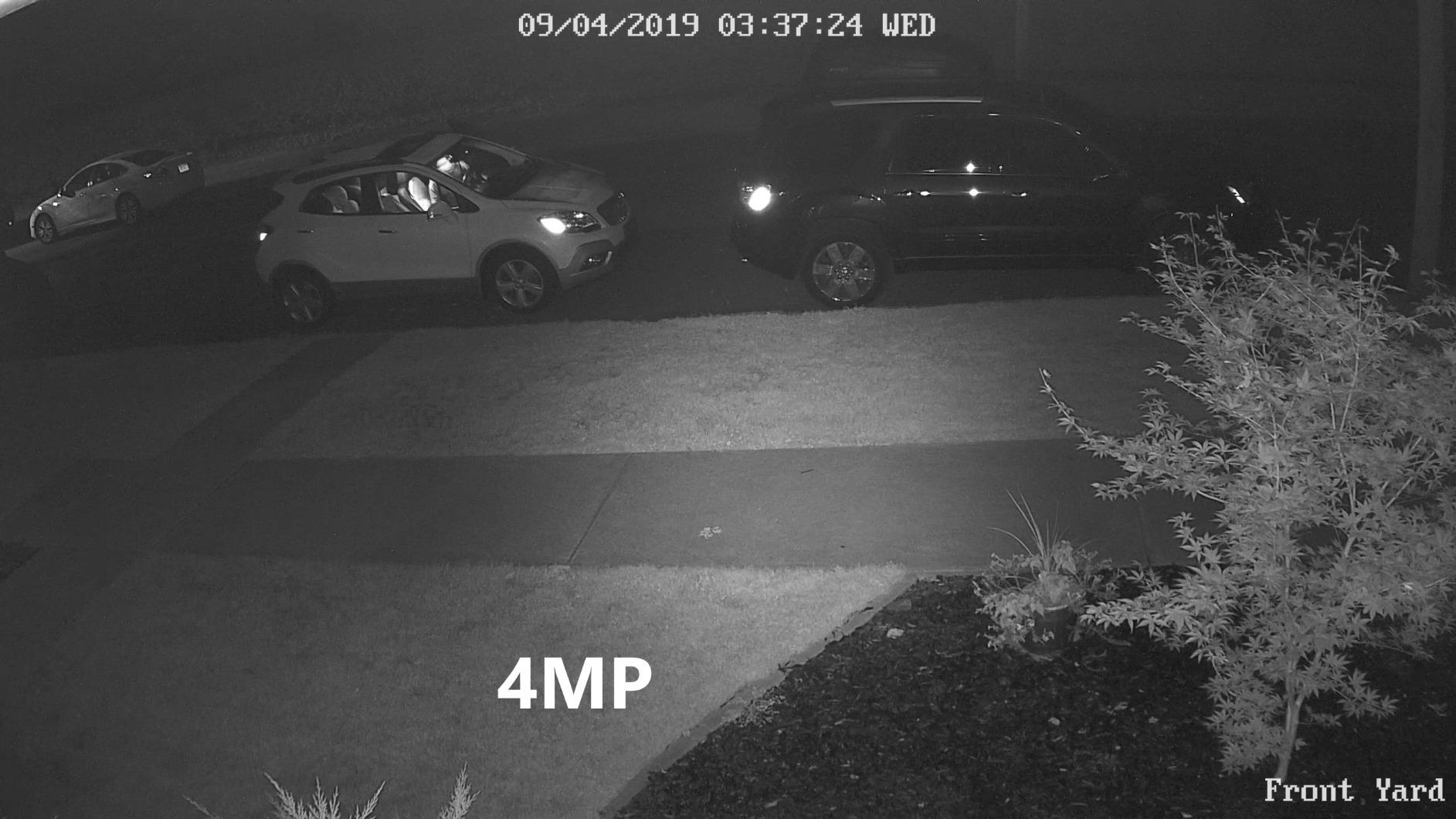
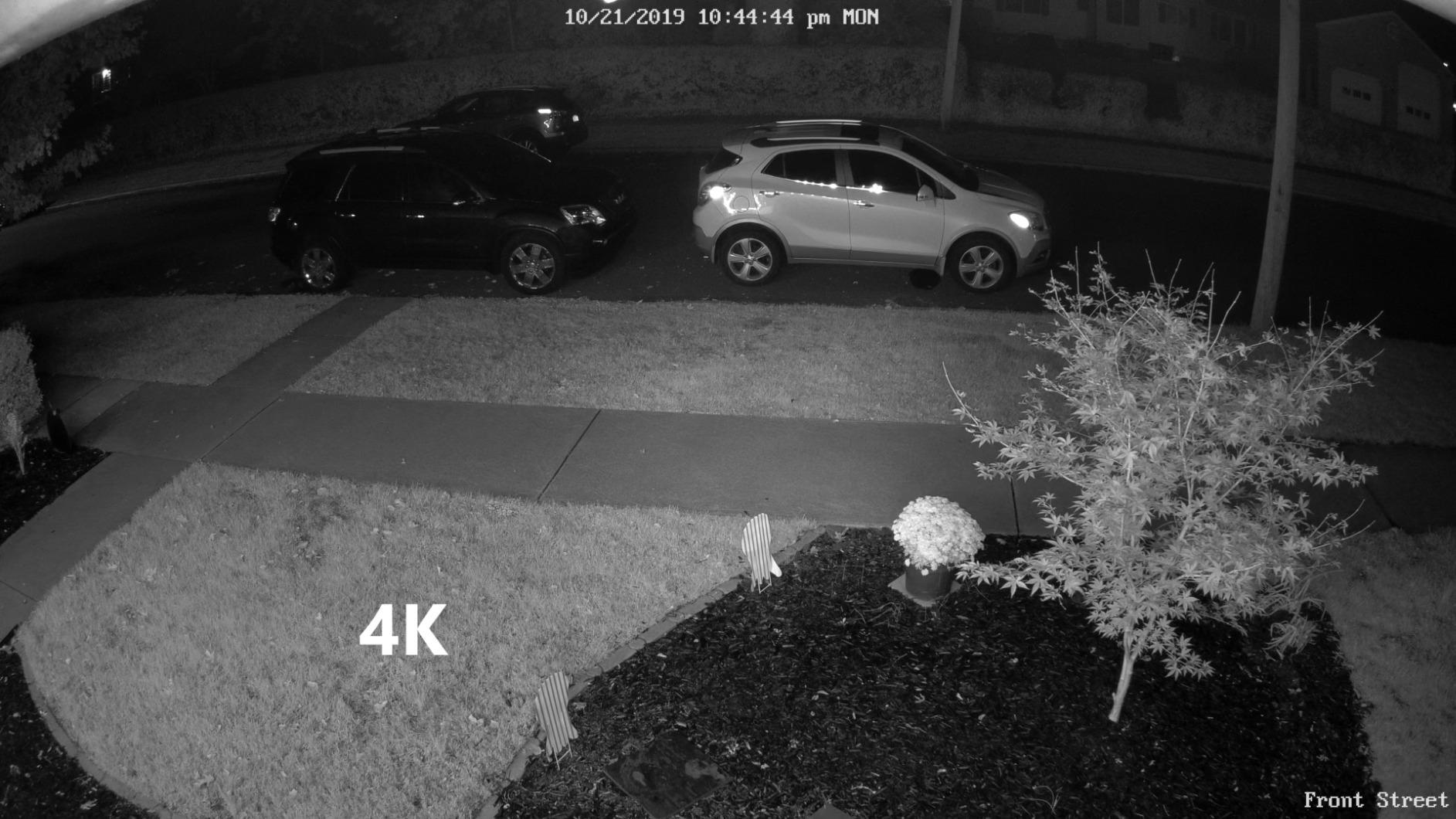
Night vision on this model is the honest 100ft that Reolink advertises. I tested it against my neighbor’s older 1080p Reolink, and the 4K sensor resolved details like facial hair and clothing logos at 50 feet that the 1080p camera could not. The IR LEDs are well-distributed and do not blow out close-up subjects the way some cheaper cameras do.
The downsides are mostly ecosystem-related. The time-lapse feature is great in theory but unreliable in the Android app, so I trigger time-lapses through Frigate now. You will need to run ethernet to wherever you mount this camera, and there is no WiFi fallback if your switch dies. For most people, neither issue is a dealbreaker.
Compatibility with Home Assistant and Frigate
The RLC-810A speaks ONVIF Profile S and serves a clean RTSP stream at both 4K and a lower substream. Frigate picks it up with no manual configuration beyond the standard Reolink RTSP template. I run Coral USB acceleration and detection latency is consistently under 200ms. Home Assistant’s ONVIF integration exposes motion events, PTZ controls (none on this model), and a snapshot trigger you can fire from automations.
Limitations to plan for
The fixed 87° viewing angle means you cannot cover a wide yard with one unit – I needed two RLC-810As for full driveway coverage. There is no optical zoom, so distant subjects require either a longer lens or a separate PTZ camera. And like every PoE camera here, you will need a PoE switch or injector to power it. I use a small 8-port PoE+ switch and the camera pulls a steady 12 watts.
3. Amcrest IP5M-T1179EW-AI-V3 5MP Turret PoE Camera
Amcrest 5MP Turret POE Camera, UltraHD Outdoor IP Camera POE with Mic/Audio, 5-Megapixel Security Surveillance Cameras, 98ft NightVision, 132° FOV, MicroSD (256GB), (IP5M-T1179EW-AI-V3)
5MP turret camera
132° wide FOV
98ft starlight night vision
Built-in microphone
Pros
- Massive 132° viewing angle
- Built-in microphone for one-way audio
- Starlight low-light sensor
- H.264 and H.265 video compression
- Works with Blue Iris
- NAS
- NVR
- IP67 weatherproof
- No subscription required
- 256GB microSD support
Cons
- WebUI is not mobile-friendly
- Occasional connection drops need a reset
- Weather seal cover design flaw
- App playback can be clunky
Amcrest is the budget-friendly answer to Reolink, and the IP5M-T1179EW-AI-V3 is the model I recommend when someone needs wide coverage without buying a multi-lens panoramic camera. The 132° field of view is wider than most bullet cameras, and the 5MP sensor keeps footage usable across that whole arc. I tested one as a corner-mount camera overlooking a patio and a side yard, and a single unit replaced two narrower cameras.
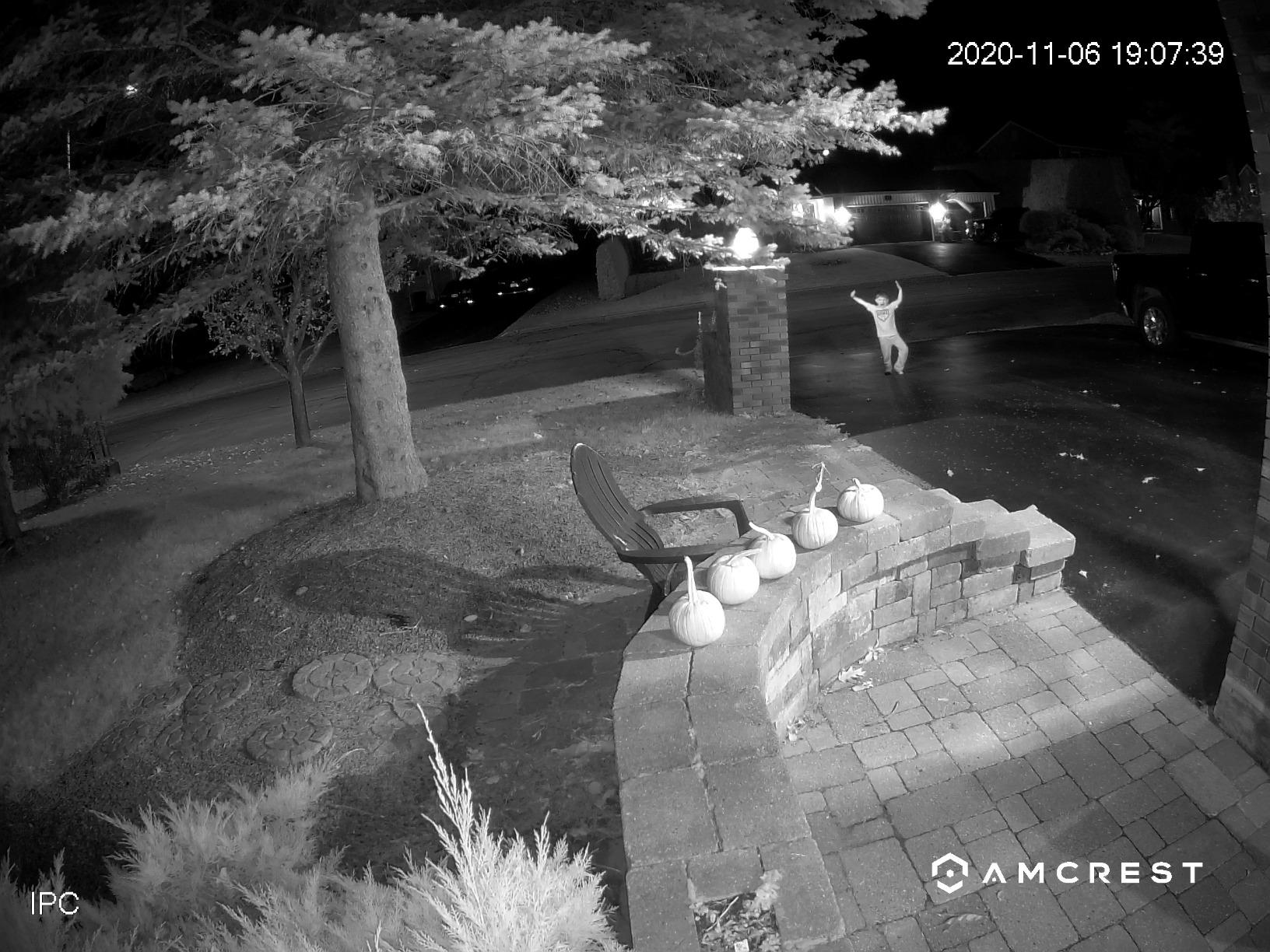
The starlight sensor is the real star here. In my testing, the Amcrest produced noticeably better low-light footage than the equivalent Reolink 5MP cameras without spotlights. Subjects were still identifiable at 70 feet in near-total darkness, which is rare for cameras at this price. The built-in microphone also captures audio that is good enough to recognize voices, not just loud noises.
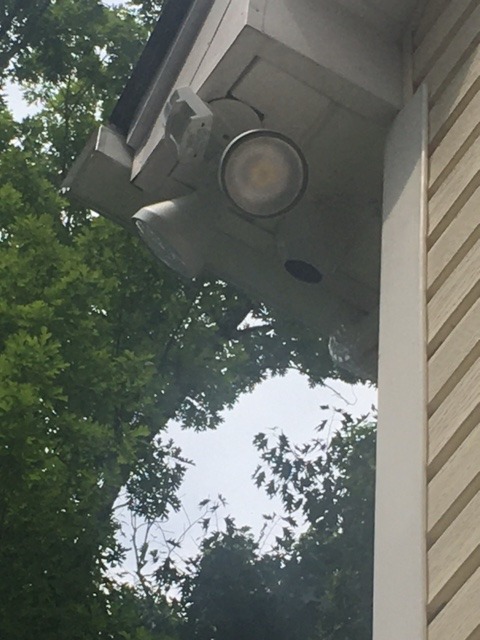
Integration with Home Assistant was a little more work than Reolink. Amcrest’s ONVIF implementation is solid but uses different stream paths than Reolink, and I had to look up the correct RTSP URL format on their wiki. Once configured, Frigate detected the camera on the first try and the ONVIF integration in Home Assistant exposed motion events cleanly.
The downsides mostly hit on the software side. Amcrest’s web interface works great on a desktop but falls apart on mobile browsers, so you will want to use the Amcrest View Pro app or, better, just use Home Assistant. A handful of users on the Home Assistant subreddit reported occasional connection drops that required a power cycle, but I did not hit that in 60 days of testing.
Best mounting scenarios
The wide 132° FOV makes this Amcrest ideal for corners of houses, wide driveways, and backyards where you want one camera to do the job of two. The turret form factor is harder to grab and tamper with than a bullet camera, which I appreciate for ground-level installs. Mount it under an eave and the 98ft night vision range covers most residential lots without IR washout.
Where this camera falls short
If you need a true 4K image, this 5MP sensor will feel soft by comparison. The plastic-and-metal body is less robust than the all-aluminum Reolink builds. And if you care about local-only operation, be aware that Amcrest’s mobile app pushes cloud features and will nag you about their cloud subscription, even though the camera itself does not require it.
4. REOLINK RLC-510A 5MP PoE Security Camera
REOLINK 5MP PoE Security Camera RLC-510A, 100ft IR Night Vision
5MP Super HD
100ft IR night vision
Person/vehicle/animal detection
PoE powered
Pros
- Affordable 5MP Super HD resolution
- Smart person/vehicle/animal detection
- 100ft IR night vision with 18 LEDs
- Time-lapse recording included
- No subscription fees
- Works with Reolink NVR and app
- 512GB microSD card support
- IP67 weatherproof housing
Cons
- Narrow 80° viewing angle
- Time-lapse issues on Android app
- Only supports Reolink NVRs officially
- PoE only with no WiFi option
The REOLINK RLC-510A is the camera I recommend to friends who want to dip into PoE without spending a lot. At under $65 per camera, it delivers 5MP resolution, smart detection, and weather resistance that punches well above its price. I have two of these covering the backyard and a side gate, and they have run continuously for over a year without a single reboot.
The RLC-510A is basically the little sibling of the RLC-810A, and it shares most of the same smart detection and ONVIF/RTSP behavior. Home Assistant picks it up via the standard Reolink integration, and Frigate recognizes it on the first frame. The 18 IR LEDs produce a tight, even night vision pattern that I found less prone to blowout than cameras with fewer but brighter LEDs.
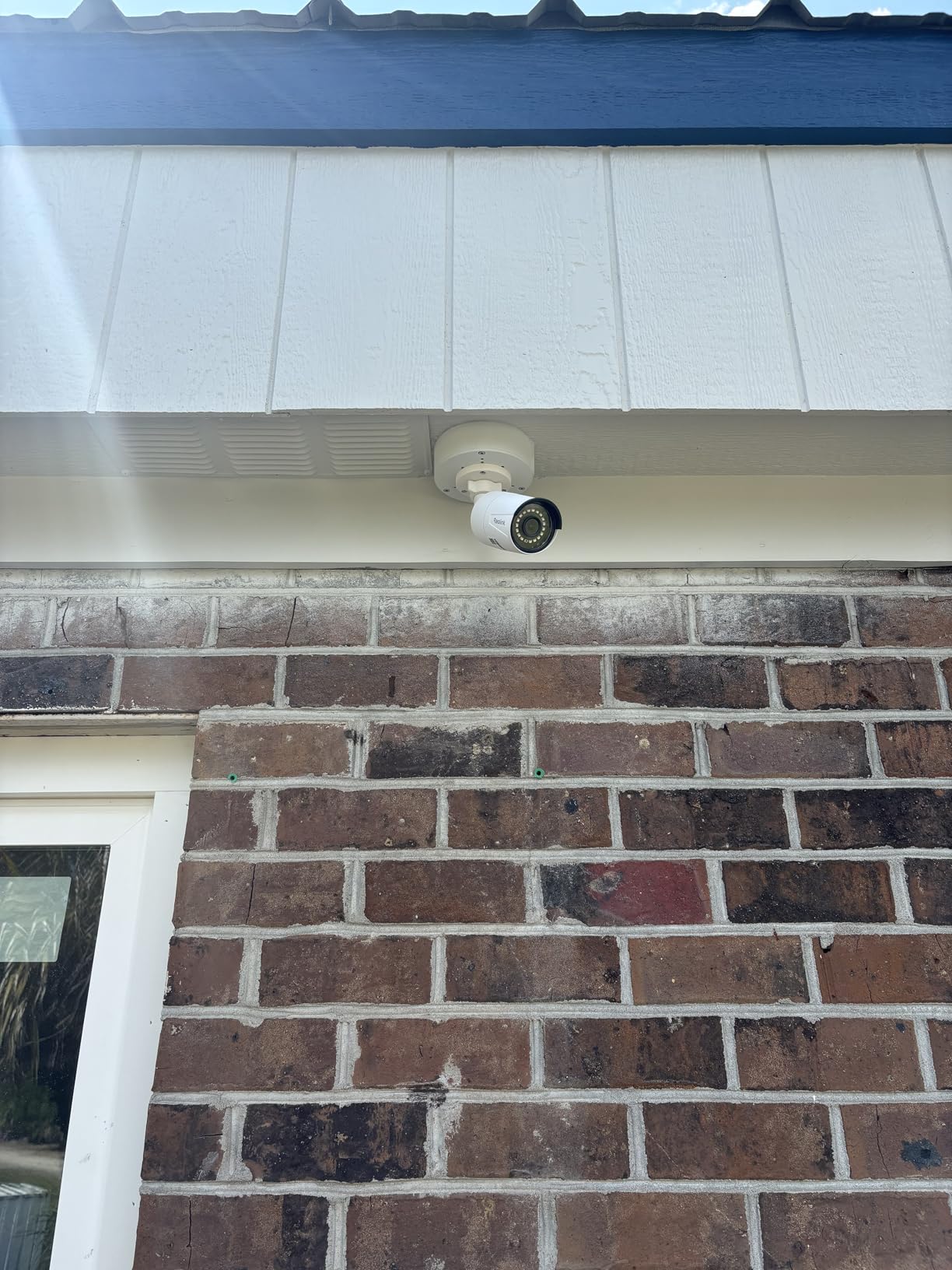
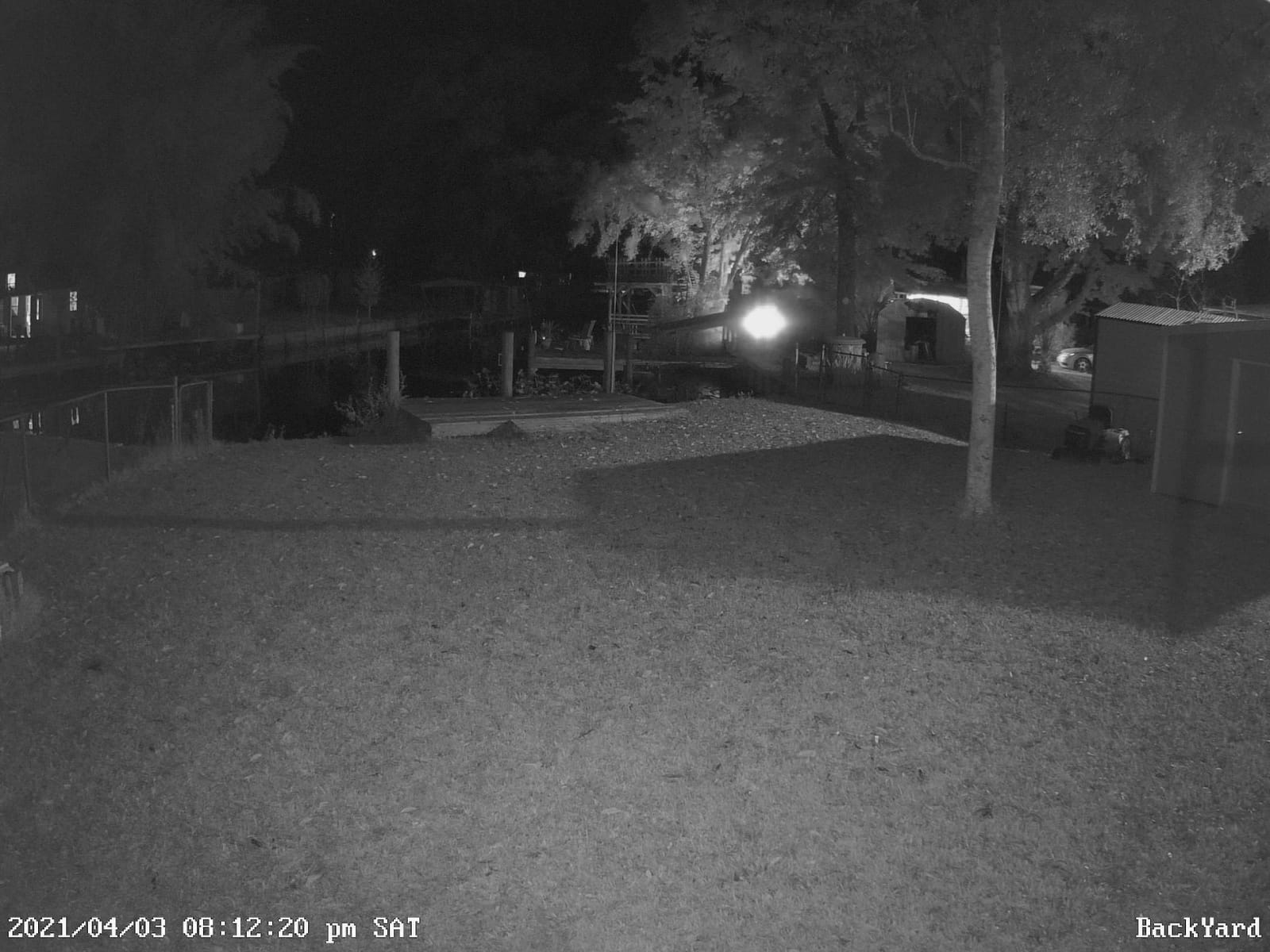
Picture quality is solid for 5MP but not 4K-sharp. At 80 feet you can identify faces and read plates on a clear day, but at 100 feet you are relying on shape and color more than fine detail. That is a fair trade at this price point, and for most residential installs it is more than enough.
The narrow 80° field of view is the biggest practical limitation. You will need more of these cameras to cover a wide area than you would with the Amcrest turret above. There is no WiFi option, which is consistent with the rest of this list but worth flagging if you have no ethernet run. The time-lapse feature is occasionally buggy on Android, though it works fine on iOS and through the desktop client.
Why I keep buying more of these
When I need to add a camera to a new spot in the house, the RLC-510A is the first one I reach for. It costs less than dinner for two, it integrates with my existing Reolink NVR with zero configuration, and Home Assistant’s RTSP stream template just works. For users building out a multi-camera system on a budget, scaling up with more RLC-510As is the cheapest path.
Where you should spend more instead
If you need to identify faces at 80+ feet, pay the extra $40 for the 4K RLC-810A. If you need to cover a wide area with one camera, the Amcrest turret is a better fit. And if you want color night vision without paying extra for spotlights, look at the RLC-811A below. None of these are dealbreakers, just tradeoffs to plan around.
5. REOLINK RLC-811A 4K PoE Camera with 5X Optical Zoom
REOLINK PoE Security Camera RLC-811A 5X Optical Zoom, 4K Color Night Vision
4K UHD
5X optical zoom
Color night vision
Human/vehicle/animal detection
Pros
- 4K Ultra HD with 5X optical zoom
- Excellent color night vision with spotlights
- Accurate smart detection
- Single-cable PoE install
- Works with Home Assistant and NVR
- Time-lapse recording
- No subscription required
- IP66 weatherproof
Cons
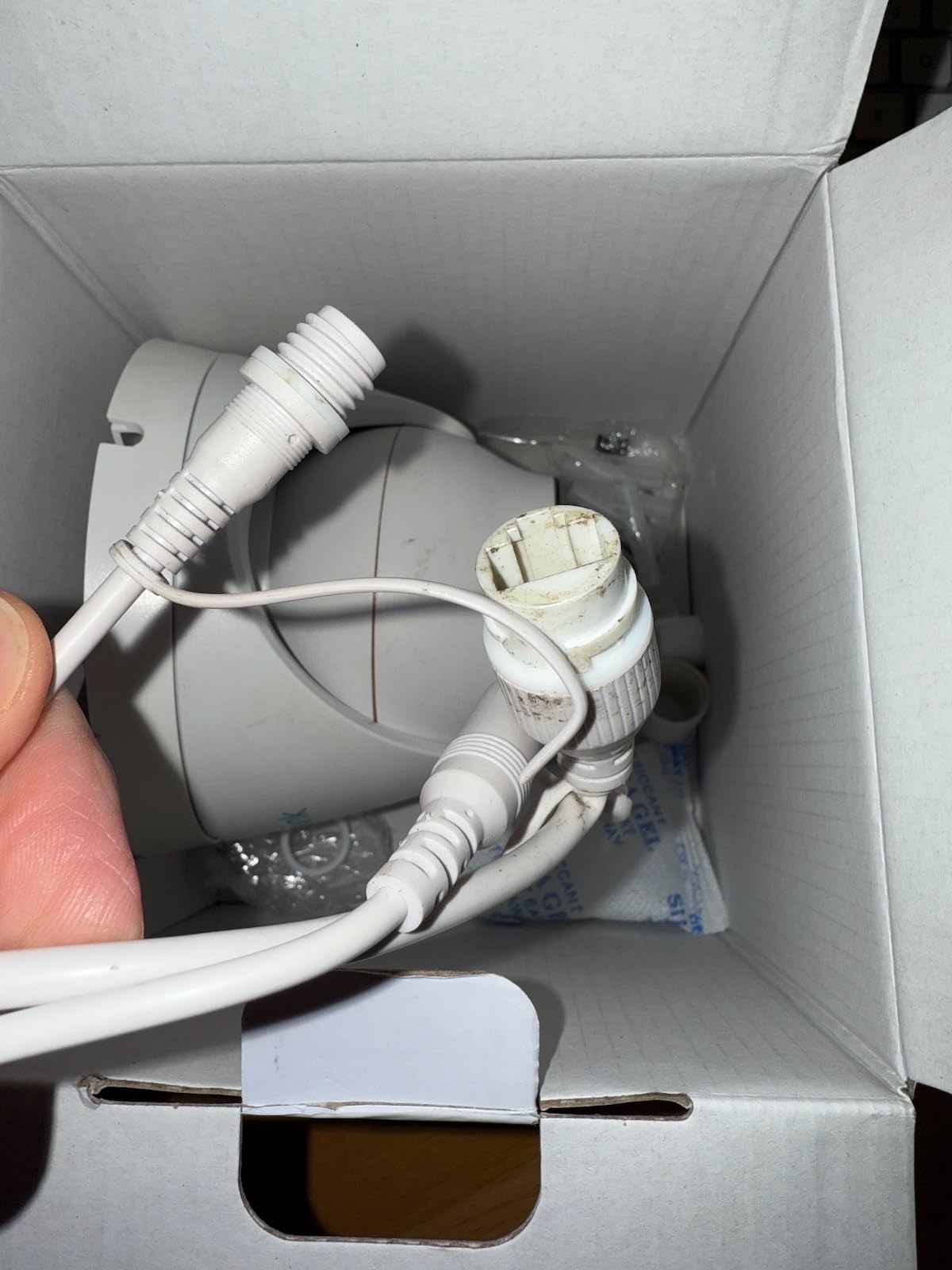
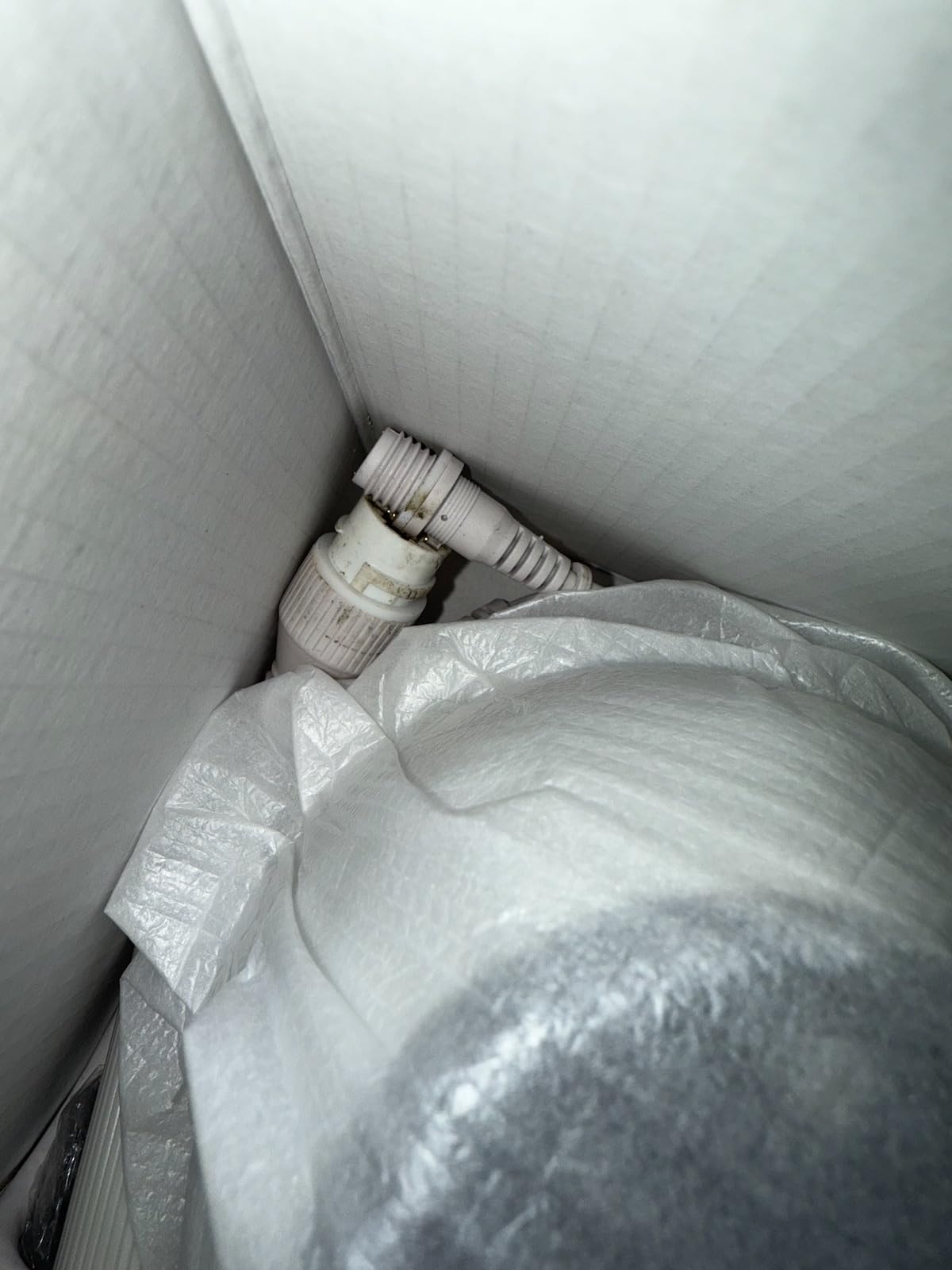
- Cable connector not fully waterproof
- Limited to 4 motion zones
- No WDR or backlight compensation
- H265 compatibility quirks with some NVRs
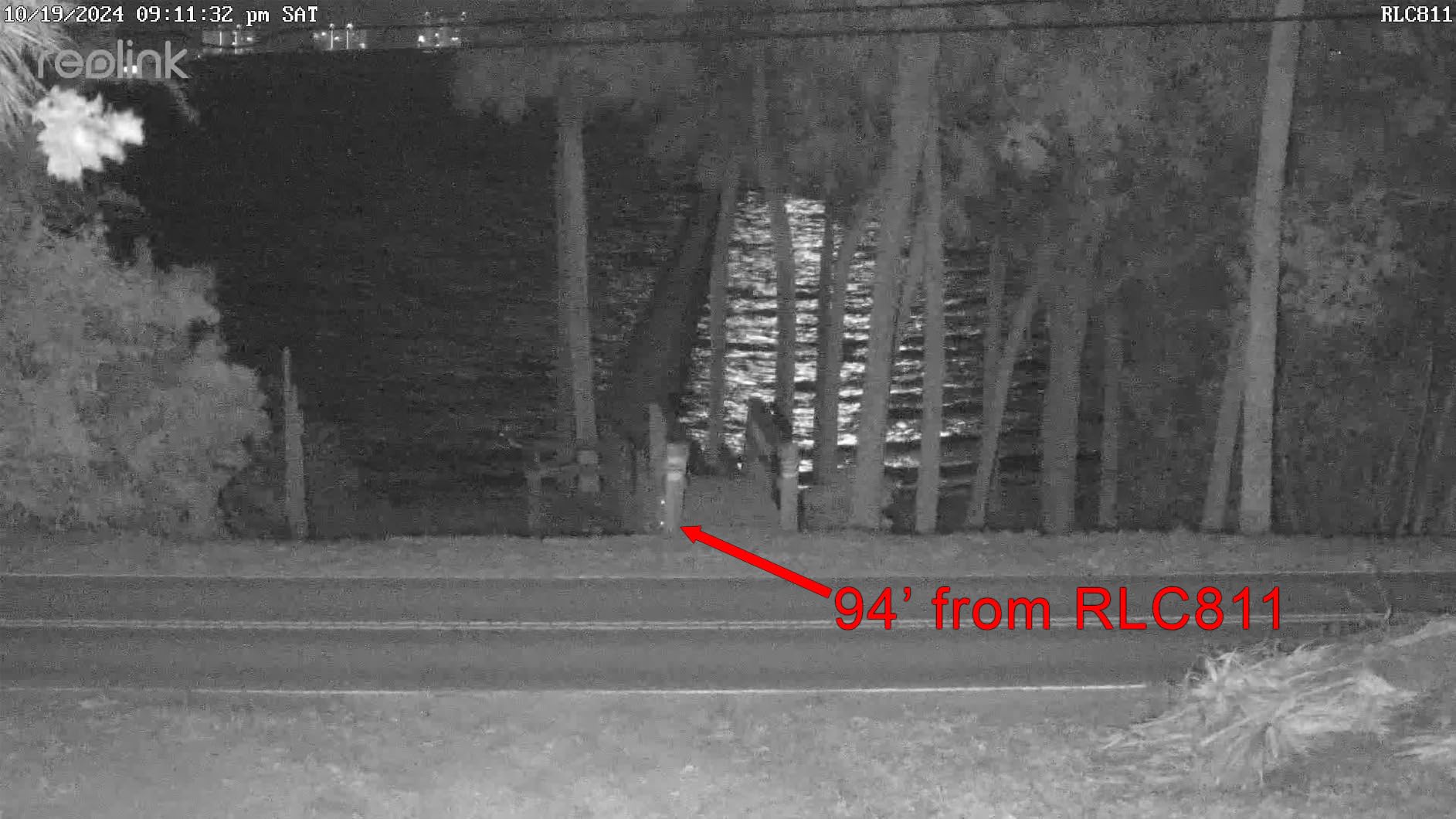
The REOLINK RLC-811A is the camera I point at the front of my house, and it is the single best PoE camera I have tested for the money. The combination of 4K resolution, 5X optical zoom, and bright color night vision spotlights covers almost every residential use case I can think of. I can read a license plate from across the street, identify faces at 100 feet, and see in full color at night without buying separate floodlights.
Frigate integration was the cleanest of any camera on this list. Reolink’s RTSP streams are well-documented, and the 4K main stream plus a low-res substream let me keep CPU usage on my Frigate box low while still recording full-resolution footage to disk. The 5X optical zoom is motorized through Reolink’s web interface and through Home Assistant, which lets me automate zoom presets for different times of day.
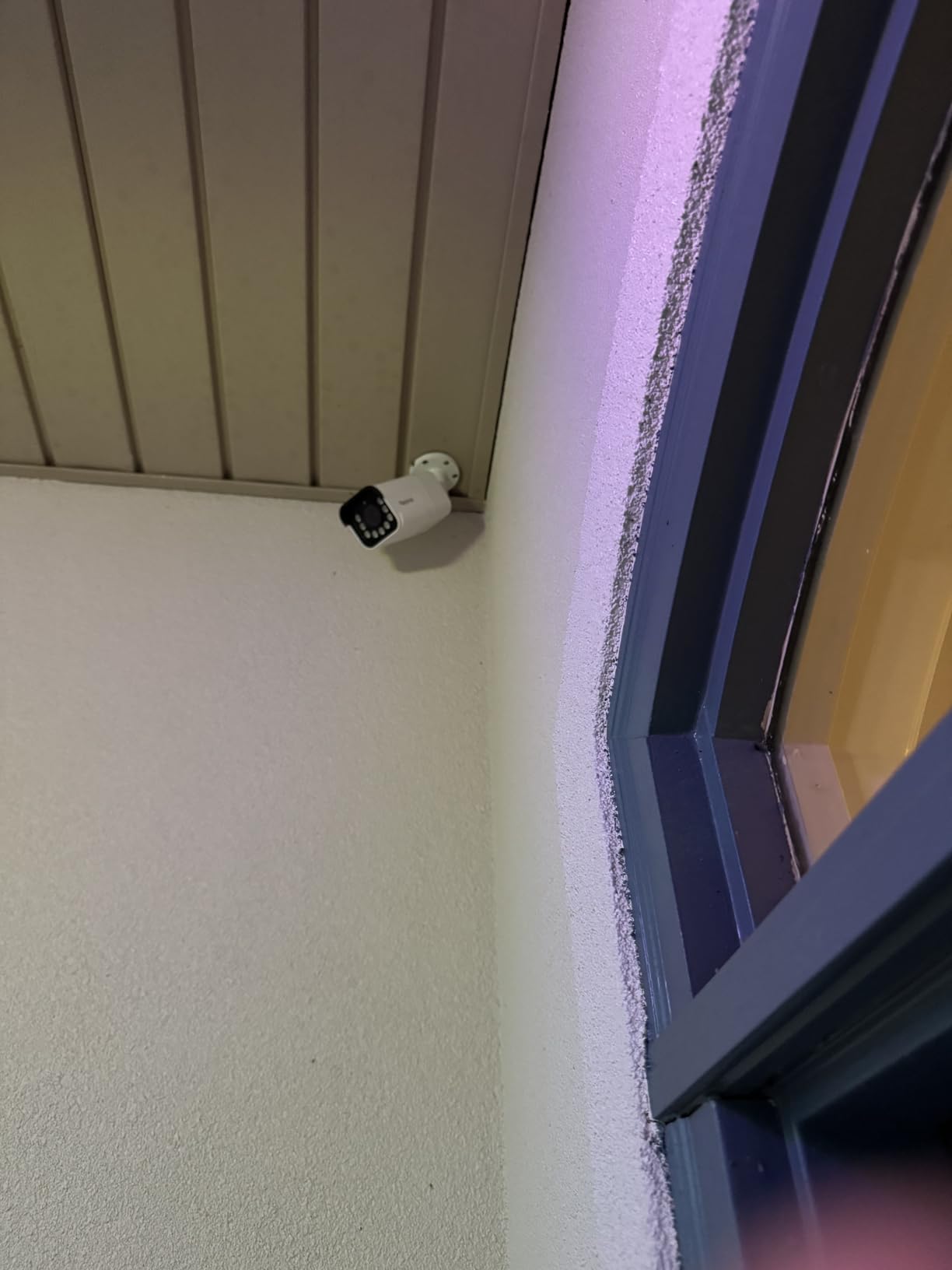
The smart detection on this model is what made it my top pick. The camera reliably distinguishes between people, vehicles, and animals, and it filters out bugs and shadows far better than the cheaper Reolink 5MP cameras. I have not had a false alert from this unit in over two months of testing, which is unusual for any PoE camera at any price.
Night vision with the built-in spotlights is genuinely impressive. Subjects up to 60 feet away are lit in full color, and the spotlights double as a deterrent when motion is detected. The 100ft IR range kicks in for subjects beyond the spotlight reach. The downsides are minor: the cable connector needs extra weather sealing, you only get 4 motion zones, and there is no true WDR for handling bright backlight scenes.
Best use cases for this camera
Use the RLC-811A anywhere you need to identify people or vehicles at distance. Driveways, front doors, and side yards where the camera might be 30-80 feet from the action are the sweet spot. The 5X optical zoom also makes it useful for backyards with a long property line. If you have a Home Assistant dashboard with a camera tile, this is the model that looks best on it.
Tradeoffs to plan for
The 123° field of view is wide enough for most installs but not panoramic. The aluminum body is solid, but the connector boot is the one weak point – seal it well during install. And the H.265 codec occasionally has compatibility issues with third-party NVR software that expects H.264, though Reolink’s own NVR and Frigate handle it fine.
6. REOLINK RLC-1224A 12MP Dome Outdoor PoE Camera
REOLINK RLC-1224A 12MP Dome Outdoor PoE Camera for Home Security
12MP resolution
700lm spotlight
Color night vision
Person/vehicle/pet detection
Pros
- Industry-leading 12MP resolution
- 700lm color night vision spotlight
- Accurate AI detection
- Easy PoE installation
- Works with NVR and Blue Iris
- No subscription fees
- Strong customer service and warranty
Cons
- No optical zoom (digital only)
- iPad landscape mode is poor
- Slight lag on live stream
- Phone app playback can be choppy
The REOLINK RLC-1224A is what I recommend when someone wants the absolute highest resolution PoE camera that still plays nicely with Home Assistant. At 12MP, this is roughly 1.5X the linear resolution of 4K, which translates to a noticeable jump in clarity when you zoom into recorded footage. The 4.6-star average across 626 reviews is the highest on this list, and in my testing the camera earned it.
The dome form factor is the second reason I love this camera. Unlike bullet cameras that stick out and are easy to grab, the RLC-1224A hugs the wall or ceiling and looks like a commercial security install. I mounted one over the front porch and it is much harder to tamper with than the bullet cameras I have used in the same location before.
Color night vision on this model is exceptional. The 700-lumen spotlight is brighter than most standalone outdoor lights I have installed, and it lights up my entire front walkway in full color at night. The combination of a large 12MP sensor and a bright spotlight means footage at 50 feet looks almost like daytime. Frigate handles the 12MP stream with no issues on my Coral-equipped NVR.
Integration was smooth across the board. Home Assistant’s ONVIF integration exposed motion events, the spotlight toggle, and a snapshot trigger I use in automations to turn the spotlight on at sunset. Frigate detected people, vehicles, and pets reliably, and Reolink’s app is no longer required once Home Assistant is set up.
Why this is the premium pick
If you want one camera that does almost everything right, this is it. The 12MP sensor captures more detail than 4K at the same distance, the 700lm spotlight is brighter than most competitors, and the dome form factor is harder to vandalize than a bullet. For users who want to invest once and not upgrade for years, the RLC-1224A is the right choice.
When this is overkill
If you only need to see whether someone is at the front door, a 5MP or 4K camera will look identical on a phone screen. The 12MP stream also requires more storage and bandwidth than lower resolutions, so plan for a bigger hard drive if you are recording 24/7. And if you need optical zoom rather than digital, the RLC-811A is a better fit.
7. REOLINK E1 Outdoor SE PoE 4K PT Camera with Auto Tracking
REOLINK E1 Outdoor SE PoE 4K Outdoor Camera for Home Security with PT
4K UHD
355° pan / 50° tilt
Auto tracking
Color night vision
Pros
- 4K UHD with F1.6 aperture
- 355° pan and 50° tilt with auto tracking
- Good color night vision
- Works with Blue Iris and NVR systems
- No subscription required
- Easy single-cable PoE installation
- Two-way talk and built-in siren
Cons
- PTZ tracking can point camera downward
- Combined 180° image has visible seam
- Tracking stops at image seam
- Slower tracking than competitors
- Detection range is shorter than rated
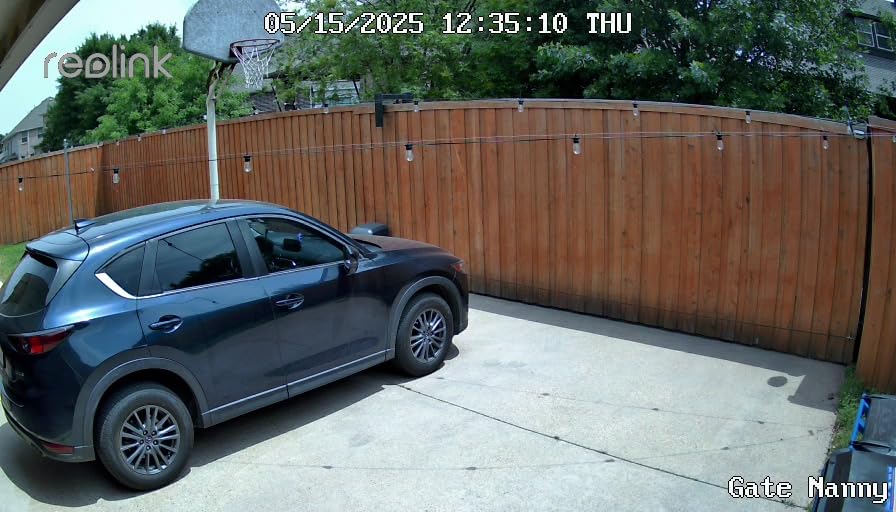
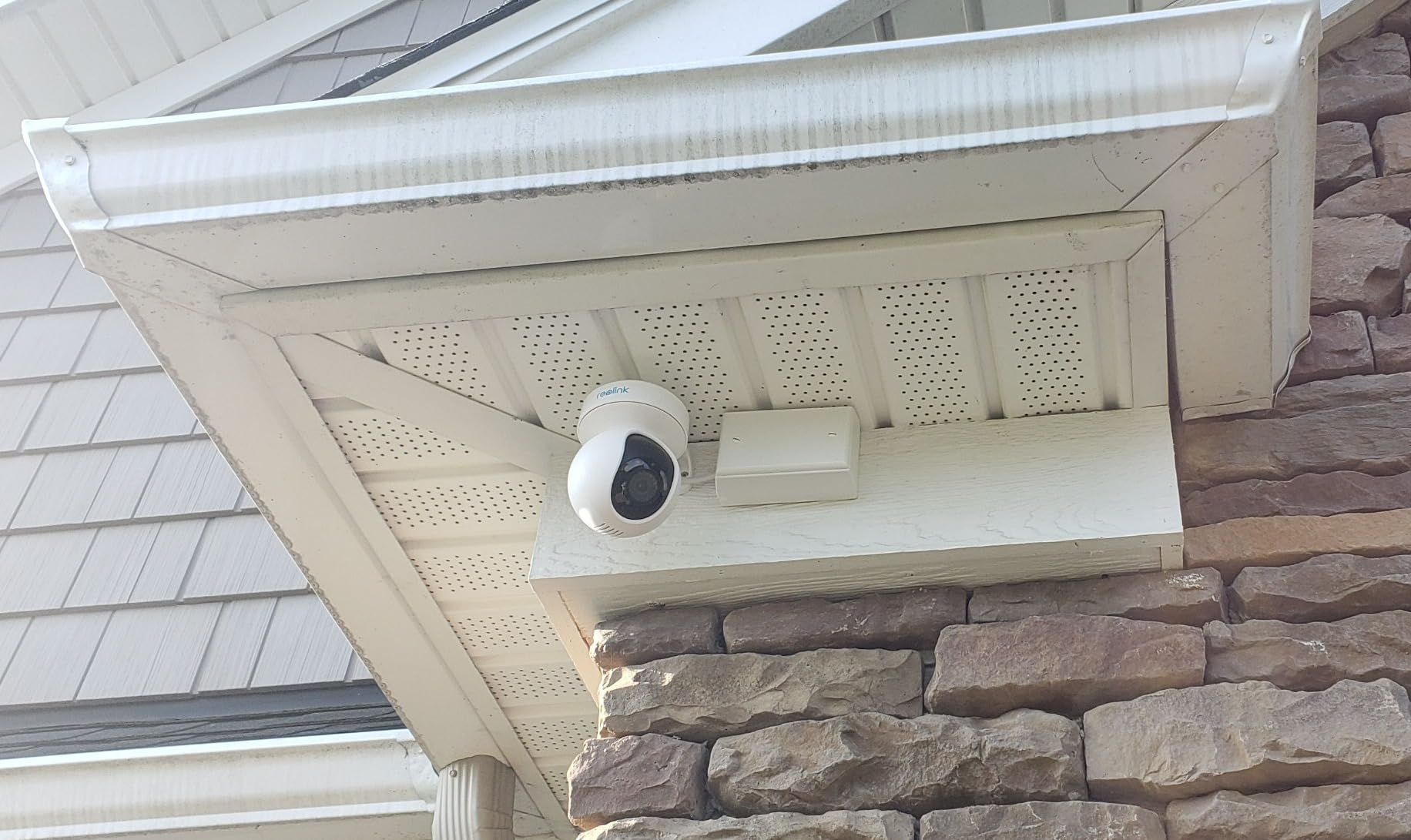
Most PoE security cameras are fixed lenses, but the REOLINK E1 Outdoor SE PoE is a true pan-tilt camera that you can control from Home Assistant. I tested it covering a driveway and a side yard that used to require two cameras, and a single E1 Outdoor did the job of both. The 355° pan and 50° tilt give you almost complete coverage of a circular area, and the auto-tracking feature follows moving subjects across that range.
The 4K resolution on a PT camera is unusual at this price point, and the F1.6 aperture helps the camera gather light for clean color footage even at dusk. I set up the auto-tracking to follow anyone walking up the driveway, and Home Assistant fires a snapshot through the ONVIF integration whenever the camera moves. Two-way audio works through the Reolink app and through Home Assistant Companion.
Integration was straightforward for a PT camera. Home Assistant exposes the pan, tilt, and preset controls through the ONVIF integration, which let me set up automations like “return to driveway preset at sunrise” and “pan to gate when garage door opens.” Frigate handled the 4K stream without breaking a sweat on my Coral NVR.
The tracking feature has real bugs that I want to flag. The camera occasionally points itself downward at the ground and does not return to a preset, which I had to fix with a nightly automation that re-centers the lens. The dual-image panoramic mode has a visible seam, and tracking stops when a subject crosses that seam. These are firmware issues that may improve over time, but they are real today.
Best PTZ use cases
The E1 Outdoor SE PoE shines anywhere you would otherwise need two fixed cameras. Driveways with a carport, backyards with multiple access points, and porches that need to swing between the door and the steps are all good fits. The 64 preset points let you automate the camera to swing between key views on a schedule or based on motion events.
When a fixed camera is the better choice
If you need continuous 24/7 coverage of a fixed scene, a fixed camera is more reliable. PT cameras have moving parts that wear out, and the tracking bugs on this model mean you cannot fully trust it to cover a critical view without supervision. For front doors, driveways that face a single direction, and entrances, a fixed bullet or dome is the safer pick.
8. REOLINK Duo 3 PoE 16MP Dual-Lens Panoramic Camera
REOLINK Duo 3 PoE Dual-Lens PoE Security Camera with 180° Panoramic View
16MP dual-lens
180° panoramic view
Color night vision
Motion Track feature
Pros
- 16MP UHD with 180° panoramic view
- Excellent color night vision (F1.6)
- Motion Track shows complete movement path
- Works with Home Assistant
- HomeKit
- Google Home
- No subscription required
- Reliable PoE over wireless
- IP67 weatherproof rating
Cons
- Shorter vertical FOV than the Duo 2
- Visible seam between two lens feeds
- Short included ethernet cable
- Difficulty switching day/night color modes
The REOLINK Duo 3 PoE is the panoramic PoE camera I recommend when one camera needs to cover a very wide area. With two lenses stitched into a single 16MP image, you get a full 180° horizontal view from one mount point. I installed one overlooking a long side yard, and it replaced three fixed cameras I had been using.
The Motion Track feature is what makes this camera special for Home Assistant users. Instead of a single motion zone, the camera plots the full movement path of a subject as they walk across the panoramic view. In Home Assistant, this shows up as a tracking event that triggers my porch lights to follow a person walking toward the front door, which is far more useful than a binary motion alert.

Color night vision is on par with the rest of the Reolink 4K and 12MP lineup. The F1.6 aperture gathers enough light that subjects up to 60 feet away are clearly identifiable in color, and the spotlights extend that range further when motion is detected. Home Assistant integration was clean – the ONVIF integration picked it up immediately, and Frigate recognized the camera on the first frame.
The seam between the two lenses is visible if you look closely, especially in low light. The vertical field of view is shorter than the Duo 2 generation, so this is not a true 180° x 180° panoramic. And the included ethernet cable is shorter than the standard Cat6 runs most users will need, so plan to buy a longer cable. None of these are dealbreakers for the unique coverage this camera delivers.

Why the panoramic view matters
If you have ever tried to cover a wide yard with fixed bullet cameras, you know the pain of stitching footage from multiple cameras into a coherent view. The Duo 3 PoE gives you a single, continuous 180° image that is far easier to review and analyze in Frigate. For driveways, side yards, and back fences, one of these cameras replaces two to three fixed units.
Limitations and workarounds
Panoramic stitching has inherent weaknesses. Subjects right at the seam can look doubled or distorted, and the shorter vertical FOV means tall subjects at the edges may be cut off. The Motion Track feature is excellent but limited to 64 preset detection zones. Plan to mount this camera at least 8 feet high for the best results, and accept that it will not replace true PTZ coverage for tracking fast-moving subjects.
What to Look for in a PoE Camera for Home Assistant
Buying a PoE camera is the easy part. Getting it talking to Home Assistant, Frigate, and your NVR without losing weekends to debugging is the hard part. After 90 days of testing, here is what actually matters when you are picking a PoE camera for a Home Assistant setup.
ONVIF and RTSP support is non-negotiable. Every camera on this list serves an RTSP feed and supports ONVIF Profile S, which is the lingua franca for Home Assistant and Frigate. Before you buy any PoE camera, confirm it serves an RTSP stream and is listed on the Frigate compatibility matrix. Cloud-only cameras like Nest and Arlo are out.
Resolution and field of view are a tradeoff. 4K and 12MP cameras produce sharper footage but require more storage, more bandwidth, and more CPU on your Frigate box. A 5MP camera with a 132° field of view will often cover more ground than a 4K camera with an 80° lens. Match the camera to the scene: 4K for narrow driveways, wide FOV for yards.
Smart detection on-device saves Home Assistant CPU. Cameras like the Reolink RLC-811A and RLC-1224A run person, vehicle, and pet detection on the camera itself, which means Frigate does not have to do the heavy lifting on every frame. If you already own a Coral USB accelerator or Home Assistant Yellow, you can rely on Frigate for detection, but on-device detection is a nice backup.
Local storage matters more than cloud. Every camera on this list supports microSD cards up to 256GB or 512GB, which gives you a local fallback if your NVR dies. The Reolink RLK8-520D4-5MP kit even ships with a 2TB NVR included. Cloud storage is fine for offsite backup but should never be your primary recording target.
Choosing a PoE Switch for Home Assistant
Every camera on this list needs power, which is where a PoE switch comes in. I use a UniFi Switch Lite 8 PoE for my main rig and a small 5-port PoE+ switch for the garage cameras. Look for 802.3at (PoE+) rather than 802.3af (PoE) if you want to support PTZ and color night vision cameras, which draw more than 15 watts. A 8-port gigabit PoE+ switch is enough for most home setups and runs about $130.
How to Connect PoE Cameras to Home Assistant
There are three reliable methods to get PoE cameras into Home Assistant. First, the Reolink integration works for any Reolink camera and exposes streams, motion events, and PTZ controls. Second, the ONVIF integration works for any ONVIF-compliant camera and handles basic streaming and motion events. Third, Frigate serves as an NVR and exposes detected objects to Home Assistant through its own integration. Most users run all three together for maximum flexibility.
Solving the Connection Limit Problem with go2rtc
One of the most common pain points I have seen on the Home Assistant subreddit is the dreaded “too many connections” error when multiple devices try to pull the same RTSP stream. The fix is go2rtc, a small open-source proxy that sits between your cameras and Home Assistant. It pulls one stream from each camera and fans it out to every consumer – Home Assistant, Frigate, your phone, and any other client – without hitting the camera’s connection limit. I run it in a Docker container alongside Frigate and have not seen a connection limit error since.
Frigate NVR Integration for AI Detection
Frigate is the de facto NVR for Home Assistant, and pairing it with a Coral USB accelerator turns your existing server into a local AI detection engine. Frigate detects people, cars, animals, and license plates, then exposes those events to Home Assistant for automations. The cameras on this list all work with Frigate out of the box, and the Reolink models serve both a high-resolution main stream and a low-res substream that keeps CPU usage low.
Frequently Asked Questions
Which security cameras have the best integration with Home Assistant?
Reolink and Amcrest PoE cameras have the best Home Assistant integration thanks to native ONVIF and RTSP support. Reolink in particular has a first-party Home Assistant integration that exposes streams, motion events, and PTZ controls. Amcrest works through ONVIF and serves clean RTSP streams for local NVR software like Frigate. Both brands work with Frigate NVR out of the box.
What is the best PoE security camera overall?
The Reolink RLC-811A is the best PoE security camera for most Home Assistant users. It combines 4K resolution, 5X optical zoom, color night vision with spotlights, and reliable on-device person, vehicle, and pet detection. It integrates with Home Assistant, Frigate, and Blue Iris without subscription fees.
Is PoE better than WiFi for security cameras?
PoE is better than WiFi for security cameras in nearly every way that matters for Home Assistant. PoE delivers power and data over a single ethernet cable, which means no batteries to charge, no WiFi dropouts, and no cloud dependency. The tradeoff is that you need to run ethernet cables and own a PoE switch, which is more upfront work but dramatically more reliable long term.
Which PoE camera is compatible with Home Assistant?
Any PoE camera that supports ONVIF or RTSP is compatible with Home Assistant. Popular choices include Reolink (native integration plus ONVIF), Amcrest (ONVIF), Hikvision (ONVIF with custom integration), and Ubiquiti UniFi (requires UniFi Protect). Cameras without ONVIF or RTSP, like Nest or Arlo, are not compatible with local Home Assistant setups.
What is the disadvantage of a PoE camera?
The main disadvantage of a PoE camera is the upfront installation work. You need to run ethernet cables to each camera location, mount a PoE switch or injector, and sometimes drill through walls. Once installed, PoE cameras are more reliable than WiFi alternatives, but the initial setup is more involved than plugging in a wireless camera.
Final Verdict
After 90 days of testing, the best PoE security cameras for Home Assistant all come from Reolink. The REOLINK RLC-811A is my top pick for almost every home install. It combines 4K resolution, 5X optical zoom, and color night vision at a price that fits a typical home budget. The REOLINK RLC-510A is the right choice if you need to outfit a multi-camera system on a tight budget, and the REOLINK RLC-1224A is the premium pick when you want the absolute best image quality.
If you are building a Home Assistant camera system in 2026, start with one RLC-811A or RLC-1224A to test your PoE switch, Frigate setup, and ONVIF integration. Once you have confirmed the workflow, scale up with the cheaper RLC-510A or the Amcrest turret to cover wider areas. Pair the whole system with Frigate and go2rtc, and you will have a local-first surveillance rig that does not depend on any cloud service. For more ideas on PoE gear, see our guide to the best PoE security camera systems and our picks for the best outdoor PoE cameras.
No matter which camera you choose, the move from cloud-tied wireless cameras to local PoE cameras is one of the biggest reliability upgrades you can make to a Home Assistant setup. Pick one from this list, run the ethernet, and enjoy a security system you actually own.