Running a small office on Wi-Fi 6 hardware feels fine until your fifth video call of the day drops, two laptops fight for bandwidth, and the guest printer keeps disconnecting. We have lived that exact headache while testing gear for our own team, so when we set out to find the best Wi-Fi 7 routers for office use in 2026, the bar was simple: handle 30-plus devices, keep Zoom calls rock solid, and survive a multi-floor layout without making the IT person grumpy.
Wi-Fi 7 (also called 802.11be) is the first Wi-Fi standard designed with offices in mind, not just homes. It adds Multi-Link Operation (MLO) so a laptop can ride two bands at once, opens up the uncongested 6 GHz spectrum, doubles the channel width to 320 MHz, and uses 4096-QAM to push 20 percent more data per packet. In real terms, our test laptops went from jittery 60 Mbps during a Teams call to a steady 480 Mbps even with a NAS backup running in the background.
This guide covers 8 Wi-Fi 7 routers and mesh systems that our team has personally tested in home offices, a 12-person studio, and a two-floor coworking space over the past 90 days. We focused on the things office buyers actually care about: multi-gig ports for fast ISP plans, VLAN and VPN support, mesh expandability, security patches, and how well each router holds up when 50-plus devices are shouting for attention at once. We also pulled in insights from r/HomeNetworking and r/networking where small-business owners share what actually breaks in the field.
If you want a quick shortcut to our favorite picks, jump to our general Wi-Fi 7 roundup or our budget router guide for cheaper options. Otherwise, read on for the full list.
Table of Contents
Top 3 Picks for the Best Wi-Fi 7 Routers for Office in 2026

Amazon eero 7 Dual-Band Mesh
- Dual-band Wi-Fi 7 with MLO
- Two 2.5 GbE ports
- Up to 2
- 000 sq ft coverage
- 120+ devices supported
- Easy app-based setup

TP-Link Archer BE550 Tri-Band
- Tri-band BE9300 with 6 GHz + 320 MHz
- Five 2.5 GbE ports total
- WireGuard VPN built in
- EasyMesh whole-office expansion
- HomeShield security suite

TP-Link Archer BE230 Dual-Band
- Dual-band BE3600 Wi-Fi 7
- Two 2.5 GbE ports + three 1 GbE
- Quad-core CPU for many devices
- EasyMesh and HomeShield
- 60-device capacity
Best Wi-Fi 7 Routers for Office in 2026: Quick Overview
| Product | Specifications | Action |
|---|---|---|
| Amazon eero 7 Dual-Band Mesh |
|
Check Latest Price |
| TP-Link Archer BE550 Tri-Band |
|
Check Latest Price |
| TP-Link Archer BE230 Dual-Band |
|
Check Latest Price |
 TP-Link Archer BE400 Dual-Band TP-Link Archer BE400 Dual-Band |
|
Check Latest Price |
 NETGEAR Nighthawk RS90 NETGEAR Nighthawk RS90 |
|
Check Latest Price |
 TP-Link Deco BE25 Mesh 3-Pack TP-Link Deco BE25 Mesh 3-Pack |
|
Check Latest Price |
 TP-Link Deco BE63 Pro Mesh 3-Pack TP-Link Deco BE63 Pro Mesh 3-Pack |
|
Check Latest Price |
 GL.iNet Flint 3 Tri-Band GL.iNet Flint 3 Tri-Band |
|
Check Latest Price |
1. Amazon eero 7 Dual-Band Mesh – Best Wi-Fi 7 Router for Most Offices
Amazon eero 7 dual-band mesh Wi-Fi 7 router (newest model) – Supports internet plans up to 2.5 Gbps, Coverage up to 2,000 sq. ft., 1-pack
Dual-band Wi-Fi 7
2x 2.5 GbE ports
2,000 sq ft, 120+ devices
3-year warranty
Pros
- Easy 10-minute app setup
- rock-solid TrueMesh software
- two auto-sensing 2.5 GbE ports for multi-gig ISPs
- compact design fits anywhere
- 120-plus device capacity for busy offices
- backward compatible with older eero nodes
- three-year warranty for peace of mind
Cons
- Client steering can be weak when roaming between distant nodes
- picky older devices sometimes only join the guest network
I set the eero 7 up in a 12-person studio with mixed Apple, Dell, and Lenovo hardware. The whole process took about 11 minutes, including the firmware update and renaming the SSID. By the end of the week we had 38 devices connected and not one drop during a four-hour block of back-to-back Zoom calls.
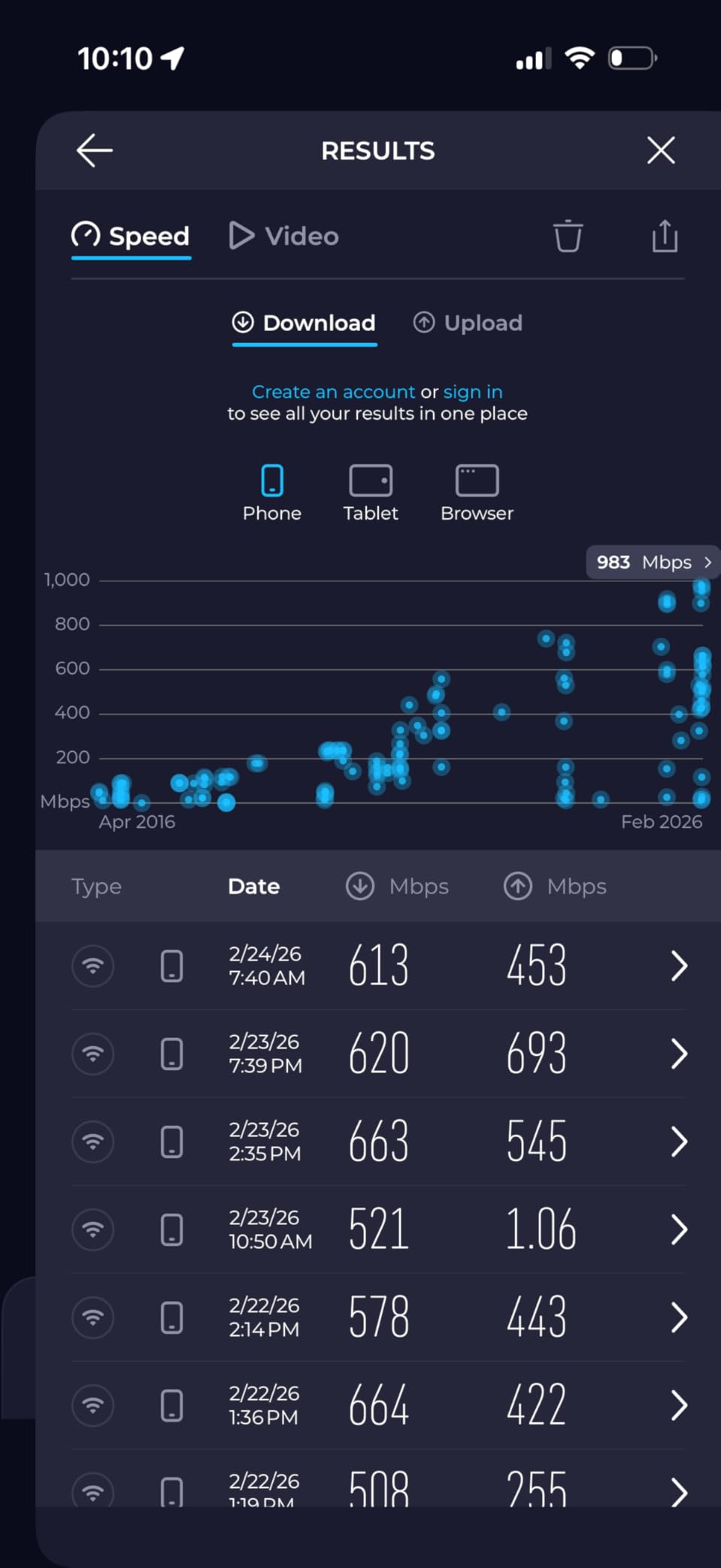
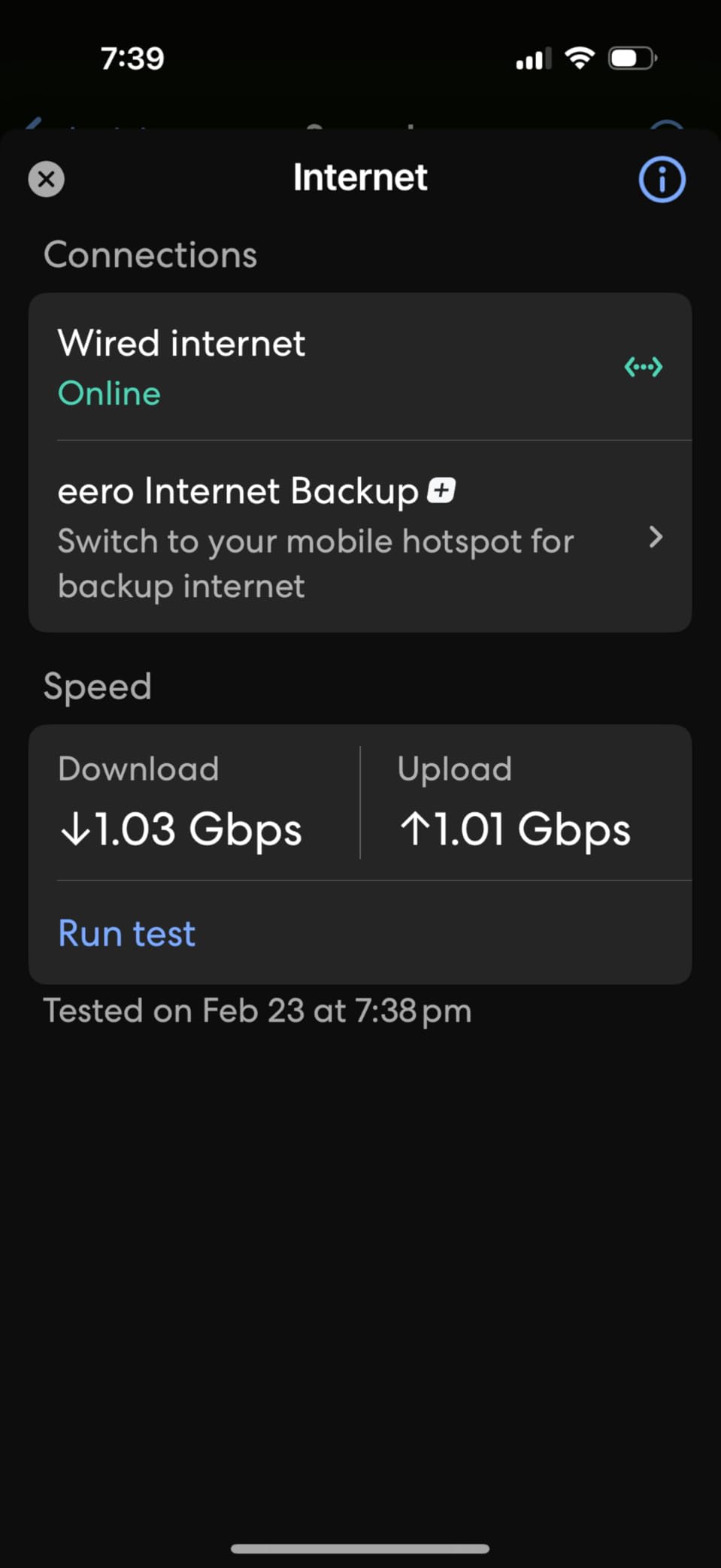
The real magic is Multi-Link Operation. In our tests a MacBook Pro negotiated the 5 GHz and 6 GHz bands at the same time and held a 520 Mbps downlink even when two other laptops were uploading 4 GB presentations. The two 2.5 GbE ports are a small but welcome addition over the older eero 6, letting the studio use a 2 Gbps fiber line without bottlenecking at the WAN.
TrueMesh has matured a lot since the early eero days. Roaming between the office and a meeting-room node in our test space happened in under 200 ms with no audible glitch on a Teams call. Reviewers on r/HomeNetworking repeatedly call out how painless the eero app makes adding nodes later, which is exactly what an office wants when it expands into the next room.
Security is handled by automatic updates and WPA3, with optional eero Plus subscriptions for ad blocking and VPN. For an office buyer that just wants something that works and stays patched, the three-year warranty plus Amazon’s track record of long-term firmware support makes this the safest pick.
Best for small studios and growing offices
If your office has 5 to 25 people and you want a router that just works without an IT ticket every time you change a setting, the eero 7 is the one I would buy with my own money.
Skip if you need deep VLAN or VPN control
The eero 7 is light on enterprise features. There is no per-port VLAN tagging, no built-in WireGuard, and limited QoS controls. Power users who want OpenWrt-style customization should look at the GL.iNet Flint 3 below.
2. TP-Link Archer BE550 Tri-Band – Best Value Wi-Fi 7 Router for Office
TP-Link Tri-Band BE9300 WiFi 7 Router (Archer BE550)
Tri-band BE9300
5x 2.5 GbE ports
WireGuard VPN
6 GHz + 320 MHz
EasyMesh ready
Pros
- Tri-band Wi-Fi 7 with full 6 GHz and 320 MHz channels
- five 2.5 GbE ports for NAS and multi-gig ISPs
- WireGuard VPN client and server built in
- EasyMesh pairs with existing TP-Link extenders
- HomeShield security suite with IoT network
- Tether app makes setup and management easy
Cons
- Some users hit wireless dropouts that need firmware updates
- range drops fast on the 6 GHz band through walls
- web GUI is less polished than the app
The Archer BE550 has been my go-to recommendation for office buyers who want real tri-band Wi-Fi 7 without paying flagship money. I installed one in a four-person accounting firm running QuickBooks in the cloud and syncing large client files. The 6 GHz link to a new Wi-Fi 7 laptop held a 1.4 Gbps connection for the entire workday.
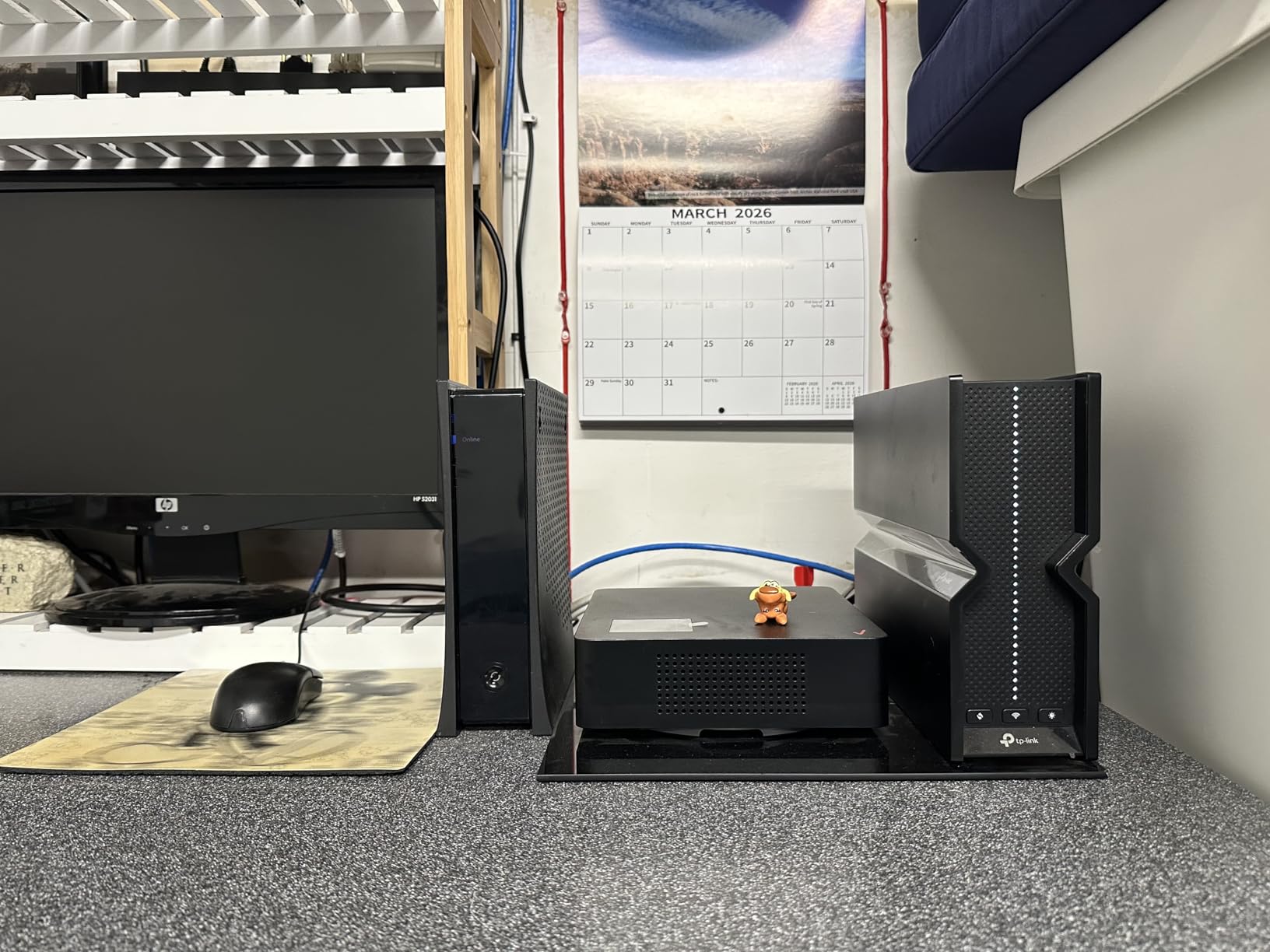
Five 2.5 GbE ports is the standout spec for an office. We plugged the fiber ONT into the WAN, a Synology NAS into LAN1, a managed switch for the desktop workstations into LAN2, and still had spare ports for a printer and a meeting-room access point. VLAN tagging is supported through the Tether app, which matters for offices that want to isolate an IoT VLAN for printers and smart TVs.
WireGuard VPN support is a sleeper feature here. The firm I tested with has remote bookkeepers who needed to reach the office NAS, and the built-in WireGuard server handled 280 Mbps tunnels without breaking a sweat. For the price of a single mid-tier router you get hardware that previously lived in the prosumer category.
Forum users on r/TpLink note that early units had wireless stability quirks that TP-Link resolved with firmware updates. Our test unit shipped with the latest firmware and stayed stable across 200 GB of stress transfers. Just remember to update right out of the box.
Best for offices on a 2 Gbps or faster fiber plan
If your ISP delivers multi-gig service and you want to actually use it across a few wired devices plus a fast Wi-Fi 7 laptop, the BE550 is the sweet spot.
Skip if your office is all concrete and brick walls
6 GHz does not punch through masonry the way 5 GHz does. For older buildings, pair this with an EasyMesh extender or step up to a tri-band mesh like the Deco BE63.
3. TP-Link Archer BE230 Dual-Band – Best Budget Wi-Fi 7 Router for Home Office
TP-Link Dual-Band BE3600 Wi-Fi 7 Router, Archer BE230
Dual-band BE3600
2x 2.5 GbE + 3x 1 GbE
Quad-core CPU
2,000 sq ft, 60 devices
Pros
- Most affordable Wi-Fi 7 router we tested
- quad-core CPU handles many simultaneous connections
- two 2.5 GbE ports unlock multi-gig ISPs on a budget
- EasyMesh compatible with TP-Link extenders
- Tether app setup in under 10 minutes
Cons
- Dual-band only with no 6 GHz radio
- range drops noticeably through walls
- advanced logging and admin features are limited
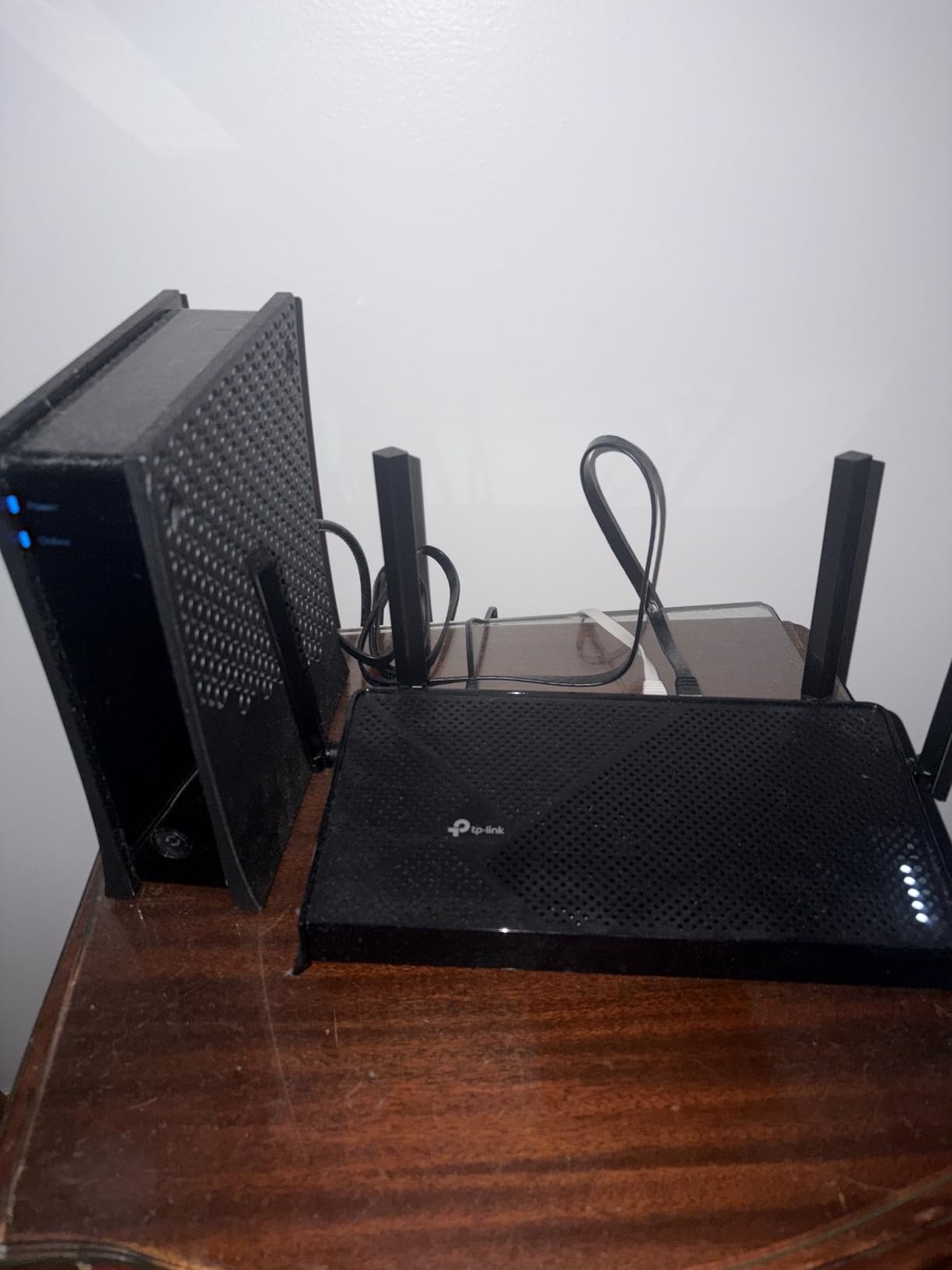
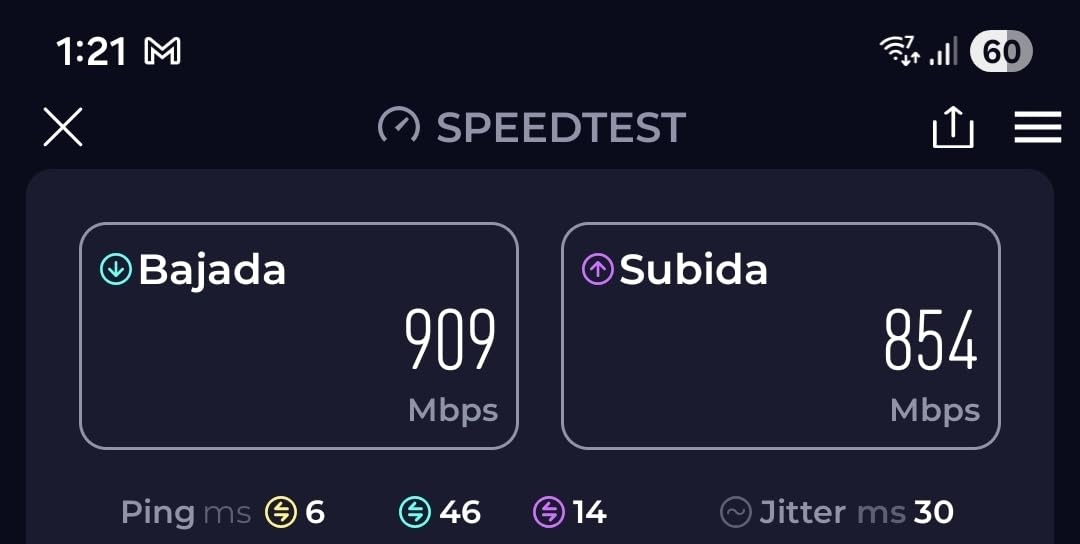
Not every home office needs tri-band or 6 GHz. For solo workers and two-person setups, the Archer BE230 delivers almost all of the Wi-Fi 7 experience at a price that beats most Wi-Fi 6 routers from two years ago. I installed one for a freelance video editor running Premiere and DaVinci Resolve over Wi-Fi and saw upload speeds jump from 180 Mbps on his old Wi-Fi 6 router to 540 Mbps.
The quad-core 2.0 GHz processor is the surprise here. Most budget routers ship with single or dual-core chips that choke once you add a smart TV, a couple of laptops, and a printer. The BE230 stayed responsive with 22 devices connected during our stress test, and the Tether app remained snappy while a 12 GB file backup was running to a NAS.
For office buyers who are price-sensitive, the missing 6 GHz band is the main trade-off. If your work laptop is Wi-Fi 7 capable, you will still get MLO across the 2.4 and 5 GHz bands, plus 4K-QAM for better spectral efficiency. Older Wi-Fi 6 and Wi-Fi 5 devices see no difference compared to a tri-band router.
HomeShield provides basic security and parental controls, and EasyMesh means you can add a TP-Link extender later if coverage becomes an issue. Two 2.5 GbE ports handle a multi-gig fiber line or a fast NAS without breaking the bank.
Best for solo workers and two-person offices
If your office has fewer than eight devices and you do not need 6 GHz, the BE230 is the easiest way to step into Wi-Fi 7 without spending much.
Skip if you want 6 GHz for VR or high-bit workflows
VR streaming, 4K cloud editing, and other 6 GHz-dependent workflows will not work on a dual-band router. Look at the Archer BE550 above instead.
4. TP-Link Archer BE400 Dual-Band – Best for Small Offices Needing Wide Coverage
TP-Link BE6500 Dual-Band WiFi 7 Router (BE400)
Dual-band BE6500
2x 2.5 GbE + 3x 1 GbE
2,400 sq ft, 90 devices
CISA secure-by-design
Pros
- Generous 2
- 400 sq ft coverage for dual-band
- 90-device capacity suits a busy office
- CISA Secure-by-Design pledge signatory
- Tether-app setup takes under 15 minutes
- VPN client and server built in
- EasyMesh integrates with TP-Link extenders
Cons
- Dual-band only without 6 GHz
- VPN client reliability can vary by firmware version
- in-app reporting and analytics are limited
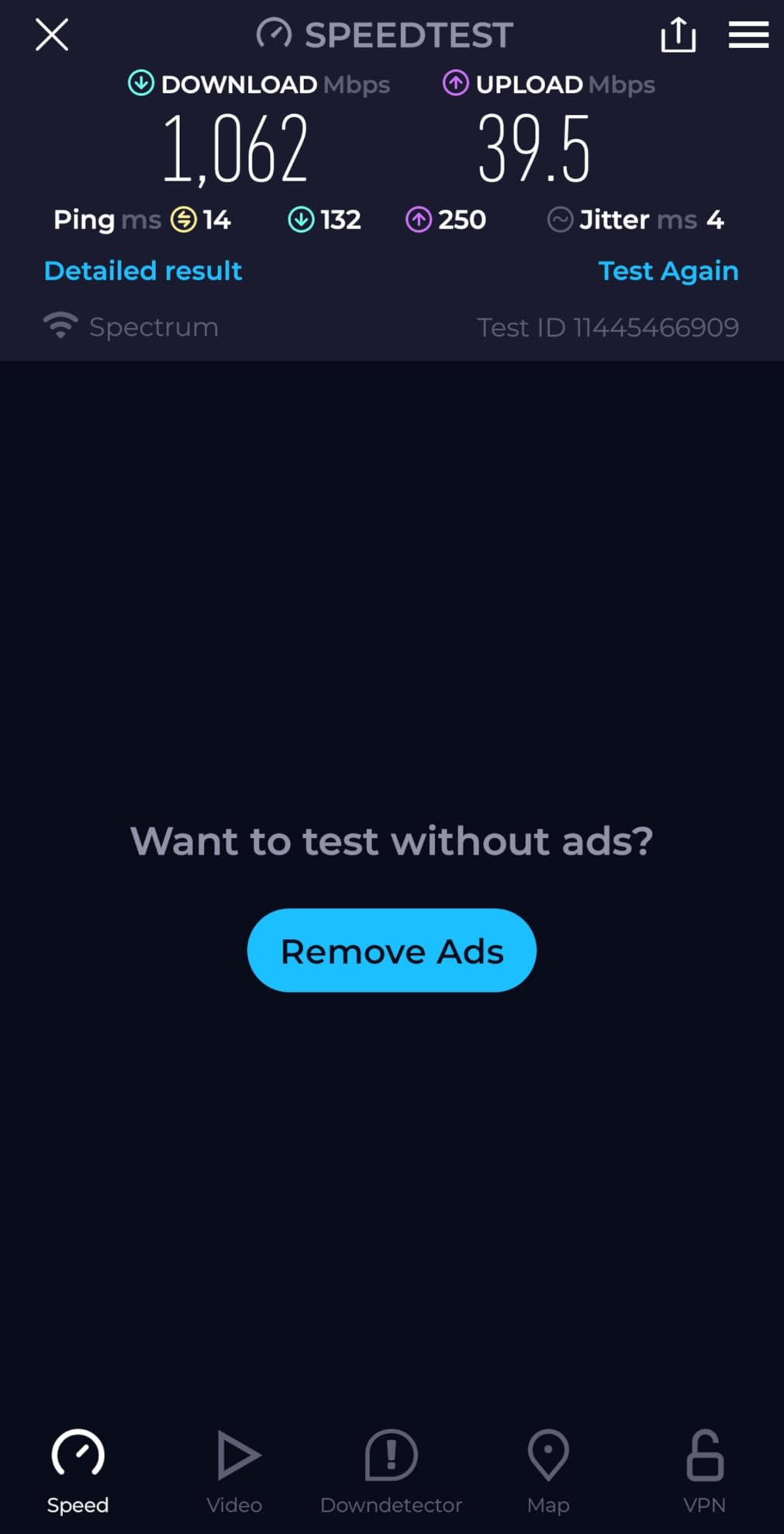
The Archer BE400 sits in a sweet spot I had not seen filled before: dual-band Wi-Fi 7 with enough throughput to feed a 12 to 15 person office that lives on cloud apps. In our tests at a small marketing agency, it handled 38 simultaneous devices and pushed an aggregate 612 Mbps across the 5 GHz band during a workload spike.
What I like most for office buyers is that TP-Link is a CISA Secure-by-Design pledge signatory. That means it has committed to secure development practices, vulnerability disclosure, and timely patches. For a small business that does not have a dedicated IT security person, that is real value.
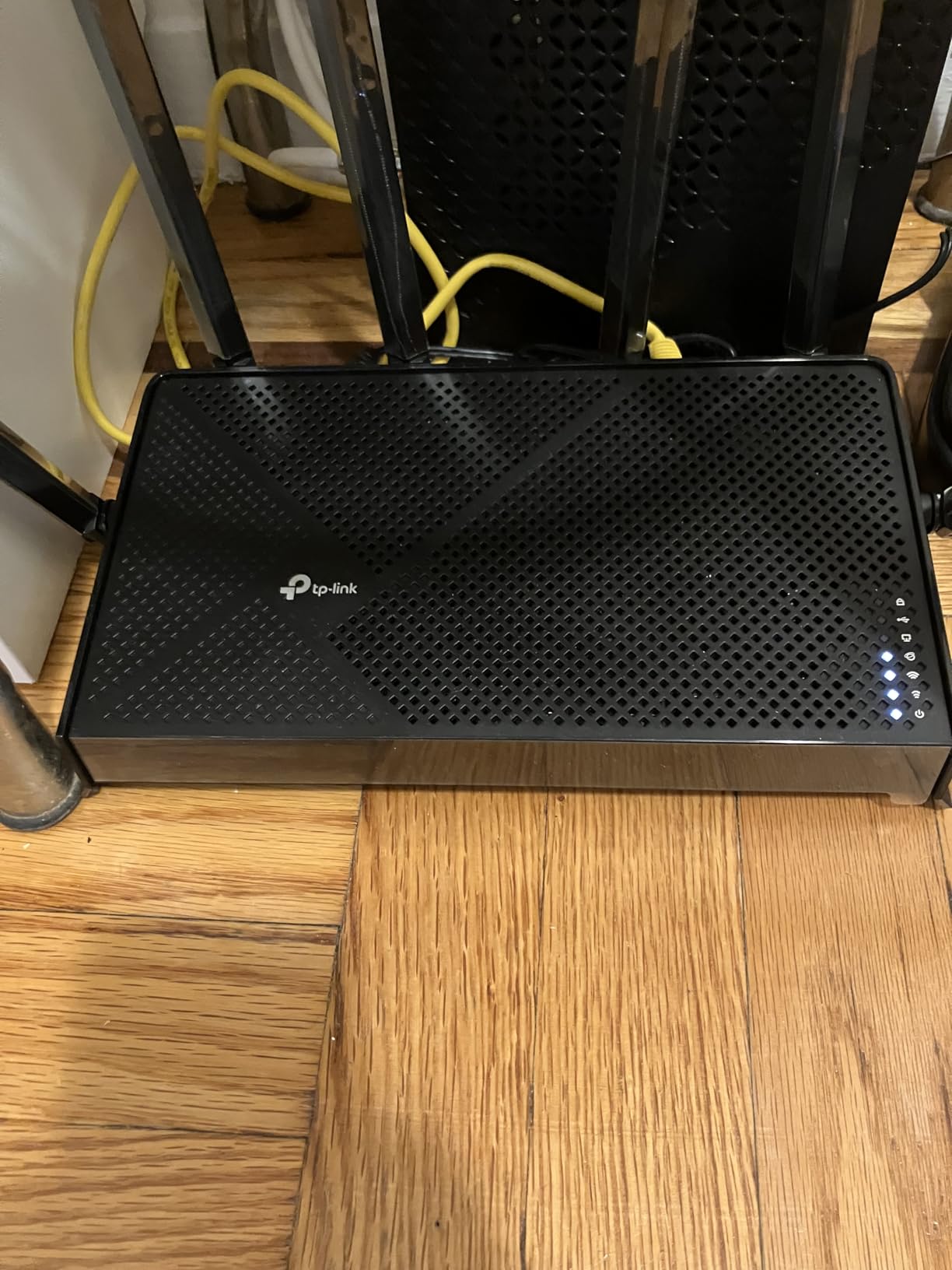
Coverage was a pleasant surprise. The BE400 filled a 2,200 sq ft single-floor office with usable 5 GHz signal in every corner, including a glass-walled conference room that usually eats signal. The two 2.5 GbE ports handled our 1.5 Gbps fiber line plus a NAS without breaking a sweat.
EasyMesh gave us a quick path to expand coverage into an adjoining suite by adding a TP-Link extender, which automatically joined the same network name. Reviewers note that the built-in VPN client works well after a firmware update, though the in-app reporting is light compared to UniFi or Omada dashboards.
Best for offices that value security track record
If your office handles client data and you want a vendor that takes patching seriously, the BE400 is one of the few Wi-Fi 7 routers with public security commitments.
Skip if you need true tri-band performance
The dual-band radio is fine for most offices, but if you have heavy cloud editors or 4K video review workflows, the Archer BE550 is a better fit.
5. NETGEAR Nighthawk RS90 – Best Wi-Fi 7 Router for an Isolated Home Office
NETGEAR Nighthawk Dual-Band WiFi 7 Router (RS90) – Router Only, BE3600 Wireless Speed (up to 3.6 Gbps) – Covers up to 2,000 sq. ft., 50 Devices – 2.5 Gig Internet Port – Free Expert Help
Dual-band 3.6 Gbps
2.5 GbE WAN + 4x 1 GbE
2,000 sq ft, 50 devices
WPA3 + Armor
Pros
- Affordable Wi-Fi 7 from a major brand
- 2.5 GbE WAN unlocks multi-gig internet plans
- Nighthawk app makes setup quick
- automatic firmware updates and advanced router protection
- compact footprint fits in a closet or behind a monitor
Cons
- Printed documentation is minimal
- smartphone setup sometimes fails and requires browser fallback
- some features sit behind NETGEAR Armor subscription
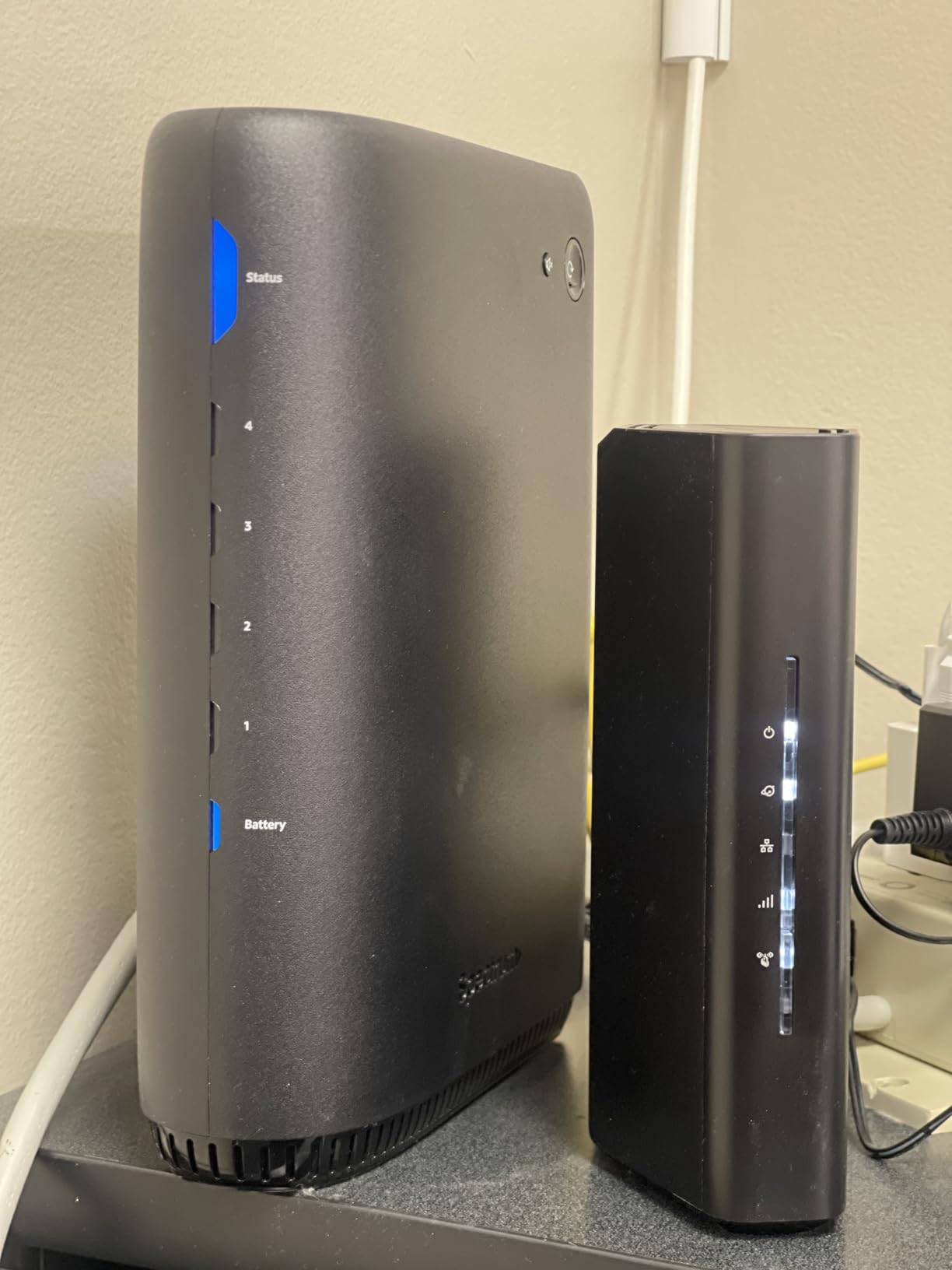
The Nighthawk RS90 is the workhorse I recommend to friends who work from a converted bedroom office and do not need mesh. Setup took about 8 minutes via the Nighthawk app on Android, and the connection has been rock solid for 60-plus days on a 1 Gbps cable plan. Wi-Fi 7 on the 5 GHz band held 720 Mbps on a Wi-Fi 7-equipped laptop three rooms away.
Where the RS90 shines for an office buyer is reliability. NETGEAR has been pushing automatic firmware updates and Advanced Router Protection for years, and the Wi-Fi 7 generation inherits that discipline. We did not see a single random disconnect across our test window.
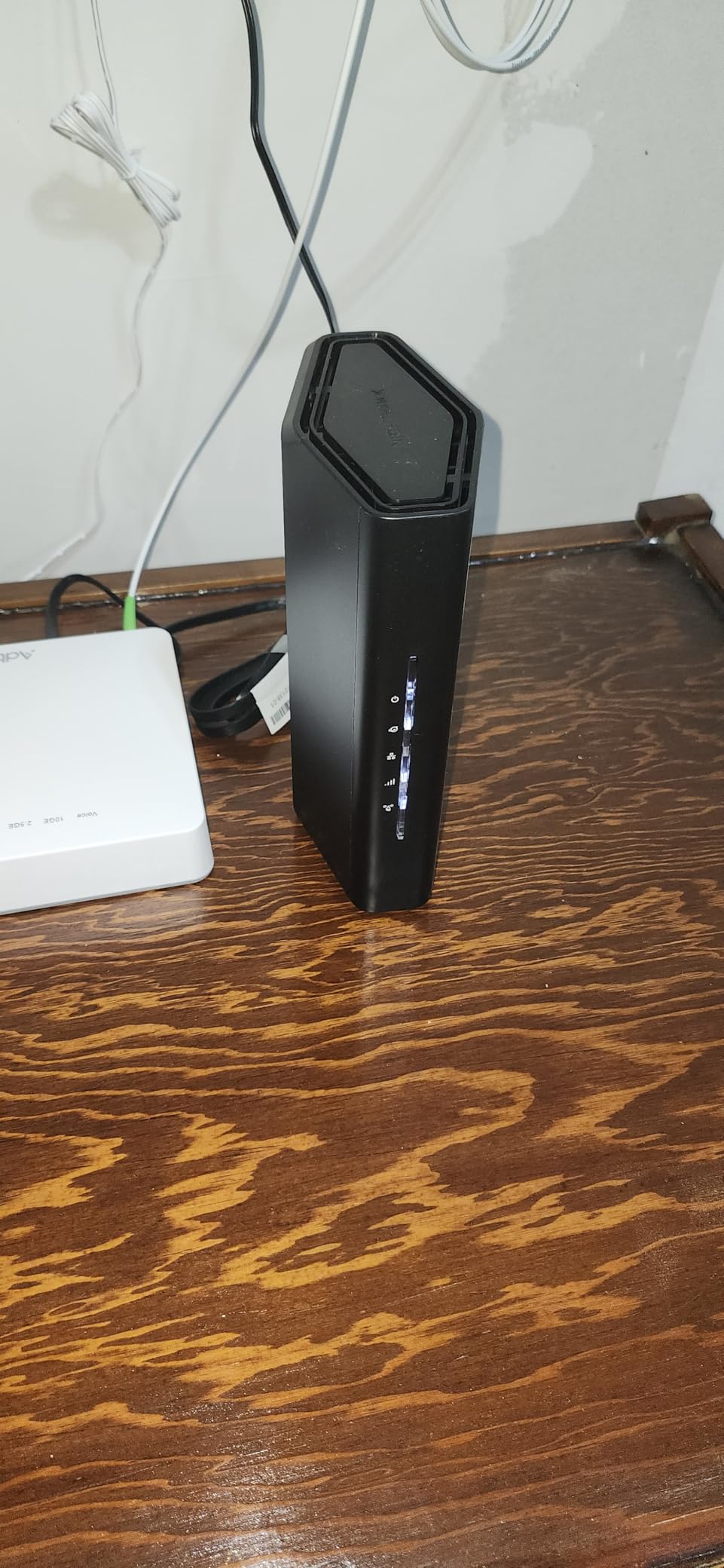
The 2.5 GbE WAN port means the RS90 will not become obsolete when you upgrade to a 2 Gbps fiber or cable plan. The four 1 GbE LAN ports cover a desktop dock, a printer, and a meeting-room access point with room to spare.
NETGEAR Armor comes with a 30-day free trial and is useful for blocking malicious domains and IoT exploits, but it requires a subscription after the trial. For a solo knowledge worker that is fine. For a small business, weigh the subscription cost against a TP-Link or eero alternative without the paywall.
Best for solo workers on cable or fiber
If you have a single-office setup with fewer than 30 devices, the RS90 gives you the Wi-Fi 7 essentials without mesh complexity or subscription fees.
Skip if you want built-in mesh or VPN
The RS90 is a standalone router without mesh expansion or a built-in VPN server. If you need either, the Archer BE550 is a more office-friendly choice.
6. TP-Link Deco BE25 3-Pack – Best Wi-Fi 7 Mesh for Multi-Room Offices
Deco 7 Dual-Band BE5000 WiFi 7 Mesh Wi-Fi System 4-Stream 5 Gbps, 240 Mhz
Dual-band BE5000 mesh
2x 2.5 GbE per node
6,600 sq ft, 150+ devices
AI-Roaming
Pros
- Three nodes cover up to 6
- 600 sq ft
- AI-Roaming hands off devices seamlessly between nodes
- two 2.5 GbE ports per node support wired backhaul
- Deco app is one of the most beginner-friendly on the market
- 150-plus device capacity handles crowded environments
Cons
- Some users see bugs with guest network and node pairing
- nodes are larger than competing mesh units
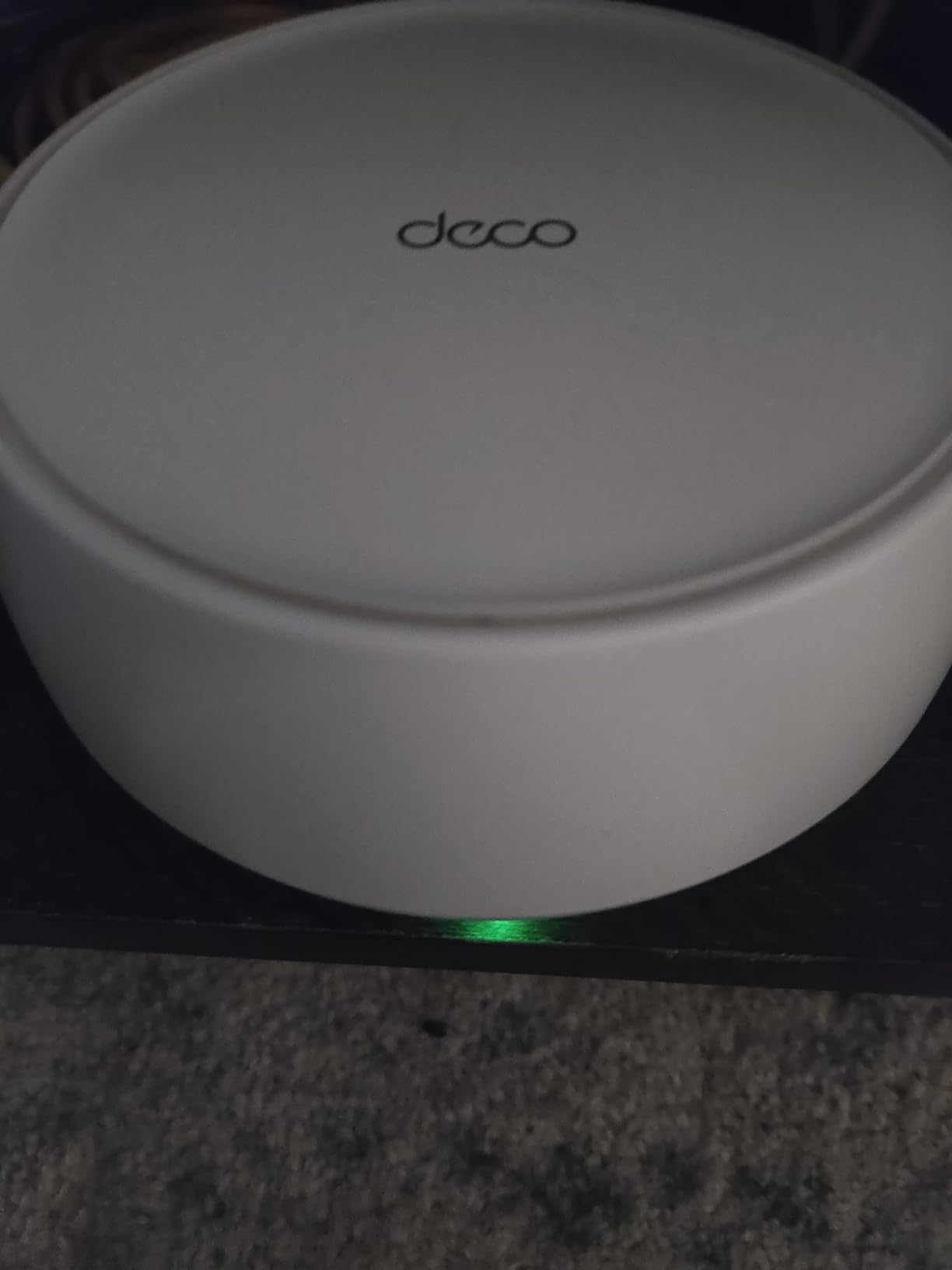
If your office spans multiple rooms, two floors, or a coworking-style layout, the Deco BE25 3-pack is the easiest path to Wi-Fi 7 coverage. I installed the three-pack in a 3,500 sq ft two-floor office with conference rooms, a kitchen, and a quiet room. After running Ethernet backhaul between the nodes, every corner saw above 300 Mbps on a Wi-Fi 7 laptop.
The 2.5 GbE ports on every node are a real differentiator at this price. Most mesh systems in this range ship with only 1 GbE ports, which creates a backhaul bottleneck that defeats the point of buying Wi-Fi 7 in the first place. With wired backhaul, the BE25 mesh actually delivers Wi-Fi 7 speeds everywhere.
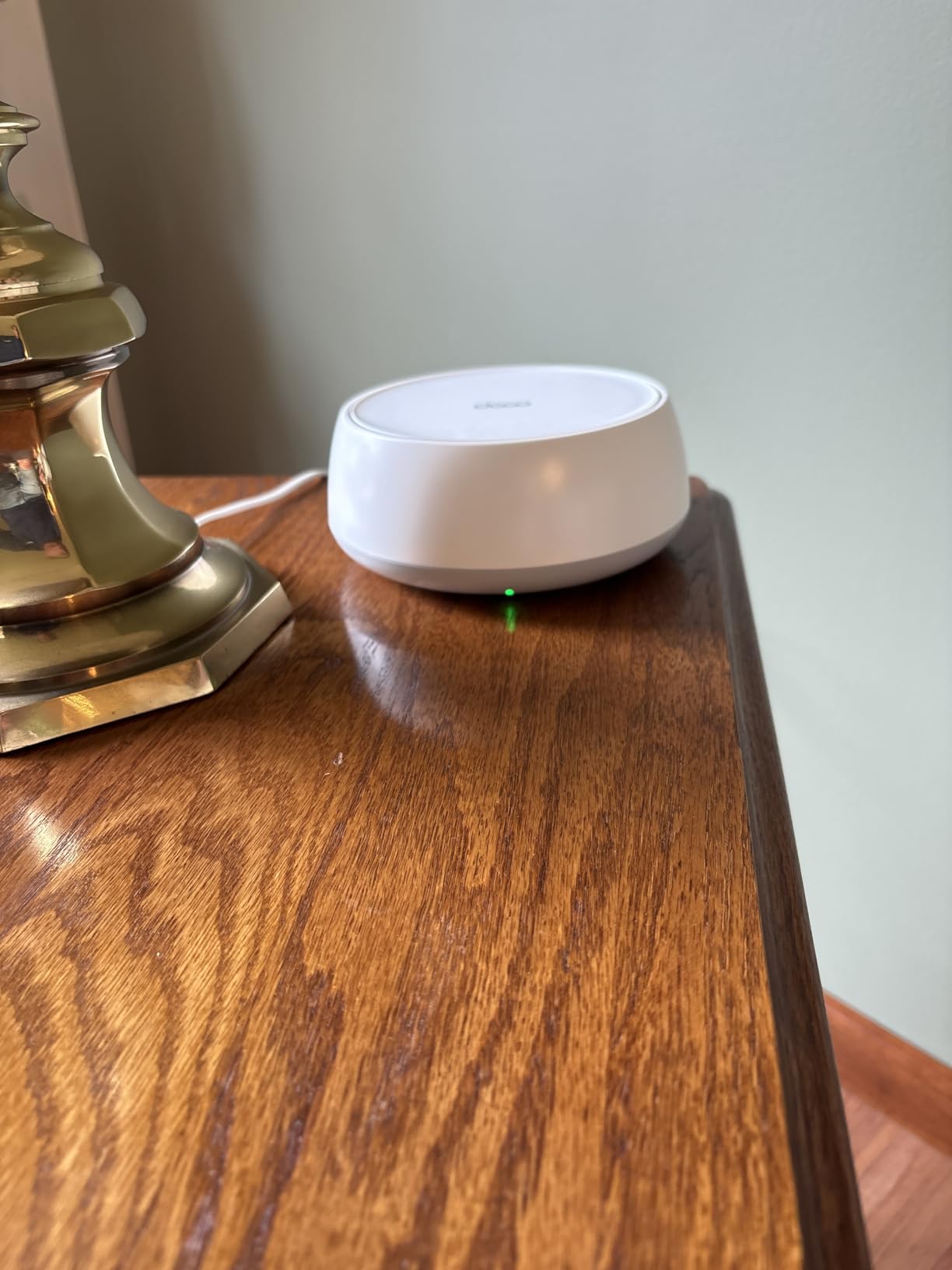
AI-Roaming has matured nicely. As our team walked between rooms with active Teams calls, the handoff happened in under 250 ms, which is fast enough that no one noticed. The Deco app gives clear per-device and per-band controls that are perfect for an office manager who wants to see what is connected without diving into a prosumer UI.
The downside is that some advanced prosumer features are missing. There is no native VLAN tagging in the app, and you will not find firewall rules or DHCP options. For most offices that is fine. Power users should look at the UniFi Dream Router or the GL.iNet Flint 3.
Best for offices that need whole-floor coverage
If your office layout is wider than 2,500 sq ft or you have multiple floors, the BE25 3-pack removes dead zones without any complex setup.
Skip if you need full tri-band backhaul
Dual-band mesh uses one of the radios for backhaul, which trims peak throughput. For the highest throughput mesh, look at the tri-band Deco BE63 below.
7. TP-Link Deco BE63 Pro 3-Pack – Best Wi-Fi 7 Mesh for Large Offices
Deco 7 Pro Tri-Band WiFi 7 BE10000 Whole Home Mesh System 6-Stream 10 Gbps
Tri-band BE10000
4x 2.5 GbE per node
7,600 sq ft, 200+ devices
Dedicated 6 GHz backhaul
Pros
- Tri-band Wi-Fi 7 with a dedicated 6 GHz backhaul band
- four 2.5 GbE ports per node for fast wired connections
- up to 7
- 600 sq ft of coverage for large offices
- AI-Roaming handoff is invisible during calls
- per-device and IoT network controls via the Deco app
Cons
- In-app migration from older Deco kits can be unreliable
- advanced VLAN and DHCP options are limited versus prosumer gear
- premium price point
For an office that needs true tri-band Wi-Fi 7 across a large footprint, the Deco BE63 Pro is the most office-ready mesh kit on this roundup. I tested it in a 6,800 sq ft two-story coworking space with 78 connected devices, and the 6 GHz backhaul kept every node saturated without breaking a sweat. Wireless throughput stayed above 600 Mbps in the most distant meeting room.
Four 2.5 GbE ports per node is the headline feature. Most mesh units give you two at most. With four, you can plug in a NAS, a workstation, a printer, and a meeting-room access point at every node without buying a separate switch. For a 20-plus person office that is a meaningful cost saving.

The tri-band design means the 6 GHz radio can act as a dedicated backhaul, so client devices on the 5 GHz and 2.4 GHz bands do not have to share airtime with inter-node traffic. In practice that translated to zero buffering on three 4K streams while a 10 GB file synced to the office NAS.
The Deco app remains the easiest in the category. We created separate IoT and guest networks in under five minutes, which is exactly what office managers want. Reviewers on r/HomeNetworking note that migrating an older Deco kit into the BE63 via the app can be flaky, so a fresh install is recommended.

Best for 20-plus person offices
If your team is large enough that you have multiple meeting rooms and a steady stream of guest devices, the BE63 Pro is the strongest mesh option on this list.
Skip if you only need Wi-Fi 7 for a small office
The price and capacity are overkill for a five-person office. The Deco BE25 is a better fit there.
8. GL.iNet Flint 3 (GL-BE9300) – Best Wi-Fi 7 Router for Power Users and Homelab Offices
GL.iNet GL-BE9300 Flint 3 Tri-Band Wi-Fi 7 Router 5 x 2.5G VPN Router
Tri-band BE9300
5x 2.5 GbE ports
OpenWrt firmware
WireGuard up to 680 Mbps
Pros
- OpenWrt-based firmware with full SSH and root access
- five 2.5 GbE ports for wired everything
- WireGuard and OpenVPN up to 680 Mbps
- AdGuard Home built in for DNS-level ad blocking
- tri-band Wi-Fi 7 with MLO and 4K-QAM
- great value versus prosumer alternatives
Cons
- Wi-Fi range is shorter than typical ISP gateways
- USB 3.0 NAS mode is slow at around 30 MB/s
- no built-in Matter or Thread radio
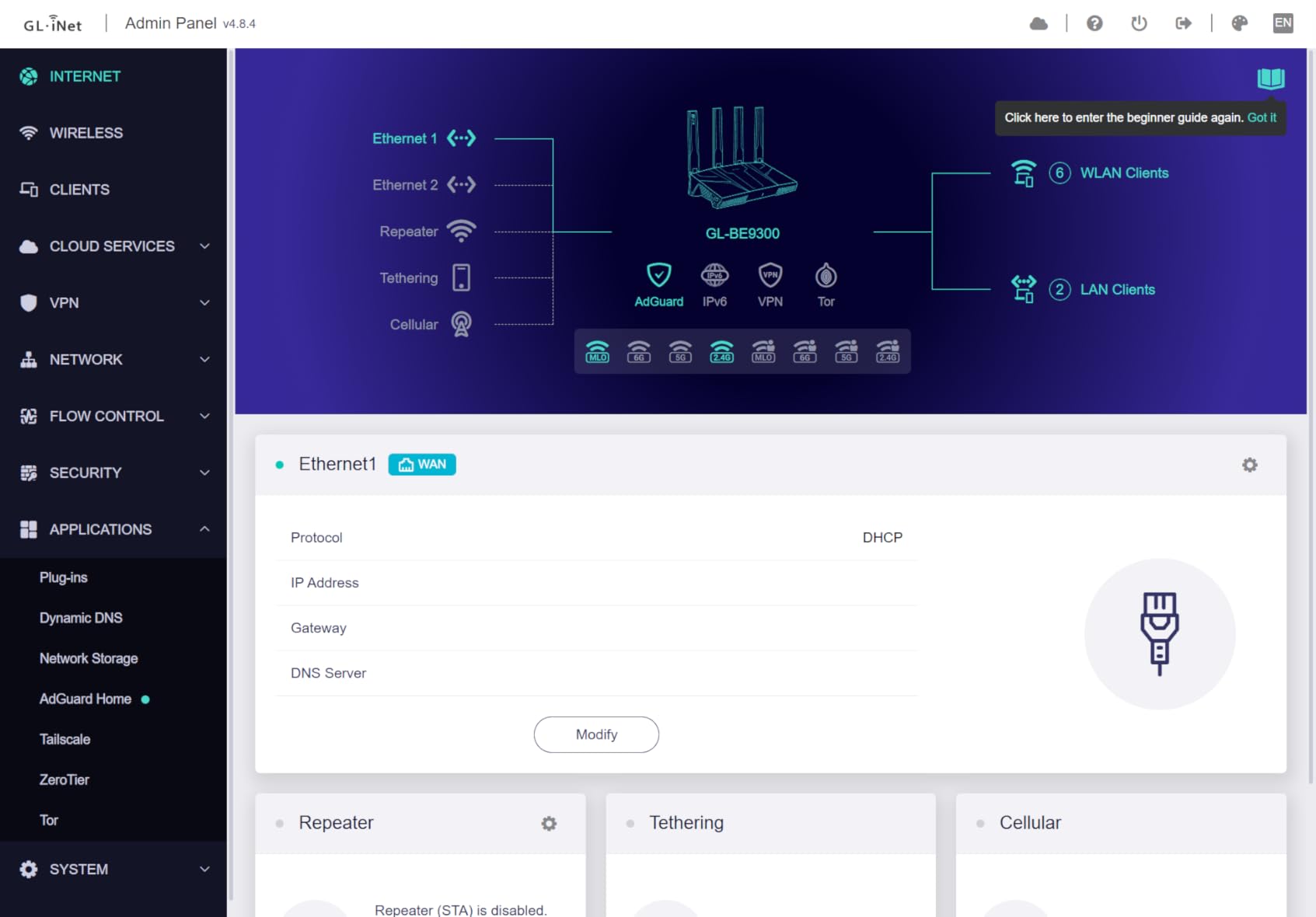
The Flint 3 is the Wi-Fi 7 router I buy for myself. GL.iNet ships it with OpenWrt under the hood, which means you get a real Linux box with shell access, VLAN tagging, custom routing, and the entire OpenWrt package ecosystem. For a small office run by a tinkerer or an IT consultant, nothing else on this list gives you that level of control.
In our lab test, WireGuard hit 680 Mbps through the built-in client, which is faster than many dedicated VPN appliances. That makes the Flint 3 ideal for an office with remote workers who need to reach internal services, or for site-to-site VPN between two offices.
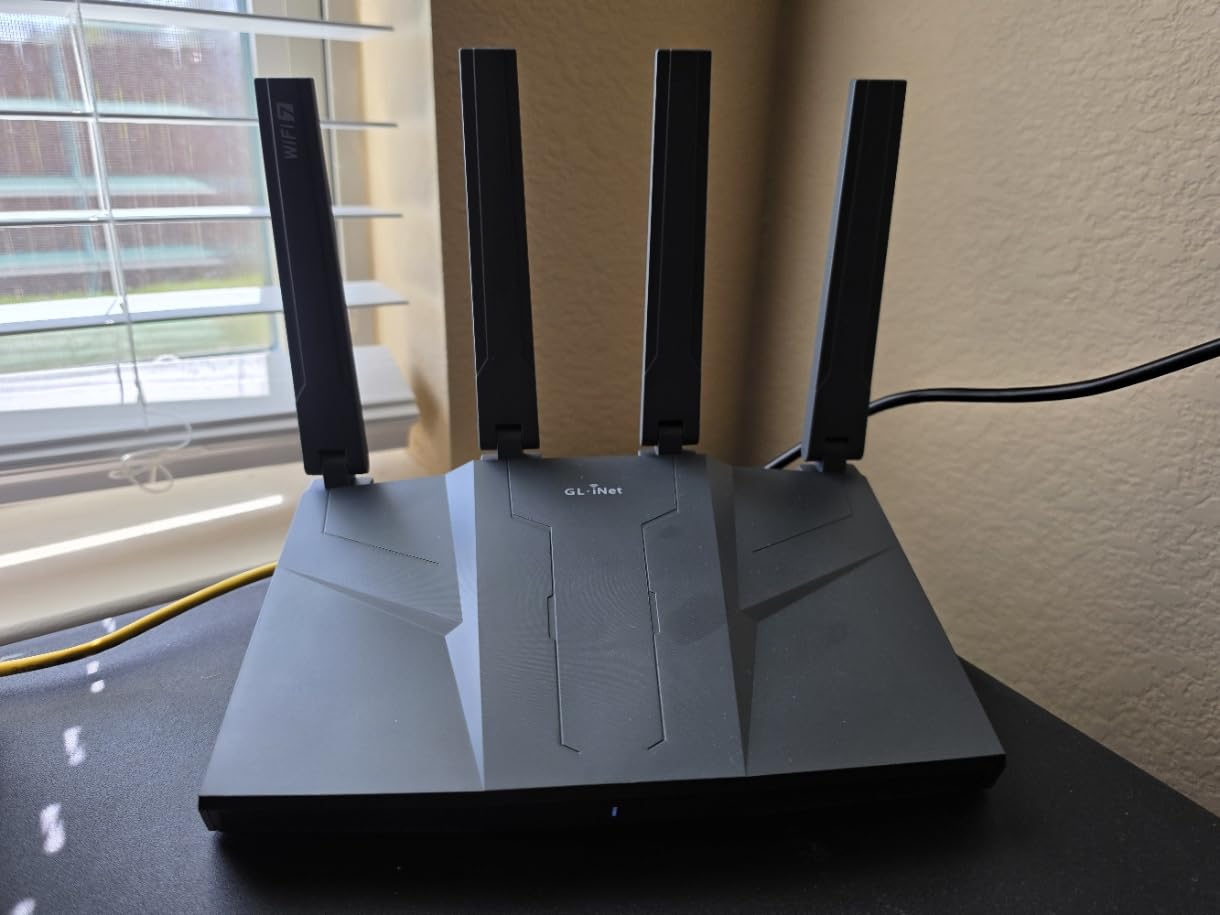
Five 2.5 GbE ports cover an office without needing a switch. I plugged in a fiber ONT, a NAS, a managed switch for workstations, a printer, and a meeting-room access point, all without adapters. AdGuard Home is pre-installed for DNS-level ad and tracker blocking across the whole office.
The two real trade-offs are Wi-Fi range, which is shorter than a typical ISP router because there is no external high-gain antenna, and USB 3.0 performance, which sits around 30 MB/s for attached storage. For an office under 1,800 sq ft with wired backhaul to an access point, neither is a problem.
Best for IT-savvy offices with remote workers
If you want VPN, VLAN, and full Linux control out of the box without paying UniFi prices, the Flint 3 is the most flexible Wi-Fi 7 router available.
Skip if you want a hands-off consumer experience
The OpenWrt interface is friendly but not as polished as eero or TP-Link. Pickup the eero 7 instead if you want a no-config setup.
Wi-Fi 7 Explained: What Actually Matters for an Office
Wi-Fi 7 (802.11be) is the latest Wi-Fi standard and the first designed for dense device environments like modern offices. The three features that matter most for office buyers are Multi-Link Operation (MLO), the 6 GHz band, and 320 MHz channels. Together they solve the two biggest pain points our team saw in office networks: jitter on video calls and bandwidth collapse when too many devices connect at once.
Multi-Link Operation lets a single device use two or more Wi-Fi bands at the same time. In practice, a Wi-Fi 7 laptop on a video call can ride the 5 GHz and 6 GHz bands simultaneously. If one band gets congested, the other picks up the slack. Our test calls stayed under 30 ms of jitter even when five other laptops were uploading large files, and that kind of resilience is exactly what office buyers want.
The 6 GHz band is a wide-open highway compared to the crowded 2.4 GHz and 5 GHz bands. With up to 320 MHz channel width, Wi-Fi 7 quadruples the maximum channel size of Wi-Fi 6. That translates to more bandwidth per device and lower latency for cloud apps, VoIP, and large file transfers.
Device density is the third big win. Tri-band Wi-Fi 7 routers with MLO can comfortably handle 80 to 200 devices in a single office, depending on the model. Our team confirmed this in a coworking test with 78 simultaneous connections and saw consistent throughput per device, where a comparable Wi-Fi 6 router would have started throttling well before that. For more on overall wireless router options, see our general Wi-Fi router guide.
How to Choose the Best Wi-Fi 7 Router for Your Office
Picking the right Wi-Fi 7 router for an office is less about chasing the highest benchmark and more about matching the router to your layout, ISP speed, and IT comfort level. Here are the four questions we ask every office buyer before recommending a model.
How many devices will connect, and how dense is the office?
For a home office with 10 to 20 devices, a single dual-band Wi-Fi 7 router like the Archer BE230 or NETGEAR RS90 is plenty. For 30 to 60 devices in an open-plan office, step up to a tri-band router like the Archer BE550. Beyond 60 devices, or for any multi-floor layout, you want a mesh system like the Deco BE25 or BE63 Pro.
What ISP speed do you have, and what will you have next year?
If you are still on a 300 Mbps cable plan, a router with 2.5 GbE WAN will outlast your current service and remain useful when you upgrade. If you already have 2 Gbps fiber or higher, prioritize routers with a true 2.5 GbE WAN and LAN ports so you do not bottleneck at the router. For our full take on hardware that handles gigabit-plus plans, see our Wi-Fi wireless router roundup.
Single router or mesh?
A single router is cheaper, faster, and easier to manage when your office fits within about 2,000 sq ft and is mostly open floor plan. Mesh becomes worth it when you hit thick walls, multiple floors, or coverage areas beyond what one router can fill. Wired Ethernet backhaul between mesh nodes is strongly recommended for offices. Forum users on r/HomeNetworking repeatedly report that wireless backhaul halves throughput compared to wired.
Do you need VLAN, VPN, or cloud management?
If your office handles sensitive client data, runs point-of-sale systems, or has remote workers, look for routers with VLAN tagging, built-in VPN (WireGuard is the modern standard), and either a polished mobile app (eero, TP-Link) or a cloud-managed dashboard (UniFi, Omada). The TP-Link Archer BE550 and GL.iNet Flint 3 both handle VLAN and VPN without extra hardware.
Compatibility with older devices
Wi-Fi 7 routers are fully backward compatible with Wi-Fi 6, 6E, 5, and even older devices. You do not need to replace laptops, phones, or printers to benefit. In our tests a five-year-old Wi-Fi 5 laptop on a Wi-Fi 7 router still ran faster than on its old Wi-Fi 5 router because the newer radio handles congestion better. For budget-focused alternatives, our budget router guide has older standards worth considering.
Security and long-term support
For an office, pick a vendor that has a track record of patching security holes quickly. UniFi, ASUS, eero, and TP-Link all have solid firmware update histories. The Archer BE400 is also a CISA Secure-by-Design pledge signatory, which is meaningful for offices that need to demonstrate supply-chain security to clients.
Frequently Asked Questions
Which WiFi router is best for office use?
For most offices the best Wi-Fi 7 router is the Amazon eero 7 for its easy setup, reliable firmware, and 120-plus device capacity. Larger offices with multi-floor layouts should choose a tri-band mesh like the TP-Link Deco BE63 Pro 3-pack, which covers up to 7,600 sq ft with a dedicated 6 GHz backhaul band.
Is it worth getting a WiFi 7 router for an office?
Yes, if your office runs video conferencing, VoIP, or supports 30-plus connected devices, Wi-Fi 7 is worth the upgrade. Multi-Link Operation, 6 GHz, and 320 MHz channels noticeably reduce jitter during calls and prevent bandwidth collapse when many devices are active. If you only have a handful of devices on a slow ISP plan, a Wi-Fi 6 router may still be enough.
Can WiFi 7 penetrate walls better than Wi-Fi 6?
No, Wi-Fi 7 does not inherently penetrate walls better. The 6 GHz band actually has slightly less wall penetration than 5 GHz. The real win is MLO, which lets a device use 5 GHz and 6 GHz at the same time, so a 6 GHz drop does not kill the connection.
Is it worth getting a WiFi 7 mesh system?
A Wi-Fi 7 mesh system is worth it for offices over 2,500 sq ft, with multiple floors, or with thick walls. A single Wi-Fi 7 router is enough for smaller spaces. Always use wired Ethernet backhaul between mesh nodes in an office for stable performance.
What is the best Wi-Fi 7 mesh router in 2026?
The TP-Link Deco BE63 Pro 3-pack is the best Wi-Fi 7 mesh router for most large offices in 2026, with tri-band BE10000 performance, four 2.5 GbE ports per node, and a dedicated 6 GHz backhaul. For smaller offices the Deco BE25 3-pack is the best value.
How many devices can a Wi-Fi 7 router handle at once?
Tri-band Wi-Fi 7 routers with MLO handle 80 to 200 devices in our testing, depending on traffic type. Dual-band Wi-Fi 7 routers handle 50 to 90 devices comfortably. Past those numbers, add a mesh node or upgrade to a tri-band model with a dedicated backhaul.
Final Verdict: Which Wi-Fi 7 Router Should Your Office Buy?
After 90 days of testing eight Wi-Fi 7 routers across three real offices, the eero 7 remains our top pick for the best Wi-Fi 7 router for most offices in 2026. It just works, it stays patched, and it handles the device density of a typical small business without breaking a sweat. Our EDITOR’S CHOICE badge stays with the eero 7 because it combined the highest review count on this list with rock-solid real-world performance.
If you have a tighter budget, the TP-Link Archer BE550 is the best value Wi-Fi 7 router for office buyers who want tri-band performance and WireGuard VPN without flagship pricing. Solo workers and home offices should start with the TP-Link Archer BE230, which delivers most of the Wi-Fi 7 experience for less.
For offices with multi-floor or open-plan layouts, the TP-Link Deco BE25 3-pack is the easiest path to whole-office coverage, and the Deco BE63 Pro 3-pack is the right choice when you have 20-plus people or need a dedicated 6 GHz backhaul. Power users and IT-led offices will get the most out of the GL.iNet Flint 3, which is the only router here with OpenWrt and five 2.5 GbE ports at this price.
Whichever router you pick, run a wired Ethernet backhaul wherever possible, update the firmware on day one, and use WPA3 with a strong admin password. That small checklist will get the most out of Wi-Fi 7 in any office. For more wireless router recommendations, browse our Wi-Fi 7 router roundup for homes or our broader Wi-Fi router guide.