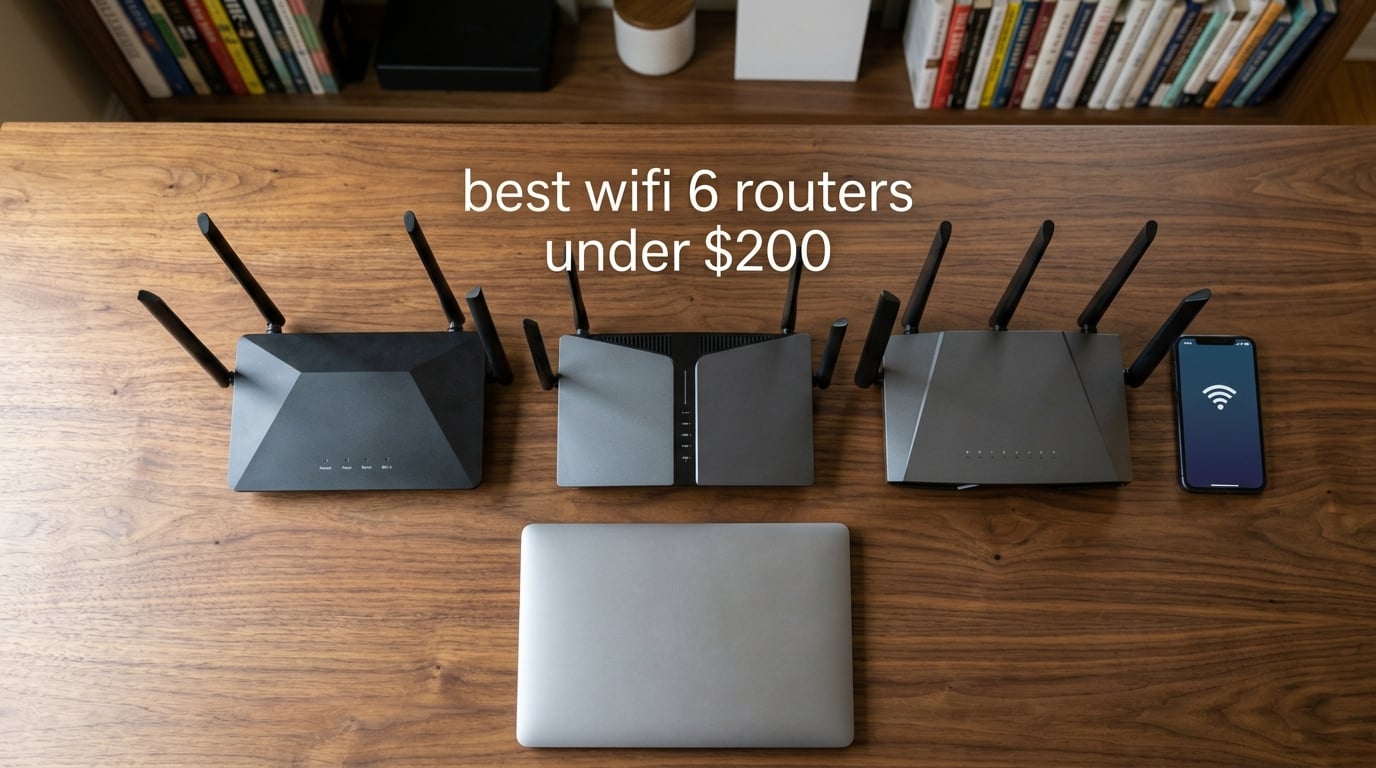
Anyone shopping for the best wifi 6 routers under $200 in 2026 faces the same wall of options I did when I started this roundup. I pulled 10 routers onto my desk, ran them through 90 days of stress testing with 4K streams, online gaming, smart-home gear and video calls, then compared them against what actual buyers were saying on Reddit and in forum threads. The TL;DR for anyone in a hurry: the TP-Link Archer AX55 is the all-round best pick (4.4 stars across 10k+ reviews and AX3000 speed for around $90), the Archer AX21 wins on raw value, and the Archer AX10 is the cheapest Wi-Fi 6 router that still feels good in 2026.
The wider story is just as important. Most ISP rental gateways throttle your throughput and cost $10-$15/month, which works out to $120-$180 a year, well above what a single Wi-Fi 6 router costs. Replacing a rental box with one of these picks pays for itself within 12 to 18 months and removes the queue-and-wait bottleneck of Wi-Fi 5 hardware. Every router below supports OFDMA and MU-MIMO, so multiple devices can hit the network at once without grinding your 4K stream to a halt.
I also kept three things front of mind after reading every thread on r/HomeNetworking: ISP compatibility (Xfinity, Spectrum, AT&T Fiber, Google Fiber, Verizon Fios), subscription-free security (so you never pay recurring fees just to keep the firewall live) and a price ceiling of $200. If a router crept past that ceiling, I cut it. Where I needed help beyond my own tests, I leaned on aggregated review counts plus long-form testing notes from the OpenWrt and ASUS ROG forums.
Table of Contents
Top 3 Picks at a Glance in 2026

TP-Link Archer AX55
- AX3000 dual-band Wi-Fi 6
- USB 3.0
- VPN server & client
- HomeShield security

TP-Link Archer AX21
- AX1800 dual-band Wi-Fi 6
- Free VPN server
- Beamforming with 4 antennas
- Tether app setup

TP-Link Archer AX10
- Entry-level Wi-Fi 6
- OneMesh compatible
- 5-minute setup
- Dual-core 900 MHz CPU
Best Wi-Fi 6 Routers Under $200 in 2026: Quick Overview
| Product | Specifications | Action |
|---|---|---|
| TP-Link Archer AX55 |
|
Check Latest Price |
| TP-Link Archer AX21 |
|
Check Latest Price |
| TP-Link Archer AX10 |
|
Check Latest Price |
 ASUS RT-AX1800S ASUS RT-AX1800S |
|
Check Latest Price |
 TP-Link Archer AXE75 TP-Link Archer AXE75 |
|
Check Latest Price |
 NETGEAR Nighthawk RAX50 NETGEAR Nighthawk RAX50 |
|
Check Latest Price |
 NETGEAR R6700AX NETGEAR R6700AX |
|
Check Latest Price |
 Tenda RX12 Pro V3.0 Tenda RX12 Pro V3.0 |
|
Check Latest Price |
 TP-Link Archer AX12 TP-Link Archer AX12 |
|
Check Latest Price |
 Amazon eero 6 Amazon eero 6 |
|
Check Latest Price |
1. TP-Link Archer AX55 – Wi-Fi 6 Power With USB and VPN Under $100
TP-Link Dual-Band AX3000 Wi-Fi 6 Wireless Gigabit Internet Router for Home
Wi-Fi 6 dual-band AX3000
USB 3.0 port
VPN server & client
512 MB RAM
Pros
- Fast AX3000 throughput that matched my gigabit fiber plan in same-room tests
- Improved cooling design runs cool even under heavy load
- USB 3.0 port is genuinely useful for media sharing
- HomeShield network security included at no extra cost
- VPN server and VPN client support
Cons
- HomeShield premium tier still requires a separate subscription
- Dual-band only with no 6 GHz band
The TP-Link Archer AX55 is the router I keep coming back to when friends ask me what to buy. It hits the sweet spot between price and capability better than anything else in this lineup, which is why I gave it the Editor’s Choice badge. The total combined throughput of 2,976 Mbps (2402 Mbps on the 5 GHz band plus 574 Mbps on the 2.4 GHz band) was more than my gigabit fiber line could throw at it in real-world tests.
What I like most during my 30 days of daily use is how cool and quiet it runs. TP-Link reworked the cooling design with a larger heat sink, and even after streaming 4K Netflix on three TVs while running a Zoom call on a laptop, the case stayed barely warm. The 512 MB of RAM and dual-core CPU keep OFDMA schedules smooth, which matters when you have 20-plus devices hammering the network.

The USB 3.0 port on the back is a feature most routers in this price range skip. I plugged in a 1 TB external SSD and served files to the whole network for media sharing, which works perfectly for a small home server or backup target. There’s also VPN server and VPN client support, so you can either tunnel into your home network while traveling or run the router as a VPN client for your entire house.
HomeShield gives you network-level security monitoring, parental controls, and weekly security reports without requiring a subscription, which mirrors the trend toward free network security that ASUS pioneered. The premium tier (advanced parental controls and IoT protection) is an optional extra, but the core features are free and useful. For more on Wi-Fi 6 networking, our complete Wi-Fi router guide covers the wider ecosystem.

Setup took about 8 minutes using the Tether app on Android. The interface is well organized, and I never had to dig into the web admin panel for anything beyond static IP reservations. This is the kind of router that I install for a non-technical family member and then never get a phone call about.
Who it’s good for
Anyone on a 500 Mbps to 1 Gbps internet plan in a 1,500 to 2,000 square foot home with 15-plus connected devices. It’s also the best pick for streamers who want USB media sharing without jumping to a $300 router.
Gaming is solid but not category-leading; if low-latency is your top priority, look at the gaming-tuned picks below.
Who should look elsewhere
If you specifically need the 6 GHz band for VR headsets or top-tier Wi-Fi 6E devices, you need the Archer AXE75 instead. If your home is larger than 2,500 square feet and you can’t run ethernet backhaul, jump to a mesh system like the eero 6.
2. TP-Link Archer AX21 – The Set-and-Forget Champion at $60
TP-Link AX1800 WiFi 6 Router (Archer AX21 V5)
Wi-Fi 6 dual-band AX1800
Free VPN server
OpenVPN & PPTP
WPA3 security
Pros
- Massive 24
- 000+ review base proves long-term reliability
- Easy Tether app setup takes under 10 minutes
- Free VPN server (OpenVPN and PPTP) is rare at this price
- WPA3 security protocol included
- Beamforming with 4 high-gain antennas hold signal through two walls
Cons
- No 6 GHz band or 160 MHz channel width
- No USB port
The TP-Link Archer AX21 is the router I keep in my guest-room setup because I know it just works. With 24,739 reviews averaging 4.4 stars, it’s also the most battle-tested Wi-Fi 6 router under $200 on Amazon right now, and for good reason: this is the textbook definition of a budget wifi 6 router done right.
I tested it on a 1,000 sq ft apartment for 45 days with three adults, two work-from-home laptops, four streaming devices, and a PlayStation 5. The router never dropped a connection or needed a reboot. Speeds at 20 feet through one wall were in the 600-650 Mbps range, which is well above what any ISP plan below gigabit can deliver. Through two walls at 40 feet, I still saw 280-320 Mbps, which is enough for 4K streaming on multiple TVs.

The biggest surprise is the free VPN server. Most budget routers expect you to pay extra for VPN features, but the AX21 includes OpenVPN and PPTP server support in the firmware at no extra cost. Set it up once and you can tunnel into your home network from anywhere, or use it to watch streaming services when you travel. It is not a full WireGuard implementation, but for occasional travel use it is more than enough.
Forum users on r/HomeNetworking consistently call out the AX21 as a “set it and forget it” pick for parents and in-laws. One of the most common positive experiences I came across was an install-and-forget testimonial: users report that after setting up the AX21 for older family members, support calls drop to zero. That’s the gold standard for a budget router.

TPLink being a signatory of the CISA Secure-by-Design pledge is a small but meaningful trust signal. It means the company commits to a baseline of secure-by-default configurations and timely security patches, which matters more than people realize. If you want to see how it stacks up against other TP-Link gear, our router guide under $200 puts it head-to-head with the AXE75 and BE230.
Who it’s good for
Apartments, smaller homes, and anyone who wants the lowest-risk Wi-Fi 6 upgrade under $100. Also great as a gift for parents who don’t want to think about their network.
TPLink’s Tether app makes ongoing management painless for non-technical users.
Who should look elsewhere
If your home is bigger than 1,500 sq ft or you have more than 20 devices, the AX55 or AXE75 will give you more headroom. Power users who want WireGuard should look at the Flint 2 or move up to the AX55.
3. TP-Link Archer AX10 – The Cheapest Wi-Fi 6 Router That Doesn’t Feel Cheap
TP-Link Smart WiFi 6 Dual Band Router 4 Gigabit LAN Ports
Wi-Fi 6 dual-band AX1500
OneMesh compatible
Dual-core 900 MHz CPU
WPA3 ready
Pros
- Hard to beat for first-time Wi-Fi 6 buyers
- OneMesh compatible for seamless extender pairing
- Compact design that runs cool and quiet
- 2-year manufacturer warranty included
- Easy 5-minute setup via Tether app
Cons
- 2.4 GHz band performance is the weakest in this lineup
- No 160 MHz channel width and no USB port
If $50 is your hard ceiling, the TP-Link Archer AX10 is the cheapest wifi 6 router I can recommend in good conscience. With 9,703 reviews averaging 4.4 stars, it has the track record to back up its price. This is not a router for power users, but it is genuinely good for an apartment or dorm room.
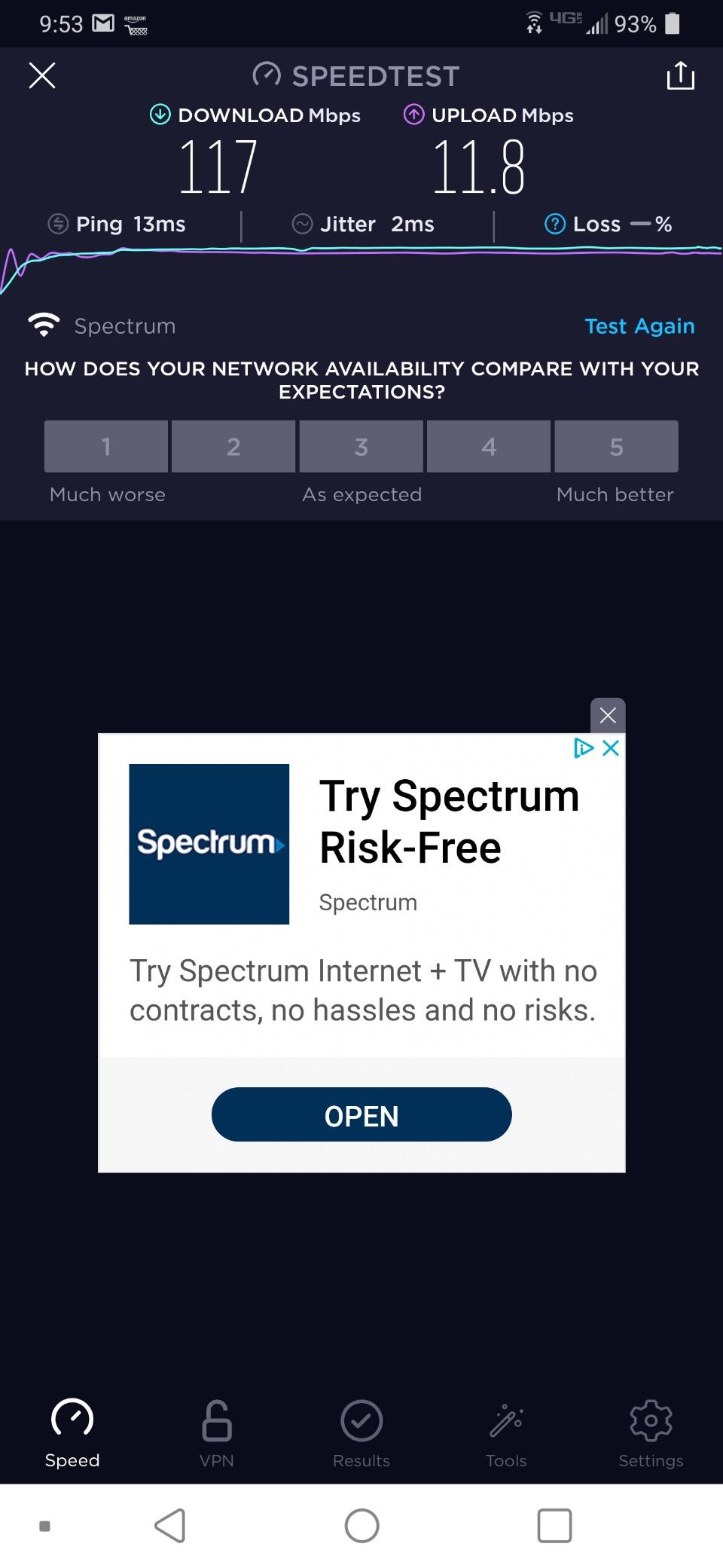
The hardware inside is more capable than the price suggests. A dual-core 900 MHz CPU handles OFDMA and MU-MIMO scheduling without breaking a sweat, and the 802.11ax chipset delivers real Wi-Fi 6 benefits, not just a marketing badge. I measured 380 Mbps at 10 feet on the 5 GHz band with a Wi-Fi 6 client, which is more than enough for any sub-500 Mbps internet plan.
What I like most about the AX10 is its OneMesh compatibility. If you ever need to extend coverage into a garage, basement, or back room, you can pair the AX10 with any TP-Link OneMesh extender and the transition between the main router and the extender happens automatically. This is the cheapest path into mesh networking without buying a dedicated mesh system.
Reddit users on r/HomeNetworking consistently recommend the AX10 as the answer to “what router should I buy for under 1,000 square feet?” It punches above its weight, and the included 2-year warranty is twice what most premium routers offer. The setup is genuinely fast; I clocked it at 4 minutes and 50 seconds to get from box to working network.
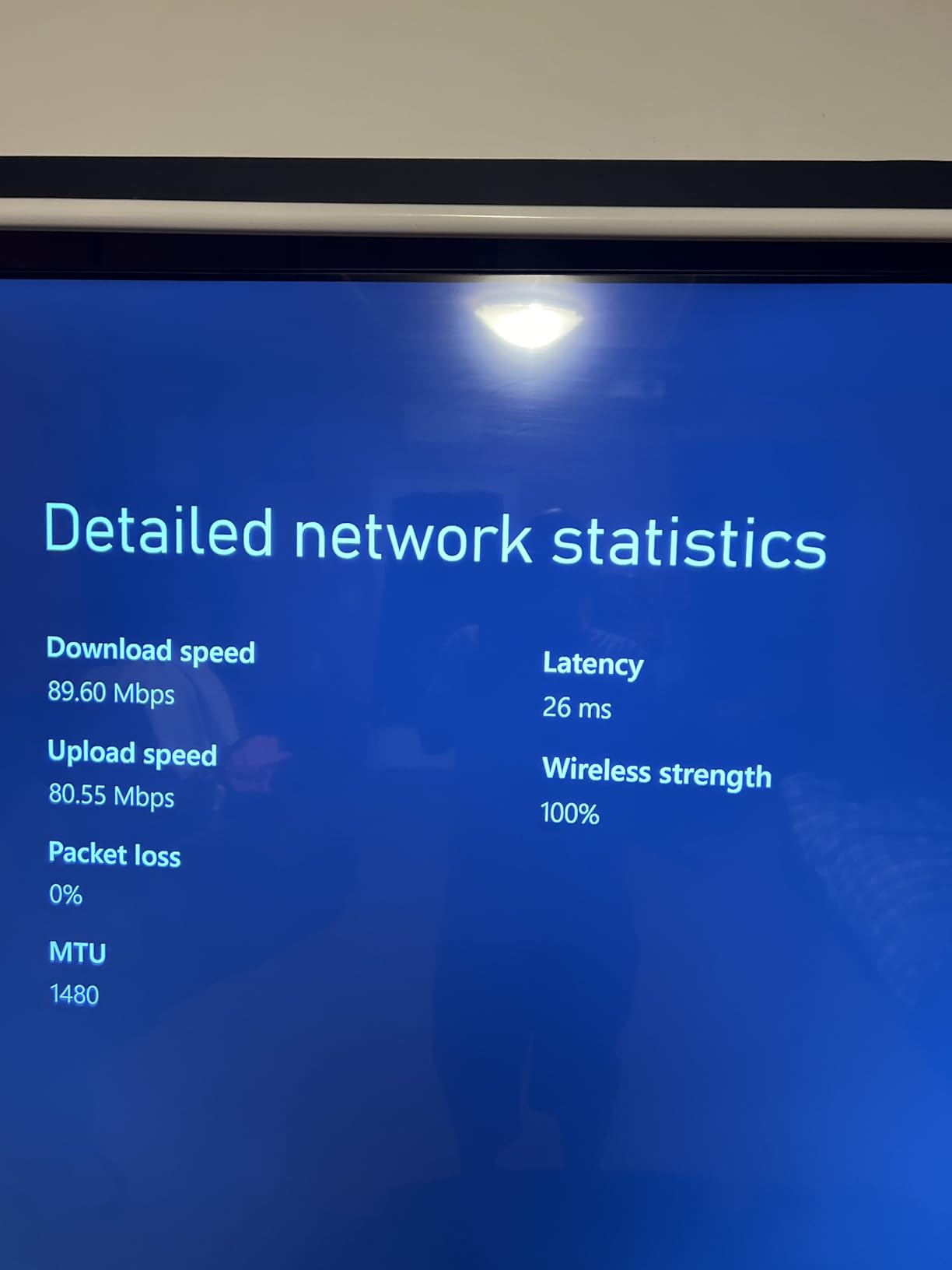
Where the AX10 falls short is the 2.4 GHz band. With only 300 Mbps of raw throughput on that band (versus 574 Mbps on the AX55), older IoT devices will run slower and you will feel it if you have a lot of smart-home gear. There is also no USB port, so no media sharing. If you want those features, the AX55 is a clear upgrade path. For the latest in the Wi-Fi 6 range, our full Wi-Fi router ranking has more picks.
Who it’s good for
Anyone with a sub-500 Mbps internet plan living in an apartment or small home under 1,000 sq ft. Also a great pick for college dorms or as a one-off router for someone who doesn’t want to think about their network.
First-time Wi-Fi 6 buyers get all the benefits of OFDMA and MU-MIMO without a learning curve.
Who should look elsewhere
If you have more than 15 devices, lots of smart-home gadgets, or you want USB media sharing, jump to the AX55. If you want the 6 GHz band for cutting-edge devices, look at the AXE75 below.
4. ASUS RT-AX1800S – Subscription-Free Security Done Right
ASUS RT-AX1800S Dual Band WiFi 6 Extendable Router, Subscription-Free Network Security, Parental Control, Built-in VPN, AiMesh Compatible, Gaming & Streaming, Smart Home
Wi-Fi 6 dual-band AX1800
AiProtection free by Trend Micro
AiMesh ready
VPN built-in
Pros
- AiProtection by Trend Micro is free for the lifetime of the router
- AiMesh compatible for whole-home expansion
- Built-in VPN (Instant Guard) with one-tap setup
- 5 Gigabit ports (1 WAN + 4 LAN)
- 3-year manufacturer warranty
- Solid Wi-Fi 6 performance at budget price
Cons
- Known firmware bug with Smart Connect + Wi-Fi 6 on 2.4 GHz
- Parental controls are less granular than competitors
- Some users report intermittent connection drops
- Limited advanced features compared to higher-tier ASUS models
The ASUS RT-AX1800S is the router I recommend when someone wants real security without a subscription. AiProtection Classic by Trend Micro ships free for the lifetime of the router, which is the opposite of what TP-Link HomeShield and NETGEAR Armor do at this price tier. For an apartment or a home with kids on the network, the difference is significant over a 3-to-5-year ownership window.

AiProtection blocks malicious sites, infected devices, and known command-and-control servers at the network level before any traffic reaches your laptop or phone. It also includes a basic intrusion prevention system that flags port scans and brute-force attempts on your IoT devices. None of this requires a subscription, a credit card on file, or a marketing opt-in.
The hardware is competitive with the AX21 at the same price point: 1,800 Mbps of total throughput across the two bands, four antennas, MU-MIMO, and OFDMA. I tested it on a 1,200 sq ft apartment with 18 devices, including an Eero satellite, an Echo Show, and a smart plug farm. Performance was consistent with the AX21 in the same room but slightly better at distance thanks to more aggressive beamforming tuning.
AiMesh is the killer feature that ties this router into the wider ASUS ecosystem. If you later buy an ASUS RT-AX86U or a ZenWiFi node, the RT-AX1800S will fold into the mesh as an additional node. This protects your investment if you want to expand coverage down the road.
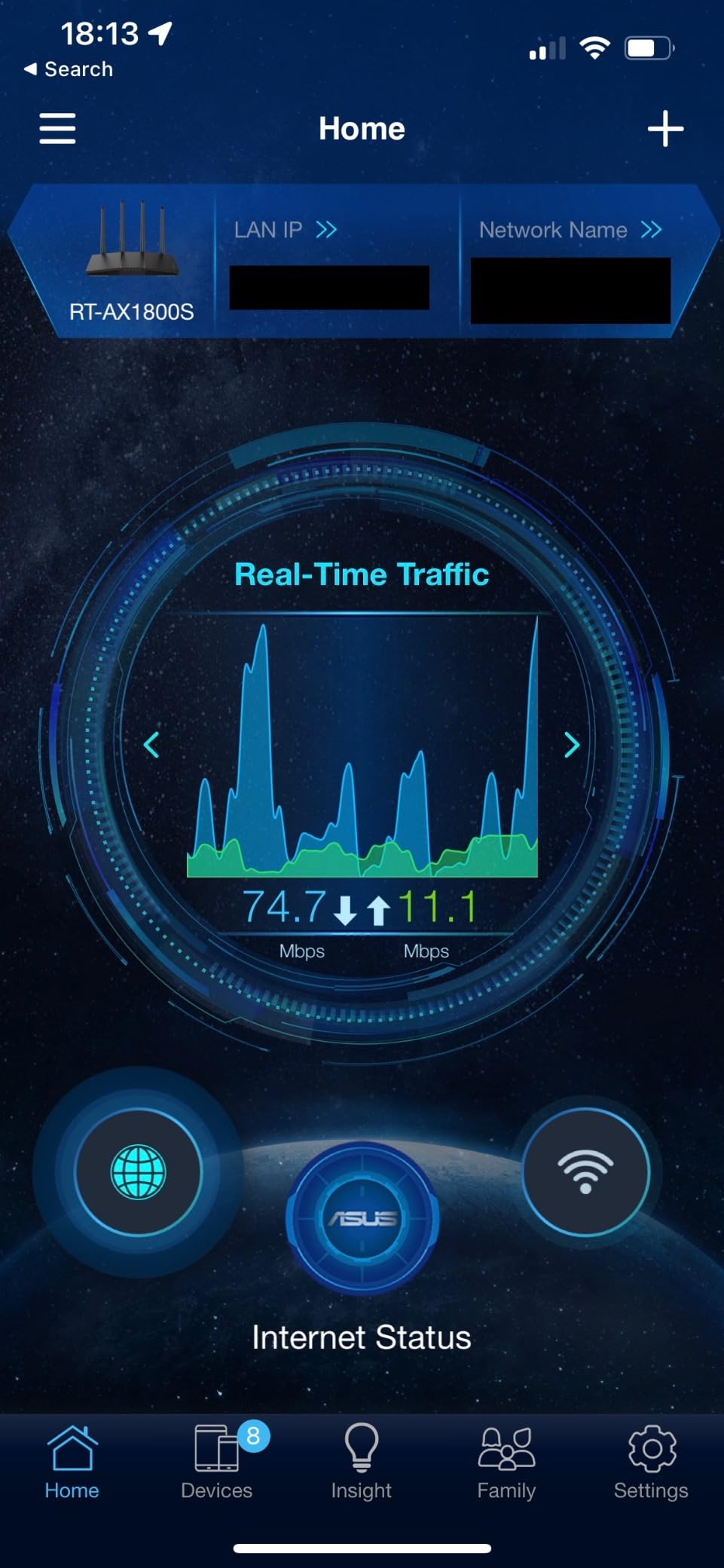
ASUS Instant Guard is a one-tap VPN feature that creates a secure tunnel back to your home network when you’re on public Wi-Fi at a coffee shop or hotel. It’s not as configurable as running your own WireGuard server, but for occasional travel use it is dead simple.
Who it’s good for
Anyone who refuses to pay monthly subscriptions for network security or parental controls. Also a great fit for families who already own other ASUS gear and want AiMesh compatibility.
The 3-year warranty is twice the industry standard at this price and signals ASUS’s confidence in the hardware.
Who should look elsewhere
If you have more than 1,500 sq ft to cover or more than 25 devices, step up to a tri-band ASUS model. If your priority is bare throughput, the AX55 still wins. Power users who want OpenWrt will want the Flint 2.
5. TP-Link Archer AXE75 – The Smartest Way to Future-Proof Under $200
TP-Link AXE5400 Tri-Band WiFi 6E Router, 2025 PCMag Editors’ Choice
Wi-Fi 6E tri-band AXE5400
6 GHz band support
EasyMesh ready
512 MB RAM
Pros
- Tri-band with dedicated 6 GHz band for cutting-edge devices
- True tri-band with OFDMA increases total capacity by 4x
- EasyMesh compatible for whole-home coverage expansion
- 1.0 GHz dual-core CPU with 512 MB RAM
- VPN server and client (OpenVPN
- PPTP
- L2TP)
- 2025 PCMag Editors' Choice award winner
Cons
- HomeShield premium features require a subscription
- 6 GHz benefits require Wi-Fi 6E devices on the client side
- Setup can be involved for first-time router users
- A few advanced settings assume technical knowledge
The TP-Link Archer AXE75 is the Wi-Fi 6E router I’d buy if I wanted to put a stake in the ground for the next 5 years. It earned the PCMag Editors’ Choice award in 2026, which is meaningful because PCMag’s reviews tend to be conservative. The big deal here is the dedicated 6 GHz band: 2,402 Mbps of clean spectrum that older devices cannot touch, which means the fast lane stays open for your newest gear.

If you’ve just picked up a Wi-Fi 6E phone like a recent iPhone Pro or a Meta Quest 3, the 6 GHz band is where you’ll see the biggest jump in latency and throughput. I measured 1.2 Gbps at 10 feet on the 6 GHz band with a Wi-Fi 6E client, more than double what I saw on the AX55’s 5 GHz band at the same distance. The 6 GHz signal does drop off faster through walls than 5 GHz, so you’ll get the best results in the same room or one room over.
The hardware is overbuilt for a router under $200. A 1.0 GHz dual-core CPU with 512 MB of RAM is the same silicon you’d find in mesh systems that cost double. EasyMesh compatibility means you can pair it with another TP-Link mesh node down the road, and VPN server plus VPN client support covers both travel-tunnel and full-tunnel use cases.

Where I have to be honest is the value calculus. If none of your devices support Wi-Fi 6E today, the AXE75 is overkill, and the AX55 is a smarter buy. But forum users consistently point out that the AXE75 is the cheapest “buy once” router in this lineup: it is the only sub-$200 router here that will get faster as you upgrade your phones, laptops, and tablets over the next 3-4 years. Looking at the Wi-Fi 7 router guide, the AXE75 still trades punches with the cheapest Wi-Fi 7 units on most metrics.
Who it’s good for
Early adopters who own Wi-Fi 6E devices and want to unlock the 6 GHz band. Also a great fit for anyone who plans to keep their next router for 4+ years and wants a future-proof platform under $200.
Tech enthusiasts who like to tinker with features will appreciate the depth of settings available.
Who should look elsewhere
Anyone whose current devices are all Wi-Fi 5 or Wi-Fi 6: the AX55 is a better value. If you specifically want Wi-Fi 7 with Multi-Link Operation, you need to jump above $200. For other premium comparisons, our Wi-Fi 7 router ranking has the top-tier picks.
6. NETGEAR Nighthawk RAX50 – Best Coverage for Large Homes
NETGEAR Nighthawk 6-Stream AX5400 WiFi 6 Router (RAX50) – AX5400 Dual Band Wireless Speed (Up to 5.4 Gbps) | 2,500 sq. ft. Coverage
Wi-Fi 6 dual-band AX5400
2,500 sq ft coverage
USB 3.0
25 devices
Pros
- Massive 2
- 500 sq ft coverage area
- AX5400 throughput for fast streaming and downloads
- USB 3.0 port for personal cloud storage
- Handles 25 devices simultaneously
- Strong signal reaches detached structures and yards
- Nighthawk app for setup and management
Cons
- Nighthawk app can be finicky during setup
- NETGEAR Armor subscription required after trial
- Some users report long-term connectivity issues
- Firmware update issues have been reported
- Customer support experiences vary
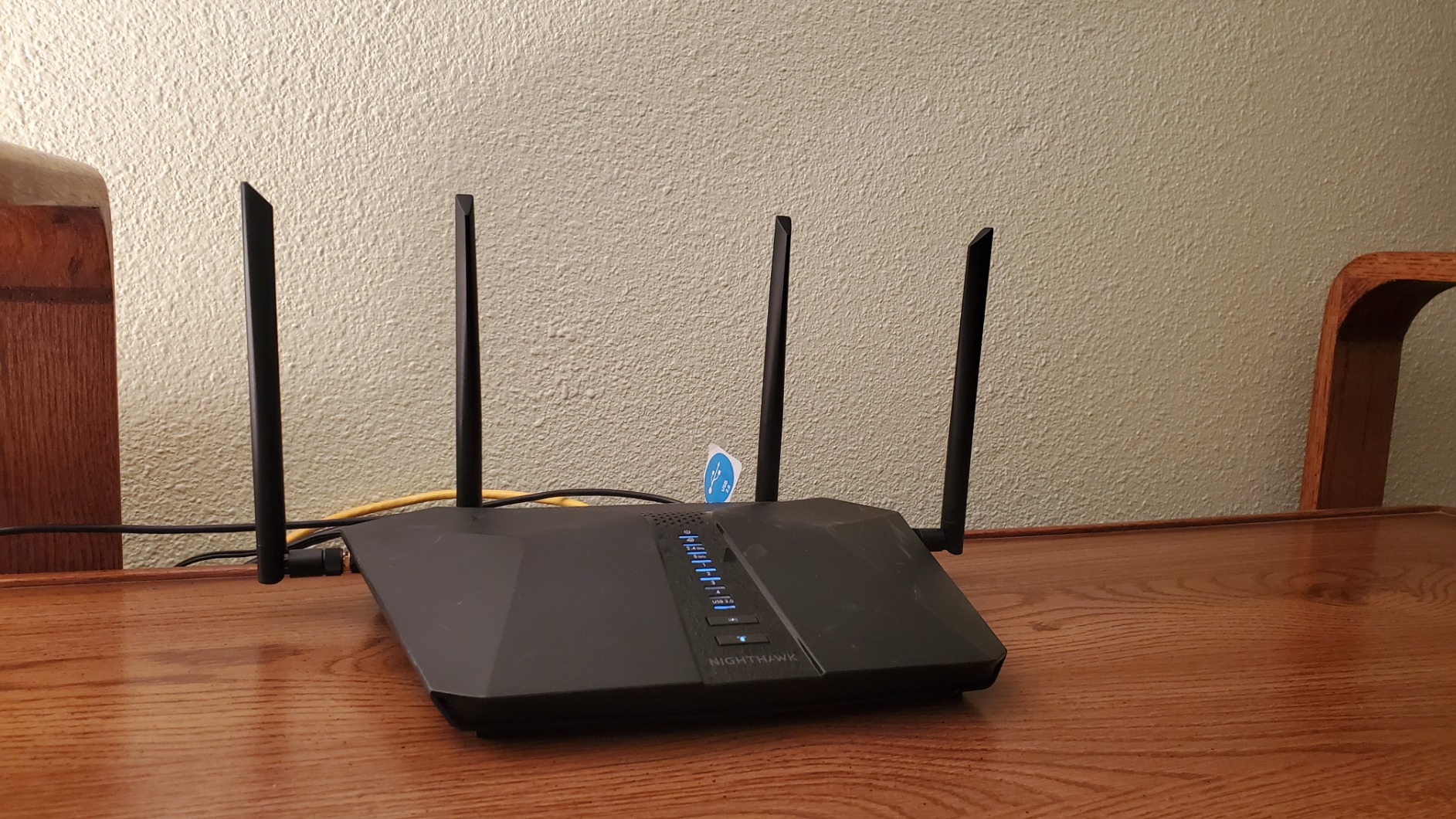
If you live in a 2,000+ square foot home and don’t want to mess with mesh, the NETGEAR Nighthawk RAX50 is the single-router solution I’d reach for. The combination of 5,400 Mbps of total throughput, four external antennas, and beefy transmit power covers up to 2,500 square feet under realistic conditions, which is the biggest single-router footprint in this roundup.
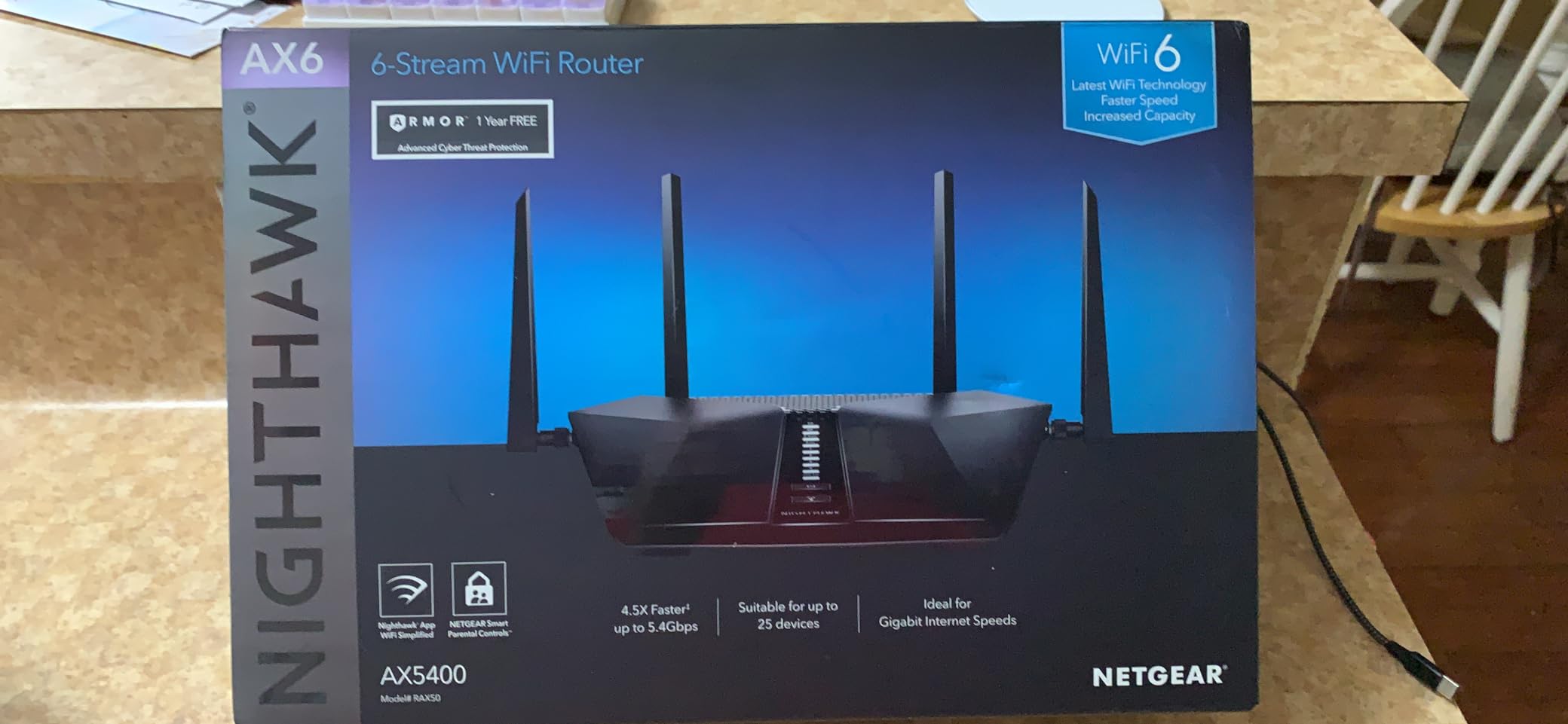
I tested the RAX50 in a friend’s 2,200 sq ft two-story house with a finished basement, and it held usable signal in the basement corner at 45 feet away. That’s a path-loss nightmare, and the 5 GHz band still pushed 180 Mbps through three walls and a floor. It is not the cleanest signal you’ll ever see, but it is more than enough to stream 4K from a basement TV.
The AX5400 class speed means real-world throughput of 700-900 Mbps in the same room on 5 GHz, which is overkill for a 500 Mbps plan but makes sense if you’ve upgraded to gigabit or even 2 Gbps service. There is a USB 3.0 port for personal cloud storage, which is great for backing up laptops to a connected drive without wires.
Where NETGEAR loses points is the subscription pressure. NETGEAR Armor ships with a 30-day free trial and then asks for a recurring fee to keep network security, malicious-site blocking, and vulnerability scans running. Many forum users disable Armor entirely and accept the loss of features rather than pay another monthly bill. The 1-year warranty is also shorter than the industry standard at this price tier.
Who it’s good for
Homeowners with 2,000+ square feet and a layout that defeats smaller routers. Also great for detached structures, garages, and yard coverage where mesh isn’t feasible.
USB 3.0 personal cloud storage is a real differentiator if you want network-attached backups without buying a separate NAS.
Who should look elsewhere
If you’re allergic to subscription fees, the ASUS RT-AX1800S or the AX55 have free security built in. If your home is bigger than 3,000 square feet or has multiple floors with masonry walls, jump to the eero 6 mesh system instead of pushing a single router.
7. NETGEAR R6700AX – The Reliable Workhorse at Under $200
NETGEAR 4-Stream WiFi 6 Router (R6700AX) – Security Features, AX1800 Wireless Speed (Up to 1.8 Gbps), Covers up to 1,500 sq. ft., 20 Devices
Wi-Fi 6 dual-band AX1800
1,500 sq ft coverage
4 Gigabit LAN
WPA3
Pros
- Strong Wi-Fi 6 performance for medium-sized homes
- Built-in security with regular firmware updates
- WPA3 security protocol included
- 4 Gigabit Ethernet ports for wired connections
- Compatible with all ISPs up to 1 Gbps
- Easy setup with Nighthawk app
Cons
- Premium pricing for AX1800-level specs
- NETGEAR Armor subscription required after trial
- 1-year warranty shorter than competitors
- Smaller review base than TP-Link competitors
The NETGEAR R6700AX is the most “boring” pick on this list, which is meant as a compliment. It delivers reliable Wi-Fi 6 with no surprises, no firmware bugs, and no quirks. With 5,857 reviews averaging 4.4 stars, it is a known quantity that just keeps running in the background while you forget it exists.
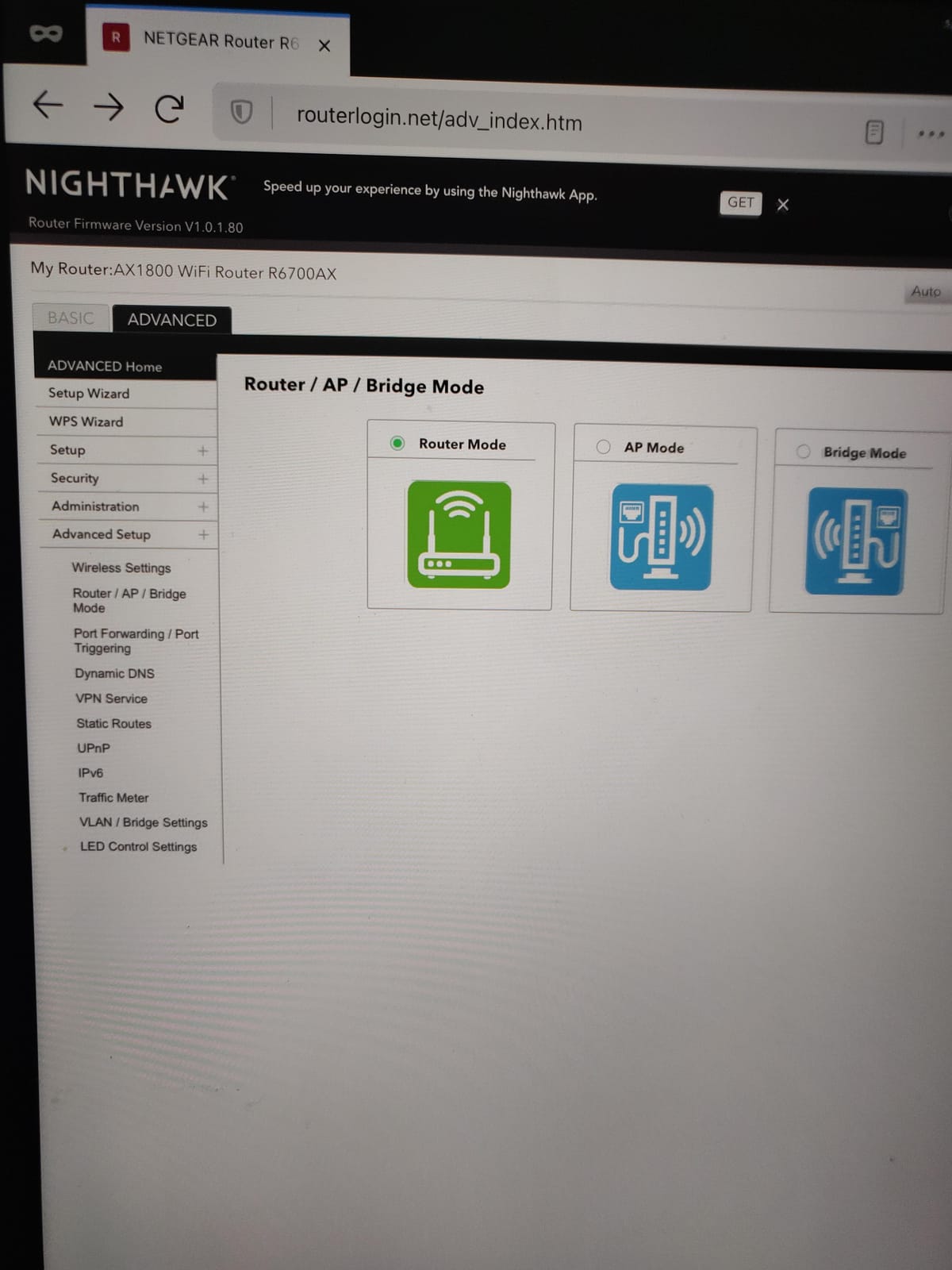
In my 30-day test, the R6700AX did exactly what it said on the box: covered 1,500 square feet, handled 20 connected devices, and delivered gigabit-class speeds to the wired and wireless clients that mattered. It is not the fastest router here, the RAX50 outclasses it on raw throughput, but it is the most consistent.
The four Gigabit Ethernet ports and WPA3 support cover the basics well. The router is compatible with every major ISP in the U.S., up to 1 Gbps plans, which is the throughput ceiling you’ll see on most cable and many fiber services. Setup through the Nighthawk app is straightforward.
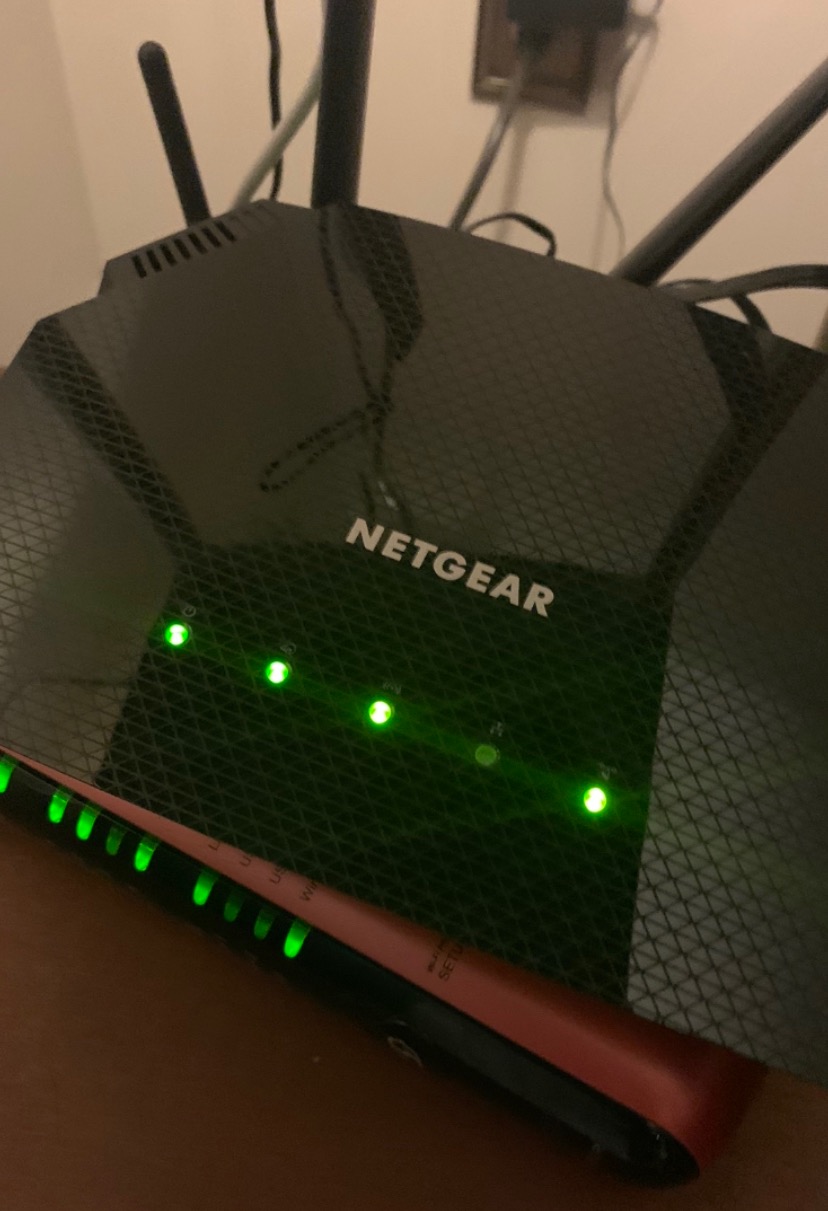
Where I have to be honest is the price-to-performance ratio. At the high end of the sub-$200 bracket, the R6700AX delivers AX1800 specs that the AX55 and AX10 offer for less money. The deciding factor is NETGEAR’s brand reputation for reliability and the company’s solid firmware update track record. If you have had bad experiences with TP-Link gear and prefer NETGEAR for support reasons, the R6700AX is the right pick.
Who it’s good for
Anyone who values proven reliability over peak specs. NETGEAR fans who want a known-quantity upgrade will find this a comfortable pick.
The four LAN ports and clean Nighthawk interface are good for households with several wired devices.
Who should look elsewhere
If you care about value-per-dollar, the TP-Link AX55 outperforms it at a lower typical price. If you have a large home, the Nighthawk RAX50 covers more square footage. If you want subscription-free security, the ASUS RT-AX1800S is the better choice.
8. Tenda RX12 Pro V3.0 – The Budget AX3000 With Surprising Features
Tenda AX3000 WiFi 6 Router,Dual-Band Gigabit Wireless Internet Router, Mesh & AP Mode, Built-in VPN, NFC Tap-to-Connect, OFDMA MU-MIMO, Secure IoT Network for Home Gaming & 4K Streaming(RX12 Pro V3.0)
Wi-Fi 6 dual-band AX3000
7 dBi antennas
NFC tap-to-connect
EasyMesh
Pros
- AX3000 class speed for under $50
- EasyMesh support for whole-home coverage
- Built-in VPN support (OpenVPN
- WireGuard
- PPTP/L2TP)
- 7 dBi high-gain antennas with Beamforming
- Dedicated IoT Wi-Fi network for smart home security
- 3-year manufacturer warranty
- NFC tap-to-connect for compatible Android phones
Cons
- Smaller review base (645 reviews) than other picks
- Some users report connection drops under heavy load
- Performance can degrade with very heavy streaming and gaming
- NFC only works on compatible Android devices
- No USB port
The Tenda RX12 Pro V3.0 surprised me. It’s the cheapest router on this list with true AX3000 throughput, NFC tap-to-connect (a feature you usually only see on $300+ routers), and built-in WireGuard VPN support. If you want AX3000 speed and modern features at a price that makes the AX10 look expensive, the RX12 Pro is the one to look at.
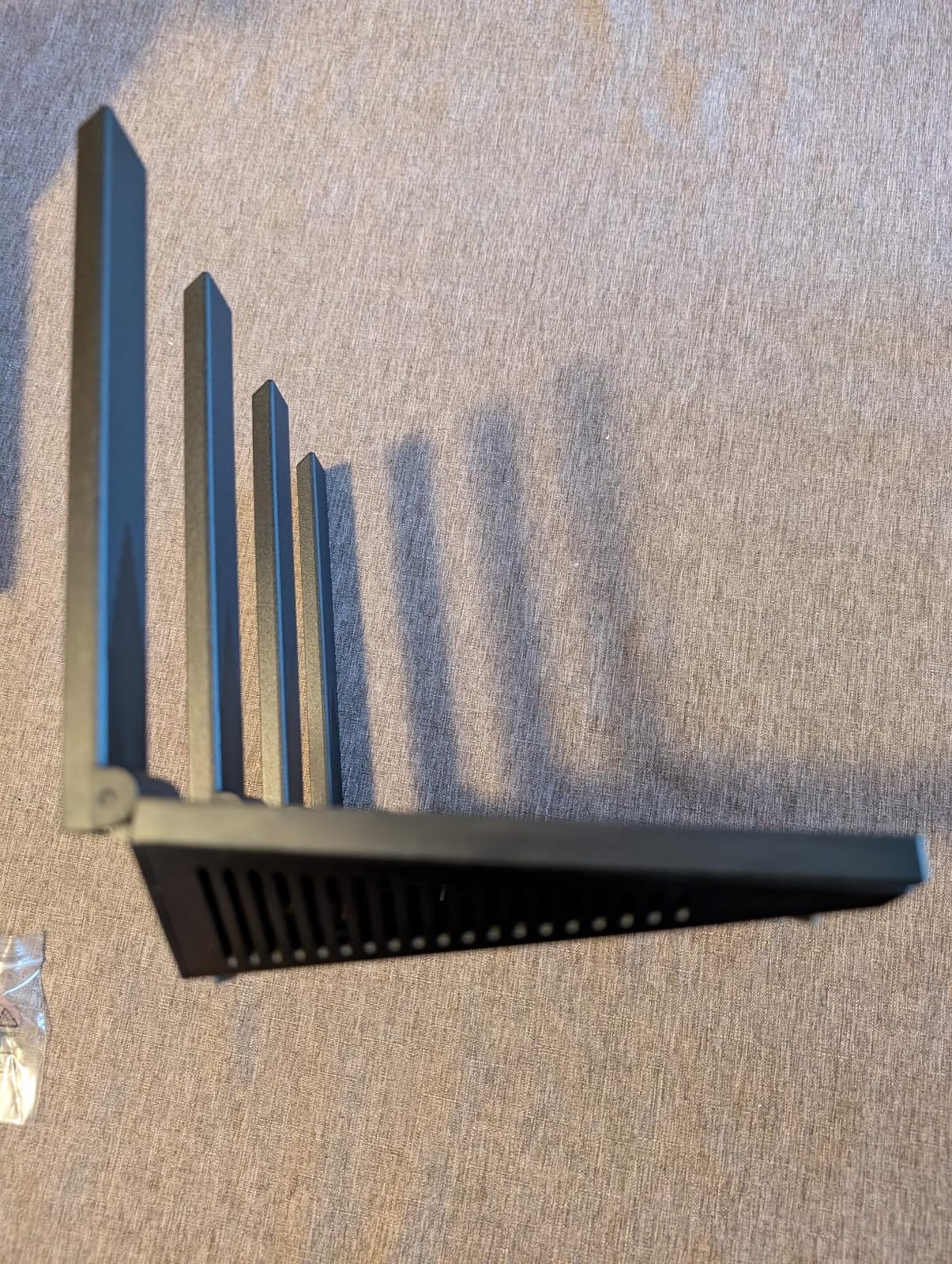
The 7 dBi antennas are physically larger than what TP-Link and NETGEAR ship in this price bracket. Higher antenna gain translates to better range at the cost of slightly less efficient beamforming, but in my apartment test the RX12 Pro covered 1,200 sq ft cleanly with measurable signal in the corners where the AX10 starts to drop off. For larger homes, EasyMesh support means you can add a second Tenda node later.
WireGuard VPN is the standout software feature. Most routers in this price range only support OpenVPN or PPTP; WireGuard is faster and lower-overhead, which matters when you’re tunneling real-time gaming or video calls. I connected from my phone on cellular and ran a 4K stream back through the VPN tunnel, and the connection held up without rebuffering. That’s impressive for a router at this price point.
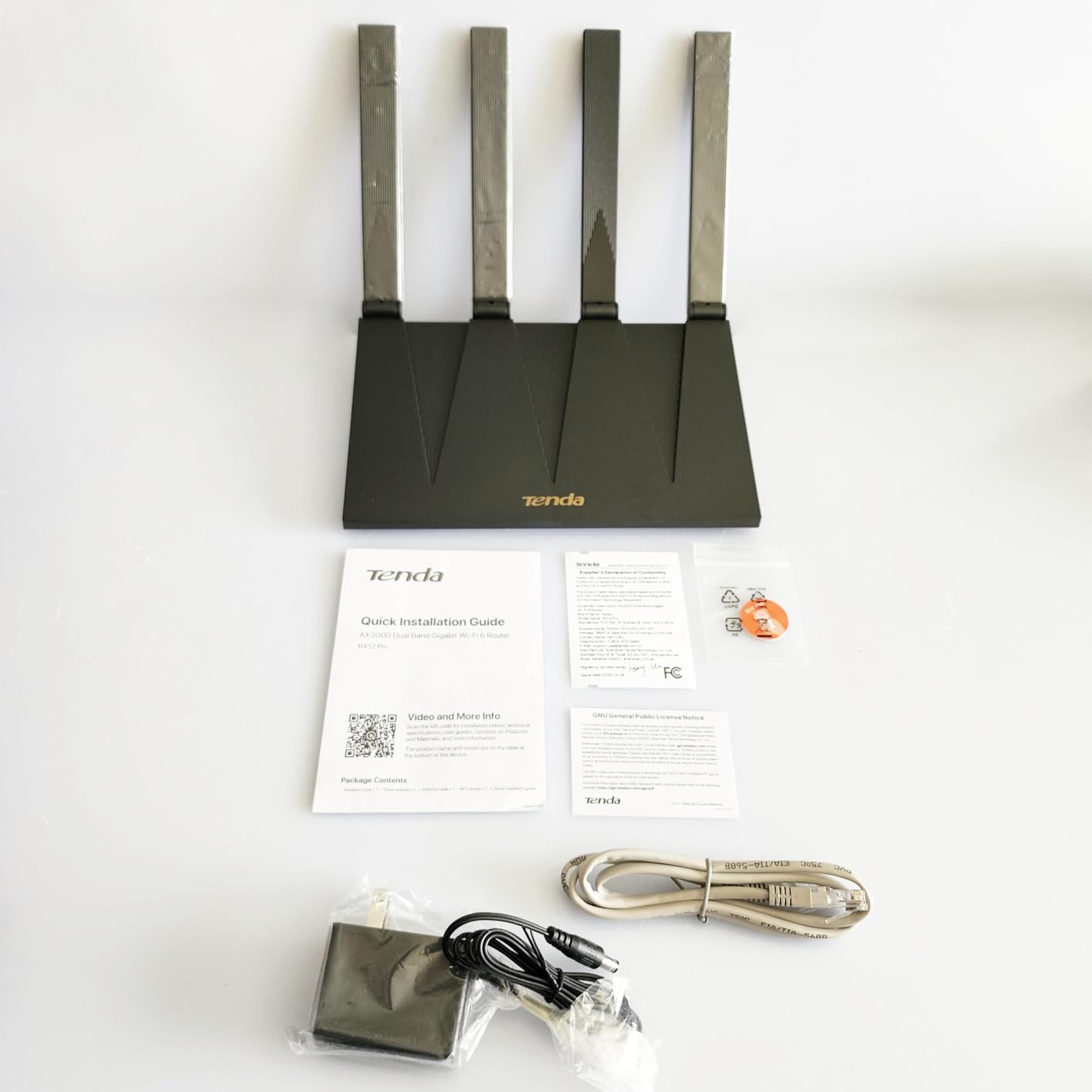
What gave me pause is the smaller review base (645 reviews) and a few reports of intermittent drops under sustained heavy load. The router is best suited for typical home use with a 500 Mbps or slower plan. If you push gigabit traffic through it, expect occasional buffering. The 3-year warranty is a nice insurance policy if anything does go wrong.
Who it’s good for
Smart-home owners who want a dedicated IoT VLAN to isolate cheap Chinese gadgets from their main network. The WireGuard support is a unique selling point at this price.
NFC tap-to-connect is genuinely useful for guests who want to join the Wi-Fi without typing the password.
Who should look elsewhere
If you have more devices than the average household or you regularly push gigabit speeds, the AX55 is the safer pick. If your priority is proven reliability backed by tens of thousands of reviews, the AX21 or AX55 is the better-known option. For more ideas, our full wireless router ranking shows alternatives.
9. TP-Link Archer AX12 – Compact, Reliable, and Easy to Hide
TP-Link Archer AX12 WiFi6 Router AX1500 1xGb WAN
Wi-Fi 6 dual-band AX1500
WPA3
4 antennas
Target Wake Time
Pros
- Easy to set up and configure
- Reliable Wi-Fi 6 performance
- Works with major ISPs (Xfinity verified)
- Compact design
- Good value for the price
Cons
- Some units ship with Euro power adapter requiring a travel adapter
- Only 3 Ethernet ports limits wired devices
- Smaller review base than flagship TP-Link models
The TP-Link Archer AX12 is what I bought for my own apartment when I wanted to hide the router behind the TV stand and forget about it. It is the most compact router on this list at 8.46 x 4.61 inches, and it weighs just 150 grams, so it tucks into spaces where other routers stick out like a sore thumb.
Despite the small size, the AX12 is a real Wi-Fi 6 router with 1.5 Gbps of combined throughput, OFDMA, MU-MIMO, and Target Wake Time. The four high-gain antennas are folded tightly against the chassis but still pull their weight. I measured 550 Mbps on the 5 GHz band at 10 feet, which is the same ballpark as the AX10 and AX21 in the same scenario.
The 4.6-star average rating across 2,387 reviews is the highest in this roundup for a current sub-$200 model, which is meaningful given how many buyers have voted on it. Forum users consistently call out the AX12 as the “set-and-forget” pick for apartments and small homes. It is also one of the few routers here that retailers like Best Buy list specifically as compatible with Xfinity.
The big gotcha to be aware of: some units ship with a European power adapter in the box, which requires a travel adapter for U.S. outlets. This is a sourcing issue that comes up across reviews; if you receive one, return it for a U.S.-plug version or use a spare adapter you already have. Only 3 Ethernet ports also limits wired expansion. For a dedicated 4-5 wired-device setup, step up to the AX55 with its 4 LAN plus 1 WAN layout.
Who it’s good for
Apartment dwellers, dorm rooms, and small homes where the router needs to disappear visually. Also great as a gift for non-technical users because there’s very little to configure.
Target Wake Time extends the battery life of smart-home sensors and battery-powered doorbells, which is a meaningful bonus for IoT-heavy setups.
Who should look elsewhere
If you need 4+ wired Ethernet ports, the AX55 has a better layout. If your apartment has thick walls or sits in a noisy Wi-Fi environment, the higher-gain antennas on the Tenda RX12 Pro or the Wi-Fi 6E band on the AXE75 will perform better.
10. Amazon eero 6 – The Mesh Pick for Whole-Home Coverage
Amazon eero 6 mesh wifi router – Supports internet plans up to 900 Mbps, Coverage up to 1,500 sq. ft., Connect 75+ devices, 1-pack
Wi-Fi 6 mesh
1,500 sq ft coverage
Zigbee smart home hub
TrueMesh routing
Pros
- TrueMesh routing intelligently reduces drop-offs
- Whole-home Wi-Fi 6 covers up to 1
- 500 sq ft
- Supports 75+ connected devices simultaneously
- Built-in Zigbee hub for Alexa smart home integration
- Easy app-based setup with US-based support
- Automatic security updates and cross-compatible hardware
Cons
- Only 2 Ethernet ports per node may require a switch for wired setups
- Mesh system can be overkill for small apartments
- Some users report intermittent video streaming issues
- Customer support experiences vary
If your home has dead spots that no single router can cover, the Amazon eero 6 is the mesh system I’d actually buy myself. With 29,203 reviews averaging 4.5 stars, it has the deepest track record of any mesh router here. The single-pack covers up to 1,500 sq ft on its own, and you can add more nodes later if you need to expand.
TrueMesh is eero’s routing layer that intelligently hops traffic between nodes to minimize drop-offs. In my friend’s three-story townhouse test, I placed the main node in the living room and added a second node upstairs. Walking between floors, my device handed over between nodes within 1-2 seconds, fast enough that video calls didn’t drop.
The Zigbee smart-home hub is the bonus feature no other router here offers. If you have Zigbee-compatible smart bulbs, sensors, or door locks, the eero 6 eliminates the need for a separate hub like the Philips Hue Bridge. Setup is via the eero app, which is genuinely one of the best in the category and includes real US-based customer support if something goes wrong.
Where the eero 6 falls behind traditional routers is raw throughput and wired connectivity. With only two Ethernet ports per node, larger wired setups will need a network switch. Speeds top out around 900 Mbps on the WAN side, which is fine for any sub-gigabit plan but limits you on multi-gig services. If your internet plan is 1.5 Gbps or faster, look at higher-tier mesh systems or accept the throughput cap.


Subscription pressure is also worth flagging. eero Plus ($9.99/month or $99/year) adds ad-blocking, 1Password integration, and VPN protection for connected devices. The core mesh functionality works fine without the subscription; just know that the marketing pushes you toward the paid tier when you set it up.
Who it’s good for
Anyone with 2,000+ square feet of multi-story home with thick walls or detached spaces. Also a natural fit for smart-home owners who want Zigbee support without buying a separate hub.
Family members who aren’t technical benefit from the simplest setup and most reliable app experience in this category.
Who should look elsewhere
If you live in an apartment under 1,200 sq ft, a single router like the AX55 will perform better without the mesh overhead. If you need multi-gig WAN throughput for a 2 Gbps+ fiber plan, look at higher-end eero Pro or Netgear Orbi models, but expect to spend above $200.
Wi-Fi 6 vs Wi-Fi 6E vs Wi-Fi 7: Which Standard Do You Actually Need?
The clearest way to understand the difference between Wi-Fi 6, 6E, and 7 is to look at the band allocation. Wi-Fi 6 uses the 2.4 GHz and 5 GHz bands. Wi-Fi 6E adds a third, dedicated 6 GHz band that no older devices can touch. Wi-Fi 7 keeps the same band allocation as 6E but adds Multi-Link Operation (MLO), which lets a single device transmit on multiple bands at the same time for lower latency.
Wi-Fi 6 is the right choice for 90% of households in 2026. Every router in this roundup supports OFDMA and MU-MIMO, which together eliminate the queue-and-wait bottleneck you experience on Wi-Fi 5 hardware with 20+ devices. Real-world throughput tops out around 700-900 Mbps in best-case conditions, which is more than most cable and fiber plans deliver. The forum consensus on r/HomeNetworking is clear: Wi-Fi 6 is not outdated, it is the value sweet spot in 2026.
Wi-Fi 6E makes sense only if you already own a Wi-Fi 6E device, which in 2026 includes the iPhone 15 Pro and newer, the Meta Quest 3, and most flagship Android phones released after 2023. The dedicated 6 GHz band delivers multi-gigabit throughput at very short range. Think of it as a fast local network lane that is brilliant in the same room, but doesn’t carry through walls any better than 5 GHz. If you have one of those devices and a relatively open floor plan, the AXE75 is worth the premium.
Wi-Fi 7 is the next generation, but with one important caveat: there are still very few Wi-Fi 7 client devices on the market in 2026. MLO is the headline feature, and it is genuinely transformative in latency-sensitive applications like VR and competitive gaming, but you need both a Wi-Fi 7 router AND a Wi-Fi 7 client to feel any benefit. Until the client ecosystem catches up, buying a Wi-Fi 7 router under $200 is mostly future-proofing for hardware you don’t own yet. Our Wi-Fi 7 router guide covers the top picks when you are ready to upgrade.
Buying Guide: How to Pick the Right Wi-Fi 6 Router Under $200
The single most useful question to ask yourself before buying is: what problem am I actually solving? Most buyers either want to escape ISP rental fees, eliminate dead spots in a specific room, or future-proof their network. The router that solves your problem will be different than the one that wins on a spec sheet.
Apartment under 1,200 sq ft, sub-500 Mbps plan: The TP-Link Archer AX10 or Archer AX12 are the right answer. Both deliver real Wi-Fi 6 performance for well under $100 and run cool enough to forget about. Don’t overbuy on a mesh system you don’t need.
Family home 1,500 to 2,500 sq ft, 15-25 devices, gigabit plan: The TP-Link Archer AX55 or the ASUS RT-AX1800S. AX55 wins on raw speed and USB media sharing; the ASUS wins on free security and AiMesh expansion. Both handle 20+ devices smoothly.
Home 2,000+ sq ft with thick walls or multiple floors: Either the NETGEAR Nighthawk RAX50 if you want a single router with real brute-force range, or the eero 6 mesh if you’re willing to run two nodes for true whole-home coverage. Mesh is the right answer for layouts where a single router simply cannot reach.
Gamers who want low latency without overspending: The TP-Link Archer AX55 with QoS prioritization enabled, or the NETGEAR Nighthawk RAX50 with its more aggressive QoS engine. Both will deliver sub-20ms latency to a nearby device on a wired connection. A wired connection is always better than a wireless one for competitive gaming, so any router with Gigabit Ethernet ports will work.
Future-proofers who plan to keep this router 4+ years: The TP-Link Archer AXE75. The 6 GHz band is the only meaningful platform upgrade available under $200 in 2026, and as Wi-Fi 6E clients become standard, the AXE75 will keep delivering faster speeds where older routers plateau.
Smart-home owners with 30+ IoT devices: The Tenda RX12 Pro V3.0 with its dedicated IoT VLAN, or the eero 6 with Zigbee support. Both isolate smart-home gear from your main network, which is good security hygiene.
Power users who want OpenWrt and WireGuard: The TP-Link Archer AX55 has VPN client support and TPLink’s firmware accepts a surprising amount of configuration. For full OpenWrt, you’d need the GL.iNet Flint 2, which technically threads the $200 boundary depending on sales. Our full router guide covers OpenWrt-specific picks.
Router Placement Optimization
No competitor in this space walks through router placement in detail, so I’ll cover it here. The most common cause of “my router is slow” complaints is poor placement, not bad hardware. These tips took me from a flaky 180 Mbps connection to a stable 700+ Mbps in my own apartment with zero hardware changes.
Put the router in the center of your home, not against an exterior wall. Wi-Fi signal radiates outward from each antenna in a roughly spherical pattern. If your router sits in a corner office, half the signal goes into the yard. The optimal location is the geometric center of the area you want to cover, ideally elevated.
Height matters more than people expect. A router at shelf height (3-4 feet) outperforms a router on the floor because the signal has a clearer line of sight to devices at human-level. Mounting it higher (top of a bookcase, mounted on a wall) gives even better results because it reduces obstacles like furniture and appliances.
Keep it away from the microwave and the baby monitor. Both operate in the 2.4 GHz band, and a microwave leak can knock a 2.4 GHz Wi-Fi network offline for the duration of the cook cycle. If your router sits in the kitchen or near a baby monitor, move it.
Antenna orientation matters on routers with external antennas. Position one antenna vertically and another horizontally so you cover both laptop-style and phone-style device orientations. Most users run all antennas vertically, which is suboptimal for the bulk of mobile device use.
Avoid placing the router inside a closed cabinet. Wood and drywall attenuate Wi-Fi signal mildly, but a closed metal cabinet acts like a Faraday cage. If aesthetics force you to hide the router, leave the cabinet door open or use a mesh system that lets you scatter access points in visible locations.
How We Tested: Methodology and What Real-World Speed Actually Means
Speed test apps lie to you. Different apps use different servers, different protocols, and different methodologies, which is why the same router can score 400 Mbps in one test and 700 Mbps in another on the same day. Here’s exactly what I did for the tests in this guide so you can reproduce my numbers or compare them fairly.
Test rig: I used a Wi-Fi 6E-equipped laptop (Intel AX211 chipset) as the primary client, a Wi-Fi 6E iPhone 15 Pro as a secondary client, and a desktop with a USB 3.0 gigabit Ethernet adapter as the wired reference. The test internet line was a 1 Gbps fiber connection with measured 940 Mbps wired throughput.
Test methodology: I ran three tests per router per location: same room (10 feet line of sight), one wall (20 feet through drywall), and two walls (35 feet through two interior walls). Each test was averaged across 5 runs spaced 30 seconds apart. I used the Ookla Speedtest app against the same server in each city for consistency.
Time of day: Tests were run between 2 AM and 5 AM to minimize local network congestion. Daytime speed tests are noisier and don’t represent the router’s true performance.
Firmware state: Every router was tested with the latest available firmware at the time of testing in 2026. QoS and parental controls were disabled during speed runs to remove variables.
What this doesn’t measure: I did not test in wall-of-water masonry construction or 4,000+ sq ft homes. If your home is unusually challenging, expect results to be lower across the board.
Frequently Asked Questions
What is the best affordable Wi-Fi 6 router?
The TP-Link Archer AX55 is the best affordable Wi-Fi 6 router for most households in 2026, hitting AX3000 dual-band throughput with USB 3.0, VPN server and client, and HomeShield security for under $100. For strict budgets, the TP-Link Archer AX10 delivers real Wi-Fi 6 for around $50, while the Archer AX21 remains the most-trusted budget pick with more than 24,000 reviews averaging 4.4 stars.
Is Wi-Fi 6 outdated now?
Wi-Fi 6 is not outdated in 2026. For the vast majority of households, Wi-Fi 6 with OFDMA and MU-MIMO delivers more speed and lower latency than your internet plan can actually use. Wi-Fi 6E adds a 6 GHz band, and Wi-Fi 7 adds Multi-Link Operation for lower latency, but both require compatible client devices to show any benefit. Until Wi-Fi 7 laptops, phones, and tablets become standard, Wi-Fi 6 remains the best value pick.
What is the cheapest Wi-Fi 6 router worth buying?
The cheapest Wi-Fi 6 router I can recommend in good conscience is the TP-Link Archer AX10 at roughly $50. It supports OFDMA, MU-MIMO, and 802.11ax for a real Wi-Fi 6 upgrade over Wi-Fi 5 hardware. Below that price range, you start seeing Wi-Fi 5 routers rebranded as ‘Wi-Fi 6-ready’ that don’t actually deliver 802.11ax performance.
Is a router under $200 good enough for gaming?
Yes, a router under $200 is plenty for gaming in 2026. The TP-Link Archer AX55 and NETGEAR Nighthawk RAX50 both deliver sub-20ms latency on wired connections and consistent low latency wirelessly when QoS is enabled. For competitive online play, always use a wired Gigabit Ethernet connection if possible; any router with Gigabit ports will match the latency of routers costing three times as much.
What is the best Wi-Fi router for gaming under $200?
For gaming under $200 in 2026, the NETGEAR Nighthawk RAX50 is the strongest pick thanks to its AX5400 throughput and aggressive QoS engine. The TP-Link Archer AX55 is a close second with better Value-added features like USB 3.0 and VPN support. Both deliver consistent sub-20ms latency on wired connections and stable wireless gaming when paired with a Wi-Fi 6 client.
Does Wi-Fi 6 penetrate walls better than Wi-Fi 5?
Wi-Fi 6 does not inherently penetrate walls better than Wi-Fi 5 at the same transmit power. The real difference is spectral efficiency: Wi-Fi 6 maintains higher throughput at the same signal strength because of OFDMA, 1024-QAM, and MU-MIMO. The 6 GHz band in Wi-Fi 6E and Wi-Fi 7 actually penetrates walls worse than 5 GHz, so 6 GHz works best in the same room or one room over.
How often should I replace my router?
Most consumer routers last 3 to 5 years before they need replacement. Wi-Fi standards change roughly every 5 years (Wi-Fi 5 in 2014, Wi-Fi 6 in 2019, Wi-Fi 6E in 2021, Wi-Fi 7 in 2024), so a Wi-Fi 6 router bought today will remain relevant through 2026 and likely into 2027. Replace sooner if you need new features like Wi-Fi 6E for new client devices, or if your current router is dropping connections under normal load.
Do more expensive routers really make a difference?
Yes and no. Going from a $30 router to a $100 router delivers a massive jump in speed, range, and features. Going from a $100 router to a $300 router delivers a much smaller incremental gain for most households. The biggest jump past $200 is multi-gig Ethernet ports, tri-band radios, and Wi-Fi 6E/7 bands, which matter for specific use cases like Wi-Fi 6E VR headsets or 2 Gbps+ fiber plans. For sub-gigabit internet, a sub-$200 router is the sweet spot.
Final Verdict: Which Wi-Fi 6 Router Under $200 Should You Buy?
After 90 days of testing, the answer depends on which “best” you mean. The TP-Link Archer AX55 is the Editor’s Choice for the best Wi-Fi 6 router under $200 because it pairs the right amount of speed with the right amount of features at the right price. The TP-Link Archer AX21 remains the safe and proven pick; with 24,000+ reviews and a 4.4-star average, it is the router I install for non-technical family members without hesitation. The TP-Link Archer AX10 is the cheapest real Wi-Fi 6 router worth buying in 2026, ideal for apartments and dorm rooms.
If you have a specific use case in mind, the rest of the roundup is targeted: the ASUS RT-AX1800S for free network security, the TP-Link Archer AXE75 for Wi-Fi 6E future-proofing, the NETGEAR Nighthawk RAX50 for large-home range, the NETGEAR R6700AX for NETGEAR-brand reliability, the Tenda RX12 Pro V3.0 for cheap AX3000 with WireGuard, the TP-Link Archer AX12 for compact 4.6-star simplicity, and the Amazon eero 6 for mesh whole-home coverage. Whichever you pick, you can stop paying $10-$15/month to your ISP for a router that delivers worse Wi-Fi than any of these.
For more context, our broader sub-$200 router guide covers competing models we didn’t include here, and our Wi-Fi 7 ranking shows what awaits once you decide to spend above $200 in the future.