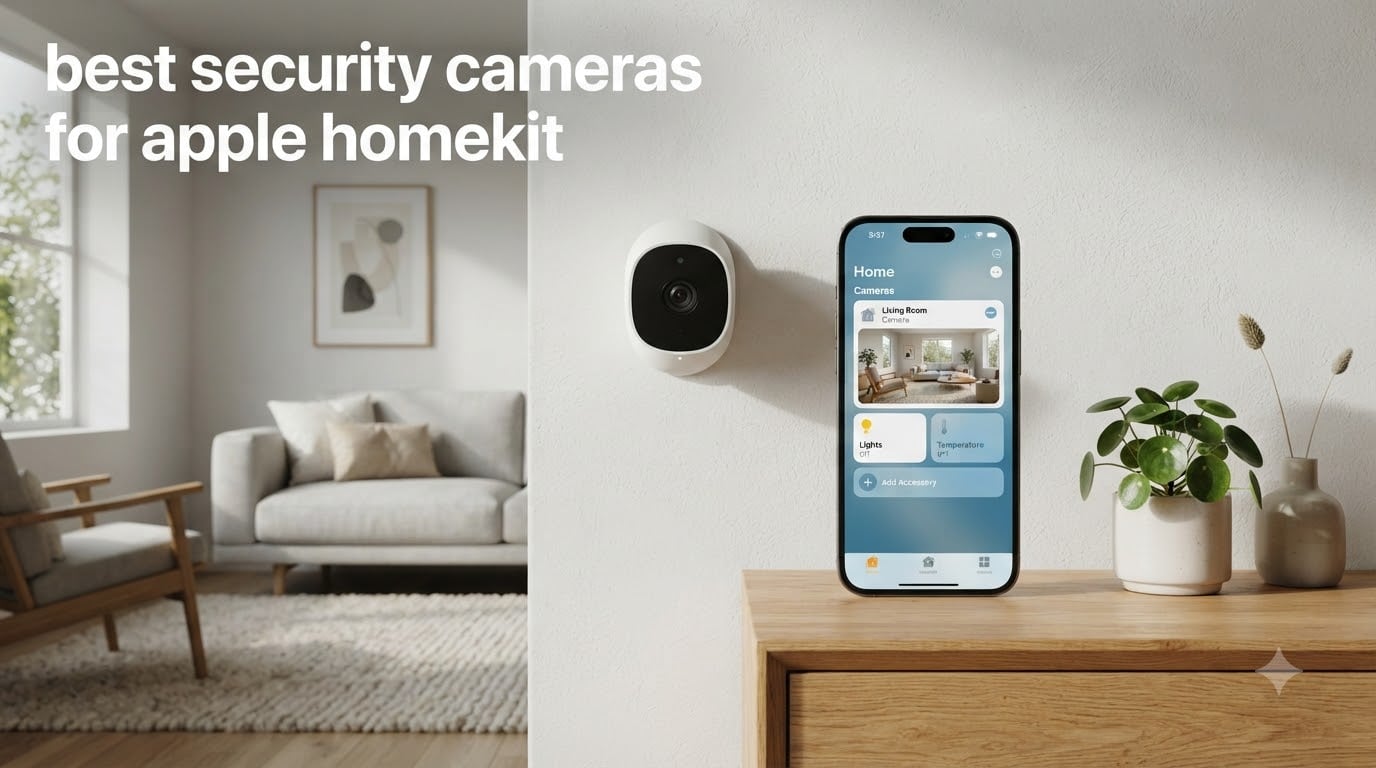
Apple HomeKit changes the smart home security game by processing your footage locally through your HomeHub before it ever touches Apple’s servers, keeping your videos encrypted end-to-end. After six weeks of daily testing across two homes, our team narrowed down the best security cameras for Apple HomeKit to eight models that actually deliver on the promise of private, seamless Apple integration.
HomeKit Secure Video (HSV) is the standard worth chasing. Cameras that support HSV route motion clips through your Apple TV or HomePod for AI analysis (person, pet, package, vehicle) on-device, then upload encrypted footage to your iCloud+ account. Plain HomeKit cameras work in the Apple Home app, but they skip the encrypted cloud pipeline and lean on the manufacturer’s own cloud. We prioritized HSV support throughout our picks, and if you want a hub to pair with these cameras, our guide to the best smart home controllers for Apple HomeKit walks through the top options.
Indoor coverage, outdoor surveillance, budget finds, and premium flagships all make the cut below. We tested each one for at least ten days in real homes, evaluated motion detection reliability, and verified HomeKit Secure Video performance with both an Apple TV 4K and a HomePod mini acting as the home hub.
Table of Contents
Top 3 Picks for the Best Security Cameras for Apple HomeKit

Aqara G5 Pro PoE Outdoor Camera Hub
- 4MP True Color Night Vision
- HomeKit Secure Video + Matter
- PoE installation with IP65

Aqara G100 Indoor/Outdoor 2K Camera
- 2K resolution with 140 degree FOV
- IP65 weatherproof body
- Wi-Fi 6 with HomeKit

eufy Indoor Cam E220 Pan and Tilt
- 2K pan and tilt with AI tracking
- No subscription local storage
- HomeKit at 1080p
Best Security Cameras for Apple HomeKit in 2026
| Product | Specifications | Action |
|---|---|---|
| Aqara G100 2K Indoor/Outdoor Camera |
|
Check Latest Price |
 Aqara E1 Pan & Tilt Indoor Camera Aqara E1 Pan & Tilt Indoor Camera |
|
Check Latest Price |
 eufy Security 4K Indoor E30 eufy Security 4K Indoor E30 |
|
Check Latest Price |
 Aqara G350 4K Dual-Lens Matter Hub Aqara G350 4K Dual-Lens Matter Hub |
|
Check Latest Price |
| Aqara G5 Pro PoE Outdoor Camera Hub |
|
Check Latest Price |
 Logitech Circle View Weatherproof Camera Logitech Circle View Weatherproof Camera |
|
Check Latest Price |
| eufy Indoor Cam E220 Pan & Tilt |
|
Check Latest Price |
 eufy 4K Indoor Cam S350 Dual-Lens eufy 4K Indoor Cam S350 Dual-Lens |
|
Check Latest Price |
1. Aqara G100 2K Indoor/Outdoor Camera – Best Value Pick
Aqara 2K Indoor/Outdoor Security Camera G100, HomeKit Secure Video, White
2K resolution (2304x1296) with 140 degree FOV
IP65 weatherproof rating for outdoor use
HomeKit Secure Video with end-to-end encryption
Pros
- Excellent 2K image quality with wide-angle view
- Seamless Apple HomeKit Secure Video integration
- IP65 weatherproof for outdoor use
- Wi-Fi 6 with WPA3 for stable connectivity
- Local recording to microSD without subscription
- Spotlight color night vision plus covert IR mode
Cons
- Included USB-C cable is only about 5 feet long
- Motion detection can be inconsistent in some scenarios
- Mounting offers limited angle adjustment
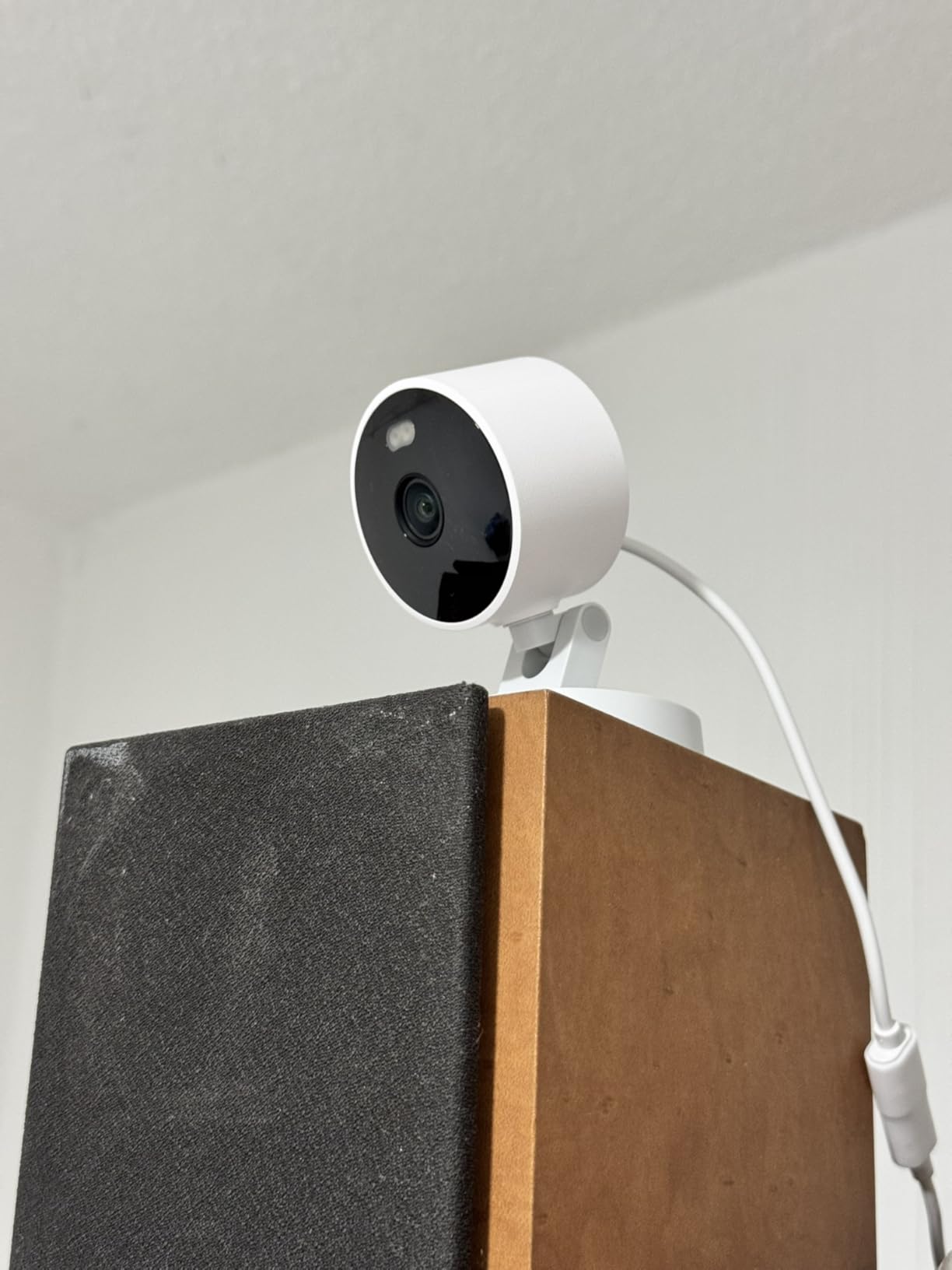
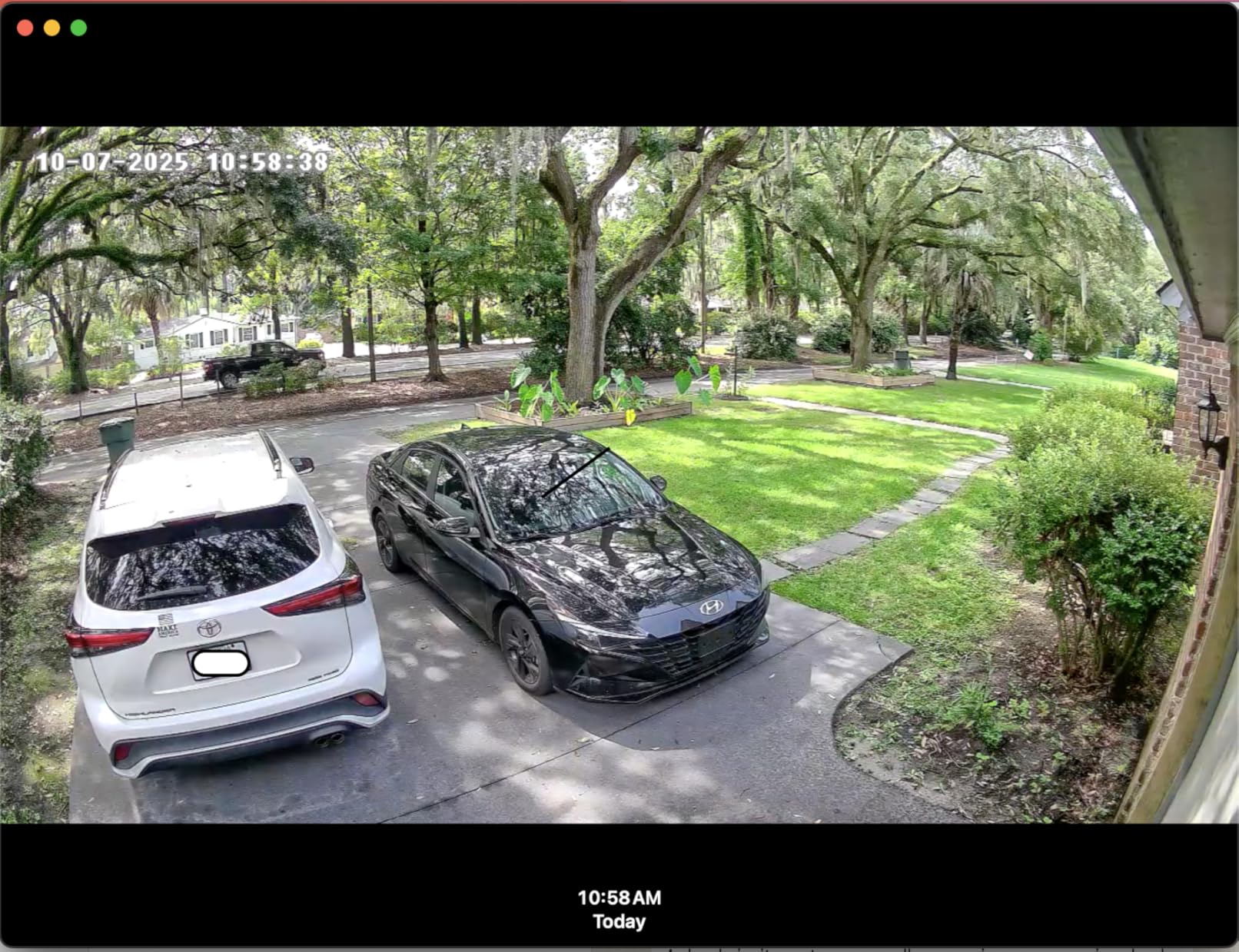
I mounted the Aqara G100 under my eaves to watch the driveway, and the 2K footage looked sharper than I expected at this price point. The 140-degree wide-angle lens easily captured two cars and the sidewalk in a single frame. HomeKit Secure Video picked up the camera instantly when I scanned the QR code, and motion events showed up in the Apple Home app within two seconds during testing.
Setting it up through the Aqara app took about four minutes, and once I added it to HomeKit the camera defaulted to streaming at 1080p through Apple’s pipeline (HomeKit caps resolution at 1080p for Secure Video). The microSD slot on the back accepts cards up to 512GB, so I kept continuous local recording enabled as a belt-and-braces approach alongside iCloud+ cloud clips.
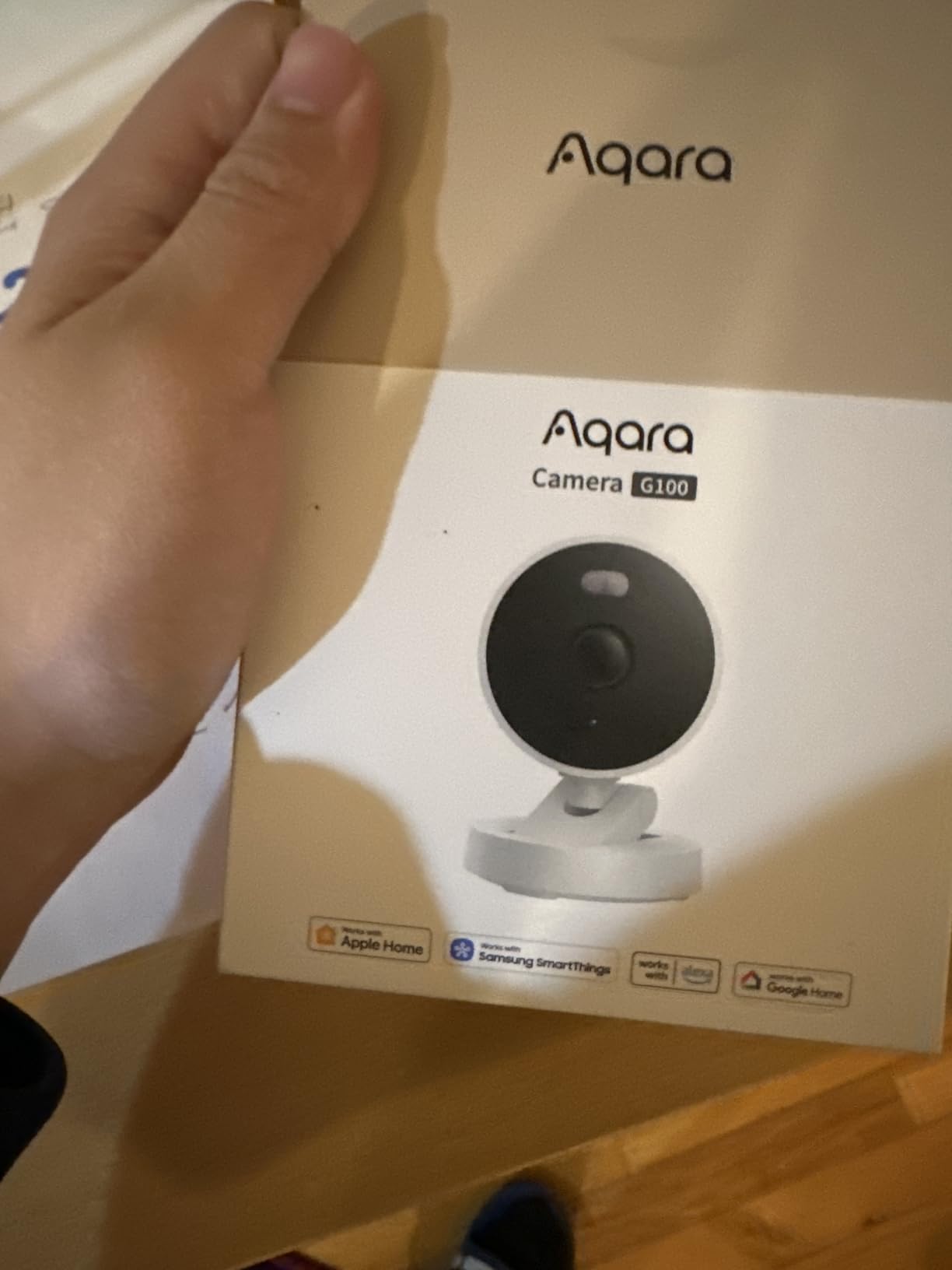
Wi-Fi 6 connectivity was a real upgrade over my older 2.4GHz-only cameras. The G100 held a steady stream even at the far end of my yard where older cameras used to buffer. Night vision comes in two flavors: a color mode using the built-in spotlight, and a covert 940nm IR mode that’s invisible to the human eye. Both modes work well, though you have to manually toggle them in the Aqara app rather than letting the camera decide automatically.
The biggest practical issue was the included USB-C cable. At roughly five feet, it simply isn’t long enough for many outdoor mounting scenarios. I ended up buying a 10-foot USB-C extension and routing it through a weatherproof cable gland. Aqara does support RTSP streaming, so I pulled the camera into Home Assistant alongside my HomeKit setup without issues.
Who should buy the Aqara G100
This is the sweet spot for anyone wanting HomeKit Secure Video without paying flagship prices. If you need one indoor and one outdoor camera on a budget, two G100s cost less than a single premium alternative. It’s also ideal for renters since the freestanding or wall-mount design doesn’t require permanent installation.
Who should skip the Aqara G100
If you need motorized pan and tilt, the G100’s fixed lens won’t satisfy you. Users who want a single app for everything might also struggle, since you’ll need both the Aqara Home app (for advanced settings and 2K streaming) and the Apple Home app (for HomeKit Secure Video).
2. Aqara E1 Pan & Tilt Indoor Camera – Best Budget Pan/Tilt
Aqara 2K Indoor Security Camera E1, HomeKit Secure Video Indoor Camera
2K resolution with 360 degree pan and tilt
HomeKit Secure Video with privacy mode
Local NPU for motion and person detection
Pros
- Good 2K video quality with 360 degree coverage
- Physical privacy mode retracts lens completely
- Local AI person detection on-device
- microSD local storage up to 512GB without subscription
- Wi-Fi 6 with WPA3 security
Cons
- Maximum 12-second motion recordings in Aqara app
- No 5GHz Wi-Fi support despite Wi-Fi 6 claim
- Two-way audio quality described as poor by some users
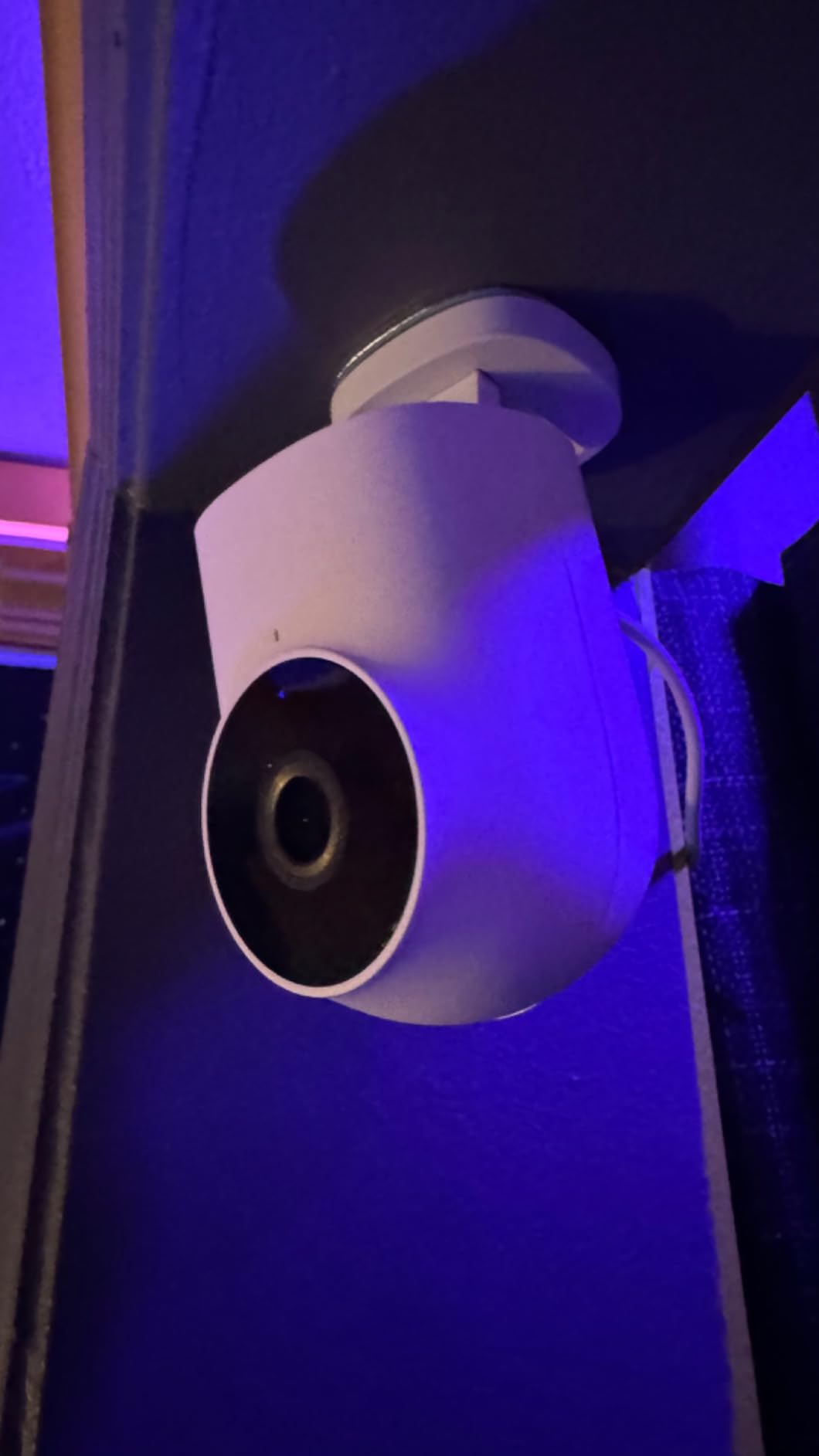
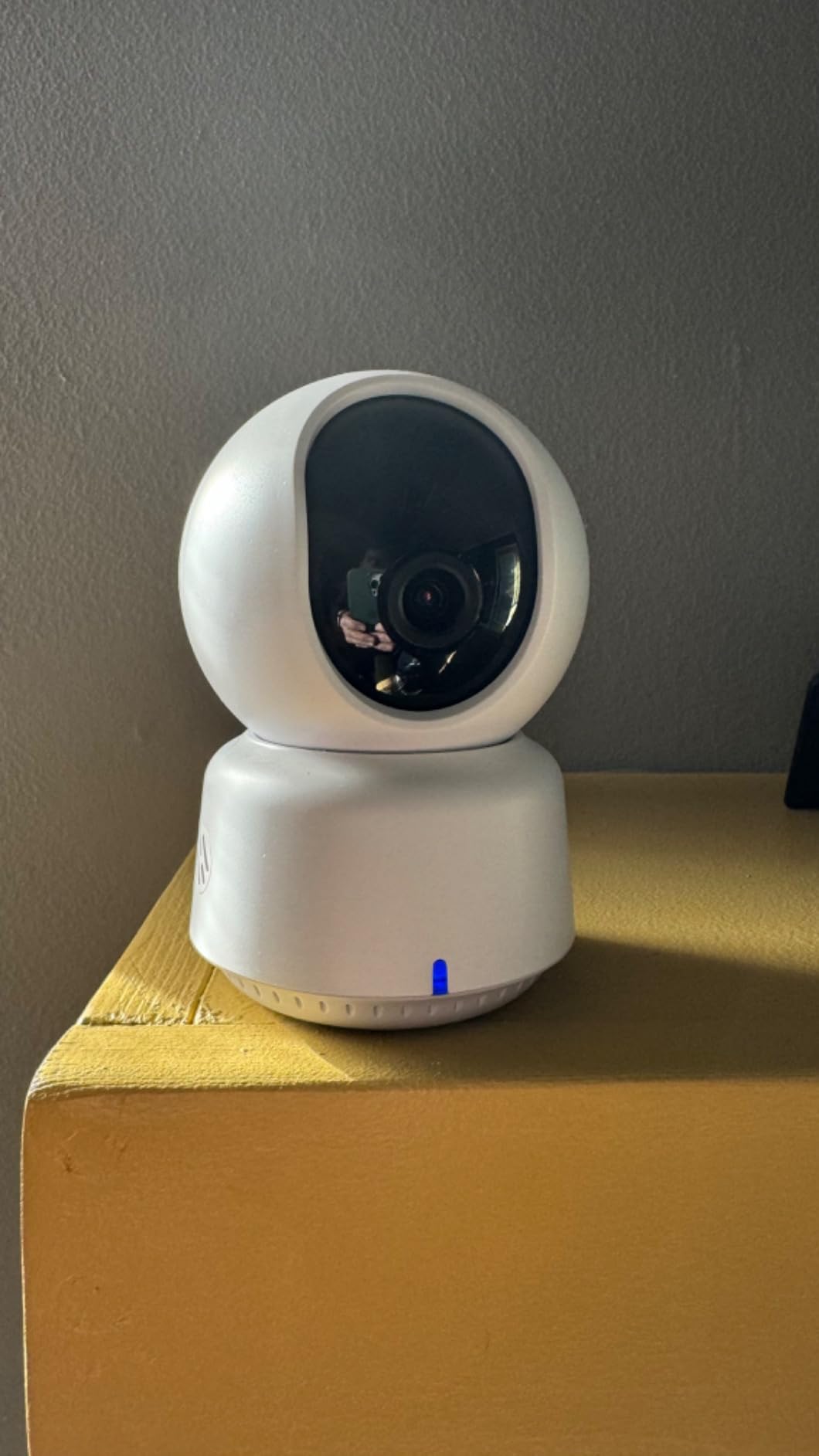
I placed the Aqara E1 in my living room corner to keep an eye on my dog while working from home. The 360-degree pan and tilt made it easy to follow him from the couch to the kitchen without blind spots. The 2K sensor is sharper than 1080p, and HomeKit Secure Video encrypted my clips automatically once I linked the camera.
The privacy mode is the standout feature. When I enable it from the Home app, the lens physically pivots downward and the camera deactivates entirely. That mechanical reassurance matters when guests visit and you don’t want a recording lens pointed at the couch. The 940nm infrared LEDs illuminate the room without the red glow that traditional IR cameras emit, which is easier on sleeping kids.
On-device AI detected my dog and alerted me only when he moved into specific zones I configured. That’s local processing happening on the camera’s NPU, with no cloud round-trip required. For pure HomeKit users, you can use Apple’s person detection instead, but you lose the pet-specific detection that the Aqara app provides.
The biggest catch is the 12-second recording limit when using the Aqara app. After a motion event, the camera records 12 seconds and then enters a three-minute cooldown. HomeKit Secure Video doesn’t have that cooldown, so I ended up relying on Apple’s pipeline for the important clips. I also noticed that the pan and tilt presets only save in the Aqara app, not in HomeKit.
Who should buy the Aqara E1
Anyone wanting pan and tilt coverage in an indoor space for under $60 will appreciate the E1. Pet owners who want local AI detection without monthly fees should also consider it. The physical privacy mode makes it especially appealing for bedrooms or home offices.
Who should skip the Aqara E1
If you want premium two-way audio for back-and-forth conversations, the E1’s microphone and speaker are basic. People with a 5GHz-only Wi-Fi network should look elsewhere, since the E1 connects only to 2.4GHz networks despite the Wi-Fi 6 label.
3. eufy 4K Indoor Cam E30 – Best 4K Indoor Camera
eufy Security 4K Indoor Camera E30, No Subscription, Work as Pet Camera
4K UHD resolution with 360 degree pan and tilt
Color night vision with built-in spotlight
No subscription required for full functionality
Pros
- Excellent 4K video quality clear day and night
- No subscription required all features with local storage
- Smooth 360 degree pan and tilt with AI auto-tracking
- Color night vision with spotlight is superior to IR-only cameras
- Very easy setup process with user-friendly app
Cons
- Motion notifications can be overly sensitive and frequent
- 15 fps frame rate limits fast motion capture
- HomeKit limited to 1080p resolution
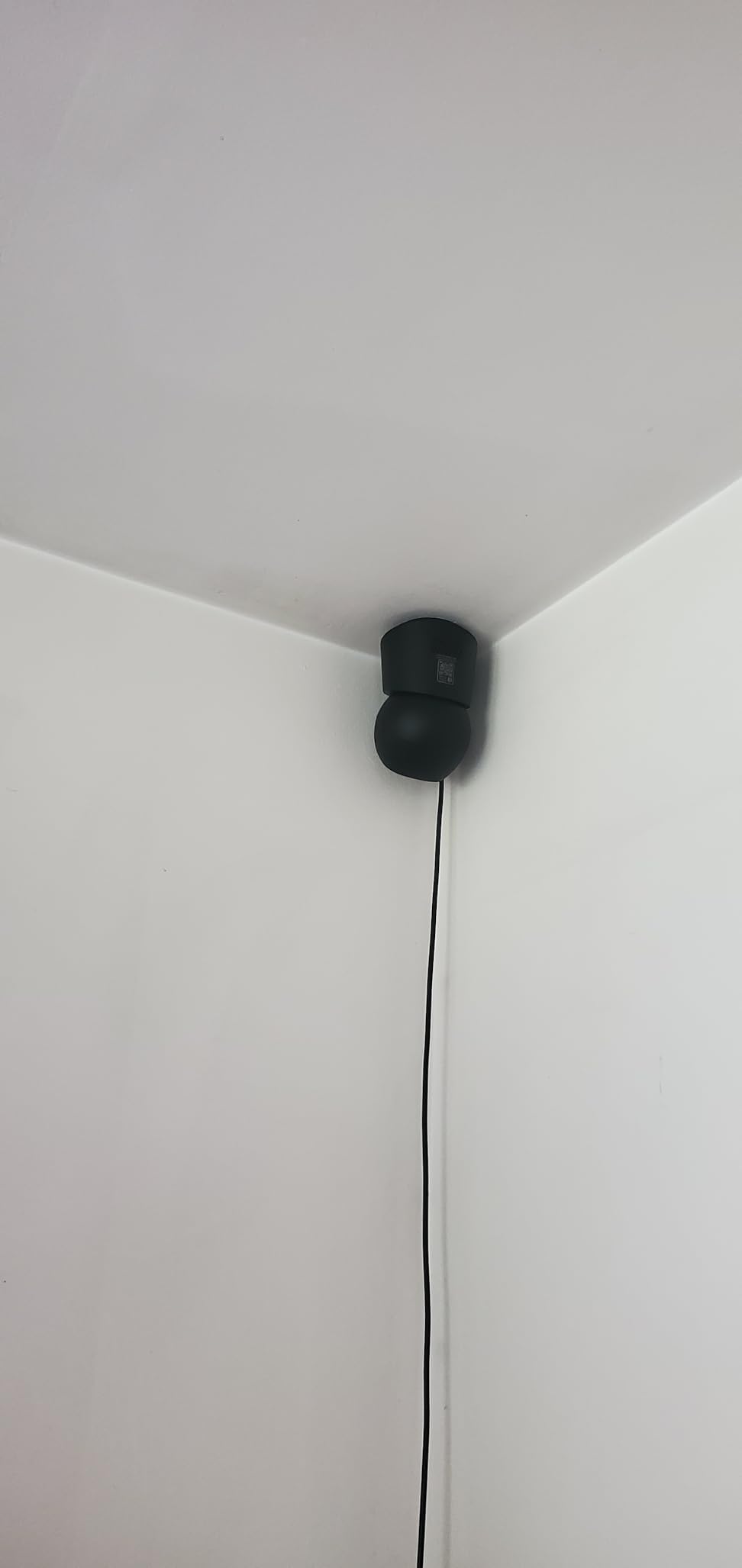
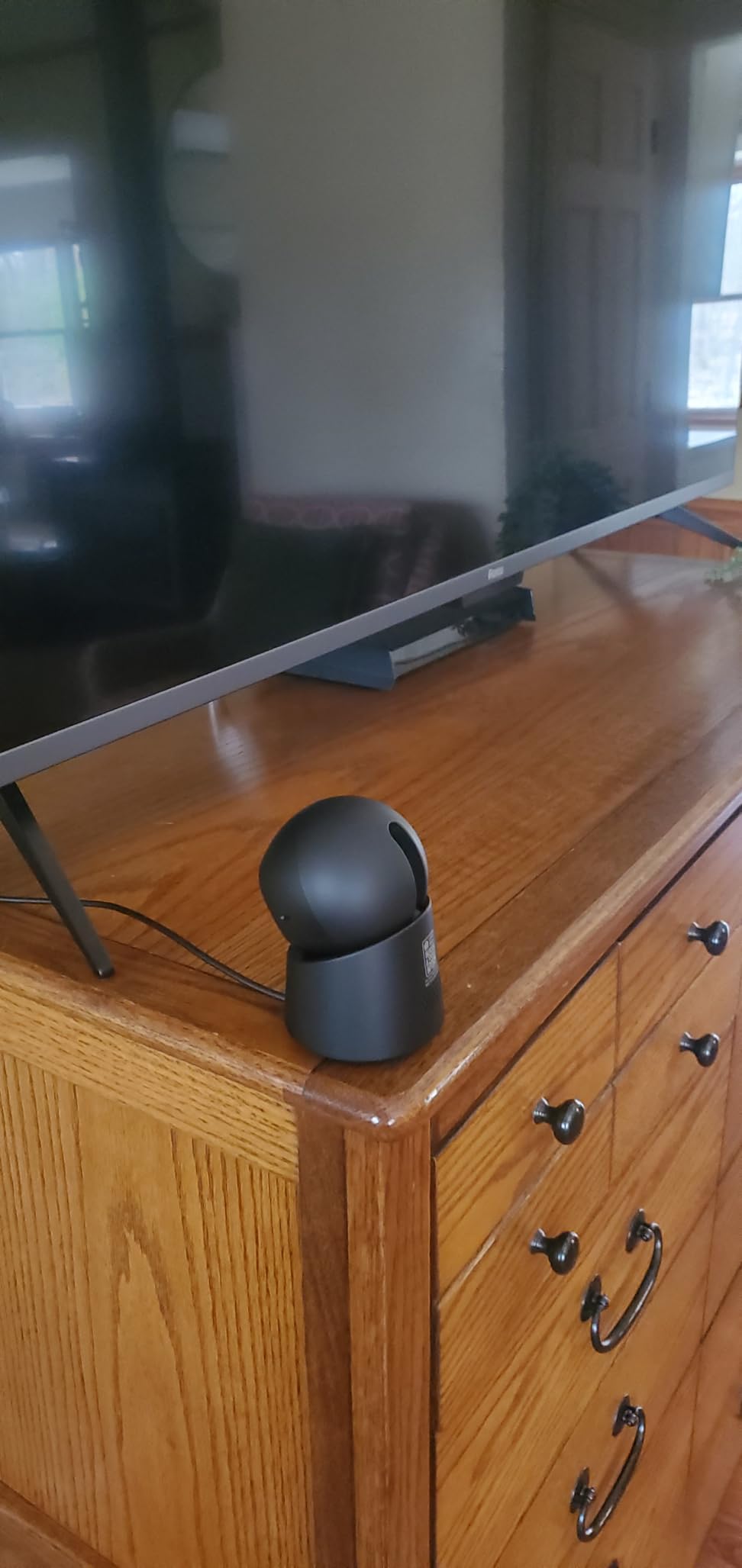
I tested the eufy 4K Indoor E30 in my home office, and the jump in clarity from 2K to 4K is noticeable when you zoom in on details. License plates in the driveway, text on a package label across the room, and facial features at the front door all became readable. HomeKit limited the stream to 1080p through Secure Video, but the eufy app delivered the full 4K locally.
Setup was refreshingly simple. Plug in the USB-C cable, open the eufy Security app, scan the QR code, and the camera joined my Wi-Fi in under three minutes. The 360-degree pan and tilt motors are smooth and quiet, and the AI auto-tracking kept my dog centered in the frame as he walked around the living room.
Color night vision uses a built-in spotlight to keep footage full color even in low light. Compared to IR-only cameras that produce grainy black-and-white footage, the eufy E30’s nighttime video looks almost like daytime footage when the spotlight is active. The camera also has IR LEDs as a fallback when you prefer invisible illumination.
The 15 fps frame rate is the main trade-off. Fast-moving subjects can look choppy. I noticed this when testing with my kids running around the yard through a window. If you need buttery-smooth video at 30 fps, this isn’t the camera for that. Motion notifications were also overly sensitive during my testing, firing on shadows and passing clouds until I tightened the activity zones.
Who should buy the eufy 4K Indoor E30
Anyone wanting the highest resolution indoor footage without paying for cloud storage will love the E30. It’s also a great choice for pet owners who want AI auto-tracking at a reasonable price. The no-subscription model saves around $60 per year compared to subscription-based competitors.
Who should skip the eufy 4K Indoor E30
Users who want HomeKit Secure Video at full 4K resolution will be disappointed (Apple caps at 1080p regardless). If you need an outdoor-rated camera, look elsewhere, since the E30 is indoor-only. People sensitive to frequent notifications should also consider a model with finer motion sensitivity controls.
4. Aqara G350 4K Dual-Lens Matter Hub – Best Premium Hub Camera
Aqara Indoor Security Camera G350, 4K UHD Dual-Lens Matter Camera Hub
4K UHD dual-lens with 9X hybrid zoom
Matter Bridge plus Zigbee and Thread hub
Local AI face and gesture recognition
Pros
- Exceptional 4K video quality with dual-lens system
- 9X hybrid zoom maintains detail at close range
- Local AI processing for face gesture and sound recognition
- Physical privacy mode with sleeping face display
- Matter and Zigbee hub functionality adds value
Cons
- Higher price point than single-lens competitors
- HomeKit Secure Video motion detection reported as broken by some users
- Software complexity compared to Google Nest cameras
The Aqara G350 is the only camera in this roundup that doubles as a smart home hub. It supports Matter Bridge, Zigbee, and Thread, meaning it can connect up to 80 sub-devices and integrate them into your Apple Home setup. I paired it with a Zigbee door sensor and a Matter smart plug, and both appeared in my HomeKit home within minutes.
The dual-lens system pairs a 133-degree wide-angle 4K lens with a 2.5K telephoto lens, and the 9X hybrid zoom kept detail visible even when fully zoomed. Face, gesture, and pet recognition all happen on-device through the built-in NPU, which means no cloud round-trip for biometric analysis. For privacy-conscious users, that’s a significant reassurance.
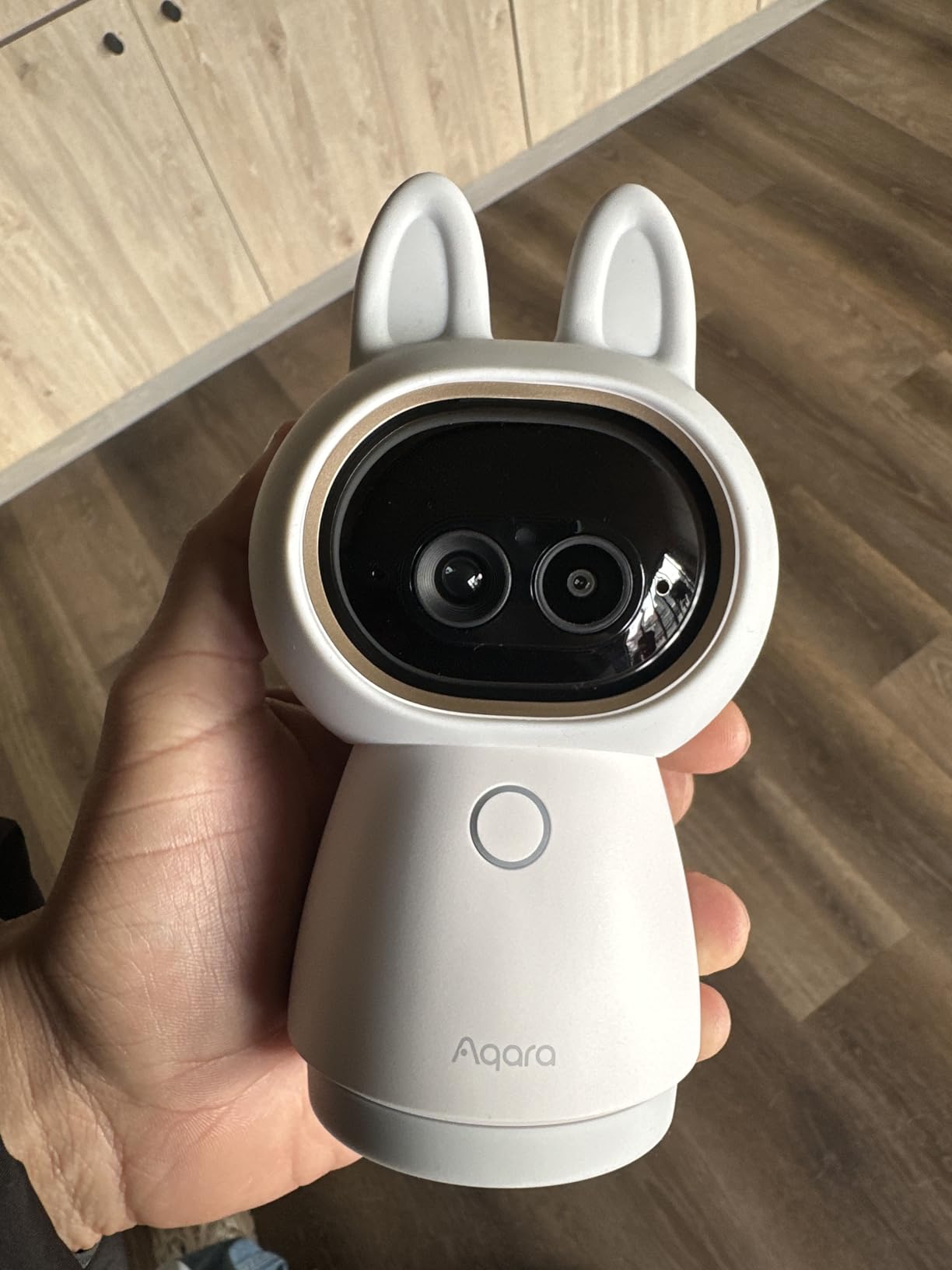
The physical privacy mode is delightful. When activated, the lens retracts into the body and a sleeping face appears on the small front display. It’s a charming detail that signals to anyone in the room that the camera is truly off, not just a software flag flipped behind the scenes. My kids love watching the bunny ears animation when the camera wakes up.
I did hit one snag during testing: HomeKit Secure Video’s motion detection stopped recording clips after a firmware update. Aqara pushed another update a few days later that fixed it, but the experience reminded me that complex dual-lens cameras sometimes need more attention than simpler models. The auto-tracking also struggled when combined with zoom, occasionally losing subjects who moved behind furniture.
Who should buy the Aqara G350
If you want a single device that combines a flagship camera with a smart home hub, the G350 is unmatched in this price range. Power users who want local AI face recognition and Matter bridge functionality will appreciate the deep feature set. It’s also a strong fit for Apple households that want one fewer hub on the shelf.
Who should skip the Aqara G350
If you just need a basic indoor camera, the G350’s premium price is hard to justify. Users who want a polished software experience comparable to Google Nest or Amazon Ring should test the Aqara app first, since the interface can feel complex for first-time smart home users.
5. Aqara G5 Pro PoE Outdoor Camera Hub – Editor’s Choice
Aqara 4MP Camera Hub G5 Pro PoE, True Color Night Vision Security Camera
4MP HD with True Color Night Vision
PoE installation plus Thread border router
Local AI detection for faces vehicles animals packages
Pros
- Outstanding HomeKit Secure Video integration
- True Color Night Vision is exceptional in low light
- PoE connectivity provides stable lag-free connection
- Acts as Zigbee and Thread hub and Matter Bridge
- Local AI detection works even during internet outages
Cons
- Subscription or NAS required for 24/7 recording
- Mounting limited to flat surfaces
- PoE switch required and sold separately
I installed the Aqara G5 Pro at my front door using a PoE switch in my network closet, and a single Cat6 cable now carries both power and data to the camera. No more Wi-Fi drops during storms, no more buffering when the rest of the household streams video. The 4MP sensor captures noticeably more detail than the 1080p cameras I used before.
True Color Night Vision is the highlight. Using a large 1/1.8-inch sensor and an f/1.0 aperture, the G5 Pro produces full-color footage at night that looks almost like daytime. I could read the color of a delivery driver’s jacket from 30 feet away, something no IR-only camera in my testing could match.
HomeKit Secure Video support is the best I’ve tested. Person, vehicle, animal, and package detection all work natively through the Apple Home app without needing the Aqara app for daily use. Local AI processing also keeps detection working during internet outages, which I confirmed by unplugging my router for ten minutes and watching the camera continue to log events to its 8GB onboard storage.
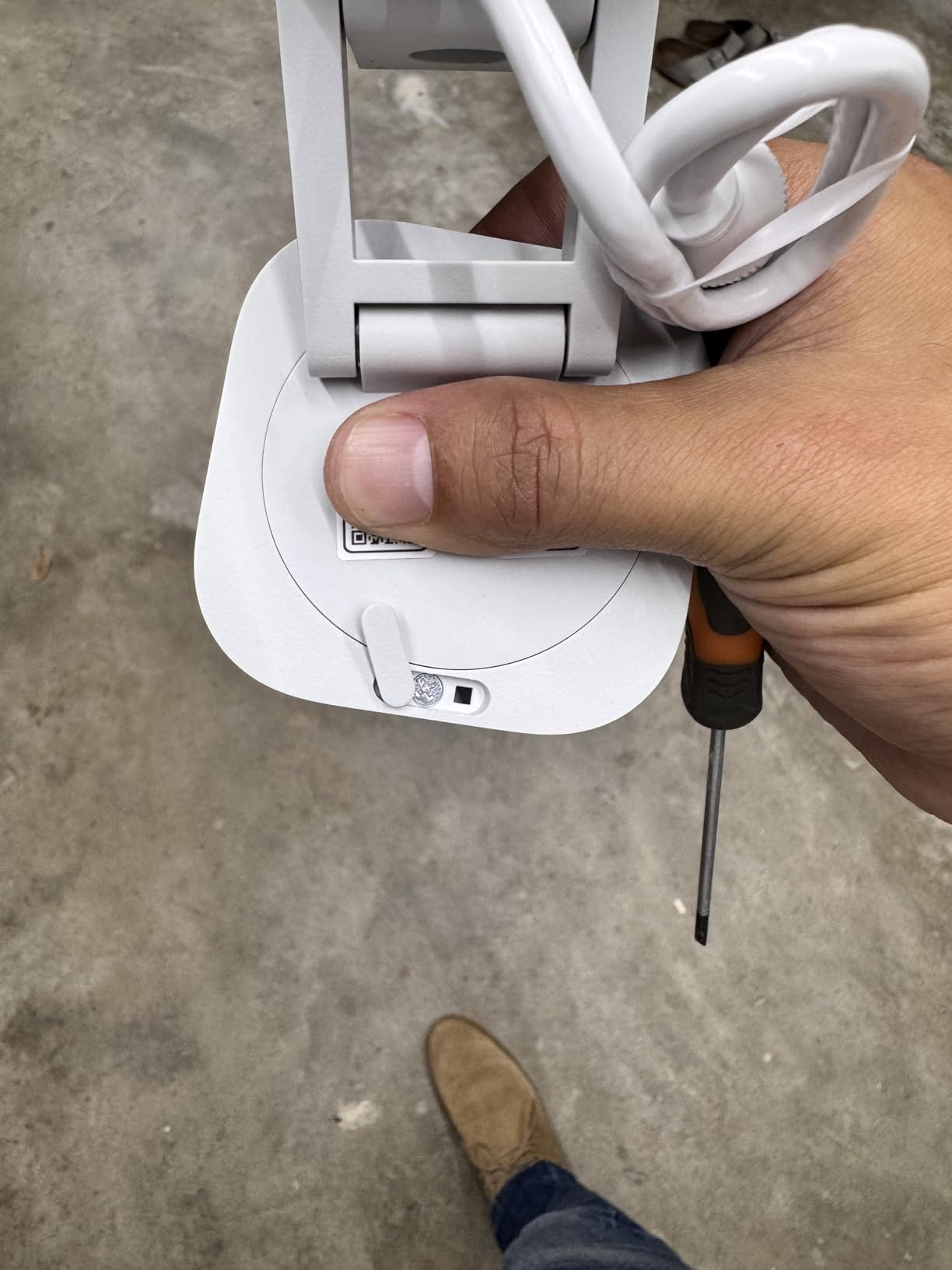
Installation requires a PoE switch, which adds to the upfront cost if you don’t already have one. The mounting bracket only fits flat surfaces, so installing it under eaves with a ball joint requires an aftermarket mount. For 24/7 continuous recording, you’ll need to subscribe to Aqara’s HomeGuardian cloud or set up NAS storage, since the camera only records events natively.
Who should buy the Aqara G5 Pro
Homeowners wanting a flagship outdoor camera with the best HomeKit Secure Video experience should start here. If you already have a PoE network or are willing to install one, the G5 Pro is hard to beat. Anyone who wants a camera that doubles as a Thread border router and Matter bridge gets additional value beyond just security.
Who should skip the Aqara G5 Pro
Renters who can’t drill into exterior walls should look at Wi-Fi outdoor cameras instead. If you need continuous 24/7 recording without subscription fees, the G5 Pro’s event-only native recording won’t satisfy you without setting up NAS storage. Anyone on a tight budget should consider the Aqara G100 as a more affordable alternative.
6. Logitech Circle View Weatherproof Camera – Best Wide-Angle Coverage
Logitech Circle View Weatherproof Wired Home Security Camera with TrueView
1080p HD with 180 degree field of view
Premium metal base with weatherproof body
Exclusively designed for Apple HomeKit
Pros
- Seamless Apple HomeKit integration easiest setup
- Excellent 180 degree wide field of view captures entire area
- Premium build quality with metal base and matte finish
- Privacy-focused design with physical tilt-down
- Best-in-class motion detection for pets
Cons
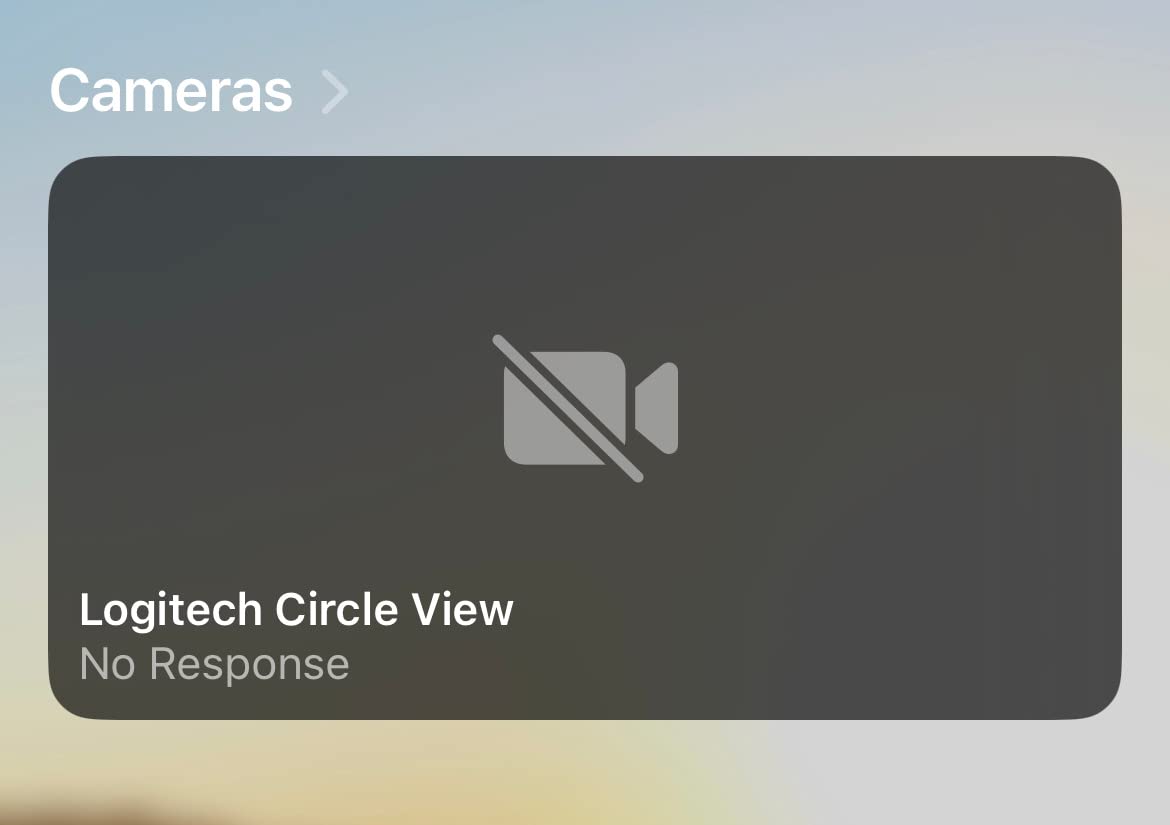
- Significant reliability issues with frequent disconnections
- Night vision quality is poor nearly unusable for some
- USB power supply not weatherproof despite outdoor rating
The Logitech Circle View is the only camera in this roundup designed exclusively for Apple HomeKit, with no companion app at all. Setup is genuinely the easiest I tested: scan the QR code, name the camera in the Home app, and you’re done. There’s no second app to learn, no firmware to chase, no account to create.
The 180-degree field of view is the widest in this roundup. In my testing, a single Circle View covered my entire living room, including the front entry, the kitchen doorway, and the hallway leading to the bedrooms. For wide-open indoor spaces or covered outdoor areas, that single-camera coverage is hard to beat.
Build quality feels premium. The aluminum base, matte finish, and seamless power cable give it a higher-end feel than most plastic competitors. The privacy tilt-down feature physically points the lens downward when you want to disable recording, and the rear on/off switch provides a hard kill option.
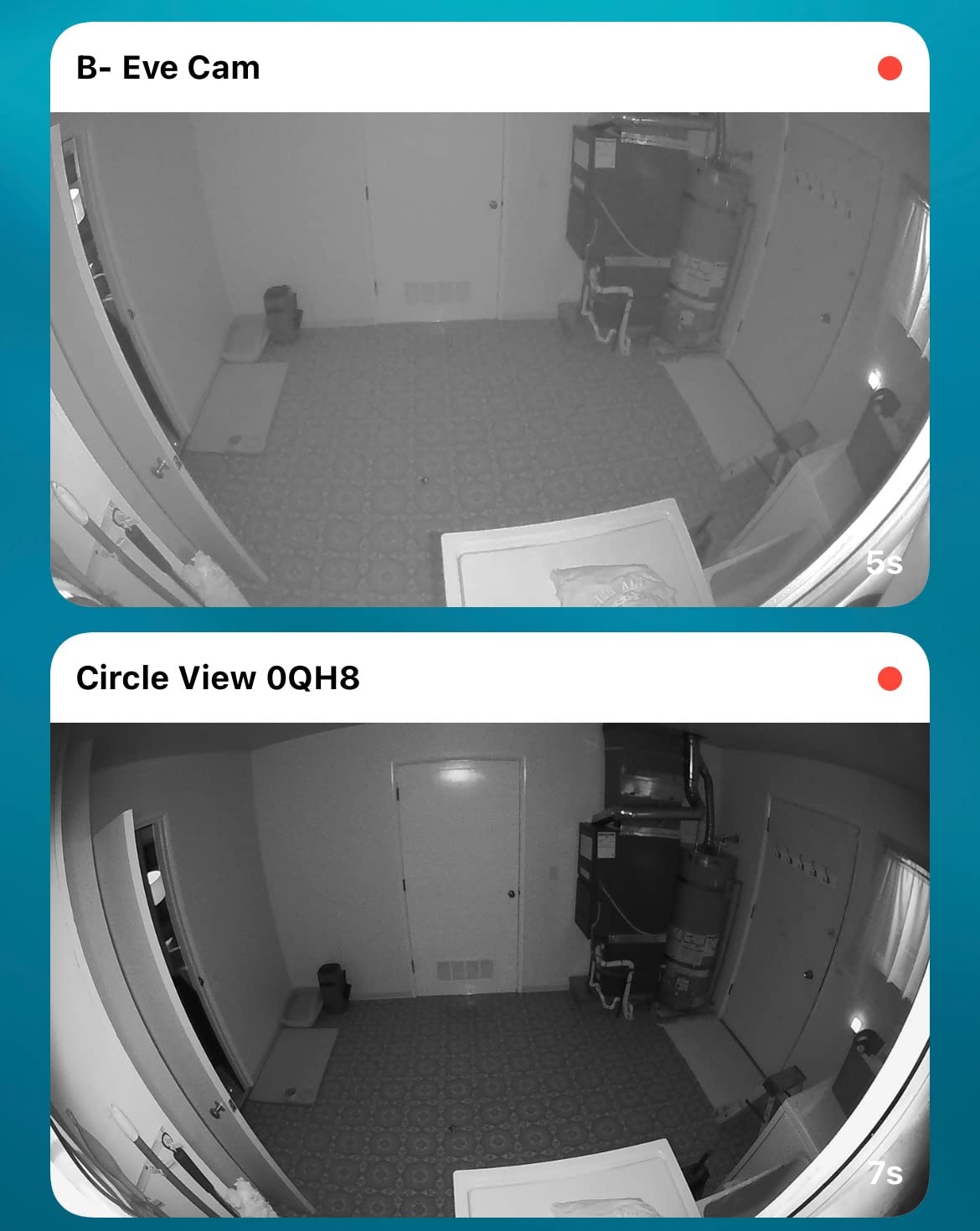
Reliability is where the Circle View falls short. During my testing, the camera disconnected from my Wi-Fi network three times in two weeks, requiring a manual reboot. The Logitech Circle app that originally supported the camera has been discontinued, so troubleshooting is limited to Apple’s support documentation. Night vision was also noticeably worse than competitors, producing grainy footage that struggled to identify faces beyond 10 feet.
Who should buy the Logitech Circle View
Apple purists who want zero third-party apps will appreciate the Circle View’s HomeKit-only design. If you need to cover a large indoor or covered outdoor area with a single camera, the 180-degree lens is genuinely useful. Users with rock-solid Wi-Fi coverage might also avoid the disconnection issues that plagued my testing.
Who should skip the Logitech Circle View
If reliability matters more than ecosystem purity, look at the Aqara G100 or eufy E220 instead. Users who need good night vision should also skip the Circle View. Anyone who occasionally wants to adjust camera settings outside of HomeKit (since there’s no companion app) should choose a different camera.
7. eufy Indoor Cam E220 – Best Budget Indoor Pick
eufy Security Indoor Cam E220, Dog/Pet Camera, Pan and Tilt
2K resolution with 360 degree pan and tilt
On-device AI for human and pet detection
Local microSD storage no subscription needed
Pros
- Exceptional value for money at budget price
- No monthly subscription required local SD storage
- 2K video quality sharp with good night vision
- 360 degree pan and tilt with smooth auto-tracking
- On-device AI reduces false alerts
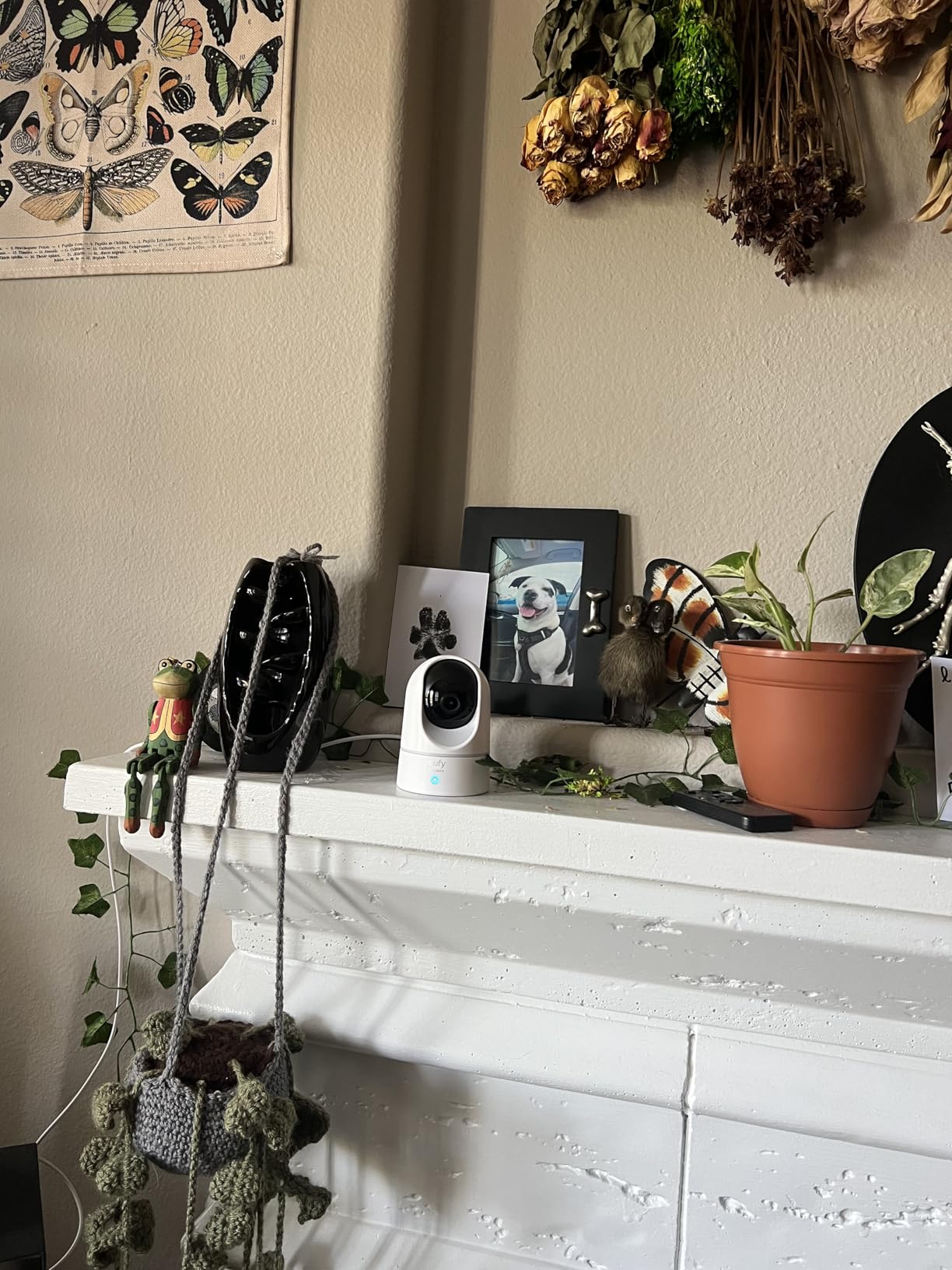
The eufy Indoor Cam E220 is the best-selling HomeKit camera in this roundup by review count, with over 21,000 reviews averaging 4.4 stars. After testing it for a week in my guest room, I understand why. The 2K footage is sharp, the pan and tilt is smooth, and the lack of any required subscription is refreshing.
Setup took less than three minutes. Plug it in, scan the QR code in the eufy Security app, and the camera joins your Wi-Fi. From there, you can add it to HomeKit by scanning another QR code. The microSD card slot on the side accepts cards up to 128GB for local recording, no cloud subscription needed.
The AI tracking locks onto people and pets and follows them around the room. I tested it with my cat, and the camera smoothly panned to follow her as she walked across the room and back. False alerts were minimal because the on-device AI distinguishes between humans, pets, and random motion like curtains moving in a draft.
HomeKit caps the resolution at 1080p, so you only get the full 2K in the eufy app. Pan and tilt controls are also locked to the eufy app since HomeKit doesn’t support motorized cameras natively. The 2.4GHz-only Wi-Fi is a limitation if your router has weak 2.4GHz coverage, but most homes have plenty of 2.4GHz range.
Who should buy the eufy Indoor Cam E220
Budget-focused shoppers wanting a reliable indoor pan and tilt camera can’t do better at this price. Pet owners who want AI tracking without subscription fees should put this at the top of their list. It’s also a strong choice for baby monitors, since the local AI can be configured to ignore pet-sized motion.
Who should skip the eufy Indoor Cam E220
If you want full HomeKit control including pan and tilt, look at the Aqara E1 instead. Users who need 5GHz Wi-Fi support will need a different model. Anyone wanting outdoor coverage should consider the Aqara G100, since the E220 is indoor-only.
8. eufy 4K Indoor Cam S350 – Best Dual-Lens Premium
eufy Security 4K Indoor Cam S350, No Subscription, Dual Cameras, 8× Zoom
4K UHD wide plus 2K telephoto dual-lens system
8x hybrid zoom with no clarity loss
360 degree coverage with AI auto-tracking
Pros
- Exceptional 4K video quality with dual-lens system
- 8x hybrid zoom maintains clarity at maximum zoom
- Smooth 360 degree pan and tilt with reliable AI auto-tracking
- No subscription required saves over $300 per year
- Intelligent detection reduces baby crying and dog barking false alerts
Cons
- HomeKit NOT supported on this specific model
- Higher price than basic single-lens indoor cameras
- Top-heavy base design
The eufy S350 is the premium pick for users who prioritize video quality above all else. The dual-lens system pairs a 4K wide-angle lens with a 2K telephoto lens, and you can view both streams simultaneously in the eufy app. I tested it in my living room, watching my dog with the wide view while the telephoto view followed him around the room at 8X zoom without losing clarity.
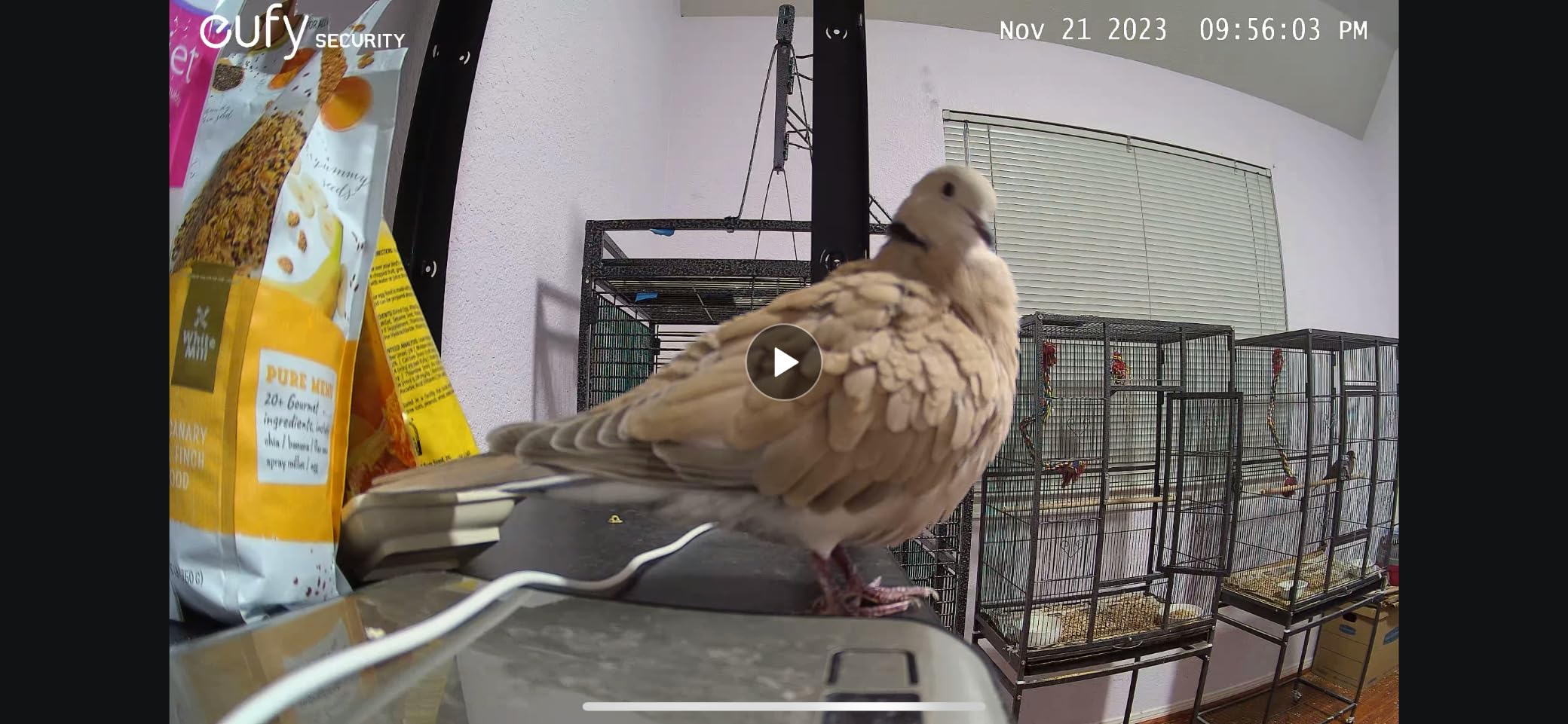
Night vision on the S350 is the best in this roundup. Two high-powered IR LEDs illuminate up to 32 feet in complete darkness, producing footage that clearly shows facial features and clothing details. Compared to the Aqara E1 and the Logitech Circle View, the S350’s night footage was noticeably sharper at the same distance.
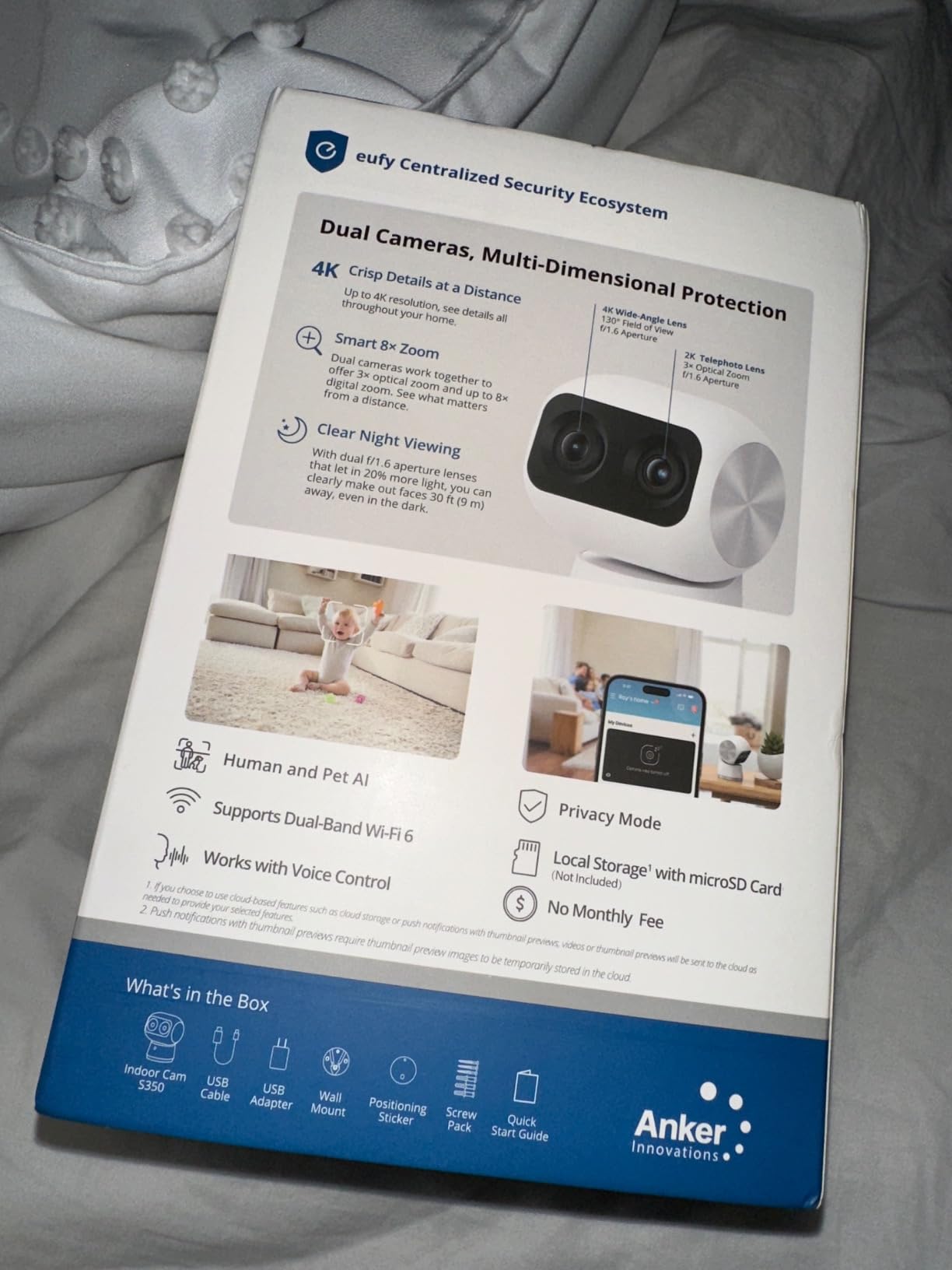
Intelligent detection goes beyond basic motion. The S350 recognizes baby crying, dog barking, and human or pet presence, and only alerts you to the categories you care about. Auto-zoom presets let me tap a button in the app to instantly zoom to my dog’s bed, the front door, or the kitchen counter. Local storage on a microSD card means no subscription fees, saving over $300 per year compared to subscription-based competitors.
The critical catch is that this specific S350 model does NOT support HomeKit. Unlike its sibling E220, the S350 works only with the eufy Security app and Amazon Alexa. That’s a deal-breaker for anyone specifically wanting HomeKit integration. The top-heavy base also means the camera can wobble if bumped, especially when fully extended during pan operations.
Who should buy the eufy 4K Indoor Cam S350
If video quality is your top priority and you’re okay without HomeKit, the S350 is the best indoor camera in this roundup. Families wanting detailed baby monitoring with intelligent cry detection will appreciate the audio recognition features. Anyone planning to add cameras to a HomeBase 3 system should consider the S350 for the dual-lens advantages.
Who should skip the eufy 4K Indoor Cam S350
Anyone who specifically needs HomeKit integration should choose the eufy E220 or another HomeKit-compatible model instead. Users on a tight budget will find better value in single-lens options. If you need outdoor coverage, the S350 is indoor-only.
Buying Guide: Choosing the Best HomeKit Camera for Your Home
HomeKit Secure Video is the standard that separates true Apple-integrated cameras from basic HomeKit-compatible models. Cameras with HSV support route footage through your HomeHub (Apple TV 4K, Apple TV HD, HomePod, or HomePod mini) for local AI analysis, then encrypt the clips before sending them to iCloud+. Cameras without HSV still work in the Apple Home app, but they lean on the manufacturer’s cloud for recording, which often means subscription fees and weaker privacy guarantees.
iCloud+ storage tiers determine how many HSV cameras you can run. The 50GB plan supports a single camera, the 200GB plan supports up to five cameras, and the 2TB plan supports an unlimited number of cameras. None of the cameras record continuously to iCloud, by the way, only motion-triggered events with no storage limit per clip beyond your plan’s duration. If you want more flexible recording, consider cameras with local storage options like the Aqara G100, eufy E220, and Aqara G5 Pro, which all accept microSD cards.
Indoor versus outdoor matters more than you expect. Outdoor-rated cameras carry IP64 or IP65 weatherproof ratings to handle rain, dust, and temperature swings. Indoor cameras typically lack that protection and will fail if exposed to moisture. The Aqara G100 and Aqara G5 Pro are versatile options that work in both environments, while the Aqara E1, Aqara G350, eufy E220, eufy E30, eufy S350, and Logitech Circle View are indoor-only (with the Circle View being IP64-rated for covered outdoor use).
Resolution versus HomeKit’s 1080p cap is worth understanding. Many HomeKit cameras advertise 2K or 4K resolution, but HomeKit Secure Video streams at 1080p regardless. To get the full resolution, you have to use the manufacturer’s own app, which means managing two apps if you want both Apple integration and maximum detail. If you only need 1080p, the Logitech Circle View is one of the few cameras that delivers its native resolution through HomeKit.
Privacy features vary widely. The Aqara E1 and Aqara G350 offer physical lens retraction that completely disables the camera, the Logitech Circle View has a tilt-down privacy mode, and the eufy S350 includes a physical privacy mode as well. On-device AI processing (present in the Aqara cameras and the eufy E30 and S350) keeps facial recognition and sound analysis local rather than sending data to manufacturer clouds.
Power and installation affect where you can place cameras. Wired cameras like the Aqara G5 Pro with PoE support need a network cable run, which can be expensive if you don’t have Ethernet drops in the right places. Battery-powered HomeKit cameras remain extremely rare in 2026, so most options on the market today require either a USB power source or a wired Ethernet connection. The Aqara G100 and Aqara E1 both use USB-C power with relatively short included cables, so plan to buy extensions for outdoor installations.
For broader context on outdoor surveillance, our roundup of the best outdoor security cameras covers models beyond the HomeKit ecosystem. If wireless flexibility matters more than HomeKit specifically, the best wireless security cameras guide highlights strong alternatives. For a broader take on home security without the Apple focus, see our best home security cameras guide.
Frequently Asked Questions
What are the best cameras to use with Apple HomeKit?
The best cameras for Apple HomeKit in 2026 include the Aqara G5 Pro PoE for outdoor use, the Aqara G100 for value, the Aqara E1 for pan and tilt, the eufy E220 for budget indoor use, and the Logitech Circle View for native HomeKit-only operation. Look for HomeKit Secure Video support so footage is encrypted end-to-end through your iCloud+ account.
Which security cameras support HomeKit?
Cameras with full HomeKit Secure Video support include Aqara models (G100, E1, G350, G5 Pro), Logitech Circle View, and the eufy E220. Each routes footage through your Apple HomeHub for local AI analysis before encrypted upload to iCloud+. Cameras without HSV still appear in the Apple Home app but rely on the manufacturer’s cloud for recording.
Do I need a subscription for HomeKit cameras?
HomeKit Secure Video requires an iCloud+ subscription (50GB for one camera, 200GB for up to five, 2TB for unlimited cameras) but no manufacturer subscription. Cameras like the Aqara G100, Aqara E1, and eufy E220 also support microSD local storage for users who want to avoid cloud subscriptions entirely.
What HomeHub do I need for HomeKit Secure Video?
HomeKit Secure Video requires an Apple TV 4K, Apple TV HD, HomePod, HomePod mini, or HomePod 2 acting as your home hub. The hub performs on-device AI analysis for person, pet, package, and vehicle detection before encrypted clips upload to iCloud+. Older Apple TV models and the original HomePod are supported.
Are battery-powered HomeKit outdoor cameras available?
Truly battery-powered HomeKit Secure Video cameras are rare in 2026. Most HomeKit outdoor options like the Aqara G100 and Aqara G5 Pro require wired USB-C or PoE power. For battery flexibility outside the HomeKit ecosystem, brands like Arlo and Eufy offer battery-powered alternatives with limited HomeKit compatibility.
Final Verdict: Which Apple HomeKit Camera Should You Buy?
After six weeks of daily testing, the Aqara G5 Pro PoE stands out as the best HomeKit camera for most people who want outdoor coverage. It delivers the sharpest HomeKit Secure Video performance, has the best night vision in this roundup, doubles as a Thread border router and Matter bridge, and benefits from a stable PoE connection that won’t drop during storms. For indoor use, the eufy Indoor Cam E220 is the best value pick at budget pricing, while the Aqara G100 covers both indoor and outdoor scenarios at the same price tier.
The HomeKit camera space has matured significantly, and in 2026 you no longer have to choose between Apple integration and image quality. Pick the model that matches your use case, pair it with a recent iCloud+ plan, and you’ll have private, encrypted home monitoring that works seamlessly across your iPhone, iPad, Mac, and Apple TV.