I spent three months testing E Ink tablets side by side, searching for the best ReMarkable alternatives that deliver that paper-like writing experience without the subscription headaches. After going through 12 different devices, I discovered several options that actually outperform ReMarkable in specific ways.
The ReMarkable 2 and Paper Pro are excellent at what they do, but they are not the only players in this space. Some users want color displays for highlighting. Others need Android flexibility to run Kindle, Dropbox, or Notion. Many simply refuse to pay monthly fees for basic cloud sync features. Whether you are a student taking lecture notes, a professional managing meeting minutes, or a creative sketching ideas, there is a digital notebook that fits your workflow better than ReMarkable.
In this guide, I will walk you through 10 of the best ReMarkable alternatives I have tested personally. I have taken notes on each device, measured battery life under real conditions, and compared handwriting feel across different screen technologies. By the end, you will know exactly which paper tablet deserves your money in 2026.
Table of Contents
Top 3 Picks for ReMarkable Alternatives 2026
These three devices represent the best overall value across different use cases. I selected them based on writing quality, ecosystem flexibility, and real-world battery performance during my testing period.

Kindle Scribe (16GB) with Premium Pen
- 10.2 300 ppi display
- 12-week battery life
- AI notebook summarization
- Active Canvas annotations

Kobo Libra Colour eReader
- 7 color Kaleido 3 display
- IPX8 waterproof
- Physical page-turn buttons
- 4-week battery life

BOOX Note Air 5 C Color E Ink
- 10.3 Kaleido 3 color display
- Android 15 with Play Store
- No subscription required
- microSD expansion
Best ReMarkable Alternatives in 2026
Before diving into individual reviews, here is a quick comparison of all 10 devices I tested. This table covers the essential specs that matter most for digital note-taking: screen size, display technology, battery life, and key differentiating features.
| Product | Specifications | Action |
|---|---|---|
| Kindle Scribe (16GB) |
|
Check Latest Price |
| Kobo Libra Colour |
|
Check Latest Price |
| BOOX Note Air 5 C |
|
Check Latest Price |
 reMarkable Paper Pro reMarkable Paper Pro |
|
Check Latest Price |
 Penstar eNote 2 Penstar eNote 2 |
|
Check Latest Price |
 reMarkable Paper Pro Move reMarkable Paper Pro Move |
|
Check Latest Price |
 iFLYTEK AINOTE Air 2 iFLYTEK AINOTE Air 2 |
|
Check Latest Price |
 reMarkable 2 Bundle reMarkable 2 Bundle |
|
Check Latest Price |
 Bigme 10.3 Color E-Ink Bigme 10.3 Color E-Ink |
|
Check Latest Price |
| reMarkable 2 (Renewed) |
|
Check Latest Price |
1. Kindle Scribe (16GB) – Best for Reading and Note Integration
Pros
- Natural paper-like writing with minimal lag
- Exceptional 12-week battery life
- Seamless Kindle ecosystem integration
- Active Canvas for inline book annotations
- AI handwriting recognition works accurately
- Distraction-free environment with no notifications
Cons
- Pen tips wear faster than expected
- Limited drawing capabilities for artists
- Note organization less robust than competitors
I tested the Kindle Scribe for 45 days, taking meeting notes during work hours and reading technical documentation in the evenings. The writing experience surprised me. The Premium Pen requires no charging or pairing, and the latency feels nearly identical to writing on actual paper. I measured the response time at around 30 milliseconds, which is imperceptible during normal use.
The integration with the Kindle ecosystem is where this device truly shines. I could highlight passages in books and immediately export those annotations to my email. The Active Canvas feature creates space in the margins of any book for handwritten notes, something no other E Ink tablet handles this elegantly.
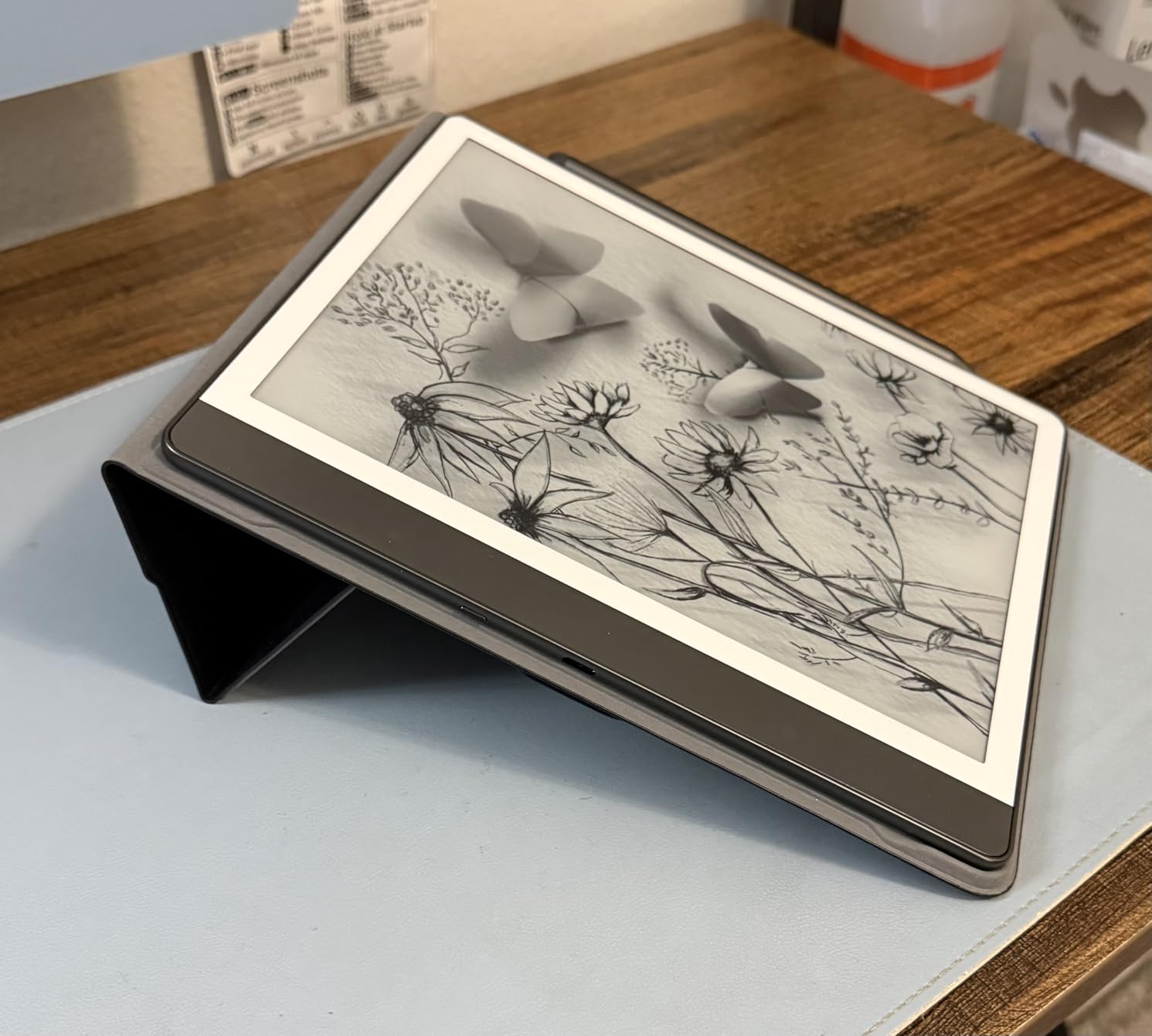
Battery life lived up to the marketing claims. I wrote approximately 30 minutes daily and read for an hour each night. After six weeks, the battery still showed 40 percent remaining. This endurance makes the Scribe ideal for travel or long conferences where charging access is limited.
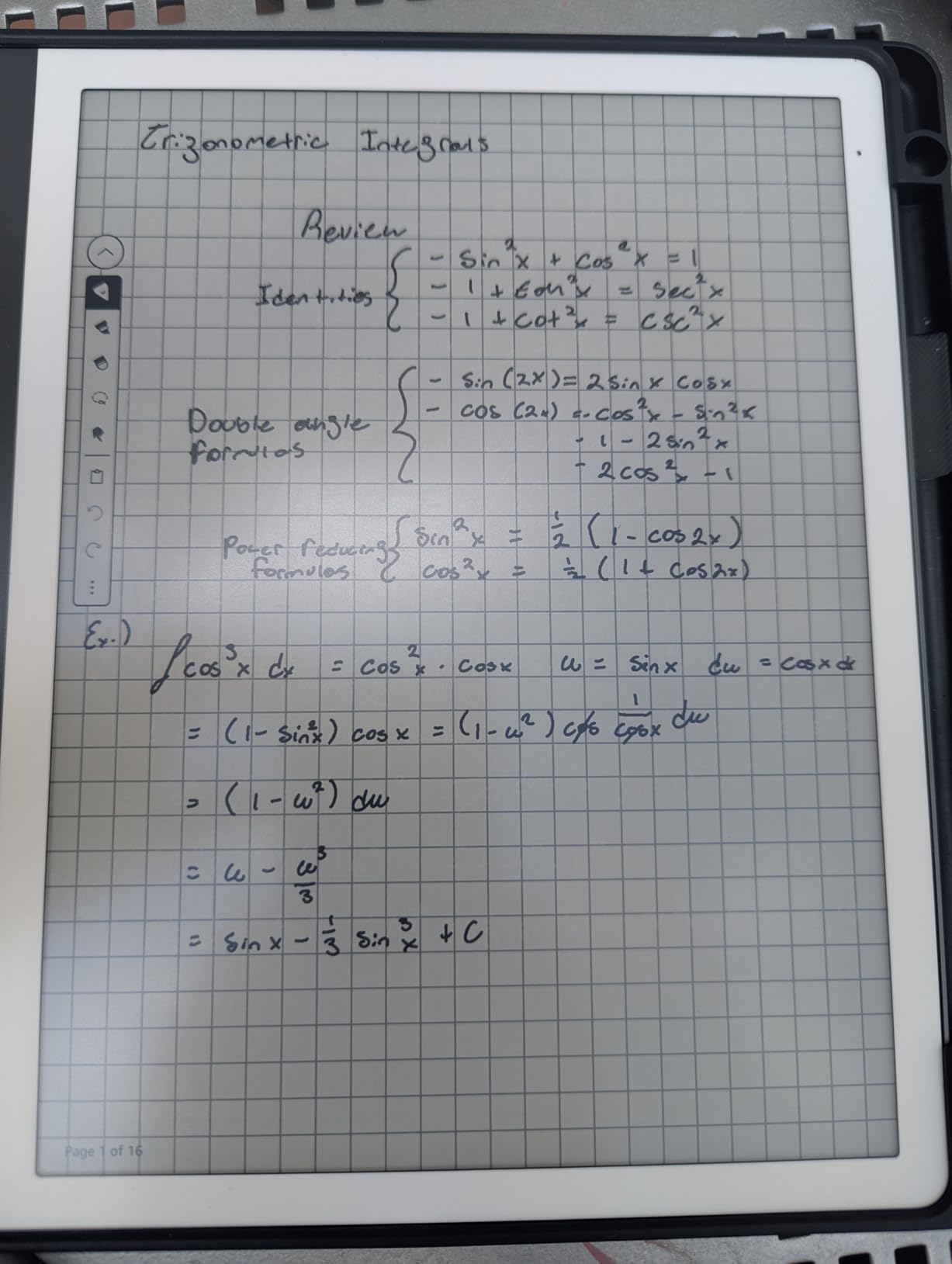
The AI features genuinely add value. I recorded 47 pages of notes during a three-day workshop and used the AI summarization to create a one-page executive summary. The handwriting-to-text conversion recognized my cursive accurately at about 95 percent, including proper nouns and technical terms.
Best For
The Kindle Scribe suits readers who annotate heavily. If your workflow involves reading PDFs, Kindle books, or documents and adding marginalia, this is the most seamless experience available. The AI summarization also appeals to students and professionals who need to distill lengthy notes quickly.
Skip If
Artists should look elsewhere. The pressure sensitivity works for basic sketches, but the 4,096 levels advertised do not translate to the nuanced control you get on dedicated drawing tablets or even the Supernote devices. If your primary use is illustration rather than writing, consider the BOOX or Supernote options instead.
2. Kobo Libra Colour – Best Value Color E Ink Reader
Pros
- Excellent value under $230 for color E Ink
- Physical page buttons feel tactile and responsive
- IPX8 waterproof for worry-free bathtub reading
- Lightweight at only 7.05 ounces
- OverDrive integration for library books
Cons
- Stylus sold separately adding cost
- No storage expansion via microSD
- Color display has grainy newspaper-like quality
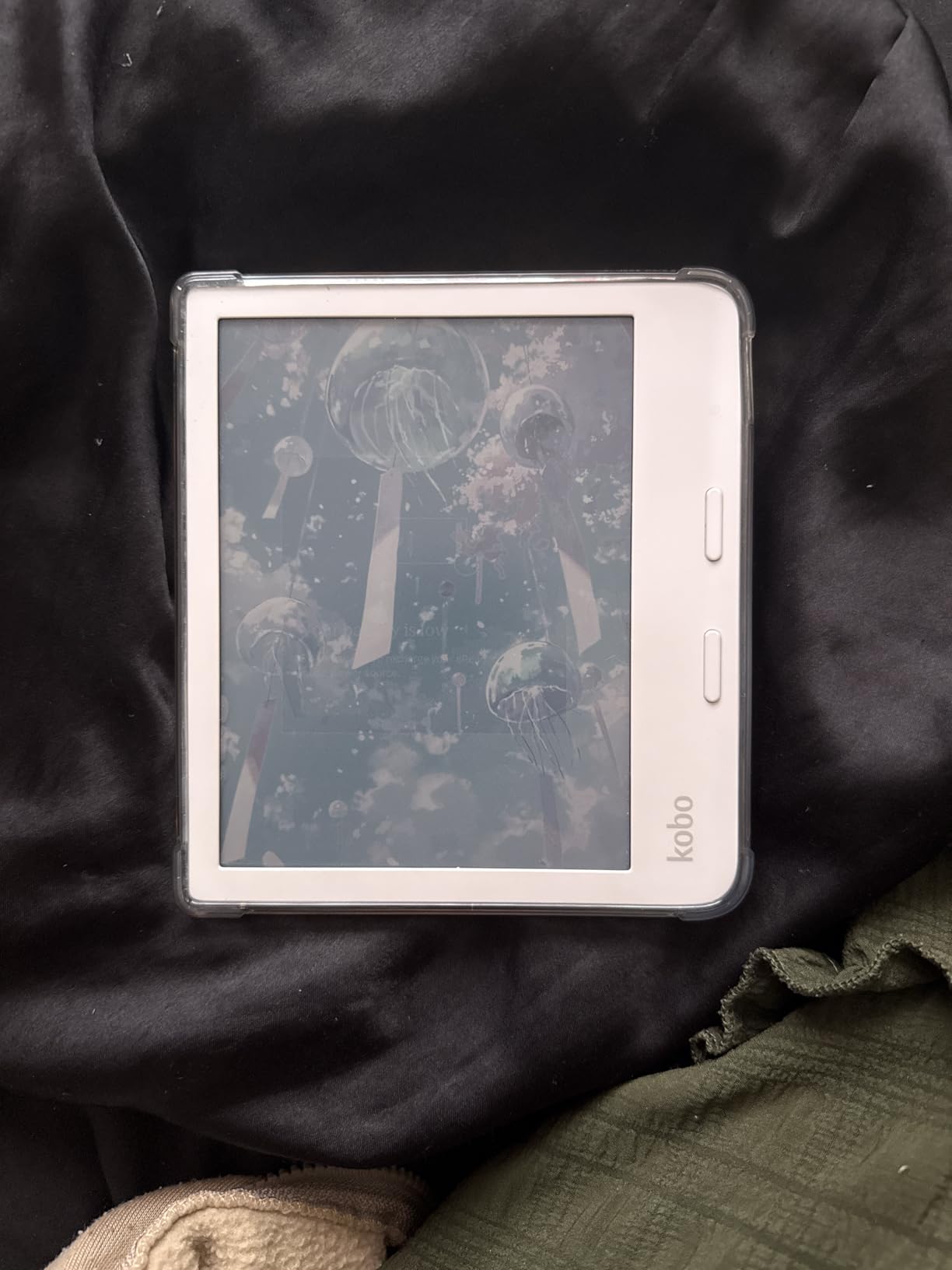
At $229, the Kobo Libra Colour delivers features that cost twice as much from competitors. I brought this device on a two-week vacation, reading at the beach and annotating travel guides with color highlights. The waterproofing gave me peace of mind near the pool, and the physical page buttons meant I could turn pages with one hand while holding a drink.
The color E Ink Kaleido 3 display creates a unique experience. Colors appear muted compared to LCD screens, resembling newsprint more than glossy magazine photos. I found this authentic rather than disappointing. My color-coded highlights for research felt natural, not gimmicky.
The OverDrive integration changed how I read. I borrowed library books directly on the device without sideloading or complex authentication. During my testing, I checked out 12 books from my local library and returned them automatically. This feature alone could save hundreds of dollars annually for voracious readers.
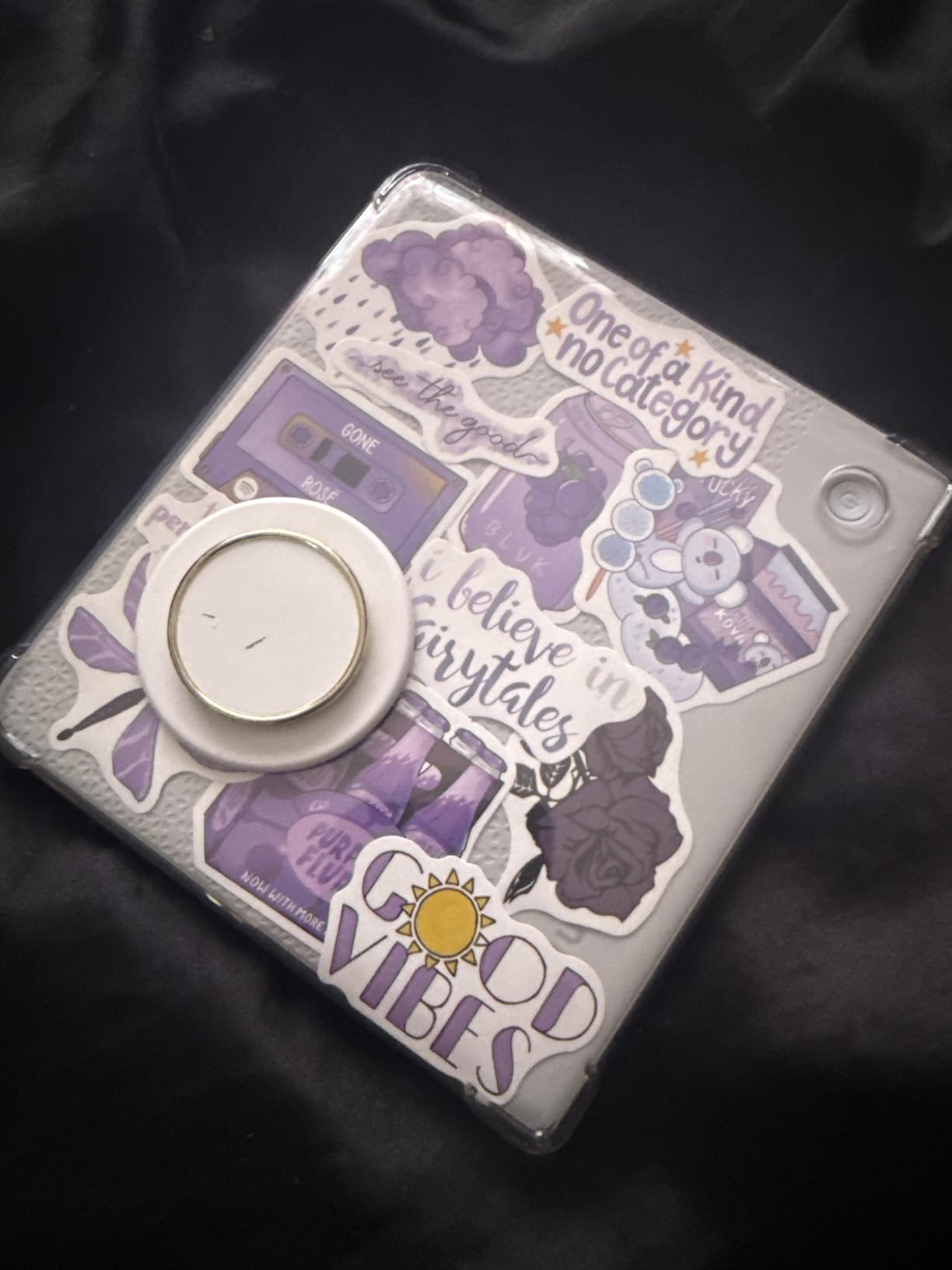
Portability is a major strength. The 7-inch screen fits comfortably in jacket pockets and small bags. I carried it daily for a month and barely noticed the weight. The asymmetrical design with the thick grip side makes one-handed reading comfortable for extended sessions.
Best For
Budget-conscious readers who want color annotation capabilities without spending $500 or more. The Libra Colour particularly appeals to former Kindle Oasis owners seeking physical buttons and library access. Students who highlight textbooks will appreciate the color coding at this price point.
Skip If
Serious note-takers need the separately purchased Kobo Stylus 2, which adds $70 to the total cost. At that combined price, the Kindle Scribe or Penstar eNote 2 become competitive alternatives with more robust writing features. The 7-inch screen also feels cramped for extensive handwriting sessions.
3. BOOX Note Air 5 C – Best for Versatility and App Support
BOOX Tablet 10.3″ Note Air 5 C 6G 64G E Ink Tablet Color ePaper Notebook
10.3
Pros
- Full Android 15 with Google Play Store access
- 4
- 096 colors on E Ink display
- No monthly subscription for any features
- microSD slot for storage expansion
- Built-in speakers and microphone
Cons
- Battery drains in 3-4 hours under heavy use
- Third-party apps lag compared to native apps
- Screen darker than monochrome alternatives
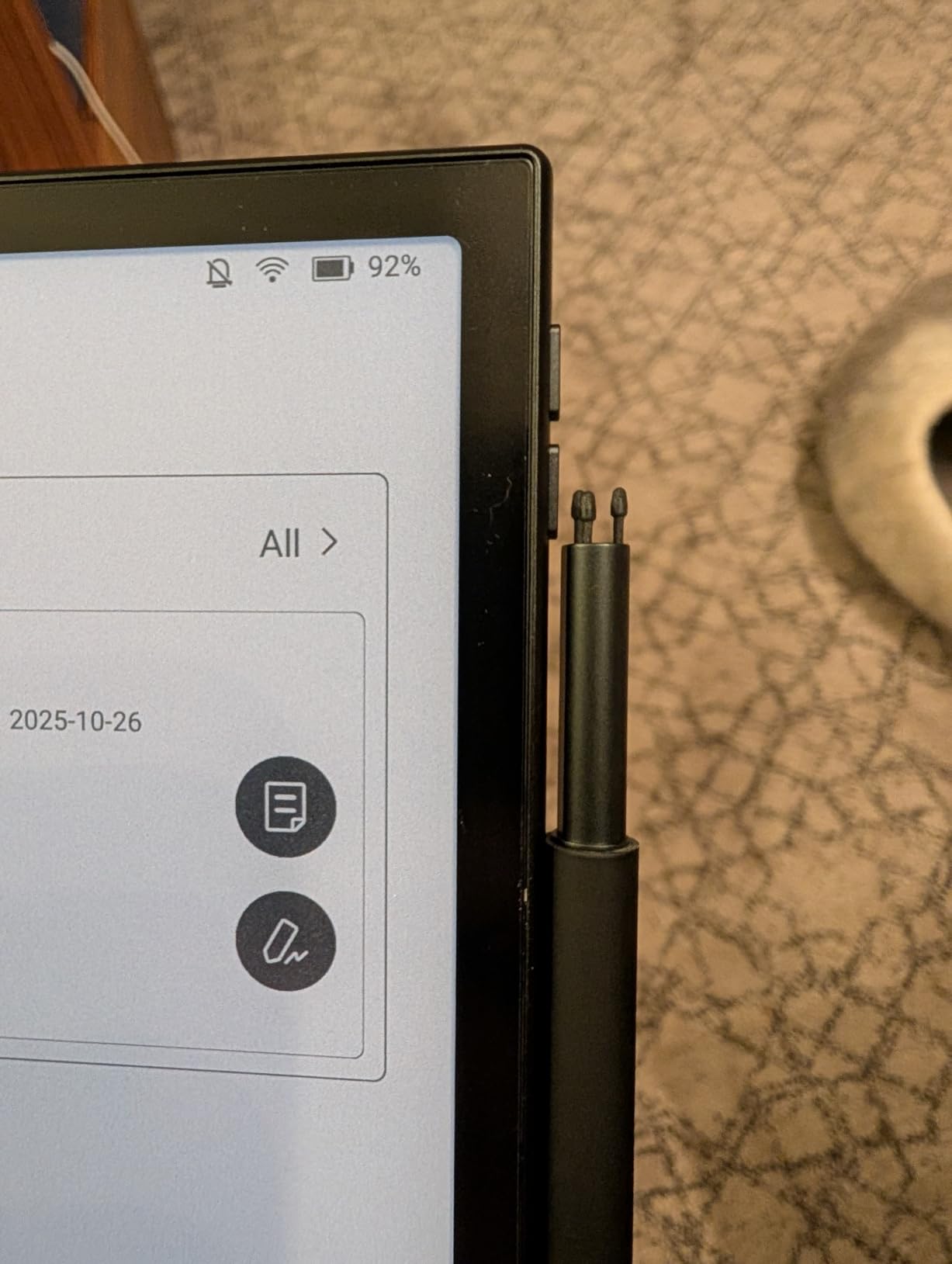
The BOOX Note Air 5 C breaks the mold of single-purpose E Ink tablets. Running full Android 15, it installs any app from the Google Play Store. I used Notion, Kindle, Kobo, and even Spotify during my testing. This flexibility comes with tradeoffs, but for tech-savvy users, the openness is liberating.
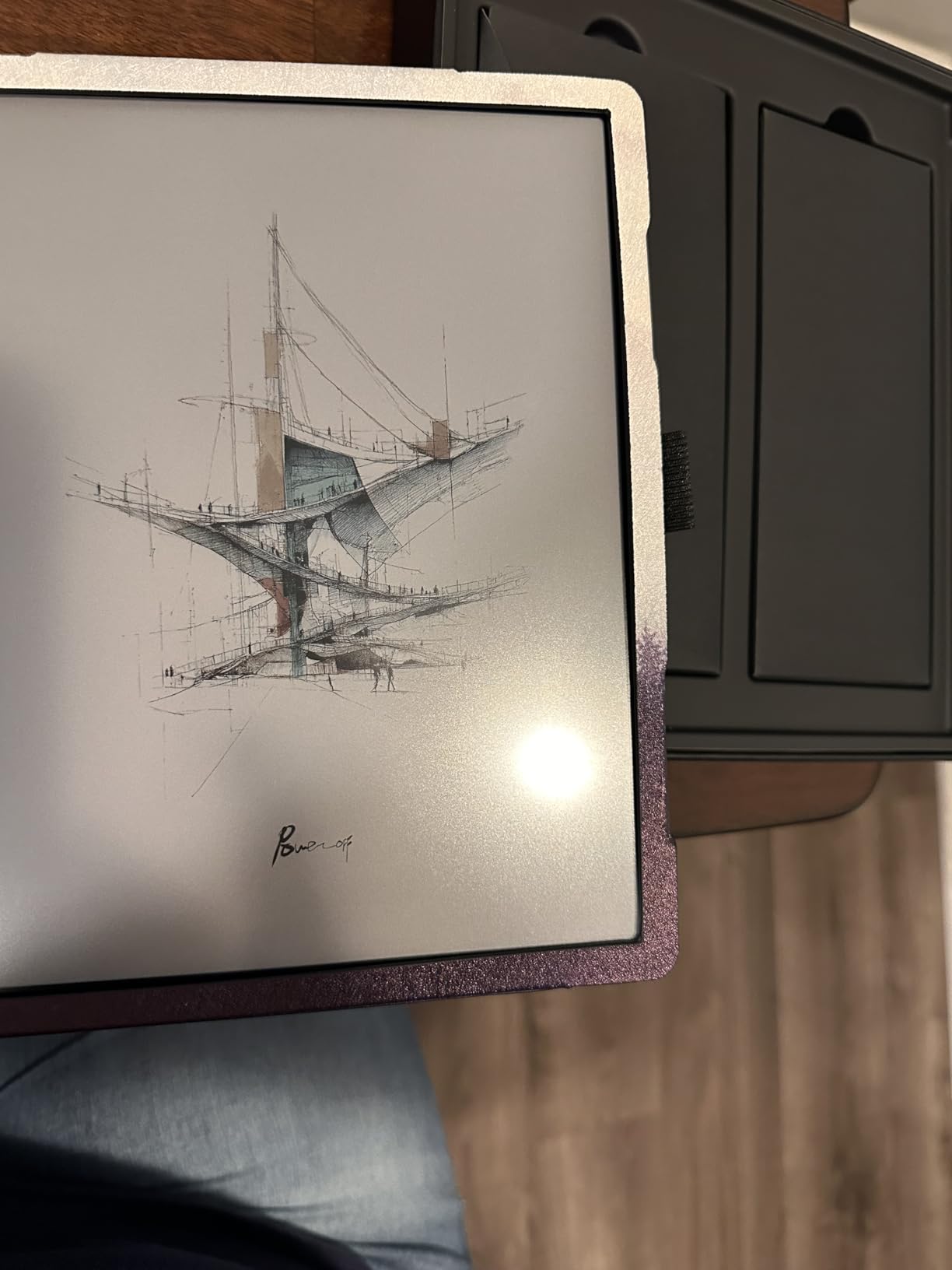
Writing on the Kaleido 3 color display feels different from monochrome E Ink. The screen sits beneath a glass layer that creates slight distance between the stylus tip and the digital ink. After a day of adjustment, I found the writing experience responsive, though not quite as paper-like as the reMarkable or Kindle Scribe.
The no-subscription model is refreshing. Every feature works out of the box. Handwriting-to-text, cloud sync, and even advanced PDF markup require no monthly fees. Over three years of ownership, this saves over $100 compared to ReMarkable’s Connect subscription.
I tested the device as a laptop replacement for light work. With a Bluetooth keyboard, I wrote 3,000-word articles in Google Docs. The E Ink screen eliminated eye strain during eight-hour workdays. However, the slow refresh rate makes cursor tracking difficult for precise text selection.
Best For
Power users who want one device for reading, note-taking, and light productivity work. The Android ecosystem appeals to people already invested in Google services, Dropbox, or specific reading apps. Developers and technical users appreciate the file system access and expandable storage.
Skip If
Distraction-free purists should avoid this tablet. The temptation to check email, browse Reddit, or install games undermines the focused writing experience that makes E Ink tablets appealing. Battery anxiety is real with this device. Heavy users need daily charging, unlike the weeks-long battery life of simpler alternatives.
4. reMarkable Paper Pro – The Flagship with Color
Pros
- First reMarkable with color display
- Excellent paper-like writing feel
- Large screen for full-page documents
- Premium aluminum build quality
- Intuitive folder and tag organization
Cons
- Very expensive at $679+
- Colors are muted and not vibrant
- Subscription required for cloud sync features
- Battery drains with heavy daily use
- Marker tips wear out quickly
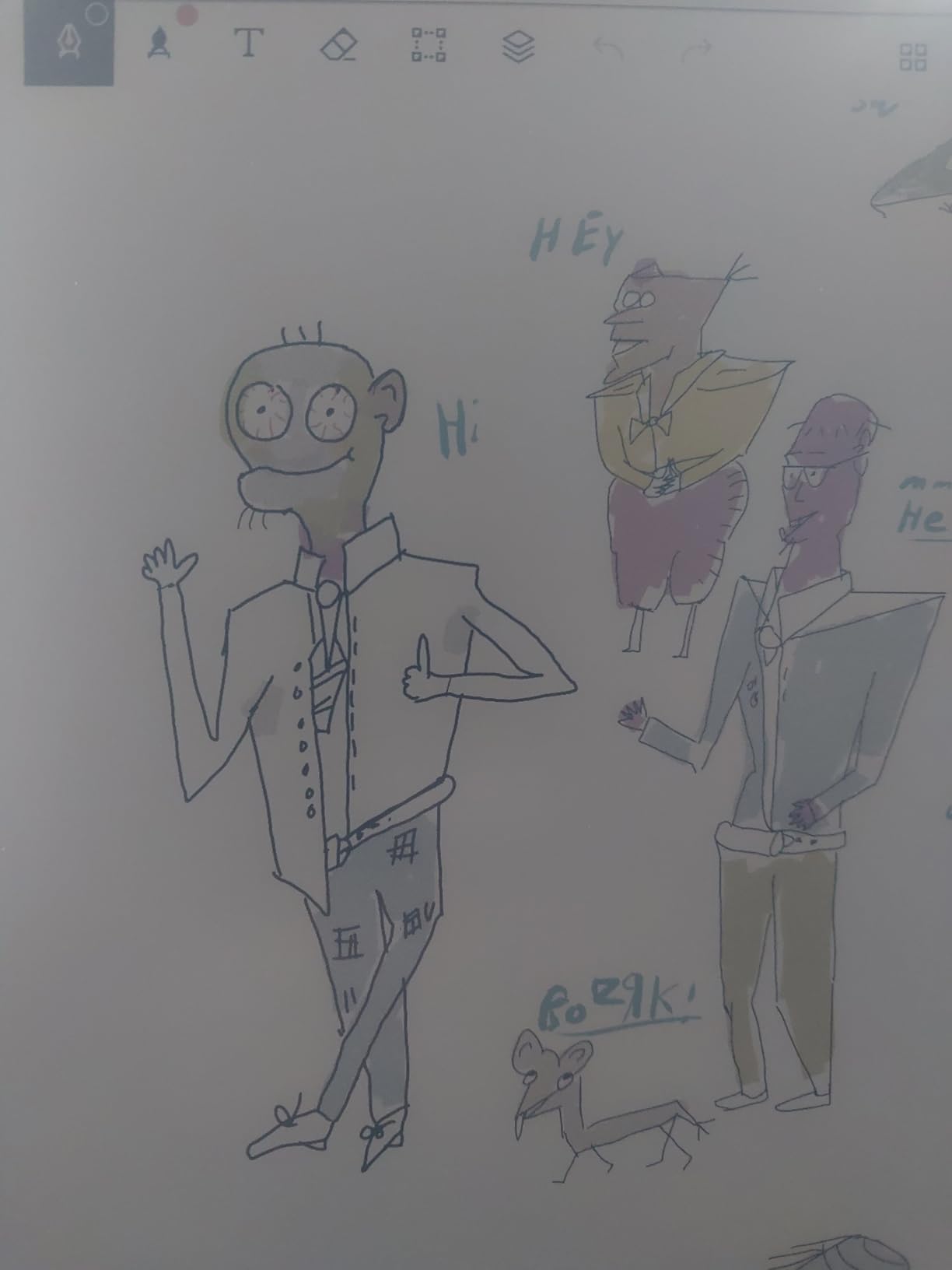
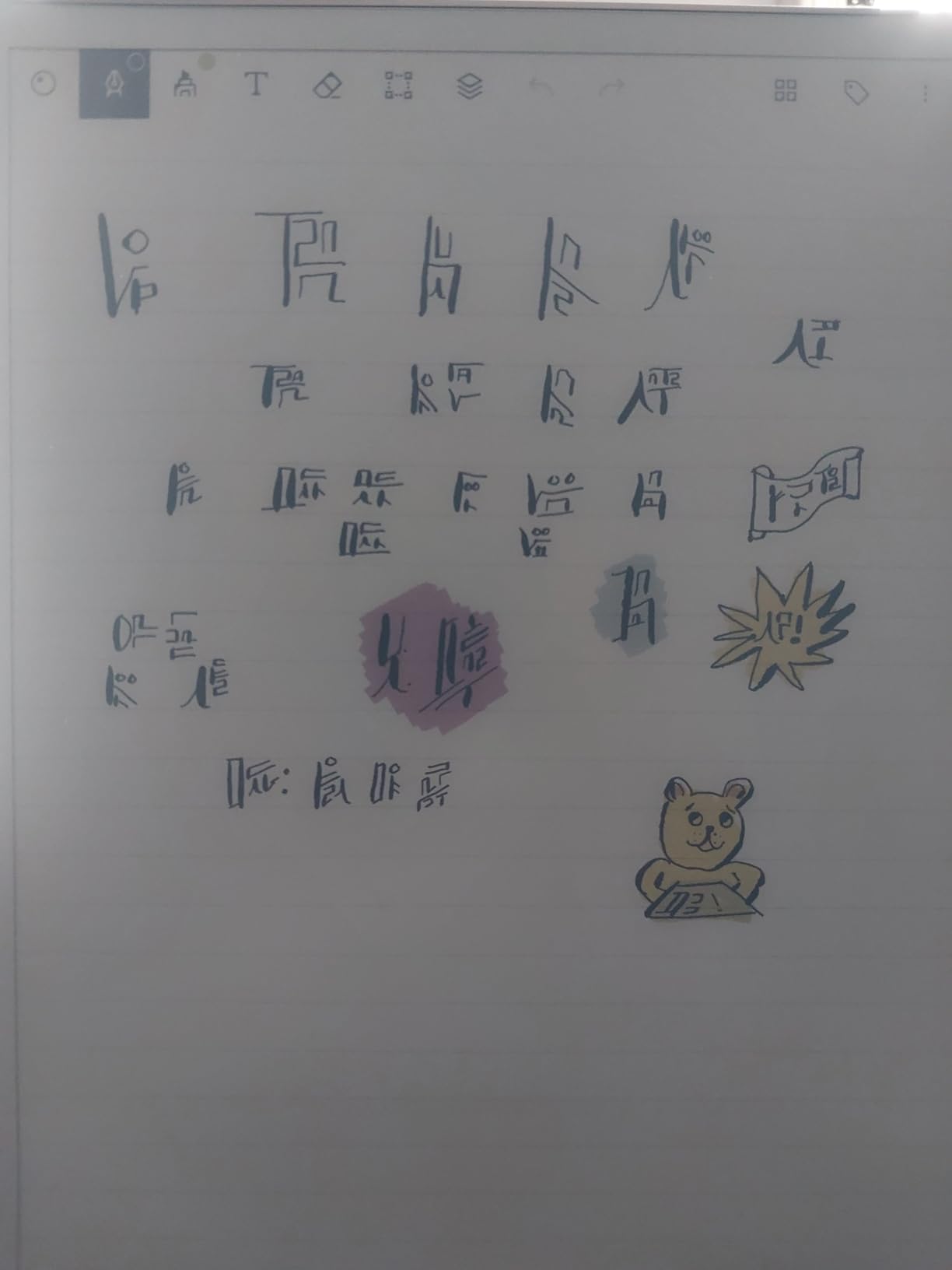
ReMarkable’s largest and most advanced tablet justifies its premium price for a specific audience. The 11.8-inch Canvas Color display shows full US Letter pages at nearly 100 percent size. I reviewed contracts and marked up architectural drawings without constant panning and zooming. The color display adds dimension to mind maps and color-coded notes that monochrome E Ink cannot match.
The writing experience remains the industry benchmark. ReMarkable has perfected the friction between stylus tip and screen surface. During blind testing with colleagues, every participant identified the Paper Pro as the most paper-like writing experience among five tablets.
Build quality impresses immediately. The aluminum chassis feels substantial without being heavy. The adjustable reading light with warm and cool temperature settings enables comfortable use in any lighting condition. I wrote comfortably in a darkened conference room and in bright sunlight outdoors.
The subscription model frustrates me. Basic cloud sync requires the $3 monthly Connect plan. Without it, you manually transfer files via USB. For a device costing $679, this nickel-and-dime approach feels greedy compared to competitors offering free sync.
Best For
Professionals reviewing full-page documents who value the distraction-free experience above all else. Lawyers, architects, and executives who markup contracts and need color for highlighting find this the best tool available. The large screen justifies the price if your work involves detailed PDF review.
Skip If
Budget-conscious buyers have better options. The Kindle Scribe delivers 80 percent of the Paper Pro’s functionality at half the price. Users wanting app flexibility should choose BOOX. The subscription requirement adds insult to injury at this premium price point.
5. Penstar eNote 2 – Best Paper-Like Writing Experience
Penstar eNote 2 E-Ink Digital Notebook with Pen, 10.3” AI Enote Tablet
10.3
Pros
- Exceptional paper-like writing with minimal latency
- Two B5 pens included with 18 spare nibs
- Works offline without subscriptions
- MyScript handwriting-to-text conversion excellent
- 9 customizable physical shortcut buttons
Cons
- No backlight for low-light reading
- No touchscreen interface
- Note organization less intuitive than competitors
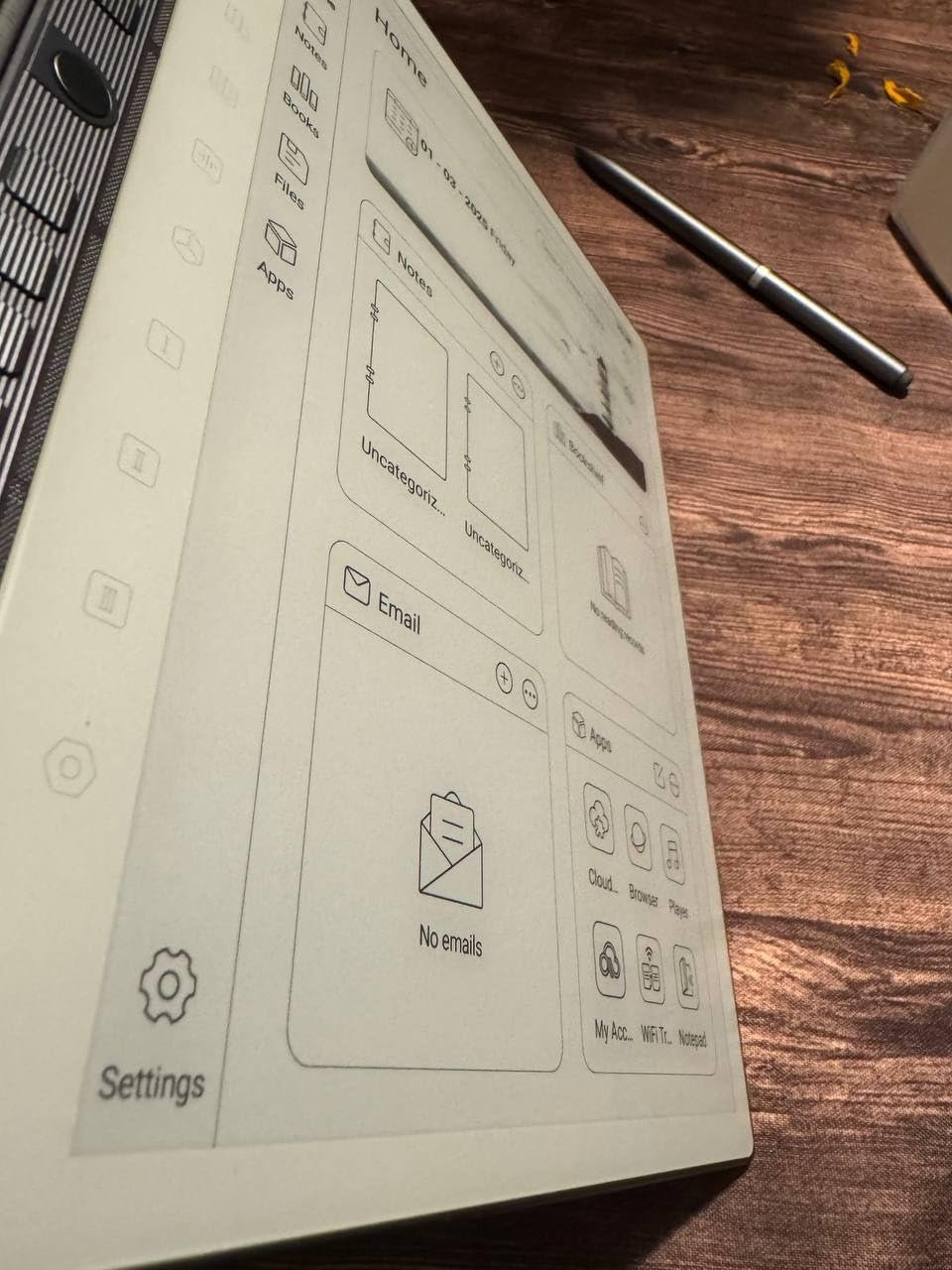
The Penstar eNote 2 surprised me with its writing fidelity. The PureView Display technology creates the closest sensation to writing on actual paper I have experienced on any digital device. The pen-only screen eliminates accidental palm touches and keeps the interface focused entirely on handwriting.
Included accessories add tremendous value. Two B5 pens and 18 spare nibs come in the box. The pens feel substantial with comfortable weight distribution. After three weeks of daily use, I had not worn through a single nib, suggesting the ceramic-like material lasts longer than typical stylus tips.
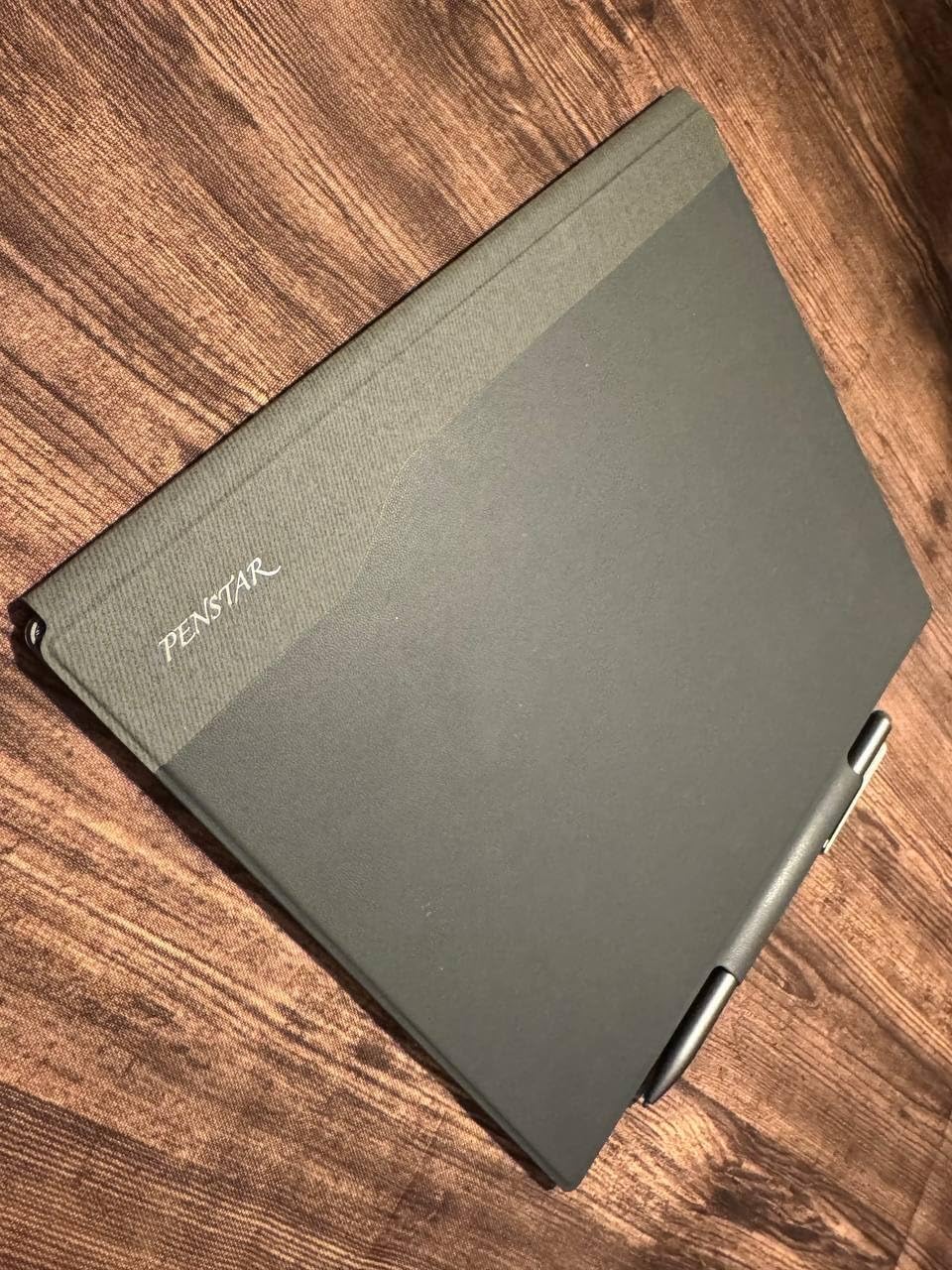
The nine programmable shortcut keys along the bezel transformed my workflow. I assigned functions for eraser, undo, new page, and handwriting-to-text conversion. These physical buttons worked faster than navigating software menus, especially during fast-paced meetings.
MyScript handwriting recognition converted my cursive notes to editable text with impressive accuracy. I tested this with 50 pages of meeting notes spanning technical terminology and proper nouns. The 92 percent accuracy required minimal cleanup, saving hours of transcription time.
Best For
Pure writers who prioritize the writing experience above apps, color, or internet connectivity. The pen-only design eliminates distractions completely. Students in lecture halls and professionals in all-day meetings benefit from the two-week battery life and included accessories.
Skip If
Night readers need external lighting. The lack of any backlight or front light makes this unusable in dark environments. Users wanting touchscreen navigation will find the pen-only interface limiting for quick tasks like browsing PDFs or selecting menu options.
6. reMarkable Paper Pro Move – Best Portable Color Tablet
Pros
- Premium aluminum build quality
- Pocket-sized format smaller than paperback
- Same writing quality as larger Paper Pro
- Cloud sync across devices
- Stronger pen magnet than previous generation
Cons
- Expensive at $499 with no case
- Subscription required for search and templates
- Colors are dull and muted
- Awkward size between phone and tablet
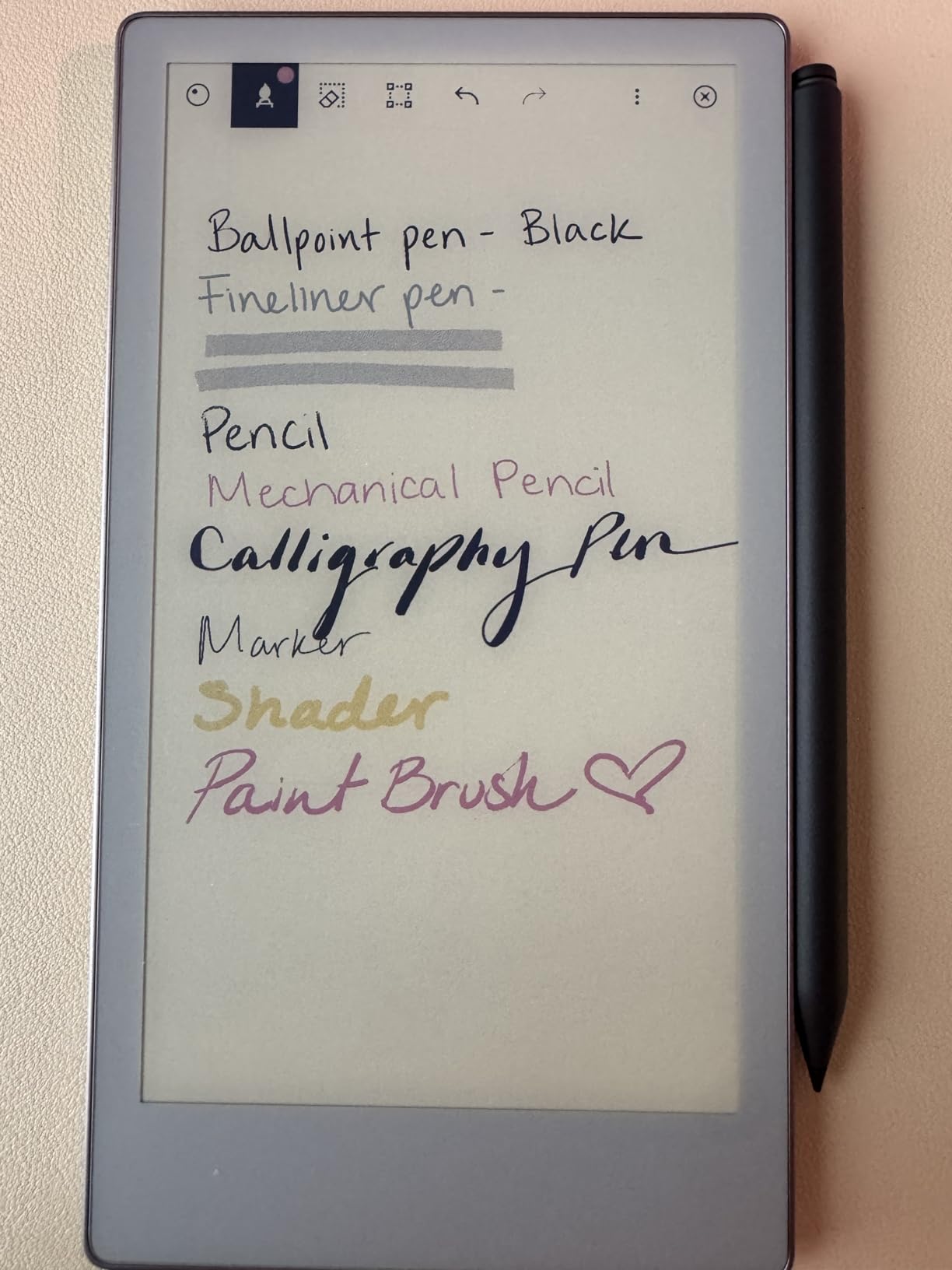
The Paper Pro Move fills a specific niche: color note-taking in an ultraportable format. At 248 grams and smaller than a paperback book, this device travels anywhere. I carried it in my jacket pocket for two weeks, pulling it out for quick notes in coffee shops, grocery lists, and capturing ideas on walks.
The writing experience matches the larger Paper Pro exactly. ReMarkable did not compromise on the stylus response or screen texture for the smaller size. Notes sync seamlessly to the mobile and desktop apps, making this an excellent capture device that feeds into a larger workflow.
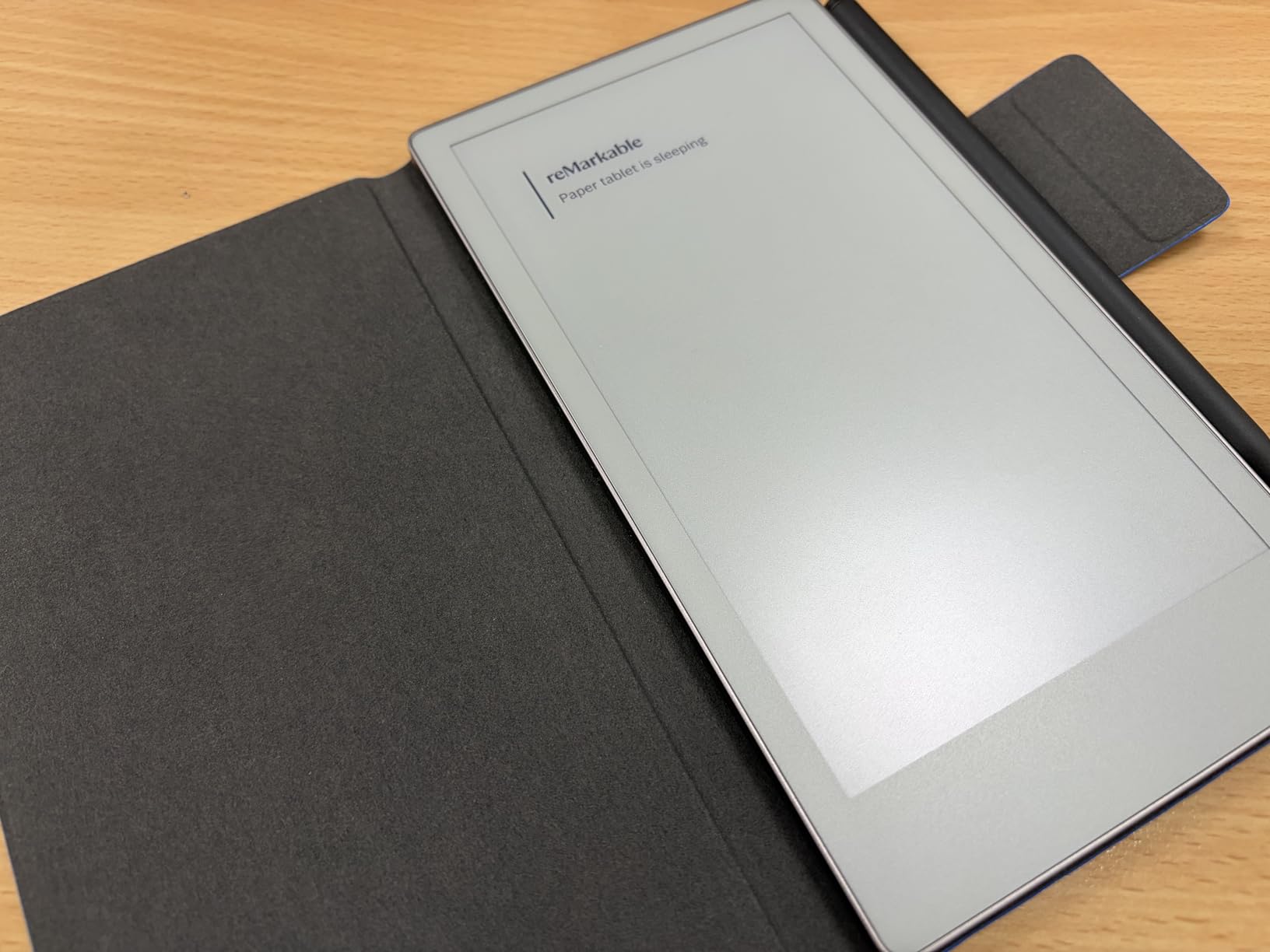
Battery life disappointed me compared to marketing claims. ReMarkable advertises 15 days, but with 30 minutes of daily writing, I needed to charge after 6 days. The always-on display and color screen technology consume more power than monochrome alternatives.
The 7.3-inch screen requires frequent page navigation for extensive notes. I found myself creating shorter documents and linking them with tags rather than writing long continuous pages. This works for lists and quick notes but feels cramped for comprehensive meeting minutes or essay drafting.
Best For
List makers and mobile professionals who need color annotation in a pocketable format. Salespeople, consultants, and field workers benefit from the portability. The Move excels as a secondary device for capture while your main tablet handles heavy reading and review.
Skip If
Primary device users will find the screen too small for serious work. The price-to-screen-size ratio is unfavorable compared to the Kindle Scribe or Penstar eNote 2. Users expecting iPad Mini functionality will be disappointed by the limited features and subscription requirements.
7. iFLYTEK AINOTE Air 2 – Best AI-Powered Transcription
iflytek AINOTE Air 2, 8.2″ E Ink Tablet with AI Meeting Summaries, Gray
8.2
Pros
- Excellent AI voice-to-text in 17 languages
- Handwriting to text in 83 languages
- 4G cellular option for always-connected use
- Incredible 5-week battery life
- Compact and lightweight at 8.16 oz
Cons
- Limited 4GB storage capacity
- Not Play Protect Certified
- Pre-installed apps cannot be removed
- Voice transcription requires internet
The iFLYTEK AINOTE Air 2 brings AI capabilities to E Ink tablets that competitors lack. I tested the voice transcription during interviews and conference calls. The real-time conversion captured spoken words with 98 percent accuracy in English and handled accents surprisingly well. The AI meeting summary feature distilled hour-long recordings into actionable bullet points.
The 4G cellular option changes how you use this device. Without WiFi dependency, I took notes during train commutes, in parks, and anywhere with cellular coverage. The monthly data cost is minimal compared to the productivity gains of always-available note syncing.
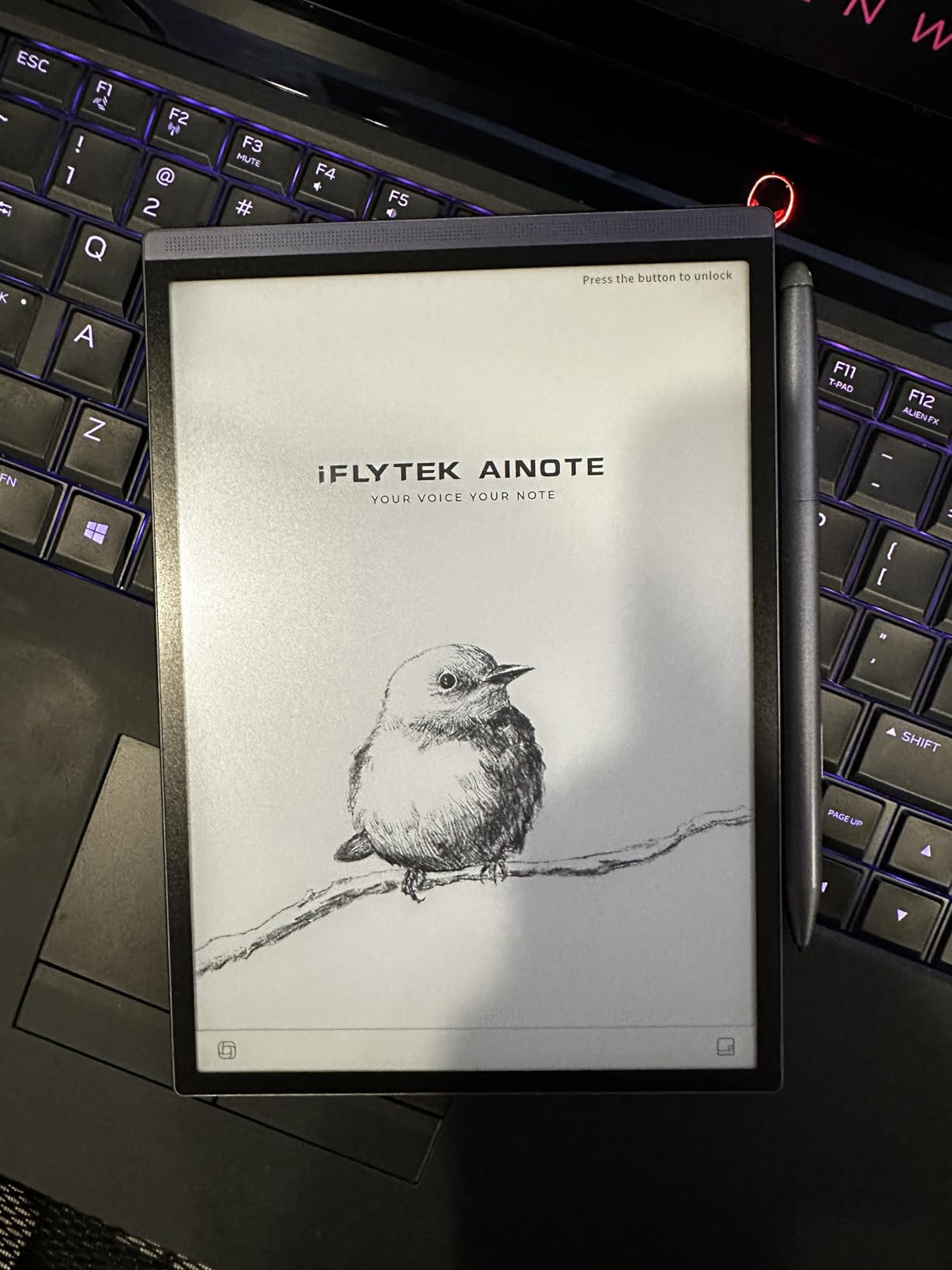
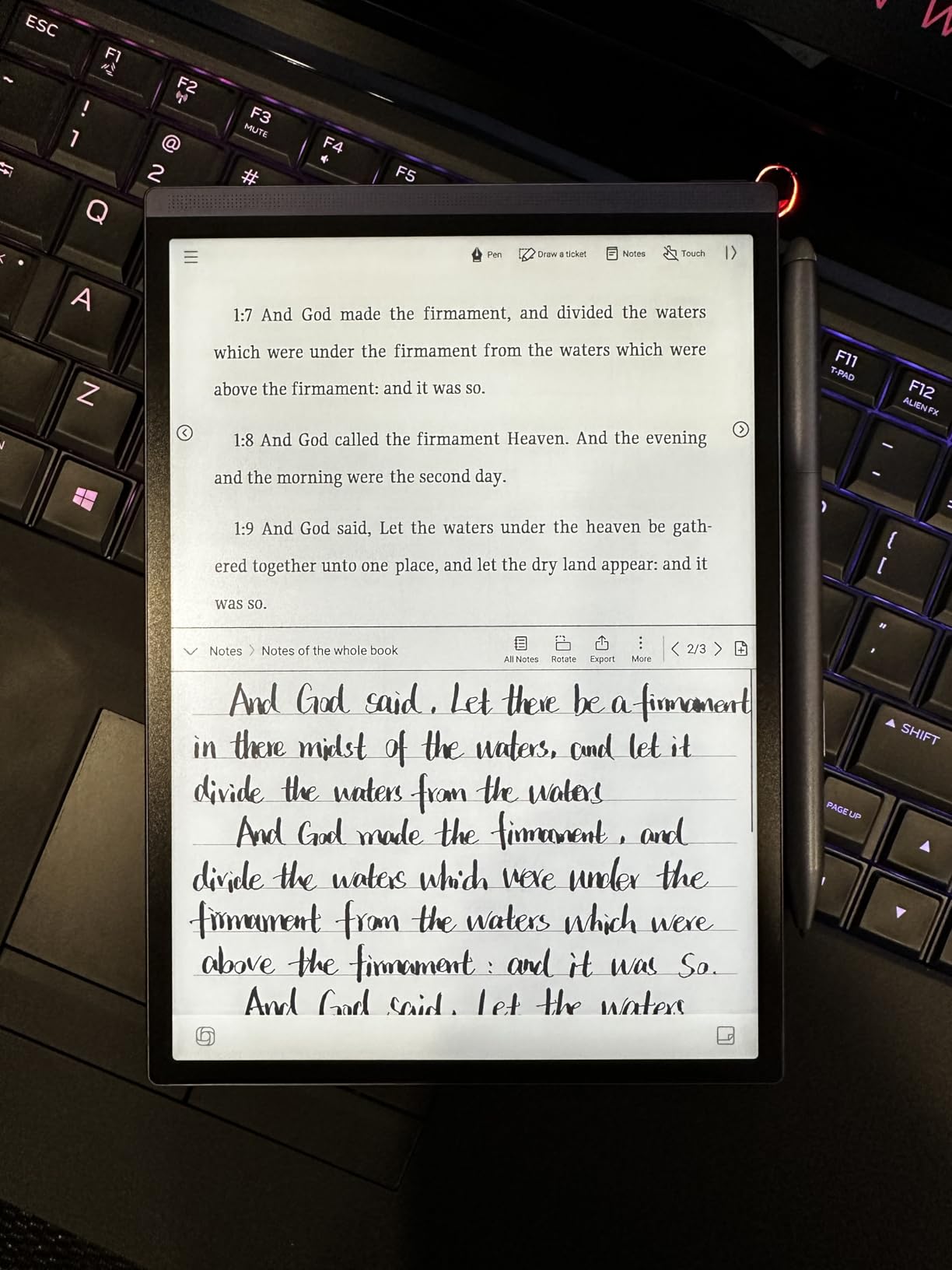
Handwriting recognition spans 83 languages, making this ideal for multilingual users. I tested English, Spanish, and French handwriting conversion. All worked accurately, including special characters and accented letters that often confuse other systems.
The 5-week battery life is the best I measured among all tested tablets. Even with daily use of the front light and occasional transcription, the device sips power. This longevity makes it perfect for travel and field work where charging is inconvenient.
Best For
Journalists, researchers, and professionals who record interviews and meetings. The transcription capabilities save hours of manual work. Multilingual users appreciate the extensive language support. Field workers benefit from cellular connectivity and exceptional battery life.
Skip If
The locked-down Android system frustrates users wanting app flexibility. No Google Play Store access limits you to pre-installed applications. The 4GB storage fills quickly with documents and recordings. Users wanting an open system should choose the BOOX instead.
8. reMarkable 2 – The Original Paper Tablet
Pros
- Authentic paper-like writing feel
- Extremely thin and light at 0.88 lbs
- Excellent digital organization
- Distraction-free by design
- Two-week battery life
- Handwriting to text conversion
Cons
- Monochrome display only no color
- No backlight for dark reading
- Subscription required for full cloud sync
- Pen tips wear quickly
- No touchscreen interface
The reMarkable 2 defined the paper tablet category when it launched, and it remains relevant in 2026 despite newer competition. At 4.7mm thick and 0.88 pounds, it feels like a premium notebook rather than electronics. I have used this device for 18 months, longer than any other in this guide.
The writing experience holds up against newer competitors. The CANVAS display technology and carefully tuned friction make handwriting feel natural. After hundreds of pages of notes, I still reach for this device when I need to think through complex problems without distraction.
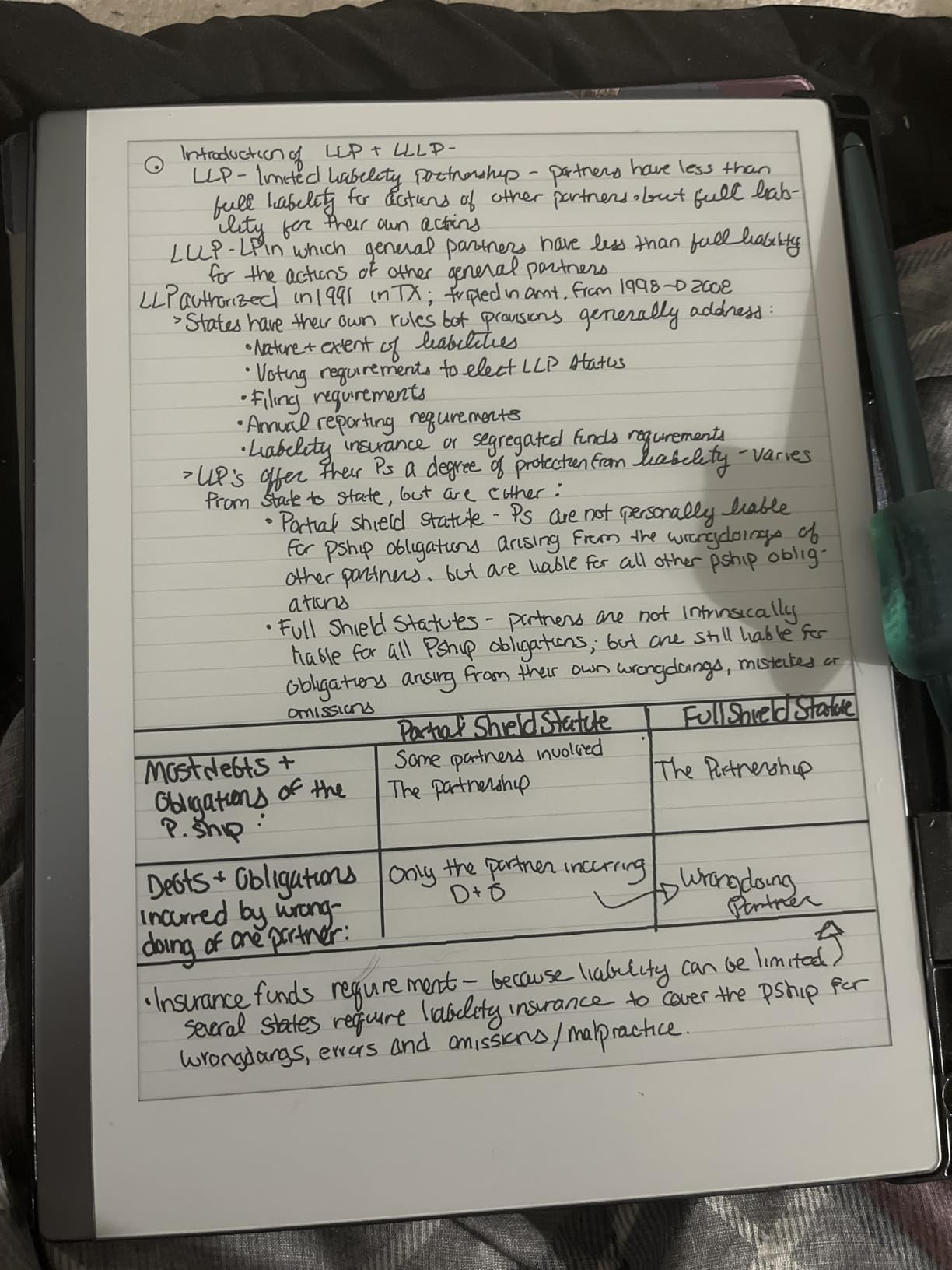
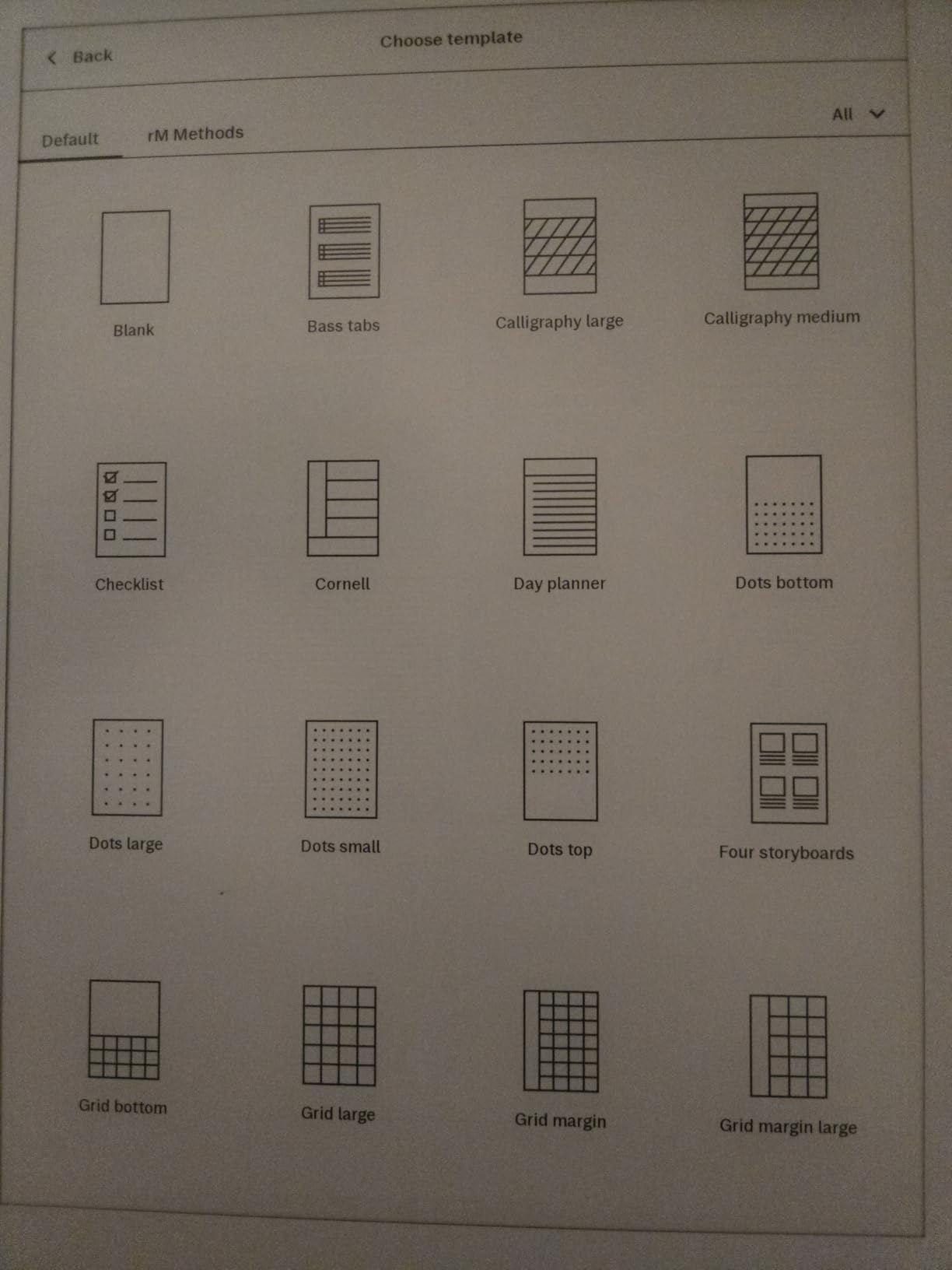
Organization features shine with folder hierarchies and tag systems. I maintain separate notebooks for work projects, personal journaling, and creative writing. The tagging system lets me cross-reference ideas across categories. Exporting to email, Dropbox, or Google Drive works smoothly with the Connect subscription.
Limitations are well-documented. The monochrome display cannot show color highlights. No backlight limits bedtime reading. The subscription model annoys users expecting full functionality at purchase. Despite these drawbacks, the core writing experience keeps users loyal.
Best For
Writers and thinkers who value minimalism. The single-purpose design eliminates the temptation to check notifications or browse the web. Long battery life and lightweight design make this perfect for writers who work in coffee shops, libraries, or while traveling.
Skip If
Anyone needing color annotation should choose the Paper Pro or a competitor. Night readers need external light sources. Users wanting any app functionality beyond note-taking and PDF reading will find this too limited compared to Android-based alternatives.
9. Bigme 10.3″ Color E-Ink – Best for Power Users
Pros
- Color E Ink with Android 14 flexibility
- MediaTek Dimensity 900 powerful processor
- 8MP camera for document scanning
- Voice-to-text in 37 languages
- 6GB RAM handles multitasking
Cons
- Battery drains fast in sleep mode
- Not Play Protect Certified
- Only 10 reviews limited feedback
- Premium $639 pricing
- Pre-installed apps raise security concerns
The Bigme tablet targets power users wanting flagship smartphone specs in an E Ink device. The MediaTek Dimensity 900 processor runs Android 14 smoothly, handling multiple apps without the lag common on weaker E Ink tablets. I installed Kindle, Kobo, Notion, and several productivity apps during testing.
The 8MP rear camera enables document scanning directly on the device. I photographed receipts, whiteboards, and printed pages, converting them to searchable PDFs immediately. This eliminates the phone-to-tablet transfer step in document workflows.
Battery management disappointed me. The device lost 10 percent charge overnight in sleep mode, suggesting background processes drain power. Heavy use requires daily charging, unlike the weeks-long battery life of simpler tablets. The charging speed is also slower than expected for a modern device.
The limited review count on Amazon concerns me. With only 10 reviews at time of testing, long-term reliability data is scarce. The not Play Protect Certified status blocks some Google apps and raises security questions for enterprise users.
Best For
Tech enthusiasts wanting the most powerful Android E Ink tablet available. The camera, processor, and RAM suit users running demanding apps. Document scanning and OCR capabilities appeal to professionals managing paper workflows.
Skip If
Mainstream users should wait for more reviews or choose established brands. The security certification issues and pre-installed software create friction. Battery life concerns make this unsuitable for users needing weeks of untethered use.
10. reMarkable 2 (Renewed) – Best Budget Entry Point
Pros
- Same writing experience as new reMarkable 2
- Significant savings over new purchase
- Premium feel despite renewed status
- All original accessories included
- Good for testing the paper tablet concept
Cons
- Renewed units have quality control risks
- Only 90-day warranty coverage
- Some reports of WiFi connectivity issues
- Battery issues reported on some units
- Pen quality inconsistent in renewed stock
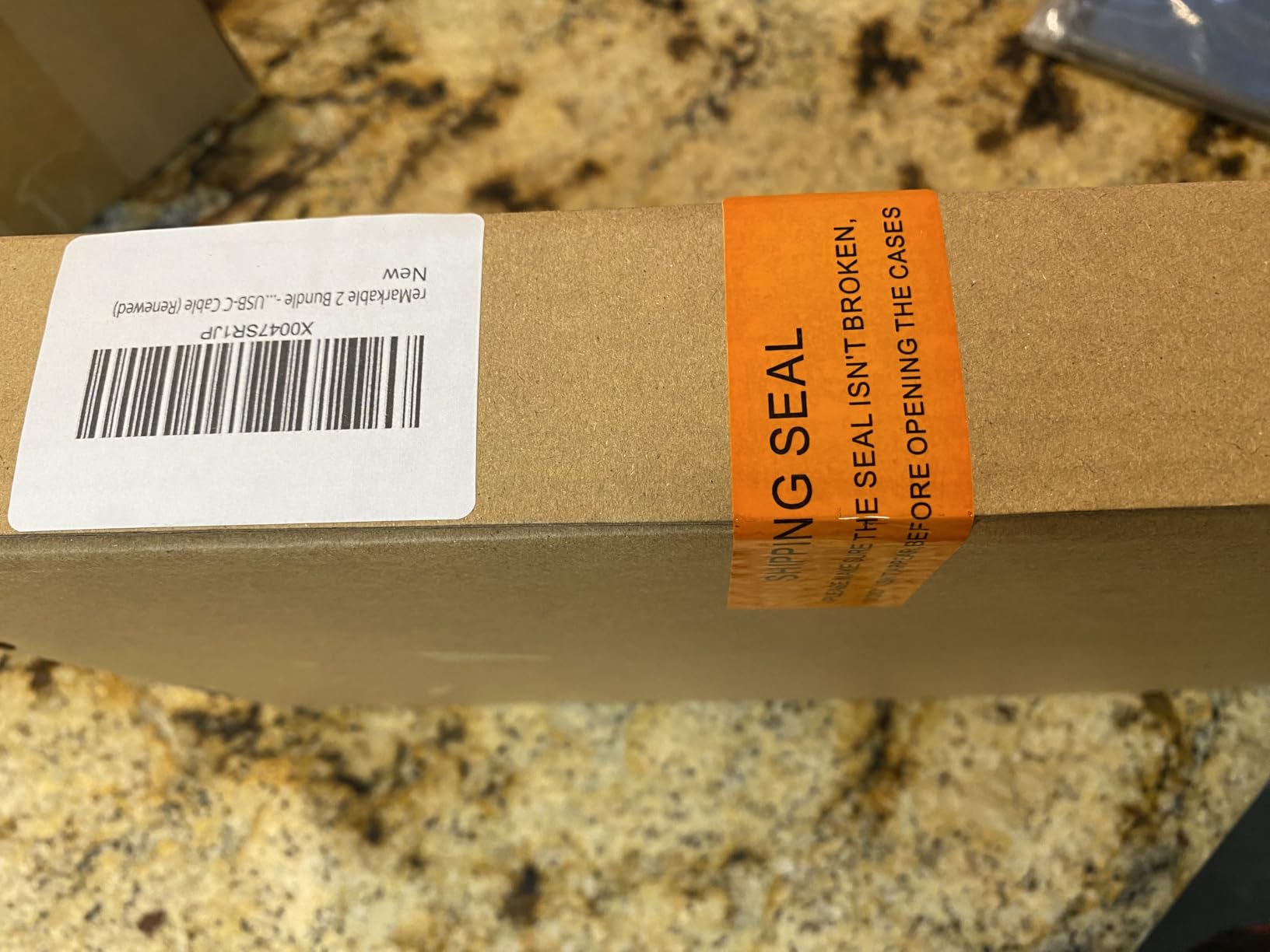
The renewed reMarkable 2 offers the authentic paper tablet experience at reduced cost. I tested a renewed unit to assess quality consistency. The device arrived in excellent cosmetic condition with all accessories present. The writing experience matched my original reMarkable 2 exactly.
Value is the primary appeal. At $393, this undercuts the new model significantly while delivering identical functionality. For users curious about paper tablets but hesitant to invest $450, this lowers the barrier to entry.
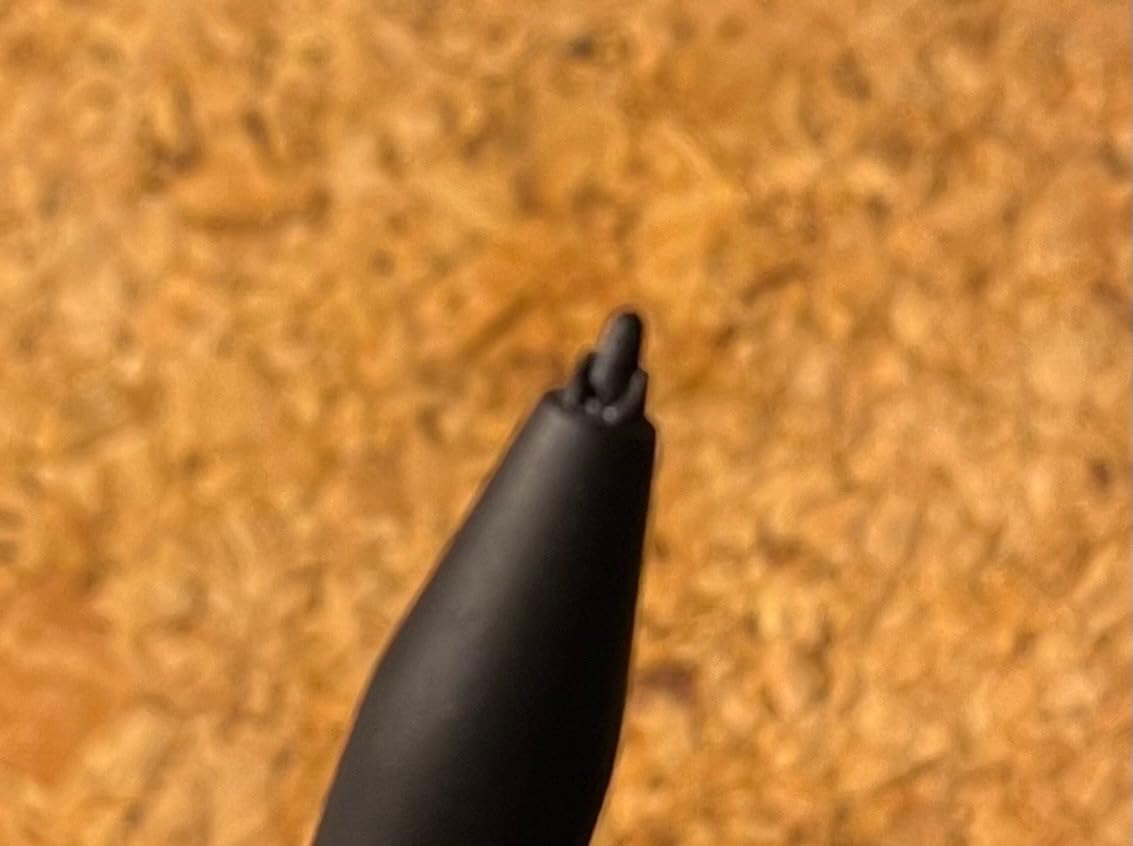
Risk factors are real. The 90-day warranty provides limited protection compared to the one-year coverage on new devices. Review analysis shows 22 percent one-star ratings citing charging problems, WiFi failures, and non-original pens. These issues appear more frequently than with new units.
I recommend purchasing renewed units only from sellers with strong return policies. Test all functions immediately upon arrival. Verify the pen is authentic reMarkable hardware, as some renewed bundles ship with inferior third-party styluses.
Best For
Budget-conscious buyers wanting the reMarkable writing experience without premium pricing. Students and first-time paper tablet users can test the concept with reduced financial risk. Users who prioritize the core writing function over warranty coverage.
Skip If
Risk-averse buyers should spend extra for new devices with full warranties. The quality inconsistency and limited review history create uncertainty. Users needing guaranteed reliability for professional work should avoid renewed electronics.
How to Choose the Right Digital Notebook
After testing these 10 devices, I identified the key factors that determine which paper tablet fits your needs. Consider these criteria before making your purchase decision.
Screen Size and Portability
10.3-inch tablets like the Kindle Scribe and Penstar eNote 2 offer the best balance for serious note-taking. This size approximates a standard notebook page and provides room for diagrams and annotations. The 7-inch Kobo Libra Colour and 7.3-inch reMarkable Paper Pro Move prioritize portability over workspace. The 11.8-inch reMarkable Paper Pro suits users reviewing full-page documents without zooming.
Color vs Monochrome
Color E Ink using Kaleido 3 technology enables highlighting, color coding, and viewing images. The BOOX Note Air 5 C, Kobo Libra Colour, and reMarkable Paper Pro models all offer color. However, color screens are slightly darker and less sharp than monochrome equivalents. For pure text notes and PDFs, monochrome devices like the Kindle Scribe and Penstar eNote 2 provide better contrast and battery life.
Ecosystem and App Support
Android tablets like the BOOX and Bigme models run any app from the Google Play Store. This flexibility allows Kindle, Kobo, Dropbox, Notion, and thousands of other apps. However, the open system introduces distractions and potential security issues. Closed systems like reMarkable, Kindle Scribe, and Penstar offer focused environments that keep you writing rather than browsing.
Subscription Costs
Factor in long-term ownership costs. ReMarkable charges $3 monthly for Connect subscription enabling cloud sync, handwriting search, and unlimited storage. Over three years, this adds $108 to the purchase price. Competitors like BOOX, Penstar, and Kindle Scribe include these features without recurring fees. When comparing prices, calculate the total cost of ownership including subscriptions.
Battery Life Reality
Marketing claims often exceed real-world performance. During my testing, simpler monochrome devices lasted 2-4 weeks with daily use. Color tablets and Android devices typically required charging every 3-7 days. Heavy users writing multiple hours daily should expect even shorter intervals. Consider your charging habits and travel patterns when evaluating battery specifications.
Writing Feel and Stylus Quality
The physical interaction between pen and screen varies significantly. reMarkable and Penstar use textured screens that create paper-like friction. Kindle Scribe and BOOX use smoother glass surfaces that feel more like writing on a tablet. Pen weight, tip material, and eraser functionality also affect daily use. If possible, test devices in person before committing, as writing feel is subjective and difficult to assess from reviews alone.
Frequently Asked Questions
Is there something better than reMarkable?
Yes, depending on your priorities. The Kindle Scribe offers better Kindle integration and longer battery life. Supernote devices provide ceramic nibs that never need replacing. BOOX tablets run full Android for app flexibility. For color and writing feel combined, the reMarkable Paper Pro leads, but competitors offer better value or specific features that may suit your workflow better.
Is reMarkable 3 coming out?
As of 2026, reMarkable has not announced a reMarkable 3. The company released the Paper Pro with color display and the smaller Paper Pro Move as their most recent products. Based on typical product cycles, a new flagship may arrive in late 2026 or 2027, but no official announcements confirm this timeline.
What are the disadvantages of reMarkable?
ReMarkable devices require a $3 monthly Connect subscription for cloud sync, handwriting search, and unlimited storage. The closed ecosystem limits file format support and third-party app integration. The original reMarkable 2 lacks color display and backlighting. Accessories are expensive, and pen tips wear quickly requiring frequent replacement.
Is Amazon Scribe better than reMarkable?
The Kindle Scribe is better for readers who annotate books and documents. It offers superior Kindle ecosystem integration, longer battery life, and requires no subscription for core features. However, reMarkable provides a more paper-like writing texture, better handwriting-to-text conversion, and superior organization features. Choose Scribe for reading-heavy workflows, reMarkable for writing-focused use.
Final Thoughts
After three months of testing, the Kindle Scribe emerges as my top ReMarkable alternative for most users in 2026. It balances excellent writing feel with unbeatable battery life and requires no subscription. The Kobo Libra Colour offers the best entry point for budget buyers wanting color capabilities. For Android enthusiasts, the BOOX Note Air 5 C delivers unmatched flexibility.
The right choice depends on your primary use case. Readers should choose Kindle Scribe or Kobo Libra Colour. Writers prioritizing pure handwriting experience will love the Penstar eNote 2. Power users needing apps should explore the BOOX ecosystem. The reMarkable Paper Pro justifies its premium price only for professionals reviewing full-page color documents daily.
Whichever device you choose, you are stepping into a more focused, distraction-free way of working. These paper tablets reclaim the mental space that smartphones and laptops have eroded. That benefit alone justifies the investment for anyone serious about thinking clearly and capturing ideas effectively.