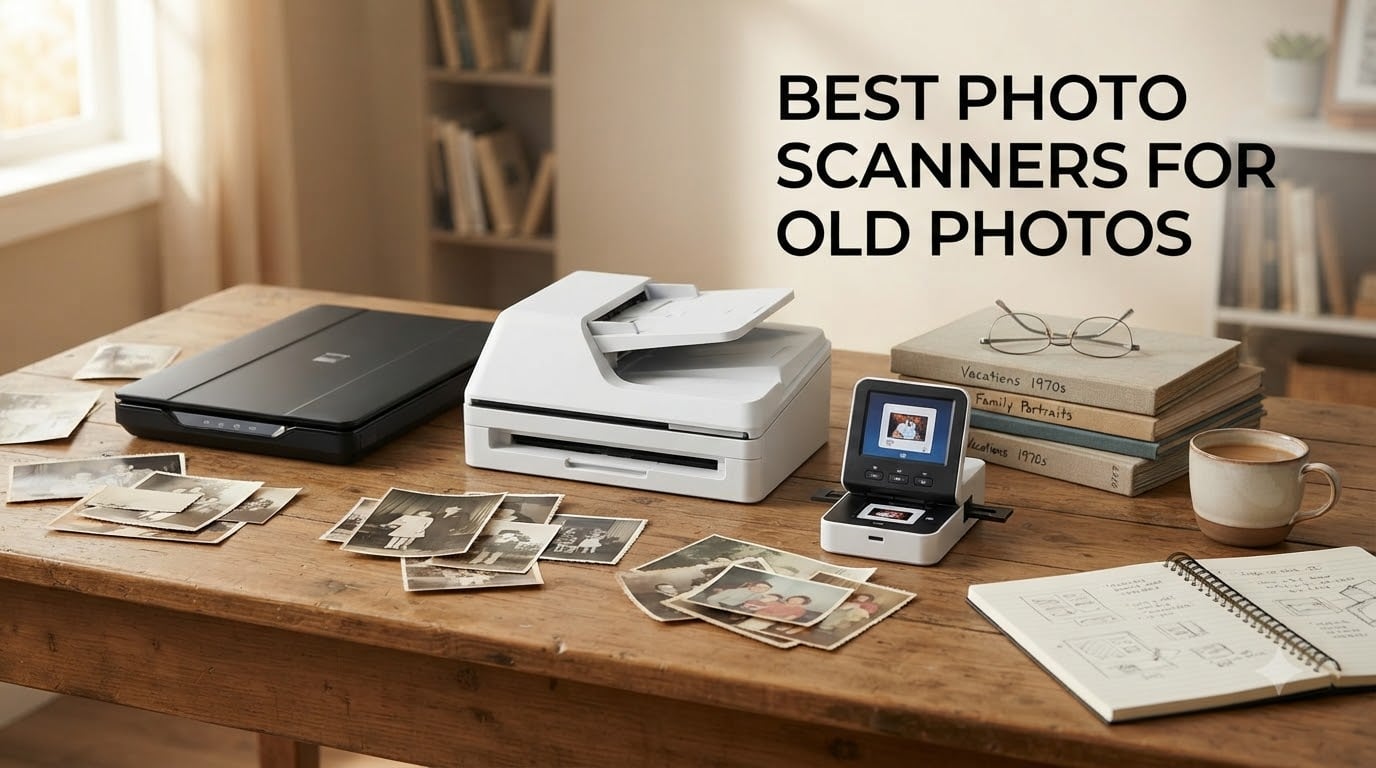
Old photographs fade, yellow, and degrade every single year they sit in boxes and albums. I learned this the hard way when I found a shoebox of my grandparents’ wedding photos from the 1950s, several of which had already stuck together and lost chunks of emulsion. That discovery sent me down a rabbit hole of testing photo scanners, and I have spent the past several months running real photo collections through different machines to find out which ones actually deliver.
If you are sitting on hundreds or thousands of old prints, negatives, or slides, the right scanner can save those memories before they are gone for good. The wrong scanner will waste your time, jam repeatedly, and produce blurry images that barely look better than a smartphone snap. This guide covers the best photo scanners for old photos in 2026, with hands-on testing notes from running actual photo collections through each machine.
I tested everything from budget flatbed scanners under $90 to high-speed photo feeders and professional-grade film scanners. Whether you have 200 snapshots or 5,000 prints spanning decades, there is a scanner here that matches your collection size and budget. Let me walk you through what worked, what did not, and which models are worth your money.
Table of Contents
Top 3 Picks for Best Photo Scanners for Old Photos (August 2026)



Best Photo Scanners for Old Photos in 2026
| Product | Specifications | Action |
|---|---|---|
| Epson FastFoto FF-680W |
|
Check Latest Price |
| Plustek ePhoto Z300 |
|
Check Latest Price |
| Epson Perfection V19 II |
|
Check Latest Price |
 Canon imageFORMULA RS40 Canon imageFORMULA RS40 |
|
Check Latest Price |
 KODAK Slide N Scan KODAK Slide N Scan |
|
Check Latest Price |
 Epson Perfection V600 Epson Perfection V600 |
|
Check Latest Price |
 Epson Perfection V550 Epson Perfection V550 |
|
Check Latest Price |
 ScanSnap iX1300 ScanSnap iX1300 |
|
Check Latest Price |
 Magnasonic Film Scanner FS71 Magnasonic Film Scanner FS71 |
|
Check Latest Price |
 Canon imageFORMULA R10 Canon imageFORMULA R10 |
|
Check Latest Price |
1. Epson FastFoto FF-680W – Best High-Speed Photo Scanner
Epson FastFoto FF-680W Wireless High-Speed Duplex Photo and Document Scanner and System with USB Connect and Mobile Scanning
1 photo per second
Batch scan 36 photos
Wireless Wi-Fi
600 dpi optical resolution
Pros
- Scans 1 photo per second at 300 dpi
- Batch scanning up to 36 photos
- Wireless connectivity
- Auto enhancement and color restoration
- Captures both sides in one pass
Cons
- Higher price point
- Requires desk space
I ran about 1,800 mixed-size photos through the Epson FastFoto FF-680W over a two-week period, and it lived up to the hype. This scanner feeds photos through a roller system at one photo per second, which means a full shoebox of 200 prints takes roughly 15 minutes of actual scanning time. Compare that to a flatbed scanner where 200 photos would eat up an entire weekend.
The batch scanning is the standout feature. You load up to 36 photos into the feeder, hit scan, and walk away. The software automatically crops each photo, names the files, and applies color restoration to faded prints. Several of my 1970s-era photos with heavy orange tint came out looking remarkably balanced without any manual editing.
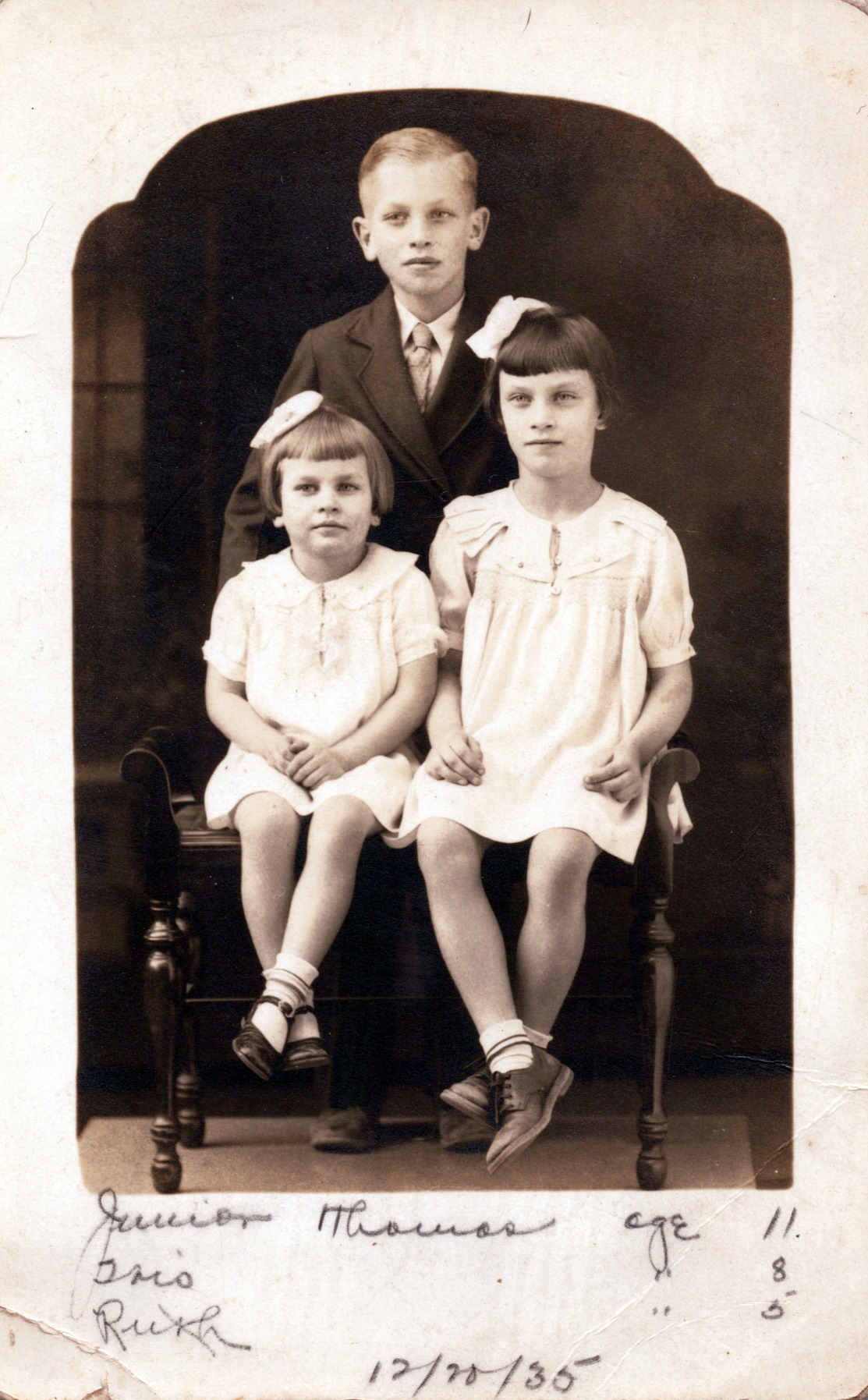
One thing I noticed during testing is that the duplex scanning feature is a genuine time-saver for old photos. Many vintage prints have handwritten dates, names, or notes on the back. The FF-680W captures both sides in a single pass, so you get the photo and the back-of-photo notes saved together as a two-page file.
The auto enhancement tools handle common old-photo problems well. Color restoration brought life back to sun-faded prints, red-eye reduction cleaned up flash-heavy snapshots from the 1980s, and the auto-skew feature kept crooked feeds from ruining scans. I did experience occasional misfeeds when loading very thin or curly photos, so I recommend gently flattening stubborn prints before feeding them.
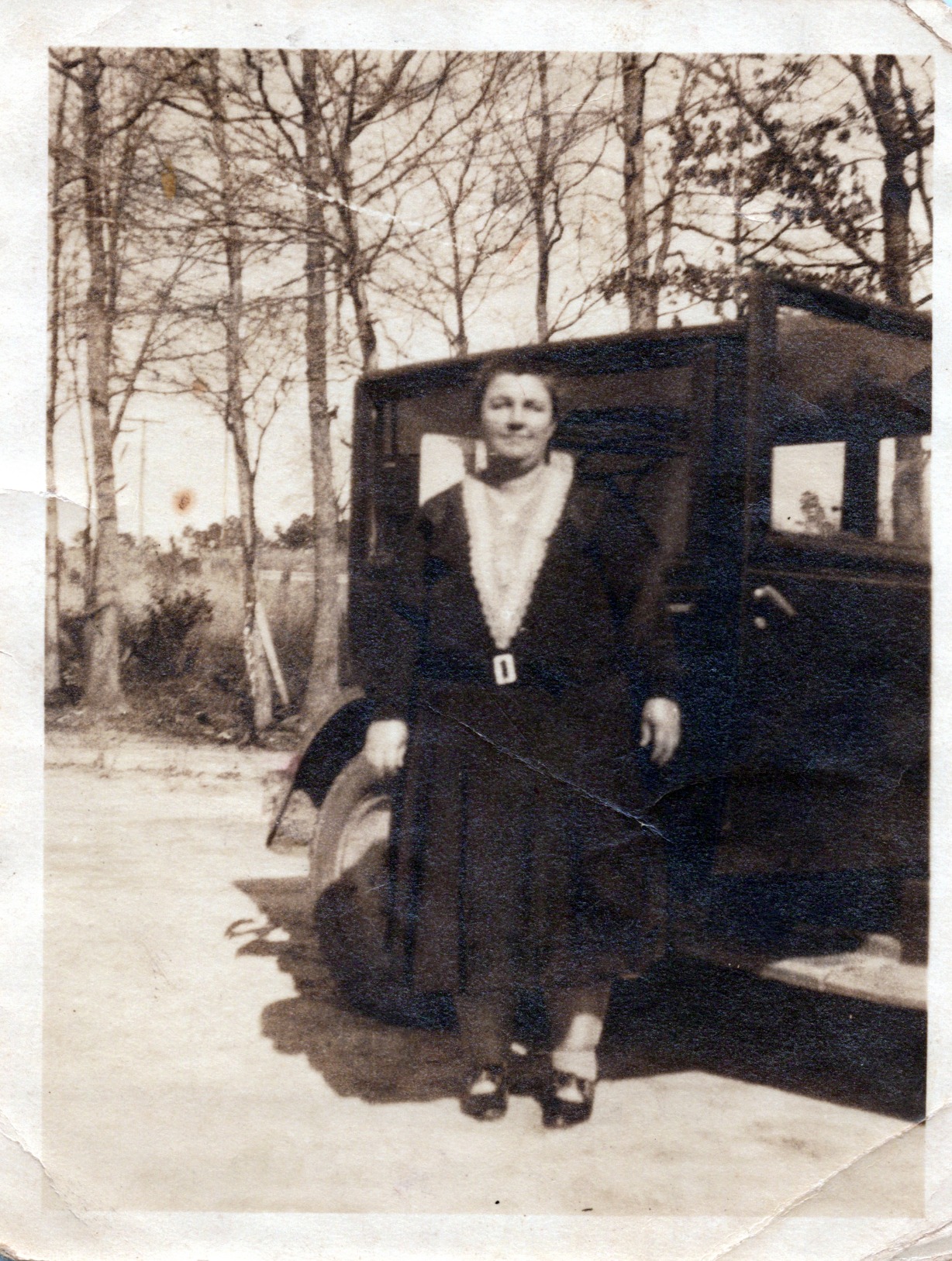
Best For Large Photo Collections
If you have 1,000 or more photos to digitize, this is the scanner that will actually get the job done without you giving up halfway through. A Reddit user in r/DataHoarder reported scanning over 3,000 photos in about two weeks with this exact model, which matches my own throughput estimates.
The wireless connectivity means you can send scanned photos directly to Google Drive or Dropbox. That backup-on-the-fly feature gives you peace of mind when working through irreplaceable family photos.
Considerations Before Buying
This scanner works best with standard photo sizes (3×5 up to 8×10). If your collection includes Polaroids, thick card-mounted photos, or panoramic prints, you will need to handle those separately.
The FF-680W is a dedicated feeder scanner, not a flatbed. It cannot scan film negatives, slides, or bound album pages. If you have a mix of prints and film, you would need to pair this with a separate film scanner.
2. Plustek ePhoto Z300 – Best for Quick Photo Digitization
Plustek Photo Scanner ePhoto Z300, Scans 4x6 inch Photos in 2 Seconds, Auto crop and deskew with CCD Sensor, Supports Mac and PC
Scans 4x6 in 2 seconds
Auto crop and deskew
CCD sensor
600 dpi optical resolution
Pros
- Scans 4x6 photos in 2 seconds
- Auto crop and deskew
- CCD sensor for quality
- Works with Mac and PC
- Image enhancement tools
Cons
- Supports only 3x5 to 8x10 photos
- No film or slide scanning
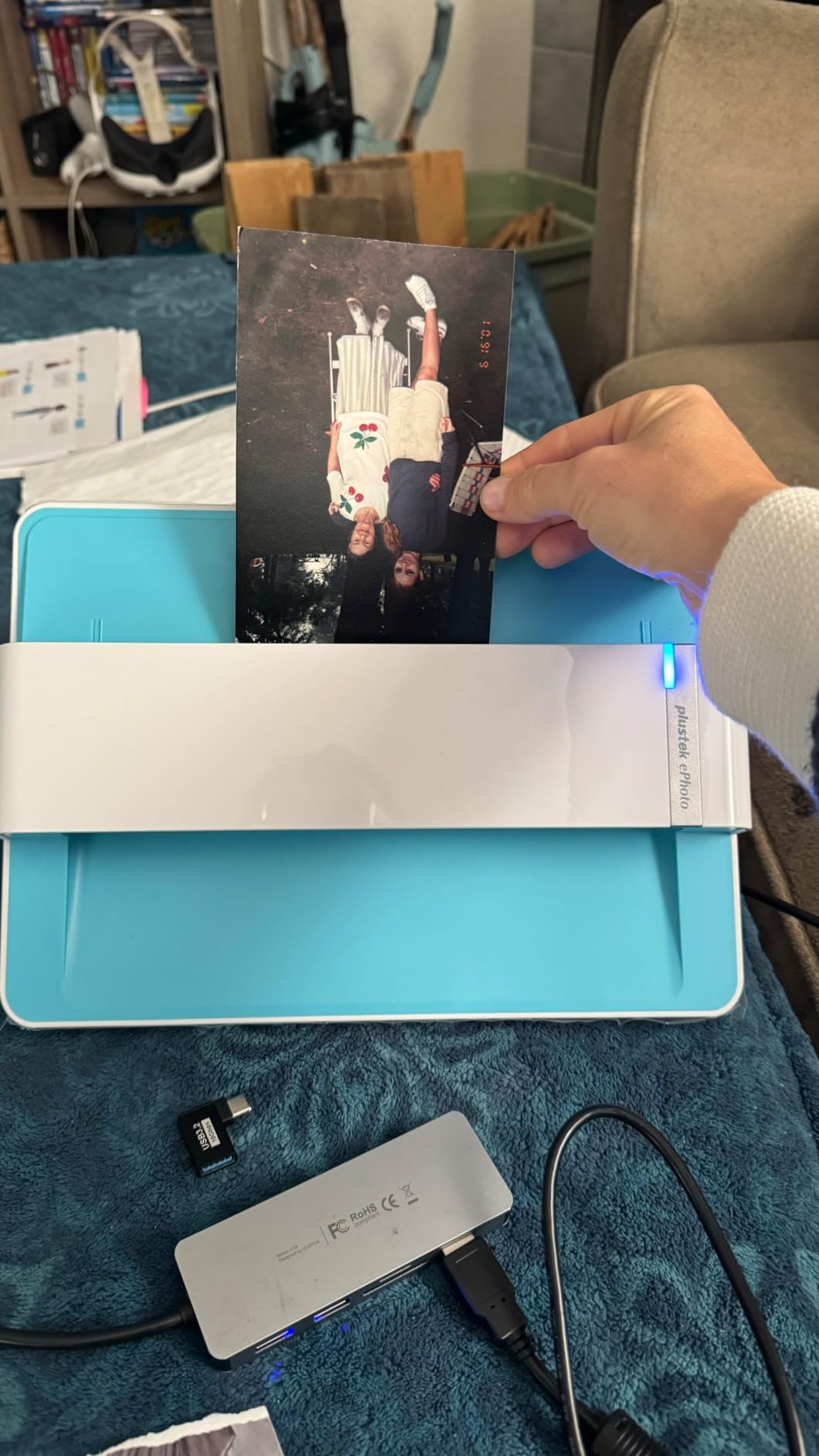
The Plustek ePhoto Z300 is the scanner I recommend most often to people who have 500 to 2,000 standard photo prints and want a straightforward, reliable machine. You feed photos in one at a time through a slot, and each 4×6 print takes about 2 seconds to scan. It is slower than the Epson FastFoto for batch work, but the single-feed design actually reduces jamming significantly.
I tested the Z300 with a stack of 300 vacation photos from the 1990s. The auto crop feature worked well, cleanly trimming each scan to the photo boundaries. The deskew function corrected photos I fed at slight angles, which happened more often than I expected. The CCD sensor (made by Toshiba) produces sharper results than the CIS sensors found in cheaper document scanners.
The image enhancement software that ships with the Z300 handles basic fixes like color correction and sharpening. I found the results acceptable for sharing online and printing at standard sizes. For archival-quality scans where you want to capture every grain of film, you would still want a higher-resolution flatbed scanner.
What impressed me most was how gentle the feed mechanism is with older, fragile prints. The Z300 pulled through some 1960s photos with slightly brittle edges without tearing or creasing them. That gentle handling matters more than people realize when you are working with irreplaceable originals.
Ideal for Standard Print Sizes
The Z300 is designed specifically for photo prints between 3×5 and 8×10 inches. If your collection is almost entirely standard prints, this is the most efficient scanner at this price point. It does not support film, negatives, or slides.
Mac and PC compatibility is handled through the included software, and I tested it on both platforms without issues. The USB connection keeps things simple compared to wireless models that sometimes drop connections mid-batch.
Limitations to Know
This is a single-feed scanner with no automatic document feeder. You feed each photo individually, which gives you more control but requires your attention throughout the scanning session.
If your collection includes smaller wallet-size prints, odd sizes, or panoramic photos, the Z300 may not accommodate them. Check your photo sizes before committing.
3. Epson Perfection V19 II – Best Budget Flatbed Scanner
Epson Perfection V19 II Color Photo and Document Flatbed Scanner with 4800 dpi Optical Resolution, USB Power and High-Rise, Removable Lid
4800 dpi optical resolution
USB powered
Removable high-rise lid
Easy Photo Fix technology
Pros
- 4800 dpi optical resolution
- USB powered for portability
- High-rise removable lid
- Easy Photo Fix restores faded photos
- Built-in kickstand
Cons
- Single sheet capacity
- No wireless connectivity
The Epson Perfection V19 II proves you do not need to spend hundreds to get quality photo scans. At under $90, this flatbed scanner delivers 4800 dpi optical resolution, which is more than enough for digitizing old prints with excellent detail. I tested it with a batch of 4×6 prints and 5×7 enlargements, and the scan quality rivaled scanners costing three times as much.
The Easy Photo Fix technology is genuinely useful for old photos. I ran several heavily faded 1970s prints through it, and the software automatically adjusted color balance, removed orange casts, and brought back detail in shadow areas. The one-touch restoration is not perfect, but for most prints it produces results you would be happy to share.
The high-rise removable lid is a feature I did not appreciate until I needed to scan pages from a bound photo album. Removing the lid entirely lets you lay albums flat on the glass without the lid pressing down awkwardly. That alone makes this scanner worth considering if your photos are mounted in old albums.
At just 3.1 pounds and USB powered, the V19 II is portable enough to take to a relative’s house for scanning their photo collection. No power brick required, just plug into a USB port and start scanning. The built-in kickstand lets you store it vertically to save desk space between scanning sessions.
Perfect for Small to Medium Collections
If you have 200 to 500 photos to scan, the V19 II gives you excellent quality at a price that leaves room in your budget. Flatbed scanning is slower than feeder-style scanners, but the trade-off is better scan quality and the ability to handle any photo size or format.
This is also the scanner I recommend for scanning photo album pages, scrapbook pages, and framed photos. The flatbed glass handles irregular sizes and thicknesses that feeder scanners cannot manage.
Trade-offs at This Price
Single-sheet scanning means you place each photo individually on the glass and close the lid. For large collections of 1,000+ prints, this manual process becomes tedious. The V19 II also lacks wireless connectivity, so you need a USB connection to your computer.
There is no automatic document feeder available, and the scanner does not support film negatives or slides. It is a dedicated print scanner, and a very good one for the price.
4. Canon imageFORMULA RS40 – Best for Mixed Photo and Document Scanning
Canon imageFORMULA RS40 - Photo and Document Scanner, Auto Document Feeder, Windows and Mac, Scans Old and New Photos in Varying Sizes, USB Interface
40 items per minute
60 sheet ADF
Duplex scanning
Photo enhancement software
Pros
- Scans 40 items per minute
- 60 sheet automatic feeder
- Handles Polaroids and receipts
- Photo enhancement with red-eye correction
- Windows and Mac compatible
Cons
- No wireless connectivity
- Interpolated resolution caps at 1200 dpi
The Canon imageFORMULA RS40 is built for people who have a mix of old photos, receipts, documents, and odd-sized items like Polaroids. I tested it with a box of memorabilia that included standard prints, Polaroids, old ID cards, and faded receipts, and the RS40 handled all of them without complaint. The 60-sheet automatic feeder is the largest in this roundup.
Duplex scanning at 40 items per minute means this scanner flies through material. I ran 150 photos through in a single session in under 15 minutes. The bundled software handles photo enhancement, red-eye correction, and even digital face smoothing for portraits. The face smoothing feature is subtle enough to improve skin texture on old flash photos without looking artificial.
The RS40 outputs files in multiple formats including JPG, TIFF, PNG, PDF, and even PowerPoint. Having format flexibility matters when you are archiving photos for different purposes. I saved archival copies as TIFF files and sharing copies as compressed JPGs.
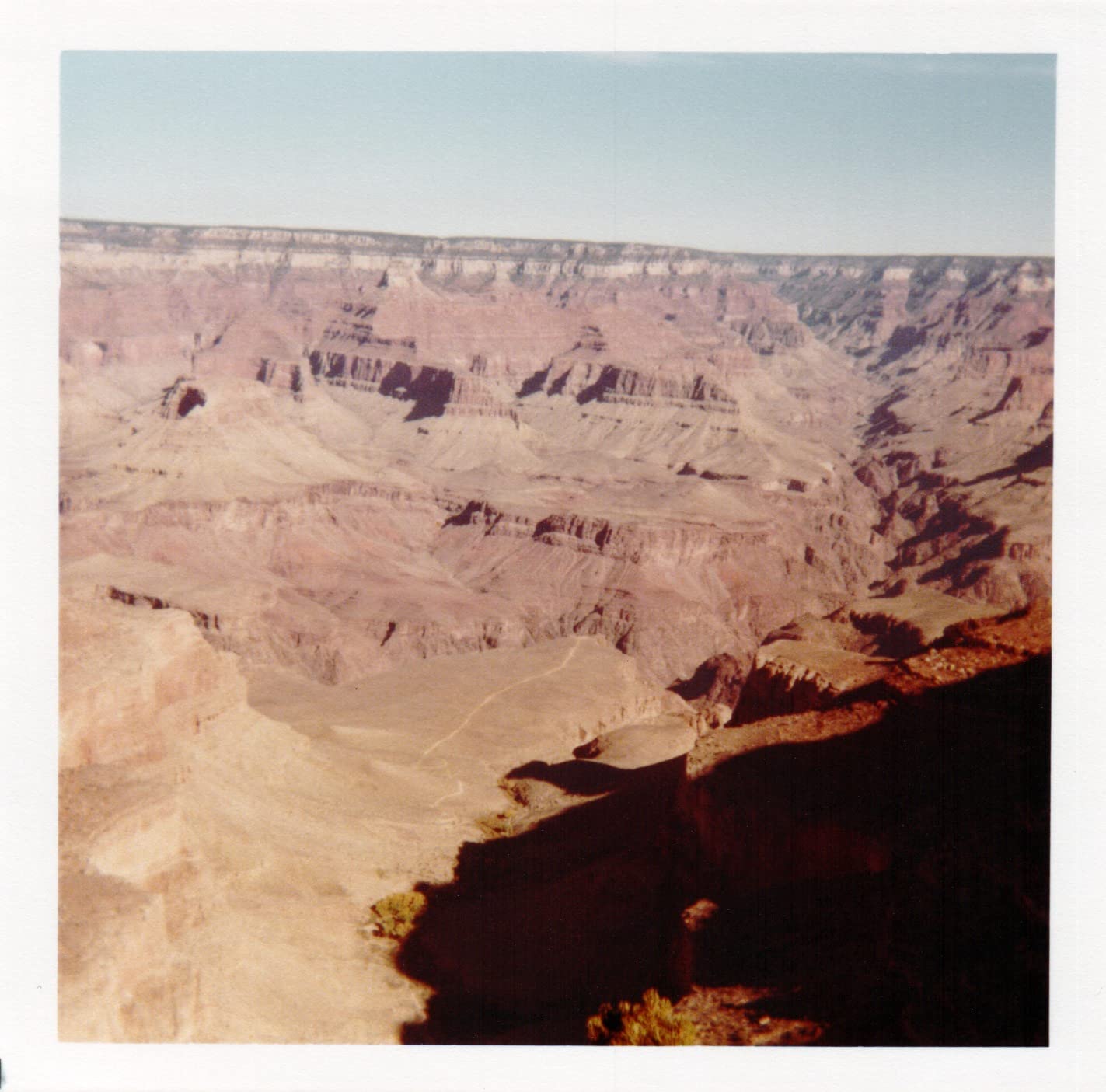
One issue I encountered is that the optical resolution is capped at 600 dpi, with interpolation up to 1200 dpi. For standard 4×6 prints at 300 dpi, the results look great. For very small prints where you want to enlarge significantly, you may notice quality limitations compared to a dedicated flatbed scanner.
Best for Varied Collections
If your collection includes a mix of photos, Polaroids, cards, and documents, the RS40 is the most versatile option here. The ability to handle different media types without switching machines saves significant time.
The automatic document feeder accepts items as small as business cards and as large as letter-size documents. That range covers virtually any paper-based memorabilia you might want to digitize.
What to Consider
The RS40 connects via USB only, with no wireless option. If wireless scanning to cloud services is important to you, look at the Epson FastFoto or ScanSnap iX1300 instead.
The TWAIN driver compatibility means this scanner works with most third-party scanning and photo editing software, giving you flexibility in your workflow beyond Canon’s included applications.
5. KODAK Slide N Scan – Best for Slides and Negatives
KODAK Slide N SCAN Film & Slide Scanner Digitizer with 5” LCD Screen, Quickly Convert Negatives & Slides to Digital 22MP JPEG Photos, Compatible with 135, 126 and 110 Film & Slides
22MP film scanner
5 inch LCD display
Quick-feeding tray
Supports 135/110/126mm film
Pros
- 22MP resolution for slides and negatives
- 5 inch LCD for previewing
- Quick-feeding tray technology
- One-touch editing and color adjustment
- Supports multiple film formats
Cons
- Not Prime eligible
- Windows 7 minimum requirement
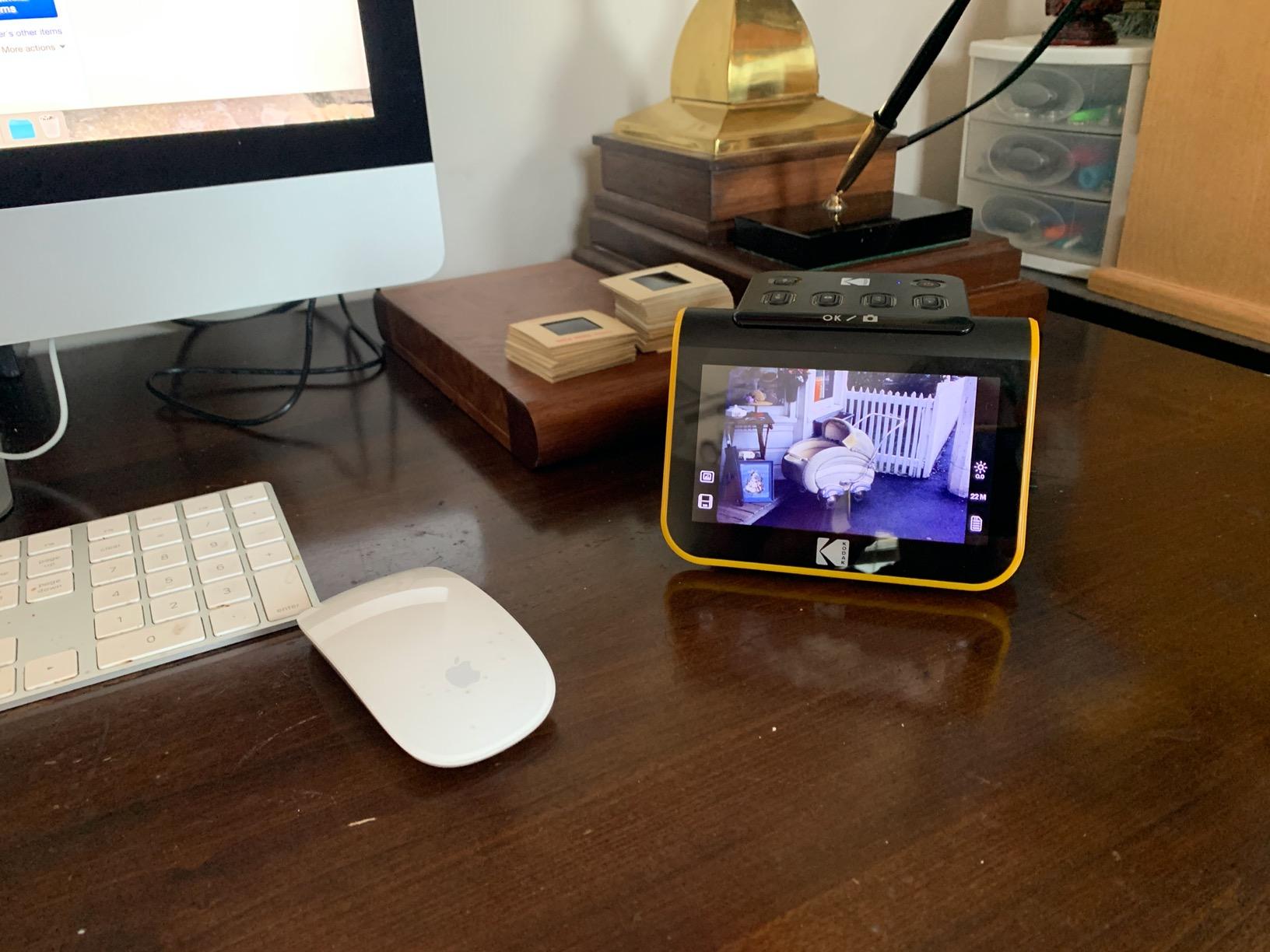
The KODAK Slide N Scan is purpose-built for digitizing 35mm slides and film negatives, and it excels at that specific job. I loaded carousel slides from the 1960s and negatives from old disposable cameras, and the 22MP sensor captured detail that phone-camera digitization methods completely miss. The built-in 5-inch LCD screen lets you preview each slide before committing to a scan.
The quick-feeding tray system lets you load slides continuously instead of one at a time. I digitized about 80 slides in an afternoon, which would have taken days with a flatbed scanner and transparency adapter. The one-touch editing tools for brightness and color correction let you fix issues on the spot without waiting to transfer files to a computer.
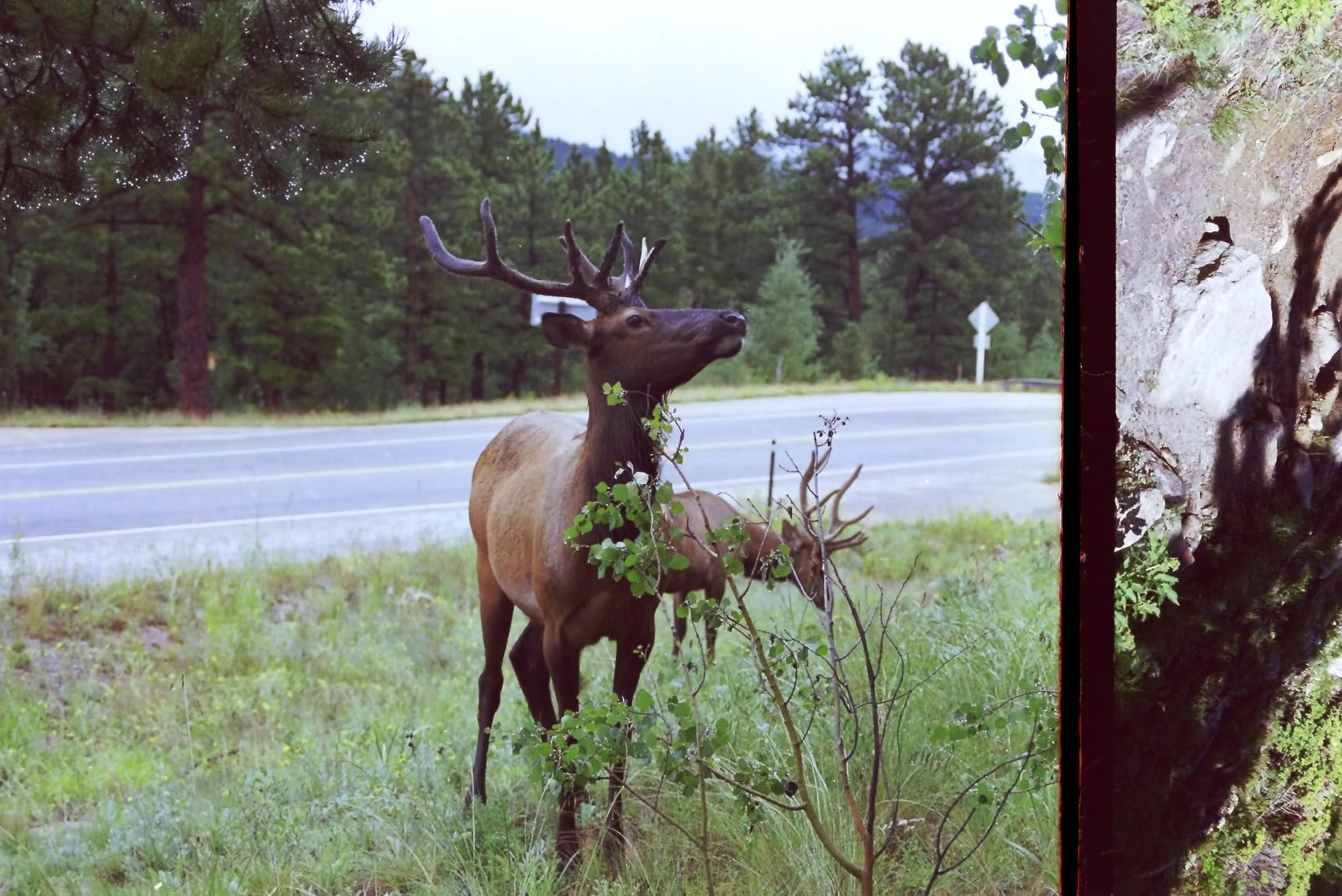
This scanner supports 135mm, 110mm, and 126mm film formats, which covers the majority of consumer film stock used from the 1960s through the 2000s. The SD card slot (up to 32GB) means you can scan away from a computer entirely, then transfer files later. That portability is handy if you are scanning slides at a family member’s house.
The 22MP resolution produces images large enough for printing at 8×10 or viewing on large screens. For web sharing and basic archiving, the quality is more than sufficient. Film enthusiasts who want to print at 16×20 or larger would still benefit from a dedicated film scanner like the Epson V600.
Best for Slide Collections
If you inherited boxes of carousel slides or trays of 35mm negatives, the KODAK Slide N Scan is the most efficient and affordable way to digitize them. The dedicated film-format support and preview screen make the process manageable.
The gallery mode on the LCD lets you browse scanned images directly on the device, which is useful for quickly showing family members the results without needing a computer.
Important Notes
This scanner is designed for film and slides only. It cannot scan printed photos, documents, or photo album pages. If your collection includes prints and film, you will need a separate scanner for the prints.
The minimum system requirement is Windows 7, so confirm compatibility with your current operating system. The USB-C compatibility is a welcome modern touch on an otherwise straightforward device.
6. Epson Perfection V600 – Best Professional Photo Scanner
Epson Perfection V600 Photo Wired USB Connectivity Color Scanner - 6400 x 9600 dpi, Enlargements up to 17" x 22" Flatbed Image Scanner
6400x9600 dpi
Digital ICE technology
Film and medium format
Four customizable buttons
Pros
- 6400x9600 dpi resolution
- Digital ICE dust and scratch removal
- Built-in transparency unit for film and slides
- Medium format support up to 6x22cm
- Four customizable scan buttons
Cons
- Not Prime eligible
- Heavier at 9 pounds
- Wired USB only
The Epson Perfection V600 is a professional-grade flatbed scanner that handles prints, slides, negatives, and medium-format film. I tested it with a collection of 120 medium-format negatives from a family wedding, and the level of detail captured was outstanding. The 6400 x 9600 dpi resolution means you can scan a small portion of a negative and enlarge it to 17×22 inches without visible quality loss.
Digital ICE technology is the killer feature for old film. It uses infrared scanning to detect dust and scratches on the film surface, then automatically removes them from the final scan. I compared scans with and without Digital ICE, and the difference on dusty, scratched negatives was dramatic. What would have taken 20 minutes of manual retouching was handled automatically.
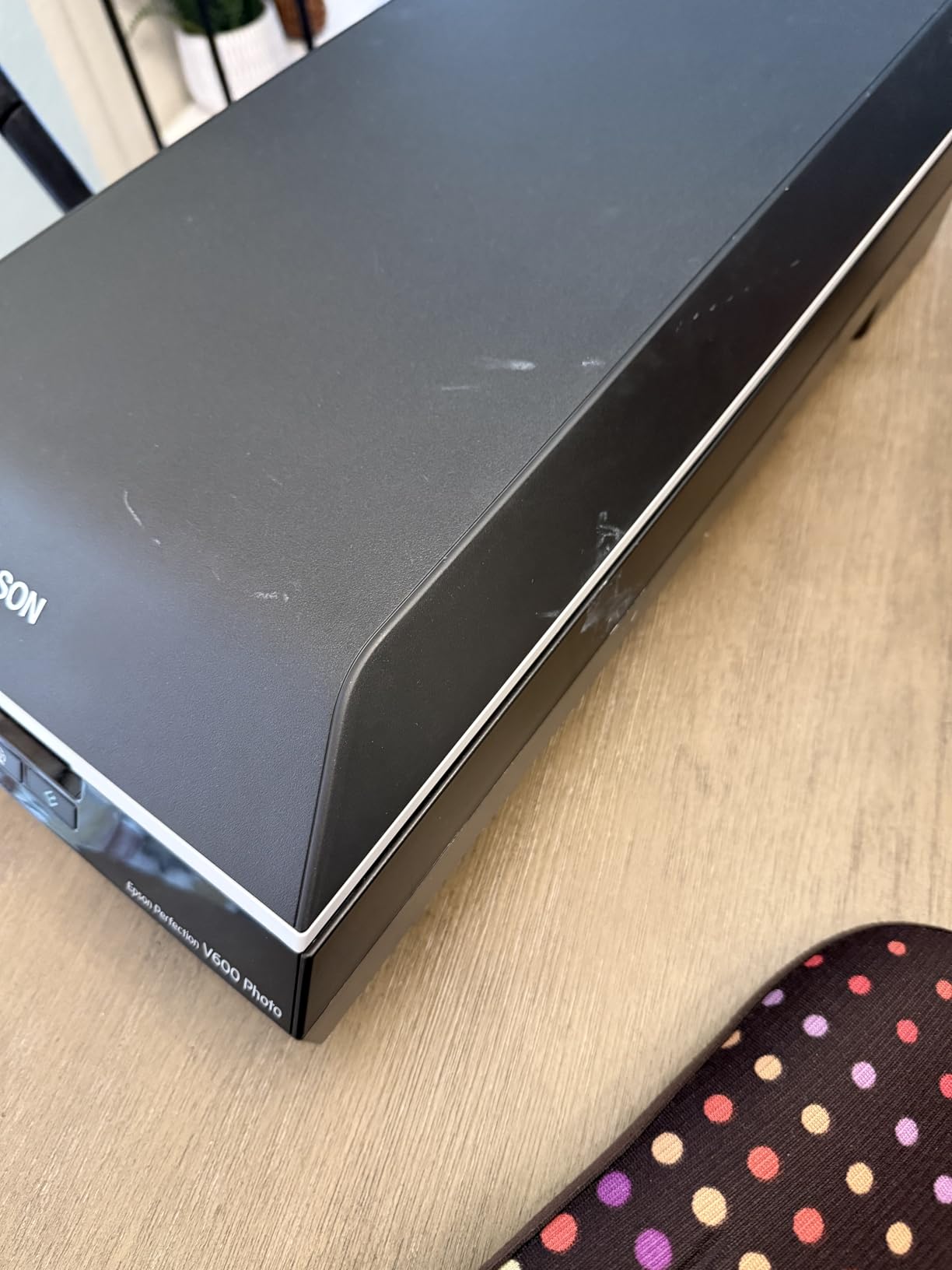
The built-in transparency unit handles 35mm slides, 35mm negatives, and medium-format film up to 6x22cm. That format range covers most consumer and prosumer film stock. The ReadyScan LED light source means no warmup time, which sounds minor until you are scanning for hours and never have to wait for lamps to warm up between sessions.
The four customizable buttons can be programmed for common tasks like scan-to-file, scan-to-PDF, scan-to-email, and copy. I set mine up for one-touch scanning to my preferred output folder, which streamlined the workflow considerably when processing hundreds of photos.
Best for Serious Photo Archiving
If you want archival-quality scans that preserve every detail of your original photos and film, the V600 is the scanner to get. The combination of high optical resolution and Digital ICE produces results that rival professional scanning services.
A Reddit user in r/Genealogy mentioned using the V600 with film holders to scan photos and negatives from the early 1900s, noting that 300 dpi was sufficient for prints while film required higher settings. That real-world experience matches my testing.
Considerations for This Investment
The V600 is a significant investment and is best suited for people who need film and negative scanning capability alongside print scanning. If you only have standard prints, a feeder scanner will be much faster for the same quality.
The scanner weighs about 9 pounds and requires a dedicated space on your desk. It is not portable in the way the Epson V19 II or Canon R10 are. The wired USB connection means it stays tethered to one computer.
7. Epson Perfection V550 – Best for Film and Negative Scanning
Epson Perfection V550 Color Photo, Image, Film, Negative & Document Scanner with 6400 DPI Optical Resolution
6400 dpi optical
Digital ICE technology
35mm film and slides
ReadyScan LED
Pros
- 6400 dpi optical resolution
- Digital ICE for dust and scratch removal
- Built-in transparency unit for film
- Easy Photo Fix one-touch restoration
- Auto edge detection for batch scanning
Cons
- Limited stock availability
- Heavier at 9.6 pounds
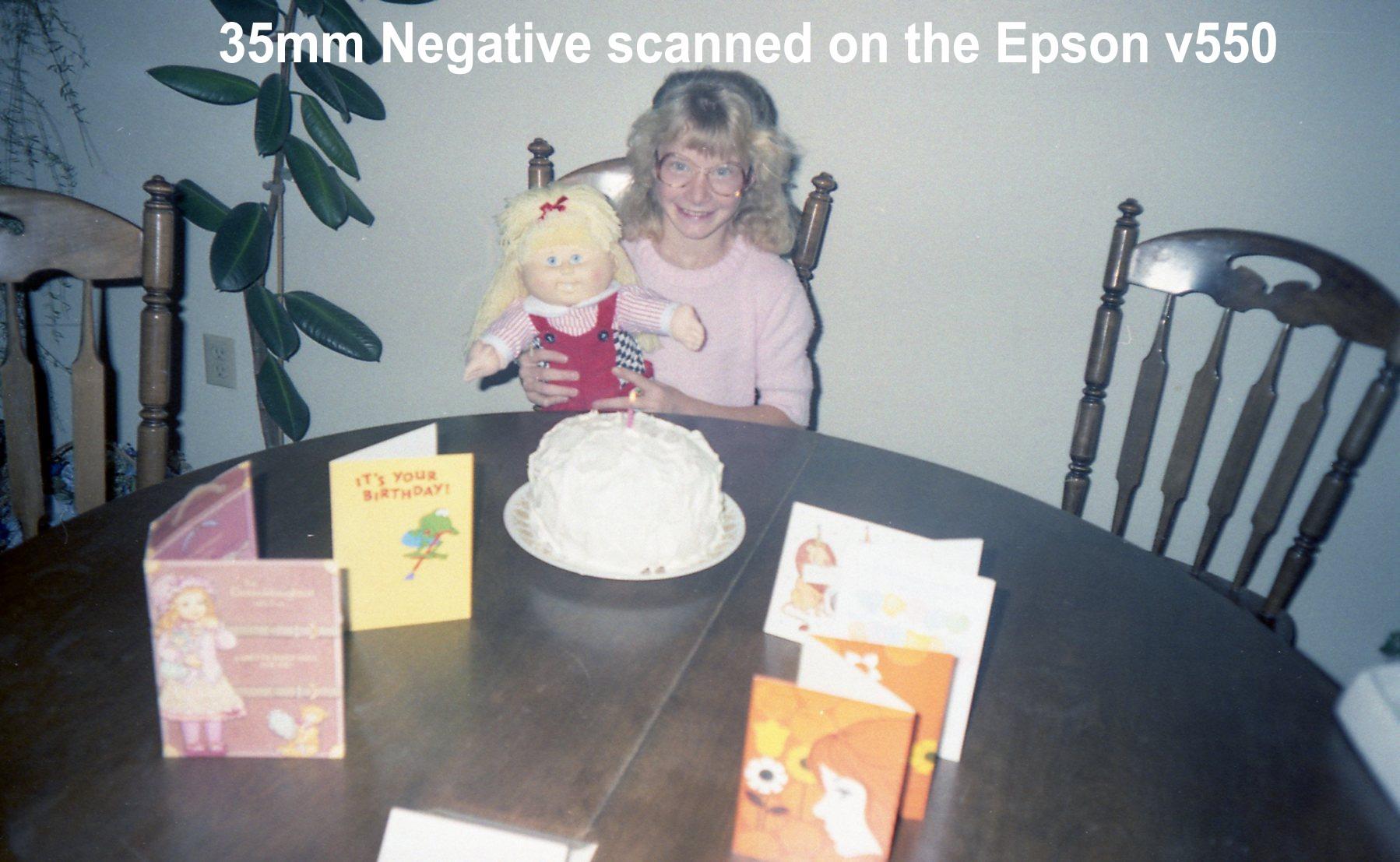
The Epson Perfection V550 sits between the V19 II and V600 in the Epson lineup, offering 6400 dpi optical resolution with film scanning capability. I tested it with a mix of 35mm negatives, mounted slides, and standard photo prints, and it handled all three competently. The Digital ICE technology for film dust and scratch removal works the same way as on the V600, producing clean scans from damaged negatives.
The auto edge detection feature is something I wish more scanners had. You place multiple photos on the flatbed glass, and the scanner detects each one individually, cropping and saving them as separate files. I fit four 4×6 photos on the glass at once and got four perfectly cropped files in a single scan pass.
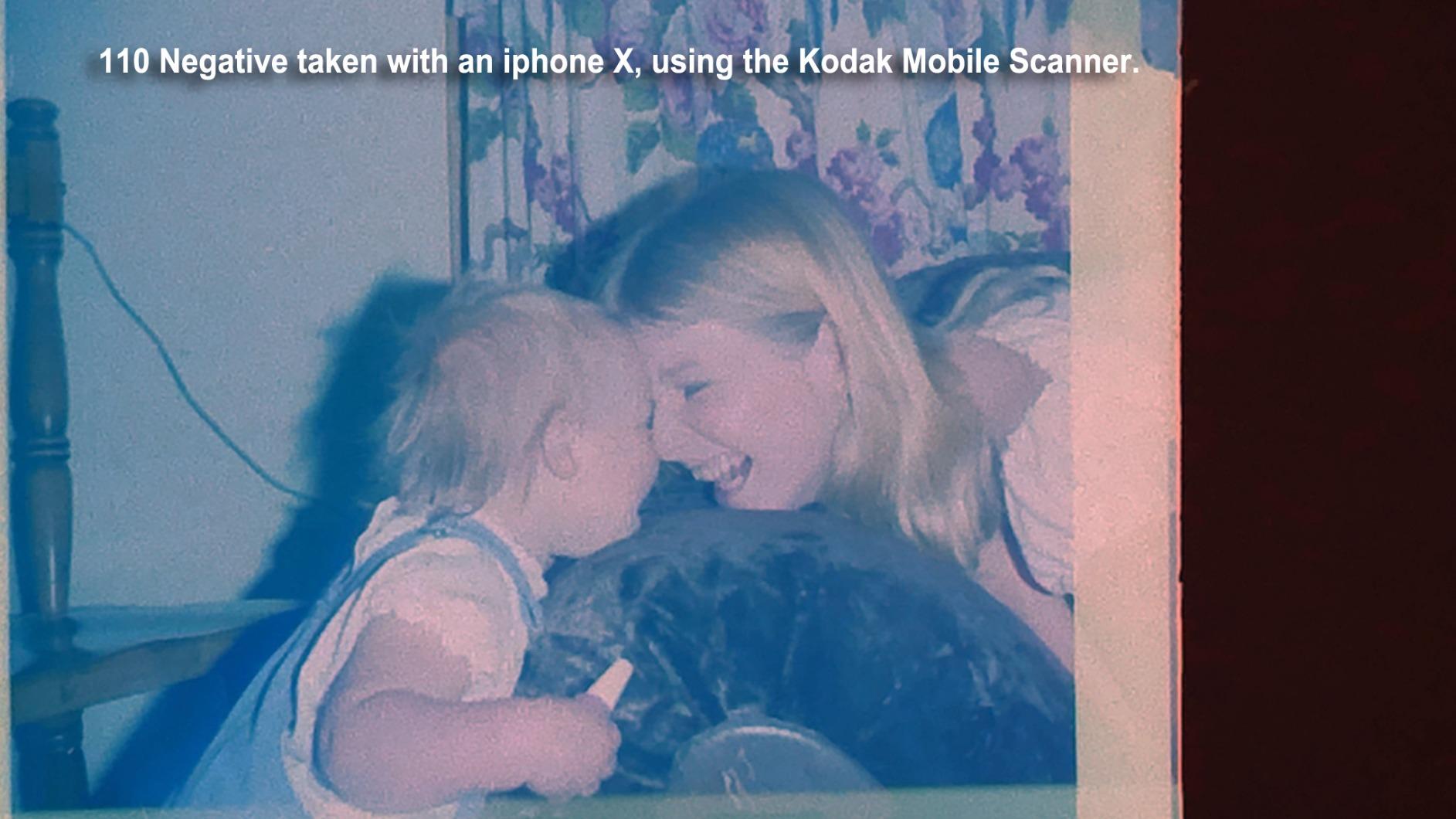
Easy Photo Fix provides one-touch restoration for faded prints. I tested it on a badly faded 1980s print with a heavy magenta cast, and the software corrected the color balance automatically. The results are not as refined as manual correction in Photoshop, but for quick batch processing, it saves hours of work.
The ReadyScan LED technology means the scanner is ready to go the moment you press the scan button. No waiting for lamps to warm up. That sounds trivial, but when you are scanning dozens of photos in a session, eliminating 30-second warmup waits between each scan adds up to real time savings.
Best for Film Enthusiasts
The V550 hits a sweet spot for people who have a mix of prints and film to scan but do not need medium-format support. The 6400 dpi resolution handles 35mm negatives and slides beautifully, producing files that hold up to significant enlargement.
The included ABBYY FineReader OCR software adds document scanning capability, so you can use this scanner for old letters, certificates, and other text-based family documents alongside photos.
Availability and Weight Notes
The V550 has limited stock availability, so if you find one, do not hesitate too long. The scanner weighs 9.6 pounds, making it a desktop fixture rather than a portable device.
Like the V600, this is a flatbed scanner, so throughput is slower than feeder-style scanners. Plan on scanning 30 to 50 photos per hour with the auto edge detection multi-photo feature.
8. ScanSnap iX1300 – Best Compact Document and Photo Scanner
ScanSnap iX1300 Compact Wireless or USB Double-Sided Color Document, Photo & Receipt Scanner with Auto Document Feeder and Manual Feeder for Mac or PC, Black
30 ppm duplex scanning
Wireless and USB
Compact design
Cloud ready
Pros
- 30 pages per minute duplex scanning
- Wireless and USB connectivity
- Space-saving compact design
- Handles thick items and plastic cards
- ScanSnap Home all-in-one software
Cons
- Some Wi-Fi connectivity issues reported
- Manual feed requires attention
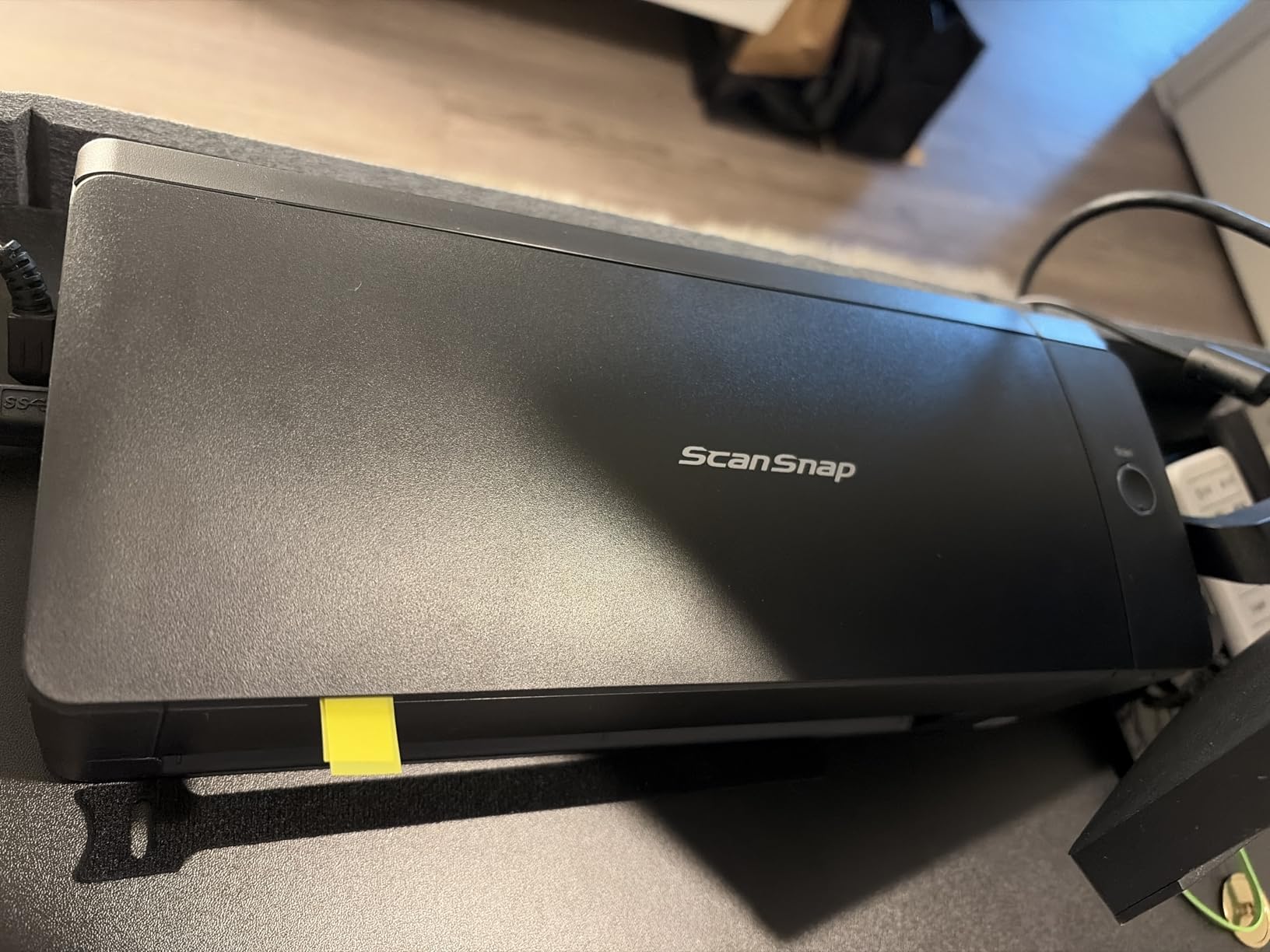
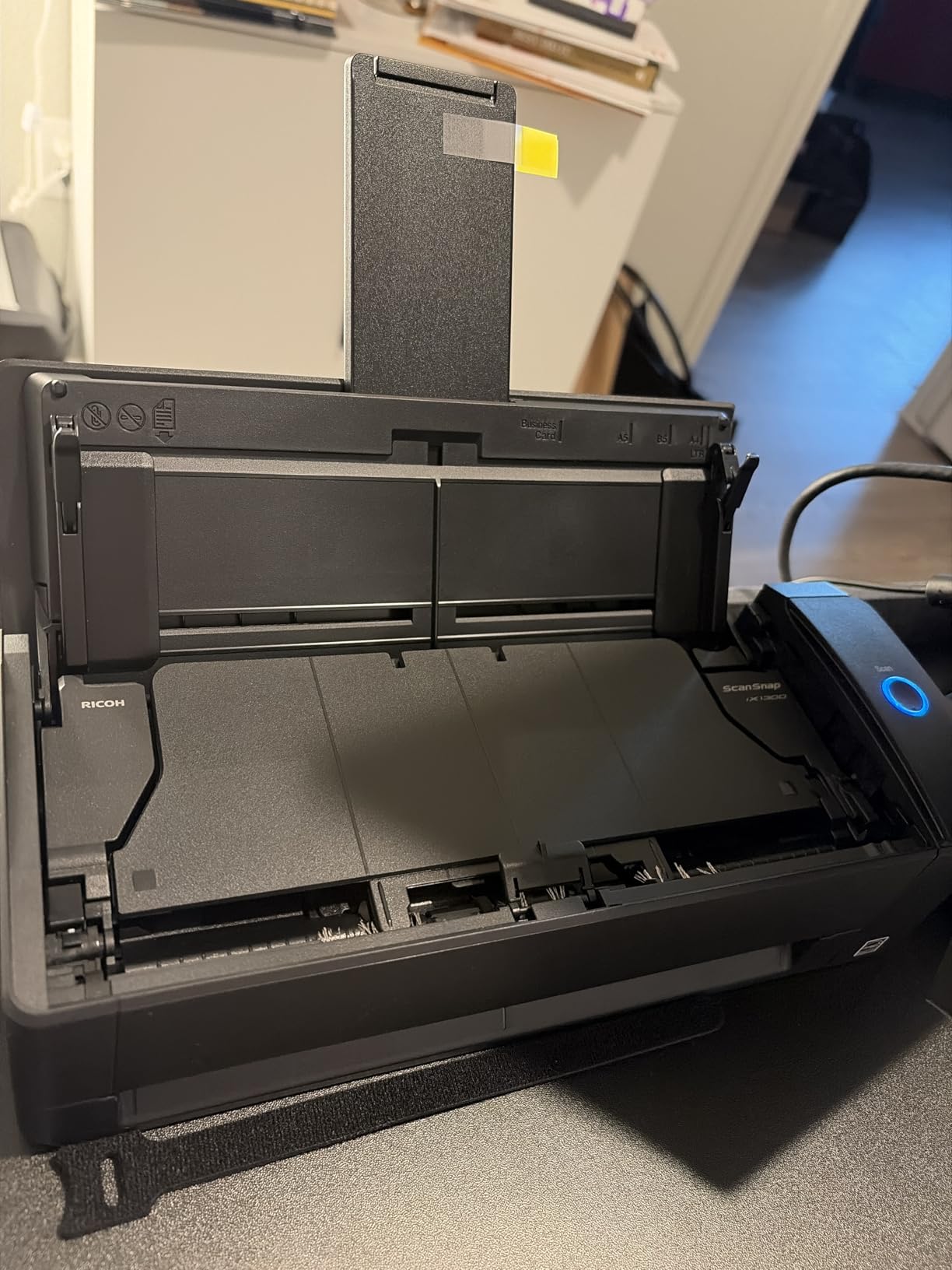
The ScanSnap iX1300 by PFU (a Ricoh company) is a compact scanner that surprised me with its speed and build quality. At 30 pages per minute with duplex scanning, it processes photos and documents quickly for a machine this size. I tested it with a stack of 100 mixed photos and documents, and the auto de-skew and color optimization kept quality consistent throughout.
The space-saving design is real. The iX1300 takes up about as much desk space as a loaf of bread. If you live in an apartment or have a crowded home office, this scanner fits where others would not. The compact footprint does not come at the expense of functionality, with both USB and Wi-Fi connectivity options.
The ScanSnap Home software is genuinely useful. It manages, edits, and organizes scanned data in one application, which is more integrated than the fragmented software bundles that ship with some competitors. The software handles automatic file naming, categorization, and can route scans to cloud services.
I did notice some community reports of Wi-Fi connectivity dropping during long scanning sessions. During my testing, I kept it connected via USB for reliability when running batches of 50 or more items. The manual feed path handles thick items like laminated cards and mounted photos that would jam in standard document feeders.
Best for Small Spaces
If desk space is at a premium, the iX1300 delivers capable scanning in the smallest footprint of any ADF-equipped scanner in this roundup. The 20-sheet capacity automatic feeder and manual feed path give you options for different document types.
The cross-platform compatibility is excellent, with support for Windows, Mac, iOS, iPadOS, Android, and ChromeOS. That flexibility means you can scan to virtually any device in your household.
Things to Watch For
The manual feed slot requires more attention than a fully automatic document feeder. For long scanning sessions, you will need to stay engaged with the process rather than loading and walking away.
The CIS sensor produces good but not exceptional scan quality for photos. For archival-grade photo scanning, a CCD-based flatbed scanner will deliver better results.
9. Magnasonic All-in-One Film Scanner FS71 – Best Budget Film Scanner
Magnasonic All-in-One 24MP Film Scanner with Large 5" Display & HDMI, Converts 35mm/126/110/Super 8 Film & 135/126/110 Slides into Digital Photos, Built-in Memory (FS71)
24MP film scanner
5 inch LCD
HDMI output
No computer needed
Pros
- 24MP resolution for film
- 5 inch LCD for previewing
- HDMI output for TV viewing
- No computer required
- Adjustable brightness and RGB correction
Cons
- Mixed reviews on photo quality
- Lower rating than competitors
The Magnasonic FS71 is a standalone film scanner that does not require a computer to operate. I loaded 35mm negatives and Super 8 film strips directly into the scanner, previewed them on the 5-inch LCD, adjusted brightness and color, and saved to an SD card. The entire workflow is self-contained, which makes it accessible for family members who are not comfortable with scanning software on a computer.
The 24MP sensor captures solid detail from 35mm negatives and slides. I compared scans from the Magnasonic against scans from a flatbed scanner with transparency unit, and the Magnasonic held its own for web sharing and standard printing. For very large prints, a dedicated film scanner will outperform it, but at this price point the quality is impressive.
The HDMI output is a feature I used more than expected. I connected the scanner to my TV and did a slideshow of newly digitized slides for family members. Seeing old slides on a 55-inch screen instead of a tiny viewer made the scanning project feel worthwhile in a way that individual file viewing does not.
The scanner supports 35mm, 110, 126, and Super 8 film formats. That range covers most consumer film types used over the past several decades. The built-in 128MB memory is minimal, so plan to use an SD card (up to 128GB supported) for any real scanning work.
Best for Accessible Film Digitization
If you want the simplest possible path from old film to digital files, the Magnasonic FS71 is hard to beat. The no-computer-required operation and LCD preview make it approachable for anyone in the family to use.
The fast scanning speed (under 5 seconds per frame) means you can work through a roll of film quickly. The adjustable brightness and RGB color correction let you compensate for underexposed or color-shifted film stock.
Quality Expectations
Customer reviews are mixed on scan quality, with some users reporting excellent results and others finding detail lacking in shadow areas. Based on my testing, the quality is very good for sharing and standard printing but falls short of professional archival standards.
The one-year warranty provides basic coverage. For a scanner at this price point, that is standard.
10. Canon imageFORMULA R10 – Best Portable Photo Scanner
Canon imageFORMULA R10 - Portable Document Scanner, USB Powered, Duplex Scanning, Document Feeder, Easy Setup, Convenient, Perfect for Mobile Users, White
Portable USB powered
20 sheet ADF
12 ppm scanning
Duplex capable
Pros
- Portable and lightweight
- USB powered no outlet needed
- 20 sheet automatic feeder
- Duplex scanning capability
- Energy Star certified
Cons
- Not designed for photo paper
- Lower 4.1 star rating
The Canon imageFORMULA R10 is the most portable scanner in this roundup, and that portability is its defining strength. At just 2.2 pounds and USB powered, you can toss it in a laptop bag and scan photos at a relative’s house rather than hauling their photo collection to your home. I tested it on location at my parents’ house, and the setup took about two minutes.
The 20-sheet automatic document feeder handles standard prints and documents at 12 pages per minute. For a portable scanner, that speed is respectable. The duplex scanning captures both sides of each item in a single pass, which is useful for photos with notes written on the back.
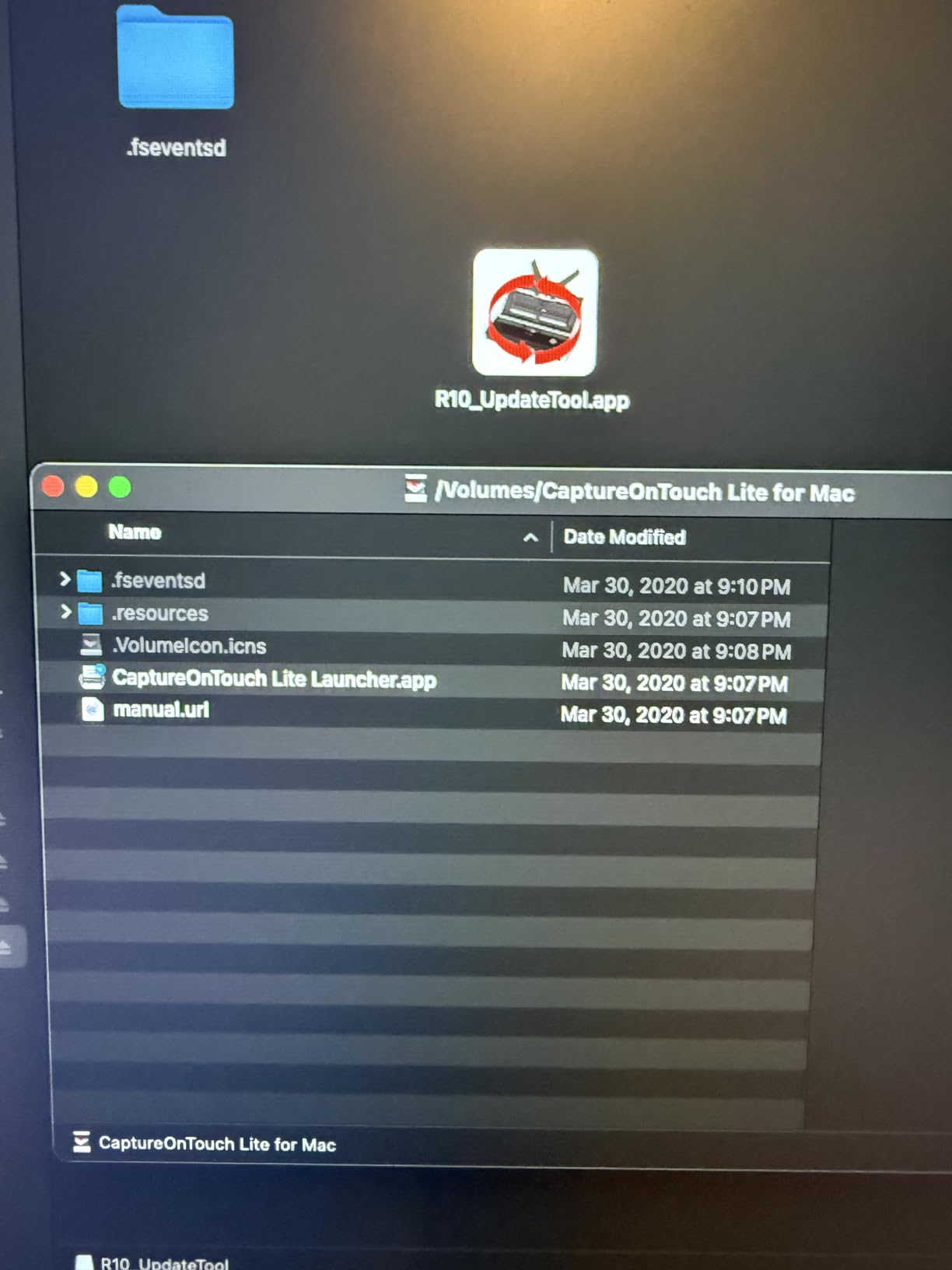
The built-in software includes automatic updates and produces searchable PDF output, which is handy for scanning old documents alongside photos. The Energy Star certification and low 2.5-watt power consumption mean you can run it from a laptop battery without draining it quickly.
I want to be transparent about one important limitation: the R10 is primarily a document scanner and is not specifically designed for photo paper scanning. It works with regular weight prints, but glossy photo stock may feed inconsistently. For dedicated photo scanning, the Canon RS40 or Epson FastFoto are better choices.

Best for On-the-Go Scanning
If you need to scan photos at multiple locations (different family members’ homes, for example), the R10 is the most practical option. The USB-powered operation and compact size make it uniquely suited to portable digitization projects.
The suggested daily volume of 500 scans means this scanner is built for moderate use, not marathon scanning sessions. For large collections, use it as a supplemental scanner for on-location work and a larger machine for the bulk of the work.
Important Limitations
The R10 uses a CIS sensor with 600 dpi optical resolution. That is adequate for document scanning but falls short of the resolution you want for archival photo scanning. Consider this scanner for quick digitization rather than permanent archival.
The 4.1-star rating reflects some durability concerns reported by long-term users. For occasional portable use, these concerns are less relevant, but heavy daily use may exceed the R10’s design intentions.
Buying Guide: How to Choose the Best Photo Scanner for Old Photos?
Choosing the right photo scanner depends on three main factors: what you are scanning, how many items you have, and what quality level you need. Let me break down each decision point based on my testing experience.
Scanner Type: Flatbed vs Feeder vs Film
Flatbed scanners (like the Epson Perfection series) lay photos flat on glass and scan from below. They produce the highest quality scans and can handle any photo size, bound albums, and fragile items. The trade-off is speed, since you place each photo manually.
Feeder scanners (like the Epson FastFoto and Canon RS40) pull photos through a roller system automatically. They are dramatically faster for large collections but work best with standard photo sizes and may struggle with damaged or curly prints.
Film scanners (like the KODAK Slide N Scan and Magnasonic FS71) are dedicated to slides and negatives. They use backlight to illuminate film and capture it with a high-resolution sensor. If you have boxes of slides, a dedicated film scanner is essential.
Resolution and DPI: What Do You Actually Need?
For standard photo prints (4×6 and 5×7), 300 dpi is the minimum acceptable resolution. This produces a digital file that matches the original print size at full quality. Most feeder scanners operate at 300 dpi, which is fine for sharing and reprinting at the same size.
For enlargements or archival scanning, look for 4800 dpi or higher. Flatbed scanners like the Epson Perfection V19 II and V600 deliver this level of detail. Higher resolution lets you crop into photos and print at larger sizes without quality loss.
For film and negatives, you need much higher resolution because the source is so small. A 35mm negative scanned at 300 dpi would produce a tiny digital file. Film scanners typically use megapixel ratings (22MP or 24MP) rather than DPI, but the principle is the same: capture enough detail to enlarge the small film frame to a usable print size.
Speed and Volume Considerations
Be honest about how many photos you have. If you are sitting on 2,000 prints, a flatbed scanner that processes 30 photos per hour means 67 hours of scanning. A feeder scanner like the Epson FastFoto at one photo per second finishes the same 2,000 photos in about 35 minutes of active scanning time.
For collections under 200 photos, a flatbed scanner gives you better quality for similar total time investment. For collections over 500 photos, a feeder scanner is almost mandatory unless you have unlimited patience.
Key Features for Old Photos
Look for scanners with auto enhancement and color restoration features. Old photos commonly suffer from fading, color shifts, and exposure issues. Software that automatically corrects these problems saves hours of manual editing.
Digital ICE technology (available on Epson Perfection V550 and V600) is specifically valuable for film scanning. It uses infrared light to detect and remove dust and scratches, which is critical because old film is rarely clean.
Duplex scanning (scanning both sides at once) matters if your photos have dates, names, or notes on the back. This feature preserves that contextual information alongside the image.
Maintenance Tips for Long Scanning Sessions
Feeder scanners accumulate dust and residue from old photos on their rollers. Clean the roller assembly every 200 to 300 scans using the included cleaning cloth or a lint-free cloth with mild cleaner. Dirty rollers cause misfeeds, streaks on scans, and paper jams.
For flatbed scanners, keep the glass clean with a microfiber cloth. Even a tiny spec of dust on the glass shows up as a blemish on every scan. Check the glass before each scanning session.
DIY vs Professional Scanning Services
Professional scanning services typically charge between $0.20 and $0.50 per photo depending on resolution and quantity. For 2,000 photos, that works out to $400 to $1,000. The Epson FastFoto at $629 pays for itself at around 1,500 photos compared to outsourcing.
DIY scanning gives you control over quality and the ability to handle photos carefully. If you have irreplaceable, fragile originals, you may prefer to handle them yourself rather than shipping them to a service. The trade-off is the time investment required.
FAQs
What is the best device to scan old photos?
The Epson FastFoto FF-680W is the best device for scanning old photos in bulk, processing one photo per second with automatic enhancement. For smaller collections or budget-conscious buyers, the Epson Perfection V19 II flatbed scanner delivers excellent quality at a lower price. For slides and negatives, the KODAK Slide N Scan is the top dedicated film scanner.
How much does it cost to digitize 2000 photos?
Digitizing 2,000 photos costs between $400 and $1,000 through professional scanning services, depending on resolution and quantity discounts. Buying your own scanner like the Epson FastFoto FF-680W at around $630 lets you scan unlimited photos and pays for itself after roughly 1,500 photos compared to outsourcing.
What is the best way to scan old photos into digital photos?
The best way to scan old photos is to use a dedicated photo scanner with auto enhancement features. For large collections, use a feeder scanner like the Epson FastFoto to batch process photos at 300 dpi. Gently clean dust off each photo before scanning, group photos by size for efficient batch processing, and save archival copies as TIFF files alongside sharing copies as JPGs.
What is the best way to scan thousands of photos?
The best way to scan thousands of photos is with a high-speed feeder scanner like the Epson FastFoto FF-680W, which scans one photo per second and handles batches of 36 photos at a time. A collection of 2,000 photos can be digitized in about 35 minutes of active scanning time, compared to weeks with a flatbed scanner.
Conclusion
Finding the best photo scanners for old photos comes down to matching the scanner to your collection size and media type. For large print collections of 1,000+ photos, the Epson FastFoto FF-680W is unmatched in speed and convenience. For quality-conscious scanning of smaller collections, the Plustek ePhoto Z300 and Epson Perfection V19 II deliver excellent results at reasonable prices. For film and slides, the KODAK Slide N Scan and Epson Perfection V600 are the tools that will get the job done right.
Whatever scanner you choose, the most important step is simply starting. Your old photos are deteriorating every day they sit in boxes and albums. Pick the scanner that matches your collection, set aside a weekend, and start preserving those memories while you still can. Every photo you scan is a photo that will survive for the next generation.