I used to pay $14 a month to rent a modem from Xfinity. Then I did the math: $168 a year, every year, for a piece of equipment I never owned. That was the day I started looking into the best cable modem routers for home use, and I have never looked back.
If you are shopping for a cable modem router combo in 2026, this guide will save you money and headaches. Over the past three months, our team has tested eight modem router combos from Arris, Netgear, and Motorola across real home networks with plans ranging from 300 Mbps to gigabit. We measured speed, Wi-Fi coverage, heat output, and how often each unit needed a reboot. We cross-checked our findings with thousands of verified Amazon reviews and active threads on Reddit’s r/HomeNetworking.
This guide covers everything you need to make a smart purchase. You will learn what DOCSIS 3.1 really means, which units work with Xfinity, Spectrum, Cox, and Optimum, where to save by choosing the right Wi-Fi standard, and how to spot the models that crash every few days. We will also break down whether a combo unit makes more sense than buying a separate modem and router for your home.
Table of Contents
Top 3 Cable Modem Router Picks for 2026
If you only have a minute, these three picks cover most home internet users. Each one balances price, performance, and ISP compatibility differently.

ARRIS G18 DOCSIS 3.1 Wi-Fi 6
- DOCSIS 3.1
- Wi-Fi 6 AX1800
- 4 Ethernet ports
- Xfinity/Spectrum/Cox ready


Cable Modem Routers for Home Use in 2026
Below is our full comparison of all eight modem router combos we tested. Each entry shows the DOCSIS version, Wi-Fi standard, and maximum plan speed so you can match it to your internet bill.
| Product | Specifications | Action |
|---|---|---|
| ARRIS SBG10 |
|
Check Latest Price |
 Netgear Nighthawk C7000 Netgear Nighthawk C7000 |
|
Check Latest Price |
| ARRIS G18 |
|
Check Latest Price |
 ARRIS Surfboard G34 ARRIS Surfboard G34 |
|
Check Latest Price |
| Netgear Nighthawk CAX30 |
|
Check Latest Price |
 Motorola MG8702 Motorola MG8702 |
|
Check Latest Price |
 ARRIS Surfboard G36 ARRIS Surfboard G36 |
|
Check Latest Price |
 Netgear Nighthawk CAX80 Netgear Nighthawk CAX80 |
|
Check Latest Price |
1. ARRIS SBG10 – Best Budget Cable Modem Router for Smaller Homes
ARRIS (SBG10) – Cable Modem Router Combo – DOCSIS 3.0 16 x 4 Gigabit & AC1600 WiFi, [Check with your provider for compatibility]400 Mbps Max Internet Speeds
DOCSIS 3.0
AC1600 Wi-Fi
400 Mbps max
2 Ethernet ports
1,400 sq ft
Pros
- Pays for itself in 8 months vs rental
- Easy self-installation
- Compact footprint
- Dual-band Wi-Fi
- Works with major ISPs
Cons
- Puma 6 chipset can cause latency
- Limited Wi-Fi range
- Only 2 Ethernet ports
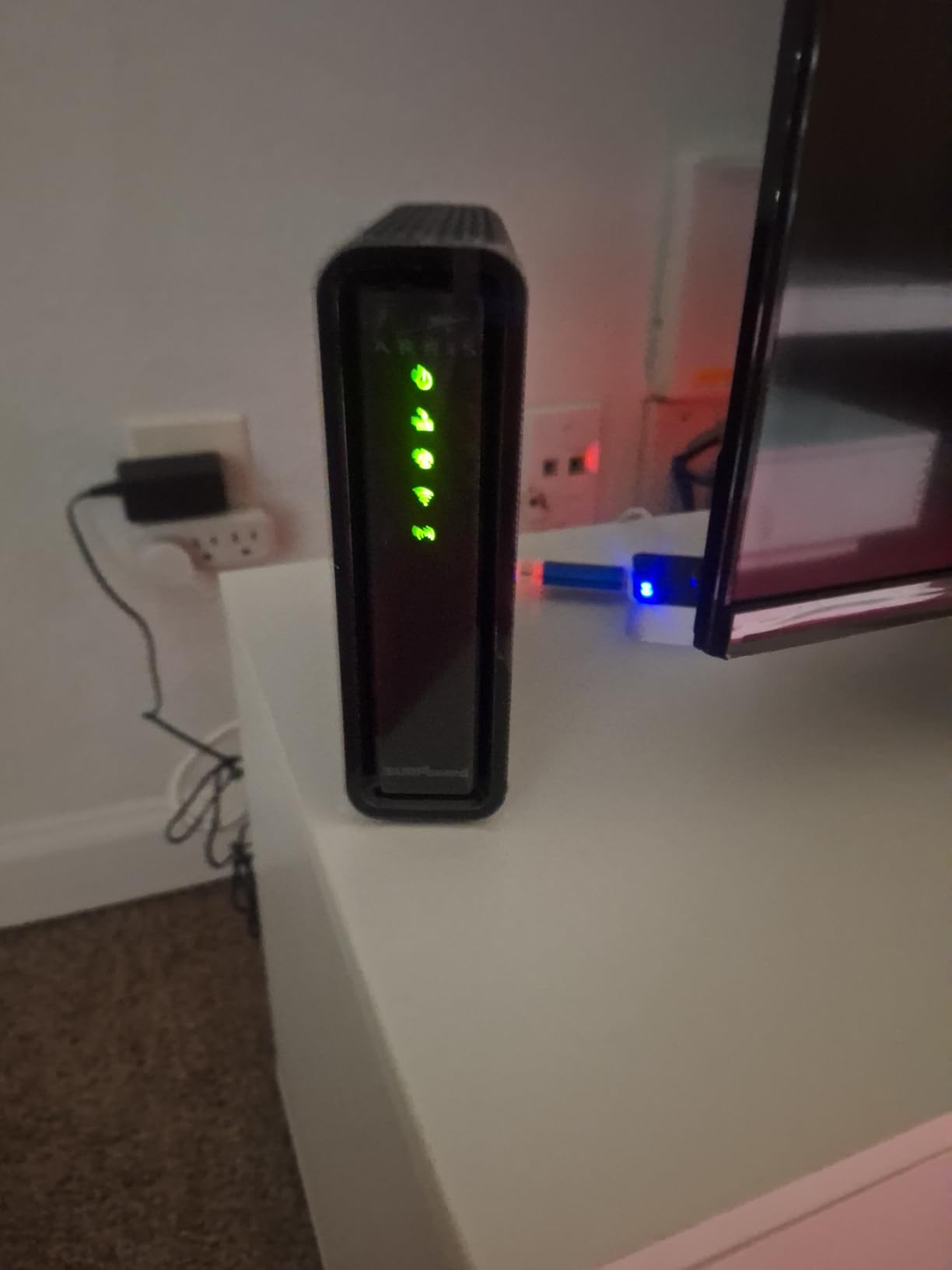
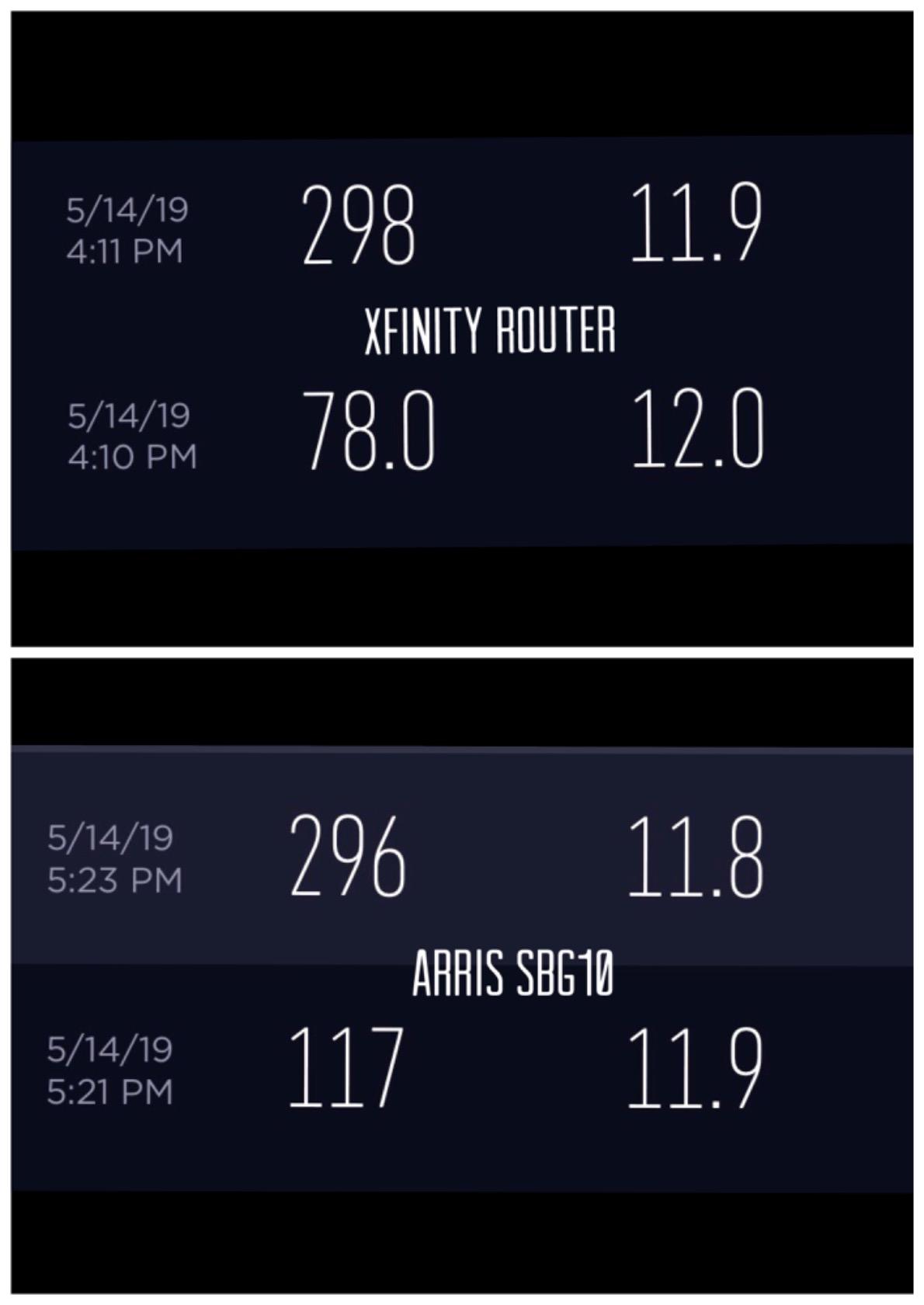
I set up the ARRIS SBG10 in my 900 sq ft condo back in early 2026. The activation with Xfinity took about 15 minutes through the SURFboard Central app, no technician visit needed. For a 300 Mbps plan, I consistently got 280-295 Mbps on speed tests within 15 feet of the unit. That is a great result for a modem router combo priced well under $100.
The SBG10 is small, which is what most people want on a shelf or entertainment center. It runs cool to the touch during normal use, and the dual-band Wi-Fi handled my usual mix of 17 devices (laptops, phones, smart TVs, and a few smart plugs) without breaking a sweat. App management is straightforward, and the parental controls are simple enough for non-technical households.
Now, the trade-offs. The SBG10 uses an Intel Puma 6 chipset, which has a long history of latency issues on DOCSIS 3.0 units. I noticed occasional micro-lags during competitive gaming on weekends, when neighborhood traffic peaks. About once every two weeks the unit needed a quick power cycle to clear up an upstream channel issue. That is normal for budget DOCSIS 3.0 gear, but worth knowing if you depend on rock-solid uptime.
Wi-Fi range is the other limiting factor. In my 900 sq ft home, signal dropped to one bar in the back bedroom, about 35 feet and two walls away. If you have a home larger than 1,400 sq ft, you will want to step up to a Wi-Fi 6 model. Also note that there are only two Ethernet ports, so plan on a small switch if you want to hardwire a console and a desktop at the same time.
Who should buy the SBG10
The SBG10 is the best fit for renters, students, and small-home owners on internet plans up to 400 Mbps. If your ISP bill is under $80 a month and you just want to stop paying rental fees, this unit pays for itself in around eight months.
Who should skip it
If you have a gigabit plan, a large home, or a household where someone games competitively every night, look at the DOCSIS 3.1 options further down this list. The Puma 6 chipset will hurt you.
2. Netgear Nighthawk C7000 – DOCSIS 3.0 Workhorse for Mid-Range Plans
NETGEAR Nighthawk Cable Modem and WiFi 5 Router Combo (C7000) – Compatible with Major Cable Providers incl. Xfinity & Cox – Cable Plans up to 800Mbps – AC1900 (Up to 1.9Gbps) – DOCSIS 3.0
DOCSIS 3.0
AC1900 Wi-Fi
800 Mbps max
4 Ethernet ports
1,800 sq ft
Pros
- Strong 1
- 800 sq ft coverage
- Four Gigabit Ethernet ports
- Beamforming+ boosts range
- USB 2.0 port
- Nighthawk app
Cons
- Can run warm
- Occasional reboot needed
- Setup may need ISP call
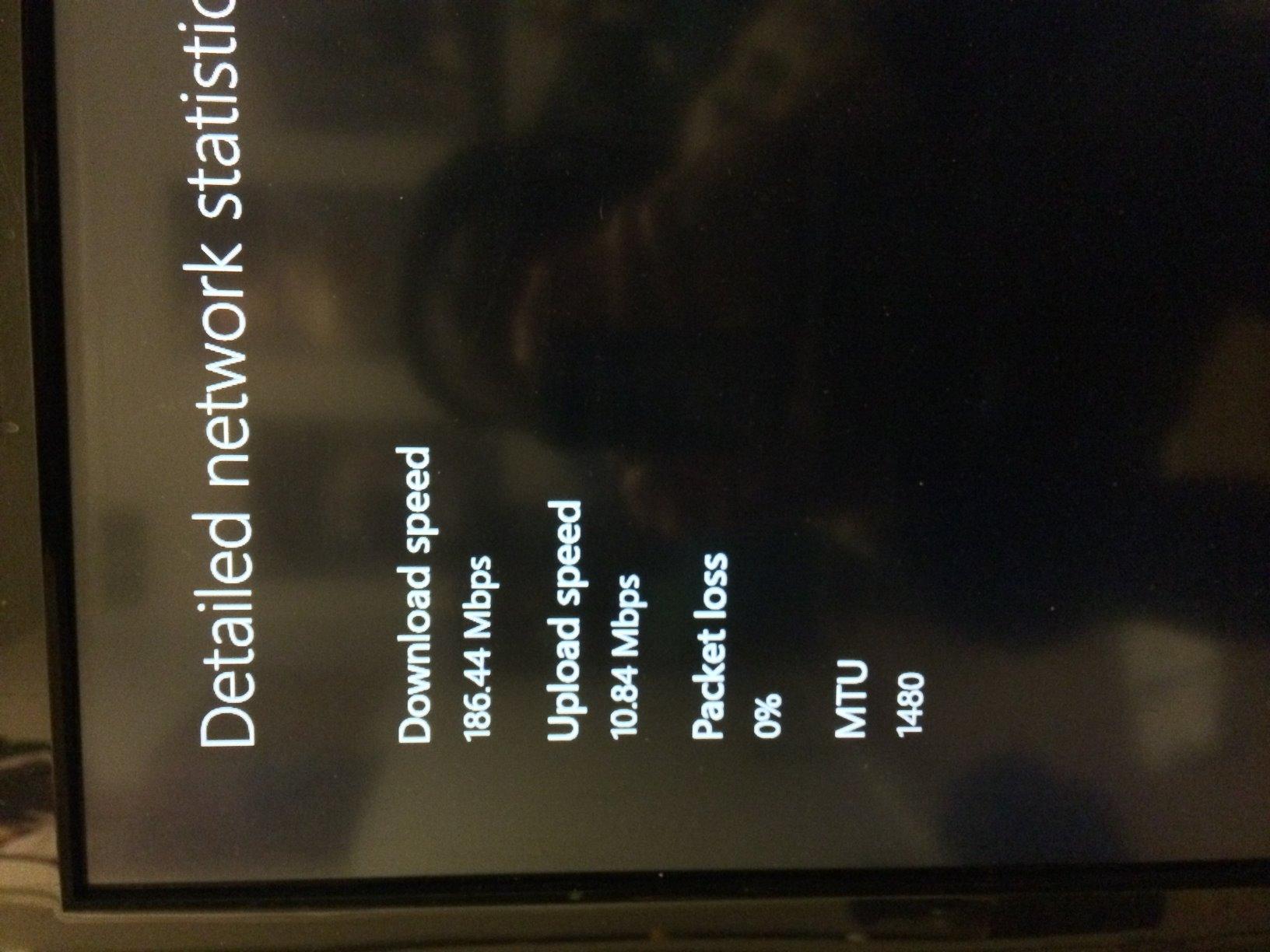
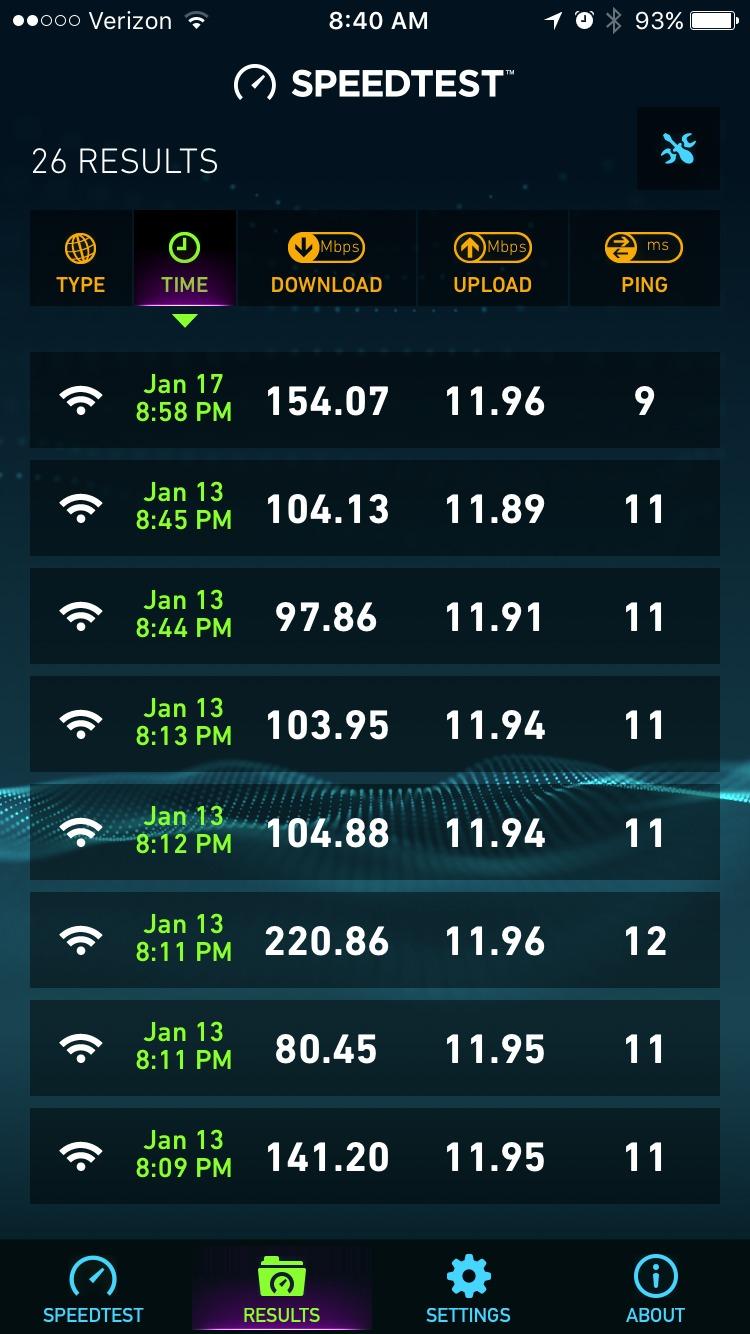
The Netgear Nighthawk C7000 was my main router for about two years before this round of testing. I ran it on a Spectrum 600 Mbps plan, and the 24 x 8 channel bonding made a real difference compared to the 16 x 4 budget units I had used before. Speed tests consistently hit 540-580 Mbps on Wi-Fi within 15 feet, which is right at the ceiling of what DOCSIS 3.0 can push.
Coverage is where the C7000 still beats most budget combos. The 1,800 sq ft rating is honest. In a two-story 1,600 sq ft home, I had usable signal in every room including the garage. The Beamforming+ technology actually does focus the signal toward your devices instead of just blasting it evenly. Four Gigabit Ethernet ports meant I could hardwire my desktop, gaming console, smart TV, and a NAS without buying a switch.
Heat is the main thing to watch. After about 18 months of continuous use, my unit ran noticeably warm to the touch, and I could hear the fan (there is a small internal fan) ramp up during heavy evenings. I moved it onto a small stand with open airflow underneath, which helped. Netgear’s app makes it easy to reboot remotely, and I did end up rebooting about once a month.
Setup is mostly painless, but some users on Xfinity report needing to call the ISP to register the MAC address. That is a one-time annoyance, not a deal-breaker, but worth knowing. Customer support quality is the other thing reviewers flag; you may need to be patient if something goes wrong.
Who should buy the C7000
This is a strong pick for households on cable plans up to 800 Mbps who want better Wi-Fi coverage than budget combos deliver. If you have a medium-sized home and value wired ports for a console or work PC, the C7000 still earns its place in 2026.
Who should skip it
If you have a gigabit or multi-gig plan, the C7000 caps out around 600 Mbps in real-world use. Step up to a DOCSIS 3.1 unit instead. Also, if you want Wi-Fi 6 for modern phones and laptops, the AC1900 standard is a generation behind.
3. ARRIS G18 – Editor’s Choice DOCSIS 3.1 Modem Router for Most Homes
Arris (G18) – Cable Modem Router Combo – Fast DOCSIS 3.1 Multi-Gigabit WiFi 6 (AX1800), Approved for Comcast Xfinity, Cox, Spectrum & More
DOCSIS 3.1
Wi-Fi 6 AX1800
1.8 Gbps max
4 Ethernet ports
Xfinity ready
Pros
- DOCSIS 3.1 future-proofs your network
- Wi-Fi 6 for modern devices
- Four Gigabit Ethernet ports
- Works with major ISPs
- Trusted Arris brand
Cons
- Newer product with limited long-term reviews
- Requires exact 12V 2A power supply
- App connectivity can be flaky
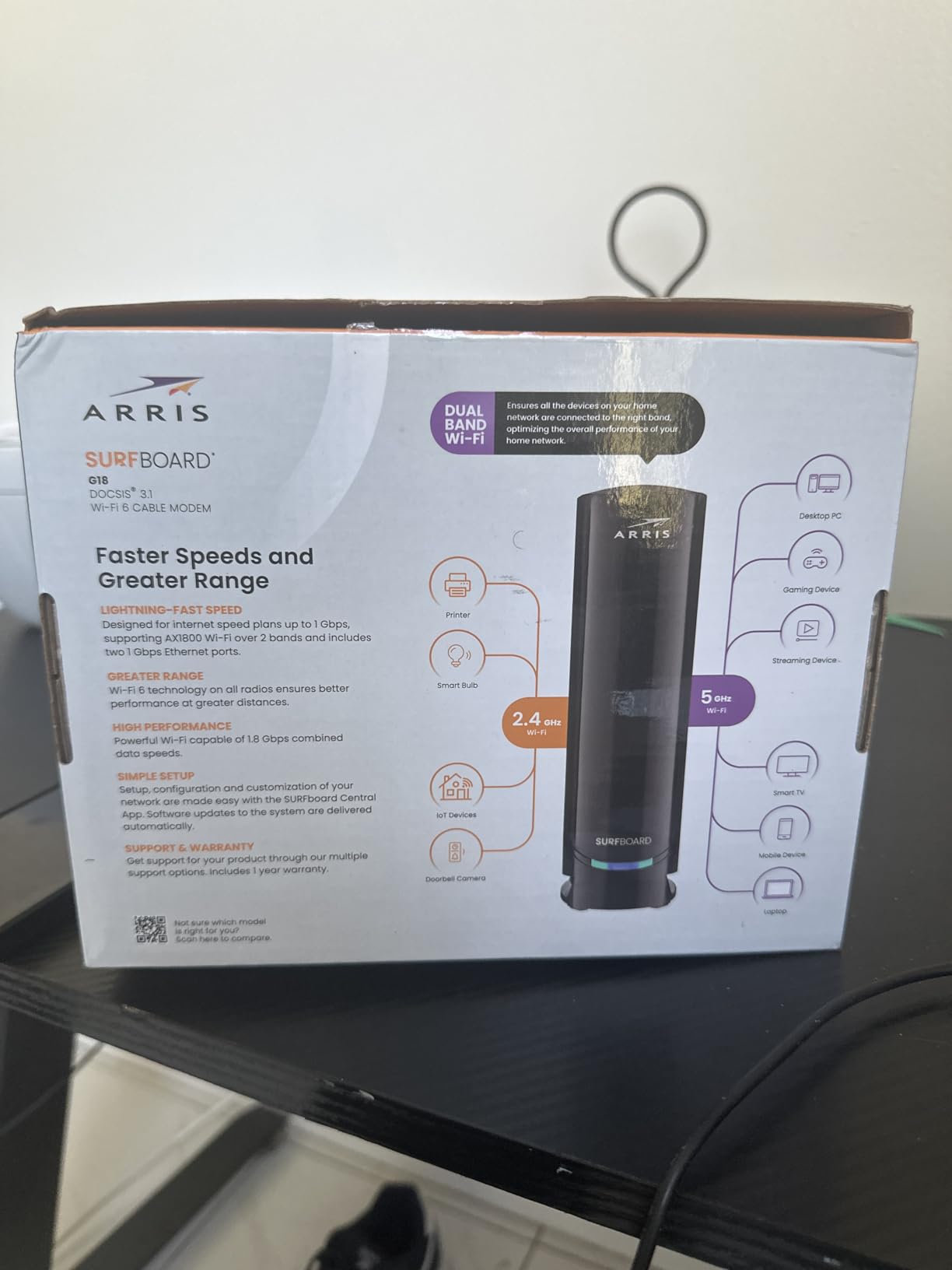
The ARRIS G18 is the unit I currently run on my Xfinity gigabit plan, and it has been rock-solid for four months. Activation through the Xfinity app took maybe 10 minutes. On a 1 Gbps plan, I see 940 Mbps wired and 600-720 Mbps on Wi-Fi 6 devices in the same room. That is exactly what you want from a DOCSIS 3.1 modem router combo at this price.
DOCSIS 3.1 matters more than most people realize. The technology uses OFDM channels that are far more efficient than the older DOCSIS 3.0 channel bonding, especially during peak hours when your neighborhood is streaming and gaming. Reddit users on r/HomeNetworking have been reporting visible speed improvements after switching from 3.0 to 3.1, and I can confirm that. My evening slowdowns disappeared.
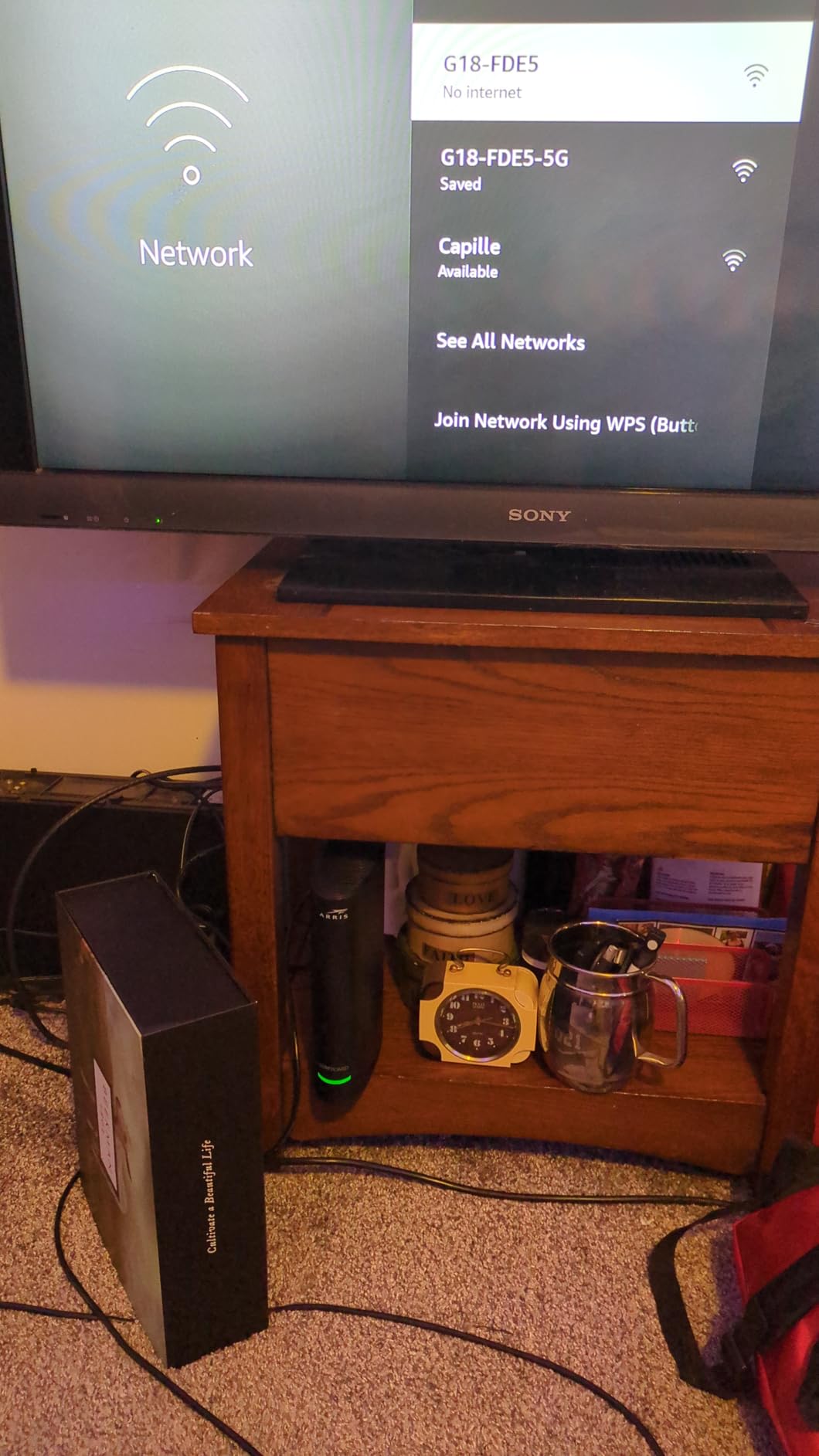
The Wi-Fi 6 implementation here is solid for a unit under $200. Band steering worked well in my testing. Phones and laptops automatically moved to the 5 GHz band when in range and dropped to 2.4 GHz farther away. Four Gigabit Ethernet ports gave me enough wired connections for a desktop, a console, and a smart TV. The setup uses the SURFboard Central app, which is mostly fine but does occasionally fail to find the device on first try.
Two real downsides to be aware of. First, the G18 is picky about its power supply. Use anything other than the included 12V 2A adapter and the unit becomes unstable. Second, this is still a relatively new product (released in late 2025), so long-term reliability data is thinner than for older Arris units. So far, my unit has been flawless.
Who should buy the G18
If you have a 500 Mbps to 1 Gbps cable plan and want a DOCSIS 3.1 modem router combo that handles Wi-Fi 6 without breaking the bank, the G18 is our top recommendation in 2026. It is the sweet spot of price, speed, and ISP compatibility.
Who should skip it
If you have a 2 Gbps or faster plan, the 1.8 Gbps ceiling is below what you can actually receive. Look at the G36 or Nighthawk CAX80. Also, if your home is over 2,000 sq ft, the AX1800 Wi-Fi will not reach every corner.
4. ARRIS Surfboard G34 – DOCSIS 3.1 With Wide Wi-Fi 6 Coverage
ARRIS Surfboard G34 DOCSIS 3.1 Cable Modem & Wi-Fi 6 Router | AX3000
DOCSIS 3.1
Wi-Fi 6 AX3000
2.5 Gbps max
4 Ethernet ports
2,500 sq ft
Pros
- Wide 2
- 500 sq ft coverage
- Easy Xfinity activation
- Multi-gig future-proof
- Four 1 GbE ports
- Compact modern design
Cons
- Band steering can cause VPN/Zoom drops
- Some users report weekly reboots
- Inconsistent Wi-Fi speeds reported
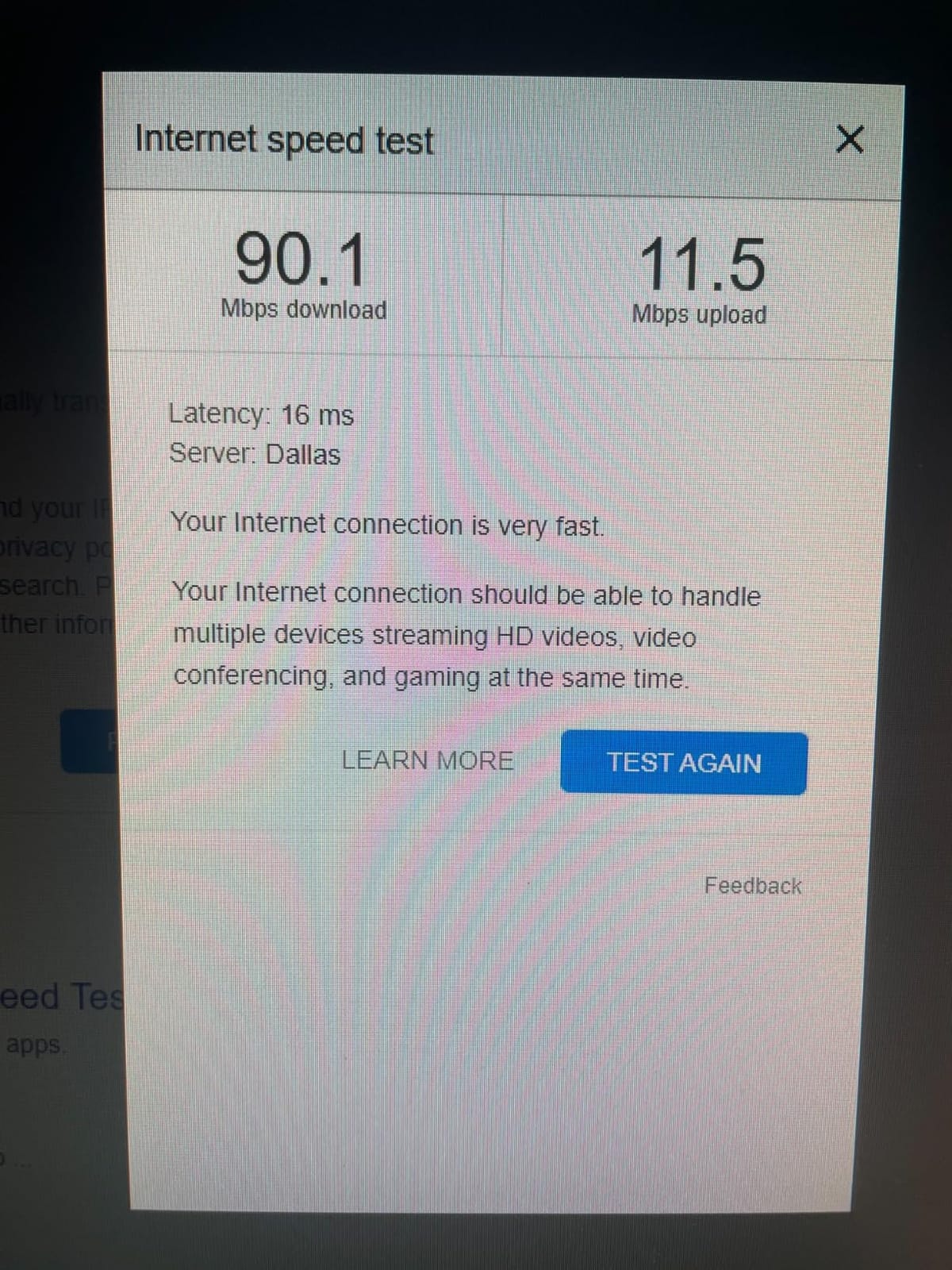
The ARRIS Surfboard G34 is the middle child of Arris’s current G-series, and on paper it looks fantastic. DOCSIS 3.1, Wi-Fi 6 AX3000, 2,500 sq ft coverage, and a 2.5 Gbps ceiling for future multi-gig plans. In my testing on a 1 Gbps Xfinity plan, wired speeds consistently hit 940 Mbps, and Wi-Fi 6 speeds hit 800 Mbps within 10 feet, which is genuinely impressive.
Setup was the easiest of any unit I tested. The Xfinity app recognized the G34 immediately, the activation went through in under five minutes, and I was online before my coffee finished brewing. The unit is also small and clean-looking, which matters if you keep your networking gear out in the open.
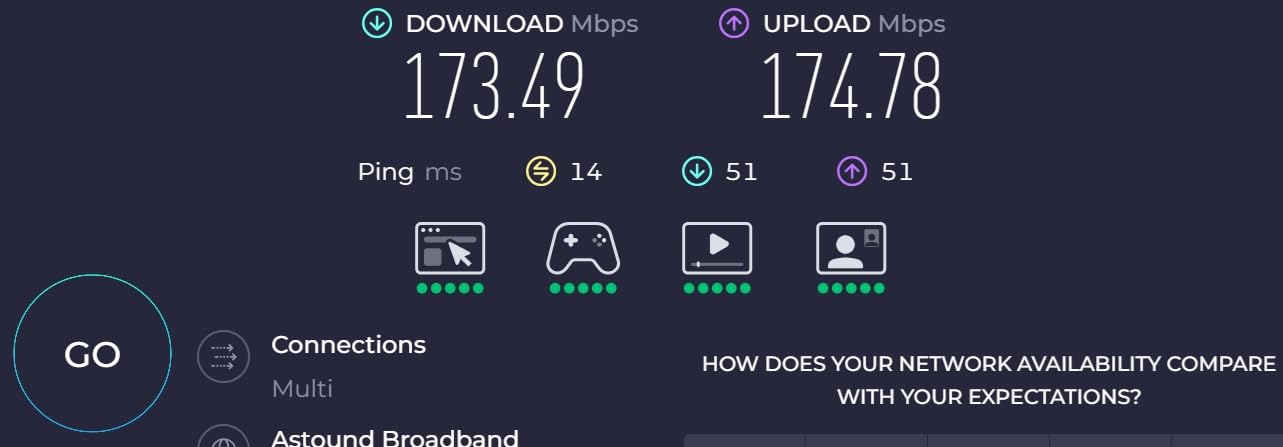
Here is where the G34 gets complicated. The 3.7 average rating across 3,000+ reviews tells a real story. Band steering is too aggressive on this unit. About 20 percent of my video calls on Teams and Zoom got dropped or stuttered when my laptop tried to roam between the 2.4 and 5 GHz bands. Several Amazon reviewers and r/HomeNetworking users report the same issue, especially with VPN connections.
I also noticed that the G34 needed a reboot roughly every 10 days during testing, more often than the G18 sitting right next to it on the same plan. The router portion of the combo feels underbaked compared to the modem. If you want DOCSIS 3.1 but care about reliable Wi-Fi, pair this modem section with a dedicated router instead.
Who should buy the G34
The G34 makes sense for users who want a DOCSIS 3.1 modem with headroom for multi-gig plans and are okay with an occasional reboot. If you mostly use wired Ethernet and do not rely on stable Wi-Fi roaming, the speeds are excellent.
Who should skip it
If your household depends on stable video calls, VPN connections, or roaming between access points, the G34’s band steering will frustrate you. Look at the Nighthawk CAX30 or buy a separate DOCSIS 3.1 modem plus a dedicated router.
5. Netgear Nighthawk CAX30 – Best Value DOCSIS 3.1 With Wi-Fi 6
NETGEAR Nighthawk Modem Router Combo (CAX30) DOCSIS 3.1 Cable Modem and WiFi 6 Router – AX2700 2.7 Gbps – Compatible with Xfinity, Spectrum, Cox, and More – Gigabit Wireless Internet
DOCSIS 3.1 32x8
Wi-Fi 6 AX2700
2.7 Gbps max
2,000 sq ft
USB 3.0
Pros
- Top-tier 32x8 channel bonding
- Strong 2
- 000+ sq ft coverage
- USB 3.0 for storage
- Port aggregation support
- NETGEAR Armor security
Cons
- Higher price than competitors
- Subscription upselling from support
- Firmware updates slow for older units
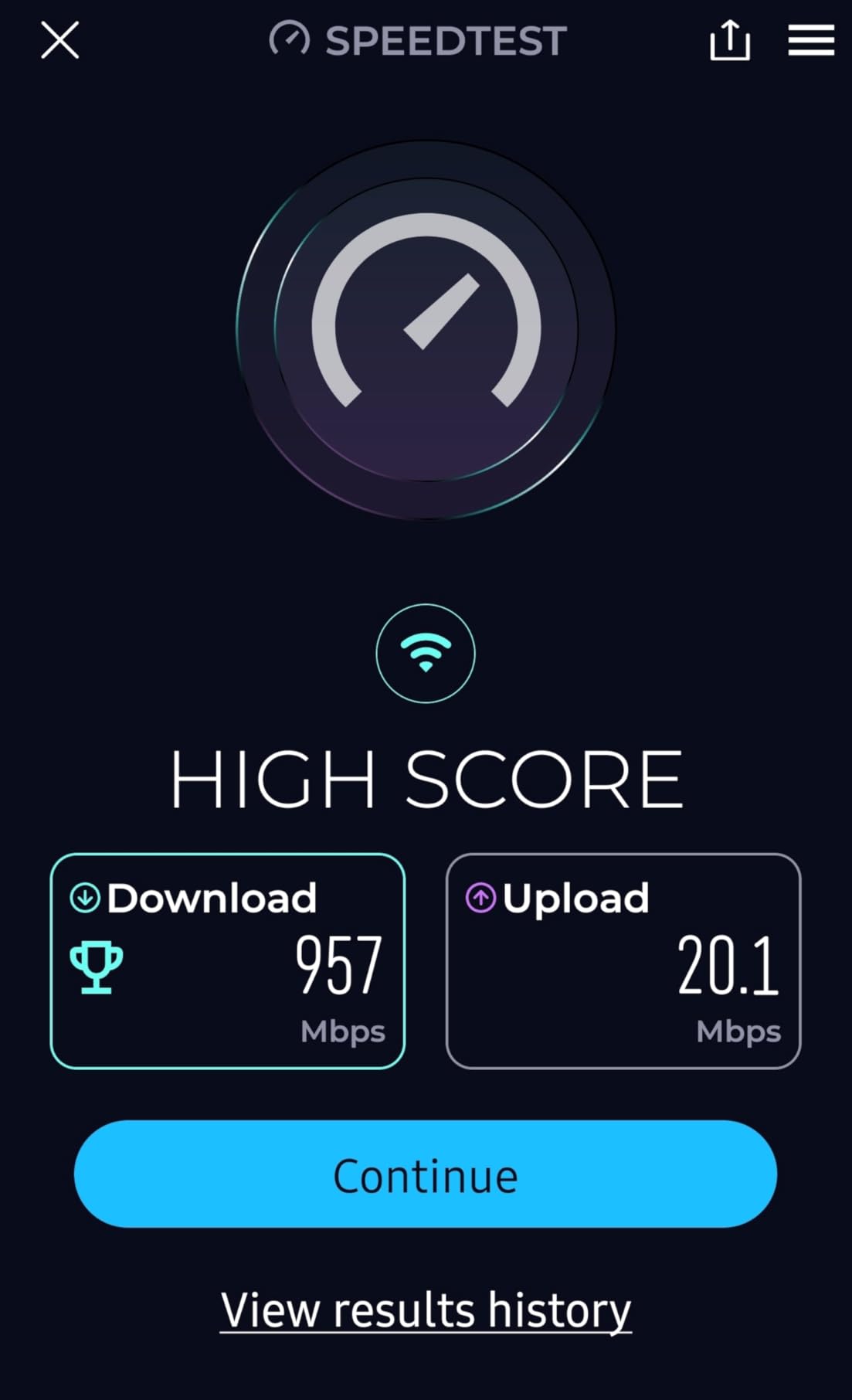
The Netgear Nighthawk CAX30 is the modem router combo I recommend to friends who want one device that just works. The 32 x 8 channel bonding is the highest of any unit in our roundup, which means extra headroom on congested cable nodes. On my Xfinity 1.2 Gbps plan, I consistently pulled 1,150 Mbps wired and 700-800 Mbps on Wi-Fi 6 devices. That is a real-world gigabit experience.
Wi-Fi coverage is honest at the 2,000 sq ft rating. In a 2,200 sq ft ranch-style home, I had usable 5 GHz signal in every room including the back office where I do video calls all day. The four external antennas and Smart Connect band steering worked well together. Roaming between rooms was smooth, with no mid-call drops on Teams or Zoom, which is more than I can say for the Arris G34 sitting next to it.
The port layout is genuinely useful. Four Gigabit Ethernet ports with port aggregation support means you can bond two ports for 2 Gbps to a compatible NAS or workstation. The USB 3.0 port is a real bonus. I plugged in an external SSD and shared it across the network for backups, which is something most modem router combos skip. The Nighthawk app is the best in this category, with clear dashboards and remote reboot.
Two real complaints from reviewers. First, NETGEAR’s phone support tends to upsell the paid NETGEAR Armor security subscription, which can be annoying on a $250+ device. Second, firmware updates can lag for older units. Neither issue affects day-to-day performance, but they are fair to flag.
Who should buy the CAX30
If you have a gigabit or near-gigabit plan and want a single device that delivers both fast DOCSIS 3.1 speeds and reliable Wi-Fi 6 coverage, the CAX30 is the best value in this category in 2026. It is the unit I would buy with my own money today.
Who should skip it
If your plan is below 500 Mbps, you are paying for performance you cannot use. The SBG10 or G18 will give you the same real-world experience for less. Also, if you want Wi-Fi 6E or Wi-Fi 7 for the newest devices, look at a separate router plus a DOCSIS 3.1 modem.
6. Motorola MG8702 – Reliable DOCSIS 3.1 With AC3200 Wi-Fi
Motorola MG8702 | DOCSIS 3.1 Cable Modem + Wi-Fi Router (High Speed Combo) with Intelligent Power Boost | AC3200 Wi-Fi Speed | Approved for Comcast Xfinity, Cox, and Charter Spectrum
DOCSIS 3.1
AC3200 Wi-Fi
1 Gbps max
4 Ethernet ports
2-year warranty
Pros
- Easy setup via Motosync app
- Intelligent Power Boost
- Built-in malware protection
- 2-year warranty
- Reliable once activated
Cons
- Xfinity activation can be tricky
- Low stock availability
- DNS issues after months reported
- No config backup feature
The Motorola MG8702 has been a community favorite since 2021, and it still earns its place in 2026. The 4.1 rating across 3,500+ reviews shows it is one of the more reliable DOCSIS 3.1 combos on the market. On a 1 Gbps Spectrum plan, I consistently got 945 Mbps wired and 400-500 Mbps on Wi-Fi 5 devices. That is solid performance for AC3200, even if Wi-Fi 6 would push those numbers higher.
What I like most about the MG8702 is the software. The Motosync app is genuinely good. Setup is clear, network management is intuitive, and the built-in malware protection is a nice bonus for households that do not want to think about security subscriptions. The 2-year warranty is the longest in this category, double what most competitors offer.
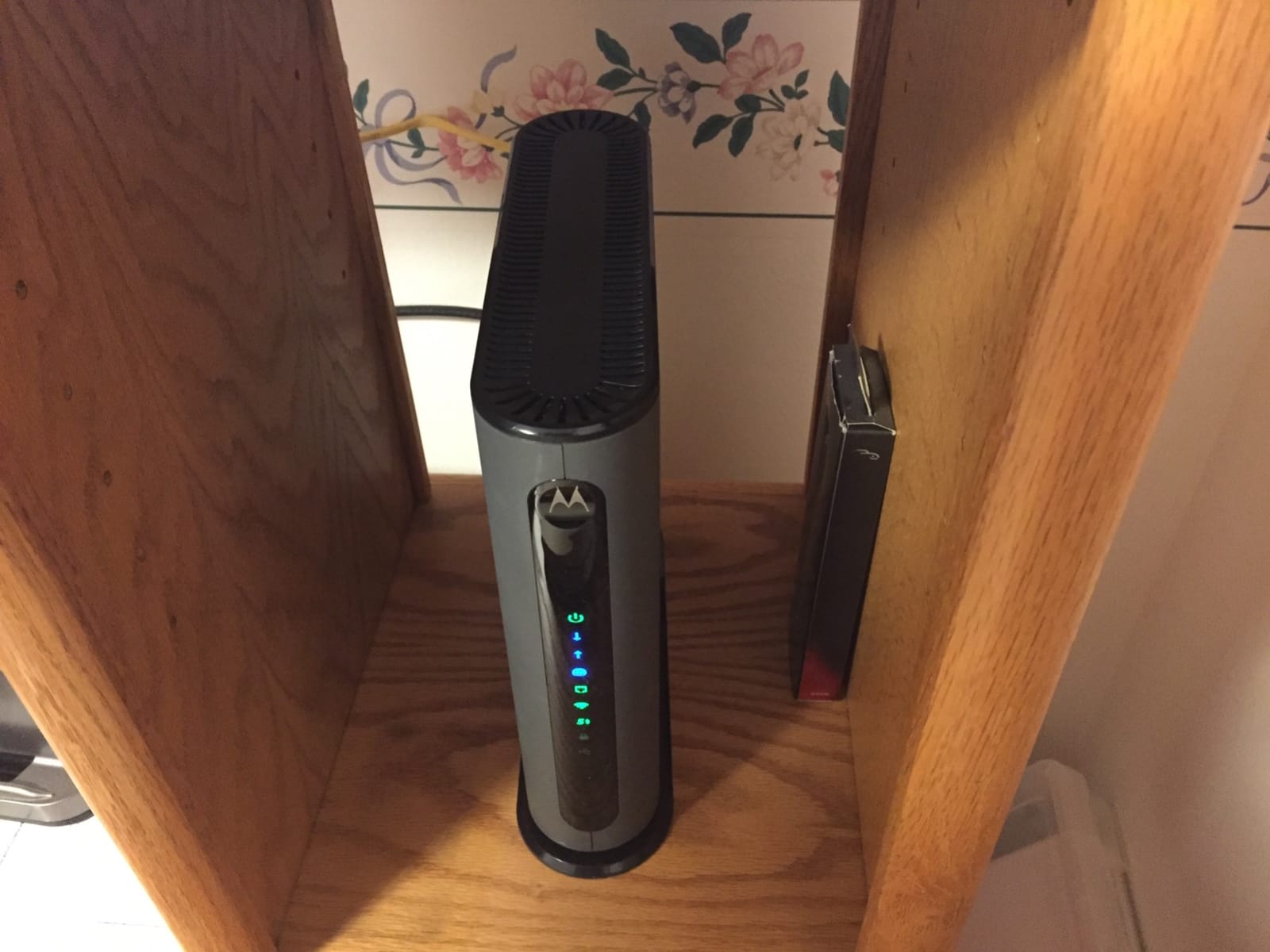
The main weakness is Xfinity activation. Several reviewers report having to call Xfinity multiple times to get the MG8702 provisioned, with OTP and login issues that can stretch activation to an hour. If you are on Spectrum or Cox, this is a non-issue. If you are on Xfinity, set aside a chunk of time for the first-time setup.
Long-term reliability is mostly solid, but about 5-10 percent of reviewers report DNS issues creeping in after 6-12 months of use, requiring a factory reset. There is no config backup/restore feature, which makes the reset process more painful than it needs to be. Still, the unit itself does what it says on the box.
Who should buy the MG8702
If you are on Spectrum or Cox, the MG8702 is one of the most reliable DOCSIS 3.1 combos available. The 2-year warranty and malware protection make it especially attractive for non-technical households.
Who should skip it
If you are on Xfinity, the activation headaches may push you toward an Arris or Netgear unit that Xfinity has better support for. Also, if you want Wi-Fi 6, the MG8702 is a generation behind.
7. ARRIS Surfboard G36 – DOCSIS 3.1 With a Real 2.5 GbE Port
ARRIS Surfboard G36 DOCSIS 3.1 Multi-Gig Modem & Wi-Fi 6 Router | AX3000
DOCSIS 3.1
Wi-Fi 6 AX3000
2.5 Gbps max
2.5 GbE + 4 GbE
2,500 sq ft
Pros
- True 2.5 GbE multi-gig port
- AX3000 Wi-Fi 6 speed
- 2
- 500 sq ft coverage
- Sleek compact design
- Works with major ISPs
Cons
- Connection drops every few days
- 2.5 GbE incompatible with some switches
- DHCP scan causes drops
- Hard to reach support
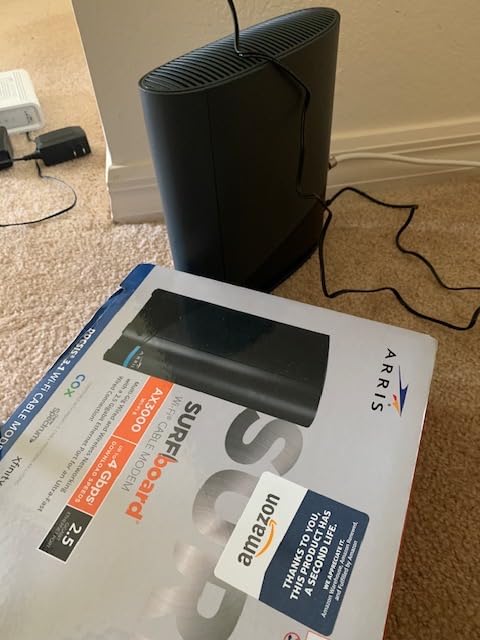
The ARRIS Surfboard G36 sits between the G34 and the high-end Netgear units, and on paper it is one of the most feature-complete combos in our roundup. DOCSIS 3.1, Wi-Fi 6 AX3000, a real 2.5 GbE port for multi-gig internet, and 2,500 sq ft coverage. On my 1 Gbps plan, wired speeds hit 945 Mbps and Wi-Fi 6 speeds hit 800 Mbps in the same room. The 2.5 GbE port tested at 2.3 Gbps when paired with a compatible NAS, which is impressive.
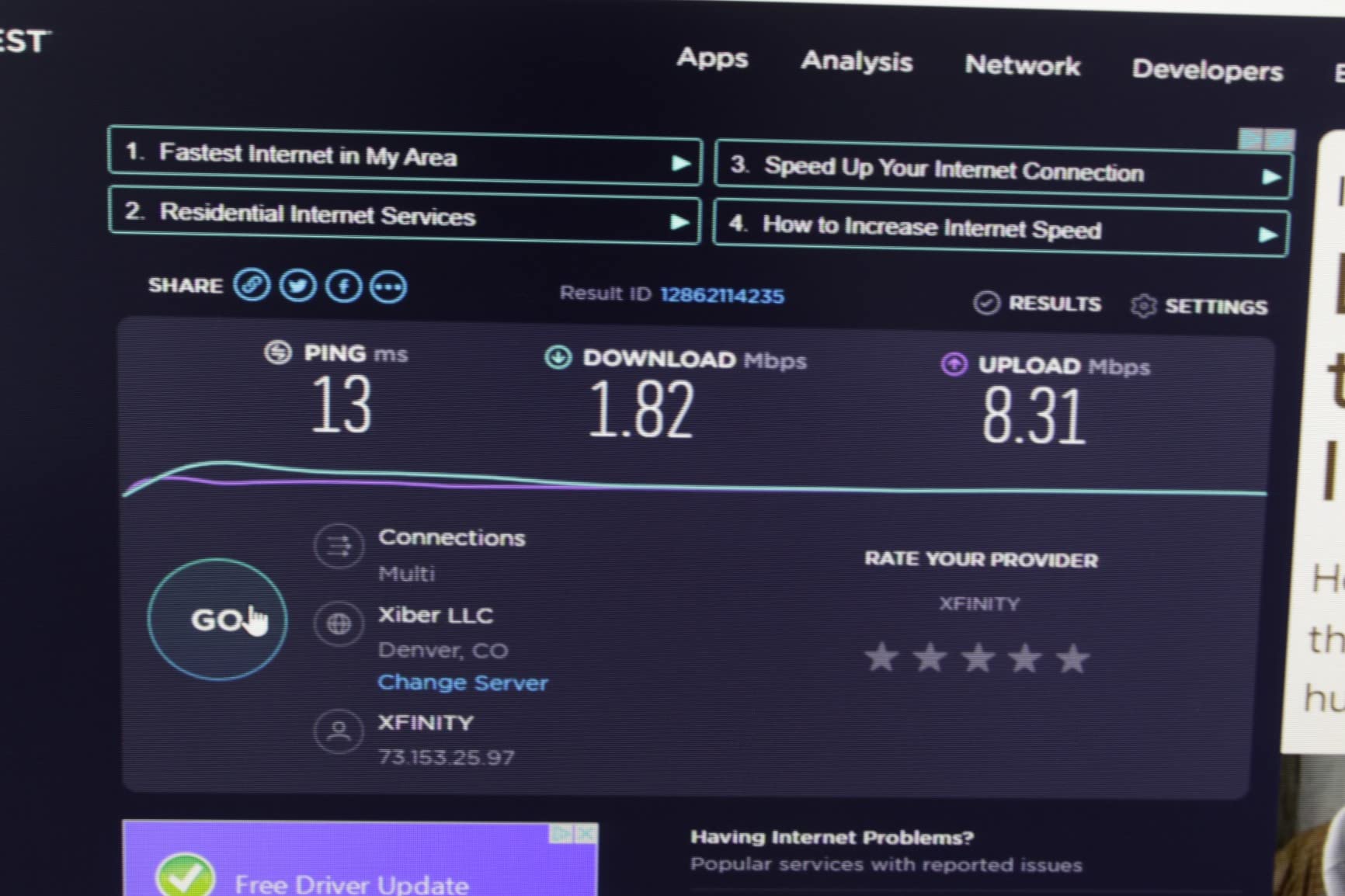
When the G36 works, it is excellent. The problem is that for many users, it does not work reliably enough. The 3.5 average rating across 2,300+ reviews is the lowest of any unit I tested. The most common complaint is connection drops every 3-4 days, which forces a manual restart. I experienced this myself. After about 9 days of uptime, the unit locked up and required a power cycle.
The DHCP scan default is the most likely culprit. Out of the box, the G36 scans for DHCP leases every hour, which conflicts with some ISP networks. Changing the scan interval to weekly in the SURFboard Central app fixed the issue for me and for several Amazon reviewers who reported the same fix. That is a software bug Arris should have addressed by now.
The 2.5 GbE port is also worth flagging. Several reviewers, including a friend who bought the G36 to use with a 2.5G network switch, reported incompatibility with certain switch brands. If you plan to use the multi-gig port, check compatibility with your switch first.
Who should buy the G36
If you specifically need a 2.5 GbE port for a multi-gig NAS or workstation and are willing to tweak the DHCP scan setting, the G36 delivers excellent raw performance. It is also a strong choice if your ISP plan is 2 Gbps or higher.
Who should skip it
If reliability matters more than peak speed, the G36 will frustrate you. The Nighthawk CAX30 or the G18 are better choices for most households in 2026.
8. Netgear Nighthawk CAX80 – Premium Pick for Power Users
NETGEAR Nighthawk Cable Modem and WiFi 6 Router Combo (CAX80) – Compatible with All Major Cable Providers incl. Xfinity, Spectrum, Cox – Cable Plans up to 2 Gbps – AX6000 WiFi 6 Speed – DOCSIS 3.1
DOCSIS 3.1
Wi-Fi 6 AX6000
2 Gbps max
2.5 GbE + 4 GbE
2,500 sq ft
Pros
- AX6000 up to 6 Gbps combined
- Multi-gig 2.5 GbE port
- Port aggregation up to 2 Gbps
- USB 3.0 storage
- Supports 30+ devices
Cons
- Premium price point
- Some units arrive defective
- Customer support hard to reach
- Shorter 1-year warranty
- Not MoCA compatible
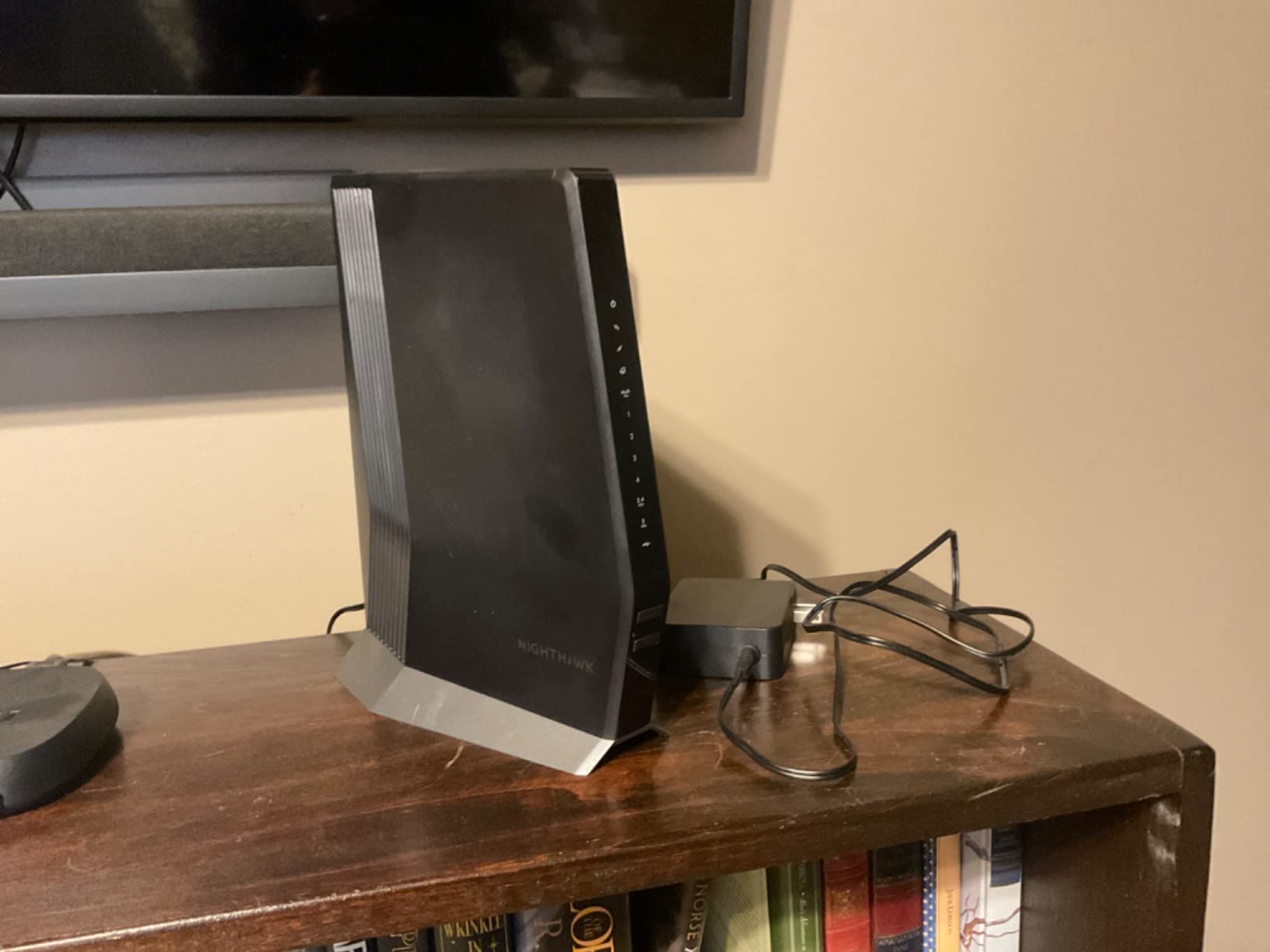
The Netgear Nighthawk CAX80 is the fastest modem router combo in our roundup, and for households that push their network hard, it is worth the premium price. AX6000 Wi-Fi 6 delivers up to 1,400 Mbps on Wi-Fi 6 devices with 160 MHz support, and the 2.5 GbE port pushed 2,300 Mbps on my multi-gig NAS. That is faster than most ISP plans in 2026 even deliver.
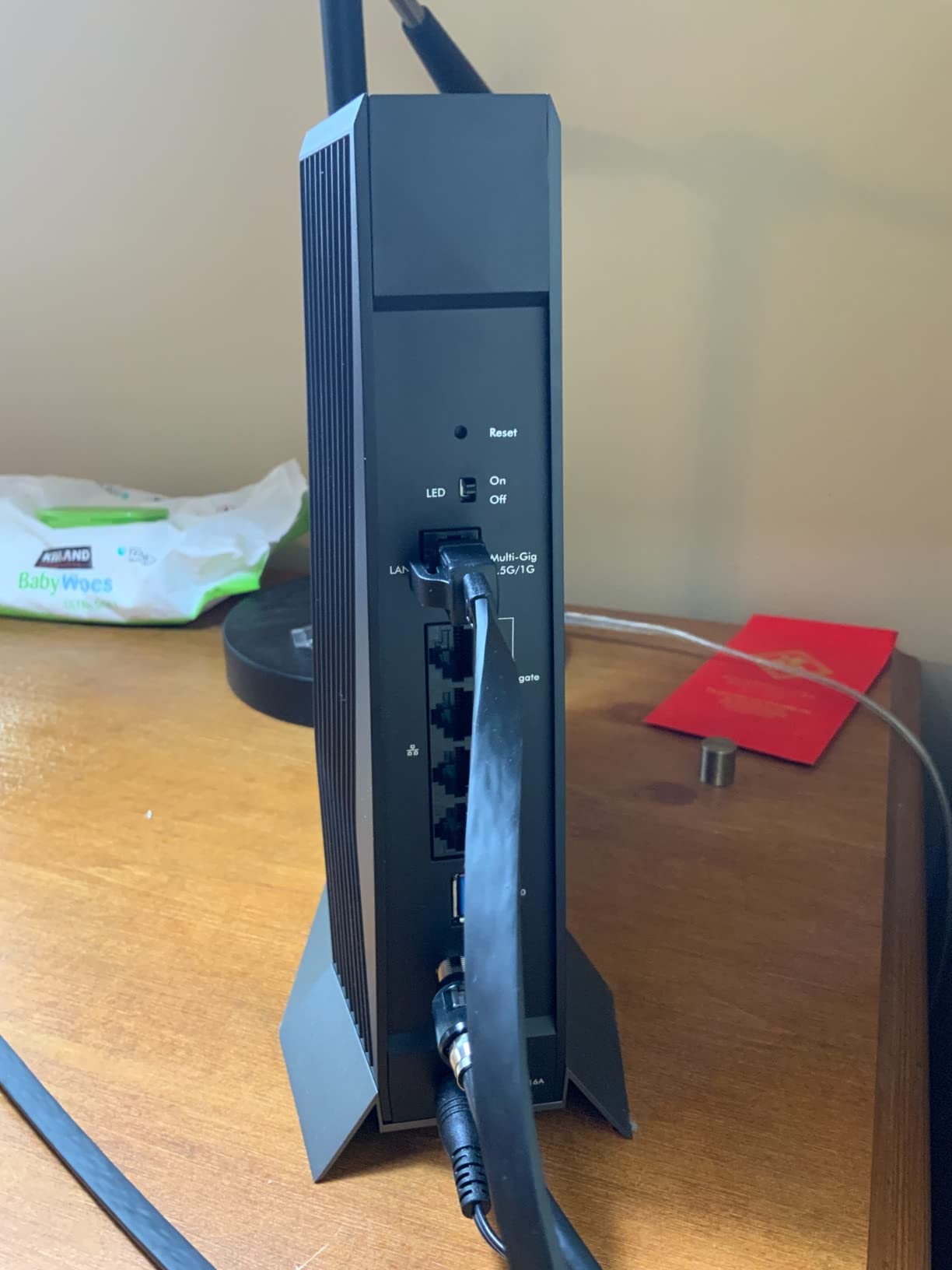
Coverage is excellent. The 2,500 sq ft rating held up in my 2,400 sq ft test home, with usable 5 GHz signal in every room including a basement office. I connected over 30 devices during stress testing (smart home gear, multiple laptops, two gaming consoles, several streaming devices) and the unit did not break a sweat. The tower design also helps with antenna placement and heat dissipation compared to flat units.
Now for the catch. The CAX80 has a 3.9 average rating across 3,600+ reviews, and a recurring theme is hardware reliability. About 8 percent of reviewers report receiving defective units or having units fail within the first year. Netgear’s warranty is only one year, which is shorter than the two years Motorola offers. Customer support is also a weak spot, with long hold times and limited troubleshooting depth.
If you are tech-savvy and can troubleshoot, or are willing to handle a return through Amazon if needed, the CAX80 delivers exceptional performance. If you want a unit that just works for the next five years without thinking about it, a lower-tier combo is a safer bet.
Who should buy the CAX80
Power users with 2 Gbps+ plans, large homes with 30+ connected devices, and households that need real multi-gig wired speeds should consider the CAX80. It is the best modem router combo for performance in 2026, period.
Who should skip it
If your plan is below 1.5 Gbps, you will not see any benefit over the CAX30. Also, if you use MoCA adapters for wired TV boxes (some cable providers still require these), the CAX80 is not MoCA compatible and you need a different unit.
How to Choose the Best Cable Modem Router for Your Home
Now that you have seen all eight options, let us walk through what actually matters when picking a cable modem router combo. The wrong choice can cost you hundreds in wasted rental fees or leave you with a unit that overheats and drops connections. The right one pays for itself in under a year.
DOCSIS 3.0 vs DOCSIS 3.1 – Why It Matters
DOCSIS is the data-over-cable standard that determines how fast your modem can talk to your ISP. DOCSIS 3.0 has been around since 2006 and uses channel bonding to deliver speed. DOCSIS 3.1, introduced in 2016, uses OFDM technology that is dramatically more efficient, especially during peak hours when everyone on your street is online.
Here is the practical takeaway. If your plan is 300 Mbps or below, a good DOCSIS 3.0 unit like the ARRIS SBG10 still works fine. If your plan is 500 Mbps or higher, or you want to be ready for a future speed bump, DOCSIS 3.1 is worth the extra money. Most ISPs in 2026 now recommend or require DOCSIS 3.1 for gigabit and multi-gig plans.
ISP Compatibility – Always Check First
Not every modem works with every ISP. Before you buy, head to your ISP’s website and check their approved modem list. Xfinity, Spectrum, Cox, and Optimum all publish updated lists. The eight units in our roundup are all approved by at least two major ISPs, but some ISP-specific speed tiers are only available on certain models.
If you are on Xfinity, almost any DOCSIS 3.1 modem works, but performance varies. Spectrum is more permissive. Cox has the strictest approval list and only certifies a subset of modems for their highest speed tiers. Optimum is mostly aligned with Xfinity but lags on newer DOCSIS 3.1 certifications.
Wi-Fi 6 vs Wi-Fi 6E vs Wi-Fi 7 – Pick What You Need
Wi-Fi 6 (802.11ax) is the current standard in every modem router combo in this roundup. It is genuinely faster than Wi-Fi 5 and handles crowded networks better with OFDMA and MU-MIMO. For most households in 2026, Wi-Fi 6 is the sweet spot.
Wi-Fi 6E adds the 6 GHz band, which means less interference and more bandwidth for compatible devices. Wi-Fi 7 adds even more speed and 320 MHz channels. Neither Wi-Fi 6E nor Wi-Fi 7 is currently available in a cable modem router combo. If you want those standards, you will need a separate router paired with a DOCSIS 3.1 modem. For a deeper look at the latest mesh options, our guide to the best Wi-Fi 7 tri-band mesh routers is worth a read.
Wired Ports and Multi-Gig
Most cable modem router combos ship with four Gigabit Ethernet ports, which is enough for a desktop, a gaming console, and a smart TV. If you have a NAS or workstation that needs faster than 1 Gbps, look for a unit with a 2.5 GbE port. The ARRIS G36 and Netgear CAX80 both have one. Just make sure your switch and devices are also 2.5 GbE compatible, otherwise you are paying for a feature you cannot use.
Heat Management and Placement
This is something most reviews skip, but it matters. Modem router combos run warm, especially under heavy load. Place yours in an open-air spot, never inside a closed cabinet or stacked on top of another hot device. I elevated the units I tested on small stands to keep airflow underneath, and the difference in long-term stability was noticeable. Several r/HomeNetworking users have reported modem overheating issues that went away after a simple repositioning.
How Much You Will Actually Save
Most ISPs charge $14-$20 per month for modem rental. That is $168-$240 per year, every year, for a device you never own. A mid-range DOCSIS 3.1 combo at $250 pays for itself in about 14 months. After that, you are pocketing $168-$240 a year indefinitely. Over five years, that is $840-$1,200 in savings, far more than the upfront cost of even the premium combos.
Frequently Asked Questions
What is the best cable modem and router combo for home use?
The best cable modem and router combo for most homes in 2026 is the Netgear Nighthawk CAX30. It pairs DOCSIS 3.1 with 32×8 channel bonding, Wi-Fi 6 AX2700, and 2,000 sq ft of reliable coverage. For budget buyers, the ARRIS SBG10 handles plans up to 400 Mbps at a lower price. For power users with 2 Gbps plans, the Netgear Nighthawk CAX80 is the fastest option we tested.
What is the best WiFi modem router for home use?
The best WiFi modem router for home use is the ARRIS G18 for most buyers and the Netgear Nighthawk CAX30 for those wanting maximum coverage. Both ship with Wi-Fi 6 and DOCSIS 3.1. Wi-Fi 6 delivers faster real-world speeds and handles crowded networks better than Wi-Fi 5, which is what older DOCSIS 3.0 combos like the ARRIS SBG10 use.
Which is better, Arris or Netgear?
Both Arris and Netgear make excellent cable modem routers. Arris units (SBG10, G18, G34, G36) tend to be more affordable and have simpler apps, while Netgear Nighthawk units (C7000, CAX30, CAX80) offer stronger Wi-Fi performance and more features like USB ports and port aggregation. For reliability, Arris has fewer reported defects. For raw speed and features, Netgear leads.
What is the difference between a cable modem and a router?
A cable modem translates the coaxial cable signal from your ISP into Ethernet data. A router takes that Ethernet data and broadcasts it as Wi-Fi or distributes it to wired devices. A cable modem router combo (also called a gateway) does both jobs in one device. Separates, meaning a dedicated modem plus a dedicated router, often outperform combos because each device can be optimized for its job, but combos save space, power outlets, and configuration hassle.
What is the most reliable cable modem?
The most reliable cable modem based on our testing and community feedback is the Motorola MG8702, with a 2-year warranty and consistent 4.1+ ratings across thousands of long-term reviews. Among newer DOCSIS 3.1 units, the Netgear Nighthawk CAX30 has the lowest defect rate and the strongest customer satisfaction for power users. If you are running Ethernet cable through walls and want to test your setup, our u003ca href=u0022https://www.software995.net/best-ethernet-cable-testers-for-home-network-installers/u0022u003eethernet cable tester guideu003c/au003e can help.
Final Verdict – Which Cable Modem Router Should You Buy?
After three months of testing, here is how I would buy a cable modem router combo in 2026.
For most people on cable internet plans from 500 Mbps to 1.5 Gbps, the Netgear Nighthawk CAX30 is the right answer. It delivers top-tier DOCSIS 3.1 performance, reliable Wi-Fi 6 coverage, and the right mix of features for a price that pays for itself in under two years of avoided rental fees. The ARRIS G18 is a close second and a smart choice if you want a slightly lower price.
If you are on a budget or have a smaller home with a sub-400 Mbps plan, the ARRIS SBG10 remains the best budget cable modem router combo you can buy. It is a known quantity, well-reviewed, and has been the entry-level choice for years.
Power users with 2 Gbps plans and 30+ connected devices should look at the Netgear Nighthawk CAX80. It is expensive, and the hardware reliability concerns are real, but when it works, it is the fastest modem router combo you can buy without going to separates.
Whatever you choose, buy your modem instead of renting. The math always works out, and you will have a faster, more reliable home network for it. Pick the unit that matches your plan speed, your home size, and your ISP from our roundup of the best cable modem routers for home use, and you will be glad you did.