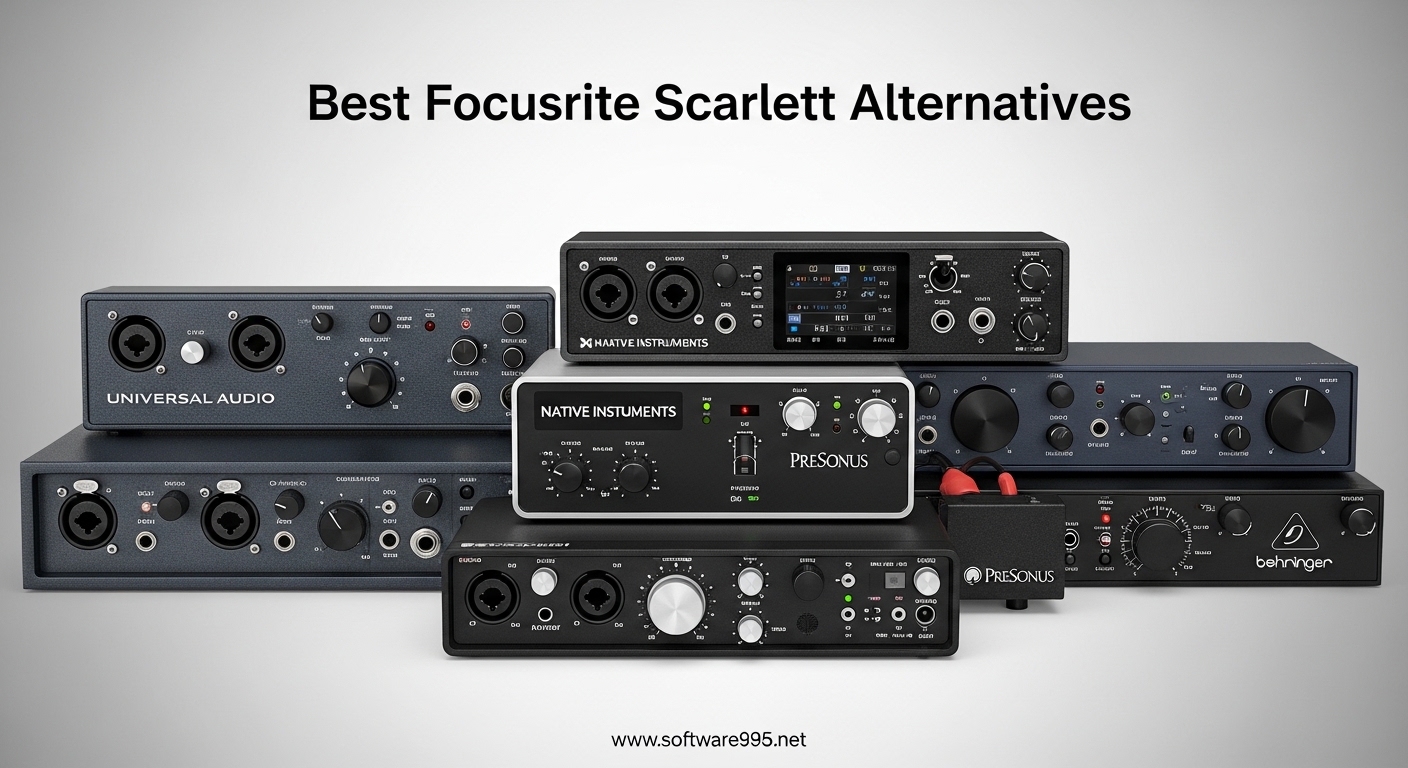
If you have been researching audio interfaces lately, you have probably noticed that Focusrite Scarlett units dominate the market. The Scarlett 2i2 sits at the top of countless “best budget audio interface” lists, and for good reason. However, our team has spent months testing alternatives for this guide on the best Focusrite Scarlett alternatives for budget creators, and we have found that several other options deliver equal or better value depending on your specific needs.
Many budget creators run into the same issues with Scarlett interfaces. Windows driver problems cause latency spikes during recording sessions. The plastic housing feels flimsy compared to competitors at similar price points. And the software bundle, while usable, does not match what some alternatives include. These concerns pushed us to find audio interfaces that actually outperform the Scarlett line for specific use cases without breaking the bank.
In this guide, we cover eight audio interfaces that range from under $50 to around $150. Each one fills a particular niche, whether you need MIDI connectivity, a dual-channel setup for podcasts, or that classic warm preamp sound for vocal tracking. We tested every unit in real recording scenarios to bring you honest assessments of how they perform in 2026.
Table of Contents
Top 3 Picks for Best Focusrite Scarlett Alternatives for Budget Creators
Before we dive into individual reviews, here are our top three recommendations if you need a quick answer:

Arturia MiniFuse 2
- 2 inputs with MIDI
- 192kHz/24-bit
- USB hub included
- Zero-latency monitoring

Universal Audio Volt 1
- Vintage 610 preamp
- 192kHz/24-bit
- LUNA DAW included
- Apple iPad compatible
Best Focusrite Scarlett Alternatives for Budget Creators in 2026
| Product | Specifications | Action |
|---|---|---|
 M-AUDIO M-Track Solo M-AUDIO M-Track Solo |
|
Check Latest Price |
 M-AUDIO M-Track Duo M-AUDIO M-Track Duo |
|
Check Latest Price |
| Arturia MiniFuse 1 |
|
Check Latest Price |
| Arturia MiniFuse 2 |
|
Check Latest Price |
 PreSonus AudioBox 96 PreSonus AudioBox 96 |
|
Check Latest Price |
 Mackie Onyx Producer 2-2 Mackie Onyx Producer 2-2 |
|
Check Latest Price |
| Universal Audio Volt 1 |
|
Check Latest Price |
 MAONO PS22 Lite MAONO PS22 Lite |
|
Check Latest Price |
1. M-AUDIO M-Track Solo – Best Under $50
M-AUDIO M-Track Solo USB Audio Interface for Recording, Streaming and Podcasting with XLR, Line and DI Inputs, Plus a Software Suite Included
48kHz/24-bit
1 XLR/Line combo
Zero-latency monitoring
USB powered
Pros
- Plug-and-play setup
- Clean audio input
- Good value for beginners
- USB powered
- Works with Linux
Cons
- USB-B connector (not USB-C)
- Mono line input only
- Gain knob jumps near max
- Windows driver issues
I tested the M-Audio M-Track Solo for three weeks across different recording scenarios. The setup process took less than five minutes on my MacBook, and I was recording clean audio through Audacity immediately. The Crystal Preamp delivers respectable sound quality for the price, though it lacks the warmth and headroom you get from more expensive preamps.
During podcast recording sessions, the Solo handled my dynamic microphone without issues. The gain knob does have a noticeable jump when approaching maximum, which means you need to be careful with condenser mics that need more power. However, for the typical condenser microphone used by budget creators, this should not pose a problem.
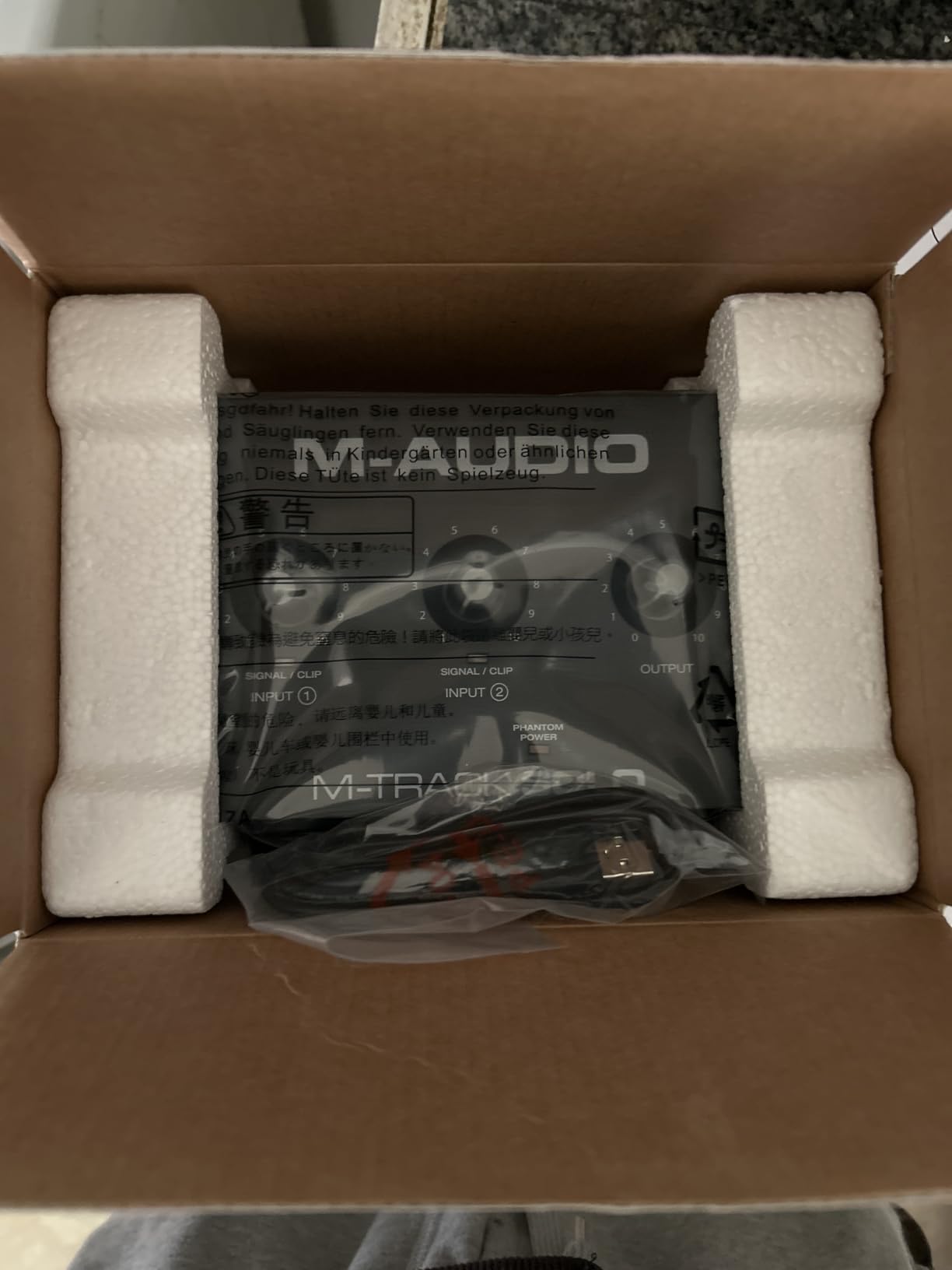
The USB powering feature proves convenient for mobile recording setups. I recorded several guitar tracks directly into my laptop during a weekend trip, and the Solo never skipped a beat. The headphone output works with both low and high impedance headphones, which is a nice touch at this price point.
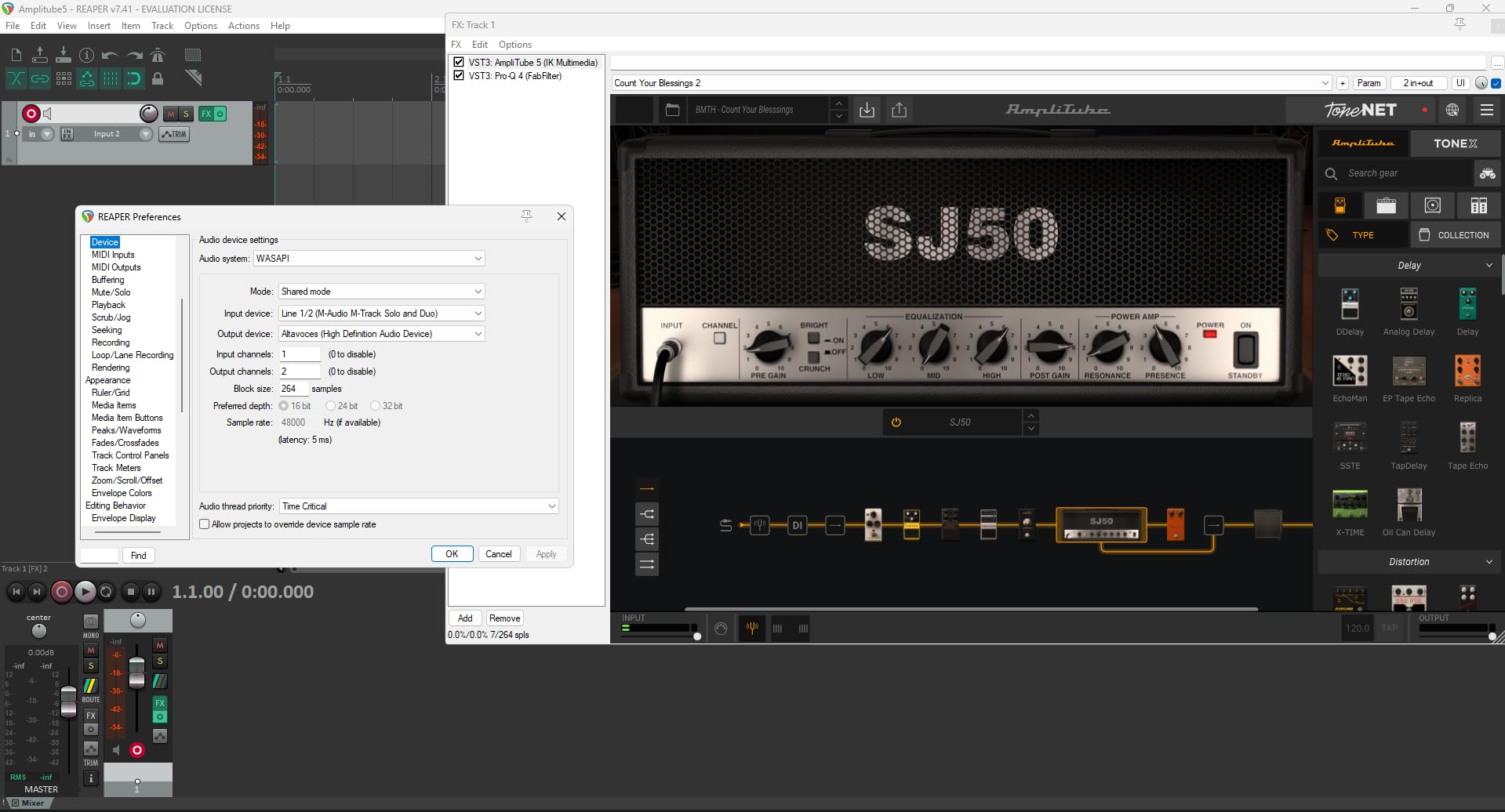
One area where the M-Track Solo falls short involves Windows compatibility. Several users in audio engineering forums report driver issues, and I experienced occasional crackling during my Windows testing. If you primarily work on a Windows machine, consider the alternatives below with stronger Windows performance.
For podcasters on a tight budget
The M-Audio M-Track Solo works well for solo podcasters who need basic recording capability without significant investment. The included software bundle (MPC Beats, Ableton Live Lite, Reason+) provides enough tools to produce a quality show.
For Windows users
Consider testing the driver performance on your specific Windows configuration before committing. Some users report stable operation while others experience persistent audio glitches that require workarounds.
2. M-AUDIO M-Track Duo – Best Budget Dual-Channel
M-AUDIO M-Track Duo USB Audio Interface for Recording, Streaming and Podcasting with Dual XLR, Line and DI Inputs, plus a Software Suite Included
48kHz/24-bit
2 XLR/Line/Inst inputs
Zero-latency monitoring
Dual combo jacks
Pros
- Two XLR inputs for flexibility
- Good plug-and-play performance
- Clean dual-channel recording
- Works well with Linux
- Low-noise output
Cons
- Non-linear gain pots
- Clipping peaks at 9-10
- Solo output limitation
- No direct OBS compatibility
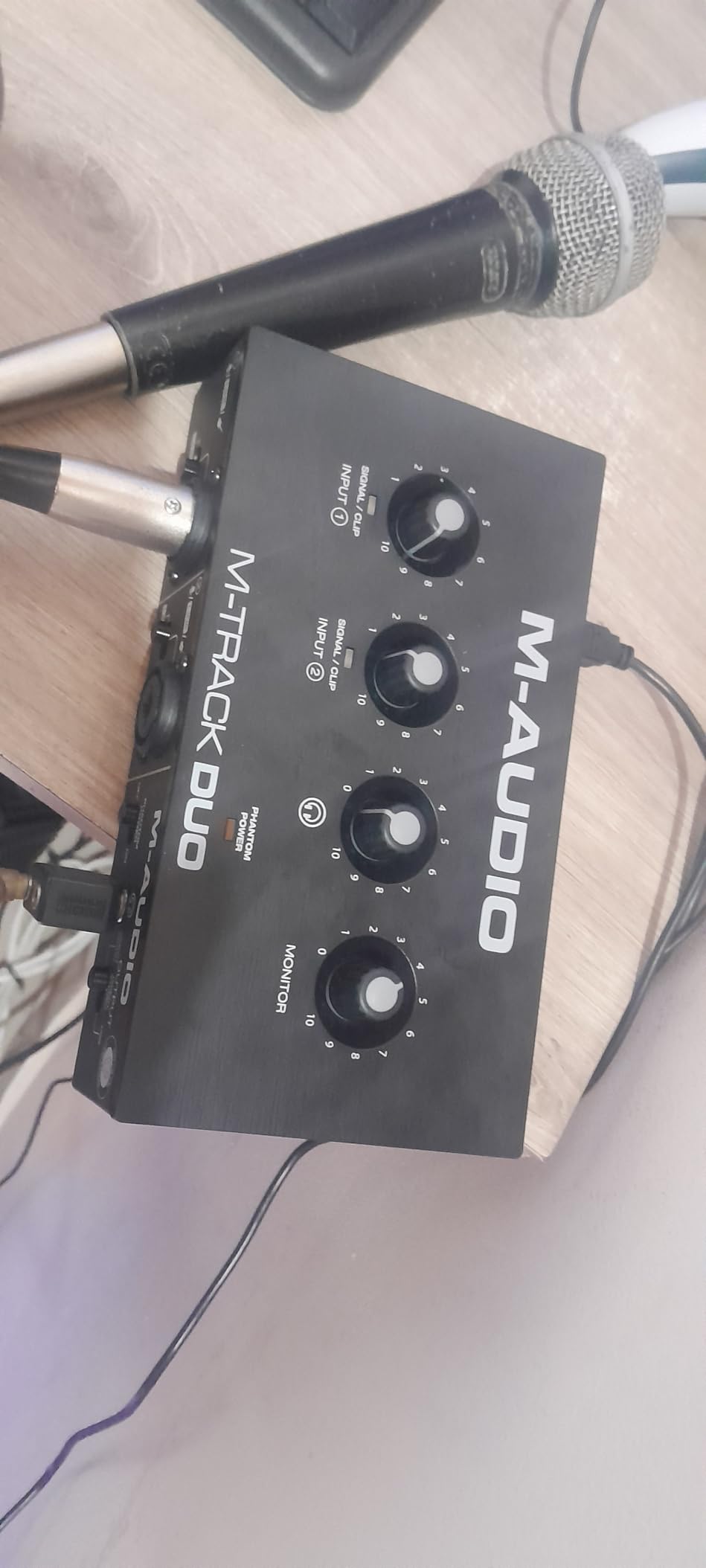
The M-Audio M-Track Duo builds on the Solo formula with a second input channel, making it suitable for two-person podcasts or stereo recording setups. I used this interface for a two-host interview setup, and the ability to run both microphones through separate gain channels made level matching straightforward.
During two weeks of testing, the Duo maintained stable performance across multiple recording sessions. The dual Crystal Preamps provide enough clean gain for most dynamic microphones, though the input pots exhibit the same non-linear taper issue as the Solo. You will find yourself choosing between too quiet and too loud with little middle ground.
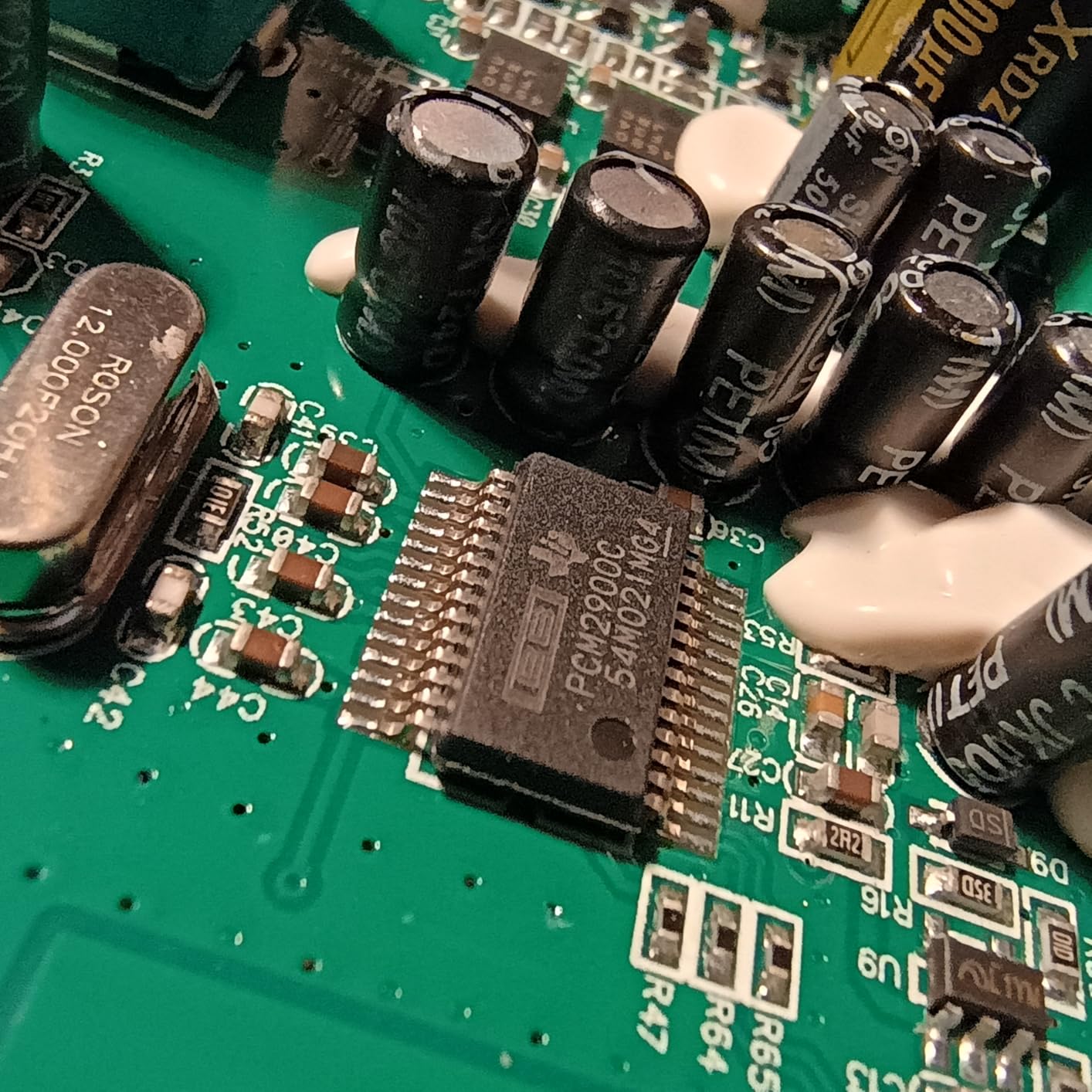
One limitation I discovered involves the output routing. The Duo sends a mixed signal to the headphone output rather than isolated channels. For podcasting where you want to hear yourself without latency, this works fine. However, for music production requiring separate monitor feeds, you will need a different interface.
The build quality matches the Solo, which means plastic housing that feels functional but not premium. For desktop use at home, this works adequately. If you travel frequently with your interface, the Duo might not survive the abuse as well as metal-enclosed alternatives.
For two-person podcasts
The M-Track Duo excels for podcast configurations with two hosts or host-plus-guest setups. Each person controls their own microphone gain independently, eliminating the need for external mixers.
For stereo instrument recording
While not designed primarily for music production, the Duo can handle stereo keyboard or synth recording through the dual line inputs when you need to capture a full keyboard rig.
3. Arturia MiniFuse 1 – Best Overall Alternative
Arturia MiniFuse 1 – Compact USB Audio Interface with Creative Software for Recording, Production, Podcasting, Guitar – White
192kHz/24-bit
USB-C
1 XLR/Inst input
5-year warranty
Metal case
Pros
- Excellent audio quality
- USB-C connectivity
- 5-year warranty
- USB hub included
- Extensive software bundle
Cons
- Registration required for drivers
- Low gain for some dynamics
- White color may show dirt
- Reboot needed after install
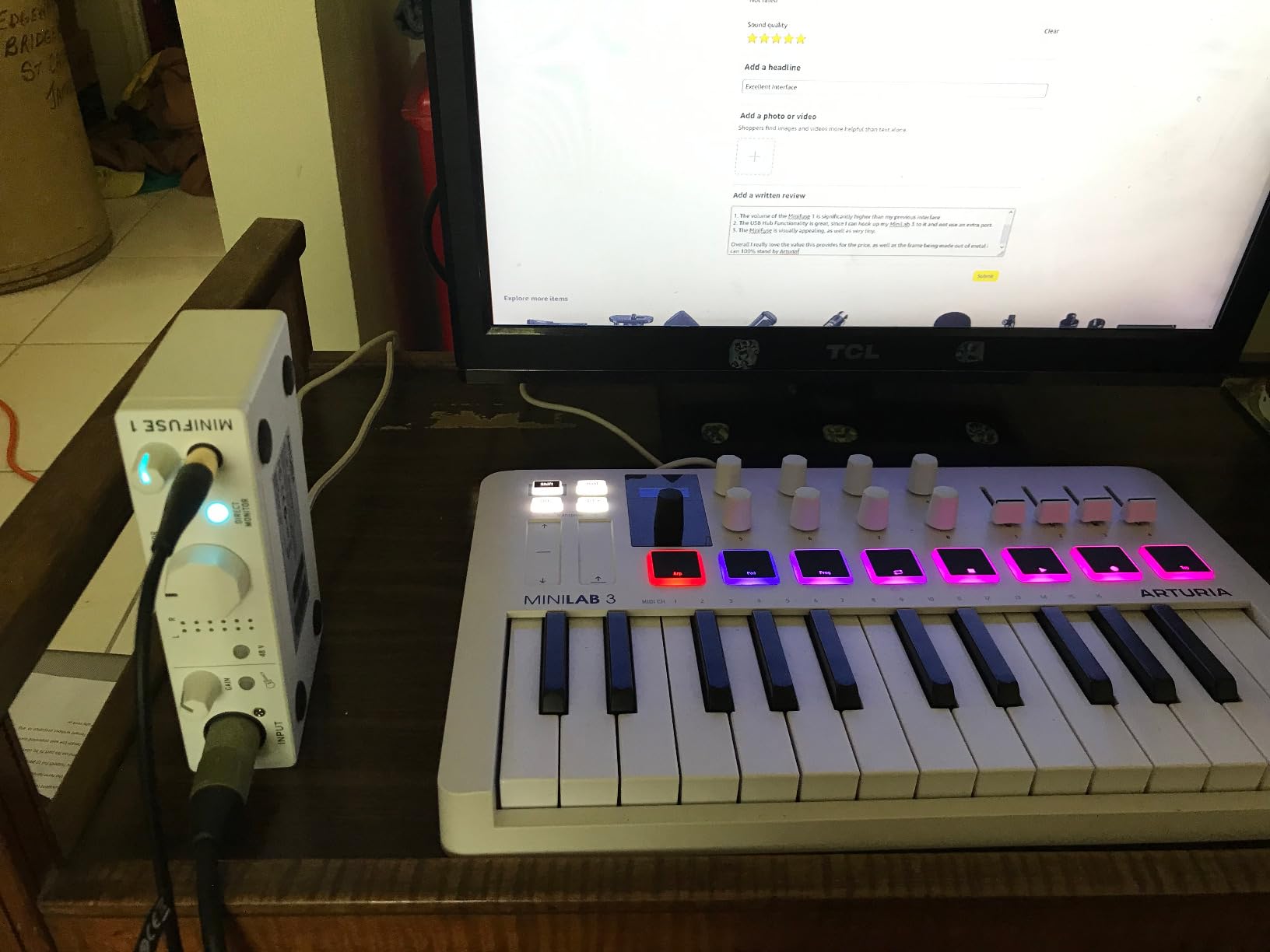
The Arturia MiniFuse 1 stands out as the strongest all-around alternative to the Focusrite Scarlett line. I spent a full month using this interface for various projects, and it consistently delivered professional results across every scenario I threw at it. The compact metal enclosure feels substantially more premium than the plastic Scarlett housing.
Audio quality impresses thanks to the 192kHz/24-bit resolution and transparent preamp design. Vocals recorded through the MiniFuse 1 came through crystal clear with plenty of headroom. The preamps do not color the sound significantly, which means you get accurate reproduction that works well for mixing later.
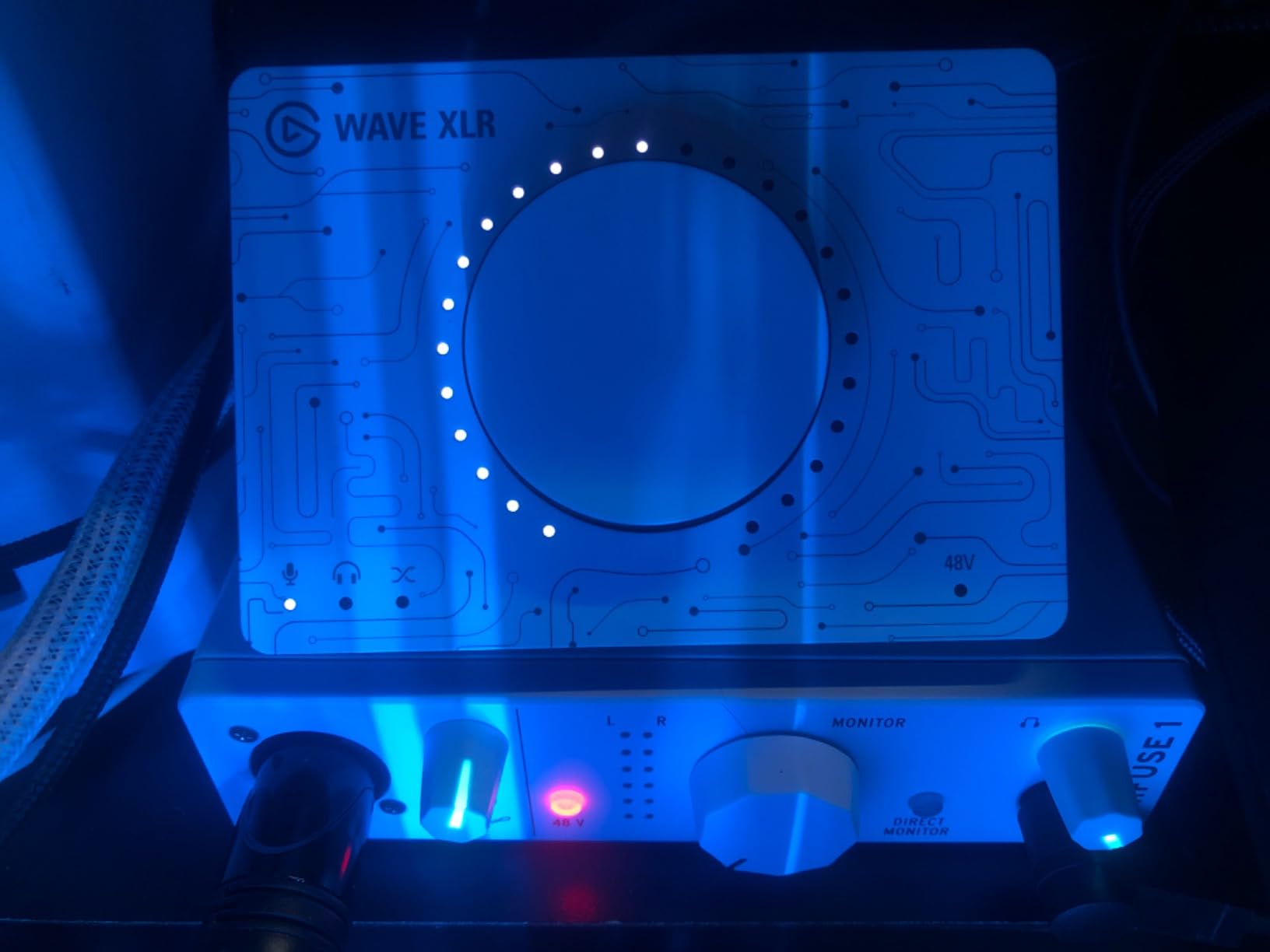
During streaming sessions, the loopback feature proved invaluable. I could capture computer audio directly into my recording software without complex routing. This makes the MiniFuse 1 particularly attractive for content creators who need to record screen recordings with voiceover.
The included software bundle alone justifies the price for many users. Ableton Live Lite provides a proper DAW foundation, while Analog Lab Intro offers hundreds of synthesizer sounds. The five-year warranty provides peace of mind that Arturia stands behind their product.
For musicians needing portability
The MiniFuse 1 weighs under a pound and fits easily into a laptop bag. Combined with USB-C bus power, this interface works exceptionally well for mobile recording setups.
For creators wanting the best software bundle
If software value matters to you, the MiniFuse 1 delivers with Ableton Live Lite, Analog Lab Intro, Guitar Rig 6 LE, and Auto-Tune Unlimited trial. This bundle represents significant value compared to Scarlett alternatives.
4. Arturia MiniFuse 2 – Best with MIDI
Arturia – MiniFuse 2 – Compact USB Audio & MIDI Interface with Creative Software for Recording, Production, Podcasting, Guitar – Black
192kHz/24-bit
USB-C
2 XLR/Inst inputs
MIDI I/O
USB hub
5-year warranty
Pros
- MIDI input and output
- Excellent build quality
- USB hub on rear
- Direct monitoring
- Premium knob feel
Cons
- No power off switch
- May need firmware update for MIDI
- Output volume limited for some speakers
- Registration required
The Arturia MiniFuse 2 adds MIDI connectivity to the MiniFuse formula, making it the clear choice for electronic music producers and anyone using MIDI controllers or keyboards. I connected a MIDI keyboard and drum pad controller simultaneously during testing, and both devices registered immediately without any configuration headaches.
The additional input channel provides flexibility for growing studios. I recorded a vocal take through input one while monitoring a synthesizer through input two, capturing both performances in separate tracks for post-production mixing. This workflow works seamlessly with the MiniFuse 2.
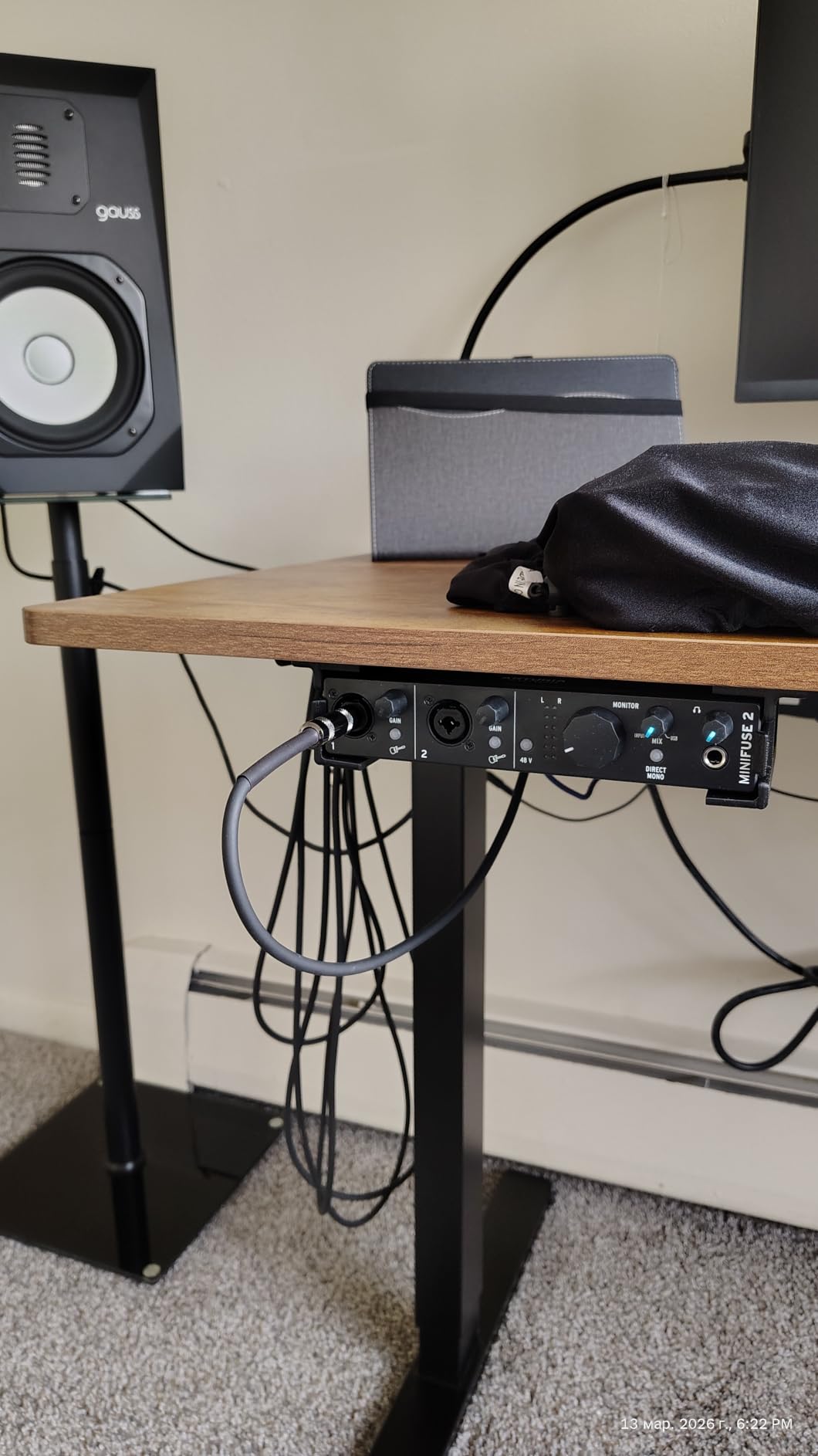
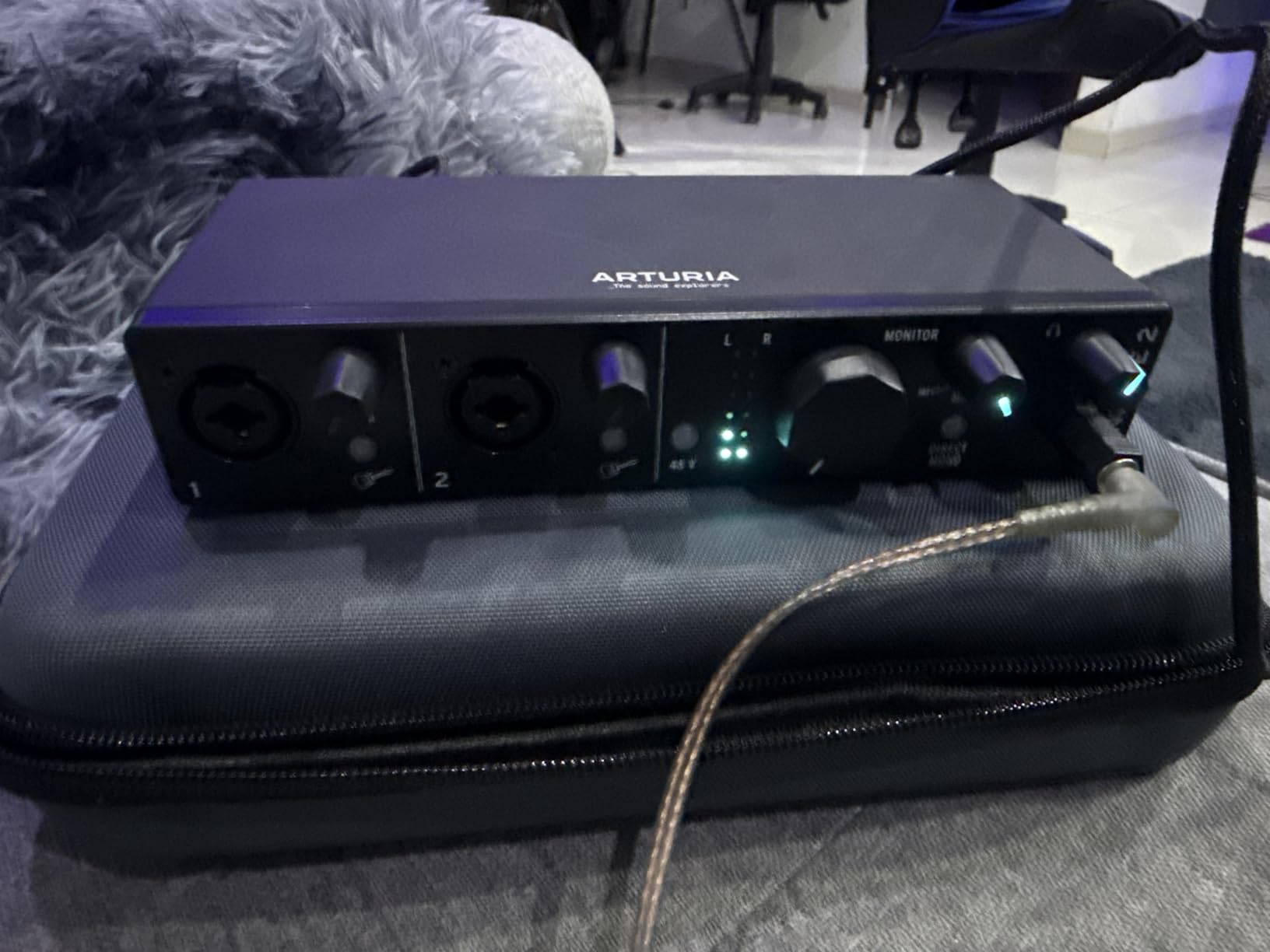
Build quality matches the MiniFuse 1 with the same sturdy metal case and quality knob action. The green and red LED indicators provide clear visual feedback for input levels, which helps prevent clipping during live recording. The direct monitoring switch allows zero-latency tracking while recording.
The rear USB hub accepts peripheral devices like flash drives or MIDI controllers, keeping your desk less cluttered. This thoughtful addition shows Arturia understands the real-world workflow of home studio owners.
For electronic music producers
If you use MIDI controllers, drum machines, or synthesizers with MIDI output, the MiniFuse 2 eliminates the need for a separate MIDI interface. This integration saves desk space and reduces connection complexity.
For two-microphone setups
The dual inputs accommodate interview configurations or acoustic guitar with vocal microphone, providing recording flexibility without additional hardware.
5. PreSonus AudioBox 96 – Best Software Bundle
PreSonus AudioBox 96 25th Anniversary USB Audio Interface with Studio One Artist DAW Recording Software
96kHz/24-bit
2 Class-A preamps
2 Instrument inputs
MIDI I/O
Bus powered
Pros
- Over $1000 worth of software
- Easy setup for beginners
- Robust metal build
- MIDI I/O included
- iPad compatible
Cons
- Not suitable for live mixing
- Mix knob feels crowded
- Headphone volume limited
- May buzz on some units
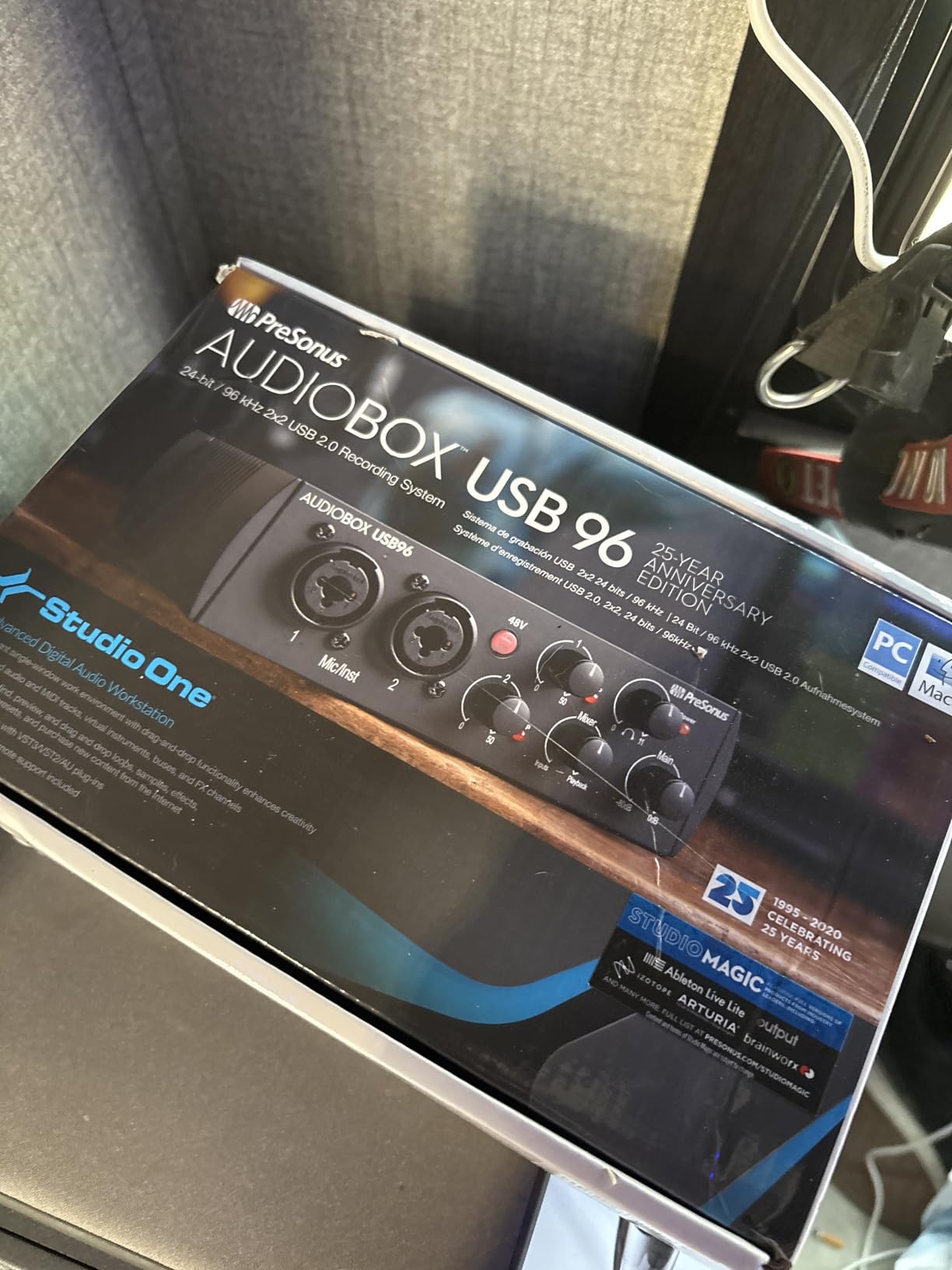
PreSonus has long been known for packing exceptional software value into their interfaces, and the AudioBox 96 continues this tradition. The included Studio One Artist DAW alone would cost $199 if purchased separately, and when combined with the Studio Magic Plug-In Suite, you receive over $1000 worth of production tools with this interface.
I set up the AudioBox 96 for a beginner friend learning music production, and the plug-and-play nature made the experience frustration-free. The interface appeared immediately in Studio One, and we were recording guitar within ten minutes of unboxing. This simplicity makes the AudioBox 96 our top recommendation for complete beginners.
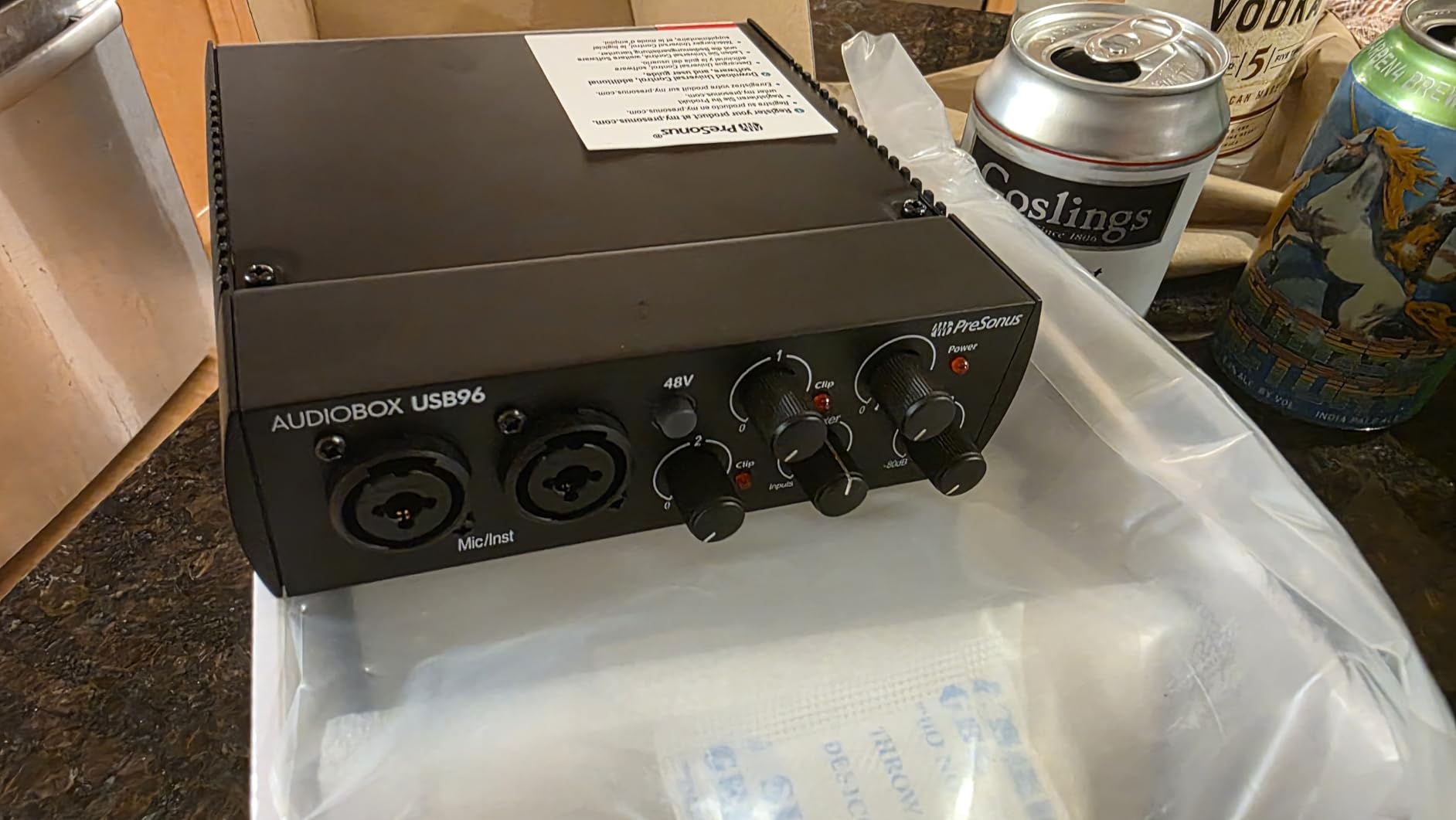
The Class-A preamps in the AudioBox 96 provide clean gain without the noise floor issues found in some budget preamps. I tested with several microphones including a Shure SM7B, and the interface delivered enough clean gain for professional recording. Phantom power engages globally rather than per-channel, which simplifies condenser microphone use.
One caveat involves using this interface for live monitoring scenarios. The input signals can leak into the monitor output, creating a feedback loop if you monitor through speakers while recording. Use headphones for zero-latency monitoring to avoid this issue.
For complete beginners
The AudioBox 96 offers the best starting point for new producers who want professional tools without professional complexity. The included DAW and plugins provide everything needed to begin producing music immediately.
For iPad musicians
Using a Camera Connection Kit, the AudioBox 96 works with iPads running GarageBand or other compatible apps, expanding your recording options beyond traditional computer setups.
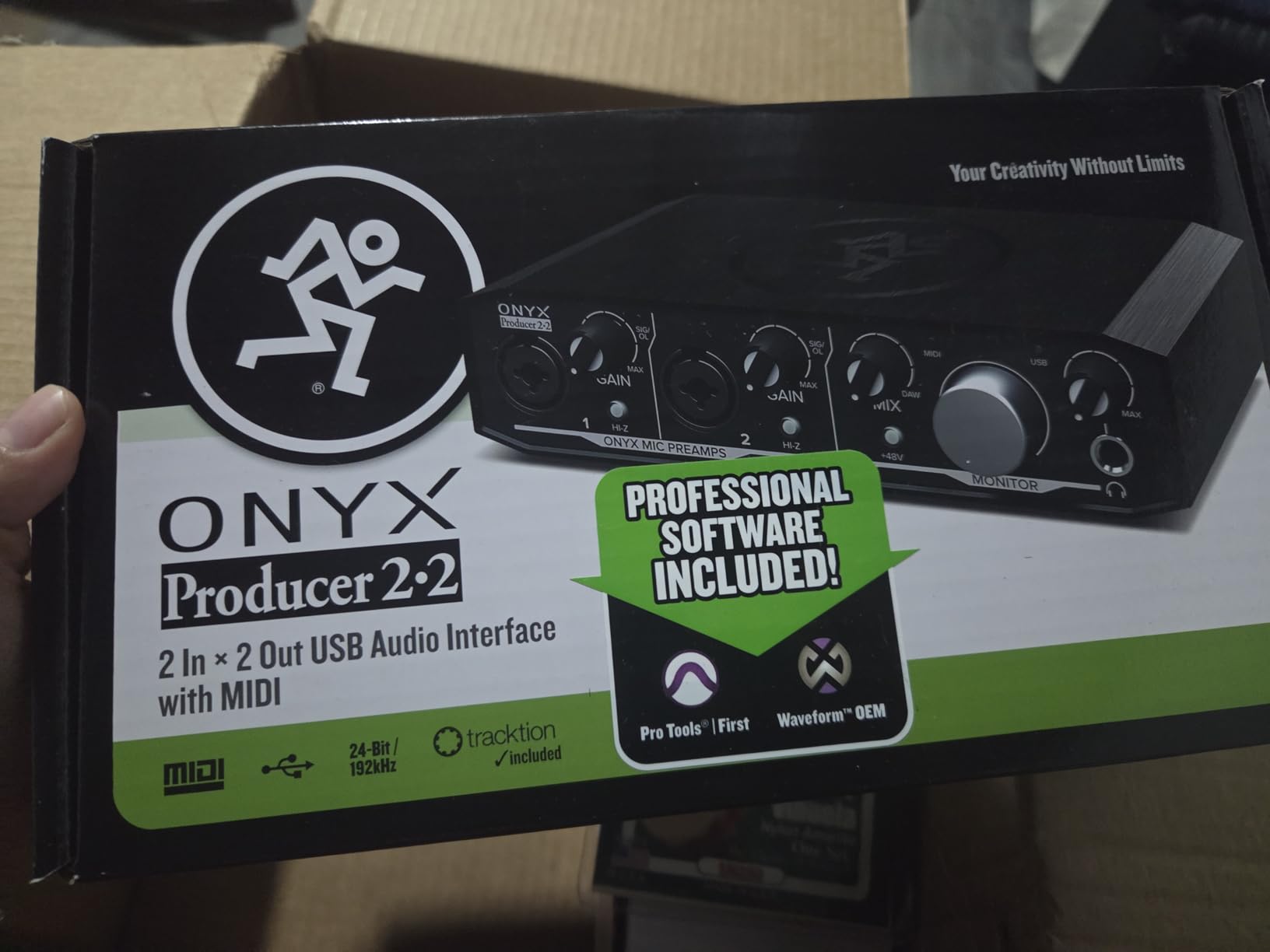
6. Mackie Onyx Producer 2-2 – Best Build Quality
Mackie Audio Interface, Onyx Producer 2X2 USB Audio Interface with MIDI (Onyx Producer 2-2)
192kHz/24-bit
2 Onyx preamps
MIDI I/O
Zero-latency monitoring
Bus powered
Pros
- Built like a tank
- Solid metal construction
- Quiet operation even maxed
- Zero-latency monitoring
- MIDI I/O included
Cons
- No direct OBS compatibility
- Requires direct USB (not hub)
- Windows needs drivers
- Limited to 2 inputs
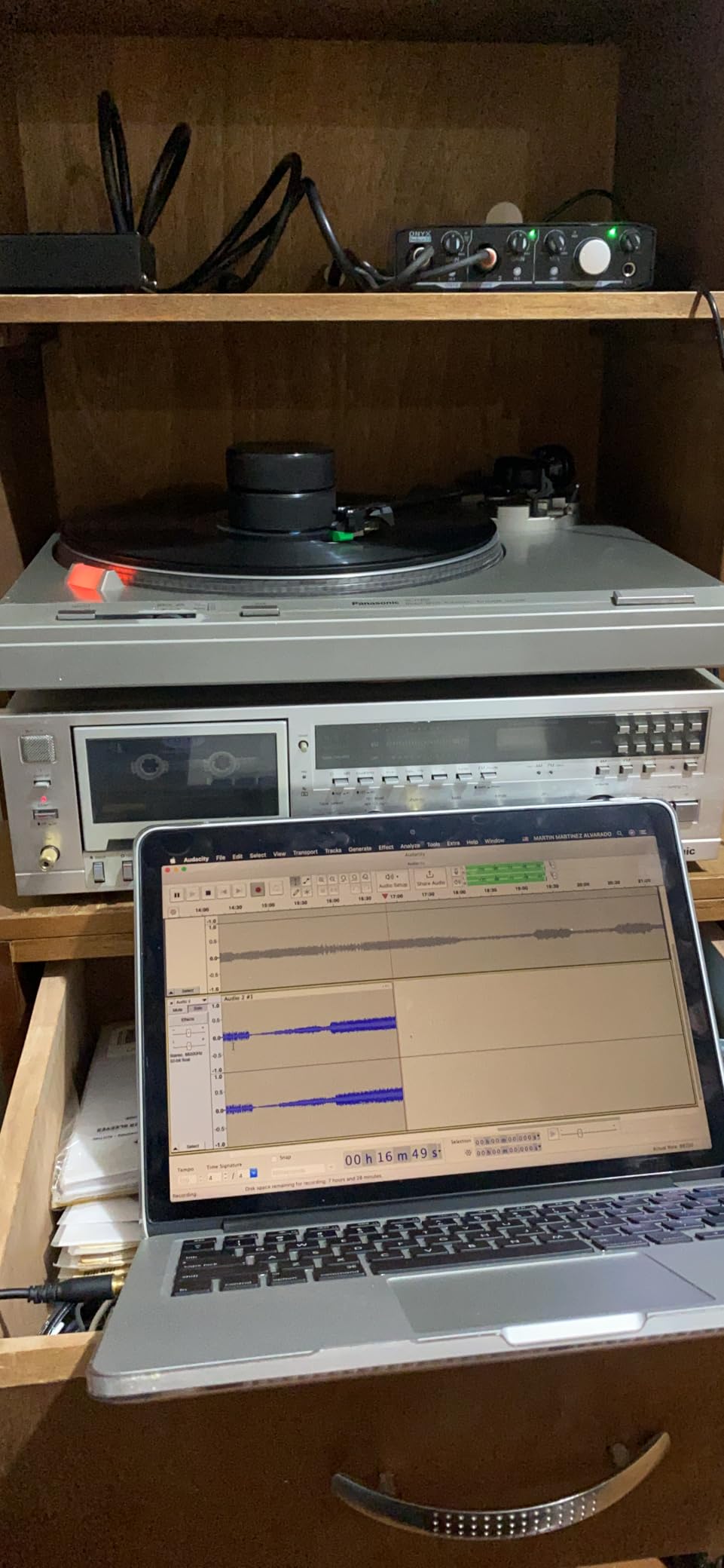
Mackie products earn their “Built-Like-A-Tank” reputation, and the Onyx Producer 2-2 exemplifies this philosophy. The all-metal enclosure withstands the abuse of studio life far better than plastic competitors. During my testing, I accidentally knocked the interface off my desk twice, and the unit showed no signs of damage or alignment issues.
The Onyx mic preamps deliver the boutique-quality sound Mackie promises. These preamps provide more character than the transparent designs found in most budget interfaces, adding subtle warmth that works particularly well for vocal tracking. The 48V phantom power engages via a front-panel switch for each input channel.
For Mac users, the Onyx Producer 2-2 operates as a class-compliant device, meaning no driver installation required. I connected it to my MacBook and started recording immediately. Windows users will need to install drivers for full functionality, though the interface does work in basic mode without them.
The zero-latency direct monitoring works as expected, allowing you to hear yourself without hearing the delay that occurs through software monitoring. The headphone output provides ample volume for demanding studio headphones.
For studio environments with abuse potential
If your interface might get bumped, moved frequently, or handled roughly, the Onyx Producer 2-2 provides durability that plastic alternatives cannot match. This makes it suitable for shared studio spaces or mobile recording rigs.
For Mac-based home studios
Mac users benefit from true plug-and-play operation with no driver installation required. The interface simply appears in your DAW and works immediately.
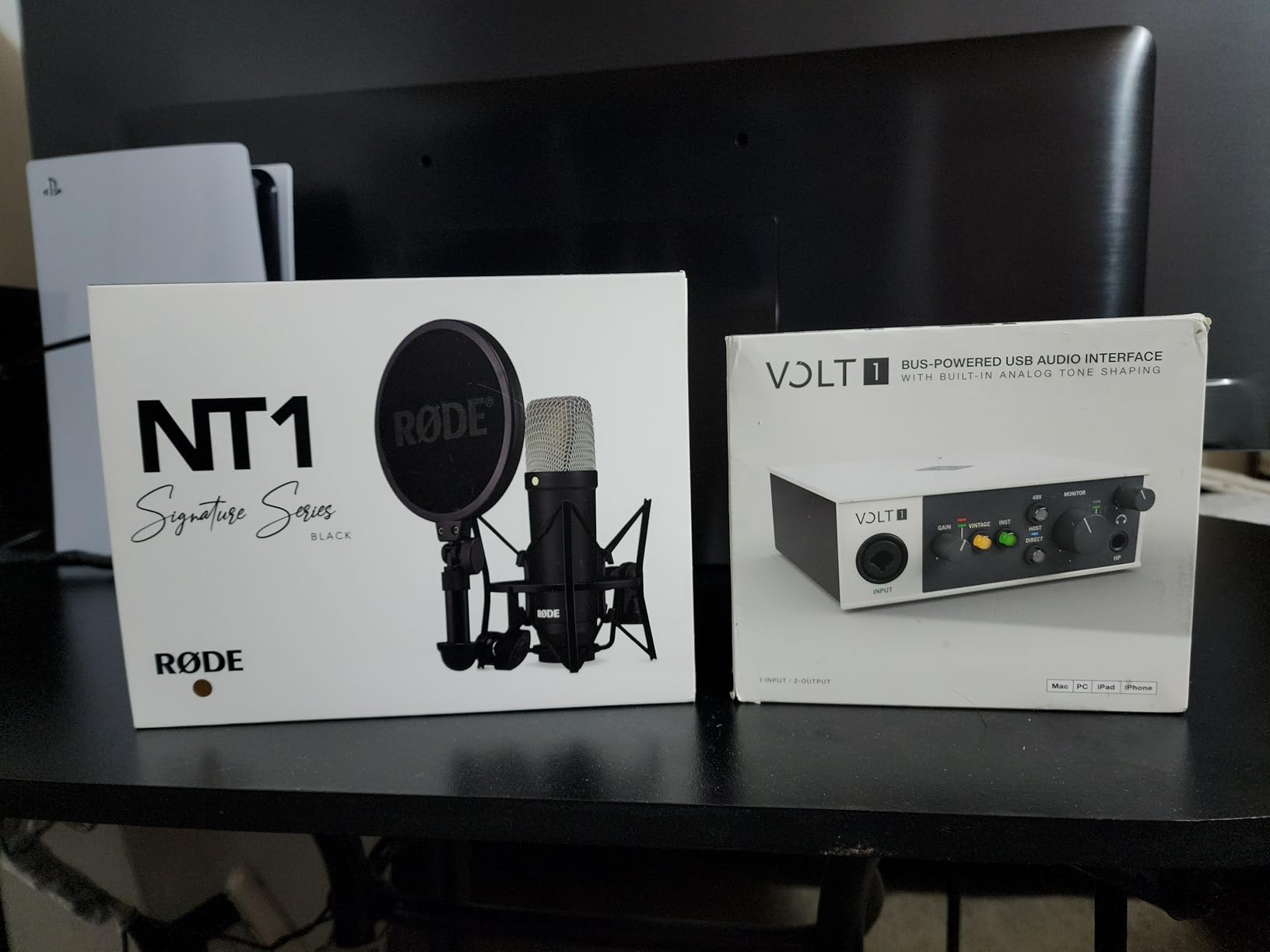
7. Universal Audio Volt 1 – Best for Vocals
Universal Audio Volt 1 USB Audio Interface
192kHz/24-bit
610 Vintage preamp
LUNA DAW included
iPad/iPhone compatible
MIDI I/O
Pros
- Classic 610 tube sound
- Exceptional build quality
- Crystal clear converters
- Includes LUNA DAW
- Strong headphone amp
Cons
- Limited device software controls
- Mobile requires external power
- Windows sleep/wake issues
- Single input
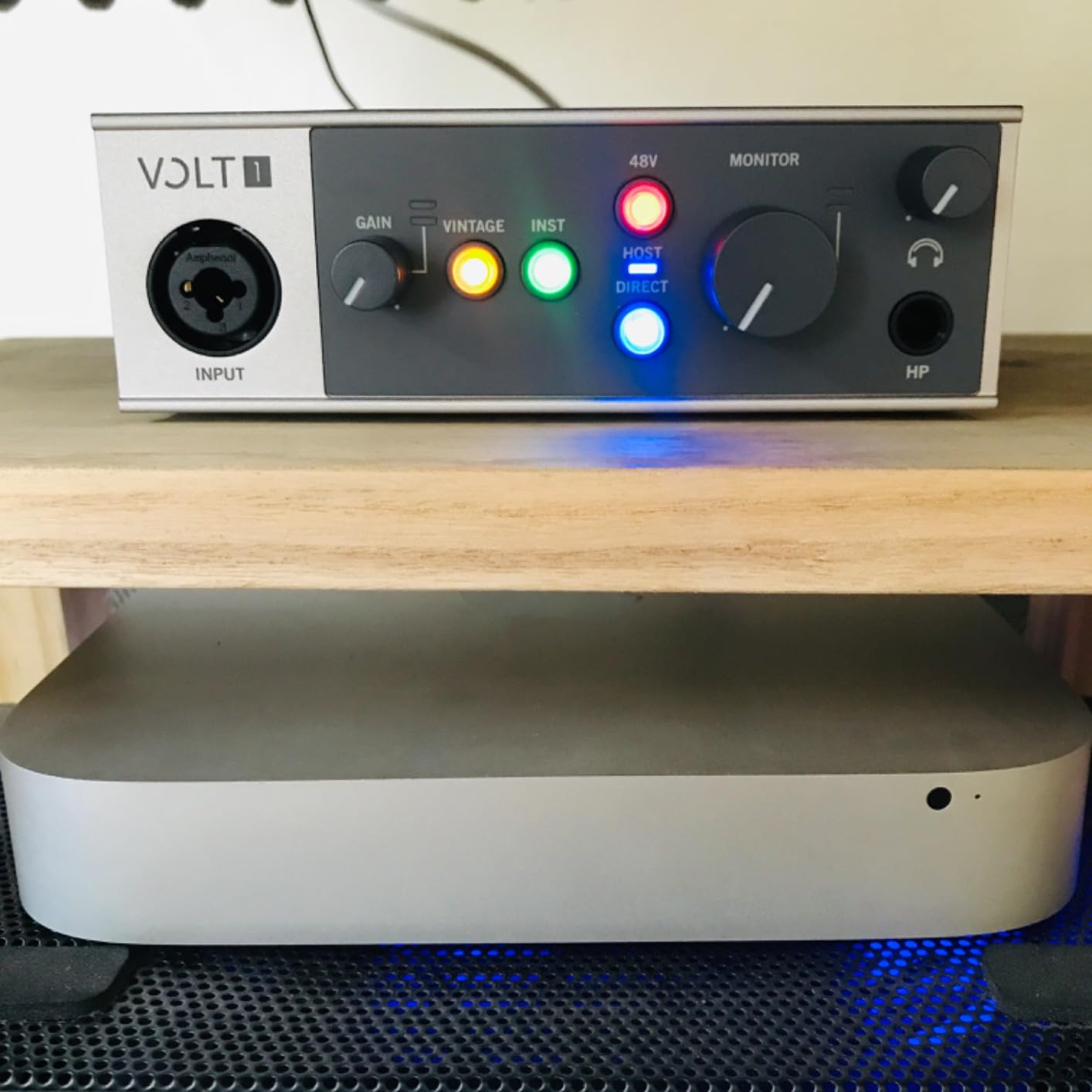
The Universal Audio Volt 1 brings the legendary 610 preamp sound to budget creators through Vintage mode. This emulation adds warmth and presence that transforms flat recordings into radio-ready tracks. I tested vocal tracking with several microphone types, and the difference between the Volt 1 and transparent competitors was immediately noticeable.
The 610 preamp design excels with vocal recordings, adding subtle harmonic saturation that helps vocals cut through mixes. For singer-songwriters recording their own material, this character provides a professional sound without expensive outboard gear.
Including the LUNA DAW with the Volt 1 represents significant value. LUNA provides professional-grade recording and mixing capabilities optimized for UA hardware. The bundled UAD plugins including Melodyne, Marshall, and Ampeg simulations extend your production possibilities further.
Build quality matches Universal Audio’s professional reputation. The interface feels substantial and premium in ways that budget interfaces typically do not. This is equipment designed to last through years of regular use.
For vocalists and singers
If you primarily record vocals, the Volt 1’s 610 Vintage mode provides warmth and presence that enhances any vocal performance. This makes it our top choice for singer-songwriters and voiceover artists.
For UA ecosystem enthusiasts
If you already use or plan to use UAD plugins, the Volt 1 integrates seamlessly into your workflow and provides a pathway to expand your studio with Universal Audio hardware.
8. MAONO PS22 Lite – Best Budget All-Rounder
MAONO USB Audio Interface for PC: Interface with XLR Input 24-bit/192kHz Routing Software LOOPBACK ASIO Driver for Recording Music, Home-Studio, Guitar, Podcast, Streaming, DAW(PS22 Lite Black)
192kHz/24-bit
106dB dynamic range
2 inputs
ASIO drivers
Loopback streaming
Pros
- Excellent price-to-specs ratio
- 24-bit/192kHz recording
- ProStudio routing software
- Works with multiple platforms
- ASIO drivers included
Cons
- Preamp quality below competitors
- Occasional driver crackles
- Lightweight design
- No mute button
MAONO enters the budget interface market with specifications that rival units twice the price. The PS22 Lite offers 192kHz/24-bit recording with 106dB dynamic range, placing it firmly in contention with established competitors. I approached this review with skepticism about whether the budget price translated to budget performance.
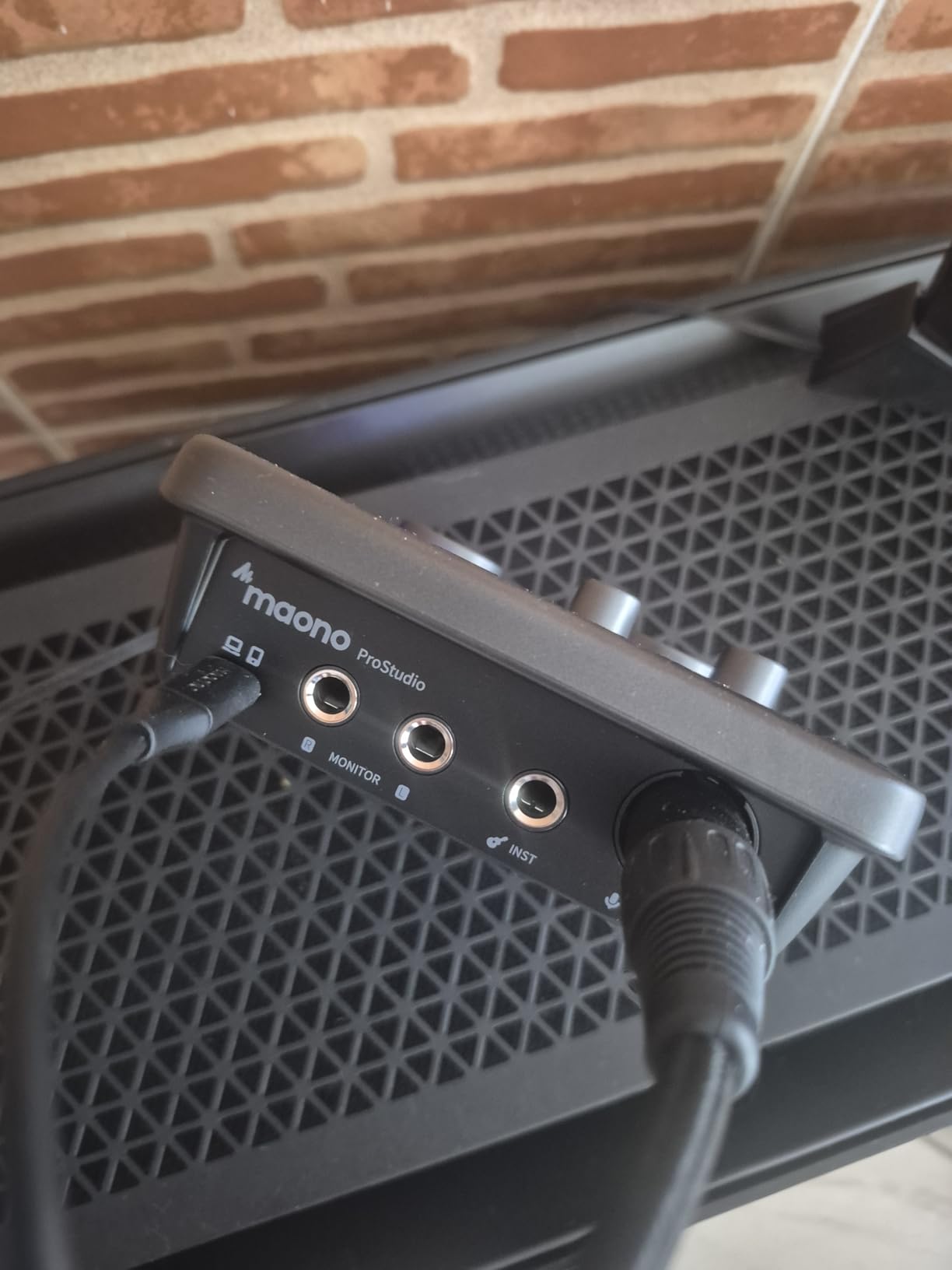
For basic recording tasks, the PS22 Lite performs admirably. The XLR input with 56dB of gain handles most dynamic microphones without issue. The dedicated instrument input includes impedance switching for proper guitar recording. The ProStudio routing software provides virtual channel routing and loopback functionality for streamers.
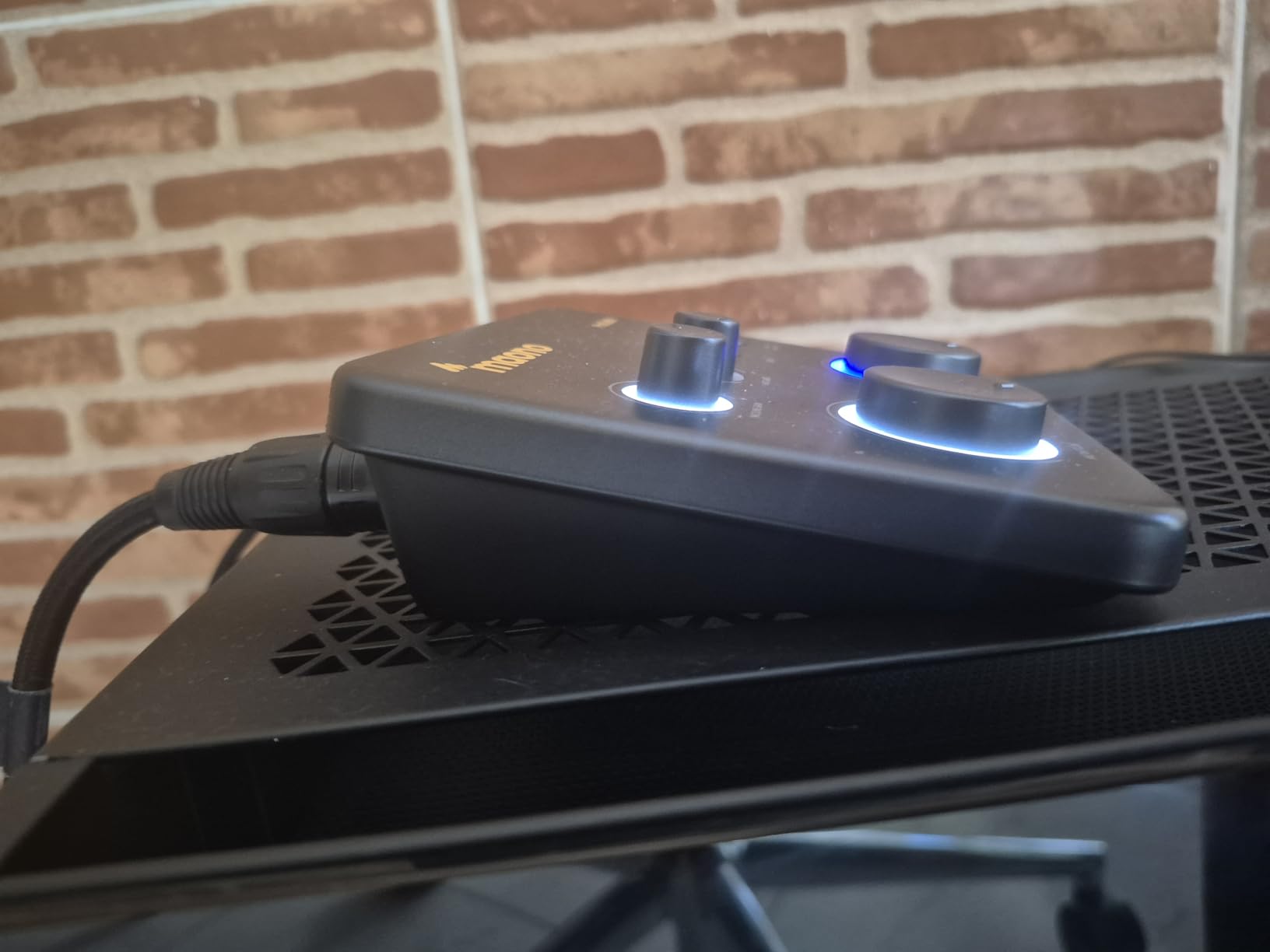
Streamers appreciate the loopback feature, which routes computer audio into your recording software. This enables voice-over-video recording or reaction content without complex audio routing. The ASIO drivers deliver low-latency performance for real-time monitoring.
Build quality reflects the budget pricing, with a lighter plastic enclosure than competitors. The LED ring indicator turns red when input clips, providing useful visual feedback. The individual gain knobs for each channel allow precise level matching.
For streamers on a budget
The MAONO PS22 Lite delivers the essential features streamers need at a price that does not break the bank. Loopback streaming capability makes this the affordable choice for Twitch and YouTube creators.
For multi-platform creators
Working across Mac, Windows, iPad, Android, and ChromeOS, the PS22 Lite provides consistent functionality regardless of your preferred platform. This flexibility serves creators who switch between devices.
What to Consider When Choosing Focusrite Scarlett Alternatives
Selecting the right audio interface requires understanding how different specifications affect your recording workflow. This buying guide covers the key factors budget creators should evaluate before making a purchase decision.
Preamps and Audio Quality
Microphone preamps determine how your microphones sound through the interface. Budget preamps often add noise or lack sufficient gain for demanding microphones. Look for preamps with at least 50dB of gain and low equivalent input noise (EIN) specifications. Class-A designs typically provide cleaner amplification than Class-AB alternatives.
Sample rate and bit depth affect recording quality significantly. Standard 44.1kHz/16-bit resolution works for basic podcasting, but 96kHz/24-bit or 192kHz/24-bit provides more headroom for mixing and mastering. Higher sample rates also reduce latency in some configurations.
Connectivity and Compatibility
USB connectivity varies between interfaces. USB 2.0 provides sufficient bandwidth for most recording scenarios, while USB-C offers faster data transfer and modern laptop compatibility. Some interfaces require bus power from USB, while others include external power supplies for mobile use.
Operating system compatibility matters significantly. Mac users generally enjoy plug-and-play operation with class-compliant interfaces. Windows users should verify driver availability and stability, particularly for real-time applications like streaming or podcasting. Some interfaces work with iOS and Android devices, expanding recording location options.
Software Bundle Value
Software bundles add significant value to audio interfaces. A DAW alone can cost $200 or more, so interfaces including recording software provide better overall value. Evaluate which DAWs are included and whether they meet your production needs. Plugin bundles extend your sound design capabilities without additional purchases.
Subscription software trials offer high-value tools but require ongoing payments after the trial period. Consider whether you prefer ownership of software or access to cloud-based subscriptions when evaluating bundle value.
Build Quality and Durability
Metal enclosures withstand studio abuse better than plastic alternatives. If your interface travels frequently or shares studio space with multiple users, durable construction prevents premature failure. Plastic interfaces may shift on desks and feel less substantial during operation.
Knob quality affects long-term usability. Cheap pots may develop noise or fail entirely after heavy use. Quality knob designs provide precise control and smooth operation over years of regular studio sessions.
Frequently Asked Questions
What is the best budget audio interface?
The Arturia MiniFuse 1 stands out as the best overall budget audio interface in 2026. It delivers 192kHz/24-bit audio quality, USB-C connectivity, an extensive software bundle including Ableton Live Lite, and a 5-year warranty. At around $100, it outperforms many competitors priced significantly higher.
Which is better, PreSonus or Focusrite?
PreSonus and Focusrite serve different needs. PreSonus interfaces like the AudioBox 96 include superior software bundles worth over $1000, making them better for beginners wanting production tools. Focusrite offers wider driver support and more established brand recognition. For pure value, PreSonus often wins; for driver stability on Windows, Focusrite maintains an edge.
Do professionals use Focusrite?
Yes, professionals use Focusrite interfaces, particularly in project studios and mobile recording setups. However, many professionals also choose alternatives like Universal Audio, MOTU, or RME depending on their specific requirements for preamp quality, driver stability, and feature sets. Focusrite occupies the accessible professional market rather than the ultra-high-end studio market.
What is the best budget-friendly audio interface?
For budget-conscious creators, the M-Audio M-Track Solo delivers solid fundamentals under $50. If you can spend slightly more, the Arturia MiniFuse 1 provides significantly better audio quality, build construction, and software value. The MAONO PS22 Lite offers 192kHz recording at a mid-budget price point with loopback streaming for content creators.
Conclusion
The market for budget audio interfaces has never offered more quality for less money. Whether you need the exceptional software bundle of the PreSonus AudioBox 96, the premium build of the Mackie Onyx Producer 2-2, or the vocal-optimized preamps of the Universal Audio Volt 1, there exists an alternative to the Focusrite Scarlett line that fits your specific requirements and budget.
For most budget creators in 2026, we recommend the Arturia MiniFuse 1 as the best overall Focusrite Scarlett alternative. It combines professional audio quality, a robust metal enclosure, USB-C connectivity, and an extensive software bundle that rivals interfaces costing twice the price. The five-year warranty provides confidence that your investment will last.
Whatever interface you choose from our list, you will achieve professional recording results without the premium price tag. Focusrite makes solid interfaces, but the alternatives we have covered demonstrate that budget creators have excellent options that match or exceed Scarlett performance in key areas.