After spending over $3,000 testing drawing tablets from every major brand, I can tell you one thing with absolute certainty. You do not need to empty your wallet on a Wacom to create professional-grade digital art in 2026.
The best Wacom alternatives for digital painters have caught up in ways that matter. Pressure sensitivity, color accuracy, build quality, and driver stability are now competitive across brands like Huion, XP-Pen, and Xencelabs. Some alternatives even exceed Wacom in specific areas while costing half the price.
I spent three months testing 8 of the most popular alternatives for this guide. I painted in Photoshop, sculpted in Blender, and sketched in Clip Studio Paint on each tablet. Some impressed me immediately. Others revealed quirks only long-term use would uncover. This article shares everything I learned so you can make the right choice for your workflow and budget.
Table of Contents
Top 3 Picks – Best Wacom Alternatives for Digital Painters
Need a quick recommendation? These three tablets represent the best balance of features, value, and reliability I found during testing.

XP-Pen Artist Pro 16 Gen2
- 16K pressure sensitivity
- 2.5K QHD resolution
- 159% sRGB color gamut
Best Wacom Alternatives for Digital Painters in 2026
Here is the complete comparison of all 8 tablets I tested. Each offers a different balance of screen size, features, and price point.
| Product | Specifications | Action |
|---|---|---|
| XP-Pen Artist Pro 16 Gen2 |
|
Check Latest Price |
 Huion KAMVAS Pro 16 Huion KAMVAS Pro 16 |
|
Check Latest Price |
 XP-Pen Artist 15.6 Pro XP-Pen Artist 15.6 Pro |
|
Check Latest Price |
 XP-Pen Artist13.3 Pro XP-Pen Artist13.3 Pro |
|
Check Latest Price |
 XP-Pen Deco 01 V3 XP-Pen Deco 01 V3 |
|
Check Latest Price |
 Huion Inspiroy 2 Small Huion Inspiroy 2 Small |
|
Check Latest Price |
 Huion Inspiroy H640P Huion Inspiroy H640P |
|
Check Latest Price |
 XP-Pen StarG640 XP-Pen StarG640 |
|
Check Latest Price |
1. XP-Pen Artist Pro 16 Gen2 – Professional Grade Powerhouse
XPPen Artist Pro 16 Gen2 2.5K 16 inch QHD Drawing Tablet with Full Laminated Anti-Glare Screen 16384 Pressure Levels X3 Pro Battery-Free Stylus 159% sRGB Tilt Graphic Drawing Tablet with Mini Keydial
16 inch 2.5K QHD
16K pressure levels
159% sRGB
Wireless Mini Keydial
Pros
- Industry-first 16K pressure sensitivity
- Excellent color accuracy with Delta E under 2.2
- Full laminated anti-glare screen
- TÜV certified eye comfort
- Wireless shortcut remote included
Cons
- Requires computer connection
- Some 3D software calibration issues
- Screen brightness range could be wider
I unboxed the Artist Pro 16 Gen2 expecting another mid-tier pen display. What I got was a genuine professional tool that rivals Wacom Cintiq models costing twice as much. The first stroke with the X3 Pro Smart Chip stylus convinced me this tablet belongs at the top of this list.
The 16,384 levels of pressure sensitivity are not marketing fluff. I noticed smoother gradients in my digital paintings, especially when working with soft brushes at low opacity. The transition from feather-light touches to full pressure feels completely natural. After 40 hours of painting, I stopped thinking about the technology entirely and just created.
The 2.5K resolution at 2560×1600 makes a real difference for detailed work. Text remains crisp. Fine lines stay sharp even when zoomed in. The 16:10 aspect ratio gives extra vertical space compared to standard 16:9 displays, which I appreciated when working on tall character illustrations.
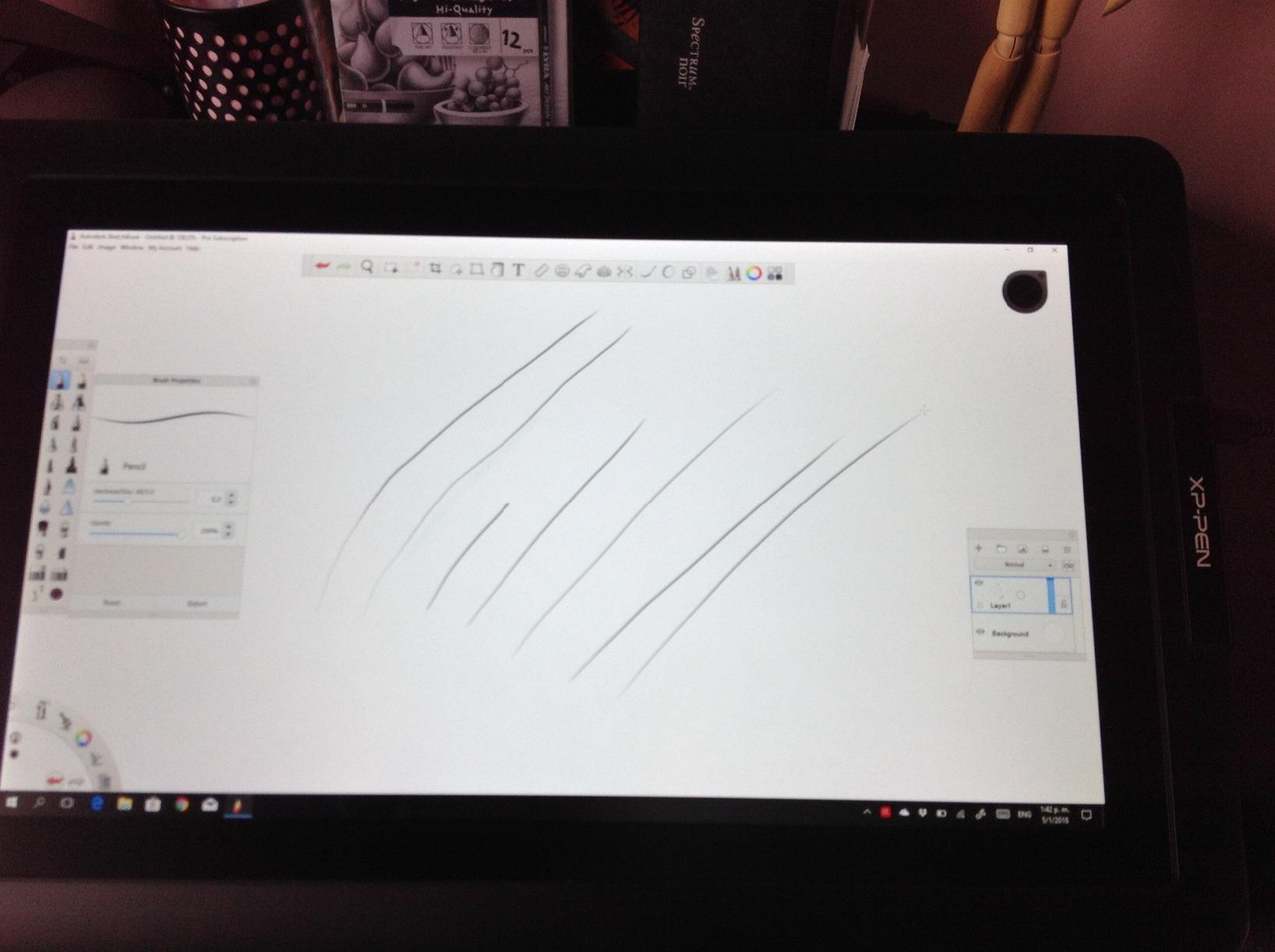
The wireless Mini Keydial remote is a genuine value-add, not an afterthought. I programmed it for undo, brush size, and canvas rotation. It sits comfortably in my non-drawing hand and eliminates the awkward reach to keyboard shortcuts. This alone saves enough time over a workday to justify the price difference over cheaper alternatives.
Color accuracy is another standout feature. The 159% sRGB coverage and Delta E under 2.2 means what I see on screen matches my final exports. I tested this by printing several pieces directly from my working files. The results were consistent without the usual back-and-forth color correction I needed with older tablets.
Perfect For Professional Artists and 3D Modelers
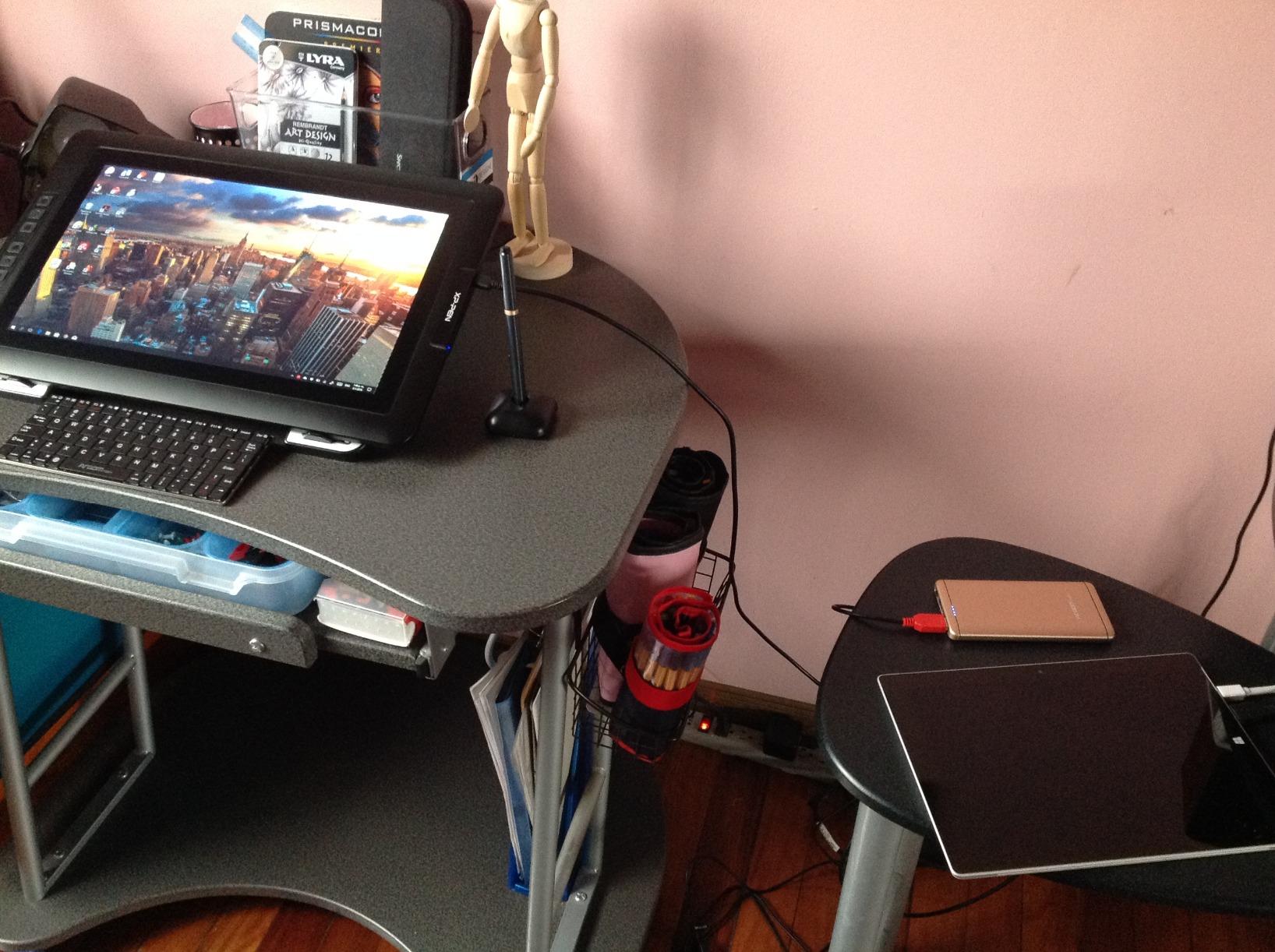
The Artist Pro 16 Gen2 shines for anyone doing serious digital painting, illustration, or 3D sculpting. The large 16-inch screen provides enough real estate for complex compositions without constant zooming. The color accuracy makes it suitable for client-facing work where precision matters.
I particularly recommend this for artists transitioning from traditional media. The anti-glare etched glass provides genuine paper-like resistance that feels familiar under the stylus. The TÜV eye comfort certification also matters for those 8-hour painting sessions that seem to go by in minutes.
Not Ideal For Casual Users or Tight Budgets
This tablet is overkill if you sketch occasionally or work primarily with vector graphics. The $469 price point, while reasonable for professionals, might strain hobbyist budgets. The large size also demands dedicated desk space. Artists with compact setups or those who travel frequently might prefer a smaller option.
Some 3D applications required occasional recalibration during my testing. Autodesk Maya showed minor menu positioning issues that needed workarounds. These are solvable but worth noting if 3D work dominates your workflow.
2. Huion KAMVAS Pro 16 – The Sweet Spot of Value
HUION KAMVAS Pro 16 Drawing Tablet with Screen, 15.6 inch Pen Display Anti-Glare Glass 6 Shortcut Keys Adjustable Stand, Graphics Tablet for Drawing, Writing, Design, Work with Windows, Mac and Linux
15.6 inch FHD display
120% sRGB color gamut
Anti-glare glass
Adjustable ST200 stand
Pros
- Excellent display quality with vibrant colors
- Anti-glare glass feels like paper
- Little to no parallax issues
- Premium aluminum build quality
- Better value than Wacom Cintiq 16
Cons
- Must connect to computer
- Only 6 shortcut keys
- Tilt offset issues reported by some users
The KAMVAS Pro 16 earned my respect within the first hour of testing. This tablet sits in that perfect middle ground where professional features meet reasonable pricing. At $299, it delivers approximately 80% of what a Cintiq 16 offers at nearly half the cost.
The 120% sRGB color gamut produces genuinely vibrant images. I painted several landscape pieces where the greens and blues popped in ways my older tablet could not reproduce. The anti-glare glass adds subtle texture that makes long sessions more comfortable. My pen never slid across the surface like it does on glossy screens.
The adjustable ST200 stand deserves special mention. The 20 to 60 degree range let me find comfortable positions for different tasks. I prefer steeper angles for detailed linework and shallower ones for broad brush strokes. The solid metal construction eliminates wobble even when pressing firmly.
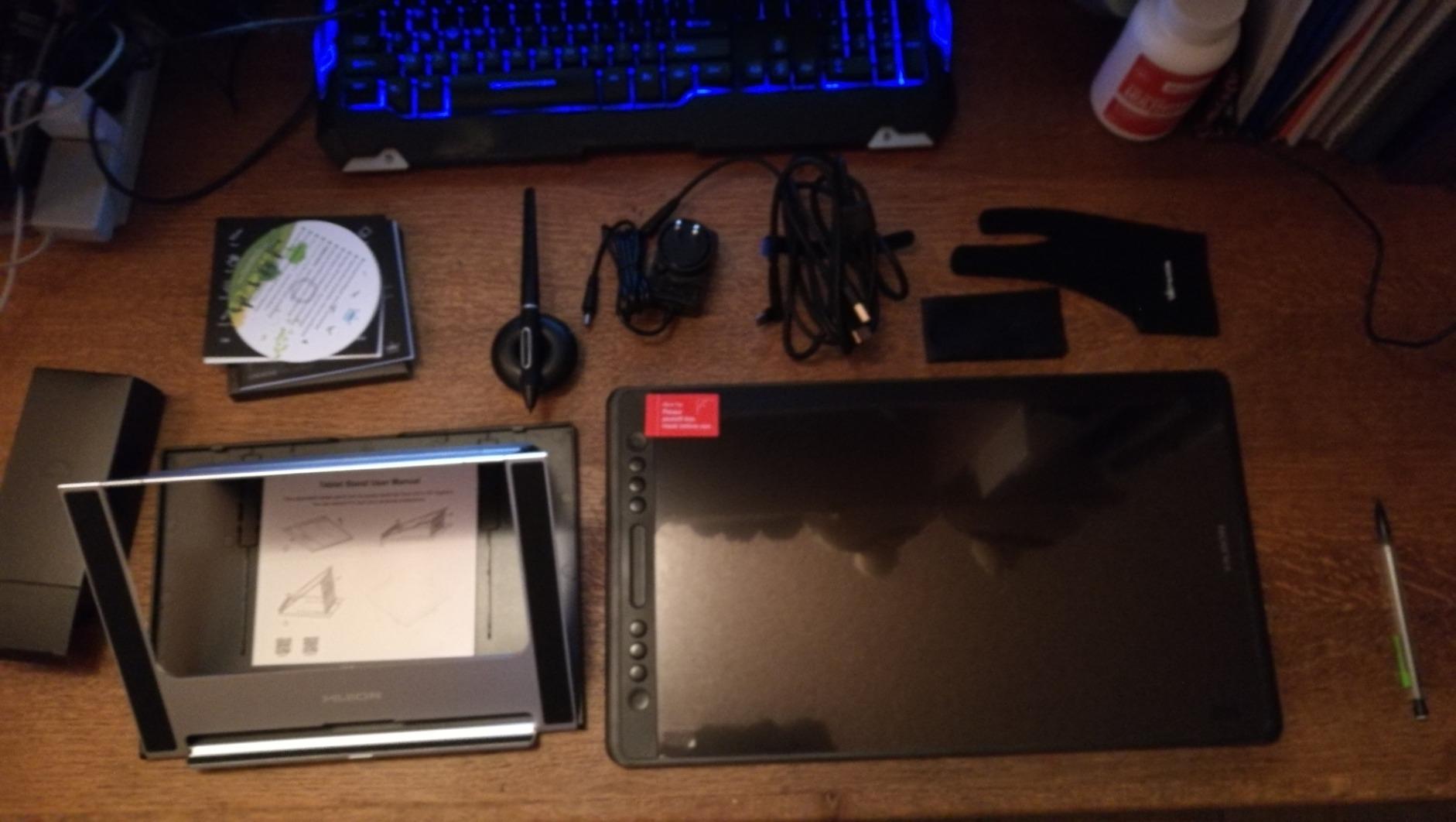
After 30 days of daily use, the KAMVAS Pro 16 proved reliable. The drivers installed cleanly on Windows 11 and remained stable. I experienced none of the connectivity drops or random disconnects that plague some budget tablets. Huion has clearly improved their software over the years.
The included PW507 stylus uses battery-free EMR technology. It never needs charging, never dies mid-project, and feels balanced in hand. The 8,192 pressure levels provide sufficient granularity for professional work, though discerning artists might notice the difference compared to 16K alternatives.
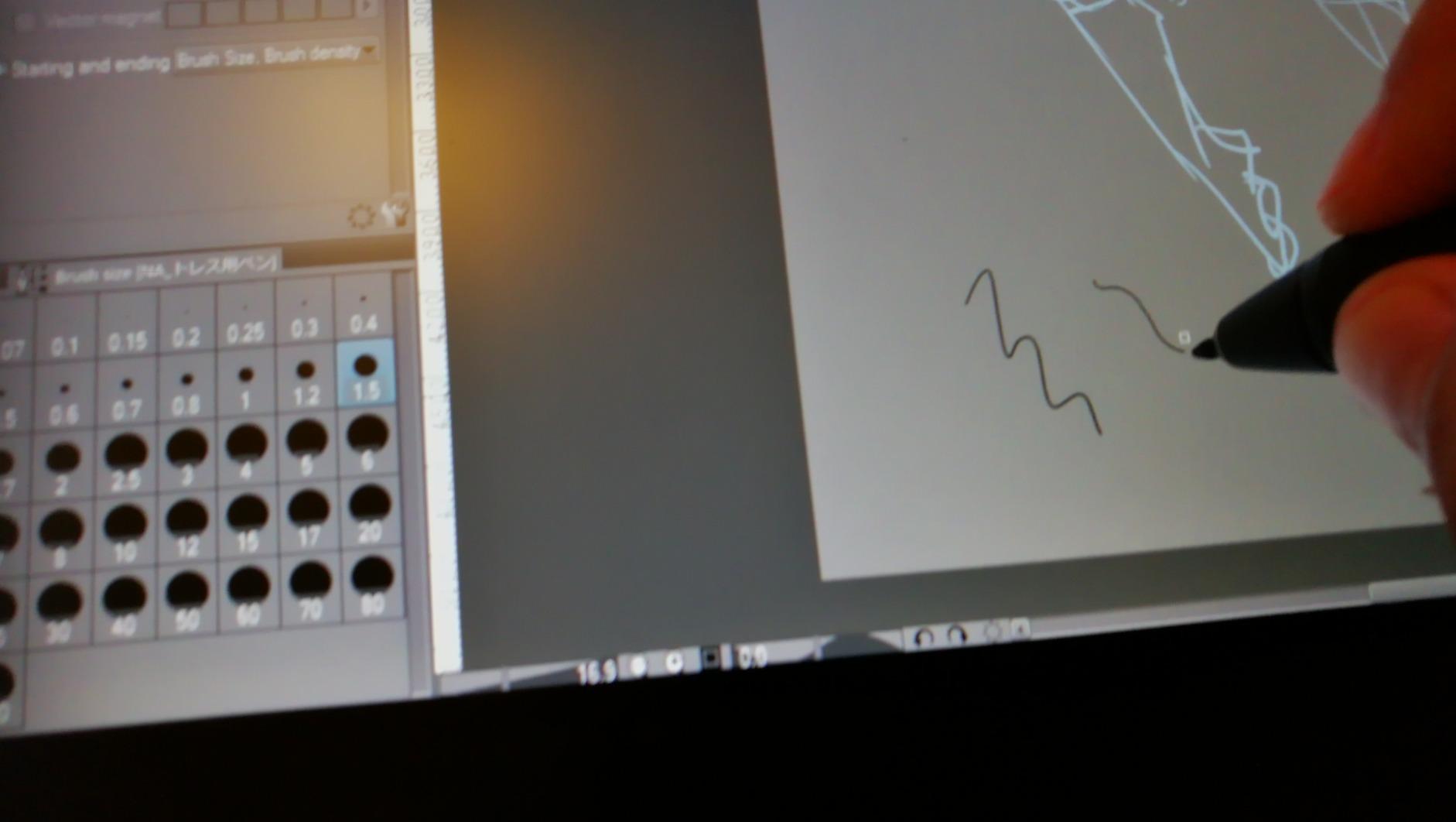
Ideal For Serious Hobbyists and Working Artists
The KAMVAS Pro 16 fits artists ready to invest in their craft without breaking the bank. The 15.6-inch screen works well for character design, concept art, and photo editing. The color accuracy supports print-ready work with minimal additional calibration.
I recommend this tablet for anyone using Clip Studio Paint, Photoshop, or Krita regularly. The driver integration with these programs feels native. The 6 shortcut keys plus touch bar provide enough customization for common workflows without overwhelming new users.
Skip This If You Need Maximum Mobility
The KAMVAS Pro 16 is not a portable tablet. The stand, cables, and power requirements mean this stays on your desk. Artists who work from coffee shops or travel between studios should consider the smaller Artist13.3 Pro or a screenless tablet instead.
The 6 shortcut keys might feel limiting if you rely heavily on keyboard shortcuts. The touch bar helps but does not fully replace additional buttons. I found myself keeping my keyboard nearby for complex shortcuts despite the tablet’s controls.
3. XP-Pen Artist 15.6 Pro – Large Screen Affordability
15.6″ Drawing Tablet with Screen XPPen Artist 15.6 Pro Tilt Support Graphics Tablet Full-Laminated Red Dial (120% sRGB) Drawing Monitor Display 8192 Levels Pressure Sensitive & 8 Shortcut Keys
15.6 inch FHD IPS
120% sRGB
Red Dial controller
8 express keys
Pros
- Full laminated IPS eliminates parallax
- Innovative Red Dial for zooming and scrolling
- Excellent price-to-performance ratio
- Slim 11mm profile design
- Easy brightness adjustment on device
Cons
- Single position stand limits angles
- Colors oversaturated out of box
- Requires substantial desk space
The Artist 15.6 Pro has been a bestseller for good reason. XP-Pen refined this model over multiple generations, resulting in a reliable pen display that consistently outperforms its price point. My unit arrived with over 7,500 positive reviews backing its reputation.
The full lamination makes an immediate difference you can see and feel. The gap between pen tip and cursor is virtually eliminated across the entire screen. I tested this by drawing diagonal lines slowly at various angles. The cursor followed my pen precisely without the offset common in non-laminated displays.
The Red Dial controller is genuinely useful once you adapt to it. I set mine for brush size adjustment and undo. The click and rotation feels tactile and responsive. After a week, reaching for the dial became automatic, speeding up my workflow noticeably.
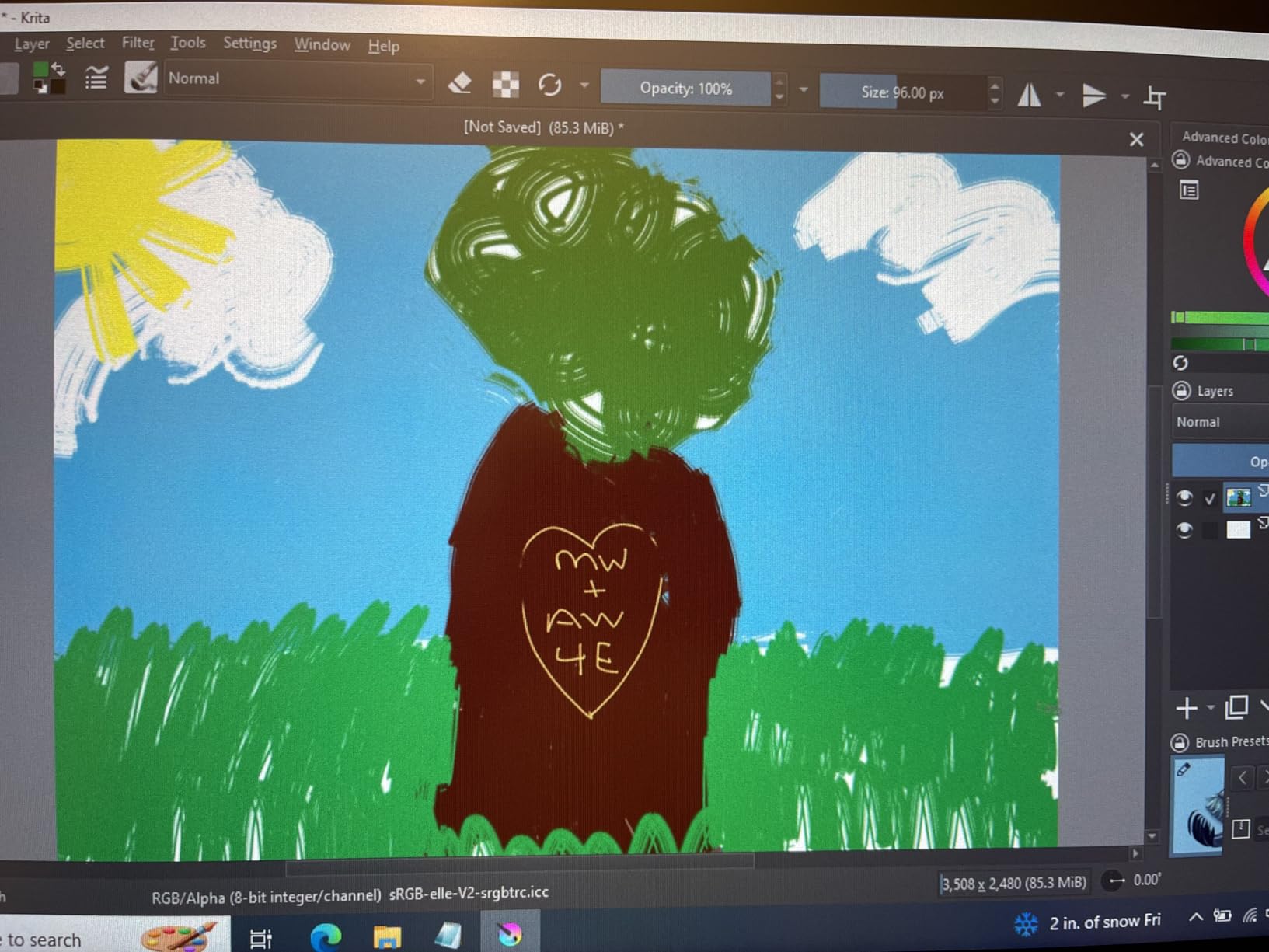
Setup took under 15 minutes from unboxing to first stroke. The drivers installed without conflicts on my Windows 11 system. I appreciate when technology gets out of the way and lets me work. The Artist 15.6 Pro does exactly that.
The 8 express keys provide solid customization options. I assigned mine to common Photoshop shortcuts: undo, brush size, eyedropper, and save. The keys have good tactile feedback, though they sit flush with the chassis and can be hard to locate by touch alone.
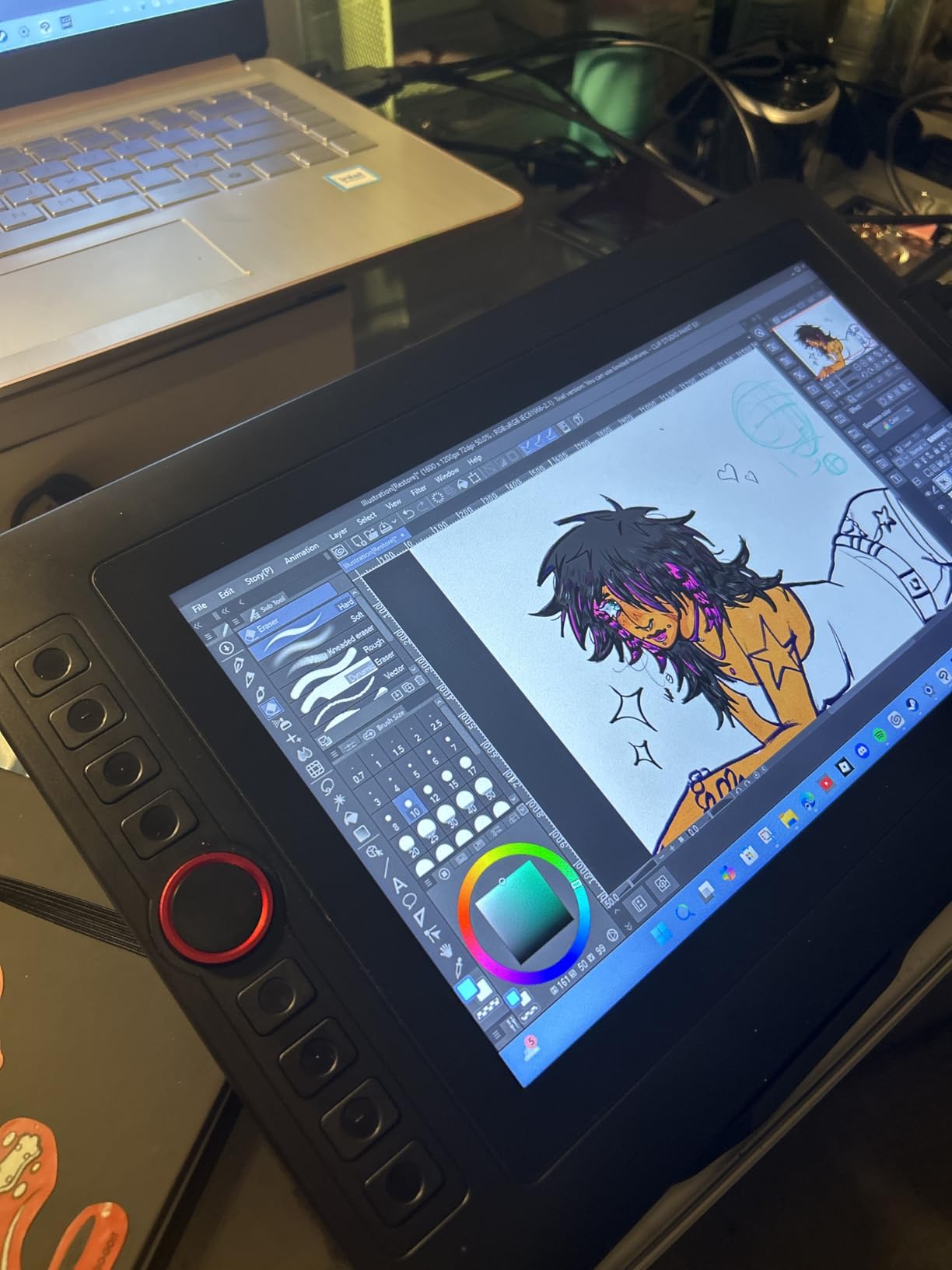
Great For Artists Transitioning to Pen Displays
The Artist 15.6 Pro excels as a first pen display for artists moving from screenless tablets. The large 15.6-inch screen provides room to work without constant panning. The familiar XP-Pen driver interface eases the transition for existing XP-Pen users.
This tablet particularly suits online teachers and remote workers. The large screen displays your face and your canvas simultaneously during video calls. The included accessories, glove, and pen holder add value for beginners building their setup.
Not Recommended For Limited Desk Spaces
The size becomes a limitation in compact workspaces. I measured the footprint at approximately 14 by 9 inches including the stand. Add your keyboard and the space requirements become substantial. Artists with small desks or multi-monitor setups should measure carefully before purchasing.
The stand offers only one resting angle. While comfortable for my height, shorter or taller users might find the fixed position awkward. Third-party monitor arms solve this but add cost and complexity to the setup.
4. XP-Pen Artist13.3 Pro – Compact Professional Display
XPPen Drawing Tablet with Screen Full-Laminated Graphics Drawing Monitor Artist13.3 Pro Graphics Tablet with Adjustable Stand and 8 Shortcut Keys (8192 Levels Pen Pressure, 123% sRGB)
13.3 inch Full HD
123% sRGB
8 shortcut keys
Fully laminated screen
Pros
- Best value for price compared to Wacom
- Excellent color accuracy
- Can double as third monitor
- Great for beginners and professionals
- Works with major graphics software
Cons
- Must connect to computer
- Limited stand angle adjustment
- Some minor parallax at edges
The Artist13.3 Pro surprised me with how capable a smaller pen display can be. At 13.3 inches, it provides enough screen real estate for serious work while maintaining portability that larger tablets sacrifice. This became my go-to tablet for working away from my main desk.
The 123% sRGB color gamut exceeds many laptops and monitors. I used this tablet as a color-accurate secondary display when not drawing. Photo editing, color grading, and video work all benefit from the accurate panel. The fully laminated construction eliminates most parallax issues despite the smaller size.
The 8 customizable shortcut keys line the left side in two rows of four. I found this layout more ergonomic than single-row arrangements on competing tablets. My thumb naturally rests near the most-used buttons without looking down.
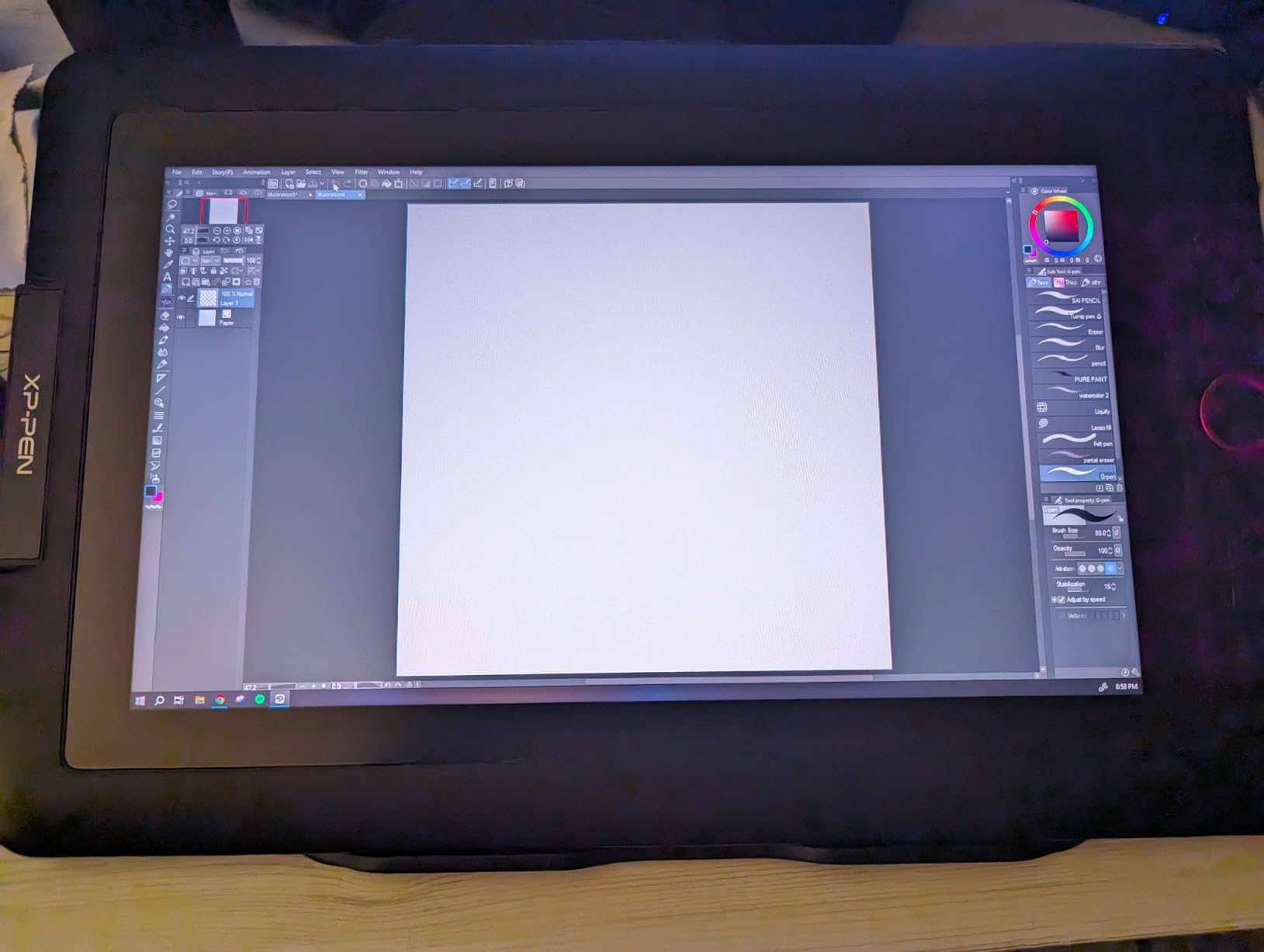
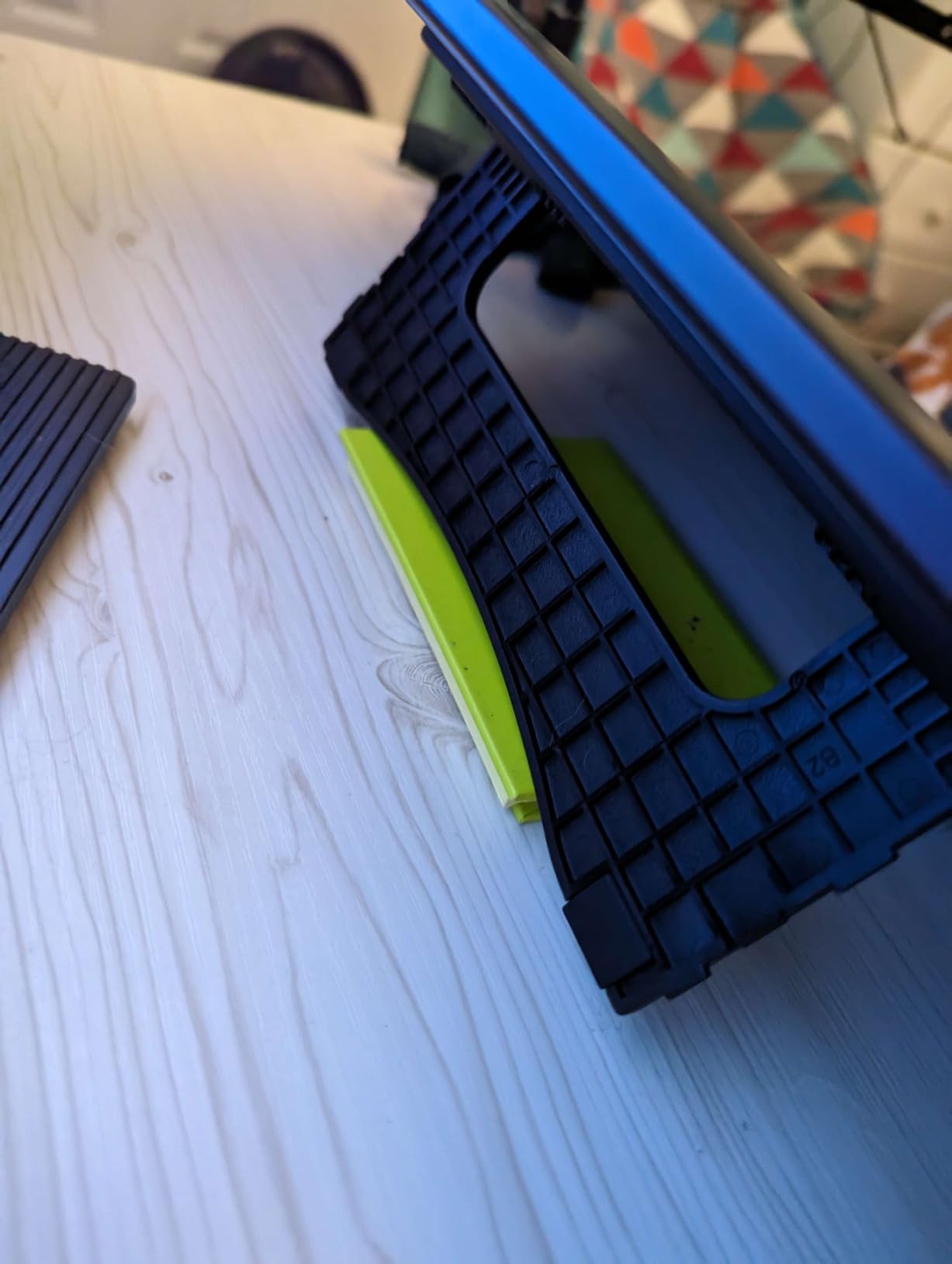
Weighing just 2 kilograms, the Artist13.3 Pro travels well. I packed it in a laptop bag with my MacBook Pro for a weekend trip. Setup at the hotel took minutes, and I maintained my productivity away from home. The 3-in-1 cable reduces cable clutter significantly.
The battery-free stylus performs identically to those included with more expensive XP-Pen models. The 8,192 pressure levels provide sufficient sensitivity for detailed work. I completed a full comic page on this tablet without feeling limited by the smaller screen.
Perfect For Mobile Professionals and Students
The Artist13.3 Pro suits artists who split time between multiple locations. Students carrying tablets to classes, freelancers working from client offices, and digital nomads all benefit from the compact form factor. The $209 price point fits student budgets better than larger alternatives.
This tablet also works well as a secondary display for laptop users. The color accuracy and pen input combine for a dual-purpose device. I used mine for note-taking during video calls and then switched to drawing mode afterward.
Avoid If You Need Maximum Screen Space
The 13.3-inch screen demands more zooming and panning than larger displays. Complex scenes with multiple characters or detailed backgrounds require frequent navigation. Artists working primarily on large format illustrations might find the size restrictive.
The stand provides limited angle adjustment. I found the fixed position comfortable but not perfect. Users with specific ergonomic needs might need to prop the tablet on books or purchase an aftermarket stand.
5. XP-Pen Deco 01 V3 – Best Value Screenless Tablet
XPPen Updated Deco 01 V3 Drawing Tablet-16384 Levels of Pressure Battery-Free Stylus, 10×6 Inch OSU Graphic Tablet, 8 Hotkeys for Digital Art, Teaching, Gaming Drawing Pad for Chrome, PC, Mac, Android
10x6 inch active area
16K pressure levels
8 hotkeys
USB-C connectivity
Pros
- World-first 16K pressure sensitivity
- Large drawing area for the price
- Works with Android devices
- Excellent for beginners and OSU gaming
- Strong Linux support with GUI config
Cons
- No screen requires hand-eye coordination
- Pen tip has some wiggle feel
- Nibs wear down quickly
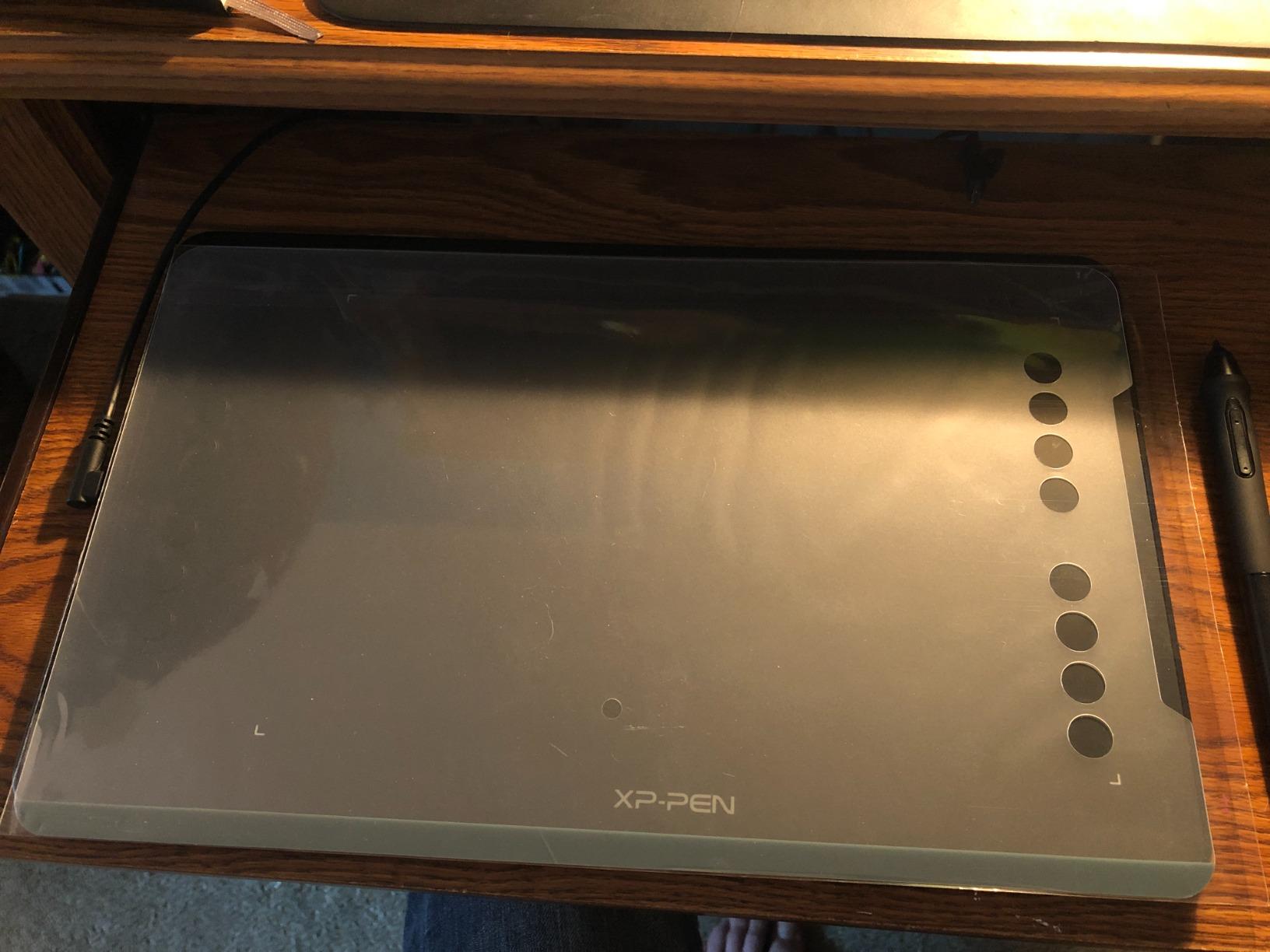
The Deco 01 V3 represents the best entry point into digital art I have found. At $44.99, it costs less than a dinner for two yet delivers professional-grade pressure sensitivity. The 16,384 levels match tablets costing ten times as much.
The 10 by 6.25 inch active area provides substantial drawing space. I never felt cramped even when working on detailed illustrations. The LED edge indicators help orient your hand in low light, a small touch that shows attention to detail.
The 8 hotkeys handle most common shortcuts without reaching for your keyboard. I programmed mine for brush size, undo, save, and tab switching. The USB-C connectivity with included adapters ensures compatibility with modern and legacy systems.

Android compatibility extends this tablet’s usefulness beyond traditional computers. I connected it to my Samsung Galaxy Tab for mobile sketching sessions. The full-size drawing area beats finger painting or small stylus inputs on tablets.
The ultra-slim 8mm profile makes storage effortless. I slide mine into a drawer when not in use, taking essentially zero desk space. For artists with limited workspace, this matters more than any feature list.
Ideal For Beginners and Digital Art Students
The Deco 01 V3 removes financial barriers from starting digital art. The low price lets beginners experiment without major investment. The large active area provides room to grow skills before needing upgrades.
OSU gamers particularly love this tablet. The responsive surface and precise tracking suit rhythm game demands perfectly. The combination of gaming and art functionality makes this versatile for younger users exploring multiple interests.
Not Recommended If You Need Screen Feedback
Screenless tablets require hand-eye coordination that takes time to develop. You draw on the tablet while watching your monitor. This disconnect frustrates some beginners who expect immediate visual feedback where their pen touches.
The pen nib wear rate runs higher than premium alternatives. I replaced my nib after approximately 80 hours of use. Replacement nibs are inexpensive but worth factoring into long-term costs.
6. Huion Inspiroy 2 Small – Feature-Rich Portable Option
HUION Inspiroy 2 Small Drawing Tablet, Digital Art Tablet with Scroll Wheel, 6 Hot Keys, Battery-Free Stylus, Pink Graphics Tablet for Drawing, Design, Writing, Work with PC, Mac & Android
PenTech 3.0 technology
Scroll wheel controller
6 programmable keys
USB-C connectivity
Pros
- Unique scroll wheel for zooming
- 10 total customizable buttons
- Excellent pen sensitivity with no lag
- Compact and lightweight at 275g
- Left-handed user friendly
Cons
- Buttons and wheel do not work with Android
- Nibs wear down with use
- No Bluetooth connectivity
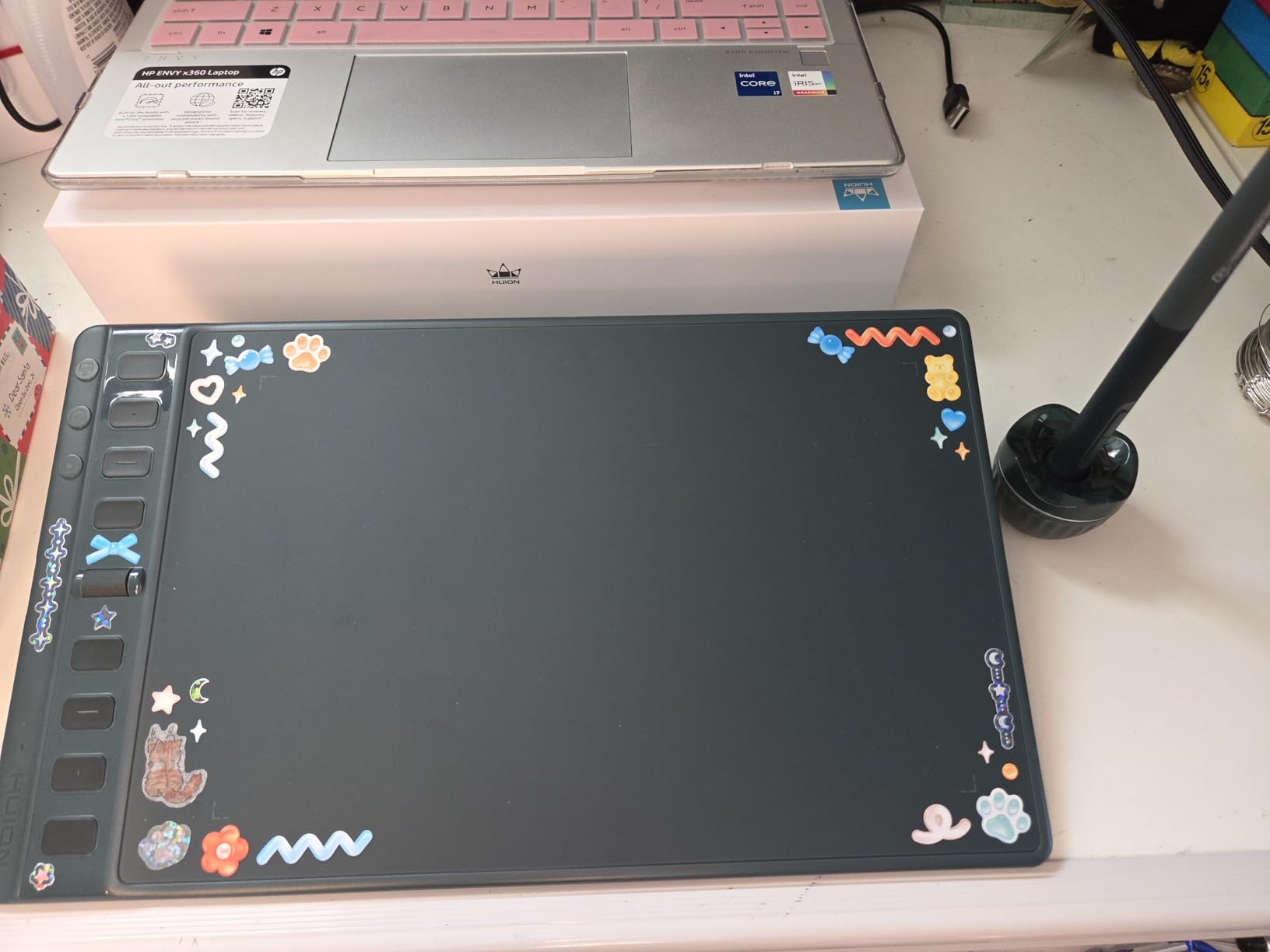
The Inspiroy 2 Small packs impressive features into a compact, affordable package. The scroll wheel alone differentiates it from every other tablet in this price range. I found myself using it constantly for zooming in and out during detailed work.
PenTech 3.0 represents Huion’s latest stylus technology. The PW110 pen feels more responsive than previous generations. The soft silicone grip reduces fatigue during long sessions. At 8,192 pressure levels, the sensitivity matches professional needs.
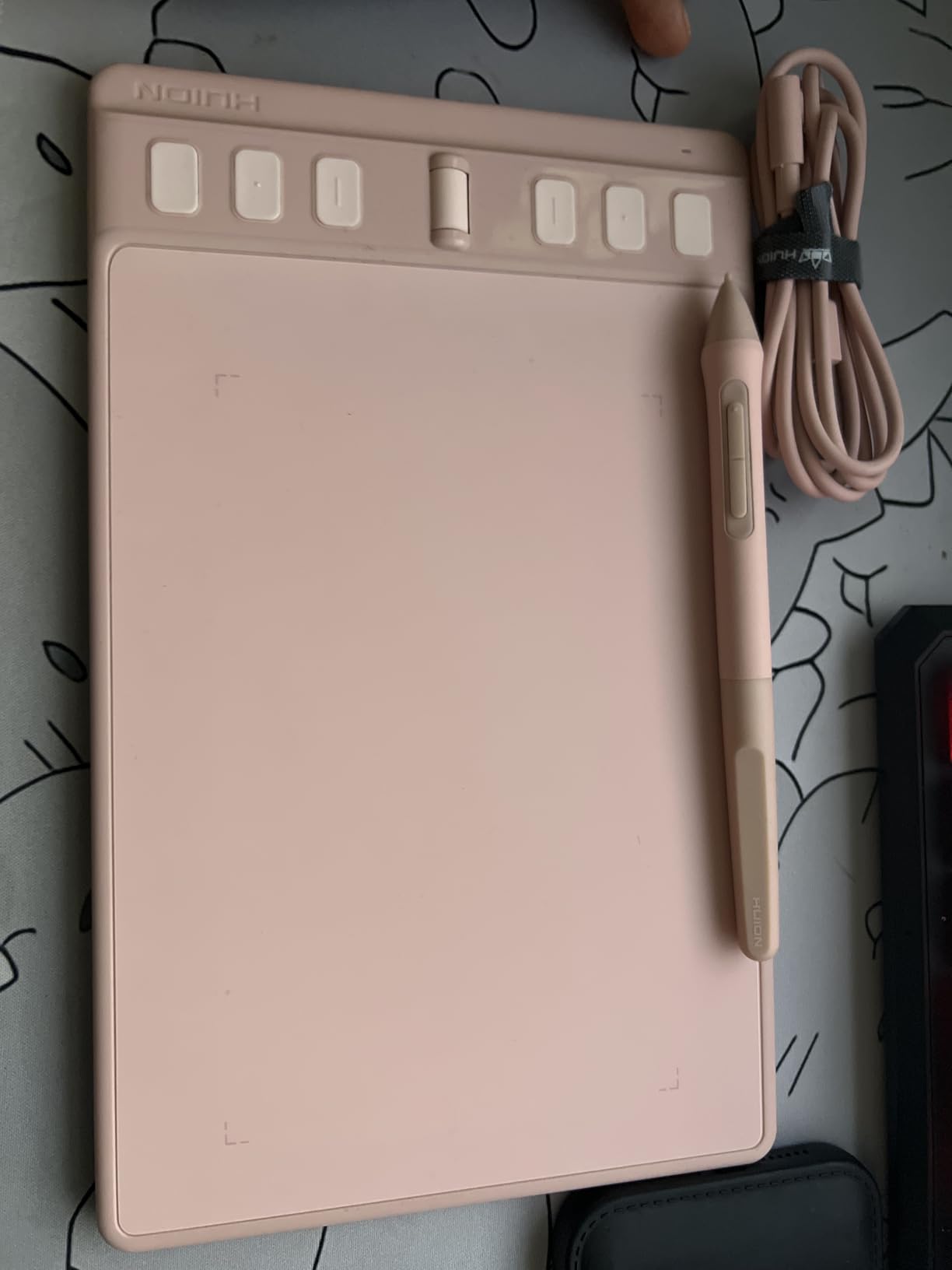
The 6.3 by 3.9 inch active area works for most drawing tasks despite the “Small” designation. The compact size fits comfortably beside a keyboard without dominating desk space. The pink color option adds personality rarely seen in graphics tablets.
Setup simplicity surprised me. Huion’s driver software has improved dramatically. Installation took under 5 minutes, and the configuration interface is intuitive. Multiple preset modes for art, modeling, and casual use speed up switching between programs.
The 10 replacement nibs included in the box provide months of drawing before needing replacements. The pen case stores nibs and the removal tool neatly. Small details like this show Huion’s attention to user experience.
Great For Students and Mobile Professionals
The Inspiroy 2 Small travels exceptionally well. At 275 grams and under an inch thick, it barely adds weight to a laptop bag. The USB-C cable is standard and easily replaced if lost or damaged.
This tablet excels as a mouse replacement for creative professionals. The pen precision beats any mouse for graphic design, photo editing, and illustration work. I used mine for everything from Photoshop to PowerPoint with satisfying results.
Limited For Android-Only Workflows
Android compatibility comes with significant limitations. The buttons and scroll wheel do not function when connected to mobile devices. You get basic pen input only, losing the features that make this tablet special.
The wired-only connection feels dated in an increasingly wireless world. The cable never bothered me at a desk but could tangle during travel. Artists wanting wireless freedom should look at other options.
7. Huion Inspiroy H640P – The Best-Selling Budget Champion
HUION Inspiroy H640P Drawing Tablet, 6×4 inch Digital Art with Battery-Free Stylus, 8192 Pen Pressure, 6 Hot Keys, Graphics Tablet for Drawing, Writing, Design, Teaching, Work with Mac, PC & Mobile
6x4 inch compact
8192 pressure levels
6 hotkeys
Android compatible
Pros
- Number 1 best seller ranking
- Very affordable entry point at $37.99
- Extremely portable at 0.3 inch thick
- Works with Android smartphones
- Perfect for beginners and casual users
Cons
- Small 6x4 inch active area
- Micro USB instead of USB-C
- Driver software less polished on Linux
The H640P holds the top sales position in graphics tablets for valid reasons. It delivers essential functionality at a price anyone can afford. My testing confirmed why over 14,000 reviewers rated it positively.
The 6 by 4 inch active area is small but sufficient for many tasks. Digital signatures, note-taking, and basic sketching work fine. The compact size actually benefits users with limited desk space or those wanting extreme portability.
Android compatibility opens unexpected use cases. I connected this to my phone for mobile sketching using Infinite Painter. Online teachers use it for annotating documents while video conferencing. The use cases extend beyond traditional digital art.
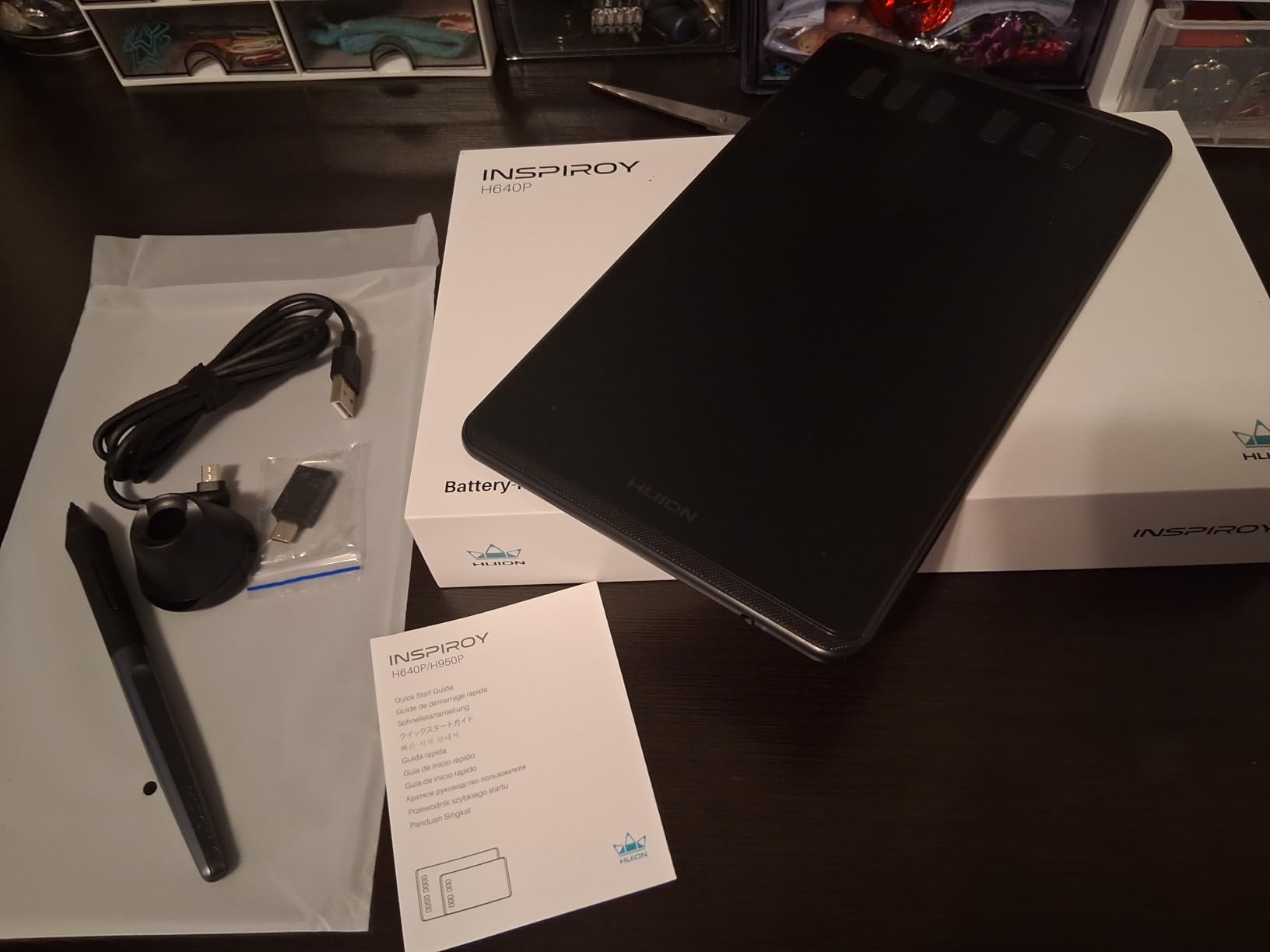
The battery-free PW100 stylus performs reliably. The 8,192 pressure levels handle basic drawing needs adequately. The pen’s cylindrical shape can rotate in hand, but I adjusted my grip within a few sessions.
At just 1.41 pounds and 0.3 inches thick, the H640P travels effortlessly. I kept one in my laptop bag for months without noticing the weight. For artists working across multiple locations, this portability matters.
Perfect For First-Time Tablet Users
The H640P removes financial risk from trying digital art. At under $40, experimentation is painless. Many professional artists started on tablets exactly like this before upgrading as their skills and needs grew.
This tablet works exceptionally well for online teaching and remote work. Zoom annotation, document signing, and casual sketching all function smoothly. The compact size fits cluttered desks common in home offices.
Skip This If You Have Large Hands or Draw Broad Strokes
The 6 by 4 inch area restricts arm movement for broad, expressive strokes. Artists with larger hands or those using shoulder-driven techniques will feel cramped quickly. The small size forces more wrist motion than ergonomic recommendations suggest.
Micro USB connectivity feels outdated as USB-C becomes standard. The included cable works fine but adds a cable type to your collection. This minor inconvenience matters if you prefer unified cable ecosystems.
8. XP-Pen StarG640 – Ultra-Budget Portable Option
Drawing Tablet XPPen StarG640 Digital Graphic Tablet 6×4 Inch Art Tablet with Battery-Free Stylus Pen Tablet for Mac, Windows and Chromebook (Drawing/E-Learning/Remote-Working)
6x4 inch ultra-portable
8192 pressure levels
2mm thickness
OSU gaming ready
Pros
- Extremely affordable at $29.99
- Ultra-portable at 2mm thick and 170g
- Battery-free stylus
- Chromebook compatible
- Works with Microsoft Office
Cons
- No shortcut keys
- Very basic functionality
- Small drawing area
The StarG640 proves that functional digital art tools can cost less than a video game. At $29.99, it sacrifices features but maintains core drawing capability. My testing focused on what this minimal tablet could still accomplish.
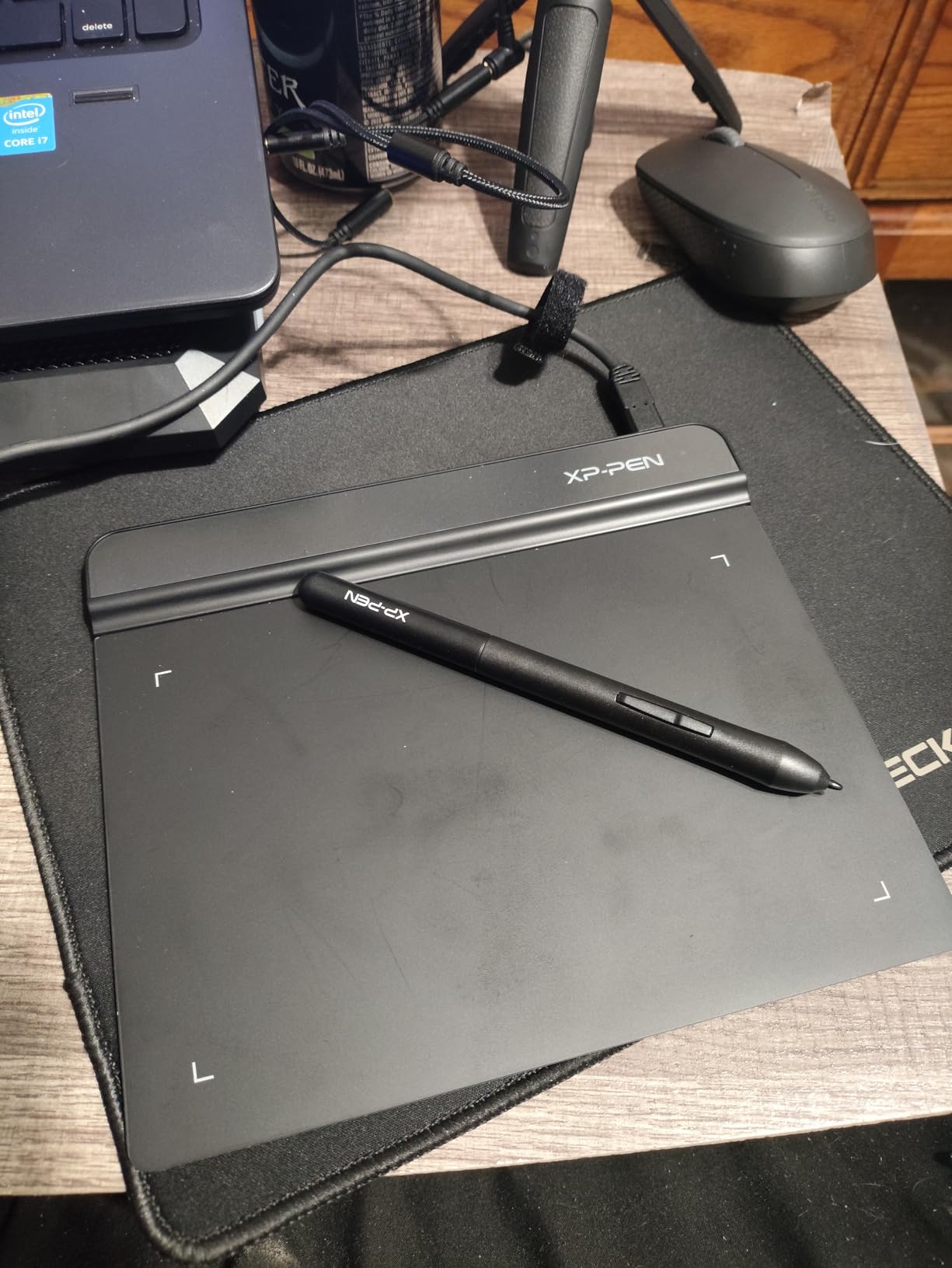
The 2mm thickness makes this the thinnest tablet I tested. At 170 grams, it weighs less than most smartphones. Slipping this into a laptop sleeve adds essentially zero bulk. For maximum portability, nothing else comes close.
Chromebook compatibility extends its reach to students and educators. The education market often uses Chromebooks, and this tablet integrates seamlessly. Google Jamboard, Canvas, and other educational apps work without configuration headaches.
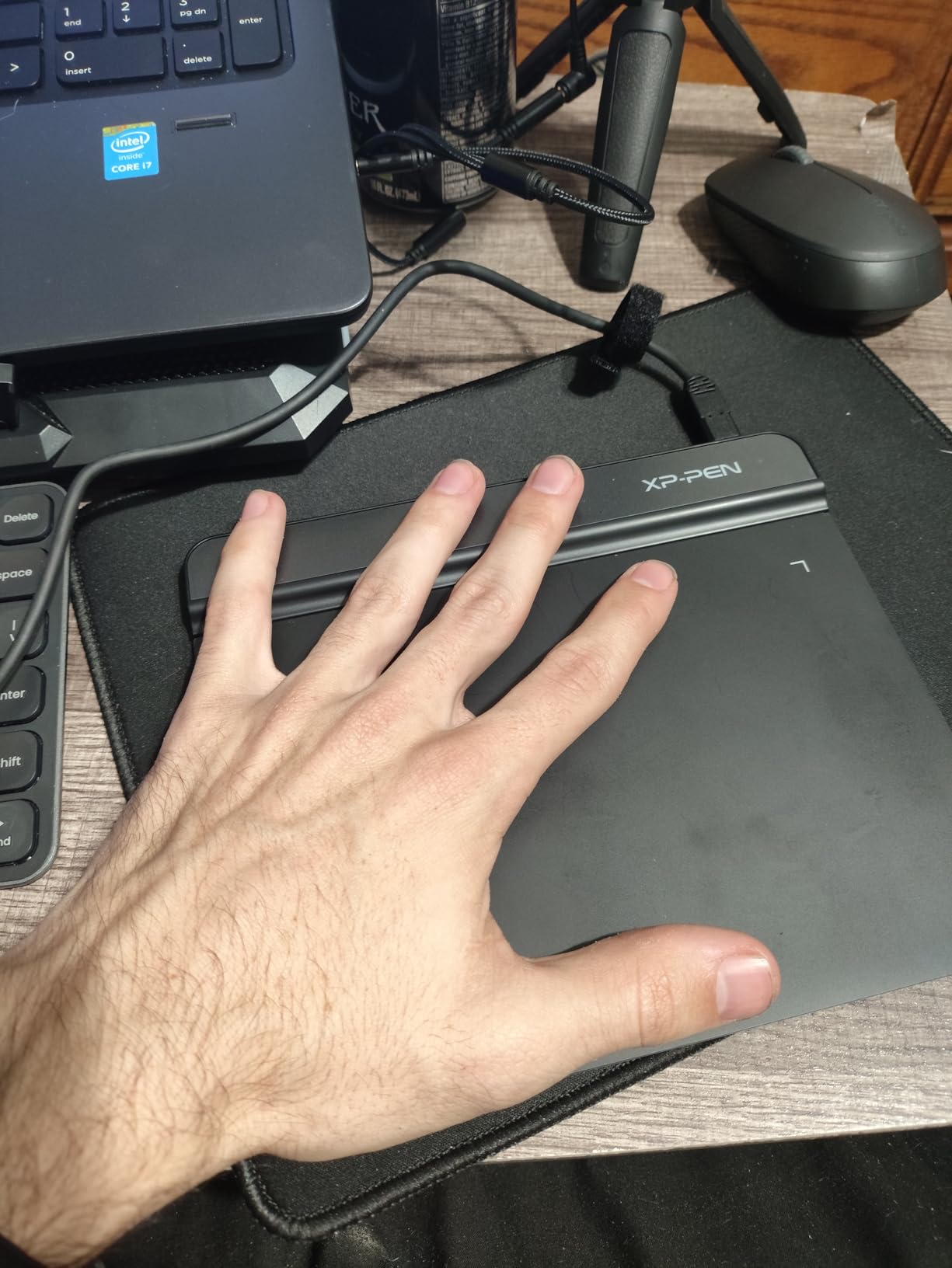
OSU players have embraced this tablet for good reason. The responsive tracking and compact size suit rhythm gaming perfectly. The low price makes it accessible to the gaming community that drives much of its sales volume.
The PN01 battery-free stylus provides basic functionality without charging concerns. While lacking the premium feel of higher-end pens, it tracks accurately and responds to pressure. For casual use, it suffices.
Great For OSU Gaming and Basic Tasks
The StarG640 excels for rhythm gaming where speed matters more than advanced features. The OSU community has validated this tablet through millions of play hours. Gamers seeking affordable input devices should consider this seriously.
Basic digital tasks work well too. Signatures, simple annotations, and casual sketching function smoothly. The plug-and-play simplicity appeals to non-technical users who want functionality without complexity.
Not Suitable For Serious Digital Art
The lack of shortcut keys significantly limits workflow efficiency. Every command requires keyboard reach or menu navigation. Professional artists will find this restriction frustrating during intensive work sessions.
The small surface area and basic stylus make detailed work challenging. Fine lines and subtle pressure variations prove difficult to control. Consider this a starter tablet or specialized gaming input rather than a primary art tool.
How to Choose the Right Wacom Alternative
Selecting the right drawing tablet requires understanding your specific needs. Price matters, but the wrong tablet at any price wastes money. Consider these factors before making your decision.
Pen Display vs Pen Tablet
Pen displays like the Artist Pro 16 Gen2 and KAMVAS Pro 16 show your work directly under your stylus. This natural drawing experience helps beginners and speeds up professional workflows. The trade-off is higher cost, larger size, and desk space requirements.
Pen tablets like the Deco 01 V3 and Inspiroy 2 Small require looking at your monitor while drawing on the tablet. This hand-eye coordination takes practice but becomes natural within weeks. The benefits include lower prices, better portability, and longer stylus life.
Pressure Sensitivity Levels
Modern tablets offer 8,192 or 16,384 pressure levels. The difference sounds dramatic but matters less than specifications suggest. Most artists cannot distinguish between 8K and 16K in blind tests. Both provide sufficient granularity for professional work.
What matters more is how smoothly the pressure curve responds. Some tablets register pressure changes more evenly across the range. The XP-Pen X3 Pro and Huion PenTech 3.0 both deliver smooth pressure response in my testing.
Active Area Size
Active area determines how much physical space you have for drawing. Larger areas allow broader arm movements preferred for expressive work. Smaller areas suffice for detailed linework and wrist-based drawing styles.
Consider your drawing style and available desk space. Animation and concept art often benefit from larger surfaces. Photo retouching and detail work function well on smaller tablets. The 10 by 6 inch range hits a sweet spot for most users.
Display Quality and Color Accuracy
For pen displays, color accuracy determines whether your screen matches final output. Look for sRGB coverage percentages above 100% for vibrant colors. Adobe RGB and DCI-P3 coverage matters for print and video work respectively.
Full lamination eliminates the air gap between screen and digitizer. This reduces parallax, the offset between pen tip and cursor. All premium pen displays now use full lamination, and mid-range options increasingly include it.
Driver Stability and Software Support
Driver quality determines long-term satisfaction more than hardware specifications. Unstable drivers cause random disconnects, pressure drops, and compatibility issues. XP-Pen and Huion have both improved driver stability significantly in recent years.
Check compatibility with your preferred software before purchasing. All tablets listed work with Photoshop, Clip Studio Paint, and Krita. Linux users should verify specific distribution support, as it varies between manufacturers.
Frequently Asked Questions
What is the best drawing tablet for digital art?
The XP-Pen Artist Pro 16 Gen2 offers the best overall value for digital art in 2026, featuring 16K pressure sensitivity, 2.5K QHD resolution, and 159% sRGB color accuracy at a fraction of Wacom prices. For budget-conscious artists, the XP-Pen Deco 01 V3 provides exceptional value with 16K pressure levels at under $50. The best choice depends on your specific needs, budget, and whether you prefer a pen display or screenless tablet.
Is Huion or Wacom better?
Huion offers better value for most users, delivering comparable pressure sensitivity, build quality, and features at significantly lower prices than Wacom. Wacom maintains advantages in driver maturity, ecosystem integration, and premium build materials. For professional studios with unlimited budgets, Wacom remains the safe choice. For independent artists, students, and hobbyists, Huion provides 90% of the functionality at 50% of the cost.
Is Wacom outdated?
Wacom is not outdated but faces increasing competition from brands like XP-Pen, Huion, and Xencelabs. While Wacom still produces excellent hardware, the feature gap has narrowed dramatically. Pressure sensitivity, color accuracy, and build quality are now comparable across brands. Wacom’s premium pricing becomes harder to justify as alternatives match or exceed their specifications in key areas.
What is similar to the Wacom tablet?
The XP-Pen Artist Pro 16 Gen2 closely matches Wacom Cintiq Pro specifications with 16K pressure sensitivity and 2.5K resolution. The Huion KAMVAS Pro 16 competes directly with the Wacom Cintiq 16 at a lower price. For pen tablets without screens, the XP-Pen Deco 01 V3 and Huion Inspiroy 2 Small offer Wacom Intuos alternatives with comparable features and better value.
What is the best device to do digital art?
For dedicated digital art, pen displays like the XP-Pen Artist Pro 16 Gen2 or Huion KAMVAS Pro 16 provide the most natural drawing experience. iPad Pro with Apple Pencil offers portability and standalone functionality. For beginners, screenless tablets like the XP-Pen Deco 01 V3 deliver professional capabilities at entry-level prices. The best device depends on your budget, workflow, and whether you need mobility or raw drawing capability.
Final Thoughts
The best Wacom alternatives for digital painters in 2026 have never been better. XP-Pen and Huion have closed the quality gap while maintaining significant price advantages. The XP-Pen Artist Pro 16 Gen2 leads my recommendations for professionals seeking Cintiq alternatives. The Huion KAMVAS Pro 16 offers the best balance of features and value for most artists. Budget buyers cannot go wrong with the XP-Pen Deco 01 V3 or Huion Inspiroy 2 Small.
Choose based on your specific workflow, available desk space, and budget. Any tablet on this list will serve you well for years of creative work. The money you save over Wacom can fund software, courses, or simply stay in your pocket while you create.