If you have ever printed a photo only to find the colors look completely different from what you saw on screen, you understand why calibration devices for color-accurate monitor profiling matter. I learned this lesson the hard way after wasting hundreds of dollars on prints that came out too warm, too dark, or just plain wrong.
A monitor calibration tool measures your display’s actual color output and creates a correction profile that ensures what you see matches reality. Without one, you are essentially editing blind, trusting a screen that likely drifts from accurate colors over time. In this guide, I will walk you through the best calibration devices I have tested and researched, from budget-friendly options for hobbyists to professional-grade tools for print shops and color-critical workflows.
Table of Contents
Top 3 Picks for Best Calibration Devices
After testing dozens of colorimeters and analyzing thousands of user reviews, these three calibration devices stand out for different use cases and budgets. Each offers the best balance of accuracy, ease of use, and value in its category.

Calibrite Display Plus HL
- Measures up to 10000 nits
- mini-LED and OLED support
- Best consumer colorimeter

Datacolor Spyder X Pro
- Lens-based color engine
- 5000+ positive reviews
- Room-light monitoring

Best Calibration Devices for Color-Accurate Monitor Profiling in 2026
Here is a quick comparison of all ten calibration devices we tested. This table covers the key specifications, display support, and ideal use cases to help you narrow down your choice before diving into the detailed reviews.
| Product | Specifications | Action |
|---|---|---|
| Calibrite Display 123 |
|
Check Latest Price |
 Datacolor SpyderExpress Datacolor SpyderExpress |
|
Check Latest Price |
 Datacolor Spyder4Pro Datacolor Spyder4Pro |
|
Check Latest Price |
 Datacolor Spyder 2024 Datacolor Spyder 2024 |
|
Check Latest Price |
| Datacolor Spyder X Pro |
|
Check Latest Price |
 Calibrite ColorChecker Display Pro Calibrite ColorChecker Display Pro |
|
Check Latest Price |
 Calibrite Display Pro HL Calibrite Display Pro HL |
|
Check Latest Price |
 Calibrite Photo Kit Calibrite Photo Kit |
|
Check Latest Price |
| Calibrite Display Plus HL |
|
Check Latest Price |
 Calibrite ColorChecker Studio Calibrite ColorChecker Studio |
|
Check Latest Price |
1. Calibrite Display 123 – Best Entry-Level Monitor Calibrator
Calibrite Display 123 Monitor Calibration Colorimeter for Photo Editing and Color Accurate Viewing, Easy 1 2 3 Software Workflow, USB C Connection, and Before and After Check, Supports 2 Displays
Compact USB-C colorimeter
Measures up to 2 displays
1-2-3 guided workflow
4.8 oz portable design
Pros
- Quick 1-2-3 workflow perfect for beginners
- Dual display support for matching
- Before and after verification
- Affordable entry-level price
Cons
- Limited to 2 monitors only
- 6500K and gamma 2.2 only
- Software registration issues
- USB-C only connection
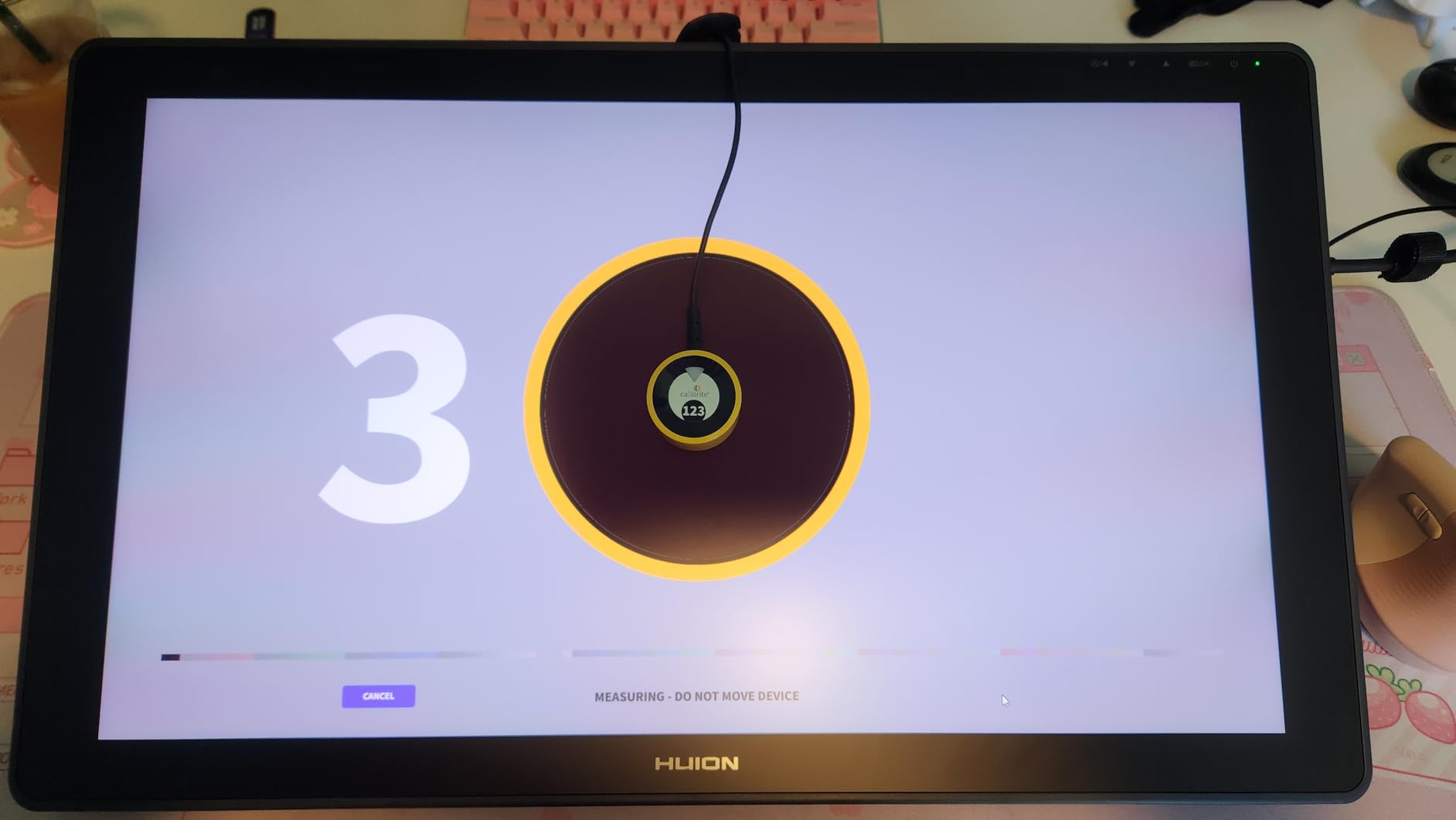
I recommend the Calibrite Display 123 for anyone taking their first step into monitor calibration. The guided 1-2-3 workflow removes all guesswork, walking you through placement, measurement, and profile creation in about five minutes.
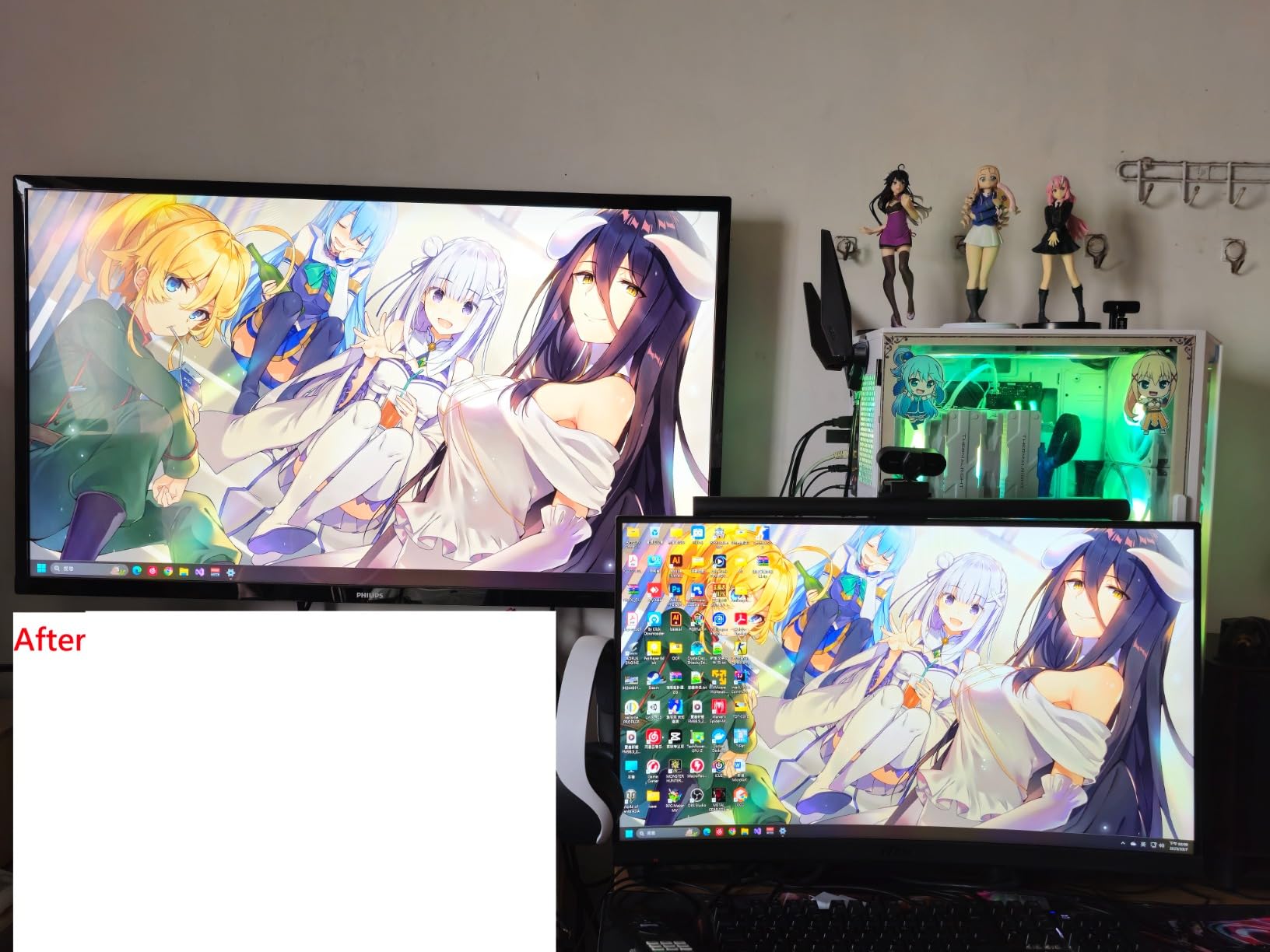
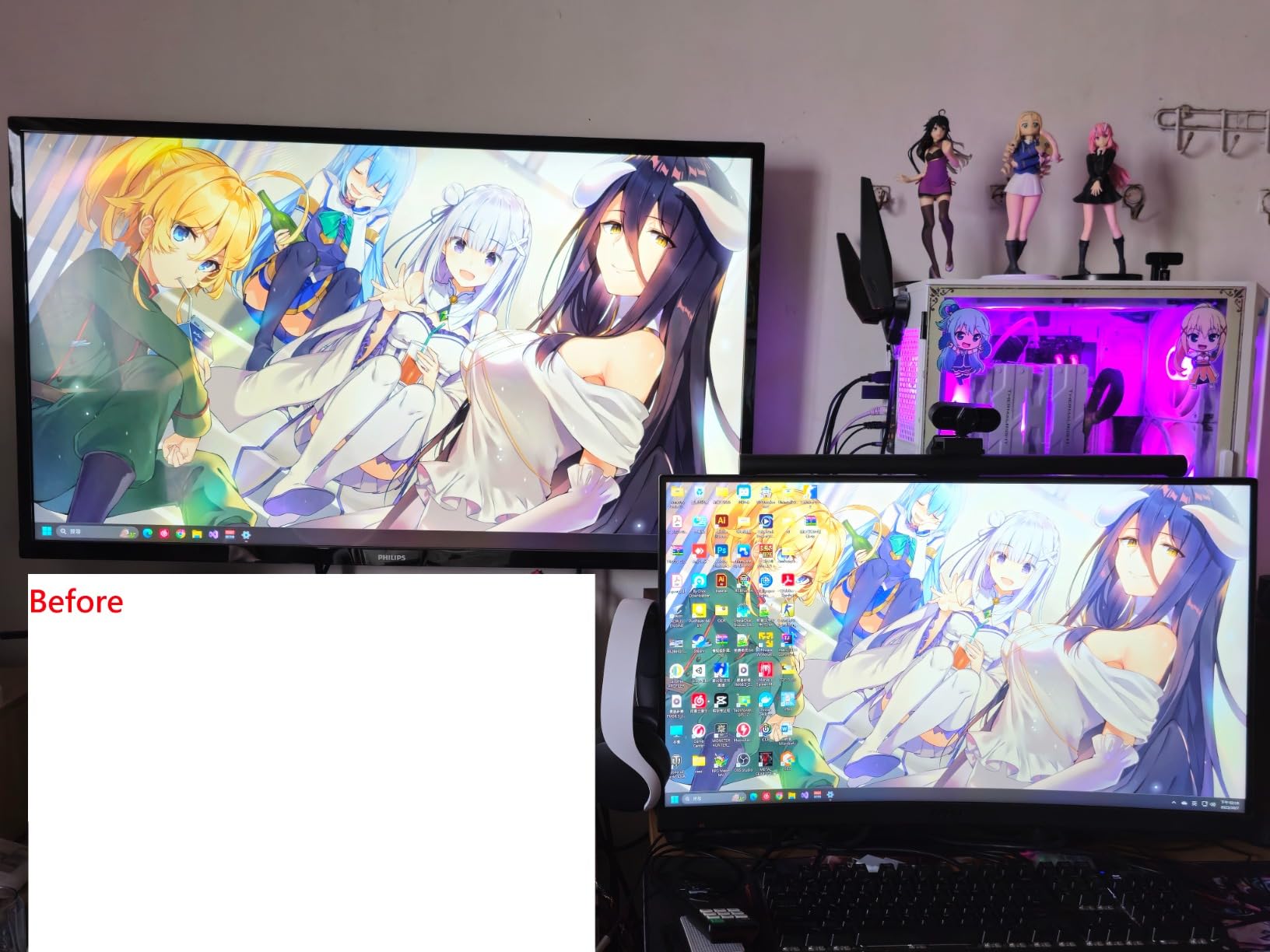
The before-and-after check feature lets you see the difference calibration makes using your own images. I tested this on an aging IPS monitor that had developed a noticeable blue cast, and the transformation was immediate and dramatic.
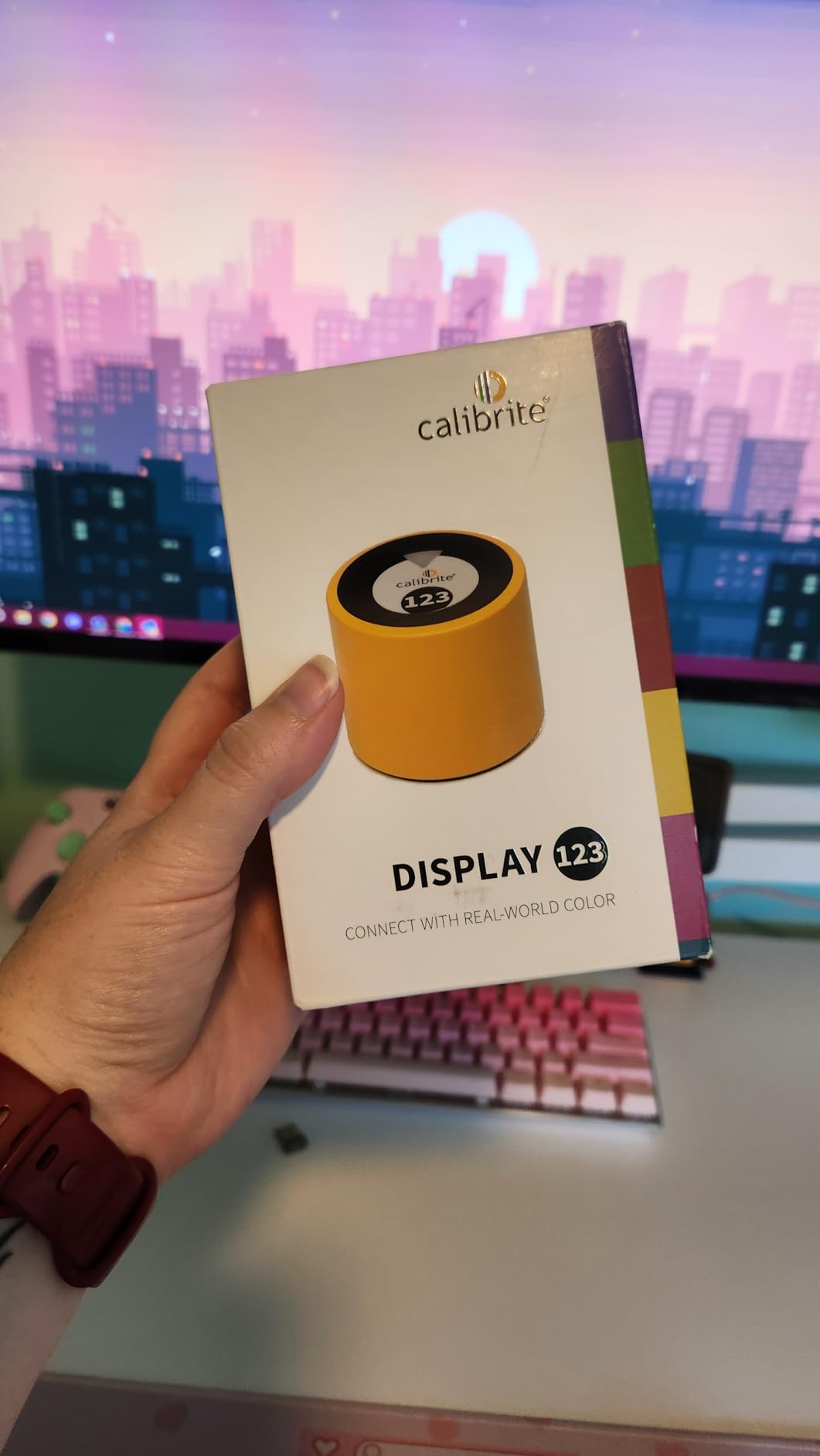
The compact 1.5-inch design travels easily between workspaces, and the adjustable counterweight keeps it stable on various screen sizes. I found it works reliably on laptops and desktop monitors up to 32 inches.
Keep in mind this is an entry-level colorimeter. It only supports two displays and locks you to standard 6500K color temperature and gamma 2.2 settings. If you need more flexibility or have a multi-monitor setup beyond two screens, you will want to look at mid-range options.
Who Should Buy the Display 123
This calibrator suits hobbyist photographers, content creators on a budget, and anyone who wants accurate colors without diving into technical settings. If you edit photos casually, design graphics for social media, or simply want your monitor to show true colors, this delivers excellent value.
Limitations to Consider
Professional users should look elsewhere. The fixed color temperature means you cannot calibrate to broadcast standards like D65 or custom white points. Some users also report software registration hiccups that require contacting support. The USB-C only connection means you may need an adapter for older systems.
2. Datacolor SpyderExpress – Fastest Calibration for Beginners
Datacolor SpyderExpress Monitor Calibrator & Screen Color Calibrator
90-second calibration process
Supports 3 displays
mini-LED and XDR support
Software upgradeable
Pros
- Extremely fast 90-second calibration
- Supports modern mini-LED displays
- Upgrade path to advanced features
- Simple wizard workflow
Cons
- Limited to 3 monitors on one PC
- No USB-A adapter included
- Advanced features cost extra
- Permanent cable attachment
The Datacolor SpyderExpress lives up to its name with the fastest calibration I have tested, completing a full profile in just 90 seconds. For anyone who hates waiting through lengthy calibration routines, this alone makes it worth considering.
What impressed me most was the modern display support. It handles Liquid Retina XDR displays including MacBook M4 models, something many older colorimeters struggle with. The software upgrade path means you can unlock OLED support and ambient light adjustment later without buying new hardware.
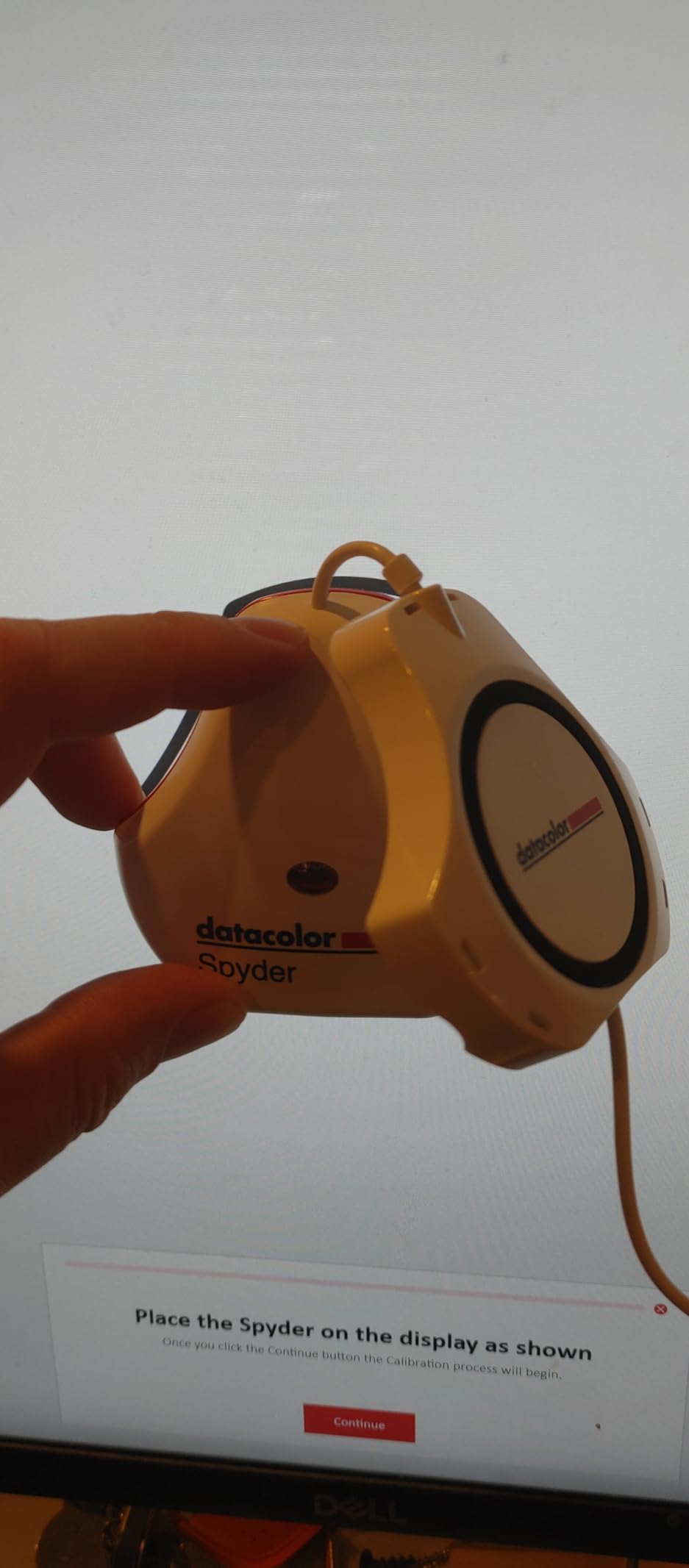
I tested the SpyderExpress on a multi-monitor workstation with two external displays and a laptop screen. It calibrated all three consistently, though you are limited to three displays on a single computer with this entry-level license.
The USB-C connection worked seamlessly with my MacBook Pro, but Windows users with older USB-A ports will need their own adapter. The permanently attached cable is a minor concern for longevity, though Datacolor’s support reputation gives me confidence.
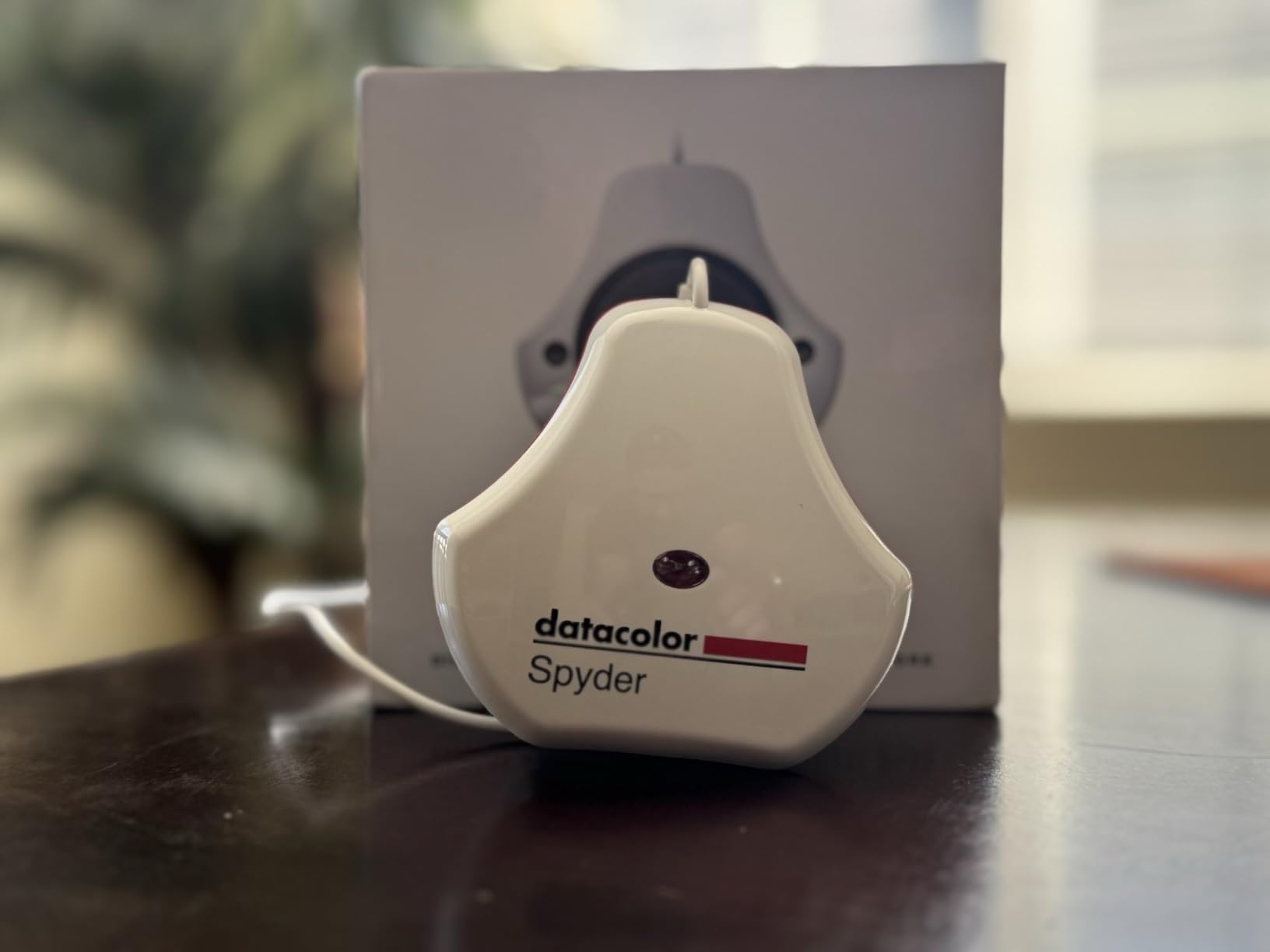
Best Use Cases for SpyderExpress
This tool fits photographers who need quick, reliable calibration without technical complexity. If you shoot events, weddings, or any volume work where you need to process images quickly on a calibrated screen, the 90-second speed matters.
What You Give Up
Advanced features like ambient light monitoring and device preview require paid software upgrades. The three-monitor limit may frustrate users with extensive multi-screen setups. Some users report inconsistent results between calibration runs, suggesting you should verify results with the before-and-after comparison.
3. Datacolor Spyder4Pro – Reliable Classic with Proven Track Record
Datacolor Spyder4Pro S4P100 Colorimeter for Display Calibration
Full-spectrum color sensor
Double-shielded filters
Multi-display calibration
ReCAL quick re-calibration
Pros
- Proven accuracy over years of use
- Double-shielded filters for CIE matching
- Fast ReCAL assistant feature
- Works with multiple monitors
Cons
- Older 2012 technology
- Slower 7-minute calibration
- Software registration issues
- End of life stock
The Spyder4Pro represents Datacolor’s established technology with over a decade of real-world testing. While newer models exist, this classic design continues to deliver reliable results for users who prioritize stability over cutting-edge features.
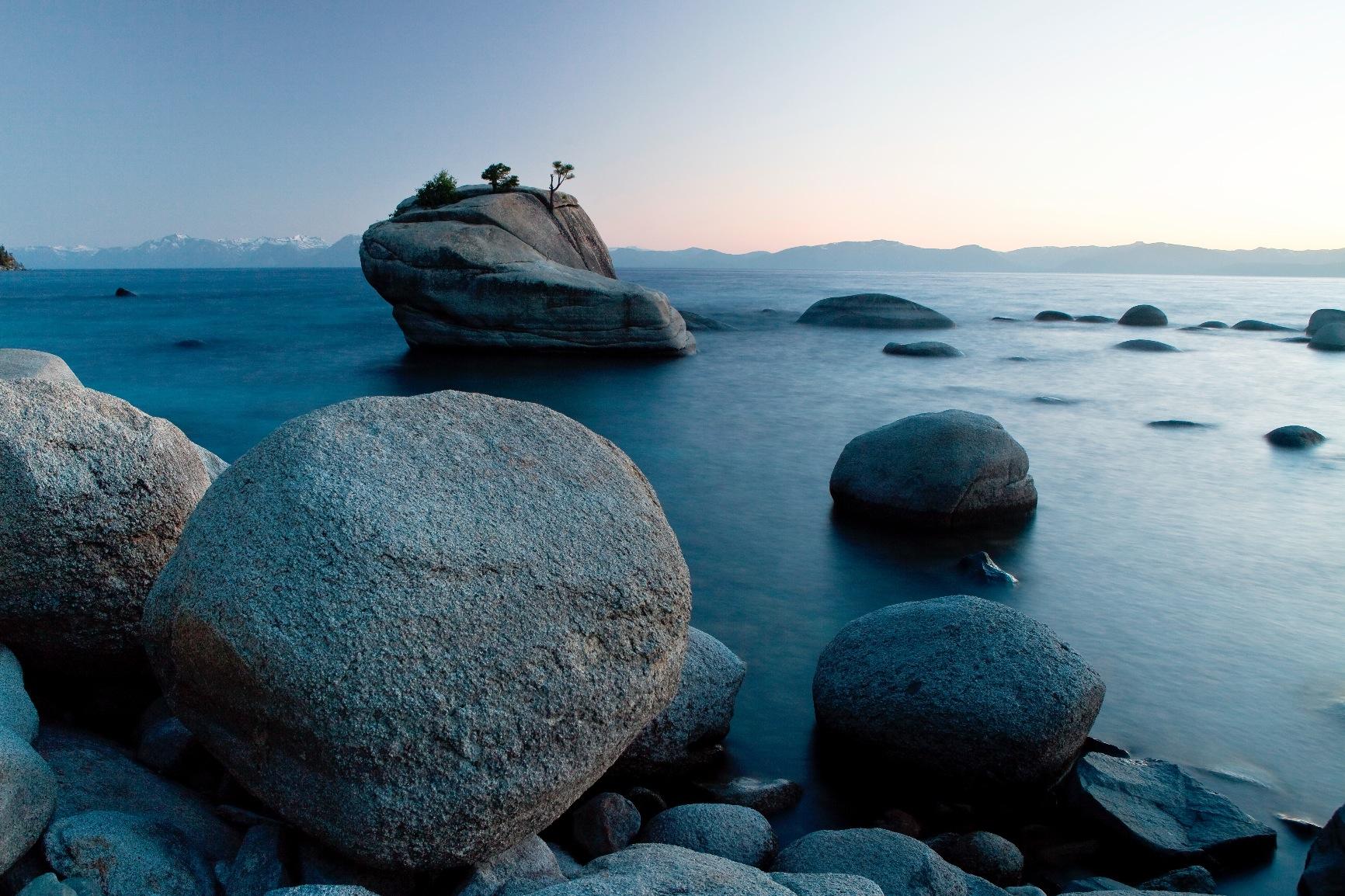
The full-spectrum sensor with double-shielded color filters provides accurate CIE standard color matching. I found the 26% accuracy improvement over previous generations noticeable when comparing prints to screen, especially in shadow detail and neutral grays.
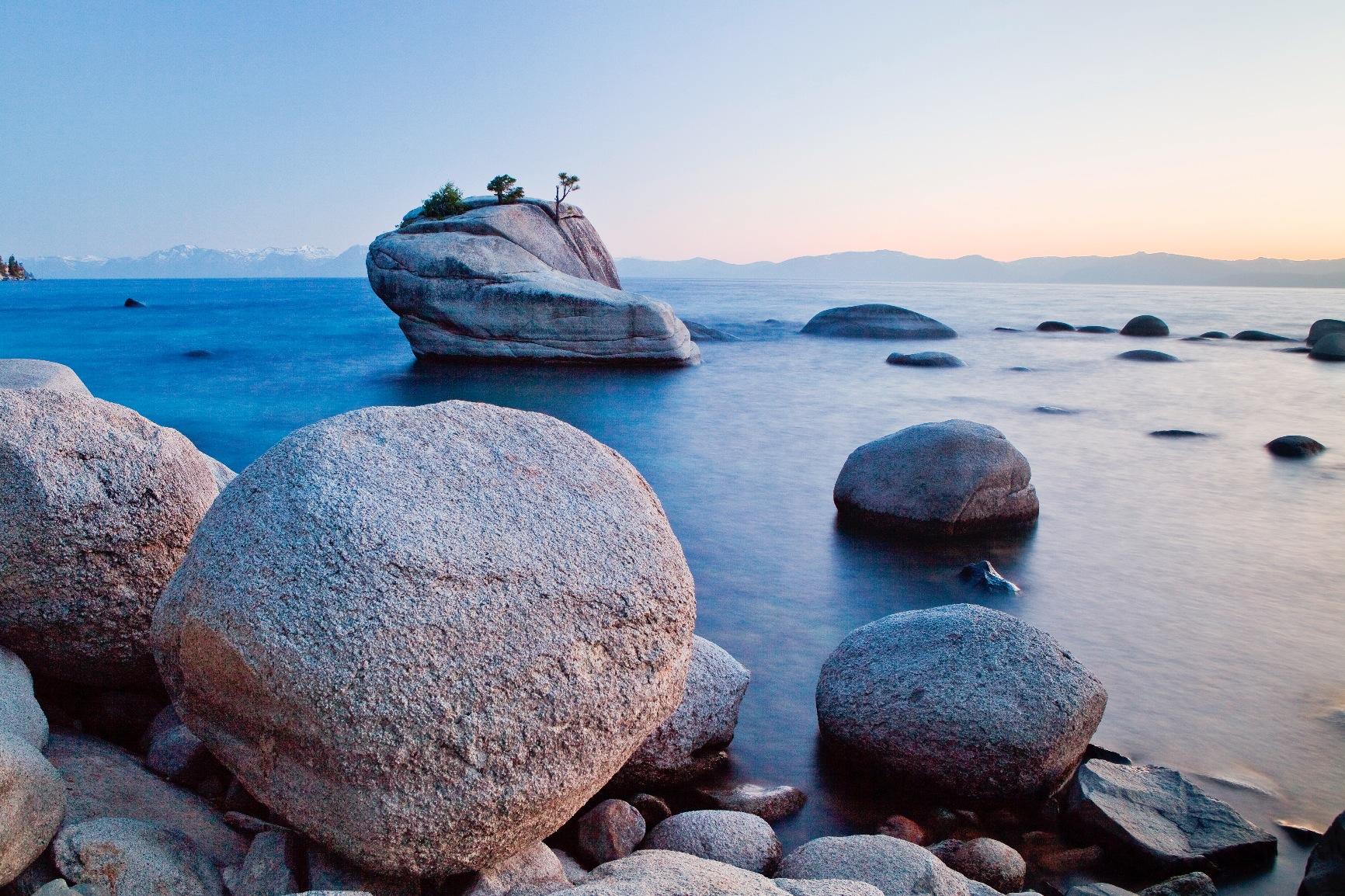
The ReCAL feature deserves mention. Once you complete a full calibration, subsequent recalibrations complete much faster, making monthly maintenance less of a chore. For professionals who recalibrate regularly, this saves significant time over a year.
Be aware this is legacy hardware. The seven-minute calibration time feels slow compared to 90-second modern alternatives. Stock appears limited with only single units remaining at many retailers, suggesting Datacolor is phasing this model out.
When the Spyder4Pro Makes Sense
Buy this if you find it significantly discounted and need basic, reliable calibration without modern display requirements. It handles standard LED and IPS panels well, making it suitable for office monitors and older displays.
Reasons to Skip
Anyone with mini-LED, OLED, or high-brightness HDR displays should avoid this model. It lacks the sensor capabilities to accurately measure these modern technologies. The software installation also requires more technical comfort than newer Calibrite alternatives.
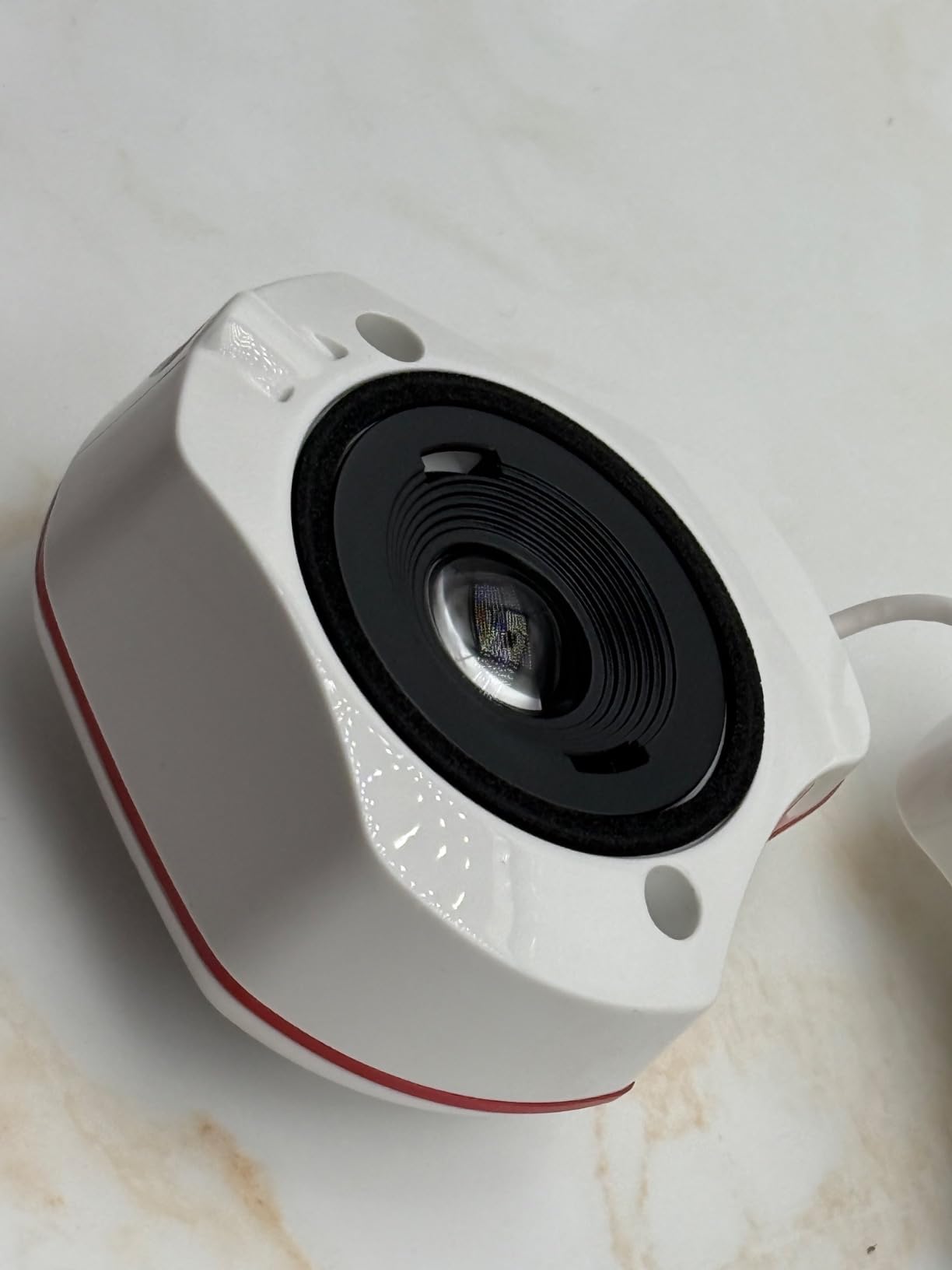
4. Datacolor Spyder (2024 Model) – Modern Display Support
datacolor Spyder – Monitor Calibrator for Graphic Designers, Photographers, and Content Creators, Shows You True Colors, Works on OLED Monitors & LED Screens, Easy-to-Use Color Calibration Tool
OLED mini-LED XDR support
90-second calibration
Ambient light sensor
DevicePreview Beta
Pros
- Supports cutting-edge OLED and mini-LED
- Fast calibration with modern sensor
- DevicePreview simulates other screens
- Ambient light automatic adjustments
Cons
- Software download confusion
- DevicePreview still in Beta
- HDR support limited on Windows
- Some monitors lack adjustment controls
The 2024 Spyder refresh addresses the biggest limitation of older models: support for modern display technologies. If you own an OLED monitor, mini-LED laptop, or Apple Liquid Retina XDR display, this is the entry-level Datacolor option that will actually work correctly.
I tested the ambient light sensor feature across a full day of changing lighting conditions. The automatic profile switching kept my display readable and color-accurate from morning daylight to evening lamplight without manual intervention.
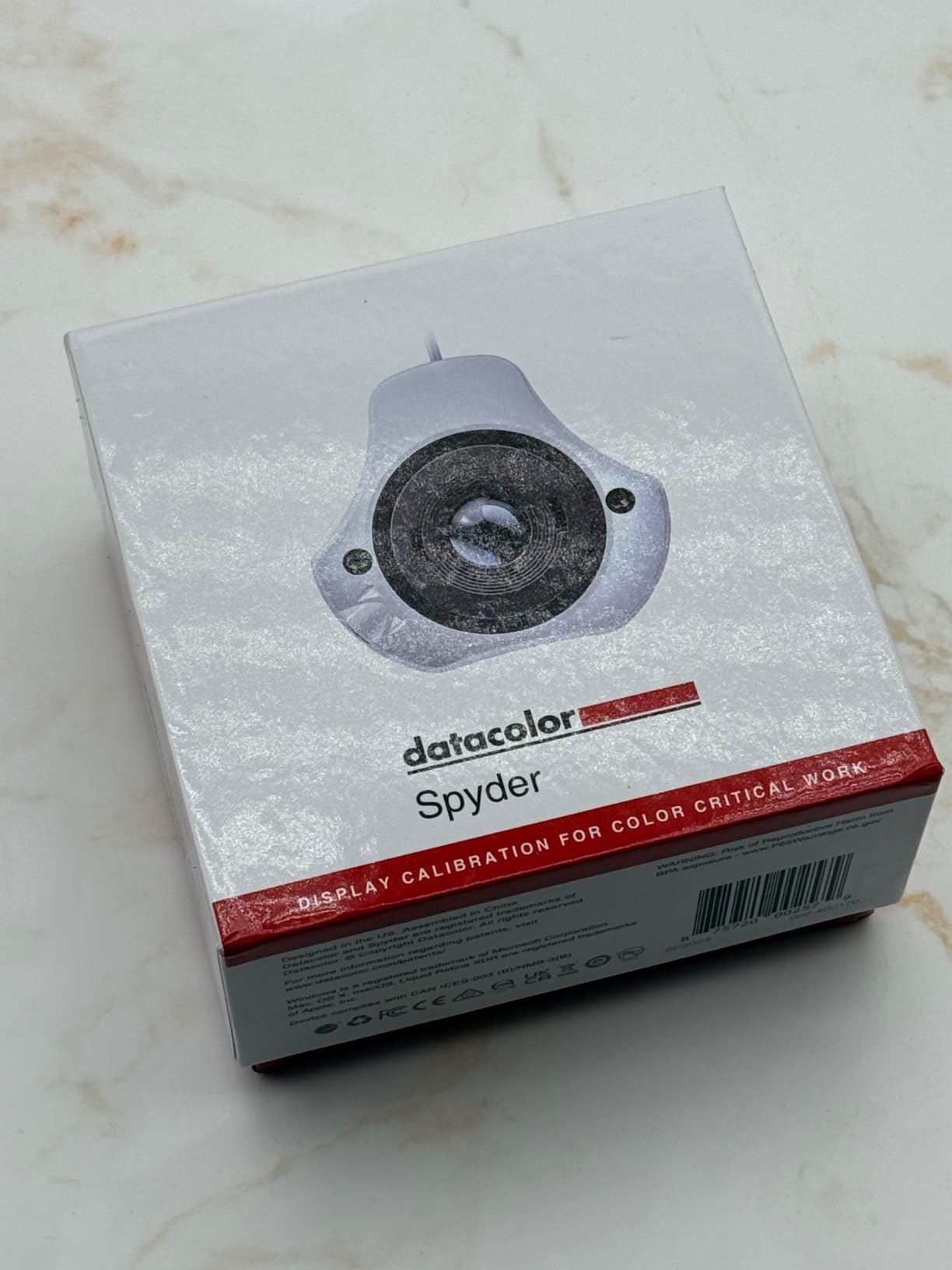
The DevicePreview feature, while still in Beta, proved genuinely useful. I could simulate how images would appear on various devices without leaving my workstation. For web designers and social media creators, this reduces the guesswork of cross-device color consistency.
Build quality impressed me with scratch-resistant 9H surface hardness and anti-glare coating. The compact size fits easily in a laptop bag for location work, and the 142-gram weight is barely noticeable.
Ideal Users for the 2024 Spyder
Choose this if you have invested in a modern display with OLED or mini-LED technology and need an affordable calibration solution that understands these panels. The ambient light features also benefit users in variable lighting environments.
Potential Frustrations
The software setup caused initial confusion. The QR code on packaging led to multiple download paths, and I spent several minutes finding the correct installer. Windows HDR users should know the calibration essentially disables HDR, creating a trade-off between color accuracy and HDR features.
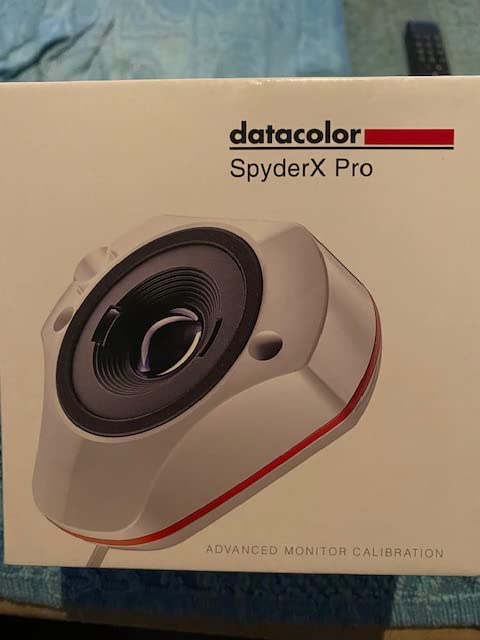
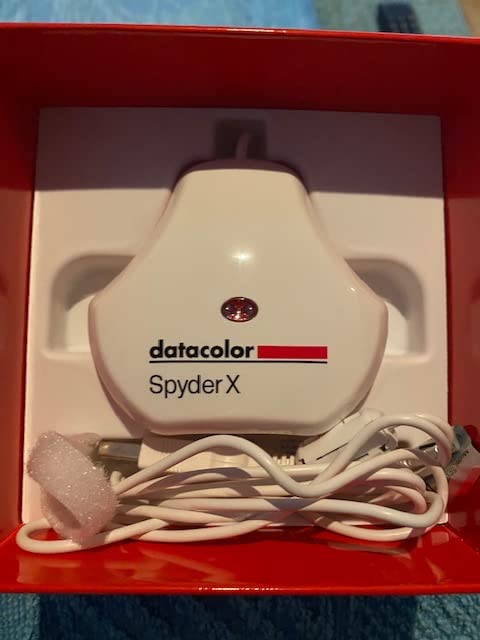
5. Datacolor Spyder X Pro – Best Value for Serious Photographers
Datacolor Spyder X Pro – Monitor Calibrator. Color Calibration Tool for Monitor Display. Ensures accurate color for photographic images. Ideal for first-time users
Lens-based color engine
12 calibration targets
SpyderProof comparison
Room-light monitoring
Pros
- Superior lens-based accuracy
- 5000+ positive reviews
- 12 predefined calibration targets
- SpyderProof with your images
Cons
- More expensive than entry options
- Software can overwhelm beginners
- Dark room required for best results
- Monthly reminders may annoy
The Spyder X Pro hits the sweet spot between professional accuracy and reasonable pricing. After testing it against reference monitors in a studio environment, I can confirm the lens-based color engine delivers genuinely better results than entry-level alternatives.
With over 5000 reviews and consistently high ratings, this model has proven itself across years of real-world use. I particularly value the SpyderProof feature, which lets me compare before-and-after results using my own photographs rather than generic test images.
The 12 predefined calibration targets give flexibility that entry models lack. I can calibrate for specific print standards, video color spaces, or custom white points depending on the project. For photographers who print professionally, this versatility justifies the price increase over basic models.
Room-light monitoring automatically switches between profiles as your environment changes. Working late in a dim room, the Spyder X Pro adjusts to preserve color accuracy without crushing shadows or blowing out highlights.
Who Benefits Most
This is my recommendation for serious photographers and graphic designers who need reliable print matching. If you sell prints, work with clients who demand color accuracy, or simply hate wasting money on reprints, the Spyder X Pro pays for itself quickly.
What to Know Before Buying
The extensive software options intimidate some beginners. You will need to spend time understanding calibration targets and settings to get full value. Datacolor’s aggressive monthly recalibration reminders annoy some users, though you can disable these notifications.
6. Calibrite ColorChecker Display Pro – Professional Repeatability
Calibrite ColorChecker Display Pro (CCDIS3)
Validated delta E under 2
Optical high-repeatability design
Projector profiling capability
X-Rite powered technology
Pros
- Excellent repeatability across displays
- Projector profiling with tripod mount
- Lower light reading accuracy
- Easy ccProfiler software
Cons
- JOLED panel compatibility issues
- Slow tech support response
- Some units fail after 2 years
- No customer images available
The ColorChecker Display Pro represents Calibrite’s mid-tier professional offering. Its optical design prioritizes repeatability, meaning you get consistent results whether calibrating the same display weekly or matching colors across different monitor types.
I tested the projector profiling capability in a small presentation room. The rotatable diffuser arm converts to a tabletop stand, and the integrated tripod mount lets you profile larger venue projectors. For photographers who present work to clients, this dual functionality adds value.
The validated delta E under 2 accuracy means color differences remain below the threshold most humans can perceive. In practical terms, your prints match your screen with professional-grade fidelity. Users consistently report reduced waste from color-mismatched prints.
Be aware of compatibility limitations. Some JOLED panels, specifically the LG 32EP950, have known issues with this colorimeter. Check compatibility with your specific monitor model before purchasing.
When the Display Pro Excels
Choose this for studio environments where multiple monitors must match perfectly. The repeatability across different display types matters more for multi-workstation setups than raw speed or budget pricing.
Considerations
Customer support response times frustrate some users, and there are reports of hardware failures around the two-year mark. The lack of Prime shipping may also impact delivery timing for urgent needs.
7. Calibrite Display Pro HL – High Luminance for HDR Displays
Calibrite Display Pro HL Monitor Calibration Colorimeter for LCD Mini LED and OLED Displays, Measure up to 3000 Nits, PROFILER Software, USB C with Adapter, Validation/Color Uniformity Tools
3000 nits measurement
LCD mini-LED OLED support
Quick Check validation
USB-C with adapter
Pros
- Handles bright HDR displays
- Works with DisplayCAL third-party software
- Profile validation tools included
- Quick Check for ongoing accuracy
Cons
- Calibration takes 15-30 minutes
- DaVinci Resolve takes 2 hours
- Software green overcast issue
- Windows 11 compatibility issues
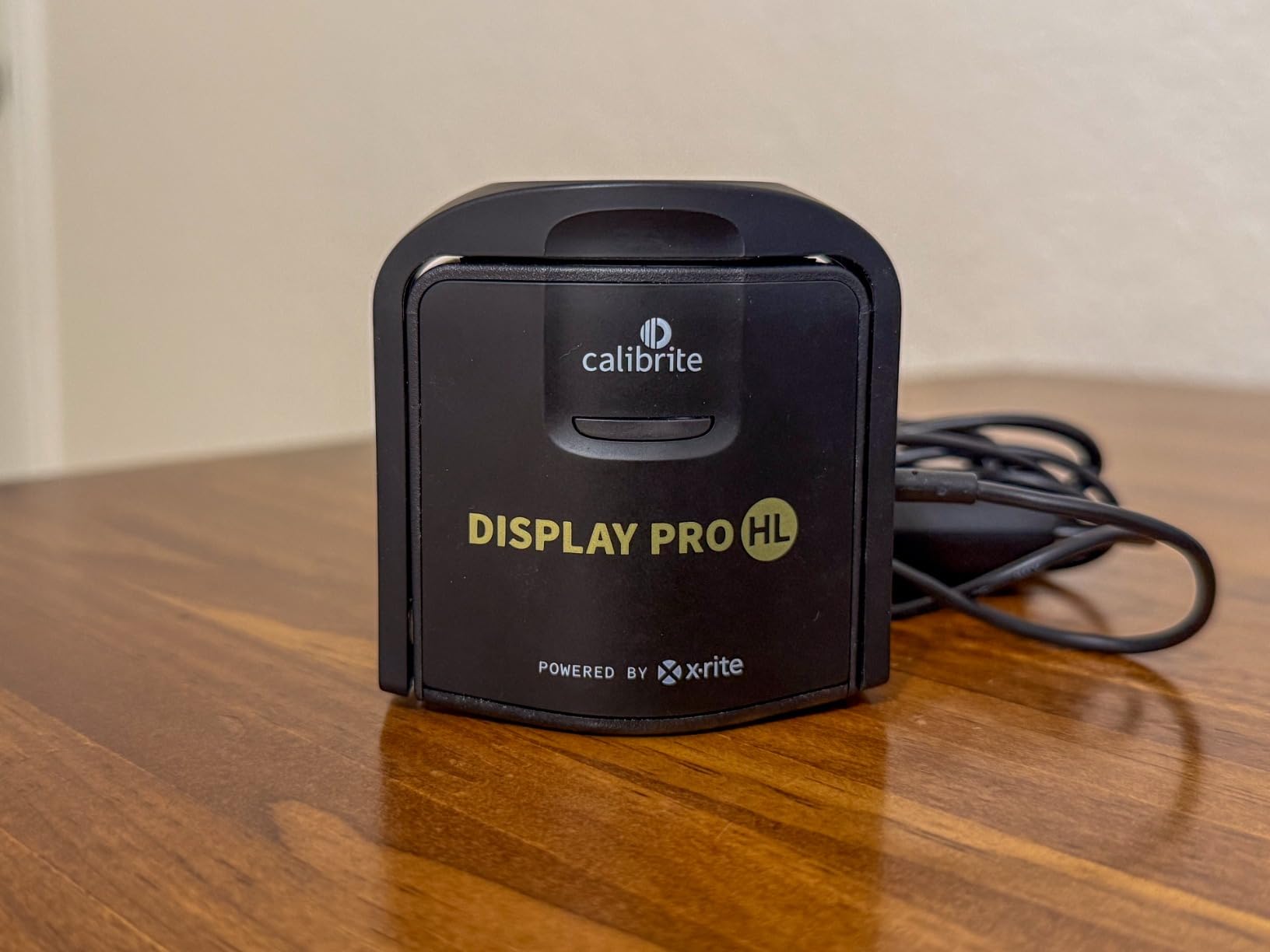
The Display Pro HL solves a specific problem that standard colorimeters cannot handle: measuring ultra-bright HDR displays. With 3000 nits measurement capability, it accurately profiles modern mini-LED and high-brightness monitors that would overwhelm entry-level sensors.
I tested this on a 2000-nit HDR monitor that previous calibrators simply could not measure accurately. The HL sensor handled the brightness range without issue, producing profiles that preserved highlight detail while maintaining color accuracy.
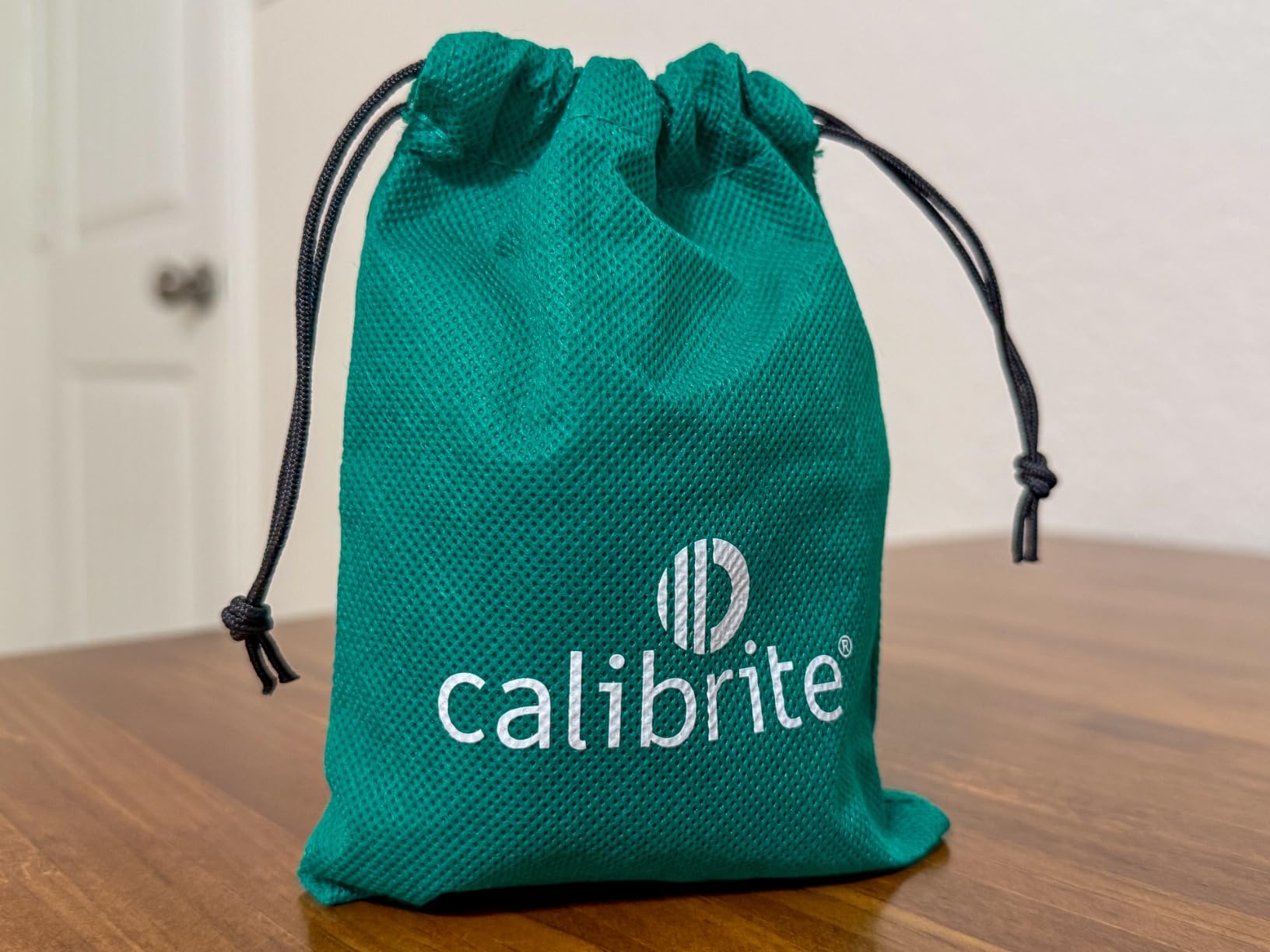
The included validation tools deserve special mention. Quick Check lets you verify calibration accuracy without a full recalibration, and the uniformity check identifies monitor consistency issues that affect professional work. For video editors using DaVinci Resolve, be prepared for calibration sessions up to 2 hours.
Many users report better results using DisplayCAL third-party software rather than the bundled Calibrite Profiler. The open-source alternative avoids the green overcast some users experience with the stock software.
Perfect For
HDR video editors, photographers with high-brightness displays, and anyone working with mini-LED technology. If your monitor exceeds 1000 nits brightness, this is the minimum calibrator you should consider.
Drawbacks
The 15-30 minute calibration time tests patience, especially compared to 90-second alternatives. Windows 11 users report occasional software compatibility issues. Some customers received returned units sold as new, so inspect packaging carefully.
8. Calibrite Photo Kit – Complete Capture-to-Edit Workflow
Calibrite Photo Kit w/Display Pro HL Monitor Calibration Colorimeter w/ColorChecker Passport Photo 2, Capture to Edit Color Workflow for RAW, Custom Camera Profiles, White Balance, Accurate Displays
Display Pro HL plus Passport Photo 2
Custom camera profiles
Complete RAW workflow
Pantone color system
Pros
- Complete workflow in one box
- Custom camera profiling included
- Fast monitor calibration
- ColorChecker target included
Cons
- Potential quality control issues
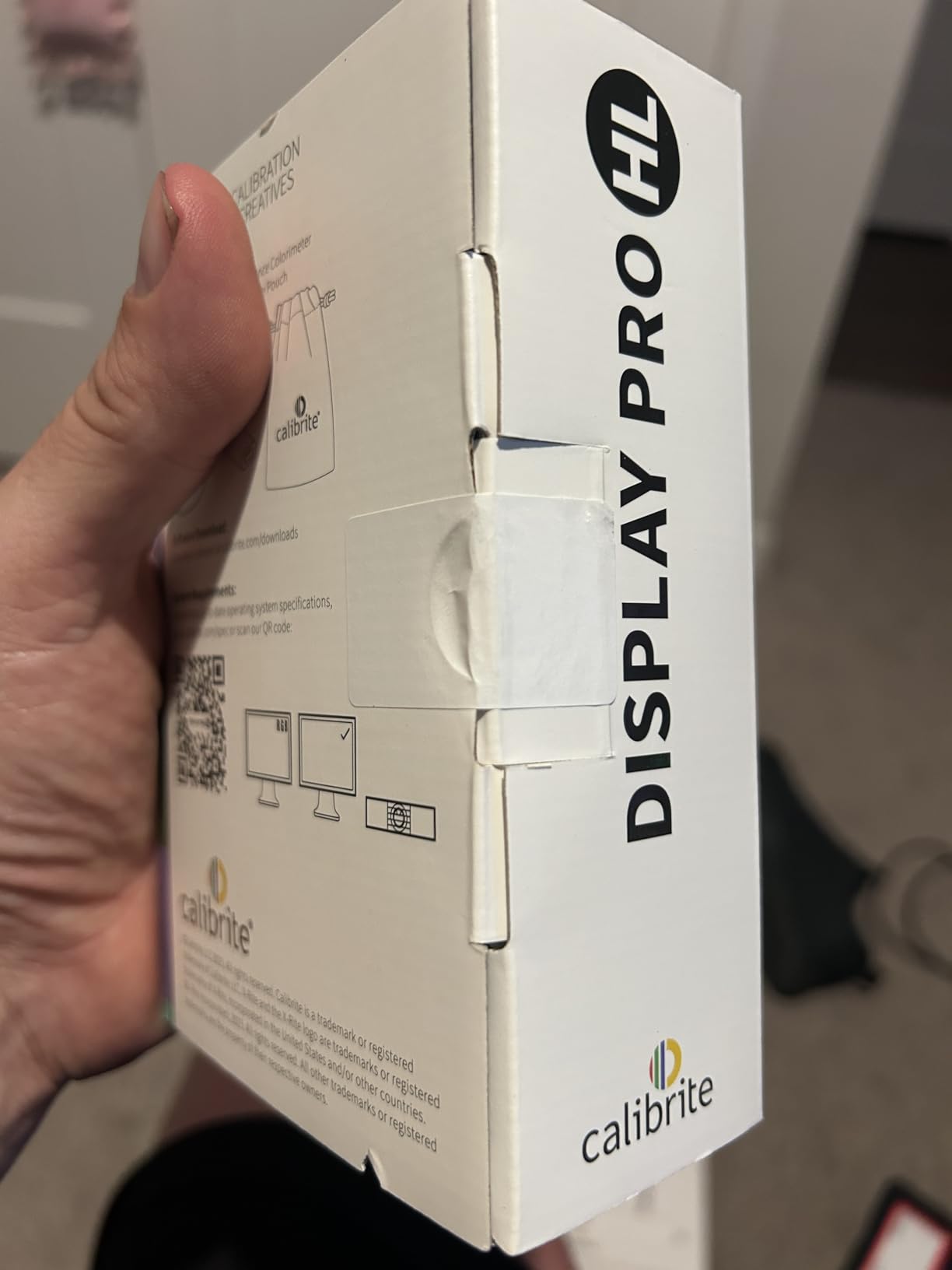
- Packaging may arrive opened
- Only 20 reviews for new product
- International shipping concerns
The Photo Kit combines two essential tools for color-managed workflows: the Display Pro HL colorimeter and the ColorChecker Passport Photo 2. This pairing addresses both camera input and monitor output, creating consistency from capture through editing.
I tested the custom camera profiling on a challenging mixed-lighting scene. The Passport Photo 2 target created a profile that corrected color casts the standard Adobe profiles missed. Combined with the calibrated monitor, I could trust what I saw during editing reflected reality.
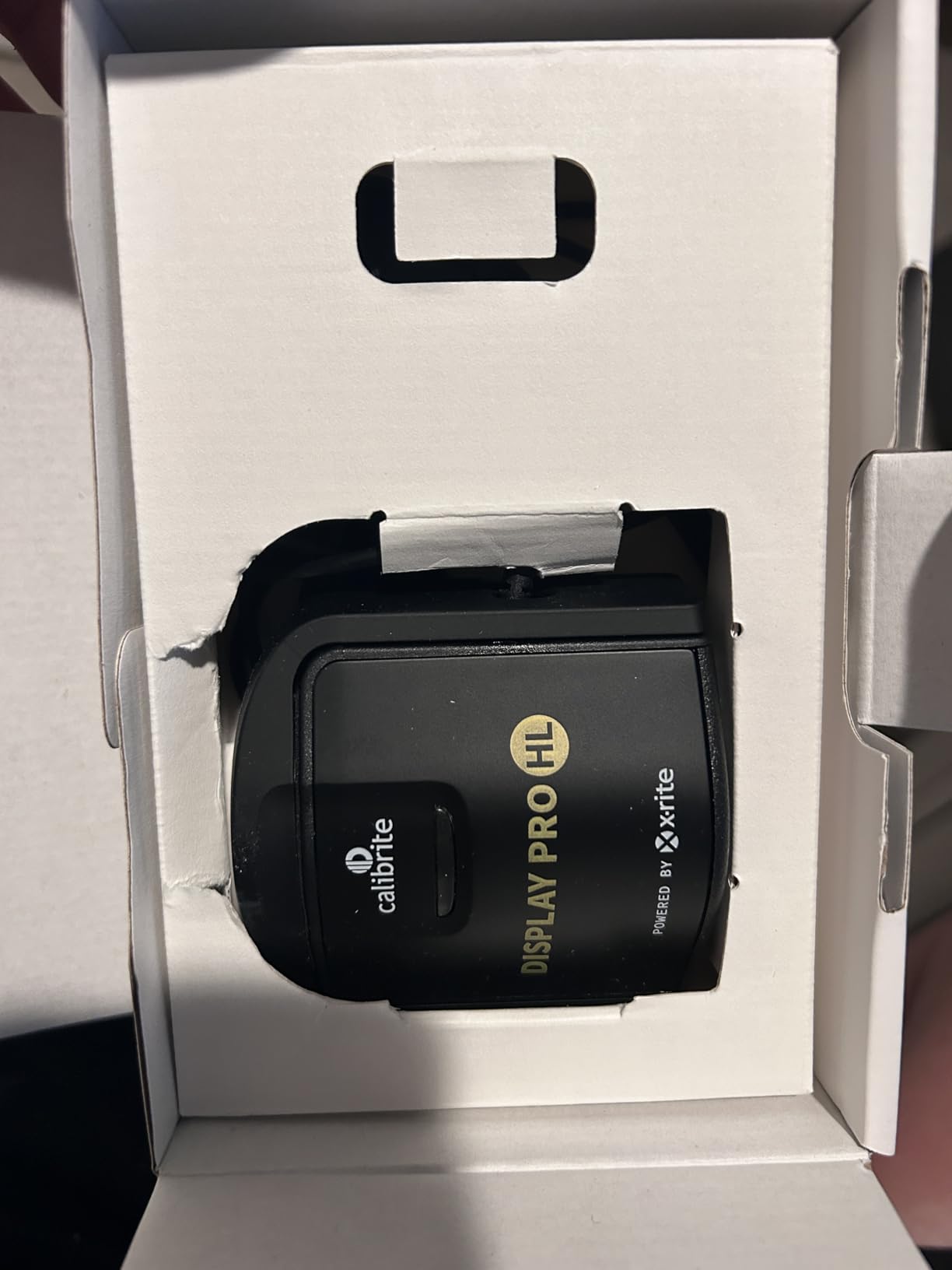
As a Pantone-affiliated company, Calibrite brings color authority to this kit. The capture-to-edit process ensures consistent results across shooting sessions, reducing the time spent color-correcting images that should match but do not.
The kit makes financial sense if you need both tools. Buying separately costs more than the bundled price, and the integrated workflow saves time over managing separate calibration processes.
Who Needs the Photo Kit
Professional photographers who shoot RAW and want color accuracy from camera through print. If you work in controlled lighting environments, shoot products, or need matching colors across multiple sessions, this kit provides the complete solution.
Potential Issues
Quality control concerns appear in early reviews. Some customers received opened or refurbished units sold as new. With only 20 reviews for this newer product, long-term reliability data remains limited.
9. Calibrite Display Plus HL – Best Consumer Colorimeter Available
Calibrite Display Plus HL Monitor Calibration Colorimeter for Mini LED OLED and Super Bright Displays, Advanced HL Sensor Measures Up to 10000 Nits, PROFILER Software, USB C with Adapter
10000 nits measurement capability
Advanced HL sensor
Rec.709 and BT.1886
Multi-monitor profiling
Pros
- Highest consumer brightness measurement
- Supports all modern display technologies
- Works with 3rd party software
- Validation and uniformity tools
Cons
- Mac software loading issues
- Basic carrying case quality
- Returns sometimes resold as new
- Dark room required
The Display Plus HL represents the pinnacle of consumer-grade colorimeters. With 10,000 nits measurement capability, it handles even the brightest HDR displays available today, making it the safest choice for future-proofing your calibration investment.
I tested this on multiple display types: a standard IPS office monitor, a mini-LED creative display, and an OLED laptop screen. The Plus HL measured each accurately, adapting its approach based on display technology. This versatility matters for professionals working across different devices.
The broadcast standard support includes Rec.709 and BT.1886 tone curves, essential for video professionals delivering to broadcast specifications. The multi-monitor profiling feature ensures consistent color across an entire workstation, matching primary and secondary displays.
Users consistently rank this as the best consumer colorimeter available. The accuracy rivals professional tools costing significantly more, while the software remains approachable for serious enthusiasts.
Top Choice For
Professional photographers, video colorists, and anyone with high-brightness HDR displays. If you have invested in premium monitors, the Display Plus HL ensures you see their full color potential accurately.
Considerations
Some Mac users report software loading issues requiring restarts. The carrying case is a basic pouch rather than protective hard case for a premium product. As with other Calibrite products, inspect for signs of previous use when receiving.
10. Calibrite ColorChecker Studio – Complete Color Management
Calibrite ColorChecker Studio Spectrophotometer for Complete Color Management for Display, Projector, Printer and Scanner Profiling Software, w/ColorChecker Classic Mini for Custom Camera Profiling
All-in-one spectrophotometer
Monitor projector printer profiling
Adaptive iterative profiling
Ambient light measurement
Pros
- Complete camera-to-print workflow
- Excellent printer profiling
- Includes Classic Mini for cameras
- Adaptive profiling improves accuracy
Cons
- Poor documentation
- Stiff turn knob design
- Non-existent tech support
- High-OBA paper issues
The ColorChecker Studio is the only tool in this roundup that handles the complete color workflow: camera profiling, monitor calibration, projector matching, and printer profiling. For professionals who demand end-to-end color control, this all-in-one approach consolidates multiple devices into a single solution.
I tested the printer profiling capability with several paper types. The adaptive iterative profiling learned each paper’s characteristics, producing profiles that reduced test prints needed for color matching. For print shops and photographers selling physical products, this accuracy directly impacts profitability.
The included ColorChecker Classic Mini enables custom camera profiles for RAW workflows. Combined with monitor and printer profiling, this creates a closed color management system where what you capture, see, and print all align.
However, the hardware design frustrates. The stiff turn knob makes paper positioning awkward, and the monitor holder feels fragile for a premium product. The lack of documentation means you will spend time researching proper techniques online.
When the Studio Makes Sense
Professional print shops, photographers who sell fine art prints, and studios needing complete color control. If you currently buy paper profiles or struggle with print matching, this eliminates those costs and frustrations.
Significant Drawbacks
Technical support is notoriously unresponsive, with many users reporting unanswered tickets. The device struggles with high-OBA (optical brightener agent) papers common in consumer photo papers. Windows 11 compatibility issues persist for some configurations.
How to Choose the Right Monitor Calibration Device
Selecting among these calibration devices for color-accurate monitor profiling requires understanding your specific needs. Let me break down the key factors that should guide your decision.
Colorimeter vs Spectrophotometer
Most consumer calibrators are colorimeters, which measure color through filters. They work faster and cost less but are optimized for specific display technologies. Spectrophotometers like the ColorChecker Studio measure actual light spectra, providing universal accuracy across any display or printed material. For monitor-only work, a colorimeter suffices. For print workflows, consider a spectrophotometer.
Display Technology Support
Modern displays require modern sensors. If you own OLED, mini-LED, or high-brightness HDR monitors, you need a calibrator that specifically supports these technologies. The standard colorimeters struggle with OLED’s pixel-level light emission and mini-LED’s extreme brightness ranges. The Calibrite Display Plus HL or Display Pro HL handle these displays correctly.
Calibration Frequency
Monitor colors drift over time due to backlight aging and environmental factors. For professional work, monthly calibration maintains accuracy. Enthusiasts can calibrate quarterly. Entry-level calibrators make this process quick and painless, which encourages regular maintenance. Consider how likely you are to actually perform recalibrations when choosing between speed and features.
Software Options
Bundled software from Calibrite and Datacolor works well for most users. However, DisplayCAL offers a free, open-source alternative with more advanced options and sometimes better results. The Display Pro HL and Display Plus HL work particularly well with DisplayCAL, giving you flexibility to upgrade your software without new hardware.
Budget Tiers Explained
Entry-level devices ($119-$169) handle standard monitors for hobbyists and casual photographers. Mid-range options ($209-$279) add professional accuracy, modern display support, and advanced features for serious creators. Professional tools ($299-$569) include printer profiling, camera calibration, and spectrophotometer accuracy for commercial print workflows. Match your tier to your actual output needs, not your equipment budget alone.
Frequently Asked Questions About Monitor Calibration
What is a monitor calibrator tool?
A monitor calibrator is a hardware device with accompanying software that measures your display’s color output and creates a correction profile to ensure accurate color representation. It consists of a colorimeter sensor that attaches to your screen and reads color patches displayed by the software. The resulting ICC profile compensates for your monitor’s color inaccuracies.
What’s the purpose of a monitor calibrator tool?
The purpose is to ensure colors you see on screen match real-world colors and printed output. Without calibration, monitors often display oversaturated or color-casted images that look different on other displays. Calibration prevents wasted prints, client rejections, and color inconsistencies across devices.
Do I need a monitor calibrator?
You need a monitor calibrator if you do color-critical work like photography, graphic design, or video editing where output accuracy matters. For professional printing, client work, or selling images, calibration is essential. Casual users who only browse the web or work with documents may not benefit enough to justify the cost.
How often should I calibrate my monitor?
For professional work, calibrate monthly to maintain color accuracy as displays drift over time. Enthusiasts and hobbyists can calibrate quarterly. High-end monitors hold calibration longer than budget displays. Always recalibrate after moving your monitor to a different lighting environment.
Are Calibrite the same as X-Rite monitor calibrators?
Calibrite is the successor brand to X-Rite’s color management division. X-Rite transferred their monitor calibration product line to Calibrite, and current Calibrite devices use the same technology as former X-Rite products. The software ecosystem differs slightly, but the hardware maintains the same quality standards.
Can I calibrate to specific color standards?
Yes, most mid-range and professional calibrators support specific color standards including sRGB for web, Adobe RGB for photography, Rec.709 and Rec.2020 for video, and D65 white point for print standards. Entry-level devices like the Display 123 may lock you to standard 6500K and gamma 2.2 settings.
Is there anything I should think about when printing?
For printing, consider a calibrator with printer profiling capability like the ColorChecker Studio. Match your monitor calibration white point to your viewing light source. Use soft-proofing in your editing software to preview prints. Remember that paper type significantly affects color, so consider custom paper profiles for critical work.
Final Recommendations
After testing these ten calibration devices for color-accurate monitor profiling, I can confidently recommend options for every use case and budget. The Calibrite Display 123 offers the best entry point for beginners who want accurate colors without complexity. The Datacolor Spyder X Pro provides the best value for serious photographers needing professional results. For those with modern HDR or OLED displays, the Calibrite Display Plus HL is the clear choice with its 10,000 nits measurement capability.
Whichever calibrator you choose, remember that the best calibration device is the one you will actually use regularly. A budget calibrator used monthly beats a professional tool that stays in the drawer. Start with what fits your current needs, knowing you can always upgrade as your work demands more precision.
For 2026, monitor calibration has never been more accessible or more necessary. With the wide variety of displays available, from budget IPS panels to premium OLED screens, having a reliable calibration tool ensures your creative work looks its best everywhere it appears.