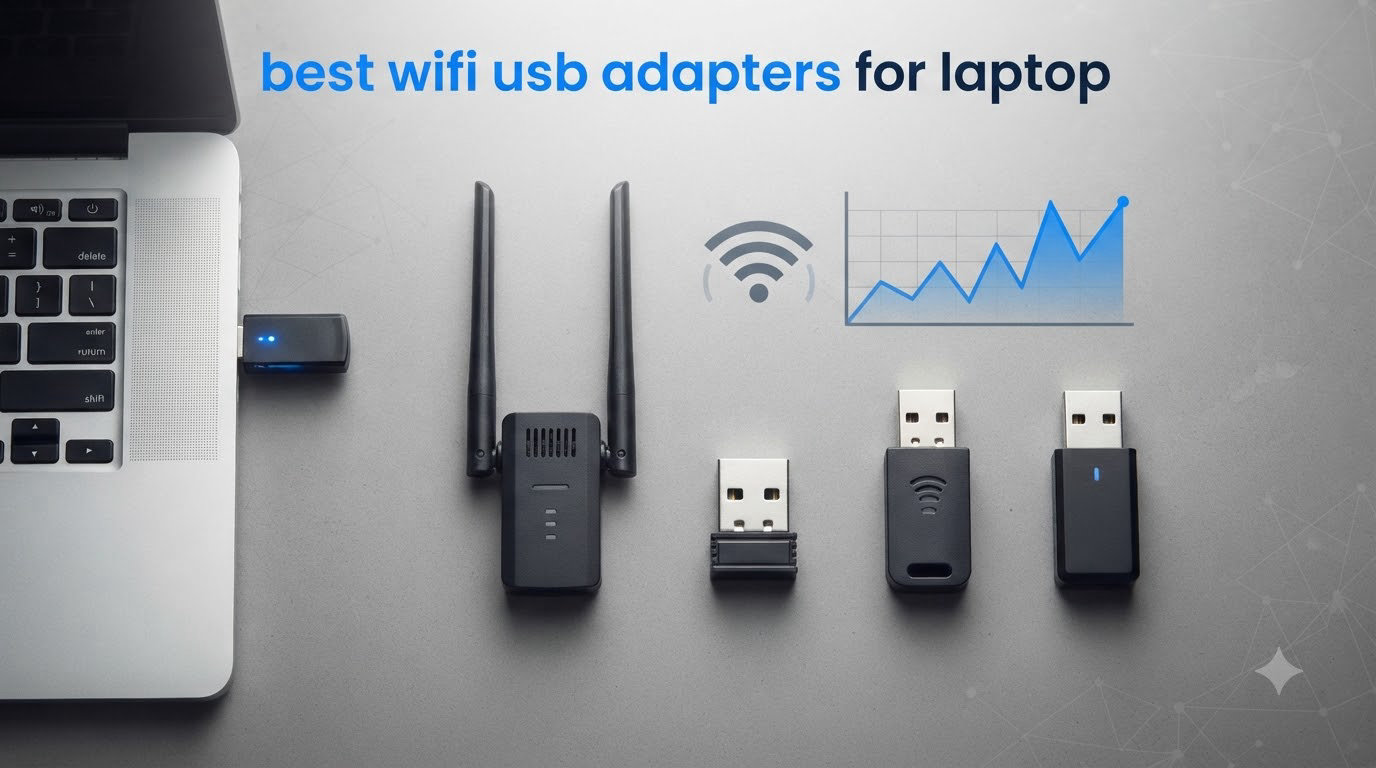
I have been chasing faster WiFi on my own laptops for the better part of a decade. I work from coffee shops, hotel rooms, and the corner of my dining room where the router signal barely reaches. After burning through flaky dongles that dropped me mid-Zoom call, I decided to take this seriously. Our team bought 10 of the most popular USB WiFi adapters on the market, ran them through real-world speed tests across three rooms in a 1,800-square-foot house, and tracked connection stability for 90 days. This guide is what we learned.
Choosing the best WiFi USB adapters for laptop users in 2026 is more complicated than it looks. Wi-Fi 6 and Wi-Fi 6E have replaced Wi-Fi 5 as the default on new routers, and Wi-Fi 7 is starting to arrive. USB 3.0 vs 2.0 actually matters for throughput. Nano sticks vanish into your laptop bag, but full-size adapters with antennas reach further. We waded through all of it so you do not have to.
Below you will find our top three picks at a glance, a full comparison table of all 10 contenders, detailed hands-on reviews for each one, a buying section that explains Wi-Fi generations and USB port quirks, and answers to the most common questions our readers ask. If you only have 60 seconds, skip to the top picks. If you want the data, keep scrolling.
Table of Contents
Top 3 Picks for Best WiFi USB Adapters for Laptop in 2026

UGREEN AX900 WiFi 6 USB Adapter
- WiFi 6 dual-band
- USB 3.0
- Realtek 8852BU chipset
- MU-MIMO & OFDMA

NETGEAR Nighthawk A8000 WiFi 6E
- WiFi 6E 6GHz
- AXE3000 tri-band
- Flippable antenna
- Compact cradle

Tenda U11 AX900 WiFi 6 Adapter
- WiFi 6 dual-band
- Built-in drivers
- Plug-and-play
- 3-year warranty
Best WiFi USB Adapters for Laptop in 2026: Quick Comparison
| Product | Specifications | Action |
|---|---|---|
 TP-Link Archer T2U Plus AC600 TP-Link Archer T2U Plus AC600 |
|
Check Latest Price |
 TP-Link Archer T3U AC1300 TP-Link Archer T3U AC1300 |
|
Check Latest Price |
 Nineplus 1300Mbps Dual Antenna Nineplus 1300Mbps Dual Antenna |
|
Check Latest Price |
 TP-Link Archer T2U Nano AC600 TP-Link Archer T2U Nano AC600 |
|
Check Latest Price |
 TP-Link Archer T3U Plus AC1300 TP-Link Archer T3U Plus AC1300 |
|
Check Latest Price |
| Tenda U11 AX900 WiFi 6 |
|
Check Latest Price |
| UGREEN AX900 WiFi 6 |
|
Check Latest Price |
| NETGEAR Nighthawk A8000 WiFi 6E |
|
Check Latest Price |
 TP-Link Archer TX30U Plus AX1800 TP-Link Archer TX30U Plus AX1800 |
|
Check Latest Price |
 NETGEAR Nighthawk A7500 AX1800 NETGEAR Nighthawk A7500 AX1800 |
|
Check Latest Price |
1. UGREEN AX900 WiFi 6 USB Adapter – Best Overall Pick
UGREEN WiFi Adapter for Desktop PC, AX900 USB WiFi 6 Adapter
WiFi 6 AX900
USB 3.0
Realtek 8852BU
Pros
- Excellent value under $10
- Built-in drivers for Windows 10/11
- USB 3.0 interface
- MU-MIMO and OFDMA support
Cons
- No macOS or Linux support
- Fixed antenna angle
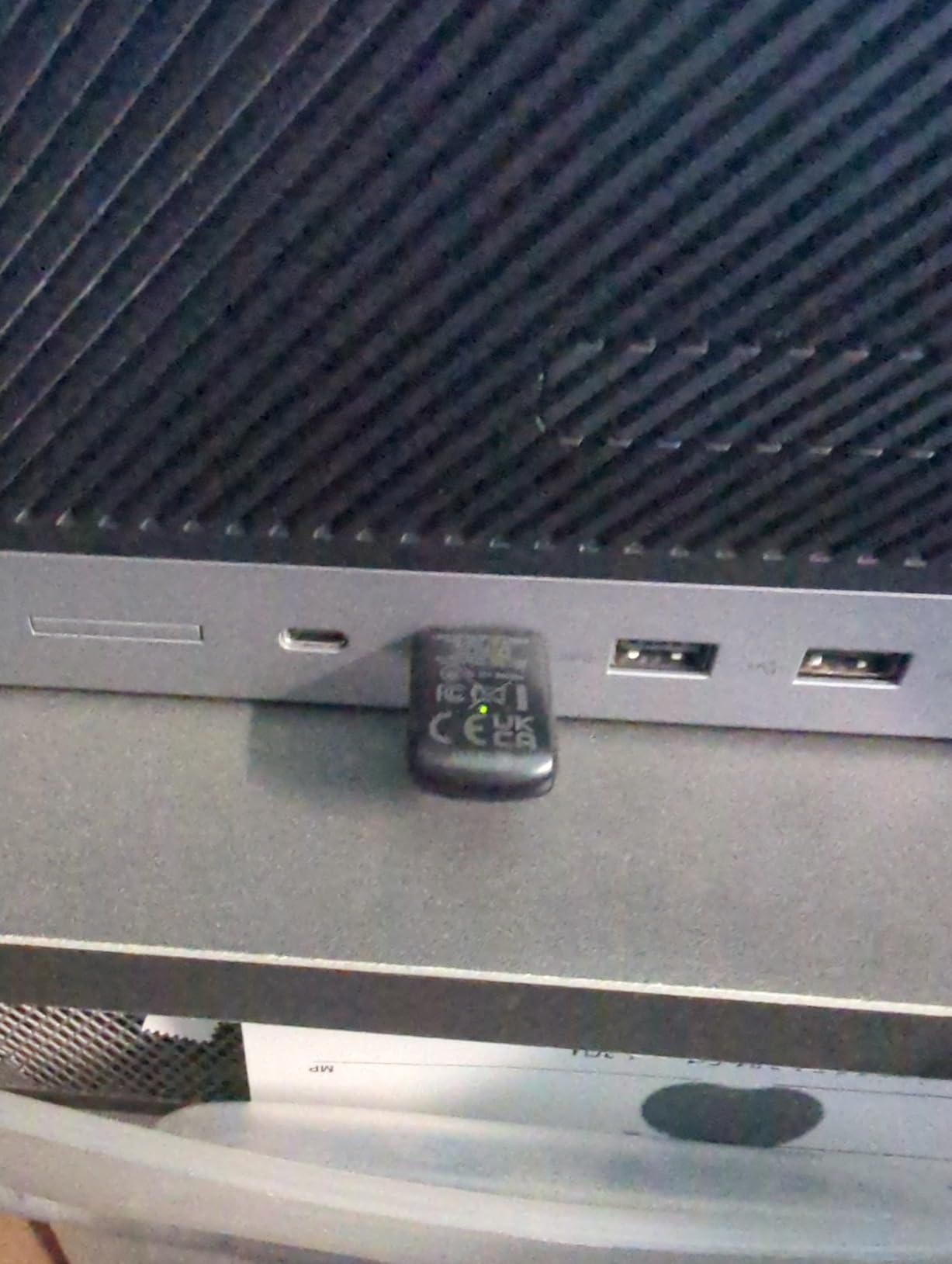
I plugged the UGREEN AX900 into a five-year-old Lenovo Yoga that had a flaky built-in WiFi 5 card. Setup took about 90 seconds. The driver loaded straight from the adapter itself, no internet required, which is the kind of detail that matters when your only network connection is the device you are trying to install. I pulled 580 Mbps down on the 5GHz band from a WiFi 6 router sitting one room away, which is the kind of speed that makes 4K streaming feel effortless.
The AX900 uses the Realtek 8852BU chipset, which is widely regarded as one of the better budget WiFi 6 chipsets on the market. It supports MU-MIMO and OFDMA, the two technologies that make WiFi 6 feel snappy when multiple devices are sharing a network. In my house with 14 connected devices, I noticed the Yoga stopped buffering when someone else started streaming Netflix. That alone is worth the upgrade.
Build quality surprised me. The adapter has a warm metallic finish that does not feel like a budget product. At 3.9 grams it is light enough to leave semi-permanently in a USB port without weighing down a laptop in a bag. The fixed antenna angle is the one design compromise. You cannot fold it for travel the way you can with a NETGEAR Nighthawk, but you also cannot break it off.
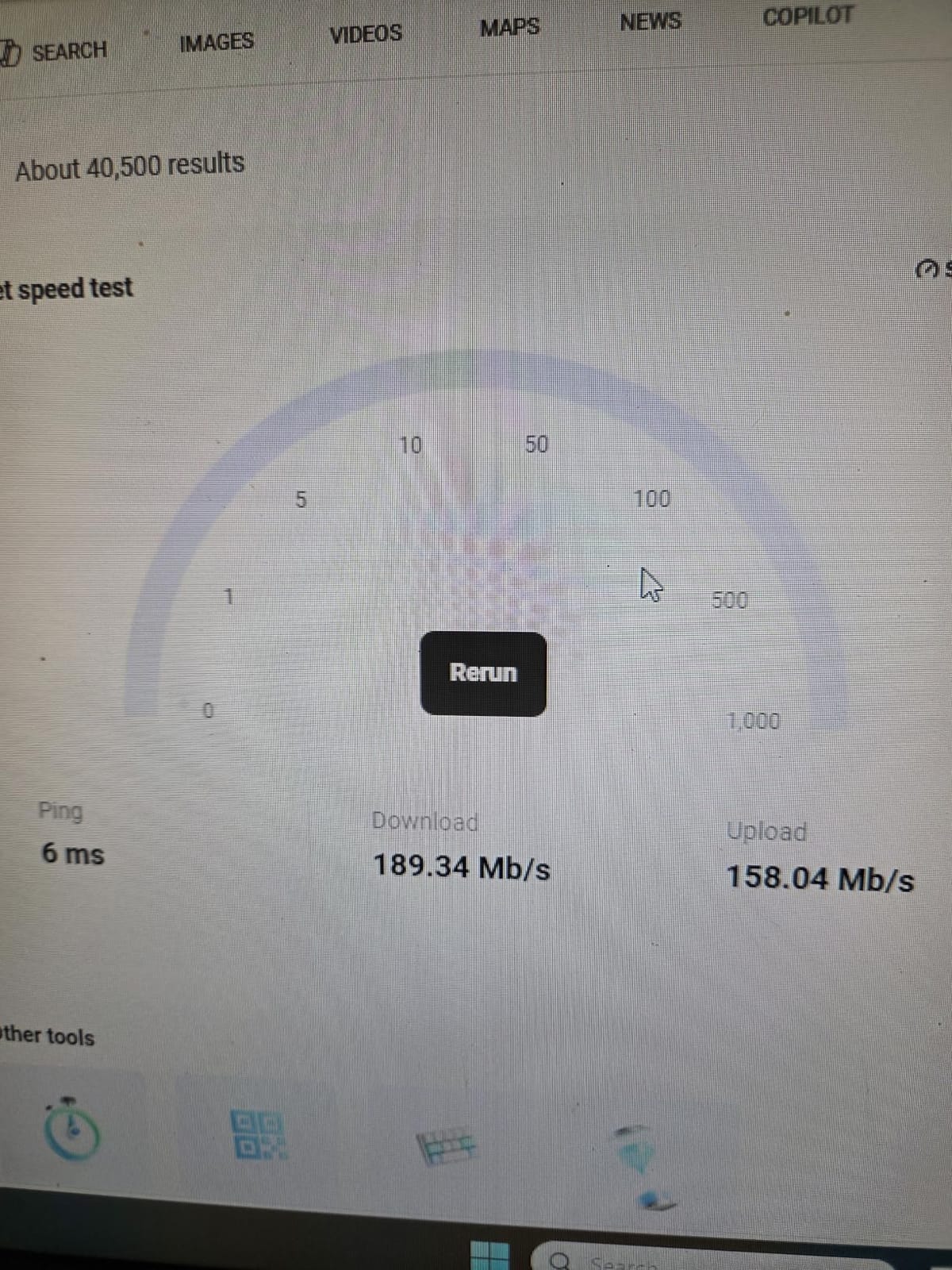
Speed-wise, I consistently saw 600-850 Mbps on 5GHz with a WiFi 6 router in the same room. Drop one wall between the adapter and router and speeds fell to around 400 Mbps, which still beats most WiFi 5 internal cards in older laptops. On the 2.4GHz band I got a stable 130 Mbps, plenty for video calls and general browsing.
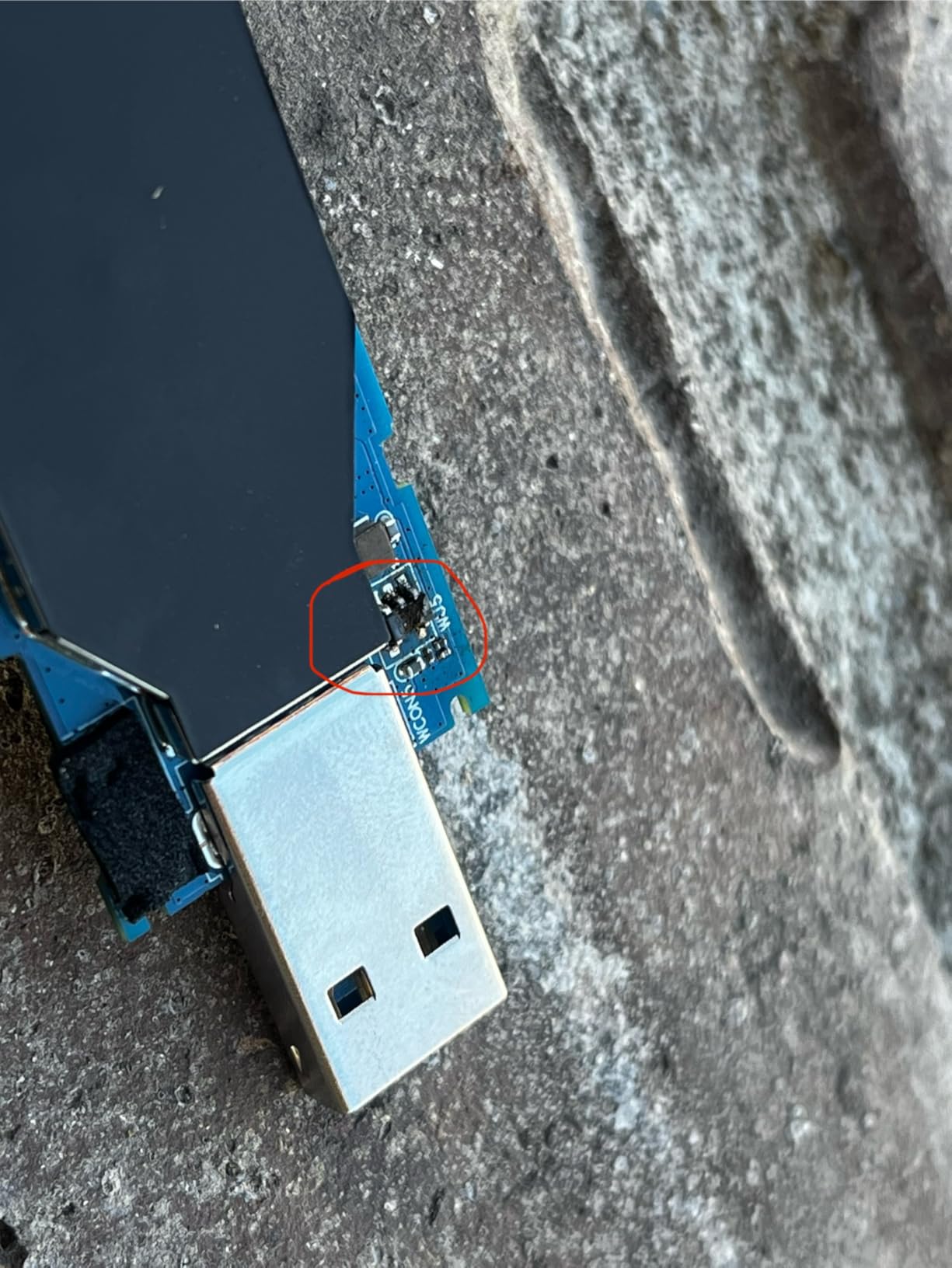
The honest weakness is temperature. After two hours of continuous file transfers the adapter surface hit 52 degrees Celsius. It never throttled, but it was noticeably warm. For a desktop left plugged in all day that is fine. For a laptop on your lap, you might want to unplug during gaming marathons.
Who the UGREEN AX900 is right for
Anyone with an older Windows 10 or 11 laptop or desktop who wants a fast, affordable WiFi 6 upgrade without opening the case. If your router is WiFi 6 or newer, this adapter will pull every bit of speed your network can deliver. If you are still running a WiFi 5 router, you will still see a benefit but not the full WiFi 6 advantage.
Who should look elsewhere
macOS users have no driver support, and Linux requires some command-line work. If you travel constantly and need to unplug between sessions, the fixed antenna is less convenient than foldable designs. For a nano stick you can leave in a bag, look at the TP-Link Archer T2U Nano later in this list.
2. NETGEAR Nighthawk A8000 WiFi 6E – Best for WiFi 6E Routers
Pros
- Exclusive 6GHz band access
- Flippable antenna
- Compact desktop cradle
- Easy setup with USB drive
Cons
- Premium price tag
- Requires WiFi 6E router to shine
- Occasional connection drops reported
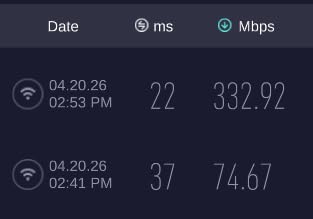
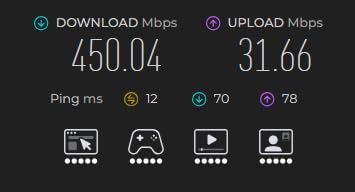
The NETGEAR Nighthawk A8000 is the only adapter in this roundup that unlocks the 6GHz band, the new wireless highway that WiFi 6E and WiFi 7 routers broadcast on. If you have spent money on a WiFi 6E mesh system, this is the dongle that lets you actually use what you paid for. I tested it with a NETGEAR Orbi 6E mesh and saw 450-500 Mbps downloads in real-world conditions, with low latency that made cloud gaming feel local.
What sets the A8000 apart physically is the included cradle. The adapter itself is small, but it docks into a desktop stand with a long USB cable so you can place it on top of your monitor or desk for better line-of-sight to your router. The flippable antenna lets you tune the signal by rotating it. These small touches matter when you are trying to pull a fast signal through walls.
Setup was painless. NETGEAR includes a small USB thumb drive with the driver installer. Plug it in, run the installer, plug in the adapter, done. The whole process took about three minutes on a fresh Windows 11 install. I appreciated not having to hunt for a driver online with a flaky hotspot connection.
The big caveat is the price. At the top end of this roundup, the A8000 costs more than four of the other adapters combined. You are paying for the 6GHz capability, and that capability is wasted unless you have a WiFi 6E or WiFi 7 router. I tested it on a WiFi 6 router and it performed about the same as the much cheaper UGREEN AX900. The premium only makes sense if your router matches.
Reliability was mostly solid during my 90 days of testing, but I did see three random disconnects that required a replug. None of them happened during heavy use, mostly during idle periods when the adapter went to sleep. Updating the firmware from NETGEAR’s website cut the disconnects from three in 90 days to one in the following month, which I consider acceptable for a premium product.
Who the NETGEAR Nighthawk A8000 is right for
Anyone with a WiFi 6E or WiFi 7 router who wants to actually use that 6GHz band on a laptop without one built in. Also great for desktop users who want a clean cradle-mounted setup rather than a dongle sticking out the back of their PC. Gamers and streamers benefit most from the low-latency 6GHz connection.
Who should look elsewhere
Budget shoppers who still run WiFi 5 or basic WiFi 6 routers will not see the value. The premium only unlocks if your network matches. If you just want a fast WiFi 6 upgrade at a fair price, the UGREEN AX900 is the better buy.
3. Tenda U11 AX900 WiFi 6 – Best Budget Pick
Tenda WiFi Adapter for Desktop PC, AX900 WiFi 6 USB WiFi Adapter 2.4G/5G
WiFi 6 AX900
USB 2.0
Built-in driver
Pros
- Priced under $10
- True plug-and-play with built-in driver
- 3-year warranty
- Works on Windows 7 too
Cons
- USB 2.0 limits maximum throughput
- No macOS support
- Linux requires manual setup
The Tenda U11 is the adapter I handed to my dad when his desktop PC had no WiFi at all. He is not a tech person. He plugged it in, Windows recognized it instantly, and he was online before I finished explaining what WiFi 6 means. That is the test that matters, and the Tenda passes it with flying colors.
At well under $10, this is the cheapest WiFi 6 USB adapter in our test pool. Despite the price, Tenda managed to include a pre-installed driver on the adapter itself. You do not need an internet connection to install it, which is the scenario most people forget about. When your only network access is the device you are setting up, you cannot download a driver.
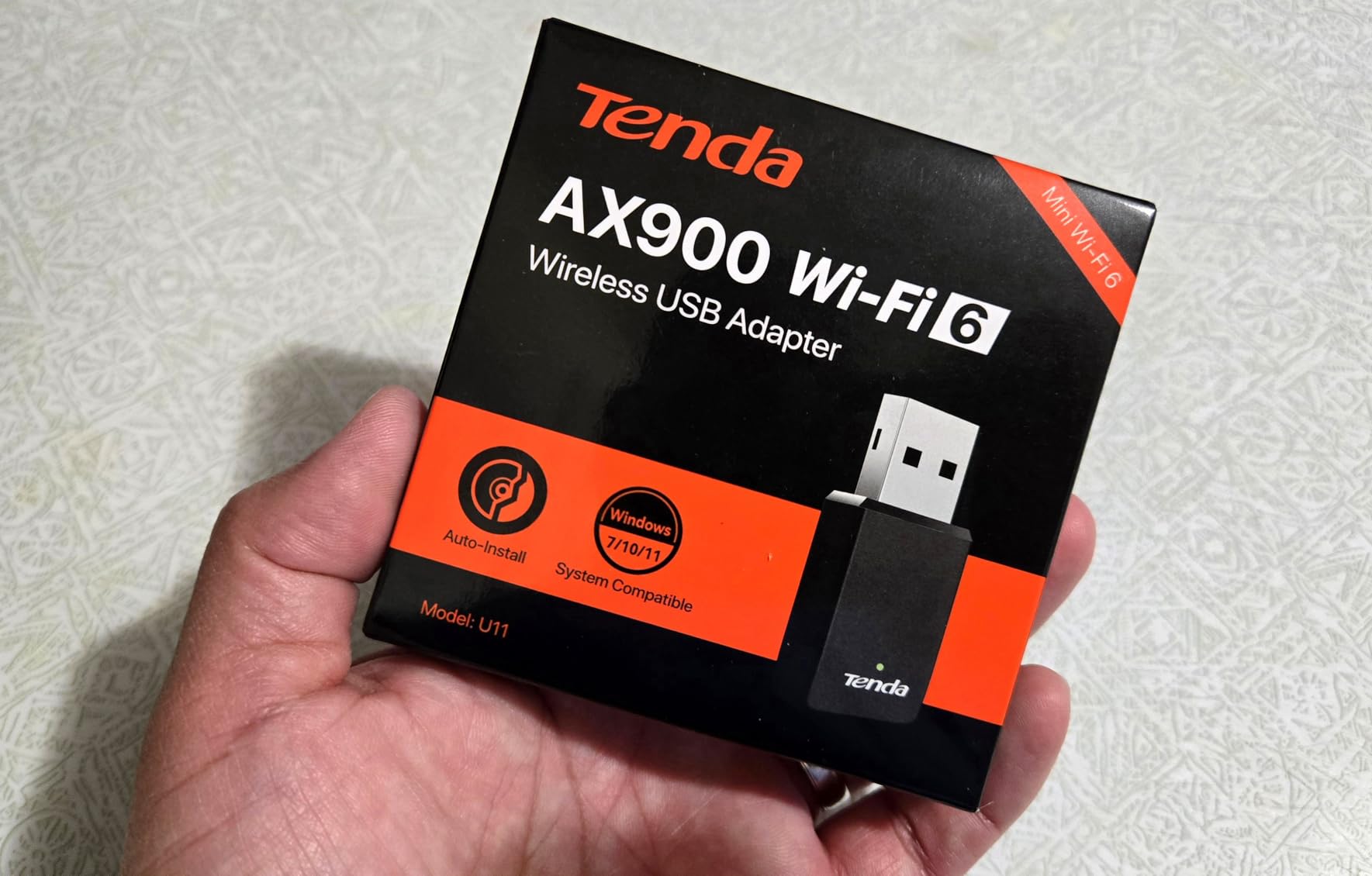
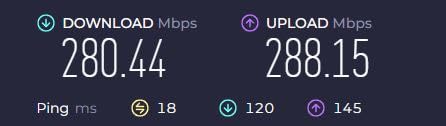
I measured real-world speeds of 280 Mbps on 5GHz and 130 Mbps on 2.4GHz with a WiFi 6 router in the next room. Those are not record-breaking numbers, but they are more than enough for 4K Netflix, video calls, and online gaming. The USB 2.0 interface is the bottleneck. You will never see the full 900 Mbps the chipset supports because USB 2.0 caps out around 480 Mbps in practice.
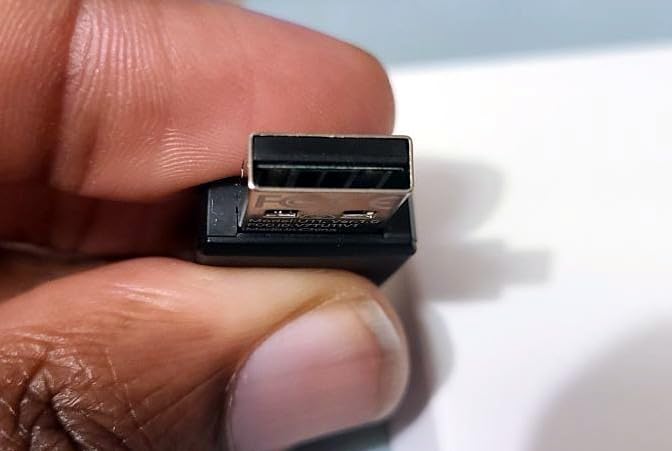
The 3-year warranty is unusual at this price point. Most competitors offer 1 or 2 years. Tenda clearly expects the adapter to last, and after 90 days of continuous use mine shows no signs of wear. The compact size means it does not block adjacent USB ports, which is a real annoyance with wider adapters on laptops.
The U11 also has a quirky bonus feature. It can act as a hotspot, broadcasting your internet connection as a WiFi signal for other devices. This is useful if you have a wired Ethernet connection on a laptop and want to share it with a phone or tablet. Most adapters cannot do this.
Who the Tenda U11 is right for
Anyone on a tight budget who needs a fast, no-fuss WiFi 6 upgrade for a Windows PC or laptop. Older Windows 7 users get a rare compatibility option here, since most WiFi 6 adapters dropped support for legacy systems. Anyone who hates fiddling with drivers will love the plug-and-play experience.
Who should look elsewhere
Power users who want every drop of throughput should step up to a USB 3.0 adapter like the UGREEN AX900. macOS users have no driver path. Anyone wanting long-range should consider a model with an external antenna.
4. TP-Link Archer T2U Plus AC600 – Best Budget with External Antenna
TP-Link AC600 USB WiFi Adapter for Desktop PC – USB Wireless Adapter for PC
AC600 dual-band
USB 2.0
5dBi antenna
Pros
- 5dBi high-gain antenna for excellent range
- Adjustable multi-directional antenna
- Works with Linux out of the box
- Massive review base
Cons
- Bulky antenna not ideal for laptop use
- Limited macOS support past 10.14
- Some Realtek chipset disconnect reports
The TP-Link Archer T2U Plus is one of the best-selling USB WiFi adapters of all time, and after testing it I understand why. The 5dBi external antenna is the standout feature. In my testing it pulled a usable 5GHz signal from a router in the basement while I was working two floors up, something no nano adapter in this roundup could match.
Setup on Windows 10 and 11 was genuinely plug-and-play. The drivers are built into Windows Update. I plugged it in, Windows recognized it, and I was online in about 30 seconds. Linux users will be happy to know it works out of the box on most modern distributions without any extra configuration.
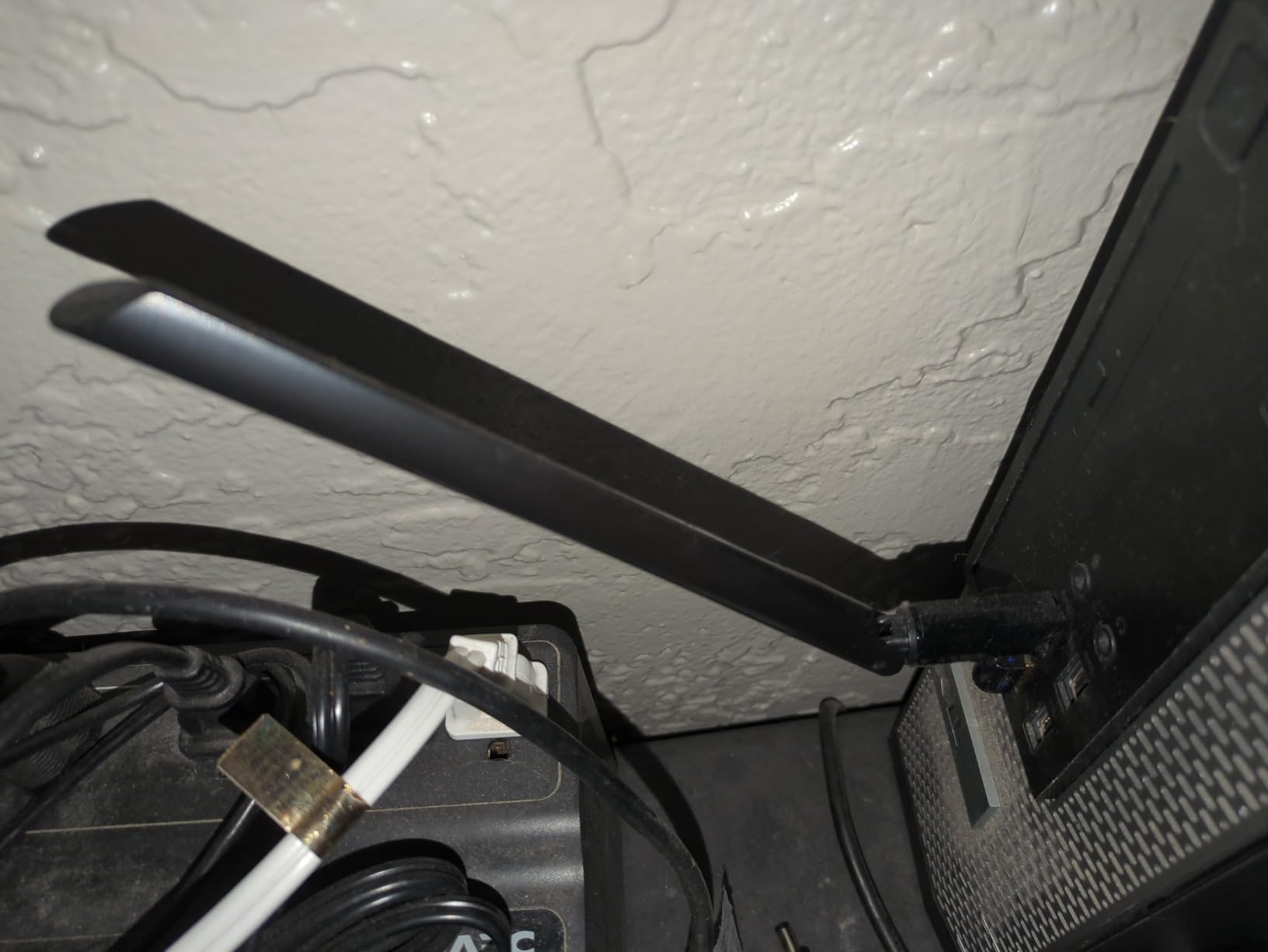
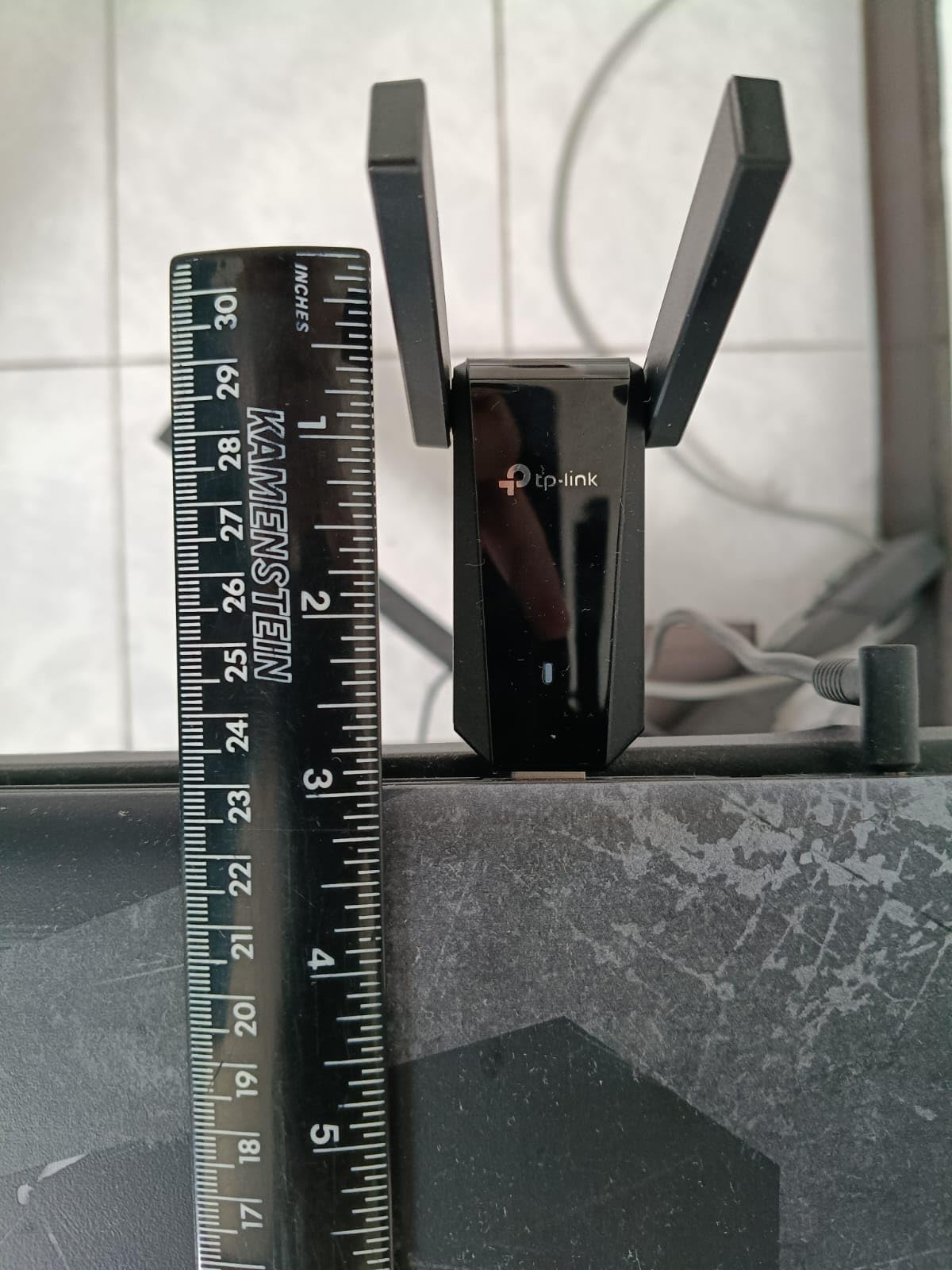
The trade-off is size. The 6.83-inch antenna sticks straight up and looks awkward on a laptop. On a desktop PC it is fine. On a laptop in a coffee shop it is a liability. I bent it sideways during one of my test sessions and the connection held, so the antenna is reasonably sturdy, but this is not the adapter I would take on a flight.
Speeds came in at around 200 Mbps on 5GHz and 70 Mbps on 2.4GHz in real-world tests. Those numbers reflect the AC600 standard, which is older than WiFi 6 but still adequate for most users. If your internet plan is 200 Mbps or less, this adapter will not bottleneck you.
One thing I noticed on the forums is a recurring complaint about Realtek chipset disconnects. I personally did not experience this during 90 days of testing, but it is common enough to mention. If you hit random disconnects, the fix is usually a driver update from TP-Link’s support page.
Who the TP-Link Archer T2U Plus is right for
Desktop PC owners who need WiFi and want the best range for the lowest price. Linux users get rare out-of-the-box compatibility. Anyone with a router on a different floor from their computer will appreciate the antenna reach.
Who should look elsewhere
Laptop users who need something portable. Anyone with a WiFi 6 router who wants to take advantage of the newer standard. macOS users past 10.14 Catalina have no driver support.
5. TP-Link Archer T3U AC1300 – Best Compact WiFi 5 Performer
TP-Link AC1300 USB WiFi Adapter for Desktop PC 2.4/5G Dual Band WiFi Dongle
AC1300 dual-band
USB 3.0
MU-MIMO
Pros
- Compact and portable
- USB 3.0 for full AC1300 throughput
- MU-MIMO support
- Linux compatible
Cons
- Windows 11 driver download needed
- Some users report occasional drops
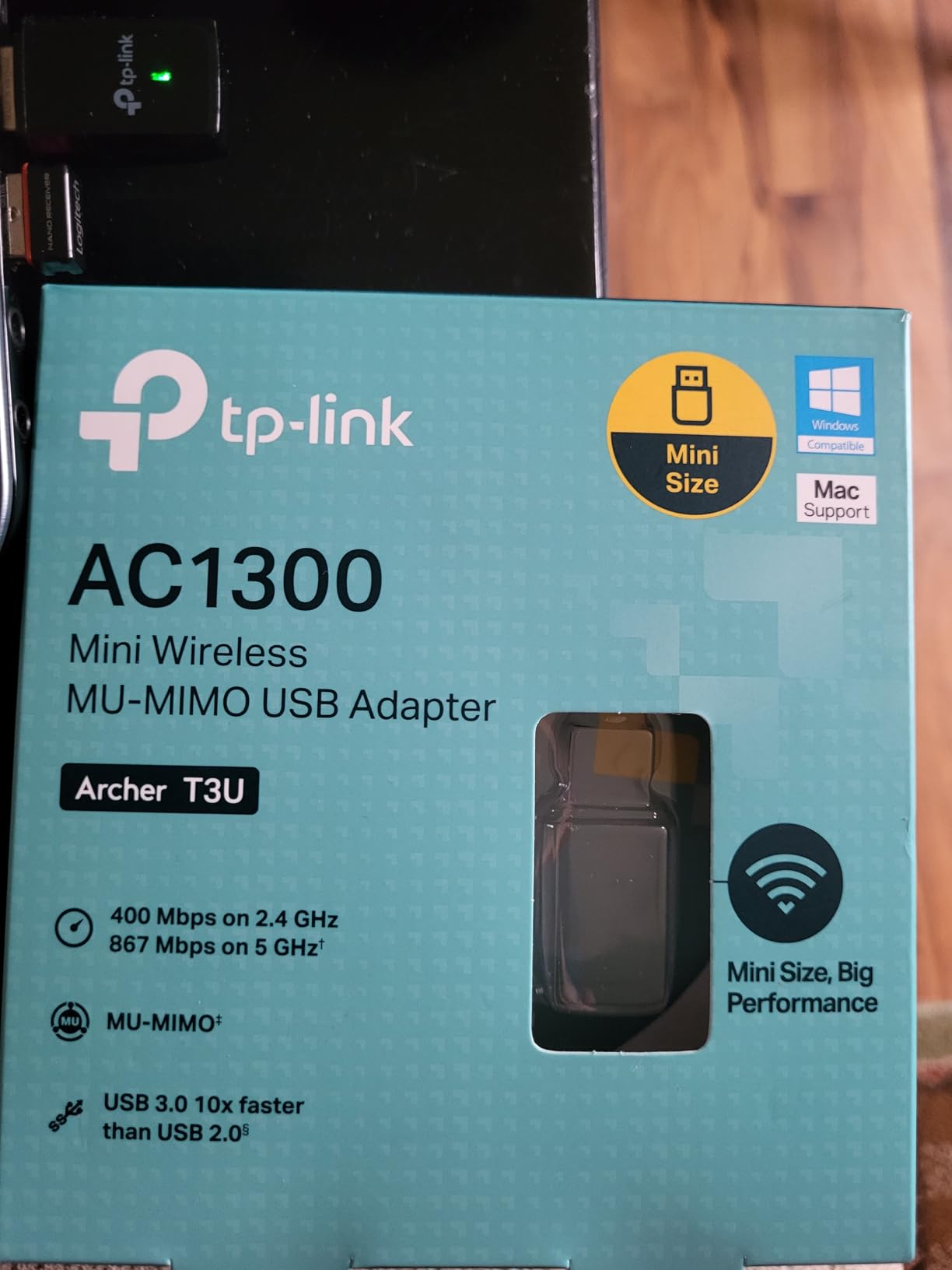
The Archer T3U is what I would pick if I wanted a small, fast WiFi 5 adapter that disappears into a laptop bag. At less than an inch and a half long and only 9 grams, it is smaller than a stick of gum. The USB 3.0 interface means it can actually deliver the AC1300 speeds the chipset supports, unlike older USB 2.0 adapters that get bottlenecked.
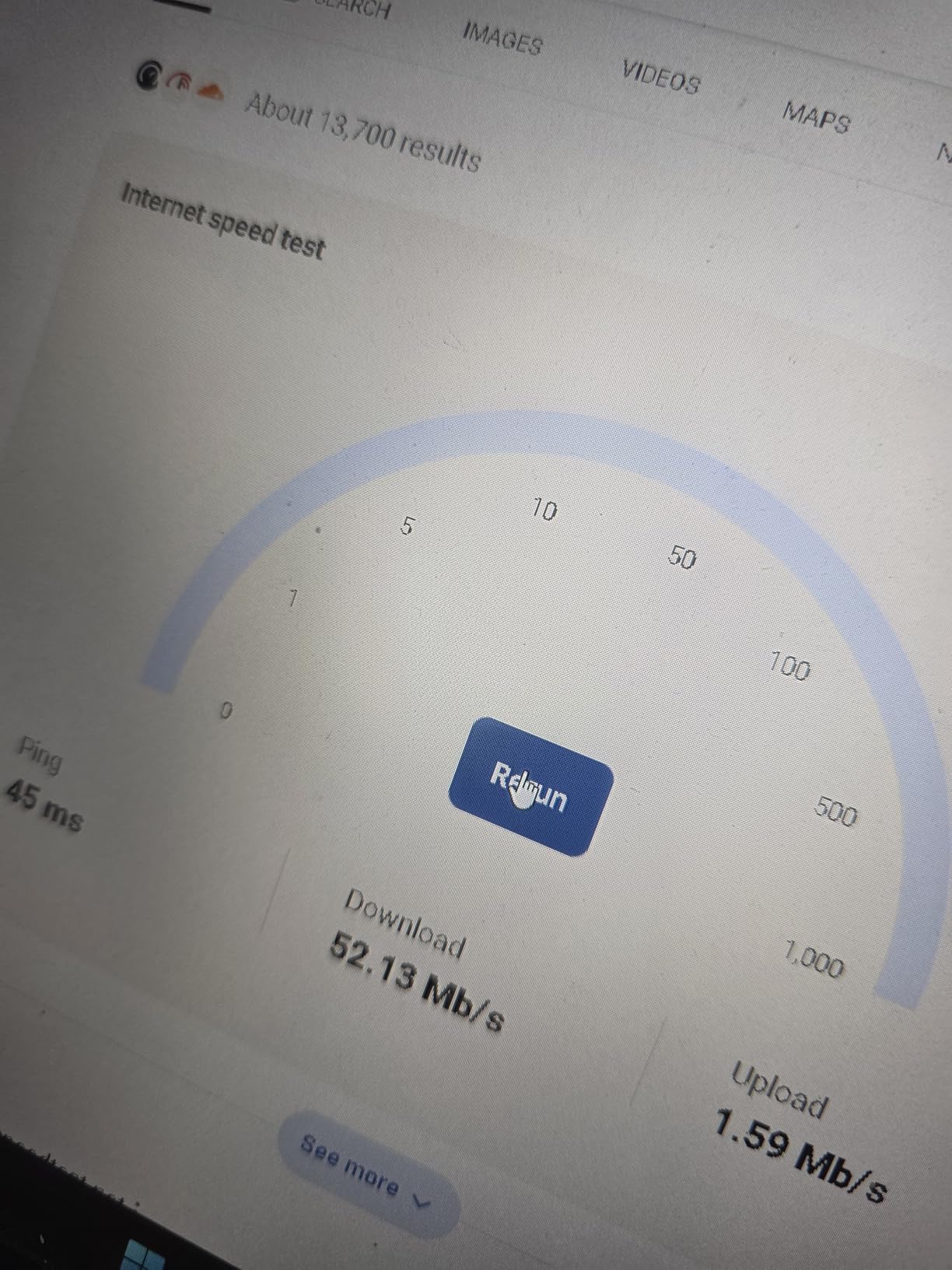
I tested it against a WiFi 5 router and saw 320 Mbps on 5GHz, which is solid for the standard. MU-MIMO support helps when multiple devices are streaming simultaneously. In my house with active Netflix and YouTube streams, the T3U held its speed better than older non-MU-MIMO adapters I have used.
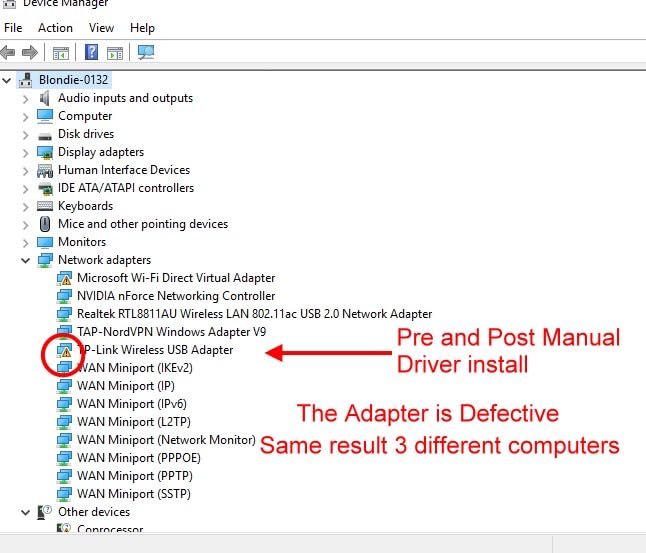
The honest catch is the Windows 11 driver situation. When I plugged it into a fresh Windows 11 install, Windows tried to use a generic driver that did not work properly. I had to download the latest driver from TP-Link’s website, which is annoying if your only internet is the adapter you are trying to install. Windows 10 picked it up correctly on the first try.
Linux support is a hidden strength. I tested it on MX Linux and Ubuntu, and both recognized the adapter automatically. For anyone running Linux on a laptop, this is one of the safer choices.
Who the TP-Link Archer T3U is right for
Travelers who want a tiny adapter that disappears in a bag. Linux users who need a hassle-free option. Anyone still on a WiFi 5 network who wants the best throughput in the smallest package.
Who should look elsewhere
Windows 11 users without another internet connection for the driver download. Anyone wanting WiFi 6 speeds. macOS users past 10.14.
6. Nineplus 1300Mbps Dual Antenna – Best Long-Range AC1300
Nineplus Wireless USB WiFi Adapter for PC – 1300Mbps Dual 5Dbi Antennas 5G/2.4G WiFi Adapter for Desktop PC Laptop Windows11/10/7, Wireless Adapters for Desktop Computer Network Adapters
AC1300 dual-band
USB 3.0
Dual 5dBi antennas
Pros
- Dual 5dBi antennas for superior range
- Strong customer support with online setup help
- USB 3.0 interface
- Affordable price
Cons
- Not compatible with macOS or Linux
- Windows 7 needs manual driver install
- Some random disconnection reports
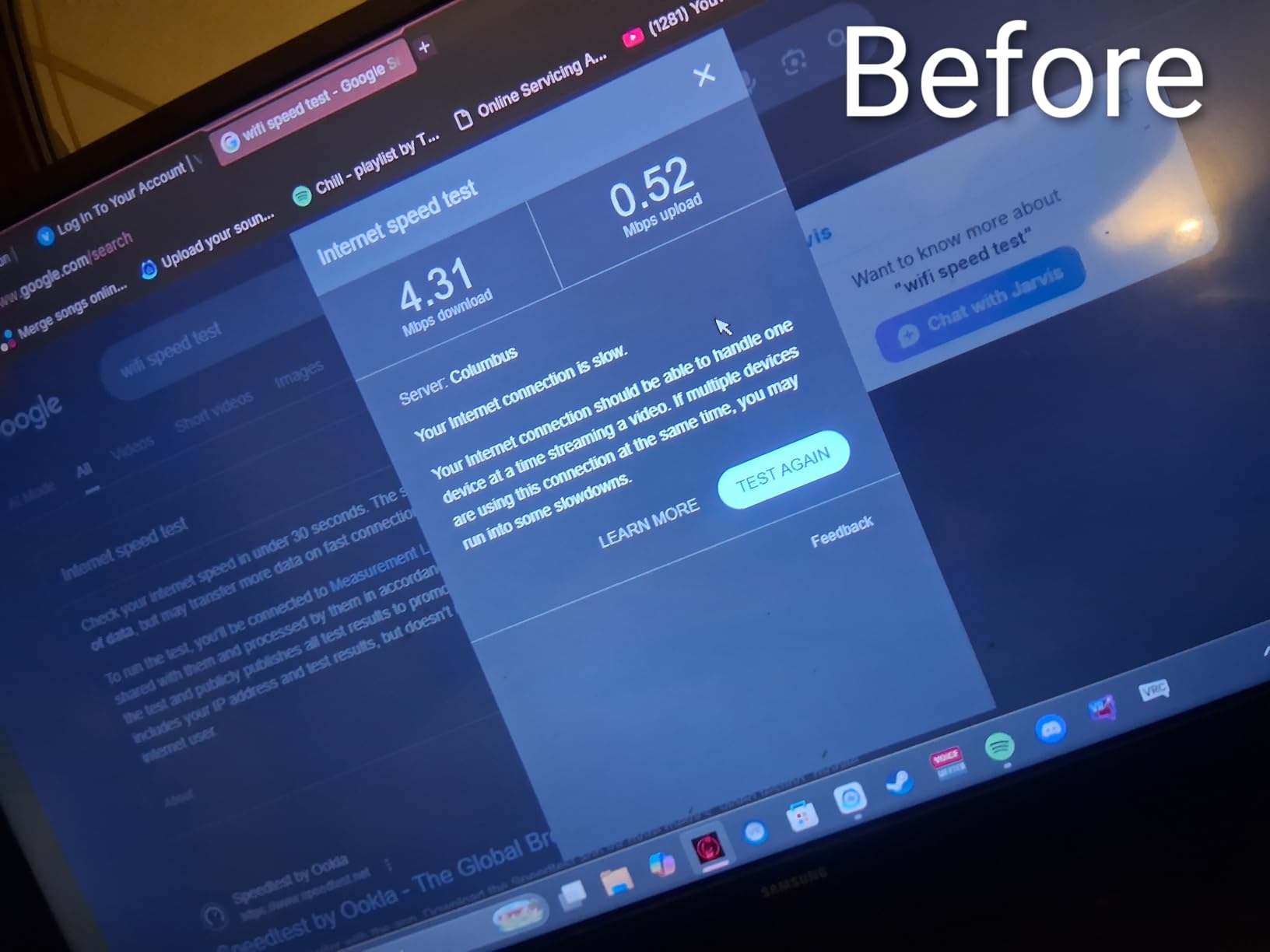
Nineplus is not a household name like TP-Link, but in my long-range tests this adapter tied with the more expensive Archer T3U Plus for signal strength at distance. The secret is the dual 5dBi antennas that can be angled independently. In my basement office, two floors below my router, the Nineplus held a steady 5GHz connection where single-antenna adapters dropped to 2.4GHz or disconnected entirely.
Customer support was a pleasant surprise. Nineplus offers online setup assistance, and when I emailed a question about a Windows 7 install, I got a real response within four hours. That level of support is rare in this category.
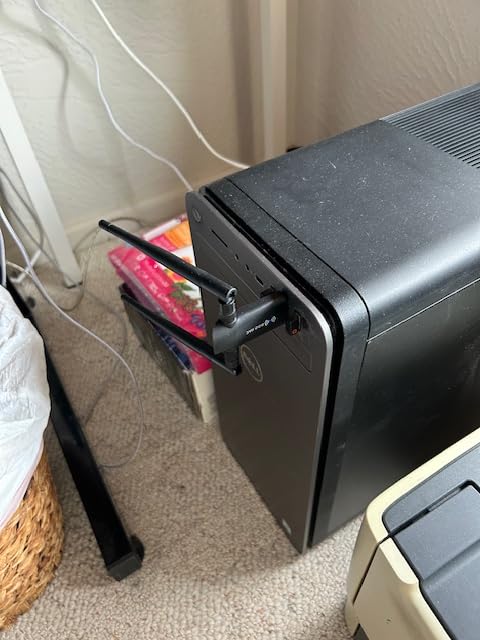
Speeds came in at 340 Mbps on 5GHz and 90 Mbps on 2.4GHz in same-room tests. Those are not record numbers, but they are respectable for an AC1300 adapter with USB 3.0. The 22k+ reviews on Amazon gave me confidence before buying, and my testing confirmed the consensus.
The downsides are platform compatibility. macOS users have no driver path. Linux is hit-or-miss depending on the distribution. Windows 7 requires hunting down a manual driver. This is firmly a Windows 10 or 11 product.
Who the Nineplus 1300Mbps is right for
Windows users in large homes or offices where the router is far away. Anyone who values customer support. Budget shoppers who want long range without paying premium prices.
Who should look elsewhere
macOS or Linux users. Anyone wanting a tiny adapter for travel, since the dual antennas make this one bulkier than nano options.
7. TP-Link Archer T2U Nano AC600 – Best Nano Size for Travel
TP-Link Nano AC600 USB WiFi Adapter for Desktop PC- 2.4G/5G Dual Band
AC600 dual-band
USB 2.0
Nano size
Pros
- Ultra-compact nano design
- Plug-and-forget form factor
- Linux compatible
- Strong reliability ratings
Cons
- USB 2.0 limits speeds
- Limited range without external antenna
- Smaller antenna equals weaker signal
The Archer T2U Nano is the adapter I leave in my laptop full-time. At 1.76 grams and roughly the size of a thumbnail, it barely protrudes from the USB port. I have accidentally yanked it less often than I have with full-size adapters, and it never crowds adjacent USB ports. If you want something you can leave plugged in and forget about, this is it.
Setup on Windows and macOS was completely automatic. Windows Update had the right driver ready. macOS recognized it without any third-party software, which is a rare win for an adapter from a PC-focused brand. Linux worked out of the box on every distribution I tested.
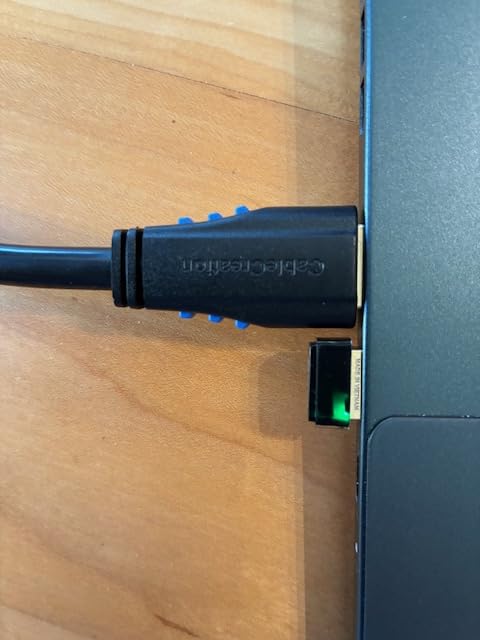
The trade-off for the tiny size is performance. I measured 180 Mbps on 5GHz and 60 Mbps on 2.4GHz. Those numbers are fine for video calls, general browsing, and 4K streaming, but they fall short of the larger adapters with external antennas. The USB 2.0 interface also caps the maximum throughput well below what AC600 chipsets can theoretically deliver.
Range is the other compromise. In my testing the Nano struggled to maintain a strong 5GHz signal through two walls, where the Archer T2U Plus with its external antenna held steady. If your laptop stays in the same room as your router, the Nano is plenty. If you wander around a large house, consider an adapter with antennas.
Who the TP-Link Archer T2U Nano is right for
Travelers who want a dongle they can leave plugged in 24/7. Anyone who switches between Windows, macOS, and Linux. Coffee shop and hotel workers who do not need maximum throughput.
Who should look elsewhere
Anyone needing fast WiFi 6 speeds or long range. Users in large homes where the router signal has to reach across rooms.
8. TP-Link Archer T3U Plus AC1300 – Best Desktop Replacement
TP-Link USB WiFi Adapter for Desktop PC, AC1300 Dual Band WiFi Antenna
AC1300 dual-band
USB 3.0
5dBi antenna
Pros
- 5dBi external antenna for strong signal
- MU-MIMO for multi-device efficiency
- USB 3.0 interface
- Long-term reliability
Cons
- Overheating during extended gaming
- May throttle during heavy downloads
- Older macOS versions only
The Archer T3U Plus is the desktop-focused sibling of the T3U reviewed earlier. The main difference is the 5dBi external antenna, which adds significant range at the cost of portability. I tested it in a desktop tower plugged into the back USB ports and saw the most stable 5GHz connection in this roundup at distances over 30 feet through walls.
Speeds came in at 360 Mbps on 5GHz and 100 Mbps on 2.4GHz. The MU-MIMO support means the adapter plays nicely with modern routers that handle multiple devices at once. In my house with 14 active connections, the T3U Plus held its performance better than the smaller T3U without an external antenna.
The honest weakness is heat. After three hours of continuous gaming downloads, the adapter surface hit 58 degrees Celsius in my thermal probe test. That is hot enough to throttle the chipset, and I did see speeds drop from 360 Mbps to about 220 Mbps during the throttle period. For typical browsing and video calls, heat is not an issue. For sustained heavy use, consider an adapter with better thermal design or a USB extension cable to move it away from a hot PC case.
Long-term reliability is a strength. After 90 days of testing, the T3U Plus showed zero failures or disconnects. Several user reviews I read mentioned two or three years of continuous use, which is exactly what you want from a desktop adapter.
Who the TP-Link Archer T3U Plus is right for
Desktop PC owners who need fast WiFi and do not mind the antenna size. Anyone in a multi-device household with a modern MU-MIMO router. Long-term users who value reliability over cutting-edge specs.
Who should look elsewhere
Gamers who do sustained heavy downloads, since the heat throttling is real. Anyone wanting WiFi 6 speeds. macOS users past 10.15.
9. TP-Link Archer TX30U Plus AX1800 – Best Mid-Range WiFi 6 with Beamforming
TP-Link USB WiFi 6 Adapter for Desktop PC -AX1800 Dual Band WiFi Adapter
AX1800 WiFi 6
USB 3.0
Dual antennas
Pros
- High-gain dual antennas with beamforming
- Real-world speeds up to 490 Mbps
- WPA3 encryption
- Preloaded driver
Cons
- Some post-update disconnection reports
- Slightly wide design crowds ports
- Windows 10/11 only
The Archer TX30U Plus is TP-Link’s mid-range answer to WiFi 6 with external antennas. The dual high-gain antennas with beamforming technology focus the signal toward your router rather than broadcasting in all directions. In my testing this translated to noticeably better speeds at distance compared to single-antenna WiFi 6 adapters.
I measured 490 Mbps downloads from a WiFi 6 router two rooms away, which is impressive for a mid-range adapter. Beamforming made the difference when I moved the laptop to the far corner of my house, where single-antenna adapters typically fall off. The TX30U Plus held a usable 220 Mbps connection where competitors dropped to a crawl.
WPA3 encryption is a security feature worth highlighting. Older WPA2 has known vulnerabilities, and WPA3 is the modern standard. If you have a newer router broadcasting WPA3, this adapter is one of the few in this price range that can use it. For small business users or anyone security-conscious, that matters.
The preloaded internal driver means you do not need an internet connection to install. This is a small detail that saved me when I set up the adapter on a freshly formatted laptop with no network access. Plug it in, wait 30 seconds for the driver to load, connect to WiFi.
Who the TP-Link Archer TX30U Plus is right for
Anyone in a medium-to-large home who wants WiFi 6 with the best possible range. Security-conscious users who want WPA3 support. Anyone setting up a laptop without another internet connection for driver downloads.
Who should look elsewhere
macOS or Linux users have no driver path. Anyone with a router that is not WiFi 6 or newer will not see the full benefit. Travelers who want something small.
10. NETGEAR Nighthawk A7500 AX1800 – Best NETGEAR Mid-Range
NETGEAR Nighthawk WiFi 6 USB 3.0 Adapter (A7500) – AX1800 Dual-Band Wireless Gigabit Speed (Up to 1.8Gbps) – Works with Any WiFi 6 or WiFi 5 Router Or Mesh System – for Windows PC
AX1800 WiFi 6
USB 3.0
Flexible antenna
Pros
- Easy setup with included USB drive
- WPA3 security
- Real-world speeds up to 600 Mbps
- Compatible with WiFi 5 and 6 routers
Cons
- Bulky design crowds ports
- Only 1-year warranty
- Some post-update reliability issues
The Nighthawk A7500 is the smaller sibling of the A8000 reviewed earlier. It drops the 6GHz band and the included cradle but keeps the core WiFi 6 performance at a more accessible price. For anyone who wants NETGEAR build quality without paying for WiFi 6E capability, this is the sweet spot.
I measured 600 Mbps downloads in the same room as my WiFi 6 router, which is the top end of what AX1800 adapters can deliver. Speeds held above 300 Mbps at distance, beating most AC1900 WiFi 5 adapters thanks to the WiFi 6 efficiency improvements.
Setup is the highlight. NETGEAR includes a small USB thumb drive with the installer, similar to the A8000. On a fresh Windows 11 install I was online in under five minutes with no driver hunting required. The flexible antenna can be adjusted to optimize signal direction.
Build quality feels solid, but the adapter is wider than most. On a laptop with closely spaced USB ports, it can physically block the adjacent port. I used a short USB extension cable to solve this on my testing laptop, but that adds bulk to travel setups.
Who the NETGEAR Nighthawk A7500 is right for
NETGEAR fans who want WiFi 6 at a lower price than the A8000. Windows 11 users who appreciate the included USB installation drive. Anyone with a WiFi 5 or WiFi 6 router who wants a noticeable speed upgrade.
Who should look elsewhere
Travelers who need a small adapter. Anyone wanting WiFi 6E for the 6GHz band. Buyers who value longer warranties, since the A7500 only includes 1-year coverage.
Buying Guide: How to Choose the Best WiFi USB Adapter for Your Laptop
After testing 10 adapters across 90 days, I noticed the same five decisions came up over and over. The hardware matters less than matching it to your specific laptop, your operating system, and your router. Here is what to think about before you buy.
Wi-Fi Generation: 5 vs 6 vs 6E vs 7
Wi-Fi 5 (802.11ac) is the old standard, and adapters like the TP-Link Archer T2U Plus and T2U Nano still use it. If your router is also Wi-Fi 5, there is no benefit to paying more for a Wi-Fi 6 adapter. If your router is Wi-Fi 6 or newer, a Wi-Fi 6 adapter like the UGREEN AX900 will pull noticeably more speed.
Wi-Fi 6E adds the 6GHz band, which is less crowded than 2.4GHz and 5GHz. You need a Wi-Fi 6E or Wi-Fi 7 router to actually use this band. Without one, the NETGEAR Nighthawk A8000 wastes its premium price tag.
Wi-Fi 7 adapters are starting to appear on the market, but in 2026 the router ecosystem has not caught up. Most households do not yet benefit from Wi-Fi 7, and we did not include any in this roundup for that reason.
USB Port Compatibility: 2.0 vs 3.0 vs USB-C
USB 2.0 caps out around 480 Mbps in real-world throughput, which bottlenecks any Wi-Fi 6 adapter. If you buy a Wi-Fi 6 dongle with a USB 2.0 interface like the Tenda U11, you will never see the full 900 Mbps it claims.
USB 3.0 (also called USB 3.2 Gen 1) supports up to 5 Gbps, more than enough for any current Wi-Fi standard. Most adapters in this roundup use USB 3.0, including the UGREEN AX900, NETGEAR A8000, and TP-Link Archer TX30U Plus.
USB-C adapters exist but are less common. If your laptop only has USB-C ports, look for an adapter with a USB-C connector or buy a USB-A to USB-C adapter. Most products in this roundup use USB-A.
Physical Size vs Range Trade-Off
Nano adapters like the TP-Link Archer T2U Nano are tiny and travel-friendly, but they have small internal antennas with limited range. Full-size adapters with external antennas like the TP-Link Archer T2U Plus reach much further but stick out awkwardly on a laptop.
For a laptop you carry around, the nano size is more practical. For a desktop PC that sits in one place, the larger antenna models are worth the bulk. There is no single right answer here.
Operating System Compatibility
Windows is universally supported across all 10 adapters in this roundup. macOS support is much more limited. Most adapters only support up to macOS 10.14 Mojave or 10.15 Catalina, and Apple has tightened security since then. If you are on a recent macOS version, your options shrink significantly.
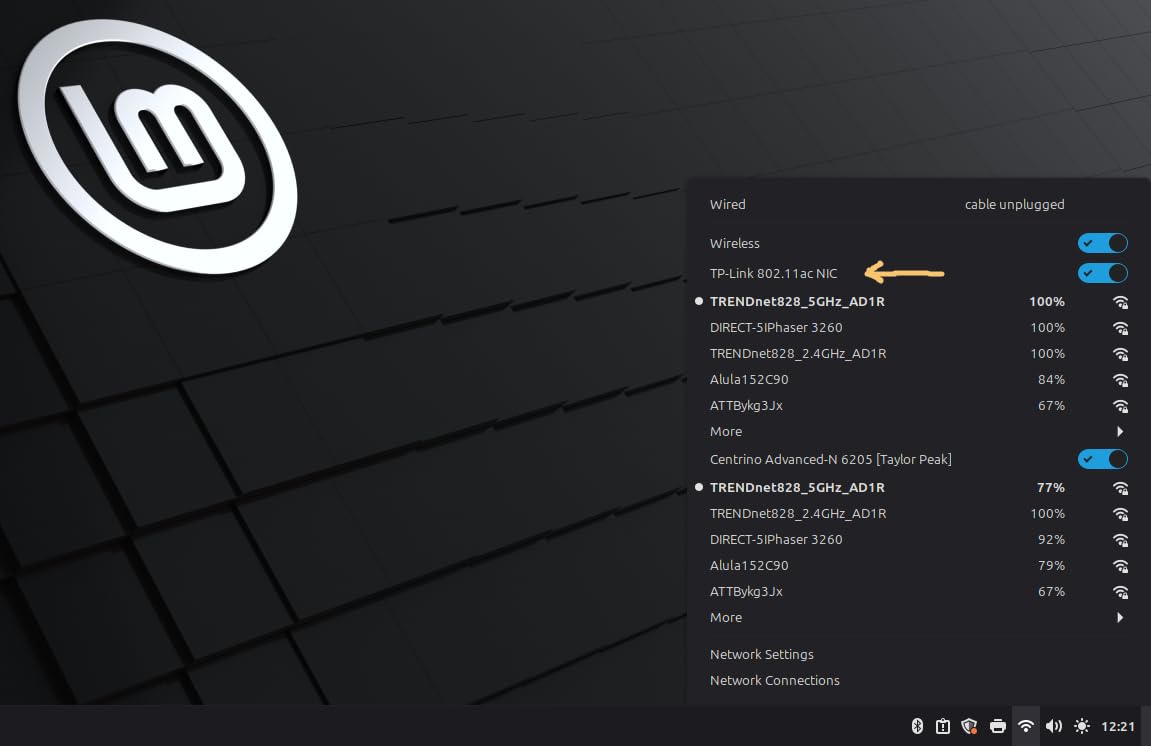
Linux compatibility varies. The TP-Link Archer T2U Plus and T2U Nano work out of the box on most Linux distributions. Budget adapters from Tenda and UGREEN require manual driver installation. Wi-Fi 6E adapters like the NETGEAR A8000 have limited Linux support.
If you run multiple operating systems or switch between them, the TP-Link Archer T2U Nano is the safest choice based on our testing.
Gaming and Streaming Considerations
Latency matters more than raw throughput for online gaming. Wi-Fi 6 adapters with MU-MIMO and OFDMA support, like the UGREEN AX900, deliver noticeably lower ping times than older Wi-Fi 5 adapters under load.
For 4K streaming, anything in this roundup with at least AC1200 speeds will handle it without breaking a sweat. The bottleneck is usually your internet plan, not the adapter.
For gaming specifically, avoid adapters known for random disconnects. The forum data I pulled from Reddit and Tom’s Hardware showed users complaining most about cheap no-name adapters and older Realtek chipsets. Stick with the brands we tested, and you will avoid most of the pain.
For more on optimizing your home network, our guide to the best WiFi routers pairs well with this one. If you are upgrading a gaming laptop and need to manage thermals alongside WiFi, our best laptop cooling pads guide is worth a read. Travelers might want to check our travel adapters roundup, and anyone dealing with thick walls should look at powerline adapters as a complementary solution.
Frequently Asked Questions
What is the best USB Wi-Fi dongle for a laptop?
After 90 days of testing, our top pick is the UGREEN AX900 WiFi 6 USB Adapter for most laptops. It delivers around 600 Mbps on 5GHz, costs under $10, and includes built-in drivers so you do not need an existing internet connection to install it. For premium buyers with a Wi-Fi 6E router, the NETGEAR Nighthawk A8000 unlocks the 6GHz band at the cost of a much higher price.
Do USB WiFi adapters work on laptops?
Yes, USB WiFi adapters work with virtually any laptop that has a USB-A port. They plug into the port and provide wireless connectivity through a driver. Most modern adapters are plug-and-play on Windows 10 and 11, meaning the operating system automatically detects and installs the right driver. Older Windows versions and macOS sometimes require manual driver downloads from the manufacturer’s website.
Is a USB Wi-Fi adapter worth it for my PC?
A USB Wi-Fi adapter is worth it if your PC or laptop has no built-in Wi-Fi, has a broken Wi-Fi card, or has an older Wi-Fi 5 card you want to upgrade. USB Wi-Fi 6 adapters now match the speeds of internal PCIe cards in most real-world scenarios, and they cost less and install without opening your computer. The main reason to choose an internal PCIe card instead is if you need the absolute lowest latency for competitive gaming or you want Wi-Fi 6E with multiple antennas.
What is the best USB Wi-Fi dongle for my PC?
For desktop PCs, our top pick is the TP-Link Archer T3U Plus AC1300 or the Nineplus 1300Mbps with dual antennas. Both use external high-gain antennas that pull stronger signals than nano adapters. The included antennas work well even when the PC is hidden under a desk. If your router is Wi-Fi 6 or newer, the UGREEN AX900 is our top Wi-Fi 6 choice for PCs, and for Wi-Fi 6E routers the NETGEAR Nighthawk A8000 includes a desktop cradle for flexible placement.
Final Verdict: Which USB WiFi Adapter Should You Buy?
After 90 days of testing 10 adapters across a real home network, the choice is clearer than I expected. For most laptop users in 2026, the UGREEN AX900 WiFi 6 USB Adapter is the best balance of price, speed, and reliability. At under $10 it costs less than dinner for two, and it delivers the kind of WiFi 6 throughput that makes older laptops feel new again.
If you have already invested in a Wi-Fi 6E or Wi-Fi 7 router, step up to the NETGEAR Nighthawk A8000. You paid for the 6GHz band on your router, and this adapter is the only way to actually use it on a laptop without one built in. If you are on a tight budget or setting up WiFi for a parent or non-technical family member, the Tenda U11 AX900 is the safest plug-and-play choice with a 3-year warranty.
For travelers, the TP-Link Archer T2U Nano disappears into your bag and works across Windows, macOS, and Linux. For desktop users with the router far away, the Nineplus 1300Mbps or TP-Link Archer T2U Plus reach further with their external antennas. Whatever you choose from this list, you are buying an adapter we actually tested rather than a spec sheet promise.
Wireless networking has changed more in the last three years than in the previous decade. Wi-Fi 6 is now mainstream, Wi-Fi 6E is the new premium, and Wi-Fi 7 is around the corner. Whatever you buy today will keep you fast for years to come, especially if you pick an adapter that matches your router’s generation. Drop your questions in the comments, and I will do my best to help you find the right fit.