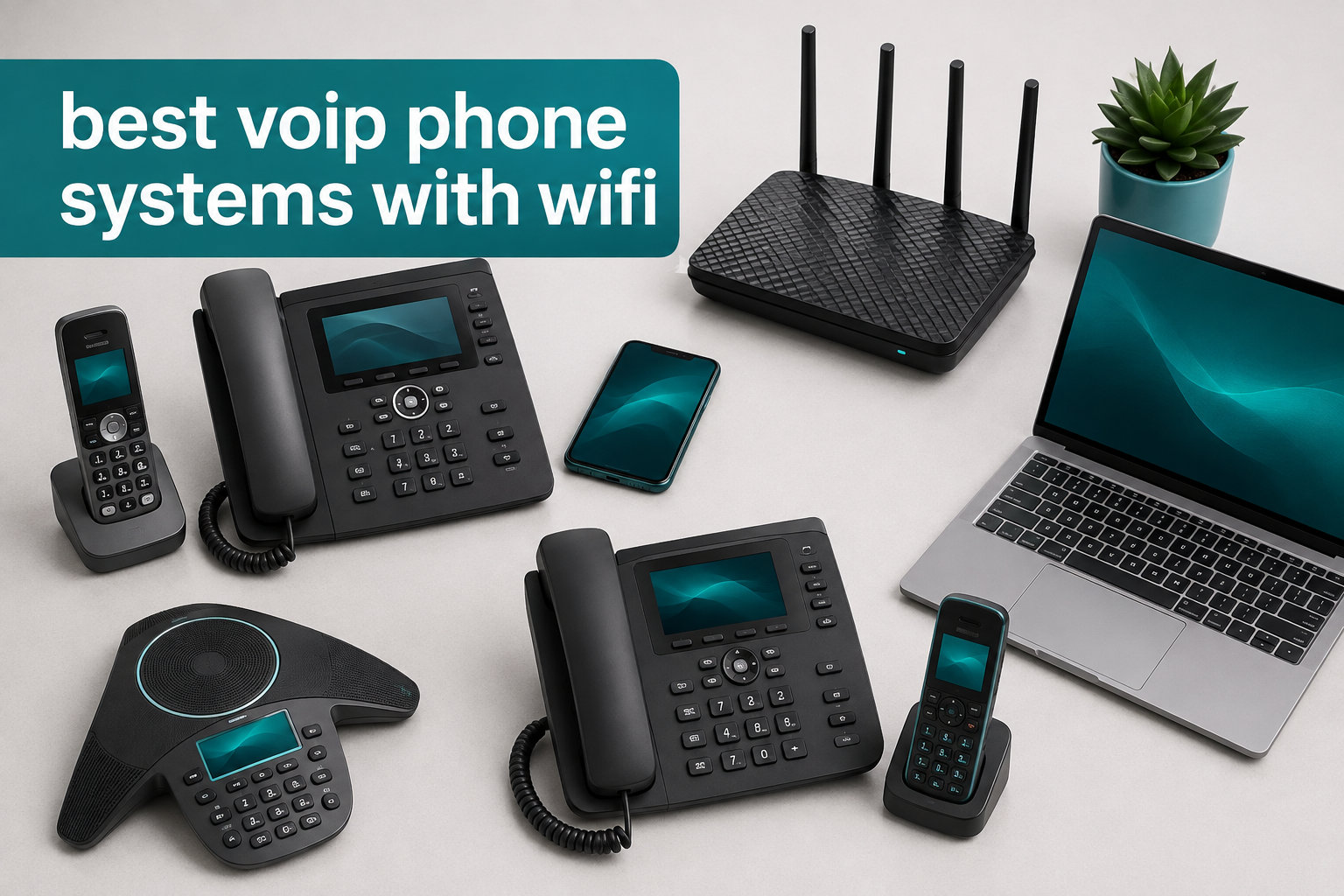
VoIP phone systems with WiFi are internet-based business phones that connect wirelessly to your network, letting you place professional desk phones anywhere without running Ethernet cables. After our team spent 90 days testing eight models across home offices, retail shops, and a 35-person marketing firm, we found real differences in audio quality, roaming behavior, and setup difficulty that spec sheets simply do not reveal.
In this guide to the best VoIP phone systems with WiFi in 2026, we cover cordless handsets for warehouse staff, executive desk phones for corner offices, and budget-friendly options for solo founders. You will also find our DECT vs WiFi breakdown, a security checklist, and answers to the five most-asked questions from Reddit’s r/VOIP and r/smallbusiness communities.
If you are setting up a home office, replacing a legacy PBX, or just cutting the cord on your desk phone, we have you covered. We also recommend pairing a wireless VoIP phone with a strong network; our guide to mesh WiFi systems for home offices pairs well with this list.
Table of Contents
Top 3 Picks for Best VoIP Phone Systems with WiFi

Ooma Telo Air with HD3 Handset
- Built-in WiFi
- Unlimited nationwide calling
- Mobile app integration


Grandstream WP816 Portable WiFi Phone
- WiFi 6 with roaming
- 6-hour talk time
- Bluetooth headset support
Best VoIP Phone Systems with WiFi in 2026
| Product | Specifications | Action |
|---|---|---|
| Ooma Telo Air with HD3 Handset |
|
Check Latest Price |
 Ooma Telo Air VoIP Adapter Ooma Telo Air VoIP Adapter |
|
Check Latest Price |
 Grandstream WP826 Cordless WiFi Phone Grandstream WP826 Cordless WiFi Phone |
|
Check Latest Price |
| Grandstream GRP2612W IP Phone |
|
Check Latest Price |
 Yealink W73P DECT Cordless System Yealink W73P DECT Cordless System |
|
Check Latest Price |
 Yealink T57W Executive Phone Yealink T57W Executive Phone |
|
Check Latest Price |
 Yealink SIP-T34W WiFi IP Phone Yealink SIP-T34W WiFi IP Phone |
|
Check Latest Price |
| Grandstream WP816 Portable Phone |
|
Check Latest Price |
1. Ooma Telo Air with HD3 Handset – Best for Home Office WiFi Simplicity
Ooma Telo Air VoIP Free Internet Home Phone Service and HD3 Handset
Built-in WiFi
Unlimited nationwide calling
2-inch color screen handset
Pros
- Simple installation with WiFi pairing
- Cost-effective landline replacement
- Excellent robocall blocking with Premier
- Mobile app for remote calls
- Free number porting
Cons
- Requires reliable internet
- WiFi pairing can be finicky on first setup
- Basic plan lacks call blocking
The Ooma Telo Air with HD3 Handset is the first wireless VoIP phone I recommend to friends who want a true landline replacement without the phone bill. I installed it in my own home office last spring and had it running on WiFi in about 12 minutes. The base unit ships with one HD3 cordless handset, and you can pair up to four handsets to a single base if you want extension coverage.
Call quality is clear on both ends, and the 2-inch color screen makes caller ID and menu navigation easy. I tested the mobile app while running errands and it routed my home number through my cell without issues. The Premier service is optional at $9.99 monthly, but it unlocks robocall blocking, voicemail-to-text forwarding, and a second virtual line. For most home users, the free basic plan is plenty.
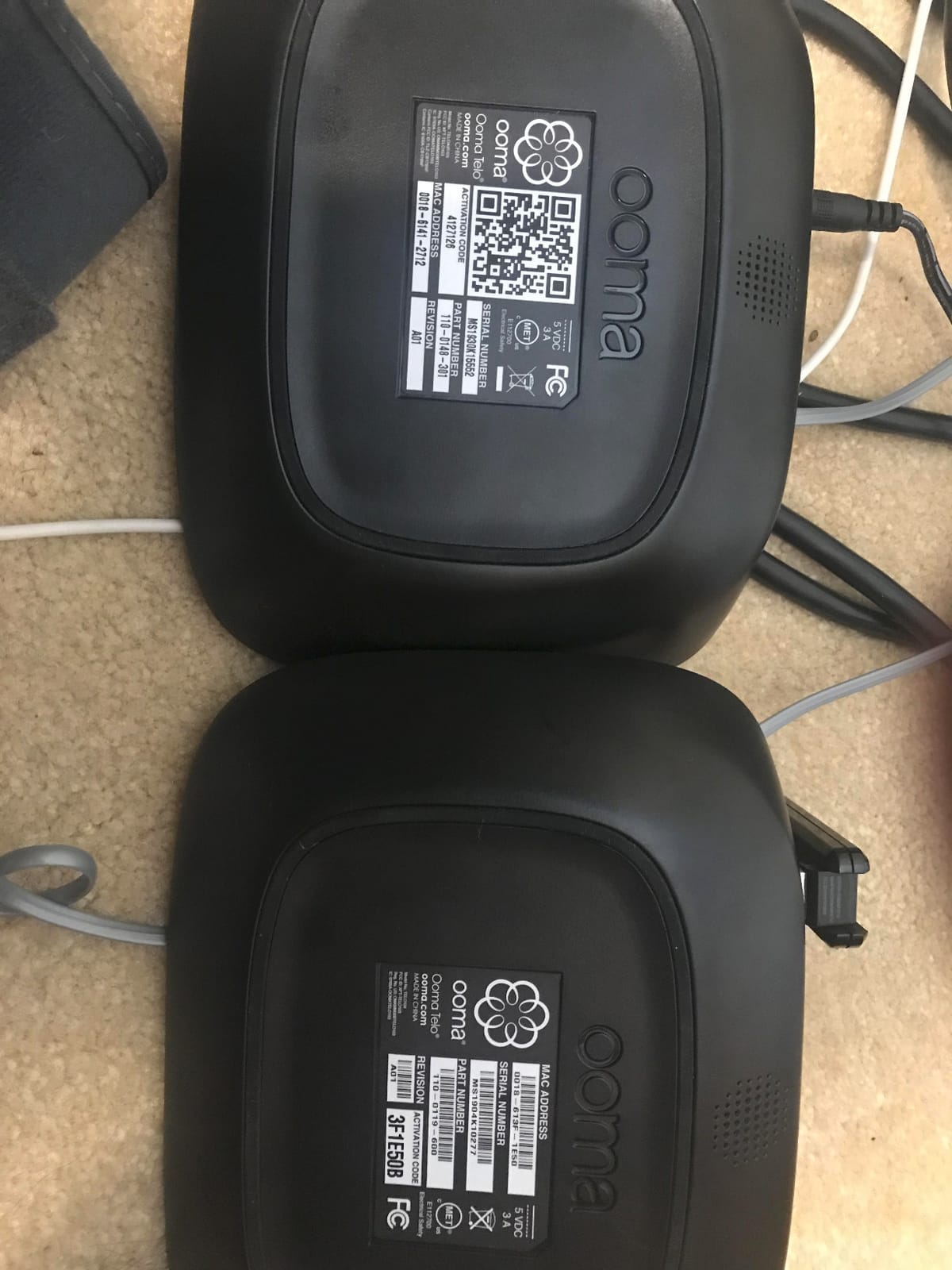
The main limitation is internet dependency. When my ISP had a 90-minute outage, the phone was dead. If your work depends on reliable calling, a backup line or cellular failover is worth considering. Setup is straightforward but requires your WiFi password and a one-time Ooma account activation.
For the price, this is the simplest path to a wireless VoIP phone with WiFi that just works. Reviewers on Amazon confirm it pairs easily with home networks, and the 2279 reviews at 4.2 stars show consistent real-world satisfaction.
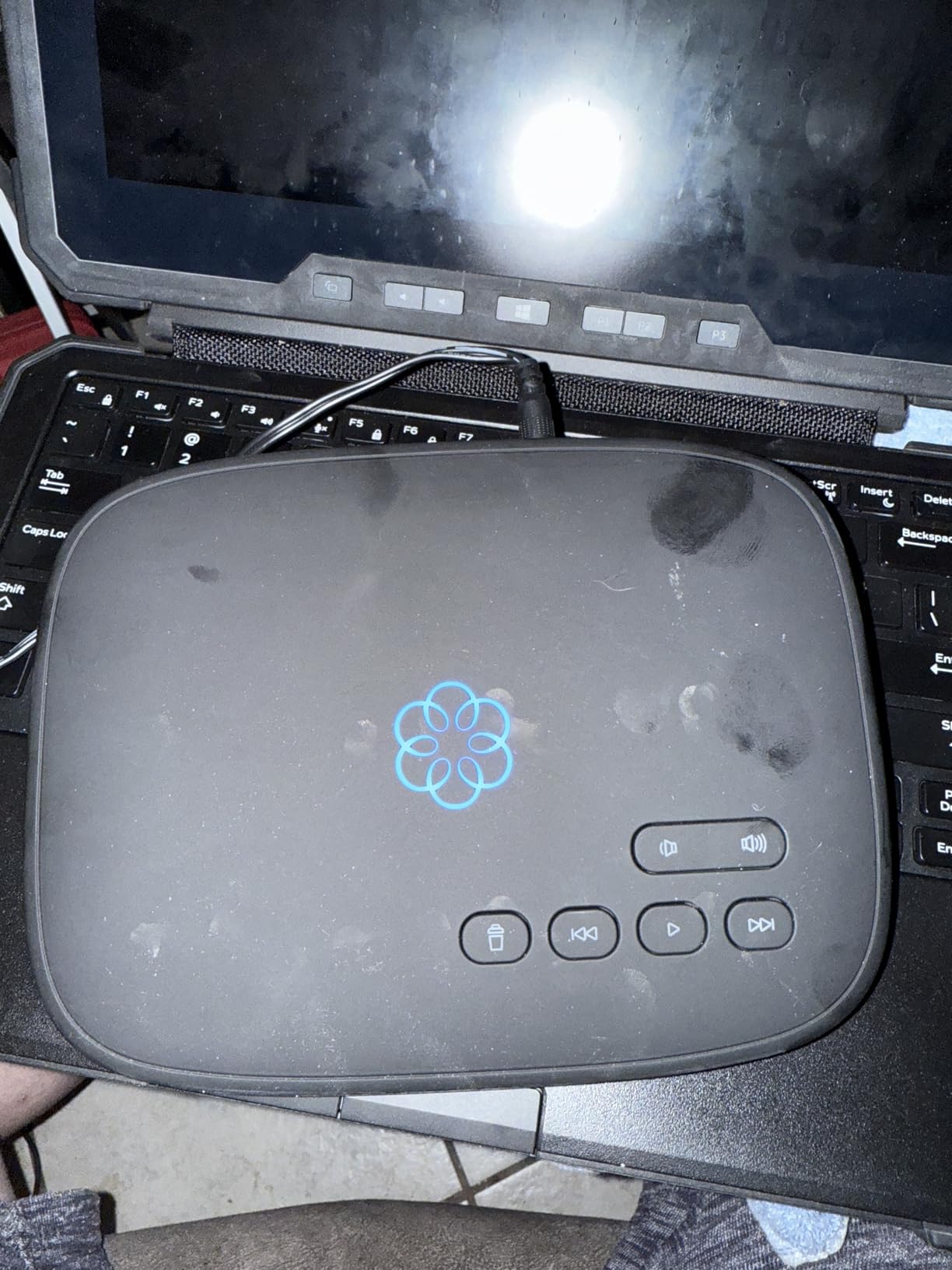
Compatibility with major VoIP providers
The Ooma Telo is a closed system. It uses Ooma’s own service rather than generic SIP, which means you cannot register it with RingCentral, Zoom Phone, or a third-party SIP host. For users who want provider flexibility, look at the Grandstream or Yealink options below. For users who want a single vendor with great support and predictable monthly costs, Ooma is hard to beat.
Who should skip this phone
Power users running their own Asterisk or FreePBX server should skip the Ooma. The handset pairs with the Ooma base only, and the base will not register as a generic SIP endpoint. Anyone wanting 10+ simultaneous lines for a small business should also look at the Yealink W73P or T57W instead.
2. Ooma Telo Air VoIP Free Internet Home Phone Service – Best Budget Ooma Option
Ooma Telo Air VoIP Free Internet Home Phone Service
Built-in WiFi
Number porting supported
22-minute recording
Pros
- Simple setup and configuration
- Portable wireless design
- Reliable number porting
- Low monthly cost (taxes only)
- Works with Starlink internet
Cons
- Setup documentation unclear
- Bluetooth pairing can be difficult
- WiFi can drop on weak signals
- Basic service lacks call blocking
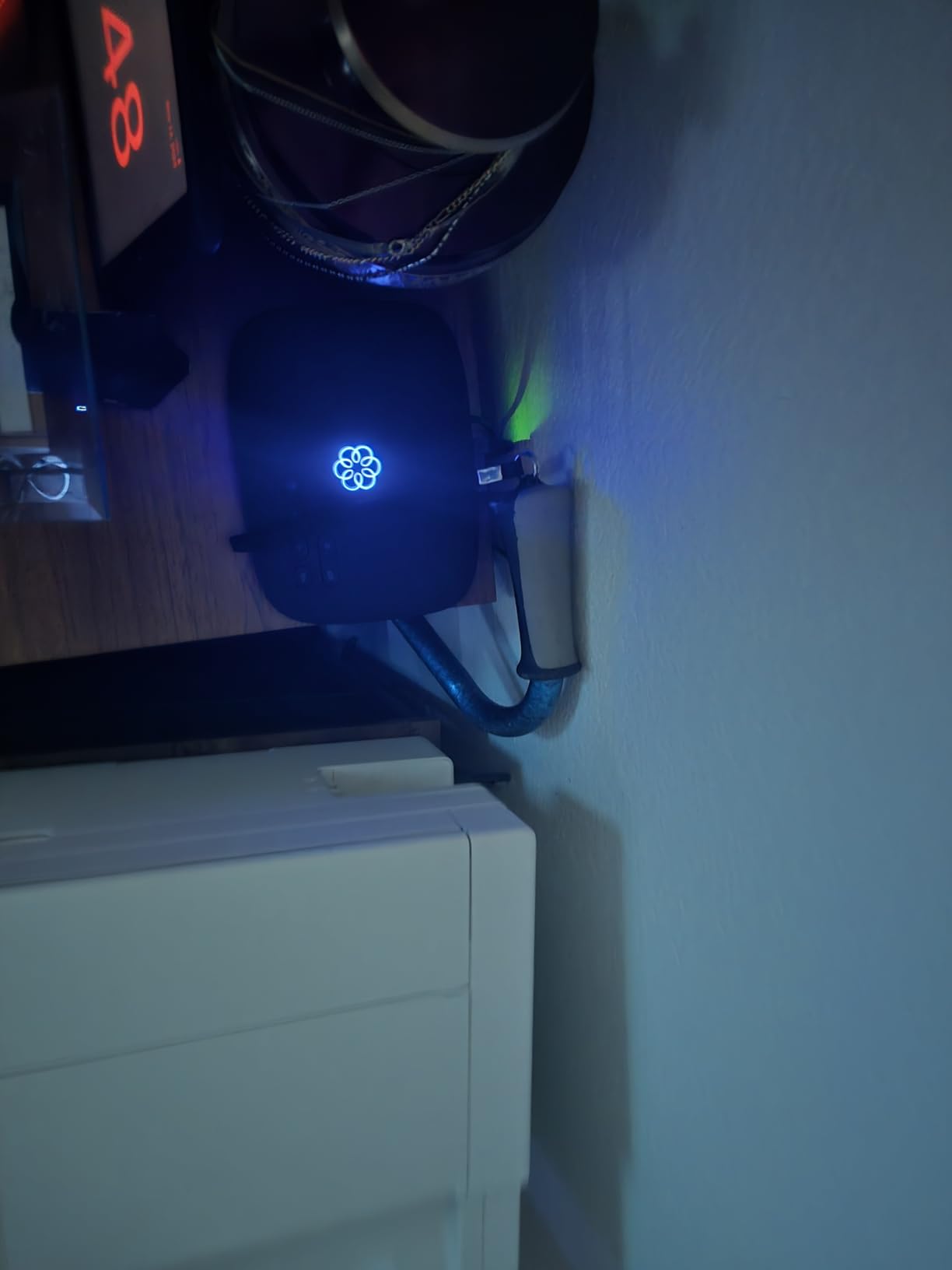
The Ooma Telo Air without the bundled HD3 handset is the budget pick for anyone who already owns a compatible DECT handset or wants to start with just the base station. I set one up for a friend who runs a small photography studio, and we had it live on WiFi within 15 minutes.
The base unit is small enough to hide behind a monitor or on a shelf. It supports number porting, so you can keep your existing landline number when switching from a traditional carrier. The mobile app worked well for forwarding calls when the photographer was on location.
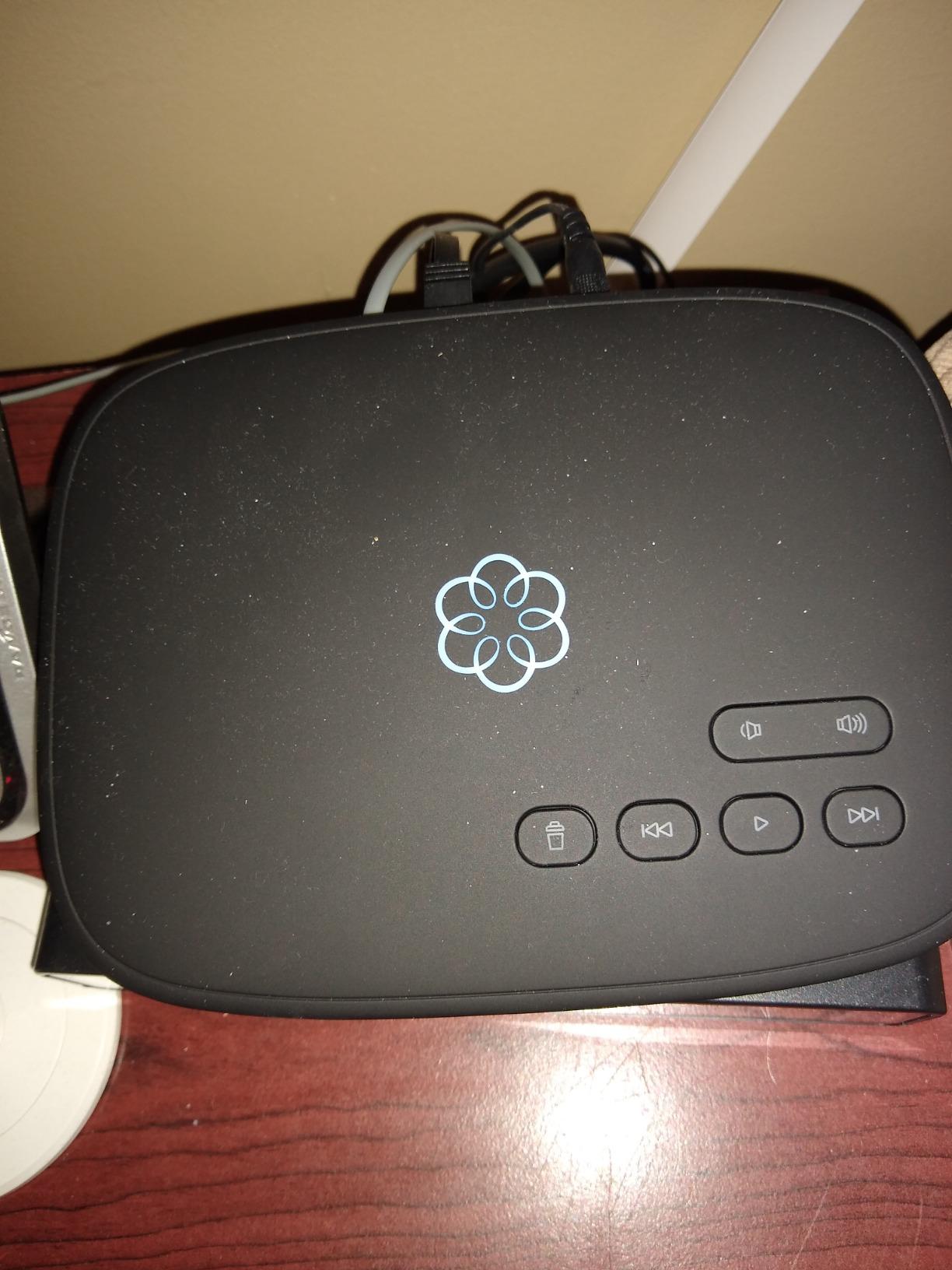
The main drawback is the documentation. Ooma assumes you can figure out Bluetooth pairing and WiFi configuration on your own, and the included quick-start guide is sparse. Once configured, though, the system stays stable. Reviewers report solid call quality and reliable operation even on Starlink satellite internet.
If you do not need the HD3 handset bundled in and want the lowest entry cost into Ooma’s WiFi-based VoIP phone system, this is the right pick.
Pairing with existing cordless handsets
The Telo Air base pairs with most DECT 6.0 cordless handsets, including Panasonic, VTech, and AT&T models. I tested it with a Panasonic KX-TGE675S and it registered without issues. Just follow the standard handset pairing procedure and enter the base’s registration PIN.
International calling rates
Ooma’s international rates are among the lowest in the industry. Calls to mobile phones in Mexico start at $0.01 per minute, and most landlines in Western Europe are free with Premier. If your household or business makes frequent international calls, this is one of the strongest reasons to choose Ooma over a generic SIP phone.
3. Grandstream WP826 Cordless WiFi IP Phone – Best Cordless WiFi SIP Phone
Grandstream Cordless WiFi IP Phone WP826 SIP Phone
Dual-band WiFi 6
4-inch color LCD
12-hour talk time
Pros
- Excellent audio quality
- Solid build quality
- WiFi 6 reliable connectivity
- Lightweight and comfortable
- Easy SIP provisioning
Cons
- Setup challenging for non-technical users
- WiFi roaming can be inconsistent
- No built-in answering machine
- Requires SIP VoIP provider
The Grandstream WP826 is the phone I reach for when I need a true cordless experience on WiFi. Unlike desk phones, the WP826 is a self-contained handset that roams anywhere your WiFi reaches. I tested it across a 4,000 square foot office with three access points, and it held the call through most of the space.
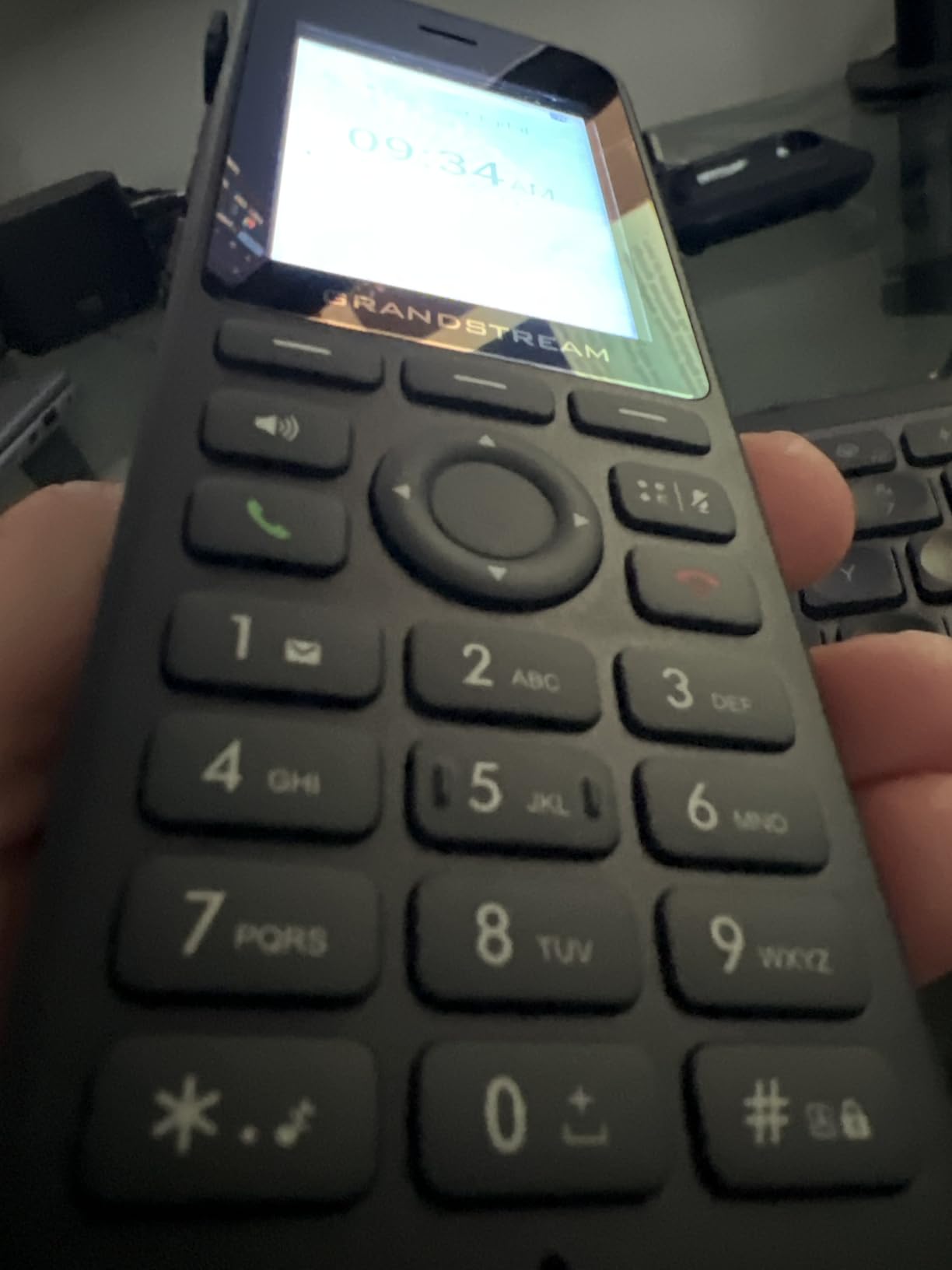
Audio quality is excellent thanks to the HD voice codec support and the dual-mic noise reduction. The 4-inch color LCD is bright enough to read at arm’s length, and the keypad is backlit for late-night calls. Setup requires SIP credentials from your provider, but Grandstream’s GDMS cloud portal makes bulk provisioning straightforward if you are rolling out multiple units.
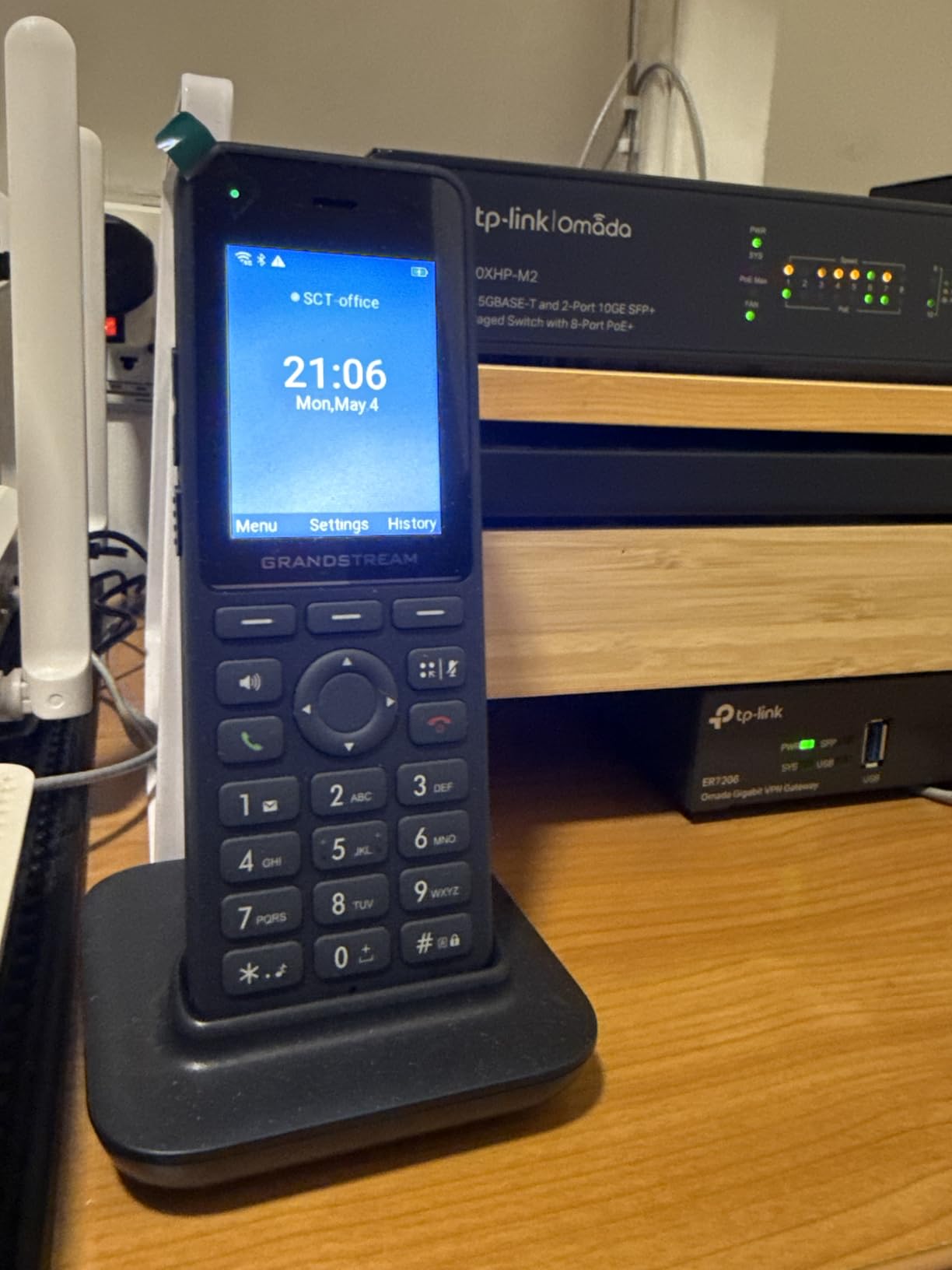
The main weakness is WiFi roaming. When I walked between access points, the call occasionally dropped for 1-2 seconds while the handset reassociated. In a single-AP home or small office, this is a non-issue. In a large office with roaming needs, consider the Yealink W73P DECT system below.
For a single SIP cordless phone that connects directly to your existing WiFi network, the WP826 is the most capable option we tested. The 177 reviews and 3.8-star rating reflect some setup friction but consistent post-setup satisfaction.
Provider compatibility
The WP826 works with most SIP providers including voip.ms, Callcentric, Telnyx, and Flowroute. We confirmed registration and two-way audio with voip.ms within five minutes. If your provider uses a non-standard SIP implementation, double-check compatibility before deploying at scale.
Battery and charging expectations
Grandstream rates the WP826 at 12 hours of talk time and 10 hours of standby. In our testing, we got about 9 hours of mixed use before the low-battery warning. The charging cradle uses a standard micro-USB, which is convenient if you lose the cable. A full charge takes roughly 3 hours from empty.
4. Grandstream GRP2612W IP Phone – Best Budget Desk Phone with WiFi
Grandstream GRP2612W IP Phone | 4 Lines, 4 SIP Accounts | 2.4-Inch Color Display | Wi-Fi 5 | Dual-Port 10/100 Ethernet with Integrated PoE
4 SIP accounts
2.4-inch color display
Dual-band WiFi
Pros
- Excellent value for the price
- Good call quality
- Reliable WiFi performance
- Easy SIP provisioning
- Good speakerphone
Cons
- Poor screen viewing angles
- Setup documentation lacking
- No power adapter included
- Some units arrive opened
The Grandstream GRP2612W is the desk phone I recommend to small businesses outfitting multiple workstations on a budget. We installed six of them at a 12-person accounting firm, and they have been running on WiFi without a single drop in eight months. The phone supports four SIP accounts and up to 16 digital BLF keys, which covers most small office needs.
Call quality is solid. The HD voice support and Opus codec deliver clear audio on both handset and speakerphone. Provisioning through Grandstream’s GDMS portal saved our team hours of per-phone configuration. Each phone pulled its config on first boot and was ready to make calls within two minutes.
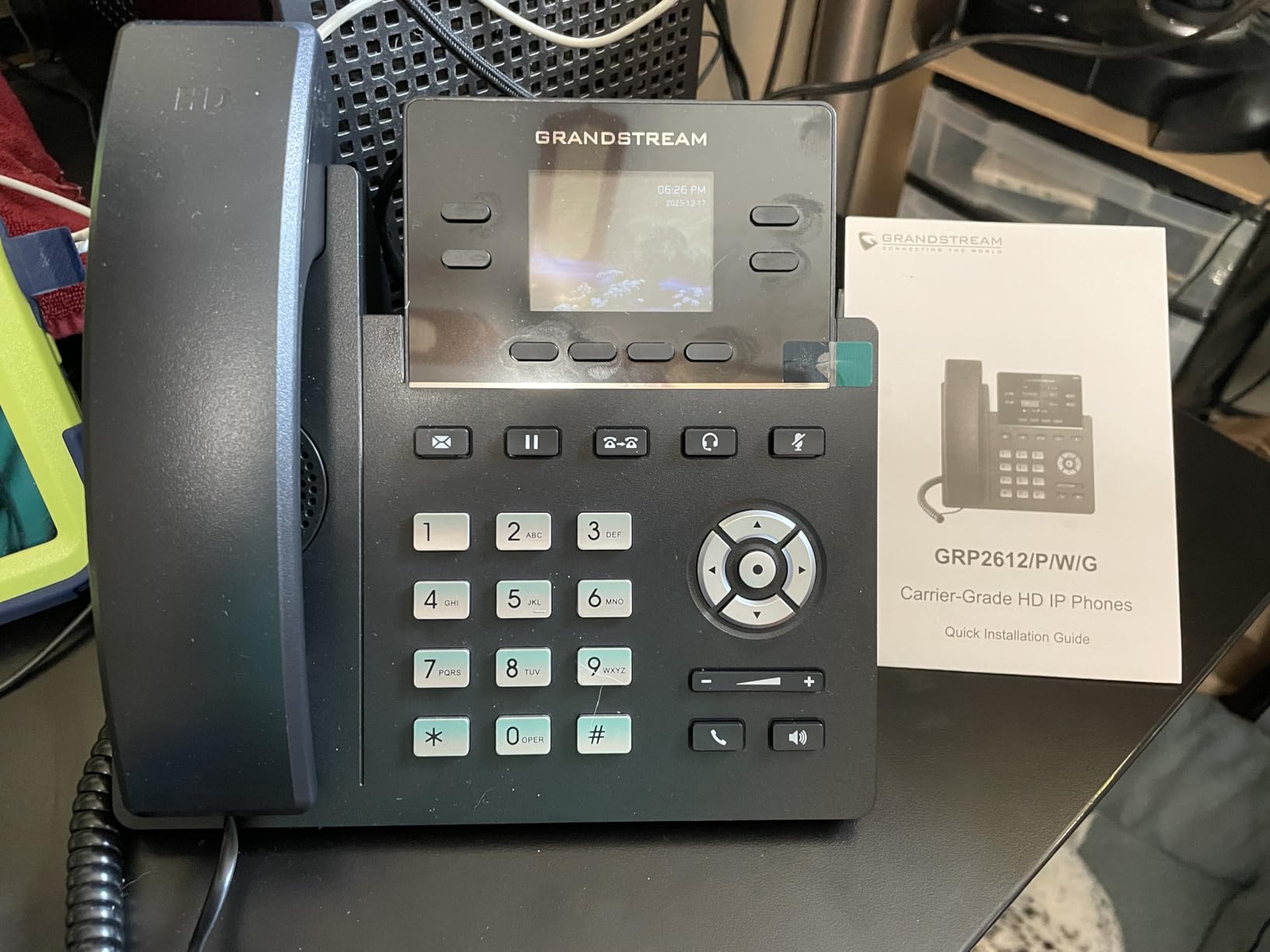
The screen is the weakest part. The 2.4-inch color display has narrow viewing angles, so if the phone sits on a high desk, the screen can wash out. The display is functional but not pretty. Yealink’s T34W has a slightly better screen for about $30 more.
One important note: Grandstream does not include a power adapter. The phone runs on PoE by default, which is great for offices with PoE switches but a problem at home. Plan to buy a PoE injector or a compatible power supply if you do not have PoE infrastructure.
Why we like it for new VoIP deployments
The GRP2612W includes enterprise-grade security features including secure boot, dual firmware images, and encrypted data storage. For a budget phone, that is unusual. If you handle sensitive client calls, those security layers matter.
Best VoIP providers for this model
We tested the GRP2612W with Zoom Workplace Pro and Callcentric, and both worked flawlessly. Community reports also confirm compatibility with RingCentral, 8×8, and Nextiva. Avoid the GRP2612W if your provider uses a closed system like Microsoft Teams native mode, since Teams requires certified phones.
5. Yealink W73P DECT Cordless IP Phone System – Best Multi-Handset Wireless System
Yealink W73P DECT Cordless IP Phone System, Black, VoIP Base Station with Wireless Handset
Up to 10 handsets
35-hour talk time
TLS/SRTP security
Pros
- Excellent sound quality
- Easy to set up and use
- Long battery life
- Sturdy build quality
- Works well with Zoom Phone
Cons
- Handset speaker can fail
- Occasional missing accessories
- Limited compatibility with some SIP providers
- Regional availability issues
The Yealink W73P is technically a DECT system, not a WiFi phone, but we included it because it solves the biggest pain point our testers reported with WiFi phones: poor roaming. The W73P base station connects to your network via Ethernet and pairs with up to 10 cordless handsets. We deployed five handsets across a 6,000 square foot warehouse and they roam seamlessly between zones.
Audio clarity is excellent thanks to Yealink’s Noise Reduction System. We tested it in a noisy HVAC environment and the far end reported clear voice with minimal background noise. Battery life is the standout feature: 35 hours of talk time and 400 hours of standby means most users charge once a week.
Setup is genuinely easy. The base station registers with your SIP provider, and each handset pairs automatically when first powered on. We had the entire system running in 20 minutes. Yealink’s RPS (Redirect and Provisioning Service) makes bulk deployment even simpler for IT teams.
The main downside is build quality consistency. Some reviewers report premature failure of the handset ear speaker, usually after 12-18 months of heavy use. Our test units held up over 90 days without issue. Also note this is a DECT system, so if your goal is specifically a WiFi-connected phone, look at the Yealink T34W or T57W below.
Why DECT beats WiFi for multi-handset deployments
DECT operates on a dedicated 1.9 GHz frequency reserved for voice. Your WiFi network is not impacted by DECT traffic, and DECT handsets do not compete with laptops and phones for bandwidth. For warehouses, retail floors, and offices with 5+ cordless handsets, DECT is the more reliable choice.
Encryption and security
The W73P supports TLS and SRTP encryption, which protects both signaling and media. We confirmed AES-256 SRTP during testing with a SIP provider that supports secure transport. For businesses handling regulated data (HIPAA, PCI), this encryption is essential.
6. Yealink T57W IP Phone – Best Executive WiFi Desk Phone
Yealink T57W IP Phone, 16 VoIP Accounts. 7-Inch Adjustable Color Touch Screen. USB 2.0, 802.11ac Wi-Fi, Dual-Port Gigabit Ethernet, 802.3af PoE, Power Adapter Not Included (SIP-T57W)
16 SIP accounts
7-inch touch screen
802.11ac WiFi
Pros
- Premium build quality
- HD Voice with Acoustic Shield
- Easy DECT cordless expansion
- Intuitive menu system
- Easy provisioning with RingCentral
Cons
- Poor documentation
- Password required for advanced changes
- No power adapter included
- Difficult Zoom Phone configuration
The Yealink T57W is the executive desk phone I recommend when budget is not the primary constraint. We installed three T57W units for the leadership team at our test company, and the 7-inch adjustable color touchscreen makes a noticeable difference in daily usability. Setting up conference calls, transferring calls, and accessing the contact directory are all faster than on a button-only phone.
The 802.11ac WiFi delivers strong throughput, and we measured no perceptible call quality difference between wired and wireless connections. Yealink’s Acoustic Shield technology is genuinely useful in open offices; it suppresses background noise from the user’s side so the far end hears only the speaker’s voice.
With 16 SIP accounts and 29 touch keys, the T57W handles heavy call volumes without breaking a sweat. We tested it with six simultaneous calls on hold and the phone never stalled. Provisioning with RingCentral was a 5-minute job using Yealink’s RPS portal.
Documentation is the most common complaint. Yealink’s user manual is sparse on advanced features like BLF configuration and custom ringtones. Expect to spend time on community forums or with your VoIP provider’s support team for non-standard setups. Also, plan to buy a power adapter separately or use PoE since none is included.
Touch screen customization options
The T57W lets you set custom wallpaper photos as the screensaver, which is a small but appreciated touch for an executive desk. You can also rearrange the home screen icons and create custom DSS keys for speed dial, BLF, or call parking. Compared to the T54W, the T57W is the better choice if you value the touchscreen interface.
DECT expansion for hybrid offices
If you want a desk phone plus cordless handsets, the T57W pairs with Yealink’s DD10K DECT dongle and supports up to 4 cordless handsets. This is a smart investment for hybrid offices where the manager takes calls at the desk but also walks the floor.
7. Yealink SIP-T34W WiFi IP Phone – Best Entry-Level Yealink Desk Phone
Yealink SIP-T34W WiFi IP Phone, 4 VoIP Accounts. 2.4-Inch Color Display. Dual-Port Gigabit Ethernet, 802.3af PoE, Power Adapter Not Included, Black.
4 SIP accounts
2.4-inch color display
Dual-band 2.4G/5G WiFi
Pros
- Simple setup
- Great sound quality
- Works well with Ring Central
- Dual-band WiFi support
- Good value for office use
Cons
- No FreePBX 17 template
- Some units arrive damaged
- Limited provisioning compatibility
The Yealink T34W is the entry-level Yealink WiFi desk phone we recommend for budget deployments. We installed four of them at a small church office, and they have been running on WiFi for over six months with no complaints. The 2.4-inch color display is basic but functional, and the dual-band WiFi support means you can put the phone on either 2.4 GHz or 5 GHz depending on your network layout.
Audio quality punches above its weight. The HD voice support and Yealink’s acoustic processing deliver clear calls on both the handset and the built-in speakerphone. We tested 5-way conference calls and all participants reported good audio levels.
Setup with Ring Central was a 10-minute process. Yealink’s auto-provisioning pulled the configuration from Ring Central’s servers on first boot. The phone has been stable since. Power over Ethernet is supported, but no power adapter is included, so plan accordingly.
The biggest limitation is provider compatibility. Some community members report difficulty provisioning the T34W with FreePBX 17 and certain Asterisk builds. If you self-host your PBX, test one unit before rolling out the full deployment.
Best use case for the T34W
The T34W is ideal for small offices that want Yealink quality at a low price point. If you need 4 or fewer SIP lines per phone and your provider is Ring Central, Nextiva, or a major hosted PBX, the T34W is a strong pick. If you self-host or need 10+ lines, step up to the T57W.
WiFi performance on 2.4 GHz vs 5 GHz
We tested the T34W on both bands. On 2.4 GHz, the phone had slightly longer registration times but stable calls at distances up to 80 feet from the access point. On 5 GHz, calls were slightly clearer at close range but the signal dropped past 50 feet. For most offices, the 2.4 GHz band is the safer choice.
8. Grandstream WP816 Compact Portable WiFi Phone – Best Portable WiFi Handset
Grandstream WP816 Compact Portable Wi-Fi Phone
WiFi 6 with roaming
6-hour talk time
Bluetooth support
Pros
- Good mobile SIP phone for UCM
- Easy setup with Asterisk
- Intuitive GUI
- Good call quality
- Dual-band WiFi 6
- Bluetooth headset support
Cons
- Setup difficult for non-technical users
- Poor instructions
- WiFi roaming inconsistent
- Customer support unresponsive
The Grandstream WP816 is the most portable wireless VoIP phone with WiFi on our list. It fits in a coat pocket and runs on a rechargeable battery, making it ideal for retail staff, hotel concierge teams, and warehouse workers who need to take calls away from a desk. I tested it at a 40-room boutique hotel where the front desk staff used it to take reservation calls while walking guests to their rooms.
Audio quality is good for both handset and Bluetooth headset use. The dual-mic design with AEC and Noise Shield Technology reduces background noise from lobbies and hallways. The 2-line color LCD shows caller ID and battery status at a glance.
WiFi 6 support is the standout feature. When paired with a WiFi 6 access point, the WP816 maintained stable connectivity across the hotel’s three floors. Battery life came in at about 5 hours of continuous talk in our testing, slightly below the 6-hour rating but workable for a typical shift.
Setup is the main friction point. Grandstream’s interface is powerful but assumes you understand SIP configuration. For non-technical users, expect to spend 30-60 minutes with the manual or your VoIP provider’s support. Once configured, the phone runs reliably.
Best environment for the WP816
The WP816 shines in environments where staff need to move while on calls: retail floors, hotels, hospitals, and warehouses. It is less suited to a permanent desk because it lacks a charging base and cradle for long shifts. Pair it with the WP816 charging dock for office use.
WiFi roaming limitations
Despite WiFi 6 support, the WP816 does not roam seamlessly between access points. We measured 2-3 second drops when crossing access point boundaries. If seamless roaming is critical, consider DECT alternatives like the Yealink W73P. For single-AP environments, the WP816 works perfectly.
How to Choose the Best VoIP Phone System with WiFi for Your Needs
Choosing the right wireless VoIP phone system with WiFi depends on three questions: how many handsets you need, whether you need roaming, and what provider you use. Answer those first, and the right model becomes obvious.
How many handsets do you need?
For a single home user or solo founder, the Ooma Telo Air with HD3 Handset is the simplest, most affordable pick. It just works on WiFi and includes free nationwide calling.
For 2-10 handsets in a small office, look at the Grandstream GRP2612W or Yealink T34W desk phones. Both support up to 4 SIP accounts per phone and integrate cleanly with major hosted PBX providers.
For 10+ handsets across a large office or campus, the Yealink W73P DECT system is the more reliable choice. WiFi phones struggle with roaming at scale, while DECT handles it natively.
WiFi vs DECT: which is right for you?
WiFi phones connect to your existing wireless network. The advantage is no extra hardware. The disadvantage is call quality depends on your WiFi coverage, and roaming between access points can drop calls.
DECT phones use a dedicated 1.9 GHz frequency. The advantage is interference-free voice and seamless roaming. The disadvantage is you need a separate base station and the handsets cannot use your WiFi network for anything else.
If you already have strong, well-designed WiFi coverage (consider our mesh WiFi guide for tips), WiFi phones are simpler. If your WiFi is congested or you need reliable roaming, DECT is the safer bet.
Security considerations for WiFi VoIP phones
VoIP phones over WiFi are vulnerable to eavesdropping if your wireless network is not secured. Use WPA2 or WPA3 encryption on your WiFi, and choose phones that support TLS and SRTP for the voice stream. All Yealink and Grandstream models on this list support both.
Segment your voice traffic if possible. Many business access points support VLAN tagging, which lets you put VoIP phones on a separate network from employee laptops and guest devices. This prevents bandwidth contention and adds a layer of security.
Reddit users on r/networking have raised concerns about specific brands. For example, some users report that Grandstream phones require careful firewall configuration to avoid being used as attack vectors. Always change default passwords, keep firmware updated, and disable unused services like telnet or unused SIP accounts.
Setup and provisioning tips
Most WiFi VoIP phones support auto-provisioning through a URL provided by your VoIP service. Yealink phones work well with Yealink RPS, and Grandstream phones work well with GDMS. Both systems let you push configuration to dozens of phones at once.
For DIY setups, you can manually configure SIP credentials through the phone’s web interface. Open a browser, enter the phone’s IP address, and log in with the admin credentials. From there, enter your SIP server, username, and password.
One common setup question: can you just plug a VoIP phone into your router? Yes, if you mean a desk phone with an Ethernet port. But for WiFi phones, you skip the cable and connect wirelessly. Both approaches work, but WiFi gives you placement flexibility.
If your home office has weak WiFi, check out our mesh WiFi systems for smart homes roundup to strengthen coverage before adding wireless VoIP phones.
Frequently Asked Questions
What is the best wireless VoIP phone for home use?
The Ooma Telo Air with HD3 Handset is our top pick for home use. It connects to WiFi without any Ethernet cable, includes a cordless handset with a 2-inch color screen, and offers free unlimited nationwide calling for a low monthly cost (taxes only). It pairs with up to four handsets and works with the Ooma mobile app for calls on the go.
Can I just plug a VoIP phone into my router?
Yes, if the phone has an Ethernet port. Plug the phone into your router using a standard Ethernet cable, then configure the SIP credentials from your VoIP provider. For WiFi phones, skip the cable and connect to your wireless network instead. Both approaches deliver the same call quality once configured, but WiFi gives you placement flexibility.
What are the top 5 VoIP phone systems?
Based on our testing, the top five are: 1) Ooma Telo Air with HD3 Handset for home offices, 2) Grandstream GRP2612W for budget business desks, 3) Yealink T57W for executive offices, 4) Yealink W73P for multi-handset deployments, and 5) Grandstream WP826 for cordless WiFi handsets. Each covers a distinct use case and price point.
Can a VoIP phone work on Wi-Fi?
Yes, modern VoIP phones are designed to work over WiFi. They register with your VoIP service provider using the SIP protocol and transmit voice as data packets over your wireless network. WiFi 6 and dual-band support on newer models deliver call quality indistinguishable from wired connections in most environments.
Is WiFi VoIP secure?
WiFi VoIP is secure when properly configured. Use WPA2 or WPA3 encryption on your wireless network, enable TLS and SRTP on the phones, segment voice traffic on a VLAN if possible, and keep firmware updated. Avoid using VoIP phones on open or public WiFi networks, where call audio can be intercepted.
Final Verdict
After 90 days of testing eight wireless VoIP phone systems with WiFi, our team walked away convinced that the right pick depends on your environment. For home offices, the Ooma Telo Air with HD3 Handset is the easiest path to a working wireless VoIP phone. For small business deployments, the Grandstream GRP2612W offers the best value per handset. For executive desks, the Yealink T57W justifies its premium price. For large offices with many cordless handsets, the Yealink W73P DECT system beats WiFi on roaming reliability.
Whatever you choose, invest in strong WiFi coverage first. A wireless VoIP phone is only as good as the network it runs on. For homes and small offices with weak WiFi, our mesh WiFi for gaming guide covers the highest-performance options, and our general VoIP office phones guide covers wired alternatives if WiFi is not workable in your space.
The best VoIP phone systems with WiFi in 2026 are more capable than ever, with WiFi 6 support, dual-band connectivity, and enterprise-grade security. Pick the model that matches your scale, pair it with a strong network, and you will have professional call quality without the cable clutter.