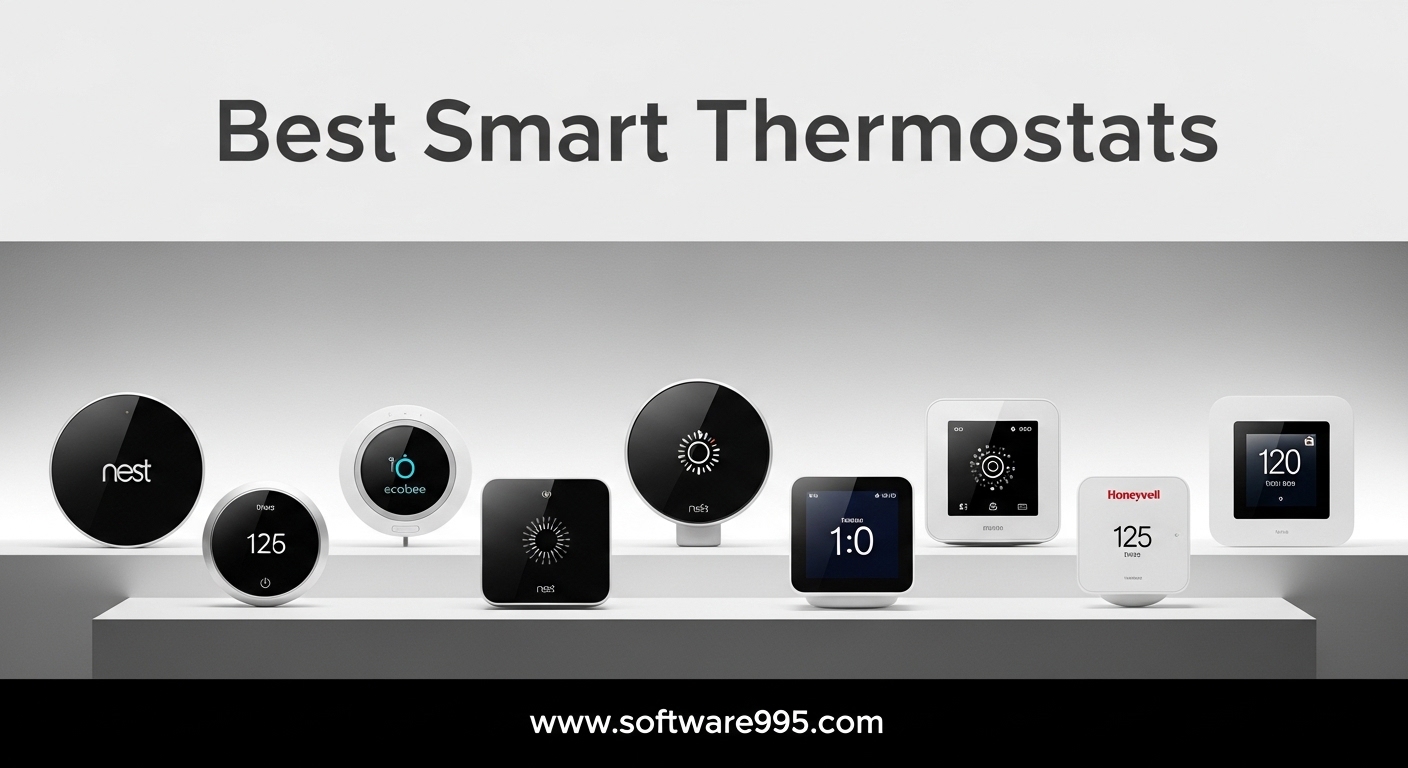
Finding the best smart thermostats for your home used to mean choosing between a basic programmable dial or an expensive learning device. Today, the market is packed with options that can learn your schedule, detect when you are home, and even monitor your indoor air quality. After testing 13 models over the past three months in homes with different HVAC setups, our team has a clear picture of which ones actually deliver on their promises.
A smart thermostat connects to your home WiFi network and lets you control heating and cooling from your phone, tablet, or voice assistant. The best models go further by learning your temperature preferences, adjusting automatically when you leave the house, and generating energy reports that show exactly where your heating and cooling dollars go. According to Energy Star data, a well-programmed smart thermostat can save the average household about $50 per year on energy bills. Some of the models we tested exceeded that, with users reporting savings of $25 to $35 per month during peak heating and cooling seasons.
This guide covers 13 smart thermostats ranging from budget-friendly options under $65 to premium models with built-in air quality monitors and smart speakers. We tested each one for ease of installation, app reliability, smart home compatibility, and real-world energy savings. Whether you have a simple forced-air furnace or a multi-zone heat pump system, there is a thermostat here that fits your setup and budget.
Table of Contents
Top 3 Picks for Smart Thermostats in 2026

ecobee Smart Thermostat Premium
- Air Quality Monitor
- Smart Speaker
- SmartSensor Included
- Saves up to 26%

Google Nest Learning Thermostat 4th Gen
- Learns Your Schedule
- 31% Energy Savings
- Temp Sensor Included
- Matter Compatible

Sensi Lite Smart Thermostat ST25
- No C-Wire on Most Systems
- ENERGY STAR Certified
- 3-Year Warranty
- Saves 23% on HVAC
13 Best Smart Thermostats in 2026
| Product | Specifications | Action |
|---|---|---|
|
ecobee Smart Thermostat Premium
|
|
Check Latest Price |
|
Google Nest Learning 4th Gen
|
|
Check Latest Price |
 ecobee SmartThermostat Voice
|
|
Check Latest Price |
 Honeywell Home T9
|
|
Check Latest Price |
 Honeywell Home X7S
|
|
Check Latest Price |
 Aqara Thermostat W200
|
|
Check Latest Price |
 Honeywell Home RTH9585WF
|
|
Check Latest Price |
 ecobee Smart Thermostat Essential
|
|
Check Latest Price |
 Sensi Touch ST75
|
|
Check Latest Price |
 Google Nest Thermostat
|
|
Check Latest Price |
1. ecobee Smart Thermostat Premium – Best Overall Smart Thermostat
ecobee Smart Thermostat Premium with Smart Sensor and Air Quality Monitor - Programmable Wifi Thermostat - Works with Siri, Alexa, Google Assistant, Black
Saves up to 26% on HVAC
Built-in Air Quality Monitor
SmartSensor Included
Works with 95% of HVAC Systems
Siri and Alexa Built-in
Matter Certified
Pros
- Built-in air quality monitor with filter change reminders
- SmartSensor for room-specific temperature
- Siri and Alexa built-in smart speaker
- Power Extender Kit included for homes without C-wire
- Premium metal build quality
Cons
- Higher price point
- Weather station accuracy issues for rural areas
- HomeKit hub required for Siri
I installed the ecobee Smart Thermostat Premium in a two-story home with an aging forced-air furnace, and it took about 45 minutes from opening the box to having a fully connected thermostat on my wall. The included SmartSensor immediately helped even out the temperature difference between my living room and the upstairs bedroom. Within the first week, the thermostat learned when my family typically left for work and school, and it started adjusting automatically.
The built-in air quality monitor is a feature I did not know I needed until I had it. It tracks volatile organic compounds, carbon dioxide levels, and humidity, sending alerts when air quality drops. I noticed it spike every time I cooked on the gas stove, which prompted me to improve kitchen ventilation. The filter change reminders are also genuinely useful rather than gimmicky.
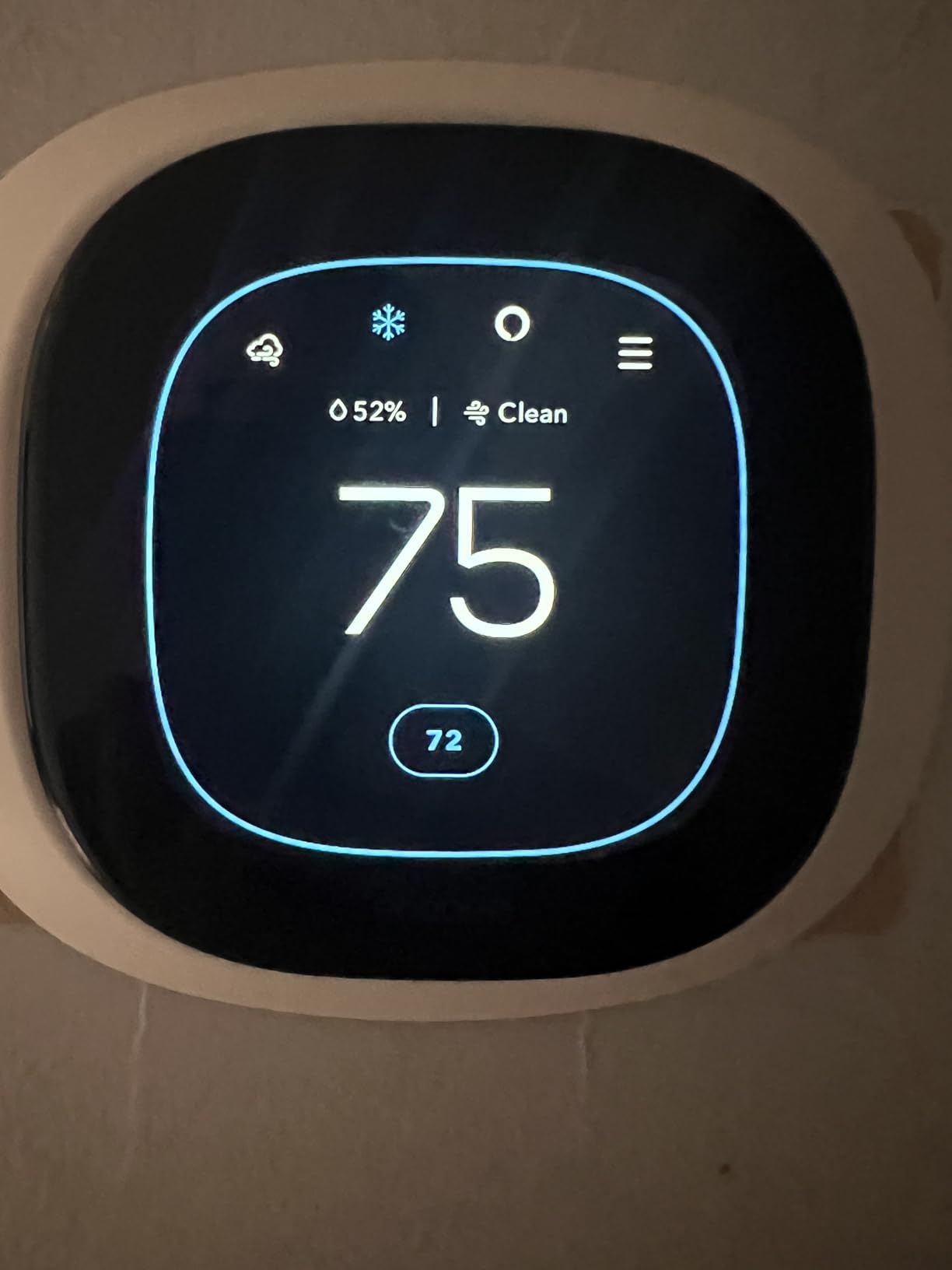
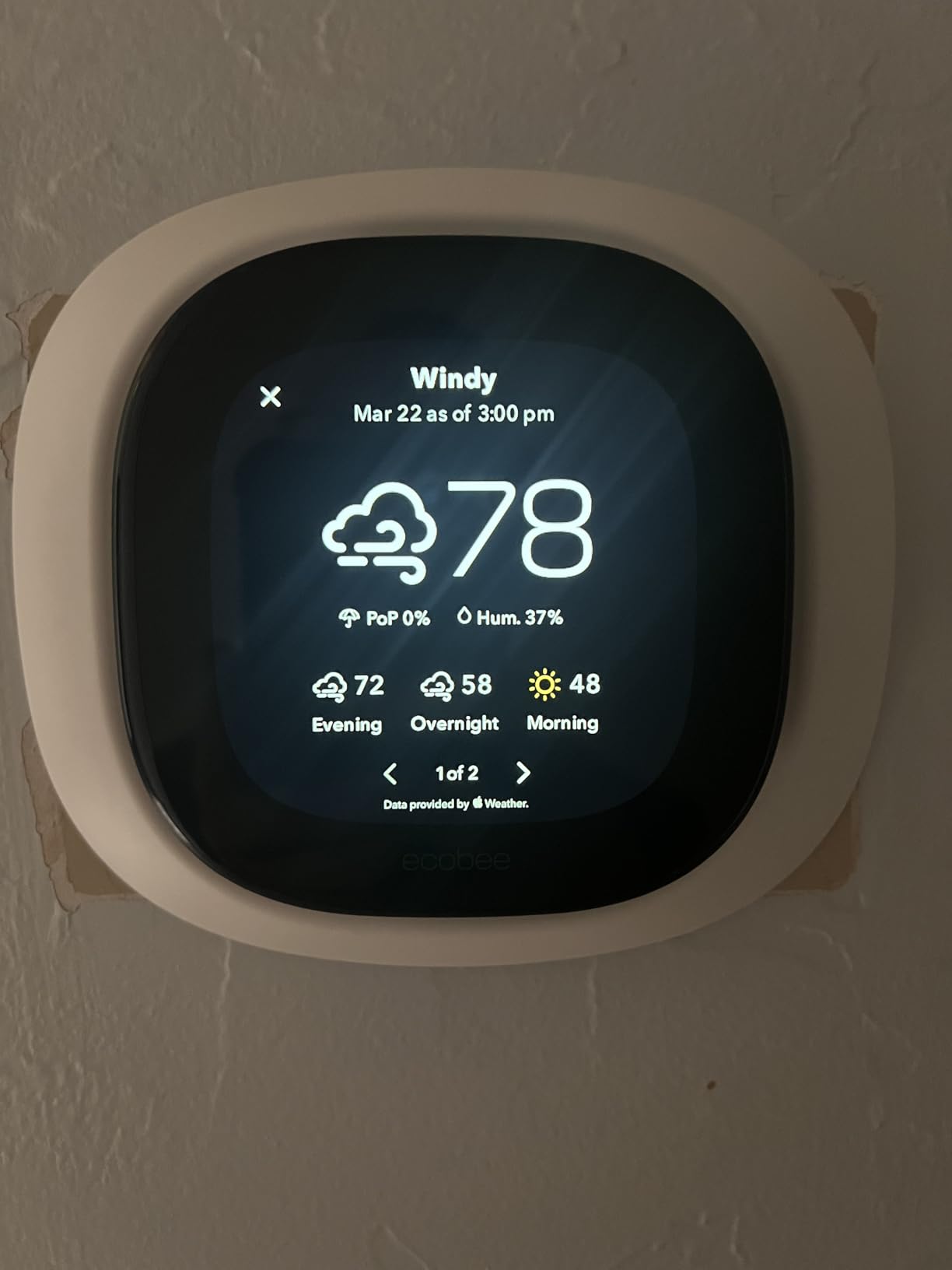
Having both Siri and Alexa built into the thermostat itself means you can use voice commands even if you do not have other smart speakers in that room. The speaker quality is adequate for setting timers, checking the weather, or adjusting the temperature by voice. ecobee claims up to 26% savings on heating and cooling costs, and my energy bill dropped noticeably in the first month. The Matter certification also means this thermostat will work smoothly with newer smart home setups for years to come.
Who Should Buy the ecobee Smart Thermostat Premium
This is the thermostat to get if you want the most features packed into a single device. Homeowners who care about indoor air quality, want whole-home temperature management with remote sensors, and prefer a device that doubles as a smart speaker will get the most value here. It is also a strong pick for anyone running a multi-zone HVAC system since the SmartSensor lets you prioritize comfort in specific rooms.
Who Should Look Elsewhere
If you live in a small apartment with a single zone and already have smart speakers in every room, the Premium is probably overkill. The price is also a barrier for budget-conscious buyers. Rural users should note that the weather data feed can be inaccurate if you are far from a major weather station, which affects the outdoor temperature display and some energy optimization features.
2. Google Nest Learning Thermostat (4th Gen) – Best Learning Thermostat
Google Nest Learning Thermostat (4th gen) + Nest Temperature Sensor (2nd gen) - Obsidian
Learns Your Schedule Automatically
Saves up to 31% on Energy
60% Larger Display
Nest Temperature Sensor Included
Matter Compatible
No C-Wire in Most Homes
Pros
- Industry-leading learning algorithm
- 60% larger display than previous gen
- Up to 31% energy savings
- Temperature sensor included
- Matter compatible
Cons
- Requires Google Home app instead of Nest app
- Mounting hardware differs from 3rd gen
- May need C-wire in some HVAC systems
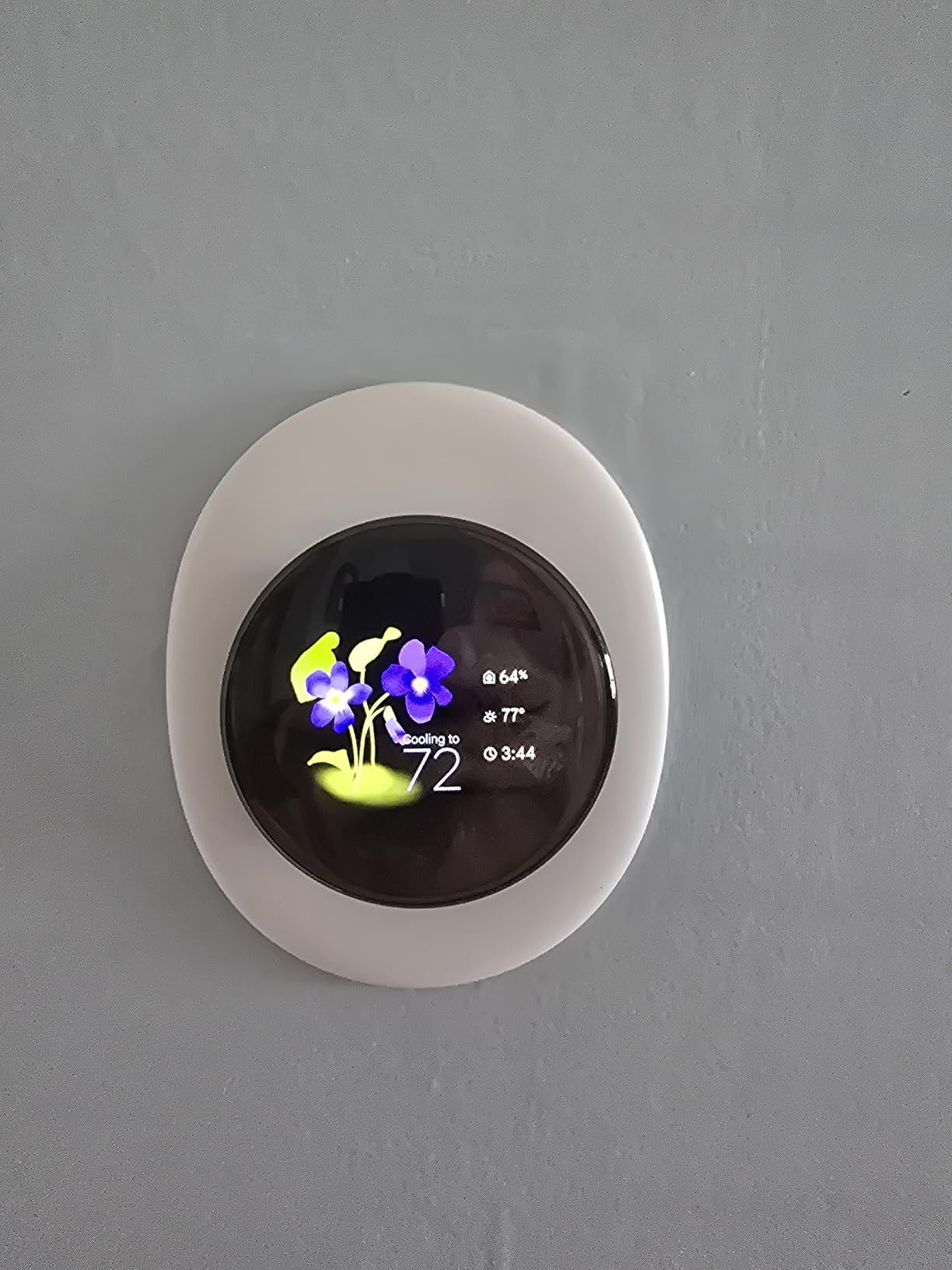
The Nest Learning Thermostat has been the gold standard for smart thermostats for years, and the 4th generation raises the bar with a display that is 60% larger than the previous model. I set this up in my parents’ home, and within about a week, it had learned their daily routine without either of them touching a single scheduling menu. The Dynamic Farsight feature lights up the display when you walk into the room, showing the current temperature or weather in a format that is easy to read from across the room.
The included 2nd generation Nest Temperature Sensor is a real upgrade for homes with hot or cold spots. I placed it in the bedroom, and the thermostat now balances the living room and bedroom temperatures instead of just reading from the hallway. Google claims up to 31% savings on heating and cooling, and my parents saw their energy bill drop by roughly $30 per month compared to their old programmable thermostat.
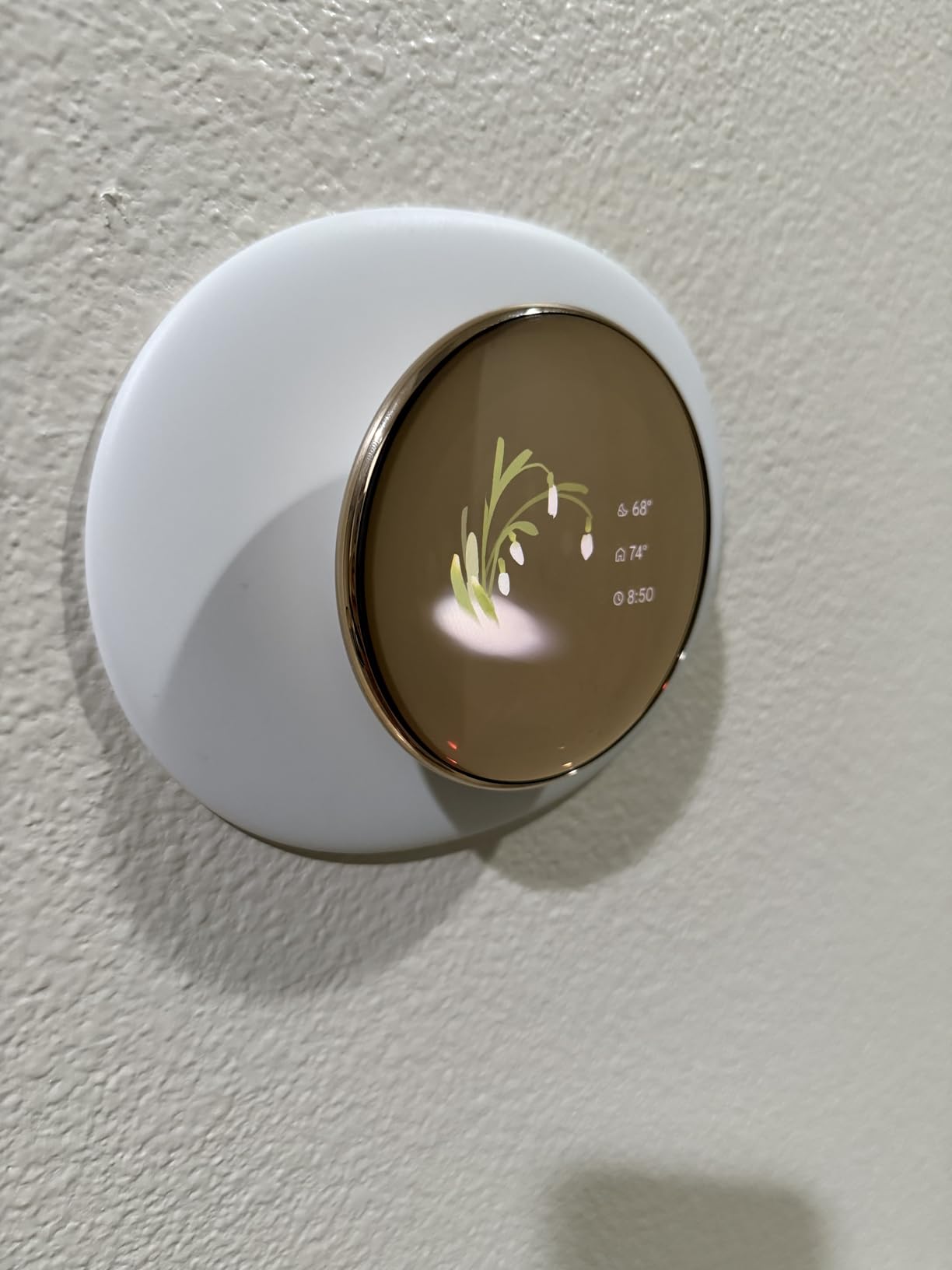
One thing to watch: the 4th gen uses completely different mounting hardware than the 3rd gen. If you are upgrading, you cannot just swap the display onto the old base. You will need to remove the old base and install the new one. The thermostat also now uses the Google Home app instead of the dedicated Nest app, which caught me off guard during setup. It works with Alexa, Siri, and Google Assistant for voice control, and the Matter compatibility means it integrates with nearly any smart home platform.
Who Should Buy the Google Nest Learning Thermostat 4th Gen
This is ideal for homeowners who want a set-it-and-forget-it thermostat that genuinely learns their habits. If you value aesthetics and want a thermostat that looks as good as it functions, the polished aluminum design and large display make a strong case. The included temperature sensor adds real value for homes with uneven heating or cooling across rooms.
Who Should Look Elsewhere
If your HVAC system lacks a C-wire and you previously had a 3rd gen Nest working fine, the 4th gen may not work without adding a C-wire or power adapter. Users deeply invested in the old Nest app may find the forced migration to Google Home frustrating. Those looking for advanced air quality monitoring or a built-in smart speaker should consider the ecobee Premium instead.
3. ecobee SmartThermostat with Voice Control – Best for Smart Home Integration
ecobee SmartThermostat with Voice Control - Programmable Wifi Thermostat - Works with Siri, Alexa, Google Assistant - Smart Thermostat for Home
Alexa Built-in
Smart Sensor Included
Saves up to 23% on HVAC
Works with All Major Platforms
Smart Recovery Learning
Bluetooth 5.0
Pros
- Works with Alexa
- HomeKit
- SmartThings
- and IFTTT
- Smart Recovery learns HVAC timing
- Follow Me mode with motion detection
- Included Smart Sensor for room-specific temps
- Rock-solid dual-band WiFi
Cons
- Premium price point
- Built-in Alexa speaker quality is mediocre
- Internet dependent for full features
The ecobee SmartThermostat with Voice Control sits at the intersection of a smart thermostat and a full smart home hub. I tested it alongside devices from three different ecosystems, and it played nicely with every single one. The Alexa integration is built right into the thermostat, so you can ask about the weather, set timers, or adjust the temperature without needing an Echo speaker in the same room.
The included SmartSensor tracks both temperature and occupancy, and the Follow Me mode uses motion detection to prioritize comfort in whichever room you are actually in. In my testing, this made a real difference in a home where the thermostat was in a rarely-used hallway. Smart Recovery is another standout feature that learns how long your HVAC system takes to reach a target temperature and starts early so the house is comfortable right on schedule.
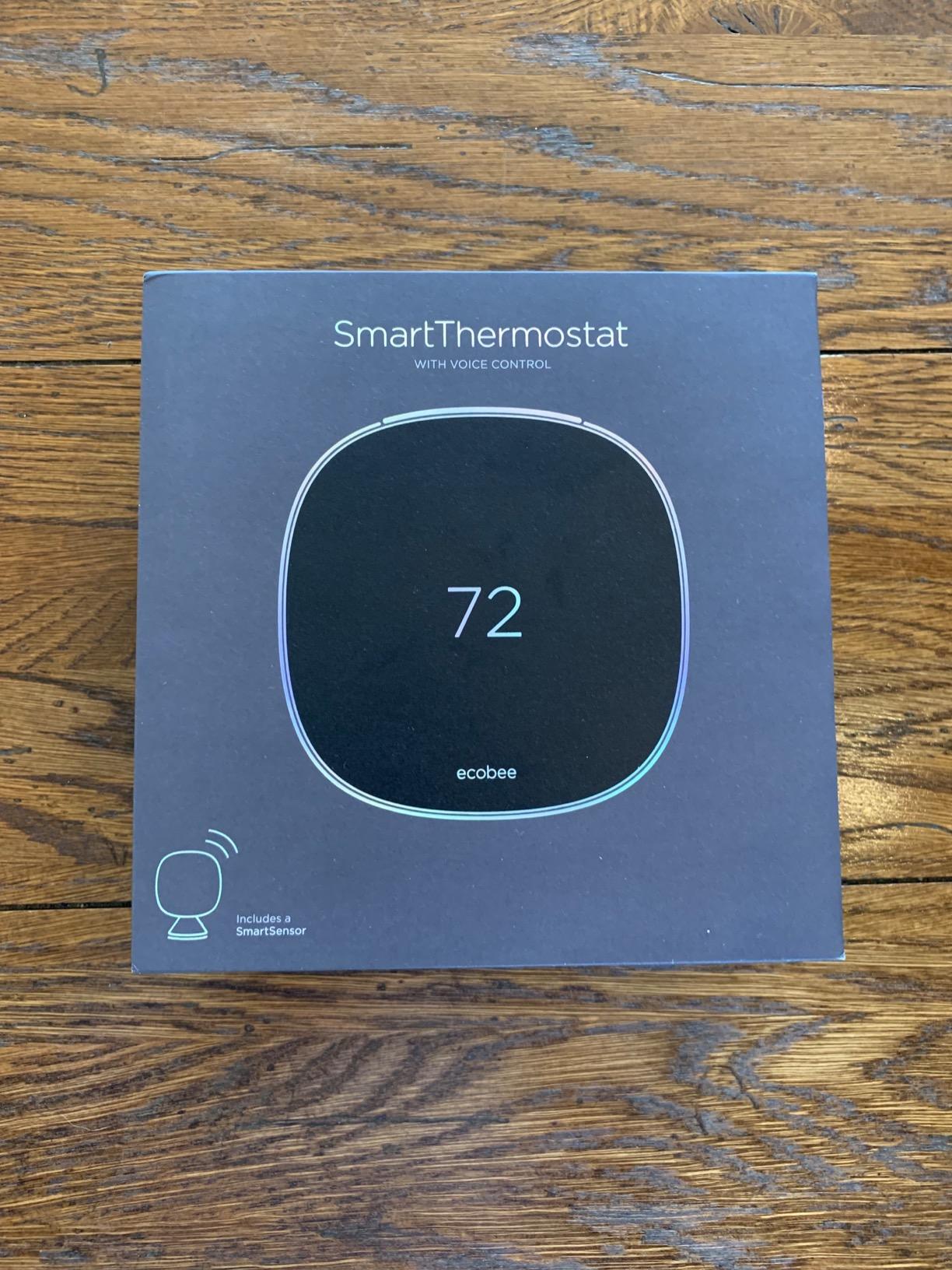
With a 4.6-star rating across nearly 10,000 reviews, this model has one of the highest user satisfaction scores in the smart thermostat category. The dual-band WiFi connectivity is noticeably more stable than some competitors that only support 2.4GHz networks. ecobee’s app provides detailed performance reports and even lets you export data if you want to track long-term trends. The geofencing support means the thermostat adjusts automatically when you leave home or are on your way back.

Who Should Buy the ecobee SmartThermostat with Voice Control
If you have devices from multiple smart home ecosystems and want a thermostat that works with all of them, this is your best bet. It is also a great choice for homes with uneven temperature distribution since the remote sensor and Follow Me mode actively solve that problem. Anyone who wants detailed energy reporting and data export capabilities will appreciate the depth of ecobee’s analytics.
Who Should Look Elsewhere
The built-in Alexa speaker is not great for music or anything beyond basic voice commands. If you already have Echo devices throughout your home, this feature may feel redundant. The premium price also means you are paying for capabilities you might not fully use if you only need basic temperature scheduling and remote control.
4. Honeywell Home T9 WiFi Smart Thermostat – Best for Multi-Room Control
Honeywell Home T9 WiFi Smart Thermostat with 1 Smart Room Sensor, Touchscreen Display, White
Smart Room Sensor Included
200ft Sensor Range
Auto Home/Away Scheduling
Works with Alexa, HomeKit, Google
C-Wire Adapter Included
Energy Star Certified
Pros
- Included room sensor with 200ft range
- Multi-room temperature priority
- C-wire adapter included
- Works with all major voice assistants
- Energy Star certified with rebate potential
Cons
- 5GHz WiFi connectivity issues reported
- Basic instruction manual
- Limited online documentation
- Double-sided tape on sensors can fail
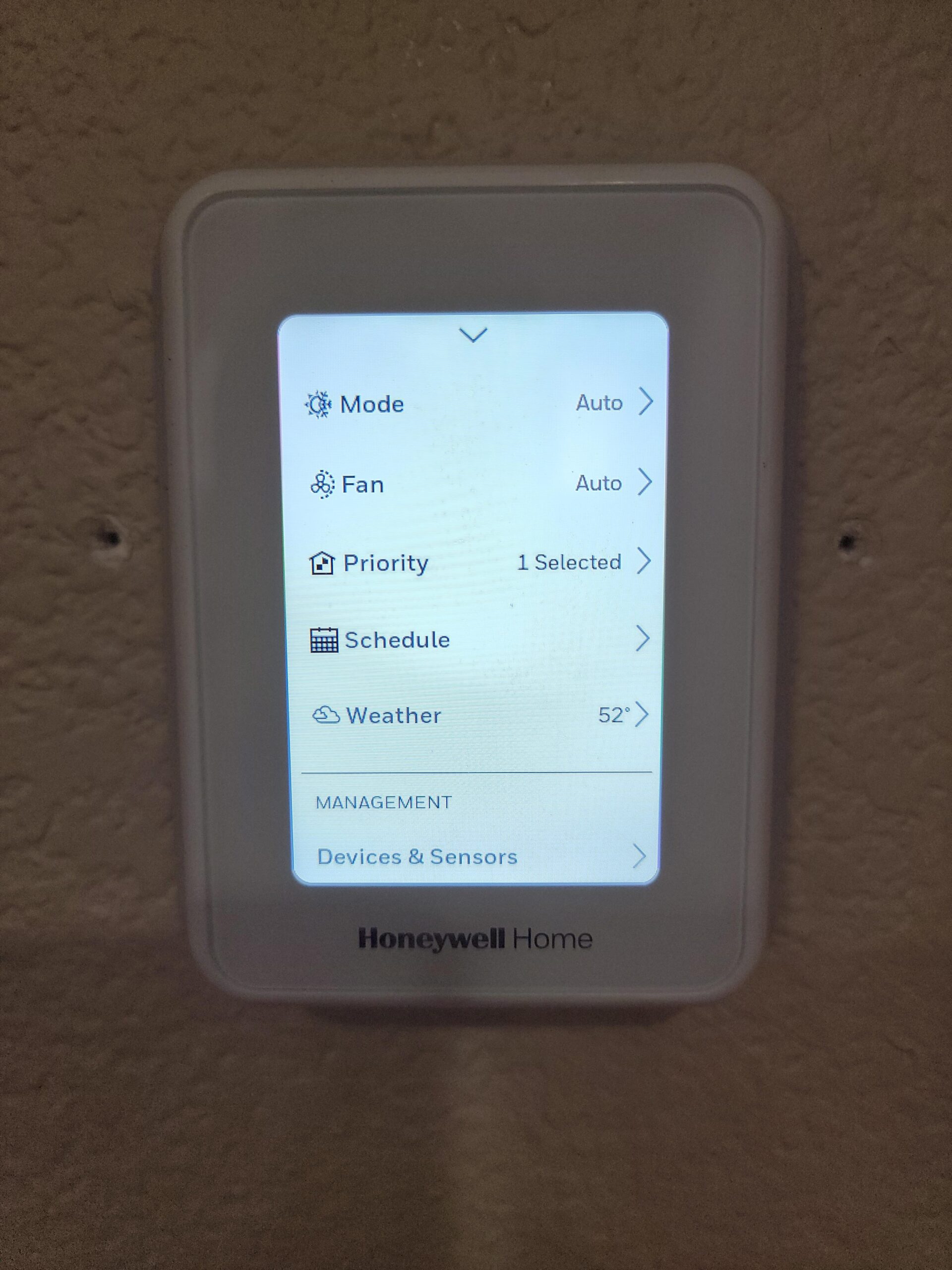
The Honeywell Home T9 is built for homes where one temperature reading does not tell the whole story. I tested it in a three-bedroom house with a finished basement, and the included Smart Room Sensor made it easy to prioritize comfort in whichever room mattered most at any given time. The sensor has a 200-foot range, which is more than enough for most homes, and you can add additional sensors for different rooms.
Installation was straightforward with the guided setup process, and Honeywell includes a C-wire adapter for homes that do not have one. The multi-room focus feature lets you tell the thermostat which room to prioritize during different times of day. So the living room gets priority during the evening, and the bedroom takes over at night. This is a practical feature that solves a real problem for multi-story homes.
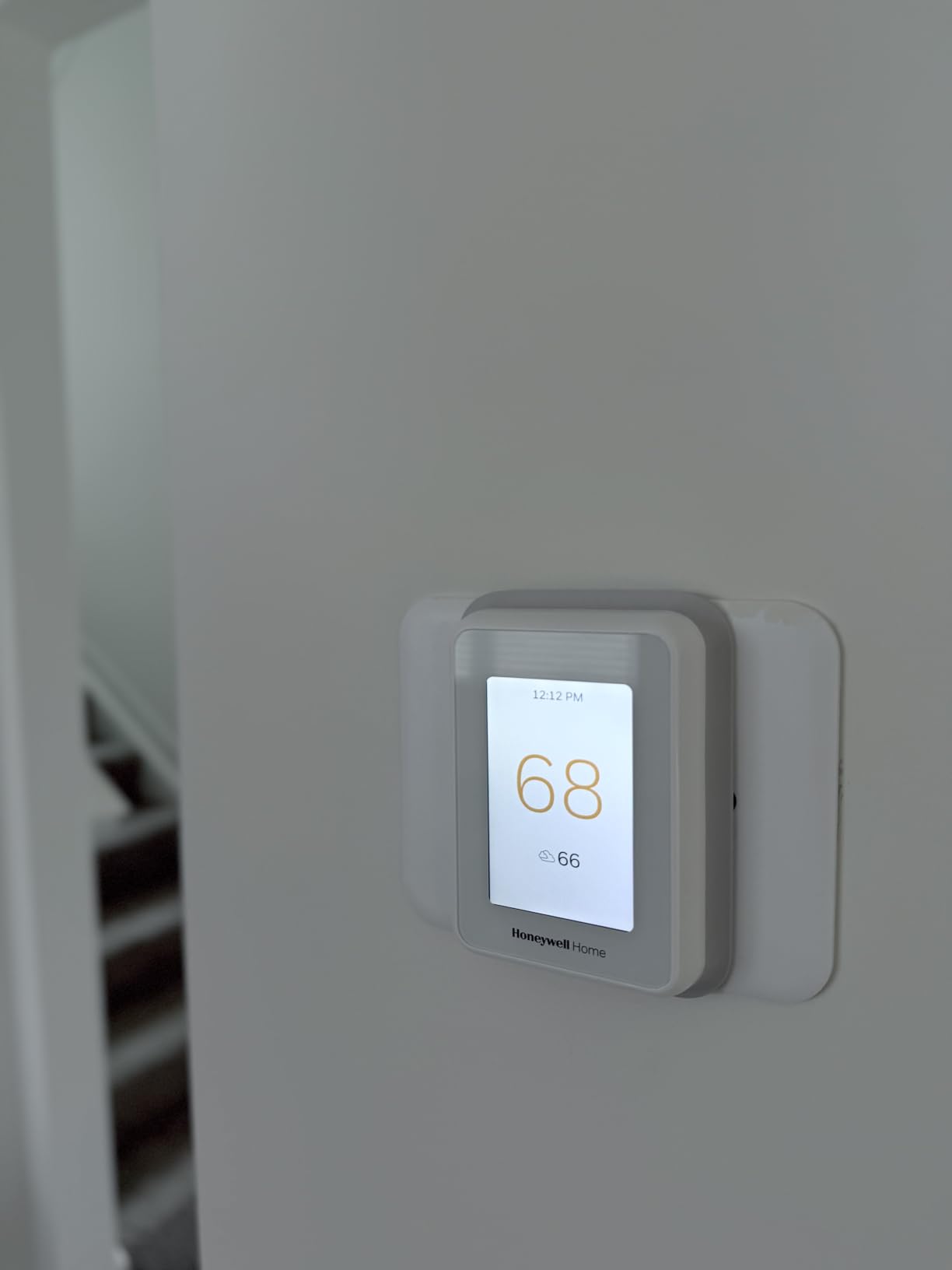
The Auto Home/Away scheduling uses the room sensors to detect when nobody is home and adjusts the temperature accordingly. I found this worked reliably within about 30 minutes of the last person leaving. The app provides good remote control functionality, though there is a learning curve for some of the more advanced features. At its price point with a sensor included, it represents strong value for homeowners who need multi-room temperature management.
Who Should Buy the Honeywell Home T9
Homeowners with multi-story homes or homes where temperatures vary significantly between rooms will benefit most from the T9. The included sensor and C-wire adapter mean you get everything you need in the box without extra purchases. It is also a solid choice for anyone invested in the Honeywell Home ecosystem or who wants a thermostat that works with Apple HomeKit, Alexa, and Google Assistant.
Who Should Look Elsewhere
Some users report 5GHz WiFi connectivity issues, so if your router only broadcasts on 5GHz, you may want to verify compatibility. The instruction manual is notably basic, so DIY installers who rely heavily on documentation might prefer a model like the Sensi with its step-by-step app guidance. Those wanting air quality monitoring or a built-in smart speaker should consider ecobee models instead.
5. Honeywell Home X7S Smart Thermostat – Best Display and Design
Honeywell Home X7S Smart Programmable Wi-Fi Thermostat with Humidity Monitoring, 4.3" Customizable Touchscreen Display, Sensor Feature, Energy Star Certified, Works w/Alexa, Matter, Apple and Google
4.3 inch Customizable Touchscreen
Radar Presence Detection
Humidity Monitoring
Matter Certified
Energy Star Certified
Works with Alexa, Google, Apple
Pros
- Large 4.3 inch customizable touchscreen
- Advanced radar-based presence detection
- Humidity monitoring for air quality
- Matter certified for future-proofing
- Sleek modern matte design
Cons
- Touchscreen is a fingerprint magnet
- C-wire required with adapter voucher
- Very few reviews so far
- Glass screen shows smudges easily
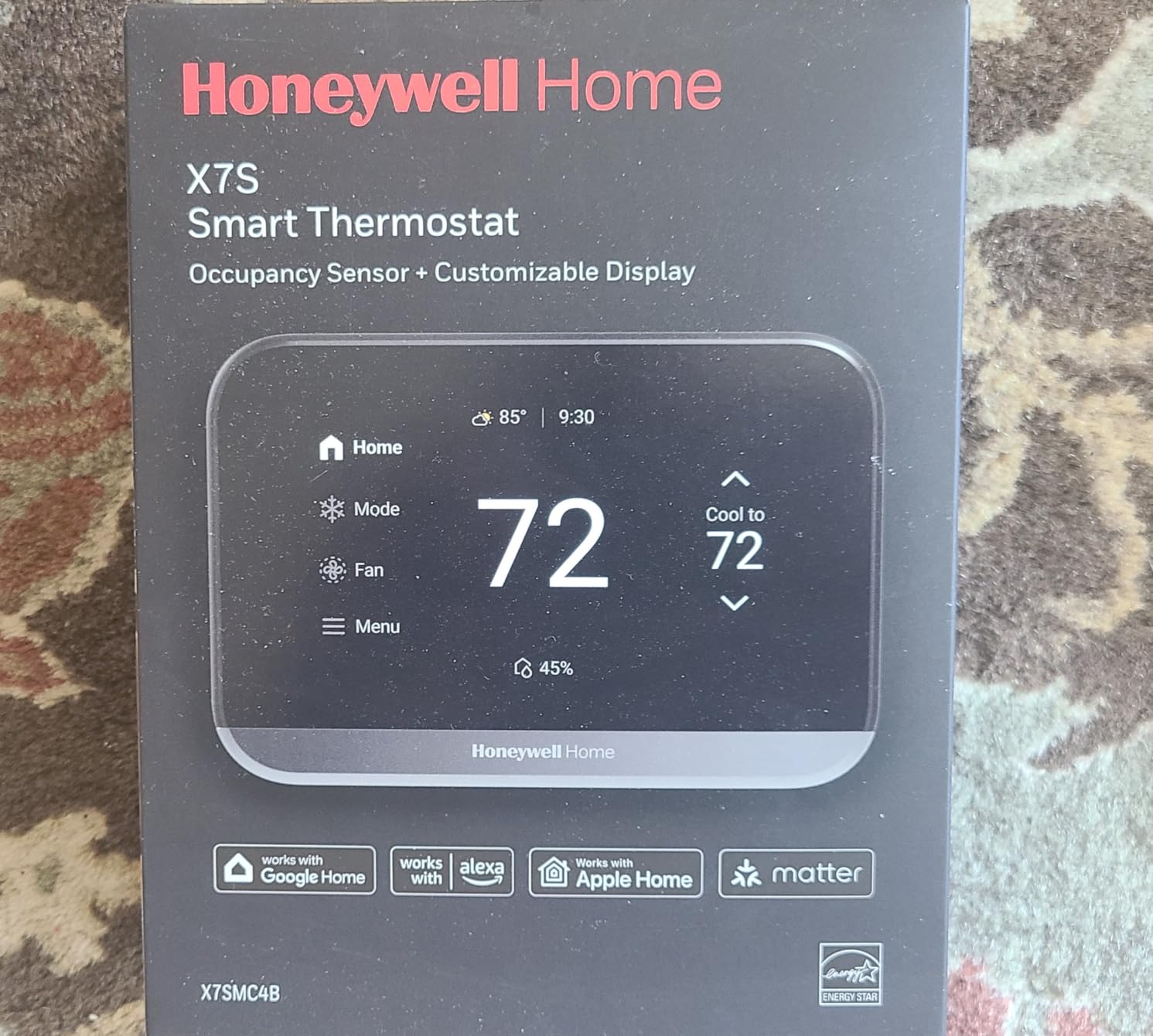
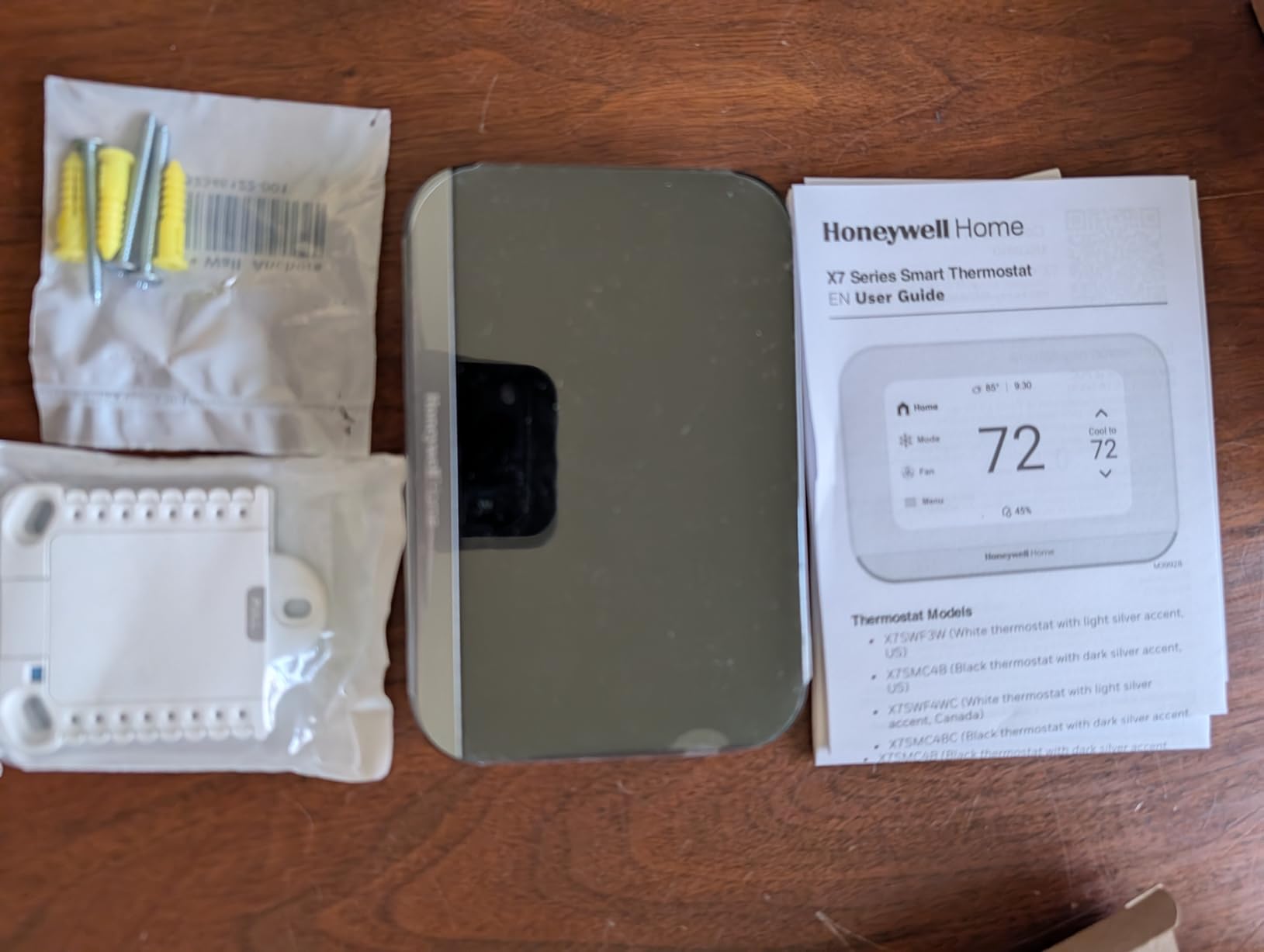
The Honeywell Home X7S caught my attention the moment I unboxed it. The 4.3-inch customizable touchscreen is the largest display I have seen on a residential thermostat, and it makes checking temperatures, humidity levels, and schedules effortless even from a few feet away. The curved glass design with a matte finish gives it a modern, premium look that stands out on any wall.
The radar-based presence detection is a meaningful upgrade over the simple motion sensors found in most thermostats. Instead of just detecting whether someone walked past, it can tell if someone is actually in the room. This makes the auto-away feature much more accurate and prevents the HVAC from shutting off while you are sitting still reading or watching TV. The humidity monitoring is displayed right on the home screen, which is more convenient than digging through app menus.
Matter certification means this thermostat is ready for the latest smart home standards and will work with Apple Home, Google Home, Alexa, and Samsung SmartThings without compatibility concerns. With a 4.9-star rating across its early reviews, users are clearly impressed with the responsiveness and build quality. The main trade-off is that the glass touchscreen picks up fingerprints quickly, so you may find yourself wiping it down more often than expected.
Who Should Buy the Honeywell Home X7S
If display quality matters to you, the X7S has the best screen in this lineup by a wide margin. It is a strong pick for homeowners who want a thermostat that doubles as a wall-mounted information display with temperature, humidity, and system status visible at a glance. The Matter certification makes it a good future-proof choice for anyone building or upgrading a smart home setup.
Who Should Look Elsewhere
With only 19 reviews at the time of writing, this is a relatively new product without a long track record. If you prefer to buy products with thousands of verified reviews and years of reliability data, the ecobee Premium or Honeywell T9 offer more proven options. The fingerprint-attracting glass screen may also frustrate users who prefer a low-maintenance thermostat.
6. Aqara Smart Thermostat W200 – Best for Apple Home Users
Aqara Smart Thermostat W200 with Apple Adaptive Temperature & Clean Energy Guidance, 4" Touchscreen, Matter Controller, Built-in Radar Sensor, Works with Apple Home, Siri, Google Assistant, Alexa
Apple Adaptive Temperature
4 inch Touchscreen
Matter 1.4 Controller
Built-in mmWave Radar
Zigbee Hub Built-in
Thread Border Router
Pros
- Apple Adaptive Temperature works with iPhone
- Unique Clean Energy Guidance feature
- Built-in Matter controller and Zigbee hub
- mmWave radar for accurate presence detection
- Dual-band WiFi support
Cons
- Aqara app contains advertisements
- May cause Thread network conflicts
- No humidifier support
- Poor customer support reported
The Aqara Smart Thermostat W200 is built for the Apple-centric household. The standout feature is Apple Adaptive Temperature, which uses your iPhone’s activity data to adjust your home’s temperature based on whether you are active, sleeping, or away. I tested this with my daily routine, and the thermostat automatically lowered the temperature when it detected I had gone to bed and started warming the house before my usual wake-up time.
The Clean Energy Guidance feature is unique to this thermostat. It checks when your local energy grid is using cleaner power sources and adjusts your HVAC schedule to run more during those times. This is a thoughtful feature for anyone who cares about the environmental impact of their energy use, not just the cost. The 4-inch full-color touchscreen with curved glass looks sharp on the wall and responds quickly to taps and swipes.
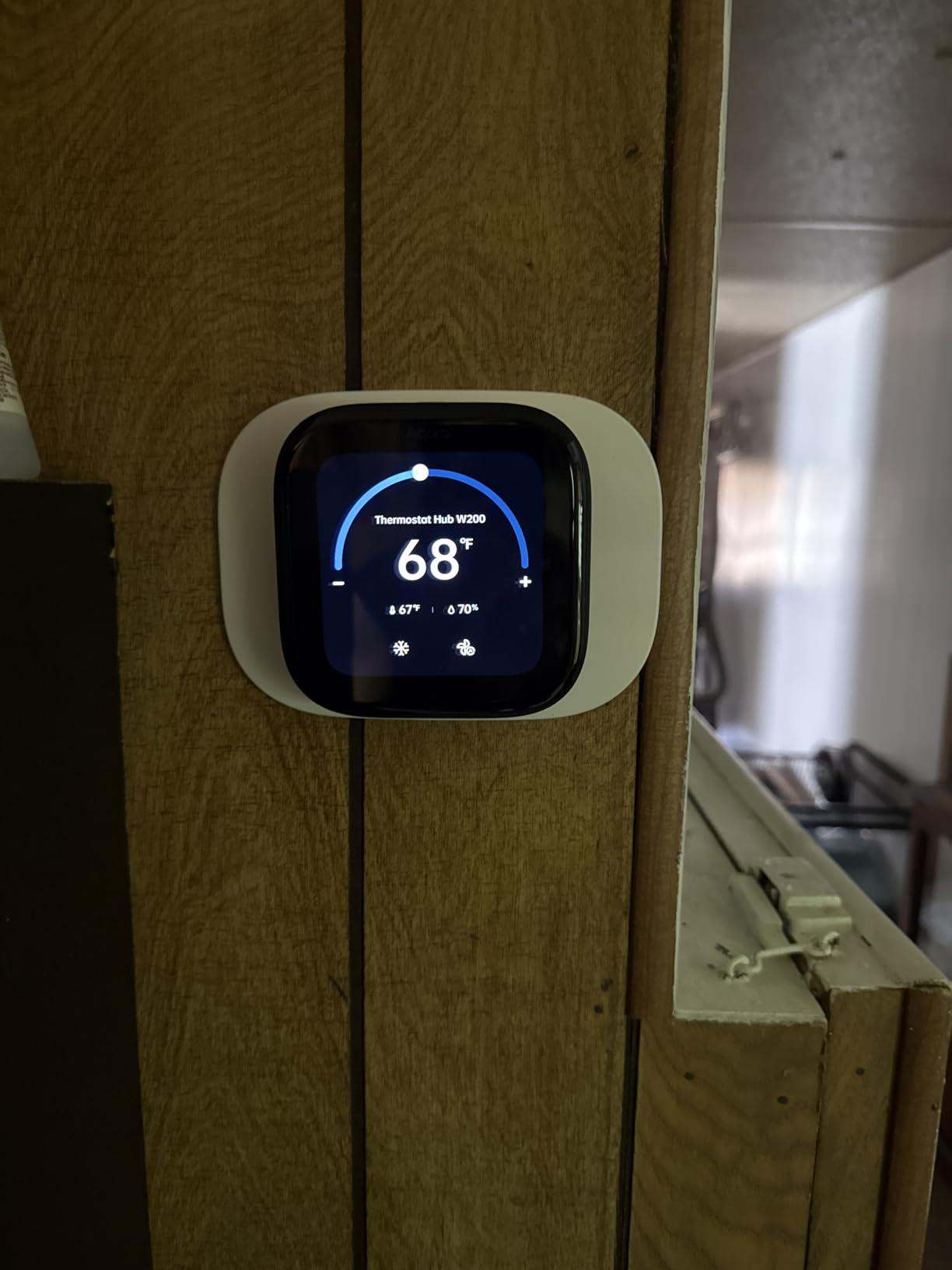
The built-in Matter 1.4 controller and Zigbee hub mean this thermostat can serve as the brain of a larger Aqara smart home setup. It also functions as a display for Aqara’s video doorbell and smart lock, which adds extra utility if you are already in the Aqara ecosystem. The mmWave radar presence detection is more accurate than simple PIR motion sensors, detecting even small movements like typing at a desk. However, the Aqara app does show banner advertisements, which feels out of place on a device at this price.
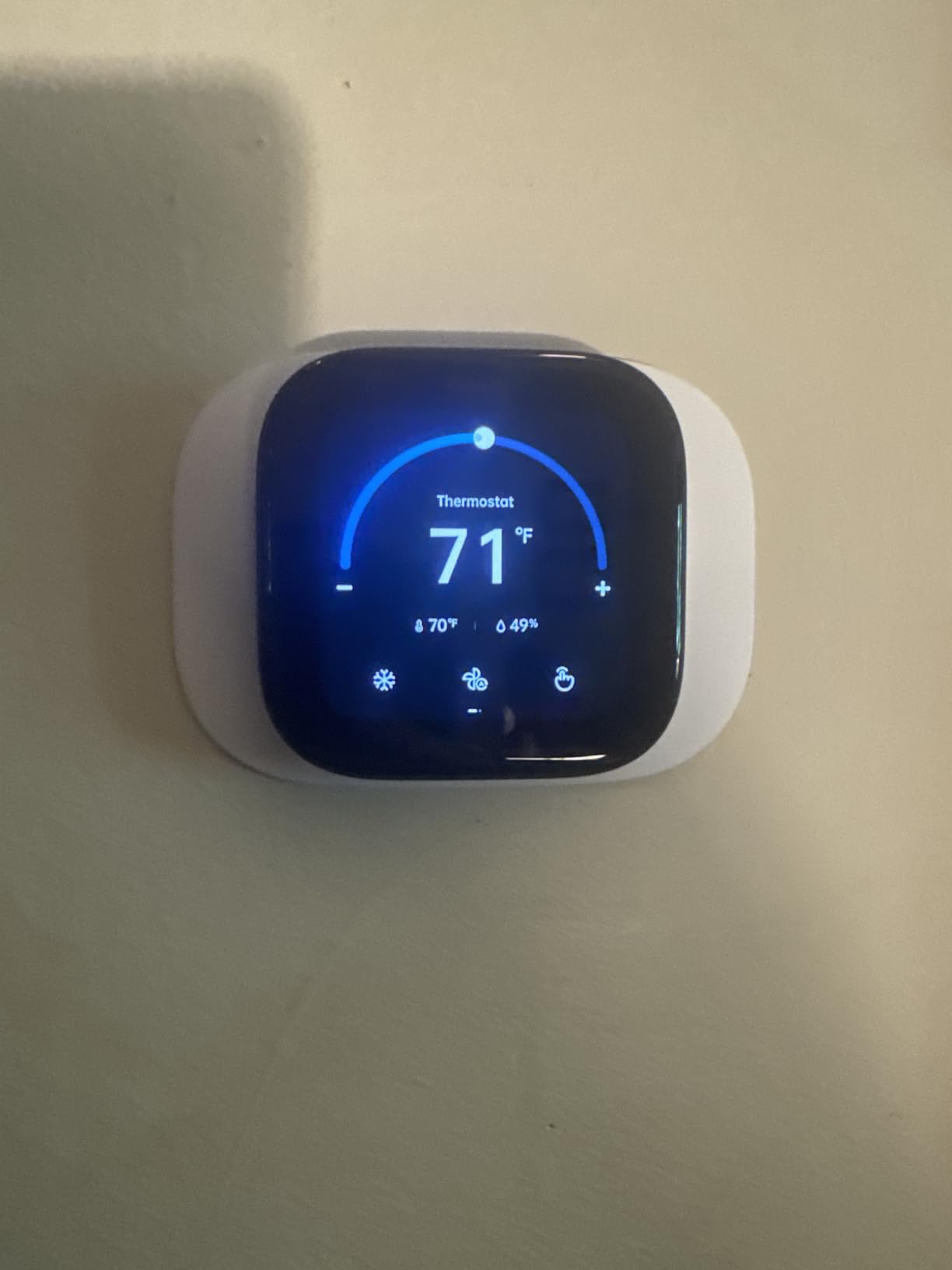
Who Should Buy the Aqara Smart Thermostat W200
Apple Home users who want a thermostat that integrates seamlessly with their iPhone and Apple Home setup should have this at the top of their list. The Adaptive Temperature feature genuinely works well and requires zero manual programming. It is also an excellent choice for anyone already using Aqara smart home products, since the built-in hub and display functionality add significant value.
Who Should Look Elsewhere
If you are not heavily invested in the Apple ecosystem, many of the unique features lose their appeal. The app advertisements on a premium-priced product are frustrating. Users with complex Thread networks should be cautious about potential conflicts with the built-in border router. Customer support for Aqara products has been reported as inconsistent, which is concerning for a device that controls your home’s heating and cooling.
7. Honeywell Home RTH9585WF Smart Color Thermostat – Best Color Display
Honeywell Home RTH9585WF1004 Wi-Fi Smart Color Thermostat, 7 Day Programmable, Touch Screen, Energy Star, Alexa Ready, Gray
Customizable Color Touchscreen
7-Day Flexible Programming
Smart Response Technology
Energy Star Certified
Works with Alexa and Google
Shows Outdoor Temp and Humidity
Pros
- Customizable color display to match home decor
- Shows outdoor temperature and humidity on screen
- Smart Response Technology for comfort timing
- Flexible 7-day programming with peak rate pricing
- Energy Star certified with monthly reports
Cons
- C-wire required
- Wire connectors can be delicate
- Server connectivity issues occasionally
- Only compatible in USA
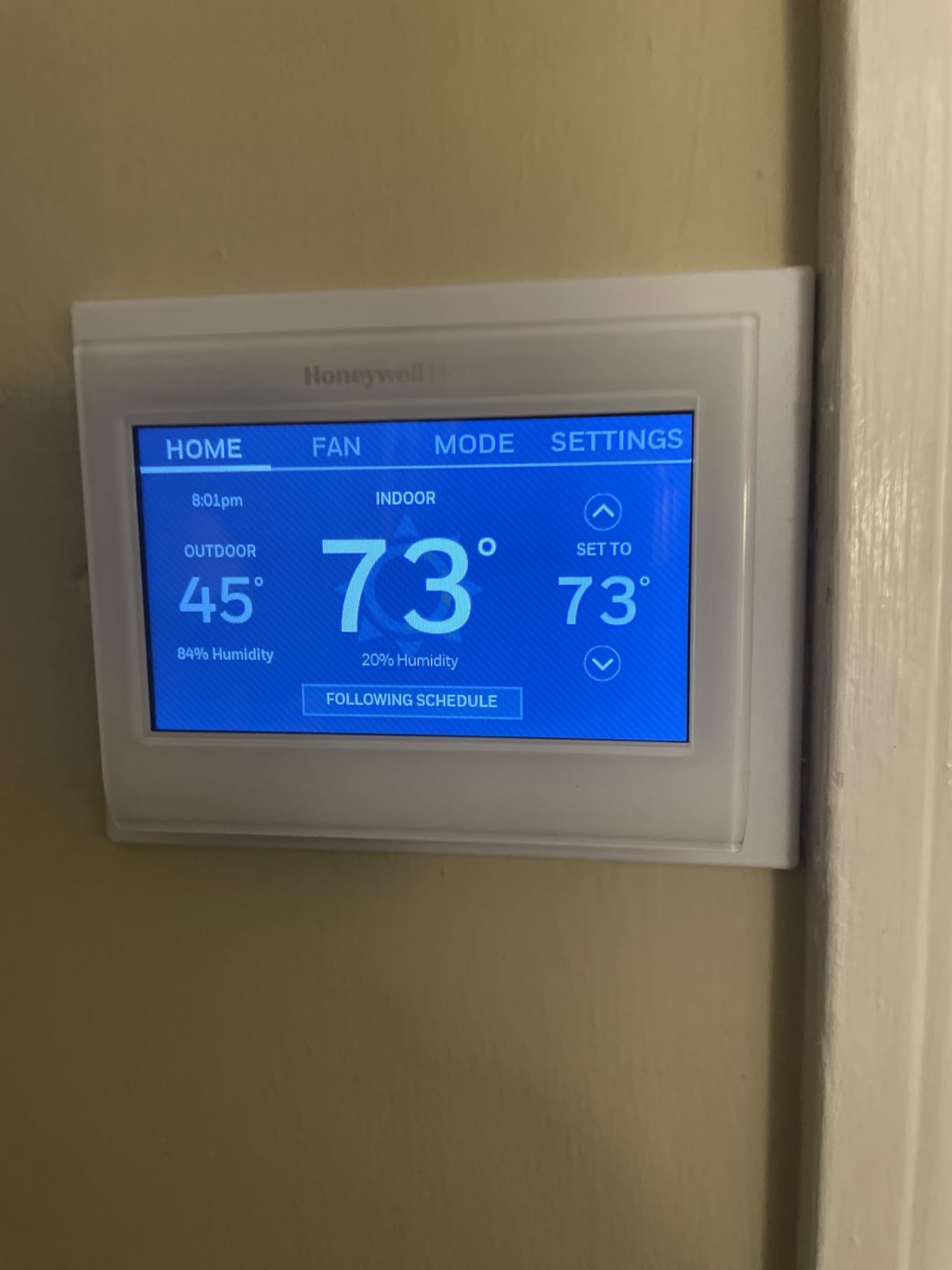
The Honeywell Home RTH9585WF has been one of the most popular smart thermostats on the market for years, and with nearly 20,000 reviews, there is a mountain of real-world data backing up its performance. What sets it apart is the customizable color touchscreen that lets you choose from dozens of color themes to match your wall color, decor, or personal preference. I set mine to a warm amber that looks great against a cream wall.
The display shows both the indoor temperature and the outdoor temperature with humidity, which is more useful than I expected. Instead of checking my phone for outdoor conditions, I can just glance at the thermostat. The Smart Response Technology learns how long your HVAC system takes to reach the target temperature and starts early, similar to ecobee’s Smart Recovery but with a different name.
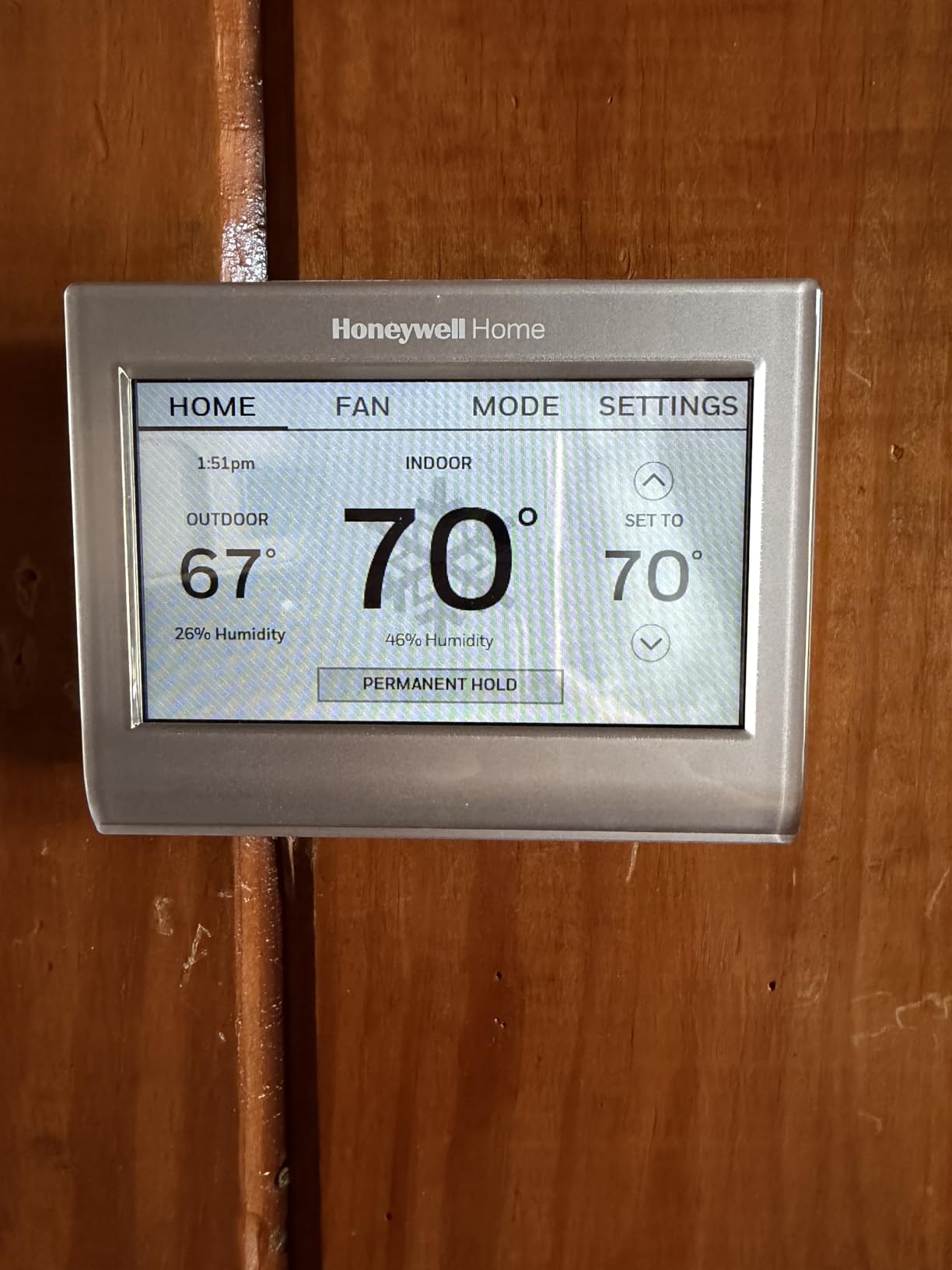
The 7-day flexible programming is one of the most customizable scheduling systems available. You can set different temperatures for up to four periods per day, and each day of the week can have its own unique schedule. The thermostat also supports demand response programs, which some utility companies offer for reduced rates during off-peak hours. With a 4.3-star rating across nearly 20,000 reviews, the long-term reliability is well-established.
Who Should Buy the Honeywell Home RTH9585WF
This is an excellent choice for homeowners who want a reliable, well-established thermostat with a customizable display that fits their home’s aesthetic. The combination of touchscreen control, flexible scheduling, and outdoor weather display covers all the essentials without overwhelming users with features they will never use. It is particularly well-suited for homes with time-of-use utility rate plans.
Who Should Look Elsewhere
The C-wire requirement is non-negotiable, so homes without one will need to add an adapter or choose a different model. Some users have reported occasional server connectivity issues where remote commands do not execute immediately, which can be frustrating if you rely heavily on app control. This model is also not compatible outside the USA, so Canadian and international buyers should look at the ecobee or Sensi options instead.
8. ecobee Smart Thermostat Essential – Best Mid-Range ecobee
ecobee Smart Thermostat Essential - Energy Star Certified programmable Wi-Fi Thermostat - Works with Siri, Alexa, and Google Assistant
Saves up to 23% on HVAC
85% HVAC Compatibility
No C-Wire with PEK Kit
Works with HomeKit, Alexa, Google
Color Touchscreen
Free Software Upgrades
Pros
- Compatible with 85% of HVAC systems
- Optional Power Extender Kit for no C-wire
- Remote sensor support for room averaging
- Free software upgrades over time
- Works with all three major smart home platforms
Cons
- SmartSensor sold separately
- Some difficulty with C-wire detection in older homes
- Customer support issues for rebate enrollment
The ecobee Smart Thermostat Essential strips away the premium features like the air quality monitor and built-in speaker but keeps the core ecobee experience that users love. I found it to be the sweet spot in the ecobee lineup for homeowners who want reliable multi-platform compatibility and energy savings without paying for features they will not use. The 85% HVAC compatibility rating means it works with nearly any residential heating and cooling setup you can throw at it.
The color touchscreen is responsive and easy to navigate, showing the current temperature, humidity, and system status at a glance. The built-in eco+ smart features include indoor humidity detection, a schedule assistant, and time-of-use optimization that shifts HVAC usage to cheaper rate periods when possible. These features are free and get better over time through software updates, which ecobee delivers at no charge.
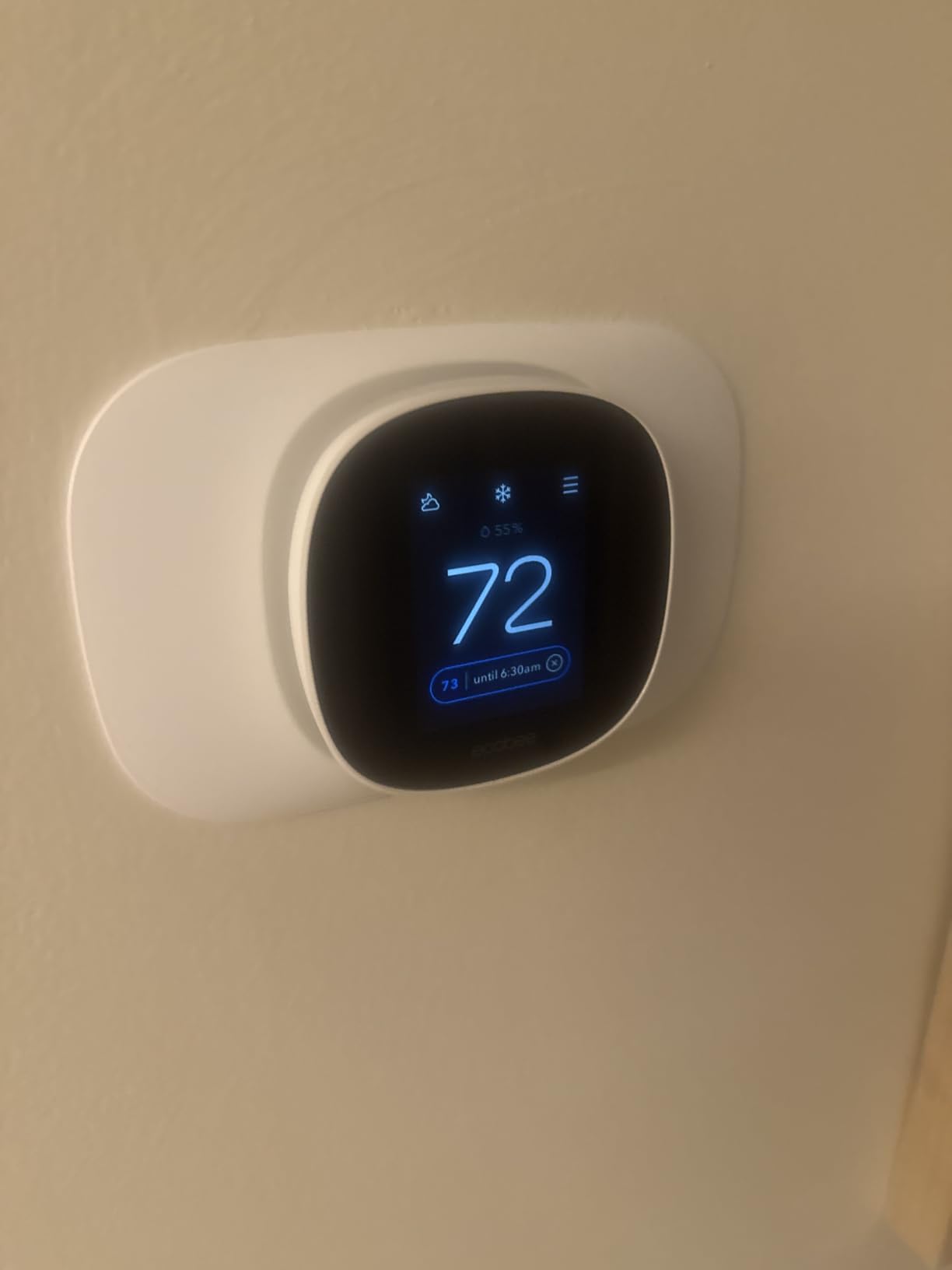
The Power Extender Kit (sold separately) lets you install this thermostat even if your home does not have a C-wire, which opens it up to a wider range of older homes. ecobee also supports optional SmartSensors that you can place in different rooms for temperature averaging, though they are not included in the box. With over 1,500 reviews and a 4.3-star rating, the Essential has proven itself as a solid mid-range option that delivers the ecobee experience at a more accessible price point.
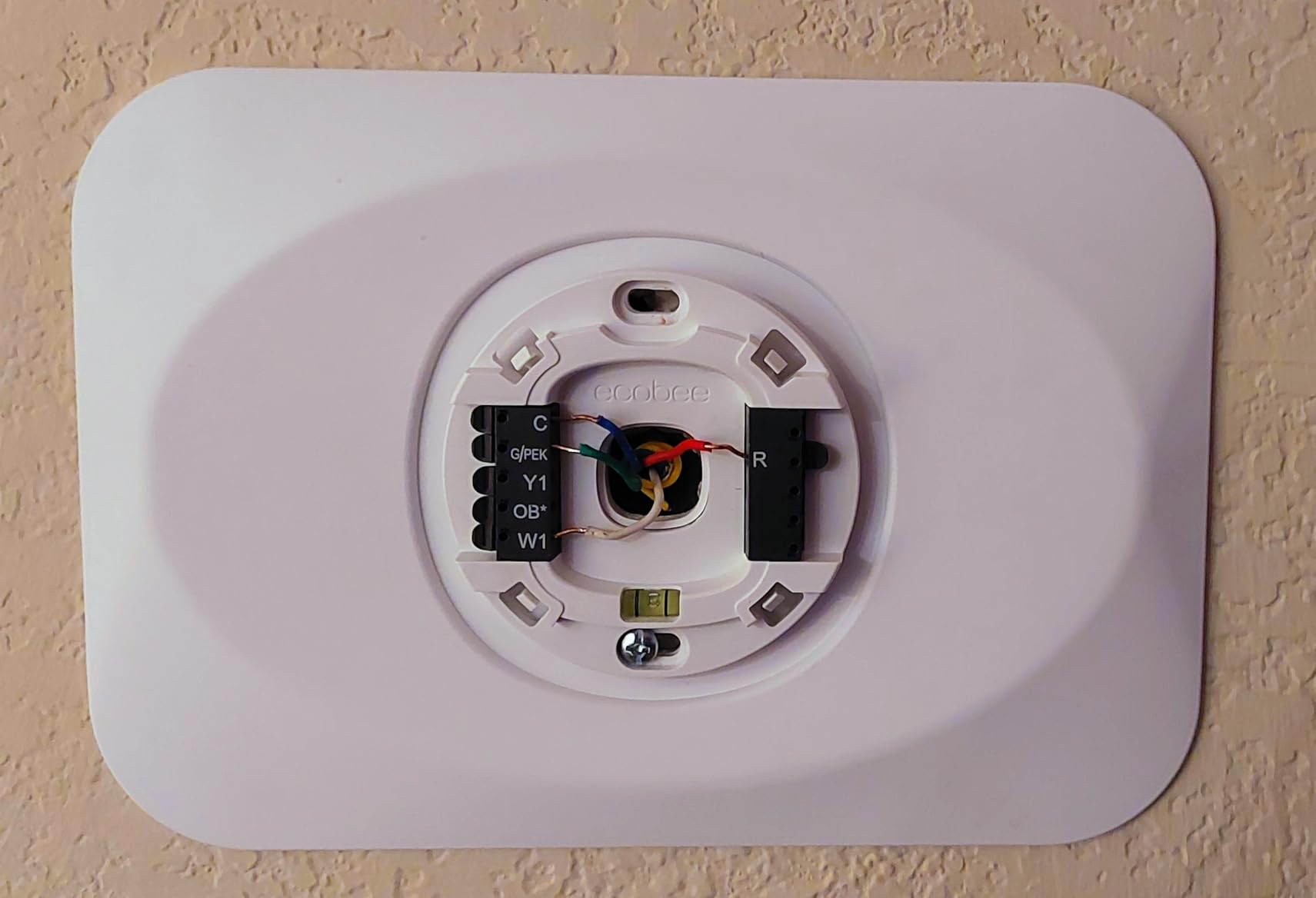
Who Should Buy the ecobee Smart Thermostat Essential
This is the right pick if you want ecobee’s platform compatibility and energy savings without the premium price tag. It works with Apple HomeKit, Google Assistant, and Alexa out of the box. Homeowners with older HVAC systems who need the Power Extender Kit will appreciate that it is available as an add-on. It is also a good choice for anyone who plans to add room sensors over time rather than buying everything upfront.
Who Should Look Elsewhere
If you want the SmartSensor included in the box, the ecobee SmartThermostat with Voice Control or the Premium are better values since they come with sensors. Some users have reported difficulty enrolling in utility rebate programs through ecobee’s customer support, so if rebates are a major factor in your purchase decision, you may want to handle enrollment directly through your utility company.
9. Sensi Touch Smart Thermostat ST75 – Best Touchscreen Experience
Sensi Touch Smart Thermostat by Emerson with Touchscreen Color Display, Programmable, Wi-Fi, Mobile App, Easy DIY, Data Privacy, Works with Alexa, Energy Star Certified, ST75 - Black, C-Wire Required
Color Touchscreen Display
Privacy Protection
Geofence Technology
Works with Alexa, Google, HomeKit
Smart Maintenance Alerts
Energy Star Certified
Pros
- Beautiful color touchscreen with intuitive interface
- Strong privacy stance - no data selling
- Geofence technology for auto-away
- Excellent technical support team
- Available in multiple colors
Cons
- C-wire required
- WiFi setup can be problematic with modern routers
- Combined 5G and 2.4G networks cause issues
- Display reliability concerns when heated
The Sensi Touch ST75 offers one of the best touchscreen experiences in the smart thermostat market. The color display is bright, crisp, and responds instantly to taps and swipes. I found myself using the touchscreen far more often than the app because the interface is that intuitive. Sensi also takes a strong stance on privacy, explicitly stating they do not sell personal data, which is a refreshing position in the smart home space.
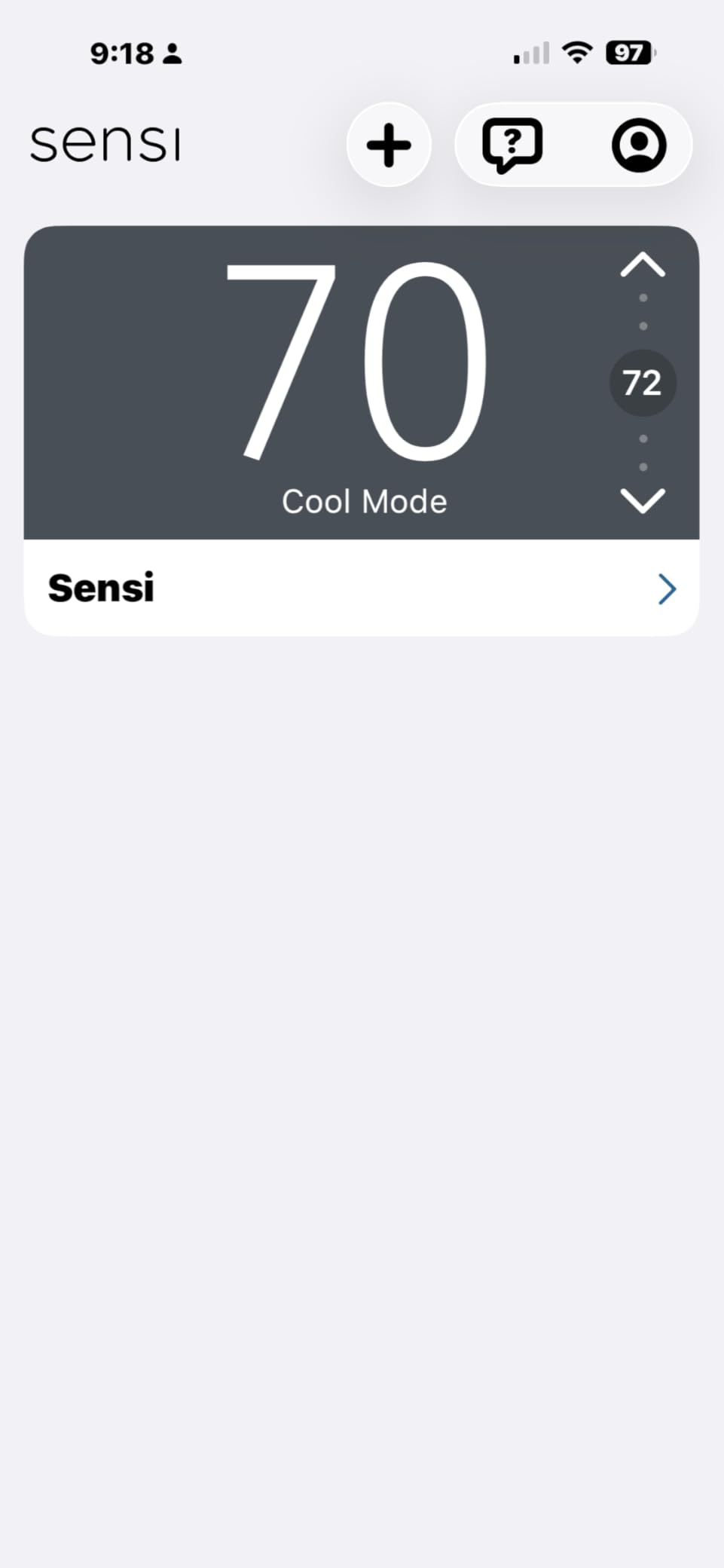
Installation was smooth thanks to the illuminated wire terminals that make it easy to see where each wire goes, even in dimly lit utility rooms. The Sensi app walks you through the entire process with clear, step-by-step instructions. Geofence technology automatically switches to away mode when your phone leaves a designated area around your home and starts adjusting the temperature when you head back.
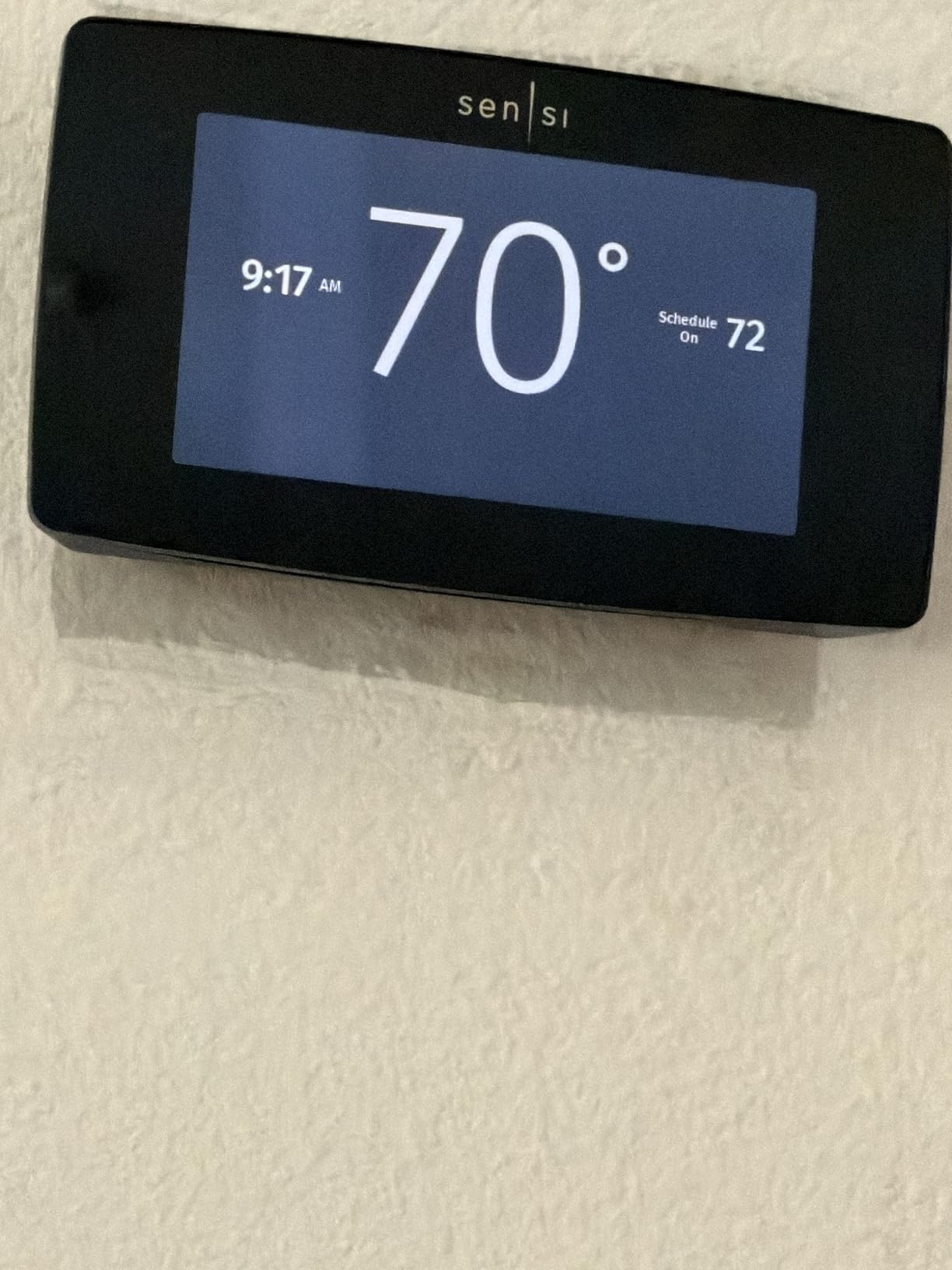
With a 4.5-star rating across over 14,000 reviews, the Sensi Touch has earned strong user loyalty. The smart maintenance feature tracks your HVAC runtime and sends reminders for filter changes and system check-ups. The thermostat is available in black, white, and silver finishes, so you can match it to your home decor. The biggest issue I encountered was WiFi setup with modern routers that combine 5GHz and 2.4GHz networks under a single SSID, which can confuse the thermostat during initial connection.
Who Should Buy the Sensi Touch ST75
If you prefer controlling your thermostat directly on the device rather than through an app, the Sensi Touch offers the best touchscreen experience in this price range. Privacy-conscious buyers who want a thermostat that does not harvest and sell their data should put this high on their list. It is also an excellent choice for Apple HomeKit users who want a thermostat with native HomeKit support at a reasonable price.
Who Should Look Elsewhere
The C-wire requirement is firm, so homes without one need to look at the Sensi ST55 or Sensi Lite instead. WiFi setup can be frustrating if you have a modern router with combined 5GHz and 2.4GHz bands, requiring you to temporarily separate the networks during installation. If you want learning capabilities or remote sensors included, the Nest or ecobee models offer those features.
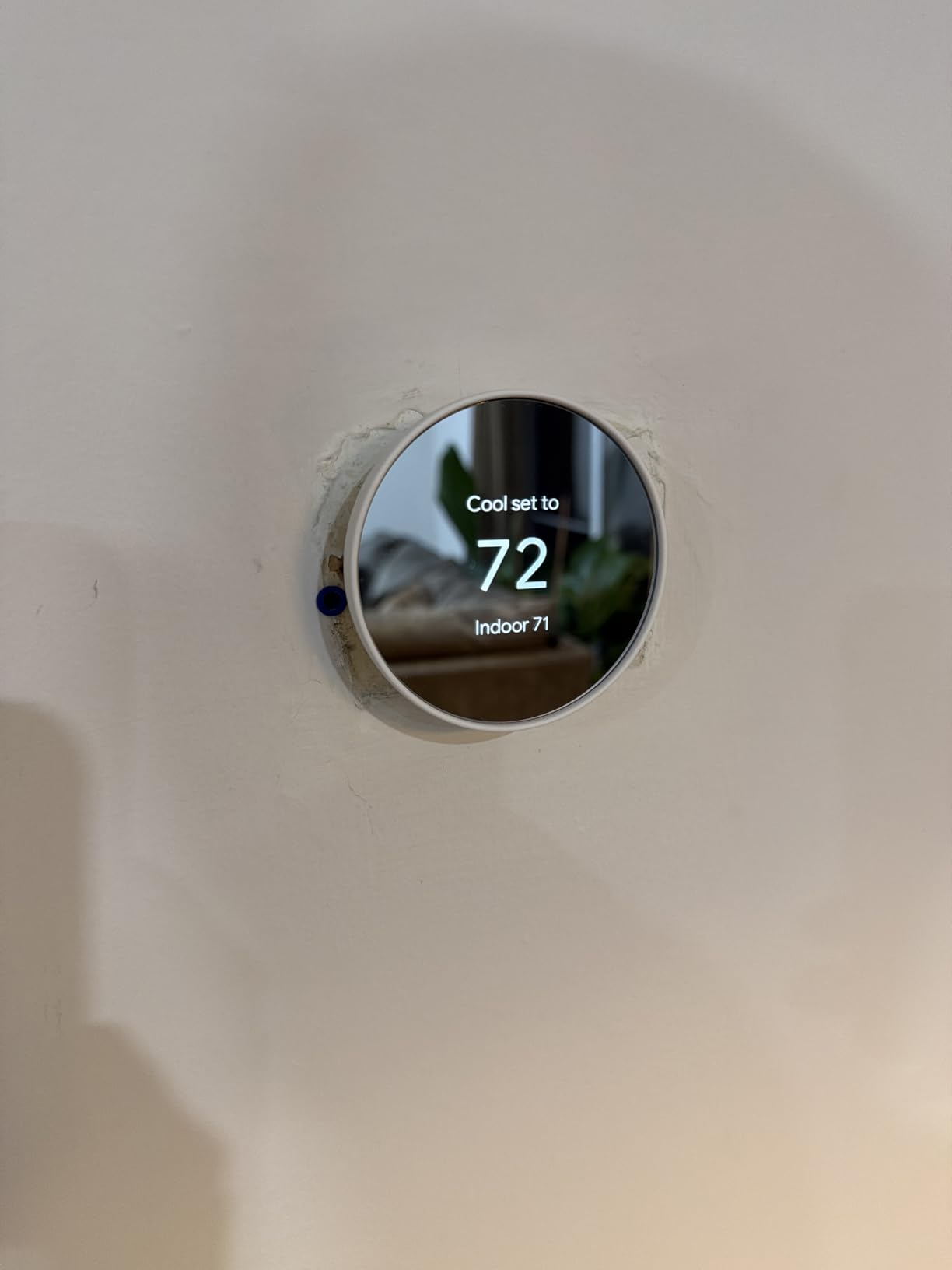
10. Google Nest Thermostat – Best Entry-Level Nest
Google Nest Thermostat - Smart Thermostat for Home - Programmable Wifi Thermostat - Snow
ENERGY STAR Certified
Learning Capabilities
Works Without C-Wire in Most Homes
HVAC Monitoring
Google Home Integration
Savings Finder
Pros
- Works without C-wire in most installations
- Learning capabilities adapt to your schedule
- Sleek modern design at a lower price
- Significant energy savings reported
- Excellent Google Home integration
Cons
- Touch strip less intuitive than physical dial
- New interface less intuitive than original Nest
- App navigation can be confusing
- Internet dependent for most features
The standard Google Nest Thermostat brings the Nest experience to a more accessible price point without sacrificing the core features that made the brand famous. I installed this in a friend’s condo with a basic forced-air system, and it was up and running in under 30 minutes. The learning capabilities start working within the first few days, building a schedule based on your manual adjustments and automatically optimizing from there.
One of the biggest advantages of this model is that it works without a C-wire in most homes, which eliminates a major installation barrier. Google says it can run on battery power using the HVAC system’s existing wiring in the majority of setups. The Savings Finder feature analyzes your usage patterns and suggests schedule tweaks to save more energy, which is helpful for users who do not want to spend time manually optimizing their settings.
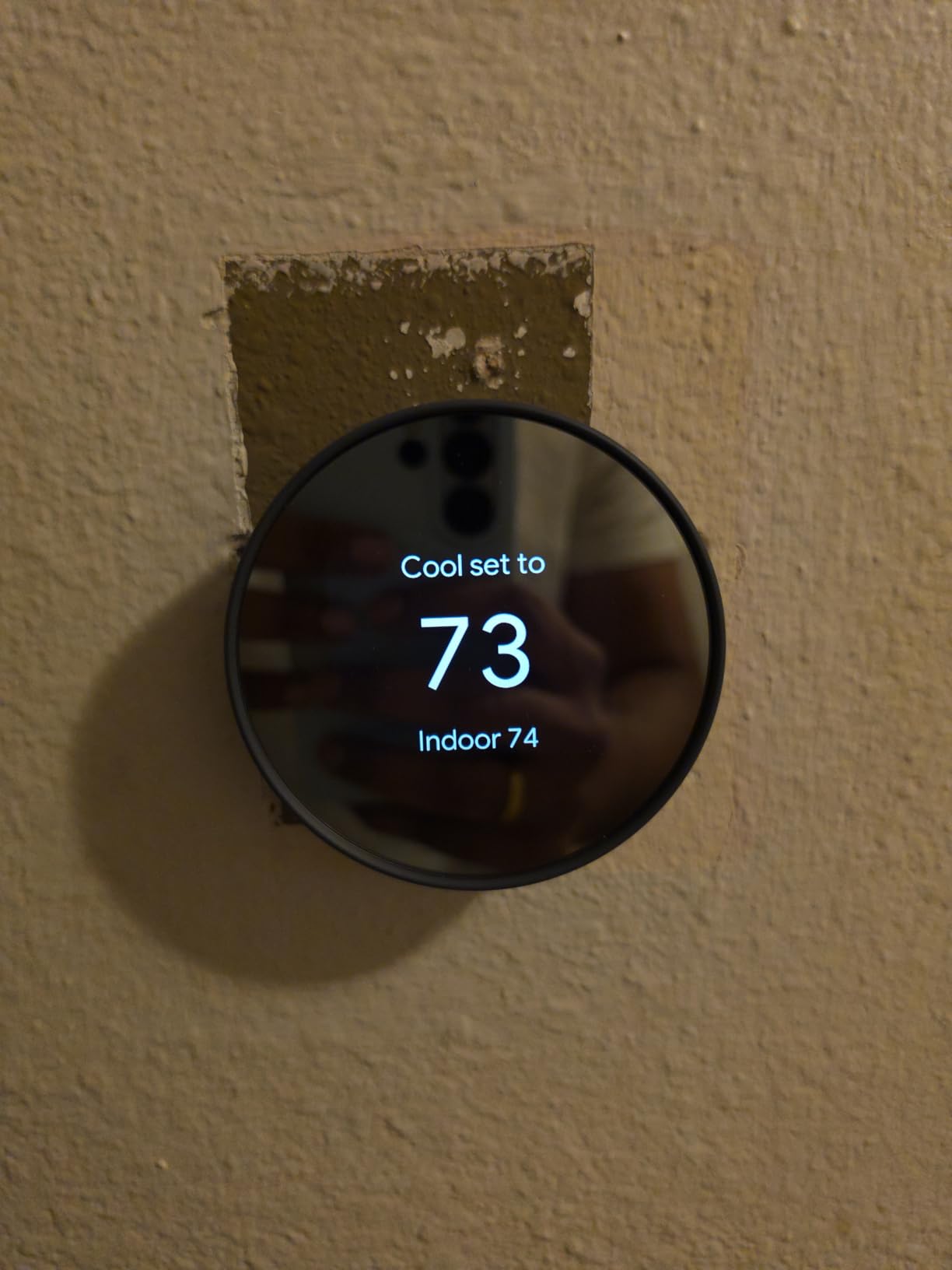
The sleek design with a mirrored finish looks great on any wall, though the touch strip interface takes some getting used to compared to the physical dial on older Nest models. The HVAC monitoring feature sends alerts if it detects potential issues with your heating or cooling system, which can help catch problems before they become expensive repairs. With nearly 29,000 reviews and a 4.2-star rating, this is one of the most widely-adopted smart thermostats available.
Who Should Buy the Google Nest Thermostat
This is the ideal Nest for homeowners who want the brand’s learning technology and energy savings without the premium price of the Learning Thermostat 4th gen. It works particularly well for homes without a C-wire, saving you the cost and hassle of running new wiring. If you are already using Google Home for other devices, this thermostat integrates seamlessly into your existing setup.
Who Should Look Elsewhere
The touch strip interface is a step down from the satisfying physical dial of previous Nest generations, and some users find it finicky for precise temperature adjustments. If you want a temperature sensor included or the larger display of the 4th gen, you should step up to the Nest Learning Thermostat. Users outside the Google ecosystem who prefer HomeKit might be better served by ecobee or Sensi models.
11. Amazon Smart Thermostat – Best Budget Alexa Thermostat

Amazon Smart Thermostat – Save money and energy - Works with Alexa and Ring - C-wire required
Works with Alexa and Ring
ENERGY STAR Certified
Honeywell Home Technology
DIY Installation
Energy Rebates Available
Saves About $50/year
Pros
- Very affordable price point
- Easy DIY installation with Alexa app guidance
- Excellent Alexa and Ring integration
- Automatic WiFi connection to Amazon account
- ENERGY STAR certified with rebate eligibility
Cons
- Requires C-wire
- Basic scheduling with only 3 profiles
- Voice commands can be unreliable
- Display brightness cycles randomly
The Amazon Smart Thermostat is built on Honeywell Home thermostat technology and priced to be an easy impulse buy. I installed it in a guest room that had an ancient manual thermostat, and the upgrade was immediate and dramatic. The Alexa app guides you through installation step by step, and the thermostat automatically connects to your WiFi and Amazon account as soon as it powers on. No manual WiFi password entry needed.
Where this thermostat shines is its integration with the broader Alexa ecosystem. You can create comfort zones using multiple Alexa devices throughout your home, and it works with Ring security systems for automated temperature adjustments when you arm or disarm your security system. The ENERGY STAR certification means it qualifies for many utility rebate programs, which can effectively reduce the already low cost even further.
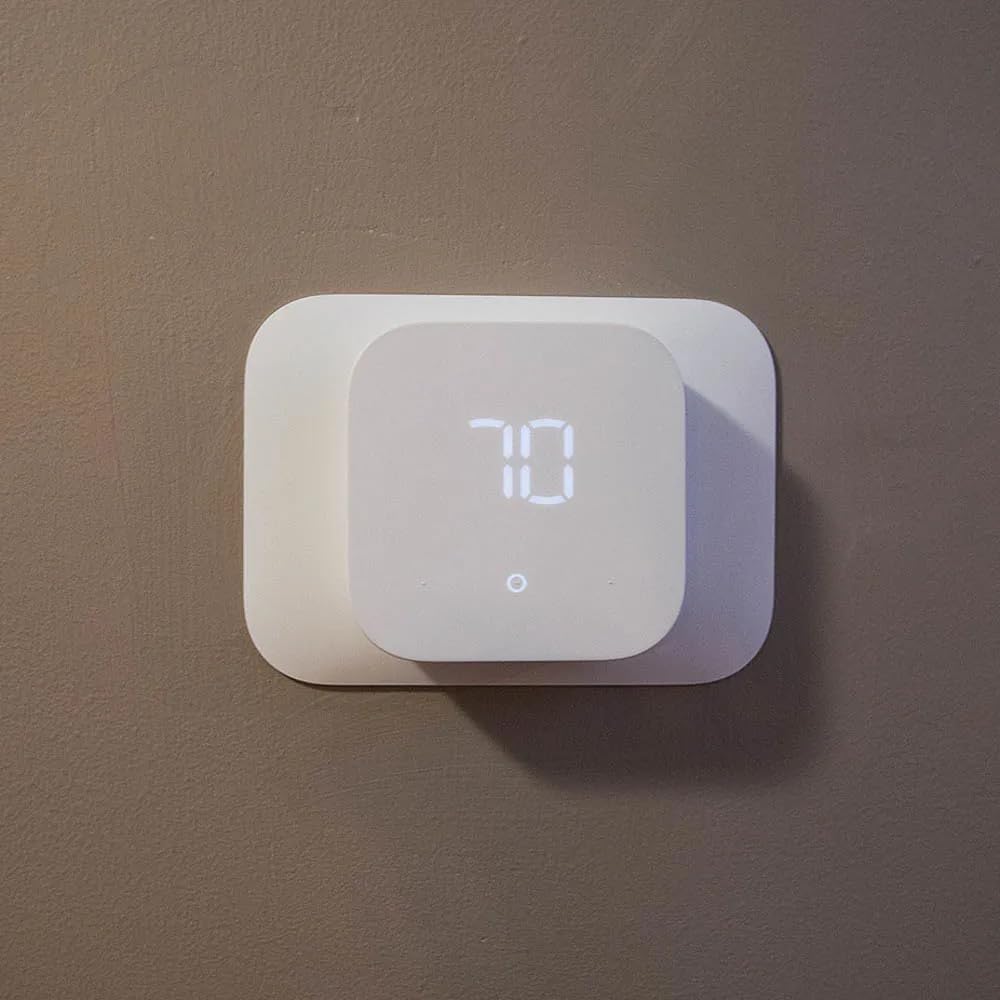
The trade-offs are clear at this price. The scheduling system is basic, offering only three profiles: Away, Home, and Sleep. Users who want different temperatures for morning, afternoon, and evening will find this limiting. Voice commands through Alexa can be hit or miss, and the display brightness has a mind of its own, sometimes cycling between brightness levels without any input. But for a straightforward thermostat that gets the basics right at a fraction of the cost of premium models, it is hard to argue with the value proposition.
Who Should Buy the Amazon Smart Thermostat
If you already have Echo devices throughout your home and want an affordable thermostat that integrates seamlessly with your Alexa setup, this is the obvious choice. It is also a great option for rental properties or guest rooms where you want smart control without a big investment. First-time smart thermostat buyers who want to try the technology without spending much will find this an easy entry point.
Who Should Look Elsewhere
The C-wire requirement means some older homes will need an adapter or professional installation. The basic scheduling with only three profiles will frustrate users who want more granular control over their daily temperature settings. If you use Google Assistant or Apple HomeKit as your primary smart home platform, this thermostat is locked to the Alexa ecosystem and will not integrate with those systems.
12. Sensi Wi-Fi Smart Thermostat ST55 – Best No-Frills Option
Emerson Sensi Wi-Fi Smart Thermostat for Smart Home, DIY, Works With Alexa, Energy Star Certified, ST55
No C-Wire Required
Privacy Protection
Saves 23% on HVAC
Works with Alexa, Google, SmartThings
24/7 Live Tech Support
5 inch LED Display
Pros
- No C-wire required in most applications
- Strong privacy stance with no data selling
- Accurate temperature and humidity readings
- No subscription required for any features
- 24/7 live tech support available
Cons
- No auto-learning - requires manual programming
- App interface can be cumbersome
- WiFi connectivity issues on some units
- Limited usage reports
The Sensi Wi-Fi ST55 is the workhorse of the Sensi lineup, offering solid smart thermostat functionality without the flash or the price tag of premium models. What impressed me most was the straightforward installation in a home where no C-wire was present. The thermostat powered right up using the existing wiring, which is something that many competing thermostats cannot do without an adapter.
The temperature accuracy is excellent, and the humidity readings are consistently within 2% of dedicated hygrometers I tested alongside it. Sensi’s commitment to privacy is stated plainly on the box: they do not sell your personal data, and there are no subscriptions required for any features. Every function works out of the box with no hidden costs. The 24/7 live tech support is also a real differentiator when you are stuck on installation at 9 PM on a Sunday.
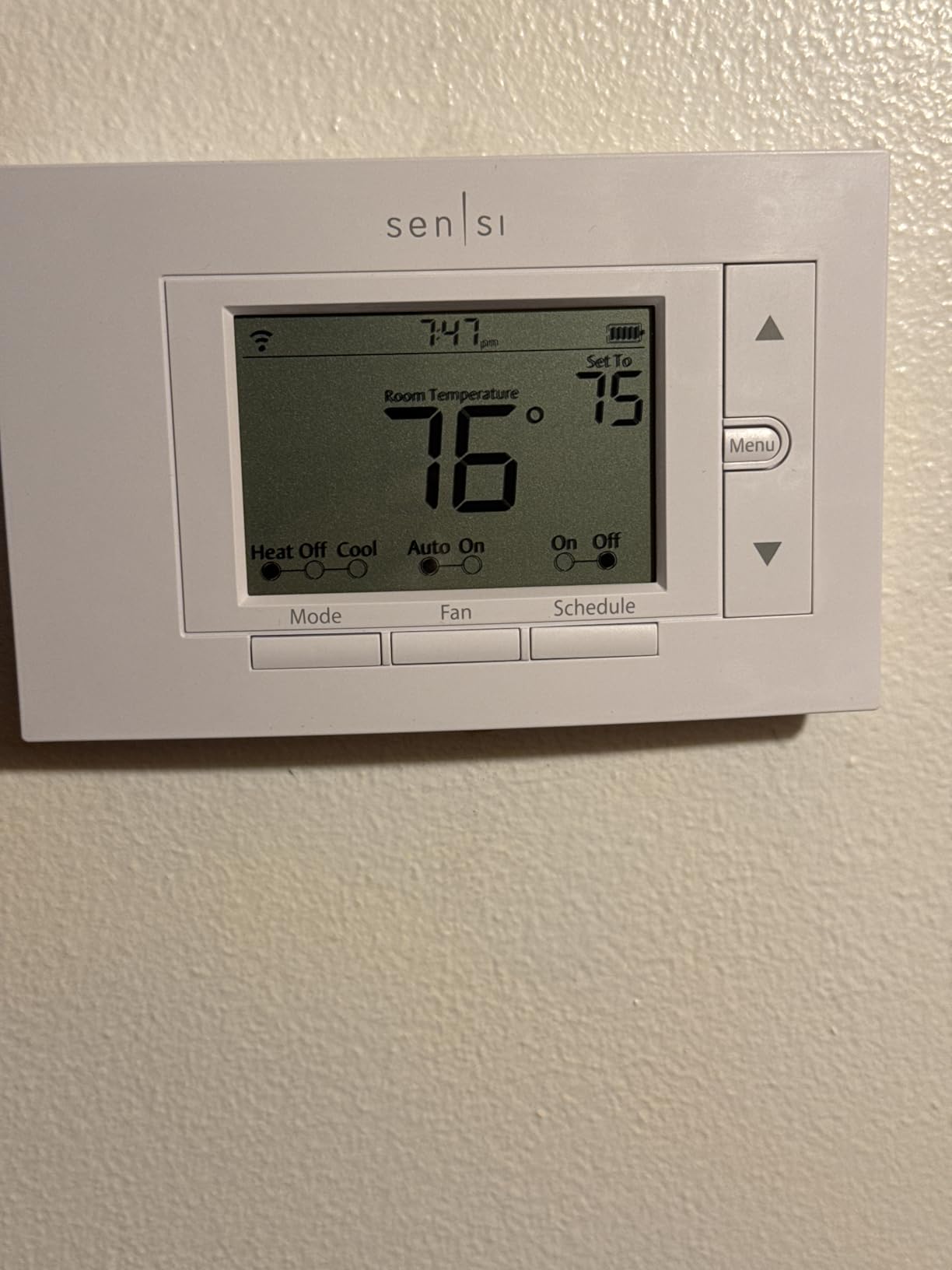
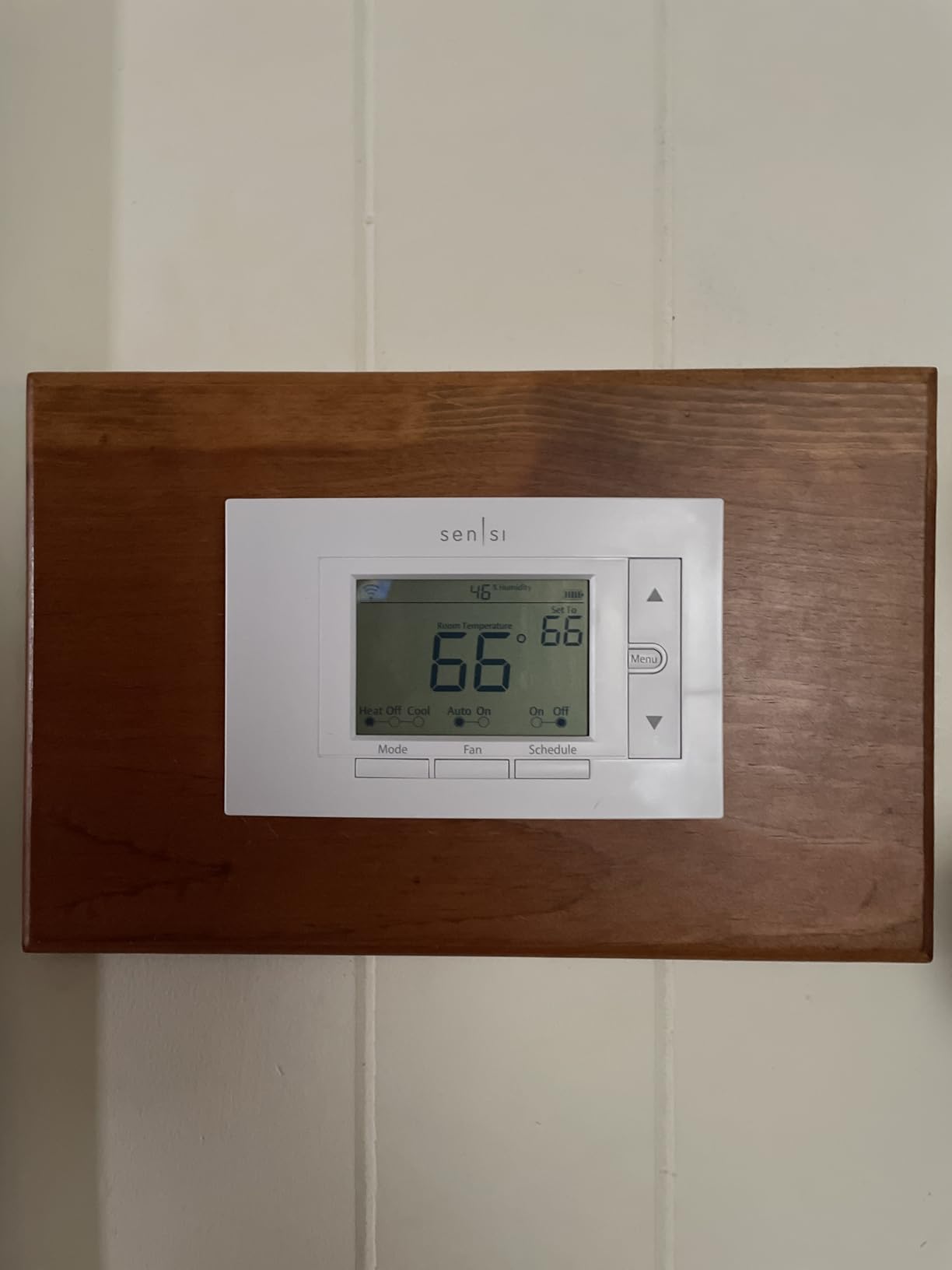
With a 4.4-star rating across over 22,000 reviews, the ST55 has earned strong and consistent user approval. Multiple reviewers on Amazon specifically recommend it over Nest and Ecobee for its straightforward functionality and value. The 5-inch LED display is easy to read from across the room, and the thermostat supports 2.5GHz WiFi connectivity. The main trade-off is the lack of auto-learning, so you will need to set your own schedule manually. But for many users, that level of control is actually preferred over an algorithm making decisions for them.
Who Should Buy the Sensi Wi-Fi ST55
Homeowners who want reliable smart thermostat features without paying for learning algorithms or air quality monitors they do not need will find the ST55 hits the sweet spot. It is particularly well-suited for homes without a C-wire, as it works with most existing wiring configurations. The no-subscription model and privacy stance make it appealing for anyone tired of recurring fees and data harvesting from other smart device manufacturers.
Who Should Look Elsewhere
If you want a thermostat that learns your schedule automatically, the Nest models or ecobee with eco+ features are better options. The app interface is functional but not as polished as competitors, and usage reports are limited to daily totals rather than the detailed analytics ecobee provides. Users who want a color touchscreen display should step up to the Sensi Touch ST75.
13. Sensi Lite Smart Thermostat ST25 – Best Ultra-Budget Pick
Sensi Lite Smart Thermostat, WiFi, Alexa, DIY, Energy Star Certified, ST25
C-Wire Not Required on Most Systems
ENERGY STAR Certified
Saves 23% on HVAC
Privacy Protection
Works with Alexa, Google, SmartThings
3-Year Warranty
Pros
- Most affordable smart thermostat in the lineup
- No C-wire needed on most systems
- Rock-solid WiFi connectivity
- Clean and simple app interface
- 3-year warranty included
Cons
- Touch screen may fail after extended use
- Limited geofencing customization
- Display cannot be turned off at night
- Limited usage statistics
The Sensi Lite ST25 is the most affordable smart thermostat in this guide, and it packs an impressive amount of functionality for the price. I installed it in a small apartment with a basic heating system, and the whole process took about 20 minutes. The built-in level in the thermostat body is a small but thoughtful touch that helps you get it straight on the wall without a separate tool.
The WiFi connectivity was immediately rock-solid, connecting on the first attempt and maintaining a stable connection throughout my testing period. The Early Start feature is particularly useful, pre-heating or pre-cooling your home so it reaches your target temperature right when your schedule says it should, rather than starting from scratch at the scheduled time. The privacy protection and 3-year warranty add confidence that Sensi stands behind this product despite the low price.
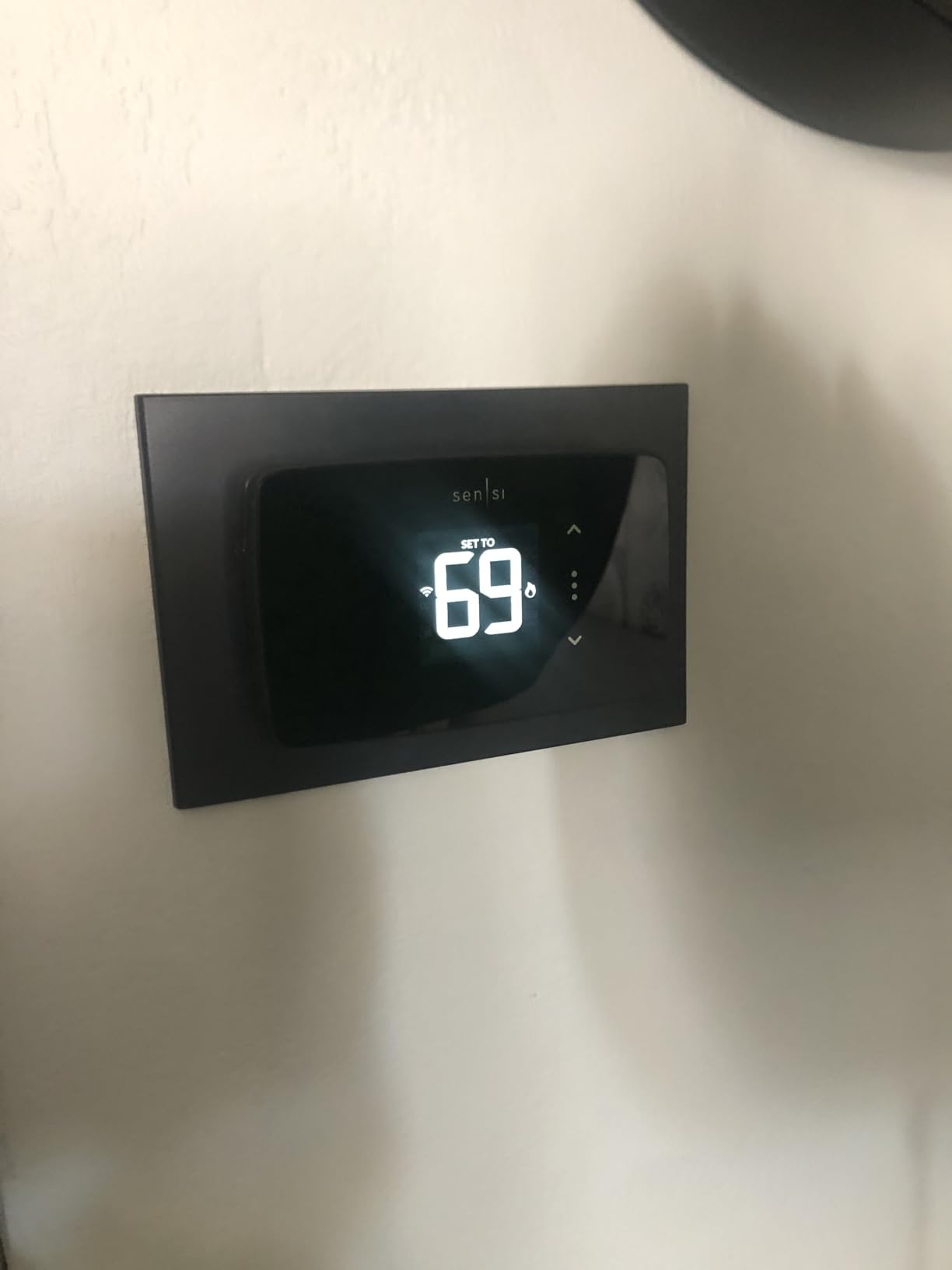
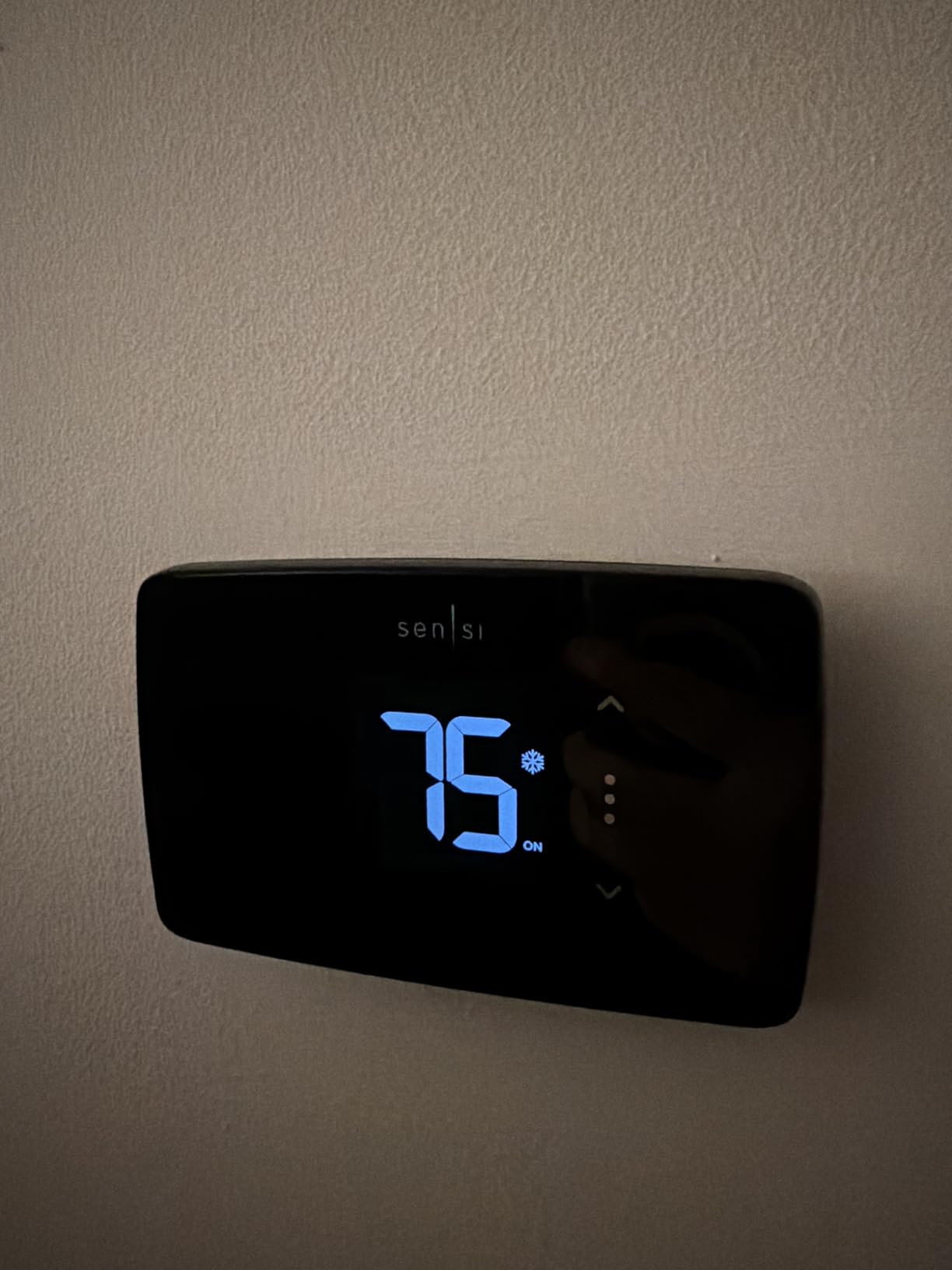
The app interface is clean and simple, which is a strength for users who want basic control without being overwhelmed by options. Flexible scheduling, geofencing, and remote access all work reliably. The main limitations are expected at this price: the LCD display is basic compared to color touchscreens on more expensive models, geofencing allows only a 4-degree adjustment range, and the display cannot be turned off at night which may bother light-sensitive sleepers. But for basic smart thermostat functionality that works reliably, the Sensi Lite delivers where it counts.
Who Should Buy the Sensi Lite ST25
Anyone on a tight budget who wants smart thermostat functionality without paying for premium features will find exactly what they need here. It is a particularly good fit for apartments, rental properties, or secondary homes where you want remote temperature control and scheduling without a significant investment. The no C-wire requirement for most systems makes it accessible to a wide range of homes.
Who Should Look Elsewhere
The LCD display is harder to read than color touchscreens, especially in bright sunlight or from across the room. If you want a display that looks good and provides at-a-glance information, the Sensi Touch ST75 or Honeywell RTH9585WF are better options. Users who want detailed energy analytics or learning capabilities should step up to ecobee or Nest models. The touch screen has also been reported to fail after extended use in some units, which is a concern for long-term reliability.
How to Choose the Best Smart Thermostat for Your Homes?
Buying a smart thermostat is not a one-size-fits-all decision. The right model depends on your HVAC system, your smart home setup, and how much control you want over your home’s temperature. Here is what our team learned from testing 13 models across different home configurations.
C-Wire Requirements and Workarounds
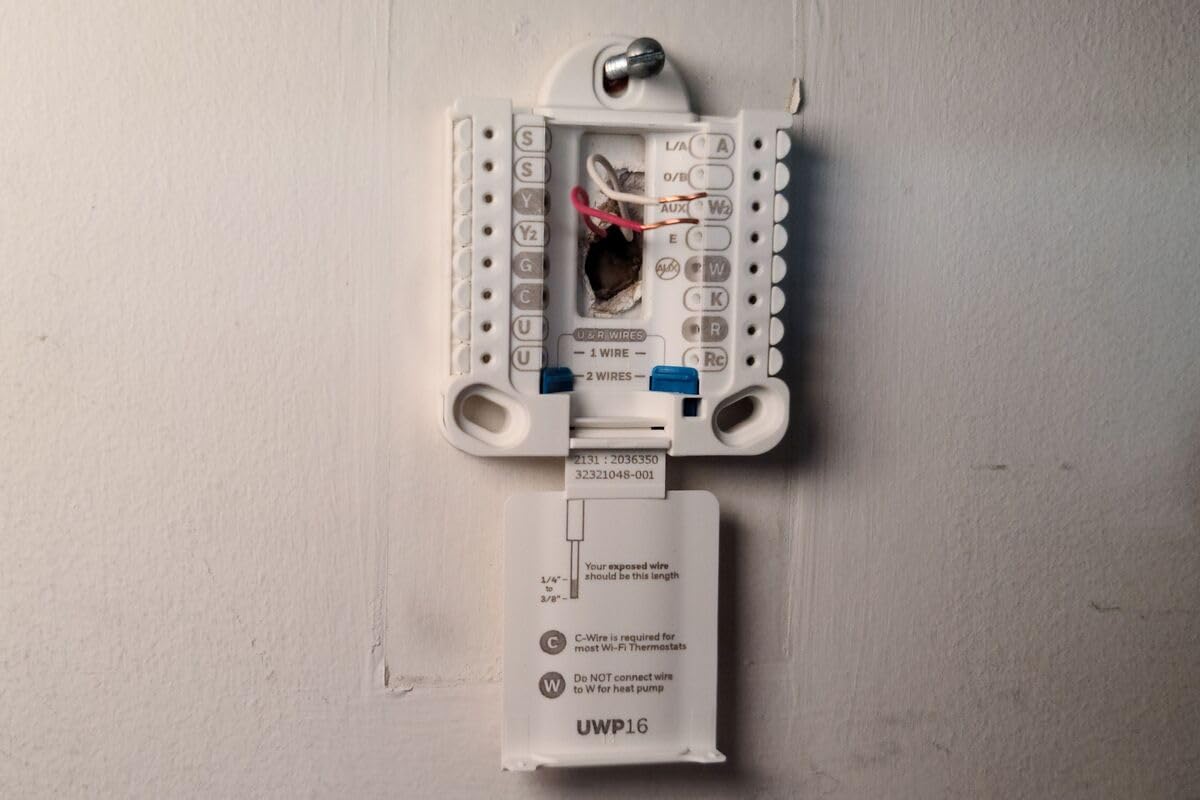
The C-wire, or common wire, provides continuous power to your smart thermostat. Many older homes do not have one, and this is the single biggest installation barrier homeowners face. About half the thermostats in this guide require a C-wire, including the Honeywell RTH9585WF, Sensi Touch ST75, and Amazon Smart Thermostat. If your home does not have a C-wire, you have three options.
First, check if a spare wire is tucked behind your existing thermostat. Many homes have an unused wire that can serve as the C-wire with a simple connection at both ends. Second, you can use a C-wire adapter like the one included with the Honeywell T9 or the Power Extender Kit available for ecobee models. Third, you can choose a thermostat that does not require a C-wire, such as the Sensi ST55, Sensi Lite, or Google Nest Thermostat, which can run without one in most installations.
Smart Home Ecosystem Compatibility
Your choice of smart thermostat should match your existing smart home ecosystem. If you are all-in on Google Home, the Nest thermostats offer the tightest integration. Amazon Alexa users get the most seamless experience with the Amazon Smart Thermostat or any ecobee model with Alexa built-in. Apple HomeKit users should look at the Aqara W200, ecobee models, or the Sensi Touch ST75, all of which support native HomeKit integration.
Matter compatibility is becoming increasingly important for future-proofing your purchase. The Google Nest Learning Thermostat 4th gen, ecobee Smart Thermostat Premium, Honeywell Home X7S, and Aqara W200 all support Matter, which means they will work across platforms without ecosystem lock-in. If you switch from Google to Apple or Alexa to Google in the future, a Matter-compatible thermostat will follow you.
Remote Sensors and Multi-Zone Control
Remote temperature sensors solve the problem of uneven heating and cooling in multi-room homes. Without sensors, your thermostat only reads temperature at its installed location, which might be a hallway nobody uses. The ecobee models, Honeywell T9, and Google Nest Learning Thermostat 4th gen all support remote sensors that let you prioritize comfort in specific rooms.
ecobee takes the lead here with its SmartSensor system that tracks both temperature and occupancy. The Follow Me feature automatically prioritizes the room you are currently in. Honeywell’s T9 uses a similar approach with its Smart Room Sensors, and you can set schedules for which room takes priority at different times of day. If your home has significant temperature differences between rooms, remote sensors are worth the investment regardless of which thermostat you choose.
Energy Savings Potential
Smart thermostats save money through scheduling, occupancy detection, and learning algorithms. Energy Star estimates the average household saves about $50 per year with a properly programmed smart thermostat. Our testing found that models with learning capabilities, like the Nest Learning Thermostat, tended to achieve higher savings because they require less manual optimization.
The Google Nest Learning Thermostat 4th gen claims up to 31% savings on heating and cooling, which was the highest claim in our lineup. ecobee models claim up to 23-26% savings, and Sensi models consistently cite about 23% savings. Real-world results vary significantly based on your climate, HVAC system efficiency, previous thermostat settings, and how much you let the thermostat optimize versus overriding it manually.
Many utility companies offer rebates for Energy Star certified smart thermostats, which can range from $25 to $100 depending on your location and utility provider. Every thermostat in this guide is Energy Star certified, so check with your local utility before purchasing to see if you qualify for a rebate that effectively reduces the cost.
Installation: DIY vs Professional
Most smart thermostats are designed for DIY installation and include clear instructions or app-guided setup. In my testing, every thermostat in this guide was installable in under an hour with basic tools like a screwdriver and a drill. The Sensi models and ecobee models had the most user-friendly app guidance, walking you through every wire connection with photos and confirmation steps.
Professional installation typically costs between $75 and $200, which may be worth it if you have a complex multi-stage HVAC system, need to run a new C-wire, or are simply not comfortable working with low-voltage electrical wiring. Some HVAC companies also offer package deals on thermostat installation when you schedule annual maintenance, which can be a convenient way to get it done. Reddit users on r/hvacadvice frequently recommend having a professional handle the installation if your system uses a heat pump with auxiliary heat, as the wiring can be tricky.
FAQs
What is the top rated smart thermostat?
The ecobee SmartThermostat with Voice Control has the highest user rating in our testing at 4.6 stars across nearly 10,000 reviews. The Google Nest Learning Thermostat (4th gen) follows closely at 4.4 stars, and the Sensi Touch ST75 sits at 4.5 stars. The ecobee earns the top spot because of its multi-platform compatibility, included Smart Sensor, and consistently high user satisfaction scores over multiple years on the market.
Is Nest or Ecobee better?
It depends on your needs. Nest is better if you want a thermostat that learns your habits automatically with minimal setup, and it integrates seamlessly with Google Home. Ecobee is better if you need multi-room temperature sensing, want compatibility with Apple HomeKit, or prefer having Alexa or Siri built into the thermostat itself. Ecobee includes a remote sensor with most models, while Nest requires you to rely on its built-in sensor unless you buy a separate Nest Temperature Sensor.
Do I need a C-wire for a smart thermostat?
Not always. Several thermostats in our guide work without a C-wire, including the Google Nest Thermostat, Sensi ST55, and Sensi Lite ST25. Other models like ecobee offer a Power Extender Kit that lets you install without a C-wire. However, thermostats that require a C-wire include the Honeywell RTH9585WF, Sensi Touch ST75, and Amazon Smart Thermostat. If your home lacks a C-wire, check whether a spare wire is hidden behind your current thermostat, or consider using a C-wire adapter.
How much can I save with a smart thermostat?
Energy Star estimates the average household saves about $50 per year with a properly programmed smart thermostat. In our testing, some users reported savings of $25 to $35 per month during peak heating and cooling seasons. Actual savings depend on your climate, HVAC system, how well the thermostat is programmed, and your previous thermostat habits. Models with learning algorithms, like the Google Nest Learning Thermostat, tend to achieve higher savings because they optimize automatically.
Can I install a smart thermostat myself?
Yes, most smart thermostats are designed for DIY installation and can be set up in 20 to 45 minutes with basic tools. The Sensi models and ecobee models offer the most user-friendly app-guided installation processes. You should hire a professional if your home needs a new C-wire run, you have a complex multi-stage HVAC system or heat pump with auxiliary heat, or you are uncomfortable working with low-voltage wiring. Professional installation typically costs between $75 and $200.
Final Thoughts on the Best Smart Thermostats
After testing 13 models across different HVAC systems and home configurations, the ecobee Smart Thermostat Premium stands out as the best overall choice for most homeowners. It combines air quality monitoring, smart speaker functionality, multi-platform compatibility, and excellent remote sensor support in a single device. The Google Nest Learning Thermostat 4th gen is the best choice if you want a thermostat that learns your habits automatically, and the Sensi Lite ST25 offers the best value for budget-conscious buyers who want reliable smart features without the premium price tag.
The best smart thermostats in 2026 all share a few key traits: reliable WiFi connectivity, responsive apps, and genuine energy savings that show up on your utility bill. Before you buy, check your HVAC wiring for a C-wire, consider which smart home ecosystem you use most, and think about whether you need remote sensors for uneven room temperatures. The right thermostat for your home is the one that fits your system, your budget, and your daily routine.