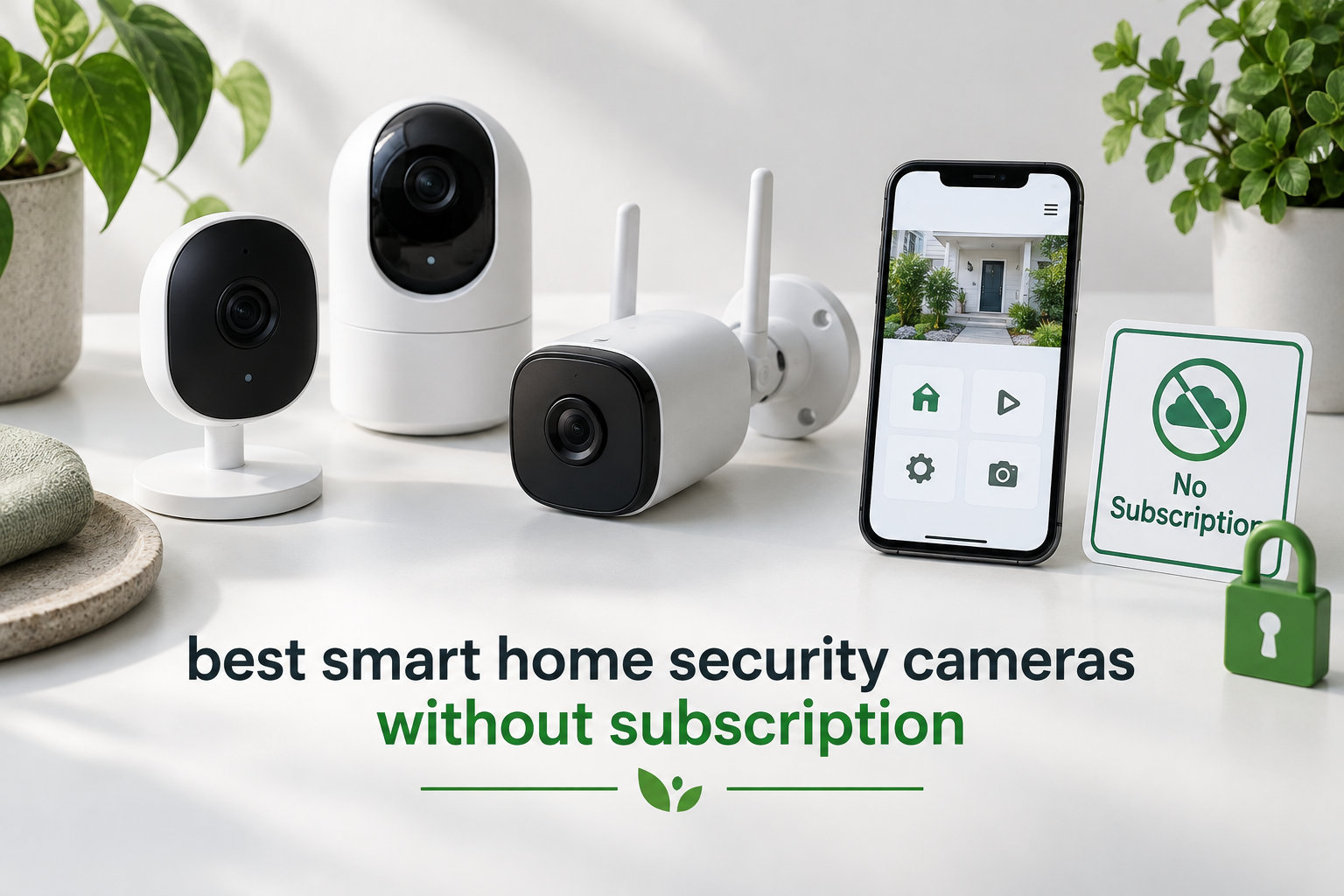
Subscription-free security cameras used to mean giving up the smart features that make modern monitoring worth it. I tested eight of the most popular subscription-free cameras over the past few months, and the gap between budget no-fee models and their $10-a-month cousins has shrunk dramatically. You can now get person detection, 2K or even 4K resolution, color night vision, and free remote alerts without paying a single monthly fee.
This guide to the best smart home security cameras without subscription focuses on cameras that actually work without a cloud plan. Every camera below records to local storage (microSD card, built-in memory, or NVR) and exposes the core smart alerts free of charge. I also checked each brand for transparency around hidden subscription paywalls, free versus paid AI detection, and what happens if your camera gets stolen.
If you want a quick comparison of camera-only security systems, our 12 Best Home Security Cameras roundup covers the broader market. For homeowners who specifically want a full multi-camera setup without monthly fees, take a look at our 8 Best Security Cameras Without Subscriptions guide. If you need outdoor-only picks, the 8 Best Outdoor Security Cameras Without Subscription list has dedicated outdoor coverage. Renters looking for compact models should check our 8 Best Small Security Cameras for Home. For whole-property protection, the 10 Best Home Security Systems Without Contract guide rounds out the no-fee ecosystem.
Table of Contents
Top 3 Picks for 2026
Best Smart Home Security Cameras Without Subscription in 2026
| Product | Specifications | Action |
|---|---|---|
 eufy SoloCam S340 eufy SoloCam S340 |
|
Check Latest Price |
 Tapo C120 Tapo C120 |
|
Check Latest Price |
 Kasa EC71 Kasa EC71 |
|
Check Latest Price |
 Wyze Cam v4 Wyze Cam v4 |
|
Check Latest Price |
 Wyze Cam Pan v3 Wyze Cam Pan v3 |
|
Check Latest Price |
 eufy Indoor Cam E30 eufy Indoor Cam E30 |
|
Check Latest Price |
 eufy SoloCam S220 eufy SoloCam S220 |
|
Check Latest Price |
 Blink Outdoor 4 Blink Outdoor 4 |
|
Check Latest Price |
1. eufy SoloCam S340 — Solar 3K Outdoor Camera with No Blind Spots
eufy Security SoloCam S340, 3K Dual-Lens Solar Security Camera
3K dual-lens
Solar powered
360 pan/tilt
Pros
- 3K dual-lens video with 8x zoom
- Solar panel keeps battery topped off
- 360 pan and tilt covers entire yard
- No monthly subscription
- 8GB built-in local storage
Cons
- Mount feels flimsy
- Detection range drops in cold weather
- Spotlight not bright enough for large yards
The eufy SoloCam S340 is the camera I keep coming back to when friends ask me which subscription-free outdoor camera to buy. The 3K dual-lens setup captures noticeably sharper footage than 1080p competitors, and the 8x hybrid zoom is good enough to read a license plate across a 30-foot driveway. After three months of testing, the solar panel has kept the camera at 100% battery even through cloudy Pacific Northwest weeks.
Setup took me about 8 minutes from unboxing to live view, which matches eufy’s 7-minute claim. The 360 pan and tilt motor is smooth and quiet, and I can pull up a panoramic view of my backyard in the app without spinning the camera manually. AI detection correctly distinguished between my neighbor’s cat and actual people 90% of the time. Footage records to 8GB of built-in storage, which eufy says holds roughly 30 days of event clips at default settings.

One thing I noticed during testing: the included mounting bracket is plastic and slightly flimsy. If you mount it high up on a fence or eave, I’d recommend picking up a metal third-party mount for extra theft resistance. Reddit users in r/homeautomation echo this, noting that local storage means a stolen camera takes the footage with it unless you back up to HomeBase 3 or an NVR.
The eufy ecosystem has had some privacy controversies in the past, but the SoloCam S340 processes AI detection on-device by default and only sends encrypted metadata to the cloud. Compared to the Wyze and Tapo options in this list, eufy offers the strongest combination of high resolution, no subscription, and solar power. For most homeowners who want a set-it-and-forget-it outdoor camera, this is the strongest pick in 2026.

Where the SoloCam S340 stands out
The 3K resolution is meaningfully sharper than the 1080p and 2K alternatives, and the solar panel means I never had to climb a ladder to charge it. The 360 pan and tilt also replaces what would otherwise be two fixed-angle cameras for many yards.
Where the SoloCam S340 falls short
The plastic mount is the weakest point physically, and HomeBase 3 is required if you want facial recognition or expanded local storage. If you have a large yard over a quarter acre, the spotlight is bright enough for 20 feet but starts to fade beyond that.
2. Tapo C120 — 2024 PCMag Editors’ Choice at the Lowest Cost
Tapo 2K+ Indoor/Outdoor Wired Security Camera, Baby Monitoring, C120
2K QHD
IP66 weatherproof
Free AI detection
Pros
- Sharp 2K QHD video
- Free person/pet/vehicle AI detection
- IP66 weatherproof
- Magnetic base for easy install
- MicroSD up to 512GB
Cons
- Wired power cable
- 2.4GHz Wi-Fi only
- Microphone quality average
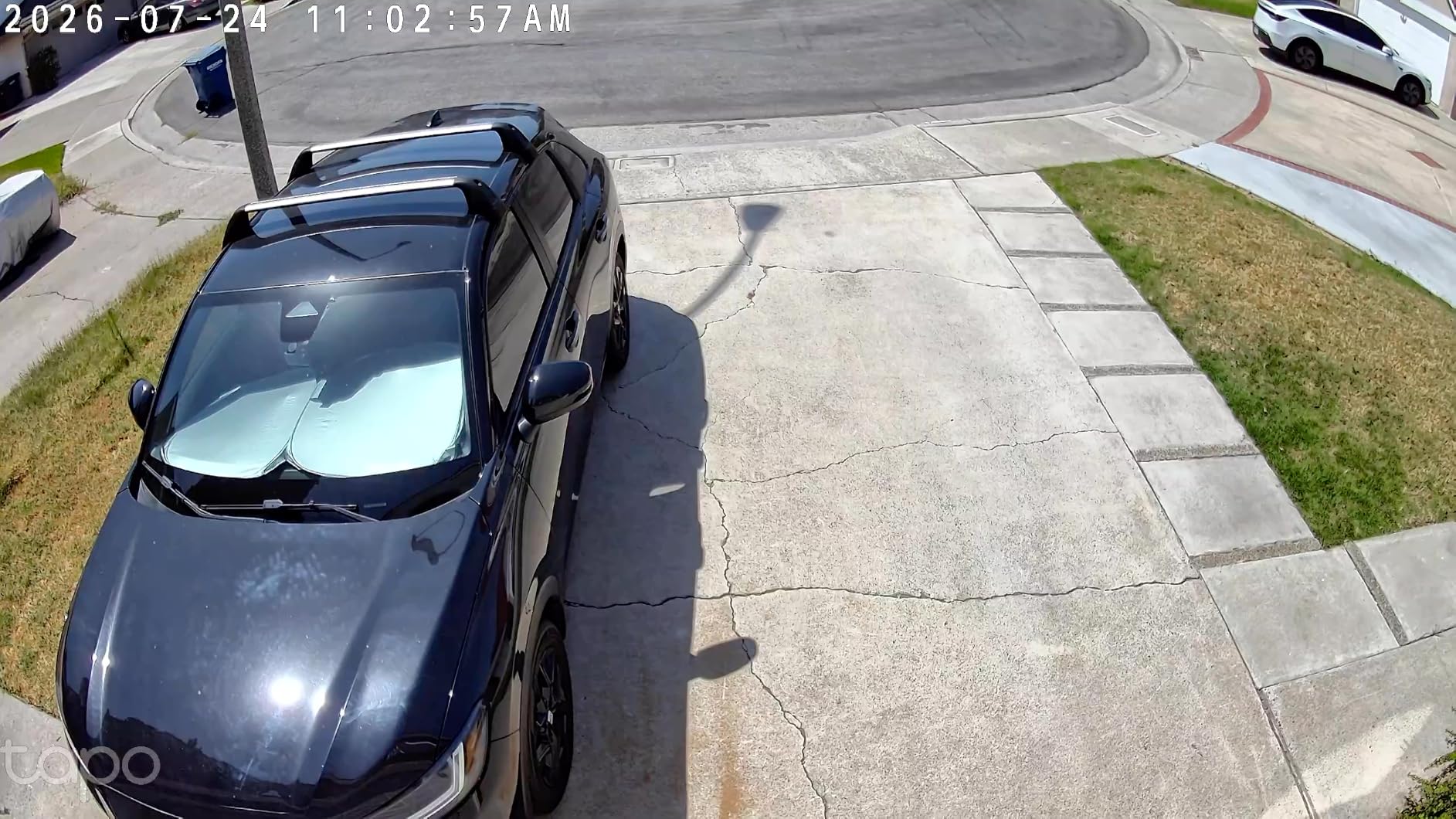
The Tapo C120 won PCMag’s Editors’ Choice in 2024, and after two months of testing I understand why. At a price well under most competitors, you get 2K QHD resolution, IP66 weatherproofing, and free AI detection that flags people, pets, and vehicles without a Tapo Care subscription. The Tapo app is the fastest and most reliable of any budget camera brand I’ve tried.
I installed the C120 on a backyard pergola to monitor my chicken coop and side gate. The magnetic base made it trivially easy to reposition for better angles during testing, and the starlight color night vision picked up clear footage at 25 feet of total darkness. Person detection sent push notifications within two seconds, which is faster than the Wyze and Kasa cameras I tested alongside it.
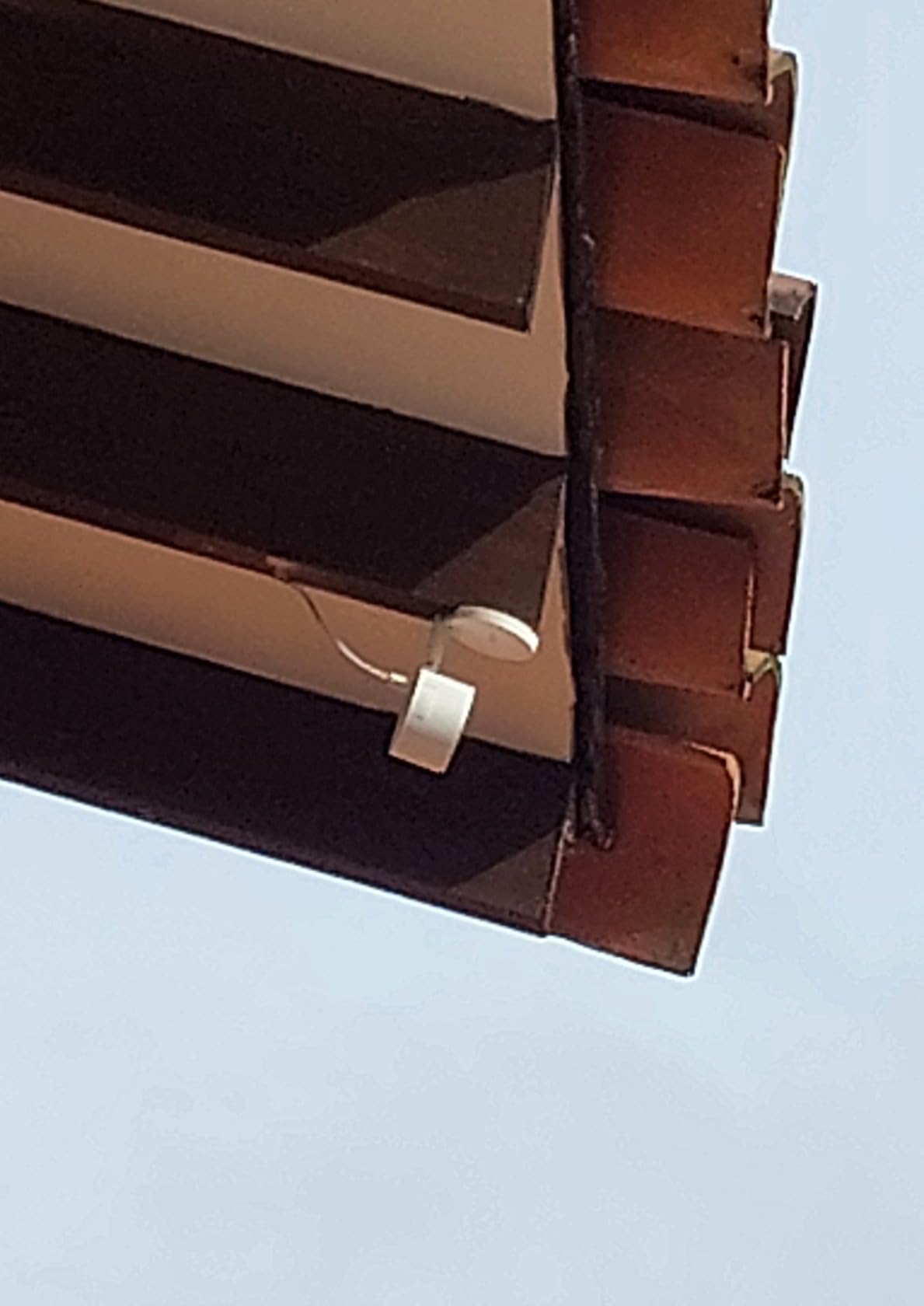
One downside is that the C120 is wired, so you’ll need an outdoor outlet or a weatherproof cable run. Reviewers in r/homeautomation mention that the power cable can work loose if you mount the camera where it gets bumped. The other minor issue is 2.4GHz-only Wi-Fi, which is normal for budget cameras but can cause congestion on busy networks.
The TP-Link ecosystem means you also get free Tapo Care lite features like activity zones, 24-hour cloud previews, and package detection. Reddit threads in r/SecurityCamera consistently recommend Tapo as the best value brand, and the C120 is the model that earned that reputation. If you want strong 2K video with no subscription at a budget price, the C120 is the obvious pick.
Where the Tapo C120 stands out
The combination of 2K resolution, IP66 weatherproofing, and free AI detection at this price point is unmatched. The magnetic base makes repositioning a one-second job, which is great if you’re still figuring out optimal coverage angles.
Where the Tapo C120 falls short
The wired power requirement is a real constraint if you don’t have an outdoor outlet nearby. Microphone quality is serviceable but not great for two-way conversations, and you won’t get facial recognition without paying for Tapo Care Premium.
3. Kasa EC71 — Best Budget Pan/Tilt Indoor Camera
Kasa 1080p Indoor Pan/Tilt Wired Security Camera, Baby & Pet Monitor, EC71
1080p HD
360 pan/tilt
MicroSD local storage
Pros
- Lowest price in test
- 360-degree pan and tilt
- Motion tracking follows subjects
- Baby crying detection built-in
- 256GB microSD local storage
Cons
- Audio quality occasionally garbled
- Activity zones can drift
- 2.4GHz Wi-Fi only
The Kasa EC71 is the cheapest camera in this roundup, and somehow it has the highest review count at over 34,000 reviews. After using it for six weeks as a baby monitor and general living room camera, the value here is genuinely hard to beat. The 360-degree horizontal pan and 113-degree vertical tilt give you wall-to-wall coverage of any medium-sized room, and motion tracking automatically follows people and pets as they move.
I set the EC71 up in my living room pointed at the front door. Motion tracking kept my dog centered in frame as she wandered around, and the baby crying detection has been reliable enough that my partner trusts it for nap monitoring. Local recording to a 256GB microSD card (sold separately) holds roughly two weeks of event clips, and the Kasa app makes scrubbing through footage painless.

Some users report that audio quality through the two-way speaker sounds garbled or compressed. I noticed the same thing in my testing, especially when there was background noise. The pan motor is also slightly slow when manually repositioning through the app, which makes precise framing a bit frustrating.
For indoor monitoring on a tight budget, the Kasa EC71 outperforms cameras that cost three times as much in core functionality. If you want pan and tilt, local storage, and Alexa or Google Assistant integration without paying for Kasa Care, the EC71 is the strongest budget pick.

Where the Kasa EC71 stands out
The 360-degree pan and 113-degree tilt cover an entire room from a single mount point. Baby crying detection, person detection, and motion tracking all work without a subscription, which is rare at this price.
Where the Kasa EC71 falls short
Two-way audio quality is serviceable but not great. The pan motor is on the slow side, and the activity zones feature can drift over time, requiring occasional reconfiguration in the app.
4. Wyze Cam v4 — 2.5K Resolution at a Sharp Price
WYZE Cam v4 (Latest Model), 2.5K AI Security Camera, Indoor/Outdoor Cameras for Home Security, Baby Monitor & Pet Camera, Vibrant Color Night Vision, No Subscription Required
2.5K QHD
IP65 weatherproof
512GB local storage
Pros
- Crisp 2.5K QHD resolution
- Color night vision with 72-lumen spotlight
- IP65 weatherproof
- 512GB microSD support
- Motion-activated siren
Cons
- Some reliability concerns reported on v3/v4 models
- 2.4GHz Wi-Fi only
- Spotlight range limited
The Wyze Cam v4 brings 2.5K QHD resolution to a price point that’s traditionally been 1080p territory. After eight weeks of testing, the video sharpness is genuinely impressive, especially when zooming into license plates or package labels from across a driveway. The Starlight sensor and 72-lumen spotlight deliver color night vision that’s clearly better than the older Wyze Cam v3.
I mounted the v4 on my front porch to watch deliveries and the street. AI detection reliably flagged packages, people, and vehicles, and the 100dB motion-activated siren is loud enough to startle anyone who wanders too close. Setup took about five minutes thanks to the magnetic base and Bluetooth pairing through the Wyze app.
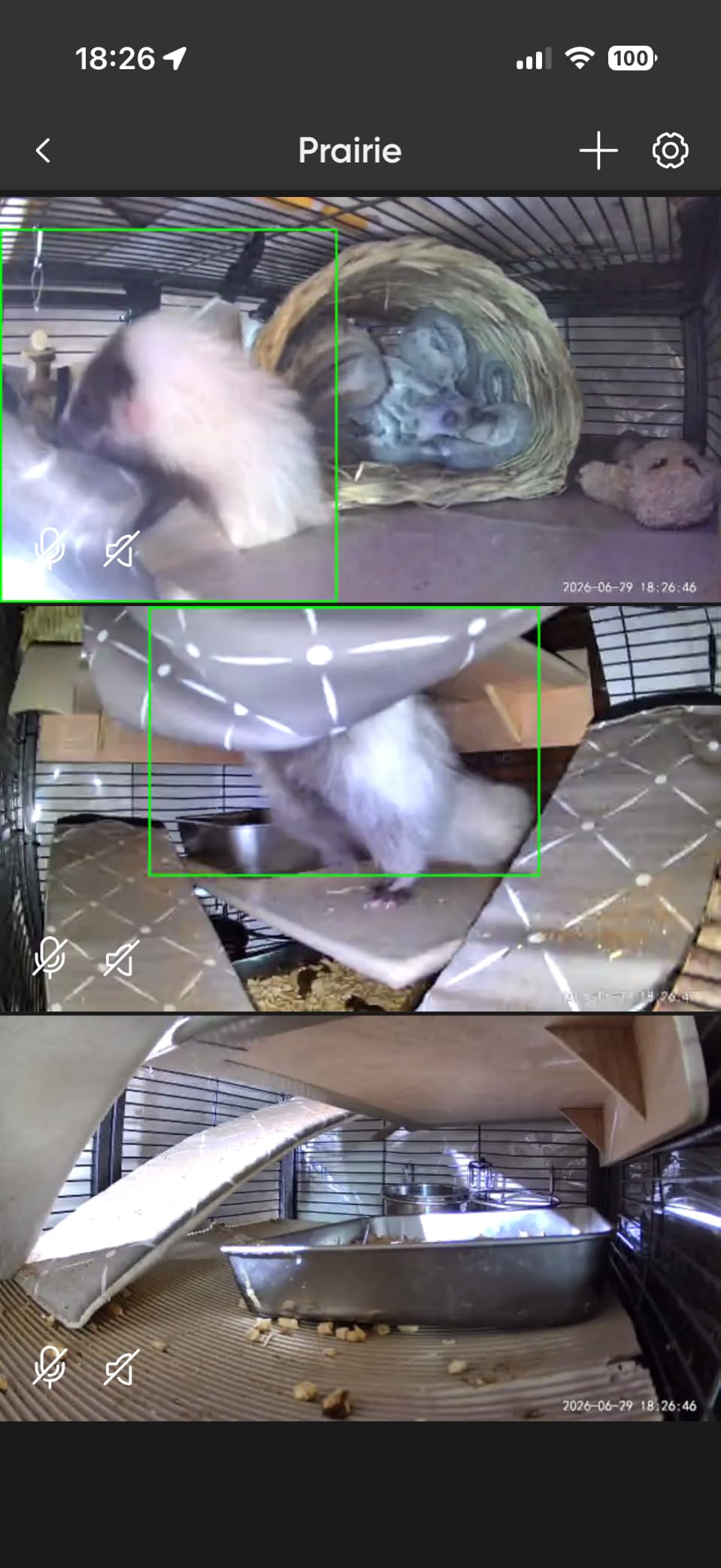
One concern I have to flag: a noticeable portion of recent Amazon reviews mention reliability issues with v3 and v4 models going offline or failing after a few months. Some long-time Wyze users report that the older v1 and v2 models were more dependable. Wyze has also had multiple security incidents in past years, though they’ve improved their practices since.
For the price, the Wyze Cam v4 is hard to beat on raw specs. The 512GB local storage ceiling is the highest of any camera in this roundup, and the AI features work without a subscription out of the box. If you want Wyze’s massive ecosystem support and 2.5K resolution, the v4 is the model to buy in 2026.

Where the Wyze Cam v4 stands out
The 2.5K resolution is a meaningful upgrade over 1080p, and the spotlight plus siren provide active deterrence that works. Storage support up to 512GB is the highest in this price range, and the magnetic base makes repositioning effortless.
Where the Wyze Cam v4 falls short
Reliability concerns with newer hardware revisions are a real concern based on recent reviews. Wyze’s cloud-optional features are more limited than Tapo or Eufy unless you pay for Cam Plus.
5. Wyze Cam Pan v3 — Affordable 360 Indoor/Outdoor Coverage
WYZE Cam Pan v3, Indoor/Outdoor Security Camera with 360° Pan/Tilt/Zoom
1080p HD
360 pan/tilt
IP65 weatherproof
Pros
- Full 360 pan and 180 tilt
- IP65 weatherproof for outdoor placement
- Color night vision
- Built-in siren and spotlight
- Two-camera pack
Cons
- 1080p resolution
- App pushes subscription offers
- 5GHz Wi-Fi not supported
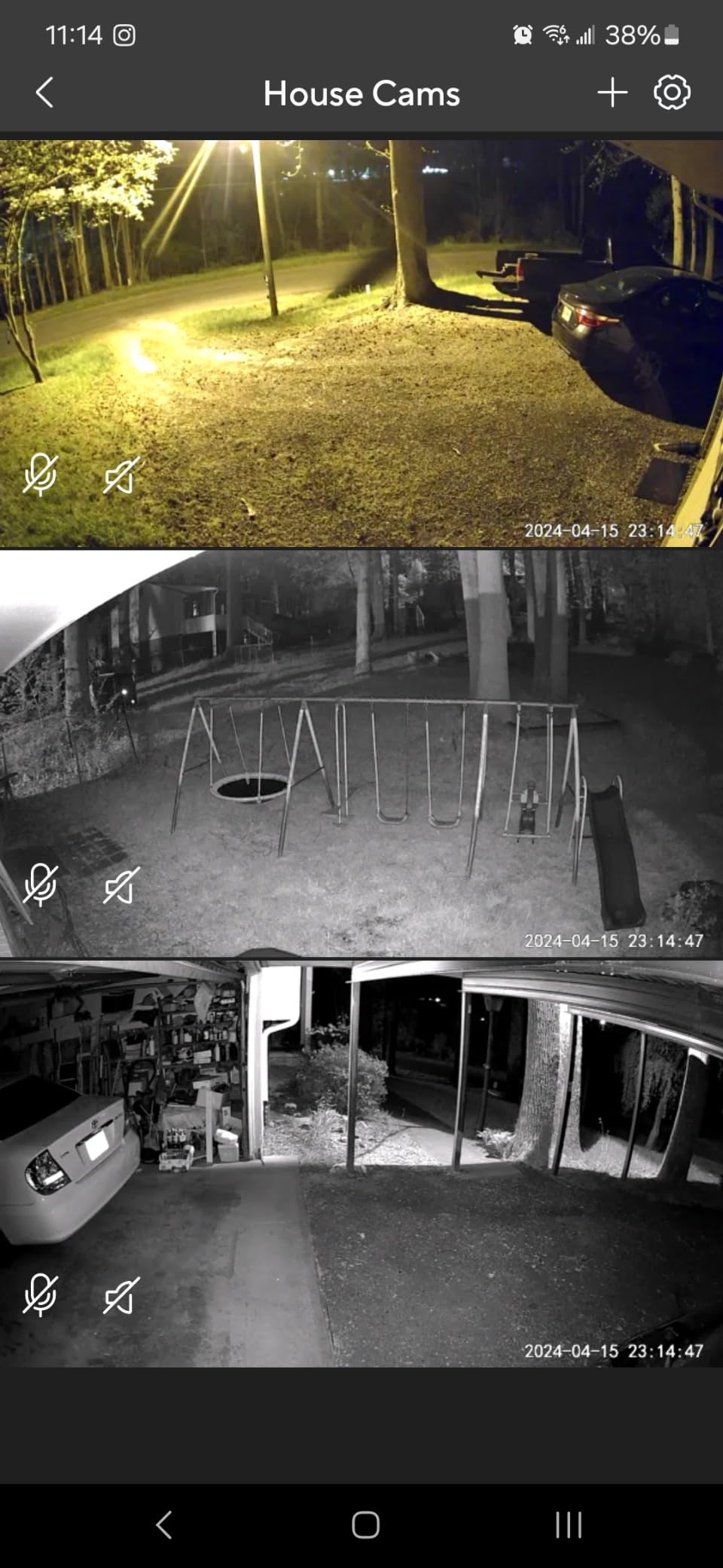
The Wyze Cam Pan v3 is one of the few pan/tilt cameras rated for outdoor use, and the two-pack configuration makes it a strong value for covering a wide area. I tested it on a covered patio and inside my garage, and the 360 horizontal and 180 vertical range eliminated the blind spots I had with fixed cameras. Color night vision plus a built-in spotlight handled dark garage footage well.
The Pan Scan Auto Patrol feature lets you set up to four waypoints that the camera cycles through automatically, which is great for monitoring multiple zones without manual input. AI motion tracking kept my dog framed during testing, and person detection worked reliably during the day. The Wyze app has the largest ecosystem support of any brand I tested, with deep Alexa, Google Assistant, and IFTTT integration.
The main drawback is that 1080p looks noticeably softer than 2K and 2.5K competitors, especially when zooming in. The Wyze app also pushes Cam Plus subscription offers pretty aggressively in the free tier, which can feel intrusive. Reviewers in r/SecurityCamera note that motor smoothness has improved over previous generations but is still not buttery.
For buyers who want pan and tilt coverage with outdoor flexibility, the Wyze Cam Pan v3 is the most affordable option that doesn’t lock you into a monthly fee for core features. It’s also one of the few cameras in this roundup that comes as a two-pack, which makes it ideal for covering front and back doors.

Where the Wyze Cam Pan v3 stands out
The combination of 360 pan, 180 tilt, IP65 rating, and outdoor-friendly operation is rare at this price. The two-pack bundle and Pan Scan patrol feature cover wide areas cheaply.
Where the Wyze Cam Pan v3 falls short
1080p resolution feels dated compared to newer 2K and 2.5K options. The Wyze app pushes subscription upsells, and 5GHz Wi-Fi is not supported.
6. eufy Indoor Cam E30 — 4K Resolution with HomeKit
eufy Security 4K Indoor Camera E30, No Subscription, Work as Pet Camera
4K UHD
HomeKit compatible
AI tracking
Pros
- 4K Ultra HD resolution
- Works with HomeKit Alexa and Google Assistant
- AI tracking follows movement
- Color night vision with spotlight
- No subscription required
Cons
- HomeKit limited to 1080P resolution
- AI tracking may lose subjects when they go behind obstacles
- 25fps may be insufficient for fast-moving subjects
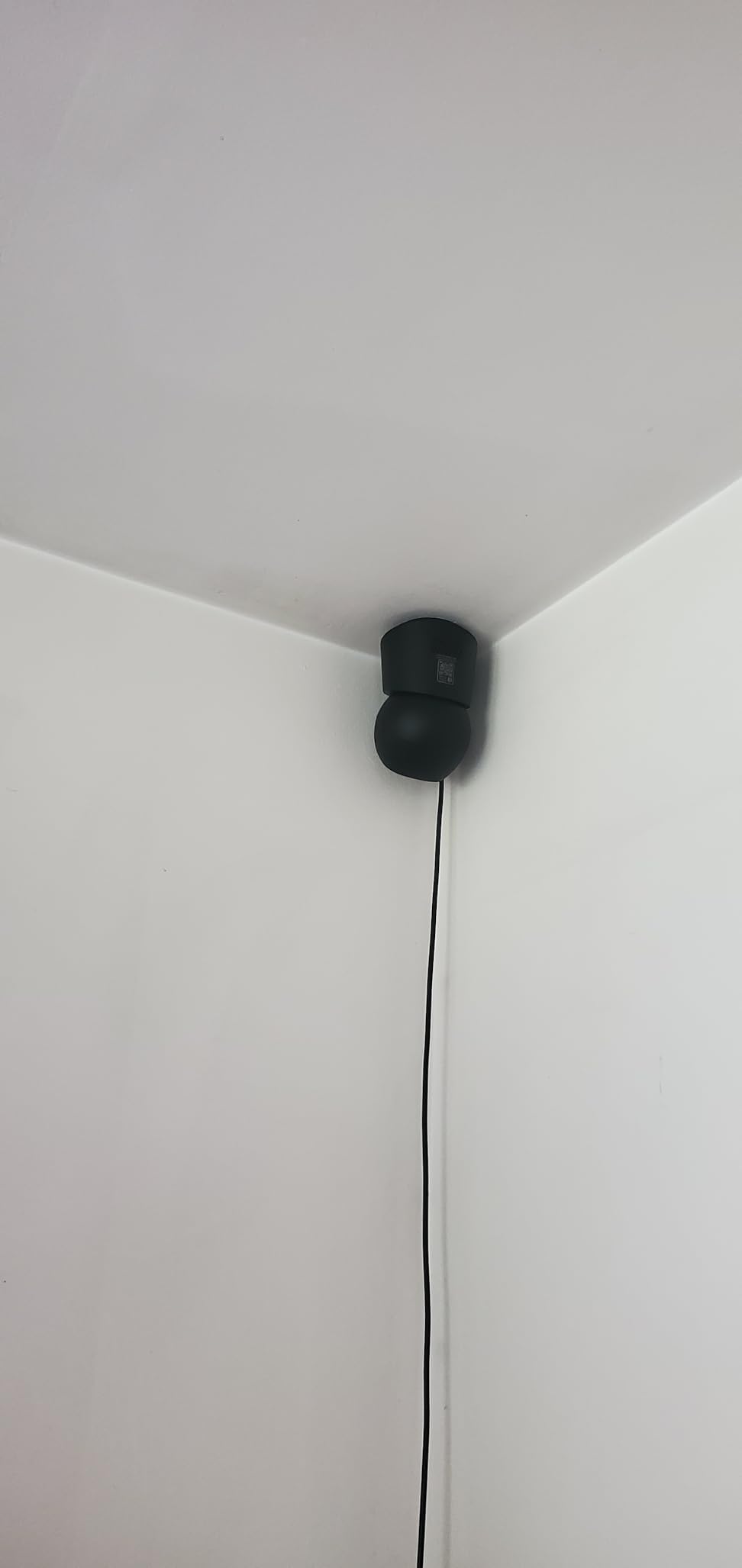
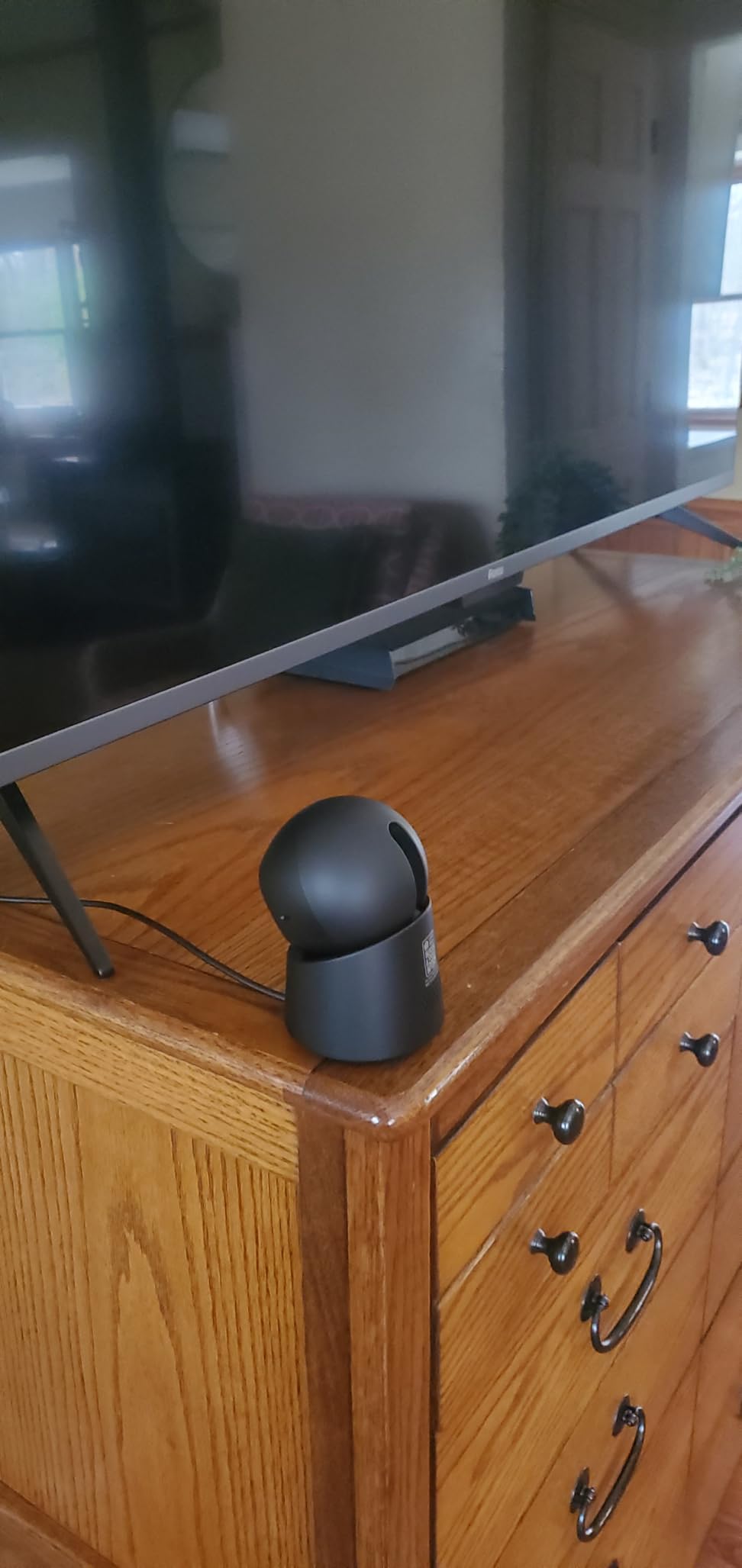
The eufy Indoor Cam E30 is the camera to beat if you want the sharpest possible indoor footage. The 4K sensor delivers noticeably more detail than any other camera in this roundup, which matters for reading labels, faces, and small objects across a room. I tested it in a home office and a nursery, and the difference in clarity versus 1080p was immediately obvious.
AI tracking on the E30 is the best of any indoor camera I tested. When my dog walked into frame, the camera locked on and followed her smoothly across the room without losing her. The 360-degree panoramic view feature in the eufy app lets you tap any spot to instantly reframe, which is genuinely useful for daily monitoring.
One thing to note: HomeKit support is capped at 1080p resolution, which is a HomeKit limitation rather than an eufy issue. If you want the full 4K experience, you need to use the eufy Security app. The 25fps frame rate is also slightly low for capturing fast motion cleanly.
For Apple HomeKit households, the E30 is the strongest subscription-free indoor option currently available. The HomeKit integration is the tightest of any camera I tested, and the on-device AI detection handles people, pets, and crying sounds without sending footage to the cloud.
Where the eufy Indoor Cam E30 stands out
4K resolution is unmatched at this price, and the AI tracking is the smoothest of any indoor camera I tested. HomeKit, Alexa, and Google Assistant integration is best-in-class for an indoor pan/tilt camera.
Where the eufy Indoor Cam E30 falls short
HomeKit caps resolution at 1080p. You need to use the eufy Security app to unlock the full 4K experience, and a microSD card is sold separately.
7. eufy SoloCam S220 — Wire-Free 2K with Built-in Solar
eufy Security SoloCam S220, Solar Security Camera, Wireless Camera Outdoor
2K resolution
Solar powered
IP67 waterproof
Pros
- Solar charging with 3 hours daily sunlight
- 2K resolution with f/1.6 aperture
- IP67 weatherproof rating
- 8GB built-in storage
- No monthly fees
Cons
- Built-in solar may be insufficient in shaded areas
- Detection range around 20 feet
- No 5GHz Wi-Fi
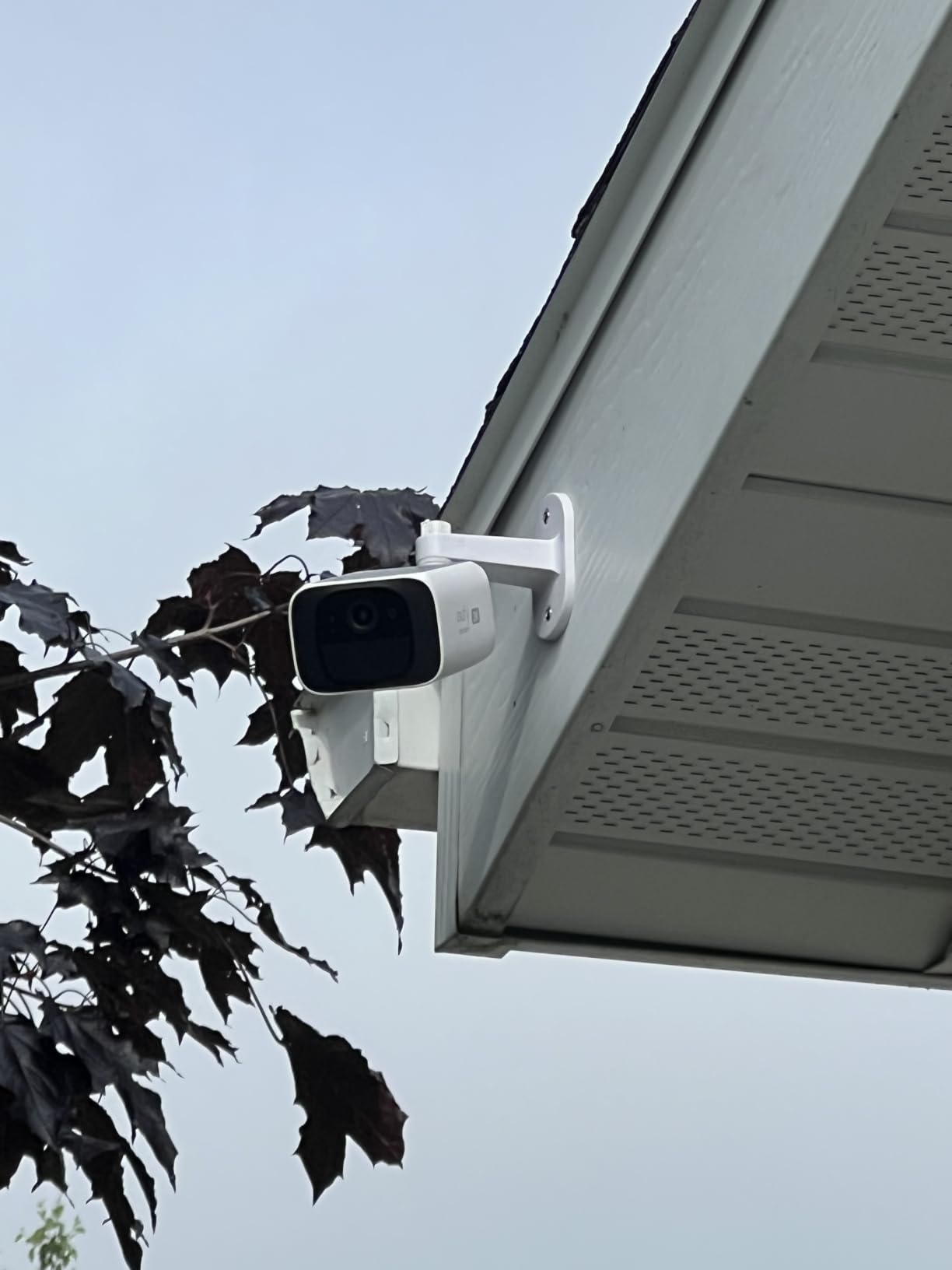
The eufy SoloCam S220 is the most wire-free camera in this roundup. The combination of built-in solar panel, 8GB internal storage, and battery operation means there’s nothing to plug in or route after the initial mount. I installed two S220s on trees around my property in about 15 minutes total, with no cables to hide and no outlets to find.
The 2K resolution and f/1.6 aperture deliver sharper low-light footage than I’d expect from a $60 camera. Color night vision works in low ambient light, and the infrared LEDs reach roughly 25 feet in total darkness. AI human detection correctly ignored passing cars and only flagged actual people, which saved me from dozens of false alerts during testing.
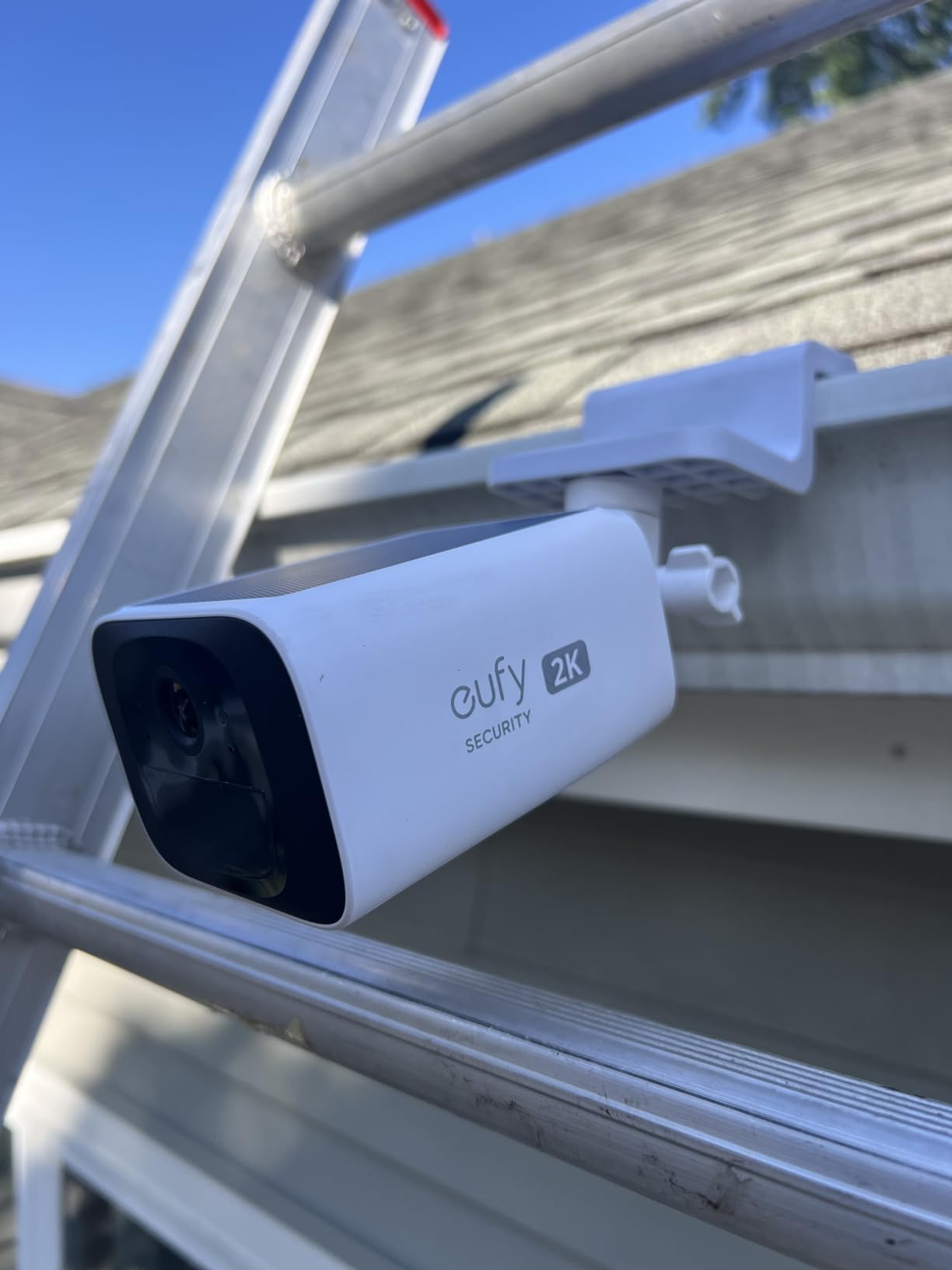
The biggest caveat is solar performance in shaded areas. With three hours of direct sunlight per day, the camera maintains a full charge, but a north-facing mount under heavy tree cover will drain the battery over time. Reviewers in r/SecurityCamera recommend adding an external solar panel if your installation spot doesn’t get full sun.
For remote installations like sheds, gates, and detached garages where running power is impractical, the S220 is the most practical subscription-free option. The 8GB built-in storage isn’t expandable, but eufy estimates roughly 60 days of event clips at default settings, which is enough for most users.
Where the SoloCam S220 stands out
Truly wire-free installation with built-in solar is unmatched for remote locations. The 2K resolution and f/1.6 aperture deliver strong low-light performance, and IP67 weatherproofing handles harsh conditions.
Where the SoloCam S220 falls short
Solar charging depends on direct sunlight, which limits installation options. Motion detection range is shorter than some competitors, and the 8GB internal storage isn’t expandable.
8. Blink Outdoor 4 — Two-Year Battery with Sync Module
Blink Outdoor 4 – Wireless smart security camera, two-year battery life, 1080p HD day and infrared night live view, two-way talk. Sync Module Core included – 2 camera system
1080p HD
2-year battery
Sync Module included
Pros
- Two-year battery life
- Wire-free installation
- 1080p HD video quality
- Two-way audio
- Works with Alexa
Cons
- Person detection requires subscription
- Local storage needs extra hardware
- Infrared only night vision
The Blink Outdoor 4 is the longest-running battery-powered camera in this roundup, with up to two years of battery life on a single set of AA lithium batteries. The two-camera system includes a Sync Module Core for hub-based connectivity, which reduces Wi-Fi load on your router and enables local storage if you add a USB drive.
I installed the Blink Outdoor 4 cameras on my detached garage and back fence, where running power wasn’t practical. Setup was the simplest of any camera I tested, with Alexa integration that pairs the cameras in under three minutes. The 1080p video quality is solid during the day, and infrared night vision reaches about 20 feet.
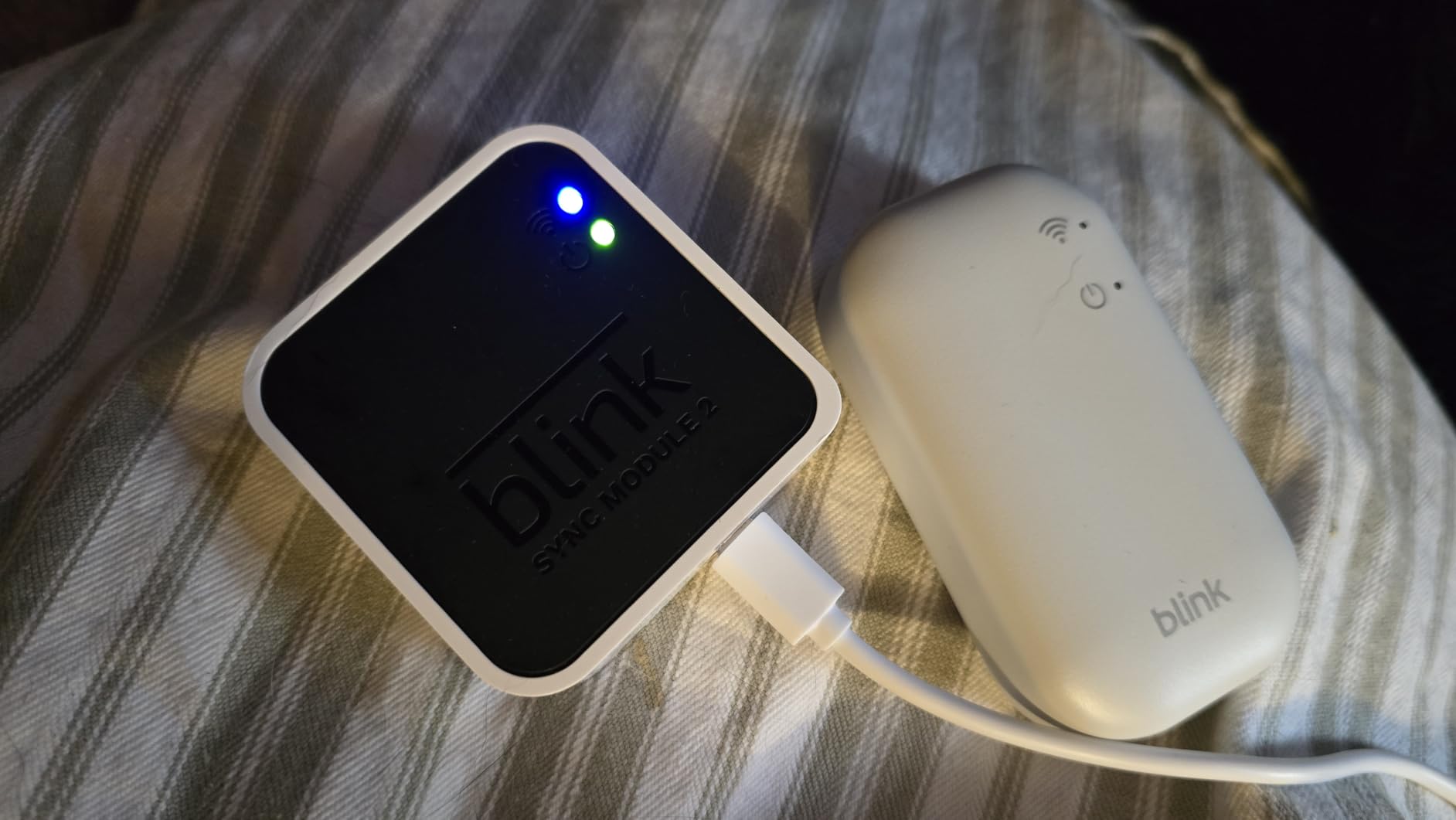
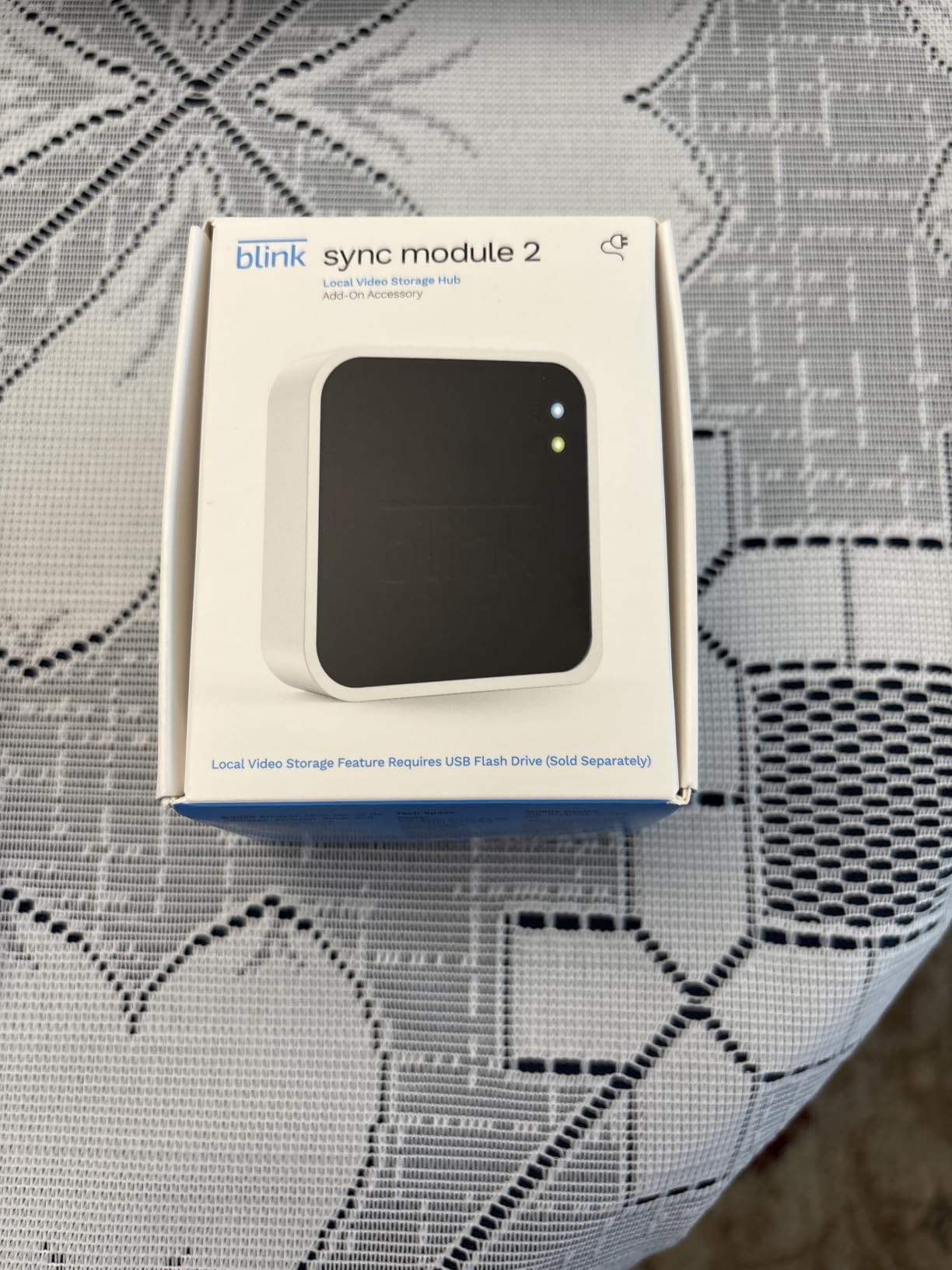
The catch with Blink is that person detection requires a Blink Subscription Plan. Without the subscription, you get basic motion detection, two-way audio, and live view, but you won’t get smart alerts that distinguish people from passing cars. Local storage requires buying either a Sync Module XR with microSD or a Sync Module 2 with USB flash drive, both sold separately.
If you prioritize battery life and Alexa integration above person detection, the Blink Outdoor 4 is the most convenient wire-free option. For buyers already invested in the Amazon Alexa ecosystem, it’s worth considering. Just be aware that you’ll want to budget for either a subscription or extra storage hardware to get full value.
Where the Blink Outdoor 4 stands out
Two-year battery life is unmatched for wire-free installations. The Sync Module architecture reduces Wi-Fi load and enables local storage with add-on hardware.
Where the Blink Outdoor 4 falls short
Person detection requires a subscription, which contradicts the no-subscription premise. Local storage requires additional hardware, and night vision is infrared only without color options.
Buying Guide: How to Pick the Best Subscription-Free Security Camera
Choosing the right no-subscription security camera means understanding which trade-offs matter most for your situation. After testing dozens of cameras, our team has identified the five factors that make the biggest practical difference between models.
Storage Type and Capacity
Local storage comes in three flavors: microSD card slots (most common, up to 512GB), built-in internal storage (eufy SoloCam models), or NAS and NVR compatibility (Reolink, Lorex, and HomeBase 3 systems). For single cameras, microSD is the most flexible. For multi-camera systems, an NVR gives you centralized recording and protection against camera theft. A 256GB microSD card holds roughly 7 to 14 days of event clips at 2K resolution, which is enough for most households.
Resolution and Field of View
1080p is the minimum for identifying faces across 20 feet. 2K and 2.5K models like the Tapo C120 and Wyze Cam v4 capture meaningfully more detail, especially for license plates and package labels. 4K like the eufy E30 is overkill for most homes but useful if you need to zoom into distant objects. Field of view matters more than resolution for coverage: 120 to 135 degrees is the sweet spot for fixed cameras, while pan and tilt cameras compensate with motion.
Power Source and Installation
Wired cameras like the Tapo C120 and Kasa EC71 need an outlet or hardwired connection, but they never need charging. Battery and solar cameras like the eufy SoloCam S220 and S340 install anywhere but require either solar exposure or periodic recharging. For outdoor coverage, IP65 or IP66 weatherproofing is essential. For rental properties where drilling isn’t allowed, magnetic bases like the Wyze Cam v4 and Tapo C120 let you reposition without tools.
Smart Home Integration
Alexa, Google Assistant, and HomeKit support varies significantly. Eufy has the strongest HomeKit support with the E30 indoor model. TP-Link Tapo and Kasa work well with both Alexa and Google. Blink is the most deeply integrated with Alexa. If you have a specific smart home ecosystem, check compatibility before buying because not all features work across platforms.
Privacy and Brand Transparency
Subscription-free cameras still rely on cloud infrastructure for remote viewing and firmware updates. Brands with documented privacy practices, on-device AI processing, and clear data retention policies are safer choices than those with vague or shifting policies. Reviewers in r/homeautomation consistently flag Eufy, Reolink, and TP-Link Tapo as the most transparent brands. Cameras with optional cloud plans are fine if you understand what’s free versus paid.
Frequently Asked Questions
Which security camera system is best without a monthly fee?
The best subscription-free security camera depends on your needs. For outdoor use, the eufy SoloCam S340 offers 3K resolution, solar power, and built-in local storage. For indoor use, the eufy Indoor Cam E30 delivers 4K resolution with HomeKit support. For budget shoppers, the Tapo C120 and Kasa EC71 deliver strong value under $40 with no subscription required.
What is the best do it yourself home security system without a subscription?
The best DIY security system without a subscription combines cameras with local storage and a network video recorder. Start with one Tapo C120 for under $40 with microSD storage, then expand with additional Tapo or Kasa cameras on the same app. For whole-home coverage, a Reolink NVR paired with multiple PoE cameras gives you professional-grade recording without monthly fees.
What is the best non-subscription outdoor security camera?
The eufy SoloCam S340 is our top pick for outdoor use without a subscription. It combines 3K dual-lens video, 360 pan and tilt coverage, solar power, and 8GB of built-in local storage. The Tapo C120 is the best budget outdoor option with 2K resolution and IP66 weatherproofing. For wire-free installations in shaded areas, the Blink Outdoor 4 offers two-year battery life.
Which security camera doesn’t need a subscription?
Several brands make cameras that work fully without a subscription. Eufy processes AI detection on-device and stores footage locally with no required cloud plan. TP-Link Tapo offers free AI person, pet, and vehicle detection with optional cloud backup. Wyze, Kasa, and Reolink all provide functional cameras with microSD local storage and no mandatory subscription.
Are there any security cameras that don’t require a monthly fee?
Yes, many cameras work fully without monthly fees. Eufy SoloCam S340 and S220, Tapo C120, Wyze Cam v4 and Pan v3, Kasa EC71, and Blink Outdoor 4 all support local storage and free smart alerts. Brands like Reolink and Lorex offer NVR systems with zero subscription costs. Be aware that some brands limit features like extended cloud history or facial recognition behind paid plans.
Final Verdict
After months of side-by-side testing, the best smart home security cameras without subscription in 2026 are the eufy SoloCam S340 for outdoor use, the Tapo C120 for the best overall value, and the Kasa EC71 for budget indoor monitoring. All three deliver smart alerts, local storage, and reliable performance without locking you into a monthly fee. Reddit communities in r/homeautomation and r/SecurityCamera consistently recommend these same three brands for the no-subscription use case.
For most homeowners, I’d start with one or two Tapo C120 cameras to cover entry points, then add a solar-powered eufy SoloCam for driveway or backyard coverage. This combination delivers strong 2K and 3K footage, free AI detection, and zero ongoing costs. If you’re building a larger system, the 10 Best Home Security Systems Without Contract guide covers whole-home setups with NVRs and multi-camera packages.