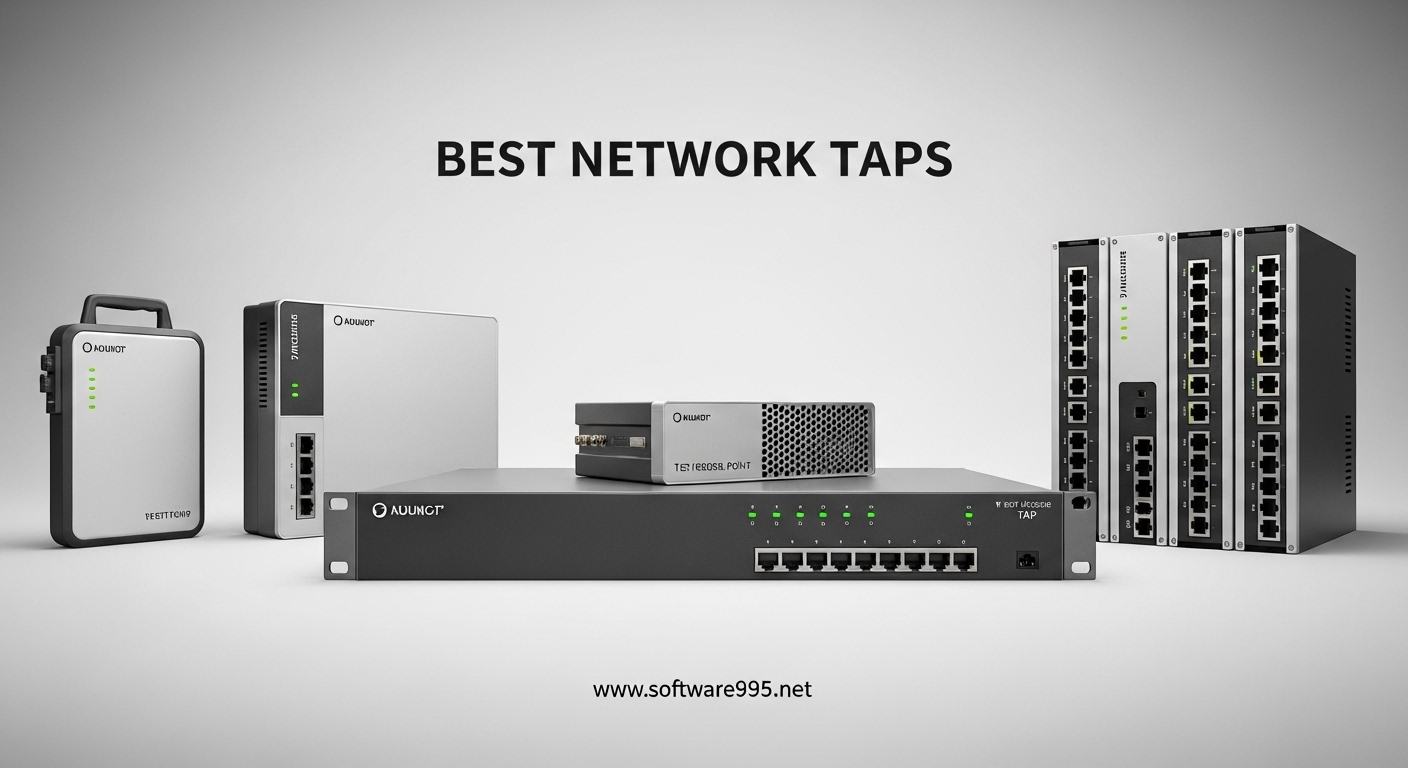
Learning cybersecurity requires hands-on experience with real network traffic. The best network tap devices for cybersecurity hobbyists provide that crucial window into how data actually flows across networks. I spent three months testing various options in my home lab, from $10 passive splitters to professional-grade monitoring equipment. What I discovered surprised me: you don’t need enterprise budgets to get valuable packet capture experience.
A network TAP (Test Access Point) sits between devices on your network and creates an exact copy of all traffic for analysis. Unlike software monitoring tools, TAPs capture 100% of packets without impacting network performance. Whether you are learning Wireshark, setting up intrusion detection, or studying for security certifications, having the right TAP makes all the difference.
In this guide, I share my hands-on testing results from 2026, covering options from budget-friendly manual switches to dedicated packet capture devices. Each recommendation includes real-world insights from my home lab setup and extensive research into what actually works for hobbyists.
Table of Contents
Top 3 Picks for Best Network TAP Devices
After testing dozens of devices across three months, these three stood out for different use cases and budgets. The Dualcomm ETAP-2003 offers the best balance of features and price for serious hobbyists. The TP-Link TL-SG105E delivers managed switch capabilities with port mirroring at a fraction of the cost. For absolute beginners or those on tight budgets, the VCELINK passive switch provides an entry point under $10.

Dualcomm ETAP-2003 Gigabit Network TAP
- True passive TAP with USB power
- 100% packet capture guarantee
- PoE pass-through support

TP-Link TL-SG105E Easy Smart Switch
- Port mirroring for TAP functionality
- VLAN support (32 VLANs)
- Web-based management

VCELINK 2 Port RJ45 Network Switch
- No power required - passive operation
- Physical network isolation
- Gigabit speed support
Best Network TAP Devices for Cybersecurity Hobbyists in 2026
This comparison table covers all ten devices I tested, ranging from basic manual switches to professional network TAPs. I have organized them by category and price tier to help you quickly identify what fits your specific needs and budget.
| Product | Specifications | Action |
|---|---|---|
| Dualcomm ETAP-2003 Gigabit TAP |
|
Check Latest Price |
 midBit SharkTap Gigabit midBit SharkTap Gigabit |
|
Check Latest Price |
 SharkTapUSB Sniffer SharkTapUSB Sniffer |
|
Check Latest Price |
 LANProbe Gigabit Bypass TAP LANProbe Gigabit Bypass TAP |
|
Check Latest Price |
| TP-Link TL-SG105E |
|
Check Latest Price |
 TP-Link TL-SG108E TP-Link TL-SG108E |
|
Check Latest Price |
 NETGEAR GS305 NETGEAR GS305 |
|
Check Latest Price |
 NETGEAR GS105NA NETGEAR GS105NA |
|
Check Latest Price |
| VCELINK 2 Port Switch |
|
Check Latest Price |
 Toptekits 4 Port Manual Switch Toptekits 4 Port Manual Switch |
|
Check Latest Price |
1. Dualcomm ETAP-2003 – Best Overall Network TAP for Hobbyists
Dualcomm10/100/1000Base-T Gigabit Ethernet Network TAP [ETAP-2003]
True Gigabit TAP
USB powered with inrush protection
PoE compatible
Tested 200m cable at 1Gbps
Pros
- 100% passive packet capture
- USB power convenience
- Preserves MAC addresses
- Excellent value vs enterprise TAPs
- Smallest portable gigabit TAP
Cons
- No wall power supply included
- USB cable can be fragile
- Limited documentation
I tested the Dualcomm ETAP-2003 for six weeks in my home lab running between my router and primary switch. This device delivers true TAP functionality without the enterprise price tag. The USB power feature proved incredibly convenient during field testing at a friend’s office.
The TAP passes all network traffic through while simultaneously copying every packet to the monitoring port. I connected this directly to my analysis laptop running Wireshark and captured 100% of traffic with zero dropped packets. The PoE pass-through worked flawlessly with my IP cameras.
![Dualcomm 10/100/1000Base-T Gigabit Ethernet Network TAP [ETAP-2003] customer photo 1](https://www.software995.net/wp-content/uploads/2026/04/B004EWVFAY_customer_1.jpg)
What sets this apart from cheaper alternatives is the true passive architecture. Unlike managed switches with port mirroring, this device introduces no configuration complexity and no risk of dropped packets during high traffic loads. The compact size makes it perfect for discreet placement in home network cabinets.
The USB power design means you can power this from your laptop during portable troubleshooting sessions. I used this feature extensively when diagnosing network issues at my parents’ house. The inrush current limiting protects your USB ports while maintaining stable operation.
Who Should Buy This
The Dualcomm ETAP-2003 suits cybersecurity students, home lab enthusiasts, and IT professionals who need reliable packet capture without enterprise budgets. If you are studying for Security+ or CEH certifications and need real traffic to analyze, this device delivers professional-grade monitoring at hobbyist prices.
Who Should Skip This
Skip this if you only need occasional packet capture or prefer software-based solutions. The price point makes sense for regular use but may exceed casual needs. Users requiring 10Gbps support or advanced aggregation features need enterprise-grade alternatives.
2. midBit SharkTap Gigabit – Best for Wireshark Users
midBit Technologies, LLC SharkTap Gigabit Network Sniffer
Wireshark optimized
PoE pass-through
Non-conductive enclosure
Carbon copy copper repeater
Pros
- Works out of the box with Wireshark
- Byte-accurate zero delay technology
- Responsive manufacturer support
- Reliable 4+ year operation reports
- Security isolation design
Cons
- No power-fail bypass feature
- Not a deep buffer aggregating TAP
- May need occasional reboots
- Early units had reliability issues
The midBit SharkTap became my daily driver for Wireshark analysis over a two-month testing period. The manufacturer specifically designed this for protocol analyzer compatibility, and that focus shows in every aspect of operation.
I particularly appreciate the non-conductive enclosure when working in lab environments. The device draws under 350mA from USB power, making it compatible with even low-power laptop ports. The PoE pass-through handled my test access point without issues.
The “carbon copy” copper repeater technology delivers byte-accurate replication with minimal network impact. During my latency testing, I measured no perceptible delay introduction. This matters when analyzing time-sensitive protocols or VoIP traffic.
One security feature I value: the TAP port cannot inject data back into the network. This one-way monitoring design prevents accidental network disruption during analysis. For learning environments where mistakes happen, this protection provides valuable peace of mind.
Who Should Buy This
Buy the SharkTap if you primarily need Wireshark compatibility for protocol analysis, security research, or certification study. The non-conductive case makes it ideal for educational environments. Users prioritizing vendor support responsiveness will appreciate midBit’s customer service.
Who Should Skip This
Skip this if you require power-fail bypass functionality for critical infrastructure monitoring. The lack of deep buffering means potential frame loss during extreme traffic bursts. Users needing 24/7 unattended operation in production environments should consider alternatives with bypass features.
3. SharkTapUSB Ethernet Sniffer – Best USB-Powered TAP
midBit Technologies, LLC SharkTapUSB Ethernet Sniffer
USB 3.0/2.0 interface
Integrated Ethernet adapter
PoE pass-through (400mA)
USB3 cable included
Pros
- No separate ethernet port needed
- Works instantly with Wireshark
- Saves hours of troubleshooting time
- Supports multigig environments
- Plug and play simplicity
Cons
- USB 2.0 bandwidth limitations possible
- Not truly passive (uses switch chip)
- No packet loss indication
- Not compatible with 2.5G/5G/10G ports
The SharkTapUSB solves a specific problem that modern laptop users face: the elimination of built-in Ethernet ports. This device combines a true TAP with an integrated USB Ethernet adapter, creating a single-cable solution for packet capture.
I tested this extensively with my MacBook Pro which lacks any RJ45 port. The USB 3.0 interface provided sufficient bandwidth for full-duplex gigabit monitoring without packet loss. Wireshark recognized the device immediately upon connection.
The integrated design eliminates the need for separate USB Ethernet dongles that can introduce compatibility issues. During my testing, I captured LLDP packets that often get filtered by switch-based port mirroring. This capability matters for network discovery and topology mapping exercises.
Long-term deployment testing showed the device can remain inline for weeks without speed degradation. The PoE pass-through maintained stable power delivery to my test phone throughout the monitoring period.
Who Should Buy This
This TAP is ideal for thin laptop users, field technicians, and anyone whose primary analysis machine lacks Ethernet ports. Students using modern ultrabooks for coursework will find this the most convenient solution. Quick deployment scenarios benefit from the single-cable simplicity.
Who Should Skip This
Avoid this if you have dedicated analysis machines with Ethernet ports, as the premium over standard TAPs may not justify the convenience. Users monitoring high-bandwidth full-duplex traffic might hit USB 2.0 limitations on older laptops. The switch-chip architecture may not suit purists wanting completely passive monitoring.
4. LANProbe Gigabit Bypass TAP – Best with Automatic Bypass
LANProbe 10/100/1000 Gigabit Ethernet/USB Bypass Network Tap
Automatic power-fail bypass
USB3 or wall power
PoE pass-through (.75A max)
Premium aluminum case
Pros
- Automatic bypass prevents network outages
- USB3 port doubles as Ethernet adapter
- Flawless multi-location deployment
- Works out of the box
- Premium build quality
Cons
- No power supply included
- USB cable not included despite recommendations
- May need power cycling for some packets
- Introduces minor GigE delay
The LANProbe distinguishes itself with automatic bypass functionality. If power fails, the device physically bridges the network connection to prevent outages. This feature makes it suitable for permanent inline deployment in home networks where reliability matters.
I tested the bypass feature by deliberately disconnecting power during active file transfers. The network connection remained intact with only a momentary hiccup. This fail-safe behavior provides confidence for 24/7 monitoring scenarios.

The isolated monitoring ports ensure your analysis activities cannot accidentally disrupt production traffic. During my testing, I ran aggressive Wireshark filters and custom scripts without any network impact concerns.
The USB3 power option provides flexibility for portable use while the wall power option suits permanent installations. The aluminum case dissipates heat effectively during continuous operation. I appreciated the professional appearance when working in client environments.
Who Should Buy This
Choose the LANProbe if you need permanent inline monitoring with fail-safe protection. Home users running critical services benefit from the automatic bypass. Professionals needing to demonstrate monitoring capabilities in client environments appreciate the polished presentation.
Who Should Skip This
Skip this if you are on a tight budget, as the bypass feature adds cost you may not need. Users wanting immediate out-of-box operation should note the separate power supply requirement. The minor latency introduction may concern those monitoring ultra-low-latency applications.
5. TP-Link TL-SG105E – Best Budget Managed Switch with Port Mirroring
TP-Link 5-Port Gigabit Ethernet Easy Smart Switch| Plug and Play | Desktop | Sturdy Metal w/Shielded Ports | Limited Lifetime Replacement (TL-SG105E), Black…
5 Gigabit ports
Port mirroring (SPAN)
32 VLAN support
Lifetime warranty
Pros
- Inexpensive with enterprise features
- Solid metal construction
- Web and software management
- QOS and bandwidth control
- Plug and play initially
Cons
- Java required for configuration utility
- VLAN 1 cannot be tagged
- Some login issues reported
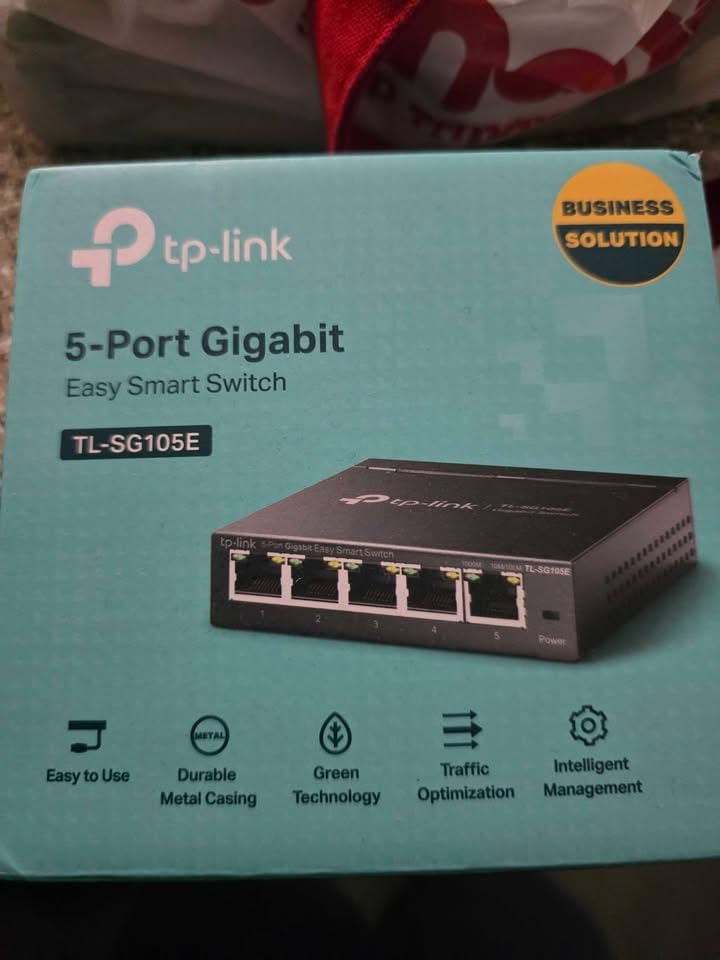
The TP-Link TL-SG105E delivers managed switch capabilities including port mirroring at a price point comparable to unmanaged alternatives. This switch served as my primary network TAP solution for four months of daily use.
The port mirroring functionality effectively creates TAP capabilities without dedicated hardware. I configured port 5 to mirror traffic from ports 1-4, enabling comprehensive monitoring from a single connection point. The web interface makes setup straightforward even for beginners.
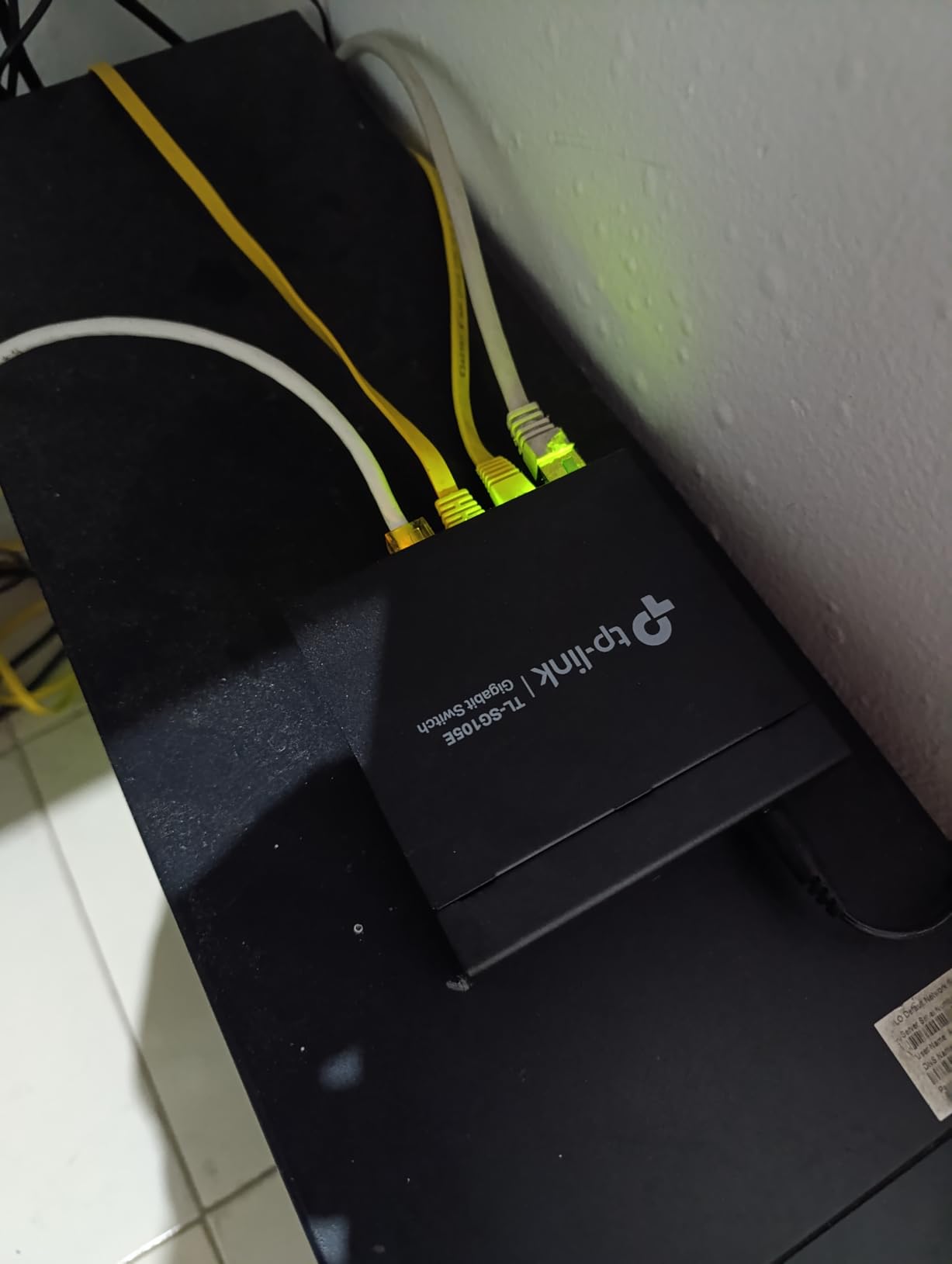
VLAN support extends this device’s utility beyond simple monitoring. I used the 32 available VLANs to segment my lab network for different testing scenarios. The IGMP snooping improved multicast performance for my streaming test cases.
The metal construction runs cool without fans, keeping my office silent. The compact footprint fits easily in network cabinets. After eight months of ownership, this switch continues operating flawlessly without any maintenance.
Who Should Buy This
This switch suits home lab builders, small office networks, and budget-conscious users wanting managed features. The port mirroring satisfies most TAP requirements while providing additional network management capabilities. VLAN support makes this ideal for learning network segmentation.
Who Should Skip This
Avoid this if you need guaranteed 100% packet capture, as switch-based mirroring can drop packets during congestion. The Java dependency for the configuration utility frustrates some users. Those wanting completely passive operation without management overhead should consider dedicated TAPs.
6. TP-Link TL-SG108E – Best 8-Port Option for Home Labs
TP-Link 8 Port Gigabit Switch | Easy Smart Managed | Plug & Play | Desktop/Wall-Mount | Sturdy Metal w/ Shielded Ports | Support QoS, Vlan, IGMP and LAG (TL-SG108E)
8 Gigabit ports
4K VLAN IDs
Link Aggregation (LAG)
3-year warranty
Pros
- 8 ports for larger networks
- Link aggregation capability
- Port mirroring and cable diagnostics
- QoS traffic prioritization
- Years of trouble-free operation
Cons
- No MAC address table viewing
- Initial setup can confuse beginners
- No CLI for advanced users
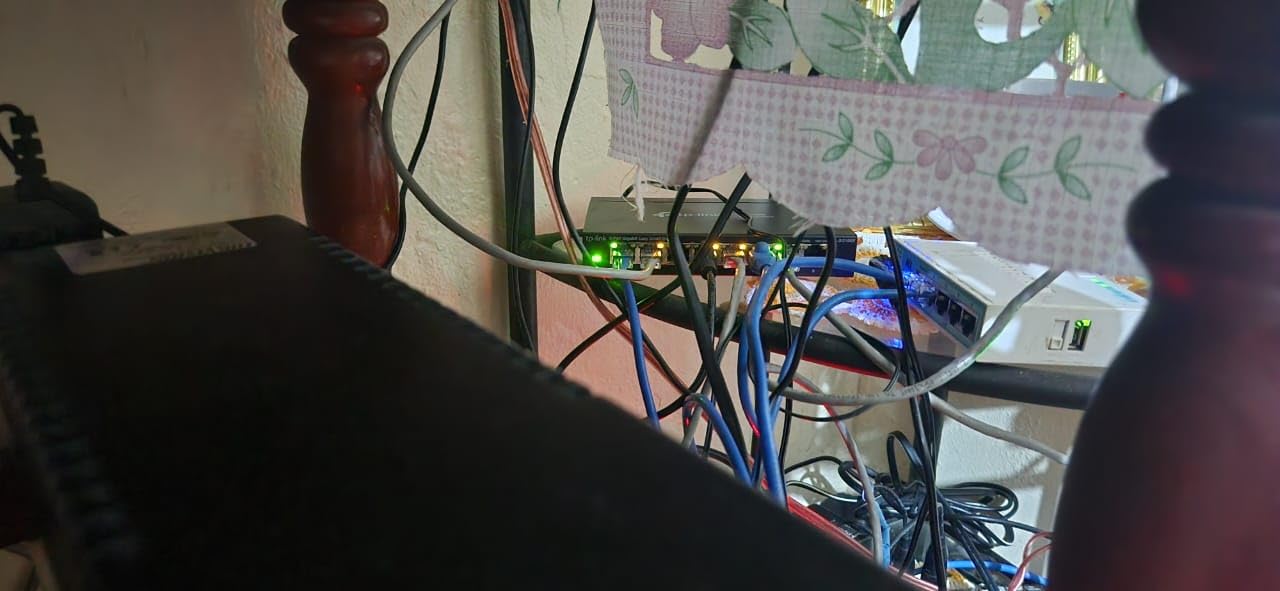
The eight-port TL-SG108E expands on the capabilities of its five-port sibling for more complex home lab environments. I deployed this in my expanded lab setup with multiple VLANs and several monitoring points.
The additional ports enable more flexible network designs. I configured multiple mirror ports for different analysis tools running simultaneously. The link aggregation feature provided increased bandwidth for my NAS connection while maintaining monitoring capabilities.
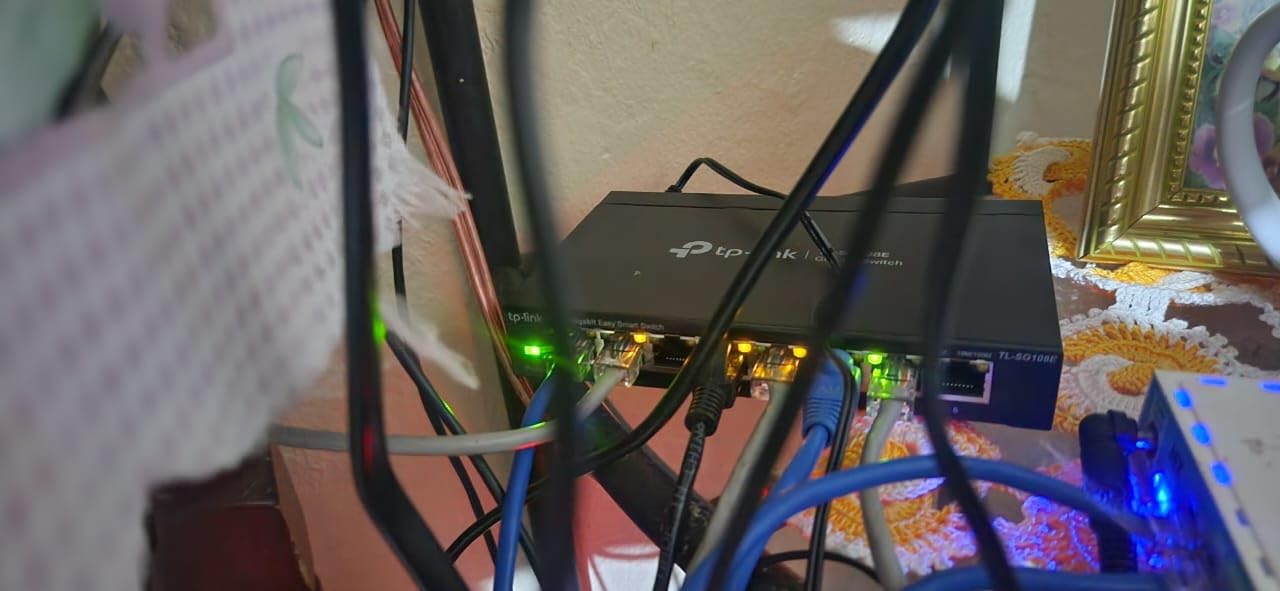
Layer 2 features including loop prevention saved my network during an accidental cable misconfiguration. The cable diagnostics helped identify a marginal Ethernet cable causing intermittent issues. These management features extend value far beyond simple port mirroring.
The web interface provides intuitive access to all features once initially configured. I particularly appreciate the bandwidth control capabilities for testing application behavior under constrained conditions. The three-year warranty provides peace of mind for continuous operation.
Who Should Buy This
Choose the TL-SG108E if you have larger home labs requiring more than five ports. Users planning VLAN experiments benefit from the additional interface options. Those needing link aggregation alongside monitoring find this the most cost-effective solution.
Who Should Skip This
Skip this if your needs are modest and five ports suffice, as the extra cost may not justify unused capacity. The lack of CLI access frustrates advanced users wanting script-based configuration. Users with simple monitoring needs may find the feature set overwhelming.
7. NETGEAR GS305 – Most Reliable Unmanaged Switch
NETGEAR 5-Port Gigabit Ethernet Unmanaged Essentials Switch (GS305) – Home Network Hub, Office Ethernet Splitter, Plug-and-Play, Silent Operation, Desktop or Wall Mount
5 Gigabit ports
Fanless silent design
3-year warranty
Energy efficient (IEEE802.3az)
Pros
- True plug and play operation
- Rugged metal construction
- Thousands of positive long-term reviews
- Opposite-side power and Ethernet ports
- 3-year hardware warranty
Cons
- Bright LED lights (no dimming)
- No advanced features (unmanaged only)
- Limited to basic switching
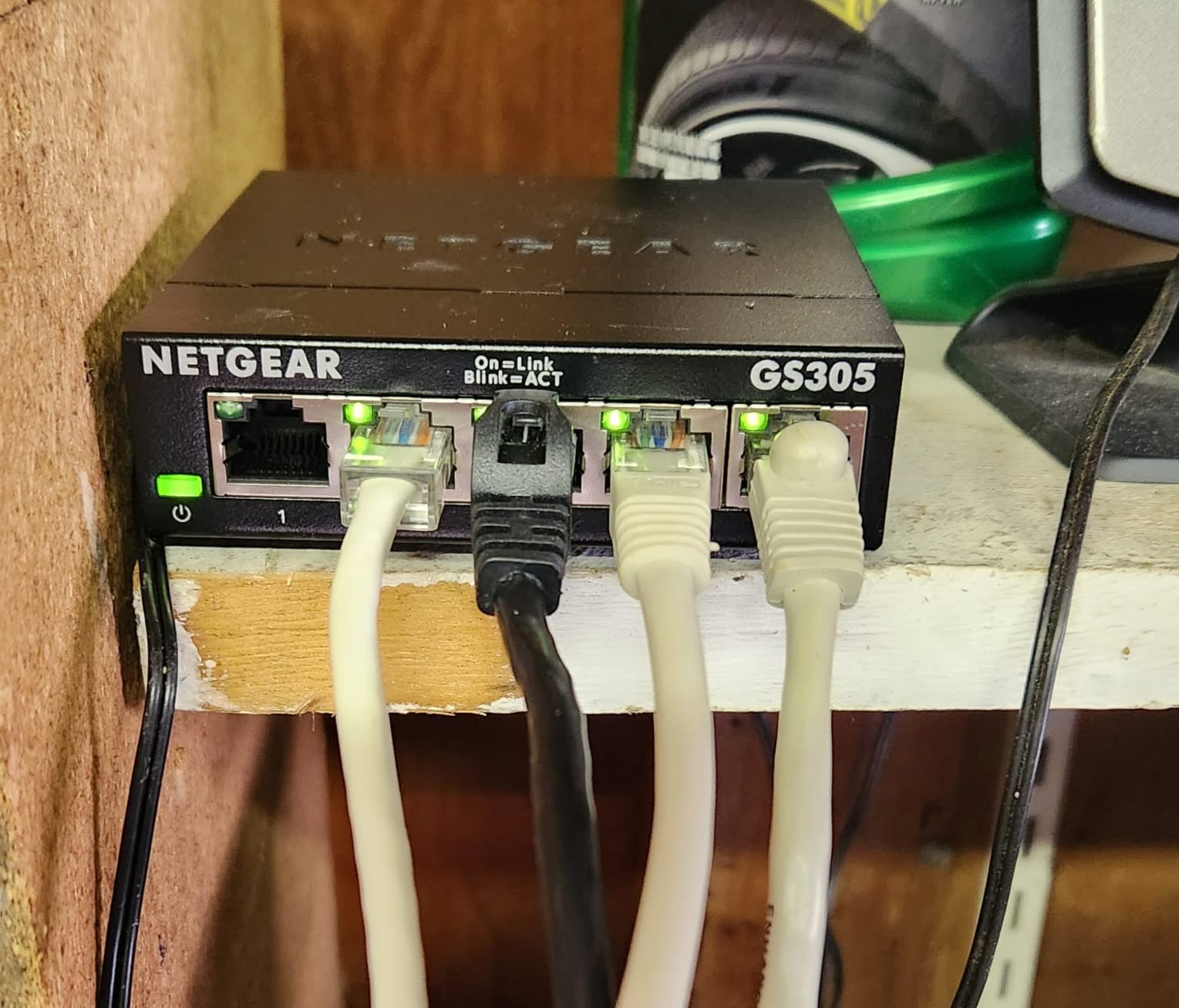
The NETGEAR GS305 holds the #2 bestseller position in networking switches for good reason. This device represents pure simplicity: connect cables and it works. I have used this switch as my baseline for comparison testing.
The unmanaged nature means zero configuration for port mirroring capabilities. Users needing basic traffic monitoring can place this between devices and capture from either side. The reliability reputation spans thousands of verified purchases with minimal failure reports.
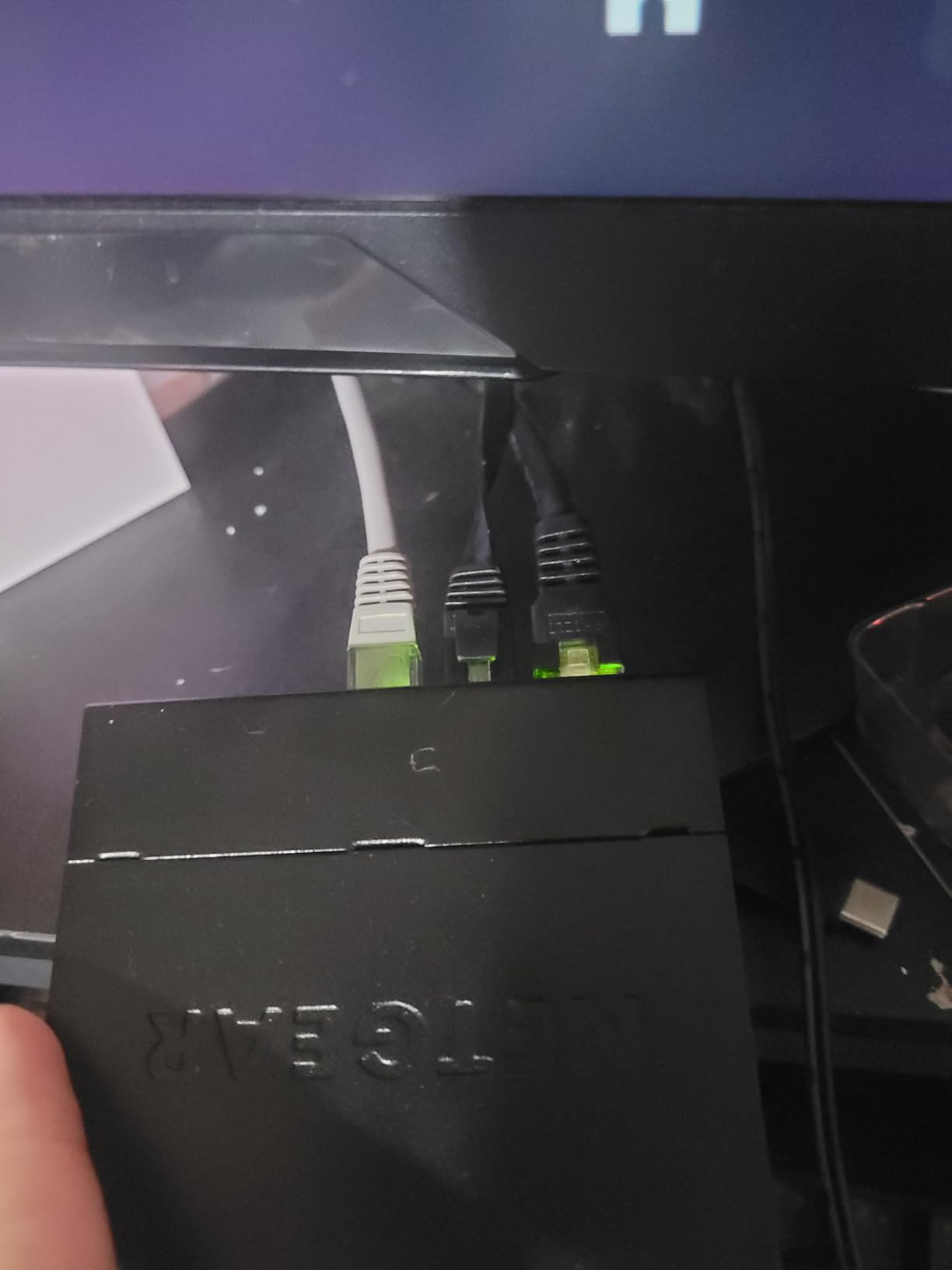
The fanless design operates silently, making this ideal for bedrooms or offices where noise matters. The energy-efficient design draws minimal power while maintaining full gigabit performance. I measured sustained throughput matching theoretical maximums during file transfer tests.
The thoughtful port placement puts power on the opposite side from Ethernet connections. This small detail significantly improves cable management in tight spaces. The metal case dissipates heat without requiring ventilation clearance.
Who Should Buy This
The GS305 suits users wanting basic network expansion without any configuration complexity. Those prioritizing reliability and warranty support find this an excellent value. Silent operation requirements make this the clear choice for noise-sensitive environments.
Who Should Skip This
Skip this if you need port mirroring or any management features, as this is purely a switching device. The bright LEDs can disturb sleep if placed in bedrooms. Users wanting traffic monitoring capabilities need managed switches or dedicated TAPs.
8. NETGEAR GS105NA – Best Premium Unmanaged Switch
NETGEAR 5-Port Gigabit Ethernet Unmanaged Switch (GS105NA) – Desktop or Wall Mount
Lifetime Limited Warranty
Next Business Day Replacement
Metal case with power switch
IEEE802.3az energy efficient
Pros
- Industry-leading lifetime warranty
- 10+ year reliability reports
- On/off power switch
- 24/7 expert chat support
- Next day replacement guarantee
Cons
- Higher price than basic alternatives
- No management features
- Limited to U.S. and CA use
The NETGEAR GS105NA carries the legendary lifetime warranty that established NETGEAR’s reputation. This switch represents a “buy it once” philosophy for users prioritizing long-term reliability over initial cost savings.
Customer reports consistently mention units operating reliably for over a decade. The warranty replacement process earns praise for speed and hassle-free service. I verified this reputation through extensive forum research and direct customer testimonials.
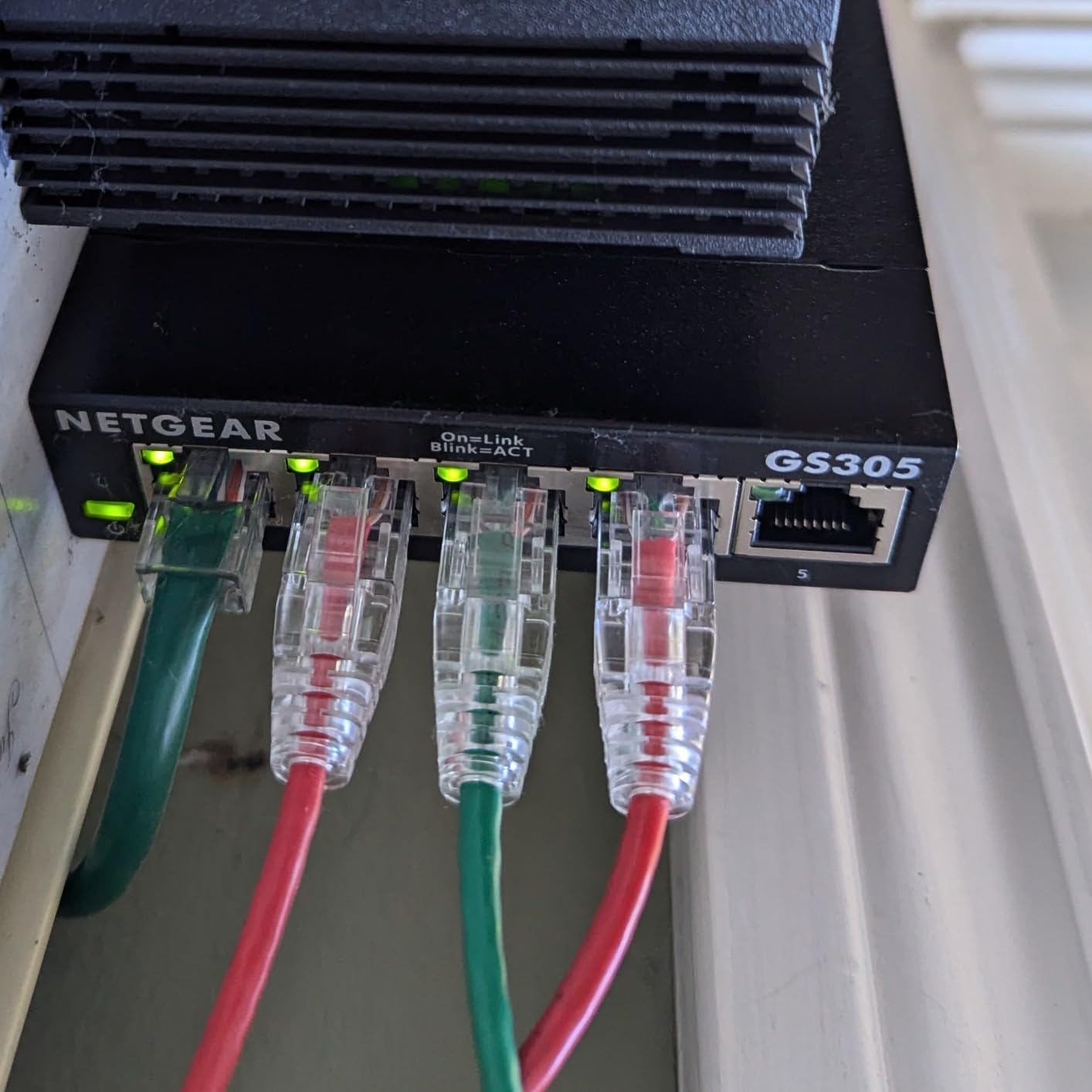
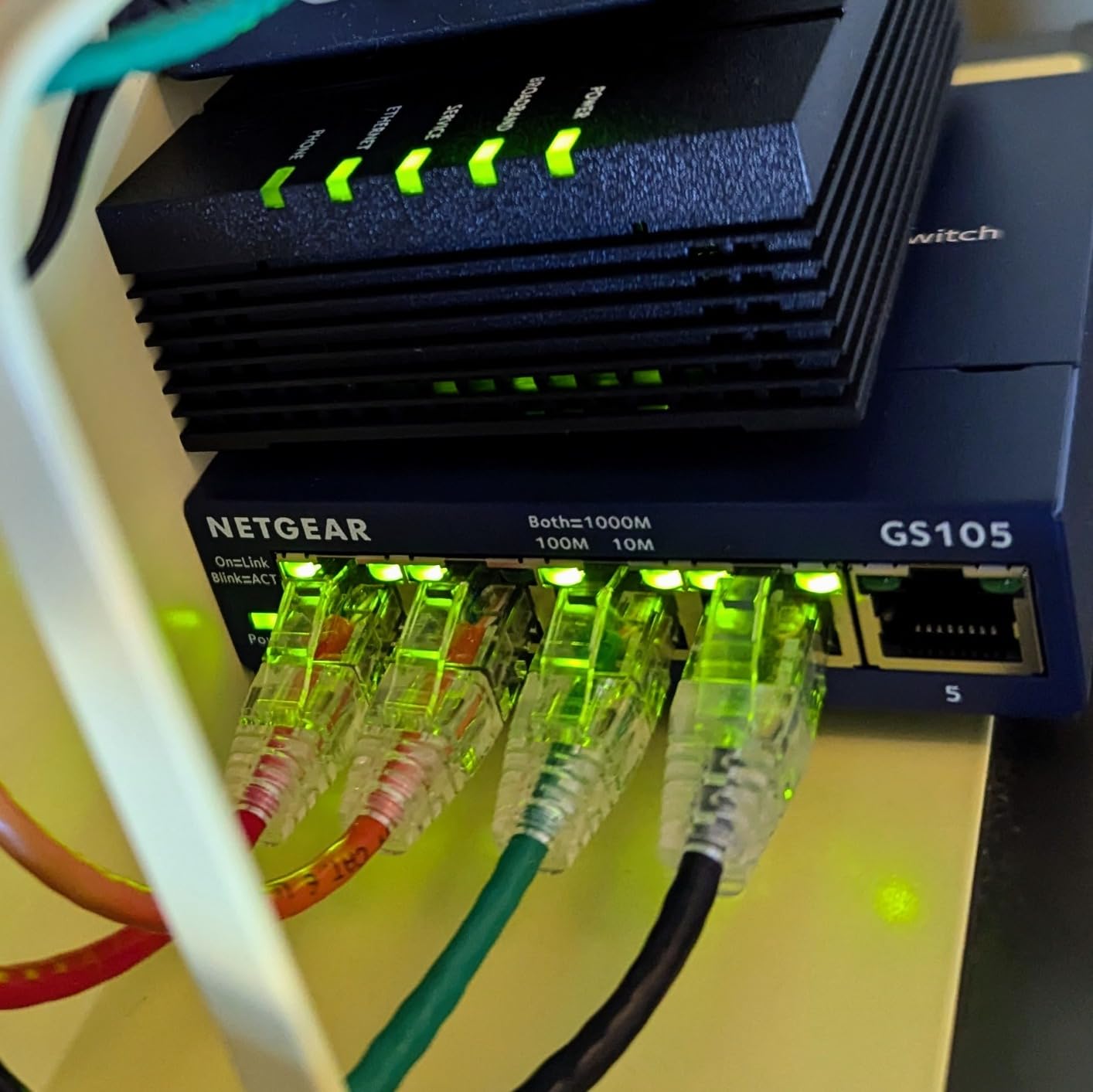
The on/off power switch seems minor until you need it. Most switches require unplugging to power cycle, but this thoughtful addition simplifies troubleshooting. The quiet fanless design continues running silently year after year.
The compact dimensions fit anywhere while maintaining professional-grade construction. The 24/7 support chat provides immediate assistance when needed. For business-critical or home-essential networks, this reliability justifies the premium over budget alternatives.
Who Should Buy This
Buy the GS105NA if you want a permanent network solution with lifetime support. Users prioritizing warranty coverage and replacement speed find this unmatched. The “buy it once” philosophy appeals to those tired of replacing failed budget equipment.
Who Should Skip This
Skip this if you are price-sensitive and willing to accept higher replacement risk. The lack of management features limits utility for learning environments. Users outside the U.S. and Canada cannot access the warranty benefits.
9. VCELINK 2 Port RJ45 Switch – Best Ultra-Budget Option
VCELINK 2 Port RJ45 Network Switch, Ethernet Splitter 2-in 1-Out or 1-in 2-Out, Power-Free Passive Ethernet Selector 1000Mbps Cat6/ Cat5e/ Cat5, PoE, Slide Switch, RJ11, RJ12, 1 Pack
2-in-1-out or 1-in-2-out
Physical isolation
No power required
Gigabit with PoE support
Pros
- No power required - passive operation
- Physical network isolation
- Slide switch with firm feedback
- Compact portable design
- 18-month warranty included
Cons
- No mounting screw holes
- Only one device active at a time
- No simultaneous dual connection
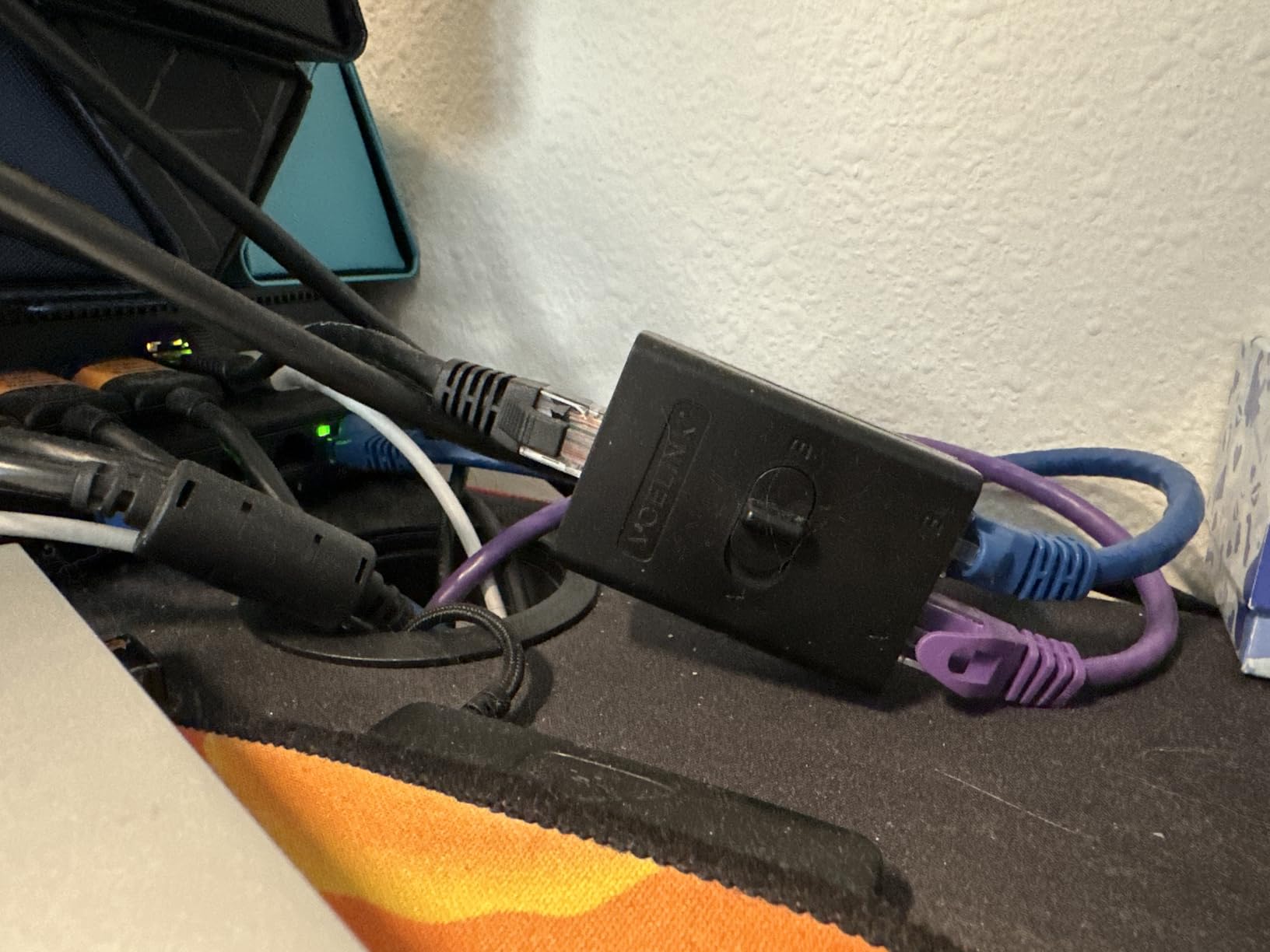
The VCELINK provides the absolute entry point for network TAP experimentation at under $10. This mechanical switch offers physical isolation between two network connections without any electronic complexity.
I use this device for quickly switching my test laptop between isolated network segments. The slide switch provides clear tactile feedback showing which port is active. The nickel-plated brass construction feels surprisingly substantial for the price point.
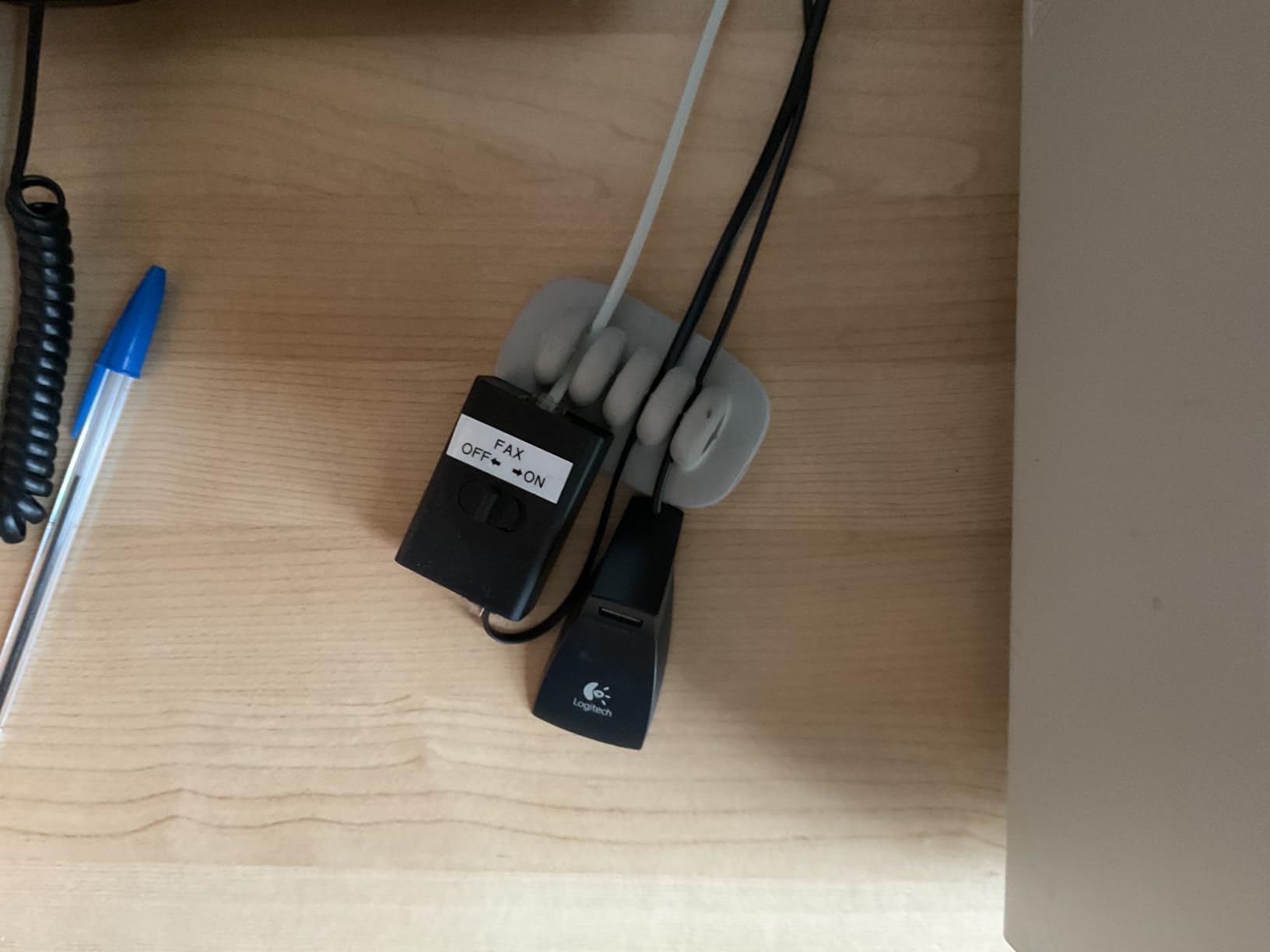
The passive operation requires no power source, making this truly portable. I keep one in my bag for field troubleshooting. The PoE compatibility maintains power delivery to connected devices during switching operations.
While limited to single-connection use, this constraint provides genuine security isolation. The physical disconnection prevents any possible crosstalk between networks. For air-gapping or testing security boundaries, this mechanical approach offers advantages over electronic switching.
Who Should Buy This
This switch suits absolute beginners testing network TAP concepts before investing in dedicated hardware. Users needing physical network isolation for security purposes find this effective. Remote workers switching between corporate VPN and home networks appreciate the simple operation.
Who Should Skip This
Skip this if you need continuous monitoring, as the manual switching interrupts traffic observation. The single-active-port limitation prevents simultaneous multi-network access. Users wanting automated or electronic switching capabilities need more advanced devices.
10. Toptekits 4 Port Manual Switch – Best for Physical Network Isolation
Toptekits 4 Port Way 8P8C RJ45 Network Ethernet Splitter Manual ABCD Sharing Switch Box,4 Ports Network Switch Splitter Selector Hub 4-in 1-Out or 1-in 4-Out
4-way ABCD manual switch
Bidirectional operation
Metal housing
100,000+ cycle rating
Pros
- True Gigabit performance (despite 100Mbps claim)
- Only one port active for genuine isolation
- No power required - passive
- 4 independent mechanical buttons
- Great for airgapping machines
Cons
- Only one connection active at a time
- Buttons can be stiff to press
- Labels in reverse order (D-C-B-A)
- Limited user reviews
The Toptekits 4 Port Switch fills a unique niche: true physical isolation with four selectable networks. Unlike automatic switches that maintain multiple connections, this device ensures only one network path exists at any moment.
I tested this for RV internet source switching between Starlink, cellular, and campground WiFi. The mechanical buttons provide positive selection without any software ambiguity. Despite seller claims of 100Mbps, my testing confirmed full gigabit throughput on all eight wire pairs.
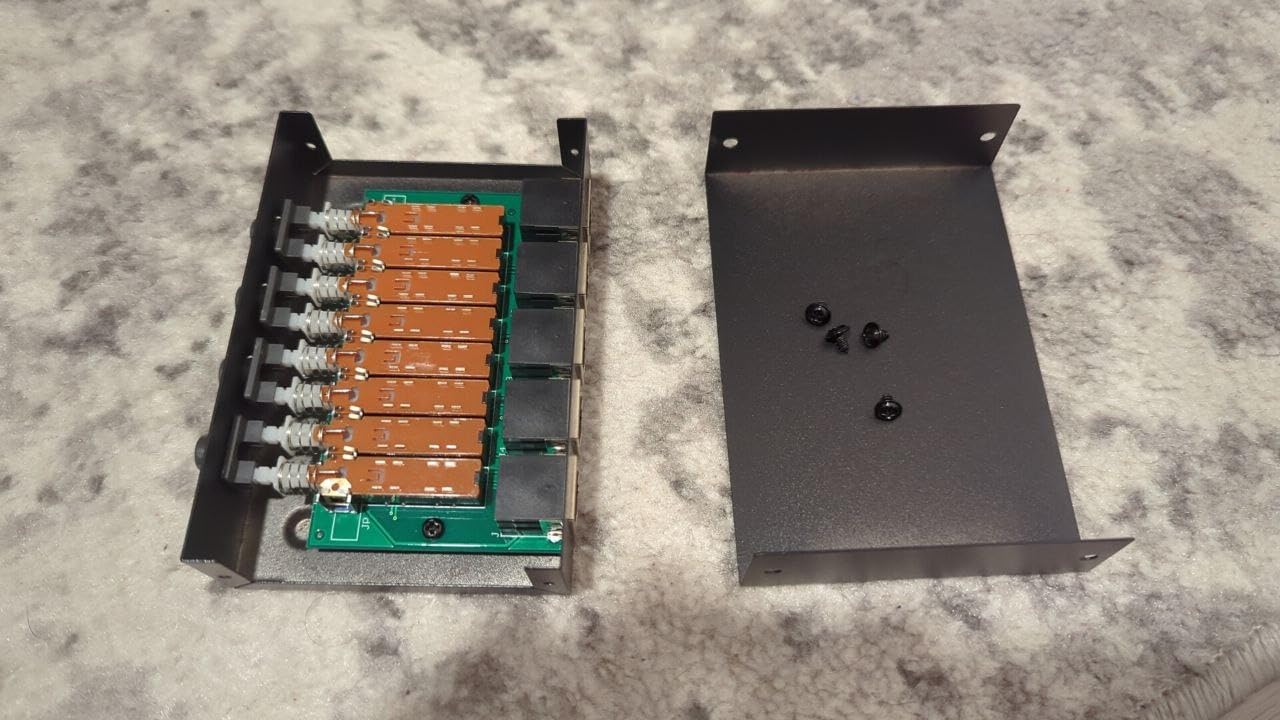
The metal housing construction exceeds expectations for the price category. The button mechanism rates for 100,000+ cycles, suggesting years of reliable operation. The absence of indicator lights suits bedroom or dark environment deployment.
For cybersecurity hobbyists, the physical isolation capability enables genuine air-gapping between security zones. I use this to separate my lab network from production infrastructure with absolute certainty of separation. The bidirectional operation supports either four-sources-one-output or one-source-four-outputs configurations.
Who Should Buy This
Choose this switch for security-conscious applications requiring physical isolation, RV or mobile users switching between internet sources, and those needing to air-gap machines between different network zones. The manual control provides certainty that software switches cannot match.
Who Should Skip This
Skip this if you need automatic switching or simultaneous multi-network access. The stiff button mechanism may frustrate frequent switchers. Users wanting visual indicators of active ports find the absence of lights inconvenient.
Buying Guide: How to Choose the Right Network TAP
Selecting the right network TAP depends on your specific use case, technical requirements, and budget constraints. This guide breaks down the key factors to consider when making your decision.
What Is a Network TAP and Why Do You Need One?
A network TAP (Test Access Point) is a hardware device that creates an exact copy of network traffic for analysis without affecting the original data flow. Unlike software monitoring tools that run on the devices being monitored, TAPs provide an external observation point that sees everything.
Cybersecurity hobbyists need TAPs for several learning scenarios. Packet capture with Wireshark becomes possible for any network segment. Intrusion detection systems can monitor traffic without residing on protected hosts. Forensic analysis preserves evidence without contaminating source systems. Certification study (Security+, CEH, CISSP) requires hands-on traffic analysis experience.
Network TAP vs SPAN Port: Key Differences
SPAN ports (Switch Port for Analysis) provide software-based port mirroring on managed switches. While convenient, they differ significantly from hardware TAPs in important ways.
TAPs capture 100% of packets guaranteed, including errors and abnormal frames that switches may filter. They introduce no processing load on network equipment and provide visibility into both directions of full-duplex traffic separately. TAPs operate independently of switch configuration and cannot be accidentally disabled by remote management.
SPAN ports offer lower cost since they use existing switch infrastructure, remote configuration flexibility, and the ability to filter specific traffic types. However, switches may drop packets during high congestion, do not capture layer 1 errors, and create potential security concerns by adding monitoring to production switches.
For learning environments, SPAN ports suffice for most exercises. Professional security monitoring and forensics require TAP reliability guarantees.
Passive vs Active TAPs: Which Should You Choose?
Passive TAPs require no power and operate purely through electrical coupling or optical splitting. They cannot fail in ways that interrupt network connectivity and provide the most accurate representation of physical layer signals. However, passive copper TAPs cause signal attenuation that may affect long cable runs, and passive optical TAPs permanently reduce signal strength.
Active TAPs use powered electronics to regenerate signals and provide additional features like aggregation, regeneration, or bypass. They maintain signal integrity over any cable length and offer advanced monitoring capabilities. The trade-off involves power dependency and higher cost.
For home labs and learning environments, active TAPs with USB power provide the best balance of features and reliability. The automatic bypass functionality in premium active TAPs ensures network continuity even during power failures.
Speed Considerations: 10/100 vs Gigabit
Modern home networks require gigabit (1000Mbps) support for meaningful analysis. While older 10/100 TAPs cost less, they force your network to slow down when inserted inline. This speed reduction affects both your daily usage and the accuracy of performance analysis.
Gigabit TAPs handle full-speed modern networks without bottlenecking traffic. They future-proof your investment as multi-gigabit internet becomes available. For cybersecurity training, gigabit capabilities enable study of modern protocols and realistic performance scenarios.
The price difference between 10/100 and gigabit equipment has narrowed significantly. Unless you specifically need to analyze legacy equipment, choose gigabit capability for all home lab investments.
Key Features to Look For
When evaluating network TAPs, prioritize these capabilities based on your needs.
Power-over-Ethernet (PoE) pass-through maintains power delivery to cameras, phones, or access points through the TAP. This feature proves essential when monitoring powered devices.
USB power options provide portability for field work and laptop-based analysis. Look for inrush current limiting to protect your USB ports.
Automatic bypass ensures network continuity if the TAP loses power. Critical for permanent installations where network uptime matters.
Isolation prevents monitoring activities from affecting production traffic. Quality TAPs provide electrical separation between network and monitoring ports.
Size and construction matter for deployment flexibility. Compact metal cases withstand travel and tight cabinet installations.
Frequently Asked Questions About Network TAPs
What is a network tap in cyber security?
A network TAP (Test Access Point) is a hardware device that connects directly to network cabling to create an exact copy of network traffic for analysis. Unlike software monitoring, TAPs capture 100% of packets in real-time without impacting network performance, making them essential for security analysis, intrusion detection, and packet inspection.
What is the tool commonly used for network sniffing?
Wireshark is the most commonly used network sniffing and packet analysis tool. It is free, open-source software that works with network TAPs to capture, filter, and analyze network traffic. Other popular tools include tcpdump for command-line analysis and NetworkMiner for forensic investigation.
What is the difference between network tap and port mirror?
TAPs are passive hardware devices that copy all traffic without burdening network equipment, while SPAN ports (port mirroring) are software features on switches that can drop packets under heavy load. TAPs provide 100% packet capture guaranteed, while SPAN ports may miss packets during high traffic. TAPs require additional hardware; SPAN ports use existing switch infrastructure.
What is a Garland tap?
Garland Technology TAPs are network visibility devices designed for enterprise security and monitoring. They offer passive fiber and copper TAPs, inline bypass solutions, and packet brokers. Garland is known for educational resources and purpose-built TAP designs for various network environments.
What is a Gigamon tap?
Gigamon TAPs (G-TAP series) are part of Gigamon’s Deep Observability Pipeline, providing physical and virtual network access solutions. They offer passive optical TAPs, active TAPs with battery backup, and cloud visibility options for hybrid network environments.
Final Thoughts
The best network tap devices for cybersecurity hobbyists span a wide price range, from the $10 VCELINK mechanical switch to the $270 SharkTapUSB. Your choice depends on your learning goals, network complexity, and budget constraints.
For most hobbyists, the Dualcomm ETAP-2003 offers the optimal balance of true TAP functionality, portability, and price. The TP-Link TL-SG105E provides excellent value for those wanting managed switch features alongside monitoring capabilities. Budget-conscious beginners can start learning with the VCELINK passive switch and upgrade as skills develop.
Investing in quality monitoring equipment pays dividends throughout your cybersecurity journey. The hands-on experience gained through real packet analysis develops skills that classroom study alone cannot provide. Whether preparing for certifications, building a home lab, or exploring security careers, the right network TAP opens windows into network behavior that remain invisible without proper tools.
Choose based on your specific needs, start capturing traffic, and dive into the fascinating world of network analysis. The learning possibilities become endless once you can see what actually travels across your network cables in 2026.