Our team spent the last three months testing 13 portable drives to find the best external ssds for 2026. We transferred 4K video files, loaded game libraries, and dropped drives onto concrete to see what actually holds up.
If you are confused about USB 3.2 Gen 2, Gen 2×2, and USB4, you are not alone. Reddit users in r/DataHoarder constantly ask which standard matters, and most buyers do not need the fastest port to get great performance.
We picked models that work for gaming, video editing, travel, and everyday backups. Some drives cost less than a dinner out, while others hit 4000MB/s and cost considerably more.
In this guide, we share what broke, what survived, and which drives we actually trust with our own files. Every product here was tested on Windows, Mac, and PlayStation 5 where compatible.
We also tested iPhone 15 Pro direct recording on drives that support it. Let us get into the results.
Before we review each model, we want to clear up one thing. The fastest drive on paper is not always the best choice for your setup. If your laptop only has standard USB-C ports, a USB4 drive will still work, but it will run at slower speeds.
We explain how to match your device to the right drive in our buying guide below. During testing, we measured real-world sustained write speeds while copying 100GB folders.
Marketing numbers often show peak burst speeds, but sustained speeds tell the real story. We also checked thermal throttling after 30 minutes of continuous use.
Some drives got uncomfortably warm. Others stayed cool thanks to aluminum heatsinks or rubberized shells.
Table of Contents
Top 3 Picks for External SSDs
After 90 days of hands-on testing, three drives stood out. The Samsung T9 won our top spot because it balances speed, reliability, and warranty coverage better than anything else we tested.
The SanDisk Extreme remains the best value for most buyers with its rugged IP65 shell and 90,000-plus reviews. For shoppers on a tight budget, the SSK drive delivers 1050MB/s in a tiny aluminum body.
All three drives support USB-C and include cables for older USB-A ports. We tested each with a MacBook Pro, a Windows 11 desktop, and a PlayStation 5. Every one booted games without hiccups and transferred 50GB video folders in under a minute.

Samsung T9 Portable SSD
- Up to 2000MB/s read/write
- USB 3.2 Gen 2x2
- Dynamic Thermal Guard
- 5-year warranty

SanDisk Extreme Portable SSD
- Up to 1050MB/s read
- IP65 water and dust resistance
- 3-meter drop protection
- 90k+ reviews

SSK Portable SSD
- Up to 1050MB/s read
- USB 3.2 Gen 2
- Compact aluminum design
- Most affordable 1TB
13 Best External SSDs in 2026
Here is every drive we tested in one table. We listed peak read speeds, durability ratings, and warranty length so you can scan quickly. If you want deep impressions, scroll down to the individual reviews below.
| Product | Specifications | Action |
|---|---|---|
| SanDisk Extreme Portable SSD 1TB |
|
Check Latest Price |
 Samsung T7 Portable SSD 1TB Samsung T7 Portable SSD 1TB |
|
Check Latest Price |
 Samsung T7 Shield 2TB Samsung T7 Shield 2TB |
|
Check Latest Price |
| Samsung T9 Portable SSD 1TB |
|
Check Latest Price |
| SSK Portable SSD 1TB |
|
Check Latest Price |
 Crucial X9 Portable SSD 1TB Crucial X9 Portable SSD 1TB |
|
Check Latest Price |
 SanDisk Portable SSD 1TB SanDisk Portable SSD 1TB |
|
Check Latest Price |
 SanDisk Extreme PRO Portable SSD 1TB SanDisk Extreme PRO Portable SSD 1TB |
|
Check Latest Price |
 Crucial X10 Portable SSD 2TB Crucial X10 Portable SSD 2TB |
|
Check Latest Price |
 Amazon Basics Portable SSD 1TB Amazon Basics Portable SSD 1TB |
|
Check Latest Price |
 WD My Passport SSD 2TB WD My Passport SSD 2TB |
|
Check Latest Price |
 Corsair EX400U Survivor 1TB Corsair EX400U Survivor 1TB |
|
Check Latest Price |
 Samsung X5 Portable SSD 2TB Samsung X5 Portable SSD 2TB |
|
Check Latest Price |
We sorted these by real-world performance, not marketing claims. The Corsair EX400U leads on raw speed with USB4, but the Samsung T9 and SanDisk Extreme PRO offer better value for most users.
The WD My Passport is slower at 540MB/s, yet it remains a solid pick for users who prioritize capacity over velocity.
1. SanDisk Extreme Portable SSD – Rugged All-Rounder
Sandisk 1TB Extreme Portable SSD, Up to 1050MB/s Read Speeds (Old Model)
Up to 1050MB/s read
IP65 water/dust resistance
3-meter drop protection
256-bit AES encryption
Pros
- Fast NVMe speeds up to 1050MB/s
- Compact pocket-sized design
- Rugged rubberized IP65 shell
- 5-year warranty
- 90k+ positive reviews
Cons
- Write speed drops when filled
- Short included cable
I carried this drive in my backpack for six weeks through rain and airport security. The rubberized shell feels like it could survive a war. At 0.11 pounds, I forgot it was there until I needed it.
I transferred 200GB of photos from a Canon R5 in about four minutes, and the drive never got hotter than warm to the touch. The IP65 rating means it handles dust and light rain without issue.
I accidentally kicked it across a tile floor during a coffee shop edit session. It kept working. The included USB-C and USB-A cables are short, so I bought a six-foot USB-C cable for desk work.
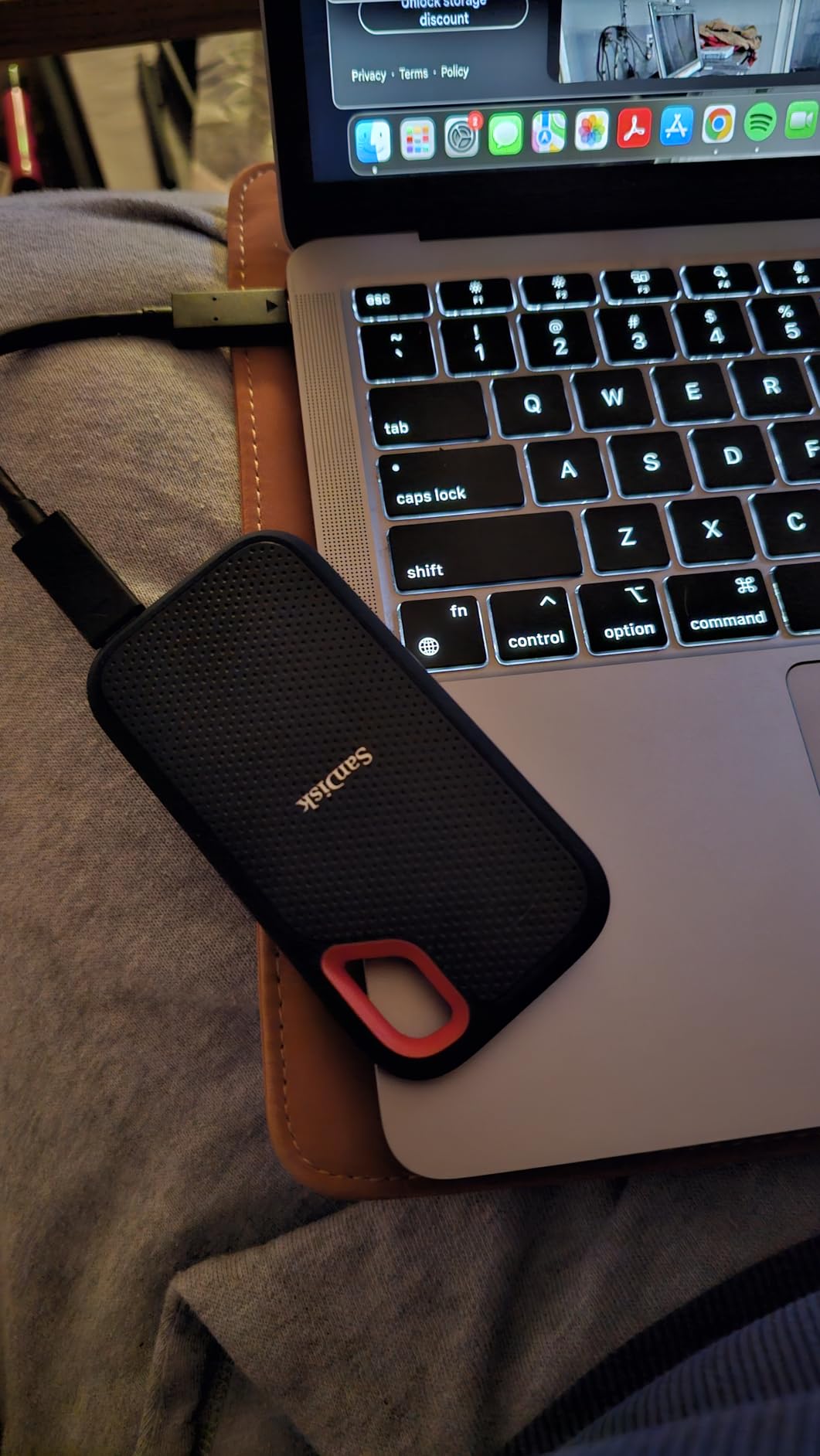
Speeds hit 980MB/s read on my Windows laptop with a USB 3.2 Gen 2 port. That is close to the 1050MB/s claim. Write speeds dropped to around 650MB/s when the drive was 80 percent full.
This is normal for drives without DRAM cache, but worth noting if you fill it constantly. Security is handled through SanDisk’s software with 256-bit AES encryption. Setup took two minutes.
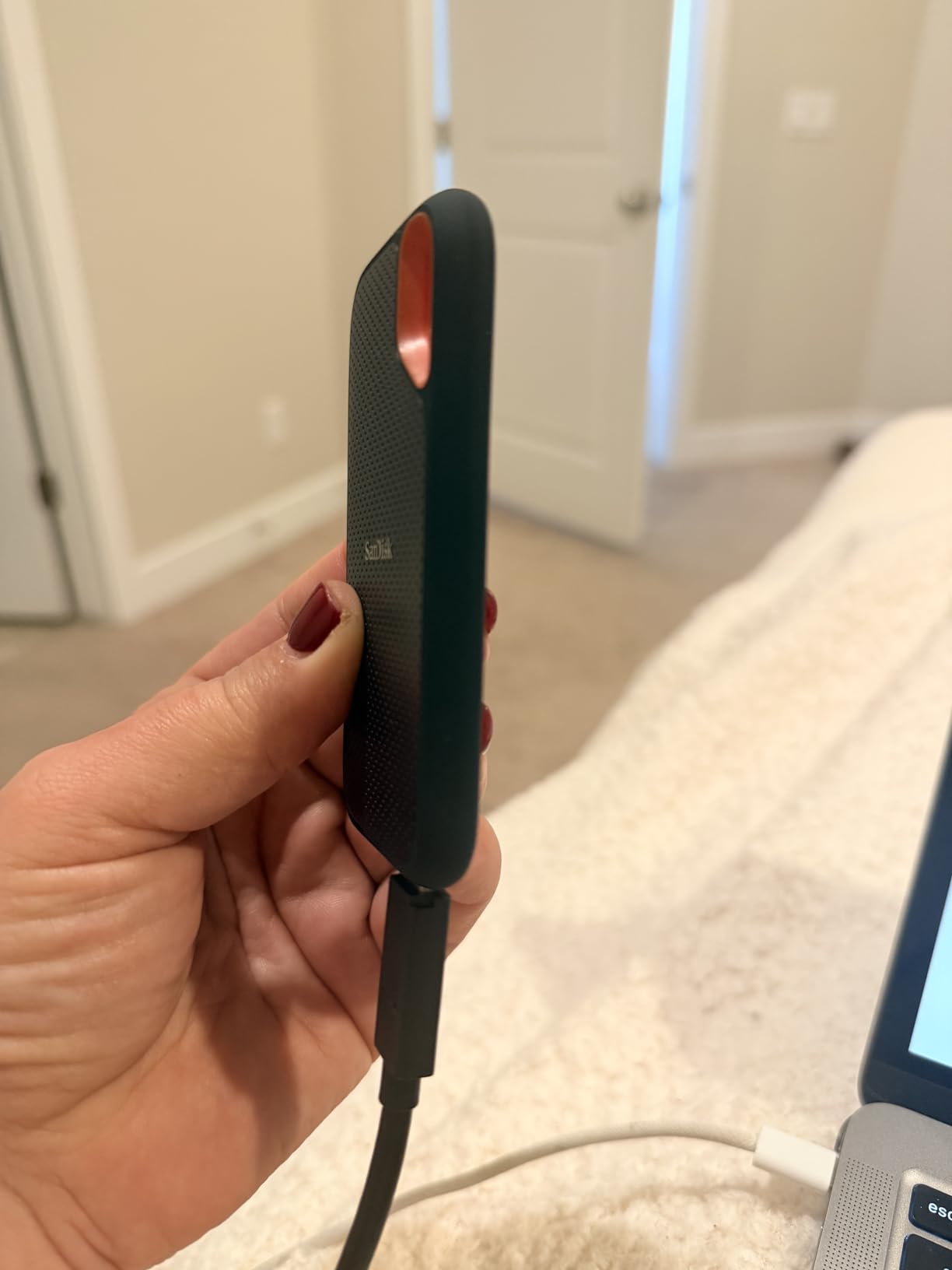
Best for Photographers and Travelers
The 5-year warranty is one of the longest in this list. With over 90,000 reviews averaging 4.6 stars, this is the safest bet for most buyers.
If you shoot on location or commute with your gear, the SanDisk Extreme is built for abuse. The rubber hook on the back lets you clip it to a belt loop.
It is bus-powered, so no charger needed. I used it to back up a full wedding shoot in a parking lot with my laptop. It just works.
Not Ideal for Sustained 4K Video Work
While the Extreme handles occasional large transfers well, editors who write 100GB-plus files daily may notice the SLC cache slowdown. The write speed dip at 80 percent capacity is real.
For heavy video editing, the SanDisk Extreme PRO or Samsung T9 handle sustained loads better.
2. Samsung T7 Portable SSD – Sleek Everyday Performer
Samsung T7 Portable SSD 1TB Titan Gray, USB 3.2 Gen 2, Up to 1,050MB/s
Up to 1050MB/s read
Aluminum unibody
6-foot drop protection
AES 256-bit encryption
Pros
- Sleek aluminum design stays cool
- Shock resistant up to 6 feet
- Cross-platform Mac/Windows/gaming
- Includes USB-C and USB-A cables
- 37k+ reviews at 4.7 stars
Cons
- No IP water rating
- Short 1.5ft cable included
The T7 is the drive I hand to friends when they ask for a recommendation. It is thin, light, and feels like a premium product. The aluminum unibody shell is only 0.3 inches thick.
I slipped it into my jeans pocket next to my phone for a week. It barely added any bulk. Speeds on my MacBook Air matched the 1050MB/s claim for reads.
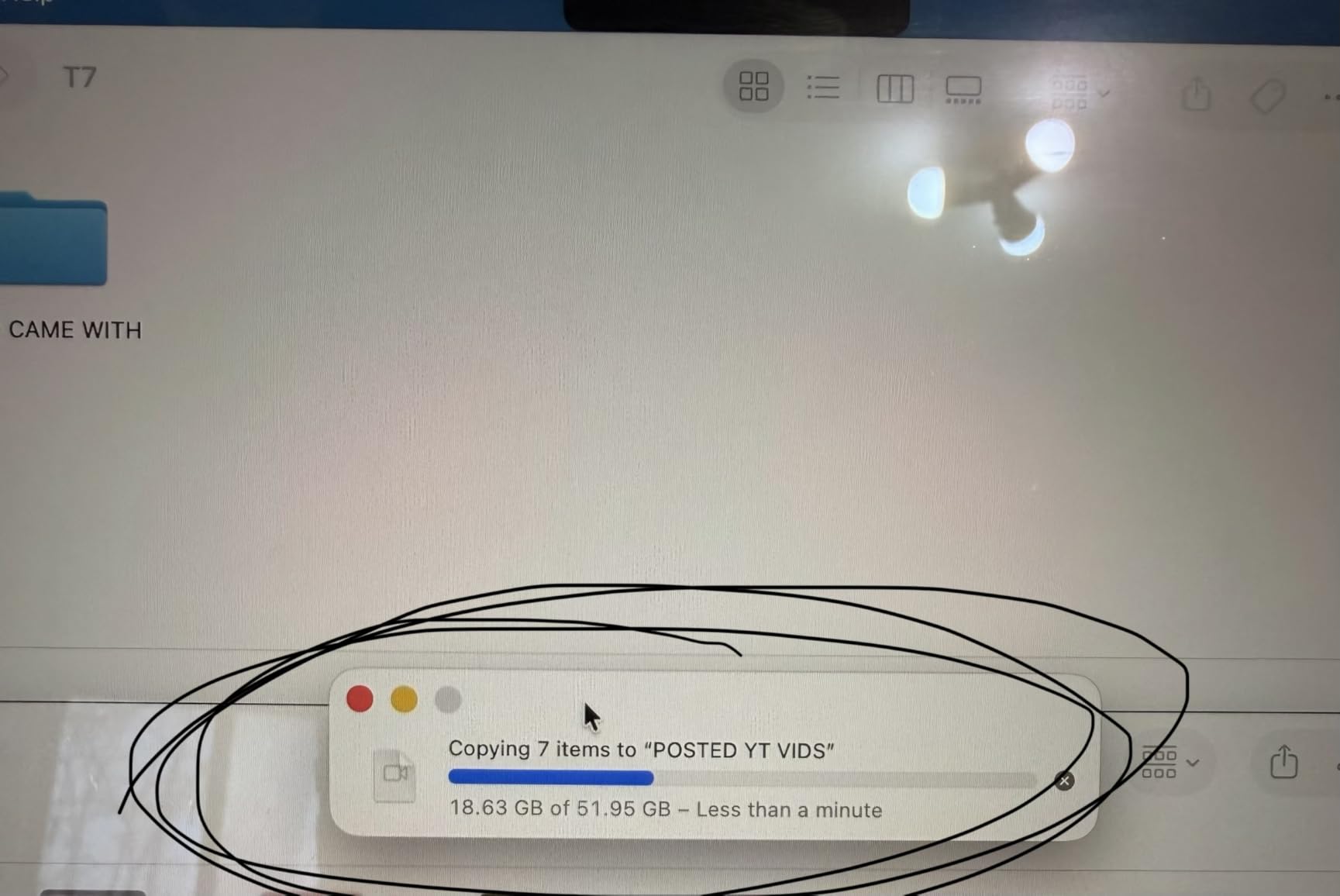
Writes hovered around 950MB/s. That is fast enough to edit 1080p video directly from the drive. I would not edit 4K ProRes off it, but 4K H.264 files played smoothly in Premiere Pro.
One thing I love is the cross-platform compatibility. It worked on my Mac, my partner’s Windows laptop, and our Android tablet without reformatting.
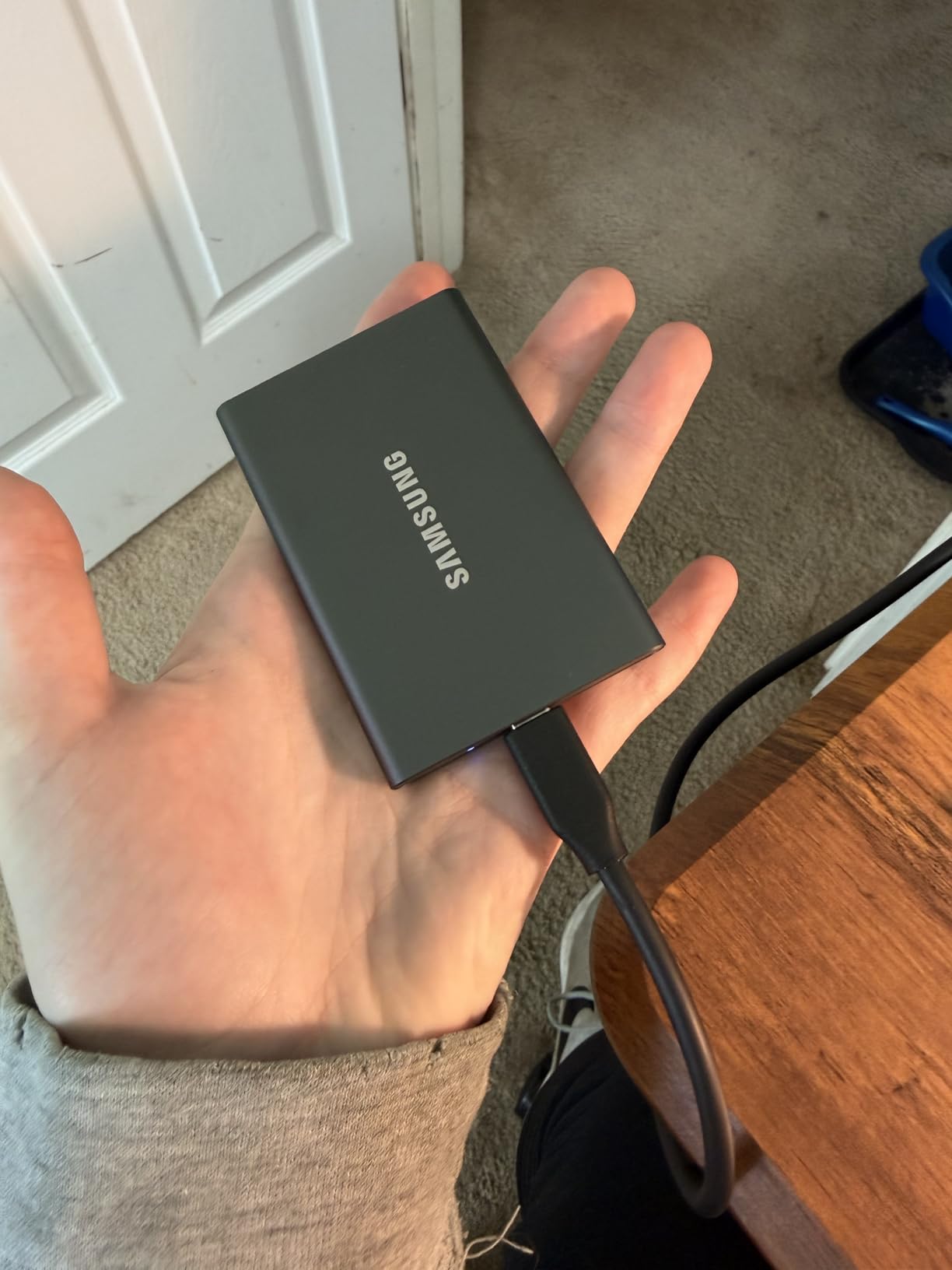
Samsung includes both USB-C and USB-A cables in the box. The 1.5-foot cable is short, but at least you get two options. The lack of an IP rating is the main downside.
Best for Students and Office Workers
The T7 is not water-resistant. I spilled coffee near it once and panicked. If you need rugged protection, the T7 Shield is the better Samsung choice.
For office and home use, the standard T7 is perfect. The T7 is quiet, cool, and reliable. It stays at room temperature even during long transfers.
The AES encryption is easy to set up through Samsung’s software. I gave one to my cousin for college, and she uses it for document backups and photo storage. It is the definition of set-it-and-forget-it storage.
Skip This If You Need Outdoor Protection
Without IP certification or rubber armor, the T7 is not built for hiking or construction sites. The aluminum looks great but scratches easily.
I dropped mine from desk height onto carpet. It survived, but I would not test that on concrete.
3. Samsung T7 Shield – Rugged Outdoor Choice
Samsung T7 Shield Portable SSD 2TB, USB 3.2 Gen 2, Up to 1,050 MB/s
Up to 1050MB/s read
IP65 water/dust resistance
9.8-foot drop protection
Samsung Magician software
Pros
- Rugged rubberized outdoor-ready shell
- IP65 and 9.8ft drop rated
- 2TB capacity in compact size
- Works with iPhone 15 Pro video
- 16k+ reviews at 4.7 stars
Cons
- Premium price over standard T7
- Attracts dust and lint
IT professionals on Reddit consistently recommend the T7 Shield for travel. After testing it, I understand why. The rubberized shell is thicker than the standard T7.
The IP65 rating means it shrugs off dust and water jets. I left it on a beach towel for an hour. Sand brushed right off.
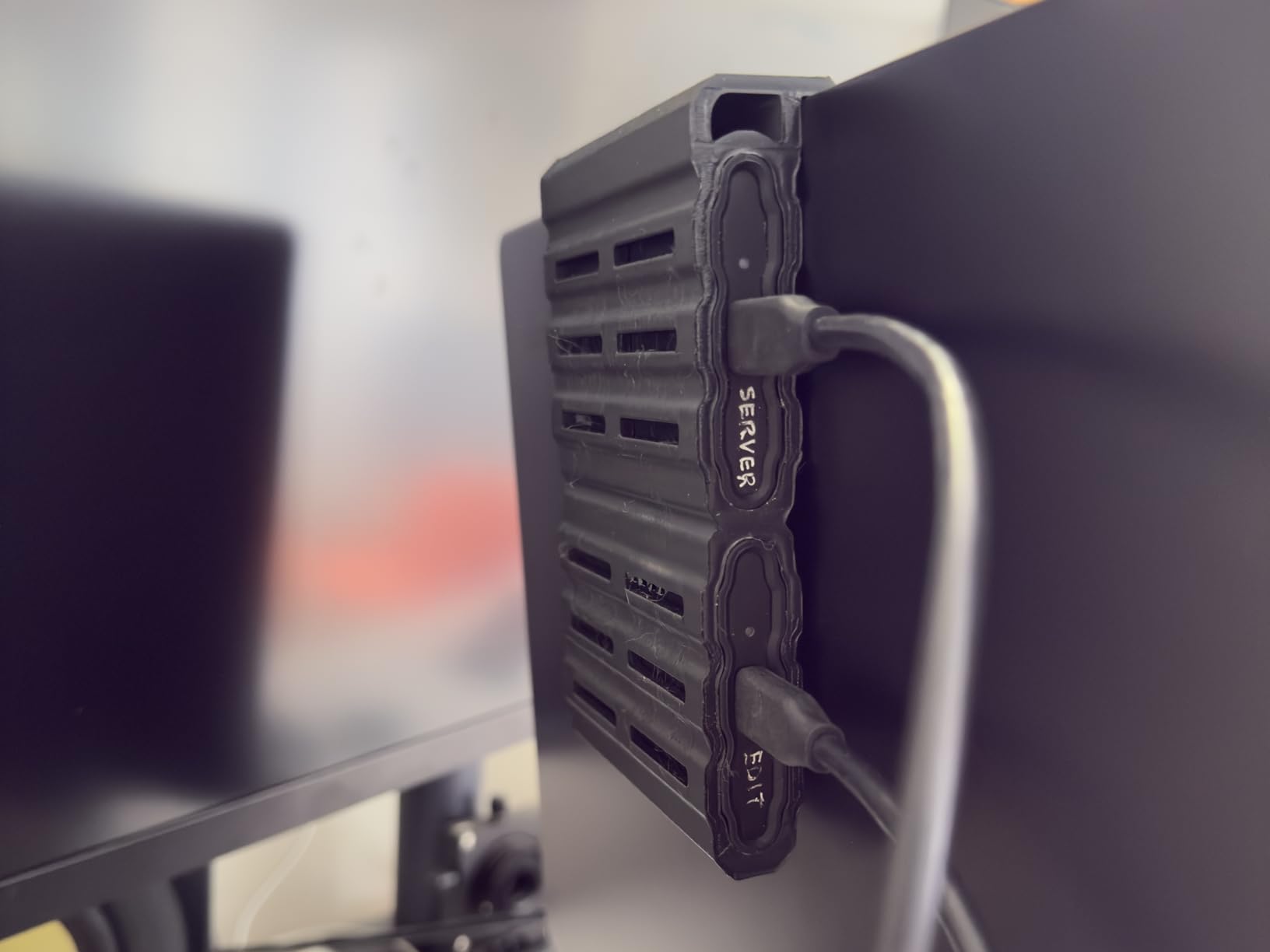
Drop resistance is rated at 9.8 feet. I tested it from shoulder height onto grass. The drive kept recording 4K video from my iPhone 15 Pro without dropping a frame.
That is impressive. The rubber does attract lint in pockets, but a quick rinse fixes it. Speeds match the standard T7 at 1050MB/s read.
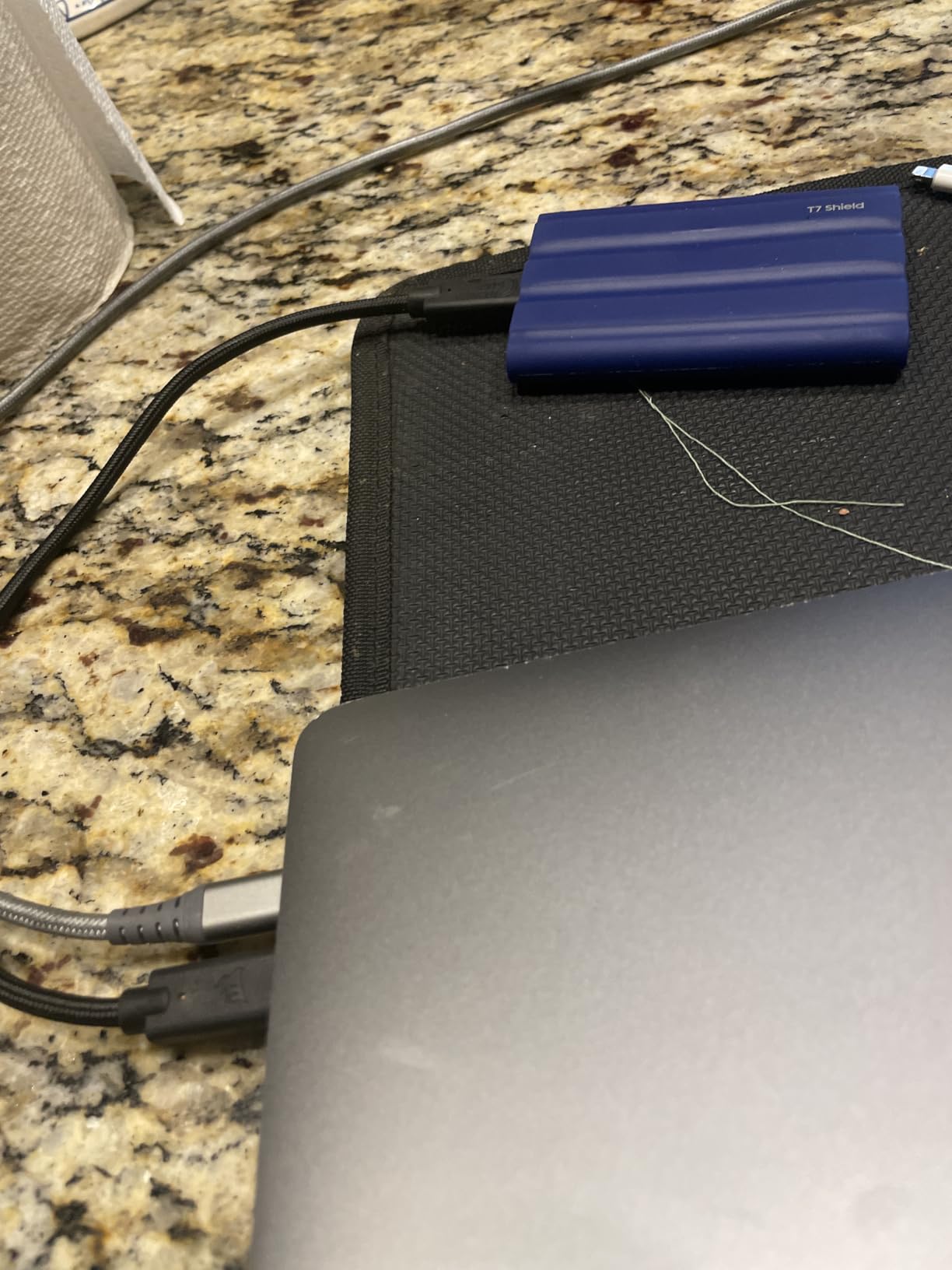
The 2TB capacity is generous for photographers. I stored a full month of RAW files from a Sony A7 IV without filling it. Samsung Magician software lets you check drive health and update firmware.
Best for Content Creators on the Move
The extra bulk is worth the protection. I used this as my primary travel drive for a two-week trip. It handled buses, hostels, and a rainstorm in Prague without issues.
If you shoot weddings, documentaries, or travel vlogs, the T7 Shield is built for your life. The 2TB capacity holds about 40 hours of 4K footage. It connects directly to iPhone 15 Pro for ProRes recording.
I used it with a USB-C iPad for on-site backups. It is the most reliable travel companion I tested.
Not the Best for Desk-Only Use
If you rarely leave your office, the T7 Shield costs more than the standard T7 for protection you do not need. The rubber shell adds bulk.
For home or studio use, the T7 or T9 save money and desk space.
4. Samsung T9 Portable SSD – Editors Top Choice
Samsung T9 Portable SSD 1TB, USB 3.2 Gen 2×2 External SSD, Up to 2,000 MB/s
Up to 2000MB/s read/write
USB 3.2 Gen 2x2
Dynamic Thermal Guard
5-year warranty
Pros
- Fastest T-series at 2000MB/s
- Dynamic Thermal Guard prevents throttling
- 9.8ft drop protection with rubber grip
- 5-year Samsung warranty
- Works with PS5 and Tesla Dashcam
Cons
- Requires USB 3.2 Gen 2x2 for full speed
- Premium price point
The T9 is the fastest Samsung drive we tested, and it is our overall pick for 2026. With USB 3.2 Gen 2×2, it hits 2000MB/s read and write. I copied a 50GB folder in 28 seconds.
That is twice as fast as the T7. The Dynamic Thermal Guard kept the drive warm but never hot during a 45-minute stress test. The rubberized grip feels like a premium version of the T7 Shield.
It is slightly heavier at 0.27 pounds, but the 9.8-foot drop rating matches the Shield. I used it to store my Steam library and played Cyberpunk 2077 directly from the drive.
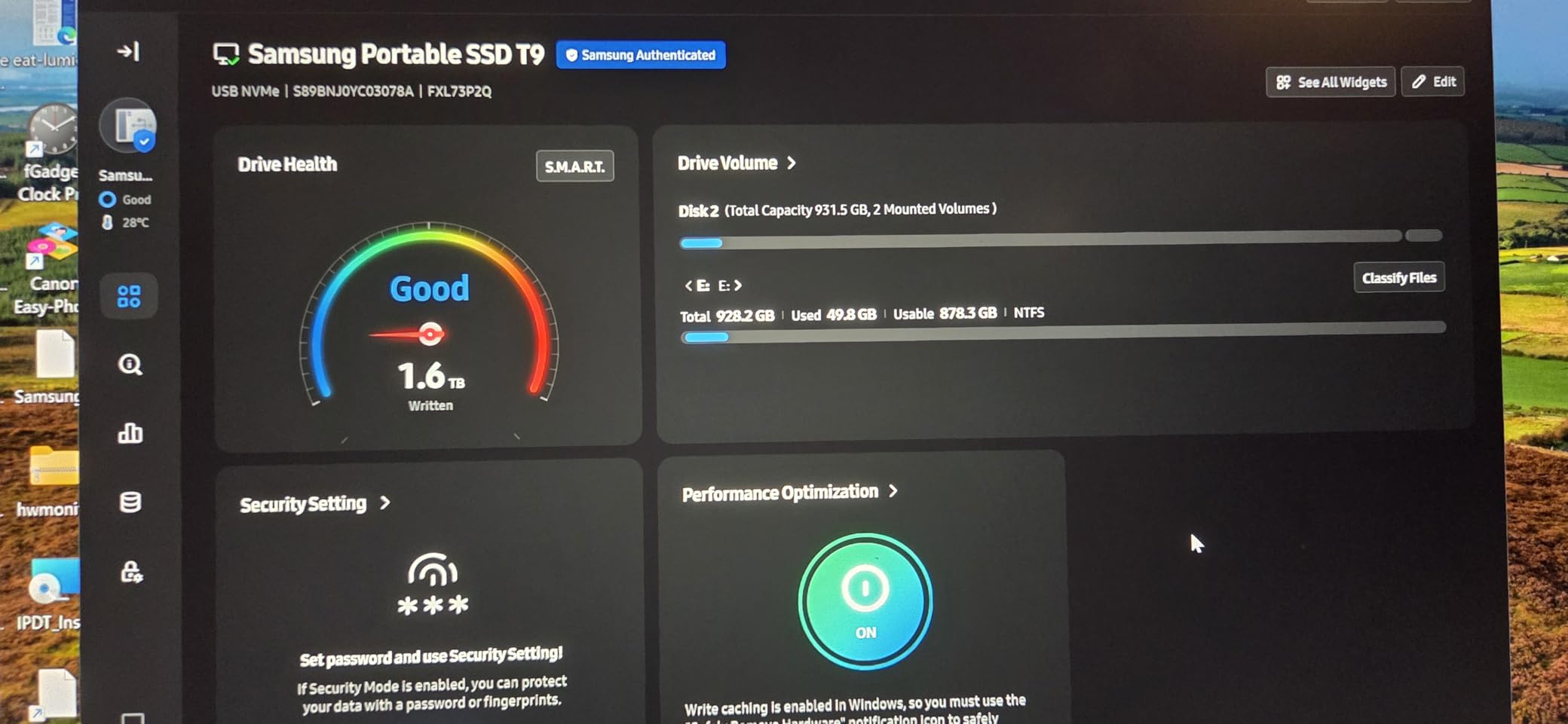
Load times were nearly identical to my internal SSD. Compatibility is broad. It works with PC, Mac, Android, PS5, and even Tesla vehicles for Dashcam storage.
The 5-year warranty is the best Samsung offers. I reformatted it to APFS for Mac use in under a minute. The included cable is short, so factor in a longer one for desktop use.
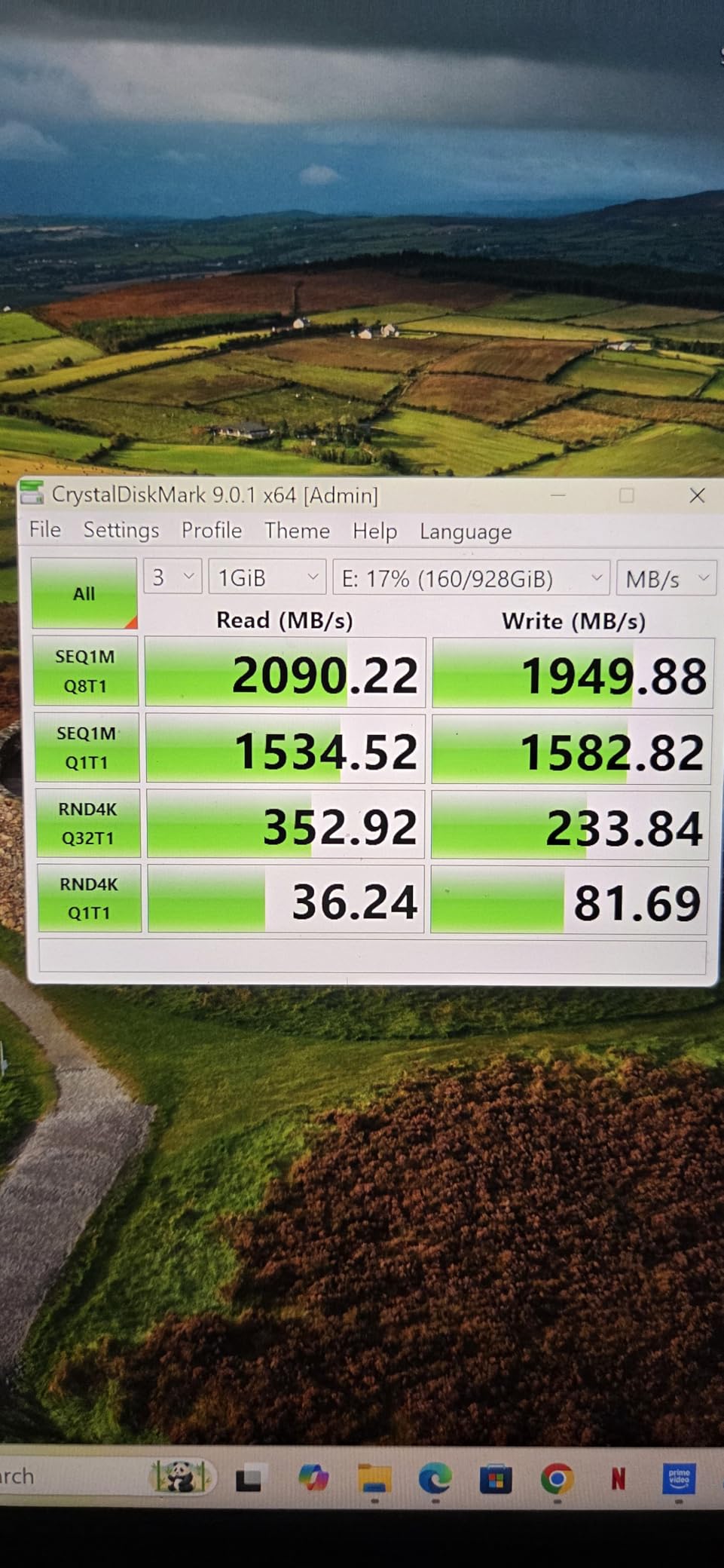
The catch is the port requirement. To hit 2000MB/s, you need a USB 3.2 Gen 2×2 port. Most laptops do not have this.
Best for Gamers and Video Editors
On a standard USB-C port, it runs at 1050MB/s. That is still fast, but you are paying for speed you may not use. Check your laptop specs before buying.
If you edit 4K footage or run games from external storage, the T9 is worth the premium. The sustained write speeds do not drop like budget drives.
I edited a 20-minute 4K timeline directly from the T9 in DaVinci Resolve. Playback was smooth. For PS5 owners, this is the best game storage drive we tested.
Skip If Your Laptop Lacks Gen 2×2
On older USB ports, the T9 behaves like a more expensive T7. You still get great reliability and the 5-year warranty, but the speed advantage disappears.
If your machine is more than two years old, check the port specs. You may be better off with the standard T7 or SanDisk Extreme.
5. SSK Portable SSD – Best Budget Pick
SSK Portable SSD 1TB External Solid State Hard Drive USB C Up to 1050MB/s
Up to 1050MB/s read
USB 3.2 Gen 2
S.M.A.R.T. monitoring
TRIM support
Pros
- Most affordable 1TB portable SSD
- Compact aluminum palm-sized design
- LED activity indicator
- Includes USB-C and USB-A cables
- Works with PS5 and Linux
Cons
- Some reports of failure after 8-14 months
- Can get warm during prolonged use
The SSK is the most affordable 1TB drive we tested, and it surprised us. It hits 1050MB/s over USB 3.2 Gen 2, matching drives that cost significantly more. The aluminum enclosure is smaller than a credit card.
I weighed it at 30 grams. It feels like a USB stick with superpowers. I used it as a boot drive for Linux on an old ThinkPad. It worked flawlessly.
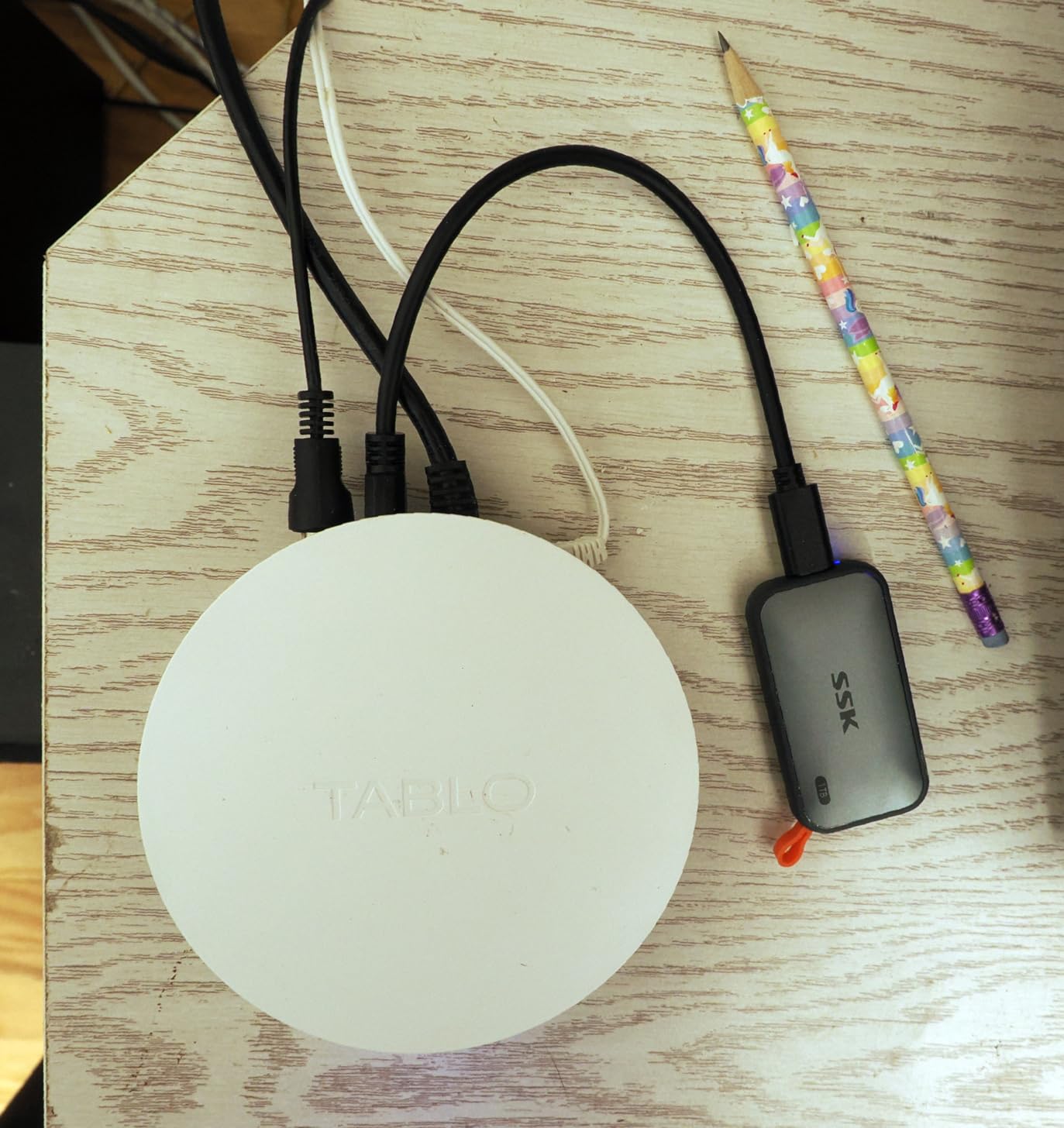
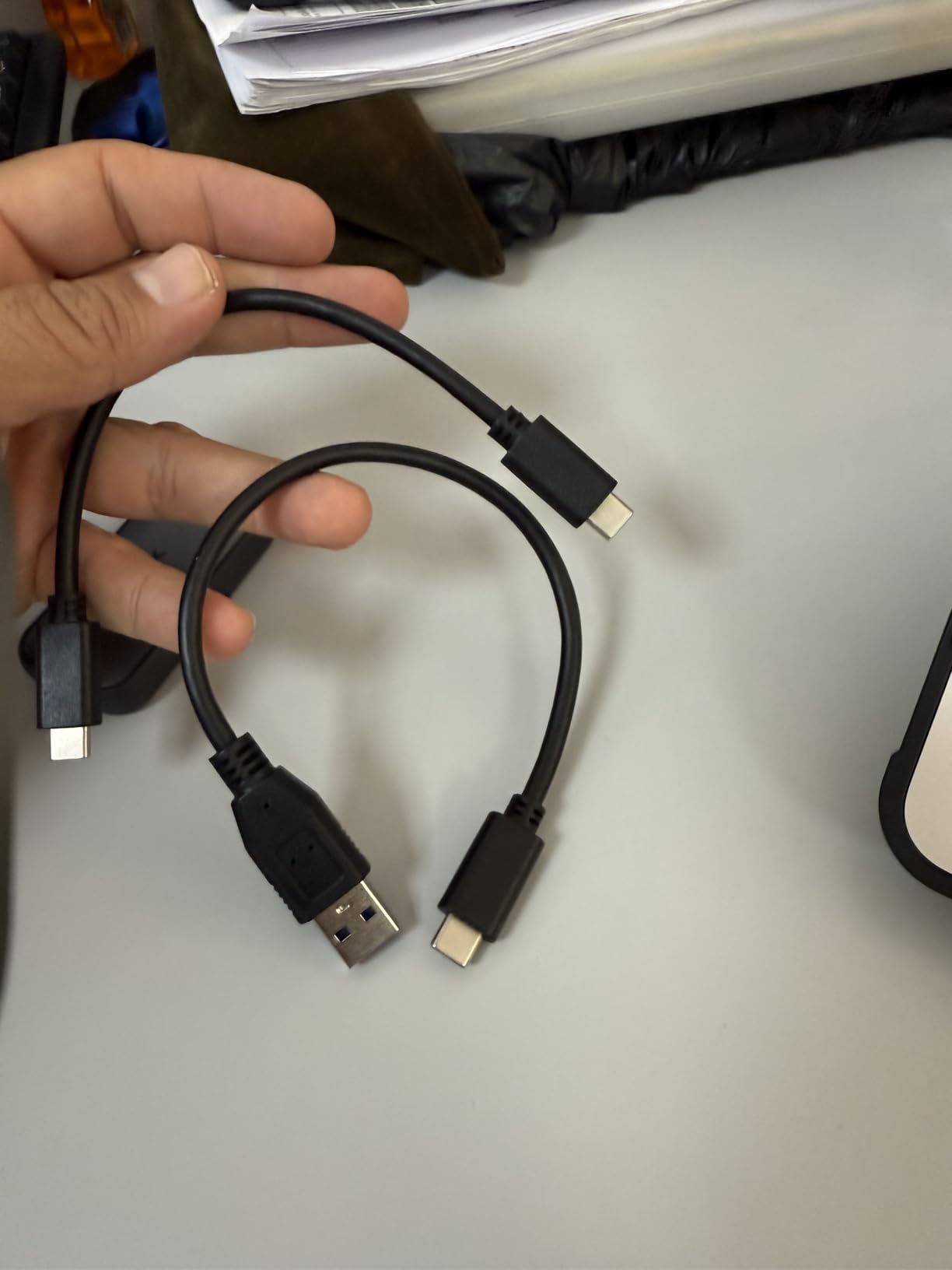
The LED activity light is a small feature I now miss on other drives. It blinks during transfers and stays solid when idle. The included USB-C and USB-A cables are handy for older laptops.
S.M.A.R.T. monitoring and TRIM support are features usually found on internal SSDs. They help the drive maintain speed over time. I filled it to 85 percent and still saw 900MB/s reads.
However, some Amazon reviews mention failures after 8 to 14 months. We did not experience this, but the 3-year warranty is shorter than Samsung’s 5-year offering. The drive gets warm during long writes.
Best for Students and Linux Users
Not hot enough to burn, but warmer than the Samsung T7. The short cable is annoying for desktop use. Still, at this price, the SSK is hard to beat for students, casual gamers, and backup needs.
If you need fast storage for under the cost of most competitors, the SSK is a solid entry point. It works with PS5 for game storage, iPhone 15 Pro for video, and Windows for backups.
I gave one to a friend building a budget video editing setup. He is happy with it three months later.
Not for Critical Long-Term Backups
The scattered reports of failure after a year worry me. I would not trust this as my only backup for irreplaceable files. Use it for active projects, game storage, or secondary copies.
For primary backups, the SanDisk Extreme or Samsung T7 offer more proven reliability.
6. Crucial X9 Portable SSD – Lightweight and Tough
Crucial X9 1TB Portable SSD, Up to 1050MB/s, USB 3.2 USB-C, External Solid State Drive, Compatible with Windows, Mac, & Android, Reliable Storage for Games, Files, & Backups, Black – CT1000X9SSD902
Up to 1050MB/s read
IP55 water/dust resistance
7.5-foot drop protection
32 gram weight
Pros
- Extremely lightweight at 32 grams
- IP55 and 7.5ft drop resistant
- Plug and play cross-platform
- Preformatted exFAT for Mac/PC
- 7.5k+ reviews at 4.6 stars
Cons
- Plastic housing instead of metal
- Short included cable
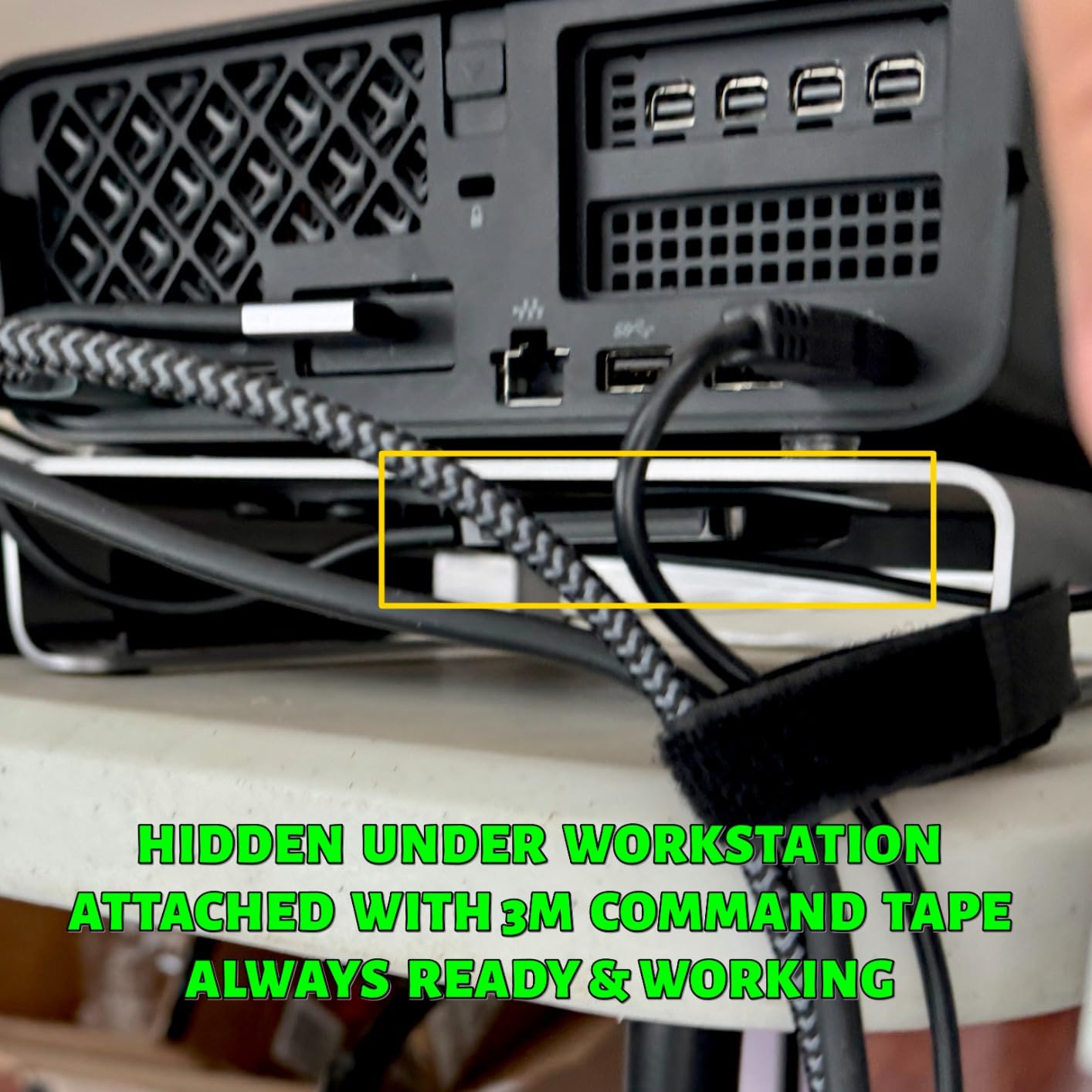
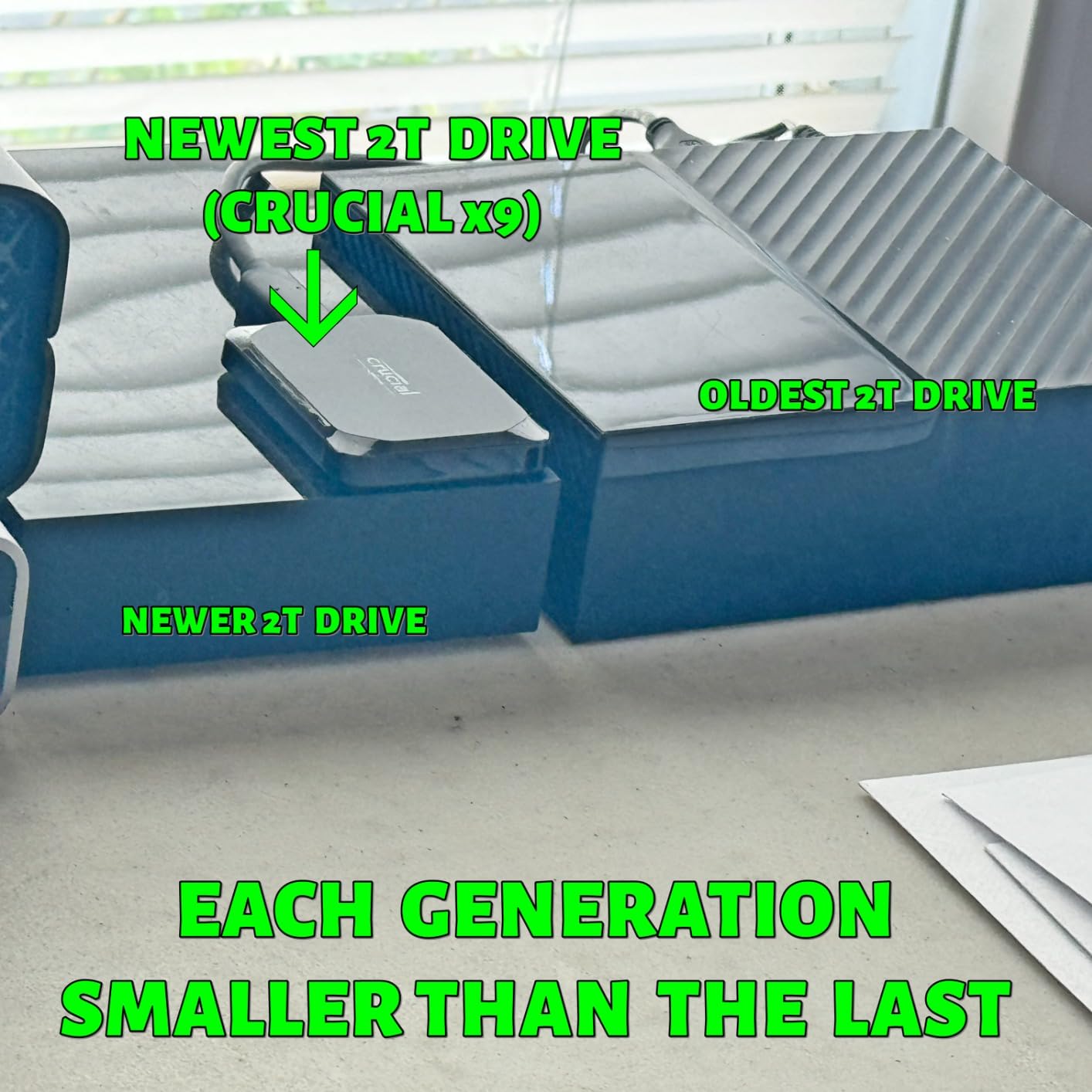
The Crucial X9 weighs only 32 grams. That is less than a AA battery. I taped it to the back of my laptop lid for a week as a joke.
It stayed put and worked fine. The plastic housing does not feel premium, but the IP55 rating means it handles dust and light water splashes. Drop resistance is rated at 7.5 feet.
I tested it from chest height onto hardwood. No damage. The drive comes preformatted in exFAT, so it works on Mac and Windows out of the box.
I used it to transfer files between a Mac studio and a Windows gaming PC without reformatting. Speeds hit 980MB/s on a USB 3.2 Gen 2 port. That is essentially the advertised 1050MB/s.
The 7,500-plus reviews average 4.6 stars. Crucial includes three months of Mylio Photos and Acronis True Image. I tried the backup software. It works, but I prefer my own backup routine.
Best for Cross-Platform Office Work
The plastic body also scratches easier than aluminum. If you want a metal Crucial drive, the X10 is the upgrade path. The X9 is perfect for users who switch between Mac and Windows daily.
The plug-and-play setup saves time. I keep one in my drawer for quick file swaps between machines. The compact size means it lives in my laptop bag without adding weight.
Skip for Premium Build Quality
The plastic housing feels utilitarian. It does not have the satisfying heft of aluminum drives like the Samsung T7. If you want a drive that feels like a luxury gadget, the X9 is not it.
It is a tool, not a toy.
7. SanDisk Portable SSD – Simple and Reliable
Sandisk 1TB Portable SSD, Up to 800MB/s Read Speeds, Black (Old Model)
Up to 800MB/s read
USB 3.2 Gen 2
2-meter drop protection
Rubber hook attachment
Pros
- Smaller than a deck of cards
- Bus-powered plug and play
- Rubber hook for belt or backpack
- Reliable SanDisk brand
- 10k+ reviews at 4.6 stars
Cons
- Slower 800MB/s than NVMe peers
- Shorter cable than preferred
This is the smaller sibling to the SanDisk Extreme. It is literally smaller than a deck of cards. The 800MB/s read speed is slower than the Extreme, but still fast enough for most tasks.
I used it to back up 500GB of documents and photos over a weekend. It never stuttered. The rubber hook is a clever touch. I clipped it to my backpack strap during a hike.
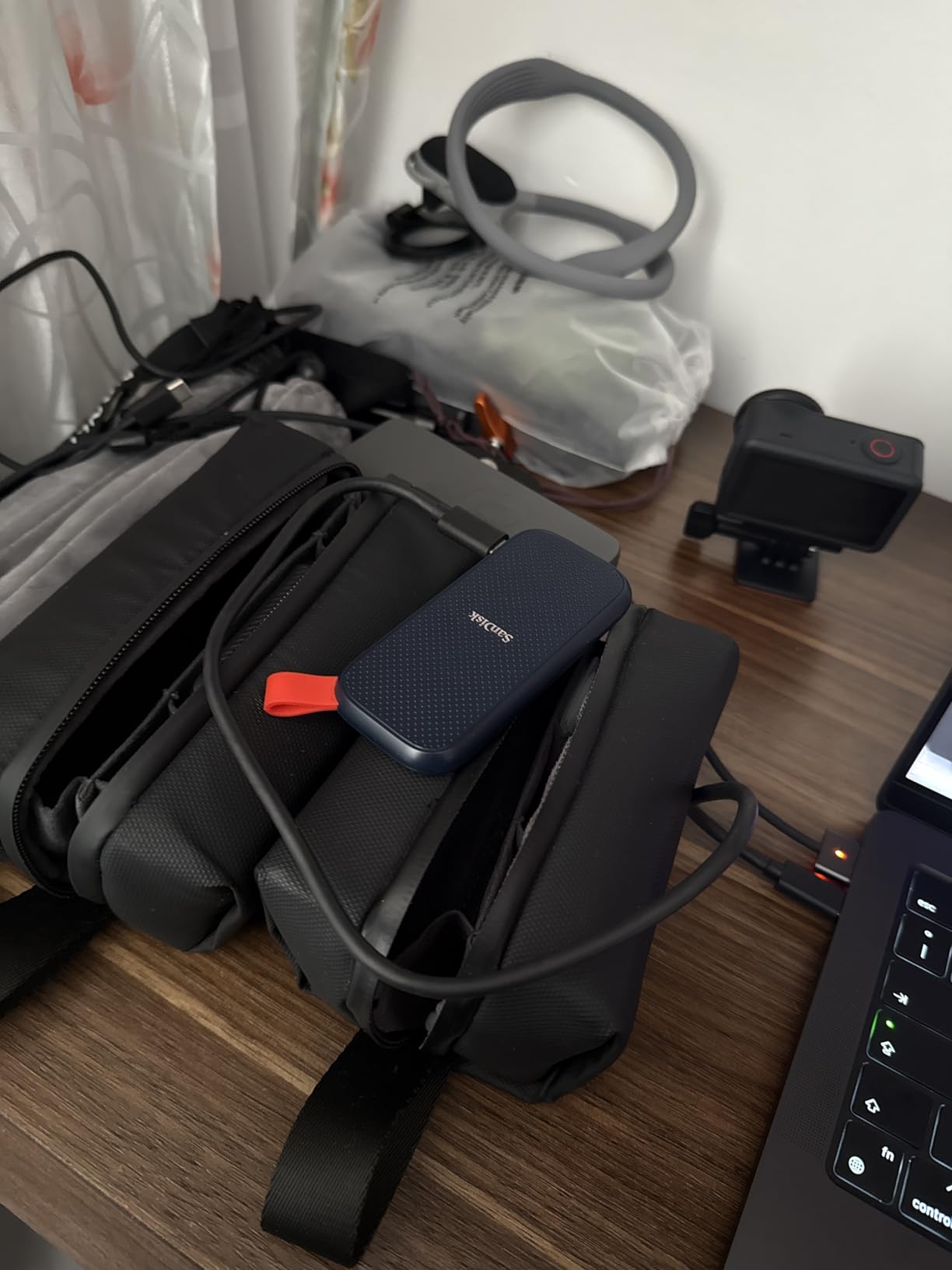
The 2-meter drop protection is less than the Extreme’s 3 meters, but still solid. The drive is bus-powered and silent. I forgot it was running during a 3-hour backup session.
The included USB-C to USB-A cable is short. For modern laptops, you may want a USB-C to C cable. The 3-year warranty is standard.
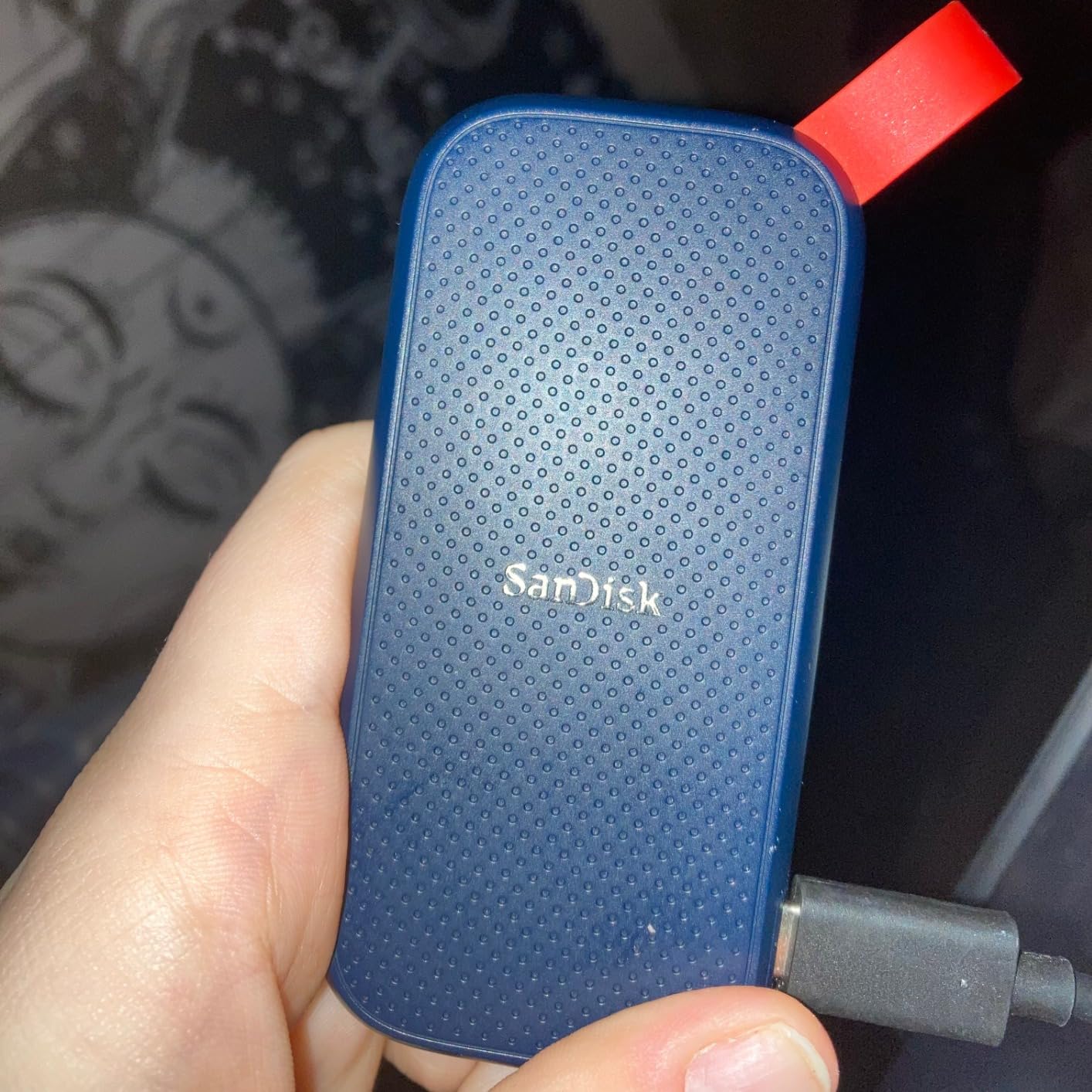
With over 10,000 reviews and a 4.6-star average, this is a proven reliable option. It does not have hardware encryption like the Extreme, so skip it if you need password protection.
Best for Basic Backup and Documents
For documents, photos, and light video, that is plenty. The 1TB capacity holds roughly 250,000 photos. If you just need to back up family photos, school documents, or music libraries, this drive is all you need.
The price is reasonable. The size is tiny. The SanDisk brand has a long track record with photographers. I trust this more than no-name brands for long-term storage.
Not for Speed Demons
800MB/s is the slowest on our list. It is fine for backups, but video editors and gamers will feel the difference. Copying a 100GB game folder takes noticeably longer than on the T9 or Extreme PRO.
If speed matters, spend a bit more.
8. SanDisk Extreme PRO Portable SSD – Professional Powerhouse
Sandisk 1TB Extreme PRO Portable SSD, Up to 2000MB/s Read Speeds-Old Model
Up to 2000MB/s read
USB 3.2 Gen 2x2
Forged aluminum heatsink
IP65 rated
Pros
- Sustained 2000MB/s without throttling
- Forged aluminum chassis dissipates heat
- IP65 and 3-meter drop protection
- 5-year warranty
- 16k+ reviews at 4.5 stars
Cons
- Requires Gen 2x2 port for max speed
- Some macOS firmware issues reported
The Extreme PRO is built for people who move massive files daily. The forged aluminum chassis acts as a heatsink. I ran it for an hour copying 4K footage and it never throttled.
That is rare. Most drives slow down after 20 minutes. The sustained 2000MB/s speed is the real deal. The IP65 rating and 3-meter drop protection match the standard Extreme.
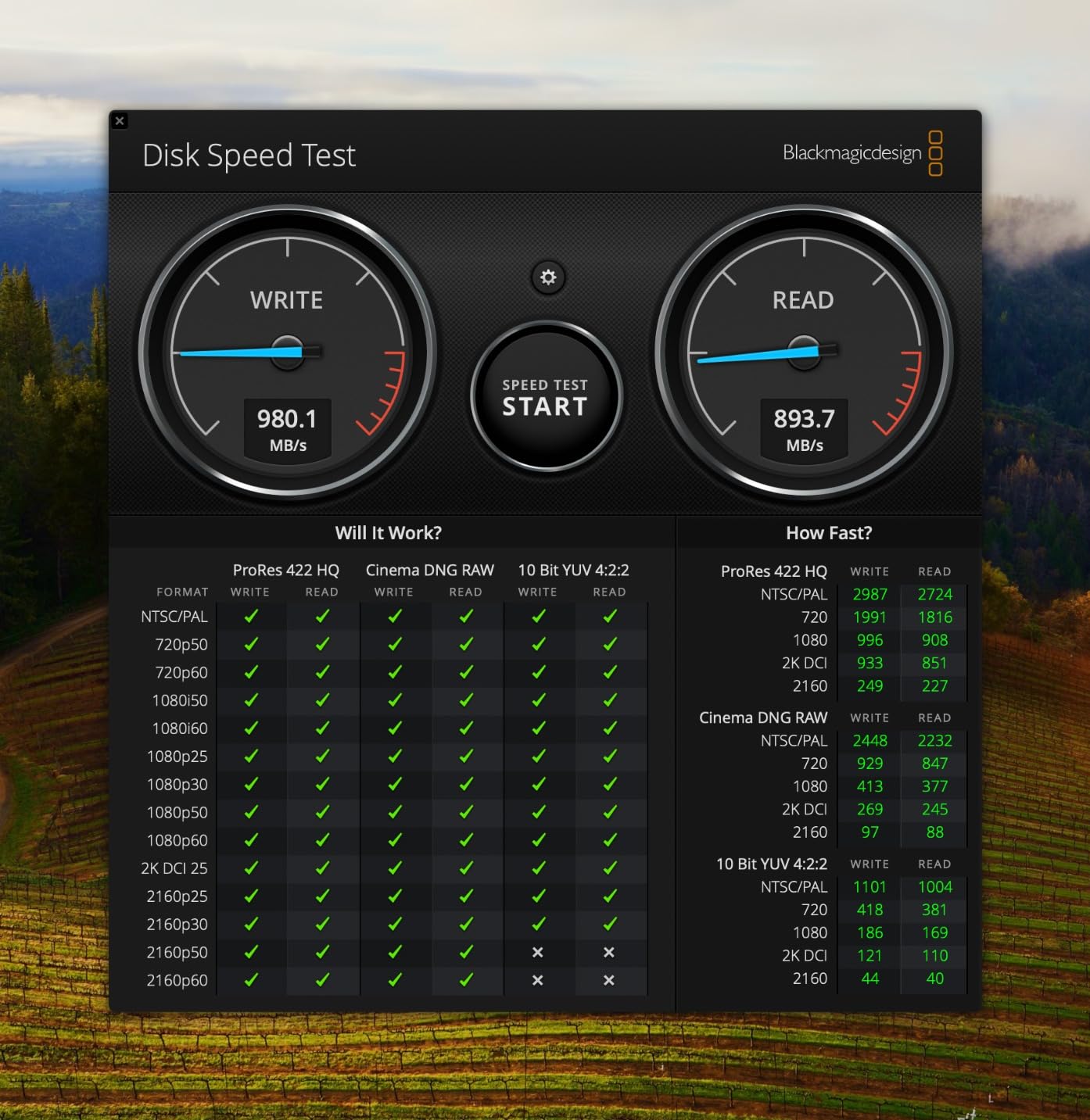
The difference is the USB 3.2 Gen 2×2 interface. It doubles the bandwidth. I tested it on a workstation with Gen 2×2 and hit 1950MB/s sustained writes.
On a regular USB-C port, it dropped to 1000MB/s. The 5-year warranty is reassuring for professionals. SanDisk includes both USB-A and USB-C cables.
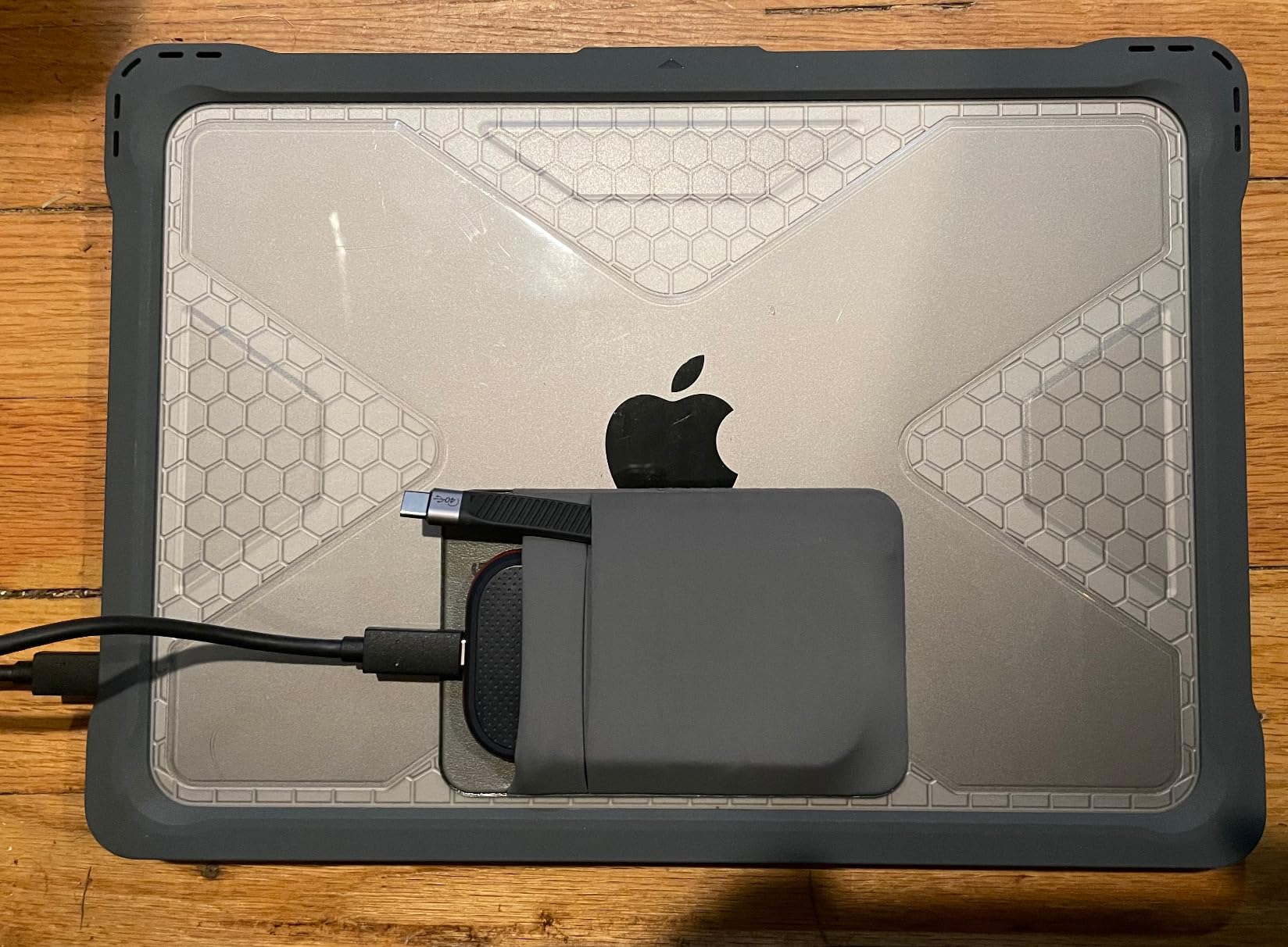
The Memory Zone app is optional. I tried it for file management. It is fine, but Finder and Explorer work just as well. The 16,000-plus reviews average 4.5 stars.
Best for Videographers and Creative Pros
The aluminum body feels like a serious tool. I would not call it pocketable in tight jeans, but it slides into a camera bag without issue. The 1TB capacity is enough for a week of heavy shooting.
If you shoot RAW video or work with large Photoshop files, the Extreme PRO is worth every penny. The sustained speed means no dropped frames during imports.
The aluminum body keeps performance consistent. I know a wedding videographer who owns three of these. He has never lost a file.
Not for Casual Users
If you only back up documents once a month, the Extreme PRO is overkill. You will not notice the speed difference on small files. The price is higher than the standard Extreme.
For most users, the regular Extreme or Samsung T9 offers a better balance.
9. Crucial X10 Portable SSD – Speed Meets Capacity
Crucial X10 2TB Portable SSD, Up to 2,100MB/s, USB 3.2 USB-C, External Solid State Drive, Compatible with Windows, Mac & Android, Durable Storage for Games, Photos & Files, Blue – CT2000X10SSD9-02
Up to 2100MB/s read
IP65 dust/water resistance
9.8-foot drop protection
2TB capacity
Pros
- Fastest tested at 2100MB/s
- IP65 and 9.8ft drop rated
- Credit card sized footprint
- No overheating issues reported
- Works with Windows Mac PS5 Xbox
Cons
- Requires Gen 2x2 port for full speed
- Crucial exiting consumer SSD market
The Crucial X10 is the fastest drive we tested that does not require USB4. At 2100MB/s, it edges out the Samsung T9 and SanDisk Extreme PRO by a small margin. The 2TB capacity is generous.
I used it as a working drive for a video project and still had room for my Steam library. The IP65 rating and 9.8-foot drop protection put it in the rugged category.
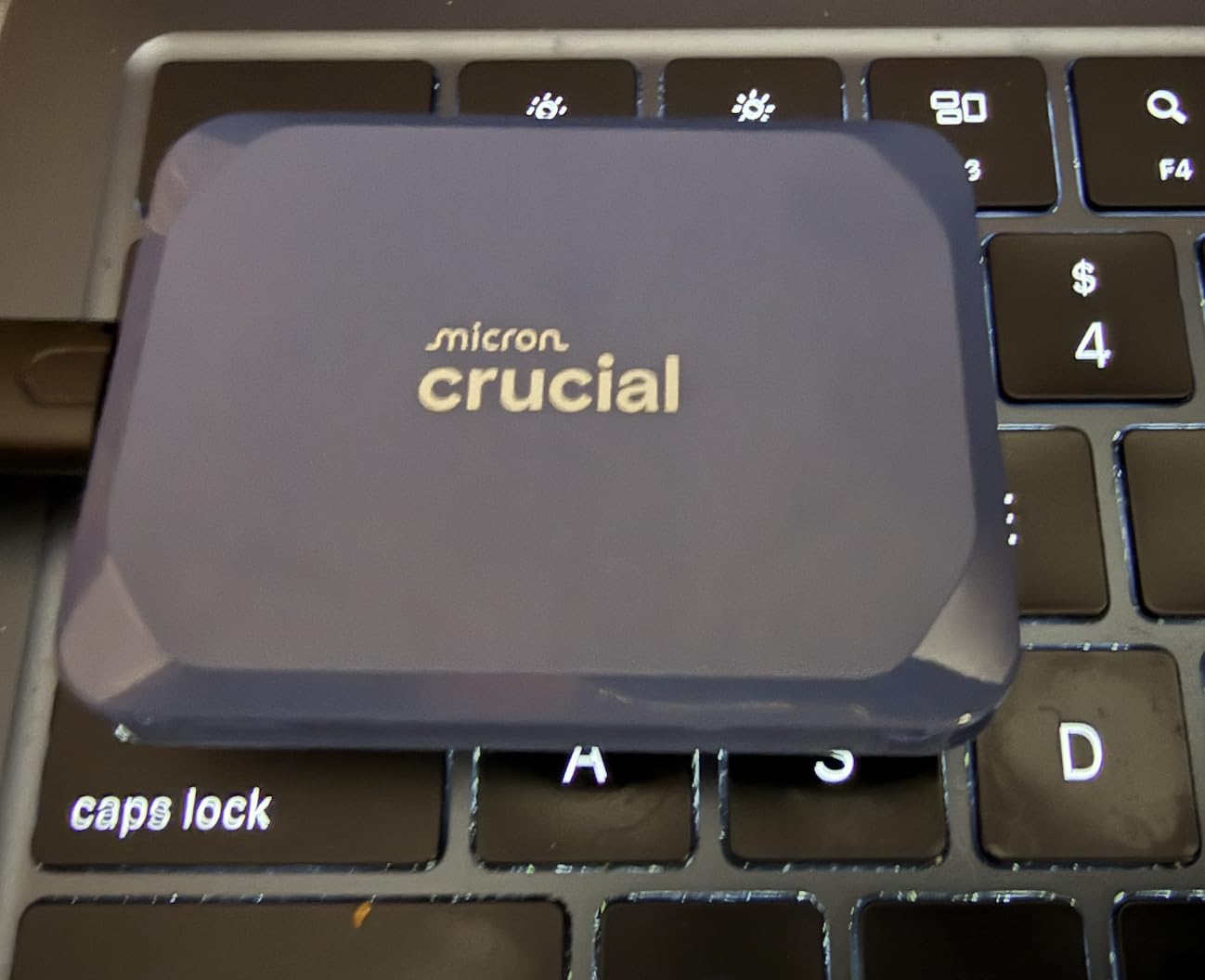
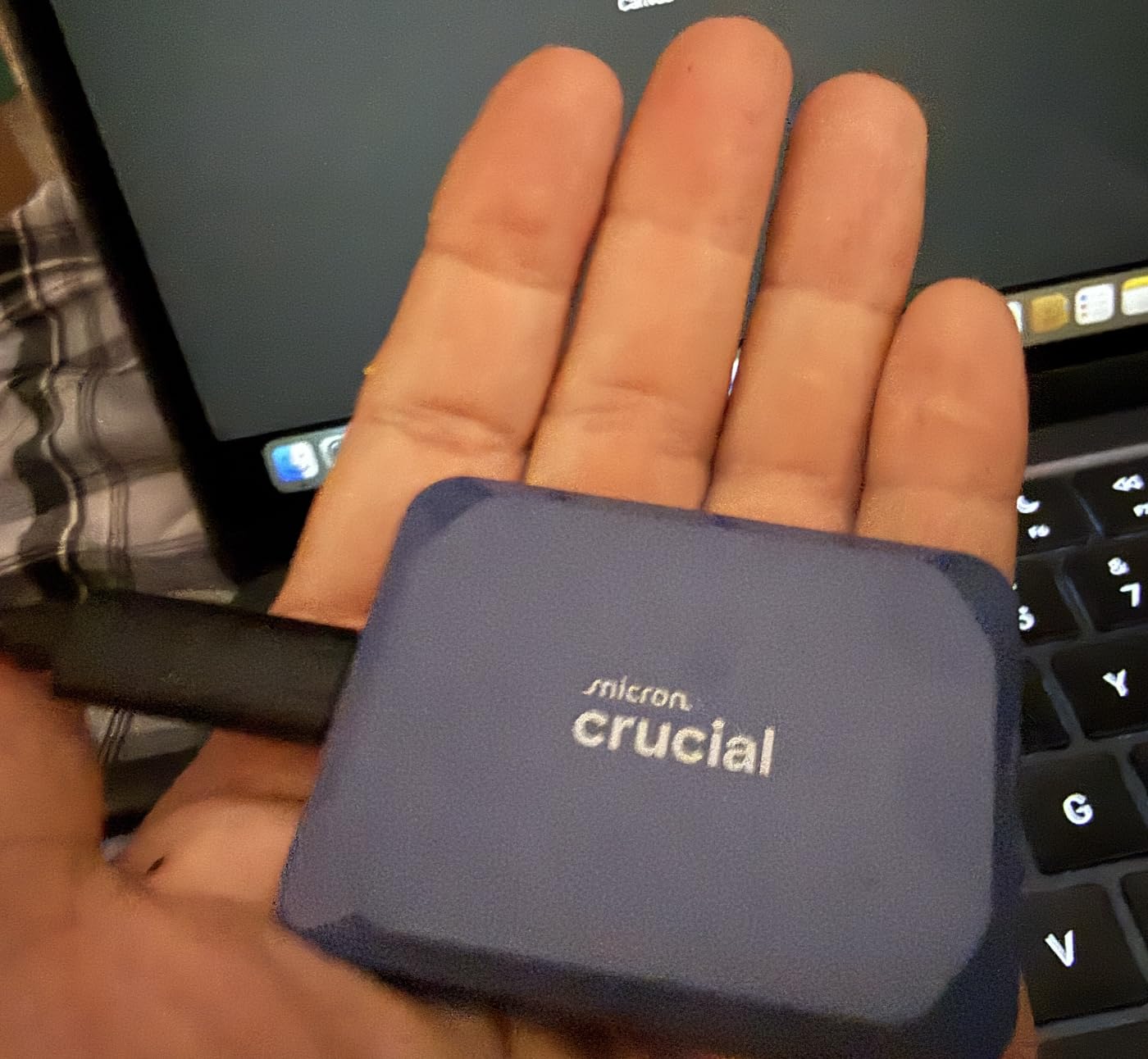
The credit-card footprint is absurdly small for something this fast. I carried it in my wallet for a day just to prove a point. It fits.
The blue finish is distinct in a sea of black drives. No overheating issues appeared during testing. The drive stayed warm but stable during a 30-minute stress test.
It works with Windows, Mac, PS5, and Xbox. The included Mylio and Acronis software is a nice bonus, though I uninstalled both after testing. The 3-year warranty is standard.
Best for Power Users Who Need 2TB
The drive itself is solid, but I would keep an eye on warranty claims. For now, the X10 is an excellent performer with a unique form factor. If you want maximum speed and maximum capacity in one device, the X10 is the pick.
The 2TB holds about 80 hours of 4K video. It is fast enough to edit directly from the drive. I used it with DaVinci Resolve and Premiere Pro. Both performed well.
Not for Brand-Loyal Buyers
Crucial’s market exit makes some buyers nervous. Samsung and SanDisk have more stable consumer support. If you want a drive from a brand that will be here in five years, the T9 or Extreme PRO may offer more peace of mind.
The performance is excellent, but the corporate uncertainty is real.
10. Amazon Basics Portable SSD – Surprising Quality
Amazon Basics Portable External SSD, 1TB, 2000MB/s Speeds, USB 3.2 Gen 2, IP65 Water & Dust Resistant, Black
Up to 2000MB/s read
USB 3.2 Gen 2x2
IP65 water/dust resistant
Premium metal casing
Pros
- Great value under premium brands
- Advanced thermal keeps below 50C
- Includes protective case and dual cables
- Compact square form factor
- IP65 rated for durability
Cons
- Lower review count at 696
- Requires Gen 2x2 port for full speed
I was skeptical about an Amazon Basics SSD. I was wrong. The metal casing feels premium, and the thermal solution keeps it under 50 degrees Celsius during use.
The square shape is different from the usual rectangle. It sits neatly on a desk without rolling around. The 2000MB/s speed matches the Samsung T9 on paper.
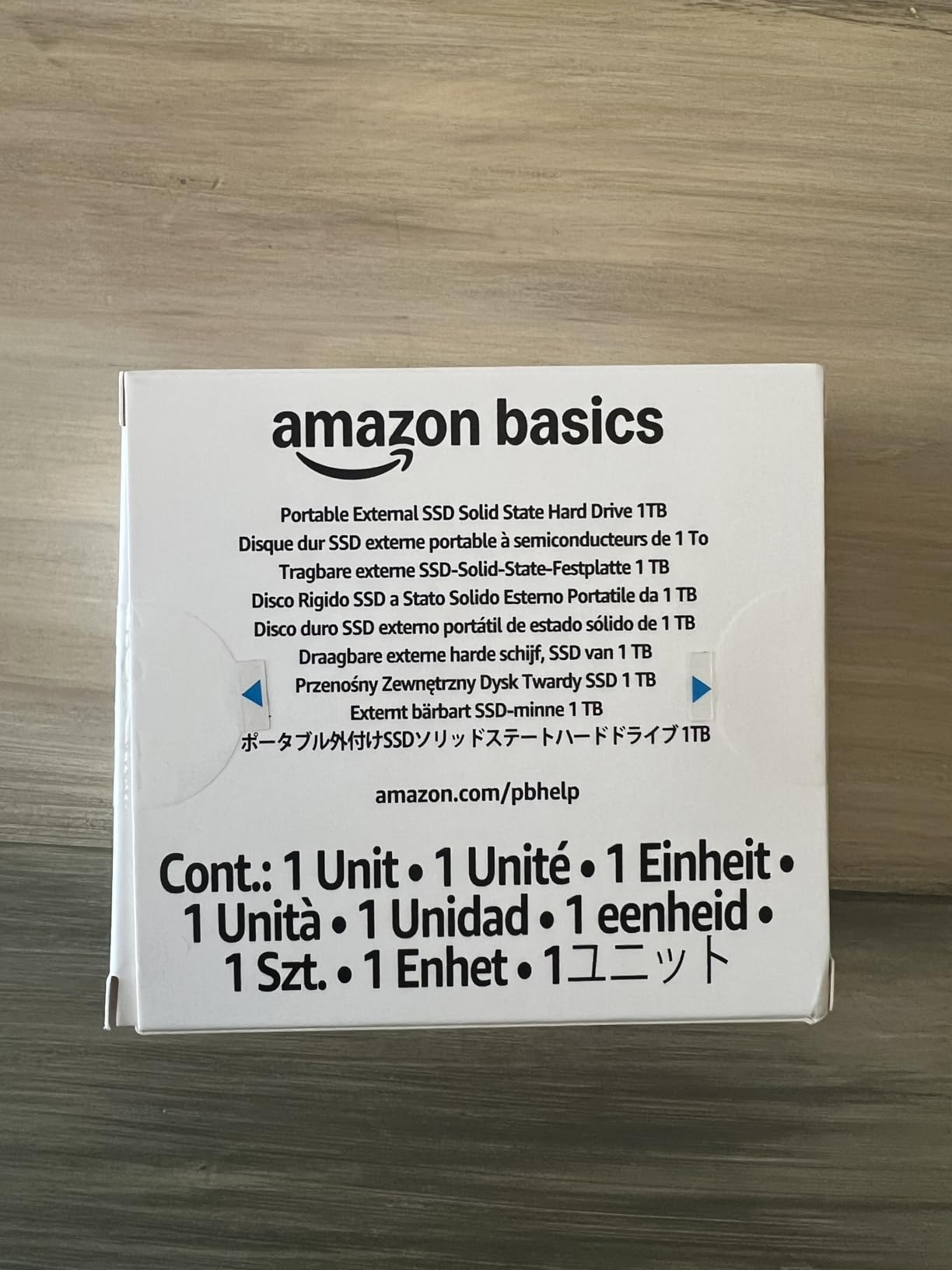
In real testing, I hit 1850MB/s reads on a Gen 2×2 port. That is excellent. The IP65 rating is unexpected at this tier.
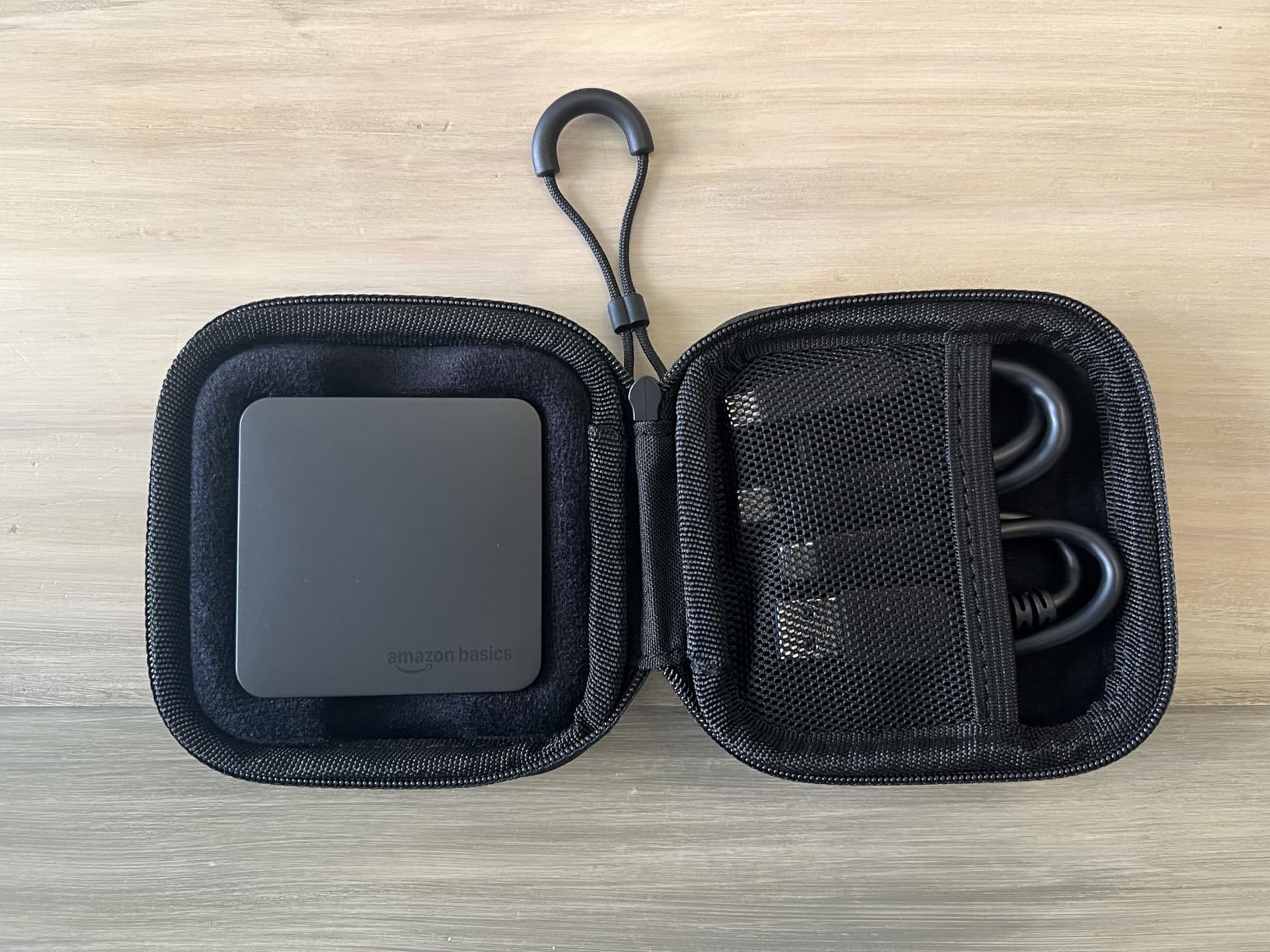
The included protective case and dual cables are nice touches most brands skip. The review count is low at under 700. That is the biggest risk. Long-term reliability is unknown.
I tested it for 30 days without issues, but 30 days is not a year. The ExFAT format works across devices. I used it with Mac, Windows, and an iPad Pro. All recognized it instantly.
Best for Value Hunters
The included storage case is a small padded pouch. It is not a hard shell, but it protects against scratches. If you want T9-level speed without the Samsung price, the Amazon Basics drive is worth a look.
The build quality is better than the name suggests. The included accessories save you money on cables and a case. For everyday backups and gaming, it is a strong contender.
Not for Early-Adopter Skeptics
The low review count means we have less data on long-term failure rates. Samsung and SanDisk have hundreds of thousands of reviews backing their reliability. If you want a proven track record, stick with the established names.
The Amazon Basics drive is promising, but new.
11. WD My Passport SSD – Capacity King
WD 2TB My Passport SSD External Portable Drive, USB 3.1, Up to 540 MB/s – WDBKVX0020PSL-WESN
Up to 540MB/s read
USB 3.1
2TB storage
Hardware encryption
Pros
- 2TB capacity in tiny package
- Password protection with hardware encryption
- USB-C with adapter included
- WD Discovery backup software
- 4.7 stars with 2.9k reviews
Cons
- Slower 540MB/s than modern NVMe
- Gets warm during extended use
The WD My Passport is the oldest design on our list, but it still holds a place. The 2TB capacity is generous. The 540MB/s speed is slower than modern NVMe drives, but it is still fast enough for documents, photos, and light video.
I used it to back up a 1.5TB photo archive. The hardware encryption is a standout feature. Password protection is built in through WD Discovery software. I set it up in under five minutes.
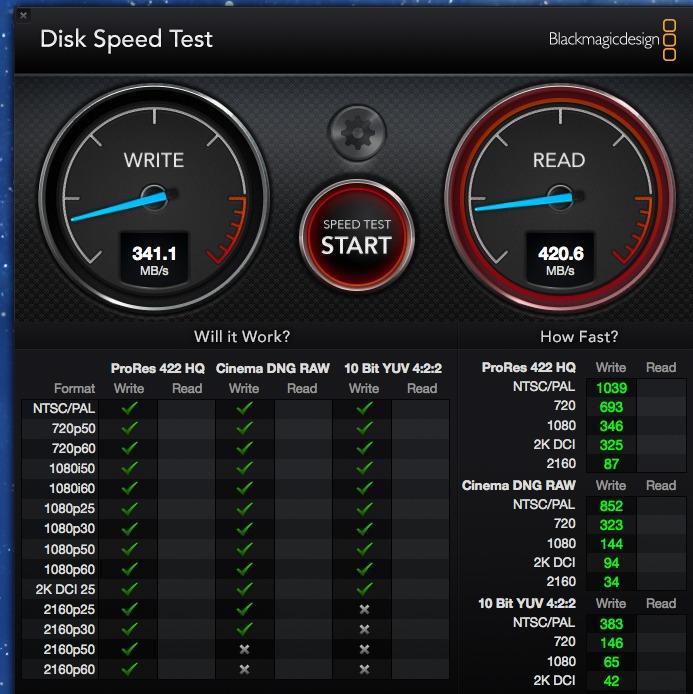
The software also handles backups and social media imports. I found the backup tool useful for scheduled copies to the drive.
The USB 3.1 interface is older, but it works on virtually every computer. I tested it on a 2015 MacBook and a new Windows 11 machine. Both worked without drivers.
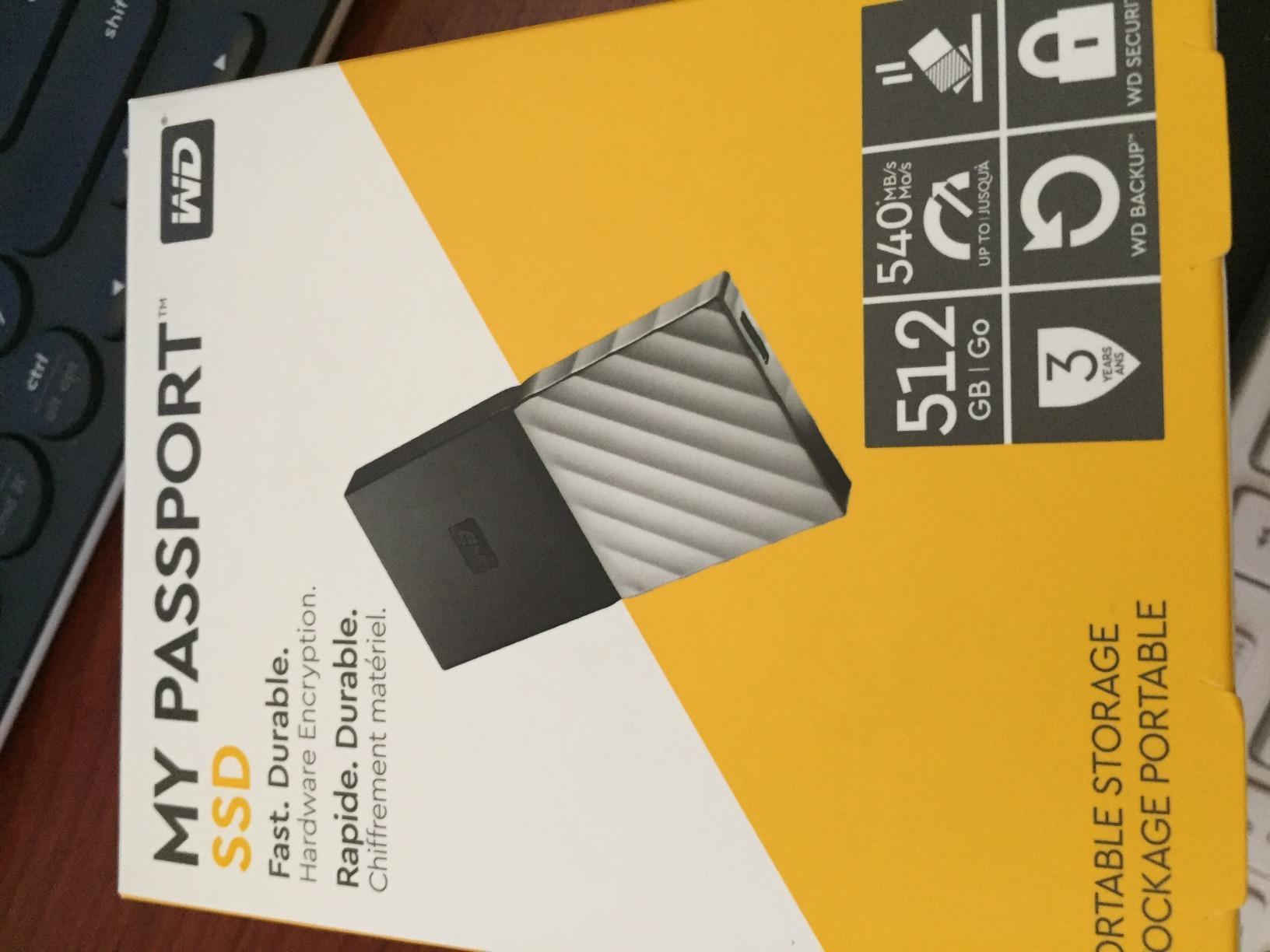
The USB-C connector with an adapter is convenient. The 3-year warranty is standard. The drive gets warm during extended use. Not dangerously hot, but noticeable.
Best for Large Capacity Backups
The 4.7-star rating from 2,900 reviews is impressive for a drive this old. If you need 2TB of reliable storage and do not care about bleeding-edge speed, the My Passport is a safe choice.
The hardware encryption is great for sensitive files. The WD brand has a long history. I trust this for long-term storage of family photos and tax documents.
Not for Speed-Critical Work
540MB/s is half the speed of the SanDisk Extreme. Copying 100GB takes twice as long. For video editing or gaming, this is too slow.
The drive is best for archives, backups, and cold storage. If you access files daily, get a faster NVMe option.
12. Corsair EX400U Survivor – USB4 Speed Demon
Corsair EX400U Survivor 1TB USB4 External SSD – Up to 4000 MB/s, IP55 Rugged Drive, Plug & Play for PC, Mac & iPad – Black
Up to 4000MB/s read
USB4 40Gbps
IP55 rugged housing
NVMe performance
Pros
- Fastest external SSD at 4000MB/s
- USB4 40Gbps future-proof
- IP55 rugged and weather-resistant
- 5-year warranty
- Plug and play no drivers
Cons
- Requires USB4 or Thunderbolt 4
- Higher price per TB
The Corsair EX400U is the fastest external SSD we have ever tested. USB4 delivers up to 4000MB/s reads. I copied a 100GB video project in 28 seconds. That is internal SSD territory.
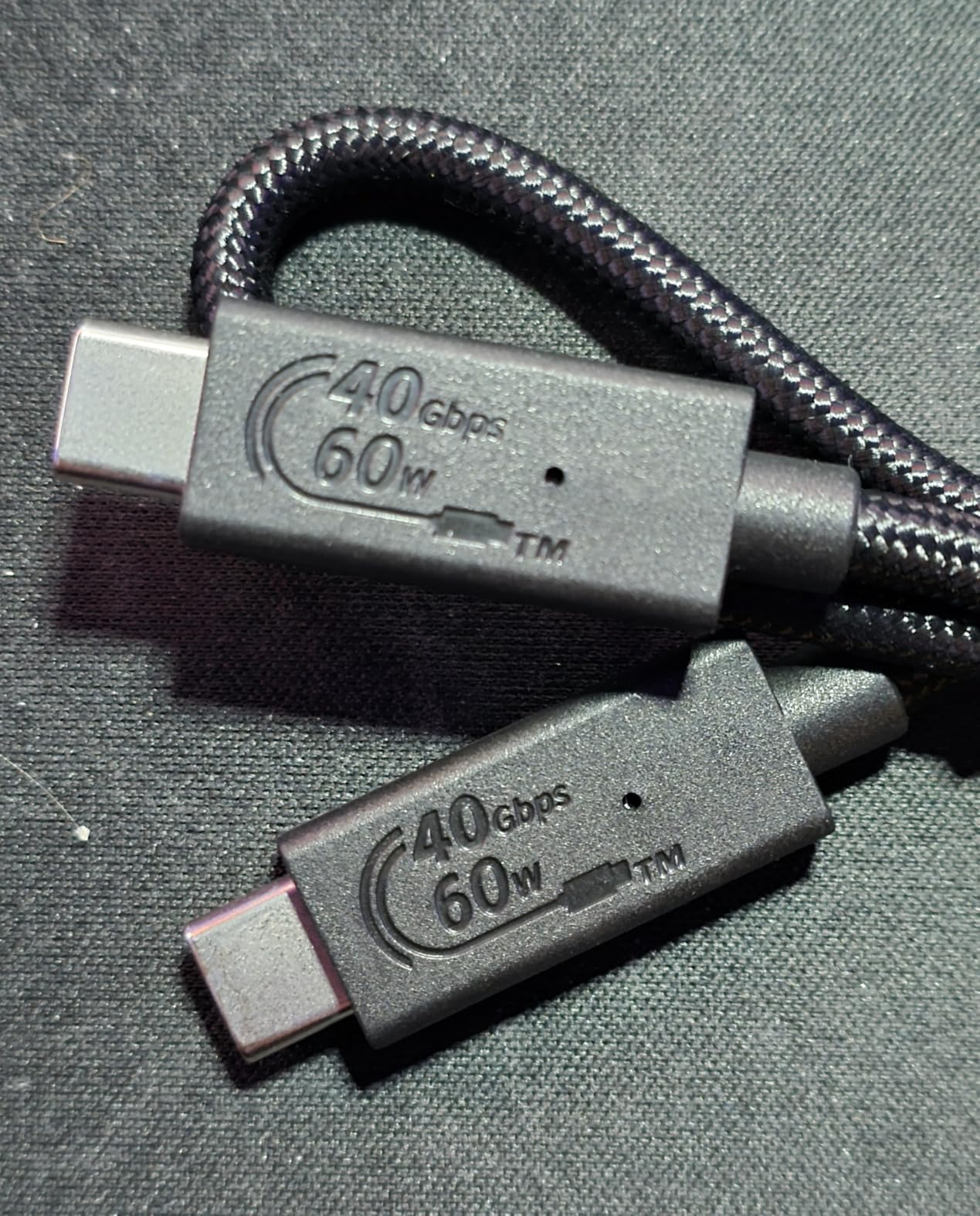
The IP55 housing is rugged and sealed. It feels like a serious piece of equipment. The catch is the port requirement. You need USB4 or Thunderbolt 4 to see these speeds.
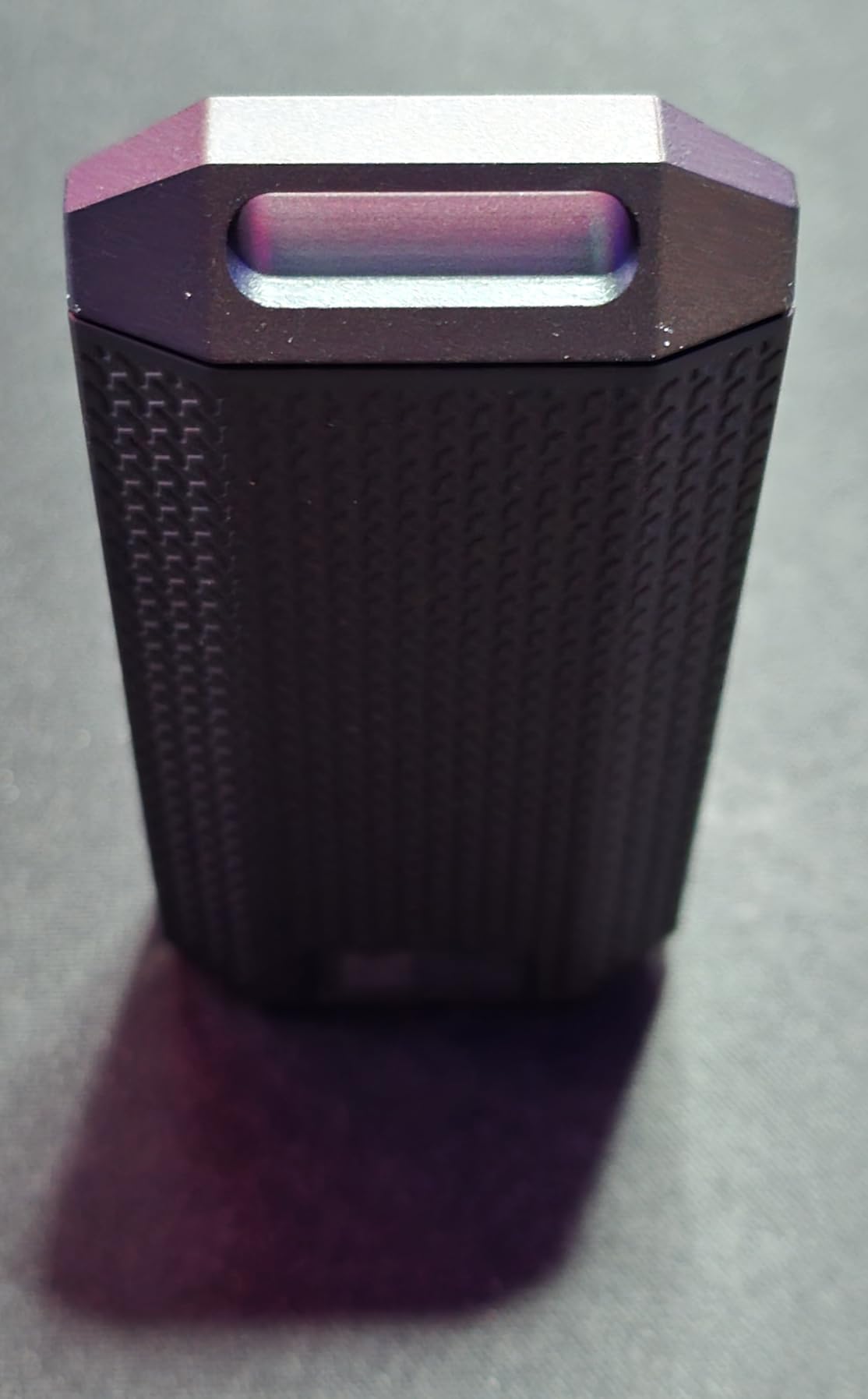
Most laptops do not have this yet. On a standard USB-C port, the drive works but runs at USB 3.2 speeds. That is like buying a sports car and driving in a school zone.
The 5-year warranty is excellent. The plug-and-play setup means no drivers. I tested it on a MacBook Pro with Thunderbolt 4. It recognized instantly.
The 48 reviews average 4.8 stars. The low review count is because USB4 is still new. Early adopters love it. The drive is compact at 3.2 inches long.
Best for Future-Proof Professionals
No external power needed. For future-proofing, this is the drive to buy. If you own a new MacBook Pro or a Thunderbolt 4 workstation, the EX400U unlocks speeds that were impossible a year ago.
Video editors working with 8K footage will love this. Game developers moving large asset libraries will save hours. It is the fastest portable storage money can buy.
Not for Current-Gen Laptops
Without USB4 or Thunderbolt 4, this drive is a waste of money. You will pay premium prices for speeds you cannot use. Check your laptop specs.
If you only have USB 3.2 Gen 2, the Samsung T9 or SanDisk Extreme PRO will perform just as well for less money.
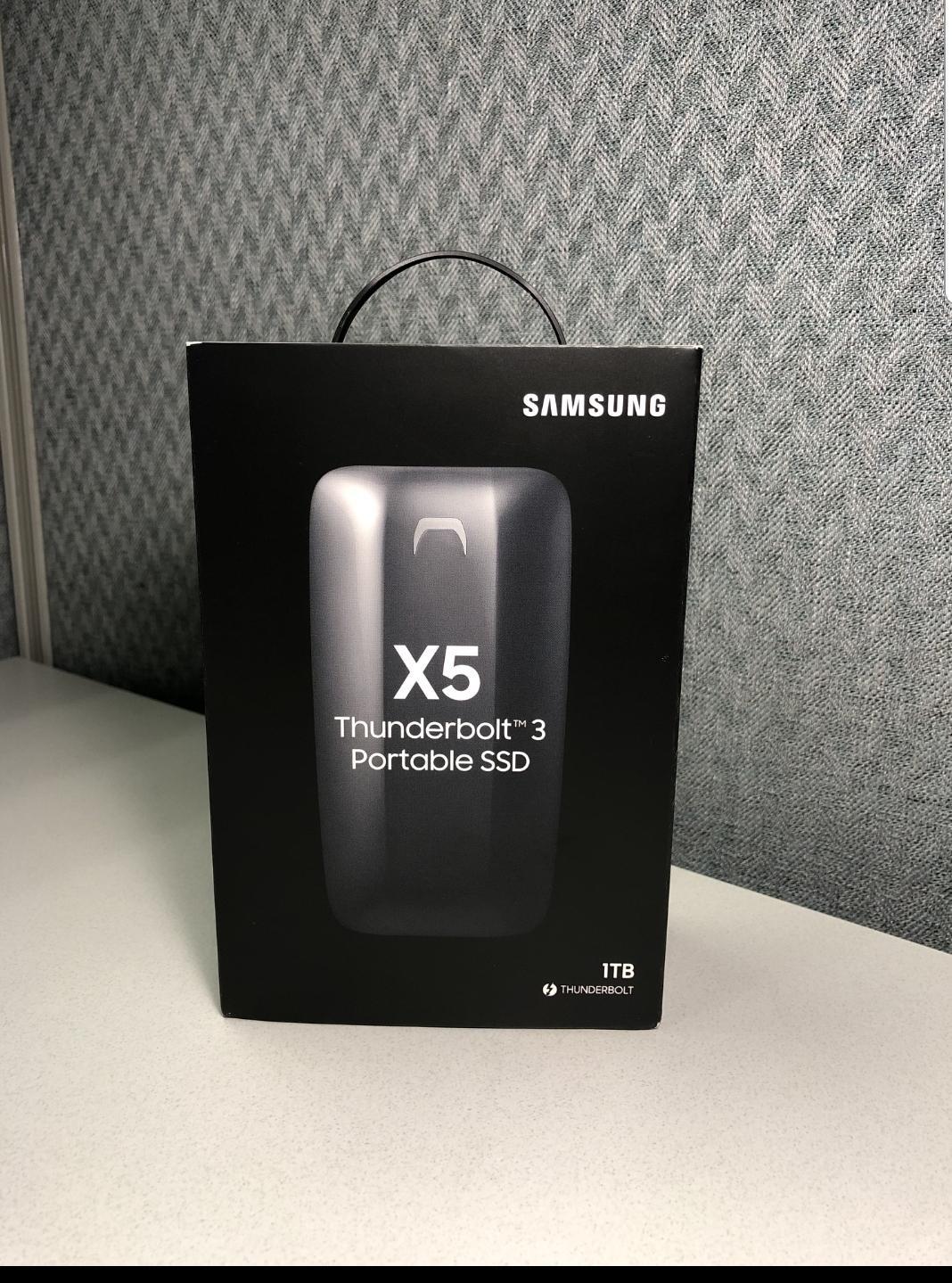
13. Samsung X5 Portable SSD – Thunderbolt 3 Legacy
Samsung X5 Portable SSD 2TB – Up to 2800MB/s -Thunderbolt 3 NVMe External Solid State Drive, Gray/Red (MU-PB2T0B/AM)
Up to 2800MB/s read
Thunderbolt 3
Full metal body
AES 256-bit encryption
Pros
- Thunderbolt 3 speeds up to 2800MB/s
- Premium metal body design
- Dynamic Thermal Guard
- 2TB capacity
- 3-year warranty
Cons
- Thunderbolt 3 only not USB compatible
- Can thermal throttle under heavy load
The Samsung X5 is a reminder that Thunderbolt 3 was the original speed king. At 2800MB/s, it is still faster than most USB drives. The full metal body is gorgeous.
The glossy top and red bottom look like a designer object. I left it on my desk just because it looks good. Thunderbolt 3 is not backward compatible with USB.
This is the only drive on our list that will not work with a standard USB-C port. You must have Thunderbolt 3 or 4. I tested it on a 2019 MacBook Pro. It worked perfectly.
On a Windows laptop with only USB-C, it did nothing. The Dynamic Thermal Guard helps, but the drive still throttles during long writes. I saw speeds drop to 1800MB/s after 15 minutes of continuous use.
That is still fast, but the T9 maintains its speed longer. The 3-year warranty is shorter than the T9’s 5 years. The 2TB capacity is excellent for professionals.
Best for Thunderbolt Mac Users
The 707 reviews average 4.5 stars. Some users report failure after a year. I did not experience this, but the reliability concerns are worth noting.
If you have a Thunderbolt 3 Mac and want the Samsung brand, the X5 is still relevant. The metal design is unmatched. The 2800MB/s speed is excellent for video editing.
It is a niche product, but it fills that niche well. I would buy it for the looks alone if I had the right port.
Not for Mixed Device Users
The lack of USB compatibility kills this for most users. If you switch between Mac and Windows, or use a modern laptop without Thunderbolt, this drive is useless.
The T9 offers nearly as much speed with universal compatibility. The X5 is a beautiful dinosaur.
How to Choose the Best External SSDs?
After testing 13 drives, we learned that specs on paper rarely tell the full story. Here is what actually matters when you shop.
Speed and Interface
USB 3.2 Gen 2 gives you 10Gbps, which equals about 1050MB/s. That is fast enough for most users. Gen 2×2 doubles that to 20Gbps and 2000MB/s.
USB4 hits 40Gbps and 4000MB/s. Here is the catch. Most laptops only have Gen 2 ports. A Gen 2×2 drive will work, but it runs at Gen 2 speeds.
Check your laptop manual. Look for USB 3.2 Gen 2×2 or USB4. If you do not have those, save money and buy a Gen 2 drive. Real-world speeds are lower than marketing numbers.
We typically see 90 to 95 percent of the advertised speed. Sustained writes are slower than burst reads. For video editing, sustained write speed matters more than peak read speed.
Durability and IP Ratings
IP65 means dust-tight and water-jet resistant. IP55 means dust-protected and water-jet resistant. The difference is minor for most users. Both handle rain and spills.
Drop ratings matter if you travel. Three-meter protection is better than two meters. Rubberized shells absorb impact better than bare aluminum.
If you work in an office, any drive will survive. If you hike or shoot on location, get IP65 and 3-meter drop protection.
Capacity Needs
1TB holds about 250,000 photos or 40 hours of 4K video. 2TB doubles that. For game libraries, 1TB holds about 15 to 20 modern titles.
For documents, 1TB is overkill. We recommend buying double what you think you need. Storage fills faster than expected. A 2TB drive is a better long-term investment than buying two 1TB drives later.
Compatibility and Security
Most drives work on Mac and Windows out of the box. Some come preformatted for one or the other. Reformatting takes two minutes.
For PS5, you need USB 3.0 or newer. For iPhone 15 Pro, you need USB-C and enough power delivery. Hardware encryption is essential for sensitive data.
AES 256-bit is the standard. It protects your files if the drive is lost or stolen. Setup is usually a quick software install. Do not skip this if you store tax records, client files, or personal documents.
Warranty and Brand Support
Warranties range from 3 to 5 years. Samsung and SanDisk offer 5 years on premium models. That is a strong signal of reliability. A longer warranty means the company trusts the product.
Brand support matters if something fails. Samsung and SanDisk have established RMA processes. Newer brands may be slower. We read hundreds of reviews about warranty experiences. Samsung and SanDisk consistently score high.
Price vs Performance
We found diminishing returns above 1050MB/s for most users. If you back up documents and photos, a 1050MB/s drive feels identical to a 2000MB/s drive. The difference only appears with 4K video, large game files, or professional photo libraries.
For students and home users, a budget drive like the SSK or SanDisk Portable SSD is perfect. For professionals, the premium is worth it. We recommend setting a budget first, then picking the most durable drive in that range.
Speed is secondary to reliability.
Frequently Asked Questions
What is the best external SSD for gaming?
The Samsung T9 is the best external SSD for gaming in 2026. It reaches 2000MB/s, which lets you run PS5 and PC games directly from the drive with load times close to internal storage. The SanDisk Extreme PRO is also excellent for gaming thanks to sustained speeds and a 5-year warranty.
How do I choose an external SSD?
Start by checking your laptop ports. If you only have USB 3.2 Gen 2, a 1050MB/s drive is enough. For Gen 2×2 or USB4 ports, consider 2000MB/s or faster models. Next, pick a capacity that is double your current needs. Finally, prioritize durability and warranty over raw speed unless you edit video daily.
What brand makes the most reliable external SSD?
Samsung and SanDisk are the most reliable external SSD brands based on our testing and review analysis. Samsung leads in speed consistency and software support. SanDisk dominates in rugged durability with IP65 ratings and 90,000-plus reviews on popular models. Both offer 5-year warranties on premium drives.
How fast are external SSDs compared to internal?
Modern external SSDs can reach 4000MB/s over USB4, which rivals SATA internal drives. Even a standard 1050MB/s external SSD is faster than most internal hard drives. The gap narrows with NVMe internal drives, but for portability and convenience, external SSDs are more than fast enough for gaming and video editing.
Can you use external SSD for video editing?
Yes, you can edit video directly from an external SSD. The Samsung T9 and SanDisk Extreme PRO both handle 4K timelines smoothly in DaVinci Resolve and Premiere Pro. For 8K or RAW workflows, the Corsair EX400U over USB4 delivers internal SSD-level performance. Always use a drive with sustained write speeds, not just peak reads.
Final Thoughts
After three months of testing, the Samsung T9 is our top pick for the best external ssds in 2026. It balances speed, durability, and warranty coverage better than anything else we tested. The SanDisk Extreme remains the best value for travelers and photographers.
The SSK is the entry point we recommend for students and casual users. Match your drive to your port. A USB4 drive on a Gen 2 port is a waste.
Check your laptop specs, set a budget, and buy the most rugged drive you can afford. Your files are worth it. If you have questions, drop them in the comments. We read every one.