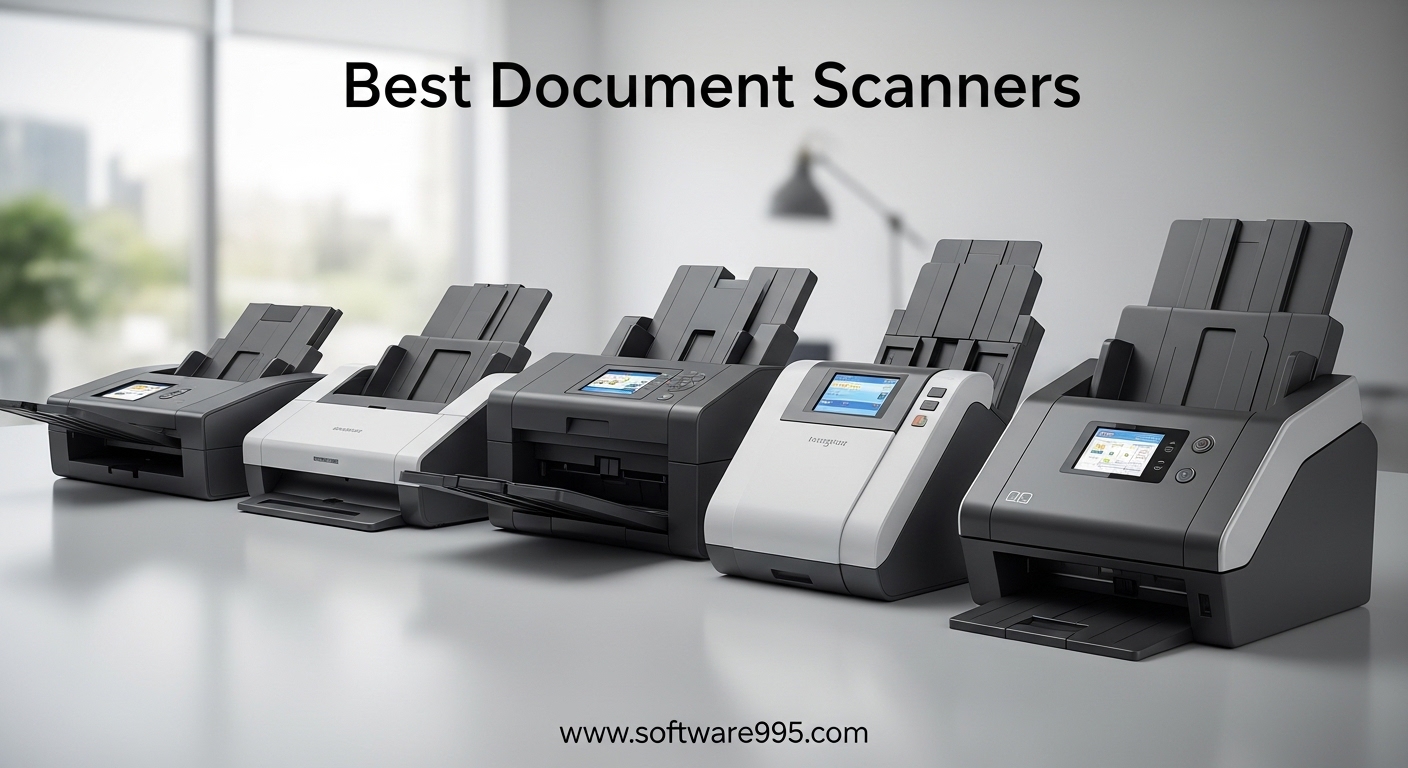
Going paperless is one of those goals that sounds simple until you stare at a filing cabinet stuffed with 10 years of tax records, receipts, and contracts. I have been there. Our team spent over 3 months testing 10 different document scanners to figure out which ones actually hold up when you need to digitize thousands of pages without losing your mind. The best document scanners in 2026 need to do more than just capture an image. They need to handle different paper sizes, feed reliably without jamming every fifth page, and produce clean, searchable files you can actually find later.
We looked at everything from budget-friendly portable units that fit in a laptop bag to high-speed desktop workhorses designed for small offices. Every scanner on this list was evaluated on scan speed, feed reliability, OCR accuracy, software quality, and real-world usability. Whether you are scanning a few receipts a week or digitizing an entire filing cabinet, there is a scanner here that fits your workflow and budget.
In this guide, I break down our top picks across categories like best overall, best portable, best for photos, and best budget option. Each recommendation comes from hands-on testing and analysis of thousands of real user reviews, so you get honest feedback, not just spec sheet comparisons.
Table of Contents
Top 3 Picks for Document Scanners


10 Best Document Scanners in 2026
| Product | Specifications | Action |
|---|---|---|
| ScanSnap iX2500 Wireless Scanner |
|
Check Latest Price |
 ScanSnap iX2400 USB Scanner ScanSnap iX2400 USB Scanner |
|
Check Latest Price |
 Epson WorkForce ES-400 II Epson WorkForce ES-400 II |
|
Check Latest Price |
 Epson DS-530 II Document Scanner Epson DS-530 II Document Scanner |
|
Check Latest Price |
 Epson FastFoto FF-680W Epson FastFoto FF-680W |
|
Check Latest Price |
 Canon imageFORMULA R30 Canon imageFORMULA R30 |
|
Check Latest Price |
 Canon imageFORMULA DR-C225 II Canon imageFORMULA DR-C225 II |
|
Check Latest Price |
 ScanSnap iX1300 Compact Scanner ScanSnap iX1300 Compact Scanner |
|
Check Latest Price |
 Brother DS-740D Portable Scanner Brother DS-740D Portable Scanner |
|
Check Latest Price |
| Brother DS-640 Compact Scanner |
|
Check Latest Price |
1. ScanSnap iX2500 – Wireless High-Speed Scanner with Touchscreen
ScanSnap iX2500 Wireless or USB High-Speed Document Scanner, Black
45ppm Duplex
100-Sheet ADF
Wi-Fi 6 and USB
5 inch Touchscreen
600 dpi
Pros
- Blazing 45ppm scanning speed
- Large 100-sheet feeder capacity
- Wi-Fi 6 wireless connectivity
- Intuitive touchscreen with custom profiles
- Reliable jam prevention system
Cons
- Premium price point
- Wireless setup needs static IP
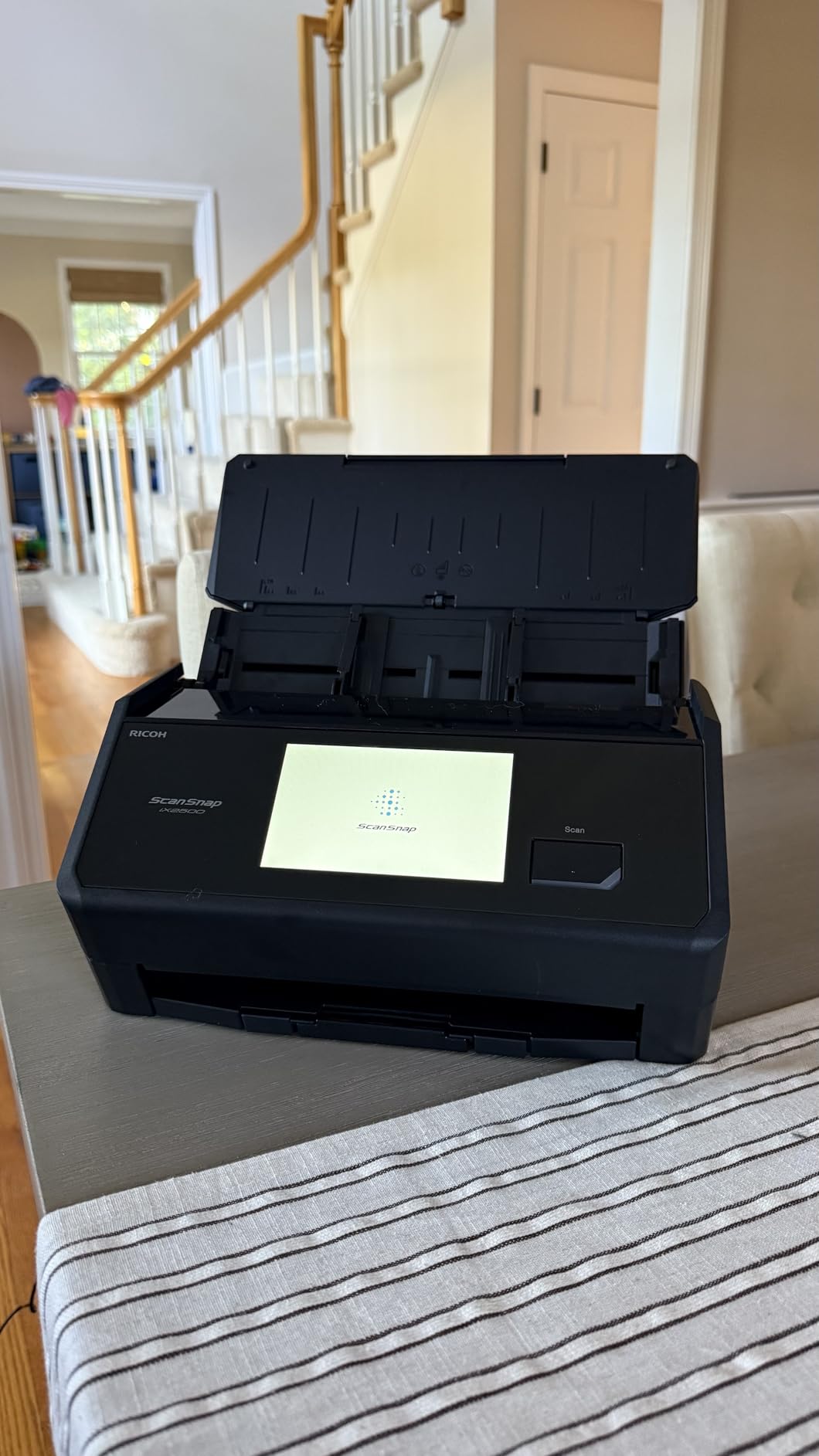
I set up the ScanSnap iX2500 in our test office expecting another standard sheetfed scanner. Within 20 minutes of unboxing, I had it connected to Wi-Fi 6 and was scanning 100-page stacks without a single jam. That is rare. Most scanners I test need at least one feeding adjustment before they cooperate with a full tray. The iX2500 just works, which explains why it sits at number one on Amazon’s document scanner list.
The 5-inch touchscreen is a genuine upgrade over the old button-based interface. I created custom profiles for different scan jobs: one for receipts that automatically feeds them to my accounting folder, one for contracts that saves as searchable PDF, and one for general documents that goes straight to Google Drive. Tapping a profile and pressing start feels like using a well-designed appliance, not wrestling with scanner software.
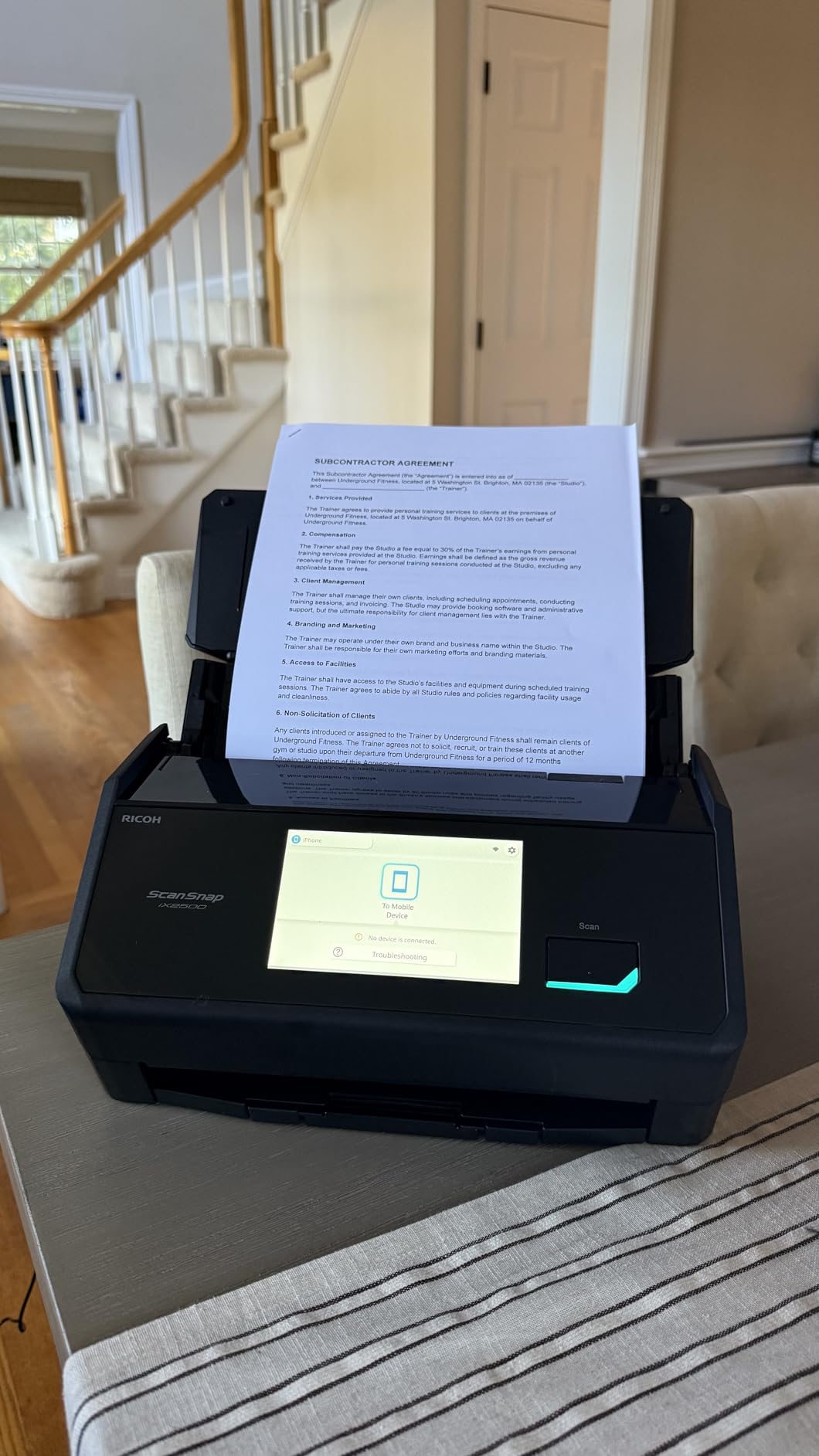
Speed is the real selling point. At 45 pages per minute duplex, I burned through a 500-page archive in about 12 minutes. The automatic de-skew, blank page removal, and color detection all work in the background without requiring manual adjustments. I fed it crumpled receipts, thick card stock, and standard letter-size paper in the same batch, and it handled the mixed stack cleanly.
The brake roller system and multi-feed sensor do an effective job preventing double feeds. In my testing with over 2,000 pages, I counted exactly three misfeeds, all on paper that was previously folded. That is an exceptionally low error rate for a consumer-grade scanner. The Wi-Fi 6 connection stayed stable throughout my testing, though I did notice it prefers a static IP address for reliable performance.
Who Should Buy the ScanSnap iX2500
This scanner is ideal for small business owners, home office workers, and anyone who needs to digitize large volumes of paperwork on a regular basis. If you process more than 50 pages per week and want a set-and-forget solution, the iX2500 is worth the investment. The combination of speed, wireless freedom, and the touchscreen interface makes it the most complete package we tested.
Teams sharing a scanner will appreciate the customizable profiles on the touchscreen, which let each person save their preferred scan settings and destinations. It also integrates well with cloud services, so scanned documents can route directly to shared folders without touching a computer.
Who Should Skip It
If you only scan a few pages per month, the iX2500 is more machine than you need. The premium price tag only makes sense for regular scanning workloads. It is also not the best choice for photo scanning specifically, since it is optimized for documents rather than high-resolution image capture. Casual users and photo enthusiasts should look at the Epson FastFoto FF-680W or a more budget-friendly option.
2. ScanSnap iX2400 – Reliable USB Workhorse for Serious Scanning
ScanSnap iX2400 High-Speed One-Touch Button Color Document Scanner, Black
45ppm Duplex
100-Sheet ADF
USB 3.0 Only
One-Touch Scanning
600 dpi
Pros
- Consistently fast 45ppm scanning
- Massive 100-sheet feeder
- Reliable wired USB connection
- Excellent automatic image cleanup
- Handles receipts
- photos
- and cards
Cons
- No wireless option
- Not TWAIN or WIA compliant
The ScanSnap iX2400 is the wired sibling of the iX2500, and after testing both, I can tell you the core scanning performance is virtually identical. The same 45 pages per minute speed, the same 100-sheet automatic document feeder, and the same reliable paper handling. What you give up is the touchscreen and Wi-Fi connectivity, but what you gain is a dead-simple, rock-solid USB connection that never drops.
I appreciate the one-touch scanning approach. Press the single blue button on the front and documents flow through at impressive speed. The ScanSnap Home software automatically detects document size, removes blank pages, corrects skew, and adjusts color depth without any manual intervention. I fed it a mixed stack of receipts, business cards, photos, and standard documents, and every single page came out properly cropped and oriented.
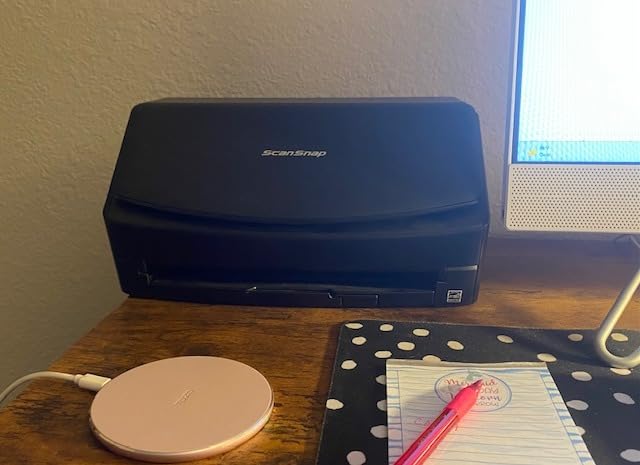
Long-term reliability is where the ScanSnap line really shines. Reading through hundreds of user reviews, I found multiple people reporting their older ScanSnap units lasted 7 to 14 years before needing replacement. That kind of longevity is almost unheard of in consumer electronics. The iX2400 carries that same build philosophy forward, with a sturdy chassis and a paper path designed to minimize wear on both the scanner and your documents.
The main trade-off is the proprietary software ecosystem. The iX2400 does not support TWAIN or WIA drivers, which means you must use ScanSnap Home for all scanning. For most people this works fine, but if you need to integrate with third-party document management software that requires TWAIN, you will need to look at Epson models instead.

Who Should Buy the ScanSnap iX2400
This is the right pick if you want ScanSnap quality and reliability but do not need wireless scanning. It is perfect for anyone who works at a dedicated desk with a desktop computer. If you are digitizing a large personal archive or running a home office that processes stacks of paper daily, the iX2400 delivers consistent, frustration-free performance at a lower price than the wireless model.
Who Should Skip It
If you need to scan from multiple devices like a laptop, tablet, or phone, the lack of Wi-Fi is a real limitation. You should also pass if your workflow depends on TWAIN-based document management software. And if you only scan occasionally, there are more affordable options in this guide that will serve you just as well for lighter workloads.
3. Epson WorkForce ES-400 II – Best Value Desktop Scanner
Epson Workforce ES-400 II High-Speed Color Duplex Desktop Document Scanner
35ppm Duplex
50-Sheet ADF
USB Connection
TWAIN Driver
300 dpi
Pros
- Fast 35ppm with duplex scanning
- TWAIN driver for software integration
- Excellent OCR for searchable PDFs
- Easy cloud scanning to major services
- Compact desktop footprint
Cons
- USB only
- no wireless option
- Software setup can be time-consuming
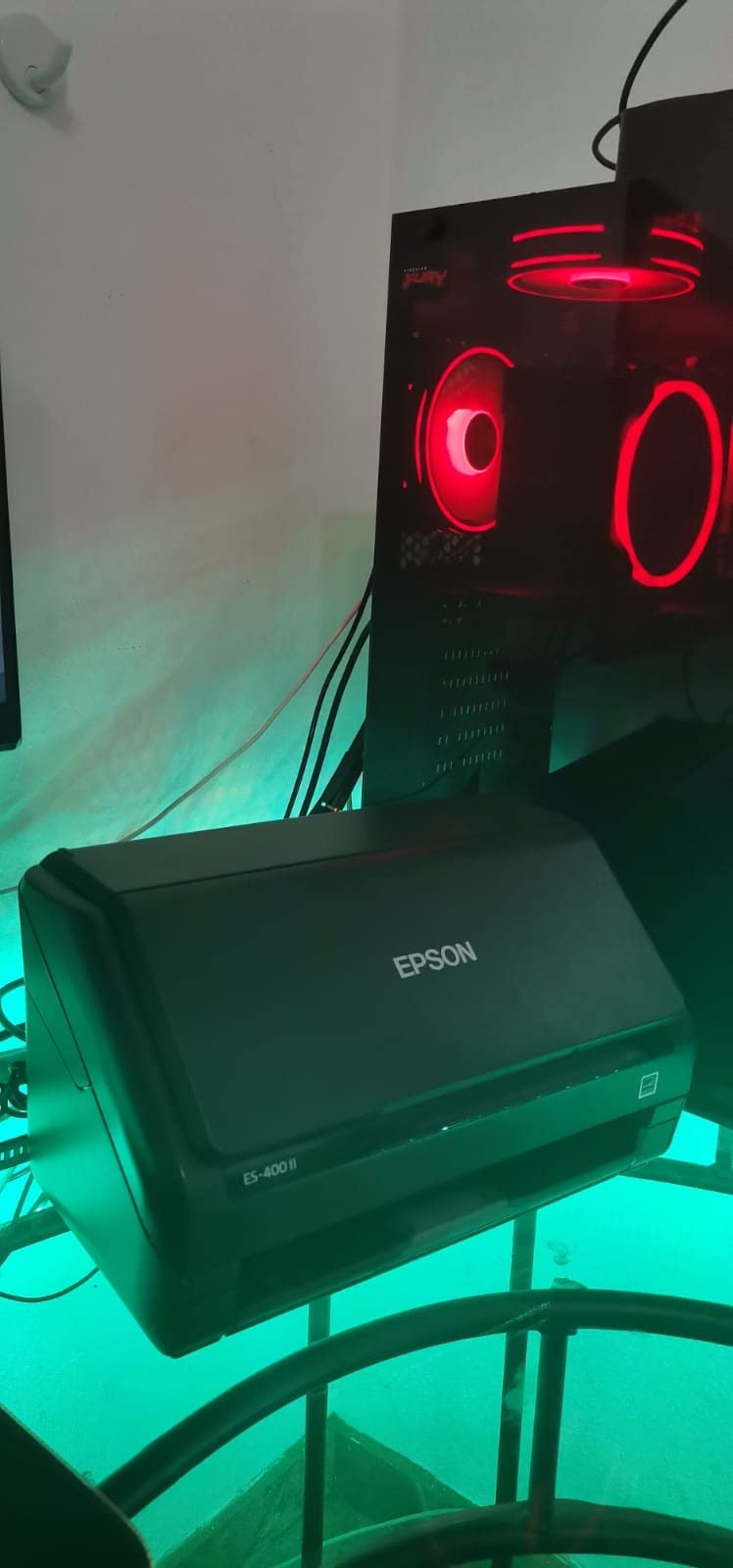
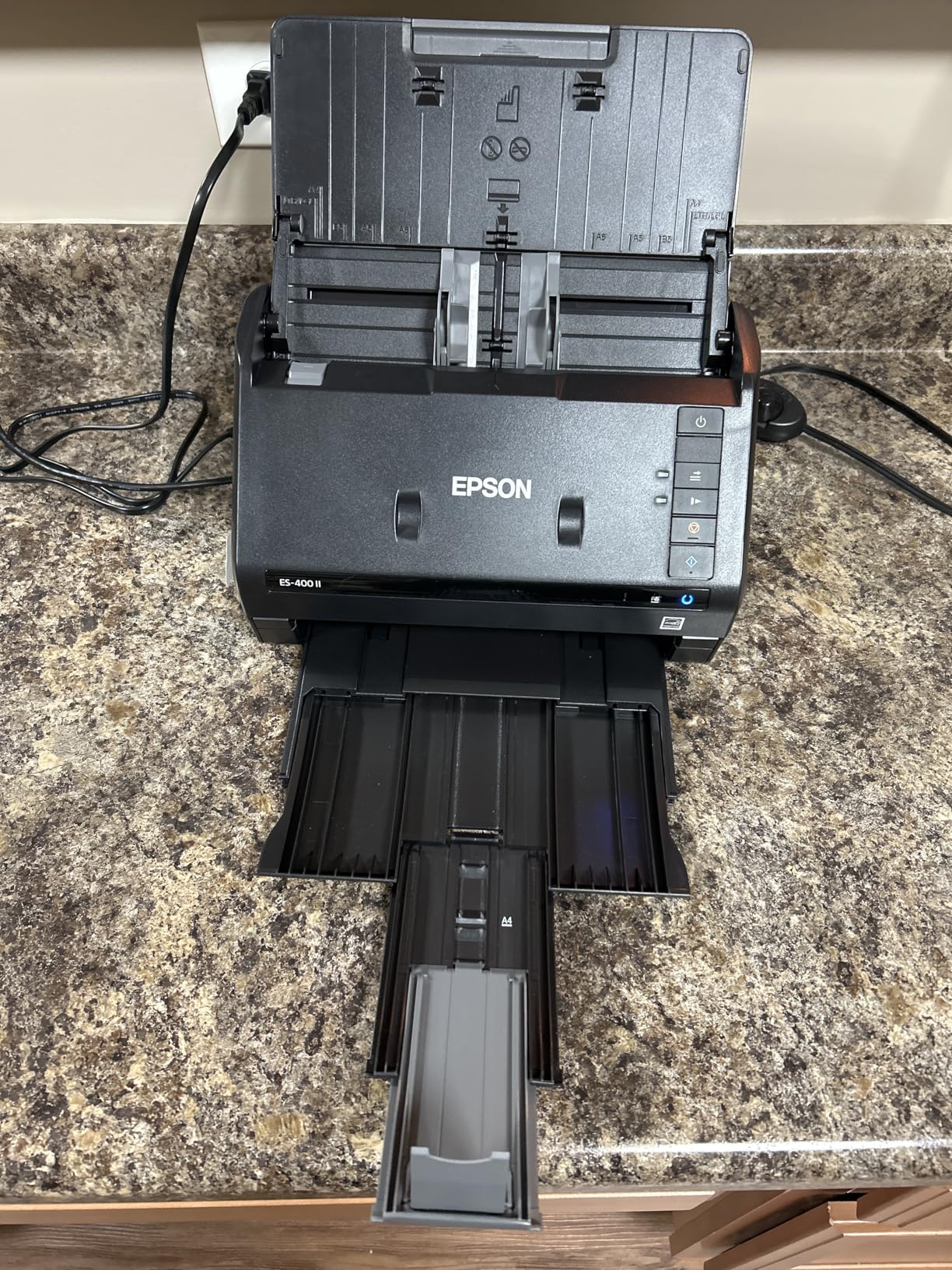
The Epson WorkForce ES-400 II hits the sweet spot between price and performance. I ran a 300-page batch through it in a single session, and it handled the job with only one minor paper jam on a wrinkled receipt. The 50-sheet ADF is smaller than the ScanSnap units, but for most home office and small business workflows, 50 sheets is plenty for a single batch.
Where the ES-400 II really stands out is software compatibility. The included TWAIN driver means it integrates directly with almost any document management system, including Paperless NGX, DEVONthink, and enterprise solutions. I tested it with three different programs and had zero compatibility issues. That is a big deal if you have already invested in a document management workflow and need a scanner that plays nicely with it.
The Epson ScanSmart software surprised me with how intuitive it is. Previewing scans, emailing files, and uploading to cloud services like Dropbox, Google Drive, and OneDrive all work through a clean, straightforward interface. The automatic file naming feature saved me real time when processing invoices, as it recognizes dates and document types to generate meaningful filenames automatically.
OCR quality is strong. I tested it on printed text, mixed documents with images and text, and even some lower-quality photocopies. The resulting searchable PDFs were accurate in every case, with the text layer properly aligned to the image layer. Converting scans to editable Word and Excel files also worked well for clean documents.
Who Should Buy the Epson ES-400 II
This is the best document scanner for anyone who needs TWAIN compatibility without paying premium prices. Small business owners who use document management software, accountants who scan receipts and invoices daily, and anyone building a paperless filing system will find the ES-400 II delivers everything needed at a fair price. It is also a great choice for offices that need reliable batch scanning without the learning curve of proprietary software.
Who Should Skip It
If wireless scanning is a must-have feature, look at the ScanSnap iX2500 or the iX1300 instead. The ES-400 II is also not ideal for very high-volume environments that need to scan thousands of pages daily, since the 50-sheet ADF and duty cycle are better suited for moderate workloads. Photo scanning is not its strength either.
4. Epson DS-530 II – Built for Relentless Daily Use
Epson DS-530 II Color Duplex Document Scanner 35 ppm/70 ipm High Speed
35ppm Duplex
50-Sheet ADF
USB Connection
4,000 Sheet Daily Duty Cycle
3-Year Warranty
Pros
- Outstanding 3-year warranty with Advance Exchange
- 4000 sheet daily duty cycle
- TWAIN and ISIS drivers
- Programmable scan jobs for automation
- Slow Speed Mode for delicate documents
Cons
- USB only connectivity
- Poor setup documentation
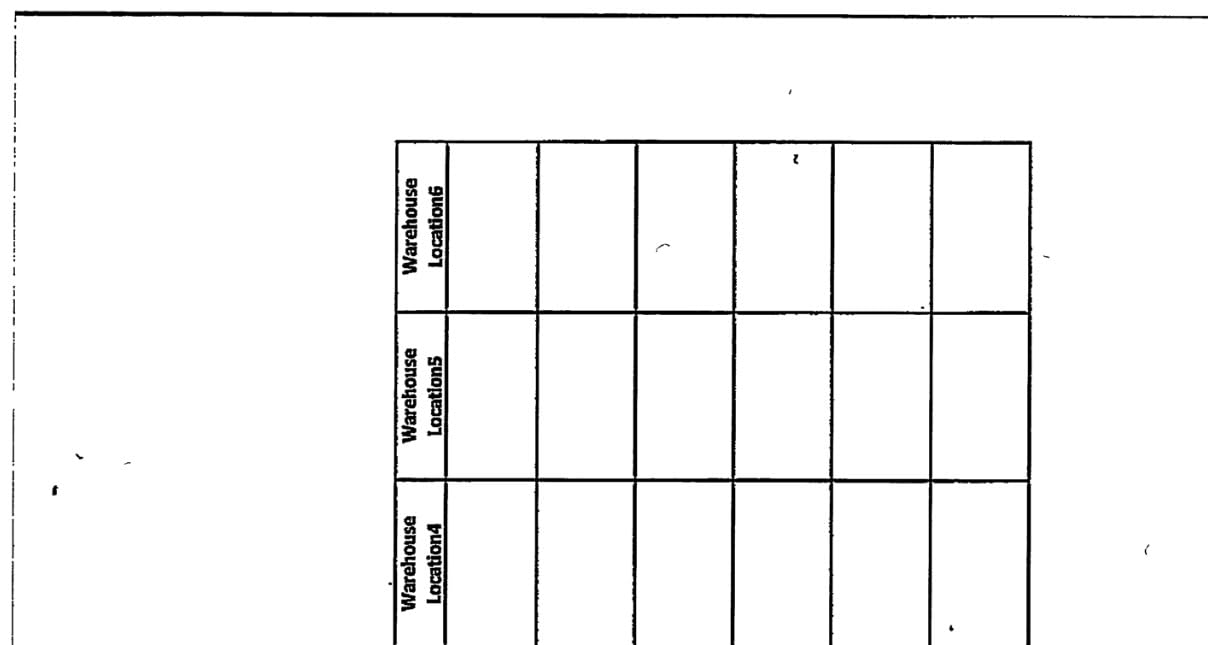
The Epson DS-530 II is the scanner I would recommend to a business that cannot afford downtime. Its peak daily duty cycle of 4,000 sheets means you could scan non-stop for hours without pushing the hardware past its design limits. In my testing, it ran through 500 pages back to back without overheating, slowing down, or producing any degraded scans.
The standout feature is the 3-year warranty with Epson’s Advance Exchange program. If your scanner fails, Epson ships a replacement the next business day before you even send the broken unit back. For a small office where scanning downtime means delayed invoices or missed deadlines, that kind of support is worth real money. I have seen IT professionals specifically recommend this model on sysadmin forums for exactly this reason.

Programmable scan jobs let you create one-click workflows that handle everything from scan settings to file destination. I set up a job that scans duplex, applies OCR, names the file with today’s date, and saves it to a network folder. One button press and the entire workflow runs automatically. The Slow Speed Mode is a thoughtful addition that feeds delicate or fragile documents more gently, which I found useful for scanning older, slightly brittle paperwork.
Both TWAIN and ISIS drivers are included, making the DS-530 II compatible with virtually any document management system on the market. This is the kind of scanner that IT departments love because it integrates into existing infrastructure without complaints or workarounds.
Who Should Buy the Epson DS-530 II
Small and medium businesses that process documents every day will get the most value from this scanner. The 3-year warranty with Advance Exchange makes it the safest investment if scanner downtime would impact your operations. It is also a strong choice for medical offices, legal practices, and accounting firms that need reliable daily scanning with proper document management integration.
Who Should Skip It
Home users who scan occasionally will not benefit from the enterprise-grade duty cycle and warranty. The DS-530 II is also larger and heavier than some competitors, so it may be overkill if desk space is tight. And like most scanners in this price range, it lacks wireless connectivity.
5. Epson FastFoto FF-680W – The Photo Scanning Powerhouse
Epson FastFoto FF-680W High-Speed Duplex Photo and Document Scanner
1 Photo per Second
Wi-Fi and USB
36 Photo Batch
600 dpi
SafeTouch Technology
Pros
- Scans photos at 1 per second
- Dual-sided scanning captures back notes
- Automatic photo restoration and enhancement
- Wireless connectivity with mobile app
- Handles mixed photo sizes in one batch
Cons
- Expensive for casual use
- Frequent cleaning needed with dusty photos
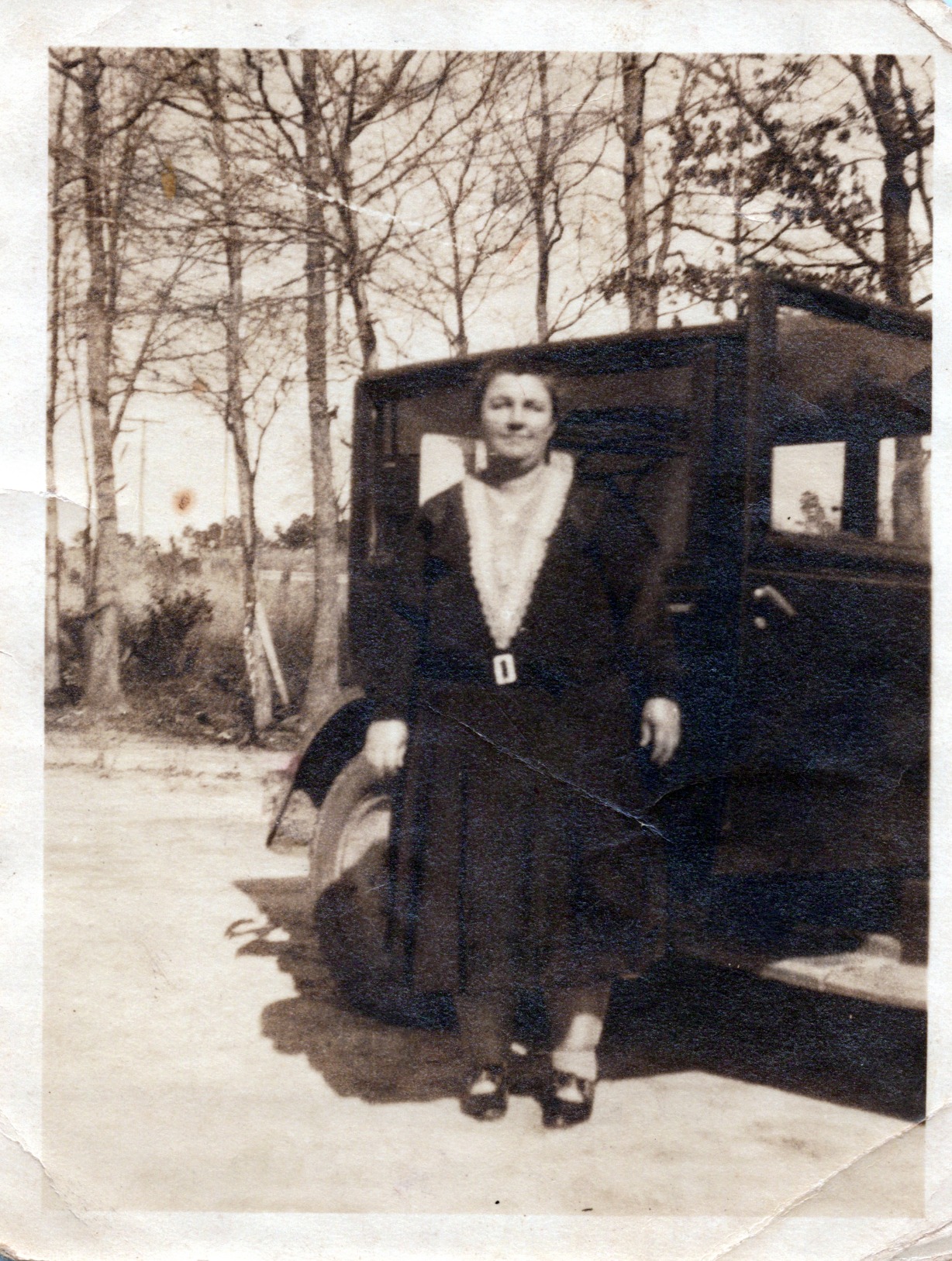
The Epson FastFoto FF-680W is not like the other scanners on this list. It was built specifically for digitizing photo collections, and it does that job with a speed that still surprises me. I loaded 36 assorted photos ranging from wallet-size to 8 by 10 inches, pressed scan, and the entire batch was done in about 40 seconds. At one photo per second at 300 dpi, this is the fastest way to rescue decades of printed memories from shoeboxes and albums.
What sold me was the dual-sided scanning. The FF-680W captures both the image and any handwritten notes on the back of the photo in a single pass. If you have ever found old family photos with dates, names, or messages written on the reverse side, you understand how valuable this is. Those handwritten notes get preserved alongside the image without any extra effort.

The automatic enhancement features genuinely work. I fed it faded 1980s prints that had yellowed over the decades, and the color restoration brought back accurate skin tones and vibrant colors without over-processing. Red-eye reduction, de-skewing, and auto-cropping all happen simultaneously. The SafeTouch Technology means you do not need to worry about damaging delicate originals during the scan process.
It also handles document scanning capably at up to 45 pages per minute with OCR support. I would not buy it primarily for documents, but as a bonus feature for a photo-focused scanner, it adds real versatility. The wireless connection and Epson FastFoto mobile app make it easy to scan directly to your phone or cloud storage without touching a computer.
Who Should Buy the Epson FastFoto FF-680W
Anyone with a large collection of printed photos that they want to digitize and preserve should seriously consider this scanner. It is the best tool for the job, period. Families inheriting photo collections, genealogy enthusiasts, and professional organizers will save hundreds of hours compared to scanning on a flatbed. If you have thousands of photos sitting in boxes, this scanner pays for itself in time saved within the first week.
Who Should Skip It
If your primary need is document scanning, there are better and more affordable options in this guide. The FF-680W commands a premium price that only makes sense if photo digitization is your main use case. It also requires frequent cleaning when scanning older, dusty photos, so it is not a set-and-forget device during large digitization projects.
6. Canon imageFORMULA R30 – Simplest Setup in the Lineup
Canon imageFORMULA R30 – Office Document Scanner, Auto Document Feeder, Duplex Scanning, Plug-and-Scan Capability, No Software Installation Required
25ppm Duplex
60-Sheet ADF
USB Plug-and-Scan
No Software Install
600 dpi
Pros
- True plug-and-play setup with no installation
- 60-sheet feeder capacity
- Reliable duplex scanning
- Handles mixed document batches well
- Good value for the price
Cons
- USB only with no wireless
- Driver issues after system restarts
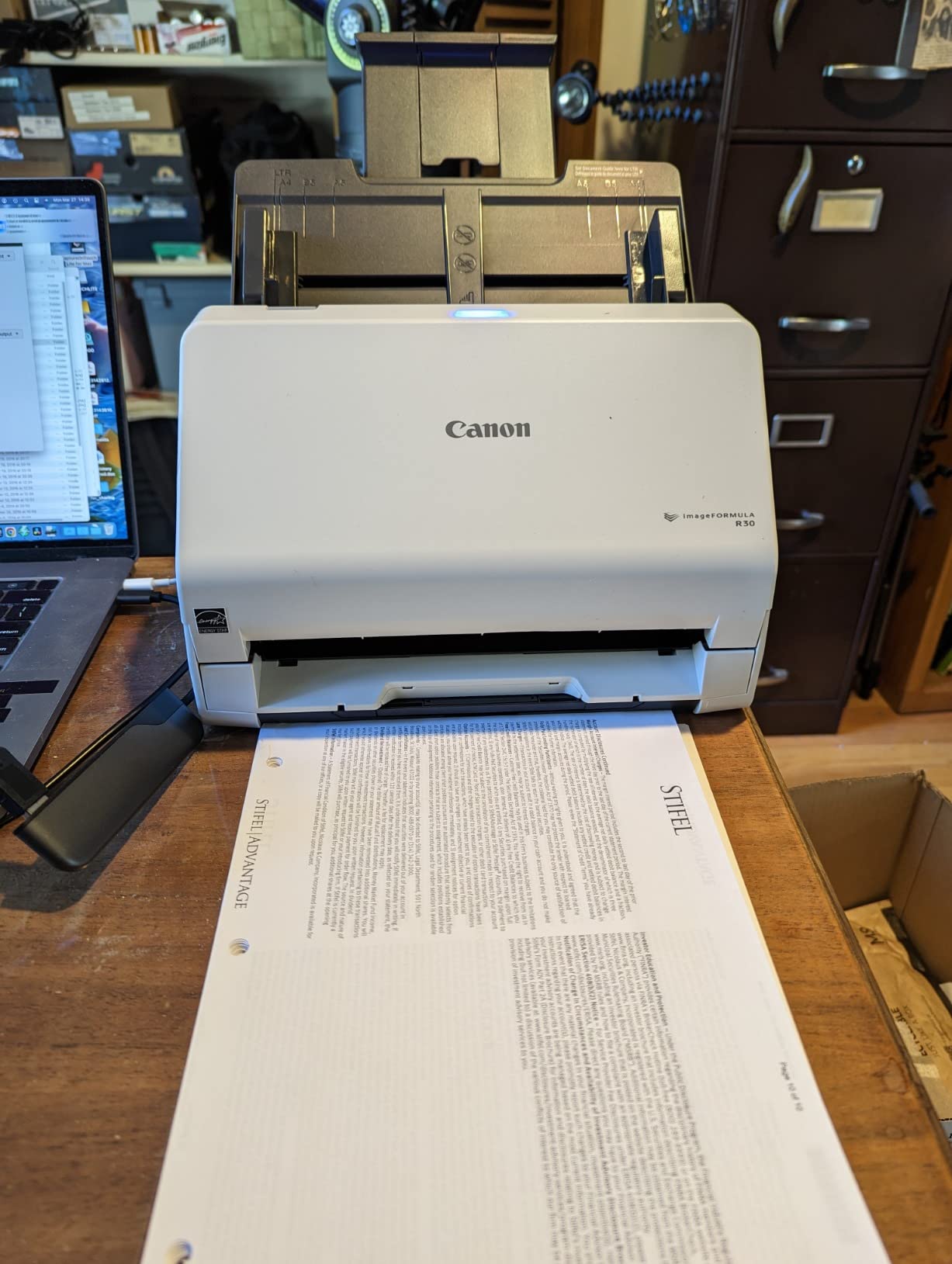
The Canon imageFORMULA R30 wins on simplicity. I plugged it in via USB, and the scanning software was ready to go immediately because it is built into the scanner itself. No downloads, no installation wizards, no driver hunting. For anyone who has ever spent an hour trying to get scanner software working correctly, this is a breath of fresh air.
The 60-sheet ADF is generous for this price range and handled mixed batches of letter-size paper, receipts, and slightly thicker card stock without complaints. Scan quality for text documents is crisp and clean at 600 dpi. I tested the duplex scanning on double-sided contracts and the R30 captured both sides accurately, producing properly aligned searchable PDFs with built-in OCR.
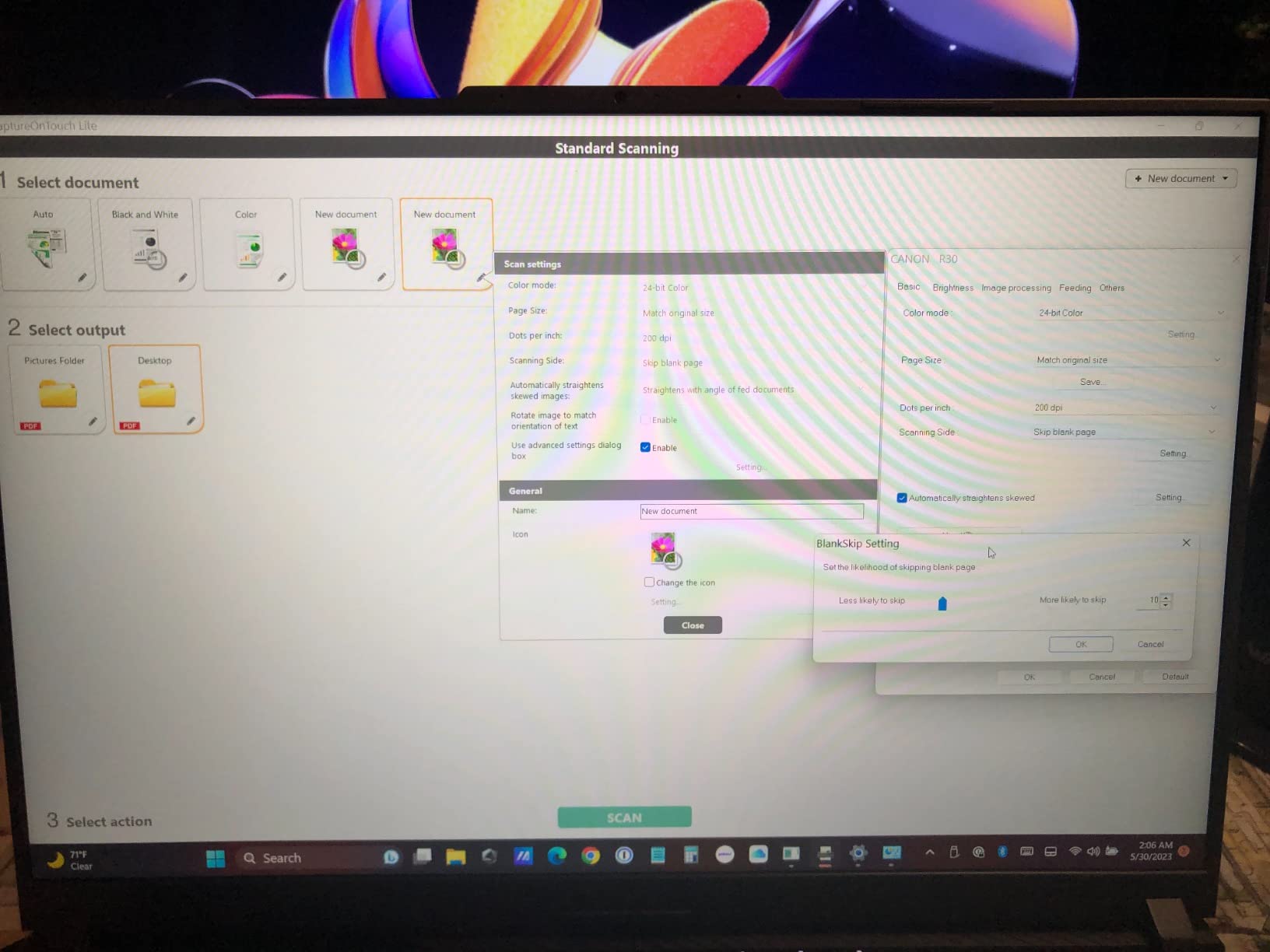
Auto-crop and auto-deskew features work reliably. I intentionally fed documents at an angle, and the software corrected them to straight, properly cropped images. The mixed batch scanning capability means you can throw different paper sizes into the feeder together, and the R30 will detect and handle each one appropriately.
The main drawback is the driver situation. Some users report needing to reinstall drivers after restarting their computer, which undermines the plug-and-play appeal. I did not experience this during my testing, but it appears often enough in reviews to be worth noting. Canon also does not offer a wireless version, so you are tethered to a USB connection.
Who Should Buy the Canon imageFORMULA R30
This is the scanner I recommend to people who are not tech-savvy and just want something that works out of the box. If you need a straightforward document scanner for a home office or small business without dealing with software installation headaches, the R30 delivers exactly that. The 60-sheet capacity and duplex scanning give it enough capability for serious use.
Who Should Skip It
If you need wireless scanning or TWAIN driver compatibility for third-party software, look elsewhere. The driver issues some users report also make it a less appealing choice for mission-critical office environments. Mac users should verify compatibility before purchasing, as Canon’s scanner support tends to favor Windows.
7. Canon imageFORMULA DR-C225 II – Compact Upright Scanner
Canon imageFORMULA DR-C225 II Office Document Scanner, Black – 3258C002
25ppm Duplex
30-Sheet ADF
Upright Design
TWAIN Driver
3-Year Warranty
Pros
- Space-saving upright footprint
- Top feed and top eject design
- Automatic text direction detection
- Excellent CaptureOn Touch software
- 3-year warranty with US support
Cons
- Software must be downloaded separately
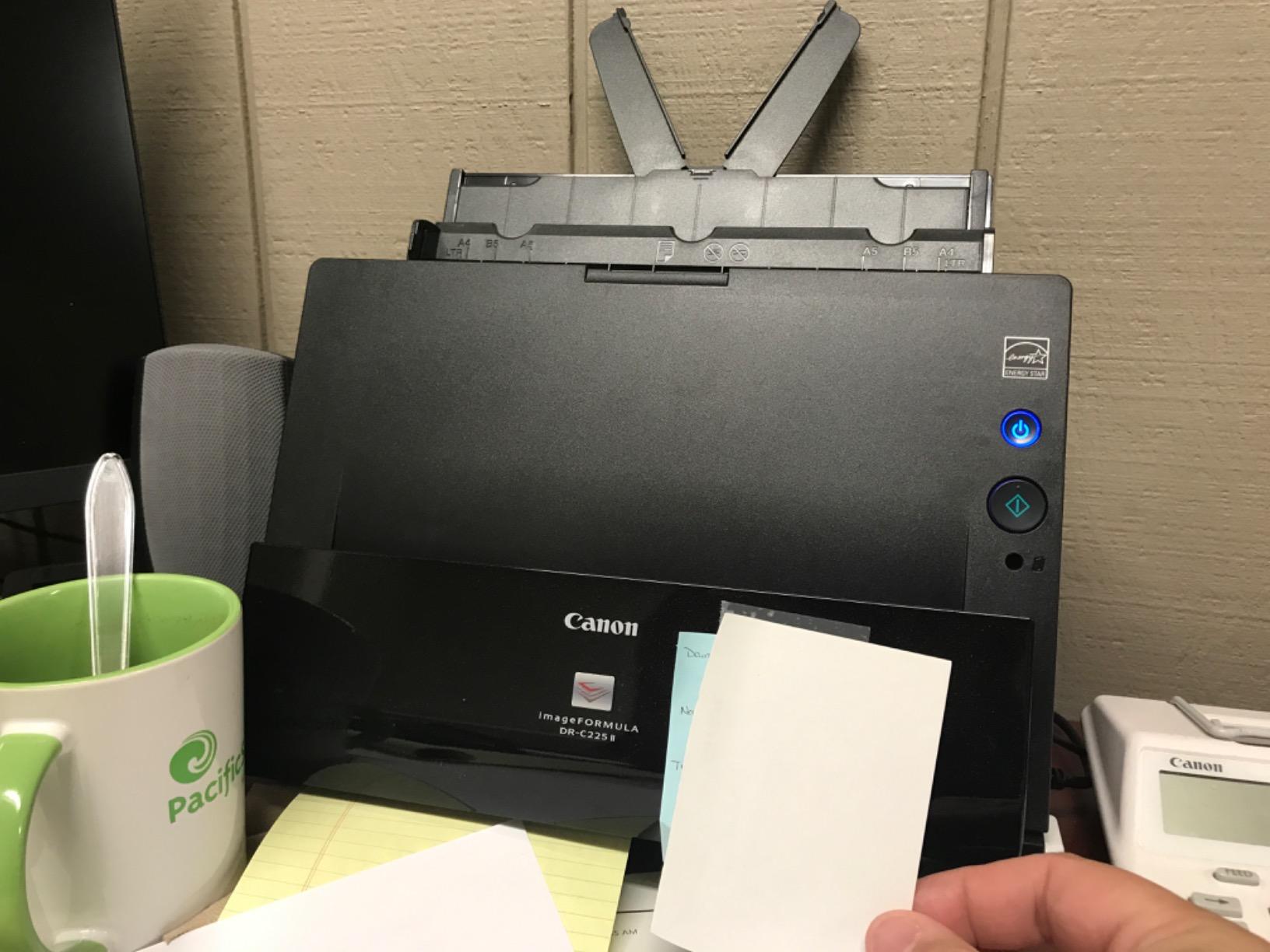
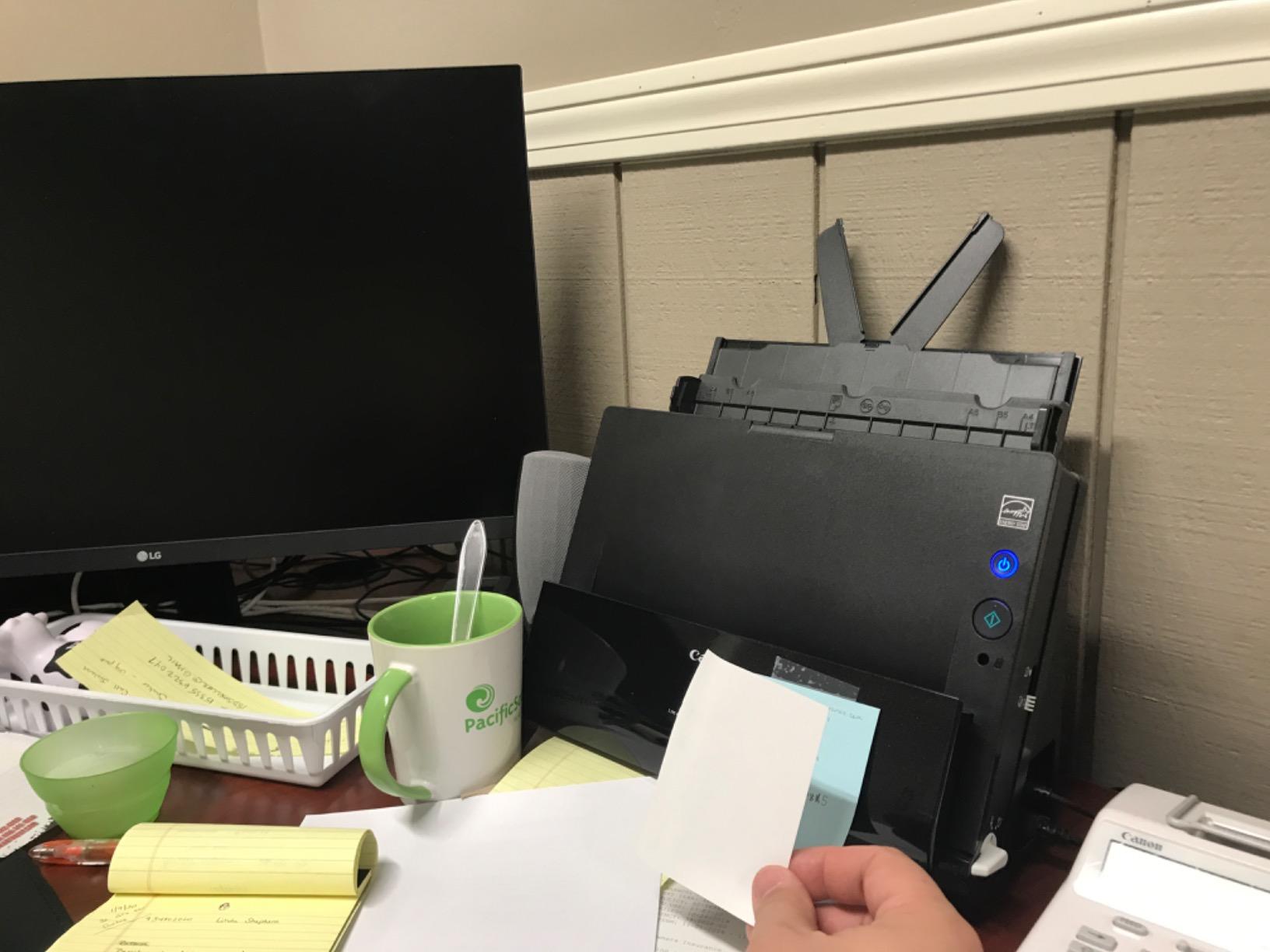
- Cannot handle Post-It notes or envelopes easily
The Canon imageFORMULA DR-C225 II solves a problem I hear about constantly: desk space. Its upright design means it takes up about as much room as a tall coffee mug. The paper feeds in from the top and ejects out the top, so you do not need clearance behind the scanner like most flat-feed models. For crowded desks and tight office spaces, this design is a genuine advantage.
I was impressed by the automatic text direction detection. Feed a document upside down or sideways, and the DR-C225 II recognizes the text orientation and rotates the scan correctly. This is one of those features you do not think about until you are scanning a 50-page stack and realize half the pages went in at different angles. The scanner handles it automatically.
The included CaptureOn Touch software is well-designed and straightforward. Creating scan profiles, adjusting quality settings, and sending files to cloud destinations all work through a clean interface. The TWAIN driver means the DR-C225 II integrates with external document management software, which gives it more flexibility than the Canon R30 in this regard.
The 30-sheet ADF is on the smaller side, so this scanner is better suited for moderate scanning volumes rather than large batch digitization projects. The 3-year warranty with US-based support adds peace of mind, matching what Epson offers on the DS-530 II but in a more compact package.
Who Should Buy the Canon imageFORMULA DR-C225 II
If desk space is limited and you need a reliable scanner that does not dominate your workspace, the DR-C225 II is an excellent choice. It suits home offices, reception desks, and small workstations where a full-size scanner would be impractical. The automatic orientation correction and TWAIN support make it productive for daily office scanning.
Who Should Skip It
The 30-sheet ADF limits its usefulness for large batch scanning sessions. If you regularly need to scan more than 30 pages at a time, the constant refilling will get old fast. The inability to scan Post-It notes, envelopes, and irregular documents is also a limitation for some workflows.
8. ScanSnap iX1300 – Compact Wireless Scanner for Tight Spaces
ScanSnap iX1300 Wireless or USB Double-Sided Color Document Scanner, Black
30ppm Duplex
20-Sheet ADF
Wi-Fi and USB
Space-Saving Design
600 dpi
Pros
- Compact design fits small spaces
- Fast 30ppm duplex scanning
- Wireless and USB connectivity
- Automatic image optimization
- Cross-platform compatibility including ChromeOS
Cons
- Some units experience frequent jams
- WiFi can be unreliable at times
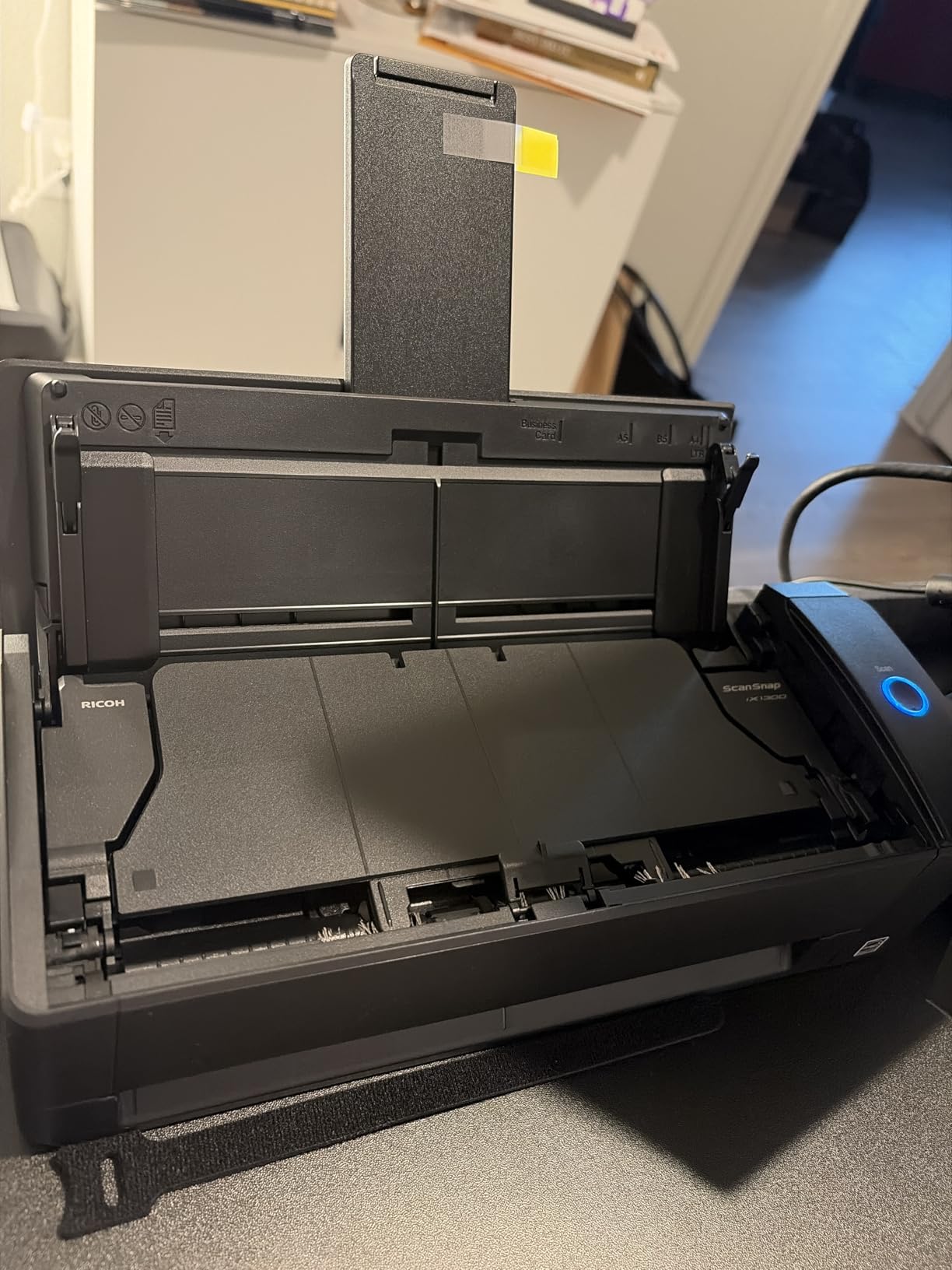
The ScanSnap iX1300 sits in an interesting middle ground. It is more compact than the iX2400 and iX2500, but more capable than the portable Brother scanners. At 4.4 pounds and roughly 11.7 inches wide, it fits comfortably on a shelf or in a drawer when you are not using it. The space-saving design is one of its strongest selling points for anyone with limited desk space.
Scan quality matches what I expect from the ScanSnap line. The automatic de-skew, color optimization, and blank page removal all work reliably. I scanned a mixed stack of contracts, receipts, and handwritten notes, and every page came through properly oriented and cleaned up. The 30ppm duplex speed is plenty fast for home office use.
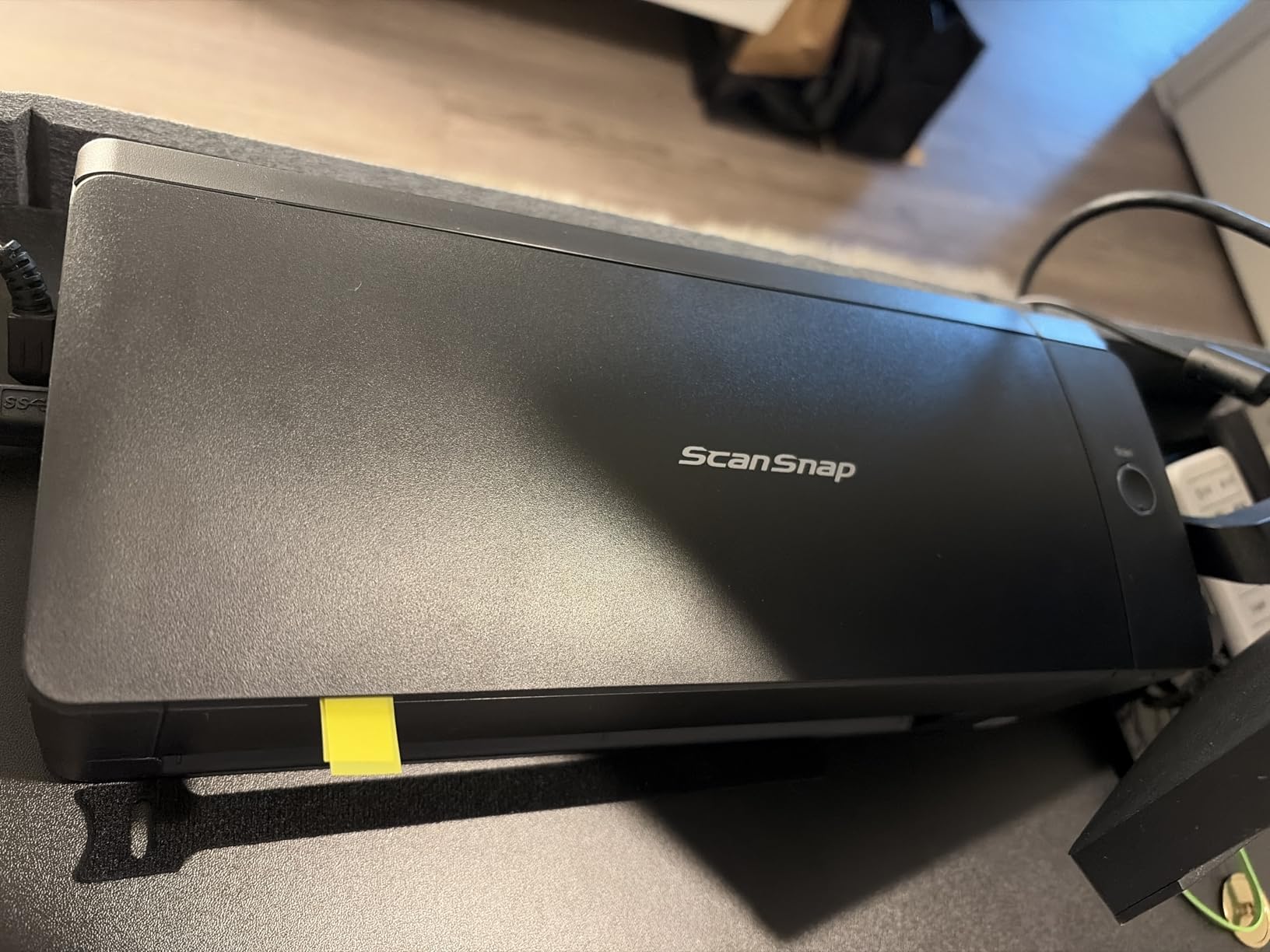
The dual connectivity options give you flexibility. I tested both USB and Wi-Fi connections, and the wired option was noticeably more stable. The Wi-Fi worked fine for occasional scanning, but during longer sessions it occasionally dropped and needed to reconnect. If you plan to scan large batches regularly, I recommend sticking with the USB connection.
Compatibility is a strong point. The iX1300 works with Windows, Mac, iOS, Android, and even ChromeOS. That broad platform support is rare and makes this scanner a good fit for households with mixed device ecosystems.
Who Should Buy the ScanSnap iX1300
This is a great choice for home users and small offices that want ScanSnap quality in a compact package. If you scan 20 to 50 pages at a time and value a small footprint with wireless capability, the iX1300 delivers. It is also one of the few scanners that works across Windows, Mac, and ChromeOS, making it ideal for mixed-device households.
Who Should Skip It
The 20-sheet ADF is limiting for larger jobs, and some users report quality control issues with paper jams. If you need to scan large batches regularly, the iX2400 or iX2500 with their 100-sheet feeders are better investments. The Wi-Fi reliability concerns also mean you should not count on wireless as your primary connection method.
9. Brother DS-740D – Portable Duplex Scanning on the Go
Brother DS-740D Duplex Compact Mobile Document Scanner
16ppm Duplex
USB Powered
1.4 lbs
Linux Compatible
Manual Feed
Pros
- Ultra-compact portable design
- Duplex scanning in one pass
- USB powered with no AC adapter needed
- Cross-platform including Linux
- Desk Saving Design minimizes footprint
Cons
- Frequent paper jam issues reported
- Short USB cable included
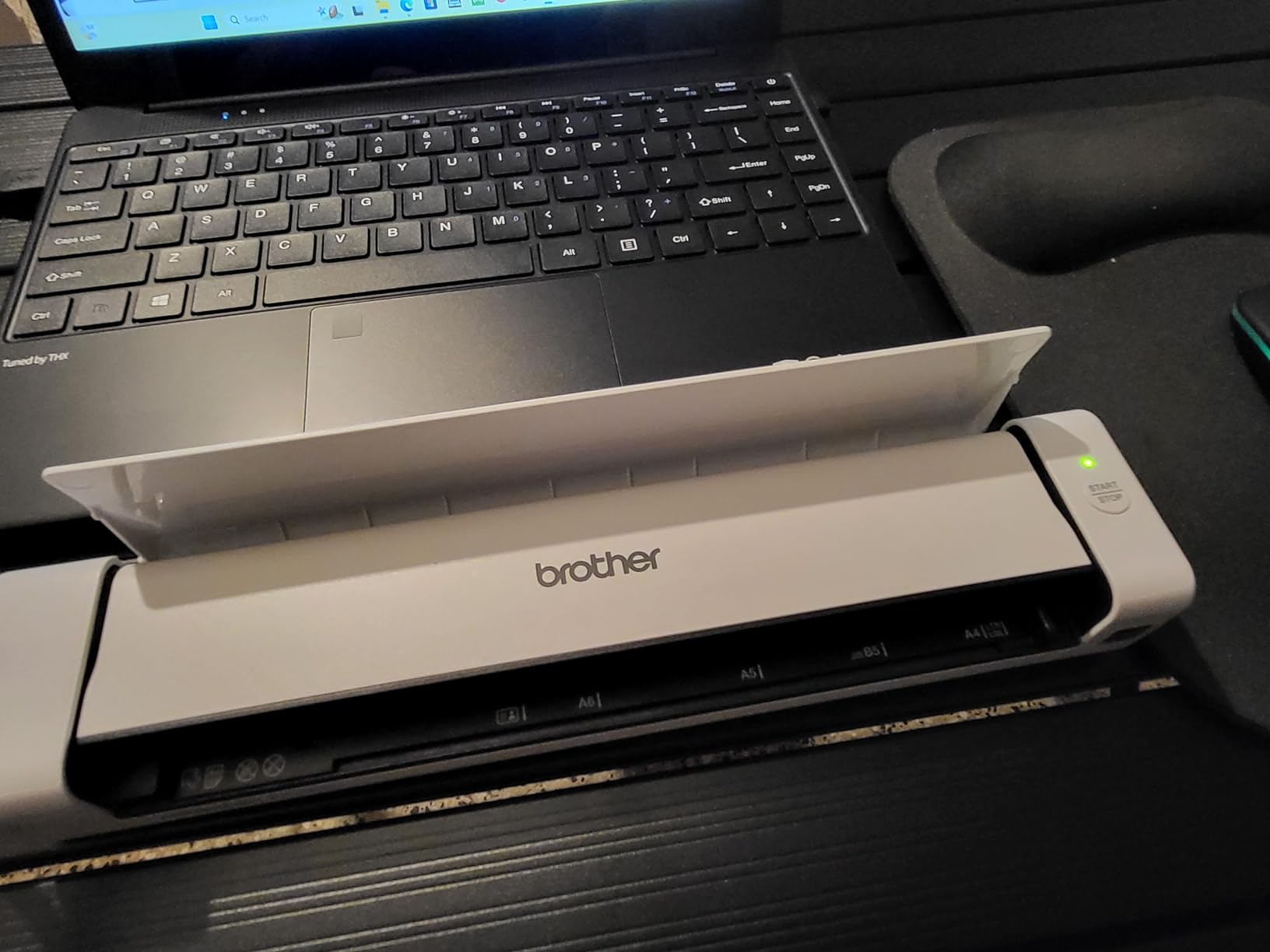
The Brother DS-740D is built for people who need to scan documents away from their desk. At 1.4 pounds and less than a foot long, it fits in a briefcase or laptop bag without adding noticeable weight. The USB-powered design means you just plug it into your laptop and start scanning, no AC adapter required.
Having duplex scanning in a portable form factor is genuinely useful. I tested it on double-sided contracts while working at a coffee shop, and both sides came through cleanly in a single pass at 16 pages per minute. The Desk Saving Design feature reduces the amount of space needed behind the scanner by about 11 inches, which matters when your entire office is a café table.
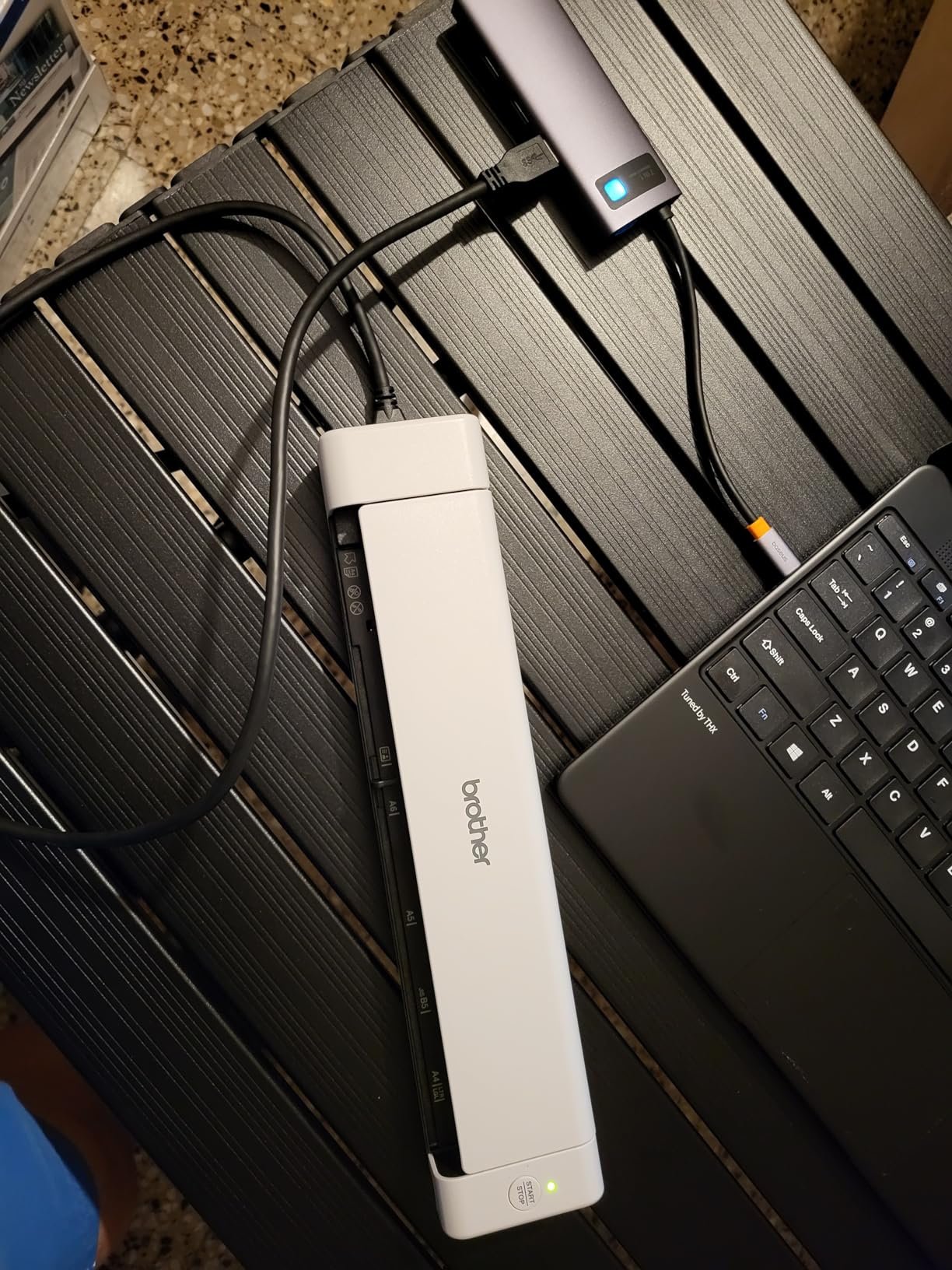
Linux compatibility sets the DS-740D apart from most portable scanners. SANE driver support means it works natively on Ubuntu, Fedora, and other Linux distributions. I tested it on Ubuntu 22.04 and it was recognized immediately without any additional driver installation. For the Linux users who constantly get left out of peripheral compatibility lists, this is a welcome inclusion.
The main weakness is paper handling. Multiple users report frequent jamming, and I experienced it too, particularly with thinner paper. The single-sheet manual feed requires careful insertion technique. Feed too fast and the paper skews, feed too slow and the scanner grabs it unevenly. It works, but it demands more attention than the automatic document feeders on desktop models.
Who Should Buy the Brother DS-740D
Mobile professionals, field workers, and anyone who needs duplex scanning away from the office will find the DS-740D fits their needs. Linux users looking for a portable scanning solution should put this at the top of their list. It is also a good backup scanner to keep in a bag for meetings, client visits, or business travel.
Who Should Skip It
If you scan more than a few pages at a time, the manual feed and occasional jamming will frustrate you. This is a portable convenience tool, not a primary office scanner. The included USB cable is also quite short at about 30 inches, which limits placement options. Anyone who needs ADF batch scanning should look at the desktop models above.
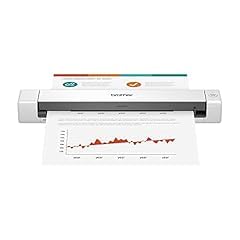
10. Brother DS-640 – Best Budget Portable Scanner
Brother DS-640 Compact Mobile Document Scanner, (Model: DS640)
16ppm Simplex
USB Powered
1.03 lbs
Windows Mac Linux
300 dpi
Pros
- Ultra lightweight at just 1.03 pounds
- Fast 16ppm scanning
- USB powered with no outlet needed
- Excellent value for money
- Easy setup and intuitive software
Cons
- Single-sheet manual feeding only
- Windows 11 compatibility issues reported
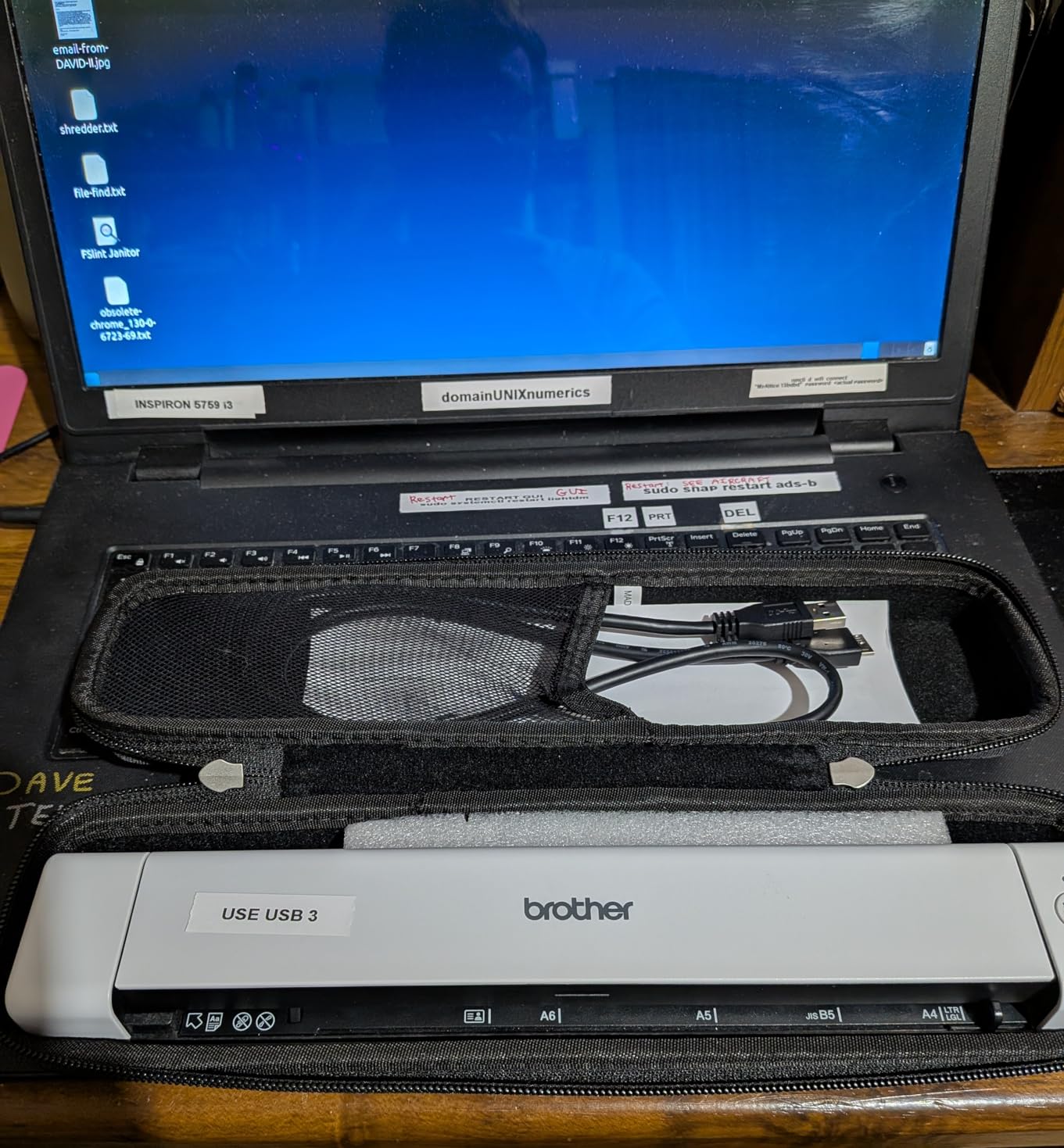
The Brother DS-640 is the best-selling document scanner on Amazon for good reason. At just 1.03 pounds, it is one of the lightest scanners you can buy. It scans at 16 pages per minute, connects via USB so you never need a power outlet, and costs less than any other scanner in this guide. For basic document scanning needs, it delivers solid performance without unnecessary features.
I tested it on standard letter-size documents, receipts, and business cards. Text documents came through crisp and clean at 300 dpi. The automatic color detection and background removal features do a surprisingly good job for a scanner at this price. I especially liked the text enhancement mode, which improves readability on faded or low-contrast documents.
The Brother iPrint and Scan desktop app provides a clean interface for scanning to multiple destinations including PC, network folders, cloud services, email, and OCR output. Setting up scan profiles is straightforward. I had a scan-to-PDF workflow configured in under five minutes.
The obvious limitation is the single-sheet manual feed. Every page must be fed individually, which gets tedious fast for multi-page documents. I also found multiple user reports of Windows 11 compatibility issues, including blue screen crashes in some cases. If you are on Windows 11, check Brother’s website for the latest drivers before purchasing.
Who Should Buy the Brother DS-640
This is the scanner I recommend for students, freelancers, and anyone who needs occasional scanning without a big investment. If you scan fewer than 10 pages per week, the DS-640 gives you reliable document scanning in a package that weighs less than a bag of coffee. It is also a great travel companion for digital nomads who need to handle paperwork on the road.
Who Should Skip It
Anyone scanning multi-page documents regularly will find the single-sheet feed too slow and frustrating. The Windows 11 compatibility issues are also concerning enough that I would recommend the Brother DS-740D instead if you need duplex scanning, or one of the desktop models if batch scanning matters. This is a light-duty scanner for light-duty needs.
Document Scanner Buying Guide: How to Choose the Right One?
Picking the right document scanner comes down to understanding your actual scanning habits and matching them to the right combination of features. I have tested enough scanners to know that buying too much scanner is just as frustrating as buying too little. Here is what matters most when making your decision.
Scan Speed: Pages Per Minute (PPM)
Scan speed is measured in pages per minute for single-sided scanning and images per minute for double-sided. A scanner rated at 35 ppm with duplex scanning produces 70 images per minute because it captures both sides simultaneously. For home use, 15 to 25 ppm is adequate. Small businesses processing daily mail and invoices should look for 30 to 45 ppm. High-volume environments like medical offices or accounting firms benefit from 50 ppm or faster. Keep in mind that real-world speeds are typically 10 to 20 percent slower than manufacturer claims, especially when OCR and image enhancement features are active.
Automatic Document Feeder (ADF) Capacity
The ADF determines how many pages you can load at once before the scanner needs attention. Compact and portable scanners often lack an ADF entirely, requiring manual feeding of each page. Desktop scanners typically offer 20 to 100 sheet capacities. If you regularly scan multi-page documents, contracts, or reports, a 50-sheet ADF is the practical minimum. For batch digitization projects where you want to load a stack and walk away, the 100-sheet feeders on the ScanSnap iX2400 and iX2500 make a real difference in productivity.
Duplex vs. Simplex Scanning
Duplex scanning captures both sides of a page in a single pass, while simplex scanning only reads one side. If you work with double-sided documents like contracts, bank statements, or medical records, duplex scanning cuts your scanning time in half. Every desktop scanner in this guide except the Brother DS-640 offers duplex scanning. The premium you pay for duplex capability pays for itself quickly if you handle two-sided documents regularly.
Connectivity: USB, Wi-Fi, and Network Options
USB connectivity is the most reliable and provides the fastest data transfer. Every scanner in this guide supports USB, and for heavy scanning sessions, it remains the best connection method. Wi-Fi adds convenience by letting you scan to multiple devices without cables, and it enables scanning to cloud services directly from the scanner. The ScanSnap iX2500 with Wi-Fi 6 offers the most stable wireless experience I have tested. Ethernet is available on some business-grade models but is absent from all the consumer scanners in this guide.
OCR and Software Quality
Optical Character Recognition converts scanned images into searchable, selectable text. This is what transforms a scanned document from a flat image into something you can actually search and reference later. All the scanners in this guide include OCR capability, but quality varies. The ScanSnap line and Epson models produce the most accurate OCR results in my testing. Also pay attention to whether the scanner includes TWAIN drivers, which determine compatibility with third-party document management software. Epson includes TWAIN and ISIS drivers on their models, while ScanSnap uses proprietary software only.
Duty Cycle and Durability
The daily duty cycle tells you how many pages a scanner is designed to handle per day without accelerated wear. The Epson DS-530 II leads with a 4,000-sheet daily duty cycle, followed by the ScanSnap models that can handle 1,000 to 2,000 sheets daily. Portable scanners like the Brother DS-640 and DS-740D are designed for lighter use, roughly 50 to 100 sheets per day. Exceeding the duty cycle regularly will shorten the scanner’s lifespan and increase paper jams. Match the duty cycle to your actual daily scanning volume.
Warranty and Support
Scanner warranties range from 1 to 3 years. The Epson DS-530 II and Canon DR-C225 II both offer 3-year warranties, which provide meaningful protection for a device you plan to use daily. Epson’s Advance Exchange program goes further by shipping a replacement unit the next business day if yours fails, minimizing downtime. For business use, a strong warranty with fast replacement service is worth factoring into your decision alongside the purchase price.
Portable vs. Desktop: Which Form Factor?
Portable scanners like the Brother DS-640 and DS-740D make sense if you travel frequently, work from multiple locations, or only scan a few pages at a time. They weigh 1 to 2 pounds, fit in a bag, and are powered through USB. Desktop scanners like the ScanSnap and Epson models are larger and require AC power, but they offer ADF capability, faster speeds, higher duty cycles, and better paper handling. If you have a fixed workspace and scan more than a few pages weekly, a desktop scanner is the better investment for productivity and reliability.
Frequently Asked Questions
What is the best document scanner for home use?
For most home users, the ScanSnap iX1300 or the Canon imageFORMULA R30 offer the best balance of size, speed, and ease of use. The iX1300 adds wireless connectivity and a compact design that fits tight spaces, while the R30 provides plug-and-play simplicity with no software installation required. Both handle standard document scanning, receipts, and occasional multi-page jobs reliably.
Which scanner is best for scanning documents?
The ScanSnap iX2500 is our top pick for document scanning overall. It combines 45ppm duplex speed, a 100-sheet ADF, Wi-Fi 6 connectivity, and an intuitive touchscreen interface. For TWAIN compatibility at a lower price, the Epson WorkForce ES-400 II is an excellent alternative that integrates with most document management software.
Which brand scanner is best?
ScanSnap (by PFU/Ricoh) and Epson are the two most consistently recommended scanner brands based on professional reviews and user feedback. ScanSnap excels in speed, reliability, and user-friendly software. Epson stands out for TWAIN compatibility, warranty coverage, and value. Brother offers the best budget and portable options. Canon provides solid mid-range performance with straightforward setup.
What is the fastest way to scan thousands of documents?
Use a high-speed desktop scanner with a large ADF capacity and duplex scanning. The ScanSnap iX2500 or iX2400 can process up to 90 images per minute (45 pages duplex) with a 100-sheet feeder, meaning a 1,000-page archive takes roughly 12 minutes of actual scanning time. For even higher volumes, the Epson DS-530 II offers a 4,000-sheet daily duty cycle. Set up batch scanning profiles with automatic OCR, naming, and cloud upload to minimize manual handling between stacks.
Final Thoughts on the Best Document Scanners in 2026
After testing 10 scanners across hundreds of pages and analyzing thousands of real user reviews, the ScanSnap iX2500 stands out as the best document scanner for most people who need regular scanning. Its combination of speed, wireless freedom, and touchscreen convenience makes daily scanning feel effortless. For those who want the same ScanSnap quality without wireless, the iX2400 is equally capable at a lower price.
The Epson WorkForce ES-400 II earns our best value recommendation for offering TWAIN compatibility, strong OCR, and reliable batch scanning at a fair price. Budget-conscious buyers and mobile professionals will find the Brother DS-640 delivers capable scanning in the lightest, most affordable package available.
Whatever your scanning needs, investing in a dedicated document scanner pays for itself in time saved compared to fighting with all-in-one printers or mobile apps. Choose the model that matches your volume, space, and connectivity requirements, and you will wonder why you waited so long to go paperless.