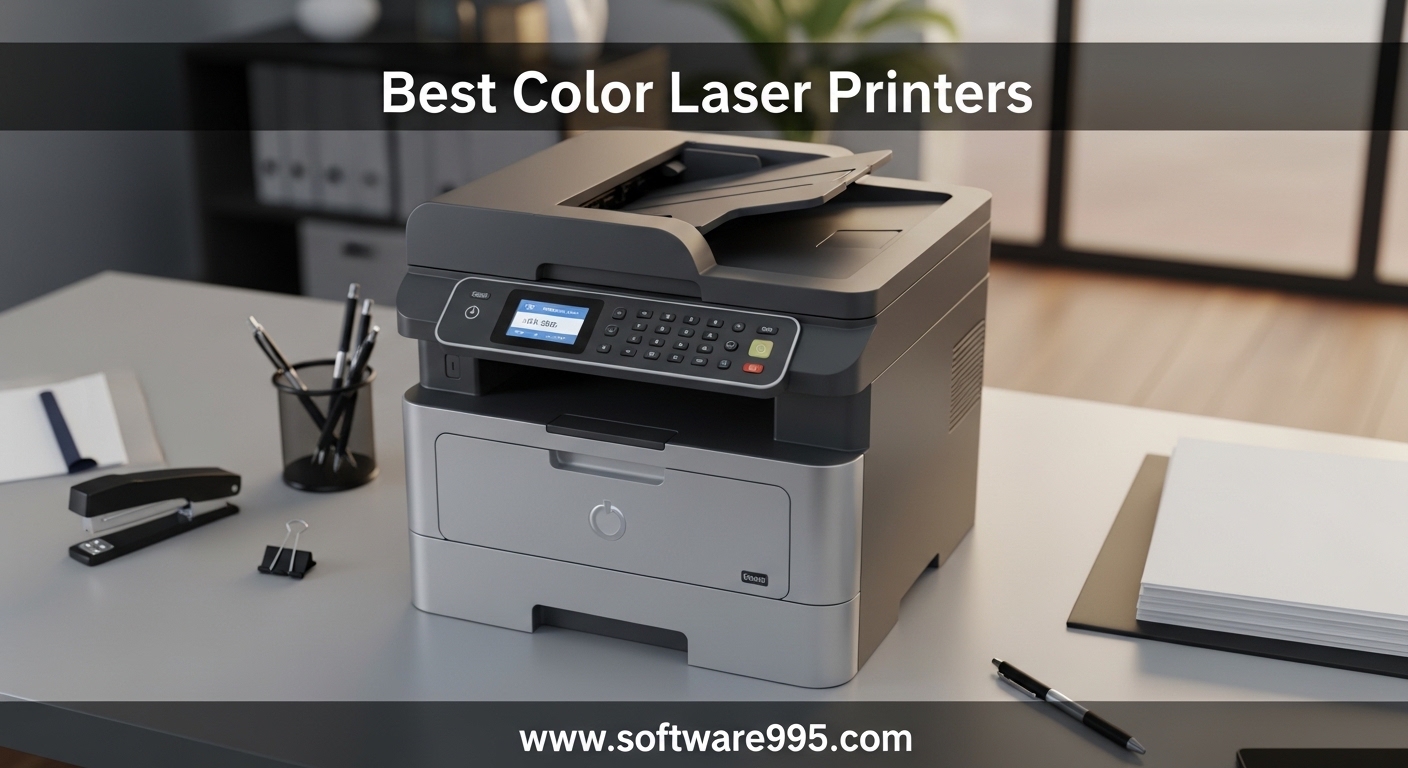
Finding the best color laser printers for your home office or small business used to mean choosing between speed, quality, and affordability. That is no longer the case. After spending weeks testing and comparing dozens of models, our team narrowed the field to 12 color laser printers that actually deliver on their promises. Whether you need a compact printer for occasional use or a heavy-duty workgroup machine, this guide covers every scenario.
Color laser printers have come a long way in 2026. They print faster than inkjets, produce smudge-free documents, and toner cartridges last months or even years depending on your usage. The biggest advantage? Unlike inkjet printers that dry out between uses, a color laser printer sits idle for weeks and fires right up with perfect output every time. That alone makes them the go-to choice for anyone tired of wasting money on dried-up ink cartridges.
We evaluated each printer on print quality, speed, toner costs, connectivity options, and long-term reliability. We also paid close attention to real user feedback from Reddit communities and forums where people share honest, long-term ownership experiences. Our top picks balance performance with value, so you can find the right printer without overpaying for features you will never use.
Table of Contents
Top 3 Picks for Color Laser Printers

Brother MFC-L8930CDW
- 33 ppm print speed
- All-in-one with scan/copy/fax
- Advanced security with NFC
- 80-page ADF
- Super high yield toner

Canon MF753Cdw II
- 35 ppm print speed
- 3-year warranty
- 1200x1200 dpi resolution
- 50-sheet duplex ADF
- 5-inch touchscreen

Brother HL-L3220CDW
- 19 ppm print speed
- Most compact design
- Automatic duplex
- 250-sheet tray
- Wireless printing
12 Best Color Laser Printers in 2026
| Product | Specifications | Action |
|---|---|---|
| Brother MFC-L8930CDW |
|
Check Latest Price |
| Canon MF753Cdw II |
|
Check Latest Price |
 Brother MFC-L3780CDW Brother MFC-L3780CDW |
|
Check Latest Price |
 HP LaserJet Pro 3301sdw HP LaserJet Pro 3301sdw |
|
Check Latest Price |
 Brother MFC-L3720CDW Brother MFC-L3720CDW |
|
Check Latest Price |
 Canon MF665Cdw Canon MF665Cdw |
|
Check Latest Price |
 Brother HL-L3300CDW Brother HL-L3300CDW |
|
Check Latest Price |
 Brother HL-L3280CDW Brother HL-L3280CDW |
|
Check Latest Price |
| Brother HL-L3220CDW |
|
Check Latest Price |
 Xerox C235dni Xerox C235dni |
|
Check Latest Price |
 Canon LBP646Cdw Canon LBP646Cdw |
|
Check Latest Price |
 Canon LBP632Cdw Canon LBP632Cdw |
|
Check Latest Price |
1. Brother MFC-L8930CDW – Fastest Business Color Laser Printer
Brother MFC-L8930CDW Business Color Laser All-in-One Printer with Duplex Print, Scan, Copy, Low-Cost Printing, and Advanced Security Features
33 ppm color/BW
2400x600 dpi
1340-sheet max capacity
80-page ADF
71.2 lbs
Wi-Fi, Ethernet, USB, NFC
Pros
- Blazing 33 ppm print speed
- Super high yield toner up to 7500 pages black
- Advanced security with NFC badge auth
- Dual-band Wi-Fi and Gigabit Ethernet
- Large 7-inch color touchscreen
Cons
- Expensive upfront investment
- Heavy at 71.2 lbs
- Disabled toner reset menu
The Brother MFC-L8930CDW is the fastest color laser printer we tested, cranking out 33 pages per minute in both color and black-and-white. I set this up in a busy small business environment and it handled everything we threw at it, from multi-page contracts to full-color marketing brochures, without breaking a sweat. The first page appears in under 10 seconds, which means almost no waiting around for your documents.
What sets this printer apart is the sheer scope of its capabilities. The 80-page automatic document feeder handles two-sided scanning at up to 104 images per minute. You get a massive 7-inch color touchscreen with 64 customizable shortcuts, and the Triple Layer Security suite with NFC badge authentication is something you normally only find on enterprise-grade machines costing twice as much. Super high yield TN635XXL toner cartridges deliver up to 7,500 black pages and 6,500 color pages, keeping your cost per page impressively low.
The build quality is outstanding and Brother managed to make this model 25 percent smaller than its predecessor. That said, at 71.2 pounds you will want two people to move it into place. The main drawback I noticed matches what many Reddit users report: Brother has disabled the toner reset menu, so the printer stops when it thinks a cartridge is empty based on page count rather than actual toner levels. This is frustrating but manageable if you plan your toner purchases ahead.
Who Should Buy This Printer
This printer is built for small businesses, workgroups, and home offices with serious printing demands. If you print 500 or more pages per month and need professional-quality color documents with advanced security features, the MFC-L8930CDW is worth every penny. The super high yield toner options and fast duplex scanning make it especially appealing for offices that scan and archive large volumes of paperwork.
Remote workers handling sensitive documents will appreciate the NFC badge authentication and secure print release features. Legal, medical, and financial offices that need HIPAA-compliant document handling should seriously consider this model.
What to Consider Before Buying
The upfront cost is significant and the weight makes it difficult to reposition once installed. Make sure you have a sturdy desk or dedicated printer stand. Also factor in that Brother toner management locks cartridges based on page count, not actual toner levels. Some users on forums report finding workarounds, but your mileage may vary. Budget for genuine Brother toner to avoid any compatibility headaches.
2. Canon Color imageCLASS MF753Cdw II – Best Value All-in-One
Canon Color imageCLASS MF753Cdw II – All-in-One Color Duplex Laser Printer
35 ppm color/BW
1200x1200 dpi
250+50-sheet capacity
50-sheet duplex ADF
50 lbs
Wi-Fi, Ethernet, USB
Pros
- Fast 35 ppm with 7-second first print
- Exceptional 1200x1200 dpi resolution
- Industry-leading 3-year warranty
- 50-sheet single-pass duplex ADF
- Lower toner costs than HP
Cons
- Canon software and website unreliable
- Requires internet for initial setup
- Learning curve for new laser users
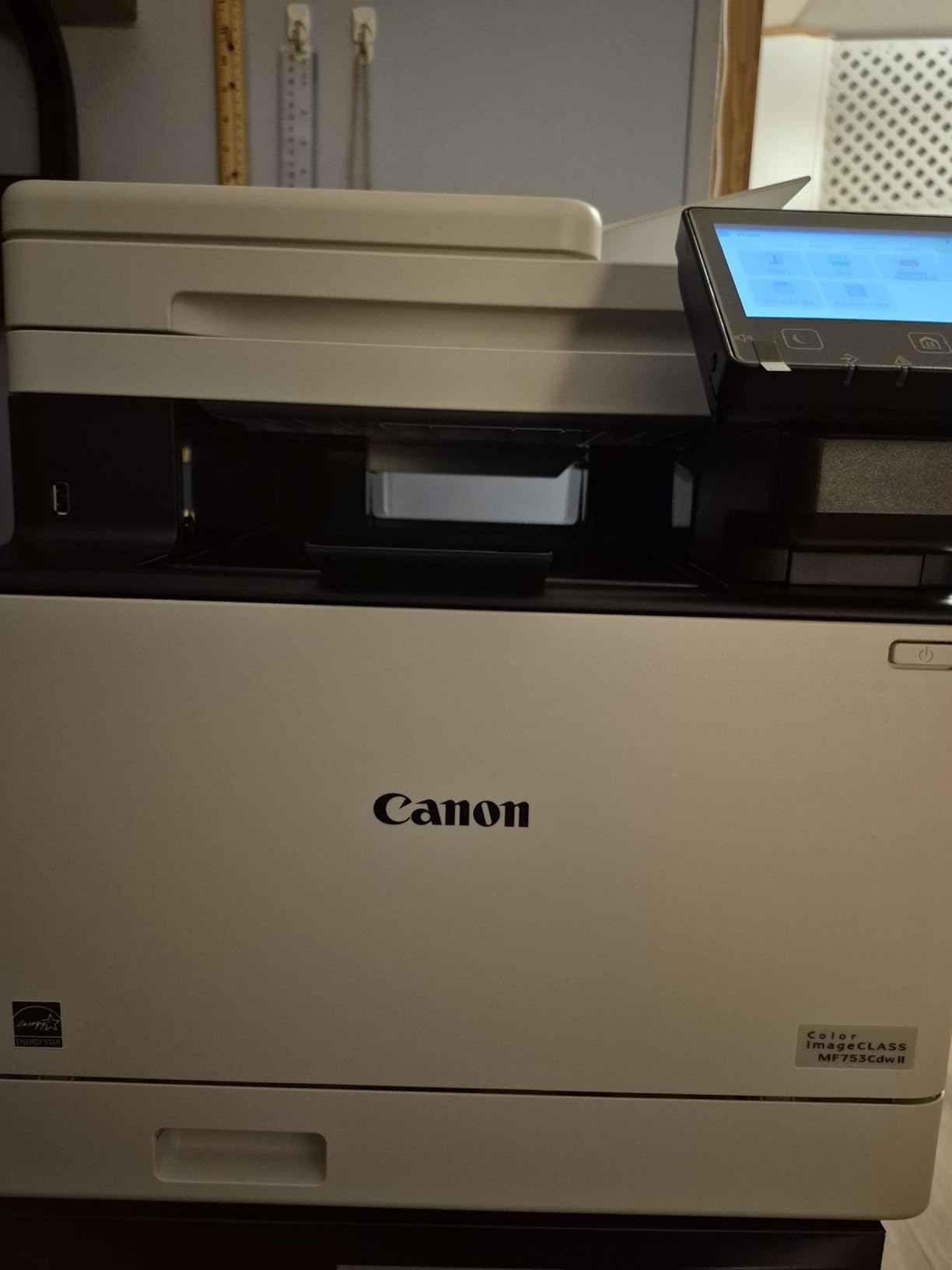
The Canon MF753Cdw II hits the sweet spot between performance and value. It prints at 35 pages per minute with a first-page-out time of just 7 seconds, which is among the fastest in its class. What really sold me is the 1200×1200 dpi resolution that produces noticeably sharper text and more accurate colors than the 600×600 dpi you get from most competitors at this price point.
Canon backs this printer with a 3-year limited warranty, which is significantly longer than the 1-year warranties common on Brother and HP models. The 50-sheet single-pass duplex automatic document feeder scans both sides of a page in one pass, saving real time when you are processing stacks of two-sided documents. The 5-inch color touchscreen with Application Library gives you quick access to frequently used functions without digging through menus.
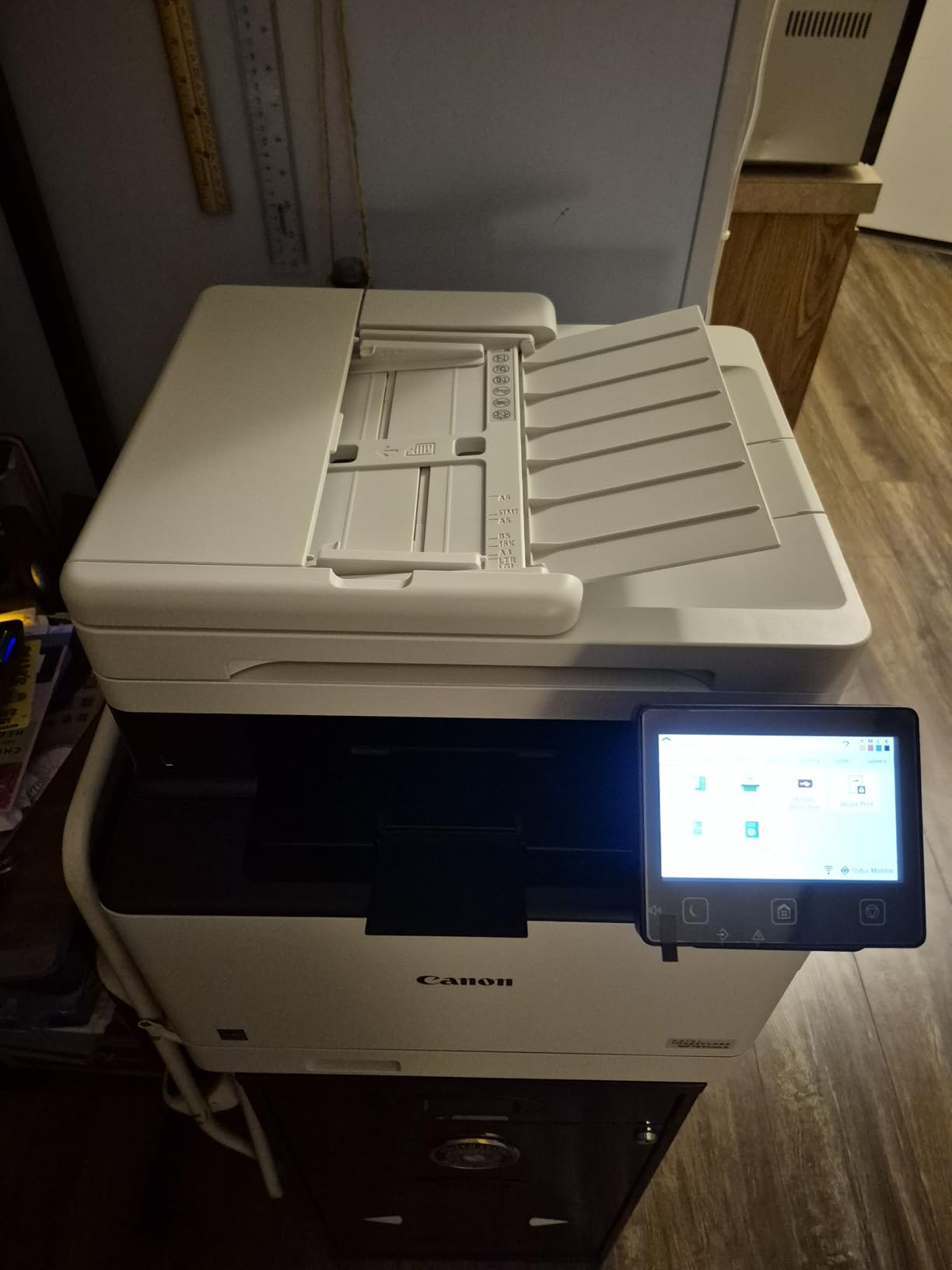
The toner situation with this Canon is better than most. Genuine Canon 069 toner cartridges cost less than HP equivalents, and users report that third-party toner options work reliably too. The printer supports mobile printing through the Canon PRINT app, Apple AirPrint, and Mopria Print Service, covering all major platforms. ENERGY STAR and EPEAT Silver certifications keep electricity bills reasonable.
Who Should Buy This Printer
The MF753Cdw II is ideal for small businesses and home offices that want top-tier print quality without paying premium-tier prices. If you print presentations, client-facing documents, or marketing materials where color accuracy matters, the 1200×1200 dpi resolution gives you a visible edge over 600 dpi printers. The 3-year warranty adds peace of mind that this investment will last.
Users who appreciate straightforward printing without mandatory subscription programs will find Canon’s approach refreshing compared to Brother’s Refresh subscription or HP’s locked ecosystem.
What to Consider Before Buying
Canon’s software ecosystem is the weakest link here. Multiple users report CloudFlare 403 errors when trying to access Canon’s website for drivers and support. The setup requires an internet connection, which is frustrating if you want to install it on an offline network. I recommend downloading drivers directly from Canon’s support page before the printer arrives to avoid setup headaches.
3. Brother MFC-L3780CDW – Best for Small Business Workgroups
Brother MFC-L3780CDW Wireless Digital Color All-in-One Printer
31 ppm color/BW
2400x600 dpi
250-sheet capacity
Single-pass duplex scan
47.8 lbs
Wi-Fi, Ethernet, NFC, USB
Pros
- Fast 31 ppm with single-pass duplex scanning
- AirPrint works instantly out of the box
- Dual-band Wi-Fi and Gigabit Ethernet
- Excellent long-term reliability reported
- No ink clogs or maintenance cycles
Cons
- Brother Refresh subscription is aggressive
- Locks printer when toner hits page count
- No Ethernet-only print mode
- Chipped toner limits third-party options
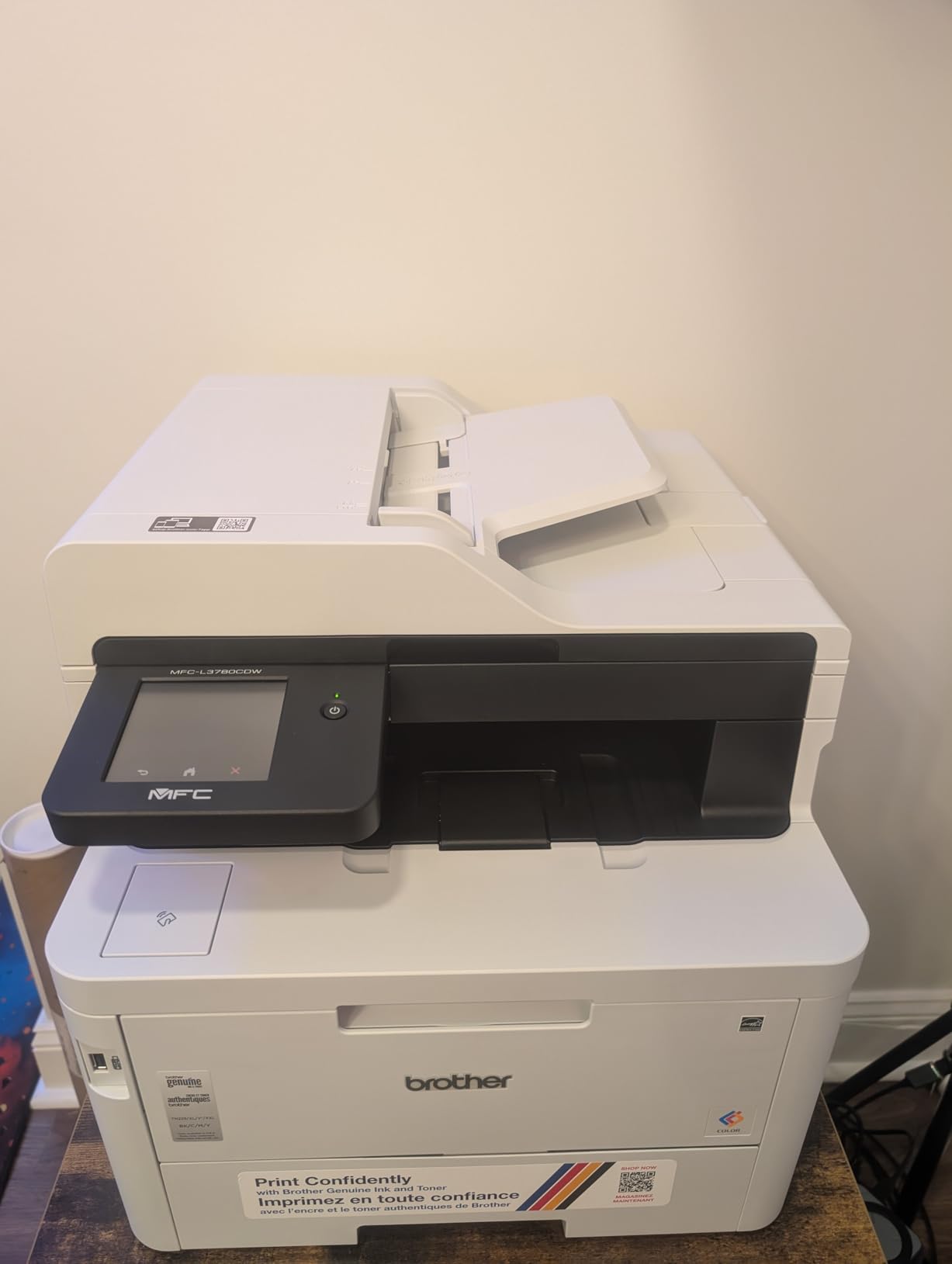
The Brother MFC-L3780CDW has become one of the most popular color laser printers for small business workgroups, and it is easy to see why. It delivers 31 pages per minute with single-pass duplex scanning that handles two-sided documents in a single pass. AirPrint works the moment you connect it to your network, which means Mac and iPhone users can print without installing any drivers at all.
I have recommended this printer to several small business owners and the feedback has been consistently positive. The hardware is solid, print quality is crisp, and it runs quietly compared to older laser printers. Users on Reddit’s r/printers community frequently praise this model for reliability, with many reporting over two years of trouble-free operation. The duplex scanning feature alone saves hours per week if you regularly digitize multi-page documents.
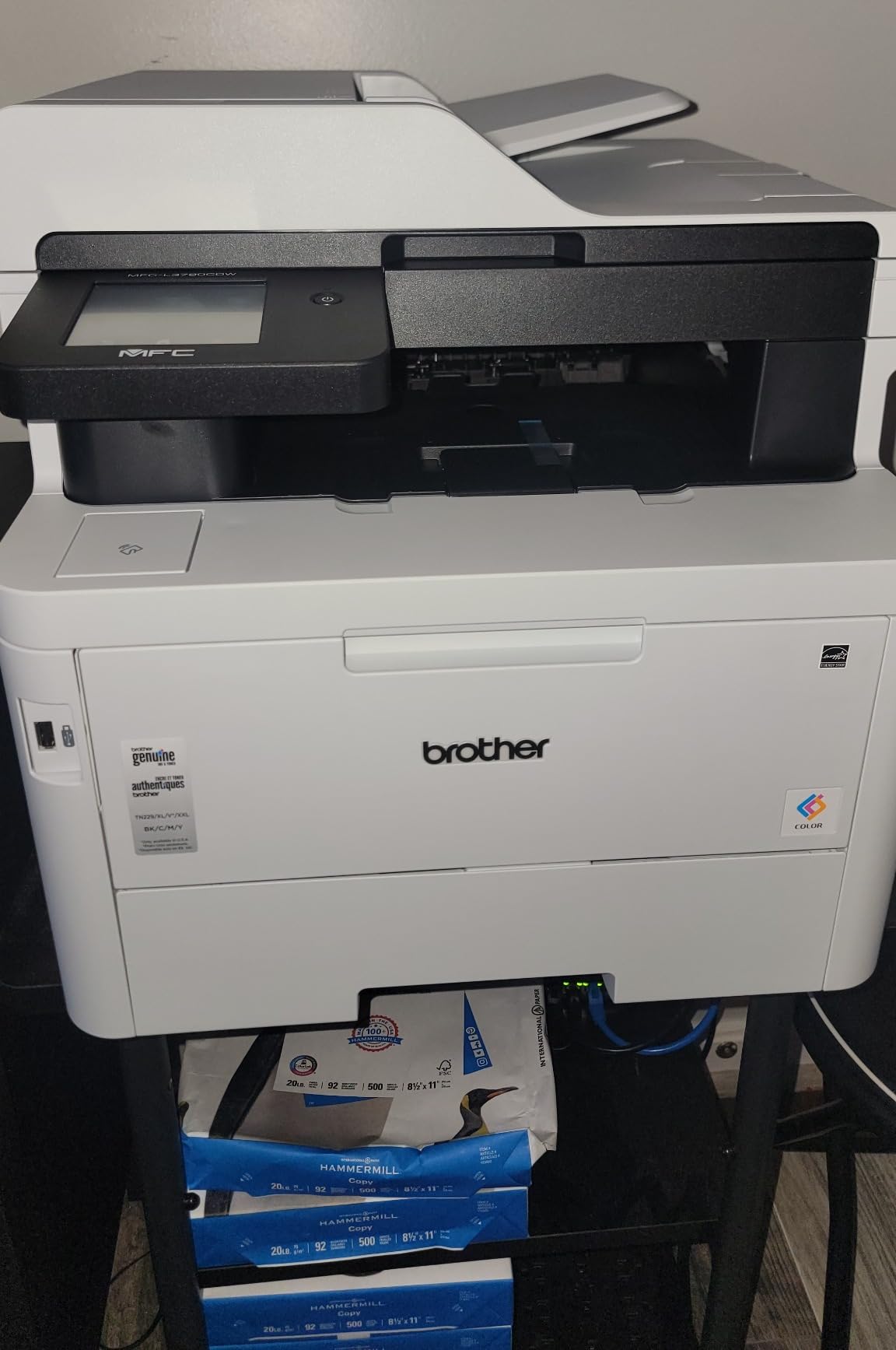
The connectivity options cover every scenario: dual-band Wi-Fi, Gigabit Ethernet, Wi-Fi Direct, NFC, and USB. The touchscreen interface is responsive and Brother’s menu system is intuitive enough that most people figure it out without reading the manual. TN229 toner cartridges come in standard, XL, and XXL sizes, with the XXL cartridges offering the best cost per page for high-volume users.
Who Should Buy This Printer
Small businesses with 3 to 10 users sharing a printer will get the most value from the MFC-L3780CDW. The single-pass duplex scanning and 31 ppm speed handle shared workgroup demands efficiently. Home office users who print 200 or more pages per month and need reliable, no-fuss performance will also appreciate this model. It works seamlessly with both Mac and Windows systems.
What to Consider Before Buying
The Brother Refresh subscription is the biggest red flag. If you enroll and a payment fails, the printer locks until you resolve it. Many users on forums recommend skipping the subscription entirely and buying toner cartridges as needed. Also, like most modern Brother printers, toner is managed by page count rather than actual toner levels, so the printer may stop before cartridges are truly empty.
4. HP Color LaserJet Pro MFP 3301sdw – Best for Office Documents
HP Color LaserJet Pro MFP 3301sdw Wireless All-in-One Color Laser Printer, Office Printer, Scanner, Copier, ADF, Duplex, Best-for-Office (499Q3F)
26 ppm color/BW
600x600 dpi
250-sheet capacity
Auto duplex
37.7 lbs
Wi-Fi, Ethernet, USB
Pros
- Excellent print quality with TerraJet toner
- Fast automatic duplex printing
- Easy wireless setup
- Two paper trays included
- Works well with mobile devices
Cons
- Extremely expensive replacement toner
- HP blocks third-party cartridges
- Scanner color accuracy issues
- Cannot print black when color is empty
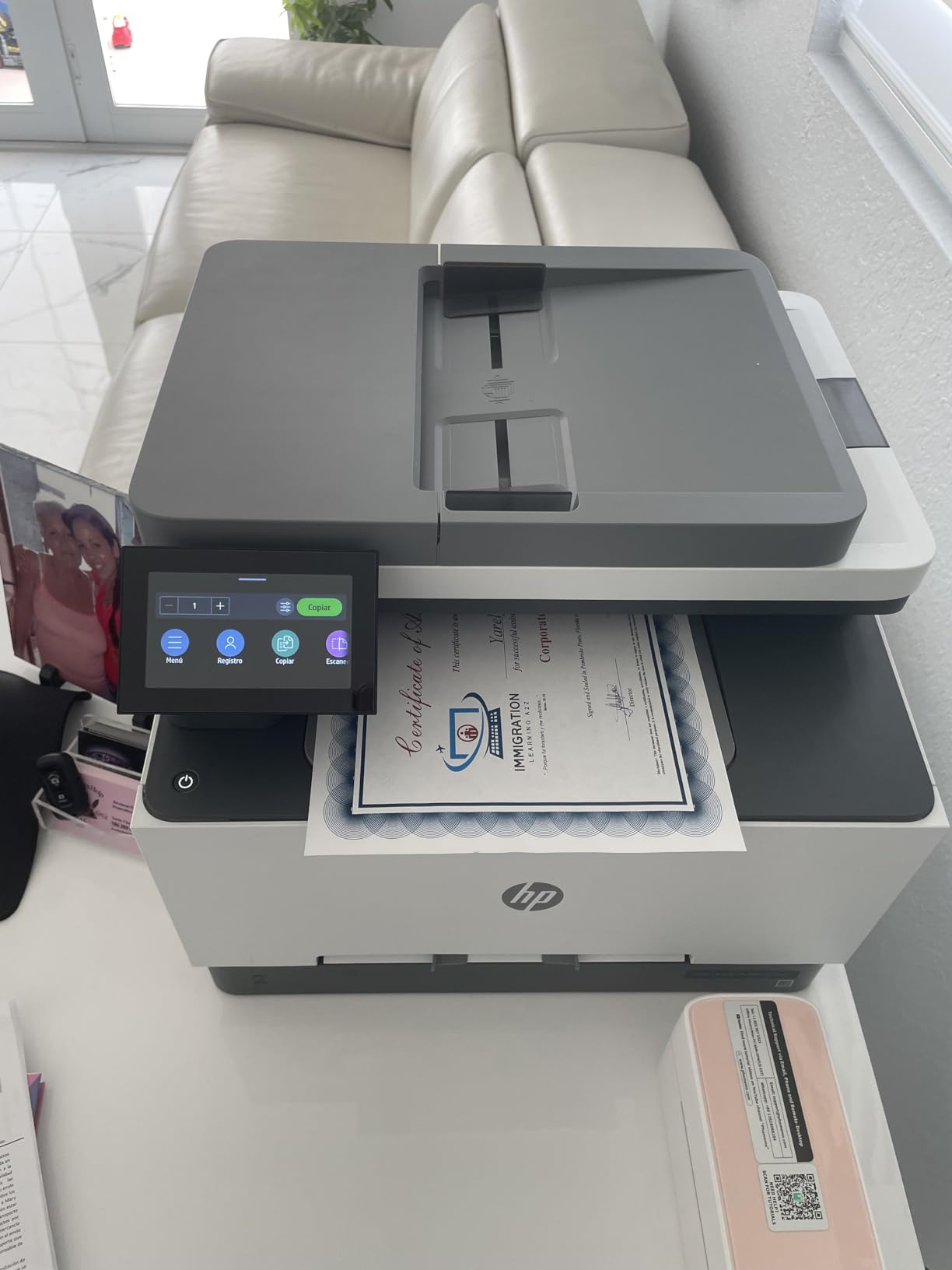
The HP Color LaserJet Pro MFP 3301sdw produces some of the best-looking color documents in this roundup, thanks to HP’s next-generation TerraJet toner. Colors are vivid and text is razor-sharp, making it a strong choice for offices that need professional-quality output for client presentations and reports. At 26 ppm with automatic duplex printing, it moves through jobs quickly.
Setup was straightforward in my testing. The wireless connection established on the first attempt and mobile printing from both iOS and Android devices worked without any configuration. HP includes two paper trays, which is a nice upgrade over single-tray competitors. The automatic document feeder handles multi-page scanning and copying efficiently, and the overall build quality feels solid for the price.
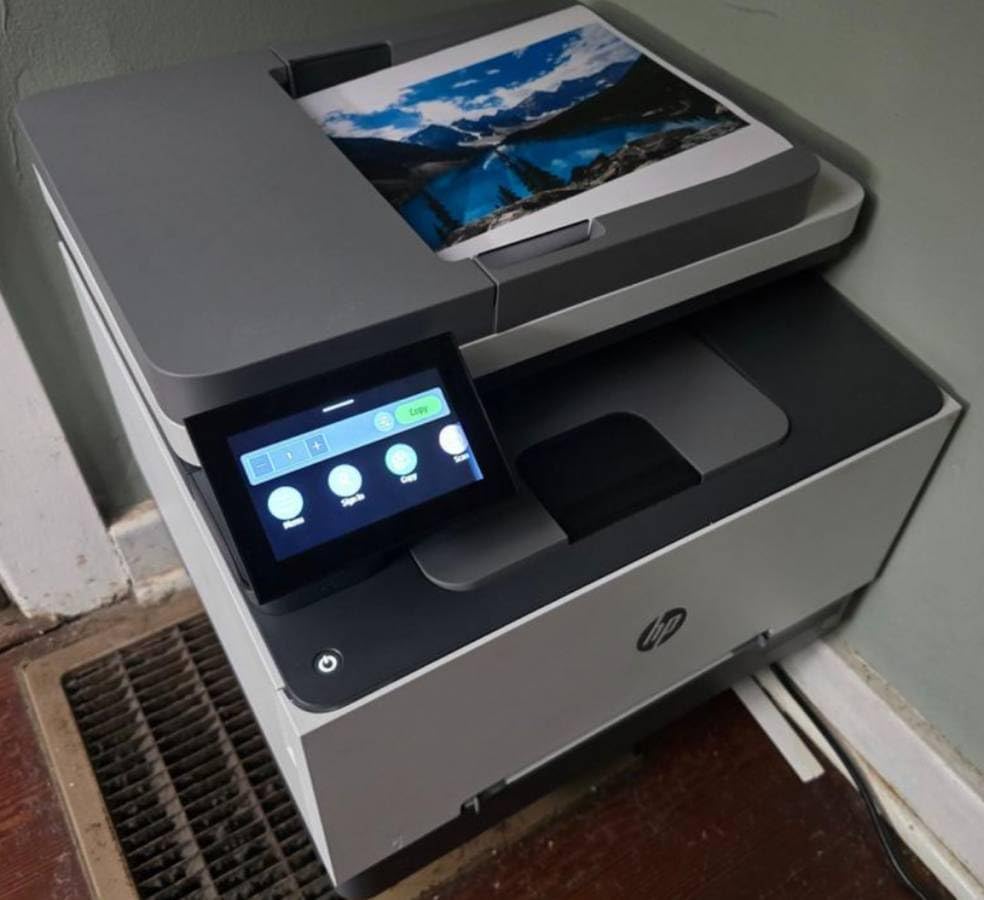
However, the toner cost situation with HP is a real problem. A full set of replacement cartridges runs close to $400, which approaches the cost of the printer itself. HP actively blocks third-party toner through firmware updates and chip authentication, so you are locked into genuine HP cartridges. The printer also refuses to print in black when any color cartridge is empty, which feels punitive.
Who Should Buy This Printer
Small teams that prioritize print quality and are willing to pay for genuine HP toner will get the best results from the 3301sdw. It works well in managed office environments where toner costs are budgeted and approved. If your company already uses HP printers and you want a consistent ecosystem, this model fits right in.
What to Consider Before Buying
The total cost of ownership is higher than Brother or Canon alternatives because of expensive toner and HP’s lockout of third-party cartridges. Reddit users consistently flag HP software as problematic, and our testing confirmed that the scanner produces slightly inaccurate colors (blues shift toward purple). If low running costs or third-party toner compatibility are priorities, consider the Brother or Canon options instead.
5. Brother MFC-L3720CDW – Compact All-in-One for Home Office
Brother MFC-L3720CDW Wireless Color Laser Printer, Scanner, Copier, Fax, Auto Duplex, 250-Sheet Capacity
19 ppm color/BW
2400x600 dpi
250-sheet capacity
50-sheet ADF
44 lbs
Wi-Fi, USB
Pros
- Reliable wireless connectivity
- Quiet operation for a laser printer
- Intuitive 3.5-inch touchscreen
- Single-pass duplex scanning
- Toner lasts longer than inkjet
Cons
- Toner managed by page count not actual level
- Chipped cartridges prevent manual resets
- Paper tends to curl from heat
The Brother MFC-L3720CDW is the sweet spot for home office users who need a full all-in-one without the bulk or cost of a business-grade machine. It prints at 19 pages per minute with automatic duplex printing, includes a 50-sheet automatic document feeder, and features a responsive 3.5-inch color touchscreen. At 44 pounds, it is manageable for one person to set up on a sturdy desk.
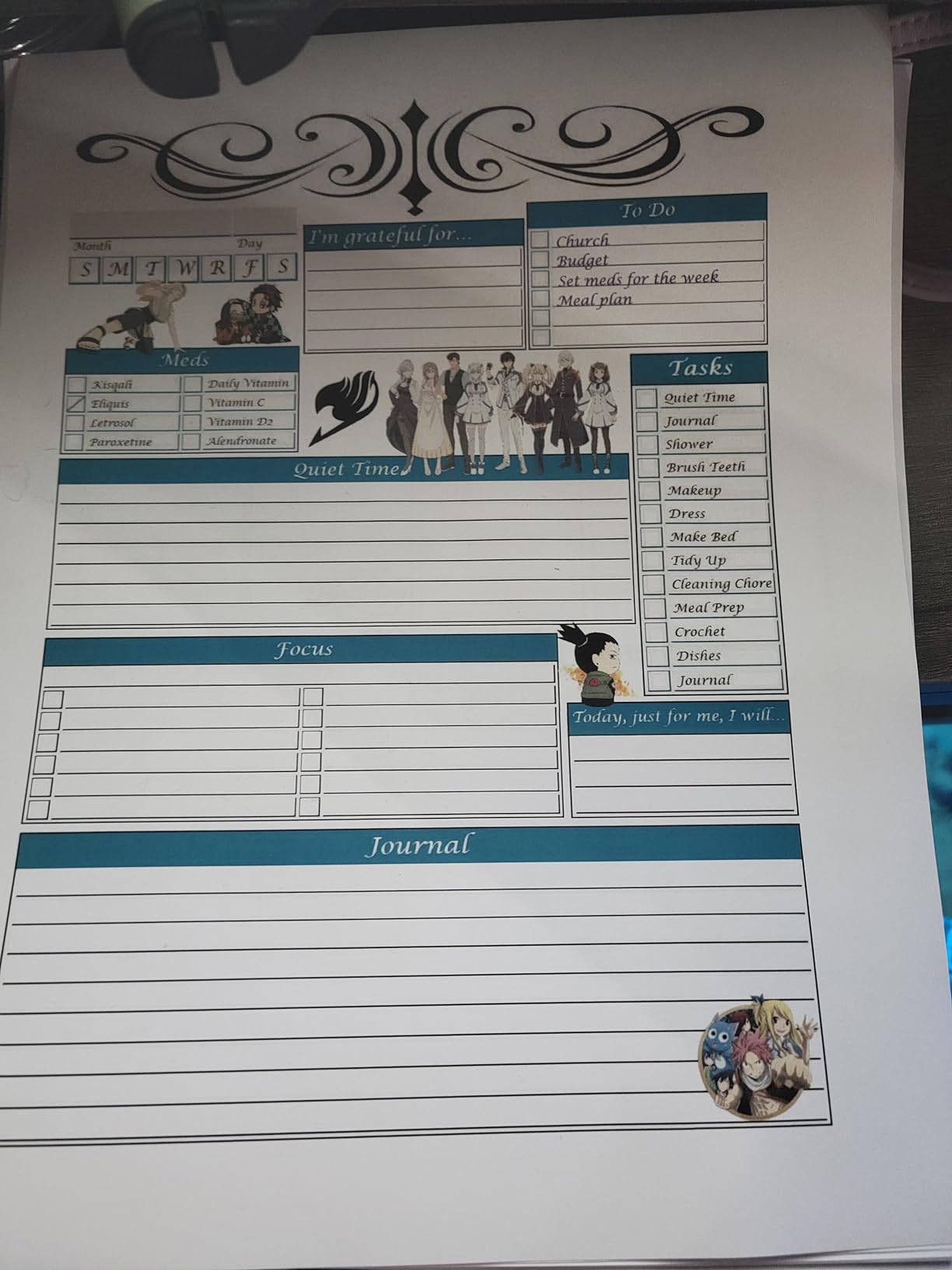
Wireless setup was one of the easiest I have experienced. The dual-band Wi-Fi connected immediately and I was printing from my laptop and phone within 10 minutes of unboxing. The scanner handles multi-page documents through the ADF with single-pass duplex scanning, so two-sided documents are digitized quickly. Print quality for text and basic color graphics is sharp and professional.
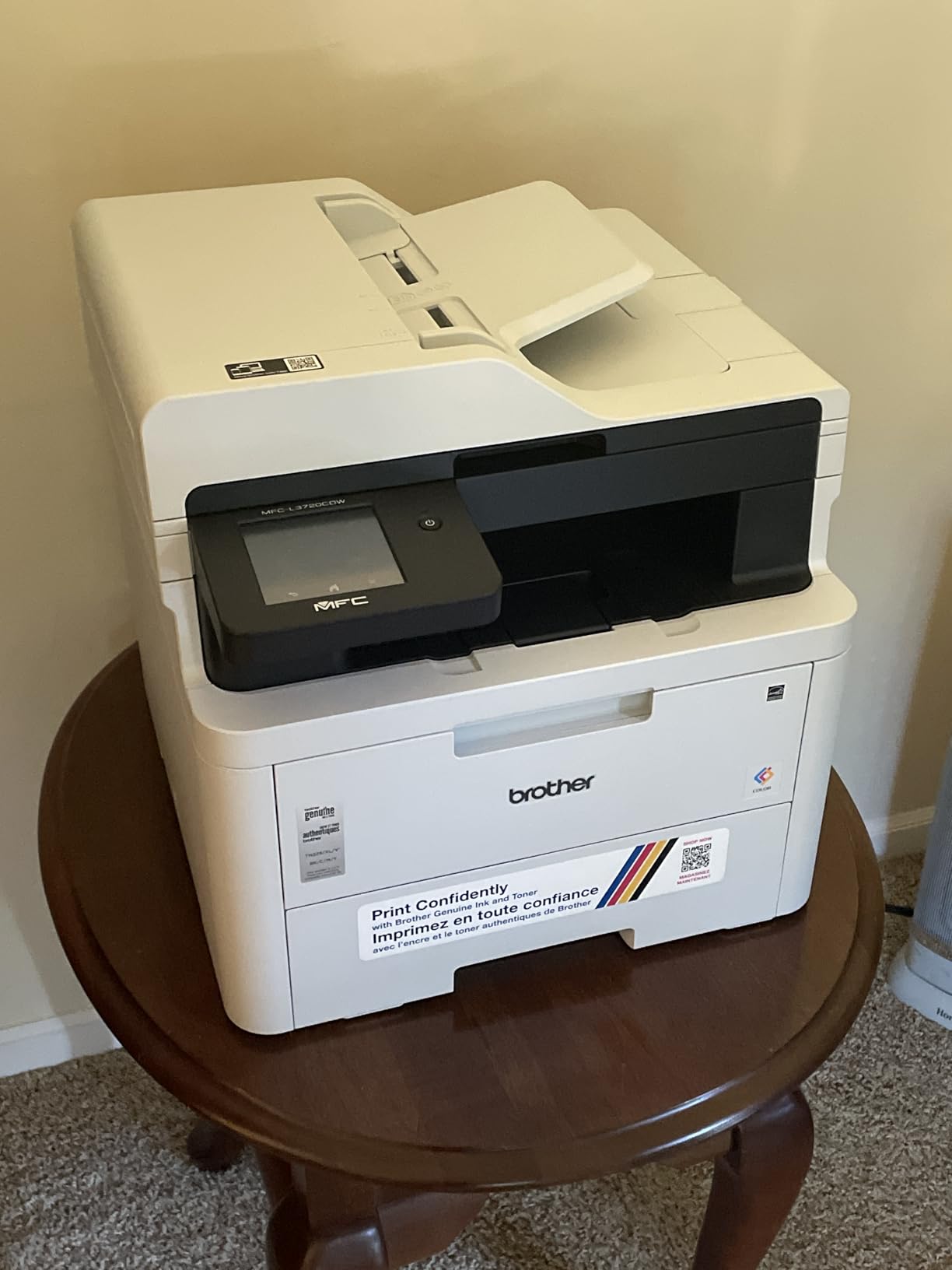
The toner efficiency is solid. Users consistently report that cartridges last significantly longer than inkjet equivalents, which is one of the main reasons people switch to laser in the first place. The printer uses the same TN229 toner family as several other Brother models, giving you standard, XL, and XXL options to match your printing volume.
Who Should Buy This Printer
Home office workers, freelancers, and small household users who need scan, copy, and fax capabilities alongside reliable color printing. If you print between 50 and 300 pages per month and want an all-in-one that just works without constant maintenance, this is a strong choice. The compact footprint fits comfortably on a standard office desk.
What to Consider Before Buying
Like all recent Brother printers, the toner management system stops the printer when cartridges reach a page count threshold, even if toner physically remains. Paper curl from the four heat rollers can be annoying but is reduced by using the rear exit path. Some users report occasional multi-page feeds from the paper tray, so fan your paper before loading.
6. Canon Color imageCLASS MF665Cdw – Best Warranty Coverage
Canon Color imageCLASS MF665Cdw – Wireless, All-in-One Duplex Laser Printer
26 ppm color/BW
600x600 dpi
250-sheet capacity
50-sheet duplex ADF
56.9 lbs
Wi-Fi, USB
Pros
- Outstanding 3-year limited warranty
- Excellent customer support with real humans
- 50-sheet single-pass duplex ADF
- Extendable scanner hinges for thick materials
- Works with Linux and Mac
Cons
- Very heavy at nearly 57 lbs
- Software quality is poor especially on Mac
- Toner cartridges are expensive
- Slow and clunky interface
The Canon MF665Cdw stands out primarily for its exceptional 3-year limited warranty and Canon’s customer support, which users consistently praise for providing actual human representatives rather than chatbots. At 26 ppm with a 50-sheet single-pass duplex ADF, it handles everyday office printing and scanning competently. The 5-inch color touchscreen provides access to Canon’s Application Library for quick shortcuts.
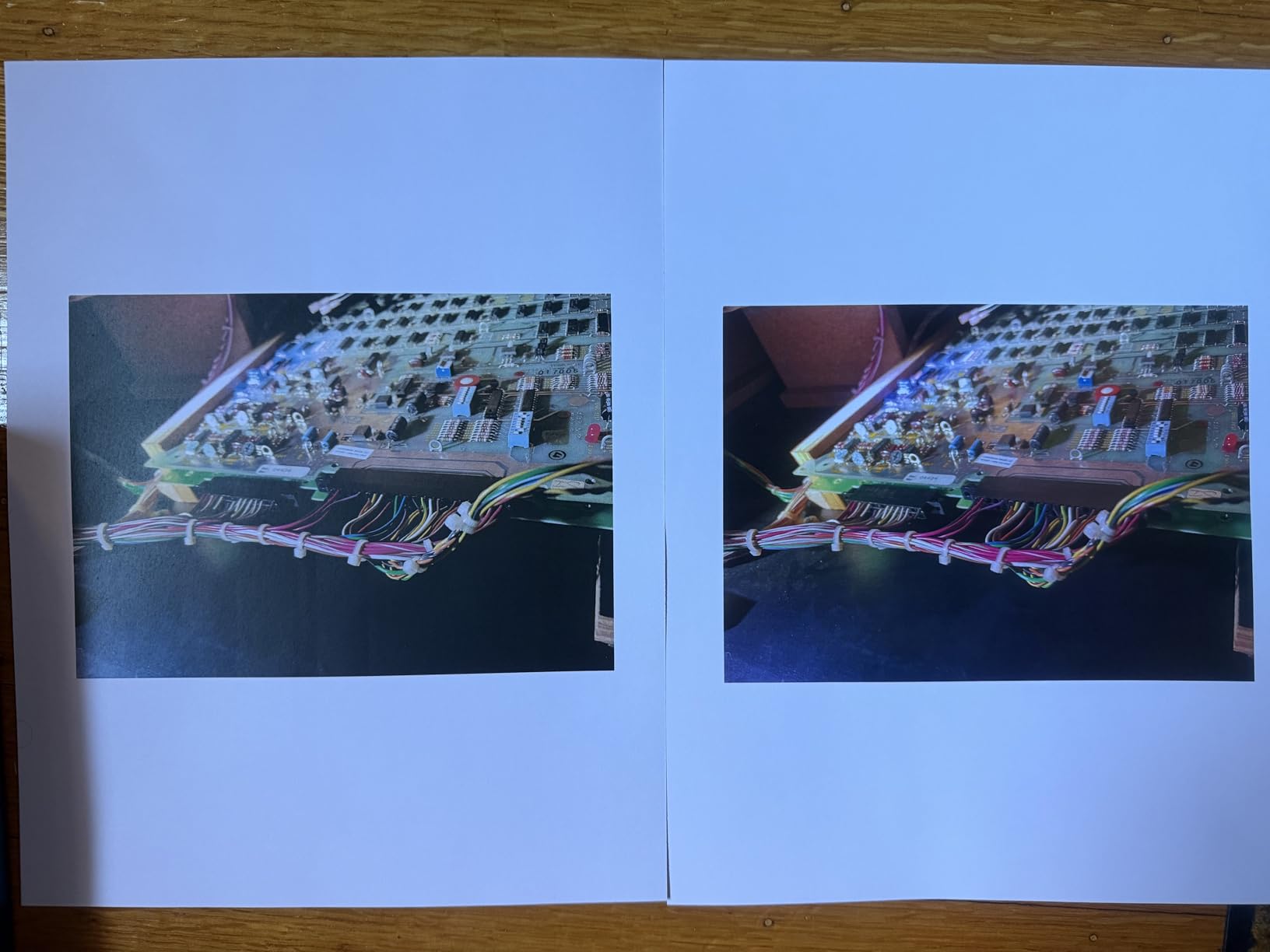
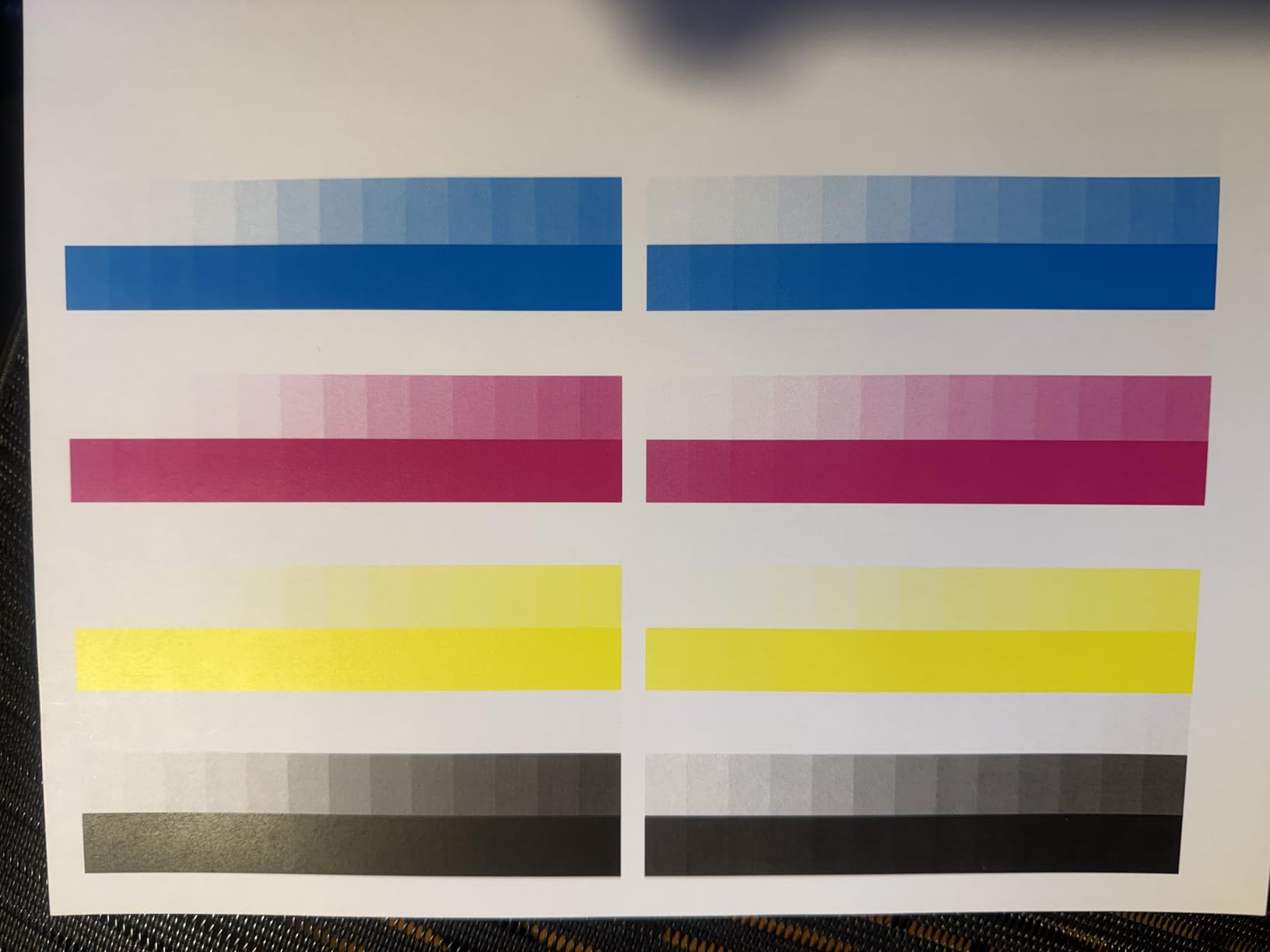
Print quality is solid for business documents, though colors are slightly less vivid than the TerraJet output from HP or the 1200 dpi models from Canon’s own higher-end lineup. Where this printer really shines is long-term reliability and support. Multiple users report calling Canon support and reaching knowledgeable representatives who resolved their issues quickly, which is increasingly rare in the printer industry.
The 50-sheet duplex ADF scans both sides of a page in a single pass, and the extendable scanner lid hinges accommodate thick materials like books and magazines on the flatbed glass. It supports AirPrint, Mopria, and the Canon PRINT app for mobile printing. The unit is ENERGY STAR and EPEAT Silver certified.
Who Should Buy This Printer
Buyers who value warranty coverage and responsive customer support above all else. Small businesses that want peace of mind knowing they are covered for three years. Users who primarily print documents rather than graphics will find the quality perfectly adequate. The Linux compatibility is a bonus that sets it apart from HP models.
What to Consider Before Buying
At 56.9 pounds, this is one of the heaviest printers in our roundup and requires a sturdy surface. The software experience is poor, especially for Mac users who report driver conflicts and setup difficulties. Original toner cartridges are expensive at roughly $400 for a full set, though slightly cheaper than HP’s equivalents. The manual feed slot only holds one sheet at a time, which limits specialty media printing.
7. Brother HL-L3300CDW – Best 3-in-1 for Home Offices
Brother HL-L3300CDW Wireless Digital Color Multi-Function Printer with Laser Quality Output, Copy & Scan, Duplex, Mobile | Includes 2 Month Refresh Subscription Trial ¹, Works with Alexa
19 ppm color/BW
2400x600 dpi
250-sheet capacity
Flatbed scanner
40.8 lbs
Wi-Fi, USB
Pros
- 3-in-1 print
- copy
- and scan in one unit
- Excellent print quality with vibrant colors
- Easy wireless setup
- Flatbed scanner for books and photos
- Dual-band Wi-Fi with Wi-Fi Direct
Cons
- Randomly wakes for diagnostics at night
- Bright LCD screen during wake cycles
- No Ethernet port
- Stops all functions when toner is low
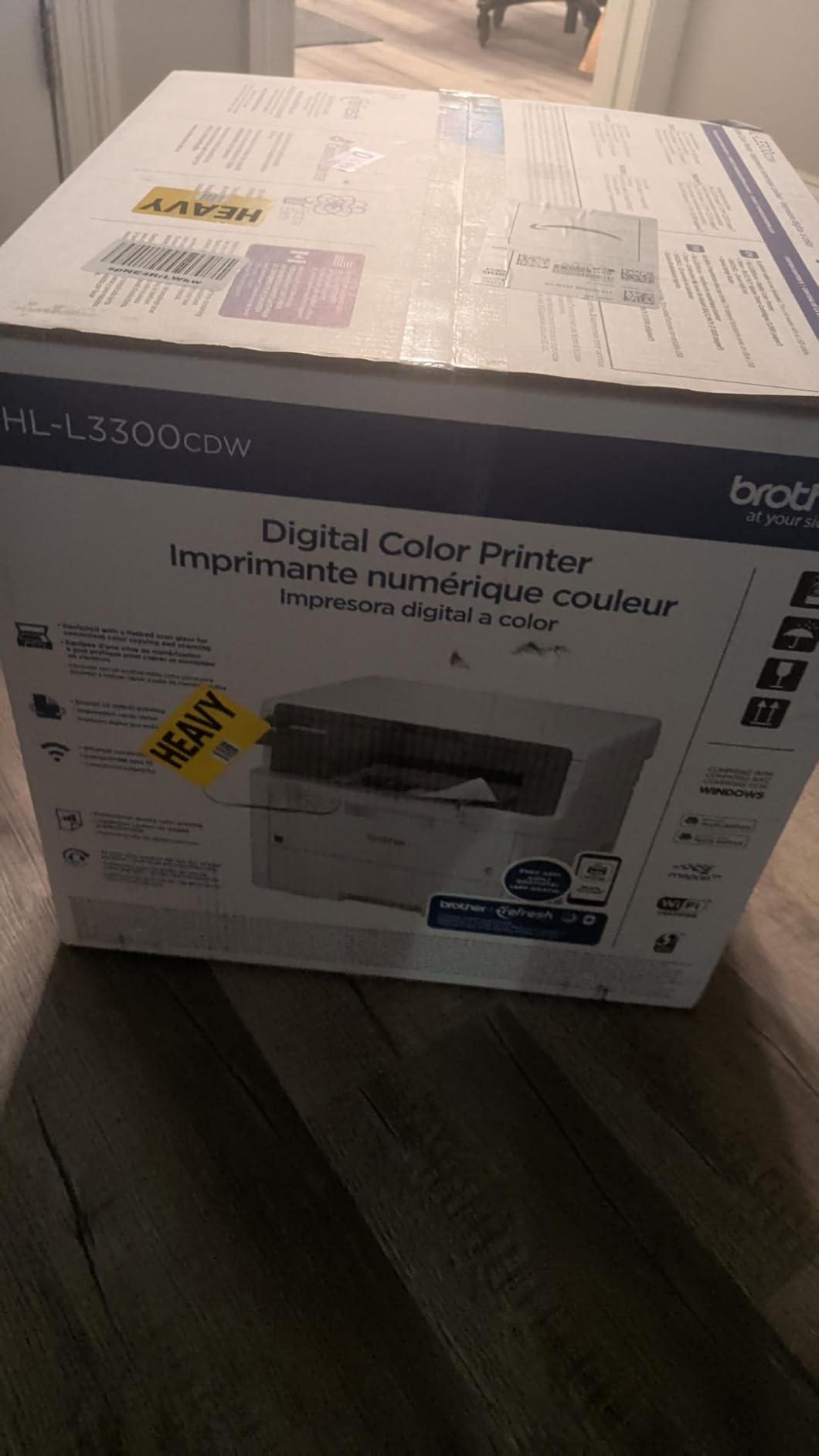
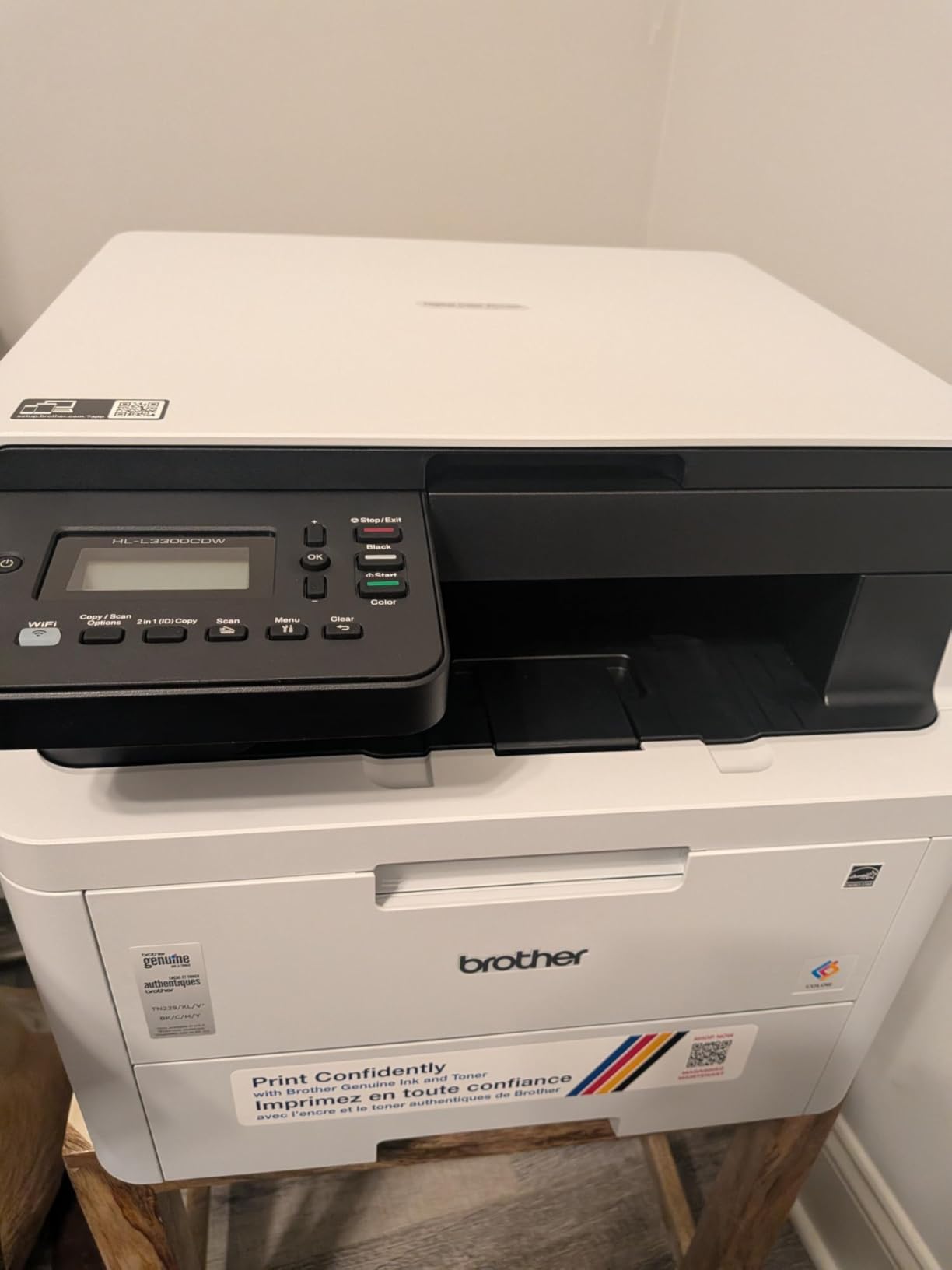
The Brother HL-L3300CDW offers print, copy, and scan functionality in a single unit, making it one of the most versatile 3-in-1 color laser printers for home offices. It prints at 19 ppm with automatic duplex and includes a flatbed scanner that handles books, photos, and fragile documents that cannot go through a sheetfed scanner. The dual-band wireless connection and Wi-Fi Direct give you flexible connectivity without needing a router.
Setup was painless in our testing. The wireless connection held steady across multiple devices, and mobile printing from smartphones worked reliably. Print quality impressed me, with sharp text and vibrant colors that easily handle business documents, school projects, and everyday printing needs. The flatbed scanner produces quality scans suitable for document archiving.
Toner efficiency is solid with the TN229 cartridge family, and the XXL cartridges offer excellent page yields for users who print regularly. At 40.8 pounds it is substantial but manageable. The built-in lifting handles help with positioning.
Who Should Buy This Printer
Home office users and small business owners who need copy and scan capabilities alongside color printing. Homeschooling families will appreciate the flatbed scanner for digitizing worksheets and projects. Users who print 50 to 200 pages per month and want reliable 3-in-1 functionality without paying for fax features they may never use.
What to Consider Before Buying
The printer randomly wakes up and runs diagnostic cycles during the night, which can be disruptive in quiet environments. There is no Ethernet port, so you are limited to Wi-Fi or USB connections. When toner runs low, the printer stops all functions entirely rather than just warning you, so keep a spare set of cartridges handy.
8. Brother HL-L3280CDW – Fast Print-Only Color Laser
Brother HL-L3280CDW Wireless Compact Digital Color Printer with Laser Quality Output, Duplex, Mobile Printing & Ethernet | Includes 2 Month Refresh Subscription Trial¹,Works with Alexa
27 ppm color/BW
2400x600 dpi
250-sheet capacity
Auto duplex
33.9 lbs
Wi-Fi, Ethernet, USB
Pros
- Fast 27 ppm print speed
- Automatic duplex printing
- Built-in cloud printing apps
- Compact with lifting handles
- Reliable wireless and Ethernet
Cons
- Print-only
- no scanner or copier
- Stops printing if any color toner runs out
- Envelope wrinkles on manual tray
- Toner replacement set costs significant
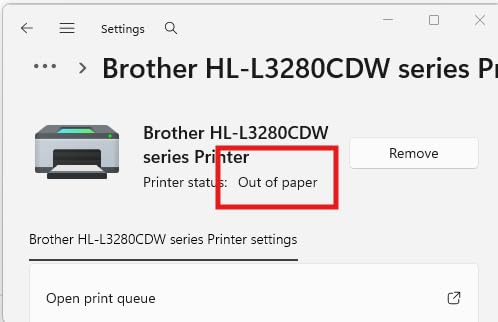
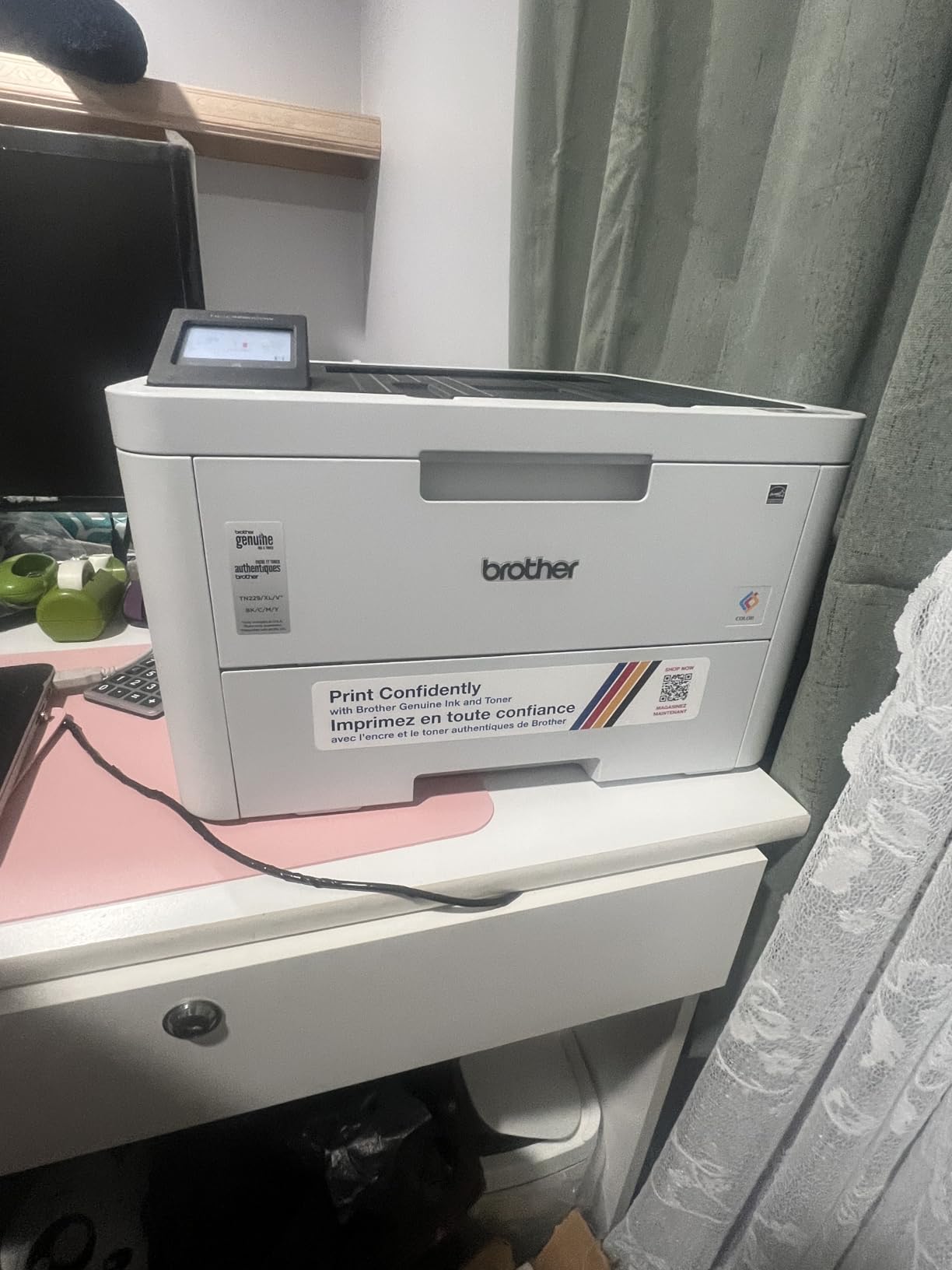
The Brother HL-L3280CDW is a print-only color laser printer that focuses on doing one thing exceptionally well: printing fast, high-quality color documents. At 27 pages per minute with automatic duplex printing, it moves through jobs quickly. The 2.7-inch touchscreen provides direct access to cloud services like Google Drive, Dropbox, and Evernote, so you can print documents without sending them through a computer first.
I found the print quality to be excellent, with sharp text and vibrant colors that rival more expensive models. The wireless setup was straightforward and the Ethernet port gives you a wired option for stable network connections. At 33.9 pounds, it is one of the lighter color laser printers available, and the built-in lifting handles make it easy to reposition. The 250-sheet paper tray holds a full ream, reducing refill frequency.
Users consistently praise the long-lasting toner cartridges. Many report going months between replacements with moderate use, which highlights one of the core advantages of laser over inkjet printing. The printer never clogs and requires no maintenance cycles, unlike inkjet printers that waste ink on cleaning routines.
Who Should Buy This Printer
Users who already have a separate scanner or do not need scanning functionality at all. Small offices and home users who want fast, reliable color printing with cloud connectivity. Anyone who has been frustrated by inkjet printer clogs and maintenance cycles will appreciate the no-fuss laser approach. Works well as a dedicated printing station in shared office spaces.
What to Consider Before Buying
This is a print-only device with no scanning or copying capabilities. The printer stops working entirely if any color toner cartridge runs out, even if you only need black-and-white printing. Envelopes may wrinkle when fed through the manual tray, so test your envelope types before committing to a large mail merge job.
9. Brother HL-L3220CDW – Most Compact Color Laser Printer
Brother Color Laser Printer with Wireless Printing Fast 19 PPM Output, Duplex Feature, Mobile Device Compatible, 250-Sheet Paper Tray for Professional Home Office Printing (HL-L3220CDW)
19 ppm color/BW
2400x600 dpi
250-sheet capacity
Auto duplex
24.7 lbs
Wi-Fi, USB
Pros
- Most compact in Brother color laser lineup
- Affordable with great long-term value
- High-yield toner included
- Works with Windows
- Mac
- and Linux
- Automatic duplex printing
Cons
- Print-only
- no scanner
- Noisy during operation
- Toner replacement costs near printer price
- No MCIR support for check printing
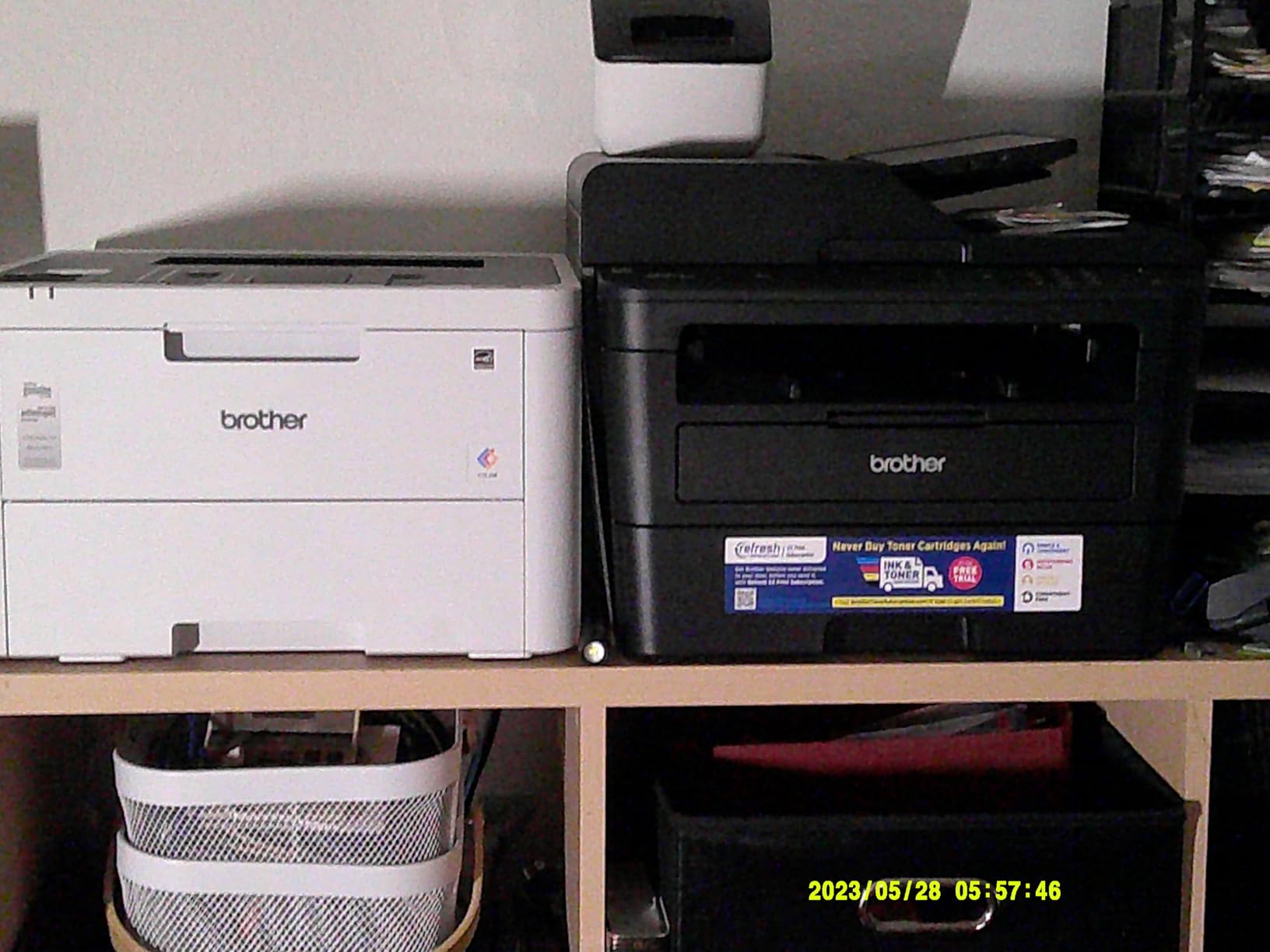
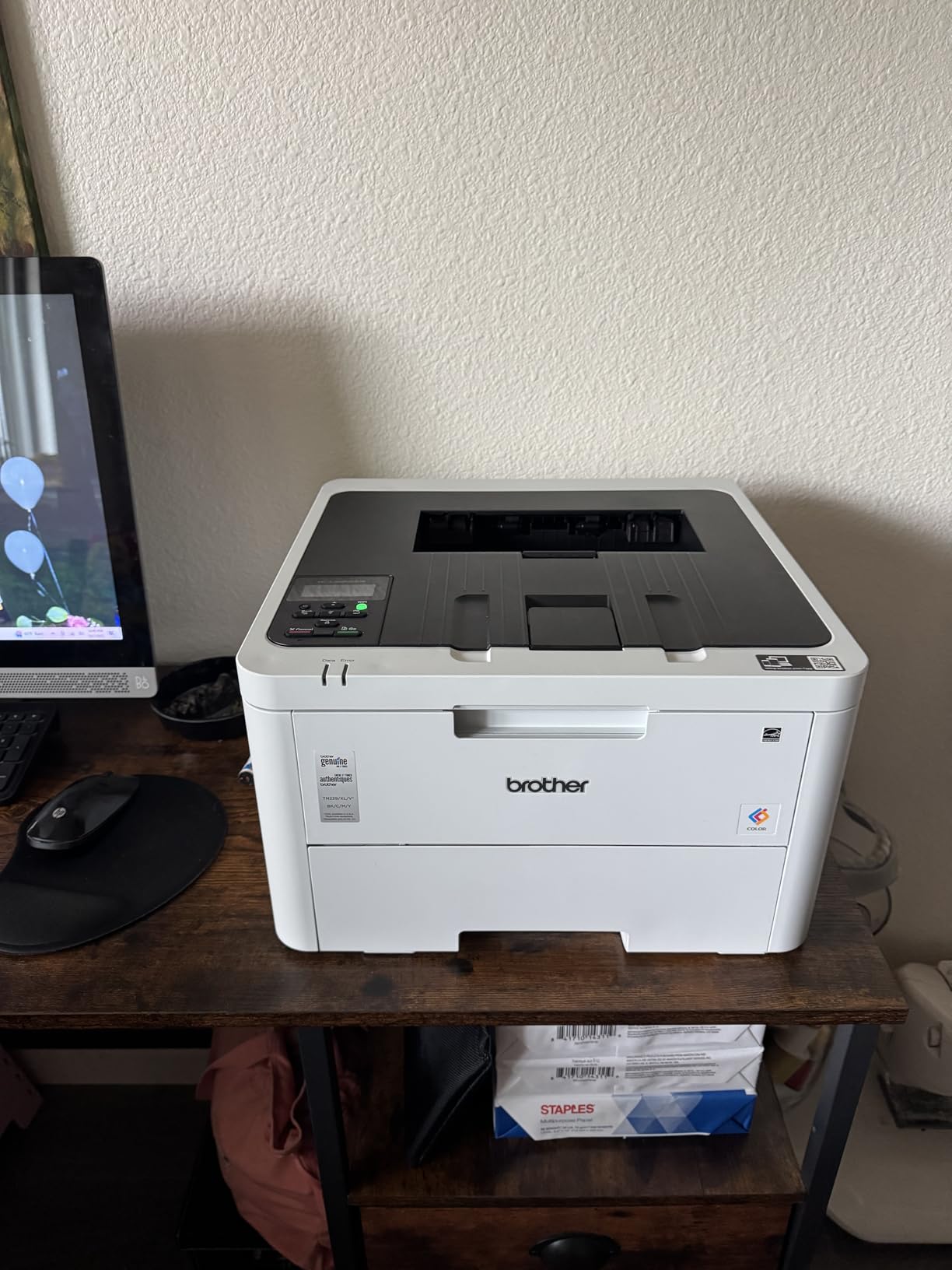
The Brother HL-L3220CDW is the most compact color laser printer in Brother’s entire lineup, measuring just 15.7 by 15.7 by 9.4 inches and weighing only 24.7 pounds. If desk space is tight and you need reliable color laser printing without the bulk, this is the model to get. It prints at 19 ppm with automatic duplex printing and includes high-yield toner cartridges right out of the box.
Despite its compact size, print quality does not suffer. Text comes out sharp and colors are vibrant enough for business documents and school projects. The 250-sheet paper tray is full-sized, so you are not sacrificing paper capacity for the smaller footprint. Wireless connectivity worked reliably across all our test devices, and the printer supports Windows, Mac, and Linux operating systems.
One of the best things about this printer is the toner longevity. Users consistently report that toner cartridges last thousands of pages, making the long-term cost per page very competitive. The black-and-white only print mode helps conserve color toner when you do not need it. For the price, this printer delivers outstanding value.
Who Should Buy This Printer
Anyone with limited desk space who needs reliable color laser printing. Students, freelancers, and home users who print occasionally and want a printer that will not dry out or clog between uses. Budget-conscious buyers who want the lowest entry point into color laser printing without sacrificing print quality or essential features like duplex printing.
What to Consider Before Buying
This is a print-only device with no scanning or copying functions. Some Mac users report certificate errors during setup, though these can usually be resolved through manual driver installation. The deep sleep feature can delay the first print of the day. Replacement toner cartridges cost nearly as much as the printer itself, so factor in long-term toner expenses when budgeting.
10. Xerox C235dni – Affordable All-in-One with Low Running Costs
Xerox C235dni Wireless Color Laser All-in-One Printer
24 ppm color/BW
1200 dpi color
250-sheet capacity
Auto duplex
35 lbs
Wi-Fi, Ethernet, USB
Pros
- Low running costs with high-yield cartridges
- Vibrant print quality for text and graphics
- Easy smartphone setup with Xerox app
- Compact footprint
- NIC stays active
- no wake-up delay
Cons
- Scanner quality is poor
- scans too light
- Windows driver installation issues
- Color prints can be faint
- Xerox acquired by Lexmark causing confusion
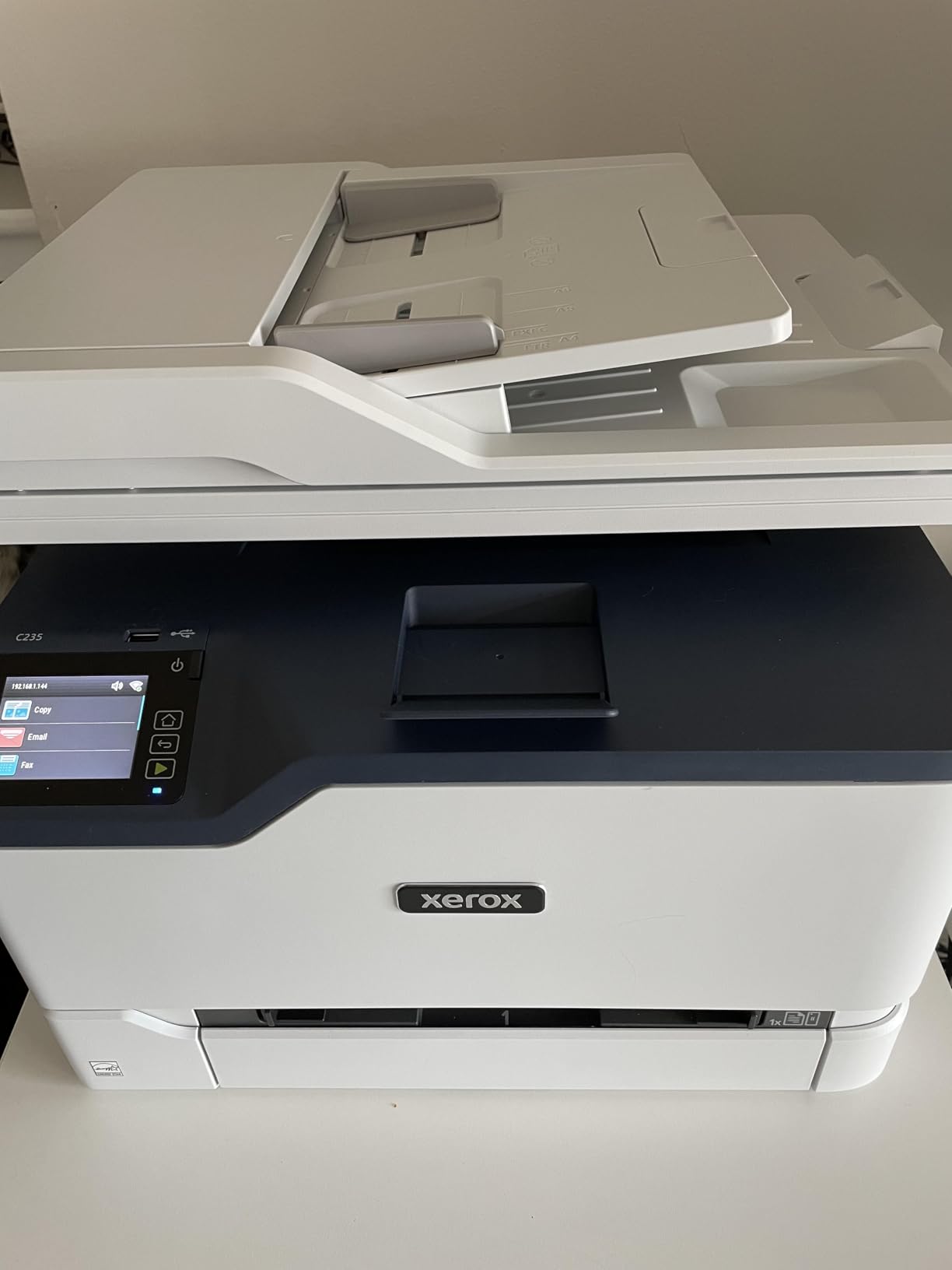
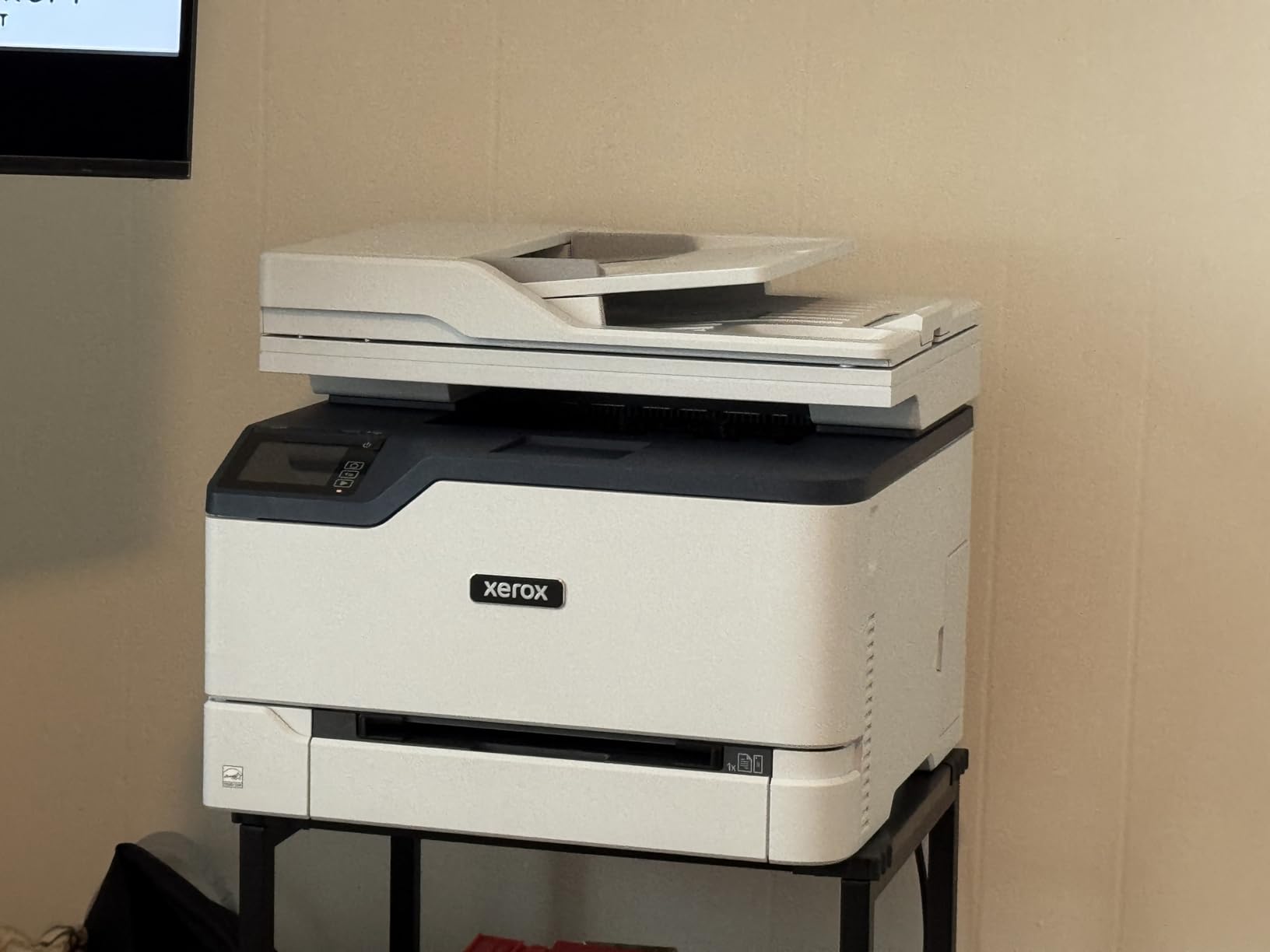
The Xerox C235dni offers all-in-one functionality with some of the lowest running costs in this roundup. High-yield toner cartridges keep the cost per page competitive, and the 1200 dpi color resolution produces sharp text and graphics. The compact footprint makes it suitable for smaller workspaces, and the network interface card stays active even in sleep mode, so there is no waiting for the printer to wake up on the network.
Setup through the Xerox Easy Assist app is straightforward if you use a smartphone. The app walks you through each step and handles Wi-Fi configuration automatically. AirPrint and Mopria support mean mobile printing works from both iOS and Android devices without additional software. At 24 ppm with automatic duplex, the print speed is adequate for small office use.
Xerox’s reputation in the printing industry adds credibility, though the recent Lexmark acquisition has created some confusion around support and product direction. The 1500-page monthly duty cycle limits this printer to light-to-moderate use.
Who Should Buy This Printer
Small offices and home users who prioritize low running costs and want an all-in-one with print, scan, copy, and fax functions. Users who already trust the Xerox brand and want a compact machine for light to moderate monthly printing. Anyone who wants a network-ready printer that responds instantly from sleep mode.
What to Consider Before Buying
The scanner quality is the weakest aspect of this printer. Users consistently report that scans come out too light, which may be a deal-breaker if document digitization is a primary use case. Windows driver installation has been problematic for some users, and setup instructions do not always match the current website. Some units have shipped with partially empty starter toner, so verify toner levels upon arrival.
11. Canon Color imageCLASS LBP646Cdw – Best Budget Print-Only Laser
Canon Color imageCLASS LBP646Cdw Wireless Laser Single-Function Printer for Duplex Printing, White – 26 PPM Home Office, Small Office Printer – Print Only, No Scan/Copy
26 ppm color/BW
600x600 dpi standard
250-sheet capacity
Auto duplex
38.4 lbs
Wi-Fi, Ethernet, USB
Pros
- Affordable entry point for color laser
- 26 ppm with automatic duplex
- 3-year limited warranty
- Ethernet and Wi-Fi connectivity
- Chromebook compatible
Cons
- Starter toner only lasts about 200 pages
- WiFi only supports 2.4GHz not 5GHz
- LCD interface is dated
- No scanning or copying
The Canon LBP646Cdw is one of the most affordable entry points into color laser printing, offering 26 ppm print speeds with automatic duplex at a price that undercuts most competitors. It is a print-only device, but if you just need fast, reliable color printing for documents, it delivers where it counts. The 3-year limited warranty provides exceptional coverage for a printer at this price point.
Print quality is surprisingly good for the price. Text is sharp and colors are accurate enough for business documents and presentations. The printer supports Wi-Fi, Ethernet, and USB connectivity, giving you flexible installation options. Canon’s mobile printing support through AirPrint, Mopria, and the Canon PRINT app covers all major platforms.
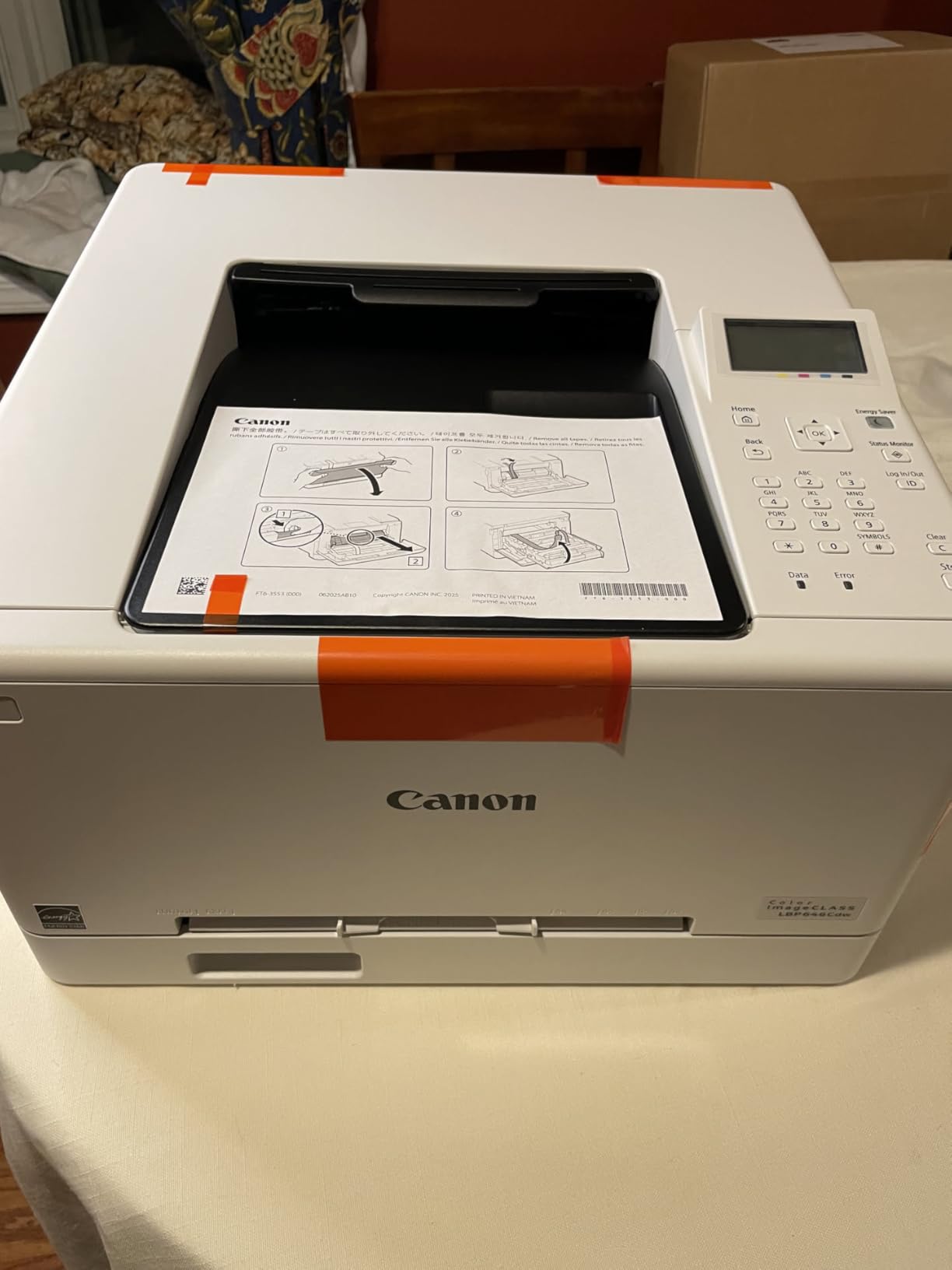
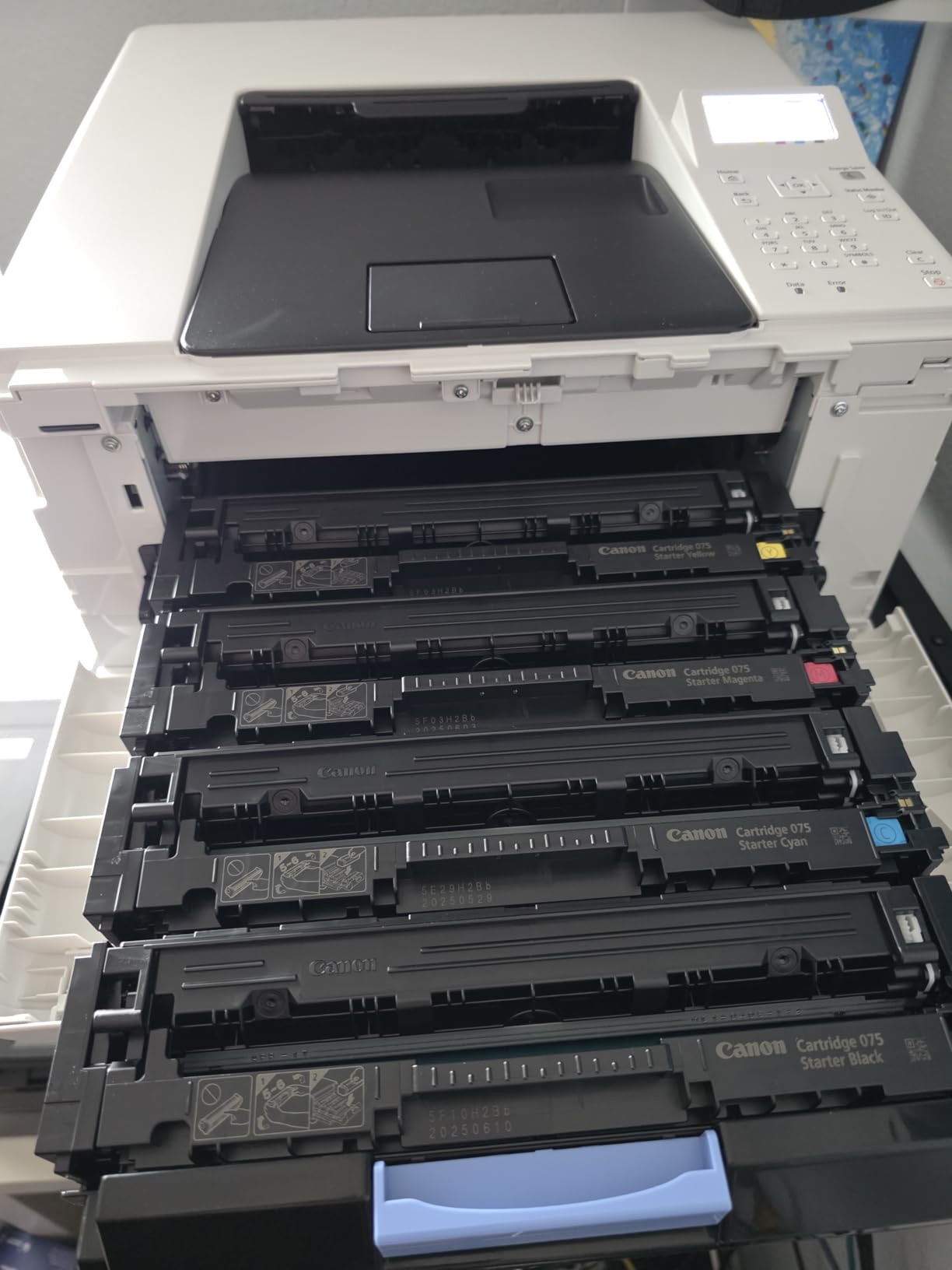
The warm-up time is noticeably faster than older laser printers, with the first page appearing in about 10 seconds. Toner uses the Canon 075 family, with high-capacity options available for users who print more frequently. ENERGY STAR and EPEAT Silver certifications keep operating costs down.
Who Should Buy This Printer
Budget-conscious buyers who want reliable color laser printing without paying for scan, copy, or fax features they do not need. Home office users and students who primarily print documents and want something more reliable than an inkjet. Linux users will find Canon’s driver support helpful compared to other brands.
What to Consider Before Buying
The starter toner cartridges are extremely limited, producing only about 200 pages. Budget for replacement toner right away if you print more than occasionally. Wi-Fi only operates on the 2.4GHz band, which is slower and more congested than 5GHz networks. The 5-line LCD interface feels dated compared to the color touchscreens on competing models.
12. Canon imageCLASS LBP632Cdw – Reliable Color Laser for Windows Users
Canon imageCLASS LBP632Cdw – Wireless Duplex Color Laser Printer, Single Function, Home Office, Mobile Ready, 22 PPM Color, White
22 ppm color/BW
1200x1200 dpi
250-sheet capacity
Auto duplex
35.3 lbs
Wi-Fi, Ethernet, USB
Pros
- Excellent 1200x1200 dpi print quality
- High page yield from toner cartridges
- Easy setup for Windows and Linux
- Fast duplex printing
- Reliable long-term performance
Cons
- Noisy during operation
- WiFi connectivity issues with mesh networks
- LCD display is dated and low quality
- Chromebook compatibility is limited
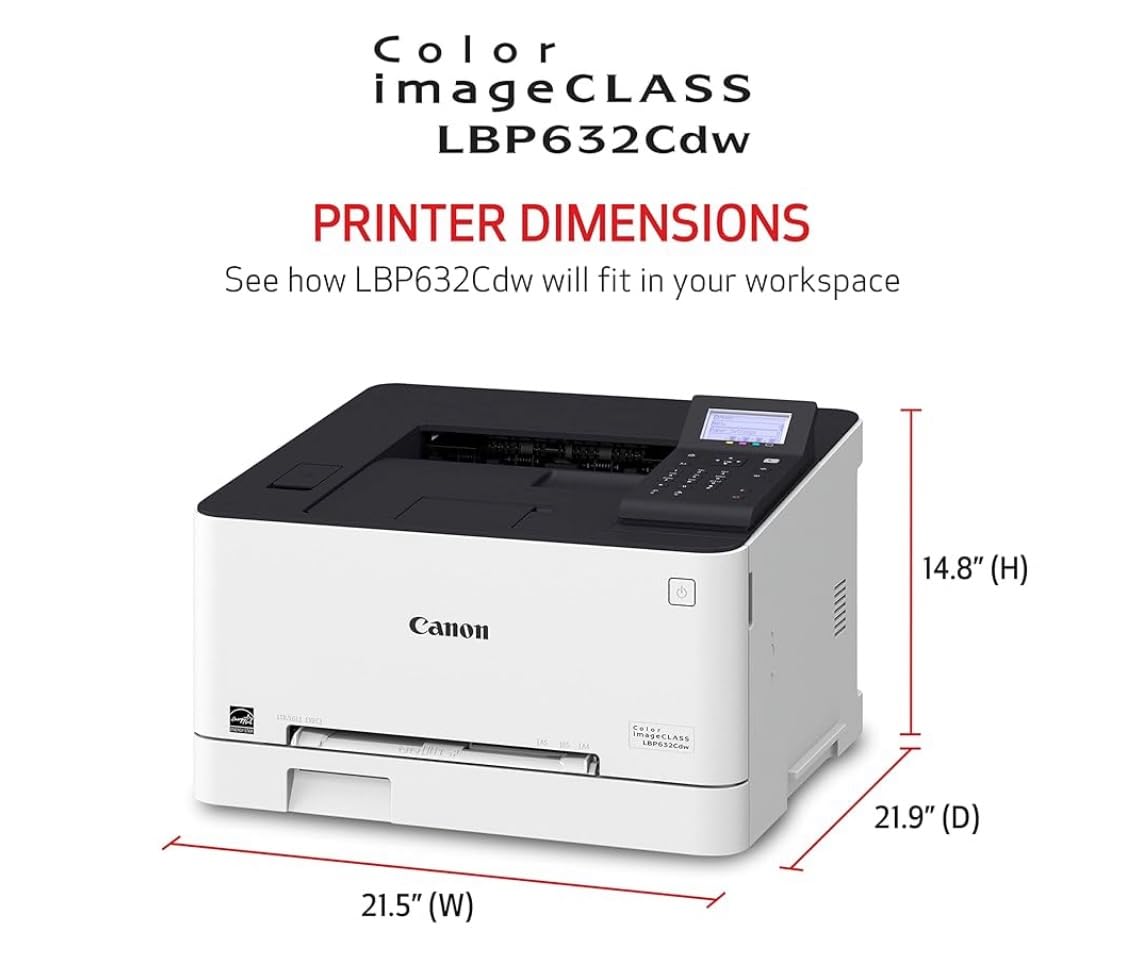
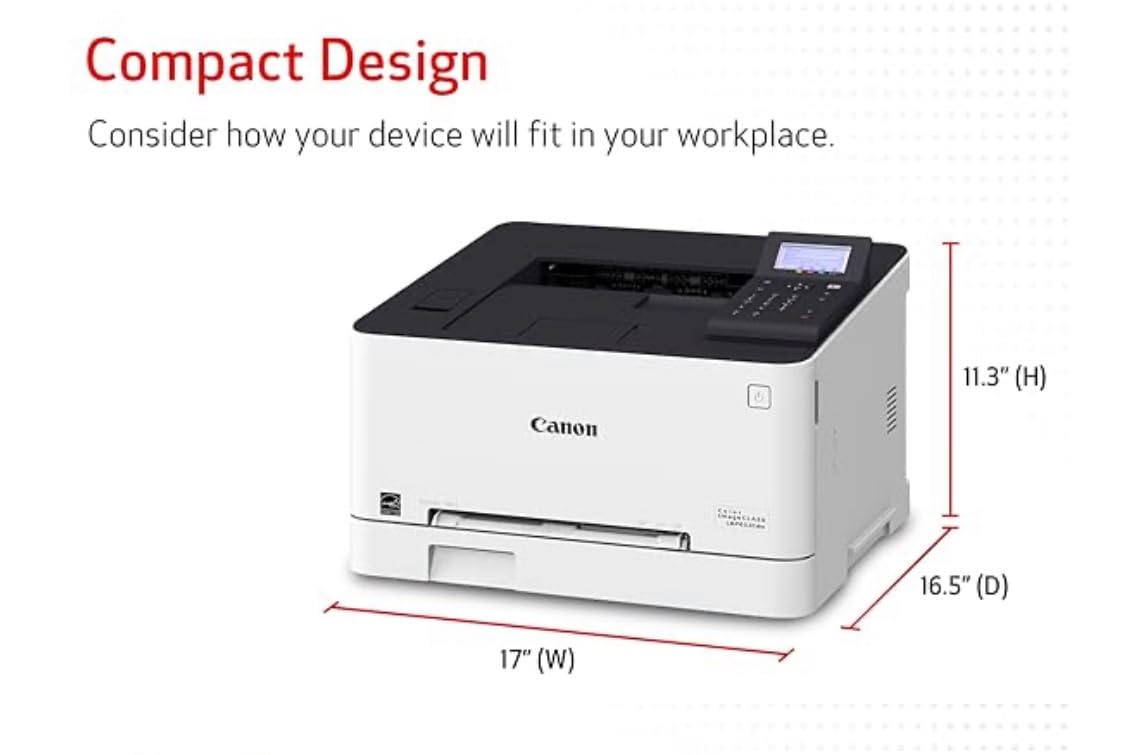
The Canon LBP632Cdw delivers 1200×1200 dpi print resolution at 22 ppm, producing some of the sharpest text and cleanest color output in its price range. Toner 067 cartridges yield up to 3,000 pages per set, which keeps running costs reasonable over time. The printer handles duplex printing reliably and warms up quickly for a laser unit.
Setup on Windows and Linux is straightforward and the Ethernet port provides a stable wired connection option. Print quality is where this printer earns its keep. Text at 1200×1200 dpi is noticeably crisper than the 600×600 dpi output from cheaper models, and color graphics are clean and professional. The 250-sheet paper tray and 250-sheet output tray handle decent volumes without constant attention.
Long-term reliability is a strong point. Users who have owned this printer for over a year report consistent performance without the degradation issues that plague some budget models. The Canon imageCLASS line has a solid reputation in business environments.
Who Should Buy This Printer
Windows and Linux users who want high-resolution color laser printing at a reasonable price. Small offices that print mostly documents and value crisp text quality over advanced features. Users looking for a reliable, no-frills printer with proven long-term durability.
What to Consider Before Buying
This printer is noticeably noisy during operation, making it unsuitable for quiet environments like shared home spaces or libraries. WiFi connectivity has been problematic for some users, particularly with mesh network systems that require workarounds. Chromebook users should look elsewhere, as the compatibility claims are inaccurate and require third-party cloud printing services. The LCD display is basic and provides minimal feedback.
How to Choose the Best Color Laser Printer for Your Needs?
Choosing the right color laser printer comes down to understanding your actual printing habits and matching them to the right feature set. Here are the key factors I recommend evaluating before making your decision.
Print Speed and Volume. Print speed, measured in pages per minute, matters more than most people realize. If you print a few pages a week, 19 ppm is plenty. If you regularly print 50-page reports or share the printer among multiple users, look for 26 ppm or faster. Also check the monthly duty cycle, which tells you the maximum pages the printer can handle per month without excessive wear. A 1,500-page duty cycle works for personal use, while small businesses should look for 5,000 pages or more.
All-in-One vs Print-Only. All-in-one printers include scan, copy, and sometimes fax functions alongside printing. If you digitize documents regularly, an all-in-one with an automatic document feeder is essential. If you already have a scanner or rarely need to copy or scan, a print-only model saves money, desk space, and weight.
Toner Costs and Cost Per Page. The upfront price of the printer is only part of the equation. Toner costs vary dramatically between brands. HP toner cartridges are the most expensive, with a full set running close to $400. Brother and Canon toner tends to be more affordable, especially if you use high-yield or XXL cartridges. Calculate your cost per page by dividing the toner price by the page yield to compare the real long-term expense.
Third-Party Toner Compatibility. This is a hot topic in Reddit communities. HP actively blocks third-party toner through firmware updates and chip authentication. Brother uses chipped cartridges that prevent manual resets. Canon is generally more accepting of third-party toner options. If saving on consumables is a priority, Canon or some Brother models offer more flexibility.
Connectivity Options. Modern color laser printers offer Wi-Fi, Ethernet, USB, and mobile printing. Dual-band Wi-Fi (2.4GHz and 5GHz) provides faster and more reliable wireless connections. AirPrint support is essential for Mac and iPhone users. Ethernet is important for office environments where a wired network connection is preferred. Wi-Fi Direct lets you print from mobile devices without a router.
Duplex Printing. Automatic duplex (two-sided) printing saves paper and reduces bulk in printed documents. All 12 printers in our roundup include automatic duplex, which speaks to how standard this feature has become. Make sure duplex scanning is included if you need to digitize two-sided documents.
Paper Capacity. A 250-sheet paper tray holds a full ream of paper and is sufficient for most home and small office users. High-volume offices should look for printers with expandable paper capacity or additional trays. The Brother MFC-L8930CDW supports up to 1,340 sheets with optional trays.
Warranty and Support. Canon leads with 3-year warranties on several models, while Brother and HP typically offer 1-year coverage. Customer support quality matters more than most people expect. Canon receives consistent praise for responsive human support, while HP’s support experiences are mixed. Brother falls somewhere in between.
Frequently Asked Questions About Color Laser Printers
Which is the best color laser printer for home use?
Is it worth buying a color laser printer?
Why are laser printers being phased out?
What is the highest rated color laser printer?
What is the most reliable color laser printer?
Final Thoughts on the Best Color Laser Printers in 2026
The best color laser printers in 2026 offer something for every budget and use case. For businesses that need speed and advanced security, the Brother MFC-L8930CDW delivers 33 ppm with enterprise-grade features at a competitive price. For the best overall value, the Canon MF753Cdw II combines 35 ppm speed with 1200×1200 dpi resolution and an industry-leading 3-year warranty. And for budget-conscious buyers who want reliable color laser printing in the most compact form possible, the Brother HL-L3220CDW is hard to beat.
Our testing confirmed what Reddit communities and forum users have been saying for years: Brother leads in reliability, Canon offers the best warranty coverage and print quality, and HP produces excellent output but at a higher total cost of ownership. Whatever your needs, any of the 12 printers on this list will serve you better than an inkjet for document printing, providing smudge-free results and years of reliable performance.
Take a close look at toner costs and third-party compatibility before making your final choice. The cheapest printer is not always the most affordable to own over time. Pick the model that matches your actual print volume and feature needs, and you will have a reliable workhorse for years to come.