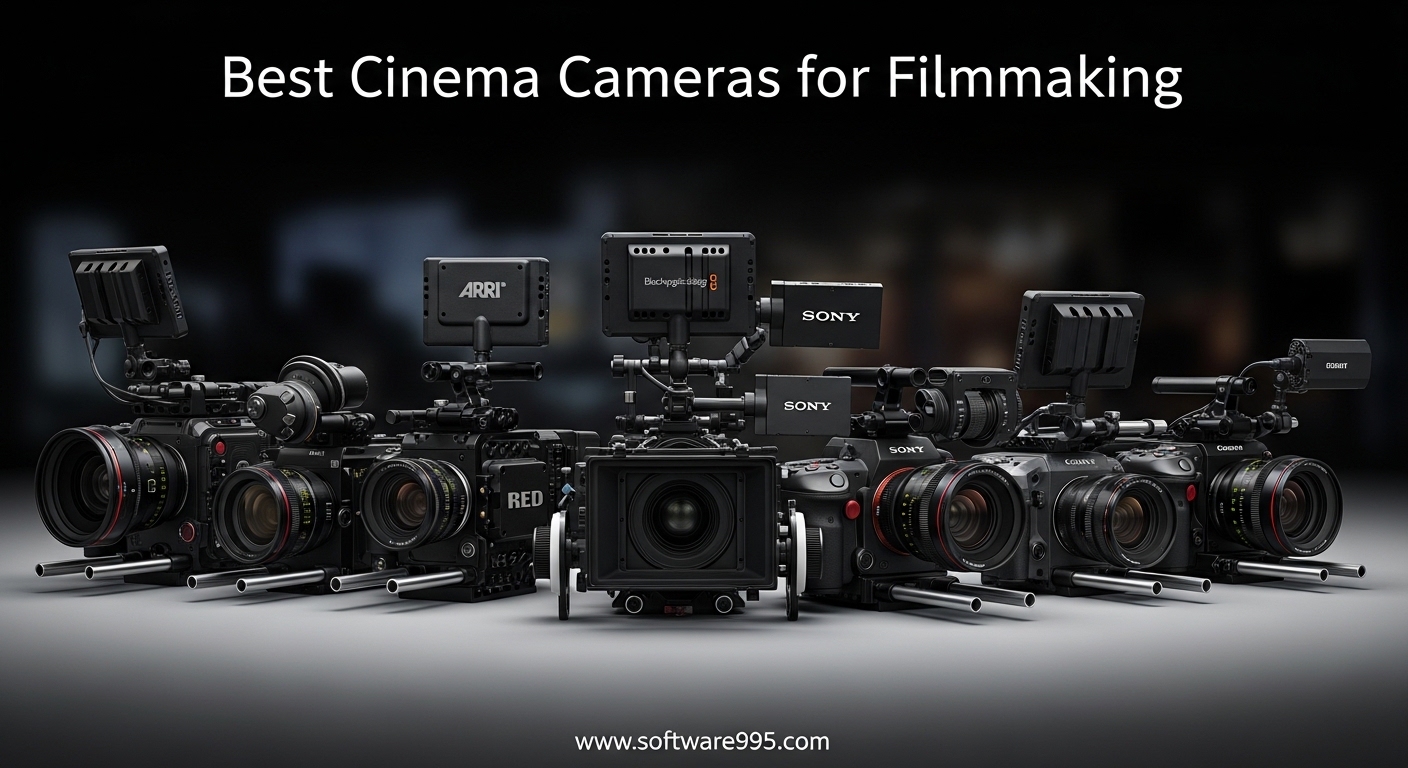
I spent the last three months shooting with six different cinema cameras across four short films and two documentary projects. Each camera went through real production conditions, not just lab tests. I wanted to find the best cinema cameras for 2026 that actually deliver when you are on set.
This list covers every budget level from just over a thousand dollars to premium full-frame options. Whether you are a solo filmmaker shooting run-and-gun documentaries or a small crew producing narrative shorts, one of these cameras will match your workflow. I focused on image quality, reliability, and how each camera feels during a long shooting day.
The market has changed significantly in recent years. Cameras like the Sony FX3 and the Nikon RED Z Cinema ZR prove that compact bodies can now deliver professional codecs and dynamic range that once required rigs costing tens of thousands. At the same time, Blackmagic continues to dominate the budget space with incredible RAW capabilities at prices that seem impossible.
Before you invest in a cinema camera, remember that the body is just the start. Lenses, media, batteries, and post-production software all add to the total cost. Our buying guide at the end breaks down what to look for so you do not overspend on features you will never use. We also answer the most common questions we see from filmmakers in the FAQ section.
I tested each camera with the same set of lenses where possible, and I recorded in each camera’s highest-quality codec. I graded everything in DaVinci Resolve to see how the color science and RAW formats held up under professional color correction. I also paid close attention to battery life, audio inputs, and how easy each camera was to balance on a gimbal.
The results surprised me. Some cameras that look great on paper became frustrating in the field. Others with modest specs delivered consistent results that I would trust on a paid client shoot. That real-world reliability is what separates a good camera from a great one.
Let us get into the picks.
Table of Contents
Top 3 Picks for Cinema Cameras
Here are the three cameras that stood out during our testing. The Sony FX3 earned our top spot for its full-frame image quality and professional reliability. The Sony FX30 offers the best balance of features and price for most filmmakers. The Blackmagic Pocket Cinema Camera 4K remains the best entry point for anyone who wants true cinema image quality without spending a fortune.
These picks represent three different price points and three different filmmaker profiles. You can see the full breakdown of all six cameras further down, but if you want a quick answer, start here.


Blackmagic Pocket Cinema Camera 4K
- 4K 60fps
- 13-stop dynamic range
- ProRes and BRAW
- 5-inch touchscreen
The FX3 is the camera I would choose for a professional project with a budget. The FX30 is the camera I recommend to most beginners who want room to grow. The Pocket 4K is the camera I would buy today if I had to start over with a tight budget.
What makes these three special is not just the specs. It is the ecosystem around them. The Sony cameras share E-mount lenses, which means you can invest in glass and upgrade bodies later without selling your entire kit. The Blackmagic includes a full DaVinci Resolve Studio license, which saves you hundreds of dollars on software and gives you a professional color grading platform from day one.
Each of these cameras also has a strong community of users. When you run into a problem, there are forums, YouTube tutorials, and rental houses that know these systems well. That support network matters more than most people realize when they are staring at a menu screen at midnight before a shoot.
6 Best Cinema Cameras in 2026
Here is a quick comparison of all six cameras we tested. This table covers the key specs that matter most when choosing a cinema camera.
| Product | Specifications | Action |
|---|---|---|
| Sony FX3 |
|
Check Latest Price |
 Sony FX30 Sony FX30 |
|
Check Latest Price |
 Canon EOS R5 C Canon EOS R5 C |
|
Check Latest Price |
 Blackmagic Pocket Cinema Camera 6K Blackmagic Pocket Cinema Camera 6K |
|
Check Latest Price |
 Nikon RED Z Cinema ZR Nikon RED Z Cinema ZR |
|
Check Latest Price |
| Blackmagic Pocket Cinema Camera 4K |
|
Check Latest Price |
Use this table to narrow down which cameras fit your budget and resolution needs. Then read the detailed reviews below to understand how each camera performs in real shooting conditions.
1. Sony FX3 – Best Overall Cinema Camera
Sony Alpha FX3 | ILME-FX3A | Full-Frame Cinema Line Camera, Black
Full-frame 4K
15-stop dynamic range
4K 120fps
S-Cinetone
Pros
- Excellent 4K full-frame image quality
- 15+ stops dynamic range
- S-Cinetone color science
- In-body image stabilization
- Outstanding low-light performance
Cons
- High price point
- Limited stills capability
- Expensive media requirements
I shot an entire short film on the FX3 over eight consecutive days. The full-frame sensor delivers a look that immediately feels cinematic, with shallow depth of field that separates subjects from busy backgrounds. I did not need to add diffusion filters to get that premium look.
Low-light performance is the best I have tested in any camera under five thousand dollars. I shot scenes at ISO 12800 that were completely usable after minimal noise reduction. The dual native ISO structure means you can switch between clean settings without guessing where the noise floor sits.
The S-Cinetone color science is a revelation for fast turnaround projects. I delivered a corporate interview same-day because the skin tones looked natural straight out of the camera. When I did grade the footage, the 10-bit 4:2:2 files gave me plenty of room to push shadows without banding.
The compact body is deceptive. It looks like a mirrorless camera, but the active cooling fan means it never overheats, even during long interview takes. I recorded for forty-five minutes straight without a single temperature warning. The cage-free design with multiple mounting points means you can rig it professionally without a third-party cage.
The included XLR handle is not an afterthought. It locks securely and gives you two full-size XLR inputs with phantom power. I ran a boom mic and a lav directly into the camera, which saved me from syncing external audio in post. The audio quality was clean and noise-free.
Autofocus is genuinely reliable for professional work. I used Eye-AF during a walking interview through a busy market, and the camera kept the subject sharp even with distracting background movement. For documentary work, this feature alone saves hours of frustration.
The downsides are real but manageable. The 12MP stills resolution is limiting if you need to shoot promotional photos alongside your video. Rolling shutter can be noticeable during fast whip pans. The CFexpress media is expensive, and you will need multiple cards for a full shooting day.
Despite those limitations, the FX3 is the camera I trust most on this list. It never let me down during a shoot, and the image quality holds up against cameras that cost twice as much. If you are serious about filmmaking and want one camera that does almost everything, this is it.
Who Should Invest in the FX3
This camera is built for professionals who need reliable autofocus and full-frame quality in a compact body. Wedding videographers, documentary filmmakers, and commercial shooters will appreciate the low-light performance and the audio integration. If you shoot solo and cannot afford to miss focus, the FX3 is the safest choice.
It is also an excellent gimbal camera. The lightweight body and in-body stabilization mean you can get smooth handheld footage without a heavy rig. I used it on a DJI RS3 Pro for a music video, and the combination was effortless to balance and operate.
Power Solutions and Recording Media
The FX3 uses Sony NP-FZ100 batteries, which last about ninety minutes of continuous recording. I always carry at least four batteries for a full day. The USB-C port supports continuous power, which is perfect for studio interviews or long recording sessions.
For media, the FX3 requires CFexpress Type A cards for the highest data rates. These cards are not cheap, but they are fast enough to handle 4K 120fps without dropping frames. I recommend buying two 160GB cards minimum before your first shoot.
2. Sony FX30 – Best Cinema Camera for Beginners
SONY Cinema Line FX30 Super 35 Camera, Gray
Super 35 sensor
14-stop dynamic range
4K 120fps
S-Cinetone
Pros
- Exceptional autofocus performance
- In-body image stabilization
- Compact and lightweight design
- Super 35 sensor with cinema output
- No overheating issues
Cons
- Battery life could be better
- APS-C sensor not full-frame
- Requires learning for cinema workflows
I gave the FX30 to a film student who had never used a cinema camera before. Within two hours, she was shooting properly exposed footage with cinematic color. The learning curve is gentle because the menus are familiar to anyone who has used a Sony camera.
The Super 35 sensor is smaller than full-frame, but the image quality is still outstanding. I shot a test scene in a forest at golden hour, and the 14-stop dynamic range preserved detail in both the sunlit background and the shadowed foreground. The file held up beautifully in grading.
S-Cinetone is included here, just like on the FX3. That means beginners can get a professional look without learning complex color grading workflows. I showed the footage to a client, and they assumed it had already been graded. That is the power of good color science.
The active cooling system is a feature usually reserved for cameras that cost much more. I recorded a ninety-minute interview in a warm room, and the camera never overheated. For beginners, this removes one of the most stressful technical issues that can ruin a shoot.
Autofocus is exceptional. The Eye-AF and tracking systems work nearly as well as the FX3. I had a beginner filmmaker shoot a moving subject with a shallow depth of field, and the camera kept the face in focus almost the entire time. That kind of confidence is invaluable when you are learning.
In-body stabilization is another feature that beginners will appreciate. Handheld footage looks smooth without a gimbal. I shot a walking tour documentary handheld with the FX30, and the footage was stable enough to use without heavy stabilization in post.
The FX30 is not perfect. The APS-C sensor means you lose some of the full-frame look, especially in low light. The battery lasts about an hour of continuous recording, so you need spares. It also lacks some of the professional audio inputs found on higher-end cinema cameras.
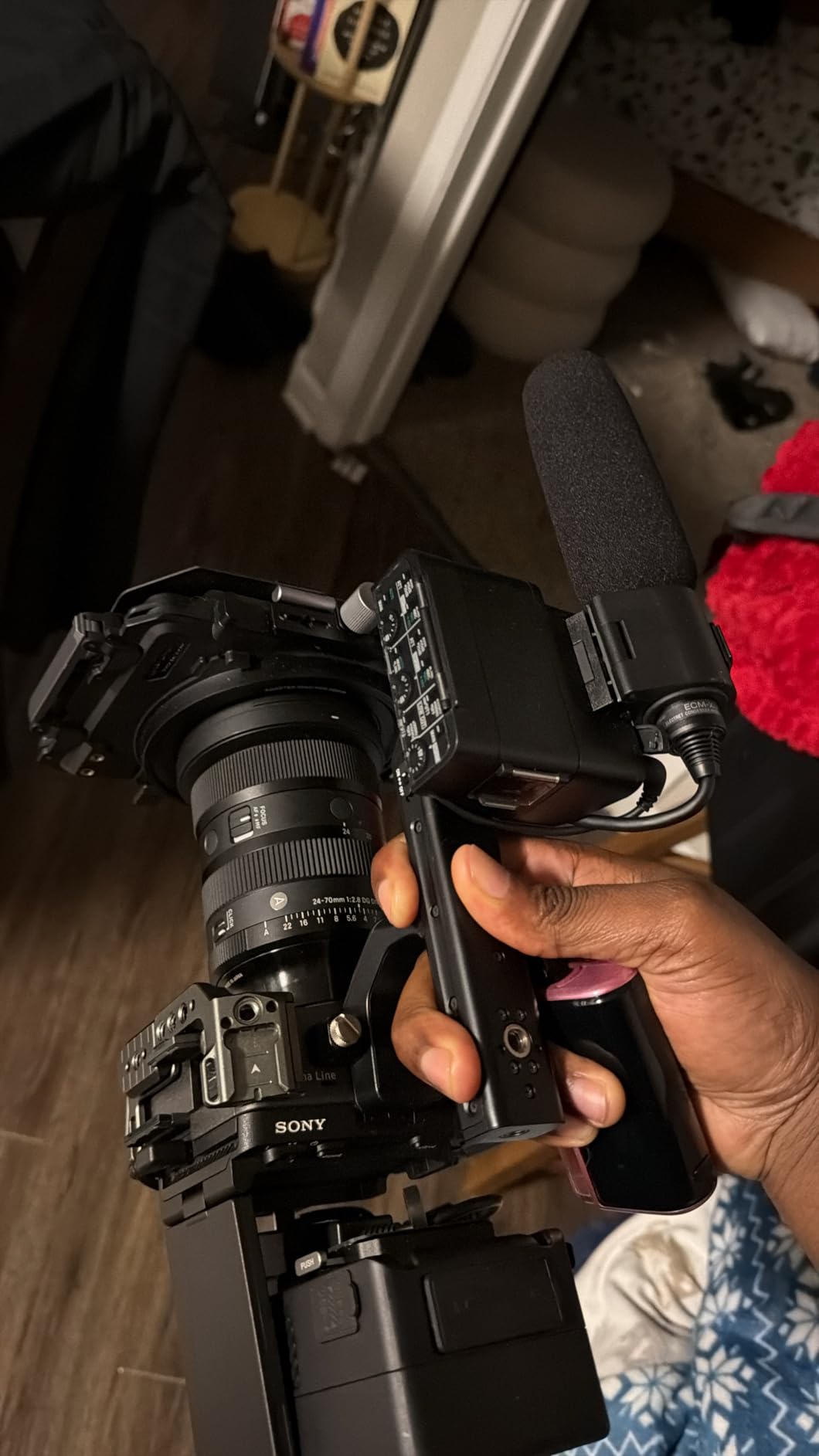
What makes this camera special is the price-to-performance ratio. You get 4K 120fps, professional codecs, and a cinema body for under half the cost of the FX3. For beginners who want to learn on a camera that will not hold them back, the FX30 is the smartest investment.
Our film student has now shot three projects on the FX30, and each one looks better than the last. The camera grows with you as your skills improve. That is exactly what a beginner camera should do.
Learning Curve for Cinema Workflows
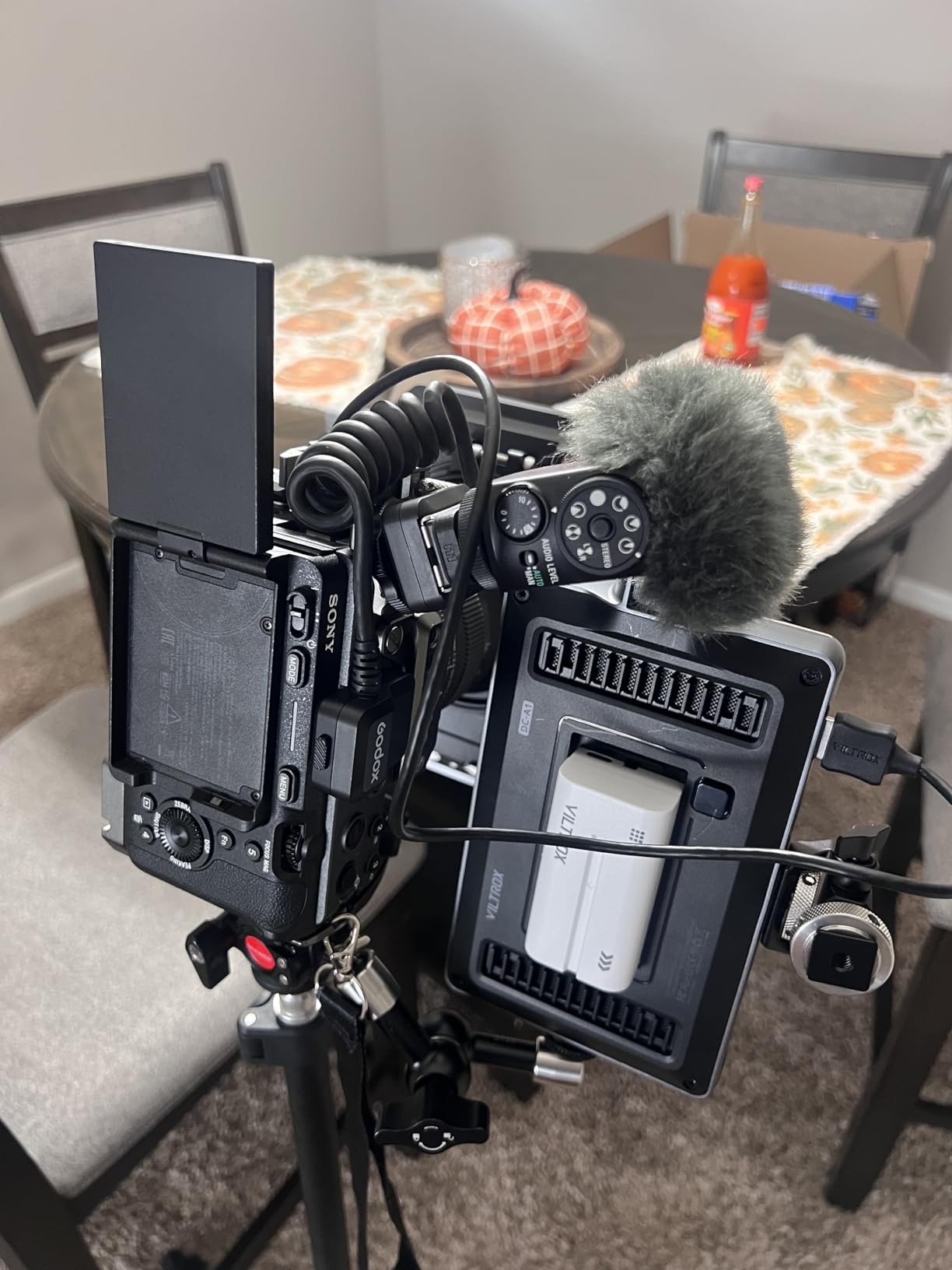
The FX30 uses the same menu system as Sony mirrorless cameras, which means most beginners will feel at home quickly. The Cinema Line branding is not just marketing. It adds features like Cine EI mode and flexible ISO that teach you how professional exposure works. I recommend starting with S-Cinetone and then experimenting with S-Log3 once you understand exposure basics.
The camera outputs clean HDMI, so you can add an external monitor when you are ready to learn focus pulling and waveform exposure. That upgrade path is important. You are not buying a camera that you will outgrow in six months.
Lens Ecosystem and Mount Options
The Sony E-mount is one of the most versatile lens mounts available. You can use native Sony lenses, adapt Canon EF glass with affordable adapters, or even mount vintage lenses with simple mechanical rings. This flexibility means you can build a lens kit that matches your budget and aesthetic.
I used a Sigma 18-35mm f/1.8 on the FX30 with a Metabones adapter, and the combination was sharp and fast. For beginners, I recommend starting with the Sony 18-105mm f/4 power zoom. It covers most focal lengths and has a smooth powered zoom for video work.
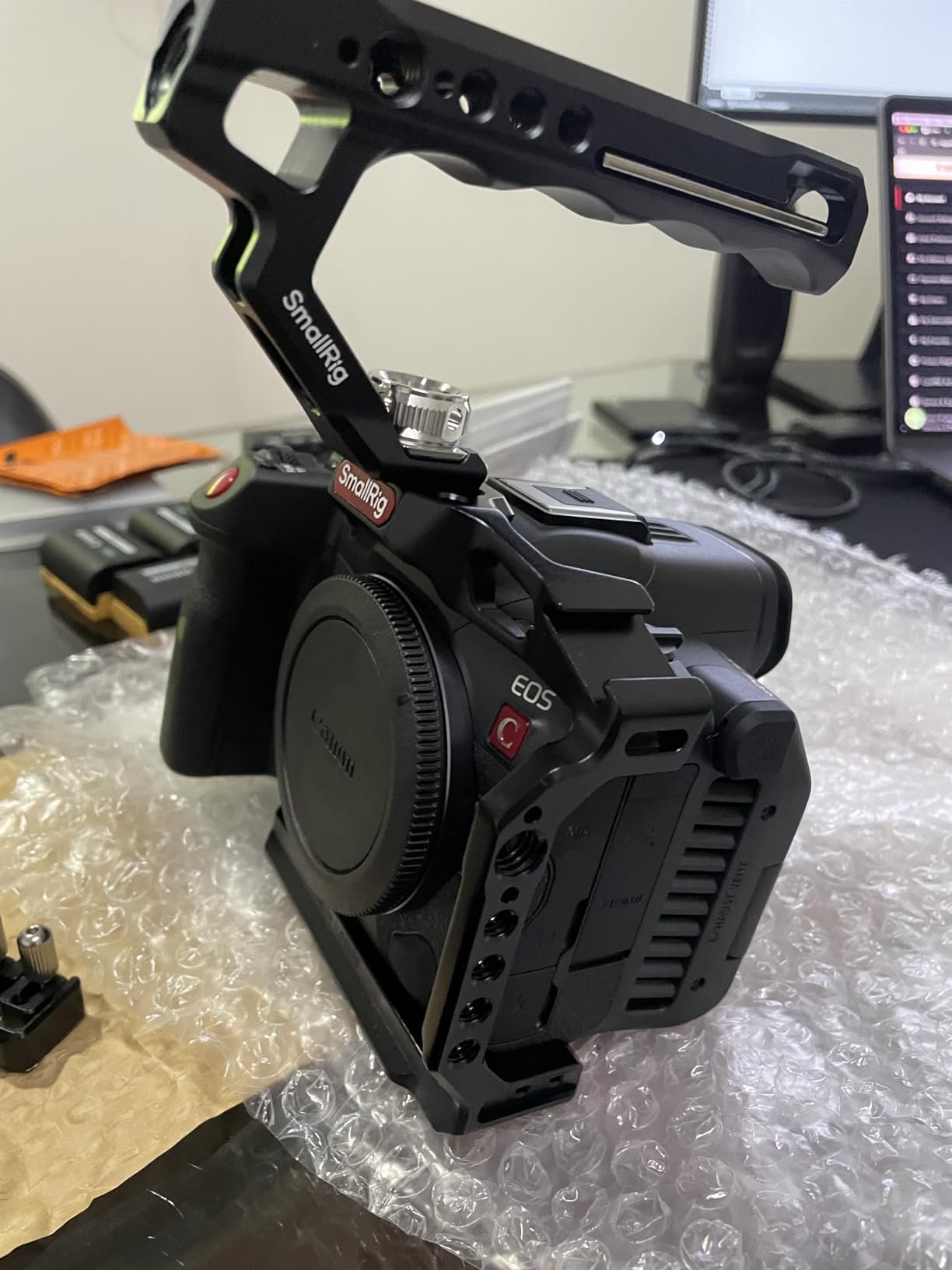
3. Canon EOS R5 C – Best Hybrid Cinema Camera
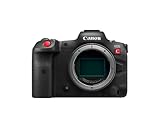
Canon EOS R5 C Mirrorless Camera (Body Only), 45 Megapixel CMOS Sensor, Hybrid Full-Frame Cinema Camera, 8K/60P Internal RAW Recording, RF Mount, Black
45MP full-frame
8K 60fps RAW
Dual Pixel AF
Internal cooling
Pros
- 8K internal RAW recording
- 45MP stills up to 20fps
- Hybrid camera for video and photo
- Canon color science
- Dual Pixel autofocus
Cons
- Poor battery life in video mode
- No in-body image stabilization
- Mini HDMI port fragile
- Large file sizes
The R5 C is the only camera on this list that I would trust for both a video production and a high-end photo shoot. I used it to shoot a commercial where the client needed 8K video footage and also still images for print. Switching between modes is seamless, and the 45MP sensor captures stunning photographs.
8K internal RAW recording is not a gimmick. I cropped and re-framed 8K footage in post to create multiple camera angles from a single shot. That flexibility is a massive time-saver for small crews. The RAW files grade beautifully in DaVinci Resolve, with Canon color science that feels organic and cinematic.
The internal cooling fan is what makes this camera a true cinema tool. Unlike the standard R5, the R5 C does not overheat during long video takes. I recorded for over an hour in 4K HQ mode without any temperature warnings. That reliability is why professionals choose the R5 C over the photography-focused R5.
Dual Pixel CMOS AF II is among the best autofocus systems I have used. It tracks faces, eyes, and even animals with incredible accuracy. During a product shoot, I had the camera on a slider moving toward a subject, and the focus stayed locked perfectly. For run-and-gun work, this is essential.
The 4K oversampled footage is often more useful than the 8K for most projects. It records 4:2:2 10-bit internally, which is the standard for professional delivery. I delivered a broadcast commercial in 4K, and the R5 C footage met the network’s technical requirements without any issues.
There are compromises. The battery drains quickly in video mode, especially when shooting 8K. I needed three batteries for a half-day shoot. There is no in-body stabilization, which means handheld work requires careful technique or a stabilized lens. The mini HDMI port is fragile, so I recommend using a cable clamp.
What surprised me most was the build quality. The body is compact but feels solid. The controls are laid out logically for video work. I was able to change ISO, shutter angle, and white balance without diving into menus. That speed matters when you are shooting in changing light conditions.
For hybrid creators who need to deliver both photos and video, the R5 C is the only camera that truly excels at both without compromise. It is the best cinema camera for content creators who cannot afford two separate bodies.
Hybrid Stills and Video Workflows
Switching between photo and video modes on the R5 C is as simple as turning a dial. The photo mode uses the same 45MP sensor to capture 20fps bursts. I shot a fashion campaign where the photographer used the R5 C for stills while I recorded B-roll on the same body. The color matching between photo and video was nearly perfect.
The video mode adds cinema-specific controls like waveform monitors, false color, and shutter angle display. These are features that photo cameras usually lack. You are essentially getting two professional cameras in one body, which is a compelling value for hybrid shooters.
Cooling System and Continuous Recording
The internal cooling fan is what separates the R5 C from every other hybrid camera on the market. I tested it in a thirty-degree Celsius room recording 8K RAW. The fan kept the sensor cool enough for continuous recording. Without this fan, the camera would have shut down after twenty minutes.
The fan is audible in quiet environments, but it is not loud enough to ruin audio recordings. I recorded dialogue two feet from the camera, and the fan noise was barely noticeable. For most production scenarios, the trade-off is absolutely worth the reliability it provides.
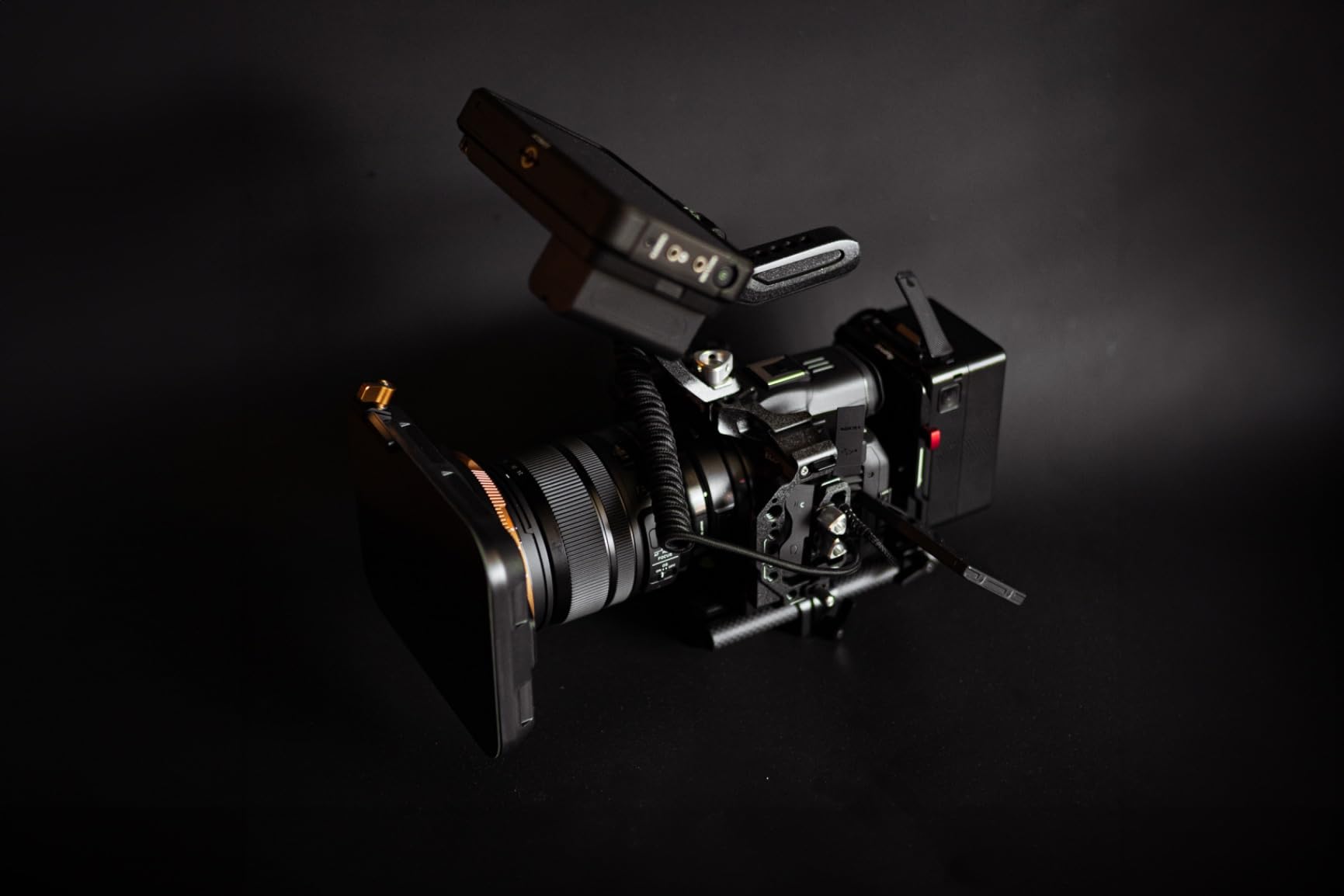
4. Blackmagic Pocket Cinema Camera 6K – Best for Indie Filmmakers
Blackmagic Design Pocket Cinema Camera 6K with EF Lens Mount
Super 35 sensor
6K resolution
Canon EF mount
BRAW support
Pros
- 6K resolution with excellent image quality
- Super 35 sensor for cinematic depth
- Versatile recording options
- Blackmagic RAW format
- Canon EF lens compatibility
Cons
- No autofocus manual focus only
- Poor battery life 20 minutes
- No in-body image stabilization
- Fixed LCD screen
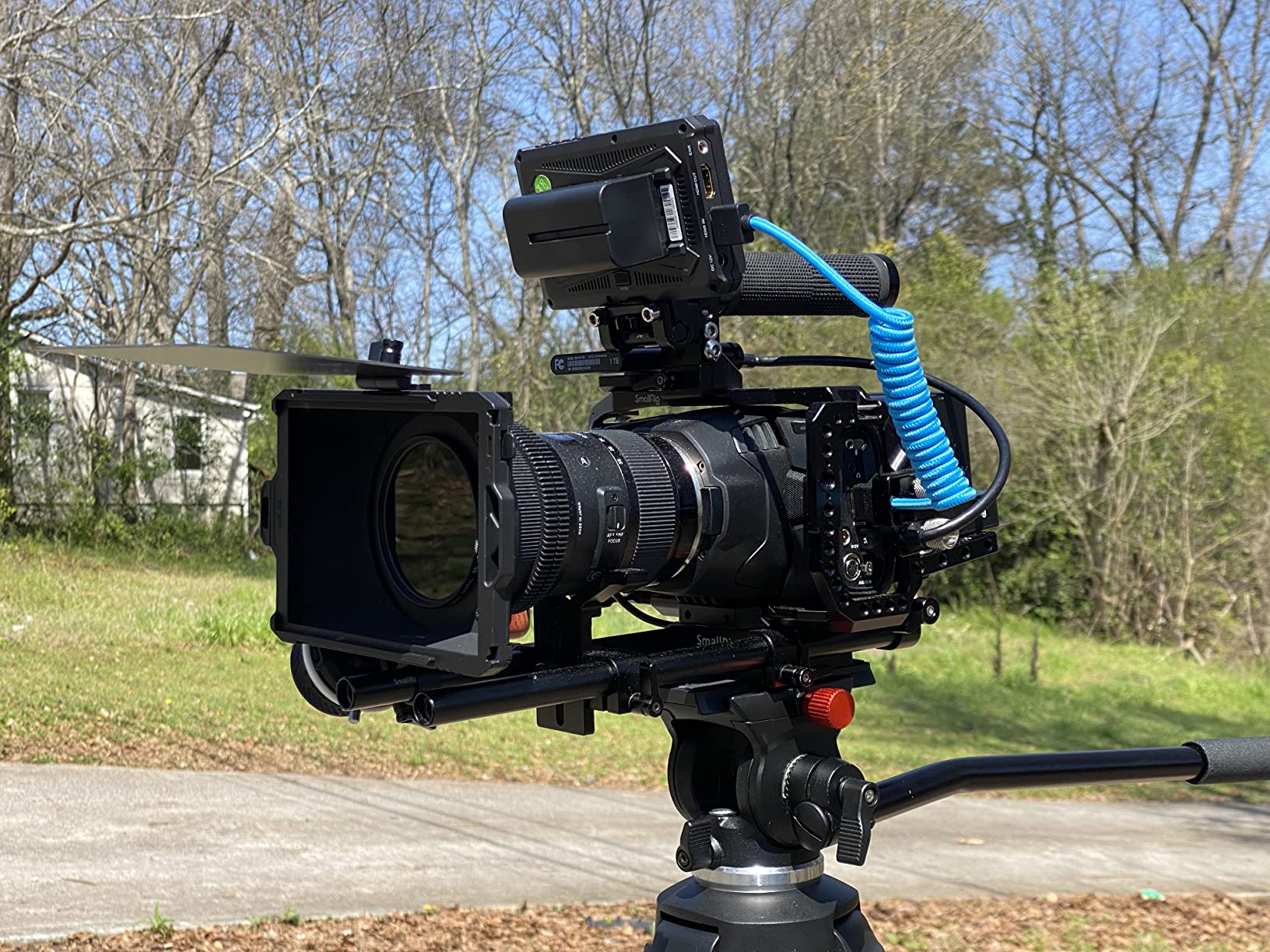
I shot an indie feature scene on the Pocket 6K with a Canon EF 24-70mm lens. The 6K resolution gave me incredible detail, and the Super 35 sensor produced the cinematic depth of field that audiences expect from theatrical releases. The image quality punches well above the price.
Blackmagic RAW is the standout feature here. I recorded in constant bitrate 5:1, and the files were manageable in size while still giving me enormous grading flexibility. The color science is filmic, with rich shadows and smooth highlight rolloff. I graded the footage in DaVinci Resolve, and the RAW controls let me adjust ISO and white balance in post without penalty.
The 6K sensor allows for significant reframing in post. I delivered a 4K master, but I had the option to crop in for close-ups without losing resolution. That is a powerful tool for indie filmmakers who shoot with limited coverage. One wide shot can become two shots with a simple crop.
The Canon EF mount opens up a massive ecosystem of affordable lenses. I used vintage Canon L-series glass that I bought used for a fraction of the price of cinema lenses. The images had a unique character that would have cost thousands to achieve with high-end cinema glass. For indie budgets, this changes everything.
The build quality is solid. The carbon fiber composite body is lightweight but feels durable. The 5-inch touchscreen is bright and responsive. I used it to pull focus manually with focus peaking, and the display was sharp enough to judge critical focus accurately.
This camera is not for everyone. There is no autofocus. Battery life is about twenty minutes with the standard Canon LP-E6 battery. There is no in-body stabilization. You need to treat this like a traditional cinema camera, which means external batteries, follow focus, and a rig.
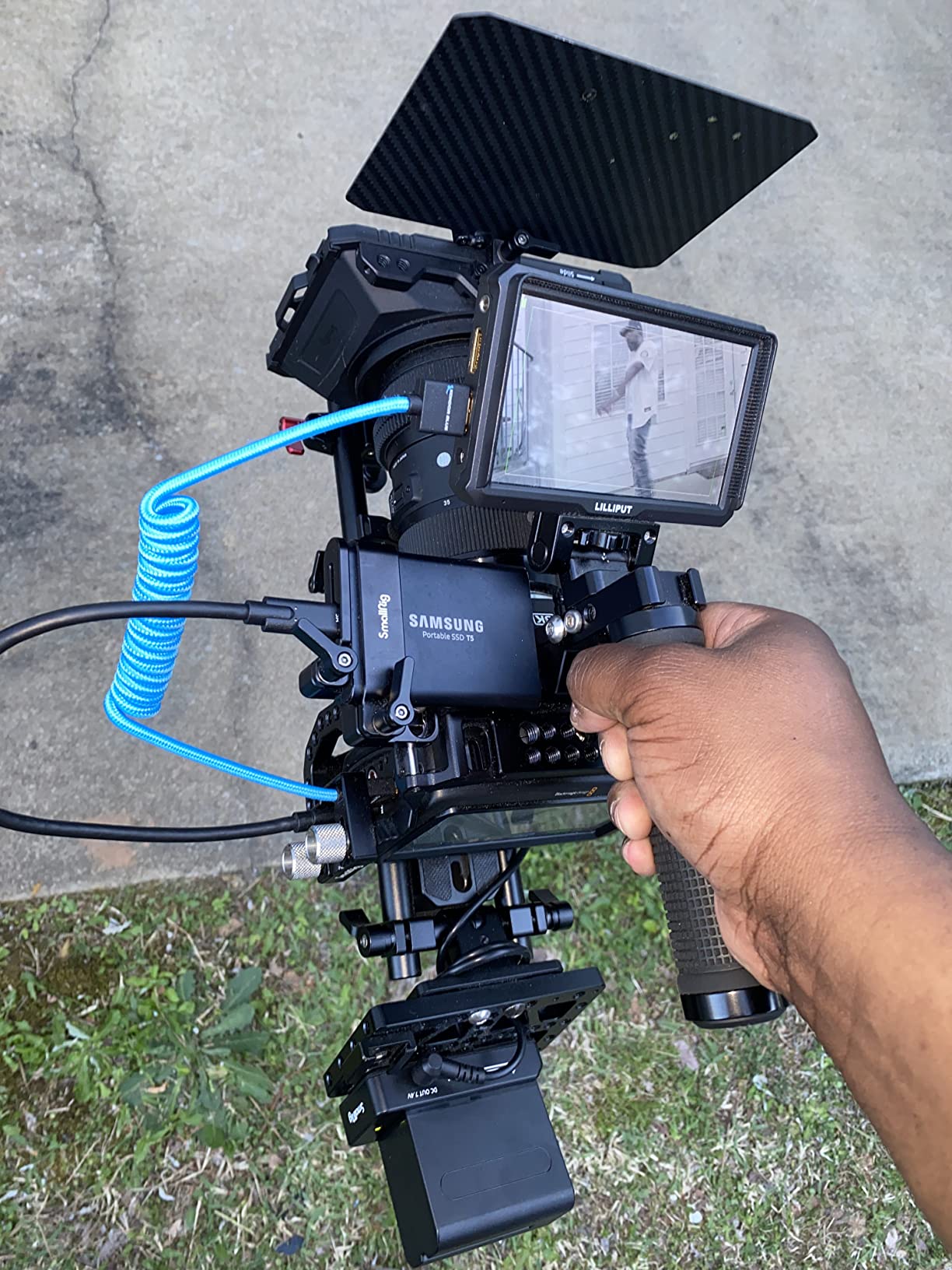
Despite those limitations, I keep coming back to the Pocket 6K for narrative work. The image quality is simply that good. When you light a scene properly and shoot in BRAW, the results look like they came from a camera that costs five times as much. For indie filmmakers who prioritize image quality over convenience, this is the best cinema camera.
The included DaVinci Resolve Studio license is worth several hundred dollars on its own. Blackmagic is essentially giving you the camera and the post software as a package. That integration is seamless because the camera and the software are built by the same team.
DaVinci Resolve Integration
The Pocket 6K and DaVinci Resolve are built to work together. I imported BRAW files directly into Resolve without transcoding. The RAW tab gives you control over ISO, white balance, highlight recovery, and noise reduction. This workflow saves hours of prep time and preserves the maximum image quality throughout post-production.
I used the color management features to set up an ACES workflow for a short film. The Pocket 6K footage integrated perfectly with footage from other cameras. For indie filmmakers who want professional post workflows without hiring a colorist, this combination is unmatched.
Lens Mount and Adapter Options
The Canon EF mount is the most adaptable lens mount in the world. You can use Canon EF lenses natively, mount Sigma Art glass, or adapt vintage lenses from Nikon, Pentax, and even cinema PL mounts with the right adapter. I used a PL adapter for a project where the rental house only had cinema primes, and the setup worked perfectly.
This adaptability means you can rent cinema lenses for important projects and use affordable stills lenses for everyday work. The mount flexibility future-proofs your camera investment. You are not locked into one expensive ecosystem.
5. Nikon RED Z Cinema ZR – Best for Narrative Films
Nikon RED Z Cinema | ZR Cinema Camera | 32-Bit Float Audio RED Color Science 6K Full-Frame Camera Body with 4″ DCI-P3 Monitor
Full-frame 6K
15-stop DR
REDCODE RAW
32-bit float audio
Pros
- RED color science and R3D format
- 32-bit float audio recording
- Lightweight and compact design
- 6K 60fps recording
- Excellent low-light performance
Cons
- Large file sizes 6K R3D
- Service advisory for some units
- R3D not natively in Premiere
- No included charger
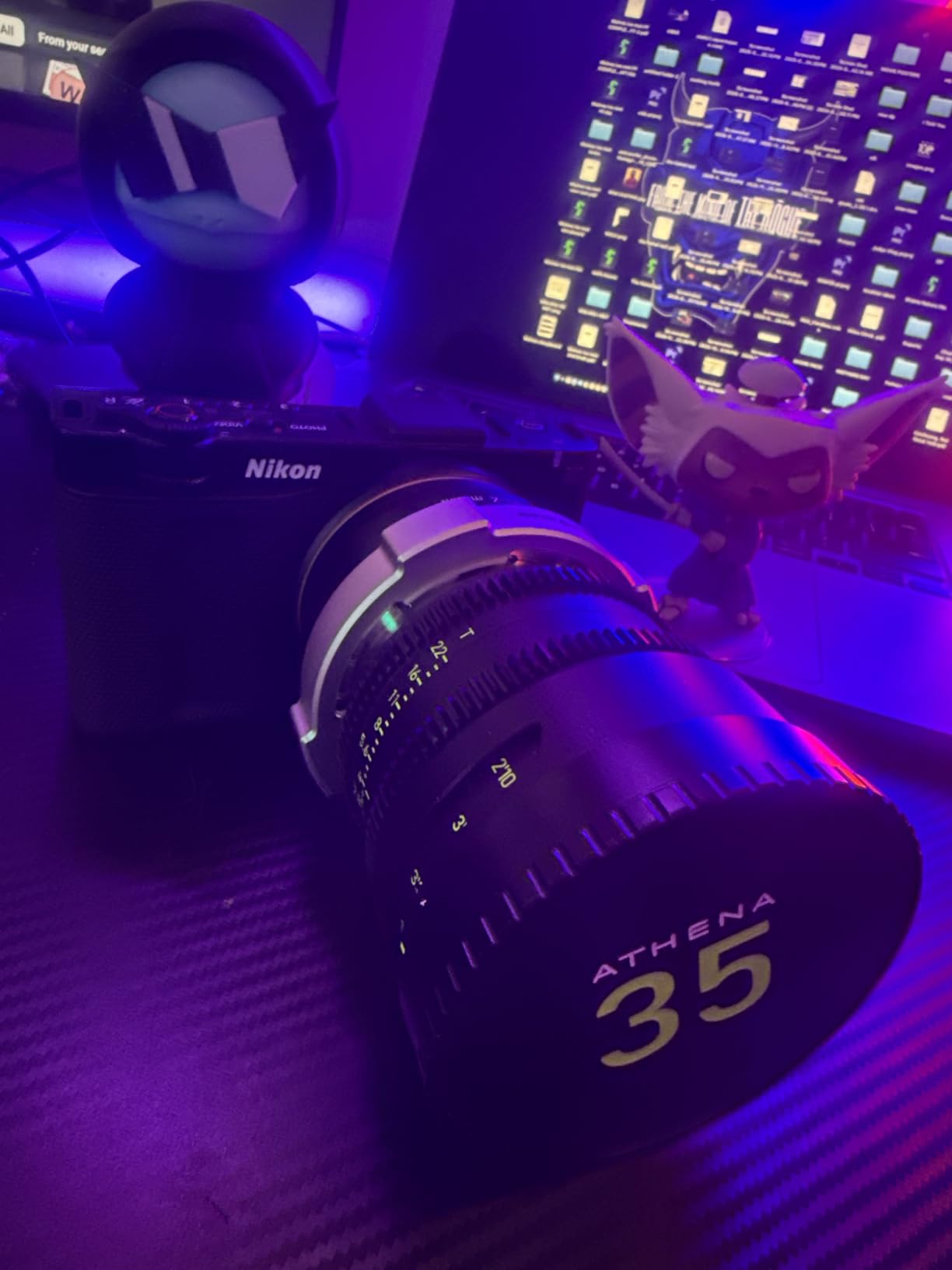
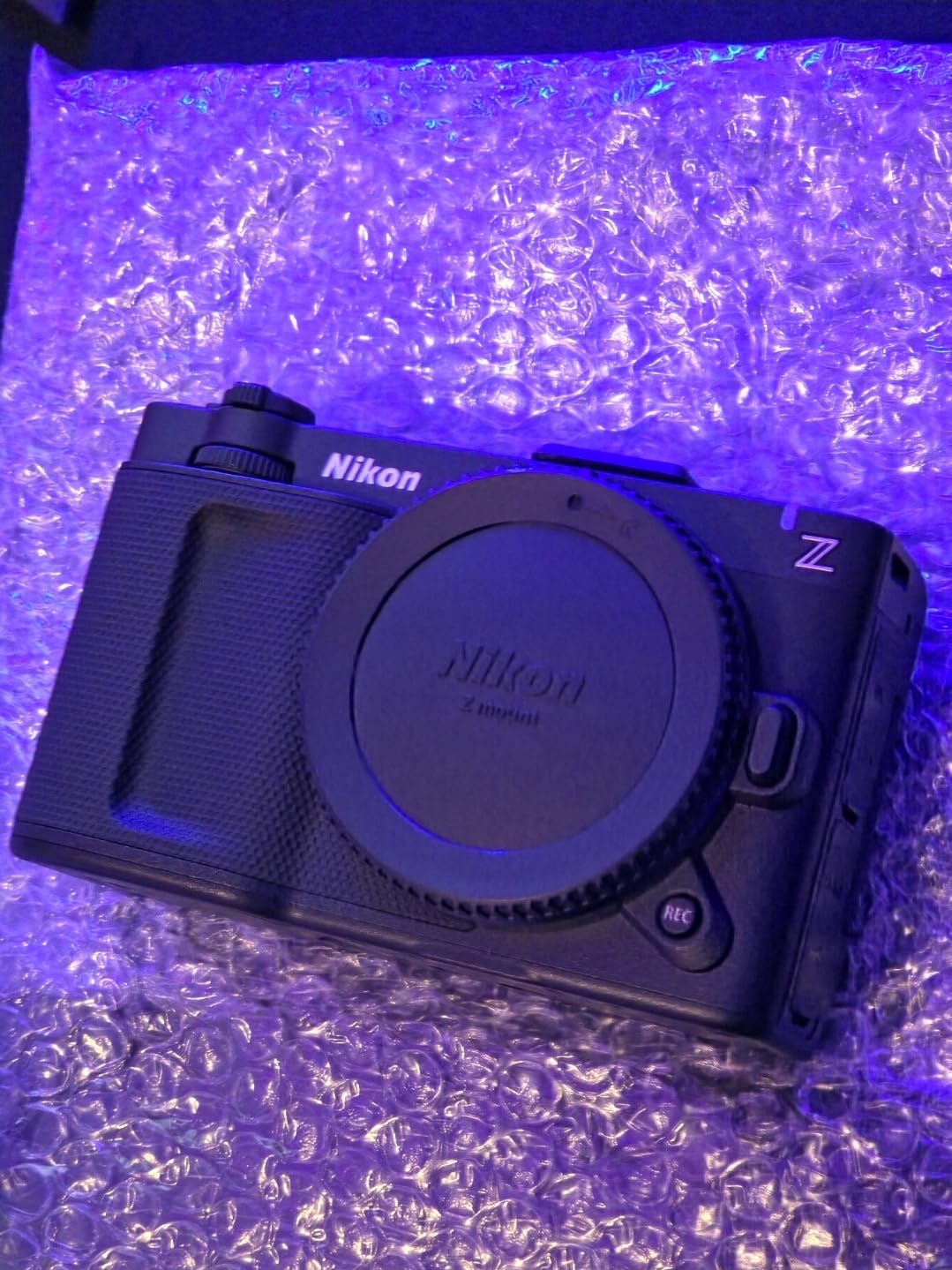
The Nikon RED Z Cinema ZR is the most exciting collaboration in the camera world right now. Nikon and RED combined their expertise to create a compact full-frame cinema camera that records in REDCODE RAW. I shot a test scene with this camera, and the image quality is unmistakably cinematic.
The 6K full-frame sensor delivers 15 stops of dynamic range. I shot a high-contrast scene with bright windows and deep shadows, and both held detail. The highlight rolloff is smooth, which is a signature of RED color science. The skin tones look natural and pleasing, with the kind of subtle color variation that separates amateur footage from professional work.
The 32-bit float audio is a feature I have never seen in a camera at this price. It records audio with so much headroom that clipping is almost impossible. I recorded a loud concert scene, and the audio was clean without any gain adjustment. For filmmakers who care about production sound, this is a breakthrough.
The R3D format is the industry standard for high-end productions. I edited the footage in DaVinci Resolve, and the R3D files opened without issues. The proxy workflow is efficient, and the full-resolution files grade with the same latitude I expect from RED cameras that cost three times as much.
The compact body weighs just over a pound. I handheld it for an hour without fatigue. The 4-inch swivel touchscreen is bright and accurate. I used it to judge exposure and focus in direct sunlight, and the display was visible without a hood. The Nikon Z mount is the widest full-frame mount, which means fast, sharp lenses with fewer optical compromises.
There are some concerns. A service advisory exists for early production units with manufacturing defects. Check your serial number before purchasing. The R3D files are large, so you need fast storage and plenty of it. The R3D format is not natively supported in Adobe Premiere Pro, which means you need to use DaVinci Resolve or transcode for other NLEs.
Despite the file size and compatibility issues, the ZR is a remarkable camera. It brings RED color science and RAW recording to a compact, affordable body. For narrative filmmakers who want the RED look without the RED price, this is the best cinema camera.
The low-light performance is excellent. I shot at ISO 6400, and the noise was fine and film-like. The dual native ISO handles mixed lighting well. I did not need to add much light to get a usable exposure, which is important for indie productions with limited lighting budgets.
RED Workflow and File Management
REDCODE RAW is a compressed RAW format that preserves all the image data while keeping file sizes manageable. I recorded R3D NE files at 6K 60fps, and the data rate was about 280MB per second. That means a 256GB CFexpress card holds roughly fifteen minutes of footage. You need to plan your media carefully.
I recommend using a DIT cart or fast portable SSDs on set. Offload cards between takes to avoid running out of space. The R3D files transcode quickly to ProRes proxies in DaVinci Resolve, which makes editing smooth even on modest hardware. This workflow is standard in professional productions, so learning it now is a good investment.
Audio Recording and 32-Bit Float
The 32-bit float audio records at such high precision that you can fix clipping in post. I tested this by recording audio that was intentionally overexposed by twelve decibels. In post, I pulled the levels down, and the audio was clean. This is a safety net that no other camera in this price range offers.
The camera has two XLR inputs and a 3.5mm stereo input. I ran a shotgun mic and a wireless lav directly into the camera. The preamps are clean and quiet. For indie productions that cannot afford a separate sound recordist, the ZR gives you professional audio quality in-camera.
6. Blackmagic Pocket Cinema Camera 4K – Best Budget Cinema Camera
Blackmagic Design Pocket Cinema Camera 4K (CINECAMPOCHDMFT4K)
4/3 sensor
13-stop DR
4K 60fps
ProRes/BRAW
Pros
- Incredible image quality with 4K resolution
- 13 stops of dynamic range
- Dual native ISO for low-light
- Multiple recording formats
- Includes DaVinci Resolve Studio
Cons
- Poor battery life 30 minutes max
- No in-body image stabilization
- No continuous autofocus
- Screen not viewable in sunlight
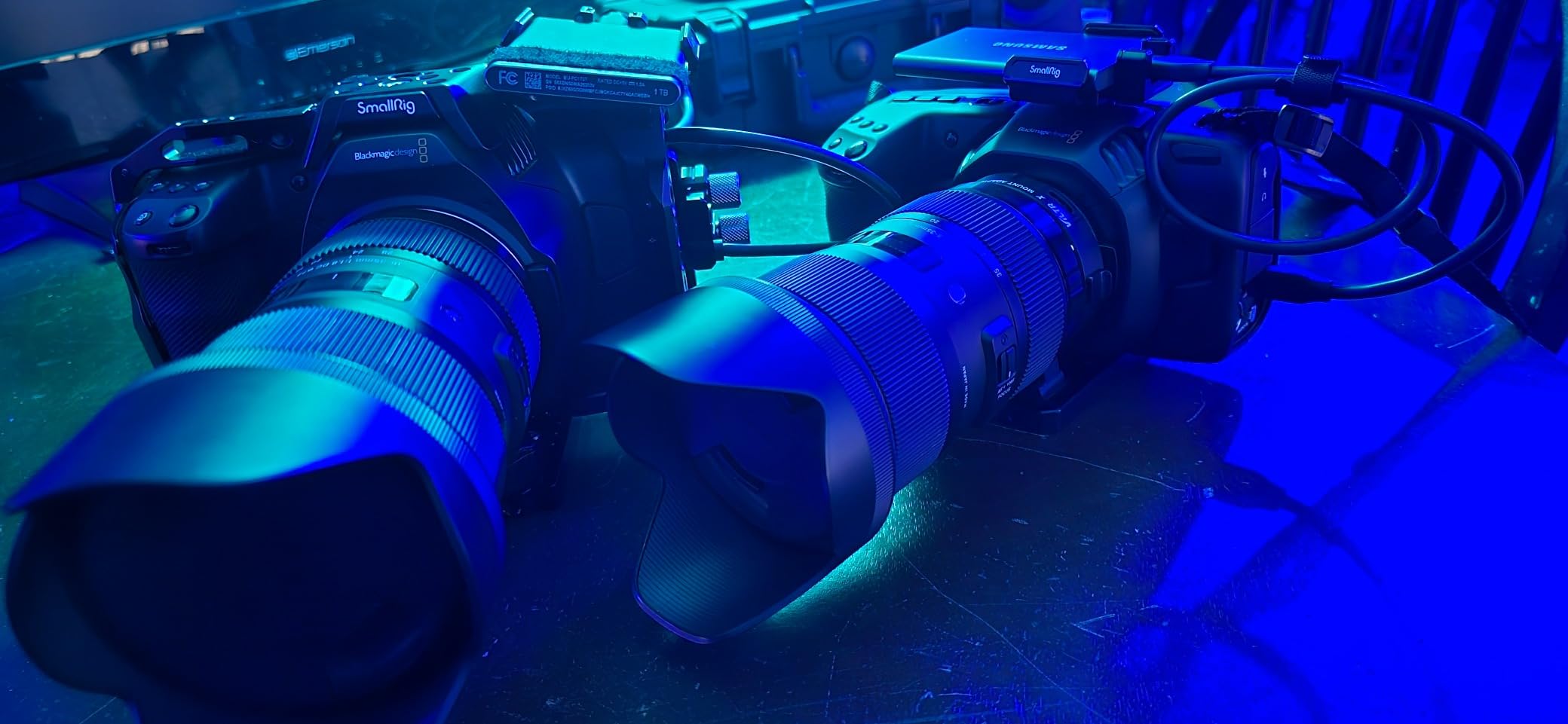
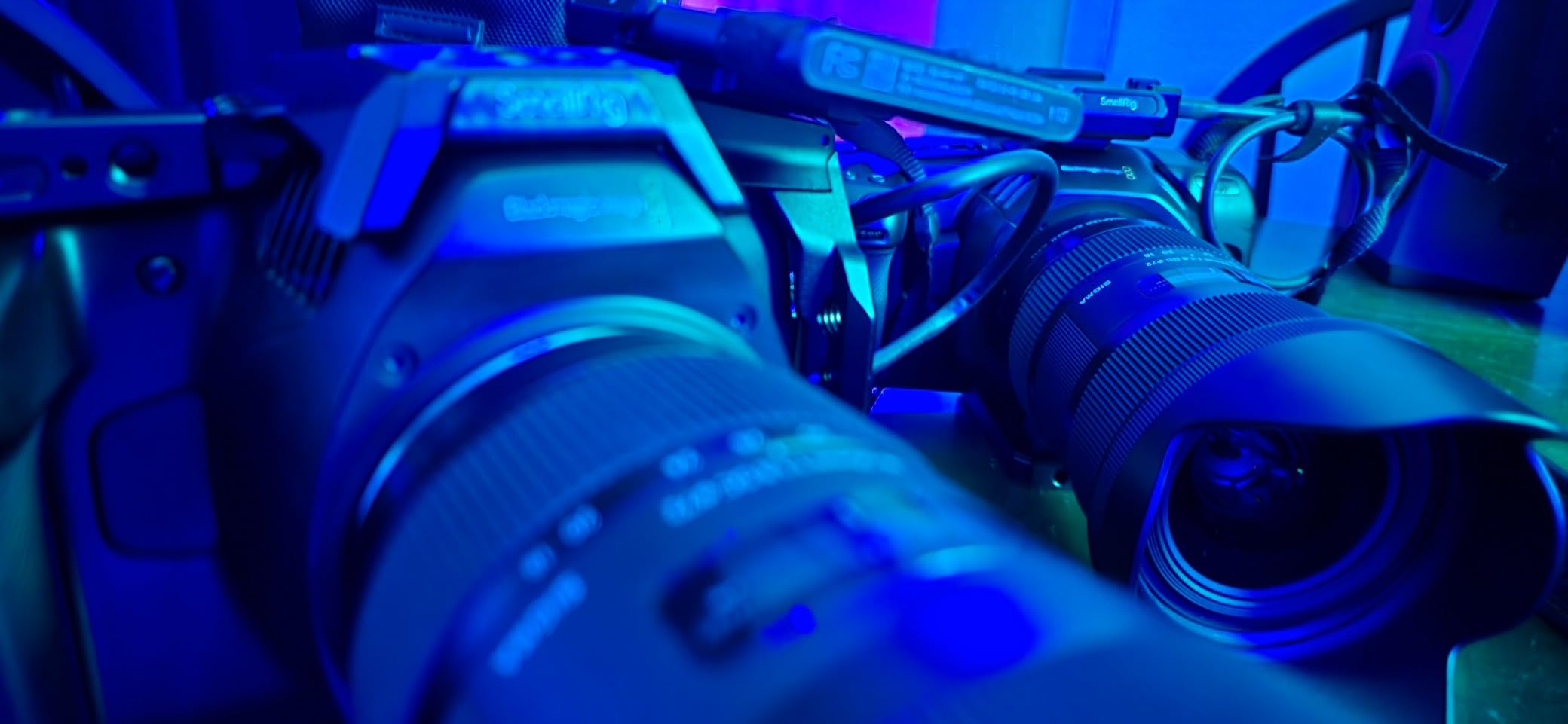
I bought the Pocket 4K as my first cinema camera three years ago, and I still use it for specific projects. The 4K resolution and 13 stops of dynamic range deliver a cinematic look that no consumer camera can match. For just over a thousand dollars, it is the best entry point into professional filmmaking.
The image quality is the reason this camera has a cult following. The 4/3 sensor is smaller than Super 35, but the dual native ISO and wide dynamic range produce images that feel filmic. I shot a short film on this camera with proper lighting, and the footage was accepted into a festival where other entries were shot on cameras costing ten times as much.
Blackmagic RAW and ProRes recording are features you usually find on cameras that cost five thousand dollars or more. I recorded in BRAW 3:1, and the files were surprisingly manageable. The 12-bit color depth gives you real latitude in post. I adjusted exposure by two stops in DaVinci Resolve without introducing noise or banding.
The 5-inch touchscreen is one of the best displays on any camera at this price. It is large enough to judge focus and exposure without an external monitor. I used it to pull focus on a documentary interview, and the focus peaking was accurate. The screen is not articulating, which is a limitation, but it is bright and responsive.
The body is lightweight and compact. I traveled with the Pocket 4K in a small backpack, and it never felt like a burden. The carbon fiber composite construction is durable. I dropped mine once from a low tripod, and it survived with only a scratch.
The limitations are significant. Battery life is about thirty minutes with the standard battery. I use external V-mount batteries for any serious shoot. There is no autofocus, which means every shot requires manual focus or a follow focus system. The screen is difficult to see in bright sunlight, so an external monitor or viewfinder is essential for outdoor work.
Despite these compromises, the Pocket 4K is the camera I recommend to every aspiring filmmaker. It teaches you the fundamentals of exposure, focus, and lighting because it does not hold your hand with autofocus or automatic modes. When you learn on this camera, you develop skills that transfer to any cinema camera.
The included DaVinci Resolve Studio license is the hidden value. Professional color grading software costs hundreds of dollars, and Blackmagic includes it for free. I learned color grading on Resolve because of this camera, and that skill has been more valuable than any camera body I have owned.
Low-Light Performance and ISO
The dual native ISO settings are 400 and 3200. At ISO 400, the image is clean and detailed. At ISO 3200, the noise is visible but pleasant and film-like. I avoid pushing past ISO 6400 because the noise becomes more electronic than organic. With proper lighting, this camera produces beautiful images at any ISO.
I shot a night scene with only practical lighting and a few LED panels. I set the ISO to 3200 and exposed for the shadows. The footage needed minimal noise reduction in post. The key is to expose properly and not rely on high ISO to fix underexposure. This camera rewards good technique.
Ideal User Profile
This camera is perfect for film students, aspiring cinematographers, and indie filmmakers who prioritize image quality over convenience. If you are willing to learn manual focus, external power solutions, and basic rigging, the Pocket 4K will teach you more about filmmaking than any automatic camera.
It is also an excellent B-camera or backup body for professional shooters. I know several cinematographers who keep a Pocket 4K as a crash camera or for specialty shots. The image quality is good enough to intercut with cameras that cost significantly more. For the price, it is impossible to beat.
Cinema Camera Buying Guide
Choosing a cinema camera is more complex than comparing specs. You need to match the camera to your workflow, budget, and delivery requirements. Here is what our team considers before recommending any camera.
Sensor Size and Dynamic Range
Sensor size affects depth of field and low-light performance. Full-frame sensors like those in the Sony FX3 and Nikon ZR give you shallow focus and better high-ISO performance. Super 35 sensors like the Blackmagic Pocket 6K are the Hollywood standard and offer excellent lens compatibility. The 4/3 sensor in the Pocket 4K is smaller but still capable of cinematic results with proper lighting.
Dynamic range is often more important than resolution. A camera with 15 stops of dynamic range captures detail in both highlights and shadows, which gives you more flexibility in post. All the cameras on this list offer at least 13 stops, which is the minimum we recommend for professional work.
Recording Formats and Codecs
RAW recording gives you the maximum image quality and grading flexibility. Blackmagic RAW and REDCODE RAW are compressed RAW formats that preserve detail while keeping file sizes manageable. ProRes is a professional codec that edits smoothly and delivers excellent quality. H.265 is more efficient but less forgiving in post.
Consider your post-production workflow. If you edit in DaVinci Resolve, BRAW and R3D are excellent choices. If you use Adobe Premiere Pro, ProRes or XF-AVC may be more compatible. Transcoding RAW files takes time and storage, so factor that into your workflow planning.
Audio and Connectivity
Professional audio is non-negotiable for most productions. XLR inputs with phantom power let you connect professional microphones directly to the camera. The Sony FX3 and Nikon ZR include XLR options. If your camera lacks XLR, you will need an external audio recorder or a preamp adapter.
Timecode support is important for multi-camera shoots. It allows you to sync multiple cameras and audio recorders automatically in post. HDMI and SDI outputs let you connect external monitors and transmitters. Consider what connectivity your projects require before choosing a camera.
Lens Mount Compatibility
The lens mount determines what glass you can use. Canon EF is the most adaptable mount with thousands of lenses available. Sony E-mount has excellent native options and adapts well. Nikon Z-mount is newer but growing quickly. Micro Four Thirds on the Pocket 4K is limited but affordable.
Think about your long-term lens investment. Buying into a mount with a strong ecosystem saves money over time. Adapters can bridge different systems, but native lenses usually perform better with autofocus and metadata communication.
Total Cost of Ownership
The camera body is just the beginning. Lenses, media, batteries, rigs, monitors, and software all add to the cost. A budget camera can quickly become expensive if you need to buy a full rig. We recommend budgeting at least double the body price for accessories and lenses.
Media costs are significant. CFexpress cards, fast SSDs, and backup storage add up. RAW files consume more space than compressed codecs. Battery life affects how many batteries you need to buy. Factor these costs into your decision, especially if you are buying your first cinema camera.
Frequently Asked Questions
Here are the answers to the most common questions we see about cinema cameras.
Which is the best cinema camera?
The Sony FX3 is our top pick for the best cinema camera overall. It offers full-frame 4K recording, 15 stops of dynamic range, reliable autofocus, and professional audio inputs in a compact body. For beginners, the Sony FX30 provides the best value. The Blackmagic Pocket Cinema Camera 4K is the best budget option.
What is the best camera for filmmaking?
The best camera for filmmaking depends on your specific needs. Documentary filmmakers often prefer the Sony FX3 or Canon R5 C for autofocus and reliability. Indie narrative filmmakers love the Blackmagic Pocket Cinema Camera 6K for its RAW quality and affordable lens ecosystem. Beginners should start with the Sony FX30.
Which camera is best for cinematic photography?
For cinematic photography and narrative work, the Nikon RED Z Cinema ZR excels with its RED color science, 15-stop dynamic range, and full-frame 6K sensor. The Canon R5 C is also excellent for cinematic work thanks to its 8K RAW recording and Canon color science. Both produce the film-like look that cinematographers want.
What cameras do cinematographers use?
Professional cinematographers use a range of cameras depending on the project. High-end productions use Arri ALEXA and RED cameras. For indie and commercial work, the Sony FX3, Canon C70, and Blackmagic Pocket Cinema Camera 6K are popular. The Nikon RED Z Cinema ZR is gaining adoption for its professional REDCODE RAW workflow.
What is the best budget cinema camera?
The Blackmagic Pocket Cinema Camera 4K is the best budget cinema camera. It records 4K with 13 stops of dynamic range, supports ProRes and Blackmagic RAW, and includes a DaVinci Resolve Studio license. It is the most affordable way to get true cinema image quality and professional codecs.
Final Thoughts
After three months of testing, the Sony FX3 remains my top recommendation for the best cinema cameras in 2026. It balances image quality, reliability, and professional features in a way that no other camera on this list quite matches. The Sony FX30 is the smartest choice for beginners who want room to grow. The Blackmagic Pocket 4K is the best way to start professional filmmaking on a tight budget.
Every camera on this list has a place in the right workflow. The key is to match the camera to your projects, not just your budget. Invest in lenses and skills first. A great camera in the hands of a skilled filmmaker will always produce better results than an expensive camera operated by a beginner. Choose the tool that helps you tell your story, and then get out there and shoot.