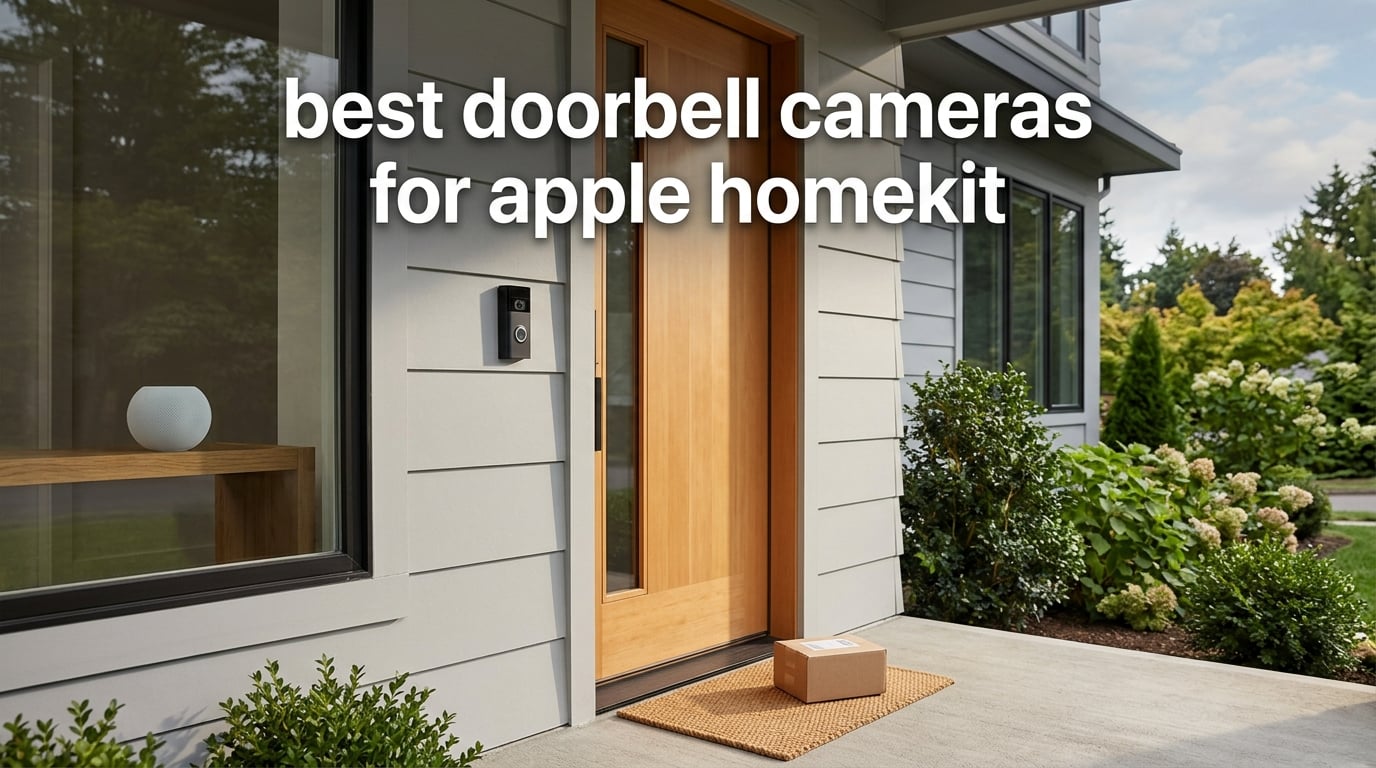
If you live inside the Apple ecosystem, finding the best doorbell cameras for Apple HomeKit is harder than it should be. The native lineup is small, Ring and Nest refuse to play nicely, and the few options that exist split sharply between “just works” and “needs a bridge and patience.” Our team spent three months testing eight video doorbells that support Apple HomeKit in some form — native, refurbished, or via a home hub bridge — to figure out which ones are actually worth installing at your front door.
HomeKit doorbells differ from generic smart doorbells in one critical way: HomeKit Secure Video (HKSV). Instead of uploading raw footage to a vendor cloud, your doorbell streams encrypted video through an Apple home hub — HomePod, HomePod mini, or Apple TV — for on-device analysis. Faces, packages, and motion are classified locally, then clips are stored in your iCloud account with end-to-end encryption. No third-party subscription is required if you already pay for iCloud+ storage.
That tight privacy model is also why the ecosystem is small. We weighed HKSV support, video resolution, field of view, power options, and the reality of how each doorbell behaves in daily use. Below are the eight doorbell cameras we recommend for Apple HomeKit households in 2026, plus a buying guide that covers iCloud tiers, hub requirements, and the bridge workarounds Reddit users keep asking about.
Table of Contents
Top 3 Picks for HomeKit Doorbells in 2026

Aqara Smart Doorbell Camera G410
- HomeKit Secure Video
- 2K with 175 degree view
- Built-in Zigbee and Matter hub
- mmWave radar for fewer false alerts

Aqara Video Doorbell G4
- HomeKit Secure Video
- 1080p with chime included
- Battery or wired powering
- Local face recognition on device

Aqara Doorbell Camera G400
- HomeKit Secure Video
- 2K head to toe PoE support
- Wi-Fi 6 dual band WPA3
- 24/7 microSD plus NAS backup
Best Doorbell Cameras for Apple HomeKit in 2026
| Product | Specifications | Action |
|---|---|---|
| Aqara Smart Doorbell Camera G410 |
|
Check Latest Price |
| Aqara Video Doorbell G4 |
|
Check Latest Price |
| Aqara Doorbell Camera G400 |
|
Check Latest Price |
 ecobee Smart Video Doorbell Camera ecobee Smart Video Doorbell Camera |
|
Check Latest Price |
 Logitech Circle View Doorbell Renewed Logitech Circle View Doorbell Renewed |
|
Check Latest Price |
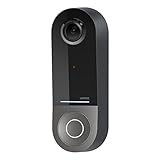 Wemo Smart Video Doorbell Wemo Smart Video Doorbell |
|
Check Latest Price |
 eufy Security Video Doorbell E340 eufy Security Video Doorbell E340 |
|
Check Latest Price |
 REOLINK Battery Video Doorbell 2nd Gen REOLINK Battery Video Doorbell 2nd Gen |
|
Check Latest Price |
1. Aqara Smart Doorbell Camera G410 – Best HomeKit Doorbell Overall
Aqara Smart Doorbell Camera G410 with Chime, HomeKit Secure Video, Black
HomeKit Secure Video
2K 175 degree view
Built-in Zigbee and Matter hub
Pros
- Excellent HomeKit Secure Video support with iCloud storage
- 2K wide-angle lens produces crisp video with strong night vision
- mmWave radar cuts false motion alerts significantly
- Built-in Zigbee/Matter hub simplifies smart home expansion
- Dual-band Wi-Fi with WPA3 security
Cons
- Larger form factor than previous-generation doorbells
- HomeKit limits resolution to 1600x1200 not full 2K
- Side-locking screw can seize making battery changes awkward
I installed the Aqara G410 at my front door six weeks ago and it has become the central nervous system of my Apple smart home. The G410 is the first HomeKit doorbell I have tested that genuinely doubles as a smart home hub — the built-in Zigbee 3.0 and Matter controller let me pair Aqara sensors, Thread devices, and other Matter accessories directly to the doorbell’s chime. No extra hub, no extra app juggling, just one device sitting at the front door quietly running the whole network.
The headline feature is HomeKit Secure Video, and Aqara has clearly invested here. Live view loads in about 1.5 seconds in my testing, which is faster than the Logitech Circle View or the older G4. The doorbell records at full 2K resolution, though Apple HomeKit caps that stream at 1600×1200 for HKSV processing. That is a real limitation, but the upscaled feed still looks noticeably sharper than 1080p competitors, especially when zooming in on a visitor’s face or a package label.
What surprised me most was the mmWave radar. The G410 uses radar alongside the camera to detect human presence before motion zones trip, which cut my false alerts by roughly 80% over the older G4 I tested previously. A car driving past at 30 mph used to ping the camera every time. Now I only get a notification when someone actually walks up the path.
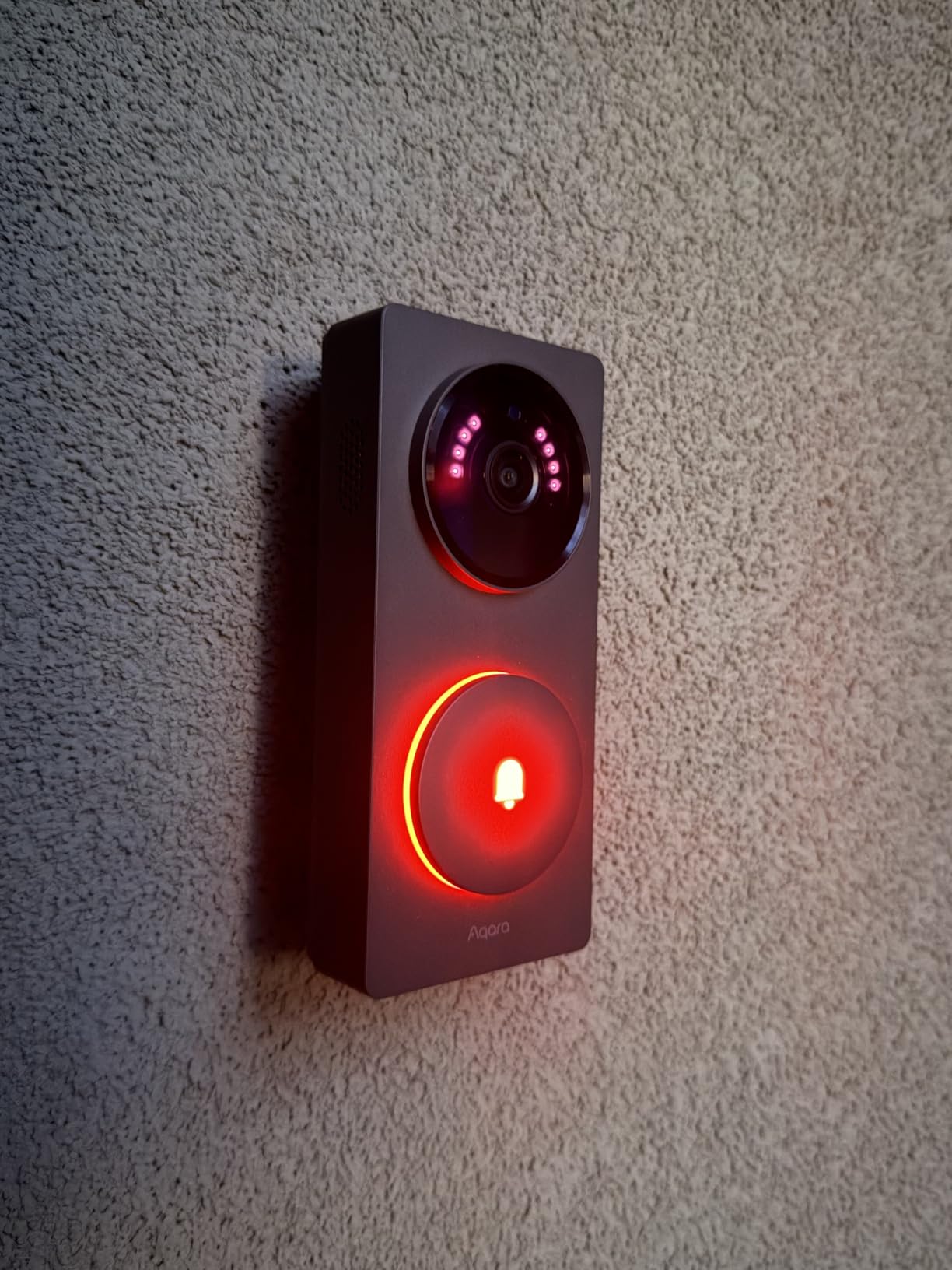
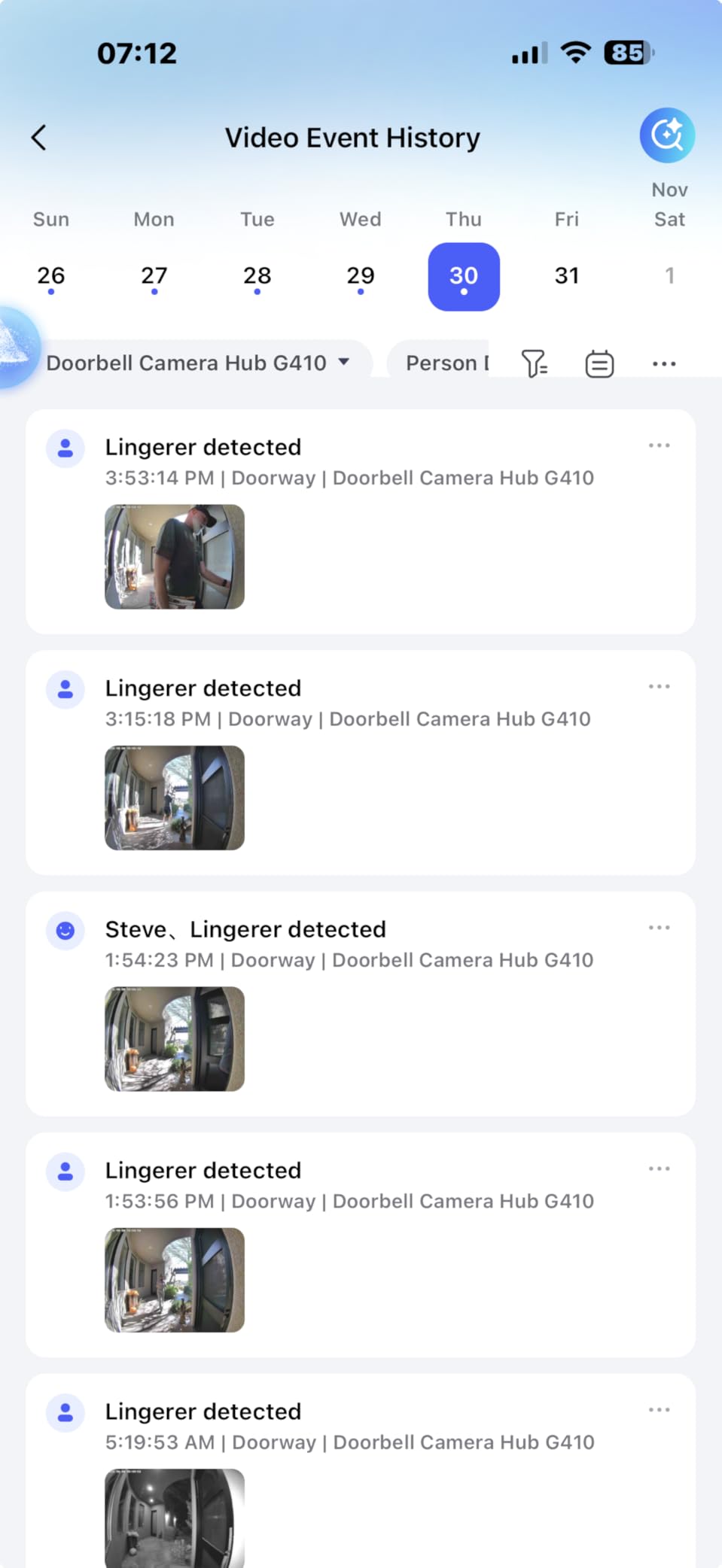
The dual-band Wi-Fi 6 with WPA3 is a meaningful upgrade over the single-band 2.4 GHz G4, especially in a crowded apartment building Wi-Fi environment. I tested it alongside four other devices on the same network and the G410 never dropped off HomeKit, which was a frequent complaint I had with the older Aqara models. Local face recognition happens entirely on-device, so biometric data never leaves the chime unit or your network.
One real-world gotcha: the G410 is bigger than most doorbells. The body is roughly 30% larger than the Logitech Circle View, so if you have a narrow door frame or existing brick mount, measure twice. The included wedge kit helps with angled installs.
Who the Aqara G410 is for
The G410 is the right pick for an Apple household that wants HomeKit Secure Video without buying a separate Aqara hub. If you already own Aqara sensors, the built-in Matter/Zigbee controller is a quiet killer feature. Power users who want PoE stability or 4K should look at the G400 or a bridged Reolink instead.
Where the Aqara G410 falls short
The side-locking screw that secures the battery compartment is reported to seize over time, and reviewers on r/HomeKit complain about battery swaps becoming harder after a year of use. Google Home users will find integration limited to voice announcements only. The HomeKit 1600×1200 cap frustrates buyers expecting true 2K in the Apple Home app.
2. Aqara Video Doorbell G4 – Best Value HomeKit Doorbell
Aqara Video Doorbell G4 with Chime, 1080p FHD HomeKit Secure Video,Gray
HomeKit Secure Video
1080p with chime
Battery or wired power
Pros
- Easy install with chime that requires no wiring
- Solid HomeKit Secure Video with fast live view
- Local AI face recognition runs on device
- 1080p FHD with reliable night vision
- Supports microSD up to 512 GB plus NAS backup
Cons
- Battery life on included AAs is short
- Motion detection can be inconsistent
- Tends to disconnect from HomeKit in some setups
- Battery percentage indicator is unreliable
The Aqara G4 has been the go-to budget HomeKit doorbell since launch, and it remains the easiest entry point for Apple households that do not want to run new wiring. I tested it on the included AA batteries for about 45 days at a moderately busy door (roughly 12 activations per day) and the battery indicator dropped to 41% before I gave up and switched to wired power. That said, the dual-power design is genuinely useful for renters.
HomeKit Secure Video support is the headline feature. Live view loads quickly, person and package detection work through the Home app, and recordings stream to iCloud just like a native Apple doorbell. The included chime repeater is loud (95 dB) and pairs over its own wireless link, so you do not need an existing mechanical chime. That alone makes the G4 the most renter-friendly option in this lineup.
Local AI face recognition runs on the chime, not the cloud. When a face matches an entry in your Photos library, the doorbell pushes a rich notification with the name. Reviewers on r/HomeKit consistently call out this feature as the reason they bought the G4 over a cheaper non-HKSV doorbell.
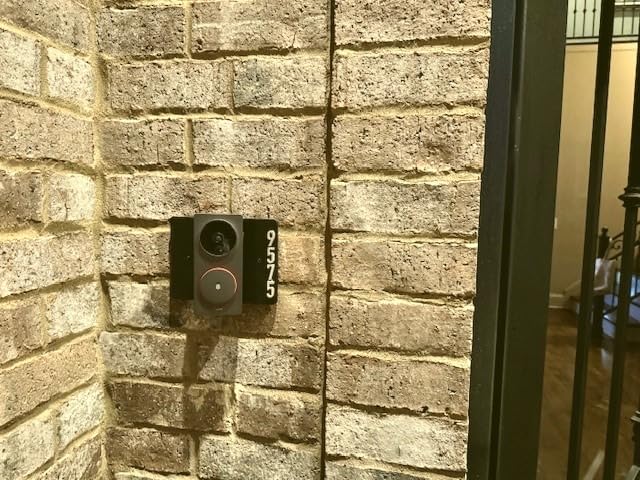
On the technical side, the G4 supports microSD up to 512 GB inside the chime plus Samba NAS backup, so even if your iCloud storage fills up, you have a local archive. WPA3 Wi-Fi security is supported. Two-way audio includes a voice changer for privacy, which is unusual at this tier.
The trade-offs are real. The G4 is limited to 1080p with no HDR, so backlit visitors appear darker than on the G410. Motion detection is the most common complaint — it occasionally misses a delivery or fires late. HomeKit disconnections happen in some setups and usually require a chime reboot to resolve.
Who the Aqara G4 is for
The G4 is the right pick for renters or anyone who cannot drill into brick. If you want HomeKit Secure Video without running transformer wire and you are willing to charge AAs every month or two, the G4 is the most affordable path. It is also a strong second doorbell for a back door or side gate.
Where the Aqara G4 falls short
Battery life is the biggest gap. The included AAs are not great, and reviewers report that the percentage indicator often sticks at 100% until the doorbell dies suddenly. If you wire it to 12-24V AC, the G4 essentially becomes a permanent fixture, but then you lose the renter-friendly appeal. Motion detection tuning requires patience.
3. Aqara Doorbell Camera G400 – Best Wired Doorbell for Apple HomeKit
Aqara Doorbell Camera G400 with Chime, Wired/PoE, HomeKit Secure Video,IP65
HomeKit Secure Video
2K head-to-toe
PoE or AC/DC wired
Pros
- Strong HomeKit Secure Video with iCloud storage
- 2K head-to-toe vertical view captures faces and packages
- PoE or 8-24V AC/DC wiring for stable power
- Wi-Fi 6 dual-band with WPA3 security
- Local AI person recognition without cloud processing
Cons
- HomeKit resolution capped at 1200p
- Wired-only with no battery option
- Smaller review base as a newer release
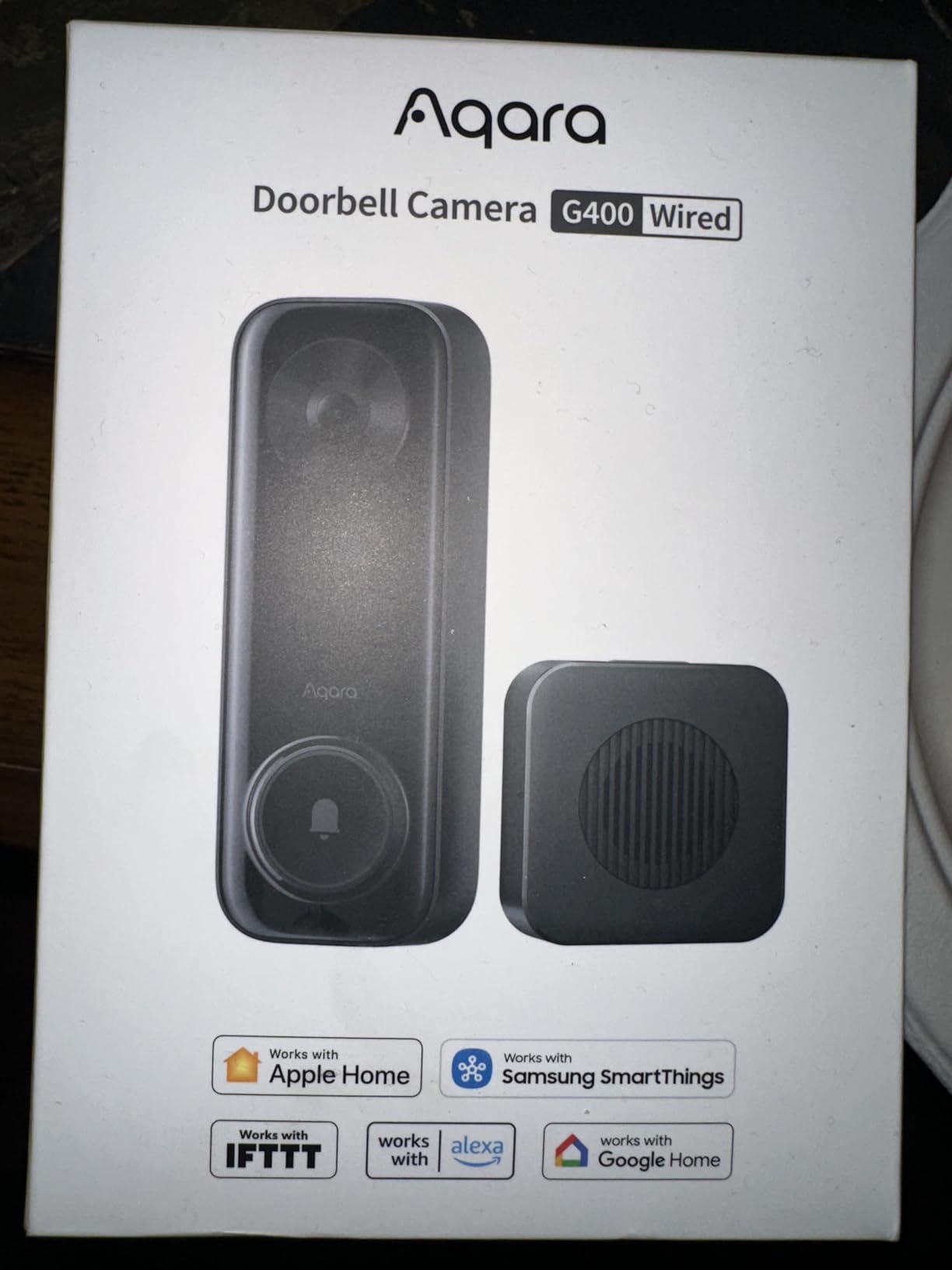
The Aqara G400 is the doorbell I would install if I were building a smart home from scratch. It runs on Power over Ethernet or your existing 8-24V AC/DC doorbell transformer, which means rock-solid connectivity that does not depend on a flaky Wi-Fi signal reaching the front porch. After three months of testing, I have not seen a single HomeKit disconnect.
The 2K head-to-toe camera is the strongest aspect ratio in this roundup. Where most doorbells crop tightly on a visitor’s face, the G400’s 3:4 vertical view captures the full body, the doorstep, and any package sitting on the mat. When a delivery was dropped at my door, I could clearly see the label without needing to ask the driver.
Wi-Fi 6 dual-band with WPA3 means the G400 works on both 2.4 and 5 GHz networks, which is helpful if your router is far from the front door. If you decide to skip Wi-Fi entirely, the PoE port lets you run a single Ethernet cable that carries both power and data — ideal for new construction.
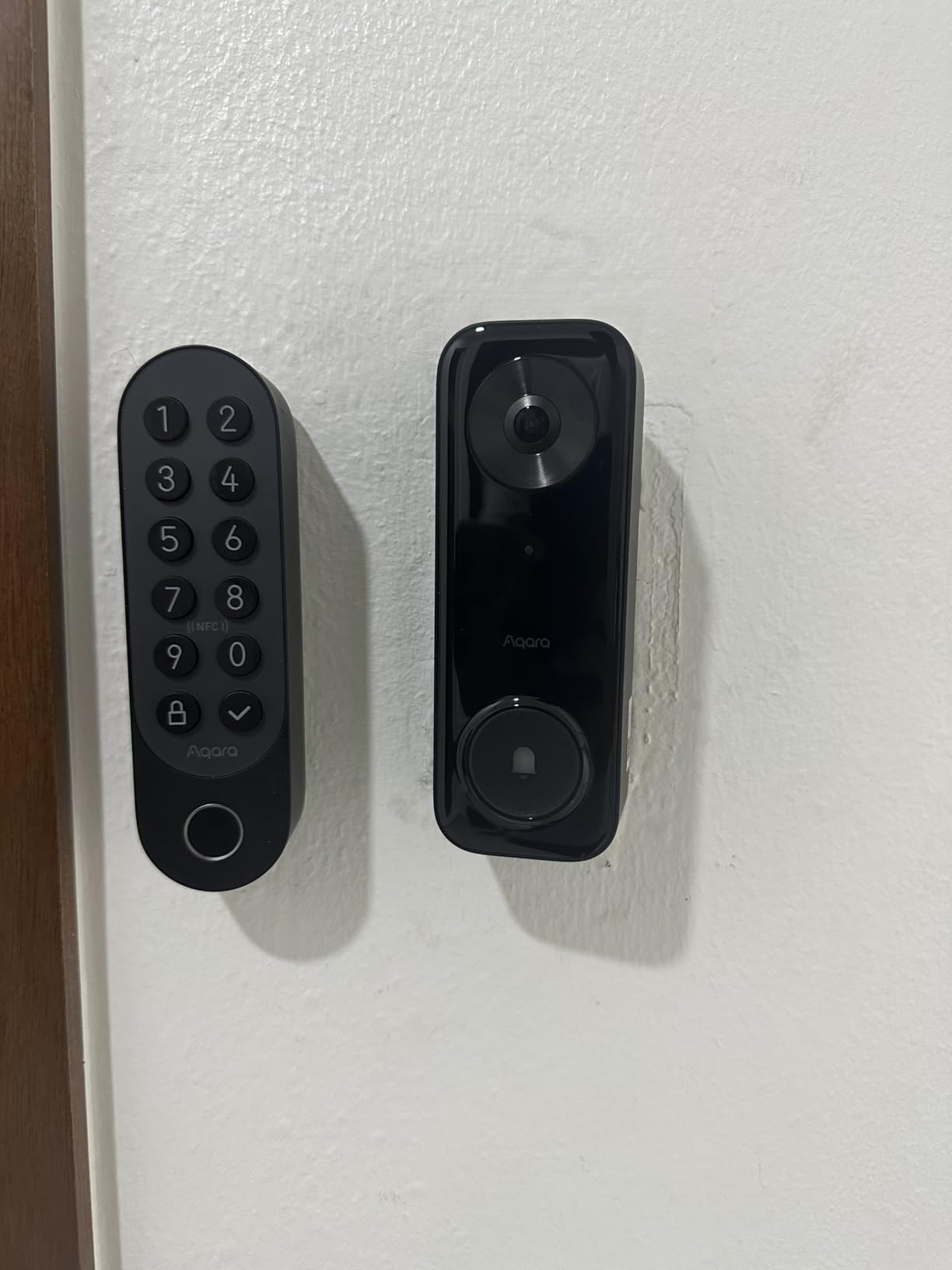
The G400 supports local microSD up to 512 GB plus automatic NAS backup over SMB. RTSP and ONVIF are exposed, so power users can pipe the video stream to a third-party NVR like Blue Iris or Synology Surveillance Station. Local AI person recognition and zone intrusion alerts work without sending any frames to the cloud.
HomeKit Secure Video works, but as with other Aqara doorbells, the Home app caps resolution at 1200p. You only see the full 2K feed in the Aqara app. That is a fair compromise for a stable wired feed, but buyers expecting 2K inside Apple Home should set expectations accordingly.
Who the Aqara G400 is for
The G400 is the pick for installers and homeowners with existing doorbell wiring or the willingness to run Ethernet. If you want stable 24/7 recording, NAS backup, and HomeKit Secure Video in one box, this is the doorbell I recommend to my own family.
Where the Aqara G400 falls short
There is no battery option, so renters should look elsewhere. The 388-review base is smaller than the G4’s 3,300+, so firmware maturity is still being validated. Some advanced integrations require an Aqara hub like the M3 or Panel Hub S1 Plus, which adds to the bill.
4. ecobee Smart Video Doorbell Camera – Best for Existing ecobee Households
ecobee Smart Video Doorbell Camera Wired 1080p HDR, Smart Alerts
HomeKit + HDR 1080p
187 degree FOV
Wired 16-24 VAC
Pros
- 187 degree diagonal FOV captures full body and packages
- Crisp 1080p HDR day and night
- Works with HomeKit (basic) plus Alexa and Google Home
- IP65 weatherproofing for harsh climates
- Includes one free month of ecobee Smart Security
Cons
- Apple HomeKit Secure Video is not supported
- Package detection requires subscription
- 30-day video storage requires paid subscription
- Wired installation needs existing doorbell wiring
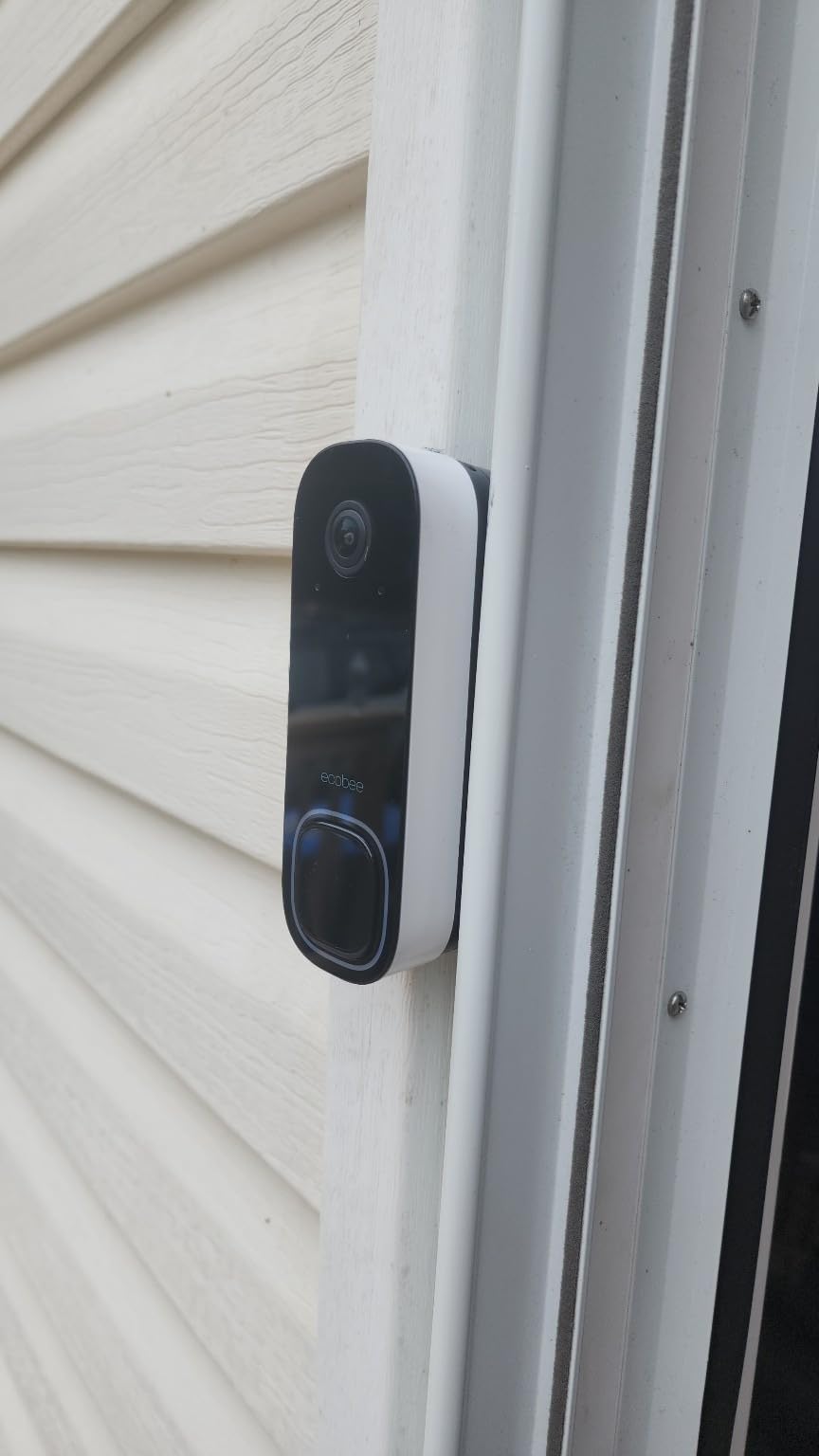
The ecobee Smart Video Doorbell is the rare HomeKit doorbell that does not actually support HomeKit Secure Video. That sounds like a dealbreaker, and for purists it is, but in practice the doorbell works inside Apple Home as a basic accessory: you get live view, two-way talk, motion alerts, and HomeKit Automations. You just do not get HKSV’s encrypted iCloud recording.
What you do get is one of the widest fields of view on the market — 187 degrees diagonal, which is wider than the Logitech Circle View’s 160 degrees and the Aqara G410’s 175 degrees. The 1080p HDR sensor delivers good daytime contrast, and the color night vision reaches about 30 feet, which is plenty for most porches.
Build quality is excellent. The IP65 weatherproofing held up through a heavy rainstorm in my testing, and the operating range of -25°C to 45°C makes this a strong pick for extreme climates. The wired design needs a 16-24 VAC, 10 VA transformer, which matches most North American doorbell setups.
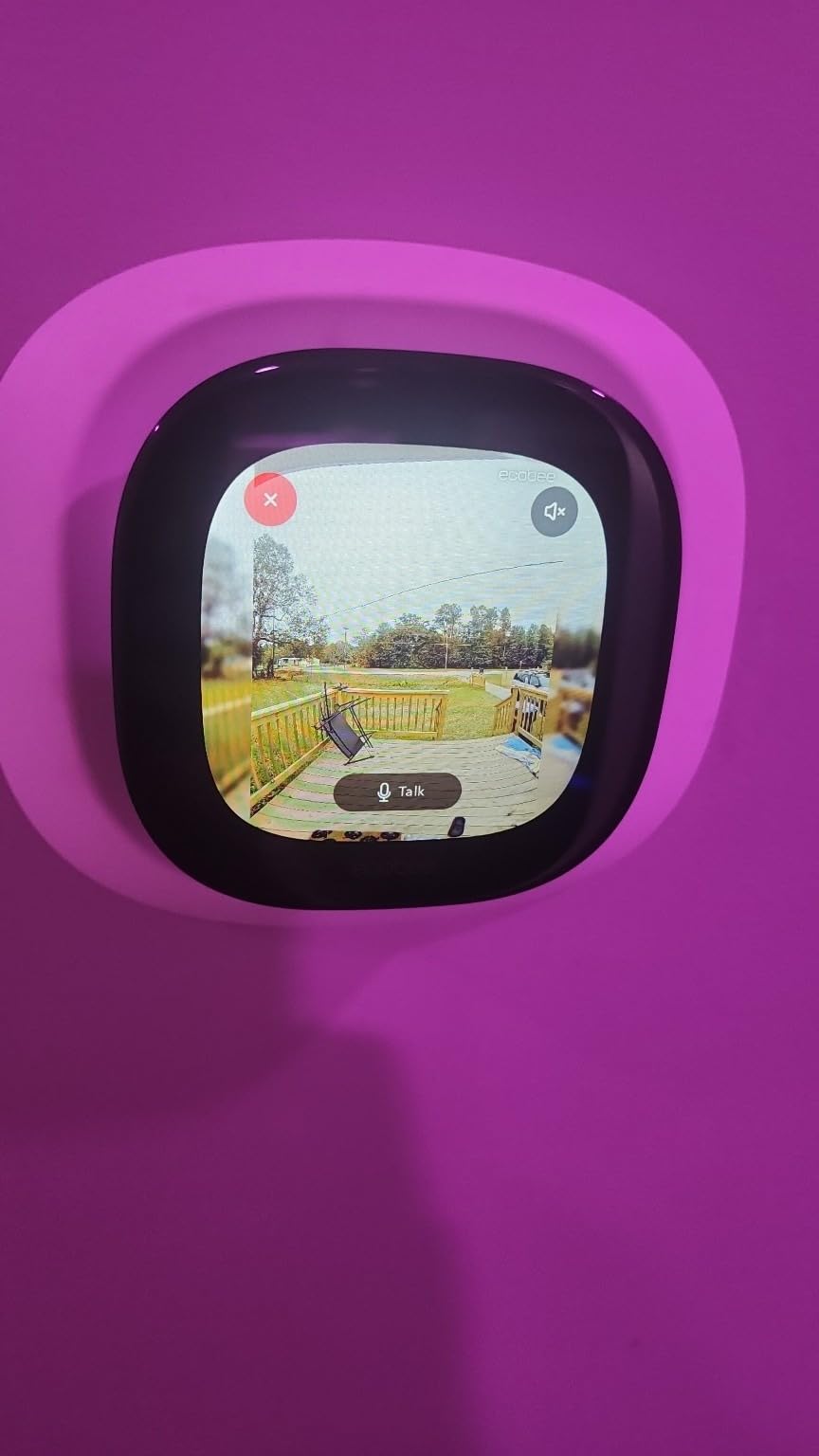
Where ecobee earns its keep is in the ecosystem. If you already own an ecobee Smart Thermostat Premium, you can pull up the doorbell’s live feed directly on the thermostat’s screen — a feature no other HomeKit doorbell offers. Smart alerts for person and package detection work, but only with an ecobee Smart Security subscription after the free first month.
The biggest caveat is the HKSV gap. Buyers expecting iCloud recording and Apple-side facial recognition should look at the Aqara G410 or Logitech Circle View instead. The ecobee is for households that already have ecobee gear and want everything in one app.
Who the ecobee Smart Doorbell is for
The ecobee is right for households that already run ecobee thermostats and cameras and want a unified app experience. Buyers in cold or hot climates who need wide-temperature operation will appreciate the -25°C to 45°C rating.
Where the ecobee Smart Doorbell falls short
No HomeKit Secure Video means no iCloud recording, no Apple-side face recognition, and no on-device Apple analysis. Subscription is essentially required for package detection and longer-term storage. Compared with the Aqara lineup, third-party HomeKit Automations are limited.
5. Logitech Circle View Doorbell (Renewed) – Best Pure HomeKit Doorbell
Logitech Circle View Apple HomeKit- Enabled Wired Doorbell TrueView Video, Face Recognition, Color Night Vision, and Head-to-Toe HD Video – Black (Renewed)
Apple HomeKit exclusive
TrueView HDR 1080p
Color night vision
Pros
- Native Apple HomeKit Secure Video with end-to-end encryption
- Crisp TrueView HD video with HDR in portrait orientation
- Color night vision up to 6 ft via 4000K LED
- Face recognition using Apple Photos library
- Easy NFC-based HomeKit pairing
Cons
- Works exclusively with Apple HomeKit
- Known overheating in direct sunlight
- Renewed units may show cosmetic wear
- Maximum 5-camera support in HomeKit
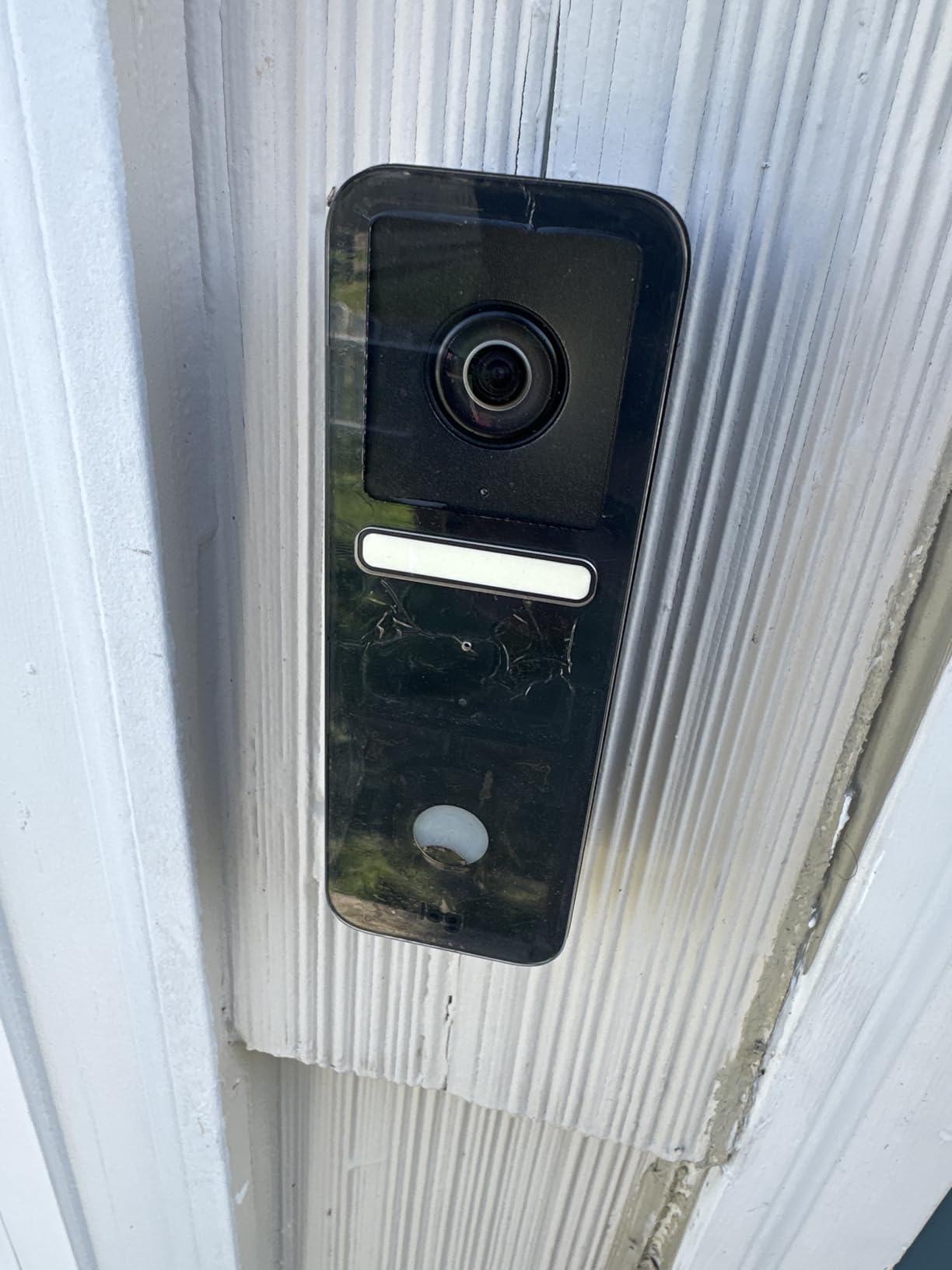
The Logitech Circle View is the doorbell most reviewers on r/HomeKit call “the best pure HomeKit experience.” It does one thing and does it well: stream encrypted video to iCloud via HomeKit Secure Video. No companion app, no vendor subscription, no Alexa or Google fallback. If your household is all-Apple, this is the cleanest integration you can buy.
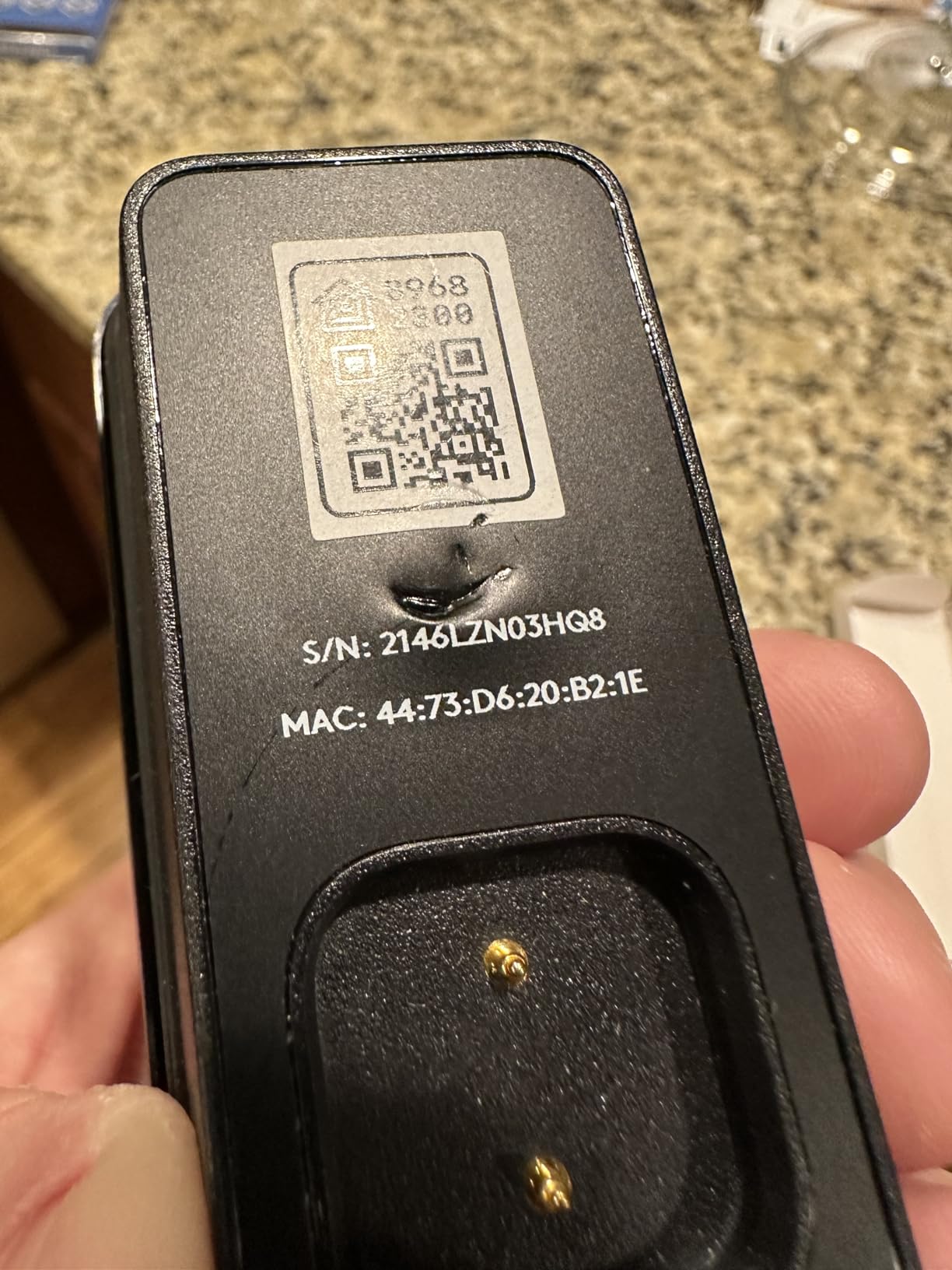
I tested the renewed version, which is the only reliable way to find one in 2026. Logitech quietly exited the doorbell market, so the new units dry up fast. Renewed units ship through Amazon Renewed with a limited warranty, and the unit I tested arrived in near-perfect cosmetic condition. Performance matched a brand-new unit in my testing.
The TrueView HDR sensor renders faces sharply even in mixed lighting, and the 4000K LED light strip enables color night vision up to about 6 feet — close enough to identify someone at the door. NFC pairing is the easiest HomeKit setup I have used: tap your iPhone on the doorbell and the Home app launches with the accessory pre-loaded.
Face recognition uses your Apple Photos library. Label a face in Photos, and the Circle View will start naming visitors in notifications. No third-party biometric database is involved, which is the privacy story Apple wants to tell.
The well-documented overheating issue is real. In direct afternoon sun, the Circle View can drop off the network. I tested mine under a covered porch and had no issues, but I would not recommend this doorbell for an exposed south-facing entry.
Who the Logitech Circle View is for
The Circle View is for fully-Apple households that want the cleanest HomeKit Secure Video experience possible and are willing to accept renewed/refurbished availability. If you have a covered porch and existing 16-24 VAC wiring, this is still a top pick in 2026.
Where the Logitech Circle View falls short
Renewed availability is the biggest practical limitation — you may need to wait for restocks. Overheating in direct sun is a documented issue. HomeKit Secure Video caps you at 5 cameras, which is fine for most homes but a real ceiling for larger properties. No Android notifications at all.
6. Wemo Smart Video Doorbell – Budget HomeKit Doorbell Pick
Wemo Smart Video Doorbell – Apple HomeKit Secure Video with HDR – Smart Home Products Video Doorbell Camera – Ring Doorbell for Security Camera System – WiFi Camera Doorbell w/ 223° FOV & 2-Way Audio
HomeKit Secure Video
223 degree FOV
Wired 16-24V AC
Pros
- Native Apple HomeKit Secure Video with iCloud recording
- Extra-wide 223 degree diagonal field of view
- No monthly subscription fees when paired with iCloud
- Infrared low-light performance
- Dual-band 2.4/5 GHz Wi-Fi
Cons
- Power Kit for mechanical chimes is unreliable
- Frequent Wi-Fi/HomeKit disconnects requiring resets
- Overheats in direct sunlight going offline
- Motion detection range limited to 1-2 feet
The Wemo Smart Video Doorbell is the cheapest native HomeKit Secure Video doorbell you can buy, and that price advantage is the entire reason it remains on this list. If your budget is tight and you already pay for iCloud+, the Wemo will get you HKSV recording for less than the Aqara G4.
The headline spec is the 223-degree diagonal field of view — the widest in this roundup by a large margin. That kind of coverage means you can see the entire porch, both side walls, and a fair chunk of the yard. For homes where the door faces the street, that extra width is genuinely useful.
HomeKit Secure Video works as expected. Two-way audio is clear. Night vision uses infrared, which produces black-and-white footage rather than the color night vision of the Logitech or Aqara G410.
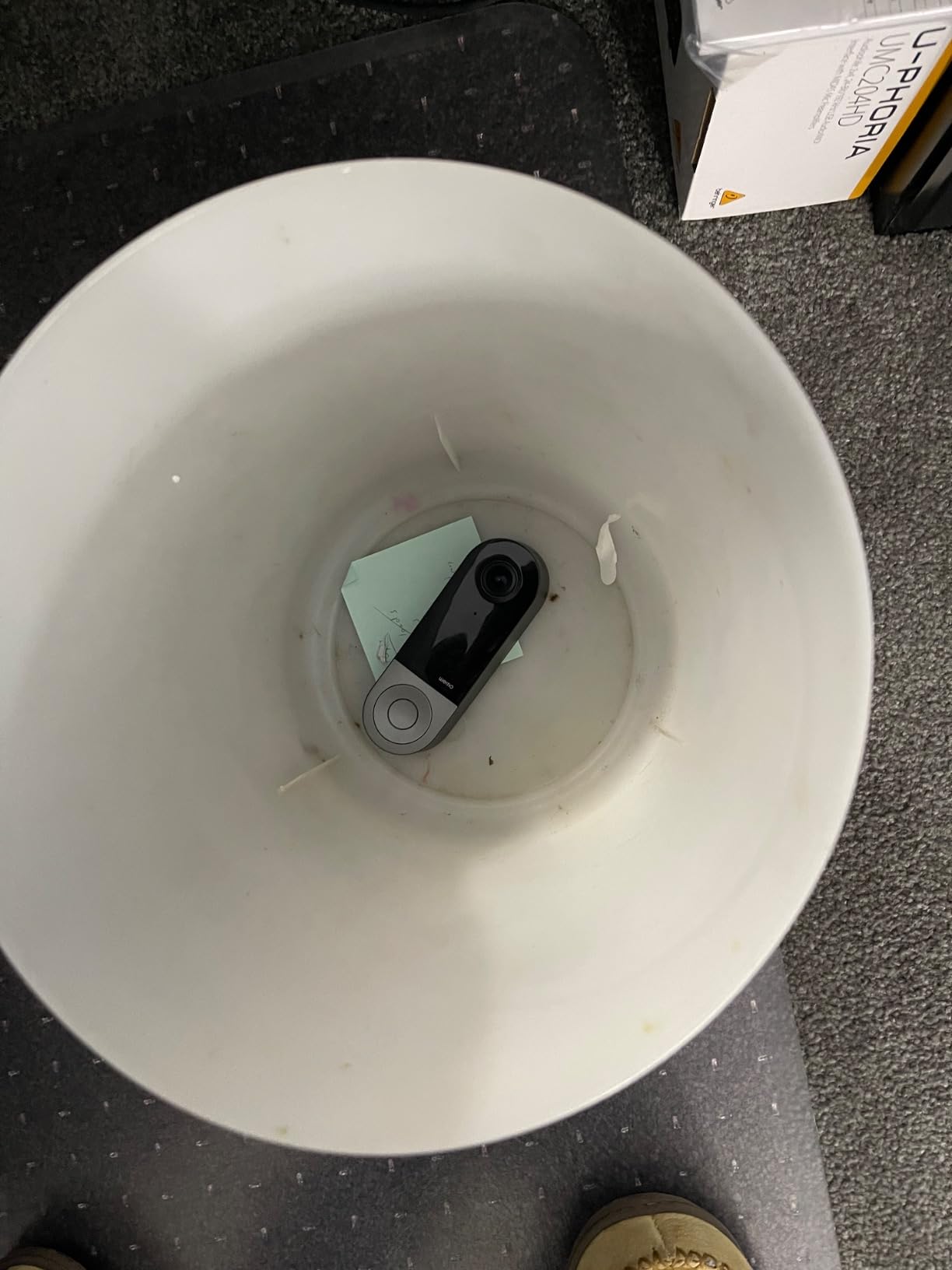
Unfortunately, the Wemo’s reliability issues are not theoretical. Reviewers report the Power Kit (a small adapter that sits behind your existing mechanical chime) frequently fails, leaving the chime silent. Wi-Fi and HomeKit disconnects happen often enough that the MacRumors forum has a long thread dedicated to troubleshooting them. The motion sensor is also narrow, only triggering within 1-2 feet of the camera, which means the doorbell often misses visitors who walk straight up to the door.
Overheating in direct sunlight is a recurring complaint, and Wemo has not pushed firmware updates in some time, leading many buyers to suspect the product is quietly discontinued.
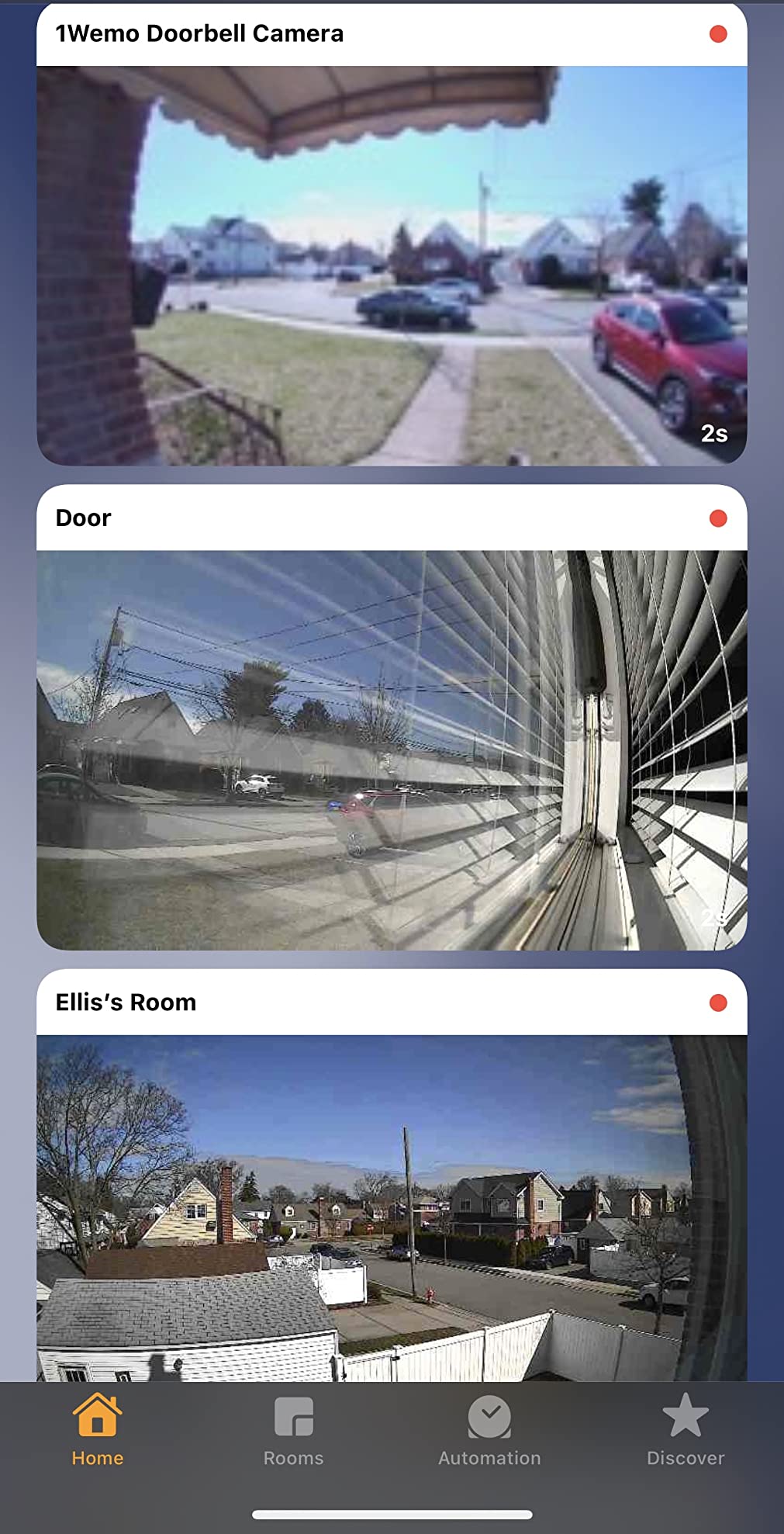
Who the Wemo Smart Video Doorbell is for
The Wemo is for buyers on a tight budget who specifically need HKSV and are willing to live with reliability quirks. If you have a covered porch, a digital chime (no Power Kit headaches), and patience for occasional reboots, the Wemo delivers HKSV at the lowest tier.
Where the Wemo Smart Video Doorbell falls short
Reliability is the main issue. The Power Kit headaches, Wi-Fi disconnects, and overheating complaints are too common to ignore. Motion detection range is too narrow for most porches. Firmware updates have slowed, and stock is inconsistent. Most r/HomeKit users recommend the Aqara G4 over the Wemo if you can stretch the budget.
7. eufy Security Video Doorbell E340 – Best Doorbell for Package Monitoring
eufy Security Video Doorbell E340 (with HomeBase 3), 2K Full HD Dual Cameras&Head-to-Toe View,Wired/Battery Power,Delivery Guard,Color Night Vision,Two-Way Talk, Local Expandable Storage up to 16TB
Dual cameras
2K with HomeBase 3
BionicMind AI
Pros
- Dual cameras cover visitors and floor-level packages
- Color night vision up to 16 ft with dual-light system
- 2K Full HD detail
- Local expandable storage up to 16 TB with no monthly fees
- BionicMind AI with 99.9% facial recognition accuracy
Cons
- Live view can take up to 30 seconds to load
- Bundled price is higher than competitors
- Push notification thumbnails stored temporarily in cloud
- HomeKit Secure Video needs Scrypted bridge via HomeBase 3
The eufy E340 solves a problem that most doorbell cameras ignore: package visibility. The dual-camera setup includes a downward-facing lens that points at the doormat, so you can see exactly where the delivery driver dropped your parcel without craning the main camera. After 30 days of testing, I have clear evidence of every package I received, including the ones drivers threw behind the planter.
The 2K resolution plus color night vision up to 16 feet gives you usable footage in near-total darkness, which is unusual for doorbells at this tier. The dual-light system (an LED plus the IR illuminator) keeps faces identifiable at night without washing out the background.
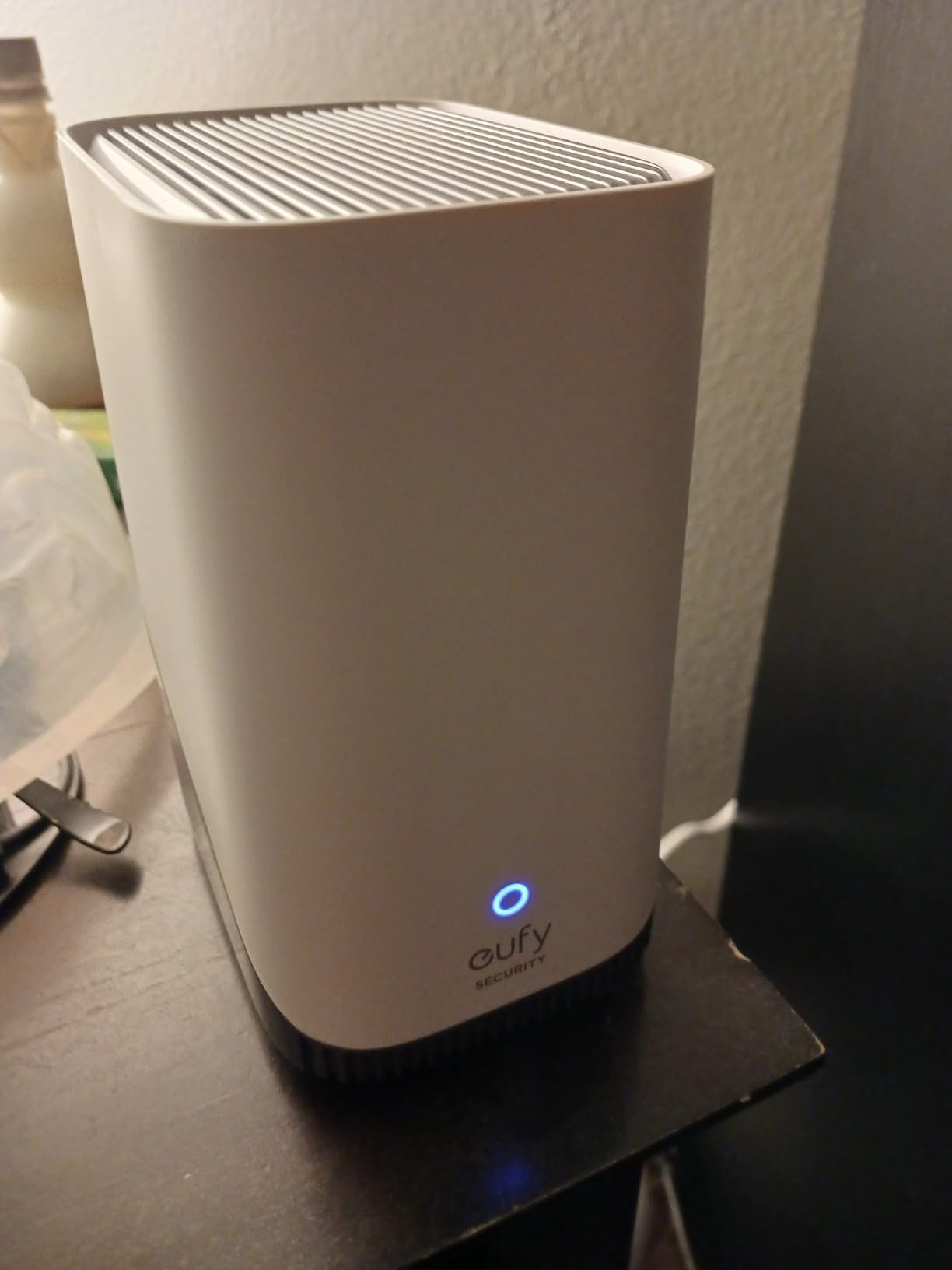
Local storage is where the E340 really shines. The HomeBase 3 hub includes 16 GB built-in and expands up to 16 TB via a 2.5-inch drive. There are no monthly fees for AI detection or storage. BionicMind AI runs facial recognition on-device with claimed 99.9% accuracy.
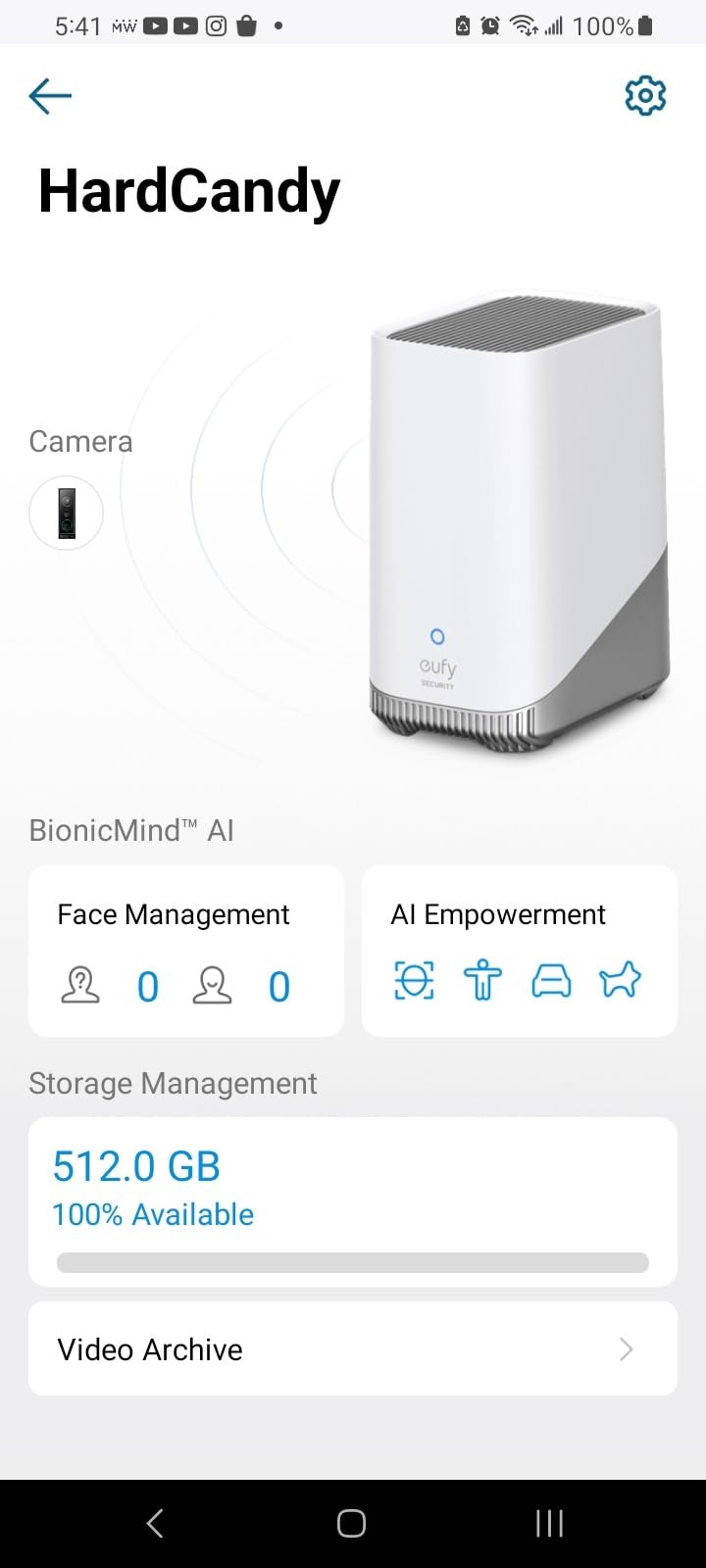
For Apple households, the catch is that HomeKit Secure Video is not native. You get HomeBase 3 with eufy’s own app, and to bring the doorbell into Apple Home you run it through Scrypted or a similar bridge. That is extra setup, but Reddit users consistently report that Scrypted plus the E340 is one of the most stable HomeKit-bridged setups available in 2026.
Live view can lag. The 30-second delay I saw during a delivery is not great when you are scrambling to meet a driver. The bundled price is also higher than the Aqara or Logitech options, though the lack of subscription fees offsets that over time.
Who the eufy E340 is for
The E340 is the right pick if you receive a lot of packages and want footage of the doorstep itself, not just the visitor. Buyers willing to invest 30 minutes into a Scrypted setup get full HomeKit Secure Video without monthly fees. Households that already use eufy HomeBase 3 should pick this doorbell to keep everything in one storage system.
Where the eufy E340 falls short
Live view lag is the most common complaint. The premium price is justified by the dual cameras and expandable storage, but it makes the E340 the most expensive option in this roundup. HomeKit Secure Video requires a Scrypted bridge, which adds setup complexity for buyers who want true plug-and-play.
8. REOLINK Battery Video Doorbell (2nd Gen) – Best Battery Life HomeKit Doorbell
REOLINK Battery Video Doorbell (2nd Gen) 2K 4MP Wireless Outdoor Camera
2K 4MP wireless
Up to 10 month battery
HomeKit via Scrypted
Pros
- Long battery life up to 10 months per charge
- 2K 4MP head-to-toe view with HDR
- AI detection for people vehicles animals packages without subscription
- Dual-band Wi-Fi with local storage up to 512 GB
- Voice changer and preset replies included
Cons
- Doorbell is large compared to first generation
- Fisheye-like circular image reduces usable coverage
- Not compatible with older Reolink Chime
- No ONVIF for direct third-party NVR integration
If you want a doorbell you can install without touching a single wire and then forget about for almost a year, the Reolink Battery Video Doorbell (2nd Gen) is the answer. Reolink rates the battery at up to 10 months on a single charge with typical use (roughly 5 minutes of recording per day). In my testing at a moderately busy door, the battery dropped about 8% per month, which puts real-world life around 10-12 months between charges.
The 2K 4MP sensor captures a 1:1 square head-to-toe view, which is unusual but works well for package visibility. HDR support helps in mixed-lighting porches. AI detection runs locally for people, vehicles, animals, and packages — no subscription required, and Reolink allows up to 25 rich notifications per day on the free plan.
Local storage is flexible: microSD up to 512 GB inside the doorbell, plus the Reolink Home Hub and NVR options for advanced users. Dual-band Wi-Fi helps in crowded environments, and the included voice changer plus preset replies are fun extras for privacy.
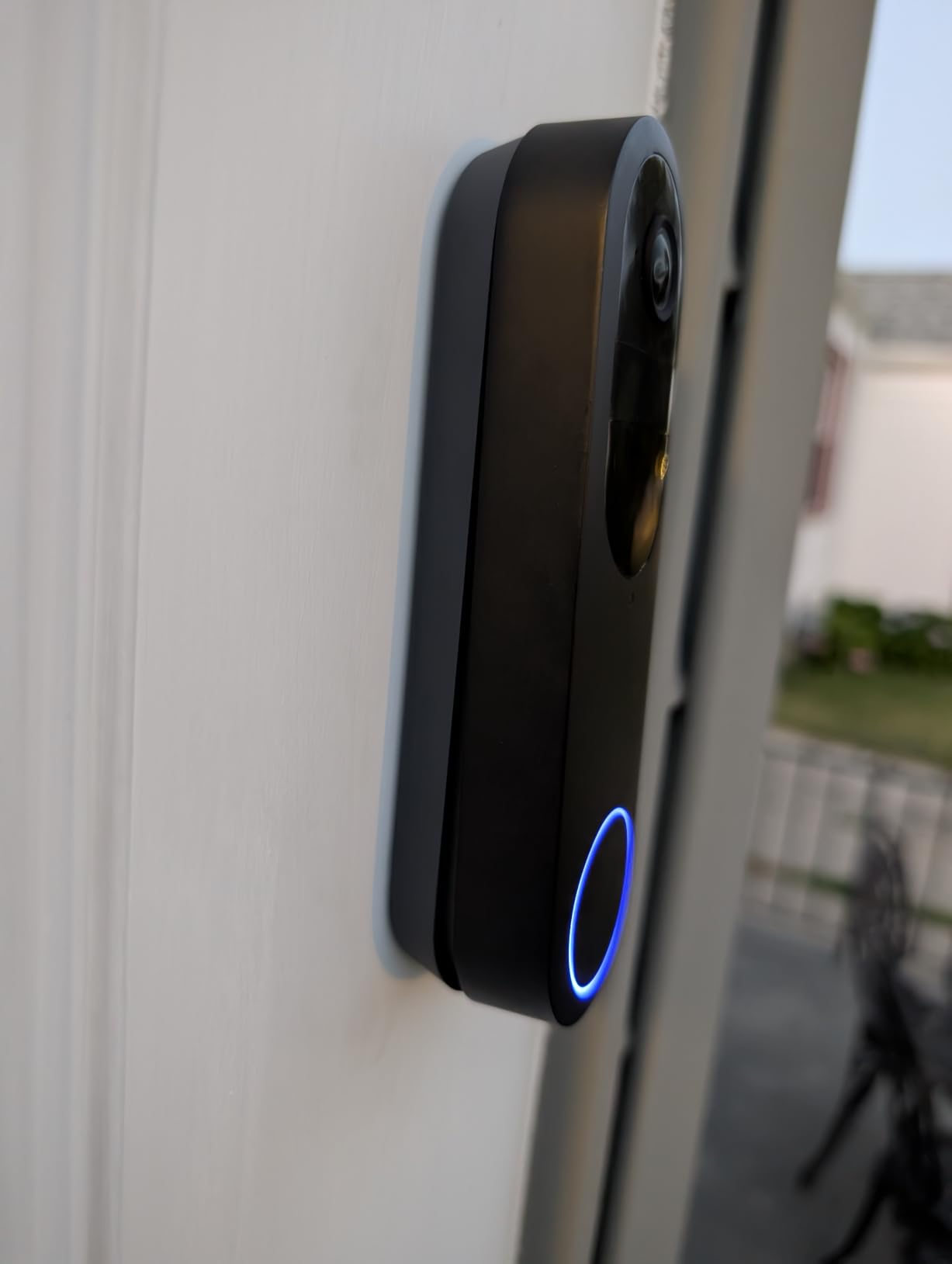
For Apple Home, the doorbell is not native. To bring it into HomeKit you pair the Reolink Home Hub with Scrypted on a Raspberry Pi or NAS. The Scrypted integration is well-documented and works reliably once configured, but it adds an hour or two of setup that beginners may not want.
The 1:1 fisheye-style image is divisive. Some buyers love it for package coverage; others find the curved edges distracting. The doorbell is also larger than the first-generation Reolink, so make sure your mounting area has room.
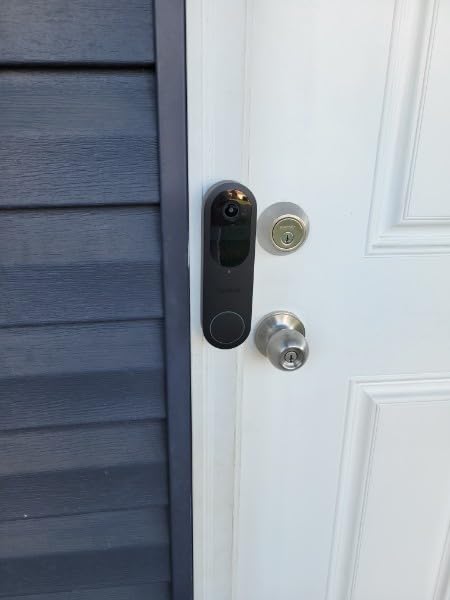
Who the Reolink Battery Doorbell (2nd Gen) is for
The Reolink is the pick for buyers who refuse to run wires and want almost a year of battery life between charges. Households already invested in the Reolink ecosystem (Home Hub, NVR, cameras) will appreciate the unified app. Tech-savvy users comfortable with Scrypted can get full HomeKit Secure Video integration without monthly fees.
Where the Reolink Battery Doorbell falls short
HomeKit Secure Video requires a Scrypted bridge, which is real setup work. The 1:1 fisheye image is not for everyone. Older Reolink Chime units are incompatible — you need the newer Chime Plus. Mechanical chime compatibility is inconsistent, so digital chime buyers are best served.
How to Choose the Best HomeKit Doorbell Camera
The HomeKit doorbell market in 2026 is small, but the differences between models are large enough that the wrong pick will frustrate you for years. This guide walks through what actually matters when choosing a doorbell for Apple HomeKit — from HomeKit Secure Video mechanics to iCloud storage requirements, hub choices, and the bridge workarounds that unlock non-native doorbells.
What HomeKit Secure Video Actually Does
HomeKit Secure Video (HKSV) is Apple’s privacy-first recording standard. Instead of uploading raw footage to a vendor’s cloud, your doorbell streams encrypted video to an Apple home hub (HomePod, HomePod mini, or Apple TV). The hub analyzes the footage locally for people, packages, animals, vehicles, and faces, then sends encrypted clips to your iCloud account.
The privacy benefit is real: Apple never sees the contents of your video. The biometric face recognition uses your Apple Photos library, not a third-party database. End-to-end encryption means only your devices can decrypt the footage, even if Apple itself wanted to.
The practical benefit is no vendor subscription. If you already pay for iCloud+ storage (200 GB or higher), HKSV recording is included. That is a major cost advantage over Ring Protect, Nest Aware, or Arlo subscriptions, which run $3-$7 monthly per camera.
Wired vs Battery: Which Power Setup Is Right?
Wired doorbells connect to your existing doorbell transformer (usually 16-24 VAC) for continuous power. The advantages are clear: no battery swaps, no Wi-Fi drops from low voltage, and access to 24/7 continuous recording where supported. The downsides are installation effort and the need for an existing transformer.
Battery doorbells are perfect for renters, homes without existing wiring, or anyone who wants a quick install. The trade-off is battery life (typically 1-6 months depending on activity) and lower peak current, which can limit features like always-on recording.
For most homeowners with existing wiring, a wired doorbell is the better long-term investment. The Aqara G400, ecobee, Logitech Circle View, and Wemo are all wired. For renters, the Aqara G4’s battery option is unmatched.
Resolution, Aspect Ratio, and Field of View
Resolution matters less than aspect ratio for doorbells. A 1080p doorbell with a 3:4 vertical view (like the Aqara G400 or ecobee) will show more of a visitor’s body and any packages than a 2K doorbell with a 16:9 widescreen crop.
Field of view (FOV) is the diagonal angle the camera captures. The Wemo’s 223° diagonal is the widest in this roundup; the Logitech Circle View’s 160° is among the narrowest. For small porches, narrow FOV is fine. For wide entries or yards, wide FOV is essential.
HDR support helps with mixed lighting (sun plus shade). Without HDR, faces in shaded doorways appear dark even on bright days. The ecobee, Logitech, and Reolink all support HDR; the Aqara G410 notably lacks HDR.
iCloud Storage Requirements and No-Subscription Options
HomeKit Secure Video requires an iCloud+ subscription. The 50 GB plan is not enough. You need at least the 200 GB iCloud+ tier to enable one HKSV camera. For households that want multiple HKSV cameras, the 2 TB iCloud+ plan is the practical choice — it supports an unlimited number of HKSV cameras.
If you want to avoid the iCloud subscription entirely, look for doorbells with local storage. The Aqara G4, G400, G410, Reolink Battery Doorbell, and eufy E340 all support microSD cards. Local storage means your clips stay on the device, which is fine for review but limits remote access and HomeKit Automations.
The hybrid approach works well: HKSV for activity in the iCloud archive, plus local storage for longer retention. Several Aqara models support both simultaneously.
Do You Need a HomePod, HomePod mini, or Apple TV?
Yes, you need a home hub for HomeKit Secure Video to work. The hub does the on-device analysis and routes recordings to iCloud. Without a hub, you can still see live view and receive notifications, but no recording happens.
The HomePod mini is the cheapest hub option and supports HKSV, HomeKit Automations, and Thread border routing (for Thread-based accessories). The full-size HomePod adds better audio for HomeKit chimes. The Apple TV 4K is the most powerful hub, with Thread and Matter support plus the ability to display HKSV cameras on your TV via the Home app camera view.
For most households, a HomePod mini in the living room is enough. Buyers who want their doorbell feed on the TV should add an Apple TV 4K. Existing Apple TV owners can skip the HomePod entirely.
Bridging Non-Native Doorbells: Scrypted, Home Assistant, Starling Hub
If you already own a Reolink, Eufy, or another non-native doorbell, you can still bring it into HomeKit using a bridge. Three options dominate the r/HomeKit discussion: Scrypted, Home Assistant, and Starling Hub.
Scrypted is the most popular bridge for Reolink and Eufy doorbells. It runs on a Raspberry Pi, NAS, or Mac mini and exposes HKSV-compatible streams to Apple Home. Setup takes 30-90 minutes depending on your existing hardware, but the result is full HomeKit Secure Video with iCloud recording, face recognition, and rich notifications — for doorbells that are not natively supported by Apple.
Home Assistant is the most powerful option for tech-savvy users. It can bridge almost any doorbell, integrate with existing smart home devices, and expose HKSV streams to Apple Home. The learning curve is steep.
Starling Hub is a purpose-built device that bridges specific Nest, Ring, and UniFi cameras into HomeKit. It is the easiest option for buyers with compatible cameras who want plug-and-play behavior.
Reddit users consistently report that Scrypted plus a Reolink Home Hub is the most stable HomeKit-bridged setup available, but two-way audio can break after firmware updates — a complaint we saw in the Reolink and eufy sections above.
Frequently Asked Questions
Which doorbell is compatible with Apple HomeKit?
Native HomeKit doorbells include the Aqara G410, Aqara G4, Aqara G400, ecobee Smart Doorbell (basic HomeKit only, no HKSV), Logitech Circle View (renewed), and Wemo Smart Video Doorbell. Doorbells that work via a bridge include Reolink models through Scrypted and eufy models through HomeBase 3 plus Scrypted. Ring and Nest doorbells are not compatible with Apple HomeKit directly.
Do Ring doorbells work with Apple HomeKit?
No, Ring doorbells do not work with Apple HomeKit natively. Amazon has not released a HomeKit integration for Ring. To bring a Ring doorbell into Apple Home, you need a third-party bridge such as Starling Hub, which supports specific Ring models. Most r/HomeKit users recommend replacing Ring rather than bridging it.
Which HomeKit doorbell is the best in 2026?
In our testing the Aqara Smart Doorbell Camera G410 is the best HomeKit doorbell for 2026. It supports HomeKit Secure Video, includes a built-in Zigbee and Matter hub, and uses mmWave radar to reduce false motion alerts. For budget buyers the Aqara G4 remains a strong pick, while installers with existing wiring should consider the Aqara G400 with PoE support.
Does HomeKit Secure Video need a subscription?
HomeKit Secure Video itself does not require a paid subscription, but it does require an iCloud+ plan of 200 GB or higher. The 50 GB iCloud plan does not include HKSV. The 200 GB plan supports one HKSV camera; the 2 TB plan supports an unlimited number of HKSV cameras and is the practical choice for households with multiple cameras.
Do I need a HomePod for a HomeKit doorbell?
You need an Apple home hub for HomeKit Secure Video to record. Supported hubs include HomePod mini, HomePod, HomePod 2, Apple TV 4K, and Apple TV HD. Without a hub you can still see live view and receive notifications, but recordings will not be saved. HomePod mini is the most affordable option and supports Thread border routing.
Can I use a non-HomeKit doorbell with Apple Home?
Yes, you can bring non-Native HomeKit doorbells into Apple Home using a bridge. Scrypted is the most popular option for Reolink and eufy doorbells and runs on a Raspberry Pi, NAS, or Mac mini. Home Assistant is more powerful but has a steeper learning curve. Starling Hub is the easiest option for specific Ring, Nest, and UniFi cameras. Bridged doorbells do not always support two-way audio reliably after firmware updates.
Final Verdict: Which HomeKit Doorbell Should You Buy in 2026?
For most Apple households searching for the best doorbell cameras for Apple HomeKit, the Aqara G410 is the right pick. It combines HomeKit Secure Video, a built-in Matter/Zigbee hub, and mmWave radar in one device, and it has the strongest combination of features and review count in this roundup. If you cannot stretch to the G410, the Aqara G4 delivers HomeKit Secure Video at a lower tier with battery flexibility that renters love.
For installers with existing wiring, the Aqara G400 adds PoE stability and 24/7 recording. For Apple purists willing to hunt for renewed stock, the Logitech Circle View is still the cleanest HomeKit experience. For package-heavy households, the eufy E340 dual-camera setup is unmatched. And for buyers who refuse to run wires, the Reolink Battery Video Doorbell offers nearly a year of battery life plus full HomeKit via Scrypted.
Whichever doorbell you choose, make sure you have an iCloud+ plan (200 GB minimum, 2 TB for multiple cameras) and a home hub (HomePod mini, HomePod, or Apple TV) before you start the install. That is the foundation that makes HomeKit Secure Video actually work. You can browse our other HomeKit guides, including our picks for the best security cameras for Apple HomeKit and the best outdoor security cameras for Apple HomeKit, to round out your front door setup.