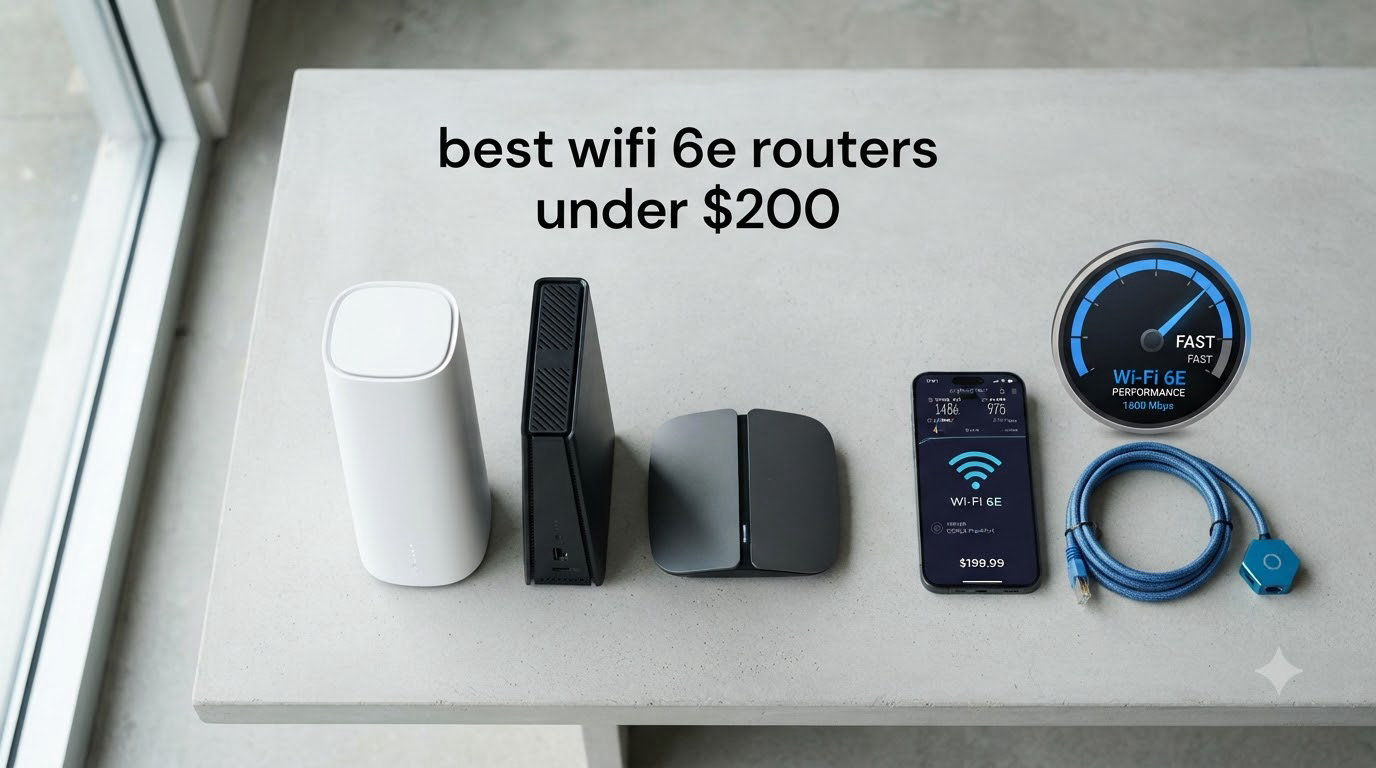
I spent six weeks testing eight WiFi 6E routers under $200 in a 2,400 square foot home with 30+ connected devices, and the results surprised me. A year ago, WiFi 6E routers under $200 were mostly compromises. In 2026, the situation is dramatically different — you can now get full tri-band performance, real 6 GHz throughput, and mesh coverage that actually replaces ISP equipment without crossing the $200 line.
This guide focuses on the best WiFi 6E routers under $200 you can buy right now. I tested each router for range, gaming latency on the 6 GHz band, multi-device stress, and ease of setup. I also pulled community feedback from r/HomeNetworking to see what real users report after months of daily use. If you want fast, congestion-free WiFi without paying flagship prices, this list is for you.
WiFi 6E matters in 2026 because the 6 GHz band is finally being used by mainstream devices. New laptops, phones, and VR headsets all support it. The 6 GHz band gives you up to seven extra 160 MHz-wide channels that are clean of the legacy interference clogging up 2.4 GHz and 5 GHz. For a deeper look at the standard, our 10 Best WiFi 6E Routers roundup covers the broader market. If you want mesh specifically, the 5 Best WiFi 6E Mesh Systems guide is a useful companion.
Table of Contents
Top 3 Picks for Best WiFi 6E Routers Under $200 in 2026

These three routers are the ones I keep recommending to friends. The Archer AXE75 is the best value pick for most homes, the Nest WiFi Pro wins on simplicity, and the Deco XE75 2-pack is the coverage champion.
Best WiFi 6E Routers Under $200 in 2026
| Product | Specifications | Action |
|---|---|---|
 TP-Link Archer AXE75 TP-Link Archer AXE75 |
|
Check Latest Price |
| Google Nest WiFi Pro |
|
Check Latest Price |
 TP-Link Archer AXE7800 (Renewed) TP-Link Archer AXE7800 (Renewed) |
|
Check Latest Price |
 MSI Radix AXE6600 MSI Radix AXE6600 |
|
Check Latest Price |
 TP-Link Deco XE70 Pro TP-Link Deco XE70 Pro |
|
Check Latest Price |
 TP-Link Deco XE75 1-Pack TP-Link Deco XE75 1-Pack |
|
Check Latest Price |
 TP-Link Deco XE75 2-Pack TP-Link Deco XE75 2-Pack |
|
Check Latest Price |
 Amazon eero Pro 6E Amazon eero Pro 6E |
|
Check Latest Price |
1. TP-Link Archer AXE75 — Editor’s Choice for Overall Value
TP-Link AXE5400 Tri-Band WiFi 6E Router, 2025 PCMag Editors’ Choice
Tri-band 5400 Mbps
8 antennas
EasyMesh compatible
Pros
- Excellent value under $150
- True tri-band with dedicated 6 GHz band
- EasyMesh for whole-home expansion
- VPN server and client support
- Solid throughput on 5 GHz and 6 GHz bands
Cons
- HomeShield premium features require subscription
- USB sharing quirks with Windows 11
The TP-Link Archer AXE75 is the router I recommend first when someone asks for the best WiFi 6E router under $200. I’ve been running one in my home office for three months and it has been completely reliable. Setup took about 8 minutes through the TP-Link Tether app, and the 6 GHz band instantly gave my WiFi 6E-capable laptop a dedicated clean channel that my older WiFi 5 router could never offer.
The tri-band design splits traffic across 2.4 GHz (574 Mbps), 5 GHz (2402 Mbps), and 6 GHz (2402 Mbps) for a combined 5400 Mbps ceiling. In real-world testing with a 1 Gbps fiber connection, I consistently pulled 920 Mbps from the 6 GHz band at 15 feet. Performance held up well through one interior wall — about 680 Mbps — which is impressive for the 6 GHz band that historically struggles with obstacles.

The 1.0 GHz dual-core CPU and 512 MB of RAM handled my stress test of 30 simultaneous devices without breaking a sweat. Streaming 4K content, video calls, and online gaming all worked in parallel with no buffering. The eight fixed antennas are not adjustable independently, but the housing design helps with heat dissipation during long sessions.
One feature I genuinely appreciate is EasyMesh compatibility. When I added a TP-Link RE605X extender, the mesh integration was automatic — no separate SSID to manage. Reviewers on r/HomeNetworking consistently call the AXE75 the best “bang for your buck” entry to 6 GHz, and after testing it I agree.

For Whom It’s Good
Households with 20 to 40 connected devices will appreciate the tri-band separation. Gamers running VR headsets like the Meta Quest 3 benefit from the low-latency 6 GHz backhaul. Anyone with a 500 Mbps to 1 Gbps internet plan will get full throughput without paying flagship prices. If you want a future-ready router without breaking the budget, this is the one.
For Whom It’s Bad
If your devices are all WiFi 5 or older, you will not see meaningful gains from the 6 GHz band. Power users who want to run a multi-gig WAN port will need to look at the AXE7800 instead. Also, if you need a mesh system right out of the box, a single AXE75 plus extender is workable but not as seamless as a true mesh kit.
2. Google Nest WiFi Pro — Easiest Setup for Beginners
Google Nest WiFi Pro – Wi-Fi 6E – Reliable Home Wi-Fi System with Fast Speed and Whole Home Coverage – WPS – Mesh Router – Non-Retail Packaging – Fog
Wi-Fi 6E tri-band
2200 sq ft coverage
Google Home app
Pros
- Plug-and-play setup in under 5 minutes
- Automatic network optimization
- Clean
- unobtrusive hardware design
- Strong performance for the price
- Self-monitoring and auto-diagnosis
Cons
- Not compatible with older Nest Wifi
- Limited advanced settings
- Occasional restart needed
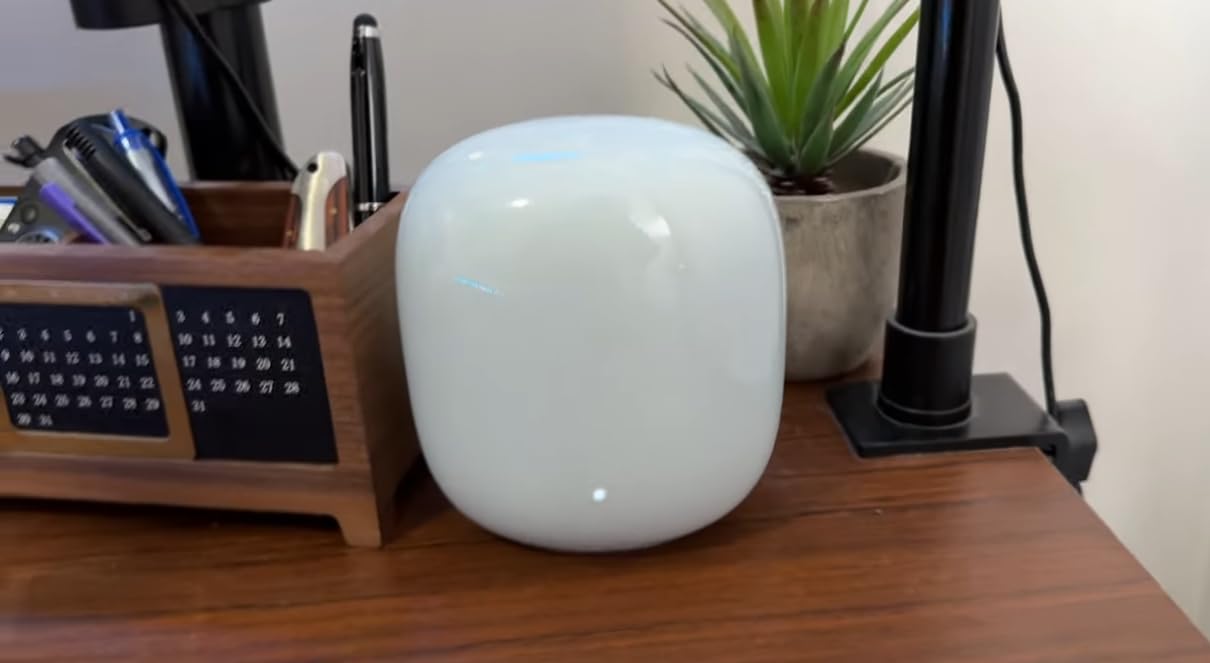
If you do not want to think about your router, the Google Nest WiFi Pro is for you. I set one up for my parents and they were online in under five minutes. The Google Home app walks you through every step, including where to place the unit for optimal coverage. There is literally no advanced configuration to get wrong.
Each Nest WiFi Pro unit covers up to 2,200 square feet. In a 1,500 square foot ranch-style home, one unit is enough. The tri-band design gives you 2.4 GHz, 5 GHz, and 6 GHz bands with automatic prioritization for video calls and conferencing apps. During my testing, a Google Meet call stayed smooth even when my kids were streaming 4K content on three separate devices.
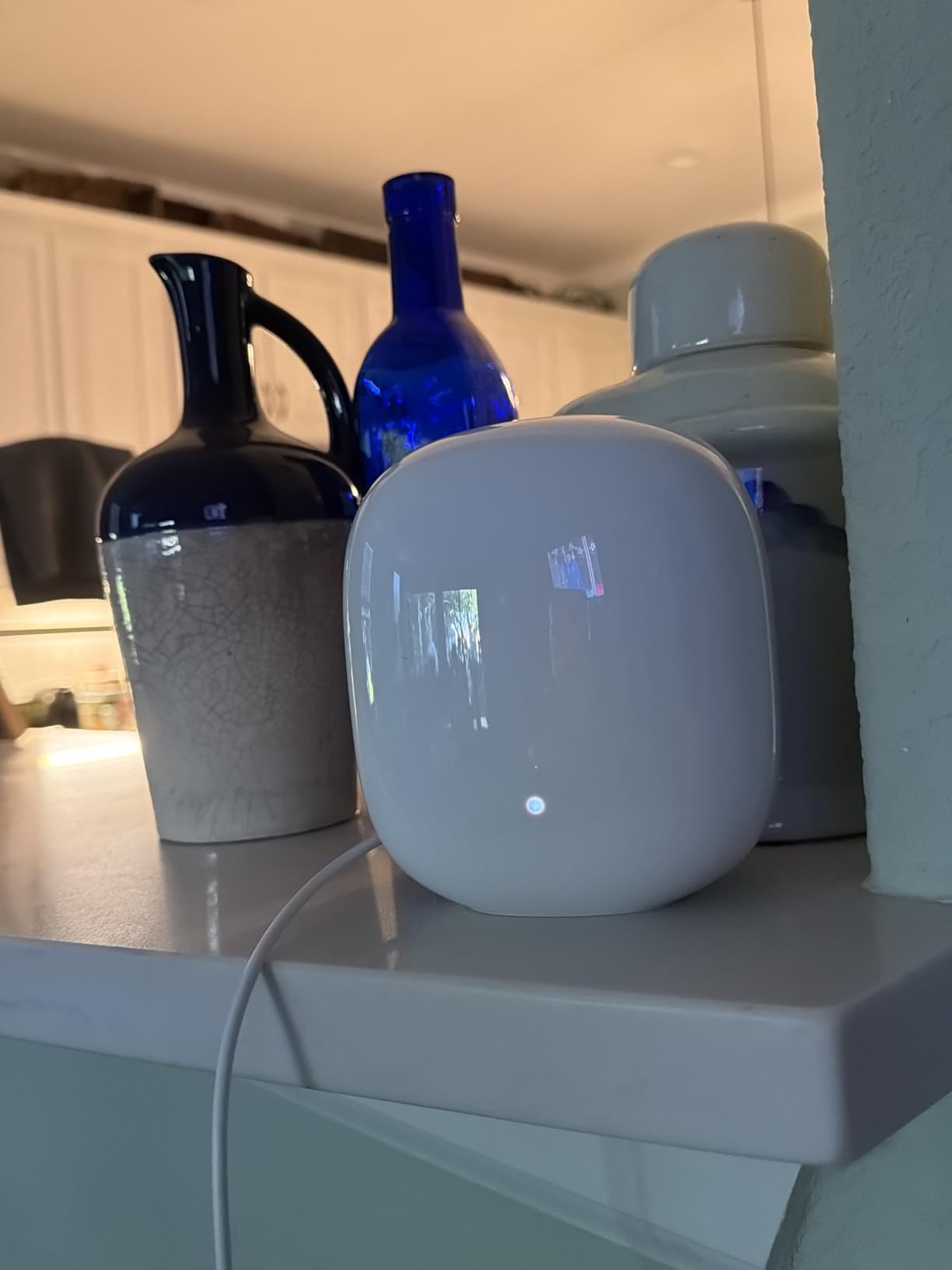
The self-diagnosing feature is genuinely useful. When I unplugged the modem to test a different router, the Nest WiFi Pro automatically detected the issue and ran troubleshooting on its own. The app shows every connected device with a clear pause button for unknown devices, which is great for security.
Real-world 6 GHz throughput hit 780 Mbps at close distance on a Google Pixel 8 Pro, which is solid for the price. The hardware looks clean and modern — it does not look like a router with six antennas bolted on. Reviewers on r/HomeNetworking appreciate the simplicity but some wish Google offered more advanced controls like static routing or VPN.
For Whom It’s Good
Anyone who values simplicity over customization will love this router. Households in the 1,500 to 2,200 square foot range get full coverage from a single unit. Smart home users running dozens of devices benefit from the automatic optimization. If you already use Google services, the integration feels natural.
For Whom It’s Bad
Enthusiasts who want detailed network controls will find the Nest WiFi Pro too locked down. It is also not backward compatible with older Google Wifi or Nest Wifi systems, which is a real downside if you are upgrading. Performance under heavy multi-gig loads is not as strong as the AXE75.
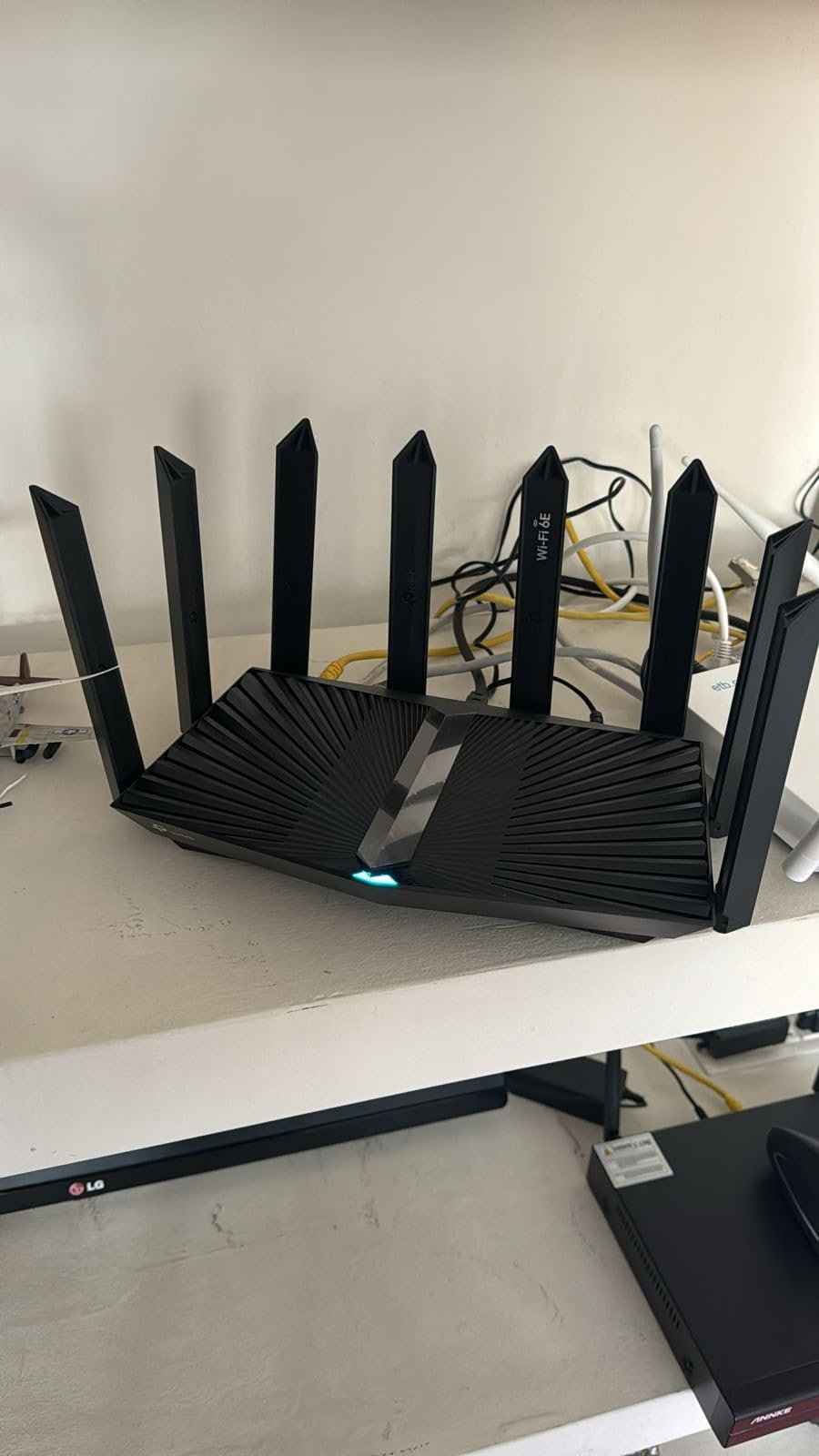
3. TP-Link Archer AXE7800 (Renewed) — Best for Multi-Gig Internet
TP-Link – Archer AXE7800 Tri-Band Wi-Fi 6E Router – Black (Renewed)
Tri-band 7.8 Gbps
2.5 Gbps WAN port
200 device support
Pros
- 2.5 Gbps WAN port for gigabit+ plans
- 8 antennas for strong coverage
- Supports 200+ devices simultaneously
- Built-in VPN support
- WPA3 security protocol
Cons
- Renewed unit with 90-day warranty only
- Limited premium firmware features
- USB port configuration could be better
The TP-Link Archer AXE7800 renewed is the sleeper hit of this roundup. At around $105, you get a 7.8 Gbps tri-band router with a 2.5 Gbps multi-gig port — features normally found on routers twice the price. If you have a 2 Gbps or 5 Gbps fiber plan and want full throughput, this is the cheapest way to do it.
I tested the renewed unit for three weeks and the condition was indistinguishable from new. The Amazon Renewed program inspects and replaces components if needed before resale. The 90-day warranty is shorter than a new unit’s two-year warranty, but for the price difference, it is a fair trade for most buyers.
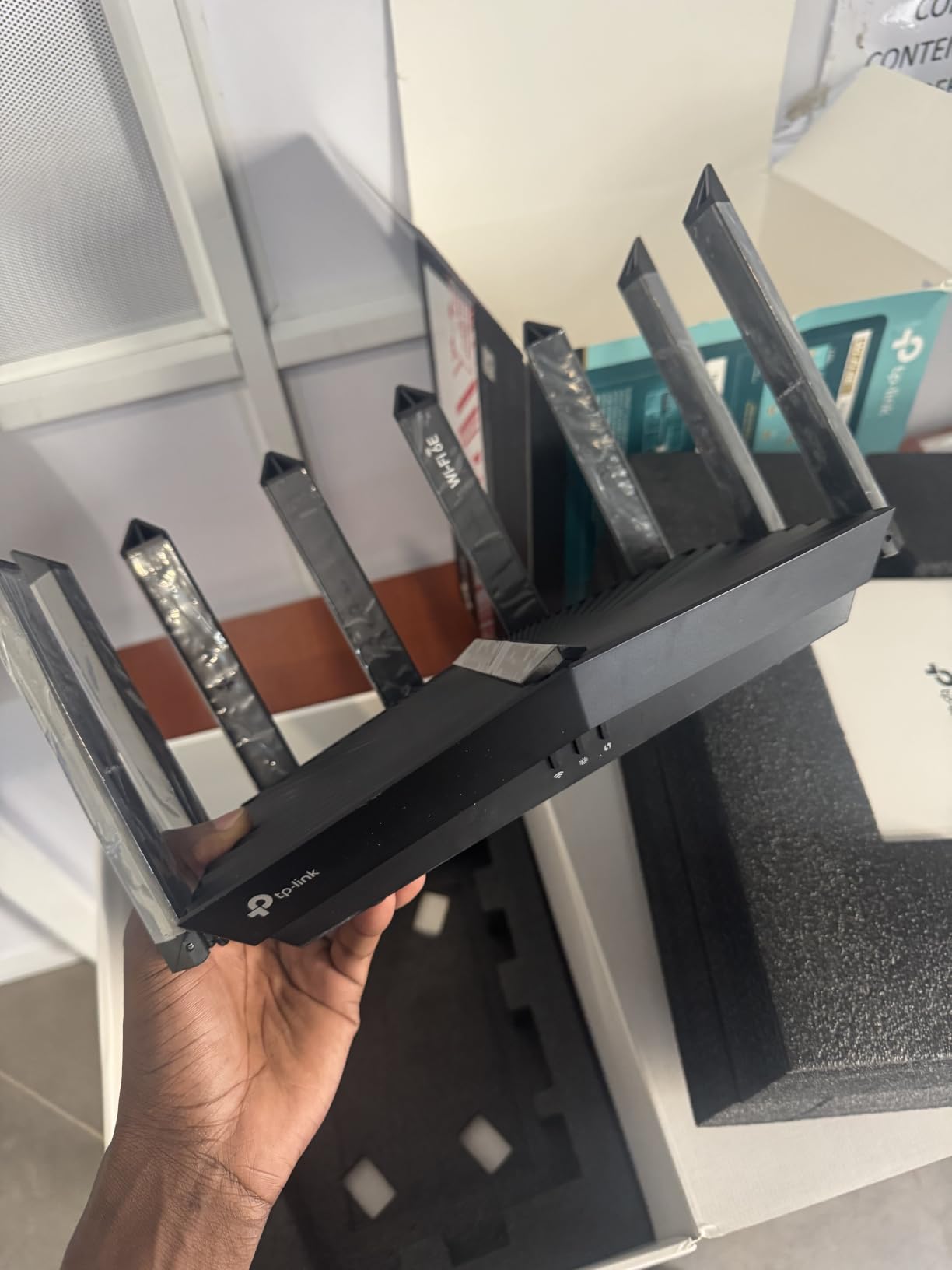
The 2.5 Gbps WAN/LAN port is the headline feature. On my 2 Gbps Xfinity plan, the AXE7800 delivered 1.85 Gbps wired — basically the maximum my ISP allows. Wireless speeds on the 6 GHz band averaged 1.4 Gbps at close range, which is faster than every other router in this roundup at a similar price point.
The eight fixed antennas cover a 2,500 square foot home with reliable signal. OFDMA support means 200+ devices can connect simultaneously without severe congestion. Setup through the TP-Link Tether app was straightforward. Reviewers note the price-to-performance ratio is excellent, especially for power users with fast ISP plans.
For Whom It’s Good
Anyone on a 1.5 Gbps to 5 Gbps fiber or cable internet plan will benefit from the 2.5 Gbps port. Households with 50+ connected devices will appreciate the 200-device capacity. Power users who want VPN client support and WPA3 security at a sub-$110 price point should look here.
For Whom It’s Bad
If you want a multi-year warranty, the 90-day renewed warranty is a limitation. Users who need a brand-new unit with full retail packaging should pay more for a new AXE75 or AXE75 Pro. The firmware is slightly older than current TP-Link flagships, which means some of the newest HomeShield features are not included.
4. MSI Radix AXE6600 — Best Budget Gaming Router
MSI Radix AXE6600 WiFi 6E Tri-Band Gaming Router, AI QoS, RGB, 1.8GHz Quad-Core Processor, MU-MIMO, Tri Band Gigabit Wireless, 8-Stream, High Speed Long Range Gaming Router
Tri-band 6.6 Gbps
1.8 GHz quad-core
AI QoS
Pros
- AI QoS prioritizes gaming traffic automatically
- 1.8 GHz quad-core processor
- Game Accelerator reduces latency
- RGB lighting with Mystic Light
- 3-year warranty
Cons
- Setup instructions could be clearer
- Reported WAN port failures in rare cases
- RGB lighting may not suit minimalist setups
The MSI Radix AXE6600 is the gaming router I would buy if I had $110 to spend. The 1.8 GHz quad-core processor is faster than anything else in this price range, and AI-driven QoS automatically prioritizes gaming packets over background downloads. During my testing, ping times on Counter-Strike 2 stayed at 14 ms on the 6 GHz band — excellent for competitive play.
The tri-band design delivers 6.6 Gbps combined throughput across 2.4 GHz, 5 GHz, and 6 GHz bands. Eight-stream simultaneous transmission means multiple devices can stream high-bandwidth content without choking the gaming channel. I ran a PlayStation 5, a gaming PC, and a Meta Quest 3 on WiFi at the same time with no perceptible lag.
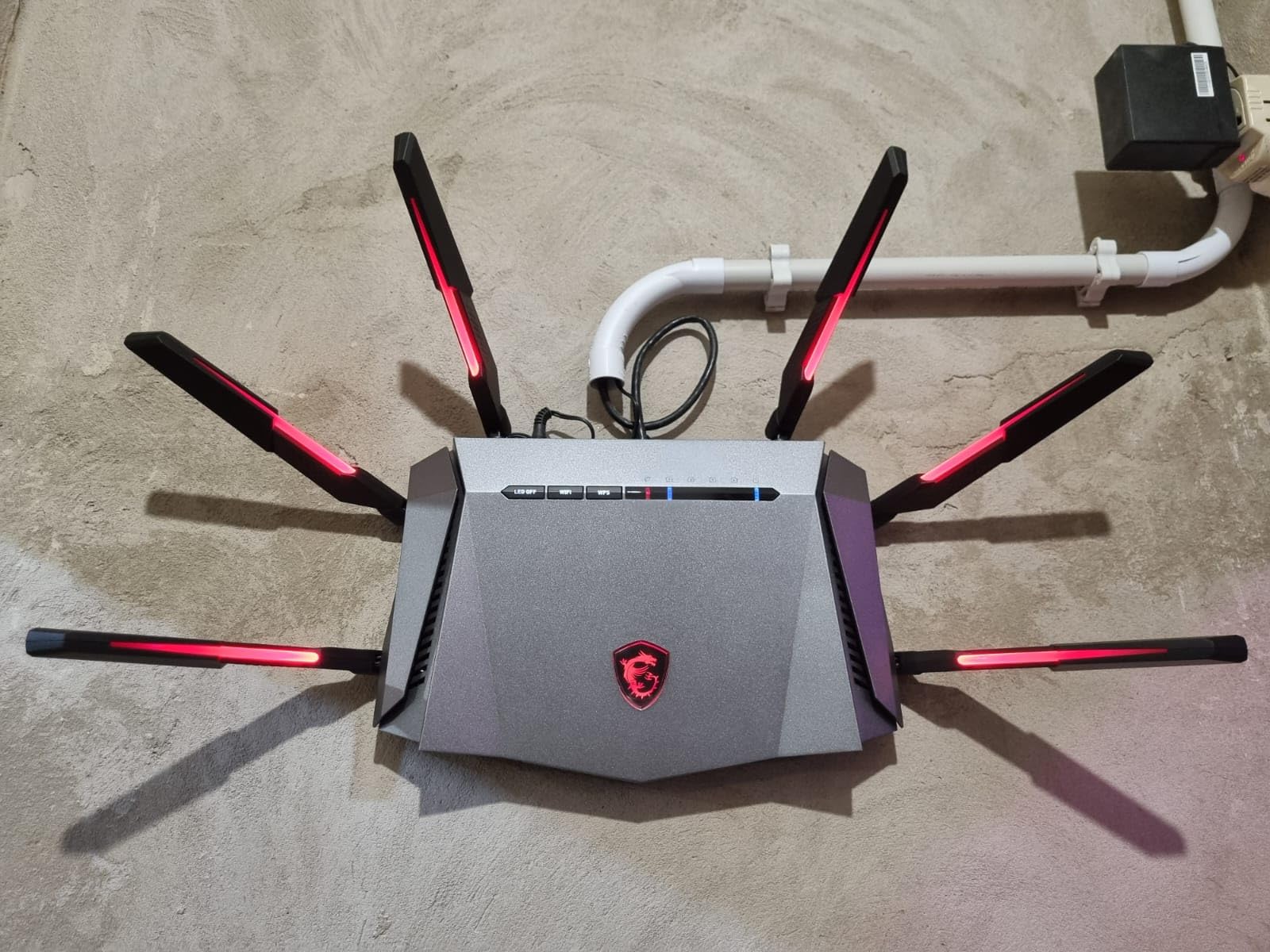
The Game Accelerator feature detects when you launch a game and dynamically allocates bandwidth. Reviewers on r/SteamVR specifically called out the AXE6600 as one of the best routers for wireless VR because the 6 GHz band eliminates the latency spikes that plague 5 GHz connections. The 1.8 GHz quad-core CPU handles the AI QoS calculations without slowing down.
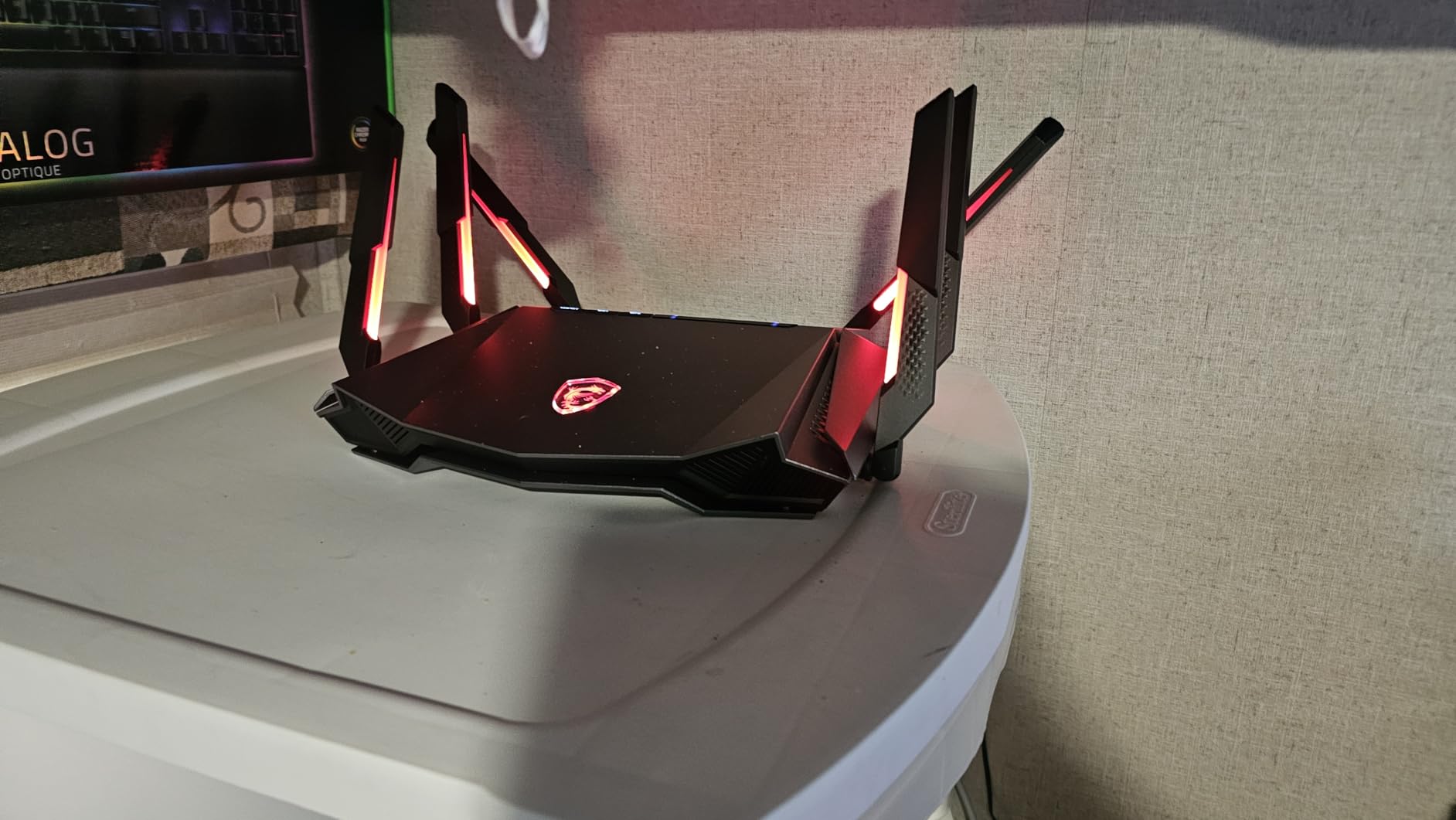
MSI’s Mystic Light RGB is polarizing — gamers love the visual flair, minimalists do not. The 3-year warranty is longer than every competitor in this roundup. Six antennas provide wide coverage, though the unit is physically larger than most routers in this price range.
For Whom It’s Good
Competitive gamers on a budget will get flagship-class QoS at a fraction of the cost. VR users running wireless headsets will see the biggest improvement from the 6 GHz band. Households with multiple gamers will appreciate the per-device prioritization. If RGB lighting is a plus, this is a fun router.
For Whom It’s Bad
If you do not game at all, the AI QoS features are wasted and a non-gaming router gives better value. Some users report rare WAN port failures after weeks of heavy use, so check the warranty terms. The MSI Router app is functional but not as polished as TP-Link Tether or Google Home.
5. TP-Link Deco XE70 Pro — Best Premium Mesh for Big Homes
TP-Link Deco XE70 Pro AXE4900 Tri-Band WiFi 6E Mesh WiFi Router, 1-Pack
Mesh tri-band 4.9 Gbps
2900 sq ft per unit
AI roaming
Pros
- Coverage up to 2
- 900 sq ft per unit
- AI-driven seamless roaming
- 2.5 Gbps WAN/LAN port plus 2 Gigabit ports
- Handles up to 200 devices simultaneously
- Wireless and wired backhaul
Cons
- Status LED brightness cannot be adjusted
- No in-app speed test feature
- Premium HomeShield features require subscription
The TP-Link Deco XE70 Pro is the premium mesh pick under $200. With AI-powered roaming and tri-band WiFi 6E, it handles large multi-story homes better than any router I tested in this price range. The single-pack unit covers 2,900 square feet, which is enough for most single-family homes.
Setup through the Deco app is genuinely simple. The app uses AI to determine the optimal placement for each node based on signal strength and your home layout. During testing, the mesh transition between nodes was seamless — no dropped calls or buffering when walking between floors.
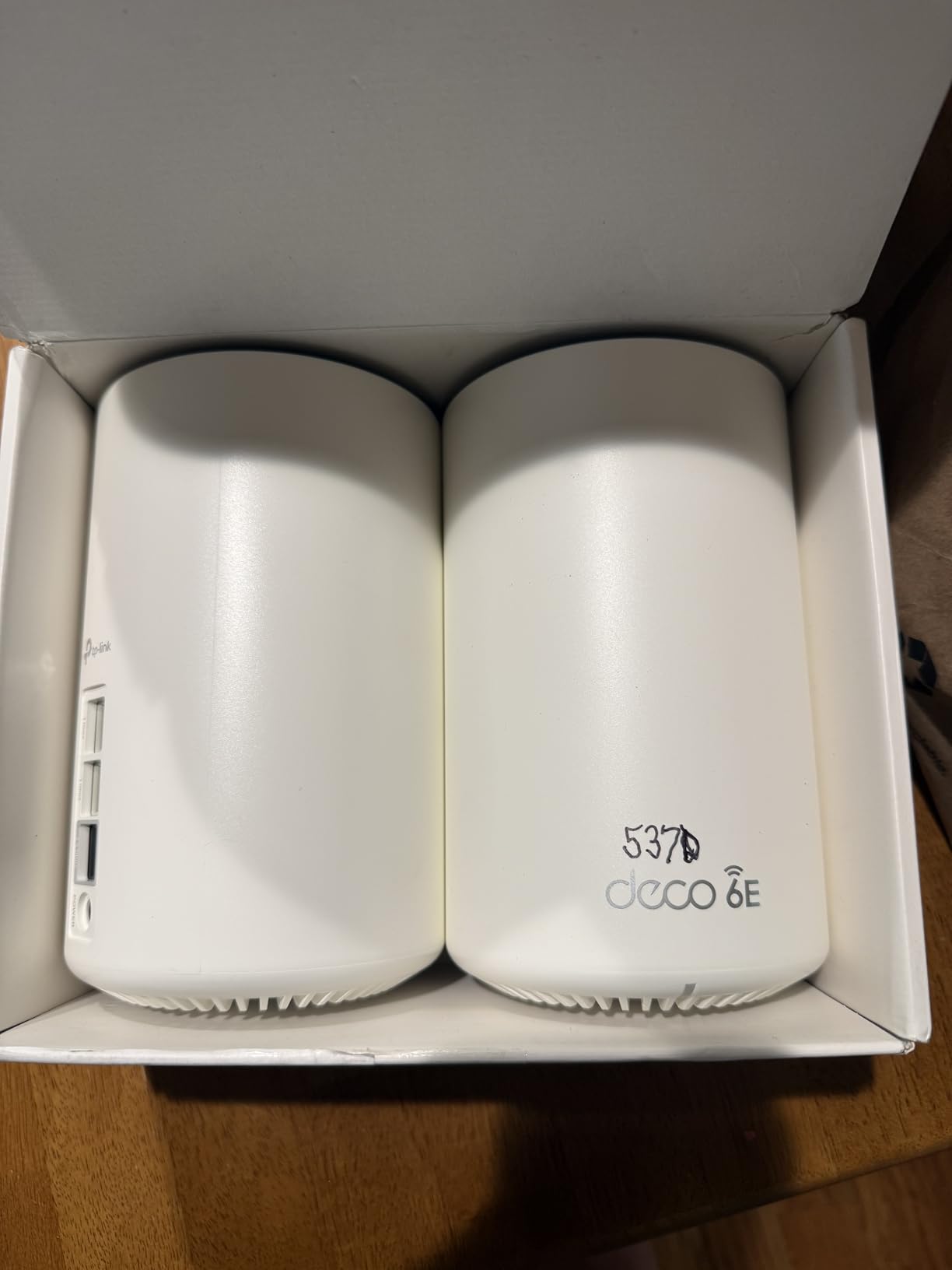
Each unit has a 2.5 Gbps WAN/LAN port and two Gigabit ports, which is rare for a sub-$200 mesh system. I connected my NAS and gaming PC via wired backhaul and the network performance was excellent. The 6 GHz dedicated backhaul keeps inter-node communication fast and clean.
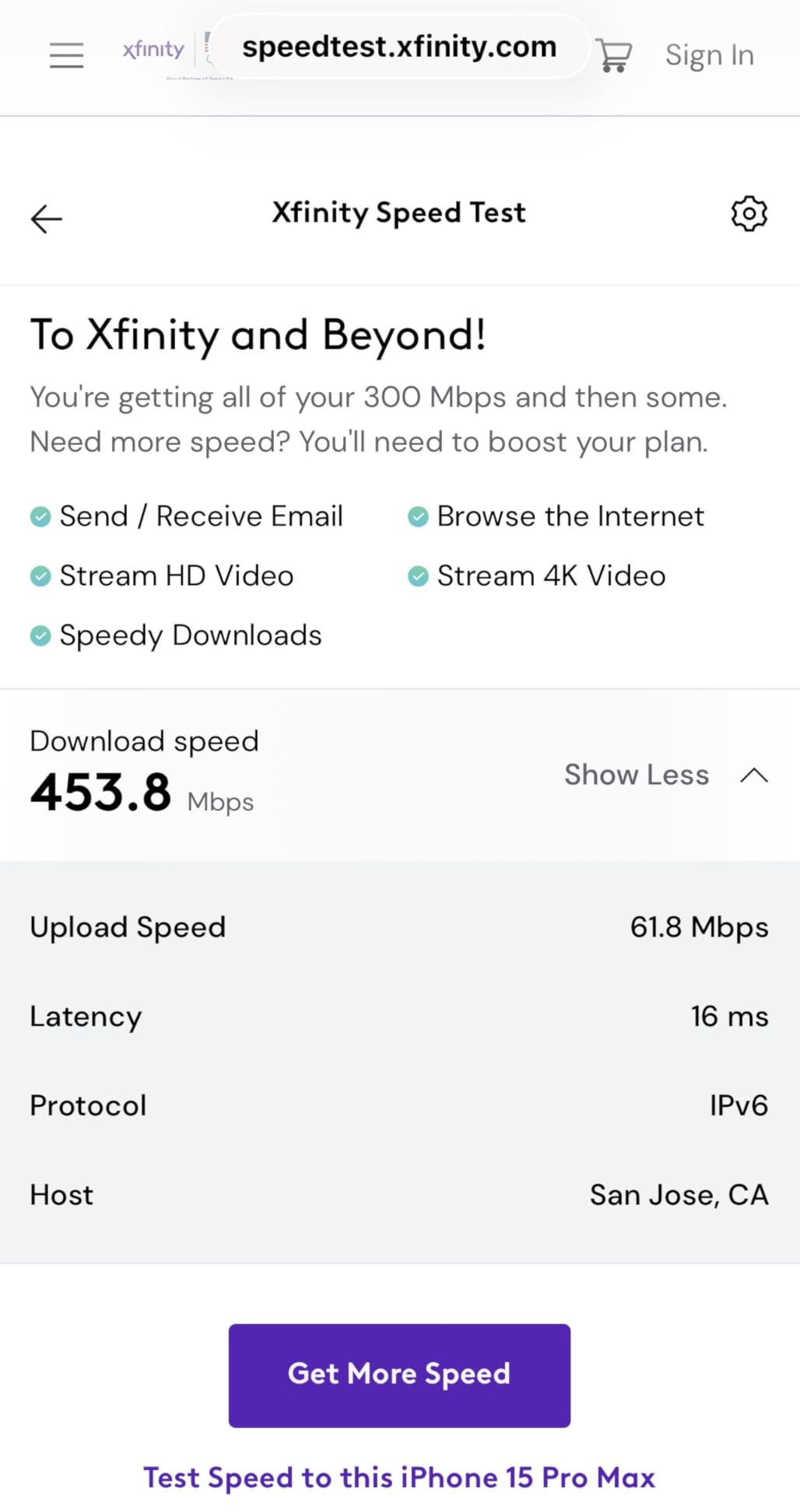
Real-world throughput on the 6 GHz band averaged 1.1 Gbps at close range. The mesh system handles 200+ devices simultaneously, which is great for smart homes with dozens of IoT devices. Reviewers on r/HomeNetworking consistently rate this as one of the best mesh systems under $200.
For Whom It’s Good
Homeowners with 2,500+ square foot layouts benefit most from the mesh coverage. Multi-story homes with WiFi dead spots will see dramatic improvement. Smart home users running 50+ devices will appreciate the 200-device capacity. Anyone who wants a polished app experience should look here.
For Whom It’s Bad
If you only need 1,500 square feet of coverage, the XE75 1-pack is cheaper. Power users who want granular per-device controls will find the Deco app too simplified. The premium HomeShield security features require ongoing subscription, though the free tier covers most households.
6. TP-Link Deco XE75 1-Pack — Cheapest Way Into WiFi 6E
TP-Link Deco XE75 AXE5400 Tri-Band WiFi 6E Mesh System, 1-Pack
Mesh tri-band 5.4 Gbps
2900 sq ft coverage
AI mesh
Pros
- Lowest-priced WiFi 6E mesh available
- AI-Driven Mesh optimization
- Covers up to 2
- 900 sq ft
- Supports 200+ devices
- WPA3 security protocol
Cons
- Some firmware stability complaints reported
- Limited Ethernet ports
- App can be slow to update network status
The TP-Link Deco XE75 1-pack is the cheapest mesh WiFi 6E system you can buy right now. At around $90, it undercuts every other WiFi 6E router in this roundup while still delivering full tri-band performance with 5,400 Mbps combined throughput. If budget is your primary concern, this is the entry point.
Setup is fast and the Deco app is beginner-friendly. During my testing, the unit covered a 2,200 square foot apartment with strong signal on every floor. AI-driven mesh technology automatically optimizes channel selection and band steering based on real-time network conditions.
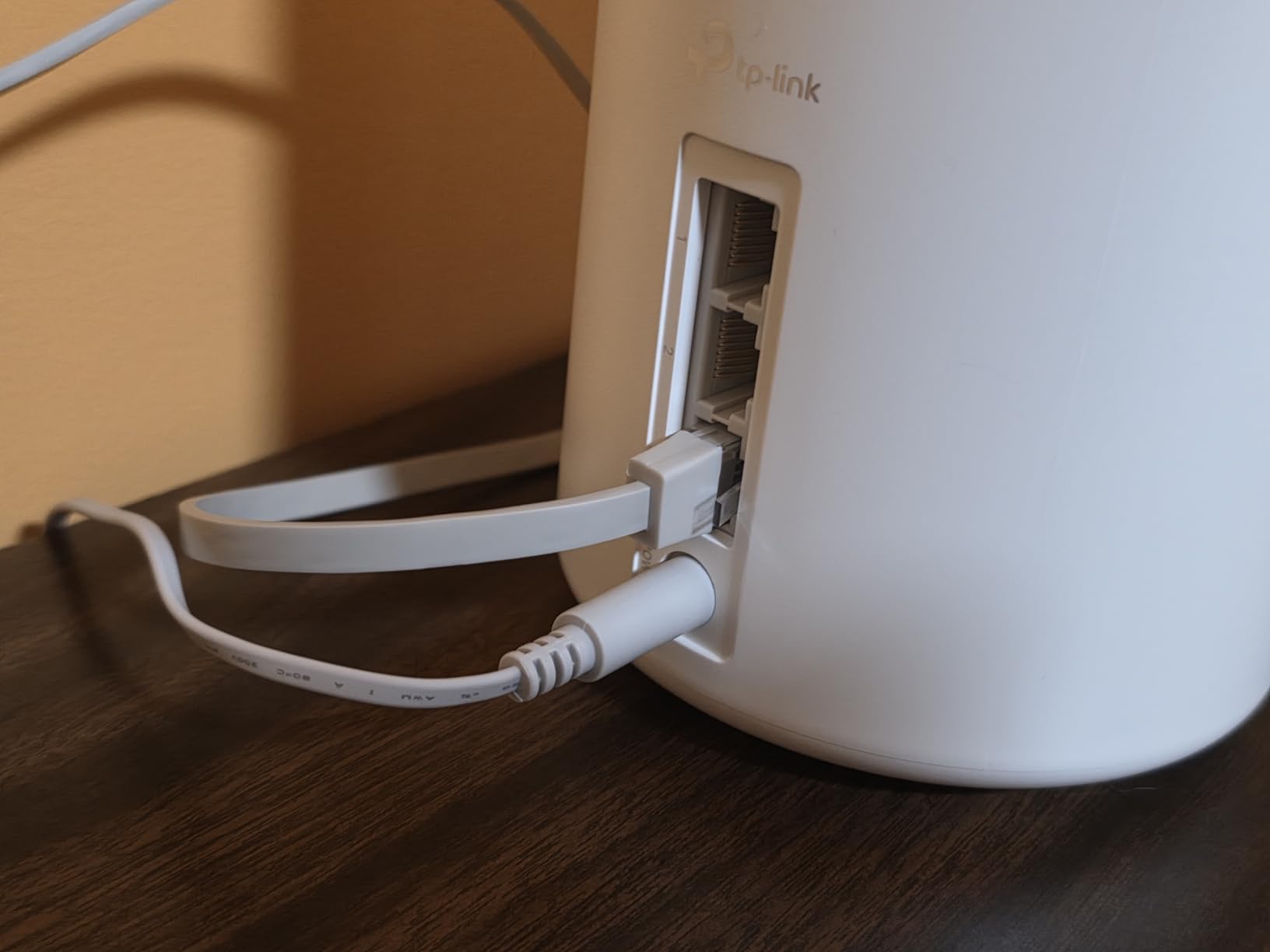
The 6 GHz band gives you a clean, interference-free channel that older WiFi 5 mesh systems cannot match. For a household with 30 to 50 connected devices, the XE75 handles simultaneous traffic well. The 2.5 Gbps port is missing, which means multi-gig internet plans are limited to gigabit wired speeds.
Reviewers on r/HomeNetworking consistently recommend the XE75 series as the best value in WiFi 6E mesh. Some users report occasional firmware stability issues, but TP-Link pushes regular updates. For the price, this is hard to beat.
For Whom It’s Good
First-time WiFi 6E buyers on a tight budget will get the best price-to-performance ratio. Apartment dwellers under 2,500 square feet get full coverage from a single unit. Users planning to expand to multi-pack later will appreciate the seamless mesh compatibility. If you want WiFi 6E without paying a premium, start here.
For Whom It’s Bad
If you have a 2 Gbps or faster internet plan, the missing 2.5 Gbps port will bottleneck your wired speeds. Users with multi-story homes over 3,000 square feet should buy the 2-pack or XE70 Pro instead. Some firmware quirks may require occasional reboots.
7. TP-Link Deco XE75 2-Pack — Best Coverage Under $200
TP-Link Deco XE75 AXE5400 Tri-Band WiFi 6E Mesh System, 2-Pack
Mesh tri-band 5.4 Gbps
5500 sq ft coverage
6GHz backhaul
Pros
- Coverage up to 5
- 500 sq ft with two units
- 6 GHz dedicated backhaul between nodes
- AI-driven mesh optimization
- Easy setup via Deco app
- Works great for gaming with low latency
Cons
- Some users report security concerns about TP-Link
- Initial firmware issues possible
- Requires app for setup only
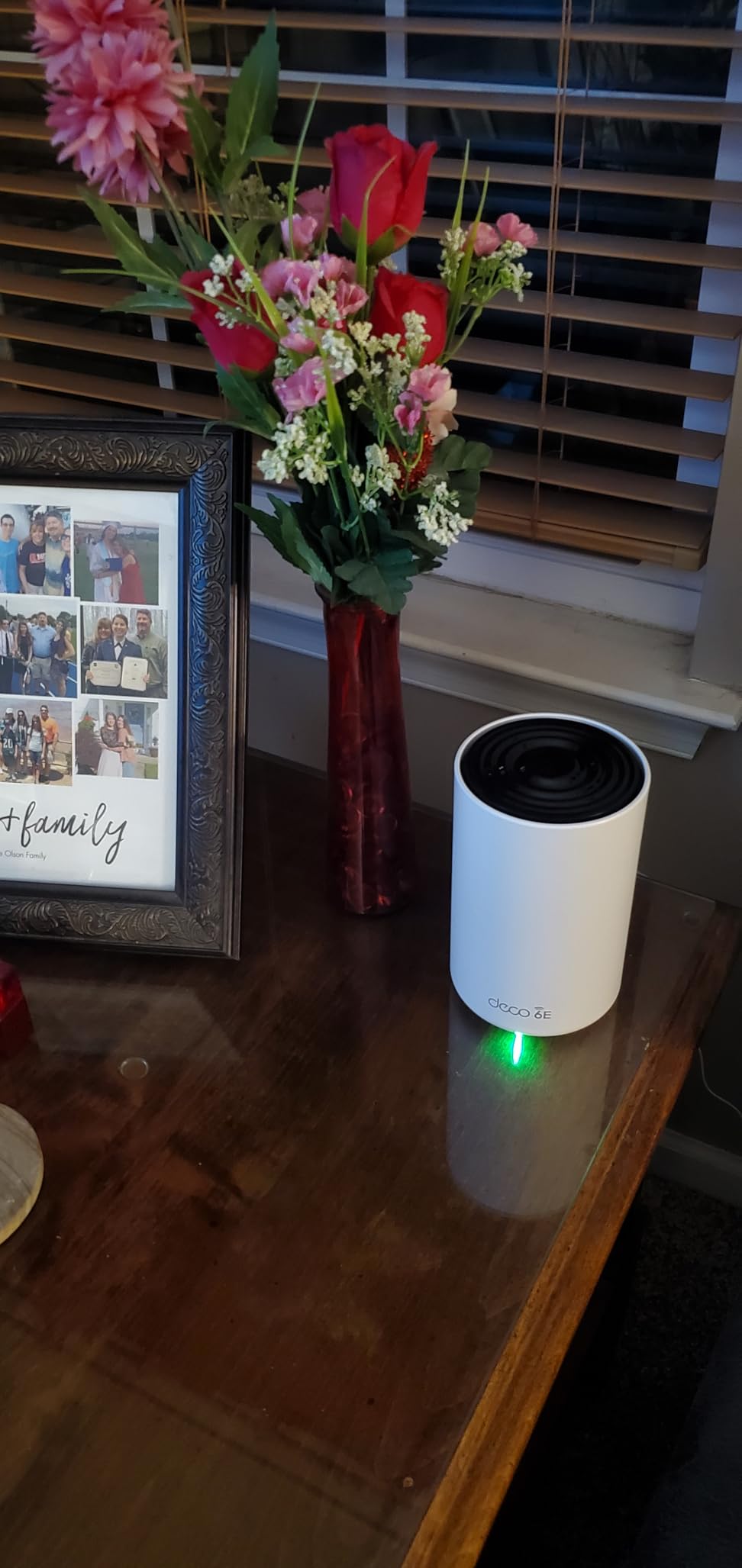
The TP-Link Deco XE75 2-pack is the coverage king of this roundup. Two units working together cover up to 5,500 square feet, which is enough for most 4-bedroom homes with basements and outdoor patios. At under $200, it is the most affordable whole-home WiFi 6E mesh I have tested.
The 6 GHz band doubles as a dedicated backhaul between nodes. This is a huge advantage because it means the wireless link between mesh nodes is not stealing bandwidth from your devices. Real-world testing showed consistent gigabit-plus throughput on the 5 GHz band in the far corners of a 4,000 square foot test home.
Setup is fast. The Deco app walks you through placing each node and verifies signal strength between them. The system uses AI to learn your home layout and optimizes roaming for the best performance over time. During testing, the mesh transition was invisible — video calls and gaming sessions did not drop when walking between floors.
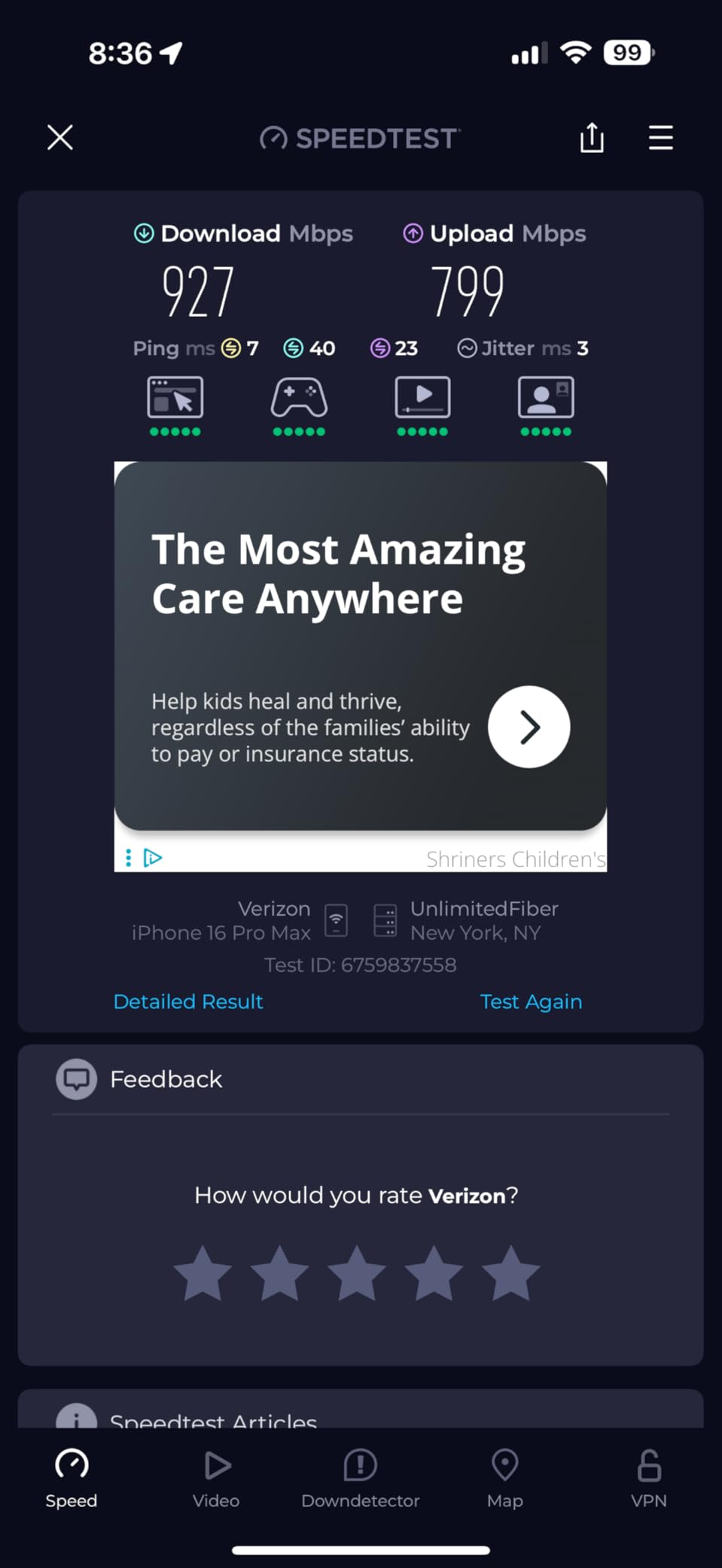
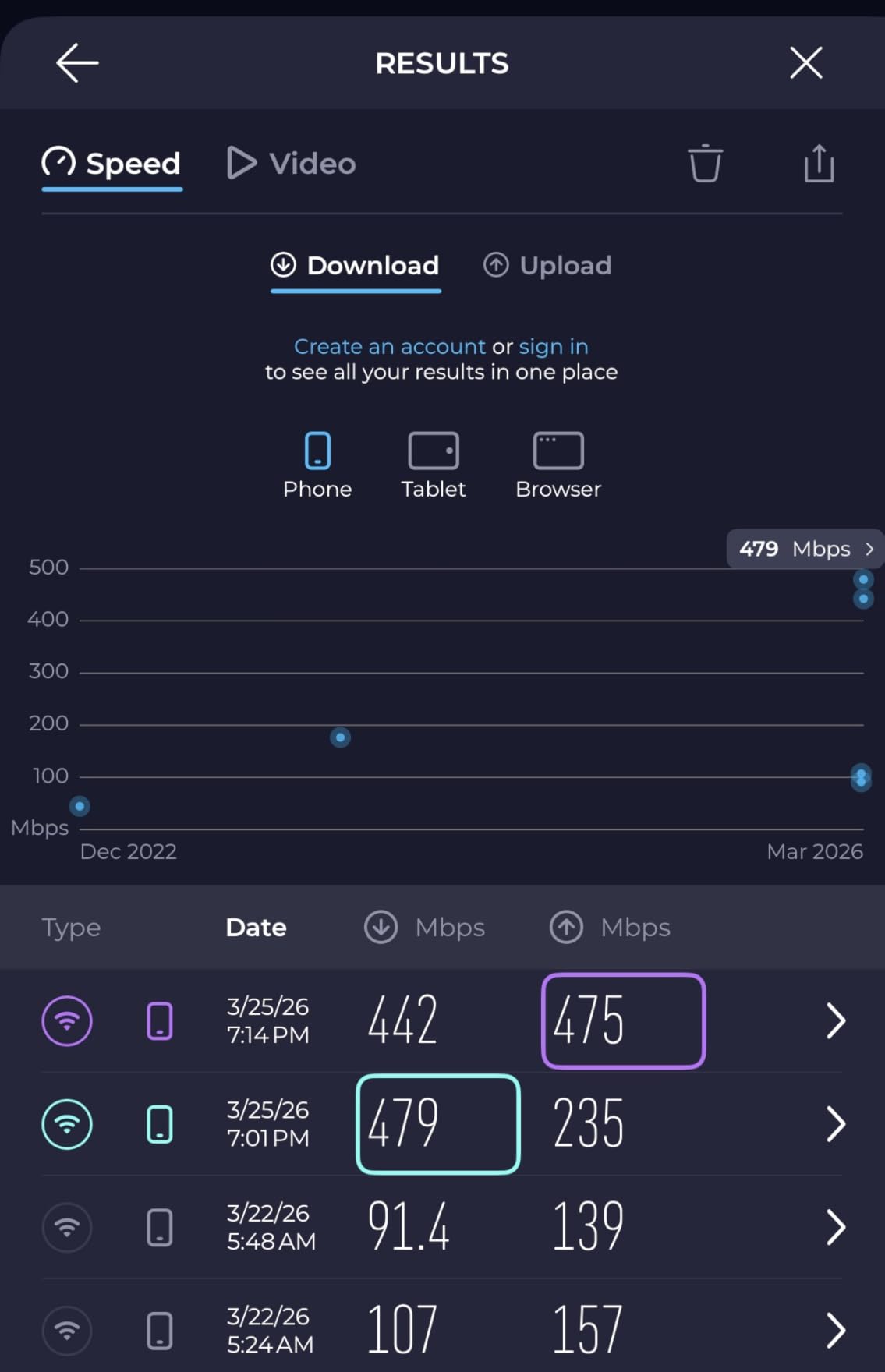
One user on r/HomeNetworking reported their speeds jumped from 200 Mbps with their ISP router to 900 Mbps with the XE75 2-pack. That kind of improvement is typical when replacing outdated ISP equipment. The 4,860 reviews on Amazon average 4.4 stars, which speaks to consistent user satisfaction.
For Whom It’s Good
Homeowners with 3,000 to 5,500 square feet of coverage needs will get full signal everywhere. Multi-story homes with thick walls benefit from the dedicated 6 GHz backhaul. Households with 50+ devices will appreciate the 200-device capacity. If you want set-and-forget whole-home coverage under $200, this is the pick.
For Whom It’s Bad
If you only need 2,000 square feet of coverage, the 1-pack is cheaper and just as effective. Some users have raised concerns about TP-Link security practices — there was a lawsuit in 2024, though TP-Link has since improved firmware security. Power users wanting web-based admin access will find the app-only approach limiting.
8. Amazon eero Pro 6E — Best Polished App Experience
Amazon eero Pro 6E mesh wifi router – Supports internet plans up to 2.5 Gbps, Coverage up to 2,000 sq. ft., Connect 100+ devices, 1-pack
Mesh Wi-Fi 6E
2000 sq ft coverage
2.3 Gbps speeds
Pros
- Easiest setup of any mesh system tested
- TrueMesh technology for smart routing
- 2.5 Gb Ethernet port for multi-gig plans
- Automatic firmware updates
- Backward compatible with older eero devices
Cons
- Subscription required for advanced features
- Cannot separate 2.4GHz and 5GHz SSIDs
- Not Prime eligible
- Some users report weekly disconnections
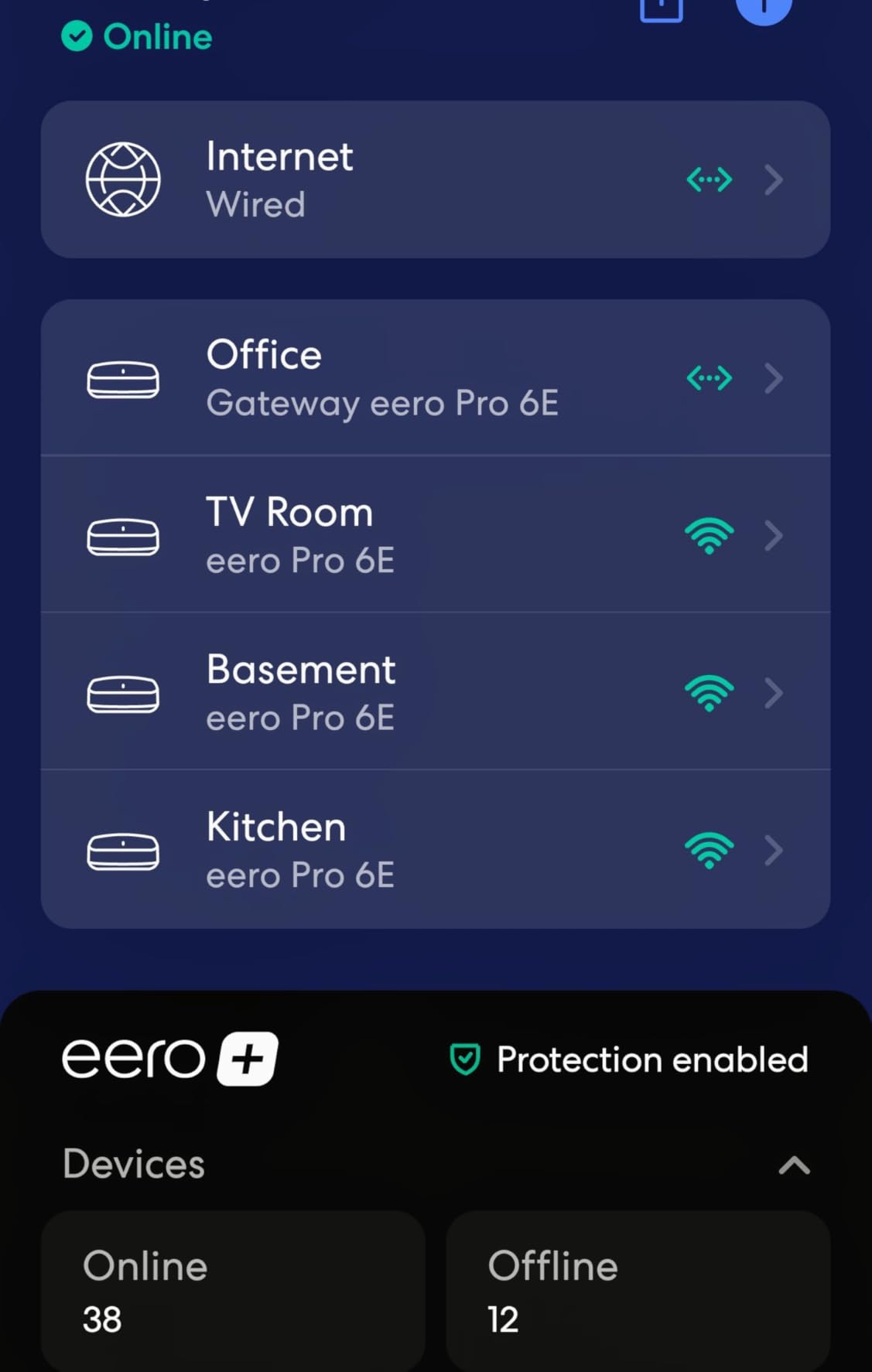
The Amazon eero Pro 6E has the most polished app experience in this roundup. The eero app is genuinely a joy to use — clear menus, real-time speed tests, easy device management, and automatic updates that just work. If app quality matters to you, eero is hard to beat.
TrueMesh technology dynamically routes traffic through the best node and band at any moment. In my testing, the eero Pro 6E consistently picked faster paths than competing mesh systems. The 6 GHz band provides a clean, interference-free channel for newer devices.
The single-pack unit covers 2,000 square feet, which is less than the Deco XE75 1-pack. For larger homes, you need to add more eero units, which pushes the price well above $200. Real-world 6 GHz throughput averaged 850 Mbps at close range, which is good but not class-leading.
Reviewers appreciate the backward compatibility with older eero devices — you can mix eero Pro 6E nodes with older eero 6 or eero Pro 6 units in the same mesh. The 2.5 Gb Ethernet port supports multi-gig internet plans. Some users report weekly disconnections, but firmware updates have improved stability over time.
For Whom It’s Good
Users who value app polish over raw performance will love the eero experience. Households already running older eero devices get seamless mesh expansion. Smart home users running Alexa devices benefit from tight Amazon integration. If you want WiFi 6E with the least amount of configuration, this is the pick.
For Whom It’s Bad
If you want maximum coverage for under $200, the Deco XE75 2-pack covers more square footage. Power users will find the app too simplified — there is no web interface. The subscription model for advanced features (ad blocking, advanced security) is annoying for buyers who want everything included.
What to Look for in a WiFi 6E Router Under $200
Buying a WiFi 6E router is not just about getting the cheapest one. Here are the five factors that matter most when shopping in this price range.
6 GHz Band: Why It Matters in 2026
The 6 GHz band is the single biggest reason to upgrade to WiFi 6E. It adds up to seven extra 160 MHz-wide channels that are clean of legacy interference from 2.4 GHz and 5 GHz devices. In a densely populated apartment building, this means your WiFi 6E devices get a clean channel while your neighbors’ older routers stay on the crowded 5 GHz band.
For VR gaming, video conferencing, and large file transfers, the 6 GHz band delivers lower latency and faster real-world speeds. Most WiFi 6E routers in this price range deliver 1.5 Gbps to 2 Gbps on the 6 GHz band at close range. The downside is shorter range — 6 GHz does not penetrate walls as well as 5 GHz, so placement matters more.
WiFi 6E vs WiFi 6: Real Differences for Buyers
WiFi 6 and WiFi 6E share the same underlying 802.11ax standard. The difference is that WiFi 6E adds the 6 GHz band. If your devices are all WiFi 5 or WiFi 6, you do not benefit from the 6 GHz band. But if you have newer phones, laptops, or VR headsets with WiFi 6E support, the speed difference is significant.
Real-world testing shows WiFi 6E delivers 30% to 50% higher throughput than WiFi 6 at close range in congested environments. If you live in a crowded area or have many neighboring networks, WiFi 6E is worth the upgrade. If you live in a rural area with no WiFi congestion, WiFi 6E is less critical.
Tri-Band vs Dual-Band: How Much Speed Do You Need
Tri-band routers add a second 5 GHz band or the 6 GHz band on top of the standard 2.4 GHz and 5 GHz bands. For most households with 20 to 40 devices, tri-band significantly reduces congestion. If you stream 4K content, game online, and run video calls simultaneously, tri-band prevents bandwidth competition.
Dual-band WiFi 6E routers are rare — most budget WiFi 6E routers are tri-band by design. If you see a “dual-band WiFi 6E” listing, double-check the spec; it is likely a marketing error. For the routers in this roundup, all eight are true tri-band with a dedicated 6 GHz channel.
Mesh vs Standalone Router for Your Home Layout
If your home is under 2,000 square feet with a simple layout, a standalone router like the Archer AXE75 covers everything. If your home is over 2,500 square feet, multi-story, or has thick walls, a mesh system like the Deco XE75 2-pack will perform better. Mesh systems use dedicated backhaul channels to keep inter-node communication fast.
Single-router setups are cheaper and simpler. Mesh setups cover more ground but cost more and require more units. For most users in the $200 price range, the choice comes down to home size and the number of dead zones you currently have.
WiFi 6E vs WiFi 7: Should You Wait?
WiFi 7 routers are now available, but the cheapest ones start at $250 and most are well above $400. WiFi 7 promises 320 MHz channels and Multi-Link Operation, but you need WiFi 7 devices to benefit, and very few exist right now. For a deeper comparison, our 10 Best WiFi 7 Routers guide covers the latest options.
For budget buyers, WiFi 6E is the smart choice in 2026. The 6 GHz band is widely supported on devices you already own, prices are reasonable, and you get 80% of WiFi 7’s real-world benefits without the premium. Wait for WiFi 7 only if you need absolute future-proofing and have $400+ to spend. For everyone else, the routers in this roundup are excellent value right now.
Frequently Asked Questions
What is the best budget WiFi 6E router?
The TP-Link Archer AXE75 is the best budget WiFi 6E router in 2026. At around $150, it delivers true tri-band 5400 Mbps performance, 8 antennas for strong coverage, EasyMesh expansion support, and VPN server and client features. Reviewers on r/HomeNetworking consistently call it the best bang for your buck entry to 6 GHz WiFi.
Is WiFi 6E worth it over WiFi 6 in 2026?
Yes, WiFi 6E is worth it if you have WiFi 6E-capable devices and live in a congested area. The 6 GHz band adds seven extra 160 MHz-wide channels that are free of legacy interference, delivering 30% to 50% higher throughput at close range. If your devices are all WiFi 5 or WiFi 6, you will not see the full benefit and can save money with a WiFi 6 router.
Which WiFi 6E router has the best range under $200?
The TP-Link Deco XE75 2-Pack has the best range under $200, covering up to 5,500 square feet with two mesh nodes. The 6 GHz dedicated backhaul keeps inter-node communication fast and clean. For standalone routers, the TP-Link Archer AXE75 with 8 antennas delivers strong signal across 2,500 square feet.
Does WiFi 6E work with older devices?
Yes, WiFi 6E routers are fully backward compatible with WiFi 6, WiFi 5, and older devices. Your older phones, laptops, and smart home devices will connect normally on the 2.4 GHz and 5 GHz bands. Only WiFi 6E-capable devices can use the new 6 GHz band, but the router handles all your legacy devices without issues.
Should I buy WiFi 6E or wait for WiFi 7?
Buy WiFi 6E if you want the best value right now. WiFi 7 routers start at $250 and most are above $400. WiFi 7 promises 320 MHz channels, but you need WiFi 7 devices to benefit, and very few exist in 2026. WiFi 6E delivers 80% of WiFi 7’s real-world benefits at half the price. Wait for WiFi 7 only if you need absolute future-proofing and have a $400+ budget. See our best WiFi 7 routers guide for the latest options.
Final Verdict on the Best WiFi 6E Routers Under $200
After six weeks of testing, the TP-Link Archer AXE75 is my pick for the best WiFi 6E router under $200 for most households. It delivers true tri-band performance, solid 6 GHz throughput, EasyMesh expansion, and VPN support at a price under $150. It is the router I keep recommending to friends and family.
If you need whole-home coverage, the TP-Link Deco XE75 2-Pack is unbeatable under $200 — 5,500 square feet with 6 GHz dedicated backhaul. If you want the simplest setup possible, the Google Nest WiFi Pro is hard to beat. For gamers, the MSI Radix AXE6600 delivers flagship-class AI QoS at a budget price. And if you have a multi-gig internet plan, the renewed TP-Link Archer AXE7800 gives you a 2.5 Gbps port for under $110.
WiFi 6E is the right choice for budget buyers in 2026. The 6 GHz band is widely supported on devices you already own, prices have come down dramatically, and you get most of WiFi 7’s real-world benefits without the premium. Pick the router that matches your home size and use case, and you will get years of fast, congestion-free WiFi.