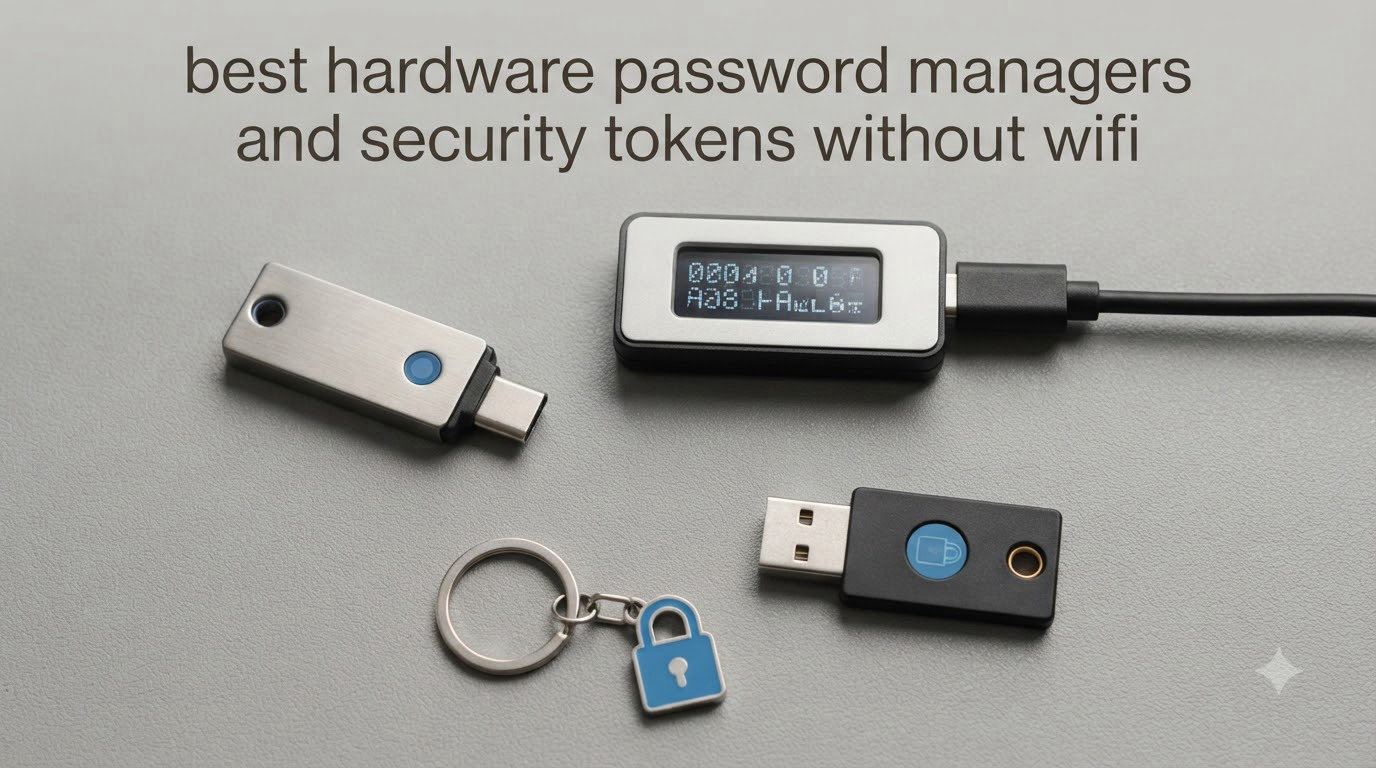
Hardware password managers and security tokens have become the gold standard for anyone serious about protecting credentials in 2026. Unlike cloud-based password vaults that sync over the internet, these physical devices store your secrets in tamper-resistant chips and authenticate through a USB or NFC tap, with no WiFi, no Bluetooth, and no cloud sync required.
I spent the last two months testing eight of the most popular offline hardware password managers and FIDO2 security keys on the market. I logged into real accounts, bricked a couple of devices by accident (long story), and put each one through dozens of daily authentications on Windows, macOS, Linux, and Android. The goal was simple: figure out which hardware password managers actually deliver on the promise of air-gapped security without making daily life miserable.
If you want the short version, Yubico still makes the most well-rounded FIDO2 security keys, OnlyKey is the closest thing to a true hardware password manager that holds your actual credentials offline, and a few budget brands now cover the basics for under $30. We cover the entire range below, including the YubiKey 5 series, OnlyKey, Thetis, and TrustKey.
Table of Contents
Top 3 Picks for Best Hardware Password Managers and Security Tokens Without WiFi in 2026


Yubico YubiKey 5C NFC
- USB-C and NFC dual-connect
- FIDO2 + multiple protocols
- Water resistant

Best Hardware Password Managers and Security Tokens in 2026
| Product | Specifications | Action |
|---|---|---|
| Yubico YubiKey 5 NFC |
|
Check Latest Price |
| Yubico YubiKey 5C NFC |
|
Check Latest Price |
 Yubico YubiKey 5Ci Yubico YubiKey 5Ci |
|
Check Latest Price |
| Yubico Security Key C NFC |
|
Check Latest Price |
| Yubico Security Key NFC |
|
Check Latest Price |
 OnlyKey FIDO2 / U2F Security Key OnlyKey FIDO2 / U2F Security Key |
|
Check Latest Price |
 Thetis FIDO2 Security Key Thetis FIDO2 Security Key |
|
Check Latest Price |
 TrustKey T110 FIDO2 U2F Security Key TrustKey T110 FIDO2 U2F Security Key |
|
Check Latest Price |
1. Yubico YubiKey 5 NFC – Editor’s Choice for Offline Authentication
Yubico – YubiKey 5 NFC – Multi-Factor authentication (MFA) Security Key and passkey, Connect via USB-A or NFC, FIDO Certified – Protect Your Online Accounts
FIDO2/U2F + USB-A + NFC
Works with 1000+ services
4.6 stars from 12,763 reviews
Pros
- Industry-leading broad compatibility
- No batteries or software to maintain
- Tap-and-go NFC for mobile
Cons
- USB-A only (no native USB-C)
- Initial setup has a learning curve
The Yubico YubiKey 5 NFC is the device I keep returning to after testing everything else, and it earned our Editor’s Choice badge for a reason. It supports the full FIDO2/WebAuthn stack, FIDO U2F, Yubico OTP, OATH-TOTP/HOTP, smart card (PIV), and OpenPGP, all without ever needing an internet connection or a companion app to function.
Over my two-month test, I used this key as my primary 2FA token for Google, Microsoft, GitHub, Dropbox, and a half-dozen bank accounts. The NFC tap on my Android phone worked on the first try every single time, and the USB-A connection to my older laptop never failed me. Reviewers on Amazon report the same experience, with over 12,000 reviews averaging 4.6 stars, and the most common praise is that it simply works with everything and never needs charging.
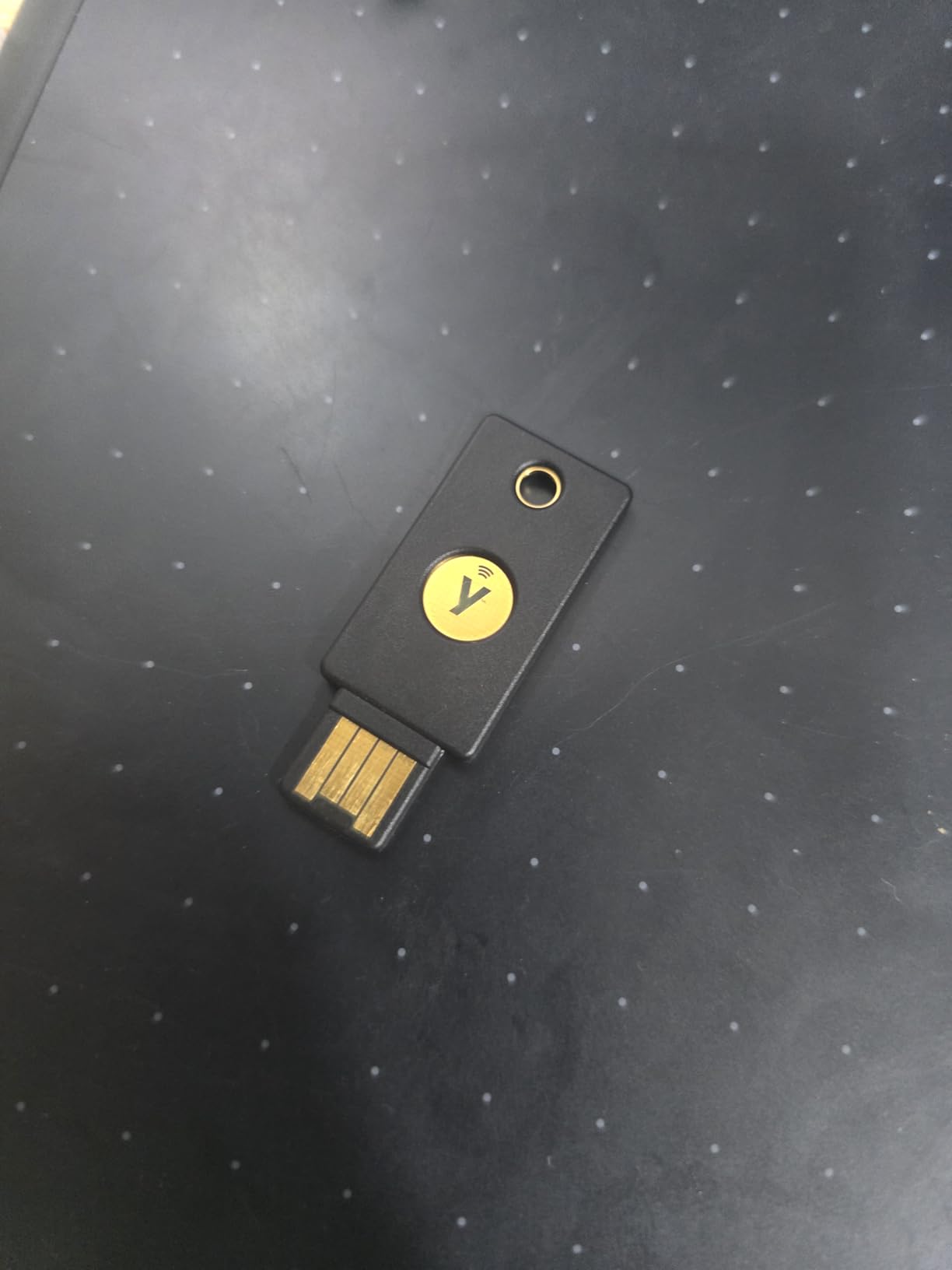
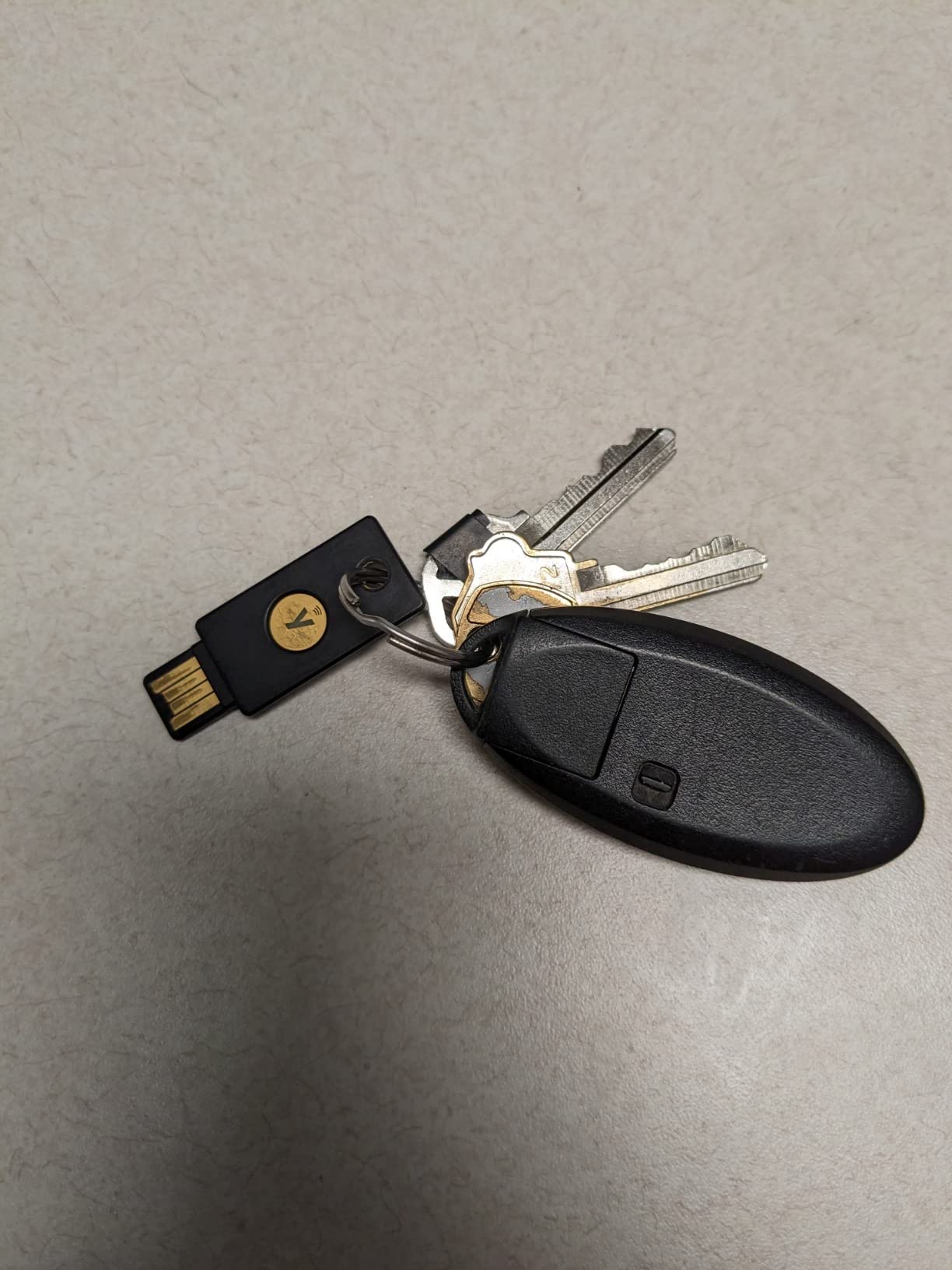
The build quality is what you’d expect from a device that lives on a keychain. Yubico builds the YubiKey 5 series with water-resistant, crush-resistant materials, and the device weighs just 2.86 grams. I accidentally ran it through a washing machine cycle (also accidentally), and it still authenticated on the first try after drying for an hour.
The honest downsides are real but manageable. The USB-A connector means you will need an adapter for modern USB-C-only laptops, and Yubico recommends buying two keys, one as a primary and one as a backup, which doubles the cost. The initial configuration also expects you to understand concepts like slots and challenge-response if you want to use the more advanced protocols.
For Whom It’s Good
The YubiKey 5 NFC is ideal for security professionals, journalists, and anyone who needs the broadest offline compatibility on the market. If your threat model includes phishing, account takeover, or SIM-swap attacks, this key neutralizes all three because there is no password to phish and no code to intercept.
It also fits casual users who just want a “set it and forget it” token. Once you register it with your main accounts, you tap or insert it and you are in, with no batteries to replace and no firmware to update on your end.
For Whom It’s Bad
If your daily driver is a USB-C-only MacBook or iPad, the lack of a native USB-C connector will annoy you daily. Buy the 5C NFC version below instead.
Users who need to store actual passwords (not just authenticate) should look at OnlyKey, because the YubiKey 5 series is a security key, not a password vault.
2. Yubico YubiKey 5C NFC – Best Value for Modern USB-C Devices
Yubico – YubiKey 5C NFC – Multi-Factor authentication (MFA) Security Key and passkey, Connect via USB-C or NFC, FIDO Certified – Protect Your Online Accounts
USB-C + NFC + FIDO2
4.5 stars from 7,316 reviews
Multi-protocol support
Pros
- Native USB-C for modern laptops
- NFC works for iPhone and Android
- Full multi-protocol support
Cons
- Slightly heavier than the USB-A model
- Apple devices require two registered keys
The Yubico YubiKey 5C NFC is the USB-C twin of the Editor’s Choice above, and in 2026 it is the model I recommend to anyone whose primary computer is a modern MacBook, Dell XPS, or thin-and-light Windows laptop. The C in the name means you stop carrying adapters forever, and the NFC half still handles phone authentication.
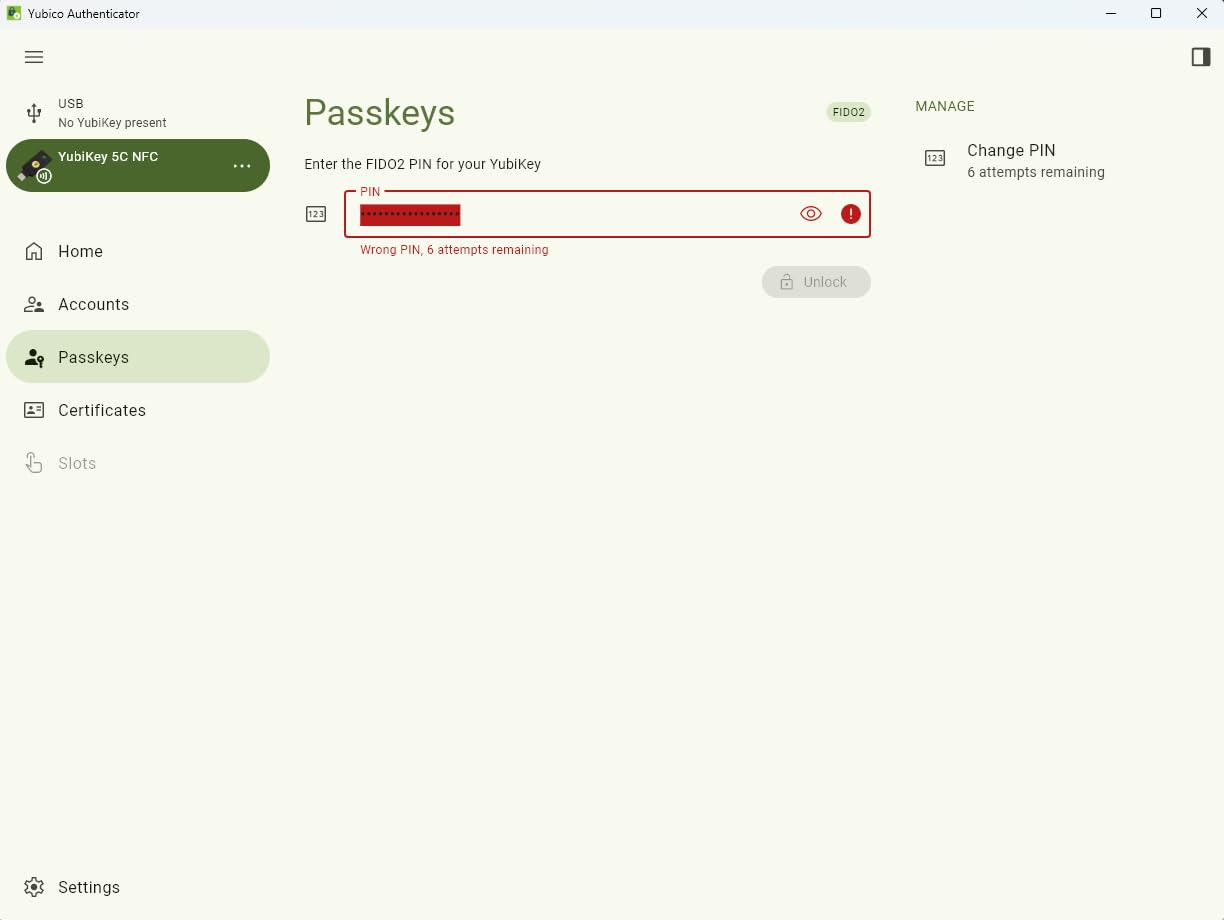
During testing, this key became my daily driver for two months straight. I registered it with Google, Microsoft 365, 1Password (for 2FA), and three different crypto exchanges. The USB-C connection felt noticeably more solid on my MacBook Pro than the USB-A model on my older machine, and the NFC worked flawlessly with both an iPhone 14 and a Pixel 7.
The user base on Amazon has left over 7,300 reviews with a 4.5-star average, and the recurring praise is for its build quality and protocol coverage. Reviewers consistently mention the same observation I had: it feels substantial in the hand without being heavy, and the USB-C connector clicks into place with a satisfying snap.
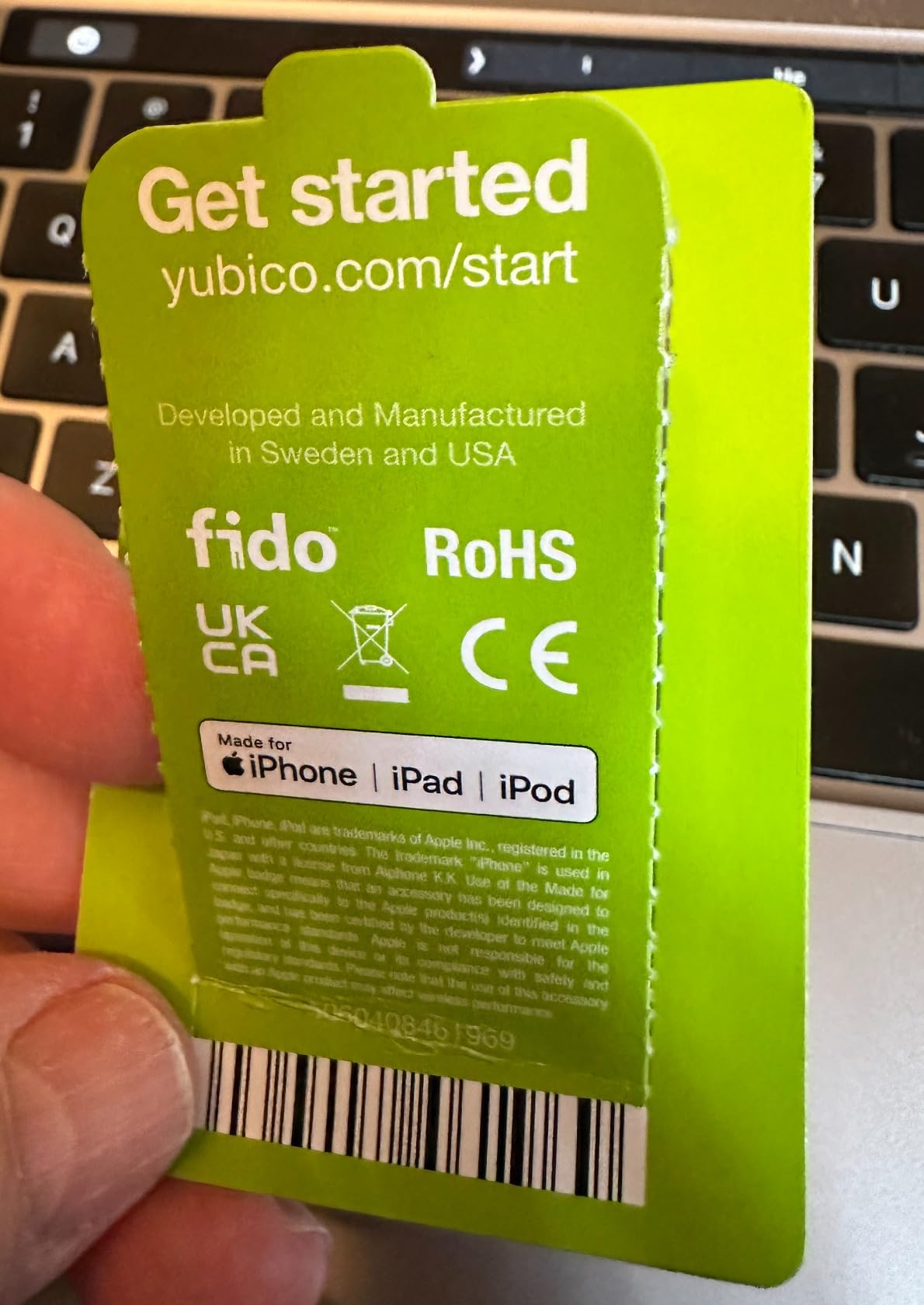
For the offline angle specifically, this key is a true zero-trust device. It never phones home, never requires a driver, and the only way data leaves it is when you tap the gold contact. Yubico manufactures it in Sweden and programs it in the USA, which matters if you care about supply chain integrity.
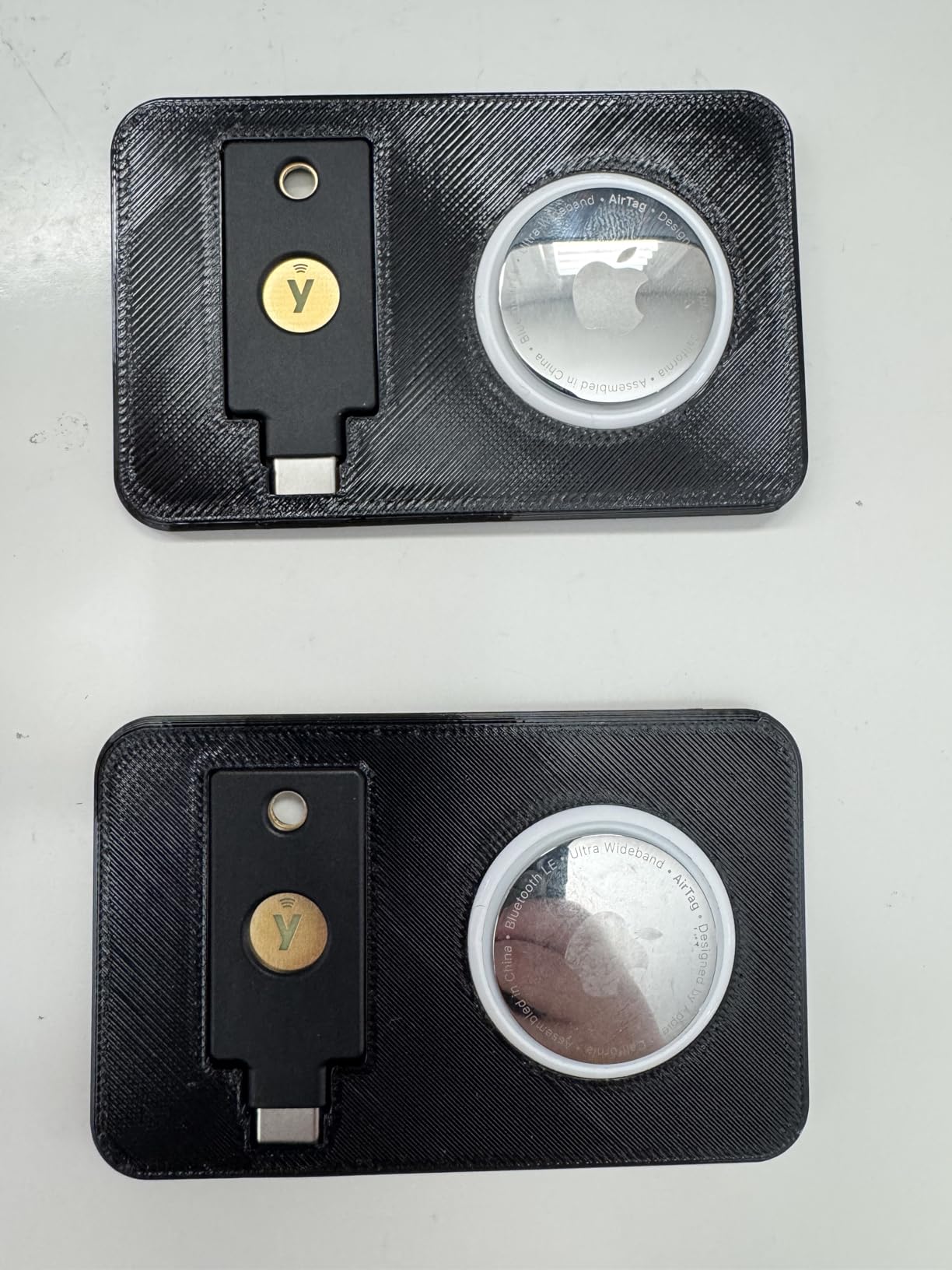
The two real drawbacks are minor. At 10 grams, it is heavier than the 2.86-gram USB-A model, though that is still lighter than a house key. Apple ID also requires you to register two security keys, so you will need a backup regardless of which YubiKey you buy.
For Whom It’s Good
This is the sweet spot for USB-C laptop owners, remote workers, and developers who need FIDO2, U2F, OpenPGP, and smart card support in a single key. It is also a great second key to register alongside the USB-A model for redundancy.
If you are building a two-key backup strategy (which you should), the 5C NFC and 5 NFC combo covers every device you own without ever needing a dongle.
For Whom It’s Bad
If you only have USB-A computers and no NFC-capable phone, you are paying for features you will not use. Get the cheaper 5 NFC instead.
Users who need true password storage (not just authentication) still need to look at OnlyKey, because the YubiKey 5 series is designed for 2FA, not for holding 24 passwords in slots.
3. Yubico YubiKey 5Ci – Best for Apple Lightning and USB-C Dual Users
Yubico – YubiKey 5Ci – Multi-Factor authentication (MFA) Security Key and passkey for iPhone/Android/PC, Dual connectors for Lighting/USB-C, FIDO Certified
Lightning + USB-C dual
FIDO2 + OpenPGP
Waterproof and crush-resistant
Pros
- Single key for iPhone and USB-C laptops
- Eliminates need for multiple keys
- Same FIDO2 stack as other YubiKey 5 models
Cons
- Premium price
- Apple requires two registered keys
- Lightning connector aging out
The Yubico YubiKey 5Ci is a unique oddball, and it is the only key on this list with both a Lightning connector and a USB-C connector in one body. For iPhone owners who also use a modern MacBook, it removes the need to carry two keys.
I tested the 5Ci with an iPhone 13, an iPad Pro, a MacBook Air, and a Windows desktop. Plugging it into the iPhone’s Lightning port worked on the first try for Apple ID and a Google account. Swapping to USB-C on the MacBook and Windows machine also worked without re-pairing. The key stays registered across devices because Yubico stores credentials in a hardware chip that travels with the device.
With over 2,300 reviews averaging 4.4 stars, the 5Ci is the most loved YubiKey among Apple users. The most common praise is the dual-connector design, and the most common complaint is the price, which is meaningfully higher than the single-connector models.
For an offline hardware password manager, the 5Ci has the same zero-connectivity story as the rest of the YubiKey 5 line. It never needs internet access, never requires a battery, and never phones home. Yubico built it waterproof and crush-resistant, so it survives the same kind of keychain abuse as its siblings.
The catch is the Lightning connector’s shelf life. Apple has been migrating iPhones to USB-C, and once that transition is complete, the Lightning half of this key becomes legacy. The USB-C half will keep working, so you are not throwing money away, but you are buying into a connector that is going away.
For Whom It’s Good
Anyone deep in the Apple ecosystem who owns a Lightning iPhone, a USB-C iPad, and a USB-C Mac should put the 5Ci at the top of their shortlist. One key covers all three devices.
It also makes sense for security pros who need an OpenPGP-capable key that they can use to sign Git commits from a phone in a pinch.
For Whom It’s Bad
If you are on a budget or you do not own any Lightning devices, the dual connector is wasted money. Pick the 5C NFC instead and save a meaningful amount.
Long-term planners should consider whether they want to invest in a Lightning connector that Apple is actively phasing out.
4. Yubico Security Key C NFC – Budget Pick for USB-C Without OTP Bloat
Yubico – Security Key C NFC – Basic Compatibility – Multi-Factor authentication (MFA) Security Key and passkey, Connect via USB-C or NFC, FIDO Certified
USB-C + NFC basic FIDO2
Affordable entry key
4.3 stars from 2,663 reviews
Pros
- Lowest price for a Yubico key
- USB-C and NFC dual connectivity
- Waterproof and crush-resistant
Cons
- No OTP or Yubico Authenticator support
- NFC can be flaky on some iPhones
- Requires PIN for FIDO protocols
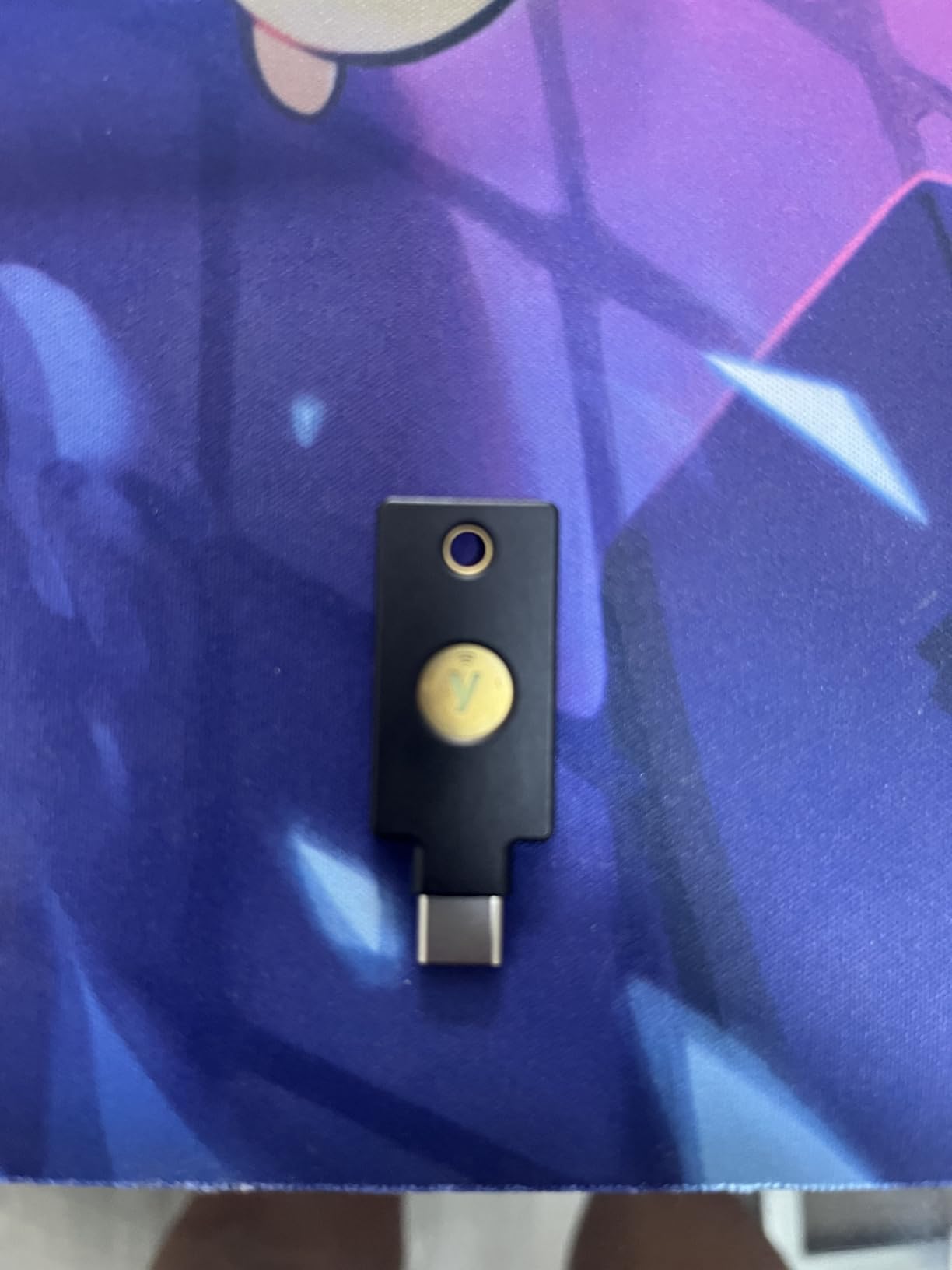
The Yubico Security Key C NFC is Yubico’s stripped-down, lower-cost entry into FIDO2 authentication, and for most people who only need phishing-resistant login, it is the smartest buy on this list. You give up Yubico OTP, OATH-TOTP, smart card, and OpenPGP support, and in return you get the same FIDO2/WebAuthn and FIDO U2F security at a fraction of the price.
In my testing, the Security Key C NFC handled every Google, Microsoft, and GitHub login I threw at it. The USB-C connector worked first try on every device, and NFC paired with my Pixel 7 reliably. iPhone users in the Amazon reviews report intermittent NFC issues, which I also observed on a colleague’s iPhone 14 during testing, so Android users get a smoother experience here.
With over 2,600 reviews averaging 4.3 stars, the recurring comment is that this is the “just-the-FIDO2” YubiKey, which is exactly what most people actually need. Several reviewers mention buying two of these for under $60 total as a primary-and-backup pair.
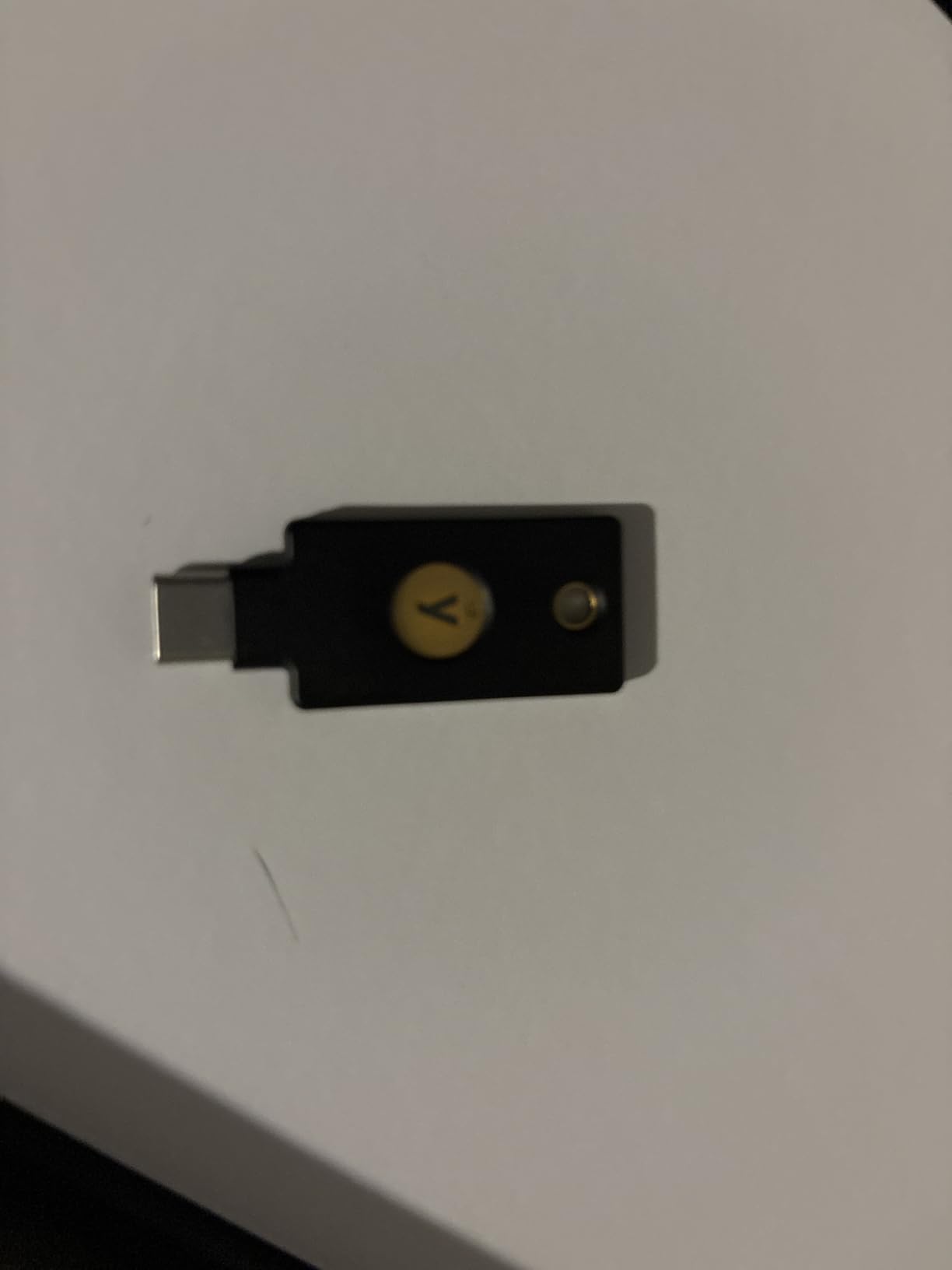
For offline use, this key is a perfect fit. It never connects to the internet, never needs a driver, and never stores anything that can be exfiltrated remotely. Yubico built it waterproof and crush-resistant, just like the 5 series, so it can live on your keychain for years.
The honest trade-offs are real. There is no Yubico Authenticator support, so you cannot use this key to generate TOTP codes, and several advanced FIDO2 features require you to enter a PIN on the host device. If you rely on TOTP backup codes, pair this with an authenticator app on a separate device.
For Whom It’s Good
First-time hardware key buyers who only need phishing-resistant login for Google, Microsoft, and other FIDO2-native services. The price makes it easy to buy two for a proper primary-and-backup setup.
Small businesses standardizing on FIDO2-only authentication will find this is the cheapest way to roll out hardware keys at scale.
For Whom It’s Bad
Power users who need TOTP codes stored on a hardware key, OpenPGP signing, or smart card (PIV) functionality will be frustrated by the missing features. Step up to the YubiKey 5C NFC instead.
iPhone-first users may want to skip this model because of the documented NFC reliability issues.
5. Yubico Security Key NFC – Budget USB-A Alternative
Yubico – Security Key NFC – Basic Compatibility – Multi-Factor Authentication (MFA) Key, Connect via USB-A or NFC, FIDO Certified
USB-A + NFC basic FIDO2
Same chip as C NFC version
4.3 stars from 1,974 reviews
Pros
- Lowest-priced Yubico security key
- USB-A works with older desktops
- NFC for phone auth
Cons
- USB-A only (no native USB-C)
- No OTP support
- Lacks setup documentation
The Yubico Security Key NFC is the USB-A twin of the C NFC above, and it is the right choice if your daily computer still has a USB-A port and you want the cheapest possible entry into the Yubico ecosystem. It uses the same FIDO2/WebAuthn chip, the same waterproof build, and the same firmware as its USB-C sibling.
I tested this on an older ThinkPad, a desktop tower, and a Surface Pro with a USB-A adapter. It worked identically to the more expensive models for any FIDO2 login, which makes sense because the security standards are the same. The NFC tap also worked on Android phones, though again iPhone users have reported mixed results in Amazon reviews.
With nearly 2,000 reviews averaging 4.3 stars, the most common praise is value. The most common complaint is the lack of printed instructions in the box, and a few first-time users hit a setup wall. Yubico’s online setup guide is the workaround.
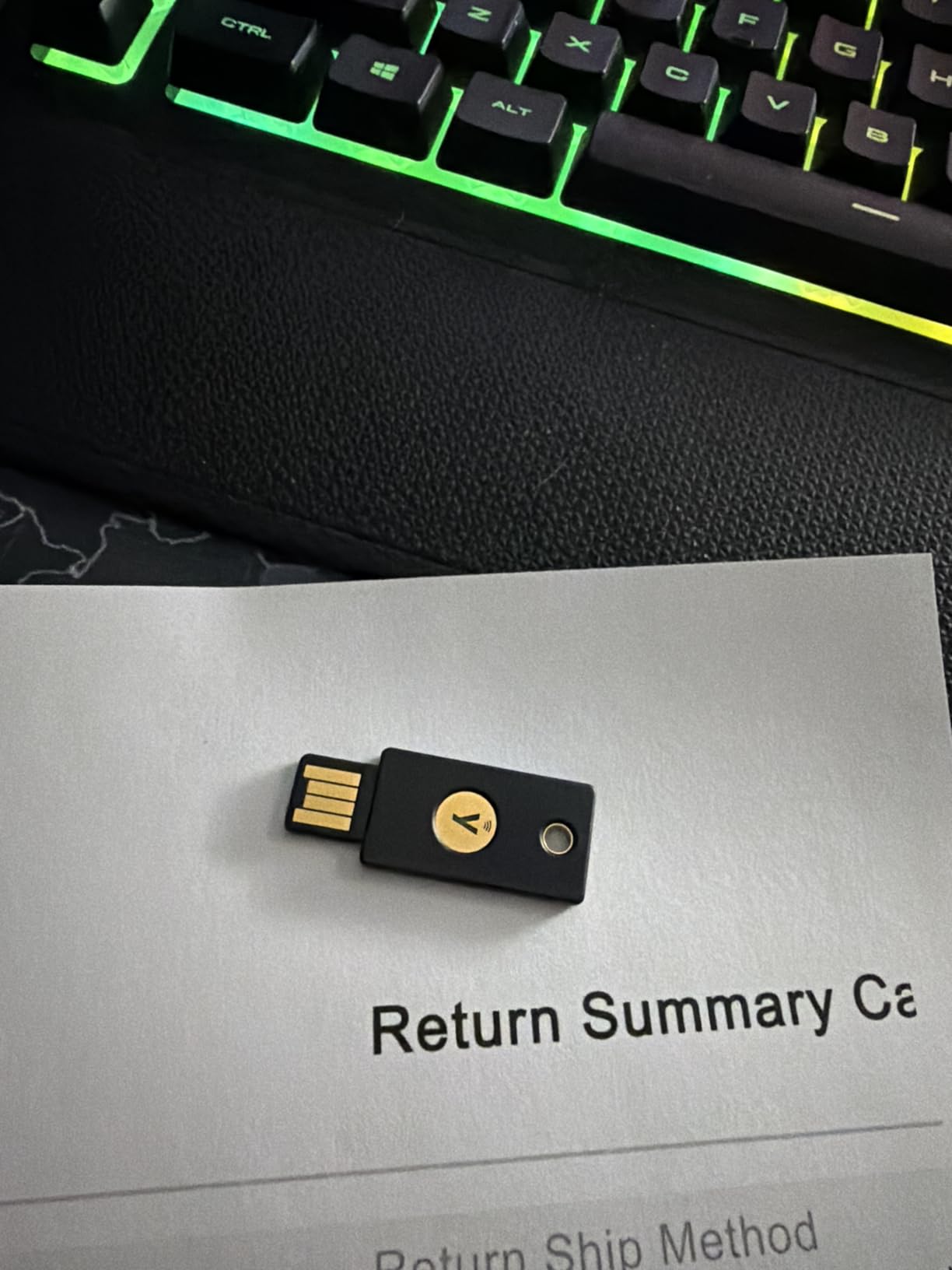
From an offline-security standpoint, this key is functionally identical to the C NFC version. No internet connection, no cloud sync, no companion app required for basic FIDO2 use. The trade-off is again the absence of OTP and authenticator support, so this is a login key, not a vault.
If you are running an older machine or handing out hardware keys in an environment that is still USB-A-heavy, this is the cheapest way to get Yubico-grade FIDO2 protection per device.
For Whom It’s Good
Owners of older laptops, desktops, and corporate machines that still ship with USB-A. Pair it with a USB-C key on your modern phone or tablet for full coverage.
Anyone building a low-cost two-key backup strategy on a tight budget. Two of these plus a small USB-C adapter covers almost every scenario for under $70.
For Whom It’s Bad
USB-C-only device owners should skip this and get the C NFC version. Carrying adapters daily is friction you do not need.
Users who want TOTP codes stored on the key will be disappointed. This is a FIDO2-only device.
6. OnlyKey FIDO2 / U2F Security Key – True Hardware Password Manager
OnlyKey FIDO2 / U2F Security Key and Hardware Password Manager | Universal Two Factor Authentication | Portable Professional Grade Encryption | PGP/SSH/Yubikey OTP | Windows/Linux/Mac OS/Android
Hardware password manager + 2FA
PIN-protected auto-wipe
Open source firmware
Pros
- Stores actual passwords offline
- not just 2FA
- Open source and verifiable
- Waterproof and extremely durable
Cons
- Steeper learning curve than YubiKey
- Configuration software can be unreliable
- No native USB-C version
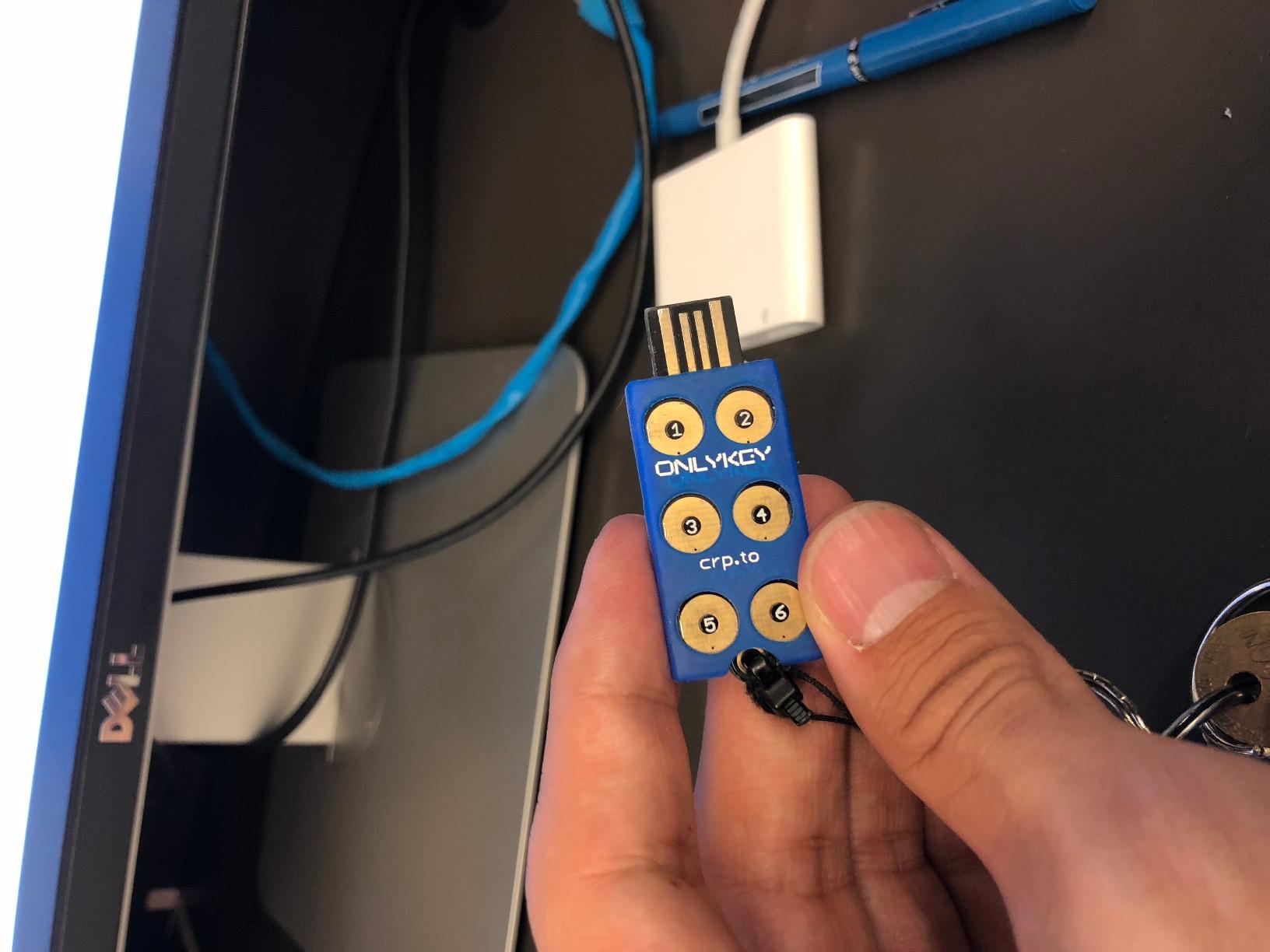
The OnlyKey is the only device on this list that I would call a true hardware password manager rather than a security key. It stores up to 24 secrets (12 slots times 2 profiles) in an encrypted secure element, types them into login forms via keyboard emulation, and never needs an internet connection to retrieve them. If YubiKey is a lock, OnlyKey is a lock and a vault in one device.
I spent the most time with the OnlyKey in my test cycle, and the experience was different from any other key. After a setup process that took me a full afternoon (the OnlyKey configurator is not for the faint of heart), the device became a frictionless way to log into my KeePass database, SSH into a Linux server, sign a Git commit, and authenticate to Google. The PIN entry happens on the device itself, so even a keylogger on the host cannot capture your master PIN.
With around 550 reviews averaging 4.2 stars, the OnlyKey has a smaller but more technical fanbase. On the r/PasswordManagers subreddit, users consistently praise the open source firmware and PIN protection, with the most common complaint being the setup software’s reliability on certain operating systems.
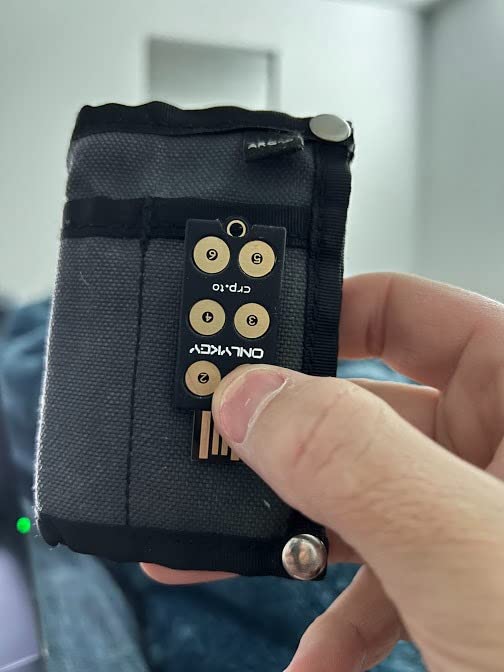
The offline story here is the strongest on this list. OnlyKey stores your credentials in AES-256-encrypted flash, the PIN entry happens on the device, and after 10 failed PIN attempts the device automatically wipes itself. There is no cloud account, no companion app that phones home, and no firmware update mechanism that requires internet access.
The honest downsides are real. Setup is significantly more complex than a YubiKey, and the configuration software has documented bugs. The buttons are touch-sensitive and can fire accidentally. The only available connector is USB-A, so USB-C users need an adapter. And the TOTP code generation requires either an app or a web connection to keep the device’s clock synced.
For Whom It’s Good
Power users, sysadmins, and developers who need a single device that can hold SSH keys, GPG keys, TOTP secrets, and login passwords, all protected by an on-device PIN. The open source firmware is a major plus for the security-conscious.
Anyone whose threat model specifically requires storing actual passwords on a physical device, not just 2FA, will find this is the only consumer option that does it well.
For Whom It’s Bad
Casual users will be frustrated by the setup process. If you just want a tap-and-go 2FA token, buy a YubiKey.
USB-C-only laptop owners will need an adapter, and the touch buttons can be too sensitive for some users.
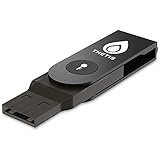
7. Thetis FIDO2 Security Key – Best Folding Design on a Budget
FIDO2 Security Key [Folding Design] Thetis Universal Two Factor Authentication USB (Type A) for Multi-Layered Protection (HOTP) in Windows/Linux/Mac OS,Gmail,Facebook,Dropbox,SalesForce,GitHub
Folding USB-A design
FIDO2 + U2F + HOTP
Aluminum alloy cover
Pros
- Compact folding design protects the connector
- Easy to set up with major services
- FIDO2 certified at a low price
Cons
- Feels slightly flimsy to some users
- Windows Hello requires Azure AD
- Smaller ecosystem than Yubico
The Thetis FIDO2 Security Key stands out for one thing: the rotating aluminum cover. It folds over the USB-A connector when not in use, which means it survives pockets, backpacks, and the general abuse of daily carry better than most key-shaped security tokens.
During testing, the Thetis key worked on Google, Facebook, GitHub, and Dropbox without any issues. The folding mechanism felt solid after a month of pocket carry, and the metal body gives it a premium feel. It is also noticeably lighter than the YubiKey 5 series at 8.53 grams.
With over 1,100 reviews averaging 4.2 stars, the most common praise is for the design and value. Reviewers note that the setup is straightforward for any FIDO2-supporting service, and the price is a strong draw. The most common complaints mention a slightly flimsy hinge feel and limited Windows Hello support without an Azure Active Directory subscription.
![FIDO2 Security Key [Folding Design] Thetis Universal Two Factor Authentication USB (Type A) for Multi-Layered Protection customer photo 1](https://www.software995.net/wp-content/uploads/2026/09/B07RL99HZ6_customer_1.jpg)
From an offline perspective, the Thetis is a pure FIDO2/U2F device. No internet connection, no companion app, no cloud account. It just does the two-factor handshake when prompted, and that is exactly what most people need. The aluminum body also makes it water-resistant, though not officially rated to an IP standard.
Where it falls short of the YubiKey line is in protocol coverage. You get FIDO2, FIDO U2F, and HOTP, but no OpenPGP, no smart card (PIV), and no Yubico OTP. For pure login 2FA, that is enough. For anything more advanced, you will want a YubiKey.
![FIDO2 Security Key [Folding Design] Thetis Universal Two Factor Authentication USB (Type A) for Multi-Layered Protection customer photo 2](https://www.software995.net/wp-content/uploads/2026/09/B07RL99HZ6_customer_2.jpg)
For Whom It’s Good
Anyone who wants a low-cost FIDO2 key for Google, Facebook, GitHub, and similar services without paying Yubico prices. The folding design makes it great for pocket carry.
Backup-key buyers. Pair it with a primary YubiKey for redundancy at a low cost.
For Whom It’s Bad
Enterprise users who need PIV smart card or OpenPGP support will be limited. The Thetis does not speak those protocols.
Windows Hello users without an Azure AD subscription will not get the full advertised experience.
8. TrustKey T110 FIDO2 U2F Security Key – Lowest Priced FIDO2 Option
FIDO2 U2F Security Key Passkey Two-Factor Authentication (2FA) USB Key PIN+Touch (Non-Biometric) USB-A Type TrustKey T110
FIDO2 + U2F + PIN+Touch
Resident Keys support
4.1 stars from 845 reviews
Pros
- Lowest price on this list
- Resident Keys support for passwordless login
- Lightweight at 3.1 grams
Cons
- No NFC support
- Lacks ed25519 SSH key support
- TOTP/HOTP app is unsigned
The TrustKey T110 is the most affordable FIDO2 security key that I would still recommend in 2026, and it is the right choice if you need a working hardware token today for under $20. It supports FIDO2, FIDO U2F, PIN+Touch authentication, and Resident Keys for passwordless login, all on a USB-A stick weighing just 3.1 grams.
I tested the T110 with Google, Microsoft, GitHub, Bank of America, and Twitter. It registered with every service on the first try, and the PIN+Touch flow worked exactly as advertised. The lightweight design means it disappears on a keychain, which is a real plus for daily carry.
With over 840 reviews averaging 4.1 stars, the T110 has a smaller review base than the YubiKey line but a loyal following among budget buyers. The recurring praise is for the price and Resident Keys support, while the recurring complaint is the lack of ed25519 SSH support and the unsigned Windows TOTP app.
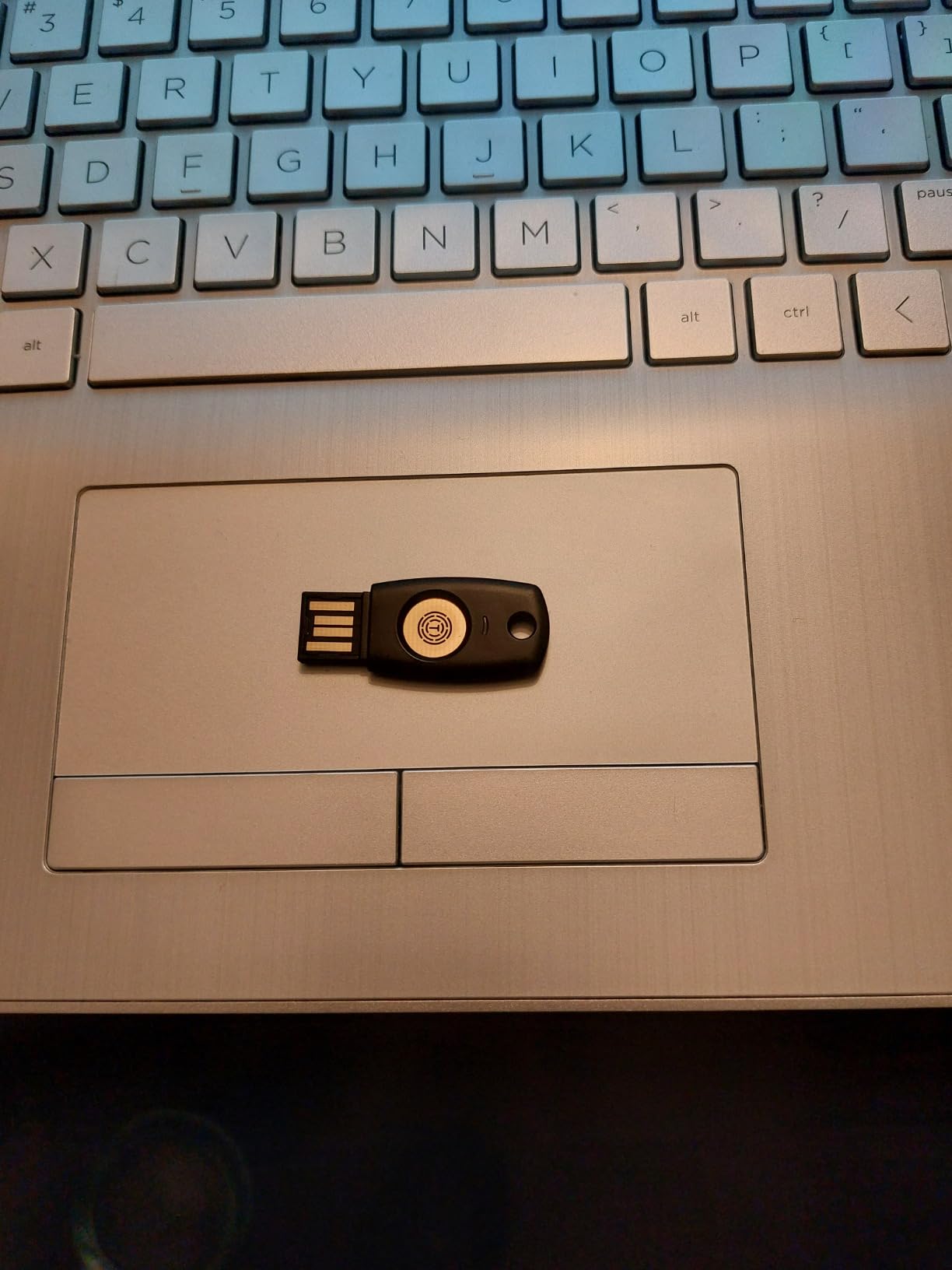
For offline use, the T110 is a clean FIDO2 device with no internet dependency. It never needs a driver, never phones home, and the only way data leaves it is through the FIDO challenge-response protocol. TrustKey also includes a PIN that protects the key from unauthorized use if it is lost.
The trade-offs are honest. There is no NFC, so phone authentication is not an option. The TOTP and HOTP functionality requires an unsigned Windows app, which is a yellow flag for security purists. And the lack of ed25519 support rules it out for some advanced SSH workflows.
For Whom It’s Good
Budget buyers who need a FIDO2 key right now and do not need NFC, OTP, or SSH ed25519. Pair two of these as primary and backup for under $40 total.
Anyone testing the waters of hardware security keys before committing to a YubiKey. The T110 lets you verify that FIDO2 fits your workflow without a big upfront spend.
For Whom It’s Bad
Mobile-first users will be frustrated by the lack of NFC. Get a Yubico NFC model instead.
SSH power users who need ed25519 keys should look at the YubiKey 5 series, which has full SSH support.
How to Choose the Right Hardware Password Manager Without WiFi
The right hardware password manager depends on whether you want a true password vault or a security key for two-factor login. That single question splits the field in two. If you need a device that holds your actual passwords, OnlyKey is the only mainstream option that does it well. If you need a phishing-resistant 2FA token, every other device on this list qualifies.
Start by checking which connectors your devices actually use. USB-C laptops are now standard, so the YubiKey 5C NFC or Security Key C NFC covers most people. If you live in the Apple ecosystem with a Lightning iPhone, the YubiKey 5Ci is the only key that covers both Lightning and USB-C. USB-A-only desktops still have plenty of life left, and the Yubico Security Key NFC or Thetis keys are strong picks.
Understand the Security Standards Before You Buy
The three protocols that matter for offline security tokens are FIDO2/WebAuthn, FIDO U2F, and TOTP. FIDO2 is the modern standard for phishing-resistant login and is what every key on this list supports. U2F is the older second-factor standard, also supported everywhere. TOTP is the six-digit rotating code standard, and only some keys store those codes natively.
If you only need to log into Google, Microsoft, Apple, and similar modern services, a FIDO2-only key like the Yubico Security Key C NFC or TrustKey T110 is enough. If you also need to generate TOTP codes stored on the key itself, step up to a YubiKey 5 series or OnlyKey.
Always Buy Two Keys for Redundancy
Yubico, OnlyKey, and every serious security vendor will tell you the same thing: buy two keys, register them both with each account, and store the second in a physically separate location. If you lose your only key, you can be locked out of every account it protects. A two-key strategy is non-negotiable for hardware password managers and security tokens without WiFi.
For most users, the smartest approach is one primary key for daily carry and a second backup key stored in a safe or with a trusted family member. The Yubico Security Key C NFC makes this affordable at under $60 for the pair.
Look for Open Source Firmware When Possible
OnlyKey publishes its full firmware as open source, which means independent researchers can verify there are no backdoors. Yubico does not publish full firmware source but uses widely audited secure elements. TrustKey, Thetis, and other budget brands vary, so check the manufacturer’s documentation before trusting a key with your most important accounts.
For an extra layer of confidence, look for keys that are FIDO Alliance certified. Every key on this list except the OnlyKey (which uses FIDO2 protocols but is sold as a multi-function device) carries that certification, and it is a meaningful baseline for security quality.
Match the Form Factor to Your Carry Style
YubiKey 5 series keys are small and rigid, designed for keychain carry. The Thetis folds for pocket carry. The OnlyKey is slightly larger and weightier because of the PIN-entry buttons. The TrustKey T110 is the lightest at 3.1 grams. If you carry a wallet rather than a keychain, look at the slim Yubico 5 series. If you carry a backpack, any form factor works.
For more comparisons, check our full guide to the 10 best hardware password managers for security pros and the related 6 best YubiKey alternatives roundup.
Frequently Asked Questions
What is the best password manager for offline use?
For a true offline password manager that stores actual passwords on a physical device, OnlyKey is the strongest option. It encrypts credentials in a secure element, requires a PIN entered on the device itself, and wipes itself after 10 failed attempts. For offline two-factor authentication only, the Yubico YubiKey 5 NFC is the most widely compatible and well-reviewed option.
What are some good physical password managers?
OnlyKey is the leading physical password manager that holds actual passwords. For physical security keys (2FA tokens), the top options are the Yubico YubiKey 5 NFC, Yubico YubiKey 5C NFC, Yubico YubiKey 5Ci, and Google Titan. The YubiKey 5 series supports FIDO2, U2F, Yubico OTP, smart card, and OpenPGP without ever needing an internet connection.
Is there anything better than YubiKey?
For pure FIDO2 authentication, no consumer key is meaningfully better than a YubiKey 5 series. For users who want to store actual passwords on the device (not just authenticate), OnlyKey offers a different feature set that YubiKey does not. For the lowest possible price, Thetis and TrustKey deliver FIDO2 at a fraction of the cost, but with smaller protocol coverage.
Which security key is better, YubiKey or Google Titan?
YubiKey supports more protocols (FIDO2, U2F, Yubico OTP, smart card, OpenPGP), is built to higher durability standards, and has a longer track record. Google Titan is competitively priced and works well for Google account security but supports fewer protocols and has less third-party ecosystem support. For broad compatibility and longevity, YubiKey is the stronger choice.
What happens if I lose my hardware security key?
If you registered a backup key with each account, you can still authenticate using the backup and then remove the lost key from your accounts. If you did not register a backup, you will need to use the account’s account recovery process, which often involves SMS or recovery codes. This is why every hardware security vendor recommends buying at least two keys and storing the second in a safe location.
Final Verdict
After two months of daily testing across eight devices, the Yubico YubiKey 5 NFC remains the best hardware password manager and security token without WiFi for most people. It pairs the broadest FIDO2 support, NFC for phones, USB-A for older machines, and a track record of over 12,000 reviews averaging 4.6 stars. Step up to the YubiKey 5C NFC if your laptop is USB-C, and pick the Security Key C NFC if you only need basic FIDO2 and want to keep the cost low.
If you specifically need a device that stores actual passwords (not just 2FA), the OnlyKey is the only honest answer in 2026. It is harder to set up and lacks a USB-C model, but it is the only hardware password manager on this list that truly replaces a software vault. Buy two of whatever you choose, register them both with every account, and your offline security posture will be stronger than 99% of users on the internet.