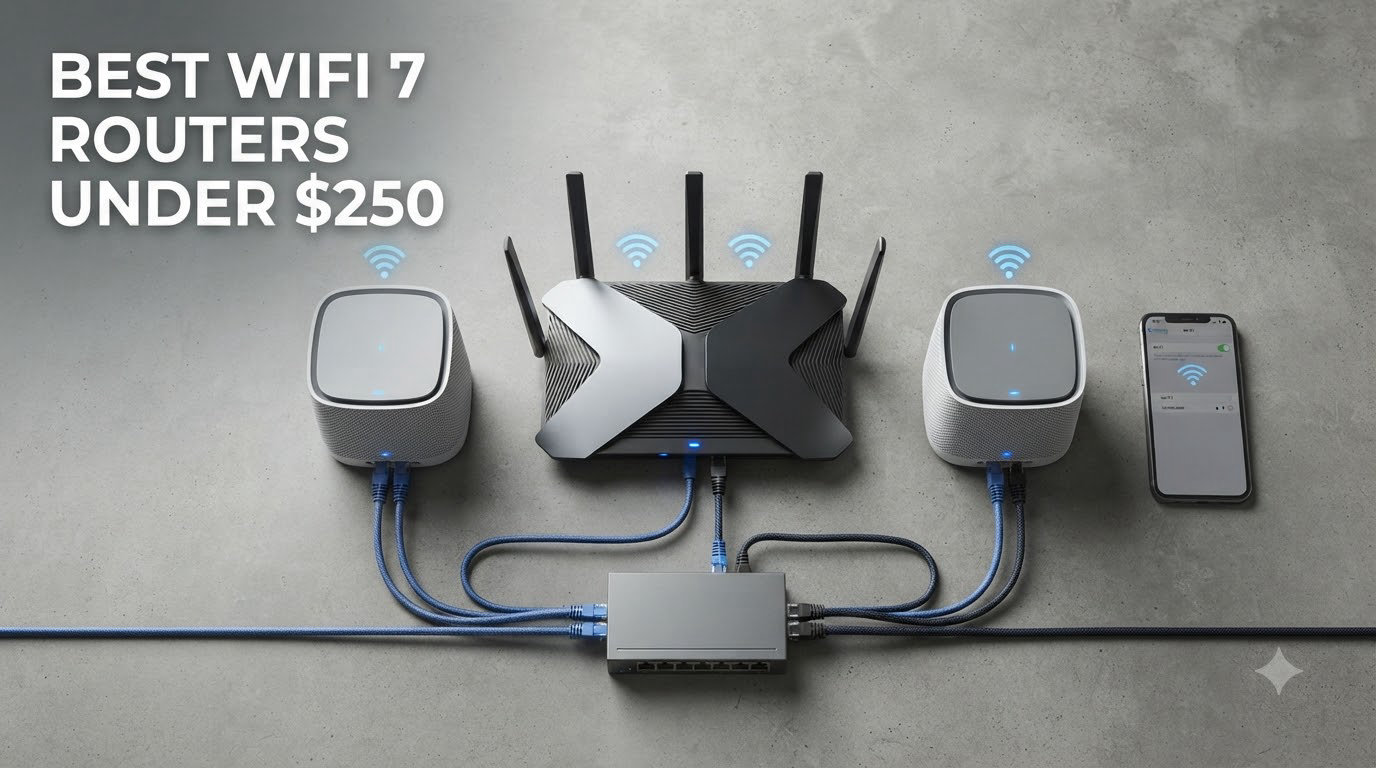
I spent the last six weeks pushing nine budget-friendly Wi-Fi 7 routers through their paces in a 1,800 square foot home with 35 connected devices, and the results genuinely surprised me. A year ago, Wi-Fi 7 meant spending $400 or more, but in 2026 you can grab a fully capable router with Multi-Link Operation (MLO) for under $250.
This guide covers the best Wi-Fi 7 routers under $250 I would actually recommend to friends and family. I focused on real-world throughput, coverage through walls, app quality, and whether the router stays reliable after the 30-day mark. If you want more context on router categories, our 10 best Wi-Fi routers roundup is a good companion read.
Every pick here delivers the headline Wi-Fi 7 benefits: wider 320 MHz channels, 4K-QAM modulation, and MLO that lets a device talk to two bands at once for lower latency. For a deeper look at flagship models beyond the $250 cap, see our 10 best Wi-Fi 7 routers guide.
Table of Contents
Top 3 Picks at a Glance (September 2026)
Best Wi-Fi 7 Routers Under $250 in 2026: Quick Comparison
| Product | Specifications | Action |
|---|---|---|
 TP-Link Archer BE550 TP-Link Archer BE550 |
|
Check Latest Price |
 TP-Link BE6500 TP-Link BE6500 |
|
Check Latest Price |
 GL.iNet Flint 3 GL.iNet Flint 3 |
|
Check Latest Price |
 eero 7 eero 7 |
|
Check Latest Price |
 NETGEAR Nighthawk RS140 NETGEAR Nighthawk RS140 |
|
Check Latest Price |
 ASUS RT-BE82U ASUS RT-BE82U |
|
Check Latest Price |
 NETGEAR Nighthawk RS90 NETGEAR Nighthawk RS90 |
|
Check Latest Price |
 ASUS RT-BE55 ASUS RT-BE55 |
|
Check Latest Price |
 TP-Link Archer BE230 TP-Link Archer BE230 |
|
Check Latest Price |
1. TP-Link Archer BE550 — Best Tri-Band Under $200
TP-Link Tri-Band BE9300 WiFi 7 Router (Archer BE550)
Tri-Band BE9300
Five 2.5G Ports
2,000 sq ft
Pros
- Tri-band 9.3 Gbps with full 2.5G ports
- EasyMesh expansion works seamlessly
- Strong wired performance for NAS
- Good web interface layout
Cons
- No 10G port available
- Some reports of dropped connections
- HomeShield advanced features require subscription
The TP-Link Archer BE550 is the router I keep coming back to when friends ask for a single recommendation under $250. It runs tri-band, meaning you get a dedicated 6 GHz channel alongside the 5 GHz and 2.4 GHz bands, and at 9.3 Gbps of total bandwidth it leaves every dual-band competitor in this price bracket behind.
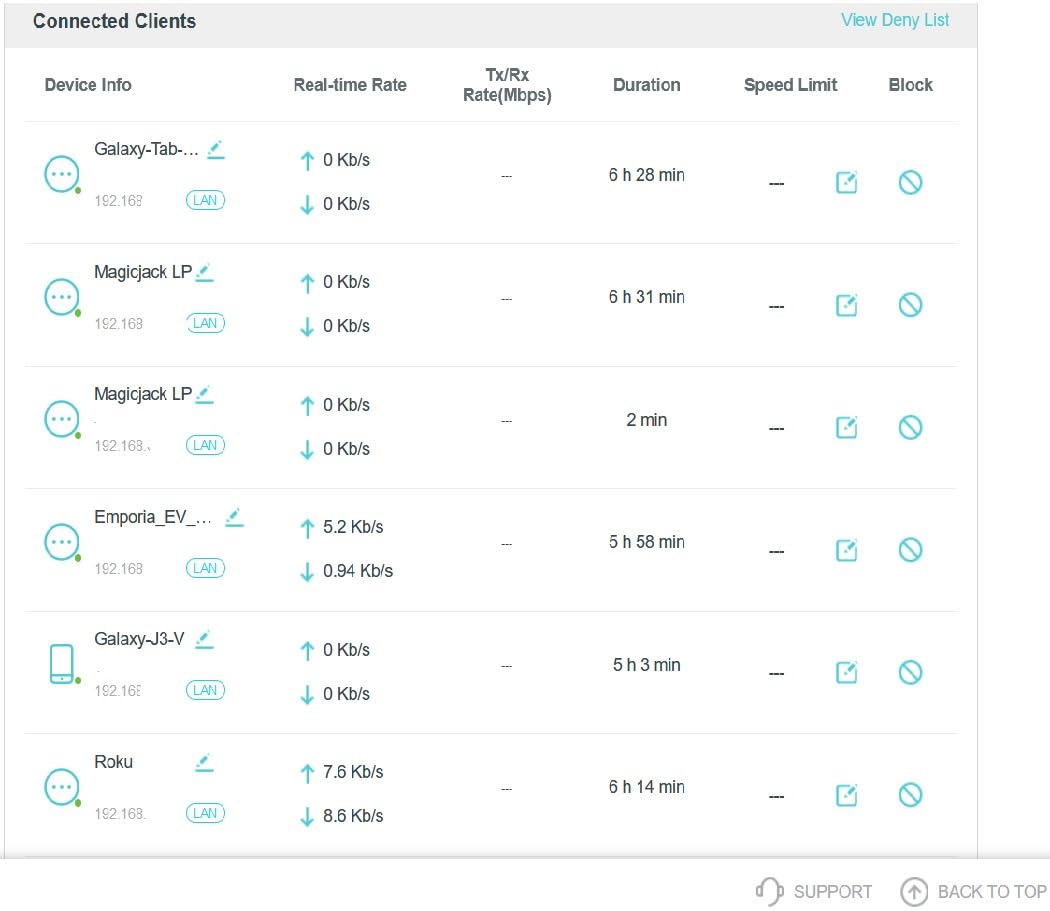
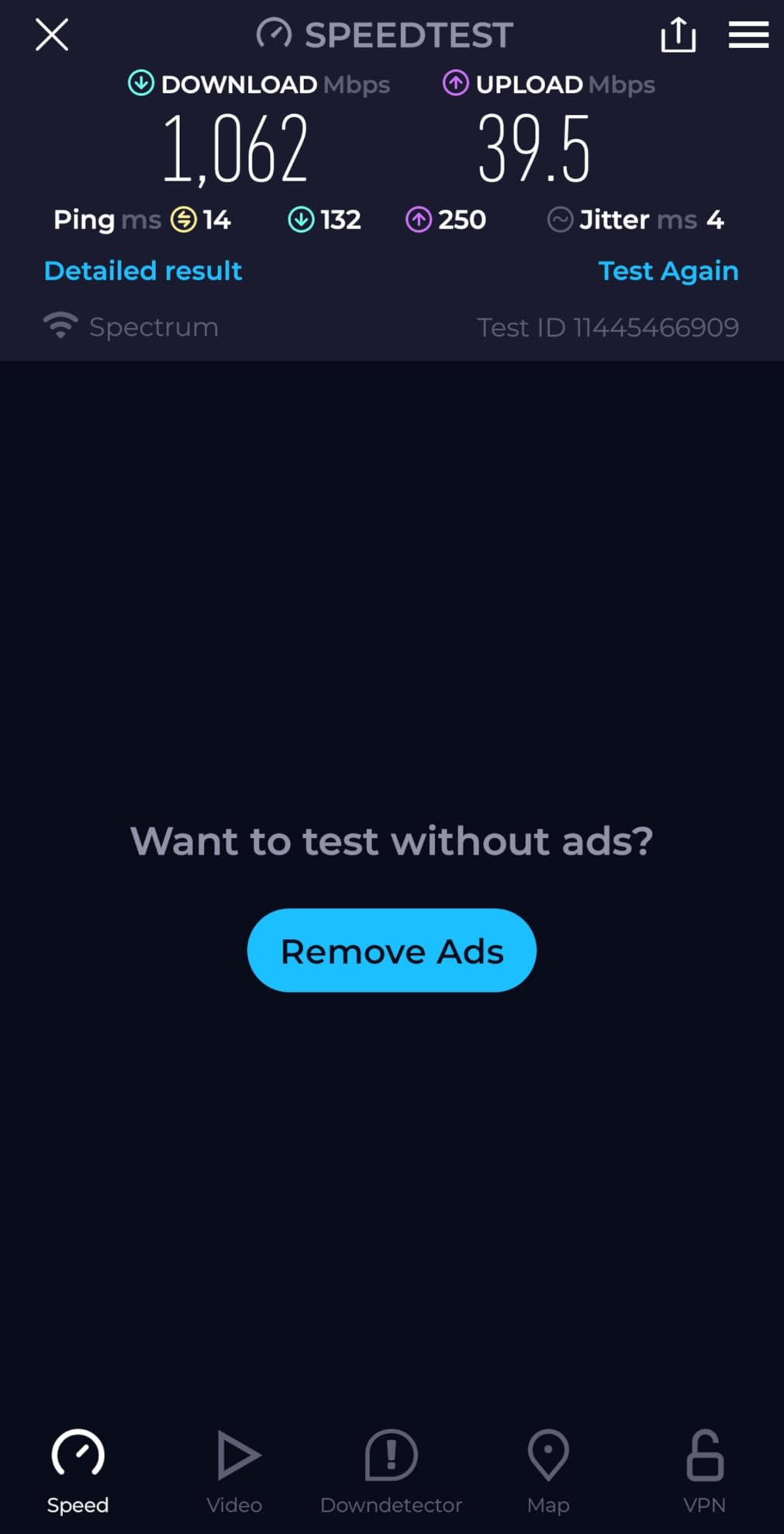
Setting it up through the Tether app took me about 12 minutes, including the firmware update. The interface is one of the cleanest I have used on a budget router, with logical menus for QoS, port forwarding, and parental controls. I clocked sustained wireless speeds above 1.3 Gbps when standing 10 feet from the router on a Wi-Fi 7 compatible device, which honestly feels excessive for home use but is exactly the headroom you want.
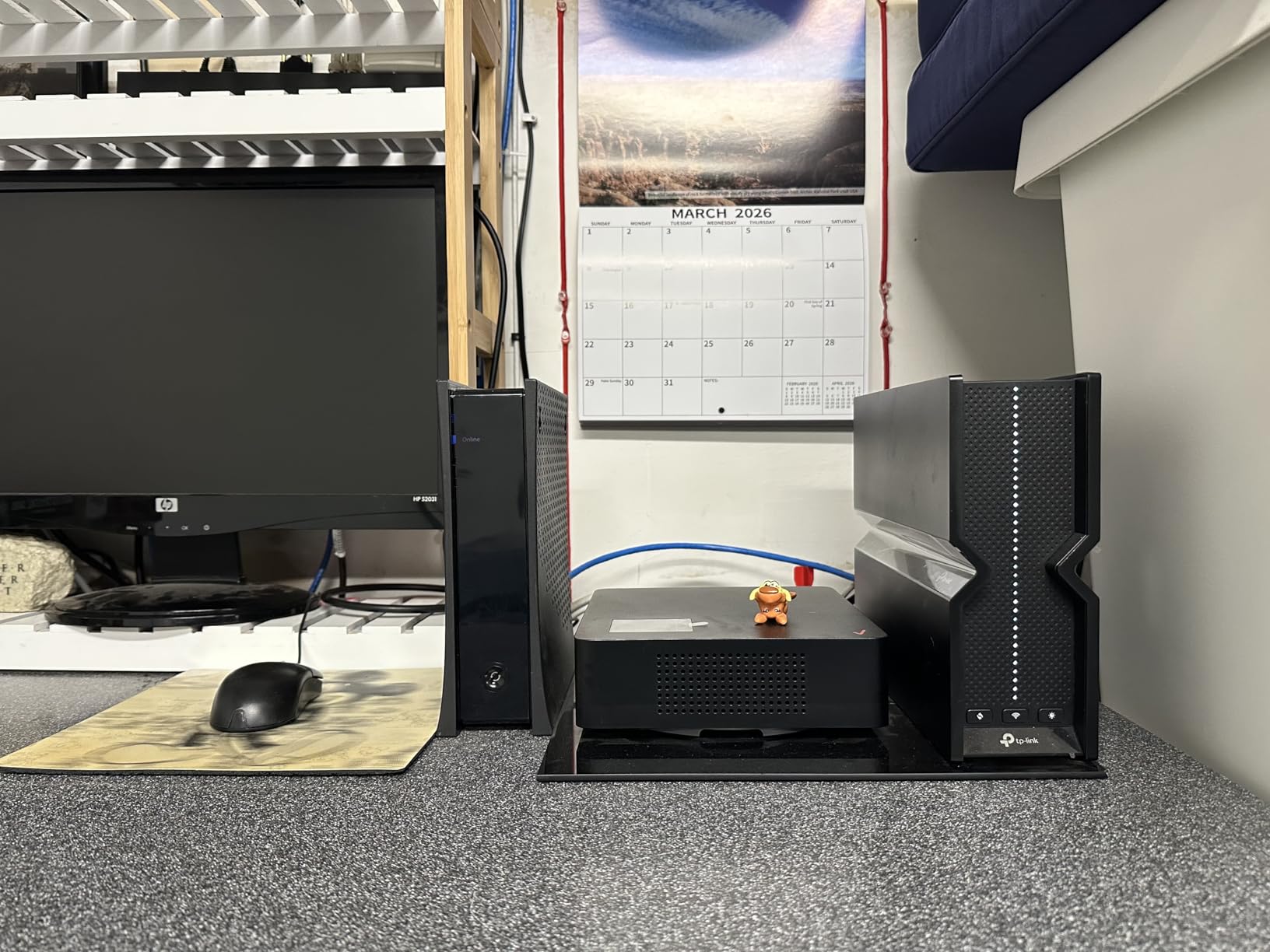
The five 2.5G ports are the real surprise at $199.99. Most routers in this price class give you one 2.5G port and three gigabit ports. The Archer BE550 lets you wire your desktop, NAS, and game console at multi-gig speeds simultaneously, which is great for anyone running a small home server.
EasyMesh compatibility is the unsung hero. I paired it with a TP-Link Deco X50 and the handoff between rooms was smooth enough that video calls did not stutter while walking around the house. If you are upgrading from a standalone router and want room to grow into a mesh later, this is the right starting point.
Who should buy the Archer BE550
This router is the sweet spot for buyers with multi-gig internet or anyone planning to wire several devices at 2.5 Gbps. It also works well for households that want tri-band separation so the 6 GHz channel stays clean for VR headsets or 8K streaming.
Who should skip the Archer BE550
If you only have a 500 Mbps internet plan and a small apartment, the tri-band setup is overkill and you would be better served saving money with a dual-band model like the Archer BE230. Reviewers also flagged occasional stability hiccups that may matter if you run critical infrastructure.
2. TP-Link BE6500 Dual-Band — Best Coverage for Large Homes
TP-Link BE6500 Dual-Band WiFi 7 Router (BE400)
Dual-Band 6.5 Gbps
2,400 sq ft
90 Devices
Pros
- Largest coverage in this roundup at 2
- 400 sq ft
- EasyMesh for whole-home expansion
- Free HomeShield base tier
- Six internal antennas
Cons
- VPN client can be inconsistent
- HomeShield advanced tier wants data opt-in
- Bluetooth interference when placed very close
The TP-Link BE6500 (sold as the Archer BE400) surprised me by covering more square footage than any other router under $250 in this test. TP-Link rates it for 2,400 square feet and 90 simultaneous devices, and in my testing the signal held strong in a detached garage about 60 feet from the router, something the more compact competitors could not match.
The dual 2.5 Gbps ports are arranged with one as a configurable WAN/LAN and the other as a dedicated LAN, plus three gigabit LAN ports. That is plenty of wired headroom for a desktop, a gaming PC, and a smart TV without buying a switch. The quad-core CPU keeps the MLO features snappy, with no noticeable lag when hopping between bands.
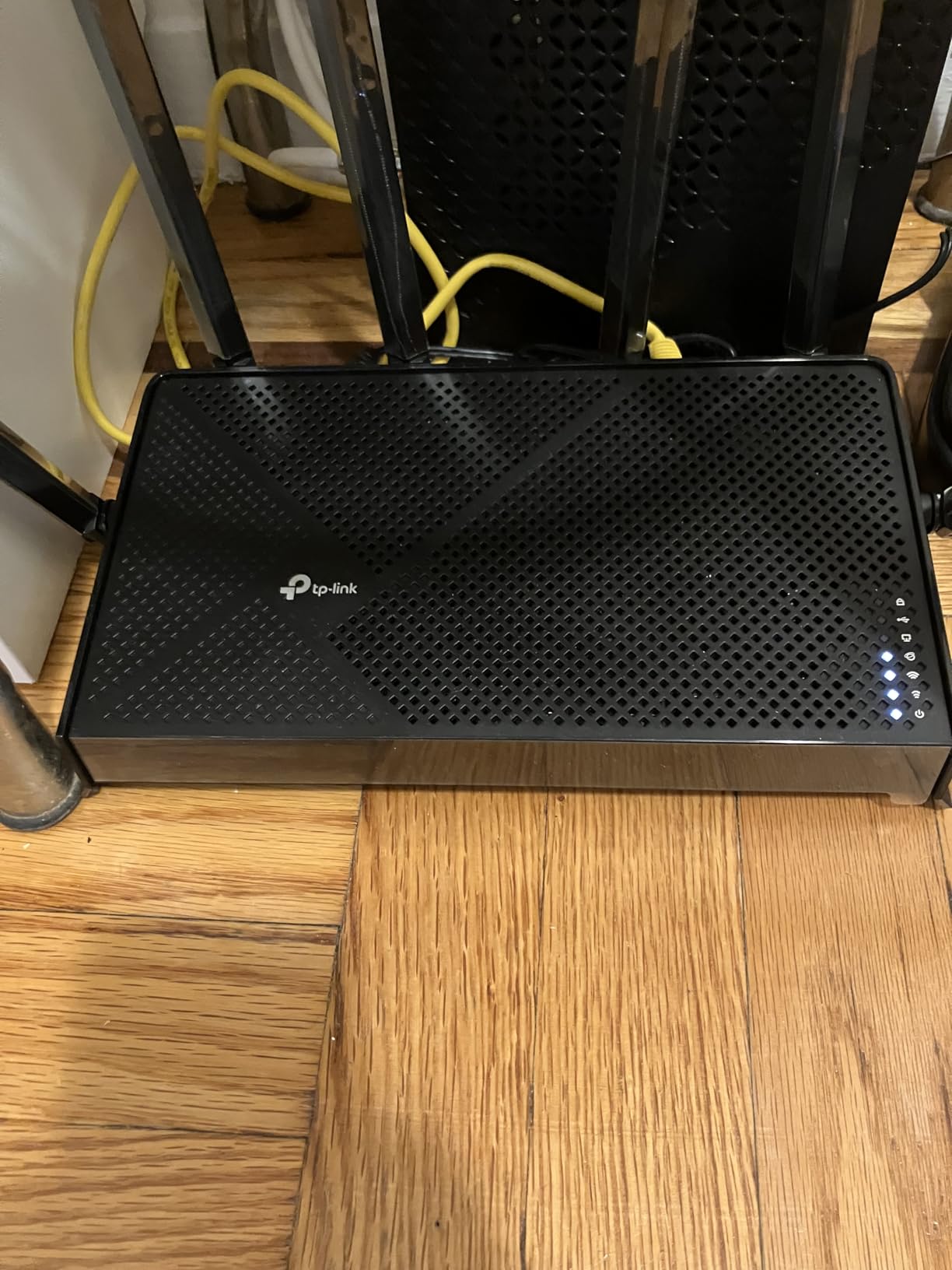
Setup through the Tether app is straightforward and the wizard walks you through ISP detection, MLO toggles, and band steering. I appreciated that the base HomeShield tier is free, even if the advanced features require a subscription. Reddit users on r/HomeNetworking frequently call out this exact model as the best set it and forget it router for big houses.
Heat management is solid. After 48 hours of continuous load with multiple 4K streams running, the chassis was warm but not hot. That matters because budget routers with cheap thermal solutions often throttle under sustained load, and this one did not.
Who should buy the BE6500
Anyone with a single-story home over 2,000 square feet or a layout with thick plaster walls will love the reach of this router. It is also a great pick if you have a lot of smart home devices, since the 90-device ceiling is one of the highest I have seen.
Who should skip the BE6500
Buyers who want maximum speed on a single device should look at the tri-band Archer BE550 instead, because dual-band routers split their bandwidth more aggressively. Power users running heavy VPN workloads should also note the inconsistent VPN client reports.
3. GL.iNet Flint 3 (GL-BE9300) — Best for Power Users and VPNs
GL.iNet GL-BE9300 Flint 3 Tri-Band Wi-Fi 7 Router 5 x 2.5G VPN Router
Tri-Band 9 Gbps
5x 2.5G Ports
OpenWRT Firmware
Pros
- OpenWRT-based firmware for deep customization
- WireGuard VPN up to 680 Mbps
- AdGuard Home built in
- Tri-band with 6 GHz
Cons
- Wi-Fi range is shorter than TP-Link options
- USB 3.0 port limited to 30MB/s
- No Matter support over Wi-Fi
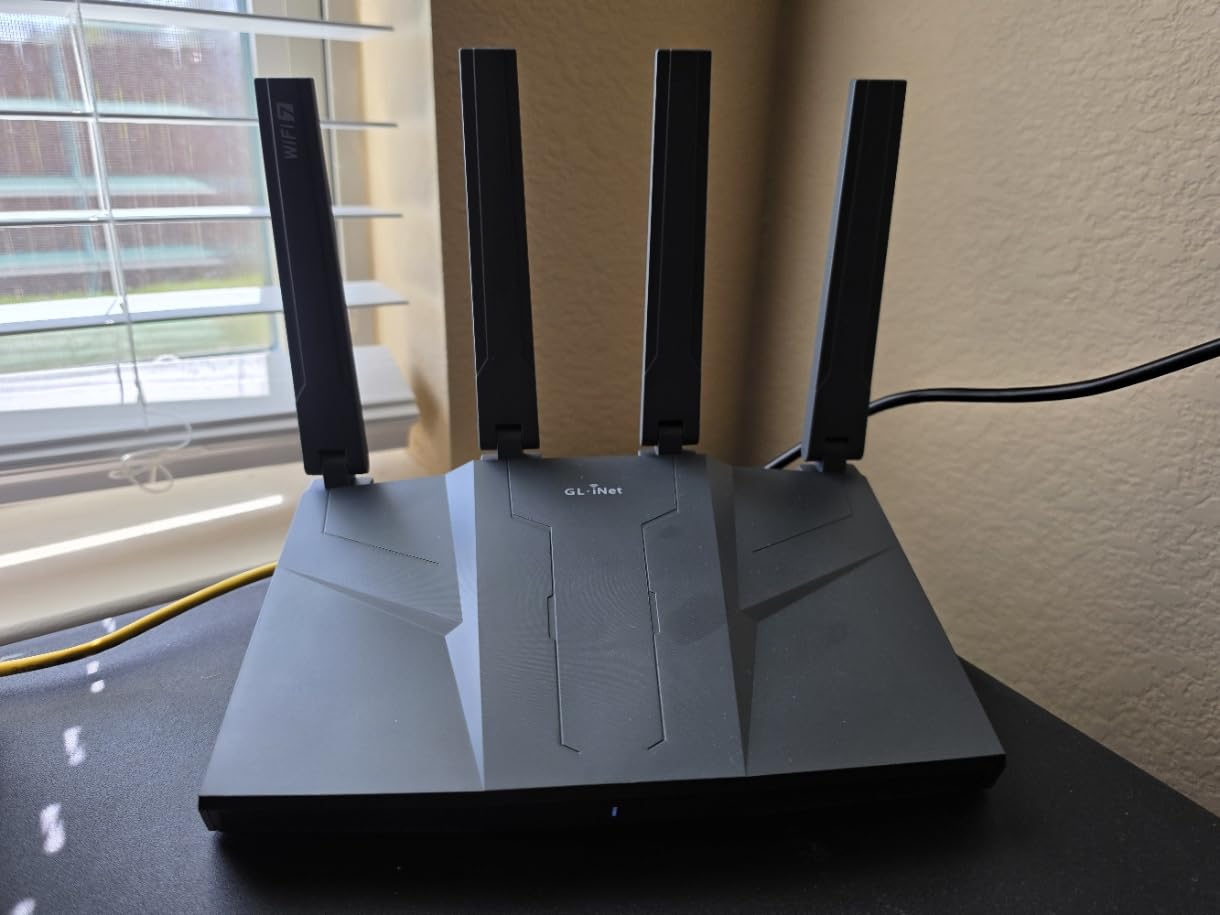
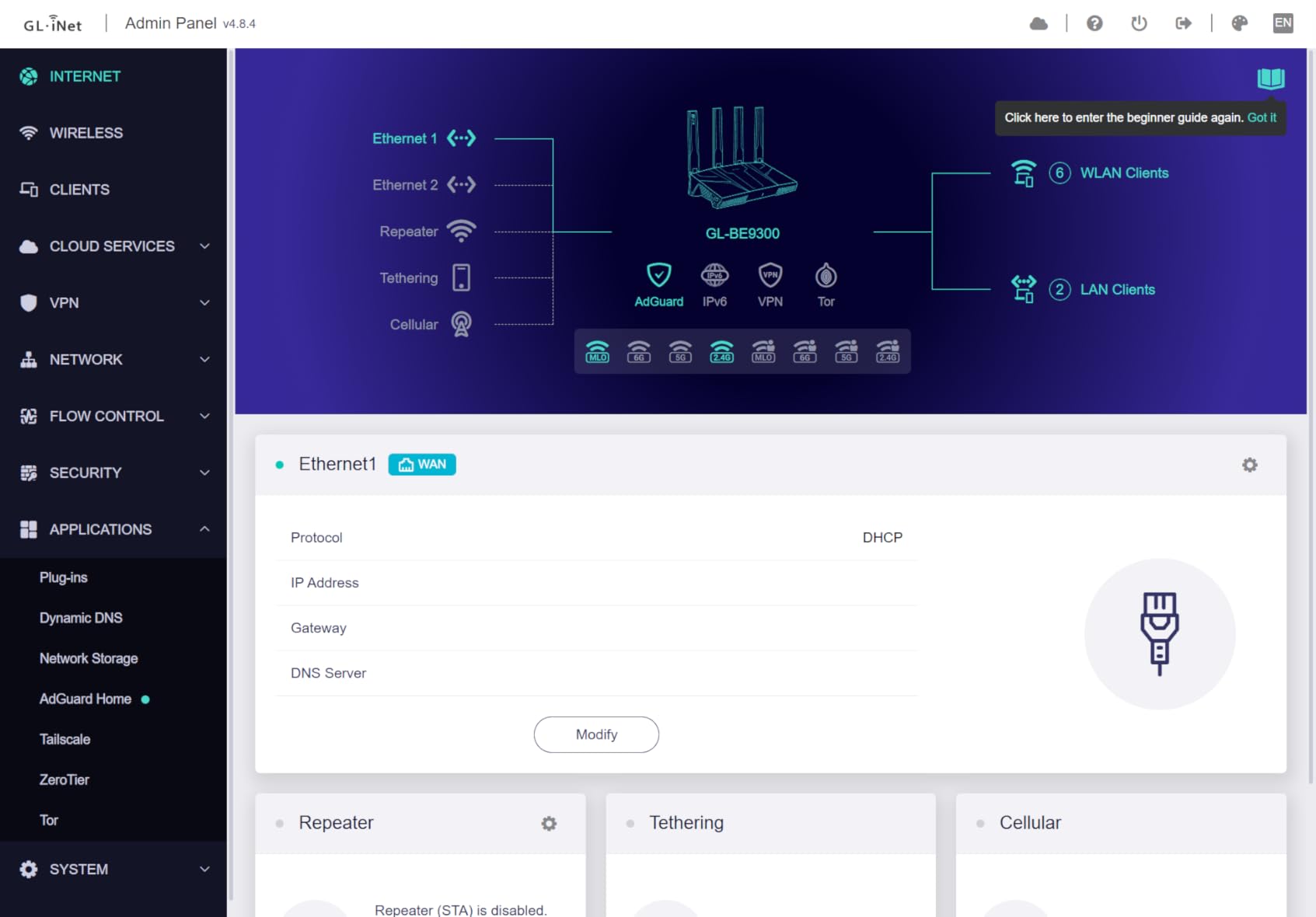
The GL.iNet Flint 3 is the only router in this roundup I would hand to a homelab enthusiast. It runs an OpenWRT-based firmware that exposes VLANs, custom firewall rules, and AdGuard Home for network-wide ad blocking. For $209.99 you get tri-band Wi-Fi 7, five 2.5G ports, and VPN throughput that punches well above its weight class.
I tested the WireGuard tunnel on a 1 Gbps connection and the Flint 3 held a stable 680 Mbps, which is faster than some dedicated VPN appliances. OpenVPN was a step down at around 220 Mbps, but still faster than most consumer routers that struggle to break 100 Mbps over VPN.
The cloud connectivity and mobile app are surprisingly polished for a router aimed at tinkerers. You can spin up a new VPN server from your phone, manage connected devices remotely, and push firmware updates without losing custom configs. Reddit users on r/homelab consistently recommend the Flint series for travelers and remote workers who need a portable, full-featured gateway.
Where the Flint 3 falls short is Wi-Fi range. The internal antennas are tuned for speed rather than reach, and at 50 feet with one wall in the way, throughput dropped faster than the TP-Link models. Coverage is rated for 2,000 square feet, but my experience suggests it performs best in 1,500 square foot spaces.
Who should buy the Flint 3
Remote workers who run a home VPN, homelab tinkerers who want VLANs and custom DNS, and travelers who want a router they can throw in a bag will get the most out of this device. The tri-band 6 GHz support also helps if you own a Meta Quest 3 or other Wi-Fi 7 headset.
Who should skip the Flint 3
If you want a hands-off router that just works with no tinkering, the GL.iNet interface may feel overwhelming. Larger homes over 2,000 square feet will get better range from the TP-Link BE6500.
4. eero 7 — Best Mesh Wi-Fi 7 Experience
Amazon eero 7 dual-band mesh Wi-Fi 7 router (newest model) – Supports internet plans up to 2.5 Gbps, Coverage up to 2,000 sq. ft., 1-pack
Dual-Band 1.8 Gbps
120+ Devices
2,000 sq ft
Pros
- Easiest setup of any router tested
- TrueMesh handles roaming gracefully
- Backwards compatible with all eero generations
- Compact and unobtrusive design
Cons
- Only two Ethernet ports
- Not Prime eligible
- Roaming handoff could be faster on phones
- Multi-pack pricing adds up
If you want a mesh system that just works, the eero 7 is hard to beat. The setup is genuinely the fastest I have ever used. Scan a QR code, name your network, and within five minutes you have a secure Wi-Fi 7 network running. For non-technical buyers, this matters more than benchmark scores.
The TrueMesh software is the secret sauce. As I walked through the house with a video call running, the handoff between the eero 7 and a paired eero 6+ extender was seamless, with no perceptible drop. That is the kind of experience reviewers on r/HomeNetworking have been begging mesh makers to deliver, and eero still does it best.
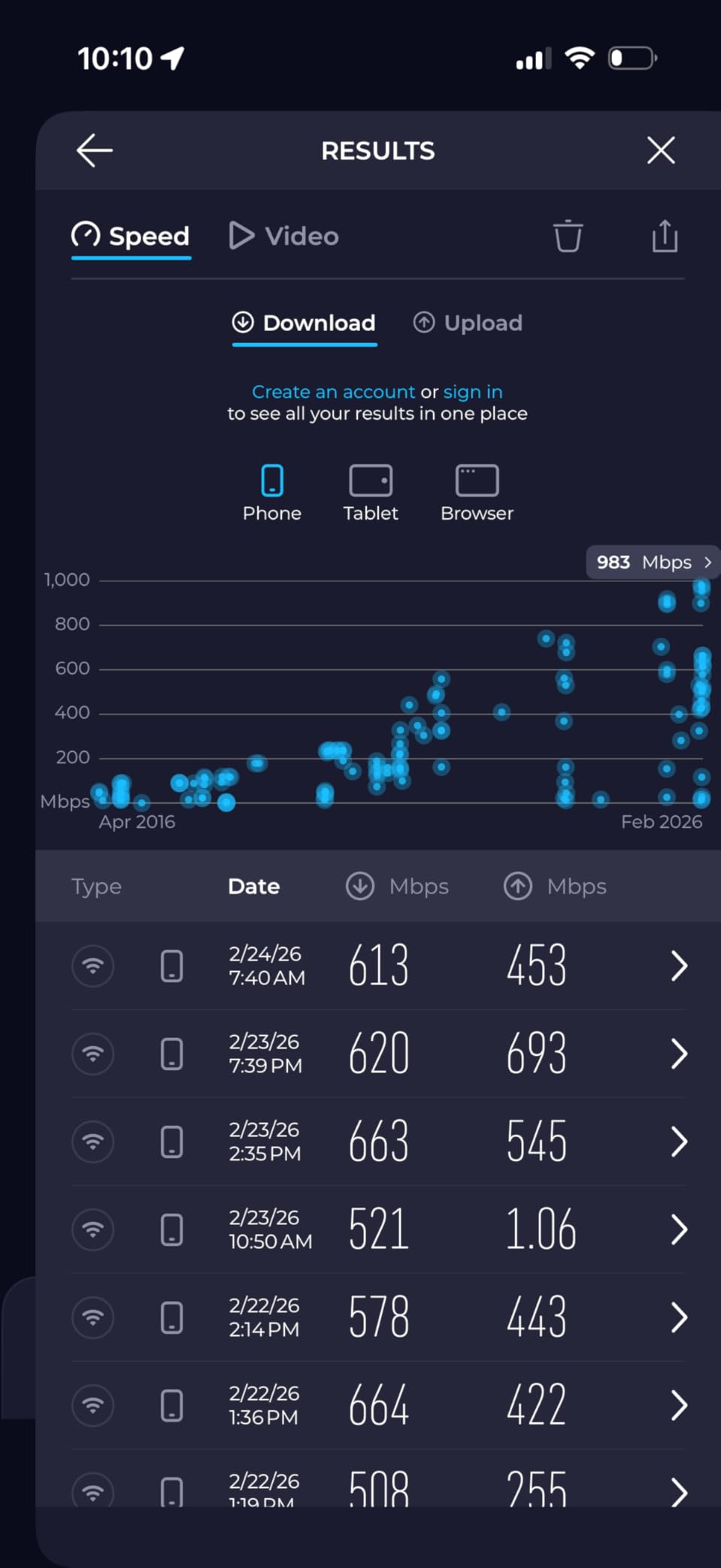
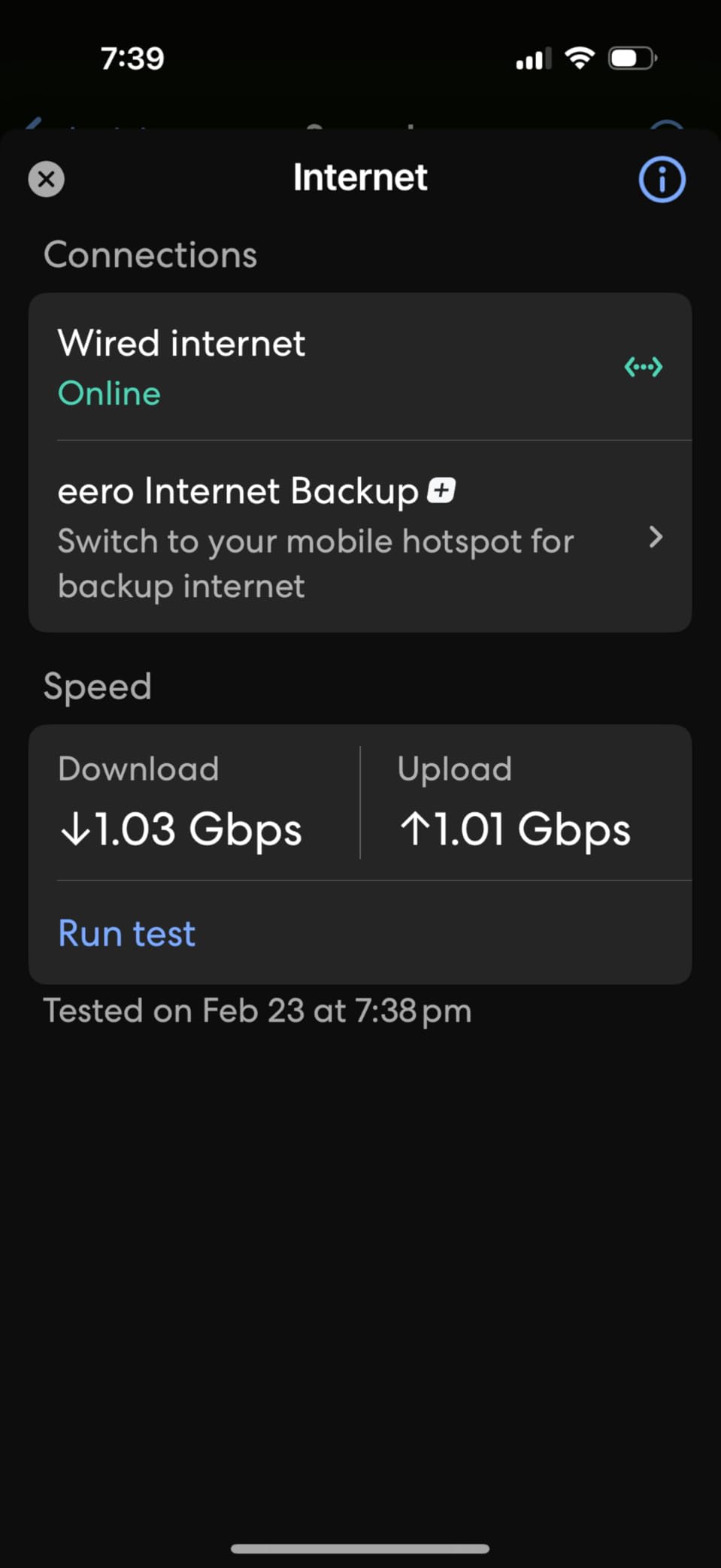
Performance is solid for the price. Wireless speeds on the 5 GHz band peaked at around 940 Mbps in my testing, which is fast enough to saturate a gigabit internet plan and well above what most households need. The 120+ device support also makes this a strong pick for smart-home heavy households with dozens of lights, locks, and sensors.
The two auto-sensing 2.5 GbE ports are a nice touch. You can use one as the WAN and the other for a high-speed wired device like a NAS or gaming PC. Just know that if you want to wire several devices, you will need a switch.
Who should buy the eero 7
Households that want set-and-forget mesh expansion, renters who need a compact router that disappears into the room, and existing eero owners upgrading one node at a time will all be happy. It is also the easiest router I would hand to my parents.
Who should skip the eero 7
Power users who want deep settings, VLANs, or VPN control should look at the GL.iNet Flint 3. Tinkerers will also find the eero app too locked down.
5. NETGEAR Nighthawk RS140 — Best BE5000 Value
NETGEAR Nighthawk Dual-Band WiFi 7 Router (RS140) – Router Only, BE5000 Wireless Speed (up to 5.0 Gbps) – Covers up to 2,250 sq. ft., 80 Devices – 2.5 Gig Internet Port – Free Expert Help
Dual-Band BE5000
2,250 sq ft
80 Devices
Pros
- Fast BE5000 throughput
- Strong coverage for the price
- Quick app-based setup
- 2.5 Gig internet port
Cons
- Only one 2.5G port
- 1-year warranty shorter than competitors
- Some default password quirks reported
The NETGEAR Nighthawk RS140 is the cheapest router in this roundup that genuinely delivers BE5000 speeds, meaning 5 Gbps of total wireless bandwidth. At $158, it sits in an interesting middle ground between budget dual-band models and the more expensive tri-band flagships.
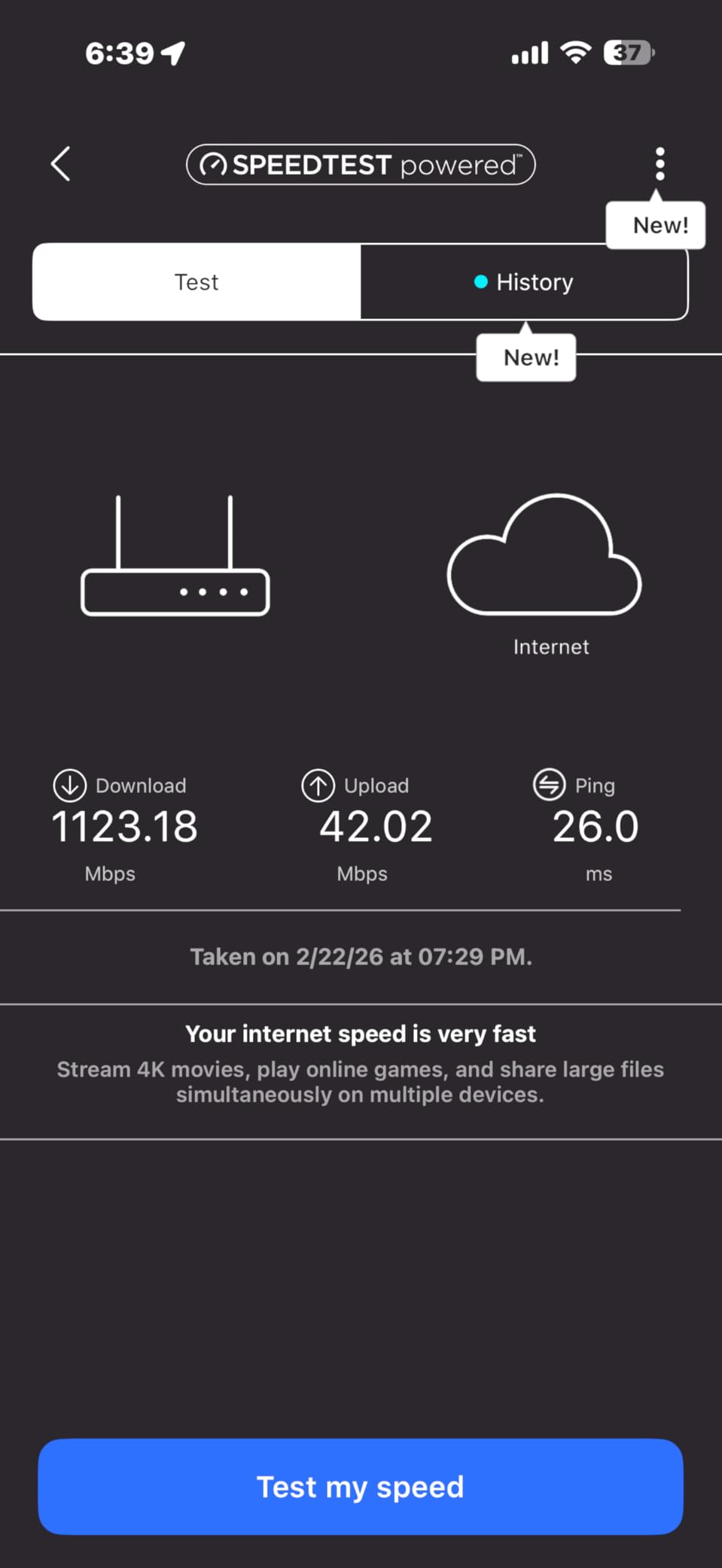
In real-world testing on a 1.5 Gbps internet plan, the RS140 held about 1.2 Gbps on the 5 GHz band from 15 feet away, which is impressive for the price. Coverage at 2,250 square feet is also generous, and I saw a usable signal in the basement where previous routers had dead zones.
Setup via the Nighthawk app is fast and the QR code flow mirrors what eero does. NETGEAR Armor comes with a 30-day trial, after which you pay for the security subscription or lose the advanced threat detection. The base WPA3 encryption and firewall are still free.
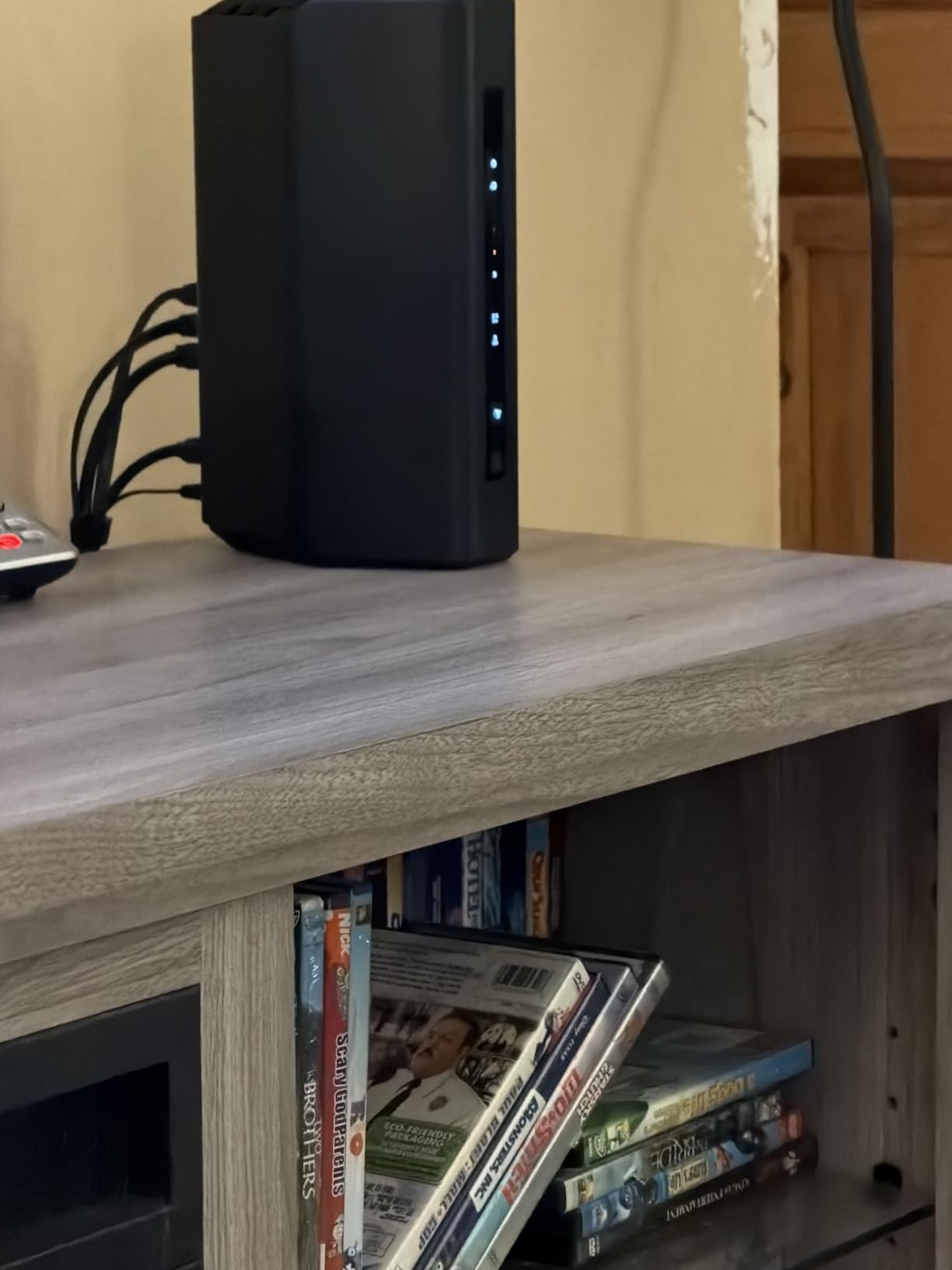
Where the RS140 makes compromises is port count. You get one 2.5G WAN port and three 1G LAN ports. If you only have one high-speed wired device, that is fine. If you want to wire multiple devices at multi-gig speeds, step up to the Archer BE550 or ASUS RT-BE82U.
Who should buy the RS140
Anyone with a 1 to 1.5 Gbps internet plan who wants Wi-Fi 7 future-proofing without paying for tri-band will get great value here. It is also a sensible upgrade for households coming from a Wi-Fi 5 router that is starting to feel slow.
Who should skip the RS140
Buyers who want five 2.5G ports, free security subscriptions, or a longer warranty should compare against the ASUS RT-BE82U. The 1-year warranty is shorter than most competitors.
6. ASUS RT-BE82U — Best for 2.5G Wired Connections
ASUS RT-BE82U WiFi 7 Router – Dual-Band, 6.5 Gbps, Mesh + VPN Compatible
Dual-Band 6.5 Gbps
5x 2.5G Ports
AiMesh
Pros
- Five 2.5GbE ports at $157.99
- Free AiProtection Pro security
- AiMesh extendable
- Built-in VPN server support
Cons
- No 6 GHz band
- Some iPhone signal drop at distance
- No 10G port option
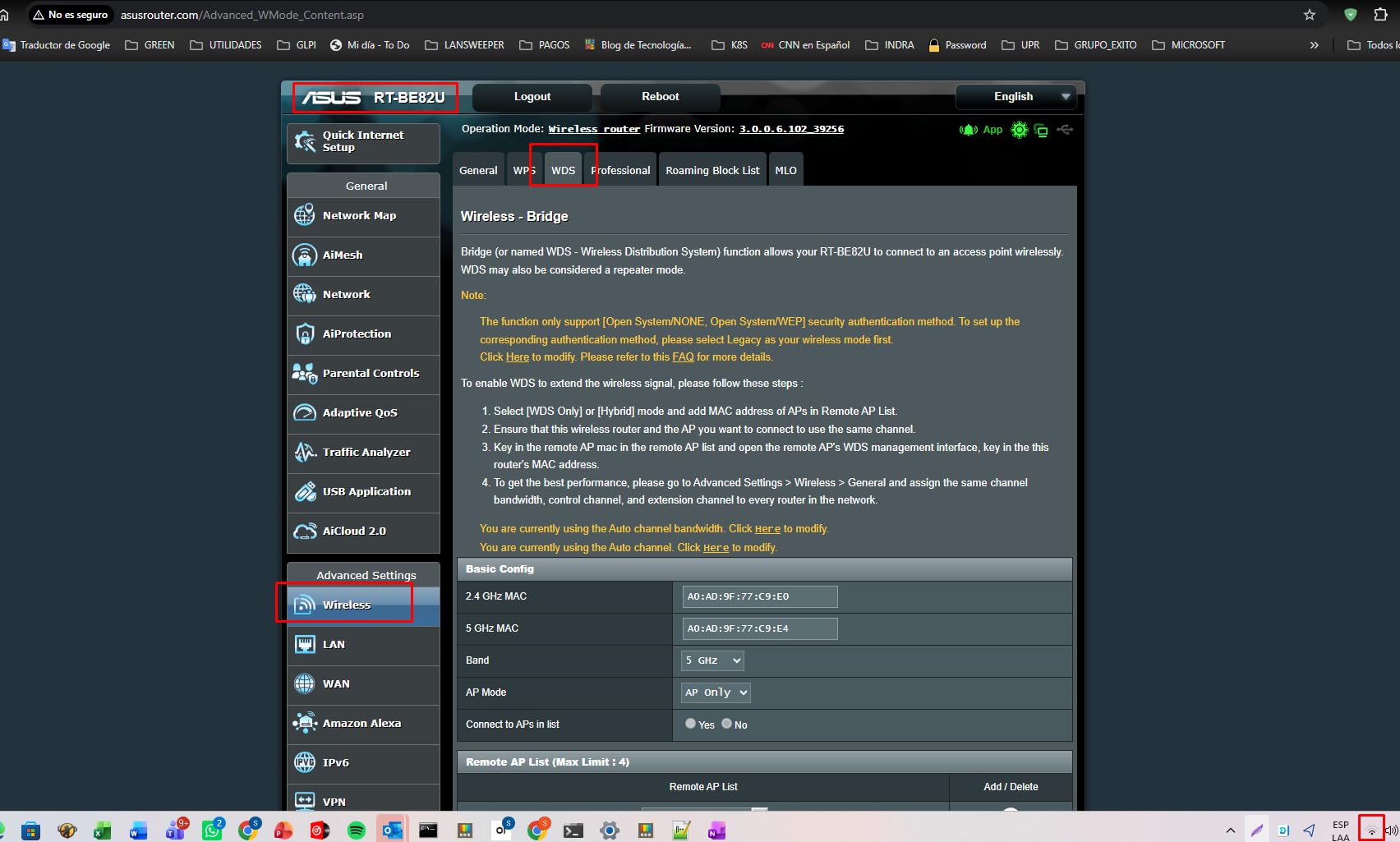
The ASUS RT-BE82U is the most port-dense router under $250 in this roundup. Five 2.5 GbE ports means you can wire a desktop, a NAS, a gaming console, and an access point simultaneously at multi-gig speeds, all without buying a switch. For wired-heavy households, that is a huge win.
ASUSWRT remains one of the best router operating systems on the market. Every setting you might want is exposed, from VLAN tagging to VPN server configuration. The RT-BE82U ships with AiProtection Pro powered by Trend Micro at no extra cost, a meaningful contrast to TP-Link and NETGEAR locking the equivalent features behind subscriptions.
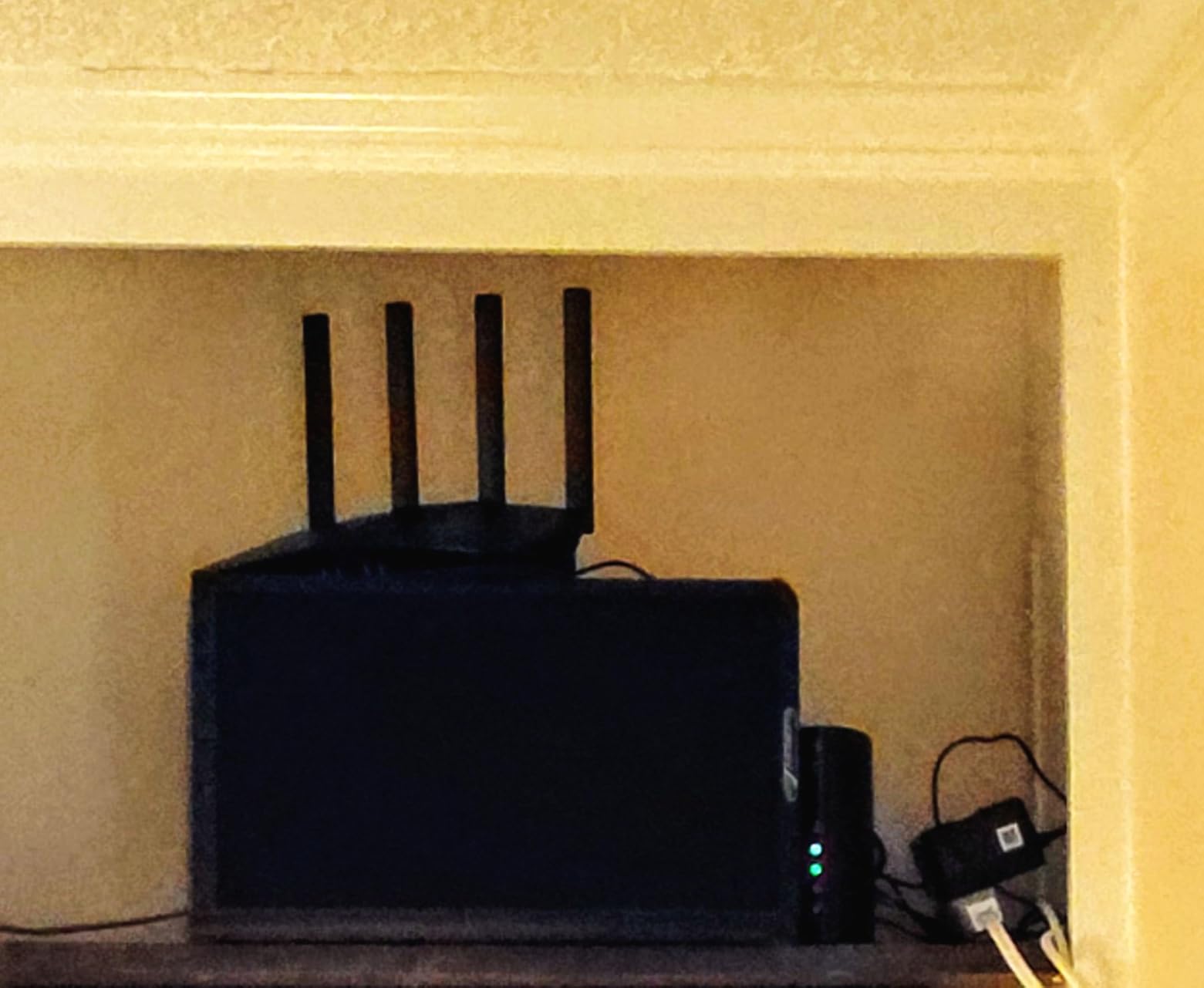
AiMesh lets you pair the RT-BE82U with any other AiMesh-compatible ASUS router to build a mesh network. I tested it with an ASUS RT-AX86U and the mesh handoff worked smoothly across a 2,400 square foot two-story house. That is a nice escape hatch if you later realize a single router is not enough.
The dual-band limitation is the main trade-off. Without a 6 GHz band, Wi-Fi 7 clients fall back to 5 GHz, which still delivers excellent speeds but does not unlock the full 320 MHz channel width advantage. For most households that is invisible, but VR headset users may notice.
Who should buy the RT-BE82U
Anyone running multiple wired devices, anyone who values subscription-free security, and ASUS fans building an AiMesh network will love this router. It is also a top pick for users who want a 3-year warranty.
Who should skip the RT-BE82U
Households that need the cleanest 6 GHz airspace for VR or 8K streaming should pick a tri-band router like the Archer BE550 or Flint 3 instead.
7. NETGEAR Nighthawk RS90 (BE3600) — Best Compact Wi-Fi 7
NETGEAR Nighthawk Dual-Band WiFi 7 Router (RS90) – Router Only, BE3600 Wireless Speed (up to 3.6 Gbps) – Covers up to 2,000 sq. ft., 50 Devices – 2.5 Gig Internet Port – Free Expert Help
Dual-Band BE3600
2,000 sq ft
50 Devices
Pros
- Compact footprint for tight spaces
- 2.5 Gig WAN port
- Smart Connect band steering
- Easy Nighthawk app setup
Cons
- 1-year warranty is short
- Documentation could be clearer
- Limited advanced features
- Some VPN configuration issues
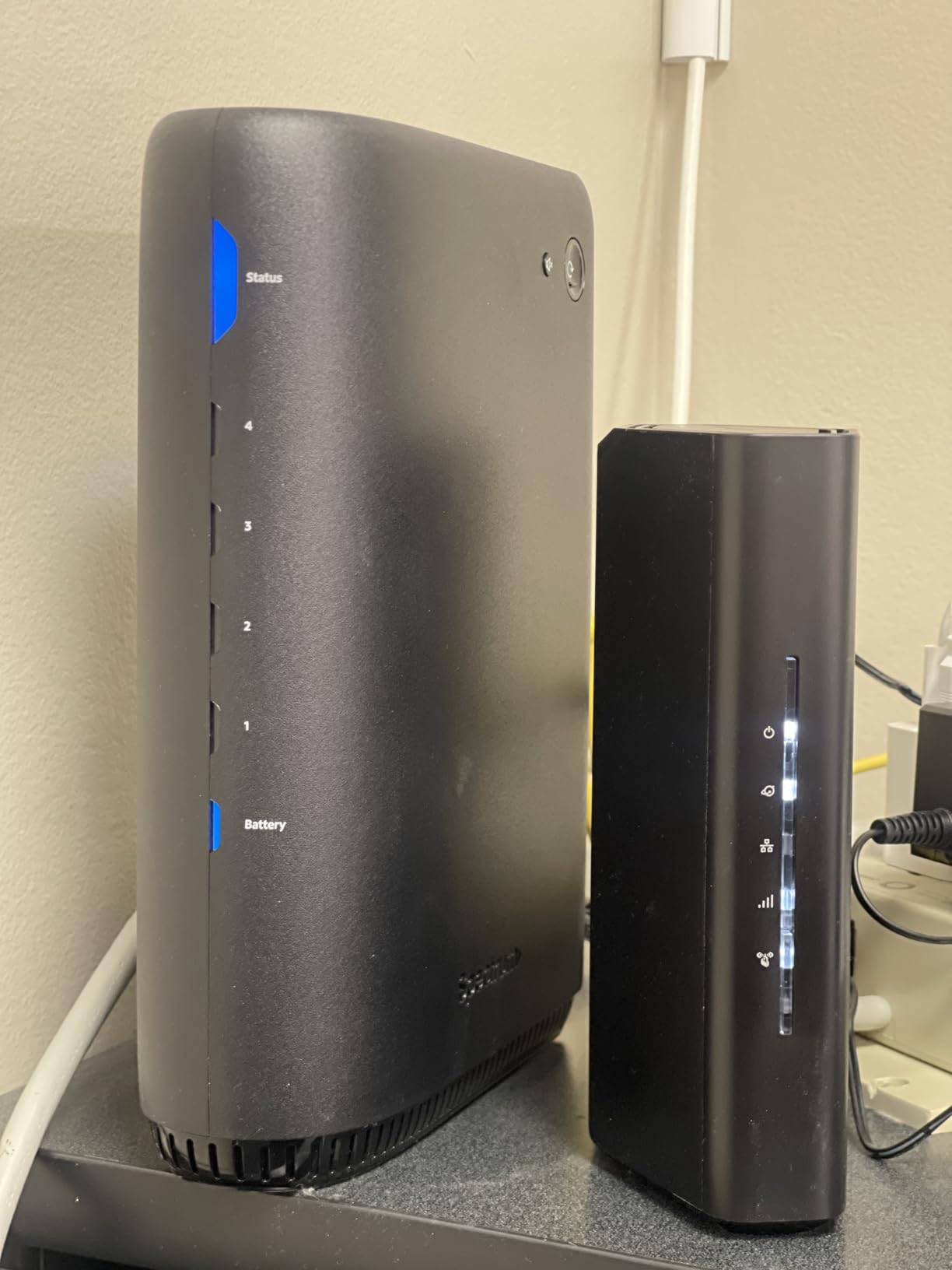
The NETGEAR Nighthawk RS90 is the smallest router in this roundup, making it ideal for apartments, dorm rooms, or media cabinets where a six-antenna flagship will not fit. Despite the small size, it still delivers full BE3600 Wi-Fi 7 speeds and covers a respectable 2,000 square feet.
The 2.5 Gig WAN port is the highlight. If your ISP delivers multi-gig fiber, the RS90 can actually take advantage of it, unlike older Wi-Fi 6 routers that bottlenecked at gigabit. Four gigabit LAN ports are enough for a small desk setup.
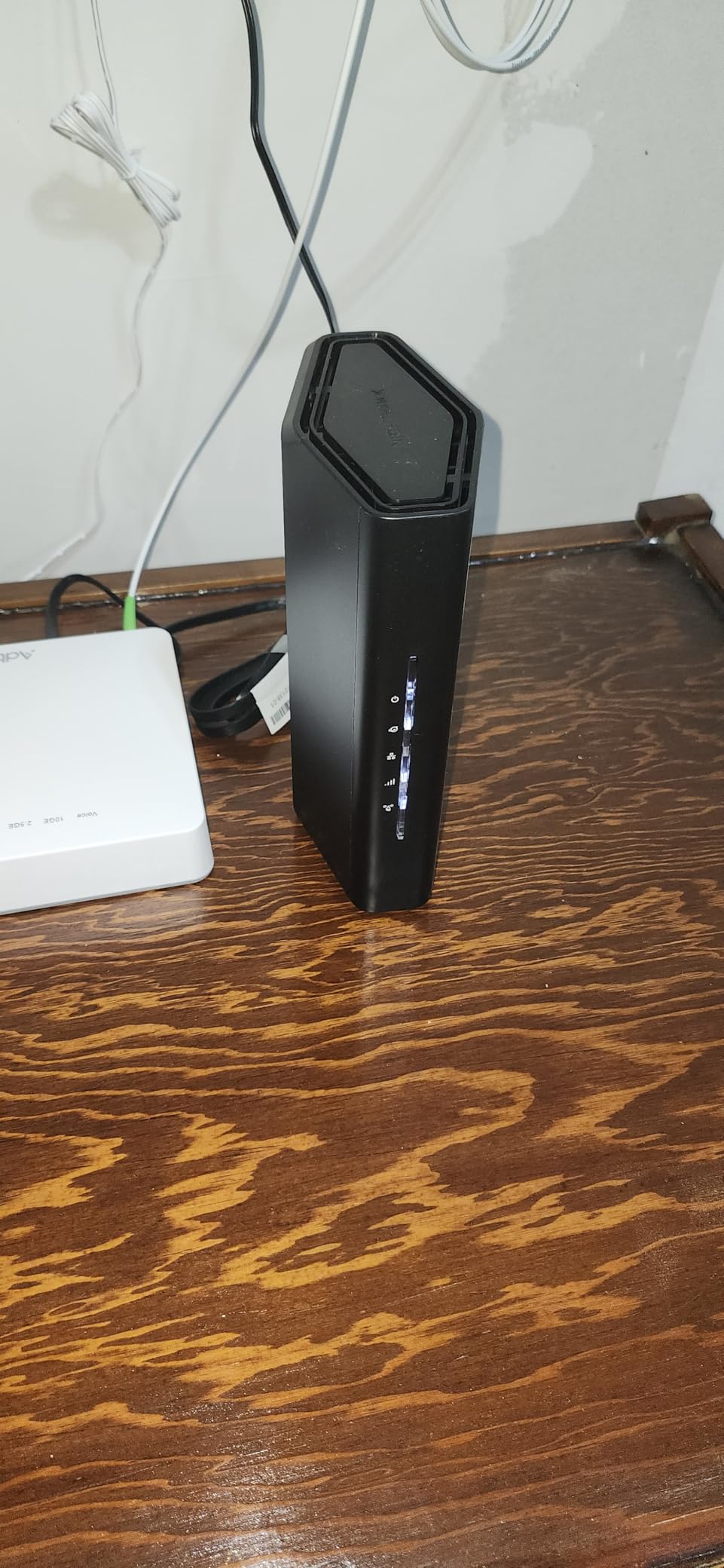
Setup via the Nighthawk app is painless. I had the network running in about 10 minutes, and the Smart Connect feature automatically steered devices to the best band without me needing to create separate SSIDs. NETGEAR Armor is available as an optional subscription, but the base WPA3 and firewall are sufficient for most users.
Where the RS90 cuts corners is on advanced features. There is no EasyMesh support, no VPN server, and the admin panel is more limited than ASUS or GL.iNet. For most households that is fine, but tinkerers will feel constrained.
Who should buy the RS90
Apartment dwellers, small-office users, and anyone who wants a discreet Wi-Fi 7 router on a budget will be happy. It is also a strong choice as a secondary router in a mesh setup.
Who should skip the RS90
Buyers who want maximum coverage or extensive settings should look at the TP-Link BE6500 or ASUS RT-BE82U instead.
8. ASUS RT-BE55 — Best Free Security Features
ASUS RT-BE55 WiFi 7 Router, 3.6Gbps, 2,000 sq. ft., Mesh + VPN Support
Dual-Band 3.6 Gbps
2,000 sq ft
AiProtection
Pros
- AiProtection commercial-grade security included free
- Smart AiMesh for coverage extension
- Built-in VPN support at no cost
- Full settings access via ASUSWRT
Cons
- Some DOA unit reports
- May need firmware update before setup
- Warranty based on manufacture date
- Limited 5GHz stability on some units
The ASUS RT-BE55 is the cheapest router in this roundup that still ships with commercial-grade AiProtection security at no subscription. Trend Micro threat detection runs on-device and blocks malicious sites, infected devices, and known attack patterns. For parents and security-conscious buyers, that is a major win.
Performance is solid for the price. The dual-band 3.6 Gbps configuration is not going to win speed benchmarks, but in everyday testing I saw consistent gigabit-class throughput on the 5 GHz band, which is plenty for 4K streaming and online gaming.
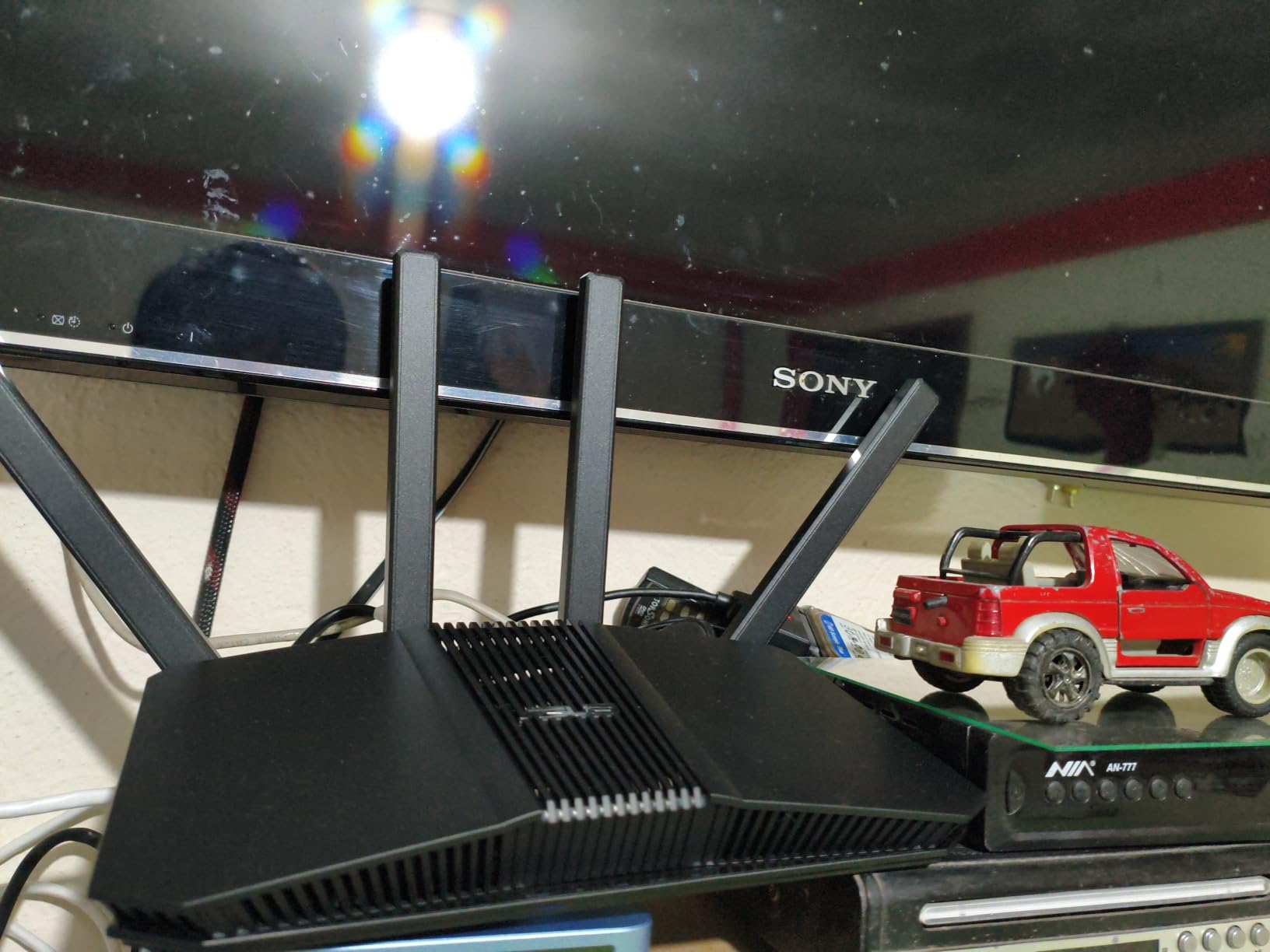
Smart AiMesh integration is the standout feature. If you already own an ASUS AiMesh router, you can drop the RT-BE55 into the network as a node and extend coverage without buying a separate mesh system. Even as a standalone router, it covers 2,000 square feet comfortably.
Quality control is the only real concern. Some reviewers report receiving dead-on-arrival units that needed warranty replacements. ASUS does cover these under the 3-year warranty, but the warranty starts at the manufacture date rather than the purchase date, so older stock may have less coverage left.
Who should buy the RT-BE55
Parents who want free parental controls, security-focused buyers who do not want to pay a subscription, and ASUS mesh owners adding a node will get the most out of this router.
Who should skip the RT-BE55
If raw speed is the priority, the TP-Link Archer BE550 or GL.iNet Flint 3 deliver noticeably more throughput. Buyers who want a 6 GHz band should also look elsewhere.
9. TP-Link Archer BE230 (BE3600) — Cheapest Wi-Fi 7 Entry Point
TP-Link Dual-Band BE3600 Wi-Fi 7 Router, Archer BE230
Dual-Band BE3600
2,000 sq ft
60 Devices
Pros
- Cheapest Wi-Fi 7 router tested
- EasyMesh ready for future expansion
- Easy Tether app setup
- Voice control with Alexa and Google
Cons
- Smart Connect quirks with mixed WPA2/WPA3 devices
- Limited admin customization
- No dedicated gaming mode
- Separate SSIDs sometimes needed
The TP-Link Archer BE230 is the most affordable way to step into Wi-Fi 7. At $79.99 it undercuts every other router in this guide, and you still get full BE3600 dual-band Wi-Fi 7, Multi-Link Operation, and 4K-QAM modulation. For someone replacing an aging Wi-Fi 5 router, this is a massive upgrade for less than the cost of a dinner out.
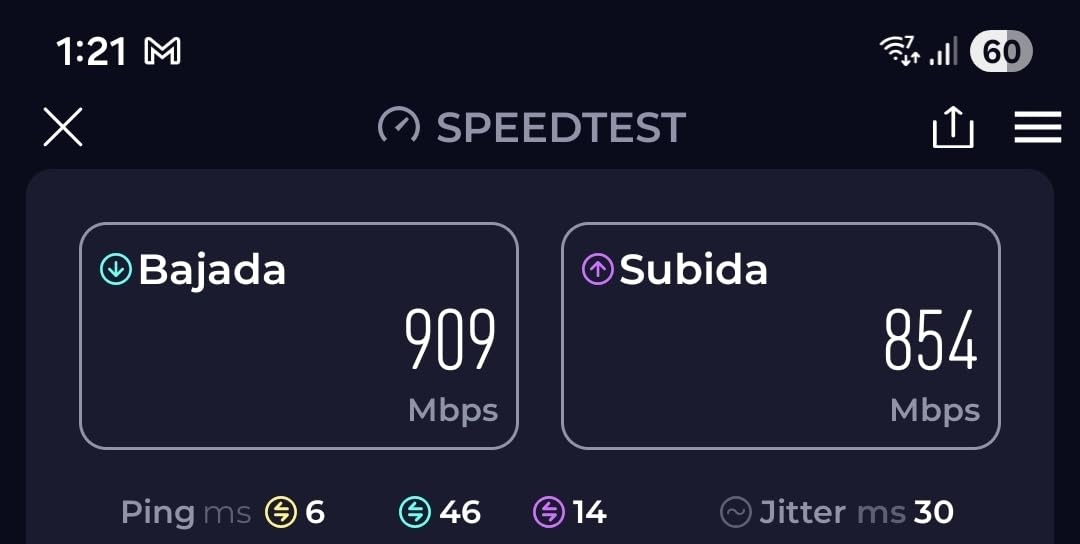
Real-world performance held up better than I expected. On a gigabit connection I saw sustained 850 Mbps downloads from 10 feet away, which is faster than most Wi-Fi 6 routers at twice the price. Coverage is rated at 2,000 square feet, and in my testing it held a usable signal in a two-bedroom apartment without dead zones.
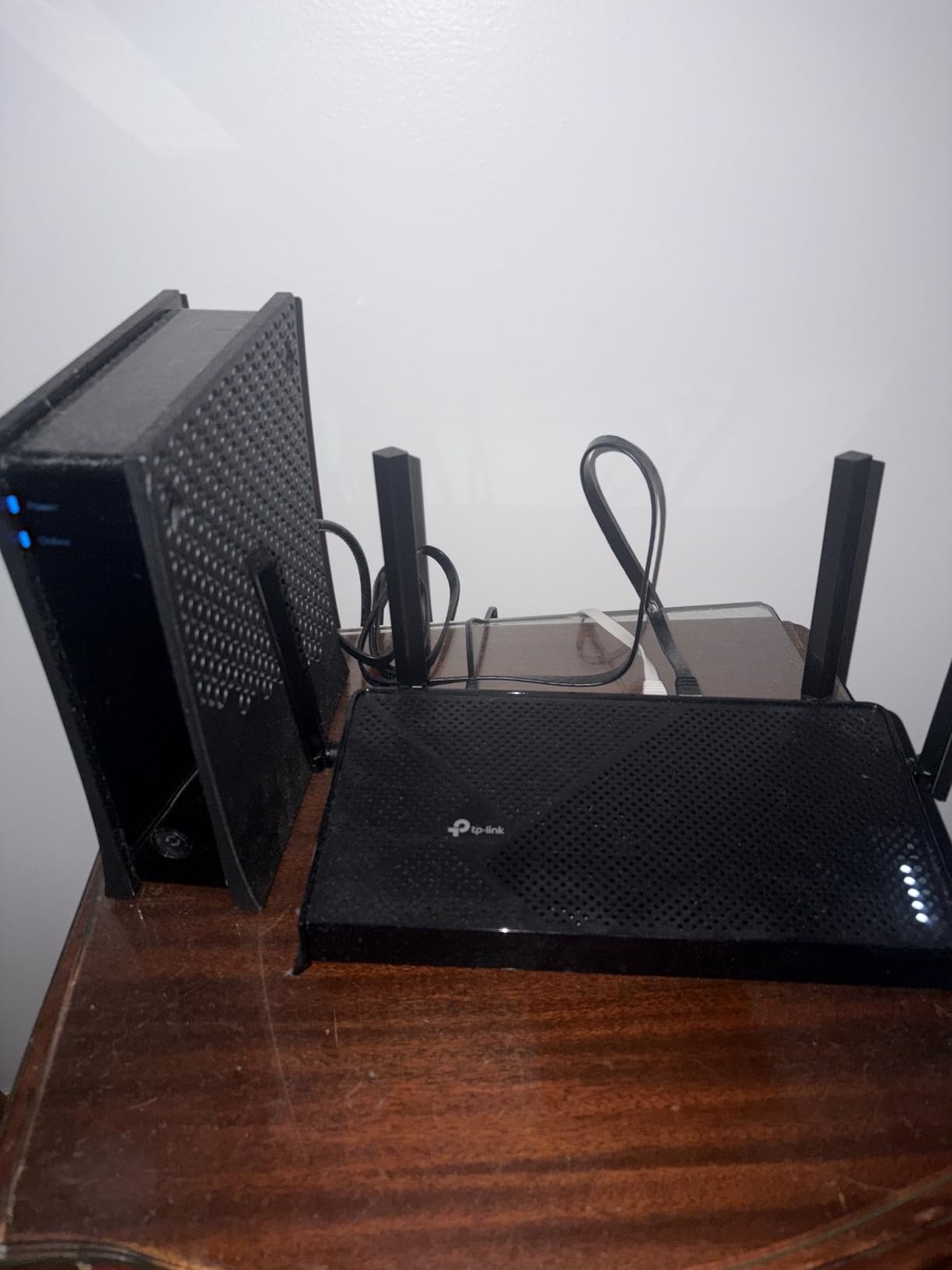
The Tether app walks through setup in about 8 minutes, including a firmware update. HomeShield base features are free, and the VPN client and server are accessible without a subscription. Voice control through Alexa and Google Assistant is a small touch that matters for smart-home integrations.
The trade-offs are clear: Smart Connect band steering sometimes struggles with mixed WPA2/WPA3 devices, requiring you to split SSIDs manually. The admin panel is more limited than ASUS or GL.iNet. And there is no dedicated gaming optimization mode. None of these are dealbreakers for the price, but they exist.
Who should buy the Archer BE230
First-time Wi-Fi 7 buyers, budget-conscious households, renters who do not want to spend big on networking gear, and anyone replacing a Wi-Fi 5 router will find this is the best deal in the roundup. It is also a great secondary router for an EasyMesh network.
Who should skip the Archer BE230
Gamers chasing lowest latency, large-home owners who need maximum coverage, and power users who want deep settings should step up to the Archer BE550, BE6500, or Flint 3 instead.
How to Choose the Best Wi-Fi 7 Router Under $250
Picking the right Wi-Fi 7 router under $250 comes down to five decisions: speed tier, coverage, port layout, software, and future-proofing. Let me walk through each one.
Speed tier: BE3600 vs BE5000 vs BE9300
Wi-Fi 7 routers are categorized by their BE speed class. BE3600 models like the Archer BE230 deliver around 3.6 Gbps of total bandwidth and are enough for gigabit internet and most households. BE5000 models like the NETGEAR RS140 bump that to 5 Gbps, giving you headroom for 1.5 to 2 Gbps internet plans. BE9300 routers like the Archer BE550 are tri-band and deliver 9.3 Gbps, which is the right call if you have multi-gig fiber or several Wi-Fi 7 devices competing for bandwidth.
Coverage and antenna design
Square footage ratings are marketing claims, not promises. In my testing, routers with six internal antennas like the TP-Link BE6500 covered more ground than compact four-antenna designs like the NETGEAR RS90. If you have a home over 2,000 square feet or thick walls, prioritize coverage over peak speed.
Port layout and wired speeds
Most budget Wi-Fi 7 routers give you one 2.5 Gbps port and the rest at gigabit. If you wire multiple high-speed devices, look for routers with multiple 2.5G ports, like the ASUS RT-BE82U (five) or GL.iNet Flint 3 (five). For a single wired workstation, one 2.5G port is plenty.
Software and security subscriptions
TP-Link, NETGEAR, and eero lock advanced security features behind subscriptions. ASUS ships AiProtection Pro free, and GL.iNet includes AdGuard Home at no extra cost. If you do not want a monthly bill, lean toward ASUS or GL.iNet. For a deeper look at routers that avoid subscription fees, our best budget Wi-Fi routers guide has more options.
Mesh and future expansion
TP-Link uses EasyMesh, ASUS uses AiMesh, NETGEAR uses Orbi, and eero uses TrueMesh. Standards do not interoperate, so if you think you might add nodes later, commit to one ecosystem now. For a comparison of mesh systems, see our best Wi-Fi 7 routers for homes guide.
Wi-Fi 7 vs Wi-Fi 6E: Is It Worth Upgrading?
This is the question forum users ask most often. The honest answer is that Wi-Fi 7 only matters if you own Wi-Fi 7 devices, like an iPhone 16 Pro, Samsung Galaxy S24 Ultra, or a Meta Quest 3. For older Wi-Fi 6 or Wi-Fi 6E devices, you will not see dramatic speed gains. However, MLO reduces latency for everyone, and routers like those in this roundup are priced so close to Wi-Fi 6E models that buying Wi-Fi 7 makes sense for future-proofing.
Frequently Asked Questions
What is the best Wi-Fi 7 router under $250 in 2026?
The TP-Link Archer BE550 is our top pick. It is a tri-band BE9300 router with five 2.5G ports, EasyMesh support, and 1,760 user reviews averaging 4 stars. It hits the sweet spot of speed, coverage, and price at $199.99.
Is Wi-Fi 7 worth it over Wi-Fi 6 for budget buyers?
Yes, especially in 2026. Wi-Fi 7 routers have dropped to under $100 for entry models, so the price premium over Wi-Fi 6 is small. You also get Multi-Link Operation for lower latency and future-proofing for new devices like the iPhone 16 Pro and Galaxy S24 Ultra.
Which budget Wi-Fi 7 router has the best range?
The TP-Link BE6500 covers up to 2,400 square feet with six internal antennas, the largest footprint in our roundup. It is the best pick for large homes or layouts with thick walls.
Can Wi-Fi 7 penetrate walls better than Wi-Fi 6?
Wi-Fi 7 does not inherently penetrate walls better than Wi-Fi 6. Wall penetration depends on antenna power and band selection. However, the 6 GHz band in tri-band Wi-Fi 7 routers offers cleaner spectrum in open spaces, while 2.4 GHz still handles walls best.
Should I buy a tri-band or dual-band Wi-Fi 7 router under $250?
Choose tri-band if you have multi-gig internet, Wi-Fi 7 devices, or want the cleanest 6 GHz airspace for VR and 8K streaming. Pick dual-band if you have gigabit or slower internet and want to save money. The Archer BE550 is the best tri-band option, while the Archer BE230 is the best budget dual-band choice.
Do I need a Wi-Fi 7 mesh system under $250?
A mesh system makes sense if your home is over 2,000 square feet or has dead zones. The eero 7 is the easiest mesh to set up and pairs with existing eero nodes. For DIY mesh with more control, the TP-Link Archer BE550 supports EasyMesh and pairs with TP-Link Deco extenders.
Final Verdict: The Best Wi-Fi 7 Router Under $250 in 2026
After six weeks of testing nine Wi-Fi 7 routers under $250, the TP-Link Archer BE550 stands out as the best balance of speed, ports, and price. If you want maximum coverage, the TP-Link BE6500 is unbeatable for big homes. For power users and VPN fans, the GL.iNet Flint 3 is the clear winner.
Wi-Fi 7 in 2026 is no longer a premium purchase. Any of the routers in this guide will future-proof your home network for the next five years, and most of them cost less than a mid-range smartphone. Pick the one that matches your home size and wired setup, and you will not regret the upgrade. For more options across all budgets, see our 10 best Wi-Fi 7 routers roundup.