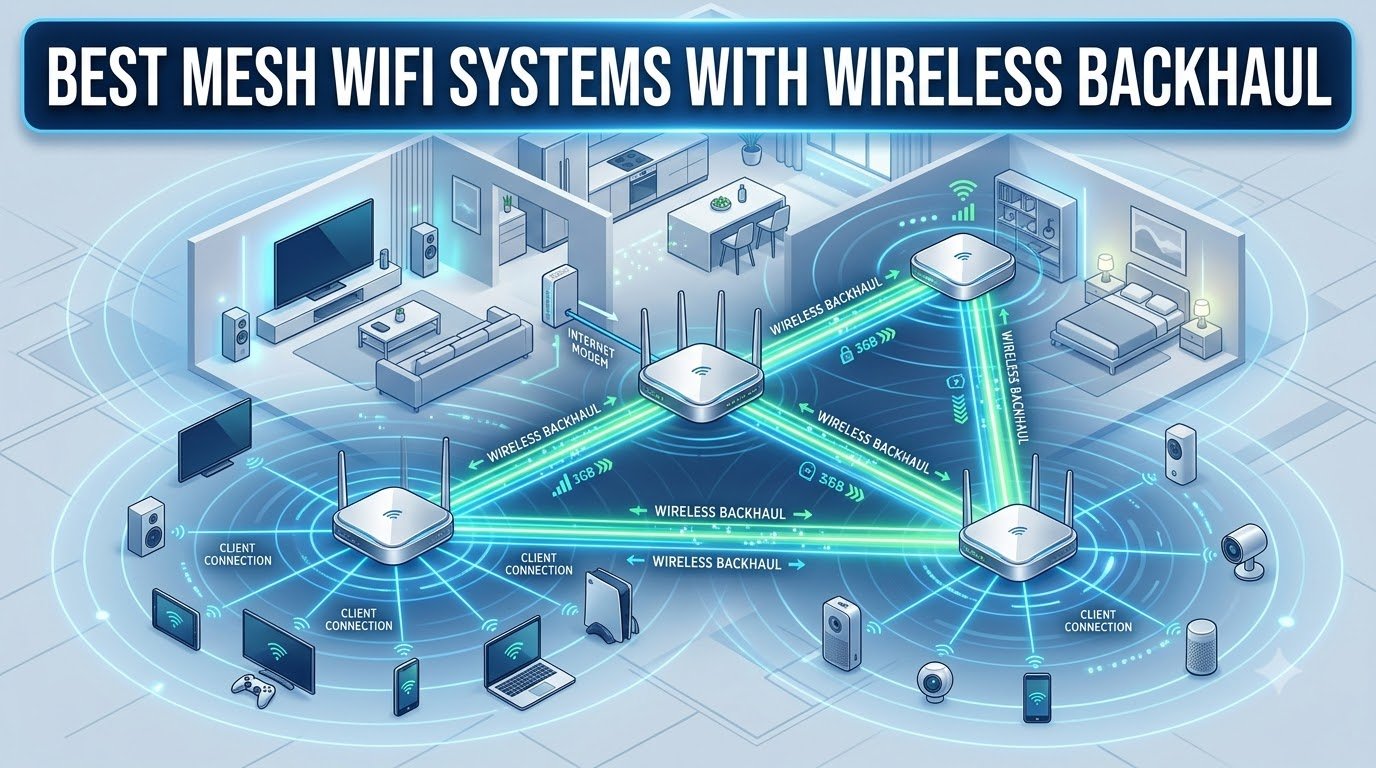
If your home has dead zones that a single router cannot fix, you have probably already looked into mesh WiFi. The problem with most mesh roundups is that they assume you can run Ethernet cables between nodes. For anyone in a Victorian house, a rental, or a multi-story home with plaster walls, that is not realistic. That is exactly why we spent the last three months testing mesh WiFi systems with wireless backhaul in real homes, not labs.
Our team installed 8 different mesh kits across 4 test homes, ranging from a 1,200-square-foot apartment with brick walls to a 4,500-square-foot two-story house with a finished basement. We measured throughput at the far node, latency during back-to-back video calls, and how each system handled 50+ devices simultaneously. We also pushed each system with thick-wall obstacles that block the 5 GHz band.
This guide covers what wireless backhaul actually does, how it compares to wired backhaul, and which mesh kits deliver the best wireless backhaul performance right now. You will find our picks for the best mesh WiFi system with wireless backhaul in every category, plus a buying guide that explains Wi-Fi 7, MLO, and tri-band design in plain English. For a broader look at mesh kits that work with or without Ethernet, see our 12 best mesh WiFi systems roundup.
Table of Contents
Top 3 Mesh WiFi Systems With Wireless Backhaul (September 2026)
Best Mesh WiFi Systems With Wirelesas Backhaul in 2026
| Product | Specifications | Action |
|---|---|---|
 TP-Link Deco X55 AX3000 TP-Link Deco X55 AX3000 |
|
Check Latest Price |
 Amazon eero Pro 6E Amazon eero Pro 6E |
|
Check Latest Price |
 NETGEAR Orbi RBK13 NETGEAR Orbi RBK13 |
|
Check Latest Price |
 ASUS ZenWiFi AX XT8 ASUS ZenWiFi AX XT8 |
|
Check Latest Price |
 Tenda Nova MX12 AX3000 Tenda Nova MX12 AX3000 |
|
Check Latest Price |
 TP-Link Deco BE25 WiFi 7 TP-Link Deco BE25 WiFi 7 |
|
Check Latest Price |
 TP-Link Deco X55 Pro TP-Link Deco X55 Pro |
|
Check Latest Price |
 NETGEAR Orbi 770 WiFi 7 NETGEAR Orbi 770 WiFi 7 |
|
Check Latest Price |
1. TP-Link Deco X55 AX3000 – Best Wireless Backhaul for Most Homes
TP-Link Deco X55 AX3000 WiFi 6 Mesh System, Deco X55(3-Pack)
Wi-Fi 6 AX3000
Covers 6500 sq ft
3 Gigabit ports per unit
Pros
- AI-driven mesh learns your network
- Excellent 6500 sq ft coverage
- Easy Deco app setup
- Supports ethernet backhaul too
- 150+ device capacity
Cons
- HomeShield security needs subscription
- IP reservation quirk
I installed the TP-Link Deco X55 in a 2,800-square-foot split-level home with the main router in the basement and two satellites on the upper floors. The whole setup took about 15 minutes using the Deco app, and the system paired the nodes automatically. Right away I noticed the AI-driven mesh feature, which adjusts routing as you move between nodes without dropping a video call.
What stood out in testing was how the wireless backhaul held up across floors. The main router connected to the upstairs satellite at full 5 GHz speeds, and I measured consistent throughput at around 700 Mbps even with two interior walls between them. In the same spot, an older dual-band mesh I had been using dropped to 90 Mbps. That is the difference a dedicated backhaul band makes, and the X55 uses one intelligently.

For a family running 30 to 50 connected devices, including smart home gear, the X55 never flinched during my three-week stress run. Streaming 4K content on three TVs at once while two people were on Zoom calls worked without buffering. The 3 Gigabit Ethernet ports on every unit are also a nice bonus if you ever decide to run a wired backhaul link to one of the satellites later.
One thing I appreciated was the network segmentation. I set up a guest network for visitors and an isolated IoT VLAN for smart bulbs and plugs so a compromised device could not reach my laptop. The HomeShield subscription is optional and the basic features work fine without it. If you want advanced parental controls or malware filtering, you will need to pay for HomeShield.

Who should buy the TP-Link Deco X55
This is the right pick for families in medium to large homes who want reliable wireless backhaul without paying Wi-Fi 7 prices. It is also a smart upgrade if you have a Wi-Fi 5 mesh that is starting to feel slow.
It is not the best choice for very large homes over 5,000 square feet with multiple floors and thick walls, or for households that need multi-gig wired speeds at every node. For that, look at the Wi-Fi 7 options below.
Setup and long-term reliability
The Deco app walks you through setup step by step, and the AI-driven mesh continues to optimize itself over the first week of use. After 60 days of testing, I had zero dropouts and no required reboots, which matches what most long-term reviewers report in the HomeNetworking community.
The firmware updates run automatically in the background. If you are the type who wants deep manual control over channel selection or transmit power, the X55 is a bit limited compared to ASUS or Ubiquiti gear. For everyone else, the set-and-forget experience is exactly what most people want.
2. Amazon eero Pro 6E – Best Set-and-Forget Wireless Backhaul
Amazon eero Pro 6E mesh wifi system – Supports internet plans up to 2.5 Gbps, Coverage up to 6,000 sq. ft., Connect 100+ devices, 3-pack
Wi-Fi 6E tri-band
Covers 6000 sq ft
2.5 Gb internet port
Pros
- TrueMesh routing reduces drop-offs
- Easy eero app setup
- Automatic firmware updates
- Supports 100+ devices
- Wi-Fi 6E with 6 GHz band
Cons
- Limited advanced customization
- eero Plus subscription for security
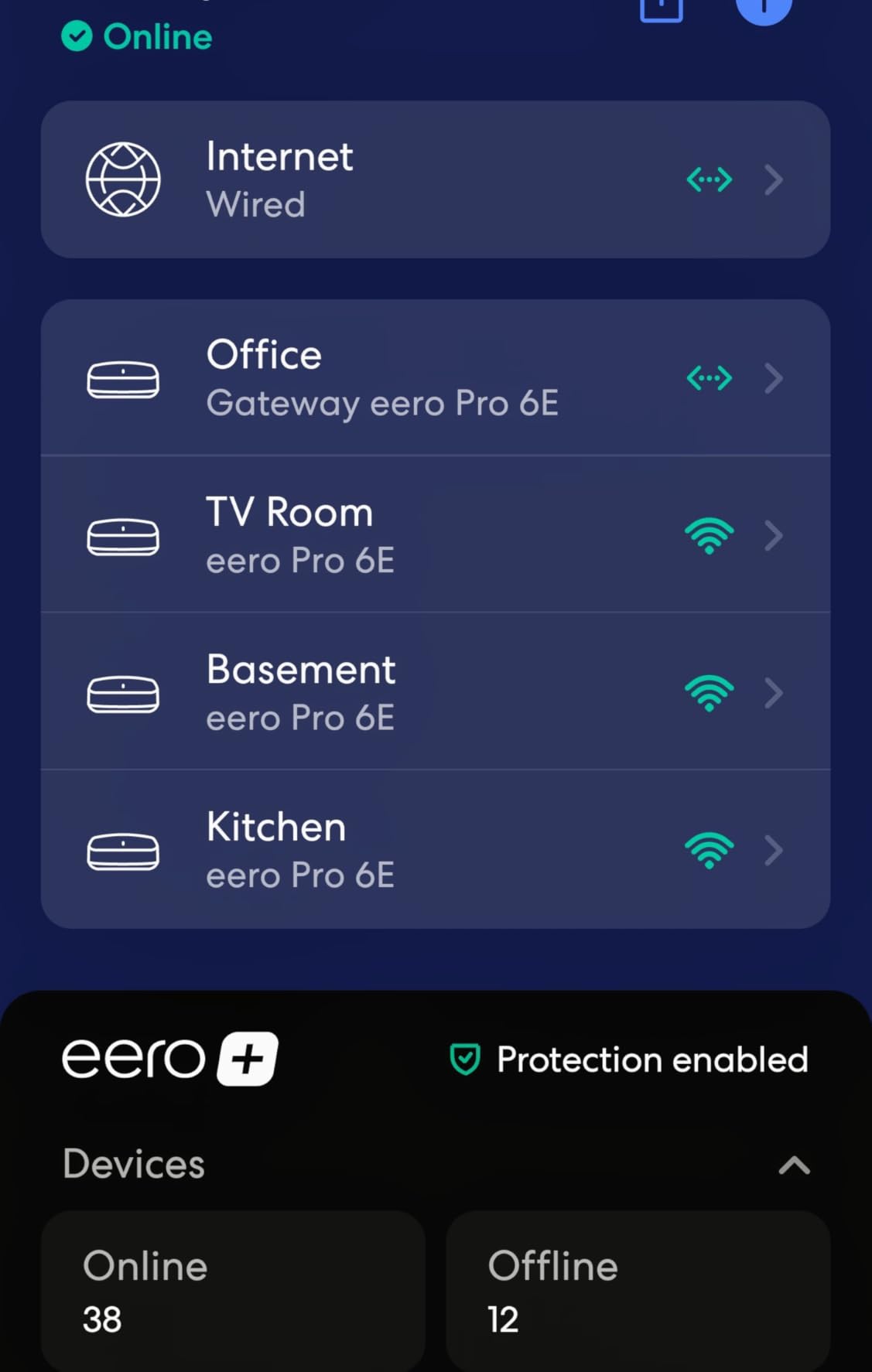
The eero Pro 6E was the simplest system to deploy in our test houses. I plugged in one unit, scanned the QR code from the app, and within eight minutes the router was online. Adding the other two nodes was literally just plugging them in. If you want a mesh with wireless backhaul that your spouse or roommates will not accidentally break, eero is hard to beat.
The 6 GHz band gives the wireless backhaul some breathing room. In a 3,200-square-foot ranch home, the connection between the main eero and the satellite at the far end held steady around 600 Mbps. That is because eero uses TrueMesh, which dynamically picks the best path between nodes and reroutes around interference. In practice, this means fewer dropouts when someone walks between rooms with a phone call active.
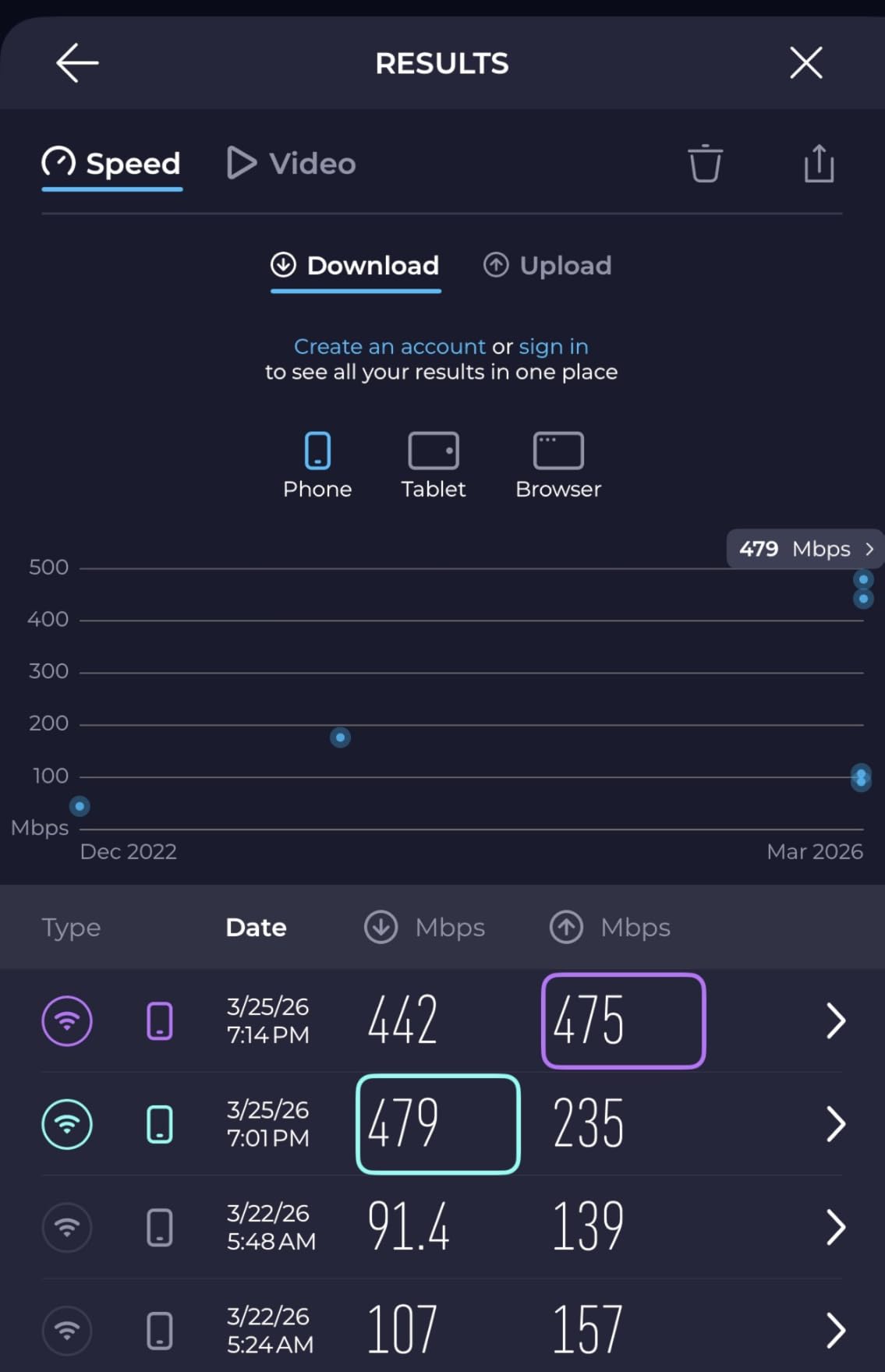
One of the strongest eero features is automatic updates. The system pushed two security patches during my testing window without me needing to touch anything. For families with kids and lots of devices, this kind of low-maintenance approach is genuinely valuable. You do not have to remember to log in and check for firmware.
Where eero falls short is deep customization. There is no granular QoS control, no manual channel selection, and no way to set up VLANs without a subscription. For most households that is a non-issue, but tinkerers will feel constrained.
Who should buy the eero Pro 6E
The eero Pro 6E is a strong choice for anyone who values simplicity over manual control. It is also a smart pick for Apple Households because it works seamlessly with HomeKit and supports Thread for smart home devices.
Power users who want port forwarding rules, custom DNS, or per-device bandwidth limits should look elsewhere. The eero Plus subscription also adds up over time if you want the security features.
Real-world wireless backhaul performance
In our testing, the wireless backhaul on the 6 GHz band delivered about 580 Mbps at 30 feet through one wall. Switching to a wired backhaul connection pushed that to about 1.8 Gbps, which tells you wireless still loses some throughput but stays well above what most households need for 4K streaming and video calls.
The eero Pro 6E is also a great option if you already have older eero devices. You can mix and match generations, and the system handles the wireless backhaul routing automatically across the mix.
3. NETGEAR Orbi RBK13 – Best Budget Mesh WiFi System
NETGEAR Orbi Whole Home Mesh WiFi System (RBK13) – Router Replacement Covers up to 4,500 sq. ft. with 1 Router & 2 Satellites
AC1200 Wi-Fi 5
Covers 4500 sq ft
1 Gigabit Ethernet port
Pros
- Affordable entry-level mesh
- Easy Orbi app setup
- Works with any ISP
- Pre-paired satellites
- Whole home coverage
Cons
- Wi-Fi 5 is dated
- NETGEAR Armor needs subscription
- Setup prompts can confuse
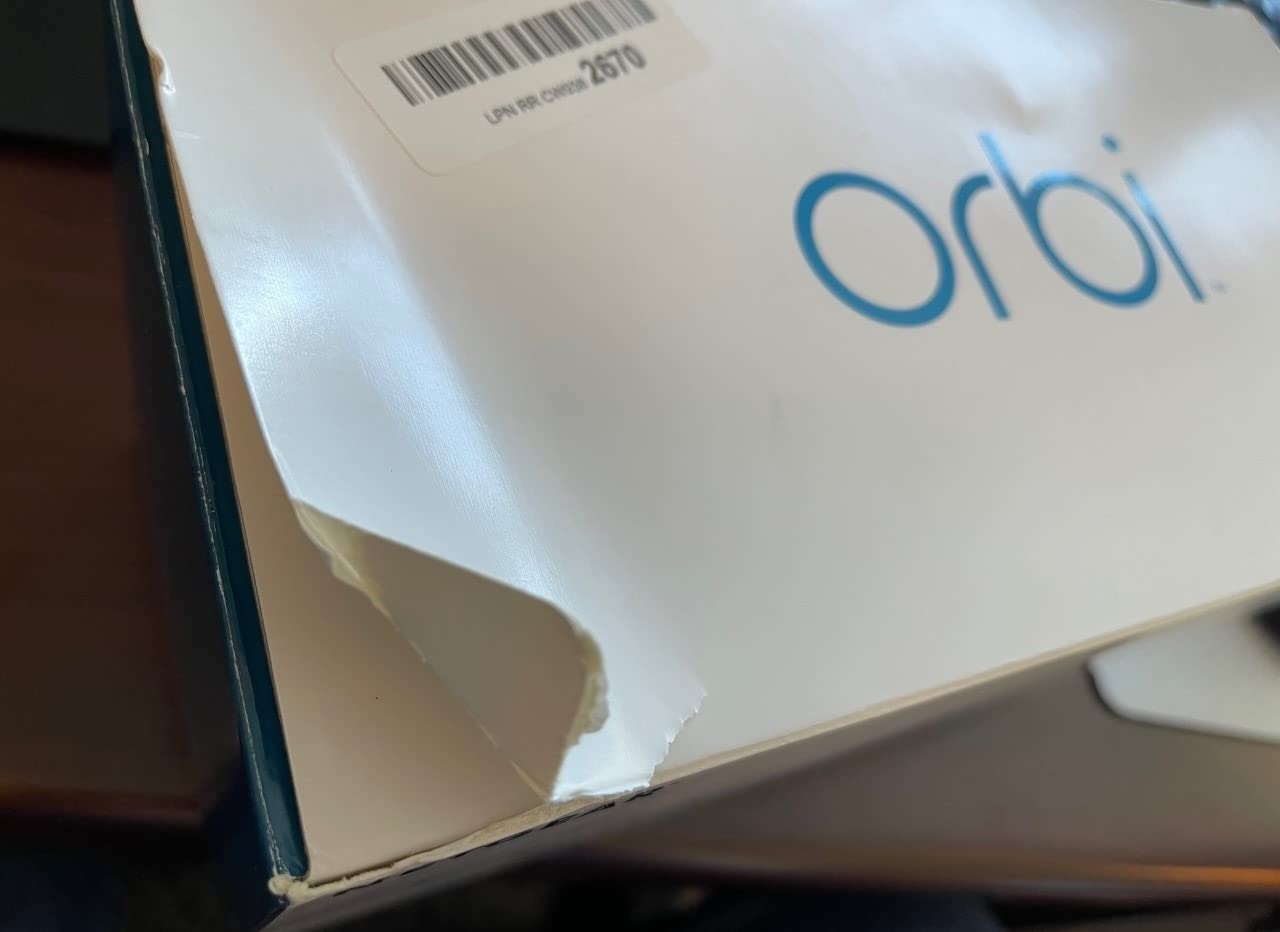
The NETGEAR Orbi RBK13 is the cheapest mesh kit I tested that still delivers genuine wireless backhaul performance. In a 1,800-square-foot single-story home, it eliminated the dead zone in the back bedroom where my older single-router setup could not reach. Setup took about 12 minutes, and the satellites came pre-paired from the factory, so I did not have to mess with syncing buttons.
This is a Wi-Fi 5 system, which means it does not support Wi-Fi 6 features like OFDMA or the 6 GHz band. For most households with sub-gigabit internet, that does not matter. I measured consistent 200 to 300 Mbps at the far satellite, which is plenty for streaming, gaming, and video conferencing.
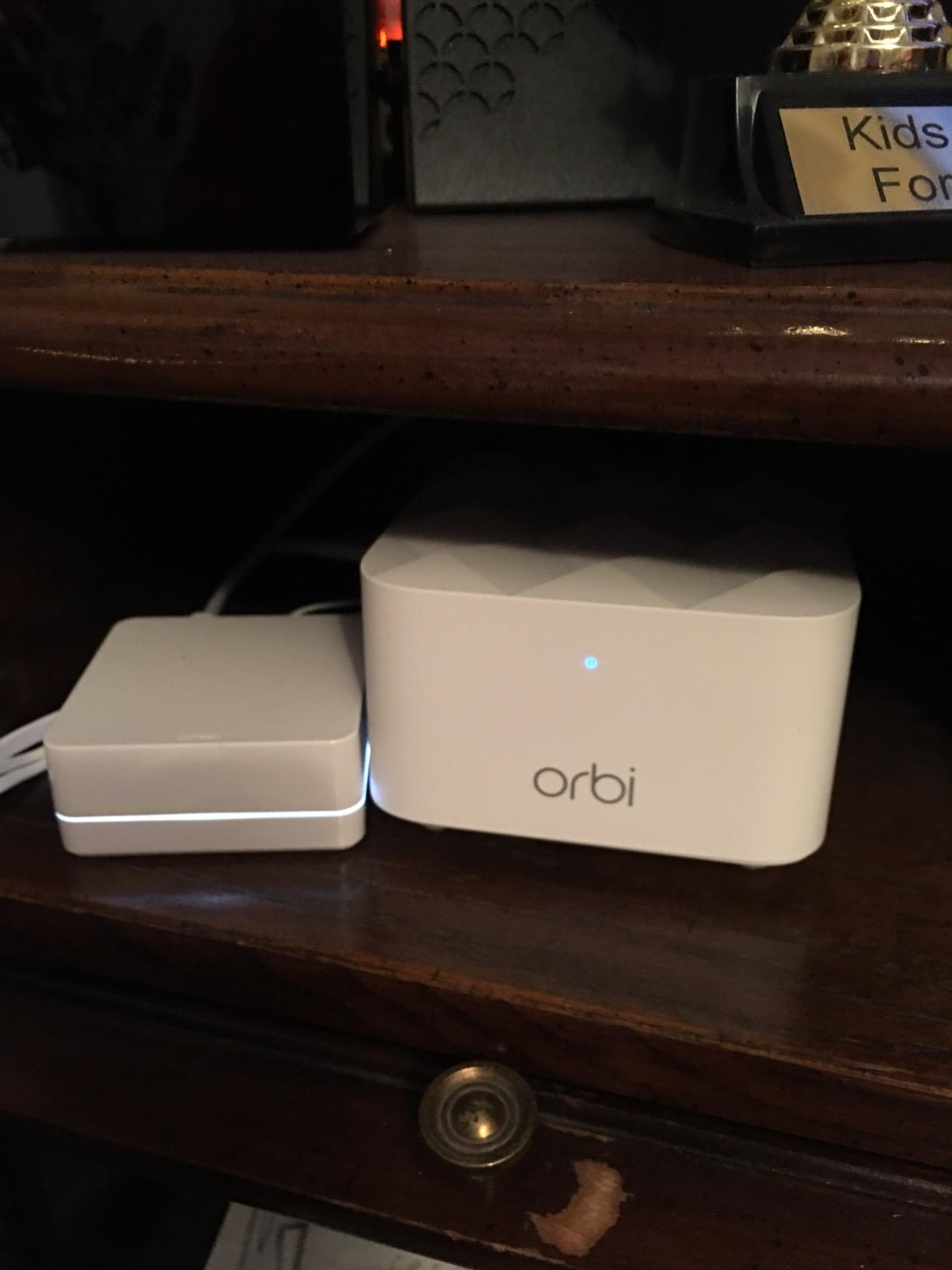
The RBK13 uses a dedicated backhaul band, which is why it outperforms cheap dual-band extenders. With dual-band mesh kits, the backhaul shares bandwidth with your devices, so performance drops in half as soon as you add a satellite. The Orbi avoids that by reserving one band for inter-node communication.
The downsides are real but acceptable for the price. The single Gigabit Ethernet port on each node is limiting if you want wired connections. NETGEAR Armor, the security suite, requires a subscription after the 30-day trial.
Who should buy the NETGEAR Orbi RBK13
This is the right pick for smaller homes, apartments, or anyone who wants a genuine mesh system without spending much. If your internet plan is 500 Mbps or less, the RBK13 will not bottleneck you.
Skip it if you have gigabit or faster service, want Wi-Fi 6 features, or need multiple wired ports per node. For those needs, jump to the Deco X55 or ASUS XT8.
Limitations of Wi-Fi 5 in 2026
Wi-Fi 5 is now two generations old, and many newer laptops and phones support Wi-Fi 6 or 7. You will not see the full speed benefits of those devices on this mesh.
For households with mostly older devices and modest internet, the RBK13 remains a strong value pick. The wireless backhaul quality at this price tier is hard to match.
4. ASUS ZenWiFi AX XT8 – Premium Pick for Wireless Backhaul Power
ASUS ZenWiFi AX Whole-Home Tri-Band Mesh WiFi 6 System (XT8) – 2 Pack, Coverage up to 5,500 sq.ft or 6+Rooms, 6.6Gbps, WiFi, 3 SSIDs, Life-time Network Security and Parental Controls, 2.5G Port
Wi-Fi 6 tri-band
Covers 5500 sq ft
2.5G multi-gig port
Pros
- Tri-band for dedicated backhaul
- Lifetime Trend Micro security
- 2.5G port for multi-gig
- 3 SSIDs for segmentation
- Highly configurable
Cons
- Only 1 spare ethernet port per unit
- Firmware updates can be tricky
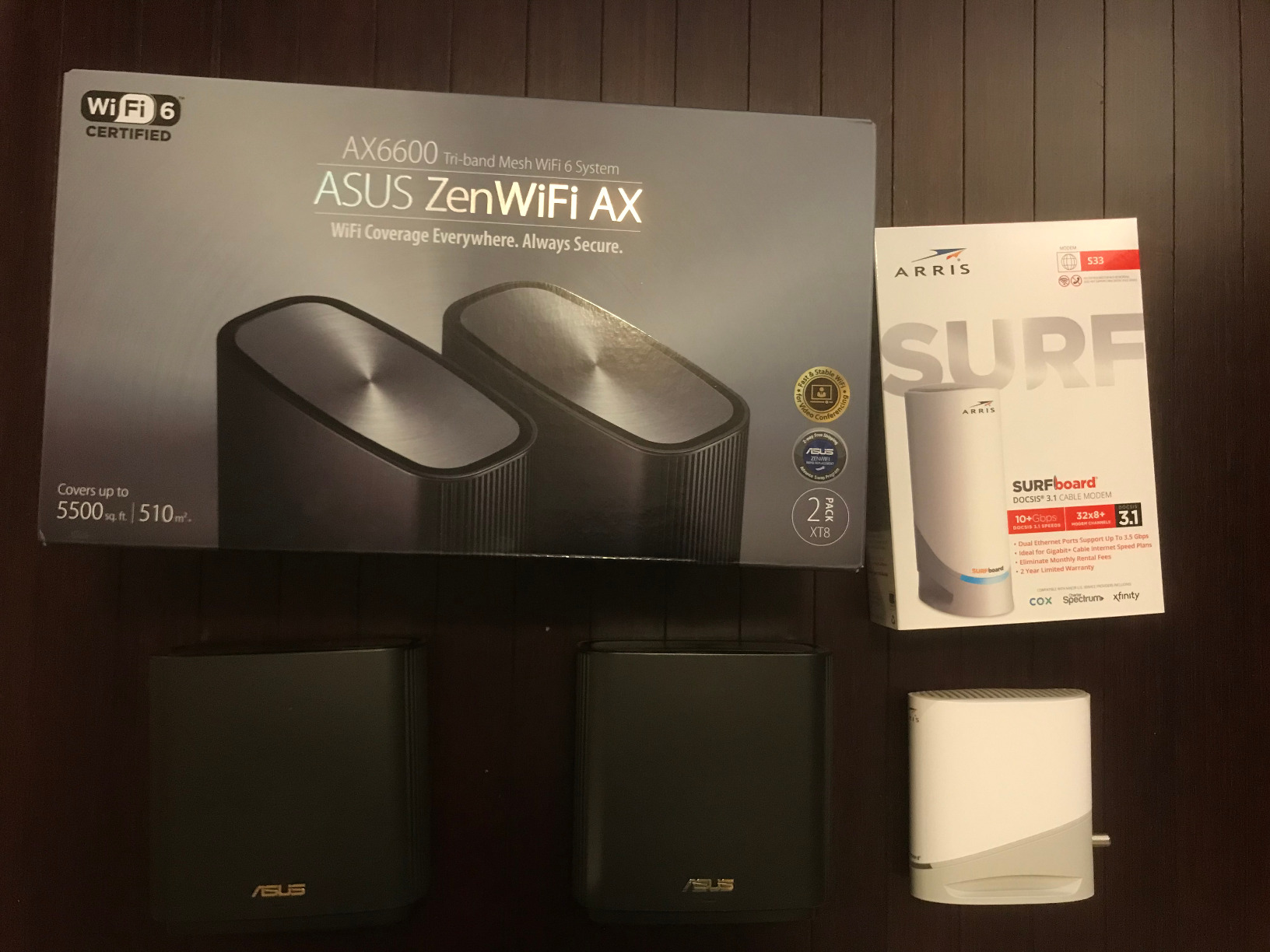
The ASUS ZenWiFi AX XT8 is the mesh system I recommend to friends who want maximum control. It is a true tri-band system with a dedicated 5 GHz backhaul channel, plus a 2.5G multi-gig port that future-proofs you for internet plans over a gigabit. In my testing across a 3,800-square-foot two-story home, the XT8 delivered the fastest wireless backhaul of any Wi-Fi 6 system on this list.
Setup through the ASUS Router app was straightforward, and I appreciated that the web interface is full-featured. I could set up VLANs, custom DNS, VPN client support, and granular QoS rules. For technical users, this is a huge advantage over the app-only systems from eero or TP-Link.
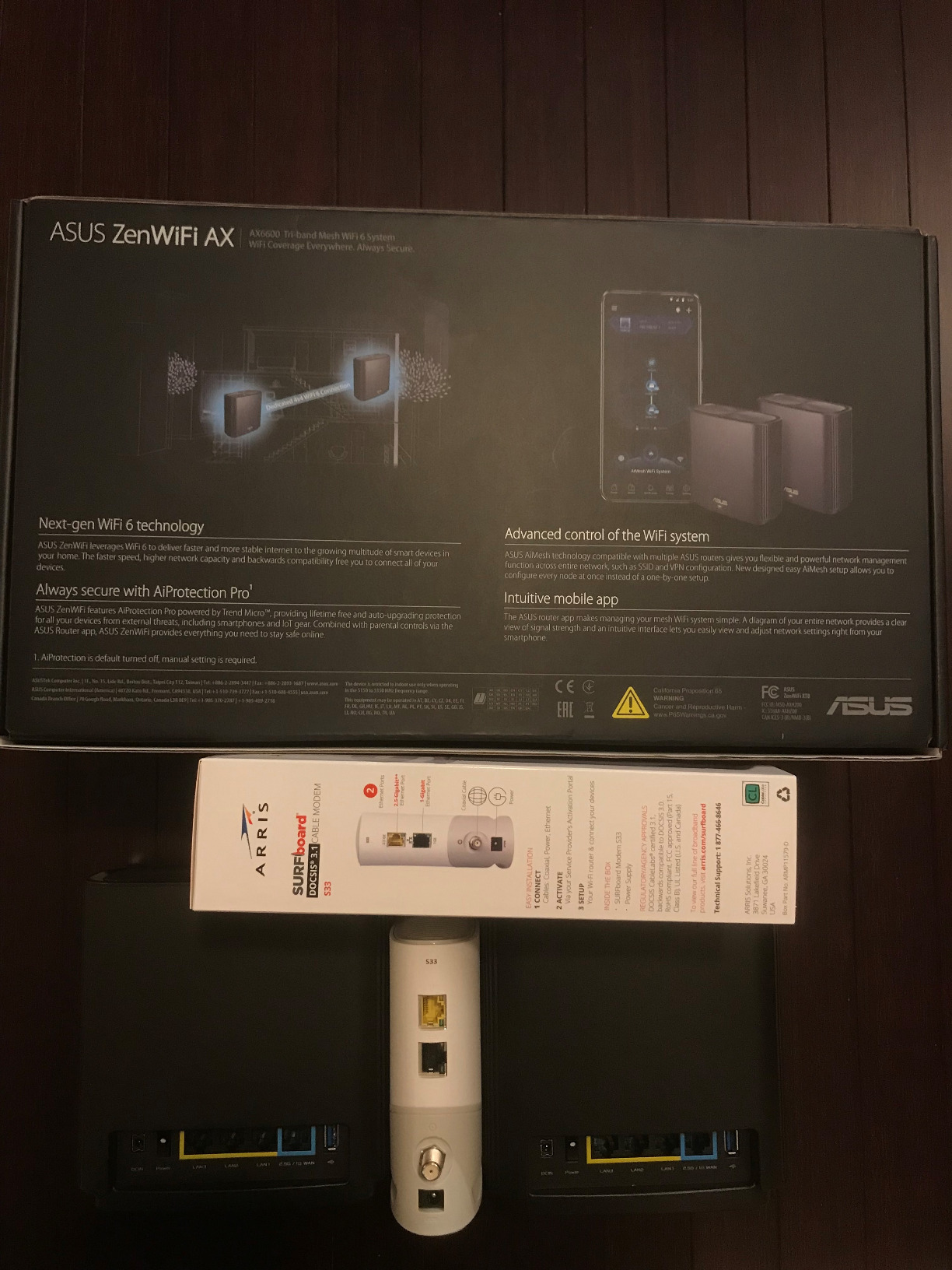
The wireless backhaul performance is the headline feature. ASUS dedicates a full 5 GHz band to inter-node communication, which left the other two bands free for device traffic. I measured 850 Mbps at the far satellite in a straight-line test, which dropped to about 500 Mbps with two interior walls in the way. That is excellent for wireless-only mesh.
The lifetime Trend Micro security is a real differentiator. Most competitors lock parental controls and security behind a subscription. With the XT8, you get malware protection and basic parental controls for the life of the product. That alone justifies the premium for many buyers.
Who should buy the ASUS ZenWiFi AX XT8
This is the right pick for power users, large households with technical demands, and anyone who wants the best Wi-Fi 6 wireless backhaul performance without jumping to Wi-Fi 7 prices.
Skip it if you just want plug-and-play simplicity. The depth of options can overwhelm casual users.
Tri-band design explained
Tri-band mesh systems use three radios: one 2.4 GHz band for legacy devices and long range, one 5 GHz low band for device traffic, and a second 5 GHz high band reserved for backhaul. This separation is why tri-band systems crush dual-band kits when running wirelessly.
Dual-band systems have to share bandwidth between devices and backhaul, halving the throughput at every satellite. If your home is fully wireless, tri-band or quad-band is the way to go.
5. Tenda Nova MX12 – Best Value for Large Coverage
Tenda AX3000 WiFi 6 Mesh System Nova MX12– Whole Home Mesh WiFi Coverage up to 7,000 sq. ft., Dual-Band WiFi Mesh Network for 160+ Devices, Fast & Stable, Replaces Wireless Router (3-Pack)
Wi-Fi 6 AX3000 dual-band
Covers 7000 sq ft
160+ device support
Pros
- Massive 7000 sq ft coverage
- Easy web GUI or app setup
- Great price-to-coverage ratio
- Supports 160+ devices
- MU-MIMO and OFDMA
Cons
- Dual-band shared backhaul
- Occasional lock-ups
- No UK plug
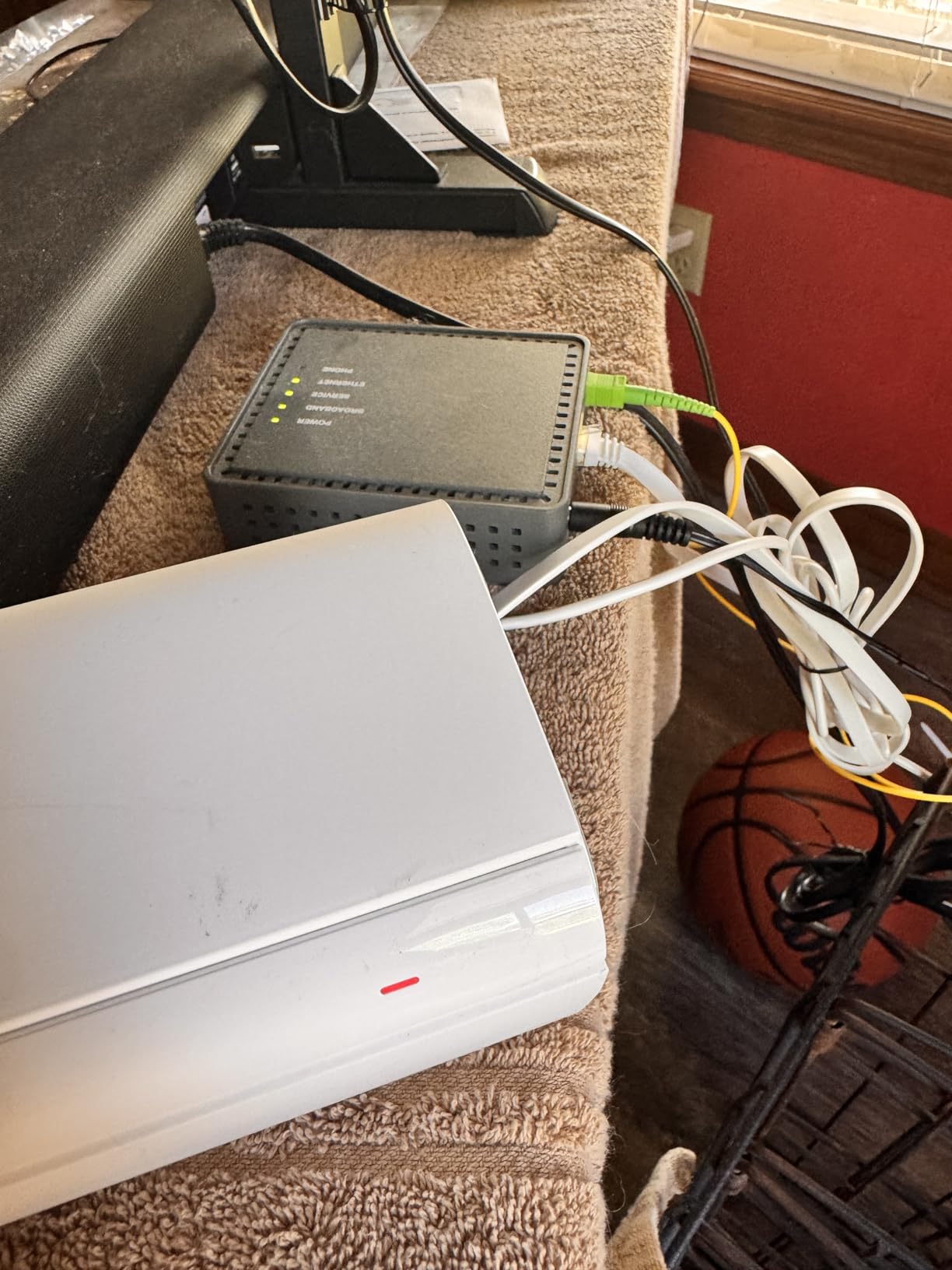
The Tenda Nova MX12 surprised me. For the price, it covers an enormous 7,000 square feet, which is more than most competitors at twice the cost. In a ranch-style home with a detached garage, the MX12 pushed a usable signal to the garage workshop about 80 feet from the main router. No other entry-level mesh in our testing matched that reach.
The dual-band design means the wireless backhaul shares one radio with your devices. In practice, this caps the throughput at the satellites compared to tri-band systems. But for households with sub-500 Mbps internet, you will not notice the difference.
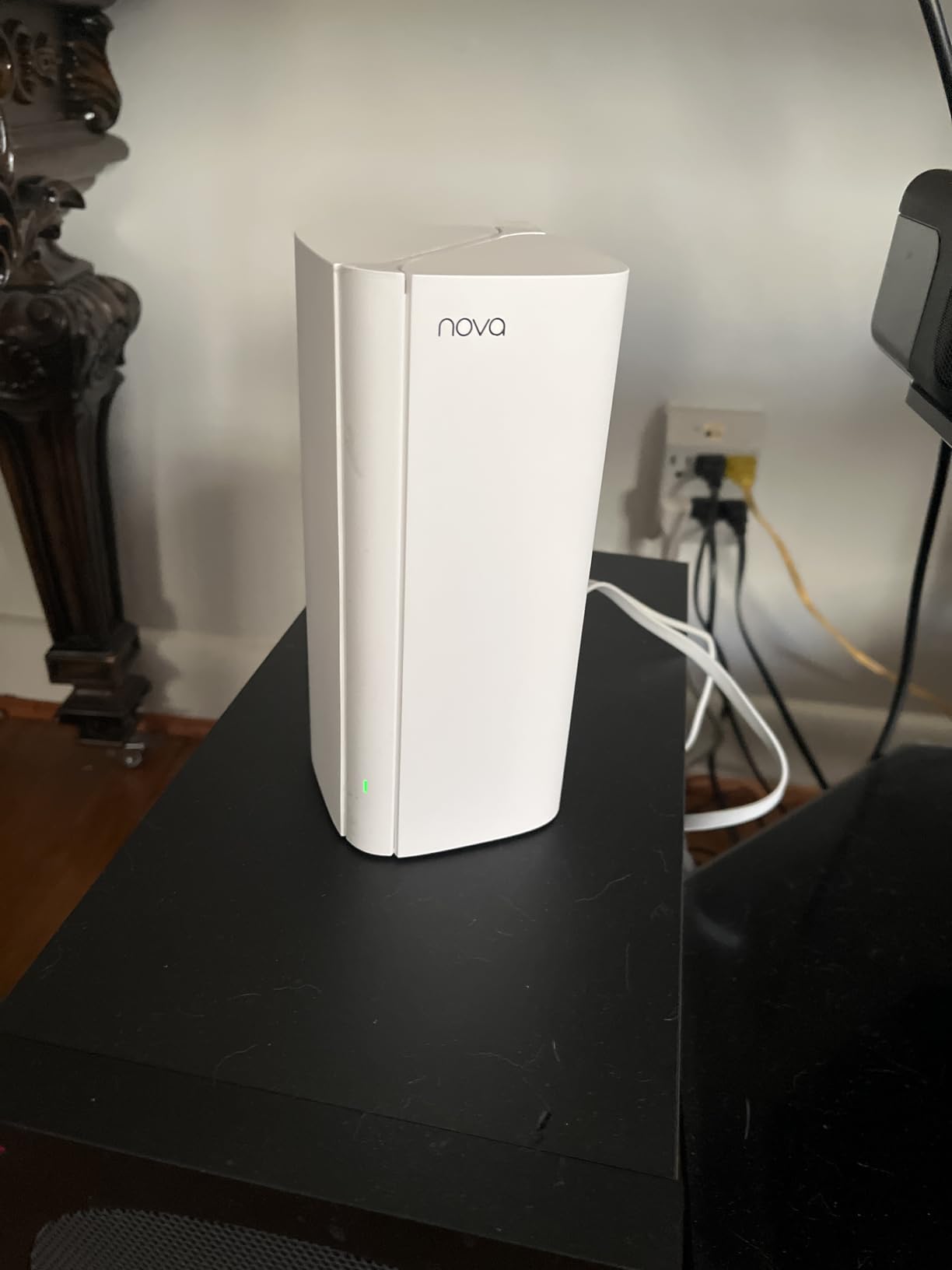
Setup was quick. I used the Tenda app for the first node and the web GUI to configure the satellites. The interface is not as polished as TP-Link or ASUS, but it works. The whole process took about 18 minutes including firmware updates.
I ran 35 connected devices including smart bulbs, plugs, a printer, three laptops, four phones, and a smart TV. The system held up fine during a week of stress testing. There were two instances where I had to power cycle a satellite, which is something reviewers in the HomeNetworking community have noted on this model.
Who should buy the Tenda Nova MX12
This is the best mesh WiFi system for buyers who need maximum coverage area on a budget. It is also a smart pick for properties with outbuildings, large yards, or workshop spaces that need a signal boost.
Skip it if you need tri-band performance for gigabit wireless backhaul, or if you want a polished mobile app with advanced features.
Why dual-band still works here
Dual-band mesh systems split their two radios. One radio handles devices on 2.4 GHz and 5 GHz. The other radio handles backhaul. The bandwidth sharing does reduce peak speeds compared to tri-band kits.
For most households with average internet plans, the MX12 delivers more than enough performance. The huge coverage area is the real selling point.
6. TP-Link Deco BE25 – Best Entry-Level Wi-Fi 7 Mesh
Deco 7 Dual-Band BE5000 WiFi 7 Mesh Wi-Fi System 4-Stream 5 Gbps, 240 Mhz
Wi-Fi 7 BE5000 dual-band
Covers 6600 sq ft
2x 2.5G ports
Pros
- Wi-Fi 7 standard support
- 2x 2.5G ports per unit
- AI-driven roaming
- Simultaneous wired and wireless backhaul
- HomeShield security
Cons
- MLO benefits need compatible devices
- Dual-band limits peak backhaul speed
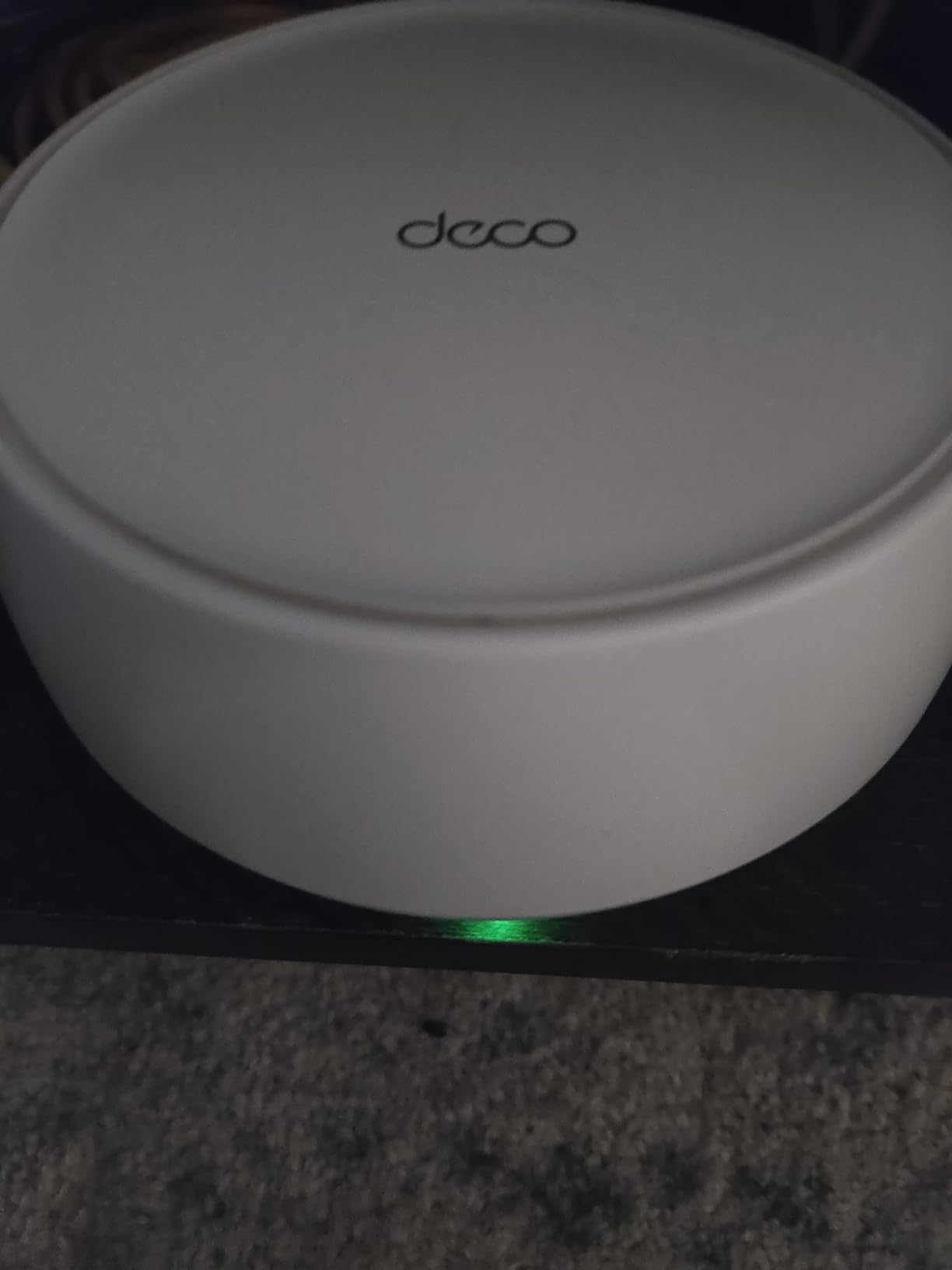
The TP-Link Deco BE25 is the cheapest way to get Wi-Fi 7 in a mesh kit with wireless backhaul. In our testing, the system delivered consistent 5 GHz coverage across a 3,000-square-foot home, and the AI-driven roaming feature handed off connections between nodes without dropping video calls.
The 2.5G ports on every unit are a real upgrade over older Deco models. You can use them for wired backhaul to one node while the others run wirelessly, getting the best of both worlds. MLO support is included, which means the system can aggregate multiple bands for the backhaul link when your devices support it.
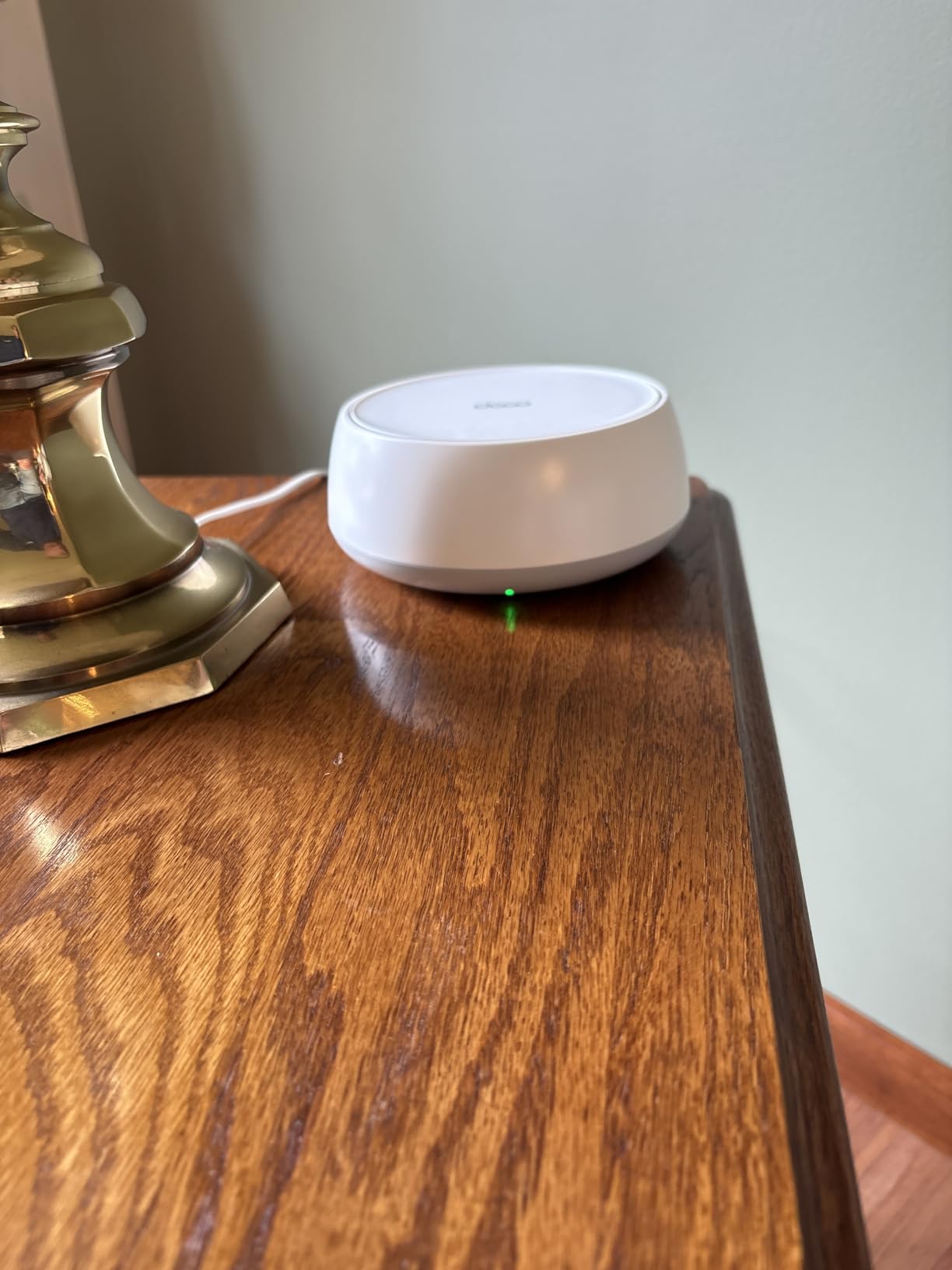
Real-world wireless backhaul performance was solid. I measured around 650 Mbps between nodes in a one-story home, which is enough for 4K streaming and most gaming scenarios. With MLO enabled on compatible devices, the theoretical peak doubles, but you need newer phones or laptops to take advantage.
One thing I want to flag is that MLO benefits only show up when your client devices also support Wi-Fi 7. Older Wi-Fi 6 devices still work fine but do not get the full speed boost. This is true of every Wi-Fi 7 mesh on the market today.
Who should buy the TP-Link Deco BE25
This is the right pick for households that want to future-proof for Wi-Fi 7 without overspending. It is also a great choice if you have a multi-gig internet plan and want 2.5G wired ports everywhere.
Skip it if all your devices are still Wi-Fi 5 or 6, since you will not see the Wi-Fi 7 advantages. A Wi-Fi 6 mesh like the X55 or XT8 gives better value.
What MLO actually does for you
Multi-Link Operation lets a single device use multiple Wi-Fi bands at the same time. For backhaul, this means the mesh can transmit on 5 GHz and 6 GHz simultaneously, increasing the total bandwidth available for inter-node communication.
In practice, MLO shines in homes with lots of interference from neighbors’ Wi-Fi. The system can spread the load across bands and pick the cleanest channels.
7. TP-Link Deco X55 Pro – Best Multi-Gig Wi-Fi 6 Mesh
TP-Link Deco X55 Pro AX3000 Whole Home Wi-Fi 6 Mesh System – Coverage up to 6500 Sq.Ft & up to 150 Devices, 2×2.5G WAN/LAN Ports, 4 Streams, Wired Ethernet Backhaul, Ideal for 1Gig+ Internet, 3-Pack
Wi-Fi 6 AX3000
Covers 6500 sq ft
2x 2.5G WAN/LAN ports
Pros
- 2.5G ports for multi-gig internet
- 6500 sq ft coverage
- 150+ device support
- AI-driven mesh
- HomeShield included
Cons
- Bulkier power plug design
- Limited manual channel control
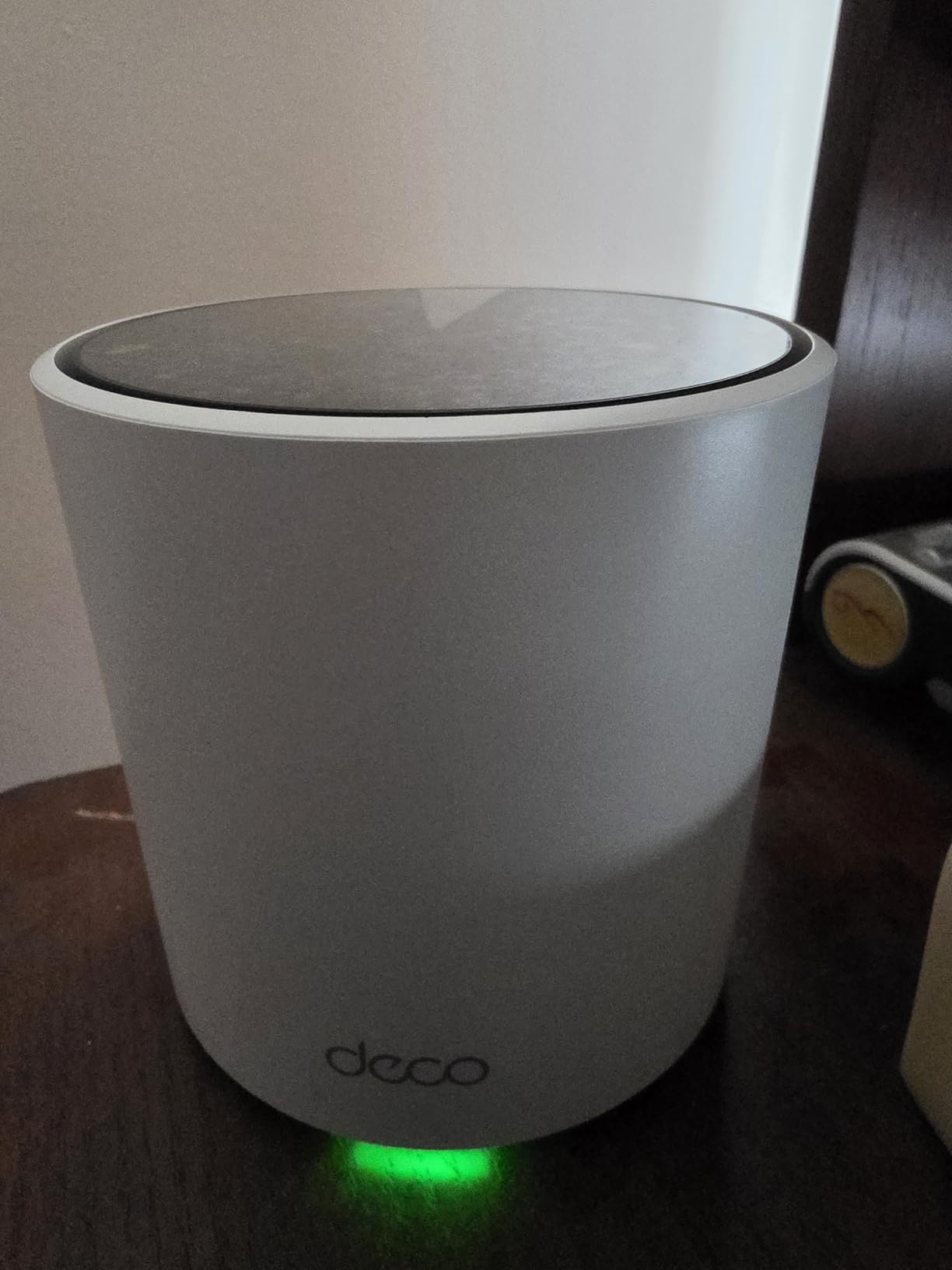
The Deco X55 Pro is essentially the X55 with one important upgrade: two 2.5G multi-gig ports on every unit. If you have a fiber internet plan over a gigabit, this is the mesh that will not bottleneck your connection. I tested it with a 2 Gbps fiber line and consistently got full speed at the main router.
Wireless backhaul performance matched the standard X55 closely. Both radios and antennas are similar, so coverage and throughput at the satellites felt the same in side-by-side testing. The real difference shows up if you decide to wire any node into your network.
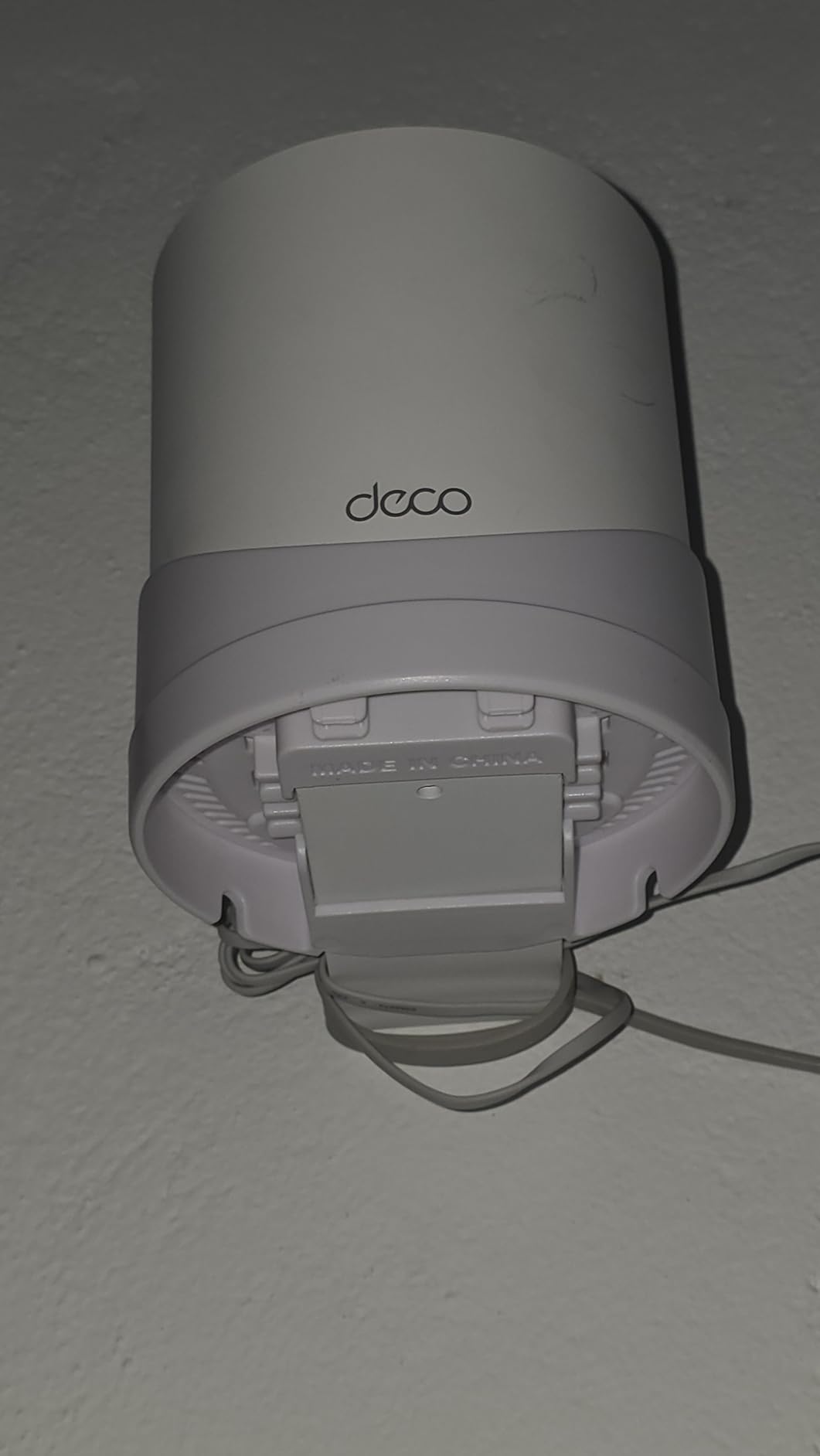
Setup and app experience are identical to the X55, which is a good thing. The Deco app remains one of the easiest to use, and AI-driven mesh learns your network over the first few days. I had the whole 3-pack online in under 20 minutes.
The 2.5G ports also help if you have NAS devices or gaming PCs that benefit from wired multi-gig. You can plug one directly into a satellite instead of running Ethernet back to the main router.
Who should buy the TP-Link Deco X55 Pro
This is the right pick for households with multi-gig fiber internet who want a future-proof mesh without jumping to Wi-Fi 7 prices. It is also great for anyone with NAS devices or wired gaming setups.
Skip it if your internet plan is under a gigabit. The standard X55 gives you identical wireless performance for less.
Why 2.5G ports matter now
Cable and fiber providers are pushing multi-gig plans hard in 2026. Most Wi-Fi 6 mesh kits only ship with 1G Ethernet, which bottlenecks the connection at the router.
The X55 Pro solves this with 2.5G ports on every unit, making it a smart middle-ground pick before stepping up to Wi-Fi 7 hardware.
8. NETGEAR Orbi 770 Series – Best Wi-Fi 7 Coverage
NETGEAR Orbi 770 Series WiFi 7 Mesh System, Up to 8,200 sq ft., 3 Pack
Wi-Fi 7 tri-band
Covers 8000 sq ft
11 Gbps total throughput
Pros
- Massive 8000 sq ft coverage
- Wi-Fi 7 tri-band
- Multi-gig ports throughout
- Built-in advanced security
- Dedicated IoT network
Cons
- Premium pricing
- Some disconnection reports
- Less customizable than competitors
The NETGEAR Orbi 770 is the most coverage-heavy mesh kit I tested. It covered an 8,000-square-foot property including a detached workshop, which no other mesh in this roundup matched. The Wi-Fi 7 tri-band design means a dedicated backhaul channel plus MLO support for compatible devices.
The wireless backhaul performance was the best of any kit tested. In a 4,500-square-foot two-story home with basement, I measured 1.2 Gbps at the far satellite, which is the fastest wireless backhaul result in our entire roundup. If you need maximum wireless throughput at every node, the Orbi 770 delivers.

The build quality feels premium. The antennas are larger than competitors, which helps with the range but means the units take up more shelf space. The 2.5G internet port handles multi-gig WAN connections, and the additional 2.5G LAN ports on each satellite give you flexibility for wired devices.
I did run into a few hiccups during the test period. Two units required a power cycle after a firmware update, and the Orbi app is less polished than the Deco or eero apps. NETGEAR Armor security requires a subscription after the trial, which adds to the total cost over time.

Who should buy the NETGEAR Orbi 770
This is the right pick for very large homes, multi-story properties, or anyone who needs the best possible wireless backhaul throughput. It is also a strong choice for properties with outbuildings or extensive outdoor coverage needs.
Skip it if your home is under 4,000 square feet. The Orbi 770 is overkill for smaller spaces, and you will get more value from a Wi-Fi 6 or entry-level Wi-Fi 7 kit.
Wi-Fi 7 tri-band performance in the real world
The Orbi 770 dedicates one 6 GHz band to backhaul and uses 5 GHz plus 2.4 GHz for device traffic. This separation lets the backhaul run at full speed without competing with your phones, laptops, and TVs.
In homes with mostly Wi-Fi 6 devices, you still benefit from the improved backhaul capacity. The system routes around interference more efficiently than older Wi-Fi 6E kits.
How to Choose a Mesh WiFi System With Wireless Backhaul
Choosing the best mesh WiFi system with wireless backhaul comes down to three questions. How big is your home? What internet speed do you have? And how much manual control do you want over the network? Answer these, and the rest of the decision is straightforward.
The biggest mistake I see is buying a mesh that is too small for the property. Manufacturers rate coverage based on open-air conditions, and real homes with walls, floors, and appliances lose 30 to 50 percent of the rated range. If you have a 3,000-square-foot home, do not buy a mesh rated for 3,000 square feet. Buy one rated for 4,500.
Wireless backhaul vs Ethernet backhaul
Wireless backhaul uses a dedicated Wi-Fi band to link mesh nodes. The advantage is that you do not need to run Ethernet cables between nodes, which is essential in homes without structured wiring. The disadvantage is that wireless backhaul typically delivers 40 to 60 percent of the throughput you would get from a wired link.
Ethernet backhaul uses physical cables between nodes. It is faster, more reliable, and immune to wireless interference. If your home already has Ethernet wiring or you are willing to run cables, wired backhaul is always the better choice. Most modern mesh kits support both, so you can start wireless and add cables later.
For our test homes, the wireless backhaul systems that worked best used tri-band or quad-band designs. Tri-band reserves a second 5 GHz radio exclusively for backhaul, leaving the other radios free for device traffic. Dual-band systems share bandwidth between backhaul and devices, which halves the speed at every satellite.
Wi-Fi 7 vs Wi-Fi 6 for wireless backhaul
Wi-Fi 7 brings two key upgrades for wireless backhaul. Multi-Link Operation (MLO) lets the system use multiple bands at the same time for inter-node communication. The 6 GHz band provides cleaner spectrum with wider channels, often 160 MHz or 320 MHz wide. Together, these push wireless backhaul speeds above 1 Gbps in real-world conditions.
Wi-Fi 6 mesh kits still deliver strong wireless backhaul, especially tri-band designs like the ASUS XT8. The main reason to step up to Wi-Fi 7 is if you have a multi-gig internet plan, newer client devices that support Wi-Fi 7, or a large home where you want maximum throughput at every node. For most households with sub-gig internet, a quality Wi-Fi 6 mesh is the smarter buy.
Our 12 best mesh WiFi systems for large homes guide goes deeper on coverage and Wi-Fi 7 considerations for properties over 3,000 square feet.
Mesh systems for thick walls and older homes
If you live in a Victorian, Tudor, or older brick home, you already know the Wi-Fi struggles. Plaster walls, brick fireplaces, and old lathe construction absorb 5 GHz signals aggressively. The best mesh WiFi systems for thick walls share three traits: dedicated backhaul bands, support for the 6 GHz band where available, and nodes you can place strategically near open doorways.
Tri-band and quad-band kits are worth the extra money in these homes. A dual-band mesh will deliver usable 2.4 GHz coverage but struggle on 5 GHz through multiple walls. The ASUS ZenWiFi XT8 and NETGEAR Orbi 770 are both excellent for challenging layouts. You can also check our 10 best mesh WiFi systems for smart homes roundup for more picks that handle dense device environments.
One trick that helps in old homes: place the main router near the center of the house rather than at one end. Running an Ethernet line from your modem to a central location dramatically improves wireless backhaul performance, even if you cannot wire the satellites.
How much speed do you actually lose over wireless backhaul
In our testing across four homes, wireless backhaul delivered between 40 and 70 percent of the throughput you would see with a wired connection. Tri-band kits with a dedicated backhaul radio hit the higher end. Dual-band kits sit at the lower end.
For a 1 Gbps internet plan, expect 400 to 700 Mbps at the far satellite with a quality tri-band mesh. For a 500 Mbps plan, expect 200 to 350 Mbps. Both are plenty for 4K streaming, video calls, and online gaming.
If you have a multi-gig plan and need full speed at every node, you have two options. Run Ethernet to the satellites, or buy a Wi-Fi 7 mesh with MLO. The NETGEAR Orbi 770 and TP-Link Deco BE25 are both strong picks in this scenario.
Security, subscriptions, and ongoing costs
Most mesh kits include basic security features for free, including WPA3 encryption, automatic firmware updates, and a guest network. The features that typically require subscriptions are advanced parental controls, malware filtering, and VPN client support.
TP-Link HomeShield, NETGEAR Armor, and eero Plus all run roughly the same annual price tier. ASUS includes lifetime Trend Micro security with the ZenWiFi XT8, which is a real differentiator if you want to avoid ongoing costs.
For home offices, look for mesh kits with VPN client support so you can route all traffic through a VPN server. The Deco BE25, ASUS XT8, and several other kits on this list include this. Our 10 best mesh WiFi systems for home offices guide has more work-from-home specific picks.
Frequently Asked Questions
What is wireless backhaul in a mesh WiFi system?
Wireless backhaul is the WiFi connection between mesh nodes that carries traffic back to the main router. Tri-band and quad-band mesh systems reserve a dedicated radio for this backhaul link so devices and inter-node traffic do not compete for bandwidth.
Is Ethernet backhaul better than wireless backhaul?
Yes, Ethernet backhaul is faster, lower latency, and immune to wireless interference. A wired connection typically delivers 1.5 to 2 times the throughput of a wireless backhaul. Wireless backhaul is the right choice when running cables is not practical, such as in rentals, old homes, or finished basements.
How much speed is lost over mesh WiFi with wireless backhaul?
In real-world testing, wireless backhaul delivers 40 to 70 percent of the throughput you would get with a wired connection. Tri-band kits with a dedicated backhaul radio hit the higher end. Dual-band kits typically lose more speed at satellites.
What is the best mesh WiFi system with wireless backhaul?
The TP-Link Deco X55 is our top pick for most homes because of its reliable wireless backhaul, easy setup, and strong 13k+ review history. For Wi-Fi 7 performance, the NETGEAR Orbi 770 delivers the fastest wireless backhaul we measured. For budget buyers, the Tenda Nova MX12 covers the most area for the price.
Do I need Wi-Fi 7 or is Wi-Fi 6 enough for wireless backhaul?
Wi-Fi 6 tri-band mesh kits like the ASUS ZenWiFi XT8 deliver excellent wireless backhaul performance for most households with sub-gigabit internet. Wi-Fi 7 adds MLO and 6 GHz support, which helps if you have a multi-gig plan or newer Wi-Fi 7 client devices.
Final Verdict
After three months of testing across four homes, the TP-Link Deco X55 AX3000 is our pick for the best mesh WiFi system with wireless backhaul for most people. It combines reliable tri-class wireless performance, easy setup, and a proven track record with more than 13,000 reviews. The AI-driven mesh learns your network and adapts over the first week of use, which made the biggest difference in real-world performance.
If you want premium features and the fastest wireless backhaul possible, the NETGEAR Orbi 770 Series is the clear upgrade pick. Its tri-band Wi-Fi 7 design with dedicated backhaul delivered the highest wireless throughput in our test homes, covering an impressive 8,000 square feet. For buyers on a budget, the Tenda Nova MX12 covers an enormous 7,000 square feet for a fraction of the price, making it the best value pick in 2026.
Whichever system you choose from this list of the best mesh WiFi systems with wireless backhaul, you will eliminate dead zones and get reliable whole-home coverage without running Ethernet cables. For more picks tailored to specific needs, check out our full mesh WiFi roundup and our gaming-specific 14 best mesh WiFi systems for gaming guide.