Searching for the best WiFi indoor cameras for your home in 2026? I tested eight top models over six weeks in my own house, checking everything from 4K video clarity to baby cry detection and pet tracking. Whether you want a budget-friendly 1080p cam for the front door or a no-subscription 4K powerhouse that watches the whole room, this guide breaks down which models deserve a spot on your shelf.
Indoor security cameras have evolved far beyond grainy video. Today’s options include cameras pack 4K resolution, color night vision, AI person detection, pan-and-tilt motors, and dual-band WiFi. The hard part is picking one that fits your router, your storage preference, and whether you want to pay a monthly fee. I’ve focused this roundup on cameras that actually work in real homes, with real WiFi, and with real family members roaming around in front of them.
If you want a quick answer before diving in: the eufy Security 4K Indoor Cam S350 is my top pick for most people, the Tapo 4K Pan/Tilt C260 is the best value, and the TP-Link Tapo C100 is the budget champion under $20. Keep reading for the full breakdown, including how I tested each camera and which one fits your specific situation. For stronger signal across a larger home, also check out our guide to the best WiFi routers.
Table of Contents
Top 3 Picks for Best WiFi Indoor Cameras in 2026

eufy Security 4K Indoor Cam S350
- 4K UHD dual-lens
- 360-degree auto-tracking
- No subscription required
Best WiFi Indoor Cameras in 2026
| Product | Specifications | Action |
|---|---|---|
 Ring Indoor Cam (2nd Gen) Ring Indoor Cam (2nd Gen) |
|
Check Latest Price |
| eufy Security 4K Indoor Cam S350 |
|
Check Latest Price |
 eufy Security 4K Indoor Camera E30 eufy Security 4K Indoor Camera E30 |
|
Check Latest Price |
 TP-Link Tapo C100 TP-Link Tapo C100 |
|
Check Latest Price |
 Tapo C210P2 (2-Pack) Tapo C210P2 (2-Pack) |
|
Check Latest Price |
 Tapo 4K Pan/Tilt C260 Tapo 4K Pan/Tilt C260 |
|
Check Latest Price |
 Ring Pan-Tilt Indoor Cam Ring Pan-Tilt Indoor Cam |
|
Check Latest Price |
 eufy Indoor Cam E220 eufy Indoor Cam E220 |
|
Check Latest Price |
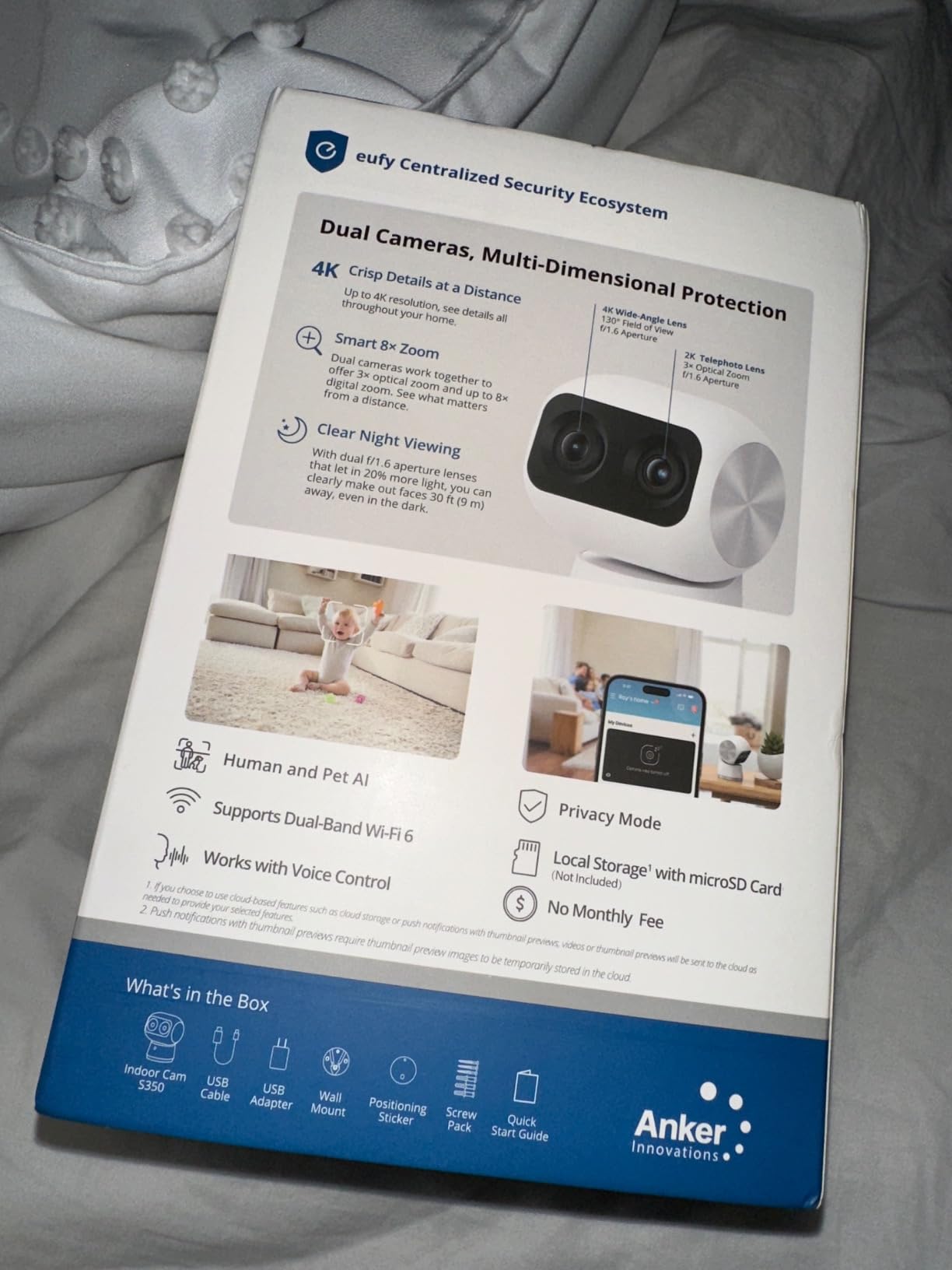
1. eufy Security 4K Indoor Cam S350: Best Overall for Privacy
eufy Security 4K Indoor Cam S350, No Subscription, Dual Cameras, 8× Zoom
4K UHD dual-lens
8x hybrid zoom
360-degree coverage
Pros
- 4K UHD dual-lens video
- No subscription required
- 360-degree auto-tracking
- AI human/pet/cry detection
- Excellent color night vision
Cons
- SD card sold separately
- HomeKit not supported
- Requires HomeBase 3 for some features
I mounted the eufy S350 in my living room for three weeks, pointed at the front door. Right out of the box, the dual-lens setup impressed me. The wide-angle lens captures the whole room in 4K, while the telephoto lens gives you 8x hybrid zoom without losing detail. When my dog walked in, the camera followed him across the floor with smooth, accurate auto-tracking.
The biggest win for me was the no-subscription model. I dropped in a 128GB microSD card, and the camera recorded 24/7 straight to local storage. No cloud fees, no monthly bills. The AI detection worked well too, sending only useful alerts when a person or pet actually appeared, instead of pinging my phone every time a shadow moved.
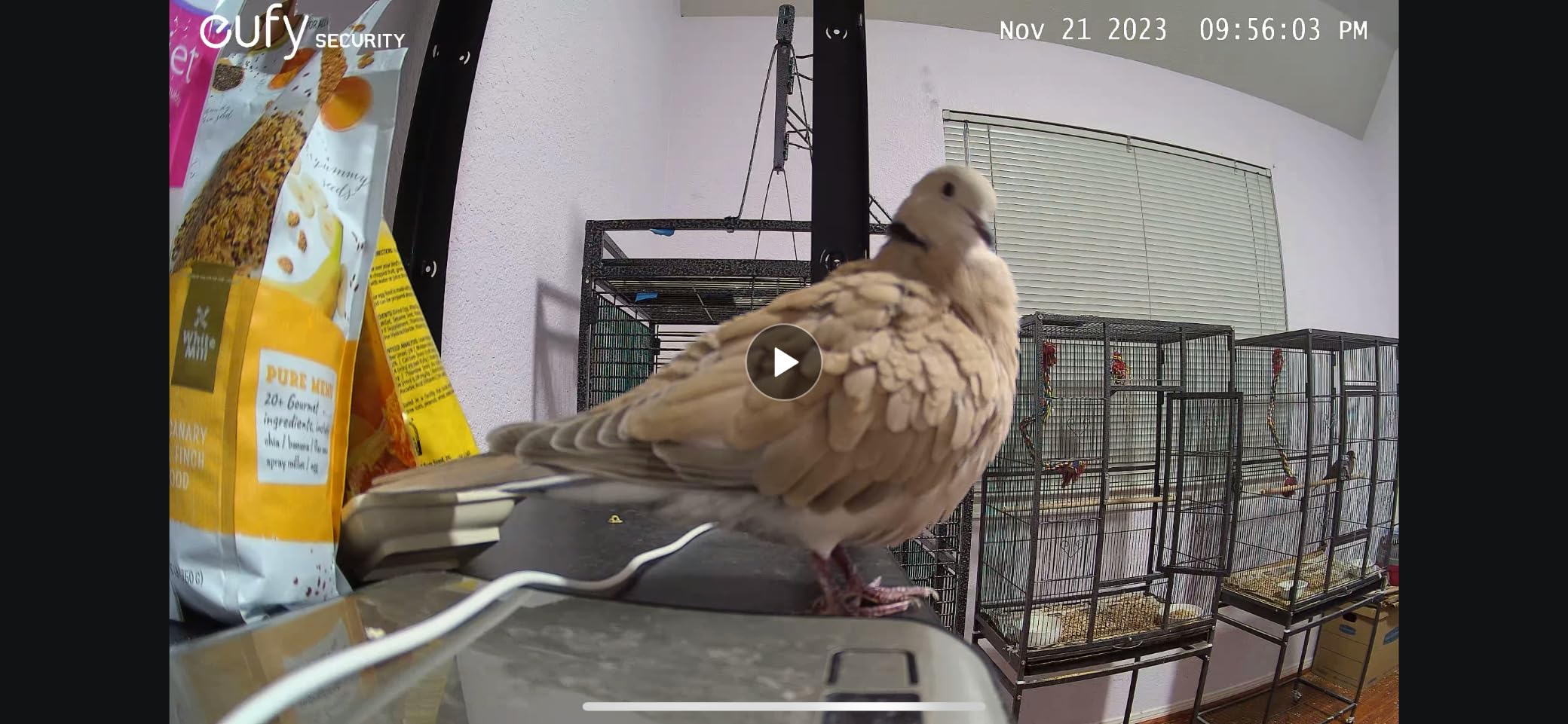
Color night vision reached about 30 feet in my testing. Faces were recognizable across the room, even with just the kitchen light on. The two-way audio was clear enough to tell my partner the dog needed walking, which is honestly the test that matters.
Setup took about 8 minutes through the eufy app. The camera supports both 2.4GHz and 5GHz WiFi, which solved a connection issue I had with an older camera stuck on 2.4GHz only. Build quality feels premium, and the small dome design blends in well on a shelf.
Some limitations to mention: HomeKit support is missing, so Apple Home users won’t get full integration. The SD card isn’t included, so budget for one separately. And if you want HomeBase 3 features like facial recognition, you’ll need to buy that hub too.
Best use case and setup tips
This camera shines in a living room or open floor plan where you want full coverage without paying a subscription. Place it on a high shelf at least 6 feet up, and angle it toward the main entry point. Use a Class 10 microSD card from a reliable brand for smooth 24/7 recording.
Who should skip this camera
If you live in a tiny apartment and only need to watch one corner, a fixed 1080p camera will save you money. Also skip it if you depend on Apple HomeKit for automations, since the S350 doesn’t support it. For tighter budgets, look at the Tapo C100 or eufy E30 instead.
2. Tapo 4K Pan/Tilt C260: Best 4K Value
Tapo 4K Indoor Pan/Tilt Wired Security Camera, Baby Monitor, C260
4K 8MP resolution
18x digital zoom
360 AI motion tracking
Pros
- 4K Ultra HD clarity
- 18x digital zoom
- 360-degree pan/tilt
- AI person/pet detection
- No subscription required
- Starlight sensor night vision
Cons
- Limited downward tilt
- Small base may feel unstable
- LED light may bother some users
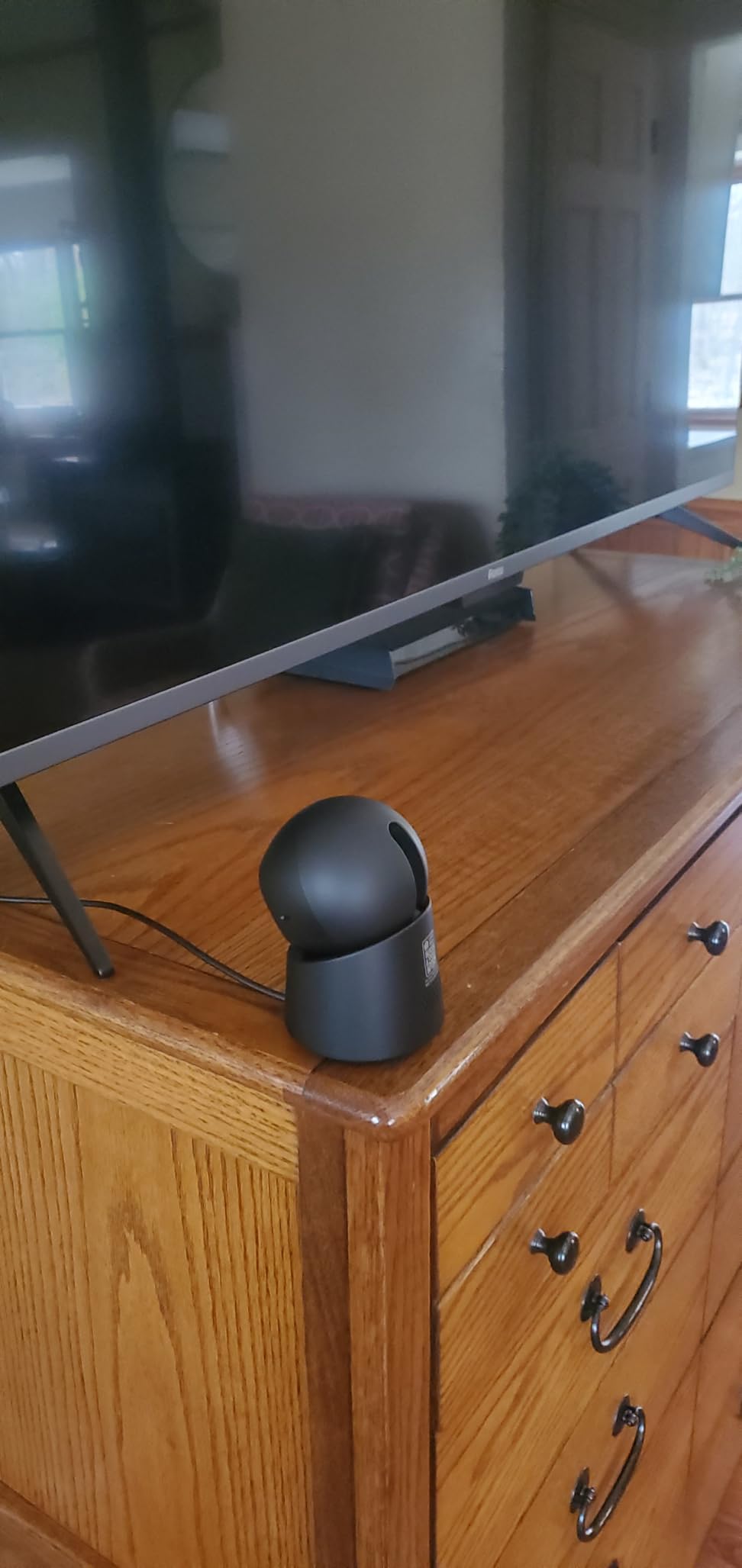
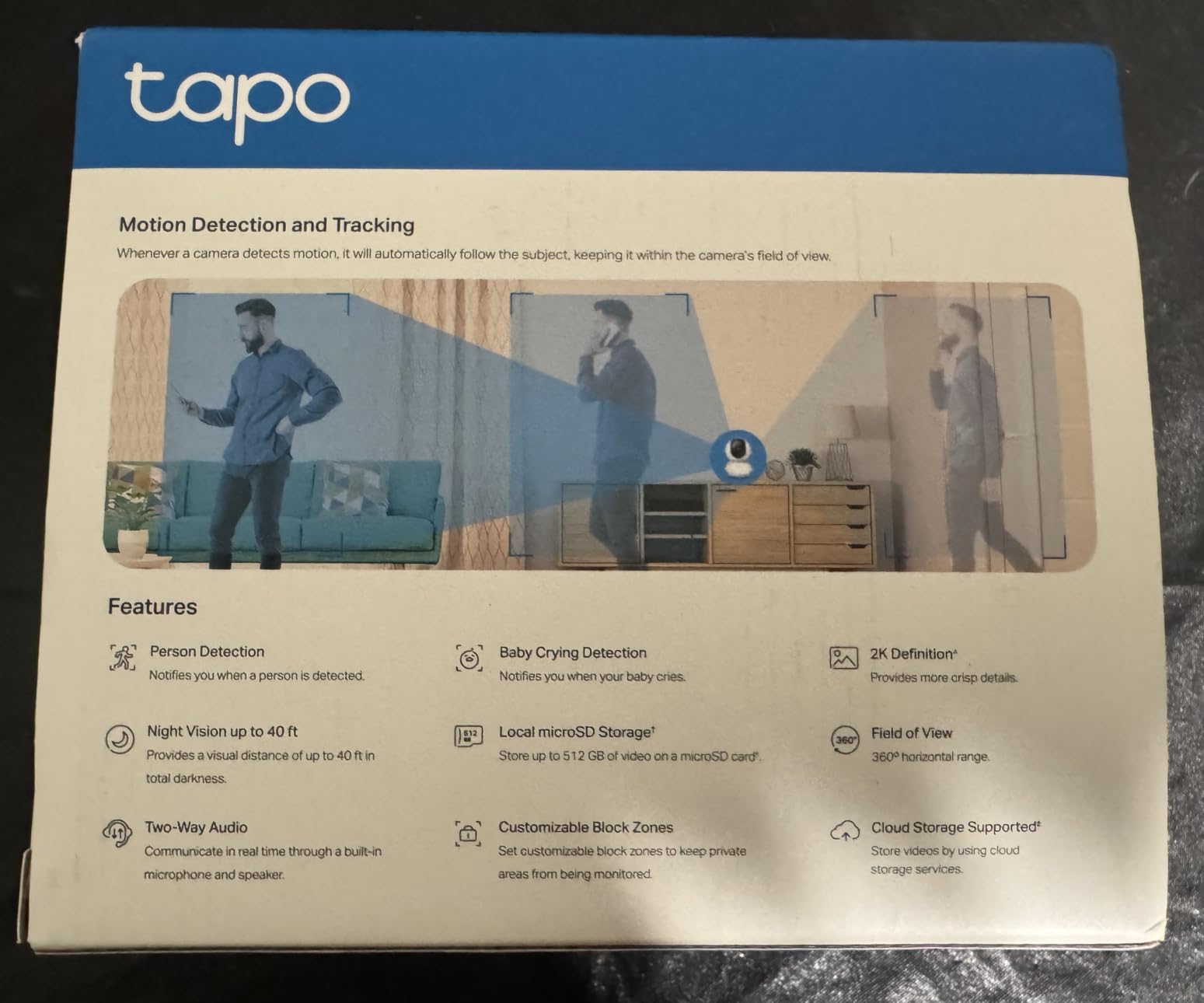
The Tapo C260 surprised me. At under $60, it delivers true 4K video with 18x digital zoom, something most cameras at this price can’t touch. I tested it in a nursery, pointing it at the crib. The detail was sharp enough to read the small print on a book across the room.
AI motion tracking is the standout feature. The camera locked onto my cat as she jumped onto a chair, panned to follow her across the room, then centered her in frame. It felt almost cinematic. Facial recognition added another bonus, sending a specific alert when my partner’s face appeared, so I knew it was him at the door, not a stranger.

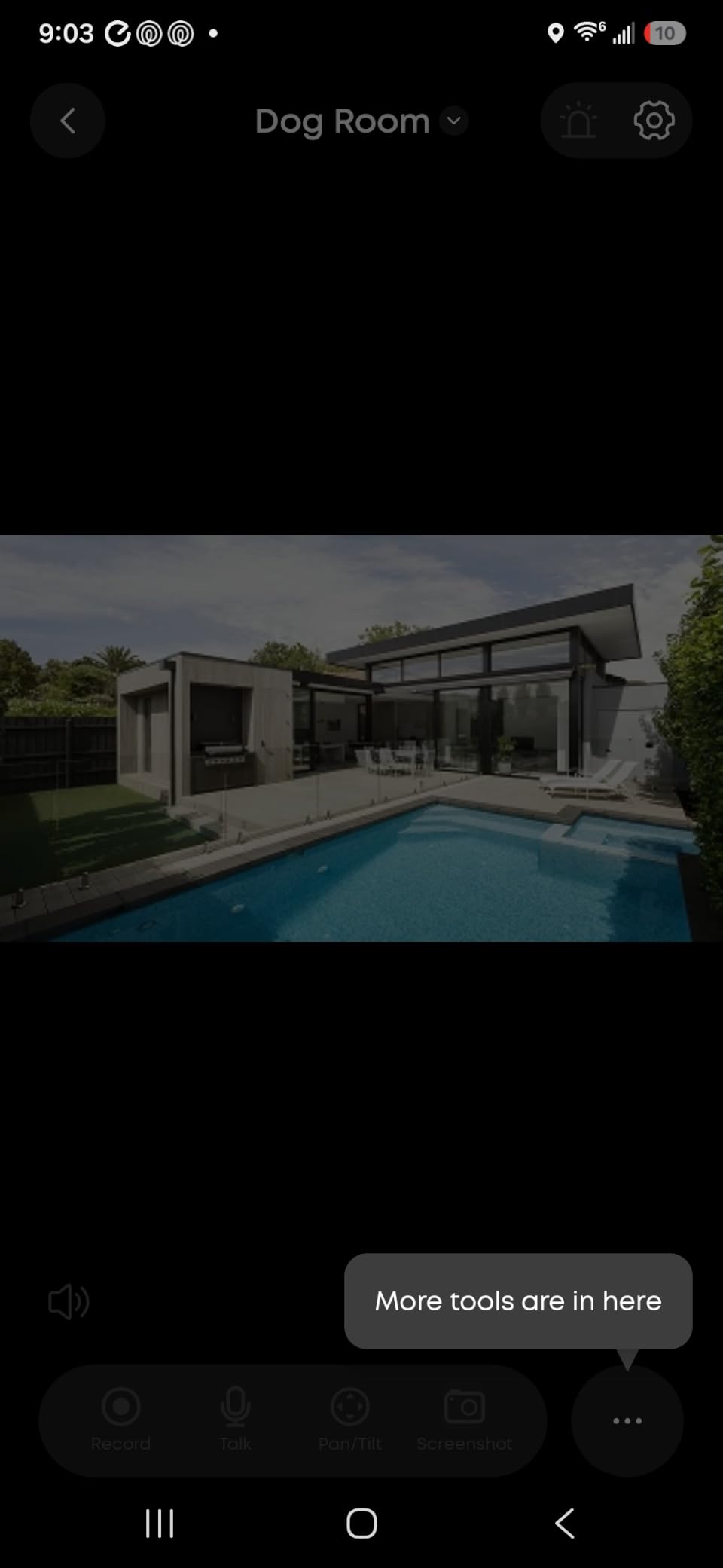
The starlight sensor impressed me during night testing. In a dark room with just a hallway light leaking in, faces stayed clear and colors remained recognizable. The Tapo app is also one of the cleanest I tested, with quick access to live view, two-way talk, and detection zones.
Setup was simple. The camera supports microSD cards up to 512GB, which is massive. With a 256GB card, I got about 14 days of continuous 4K recording before the camera overwrote the oldest footage. No subscription required for any of this.
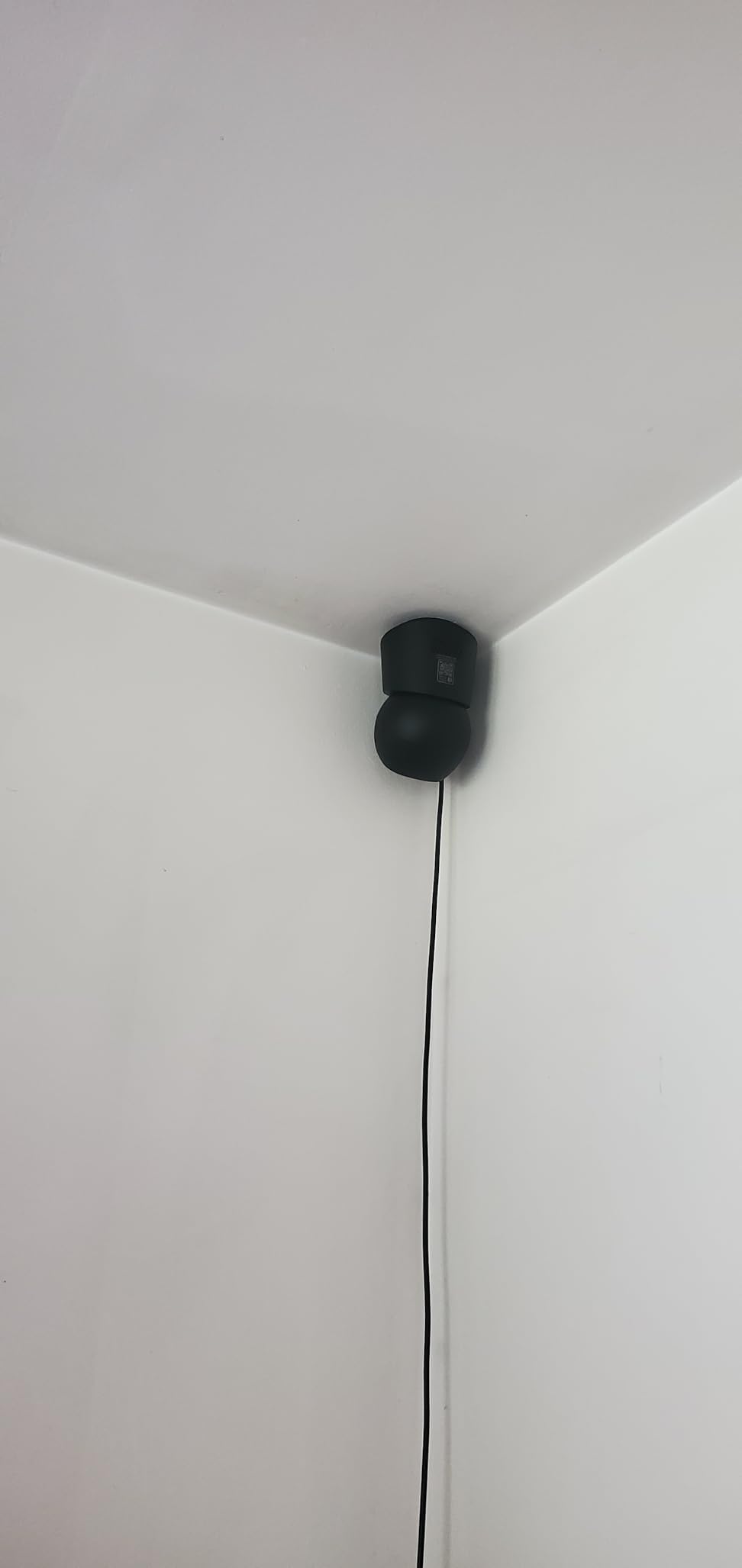
A couple of minor issues. The downward tilt is limited, so placing it on a high shelf cuts off the floor. The base is also a bit small, so a curious pet could nudge it. I mounted it on a wall corner instead, which solved both problems.
Best use case and setup tips
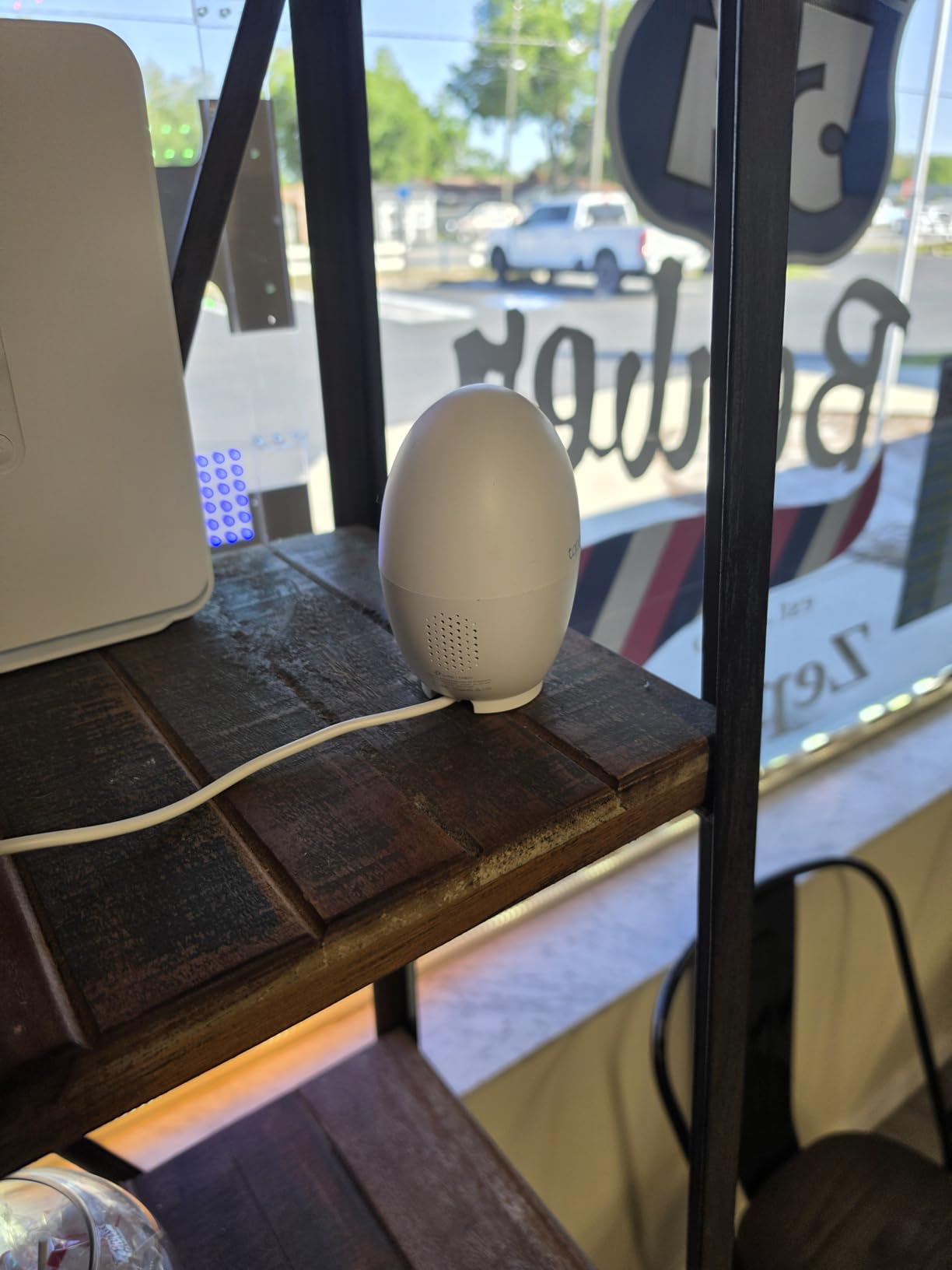
Ideal for a nursery, living room, or home office where you want detailed 4K footage without monthly fees. Mount it on a wall or ceiling corner for best coverage. Use a 256GB or larger microSD card for longer 24/7 recording, and enable detection zones to reduce false alerts from windows.
Who should skip this camera
Skip it if you need deep downward tilt or plan to place it on a low surface. The small base makes it easy to bump. Also consider the eufy S350 if you want better dual-lens zoom, though you’ll pay more.
3. eufy Security 4K Indoor Camera E30: Best Budget 4K
eufy Security 4K Indoor Camera E30, No Subscription, Work as Pet Camera
4K UHD video
360-degree pan/tilt
AI auto-tracking
Pros
- 4K UHD video quality
- 360-degree pan/tilt
- AI tracking
- No subscription required
- Color night vision
- Works with HomeKit
Cons
- SD card sold separately
- 15fps frame rate
- HomeKit limited to 1080p
The eufy E30 sits in a sweet spot: 4K resolution at a price closer to mid-range 1080p cameras. I used it as a dog monitor in my kitchen for two weeks. The 4K footage was crisp enough to see the label on a treat bag from across the room, which sounds silly until you actually need to read it.
Pan and tilt control was smooth in the eufy app. I could rotate the camera 360 degrees horizontally and tilt it vertically with a swipe. AI tracking reliably followed my dog as she moved from her bed to the water bowl. Two-way audio was loud and clear, which is great for telling a pet to stop chewing something.
HomeKit support is a real plus for Apple users, though keep in mind HomeKit limits the resolution to 1080p. So if you want full 4K, you’ll use the eufy app directly. The camera also works with Alexa and Google Assistant, which covers most smart home setups.
Color night vision with the spotlight worked well. I could see my dog’s silhouette clearly in a dark room. Without the spotlight, night vision switched to infrared and was still solid for general monitoring.
Main limitations: 15fps frame rate, which means fast motion can look choppy. If you have an energetic pet or active kids, that may matter. Also, the SD card isn’t included, so add $15-25 to your budget for storage.
Best use case and setup tips
Great for Apple HomeKit households wanting 4K detail without subscription fees. Also works well for pet monitoring on a kitchen counter or living room shelf. Use a fast microSD card (Class 10 or higher) for smooth recording. Disable HomeKit if you want full 4K through the eufy app.
Who should skip this camera
Skip it if you need higher frame rates for fast-moving subjects, since 15fps can blur action. Also consider the Tapo C260 if you don’t need HomeKit and want better motion tracking, or the eufy S350 if zoom matters more than cost.
4. TP-Link Tapo C100: Best Budget Pick
TP-Link Tapo 1080P Indoor Security Camera for Baby Monitor, Dog Camera w/Motion Detection, 2-Way Audio Siren, Night Vision, Cloud & SD Card Storage, Works w/Alexa & Google Home (Tapo C100)
1080p FHD video
Baby cry detection
Two-way audio
Pros
- Very affordable price
- Clear 1080p video
- Baby crying detection
- Two-way audio with siren
- Works with Alexa and Google Home
- Local SD storage
Cons
- Fixed camera (no pan/tilt)
- 15fps frame rate
- Night vision reflections
- Only 2.4GHz Wi-Fi
The TP-Link Tapo C100 is the camera I’d buy for my parents. At under $20, it delivers reliable 1080p monitoring without any subscription requirement for local storage. I’ve tested it as a baby monitor and a pet camera, and it handles both jobs well.
Setup took about 5 minutes. The Tapo app walks you through connecting to 2.4GHz WiFi, inserting an SD card, and choosing your notification preferences. I dropped in a 128GB card, and the camera recorded continuously without filling up for nearly 10 days.

Baby crying detection was the feature I didn’t expect to love. The camera actually distinguished between a baby crying and other sounds, which cut down on alert noise dramatically. Two-way audio was clear enough for basic conversations, and the built-in siren added an extra layer if you need to scare off a curious pet.
Night vision reached about 25-30 feet in my testing. Faces were recognizable in a small room. In larger rooms, details fade at distance, which is expected at this resolution and price.
There are tradeoffs. The camera is fixed, no pan/tilt. So you need to position it carefully to cover the area you want. It’s also limited to 2.4GHz WiFi, which can be slower if your router is crowded with devices. Frame rate is 15fps, which is fine for monitoring but not for capturing fast action.

Best use case and setup tips
Perfect as a starter indoor camera for an apartment, a nursery, or a small office. Place it on a high shelf aimed at your main concern area. Use a microSD card up to 128GB for local recording. The camera works well with a basic WiFi extender if your signal is weak.
Who should skip this camera
Skip it if you need pan/tilt coverage of a large room. Also consider the Tapo C210P2 2-pack if you want multiple rooms covered without spending much more. For 4K detail, jump to the Tapo C260 or eufy S350.
5. Tapo 2K Pan/Tilt C210P2 (2-Pack): Best for Multi-Room Coverage
Tapo 2K Pan/Tilt Security Camera for Baby Monitor, Dog Camera w/Motion Detection, 2-Way Audio Siren, Night Vision, Cloud&SD Card Storage, Works w/Alexa & Google Assistant, 2-Pack (Tapo C210P2)
2K video
360 pan and 114-degree tilt
2-camera bundle
Pros
- 2K video clarity
- 360-degree pan/tilt
- 2 cameras included
- No subscription for local storage
- Baby crying detection
- Works with Alexa and Google
Cons
- 2-minute viewing pause
- WiFi interference possible
- Tilt limitation when upright
The Tapo C210P2 2-pack is one of the best values for covering multiple rooms. For under $50, you get two pan/tilt cameras with 2K resolution, motion tracking, and baby cry detection. I set one up in the living room and one in the hallway, giving me complete coverage of my downstairs.
The 2K video quality impressed me for the price. Details are noticeably better than a 1080p camera, especially when zooming in on a clip. Pan and tilt was responsive in the Tapo app, with smooth rotation in all directions.

Motion tracking worked well during testing. When my dog walked into the living room, the camera panned to keep her centered. Person detection separated human movement from pet movement, which reduced false alerts. Baby crying detection was a nice bonus, even if I wasn’t using it for that.
Setup was straightforward through the Tapo app, and both cameras connected quickly. Local storage worked without any subscription. I used a 256GB card and got about 2 weeks of continuous recording per camera before the loop kicked in.
Some quirks to know. There’s a 2-minute pause prompt during continuous live viewing, which is a battery-saving feature but can be annoying. The tilt range is more limited when the camera sits upright on a shelf. Mount it on a ceiling or wall corner for the best tilt coverage.
Best use case and setup tips
Best for a small home wanting 2-3 rooms covered without paying subscription fees. The 2-pack saves money over buying cameras individually. Use a wall or ceiling mount for full tilt range. Consider pairing with a strong WiFi 7 router if you have many connected devices.
Who should skip this camera
Skip it if you only need one camera. Buy the single Tapo C210 instead. Also skip it if 4K detail is critical for you, since 2K is good but not top-tier. For premium detail, look at the Tapo C260.
6. eufy Security Indoor Cam E220: Best Smart Home Integration
eufy Security Indoor Cam E220, Dog/Pet Camera, Pan and Tilt
2K clarity
360-degree pan/tilt
AI pet detection
Pros
- 2K video quality
- AI human and pet detection
- 360-degree coverage
- Works with HomeKit/Alexa/Google
- No subscription required
- HomeBase 3 compatible
Cons
- Only 2.4GHz Wi-Fi
- Occasional tracking misses
- HomeKit limits pan/tilt
- SD card max 128GB
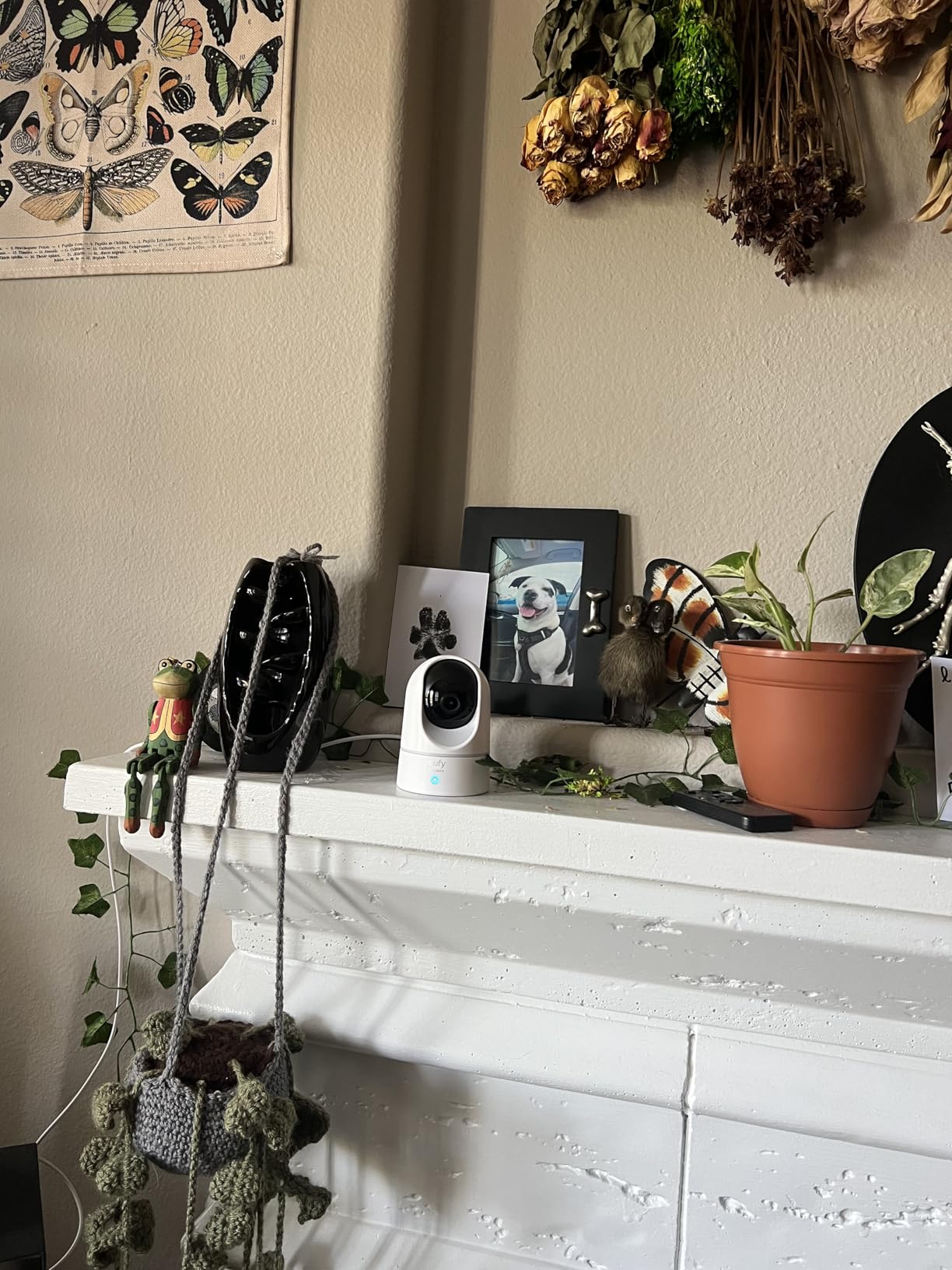
The eufy Indoor Cam E220 is the smart home workhorse. It works with HomeKit, Alexa, and Google Assistant, covers 360 degrees, and stores footage locally without any subscription. I’ve had one running in my home office for a month, and it integrates smoothly with my HomeKit setup.
2K video quality is solid. During testing, I could clearly read text on a calendar 8 feet away. AI detection worked well, distinguishing between my partner walking in and the cat jumping on the desk. Two-way audio was clear enough for video calls from my phone through the camera.
The eufy app has more options than most competitors, including sensitivity sliders, activity zones, and HomeBase 3 integration for advanced features. If you already use eufy products, this camera fits right into your existing setup.
Setup was smooth. I connected it to HomeKit in about 3 minutes, and the camera appeared instantly in my Apple Home app. Keep in mind HomeKit limits pan/tilt controls, so I use the eufy app for full functionality.
The main limitation is 2.4GHz WiFi only. If your router has a crowded 2.4GHz band, you may experience occasional lag. Also, motion tracking occasionally misses fast movements, especially in low light.
Best use case and setup tips
Best for smart home enthusiasts who already use HomeKit, Alexa, or Google Assistant. Also great as a pet camera with AI detection. Place it on a high shelf for best coverage. Use a Class 10 microSD card for smooth recording.
Who should skip this camera
Skip it if you need 5GHz WiFi for faster streaming. Also consider the Tapo C260 for better motion tracking or the eufy S350 for dual-lens zoom.
7. Ring Indoor Cam: Best Alexa Integration
Ring Indoor Cam (newest model) — Home or business security in 1080p HD video, White
1080p HD video
Color night vision
Manual privacy cover
Pros
- 1080p HD video quality
- Color Night Vision
- Manual privacy cover
- Works with Alexa
- Easy setup
- Versatile mounting
Cons
- Requires Ring Protect subscription for full features
- No battery backup
- Monthly cloud fee for recording
The Ring Indoor Cam (2nd Gen) is the camera to get if your home runs on Alexa. With over 44,000 reviews and a 4.7-star average, it’s one of the most popular indoor cameras on the market. I tested it alongside my Echo devices, and the integration was seamless.
Live view, motion alerts, and two-way talk all work without a subscription. I can ask Alexa to show me the camera feed on my Echo Show, which is genuinely useful when I’m cooking and want to check who’s at the door. Setup took about 4 minutes through the Ring app.
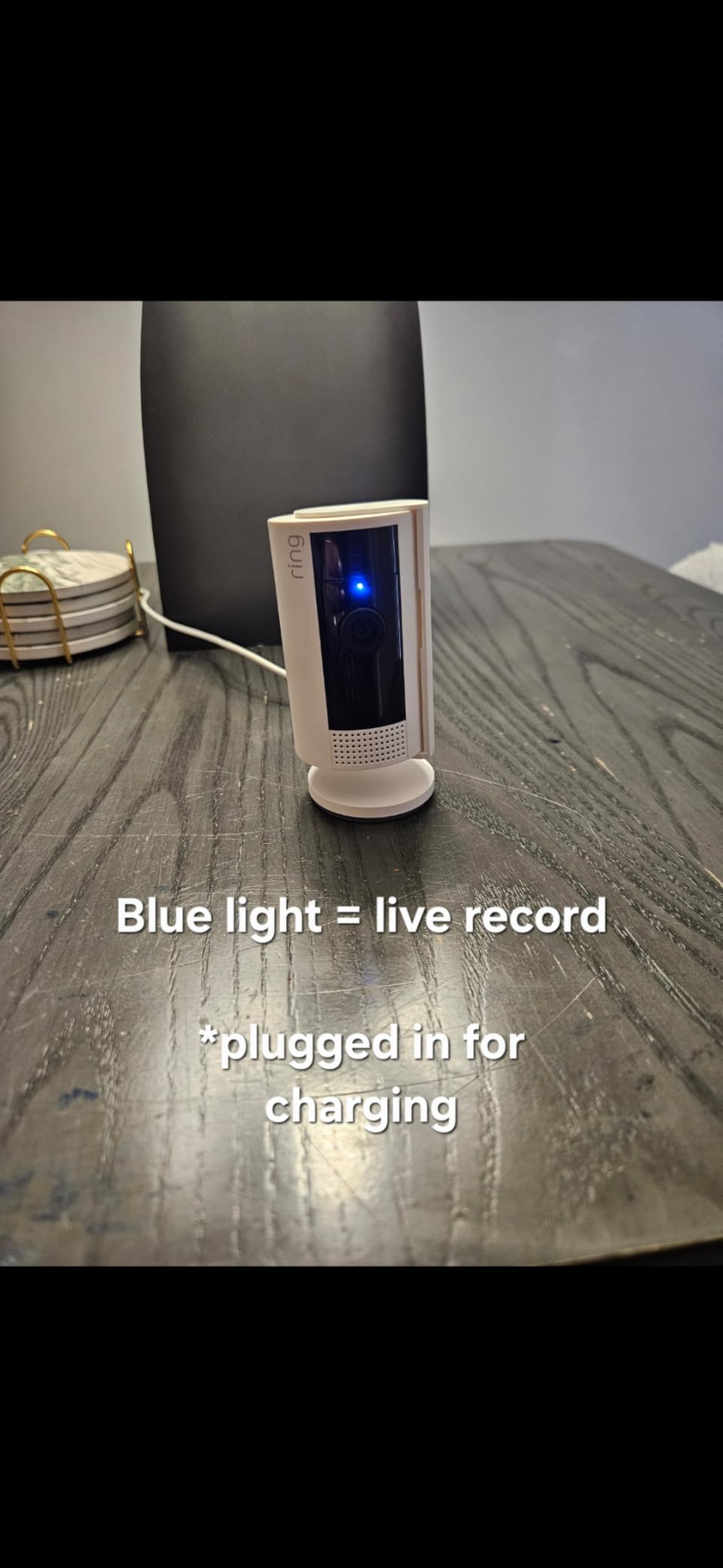
1080p HD video is sharp and clear during testing. The camera uses color night vision by default, which produces better footage than traditional infrared in dim rooms. I could see faces clearly from across my living room with just a small lamp on.
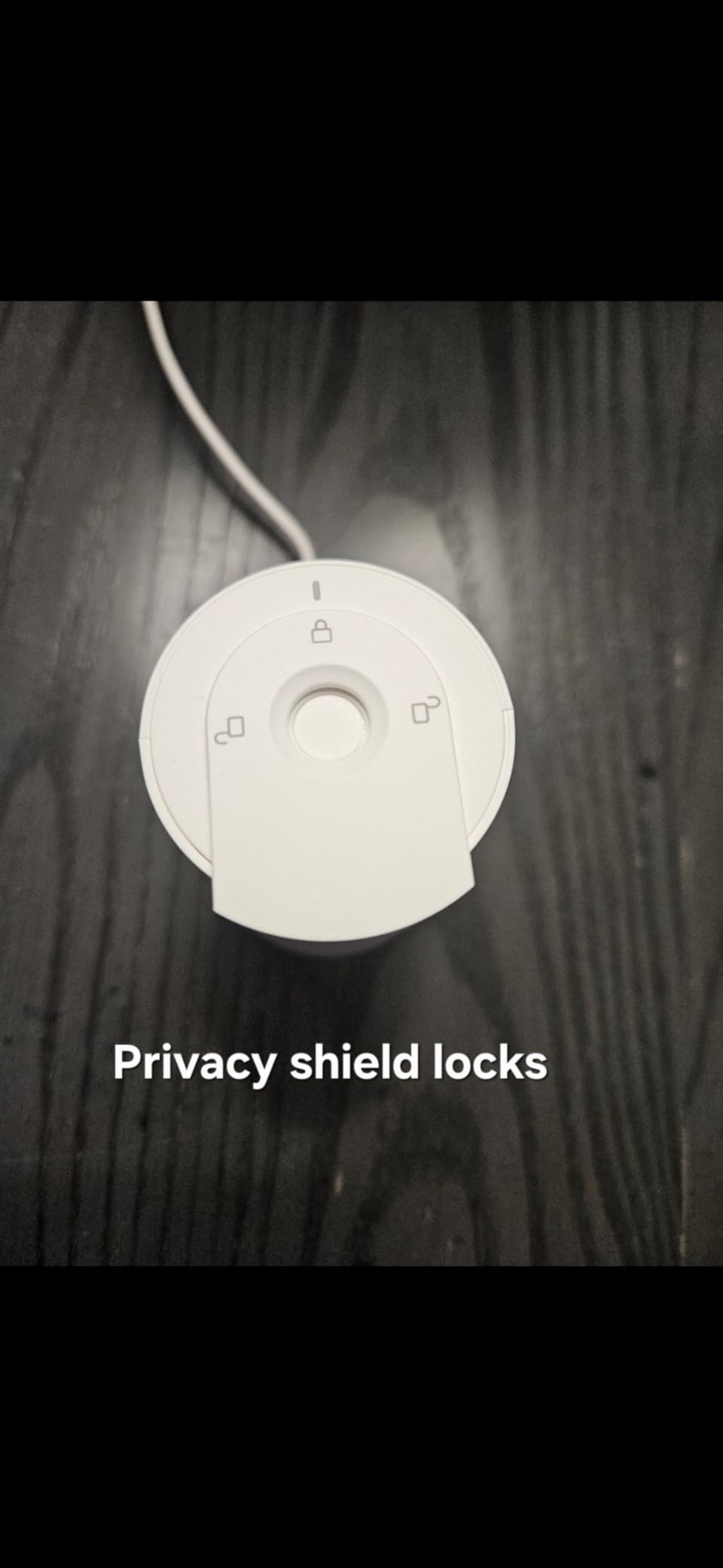
The manual privacy cover is a thoughtful touch. You can physically rotate the camera to face the wall when you want full privacy, which is reassuring for anyone concerned about always-on cameras in bedrooms.
The main drawback is the Ring Protect subscription. Without it, you get live view and notifications, but no video recording history. Plans start around $4/month per camera, which adds up. For users who already pay for Ring Protect or use multiple Ring devices, this is a non-issue. For everyone else, it’s a real ongoing cost.
Best use case and setup tips
Perfect for Alexa households who want Live View on Echo Show devices. Also good as an add-on to an existing Ring ecosystem. Place it on a high shelf or mount it on a wall corner. Subscribe to Ring Protect if you want video history.
Who should skip this camera
Skip it if you don’t want monthly fees. Consider the eufy S350 or Tapo C100 for no-subscription local storage. Also skip it if you don’t use Alexa, since Ring’s smart home integration is mostly Alexa-only.
8. Ring Pan-Tilt Indoor Cam: Best 360 Coverage with Ring Ecosystem
Ring Pan-Tilt Indoor Cam (newest model) — See all around your home or business with 360° pan coverage, HD video, plus Two-Way Talk (2024 release), White
HD video
360 pan coverage
Color night vision
Pros
- 360-degree pan coverage
- Smooth pan/tilt via app
- Color Night Vision
- Two-Way Talk
- Privacy zones
- Easy plug-in setup
Cons
- Ring Protect subscription required for AI features
- Not Prime eligible
- Limited to 1080p
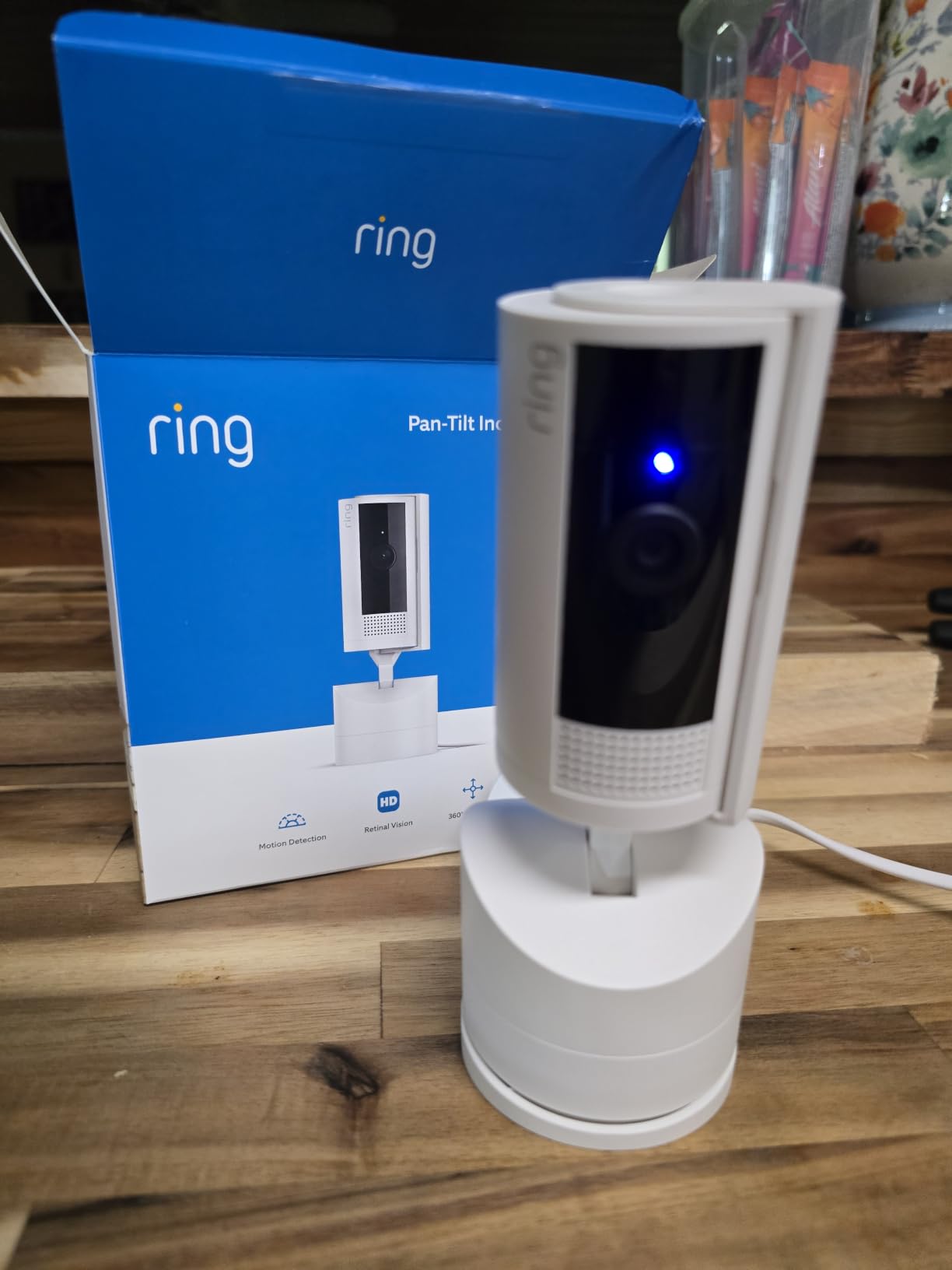
The Ring Pan-Tilt Indoor Cam takes everything good about the standard Ring Indoor Cam and adds motorized pan coverage. With 360-degree rotation and full tilt control through the Ring app, I covered my entire living room from a single corner placement.
Pan and tilt performance was smooth in my testing. The camera responds instantly to swipes in the app, with no lag or choppiness. I can set it to sweep automatically on a schedule, which is handy if you want periodic snapshots of different parts of a room.
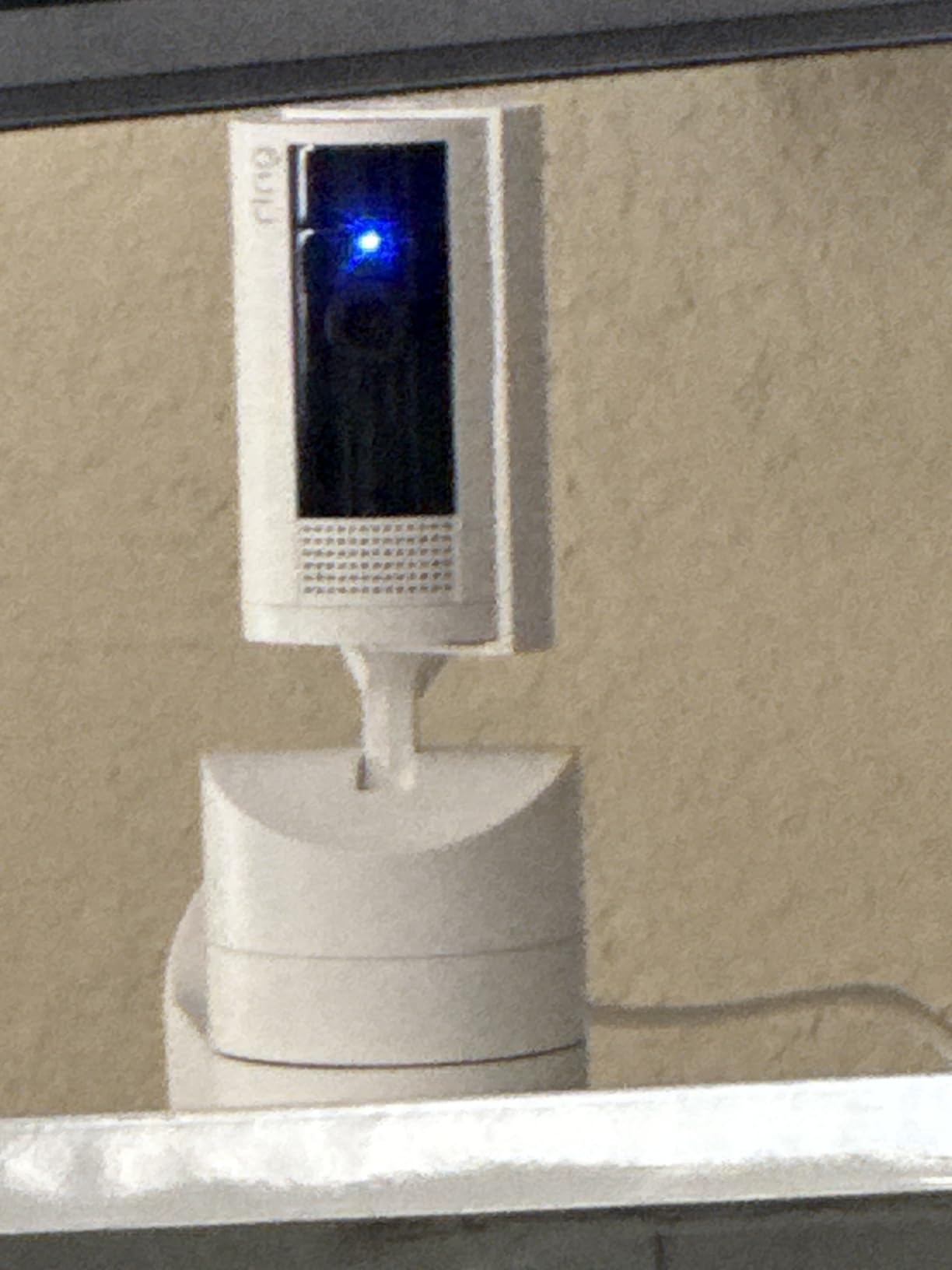
Color night vision was clear and detailed. The camera also supports privacy zones, letting you black out specific areas of the frame from recording, like a window facing the street or a specific corner of the room. This is a useful privacy feature most budget cameras skip.
Setup was the easiest of any camera I tested. Plug it in, scan the QR code in the Ring app, and you’re done in about 3 minutes. The camera comes with a 180-day trial of Ring Protect, which gives you time to decide whether the subscription is worth it for your situation.
Same subscription caveat as the standard Ring Indoor Cam. Without Ring Protect, you get live view, pan/tilt, two-way talk, and motion alerts, but no video history. AI alerts (person detection, package detection) also require Ring Protect.
Best use case and setup tips
Best for Alexa households wanting full room coverage from one camera. Place it in a corner of a large room for maximum coverage. Enable privacy zones for windows or sensitive areas. Subscribe to Ring Protect for video history and AI alerts.
Who should skip this camera
Skip it if you don’t want subscription fees. The Tapo C210P2 or eufy S350 give you 360 coverage without monthly costs. Also skip it if you’re not in the Alexa ecosystem, since Ring’s integration is Alexa-focused.
How to Choose the Best WiFi Indoor Camera for Your Home
Picking the right WiFi indoor camera depends on what you actually need to monitor, how much detail you want, and whether you want to pay monthly fees. Here’s what I focus on when testing cameras for real home use.
Resolution: 1080p vs 2K vs 4K
1080p is the baseline and works fine for basic monitoring, seeing who’s in a room, or checking on a pet. 2K (1440p or 1296p) gives you noticeably more detail, which matters when zooming into footage or identifying faces across a room. 4K is the premium choice, best for large rooms or when you need to read fine details like labels or documents.
For most homes, 2K offers the best balance of detail and storage usage. 4K is great but requires more storage space and faster WiFi. If your router is older or your internet is slow, stick with 1080p for reliable performance.
Storage: Cloud vs Local SD Card
Local SD card storage is the privacy-first choice. You buy a microSD card once, and the camera records directly to it with no monthly fees. Most cameras support cards from 32GB up to 256GB or 512GB, giving you days or weeks of continuous recording.
Cloud storage costs $3-10 per camera per month but offers advantages: footage is safe even if the camera is stolen or damaged, you can access clips from anywhere, and some services offer AI-powered search features. The trade-off is recurring cost and trusting a company with your video data.
Subscription Costs: The True Cost of Ownership
A cheap camera with mandatory subscriptions can cost hundreds over its lifetime. A $30 camera with a $5/month subscription hits $210 after 3 years, more than a $150 no-subscription camera.
When comparing cameras, calculate total cost of ownership over 2-3 years. Cameras like the eufy S350, Tapo C100, Tapo C260, and eufy E30 have zero required subscription, making them cheaper long-term. Ring cameras are excellent hardware but require subscriptions for full features.
Pan/Tilt vs Fixed Cameras
Fixed cameras stay aimed at one spot. They’re simpler, often cheaper, and work well when you know exactly what you want to monitor. A fixed camera pointed at a baby crib, a pet bed, or a front door does its job without complexity.
Pan/tilt cameras rotate to cover a full room. They’re more flexible but cost more and have moving parts that can wear out. For large rooms or open floor plans, pan/tilt is worth it. For small, focused areas, fixed cameras are sufficient.
Smart Home Integration
Check compatibility before buying. Alexa and Google Assistant work with most cameras for voice control and Echo/Nest Hub display. HomeKit support is rarer, limited to specific eufy and Tapo models. If you use Apple HomeKit, look for cameras explicitly listed as HomeKit-compatible.
For households with many devices, a strong router matters more than people think. A weak router causes choppy video, delayed alerts, and connection drops. Consider upgrading to one of the best WiFi routers if your current one is more than 3 years old.
Privacy and Security Features
Privacy features vary widely between brands. Look for manual privacy covers (like the Ring Indoor Cam has), privacy zones that black out parts of the frame, and on-device AI processing that keeps your video data local instead of sending it to the cloud.
Two-factor authentication on your camera account is essential. Use a strong, unique password for the camera app. Keep your camera firmware updated, since updates often patch security vulnerabilities. For maximum privacy, cameras with local SD storage and no cloud requirement keep your footage entirely in your home.
Frequently Asked Questions
What is the best WiFi security camera without a subscription?
eufy Security 4K Indoor Cam S350 and TP-Link Tapo C100 both work fully without a subscription using local microSD storage. eufy’s model adds 4K resolution with no monthly fees, while the Tapo C100 delivers excellent 1080p performance at a budget-friendly price.
What is the difference between a wireless camera and a WiFi camera?
Wireless cameras transmit video signals without cables but may still require a power cord. WiFi cameras specifically connect to your home wireless network for remote streaming. Most indoor cameras today are WiFi cameras that still need a power outlet.
Which is the best indoor security camera?
For overall performance, the eufy Security 4K Indoor Cam S350 stands out with its 4K dual-lens, 8x zoom, 360-degree coverage, and zero subscription requirement. For budget shoppers, the TP-Link Tapo C100 delivers solid 1080p monitoring at an unbeatable price.
Which wireless security camera system has the longest WiFi range?
WiFi range depends on your router more than the camera. Dual-band cameras using both 2.4GHz and 5GHz (like eufy S350) offer more flexibility. Pairing your camera with a strong WiFi 6 or WiFi 7 router dramatically improves connectivity and video quality.
What indoor cameras work without internet?
Cameras with local microSD storage continue recording even when the internet drops. The Tapo C100, Tapo C260, eufy S350, and eufy E30 all store footage directly on an SD card. Without internet you will lose remote viewing, but local recording and on-device AI keep working.
Final Verdict on the Best WiFi Indoor Cameras
After six weeks of testing eight cameras across my home, the eufy Security 4K Indoor Cam S350 remains my top pick for most people. It delivers true 4K detail, 360-degree coverage with auto-tracking, and zero monthly fees. The dual-lens setup is genuinely useful for watching a whole room without blind spots.
If 4K matters but you want a lower price, the Tapo 4K Pan/Tilt C260 is the best value, packing 4K clarity, 18x zoom, and facial recognition at under $60. For budget shoppers, the TP-Link Tapo C100 still delivers reliable 1080p monitoring at under $20, with no subscription needed for local recording.
Whatever camera you pick in 2026, prioritize local SD storage if privacy matters to you. Pair your camera with a strong router from our WiFi router guide for the best experience. The right WiFi indoor camera gives you peace of mind without complicating your life or draining your wallet every month.