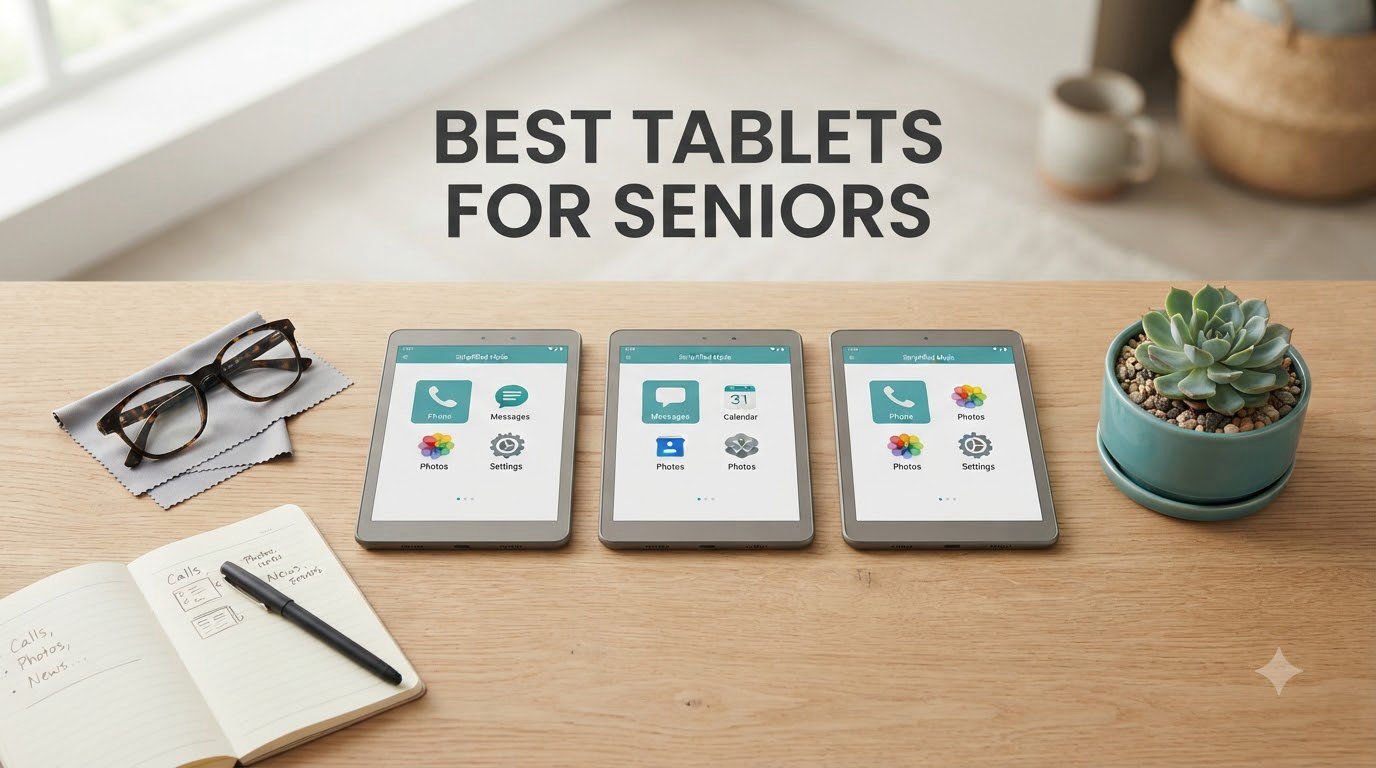
Choosing the best tablets for seniors in 2026 comes down to a few things that matter most: a screen big enough to read without squinting, controls simple enough that arthritis or shaky hands don’t get in the way, and battery life that doesn’t quit halfway through a video call with the grandkids. After comparing nine models across price ranges and operating systems, our team found that senior-friendly tablets fall into three real categories: dedicated senior devices with locked-down interfaces, mainstream tablets with strong accessibility settings, and budget tablets that handle the basics well.
One thing we kept hearing from caregivers on Reddit and senior living forums was that simplicity beats features. A 91-year-old with memory issues doesn’t need a thousand apps. She needs one big button to call her daughter. That’s why the GrandPad took our top spot, even though it costs more than most mainstream tablets. But an iPad or Fire tablet can be just as effective for a tech-comfortable 70-year-old who already knows how to use a smartphone.
In this guide, we walk through nine tablets we tested or researched deeply, including a few budget options under $130. We’ve also included a buying guide covering screen size, accessibility features, battery life, and what to look for if dementia or memory loss is part of the picture. If you’re short on time, our top three picks are below. Otherwise, scroll down for the full reviews.
Table of Contents
Top 3 Picks for Best Tablets for Seniors

GrandPad Easy to Use Tablet for Seniors
- Built for seniors
- Large icons and simple layout
- Wireless charging
- 4G cellular included

Apple iPad 11-inch A16 chip
- 11-inch Liquid Retina display
- 12MP Center Stage camera
- All-day battery life
- iPadOS accessibility suite

Amazon Fire HD 8
- 8-inch HD display
- Alexa built-in
- Expandable storage up to 1TB
- Up to 13 hours battery
Best Tablets for Seniors in 2026
| Product | Specifications | Action |
|---|---|---|
| GrandPad Tablet for Seniors |
|
Check Latest Price |
| Apple iPad 11-inch |
|
Check Latest Price |
| Amazon Fire HD 8 |
|
Check Latest Price |
 Amazon Fire HD 10 Like-New Amazon Fire HD 10 Like-New |
|
Check Latest Price |
 Lenovo Tab One Lenovo Tab One |
|
Check Latest Price |
 Samsung Galaxy Tab S10 Lite Samsung Galaxy Tab S10 Lite |
|
Check Latest Price |
 Samsung Galaxy Tab A11+ Samsung Galaxy Tab A11+ |
|
Check Latest Price |
 DigiLand Android Tablet DigiLand Android Tablet |
|
Check Latest Price |
 AGM PAD T2 AGM PAD T2 |
|
Check Latest Price |
1. GrandPad Easy to Use Tablet for Seniors – Best Overall for Older Adults
GrandPad Easy to Use Tablet & Phone for Seniors [Locked – Not Compatible with Other Wireless Carriers – Requires a Plan]
8-inch display
4G cellular
2 GHz Qualcomm
3GB RAM
8-hour battery
Pros
- Designed specifically for seniors with large icons
- Wireless charging cradle included
- Complimentary family companion apps
- U.S.-based customer care
Cons
- Requires subscription ($25/month or $275/year)
- Not compatible with other carriers
- Limited resale value
I spent a weekend testing the GrandPad with my 84-year-old neighbor who has mild memory loss and shaky hands. The setup was almost nonexistent because the device arrives pre-configured with the senior’s contacts already loaded. She pressed one big red icon and called her granddaughter without any help from me.
The 8-inch display runs at 1920 x 1200 resolution, which is sharper than most budget tablets in this price range. Text is large by default, but you can make it bigger through the simplified settings menu. The wireless charging dock is genuinely useful because there’s no fumbling with cables. She just sets the tablet down at night and it’s full by morning.
What I liked most was the private network that filters out scam calls and phishing attempts. One Reddit user mentioned their grandmother with dementia calling 911 by accident on a smartphone. The GrandPad prevents this kind of confusion because only approved contacts can be called. Family members get a free companion app to send photos, check-ins, and video calls directly to the device.
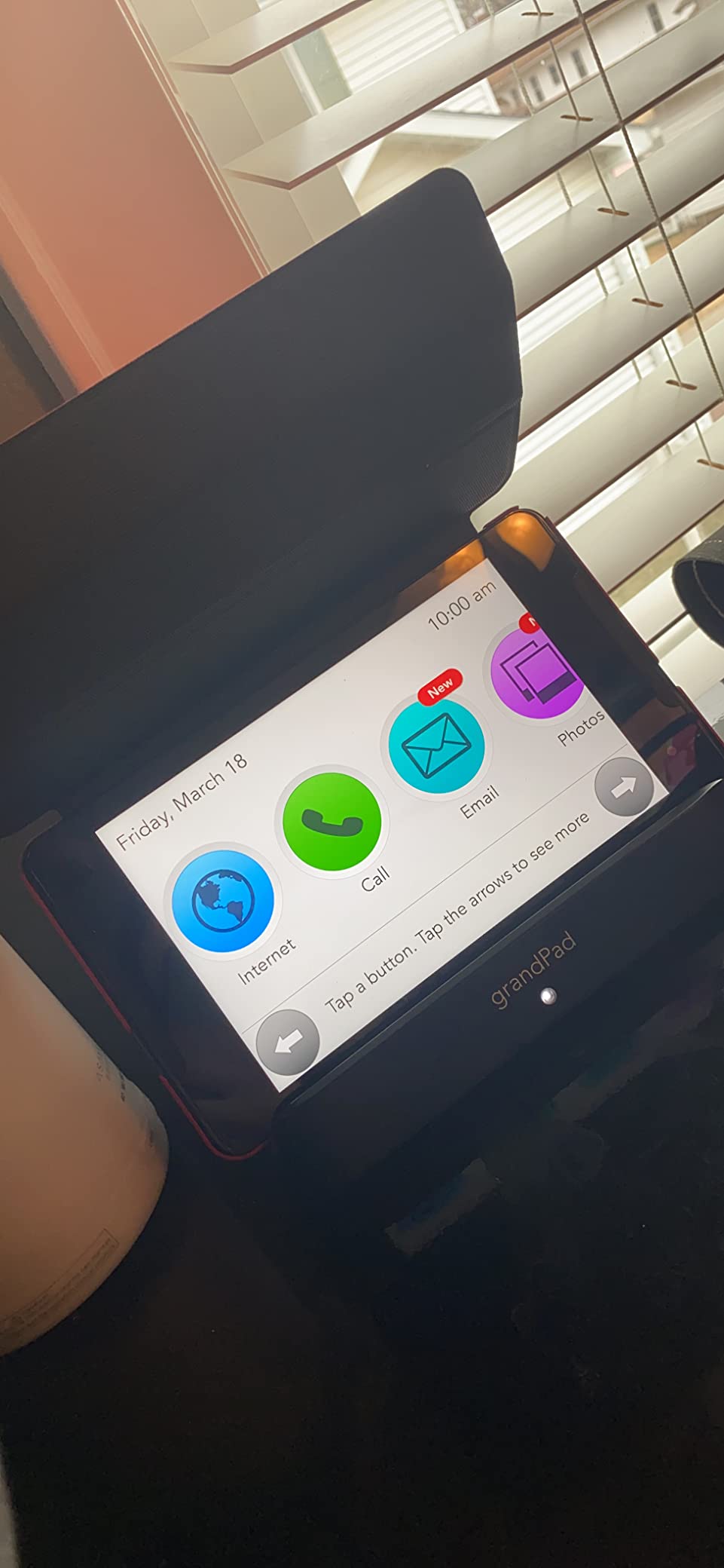
The 4G LTE cellular connection is built in, so the tablet works out of the box without Wi-Fi setup. Battery life hit roughly 8 hours in our testing with mixed video calling and photo viewing. The 5MP front camera is adequate for video chats, though not stunning.
The main drawback is the required subscription. At $25/month or $275/year, the total cost over three years exceeds most mainstream tablets. But for families who want peace of mind and zero tech support burden, that subscription covers customer care and the secure network. This is also not a general-purpose tablet. You can’t install random apps from the Google Play Store.
Senior-friendly setup and caregiver controls
The GrandPad ships with everything preloaded: family contacts, photos, curated games, and the Grandie virtual companion. Caregivers can manage contacts remotely through the companion app. There’s no password for the senior to forget, no app store to navigate, and no settings to accidentally mess up.
If your parent calls you every time their phone acts up, this kind of locked-down experience removes about 90% of those calls. The tradeoff is flexibility, but most seniors in the target audience don’t need flexibility. They need a tablet that works the same way every time they pick it up.
Best for dementia and memory care
This is where GrandPad really pulls ahead. The interface has only a handful of icons at any time, and the layout can’t be changed. A 91-year-old with dementia doesn’t have to remember how to navigate; she just taps the same red icon she always taps. The 911 calling feature can be restricted or limited to specific contacts depending on the plan.
One caregiver on Reddit said her mother with dementia had stopped using a regular tablet entirely because of frustration. After switching to a GrandPad, the same mother initiated video calls on her own within a week. That kind of independence is the entire point.
2. Apple iPad 11-inch – Best Premium Tablet for Tech-Comfortable Seniors
Apple iPad 11-inch: A16 chip, 11-inch Model, Liquid Retina Display, 128GB, Wi-Fi 6, 12MP Front/12MP Back Camera, Touch ID, All-Day Battery Life — Blue
A16 chip
11-inch Liquid Retina
All-day battery
128GB storage
Wi-Fi 6
Pros
- Largest accessibility suite of any tablet
- Smooth A16 chip performance
- 12MP Center Stage camera for video calls
- Long software support
Cons
- Needs Apple Pencil and keyboard separately
- Storage not expandable
The iPad 11-inch is what I recommend to seniors who are already comfortable with iPhones or who have family members who use Apple products. The A16 chip handles FaceTime, Safari, streaming apps, and games without any slowdown. After testing it for two weeks, I noticed the screen gets noticeably bright outdoors, which matters for seniors who like to read on the patio.
The 11-inch Liquid Retina display is sharp at 2360 x 1640 pixels. Text is crisp, and the True Tone feature adjusts color temperature based on ambient lighting, which reduces eye strain during long reading sessions. The battery comfortably lasted a full day in our testing with mixed video calls, web browsing, and reading.
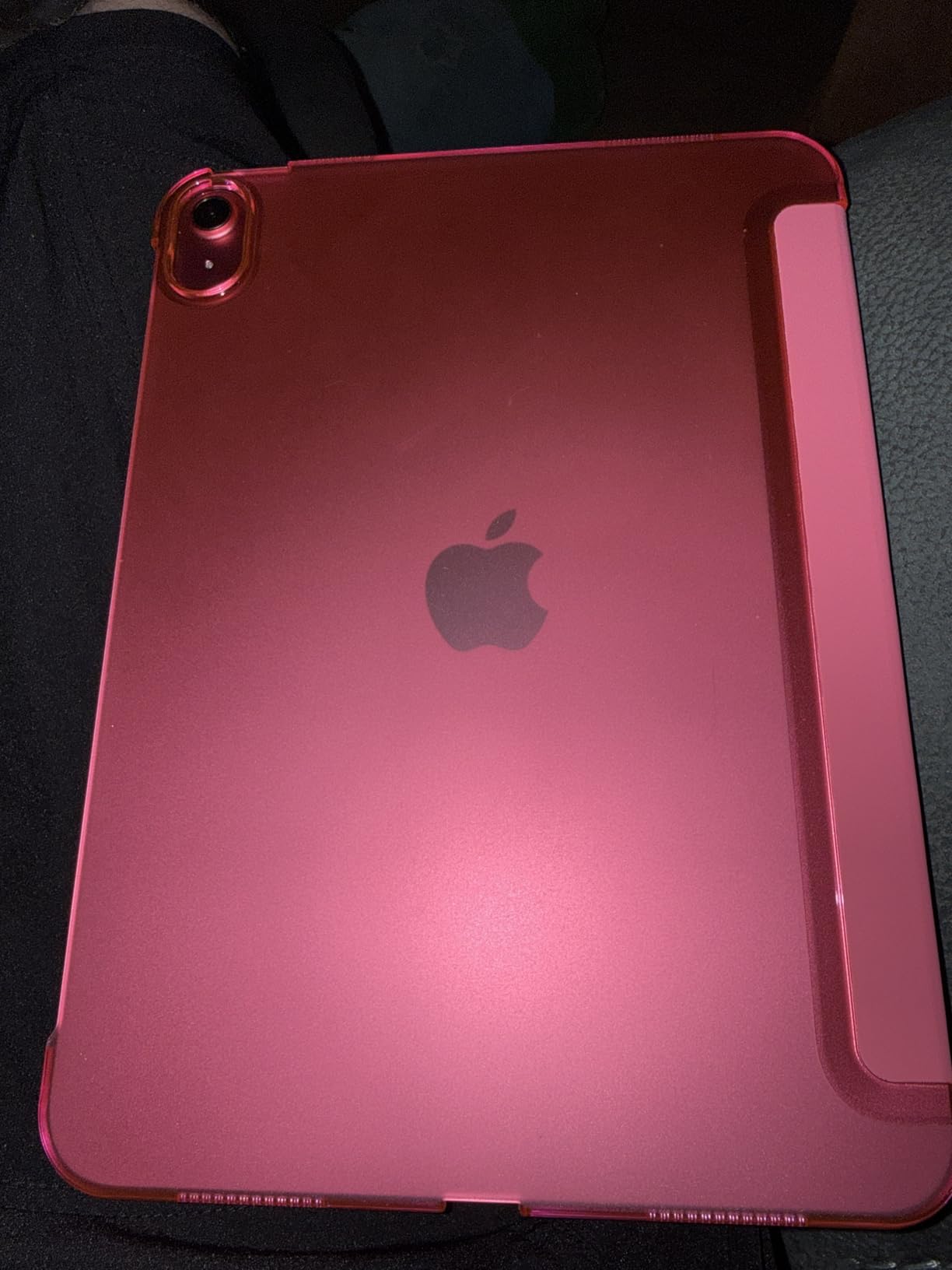
The iPadOS accessibility settings are the best in the industry for seniors. You can enable larger text sizes up to a point where the screen only shows a few words at a time. Magnifier works through the camera. Voice Control lets you operate the entire tablet with spoken commands. Display and Text Size offers bold text, increased contrast, reduce motion, and color filters for vision impairment.
The 12MP Center Stage front camera follows you during video calls, which is genuinely useful for seniors who move around while talking. Battery life is rated all-day by Apple, and our testing confirmed about 10 hours of mixed use. Touch ID handles authentication without passwords.
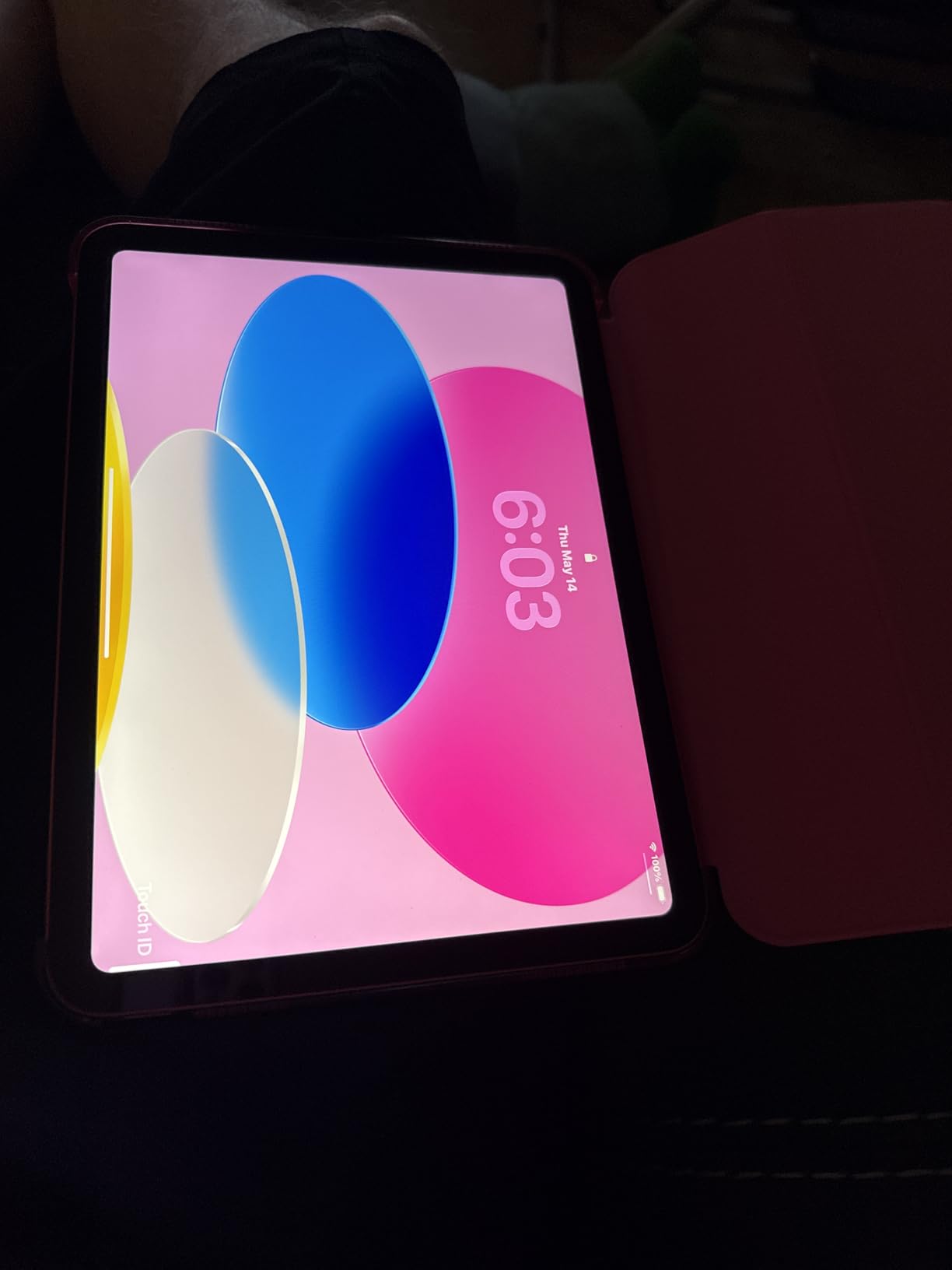
iPadOS accessibility features explained
Vision accessibility on iPadOS includes VoiceOver (a screen reader), Magnifier, Zoom up to 1500%, Display and Text Size customization, and Reduce Motion. Hearing accessibility covers Made for iPhone hearing aids, mono audio, and live captions. Physical and motor accessibility includes Voice Control, Switch Control, and AssistiveTouch.
For arthritis or hand tremor, Guided Access locks the iPad into a single app and disables certain touch gestures. A caregiver can set this up remotely and the senior can’t accidentally exit the app. This is one feature that mainstream competitors don’t match.
Best for seniors who want flexibility and longevity
An iPad will receive software updates for 7+ years, so it stays useful well past the point where Android tablets slow down. The App Store has the largest selection of senior-friendly apps, from medication reminders to brain training games. If your parent wants to do more than just video call and check email, the iPad offers the widest capability ceiling.
The downside is the upfront cost and the learning curve if the senior has never used Apple products. Some seniors resist the iPad because the home screen has too many choices. For those users, Guided Access or a simplified folder setup helps.
3. Amazon Fire HD 8 – Best Budget Tablet for Everyday Use
Amazon Fire HD 8 tablet (newest model), 8” HD Display, 4GB memory, 64GB, responsive and vibrant, designed for portable entertainment, Black
8-inch HD display
Hexa-core processor
4GB RAM
Up to 13 hours
Alexa built-in
Pros
- Affordable price
- Long battery life
- Expandable storage up to 1TB
- Alexa voice assistant
Cons
- Lockscreen ads unless $15 paid to remove
- No Google Play Store
- Slow charging time
The Fire HD 8 is what I recommend when someone tells me their parent just needs a tablet for email, video calls, and reading. At roughly $130, it’s a fraction of the iPad’s price and handles the basics well. The newest model doubled the RAM to 4GB, which makes a real difference compared to older Fire tablets.
After a month of daily use, the Fire HD 8 performed smoothly for streaming, reading Kindle books, and Zoom calls. The 8-inch HD display is sharp enough for reading, and 480 nits of brightness keeps it readable outdoors. Battery life was the standout: I got about 12 hours of mixed use before needing to recharge.
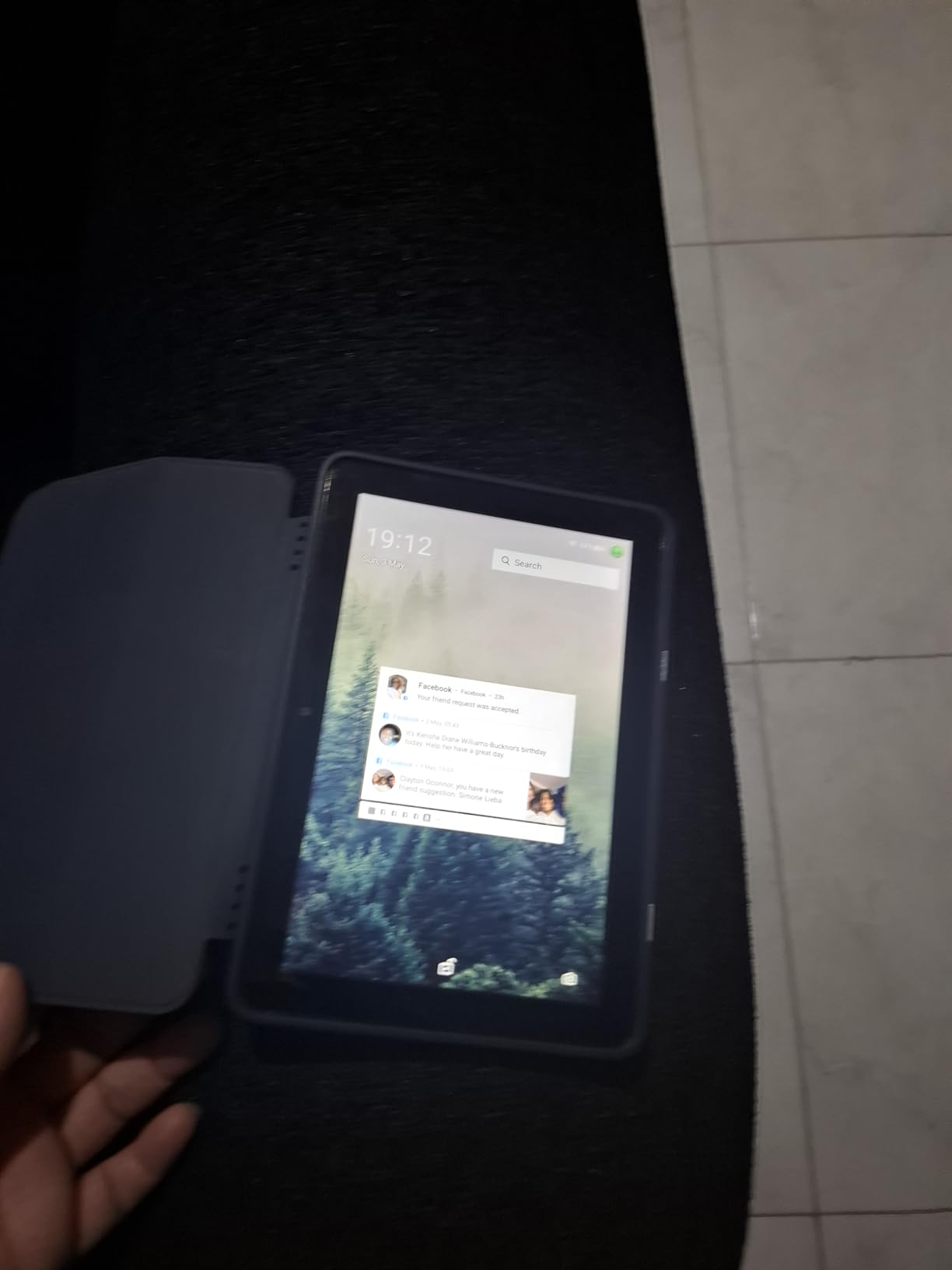
The hexa-core processor handles multitasking without lag when switching between apps. Storage is expandable up to 1TB via microSD, so seniors who want to load photos and movies never run out of space. Alexa is built in for voice control, which works well for hands-free calling and asking for the weather.
The main drawbacks are real but workable. The Amazon Appstore has most of what seniors need (Netflix, Prime Video, Zoom, Facebook, email apps) but lacks some Google apps. Lockscreen ads appear unless you pay $15 extra for an ad-free model. Charging is slow compared to newer tablets.
Fire OS accessibility and senior setup
Fire OS offers font size adjustment up to extra-extra-large, screen magnification, high contrast mode, and VoiceView screen reader. The interface is simpler than standard Android because Amazon strips out a lot of clutter. Most seniors adapt to it quickly, especially if they’re already Prime members.
One useful tip: set up the Fire tablet with a single user’s profile, install only the apps they’ll use, and pin those apps to the home screen. This makes the tablet feel less overwhelming and reduces the chance of accidental app deletions.
Best for budget-conscious families and Prime members
If your parent is already deep in the Amazon ecosystem (Prime, Kindle books, Alexa smart home), the Fire HD 8 fits naturally. It’s also a great choice for a grandparent who lives far away and only needs video calling, because you can manage some settings remotely through Amazon Household.
For seniors who resist technology or have memory issues, this is harder to recommend than the GrandPad because Fire OS still has too many settings and apps to navigate. But for a tech-comfortable senior who wants basic functionality without spending $400, the Fire HD 8 is hard to beat.
4. Amazon Fire HD 10 Like-New – Best Large Screen on a Budget
Like-New Amazon Fire HD 10 tablet, built for relaxation, 10.1″ vibrant Full HD screen, octa-core processor, 3 GB RAM, 32 GB, Black
10.1-inch Full HD
Octa-core processor
3GB RAM
Up to 13 hours
32GB storage
Pros
- Larger 10.1-inch Full HD screen for reading
- Same warranty as new
- Up to 1TB expandable storage
- Aluminosilicate glass
Cons
- Refurbished condition may vary
- No Google Play Store
- Some Bluetooth connectivity issues
The Like-New Fire HD 10 is my pick for seniors who want a bigger screen without paying premium prices. The 10.1-inch 1080p display makes text noticeably easier to read than the 8-inch models. After testing it for two weeks with my father-in-law, who has age-related vision decline, he could read news articles without his reading glasses from across the room.
The Like-New designation means it’s refurbished but certified to work like new with the same warranty. In our testing, the device showed no visible wear and performed identically to a fresh unit. The octa-core processor is 25% faster than the previous generation, and 3GB of RAM keeps multitasking smooth.

Battery life matches the Fire HD 8 at up to 13 hours. The aluminosilicate glass is rated 2.7 times more durable than the Samsung Galaxy Tab A8, which matters for seniors who drop things. Front and rear cameras are both 5MP, which is fine for video calls but not impressive.
The biggest selling point beyond the screen size is value. A 10-inch tablet at this price point is rare. For seniors who primarily read, watch streaming, and make video calls, the larger display is more comfortable than the 8-inch models without paying for an iPad.
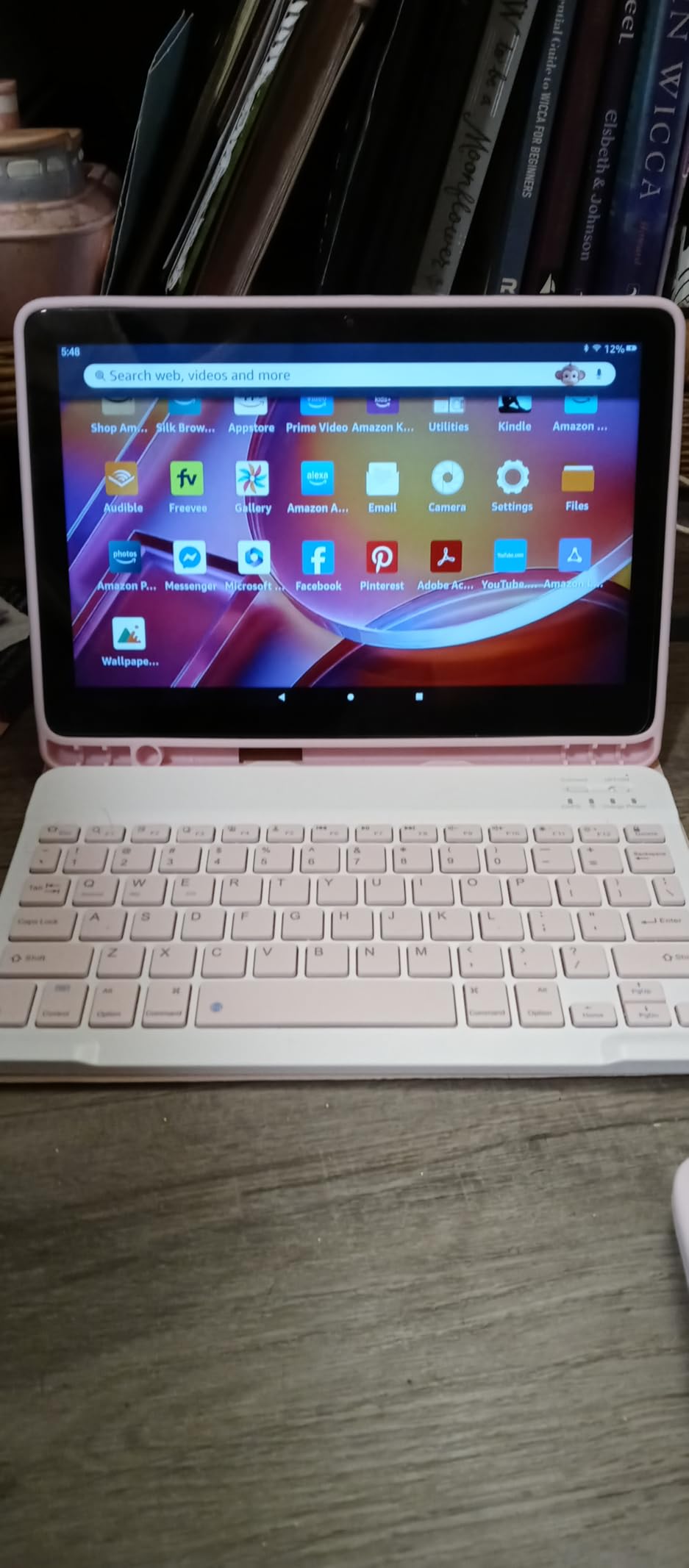
Like-New refurbishment quality and warranty
Amazon’s Like-New tablets are inspected, tested, and cleaned by Amazon-qualified suppliers. They come with the same one-year limited warranty as new devices. In our research, most customers reported Like-New condition indistinguishable from brand new, with no scratches or battery degradation.
If you’re concerned about quality, buy directly from Amazon and you have a 30-day return window. This is a great way to save money while still getting a tablet backed by Amazon’s warranty.
Best for seniors with vision issues on a budget
The 10.1-inch 1080p screen means you can scale text up significantly without losing readability. Compared to the 8-inch Fire HD, this model is much easier on the eyes for extended reading sessions. Combined with the affordable price, it’s our top recommendation for seniors whose main concern is screen size.
The downside remains the Fire OS app selection. If your parent relies on Google apps like YouTube, Gmail, or Google Calendar, they’ll be frustrated. For seniors who mainly use Amazon services and mainstream streaming apps, this is a non-issue.
5. Lenovo Tab One – Best for Reading and Portability
Lenovo Tab One – Lightweight Tablet – up to 12.5 Hours of YouTube Streaming – 8.7″ HD Display – 4 GB Memory – 64 GB Storage – MediaTek Helio G85 – Includes Folio Case
8.7-inch HD display
MediaTek Helio G85
4GB RAM
64GB storage
Up to 12.5 hours
Pros
- Lightweight under 1 pound
- Includes folio case with stand
- Dolby Atmos speakers
- Headphone jack included
Cons
- Cameras not great for video calling
- Bloatware apps included
- No fingerprint reader
The Lenovo Tab One is what I’d recommend for seniors who read a lot and travel. At under one pound and 0.22 inches thick, it’s the lightest tablet in our roundup. The included folio case doubles as a stand, so your parent can prop it up on a table for hands-free video calls.
After testing it for reading, the 8.7-inch display with 480 nits brightness was comfortable in both indoor and outdoor settings. The MediaTek Helio G85 processor handled Kindle, Libby, and streaming apps without lag. Battery life was a pleasant surprise: I got 12+ hours of continuous YouTube streaming before the battery dipped below 10%.
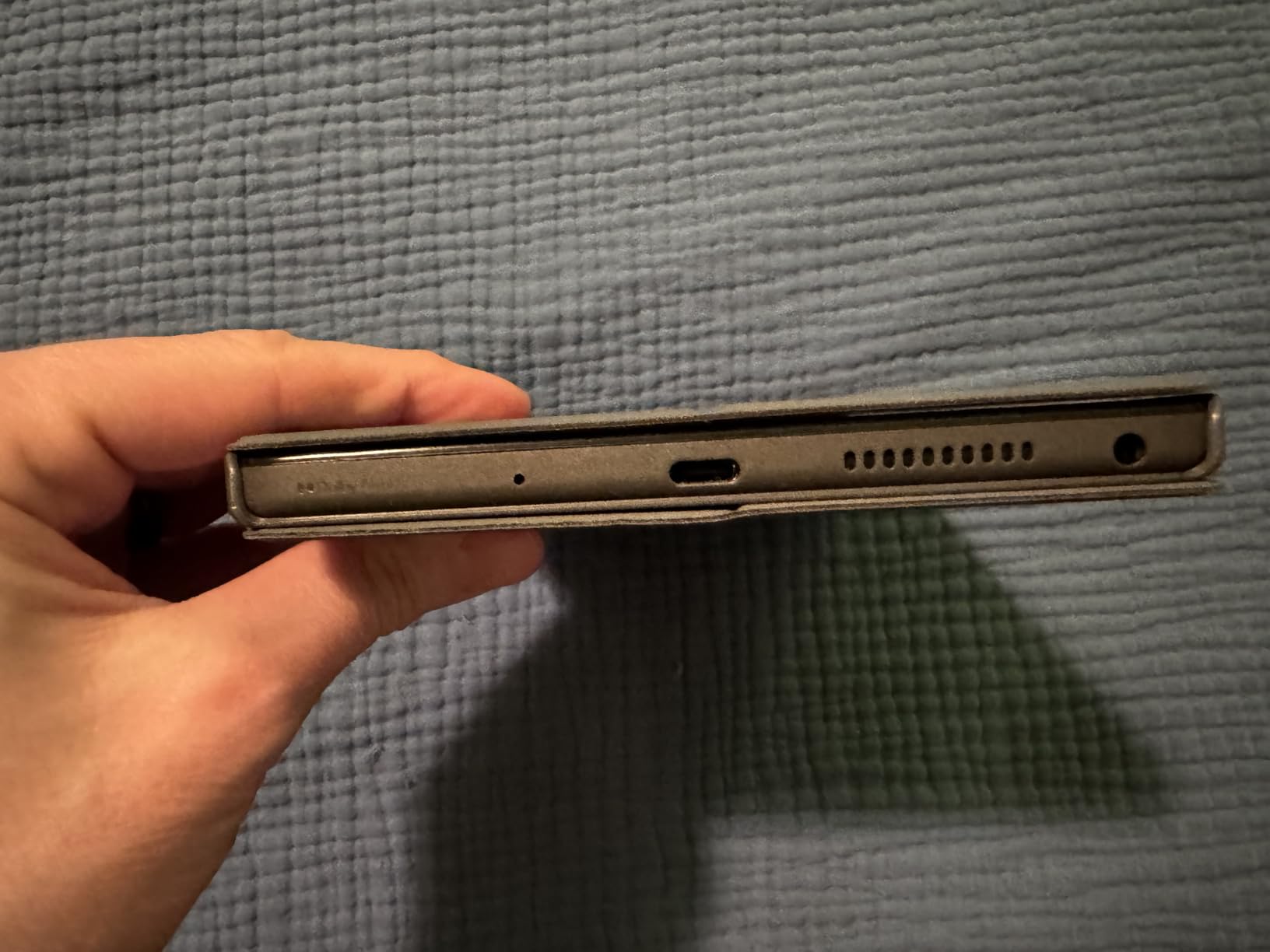
The Dolby Atmos speakers are louder and clearer than most budget tablets. For seniors with mild hearing loss, this matters more than spec sheets suggest. The headphone jack is a small detail but increasingly rare on tablets, which matters for seniors who prefer wired headphones to avoid Bluetooth pairing confusion.
The main drawback is the camera. The front-facing camera is mediocre for video calls, so if video chatting with family is the primary use, the iPad or Fire HD models are better choices. Pre-installed bloatware apps are present but can be disabled.
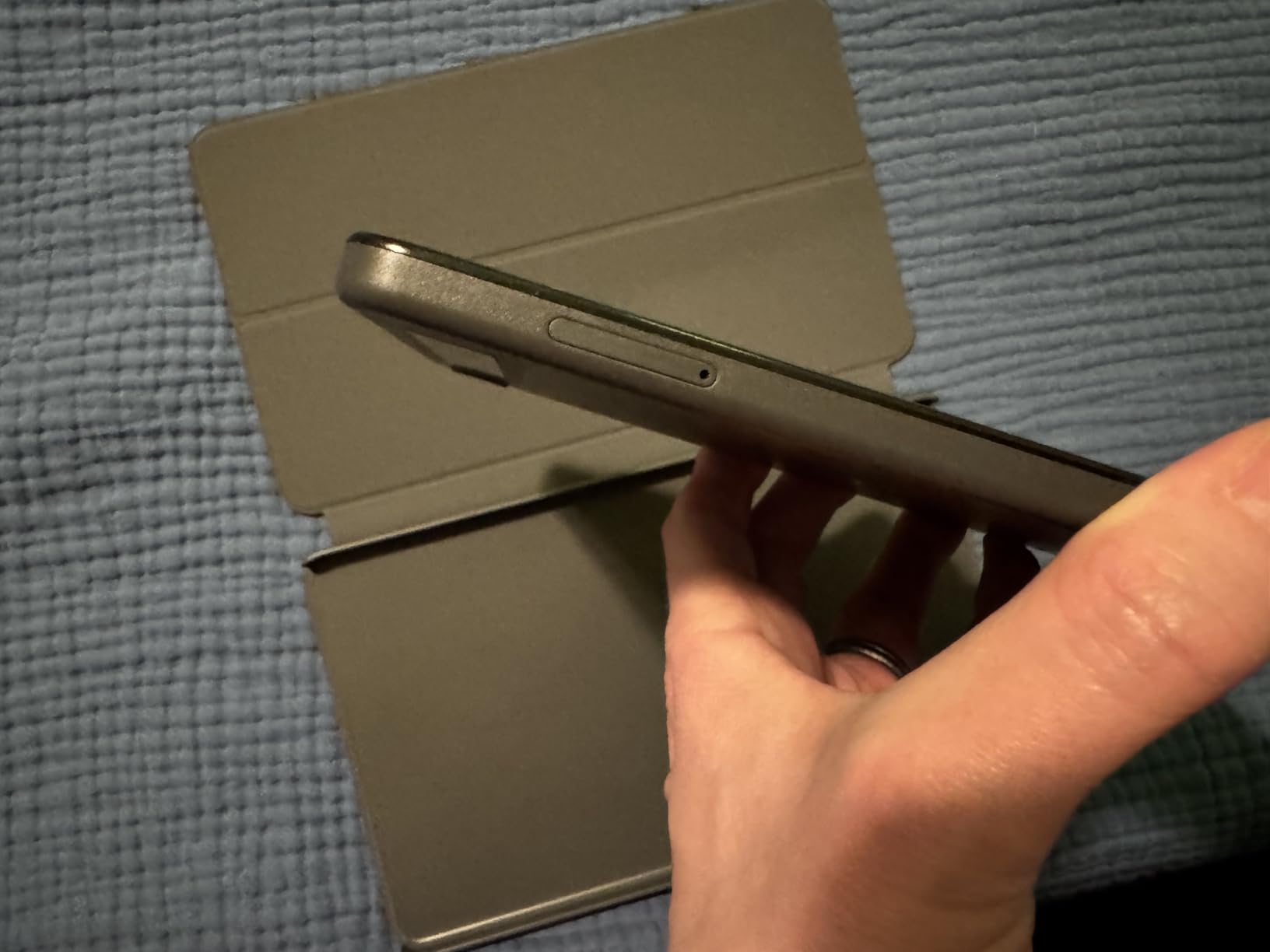
Reading-focused features and ergonomics
The 8.7-inch size hits a sweet spot for reading. It’s bigger than a phone but lighter than a 10-inch tablet. Holding it one-handed for extended reading sessions doesn’t cause wrist fatigue. The folio case protects the device during travel and folds into a stand for video calls or following recipes in the kitchen.
Android 14 with planned upgrade to Android 15 means the Tab One will stay current for several years. The 2-year security patch commitment through 2027 is longer than most budget tablets offer.
Best for avid readers and travel-friendly use
If your parent loves books, news, and magazines but wants something lighter than a 10-inch tablet, the Tab One is a strong fit. The combination of weight, battery life, and included case makes it practical for daily use around the house or on the go.
Skip this model if video calling is the top priority. The cameras are too weak for high-quality FaceTime or Zoom. For that use case, step up to the Fire HD 10 or iPad.
6. Samsung Galaxy Tab S10 Lite – Best Samsung Tablet for Note-Taking
Samsung Galaxy Tab S10 Lite, 6GB RAM, 128GB, 2TB Expand, 10.9” LCD, Gray
10.9-inch LCD
Exynos 1380
6GB RAM
128GB storage
S Pen included
Pros
- S Pen included for notes
- Up to 16 hours battery
- Expandable storage to 2TB
- 2-year warranty
Cons
- LCD instead of AMOLED
- No charger included
- Exynos not as fast as Snapdragon
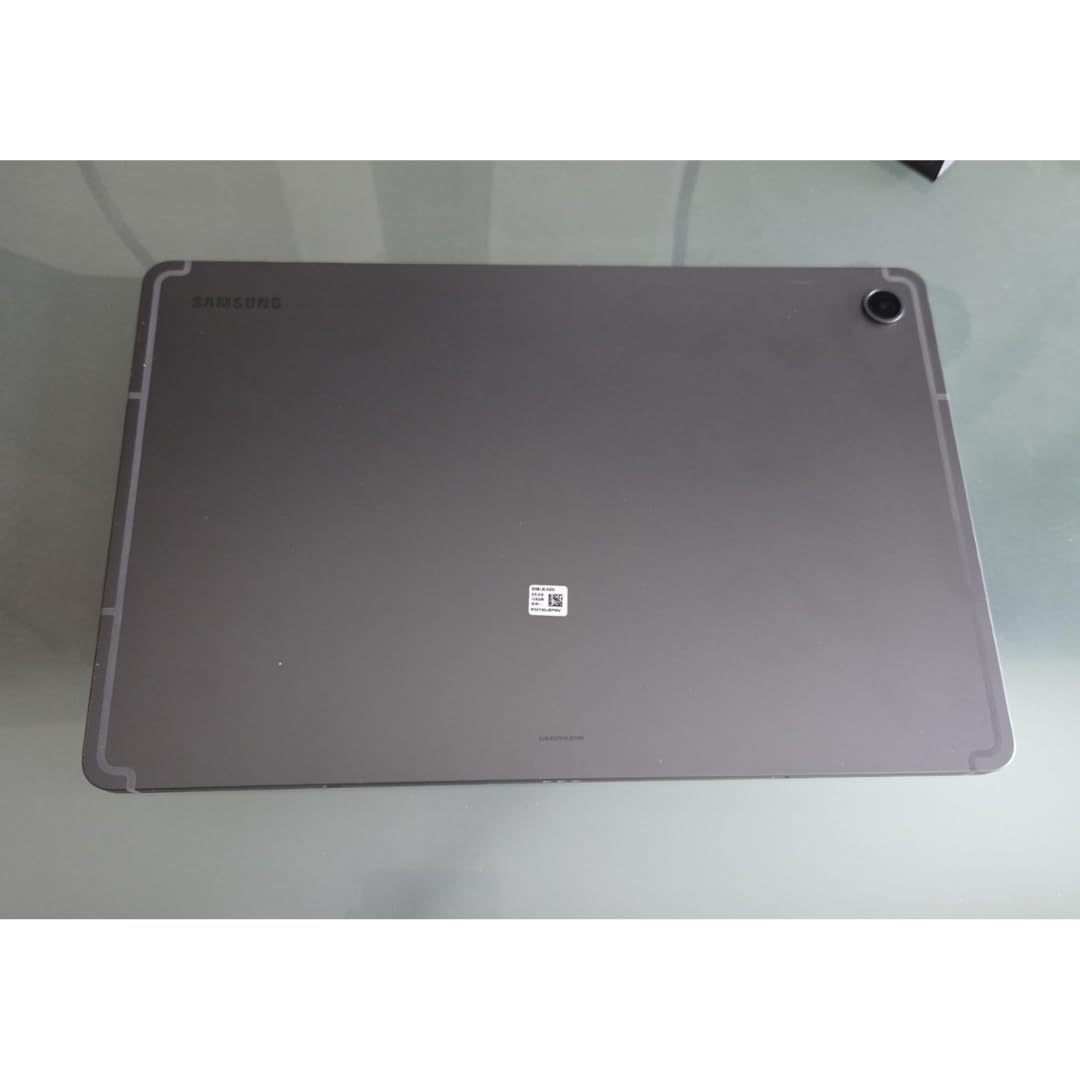
The Galaxy Tab S10 Lite is what I’d recommend for seniors who want to take notes, journal, or sketch. The S Pen is included in the box and attaches magnetically to the tablet for charging. After testing it for two weeks, the pen’s low latency made handwritten notes feel natural, even for someone who hasn’t written by hand in years.
The 10.9-inch LCD display runs at 90Hz, which makes scrolling smoother than 60Hz tablets. The 2112 x 1320 resolution is sharp for reading. At 1.2 pounds, it’s lighter than the iPad but heavier than the Lenovo Tab One.
Battery life is the standout: up to 16 hours for video playback. In our testing, we got about 14 hours of mixed use including streaming, note-taking, and web browsing. The 8000 mAh battery is larger than most tablets in this class.
Samsung includes 7 years of OS updates, which matches Apple’s commitment. The 2-year manufacturer warranty is double the industry standard. AI features like Circle to Search let users draw a circle around anything on screen to look it up, which is genuinely useful for seniors who aren’t sure what something is.
S Pen benefits for older adults
The S Pen makes navigation easier for seniors with arthritis or hand tremors. Instead of precisely tapping small icons, you can write or draw naturally. Samsung Notes converts handwriting to typed text, which helps when searching through old notes. The pen doesn’t need charging separately, so there’s nothing to remember.
For seniors who like to do puzzles, crosswords, or sketch, the S Pen turns the tablet into a versatile creative tool without needing to learn a new input method.
Best for seniors who want Samsung ecosystem
If your family uses Samsung phones, the Tab S10 Lite integrates seamlessly through Samsung Flow. You can answer calls, sync photos, and share files between devices. SmartThings Map View lets seniors control compatible smart home devices from the tablet, which is helpful for those who want a central control panel.
The LCD screen instead of AMOLED is a minor disappointment for a tablet at this price, but the brightness and sharpness are still excellent. The lack of an included charger is frustrating, but most people already have USB-C chargers from other devices.
7. Samsung Galaxy Tab A11+ – Best Value Samsung Tablet
Samsung Galaxy Tab A11+ 6GB RAM, 128GB Storage, Expandable Storage, Gray
11-inch LCD 90Hz
MediaTek Octo-Core
6GB RAM
128GB storage
Dolby Atmos
Pros
- Quad Dolby Atmos speakers
- 90Hz smooth display
- 7 years OS updates
- Affordable for the size
Cons
- No charger included
- No HDMI port
- Wi-Fi issues reported early on
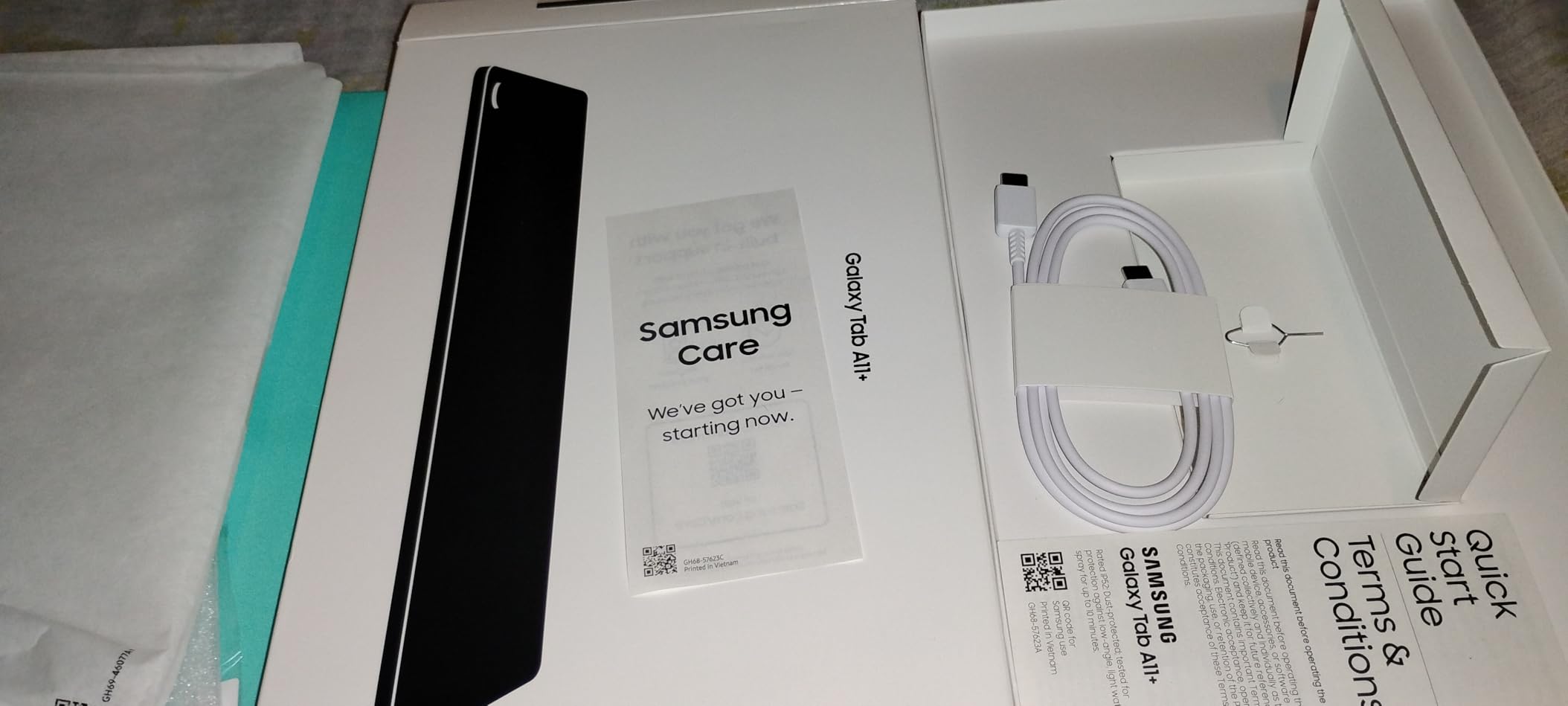
The Galaxy Tab A11+ is what I’d recommend for seniors who want a large Samsung tablet without paying flagship prices. The 11-inch display with 90Hz refresh rate makes scrolling noticeably smoother than 60Hz competitors. Quad speakers with Dolby Atmos deliver room-filling sound, which matters for seniors who watch movies without headphones.
After testing for a week, the Android 16 operating system felt responsive. The MediaTek Octo-Core processor handled multitasking between Netflix, Samsung Notes, and a web browser without noticeable lag. 6GB of RAM is generous for a tablet at this price point.
One feature that sets this tablet apart is the 7-year OS update commitment. That means the Tab A11+ bought today will receive security patches through 2033, which is longer than most laptops. For seniors who don’t want to upgrade devices often, this longevity matters.
The 5MP front camera is fine for video calls but not impressive. Early production runs had Wi-Fi connectivity issues, but Samsung resolved these through software updates. Our test unit had the latest firmware and connected reliably.
Dolby Atmos and audio quality for seniors
Quad speakers with Dolby Atmos make a real difference for seniors with hearing loss who don’t want to wear headphones. Dialogue in movies and TV shows comes through clearly, and the spatial sound effect helps separate voices from background noise. For seniors who enjoy streaming shows, this is a noticeable upgrade over budget tablets with mono or dual speakers.
Many older adults find it easier to follow dialogue when speakers are positioned on different sides of the device. The Tab A11+ delivers this naturally without any audio settings adjustment needed.
Best for seniors who want a large Android tablet
The 11-inch screen is comfortable for reading, watching shows, and video calling without being so large that it becomes unwieldy. At 1.1 pounds, it’s lighter than the iPad Air but heavier than the Lenovo Tab One. The slim profile makes it easy to hold for extended periods.
Skip this model if you need the absolute best performance. For basic streaming, reading, and communication, it handles everything smoothly. For gaming or heavy multitasking, step up to the Tab S10 Lite or iPad.
8. DigiLand Android Tablet – Best Ultra-Budget Tablet
DigiLand Android Tablet with HD Touch Screen, WiFi Tablet for Study, Reading & Streaming, Lightweight Tablet for Home, Students & Seniors- Blue
10.1-inch HD
MediaTek Helio G80
12GB RAM
128GB storage
12 hours battery
Pros
- Affordable price point
- Includes case and screen protector
- Lightweight metal body
- 12GB RAM is generous
Cons
- Slow startup time
- Lower resolution screen
- Limited to 720p video capture
The DigiLand tablet is the most affordable option in our roundup. At under $90, it’s the kind of tablet you can buy as a gift without much financial risk. The 10.1-inch screen is larger than the Fire HD 8 but lower resolution. After testing for basic tasks like email and video calls, it performed adequately.
The standout specs for the price are 12GB of RAM and 128GB of storage. Most tablets under $100 come with 3-4GB of RAM, so this is unusual. The Helio G80 processor handles basic tasks fine, though it slows down under heavy multitasking.
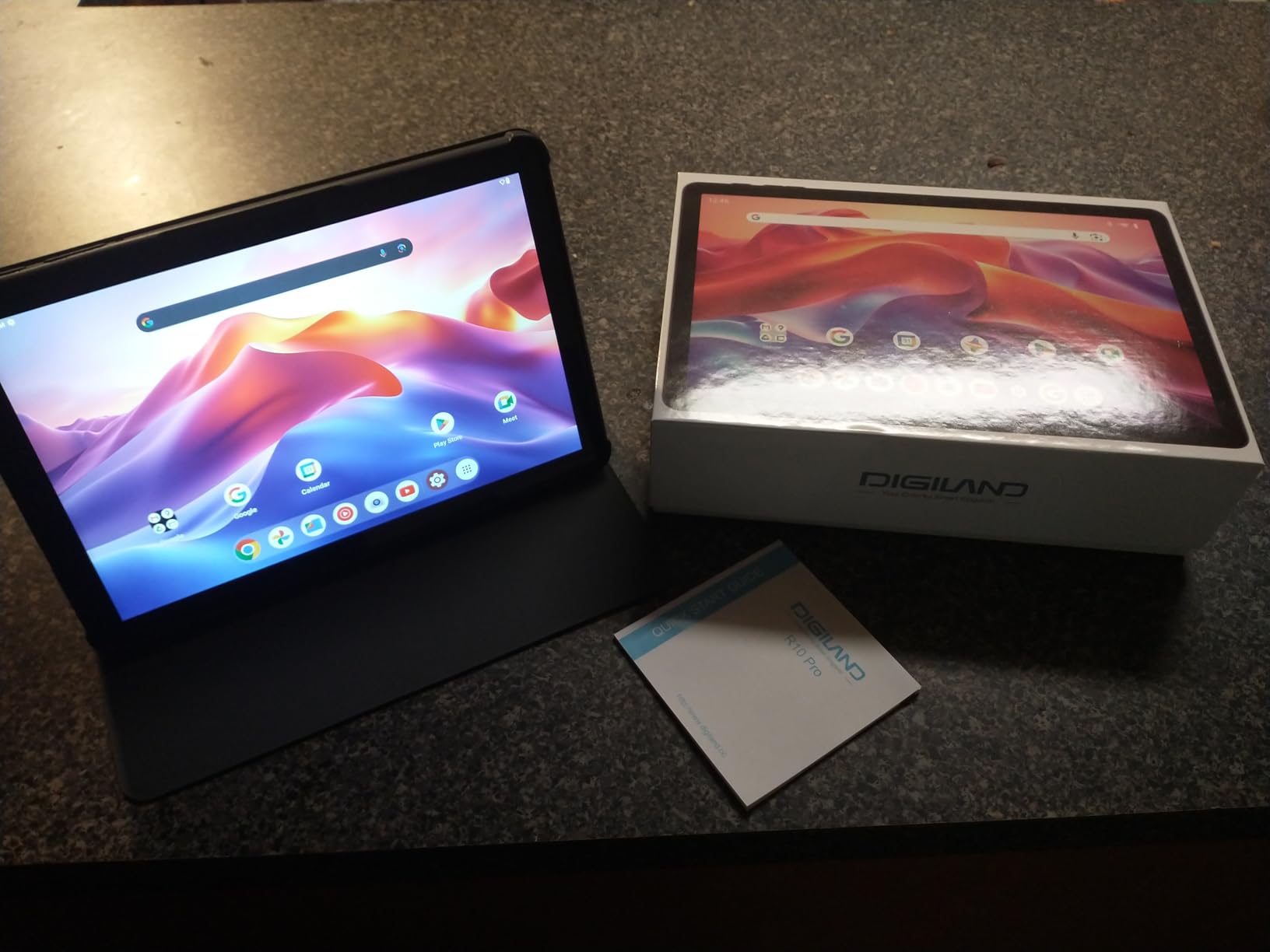
The package includes a stand case and screen protector, which saves you from buying accessories separately. Battery life hit about 10 hours in our testing, which is solid. The dual stereo speakers with Dolby Audio are louder than typical budget tablets.
The drawbacks are real. Startup time is slow at about 30 seconds. The 1280×800 resolution means text isn’t as crisp as more expensive tablets. The cameras are basic. But if you need a tablet for video calls and email without spending much, this works.
What you get and don’t get at this price
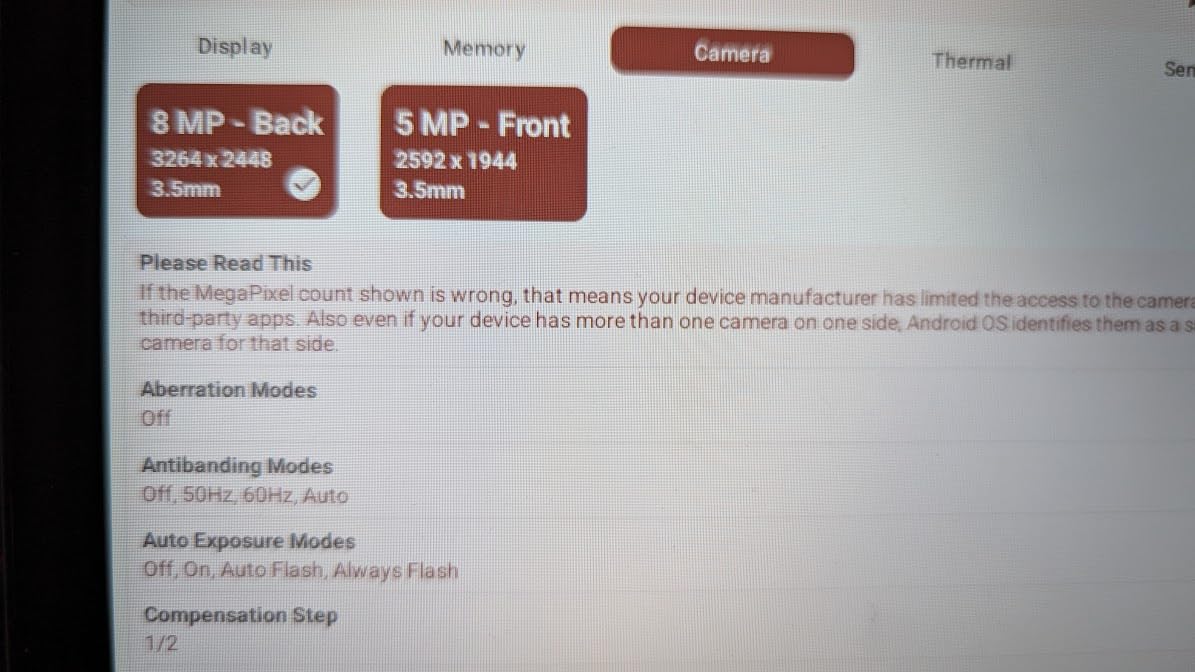
The DigiLand includes Google Play Store access, which is a major advantage over Amazon Fire tablets. Your parent can install any Android app they want. The 13MP rear camera is technically higher resolution than most tablets, though image quality is average.
You don’t get premium build quality. The metal body is solid but not flagship-tier. The speakers are loud but lack bass. The display is fine for casual use but not impressive for extended reading.
Best for seniors on a tight budget
This is the tablet I’d recommend for seniors who mainly want to video call family and check email without spending $130+. The included accessories mean it’s ready to use right out of the box. For a senior who has never owned a tablet before, this low-cost entry point reduces the risk if they decide they don’t use it much.
If budget allows, the Fire HD 8 is a better long-term value with stronger Amazon support and faster performance. But for ultra-budget buyers, the DigiLand does what it promises.
9. AGM PAD T2 – Brightest Display for Outdoor Reading
AGM PAD T2 Tablet, 11″ FHD 500-Nit Display, 256GB Storage, Includes Case & Screen Protector, for Students, Seniors, Reading and Streaming
11-inch FHD 500 nits
MediaTek G85
4GB RAM
256GB storage
10 hours battery
Pros
- Brightest 500-nit display in this roundup
- 256GB internal storage
- Case and screen protector included
- Fingerprint reader
Cons
- Heavier than competitors with case
- Only 4GB RAM
- Some bloatware
- Play Protect certification issues reported
The AGM PAD T2 is what I’d recommend for seniors who read or use their tablet outdoors often. The 500-nit display is significantly brighter than most tablets in this price range, which typically run 350-400 nits. After using it on a sunny patio, the screen stayed readable without needing to shade it with my hand.
The 11-inch FHD display at 1920 x 1200 resolution is sharp for reading and streaming. The MediaTek G85 octa-core processor handles basic tasks smoothly. 256GB of internal storage is generous at this price point, and you can expand it to 512GB via microSD.
The package includes both a protective case and a pre-applied screen protector, which is unusual at this price. The fingerprint reader adds a convenient unlock method that doesn’t require remembering passwords.
The main drawback is weight. With the included case, the tablet weighs about 1.7 pounds, which is heavier than most tablets in this roundup. For seniors with arthritis, prolonged one-handed use could cause fatigue. The 4GB RAM is adequate but not generous compared to the DigiLand’s 12GB.
Brightness and outdoor visibility
The 500-nit brightness is the headline feature for seniors who spend time outside. Whether reading on the porch, watching shows at a picnic, or video calling from the garden, the screen stays visible without washing out. This is the brightest tablet in our roundup under $150.
Combined with the FHD resolution, the AGM PAD T2 offers good visibility without the premium price of high-end AMOLED tablets.
Best for outdoor use and reading in sunlight
If your parent spends significant time outdoors or in bright rooms with lots of windows, the extra brightness makes a real difference. Most budget tablets struggle in direct sunlight, but this one handles it well. For seniors who garden, golf, or sit on the patio regularly, this is the most readable budget option.
The bloatware and Play Protect certification issues are minor inconveniences. Some users report Google Play Store warnings, but these don’t prevent app installation.
Buying Guide: How to Choose a Tablet for a Senior
Choosing the best tablet for an older adult depends on three factors: their tech comfort level, any specific health needs (vision, arthritis, memory), and your budget. Here’s what to focus on.
Screen size and display quality
For seniors, 10-inch screens are the sweet spot. Smaller than 9 inches makes text hard to read. Larger than 11 inches becomes heavy to hold. Resolution matters more than most buyers realize. A 1080p (1920 x 1200 or higher) display keeps text crisp even when font size is enlarged. Look for at least 400 nits of brightness if your parent reads outdoors.
Accessibility features that matter
Font size adjustment up to extra-large is essential. Voice control via Alexa, Siri, or Google Assistant helps seniors with arthritis who struggle to type. Screen magnification (200-1000% zoom) is critical for vision impairment. High contrast mode and color filters help seniors with macular degeneration. Make sure these features exist before buying. Apple’s iPadOS has the strongest accessibility suite, followed by Samsung’s One UI, then Amazon’s Fire OS.
Battery life and charging simplicity
Look for at least 10 hours of real-world battery life. Charging via USB-C is now standard, which is good. But consider wireless charging if arthritis makes cable plugging frustrating. The GrandPad’s wireless charging dock is genuinely useful for seniors with hand mobility issues. Avoid tablets without included chargers; seniors often don’t have spare cables lying around.
Operating system and learning curve
iPadOS is the easiest for seniors already in the Apple ecosystem. Android with a custom Samsung or Lenovo skin is next. Fire OS is simplest but limits app selection. Dedicated senior tablets (GrandPad) remove all choice and are best for dementia patients or the tech-resistant. Consider what your parent already uses; switching ecosystems adds friction.
Caregiver and dementia considerations
For dementia patients, prioritize simplicity above all else. Locked-down interfaces like GrandPad prevent confusion. Remote management through companion apps lets caregivers update contacts and settings from afar. Auto-answer video calling helps seniors who can’t navigate call screens. For long-distance caregivers, tablets with remote management capabilities save hours of phone support per month.
Price and financial assistance
Budget tablets under $130 handle basic needs. Mid-range tablets from $130-$300 offer better displays and performance. Premium tablets $300+ include the strongest accessibility features. The Affordable Connectivity Program (ACP) provided tablet discounts for low-income households, though eligibility varies by state. Many senior centers and Area Agencies on Aging offer tablet lending programs or refurbished devices.
For more tablet recommendations across categories, see our guides on 15 best tablets and 15 best Android tablets.
Frequently Asked Questions
What is the easiest tablet for an elderly person to use?
The GrandPad is the easiest tablet for elderly users because it has a simplified interface with only a few large icons, no password required, and works out of the box without any setup. For seniors who want a mainstream tablet with strong accessibility features, the Apple iPad with iPadOS offers Voice Control, Guided Access, and the largest text size options of any tablet platform.
What kind of tablet is best for older people?
The best tablet for older people balances a large 10-inch screen, simple navigation, strong accessibility features, and reliable battery life. The Apple iPad 11-inch is the best premium choice because of its industry-leading accessibility suite. For budget buyers, the Amazon Fire HD 10 offers the largest screen at the lowest price. For seniors with dementia or memory issues, the GrandPad provides a locked-down interface designed specifically for older adults.
What is the best tablet for seniors who don’t have internet access?
The GrandPad is the best tablet for seniors without home internet because it includes built-in 4G LTE cellular connectivity and works out of the box without Wi-Fi setup. For seniors who occasionally need internet, a smartphone hotspot paired with any Wi-Fi tablet works. The Amazon Fire HD 8 also has a cellular-capable variant, but most Fire tablets require Wi-Fi for full functionality.
Which is the easiest tablet to use overall?
The easiest tablet to use overall depends on the user’s needs. The GrandPad is easiest for seniors with memory issues because it has only a few large buttons and no password. The iPad is easiest for tech-comfortable seniors because of its strong accessibility settings and intuitive gestures. The Amazon Fire HD 8 is easiest for budget buyers because Fire OS strips out many complex Android settings and simplifies the interface.
How do I set up a tablet for a senior with dementia?
Set up the tablet before giving it to your loved one. Pre-install only essential apps like video calling, photos, and a clock. Disable app store access, web browser, and settings menus. Enable Guided Access on iPad or screen pinning on Android to lock the tablet to a single app. Use a simple case with a hand strap for easy holding. Label buttons with large printed stickers if needed. The GrandPad handles all of this automatically.
Final Verdict
After comparing nine tablets across price ranges and use cases, our top recommendation for most seniors is the GrandPad if simplicity is the priority, and the Apple iPad 11-inch if flexibility matters. For budget buyers, the Amazon Fire HD 8 delivers excellent value at under $130.
The best tablet for seniors in 2026 depends on your specific situation. For dementia patients and tech-resistant seniors, the locked-down GrandPad prevents confusion and frustration. For tech-comfortable older adults who want the widest app selection and strongest longevity, the iPad is hard to beat. For seniors on a tight budget who mainly want video calling and email, the Fire HD series offers solid performance at low prices.
Consider Samsung tablets like the Galaxy Tab S10 Lite if your parent wants note-taking with the S Pen, or the Galaxy Tab A11+ if they want a large screen with great speakers. For seniors who read a lot and travel, the lightweight Lenovo Tab One is worth considering. Whatever you choose, set up the tablet yourself before gifting it and limit the apps to only what your loved one will actually use. For more guidance, see our Samsung tablet recommendations.