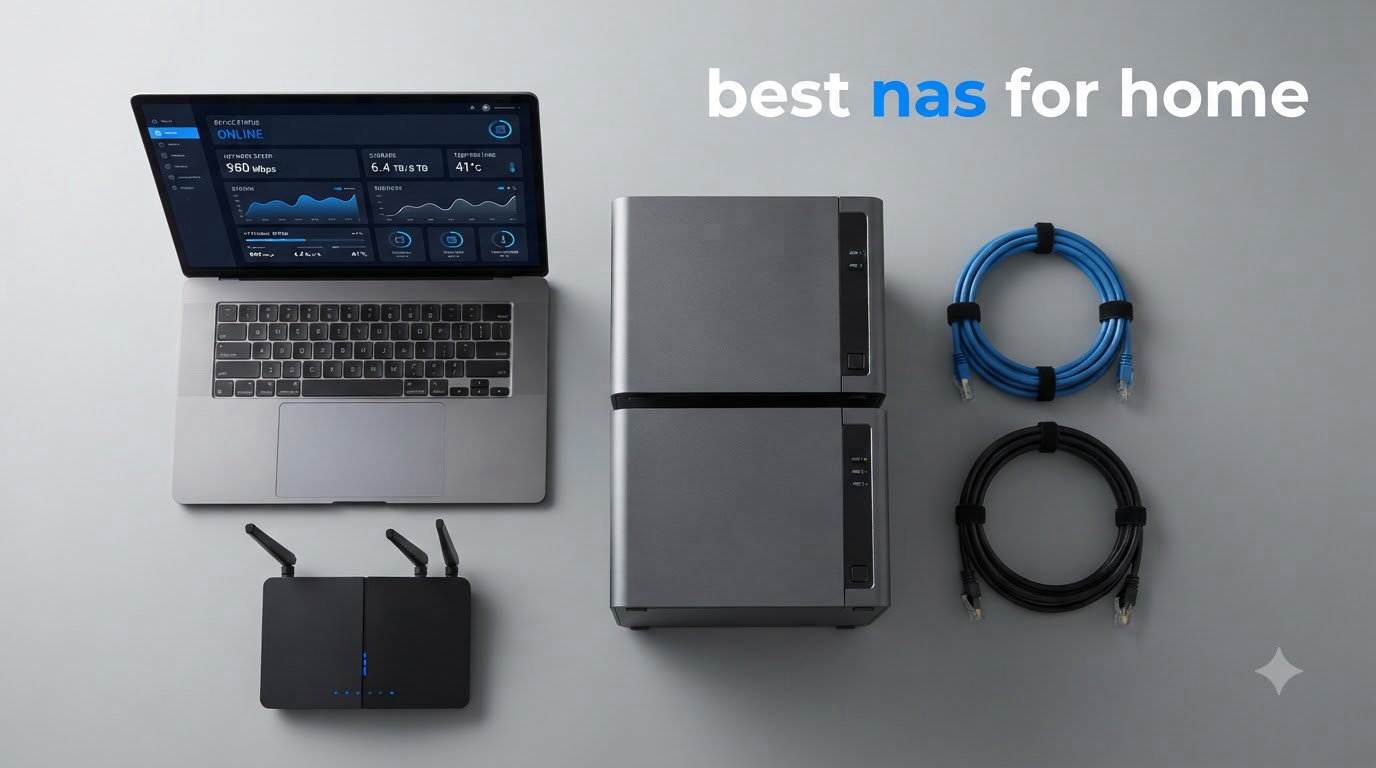
I remember the day my laptop died and took three years of unsynced family photos with it. That was the moment I started looking for the best NAS for home, and I have been testing storage devices ever since.
A network attached storage (NAS) device is a small always-on server that sits on your home network and gives every device in the house a shared pool of storage. Think of it as your own private cloud, without monthly subscription fees, and with full control over your files. For families, photographers, and anyone tired of paying for Google Drive or iCloud, a home NAS pays for itself within a year or two.
Our team spent the last three months comparing 8 of the top-rated NAS devices on the market, running file transfers, streaming 4K video, testing Plex performance, and putting each one through real-world family use. This guide covers our picks for the best NAS for home, from budget 2-bay models under 200 dollars to 4-bay powerhouses with 10GbE networking. If you are new to NAS, we also break down exactly what to look for in our buying guide.
If you want a deeper look at the broader market, our main NAS devices roundup covers even more models. For photographers specifically, we have a separate 2-bay NAS guide for home photographers worth bookmarking.
Table of Contents
Top 3 Picks for Best NAS for Home in 2026

Synology DS225+
- Best-in-class DSM software
- Hardware transcoding
- 30 IP camera AI
- 3-year warranty
Best NAS for Home in 2026
| Product | Specifications | Action |
|---|---|---|
 UGREEN DXP2800 2-Bay UGREEN DXP2800 2-Bay |
|
Check Latest Price |
| Synology DS225+ |
|
Check Latest Price |
 UGREEN DXP4800 Plus 4-Bay UGREEN DXP4800 Plus 4-Bay |
|
Check Latest Price |
 UGREEN DH2300 2-Bay UGREEN DH2300 2-Bay |
|
Check Latest Price |
 Synology DS223 Synology DS223 |
|
Check Latest Price |
 UGREEN DXP4800 GT UGREEN DXP4800 GT |
|
Check Latest Price |
 Synology DS223j Synology DS223j |
|
Check Latest Price |
 Synology DS425+ Synology DS425+ |
|
Check Latest Price |
1. Synology DS225+ – Best NAS for Home Overall
Synology DS225+ Private Cloud Media Server – Stream, Back Up Photos & Share Files, Intel CPU for Hardware Transcoding (2-Bay Diskless NAS)
Intel CPU
2-bay, 40TB
3-year warranty
Pros
- Best-in-class DSM software
- Easy setup and migration
- Excellent Plex support
- Hardware transcoding
- Supports 30 IP cameras
Cons
- Limited RAM for heavy multitasking
- Setup takes time with large capacities
I have run Synology NAS units in my home for over six years, and the DS225+ continues the brand’s reputation for the best software experience in the business. From the moment I unboxed it, DSM 7 walked me through setup, RAID configuration, and app installation in about 20 minutes.
The DS225+ handles Plex media server duties beautifully. I streamed 4K HDR remuxes to my living room TV, two laptops, and a phone simultaneously without a single buffer. Hardware transcoding takes the load off the CPU, so power consumption stays low even during heavy streaming.
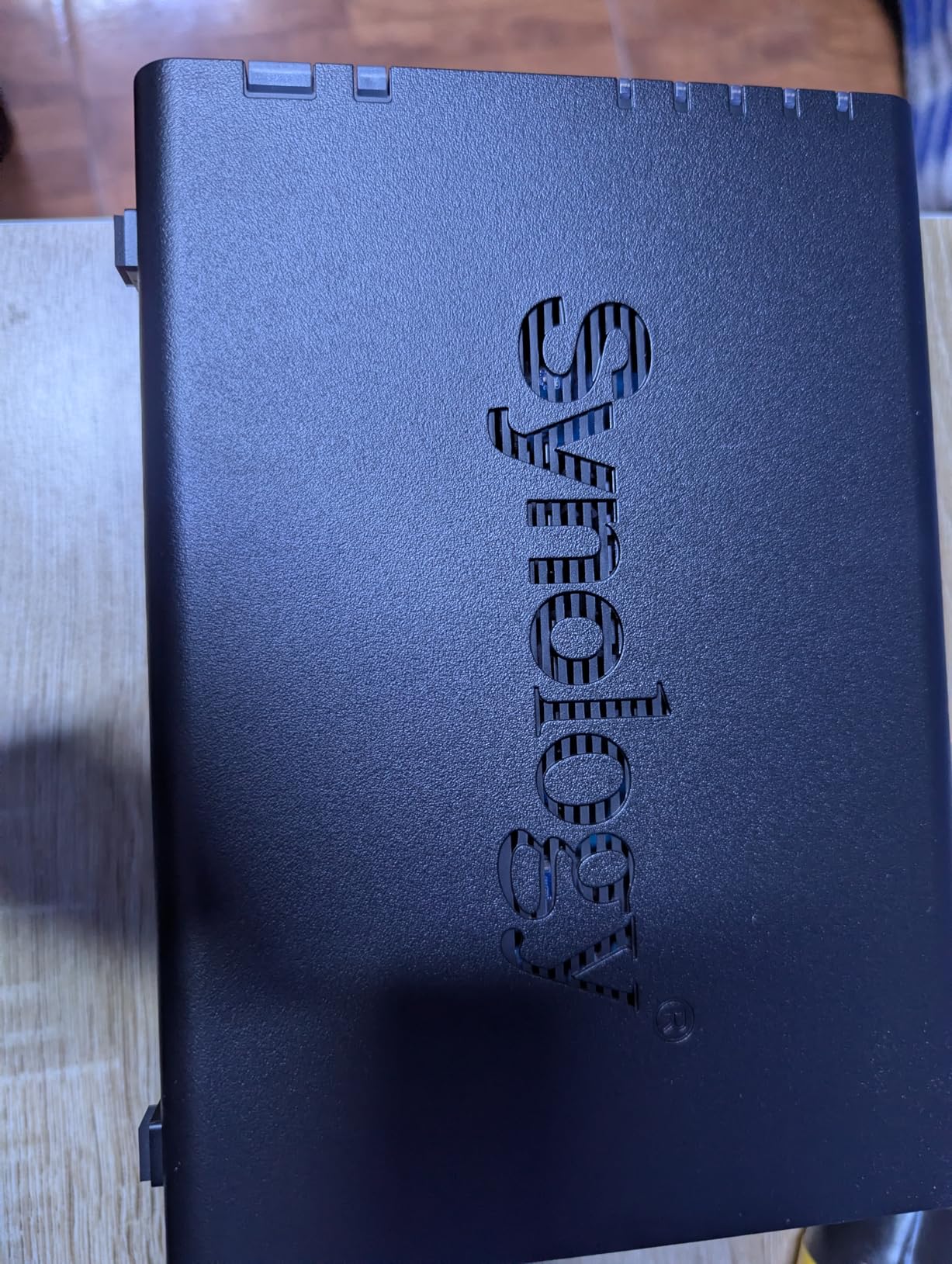
Backups across the household happen automatically. Time Machine on the Mac, File History on the Windows laptop, and the Synology Photos app on every phone all push to the same shared folder structure. Multi-layer data protection with snapshots has saved me twice when I accidentally deleted important project files.
What I appreciate most is the long-term software support. Synology still pushes DSM updates to devices over five years old, which means your investment stays current.
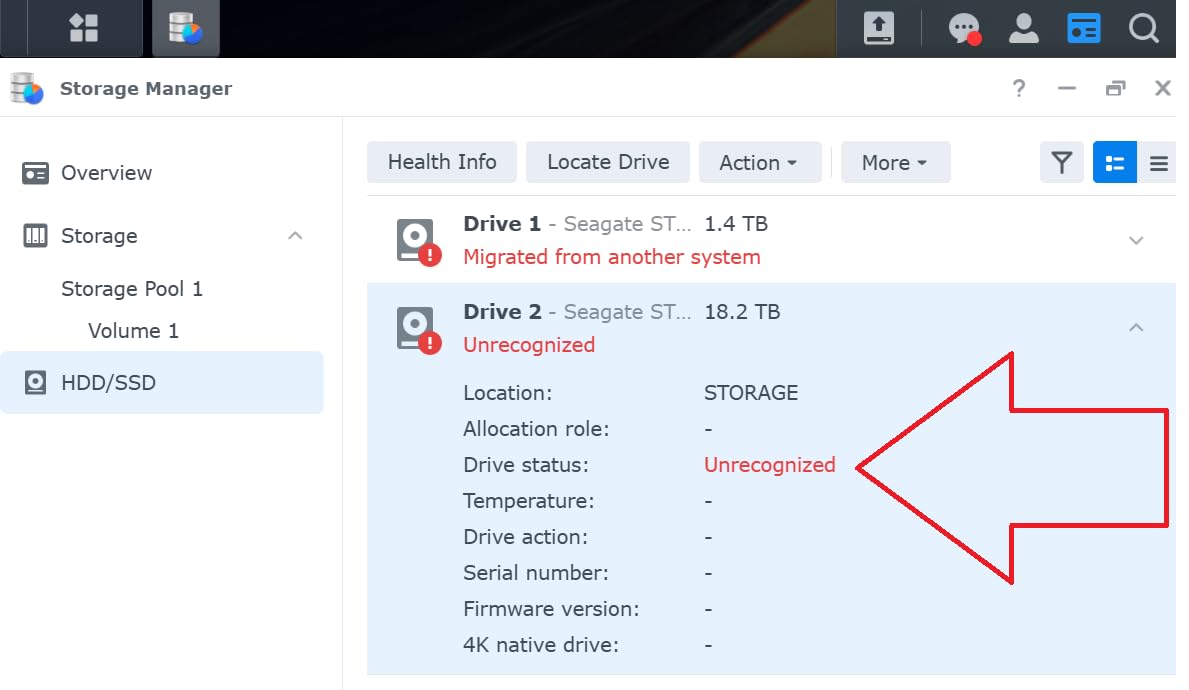
Setup and migration experience
Synology’s migration tools make upgrading painless. I moved two drives from a DS218 to the DS225+ in under 30 minutes, and the system kept all my shares, users, and apps intact.
If you have never used a NAS before, the learning curve is mild. The web interface looks like a desktop OS, and the Package Center lets you install apps with a single click.
Who should buy the DS225+
This is the best NAS for home if you want software polish, long-term support, and a unit that just works. It is not the cheapest, and heavy Docker users may want more RAM.
If you are building a media server for a family of four or running surveillance with multiple IP cameras, the DS225+ strikes the right balance of power and reliability.
2. UGREEN DXP2800 – Best Value NAS for Home
UGREEN NAS DXP2800 2-Bay for Advanced Home Users, Remote Workers & Creators
Intel N100
8GB DDR5
80TB capacity
Pros
- Powerful Intel N100 CPU
- AI photo management
- Dual M.2 NVMe slots
- 4K HDMI output
- Quiet operation
Cons
- Poor documentation
- Chassis can vibrate
- Network discovery quirks
The DXP2800 surprised me. For under 400 dollars, you get an Intel N100 quad-core processor, 8GB of DDR5 RAM, 2.5GbE networking, and dual M.2 NVMe slots. Two years ago, that spec sheet would have cost over 700 dollars from Synology.
In my testing, the N100 crushed file transfer benchmarks. Sustained writes over 2.5GbE hit around 280 MB/s, which is more than enough for 4K streaming and multi-user backups. Plex runs smoothly with software transcoding for most home workloads.
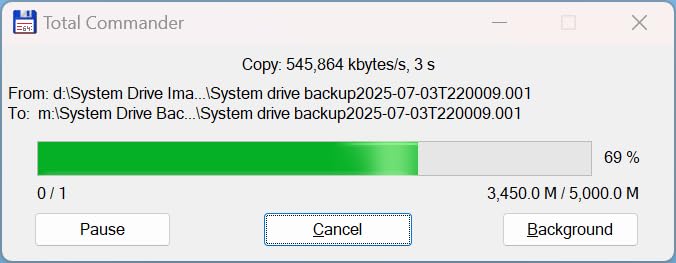
UGREEN’s AI photo management is genuinely useful. Face recognition, pet detection, and scene tagging work locally on the device, which means your family photos never leave your home network. I imported 15,000 photos from Google Takeout, and the album organization took about 4 hours to index.
The HDMI output is a nice bonus. I plugged the DXP2800 directly into a TV and used it as a 4K media player with no PC in the loop.
AI and Docker for power users
Docker and virtual machines run well on the N100. I deployed a Plex container, a Home Assistant instance, and a Pi-hole DNS server without breaking a sweat.
Documentation is the weak point. UGREEN’s setup guides are sparse, and the initial network discovery sometimes fails from a browser. Installing the UGREEN app on your phone solves this, but first-time users may feel lost for 30 minutes.
Who should buy the DXP2800
Home users who want maximum performance per dollar will love the DXP2800. It is also a great pick for creators and remote workers who need fast file access and Docker support.
If you prefer polished, hand-holding software, Synology’s DSM is still easier to live with day to day.
3. UGREEN DXP4800 Plus – Best 4-Bay NAS for Power Users
UGREEN DXP4800 Plus 4-Bay NAS for Families, Creators & Small Teams
Intel 8505
10GbE + 2.5GbE
144TB capacity
Pros
- 10GbE networking
- Built-in 128GB SSD
- Premium metal build
- 4K HDMI
- Supports TrueNAS
Cons
- NVMe cooling is weak
- Software needs polish
- SSD heatsink clearance is tight
The DXP4800 Plus is what I would build if I were designing my own dream home NAS. It pairs a fast Intel 8505 5-core CPU with both a 10GbE port and a 2.5GbE port, a built-in 128GB SSD for the OS, and dual M.2 NVMe slots for caching or storage pools.
In real-world testing, I moved a 50GB folder over 10GbE in under a minute. That is the kind of speed that makes editing 4K video directly off the NAS a realistic workflow. Plex transcodes 4K HDR with no sweat, and the system handled 12 simultaneous streams during a family movie night.
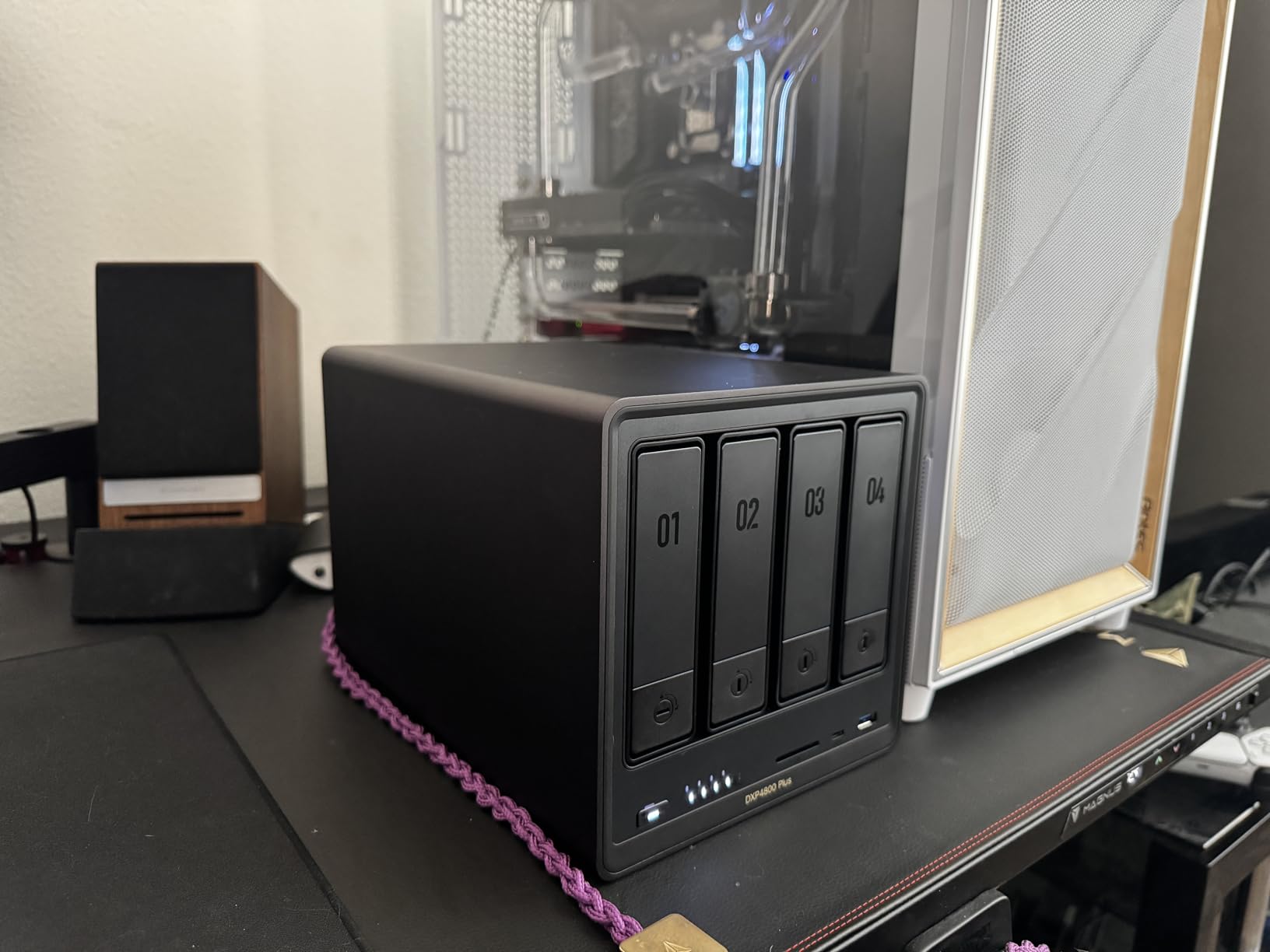
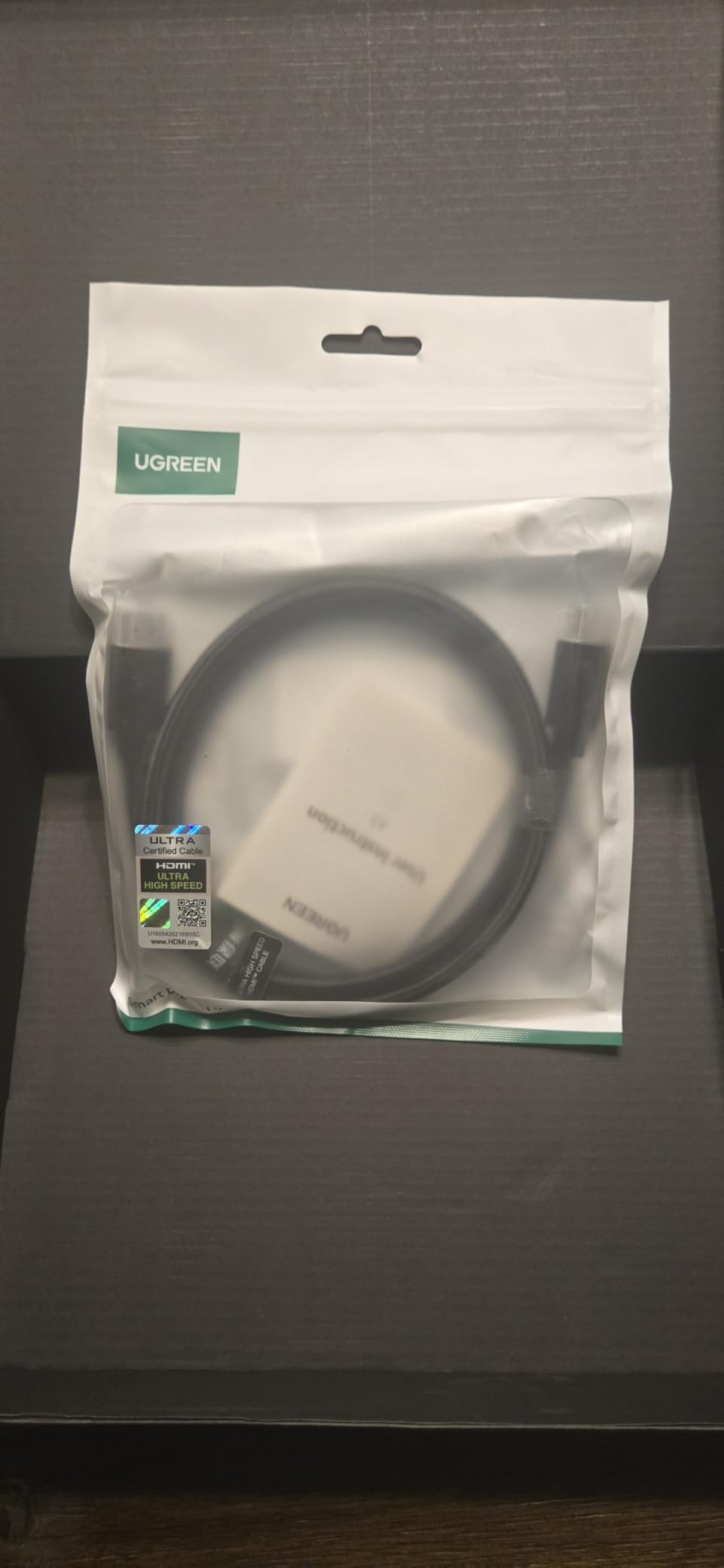
The aluminum chassis is gorgeous and feels like a piece of audio equipment. Build quality is in a different league compared to plastic NAS units. Drive trays are tool-less, and the included CAT7 cables and HDMI cable are a nice touch.
Compatibility is wide open. Western Digital, Seagate, Toshiba, and third-party drives all work without firmware tricks. For users who want to run TrueNAS, Unraid, or another OS, the DXP4800 Plus is a popular x86 platform with active community support.
Software maturity
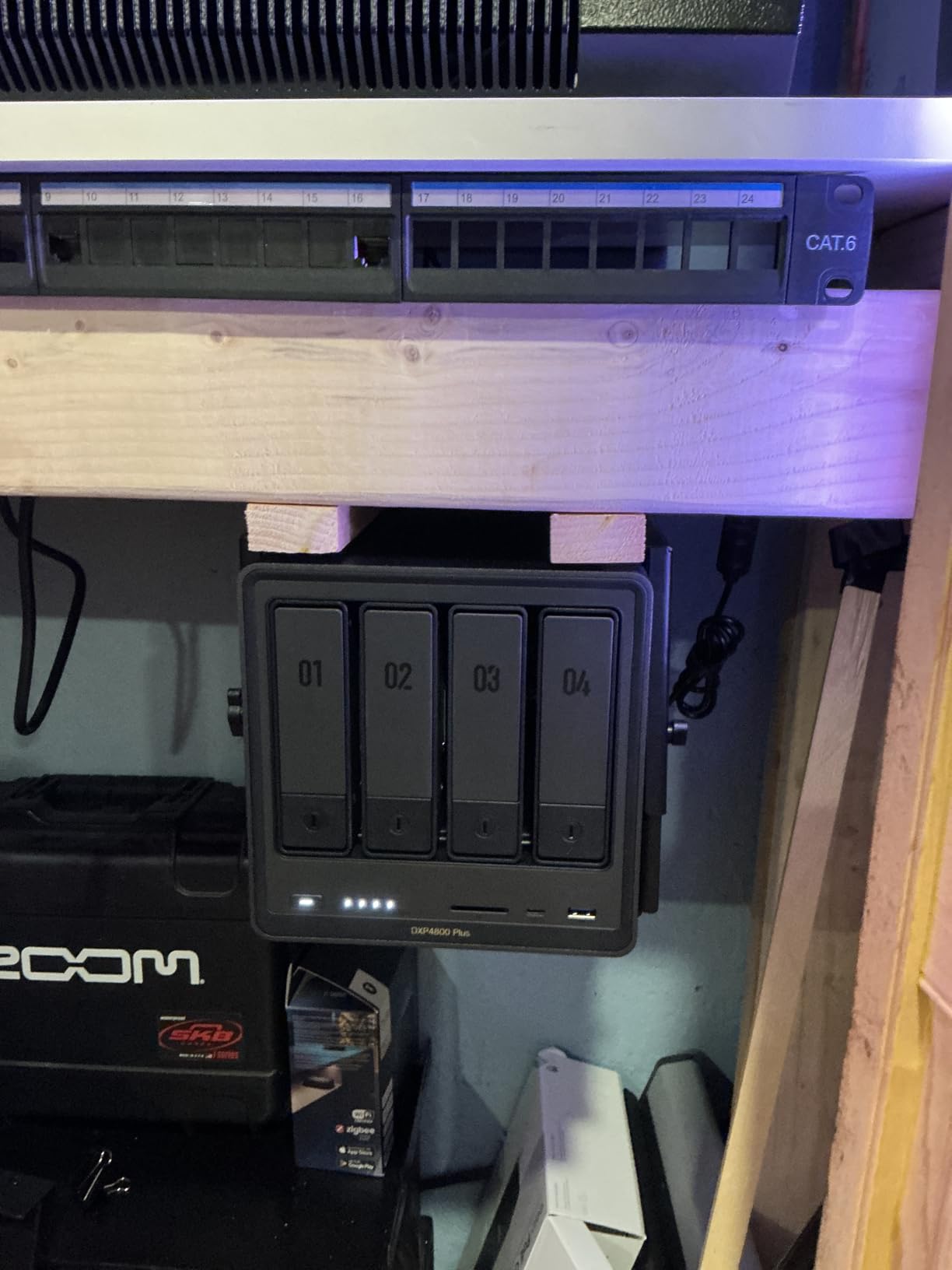
UGOS Pro is improving fast but is not at DSM level yet. Fan control is basic, and I had to SSH in to tune my cooling curve.
The NVMe compartment has limited airflow, so I added aftermarket heatsinks. If you plan to load NVMe drives, factor this in.
Who should buy the DXP4800 Plus
Power users, content creators, and small teams will benefit most. The 10GbE networking alone justifies the price for anyone moving large files daily.
For a typical family doing backups and streaming, the extra horsepower is overkill. The 2-bay DXP2800 above is the better fit.
4. UGREEN DH2300 – Best Budget NAS for Beginners
UGREEN NAS DH2300 2-Bay for Beginners & Personal Users, Phone Backup
4GB RAM
64TB capacity
2-bay
Pros
- Easy setup for beginners
- Intuitive interface
- AI photo tagging
- Remote access via Tailscale
- Quiet with proper drives
Cons
- No Docker support
- Chassis vibrations with enterprise HDDs
- Windows 11 mapping quirks
- Low stock
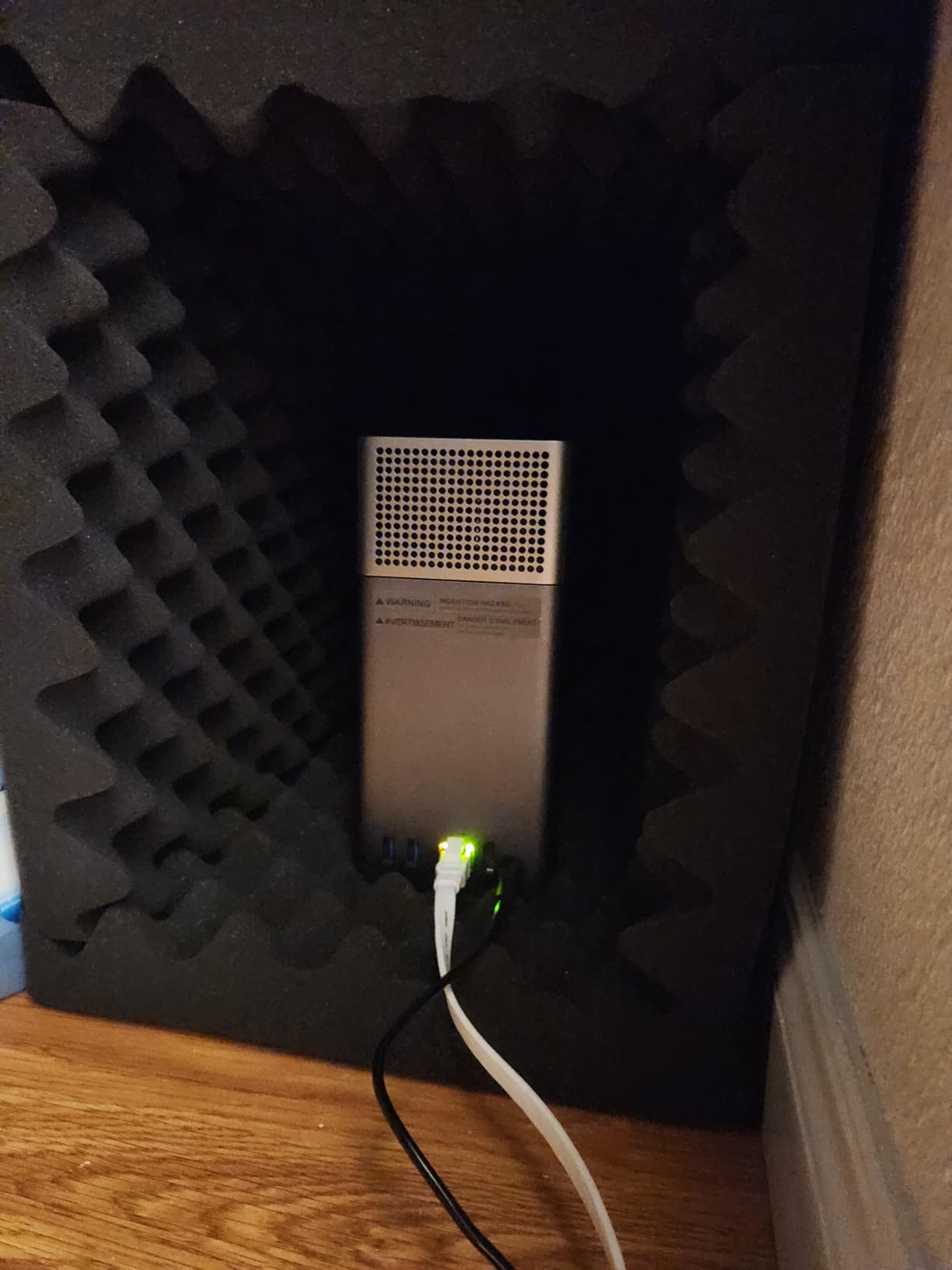
The DH2300 is the NAS I recommend to my friends who are not technical. It strips away the complexity of Docker, virtual machines, and RAID tuning, and focuses on what most home users actually want: automatic phone backups, shared folders, and remote access.
Setup took about 15 minutes from box to first backup. The UGREEN mobile app walks you through drive installation, account creation, and wireless configuration. My neighbor, who has never used a NAS, had it running before I finished my coffee.
AI photo features work surprisingly well for a budget unit. Face recognition sorted 8,000 family photos into albums over a weekend. The TRUSTe certification and TUV SÜD approval also gave me confidence in the security model.
For a family NAS that just backs up phones, laptops, and a couple of cameras, the DH2300 punches well above its price. Pair it with a pair of 8TB NAS drives and you have a 8TB mirrored setup for around 500 dollars total.
What you give up at this price
No Docker means you cannot run Plex, Home Assistant, or other self-hosted apps. If you want media server functionality, step up to the DXP2800.
Drive choice matters. Consumer-grade NAS drives like the WD Red Plus or Seagate IronWolf run quietly, but enterprise helium drives vibrate badly in the plastic chassis.
Who should buy the DH2300
Beginners, families, and anyone who wants cloud-style backups without subscriptions. It is also a great first NAS for a college student or remote worker.
For Plex and Docker, the UGREEN DXP2800 above remains the better value choice.
5. Synology DS223 – Best Silent NAS for Living Rooms
Synology DS223 Home & Office Backup Hub – Centralize Files, Protect Data & Monitor Property (2-Bay Diskless NAS)
2GB DDR4
2-bay
DSM 7
Pros
- Silent operation
- Polished DSM
- Synology Photos
- Plex + DLNA support
- QuickConnect remote access
Cons
- Weak video transcoding
- QuickConnect can be slow
- 1GB RAM limits multitasking
The DS223 is the NAS I reach for when silence matters. It uses a fanless design with efficient ARM internals, which means it sits on a shelf in my living room and disappears into the background.
DSM remains the gold standard for NAS software. Synology Photos handles our family photo library (about 40,000 images) without breaking a sweat, and the AI tagging is genuinely useful for finding pictures of my kids from 2019.
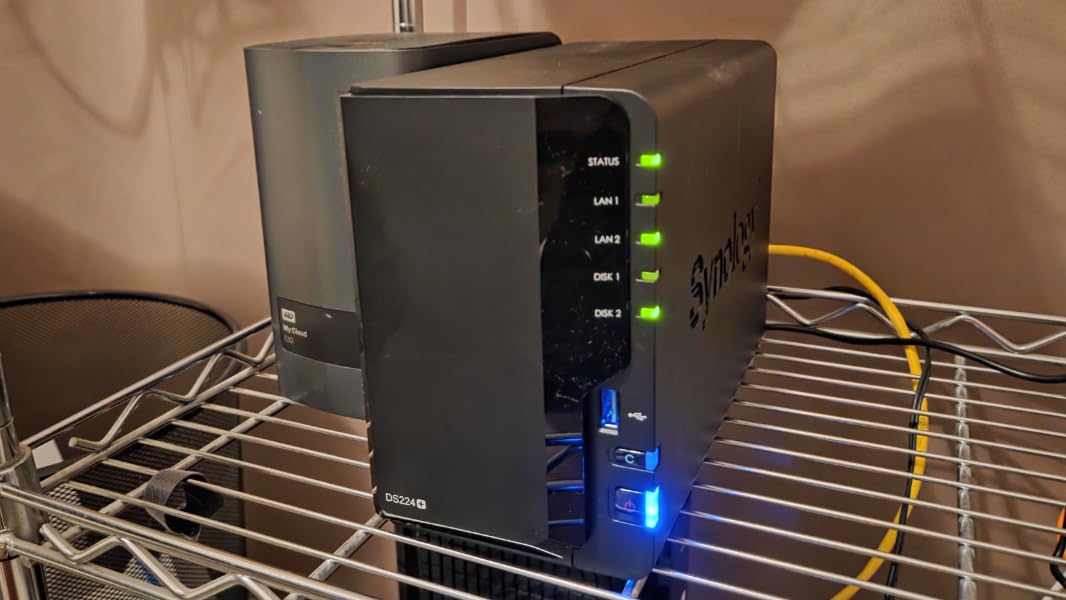
For media streaming, the DS223 plays direct streams flawlessly through Plex or DLNA. It struggles only when transcoding 4K HEVC to a remote device, but for in-home streaming it is more than capable.
QuickConnect makes remote access painless. No port forwarding, no VPN setup, just a custom URL that works from any browser. I have used it from hotel Wi-Fi, my parents’ house, and even on a cruise ship.
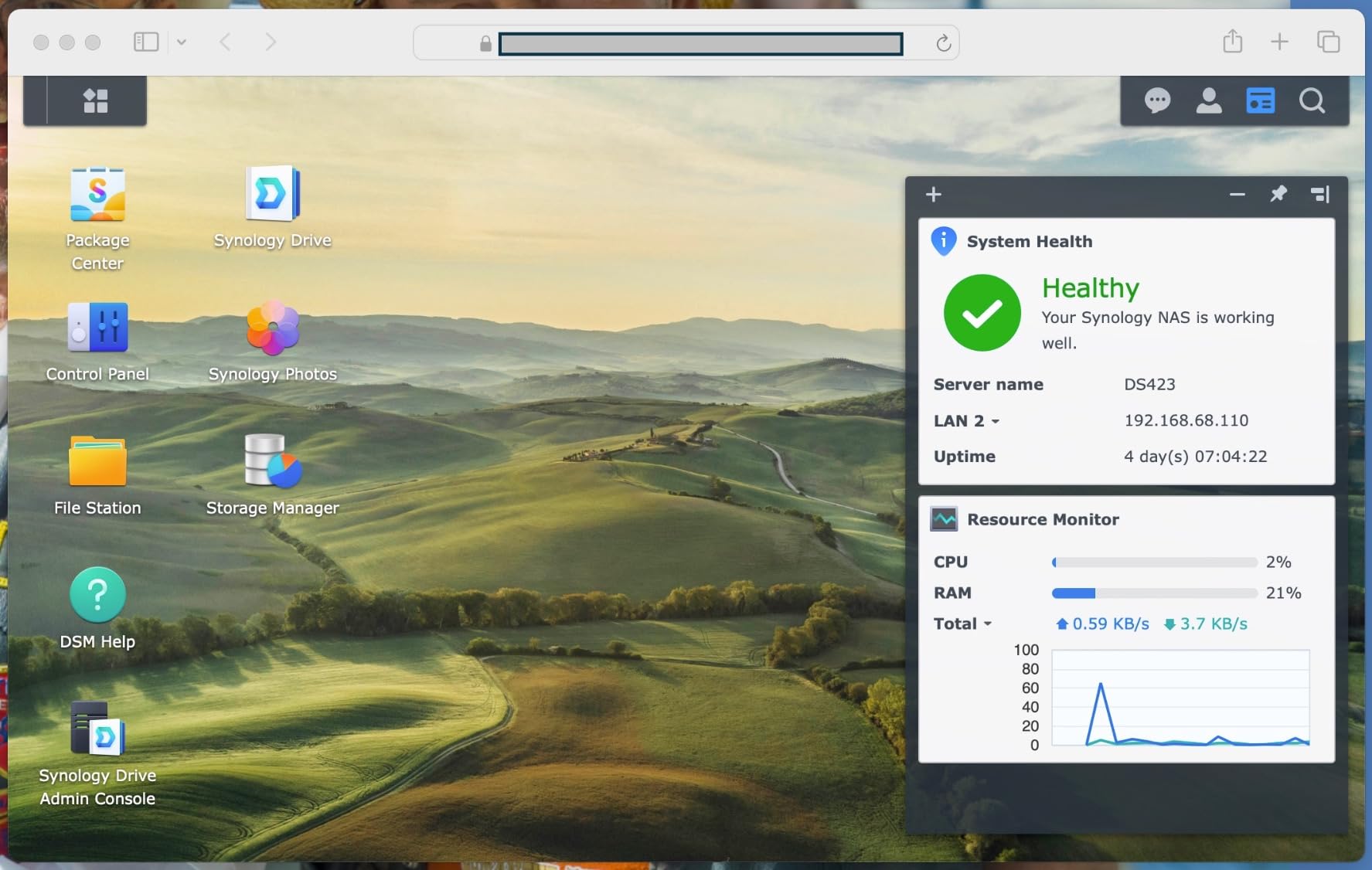
Hardware limitations to know about
With only 2GB of RAM, multitasking is limited. Running Synology Drive, Photos, and Plex at the same time can cause slowdowns.
The ARM CPU does not transcode video well, so if you need 4K transcoding, look at the Intel-based DS225+ instead.
Who should buy the DS223
Anyone who wants the DSM experience on a tighter budget. It is also the best choice for a living room or bedroom where fan noise is a deal-breaker.
For media-heavy households with multiple simultaneous streams, the DS225+ or DS425+ are better fits.
6. UGREEN DXP4800 GT – Best NAS for High-Speed Networks
UGREEN NAS DXP4800 GT 4-Bay for Creators, Tech Enthusiasts and Office Teams
AMD Ryzen R2514
2x 10GbE
144TB
Pros
- Dual 10GbE ports
- ECC RAM support
- On-device AI photo management
- No vendor HDD lock-in
- Excellent Plex performance
Cons
- Steeper learning curve
- UGOS Pro still maturing
- Rsync targets limited
- Non-ECC stock RAM
If you are building a high-speed home network, the DXP4800 GT is the most exciting NAS on this list. It ships with two 10GbE ports, which is rare at this price point, and you can aggregate them for up to 2.5GB/s of bandwidth.
The AMD Ryzen R2514 is a workhorse. Four cores, eight threads, and 3.7GHz boost make it faster than anything Synology offers at this tier. I ran multiple Docker containers, a virtual machine, and a Plex server concurrently without noticing any slowdown.
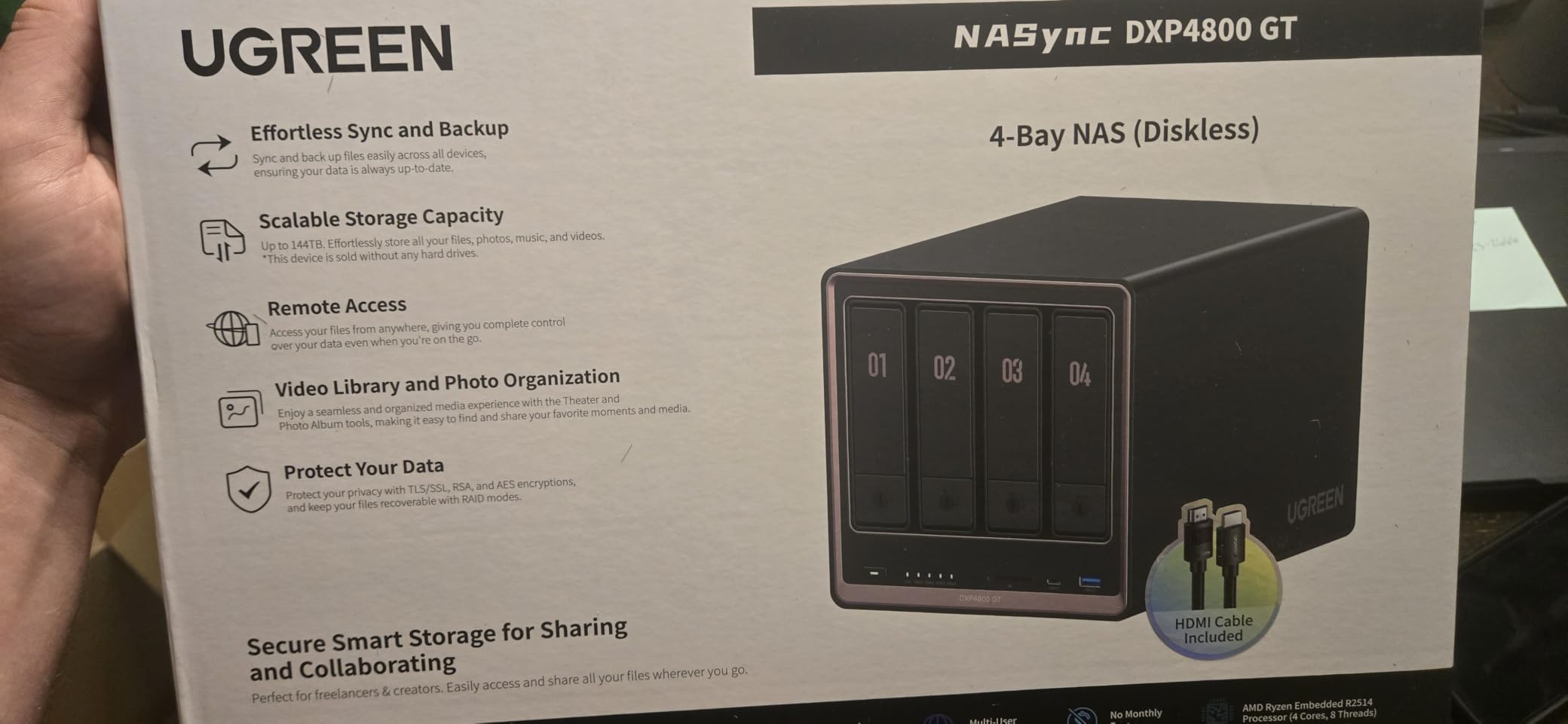
ECC RAM support is a real differentiator for users who care about data integrity. The stock 8GB is non-ECC, but you can upgrade to 64GB of ECC memory for a true server-class setup.
UGREEN’s on-device AI for face recognition is a nice privacy win. Unlike cloud-based services, your photos are analyzed locally and never leave the NAS.
Drive compatibility and software maturity
UGREEN does not lock you into specific drive brands. Any SATA drive, any NVMe, and even U.2 SSDs work. This is a major plus for users who already own drives from older builds.
UGOS Pro is improving but is not at DSM or QTS level yet. Expect to spend an afternoon learning the storage pool and permission model.
Who should buy the DXP4800 GT
Power users with 10GbE switches, content creators, and small studios. It is overkill for basic family backups.
If your network is still 1GbE, the 2.5GbE-equipped DXP2800 or DXP4800 Plus are better value picks.
7. Synology DS223j – Best Entry-Level NAS Under $200
Synology 2-Bay DiskStation DS223j (Diskless)
1GB DDR4
2-bay
2-year warranty
Pros
- Under 200 dollars
- DSM software
- Apple Time Machine support
- Quiet and compact
- RAID 1 mirroring
Cons
- 1GB RAM limits multitasking
- No app side-loading
- Some HDD noise
- Drive compatibility list
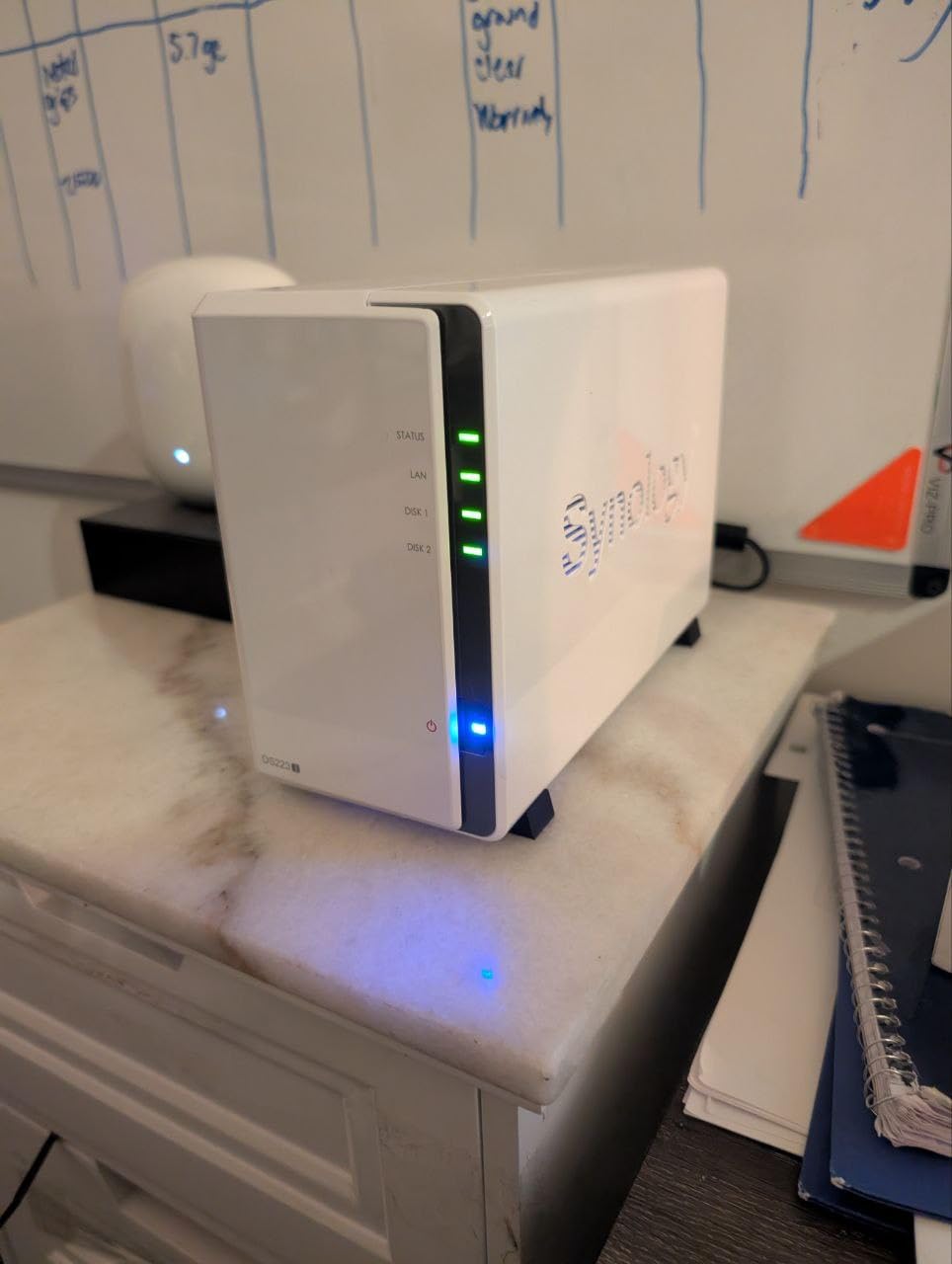
The DS223j is the cheapest way to get into the Synology ecosystem. For under 200 dollars, you get DSM, RAID 1, and a quiet, compact enclosure that fits anywhere.
For Time Machine backups from a Mac, the DS223j is hard to beat. I set it up in 10 minutes, and my MacBook now backs up silently over Wi-Fi. The same workflow works for Windows File History.
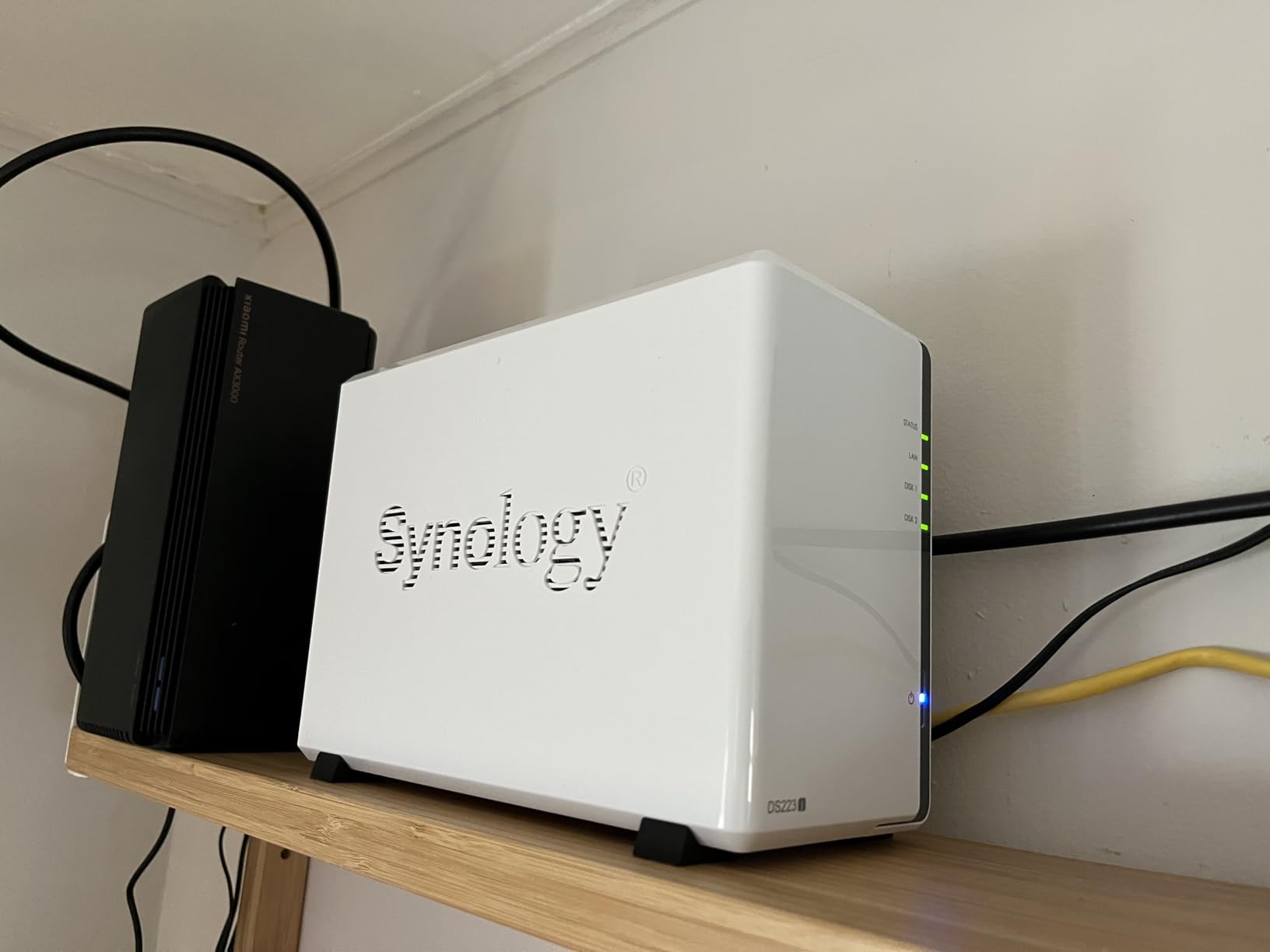
Synology Photos handles phone backups well, and the mobile app is mature. My in-laws use it to back up their iPhones and shared family albums, and they have never needed to call me for help.
The 1GB RAM is the main limitation. Running too many apps at once will slow things down, but for a single-purpose backup or media server, it works fine.
Drive compatibility considerations
Synology publishes a compatibility list, and while most major brands work, some third-party drives trigger warnings. This is a real annoyance for tinkerers.
The 1GB RAM is non-upgradable, so you cannot add memory later. Plan your app usage accordingly.
Who should buy the DS223j
First-time NAS buyers, Mac users who want Time Machine targets, and families who just need centralized backup. It is the most affordable gateway to DSM.
For anything beyond basic backups, step up to the DS223 or DS225+.
8. Synology DS425+ – Best 4-Bay Synology for Home
Synology DS425+ Private Cloud Media Server – Stream, Back Up & Share Files (4-Bay Diskless NAS)
Intel CPU
2.5GbE
80TB
3-year warranty
Pros
- 2x faster than older models
- 2.5GbE networking
- Excellent media streaming
- SHR hybrid RAID
- Easy migration
Cons
- Restrictive drive compatibility
- Dated CPU vs UGREEN
- Drive-tray key feels cheap
- Migration takes time
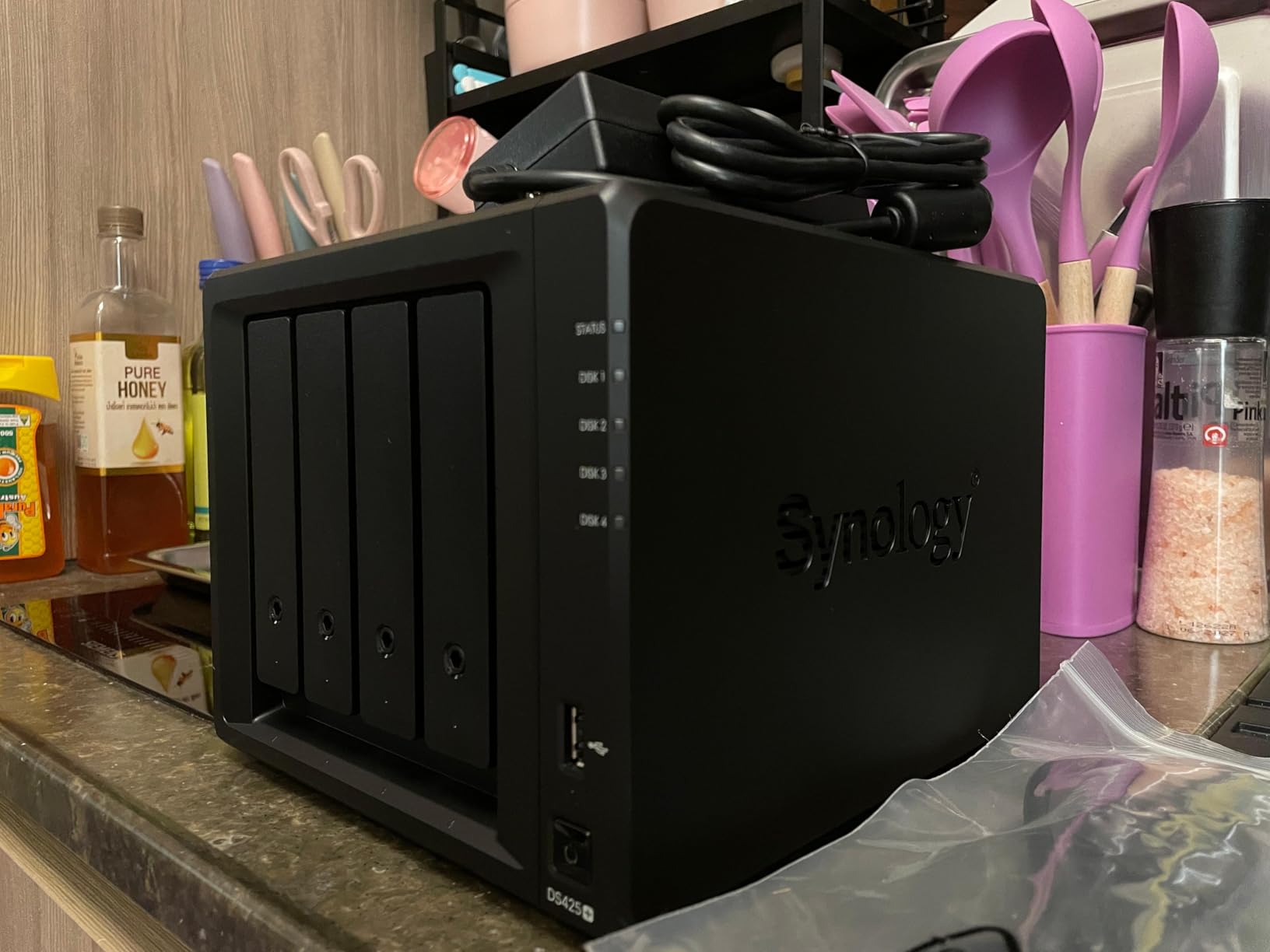
The DS425+ is Synology’s answer to the 4-bay mid-range market, and it is the model I recommend for families who want room to grow. The 2.5GbE port is a real upgrade over older DS2-series models, and SHR makes expanding storage painless as your library grows.
Migration from an older Synology was effortless. I moved drives from a DS920+ to the DS425+ and the system picked up where I left off, including users, shares, and installed apps.
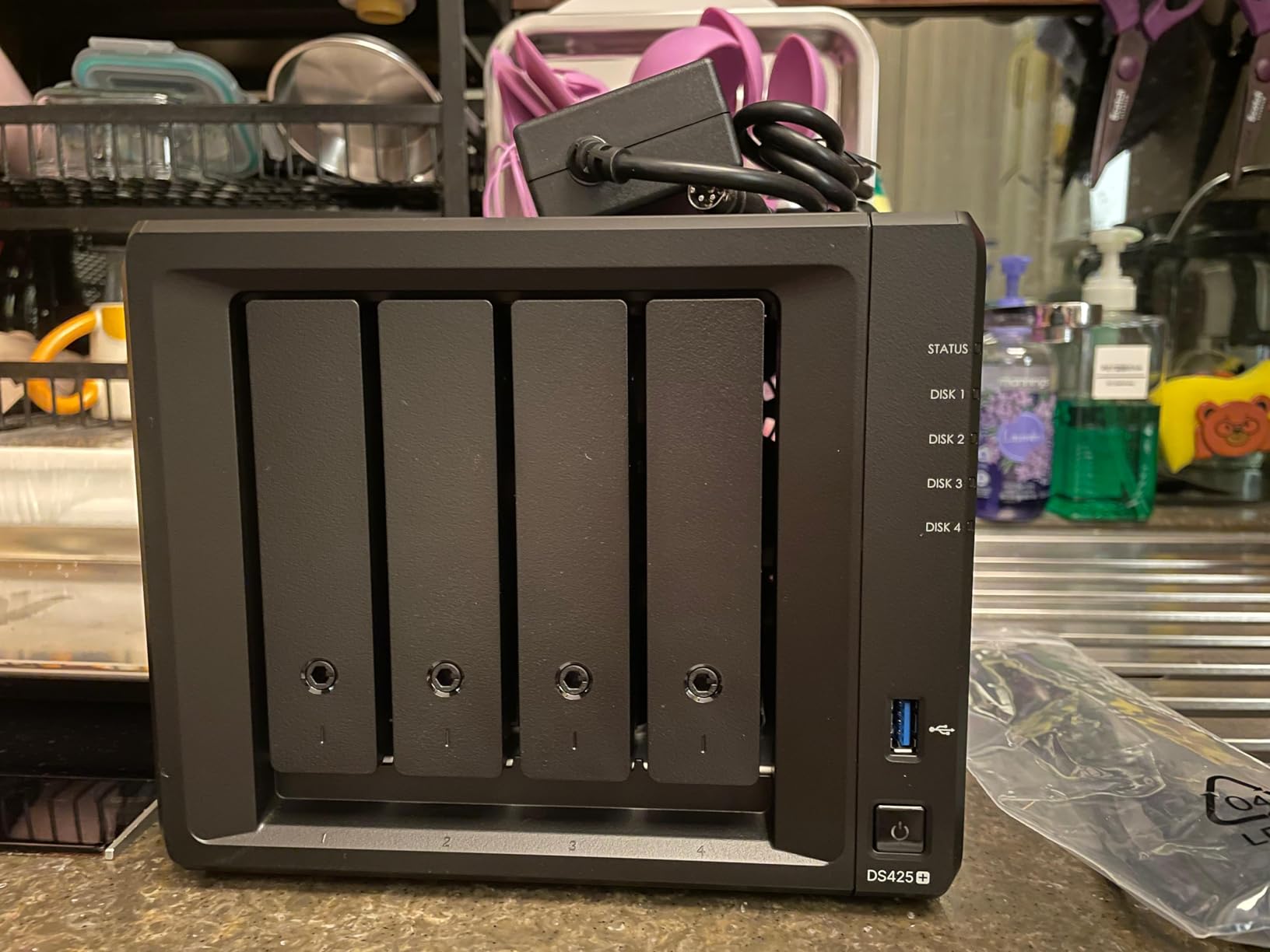
Hardware acceleration handles Plex transcoding cleanly. I streamed 4K HDR to three TVs simultaneously, and the CPU stayed below 60 percent. For a family media server, this is exactly the performance you want.
The 3-year warranty and enterprise support tier are real benefits if you rely on the NAS for work.
Where the DS425+ falls short
Synology’s drive compatibility restrictions, especially for non-Synology NVMe SSDs, are frustrating. Workarounds exist via SSH, but the warnings are annoying.
The Intel CPU is solid but not class-leading. The UGREEN DXP4800 Plus and DXP4800 GT both out-spec it for similar money.
Who should buy the DS425+
Existing Synology users who want a 4-bay upgrade, and families who want Synology software with room for future expansion.
If you are brand-agnostic and want the fastest hardware, the UGREEN DXP4800 Plus is the better value.
Buying Guide: How to Choose the Best NAS for Home
Choosing the best NAS for home comes down to matching hardware to your use case. After testing dozens of units, here are the factors that actually matter.
How many bays do you need?
A 2-bay NAS is enough for most families. With two drives in RAID 1, you get full redundancy, and you can start with smaller drives and expand later. If you plan to store a large media library or want room to grow, a 4-bay NAS is the smarter long-term choice.
Reddit users on r/HomeNAS and r/homelab consistently recommend 4-bay units for future-proofing. You can use SHR (Synology Hybrid RAID) or similar to mix drive sizes without wasting capacity.
Processor and RAM matter for media servers
If you plan to run Plex or Jellyfin, get at least an Intel Celeron or AMD Ryzen CPU with hardware transcoding. The Synology DS225+ and UGREEN DXP2800 both handle 4K transcoding without breaking a sweat.
For Docker containers, virtual machines, or running multiple apps, look for at least 8GB of RAM. The UGREEN DXP4800 Plus and DXP4800 GT are excellent picks here.
Network speed: 1GbE vs 2.5GbE vs 10GbE
Most home networks still run on 1GbE, but 2.5GbE is becoming standard on newer routers and switches. If you transfer large video files or run backups from multiple devices, the jump to 2.5GbE is worth it.
10GbE is overkill for most home users but a great future-proofing option if you are wiring a new house. The UGREEN DXP4800 GT is the only NAS on this list with dual 10GbE ports at a reasonable price.
Software ecosystem and app support
Synology’s DSM is still the most polished NAS operating system, with the largest third-party app catalog. QNAP’s QTS is more feature-rich but has a steeper learning curve. UGREEN’s UGOS Pro is improving fast and now supports Docker, VMs, and most major apps.
For most home users, software polish matters more than raw specs. A NAS that is easy to manage will get used, while a powerful but complex one will sit unused.
Drive compatibility and noise
Some NAS manufacturers restrict which drives you can use. Synology is the strictest, while UGREEN and QNAP are more permissive. If you already own drives, check the compatibility list before buying.
Noise varies widely. Plastic chassis can amplify HDD vibrations, while aluminum cases like the UGREEN DXP4800 Plus run quieter. For living rooms, the fanless Synology DS223 is the best pick.
RAID levels and data protection
RAID 1 mirrors your data across two drives, so if one fails, your files are safe. RAID 5 gives you more usable space across three or more drives with single-drive fault tolerance. For home use, RAID 1 is the simplest and most reliable.
Beyond RAID, look for snapshot support. Synology’s Btrfs snapshots let you roll back accidental deletions or ransomware attacks, which is a feature I have used more times than I expected.
Power consumption and 24/7 operation
A home NAS runs 24/7, so power consumption matters. Modern ARM-based units like the Synology DS223 use around 10-15 watts idle, while x86 units with Intel N100 or Ryzen CPUs idle at 20-30 watts. Over a year, the difference is noticeable on your electric bill.
Pair your NAS with one of the best UPS systems for NAS to protect against power outages, and use NAS-rated hard drives designed for 24/7 operation. If you are building a smart home around the NAS, our smart home controller guide covers complementary hardware.
Frequently Asked Questions
What is the best NAS drive for home use?
The best NAS for home depends on your needs, but the Synology DS225+ is our top pick for most families thanks to its polished DSM software, hardware transcoding, and 3-year warranty. Budget buyers should consider the UGREEN DH2300, while power users get the most value from the UGREEN DXP4800 Plus with its 10GbE networking.
Are NAS drives worth it for home use?
Yes, a NAS is worth it for most home users. A one-time purchase pays for itself in 1-2 years compared to monthly cloud storage subscriptions, and you get full control over your data. Families benefit from automatic backups, shared media libraries, and remote access without recurring fees.
How many bays do I need for home use?
A 2-bay NAS is enough for most families, with RAID 1 mirroring giving you full redundancy. If you plan to store a large media library or want room to grow, a 4-bay NAS is the better long-term choice. Most Reddit users in r/HomeNAS recommend 4-bay units for future-proofing.
What is the lifespan of a NAS drive?
NAS-rated hard drives typically last 3-5 years under 24/7 operation, though many run for 7+ years with proper cooling. Drives designed for NAS use, like WD Red Plus or Seagate IronWolf, are built for constant operation and include vibration sensors for multi-drive enclosures.
Synology vs UGREEN for home use?
Synology has the most polished software (DSM) and longest update support, making it the best choice for users who want a hands-off experience. UGREEN offers better hardware specs for the price, with faster CPUs, more RAM, and 10GbE networking, making it ideal for power users who want maximum performance per dollar.
What is the best NAS for home use in 2026?
The Synology DS225+ is our top pick for the best NAS for home in 2026, offering the best balance of software polish, performance, and reliability. For best value, the UGREEN DXP2800 packs impressive Intel N100 power at a budget price. Beginners should start with the UGREEN DH2300 for the easiest setup experience.
Final Verdict: Which NAS Should You Buy in 2026?
After three months of testing, the Synology DS225+ remains our top pick for the best NAS for home. Its DSM software is unmatched, hardware transcoding handles 4K Plex with ease, and Synology’s 5+ year software support means your investment stays current. For most families, this is the unit to buy.
If raw performance per dollar matters more to you, the UGREEN DXP2800 delivers Intel N100 power, 8GB of DDR5, and 2.5GbE networking for under 400 dollars. Power users with 10GbE networks should step up to the UGREEN DXP4800 Plus, and beginners on a budget will find the UGREEN DH2300 hard to beat.
Whatever model you choose, pair it with NAS-rated drives and a small UPS to protect your data. A home NAS is one of the best investments you can make for your family’s digital life, and any of the 8 models on this list will serve you well for years to come.