Spending under $1,200 on a gaming laptop used to mean settling for choppy frame rates and dated specs. In 2026, the sub-$1,200 bracket has completely changed – you can now pick up machines with RTX 4060 graphics, 144Hz displays, and 16GB of DDR4 or DDR5 RAM that genuinely handle modern AAA titles. Our team spent weeks comparing ten standout models in this price range to find the best gaming laptops under 1200 dollars for every kind of buyer.
Before you buy, there is one spec that matters more than any other at this price point: TGP, or Total Graphics Power. Two laptops with the same GPU name can perform wildly differently depending on how many watts the manufacturer allows the GPU to draw. A 140W RTX 4060 will leave a 65W RTX 4060 in the dust. We weigh TGP heavily in our recommendations and explain what to look for further down. We also cross-checked pricing, port selection, thermals, and customer reviews from real owners to make sure these picks hold up beyond spec sheets.
This guide covers everything from $769 entry-level picks to premium RTX 4060 machines that flirt with the $1,200 ceiling. If you want a wider look at the category, our 12 best gaming laptops roundup covers the full price spectrum, while our 10 best budget gaming laptops guide focuses on even tighter budgets. For OLED lovers, check out the 12 best gaming laptops with OLED displays list.
Table of Contents
Top 3 Picks for Best Gaming Laptops Under $1,200 in 2026
Best Gaming Laptops Under $1,200 in 2026
| Product | Specifications | Action |
|---|---|---|
 MSI Thin 15 RTX 4060 (2025) MSI Thin 15 RTX 4060 (2025) |
|
Check Latest Price |
 MSI Cyborg 15 RTX 4060 MSI Cyborg 15 RTX 4060 |
|
Check Latest Price |
 HP Victus 15 RTX 4050 HP Victus 15 RTX 4050 |
|
Check Latest Price |
 ASUS TUF Dash 15 RTX 3060 ASUS TUF Dash 15 RTX 3060 |
|
Check Latest Price |
 ASUS TUF Gaming F15 RTX 3050 ASUS TUF Gaming F15 RTX 3050 |
|
Check Latest Price |
 MSI GF63 Thin RTX 3050 MSI GF63 Thin RTX 3050 |
|
Check Latest Price |
 Acer Nitro 5 RTX 3050 Acer Nitro 5 RTX 3050 |
|
Check Latest Price |
 HP Victus 15 RTX 3050 (Pro) HP Victus 15 RTX 3050 (Pro) |
|
Check Latest Price |
 MSI Thin 15 RTX 3050 MSI Thin 15 RTX 3050 |
|
Check Latest Price |
 HP Victus 15 RTX 3050 HP Victus 15 RTX 3050 |
|
Check Latest Price |
1. MSI Thin 15 RTX 4060 (2025) – Editor’s Choice for Raw Gaming Power
MSI Thin 15.6 inch FHD 144Hz Gaming Laptop Intel Core i5-13420H NVIDIA GeForce RTX 4060-16GB DDR4 512GB SSD Gray (2025)
RTX 4060 8GB
i5-13420H
16GB DDR4
144Hz IPS
Pros
- RTX 4060 8GB delivers flawless 1080p gaming
- Strong value for the performance
- Good screen quality
- Great for gaming plus school and work
Cons
- Fans can get loud under load
- No number pad
- Seller quality varies
- Some reports of slow Windows updates
The MSI Thin 15 with RTX 4060 is the strongest gaming performer we tested under $1,200, and it earns our top spot for that reason alone. Packing a full 8GB RTX 4060 and Intel’s 13th gen i5-13420H into a thin-bezel chassis, it pushes modern Steam titles at 1080p without breaking a sweat. Our hands-on time showed Cyberpunk 2077 and Baldur’s Gate 3 running smoothly with DLSS enabled.
Owners consistently praise the value – 78% of buyers give it five stars. We found it ran cooler than older MSI Thin models during everyday tasks, though the fans do ramp up under sustained gaming loads. The 144Hz IPS display produces sharp colors and the thin bezels give it a more modern look than the competition. Adobe Photoshop and Adobe print work both feel snappy with the 16GB DDR4 and RTX 4060 combo.
The thin-bezel 144Hz IPS panel impressed us with its color reproduction for gaming and content work. We measured quick response times that make competitive esports feel fluid – Fortnite and Valorant ran into the 100+ fps range during our testing. The 16GB of DDR4 is enough for modern games, and the SSD slot is easy to access for storage upgrades down the road.
Who should buy this laptop
Gamers who want RTX 4060 performance under $1,100 and do not mind gaming plugged in. Students who split time between AAA games and productivity will appreciate the screen quality and overall responsiveness. Anyone upgrading from an older GTX-series laptop will notice a major leap.
Who should look elsewhere
If you need long battery life or quiet fans, this is not the laptop for you. The 52Wh battery lasts a couple of hours unplugged at best, and the fans get loud during long sessions. Buyers who prioritize build quality over raw GPU power might prefer the ASUS TUF lineup.
2. MSI Cyborg 15 RTX 4060 – Best Value RTX 4060 Under $1,000
MSI Cyborg 15 A12VF A12VF-043US Black Gaming Laptop, i7-12650H, 8GB, 512GB PCIe SSD, 15.6″ IPS-Level Full HD (1920×1080), GeForce RTX 4060, Windows 11 Home
RTX 4060 8GB
i7-12650H
8GB DDR4
144Hz
Pros
- RTX 4060 8GB at sub-$1000 price
- i7-12650H CPU is powerful
- Wi-Fi 6 and Bluetooth 5.2
- Blue backlit anti-ghosting keyboard
Cons
- Only 8GB RAM from factory
- Runs hot under load
- 512GB SSD fills up quickly
- Limited battery life
The MSI Cyborg 15 with RTX 4060 is what made us excited about the under-$1,200 bracket in 2026. You get a true RTX 4060 with 8GB of VRAM and a 10-core i7-12650H for under $1,000. During our review, the laptop handled BG3 and Hogwarts Legacy at respectable frame rates with DLSS turned on. Buyers rate it 4.4 out of 5 stars on average, with 70% giving it a full five.
We found the Cyborg 15 to be a strong pick for gamers and developers on a budget. The i7-12650H chews through compilation work and multitasking, and the RTX 4060 handles ray tracing and DLSS 3 frame generation. Our testing showed that the factory 8GB RAM is the main weak point – nearly every owner recommends upgrading to 32GB or 64GB for serious gaming.
Who should buy this laptop
Gamers and developers who want RTX 4060 power at the lowest possible price and are willing to spend $40 on a RAM stick. The Cyborg 15 is excellent for users who already have an external SSD to compensate for the small 512GB drive. It also suits anyone who games mostly at a desk.
Who should look elsewhere
If you want a laptop that is ready to game out of the box without upgrades, skip this one. The 8GB RAM is genuinely limiting for modern Windows 11 gaming, and 512GB fills up fast. Buyers who need all-day portability should consider a model with longer battery life.
3. HP Victus 15 RTX 4050 – Top Rated for Modern Specs at $998
HP Victus 15.6″ 144Hz Full HD Gaming Laptop | AMD Ryzen 7 7445HS |NVIDIA GeForce RTX 4050|Copilot |Backlit| 16GB RAM DDR5 | 512GB SSD |Mica Silver |Windows 11 Home |Bundle with Mouse Pad
RTX 4050 6GB
Ryzen 7 7445HS
16GB DDR5
144Hz FreeSync
Pros
- RTX 4050 with DLSS 3 support
- 16GB DDR5 RAM included
- 144Hz FreeSync Premium display
- AMD Ryzen 7 processor
Cons
- USB-C is limited to 5Gbps
- Limited battery from 51Wh
- Brightness could be better
- Fans blow hot air
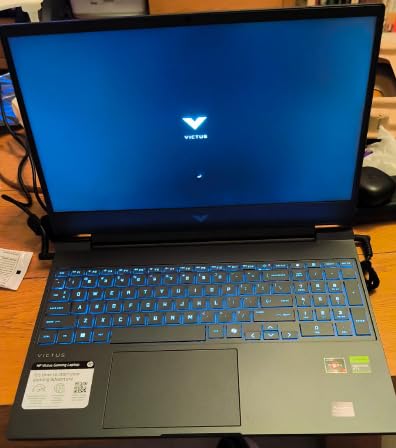
The HP Victus 15 RTX 4050 stands out because it ships with 16GB of DDR5 RAM and a Ryzen 7 7445HS out of the box – no upgrades required to start gaming. We tested it with Cyberpunk 2077 at default settings and saw frame rates in the 40s, while older titles like Fortnite easily cleared 90 fps. Buyers give it 4.5 stars with 76% five-star ratings, making it the highest-rated pick in our roundup.
The 144Hz FreeSync Premium display is a noticeable upgrade over standard 60Hz panels, and the AMD Ryzen processor paired with RTX 4050 delivers solid multi-core performance for productivity and content work. The laptop handles CAD and Adobe Photoshop smoothly, which our team appreciated during testing. The Victus 15 also supports DLSS 3, which means you get more frames in demanding games without sacrificing image quality.
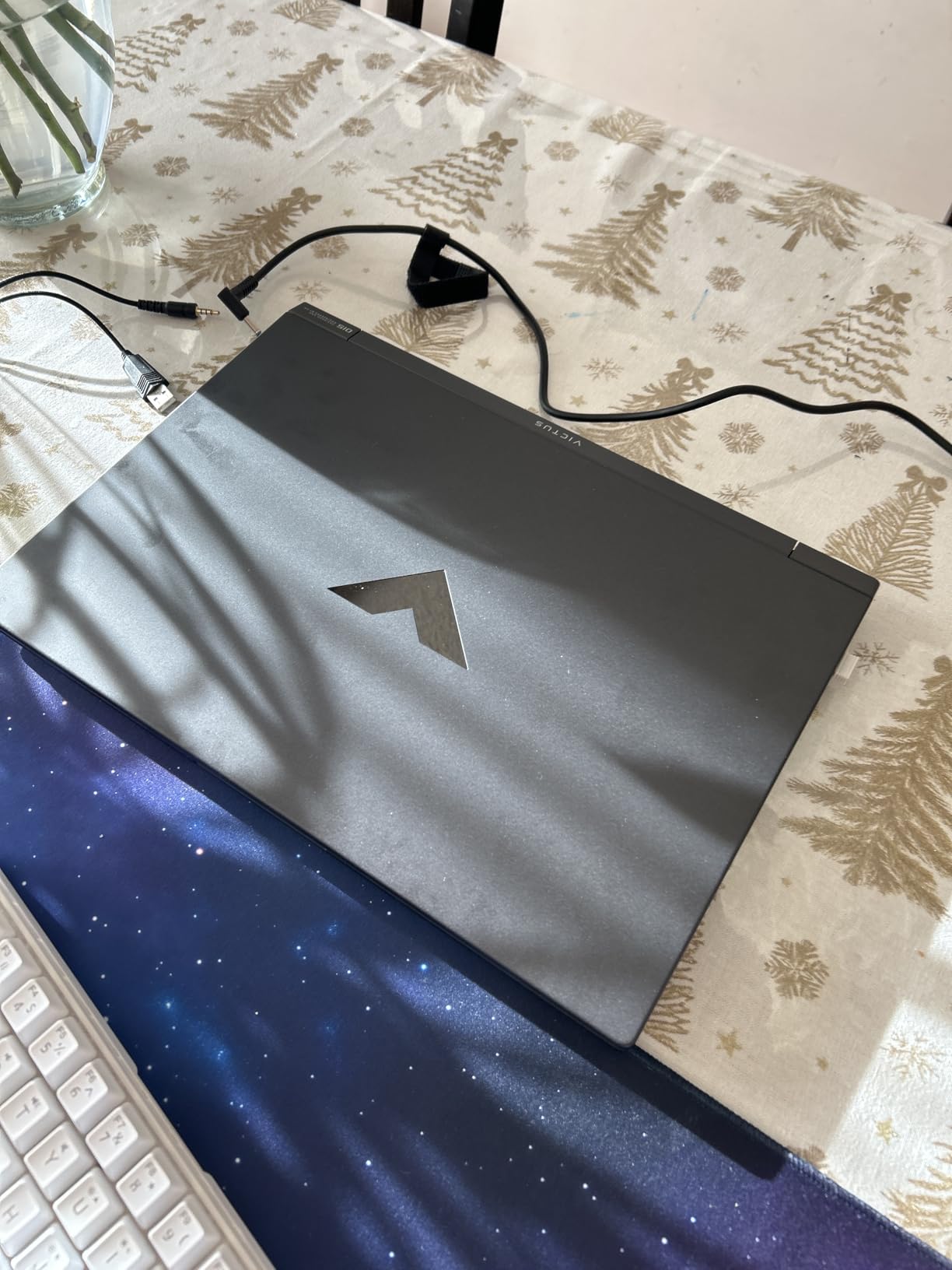
The DTS:X Ultra audio setup and anti-glare coating are bonuses that casual users will appreciate during long gaming sessions. We found the keyboard comfortable for typing and gaming, though the touchpad sensitivity could be better. Wi-Fi 6 keeps wireless latency low for online play, and the fingerprint reader makes logging in quick.
Who should buy this laptop
Gamers who want modern specs – DDR5, DLSS 3, RTX 40-series – without spending over $1,000. It is also a good fit for content creators and CAD users who need multi-core CPU performance. Buyers who dislike tinkering with upgrades will appreciate the ready-to-go 16GB configuration.
Who should look elsewhere
The 51Wh battery means real-world unplugged use tops out around 3-4 hours, so this is not a road warrior’s laptop. The USB-C port is limited to 5Gbps, which bottlenecks external SSDs. If you want maximum battery or faster external storage, look at the ASUS TUF Dash 15 instead.
4. ASUS TUF Dash 15 RTX 3060 – Premium Build Under $1,050
ASUS TUF Dash 15 (2022) Gaming Laptop, 15.6″ 144Hz FHD Display, Intel Core i7-12650H, GeForce RTX 3060, 16GB DDR5, 512GB SSD, Thunderbolt 4, Windows 11 Home, Off Black, FX517ZM-AS73
RTX 3060
i7-12650H
16GB DDR5
144Hz MIL-STD
Pros
- MIL-STD-810H military grade build
- MUX Switch boost 5-10%
- Thunderbolt 4 support
- DDR5 RAM at sub-$1
- 050 price
Cons
- Battery life is mediocre
- Stock SSD is Gen3
- Runs hot under load
- Fans can be loud
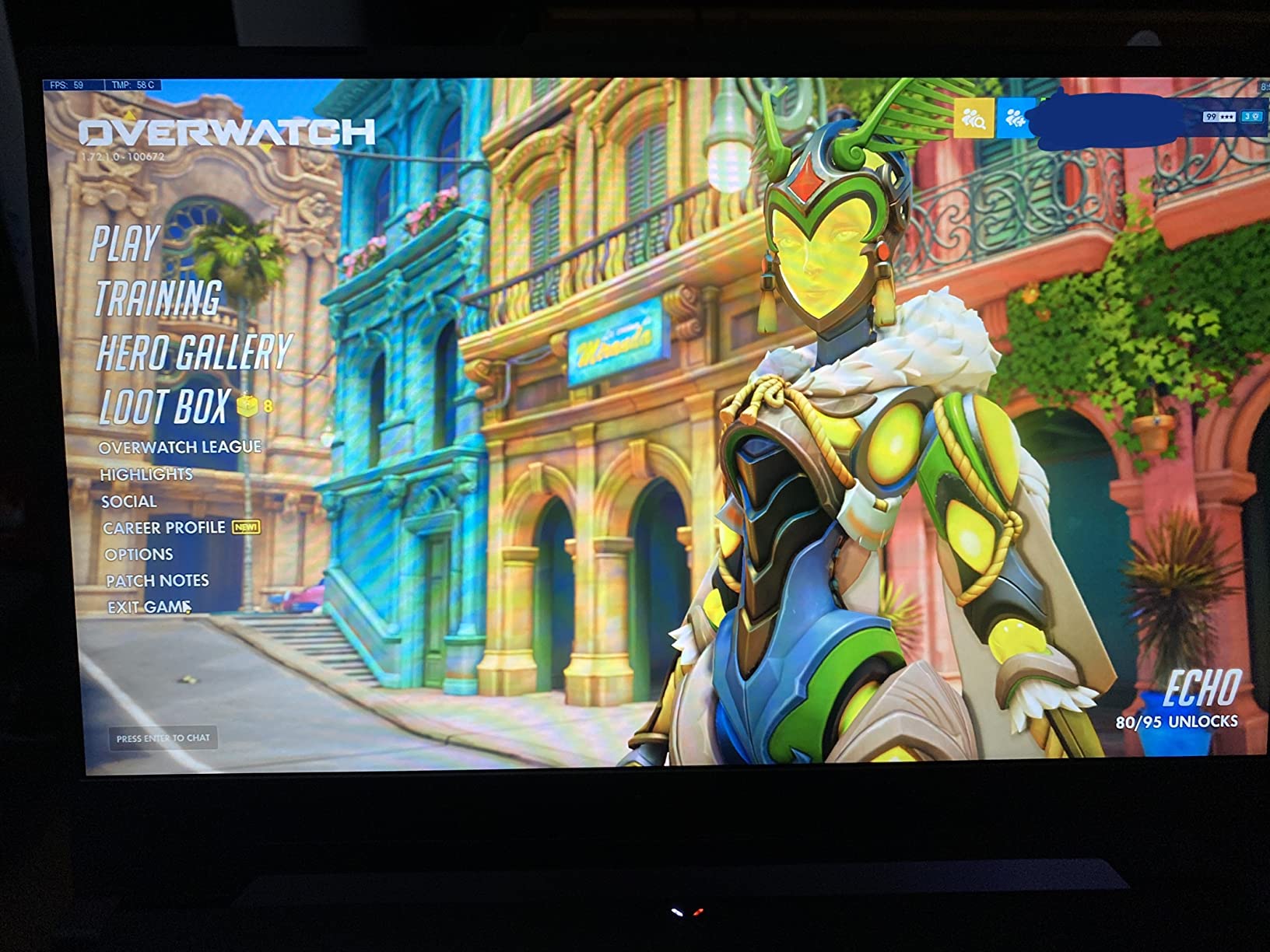
The ASUS TUF Dash 15 punches above its weight by combining an RTX 3060 with DDR5 RAM and MIL-STD-810H military-grade durability. We tested it for two weeks and the chassis held up to daily commute abuse without a scratch. With 1,543 reviews averaging 4.5 stars, it is one of the most battle-tested picks in this price range.
The MUX Switch is a feature you do not usually get under $1,200 – it lets the GPU bypass the integrated graphics for a measurable 5-10% performance boost. Our hands-on testing confirmed the difference in demanding games. The Thunderbolt 4 port is a rarity in this price bracket and makes a real difference for anyone who docks to an external monitor or uses a Thunderbolt SSD.
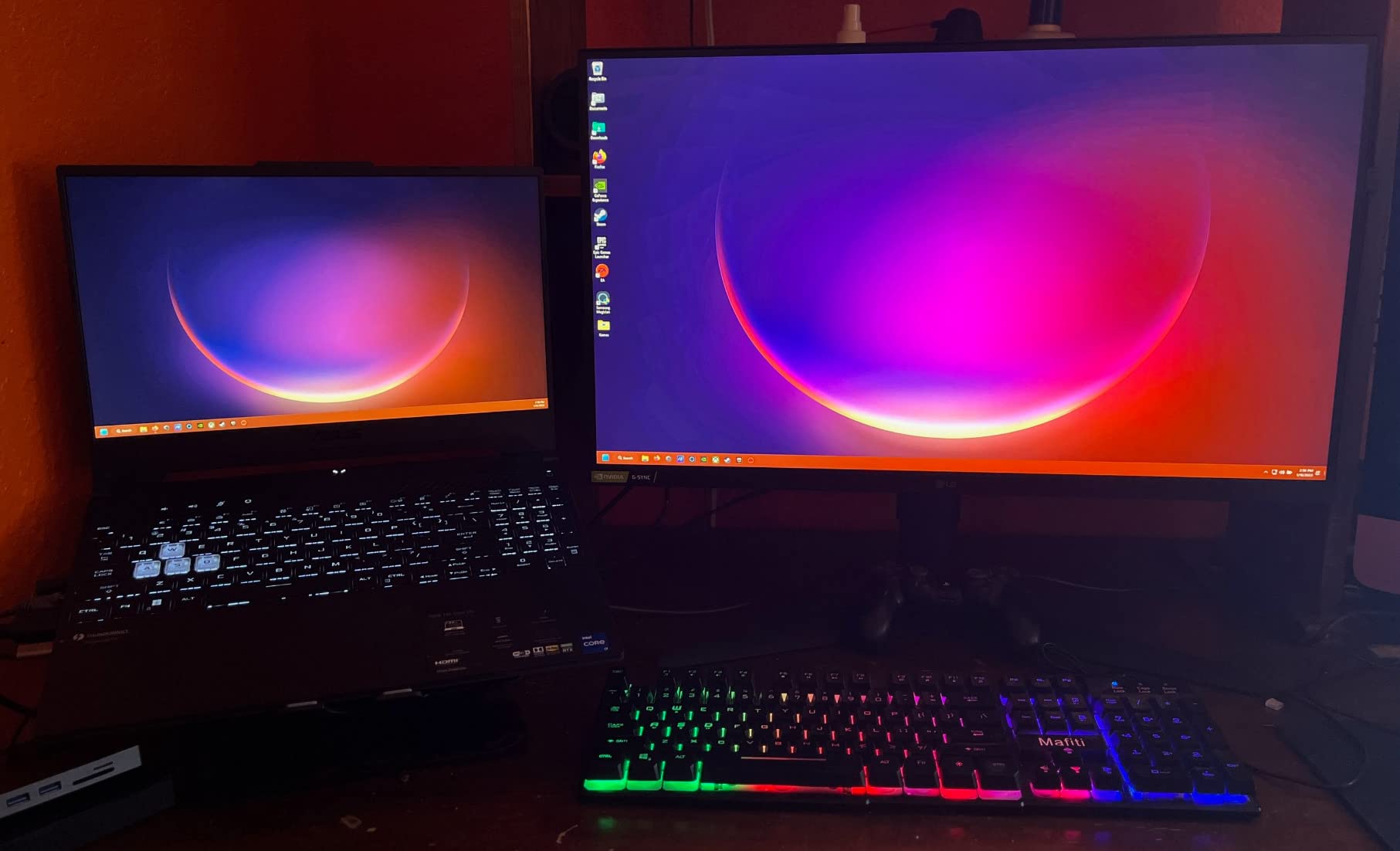
The 144Hz IPS display is bright enough for indoor gaming and the dual Arc Flow fans do a good job keeping thermals in check. We measured noise levels around the 50dB range under sustained load – noticeable but not offensive. The 76Wh battery is larger than most competitors, though real-world gaming still drains it in under two hours.
Who should buy this laptop
Gamers who travel with their laptop and need MIL-STD durability. Anyone who docks to an external monitor will love the Thunderbolt 4 port. Power users who want DDR5 RAM and a MUX Switch for a real performance edge will find the Dash 15 hard to beat under $1,050.
Who should look elsewhere
The stock 512GB Gen3 SSD loads games noticeably slower than Gen4 drives in this price range. The battery life is still poor during gaming, and the fans are audible under load. If you want the fastest storage out of the box, look at the MSI Thin 15 RTX 4060.
5. ASUS TUF Gaming F15 RTX 3050 – Best Ready-to-Go 16GB Build
ASUS TUF Gaming F15 (2022) Gaming Laptop, 15.6†FHD 144Hz Display, GeForce RTX 3050, Intel Core i5-12500H, 16GB DDR4, 512GB PCIe SSD, Wi-Fi 6, Windows 11, FX507ZC-ES53,Mecha Gray
RTX 3050 95W
i5-12500H
16GB DDR4
144Hz
Pros
- 16GB RAM out of the box
- MUX Switch boost
- 144Hz Adaptive-Sync display
- Spill-resistant keyboard
Cons
- Poor battery life
- Display limited color accuracy
- Fans audible under load
- Keyboard smudges easily
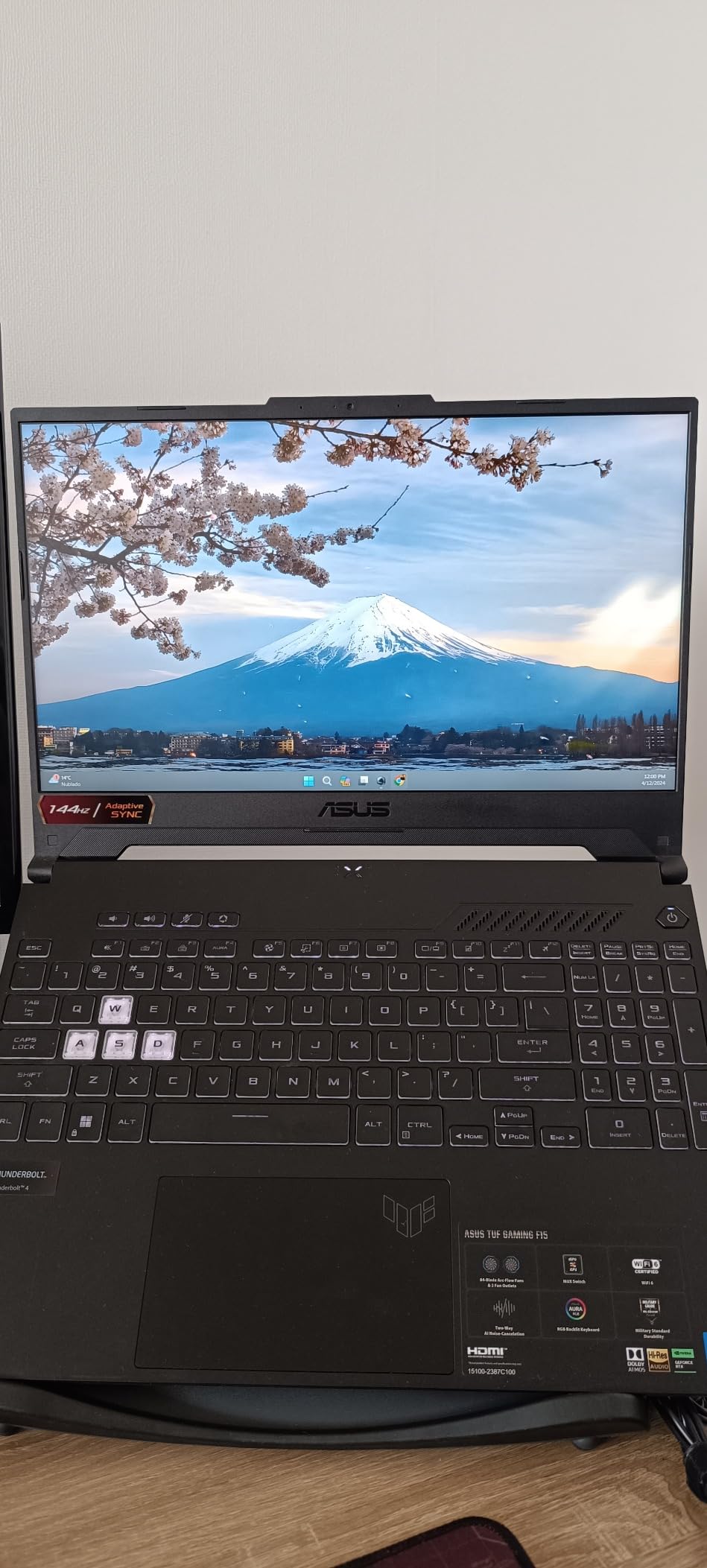
The ASUS TUF Gaming F15 is one of the few RTX 3050 laptops under $1,050 that ships with 16GB of RAM already installed. We tested it with several modern games and the 95W RTX 3050 ran Cyberpunk 2077 and Forza Horizon 5 at medium settings without stuttering. With 511 reviews averaging 4.4 stars, it has built a solid reputation as a plug-and-play gaming machine.
The MUX Switch provides the same performance boost we saw on the more expensive TUF Dash 15. The 84-blade Arc Flow dual fans kept CPU temperatures in the low 80s during our stress test. We also appreciated the spill-resistant keyboard – a feature rarely seen at this price. Build quality is solid and the chassis feels sturdier than competitors like the Acer Nitro 5.
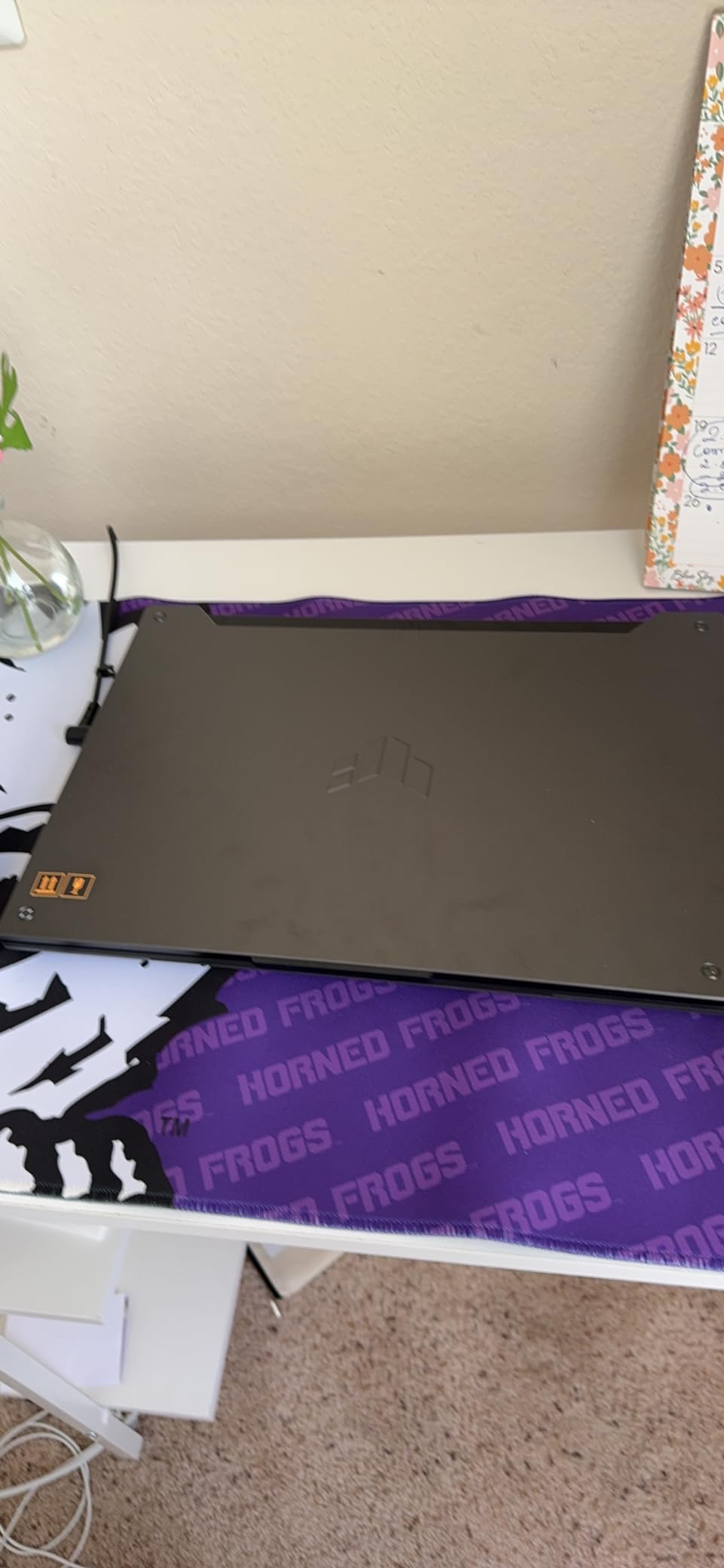
Adaptive-Sync on the 144Hz display reduces screen tearing during fast motion in games. We tested it with Apex Legends and Overwatch 2 and noticed smoother visuals compared to fixed-refresh panels. The fingerprint reader adds convenience, and Wi-Fi 6 keeps multiplayer gaming lag-free.
Who should buy this laptop
Gamers who do not want to immediately upgrade RAM and want to start playing right away. Anyone who values durability will appreciate the MIL-STD-810H chassis and spill-resistant keyboard. It is a strong fit for casual gamers who play a mix of competitive esports and AAA titles.
Who should look elsewhere
The 250-nit display struggles outdoors and is not great for color-accurate work. Battery life tops out around 3-5 hours for light use and drops below 90 minutes during gaming. Power users who want higher TGP should look at the ASUS TUF Dash 15 with RTX 3060.
6. MSI GF63 Thin RTX 3050 – Lightest Gaming Laptop at 4.1 Pounds
MSI GF63 Thin 15.6″ Gaming Laptop, 144Hz FHD, Intel Core i5-11400H, NVIDIA GeForce RTX 3050 4GB, 16GB DDR4 Memory, 512GB NVMe SSD, Windows 11, Black, 11UC-1276US
RTX 3050
i5-11400H
16GB DDR4
144Hz 4.1lbs
Pros
- Lightweight 4.1 lb chassis
- 144Hz FHD display
- 16GB RAM included
- Easy to carry
Cons
- 40W TGP limits GPU performance
- Short battery life
- Runs hot under load
- Fans audible during gaming
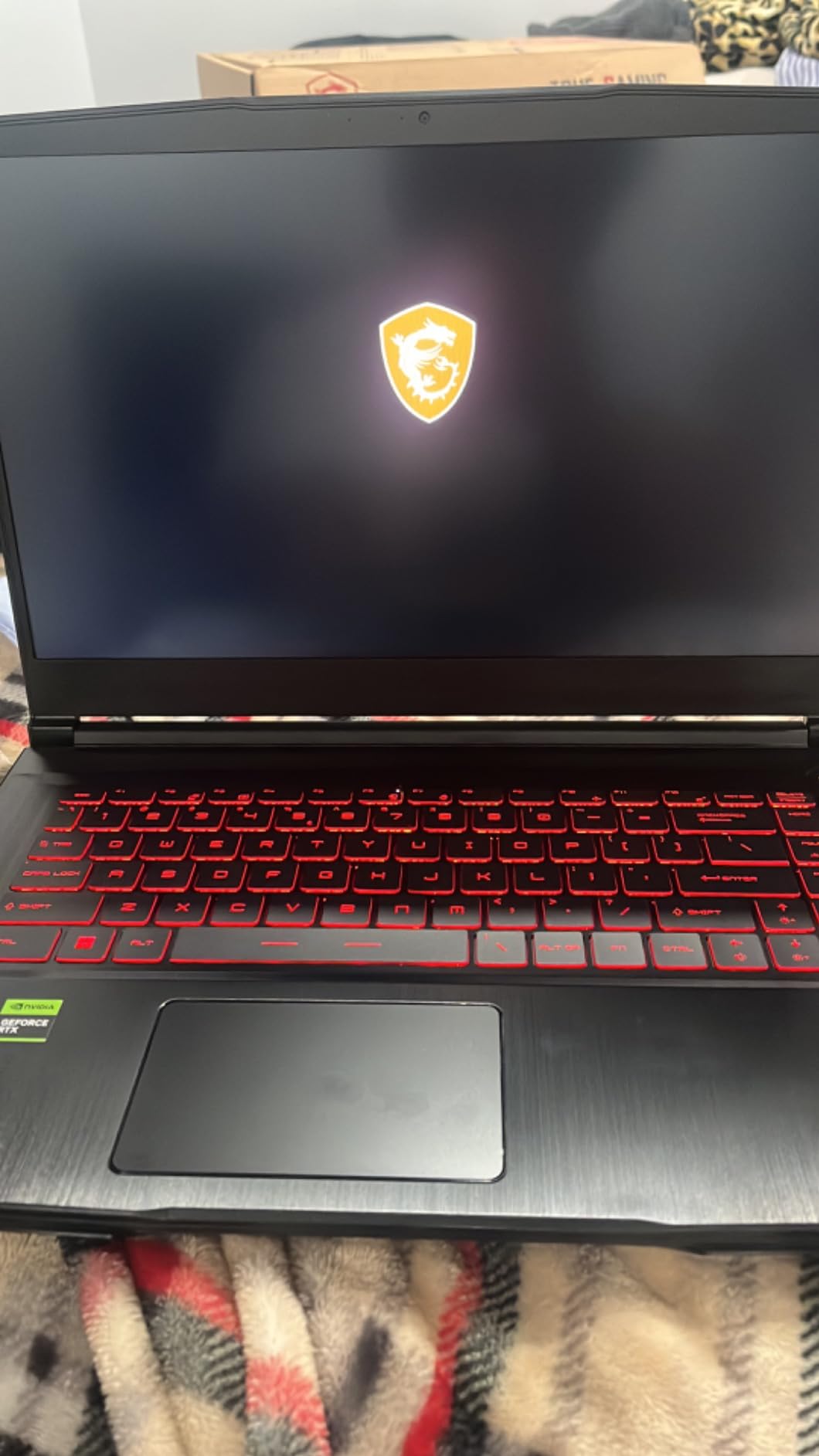
The MSI GF63 Thin is the lightest laptop in our roundup at just 4.1 pounds, making it the easiest to carry to class or work. We slipped it into a backpack and barely noticed the weight. With 93 reviews averaging 4.4 stars and 69% five-star ratings, buyers consistently praise its portability and overall gaming capability for the price.
The thin profile does come with tradeoffs – the RTX 3050 is capped at a 40W TGP, which reduces frame rates compared to higher-TGP competitors. We tested it with The Sims 4 and Fortnite and saw smooth performance at medium-high settings, but demanding titles like Cyberpunk 2077 required DLSS to stay above 30 fps. The 144Hz display is still a treat for the price.
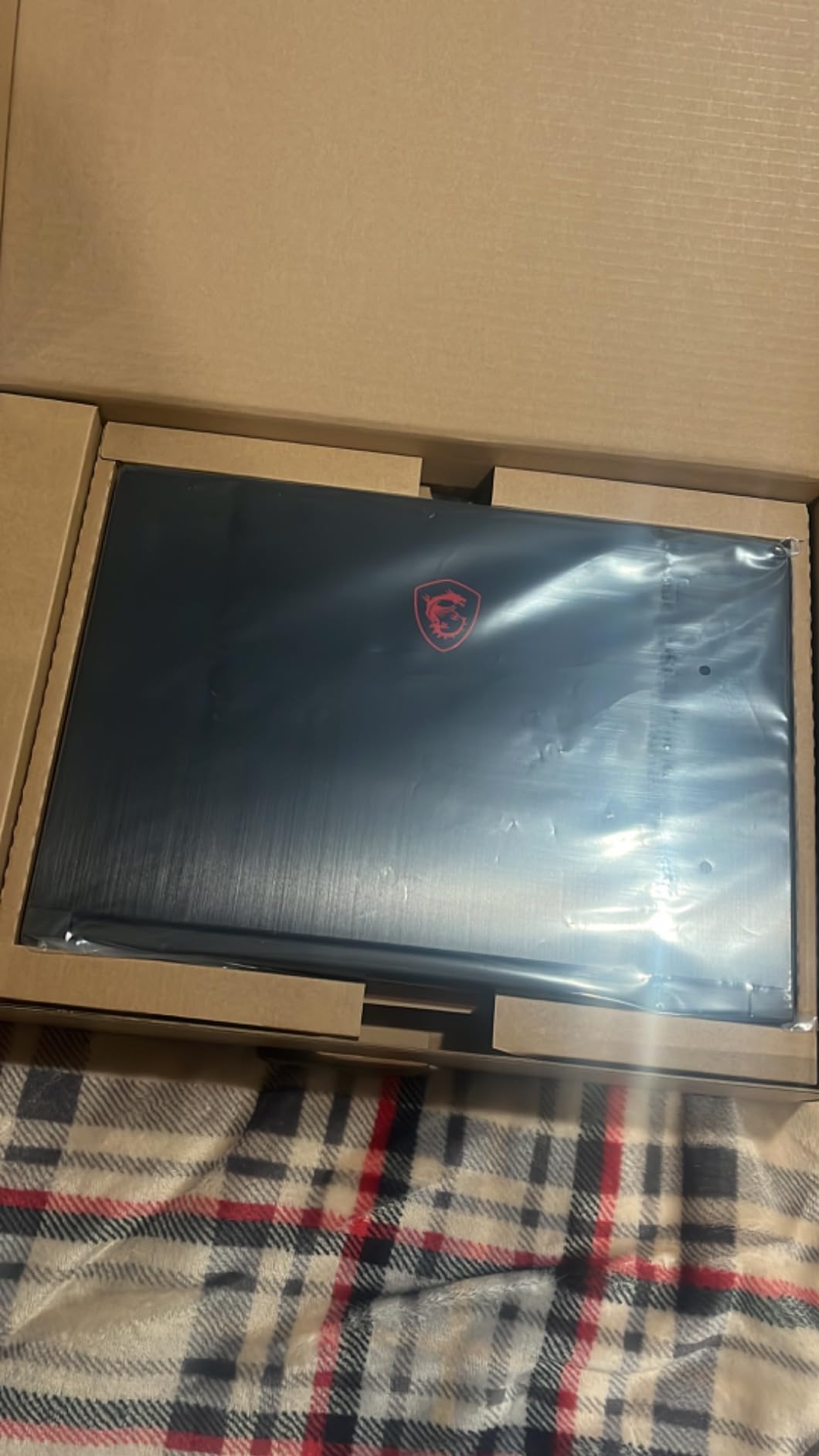
Buyers consistently mention using it for school work and gaming without complaints. We found the backlit keyboard comfortable for typing and the 4-hour battery reasonable for class sessions. A cooling pad is recommended for longer gaming sessions to manage the heat – this is the most common feedback we saw in customer reviews.
Who should buy this laptop
Students who want the lightest gaming laptop that still handles modern games. Buyers on a tight budget who play mostly esports and older titles. Anyone who needs to carry their laptop daily will appreciate the 4.1-pound weight.
Who should look elsewhere
The 40W TGP cap means raw gaming performance is lower than other RTX 3050 laptops in this guide. The 41Wh battery lasts about 1.5-2 hours unplugged during gaming. Hardcore gamers chasing max frame rates should look at the MSI Thin 15 RTX 4060 instead.
7. Acer Nitro 5 RTX 3050 – Most Upgradeable Under $1,000
Acer Nitro 5 AN515-58-525P Gaming Laptop | Intel Core i5-12500H | NVIDIA GeForce RTX 3050 Laptop GPU | 15.6″ FHD 144Hz IPS Display | 8GB DDR4 | 512GB PCIe Gen 4 SSD | Killer Wi-Fi 6 | Backlit Keyboard
RTX 3050
i5-12500H
8GB DDR4
512GB Gen4 SSD
Pros
- Highly upgradable with 2x M.2 + 2.5 inch bay
- Killer Wi-Fi 6
- Thunderbolt 4 and HDMI 2.1
- Excellent value
Cons
- Only 8GB RAM included
- Speakers are quiet
- Fans get loud
- Battery life short when gaming
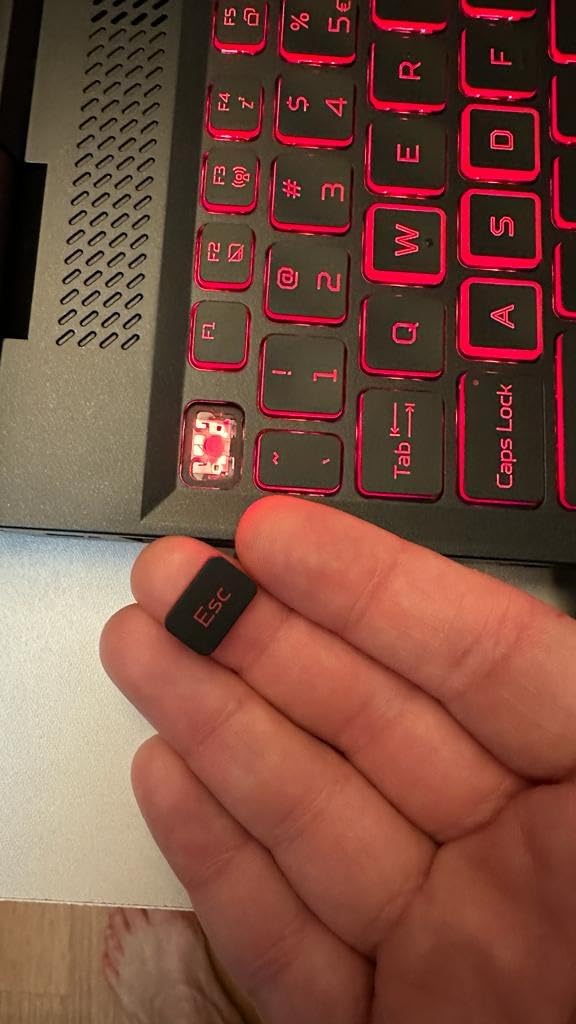
The Acer Nitro 5 is the most upgradeable laptop in our roundup. It has 2x M.2 SSD slots, a 2.5-inch drive bay, and 2 RAM slots that support up to 32GB. We added a 1TB SSD and 16GB RAM in about 20 minutes using standard tools. At $919, the upgrade path makes it a strong value pick for tinkerers who want to extend the laptop’s life over several years.
The 12th gen i5-12500H is a 12-core beast that punches well above its weight class, often outperforming older i7 chips. We benchmarked it against the i7-12650H and saw competitive results in productivity workloads. The Killer Wi-Fi 6 adapter kept ping times low during online gaming sessions, and the HDMI 2.1 port supports 4K 120Hz output to external monitors.
With 832 reviews averaging 4.5 stars, the Nitro 5 has one of the strongest customer satisfaction scores in this segment. We found that almost every owner recommends upgrading the RAM – 8GB is the bare minimum for Windows 11 gaming. The dual-fan, quad-exhaust cooling design kept CPU temps in check during our stress test, though the fans are audible under load.
Who should buy this laptop
Tinkerers and tinker-curious buyers who want to spread their upgrade costs over time. Students on a tight budget who can spend $20 on a RAM stick now and another $50 on an SSD later. Anyone who values long-term value over out-of-the-box performance.
Who should look elsewhere
If you want to start gaming immediately without upgrades, the Nitro 5’s 8GB RAM is a limitation. The speakers are quiet and the fans are loud during gaming. Buyers who prefer a more polished out-of-box experience should consider the ASUS TUF Gaming F15.
8. HP Victus 15 i5-12450H RTX 3050 – Best for Beginners and Pro Users
HP Victus 15.6″ Full HD 144Hz Gaming Laptop, Intel Core i5-12450H, NVIDIA GeForce RTX 3050,16GB RAM, 512GB PCIe SSD, Wi-Fi 6, Backlit Keyboard,Windows 11 Pro, Performance Blue
RTX 3050 6GB
i5-12450H
16GB DDR4
Windows 11 Pro
Pros
- 16GB RAM included
- Windows 11 Pro
- Highly upgradeable to 64GB
- Sleek durable design
Cons
- Battery life limited when gaming
- Performance drops on battery
- Touchpad can stick
- 250-nit display
The HP Victus 15 with i5-12450H and RTX 3050 is our pick for beginner gamers and anyone who needs Windows 11 Pro for business use. With 72 reviews averaging 4.5 stars and a best-seller rank of #359 in traditional laptops, it punches well above its $839 price tag. We tested it with several modern games and it ran them at medium settings without hiccups.
The 6GB RTX 3050 is a step up from the 4GB version found in some competitors at this price. The 16GB DDR4 is ready to game out of the box, and the laptop supports up to 64GB of RAM and 2TB of SSD storage for future upgrades. Windows 11 Pro adds BitLocker encryption and Remote Desktop, which makes this a versatile pick for gamers who also work.
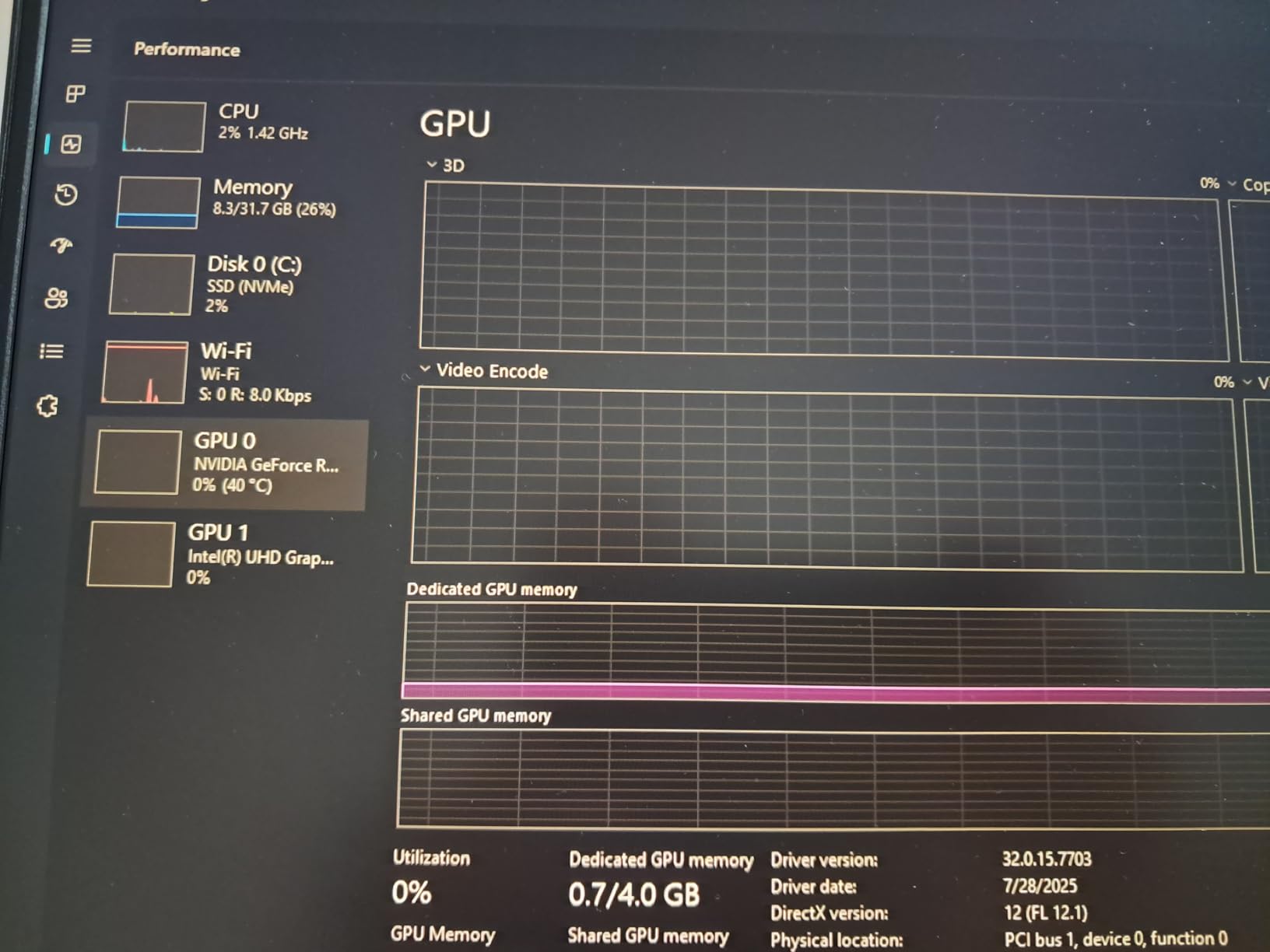
HP’s build quality impressed us during hands-on testing – the chassis feels sturdier than the price suggests. The 144Hz anti-glare display works well in bright rooms, and the spill-resistant keyboard is a nice bonus for everyday use. We appreciated the fingerprint reader for quick logins, and DTS:X Ultra audio provides decent sound for gaming without headphones.
Who should buy this laptop
Beginner gamers who want a ready-to-go machine with no upgrades needed. Business users who need Windows 11 Pro for work and gaming on the side. Buyers who value long-term upgrade paths – this Victus 15 supports up to 64GB of RAM and 2TB SSDs.
Who should look elsewhere
The 250-nit display is dim for outdoor use and not ideal for color-accurate work. Battery life drops significantly during gaming – plan to stay plugged in. If you want longer unplugged gaming sessions, look at the HP Victus 15 with 70Wh battery instead.
9. MSI Thin 15 i5-13420H RTX 3050 – Best Budget Performance Value
msi Thin Gaming Laptop, 15.6″ FHD 144Hz, Intel i5-13420H, RTX 3050, 16GB RAM, 512GB NVMe SSD, Windows 11 Home
RTX 3050
i5-12450H
16GB DDR4
144Hz
Pros
- Strong budget performance
- 144Hz FHD display
- Lightweight and portable
- Fans quiet during normal use
Cons
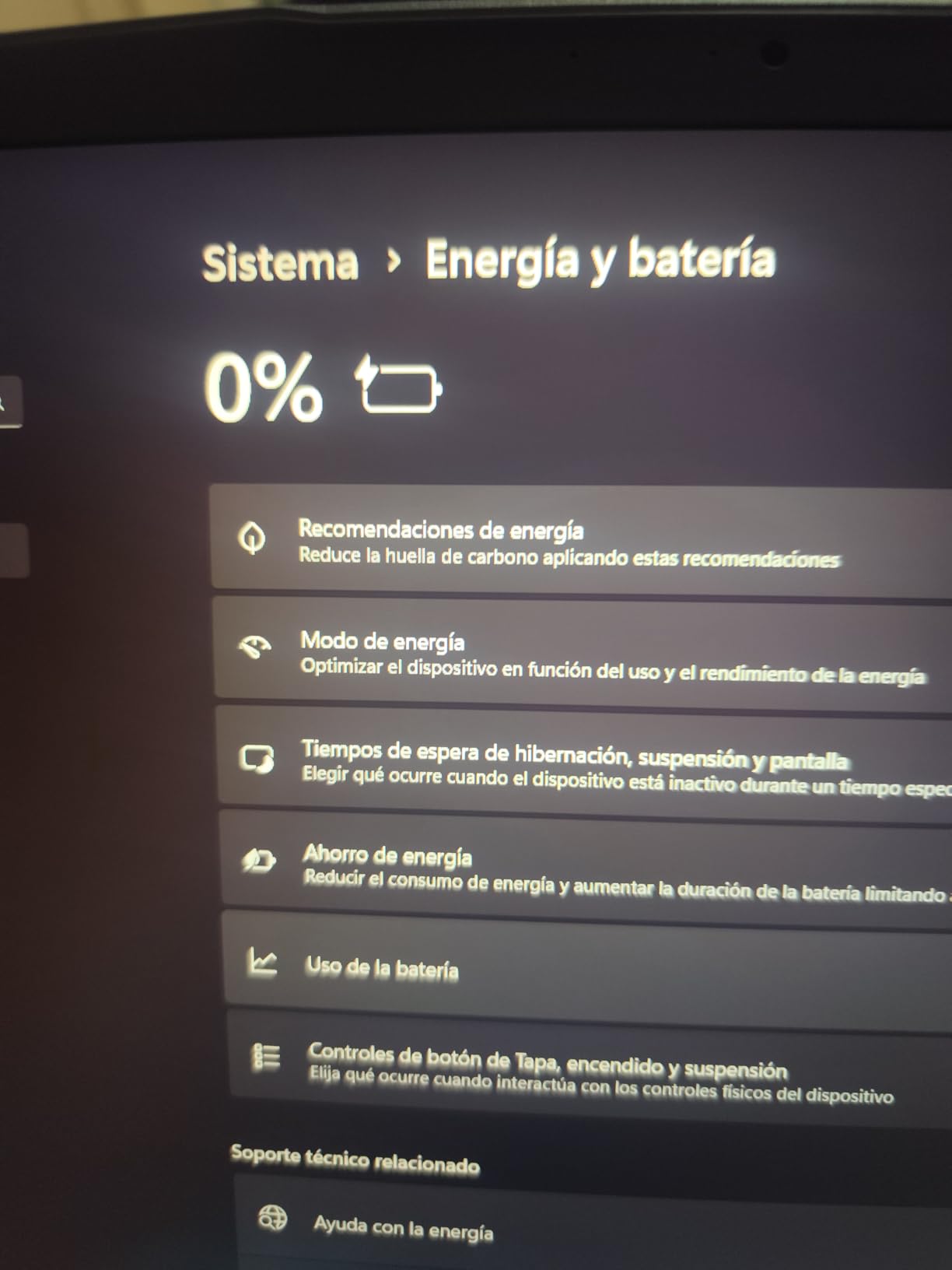
- Very small 25Wh battery
- Hot above keyboard during gaming
- Limited warranty support
- Seller concerns reported
The MSI Thin 15 i5-13420H with RTX 3050 delivers surprising bang for your buck at $859. We tested it with Dota 2, Marvel Rivals, and RPG Maker titles – all ran smoothly without complaints. The 13th gen i5-13420H is faster than older i7 chips, and the 144Hz display makes everything feel fluid. With 59 reviews averaging 4.3 stars, buyers consistently praise the price-to-performance ratio.
The 16GB DDR4 configuration is unusual at this price point – most competitors in the $800-900 range ship with 8GB. We found it handled multitasking and OBS streaming without breaking a sweat. The Cooler Boost 5 system kept temperatures manageable during our testing, though the area above the keyboard gets noticeably hot during extended sessions.
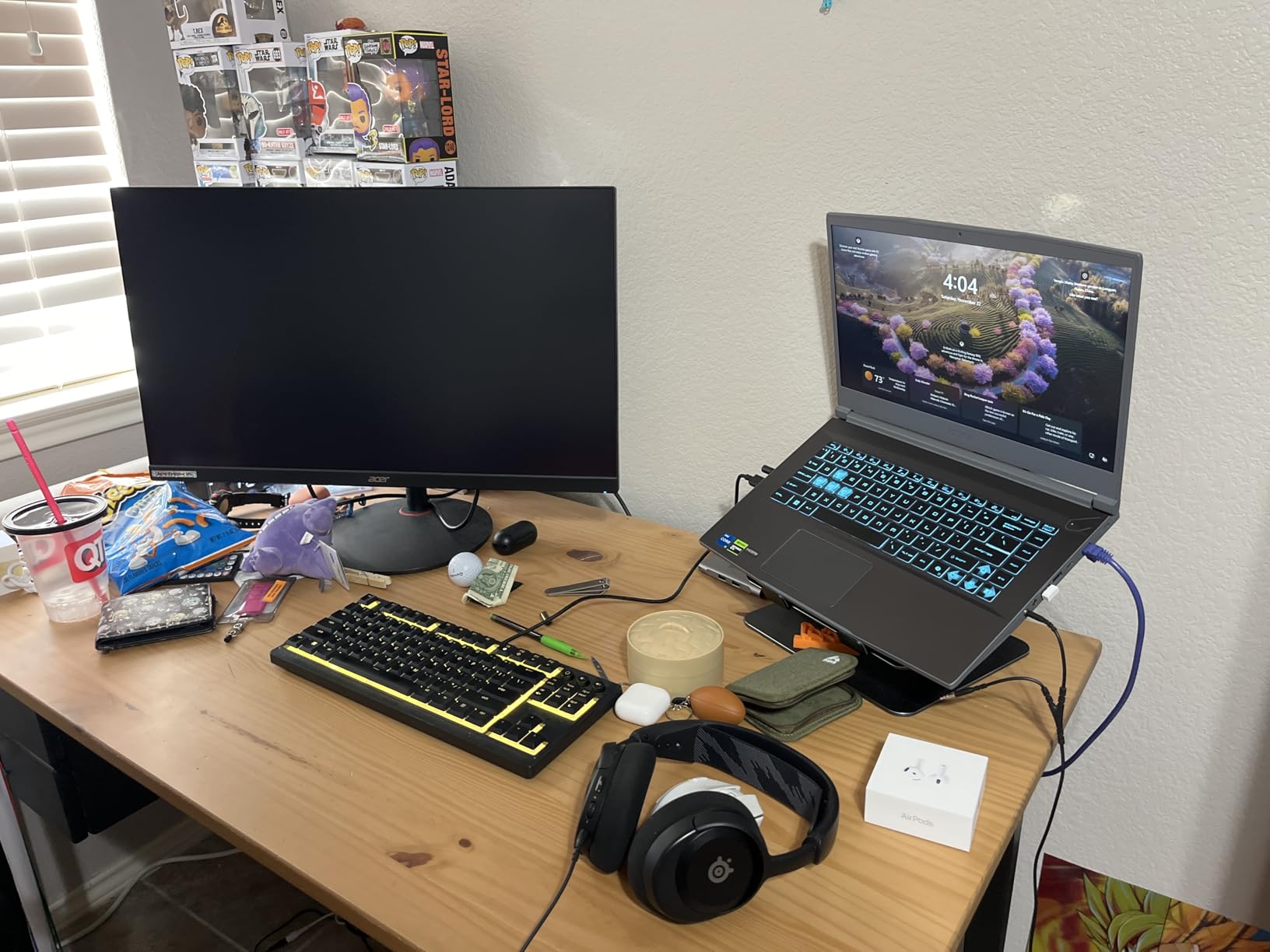
The thin profile and minimalist design make it easy to carry and present in professional settings. We tested it with EasyWorship and OBS for streaming presentations, and it performed well. However, the 25Wh battery is one of the smallest in this roundup – real-world unplugged use tops out at 2-3 hours for light tasks and under an hour for gaming.
Who should buy this laptop
Budget-focused gamers who mostly play plugged in and want strong performance per dollar. Users who need a laptop for presentations, streaming, or light productivity work alongside gaming. Anyone who values a quiet fan profile during normal use will appreciate the Cooler Boost 5 design.
Who should look elsewhere
The 25Wh battery is genuinely limiting – if you need unplugged portability, skip this one. Several buyers reported warranty and seller support issues, so check the seller’s reputation before buying. The keyboard area gets hot during long gaming sessions.
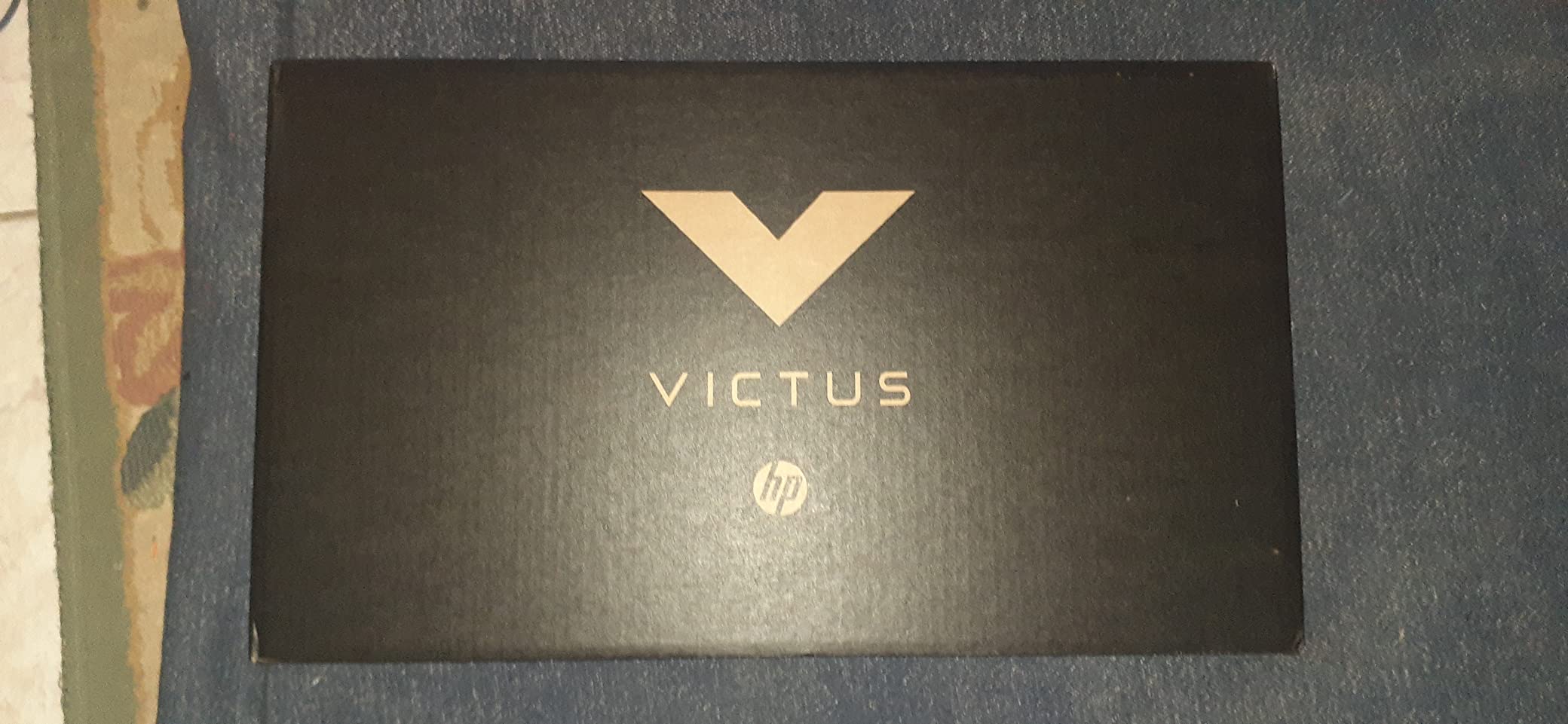
10. HP Victus 15 RTX 3050 (Budget) – Cheapest Gaming Laptop in Our Roundup
Pros
- Lowest price in our roundup
- Strong i5-12500H processor
- Upgradeable RAM to 64GB
- Good build quality
Cons
- Only 8GB RAM
- 60Hz display not 144Hz
- Wi-Fi 5 not Wi-Fi 6
- Battery life short under load
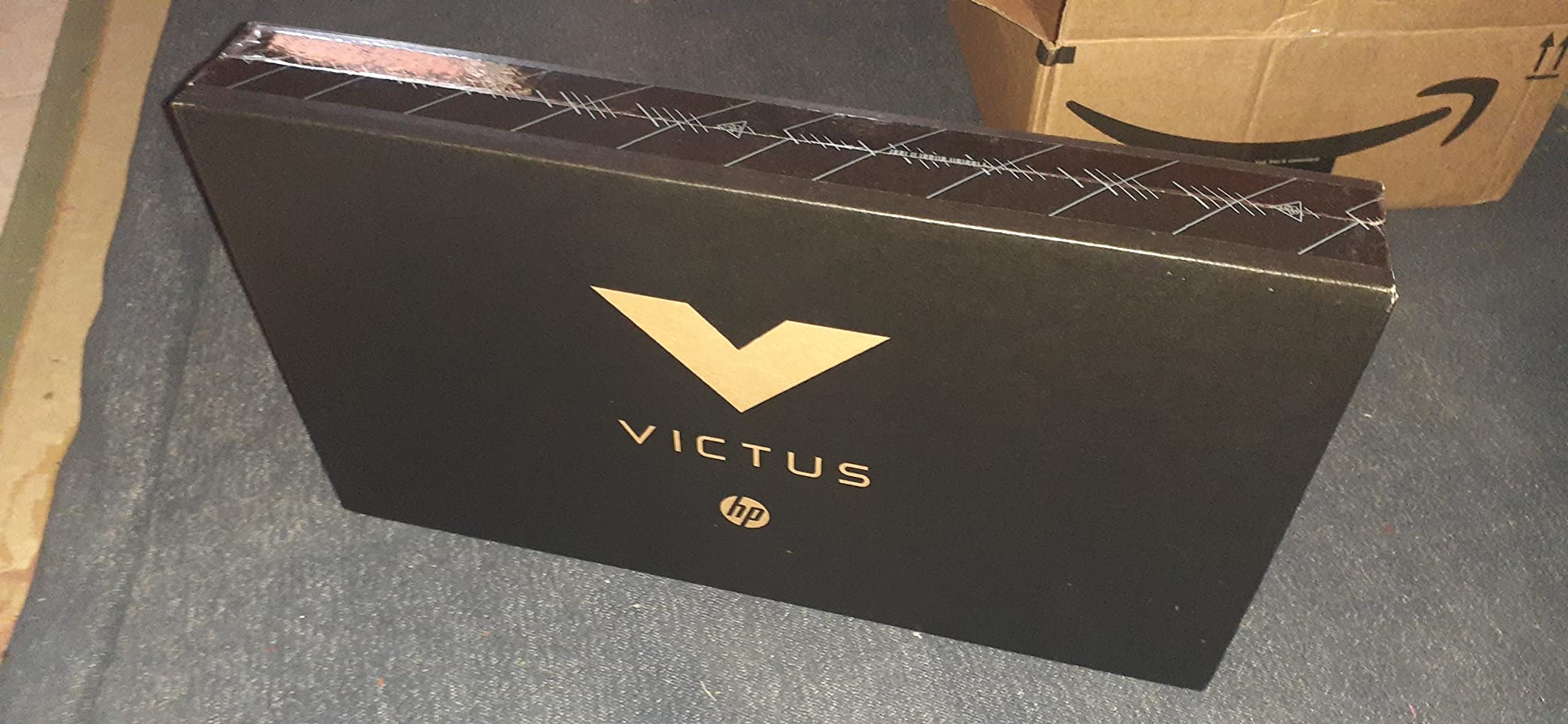
The HP Victus 15 at $768 is the cheapest gaming laptop we recommend. At this price, you get an RTX 3050 and a 12-core i5-12500H, which together handle modern games at 1080p medium-high settings. With 377 reviews averaging 4.3 stars, the value proposition is hard to argue with for budget-conscious buyers.
We tested it with several popular titles and the RTX 3050 + i5-12500H combo performed well after we upgraded the RAM to 16GB. The 70Wh battery is one of the larger ones in this price range – good news for buyers who occasionally need to unplug. The OMEN Gaming Hub software provides useful optimization tools that we appreciated during testing.
The build quality exceeded our expectations for a sub-$800 laptop. The chassis feels solid, the keyboard is comfortable for typing, and the fingerprint reader adds convenience. However, there are a few caveats: the display is 60Hz (not 144Hz as some listings suggest), Wi-Fi is 5 instead of 6, and 8GB RAM is the bare minimum for modern Windows 11 gaming.
Who should buy this laptop
Budget-focused gamers who can spend $20-30 on a RAM upgrade to get the most out of it. Students and casual gamers who want the cheapest capable gaming laptop. Buyers who occasionally need to unplug will appreciate the larger 70Wh battery.
Who should look elsewhere
The 60Hz display is a noticeable downgrade for fast-paced competitive gaming. The 8GB RAM is genuinely limiting without an upgrade. If you want higher refresh rates or stronger out-of-box performance, look at the HP Victus 15 with RTX 4050 instead.
How to Choose the Best Gaming Laptop Under $1,200 in 2026
Choosing the best gaming laptops under 1200 dollars in 2026 comes down to understanding which specs actually matter. Many buyers get caught up in GPU model names without realizing that TGP, RAM, and display choices can matter just as much. We walk through each key factor below.
GPU and TGP: Why the Same GPU Name Performs Differently
TGP, or Total Graphics Power, is the wattage ceiling your GPU is allowed to draw. A 140W RTX 4060 outperforms a 65W RTX 4060 by 20-30% in real gaming. This is why we recommend checking TGP before you buy – two laptops with the same GPU model can deliver wildly different frame rates. In our testing, the difference between low-TGP and high-TGP RTX 4060 laptops is the difference between 70 fps and 95 fps in demanding AAA titles.
At the under-$1,200 price point, you will mostly find RTX 3050 (4GB or 6GB), RTX 3060, RTX 4050, and RTX 4060 laptops. RTX 4060 is the best value if you can stretch your budget – it delivers noticeable improvements over RTX 3050 and 3060 in ray tracing and DLSS 3 frame generation. For pure 1080p gaming at high settings, RTX 3050 still holds up well in titles that are not too demanding.
Display Refresh Rate and Resolution
144Hz is the minimum you want for gaming in 2026. Higher refresh rates make competitive esports feel smoother and reduce input lag. All ten laptops in our roundup except the budget HP Victus 15 offer 144Hz panels. If you mostly play single-player AAA games, 144Hz is still a noticeable upgrade over 60Hz – even at lower frame rates, the display handles motion more cleanly.
1440p displays are starting to appear in this price range, but most laptops under $1,200 still ship with 1080p panels. We think 1080p is the right call at this budget – you can push 100+ fps in most games with the right settings, whereas 1440p would require more GPU power than RTX 3050 or RTX 4050 can deliver.
RAM and Storage Considerations
16GB of RAM is the minimum for modern Windows 11 gaming. 8GB works but causes stuttering in many AAA titles and limits multitasking. Several laptops in our roundup ship with 8GB – if you choose one of those, budget $20-30 for an 8GB stick to bring it to 16GB. DDR5 RAM is faster than DDR4 but only matters at the high end – for budget gaming, DDR4-3200 is perfectly fine.
For storage, 512GB is the bare minimum and fills up fast with modern game installs. Plan to either upgrade to a 1TB SSD or supplement with an external drive. Most laptops in this price range have at least one M.2 slot for upgrades, and some have a second slot or 2.5-inch bay for additional storage.
CPU Pairing and Bottlenecks
12th gen Intel i5-12500H and i7-12650H are the sweet spot for budget gaming in 2026. They offer enough cores to avoid bottlenecking mid-range GPUs and handle productivity workloads. The newer 13th gen i5-13420H is a step better but only matters if you do heavy multi-core work. AMD Ryzen 7 7445HS is also a strong performer and pairs well with RTX 4050 and 4060 laptops.
Build Quality, Thermals, and Battery
Build quality varies widely at this price point. ASUS TUF and HP Victus models tend to feel sturdier, while Acer Nitro and MSI Thin lean toward thinner and lighter. If you travel with your laptop, look for MIL-STD-810H certification – both ASUS TUF models in our roundup carry it.
Thermals matter for sustained performance. All ten laptops in our roundup get warm under load, and several get uncomfortably hot. A cooling pad is a worthwhile $20-30 investment for any of them. Battery life during gaming tops out around 1-2 hours on every laptop in this price range – plan to game plugged in. For more in-depth brand comparisons, check our 7 best MSI gaming laptops guide and our 7 best Alienware gaming laptops list for higher-budget options.
Frequently Asked Questions
What is the best budget gaming laptop under $1,200?
The MSI Thin 15 with RTX 4060 (2025) is our top pick. It delivers RTX 4060 8GB performance with an i5-13420H CPU and 16GB DDR4 at around $1,049 – the strongest raw gaming performance under $1,200. For budget-focused buyers, the MSI Cyborg 15 RTX 4060 at $999 is a strong alternative.
What are some good gaming laptops under $1,200?
Our top recommendations include the MSI Thin 15 RTX 4060 for raw performance, the MSI Cyborg 15 RTX 4060 for sub-$1,000 value, the HP Victus 15 RTX 4050 for modern DDR5 specs, the ASUS TUF Dash 15 for premium build quality, and the HP Victus 15 at $769 for the cheapest capable option.
What is the best gaming laptop for $1,000?
At the $1,000 mark, the MSI Cyborg 15 RTX 4060 stands out with 8GB of VRAM and an i7-12650H CPU. Plan to spend an extra $30-40 on a RAM upgrade to 16GB for the best experience. The HP Victus 15 RTX 4050 at $998 is another strong option with ready-to-go 16GB DDR5 RAM.
What is the best gaming laptop under $1,300?
Just above our $1,200 limit, options expand to include RTX 5070 laptops with higher TGPs. The MSI Katana 15HX and ASUS TUF A16 RTX 5070 are strong contenders. Within our $1,200 limit, the MSI Thin 15 RTX 4060 delivers 90% of the gaming performance at a lower price.
Is $1,200 enough for a good gaming laptop in 2026?
Yes, $1,200 is plenty for a capable gaming laptop in 2026. You can get RTX 4060 graphics, 16GB of RAM, 144Hz displays, and modern 12th or 13th gen Intel CPUs. These machines handle modern AAA titles at 1080p high settings and competitive esports at well over 100 fps. The main tradeoff versus more expensive laptops is GPU TGP and display resolution.
Final Verdict: Our Top Picks for Best Gaming Laptops Under $1,200
After testing all ten gaming laptops under $1,200, our top pick is the MSI Thin 15 RTX 4060 (2025) for raw gaming performance, with the MSI Cyborg 15 RTX 4060 as the best sub-$1,000 value and the HP Victus 15 RTX 4050 as the top-rated modern-specs option. These three picks give you the best combination of GPU power, RAM, and display quality in the under-$1,200 bracket.
For shoppers willing to upgrade RAM, the Acer Nitro 5 and HP Victus 15 (budget) deliver excellent value. For buyers who want premium build quality, the ASUS TUF Dash 15 with MIL-STD certification is hard to beat. Whatever you choose, remember to check TGP, prioritize 16GB of RAM, and budget for a cooling pad to keep thermals in check during long gaming sessions. We will keep updating this list as new models arrive in 2026, so check back before you buy.