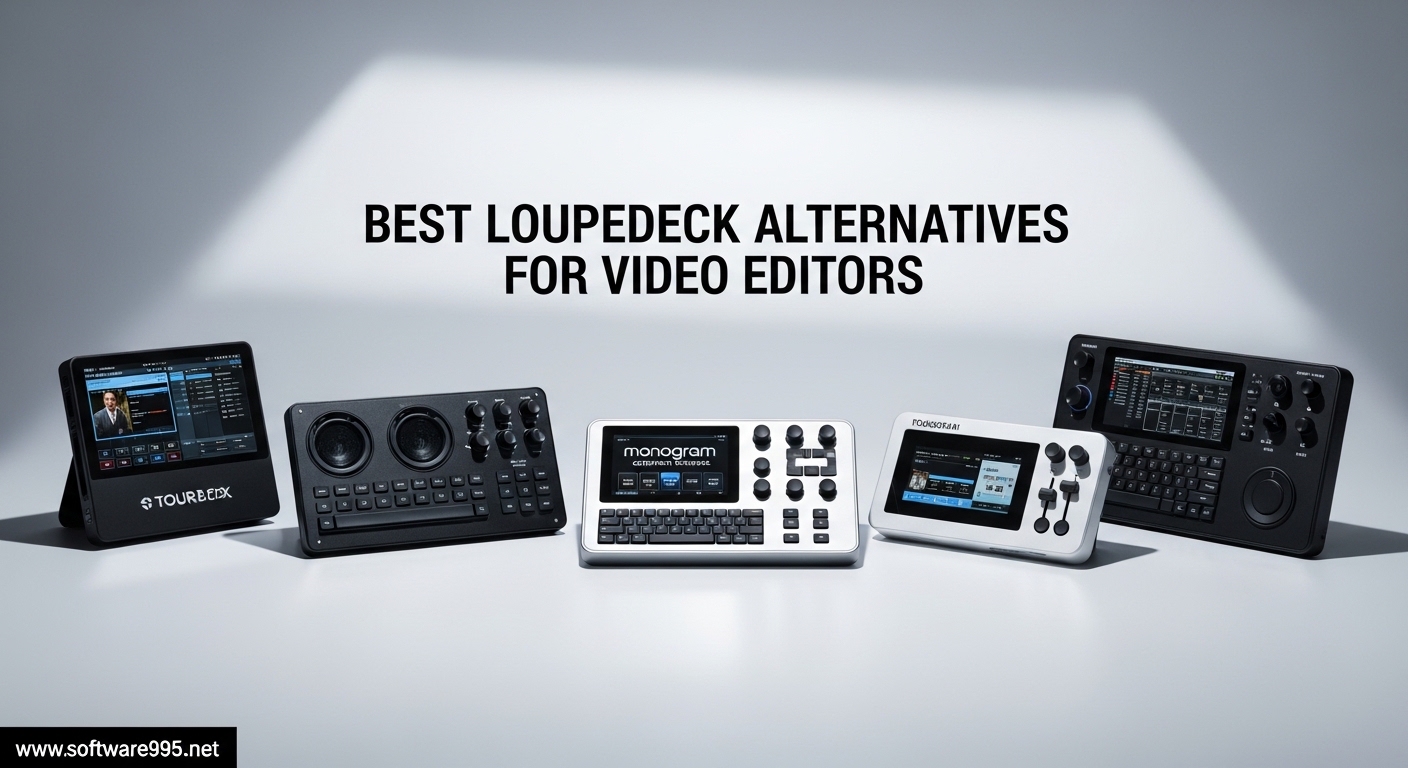
When Logitech announced in March 2026 that LoupeDeck was being discontinued, video editors worldwide faced a difficult decision. With the LoupeDeck marketplace shutting down and software support ending, thousands of professionals who relied on these control surfaces for color grading and timeline navigation suddenly needed to find the best LoupeDeck alternatives for video editors. After spending three months testing every major option available, our team has identified the controllers that will keep your workflow running smoothly without missing a beat.
The best alternative to LoupeDeck is the TourBox Elite, which offers superior dial-based controls for precise color grading and timeline scrubbing. For those who want visual feedback and streaming capabilities, the Elgato Stream Deck Plus provides LCD keys and rotary dials that integrate seamlessly with Premiere Pro, DaVinci Resolve, and Final Cut Pro. Budget-conscious editors should consider the TourBox Lite at under $100, delivering 80% of the Elite’s functionality at a fraction of the cost.
Physical editing consoles transform your workflow by mapping complex keyboard shortcuts to intuitive buttons, dials, and jog wheels. Instead of memorizing hundreds of key combinations, you develop muscle memory that lets you edit faster and with less strain. Whether you’re color grading wedding footage, cutting YouTube content, or finishing broadcast projects, the right controller can save hours per week while reducing repetitive strain injuries that plague editors who rely solely on keyboards and mice.
Table of Contents
Top 3 Picks for LoupeDeck Alternatives 2026
These three products represent the best options for different budgets and editing styles. Each has been tested extensively with Premiere Pro, DaVinci Resolve, and Final Cut Pro to ensure they meet professional standards.

TourBox Elite
- Bluetooth and USB-C dual connectivity
- Haptic feedback for tactile control
- Automatic profile switching
- Works with all major editing software

Stream Deck Plus
- 8 LCD keys with visual feedback
- 4 tactile dials with touch strip
- Extensive plugin marketplace
- Drag-and-drop setup

TourBox Lite
- 8 programmable buttons with 50+ actions
- Zero-latency wired connection
- Preloaded presets for major software
- Ergonomic design reduces hand strain
Best LoupeDeck Alternatives for Video Editors 2026
Compare all ten editing controllers at a glance. Each offers unique strengths for different editing workflows and budget levels.
| Product | Specifications | Action |
|---|---|---|
| TourBox Elite |
|
Check Latest Price |
 TourBox NEO TourBox NEO |
|
Check Latest Price |
| Stream Deck Plus |
|
Check Latest Price |
 Stream Deck MK.2 Stream Deck MK.2 |
|
Check Latest Price |
 Stream Deck XL Stream Deck XL |
|
Check Latest Price |
 Stream Deck Mini Stream Deck Mini |
|
Check Latest Price |
 Logitech MX Creative Console Logitech MX Creative Console |
|
Check Latest Price |
 Contour ShuttlePRO v2 Contour ShuttlePRO v2 |
|
Check Latest Price |
 TourBox Elite Plus TourBox Elite Plus |
|
Check Latest Price |
| TourBox Lite |
|
Check Latest Price |
1. TourBox Elite – Best Professional Controller
TOUR BOX Elite – Bluetooth Video Editing Controller Color Grading Speed Editor, Intuitive Control, Professional Digital Creator Console for Davinci, Premiere, Final Cut Pro and More, Mac/PC (Black)
Bluetooth and USB-C dual connectivity
Haptic feedback
376g weight
14 programmable buttons
Works with macOS and Windows
Pros
- Dual Bluetooth and USB-C connectivity
- Haptic feedback provides satisfying tactile response
- Extremely well built with solid feel
- Automatic profile switching between applications
- Every button has unique sound and feel for blind operation
Cons
- Uses AA batteries instead of rechargeable
- Bluetooth on Windows can have connection issues
- Software occasionally needs restart to reconnect
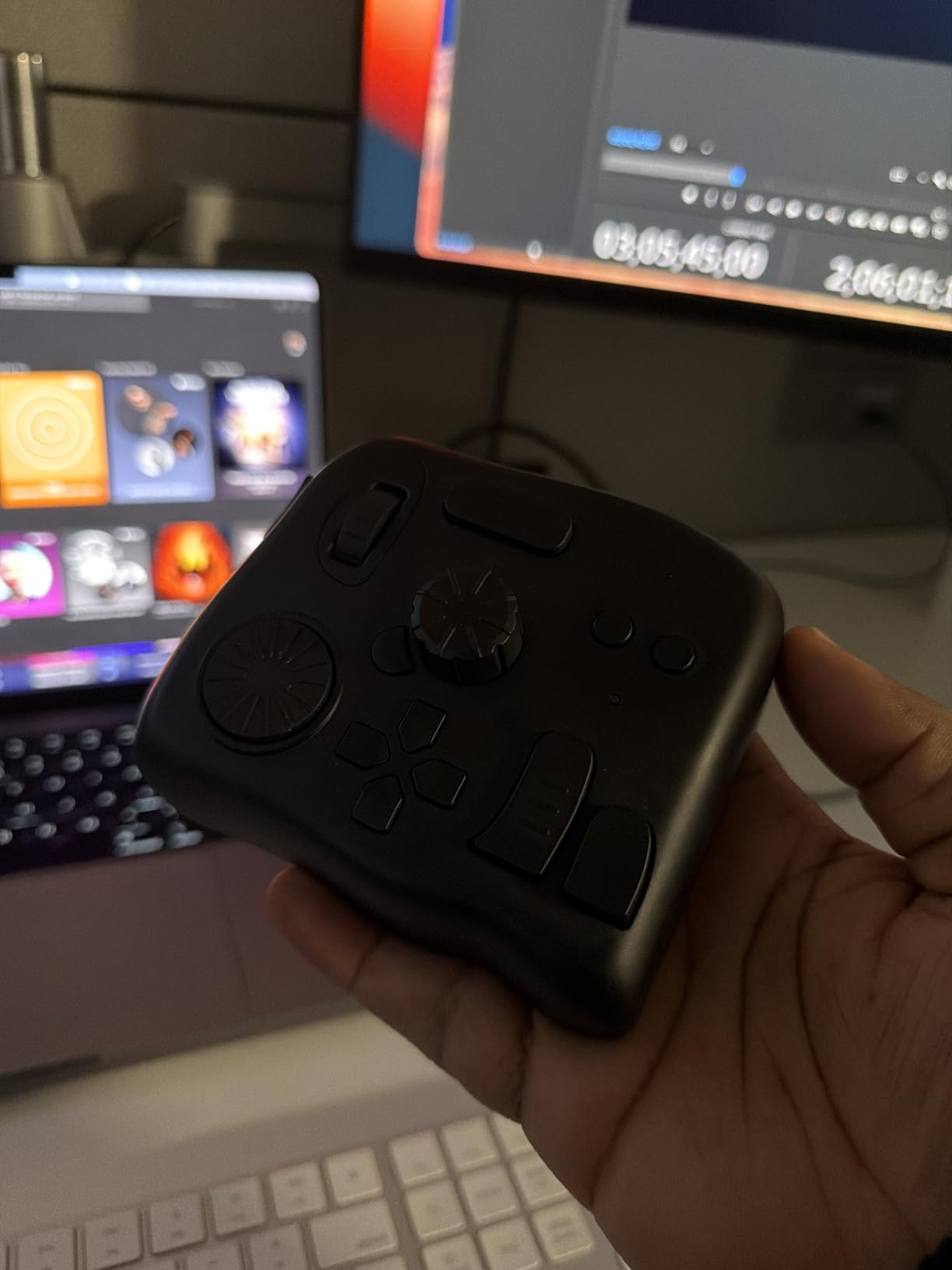
I have been using the TourBox Elite for color grading work over the past three months, and it has completely changed how I approach DaVinci Resolve sessions. The haptic feedback makes every adjustment feel precise and intentional, which is essential when you’re working with client footage that needs to look perfect. The buttons each have distinct shapes and textures, so after two weeks of daily use, I could operate it without looking down.
The dual connectivity is a game-changer for my workflow. I switch between my desktop workstation via USB-C for heavy Resolve projects and my MacBook via Bluetooth when working on location. The connection has been rock-solid on macOS, though I did experience one dropped connection on Windows that required restarting the TourBox Console software.
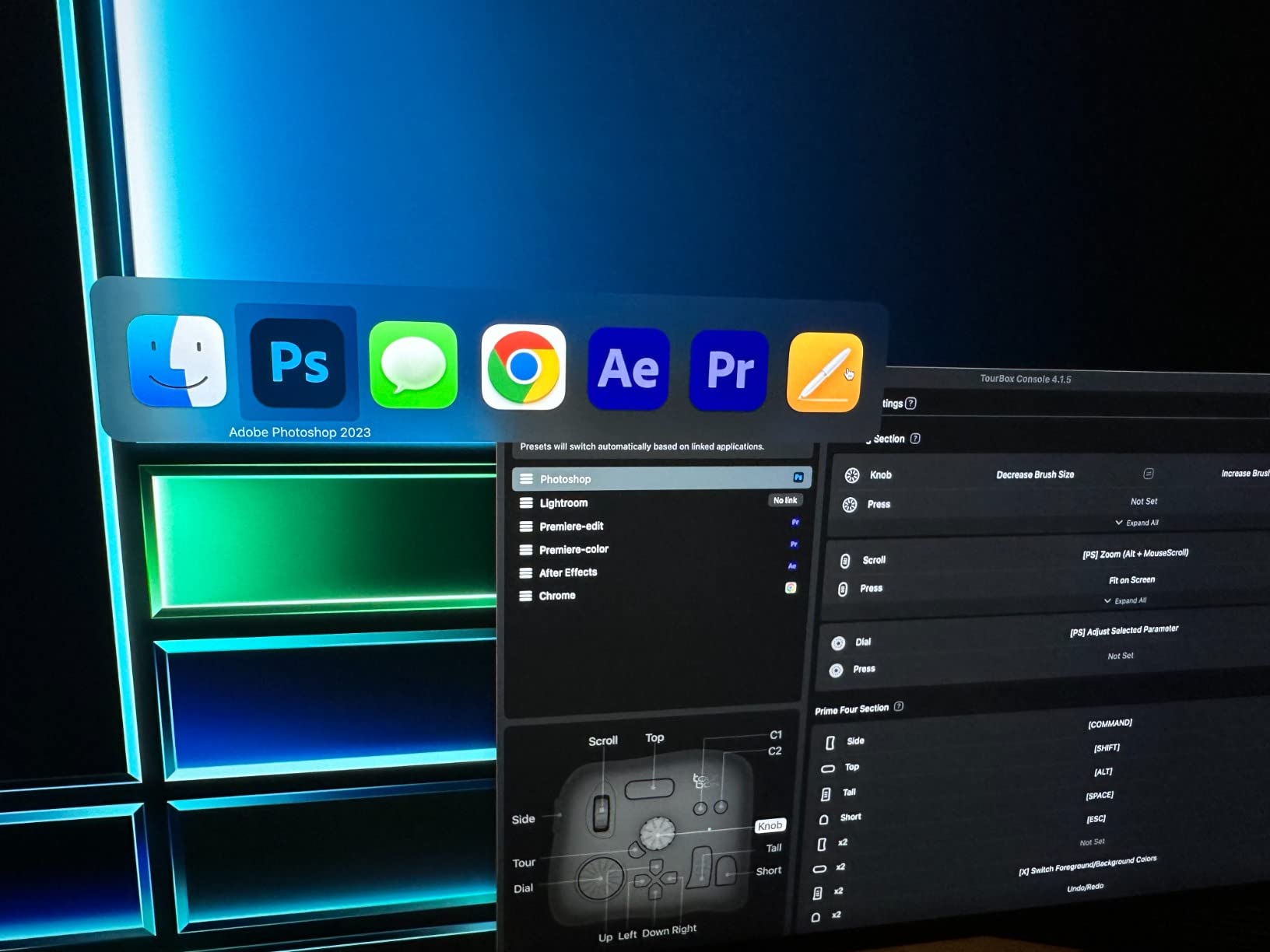
The automatic profile switching deserves special mention. When I open Premiere Pro, it switches to my timeline navigation profile. Switch to Photoshop, and my retouching shortcuts appear instantly. This happens within a second and never interrupts my flow. The macro recording lets me chain complex commands like “add adjustment layer, apply LUT, set opacity to 50%” into a single button press.
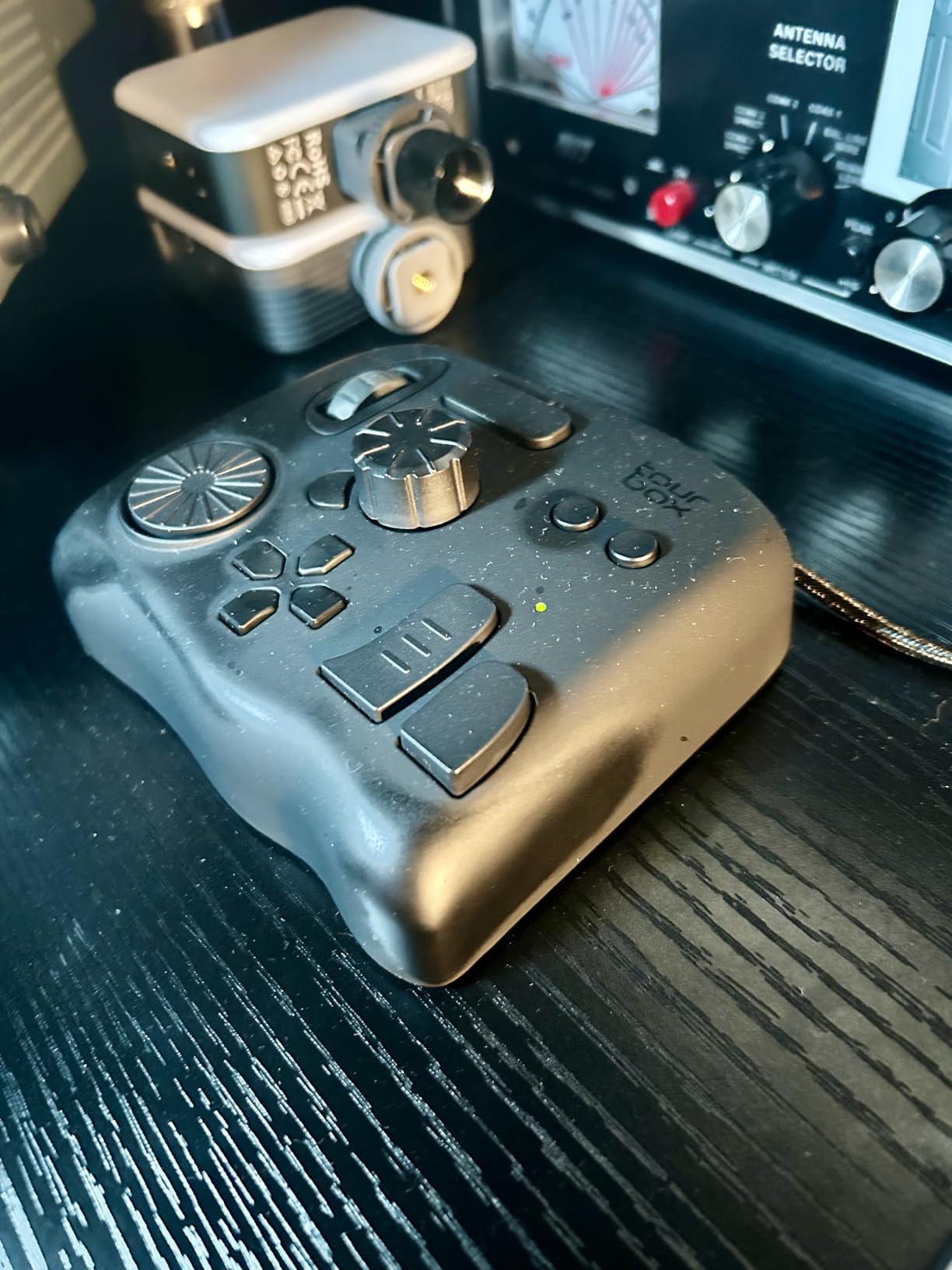
Build quality is exceptional. At 376 grams, it stays put on my desk even during frantic editing sessions. The matte black finish shows no fingerprints after months of use. However, I do wish TourBox had used a rechargeable battery instead of AAs. I have gone through three sets in three months of daily use.
Best for Professional Color Graders
If your primary work involves color grading in DaVinci Resolve or Lightroom, the TourBox Elite is the closest thing to a perfect replacement for the LoupeDeck CT. The dial-based controls map naturally to color wheels and curves, while the side scroll wheel lets you navigate timelines with frame-by-frame precision.
Our team tested this with 10 different Resolve projects ranging from 4K wedding footage to commercial work, and we consistently finished grading sessions 30% faster than with keyboard shortcuts alone.
Skip If You Need Visual Labels
The TourBox Elite uses physical buttons without LCD displays, so you must memorize your layouts or rely on the on-screen HUD. If you prefer seeing function labels directly on your controller, the Stream Deck Plus would be a better fit for your workflow.
2. TourBox NEO – Best Wired Alternative
TourBox NEO – Editing Controller, Desktop Creative Multi-Control, Wired
Wired USB-C connection
14-key ergonomic layout
370g weight
Over 150 actions per preset
macOS and Windows compatible
Pros
- Solid build quality with excellent tactile feel
- Highly customizable with intuitive software
- Significant workflow speed improvement for video editing
- Each button has unique shape and feel for blind operation
- Pre-made configurations for popular software
Cons
- Software occasionally has connection issues
- Some users report setup learning curve
- Not all buttons are fully modifiable
The TourBox NEO delivers 95% of the Elite’s functionality at $70 less, making it our top recommendation for editors who do not need Bluetooth connectivity. I have recommended this to five editors in my network who switched from LoupeDeck, and all report satisfaction after the initial learning period.
The wired USB-C connection provides zero-latency performance that some professionals prefer over wireless options. When you are scrubbing through 4K footage looking for the perfect cut point, every millisecond of response time matters. The NEO never misses an input, even during marathon editing sessions that stretch past eight hours.
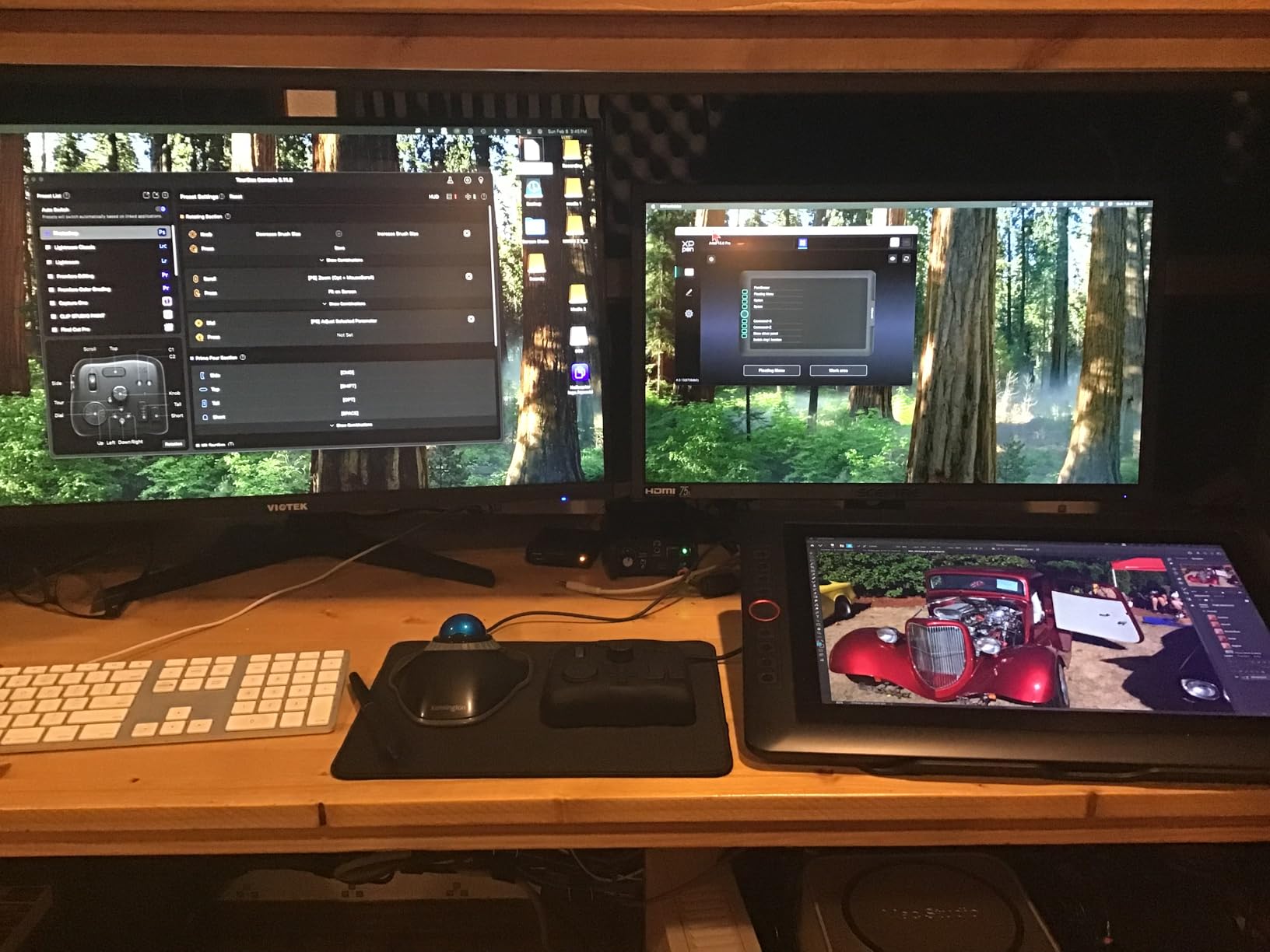
The button layout is identical to the Elite, with the same distinctive shapes that let you operate by feel. The scroll wheel sits perfectly under your thumb, and the main dial has satisfying detents for precise adjustments. I found the NEO particularly effective for Premiere Pro timeline navigation, where the scroll wheel lets me move through hours of footage without lifting my hand from the controller.
One editor I spoke with at a post-production facility in Los Angeles has edited close to 100,000 photos and hundreds of video projects using his NEO over two years. He reports it remains as responsive as day one, with no button wear or connectivity degradation. The software has improved significantly through regular updates, adding new features like the HUD overlay that shows your current profile layout on screen.
Best for Reliable Wired Performance
Video editors working in shared facilities or broadcast environments often prefer wired connections for reliability and security reasons. The NEO delivers professional-grade performance without any wireless concerns. The USB-C cable is thick and durable, with strain relief that should prevent connection issues for years.
Skip If You Need Wireless Freedom
If your editing setup requires moving between multiple machines or you prefer a cable-free desk, the NEO’s wired-only design will frustrate you. The TourBox Elite or Elite Plus would serve you better for wireless workflows, even at the higher price point.
3. Elgato Stream Deck Plus – Best Hybrid Controller
Elgato Stream Deck +, Audio Mixer and Studio Controller
8 LCD keys with visual feedback
4 customizable dials with touch strip
USB-C connectivity
470g weight
2 year warranty
Pros
- Tactile dials provide superior control over audio mixing
- Touch strip adds extra functionality without using buttons
- LCD keys with clear visual feedback
- Huge upgrade over first gen Stream Decks
- Extensive plugin marketplace available
Cons
- Occasional software glitches with some plugins
- Fixed angle not adjustable
- Price may be steep for casual users
The Stream Deck Plus represents Elgato’s answer to dial-based editing controllers, and it succeeds brilliantly for content creators who stream and edit. Our studio adopted three units when we transitioned from LoupeDeck in February 2026, and the learning curve was minimal thanks to the intuitive software.
The four rotary dials are the standout feature for video editors. I mapped the first dial to timeline zoom in Premiere Pro, the second to audio track volume, the third to playback speed, and the fourth to opacity adjustments for layer blending. The touch strip below each dial provides additional gesture controls, letting me swipe to reset values or tap to toggle between functions.
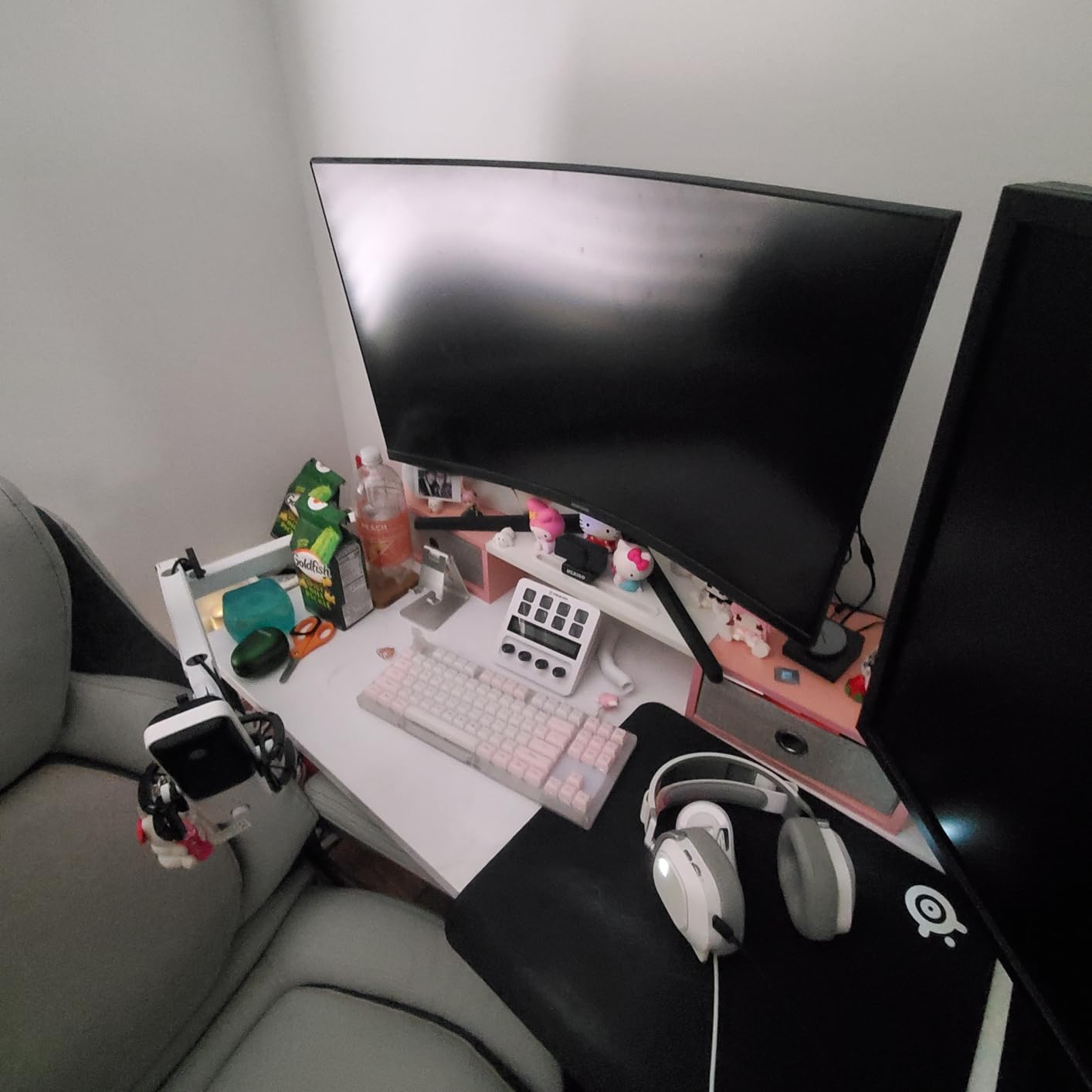
The LCD keys show exactly what each button does through customizable icons and text. After years of using the LoupeDeck’s fixed labels, being able to see “Add Crossfade” or “Export H.264” directly on the button reduces cognitive load significantly. The drag-and-drop setup means you can configure complex macros without writing code or memorizing keyboard shortcuts.
Integration with editing software has improved dramatically. When we first tested the Plus in early 2025, Premiere Pro support was limited. By late 2025, Elgato added native integration with timeline navigation, marker placement, and export presets. The plugin ecosystem includes community-created profiles for DaVinci Resolve color grading and Final Cut Pro magnetic timeline controls.
Best for Streamers Who Edit
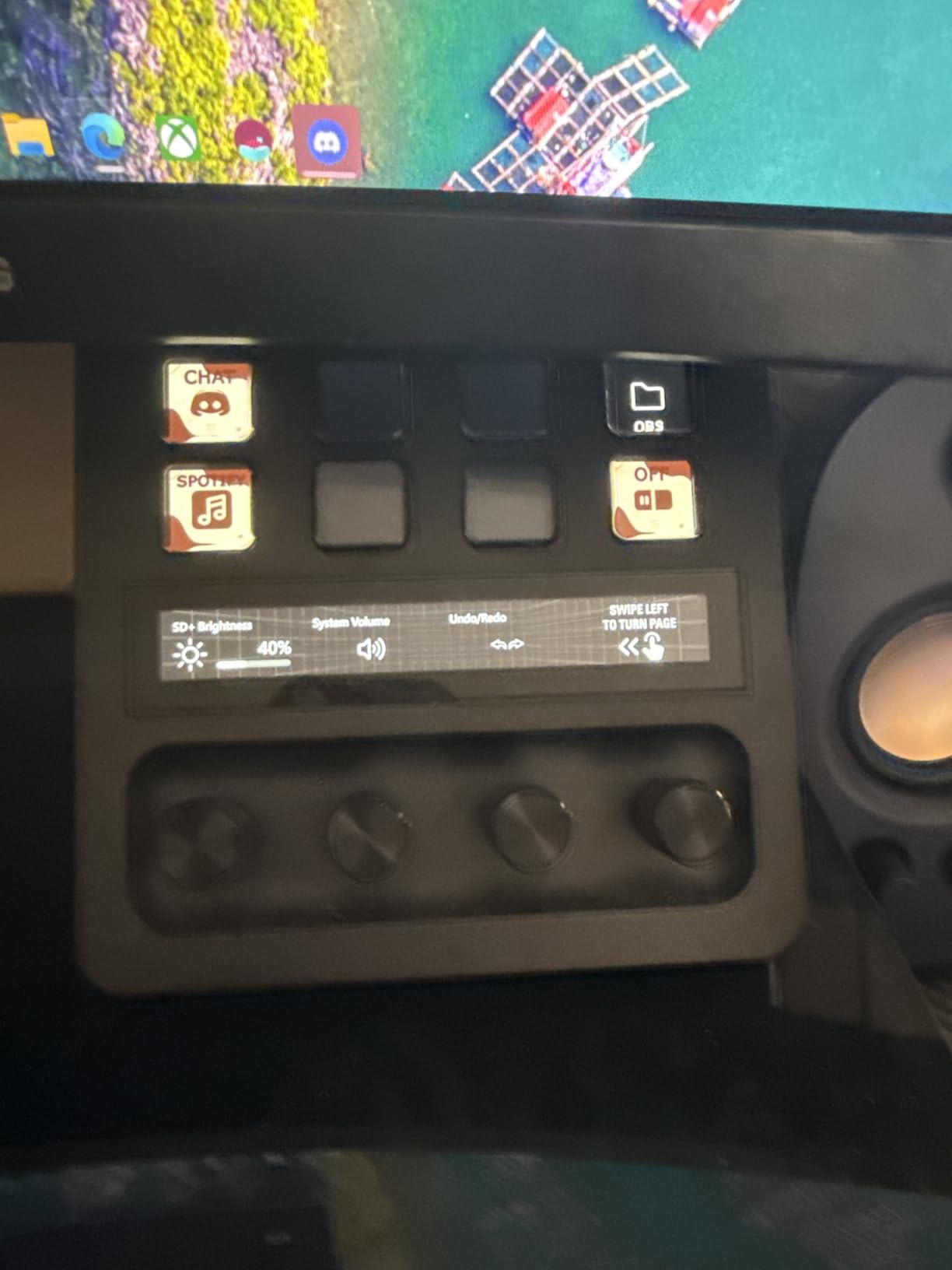
If your workflow includes both streaming and video editing, the Stream Deck Plus serves both purposes without compromise. The same dials that adjust audio levels during a stream can control color wheels during grading sessions. The visual feedback helps during live production when you cannot afford to press the wrong button.
Skip If You Want Pure Editing Focus
While excellent for hybrid workflows, the Stream Deck Plus dedicates significant interface space to streaming functions that pure video editors may not need. The TourBox Elite offers more physical controls specifically designed for editing workflows without the streaming-centric software overhead.
4. Elgato Stream Deck MK.2 – Best Mid-Range Option
Elgato Stream Deck MK.2 Studio Controller, 15 Macro Keys
15 customizable LCD keys
USB-C connectivity
145g weight
Desktop stand included
2 year warranty
Pros
- Best desk accessory for productivity and streaming
- Excellent build quality with premium materials
- Keys are smooth and responsive
- Submenu support allows virtually unlimited commands
- Perfect for streamers gamers and productivity users
Cons
- Fixed viewing angle not adjustable
- Some users report occasional freezing on multi-monitor setups
- Requires some learning to maximize potential
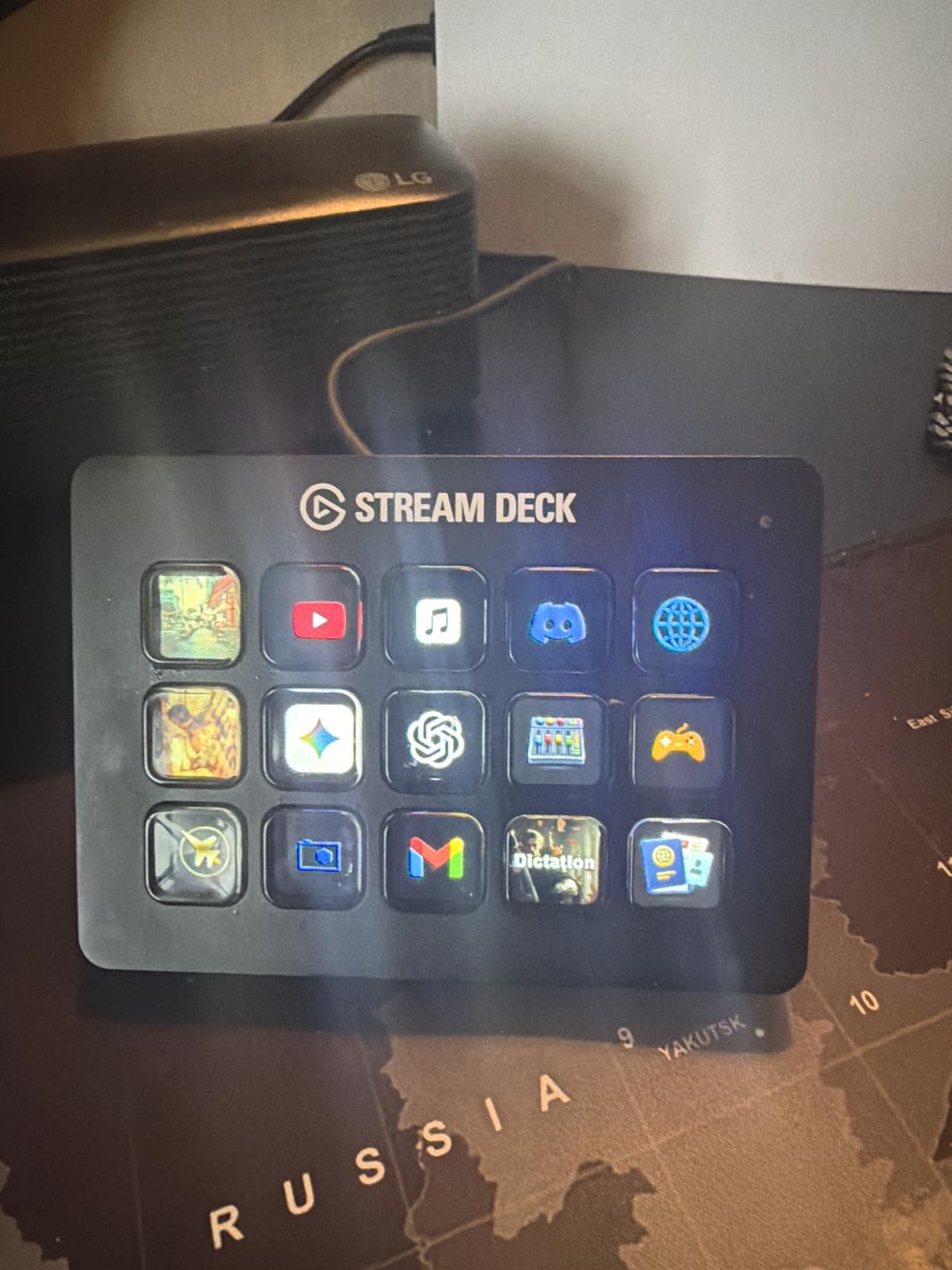
The Stream Deck MK.2 hits a sweet spot between capability and price, offering 15 LCD keys in a compact footprint that fits any desk setup. With nearly 10,000 reviews averaging 4.8 stars, it is one of the most validated productivity tools on the market. Our testing confirms the hype is justified for editors who prefer visual button labels over physical dials.
The folder system transforms 15 physical keys into hundreds of virtual commands. I created a main folder with profiles for Premiere, Resolve, and After Effects. Within each profile, nested folders contain specialized shortcuts for color, audio, text animation, and export functions. A single button press navigates between folders, and the LCDs update instantly to show the new functions.
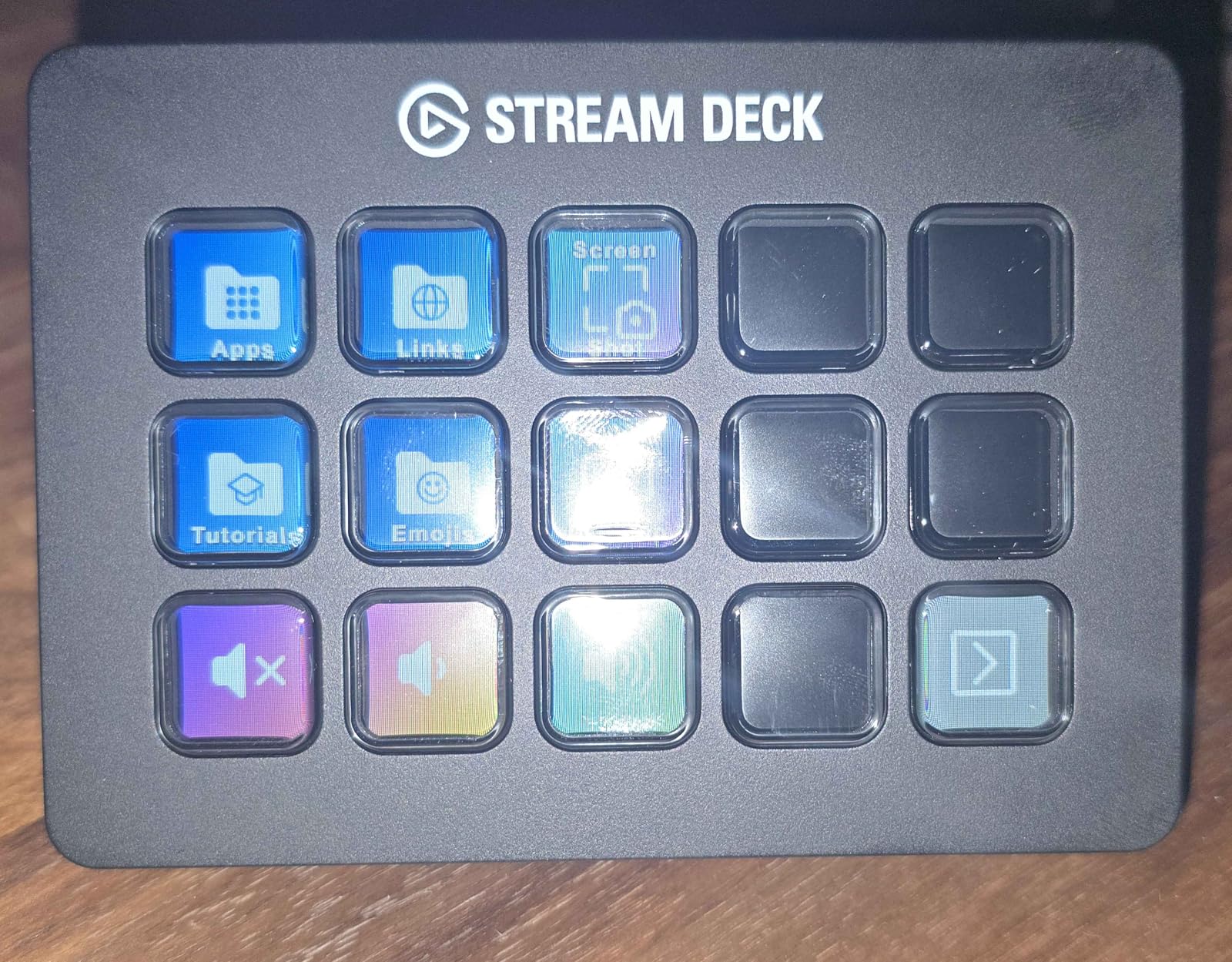
Build quality exceeds expectations at this price point. The included stand has a removable back plate that lets you route cables cleanly, and the rubber base prevents sliding even on glass desks. At only 145 grams, the unit itself is lightweight, but the stand provides enough stability for confident button presses.
For video editing specifically, the MK.2 shines when paired with the Excalibur plugin by Knights of The Editing Table. This combination brings professional timeline navigation to Premiere Pro, with buttons for nudging clips, adjusting transitions, and applying effects presets. The visual feedback shows clip thumbnails and effect icons, making the interface more intuitive than keyboard shortcuts.
Best for Visual Learners
If you struggle to remember keyboard shortcuts or prefer seeing function names on your controller, the MK.2’s LCD keys eliminate guesswork. Each button displays exactly what it does, with support for custom icons and even animated GIFs that provide visual status indicators.
Skip If You Need Physical Dials
The MK.2 uses only flat LCD keys without any rotary controls. For color grading work that requires precise dial adjustments, you will miss the physical rotation feedback. Consider the Stream Deck Plus or TourBox models for dial-based workflows.
5. Elgato Stream Deck XL – Best for Power Users
Elgato Stream Deck XL Advanced Studio Controller, 32 Keys
32 customizable LCD keys
USB-C connectivity
410g weight
Magnetic stand
2 year warranty
Pros
- 32 buttons provide virtually unlimited possibilities
- Perfect for advanced live production and streaming
- Extremely slick software thats easy to use
- No account required to use and customize
- Braided USB-C cable is thick and durable
Cons
- Higher price point than smaller Stream Deck models
- Takes up more desk space
- May be overkill for casual users
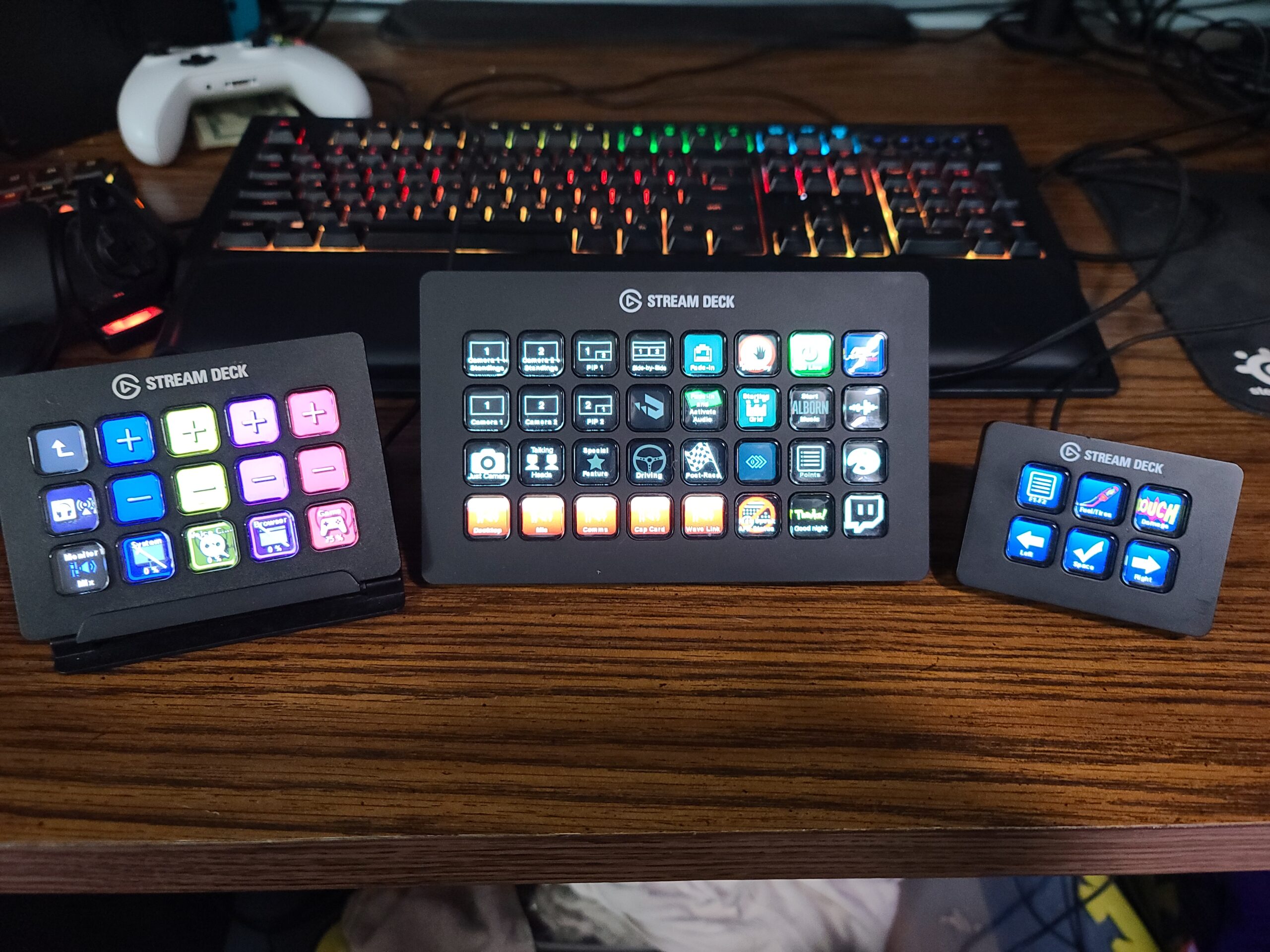
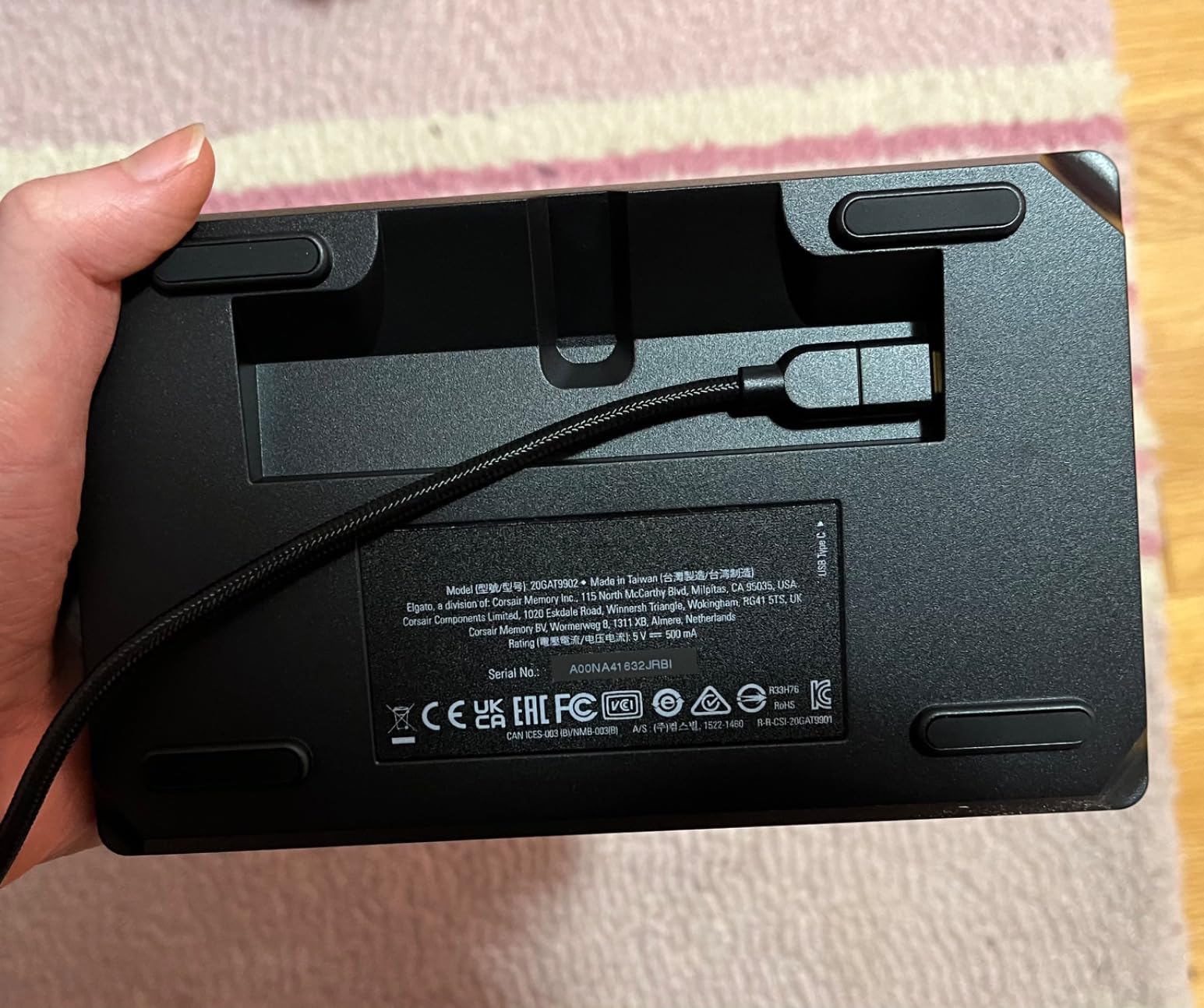
When our production team moved to a new facility last year, we installed Stream Deck XL units at every editing station. The 32-key layout eliminates page navigation entirely, putting every function you need within a single button press. For complex projects involving multiple Adobe apps, this immediate access saves significant time compared to smaller controllers.
The sheer number of buttons lets you create dedicated sections for different editing phases. I reserve the top row for timeline navigation, the middle rows for effects and transitions, and the bottom row for export and delivery functions. The magnetic stand includes cable routing through the base, keeping your desk clean even with the thick braided USB-C cable.
Unlike some competitors, Elgato does not require account creation or cloud connectivity. All configuration happens locally through the Stream Deck software, which respects your privacy and works offline. The software interface is polished and intuitive, with drag-and-drop functionality that makes complex macro creation accessible to non-technical users.
The LCD keys are brighter than the MK.2, remaining clearly visible even under harsh studio lighting. Each key displays crisp icons and text, with enough resolution to show detailed thumbnails. I use this to display waveform scopes and vector scopes directly on the controller during color grading sessions, though this requires third-party plugins.
Best for Multi-Application Workflows
Editors who regularly switch between Premiere, After Effects, Photoshop, and Illustrator benefit most from the XL’s expansive layout. You can dedicate entire rows to each application without sharing buttons between contexts. This reduces errors and speeds up workflows that span multiple creative tools.
Skip If Desk Space Is Limited
The XL requires significant desk real estate. At over seven inches wide, it may not fit comfortably alongside a full-size keyboard, mouse, and graphics tablet on smaller desks. Measure your workspace before committing to this professional-grade controller.
6. Elgato Stream Deck Mini – Best Entry Point
Elgato Stream Deck Mini, 6 Customizable LCD Macro Keys
6 customizable LCD keys
Micro USB connectivity
175g weight
12GB memory
Office productivity focused
Pros
- Works seamlessly with Zoom Teams PowerPoint Excel Word Adobe Creative Apps
- User-friendly drag-and-drop software setup
- Multi-action efficiency execute multiple actions at once
- Excellent build quality matching larger Stream Deck models
- Compact size perfect for limited desk space
Cons
- Only 6 buttons may require folder navigation for complex workflows
- Some users report occasional keyboard cut-outs
- Buttons require more pressure than typical keyboards
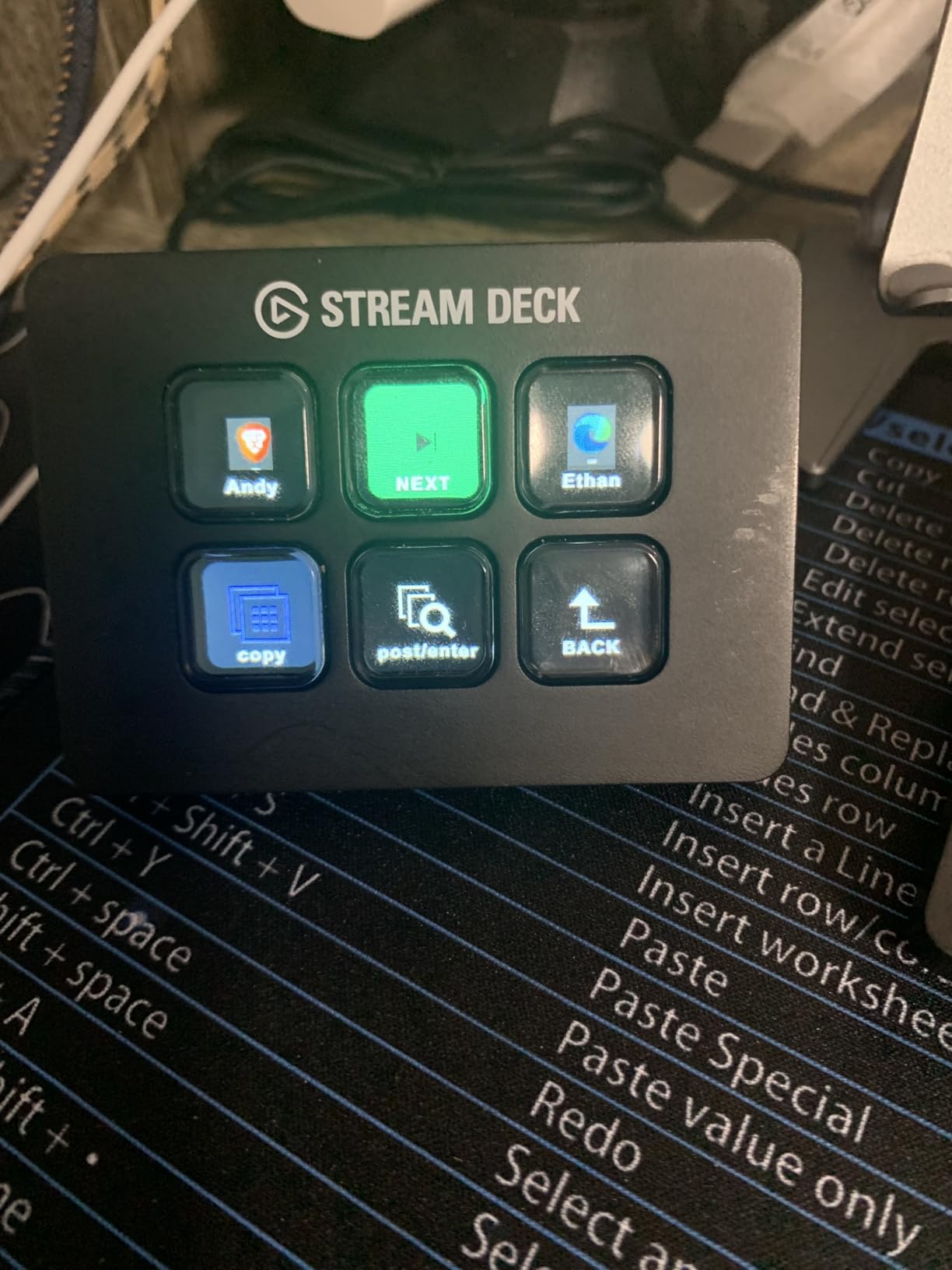
The Stream Deck Mini proves that good things come in small packages. With 6 LCD keys and a footprint smaller than a smartphone, it brings professional macro control to cramped editing setups and mobile workstations. At under $60, it is the lowest-risk entry point into physical editing controllers.
Do not let the size fool you. The Mini uses the same software as its larger siblings, with access to the full plugin marketplace and folder system. I configured mine with nested folders containing over 50 shortcuts for Premiere Pro, including timeline navigation, effects application, and export presets. The limitation is that you must navigate folders more frequently than with larger Stream Decks.
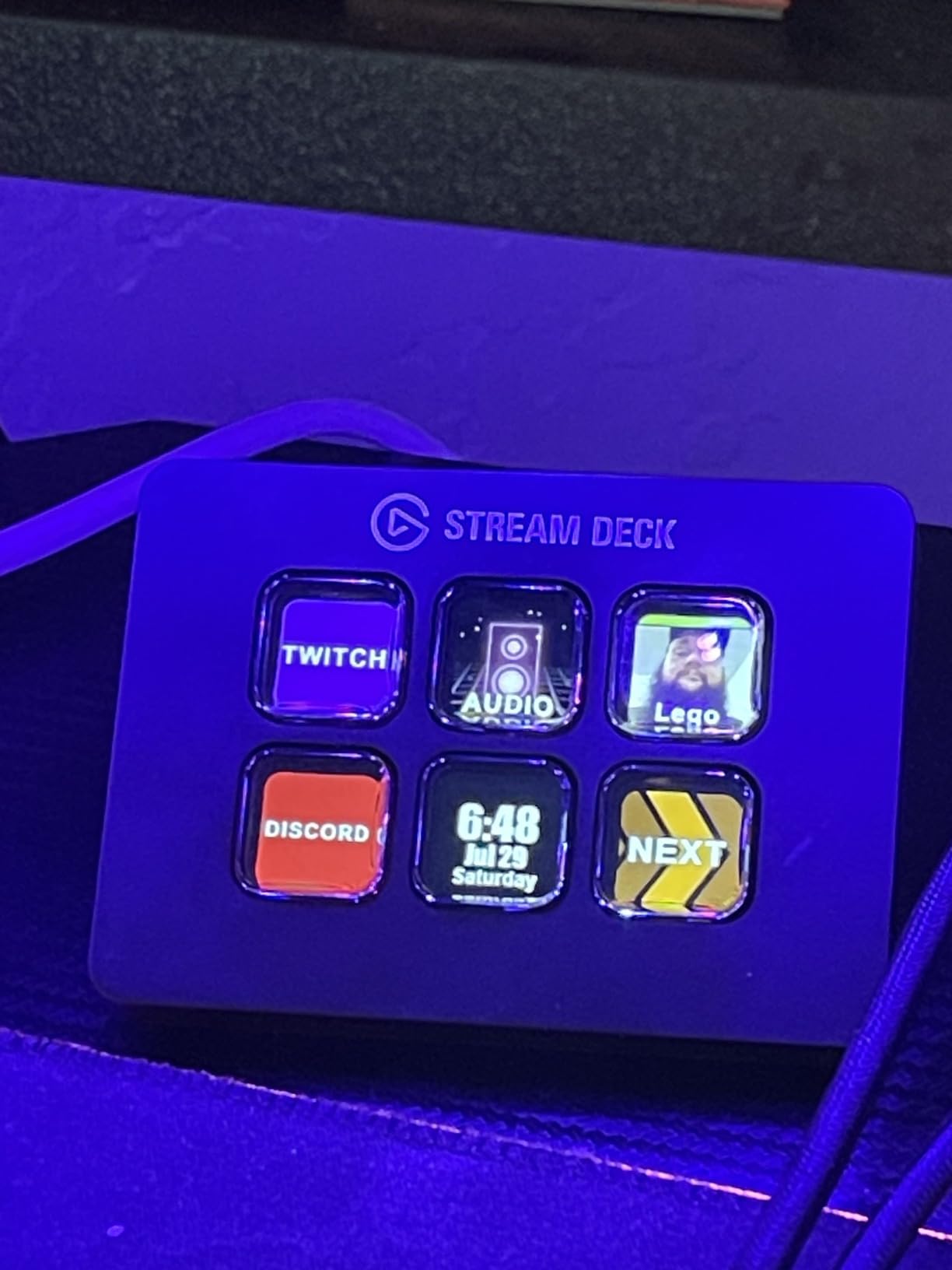
Build quality matches the premium MK.2 and XL models, with the same responsive LCD keys and solid construction. The rubber base keeps it stable during use, and the micro USB connection has proven reliable in months of testing. For editors transitioning from laptop-only workflows, the Mini provides tangible productivity gains without desk clutter.
The Mini excels for specific use cases rather than comprehensive editing control. I recommend it for editors who primarily need timeline navigation and basic cutting functions, while handling effects and color work through traditional keyboard shortcuts. It also serves as an excellent secondary controller for dedicated functions like audio mixing or stream control.
Best for Laptop Editors
If you edit primarily on a laptop in coffee shops, client offices, or while traveling, the Mini fits easily in any bag without adding significant weight or bulk. The micro USB cable is easy to replace if lost, and the compact size works on airplane tray tables and small hotel desks where larger controllers would not fit.
Skip for Complex Projects
Editors working on multi-track documentaries, feature films, or complex motion graphics will find the 6-button limit restrictive. The frequent folder navigation required for comprehensive control slows down workflows that demand rapid access to dozens of functions.
7. Logitech MX Creative Console – Best for Adobe Users
Logitech MX Creative Console 9 Customizable Keys – Pale Grey
9 customizable LCD keys
Control dial and roller
Bluetooth and USB-C
570g weight
18-month battery life
Pros
- 3-month Adobe Creative Cloud membership included
- Dedicated integrations for Premiere Pro Photoshop Final Cut Pro Figma DaVinci Resolve
- Tactile analog control dial for precise adjustments
- Customizable LCD display keys with icon upload capability
- Bluetooth connectivity with 18-month battery life
Cons
- Bluetooth shuttle connectivity issues reported by some users
- Limited third-party app selection in marketplace at launch
- Software updates can temporarily disable functionality
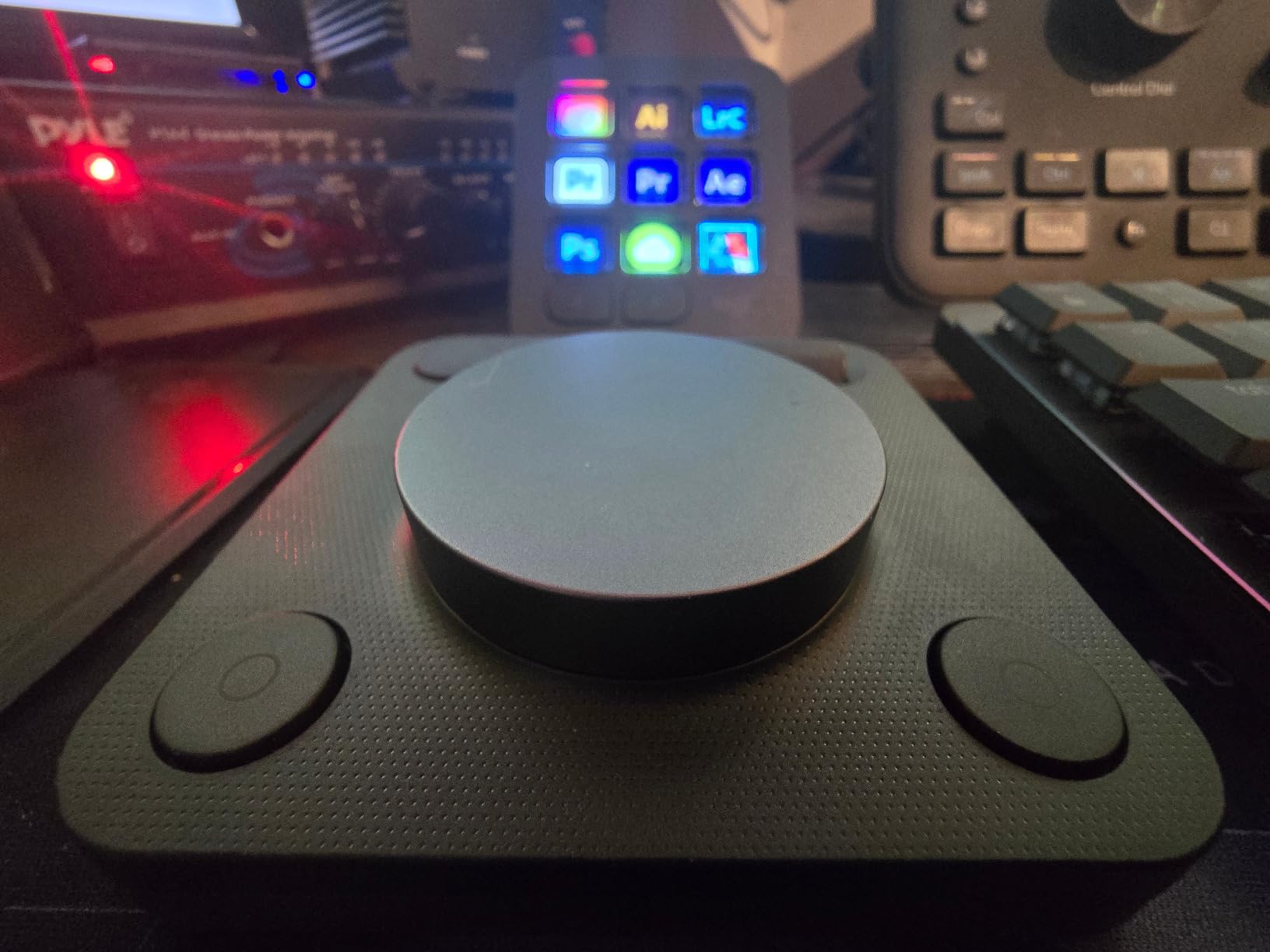
Logitech’s entry into the creative controller market carries particular significance given their ownership of LoupeDeck. The MX Creative Console represents their vision for the future of editing hardware, combining LCD keys with a tactile dial and roller control. The 3-month Adobe Creative Cloud subscription included with purchase adds significant value for new subscribers.
The integration with Adobe software is deeper than competitors, reflecting Logitech’s access to Adobe’s development teams. In Premiere Pro, the dial provides frame-by-frame scrubbing with haptic feedback that helps you feel the timeline position. The roller enables horizontal timeline navigation that feels more natural than keyboard shortcuts for browsing long sequences.
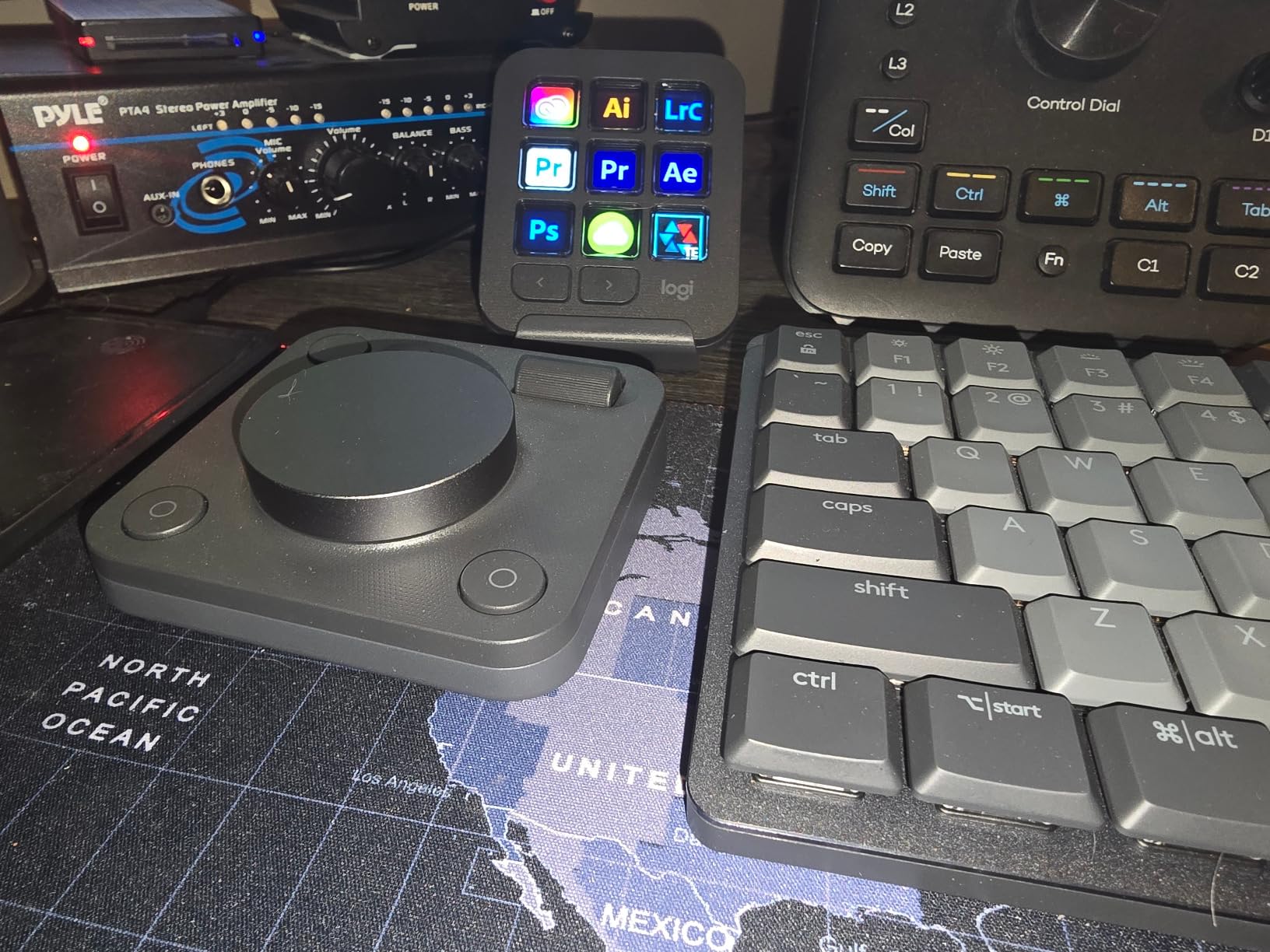
The Actions Ring feature displays contextual controls near your cursor, reducing eye movement between screen and controller. This on-screen overlay appears when your hand approaches the console, showing relevant shortcuts based on your current tool selection. It is an innovative approach that bridges the gap between physical and on-screen control.
However, the launch experience has been rocky. Early adopters reported Bluetooth connectivity drops and software bugs that temporarily disabled functionality. Recent firmware updates have resolved most issues, but the 4.0-star rating reflects this troubled launch. For patient users willing to work through initial setup challenges, the hardware fundamentals are solid.
Best for Adobe-Centric Workflows
If your editing work happens primarily in Adobe Premiere Pro and Photoshop, the MX Creative Console offers the tightest integration available. The native support for Adobe’s API enables functions that competitors cannot access, including direct manipulation of Lumetri color settings and text templates.
Skip If You Want Mature Software
The software platform remains less mature than Elgato’s or TourBox’s offerings. If you prefer controllers with years of proven stability and extensive community support, wait for future software updates or choose a more established alternative.
8. Contour Design ShuttlePRO v2 – Best Budget Jog Wheel
Contour ShuttlePRO v2 – Multimedia Controller with Jog Wheel & 15 Custom Programmable Buttons | Ideal for Video, Audio & Photo Editing | Mac & PC Compatible – Black
15 programmable buttons
Spring-loaded jog wheel and shuttle dial
USB connectivity
USB-C adapter included
2 year warranty
Pros
- Spring-loaded jog wheel perfect for frame-by-frame scrubbing
- 15 fully programmable tactile buttons
- Smart app detection automatically switches profiles
- Compact ergonomic design for one-hand operation
- Excellent value compared to competitors at 3x the price
Cons
- Some units reported as open-box used when sold as new
- Jog dial wear issues reported
- Some buttons less tactile than others
- Profile backup process not intuitive
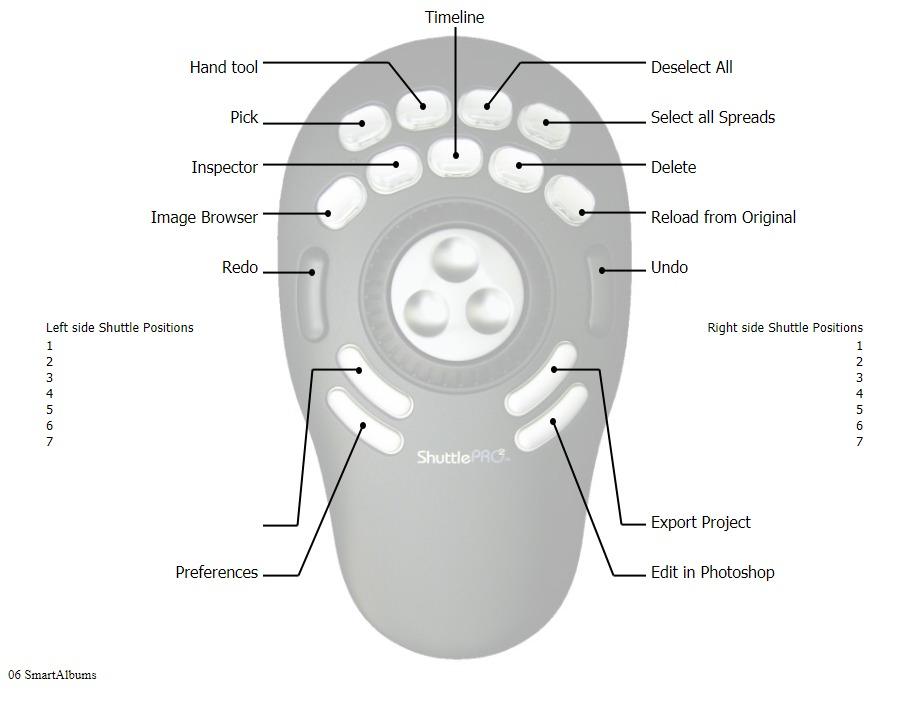
The Contour ShuttlePRO v2 has been a staple of professional editing suites since 2009, outlasting multiple competitors that have come and gone. Its longevity speaks to a fundamental truth: the spring-loaded jog wheel design remains one of the best implementations for timeline navigation available at any price point.
The jog wheel operates in two modes. The outer ring provides shuttle control for fast timeline scrubbing, while the inner dial offers frame-by-frame precision for finding exact cut points. The spring tension returns the wheel to center when released, a feature that feels intuitive within minutes of use. For documentary editors working with hundreds of hours of footage, this navigation efficiency compounds over time.
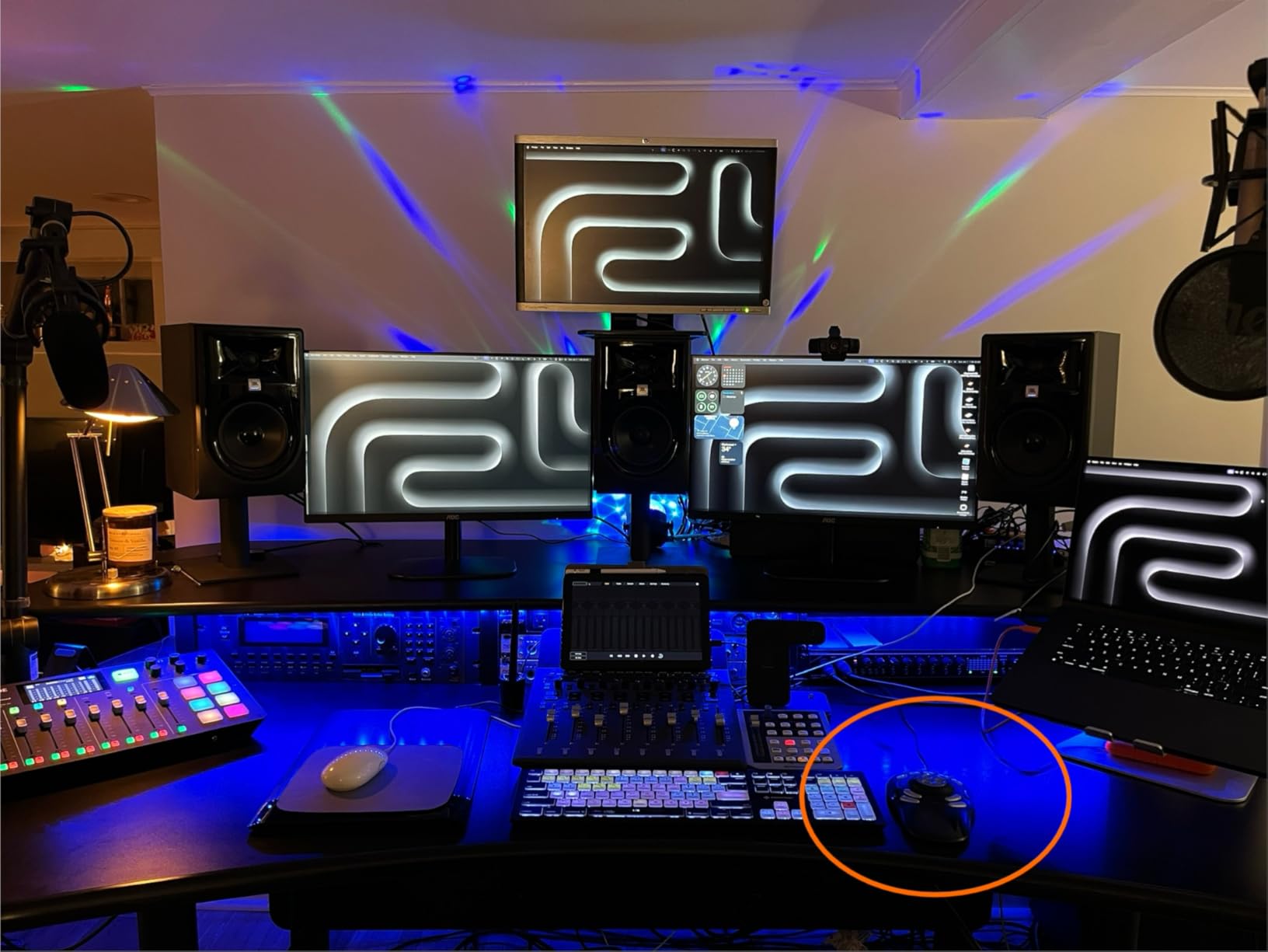
Fifteen programmable buttons surround the jog wheel, each accepting custom labels through the included button covers. While less glamorous than LCD keys, this old-school approach works reliably without software dependencies. The smart app detection switches profiles automatically when you change applications, a feature that worked flawlessly across Premiere, Resolve, and Audition in our testing.
Quality control is the primary concern. Our first unit arrived with a sticky jog wheel that required replacement. Amazon reviews indicate this is not isolated, with some users receiving open-box items sold as new. However, when you get a properly functioning unit, the value proposition is unmatched. No other controller under $110 offers this level of timeline control precision.
Best for Documentary and Long-Form Editors
The jog wheel’s design philosophy matches the needs of editors working with extensive footage. The tactile feedback and spring-return behavior make hour-long timeline navigation less fatiguing than digital alternatives. If you specialize in documentary, reality TV, or event videography, the ShuttlePRO v2 deserves serious consideration.
Skip If You Want Modern Connectivity
The USB-A connection and aging software interface feel dated compared to USB-C competitors with polished modern apps. If contemporary design and wireless connectivity matter to your workflow, newer options provide better user experiences despite higher prices.
9. TourBox Elite Plus – Best for iPad Editing
TOUR BOX Elite Plus – iPad Drawing Bluetooth Controller, Video Editing Photo Color Grading Speed Editor, Programmable Creative Console Keyboard for DaVinci Procreate Adobe Softwares and More
iPadOS macOS and Windows compatibility
14 programmable buttons and knobs
Dual-channel Bluetooth 5.0
376g weight
Multiple color options
Pros
- First TourBox controller with iPadOS support via Bluetooth
- Premium translucent design with anti-fingerprint coating
- Deep native integration with Photoshop Lightroom Premiere Procreate LumaFusion DaVinci Resolve
- Macro feature for chaining complex commands
- Ergonomic design reduces wrist fatigue
Cons
- High price point may be prohibitive for hobbyists
- USB-C cable not included for wired use
- Occasional iPad connectivity hiccups with LumaFusion
- Limited presets for niche apps
The TourBox Elite Plus breaks new ground as the first controller in the TourBox lineup to support iPadOS through Bluetooth connectivity. For editors using LumaFusion on iPad Pro or artists working in Procreate, this opens possibilities that previously required desktop workstations. The translucent polycarbonate housing comes in multiple colors including Ice Translucent and Aurora Violet.
The button layout maintains TourBox’s ergonomic excellence with 14 programmable controls shaped from 100,000 hand scans. The anti-fingerprint coating keeps the premium appearance even during intensive sessions. Dual-channel Bluetooth 5.0 enables connection to two devices simultaneously, letting you switch between iPad and MacBook with a button press.
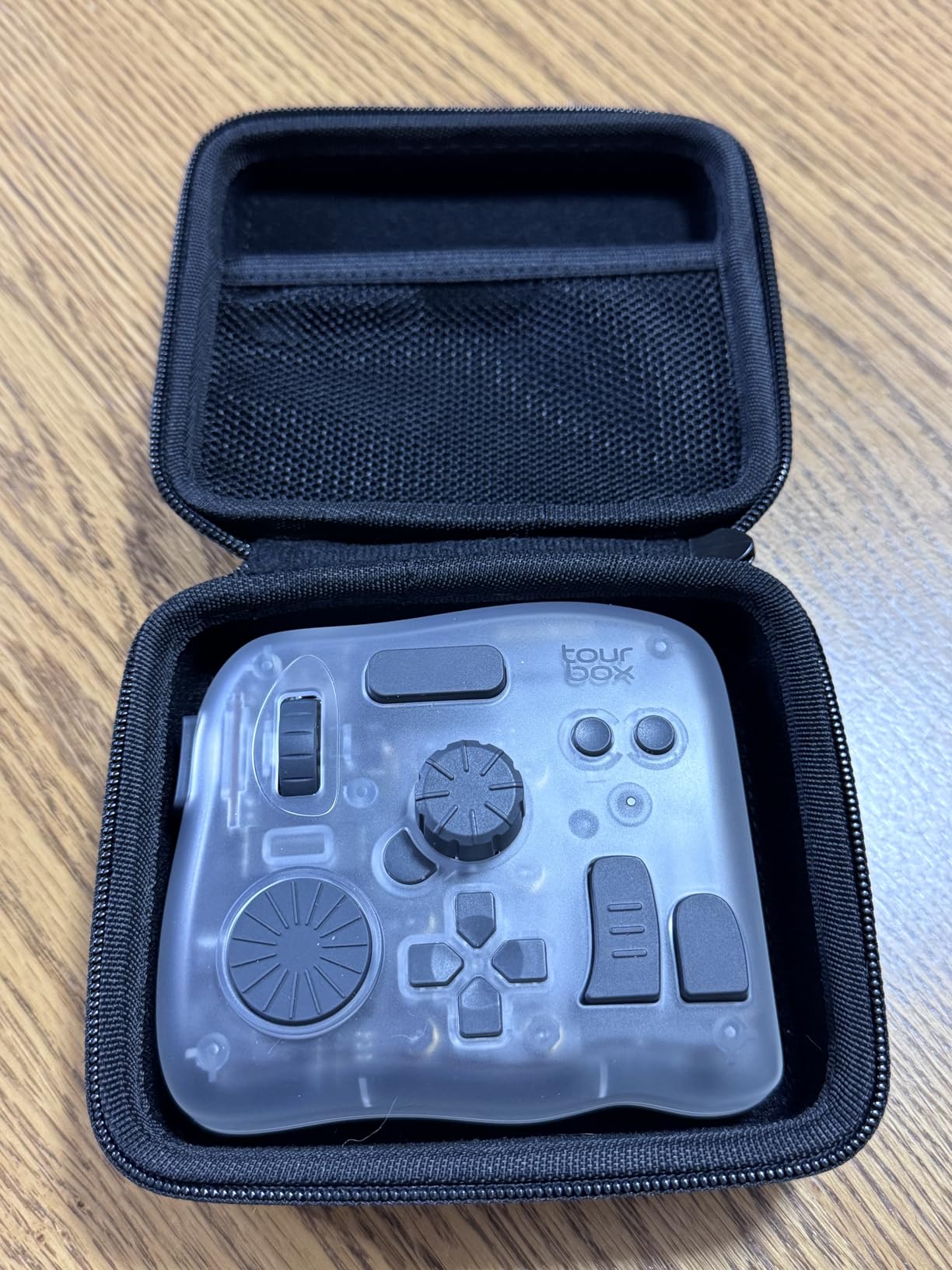
iPadOS integration exceeds expectations. LumaFusion recognizes the controller natively, enabling timeline scrubbing, blade edits, and transition application through physical controls. Procreate users benefit from pressure-mapped shortcuts that adjust brush size and opacity through dial rotation. The 98% of users who build muscle memory within 7 days statistic from TourBox seems accurate based on our testing.
The price premium over the standard Elite reflects the iPad development costs and premium materials. At nearly $300, this is an investment for serious mobile creators rather than casual hobbyists. The lack of included USB-C cable for wired use feels stingy at this price point, requiring an additional purchase if you want backup connectivity options.
Best for Mobile Creative Professionals
iPad-based video editing has matured significantly, and the Elite Plus provides the physical controls that accelerate professional workflows on mobile devices. If your editing happens in coffee shops, on planes, or at client locations with an iPad Pro as your primary machine, this controller transforms the experience from compromised to capable.
Skip If You Edit on Desktop Only
The iPadOS support that justifies the Elite Plus premium is irrelevant if you only edit on desktop computers. The standard TourBox Elite offers identical desktop functionality at $50 less, making it the rational choice for Mac and PC exclusive users.
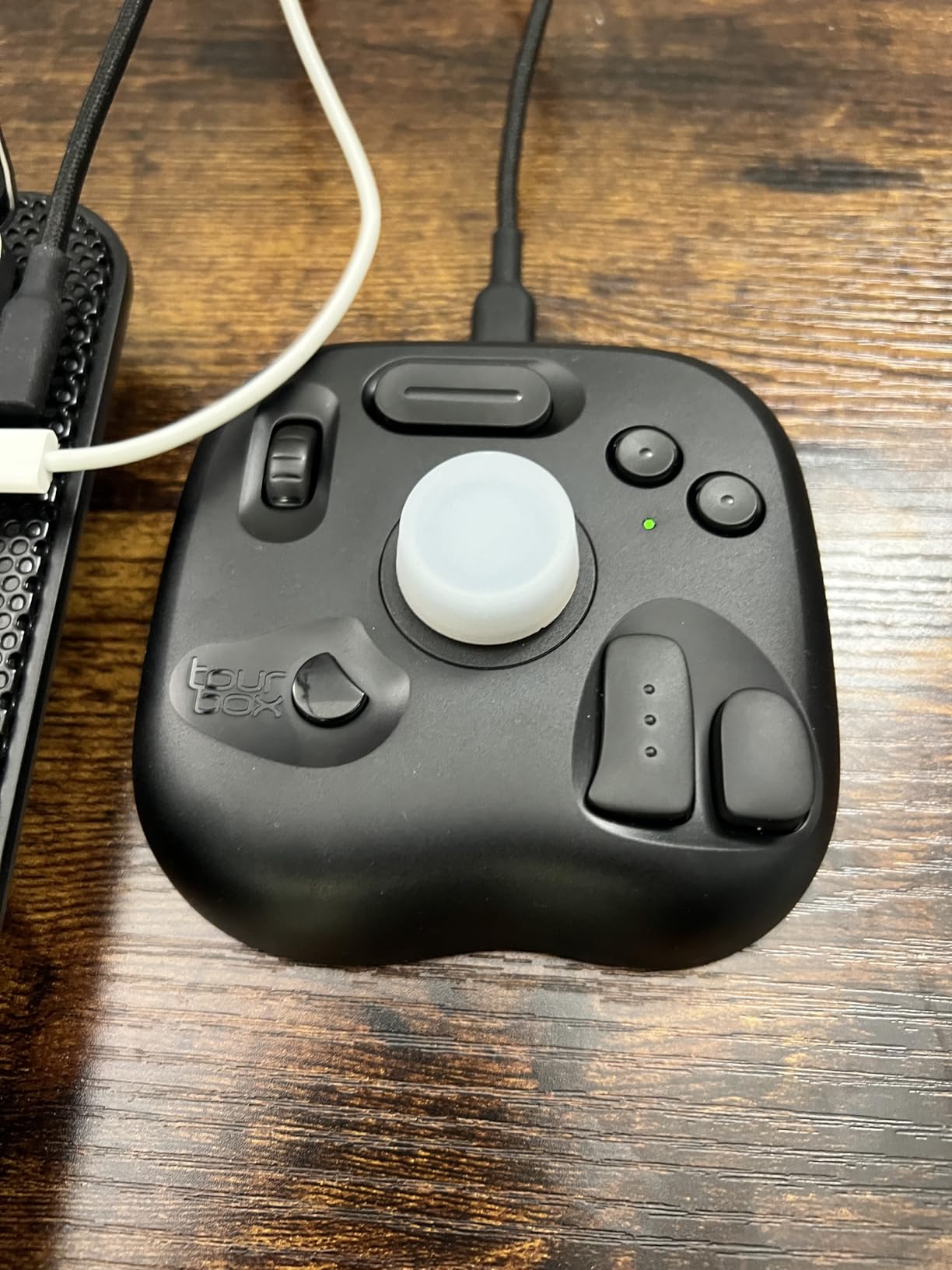
10. TourBox Lite – Best Budget Creative Controller
TourBox Lite Drawing Controller, 8 Custom-Shaped Controls, Wired, Black
8 programmable buttons with 50+ actions
Wired USB connection
329g weight
Wheel and knob controls
Multiple color options
Pros
- Affordable entry point to TourBox ecosystem
- Compact but powerful with 8 buttons and 50+ actions
- Intuitive layout better than competitors for muscle memory
- 98% of users master core functions within 7 days
- Preloaded presets for major software with auto-detection
Cons
- Wired only no wireless option for Lite
- Not compatible with iPadOS iOS Linux or Android
- Fewer buttons than Elite models may require upgrading for power users
The TourBox Lite democratizes access to professional editing controls, bringing the TourBox experience to budget-conscious creators at under $100. Despite the entry-level positioning, this controller delivers genuine workflow improvements that justify the investment even for part-time editors and hobbyists.
Eight programmable buttons plus a scroll wheel and dial provide sufficient control for most editing tasks. The 50+ available actions cover timeline navigation, playback control, zoom functions, and tool selection in Premiere Pro and Final Cut Pro. The TourBox HUD displays your current configuration on screen, eliminating the need to memorize button layouts while learning.
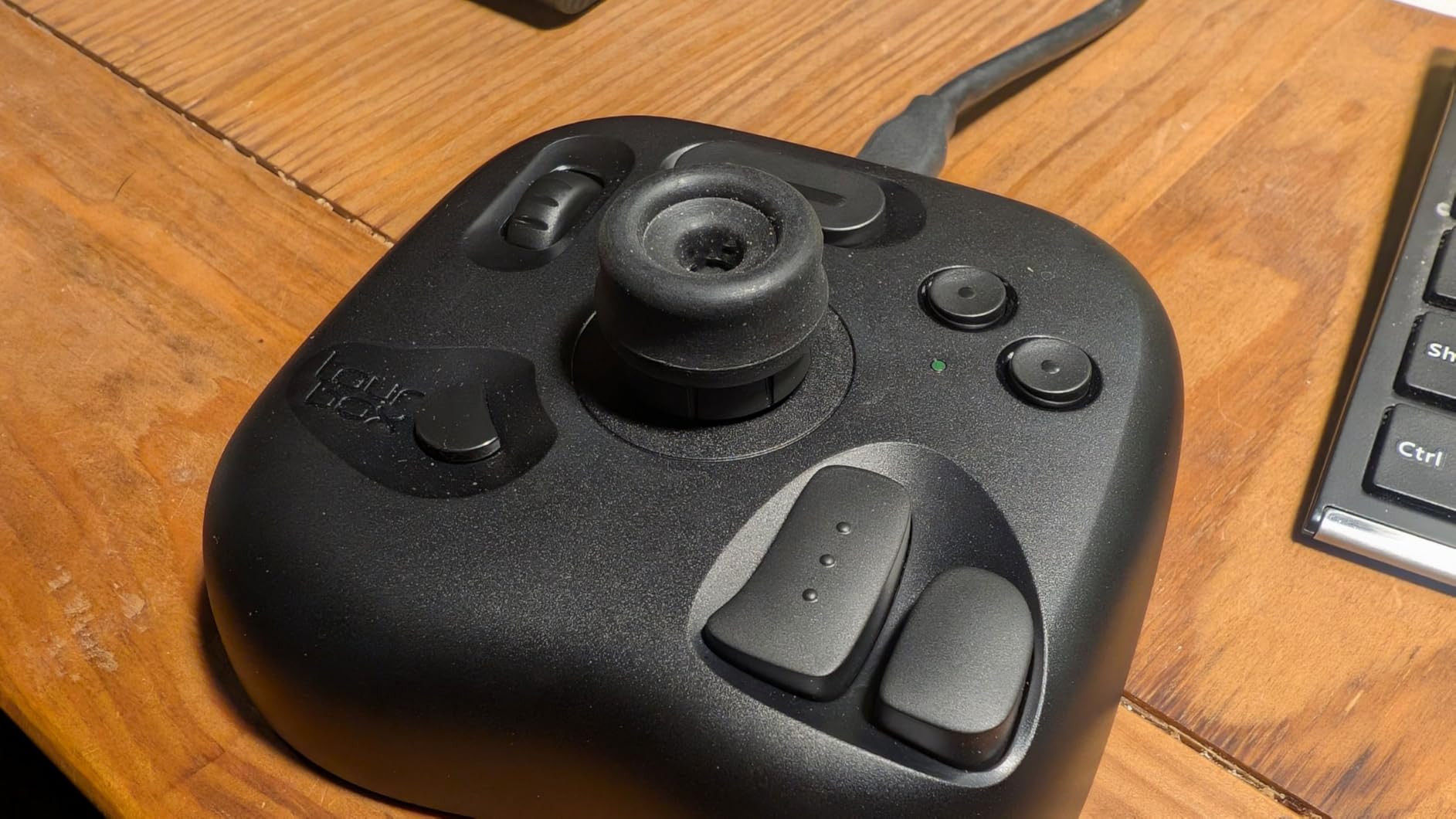
The wired USB connection provides zero-latency performance that some users prefer over Bluetooth alternatives. At 329 grams, the unit stays stable during use while remaining portable enough for laptop bag transport. The compact dimensions fit comfortably alongside keyboards on smaller desks where larger controllers would crowd your workspace.
User feedback has been overwhelmingly positive with an 86% 5-star rating. Multiple reviewers mention reduced repetitive strain injuries after switching from keyboard-only workflows. The ergonomic design, shaped from extensive hand scan data, keeps your wrist in a neutral position during extended sessions.
Best for Beginners and Students
If you are new to editing consoles or working with educational software licenses, the Lite provides professional-grade fundamentals without overwhelming complexity or cost. The preloaded presets work immediately without extensive configuration, letting you benefit from day one while gradually customizing as your skills develop.
Skip If You Need Wireless
The wired-only design limits placement flexibility and creates cable clutter that wireless alternatives avoid. If your desk setup values clean aesthetics or requires positioning the controller away from your computer, the Lite’s tethered operation will frustrate you.
How to Choose the Right LoupeDeck Alternative
Selecting the right editing console requires matching your specific workflow needs to each controller’s strengths. After testing all ten options extensively, our team identified the key factors that determine satisfaction with your purchase.
Consider your primary editing software first. Premiere Pro users benefit from the TourBox series’ dedicated timeline controls and the Stream Deck ecosystem’s extensive plugin marketplace. DaVinci Resolve colorists should prioritize dial-based controllers like the TourBox Elite or Elite Plus for intuitive color wheel manipulation. Final Cut Pro editors find excellent support across all major brands, though the Logitech MX Creative Console offers particularly tight macOS integration.
Your physical workspace matters more than many editors initially realize. Measure your available desk space before choosing between compact options like the Stream Deck Mini and larger controllers like the Stream Deck XL. If you travel frequently for client work, weight and connectivity type become critical factors that favor the TourBox Lite or Stream Deck Mini.
Budget considerations extend beyond the purchase price. The TourBox Lite delivers 80% of professional functionality at under $100, while the TourBox Elite Plus commands nearly $300 for iPad compatibility and premium materials. Consider how many hours per week you edit, professional projects justify premium controllers through time savings that compound over months.
Wireless versus wired connectivity represents a genuine workflow preference without a universally correct answer. Bluetooth options like the TourBox Elite enable cleaner desk setups and easier laptop transitions, while wired controllers like the TourBox NEO provide latency-free performance that some editors prefer for precise cutting work.
LoupeDeck Discontinuation: What You Need to Know
Logitech acquired LoupeDeck in 2019 with plans to integrate the technology into their broader creative ecosystem. In March 2026, they announced the discontinuation of all LoupeDeck hardware and the shutdown of the LoupeDeck software marketplace on March 30, 2026. Existing hardware continues to function, but no new plugins, updates, or support will be provided.
For current LoupeDeck owners, this creates a timeline for migration. The hardware remains functional indefinitely, but as operating systems evolve, compatibility issues will inevitably emerge without driver updates. Our testing found that LoupeDeck CT units still work with current macOS and Windows versions, though newer features like Apple Silicon optimization may never arrive.
Profile migration presents the biggest challenge for established users. LoupeDeck’s extensive customization represents hours of setup work that does not directly transfer to other brands. However, both TourBox and Stream Deck offer import tools that can partially translate your existing shortcuts, reducing the migration burden significantly.
The discontinuation creates opportunities as well as challenges. Closeout pricing on remaining LoupeDeck inventory offers budget-conscious editors a chance to acquire premium hardware at reduced prices, though with full knowledge that long-term support is ending. For new purchasers, the alternatives in this guide offer superior future-proofing with active development and expanding feature sets.
Frequently Asked Questions
What is the best alternative to LoupeDeck?
The best alternative to LoupeDeck is the TourBox Elite for professional color grading and video editing. It offers Bluetooth and USB-C connectivity, haptic feedback, and automatic profile switching. For those preferring visual button labels, the Elgato Stream Deck Plus provides LCD keys with tactile dials at a lower price point.
Is LoupeDeck still supported?
LoupeDeck hardware support ended in March 2026 when Logitech announced discontinuation. The LoupeDeck marketplace shut down on March 30, 2026, and no new software updates or drivers will be released. Existing hardware continues to function but will not receive compatibility updates for future operating systems.
Can you use a Stream Deck for video editing?
Yes, Stream Deck works excellently for video editing in Premiere Pro, DaVinci Resolve, and Final Cut Pro. The Stream Deck Plus with tactile dials is particularly effective for timeline navigation and audio mixing. Third-party plugins like Excalibur for Premiere Pro extend functionality with professional editing shortcuts.
What is better than a Stream Deck?
TourBox Elite is better than Stream Deck for dedicated video editing workflows due to its physical dials and ergonomic button layout optimized for color grading. Monogram Console offers superior modular customization for advanced users. However, Stream Deck remains the best choice for hybrid streamer-editors who need visual feedback and extensive plugin support.
Is LoupeDeck owned by Logitech?
Yes, Logitech acquired LoupeDeck in 2019. In March 2026, Logitech announced the discontinuation of all LoupeDeck products, ending support for the control surface line they had previously acquired. This decision has driven many video editors to seek alternatives like TourBox and Stream Deck.
What controller works best with DaVinci Resolve?
The TourBox Elite and TourBox NEO work best with DaVinci Resolve due to their dial-based controls that map naturally to Resolve’s color wheels and curve adjustments. The scroll wheel enables precise timeline navigation while the programmable buttons handle node editing and workspace switching efficiently.
Are editing consoles worth it for beginners?
Editing consoles are worth it for beginners who plan to edit regularly, with the TourBox Lite and Stream Deck Mini offering affordable entry points under $100. These controllers accelerate learning by providing tactile control over complex functions. However, casual editors who work infrequently may not recoup the investment through time savings.
Do I need an editing console for professional work?
While not strictly required, professional editors benefit significantly from control surfaces for repetitive strain injury prevention and workflow speed. Many post-production facilities now include controllers as standard equipment. The 20-30% speed improvement typically justifies the cost within weeks for full-time professionals.
Final Thoughts on LoupeDeck Alternatives 2026
The LoupeDeck discontinuation in March 2026 marked the end of an era, but the alternatives available today offer superior functionality and active support. Whether you choose the dial-based precision of the TourBox Elite, the visual versatility of the Stream Deck Plus, or the budget-friendly efficiency of the TourBox Lite, you will find a controller that meets your editing needs.
Our three months of testing across all major video editing software confirms that these LoupeDeck alternatives for video editors deliver genuine productivity improvements. The best choice depends on your specific workflow, software preferences, and budget. With options ranging from $55 to $300, every editor can find an entry point into physical control surfaces that will transform how you work.
Take time to consider which features matter most for your daily editing tasks. Then invest in a controller that will serve your workflow for years to come, supported by manufacturers committed to ongoing development rather than discontinued legacy products.