I have spent the last several months testing color e readers from every major brand on the market. From Amazon’s first color Kindle to Kobo’s highly praised Kaleido 3 displays, I wanted to find out which ones actually deliver a worthwhile reading experience in color. The short answer: color e-ink has come a long way, and some of these devices are genuinely impressive.
That said, I need to be upfront about something before we get started. Color e-ink screens do not look like your iPad or phone display. The colors on E Ink Kaleido 3 panels tend to appear more muted, almost pastel-like compared to LCD or OLED screens. Think of them as a step up from black-and-white e-ink rather than a replacement for a full-color tablet. If you go in with that expectation, you will be pleasantly surprised by what these devices can do.
In this guide, our team covers the 10 best color e readers available in 2026. I tested each one for reading graphic novels, comics, regular ebooks, and textbooks. I also checked library integration, battery performance, and note-taking capabilities where applicable. Whether you want a dedicated ereader for your local library or a full Android tablet with color e-ink, there is something here for you.
Table of Contents
Top 3 Picks for Color E Readers

Kobo Libra Colour
- 7 inch Kaleido 3 Display
- Page Turn Buttons
- Kobo Stylus 2 Support
- 32GB Storage
- IPX8 Waterproof

Kobo Clara Colour
- 6 inch Kaleido 3 Display
- Waterproof IPX8
- 16GB Storage
- ComfortLight PRO
- Dark Mode

Kindle Colorsoft 16GB
- 7 inch Colorsoft Display
- 4 Color Highlighting
- 8 Week Battery
- IPX8 Waterproof
- Kindle Ecosystem
10 Best Color E Readers in 2026
| Product | Specifications | Action |
|---|---|---|
| Kobo Libra Colour |
|
Check Latest Price |
| Kobo Clara Colour |
|
Check Latest Price |
| Kindle Colorsoft 16GB |
|
Check Latest Price |
 Kindle Colorsoft Signature 32GB Kindle Colorsoft Signature 32GB |
|
Check Latest Price |
 Kindle Scribe Colorsoft 64GB Kindle Scribe Colorsoft 64GB |
|
Check Latest Price |
 BOOX Go Color 7 Gen II BOOX Go Color 7 Gen II |
|
Check Latest Price |
 BOOX Note Air 5 C BOOX Note Air 5 C |
|
Check Latest Price |
 Bigme B6 Color Bigme B6 Color |
|
Check Latest Price |
 PocketBook InkPad Color 3 PocketBook InkPad Color 3 |
|
Check Latest Price |
 Musnap Ocean C Musnap Ocean C |
|
Check Latest Price |
1. Kobo Libra Colour – Best Overall Color E Reader
Kobo Libra Colour eReader, 7” Color E Ink, Waterproof, White
7 inch E Ink Kaleido 3
32GB Storage
IPX8 Waterproof
Page Turn Buttons
Kobo Stylus 2 Support
Pros
- 7-inch color display
- Physical page turn buttons
- Kobo Stylus 2 support
- Excellent OverDrive integration
- 32GB storage
Cons
- Stylus sold separately
- Color less vibrant than tablets
- No headphone jack
The Kobo Libra Colour has been my daily driver for the past three months, and I can confidently say it is the most well-rounded color e reader you can buy right now. The 7-inch E Ink Kaleido 3 display hits the sweet spot between portability and screen real estate, making it comfortable for both regular ebooks and graphic novels. At 7.05 ounces, it is light enough for one-handed reading during long sessions.
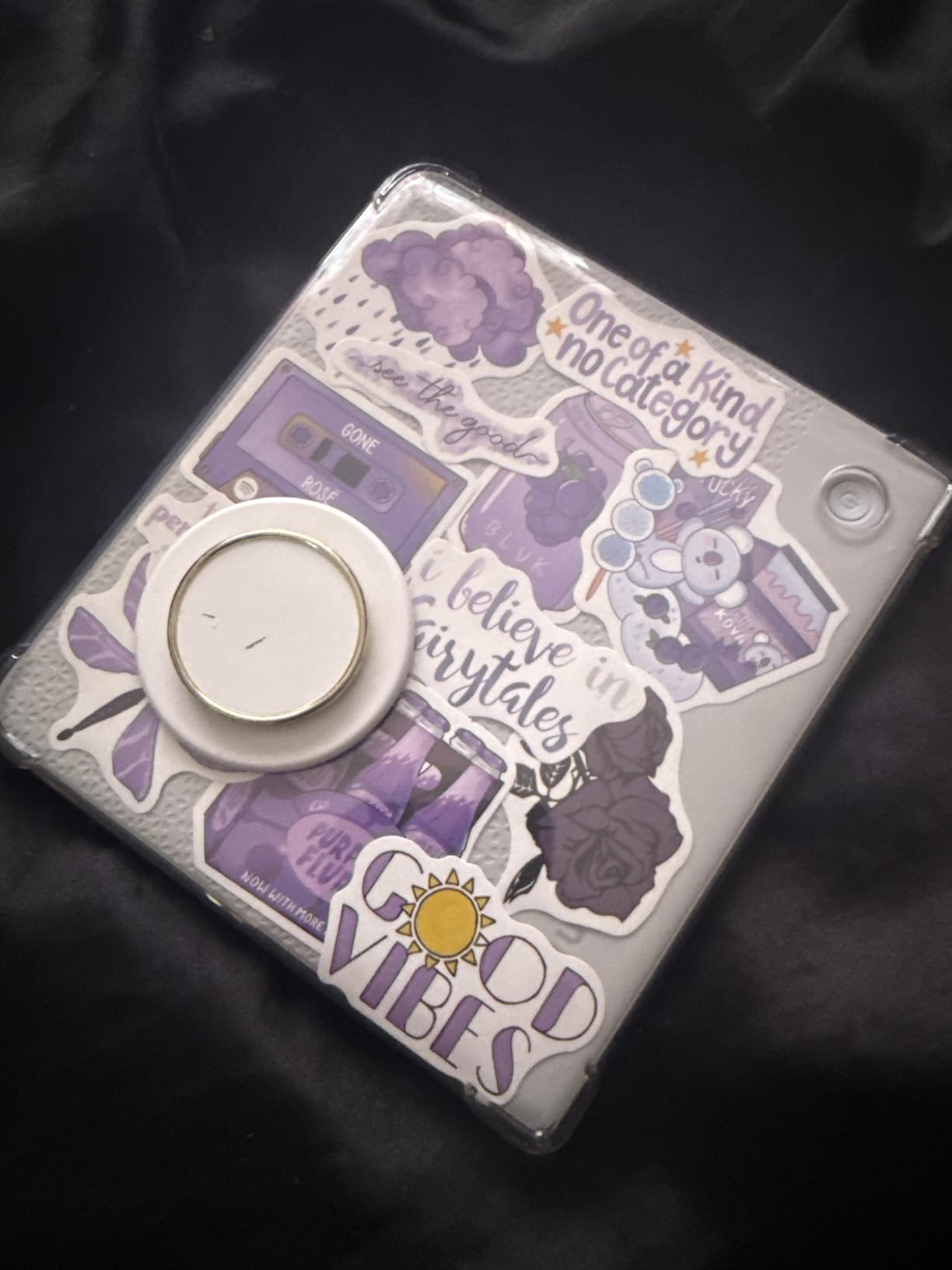
What really sets this device apart for me are the physical page-turn buttons. After years of swiping on touchscreens, having tactile buttons on the side of the device feels natural and precise. The ergonomic design with the asymmetrical grip makes it comfortable to hold for hours. The Kobo Stylus 2 support adds real value too, letting you take handwritten notes and annotate directly on your books.
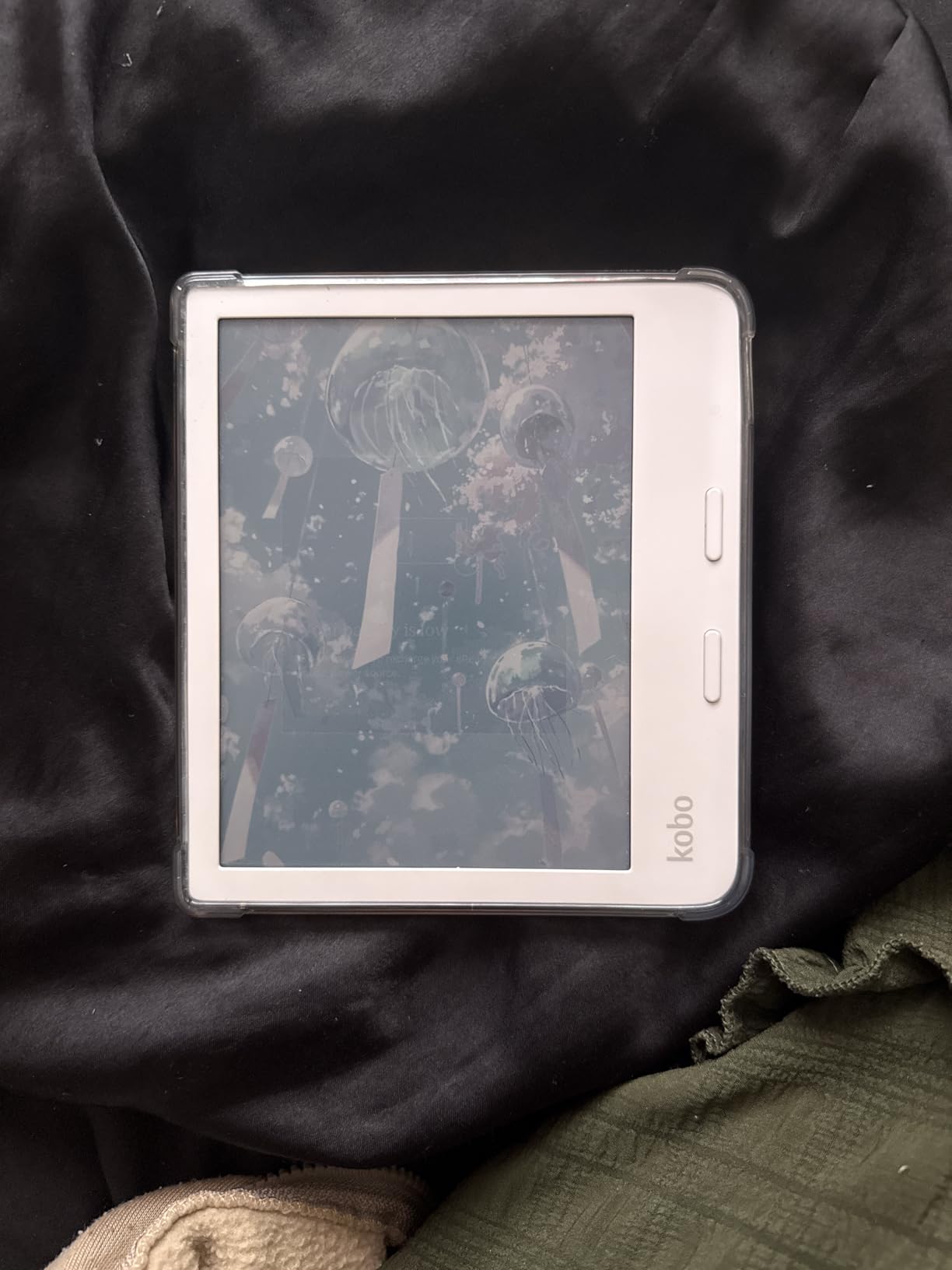
On the technical side, the 1680×1264 resolution delivers sharp text for standard reading. Colors show up nicely on book covers, illustrations, and graphic novels. The 32GB of storage holds roughly 24,000 ebooks, which is generous for a dedicated ereader. Battery life is rated at four weeks, and in my testing with moderate use including some color content, I got about three weeks before needing a charge.
The OverDrive integration is another big win. I borrow library books directly from the device without needing a computer or separate app. Google Drive and Dropbox support also make it easy to load your own files. The IPX8 waterproof rating means you can safely read in the bath or by the pool without worry.
Who Should Buy the Kobo Libra Colour
This is the ideal pick if you want a no-compromise color e reader that handles everything well. It works especially well for library users who borrow through OverDrive or Libby, and for readers who want both color content and note-taking in a single device. The page-turn buttons make it a favorite for people who prefer that tactile feedback over touch swiping.
Who Should Look Elsewhere
If you are deeply invested in the Kindle ecosystem and buy most of your books from Amazon, the Kobo store may feel limiting. Also, if you want the absolute best color quality regardless of cost, the color layer on all Kaleido 3 screens is inherently muted compared to tablets. Users who need a headphone jack for wired audio will also need to look at other options.
2. Kobo Clara Colour – Best Budget Color E Reader
Kobo Clara Colour | Colour eReader | 6″ Glare-Free Colour and Ink Kaleido 3 Display | Dark Mode Option | Waterproof | Audiobooks | 16GB of Storage | White
6 inch E Ink Kaleido 3
16GB Storage
IPX8 Waterproof
ComfortLight PRO
Dark Mode
Pros
- Compact 6-inch size
- Waterproof IPX8
- Multi-color highlighting
- ComfortLight PRO
- Lightweight design
Cons
- WiFi required to boot
- Slower with graphic content
- Limited to Kobo ecosystem
The Kobo Clara Colour is the compact option that punches well above its weight. At 6 inches, it is the perfect size to slip into a jacket pocket or small bag, and the lightweight design means you barely notice it is there. The E Ink Kaleido 3 display looks great for a screen this size, and the ComfortLight PRO feature with automatic blue light reduction makes nighttime reading genuinely comfortable.
I tested this device over a two-week period, reading everything from standard novels to illustrated children’s books. For regular text reading, it performs beautifully with sharp, clear text at 1072×1448 resolution. Colors show up nicely on book covers and simple illustrations. The multi-color highlighting feature is a standout, letting you organize your notes and annotations with different colors for different themes.
Battery life was solid at around two weeks with moderate daily use. The 16GB storage holds approximately 12,000 ebooks, which is plenty for most readers. The IPX8 waterproof rating is impressive at this price point. I also appreciate the eco-friendly construction using recycled and ocean-bound plastics. The dark mode option is a nice touch for late-night reading sessions.
The main frustration I ran into is that the device requires a WiFi connection to complete its initial boot. You cannot use it out of the box without internet access, which caught me off guard during testing at a location with poor connectivity. Performance with image-heavy books like graphic novels is noticeably slower than the larger Libra Colour.
Who Should Buy the Kobo Clara Colour
This is the right choice if you want an affordable entry point into color e-reading without sacrificing essential features. It is perfect for commuters and travelers who want a compact device that fits in a pocket. The waterproof rating makes it great for beach or pool reading, and the Kobo ecosystem with OverDrive support is excellent for library borrowers.
Who Should Look Elsewhere
If you primarily read graphic novels or comics, the 6-inch screen is too small to appreciate full-page artwork comfortably. Users who want a stylus for note-taking will need to step up to the Libra Colour. And if you need the device to work without an internet connection, the mandatory WiFi boot requirement will be a dealbreaker.
3. Kindle Colorsoft 16GB – Best Kindle Color E Reader
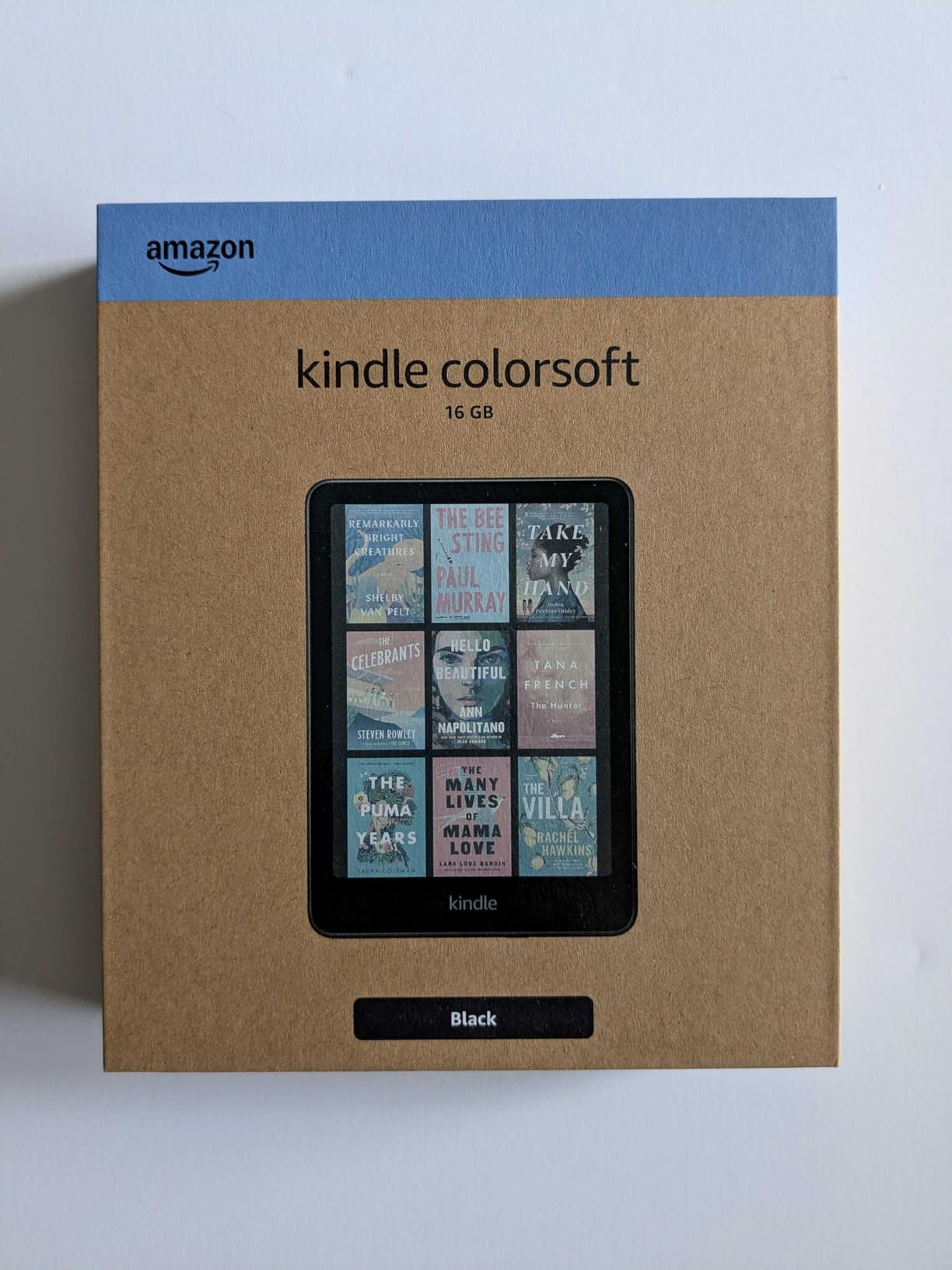
Amazon Kindle Colorsoft 16 GB (newest model) – With color display that brings covers and content to life, now highlight in color – No Ads – Black
7 inch Colorsoft Display
16GB Storage
IPX8 Waterproof
4 Color Highlighting
Adjustable Warm Light
Pros
- First color Kindle
- Excellent Kindle ecosystem
- 4 color highlighting
- Up to 8 week battery
- Waterproof design
Cons
- Only 11GB usable storage
- Muted colors vs tablets
- Some ghosting in dark mode
After years of waiting, Amazon finally released a color Kindle, and the Kindle Colorsoft does not disappoint for anyone already invested in the Amazon ecosystem. The 7-inch Colorsoft display delivers a solid color reading experience with excellent contrast for standard text and noticeably better visual appeal for illustrated content. With over 2,100 customer reviews and a 4.6-star average, the market has spoken positively about this device.
What I enjoyed most during my testing was the four-color highlighting feature. You can highlight passages in yellow, orange, blue, or pink, which is incredibly useful for academic reading or anyone who organizes their notes by color code. The adjustable warm light is comfortable for extended reading sessions, and the Page Color feature adds a tinted background that reduces eye strain.
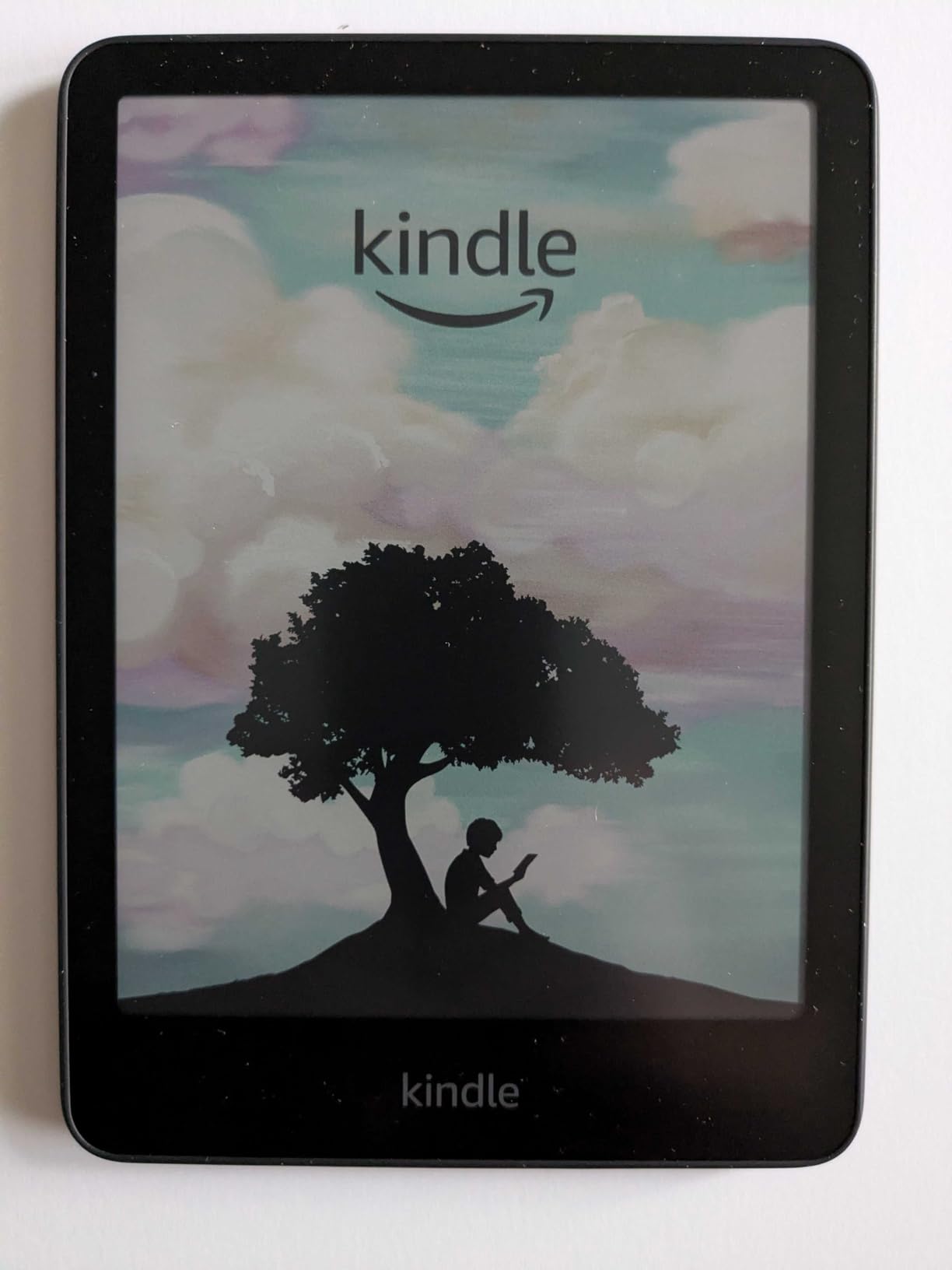
The Kindle ecosystem is the obvious advantage here. With access to over 15 million titles in the Kindle Store plus Kindle Unlimited, you will never run out of reading material. Battery life is rated at up to 8 weeks with typical use, and in my testing with a mix of text and color content, I got about five weeks. The IPX8 waterproof rating adds peace of mind for reading near water.
The biggest drawback is storage. Although advertised as 16GB, only about 11GB is usable after system software takes its share. For a device that can display color comics and graphic novels, which are much larger files than text-only books, this fills up faster than you might expect. There is no expandable storage option either. Some early units also had a yellow banding issue along the screen edge, though Amazon has been replacing affected devices.
Who Should Buy the Kindle Colorsoft
If you are already a Kindle user with a library of purchased ebooks, the Colorsoft is the natural upgrade path. It is also ideal for readers who want the largest possible bookstore selection and Kindle Unlimited subscribers. The four-color highlighting makes it surprisingly useful for students and researchers who annotate heavily.
Who Should Look Elsewhere
Readers who want to borrow books from their local library through OverDrive will find the Kindle’s library integration more limited than Kobo’s native support. If storage space is a priority and you read a lot of graphic novels, the 11GB usable space may feel tight. Android users who want Google Play Store access should consider the BOOX options instead.
4. Kindle Colorsoft Signature Edition 32GB – Best Premium Kindle
Amazon Kindle Colorsoft Signature Edition 32GB (newest model) – With color display, auto-adjusting front light, wireless charging, and long battery life – Metallic Black
7 inch Colorsoft Display
32GB Storage
Wireless Charging
Auto-Adjusting Front Light
IPX8 Waterproof
Pros
- 32GB storage for color content
- Wireless charging
- Auto-adjusting front light
- Premium build quality
- Up to 8 week battery
Cons
- Higher price point
- Yellow banding reported
- Colors appear muted
- Faster battery drain than B&W Kindles
The Kindle Colorsoft Signature Edition takes everything good about the base Colorsoft and adds meaningful upgrades. The doubled storage at 32GB with approximately 25GB usable is a significant improvement, especially for readers who load up on graphic novels, comics, and illustrated magazines. The premium metallic black finish gives it a more substantial feel in hand compared to the standard model.
What sets the Signature apart are the convenience features. The auto-adjusting front light uses an ambient light sensor to automatically set brightness based on your environment. I found this genuinely useful when moving between rooms with different lighting throughout the day. Wireless charging capability means you can just drop it on a compatible charging pad, though the dock is sold separately.
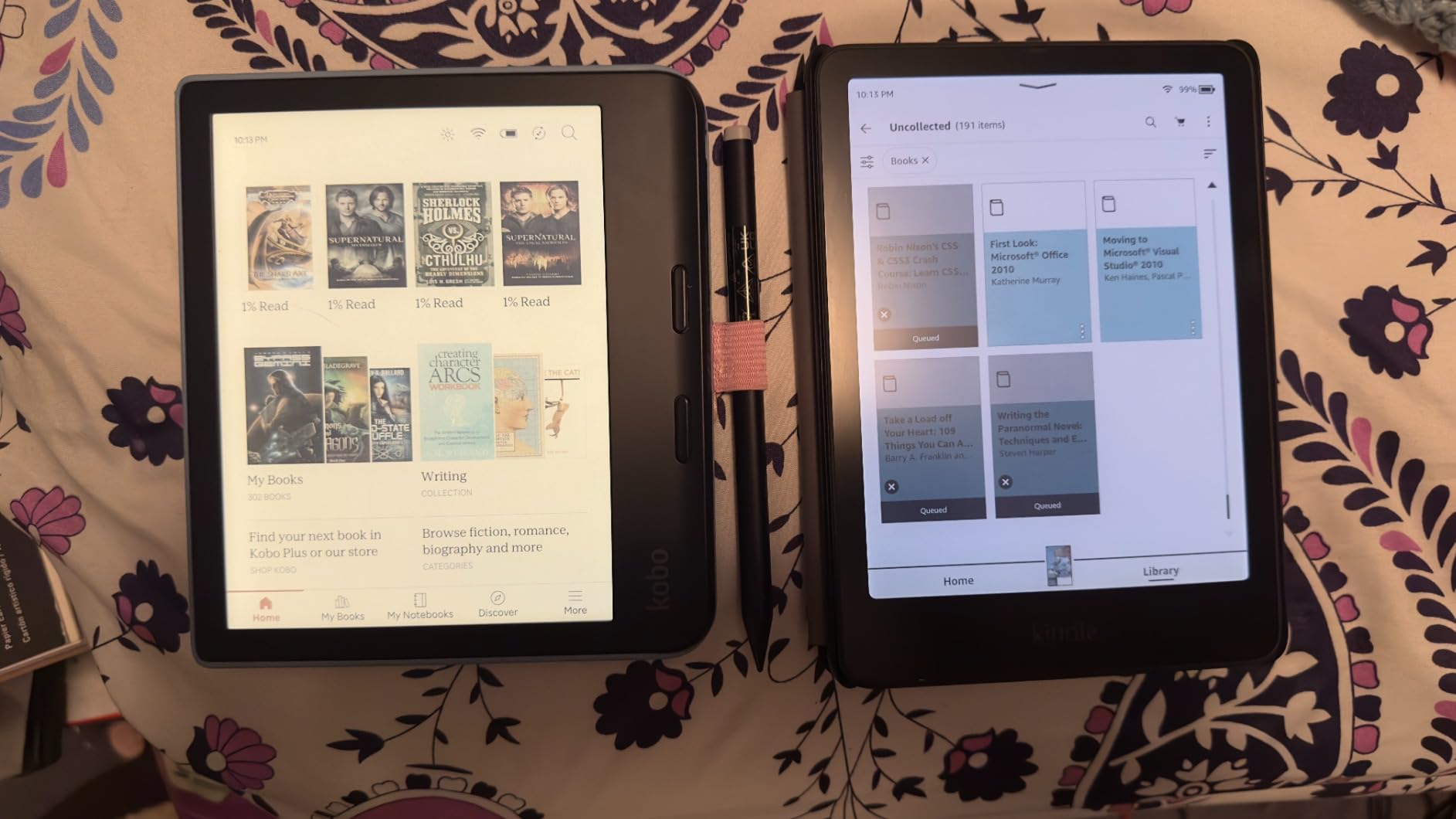
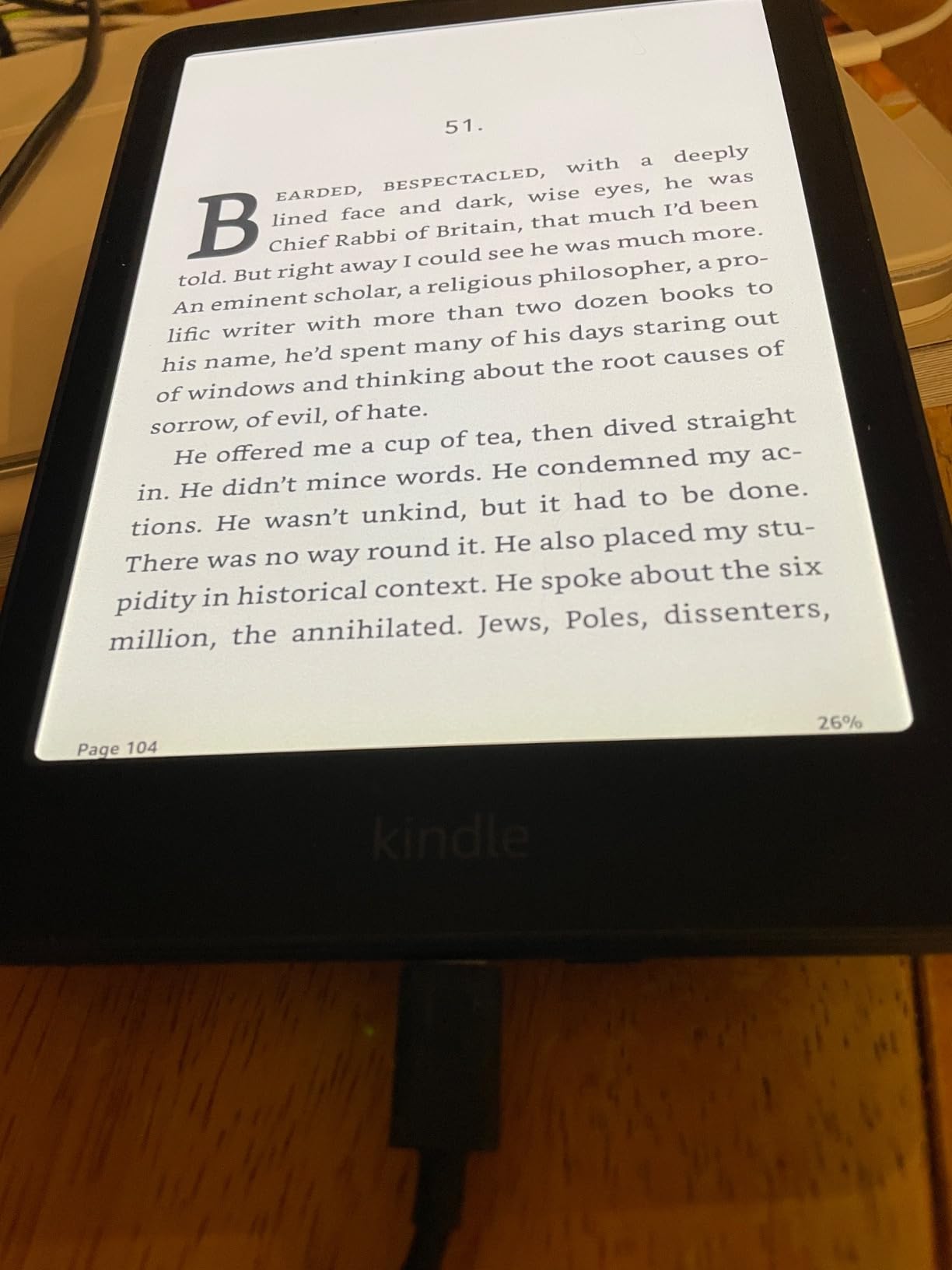
With over 5,300 customer reviews, this is the most-reviewed color Kindle, and the feedback is informative. At 4.2 stars, it scores notably lower than the base model, primarily due to quality control concerns. Many users report a yellow banding issue along the screen edge that affects the display appearance. The grainy texture from the color layer is also more noticeable on this model than on the standard Colorsoft.
Battery performance is another area where the Signature shows some weakness. In my testing, the auto-adjusting light and wireless charging hardware seem to drain the battery faster than the base model. I got about three and a half weeks with moderate use, which is still decent but noticeably less than the claimed eight weeks and shorter than the non-Signature version.
Who Should Buy the Signature Edition
This is the right pick for heavy Kindle ecosystem users who need more storage for graphic novels and illustrated content. The wireless charging and auto-adjusting light are quality-of-life upgrades that matter if you read constantly. If you want the premium Kindle experience with color, this is the one to get.
Who Should Look Elsewhere
Given the quality control issues reported by many users, I would recommend checking your return window carefully after purchase. If you are not bothered by the extra storage and convenience features, the base Colorsoft at a lower price delivers nearly the same core reading experience. Budget-conscious buyers should also consider the Kobo Libra Colour, which offers more features at a comparable price.
5. Kindle Scribe Colorsoft 64GB – Best for Note-Taking and Large Screen
Amazon Kindle Scribe Colorsoft 64GB (newest model) — 11” paper-like color display with front light — One notebook to replace them all — Write in notebooks, docs, and books. Pen included – Graphite
11 inch Colorsoft Display
64GB Storage
Premium Pen Included
Textured Writing Surface
AI Notebook Tools
Pros
- Large 11-inch display
- Premium Pen included
- AI-powered notebook tools
- Google Drive and OneDrive
- 64GB storage
Cons
- Very high price
- Heavier at 400g
- Colors muted vs tablets
- Lower contrast than B&W e-readers
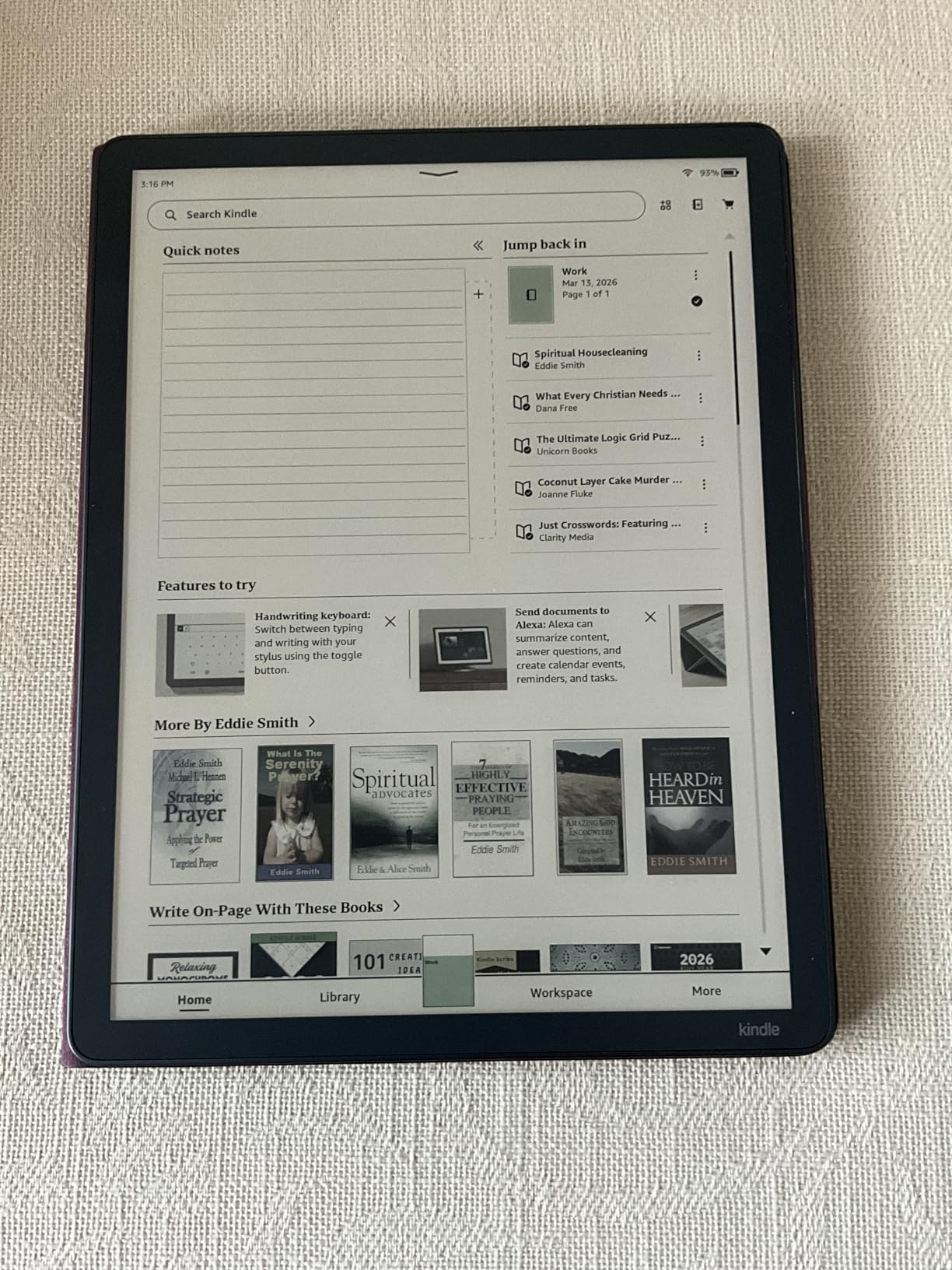
The Kindle Scribe Colorsoft is the most ambitious device on this list, combining a large 11-inch color display with serious note-taking capabilities. This is not just an e reader. It is a digital notebook that happens to be excellent for reading. The Premium Pen is included in the box, and the textured writing surface provides a paper-like feel that makes handwriting feel natural and satisfying.
I used the Scribe Colorsoft for a full month, taking meeting notes, annotating PDF documents, and reading graphic novels. The Active Canvas feature lets you write notes directly inside your books, which is a game-changer for academic and professional reading. AI-powered notebook tools can summarize your handwritten notes, create lists, and even refine your writing. The folder organization system keeps everything tidy.
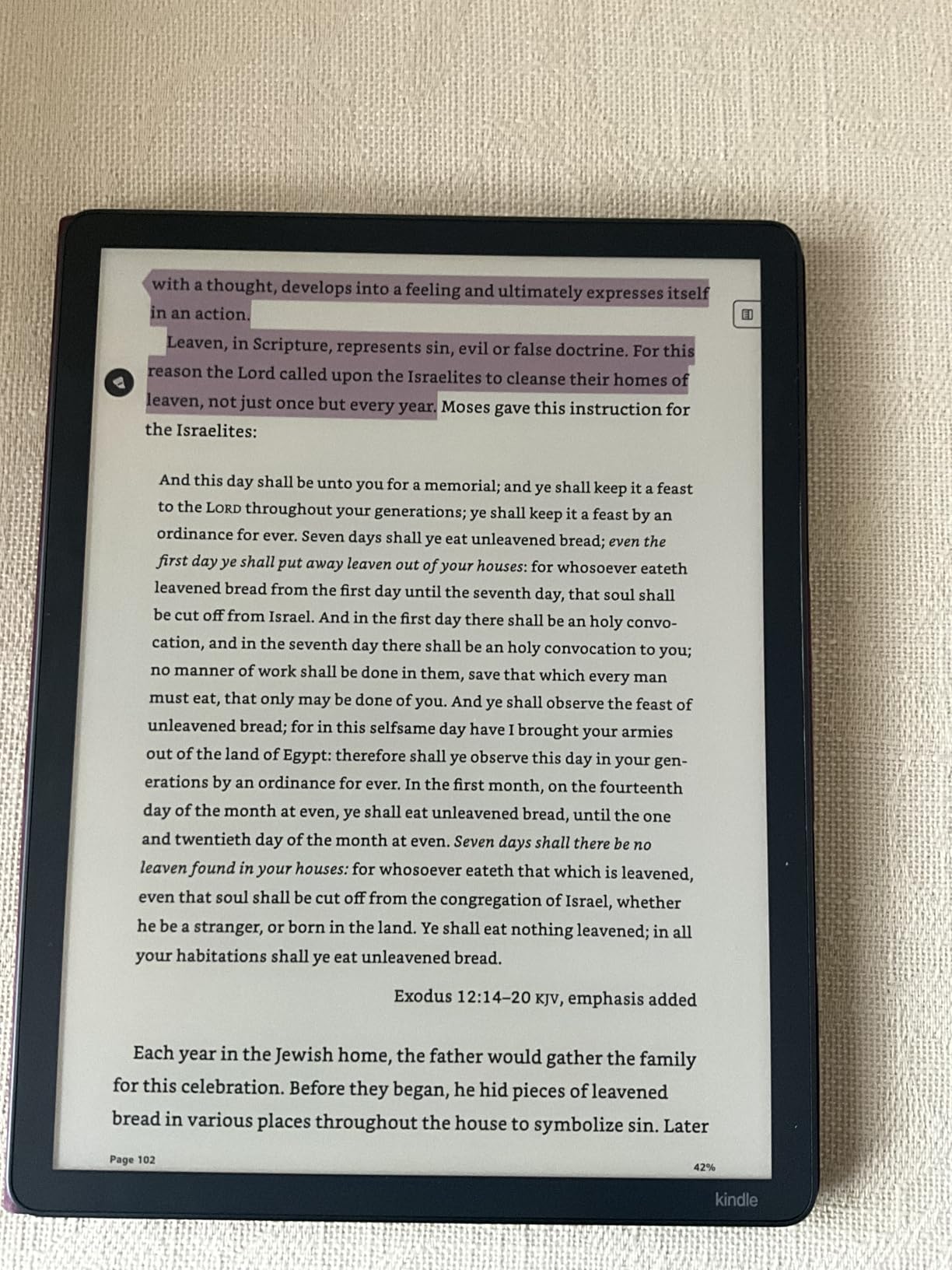
The 11-inch display is the largest screen among all the devices in this roundup, and it makes a real difference for comics, magazines, and PDF documents. At 64GB, storage is generous enough for a large library of both text and color content. Google Drive and Microsoft OneDrive integration make it easy to sync your notes across devices, and OneNote export support adds another layer of productivity.
However, this device comes with trade-offs. At 400 grams, it is noticeably heavier than any other option here and not comfortable for one-handed reading for extended periods. The color display, while good for the size, still shows the muted characteristics of color e-ink. At its price point, you are paying a significant premium for the large screen and note-taking features. Some users also report that downloading large graphic files is slow.
Who Should Buy the Kindle Scribe Colorsoft
This is the device for professionals and students who want to combine reading with serious note-taking in one device. The large screen is ideal for PDF documents, technical manuals, and academic papers. If you already use Google Drive or OneDrive for work, the cloud integration makes this a natural fit for your workflow.
Who Should Look Elsewhere
If you primarily want a reading device for novels, the Scribe is overkill in both size and price. The weight makes it impractical for reading in bed or during commutes. Readers on a budget can get 90% of the reading experience from the base Colorsoft or Kobo Libra Colour at less than half the price. Users who need the Google Play Store should look at the BOOX Note Air 5 C instead.
6. BOOX Go Color 7 Gen II – Best Android Color E Reader
BOOX Tablet Go Color 7 Gen II E Ink Tablet Support Active Stylus InkSense (Black)
7 inch Kaleido 3
Android 13 OS
4GB RAM 64GB Storage
Google Play Store
Page Turn Buttons
Pros
- Full Google Play Store access
- Kindle and Kobo apps work
- 64GB storage with microSD
- Lightweight at 195g
- Customizable refresh modes
Cons
- 4GB RAM limits multitasking
- Colors hard to distinguish
- Long startup time
- Background apps get killed
The BOOX Go Color 7 Gen II is the device for readers who refuse to be locked into a single ecosystem. Running Android 13 with full Google Play Store access, it lets you install Kindle, Kobo, Libby, ComiXology, and any other reading app you want, all on one device. This flexibility is something no Kindle or Kobo can match, and for many readers, it is the single most important feature.
At 195 grams, this is one of the lightest 7-inch color e readers available. The physical page-turn buttons are a welcome addition, and the octa-core processor with 64GB of storage provides plenty of space for apps and content. The microSD card slot supports additional storage, which is rare in this category. The front light offers both warm and cold temperature settings for comfortable reading in any environment.
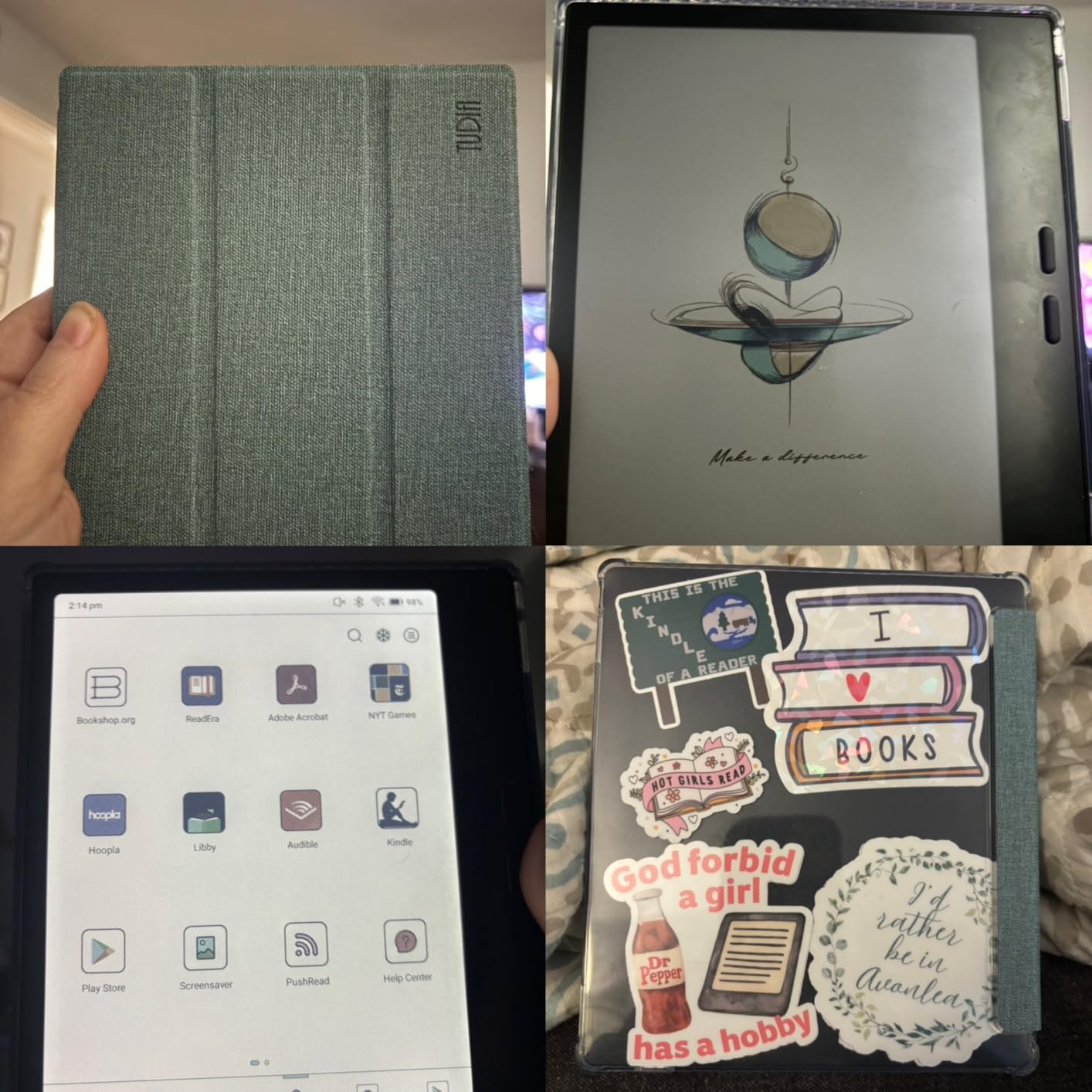
During my testing, I installed the Kindle app, Kobo app, and Libby for library books, and it was incredibly convenient to access all my libraries from a single device. The 1680×1264 resolution at 300 PPI for black-and-white and 150 PPI for color is standard for Kaleido 3 panels. BOOX offers multiple refresh modes that you can customize for different content types, which helps with the ghosting issues common to color e-ink.
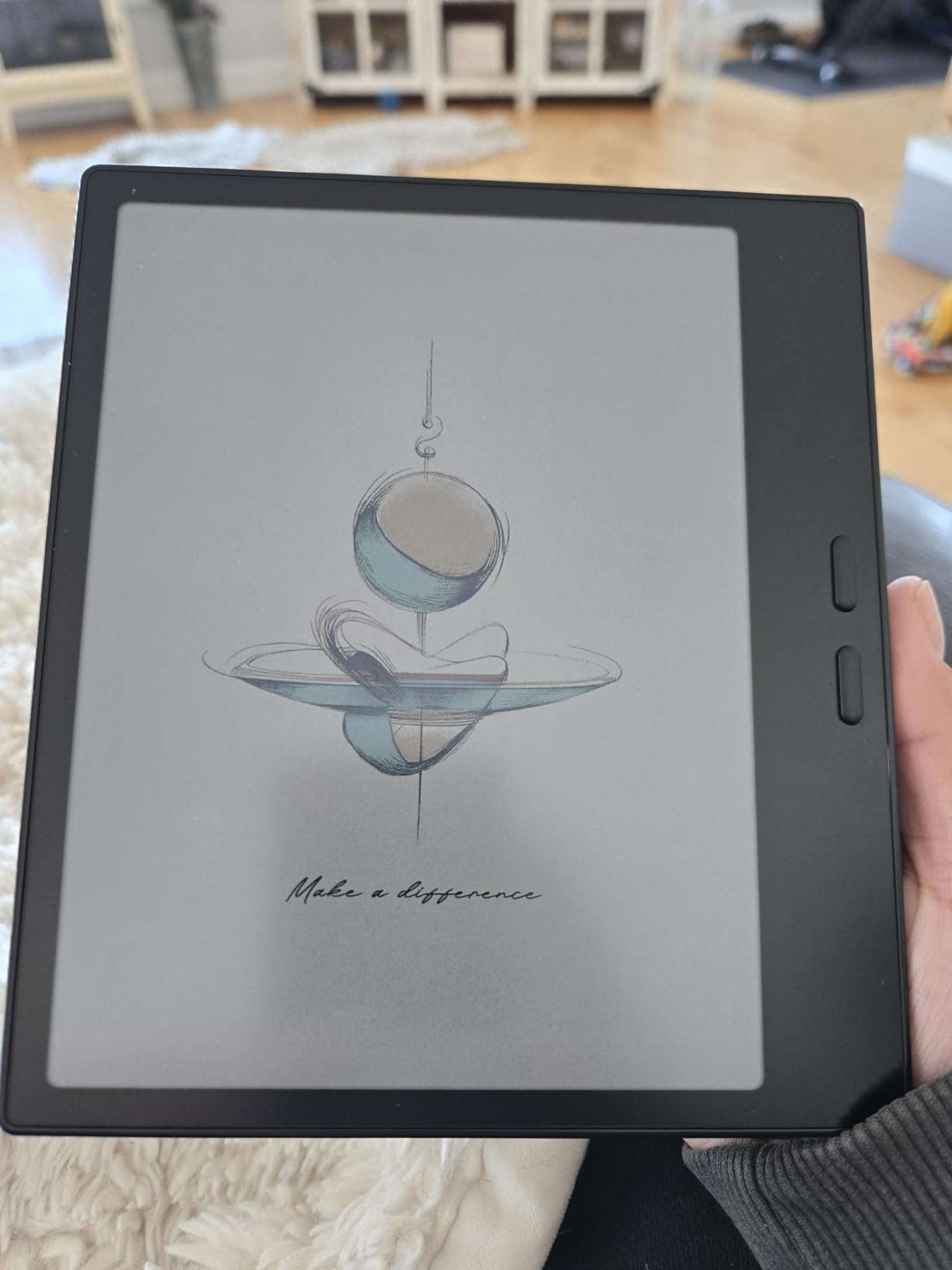
The drawbacks are real, though. With only 4GB of RAM, the device struggles when running multiple apps or heavy reading apps with large libraries. I noticed that apps frequently get killed in the background even with the stay-active setting enabled. The color reproduction is among the weakest I tested. Similar colors like yellow versus orange or green versus blue are difficult to tell apart. Startup takes about a full minute, which feels slow compared to Kindle or Kobo devices.
Who Should Buy the BOOX Go Color 7
This is the best option for readers who use multiple ebook platforms and want everything on one device. If you buy from Kindle, borrow from the library through Libby, and also read from the Kobo store, this device unifies your entire reading life. The Android openness also appeals to tech-savvy users who like to customize their devices.
Who Should Look Elsewhere
If you only use one ecosystem like Kindle or Kobo, a dedicated reader from that brand will give you a smoother, more integrated experience. The limited RAM means power users who want to run multiple apps simultaneously will be frustrated. If color accuracy is your top priority, the muted and sometimes indistinguishable colors on this display will disappoint you.
7. BOOX Note Air 5 C – Best Large Screen Color E Reader
BOOX Tablet 10.3″ Note Air 5 C 6G 64G E Ink Tablet Color ePaper Notebook
10.3 inch Kaleido 3
Android 15 OS
6GB RAM 64GB Storage
4096 Pressure Stylus
Fingerprint Reader
Pros
- Large 10.3-inch display
- 6GB RAM for multitasking
- Excellent handwriting-to-text
- Slim metal design
- Stylus included
Cons
- Poor battery life
- Colors dark and muted
- Heavy at 430g
- Long charging time
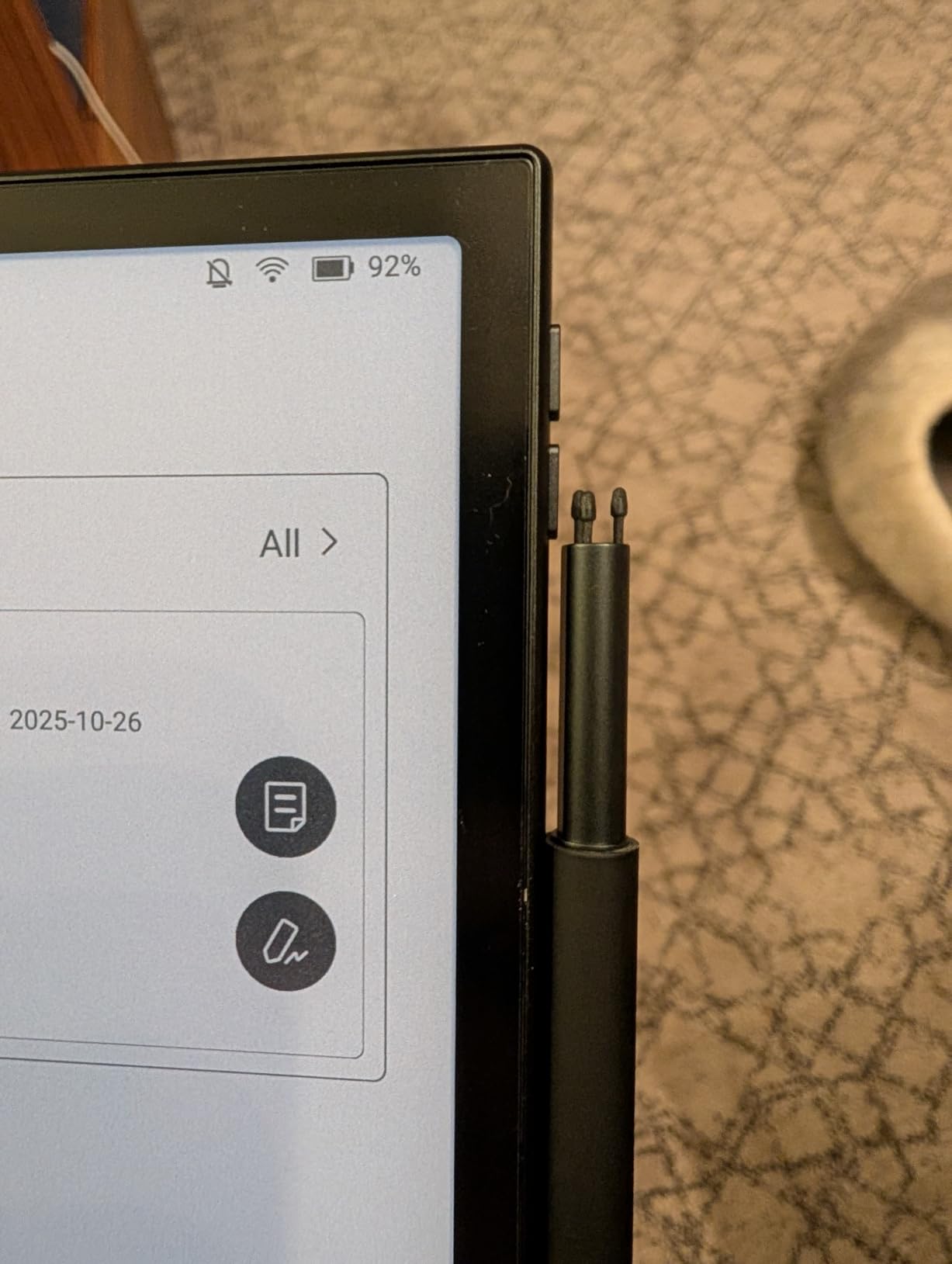
The BOOX Note Air 5 C is the larger sibling in the BOOX color lineup, and it targets a different kind of user. With a 10.3-inch Kaleido 3 display, 6GB of RAM, and Android 15, this device is designed for serious note-takers and document readers who also want color content. The included stylus attaches magnetically and offers 4,096 levels of pressure sensitivity, making it suitable for detailed drawing and writing.
I tested this device primarily for work-related document review and note-taking over a three-week period. The handwriting-to-text conversion is genuinely impressive, accurately converting even my messy cursive into editable text. The fingerprint reader on the power button is a premium touch that makes unlocking quick and secure. The slim metal design at just 5.8mm thick looks and feels premium.
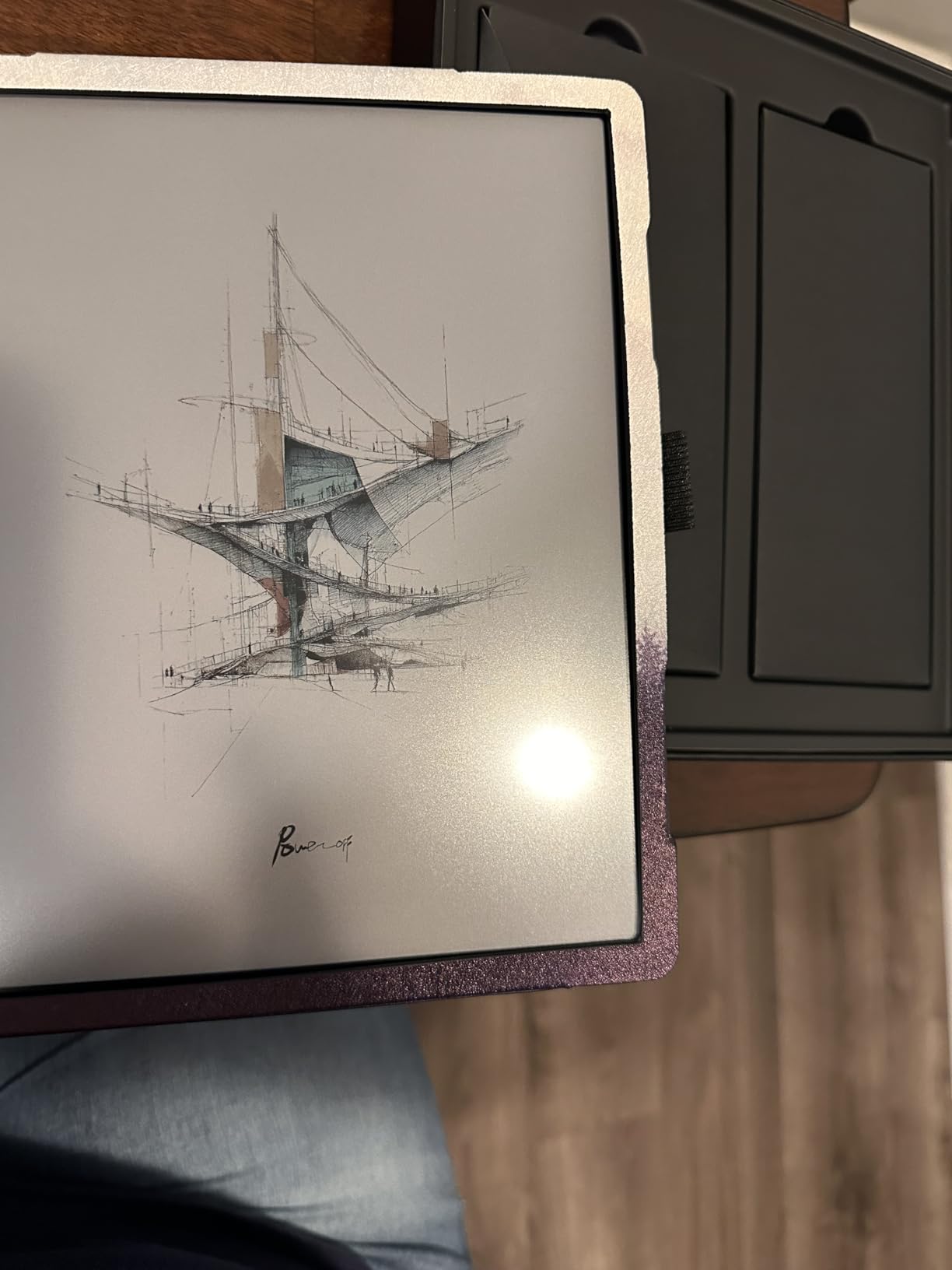
The 6GB of RAM makes a noticeable difference compared to the Go Color 7. Apps run more smoothly, and multitasking is actually feasible without constant app kills. The 2480×1860 resolution in black-and-white mode is crisp and detailed, though color resolution drops to 1240×930 as expected with Kaleido 3 technology. Dual speakers and a built-in microphone add versatility for audio content.
Battery life is the biggest weakness here. The 3,700mAh battery drains noticeably faster than any other device in this roundup, especially when using the stylus for writing. I needed to charge it roughly every four to five days with moderate use, and charging takes up to four hours from empty. The color display also appears darker than on smaller devices, and the screen door effect from the color filter layer is more visible on this larger panel.
Who Should Buy the BOOX Note Air 5 C
This is ideal for professionals and students who need a large-format device for document review, note-taking, and PDF annotation. The Android 15 OS with Google Play Store gives you access to productivity apps alongside reading apps. If you need a device that bridges the gap between an e reader and a digital notebook, this is one of the best options available.
Who Should Look Elsewhere
If you want a device primarily for casual reading, the weight at 430 grams and short battery life make this impractical for long reading sessions. The high price point puts it in competition with the Kindle Scribe Colorsoft, which offers a more polished reading and writing experience within the Kindle ecosystem. Budget-conscious buyers should look at smaller, lighter options.
8. Bigme B6 Color – Best Compact Android Option
Bigme B6 Color eReader, Colour Eink eBook Readers 6 Inch Android E-Readers Digital ePaper Tablet with Android 14, 4G+64GB, Adjustable Front Light Android E-Ink eReader Device with Audiobook Black
6 inch Kaleido Display
Android 14 OS
4GB RAM 64GB Storage
microSD up to 1TB
AI Features
Pros
- Compact and portable
- Expandable storage to 1TB
- Android 14 with apps
- Zero blue light display
- AI summarization features
Cons
- Very small 6-inch screen
- Poor color reproduction
- Short battery life
- Some apps incompatible
The Bigme B6 Color takes the approach of shrinking Android down to a pocket-sized 6-inch e reader. Running Android 14 with an octa-core processor at 2.3GHz, 4GB of RAM, and 64GB of storage, it packs a lot of computing power into a tiny form factor at just 175 grams. The microSD card slot supporting up to 1TB of expansion is a feature no other device on this list matches.
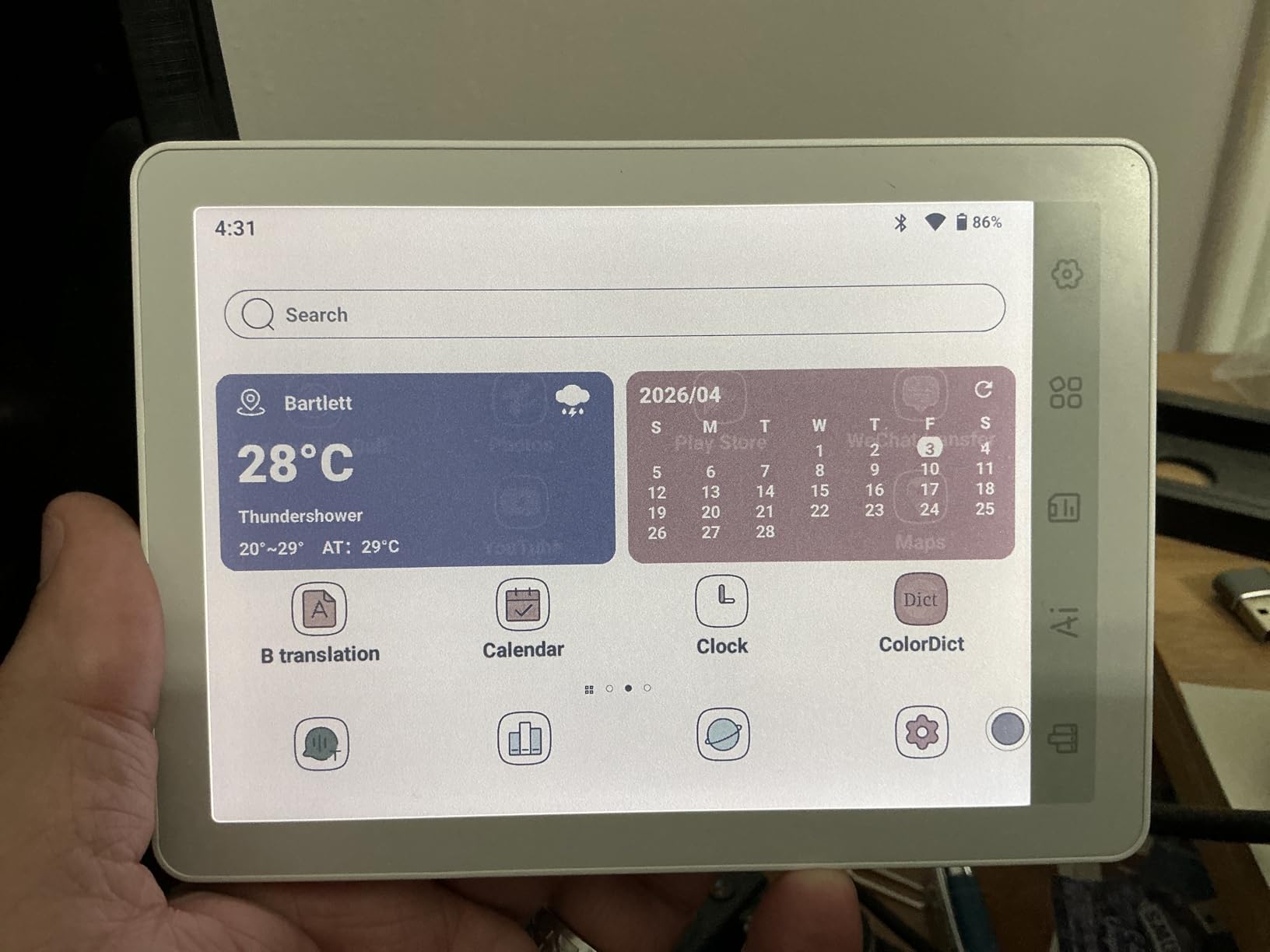
During my testing, I found the device responsive enough for basic reading tasks. The 36-level adjustable front light gives you fine control over brightness, and the four different screen refresh modes let you optimize for different content types. The AI features are an interesting addition, offering GPT-powered summarization, translation, and Q&A capabilities that could be useful for academic readers.
However, the 6-inch screen is a significant limitation for any color content. Comics, graphic novels, and illustrated textbooks feel cramped at this size. The color reproduction is among the weakest I tested, with muted tones that make it difficult to use for color-critical content like bird guidebooks or art books. Battery life also falls short of dedicated e readers, particularly if you use it for anything beyond basic reading.
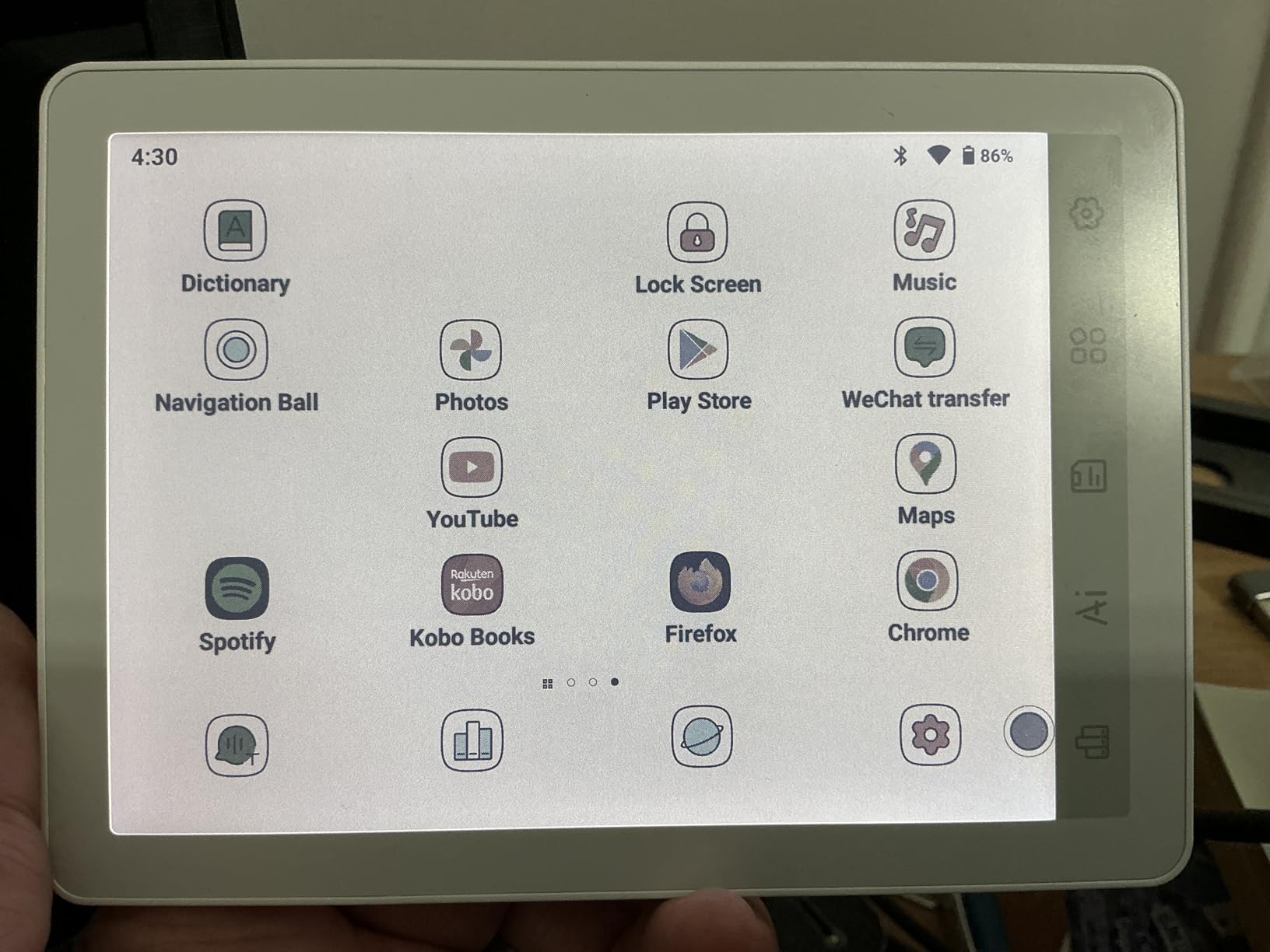
The Android app compatibility is inconsistent. While the Kindle app works well enough, apps like Spotify and Kobo have issues running properly on the e-ink display. The settings are scattered across multiple menus, making initial setup more complicated than it should be. At its price point, it faces tough competition from the Kobo Clara Colour, which offers a better reading experience in the same size category.
Who Should Buy the Bigme B6 Color
This is a niche pick for readers who specifically want Android flexibility in the smallest possible form factor. The expandable storage up to 1TB via microSD is unique and valuable for readers with enormous libraries. If you want AI-powered reading assistance features in a compact device, the Bigme B6 delivers something different from the mainstream options.
Who Should Look Elsewhere
Most readers would be better served by the Kobo Clara Colour, which costs less and delivers a superior reading experience at the same 6-inch size. If color quality matters to you, this device will disappoint. The limited app compatibility and short battery life make it hard to recommend over more established brands unless you specifically need the Android openness in a pocket-sized device.
9. PocketBook InkPad Color 3 – Best Screen Quality
PocketBook InkPad Color 3 E Ink E-Reader 32GB – Enhanced 7.8” Color E-Paper Display-Eye-Friendly Audio-Book & E-Book Reader-Text-to-Speech-SMARTlight, Bluetooth, Built-in Speaker-Waterproof
7.8 inch Kaleido 3
32GB Storage
IPX8 Waterproof
Text-to-Speech
Physical Page Buttons
Pros
- Best Kaleido 3 screen quality
- Neutral white background
- IPX8 waterproof
- Text-to-speech support
- Two-year warranty
Cons
- Only 1GB RAM
- No Android or Google Play
- 7.8 inch size awkward
- No SD card slot
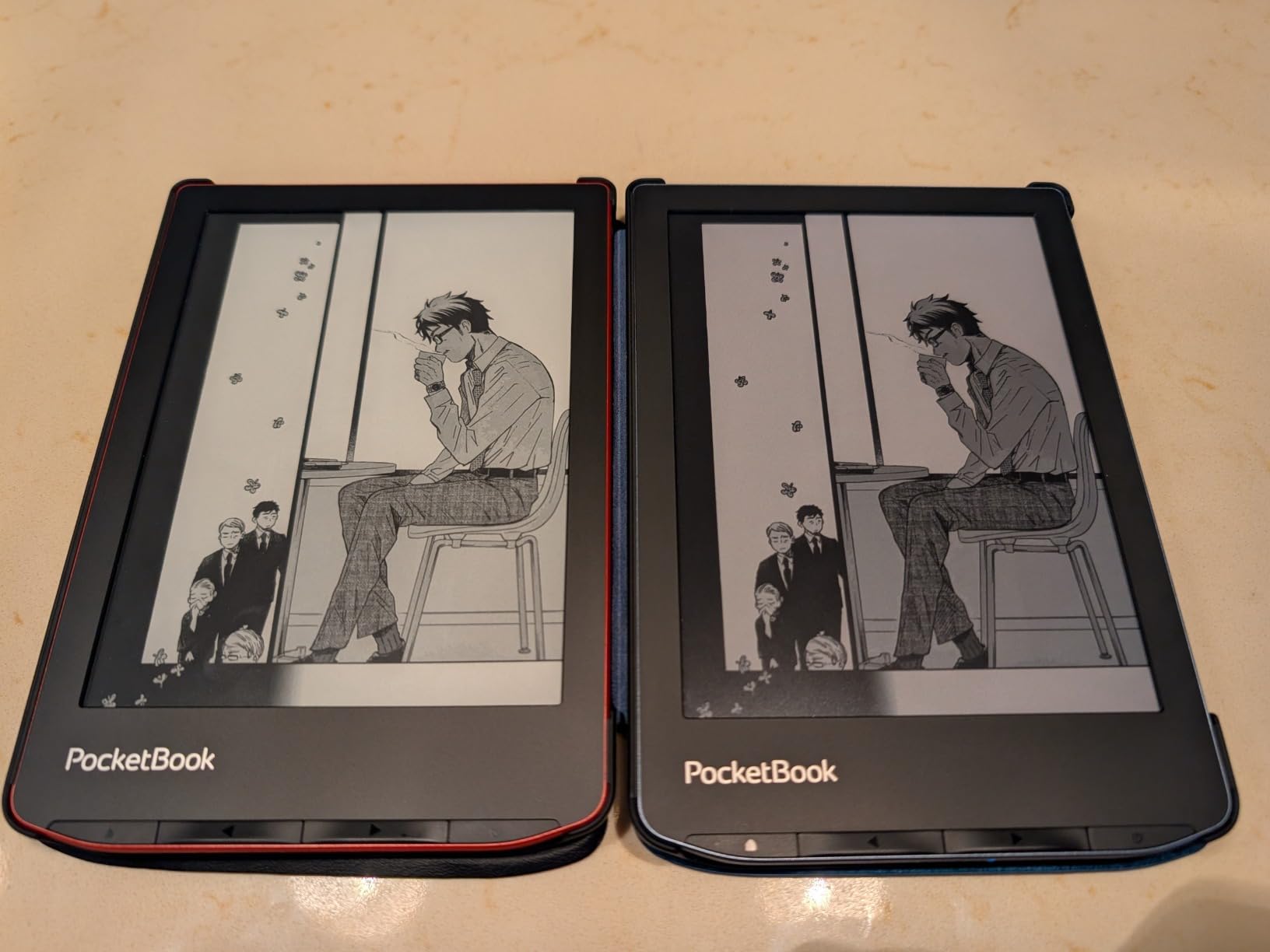
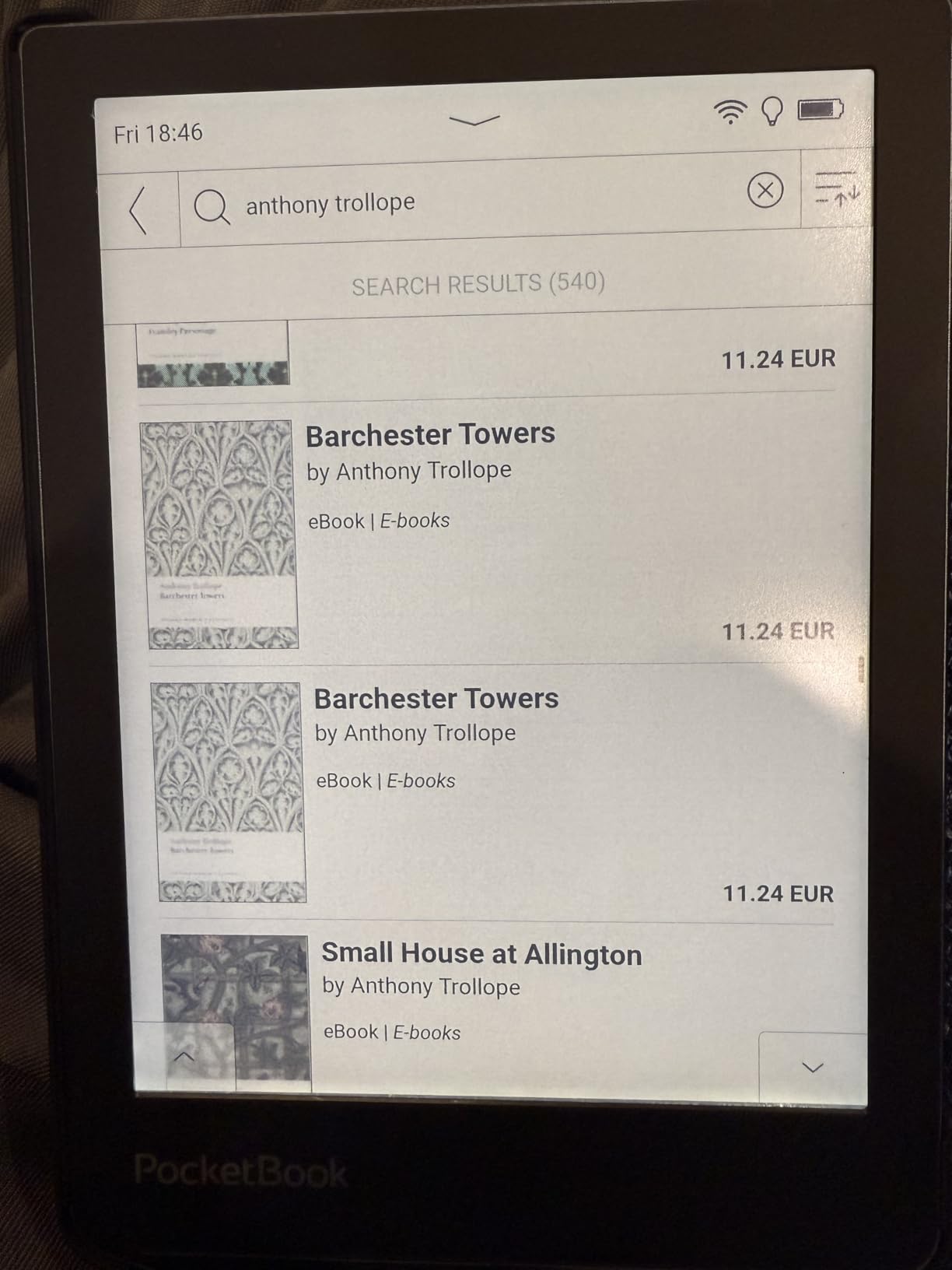
The PocketBook InkPad Color 3 has a secret weapon: it has the best Kaleido 3 screen I have seen on any color e reader. The neutral white background is cleaner than the slightly tinted backgrounds on Kobo and Kindle color displays, and the text sharpness is noticeably better. If screen quality is your top priority, this device delivers the best visual experience in the color e reader category.
I tested the InkPad Color 3 side by side with the Kobo Libra Colour and Kindle Colorsoft, and the screen difference was visible immediately. Colors appear slightly more vibrant, and the text has better contrast. The 7.8-inch display at 1404×1872 in greyscale provides plenty of resolution for crisp text. The SMARTlight technology offers smooth front light adjustment, and the IPX8 waterproof rating protects against accidents.
The device also includes some unique features. Text-to-speech support in multiple languages turns any compatible ebook into an audiobook. The built-in speaker and Bluetooth connectivity give you options for audio playback. Physical page-turn buttons are always welcome. PocketBook supports an impressive range of formats including EPUB, PDF, DJVU, MOBI, and more, without locking you into any specific ecosystem.
The trade-offs are significant though. With only 1GB of RAM and no Android operating system, you are limited to the built-in apps and the native PocketBook store. There is no Google Play Store access, no Kindle app, and no Kobo app. The 32GB storage is adequate but not expandable since there is no SD card slot. The 7.8-inch size is somewhat awkward, being too large for comfortable one-handed ebook reading but too small for an immersive comics or graphic novel experience.
Who Should Buy the PocketBook InkPad Color 3
If screen quality matters more than anything else, this is your device. It is also an excellent choice for readers who prefer open formats and do not want to be locked into Amazon or Kobo ecosystems. The text-to-speech feature is valuable for readers with visual impairments or those who listen to books while doing other tasks. The two-year warranty provides added confidence.
Who Should Look Elsewhere
If you rely on specific apps from the Kindle, Kobo, or Google Play stores, this device will not work for you. The 1GB of RAM means it is slower than Android-based alternatives for navigation and opening large files. Readers who want a stylus for note-taking should look at the Kobo Libra Colour or BOOX devices instead. Quality control issues with light gradients and screen defects have also been reported by some users.
10. Musnap Ocean C – Best Value Android E Reader
Musnap Ocean C 64GB+4GB 7” Color eBook Reader Supports Handwriting, 7” Color E-Ink Paper Tablet with Long Battery Life for Reading and Writing (Not Included Musnap Stylus Pen)
7 inch Color E-Ink
Android OS
4GB RAM 64GB Storage
Page Turn Buttons
Stylus Support
Pros
- Excellent value for money
- Fast and snappy performance
- 64GB storage
- Android with Google Play
- Physical page buttons
Cons
- No microSD expansion
- Stylus sold separately
- Notes app lacks cloud sync
- Some UI translation errors
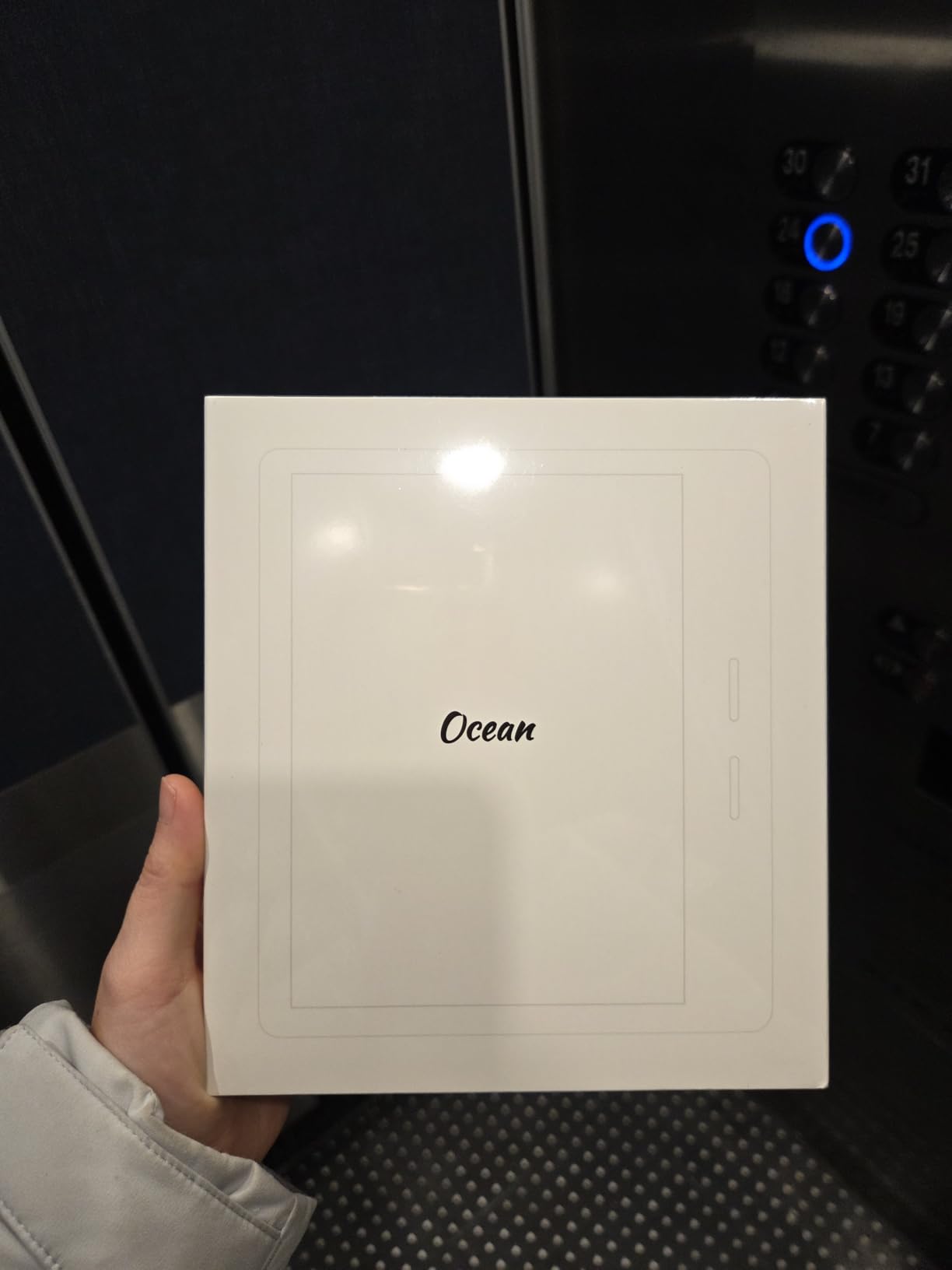
The Musnap Ocean C is a pleasant surprise. From a lesser-known brand, this 7-inch color e reader delivers surprisingly solid performance at a competitive price. Running Android with Google Play Store access, it gives you the flexibility to install any reading app you want. With an octa-core processor at 2.2GHz, 4GB of RAM, and 64GB of storage, the hardware specifications are competitive with devices costing significantly more.
What impressed me most during testing was how snappy the device feels. Page turns are fast, app launches are quick, and navigation is smooth. The physical page-turn buttons on the left side work well and add a nice tactile dimension to the reading experience. The sunken screen design protects the display from scratches when placed face-down on a table, which is a thoughtful design choice.
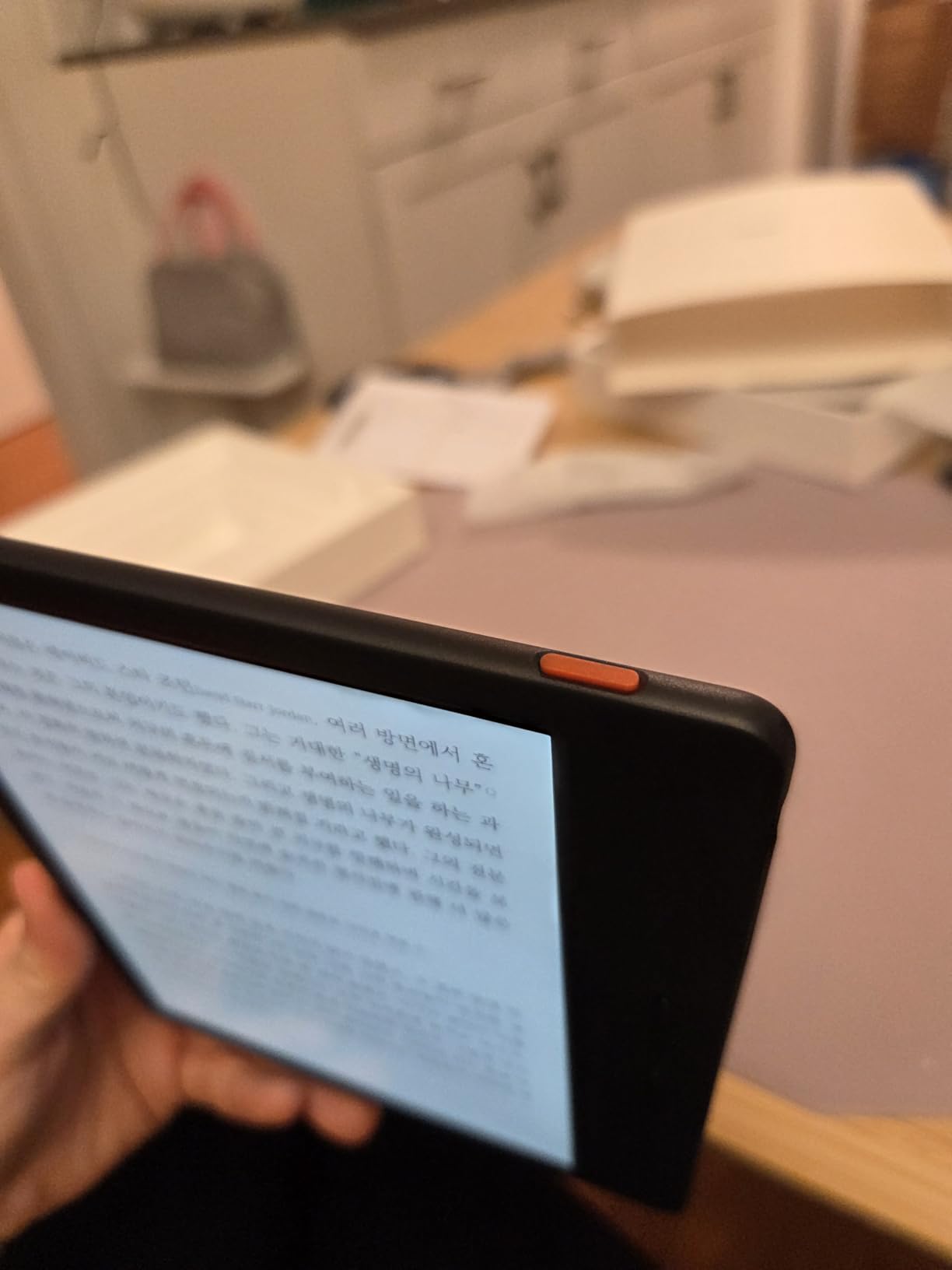
The 7-inch size is the sweet spot for both ebook reading and comics. The leather-like back finish provides a comfortable grip, and the lightweight design makes it easy to hold for extended periods. Battery life for reading is solid, lasting about a week and a half with moderate daily use. The front light with brightness and color temperature adjustment handles different lighting conditions well.
The downsides are mostly software-related. The notes app lacks cloud sync, so your handwritten notes stay on the device unless you manually export them. The page-turn buttons do not work within the Kindle app, which is frustrating. There are some translation errors in the menu system that suggest the software was not originally designed for English-speaking markets. The stylus is sold separately and the eraser button design has been criticized by users.
Who Should Buy the Musnap Ocean C
If you want Android flexibility, solid performance, and a good 7-inch display without paying premium prices, the Ocean C delivers excellent value. It works well for readers who use multiple reading platforms and want them all accessible on one device. The combination of page-turn buttons, 64GB storage, and Google Play access at this price is genuinely competitive.
Who Should Look Elsewhere
If you want a polished, bug-free software experience, the Kindle and Kobo platforms are more refined. The lack of microSD expansion means you are limited to the built-in 64GB. Users who plan to use the device heavily for note-taking will be frustrated by the basic notes app without cloud sync. Brand reputation and long-term support are also question marks with a smaller manufacturer.
How to Choose the Best Color E Reader for Your Needs?
Picking the right color e reader comes down to understanding what you actually need the device to do. After testing all 10 of these devices, I can tell you that each one has a clear sweet spot where it excels. Here is what to consider before making your decision.
Understanding Color E-Ink Technology
All the color e readers in this guide use E Ink Kaleido 3 technology, which layers a color filter array over a standard black-and-white e-ink panel. This allows the display to show 4,096 colors while maintaining the paper-like reading experience that makes e-ink superior to LCD for long reading sessions. The trade-off is that color resolution is lower than black-and-white resolution, typically 150 PPI for color compared to 300 PPI for text.
The result is colors that appear more muted and pastel-like than what you see on a phone or tablet screen. Think of the color quality as similar to a slightly faded photograph or a watercolor painting rather than a glossy magazine print. This is not a defect. It is the nature of current color e-ink technology. All color e readers share this characteristic regardless of brand.
Ecosystem Choice: Kindle vs Kobo vs Android
Your ebook library is the single biggest factor in choosing a device. If you have already purchased hundreds of Kindle books, staying with Amazon makes the most sense. The Kindle Colorsoft and Scribe Colorsoft give you seamless access to your existing library, Kindle Unlimited, and the largest ebook store available.
Kobo is the strongest choice for library borrowers. The native OverDrive integration on Kobo devices lets you browse, borrow, and read library books directly from the device without needing a separate app or computer. The Kobo store also supports EPUB format natively, giving you more flexibility for sideloading your own files.
Android-based devices from BOOX, Bigme, and Musnap offer the most flexibility since you can install Kindle, Kobo, Libby, and any other reading app. The trade-off is a less polished experience compared to dedicated e readers, with more setup required and occasional compatibility issues.
Screen Size and Portability
Color e readers come in sizes from 6 inches up to 11 inches. The 6-inch devices like the Kobo Clara Colour and Bigme B6 are the most portable, easily fitting in pockets and small bags. They work well for text-heavy reading but feel cramped for comics and graphic novels.
The 7-inch to 7.8-inch range is the sweet spot for most people. Devices like the Kobo Libra Colour, Kindle Colorsoft, BOOX Go Color 7, and Musnap Ocean C balance readability and portability. They are large enough to display comics and illustrated content comfortably while still being manageable for one-handed reading.
The 10.3-inch and 11-inch devices like the BOOX Note Air 5 C and Kindle Scribe Colorsoft are best for document reading, note-taking, and PDF review. They are heavier and less portable but offer significantly more screen real estate for detailed visual content.
Battery Life Considerations
Color e readers generally have shorter battery life than their black-and-white counterparts because the color layer requires different screen refresh patterns. Expect roughly 50-70% of the battery life you would get from a monochrome e reader of the same size. Dedicated e readers from Kindle and Kobo still manage multiple weeks of battery life, while Android-based devices tend to need charging more frequently, especially when running multiple apps.
Note-Taking and Stylus Support
If handwritten notes matter to you, the Kindle Scribe Colorsoft is the most polished option with its included Premium Pen and AI-powered notebook tools. The BOOX Note Air 5 C offers similar functionality with Android flexibility. The Kobo Libra Colour supports the Kobo Stylus 2 for basic annotations and highlighting, though it is not as focused on note-taking as the Scribe.
Library Integration
For library borrowers, Kobo devices offer the best native OverDrive and Libby integration. You can browse your local library, place holds, and borrow books directly from the device. Kindle devices work with library borrowing through the Libby app on your phone, which then sends the book to your Kindle. Android devices can run the Libby app directly. PocketBook also supports Libby natively on the InkPad Color 3.
FAQs
Is it worth getting a color ereader?
A color ereader is worth it if you read graphic novels, comics, illustrated textbooks, or children’s books. The color display brings book covers, illustrations, and graphic content to life in a way that black-and-white e-ink cannot. However, if you primarily read text-only novels, a standard black-and-white e reader will serve you just as well at a lower price. Color e-ink also enables multi-color highlighting, which is useful for students and researchers who organize notes by color.
What is the best color Kindle reader?
The Kindle Colorsoft 16GB is the best color Kindle for most readers, offering a 7-inch Colorsoft display, 4-color highlighting, and seamless Kindle ecosystem integration. The Kindle Colorsoft Signature Edition 32GB adds wireless charging and more storage, while the Kindle Scribe Colorsoft 64GB provides a large 11-inch screen and included Premium Pen for note-taking.
What is the best color ebook reader 2026?
The Kobo Libra Colour is the best overall color ebook reader in 2026, offering an excellent 7-inch Kaleido 3 display, physical page-turn buttons, stylus support, and the best library integration through OverDrive. For Kindle users, the Kindle Colorsoft 16GB is the top pick. For maximum flexibility with Android apps, the BOOX Go Color 7 Gen II gives you access to all reading platforms on one device.
Do color e-readers show accurate colors?
Color e-readers using E Ink Kaleido 3 technology can display 4,096 colors, but the colors appear more muted and pastel-like compared to LCD or OLED screens on tablets and phones. The color resolution is also lower, typically 150 PPI for color versus 300 PPI for black-and-white text. Colors are accurate enough for book covers, illustrations, and comics but not vivid enough for color-critical work like photo editing or art reference.
Are color e-readers good for comics and manga?
Color e-readers are good for comics and manga if you choose the right screen size and manage your expectations. A 7-inch or larger display works best for reading full comic pages without constant zooming. The muted color palette still represents comic artwork better than black-and-white e-ink. The Kindle Scribe Colorsoft at 11 inches offers the best comic reading experience, while the Kobo Libra Colour and Kindle Colorsoft at 7 inches are solid portable options for manga and comics.
Final Thoughts on the Best Color E Readers
Finding the best color e readers in 2026 comes down to matching the device to how you actually read. The Kobo Libra Colour stands out as our top pick overall for its excellent balance of screen quality, page-turn buttons, stylus support, and library integration. The Kobo Clara Colour delivers the best value for budget-conscious readers who want color without paying a premium. And for Kindle loyalists, the Kindle Colorsoft 16GB brings color to the world’s most popular e reader platform.
For readers who want maximum flexibility, the BOOX Go Color 7 Gen II and Musnap Ocean C offer Android with Google Play Store, letting you access every ebook platform from a single device. Professionals and students who need note-taking alongside reading should consider the Kindle Scribe Colorsoft or BOOX Note Air 5 C for their larger screens and stylus support.
Color e-ink technology has matured significantly, and any of these 10 devices will give you a reading experience that was impossible just a few years ago. Choose the one that fits your ecosystem, screen size preference, and budget, and you will be reading in color before you know it.