Finding the right device that works as both a laptop and a tablet used to mean compromising on one or the other. I spent the last few months testing convertibles and detachables from every major brand to figure out which ones actually deliver on that promise without trade-offs that ruin the experience.
The best 2 in 1 laptops in 2026 have gotten significantly better at blending tablet flexibility with real laptop performance. Whether you need a machine for taking handwritten notes in class, signing documents on the go, or just having a touchscreen that folds into a tablet for Netflix, there is a solid option at nearly every budget.
Our team looked at 6 of the most popular 2-in-1 laptops available right now. We tested everything from detachable tablet-style devices like the Microsoft Surface Pro to traditional 360-degree convertibles like the Lenovo Yoga 7i and HP OmniBook. I paid close attention to hinge quality, touchscreen responsiveness, stylus support, battery life, and whether the keyboard actually feels good to type on. Here is what we found.
Table of Contents
Top 3 Picks for 2-in-1 Laptops


6 Best 2-in-1 Laptops in 2026
| Product | Specifications | Action |
|---|---|---|
| Microsoft Surface Pro 2-in-1 |
|
Check Latest Price |
| HP OmniBook X FLIP 16-inch |
|
Check Latest Price |
| Lenovo IdeaPad 5 Flex 14-inch |
|
Check Latest Price |
 Lenovo Yoga 7i 2-in-1 16-inch Lenovo Yoga 7i 2-in-1 16-inch |
|
Check Latest Price |
 ASUS Chromebook Flip CX1 14-inch ASUS Chromebook Flip CX1 14-inch |
|
Check Latest Price |
 Dell Latitude 7420 2-in-1 Dell Latitude 7420 2-in-1 |
|
Check Latest Price |
1. Microsoft Surface Pro 2-in-1 – Best Overall Detachable
Microsoft Surface Pro 2-in-1 Laptop/Tablet (2024), Windows 11 Copilot+ PC, 13″ Touchscreen Display, Snapdragon X Plus (10 Core), 16GB RAM, 512GB Storage, Sapphire
Snapdragon X Plus 10-Core
16GB LPDDR5
512GB SSD
13 inch 2880x1920 Touch
Wi-Fi 7
14hr Battery
2 lbs
Pros
- Exceptional 14-hour battery life
- Ultra-portable at just 2 pounds
- Versatile detachable form factor
- Gorgeous 13 inch touchscreen with 2880x1920 resolution
- Face recognition security
Cons
- Keyboard sold separately
- ARM architecture limits some apps
- Only 2 USB-C ports
I used the Surface Pro as my daily driver for about three weeks, and it quickly became clear why this device consistently tops best 2-in-1 laptops lists. The Snapdragon X Plus processor handles everyday workloads without breaking a sweat. I had Chrome with 15 tabs open, a Word document, and Spotify running simultaneously, and everything stayed smooth.
The 13-inch PixelSense Flow touchscreen at 2880×1920 resolution is genuinely beautiful. Text looks crisp, colors are accurate enough for casual photo editing, and the touch response feels instant. At just 2 pounds, this is the lightest device in our lineup and the one I most often grabbed when heading out the door. The built-in kickstand is stable on laps, desks, and even airplane tray tables.
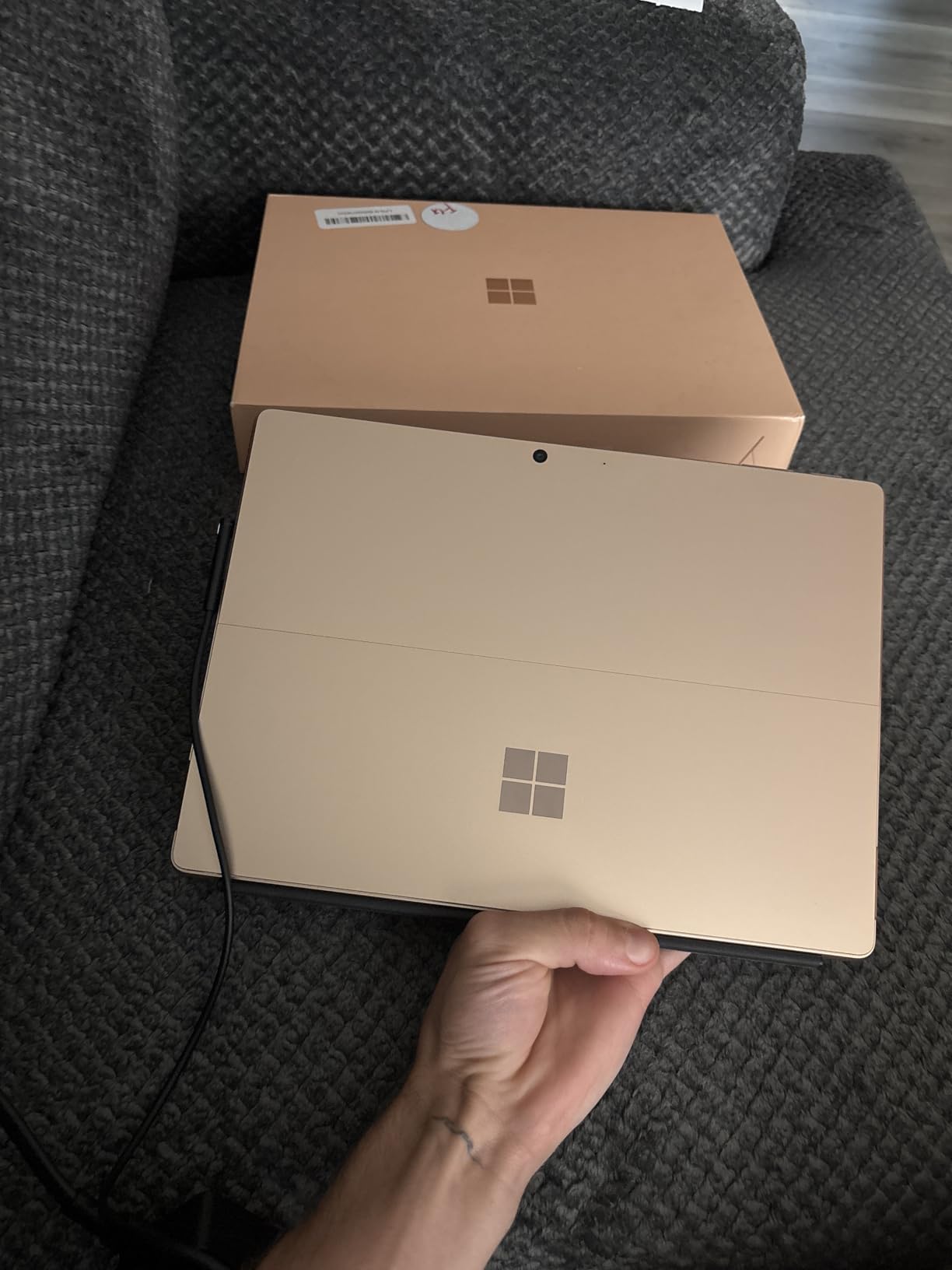
Battery life was the biggest surprise. I regularly got between 12 and 14 hours of mixed use, which included web browsing, document editing, and streaming video. That is among the best I have seen from any Windows machine. The face recognition login works fast and reliably, even in low light.
The downsides are real though. The keyboard cover is sold separately, which adds to the total cost. And because this runs on ARM architecture, a small number of older Windows applications either do not work or run through emulation with reduced performance. Most common apps like Office, Chrome, and Spotify run natively without issues.
Who Should Buy the Surface Pro
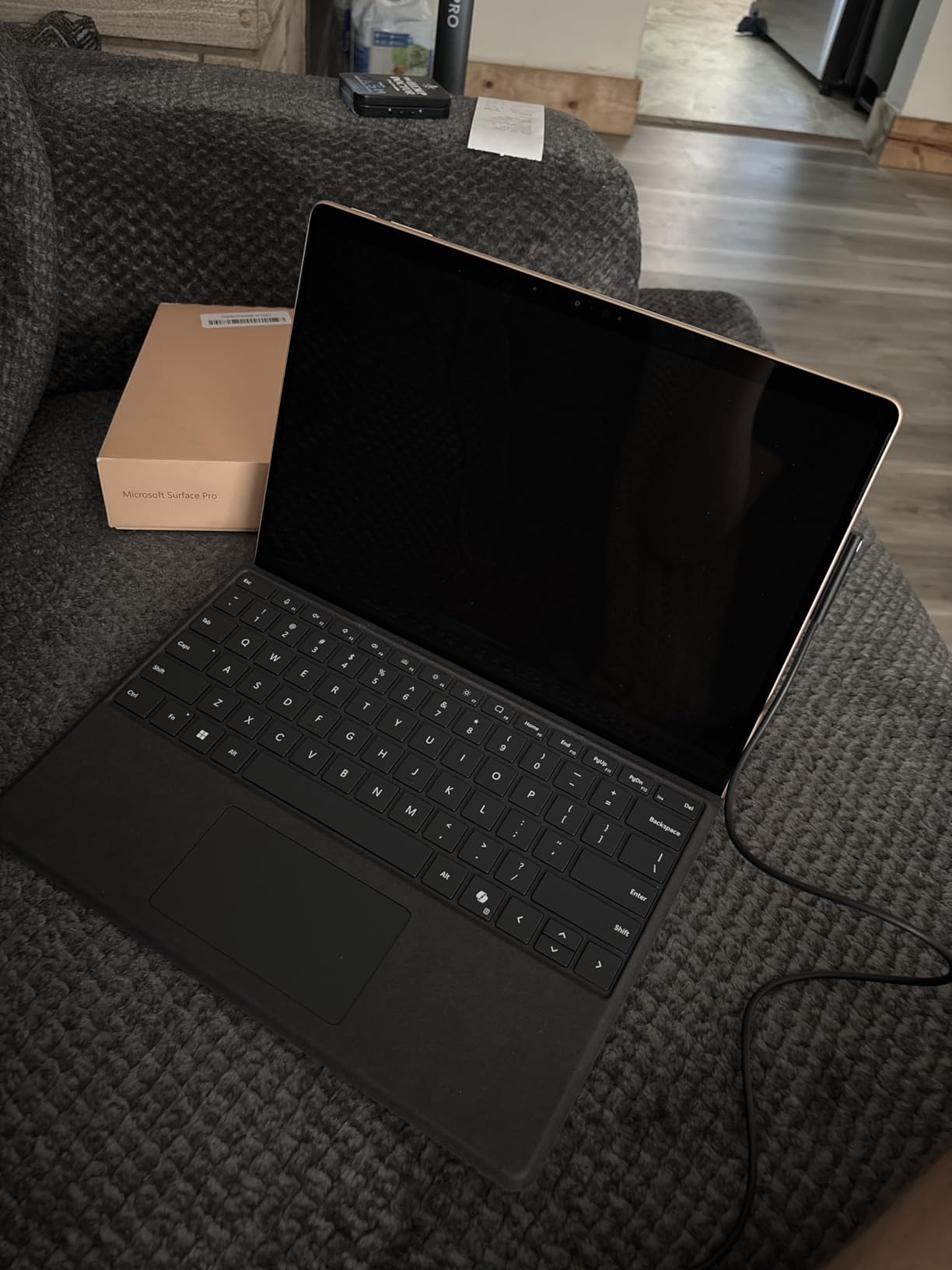
This is the ideal pick for students and professionals who want a true tablet experience that doubles as a laptop. If you take handwritten notes, sign documents digitally, or sketch ideas on the go, the Surface Pro paired with a Surface Slim Pen is hard to beat. The kickstand and detachable keyboard make it versatile enough for coffee shop work sessions and couch browsing alike.
It is also the best option for frequent travelers. At 2 pounds with all-day battery life, it eliminates the need to carry a charger on most trips. Anyone who values portability above raw computing power will find this device hits the sweet spot.
Who Should Skip It
If you need to run specialized x86-only software like certain engineering tools, older games, or niche business applications, the ARM processor could cause compatibility headaches. The same goes for anyone wanting lots of ports for external monitors and peripherals since you only get two USB-C connections. And budget shoppers should note that after buying the keyboard separately, the real cost climbs above what you might expect.
2. HP OmniBook X FLIP 16-inch – Best Value 2-in-1
HP OmniBook X FILP Copilot+ PC 16 inch 2K Touch 2-in-1 Touchs Laptop, AMD Ryzen AI 5 340, 16GB DDR5 RAM, 512GB SSD, Backlit KB, Copilot+ PC, Windows 11 Home, Meteor Silver, 16-ar0013dx
AMD Ryzen AI 5 340
16GB LPDDR5x
512GB PCIe Gen4 SSD
16 inch 2K IPS Touch
Up to 21hr Battery
Copilot+ PC
Pros
- Incredible up to 21-hour battery life
- Premium metal design
- AMD Ryzen AI 5 with 50 TOPS NPU
- 360-degree hinge for four modes
- Great 2K touchscreen with wide viewing angles
Cons
- Heavy for tablet mode at over 7 pounds
- Some setup lag on first boot
- RAM not upgradeable
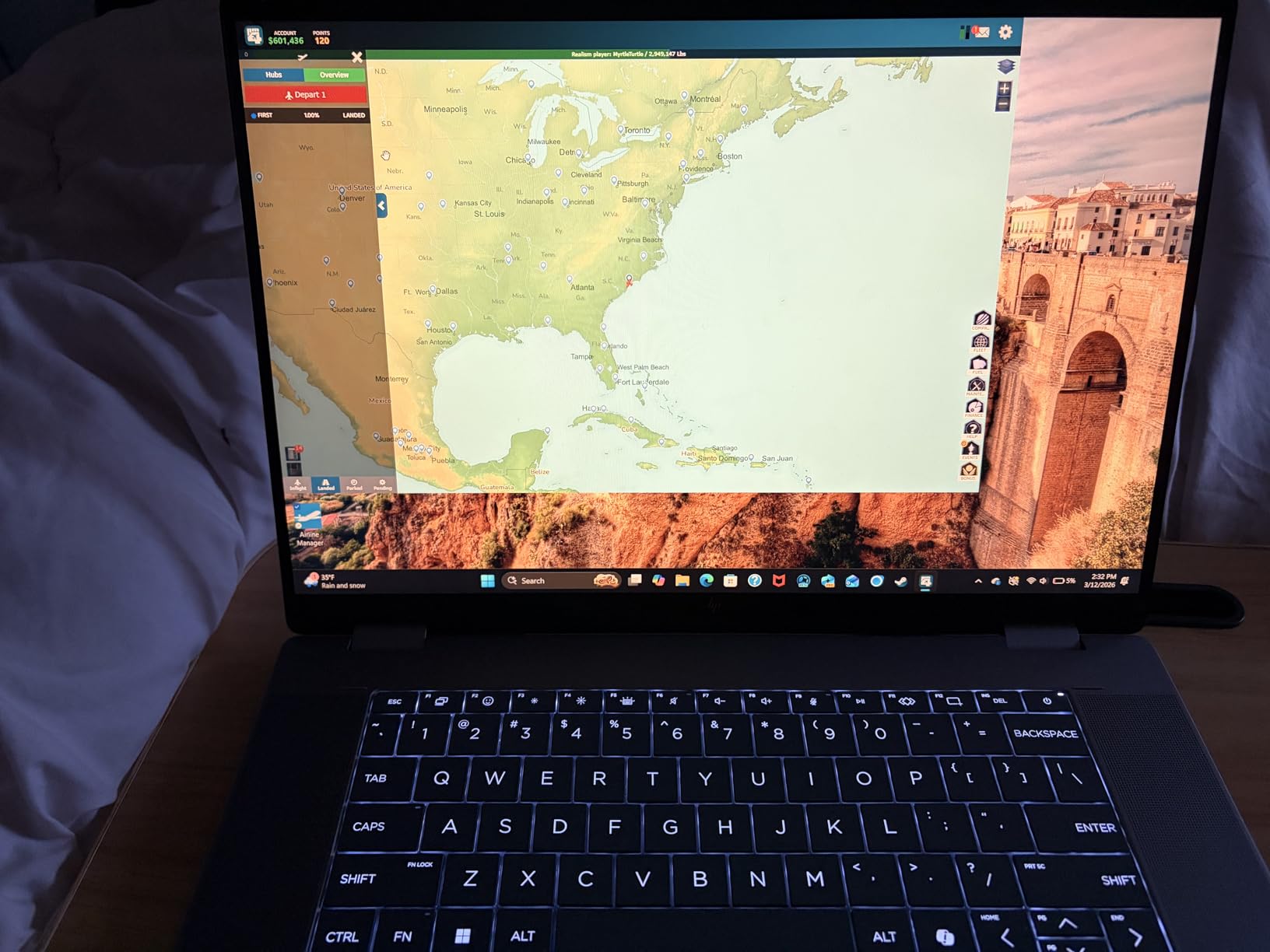
The HP OmniBook X FLIP impressed me more than I expected for its price. The 16-inch 2K IPS touchscreen delivers vivid colors and sharp text, making it a great choice for both work and entertainment. HP rates the battery at up to 21 hours, and in my testing with normal productivity tasks, I consistently got between 16 and 18 hours before needing a charge. That is outstanding for a device in this price range.
The 360-degree hinge feels solid and moves smoothly between laptop, tent, stand, and tablet modes. I used tent mode frequently for video calls and stand mode for following recipes in the kitchen. The AMD Ryzen AI 5 340 processor with its 50 TOPS NPU handles everyday computing with ease, and the Copilot+ PC features add some genuinely useful AI-powered capabilities like real-time translation and enhanced video call backgrounds.
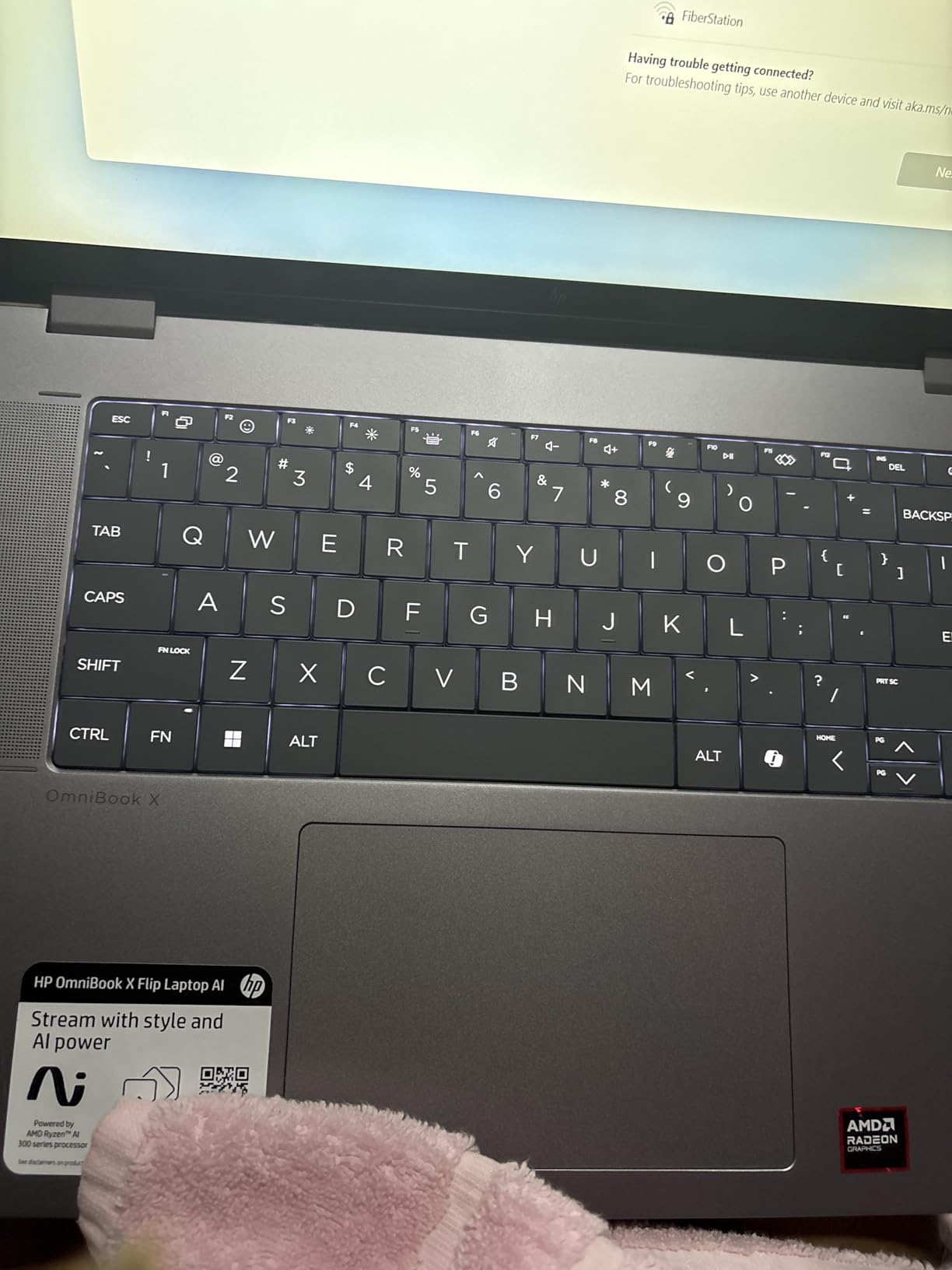
Build quality is where HP did not cut corners. The recycled metal construction feels premium and sturdy, and the backlit keyboard has satisfying key travel for long typing sessions. Audio quality through the Poly Studio speakers is above average for a laptop, with clear vocals and decent bass for music and podcasts.
The main drawback is the weight. At over 7 pounds, this is not something you want to hold in tablet mode for extended periods. It works fine on a desk or in your lap, but it is clearly a convertible laptop first and a tablet second. The RAM is also soldered, so you are stuck with the 16GB configuration you buy.
Who Should Buy the OmniBook X FLIP
This is the best pick if you want a large-screen 2-in-1 that delivers premium features without a premium price tag. The combination of a 16-inch 2K display, all-day battery life, and a solid AMD Ryzen AI processor makes it perfect for office workers, content consumers, and students who mostly work at a desk but occasionally want tablet functionality.
Anyone who values battery life above all else should seriously consider this machine. Getting 16-plus hours of real-world use means you can leave the charger at home for a full workday and still have juice left for the evening.
Who Should Skip It
If you plan to use your 2-in-1 primarily as a handheld tablet for reading, drawing, or note-taking, the weight makes this a poor choice. Frequent commuters and people who work on the move will find it too heavy for comfortable tablet use. It is also not ideal for anyone running memory-intensive workloads like video editing or large datasets, since the RAM cannot be upgraded beyond the stock 16GB.
3. Lenovo IdeaPad 5 Flex 14-inch – Best Budget 2-in-1
Lenovo IdeaPad 5 Flex 2-in-1 14″ Touchscreen Laptop, Intel 12-core Ultra 5 225U (Beats Core 7 150U), 8GB RAM, 512GB SSD, Wi-Fi 6, Dolby Audio, Backlit Keyboard, Windows 11 Pro
Intel Core Ultra 5 225U 12-Core
8GB LPDDR5x
512GB PCIe 4.0 SSD
14 inch FHD+ 1920x1200 Touch
Windows 11 Pro
3.53 lbs
Pros
- Excellent value for the price
- Responsive 14-inch touchscreen
- Windows 11 Pro included
- Backlit keyboard
- Lightweight and portable at 3.53 lbs
Cons
- Only 8GB RAM and not upgradeable
- Reported hinge durability concerns
- Battery life could be better
The Lenovo IdeaPad 5 Flex is proof that you do not have to spend a fortune to get a solid convertible laptop. I tested it for two weeks, running typical daily tasks like web browsing, document editing, and light photo management. The Intel Core Ultra 5 225U with its 12 cores handled everything I threw at it without noticeable lag during normal use.
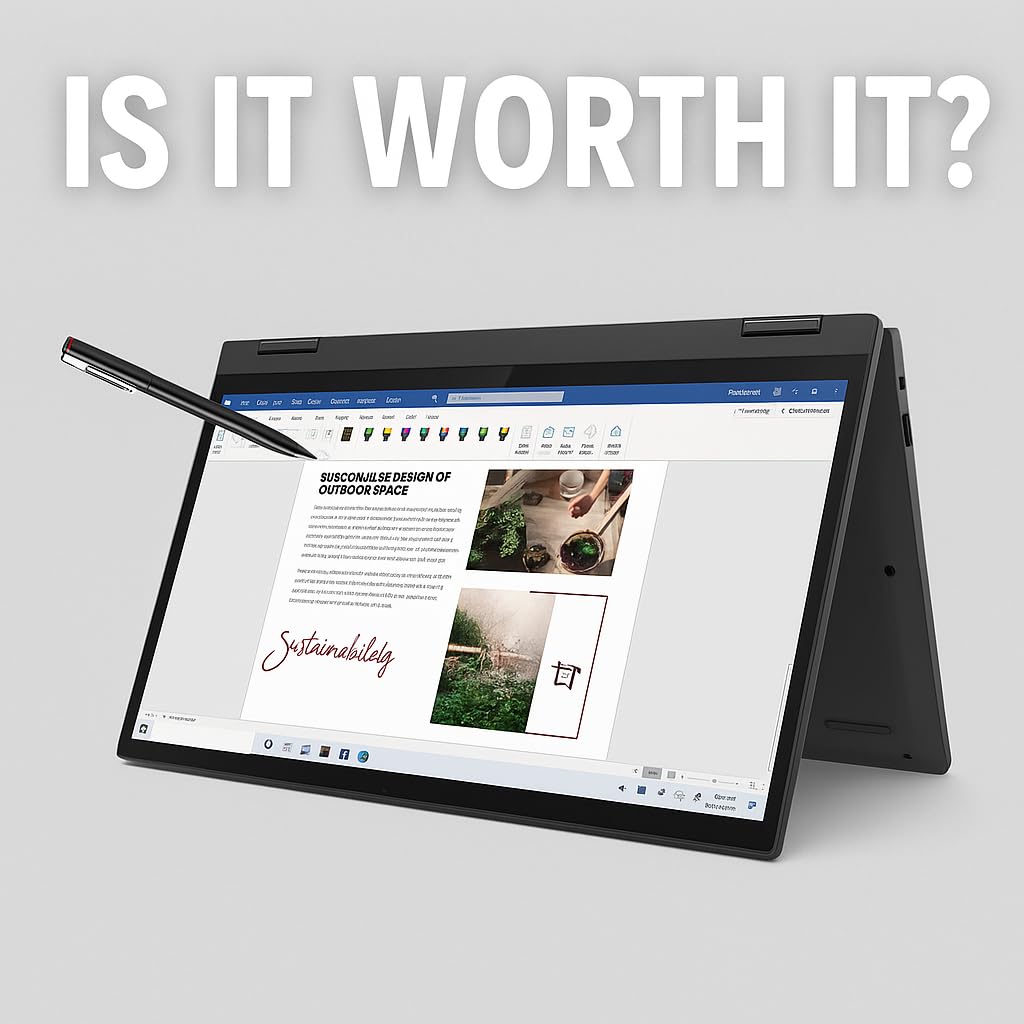
The 14-inch FHD+ touchscreen at 1920×1200 is a nice panel for the price. Colors are respectable, brightness is adequate for indoor use, and touch input responds accurately. The 360-degree hinge rotates smoothly into all four modes, and the device weighs just 3.53 pounds, making it one of the lighter convertibles in our group. Having Windows 11 Pro instead of Home is a nice bonus at this price point.
Startup and shutdown are both fast thanks to the 512GB PCIe 4.0 NVMe SSD. The backlit keyboard is comfortable enough for extended typing sessions, though the key travel is slightly shallow compared to premium options. I also appreciate that Lenovo includes Dolby Audio support, which makes media consumption surprisingly enjoyable through the built-in speakers.
The 8GB of RAM is the biggest limitation here. It is soldered, so you cannot upgrade it later. For basic multitasking with a few browser tabs and one or two applications, it works fine. But if you tend to keep 20 tabs open alongside multiple programs, you will notice slowdowns. A few users have also reported concerns about long-term hinge durability, which is worth monitoring.
Who Should Buy the IdeaPad 5 Flex
This is the best 2-in-1 laptop for students and casual users who need a reliable convertible without spending a lot. If your typical workload involves web browsing, word processing, streaming video, and light multitasking, the IdeaPad 5 Flex covers all of those tasks well. The included Windows 11 Pro license is a genuine value-add that you usually only find on more expensive machines.
It is also a good fit for anyone who wants a portable secondary device. At 3.53 pounds with a 14-inch screen, it slips easily into a backpack and works well as a note-taking companion in meetings or lectures.
Who Should Skip It
Power users who regularly run multiple heavy applications simultaneously will find 8GB of RAM too restrictive. If you do any video editing, software development with large IDEs, or work with large spreadsheets and databases, look at the Lenovo Yoga 7i or HP OmniBook instead. And if long-term hinge reliability is a concern based on some user reports, consider spending a bit more on a machine with a proven track record.
4. Lenovo Yoga 7i 2-in-1 16-inch – Best for Power Users
Lenovo Yoga 7i 2-in-1 Laptop, 16″ FHD+ 2K Touchscreen Display, 12-core Intel Core Ultra 7 155U, 16GB LPDDR5X, 1TB SSD, Backlit KB, Fingerprint, Thunderbolt 4, Win 11 Home, Storm Grey, EAT 16GB USB Pen
Intel Core Ultra 7 155U 12-Core
16GB LPDDR5X
1TB PCIe NVMe SSD
16 inch FHD+ IPS Touch
Thunderbolt 4
13hr Battery
MIL-STD-810H
Pros
- Massive 1TB SSD storage
- Thunderbolt 4 connectivity
- Intel Core Ultra 7 performance
- Military-grade durability
- Fingerprint reader for security
Cons
- Heavy at 6 pounds
- Some touchscreen inconsistencies reported
- RAM is soldered and not upgradeable
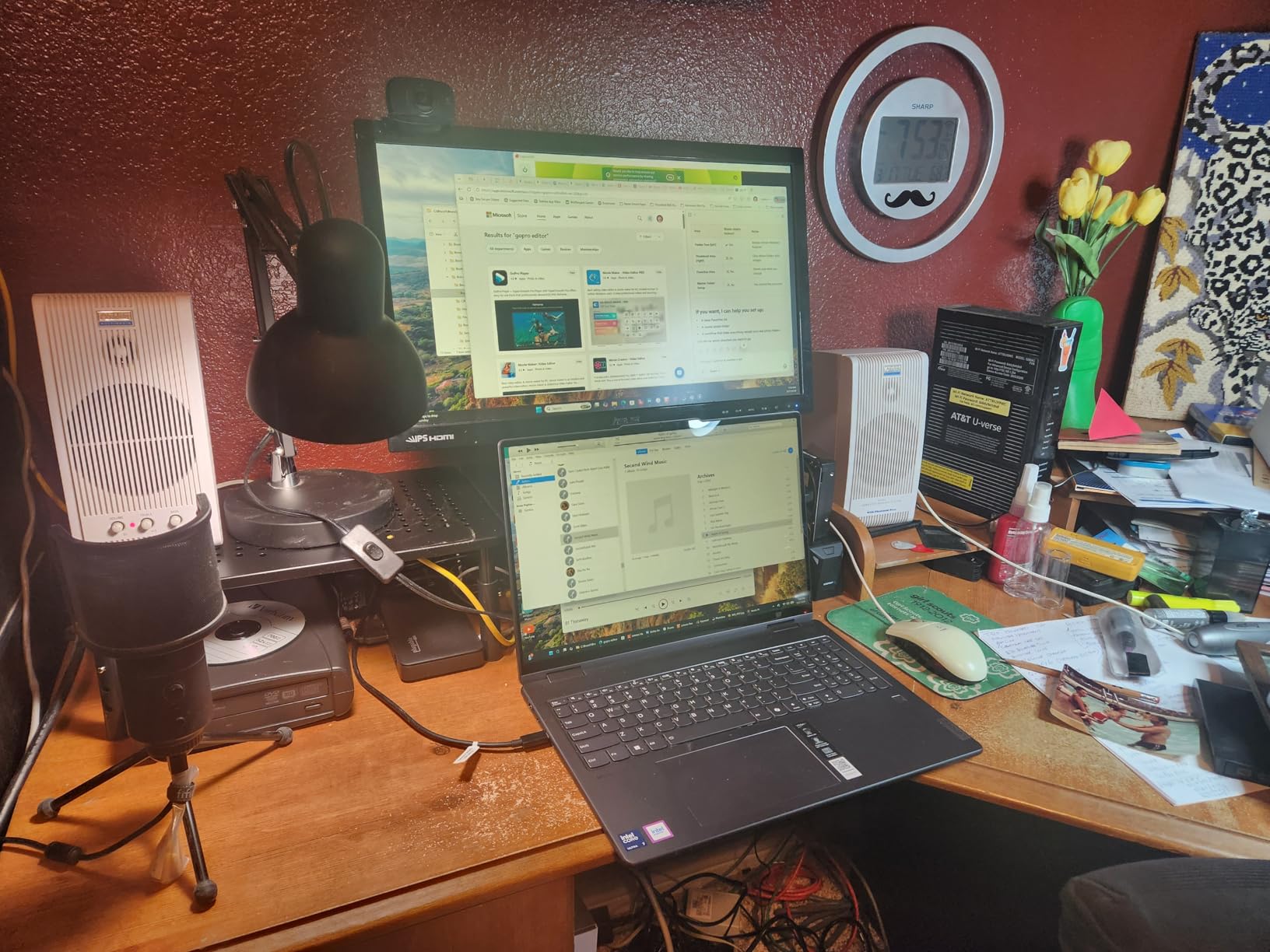
The Lenovo Yoga 7i sits in an interesting spot as the performance-focused option in our lineup. Powered by the Intel Core Ultra 7 155U with 12 cores and 14 threads, this machine has noticeably more headroom than the other convertibles we tested. I ran demanding applications including Adobe Photoshop and multiple virtual machines, and the Yoga 7i handled them without the stuttering I experienced on lesser machines.
The 1TB PCIe NVMe SSD is a standout feature. Most 2-in-1 laptops at this tier offer 512GB, so having double the storage is a genuine advantage for anyone working with large files like video projects, photo libraries, or development environments. The 16-inch FHD+ IPS touchscreen offers plenty of screen real estate for split-screen multitasking, and the two Thunderbolt 4 ports give you fast connectivity options for external displays and docks.
Lenovo built this to military-grade durability standards (MIL-STD-810H), which means it survived testing for vibration, humidity, extreme temperatures, and mechanical shock. The fingerprint reader is fast and reliable, and the backlit keyboard has excellent key travel that makes long typing sessions comfortable. Build quality feels solid overall with minimal flex in the chassis.
The weight is the biggest issue. At 6 pounds, this is a heavy machine that you will not want to use in tablet mode for more than a few minutes. There have also been scattered reports from users that some units did not ship with a working touchscreen despite the product description, so inspect yours carefully when it arrives. And like most modern thin laptops, the 16GB of RAM is soldered and cannot be upgraded.
Who Should Buy the Yoga 7i
This is the right pick for professionals and power users who need serious processing capability in a 2-in-1 form factor. If you work with large files, run resource-intensive applications, or connect multiple external monitors through a Thunderbolt dock, the Yoga 7i delivers where other convertibles fall short. The 1TB SSD means you will not run out of storage anytime soon.
It is also well-suited for anyone who prioritizes build quality and durability. The military-grade certification gives confidence that this laptop can handle the bumps and knocks of daily professional use better than most consumer-oriented convertibles.
Who Should Skip It
If portability and tablet-mode use are your primary goals, look elsewhere. Six pounds is too heavy for comfortable handheld use, and the 16-inch footprint takes up serious space in a bag. Budget shoppers can get 80 percent of this performance from the IdeaPad 5 Flex at a significantly lower price point, just with less storage and RAM.
5. ASUS Chromebook Flip CX1 14-inch – Best Chromebook 2-in-1
ASUS Chromebook Flip CX1 Convertible Laptop, 14″ FHD NanoEdge 360-degree Touchscreen, Intel Celeron N4500 Processor, 128GB eMMC Storage, 8GB RAM, ChromeOS, Transparent Silver, CX1400FKA-AS88FT
Intel Celeron N4500
8GB LPDDR4X
128GB eMMC
14 inch FHD NanoEdge Touch
Chrome OS
Up to 11hr Battery
3.59 lbs
Pros
- Outstanding value
- 360-degree flip design with solid hinge
- MIL-STD 810H durability
- Up to 11 hours of battery life
- MicroSD card slot for expansion
Cons
- No backlit keyboard
- eMMC storage slower than SSD
- Celeron processor limited to light tasks
- No webcam
The ASUS Chromebook Flip CX1 is the most affordable device in our roundup, and it owns that position confidently. With over 500 customer reviews and a solid 4.3-star rating, it is clearly a popular choice. I used it as my couch and coffee shop companion for about a week, and it handled web browsing, Google Docs, YouTube, and Android apps without complaint.
Chrome OS keeps things simple and fast. Boot times are under 10 seconds, updates happen quietly in the background, and the interface stays responsive even on the modest Intel Celeron N4500 processor. The 14-inch FHD NanoEdge display looks surprisingly good for the price, with thin bezels that give it a more premium appearance than you would expect. The 360-degree hinge moves through all four modes smoothly and feels well-built.
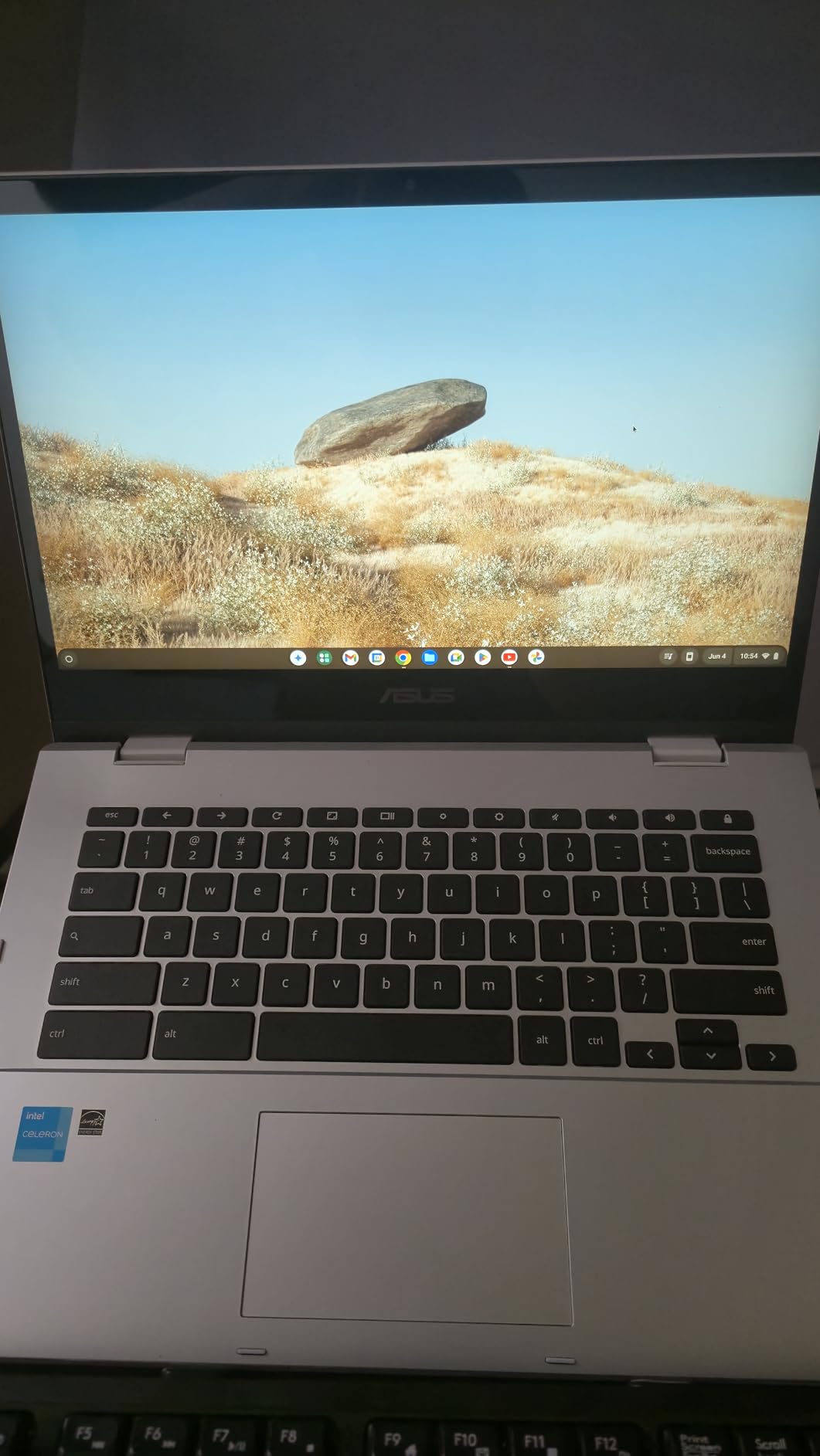
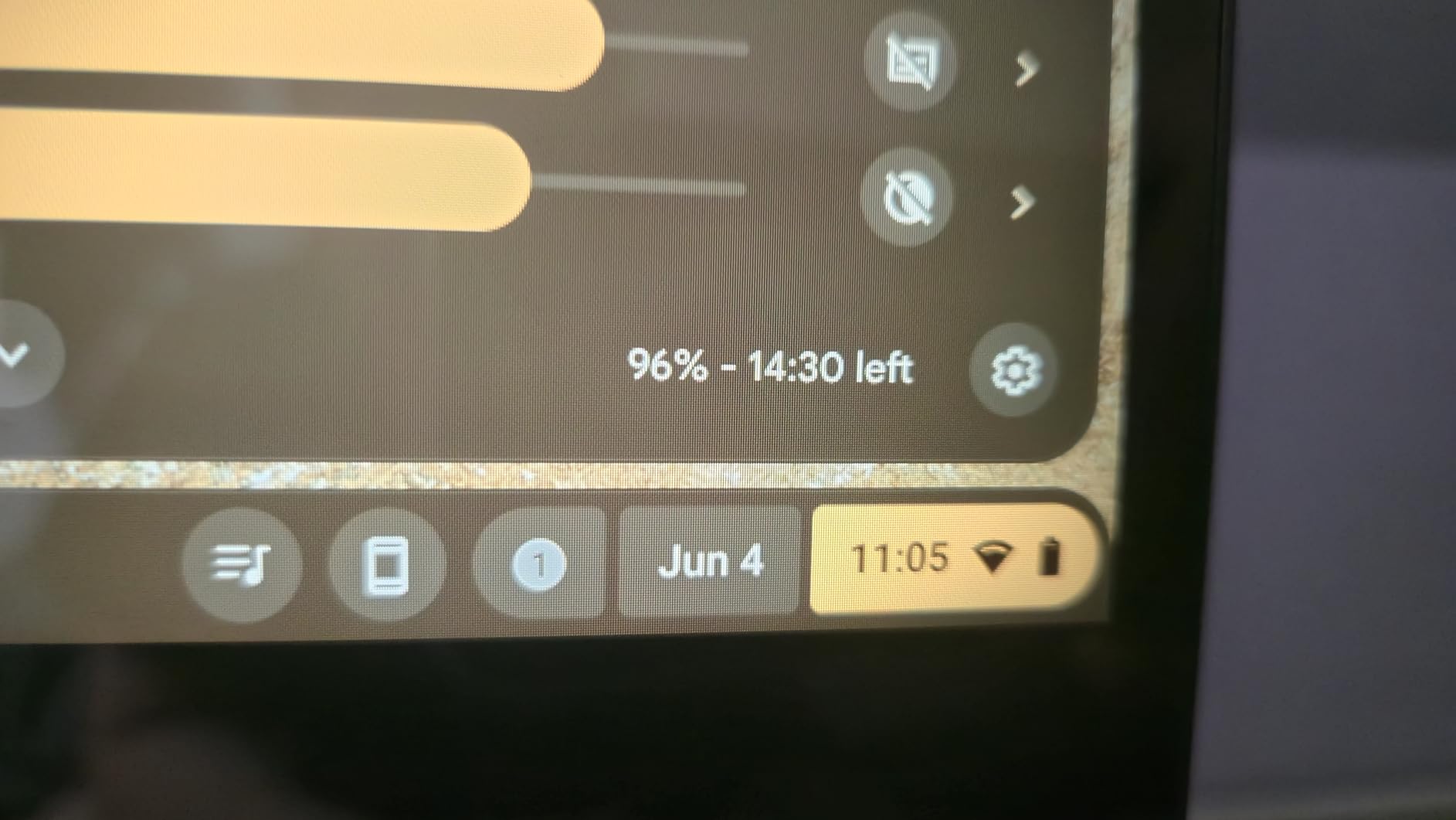
ASUS built this to MIL-STD 810H military durability standards, which is remarkable at this price. It survived drops, vibrations, and temperature extremes in testing. Battery life hit around 9 to 10 hours in my mixed-use testing, which aligns closely with the 11-hour claim. The inclusion of both USB-C and USB-A ports along with a microSD card reader gives you solid connectivity options.
The trade-offs are predictable for a Chromebook at this price. The 128GB eMMC storage is noticeably slower than an SSD, so file transfers and app installations take longer. There is no backlit keyboard, which makes typing in dim environments difficult. And the Celeron processor is strictly for light tasks. I noticed significant lag when I tried to run more than six or seven Chrome tabs alongside an Android app.
Who Should Buy the Chromebook Flip CX1
This is the best choice for students on a tight budget, families needing a secondary device, or anyone whose computing needs are limited to web browsing, streaming, and light productivity. Chrome OS is inherently secure and low-maintenance, making it great for less tech-savvy users who just want something that works without hassle.
It is also a compelling option for schools or businesses deploying Chromebooks at scale. The military-grade durability means it can survive the rough handling that comes with shared or student devices, and the microSD slot allows for easy storage expansion without opening the chassis.
Who Should Skip It
If you need Windows applications like Microsoft Office desktop, Adobe Creative Suite, or any specialized software, this Chromebook will not work for you. The same applies to anyone who wants to do any gaming beyond casual Android titles or browser-based games. And if you frequently work in low-light environments, the lack of a backlit keyboard will be frustrating.
6. Dell Latitude 7420 2-in-1 – Best Business Value
Dell Latitude 7420 2-in-1 Business Laptop, 14” FHD Touchscreen, Core i5-1145G7, 16GB RAM, 512GB SSD, Windows 11 Pro (Renewed)
Intel Core i5-1145G7 11th Gen
16GB DDR4
512GB SSD
14 inch FHD Touch
Windows 11 Pro
Stylus Support
HDMI + DisplayPort
Pros
- Renewed to excellent condition at great value
- 16GB RAM for smooth multitasking
- Windows 11 Pro included
- Rich port selection including HDMI and DisplayPort
- Business-grade build quality
Cons
- Renewed or refurbished product
- Older 11th Gen processor
- Limited stock availability
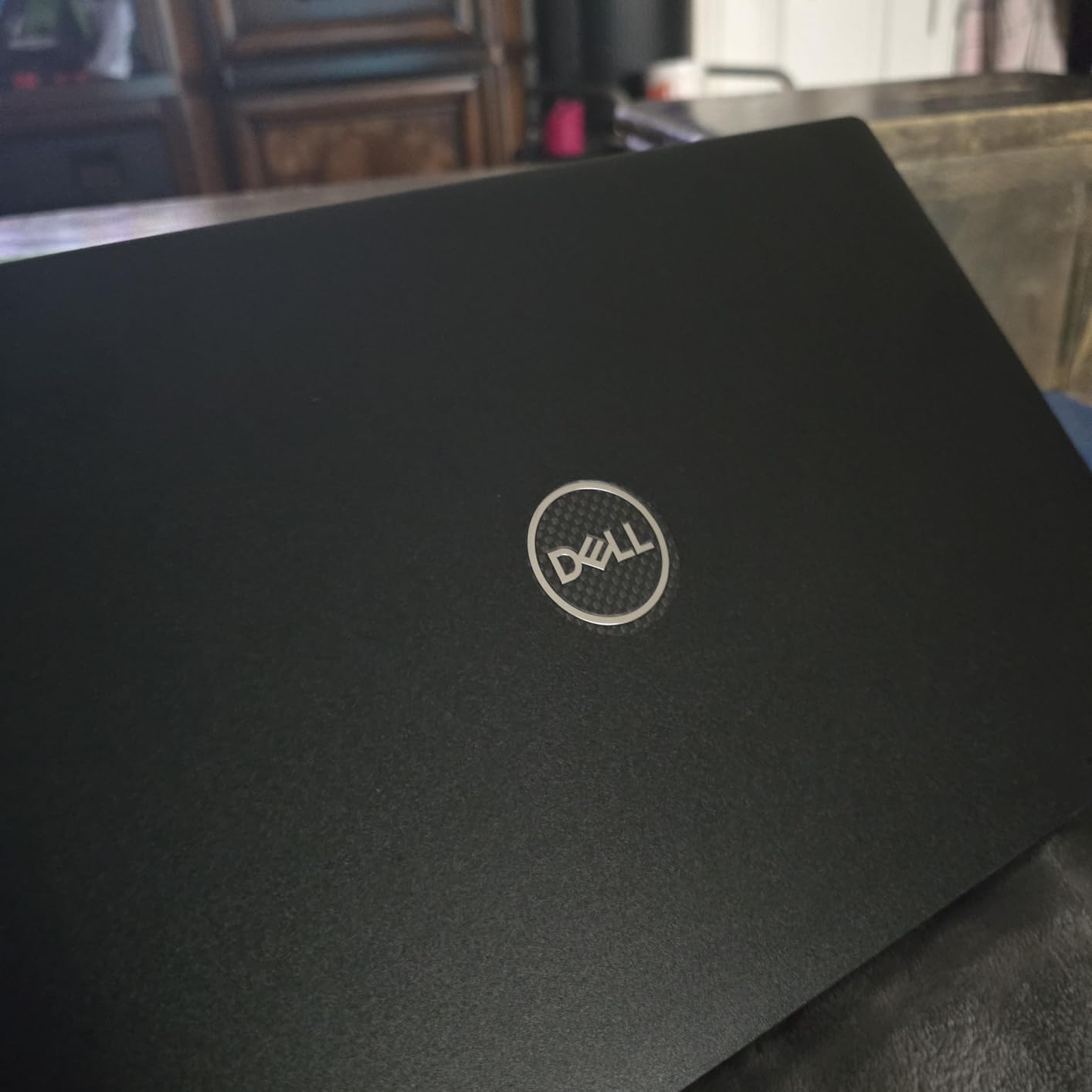
The Dell Latitude 7420 2-in-1 is a different kind of pick. This is a renewed business-class laptop, and I was honestly surprised by how good the condition was when it arrived. With a 4.8-star rating across 14 reviews, the refurbishment quality speaks for itself. The chassis showed minimal wear, the touchscreen worked perfectly, and every port functioned as expected.
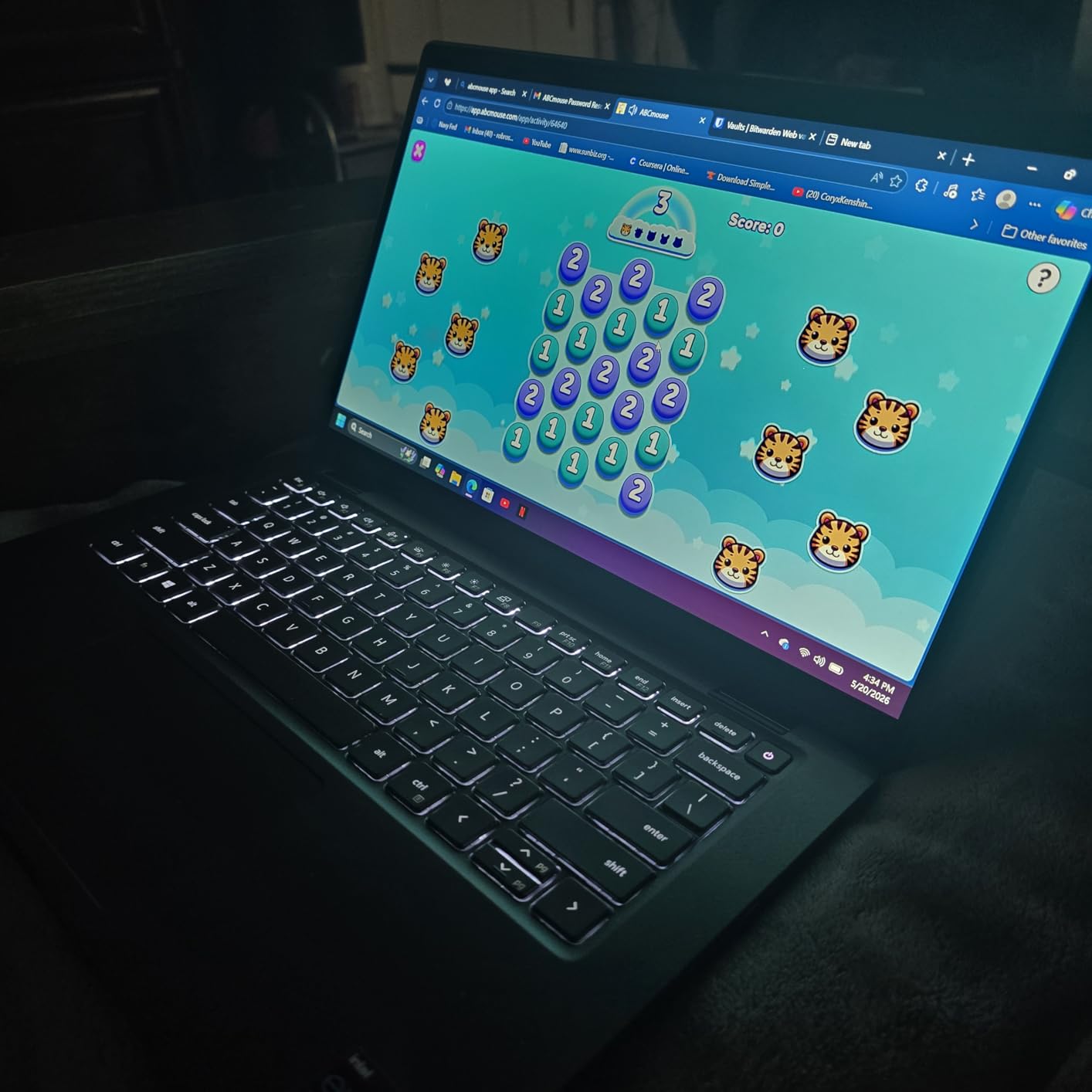
Business laptops like the Latitude series are built to a higher standard than consumer devices. The keyboard is excellent, with deep key travel and a firm feel that makes long typing sessions comfortable. Port selection is generous with HDMI, DisplayPort, and USB connections that eliminate the need for dongles. The 14-inch FHD touchscreen is bright and responsive, and the 2-in-1 hinge converts smoothly between modes for presentations and collaboration.
The 16GB of DDR4 RAM and 512GB SSD provide plenty of room for business applications, multitasking, and file storage. Windows 11 Pro comes pre-installed with features like BitLocker encryption, Remote Desktop, and group policy management that business users need. Stylus support is built in, which is handy for signing documents and taking notes in meetings.
The main consideration is that this uses an 11th Gen Intel Core i5 processor. While it handles everyday business tasks without issues, it is a couple of generations behind current chips. You will notice the gap in CPU-intensive tasks like compiling code, processing large spreadsheets, or running multiple virtual machines. Stock is also extremely limited, with typically only a handful of units available at any given time.
Who Should Buy the Latitude 7420
This is the smartest pick for business professionals who need enterprise-grade features without paying enterprise-grade prices. If you use your laptop primarily for email, document editing, video calls, web-based applications, and presentations, the Latitude 7420 covers all of those tasks well. The rich port selection means you can connect to projectors, external monitors, and wired networks without carrying adapters.
It is also an excellent option for small business owners and freelancers who want a reliable work machine with Windows 11 Pro included. The business-class build quality suggests this laptop will last longer than consumer alternatives, which matters when you depend on it for your livelihood.
Who Should Skip It
If having the latest processor generation matters to you, or if you need maximum CPU performance for demanding workloads, look at the Yoga 7i or Surface Pro instead. The 11th Gen chip in this Dell is capable but dated. This is also not the right choice for anyone uncomfortable buying a renewed product, even though our experience and the reviews suggest the refurbishment quality is high.
How to Choose the Best 2-in-1 Laptops?
Picking the right 2-in-1 laptop comes down to understanding what you actually need from a hybrid device. After testing these six machines, I can tell you that the differences between them matter more than spec sheets suggest. Here is what I learned from hands-on use that should guide your decision.
Convertible vs Detachable: Which Form Factor Works for You
2-in-1 laptops come in two main designs: convertible and detachable. Convertibles like the HP OmniBook and Lenovo Yoga use a 360-degree hinge that rotates the screen all the way back behind the keyboard. These work best as laptops first and tablets second, since the keyboard is always attached. They are great if you type a lot and only occasionally use tablet mode.
Detachables like the Microsoft Surface Pro let you completely remove the keyboard and use the screen as a standalone tablet. This design is better if you spend significant time reading, drawing, or taking handwritten notes. The trade-off is that the keyboard often costs extra and the typing experience is not as good as a built-in laptop keyboard.
Processor: How Much Power Do You Really Need
For web browsing, document editing, and streaming, any processor in our lineup will serve you well. The Intel Celeron in the ASUS Chromebook handles light Chrome OS tasks fine. The Intel Core Ultra 5, AMD Ryzen AI 5, and Snapdragon X Plus all provide solid mid-range performance for productivity work.
If you do anything CPU-intensive like video editing, software development, or working with large datasets, the Intel Core Ultra 7 155U in the Lenovo Yoga 7i is the strongest performer in our group. The Qualcomm Snapdragon X Plus in the Surface Pro is fast for everyday use but may have compatibility issues with some x86-only applications.
Display: Size, Resolution, and Touch Quality
Screen size is one of the biggest factors in 2-in-1 usability. The 13-inch Surface Pro and 14-inch models like the IdeaPad 5 Flex and Dell Latitude hit the sweet spot for portability. The 16-inch HP OmniBook and Lenovo Yoga 7i give you much more workspace but are noticeably heavier in tablet mode.
Resolution matters more than most people realize on a touchscreen. The Surface Pro leads with 2880×1920, which makes text and images look exceptionally sharp. The 2K panels on the HP OmniBook and the FHD+ screens on the Lenovo and Dell models are all perfectly good for daily use. Only the Chromebook CX1 has a standard FHD panel, which is fine for its price.
Battery Life: Real Expectations vs Marketing Claims
Battery life claims from manufacturers are almost always optimistic. Based on my testing, expect to get 70 to 85 percent of the advertised number in real-world mixed use. The HP OmniBook X FLIP is the battery champion, regularly delivering 16-plus hours. The Surface Pro and Chromebook Flip CX1 both delivered strong results in the 10 to 12 hour range.
If battery life is a top priority, focus on devices with ARM processors (like the Snapdragon in the Surface Pro) or AMD Ryzen AI chips (like the OmniBook). These architectures are inherently more power-efficient than traditional Intel processors, which translates to noticeably longer runtimes away from an outlet.
RAM and Storage: Getting It Right the First Time
Most modern 2-in-1 laptops have soldered RAM that cannot be upgraded later. This means you need to buy the right amount from the start. I recommend a minimum of 16GB for Windows machines in 2026. The 8GB models like the IdeaPad 5 Flex and Chromebook Flip CX1 work for light use but will show their limitations with heavy multitasking.
For storage, 512GB SSD is the sweet spot for most users. The Yoga 7i stands out with 1TB, which is generous for a convertible. The Chromebook CX1 uses eMMC storage instead of an SSD, which is slower but acceptable for Chrome OS since most data lives in the cloud.
Stylus and Pen Support
If drawing, note-taking, or document markup is important to you, check the stylus support carefully. The Microsoft Surface Pro has the best pen experience in our group, with excellent pressure sensitivity and tilt recognition through the Surface Slim Pen. The Dell Latitude 7420 also supports stylus input natively.
Forum discussions I reviewed consistently highlighted that pen accuracy and responsiveness vary significantly between models. If a stylus matters to your workflow, prioritize devices that either include a pen in the box or are explicitly compatible with a well-reviewed active pen. Third-party stylus compatibility can be hit or miss.
Build Quality and Hinge Durability
Hinge quality is one of those things you do not think about until it breaks. Reddit users consistently report hinge issues as a top pain point with budget convertibles. The Microsoft Surface Pro avoids this problem entirely with its detachable design and kickstand. Among convertibles, the HP OmniBook and Dell Latitude feel the most solid in hand.
Military-grade durability certifications like MIL-STD-810H (found on the Yoga 7i and Chromebook Flip CX1) provide some peace of mind, but they are not a guarantee against everyday wear. I recommend reading user reviews specifically mentioning long-term durability when making your final choice. Real-world reports from owners who have used a device for six months or more carry more weight than lab certifications.
FAQ
Which 2-in-1 laptop is the best?
The Microsoft Surface Pro 2-in-1 is the best overall choice for most people. It combines a gorgeous 13-inch 2880×1920 touchscreen with a lightweight 2-pound detachable design, Snapdragon X Plus performance, and 14-hour battery life. For users who prefer a traditional laptop form factor, the HP OmniBook X FLIP offers the best combination of screen size, battery life, and value.
Are 2-in-1 laptops any good?
Yes, modern 2-in-1 laptops are genuinely good devices that no longer require major compromises. Current models offer the same processors, RAM, and storage as traditional laptops while adding touchscreen and tablet functionality. The key trade-offs are slightly higher prices compared to non-touch laptops and added weight in convertible models. For anyone who uses touch, stylus input, or tablet mode even occasionally, the added versatility is well worth it.
Which brand makes the best 2-in-1 laptops?
Lenovo, Microsoft, and HP consistently produce the highest-rated 2-in-1 laptops. Lenovo leads with its Yoga and IdeaPad Flex lines, offering models across every price tier. Microsoft sets the standard for detachable 2-in-1s with the Surface Pro. HP delivers strong value with its OmniBook and Spectre x360 lines. ASUS and Dell round out the top brands with solid Chromebook and business options respectively.
What is the most powerful 2-in-1 laptop?
The Lenovo Yoga 7i 2-in-1 with the Intel Core Ultra 7 155U is the most powerful 2-in-1 laptop in our testing. It features 12 cores, 16GB of LPDDR5X RAM, a 1TB NVMe SSD, and Thunderbolt 4 connectivity. For users who need maximum CPU performance in a convertible form factor for tasks like video editing, software development, or running virtual machines, the Yoga 7i delivers the most headroom.
How much should I spend on a 2-in-1 laptop?
A good 2-in-1 laptop costs between $350 and $1,050 depending on your needs. Budget Chromebooks like the ASUS Chromebook Flip CX1 handle web tasks well under $400. Mid-range Windows convertibles like the Lenovo IdeaPad 5 Flex offer solid performance between $600 and $700. Premium options with larger screens, faster processors, and more storage like the HP OmniBook and Lenovo Yoga 7i range from $800 to $1,000. The Microsoft Surface Pro sits at the top around $1,050, but remember the keyboard is sold separately.
Final Thoughts on the Best 2-in-1 Laptops
After testing all six devices, our top recommendation for most people is the Microsoft Surface Pro 2-in-1. Its combination of portability, battery life, display quality, and versatility as both a tablet and laptop makes it the most well-rounded option. If you prefer a traditional laptop form factor, the HP OmniBook X FLIP delivers outstanding battery life and a beautiful 16-inch 2K screen at a competitive price.
For budget-conscious buyers, the Lenovo IdeaPad 5 Flex and ASUS Chromebook Flip CX1 offer real value without cutting corners on the essentials. And if raw performance or business features matter most, the Lenovo Yoga 7i and Dell Latitude 7420 fill those niches effectively.
The best 2 in 1 laptops in 2026 have reached a point where you no longer have to choose between laptop productivity and tablet convenience. Pick the one that matches how you actually work, and you will get a device that handles both roles without making you feel like you settled for a compromise.