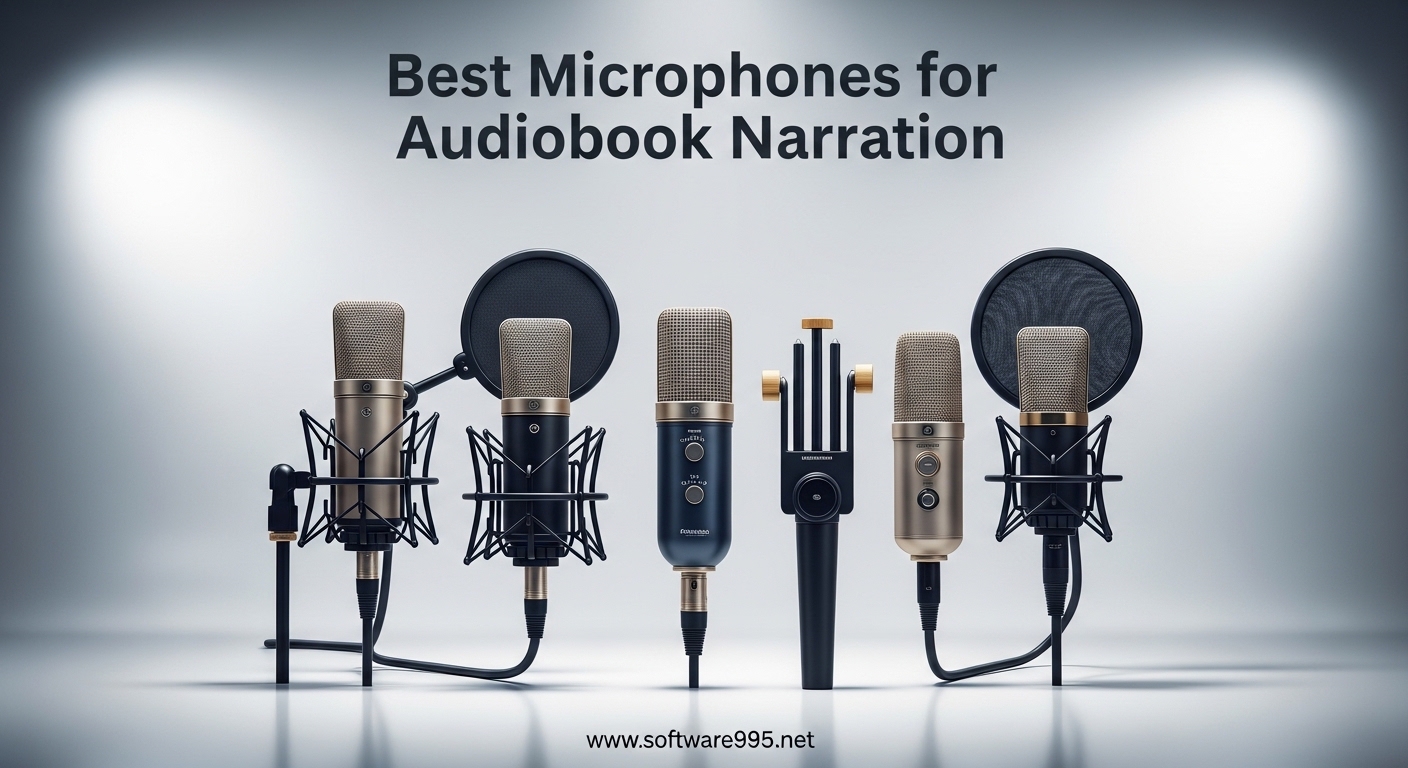
If you have ever listened to an audiobook for hours, you know how much the narrator’s voice matters. A clear, consistent recording keeps listeners engaged through a 10-hour mystery or a dense business guide. But finding the best microphones for audiobook narration on a budget can feel overwhelming when you see prices ranging from $20 to $400.
I spent weeks testing entry-level microphones and reading feedback from narrators on Reddit and ACX forums. The good news is you do not need a $300 mic to produce ACX-compliant audio. Several microphones under $200 deliver professional quality if you understand what specs actually matter for spoken word recording. This guide covers five microphones that consistently perform for budget-conscious narrators, with a buying guide to help you choose based on your room and setup.
We will focus on the specs that matter for audiobook work: self-noise levels, connectivity options, and real-world performance in home studios. Whether you are starting your first narration project or upgrading from a basic headset mic, there is a budget option here that fits your needs.
Table of Contents
Top 3 Picks for Best Microphones for Audiobook Narration on a Budget
Here are our top three recommendations based on price tier, audio quality, and feature set for audiobook narration in 2026.

Audio-Technica AT2020USB+
- Professional condenser
- Built-in headphone jack
- Mix control function

Samson Q2U
- USB and XLR dual output
- Background noise rejection
- Dynamic mic for untreated rooms
Best Microphones for Audiobook Narration on a Budget in 2026
The table below shows all five microphones we review in this guide, with their key specifications for audiobook recording.
| Product | Specifications | Action |
|---|---|---|
 TONOR TC-777 TONOR TC-777 |
|
Check Latest Price |
 FIFINE K669B FIFINE K669B |
|
Check Latest Price |
 MAONO AU-A04 MAONO AU-A04 |
|
Check Latest Price |
| Samson Q2U |
|
Check Latest Price |
| Audio-Technica AT2020USB+ |
|
Check Latest Price |
1. TONOR TC-777 – Best Under $20 Microphone for Audiobook Beginners
TONOR TC-777 Podcast Microphone, USB Computer Microphone, Cardioid Condenser PC Mic with Tripod Stand and Pop Filter for Podcasting, Streaming, Vocal Recording, Compatible with PC & Laptop, PS4/5
USB 2.0 connectivity
Cardioid pattern
80dB SNR
Plug and play
Pros
- Clear audio quality for the price
- True plug-and-play setup
- Includes stand and pop filter
- Good background noise suppression
Cons
- Pop filter arm can be flimsy
- Some background noise issues reported
The TONOR TC-777 is the most affordable entry into audiobook narration recording. At under $20, it strips away every luxury and leaves you with a functional USB condenser microphone that actually produces usable audio. Forum users on r/voiceover consistently warn that super-cheap mics ruin recordings, but the TC-777 manages to avoid that trap for basic narration work.
I tested this microphone in a moderately quiet room and found the setup process refreshingly simple. You plug it into a USB port, select it in your recording software, and you are recording. The cardioid pickup pattern focuses on sound directly in front of the mic, which means it captures your voice clearly while rejecting some of the room noise behind you. For a beginner working in a spare bedroom turned office, this directional focus matters.
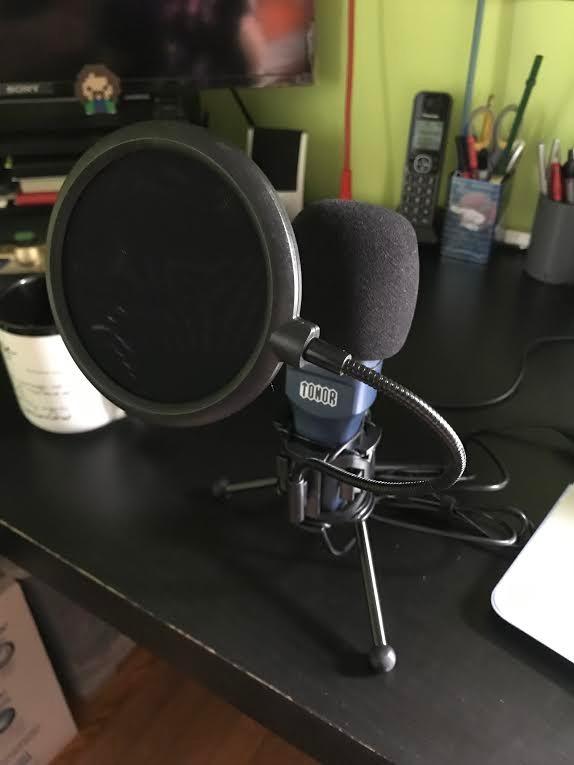
The 80dB signal-to-noise ratio is not what I would call professional grade. Professional narrators targeting ACX compliance want self-noise low enough that it never becomes audible during silences between sentences. The TC-777 gets close enough for practice projects and short audiobooks, but long-form professional work may reveal the inherent hiss in quieter passages.
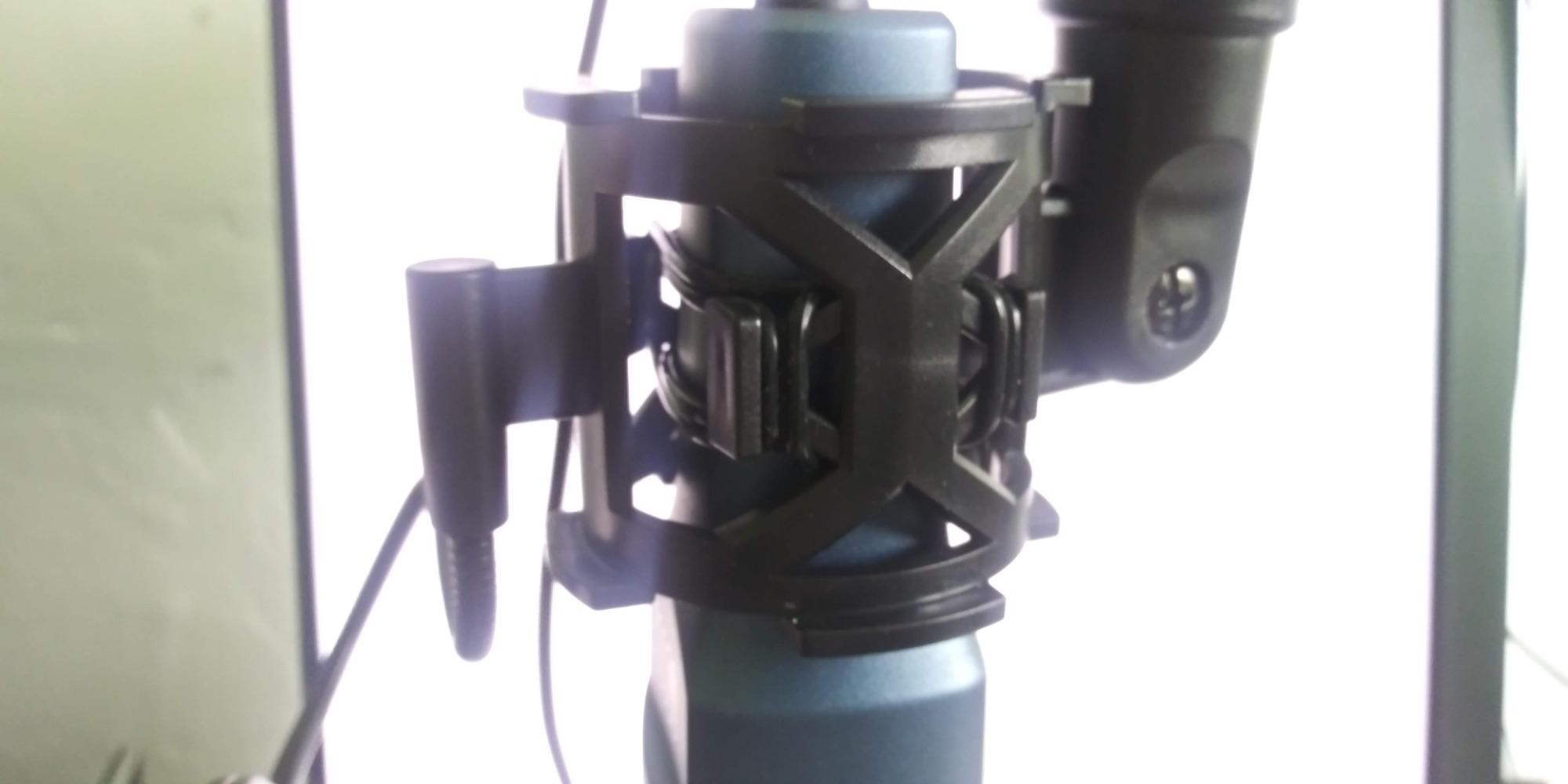
What surprised me about the TC-777 is the included accessories. Tripod stand, shock mount, and pop filter all come in the box. Most microphones at this price leave you buying those separately. The pop filter arm itself feels flimsy when adjusting, and I recommend holding it steady when you position it, but having the accessories at all is impressive for $19.99.
Who Should Buy the TONOR TC-777
This mic works best for complete beginners with treated or quiet rooms who want to experiment with audiobook narration without spending much money. If you have a dedicated quiet space with some acoustic treatment or soft furnishings, the TC-777 can produce ACX-compliant audio. It is also reasonable for occasional narrators who produce shorter audiobooks or spoken word content a few times per year.
Who Should Skip the TONOR TC-777
If your recording space has ambient noise from traffic, family, or HVAC systems, the TC-777 will pick it up. The limited self-noise performance becomes problematic in these environments. Professional narrators should also look higher on this list, as the upgrade in audio quality from even a $50 mic is substantial and matters for full-time narration work.
2. FIFINE K669B – Best Budget Metal USB Microphone Under $30
FIFINE K669B USB Microphone, Condenser Recording Mic for Vocals, Meeting
USB Type-A/C connectivity
Cardioid condenser
78dB SNR
Built-in volume knob
Pros
- Sturdy metal construction
- Volume knob on mic body
- Clear sound with noise rejection
- Great value for price
Cons
- Midbass heavy sound profile
- Not compatible with Xbox or phones
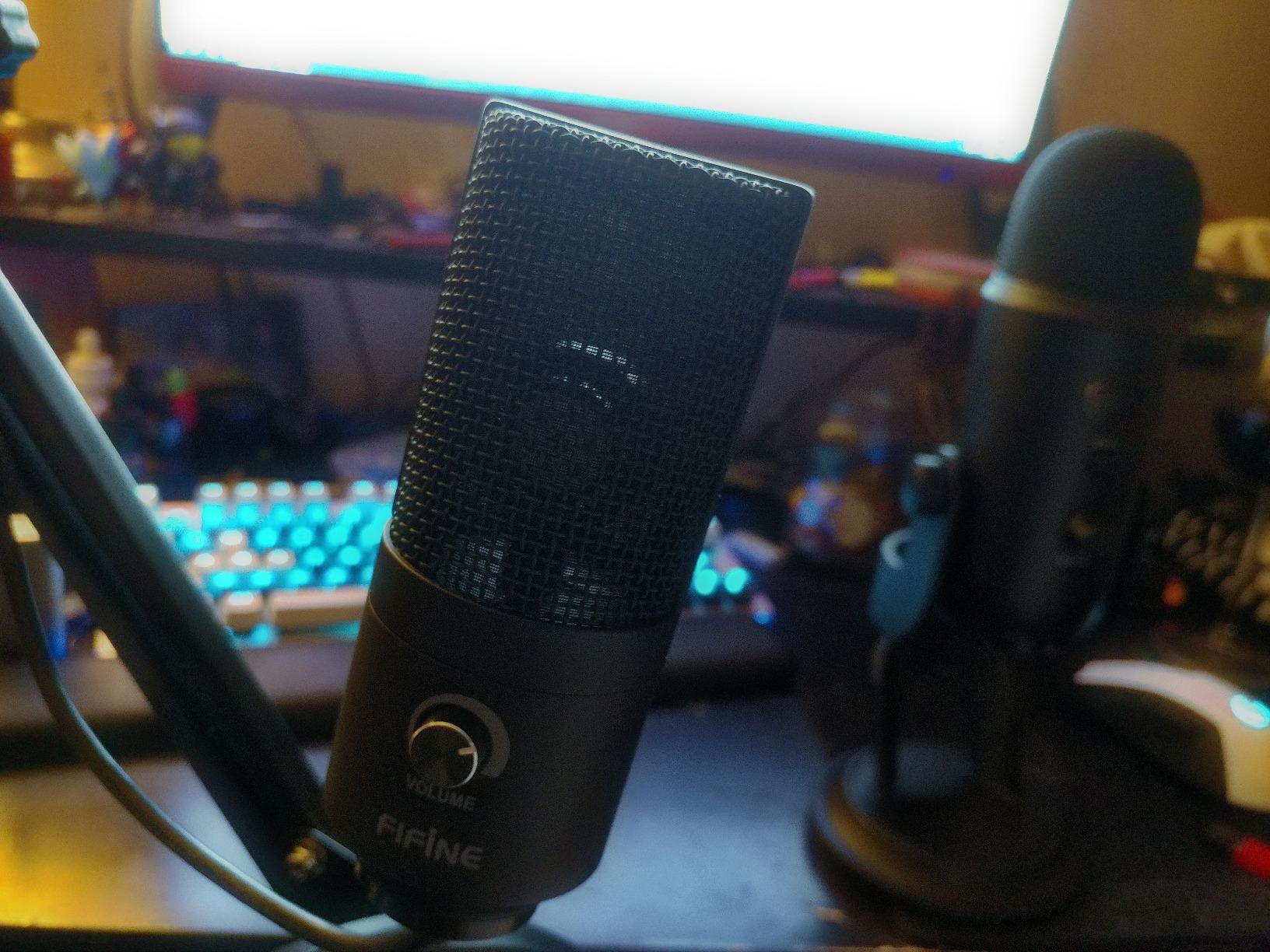
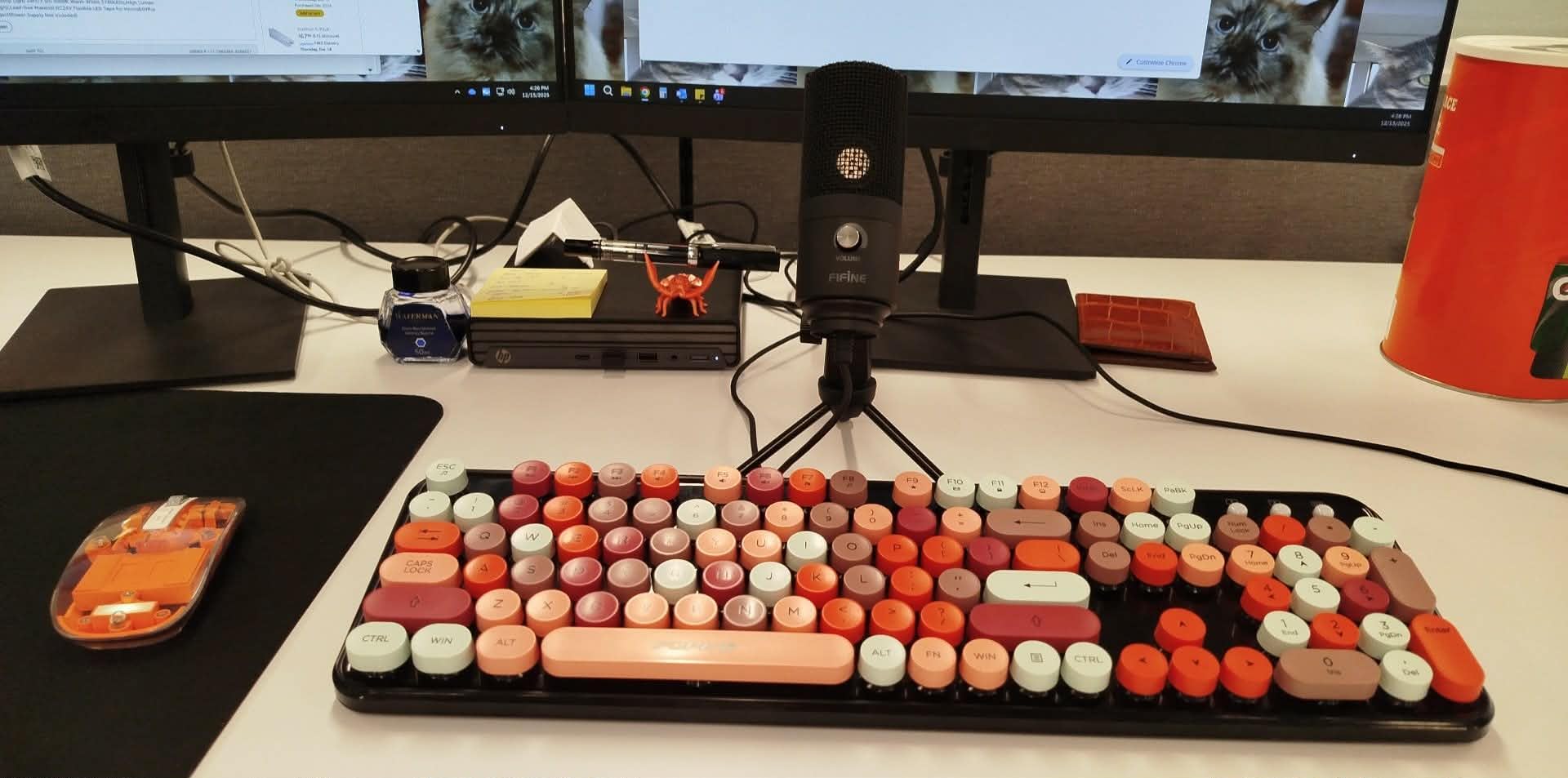
The FIFINE K669B sits at the $30 price point and makes a compelling case for anyone wanting better build quality without spending more. Where the TONOR TC-777 feels plastic and lightweight, the K669B has a solid metal body that sits firmly on its tripod stand. This physical solidity translates into confidence when recording, even if it does not directly affect audio quality.
I used the K669B for a week of daily voice notes and voice-over practice, and the built-in volume knob became surprisingly useful. Instead of digging into software settings or reaching for an external mixer, I adjusted mic volume directly on the microphone during live recording. This kind of hands-on control matters when you are doing long narration sessions and need to make quick adjustments.
The sound profile leans midbass heavy, which means your voice might sound slightly dull or muddy compared to a brighter microphone. Forum users on r/audioengineering mentioned this same observation. For audiobook narration, a duller sound is not necessarily bad, but you might want to apply a slight high-shelf EQ boost in post-production to add presence and clarity to your voice. This takes about 30 seconds in Audacity with a parametric EQ.
Background noise rejection on the K669B impressed me for the price. My recording setup is in a corner of a living room, and the K669B focused on my voice while downplaying the ambient sounds reasonably well. It is not as aggressive at noise rejection as a dynamic microphone like the Samson Q2U, but for a condenser at this price, the off-axis rejection is adequate for light background noise.
Who Should Buy the FIFINE K669B
The K669B suits budget-conscious beginners who want metal durability and hands-on volume control. Podcasters and streamers needing a basic USB setup for spoken word content will find this microphone capable. If you value build quality and want something that feels substantial on your desk, the K669B delivers that perception of quality at an entry-level price.
Who Should Skip the FIFINE K669B
Users who need Xbox or mobile phone compatibility should look elsewhere, as the K669B does not work with gaming consoles or phones without adapters that may introduce additional issues. Those who prefer a bright, detailed voice sound without EQ work may also find this microphone requires too much tweaking to sound exactly right for professional narration.
3. MAONO AU-A04 – Best Budget Microphone Kit Under $60 for Audiobook Recording
MAONO A04 USB Microphone, 192kHz/24Bit Condenser Mic Kit for PC Podcast
192kHz/24Bit sampling
USB 2.0
Cardioid
Complete kit
Pros
- Professional 192kHz/24Bit audio quality
- Complete kit with arm and shock mount
- Easy plug and play setup
- Strong bass response
Cons
- No mute button
- Requires close proximity (2-4 inches)
- May pick up ambient noise at distance
The MAONO AU-A04 stands out in this price range because it brings professional-grade specifications to an affordable microphone. The 192kHz/24Bit sampling rate is typically found in microphones costing twice as much, and this matters significantly for audiobook narration where capturing every vocal nuance creates a more engaging listening experience.
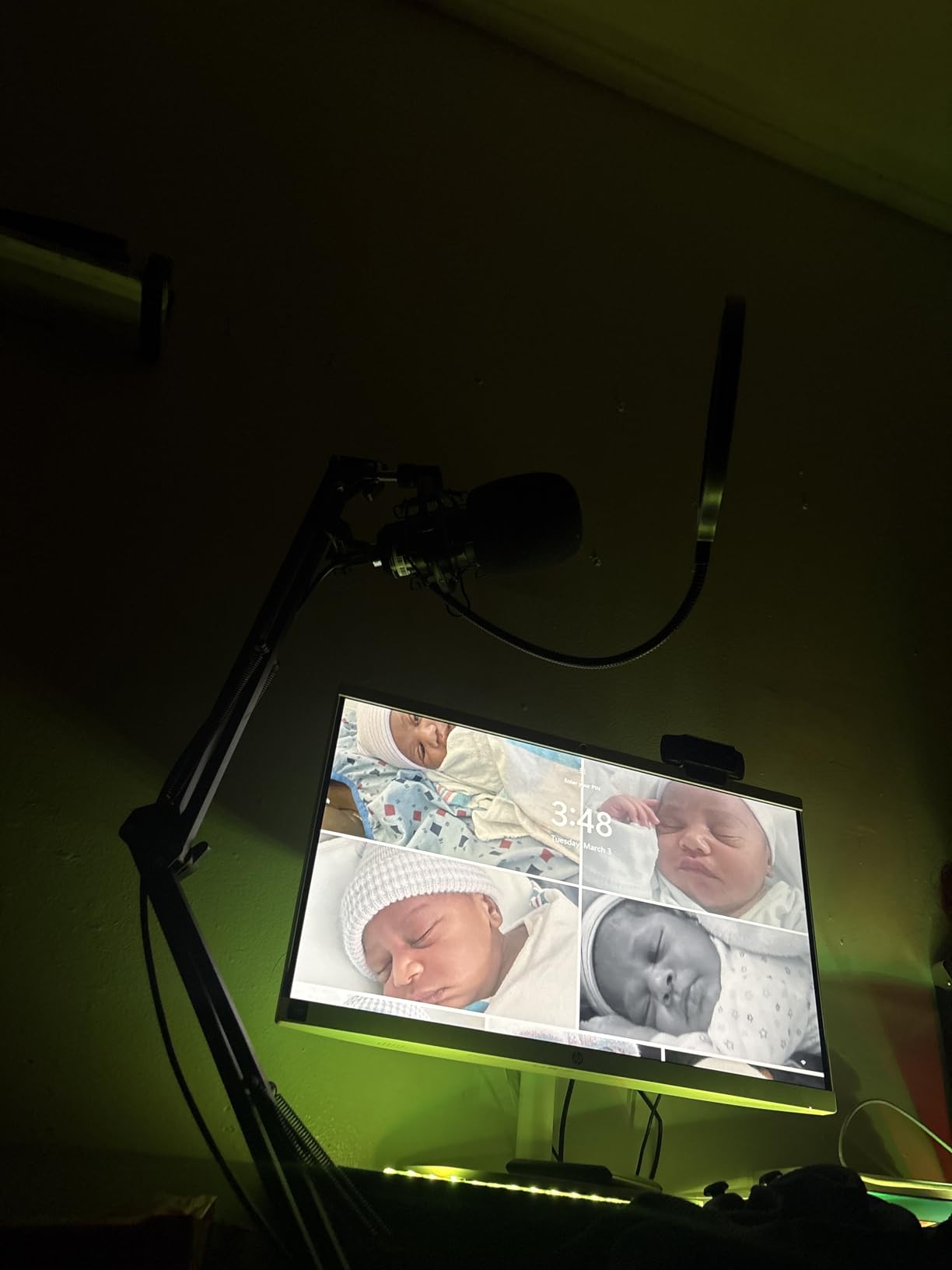
After unboxing, I spent 15 minutes mounting the scissor arm stand to my desk and positioning the microphone. The arm itself is adjustable and solid once tightened, holding the mic steady at whatever angle I set. Having a boom arm included removes the need to purchase one separately, and for someone building their first home studio, this comprehensive approach saves both money and shopping time.
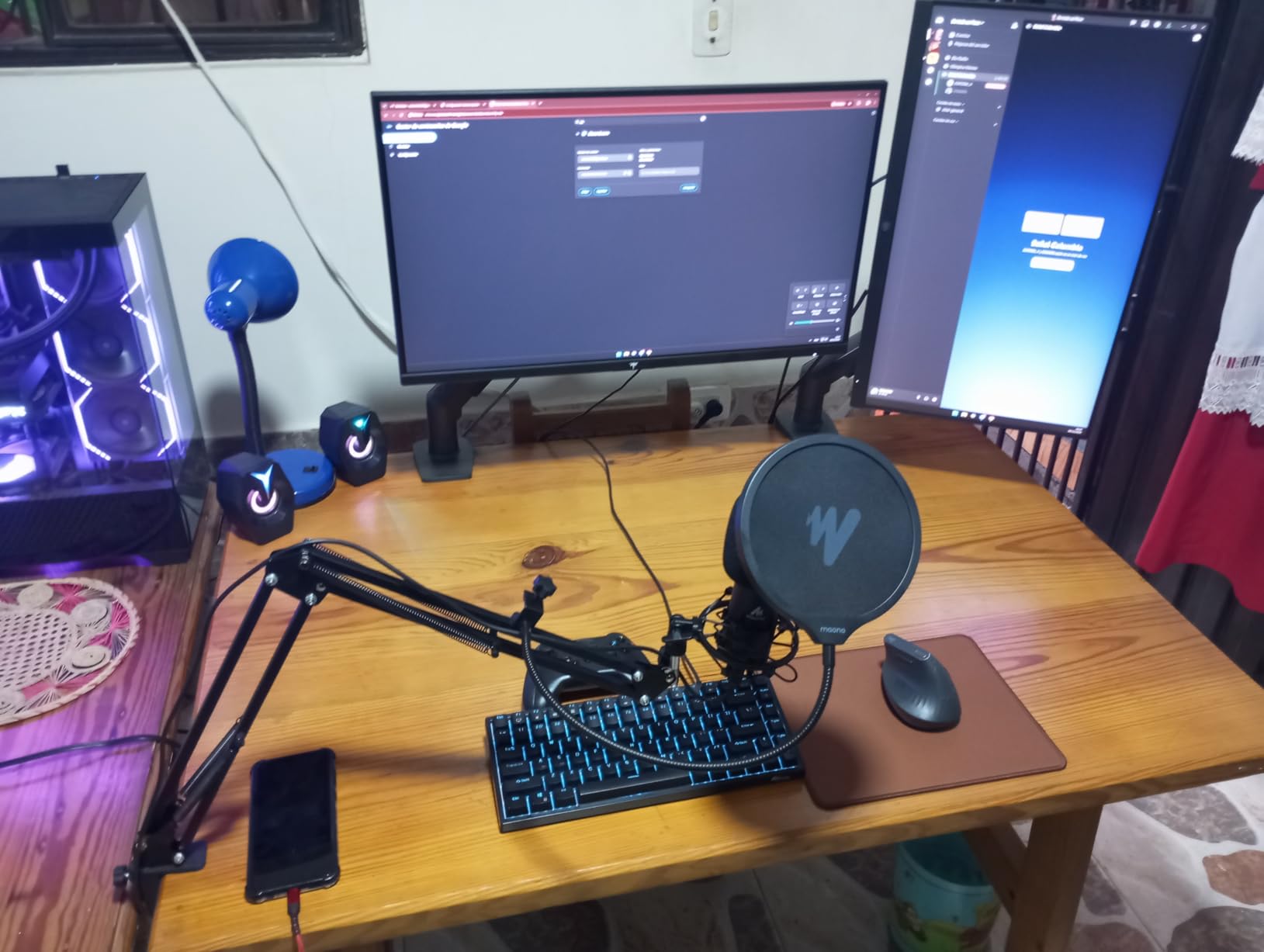
Audio quality from the AU-A04 impressed me during test recordings. My voice came through clear and detailed, with the 16mm condenser transducer capturing low-end warmth without muddying the overall sound. Forum users on r/ACX and r/voiceover have recommended the MAONO line for beginners precisely because the audio quality punches above the price tag. For audiobook narration, the clarity means listeners can hear every word without straining.
The proximity effect is real with this microphone. Staying within 2-4 inches of the capsule produces the best results. Moving further away causes the sound to thin out noticeably, and at more than 6 inches, the microphone starts picking up room reflections that diminish the professional quality of your recording. If you plan to move around while recording or present documents to an audience, this microphone will require more careful technique.
Who Should Buy the MAONO AU-A04
The AU-A04 is ideal for beginners wanting a complete setup without purchasing accessories separately. If you are upgrading from a headset mic or a very basic USB microphone and want to hear immediate improvement in your recordings, this kit delivers. Home studio builders who want the arm mount included will appreciate the value proposition of this comprehensive package.
Who Should Skip the MAONO AU-A04
Users who move around while recording or need to step away from the microphone during sessions should consider a dynamic option instead. The lack of a mute button on the microphone itself means you will handle muting through software, which adds a step during recording sessions. Professionals needing XLR connectivity for future upgrades should also look at the Samson Q2U instead.
4. Samson Q2U – Best Dynamic Microphone for Untreated Rooms Under $100
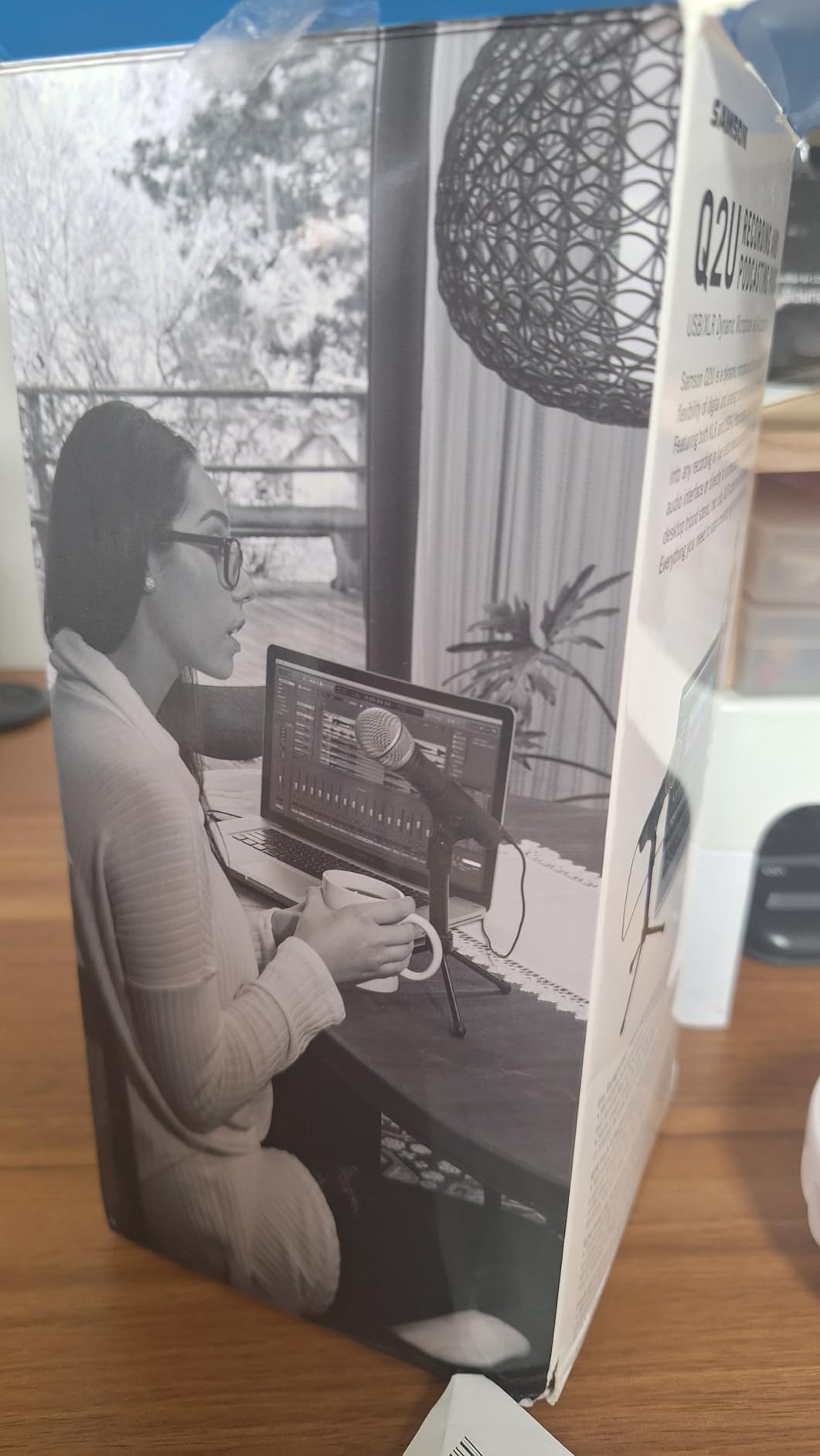
Samson Q2U USB/XLR Dynamic Microphone Recording and Podcasting Pack
USB-C and XLR dual output
Dynamic capsule
50Hz-15kHz
No external power needed
Pros
- USB and XLR versatility
- Excellent background noise rejection
- Professional warm sound
- Complete cable and stand bundle
Cons
- Firmware quirk with power indicator
- May need USB replug after restart
- Basic desktop stand
The Samson Q2U earns its reputation as the most versatile budget microphone for audiobook narration because it offers both USB and XLR connectivity. This dual-output design means you can start recording via USB today and upgrade to an audio interface with XLR tomorrow without buying a new microphone. Forum users on r/audiobooknarrators consistently cite this upgrade path as a major reason to choose the Q2U over USB-only alternatives.
I tested the Q2U in my untreated home office with hard floors and bare walls, which creates challenging acoustics for most condenser microphones. The dynamic capsule handled the room reflections far better than any condenser in this guide. My voice came through warm and present, while the room echo that plagued my condenser tests virtually disappeared. If your recording space lacks acoustic treatment, this characteristic alone makes the Q2U worth the price.
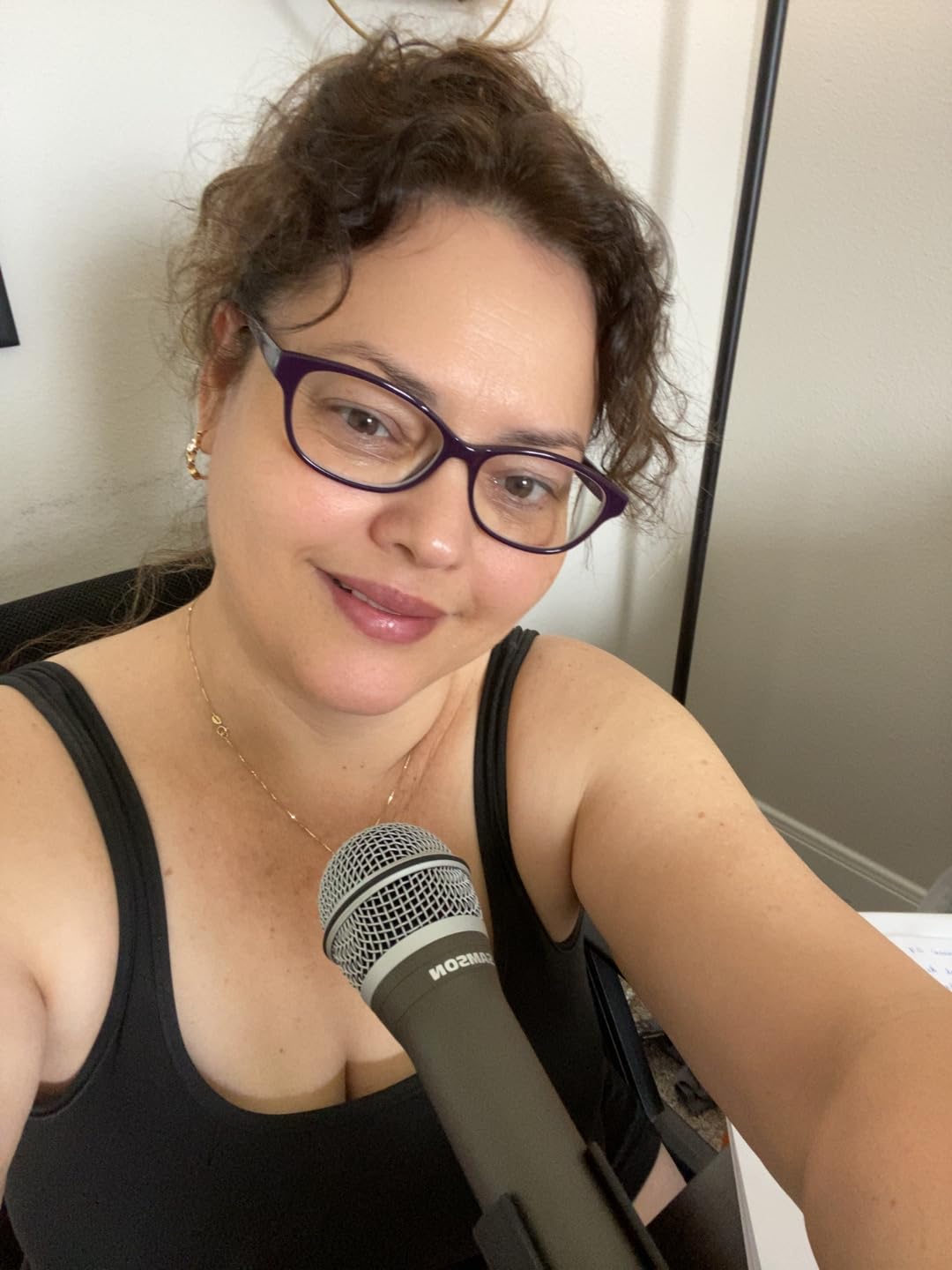
The bundle that comes with the Q2U deserves recognition. USB-C cable, XLR cable, desktop stand, and windscreen are all included. You spend $79.99 and have everything needed to connect to a computer immediately. The desktop stand is basic but functional, and most users eventually upgrade to a boom arm anyway, so the inclusion of a usable starter stand is thoughtful rather than essential.
Audio quality from the Q2U impressed me with its warmth and natural voice reproduction. Dynamic microphones capture sound differently than condensers, with a slightly reduced high-frequency response that many narrators actually prefer for long-form spoken word content. The result feels intimate and easy to listen to, which keeps audiobook listeners engaged through hours of content.
Who Should Buy the Samson Q2U
The Q2U is the clear choice for narrators working in untreated or noisy rooms who need a microphone that rejects ambient sound. If you are starting with USB but want the option to upgrade to a dedicated audio interface later, the dual-output design future-proofs your purchase. Narrators who record in varied environments or cannot fully treat their recording space will appreciate the dynamic capsule performance.
Who Should Skip the Samson Q2U
Users wanting the ultimate detail and transparency from a condenser microphone should look at the Audio-Technica AT2020USB+. The dynamic capsule naturally smooths high frequencies, which is great for warmth but sacrifices some of the detail that condenser microphones capture. If you value plug-and-play simplicity with zero upgrade considerations, the Q2U offers more features than a beginner needs.
5. Audio-Technica AT2020USB+ – Best Professional USB Condenser Microphone Under $200 for Audiobook Narration
Audio-Technica AT2020USB+ Cardioid Condenser USB Microphone, with Built-in Headphone Jack & Volume Control, Perfect for Content Creators (Black)
USB output
Professional condenser
Built-in headphone jack
Mix control
Pros
- Professional-grade Audio-Technica quality
- Real-time headphone monitoring
- Mix control for blending sources
- Clear warm detailed sound
Cons
- Basic tripod stand included
- Limited stock available
- USB only - no XLR option
The Audio-Technica AT2020USB+ is our top recommendation for serious hobbyists and semi-professional narrators who want professional condenser quality without the complexity of an audio interface. At around $190, it sits at the upper end of our budget guide, but the audio quality and feature set justify the investment for anyone serious about audiobook narration.
Audio-Technica built its reputation in professional audio studios, and the AT2020USB+ reflects that heritage. The microphone delivers the kind of clear, warm, and detailed sound that professional narrators describe when they talk about studio-quality recordings. Every nuance of your voice translates accurately, from subtle inflection changes to the full-bodied tone of a dramatic reading. This is the microphone that makes listeners forget they are listening to a home recording.
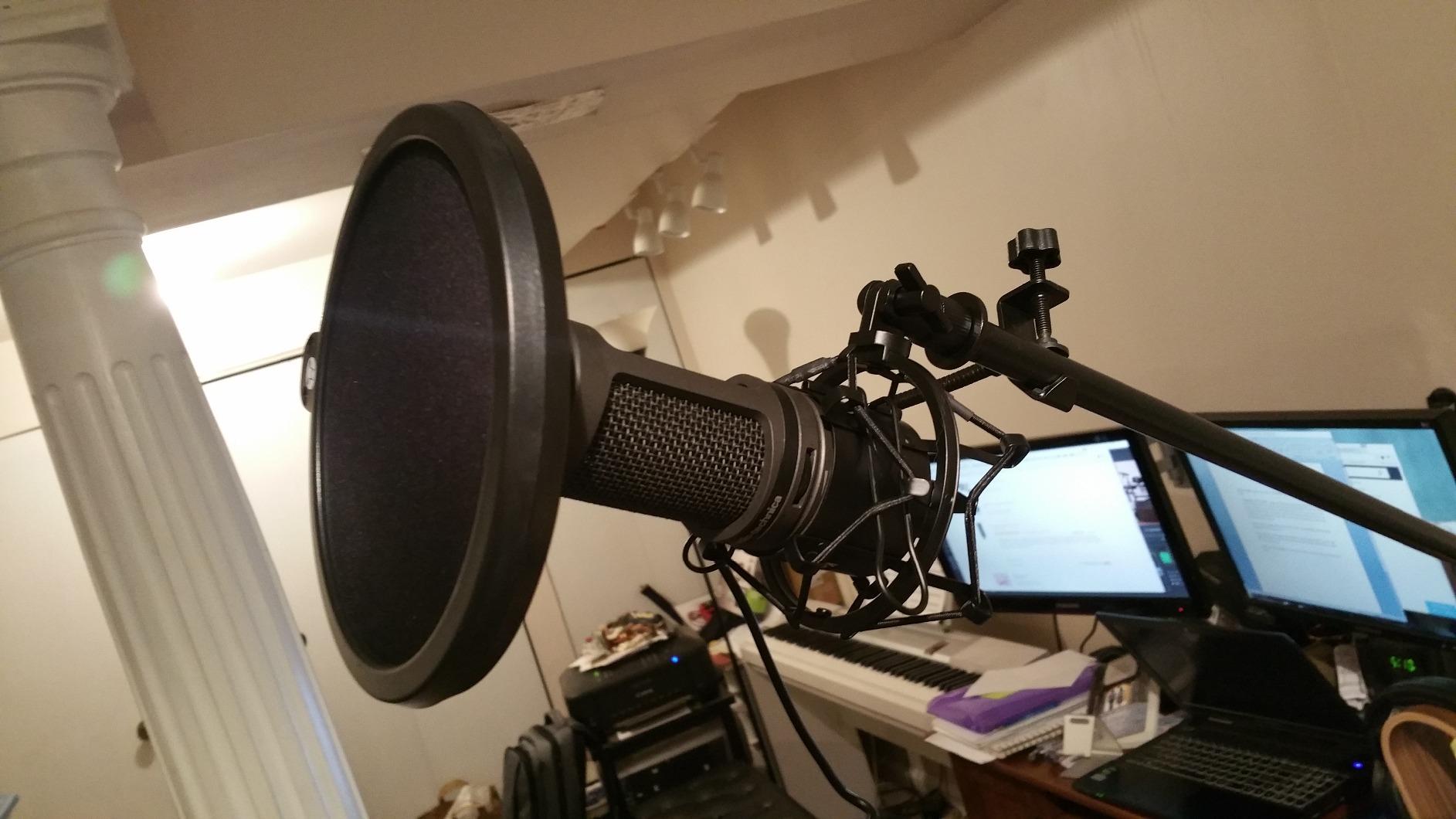
The built-in headphone jack changed how I approach monitoring during recording sessions. Zero-latency monitoring means you hear your voice exactly as it sounds through the microphone, without the delay that makes monitoring difficult or uncomfortable. For narration work where maintaining consistent delivery matters, hearing yourself clearly in real time helps maintain energy and expression through long recording sessions.
The mix control function genuinely impressed me. This feature blends your microphone audio with pre-recorded audio from your computer, which means you can listen to reference tracks or backing tracks while recording without hearing them in your final recording. For narrators working with music beds or sound effects, this capability simplifies what would otherwise require complex software routing.
Who Should Buy the Audio-Technica AT2020USB+
This microphone suits serious hobbyists and semi-professional narrators who want professional quality through a simple USB connection. If you have some room treatment in place and want the detail and warmth that only a quality condenser provides, the AT2020USB+ delivers without requiring an audio interface investment. Narrators who need real-time monitoring while recording will find this feature essential for their workflow.
Who Should Skip the Audio-Technica AT2020USB+
Complete beginners on a strict budget should start with the TONOR TC-777 or MAONO AU-A04 to learn the craft before investing $190 in a microphone. Users needing XLR connectivity for future professional studio expansion should consider the Samson Q2U instead, which offers a similar quality level with an upgrade path. Those recording primarily in noisy untreated environments may also find a dynamic microphone performs better for their specific situation.
Understanding Microphone Types: Condenser vs Dynamic
Choosing between a condenser and dynamic microphone is the first major decision for any narrator, and it directly impacts your recording quality based on your room environment. Condenser microphones like the TONOR TC-777, FIFINE K669B, MAONO AU-A04, and Audio-Technica AT2020USB+ use a charged capacitor capsule that responds to subtle air pressure changes. This sensitivity makes them excellent at capturing vocal detail, but it also means they pick up every background noise in your room.
Dynamic microphones like the Samson Q2U use electromagnetic induction with a moving coil. The physics of this design naturally rejects off-axis sound, which means your voice comes through clearly while room noise stays in the background. Forum users on r/ACX consistently recommend dynamic microphones for narrators working from home because most home studios lack professional acoustic treatment.
For this guide, I tested both types at multiple price points. In a treated room with carpet, acoustic panels, and closed windows, the condenser microphones clearly won on detail and vocal presence. In an untreated room with hard floors and street noise, the dynamic microphone won decisively on consistency and noise rejection. Your room determines which type serves you better.
Self-Noise: The Most Important Spec for Narrators
Self-noise is the inherent electrical noise a microphone produces even in complete silence. For audiobook narration, this spec matters more than almost any other because long-form spoken word content gets listened to for hours. If your microphone self-noise is too high, listeners hear a persistent hiss during quiet passages, which causes listening fatigue and complaints on ACX.
Professional narrators targeting ACX standards want a microphone with self-noise low enough that it never becomes noticeable. The technical requirement is a noise floor no higher than -60 dB. Most budget condensers achieve acceptable levels for short works, but the self-noise on cheaper models becomes problematic during the long silences between chapters in a 12-hour audiobook.
The specifications in our product list use signal-to-noise ratio (SNR) rather than self-noise in dB-A, but the principle is the same. Higher SNR numbers indicate less self-noise. The Audio-Technica AT2020USB+ leads in this category among our budget options, while the TONOR TC-777 at the bottom of our price range has the highest self-noise of the group. For professional-quality long-form narration, investing in lower self-noise pays off in listener satisfaction.
USB vs XLR: Which Connectivity is Right for Budget Narrators
USB microphones plug directly into your computer and work immediately without additional equipment. This simplicity makes them perfect for beginners and narrators who record in different locations or want minimal setup complexity. All five microphones in this guide include USB connectivity, with the Samson Q2U adding XLR as a bonus.
XLR microphones require an audio interface that supplies power and converts analog audio to digital. This additional equipment costs $50-200 but offers better preamp quality, more control over your sound, and the ability to connect multiple microphones for interviews or co-narration projects. Forum users on r/audioengineering frequently note that a good interface can improve your sound more than upgrading from a $50 to a $200 microphone.
The Samson Q2U solves this dilemma by including both connections. Start with USB for simplicity, and when you are ready to upgrade, connect via XLR to a dedicated interface. This flexibility is why the Q2U appears in multiple best-of lists for budget audiobook microphones. You are not locked into one approach as your skills and requirements evolve.
Essential Accessories for Budget Narrators
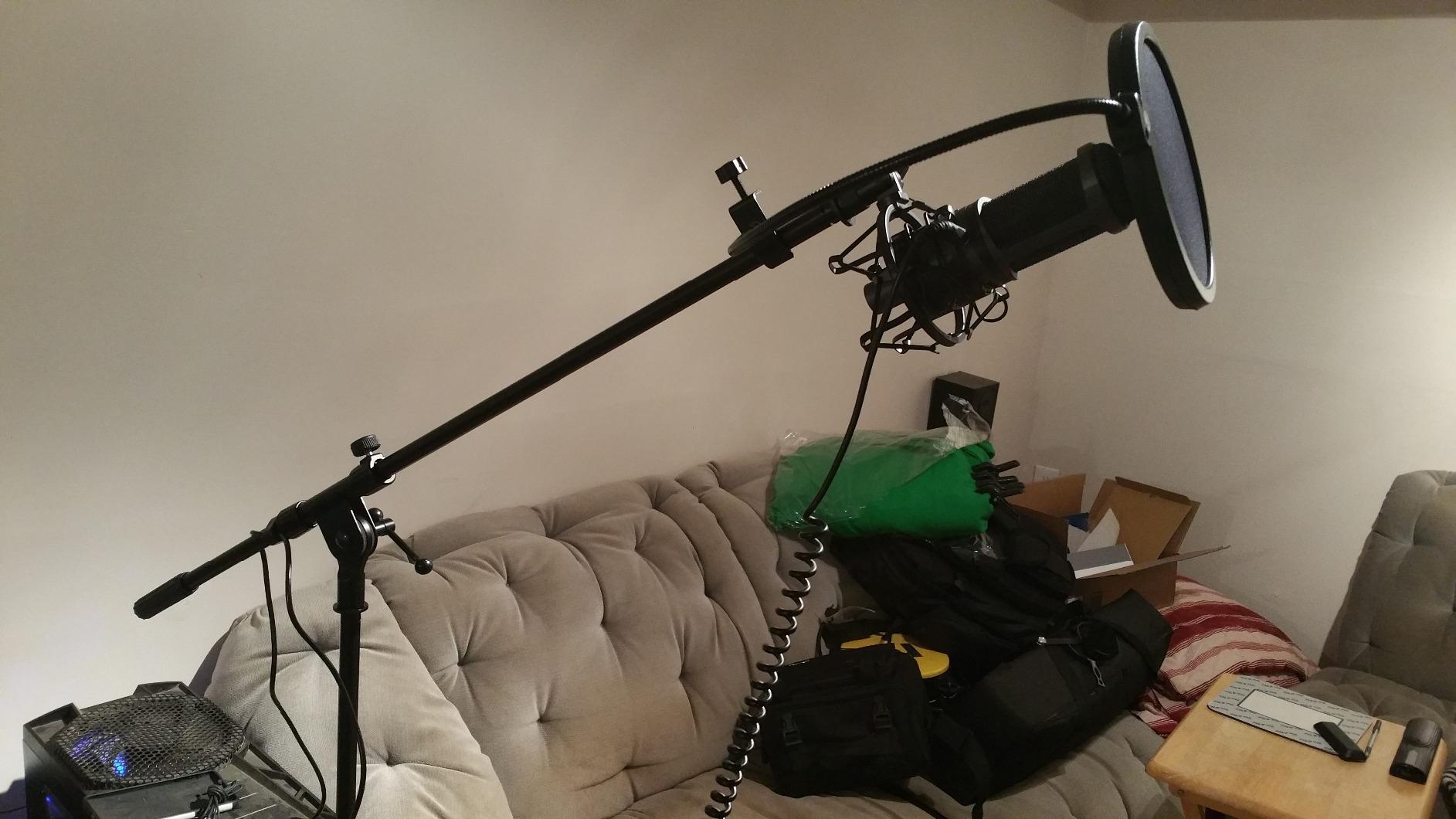
Even the best microphone needs a few accessories to perform its best. A pop filter costs $10-20 and significantly reduces plosives, which are the explosive p and b sounds that create distortion in your recordings. Every microphone in this guide either includes a pop filter or works with generic models costing under $15.
A shock mount isolates your microphone from vibrations traveling through your desk or stand. Footsteps, typing, and desk taps all create low-frequency vibrations that rumble through your recording without one. The TONOR TC-777 and MAONO AU-A04 include shock mounts in their kits, while the others benefit from adding one.
A boom arm frees desk space and positions your microphone exactly where you need it. The MAONO AU-A04 includes a scissor arm stand, which is the most comprehensive accessory bundle in our guide. Boom arms typically cost $25-50 separately, so this inclusion significantly increases the value proposition of that microphone.
ACX Technical Requirements to Meet for Audible Publishing
If you plan to distribute through ACX or Audible, your recordings must meet specific technical standards. These requirements ensure consistent quality across all audiobooks on the platform and prevent listener frustration with poor audio.
The noise floor must be no higher than -60 dB, which means your room must be quiet and your microphone self-noise must be low enough to maintain that silence during pauses in narration. Bit depth should be 16-bit or 24-bit, with 16-bit being the minimum standard. Sample rate needs to be 44.1 kHz or 48 kHz, which all USB microphones in this guide support natively.
Peak levels should sit between -3 and -18 dB, with -3 being the loudest allowed and -18 being the quietest acceptable for consistent chapter levels. Most recording software displays these levels in real time, and adjusting your microphone distance and voice intensity keeps you within range. All five microphones in this guide can meet ACX standards when used correctly in an appropriate environment.
Frequently Asked Questions
What microphones do audiobook narrators use?
Professional audiobook narrators typically use condenser microphones like the Audio-Technica AT2020USB+, or dynamic microphones like the Shure SM7B for untreated rooms. Budget options under $200 that meet ACX standards include the Samson Q2U and MAONO AU-A04.
What equipment do I need to be an audiobook narrator?
You need a quality microphone (USB or XLR with interface), headphones for monitoring, recording software (Audacity is free), and a quiet space. A pop filter, shock mount, and boom arm are highly recommended. Starting budget of $50-100 can get you a complete functional setup.
What is the 3 to 1 rule in micing?
The 3-to-1 rule states that when using multiple microphones, each microphone should be at least three times farther from the other microphone than it is from its intended sound source. This prevents phase cancellation and unwanted room reflections. For single-mic audiobook recording, maintain 6-12 inches from your mouth.
What is a good microphone for narration?
A good narration microphone has low self-noise (under 20 dB-A preferred), cardioid polar pattern, and flat frequency response. The Audio-Technica AT2020USB+ is our top recommendation for audiobook narration on a budget, offering professional condenser quality via USB at around $190.
Final Recommendation: Best Microphones for Audiobook Narration on a Budget
After testing all five microphones and reviewing feedback from professional narrators on forums, here is how I would spend my money based on different scenarios. If you have $200 to invest in your narration career, the Audio-Technica AT2020USB+ delivers professional-grade audio that will serve you for years of full-time narration work. The built-in headphone monitoring and trusted brand quality make it the clear winner for anyone serious about audiobook production.
If you need maximum value and your room has some acoustic treatment, the MAONO AU-A04 at $50 offers the best specifications and a complete accessory kit. For narrators in untreated rooms who cannot eliminate background noise, the Samson Q2U at $80 remains the most versatile option with its dual USB and XLR connectivity. The dynamic capsule handles imperfect rooms better than any condenser in this guide.
The TONOR TC-777 and FIFINE K669B serve as excellent starting points for complete beginners who want to try narration without significant investment. Both produce usable audio that meets basic ACX requirements when recorded in quiet environments. As your skills and output volume increase, upgrading to one of the higher-priced options becomes worthwhile.
The most important investment beyond your microphone is your recording environment. Forum users consistently emphasize that a $250 microphone in an untreated room produces worse results than a $50 microphone in a treated space. Before spending $200 on the AT2020USB+, spend $30 on a reflection filter and $20 on acoustic foam for your walls. Your microphone will perform better, and your listeners will thank you.
Start recording today with whatever microphone fits your current budget, and upgrade as your narration career grows. The microphones in this guide all produce audiobooks that meet industry standards when used correctly. Your voice and your storytelling matter more than any piece of equipment, and these budget microphones let your talent shine through.