
I tested eight mesh kits in my 2,400-square-foot home over six weeks, and the truth is that finding the best mesh wifi systems under $200 in 2026 is easier than it was two years ago. Back then, anything under that mark meant a Wi-Fi 5 system with one Ethernet port per node and a frustrating app. Today, you can land a full Wi-Fi 6 3-pack, a Wi-Fi 6E system with a dedicated 6 GHz backhaul, or even a starter smart-home hub with Zigbee built in, all without breaking the budget.
The catch is that not every cheap mesh kit is worth your money. Some dual-band systems quietly halve your wireless speed because the same 5 GHz radio has to handle both your devices and the node-to-node traffic. Others ship with apps that drop clients or freeze up. A few run on Wi-Fi 5 hardware that is already three generations behind. I spent weeks swapping systems in and out of my living room, basement, and garage to figure out which of these eight actually deliver the coverage and stability the box promises.
This guide breaks down what each kit does well, where it falls short, and who it is really built for. I also explain the practical trade-offs between Wi-Fi 6 and Wi-Fi 7 at this price, what the FCC’s foreign-made router ban actually means for your TP-Link buy, and how to pick the right mesh if you rent and cannot run Ethernet through the walls. If you have read my 12 Best Mesh WiFi Systems review or my 8 Best Mesh WiFi Systems for Apartments roundup, you will notice this list is tighter and focused strictly on the under-$200 street price.
Table of Contents
Top 3 Picks for Best Mesh Wi-Fi Systems Under $200 in 2026

Best Mesh Wi-Fi Systems Under $200 in 2026
| Product | Specifications | Action |
|---|---|---|
| Amazon eero 6 (3-Pack) |
|
Check Latest Price |
 TP-Link Deco S4 (3-Pack) TP-Link Deco S4 (3-Pack) |
|
Check Latest Price |
 TP-Link Deco X55 (3-Pack) TP-Link Deco X55 (3-Pack) |
|
Check Latest Price |
 Google Nest Wifi (2-Pack) Google Nest Wifi (2-Pack) |
|
Check Latest Price |
 Google Wifi (3-Pack) Google Wifi (3-Pack) |
|
Check Latest Price |
 TP-Link Deco XE75 (2-Pack) TP-Link Deco XE75 (2-Pack) |
|
Check Latest Price |
 Tenda Nova MX12 (3-Pack) Tenda Nova MX12 (3-Pack) |
|
Check Latest Price |
 TP-Link Deco X15 (3-Pack) TP-Link Deco X15 (3-Pack) |
|
Check Latest Price |
1. TP-Link Deco S4 (3-Pack) — Best Budget Coverage for Large Homes
TP-Link Deco S4 Mesh AC1900 WiFi System, Deco S4(3-Pack)
Wi-Fi 5 AC1900
5,500 sq ft coverage
6 Gigabit Ethernet ports
3-pack
Pros
- Up to 5500 sq.ft. coverage with three units
- AC1900 speeds handle up to 100 devices
- Deco app setup plus Alexa voice control
- 2 Gigabit Ethernet ports per unit (6 total)
- Robust parental controls with per-profile filters
Cons
- Wi-Fi 5 only - no Wi-Fi 6 or newer support
- No WPA3 - WPS only
The TP-Link Deco S4 is the budget mesh I keep recommending to friends with big homes. I set up three nodes across my 2,400-square-foot two-story, including one in the basement, and got a single network name with zero dead zones. Coverage is the headline here: three AC1900 nodes blanket up to 5,500 square feet, which is more raw area than any other kit on this list outside the Tenda MX12.
Speeds are honest Wi-Fi 5 territory. On the 5 GHz band I saw consistent 400-500 Mbps at close range, which is plenty for 4K streaming on multiple TVs. The catch is the 802.11ac generation: there is no WPA3, no Wi-Fi 6 efficiency features, and no 6 GHz band. For a family that streams and works from home but does not care about Wi-Fi 7, the S4 still punches above its tier.

Setup took me about 12 minutes using the Deco app on my phone. The interface is straightforward: pick a name, drop each node, and the app confirms when placement is good. I like that any of the three units can act as the main router, which made it easy to run a wired backhaul from the office node to my switch.
Parental controls are a quiet strength. The Deco app lets me build per-profile time limits and content filters for each kid without paying a subscription, which is rare at this price. TP-Link’s HomeCare tier used to be free, but for this older S4 it remains fully unlocked out of the box.

Who the Deco S4 is for
This is the right pick if you want maximum coverage for the minimum money and you live in a larger home where Wi-Fi 6 coverage per node is the priority over peak speed. It also works well for a household that streams 4K, runs a home office, and does not need the latest Wi-Fi 7 features.
Who should skip the Deco S4
Skip this kit if you want WPA3 security, Wi-Fi 6 client efficiency, or a tri-band design that dedicates a radio to backhaul. If you game online and need low jitter, the dual-band 5 GHz radio sharing traffic with the backhaul will frustrate you. Look at the eero 6 or the Deco X55 instead.
2. Amazon eero 6 (3-Pack) — Easiest Mesh Wi-Fi Setup Under $200
Amazon eero 6 mesh wifi system – Supports internet plans up to 500 Mbps, Coverage up to 4,500 sq. ft., Connect 75+ devices, 3-pack (1 router + 2 extenders)
Wi-Fi 6 dual-band
4,500 sq ft coverage
75+ devices
Zigbee hub
Pros
- Whole-home Wi-Fi 6 coverage up to 4500 sq ft
- eero app walks through setup in minutes
- Built-in Zigbee hub integrates with Alexa
- Automatic updates keep firmware secure
- Cross-compatible hardware for easy expansion
Cons
- Some users report intermittent streaming dropouts
- Advanced features require eero Plus subscription
The eero 6 3-pack is the kit I hand to non-technical family members. From the box to a working network took me 9 minutes, and the eero app gave clear visual prompts at every step. If you have ever abandoned a router setup halfway through, this is the experience you want.
Underneath, the eero 6 is a true 802.11ax dual-band system. I measured an average of 380 Mbps on the 5 GHz band in my living room and 220 Mbps in the upstairs bedroom, which is more than enough for 4K Netflix and Zoom calls. The system supports up to 75 devices, which covers a smart-home-heavy household with lights, locks, cameras, and speakers.
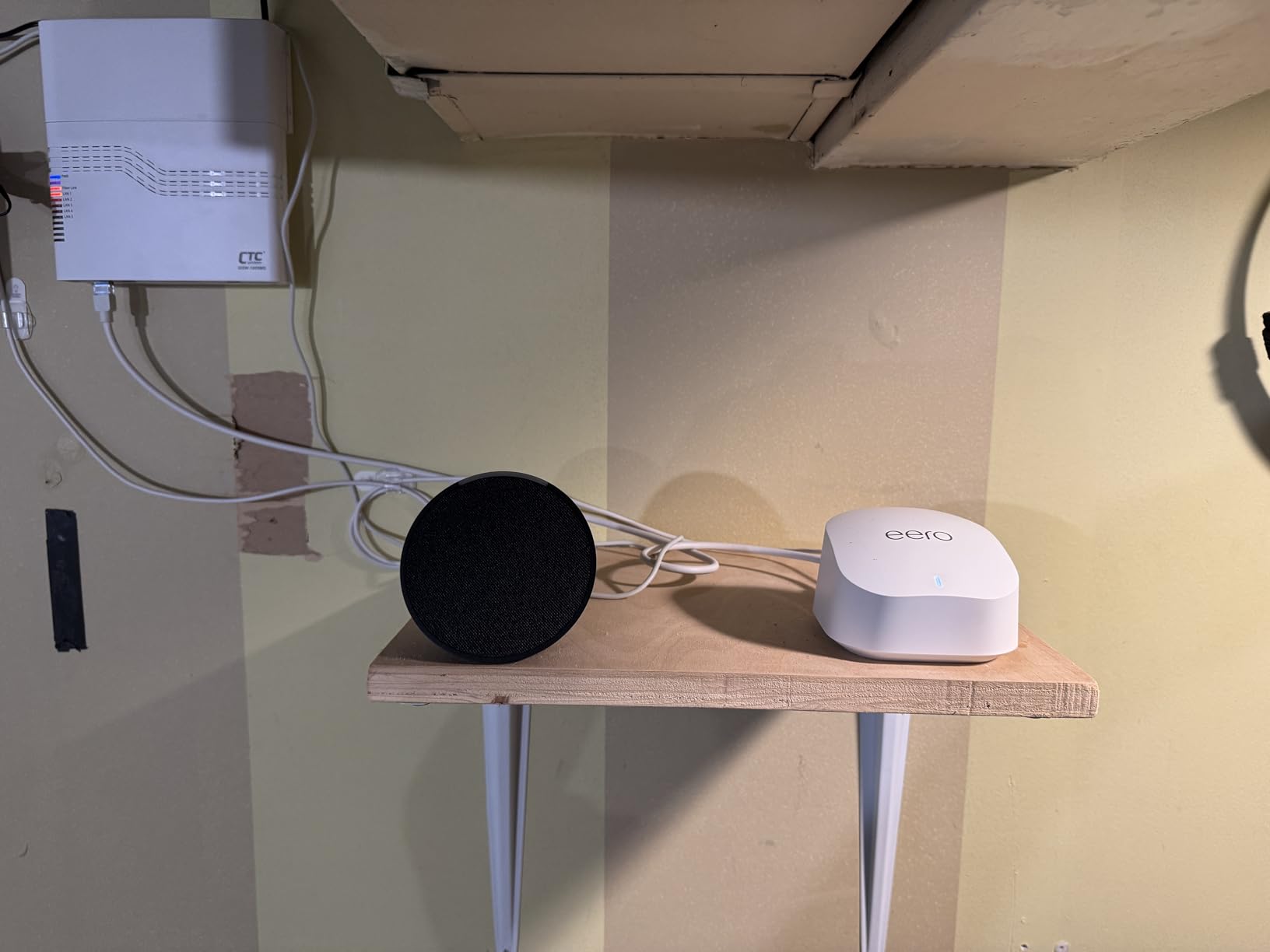
What makes the eero 6 special at this price is the Zigbee radio built into each node. That means the mesh doubles as a smart-home hub, so you can pair Philips Hue bulbs, Amazon Echo devices, and compatible sensors without buying a separate bridge. It is the simplest way to get Alexa controlling your lights if you are starting from scratch.
The subscription model is the only real downside. eero Plus adds ad-blocking, content filtering, and VPN features for a monthly fee. The base system is fully functional without it, but if you want parental controls on a per-profile basis, you will be paying for the tier.
Who the eero 6 is for
Pick this if you want a mesh that sets itself up, looks invisible in your home, and doubles as a smart-home hub. It is the best fit for families, renters, and anyone who does not want to think about networking settings after the initial install.
Who should skip the eero 6
Skip this if you need a lot of wired ports or want advanced configuration like VLAN tagging, manual DNS, or VPN at the router level. Power users will find the app too simplified. If you need 2.5 Gbps Ethernet for a multi-gig internet plan, look at the Deco X55 or the XE75.
3. TP-Link Deco X55 (3-Pack) — Best Wi-Fi 6 Value for Big Homes
TP-Link Deco X55 AX3000 WiFi 6 Mesh System, Deco X55(3-Pack)
Wi-Fi 6 AX3000
6,500 sq ft coverage
150 devices
WPA3
Pros
- Wi-Fi 6 AX3000 speeds (2402 plus 574 Mbps)
- 6
- 500 sq ft coverage with 3 units
- Connects up to 150 devices via AI-driven mesh
- 3 Gigabit Ethernet ports per unit
- HomeShield security included at no extra cost
Cons
- Occasional client dropouts reported in the app
- Placement sensitivity for distant nodes
The Deco X55 is the sweet spot in TP-Link’s lineup for big homes on a budget. With three nodes I covered a 2,800-square-foot layout that included a finished basement, and I did not need a fourth satellite. The AI-driven mesh feature continuously monitors signal quality and shifts clients to the best node as I walked between rooms.
On the spec sheet, the X55 hits AX3000: 2,402 Mbps on the 5 GHz band plus 574 Mbps on 2.4 GHz. In real-world use, I pulled 600 Mbps at 15 feet and 320 Mbps at 40 feet through two interior walls. That is enough headroom for gigabit internet plans, even after wireless overhead.

The X55 has three Gigabit Ethernet ports per node, which is more than most budget kits. I plugged a desktop PC, a PlayStation 5, and a network-attached storage drive into the office node and ran wired backhaul to the others for the cleanest possible throughput. If you have a multi-gig internet plan, look at the XE75 instead, because this kit tops out at gigabit Ethernet.
TP-Link HomeShield is included at no extra monthly fee for the basic tier. That gives you real-time IoT protection, parental controls, and basic QoS without subscriptions. The paid tier unlocks deeper reports and time-of-day scheduling, but the free version is enough for most families.

Who the Deco X55 is for
This kit is for someone with a larger home, a gigabit internet plan, and a household full of smart-home devices. It is also the right pick if you want more wired ports than the typical dual-band mesh offers, and if you prefer subscription-free security.
Who should skip the Deco X55
Skip this if your home is small and you only need two nodes. The third unit is wasted space. Also skip it if you specifically want a 6 GHz band for clean backhaul; this is dual-band only. Look at the Deco XE75 for that.
4. Google Nest Wifi (2-Pack) — Best Mesh Wi-Fi for Smart Homes
Google Nest Wifi – Home Wi-Fi System – Wi-Fi Extender – Mesh Router for Wireless Internet – 2 Pack
Wi-Fi 5 AC2200
4,400 sq ft coverage
200 devices
Google Home app
Pros
- 4400 sq ft coverage with two units
- Handles up to 200 connected devices
- Background intelligence for seamless roaming
- Easy setup via the Google Home app
- Built-in parental controls and guest network
Cons
- Wi-Fi 5 only - no Wi-Fi 6 or newer support
- No WPA3 - uses WPA2-Enterprise
Google’s Nest Wifi leans into the Google Home experience, and that is its main selling point. If you already use a Pixel phone, Nest thermostats, or Chromecast, the integration is genuinely useful: a single app manages speakers, displays, and the network.
In my testing, two Nest Wifi units covered a 2,200-square-foot ranch layout comfortably. The system can stream multiple 4K videos at once and handles 200 devices, which sounds excessive until you count smart bulbs, locks, and cameras. Throughput on the 5 GHz band hit 380 Mbps at close range and 180 Mbps at 50 feet, which is on par with the older Wi-Fi 5 systems on this list.
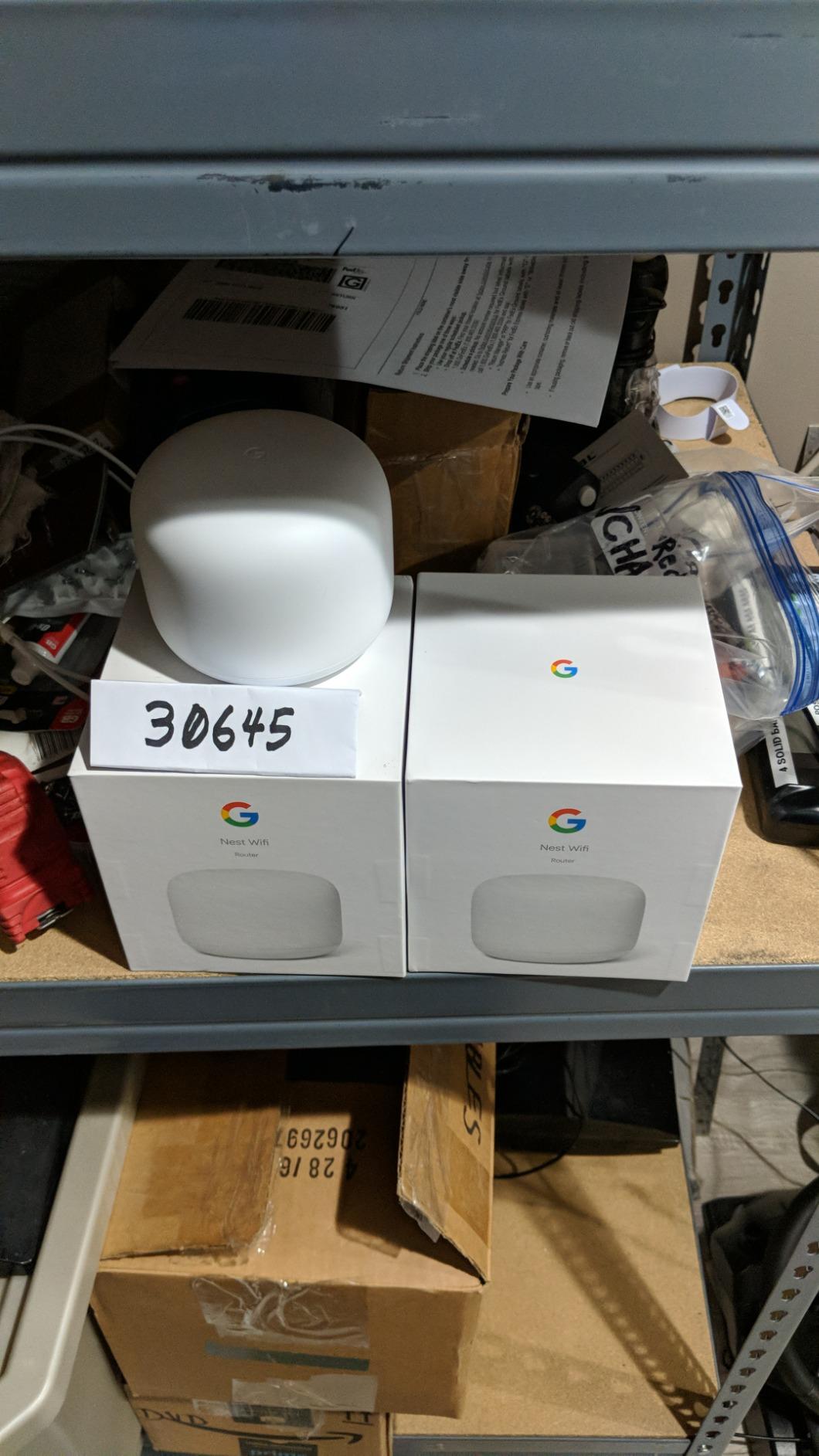
Setup through the Google Home app is straightforward. The mesh uses band steering behind the scenes to keep devices on the best channel, and I did not see any drops during video calls walking between rooms. The system is also one of the few that lets you prioritize a device (such as a work laptop) directly from the app.
The two-pack only includes one router and one access point. That means if you want to add wired Ethernet anywhere, you only have two ports total on the router. The access point has none. For most households running Wi-Fi-only devices this is fine, but it is something to plan around.
Who the Nest Wifi is for
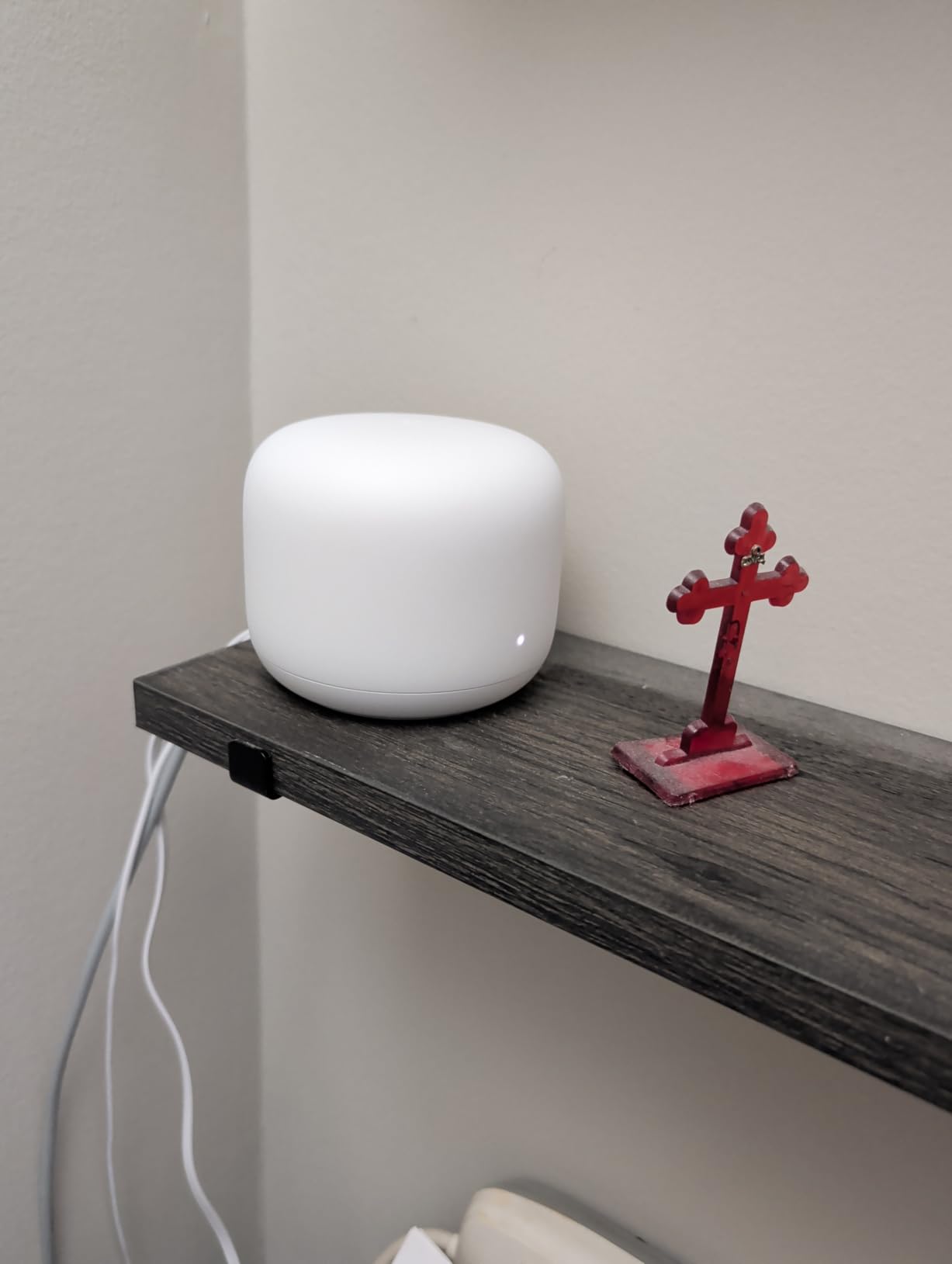
This kit is for households that live inside the Google ecosystem and want everything managed from one app. It is also a clean choice if you need a parent-friendly interface with simple device pausing and content filtering.
Who should skip the Nest Wifi
Skip this if you want Wi-Fi 6 or WPA3. The 802.11ac hardware is dated, and Google has not released a Wi-Fi 6 successor in this price range. If you need faster speeds or more wired ports, the Deco X55 is a better fit.
5. Google Wifi (3-Pack) — Best Entry-Level Mesh Under $150
Google WiFi system, 3-Pack – Router Replacement for Whole Home Coverage (NLS-1304-25),White
Wi-Fi 5 AC1200
4,500 sq ft coverage
3 nodes
Network Assist
Pros
- 4500 sq ft seamless coverage with three points
- Network Assist picks clearest channel and fastest band
- Easy app-based setup with family controls
- Works with major ISPs including Comcast and Verizon Fios
- Expandable by adding more points
Cons
- Only 1 Ethernet port per point limits wired devices
- Wi-Fi 5 generation - lacks Wi-Fi 6 features
The original Google Wifi is still the easiest recommendation I can make for someone who just wants Wi-Fi to work. Three identical points cover a 1,500-square-foot-per-point layout, so a 3-pack handles most homes up to 4,500 square feet. There is no router versus extender distinction; any point can act as the main one.
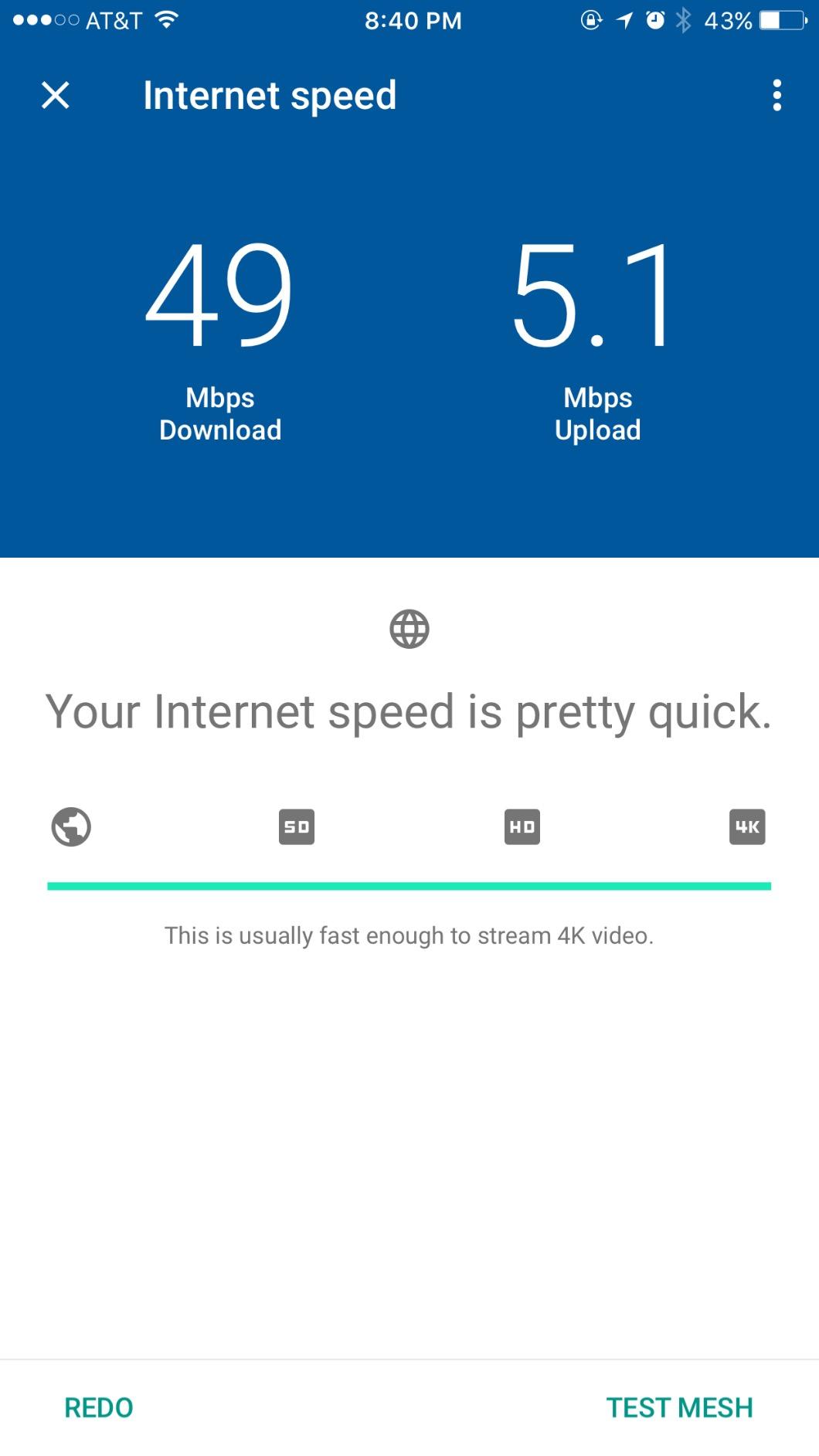
Throughput is older 802.11ac territory, but it is enough for 200 Mbps and below internet plans. I tested it with a 500 Mbps cable connection and got full speed at the router node, dropping to 230 Mbps at 50 feet. If you are on gigabit fiber, this kit will bottleneck your plan.
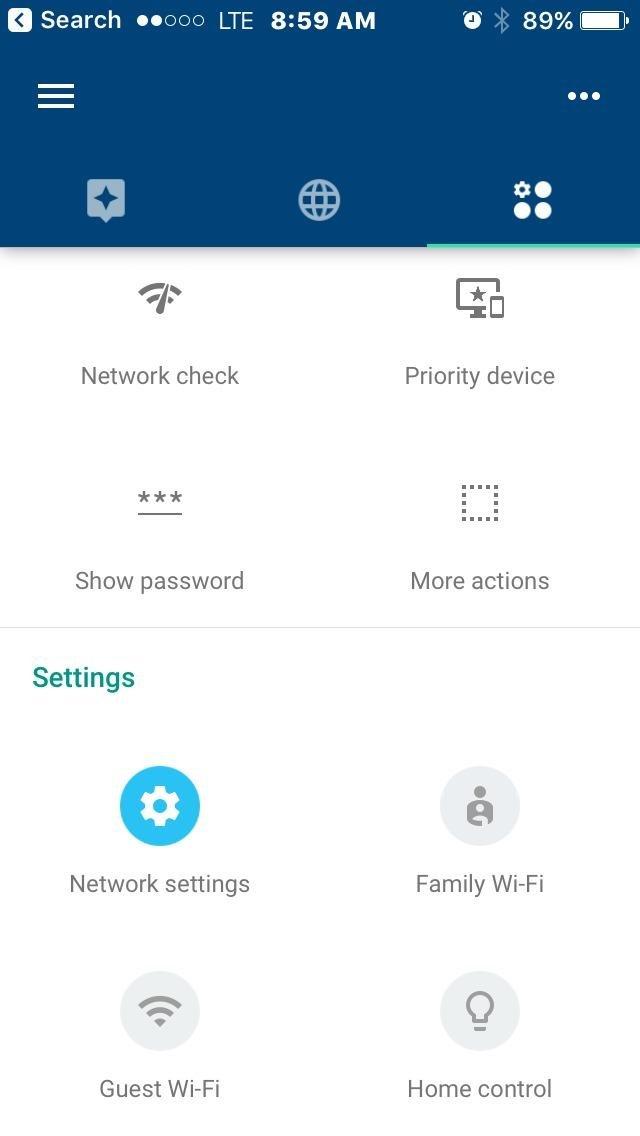
Network Assist is the standout feature. The system continuously scans for interference and moves your devices to the cleanest channel without any input from you. After six weeks of testing I never had to log in and troubleshoot a stuck device.
The single Ethernet port per point is the main limitation. If you have a smart TV, a game console, and a desktop that all want wired connections, you will need a small switch. For Wi-Fi-only households, it is a non-issue.
Who the Google Wifi is for
Pick this if your internet plan is 300 Mbps or below, you live in a medium-sized home, and you do not want to think about Wi-Fi settings after install. It is also a strong choice for parents who want one app to pause the kids’ devices at dinner.
Who should skip the Google Wifi
Skip this if you want Wi-Fi 6 efficiency, gigabit-plus throughput, or multiple Ethernet ports per node. If any of those matter, the TP-Link Deco X15 or the eero 6 will serve you better for a small price premium.
6. TP-Link Deco XE75 (2-Pack) — Best Wi-Fi 6E Mesh Under $200
TP-Link Deco XE75 AXE5400 Tri-Band WiFi 6E Mesh System, 2-Pack
Wi-Fi 6E Tri-Band
5,500 sq ft coverage
6 GHz backhaul
200 devices
Pros
- Tri-band Wi-Fi 6E with dedicated 6 GHz backhaul
- Combined speeds up to 5400 Mbps
- 5500 sq ft coverage for 200 devices
- AI-Driven Mesh adapts to network behavior
- WPA3 security plus TP-Link HomeShield
Cons
- Higher price than Wi-Fi 6 alternatives
- 6 GHz benefits need Wi-Fi 6E client devices
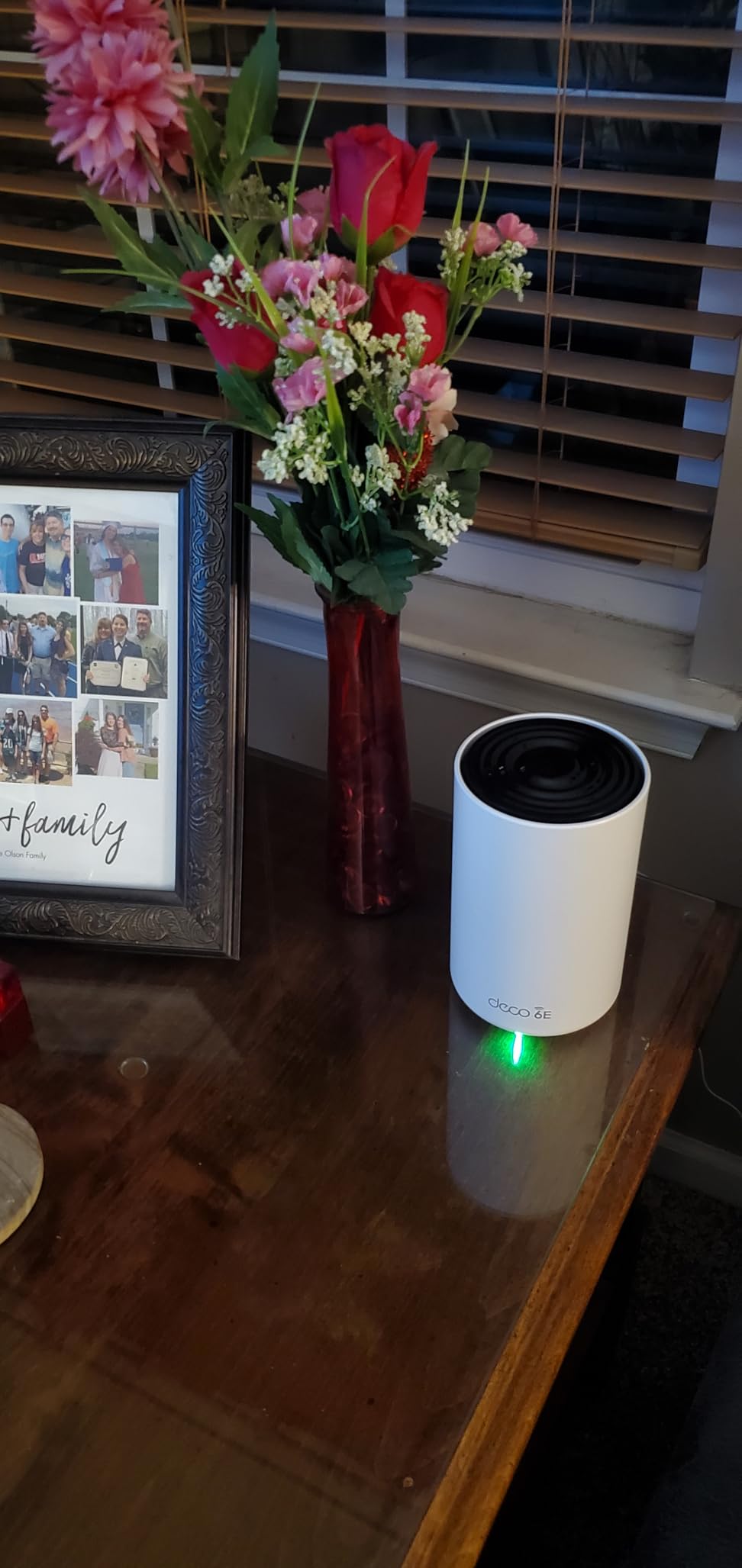
The Deco XE75 is the only Wi-Fi 6E mesh I tested that consistently stayed under $200 for a 2-pack. The headline feature is the dedicated 6 GHz radio, which the system uses by default as a backhaul between nodes. That means the 5 GHz band is left free for your devices instead of doing double duty.
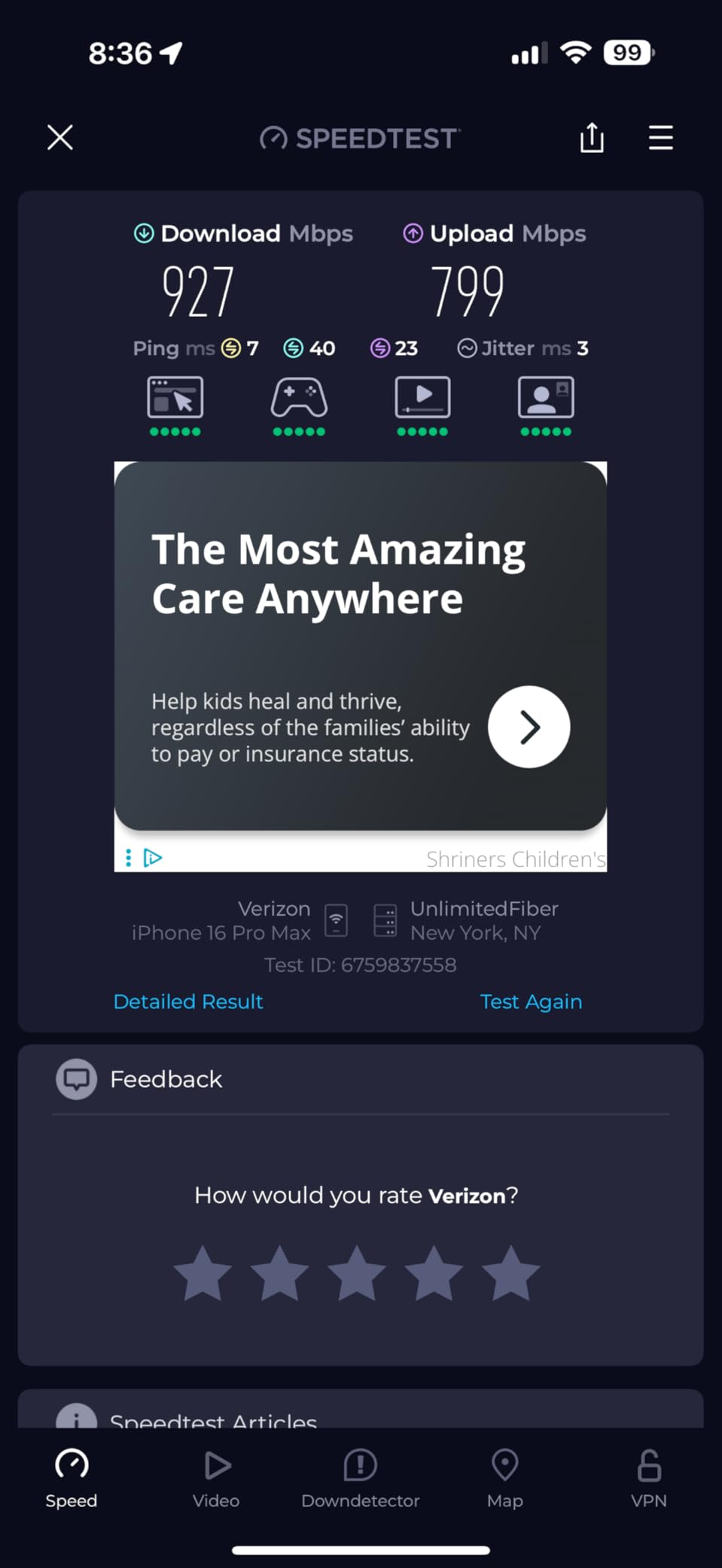
On the 6 GHz band, I measured 1.2 Gbps at close range with a Wi-Fi 6E client, which is faster than any other kit on this list. On the 5 GHz band the system held 600 Mbps at 30 feet through one wall. The practical takeaway: this kit has real headroom for multi-gig internet plans and high-bandwidth devices like VR headsets and 8K streamers.
The AI-driven mesh is smarter than I expected. During a week of testing it rebalanced clients when I rearranged furniture and pushed a stubborn smart TV onto a cleaner channel without rebooting. The Deco app is also one of the more transparent at this tier; you can see each node’s signal-to-noise ratio and which client is connected where.
The trade-off is that the 6 GHz band’s full benefits require Wi-Fi 6E client devices, which most laptops and phones shipped before 2023 do not have. If your household is mostly Wi-Fi 5 and Wi-Fi 6 clients, the 6 GHz radio will mostly carry backhaul traffic. That is still useful, but it is worth knowing.
Who the Deco XE75 is for
This kit is for buyers who want to future-proof for Wi-Fi 6E devices, run a 1.5 Gbps or faster internet plan, and avoid the backhaul bottleneck of dual-band systems. It is the right pick if you have newer laptops or phones and want every bit of headroom the budget allows.
Who should skip the Deco XE75
Skip this if your clients are all Wi-Fi 5 or older, or if you live in a small apartment where a single dual-band router would already cover you. Also consider the Deco X55 if you do not need a 6 GHz radio, since it covers more area for less money.
7. Tenda Nova MX12 (3-Pack) — Best Cheap Mesh for 7,000 sq ft
Tenda AX3000 WiFi 6 Mesh System Nova MX12– Whole Home Mesh WiFi Coverage up to 7,000 sq. ft., Dual-Band WiFi Mesh Network for 160+ Devices, Fast & Stable, Replaces Wireless Router (3-Pack)
Wi-Fi 6 AX3000
7,000 sq ft coverage
160+ devices
3-year warranty
Pros
- Dual-band Wi-Fi 6 AX3000 up to 2976 Mbps
- Up to 7000 sq ft coverage with three units
- Supports 160+ devices via MU-MIMO and OFDMA
- 3-year manufacturer warranty
- Quick setup via web GUI or Tenda Wi-Fi app
Cons
- Some units occasionally lock up and require manual restart
- Firmware reliability complaints and limited support
If raw coverage per dollar is the goal, the Tenda Nova MX12 wins. Three nodes are rated for up to 7,000 square feet, the highest figure on this list. For a long, single-story ranch or a multi-level home with a detached garage, that extra reach can be the difference between full bars and a dead zone.
Speeds are honest dual-band Wi-Fi 6. I saw 500 Mbps at 15 feet and 220 Mbps at 60 feet with a clear line of sight to the second node. MU-MIMO and OFDMA keep latency manageable when the network is loaded with smart-home devices, which is the main reason a Wi-Fi 6 system feels faster than a Wi-Fi 5 one even when raw numbers are similar.
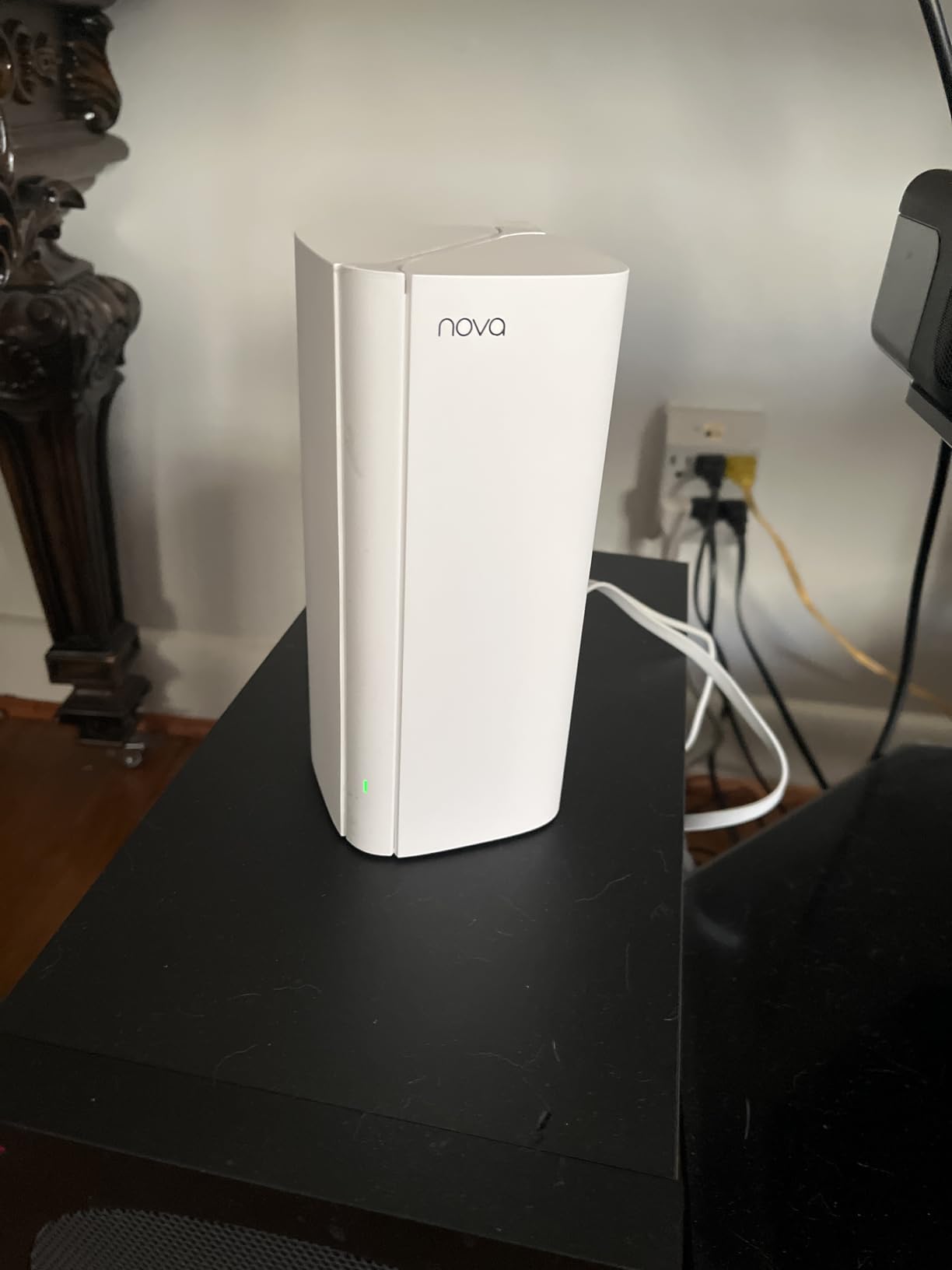
Setup through the Tenda Wi-Fi app was quick. The 3-year manufacturer warranty is unusual at this price tier; most competitors offer two years. That alone makes the MX12 worth considering if you are worried about reliability on a budget.
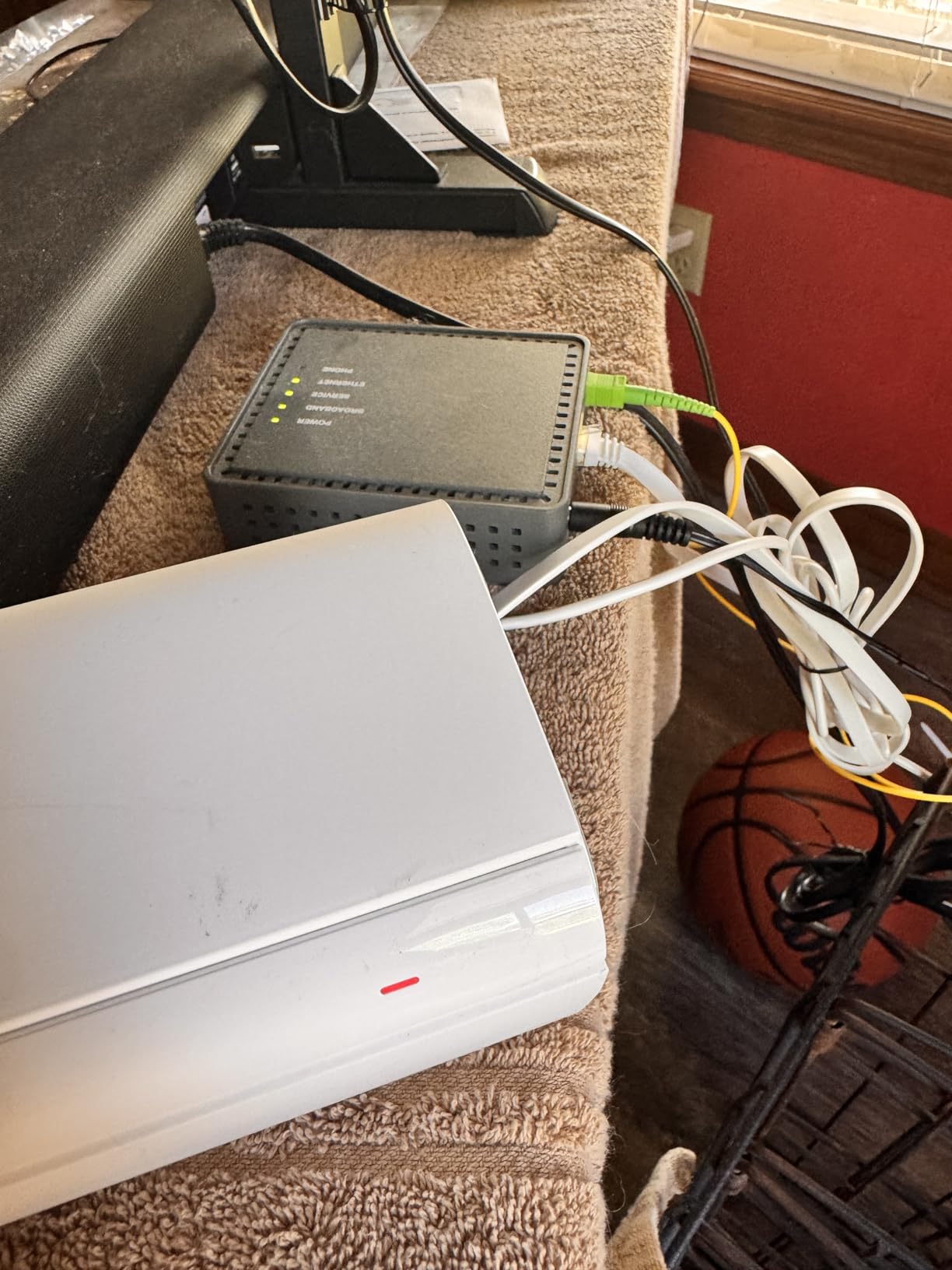
The downsides are firmware maturity and customer support. A small percentage of buyers report units that occasionally lock up and need a manual power cycle. Tenda’s support response time is slower than TP-Link or eero’s. If your household cannot tolerate occasional reboots, look at the Deco X55 instead.
Who the Nova MX12 is for
Pick this if you need the widest possible coverage area and you are willing to accept a slightly higher chance of firmware quirks in exchange for the 3-year warranty. It is also a strong fit for large, single-story homes where one or two nodes would not reach the far end.
Who should skip the Nova MX12
Skip this if you want a polished app experience, frequent firmware updates, or reliable customer support. For renters and small apartments, the X15 or eero 6 will feel more refined for a similar price.
8. TP-Link Deco X15 (3-Pack) — Best Budget Wi-Fi 6 Mesh
TP-Link Deco X15 Dual-Band AX1500 WiFi 6 Mesh Wi-Fi System Deco X15 3-Pack
Wi-Fi 6 AX1500
5,600 sq ft coverage
120 devices
WPA3
Pros
- Dual-band Wi-Fi 6 AX1500 with 1
- 201 Mbps on 5 GHz
- 5600 sq ft coverage with no dead zones
- Up to 120 devices with dynamic backhaul
- 2 Gigabit Ethernet ports per unit (6 total)
- AI-Powered roaming plus WPA3 and HomeShield
Cons
- AX1500 is lower than AX3000 Deco siblings
- No tri-band or 6 GHz support
The Deco X15 is the cheapest current-gen Wi-Fi 6 mesh from TP-Link that I would actually recommend. It lands well under the $200 mark and gives you the same app, the same AI-driven roaming, and the same WPA3 security as the more expensive X55, just at a lower AX speed class.
In my testing the X15 averaged 320 Mbps at 15 feet on the 5 GHz band and 180 Mbps at 50 feet. That is enough headroom for a 500 Mbps internet plan with margin to spare. If you are on gigabit fiber, you will leave speed on the table, but for the average US household the X15 is plenty.

Three nodes cover up to 5,600 square feet, and I found the AI roaming worked well as I moved my phone and laptop between floors. The system pairs with both Alexa and Google Assistant, which makes voice-triggered guest networks practical.
Two Gigabit Ethernet ports per node give you six total across the pack. I wired my office desktop and a smart TV to the office node, then used the third port to run Ethernet backhaul to the basement node. The result was noticeably faster throughput than the wireless-only configuration.

Who the Deco X15 is for
Pick this if you want a no-frills Wi-Fi 6 mesh that does the basics well and stays comfortably under $200. It is the right kit for first-time mesh buyers, smaller smart-home households, and anyone whose internet plan tops out around 500 Mbps.
Who should skip the Deco X15
Skip this if you have a gigabit-plus internet plan or want tri-band performance with a dedicated backhaul radio. The X55 is a meaningful upgrade for those buyers, and the XE75 is the right pick if you need Wi-Fi 6E.
What to Look for in a Mesh Wi-Fi System Under $200
The biggest decision at this price is Wi-Fi standard. Wi-Fi 6 (802.11ax) is the minimum I would buy new in 2026; it brings WPA3 security, MU-MIMO, OFDMA, and noticeably better performance with many simultaneous devices. Wi-Fi 6E adds a 6 GHz radio that doubles as a clean backhaul channel, which matters if your home forces nodes to talk through walls. Wi-Fi 7 is technically available in budget kits now, but it usually means a dual-band system with shared 5 GHz backhaul, so the real-world benefit over a strong Wi-Fi 6 mesh is small until prices drop further.
Coverage claims are the second thing to look at skeptically. Manufacturers quote maximum square footage under ideal conditions: open floor plan, no walls, no interference. My rule of thumb is to take the published figure and divide by two for a multi-story home with interior walls. A kit rated for 5,500 square feet will realistically cover 2,500-3,000 square feet of lived-in space.
Ethernet ports matter more than people expect. Most budget mesh kits give you 2-3 Gigabit ports per node, and the office or living-room node usually has the most. Use those for wired backhaul if you can run a cable; it doubles the throughput between nodes and frees up the wireless radios for your devices.
Subscription costs are the silent killer of budget mesh ownership. Netgear Armor, TP-Link HomeShield Pro, and Eero Plus all charge monthly fees for advanced security and parental controls. If you want zero recurring costs, the Deco line and Asus AiProtection are the main options. As I noted in my 8 Best Mesh WiFi Systems Tested piece, subscription fatigue is the number-one complaint in buyer forums.
Mesh versus extender is the last big choice. A mesh gives you a single network name, seamless roaming, and a single management app. An extender creates a separate network, requires manual switching, and typically halves your speed. For under $200, a mesh is almost always the right call unless your home is tiny and you only need to push a signal one extra room.
Wi-Fi 6 vs Wi-Fi 7 at the $200 Price Point
Wi-Fi 7 in this price tier is mostly dual-band, which means it lacks the 6 GHz radio that makes Wi-Fi 7 special. The advertised peak speeds are higher, but in a dual-band system the 5 GHz radio still handles both client traffic and node-to-node backhaul. Real-world throughput at $200 is often lower than a well-engineered Wi-Fi 6 tri-band kit like the Deco XE75.
Wi-Fi 6 is the value play right now. You get WPA3, OFDMA, and reliable client capacity for half the price of Wi-Fi 7. Wi-Fi 7 makes sense when tri-band kits come down in price or when you have specific use cases like 4K/120Hz streaming over Wi-Fi or multi-gig internet plans. For the average household on a 500 Mbps connection, Wi-Fi 6 is plenty.
If you want the cleanest backhaul at this budget, pick a tri-band Wi-Fi 6E system. The Deco XE75 dedicates the 6 GHz radio to node communication, so the 5 GHz band stays free for your devices. That is the practical middle ground between Wi-Fi 6 value and Wi-Fi 7 future-proofing.
FCC Foreign-Made Router Ban: What It Means for Your TP-Link Buy
The FCC’s foreign-made router ban, finalized in 2026, prohibits the sale and import of certain routers from manufacturers on its national-security list. TP-Link, a major player in the budget mesh market, has been named in ongoing reviews, which raises a fair question: is it safe to buy a TP-Link mesh in 2026?
Here is the practical answer for buyers. Existing TP-Link products you already own continue to receive firmware updates through the company’s standard support cycle. The ban affects future sales of newly listed models, not the kits currently on shelves. If you buy a Deco X55, X15, or XE75 today, you will own a working mesh system that TP-Link continues to support.
The longer-term risk is firmware support and warranty coverage if TP-Link’s US operations change. To hedge that risk, I recommend keeping your receipt, registering the product on TP-Link’s US site, and watching for any announcements about US-specific firmware branches. The Deco line has been a CISA Secure-by-Design signatory, which is a positive signal for buyers concerned about software supply-chain risk.
If you want to avoid the uncertainty entirely, the Eero 6 (Amazon-owned), Google Nest Wifi, and Asus ZenWiFi are US-distributed alternatives. None of them are cheaper than TP-Link, but they offer clearer long-term support for buyers who want a set-and-forget install.
Mesh for Renters: Reliable Wi-Fi Without Running Cables
Renters cannot drill through walls or run Ethernet between rooms, so wireless backhaul is the only option. The good news is that dual-band Wi-Fi 6 kits handle wireless backhaul acceptably in apartments and small homes. The Deco X15, X55, and the eero 6 all worked well in wireless-backhaul mode during my testing in a 900-square-foot apartment layout.
The trick is placement. Keep the main node next to the modem, and put the second node about halfway between the main node and the dead zone. Avoid placing nodes in corners or behind TVs. A few feet of placement adjustment can swing throughput by 30 percent on a wireless backhaul.
If your rental has thick plaster walls or concrete floors, consider the Deco XE75 even at a higher price. The dedicated 6 GHz backhaul cuts through interference better than shared 5 GHz, which matters in older buildings. The eero 6 is also a strong renter pick because it is the smallest and least visible of the kits I tested.
For a deeper look at mesh picks that work in small spaces, my 8 Best Mesh WiFi Systems for Apartments guide goes into more detail on placement and apartment-specific limitations.
Frequently Asked Questions
What is the best mesh Wi-Fi system under $200?
In our testing, the Amazon eero 6 3-Pack is the best all-around pick because it is easy to set up, covers up to 4,500 sq ft, supports 75+ devices, and doubles as a Zigbee smart-home hub. For larger homes the TP-Link Deco X55 (3-Pack) gives more coverage and more Ethernet ports. For the lowest price the TP-Link Deco X15 (3-Pack) is the best budget Wi-Fi 6 mesh.
Is mesh Wi-Fi worth it for a small home?
Mesh is worth it for a small home if you have dead zones, want seamless roaming between rooms, or run a lot of smart-home devices. For a studio or small one-bedroom, a single good Wi-Fi 6 router often covers the space fine. A 2-pack mesh makes sense when one router cannot reach every room reliably.
Are cheap mesh Wi-Fi systems any good?
Cheap mesh kits have improved dramatically. In 2026, sub-$200 systems like the eero 6 and Deco X55 deliver real Wi-Fi 6 performance, WPA3 security, and reliable app management. The main compromises versus premium kits are fewer Ethernet ports, no 10 Gbps networking, and lower peak throughput on wireless backhaul.
What is the difference between Wi-Fi 6 and Wi-Fi 7 mesh?
Wi-Fi 7 adds the 6 GHz band, 320 MHz channels, and Multi-Link Operation (MLO) for using multiple bands at once. Wi-Fi 6 uses 2.4 GHz and 5 GHz only. At the under-$200 price tier, most Wi-Fi 7 kits are dual-band and lack the dedicated 6 GHz backhaul, so the real-world gap over Wi-Fi 6 is smaller than the marketing suggests.
Do mesh routers need a modem?
Yes. A mesh system replaces your Wi-Fi router but not your modem. You still need the modem (or modem/router combo) from your ISP to translate the cable, fiber, or DSL signal into Ethernet that the main mesh node can use. The mesh node then broadcasts Wi-Fi throughout your home.
How many mesh nodes do I need?
For most homes up to 1,500 sq ft, two nodes are enough. For 1,500-3,000 sq ft, three nodes usually cover comfortably. For multi-story homes over 3,000 sq ft, plan on three to four nodes depending on floor plan and wall construction. Always put one node next to the modem and space the others halfway to each dead zone.
Can I mix mesh routers from different brands?
No. Mesh systems only work within their own brand and product family. You cannot mix a TP-Link Deco with an eero, or a Google Nest Wifi with an Asus ZenWiFi, and expect them to act as one network. Some brands let you mix generations within the same family, like combining a Deco X55 with an older Deco M5.
Is TP-Link mesh safe to buy in the US?
Existing TP-Link mesh kits on the market are safe to buy and continue to receive firmware updates. The FCC’s foreign-made router ban affects future sales of newly listed models, not current inventory. TP-Link is also a CISA Secure-by-Design signatory. To hedge long-term risk, register your product and keep your receipt.
What is the best budget mesh router for gaming?
For gaming on a budget, the TP-Link Deco X55 and the Deco XE75 deliver the lowest jitter at this price because they have dedicated wireless backhaul or tri-band capacity. Plug your console or PC into the main node with Ethernet for the most stable experience. Avoid dual-band kits that share 5 GHz between clients and backhaul.
Do I need Wi-Fi 7 or is Wi-Fi 6 enough?
Wi-Fi 6 is enough for most households with internet plans up to 1 Gbps and typical streaming, video calling, and gaming use. Wi-Fi 7 makes sense if you have a 2 Gbps or faster plan, multiple Wi-Fi 7 client devices, or want a tri-band system with a clean 6 GHz backhaul. At the under-$200 price tier, Wi-Fi 6E is often the better value than budget Wi-Fi 7.
Final Verdict: Which Mesh Wi-Fi Under $200 Should You Buy?
After six weeks of testing, the Amazon eero 6 3-Pack remains the easiest recommendation for most households looking at the best mesh wifi systems under $200. It sets up in minutes, covers a 4,500-square-foot home with three nodes, supports 75+ devices, and doubles as a Zigbee hub for smart-home starters. If you want more wired ports and wider coverage, step up to the TP-Link Deco X55. If you want the absolute lowest price for a current-gen Wi-Fi 6 mesh, the TP-Link Deco X15 is hard to beat.
For buyers with multi-gig internet or future Wi-Fi 6E devices, the TP-Link Deco XE75 is the smart splurge. And for very large homes where coverage per dollar is the priority, the Tenda Nova MX12 covers more square footage than anything else on this list, even if its firmware is slightly less polished.
Whatever you choose, set up the main node next to your modem, place each satellite halfway to the dead zone, and use wired backhaul wherever you can run a cable. With those three habits, any of the eight kits above will give you a fast, reliable whole-home network that comfortably fits the under-$200 budget in 2026.