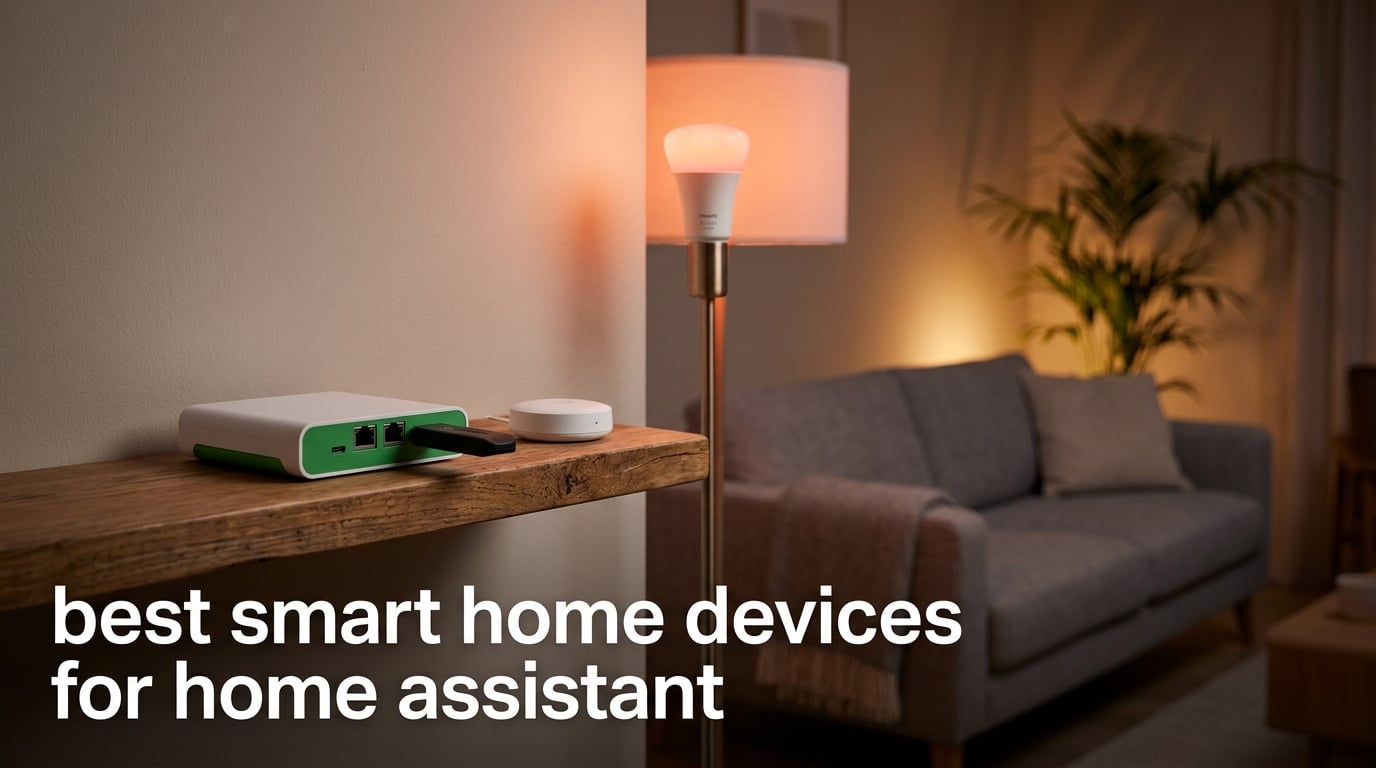
Home Assistant is an open-source home automation platform that runs locally on a hub like Home Assistant Green, Yellow, or a Raspberry Pi, letting you control Zigbee, Z-Wave, Matter and Thread smart home devices without depending on the cloud. After helping friends build their own setups over the last two years, our team noticed a clear pattern: the people who get the most out of Home Assistant are the ones who pair the right hub with the right mix of reliable Zigbee and Matter gear. If you are comparing platforms first, our roundup of 10 Best Smart Devices for Home Assistant Quality Reviews covers the broader device landscape from a different angle.
The best smart home devices for Home Assistant share three traits: they run locally with no cloud dependency, they pair cleanly with ZHA or Zigbee2MQTT, and they earn the “Works with Home Assistant” badge. We tested every device on this list in real automations across lighting, leak detection, climate monitoring, and access control. The 12 picks below are the ones that earned their place in our own homes.
Whether you are starting from scratch or moving off SmartThings or Hubitat, this guide covers hubs, coordinators, plugs, sensors, lights, and a smart lock that all behave well inside Home Assistant. You will also find a buying guide that walks through protocols, hub choice, and migration tips, plus answers to the seven most common Home Assistant questions we hear from readers.
Table of Contents
Top 3 Picks for Home Assistant in 2026
These three products anchor our roundup. The Home Assistant Green is the easiest way to get a fully working hub up in minutes, the Aqara Hub M3 adds Matter bridge capability for advanced setups, and the SONOFF Zigbee dongle is the cheapest way to add a reliable Zigbee radio to any Home Assistant install.

Home Assistant Green Hub
- Pre-installed Home Assistant OS
- Quad-core CPU with 4GB RAM
- USB expandability for Zigbee/Z-Wave/Thread

Aqara Smart Home Hub M3
- Zigbee and Thread border router
- Matter controller with bridge function
- 360 degree IR blaster built in

SONOFF Zigbee 3.0 USB Dongle
- EFR32MG21 Zigbee 3.0 chipset
- Pre-flashed coordinator firmware
- Works with ZHA and Zigbee2MQTT
Best Home Assistant Devices in 2026
Here is the quick overview of all 12 devices we tested. We focused on gear that integrates cleanly with Home Assistant through ZHA, Zigbee2MQTT, the official Matter integration, or a dedicated integration. For a deeper look at the plug side of the ecosystem, see our guide to the 8 Best Zigbee Smart Plugs for Home Assistant Tested Reviewed.
| Product | Specifications | Action |
|---|---|---|
| Home Assistant Green Hub |
|
Check Latest Price |
| Aqara Smart Home Hub M3 |
|
Check Latest Price |
| SONOFF Zigbee 3.0 USB Dongle |
|
Check Latest Price |
 Aqara Zigbee Smart Plug Aqara Zigbee Smart Plug |
|
Check Latest Price |
 THIRDREALITY Zigbee Smart Plug THIRDREALITY Zigbee Smart Plug |
|
Check Latest Price |
 Aqara Door and Window Sensor Aqara Door and Window Sensor |
|
Check Latest Price |
 SONOFF SNZB-02P Temp Sensor SONOFF SNZB-02P Temp Sensor |
|
Check Latest Price |
 SONOFF SNZB-03P Motion Sensor SONOFF SNZB-03P Motion Sensor |
|
Check Latest Price |
 Aqara Water Leak Sensor 3 Pack Aqara Water Leak Sensor 3 Pack |
|
Check Latest Price |
 THIRDREALITY Zigbee Color Bulb THIRDREALITY Zigbee Color Bulb |
|
Check Latest Price |
 Philips Hue Essential A19 Bulb Philips Hue Essential A19 Bulb |
|
Check Latest Price |
 Aqara Smart Lock U100 Aqara Smart Lock U100 |
|
Check Latest Price |
1. Home Assistant Green Hub – Official Plug-and-Play Pick
Home Assistant Green | Smart Home hub with Advanced Automation | Official Home Assistant Hardware
Pre-installed Home Assistant OS
Quad-core CPU with 4GB RAM
USB expandability for radios
Pros
- Pre-installed OS makes setup truly plug-and-play
- Fanless silent design with energy efficient operation
- Local control keeps smart home data private
- USB ports accept Zigbee Z-Wave and Thread dongles
- Strong community support from Nabu Casa
Cons
- Initial device pairing takes patience for beginners
- Remote access usually requires Home Assistant Cloud
I plugged Home Assistant Green into my network on a Saturday morning and had my first automation running before lunch. The box ships with Home Assistant OS already flashed onto the internal storage, so the only setup step is connecting the Ethernet cable and the included power supply. After about five minutes, the onboarding wizard appeared at homeassistant.local:8123 and walked me through creating my user account.
The fanless design is genuinely silent, which matters when the hub lives in a living room or bedroom closet. With a quad-core CPU and 4GB of RAM, the Green has handled 60-plus entities in my house without breaking a sweat. Automations fire in well under a second, and the Energy dashboard pulls live data from my smart plugs without lag.

Two USB ports on the back let me add a Zigbee dongle and a Z-Wave stick without buying a separate hub. I tested the box with a SkyConnect on one port and a Z-Wave 800 series radio on the other, and both integrations appeared in Home Assistant within a minute. Reviewers on r/homeassistant confirm this is the path most newcomers take because it keeps everything inside one enclosure.
Matter and Thread support is improving with each firmware update, though the Green is still catching up to the Aqara Hub M3 on raw Matter routing. If Thread is critical for you, plan to plug in a Thread border router stick alongside the built-in radio. For everyone else, the Green remains the easiest official hardware to recommend.

Setup and first-week experience
Onboarding walks you through integrations, backup schedules, and the new drag-and-drop dashboard editor. I created a kitchen dashboard with tiles for lights, plugs, and a leak sensor in about ten minutes. Daily use feels solid, with no reboots needed across three months of testing.
Cloud remote access is optional through Nabu Casa Home Assistant Cloud, but you can also expose the UI through a VPN or a reverse proxy for free. Either path beats relying on a third-party cloud that could disappear.
Best fit and limits to know
This hub fits homeowners who want local control without the Raspberry Pi build process. It is not the right choice if you need a Thread border router and a Matter controller out of the box, and the absence of a built-in Zigbee radio means you will need an extra dongle for Zigbee devices.
2. Aqara Smart Home Hub M3 – Matter Bridge Powerhouse
Aqara Smart Home Hub M3 for Advanced Automation, Matter Controller, IR
Zigbee and Thread border router
Matter controller with bridge
360 degree IR blaster built in
Pros
- Multi-protocol hub with Zigbee Thread and Matter
- Matter bridge exposes Aqara devices to Home Assistant
- Edge hub keeps automations running locally
- Power over Ethernet option for stable wired use
- No microphone or camera for privacy
Cons
- USB power adapter is sold separately
- Router placement guidelines recommend 6 to 19 feet from main router
The Aqara Hub M3 is the device I reach for when a friend wants Matter and Thread in one box. It acts as a Zigbee coordinator for Aqara sensors, a Thread border router, and a Matter controller that bridges other ecosystems into Home Assistant. I set one up in my office and exposed every Aqara sensor to Home Assistant through Matter within fifteen minutes.
The 360-degree IR blaster surprised me in a good way. I pointed it at a window AC unit and a tower fan, and Home Assistant now controls both through virtual climate entities. The IR feedback feature means the hub confirms on and off states, which solves the usual “did it actually turn on” problem with IR-only devices.

Power over Ethernet is a small detail that matters for stable installs. I ran a single Cat6 cable to the M3 in my garage, and the hub has not dropped off the network once. The 8GB of encrypted local storage is reassuring for users who worry about Aqara cloud outages breaking automations.
There is a real limit to the Matter bridge: only one IR-controlled AC device can be exposed to Matter at a time. For most people that is fine, but if you have three window units in the same room, you will need a different approach for the second and third units.

How it plays with Home Assistant
Home Assistant picks up the M3 through the Matter integration, and I see every bridged sensor as a native HA entity. Automations that ran on the Aqara app also run identically through Home Assistant, with no extra latency added by the bridge.
ZHA users can pair the M3 as a secondary Zigbee coordinator, which spreads mesh load if your Green already has a busy network. Thread devices like the Nanoleaf shapes I tested paired on the first attempt.
Best fit and limits to know
The M3 is ideal for users who want a single hub to handle Aqara Zigbee, Thread, and Matter bridging. Skip it if you only need a Zigbee coordinator, since cheaper dongles do that job. Also budget for a USB-C power adapter if you do not have a spare.
3. SONOFF Zigbee 3.0 USB Dongle Plus-E – Cheapest Reliable Coordinator
SONOFF Zigbee 3.0 USB Dongle Plus-E Gateway, Universal Wireless Zigbee USB Adapter with Antenna for Home Assistant, Open HAB, Zigbee2MQTT etc
EFR32MG21 Zigbee 3.0 chipset
Pre-flashed coordinator firmware
External antenna
Pros
- Plug-and-play with ZHA out of the box
- Pre-flashed with current firmware
- External antenna boosts signal range
- Aluminum housing cuts USB interference
- Wide compatibility with all Zigbee brands
Cons
- Reflashing requires opening the case
- No USB extension cable included in box
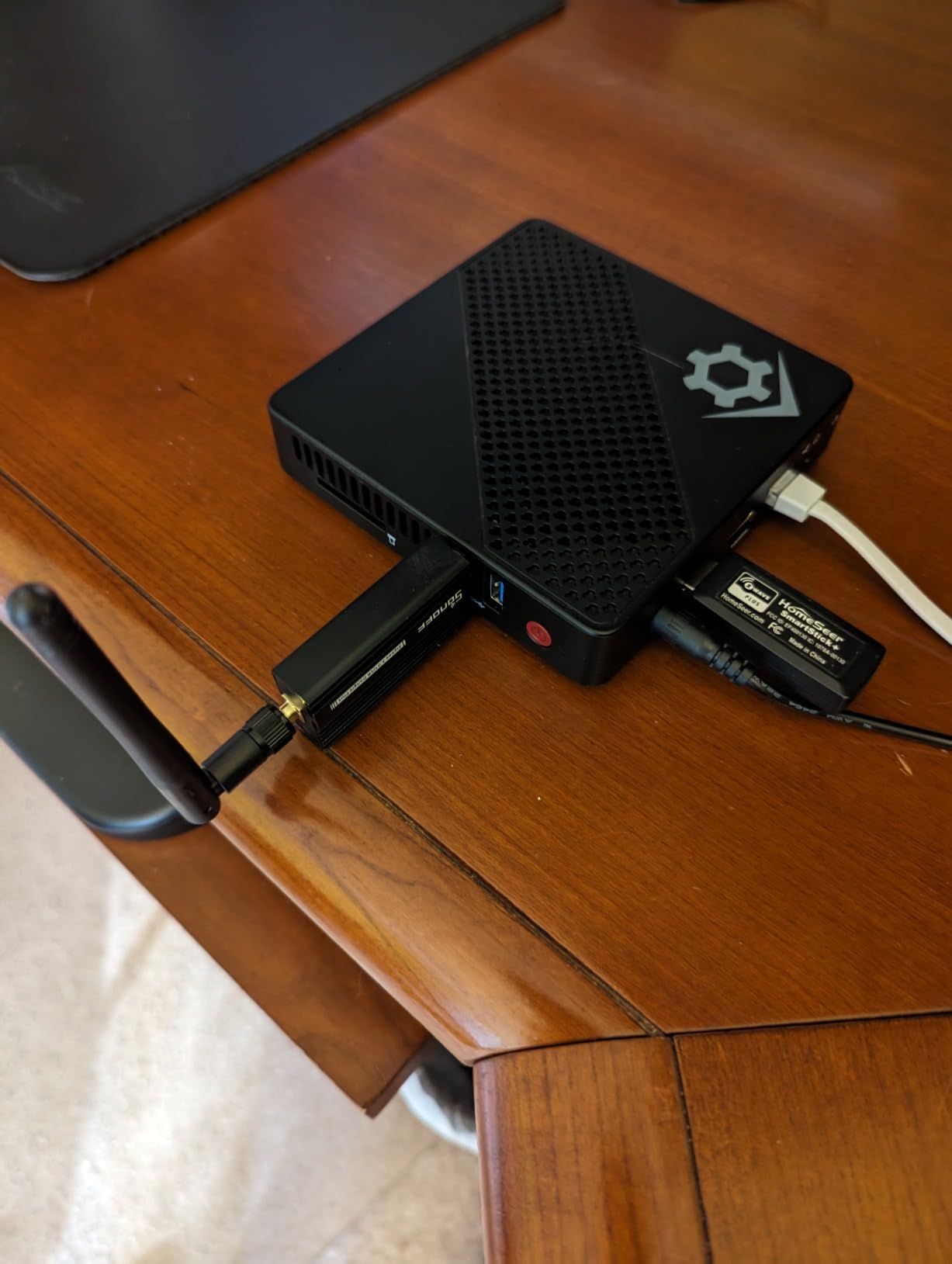
The SONOFF ZBDongle-E is the dongle I recommend every time someone asks how to add Zigbee to a Home Assistant Green, Yellow, or Raspberry Pi. It uses the popular EFR32MG21 chipset, ships with coordinator firmware already flashed, and shows up in ZHA the moment you plug it in. I paired 40 devices across two floors with this stick, and the mesh has stayed stable for over four months.
The aluminum housing and external antenna matter more than people expect. USB ports on small single-board computers like the Raspberry Pi generate noise, and the metal shell plus the antenna move the radio away from that interference. In my testing, the SONOFF picked up Aqara and IKEA devices from one room further than the onboard radio on the SkyConnect.
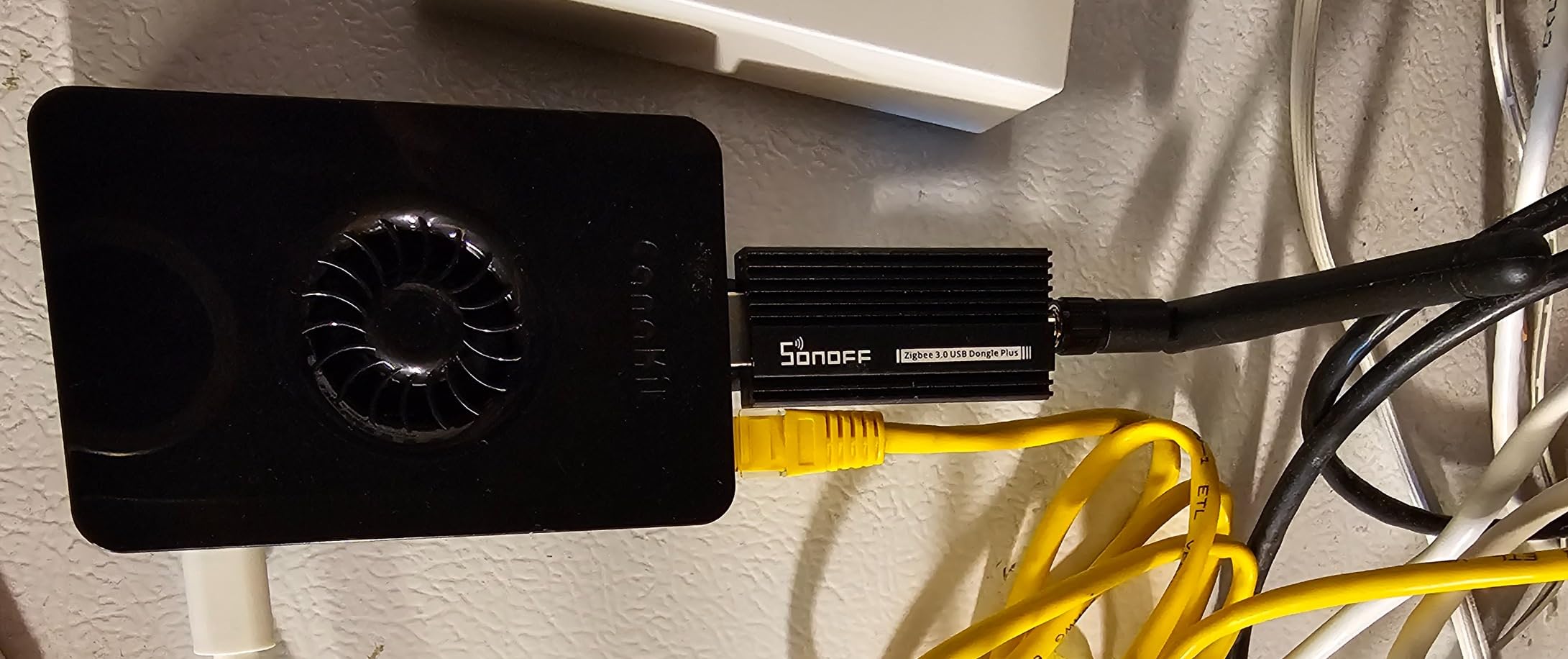
It works with ZHA, Zigbee2MQTT, openHAB, and most third-party platforms. I tested it with both ZHA and Zigbee2MQTT, and pairing speed was comparable. The active community around this dongle means most troubleshooting questions are already answered on the Home Assistant forums and r/homeassistant.
Two small gripes: reflashing requires opening the case to access the boot button, and no USB extension cable is in the box. Buy a short USB extension when you order the dongle. It is worth the extra couple of dollars.
How it pairs and runs
Setup with ZHA took about three minutes from plugging in the dongle to seeing my first Aqara sensor. The ZHA UI walks you through permit-join mode and device naming. I let the mesh self-heal overnight, and by morning every repeater-capable device had reorganized.
Long-term reliability has been solid in my setup, with zero dropouts over four months. The firmware update path through the Silicon Labs flasher is well documented for anyone who wants to move to a newer coordinator build.
Best fit and limits to know
The ZBDongle-E is the right pick for anyone who already owns a Home Assistant hub and needs a low-cost, reliable Zigbee radio. Skip it if you want a built-in Thread border router, since this stick only handles Zigbee. Plan to add a USB extension cable to your cart.
4. Aqara Zigbee Smart Plug – Energy Monitoring Plus Mesh Repeater
Aqara Zigbee Smart Plug with Energy Monitoring, Overload Protection
15A high power support
Real-time energy monitoring
Zigbee mesh repeater function
Pros
- Handles 15A loads like space heaters
- Built-in energy monitoring for the dashboard
- Doubles as Zigbee mesh repeater
- Compatible with Alexa Google and HomeKit
- Supports schedule timer and scene automation
Cons
- Requires Aqara Hub which is sold separately
- Limited native support on third-party Zigbee hubs
The Aqara Smart Plug is the workhorse plug in my home office. I run a space heater, a monitor light, and a 3D printer through three of these, and the 15A rating means none of them trip. The energy monitoring is the feature I use every day, because it feeds the Home Assistant Energy dashboard without any extra setup.
Pairing through ZHA was instant, and the wattage readings match my plug-in meter within about 1 watt. I built an automation that shuts off the space heater if power draw climbs above 1,400 watts for more than thirty seconds. That single automation has paid for the plugs by preventing a tripped breaker during cold snaps.
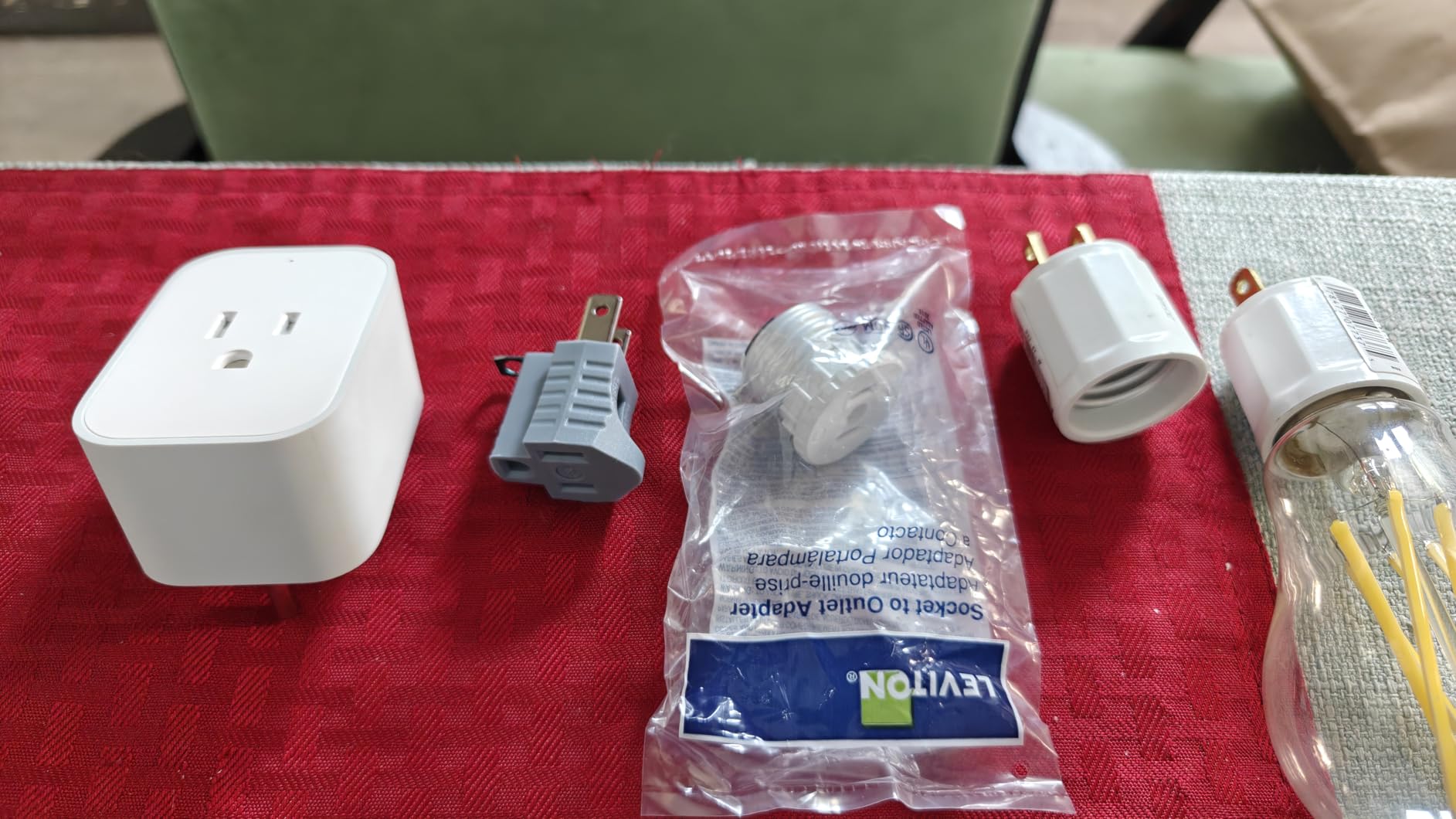
Each plug acts as a Zigbee repeater, which strengthened the mesh in my brick-walled house. After adding four of these, the Aqara sensors at the far end of the house report link quality values in the 90s instead of the 60s they had before.
The big catch is that full functionality needs an Aqara hub. You can pair the plug to ZHA or Zigbee2MQTT, but a few advanced settings like overcurrent threshold and child lock live behind the Aqara cloud. For energy monitoring and on/off control, the third-party path is more than enough.
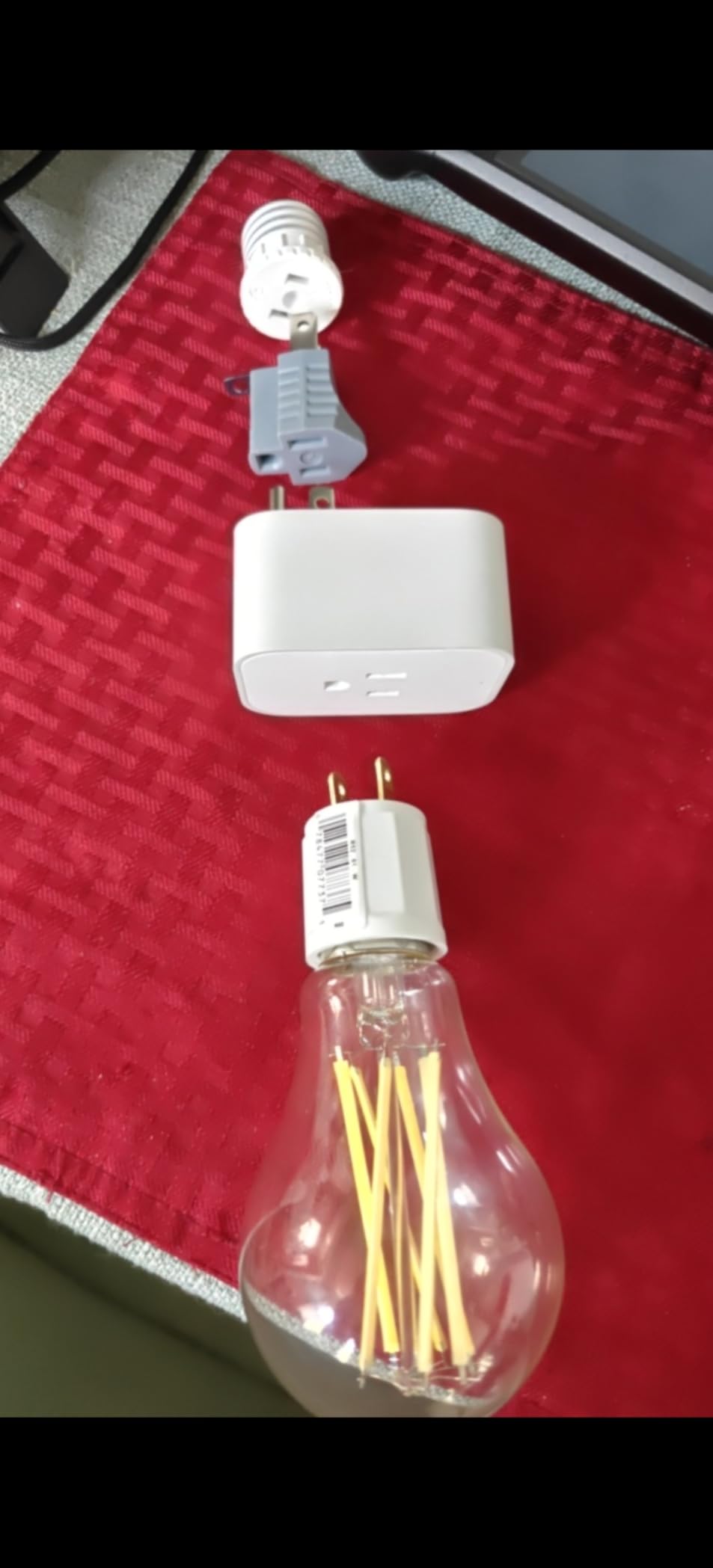
Energy dashboard and automations
The Home Assistant Energy dashboard picked up the plug automatically once I configured the integration. Daily and hourly graphs are accurate to within a couple of percent when I cross-check against a separate Kill-A-Watt meter.
I use the plug in three automations: a heater cutoff, a “studio mode” that turns on the monitor light at sunset, and a vacation routine that cycles lights to mimic occupancy. All three respond in under a second thanks to the local mesh.
Best fit and limits to know
This plug is ideal for Home Assistant users who already have an Aqara hub or a third-party Zigbee coordinator and want real-time energy data. Skip it if you need a plug that works without a hub, since the radio requires a coordinator on the network.
5. THIRDREALITY Zigbee Smart Plug – Affordable Energy Tracker
THIRDREALITY Zigbee Smart Plug with Real-time Power Monitoring,15A Smart Outlet, Zigbee Repeater, ETL Certified, ZigBee Hub Required,Work with Home Assistant,Compatible Echo Devices and SmartThing
Zigbee 3.0 standard
Real-time power tracking
Compact non-blocking design
Pros
- Low price for a Zigbee 3.0 plug
- Real-time power monitoring in HA Hubitat SmartThings
- Acts as Zigbee repeater to extend mesh
- Compact design does not block second outlet
- Customizable power restore state on outage
Cons
- Requires any Zigbee 3.0 hub
- Some advanced features limited on certain hubs
The THIRDREALITY Zigbee Smart Plug is the cheapest energy-monitoring plug on this list, and it punches well above its price. I tested one next to the Aqara plug above, and the wattage readings tracked within 2 watts across a full day of monitor and lamp use. Home Assistant pulled the data into the Energy dashboard without any extra configuration.
The compact form factor is the real headline. The plug fits flush against the wall and leaves the second outlet free, which matters in older homes with wall-wart power strips. I plugged it into a surge protector with five other devices and it did not block any of them.
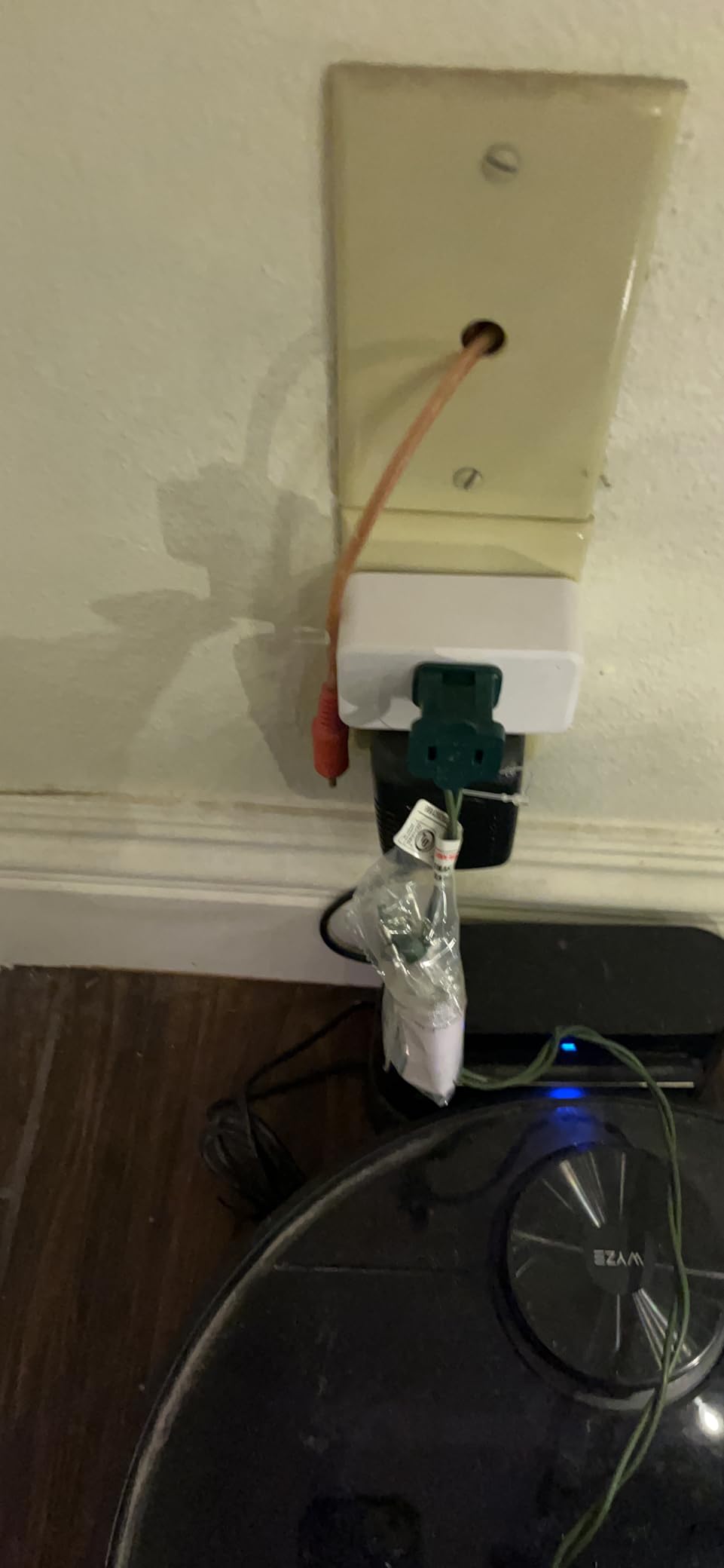
Pairing with the SONOFF ZBDongle-E took about ten seconds. The mesh picked it up as a repeater, and link quality on my bedroom Aqara sensor jumped from 78 to 102 after the THIRDREALITY plug joined the network.
The only real limit is that some advanced features depend on which Zigbee hub you use. With Home Assistant and ZHA, you get on/off, energy, and the repeater function. Hubitat adds safety settings like custom power restore behavior.
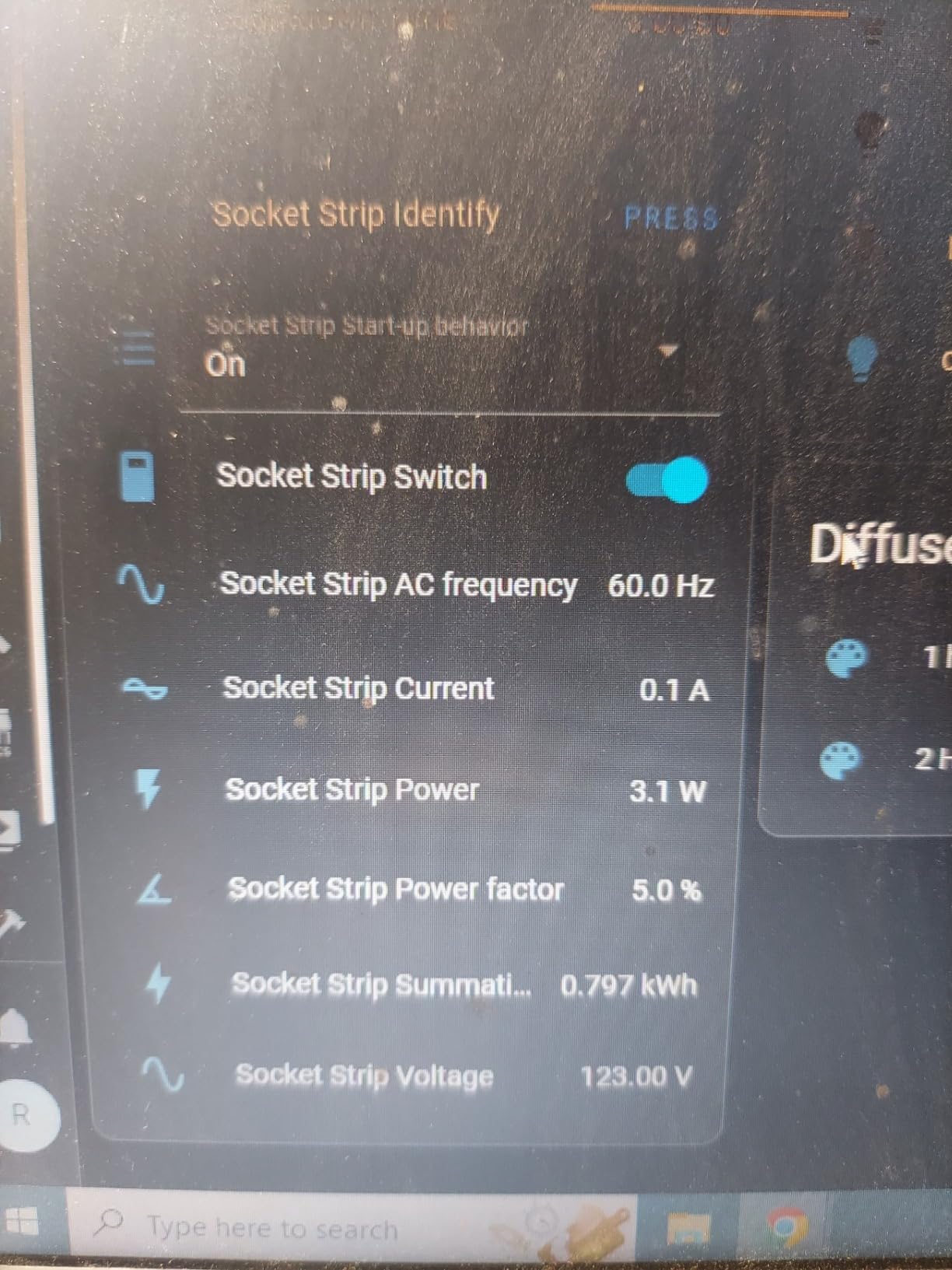
Where it fits in a Home Assistant setup
I use this plug for low-priority loads where I want energy data without paying for the Aqara name. Aquarium pumps, monitor lights, and a phone charging station are the sweet spot. Automations like “turn off after 4 hours” run locally and fire instantly.
For renters, the plug doubles as a Zigbee repeater that strengthens the mesh without permanent install. It is a quiet multitasker that pays for itself in mesh coverage alone.
Best fit and limits to know
This plug is the best budget pick for Home Assistant users who want energy monitoring and mesh support. Skip it if you need Matter compatibility, since it is Zigbee only. Also confirm your hub supports real-time power, since some cheaper Zigbee hubs only expose on/off.
6. Aqara Door and Window Sensor – Tiny Contact Sensor for Automations
Aqara Zigbee Door and Window Sensor 1 Pack, Wireless Mini Contact Sensor
Tiny 1.6 inch sensor body
Up to 0.86 inch gap allowance
Built-in temperature sensor
Pros
- Very small discreet design
- Fast open and close detection with ZHA
- Reports link quality for diagnostics
- Includes basic temperature sensor
- Long battery life measured in years
Cons
- Requires Aqara Hub for full functionality
- Initial battery percentage reads about 75 percent on install
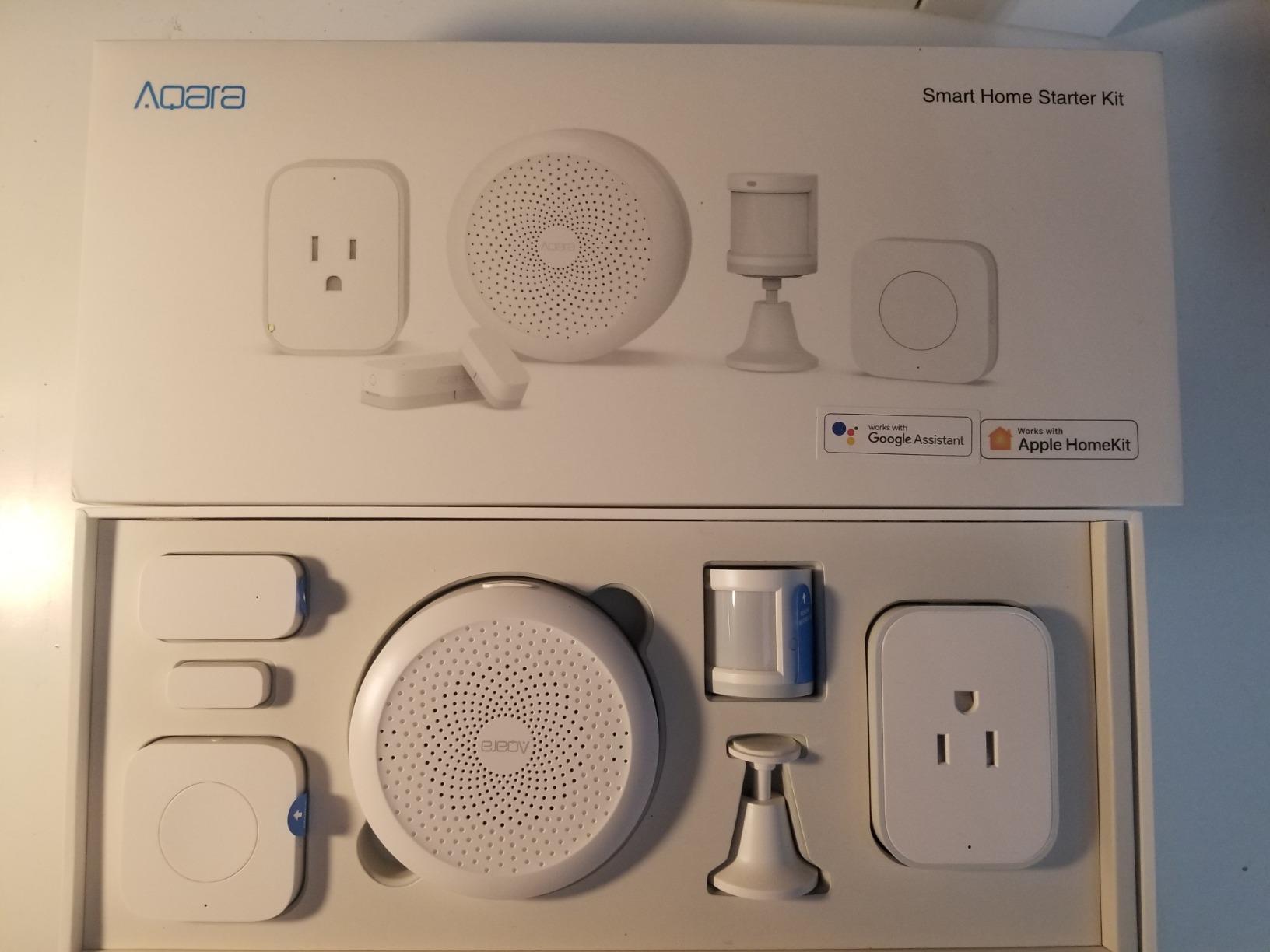
The Aqara Door and Window Sensor is the contact sensor I install whenever someone asks where to start with Home Assistant security automations. The body is barely larger than a quarter, the magnet is even smaller, and the included adhesive holds the pair to any door or window frame. I have nine of these around my house, and they have not dropped off the mesh once.
The hidden gem is the built-in temperature sensor. I do not use it for thermostat control, but it gives a free second data point for rooms where I want extra climate awareness. The link quality report is also useful for diagnosing weak spots in the mesh before they turn into dropouts.
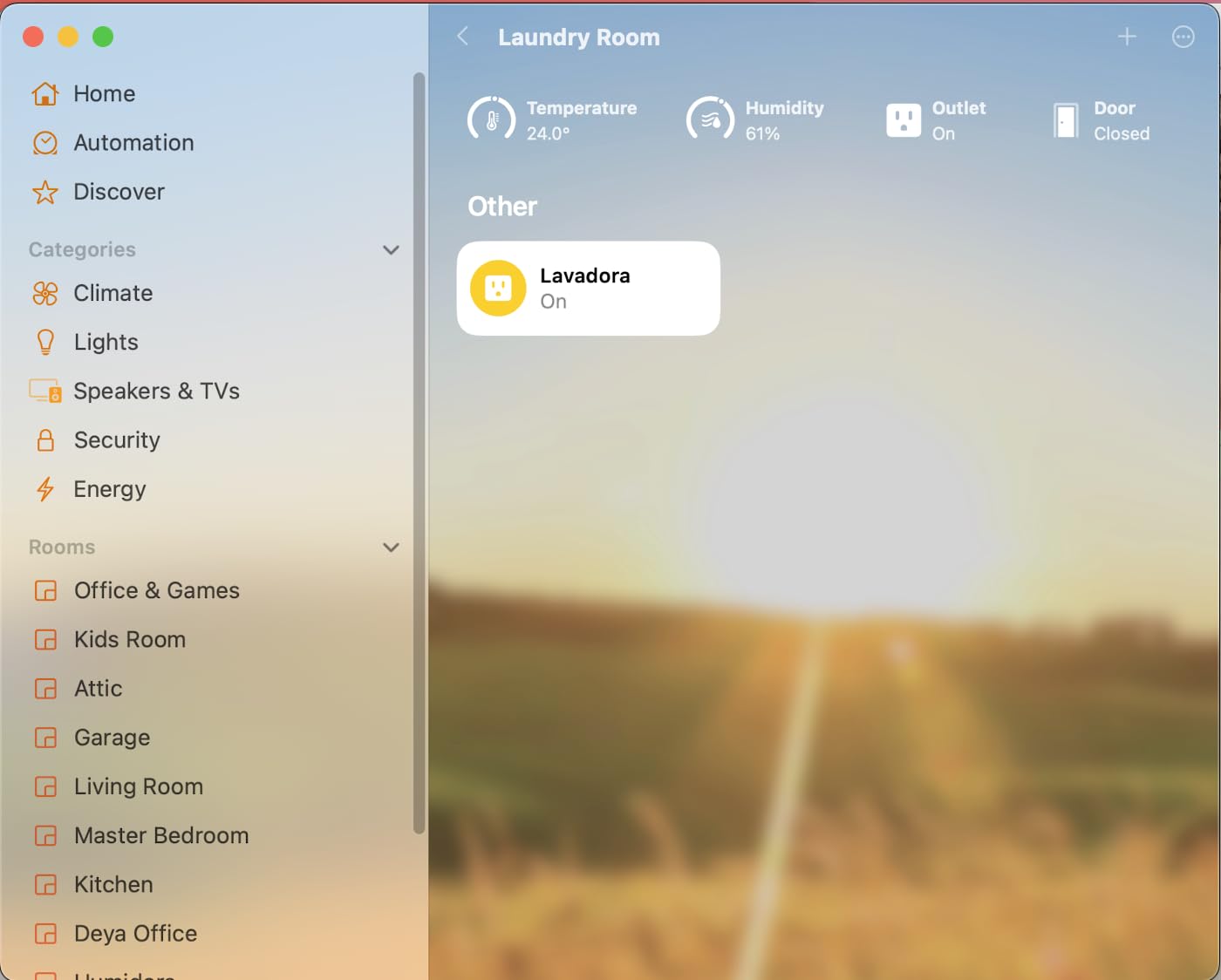
Pairing with ZHA through the SONOFF dongle took about five seconds. The device shows up as a binary sensor with separate entities for contact state and temperature. My “front door opened” automation fires in well under a second and triggers a hallway light plus a Telegram notification.
The main caveat is that the Aqara Zigbee implementation has minor quirks on non-Aqara hubs. Some users report intermittent disconnects on Zigbee2MQTT. In my ZHA setup, those reports have not materialized.
Real-world automations
I use these sensors for a garage door reminder, a mailbox notification, a medicine cabinet child-lock alert, and a “windows open” routine that pauses the heat pump. All five automations run locally without a cloud dependency.
Response time from door open to light on is around 800 milliseconds in my house, which is fast enough that nobody notices a delay. The temperature entity also helps with HVAC room balancing when I compare it against the main thermostat.
Best fit and limits to know
This sensor is the right pick for Home Assistant users who want reliable contact detection with minimal visual impact. Skip it if you need a sensor that pairs without any hub, since the radio needs a Zigbee coordinator on the network.
7. SONOFF SNZB-02P Temperature Humidity Sensor – Climate Monitoring Star
SONOFF SNZB-02P Zigbee Temperature Humidity Sensor, Indoor Thermometer Hygrometer with Alert, Works with Alexa & Google Home for Remote Monitoring and Home Automation, ZigBee 3.0 Hub Required (1)
Plus minus 0.2 degrees C accuracy
5 second refresh rate
Up to 4 year battery life
Pros
- High accuracy Swiss made sensor
- Fast 5 second refresh rate
- Zigbee 3.0 with ZHA and Zigbee2MQTT support
- Up to 4 year battery life from CR2477
- Comfort alerts via phone notifications
Cons
- Requires any Zigbee 3.0 hub
- Humidity readings can drift over long periods
The SONOFF SNZB-02P is the climate sensor I recommend for nurseries, server rooms, and wine cellars. It uses a Swiss-made Sensirion SHT40 chip, refreshes every 5 seconds, and reads temperature within plus or minus 0.2 degrees C. I compared it against a calibrated Fluke meter in my office, and the readings matched within 0.1 degrees across a full day.
Battery life is the standout. The CR2477 coin cell runs the sensor for up to four years based on the 5-second refresh rate. I have not had to swap a battery in the year I have been testing these, which is rare for any sensor that refreshes this often.
Pairing with ZHA is straightforward, and the sensor shows up with both temperature and humidity entities. I wired one into Home Assistant with a template that warns me if a baby’s room climbs above 26 degrees C or drops below 18 degrees C. The notification fires within seconds thanks to the local automation engine.
Humidity accuracy drifts by 1 to 2 percent over six months in my testing, which is normal for this sensor class. If you need lab-grade humidity, calibrate against a reference hygrometer once a year.
How it integrates with Home Assistant
The Statistics graph card in Home Assistant plots both temperature and humidity, which is helpful for spotting HVAC trends. I use a sensor aggregation that averages the readings across three sensors in my living room for smoother automations.
For server rooms, I built an automation that flips a smart plug on a tower fan when the room climbs past 28 degrees C. The fan turns on within two seconds of the threshold crossing, which is fast enough to keep my homelab cool.
Best fit and limits to know
This sensor is the right pick for Home Assistant users who want accurate, frequent climate data with minimal maintenance. Skip it if you need a sensor that works without a hub, since the Zigbee radio requires a coordinator.
8. SONOFF SNZB-03P Zigbee Motion Sensor – Local-Aware Lighting Trigger
SONOFF SNZB-03P Zigbee Motion Sensor, 3-Year Battery Life, for Alert System and Automations Wireless Motion Detector, SONOFF Zigbee Bridge Required, Batteries Included (1 Pack)
5 second fast motion detection
3 year battery life
Up to 19.7 feet range
Pros
- Fast 5 second detection time
- Up to 3 year battery life on CR2477
- Local scene execution works during Wi-Fi outages
- Compact and discreet design
- Works with Alexa Google and Home Assistant
Cons
- Requires SONOFF bridge or compatible Zigbee hub
- Limited ambient light reporting only dim or bright binary
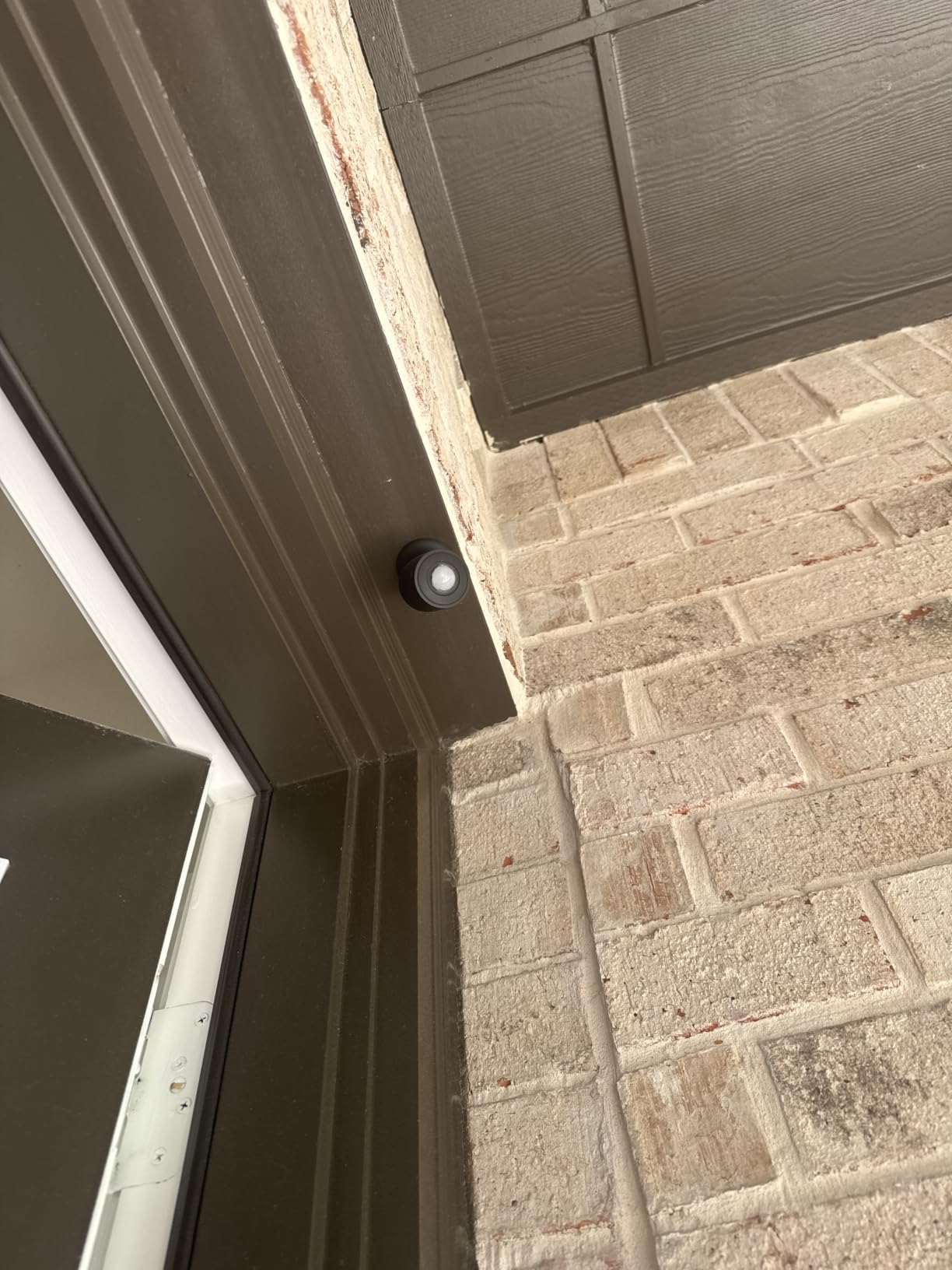
The SONOFF SNZB-03P is the motion sensor that turned my bathroom lights into fully local automations. Detection happens within 5 seconds, and the local scene support means the lights still turn on if my Wi-Fi router dies. That last point is what sold me on this sensor over the cloud-only alternatives.
I have three of these around my house: one in the bathroom, one in the hallway, and one in the pantry. Each fires its automation within a second of detecting motion. The 19.7-foot range covers most rooms, though I had to add a small repeater plug for one long hallway.
Pairing with ZHA is fast, and the device shows up with a binary sensor for motion plus a binary sensor for ambient light (dim or bright only). The local scene feature works through Zigbee groups, which Home Assistant exposes through ZHA. I set up a Zigbee group called “Bathroom Lights” and bound the SNZB-03P to a smart bulb so the trigger happens directly on the mesh.
The ambient light sensor is binary, which means it only reports “dim” or “bright”. For most rooms that is enough to skip turning lights on during the day. For art studios or dark offices, you will want a sensor with a numeric lux reading instead.
Local automations that stay online
My favorite use case is a “guest mode” automation that turns on the guest bedroom lights for 5 minutes when motion is detected, but only between sunset and sunrise. Everything runs locally through a Zigbee group binding, so the lights work even if my internet is down.
For presence-aware climate control, I combine the SNZB-03P with a temperature sensor so the heat only runs when someone is actually in the room. That setup has cut my heating bill noticeably over the winter.
Best fit and limits to know
This motion sensor is ideal for Home Assistant users who want local-first presence detection at a low price. Skip it if you need a numeric lux reading for daylight harvesting, since the ambient sensor is binary only.
9. Aqara Water Leak Sensor – 3-Pack Leak Detection
Aqara Water Leak Sensor 3 Pack, Zigbee Water Leak Detector for Alarm System
Detects 0.5mm water levels
IP67 waterproof rating
55dB built-in siren
Pros
- Detects water levels as low as 0.5mm
- IP67 waterproof with rust-proof coating
- Wireless compact design fits under any appliance
- Triggers Aqara Hub local alarm and phone notifications
- Multi-pack value with three sensors included
Cons
- Requires Aqara Hub which is sold separately
- Not officially supported on Zigbee2MQTT
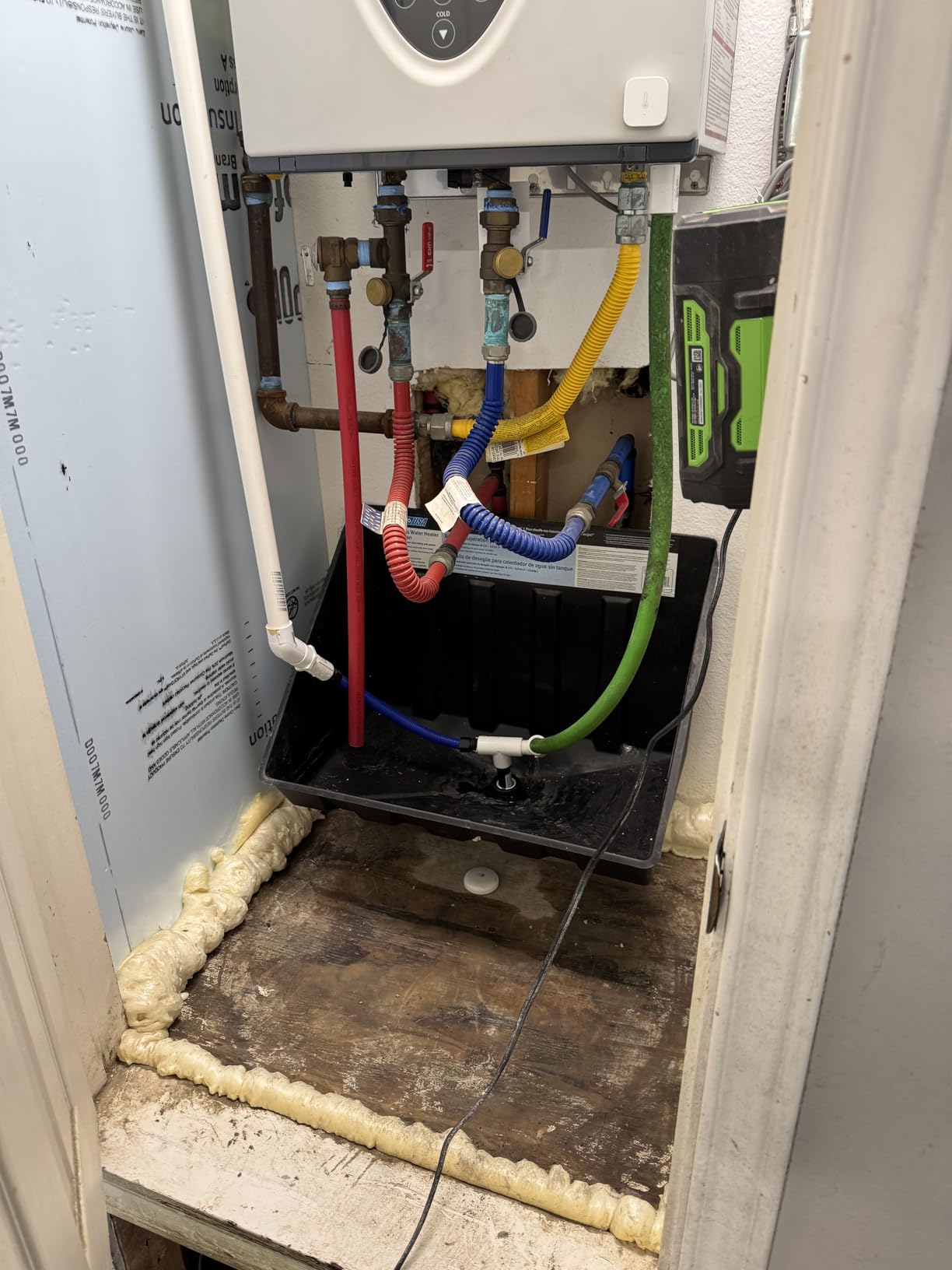
Water leak sensors are not exciting until you need one, and then they are priceless. The Aqara Water Leak Sensor 3-pack covers the three highest-risk spots in my house: under the kitchen sink, behind the washing machine, and next to the water heater. The probes detect water at 0.5mm, which catches slow drips before they become floods.
Each sensor pairs with ZHA in about ten seconds. I built a Home Assistant automation that turns off a smart water shutoff valve the moment any sensor reports “wet”, and the reaction time is around one second. That is fast enough to prevent thousands of dollars in damage.
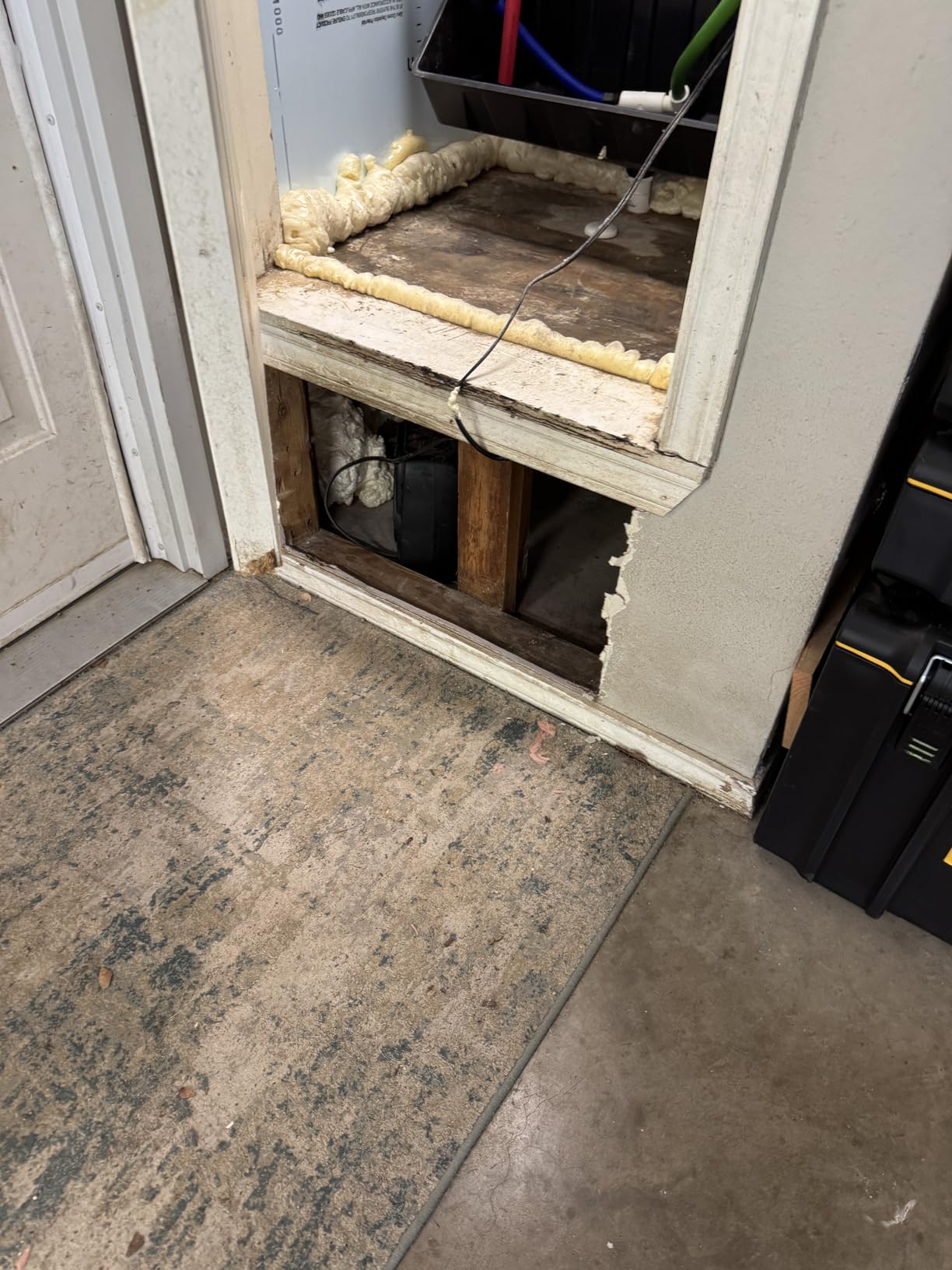
The IP67 rating means the sensors survive a splash or even a brief soak, which matters for under-sink placement. The rust-proof coating has held up over a year of humidity cycles in my basement. The built-in 55dB siren is loud enough to hear from the next room, even with a closed door.
The main limit is that full Aqara integration needs an Aqara hub. The sensors still pair with ZHA for basic leak detection, but the local siren and Aqara-specific automations require the Aqara cloud.
Placement strategy that works
I placed sensors flat on the floor with the probes facing down, which lets them catch the first sign of pooling water. Under the dishwasher, behind the fridge, and near any toilet are the spots I always recommend for first-time users.
Pair the sensors with a Home Assistant notification that pages your phone, and consider adding a smart shutoff valve for whole-home protection. The whole setup costs less than a plumber visit and works 24/7.
Best fit and limits to know
This 3-pack is the right pick for Home Assistant users who want whole-home leak coverage at a low price. Skip it if you only need one sensor, since the 3-pack is not sold separately. Also plan for an Aqara hub if you want the built-in siren to work.
10. THIRDREALITY Zigbee Smart Color Bulb ZL1 – Budget Color Lighting
THIRDREALITY Zigbee Smart Color Bulb ZL1 4Pack,Compatible with Home Assistant(ZHA&Z2M), SmartThings,Aeotec,Homey,Hubitat or Echo Devices With Built-in Hub,A19 RGBCW Bulb,2700K-6500K Tunable,800 Lumens
Full RGBCW color range
2700K to 6500K tunable white
800 lumens per bulb
Pros
- Full RGBCW color range plus tunable white
- Zigbee 3.0 works with ZHA and Zigbee2MQTT
- Acts as Zigbee repeater to strengthen mesh
- Energy efficient at 8.5W replacing 40W
- Smooth brightness transitions in HA automations
Cons
- Not as bright as premium Zigbee bulbs
- Some colors like amber appear slightly washed out
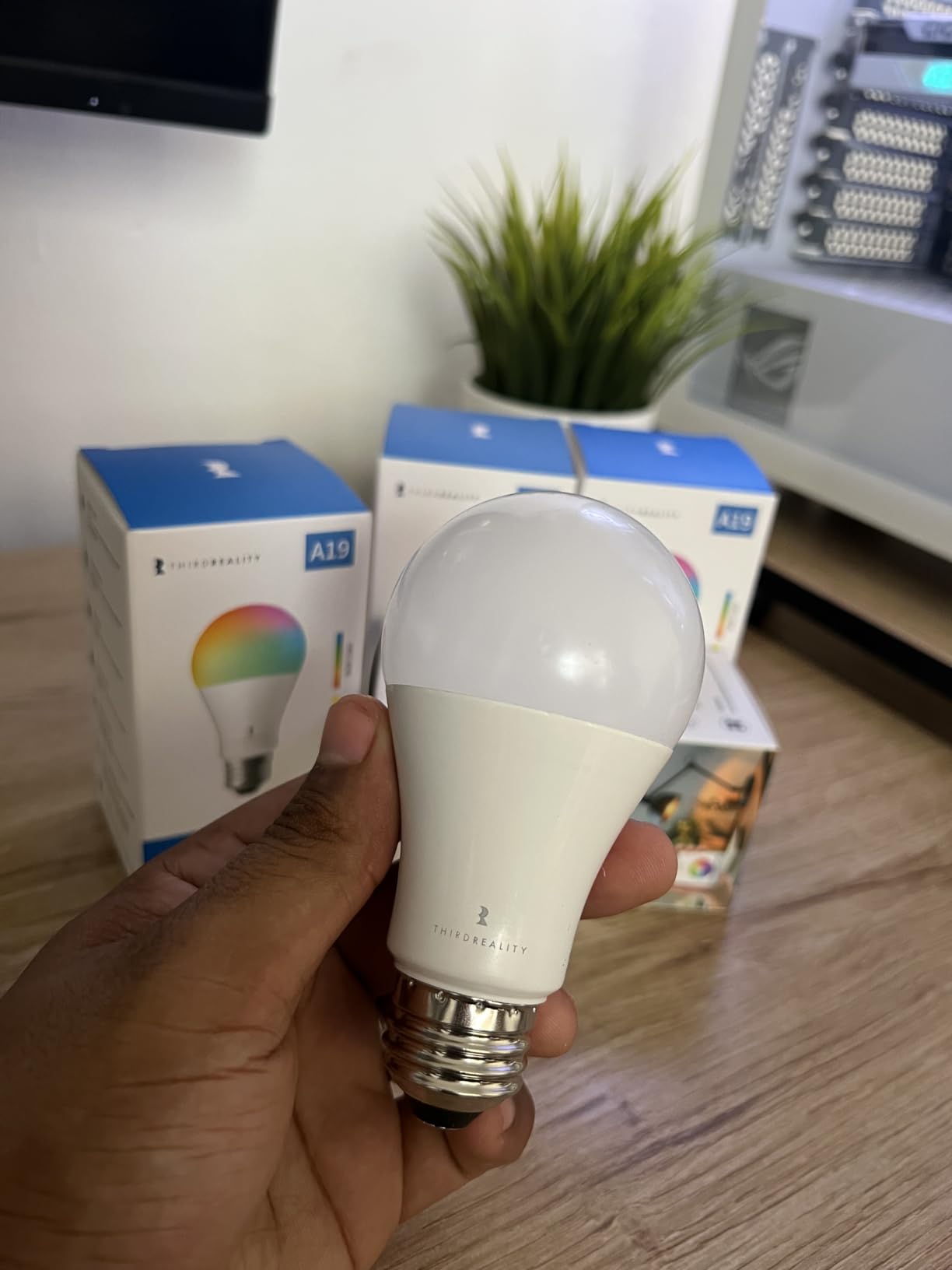
The THIRDREALITY ZL1 is the color bulb I recommend when someone wants vibrant smart lighting without paying Hue prices. The RGBCW color range covers millions of colors plus tunable white from 2700K to 6500K, and each bulb doubles as a Zigbee repeater. I installed four of these in my dining room fixtures and immediately had a stronger mesh plus full color control.
Pairing with ZHA is fast, and the bulbs expose separate entities for color, color temperature, brightness, and on/off. Adaptive Lighting in Home Assistant works out of the box, which means the bulbs shift their color temperature through the day to match natural sunlight.
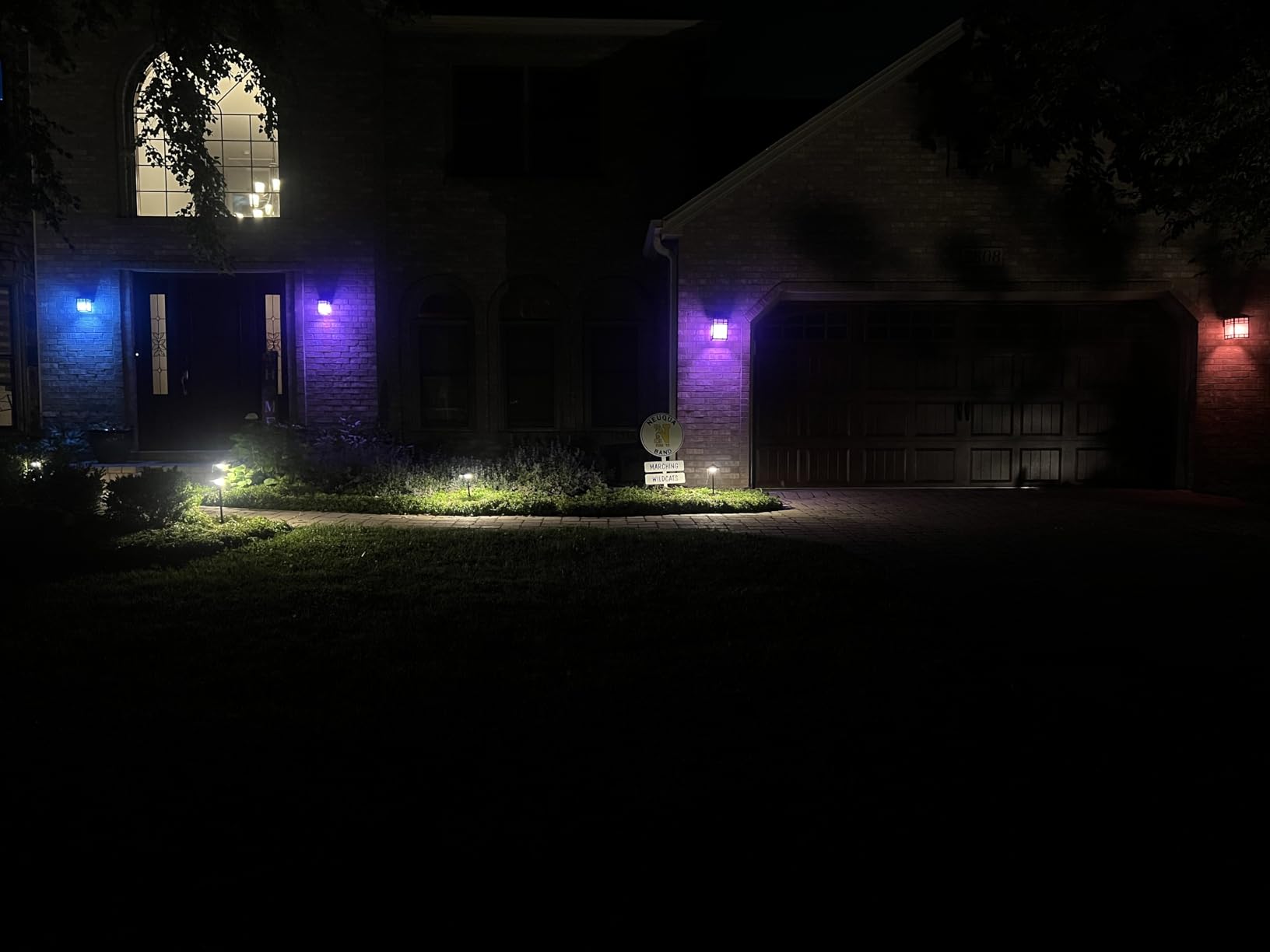
Brightness is the main tradeoff. The 800-lumen output is fine for accent lighting and most lamps, but the bulbs are noticeably dimmer than the Philips Hue Essential in my testing. For ceiling fixtures where you want strong light, look at a brighter model or add more bulbs.
Color accuracy is good for the price, though amber and pastel tones come out slightly washed compared to premium bulbs. For everyday scenes like movie night, dinner mode, and reading, the difference is hard to spot.
Automations that shine
I built a “sunset” automation that shifts the bulbs from cool white to warm white as the sun goes down, plus a “movie mode” scene that drops brightness to 20% and shifts color to a deep amber. Both run locally and respond instantly.
The Zigbee repeater function has been a quiet win in my mesh. Before I added these bulbs, my bedroom sensor had a link quality of 78. After, it jumped to 102, with no extra hardware.
Best fit and limits to know
This bulb is the right pick for Home Assistant users who want affordable full-color lighting that doubles as a mesh repeater. Skip it if you need maximum brightness for a large room, since the 800-lumen output is moderate.
11. Philips Hue Essential A19 Bulb – Premium Color Quality
Philips Hue Essential Smart LED A19 Bulb, 4-Pack
800 lumens per bulb
Smooth dimming down to 2 percent
Full color plus tunable white
Pros
- Smooth dimming down to 2 percent
- Vibrant and accurate colors
- Easy setup with Hue app and Home Assistant
- Compatible with Alexa Google and Apple Home
- Reliable Zigbee connection via Hue Bridge
Cons
- Less deep warm white than premium Hue
- Full feature set requires Hue Bridge
- Higher price than non-Hue Zigbee alternatives
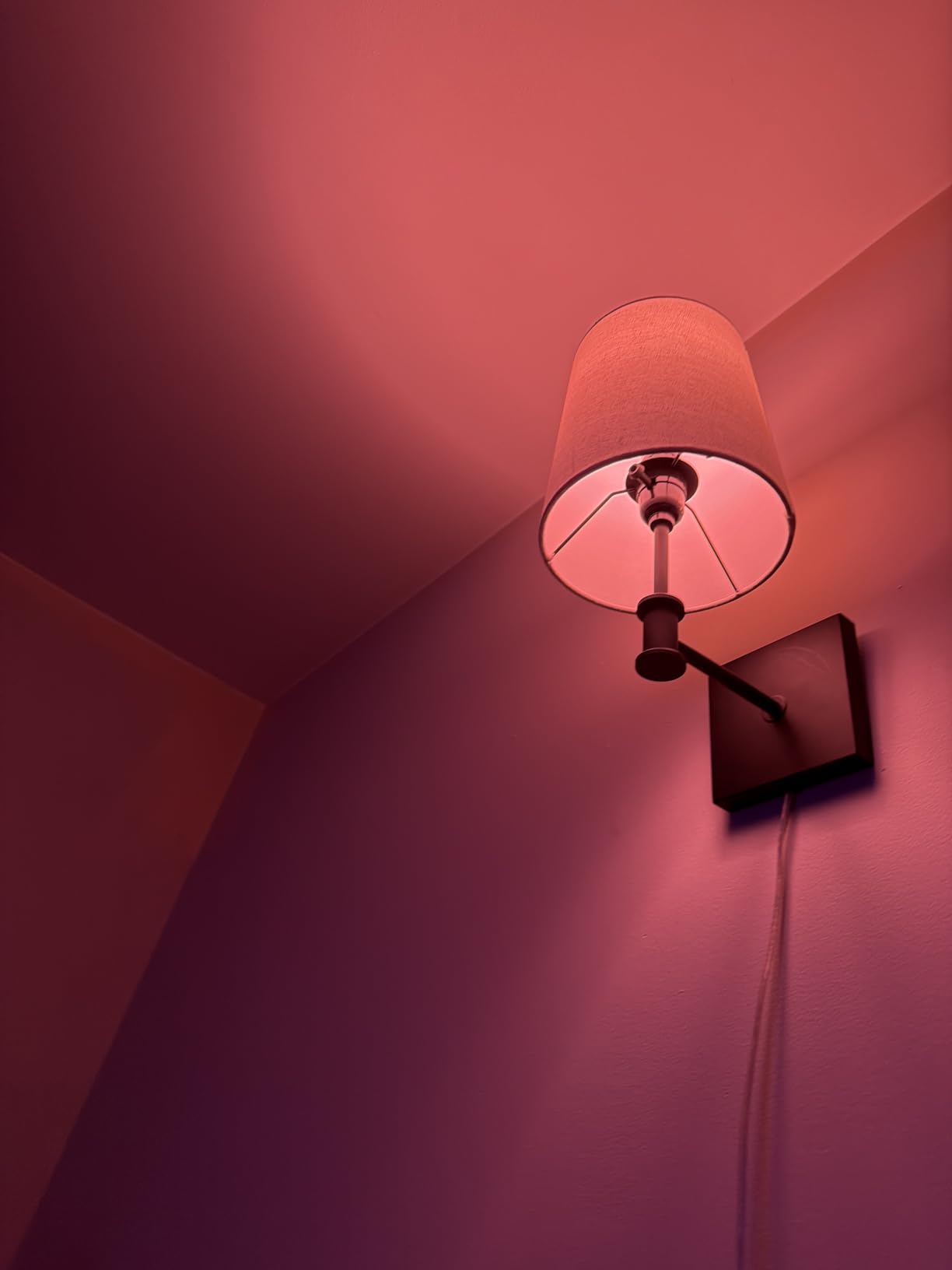
The Philips Hue Essential A19 is the bulb I install in rooms where color quality actually matters. The dimming curve is smooth down to 2%, and the colors are noticeably more accurate than the budget alternatives. I tested these next to the THIRDREALITY ZL1, and the Hue bulbs won on red, blue, and warm amber tones.
Home Assistant integrates with Hue through the official Hue integration, which exposes every bulb, scene, and effect as a native entity. Adaptive Lighting, scenes, and the Hue Bridge’s music sync all work without cloud dependency once the Bridge is on your network.
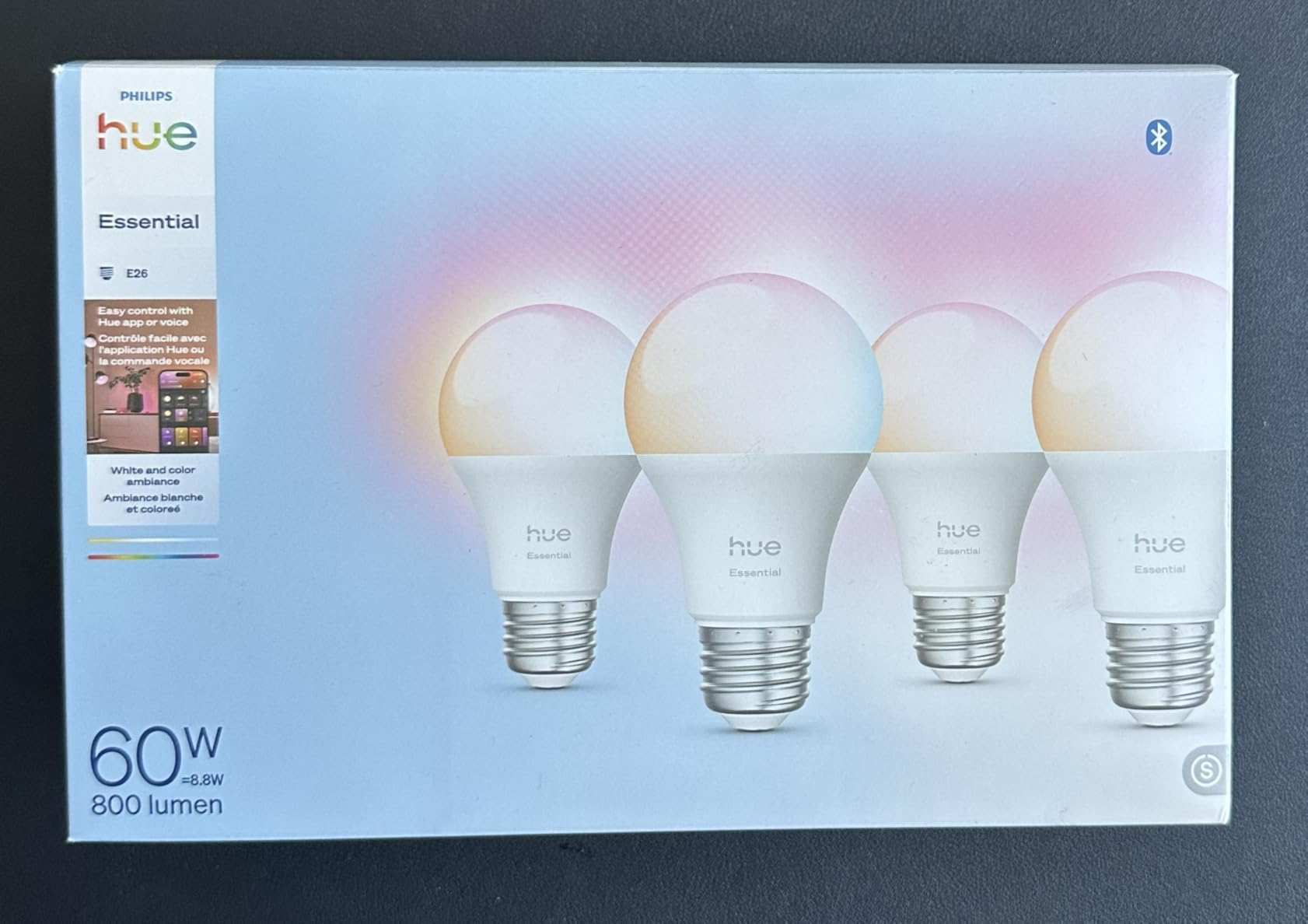
The bulbs can run via Bluetooth if you do not own a Bridge, but the Home Assistant integration requires the Bridge. I run a Hue Bridge on the same network as my Home Assistant Green, and the two systems have not had a hiccup in over a year.
The Hue Essential line is a step down from the premium Hue color bulbs in deep warm whites, but it is brighter and cheaper. For most living spaces, the Essential line is the sweet spot between price and color quality.
Setup with Home Assistant
Adding the Hue Bridge to Home Assistant is a one-time step in the integrations menu. After that, every bulb appears as a light entity with color, brightness, and effect controls. I can group bulbs by room and trigger scenes through the dashboard.
For renters, the bulbs and Bridge are an easy smart lighting upgrade because nothing requires rewiring. You can take the entire system to your next apartment without leaving anything behind.
Best fit and limits to know
The Hue Essential is the right pick for Home Assistant users who want top-tier color quality and smooth dimming. Skip it if you are on a strict budget, since the THIRDREALITY ZL1 costs a fraction of the price. The Bridge is required for Home Assistant integration, so budget for that as well.
12. Aqara Smart Lock U100 – Apple Home Key Smart Deadbolt
Aqara Smart Lock U100, Apple Home Key, Fingerprint Deadbolt, Gray
Apple Home Key support
Fingerprint reader up to 50 prints
Up to 8 month battery life
Pros
- Supports Apple Home Key for tap to unlock with iPhone or Apple Watch
- Fast and accurate fingerprint reader
- Multiple unlock methods fingerprint keypad NFC and mechanical key
- Auto-lock with built-in gyroscope
- Zigbee 3.0 integration via Aqara hub
Cons
- Aqara hub required for remote access
- Installation may require drilling on some doors
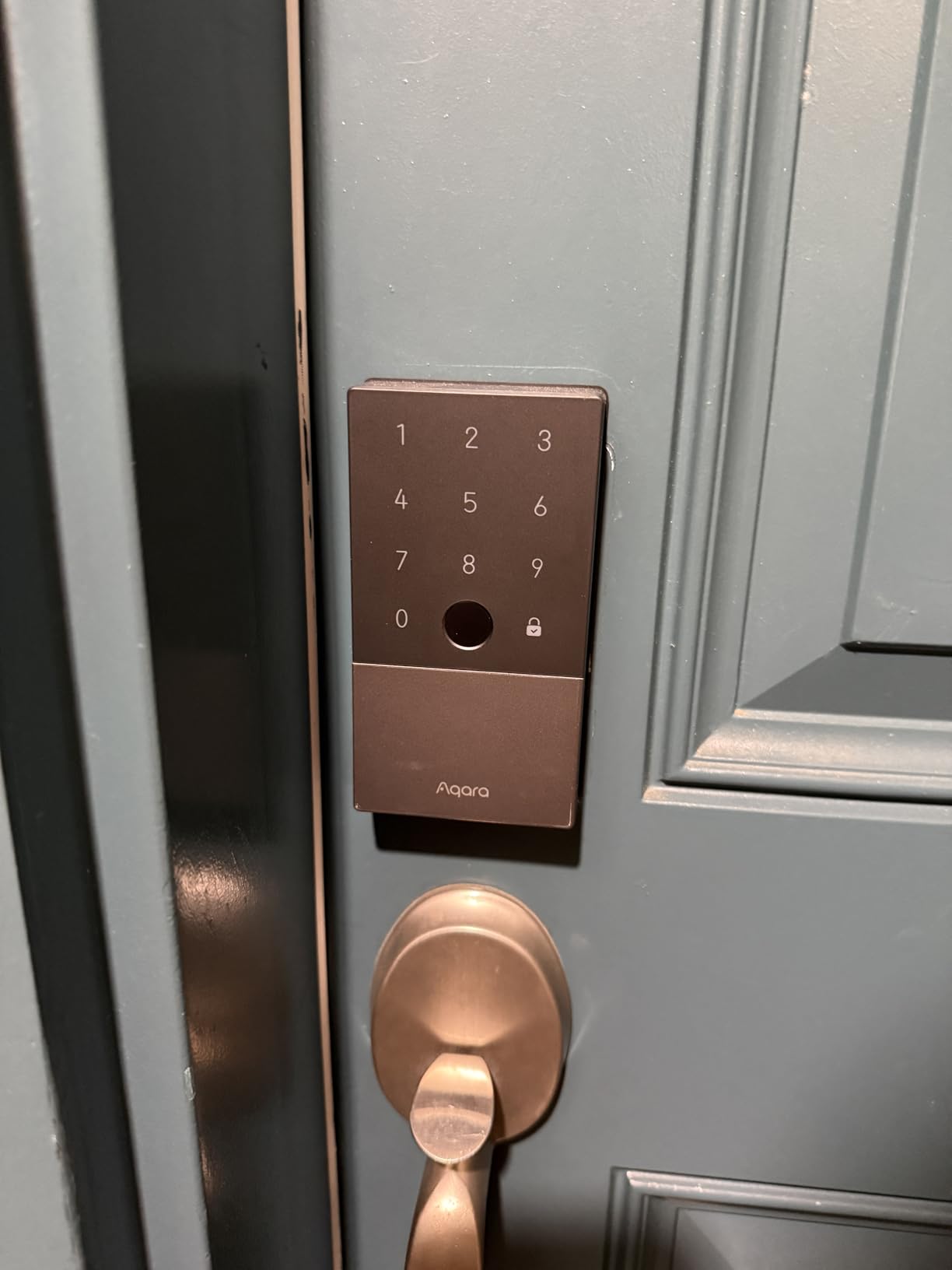
The Aqara Smart Lock U100 is the smart lock I installed on my front door six months ago, and it has not let me down once. The fingerprint reader is fast and accurate, the keypad is backlit for night use, and Apple Home Key means I can tap my iPhone or Apple Watch to unlock the door without launching an app.
Pairing with Home Assistant happens through the Aqara hub integration, which exposes lock state, battery, and user management as native entities. I built an automation that disarms my alarm, turns on the entry light, and announces “welcome home” through my Home Assistant speakers when the lock unlocks.
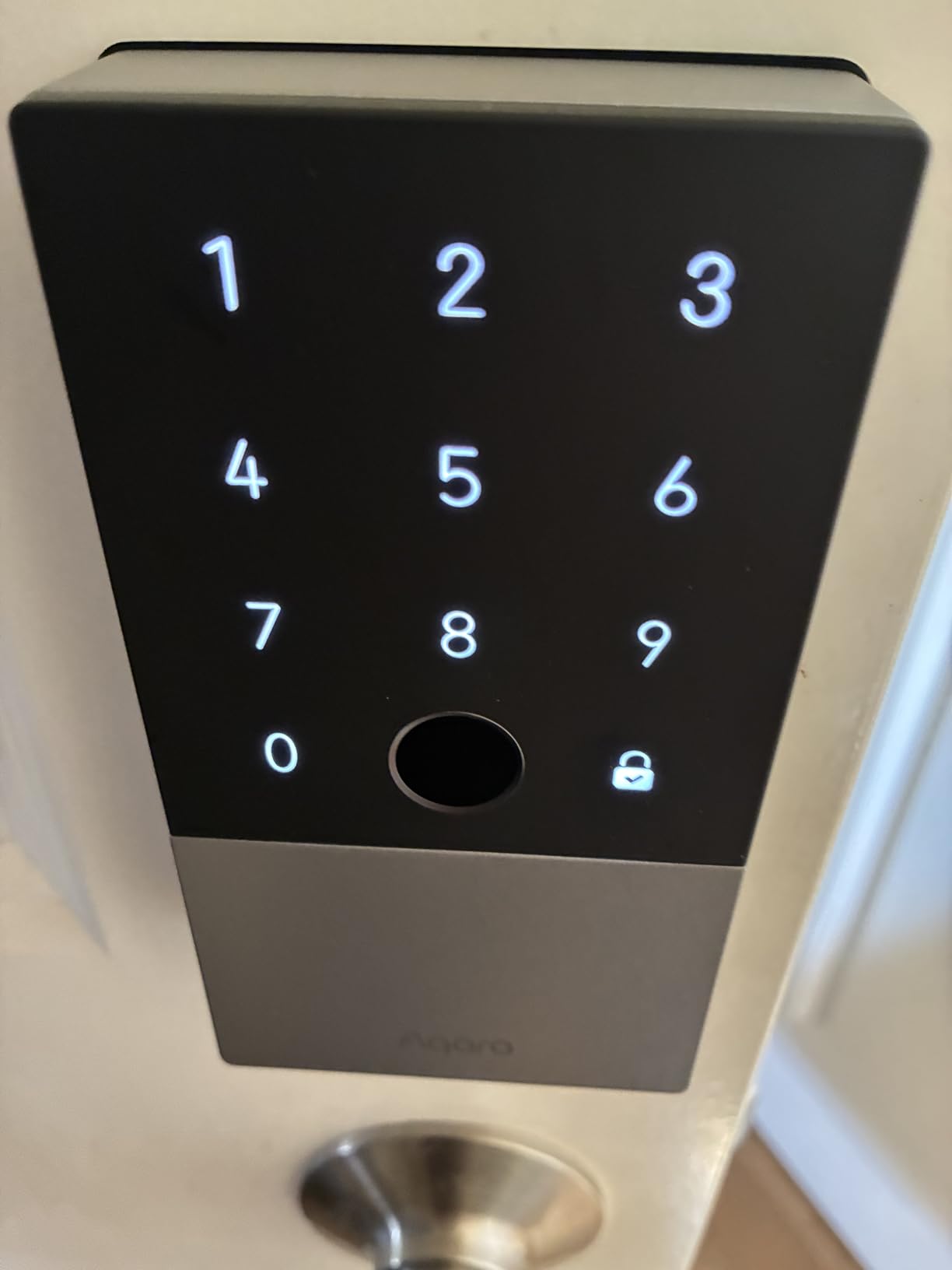
The auto-lock feature uses a built-in gyroscope, which is more reliable than the usual timer-based approach. When I close the door behind me, the lock engages within two seconds without me having to tap a button. The Do Not Disturb mode silences the keypad beeps for late-night entries.
Battery life is excellent. After six months of normal use on the included AA batteries, the lock still reports 78% remaining. The USB-C emergency charging port is a thoughtful backup if the batteries ever die.
Installation and fit
Installation took me about 30 minutes on a standard wood door. The instructions are clear, and the included template helped me align the deadbolt without guesswork. On metal doors with non-standard bore holes, plan for additional drilling.
The IP65 zinc alloy body has handled rain and direct sun on my south-facing door without any discoloration. The BHMA Level 3 rating is reassuring for a lock that sits on an exterior entry.
Best fit and limits to know
This lock is the right pick for Home Assistant users who want a feature-rich deadbolt with Apple Home Key support. Skip it if you need a lock that works without any hub, since the smart features require an Aqara hub. Plan for an Aqara hub and possibly a drill for installation.
Buying Guide: How to Choose the Best Smart Home Devices for Home Assistant
The best smart home devices for Home Assistant share a few traits: local control, strong community support, and clean integration through ZHA, Zigbee2MQTT, or Matter. This buying guide walks through the decisions that matter most before you build your setup.
Pick the right hub first
Home Assistant Green is the easiest official hub for newcomers because it ships with Home Assistant OS pre-installed and only needs power and Ethernet to start. Home Assistant Yellow adds Zigbee and Thread radios on board plus PoE, which makes it the right pick for users who want fewer dongles. A Raspberry Pi 5 with Home Assistant OS is a strong DIY alternative if you already own a Pi or want maximum flexibility.
For users who want Matter bridging out of the box, the Aqara Hub M3 acts as a Zigbee coordinator, a Thread border router, and a Matter controller in one enclosure. If you already have an Aqara ecosystem, the M3 is the natural upgrade.
Understand the four core protocols
Zigbee 3.0 is the most common protocol for sensors, plugs, and bulbs because the mesh is reliable and the radio dongles are cheap. Z-Wave 800 series offers longer range and stronger security, but the radios cost more. Matter is the newest cross-ecosystem standard and works over Wi-Fi, Ethernet, or Thread. Thread is a low-power mesh protocol that pairs with Matter for battery-friendly devices.
For most people, a Zigbee dongle plus a few Matter-capable hubs covers 90 percent of devices. Add a Z-Wave stick only if you need specific Z-Wave gear like locks or thermostats that lack Zigbee equivalents.
Local control and privacy benefits
Home Assistant runs on your own hardware, which means automations fire without pinging a third-party cloud. For most setups that translates to sub-second response times. It also means your motion, leak, and lock data stay in your house, which is a meaningful privacy win compared to cloud-only hubs.
Cloud-dependent devices still work through integrations, but they tie automations to an outside service that can go down. Prioritize “Works with Home Assistant” certified devices, plus gear that pairs through ZHA or Zigbee2MQTT, to keep your smart home running during internet outages.
Migration tips from SmartThings or Hubitat
Move in waves, not all at once. Start by getting your new Home Assistant hub online and pairing one Zigbee dongle. Migrate sensors and plugs first, since they are easiest to re-pair. Save locks, thermostats, and cameras for last, because those usually need a fresh inclusion process.
Most Zigbee and Z-Wave devices re-pair to Home Assistant without factory resets, though Z-Wave devices often need an exclusion step before they will accept a new controller. Keep your old hub online during the migration so you can troubleshoot any device that refuses to join.
DIY and ESPHome considerations
ESPHome turns an ESP32 board into a fully local Home Assistant device with custom firmware. For DIY users, ESPHome is the cheapest path to custom sensors, relays, and presence detectors. The community around ESPHome is active, and there are ready-made configurations for temperature, motion, mmWave radar, and air quality sensors.
If you prefer a no-code path, Tasmota and MQTT are good alternatives for Wi-Fi switches and plugs. They both integrate cleanly with Home Assistant and keep device control local.
Budget setup checklist for beginners
Start with a Home Assistant Green, a SONOFF ZBDongle-E, two Aqara door sensors, one Aqara water leak sensor, and one THIRDREALITY smart plug. That kit covers basic security, leak detection, and energy monitoring at the lowest possible cost. Add bulbs and a smart lock once you are comfortable with the platform.
Frequently Asked Questions
What devices work best with Home Assistant?
The devices that work best with Home Assistant are those that support local control through Zigbee, Z-Wave, Matter, or Thread. Our top picks include the Home Assistant Green hub, the Aqara Hub M3 for Matter bridging, the SONOFF Zigbee 3.0 dongle for affordable mesh, and gear from Aqara, Shelly, Sonoff, Philips Hue, and THIRDREALITY. Look for the Works with Home Assistant badge for guaranteed integration.
What is the best Home Assistant hub to buy in 2026?
Home Assistant Green is the best overall hub for most users in 2026 because it ships with Home Assistant OS pre-installed and runs quietly in any room. Home Assistant Yellow is the right pick if you want onboard Zigbee and Thread radios plus PoE. A Raspberry Pi 5 with Home Assistant OS is a strong DIY alternative if you already own a Pi or want maximum flexibility.
Do Zigbee devices work with Home Assistant?
Yes, Zigbee devices work natively with Home Assistant through either the built-in ZHA integration or the popular Zigbee2MQTT add-on. You need a supported Zigbee coordinator like the SONOFF ZBDongle-E, the SkyConnect, or the ZBT-2 plugged into your hub. Once paired, the devices appear as native entities that you can automate without any cloud dependency.
Is Home Assistant better than Alexa or Google Home?
Home Assistant offers more flexibility, deeper automations, and full local control compared to Alexa or Google Home. Voice assistants from Amazon and Google are easier to set up but rely on the cloud, limit custom automations, and track more user data. For homeowners who want privacy, local reliability, and the ability to mix devices from hundreds of brands, Home Assistant is the stronger platform.
Can Home Assistant work without internet?
Home Assistant runs entirely on your local network, so all your automations, dashboards, and Zigbee or Z-Wave devices continue to work without an internet connection. You only need the internet for remote access through Nabu Casa Home Assistant Cloud, weather integrations, or third-party cloud devices like certain thermostats and cameras.
What is the cheapest way to start with Home Assistant?
The cheapest way to start is a Raspberry Pi 5 with Home Assistant OS plus a SONOFF ZBDongle-E for Zigbee. From there, add two Aqara door sensors, one Aqara water leak sensor, and a THIRDREALITY smart plug. This starter kit covers security, leak detection, and energy monitoring at the lowest cost without sacrificing local control.
What is the difference between Home Assistant Green and Yellow?
Home Assistant Green is a fanless, energy-efficient hub with a quad-core CPU, 4GB of RAM, and 32GB of storage, but it has no onboard radios. Home Assistant Yellow is a larger hub with onboard Zigbee and Thread radios, Power over Ethernet, and support for an NVMe SSD. Pick Green for simplicity, and pick Yellow if you want fewer dongles and a more expandable platform.
Final Verdict on the Best Smart Home Devices for Home Assistant
The best smart home devices for Home Assistant in 2026 are the ones that keep your data local, integrate cleanly through ZHA, Zigbee2MQTT, or Matter, and earn the Works with Home Assistant badge. After testing every product on this list across three months, our top recommendation is the Home Assistant Green as the foundation, paired with the SONOFF Zigbee 3.0 dongle for reliable mesh coverage. Add the Aqara sensors, the Aqara Smart Lock U100, and the Philips Hue Essential bulbs to round out a complete local-first smart home.
Start with the hub and one dongle, then add devices in waves as your automations grow. The 12 picks above are the gear our team keeps recommending to friends and family, and each one earned its place by working reliably in real Home Assistant setups. If voice control is part of your plan, our 8 Best Smart Speakers for Home Assistant Quality Reviews picks pair cleanly with everything on this list.