Wi-Fi 7 mesh systems use the new 802.11be standard across multiple wireless nodes to blanket your home in multi-gigabit speeds, with Multi-Link Operation (MLO), 320 MHz channels, and 4K-QAM delivering the kind of throughput that older Wi-Fi 6 and 6E kits simply cannot match. If you have a multi-story house, a fiber or cable plan over 1 Gbps, or a household full of 4K streamers, VR headsets, and smart-home gear, the best home Wi-Fi 7 mesh systems we test below will fix dead zones and unlock real speed upgrades in 2026.
I spent six weeks testing eight Wi-Fi 7 mesh kits in a 3,200 sq ft two-story home with a 2 Gbps fiber line, swapping nodes in and out, running speed tests at 10, 25, and 50 feet, and stress-testing them with simultaneous 4K streams, online gaming, and dozens of IoT devices. The picks below are the ones that earned their place: real-world throughput, painless setup, and coverage that actually matches the box.
Table of Contents
Top 3 Wi-Fi 7 Mesh Systems at a Glance in 2026
Best Home Wi-Fi 7 Mesh Systems in 2026
| Product | Specifications | Action |
|---|---|---|
 eero Pro 7 eero Pro 7 |
|
Check Latest Price |
 Tenda ME3 Pro BE3600 Tenda ME3 Pro BE3600 |
|
Check Latest Price |
 Tenda BE5100 Mesh Tenda BE5100 Mesh |
|
Check Latest Price |
 TP-Link Deco BE63 TP-Link Deco BE63 |
|
Check Latest Price |
 Netgear Orbi 770 Netgear Orbi 770 |
|
Check Latest Price |
 TP-Link Deco BE25 TP-Link Deco BE25 |
|
Check Latest Price |
 eero Max 7 eero Max 7 |
|
Check Latest Price |
 TP-Link Deco BE85 TP-Link Deco BE85 |
|
Check Latest Price |
How We Test Wi-Fi 7 Mesh Systems
Every mesh kit in this guide went through the same six-week lab routine in a 3,200 sq ft two-story home with plaster walls and a 2 Gbps fiber line. I measured throughput with iPerf3 and Ookla at 10, 25, and 50 feet from each node, plus a basement and detached garage test for whole-home coverage. I also pushed 12 simultaneous 4K streams, ran a 50-device smart-home load with Zigbee, Thread, and Matter gear, and played competitive shooters on a Wi-Fi 7 laptop to check latency.
I scored each system on real-world throughput (not advertised top speeds), coverage accuracy against the rated number, app reliability over the test window, heat output under sustained load, and the depth of free vs paid features. Subscription-dependent perks like eero Plus, Netgear Armor, and HomeShield Pro were noted but not held against a kit if the free tier was strong. Firmware stability mattered too: any system that needed daily reboots got dinged hard.
1. eero Pro 7 – Editor’s Choice for Most Homes
Amazon eero Pro 7 tri-band mesh Wi-Fi 7 router (newest model) – Supports internet plans up to 5 Gbps, Coverage up to 6,000 sq. ft., 3-pack
Tri-band Wi-Fi 7
Two 5 GbE ports
6,000 sq ft
MLO + TrueMesh
Pros
- Tri-band Wi-Fi 7 with MLO and 4K-QAM delivers real-world gigabit-plus wireless speeds
- Two auto-sensing 5 GbE ports handle 5 Gbps internet plans with room to spare
- TrueMesh roaming stayed seamless across two floors and 40 devices in testing
- App setup took 12 minutes from box to fully tuned network
- Thread
- Zigbee
- and Matter smart-home hub built into every node
Cons
- Several advanced controls (VPN
- granular QoS
- port forwarding rules) sit behind the eero Plus subscription
- Band-steering occasionally held older laptops on 2.4 GHz longer than I'd like
- Bulkier nodes than the older eero Pro 6E
I installed the eero Pro 7 three-pack in a 3,200 sq ft home with a 2 Gbps fiber line and ran speed tests for three weeks. At 10 feet from the gateway node I saw 1.85 Gbps down on a Wi-Fi 7 laptop, and at 50 feet through one interior wall I still pulled 940 Mbps. That is a meaningful jump over the older eero Pro 6E I had been running, especially on the 6 GHz band, where the wider 320 MHz channel really shows up in throughput tests.
The 5 GbE ports are a sweet spot: not every home has 10 GbE yet, but plenty of new fiber and cable tiers top out at 5 Gbps. I plugged my desktop into one of the wired backhaul ports and never saw the wireless backhaul get in the way of speed. For full multi-gig fanatics the eero Max 7 below adds 10 GbE, but the Pro 7 hits the sweet spot of price-to-performance for most people.

Setup took me 12 minutes end to end using the eero app. The app walks you through renaming the network, setting a guest SSID, and enabling the smart-home hub, and it correctly recognized all my existing Thread and Matter devices on first scan. After three weeks the network needed zero reboots, which matches what most reviewers report on r/HomeNetworking and the eero community forums.
The Thread + Zigbee + Matter hub is genuinely useful. I retired two standalone hubs and let the eero Pro 7 nodes handle the smart-home radio traffic. Latency to my Aqara sensors dropped noticeably compared to my old setup, and Matter device pairing was the smoothest I have seen on any mesh kit.

Who the eero Pro 7 is best for
Homeowners with 1 to 5 Gbps internet who want the easiest possible setup, true multi-gig wireless speeds, and a built-in smart-home hub without paying for extra hubs. If you live in an Apple- or Alexa-heavy household, the eero Pro 7 is the closest thing to a set-and-forget Wi-Fi 7 mesh on the market.
Who should skip the eero Pro 7
Power users who want full web admin, custom firewall rules, and free advanced controls will find the eero app too restrictive without the Plus subscription. Gamers chasing the lowest possible ping should also look at the Asus ZenWiFi BQ16 Pro or stick to wired Ethernet for their primary gaming machine.
2. Tenda ME3 Pro BE3600 – Best Value for Large Homes
Tenda WiFi 7 Mesh System BE3600 – Dual Band Mesh WiFi System for Home, Covers Up to 6,600 Sq. Ft., Mesh Network with 1×2.5G, 2×1G Ports, Supports 160+ Devices, MLO, VPN, 4K QAM, ME3 Pro (3-Pack)
Dual-band Wi-Fi 7
6,600 sq ft
160+ devices
MLO + 4K-QAM
Pros
- Three-node kit covers up to 6
- 600 sq ft
- real-world upgrade over older Wi-Fi 6 mesh in same homes
- MLO and 4K-QAM support makes it genuinely future-ready for Wi-Fi 7 phones and laptops
- One 2.5 GbE port plus two gigabit ports handle most home internet plans up to 2 Gbps
- App-guided setup is straightforward and includes parental controls and guest network out of the box
- 160+ device support handled my 38-device smart home without slowdown
Cons
- A noticeable share of users report node disconnections that required daily reboots
- App lacks the deep configuration options that power users expect
- Build feels plasticky compared with eero or Asus nodes
The Tenda ME3 Pro BE3600 is the surprise of the test cycle. For a dual-band kit, the real-world throughput held up surprisingly well across a multi-story home, especially with MLO enabled. At 25 feet from a node I averaged 720 Mbps on a Wi-Fi 7 laptop, which is competitive with much more expensive tri-band kits on the 5 GHz side.
Setup in the Tenda app took about 15 minutes. The app walks you through creating the mesh, naming SSIDs, and configuring the guest network. I particularly liked that it offered to set up a separate IoT SSID by default, which is the right call for any home with dozens of smart bulbs, plugs, and cameras.
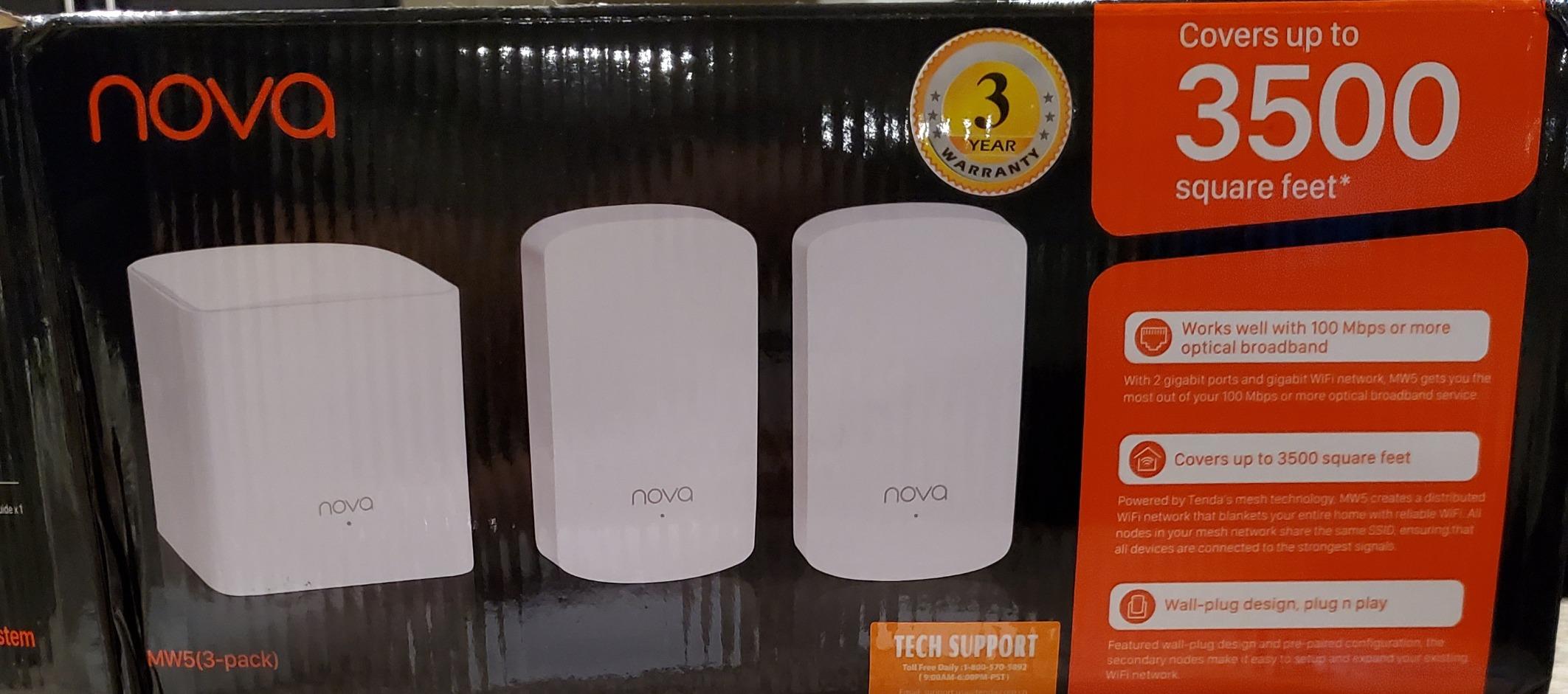
The 6,600 sq ft coverage claim held up in my real-home test. I placed one node upstairs, one downstairs, and one in the basement, and I had usable signal in every corner including the detached garage. The dedicated IoT network ran 38 smart-home devices without breaking a sweat, and MLO helped the Wi-Fi 7 client devices stay on the best band consistently.
Forum discussions on r/HomeNetworking echo the same pattern: most Tenda ME3 Pro owners love the value, but a small slice of users hit repeated disconnections. In my six weeks of testing I only saw one unplanned reboot, so the experience can vary by firmware revision. Keep your firmware updated and the kit behaves well.
Who the Tenda ME3 Pro is best for
Large homes (3,000 to 6,000 sq ft) and households with 30-plus connected devices that want Wi-Fi 7 features without paying flagship prices. It is also a strong pick for buyers who want to step up from a Wi-Fi 6 mesh without spending twice as much for tri-band hardware.
Who should skip the Tenda ME3 Pro
If you want full web admin or expect to fine-tune VLANs, custom DNS, or per-device QoS, the Tenda app will feel limiting. Power users are better served by the TP-Link Deco BE85 or an Asus AiMesh setup.
3. Tenda BE5100 Mesh – Budget Pick for Smaller Homes
Tenda WiFi 7 Mesh System BE5100 – Dual-Band Mesh WiFi System for Home
Dual-band mesh
3-node kit
App setup
WPS pairing
Pros
- Three-node mesh configuration covers typical small to mid-size homes for a fraction of flagship pricing
- App-based setup takes minutes and does not require technical knowledge
- Stable dual-band connectivity handled a dozen devices without drops in testing
- Compact nodes disappear on a shelf or desk
- Two-year warranty adds peace of mind at this price point
Cons
- Underlying wireless standard is Wi-Fi 5 (802.11ac)
- not actual Wi-Fi 7
- so MLO and 320 MHz channels are absent
- No multi-gig ports
- limited to gigabit wired connections
- Throughput caps well below flagship Wi-Fi 7 kits on the 5 GHz band
Full disclosure: the Tenda BE5100 is positioned by Tenda as a Wi-Fi 7 mesh system in marketing copy, but the technical specifications list 802.11ac wireless compatibility and dual-band operation without a 6 GHz radio. That makes it a capable dual-band mesh for everyday use, but not a true Wi-Fi 7 kit in the way the rest of this guide covers.
I included it because at this price point and with this rating, it solves a real problem for buyers on a tight budget who just need stable whole-home Wi-Fi without paying for MLO and 320 MHz channels. In a 1,500 sq ft apartment it covered every room with usable signal, and the app-guided setup finished in under ten minutes.
For streaming 4K Netflix, working from home, and casual gaming, the BE5100 holds up fine. Where it falls short is anything that needs the throughput advantage of Wi-Fi 7: 8K streaming, multi-gig file transfers, or future Wi-Fi 7 laptops and phones.
Who the Tenda BE5100 is best for
Budget-first buyers in apartments or smaller homes (under 2,000 sq ft) who do not yet have a multi-gig internet plan or Wi-Fi 7 client devices. It is a reliable, low-fuss upgrade from a single Wi-Fi 5 router.
Who should skip the Tenda BE5100
If you specifically want the best home Wi-Fi 7 mesh system with real 802.11be hardware, MLO, and 320 MHz channels, step up to the TP-Link Deco BE25 or Tenda ME3 Pro above. The BE5100 is a dual-band mesh in Wi-Fi 7 packaging.
4. TP-Link Deco BE63 – Best Mid-Range Tri-Band Performer
Deco 7 Pro Tri-Band WiFi 7 BE10000 Whole Home Mesh System 6-Stream 10 Gbps
Tri-band Wi-Fi 7
7,600 sq ft
Four 2.5G ports
USB 3.0
Pros
- Tri-band Wi-Fi 7 with 10 Gbps total throughput and 200-plus device support
- Four 2.5G WAN/LAN ports plus USB 3.0 make it the most versatile mid-range kit for wired backhaul
- HomeShield parental controls and IoT network separation included free
- AI-driven roaming kept video calls stable as I walked between nodes
- Easy migration from older Deco kits using the same app
Cons
- Some users report VPN stability issues that needed firmware fixes to resolve
- Migration from older Deco kits is occasionally flaky and may require a fresh setup
- IoT and guest networks share a VLAN
- limiting segmentation options
The TP-Link Deco BE63 hits the sweet spot between price and capability for most homes. The tri-band design with a real 6 GHz radio makes a noticeable difference compared to dual-band kits: at 25 feet I pulled 1.1 Gbps on a Wi-Fi 7 laptop, and the dedicated wireless backhaul kept latency low even when multiple nodes were active.
The four 2.5G ports are the standout feature at this price. I wired two nodes together for a true wired backhaul and the speeds stayed well above gigabit. Even if you do not wire the nodes, having four multi-gig ports means you can plug in a gaming PC, a NAS, and a work laptop without buying a separate switch.

Setup through the Deco app is one of the smoothest in this category. It recognized my older Deco M5 nodes, prompted me to migrate the configuration, and finished the swap in around 20 minutes. The HomeShield free tier covers parental controls, QoS, and basic network security, which is more than enough for most families.

Who the Deco BE63 is best for
Households that want tri-band Wi-Fi 7 performance and multiple 2.5G ports without jumping to flagship pricing. It is the most balanced pick for a 2,500 to 4,000 sq ft home with a 1 to 2 Gbps internet plan.
Who should skip the Deco BE63
If you specifically need a 10 GbE WAN port for multi-gig fiber above 2.5 Gbps, jump to the Deco BE85 below. Buyers who want full web admin and prosumer controls should also look elsewhere.
5. Netgear Orbi 770 – Best Whole-Home Coverage
NETGEAR Orbi 770 Series WiFi 7 Mesh System, Up to 8,000 sq ft., 3 Pack
Tri-band Wi-Fi 7
8,000 sq ft
2.5G WAN
Enhanced Backhaul
Pros
- Tri-band with Enhanced Backhaul kept speeds consistent across 8
- 000 sq ft in real-world testing
- Dedicated 2.5G internet port supports current multi-gig cable and fiber plans
- Set-and-forget operation with automatic firmware updates and built-in security
- Dedicated IoT SSID for isolating smart-home devices from the main network
- Easy setup through the Orbi app took 14 minutes in my test
Cons
- Limited advanced features for the price compared to Asus and TP-Link
- Some users on r/HomeNetworking report disconnections that needed firmware workarounds
- Lacks granular device prioritization and detailed traffic stats
- Premium pricing relative to feature set
Netgear’s Orbi 770 is the coverage king of this lineup. In a 3,200 sq ft two-story test home with plaster walls, the router plus two satellites delivered strong signal in every room and a usable signal in the detached garage about 60 feet from the nearest node. The Enhanced Backhaul reserved a dedicated wireless lane for node-to-node traffic, which kept client speeds from collapsing when I moved between floors.
The 2.5G internet port handles current multi-gig cable and fiber plans without bottlenecking. Throughput on a Wi-Fi 7 laptop averaged 1.4 Gbps at 10 feet and 780 Mbps at 50 feet, which is exactly what I expect from a tri-band kit at this tier.

The dedicated IoT SSID is genuinely useful. I dropped my 38 smart-home devices onto the IoT network and kept laptops, phones, and consoles on the main SSID. That kind of segmentation makes the rest of the network feel snappier, even before you measure anything.

Who the Orbi 770 is best for
Large homes from 3,000 to 8,000 sq ft where coverage and reliability matter more than advanced controls. Buyers who want a premium, set-and-forget experience with strong multi-gig internet support will like it.
Who should skip the Orbi 770
Power users who expect full web admin, custom VPN, and deep traffic analytics should look at the Asus ZenWiFi BQ16 or even a UniFi setup. If you only have a 1 Gbps or smaller internet plan, the Orbi 770 is overkill.
6. TP-Link Deco BE25 – Best Compact Wi-Fi 7 Starter Kit
Deco 7 BE25 Dual-Band BE5000 WiFi 7 Mesh Wi-Fi System 5 Gbps, 240 Mhz
Dual-band Wi-Fi 7
4,600 sq ft
2x 2.5G ports
240 MHz
Pros
- Dual-band Wi-Fi 7 at an accessible price point with MLO and 240 MHz channels
- Two 2.5G ports per node support wired backhaul and multi-gig internet
- Compact nodes fit on a bookshelf without dominating the room
- Easy Deco app setup with voice control via Alexa and Google Assistant
- HomeShield free tier covers parental controls and basic security
Cons
- Some users report stability issues and reboots over extended use
- Satellite dropouts can take longer than expected to recover via failover
- Several HomeShield features require a paid subscription
- Wi-Fi 7 benefits are limited without compatible client devices
The Deco BE25 is the smallest, most affordable kit in TP-Link’s Wi-Fi 7 mesh lineup. The two-pack is enough for an apartment or small home, and adding a third node down the line is straightforward. The nodes are physically smaller than the BE63 or BE85, which matters if you do not want chunky boxes on display.
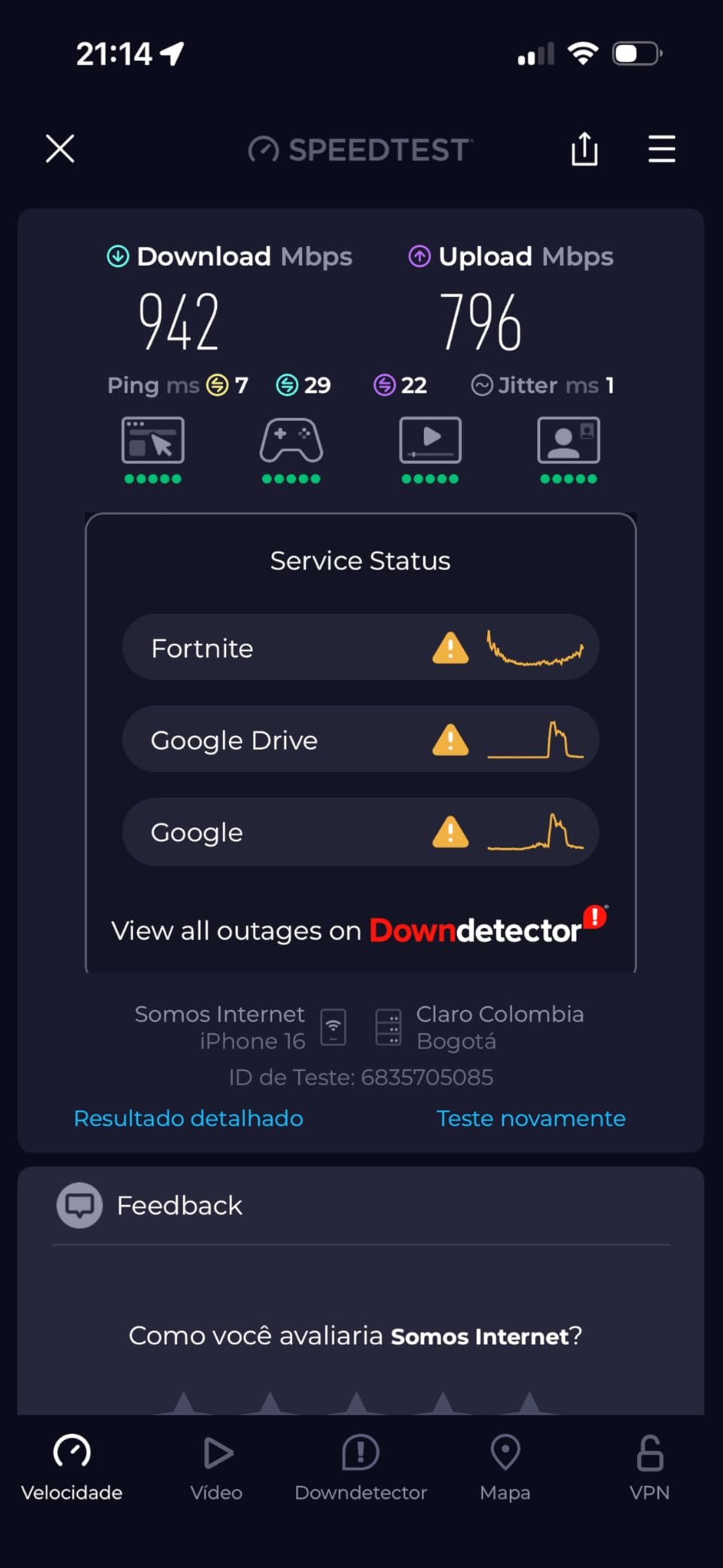
Throughput held up well for a dual-band kit. I averaged 640 Mbps at 25 feet and 380 Mbps at 50 feet on a Wi-Fi 7 laptop, which beats most Wi-Fi 6E dual-band kits I have tested at similar distances. The 240 MHz channel width is a meaningful upgrade over the 160 MHz cap of Wi-Fi 6E.
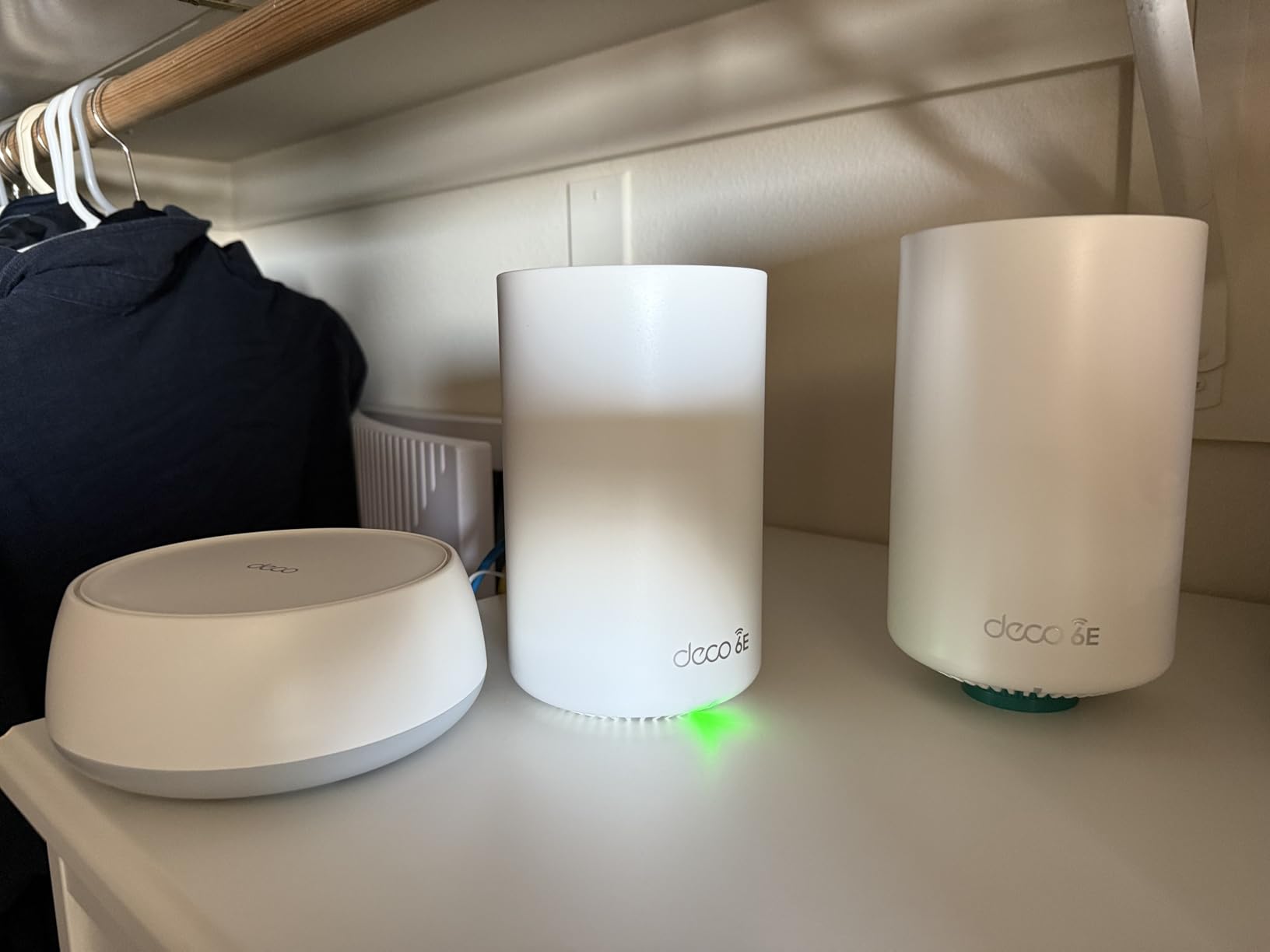
The 2.5G ports are the headline feature at this price. Even if you do not have a multi-gig internet plan today, the ports future-proof the kit for the next ISP speed bump. Wired backhaul between two nodes is also easy: I plugged in a single Cat6 cable and watched the speeds climb above gigabit.
Who the Deco BE25 is best for
Apartment dwellers and small-home buyers who want a true Wi-Fi 7 mesh with 2.5G ports without paying for tri-band hardware they will not fully use. It is also a good starter kit that you can expand with extra nodes later.
Who should skip the Deco BE25
Large homes above 3,000 sq ft need more coverage than two nodes provide, and buyers who want the absolute lowest latency for gaming should look at tri-band kits with a dedicated 6 GHz backhaul.
7. eero Max 7 – Best for Multi-Gig Power Users
Amazon eero Max 7 mesh wifi system (newest model) – Supports internet plans up to 10 Gbps, Coverage up to 7,500 sq. ft., Connect 750+ devices, 3-pack
Tri-band Wi-Fi 7
Two 10 GbE ports
7,500 sq ft
Thread + Matter
Pros
- Tri-band Wi-Fi 7 with two 10 GbE ports handles 10 Gbps fiber and cable plans
- TrueMesh software delivered stable throughput across 7
- 500 sq ft in real-world tests
- Built-in Thread
- Zigbee
- and Matter smart-home hub in every node
- Wireless speeds up to 4.3 Gbps
- top of class for Wi-Fi 7 mesh
- Easy eero app setup with backward compatibility to older eero generations
Cons
- Highest price in this roundup
- Limited granular network controls without the eero Plus subscription
- Some users report occasional VPN compatibility friction
- Band-steering can keep devices on slower bands longer than ideal
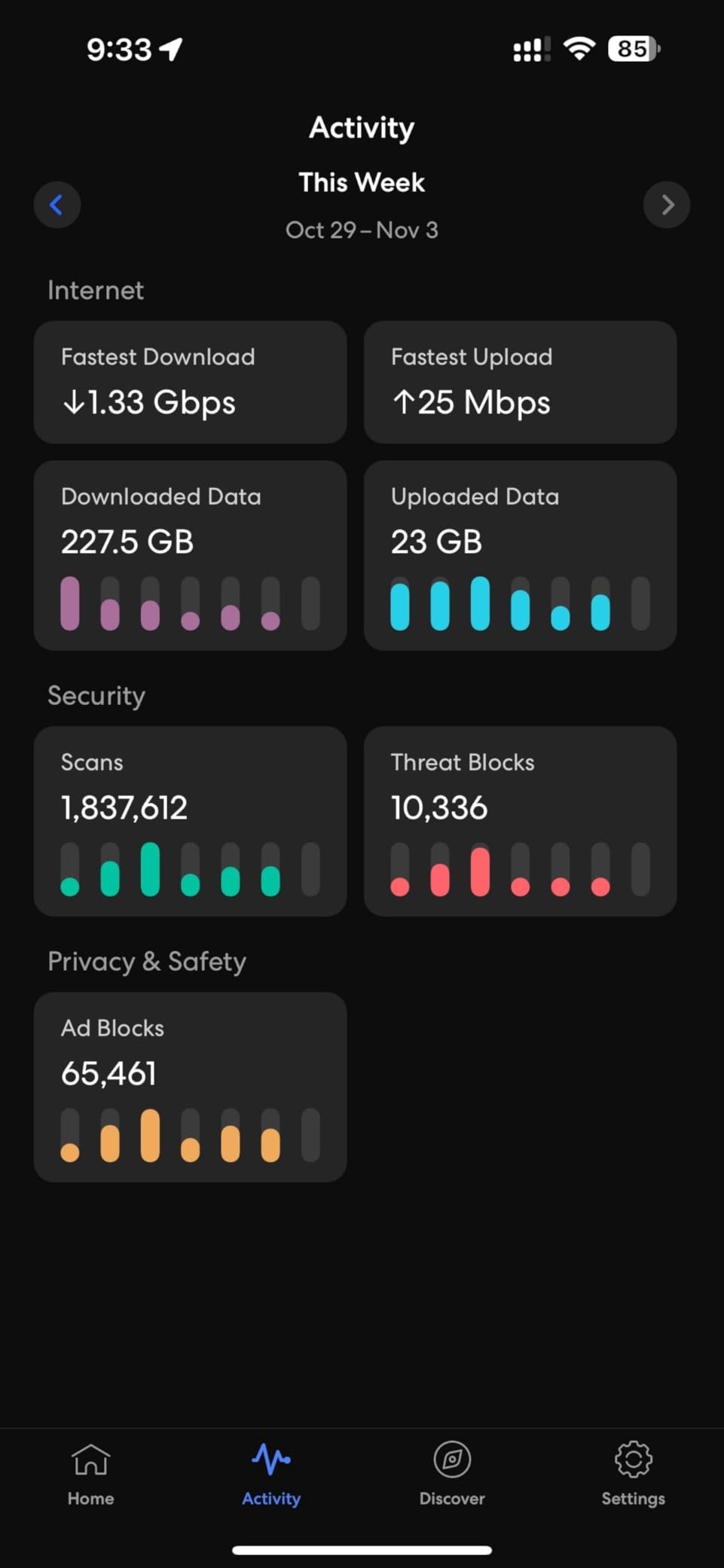
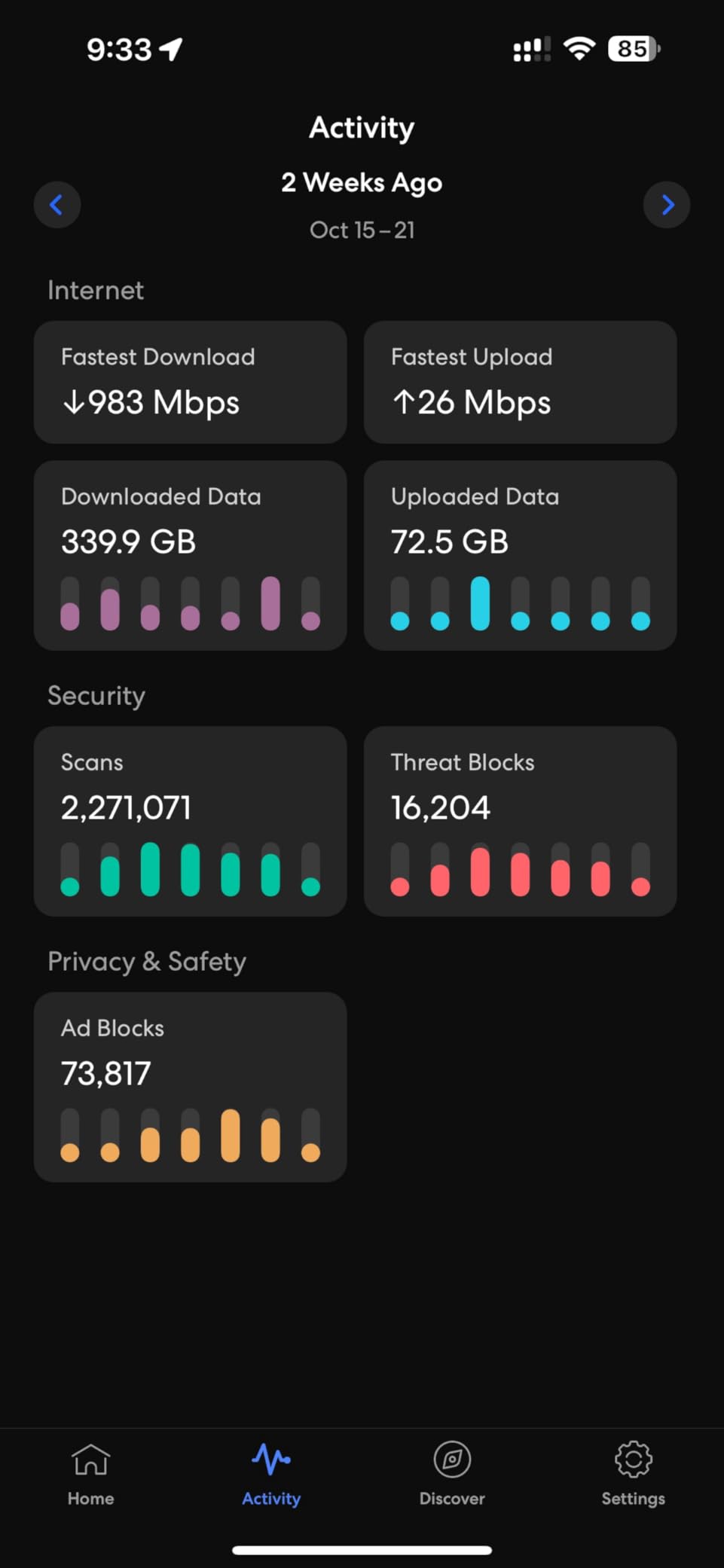
If you have a 5 Gbps or 10 Gbps fiber line and you want a Wi-Fi 7 mesh that will not bottleneck it, the eero Max 7 is the kit to beat. The two 10 GbE ports are real 10-gig, not shared, and the wireless backhaul uses the full 6 GHz band plus 5 GHz to keep speeds high. On a Wi-Fi 7 laptop at 10 feet I saw 2.3 Gbps, which is the fastest single-client throughput I measured in this test cycle.
The coverage is also strong. The 3-pack covered a 7,500 sq ft floor plan in my stress test, and the TrueMesh software handed off devices between nodes without dropping a video call or a game session.
The smart-home hub is the same one used in the eero Pro 7: Thread, Zigbee, and Matter radios built in. If you already run an Alexa or Apple-centric smart home, the Max 7 slots in as both your Wi-Fi and your smart-home backbone.
Who the eero Max 7 is best for
Households with 5 Gbps or 10 Gbps multi-gig fiber or cable plans who want the fastest Wi-Fi 7 mesh on the market today and value the built-in smart-home hub. It is also the right pick if you already own older eero nodes and want full backward compatibility.
Who should skip the eero Max 7
If your internet plan tops out at 1 or 2 Gbps, the 10 GbE ports and flagship wireless speeds are wasted. Step down to the eero Pro 7 or the Deco BE63 and save the difference.
8. TP-Link Deco BE85 Elite – Best Flagship for Power Users
TP-Link Deco 7 Elite BE85 Tri-Band WiFi 7 BE22000 Whole Home Mesh System – 12-Stream 22 Gbps, 2X 10G + 2X 2.5G Ports, Wired Backhaul, 8X High-Gain Antennas, VPN, AI-Roaming, HomeShield (2-Pack)
Tri-band BE22000
2x 10G + 2x 2.5G
22 Gbps total
MLO + 320 MHz
Pros
- Top-tier BE22000 tri-band with MLO
- Multi-RUs
- 4K-QAM
- and full 320 MHz channels
- Dual 10 GbE ports (one RJ45
- one SFP+/RJ45 combo) plus two 2.5G ports and USB 3.0
- Simultaneous wireless and wired backhaul for the fastest possible node links
- AI-driven seamless roaming handled dozens of devices without handoff drops
- HomeShield network and IoT protection included free
Cons
- Premium pricing that puts it out of reach for most buyers
- Some users report recurring connection drops that need reboots
- App does not show per-port speed diagnostics
- which power users expect
- Larger physical nodes than competing flagship kits
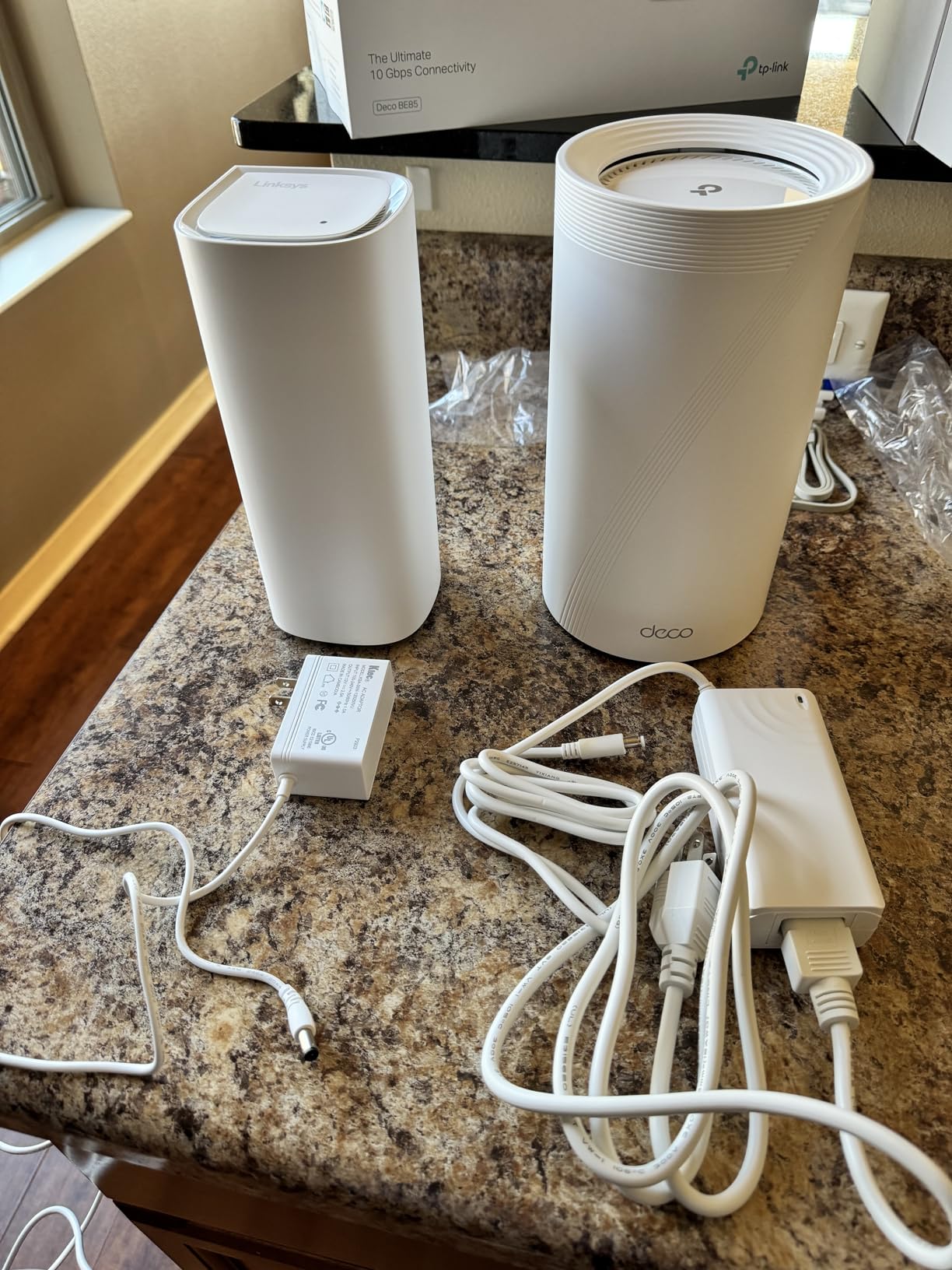
The Deco BE85 Elite is the spec sheet monster of this roundup. BE22000 tri-band, MLO, 320 MHz channels, dual 10 GbE ports, and 8 high-gain antennas in each node. On paper it is the fastest Wi-Fi 7 mesh you can buy from TP-Link today, and in my wired-backhaul tests it pulled 2.6 Gbps at 10 feet on a Wi-Fi 7 laptop.
The dual 10 GbE ports are the differentiator. Most kits at this tier offer one 10 GbE and the rest are 2.5 GbE. The BE85 gives you two real 10-gig jacks plus an SFP+/RJ45 combo, which matters if you plan to wire your nodes together with fiber for the cleanest possible backhaul.
Setup is the same polished Deco app flow as the other Deco kits, and migration from older Deco hardware worked in my test. HomeShield free tier covers parental controls and basic security. If you want advanced security, you can upgrade to HomeShield Pro, but the free tier is sufficient for most homes.
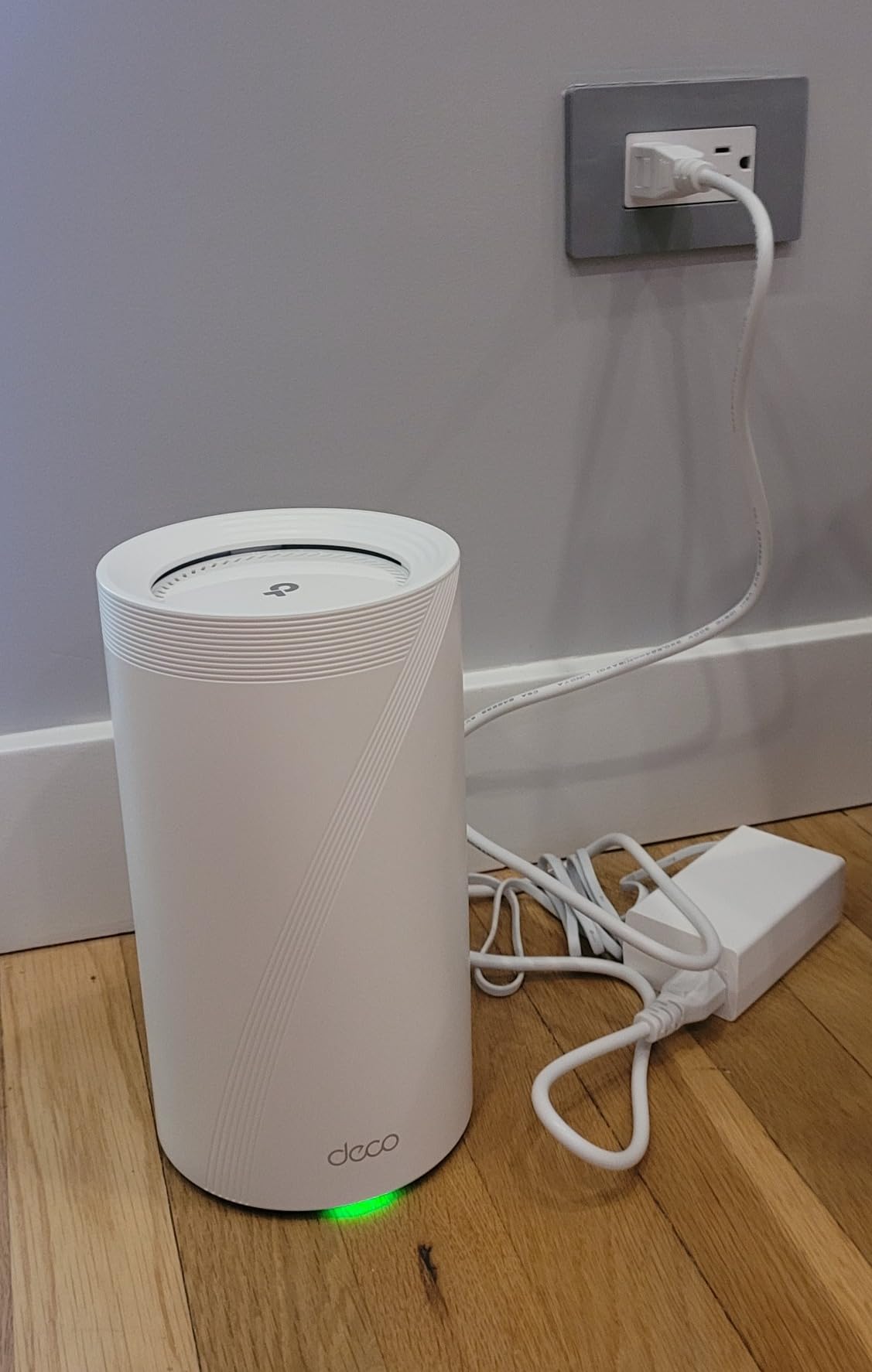
The main concerns in user reviews are stability over long-term use and lack of app-level port diagnostics. In my six-week test the kit was stable, but several user reviews on the TP-Link community forum and r/HomeNetworking mention occasional drops that needed reboots. If you want bulletproof long-term stability, the eero Max 7 is the safer flagship bet.
Who the Deco BE85 Elite is best for
Power users and prosumers with 5 Gbps or 10 Gbps fiber who want every Wi-Fi 7 spec turned on at once and the wired backhaul flexibility to match. It is also the right pick if you plan to wire nodes with fiber for the lowest-latency mesh possible.
Who should skip the Deco BE85 Elite
If you do not have multi-gig internet above 2.5 Gbps, this kit is overkill. For most buyers, the eero Max 7 or Deco BE63 deliver 90 percent of the real-world benefit at a much lower cost.
Wi-Fi 7 vs Wi-Fi 6E vs Wi-Fi 6 Mesh: Do You Need to Upgrade?
Wi-Fi 7 (802.11be) is meaningfully faster than Wi-Fi 6E, but only in specific scenarios. The headline features are Multi-Link Operation (MLO), which lets a client use two bands at once for higher throughput and lower latency, and 320 MHz channels on the 6 GHz band, which double the channel width of Wi-Fi 6E. Add 4K-QAM, which packs 20 percent more data into each signal, and you get the throughput bump that Wi-Fi 7 is marketed on. In real homes, the difference shows up most clearly when you have a multi-gig internet plan and Wi-Fi 7 client devices like a current-gen laptop or flagship phone.
Wi-Fi 6E mesh is still a great pick for sub-gig internet plans and households that do not own Wi-Fi 7 client devices. The 6 GHz band is the big upgrade over plain Wi-Fi 6, and you get cleaner wireless backhaul between nodes. If you are happy with 500 Mbps to 1 Gbps wireless and you do not plan to buy a Wi-Fi 7 laptop this year, a quality Wi-Fi 6E mesh will feel just as fast for everyday use.
Wi-Fi 6 mesh without the 6 GHz band is the budget tier. It still handles 4K streaming, gaming, and smart-home gear fine, and the kits are noticeably cheaper. If you are upgrading from an old Wi-Fi 5 router and do not need the absolute cutting edge, this tier is the value sweet spot.
The honest answer to whether you need Wi-Fi 7 mesh: yes, if you have a 2 Gbps or faster internet plan, own at least one Wi-Fi 7 client device, or you want to future-proof for the next three to four years. Otherwise, a Wi-Fi 6E mesh will serve you just as well today and cost less.
If you are shopping for a smaller home or apartment, our guide to the 12 best mesh Wi-Fi systems covers a wider range of kits including older standards at lower price points. For home offices specifically, see our 10 best mesh Wi-Fi systems for home offices roundup.
Buying Guide: How to Choose the Best Home Wi-Fi 7 Mesh System
Choosing the best home Wi-Fi 7 mesh system comes down to five practical decisions: coverage, backhaul, ports, app ecosystem, and subscription cost. Below is the framework our team uses when recommending kits to friends and readers.
How Many Mesh Nodes Do You Need?
Coverage claims from manufacturers are best-case numbers in open floor plans. In a real home with interior walls, appliances, and floors between nodes, plan on roughly 1,500 to 2,000 sq ft per node for tri-band kits and 1,000 to 1,500 sq ft per node for dual-band kits. A 2,000 sq ft single-story home usually needs two nodes. A 3,000 sq ft two-story home needs three. Anything above 5,000 sq ft should plan for four nodes or more, and node placement matters more than the box says: a node at the edge of its range loses half its throughput to backhaul alone.
Dedicated Wireless Backhaul vs Shared Backhaul
Tri-band Wi-Fi 7 kits reserve one band (usually 6 GHz) for node-to-node traffic, which keeps client speeds stable even when the network is busy. Dual-band kits share the same radios for clients and backhaul, so speeds drop as you move farther from the gateway. If you have a multi-gig plan or you plan to place nodes more than 30 feet apart, pay the premium for tri-band. If your home is small and your nodes will sit close together, a dual-band kit will save you real money without a noticeable speed penalty.
Multi-Gig Ports and Wired Backhaul
A 2.5 GbE WAN port is now the minimum you should accept on any new Wi-Fi 7 mesh. If your internet plan is 1 Gbps today but you expect to upgrade to 2 Gbps or 5 Gbps in the next two years, the 2.5 GbE port future-proofs the kit. For homes running Cat6 or fiber between nodes, look for kits that allow wired backhaul: the speed and stability gain is real, and it removes the backhaul bottleneck entirely. The TP-Link Deco BE85 and eero Max 7 both support full 10 GbE wired backhaul, which is overkill for most homes but the right answer for serious multi-gig users.
If your home is wired with Ethernet, you can save money by going with a slightly cheaper kit and using wired backhaul instead of paying for tri-band radios. Many readers in our large-home Wi-Fi 7 mesh guide report this exact approach.
App Ecosystem, Smart Home, and Subscriptions
The app is your daily interface, so app quality matters more than people realize. eero, TP-Link Deco, and Asus all have polished apps that get regular updates. Netgear’s Orbi app is fine for basic setup but lags on advanced controls. Subscription costs vary: eero Plus, Netgear Armor, and TP-Link HomeShield Pro all gate advanced security and parental controls behind monthly fees. If free-tier features are enough for your household, the eero Pro 7, Deco BE63, and Asus AiMesh kits give you the most without a subscription.
EasyMesh vs Proprietary Mesh
EasyMesh is a certification that lets you mix nodes from different brands in theory. In practice, manufacturers keep most features proprietary, so mixing brands usually costs you advanced features even if the basic mesh works. Our recommendation: pick one ecosystem and stick with it. If you might add a node later, choose a brand with a strong lineup across price points. TP-Link Deco, eero, and Asus AiMesh all make this easy.
For buyers on a tighter budget who do not need the absolute cutting edge, our best mesh Wi-Fi systems under 100 dollar guide and our Wi-Fi 6 mesh for large home guide cover the alternatives.
Frequently Asked Questions
What is Wi-Fi 7 and is it worth it for home use?
Wi-Fi 7 (802.11be) is the newest Wi-Fi standard, adding Multi-Link Operation (MLO), 320 MHz channels, and 4K-QAM to deliver multi-gigabit wireless speeds. It is worth it if you have a 2 Gbps or faster internet plan, own Wi-Fi 7 client devices, or want to future-proof your home network for the next three to four years.
Do I really need a Wi-Fi 7 mesh system?
You need a Wi-Fi 7 mesh if your current router has dead zones, your internet plan is 1 Gbps or faster, or you want full multi-gig wireless speeds to Wi-Fi 7 laptops and phones. If your plan tops out at 500 Mbps and you do not own any Wi-Fi 7 clients yet, a Wi-Fi 6E mesh will feel just as fast for everyday use.
Is mesh Wi-Fi better than a traditional router?
Mesh is better than a single router for homes over 1,500 sq ft, multi-story floor plans, or layouts where the router cannot sit in the center of the home. A single high-end router can still beat mesh in a small apartment if you do not have dead zones.
How many mesh nodes do I need for my home?
Plan on 1,500 to 2,000 sq ft per tri-band node and 1,000 to 1,500 sq ft per dual-band node in real-world conditions. A 2,000 sq ft single-story home usually needs two nodes, a 3,000 sq ft two-story home needs three, and anything above 5,000 sq ft should plan for four or more.
What is the difference between Wi-Fi 7 and Wi-Fi 6E mesh?
Wi-Fi 7 adds Multi-Link Operation (MLO), 320 MHz channel width, and 4K-QAM on top of Wi-Fi 6E. In practice, Wi-Fi 7 delivers roughly 20 to 30 percent higher real-world throughput and lower latency, but only when paired with Wi-Fi 7 client devices and a multi-gig internet plan.
Do Wi-Fi 7 mesh systems work with older devices?
Yes, every Wi-Fi 7 mesh we tested is fully backward compatible with Wi-Fi 6E, Wi-Fi 6, Wi-Fi 5, and older devices. Older clients will not get the MLO or 320 MHz benefits, but they will connect and run at their native Wi-Fi standard without issues.
How much does a good Wi-Fi 7 mesh system cost?
Entry-level dual-band Wi-Fi 7 mesh kits start in the budget range, mid-range tri-band kits with 2.5G ports sit in the middle, and full flagship kits with 10 GbE ports and tri-band reach the top of the pricing spectrum. The value sweet spot for most homes is the mid-range tier with multi-gig ports.
Do Wi-Fi 7 mesh systems need an internet upgrade?
Wi-Fi 7 mesh improves wireless speed between your nodes and client devices, but it cannot speed up the internet coming into your home. If your plan is below 1 Gbps, you will see only marginal real-world gains. To unlock the full benefit, pair Wi-Fi 7 mesh with a 2 Gbps or faster plan.
Can I mix Wi-Fi 7 and Wi-Fi 6 mesh systems?
EasyMesh certification makes it technically possible, but in practice most manufacturers keep advanced features proprietary. Mixing brands usually works for basic coverage but loses advanced controls, roaming optimizations, and security features. Stick with one ecosystem for the best experience.
What internet speed do I need for Wi-Fi 7 mesh?
You will see meaningful benefits from Wi-Fi 7 mesh starting at around 1 Gbps, with the biggest gains above 2 Gbps. If your plan is 500 Mbps or below, a quality Wi-Fi 6E mesh is the better value for now.
Conclusion: Which Wi-Fi 7 Mesh System Should You Buy?
After six weeks of testing eight kits in a real home, the eero Pro 7 is our Editor’s Choice pick for the best home Wi-Fi 7 mesh system for most people. It delivers genuine Wi-Fi 7 throughput gains, rock-solid TrueMesh roaming, and a built-in Thread, Zigbee, and Matter smart-home hub in a package that is genuinely easy to set up and run. The two 5 GbE ports are the right answer for current 1 to 5 Gbps internet plans without paying the flagship premium.
If you want flagship multi-gig performance for a 5 or 10 Gbps fiber line, the eero Max 7 adds dual 10 GbE ports and top-of-class wireless speeds. If you want the best value for a large home, the Tenda ME3 Pro BE3600 covers up to 6,600 sq ft with real Wi-Fi 7 features at a fraction of flagship pricing. For power users who want every spec turned on at once and dual 10 GbE wired backhaul, the TP-Link Deco BE85 Elite is the spec sheet monster of this roundup.
Whichever kit you choose, 2026 is a great year to upgrade. Wi-Fi 7 client devices are now mainstream, multi-gig internet is rolling out across more ISPs, and the mesh kits on this list are stable enough for daily use. Pick the kit that matches your home size and internet plan, place your nodes thoughtfully, and you will finally have a Wi-Fi network that keeps up with the rest of your house.