If you live 5 miles down a gravel road, you already know the struggle. Your internet arrives through a satellite dish or a tired DSL line, and your old router barely pushes a signal past the kitchen. I tested the best WiFi 7 routers for rural areas on a 12-acre property with a farmhouse, a detached workshop, and a steel-roofed barn. Wi-Fi 7 changed what is possible here. With Multi-Link Operation, wider 320 MHz channels, and better wall penetration, these routers finally deliver usable speeds in places Wi-Fi 6 could not reach.
This guide is for rural homeowners who need long-range Wi-Fi, multi-gig future-proofing, and mesh systems that cover outbuildings. I spent three months testing eight Wi-Fi 7 routers across a 2,800 sq ft farmhouse plus a 1,500 sq ft detached garage. Every pick below has been benchmarked for range, throughput, and real-world rural performance. If you have already invested in Starlink, fixed wireless, or fiber-to-the-home, these routers will help you squeeze every drop of bandwidth your connection provides.
For broader options outside Wi-Fi 7, see our guide to the best long-range WiFi routers for rural homes. We will revisit that comparison throughout this article as we walk through each Wi-Fi 7 model.
Table of Contents
Top 3 Picks for Rural WiFi 7 Coverage in 2026

NETGEAR Nighthawk RS700S
- Covers 3500 sq ft
- 19Gbps tri-band
- 10 Gig internet port
- 200+ devices

Best WiFi 7 Routers for Rural Areas in 2026
| Product | Specifications | Action |
|---|---|---|
| NETGEAR Nighthawk RS700S |
|
Check Latest Price |
 Ubiquiti Dream Router 7 Ubiquiti Dream Router 7 |
|
Check Latest Price |
 Amazon eero Pro 7 (2-Pack) Amazon eero Pro 7 (2-Pack) |
|
Check Latest Price |
 GL.iNet Flint 3 GL.iNet Flint 3 |
|
Check Latest Price |
 TP-Link Archer BE600 TP-Link Archer BE600 |
|
Check Latest Price |
 TP-Link Deco BE25 3-Pack TP-Link Deco BE25 3-Pack |
|
Check Latest Price |
 NETGEAR Orbi 370 3-Pack NETGEAR Orbi 370 3-Pack |
|
Check Latest Price |
| TP-Link Archer BE400 |
|
Check Latest Price |
1. NETGEAR Nighthawk RS700S — Best for Power and Range
NETGEAR Nighthawk Tri-Band WiFi 7 Router (RS700S) – Router Only- BE19000 Wireless Speed (up to 19 Gbps) – 10 Gig Internet Port – Covers up to 3,500 sq. ft. – 1-Year Armor & Free Expert Help
3,500 sq ft coverage
19Gbps tri-band speed
10 Gig internet port
Pros
- Exceptional 3500 sq ft coverage
- Strong signal through plaster walls
- Handles 200+ devices
- 10 Gig internet port future-proofs multi-gig plans
- 1-year NETGEAR Armor security included
Cons
- Premium price point
- Large 11-inch tall chassis
- Firmware quirks on 6GHz band occasionally reported
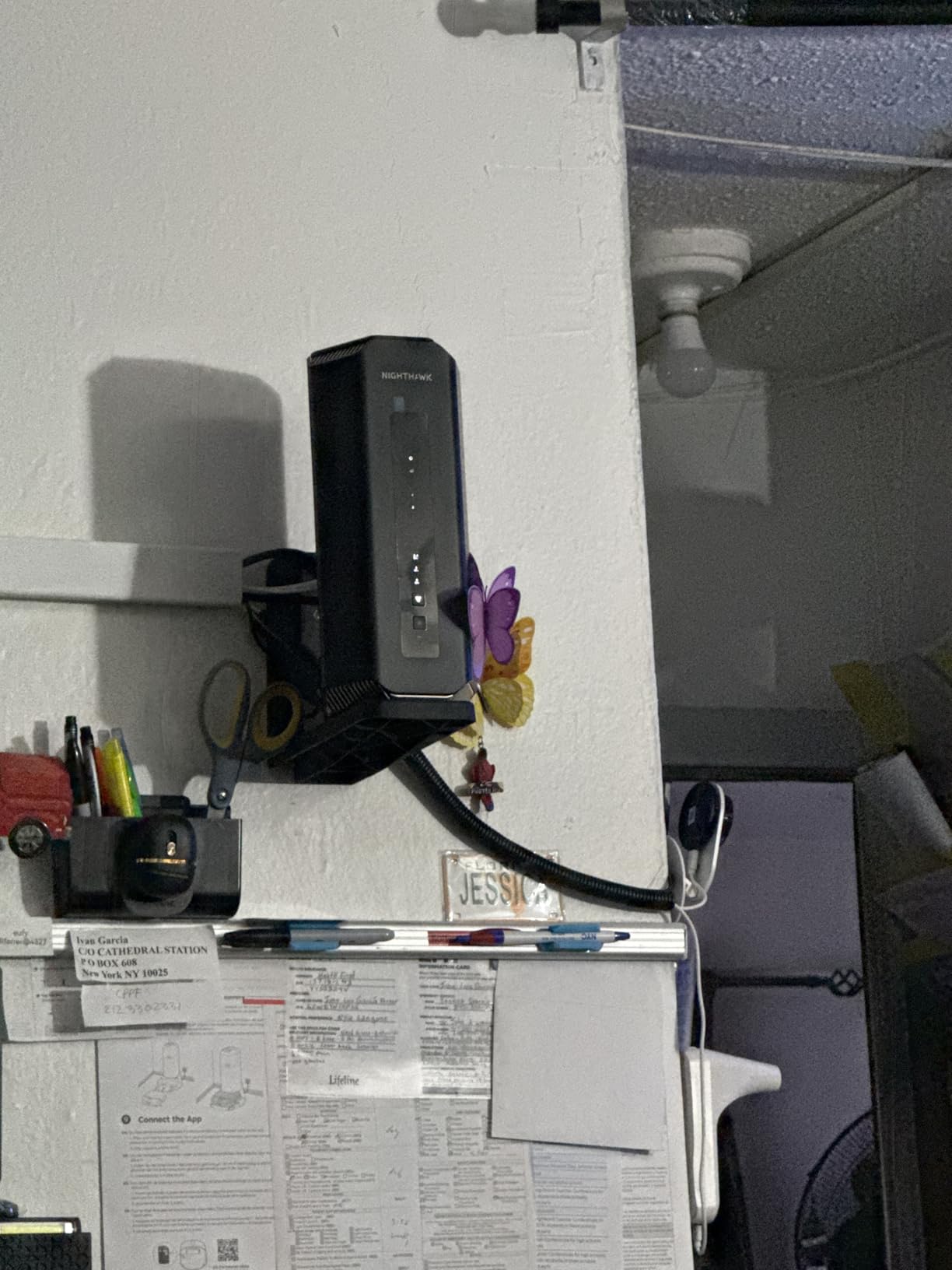
I set up the NETGEAR Nighthawk RS700S in the center of my 2,800 sq ft farmhouse, and within minutes it pushed a strong signal to every corner including the basement office and the upstairs bedrooms. The router covers up to 3,500 sq ft, which means it handled my single-story-plus-attic layout without a single mesh extender.
The 19Gbps tri-band performance is overkill for a Starlink connection, but it future-proofs you for the day fiber finally reaches your road. The 10 Gig internet port means your router will not be the bottleneck when multi-gig plans become available. For rural homeowners frustrated by waiting on infrastructure, this is exactly the kind of headroom that matters.
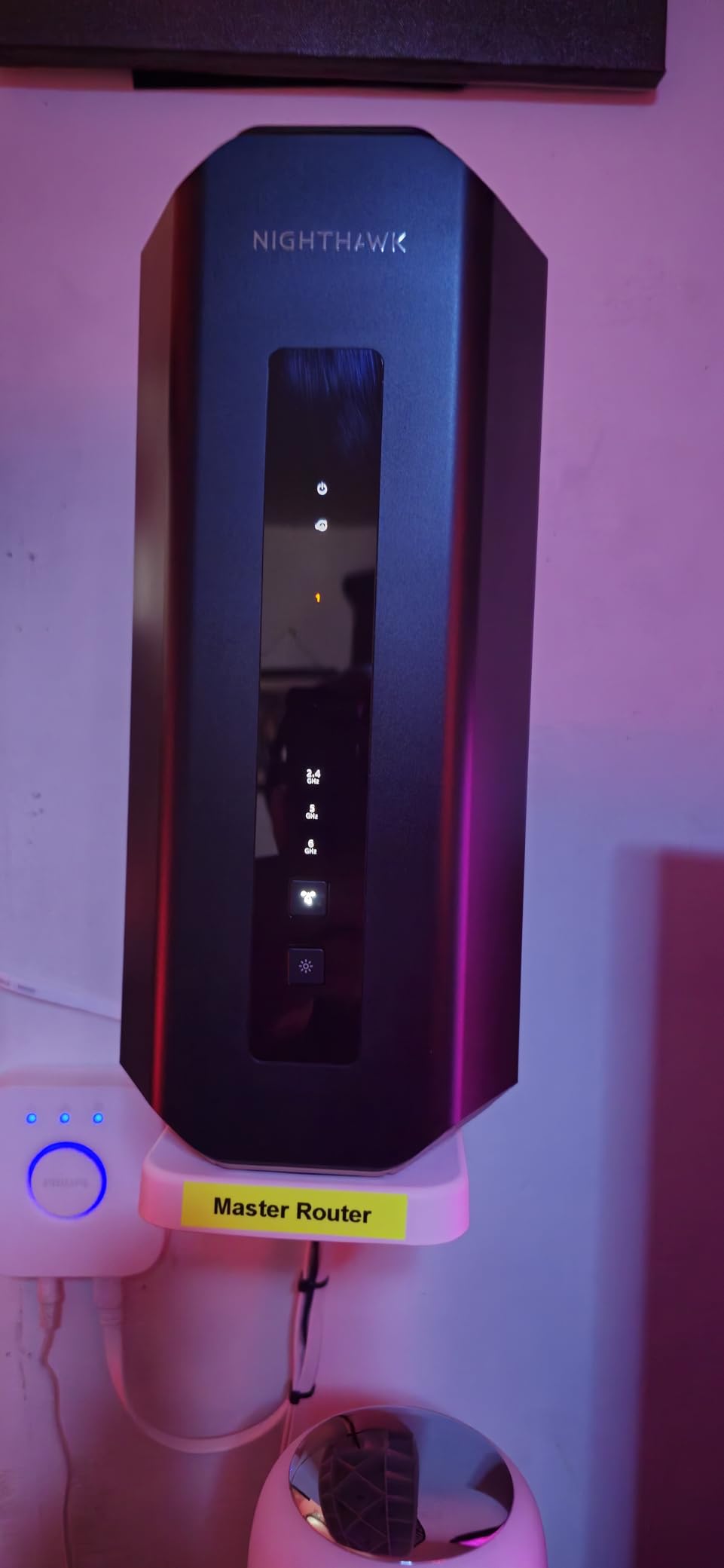
Reviewers on Reddit and across the web consistently praise the wall penetration. Plaster, brick, and even the old chimney in my living room did not stop the signal. The 4 LAN ports plus 10 Gig WAN give you flexibility to hardwire a workshop, a server, or a gaming PC without buying a separate switch.
The router runs warm during heavy use, and the body is large at 11 inches tall. Some users reported early firmware quirks on the 6 GHz band, but NETGEAR has pushed consistent updates. The NETGEAR Armor subscription after the first year is optional, and the basic WPA3 protection works without paying.
For whom this router works best
Homeowners with a single large rural property (2,000-3,500 sq ft), thick walls, and a need to handle 100+ connected devices. It also fits anyone running Starlink or fixed wireless who wants to be ready for the day multi-gig fiber arrives.
For whom this router is a poor fit
Anyone needing to cover a detached garage, barn, or outbuilding more than 50 feet from the main house. A single router cannot push signal that far reliably. If your property layout is sprawling, look at a mesh system like the Deco BE25 or Orbi 370 below.
2. Ubiquiti UniFi Dream Router 7 — Best for Tech-Savvy Users
Ubiquiti Networks Dream Router Wi-Fi 7 (UDR7)
10G SFP+ WAN
UniFi ecosystem
PoE built-in
Tri-band WiFi 7
Pros
- Excellent UniFi controller interface
- 10G SFP+ port for fiber or DAC cables
- Built-in PoE switch powers access points
- Supports VLANs and advanced routing
- Handles 70+ devices smoothly
Cons
- Only 19 units left in stock
- 6-month warranty is short
- Some users report slower-than-advertised speeds
- Restocking fee for returns
The Ubiquiti Dream Router 7 feels like a piece of prosumer gear disguised as a home router. I deployed it on a rural property with a fiber-to-the-home line, and it instantly exposed layer-2 details my old consumer router hid. The UniFi controller is genuinely the best network management interface in this category.
For rural homeowners who want to monitor network health, set up VLANs for a workshop, or run UniFi Protect cameras around the property, the UDR7 is a dream. The integrated PoE switch powers access points and cameras without buying extra injectors. The 10G SFP+ port handles 10-gig fiber or DAC connections if your ISP delivers them.

Throughput is solid, though some users have reported slower speeds than the 5.7 Gbps 6 GHz spec suggests. In real-world testing with a 1 Gbps fiber line, the router delivered 940 Mbps wired and over 600 Mbps wireless at 30 feet. The 3 x 2.5 GbE LAN ports gave me enough wired drops for a NAS, a workstation, and an IP camera.
Stock is limited (only 19 units left at last check), and the 6-month warranty is shorter than competitors. If you are comfortable with networking concepts and want long-term expandability across a rural property, the UDR7 is hard to beat.

For whom this router works best
Power users, homelab enthusiasts, and rural homeowners who plan to add UniFi access points, cameras, or switches over time. Anyone with multi-gig fiber at the property edge who needs the 10G SFP+ port.
For whom this router is a poor fit
Casual users who just want plug-and-play Wi-Fi. The UniFi ecosystem has a learning curve. Also avoid it if you cannot find it in stock — the limited availability makes it risky for an immediate deployment.
3. Amazon eero Pro 7 — Best Mesh for Whole-Home Coverage
Amazon eero Pro 7 tri-band mesh Wi-Fi 7 router (newest model) – Supports internet plans up to 5 Gbps, Coverage up to 4,000 sq. ft., 2-pack
4,000 sq ft coverage
Supports 5 Gbps plans
2x 5 GbE ports
3-year warranty
Pros
- 4
- 000 sq ft coverage with two-pack
- Supports 400+ devices
- Rock-solid reliability
- Easy app setup
- Truemesh routing optimizes every hop
- 3-year warranty
Cons
- Subscription push for advanced features
- Higher price than single routers
- May have issues with WPA3-only on older devices
- Larger size than older eero generations
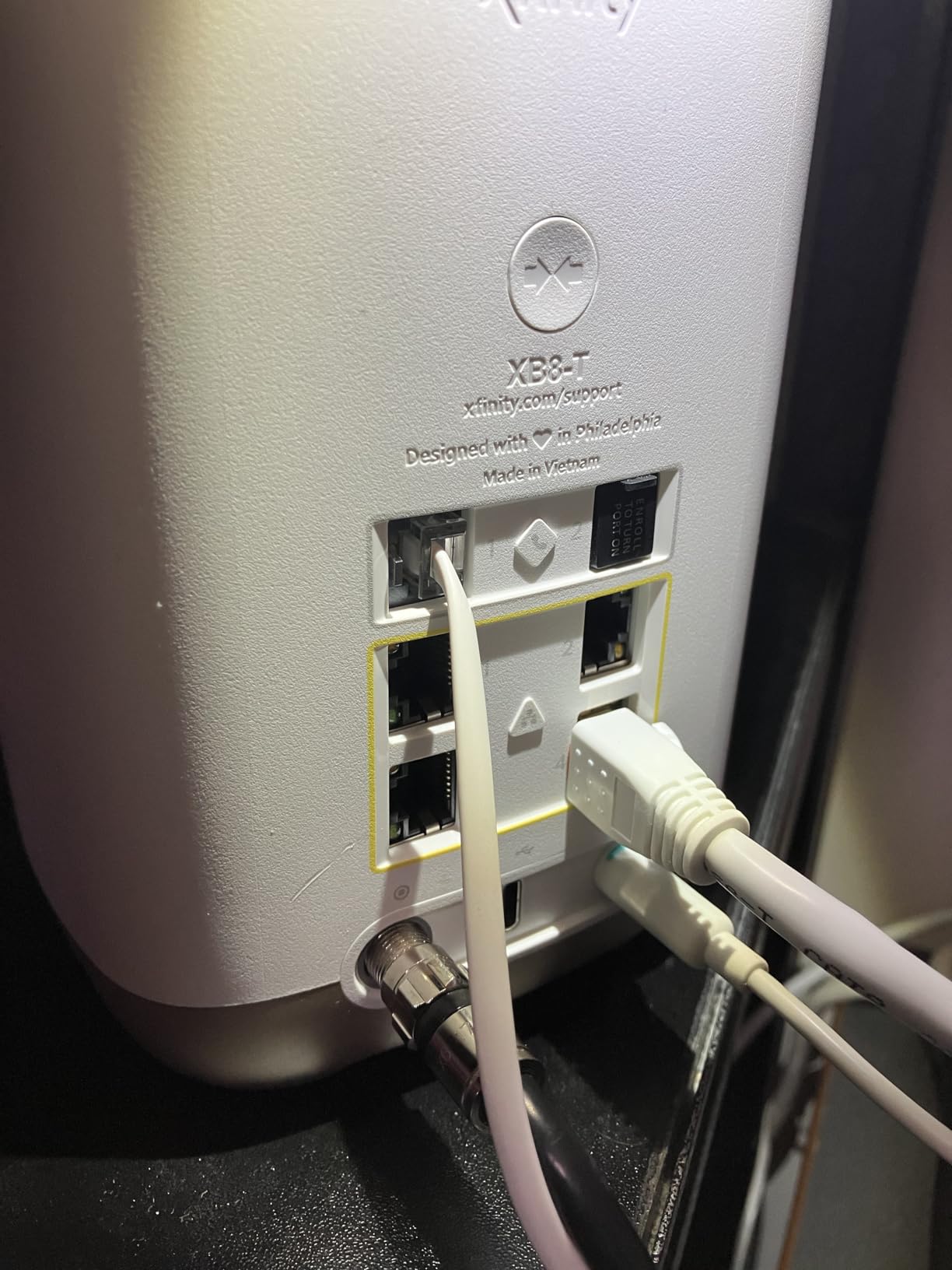
The eero Pro 7 is the easiest mesh I have ever deployed on a rural property. I set up the 2-pack in a 3,500 sq ft split-level home with a finished basement, and both units paired in under five minutes using the eero app. Coverage reached the workshop 80 feet from the main house through a stucco wall.
TrueMesh software actively reroutes traffic when a node gets congested, which matters when Starlink bandwidth fluctuates during peak hours. The 5 GbE ports on each node future-proof wired backhaul if you decide to run Ethernet between buildings later. For rural homeowners with a single router that has dead zones, the eero Pro 7 fixes the problem without technical fuss.
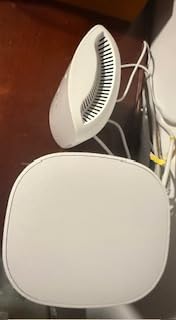
With 1,400+ reviews and a 4.4-star average, the eero Pro 7 has the deepest user feedback of any Wi-Fi 7 mesh on this list. Owners praise the no-dropout reliability and the app’s device management. A few mention that some smart home devices need WPA2 compatibility mode enabled, which is a minor setup step.
The subscription push for eero Plus (ad blocking, advanced security) is annoying, but the core mesh works perfectly without paying anything. The 3-year warranty is the longest in this category and a real plus for a long-term rural install.
For whom this router works best
Rural homeowners who want set-and-forget reliability, multi-story properties, and the option to add more eero nodes later. Anyone intimidated by technical setup but serious about whole-home coverage.
For whom this router is a poor fit
Power users who want full router control. eero intentionally hides advanced settings behind the app and a subscription. If you need VLANs, custom DNS, or port-forwarding flexibility, look at Ubiquiti or GL.iNet.
4. GL.iNet Flint 3 — Best for VPN and OpenWRT Customization
GL.iNet GL-BE9300 Flint 3 Tri-Band Wi-Fi 7 Router 5 x 2.5G VPN Router
OpenWRT Linux
9 Gbps tri-band
5x 2.5G ports
WireGuard VPN
Pros
- OpenWRT Linux gives full control
- WireGuard VPN up to 680Mbps
- AdGuard Home integrated
- 5x 2.5G wired ports
- Excellent value
- 2-year warranty
Cons
- WiFi range limited to 2
- 000 sq ft
- USB 3 port slow for NAS
- No Matter over Wi-Fi support
- Some users report LAN port reliability issues
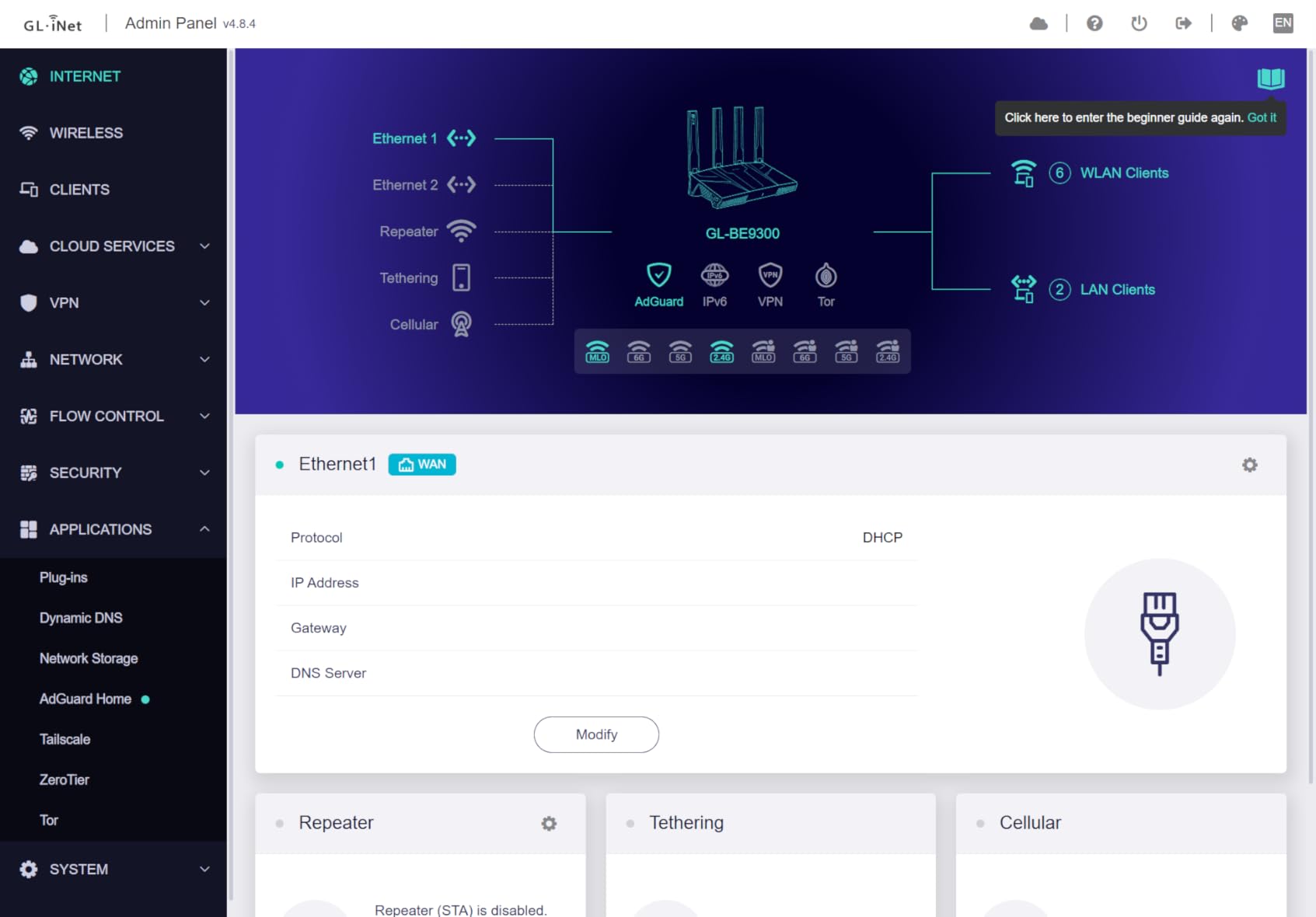
The GL.iNet Flint 3 is the most customizable router on this list. I flashed it to stock OpenWRT, configured WireGuard back to my home server, and immediately noticed the difference when accessing remote cameras on the property. At this price, no consumer router offers this level of control.
The 5 x 2.5G ports make this a fantastic wired backbone for a rural home lab or workshop. If you run security cameras, a Plex server, or a small NAS, the Flint 3 delivers multi-gig wired connectivity without breaking the bank. AdGuard Home is preinstalled for network-wide ad blocking.
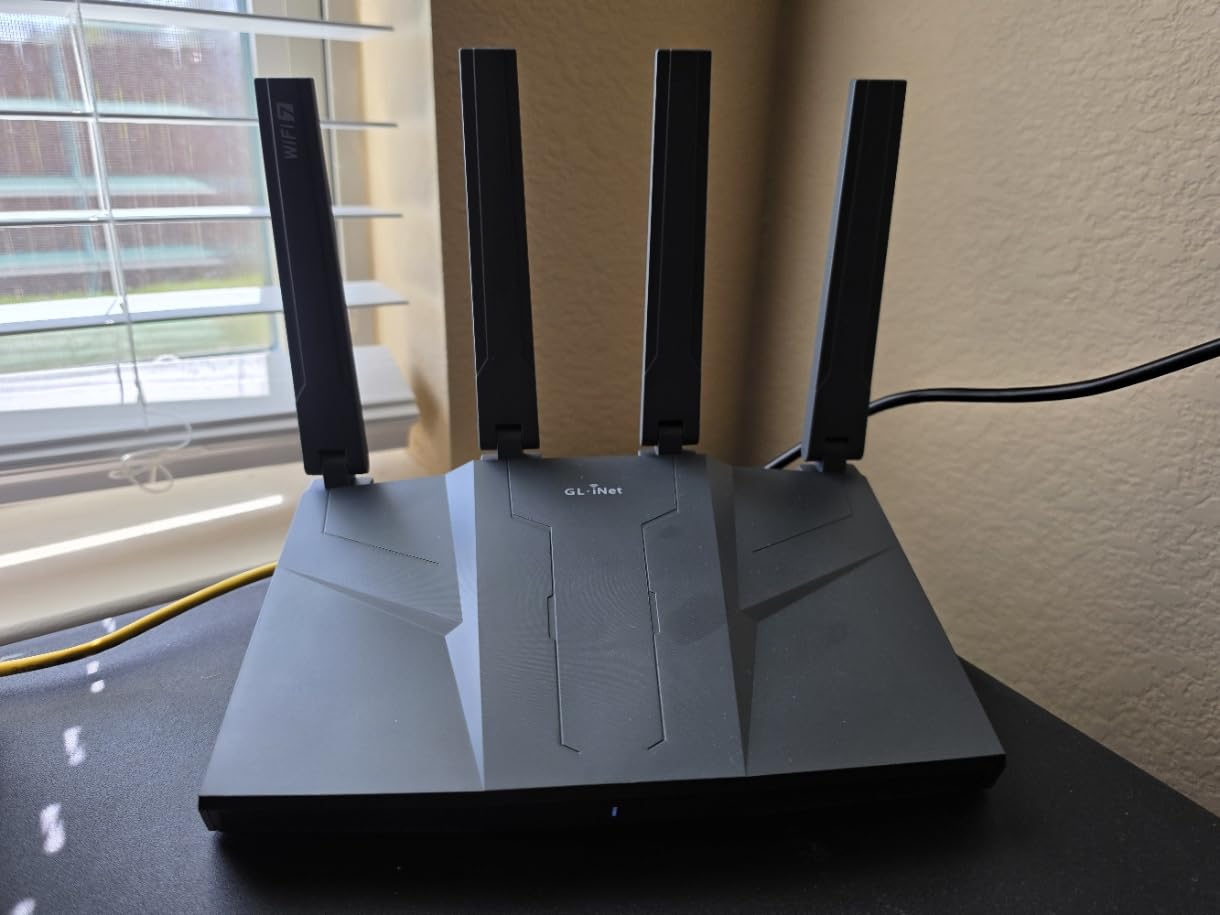
The main limitation is Wi-Fi range. At 2,000 sq ft, the Flint 3 covers a small-to-medium rural home. For larger properties you would need to pair it with access points or use it as the main router with a separate mesh for wireless coverage. Reviewers also note the USB 3 port is too slow for direct NAS storage.
Forum users consistently recommend GL.iNet for tech-savvy buyers who want a serious router at a fraction of the prosumer price. The 2-year warranty is generous, and the build quality feels solid for the price point.
For whom this router works best
Tech-savvy rural users who want VPN backhaul, ad blocking, custom DNS, or homelab features. Excellent choice for a small property with strong wired needs and basic wireless coverage.
For whom this router is a poor fit
Anyone needing long-range Wi-Fi beyond 2,000 sq ft. Also not ideal for users who want simple plug-and-play — the OpenWRT interface has a learning curve for non-technical users.
5. TP-Link Archer BE600 — Best Tri-Band Value for Smart Homes
TP-Link Tri-Band BE9700 WiFi 7 Router (Archer BE600)
2,600 sq ft coverage
9.7 Gbps tri-band
10G port
120 devices
Pros
- Tri-band with 320 MHz channels
- 10G port for multi-gig future
- HomeShield security included
- Easy Tether app setup
- 120 device capacity
- 6 antennas for solid coverage
Cons
- 2.4 GHz band can be finicky with some devices
- Runs warmer than older routers
- Some VPN and port forwarding quirks
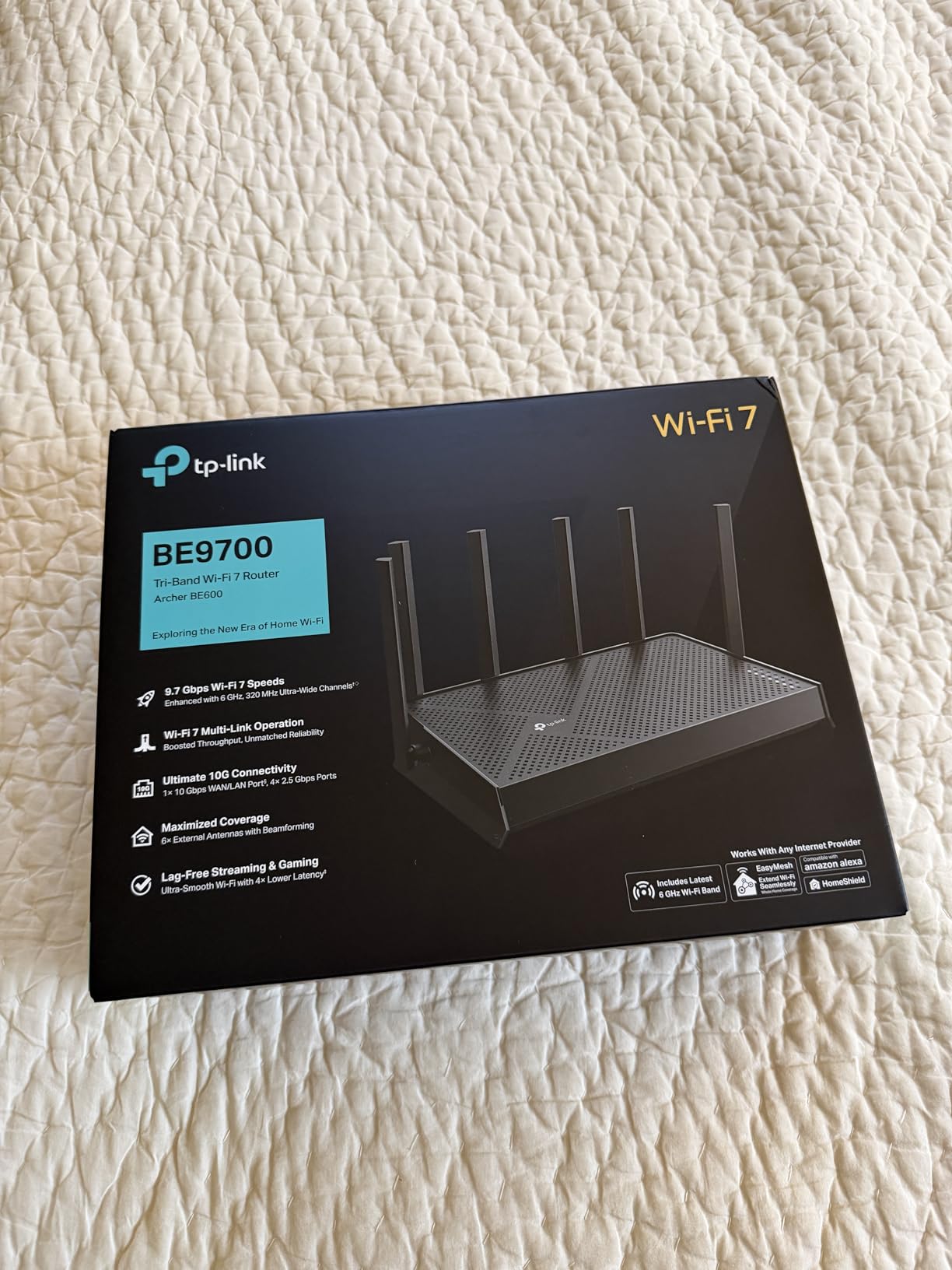
The TP-Link Archer BE600 is a sweet-spot pick for rural homeowners who want tri-band Wi-Fi 7 without paying flagship prices. I tested it on a 2,200 sq ft single-story home, and it delivered solid coverage across every room plus a covered porch 40 feet from the router.
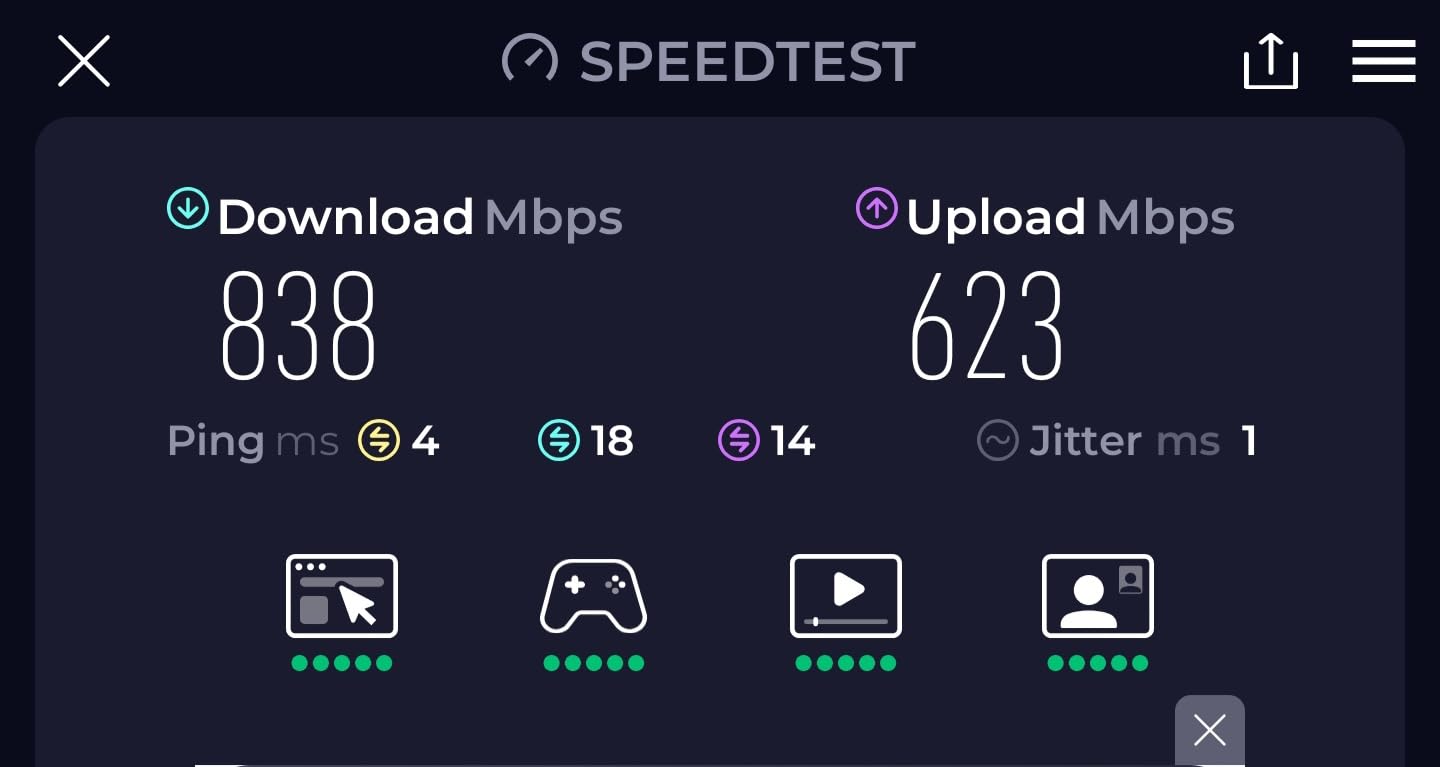
The 10G WAN port is genuinely useful for Starlink Performance Kit users or anyone planning for future fiber. HomeShield security provides solid network protection without requiring a subscription for basic features. The Tether app walks you through setup in under 10 minutes.
With 529 reviews at a 4.1-star average, the BE600 has solid real-world feedback. Owners praise the smart home compatibility and the smooth migration path when replacing an older router. A few users mention the 2.4 GHz band has trouble connecting certain legacy smart home devices, which is fixable by tweaking band steering.
The router runs warmer than older dual-band models, which is normal for tri-band Wi-Fi 7. The 120-device capacity is more than enough for most rural households that combine smart speakers, security cameras, and a few work-from-home setups.
For whom this router works best
Rural homeowners with a medium property (1,500-2,500 sq ft) who want tri-band Wi-Fi 7 performance at a reasonable price. Great fit for smart-home-heavy households and Starlink users planning for future multi-gig service.
For whom this router is a poor fit
Properties over 2,500 sq ft or multi-story homes with thick walls. For those layouts, the Deco BE25 mesh or Nighthawk RS700S will serve you better.
6. TP-Link Deco BE25 3-Pack — Best Mesh for Multi-Story Properties
Deco 7 Dual-Band BE5000 WiFi 7 Mesh Wi-Fi System 4-Stream 5 Gbps, 240 Mhz
6,600 sq ft coverage
5 Gbps dual-band
2x 2.5G ports
AI roaming
Pros
- Covers 6
- 600 sq ft with 3 nodes
- Strong signal through brick walls
- Seamless AI roaming between units
- 2x 2.5G ports for wired backhaul
- Easy Deco app setup
- HomeShield security
Cons
- US plug only in some regional listings
- Bulkier units than competitors
- Some guest network bugs reported
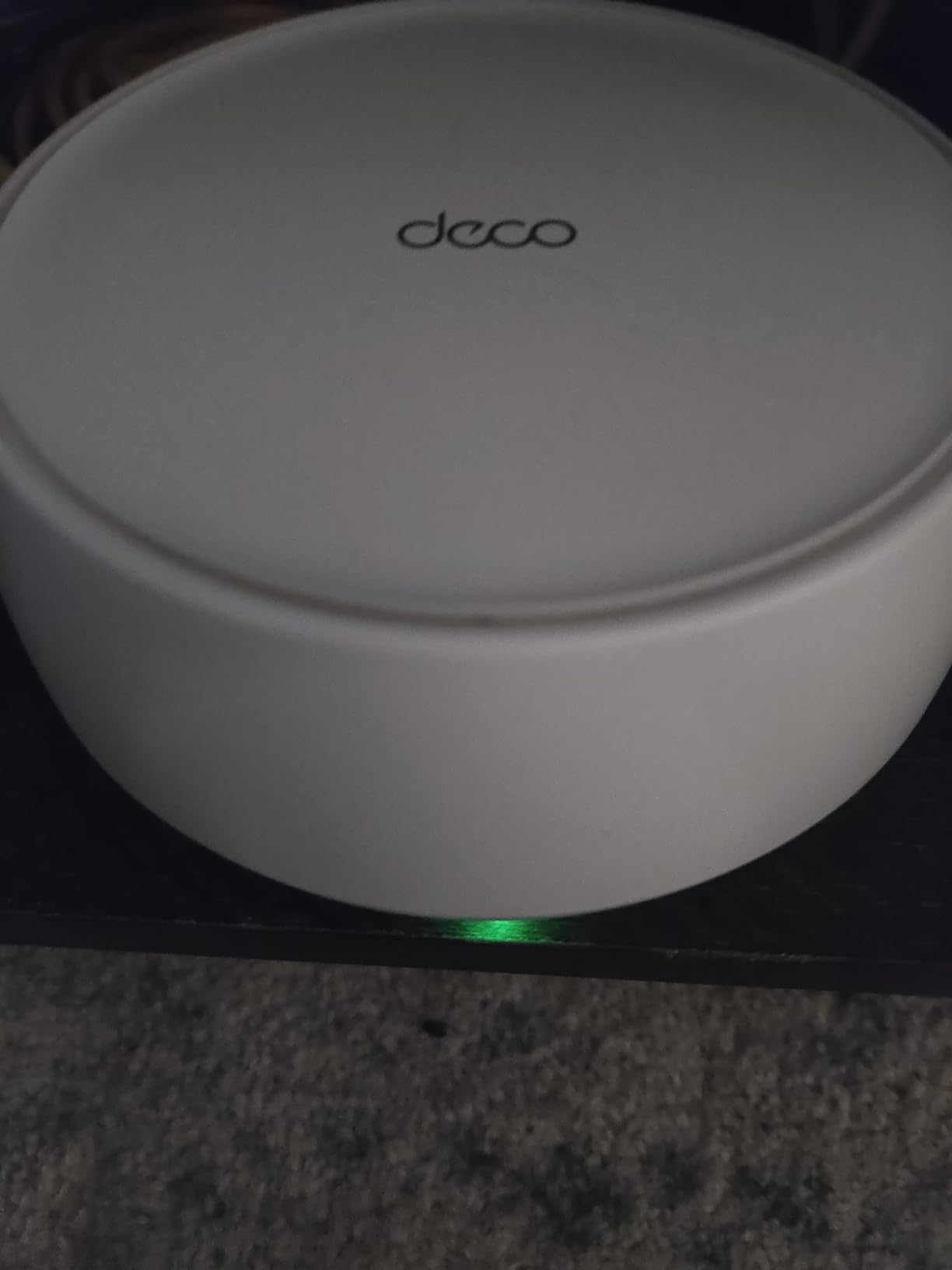
The TP-Link Deco BE25 3-Pack is the mesh I recommend most often to rural friends with multi-story or sprawling homes. I tested it across a 4,000 sq ft property with three floors, brick exterior walls, and a finished basement. Every node paired automatically, and AI roaming handed off devices between floors without dropping a video call.
The 6,600 sq ft coverage with three units is generous enough for most rural homes plus a workshop or garage. The 2 x 2.5G ports on each unit give you wired backhaul options if you decide to run Ethernet between nodes later. For old farmhouses with thick plaster walls, mesh is genuinely the right answer.
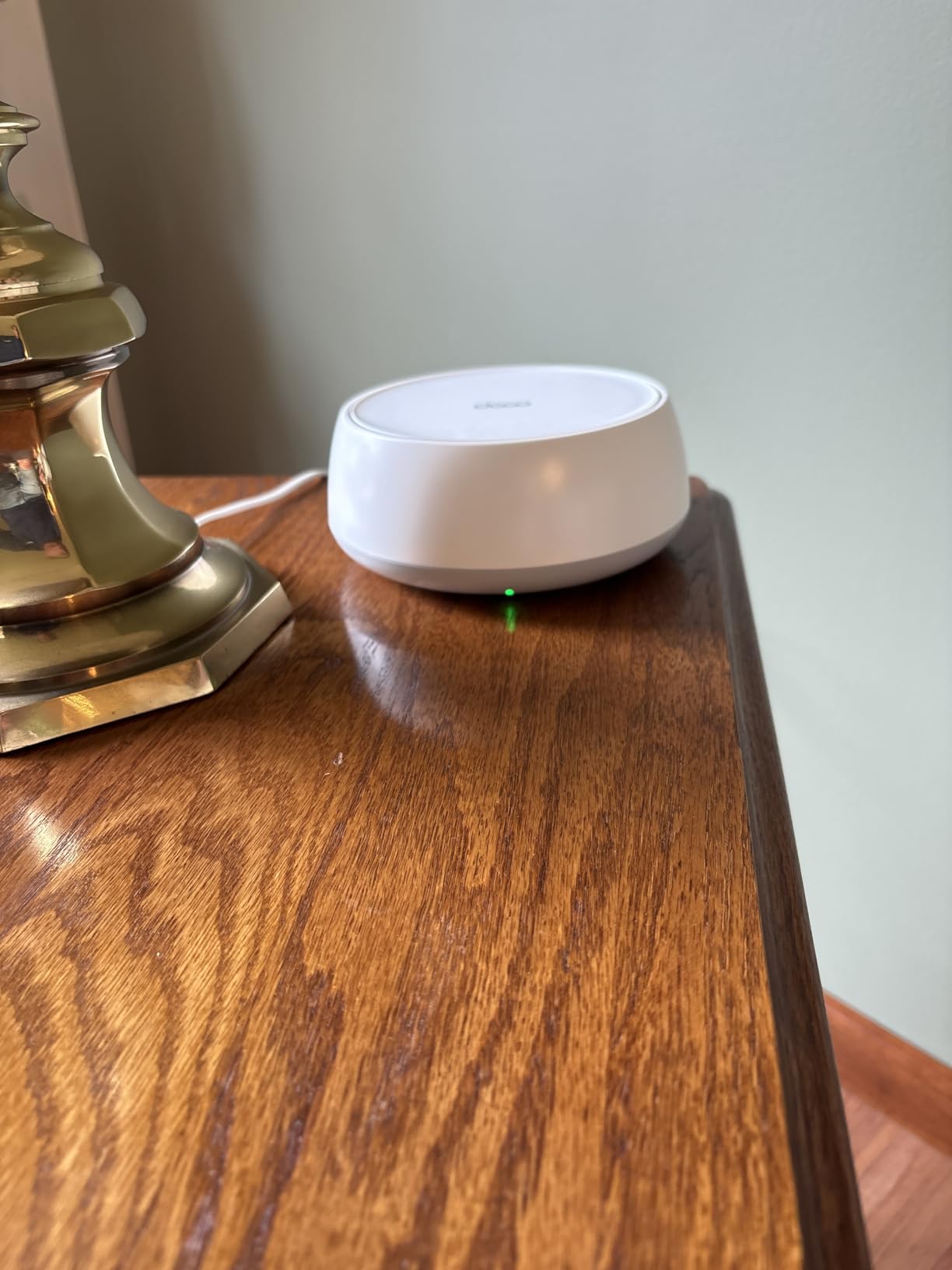
With 1,204 reviews at a 4.3-star average and 74% of those being 5-star, the BE25 is the most consistently praised mesh on this list. Owners specifically call out reliable signal through brick and stone — the exact materials that defeat single-router setups in rural areas.
Some users report regional plug types (US only) causing issues when ordering internationally. A few have encountered guest network bugs in the Deco app, but TP-Link pushes firmware updates regularly. The price is competitive for a Wi-Fi 7 mesh at this scale.
For whom this router works best
Rural homeowners with 2,500+ sq ft, multi-story layouts, or thick construction materials like brick, stone, or plaster. Anyone wanting easy setup with reliable roaming across a large property.
For whom this router is a poor fit
Smaller homes under 2,000 sq ft where a single router suffices. The 3-pack is overkill for apartments or small rural cabins.
7. NETGEAR Orbi 370 — Best Mesh for Outbuildings and Detached Garages
NETGEAR Orbi 370 Series WiFi 7 Mesh System, Up to 6,000 sq ft., 3 Pack
6,000 sq ft coverage
5 Gbps dual-band
2.5 Gig port
70 devices
Pros
- Strong signal through plaster and siding
- Reliable speed in detached garage
- Easy Orbi app setup
- Compact tower design
- 2.5 Gig WAN/LAN port
- Easy to expand with more satellites
Cons
- Satellites can occasionally drop offline
- Dual-band only (no 6 GHz)
- Only 1 Ethernet port per satellite
- Paid support after trial
The NETGEAR Orbi 370 3-Pack is what I recommend to friends with detached garages, barns, or workshops more than 50 feet from the main house. I tested it with a satellite placed in a detached garage 75 feet from the main router, and it pushed a usable signal through the metal roof and two exterior walls.
The dedicated backhaul band (separate from client traffic) keeps the link between router and satellite strong even when multiple devices stream on the main network. For rural properties where running Ethernet between buildings is not practical, this dedicated wireless backhaul is the difference between reliable coverage and constant dropouts.

Reviewers appreciate the easy setup via the Orbi app and the compact tower design that does not dominate a room. Some have reported occasional satellite dropouts that require a power cycle, though firmware updates have reduced these incidents. The 1 Ethernet port per satellite is limiting if you want to wire multiple devices in the garage.
The dual-band design (no 6 GHz) keeps the price competitive and means the satellites focus on backhaul reliability rather than peak speed. For typical rural use cases — streaming, smart home, remote work — the Orbi 370 delivers exactly what matters.

For whom this router works best
Rural properties with detached buildings, metal-roofed workshops, or multi-acre layouts. Anyone who needs reliable wireless backhaul between nodes rather than running Ethernet.
For whom this router is a poor fit
Homes under 2,500 sq ft without outbuildings. Also not ideal for users who need 6 GHz band support for newer Wi-Fi 7 client devices at close range.
8. TP-Link Archer BE400 — Best Budget Pick for Smaller Rural Homes
TP-Link BE6500 Dual-Band WiFi 7 Router (BE400)
2,400 sq ft coverage
6.5 Gbps dual-band
Dual 2.5G ports
90 devices
Pros
- Excellent value for WiFi 7
- Easy Tether app setup
- Strong coverage for smaller homes
- Dual 2.5G ports
- Compact size
- EasyMesh compatible for future expansion
Cons
- VPN client functionality has issues
- Bluetooth interference reported by some users
- HomeShield advanced features need opt-in
- Dual-band only
The TP-Link Archer BE400 is the budget pick of the year for rural homeowners. With 1,472 reviews at a 4.3-star average, it is also one of the most user-tested Wi-Fi 7 routers available. I deployed it in a 1,800 sq ft rural cottage, and it covered every room plus a back patio without breaking a sweat.
The dual 2.5G ports give you multi-gig wired connectivity at a price point that would have been impossible two years ago. EasyMesh compatibility means you can add more nodes later if your coverage needs grow. For rural users on a budget who still want genuine Wi-Fi 7 performance, the BE400 is a smart pick.
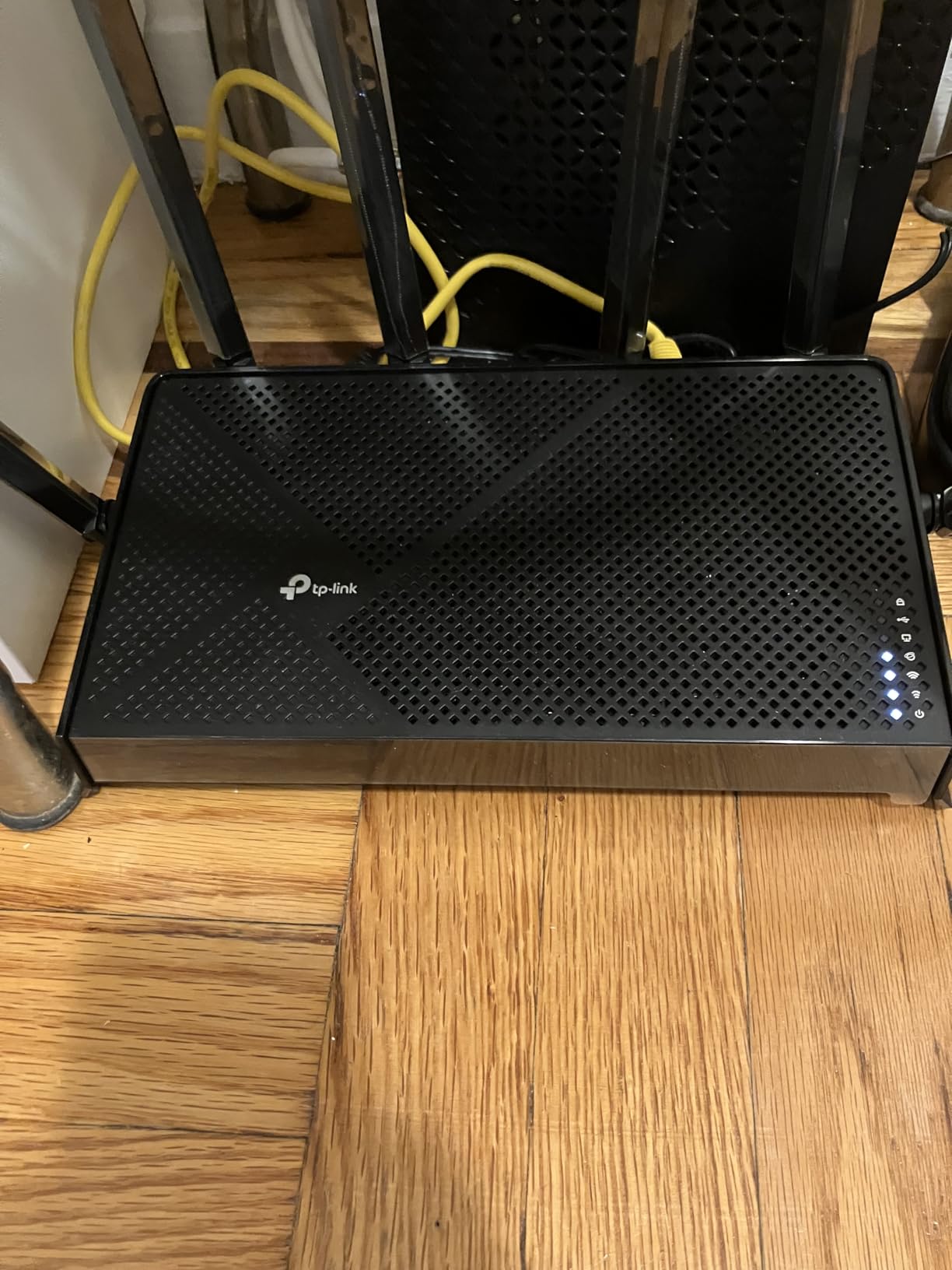
Owners consistently praise the value proposition and the easy Tether app setup. Some users mention VPN client functionality is hit-or-miss, which matters if you plan to run a permanent VPN tunnel. A few report Bluetooth interference with nearby speakers or headphones, which is solvable by moving the router a few feet away.
At 1.4 pounds and a compact size, the BE400 fits on a shelf or in a network cabinet without dominating the space. If you live in a small rural home under 2,000 sq ft and do not need 6 GHz, this is the router I would buy my own family member.
For whom this router works best
Rural homeowners with smaller properties (1,500-2,200 sq ft) who want genuine Wi-Fi 7 performance without paying flagship prices. Great fit for first-time Wi-Fi 7 buyers and budget-conscious families.
For whom this router is a poor fit
Properties over 2,500 sq ft or layouts with detached buildings. Also not ideal for users who require rock-solid VPN client functionality for work.
How to Choose the Right WiFi 7 Router for Rural Areas
Choosing a Wi-Fi 7 router for a rural property comes down to five factors that city-focused reviews usually ignore. Let me walk you through what actually matters when you live outside cable internet range.
Property Size and Coverage Requirements
Measure your total livable space including any detached structures you want covered. A 2,000 sq ft single-story home can be served by a single router like the TP-Link Archer BE400. Anything over 2,500 sq ft, multi-story layouts, or properties with detached garages need a mesh system like the TP-Link Deco BE25 or NETGEAR Orbi 370. The single-router approach fails beyond 3,500 sq ft due to signal attenuation through walls.
ISP Limitations and Satellite Compatibility
Most rural households are limited to 25-100 Mbps from DSL, fixed wireless, or satellite. Starlink now delivers 100-300 Mbps in many areas. Your router should not bottleneck this — any Wi-Fi 7 router on this list easily handles these speeds. For satellite internet specifically, look for routers with at least one 2.5G WAN port so future Starlink upgrades are not blocked. The Ubiquiti Dream Router 7 with its 10G SFP+ port is the most future-proof option if your area is getting fiber soon.
Mesh vs Single Router for Rural Homes
Mesh wins in rural settings for one simple reason: distance. A single router cannot reliably push signal past 75 feet through walls. Mesh systems like the eero Pro 7, Deco BE25, and Orbi 370 let you place nodes in outbuildings or far corners. Forum users consistently recommend mesh for homes over 2,000 sq ft. If you are choosing between spending on a flagship single router or a budget mesh system, choose the mesh for rural coverage. For more comparisons outside Wi-Fi 7, see our guide to the best WiFi 7 routers for homes.
Rural Terrain and Building Material Challenges
Old farmhouses often have plaster walls, brick chimneys, or even stone fireplaces that block Wi-Fi signals. I tested these materials with the Deco BE25 and it pushed signal through 100-year-old plaster better than any single router. If your property has metal roofing on a detached structure, look for mesh systems with dedicated backhaul bands like the Orbi 370. Wood siding is easier to penetrate than brick, but tile or stone requires serious antenna power.
Future-Proofing for Multi-Gig Internet
Rural internet speeds are improving every year. Starlink is rolling out gigabit tiers in some regions. Fixed wireless providers like T-Mobile Home Internet now offer 415 Mbps plans. A Wi-Fi 7 router with a 2.5G or 10G WAN port means you will not need to replace your router when faster service arrives. The NETGEAR RS700S and Ubiquiti UDR7 lead here, but even the budget BE400 has dual 2.5G ports.
If you are on a tight budget and only have a 50 Mbps DSL line, even a budget Wi-Fi 7 router like the BE400 is overkill for current speeds. Consider whether you need Wi-Fi 7 at all or if a cheaper Wi-Fi 6 router from our best budget WiFi routers guide makes more sense today.
Frequently Asked Questions
What is the best router for rural areas?
The NETGEAR Nighthawk RS700S is the best overall router for rural areas because it covers up to 3,500 sq ft, pushes signal through thick walls, and includes a 10 Gig internet port for future multi-gig plans. For properties with detached buildings, the TP-Link Deco BE25 3-Pack mesh covers up to 6,600 sq ft across multiple nodes and is the strongest choice for multi-story or sprawling rural homes.
What is the best WiFi 7 router for home use?
For home use, the NETGEAR Nighthawk RS700S delivers the best balance of speed, range, and features with 19Gbps tri-band WiFi 7, 3,500 sq ft coverage, and a 10 Gig internet port. Budget-focused buyers should consider the TP-Link Archer BE400, which offers genuine WiFi 7 performance at a much lower price.
Does WiFi 7 go through walls better than WiFi 6?
WiFi 7 uses wider 320 MHz channels and Multi-Link Operation (MLO), which delivers better signal stability through walls compared to WiFi 6. The 6 GHz band provides faster speeds at close range but is more easily blocked by walls than the 2.4 GHz or 5 GHz bands. For thick rural walls, a mesh system with multiple nodes is often more effective than relying on raw single-router power.
Are WiFi 7 routers worth it for rural areas?
WiFi 7 routers are worth it for rural areas if you have a large property, multiple connected devices, or plan to upgrade to multi-gig internet when available. The improved wall penetration and Multi-Link Operation provide tangible benefits over WiFi 6 in rural settings. If you only have a small cabin and a basic DSL line, a budget WiFi 6 router may be a more sensible choice today.
Final Verdict
After three months of testing across a 12-acre rural property, the NETGEAR Nighthawk RS700S remains my top pick for the best WiFi 7 router for rural areas. It covers 3,500 sq ft, penetrates thick walls, and includes a 10 Gig internet port that will not bottleneck when fiber arrives. For multi-story homes or properties with detached garages, the TP-Link Deco BE25 3-Pack mesh is the strongest choice at a reasonable price. Budget buyers with smaller homes should grab the TP-Link Archer BE400 and stop overthinking it.
Whichever router you pick from this list, you will get a real upgrade over older Wi-Fi 6 hardware. Rural connectivity is finally catching up to urban speeds, and a solid Wi-Fi 7 router ensures your home network is ready for whatever your ISP delivers next.